
vacon nxs/p user manual wall-mounted drives standalone drives ac drives
|
|
|
- Malcolm Reynolds
- 10 years ago
- Views:
Transcription
1 vacon nxs/p ac drives user manual wall-mounted drives standalone drives

2

3 PREFACE VACON 3 PREFACE Document ID: DPD00910D Date: ABOUT THIS MANUAL This manual is copyright of Vacon Plc. All Rights Reserved. The User Manual gives you the necessary information about the installation, commissioning and operation of Vacon NX AC drives. We recommend that you read carefully these instructions before the first power-up of the AC drive. 24-HOUR SUPPORT +358 (0) [email protected]

4 VACON 4 START-UP QUICK GUIDE START-UP QUICK GUIDE Do at minimum these 10 procedures during the installation and commissioning. If you have problems, speak to the distributor near you. 1. Do a check that the delivery agrees to your order, see Chapter 3 Receiving the delivery. 2. Before you start the commissioning, read carefully the safety instructions in Chapter 2 Safety. 3. Before the mechanical installation, do a check of the minimum clearances around the AC drive (Chapter 4 Mounting) and do a check of the ambient conditions in Chapter 9.2 Vacon NXS and NXP - technical data. 4. Do a check of the dimensions of the motor cable, mains cable, mains fuses and do a check of the cable connections. Read Chapters 5.1 Cable connections to 5.3 Cable dimensioning and selection. 5. Obey the installation instructions, see Chapter 5.7 Cable installation. 6. Find information on the control connections in Chapter Control terminals. 7. If the Start-Up wizard is active, select the language of the keypad and the application. Accept the selections with the Enter button. If the Start-Up wizard is not active, obey the instructions a and b. a) Select the language of the keypad from the Menu M6, page 6.1. For instructions on how to use the keypad, see Chapter 7 Control panel. b) Select the application from the Menu M6, page 6.2. For instructions on how to use the keypad, see Chapter 7 Control panel. 8. All parameters have factory default values. To make sure that the AC drive operates correctly, make sure that these group G2.1 parameters have the same data as the nameplate. For more information on the parameters in the list below, see the All-in-One Application Manual. nominal voltage of the motor nominal frequency of the motor nominal speed of the motor nominal current of the motor motor cos phi 9. Obey the commissioning instructions, see Chapter 8 Commissioning and additional instructions. 10. The Vacon NXS or NXP AC drive is ready for operation. Vacon Plc is not responsible if you use the AC drives against the instructions. TEL (0) FAX +358 (0)
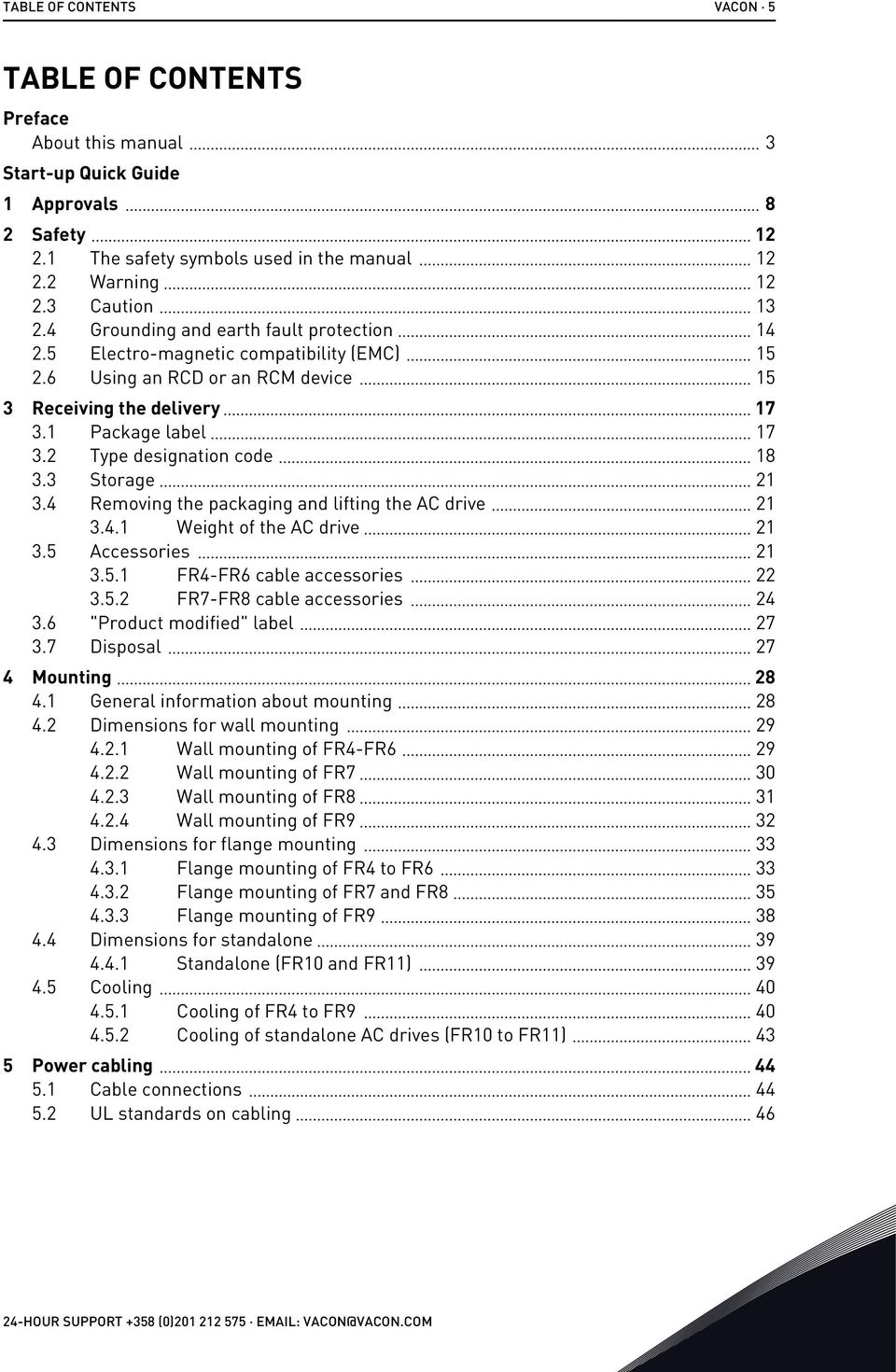
5 TABLE OF CONTENTS VACON 5 TABLE OF CONTENTS Preface About this manual 3 Start-up Quick Guide 1 Approvals 8 2 Safety The safety symbols used in the manual Warning Caution Grounding and earth fault protection Electro-magnetic compatibility (EMC) Using an RCD or an RCM device 15 3 Receiving the delivery Package label Type designation code Storage Removing the packaging and lifting the AC drive Weight of the AC drive Accessories FR4-FR6 cable accessories FR7-FR8 cable accessories "Product modified" label Disposal 27 4 Mounting General information about mounting Dimensions for wall mounting Wall mounting of FR4-FR Wall mounting of FR Wall mounting of FR Wall mounting of FR Dimensions for flange mounting Flange mounting of FR4 to FR Flange mounting of FR7 and FR Flange mounting of FR Dimensions for standalone Standalone (FR10 and FR11) Cooling Cooling of FR4 to FR Cooling of standalone AC drives (FR10 to FR11) 43 5 Power cabling Cable connections UL standards on cabling HOUR SUPPORT +358 (0) [email protected]
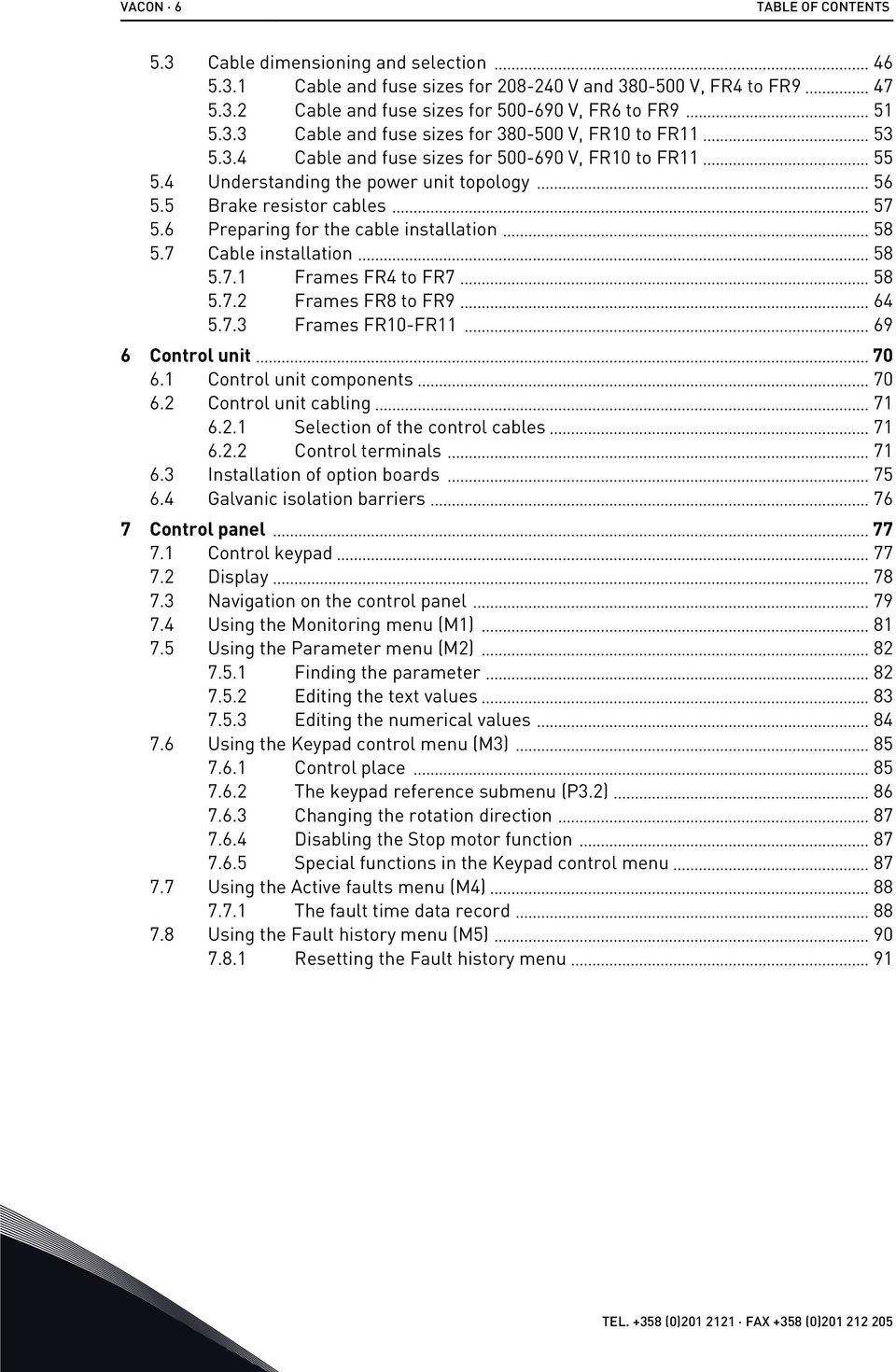
6 VACON 6 TABLE OF CONTENTS 5.3 Cable dimensioning and selection Cable and fuse sizes for V and V, FR4 to FR Cable and fuse sizes for V, FR6 to FR Cable and fuse sizes for V, FR10 to FR Cable and fuse sizes for V, FR10 to FR Understanding the power unit topology Brake resistor cables Preparing for the cable installation Cable installation Frames FR4 to FR Frames FR8 to FR Frames FR10-FR Control unit Control unit components Control unit cabling Selection of the control cables Control terminals Installation of option boards Galvanic isolation barriers 76 7 Control panel Control keypad Display Navigation on the control panel Using the Monitoring menu (M1) Using the Parameter menu (M2) Finding the parameter Editing the text values Editing the numerical values Using the Keypad control menu (M3) Control place The keypad reference submenu (P3.2) Changing the rotation direction Disabling the Stop motor function Special functions in the Keypad control menu Using the Active faults menu (M4) The fault time data record Using the Fault history menu (M5) Resetting the Fault history menu 91 TEL (0) FAX +358 (0)
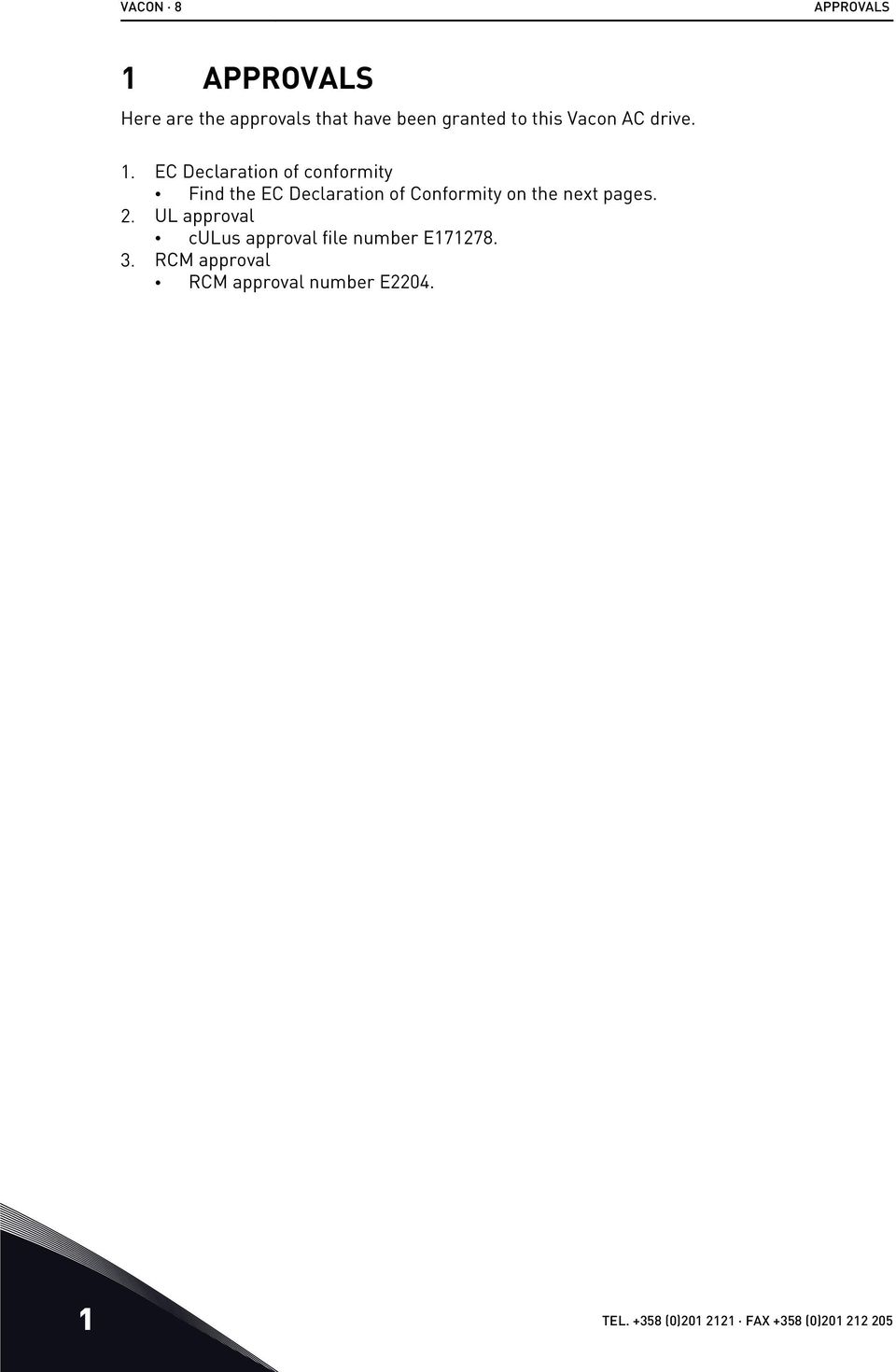
7 TABLE OF CONTENTS VACON Using the System menu (M6) Changing the language Changing the application Copy parameters (S6.3) Comparing the parameters Security Keypad settings Hardware settings System info Using the Expander board menu (M7) Examining the connected expander boards Finding the expander board parameters Further keypad functions Commissioning and additional instructions Commissioning safety Commissioning of the drive Operation of the motor Checks before starting the motor The Run test without the motor Start-up test Identification run Connecting the motor to the process Measuring the cable and motor insulation Installation in an IT system Frames FR4, FR5, and FR Frame FR Frames FR8 - FR Maintenance Capacitor reforming Technical data for NXS and NXP AC drive power ratings Mains voltage V Mains voltage V Mains voltage V Overload capability Brake resistor ratings Vacon NXS and NXP - technical data The compliance with the product standard IEC/EN A Environment definitions in product standard IEC/EN A Fault tracing Resetting a fault Fault codes Appendix Power losses for V Power losses of V HOUR SUPPORT +358 (0) [email protected]

8 VACON 8 APPROVALS 1 APPROVALS Here are the approvals that have been granted to this Vacon AC drive. 1. EC Declaration of conformity Find the EC Declaration of Conformity on the next pages. 2. UL approval culus approval file number E RCM approval RCM approval number E TEL (0) FAX +358 (0)
9 APPROVALS VACON 9 EC DECLARATION OF CONFORMITY We Manufacturer s name: Vacon Oyj Manufacturer s address: P.O. Box 25 Runsorintie 7 FIN Vaasa Finland hereby declare that the product Product name: Vacon NXS/P Frequency converter Model designation: Vacon NXS/P to has been designed and manufactured in accordance with the following standards: Safety: EN :2007 EN :2006+A1:2009 (as relevant) EMC: EN :2004+A1:2012 and conforms to the relevant safety provisions of the Low Voltage Directive (2006/95/EC) and EMC Directive 2004/108/EC. It is ensured through internal measures and quality control that the product conforms at all times to the requirements of the current Directive and the relevant standards. In Vaasa, 7 th of October, 2014 Vesa Laisi President The year the CE marking was affixed: HOUR SUPPORT +358 (0) [email protected] 1

10 VACON 10 APPROVALS EC DECLARATION OF CONFORMITY We Manufacturer s name: Vacon Oyj Manufacturer s address: P.O. Box 25 Runsorintie 7 FIN Vaasa Finland hereby declare that the product Product name: Vacon NXS/P Frequency converter Model designation: Vacon NXS/P to has been designed and manufactured in accordance with the following standards: Safety: EN :2007 EN :2006+A1:2009 (as relevant) EMC: EN :2004+A1:2012 and conforms to the relevant safety provisions of the Low Voltage Directive (2006/95/EC) and EMC Directive 2004/108/EC. It is ensured through internal measures and quality control that the product conforms at all times to the requirements of the current Directive and the relevant standards. In Vaasa, 7 th of October, 2014 Vesa Laisi President The year the CE marking was affixed: TEL (0) FAX +358 (0)

11 APPROVALS VACON 11 EC DECLARATION OF CONFORMITY We Manufacturer s name: Vacon Oyj Manufacturer s address: P.O. Box 25 Runsorintie 7 FIN Vaasa Finland hereby declare that the product Product name: Vacon NXS/P Frequency converter Model designation: Vacon NXS/P to has been designed and manufactured in accordance with the following standards: Safety: EN :2007 EN :2006+A1:2009 (as relevant) EMC: EN :2004+A1:2012 and conforms to the relevant safety provisions of the Low Voltage Directive (2006/95/EC) and EMC Directive 2004/108/EC. It is ensured through internal measures and quality control that the product conforms at all times to the requirements of the current Directive and the relevant standards. In Vaasa, 7 th of October, 2014 Vesa Laisi President The year the CE marking was affixed: HOUR SUPPORT +358 (0) [email protected] 1

12 VACON 12 SAFETY 2 SAFETY 2.1 THE SAFETY SYMBOLS USED IN THE MANUAL This manual contains warnings and cautions, which are identified with safety symbols. The warnings and cautions give important information on how to prevent injury and damage to the equipment or your system. Read the warnings and cautions carefully and obey their instructions. Table 1: The safety symbols The safety symbol Description WARNING! CAUTION! HOT SURFACE! 2.2 WARNING WARNING! Do not touch the components of the power unit when the drive is connected to mains. The components are live when the drive is connected to mains. A contact with this voltage is very dangerous. WARNING! Do not touch the motor cable terminals U, V, W, the brake resistor terminals or the DC terminals when the drive is connected to mains. These terminals are live when the drive is connected to mains, also when the motor does not operate. WARNING! Do not touch the control terminals. They can have a dangerous voltage also when the drive is disconnected from mains. 2 TEL (0) FAX +358 (0)

13 SAFETY VACON 13 WARNING! Before you do electrical work, make sure that there is no voltage in the components of the drive. WARNING! To do work on the terminal connections of the drive, disconnect the drive from mains and make sure that the motor has stopped. Wait 5 minutes before you open the cover of the drive. Then use a measuring device to make sure that there is no voltage. The terminal connections and the components of the drive are live 5 minutes after it is disconnected from mains and the motor has stopped. WARNING! Before you connect the drive to mains, make sure that the front cover and the cable cover of the drive are closed. The connections of the AC drive are live when the drive is connected to mains. WARNING! Disconnect the motor from the drive if an accidental start can be dangerous. When there is a power-up, a power break or a fault reset, the motor starts immediately if the start signal is active, unless the pulse control for Start/Stop logic is selected. If the parameters, the applications or the software change, the I/O functions (including the start inputs) can change. WARNING! Wear protective gloves when you do mounting, cabling or maintenance operations. There can be sharp edges in the AC drive that can cause cuts. 2.3 CAUTION CAUTION! Do not move the AC drive. Use a fixed installation to prevent damage to the drive. CAUTION! Do not make measurements when the AC drive is connected to mains. It can cause damage to the drive. CAUTION! Make sure that there is reinforced protective ground connection. It is mandatory, because the touch current of the AC drives is more than 3.5 ma AC (refer to EN ). See chapter 2.4 Grounding and earth fault protection. CAUTION! Do not use spare parts that are not from the manufacturer. Using other spare parts can cause damage to the drive. 24-HOUR SUPPORT +358 (0) [email protected] 2

14 VACON 14 SAFETY CAUTION! Do not touch the components on the circuit boards. Static voltage can cause damage to these components. CAUTION! Make sure that the EMC level of the AC drive is correct for your mains. See chapter 8.5 Installation in an IT system. An incorrect EMC level can cause damage to the drive. CAUTION! Prevent radio interference. The AC drive can cause radio interference in a domestic environment. NOTE! If you activate the autoreset function, the motor starts automatically after an automatic fault reset. See the Application Manual. NOTE! If you use the AC drive as a part of a machine, the machine manufacturer must supply a mains disconnection device (refer to EN ). 2.4 GROUNDING AND EARTH FAULT PROTECTION CAUTION! The AC drive must always be grounded with a grounding conductor that is connected to the grounding terminal that is identified with the symbol. Not using a grounding conductor can cause damage to the drive. The touch current of the drive is more than 3.5 ma AC. The standard EN tells that 1 or more of these conditions for the protective circuit must be true. The connection must be fixed. a) The protective grounding conductor must have a cross-sectional area of minimum 10 mm 2 Cu or 16 mm 2 Al. OR b) There must be an automatic disconnection of the mains, if the protective grounding conductor breaks. See chapter 5 Power cabling. OR c) There must be a terminal for a second protective grounding conductor in the same cross-sectional area as the first protective grounding conductor. 2 TEL (0) FAX +358 (0)

15 SAFETY VACON 15 Table 2: Protective grounding conductor cross-section Cross-sectional area of the phase conductors (S) [mm2] S 16 The minimum cross-sectional area of the protective grounding conductor in question [mm2] S 16 < S < S S/2 The values of the table are valid only if the protective grounding conductor is made of the same metal as the phase conductors. If this is not so, the cross-sectional area of the protective grounding conductor must be determined in a manner that produces a conductance equivalent to that which results from the application of this table. The cross-sectional area of each protective grounding conductor that is not a part of the mains cable or the cable enclosure, must be a minimum of: 2.5 mm 2 if there is mechanical protection, and 4 mm 2 if there is not mechanical protection. If you have cord-connected equipment, make sure that the protective grounding conductor in the cord is the last conductor to be interrupted, if the strain-relief mechanism breaks. Obey the local regulations on the minimum size of the protective grounding conductor. NOTE! Because there are high capacitive currents in the AC drive, it is possible that the fault current protective switches do not operate correctly. CAUTION! Do not do voltage withstand tests on the AC drive. The manufacturer has already done the tests. Doing voltage withstand tests can cause damage to the drive. 2.5 ELECTRO-MAGNETIC COMPATIBILITY (EMC) The drive must obey the standard IEC To obey it, the short-circuit power SSC must be a minimum of 120 RSCE at the interface point between your mains and the public mains. Make sure that you connect the drive and the motor to mains with a short-circuit power SSC that is a minimum of 120 RSCE. If necessary, contact your mains operator. 2.6 USING AN RCD OR AN RCM DEVICE The drive can cause a current in the protective grounding conductor. You can use a residual current-operated protective (RCD) device, or a residual current-operated monitoring (RCM) device to give protection against a direct or an indirect contact. Use a type B RCD or RCM device on the mains side of the drive. 24-HOUR SUPPORT +358 (0) [email protected] 2

16 VACON 16 SAFETY NOTE! You can download the English and French product manuals with applicable safety, warning and caution information from REMARQUE Vous pouvez télécharger les versions anglaise et française des manuels produit contenant l'ensemble des informations de sécurité, avertissements et mises en garde applicables sur le site downloads. 2 TEL (0) FAX +358 (0)

17 RECEIVING THE DELIVERY VACON 17 3 RECEIVING THE DELIVERY Before a Vacon AC drive is sent to the customer, the manufacturer makes many tests on the drive. However, after you remove the packaging, examine the drive for transport damages. If the drive was damaged during the shipping, speak to the cargo insurance company or the carrier. To make sure that the contents of the delivery is correct and complete, compare the type designation of the product to the type designation code. See Chapter 3.2 Type designation code. 3.1 PACKAGE LABEL To make sure that the delivery is correct, compare your order data to the data on the package label. If the delivery does not agree with your order, speak to the vendor immediately. A B C D F E G H I J Fig. 1: The package label of Vacon AC drives A. The order number of Vacon B. The type designation code C. The type codes for the power unit and the control unit D. The serial number E. The batch ID F. The nominal output current G. The mains voltage H. The most general options I. The application code J. The order number of the customer 24-HOUR SUPPORT +358 (0) [email protected] 3

18 VACON 18 RECEIVING THE DELIVERY 3.2 TYPE DESIGNATION CODE The type designation code of Vacon is made of standard codes and optional codes. Each part of the type designation code agrees to the data in your order. The code can have this format, for example: NXS A 2 H 1 SSV A1A20000C3 NXP A 2 H 1 SSV A1A20000C3 3 TEL (0) FAX +358 (0)

19 RECEIVING THE DELIVERY VACON 19 Table 3: The description of the parts in the type designation code Code NXS Description The product range: NXS = standard NXP = high-performance 0000 The nominal current (low overload): 0007 = 7 A 0022 = 22 A 0205 = 205 A, and so on 5 The nominal mains voltage (all 3-phase): 2 = Vac 5 = Vac 6 = Vac A The control panel: A = standard (text keypad) B = no local control keypad F = dummy keypad G = graphic display 2 The enclosure class: 0 = IP00 2 = IP21 (UL Type 1) 5 = IP54 (UL Type 12) T = flange mounted (through-hole mounted) H The EMC emission level: C = obeys the category C1 of standard IEC/EN A1, 1st environment and nominal voltage less than 1000 V H = obeys the category C2 of standard IEC/EN A1, fixed installations and nominal voltage less than 1000 V L = obeys the category C3 of standard IEC/EN A1, 2nd environment and nominal voltage less than 1000 V T = obeys the standard IEC/EN A1 when used in IT networks N = No EMC emission protection. An external EMC filter is necessary. 24-HOUR SUPPORT +358 (0) [email protected] 3

20 VACON 20 RECEIVING THE DELIVERY Table 3: The description of the parts in the type designation code Code 1 Description The brake chopper: 0 = No brake chopper 1 = Internal brake chopper 2 = Internal brake chopper and resistor NOTE! A brake resistor is available: as an internal option for V (FR4-FR6) V (FR4-FR6) as an option for external installation for V (FR7-FR11) V (FR7-FR11) V (all frames) SSV The hardware changes: The supply, the first letter (Xxx): S = 6-pulse connection (FR4 to FR11) B = Additional DC-connection (FR8 to FR11) J = FR10 to 11 stand-alone with main switch and DC-link terminals The mounting, the second letter: (xxx): S = Air-cooled drive The boards, the third letter (xxx): S = Standard boards (FR4 to FR8) V = Coated boards (FR4 to FR8) F = Standard boards (FR9 to FR11) G = Coated boards (FR9 to FR11) A = Standard boards (FR10 to FR11 standalone drives) B = Coated boards (FR10 to FR11 standalone drives) N = separate IP54 (UL Type 12) control box, standard boards (FR9 IP00, FR10) O = separate IP54 (UL Type 12) control box, coated boards (FR9 IP00, FR10) X = separate IP00 control box, standard boards (FR9 IP00) Y = separate IP00 control box, coated boards (FR9 IP00) A1A20000C3 The option boards. 2 characters for each slot. 00 = the slot is not used The option board abbreviations: A = basic I/O board B = expander I/O board C = fieldbus board D = special board For example, C3 = Profibus DP NOTE! For other possible installation combinations, speak to the distributor near you. 3 TEL (0) FAX +358 (0)

21 RECEIVING THE DELIVERY VACON STORAGE If you must keep the AC drive in storage before you use it, make sure that the ambient conditions agree to these: Storage temperature: C ( F) Relative humidity: 0 to 95%, no condensation If you must keep the AC drive in storage for a long time, you must connect the power to the AC drive each year. Keep the power on for a minimum of 2 hours. We do not recommend a long storage time. If the storage time is more than 12 months, you must charge the electrolytic DC capacitors with caution. To reform the capacitors, obey the instructions in Chapter Capacitor reforming. 3.4 REMOVING THE PACKAGING AND LIFTING THE AC DRIVE To lift the AC drives larger than FR7 out of the package, use a jib crane. Speak to the factory or the distributor near you to get information on how to lift the AC drive safely. After you lift the drive, do a check for signs of damage on the drive WEIGHT OF THE AC DRIVE The weights of AC drives of different frames are very different. It can be necessary for you to use a lifting device to move the drive from its package. Table 4: The weights of the different frames Frame Weight, IP21/IP54 [kg] Weight, UL Type 1 / Type 12 [lb.] FR FR FR FR FR FR FR FR11 * *) FR11, the product types 0460 and 0502: 400 kg (882 lb.) 3.5 ACCESSORIES After you open the package and lift the drive out, make sure that you received all the accessories. The content of the accessories bag is different for the different frames and protection classes. 24-HOUR SUPPORT +358 (0) [email protected] 3
22 VACON 22 RECEIVING THE DELIVERY FR4-FR6 CABLE ACCESSORIES Fig. 2: The contents of accessories bag Components: 1. The grounding terminals (FR4, FR5), 2 pieces 2. The grounding clamps for control cable, 3 pieces 3. The rubber grommets (sizes vary from class to class), 3 pieces 4. The cable entry flange 5. Screws, M4x10, 5 pieces 6. Screws, M4x16, 3 pieces 7. The grounding clamps for grounding conductor (FR6), 2 pieces 8. The grounding screws M5x16 (FR6), 4 pieces INSTALLING THE ACCESSORIES 1 Make sure that you received all the accessories. 2 Open the cover of the AC drive. 3 TEL (0) FAX +358 (0)
23 RECEIVING THE DELIVERY VACON 23 3 Remove the cable cover. See the locations of: 1. the grounding terminals (FR4/FR5) 2. the grounding clamps for grounding conductor (FR6) Attach again the cable cover. Attach the grounding clamps for control cable with 3 pieces of M4x16 screws. NOTE! The location of the grounding bar in FR6 is different from the picture. 5 Put the rubber grommets in the openings. 24-HOUR SUPPORT +358 (0) [email protected] 3
24 VACON 24 RECEIVING THE DELIVERY 6 Attach the cable entry flange to the frame of the AC drive with 5 pieces of M4x10 screws. Close the cover of the AC drive FR7-FR8 CABLE ACCESSORIES Fig. 3: The contents of accessories bag Components: 1. Screws, M4x16, 3 pieces 2. The grounding clamps for control cable, 3 pieces 3. The rubber grommets GD21 (FR7 IP54/UL Type 12), 3 pieces / (FR8), 6 pieces 4. The rubber grommets GDM36 (FR7), 3 pieces INSTALLING THE ACCESSORIES 1 Make sure that you received all necessary components. 2 Open the cover of the AC drive. 3 TEL (0) FAX +358 (0)
25 RECEIVING THE DELIVERY VACON 25 3 Attach the grounding clamps for control cable on the grounding level with M4x16 screws: 1 1. FR7 standard 2. FR7 profibus 3. FR8 standard 4. FR8 profibus HOUR SUPPORT +358 (0) [email protected] 3
26 VACON 26 RECEIVING THE DELIVERY 4 Put the rubber grommets in the openings: 1. FR7 IP21 (UL Type 1) 2. FR7 IP54 (UL Type 12) 3. FR8 See also step 5 in Installing the accessories for how to put the grommets correctly Close the cover of the AC drive. 3 TEL (0) FAX +358 (0)
27 RECEIVING THE DELIVERY VACON "PRODUCT MODIFIED" LABEL In the accessories bag, there is also a "product modified" label. The function of the label is to tell the service personnel about the changes that are made in the AC drive. Attach the label on the side of the AC drive to know where to find it. If you make changes in the AC drive, write the change on the label. Drive modified: Option board: NXOPT... in slot: A B C D E IP54 upgrade/collar EMC level modified: H/L to T Date:... Date:... Date:... Date: DISPOSAL When the drive is at the end of its operation life, do not discard it as a part of municipal waste. You can recycle the primary components of the drive. You must disassemble some components before you can remove the different materials. Recycle the electrical and electronic components as waste. To make sure that the waste is recycled correctly, send the waste to a recycling centre. You can also send the waste back to the manufacturer. Obey the local and other applicable regulations. 24-HOUR SUPPORT +358 (0) [email protected] 3
28 VACON 28 MOUNTING 4 MOUNTING 4.1 GENERAL INFORMATION ABOUT MOUNTING Install the AC drive in vertical or horizontal position on the wall. If you install the drive in a horizontal position, there is no protection against drops of water that fall vertically. You can also install the AC drive into the cabinet wall with a flange mounting option (throughhole mounting). With the flange mounting, the enclosure class of the power unit is IP54 (UL Type 12) and the enclosure class of the control unit is IP21 (UL Type 1). Attach the AC drive with the screws and other components that you received in the delivery. Make sure that there is sufficiently free space around the AC drive for cooling, see 4.5 Cooling. Also make sure that the mounting surface is sufficiently flat. For the dimensions of the wall-mounted and flange-mounted Vacon NX AC drives, see the chapters below. The sizes FR10 to FR11 are standalone AC drives. The enclosures have fixing holes. For dimensions, see Chapter Standalone (FR10 and FR11). 4 TEL (0) FAX +358 (0)
29 MOUNTING VACON DIMENSIONS FOR WALL MOUNTING WALL MOUNTING OF FR4-FR6 Ø W2 H1 H2 D1 W1 H3 E1Ø E2Ø* Ø Fig. 4: Dimensions of the NXS and NXP AC drive, FR4-FR6 24-HOUR SUPPORT +358 (0)
30 VACON 30 MOUNTING Table 5: Dimensions in mm (in inch) of the NXS and NXP AC drive, FR4-FR6 Drive type W1 W2 H1 H2 H3 D1 Ø E1Ø E2Ø* (5.04) 100 (3.94) 327 (12.87) 313 (12.32) 292 (11.5) 190 (7.48) 7 (0.27) 3 x 28.3 (3 x 1.11) - (-) (5.67) 100 (3.94) 419 (16.5) 406 (15.98) 391 (15.39) 214 (8.43) 7 (0.27) 2 x 37 (2 x 1.46) 28.3 (1.11) (7.68) 148 (5.83) 558 (21.97) 541 (21.3) 519 (20.43) 237 (9.33) 9 (0.35) 3 x 37 (3 x 1.46) - (-) * = FR5 only WALL MOUNTING OF FR7 Ø H3 H2 D1 H1 W1 E1Ø W2 Fig. 5: Dimensions of the NXS and NXP AC drive, FR7 4 TEL (0) FAX +358 (0)
31 MOUNTING VACON 31 Table 6: Dimensions in mm (in inch) of the NXS and NXP AC drive, FR7 Drive type W1 W2 H1 H2 H3 D1 Ø E1Ø (9.33) 190 (7.48) 630 (24.80) 614 (24.17) 591 (23.27) 257 (10.12) 9 (0.35) 3 x 50.3 (3 x 1.98) WALL MOUNTING OF FR8 Ø W2 H2 W1 H1 E1Ø D1 Fig. 6: Dimensions of the NXS and NXP AC drive, FR8 Table 7: Dimensions in mm (in inch) of the NXS and NXP AC drive, FR8 Drive type W1 W2 H1 H2 D1 Ø E1Ø (11.47) 255 (10.04) 758 (29.88) 732 (28.81) 344 (13.54) 9 (0.35) 2 x 59 (2 x 2.32) 24-HOUR SUPPORT +358 (0) [email protected] 4
32 VACON 32 MOUNTING WALL MOUNTING OF FR9 Ø D1 D2 E1Ø H6 H4 H3 W4 W1 W5W5 B-B+/R+R- W3 W2 D3 Fig. 7: Dimensions of the NXS and NXP AC drive, FR9 H2 H1 H5 Table 8: Dimensions in mm (in inch) of the NXS and NXP AC drive, FR9, part 1 Drive type W1 W2 W3 W4 W5 D1 D2 D (18.9) 400 (15.75) 165 (15.74) 9 (0.35) 54 (2.13) 362 (14.25) 340 (13.39) 285 (11.22) Table 9: Dimensions in mm (in inch) of the NXS and NXP AC drive, FR9, part 2 Drive type H1 H2 H3 H4 H5 H6 Ø E1Ø * (45.28*) 1120 (44.09) 721 (28.39) 205 (8.07) 16 (0.63) 188 (7.40) 21 (0.83) 59 (2.32) * = Brake resistor terminal box (H6) not included. For FR8 and FR9 when Brake chopper or Additional DC connection is selected in type designation code, the total height of the AC drive is increased by 203 mm (7.99 inch). 4 TEL (0) FAX +358 (0)
33 MOUNTING VACON DIMENSIONS FOR FLANGE MOUNTING FLANGE MOUNTING OF FR4 TO FR6 W2 H4 H1 H2 D2 D1 H5 W1 H3 Ø Fig. 8: Dimensions of the NXS and NXP AC drive with flange, FR4-FR6 Table 10: Dimensions in mm (in inch) of the NXS and NXP AC drive with flange, FR4-FR6 Drive type W1 W2 H1 H2 H3 H4 H5 D1 D2 Ø (5.03) 113 (4.45) 337 (13.27) 325 (12.8) 327 (12.9) 30 (1.18) 22 (0.87) 190 (7.48) 77 (3.03) 7 (0.27) (5.67) 120 (4.72) 434 (17.09) 420 (16.54) 419 (16.5) 36 (1.42) 18 (0.71) 214 (8.43) 100 (3.94) 7 (0.27) (7.68) 170 (6.69) 560 (22.05) 549 (21.61) 558 (22) 30 (1.18) 20 (0.79) 237 (9.33) 106 (4.17) 6.5 (0.26) 24-HOUR SUPPORT +358 (0) [email protected] 4
34 VACON 34 MOUNTING Ø H2 W3 W2 W1 H3 Fig. 9: The dimensions of the opening and drive outline with flange, FR4 to FR6 H1 H4 Table 11: The dimensions in mm (in inch) of the opening and drive outline with flange, FR4 to FR6 Drive type W1 W2 W3 H1 H2 H3 H4 Ø (4.84) 113 (4.45) - (-) 315 (12.40) 325 (12.8) - (-) 5 (0.20) 6.5 (0.26) (5.31) 120 (4.72) - (-) 410 (16.14) 420 (16.54) - (-) 5 (0.20) 6.5 (0.26) (7.28) 170 (6.69) 157 (6.18) 539 (21.22) 549 (21.61) 7 (0.27) 5 (0.20) 6.5 (0.26) 4 TEL (0) FAX +358 (0)
35 MOUNTING VACON FLANGE MOUNTING OF FR7 AND FR8 W4 W2 H6 Ø H7 H4 D2 D1 H3 H1 H2 H4 W3 W1 H5 Fig. 10: Dimensions of the NXS and NXP AC drive with flange, FR7 and FR8 Table 12: Dimensions in mm (in inch) of the NXS and NXP AC drive with flange, FR7 and FR8, part 1 Drive type W1 W2 W3 W4 D1 D2 Ø (9.33) 175 (6.89) 270 (10.63) 253 (9.96) 257 (10.12) 117 (4.61) 6.5 (0.26) (11.38) - (-) 355 (13.98) 330 (12.99) 344 (13.54) 110 (4.33) 9 (0.35) 24-HOUR SUPPORT +358 (0) [email protected] 4
36 VACON 36 MOUNTING Table 13: Dimensions in mm (in inch) of the NXS and NXP AC drive, FR7 and FR8, part 2 Drive type H1 H2 H3 H4 H5 H6 H (25.67) 632 (24.88) 630 (24.80) (7.42) (7.42) 23 (0.91) 20 (0.79) * (32.76*) - (-) 759 (29.88) 258 (10.16) 265 (10.43) 43 (1.69) 57 (2.24) * = The brake resistor terminal box (202.5 mm (7.97 in)) and conduit box (68 mm (2.68 in)) are not included, see 5.7 Cable installation for illustrations of these. H5 H2 H2 H3 H4 H1 H6 W1 W2 W3 Ø Fig. 11: The dimensions of the opening and drive outline with flange, FR7 Table 14: The dimensions in mm (in inch) of the opening and drive outline with flange, FR7 Drive type W1 W2 W3 H1 H2 H3 H4 H5 H6 Ø (9.17) 175 (6.89) 253 (9.96) 619 (24.4) (7.42) (7.42) 34.5 (1.36) 32 (1.26) 7 (0.28) 5.5 (0.22) 4 TEL (0) FAX +358 (0)
37 MOUNTING VACON 37 H2 H1 Ø W1 W2 H3 H4 H4 H5 Fig. 12: The dimensions of the opening and drive outline with flange, FR8 Table 15: The dimensions in mm (in inch) of the opening and drive outline with flange, FR8 Drive type W1 W2 H1 H2 H3 H4 H5 Ø (11.85) 330 (12.99) 810 (31.89) 832 (32.76) 265 (10.43) 258 (10.16) 33 (1.30) 9 (0.35) 24-HOUR SUPPORT +358 (0) [email protected] 4
38 VACON 38 MOUNTING FLANGE MOUNTING OF FR9 Ø H4 H2 H4 H7 W5 W4 W1 H5 H3 H3 H3 H5 W3 W2 M5 W4 D3 D1 D2 A B H6 H1 Fig. 13: Dimensions of the NXS and NXP AC drive, F9 A. Top B. Opening Table 16: Dimensions in mm (in inch) of the NXS and NXP AC drive, FR9, part 1 Drive type W1 W2 W3 W4 W5 D1 D2 D3 Ø (20.87) 510 (20.08) 485 (19.09) 200 (7.87) 5.5 (0.22) 362 (14.25) 340 (13.39) 109 (4.29) 21 (0.83) 4 TEL (0) FAX +358 (0)
39 MOUNTING VACON 39 Table 17: Dimensions in mm (in inch) of the NXS and NXP AC drive, FR9, part 2 Drive type H1 H2 H3 H4 H5 H6 H (51.65) 1150 (45.28) 420 (16.54) 100 (3.94) 35 (1.38) 9 (0.35) 2 (0.08) 4.4 DIMENSIONS FOR STANDALONE STANDALONE (FR10 AND FR11) W2 W3 W1 H4 H3 D1 H1 H2 Fig. 14: Dimensions of the NXS and NXP AC drive, FR10 and FR11 Table 18: Dimensions in mm (in inch) of the NXS and NXP AC drive, FR10 and FR11 Drive type W1 W2 W3 H1 H2 H3 H4 D (23.43) 291 (11.46) 131 (5.16) 2018 (79.45) 1900 (74.8) 1435 (56.5) 512 (20.16) 602 (23.70) (31.26) 390 (15.35) 230 (9.06) 2018 (79.45) 1900 (74.80) 1435 (56.5) 512 (20.16) 602 (23.70) 24-HOUR SUPPORT +358 (0) [email protected] 4
40 VACON 40 MOUNTING 4.5 COOLING The AC drive produces heat in operation. The fan moves air and decreases the temperature of the drive. Make sure that there is sufficiently free space around the drive. Some free space is also necessary for maintenance. If many AC drives are installed above each other, the necessary free space is C + D (see Fig. 15 Installation space). You must also make sure that the outlet air from the lower drive goes to a different direction than the air intake of the top drive. Make sure that the temperature of the cooling air does not go above the maximum ambient operating temperature or below the minimum ambient operating temperature of the drive COOLING OF FR4 TO FR9 B B A A A 2 A 2 D C Fig. 15: Installation space A. The clearance around the drive (see also B and C) B. The distance from a drive to a second drive, or the distance to the cabinet wall C. The free space above the drive D. The free space below the drive 4 TEL (0) FAX +358 (0)
41 MOUNTING VACON 41 Table 19: The minimum clearances around the AC drive Drive type Dimensions [mm] Dimensions [inch] A B C D A B C D * (350**) (13.78**) * = To change the fan with the motor cables connected, the necessary clearance on the 2 sides of the drive is 150 mm (5.91 inch). ** = The minimum clearance to change the fan. 24-HOUR SUPPORT +358 (0) [email protected] 4
42 VACON 42 MOUNTING Table 20: The necessary quantity of cooling air Drive type The quantity of cooling air [m3/h] The quantity of cooling air [CFM] TEL (0) FAX +358 (0)
43 MOUNTING VACON COOLING OF STANDALONE AC DRIVES (FR10 TO FR11) C B A Fig. 16: The minimum clearances around the AC drive A. The minimum distance to the side walls or adjacent components B. The minimum distance from the top of the cabinet C. Free space in front of the cabinet Table 21: The minimum clearances around the AC drive Installation space dimensions [mm] Installation space dimensions [in] A B C A B C Table 22: The necessary quantity of cooling air Drive type The quantity of cooling air [m3/h] The quantity of cooling air [CFM] For more information on the power losses based on the switching frequency, see Chapter 11 Appendix HOUR SUPPORT +358 (0) [email protected] 4
44 VACON 44 POWER CABLING 5 POWER CABLING 5.1 CABLE CONNECTIONS The mains cables are connected to terminals L1, L2 and L3. The motor cables are connected to terminals U, V and W. To obey the EMC levels, use a cable entry gland when you install the motor cable at the two ends. For cable selections in different EMC levels, see Table 23. A B C L1 L2 L3 U/T1 V/T2 W/T3 B- B+/R+ R- Fig. 17: The principal connection diagram A. The control panel B. The control unit C. The power unit Use cables with a minimum heat resistance of +70 C (158 F). In the selection of the cables and the fuses, refer to the nominal output current of the drive. You can find the nominal output current on the nameplate. We recommend that you select the cables and the fuses to agree with the output current because the input current of the AC drive is almost the same as the output current. For information on how to make the cable installation to obey the UL standards, see Chapter 5.2 UL standards on cabling. Chapter 5.3 Cable dimensioning and selection shows the minimum dimensions of the Cucables and the related fuse sizes. If the motor temperature protection of the drive (see Vacon All in One Application Manual) is used as an overload protection, select the cable to agree with the protection. If 3 or more 5 TEL (0) FAX +358 (0)
45 POWER CABLING VACON 45 cables are used in parallel for larger AC drives, you must use a separate overload protection for each cable. These instructions are valid only for processes that have 1 motor and 1 cable connection from the AC drive to the motor. In other conditions, speak to the manufacturer to get more information. Table 23: The selection of the correct cable Cable type EMC requirements 1st environment 2nd environment Category C1 and C2 Category C3 Category C4 No EMC protection The mains cable The motor cable 3 * The control cable A power cable for a fixed installation. A cable for the specified mains voltage. A shielded cable is not necessary. We recommend an NKCABLES/MCMK cable. 2. A symmetrical power cable with a concentric protection wire. A cable for the specified mains voltage. We recommend an NKCABLES/MCMK cable. See Fig A symmetrical power cable with a compact low-impedance shield. A cable for the specified mains voltage. We recommend an NKCABLES /MCCMK, SAB/ÖZCUY-J or equivalent cable. See Fig. 18. * = For the EMC levels C1 and C2, it is necessary to have a 360º grounding of the shield with cable glands in the motor end. 4. A screened cable with a compact low-impedance shield, for example an NKCABLES/ JAMAK, or an SAB/ÖZCuY-O cable. For the definitions of EMC protection levels, see Chapter 9.3 The compliance with the product standard IEC/EN A1. A B C Fig. 18: Cables with PE conductors A. The PE conductor and the shield B. The PE conductors C. The shield In all the frames, to obey the EMC standards, use the default values of the switching frequencies. 24-HOUR SUPPORT +358 (0) [email protected] 5
46 VACON 46 POWER CABLING If you installed a safety switch, make sure that the EMC protection continues from the start of the cables until their ends. 5.2 UL STANDARDS ON CABLING To obey the UL (Underwriters Laboratories) regulations, use a UL-approved copper wire with a minimum heat resistance of 60 or 75 C (140 or 167 F). To obey the standards, use cables with +90 C (194 F) heat resistance for sizes and (FR8), and , , and (FR9). Use Class 1 wire only. When the drive has Class T and J fuses, you can use it on a circuit that gives a maximum of rms symmetrical amperes, and a maximum of 600 V. The integral solid state short circuit protection does not give a branch circuit protection. Obey the National Electric Code and any additional local codes to get the branch circuit protection. Only fuses give the branch circuit protection. For the tightening torques of the terminals, see Table 35 The tightening torques of the terminals and Table 38 Tightening torques of the terminals. 5.3 CABLE DIMENSIONING AND SELECTION We recommend the fuse type gg/gl (IEC ). To make a selection of the fuse voltage rating, refer to the mains. Do not use larger fuses than what is recommended. Make sure that the operation time of the fuse is less than 0.4 seconds. The operation time agrees with the fuse type and the impedance of the supply circuit. For more information on faster fuses, speak to the manufacturer. The manufacturer can also recommend some ar (UL recognised, IEC ) and gs (IEC ) fuse ranges. The tables show the typical sizes and types of cables that you can use with the AC drive. In the selection of cables, refer to local regulations, cable installation conditions and cable specification. The dimensions of the cables must agree with the requirements of the standard IEC The cables must be PVC-isolated. The maximum ambient temperature is +30 C (86 F). The maximum temperature of the cable surface is +70 C (158 F). Use only cables with a concentric copper shield. The maximum number of parallel cables is 9. When you use parallel cables, make sure that you obey the requirements of the crosssectional area and the maximum number of cables. For important information on the requirements of the grounding conductor, see chapter 2.4 Grounding and earth fault protection. For the correction factors for each temperature, see the standard IEC TEL (0) FAX +358 (0)
47 POWER CABLING VACON CABLE AND FUSE SIZES FOR V AND V, FR4 TO FR9 Table 24: The cable and fuse sizes for Vacon NXS and NXP Frame Type IL [A] Fuse (gg/gl) [A] Mains, motor and brake resistor cable Cu [mm2] Terminal cable size Mains cable terminal [mm2] Grounding terminal [mm2] FR * * * FR * * FR * Cu 6 50 Al * Cu 6 50 Al * Cu 6 50 Al 6 70 FR * Cu 6 50 Al * Cu 6 50 Al HOUR SUPPORT +358 (0) [email protected] 5
48 VACON 48 POWER CABLING Table 24: The cable and fuse sizes for Vacon NXS and NXP Frame Type IL [A] Fuse (gg/gl) [A] Mains, motor and brake resistor cable Cu [mm2] Terminal cable size Mains cable terminal [mm2] Grounding terminal [mm2] * Cu/Al 6 95 FR ) ) * Cu/Al * Cu/Al 6 95 FR ) ) * or 2*(3*120+70) Cu/Al ) ) *(3*120+70) Cu/Al ) = Use cables with a +90 C (194 F) heat resistance to obey the UL standards. 5 TEL (0) FAX +358 (0)
49 POWER CABLING VACON 49 Table 25: The cable and fuse sizes for Vacon NXS and NXP, North America Frame Type Fuse Class(T/J) Mains, Motor and brake resistor cable Cu [AWG] Terminal cable size Mains cable terminal [AWG] Grounding terminal [AWG] FR AJT10 3*16 AWG + 16 AWG 18 AWG - 4 AWG 18 AWG - 4 AWG AJT15 3*14 AWG + 14 AWG 18 AWG - 4 AWG 18 AWG - 4 AWG AJT20 3*12 AWG + 12 AWG 18 AWG - 8 AWG 18 AWG - 8 AWG FR AJT30 3*10 AWG + 10 AWG 18 AWG - 8 AWG 18 AWG - 8 AWG AJT35 3*8 AWG + 8 AWG 18 AWG - 8 AWG 18 AWG - 8 AWG FR AJT50 3*8 AWG + 8 AWG 14 AWG - 1 AWG Cu 10 AWG - 1 AWG Al 14 AWG - 2 AWG AJT70 3*6 AWG + 6 AWG 14 AWG - 1 AWG Cu 10 AWG - 1 AWG Al 14 AWG - 2 AWG AJT80 3*4 AWG + 6 AWG 14 AWG - 1 AWG Cu 10 AWG - 1 AWG Al 10 AWG - 2/0 AWG FR AJT100 3*2 AWG + 6 AWG 14 AWG - 1 AWG Cu 10 AWG - 1 AWG Al 10 AWG - 2/0 AWG AJT125 3*2 AWG + 4 AWG 14 AWG - 1 AWG Cu 10 AWG - 1 AWG Al 10 AWG - 2/0 AWG 24-HOUR SUPPORT +358 (0) [email protected] 5
50 VACON 50 POWER CABLING Table 25: The cable and fuse sizes for Vacon NXS and NXP, North America Frame Type Fuse Class(T/J) Mains, Motor and brake resistor cable Cu [AWG] Terminal cable size Mains cable terminal [AWG] Grounding terminal [AWG] AJT175 3*2/0 AWG + 2 AWG 4 AWG - 3/0 AWG Cu/Al 10 AWG - 3/0 AWG FR ) ) AJT200 3*3/0 AWG + 1/0 AWG 3/0 AWG - 350kcmil Cu/Al 10 AWG - 3/0 AWG AJT250 3*300kcmil + 2/0 AWG 3/0 AWG - 350kcmil Cu/Al 10 AWG - 3/0 AWG FR ) ) AJT300 3*350kcmil + 3/0 AWG 2*(3*250kcmil + 2/0 AWG) 3/0 AWG - 350kcmil Cu/Al 10 AWG - 3/0 AWG ) ) AJT400 2*(3*250kcmil + 2/0 AWG) 3/0 AWG - 350kcmil Cu/Al 10 AWG - 3/0 AWG 1) Use cables with a +90 C (194 F) heat resistance to obey the UL standards. 5 TEL (0) FAX +358 (0)
51 POWER CABLING VACON CABLE AND FUSE SIZES FOR V, FR6 TO FR9 Table 26: The cable and fuse sizes for Vacon NXS and NXP Frame Type IL [A] Fuse (gg/gl) [A] Mains, motor and brake resistor cable Cu 1) [mm2] Terminal cable size Mains cable terminal [mm2] Grounding terminal [mm2] * Cu 6 50 Al * Cu 6 50 Al FR * Cu 6 50 Al * Cu 6 50 Al * Cu 6 50 Al FR * Cu 6 50 Al * Cu 6 50 Al FR * * Cu/Al 6 95 FR * Cu/Al ) uses a correction factor * HOUR SUPPORT +358 (0) [email protected] 5
52 VACON 52 POWER CABLING Table 27: The cable and fuse sizes for Vacon NXS and NXP, North America Frame Type Fuse Class(T/J) Mains, Motor and brake resistor cable Cu [AWG] Terminal cable size Mains cable terminal [AWG] Grounding terminal [AWG] AJT10 3*14 AWG + 14 AWG 14 AWG - 1 AWG Cu 10 AWG - 1 AWG Al 14 AWG - 2 AWG AJT15 3*14 AWG + 14 AWG 14 AWG - 1 AWG Cu 10 AWG - 1 AWG Al 14 AWG - 2 AWG FR AJT20 3*12 AWG + 12 AWG 14 AWG - 1 AWG Cu 10 AWG - 1 AWG Al 14 AWG - 2 AWG AJT25 3*10 AWG + 10 AWG 14 AWG - 1 AWG Cu 10 AWG - 1 AWG Al 14 AWG - 2 AWG AJT35 3*8 AWG + 8 AWG 14 AWG - 1 AWG Cu 10 AWG - 1 AWG Al 14 AWG - 2 AWG FR AJT50 3*8 AWG + 8 AWG 14 AWG - 1 AWG Cu 10 AWG - 1 AWG Al AJT70 3*6 AWG + 6 AWG 14 AWG - 1 AWG Cu 10 AWG - 1 AWG Al 10 AWG - 1 AWG 10 AWG - 1 AWG FR AJT90 3*4 AWG + 6 AWG AJT110 3*2 AWG + 6 AWG 4 AWG - 3/0 AWG Cu/Al 4 AWG - 3/0 AWG Cu/Al 10 AWG - 3/0 AWG 10 AWG - 3/0 AWG FR AJT200 3*3/0 AWG + 1/0 AWG 3/0 AWG - 350kcmil Cu/Al 10 AWG - 3/0 AWG AJT250 3*300kcmil + 2/0 AWG 3/0 AWG - 350kcmil Cu/Al 10 AWG - 3/0 AWG 5 TEL (0) FAX +358 (0)
53 POWER CABLING VACON CABLE AND FUSE SIZES FOR V, FR10 TO FR11 Table 28: The cable and fuse sizes for Vacon NXS and NXP Frame Type IL [A] Fuse (gg/gl) [A] Mains, motor and brake resistor cable 1) [mm2] Number of supply cables Number of motor cables (3 pcs) Cu: 2*(3*120+70) Al: 2*(3*185Al+57Cu) Even/Odd Even/Odd FR (3 pcs) Cu: 2*(3*150+70) Al: 2*(3*240Al+72Cu) Even/Odd Even/Odd (3 pcs) Cu: 2*(3*185+95) Al: 2*(3*300Al+88Cu) Even/Odd Even/Odd (6 pcs) Cu: 2*(3* ) Al: 4*(3*120Al+41Cu) Even Even/Odd FR (6 pcs) Cu: 4*(3*95+50) Al: 4*(3*150Al+41Cu) Even Even/Odd (6 pcs) Cu: 4*(3*150+70) Al: 4*(3*185Al+57Cu) Even Even/Odd 1) uses a correction factor HOUR SUPPORT +358 (0) [email protected] 5
54 VACON 54 POWER CABLING Table 29: The cable and fuse sizes for Vacon NXS and NXP, North America Frame Type Fuse Class(T/J) Mains, Motor and brake resistor cable Cu [AWG] Number of supply cables Number of motor cables AJT400 (3 pcs) Cu: 2*(3*250kcmil + 2/0 AWG) Al: 2*(3*350kcmil Al + 1/0 AWG Cu) Even/Odd Even/Odd FR AJT500 (3 pcs) Cu: 2*(3*300kcmil + 2/0 AWG) Al: 2*(3*500kcmil Al + 2/0 Cu AWG) Even/Odd Even/Odd AJT600 (3 pcs) Cu: 2*(3*350kcmil + 3/0 AWG) Al: 2*(3*600kcmil Al + 3/0 AWG Cu) Even/Odd Even/Odd AJT350 (6 pcs) Cu: 2*(3*500kcmil + 250kcmil) Al: 4*(3*250kcmil Al + 1 AWG Cu) Even Even/Odd FR AJT350 (6 pcs) Cu: 4*(3*AWG3/0 + 1/0 AWG) Al: 4*(3*300kcmil Al + 1 AWG Cu) Even Even/Odd AJT400 (6pcs) Cu: 4*(3*300kcmil + 2/0 AWG) Al: 4*(3*350kcmil Al + 1/0 AWG Cu) Even Even/Odd 5 TEL (0) FAX +358 (0)
55 POWER CABLING VACON CABLE AND FUSE SIZES FOR V, FR10 TO FR11 Table 30: The cable and fuse sizes for Vacon NXS and NXP Frame Type IL [A] Fuse (gg/gl) [A] Mains, motor and brake resistor cable 1) [mm2] Number of supply cables Number of motor cables (3 pcs) Cu: 3* Al: 2*(3*95Al+29Cu) Even/Odd Even/Odd (3 pcs) Cu: 2x(3* ) Al: 2*(3*150Al+41Cu) Even/Odd Even/Odd FR (3 pcs) Cu: 2*(3*120+70) Al: 2*(3*185Al+57Cu) Even/Odd Even/Odd (3 pcs) Cu: 2*(3*150+70) Al: 2*(3*185Al+57Cu) Even/Odd Even/Odd (3 pcs) Cu: 2*(3*150+70) Al: 2*(3*240Al+72Cu) Even/Odd Even/Odd FR (3 pcs) Cu: 2*(3*185+95) Al: 2*(3*300Al+88 Cu) Even/Odd Even/Odd (6 pcs) Cu: 2*(3* ) Al: 4*(3*120Al+41Cu) Even Even/Odd 1) uses a correction factor HOUR SUPPORT +358 (0) [email protected] 5
56 VACON 56 POWER CABLING Table 31: The cable and fuse sizes for Vacon NXS and NXP, North America Frame Type Fuse Class(T/J) Mains, Motor and brake resistor cable Cu [AWG] Number of supply cables Number of motor cables AJT300 (3 pcs) Cu: 3*350kcmil + 3/0 AWG Al: 2*(3*3/0 AWG Al + 2 AWG Cu) Even/Odd Even/Odd AJT400 (3 pcs) Cu: 2*(3*3/0 AWG + 1/0 AWG) Al: 2*(3*300kcmil Al + 1 AWG Cu) Even/Odd Even/Odd FR AJT400 (3 pcs) Cu: 2*(3*250kcmil + 2/0 AWG) Al: 2*(3*350kcmil Al + 1/0 AWG Cu) Even/Odd Even/Odd AJT500 (3 pcs) Cu: 2*(3*300kcmil + 2/0 AWG) Al: 2*(3*350kcmil Al + 1/0 AWG Cu) Even/Odd Even/Odd AJT500 (3 pcs) Cu: 2*(3*300kcmil + 2/0 AWG) Al: 2*(3*500kcmil Al + 2/0 AWG Cu) Even/Odd Even/Odd FR AJT600 (3 pcs) Cu: 2*(3*350kcmil + 3/0 AWG) Al: 2*(3*600kcmil Al + 3/0 AWG Cu) Even/Odd Even/Odd AJT350 (6 pcs) Cu: 2*(3*500kcmil + kcmil250) Al: 4*(3*250kcmil Al + 1 AWG Cu) Even Even/Odd 5.4 UNDERSTANDING THE POWER UNIT TOPOLOGY The principles for mains and motor connections of the basic 6-pulse drive in frames FR4 to FR11 show in Fig TEL (0) FAX +358 (0)
57 POWER CABLING VACON 57 M FR4-9/FR10 Single input Single output M FR11*) Double input*) Single output Fig. 19: Topology of frames FR4 FR11 * The FR11 types and have single input terminal. 5.5 BRAKE RESISTOR CABLES Vacon NXS and NXP AC drives have terminals for the DC supply and an optional external brake resistor. These terminals are identified with B, B+/R+ and R. The DC bus connection is made to terminals B and B+ and the brake resistor connection to R+ and R. You can find the dimensions that we recommend for the brake resistor cables in the tables in Chapter 5.3 Cable dimensioning and selection. CAUTION! If you use a multi-conductor cable, 1 of the conductors of the brake resistor cable stays unconnected. Cut off the remaining conductor to prevent an accidental contact with a conducting component. See Chapter Brake resistor ratings. NOTE! The frames FR8 and larger have the DC connection as optional. NOTE! If it is necessary to connect an external brake resistor, see Brake Resistor Manual. See also Chapter Internal brake resistor connection (P6.7.1). 24-HOUR SUPPORT +358 (0) [email protected] 5
58 VACON 58 POWER CABLING 5.6 PREPARING FOR THE CABLE INSTALLATION Before you start, make sure that none of the components of the AC drive is live. Read carefully the warnings in Chapter 2 Safety. Make sure that the motor cables are sufficiently far from other cables. The motor cables must go across other cables at an angle of 90. If it is possible, do not put the motor cables in long parallel lines with other cables. If the motor cables are in parallel with other cables, obey the minimum distances (see Table 32 The minimum distances between cables). The distances are also valid between the motor cables and the signal cables of other systems. The maximum lengths of shielded motor cables are 300 m (984 ft) (AC drives with power greater than 1.5 kw or 2 HP), and 100 m (328 ft) (AC drives with power from 0.75 to 1.5 kw or 1 to 2 HP). If the used motor cables are longer than these, speak to the factory to get more information. NOTE! Each parallel cable adds to the total length. NOTE! If you use long motor cables (max. 100 m or 328 ft) together with small drives ( 1.5 kw or 2.01 HP), the capacitive current in the motor cable can increase the measured motor current compared to the actual motor current. Think this when you set up the motor stall protection functions. If the cable insulation checks are necessary, see Chapter 8.4 Measuring the cable and motor insulation for instructions. Table 32: The minimum distances between cables The distance between cables [m] The length of the shielded cable [m] The distance between cables [ft] The length of the shielded cable [ft] CABLE INSTALLATION FRAMES FR4 TO FR7 NOTE! For information on how to obey the UL regulations in cable installation, see Chapter 5.2 UL standards on cabling. 5 TEL (0) FAX +358 (0)
59 POWER CABLING VACON 59 Table 33: The cable stripping lengths [mm]. See the figure in step 1. Frame A1 B1 C1 D1 A2 B2 C2 D2 FR FR FR FR Table 34: The cable stripping lengths [in]. See the figure in step 1. Frame A1 B1 C1 D1 A2 B2 C2 D2 FR FR FR FR NOTE! If it is necessary to connect an external brake resistor, see Brake Resistor Manual. See also Chapter Internal brake resistor connection (P6.7.1). 1 Strip the motor cable, the mains cable, and the brake resistor cable. Grounding conductor B1 A1 D1 C1 B2 A2 D2 C2 MAINS MOTOR 24-HOUR SUPPORT +358 (0) [email protected] 5
60 VACON 60 POWER CABLING 2 Open the cover of the AC drive. FR4 FR5-FR7 3 Remove the screws of the cable cover. Remove the cable cover. Do not open the cover of the power unit. 5 TEL (0) FAX +358 (0)
61 POWER CABLING VACON 61 4 Put the cables - the mains cable, the motor cable and the optional brake cable - in the openings of the cable entry plate. NOTE! A Use a cable gland as an alternative to the grommet in types where this is necessary. B C A. The mains cable B. The brake cable C. The motor cable 5 Remove the grounding clamps for grounding conductor. 24-HOUR SUPPORT +358 (0) [email protected] 5
62 VACON 62 POWER CABLING 6 Put the cable entry plate with the cables into the groove on the frame of the drive. 5 TEL (0) FAX +358 (0)
63 POWER CABLING VACON 63 7 Connect the cables. a) Connect the phase conductors of the mains cable and of the motor cable, and the conductors of the brake resistor cable into the correct terminals. b) Attach the grounding conductor of each cable to a grounding terminal with a grounding clamp for grounding conductor. c) See the correct tightening torques in Table 35. FR4 FR5 FR6 FR7 24-HOUR SUPPORT +358 (0) [email protected] 5
64 VACON 64 POWER CABLING 8 Make sure that the grounding conductor is connected to the motor and also to the terminals that are identified with. a) For FR4 and FR5: Two protective conductors are necessary to obey the requirements of the standard IEC/EN See Chapter 2.4 Grounding and earth fault protection. b) If a double grounding is necessary, use the grounding terminal below the drive. Use an M5 screw and tighten it to 2.0 Nm or 17.7 lb-in. 9 Attach again the cable cover and the cover of the drive. Make sure that the control cables or the cables of the AC drive are not caught between the frame and the cable cover. Table 35: The tightening torques of the terminals Frame Type Tightening torque: the mains cable and motor cable terminals Nm lb-in. FR FR FR FR FRAMES FR8 TO FR9 NOTE! For information on how to obey the UL regulations in cable installation, see Chapter 5.2 UL standards on cabling. 5 TEL (0) FAX +358 (0)
65 POWER CABLING VACON 65 Table 36: The cable stripping lengths [mm]. See the figure in step 1. Frame A1 B1 C1 D1 A2 B2 C2 D2 FR FR Table 37: The cable stripping lengths [in]. See the figure in step 1. Frame A1 B1 C1 D1 A2 B2 C2 D2 FR FR NOTE! If you want to connect an external brake resistor, see Brake Resistor Manual. See also Chapter Internal brake resistor connection (P6.7.1). 1 Strip the motor cable, the mains cable, and the brake resistor cable. Grounding conductor B1 A1 D1 C1 B2 A2 D2 C2 MAINS MOTOR 24-HOUR SUPPORT +358 (0) [email protected] 5
66 VACON 66 POWER CABLING 2 FR8 only: Open the cover of the AC drive. 3 FR8 only: Open the power unit cover. FR9 only: Remove the cable cover. FR8 FR9 5 TEL (0) FAX +358 (0)
67 POWER CABLING VACON 67 4 Remove the cable entry plate. M5x8 FR8 M5x12 5 Find the DC terminals and Brake resistor terminals on top of the AC drive. M5x10 FR9 B- B+ R+ R- 6 Cut the grommets open to move the cables through them. a) Do not cut the grommet openings wider than what is necessary for the cables that you use. b) If the grommets fold in when you put the cable, pull the cable back to make the grommets straight. NOTE! Use a cable gland as an alternative to the grommet in types where this is necessary. 24-HOUR SUPPORT +358 (0) [email protected] 5
68 VACON 68 POWER CABLING 7 Attach the grommet and the cable until the frame of the drive goes into the groove of the grommet. a) With the enclosure class IP54 (UL Type 12), the connection between the grommet and the cable must be tight. Pull the first bit of the cable out of the grommet until it stays straight. b) If this is not possible, make the connection tight with some insulation tape or a cable tie. 8 Connect the cables. a) Connect the phase conductors of the mains cable and of the motor cable into the correct terminals. If you use a brake resistor cable, connect its conductors into the correct terminals. b) Attach the grounding conductor of each cable to a grounding terminal with a grounding clamp for grounding conductor. c) See the correct tightening torques in Table 38. FR8 FR9 5 TEL (0) FAX +358 (0)
69 POWER CABLING VACON 69 9 Expose the shield of all cables to make a 360- degree connection with the grounding clamp for cable shield. 10 Attach the cable entry plate, and then the cable cover. Make sure that the control cables or the cables of the AC drive are not caught between the frame and the cable cover. 11 For FR8, attach the cover of the drive (unless you want to make the control connections first). Table 38: Tightening torques of the terminals Frame Type Tightening torque: the mains cable and motor cable terminals [Nm] lb-in. FR FR FRAMES FR10-FR11 For more information on how to install the cables for frames FR10 and larger, see Vacon NXP Enclosed Drives User Manual. 24-HOUR SUPPORT +358 (0) [email protected] 5
70 VACON 70 CONTROL UNIT 6 CONTROL UNIT 6.1 CONTROL UNIT COMPONENTS The control unit of the AC drive contains the control board and additional boards (see Fig. 20 Basic and option board connections on the control board) connected to the 5 slot connectors (A to E) of the control board. The control board is connected to the power unit through a D- connector or fibre optic cables (FR9). A B C D E Fig. 20: Basic and option board connections on the control board When you receive the AC drive, the control unit contains the standard control interface. If you included special options in your order, the AC drive is as in your order. On the next pages, you can find information on the terminals and general wiring examples. The type code shows the I/O boards that are installed at the factory. For more information on the option boards, see Vacon NX option board manual. It is possible to use the drive with an external power source with these properties: +24 VDC ±10%, minimum 1000 ma. Connect the external power source to one of the 2 bidirectional terminals (#6 or #12), see Chapter 6.3 Installation of option boards. This voltage is sufficient to keep the control unit on and for you to set the parameters. The measurements of the main circuit (for example, the DC link voltage, and the unit temperature) are not available when the drive is not connected to mains (except with FR9 and larger). For instructions on how to install the control unit that is not attached to the power unit, see NXP IP00 Drives Installation Manual. 6 TEL (0) FAX +358 (0)
71 CONTROL UNIT VACON 71 NOTE! If the 24 V inputs of many AC drives are connected in parallel, we recommend that you use a diode in terminal #6 (or #12) to prevent the current to flow in opposite direction. This can do damage to the control board #6 #7 #6 #7 #6 #7 #6 #7 External +24V Fig. 21: Parallel connection of 24 V inputs with many AC drives 6.2 CONTROL UNIT CABLING The OPTA1 basic board has 20 control terminals, and the relay board has 6 or 7. You can see the standard connections of the control unit and the descriptions of signals in Fig SELECTION OF THE CONTROL CABLES The control cables must be a minimum of 0.5 mm 2 (20 AWG) screened multicore cables. See more on the cable types in Table 23 The selection of the correct cable. The terminal wires must be a maximum of 2.5 mm 2 (14 AWG) for the terminals of the relay board and 1.5 mm 2 (16 AWG) for other terminals. Table 39: The tightening torques of the control cables The terminal The terminal screw The tightening torque Nm lb-in. Relay and thermistor terminals M Other terminals M CONTROL TERMINALS Here you see the basic description of the terminals of the I/O board and the relay board. For more information, see Jumper selections on the OPTA1 basic board. For more information on control terminals, see All-in-One Application manual. 24-HOUR SUPPORT +358 (0) [email protected] 6
72 VACON 72 CONTROL UNIT Reference potentiometer, 1-10kΩ Standard I/O board Terminal Signal Description 1 +10V ref Reference voltage Maximum current 10 ma 2 AI1+ Analogue input, voltage or current Selection V/mA with jumper block X1 (*) V (Ri = 200 kω) (-10V...+10V Joystick ctrl, sel. with jumper) 0-20 ma (Ri =250 Ω) 3 4 GND/AI1- AI2+ Analogue input common Analogue input, voltage or current Differential input if not connected to ground Allows ±20 V common mode voltage to GND Selection V/mA with jumper block X1 (*) V (Ri = 200 kω) (-10V...+10V Joystick ctrl, sel. with jumper) 0-20 ma (Ri =250 Ω) 5 GND/AI2- Analogue input common Differential input if not connected to ground Allows ±20 V common mode voltage to GND 6 +24V 24 V aux. voltage ±15%, max. 250 ma (all boards total) 150 ma (from single board) Can also be used as external power backup for the control unit (and fieldbus) 7 GND I/O ground Ground for reference and controls DIN1 DIN2 DIN3 Digital input 1 Digital input 2 Digital input 3 Ri = min. 5 kω V = 1 11 CMA Common A for DIN1 DIN3 Digital inputs can be disconnected from ground (*) V Control voltage output Same as terminal #6 13 GND I/O ground Same as terminal # DIN4 DIN5 Digital input 4 Digital input 5 Ri = min. 5 kω V = 1 16 DIN6 Digital input 6 17 CMB Common B for DIN4-DIN6 Must be connected to GND or 24 V of. or to ext.24 V or GND Selection with jumper block X3 (*) AO1+ AO1- Analogue signal (+output) Analogue output common Output signal range: Current 0(4)-20 ma, RL max 500 Ω or Voltage 0-10 V, RL >1kΩ Selection with jumper block X6 (*) 20 DO1 Open collector output Maximum Uin = 48 VDC Maximum current = 50 ma Fig. 22: The control terminal signals in OPTA1 *) See Fig. 26 Jumper selections for OPTA1. 6 TEL (0) FAX +358 (0)
73 CONTROL UNIT VACON 73 OPTA R O1/1 R O1/2 R O1/3 Relay output 1 Switching capacity 24 VDC/8 A 250 VAC/8 A 125 VDC/0.4 A Minimum switching load 5 V/10 ma R O2/1 R O2/2 R O2/3 Relay output 2 Switching capacity 24 VDC/8 A 250 VAC/8 A 125 VDC/0.4 A Minimum switching load 5 V/10 ma OPTA3 21 R O1/1 22 R O1/2 23 R O1/3 25 R O2/1 26 R O2/2 28 TI1+ 29 TI1- Relay output 1 Relay output 2 Thermistor input Switching capacity 24 VDC/8 A 250 VAC/8 A 125 VDC/0.4 A Minimum switching load 5 V/10 ma Switching capacity 24 VDC/8 A 250 VAC/8 A 125 VDC/0.4 A Minimum switching load 5 V/10 ma Fig. 23: The control terminal signals on relay boards OPTA2 and OPTA Digital input signal inversions The active signal level is different when the common inputs CMA and CMB (terminals 11 and 17) are connected to +24 V or to ground (0 V). See Fig. 24. The 24 V control voltage and the ground for the digital inputs and the common inputs (CMA, CMB) can be internal or external. A B +24V GND DIN1 DIN1 DIN2 DIN2 DIN3 DIN3 GND CMA +24V CMA Fig. 24: The Positive/Negative logic A. Positive logic (+24 V is the active signal) = the input is active when the switch is closed. B. Negative logic (0 V is the active signal) = the input is active when the switch is closed. You must set the jumper X3 to the position 'CMA/CMB isolated from ground'. 24-HOUR SUPPORT +358 (0) [email protected] 6
74 VACON 74 CONTROL UNIT Jumper selections on the OPTA1 basic board You can change the functions of the AC drive to make them better agree with your requirements. To do this, change some positions for the jumpers on the OPTA1 board. The positions of the jumpers set the signal type of analogue and digital inputs. On the A1 basic board, there are 4 jumper blocks: X1, X2, X3 and X6. Each jumper block contains 8 pins and 2 jumpers. See the possible jumper selections in Fig. 25. X1 A B C D X2 A B C D X6 A B C D X6 X2 X3 X1 X3 Fig. 25: Jumper blocks on OPTA1 6 TEL (0) FAX +358 (0)
75 CONTROL UNIT VACON 75 Jumper block X1: AI1 mode A B C D Jumper block X2: AI2 mode A B C D AI1 mode: mA; Current input A B C D AI1 mode: mA; Current input A B C D AI1 mode: Voltage input; V A B C D AI2 mode:voltage input; V A B C D AI1 mode: Voltage input; V differential A B C D AI2 mode: Voltage input; V differential A B C D AI1 mode: Voltage input; V AI2 mode: Voltage input; V Jumper block X6: AO1 mode A B C D AO1 mode: mA; Current output A B C D Jumper block X3: CMA and CMB grounding CMB connected to GND CMA connected to GND CMB isolated from GND CMA isolated from GND CMB and CMA internally connected together, isolated from GND AO1 mode: Voltage output; V Fig. 26: Jumper selections for OPTA1 = Factory default NOTE! If you change the AI/AO signal contents, also change the related board parameter in menu M INSTALLATION OF OPTION BOARDS For information on how to install the option boards, see the option board manual or NX I/O Boards User Manual. 24-HOUR SUPPORT +358 (0) [email protected] 6
76 VACON 76 CONTROL UNIT 6.4 GALVANIC ISOLATION BARRIERS The control connections are isolated from mains. The GND terminals are permanently connected to I/O ground. See Fig. 27 The galvanic isolation barriers. The digital inputs on the I/O board are galvanically isolated from the I/O ground. The relay outputs are also double-isolated from each other at 300VAC (EN-50178). 10Vref GND +24V GND AI1 AI2+ AI2- DIN1... DIN3 CMA DIN4... DIN6 CMB AO1+ AO2- Control I/O ground Digital input group A Digital input group B Analogue input Control panel Control unit Gate drivers L1 L2 L3 Power unit DO1 Digital input RI1/1 RO1/2 RO1/3 RO2/1 RO2/2 RO2/3 U V W TI1+ TI1- Fig. 27: The galvanic isolation barriers 6 TEL (0) FAX +358 (0)
77 CONTROL PANEL VACON 77 7 CONTROL PANEL The control panel is the interface between the AC drive and the user. With the control panel, you can control the speed of a motor and monitor the status of the AC drive. You can also set the parameters of the AC drive. You can remove the control panel from the AC drive. The control panel is isolated from the input line potential. 7.1 CONTROL KEYPAD The Vacon control keypad has 9 buttons with which you can control the AC drive (and motor), set parameters and monitor values. L K J A B C reset ready run fault START STOP D E L K J A B C reset ready run fault D E F F select enter select enter I H G Fig. 28: Keypad buttons, left: NXS, right: NXP A. The LED is on when the AC power is connected to the drive and no faults are active. At the same time, the drive status indication shows. B. The LED is on when the drive operates. The LED blinks when the STOP button is pushed and the drive ramps down. C. The LED blinks when the AC drive is stopped because of dangerous conditions (Fault Trip). See Chapter 7.7 Using the Active faults menu (M4). D. The Start button. When the keypad is the active control place, this button starts the motor. See Chapter Control place. E. The Stop button. The button stops the motor (unless the stop is disabled by the parameter R3.4/R3.6). See Chapter Control place. I H G F. The Menu button Right. Use it to move forward in the menu, move the cursor right (in the parameter menu) and to go to the edit mode. G. The Enter button. Use it to accept a selection, reset the fault history (push for 2-3 seconds). H. The Browser button Down. Use it to scroll the main menu and the pages of different submenus and to decrease a value. I. The Select button. Use it to move between 2 last displays, for example, to see how new value changes some other value. J. The Menu button Left. Use it to move back in the menu, move the cursor left (in the Parameter menu). K. The Reset button. Use it to reset a fault. 24-HOUR SUPPORT +358 (0) [email protected] 7
78 VACON 78 CONTROL PANEL L. The Browser button Up. Use it to scroll the main menu and the pages of different submenus and to increase a value. 7.2 DISPLAY The drive status indicators (A-G) gives you information about the status of the motor and the AC drive. The control place indications (H, I, J) show the selection of the control place. The control place tells from where the START/STOP commands are given and reference values are changed. To make this selection, go to the Keypad control menu (M3) (see Chapter 7.6 Using the Keypad control menu (M3)). The three text lines (K, L, M) give information about your location in the menu structure and the operation of the drive. A B C D E F G K L RUN STOP ALARM FAULT Keypad Bus/Comm H I J M Fig. 29: Display indications A. The motor is in RUN state. The indication starts to blink when a stop command is given and blinks while the speed continues to decrease. B. The direction of motor rotation is forward. C. The direction of motor rotation is reverse. D. The drive does not operate. E. The AC power is on. F. An alarm is given. G. A fault is given and the AC drive is stopped. H. The inals is the active control place. I. The Control keypad is the active control place. J. The fieldbus is the active control place. K. The location indication. The line shows the symbol and number of the menu, parameter and so on. For example, M2 = Menu 2 (Parameters) or P2.1.3 = Acceleration time. L. The description line. The line shows the description of the menu, value or fault. M. The value line. The line shows the numerical and text values of references, parameters and so on. It also shows the number of submenus that are available in each menu. 7 TEL (0) FAX +358 (0)
79 CONTROL PANEL VACON NAVIGATION ON THE CONTROL PANEL The data of the AC drive is in menus and submenus. To move between the menus, use the Browser buttons Up and Down in the keypad. To go into a group or an item, push the Menu button Right. To go back to the level where you were before, push the Menu button Left. On the display, you see your current location in the menu, for example S You also see the name of the group or item in your current location. A B C RUN M1 Monitor Keypad V1 V1 Fig. 30: The navigation items on the control panel A. The location on the menu B. The description (name of the page) C. The number of items that are available or the item value. 24-HOUR SUPPORT +358 (0) [email protected] 7
80 VACON 80 CONTROL PANEL Main menu Submenus Main menu Submenus Main menu M1 Monitor V1.1 Output frequency V1.2 Frequency ref. M2 Parameters See Application Manual M6 System menu V1.3 Motor speed V1.4 Motor current V1.5 Motor torque V1.6 Motor power M3 Keypad control P3.1 Control place R3.2 Keypad reference P3.3 Direction (on keypad) R3.4 Stop button V1.7 Motor voltage V1.8 DC-link voltage V1.9 Unit temperature M4 Active faults V1.10 Motor temp. V1.11 Analogue Input 1 V1.12 Analogue Input 2 V1.13 Current input V1.14 DIN1, DIN2, DIN3 M5 Fault history M7 Expander boards V1.15 DIN4, DIN5, DIN6 V1.16 Analogue output V1.17 Multimonit. items Submenus S6.1 Language selection S6.2 Application selection S6.3 Copy parameters S6.4 Compare param. S6.5 Security S6.6 Keypad settings S6.7 Hardware settings S6.8 System information S6.9 Power monitor S6.11 Power multi-monitor Fig. 31: The basic menu structure of the AC drive 7 TEL (0) FAX +358 (0)
81 CONTROL PANEL VACON USING THE MONITORING MENU (M1) You can monitor the actual values of the parameters and signals. You cannot change the values in the Monitoring menu. To change the values of parameters, see Chapter 7.5 Using the Parameter menu (M2). The monitored signals have the indication V#.#. The values update each 0.3 seconds. Table 40: Monitored signals Index Monitoring value Unit ID Description V1.1 Output frequency Hz 1 The output frequency to the motor V1.2 Frequency reference Hz 25 The frequency reference to motor control V1.3 Motor speed rpm 2 The actual speed of the motor in rpm V1.4 Motor current A 3 Measured motor current V1.5 Motor torque % 4 The calculated shaft torque V1.6 Motor power % 5 The calculated motor shaft power in percentage V1.7 Motor voltage V 6 The output voltage to the motor V1.8 DC link voltage V 7 The measured voltage in the DC-link of the drive V1.9 Unit temperature C 8 V1.10 Motor temperature % 9 The heat sink temperature in Celsius or Fahrenheit The calculated motor temperature in percentage of the nominal temperature. See All-in-One Application Manual. V1.11 Analogue input 1 V/mA 13 AI1 * V1.12 Analogue input 2 V/mA 14 AI2 * V1.13 DIN 1, 2, 3 15 Shows the status of the digital inputs 1-3 V1.14 DIN 4, 5, 6 16 Shows the status of the digital inputs 4-6 V1.15 DO1, RO1, RO2 17 Shows the status of the digital and relay outputs 1-3 V1.16 Analogue Iout ma 26 AO1 V1.17 Multimonitoring items Displays 3 monitoring values from which you can select. See Chapter Multimonitoring items (P6.5.4). * If the AC drive only has +24V supply (for control board power-up), this value is not reliable. See All-in-One Application Manual for more monitoring values. 24-HOUR SUPPORT +358 (0) [email protected] 7
82 VACON 82 CONTROL PANEL 1 To find the Monitoring menu, scroll down in the Main menu until the location indication M1 shows on the first line of the display. RUN Keypad Monitor V1 V14 2 To go to the Monitoring menu from the Main menu, push the Menu button Right. RUN Keypad Output frequency Hz 3 To scroll through the menu, push the Browser buttons Up and Down. RUN Keypad FreqReference Hz 7.5 USING THE PARAMETER MENU (M2) FINDING THE PARAMETER 1 To find the Parameter menu, scroll down in the Main menu until the location indication M2 shows on the first line of the display. Keypad Parameters G1 G8 2 Push the Menu button Right to move into the Parameter Group Menu (G#). Keypad Input signals G1 G8 7 TEL (0) FAX +358 (0)
83 CONTROL PANEL VACON 83 3 To find the parameter group, use the Browser buttons Up and Down. Input signals Keypad P1 P18 4 Use the Browser buttons Up and Down to find the parameter (P#) you want to edit. When you are in the last parameter of a parameter group, push the Browser button Up to move directly to the first parameter of that group. Keypad Min Frequency Hz EDITING THE TEXT VALUES 1 Find the parameter with the Browser and Menu buttons. Keypad Min Frequency Hz 2 To go to the Edit mode, push the Menu button Right. The parameter value starts to blink. Keypad Min Frequency Hz 3 Set the new value with the Browser buttons Up and Down. 24-HOUR SUPPORT +358 (0) [email protected] 7
84 VACON 84 CONTROL PANEL 4 To accept the change, push the Enter button. The value stops to blink and the new value shows in the value field. NOTE! The value does not change if you do not push the Enter button. P2.1.1 Keypad Min Frequency Hz EDITING THE NUMERICAL VALUES 1 Find the parameter with the Browser and Menu buttons. Keypad Min Frequency Hz 2 To go to the Edit mode, push the Menu button Right. The parameter value starts to blink. Keypad Min Frequency Hz 3 Push the Menu button Right. You can now edit the value digit by digit. 4 To accept the change, push the Enter button. The value stops to blink and the new value shows in the value field. NOTE! The value does not change if you do not push the Enter button. P2.1.1 Keypad Min Frequency Hz When the drive is in RUN state, many parameters are locked, and you cannot edit them. If you try to change the value of such a parameter, the text *Locked* shows on the display. You must stop the AC drive to edit these parameters. To lock parameter values, use the function in menu M6 (See Chapter Parameter lock (P6.5.2)). The basic application package "All in One+" includes 7 applications with different sets of parameters. For more information, see All-in-one Application Manual. 7 TEL (0) FAX +358 (0)
85 CONTROL PANEL VACON USING THE KEYPAD CONTROL MENU (M3) In the Keypad Control Menu, you can select the control place, edit the frequency reference and change the direction of the motor. 1 To find the Keypad control menu, scroll down in the Main menu until the location indication M3 shows on the first line of the display. 2 To go to the Keypad control menu from the Main menu, push the Menu button Right. STOP Keypad control P1 P4 Table 41: Keypad control parameters, M3 Index Parameter Min Max Unit Default Cust ID Description P3.1 Control place = I/0 terminal 2 = Keypad 3 = Fieldbus R3.2 Keypad reference P2.1.1 P2.1.2 Hz 0.00 P3.3 Direction (on keypad) = Forward 1 = Reverse R3.4 Stop button = Limited function of Stop button 1 = Stop button always enabled CONTROL PLACE You can use 3 control places to control the AC drive. For each control place, a different symbol shows on the display: Table 42: The symbols for the control place The control place inals Keypad (panel) Fieldbus The symbol Keypad Bus/Comm 24-HOUR SUPPORT +358 (0) [email protected] 7
86 VACON 86 CONTROL PANEL CHANGING THE CONTROL PLACE 1 In the Keypad control menu (M3), find the Control Place with Menu buttons Up and Down. 2 To go to the edit mode, push the Menu button Right. STOP Control Place I/O Terminal STOP Control Place I/O Remote 3 To scroll through the options, push the Browser buttons Up and Down. STOP Control Place Keypad control 4 To select the control place, push the Enter button. STOP Keypad Control Place Keypad THE KEYPAD REFERENCE SUBMENU (P3.2) The keypad reference submenu (P3.2) shows the frequency reference. In this submenu you can also edit the frequency reference. The value changes on the control panel. To make the motor speed to agree with the value on the control panel, select the keypad as the control place. EDITING THE FREQUENCY REFERENCE 1 In the Keypad control menu (M3), find the Keypad reference with Menu buttons Up and Down. 2 To go to the edit mode, push the Menu button Right. The frequency reference value starts to blink. 3 Set the new value with the Browser buttons. 7 TEL (0) FAX +358 (0)
87 CONTROL PANEL VACON CHANGING THE ROTATION DIRECTION The keypad direction submenu shows the rotation direction of the motor. In this submenu, you can also change the rotation direction. To make the motor to agree with the set rotation direction, select the keypad as the control place. 1 In the Keypad control menu (M3), find the Keypad direction with the Menu buttons Up and Down. 2 To go to the edit mode, push the Menu button Right. 3 Select the direction with Menu buttons Up and Down. NOTE! For more information on how to control the motor with the keypad, see Chapters 7.1 Control keypad and 8.2 Commissioning of the drive DISABLING THE STOP MOTOR FUNCTION As a default, the motor stops when you push the STOP button no matter what is the control place. 1 In the Keypad control menu (M3), find the page 3.4. Stop button with the Browser buttons. 2 To go to the edit mode, push the Menu button Right. 3 To select Yes or No, use the Browser buttons. 4 Accept the selection with the Enter button. When the Stop motor function is not active, the STOP button stops the motor only when the keypad is the control place SPECIAL FUNCTIONS IN THE KEYPAD CONTROL MENU There are some special functions that you can do in menu M3. NOTE! If you are in other menu than M3, the special functions are not available. In other menu than M3, when the keypad is not the active control place and you push the start button, you get an error message Keypad Control NOT ACTIVE. SELECTING THE KEYPAD AS THE CONTROL PLACE 1 You have 2 options: Keep the START button pushed down for 3 seconds when the motor is in RUN state. Keep the STOP button pushed down for 3 seconds when the motor is stopped. The keypad is selected as the control place and the current frequency reference and direction is copied to the keypad. 24-HOUR SUPPORT +358 (0) [email protected] 7
88 VACON 88 CONTROL PANEL COPYING THE FREQUENCY REFERENCE SET FROM I/O OR FIELDBUS TO THE CONTROL PANEL 1 Keep the Enter button pushed down for 3 seconds. 7.7 USING THE ACTIVE FAULTS MENU (M4) The Active faults menu shows a list of active faults. When there are no active faults, the menu is empty. 1 To find the Active faults menu, scroll down in the Main menu until the location indication M4 shows on the first line of the display. Active faults F0 2 To go to the Active faults menu from the Main menu, push the Menu button Right. If there is a Fault in the display, these symbols show: A) Fault symbol B) Fault type symbol (see ) STOP 11 Output phase F T1 T13 A FAULT B For more information on the fault types and how to reset faults, see Chapter 10 Fault tracing. For the fault codes, possible causes and information on how to correct the fault, see Chapter 10.2 Fault codes THE FAULT TIME DATA RECORD This menu shows some important data that was valid at the time of the fault. This helps you to find the cause of the fault. The data available are: 7 TEL (0) FAX +358 (0)
89 CONTROL PANEL VACON 89 Table 43: The fault time recorded data Description Type T.1 Counted operation days d T.2 Counted operation hours hh:mm:ss (d) T.3 Output frequency Hz (hh:mm:ss) T.4 Motor current A T.5 Motor voltage V T.6 Motor power % T.7 Motor torque % T.8 DC voltage V T.9 Unit temperature C T.10 Run status T.11 Direction T.12 Warnings T.13 0-speed* T.14 Subcode T.15 Module T.16 Submodule * Tells if the drive was at zero speed (< 0.01 Hz) when the fault showed. THE REAL TIME RECORD If real time is set on the AC drive, the data items T1 and T2 show as follows: Description Type T.1 Counted operation days yyyy-mm-dd T.2 Counted operation hours hh:mm:ss,sss 24-HOUR SUPPORT +358 (0) [email protected] 7
90 VACON 90 CONTROL PANEL EXAMINING THE FAULT TIME DATA RECORD 1 Find the fault in Active faults menu or Fault history menu. 11 Output phase T1 T16 2 Push the Menu button Right. STOP FAULT Operation days 17 3 Scroll the data T.1-T.13 with the Browser buttons. STOP FAULT Operation hours 34:21: USING THE FAULT HISTORY MENU (M5) There is a maximum number of 30 faults in the Fault history. You can also see the information on each fault in the Fault time data record (see Chapter The fault time data record). The value line of the main page (H1->H#) shows the number of faults in the fault history. The location indication tells in which order the faults have shown. The newest fault has the indication H5.1, the second newest H5.2, and so on. If there are 30 faults in the history, the next fault that shows removes the oldest one (H5.30) from the history. See the different fault codes in Chapter 10.2 Fault codes. 7 TEL (0) FAX +358 (0)
91 CONTROL PANEL VACON 91 1 To find the Fault history menu, scroll down in the Main menu until the location indication M5 shows on the first line of the display. 2 To go to the Fault history menu from the Main menu, push the Menu button Right. Fault history H1 H3 RESETTING THE FAULT HISTORY MENU 1 In the Fault history menu, push the Enter button for 3 seconds. The symbol H# changes to USING THE SYSTEM MENU (M6) The System menu includes the general settings of the AC drive. These are, for example, application selection, parameter sets and information about the hardware and software. The number of submenus and subpages shows as the symbol S# (or P#) on the value line. 1 To find the System menu, scroll down in the Main menu until the location indication M6 shows on the first line of the display. 2 To go to the System menu from the Main menu, push the Menu button Right. System Menu S1 S11 24-HOUR SUPPORT +358 (0) [email protected] 7
92 VACON 92 CONTROL PANEL Table 44: System menu functions Code Function Min Max Unit Default Cust Description S6.1 Language selection English The selection is different in all the language packages S6.2 Application selection Basic application Basic application Standard application Local/Remote control appl. Multi-Step application PID Control application Multi-Purpose Control appl. Pump and Fan Control appl. S6.3 Copy parameters S6.3.1 Parameter sets Store set 1 Load set 1 Store set 2 Load set 2 Load factory defaults S6.3.2 Load up to keypad All parameters S6.3.3 Load down from keypad All parameters All but motor parameters Application parameters P6.3.4 Parameter backup Yes Yes No S6.4 Compare parameters S6.4.1 Set1 Not used S6.4.2 Set2 Not used S6.4.3 S6.4.4 Factory settings Keypad set S6.5 Security S6.5.1 Password Not used 0 = Not use P6.5.2 Parameter lock Change Enabled Change Enabled Change Disabled 7 TEL (0) FAX +358 (0)
93 CONTROL PANEL VACON 93 Table 44: System menu functions Code Function Min Max Unit Default Cust Description S6.5.3 Start-up wizard No Yes S6.5.4 Multimonitoring items Change Enabled Change Disabled S6.6 Keypad settings P6.6.1 P6.6.2 Default page Default page/ Operating menu P6.6.3 Timeout time s 30 P6.6.4 Contrast P6.6.5 Backlight time Always min 10 S6.7 Hardware settings P6.7.1 Internal brake resistor Connected Not connected Connected P6.7.2 Fan control Continuous Continuous Temperature First start Calc temp P6.7.3 HMI acknowledg. timeout ms 200 P6.7.4 HMI number of retries P6.7.5 Sine filter Connected Not connected Connected S6.8 System information S6.8.1 Total counters C MWh counter kwh C Power On day counte 24-HOUR SUPPORT +358 (0) [email protected] 7
94 VACON 94 CONTROL PANEL Table 44: System menu functions Code Function Min Max Unit Default Cust Description C S6.8.2 Power On hours counter Trip counters hh:mm: ss T MWh counter kwh T T T T S6.8.3 S S S S S6.8.4 S6.8.4.# D6.8.4.#. 1 D6.8.4.#. 2 D6.8.4.#. 3 S6.8.5 I Clear MWh trip counter Operating days trip counter Operating hours trip counter Clear operating time counter Software info Software package System software version Firmware interface System load Applications Name of application Application ID Applications: Version Applications: Firmware interface Hardware Info: Power unit type code hh:mm: ss I Info: Unit voltage V I Info: Brake chopper 7 TEL (0) FAX +358 (0)
95 CONTROL PANEL VACON 95 Table 44: System menu functions Code Function Min Max Unit Default Cust Description I S6.8.6 S6.8.7 Info: Brake resistor Expander boards Debug menu For Application programming only. Speak to the factory to get instructions CHANGING THE LANGUAGE You can change the language of the control panel. The possible languages are different in all language packages. 1 In the System menu (M6), find the Language selection page (S6.1) with the Browser buttons. Language English 2 To go to the edit mode, push the Menu button Right. The name of the language starts to blink. Language English 3 To select the language for the control panel texts, use the Menu buttons Up and Down. 4 To accept the selection, push the Enter button. The name of the languages stops to blink and all text information on the control panel shows in the language you selected. Langue Francais CHANGING THE APPLICATION In the Application selection page (S6.2), you can change the application. When you change the application, all parameters are reset. 24-HOUR SUPPORT +358 (0) [email protected] 7
96 VACON 96 CONTROL PANEL 1 In the System menu (M6), find the Application selection page (S6.2) with the Browser buttons. STOP Application Standard 2 Push the Menu button Right. 3 To go to the edit mode, push the Menu button Right. The name of the application starts to blink. STOP Application Standard 4 Scroll through the applications with the Browser buttons and select a different application. 5 To accept the selection, push the Enter button. The AC drive starts again and goes through the setup. STOP Application Multi-step 6 When the display shows the question 'Copy parameters?', you have 2 options: To upload the parameters of the new application to the keypad, select Yes with the Browser buttons. To keep the parameters of the application that was last used in the keypad, select No with the Browser buttons. For more information on the Application Package, see Vacon NX Application Manual COPY PARAMETERS (S6.3) Use this function to copy parameters from one AC drive to a different AC drive or to save parameter sets in the internal memory of the AC drive. You must stop the AC drive before you can copy or download parameters. SAVING PARAMETER SETS (PARAMETER SETS S6.3.1) You can get the factory default values back or save 1-2 customised parameter sets. A parameter set includes all parameters of the application. 7 TEL (0) FAX +358 (0)
97 CONTROL PANEL VACON 97 1 In the Copy parameters (S6.3) subpage, find the Parameter sets with the Browser buttons. 2 Push the Menu button Right. Parameter sets Select 3 To go to the edit mode, push the Menu button Right. The text LoadFactDef starts to blink. Parameter sets LoadFactDef 4 You have 5 options to select from: Select LoadFactDef to download again the factory default values. Select Store set 1 to save actual values of all parameters as set 1. Select Load set 1 to download the values in set 1 as the actual values. Select Store set 2 to save actual values of all parameters as set 2. Select Load set 2 to download the values in set 2 as the actual values. Select the function with the Browser buttons. 5 To accept the selection, push the Enter button. Parameter sets Wait HOUR SUPPORT +358 (0) [email protected] 7
98 VACON 98 CONTROL PANEL 6 Wait until 'OK' shows on the display. Parameter sets OK UPLOADING PARAMETERS TO KEYPAD (UP TO KEYPAD, S6.3.2) Use this function to upload all parameter groups to the control panel when the AC drive is stopped. 1 In the Copy parameters (S6.3) subpage, find the Up to keypad page (S6.3.2). 2 Push the Menu button Right. Up to keypad Select 3 To go to the edit mode, push the Menu button Right. All param. starts to blink. Up to keypad All param. 4 To accept the selection, push the Enter button. Up to keypad Wait... 5 Wait until 'OK' shows on the display. Up to keypad OK 7 TEL (0) FAX +358 (0)
99 CONTROL PANEL VACON 99 DOWNLOADING PARAMETERS TO DRIVE (DOWN FROM KEYPAD, S6.3.3) Use this function to download 1 or all parameter groups from the control panel to an AC drive when the AC drive is stopped. 1 In the Copy parameters (S6.3) subpage, find the Down from keypad page (S6.3.3). 2 Push the Menu button Right. 3 To go to the edit mode, push the Menu button Right. 4 Use the Browser buttons to select 1 of these 3 options: All parameters All parameters but the motor nominal value parameters (All. no motor) Application parameters 5 To accept the selection, push the Enter button. 6 Wait until 'OK' shows on the display. ACTIVATING OR DEACTIVATING THE AUTOMATIC PARAMETER BACKUP (P6.3.4) On this page you can activate or deactivate the parameter backup. 1 In the Copy parameters (S6.3) subpage, find the Automatic parameter backup page (S6.3.4). 2 To go to the edit mode, push the Menu button Right. 3 You have 2 options: To activate the Automatic parameter backup, select Yes with the Browser buttons. To deactivate the Automatic parameter backup, select No with the Browser buttons. When the Automatic parameter backup is active, the control panel makes a copy of the parameters of the application. Each time you change a parameter, the keypad backup is automatically updated. NOTE! When you change the application, the parameters in the parameter settings on page S6.3.1 are deleted. To copy parameters from one application to a different application, you must first upload them to the control panel COMPARING THE PARAMETERS In the Parameter comparison submenu (S6.4), you can compare the actual parameter values to the values of your customised parameter sets and those uploaded to the control keypad. You can compare the actual values to Set 1, Set 2, Factory Settings and Keypad Set. 24-HOUR SUPPORT +358 (0) [email protected] 7
100 VACON 100 CONTROL PANEL 1 In the Copy parameters (S6.3) subpage, find the Comparing parameters submenu with the Browser buttons. ParamComparison C1 C3 2 Push the Menu button Right. The actual parameter values are first compared to those of the customised parameter Set 1. If no differences are found, '0' shows on the bottom line. If there are differences, the display shows the number of the differences (for example, 'P1->P5' = 5 different values). Set1 0 Set1 P1 P6 3 To compare the values to a different set, use the Browser buttons. 4 To go to the page with the parameter values, push the Menu button Right. In the display that opens, the value on the Description line (A) is the value of the selected set and the value on the value line (B) is the actual value. A P2.1.2=50.0 B 20.0 Hz 5 To go to the edit mode, push the Menu button Right. The actual value starts to blink. P2.1.2= Hz 6 To change the actual value, use the Browser buttons, or change the value digit by digit with the Menu button Right. 7 TEL (0) FAX +358 (0)
101 CONTROL PANEL VACON SECURITY NOTE! Use a password to go to the Security submenu. Keep the password in a safe location! 1 To find the Security submenu, scroll down in the System menu until the location indication S6.5 shows on the first line of the display. 2 To go to the Security submenu from the System menu, push the Menu button Right. Security P1 P Password (S6.5.1) You can prevent unauthorised changes in the application selection with the Password function (S6.5.1). By default, the password is not active. SETTING A PASSWORD 1 In Security submenu, push the Menu button Right. Password Not in use 2 To go to the edit mode, push the Menu button Right. The display shows '0' that blinks. Password 0 3 You have 2 options to set a password: with the Browser buttons or by digits. The password can be a number between 1 and Password HOUR SUPPORT +358 (0) [email protected] 7
102 VACON 102 CONTROL PANEL Push the Browser buttons Up and Down to find a number. Push the Menu button Right. A second '0' shows on the display. 1. Push the Browser buttons to set digit on the right. 2. Push the Menu button Left, and set the digit on the left. 3. To add a third digit, push the Menu button Left. Set up to 5 digits with Menu and Browser buttons. 4 To accept the new password, push the Enter button. The password activates after the Timeout time (P6.6.3) (see Chapter Timeout time (P6.6.3)). NOTE! Keep the password in a safe location! You cannot change the password if you do not first give a valid password. ENTERING A PASSWORD When you have set the password and try to go to a submenu that has password protection, the display shows 'Password?' 1 When the display shows 'Password?', give the password with the Browser buttons. DEACTIVATING THE PASSWORD FUNCTION 1 Find the Password (S6.5.1) in the Security menu with the Browser buttons. 2 To go to the edit mode, push the Menu button Right. 3 Set value '0' for the password Parameter lock (P6.5.2) With Parameter lock, you can prevent changes to the parameters. If the parameter lock is active, the text 'locked' shows on the display when you try to edit a parameter value. NOTE! This function does not prevent unauthorised changes of parameter values. 7 TEL (0) FAX +358 (0)
103 CONTROL PANEL VACON 103 LOCKING A PARAMETER 1 In the Security menu (M6), find the Parameter lock (P6.5.2) with the Browser buttons. Parameter Lock ChangeEnable 2 To go to the edit mode, push the Menu button Right. Parameter Lock ChangeEnable 3 To change the parameter lock status, use the Browser buttons. Parameter Lock ChangeDisabl 4 To accept the change, push the Enter button Start-up wizard (P6.5.3) The Startup wizard helps in the commissioning of the AC drive. By default, the Startup wizard is active. In the Startup wizard, you set this information: the language the application the values for a set of parameters that are same to all applications the values for a set of application-specific parameters Table 45: Using a Startup Wizard Action Accepting a value Scrolling for options Changing a value Button Enter button Browser buttons Up and Down Browser buttons Up and Down 24-HOUR SUPPORT +358 (0) [email protected] 7
104 VACON 104 CONTROL PANEL ACTIVATING/DEACTIVATING THE STARTUP WIZARD 1 In the System menu (M6), find the page P Startup wizard No 2 To go to the edit mode, push the Menu button Right. Startup wizard No 3 To activate the Startup wizard, select Yes with the Browser buttons. To deactivate the Startup wizard, select No with the Browser buttons. Startup wizard Yes 4 To accept the selection, push the Enter button Multimonitoring items (P6.5.4) You can monitor 3 actual values at the same time (see Chapter 7.4 Using the Monitoring menu (M1) and chapter Monitoring values in the Application Manual of your application). You can change the values that are monitored with other values if you first enable the change in the Multimonitoring items page (P6.5.4). ENABLING/DISABLING THE CHANGE OF MULTIMONITORING ITEMS 1 In the Security submenu, find Multimonitoring items page (P6.5.4) with the Browser buttons. Multimon. items ChangeEnable 7 TEL (0) FAX +358 (0)
105 CONTROL PANEL VACON To go to the edit mode, push the Menu button Right. 'Change Enabled' starts to blink. Multimon. items ChangeEnable 3 Use Browser buttons Up and Down to select Change Enabled or Change Disabled. Multimon. items ChangeDisable 4 Accept the selection with the Enter button KEYPAD SETTINGS In the Keypad settings submenu in the System menu you can make changes to your control panel. 1 In the System menu (M6), find the Keypad settings submenu (S6.6) with the Browser buttons. In the submenu, there are 5 pages (P#) that control the panel operation: Default page (P6.6.1) Default page in the operating menu (P6.6.2) Timeout time (P6.6.3) Contrast adjustment (P6.6.4) Backlight time (P6.6.5) Keypad settings P1 P Default page (P6.6.1) With Default page, you can set the location (page) to which the display automatically moves after the Timeout time (see below) or after you set the panel on. If the Default Page value is 0, the function is not activated. When the Default page is not used, the control panel shows the page that was last showed on the display. 24-HOUR SUPPORT +358 (0) [email protected] 7
106 VACON 106 CONTROL PANEL CHANGING THE DEFAULT PAGE 1 In the Keypad settings submenu, find the Default page subpage (P6.6.1) with the Browser buttons. Default page 0. 2 To go to the edit mode, push the Menu button Right. Default page 0. 3 To change the number of the Main menu, use the Browser buttons. Default page 1. 4 To edit the number of the submenu/page, push the Menu button Right. Change the number of the submenu/page with the Browser buttons. 5 To edit the third level page number, push the Menu button Right. Change the number of the third level page with the Browser buttons. 6 To accept the new default page value, push the Enter button Default page in the Operating menu (P6.6.2) In this submenu, you can set the default page in the Operating menu. The display automatically moves to the set page after the Timeout time (see Chapter Timeout time (P6.6.3)) or after you set the control panel on. For instructions, see Chapter Default page (P6.6.1). NOTE! The Operating menu is only available in special applications Timeout time (P6.6.3) The Timeout time sets the time after which the control panel display goes back to the Default page (P6.6.1). For more information on setting the Default page, see Chapter Default page (P6.6.1). 7 TEL (0) FAX +358 (0)
107 CONTROL PANEL VACON 107 SETTING THE TIMEOUT TIME 1 In the Keypad settings submenu, find the Timeout time subpage (P6.6.3) with the Browser buttons. Timeout time 90 s 2 To go to the Edit mode, push the Menu button Right. Timeout time 90 s. 3 To set the timeout time, use the Browser buttons. Timeout time 60 s. 4 To accept the change, push the Enter button. NOTE! If the Default page value is 0, the Timeout time setting has no effect Contrast adjustment (P6.6.4) If the display is not clear, you can adjust its contrast with the same procedure as that for the timeout time setting (see Chapter Timeout time (P6.6.3)) Backlight time (P6.6.5) You can set the time the backlight stays on until it goes off. You can select a value between 1 and minutes or 'Forever'. For the value setting procedure, see Chapter Timeout time (P6.6.3) HARDWARE SETTINGS NOTE! Use a password to go the Hardware settings submenu (see Chapter Password (S6.5.1)). Keep the password in a safe location! 24-HOUR SUPPORT +358 (0) [email protected] 7
108 VACON 108 CONTROL PANEL 1 To find the Hardware settings submenu, scroll down in the System menu until the location indication S6.7 shows on the first line of the display. 2 To go to the Hardware settings submenu from the System menu, push the Menu button Right. HW settings P1 P4 In the Hardware settings submenu (S6.7) in the System menu you can control these functions of the hardware in your AC drive: Internal brake resistor connection Fan control HMI acknowledge timeout HMI retry Sine filter Pre-charge mode Internal brake resistor connection (P6.7.1) Use this function to tell the AC drive if the internal brake resistor is connected or not. If your the AC drive has an internal brake resistor, the default value of this parameter is Connected. We recommend that you change this value to 'Not conn.' if: it is necessary to install an external brake resistor to increase the braking capacity the internal brake resistor is disconnected for some reason. SETTING THE INTERNAL BRAKE RESISTOR CONNECTION 1 In the Hardware settings submenu, find the Internal brake resistor connection (6.7.1) subpage with the Browser buttons. InternBrakeRes Connected 2 To go to the edit mode, push the Menu button Right. InternBrakeRes Connected 7 TEL (0) FAX +358 (0)
109 CONTROL PANEL VACON To change the internal brake resistor status, use the Browser buttons. InternBrakeRes Not conn. 4 To accept the change, push the Enter button. NOTE! The brake resistor is available as optional equipment for all sizes. It can be installed internally in frames FR4 to FR Fan control (P6.7.2) Use this function to control the cooling fan of the AC drive. You have 4 options to select from: Continuous (default setting). The fan is always on when the power is on. Temperature. The fan starts automatically when the heat sink temperature goes to 60 C (140 F) or when the AC drive operates. The fan stops about a minute after one of these: the heat sink temperature falls to 55 C (131 F) the AC drive stops the Fan control value is changed from Continuous to Temperature First start. When power is on, the fan is in the stop state. When the AC drive gets the first start command, the fan starts. Calc temp. The fan function agrees to the calculated IGBT temperature: If the IGBT temperature is more than 40 C (104 F), the fan starts. If the IGBT temperature is below 30 C (86 F), the fan stops. NOTE! As the default temperature at power-up is 25 C (77 F), the fan does not start immediately. CHANGING THE FAN CONTROL SETTING 1 In the Hardware settings submenu, find the Fan control settings (6.7.2) with the Browser buttons. Fan control Continuous 24-HOUR SUPPORT +358 (0) [email protected] 7
110 VACON 110 CONTROL PANEL 2 To go to the edit mode, push the Menu button Right. The used value starts to blink. Fan control Continuous 3 To select the fan mode, use the Browser buttons. Fan control Temperature 4 To accept the change, push the Enter button HMI acknowledge timeout (P6.7.3) Use this function to change the timeout of the HMI acknowledgement time. Use this when there is more delay in the RS-232 transmission, for example, when modems are used for communication over longer distances. NOTE! Do not change the default values of parameters and (200 and 5) if the AC drive is connected to the PC with a cable. If the AC drive is connected to the PC with a modem and the messages are transferred with a delay, set the values for parameter to agree these delays. For example, if the transfer delay between the AC drive and the PC is 600 ms, make these settings: Example: Set the value of parameter to 1200 ms (2 x 600, sending delay + receiving delay) Set the [Misc]-part of the file NCDrive.ini to agree with the settings: Retries = 5 AckTimeOut = 1200 TimeOut = 6000 Do not use intervals shorter than the AckTimeOut-time in the NC-Drive monitoring. 7 TEL (0) FAX +358 (0)
111 CONTROL PANEL VACON 111 CHANGING THE HMI ACKNOWLEDGEMENT TIME 1 In the Hardware settings submenu, find the HMI acknowledgement time with the Browser buttons. HMI ACK timeout 200ms 2 To go to the edit mode, push the Menu button Right. HMI ACK timeout 200ms 3 To change the acknowledgement time, use the Browser buttons. 4 To accept the change, push the Enter button Number of retries to receive HMI acknowledgement (P6.7.4) Use this parameter to set the number of times the AC drive tries to receive acknowledgement if it does not receive it during the acknowledgement time (P6.7.3) or if the received acknowledgement is defective. CHANGING THE NUMBER OF RETRIES TO RECEIVE HMI ACKNOWLEDGEMENT 1 In the Hardware settings submenu, find the Number of retries to receive HMI acknowledgement with the Browser buttons. 2 To go to the edit mode, push the Menu button Right. The value starts to blink. 3 To change the number of retries, use the Browser buttons. 4 To accept the change, push the Enter button Sine filter (P6.7.5) When you use an old motor or a motor that was not made to be used with an AC drive, it may be necessary to use a sine filter. A sine filter makes the sine form of the voltage better than a du/dt filter. If you have a sine filter in your AC drive, to put it into operation set this parameter to Connected Pre-charge mode (P6.7.6) If you have an FI9 or a larger inverter unit, select 'Ext.ChSwitch' to control an external charge switch. 24-HOUR SUPPORT +358 (0) [email protected] 7
112 VACON 112 CONTROL PANEL SYSTEM INFO The System info submenu (S6.8) contains information on the hardware, software and operation of the AC drive. 1 To find the System info submenu, scroll down in the System menu until the location indication S6.8 shows on the first line of the display. 2 To go to the System info submenu from the System menu, push the Menu button Right Total counters (S6.8.1) The Total counters page (S6.8.1) has information on the AC drive operation times. The counters show the total number of MWh, operation days and operation hours. The Total counters cannot be reset. NOTE! The Power On time counter (days and hours) counts always, when the power is on. Table 46: Counter pages Page Counter Example C C C MWh counter Power On day counter Power On hour counter Value on display is The drive has operated for 1 year and 13 days. Value on display is 7:05:16. The drive has operated for 7 hours 5 minutes and 16 seconds Trip counters (S6.8.2) The Trip counters page (S6.8.2) has information on counters that you can reset, that is, you can set their value back to 0. See Table 46 Counter pages for examples. NOTE! The trip counters count only when the motor is in RUN state. Table 47: Trip counters Page Counter T T T MWh counter Operation day counter Operation hour counter 7 TEL (0) FAX +358 (0)
113 CONTROL PANEL VACON 113 RESETTING THE TRIP COUNTERS 1 In the System info submenu, find the Trip counters page (6.8.2) with the Browser buttons. STOP Trip counters T1 T5 2 To go to the Clear MWh counter page ( ) or to the Clear Operation time counter page ( ), use the Menu button Right. STOP Clr Optime cntr Not reset 3 To go to the edit mode, push the Menu button Right. Clr Optime cntr Not reset 4 To select Reset, push Browser buttons Up and Down. STOP Clr Optime cntr Reset 5 To accept the selection, push the Enter button. STOP Clr Optime cntr Reset 24-HOUR SUPPORT +358 (0) [email protected] 7
114 VACON 114 CONTROL PANEL 6 The display shows again Not reset. STOP Clr Optime cntr Not reset Software (S6.8.3) The Software information page includes information on the AC drive software. Table 48: Software information pages Page Content Software package System software version Firmware interface System load Applications (S6.8.4) The Applications submenu (S6.8.4) contains information on all applications on the AC drive. Table 49: Applications information pages Page Content # Name of application #.1 Application ID #.2 Version #.3 Firmware interface EXAMINING THE APPLICATION PAGE 1 In the System info submenu, find the Applications page with the Browser buttons. Applications A1 A7 7 TEL (0) FAX +358 (0)
115 CONTROL PANEL VACON To go to the Applications page, push the Menu button Right. Basic D1 D3 3 To select the application, use the Browser buttons. There are as many pages as there are applications on the AC drive. Standard D1 D3 4 To go to the Information pages, use the Menu button Right. Application id ASFIFF01 5 To see the different pages, use the Browser buttons. Version Hardware (S6.8.5) The Hardware information page includes information on the AC drive hardware. 24-HOUR SUPPORT +358 (0) [email protected] 7
116 VACON 116 CONTROL PANEL Table 50: Hardware information pages Page Content Power unit type code Nominal voltage of the unit Brake chopper Brake resistor Serial number Expander boards (S6.8.6) In the Expander boards pages you find information about the basic and option boards connected to the control board (see Chapter 6 Control unit). CHECKING THE STATUS OF AN EXPANDER BOARD 1 In the System info submenu, find the Expander boards page (6.8.6) with the Browser buttons. Expander boards E1 E5 2 To go to the Expander boards page, push the Menu button Right. A:NXOPTA1 E1 E2 3 To select the board, use the Browser buttons. If no board is connected to the slot, the display shows 'no board'. If a board is connected to a slot but there is no connection, the display shows 'no conn.'. See Chapter 6 Control unit and Fig. 20 Basic and option board connections on the control board for more information on the boards. B:NXOPTA2 E1 E2 7 TEL (0) FAX +358 (0)
117 CONTROL PANEL VACON To see the status of the board, push the Menu button Right. State Run 5 To see the program version of the board, push the Browser button Up or Down. Software version For more information on the parameters of the expander boards, see Chapter 7.10 Using the Expander board menu (M7) Debug menu (S6.8.7) The Debug menu is for advanced users and application designers. Speak to the factory to get instructions, if it is necessary USING THE EXPANDER BOARD MENU (M7) In the Expander board menu you can see which expander boards are connected to the control board find and edit the expander board parameters. 24-HOUR SUPPORT +358 (0) [email protected] 7
118 VACON 118 CONTROL PANEL Table 51: Expander board parameters (board OPTA1) Code Parameter Min Max Default Cust Selections P AI1 mode = 0-20 ma 2 = 4-20 ma 3 = 0-10 V 4 = 2-10 V 5 = V P AI2 mode See P P AO1 mode = 0-20 ma 2 = 4-20 ma 3 = 0-10 V 4 = 2-10 V EXAMINING THE CONNECTED EXPANDER BOARDS 1 To find the Expander board menu, scroll down in the Main menu until the location indication M7 shows on the first line of the display. Expander boards G1 G5 2 To go to the Expander board menu from the Main menu, push the Menu button Right. C:NXOPTC5 G1 G2 3 To examine the list of connected expander boards, use the Browser buttons Up and Down. D:NXOPTC2 G1 G2 7 TEL (0) FAX +358 (0)
119 CONTROL PANEL VACON To see the information on the expander board, push the Menu button Right. Parameters P1 P4 FINDING THE EXPANDER BOARD PARAMETERS 1 Find the expander board with the Browser and Menu buttons. C:NXOPTC5 G1 G2 2 To see the information on the expander board, push the Menu button Right. Monitor V1 V2 3 To scroll to the Parameters use the Browser buttons Up and Down. Parameters P1 P4 4 To examine the list of parameters, push the Menu button Right. Slave address HOUR SUPPORT +358 (0) [email protected] 7
120 VACON 120 CONTROL PANEL 5 To scroll through the parameters, use the Browser buttons Up and Down. Baud rate Auto 6 To go to the edit mode, push the Menu button Right. For instructions on how to edit the parameter values, see Chapter 7.5 Using the Parameter menu (M2). Slave address FURTHER KEYPAD FUNCTIONS The Vacon NX control keypad has more application related functions. See Vacon NX Application Package for more information. 7 TEL (0) FAX +358 (0)
121 COMMISSIONING AND ADDITIONAL INSTRUCTIONS VACON COMMISSIONING AND ADDITIONAL INSTRUCTIONS 8.1 COMMISSIONING SAFETY Before you start the commissioning, read these warnings. WARNING! Do not touch the internal components or the circuit boards of the drive when the drive is connected to mains. These components are live. A contact with this voltage is very dangerous. The galvanically isolated control terminals are not live. WARNING! Do not touch the motor cable terminals U, V, W or the brake resistor terminals when the drive is connected to mains. These terminals are live when the drive is connected to mains, also when the motor does not operate. WARNING! Do not make connections to or from the AC drive when it is connected to mains. There is a dangerous voltage. WARNING! To do work on the connections of the drive, disconnect the drive from mains. Wait 5 minutes before you open the cover of the drive. Then use a measuring device to make sure that there is no voltage. The connections of the drive are live 5 minutes after it is disconnected from mains. WARNING! Before you do electrical work, make sure that there is no voltage. WARNING! Do not touch the relay board terminals or other I/O board terminals than the control terminals. They can have a dangerous voltage also when the drive is disconnected from mains. WARNING! Before you connect the drive to mains, make sure that the front cover and the cable cover of the drive are closed. The connections of the AC drive are live when the drive is connected to mains. WARNING! Do not touch the side of the AC drive FR8 with hands when it operates. The surface is hot. 24-HOUR SUPPORT +358 (0) [email protected] 8
122 VACON 122 COMMISSIONING AND ADDITIONAL INSTRUCTIONS WARNING! Do not install the AC drive FR6 on a surface that is not fireproof. When the AC drive FR6 operates, the rear surface of the drive is hot. 8.2 COMMISSIONING OF THE DRIVE Read the safety instructions in Chapters 2 Safety and 8.1 Commissioning safety and obey them. After the installation: Make sure that the motor is installed correctly. Make sure that the motor is not connected to mains. Make sure that the AC drive and the motor are grounded. Make sure that you select the mains cable, the brake cable, and the motor cable correctly (see Chapter 5.3 Cable dimensioning and selection). Make sure that the control cables are as far as possible from the power cables. See Chapter 5.7 Cable installation. Make sure that the shields of the shielded cables are connected to a grounding terminal that is identified with. Do a check of the tightening torques of all the terminals. Make sure that no power correction capacitors are connected to the motor cable. Make sure that the cables do not touch the electrical components of the drive. Make sure that the common inputs of the digital input groups are connected to +24 V or ground of the control terminal or the external power source. Do a check of the quality and quantity of the cooling air. See chapter 4.5 Cooling. Make sure that there is no condensation on the inner surfaces of the AC drive. Make sure that there are no unwanted objects in the installation space. Before you connect the drive to mains, do a check of the installation and the condition of all the fuses and other protective devices. 8.3 OPERATION OF THE MOTOR CHECKS BEFORE STARTING THE MOTOR Before you start the motor, do these checks. Make sure that all the START and STOP switches that are connected to the control terminals are in the STOP position. Make sure that you can start the motor safely. Set the parameters of group 1 (see Vacon All-in-One Application Manual) to agree with the requirements of your application. To find the necessary values for the parameters, see the motor nameplate. Set these parameters at a minimum: Motor nominal voltage Motor nominal frequency Motor nominal speed Motor nominal current Set the maximum frequency reference (that is, the maximum speed of the motor) to agree with the motor and the device that is connected to the motor. 8 TEL (0) FAX +358 (0)
123 COMMISSIONING AND ADDITIONAL INSTRUCTIONS VACON THE RUN TEST WITHOUT THE MOTOR Do either Test A or Test B: Test A: Controls from the control terminals 1. Turn the Start/Stop switch to ON position. 2. Change the frequency reference (potentiometer). 3. Do a check in the Monitoring menu M1 that the value of Output frequency changes the equivalent quantity to the frequency reference. 4. Turn the Start/Stop switch to OFF position. Test B: Control from the control keypad 1. Change the control from the control terminals to the keypad. For the instructions, see Chapter Changing the control place. 2. Push the Start button on the keypad. 3. Go to the Keypad control menu (M3) and Keypad Reference submenu (Chapter The keypad reference submenu (P3.2)). To change the frequency reference, use the Browser buttons. 4. Do a check in the Monitoring menu M1 that the value of Output frequency changes the equivalent quantity to the frequency reference. 5. Push the Stop button on the keypad START-UP TEST Do the start-up tests without the motor connected to the process, if possible. If this is not possible, make sure that it is safe to do each test before you do it. Make sure that the other workers near you know that you do the tests. 1. Turn the supply voltage off and wait until the drive stops. See Chapter 8.2 Commissioning of the drive, step Connect the motor cable to the motor and to the motor cable terminals of the frequency converter. 3. Make sure that all Start/Stop switches are in Stop positions. 4. Turn the mains switch ON. 5. Do again the Run test A or B, see Chapter The Run test without the motor IDENTIFICATION RUN Make the Identification Run. The Identification Run helps to tune the motor and drive related parameters. It is a tool that you can use in commissioning to find the best possible parameter values for most drives. The automatic motor identification calculates or measures the necessary motor parameters for the best possible motor and speed control. For more information on the Identification Run, see All in One Application Manual, parameter ID CONNECTING THE MOTOR TO THE PROCESS If you did the start-up test without the motor connected, connect the motor to the process. Before you do the tests, make sure that it is safe to do each test before you do it. Make sure that the other workers near you know that you do the tests. Do the Run test A or B, see Chapter The Run test without the motor. 24-HOUR SUPPORT +358 (0) [email protected] 8
124 VACON 124 COMMISSIONING AND ADDITIONAL INSTRUCTIONS 8.4 MEASURING THE CABLE AND MOTOR INSULATION Do these checks if necessary. The insulation checks of the motor cable 1. Disconnect the motor cable from the terminals U, V, and W and from the motor. 2. Measure the insulation resistance of the motor cable between phase conductors 1 and 2, between phase conductors 1 and 3, and between phase conductors 2 and Measure the insulation resistance between each phase conductor and the grounding conductor. 4. The insulation resistance must be >1 MΩ at the ambient temperature of 20 C (68 F). The insulation checks of the mains cable 1. Disconnect the mains cable from the terminals L1, L2, and L3 and from mains. 2. Measure the insulation resistance of the mains cable between phase conductors 1 and 2, between phase conductors 1 and 3, and between phase conductors 2 and Measure the insulation resistance between each phase conductor and the grounding conductor. 4. The insulation resistance must be >1 MΩ at the ambient temperature of 20 C (68 F). The insulation checks of the motor 1. Disconnect the motor cable from the motor. 2. Open the bridging connections in the motor connection box. 3. Measure the insulation resistance of each motor winding. The voltage must be the same or higher than the motor nominal voltage, but not higher than 1000 V. 4. The insulation resistance must be >1 MΩ at the ambient temperature of 20 C (68 F). 5. Obey the instructions of the motor manufacturer. 8.5 INSTALLATION IN AN IT SYSTEM If your mains is impedance-grounded (IT), the AC drive must have the EMC protection level C4. If your drive has the EMC protection level C2, it is necessary to change it to C4. To do this, remove the EMC jumpers. For equivalents of EMC levels in Vacon AC drives, see 9.3 The compliance with the product standard IEC/EN A1. WARNING! Do not make changes in the AC drive when it is connected to mains. The components of the drive are live when the drive is connected to mains. CAUTION! Before you connect the AC drive to mains, make sure that the EMC level of the drive is correct. An incorrect EMC level can cause damage to the drive FRAMES FR4, FR5, AND FR6 Change the EMC protection of the AC drive to level C4. 1 Open the cover of the AC drive. 8 TEL (0) FAX +358 (0)
125 COMMISSIONING AND ADDITIONAL INSTRUCTIONS VACON To find the EMC jumpers, remove the cable cover. 3 Remove the EMC screw(s). FR4 FR5 4 After the change, put a check mark to "EMC Level modified" and write the date on the "product modified" label (see 3.6 "Product modified" label). If the label is not attached at this time, attach it on the drive near the name plate FRAME FR7 Change the EMC protection of the AC drive to level C4. 1 Open the cover of the AC drive. 2 Open the cable cover of the AC drive. FR6 24-HOUR SUPPORT +358 (0) [email protected] 8
126 VACON 126 COMMISSIONING AND ADDITIONAL INSTRUCTIONS 3 Open the power unit cover of the AC drive. 4 Remove the EMC screws. 5 Remove the screw and replace with a plastic screw M4. 6 Cut the leads of the 3 capacitors. 8 TEL (0) FAX +358 (0)
127 COMMISSIONING AND ADDITIONAL INSTRUCTIONS VACON Remove the screw and the capacitor assembly. 8 After the change, write "The EMC level was changed" and the date on the "product changed" label. If the label is not attached at this time, attach it on the drive near the name plate. NOTE! Only an authorized Vacon service person can change the EMC level of FR7 back to C FRAMES FR8 - FR11 Only a Vacon service person can change the EMC protection class of Vacon NXS or NXP, FR8- FR MAINTENANCE In normal conditions, Vacon NX AC drives are maintenance-free. To make sure that the drive operates correctly and has a long life, we recommend that you do regular maintenance. Refer to the table for maintenance intervals. 24-HOUR SUPPORT +358 (0) [email protected] 8
128 VACON 128 COMMISSIONING AND ADDITIONAL INSTRUCTIONS Table 52: The maintenance intervals and tasks Maintenance interval Whenever necessary Regularly 12 months (if the AC drive is kept in store) Maintenance task Clean the heat sink. Do a check of the tightening torques of the terminals. Reform the capacitors (see Chapter Capacitor reforming) 6-24 months (The interval is different in different environments.) Do a check of the mains cable terminal, motor cable terminal and the control terminals. Clean the cooling tunnel. Make sure that the cooling fan operates correctly. Make sure that there is no corrosion on the terminals, the busbars or other surfaces. Do a check of the door filters, if you have a cabinet installation. 5-7 years Change the cooling fans: the main fan the internal IP54 (UL Type 12) fan the cabinet cooling fan/filter 5-10 years Change the DC bus capacitors CAPACITOR REFORMING After a long storage time, it is necessary to reform the capacitors to prevent damage to the capacitors. To make sure that the possible high leakage current through the capacitors stays in minimum, use a DC-power supply with an adjustable current limit. 1 Set the current limit to mA to agree with the size of the drive. 2 Connect the DC-power supply to the B+/Bterminals (DC+ to B+, DC- to B-) of the DC-link or directly to the capacitor terminals. In the NX AC drives with no B+/B- terminals (FR8/FR9), connect the DC-supply between 2 input phases (L1 and L2). 3 In drives FR8 to FR11: To make sure that the capacitors are fully charged, remove the fuses of the cooling fan. If necessary, speak to the factory to get more instructions. 4 Set the DC-voltage to the nominal DC-voltage level of the AC drive (1.35*Un AC) and give the AC drive power for 1 hour, at minimum. If the AC drive was in store for much longer than 12 months and the capacitors were not charged, speak to the factory to get instructions before you connect the power. 8 TEL (0) FAX +358 (0)
129 TECHNICAL DATA FOR NXS AND NXP VACON TECHNICAL DATA FOR NXS AND NXP 9.1 AC DRIVE POWER RATINGS MAINS VOLTAGE V All sizes are available as IP21 (UL Type 1) or IP54 (UL Type 12). 24-HOUR SUPPORT +358 (0) [email protected] 9
130 VACON 130 TECHNICAL DATA FOR NXS AND NXP Table 53: The power ratings of Vacon NX AC drives in mains voltage V, 50/60 Hz, 3~ Frame Drive type Loadability Low * High * Max Continu ous current IL [A] 10% overload current [A] Continu ous current IH [A] 50% overload current [A] current Is 2 s Motor shaft power 230 V mains V mains 10% overload 40 C (104 F) [kw] 50% overload 50 C (122 F) [kw] 10% overload 40 C (104 F) [hp] 50% overload 50 C (122 F) [hp] FR4 0003* FR FR FR FR FR *) Only available for NXP range NOTE! The currents in given ambient temperatures (in 9.2 Vacon NXS and NXP - technical data) are achieved only when the switching frequency is the same or smaller than the factory default. 9 TEL (0) FAX +358 (0)
131 TECHNICAL DATA FOR NXS AND NXP VACON MAINS VOLTAGE V All sizes are available as IP21 (UL Type 1). The sizes FR4 to FR10 are also available as IP54 (UL Type 12). 24-HOUR SUPPORT +358 (0) [email protected] 9
132 VACON 132 TECHNICAL DATA FOR NXS AND NXP Table 54: The power ratings of Vacon NX AC drive in mains voltage V, 50/60 Hz, 3~ Frame Drive type Loadability Low * High * Motor shaft power 380 V mains 500 V mains 500 V mains Contin uous curre nt IL [A] 10% overload curre nt [A] Contin uous curre nt IH [A] 50% overload curre nt [A] Max curre nt Is 2 s 10% overload 40 C [kw] 50% overload 50 C [kw] 10% overload 40 C [kw] 50% overload 50 C [kw] 10% overload 104 F [hp] 50% overload 122 F [hp] FR FR FR FR FR FR FR TEL (0) FAX +358 (0)
133 TECHNICAL DATA FOR NXS AND NXP VACON 133 Table 54: The power ratings of Vacon NX AC drive in mains voltage V, 50/60 Hz, 3~ Frame Drive type Loadability Low * High * Motor shaft power 380 V mains 500 V mains 500 V mains Contin uous curre nt IL [A] 10% overload curre nt [A] Contin uous curre nt IH [A] 50% overload curre nt [A] Max curre nt Is 2 s 10% overload 40 C [kw] 50% overload 50 C [kw] 10% overload 40 C [kw] 50% overload 50 C [kw] 10% overload 104 F [hp] 50% overload 122 F [hp] FR NOTE! The currents in given ambient temperatures (in 9.2 Vacon NXS and NXP - technical data) are achieved only when the switching frequency is the same or smaller than the factory default. The currents for FR10 to FR11 are valid at an ambient temperature of 40 C (104 F) (except for : currents are valid at an ambient temperature of 35 C (95 F)) MAINS VOLTAGE V All sizes are available as IP21 (UL Type 1). The sizes FR4 to FR10 are also available as IP54 (UL Type 12). 24-HOUR SUPPORT +358 (0) [email protected] 9
134 VACON 134 TECHNICAL DATA FOR NXS AND NXP Table 55: The power ratings of Vacon NX AC drive in mains voltage V, 50/60 Hz, 3~ Frame Drive type Loadability Low High Max Continu ous current IL [A] 10% overload current [A] Continu ous current IH [A] 50% overload current [A] current Is 2 s Motor shaft power 690 V mains 575 V mains 10% overload 40 C / 104 F [kw] 50% overload 50 C /1 22 F [kw] 10% overload 40 C / 104 F [hp] 50% overload 50 C /1 22 F [hp] FR FR FR FR FR TEL (0) FAX +358 (0)
135 TECHNICAL DATA FOR NXS AND NXP VACON 135 Table 55: The power ratings of Vacon NX AC drive in mains voltage V, 50/60 Hz, 3~ Frame Drive type Loadability Low High Max Continu ous current IL [A] 10% overload current [A] Continu ous current IH [A] 50% overload current [A] current Is 2 s Motor shaft power 690 V mains 575 V mains 10% overload 40 C / 104 F [kw] 50% overload 50 C /1 22 F [kw] 10% overload 40 C / 104 F [hp] 50% overload 50 C /1 22 F [hp] FR NOTE! The currents in given ambient temperatures (in 9.2 Vacon NXS and NXP - technical data) are achieved only when the switching frequency is the same or smaller than the factory default. The currents for FR10 to FR11 are valid at an ambient temperature of 40 C (104 F) (except for and : currents are valid at an ambient temperature of 35 C (95 F)) OVERLOAD CAPABILITY The low overload means that if 110% of the continuous current (IL) is necessary for 1 minute each 10 minutes, the remaining 9 minutes must be approximately 98% of IL or less. This is to make sure that the output current is not more than IL during the duty cycle. I I L*110% I L*110% I L 1 min 9 min Fig. 32: Low overload t The high overload means that if 150% of the continuous current (IH) is necessary for 1 minute each 10 minutes, the remaining 9 minutes must be approximately 92% of IH or less. This is to make sure that the output current is not more than IH during the duty cycle. 24-HOUR SUPPORT +358 (0) [email protected] 9
136 VACON 136 TECHNICAL DATA FOR NXS AND NXP I I H*150% I H*150% I H 1 min 9 min t Fig. 33: High overload For more information, refer to the standard IEC (IEC:1998) BRAKE RESISTOR RATINGS For more information, see NX Brake Resistors User Manual. 9 TEL (0) FAX +358 (0)
137 TECHNICAL DATA FOR NXS AND NXP VACON 137 Table 56: Brake resistor ratings for Vacon NX AC drives, mains voltage V Mains voltage V, 50/60 Hz, 3~ Drive type Max. brake current [A] Resistance [Ω] HOUR SUPPORT +358 (0)
138 VACON 138 TECHNICAL DATA FOR NXS AND NXP Table 57: Brake resistor ratings for Vacon NX AC drives, mains voltage V Mains voltage V, 50/60 Hz, 3~ Drive type Max. brake current [A] Resistance [Ω] TEL (0) FAX +358 (0)
139 TECHNICAL DATA FOR NXS AND NXP VACON 139 Table 58: Brake resistor ratings for Vacon NX AC drives, mains voltage V Mains voltage V, 50/60 Hz, 3~ Drive type Max. brake current [A] Resistance [Ω] HOUR SUPPORT +358 (0) [email protected] 9
140 VACON 140 TECHNICAL DATA FOR NXS AND NXP 9.2 VACON NXS AND NXP - TECHNICAL DATA Table 59: The technical data of the Vacon NXS and NXP AC drive Technical item or function Technical data Mains connection Input voltage Uin Input frequency Connection to mains Starting delay Network imbalance Mains V, V, V, -10% +10% Hz Once per minute or less 2 s (FR4 to FR8), 5s (FR9) Max. ±3% of the nominal voltage Mains types: TN, TT, and IT Short circuit current: the maximum short circuit current must be < 100 ka. Motor connection Output voltage Continuous output current Starting current Output frequency Frequency resolution 0-Uin IL: Ambient temperature max. +40 C (104 F) overload 1.1 x IL (1 min/10 min) IH: Ambient temperature max. +50 C (122 F) overload 1.5 x IH (1 min/10 min) IS for 2 s each 20 s. After 2 s the current controller makes it go down to 150% IH Hz (standard NXP and NXS); 7200 Hz (special NXP with special software) 0.01 Hz (NXS); Application dependent (NXP) 9 TEL (0) FAX +358 (0)
141 TECHNICAL DATA FOR NXS AND NXP VACON 141 Table 59: The technical data of the Vacon NXS and NXP AC drive Technical item or function Technical data Control qualities Control method Switching frequency (see parameter P2.6.9) Frequency reference Analogue input Panel reference Field weakening point Acceleration time Deceleration time Braking torque Frequency control U/f, Open Loop Sensorless Vector Control, Closed Loop Vector Control (NXP only) V and V, up to 0061: 1-16 khz Default: 10 khz V, 0075 and larger: 1-10 khz Default: 3.6 khz V, 0072 and larger: 1-6 khz Default: 3.6 khz V: 1-6 khz Default: 1.5 khz Resolution 0.1% (10-bit), accuracy ±1% Resolution 0.01 Hz Hz s s DC brake: 30% * TN (without the brake option) 24-HOUR SUPPORT +358 (0) [email protected] 9
142 VACON 142 TECHNICAL DATA FOR NXS AND NXP Table 59: The technical data of the Vacon NXS and NXP AC drive Technical item or function Technical data Ambient operating temperature FR4-FR9 IL current: -10 C (-14 F) (no frost) C (104 F) IH current: -10 C (-14 F) (no frost) C (122 F) FR10-FR11 (IP21/UL Type 1) IH/IL : 10 C (-14 F) (no frost) +40 C (104 F) (except V, 0461 and 0590: 10 C (-14 F) (no frost) +35 C (95 F)) FR10 (IP54/UL Type 12) IH/IL : 10 C (-14 F) (no frost) +40 C (104 F) (except V, 0520 and V, 0416: 10 C (-14 F) (no frost) +35 C (95 F)) Ambient conditions Storage temperature Relative humidity -40 C (-104 F) C (158 F) 0-95% RH, non-condensing, non-corrosive, no dripping water Air quality: chemical vapours mechanical particles Designed according to IEC , AC drive in operation, class 3C2 IEC , AC drive in operation, class 3S2 Altitude 100% load capacity (no derating) up to 1000 m (3281 ft) 1% derating for each 100 m (328 ft) above 1000 m (3281 ft) Maximum altitudes: V: 3000 m (9843 ft) V: 3000 m (9843 ft)(tn and IT systems) V: 2000 m (6562 ft) V: 2000 m (6562 ft) 9 TEL (0) FAX +358 (0)
143 TECHNICAL DATA FOR NXS AND NXP VACON 143 Table 59: The technical data of the Vacon NXS and NXP AC drive Technical item or function Technical data Vibration IEC/EN IEC/EN Hz Displacement amplitude 1 mm (peak) at Hz (FR4-FR9) Maximum acceleration amplitude 1 G at Hz (FR4-FR9) Displacement amplitude 0.25 mm (peak) at 5-31 Hz (FR10-FR11) Maximum acceleration amplitude 0.25G at Hz (FR10-FR11) Ambient conditions Shock IEC/EN UPS Drop Test (for applicable UPS weights) Storage and shipping: maximum 15 G, 11 ms (in package) Enclosure class IP21 (UL Type 1) standard in entire kw/hp range IP54 (UL Type 12) option in FR4 to FR10 Pollution degree NOTE! For IP54 (UL Type 12), a keypad is necessary. PD2 EMC (at default settings) Immunity Obeys IEC/EN A1, 1st and 2nd environment Emissions Depend on EMC level. See Chapters 1 Approvals and 3 Receiving the delivery. Average noise level (cooling fan) in db(a) The sound pressure depends on the cooling fan speed, which is controlled in accordance with the drive temperature. Noise level Safety standards and certifications FR4: 44 FR5: 49 FR6-FR7: 57 FR8: 58 FR9-FR11: 76 IEC/EN , CE, cul, RCM. (See the nameplate of the drive for more approvals.) IEC and UL840 in overvoltage category III. 24-HOUR SUPPORT +358 (0) [email protected] 9
144 VACON 144 TECHNICAL DATA FOR NXS AND NXP Table 59: The technical data of the Vacon NXS and NXP AC drive Technical item or function Technical data Control connections (apply to boards OPTA1, OPTA2 and OPTA3) Analogue input voltage Analogue input current Digital inputs (6) Auxiliary voltage Output reference voltage Analogue output Digital outputs Relay outputs V, Ri = 200 kω, ( 10 V +10 V joystick control) Resolution 0.1%, accuracy ±1% 0(4)-20 ma, Ri = 250 Ω differential Positive or negative logic; VDC +24 V, ±10%, max volt. ripple < 100 mvrms; max. 250 ma Dimensioning: max ma/control box (power backup) +10 V, +3%, max. load 10 ma 0(4)-20 ma; RL max. 500 Ω; Resolution 10 bit; Accuracy ±2% Open collector output, 50 ma/48 V 2 programmable change-over relay outputs Switching capacity (resistive): 24 VDC/8 A, 250 VAC/8 A, 125 VDC/0.4 A Min.switching load: 5 V/10 ma 9 TEL (0) FAX +358 (0)
145 TECHNICAL DATA FOR NXS AND NXP VACON 145 Table 59: The technical data of the Vacon NXS and NXP AC drive Technical item or function Technical data Overvoltage trip limit The 240-volt drives: 437 VDC The 500-volt drives: 911 VDC The 690-volt drives: 1200 VDC Protections Undervoltage trip limit Earth fault protection Mains supervision Motor phase supervision Overcurrent protection Unit overtemperature protection Mains voltage 240 V: 183 VDC Mains voltage 400 V: 333 VDC Mains voltage 500 V: 460 VDC If there is an earth fault in the motor or motor cable, only the AC drive is protected. Trips if some of the input phases is missing Trips if some of the output phases is missing Yes Yes Motor overload protection Yes. * The motor overload protection activates at 110% of the full load current. Motor stall protection Motor underload protection Short-circuit protection of +24 V and +10 V reference voltages Yes Yes Yes * = For the motor thermal memory and the memory retention function to obey the UL 508C requirements, you must use the system software version NXS00001V175, NXS00002V177 or NXP00002V186 or a newer version. If you use an older system software version, you must install a motor overtemperature protection to obey the UL regulations. 9.3 THE COMPLIANCE WITH THE PRODUCT STANDARD IEC/EN A1 The product standard IEC/EN A1 has 5 categories. The Vacon AC drives are divided into 5 classes that have equivalents in the standard. 24-HOUR SUPPORT +358 (0) [email protected] 9
146 VACON 146 TECHNICAL DATA FOR NXS AND NXP Table 60: The equivalents of the product standard IEC/EN A1 in Vacon classes EMC category in the product standard IEC/EN A1 C1 C2 C3 EMC class in Vacon AC drives C H L Note C4 T Obeys the standard when used in IT networks No EMC emission protection. N An external EMC filter is necessary. The category changes when these properties in the AC drive change: the level of electromagnetic disturbances the requirements of a power system network the installation environment (see Environment definitions in product standard IEC/EN A1). The Type designation code tells which category requirement your AC drive obeys. All Vacon NX AC drives obey all EMC immunity requirements (standard IEC/EN A1). CATEGORY C1 Available for V, FR4 to FR6, IP54 (UL Type 12). The AC drives in category C1 have the best EMC protection. These AC drives have the nominal voltage of less than 1000 V. They are used in the 1st environment. NOTE! CATEGORY C2 If the protection class of the AC drive is IP21 (UL Type 1), only the conducted emissions are in the requirements of category C1. Available for V, FR4 to FR9 and V, FR4 to FR9. The category C2 includes AC drives in fixed installations. These AC drives have the nominal voltage of less than 1000 V. The category C2 AC drives can be used in the 1st and the 2nd environment. CATEGORY C3 Available for IP21 (UL Type 1) and IP54 (UL Type 12) in V FR10 and larger, V FR6 and larger. 9 TEL (0) FAX +358 (0)
147 TECHNICAL DATA FOR NXS AND NXP VACON 147 The category C3 includes AC drives that have the nominal voltage of less than 1000 V. These AC drives are used in the 2nd environment only. CATEGORY C4 Available for: All products. These AC drives obey the standard IEC/EN A1 if they are used in IT systems. In IT systems, the networks are isolated from ground, or connected to ground through high impedance to decrease the leakage current. NOTE! If the AC drives are used with other supplies, they do not obey the EMC requirements. To change the EMC protection category of your Vacon NX AC drive from C2 or C3 to C4, see the instructions in Chapter 8.5 Installation in an IT system. NO EMC EMISSION PROTECTION In IP00. The AC drives of this category do not give EMC emission protection. These drives are installed in enclosures. NOTE! An external EMC filter is usually necessary to obey the EMC emission requirements. WARNING! In a domestic environment this product can cause radio interference. If necessary, do the sufficient steps ENVIRONMENT DEFINITIONS IN PRODUCT STANDARD IEC/EN A1 Environment Description Examples First environment Second environment Environment that includes domestic premises. It also includes establishments directly connected without intermediate transformers to a low-voltage power supply network which supplies buildings used for domestic purposes. Environment that includes all establishments other than those directly connected to a lowvoltage power supply network that supplies buildings used for domestic purposes. Houses, apartments, commercial premises or offices in a residential building are examples of first environment locations. Industrial areas, technical areas of a building supplied from a dedicated transformer are examples of second environment locations. 24-HOUR SUPPORT +358 (0) [email protected] 9
148 VACON 148 FAULT TRACING 10 FAULT TRACING When the control diagnostics of the AC drive find an unusual condition in the operation of the drive, the drive shows this information: This information shows on the display (see 7.7 Using the Active faults menu (M4)): the location indication F1 the fault code (see Chapter 10.2 Fault codes) a short description of the fault the fault type symbol (see ) the FAULT or ALARM symbol The red LED on the keypad starts to blink (only when a fault shows). If many faults show at the same time, you can examine the list of active faults with the Browser buttons. In the NX AC drives, there are 4 different types of faults. Table 61: Fault types Fault type symbol A (Alarm) F (Fault) AR (Fault Autoreset) FT (Fault Trip) Description The type A fault (Alarm) tells you about unusual operation on the drive. It does not stop the drive. The 'A fault' stays in the display for about 30 seconds. The type 'F fault' stops the drive. To start the drive again, you must find a solution to the problem. The type 'AR fault' stops the drive. The fault is reset automatically and the drive tries to start the motor again. If it cannot the start the motor again, a fault trip (FT, see below) shows. If the drive cannot start the motor after an AR fault, an FT fault shows. The type 'FT fault' stops the AC drive. The fault stays active until it is reset, see Chapter 10.1 Resetting a fault. The memory of active faults can keep the maximum of 10 faults in the order in which they were shown. Reset the fault with the Reset button on the keypad, or through the control terminal, fieldbus or the PC tool. The faults stay in the Fault history where you can go and examine them. See the different fault codes in Chapter 10.2 Fault codes. Before you ask help from the distributor or the factory because of unusual operation, prepare some data. Write down all the texts on the display, the fault code, the source information, the Active Faults list and the Fault History RESETTING A FAULT 1 Remove the external Start signal before you reset the fault to prevent that the drive starts again without a note. 2 You have 2 options to reset a fault: 10 TEL (0) FAX +358 (0)
149 FAULT TRACING VACON 149 Push the Reset button on the keypad for 2 seconds. Use a reset signal from the inal or fieldbus. The display goes back to the same state it was before the fault. 24-HOUR SUPPORT +358 (0) [email protected] 10
150 VACON 150 FAULT TRACING 10.2 FAULT CODES Fault code Fault Subcode in T.14 Possible cause How to correct the fault 1 Overcurrent S1 = Hardware trip S2 = Reserved S3 = Current controller supervision 2 Overvoltage S1 = Hardware trip S2 = Overvoltage control supervision There is too high a current (>4*I H) in the motor cable. Its cause can be 1 of these. a sudden heavy load increase a short circuit in the motor cables the motor is not the correct type The DC-link voltage is higher than the limits. too short a deceleration time high overvoltage spikes in the supply Start/Stop sequence too fast Do a check of the loading. Do a check of the motor. Do a check of the cables and connections. Make an identification run. Set the deceleration time longer. Use the brake chopper or the brake resistor. They are available as options. Activate the overvoltage controller. Do a check of the input voltage. 3 * Earth fault The measurement of current tells that the sum of the motor phase current is not zero. Do a check of the motor cables and the motor. an insulation malfunction in the cables or the motor 5 Charging switch The charging switch is open, when the START command is given. Reset the fault and start the drive again. If the fault shows again, ask instructions from the distributor near to you. operation malfunction defective component 6 Emergency stop Stop signal has been given from the option board. Do a check of the emergency stop circuit. 7 Saturation trip defective component brake resistor shortcircuit or overload This fault cannot be reset from the control panel. Switch off the power. DO NOT RESTART THE DRIVE or CONNECT THE POWER! Ask instructions from the factory. If this fault shows at the same time with Fault 1, do a check of the motor cable and the motor. 10 TEL (0) FAX +358 (0)
151 FAULT TRACING VACON 151 Fault code Fault Subcode in T.14 Possible cause How to correct the fault 8 System fault S1 = Reserved operation malfunction defective component S2 = Reserved Reset the fault and start the drive again. If the fault shows again, ask instructions from the distributor near to you. S3 = Reserved S4 = Reserved S5 = Reserved S6 = Reserved S7 = Charging switch S8 = No power to driver card S9 = Power unit communication (TX) S10 = Power unit communication (Trip) S11 = Power unit comm. (Measurement) 9 * Undervoltage S1 = DClink too low during run S2 = No data from power unit S3 = Undervoltage control supervision The DC-link voltage is lower than the limits. too low a supply voltage AC drive internal fault a defective input fuse the external charge switch is not closed If there is a temporary supply voltage break, reset the fault and start the drive again. Do a check of the supply voltage. If the supply voltage is sufficient, there is an internal fault. Ask instructions from the distributor near to you. 24-HOUR SUPPORT +358 (0) [email protected] 10
152 VACON 152 FAULT TRACING Fault code Fault Subcode in T.14 Possible cause How to correct the fault 10 * Input line supervision 11 * Output phase supervision 12 Brake chopper supervision 13 Frequency converter undertemperature 14 Frequency converter overtemperature The input line phase is missing. The measurement of current tells that there is no current in 1 motor phase. There is no brake resistor. The brake resistor is broken. A defective brake chopper. Too low a temperature in the heatsink of the power unit or in the power board. The heatsink temperature is below -10 C (14 F). Heatsink temperature is over 90 C (194 F) (or 77 ºC (170.6 F), NX_6, FR6). Overtemperature alarm is issued when the heatsink temperature goes over 85 C (185 F) (72 ºC (161.6 F)). Do a check of the supply voltage, the fuses and supply cable. Do a check of the motor cable and the motor. Do a check of the brake resistor and the cabling. If they are in good condition, there is a fault in the resistor or the chopper. Ask instructions from the distributor near to you. Do a check of the actual amount and flow of cooling air. Examine the heatsink for dust. Do a check of the ambient temperature. Make sure that the switching frequency is not too high in relation to the ambient temperature and the motor load. 15 * Motor stalled The motor stalled. Do a check of the motor and the load. 16 * Motor overtemperature There is too heavy a load on the motor. Decrease the motor load. If there is no motor overload, do a check of the temperature model parameters. 17 * Motor underload Motor underload protection has tripped. Do a check of the load. 18 ** Unbalance S1 = Current unbalance 22 EEPROM checksum fault S2 = DC voltage unbalance Unbalance between power modules in parallelled power units. Parameter save fault. operation malfunction defective component If the fault occurs again, ask instructions from the distributor near to you. If the fault occurs again, ask instructions from the distributor near to you. 24 ** Counter fault Values displayed on counters are incorrect 10 TEL (0) FAX +358 (0)
153 FAULT TRACING VACON 153 Fault code Fault Subcode in T.14 Possible cause How to correct the fault 25 Microprocessor watchdog fault operation malfunction defective component 26 Start-up prevented Start-up of the drive has been prevented. Run request in ON when new application is downloaded to the drive. 29 * Thermistor fault The thermistor input of option board has detected increase of the motor temperature. 30 Safe disable The input on OPTAF board has opened, Reset the fault and start the drive again. If the fault shows again, ask instructions from the distributor near to you. Cancel prevention of start-up if this can be done safely. Remove Run request Do a check of the motor cooling and loading. Do a check of the thermistor connection. (If thermistor input of the option board is not in use it has to be short circuited). Cancel Safe Disable if this can be done safely. 31 IGBT temperature (hardware) IGBT Inverter Bridge overtemperature protection has detected too high a short term overload current Do a check of the loading. Do a check of the motor size. Make an identification run. 32 Fan cooling Cooling fan of the AC drive does not start, when ON command is give. Ask instructions from the distributor near to you. 34 CAN bus communication Sent message not acknowledged. Make sure that there is another device on the bus with the same configuration. 35 Application Problem in application software. 36 Control unit NXS Control Unit can not control NXP Power Unit and vice versa Ask instructions from the distributor near to you. If you are an application programmer, do a check of the application program. Change the control unit. 37 ** Device changed (same type) 38 ** Device added (same type) The option board was replaced by a new one that you have used before in the same slot. The parameters are available in the drive. The option board was added. You have used the same option board before in the same slot. The parameters are available in the drive. Reset the fault. The device is ready for use. The drive starts to use the old parameter settings. Reset the fault. The device is ready for use. The drive starts to use the old parameter settings. 39 ** Device removed An option board was removed from the slot. The device is not available. Reset the fault. 24-HOUR SUPPORT +358 (0) [email protected] 10
154 VACON 154 FAULT TRACING Fault code Fault Subcode in T.14 Possible cause How to correct the fault 40 Device unknown S1 = Unknown device S2 = Power1not same type as Power2 An unknown device was connected (the power unit/ option board) Ask instructions from the distributor near to you. 41 IGBT temperature IGBT Inverter Bridge overtemperature protection has detected too high a short term overload current. Do a check of the loading. Do a check of the motor size. Make an identification run. 42 Brake resistor overtemperature 43 Encoder fault 1 = Encoder 1 channel A is missing 44 ** Device changed (different type) 45 ** Device added (different type) 2 = Encoder 1 channel B is missing 3 = Both encoder 1 channels are missing 4 = Encoder reversed 5 = Encoder board missing Brake resistor overtemperature protection has detected too heavy braking. Problem detected in encoder signals. Option board or power unit changed. New device of different type or different power rating. Option board of different type added. Set the deceleration time longer. Use external brake resistor. Do a check of the encoder connections. Do a check of the encoder board. Do a check of the encoder frequency in the open loop. Reset. Set the option board parameters again if option board was changed. Set converter parameters again if power unit was changed. Reset. Set the power unit parameters again. 10 TEL (0) FAX +358 (0)
155 FAULT TRACING VACON 155 Fault code Fault Subcode in T.14 Possible cause How to correct the fault 49 Division by zero in application 50 * Analogue input Iin < 4mA (sel. signal range 4 to 20 ma) Division by zero has occurred in application program. Current at the analogue input is < 4mA. control cable is broken or loose signal source has failed. If the fault shows again while the AC drive is in run state, ask instructions from the distributor near to you. If you are an application programmer, do a check of the application program. Do a check of the current loop circuitry. 51 External fault Digital input fault. Remove fault situation on external device. 52 Keypad communication fault The connection between the control panel (or NCDrive) and the drive is defective. Do a check of the control panel connection and the control panel cable. 53 Fieldbus fault The data connection between the fieldbus master and the fieldbus board is defective. 54 Slot fault Defective option board or slot 56 Over Temp. Temperature exceeded set limit. Sensor disconnected. Short circuit. Do a check of the installation and fieldbus master. If the installation is correct, ask instructions from the distributor near to you. Do a check of the board and slot. Ask instructions from the distributor near to you. Find the cause of temperature rise. 57 ** Identification Identification run has failed. Run command was removed before completion of identification run. The motor is not connected to the AC drive. There is load on motor shaft. 58 * Brake Actual status of the brake is different from the control signal. Do a check of the mechanical brake state and connections. 59 Follower communication SystemBus or CAN communication is broken between Master and Follower. Do a check of the option board parameters. Do a check of the optical fibre cable or CAN cable. 60 Cooling Coolant circulation on liquid-cooled drive has failed. 61 Speed error Motor speed is unequal to reference. Do a check of the reason for the failure on the external system. Do a check of the encoder connection. PMS motor has exceeded the pull out torque. 62 Run disable Run enable signal is low. Do a check of the reason for the Run enable signal. 24-HOUR SUPPORT +358 (0) [email protected] 10
156 VACON 156 FAULT TRACING Fault code Fault Subcode in T.14 Possible cause How to correct the fault 63 ** Emergency stop Command for emergency stop received from digital input or fieldbus. New run command is accepted after reset. 64 ** Input switch open Drive input switch is open. Do a check of the main power switch of the drive. 65 Over Temp. Temperature exceeded set limit. Sensor disconnected. Short circuit. Find the cause of temperature rise. 74 Follower fault When using normal Master Follower function this fault code is given if one or more follower drives trip to fault. * = You can set different responses in the application for these faults. See parameter group Protections. ** = A faults (alarms) only. 10 TEL (0) FAX +358 (0)
157 APPENDIX 1 VACON APPENDIX POWER LOSSES FOR V If you want to increase the switching frequency of the drive (for example, to decrease the level of the motor noise), the power losses and cooling requirements change as the figures below show Power loss (kw) Switching frequency (khz) NX V NX V NX V NX V NX V NX V NX V NX V NX V NX V NX V NX V Fig. 34: Power loss as function of switching frequency; NXS or NXP HOUR SUPPORT +358 (0) [email protected] 11
158 VACON 158 APPENDIX 1 Power loss (kw) Switching frequency (khz) NX V NX V NX V NX V NX V NX V Fig. 35: Power loss as function of switching frequency; NXS or NXP Power loss (kw) Switching frequency (khz) NX V NX V NX V Fig. 36: Power loss as function of switching frequency; NXS or NXP NX V NX V NX V 11 TEL (0) FAX +358 (0)
159 APPENDIX 1 VACON Power loss (kw) Switching frequency (khz) NX V NX V NX V Fig. 37: Power loss as function of switching frequency; NXS or NXP NX V NX V NX V Power loss (kw) Switching frequency (khz) NX V NX V NX V NX V NX V NX V Fig. 38: Power loss as function of switching frequency; NXS or NXP HOUR SUPPORT +358 (0) [email protected] 11
160 VACON 160 APPENDIX Power loss (kw) Switching frequency (khz) NX V NX V Fig. 39: Power loss as function of switching frequency; NXS or NXP NX V NX V Power loss (kw) Switching frequency (khz) NX V NX V NX V Fig. 40: Power loss as function of switching frequency; NXS or NXP NX V NX V NX V 11 TEL (0) FAX +358 (0)
161 APPENDIX 1 VACON Power loss (kw) Switching frequency (khz) NX V NX V NX V NX V NX V NX V Fig. 41: Power loss as function of switching frequency; NXS or NXP HOUR SUPPORT +358 (0) [email protected] 11
162 VACON 162 APPENDIX POWER LOSSES OF V Power loss (kw) Switching frequency (khz) NX V NX V NX V NX V NX V NX V NX V NX V Fig. 42: Power loss as function of switching frequency; NXS or NXP Power loss (kw) Switching frequency (khz) NX V NX V Fig. 43: Power loss as function of switching frequency; NXS or NXP TEL (0) FAX +358 (0)
163 APPENDIX 1 VACON Power loss (kw) Switching frequency (khz) NX V NX V NX V Fig. 44: Power loss as function of switching frequency; NXS or NXP Power loss (kw) Switching frequency (khz) NX V NX V Fig. 45: Power loss as function of switching frequency; NXS or NXP NX V NX V 24-HOUR SUPPORT +358 (0) [email protected] 11
164 VACON 164 APPENDIX Power loss (kw) Switching frequency (khz) NX V NX V Fig. 46: Power loss as function of switching frequency; NXS or NXP NX V NX V Power loss (kw) Switching frequency (khz) NX V NX V NX V Fig. 47: Power loss as function of switching frequency; NXS or NXP TEL (0) FAX +358 (0)
165
166 Find your nearest Vacon office on the Internet at: Manual authoring: Document ID: Vacon Plc. Runsorintie Vaasa Finland Subject to change without prior notice 2015 Vacon Plc. Sales code: DOC-INSNXS/NXP+DLUK Rev. D
vacon 100 vacon 100 flow vacon 100 hvac ac drives installation manual wall-mounted drives
 vacon 100 vacon 100 flow vacon 100 hvac ac drives installation manual wall-mounted drives PREFACE VACON 3 PREFACE Document ID: DPD01711F Date: 8.7.2015 ABOUT THIS MANUAL This manual is copyright of Vacon
vacon 100 hvac ac drives installation manual
 vacon 100 hvac ac drives installation manual vacon 1 TABLE OF CONTENTS Document: DPD00926G Order code: DOC-INS02234+DLUK Rev. G Version release date: 25.9.13 1. Safety... 4 1.1 Danger... 4 1.2 Warnings...
vacon 100 ac drives installation manual
 vacon 100 ac drives installation manual vacon 0 INDEX Document: DPD00390D Version release date: 27.1.11 1. Safety... 4 1.1 Danger... 4 1.2 Warnings... 5 1.3 Earthing and earth fault protection... 6 1.4
user's manual nxs/p frequency converters enclosures ip21 and ip54
 user's manual nxs/p frequency converters enclosures ip21 and ip54 2 vacon AT LEAST THE 10 FOLLOWING STEPS OF THE START-UP QUICK GUIDE MUST BE PERFORMED DURING THE INSTALLATION AND COMMISSIONING. IF ANY
vacon 100 installation manual enclosed drives ac drives
 vacon 100 ac drives installation manual enclosed drives PREFACE VACON 3 PREFACE Document ID: DPD01666B Date: 6.10.2015 ABOUT THIS MANUAL This manual is copyright of Vacon Plc. All Rights Reserved. ABOUT
NXL HVAC & COMPACT USER S MANUAL
 NXL HVAC & COMPACT USER S MANUAL AT LEAST THE 11 FOLLOWING STEPS OF THE START-UP QUICK GUIDE MUST BE PERFORMED DURING THE INSTALLATION AND COMMISSIONING. IF ANY PROBLEMS OCCUR, PLEASE CONTACT YOUR LOCAL
9000X AF Drives. User Manual. May 2011 Supersedes June 2009
 9000X AF Drives User Manual May 2011 Supersedes June 2009 9000X AF Drives Disclaimer of Warranties and Limitation of Liability The information, recommendations, descriptions, and safety notations in this
vacon nxl ac drives user manual multi-control application manual
 vacon nxl ac drives user manual multi-control application manual AT LEAST THE 11 FOLLOWING STEPS OF THE START-UP QUICK GUIDE MUST BE PERFORMED DURING THE INSTALLATION AND COMMISSIONING. IF ANY PROBLEMS
Vacon Plc is not responsible for the use of the frequency converters against the instructions.
 AT LEAST THE 11 FOLLOWING STEPS OF THE START-UP QUICK GUIDE MUST BE PERFORMED DURING THE INSTALLATION AND COMMISSIONING. IF ANY PROBLEMS OCCUR, PLEASE CONTACT YOUR LOCAL DISTRIBUTOR. Start-up Quick Guide
vacon nxi inverters fi4-fi8 user manual
 vacon nxi inverters fi4-fi8 user manual AT LEAST THE 10 FOLLOWING STEPS OF THE START-UP QUICK GUIDE MUST BE PERFORMED DURING THE INSTALLATION AND COMMISSIONING. IF ANY PROBLEMS OCCUR, PLEASE CONTACT YOUR
vacon compact ac drives creating perfect harmony
 vacon compact ac drives creating perfect harmony what is harmony? We see harmony as a state of balance. The feeling that the solution created is the best possible for your specific needs. That the supplier
VSD Series Drives. November 2009 Supersedes September 2006. Powered by Eaton Technology. User Manual
 Powered by Eaton Technology VSD Series Drives User Manual Supersedes September 2006 LIT-1201828 For more information visit: www.johnsoncontrols.com Powered by Eaton Technology VSD Series Drives User Manual
VLT Series 3500 Adjustable Frequency Drive Instruction Manual
 Adjustable Frequency Drive Instruction Manual VLT Series 3500 Instruction Manual 175R5237 - Document Version 5.00 This manual applies to all VLT Series 3502-3800 Adjustable Frequency Drives with software
MILLENIUM INSTALLATION MANUAL NTR 735 A. Simple Automation Control Module (MAS)
 MILLENIUM Table of contents 1. INTRODUCTION 1 2. HARDWARE DESCRIPTION 2 3. INSTALLATION 5 4. CONNECTION 6 5. USER SAFETY AND PROTECTION OF EQUIPMENT 8 1. Introduction The MILLENIUM series has been designed
MCR1900 Media Converter 19-Slot Chassis
 MCR1900 Media Converter 19-Slot Chassis Installation Guide Part #5500304-11 Copyright Statement This document must not be reproduced in any way whatsoever, either printed or electronically, without the
NX Series Inverters. HVAC Pocket Programming Guide
 NX Series Inverters HVAC Pocket Programming Guide HVAC Pocket Programming Guide HVAC Pocket Programming Guide / Contents This guide provides a single reference document for the user of NXL HVAC (product
How To Use The Vacon 0 Machinery
 vacon 0 machinery how would you like your ac drive today? easy adaptation for customer requirements The Vacon 0 Machinery is an extremely compact AC drive for machine builders in the power range from 0.25
Technical Description. Transistor D.C. Chopper Controller Type GS 24 S
 Technical Description Transistor D.C. Chopper Controller Type GS 24 S Table of contents 1. Getting started guide 2. General information 2.1. Characteristics 2.2. Accessories 3. Information about the Machine
Current valve. for AC 24 V pulse/pause control of electrical loads up to 30 kw
 4 937 DESIO Current valve for AC 24 V pulse/pause control of electrical loads up to 30 kw SEA45.1 Use The current valve is used for the control of electric heating elements in heating, ventilation and
ABB Drives. User s Manual. Pulse Encoder Interface Module RTAC-01
 ABB Drives User s Manual Pulse Encoder Interface Module RTAC-0 Pulse Encoder Interface Module RTAC-0 User s Manual 3AFE 64486853 REV A EN EFFECTIVE:.5.00 00 ABB Oy. All Rights Reserved. Safety instructions
MTE SERIES RLW. World REACTORS USER MANUAL PART NO. INSTR 030 REL. 090930. 2009 MTE Corporation
 MTE SERIES RLW World REACTORS USER MANUAL PART NO. INSTR 030 REL. 090930 2009 MTE Corporation IMPORTANT USER INFORMATION NOTICE MTE Series RLW reactors are components designed to improve the reliability
Brake module AX5021. Documentation. Please read this document carefully before installing and commissioning the brake module!
 Documentation Brake module AX5021 Please read this document carefully before installing and commissioning the brake module! Version : 1.2 : 2012.03.05 Date Article-no. : TDmlAX-5021-0000-0200 Page 2/8
PowerFlex 700S and 700H Frame 12 DC Bus Connector Kit
 PowerFlex 700S and 700H Frame 12 DC Bus Connector Kit Installation Instructions This document provides instructions for the installation of a DC bus connector kit for PowerFlex 700S and 700H frame 12 drives
Waveguide Access Point WGA631. Product Guide
 Waveguide Access Point Product Guide Waveguide Access Point Contents 1. Description............................ 3 2. Application............................ 3 3. Technical data... 4 4. Physical interfaces......................
HVAC03C2 HVAC61C2 HVAC03C5 HVAC61C5 NXL HVAC INVERTERS
 HVAC03C2 HVAC61C2 HVAC03C5 HVAC61C5 NXL HVAC INVERTERS SPECIFICATIONS PRODUCT DATA Mains Connection Input voltage U in 380 500 Vac (±10%), 3~ Input Frequency 45 66 Hz Connection to mains Once per minute
Electronic timer CT-AHD.12 OFF-delayed with 1 c/o (SPDT) contact
 Data sheet Electronic timer CT-AHD.12 OFF-delayed with 1 c/o (SPDT) contact The CT-AHD.12 is an electronic time relay with OFF-delay. It is from the CT-D range. With their MDRC profile and a width of only
vacon compact ac drives creating perfect harmony
 vacon compact ac drives creating perfect harmony creating perfect harmony Drives help improve the control of machines and increase energy efficiency. Selecting the right AC drive is, however, more than
NXL Series Inverters. HVAC Inverters made simple
 NXL Series Inverters HVAC Inverters made simple Honeywell s Voice Of the Customer process unveils a range of requirements expressed by specifiers and installers, that are ideally covered by the NXL inverter
33.6W Power over Ethernet Waterproof Adapter PoE Plus Single Port Injector for Outdoor Application
 33.6W Power over Ethernet Waterproof Adapter PoE Plus Single Port Injector for Outdoor Application Features Compliant with the IEEE802.3at Standard -40 to +60 C Temperature Range Diagnostic LEDs Full Protection
HMI display Installation Guide
 HMI display Installation Guide Product Description Specifications Important Information o Package Contents o Related Documents o Accessories Cautions and Warnings Mounting and Dimensions o BAC-DIS-ENC
Daker DK 1, 2, 3 kva. Manuel d installation Installation manual. Part. LE05334AC-07/13-01 GF
 Daker DK 1, 2, 3 kva Manuel d installation Installation manual Part. LE05334AC-07/13-01 GF Daker DK 1, 2, 3 kva Index 1 Introduction 24 2 Conditions of use 24 3 LCD Panel 25 4 Installation 28 5 UPS communicator
Outdoor 33.6W Dual Port Passive Power-over-Ethernet Midspan For External Security Cameras and Wireless Access Points
 Outdoor 33.6W Dual Port Passive Power-over-Ethernet Midspan For External Security Cameras and Wireless Access Points Features SELV Compliant No Detection Passive Injector Gigabit Compatible Full Protection
Type: DILM115(RAC240) Article No.: 239548 Sales text Contactor,55kW/400V,AC operated. Ordering information
 Type: DILM115(RAC240) Article No.: 239548 Sales text Contactor,55kW/400V,AC operated Ordering information Connection technique Description Description Rated operational current Screw terminals 3 pole AC
1. How to Read these Operating Instructions 3. 2. Safety Instructions and General Warning 7
 VLT Automation Drive FC 300 Contents Contents 1. How to Read these Operating Instructions 3 How to Read these Operating Instructions 3 Approvals 4 Symbols 4 Abbreviations 5 2. Safety Instructions and General
PSU-U-24V/AC-6A/10/FTA-TR-MC PSAC 0624
 PSU-U-24V/AC-6A/10/FTA-TR-MC PSAC 0624 v.1.0 AC/AC power supply unit Edition: 1 from 24 th October 2008 Supercedes edition: ---------- 10062009 CONTENTS: 1. Technical description. 1.1. General description
vacon 100 x & vacon 20 x decentralized ac drives
 vacon 100 x & vacon 20 x decentralized ac drives maximum protection wherever you want Decentralized drive solutions enable engineers and machine designers to save on costs and space. VACON 100 X and VACON
Installing the Tracer ZN517 Unitary Controller Ordering number: 4950 0496, 4950 0596
 Installing the Tracer ZN517 Unitary Controller Ordering number: 4950 0496, 4950 0596 Product overview The Tracer ZN517 controller is a field-installed, application-specific controller that provides directdigital
CompactLogix Power Supplies Specifications
 Technical Data CompactLogix Power Supplies Specifications 1768 CompactLogix Power Supplies Catalog Numbers 1768-PA3, 1768-PB3 1769 Compact I/O Power Supplies Catalog Numbers 1769-PA2, 1769-PB2, 1769-PA4,
Thyristor power units and Solid state contactors. TC2000 series. Two-phase control of a three-phase load or control of two single-phase loads
 Thyristor power units and Solid state contactors TC2000 series Two-phase control of a three-phase load or control of two single-phase loads User Manual Copyright Eurotherm Automation 1995 All rights reserved.
TECHNICAL DATASHEET #TD1404AX PWM CONTROLLED SOLENOID DRIVER
 TECHNICAL DATASHEET #TD1404AX PWM CONTROLLED SOLENOID DRIVER (PWM Input, 1.2A or 2A Output, Metal Box or PCB) PCB Board - P/N: PWMC-PCB-2A, PWMC-PCB-1.2A Packaged Driver (metal box with 1.5 m (5 ft.) cable)
Digital input modules
 8 172 TX-I/O Digital input modules TXM1.8D TXM1.16D Two fully compatible versions: TXM1.8D: 8 inputs, each with a three-color LED (green, yellow or red) TXM1.16D: As TXM1.8X, but 16 inputs, each with a
Installation, Operation and Maintenance Manual
 Installation, Operation and Maintenance Manual VLT 6000 Series Adjustable Frequency Drive 12/01 23-6108-00 Revision K Rotating shafts and electrical equipment can be hazardous. Therefore, it is strongly
FOSTCDR. Industrial Serial to Multimode Fiber Optic Converter PRODUCT INFORMATION B&B ELECTRONICS. Specifications Serial Technology
 FOSTCDR pn 8684R1 FOSTCDR-0812ds page 1/5 Industrial Serial to Multimode Fiber Optic Converter Data Rates up to 115.2 kbps 2.5 Mile (4 km) Range 10 to 30 VDC Input Voltage Wide Operating Temperature 2000V
AI120 AIswitch Series 120 Chassis
 AI120 AIswitch Series 120 Chassis Guide INSTALLATION GUIDE Westell Technologies Part # 030-300715 Rev. A Copyright 2015 by Westell Technologies. All Rights Reserved. Westell, Kentrox and Optima Management
0.8 U N /0.5 U N 0.8 U N /0.5 U N 0.8 U N /0.5 U N 0.2 U N /0.1 U N 0.2 U N /0.1 U N 0.2 U N /0.1 U N
 55 Series - General purpose relays 7-10 A Features 55.12 55.13 55.14 Printed circuit mount, general purpose 2, 3 & 4 Pole relays 55.12-2 Pole 10 A 55.13-3 Pole 10 A 55.14-4 Pole 7 A AC coils & DC coils
Three-phase monitoring relay CM-PFE
 Data sheet Three-phase monitoring relay CM-PFE The CM-PFE is a three-phase monitoring relay that monitors the phase parameter phase sequence and phase failure in three-phase mains. 2CDC 251 005 S0012 Characteristics
vacon 100 hvac for indoor climate control
 vacon 100 hvac for indoor climate control it s efficiency that counts Vacon 100 HVAC is designed to meet and exceed even the stringent requirements of the building automation industry. Easy installation,
Heating, air-conditioning, cooling
 Series description Design High efficiency, single stage, low pressure, inline centrifugal pump Supplied with EC motor and electronic duty adaptation Available in glanded construction, mechanical shaft
Power Supply Unit, Primary Switched, Narrow Design MINI-PS-12-24DC/24DC/1
 Power Supply Unit, Primary Switched, Narrow Design MINI POWER provides: Extra narrow design with widths of 22.5 mm, 45 mm, and 67.5 mm (0.886, 1.772, and 2.657 in.) Global use due to a wide-range input
vacon 100 hvac premium ac drive for indoor climate control
 vacon 100 hvac premium ac drive for indoor climate control 1 vacon in brief Vacon is a leading supplier of variable-speed AC drives. Vacon is driven by a passion to develop, manufacture and sell only the
R.C.C.B. s two-pole LEXIC
 87045 LIMOGES Cedex Telephone : (+33) 05 55 06 87 87 Fax : (+ 33) 05 55 06 88 88 R.C.C.B. s two-pole LEXIC 089 06/09/10/11/12/15/16/17/18/ 27/28/29/30/35, CONTENTS PAGES 1. Electrical and mechanical characteristics...
Installation. Smart-UPS VT MGE Galaxy 3500. Maintenance Bypass Panel. 10-40 kva 400 V
 Installation Smart-UPS VT MGE Galaxy 3500 Maintenance Bypass Panel 10-40 kva 400 V Contents Safety.................................................. 1 Save these instructions...................................
Manual motor starter MS116
 Data sheet Manual motor starter MS116 Manual motor starters are electromechanical devices for motor and circuit protection. These devices offer local motor disconnect means, manual ON/ OFF control, and
Duct Humidity Transmitter
 SDC-H Duct Humidity Transmitter Features Replaceable sensor element Humidity measurement for air ducts Minimum and maximum value memory 0 0V, 0 0mA or 0V, 4 0mA measuring signals selectable with jumpers
User Guide. AC Variable Speed Drives 0.75-160kW / 1HP - 250HP 200-480V Single and 3 Phase Input. Installation and Operating Instructions
 1 Introduction Optidrive ODV-2 User Guide Revision 2.00 User Guide AC Variable Speed Drives 0.75-160kW / 1HP - 250HP 200-480V Single and 3 Phase Input IP20 IP66 / NEMA 4X IP55 / NEMA 12 IP40 Installation
CONTROLS DATA MANAGEMENT PROCESS AUTOMATION EUROCUBE. General purpose single phase thyristors and solid state relays Product data.
 425 CONTROLS DATA MANAGEMENT PROCESS AUTOMATION EUROCUBE General purpose single phase thyristors and solid state relays Product data abc 425 EUROCUBE A complete range of low cost solid state relays and
Installation and safety instructions for AC/DC built-in devices
 The device type and date of manufacture (week/year) can be found on the device rating plate. In the event of any queries about the device, please quote all the details given on the rating plate. For further
A1000 Cheat Sheet (Open Loop Vector)
 A1000 Cheat Sheet (Open Loop Vector) The following procedure is a supplement to supplied with this equipment and will guide the user in properly wiring the A1000 and. It will also show the user how to
Your Advantages For safety application up to PL e / Cat. 4 e.g. SIL 3 Manual or automatic start 0225592. * see variants. Applications.
 Safety Technique SAFEMASTER Emergency Stop Module BG 5924, IP 5924 Your Advantages For safety application up to PL e / Cat. 4 e.g. SIL 3 Manual or automatic start 0225592 BG 5924 IP 5924 Product Description
SED2 Variable Frequency Drives Startup, Operation, and Maintenance Manual
 SED2 Variable Frequency Drives Startup, Operation, and Maintenance Manual Item Number 125-3201, Rev. CA SED2 Variable Frequency Drives Startup, Operation, and Maintenance Manual NOTICE The information
PSDC 08128. PSDC 12V/8A/8x1A Power supply for up to 8 analog cameras PTC/TOPIC.
 PSDC 08128 v.1.2 PSDC 12V/8A/8x1A Power supply for up to 8 analog cameras PTC/TOPIC. EN** Edition: 9 from 25.05.2015 Supersedes the edition: 8 from 12.12.2014 the 8x 1A/12V DC power output for powering
vacon nx ac drives active front end unit (afe) user manual
 vacon nx ac drives active front end unit (afe) user manual vacon 1 TABLE OF CONTENTS Document: DPD00906B Rev. B Version release date: 18.5.15 1. Safety...5 1.1 Warnings...6 1.2 Safety Instructions...6
Parallel Redundant Uninterruptible Power Supply
 9 315 Parallel Redundant Uninterruptible Power Supply Installation/Operation Manual 164202013 Rev. D ------------------------------------------------------------------------ ------------------------------------------------------------------------
TAKEDO -3VF V20 INSTRUCTION MANUAL. www.sms.bo.it 3 18-10-2013. REL. DATE T.M. Check and Approval
 TAKEDO -3VF V20 INSTRUCTION MANUAL 3 18-10-2013 REL. DATE T.M. Check and Approval www.sms.bo.it PAGE INTENTIONALLY LEFT BLANK 1 INTRODUCTION TAKEDO-3VF V20 is a new type of drive with built-in EMC filter,
Chrome DIN Rail Power Supply 24V 91.2W 1 Phase (Class II & NEC Class 2) / DRC-24V100W1AZ
 Highlights & Features Protection Class II, Double Isolation (No Earth connection is required) Universal AC input voltage without power de-rating Efficiency > 87.0% @ 115Vac, > 89.0% @ 230Vac NEC Class
Electronic overload relay EF65, EF96 and EF146
 Data sheet Electronic overload relay EF65, EF96 and EF146 Electronic overload relays offer reliable protection in case of overload and phase-failure. They are the alternative to thermal overload relays.
Electronic overload relay EF19 and EF45
 Data sheet Electronic overload relay EF19 and EF45 Electronic overload relays offer reliable protection in case of overload and phase-failure. They are the alternative to thermal overload relays. Motor
USER MANUAL Stand Alone Power Supply PSQ 2909 / PSQ 3909 / PSQ 4909 PSQ 2920 / PSQ 3920 / PSQ 4920
 USER MANUAL Stand Alone Power Supply PSQ 2909 / PSQ 3909 / PSQ 4909 PSQ 2920 / PSQ 3920 / PSQ 4920 [This page intentionally left blank] Warning for Your Protection 1. Read these instructions. 2. Keep these
Option field bus: without bus with profibus DP. Design-Index (Subject to change)
 Amplifier / controller cards ED1 Digital amplifier / controller card ED1 for 1 or 2 proportional solenoids 4 analogue inputs, of which 2 for differential inputs 8 digital inputs Card setting via PC, multi-function
T7560A,B,C Digital Wall Module
 T7560A,B,C Digital Wall Module HONEYWELL EXCEL 5000 OPEN SYSTEM BEFORE INSTALLATION All wiring must comply with local electrical codes and ordinances or as specified on installation wiring diagrams. Digital
Electronic Control Devices The European Product Catalogue 2007
 FX14 Field Controller (1/4) FX14 Field Controller The FX14 is an equipment field controller in the Facility Explorer range of products. The controller is designed specifically for commercial Heating, Ventilating,
Operating instructions
 ebm-papst Mulfingen GmbH & Co. KG Bachmühle D-74673 Mulfingen Phone +49 (0) 7938 81-0 Fax +49 (0) 7938 81-110 [email protected] www.ebmpapst.com CONTENTS 1. SAFETY REGULATIONS AND S 1.1 Levels of hazard
ZC-24DO CANopen I/O Module: 24 Digital Outputs
 Z-PC Line EN ZC-24DO CANopen I/O Module: 24 Digital Outputs Installation Manual Contents: - General Specifications - Technical Specifications - Installation Rules - Electrical connections - DIP-switches
R60 USB to CAN interface Manual (1.5 EN)
 R60 USB to CAN interface Manual (1.5 EN) General information R60 USB to CAN interface Manual Version 1.5 EN, 02/2010, DOC01586 Copyright 2010 by ; all rights reserved. Eugen-Adolff-Strasse 134, D-71522
NX safety stand-alone
 NX-S@ NX safety stand-alone stand-alone into machine automation Expandable safety system up to 32 safety connections or 63 standard connections controller flexible system lets your freely mix safety I/O
STEP-PS/1AC/12DC/1.5. Extract from the online catalog. Order No.: 2868567. DIN rail power supply unit 12 V DC/1.5 A, primary switched-mode, 1- phase
 Extract from the online catalog STEP-PS/1AC/12DC/1.5 Order No.: 2868567 DIN rail power supply unit 12 V DC/1.5 A, primary switched-mode, 1- phase Commercial data EAN 4046356292924 Pack 1 pcs. Customs tariff
Chrome DIN Rail Power Supply 24V 30W 1 Phase (Class II & NEC Class 2) / DRC-24V30W1AZ
 Highlights & Features Protection Class II, Double Isolation (No Earth connection is required) Universal AC input voltage without power de-rating Efficiency > 87.0% @ 115Vac & 230Vac NEC Class 2 / Limited
DLP-PU/E Instruction Manual
 Instruction Manual BEFORE USING THE POWER SUPPLY UNIT Pay attention to all warnings and cautions before using the unit. Incorrect usage could lead to an electrical shock, damage to the unit or a fire hazard.
I nstallation. M100Q Series Proportional Actuator with R81Q Controller Board for Thermistor Sensor Applications. Tools Needed.
 FANs 268.1, 1628.3 Installation Bulletin M100Q Issue Date 1099 M100Q Series Proportional Actuator with R81Q Controller Board for Thermistor Sensor Applications I nstallation Parts Included M110QGA-1 and
Manual No. YEG-TOE-S616-55.1-OY. VARISPEED F7 Vector Control Frequency Inverter USER S MANUAL
 Manual No. YEG-TOE-S616-55.1-OY VARISPEED F7 Control Frequency Inverter USER S MANUAL Table of Content Warnings... VII Safety Precautions and Instructions for Use... VIII EMC Compatibility... X Line Filters...
Thermistor motor protection relays CM-MSS.22 and CM-MSS.23
 Data sheet Thermistor motor protection relays CM-MSS.22 and CM-MSS.23 The thermistor motor protection relays CM-MSS.22 and CM-MSS.23 monitor the winding temperature of motors and protect them from overheating,
ABB i-bus KNX Switch Actuator, x-fold, 16/20 A, MDRC SA/S x.16.6.1, 2CDG 110 1xx R0011
 , 2CDG 110 1xx R0011 SA/S 8.16.6.1 2CDC 071 006 S0010 The 16/20 A Switch actuators are modular installation devices in Pro M Design for installation in the distribution board. The devices are especially
38 Series - Relay interface modules 0.1-2 - 3-5 - 6-8 A
 38 Series - Relay interface modules 0.1-2 - 3-5 - 6-8 A Common features Instant ejection of relay by plastic retaining clip Integral coil indication and protection circuit EMR Electromechanical Relays
When any of the following symbols appear, read the associated information carefully. Symbol Meaning Description
 Samba OPLC SM35-J-R20 Installation Guide The Unitronics SM35-J-R20 offers the following onboard I/Os: 12 Digital Inputs, configurable via wiring to include: 1 HSC/Shaft-encoder Input, 2 Analog inputs (only
Rack mounted telephone- and leased line modem for industrial applications
 Rack mounted telephone- and leased line modem for industrial applications TR-6 Rack modem for industrial PSTNand /-wire leased line applications The TR-6 is an analogue V. 9 -rack PSTN modem as well as
Drayton Digistat +2RF/+3RF
 /+3RF Programmable Room Thermostat Wireless Model: RF700/22090 Model: RF701/22092 Power Supply: Battery - Thermostat Mains - Digistat SCR Invensys Controls Europe Customer Service Tel: 0845 130 5522 Customer
Temperature monitoring relays CM-TCS Monitoring relays for monitoring temperatures with a PT100 sensor (2- or 3-wire connection)
 Data sheet Temperature monitoring relays CM-TCS Monitoring relays for monitoring temperatures with a PT100 sensor (2- or 3-wire connection) The temperature monitoring relays CM-TCS monitor overtemperature,
Addendum to the Operating Instructions
 Drive Technology \ Drive Automation \ System Integration \ Services Addendum to the Operating Instructions MOVIMOT with AS-Interface and AC Motor DT/DV Unit Replacement MOVIMOT MM..C -> MM..D with MLK3A
Proportional relief valves type AGMZO-TERS, AERS two stage, with integral or remote pressure transducer, ISO 6264 size 10, 20 and 32
 www.atos.com Table F040-1/E Proportional relief valves type AGMZO-TERS, AERS two stage, with integral or remote pressure transducer, ISO 6264 size 10, 20 and 32 AGMZO are two stage poppet type proportional
Type: EASY719 DC RC Article No.: 274119. Ordering information Relay outputs Quantity 6 Power supply V DC 24 V DC. Description
 Type: EASY719 DC RC Article.: 274119 Ordering information Relay outputs Quantity 6 Power supply V DC 24 V DC Description 12 digital inputs (4 inputs available as analog inputs) 6 relay outputs LCD display
SECTION 26 09 13 - POWER MONITOR FOR ELECTRICAL, STEAM CONDENSATE, AND WATER PART I - GENERAL
 SECTION 26 09 13 - POWER MONITOR FOR ELECTRICAL, STEAM CONDENSATE, AND WATER PART I - GENERAL 1.1 SUMMARY A. This section describes the requirements for the installation of Power Monitors and associated
Voltage Regulator SPAU 341 C. Product Guide
 Issued: July 1998 Status: Updated Version: D/25.04.2006 Data subject to change without notice Features Comprehensive voltage regulation for power transformers with on-load tapchangers in distribution substations
AC-115 Compact Networked Single Door Controller. Installation and User Manual
 AC-115 Compact Networked Single Controller Installation and User Manual December 2007 Table of Contents Table of Contents 1. Introduction...5 1.1 Key Features... 6 1.2 Technical Specifications... 7 2.
ABB drives. User s manual ACS150 drives (0.37...4 kw, 0.5...5 hp)
 ABB drives User s manual ACS150 drives (0.37...4 kw, 0.5...5 hp) List of related manuals Drive manuals ACS150 drives User s manual ACS310 drives User s manual Code (English) 3AFE68576032 3AUA0000044201
SIMATIC NET. CP 243-2 AS-Interface Master B C. Preface Contents. Technical Description and Installation Instructions Interface to the User Program
 Preface Contents SIMATIC NET CP 243-2 AS-Interface Master Manual Technical Description and Installation Instructions Interface to the User Program 2 in the S7-200 CPU Access to the Data of the AS-i Slaves
Type: DILM32 10(24V50HZ) Article No.: 277247
 Type: DILM32 10(24V50HZ) Article No.: 277247 Ordering information Rated operational current AC 3 400 V I e A 32 Max. rating for three phase motors, 50 60 Hz AC 3 230 V Max. rating for three phase motors,
Telephone- and leased line modem for industrial applications TD-36
 Telephone- and leased line modem for industrial applications TD-36 Modem for industrial PSTN- and leased line applications The TD-36 is an analogue V.34 PSTN modem as well as an industrial 2-wire leased
DALI RC BASIC SO. Control unit Operating instructions
 DALI RC BASIC SO Control unit Operating instructions Contents Safety... 4 General instructions 4 Safety instructions 4 Description... 5 Purpose and application 5 Function 5 Light control 5 Brightness
ST Series POWER SUPPLIES USER INSTRUCTIONS
 Introduction These instructions detail the installation and operation requirements for the ST20 & ST35 power supplies. These have been designed for operation in RV s providing a DC power system, with optional
Cross-beam scanning system to detect slim objects. 100 mm 3.937 in
 891 Object Area Sensor General terms and conditions... F-17 Related Information Glossary of terms... P.1359~ Sensor selection guide...p.831~ General precautions... P.1405 PHOTO PHOTO Conforming to EMC