
Product Manual. ABB i-bus KNX. Universal Dim Actuator, MDRC UD/S Intelligent Installation Systems ABB
|
|
|
- Georgina Turner
- 10 years ago
- Views:
Transcription
1 Product Manual ABB i-bus KNX Universal Dim Actuator, MDRC UD/S Intelligent Installation Systems ABB

2 UD/S Universal Dim Actuator, MDRC This manual describes the function of the Universal Dim Actuator UD/S with the application program Dim 2f 230V/1.0. Subject to changes and errors excepted. Exclusion of liability: Despite checking that the contents of this document match the hardware and software, deviations cannot be completely excluded. We therefore cannot accept any liability for this. Any necessary corrections will be inserted in new versions of the manual. Please inform us of any suggested improvements ABB STOTZ-KONTAKT GmbH 1

3 UD/S Universal Dim Actuator, MDRC Contents Page 1 General 3 2 Device technology Technical data Circuit diagram Dimension drawing Assembly and installation Description of the inputs and outputs Special operation states Overview Parameters General parameter window Parameter window A-B: General Parameter window A-B: Function Parameter window A-B: Switch Parameter window A-B: Dimming Parameter window A-B: Value Parameter window A-B: Presets Parameter window A-B: Scene(1) to A-B: Scene(6) Parameter window A-B: Charact. adj.: Parameter window A-B: Slave Parameter window A-B: Stairc. fct Communication objects Planning and application Interdependence of the functions Staircase lighting time Preset description bit scene Characteristic adjustment Slave operation Appendix Table of the status bytes Ordering information ABB STOTZ-KONTAKT GmbH 2

4 General 1 General The Universal Dim Actuator type UD/S is a bus enabled 2 channel dimmer for operation on the ABB i-bus KNX. The compact device can operate two independent lighting groups with up to 300 W maximum power for each. If only one channel is operated, the output power increases to 500 W. Both channels can be supplied from different phases. The automatic load detection allows the operation of different types of luminaries with inverse phase control or phase angle control. As a result, incandescent lamps, 230 V halogen lamps and low-voltage halogen lamps can be connected to electronically controlled and wound transformers. The device features a very low power consumption. This prevents inadmissible heating in the distribution board. The maximum power consumption at full load is 4.5 W. The functionality of the UD/S sets new standards. The flexibly adjustable dimming speeds and the comprehensive range of scene functions open up a whole range of possibilities. The characteristic adjustment allows optimum matching to suit the attributes of the lighting types used ABB STOTZ-KONTAKT GmbH 3

5 2 Device technology The Universal Dim Actuator UD/S is a modular installation device (MDRC) for installation in the distribution board. Different load types, e.g. incandescent lamps, 230 V halogen lamps or low-voltage halogen lamps on electronically controlled or conventional transformers, can be connected to two independent outputs. However, only loads of the same type are permissible on a single channel. The detection of the load type and the setting of the mode Phase angle control or Inverse phase control are undertaken automatically. Transformers from ABB are recommended for connection of lowvoltage halogen lamps. 2.1 Technical data Supply Outputs - Operating voltage - Current consumption KNX - 2 load circuits - Maximum load (up to 45 C ambient temperature) - Minimum load V DC, made available by the bus Max. 12 ma Semiconductor output, dimmed via phase angle control or inverse phase control 300 W/VA per channel 500 W/VA, when just one channel is connected 2 W/VA Incoming supply - 2 phase inputs The connection of different phases with a common neutral conductor is possible. Operating voltage Connections - Mains voltage U s - Leakage loss - KNX - Supply and load circuit - Tightening torque 230 V -15/+10 %, Hz Max. 4.5 W (at rated load) 500 mw in standby (outputs switched off) Bus connection terminal Screw terminals with universal head (PZ1) mm 2 stranded, 2 x mm² mm 2 single core, 2 x mm² Max. 0.8 Nm Operating and display elements - Red LED and button For assignment of the physical address Enclosure - IP 20 to DIN EN Safety class - II to DIN EN Isolation category Temperature range Design - Overvoltage category - Pollution degree - Operation - Storage - Transport - Modular installation device (MDRC) - Dimensions - Mounting width - Mounting depth III to DIN EN to DIN EN C C -25 C C -25 C C Modular installation device, ProM 90 x 72 x 64 mm (H x W x D) 4 modules at 18 mm 64.5 mm Environmental conditions - Humidity Max. 93 %, moisture condensation should be excluded Installation On 35 mm mounting rail to DIN EN Mounting position as required Weight kg Housing, colour Plastic housing, grey Approvals KNX to EN , -2 CE mark in accordance with the EMC guideline and low voltage guideline 2008 ABB STOTZ-KONTAKT GmbH 4

6 Application program Number of communication objects Max. number of group addresses Dim 2f 230V/ Max. number of associations Note The programming requires EIB Software Tool ETS2 V1.3 or higher. If ETS3 is used a *.VD3 type file must be imported. The application program is available in the ETS2 / ETS3 at ABB -> Lighting -> Dimmer. Note The device does not support the ETS encryption function. If you inhibit access to all devices of the project with a BA password (ETS2) or a BCU code (ETS3), it has no effect on this device. Data can still be read and programmed. 2.2 Circuit diagram 2008 ABB STOTZ-KONTAKT GmbH 5

7 Note All four neutral conductor connections on the terminals 2, 3, 6 and 7 are internally interconnected to one another. If earth-leakage circuit breakers and automatic circuit breakers with a disconnected live conductor are used, it must be considered with the individual fusing of the channels. 2.3 Dimension drawing 2.4 Assembly and installation Note The voltage supply to the device must be switched off before mounting work is performed! 2.5 Description of the inputs and outputs The mounting position can be selected as required. Accessibility to the device for the purpose operation, testing, visual inspection, maintenance and repair must be must be provided (conform to DIN VDE ). The devices has two channels, these are channels A and B. Each channel can be operated on a different phase. The supply to channel A is connected to terminal 1. The supply to channel B is connected to terminal Special operation states Reaction on bus voltage failure The reaction to bus voltage failure can be set individually for each channel, e.g. the brightness remains unchanged or the lamp switches off ABB STOTZ-KONTAKT GmbH 6

8 Note During bus voltage failure the maximum output power per channel is limited to a maximum of 250 W! Reaction on bus voltage recovery The reaction to bus voltage recovery can be programmed on a channel by channel basis, see Parameter window A-B: General. An initialisation phase lasting about two seconds occurs directly after bus voltage recovery. The outputs are switched off temporarily during the initialisation phase. Thereafter, the following communication objects send their current values: Function Name Remark: In operation Status Switch Status brightness value Load type Status byte Error message General Output A Output B Output A Output B Output A Output B Output A Output B Output A Output B If object enabled in the parameters If object enabled in the parameters If a load type has been set in the parameters, it will be sent on the bus via the Load type object after bus voltage recovery and a successful initialisation phase. If the staircase lighting has been selected under Select extra function, the staircase lighting function after bus voltage recovery will always be activated. If Permanent ON was activated it will be cancelled. Using the parameter Value object Switch on bus voltage recovery, it is also possible to define if the channel switches on (staircase lighting time times out normally) or off. If the Blocking function or Forced operation were active, they will be cancelled at bus voltage recovery. Reaction on programming with the ETS The device switches for the duration of programming to the Reaction on bus voltage failure (programmable) state. After programming is completed it will revert to the original state. Reaction on ETS reset The device switches for a few seconds to the Reaction on bus voltage failure (programmable) state. It then reverts to the original state. Reaction on mains voltage failure Should the mains voltage fail, the corresponding Undervoltage in mains bit on the channel concerned is set in the Status byte communication object. The object values Status switch and Status brightness value will be set to 0. Switching commands received during the mains failure via the communication object Switch are stored. All other telegrams which relate to the channel which has failed are simply disregarded ABB STOTZ-KONTAKT GmbH 7
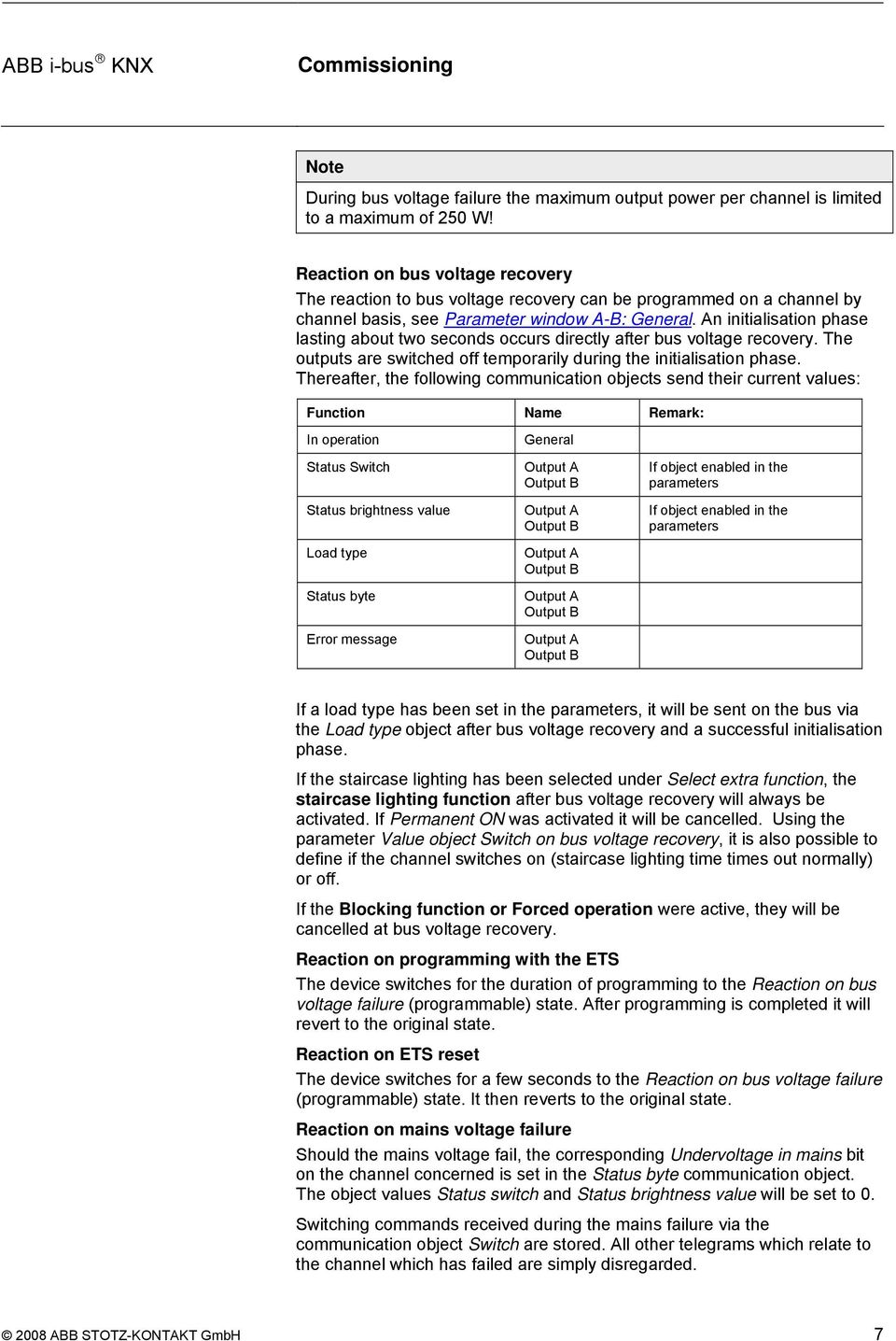
9 Reaction on mains voltage recovery After mains voltage recovery the device will re-establish the state which existed before mains voltage failure. If a switching command has been received during mains voltage failure, it will be executed. As soon as the light is switched on for the first time after mains voltage recovery, the device will undertake a load detection if load detection has been set in the parameters. How do the special functions react with mains voltage failure and recovery? All telegrams received during mains voltage failure which relate to the channel which has failed are simply disregarded. Exception: Switch commands to the object Switch are stored and executed after mains voltage recovery. Blocked function Forced operation Slave function Staircase lighting function If a channel was blocked by the Block communication object before mains voltage failure, the channel will remain blocked. If a channel was subject to forced operation before mains voltage failure, the forced operation will be retained at mains voltage recovery. Telegrams received during the mains voltage failure will be disregarded. If the slave function was active (constant lighting control), it will continue to be active at mains voltage recovery. If the staircase lighting was switched on before mains voltage failure, the staircase lighting will switch back on and the staircase lighting time will recommence on mains voltage recovery. If the staircase lighting was switched off before mains voltage failure, the staircase lighting will remain switched off on mains voltage recovery. Reaction on overtemperature If the internal device temperature exceeds the permissible maximum value, the output current of both outputs is limited automatically to an effective current value of about 1 A (derating). The error object Excess temperature is sent with the value 1. When the value again falls below the maximum temperature, the old brightness value is re-established. During derating the feedback objects Status brightness value remains unchanged. i.e., they do not indicate the limited brightness value, but rather the last brightness value set via the bus. If the internal temperature rises above the critical value of the device, the outputs will switch off and the error object Critical excess temperature is sent on the bus with the value 1. All commands from the bus are ignored during a critical overtemperature. The outputs remain off when the device has cooled down. The corresponding error object is reset again to 0. Reaction on overcurrent If the apparent power exceeds approx. 500 VA at 230 V AC, it corresponds to an effective current of about 2.2 A which causes a permanent overcurrent and the Overcurrent/Short-circuit bit is set in the status byte. The output remains switched on and the function remains assured. Mains undervoltage In this case, the end stage is switched off and the corresponding error bit is set. Commands from the bus will continue to be processed. The status objects Switch and Brightness report back with ABB STOTZ-KONTAKT GmbH 8
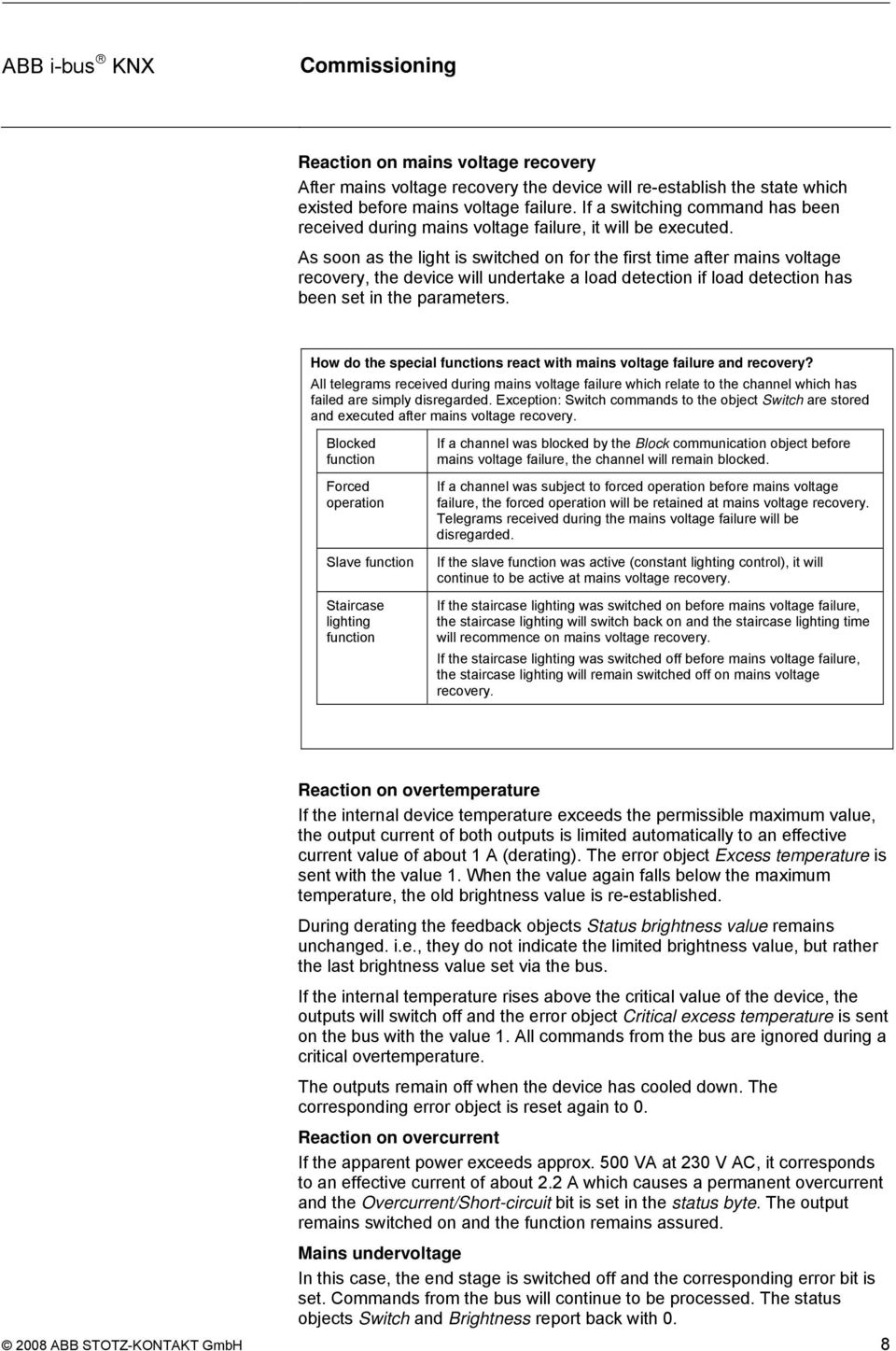
10 Frequency error If the mains frequency is outside the permissible range the output switches off. The end stage is switched off if the frequency goes out of the valid frequency range. Thereafter, the device will attempt to synchronize to the frequency whereby the channel remains switched off. If this is successful, the output signal is set to ensure that it complies with the brightness value as provided via the bus. Reaction on overvoltage pulses and overcurrent pulses The output is switched off if load voltage peaks (overvoltage pulses) or overcurrent pulses occur, which can cause damage to the devices. The output remains switched off until the next bus telegram causes it to be switched on. The status byte is sent at the same time. Examples Voltage peaks may be caused by a defective transformer. As a consequence for example, a conventional transformer can be detected as an electronic transformer and the dimmer set to inverse phase control. This can then lead to voltage peaks Inversely, an electronic transformer can be detected as a conventional transformer and the dimmer set to phase angle control. This can then lead to overcurrent peaks Load short circuit The device switches off the corresponding output for five seconds with a load short circuit. After the five seconds has elapsed, the device will again attempt to set the current dimming value on the output. If the short circuit has been rectified, the last brightness will be re-established. If the short circuit has not been rectified after five seconds, the device will permanently switch off the output and set the Overcurrent/Short circuit error bit. If the output is switched on via the bus, a renewed test to determine a short circuit is performed. Reaction on mains overvoltage If the mains voltage exceeds the allowed range > 253 V AC, it is not recognised by the dimming actuator. Underload/no-load If no current is measured during load detection, bit 3 Error on load detection and bit 6 Overload/no-load are set in the status byte. The device will re-attempt to switch on with the respective command. The device will carry out a new load detection if it has been programmed to do so. Note If bit 6 Overload/no-load is set in the status byte, then the communication object Load type has the value ABB STOTZ-KONTAKT GmbH 9

11 3 3.1 Overview The application program Dim 2f 230V/1.0 provides the device with a comprehensive and flexible range of functions. The standard settings allow simple commissioning. The functions can be extended if required. The programming is implemented using the Engineering Tool Software ETS2 V1.3 or higher. If ETS3 is used a *.VD3 type file must be imported. Supplied state The device is assigned with the physical address in the factory. The application program is preloaded in the factory. The entire application can be reloaded is required. The device must be fully discharged beforehand. A longer downtime may result if the application program is changed, after a discharge or after a download has been aborted. The following list provides an overview of the possible functions: UD/S Switch function - Brightness value when turned on - Dimming speed for switch on and off Dimming - Dimming speed can be changed via KNX - Min. and max. dimming values - Switch on/off via rel. dimming Brightness value - Dimming speed for transition brightness values - Min. and max. value limits - Set switch on and off via value Presets (4 items) Scenes (8-bit scene) - Assignment of the channel in up to 18 scenes Forced operation - 2 bit coded forced operation - Behaviour after voltage recovery Block activate channel via 1-bit block object Special functions - 4 point characteristic adjustment - Preference with bus voltage failure - Status feedback Additional functions - Slave mode e.g. for integration in the constant lighting control - Staircase lighting, Prewarning via dimming and/or KNX object Table 5: Application overview 2008 ABB STOTZ-KONTAKT GmbH 10

12 3.2 Parameters This chapter describes the setting possibilities of the individual parameters using the parameter window of the ETS. The parameter window is set-up dynamically so that further parameter windows can be enabled depending on the parameterisation and function of the outputs. In the following description Output A-B represents all outputs. All outputs can be programmed commonly or individually. The parameter windows for each output are identical. For this reason they are only described once in the following. The default values of the parameters are underlined, e.g. Option: no yes 2008 ABB STOTZ-KONTAKT GmbH 11

13 3.2.1 General parameter window Higher level parameters can be set in the General parameter window. Parameter settings Options: channel setting global (together) channel setting individual For every output an individual setting can be undertaken separately for every output. Particularly in large KNX systems, it is frequently the case that all outputs must be assigned with the same parameters. With the setting channel setting global (together) all settings in the device are only undertaken once and apply for all outputs. channel setting global (together): The parameter window A-B appears: Settings apply for all channels. channel setting individual: The respective parameter window appears for every channel. Note With a change from individual to common programming of the parameters, the settings already implemented are not accepted. Sending and switching delay after bus voltage recovery in s [ ] Options: s Only telegrams are received during the send and switching delay. The telegrams are not processed however and the outputs remain unchanged. No telegrams are sent on the bus. After the sending and switching delay telegrams are sent and the state of the outputs are set to correspond to the parameterisation or the object values ABB STOTZ-KONTAKT GmbH 12

14 During the sending and switching delay objects can be still be read via the bus, e.g. by a visualisation system. Switching requirements and commands are implemented after the send and switching delay has been carried out. The processor requires a starting time of about 2 seconds until it is ready to function. The initialisation time is included in the parameterised time. Send In Operation object Options: no send value 0 cyclically send value 1 cyclically The In Operation object indicates the correct function of the device on the bus. This cyclic telegram can be monitored by an external device. The following parameters are visible: Sending cycle time in s [1...65,535] Options: ,535 Here a time interval is set which the object In operation uses to cyclically send a telegram. Limit number of telegrams Options: no yes A telegram limitation is implemented to control the bus load created by the device. With the selection yes, the parameters Max. Number of sent telegrams and in period are released. Max. Number of sent telegrams within period Options: in period Options: 50 ms/100 ms/.../10 s/.../30 s/1 min This parameter sets the number of telegrams which can be sent by the device within a period. How does the telegram rate limitation function? It counts the number of telegrams sent within a period. As soon as the Max. Number of sent telegrams is reached, no further telegrams are sent on the bus until the end of the period. A new period commences at the end of the previous period. The telegram counter is reset to zero and sending of telegrams is allowed again ABB STOTZ-KONTAKT GmbH 13

15 3.2.2 Parameter window A-B: General In Parameter window A-B: General the comprehensive range of parameters for the channels are defined. Status response of switching state Options: no yes: via object Switch/Status yes: via separate object Status switch This setting defines if and when the current switch state of the lighting (ON/OFF) is sent on the bus. No: The switch state is not actively sent on the bus. Yes: via object Switch/Status: The switch state is sent actively on the bus via the object Switch/Status. Yes: via separate object Status switch: An additional object Status switch is enabled with which the current switch status is sent on the bus. Note Reporting the switching and status via the same object Switch/Status is useful because it simplifies the group address assignment. However, with improper programming unwanted switching actions can be triggered by the responses in a group. In a group of several objects only one object should respond with the status ABB STOTZ-KONTAKT GmbH 14

16 Send Options: only if value change always only if value change: The feedback of the object value is sent. always: Sent with every value assignment of the object Switch. Status response inverted Options: no: 0 = OFF, 1 = ON yes: 0 = ON, 1 = OFF With this parameter the response of the switching state can be inverted. It is visible if the response occurs via the object Status switch. With an inverted response the object Status switch features the following values: 0: The lighting is switched on. 1: The lighting is switched off. Status response of brightness value Options: no yes: via object Brightness value/status yes: via separate obj. Status brightness value The setting defines how the current status brightness value of the lighting is sent on the bus. No: The brightness value is not actively sent on the bus. Yes, via object Brightness value/status: The brightness value is actively sent on the bus. Yes, via separate object Status brightness value: An additional object Status brightness value is enabled with which the current brightness value is sent on the bus on a change. The changed brightness value is sent at the end of the dimming process, i.e. when the end value is reached with switching, scene or preset call. During the dimming process the current brightness value is not displayed. Send Options: only if value change always, triggered by brightness command only if value change: Feedback is only undertaken if the object value changes. always, triggered by brightness command: Also sent with every value assignment of the object Brightness value. A value assignment is implemented via switch, dim, set brightness value, scene, preset and staircase lighting call. Reaction on bus voltage failure Options: unchanged: switch off This parameter defines if the brightness is to be retained or switched off during a bus voltage failure ABB STOTZ-KONTAKT GmbH 15

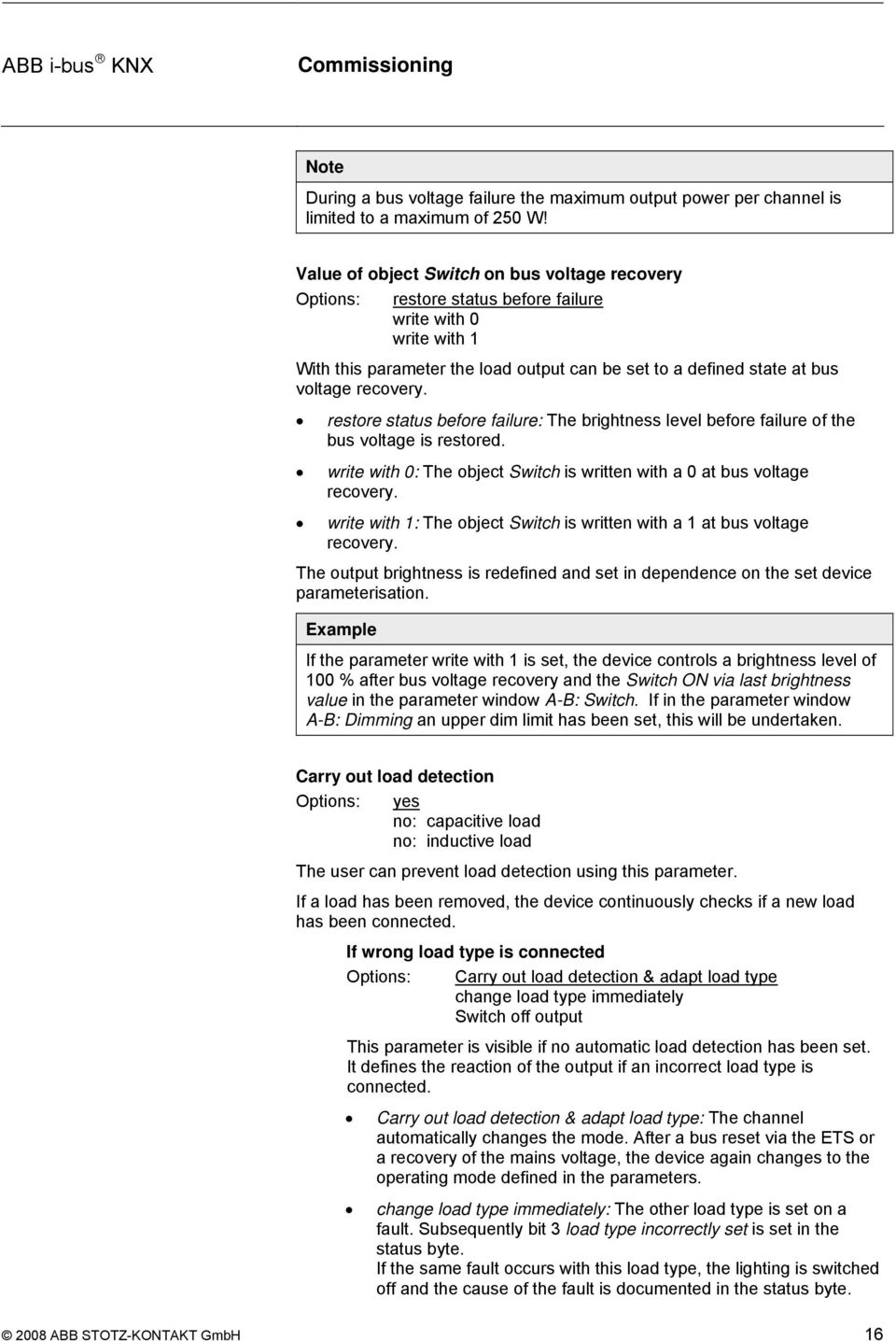
17 Note During a bus voltage failure the maximum output power per channel is limited to a maximum of 250 W! Value of object Switch on bus voltage recovery Options: restore status before failure write with 0 write with 1 With this parameter the load output can be set to a defined state at bus voltage recovery. restore status before failure: The brightness level before failure of the bus voltage is restored. write with 0: The object Switch is written with a 0 at bus voltage recovery. write with 1: The object Switch is written with a 1 at bus voltage recovery. The output brightness is redefined and set in dependence on the set device parameterisation. Example If the parameter write with 1 is set, the device controls a brightness level of 100 % after bus voltage recovery and the Switch ON via last brightness value in the parameter window A-B: Switch. If in the parameter window A-B: Dimming an upper dim limit has been set, this will be undertaken. Carry out load detection Options: yes no: capacitive load no: inductive load The user can prevent load detection using this parameter. If a load has been removed, the device continuously checks if a new load has been connected. If wrong load type is connected Options: Carry out load detection & adapt load type change load type immediately Switch off output This parameter is visible if no automatic load detection has been set. It defines the reaction of the output if an incorrect load type is connected. Carry out load detection & adapt load type: The channel automatically changes the mode. After a bus reset via the ETS or a recovery of the mains voltage, the device again changes to the operating mode defined in the parameters. change load type immediately: The other load type is set on a fault. Subsequently bit 3 load type incorrectly set is set in the status byte. If the same fault occurs with this load type, the lighting is switched off and the cause of the fault is documented in the status byte ABB STOTZ-KONTAKT GmbH 16
18 Switch off output: The output switches off when a fault is detected, e.g. overvoltage due to connection of an incorrect load. The lighting switches back on with the next switch on command. Switch off ripple control filter Options: no yes The device features an installed filter to prevent ripple control signals which could otherwise be noticeable due to a slight flicker of the lighting. The ripple control filter can be switched off in order to improve the response of the device with frequency fluctuations. Note Very fast frequency or phase changes of the mains voltage can still lead to a slight flicker of the lighting. Please observe the permissible frequency range of the device which can be found at Technical data ABB STOTZ-KONTAKT GmbH 17

19 3.2.3 Parameter window A-B: Function In this parameter window additional functions of the output can be enabled. Enable function 1-bit preset Options: no yes The Preset function is enabled here. It is used to call or save brightness values via 1-bit objects. For further information see: Parameter window A-B Presets Restore presets with standard value during download Options: no yes This setting defines if the preset values are overwritten with the standard brightness values, which were set in the parameters. This is useful for example if the settings of the user are to be undone. Enable function 8-bit scene Options: no yes The Scene function can be enabled with this parameter. This is used to call or save brightness values via a 1-byte object. For further information see: Parameter window A-B Scene Restore scene values with standard values Options: no via download via object restore standard scene via download or via object This setting defines if and when the scene values are overwritten with the standard brightness values, which were set in the parameters. This function is useful for example if the scene settings of the user are to be undone ABB STOTZ-KONTAKT GmbH 18

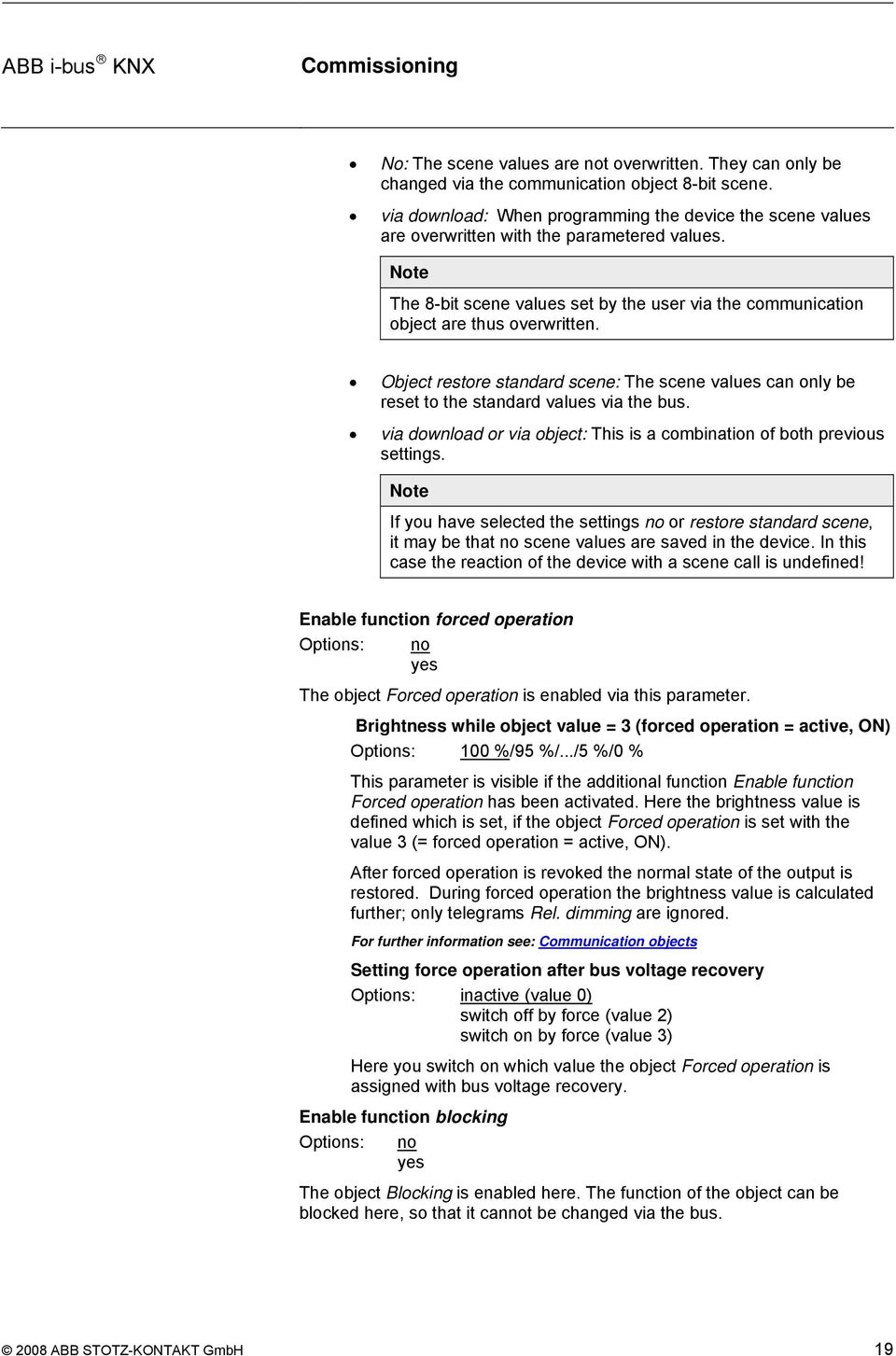
20 No: The scene values are not overwritten. They can only be changed via the communication object 8-bit scene. via download: When programming the device the scene values are overwritten with the parametered values. Note The 8-bit scene values set by the user via the communication object are thus overwritten. Object restore standard scene: The scene values can only be reset to the standard values via the bus. via download or via object: This is a combination of both previous settings. Note If you have selected the settings no or restore standard scene, it may be that no scene values are saved in the device. In this case the reaction of the device with a scene call is undefined! Enable function forced operation Options: no yes The object Forced operation is enabled via this parameter. Brightness while object value = 3 (forced operation = active, ON) Options: 100 %/95 %/.../5 %/0 % This parameter is visible if the additional function Enable function Forced operation has been activated. Here the brightness value is defined which is set, if the object Forced operation is set with the value 3 (= forced operation = active, ON). After forced operation is revoked the normal state of the output is restored. During forced operation the brightness value is calculated further; only telegrams Rel. dimming are ignored. For further information see: Communication objects Setting force operation after bus voltage recovery Options: inactive (value 0) switch off by force (value 2) switch on by force (value 3) Here you switch on which value the object Forced operation is assigned with bus voltage recovery. Enable function blocking Options: no yes The object Blocking is enabled here. The function of the object can be blocked here, so that it cannot be changed via the bus ABB STOTZ-KONTAKT GmbH 19
21 Enable characteristic adjustment Options: no yes If yes is entered in this parameter, the parameter window A-B: Charact. Adj. is enabled. In this the dim characteristic, the lighting dependent on the brightness value can be changed. Select extra function Options: none Slave mode in lighting control Staircase lighting function It is possible to select between two additional functions via this parameter. Slave mode in lighting control: The device should be controlled by a lighting controller using constant lighting control. Staircase lighting function: The light is to be switched off or slowly dimmed downwards after a defined time ABB STOTZ-KONTAKT GmbH 20
22 3.2.4 Parameter window A-B: Switch In parameter window A-B: Switch you determine how the device reacts on a switch command via the communication object Switch. Switch ON to Options: 100 % last brightness value 99 %... 1 % If the object Switch receives the telegram value 1, the lighting is controlled with the brightness value set here. The selection with last brightness value, restores the brightness level active before the last switch off. If in parameter window A-B: Dimming a minimum dimming value has been determined; the lighting will have this as the least possible value. For further information see: Parameter window A-B: Dimming Dimming speed from % while switching, in s [0...65,535] while switching off while switching on Options: Value from ,535 in seconds With this setting, the speed used by the lighting for a switch on command or switch off command is set. The time duration applies for the entire dimming range from 0 % to 100 %. With setting 0 switch on or off is immediate. Examples If the parameter is set to the value 10 and the parameter switch on with is set to the value 100 %, the device dims when the lighting is switched on within 10 seconds to a brightness of 100 %. If the lighting is switched off with the current value of 70 %, the device dims the lighting within 7 seconds to the Minimum dimming value and then switches it off. Note If the staircase lighting function is active the lighting is always switched on immediately. The value set in this parameter in this case is not relevant ABB STOTZ-KONTAKT GmbH 21
23 3.2.5 Parameter window A-B: Dimming In this parameter window the settings for dimming the lighting are undertaken via object Rel. dimming. For further information see: Communication objects Rel. Dimming speed from % in s [0...65,535] Options: ,535 The relative dimming speed, i.e. the dimming ramp is adjustable here. The dimming speed is the time in which the brightness of the lighting is dimmed from 0 % to 100 %. Note If very long times are set here, it is possible that with relative dimming the brightness will remain at the old value, if the command time is shorter than the time to modify the output brightness by a single dimming step. Maximum dimming value Options: 100 %/99 %...51 %/50 % The maximum dimming value is the largest brightness value that can be controlled with the dimmer via relative dimming. In this way the service life of fluorescent lighting can be extended. If the brightness value is above the upper dimming value, e.g. by call of a preset or a scene, it is only possible to reduce the brightness. Minimum dimming value Options: 50 %/49 %...20 %...1 %/0,3 % The minimum dimming value is the smallest brightness value, which can be controlled with the dimmer via relative dimming. In this way for example, it is possible to prevent control of brightness ranges in which the fluorescent lighting is already switched off. The smallest minimum dimming value has a value of 1. Note The smallest minimum dimming value should be set here to a value at which the fluorescent lighting can still be operated. Switching of some fluorescent lighting below about 10 % will cause flicker. This should be avoided ABB STOTZ-KONTAKT GmbH 22
24 Allow switching on via relative dimming Options: no yes If switching on via relative dimming is permitted, switched off lighting can be switched on by a BRIGHTER dimming telegram. Allow switching off via rel. dimming Options: no yes If switching off via relative dimming is permitted, switched on lighting can be switched off by a DARKER dimming telegram. With the parameter value no the brightness value remains under the minimum dimming value. Rel. dimming speed changeable via object (Object: Rel. Dimming speed % Options: no yes This parameter enables the object Rel. dimming speed %, which allows the dimming speed to be changed ABB STOTZ-KONTAKT GmbH 23
25 3.2.6 Parameter window A-B: Value This function allows the definition of brightness via the 1-byte object Brightness value. Dimming speed from % while setting brightness, in s [0...65,535] Options: ,535 This parameter determines the speed with which the device dims to a new brightness value. The time which is required to dim from % brightness is set. Maximum brightness value Options: 100 %/99 %...51 %/50 % The maximum dimming value is the brightness value that can be controlled with the dimmer via a brightness telegram. If the dimmer receives a brightness value that is above the maximum dimming value, the output sets the maximum dimming value. This value is reported back on the bus. Note The dimming limit defined here applies when brightness values are received as well as for the preset and scene functions. Minimum brightness value Options: 50 %/49 %...20 %...1 %/0.3 % The minimum dimming value is the brightness value that can be controlled with the dimmer via a brightness telegram. If the dimmer receives a brightness value below the minimum dimming value, the output sets the minimum dimming value (if the received value is not 0). Note The dimming limit defined here applies for the preset function, the 8-bit scene as well as in slave mode ABB STOTZ-KONTAKT GmbH 24
26 Allow switching on via brightness value Options: no yes If switching on via brightness value is permitted, switched off lighting can be switched on by a brightness value telegram greater than 0. Allow switching off via brightness value Options: no yes If switching off via brightness value is permitted, lighting can be switched off by a brightness value telegram of value 0. Otherwise the lighting remains at the minimum dimming limit ABB STOTZ-KONTAKT GmbH 25
27 3.2.7 Parameter window A-B: Presets Presets are used to call predefined brightness values via 1-bit telegrams. Four presets are available per channel. The presets with an even number (2 and 4) are addressed by a telegram with the value 1, the presets with an odd number (1 and 3) are addressed by a telegram with the value 0. Separate objects are available for calling and for saving/setting of a preset brightness value. With the call of presets the maximum and minimum values as set in the parameter window A-B: Value apply. The maximum and minimum values are set with an overshoot or undershoot. At a brightness value of 0, a switch off is always executed, independently of the parameter Allow switching off via brightness value in the parameter window A-B: Value. The same applies for switch on and the parameter Allow switching on via brightness value. A preset call with active staircase lighting function has no effect on the channel. A preset save command via object Set preset 1 and 2 is implemented, i.e. at the time as the save command the current brightness value of the channel is saved as a new preset value. The reaction to a preset call with activated slave operation is parameterised in the parameter window A-B: Slave. A preset save command is always executed. With the call of the preset command, restore value before first preset call, the slave mode state is restored. In the following the functions and the parameters for Preset 1 and 2 are described. Preset 3 and 4 feature the same functions and parameters ABB STOTZ-KONTAKT GmbH 26
28 Reaction on preset 1 (telegr. value 0) Options: 100 %/99 %...1 %/0 % restore value before first preset call reset to parameterised value before preset 2 The setting defines how the output reacts with the call of preset 1, i.e. meaning that object Call preset 1 and 2 receives a telegram with the value 0. A fixed brightness value can be called or a selection made between one of the two following functions: restore value before first preset call: The state of the channel which existed before the preset was first called will be restored, e.g. if lighting control via slave operation was active, this is also reactivated and executed. If several preset calls have been undertaken consecutively, the state before the first call will be restored. It is irrelevant which numbers the called presets had. reset to parameterised value before preset 2: Preset 2 resets to the parameterised value as it was before it was changed by the user. This can be advisable if preset 2 can be stored via the bus (see below). Note The settings made in this parameter will only be transferred with a download to the Dim actuator if in parameter window A-B: Functions the preset enable Restore presets with standard value during download has been set to yes. Reaction on preset 2 (telegr. value 1) Options: 100 %/99 %...1 %/0 % This setting defines which brightness is controlled with a call of preset 2 (= object Call preset 1 and 2 receives telegram value 1). Time to call new brightness value Transition time in s [0...65,535] Options: ,535 This parameter determines the time in which a preset call is dimmed to the new brightness value. Preset 1 and 2 can be set via the bus Options: no yes This setting enables the object Set preset 1 and 2 via the parameter. This saves the currently set brightness value as the new preset value. Telegram value 0 saves preset 1, whereas a telegram value 1 saves preset ABB STOTZ-KONTAKT GmbH 27
29 3.2.8 Parameter window A-B: Scene(1) to A-B: Scene(6) The Parameter window A-B: Scene is enabled via the Parameter window A-B: Function. Scene function Using this parameter window, the output is allowed up to 18 different light scene assignments. If a scene number is received via the object 8-bit scene, the stored scene value (brightness value) is called. Alternatively the possibility exists to store the current brightness value as the new scene value. With the call of light scenes the maximum and minimum dimming values as set in the parameter window A-B: Value apply. The maximum and minimum values are set with an overshoot or undershoot. At brightness value of 0 switch off is always carried out. Assignment to scene number Options: no assignment Scene no Scene no. 64 In this parameter the output is assigned to a scene number (1...64). As soon as the device receives a telegram with this scene number on the object 8-bit scene, it will call the corresponding scene. Standard brightness value Options: 100 %/99 %...1 %/0 % The standard brightness value is the brightness which controls the output as standard with a scene call. The user can change the set value here. This is implemented by setting a scene. Via the object Reset 8-bit scene the value can be reset again to the parameterised value ABB STOTZ-KONTAKT GmbH 28
30 Time to call new brightness value Transition time in s [0...65,535] Options: ,535 The transition time is the time with which the new light scene is set. Enable more scene assignments Options: no yes Using this parameter a further parameter window is opened in which the additional scene assignments can be implemented ABB STOTZ-KONTAKT GmbH 29
31 3.2.9 Parameter window A-B: Charact. adj. The parameter window A-B: Characteristic adjustment is enabled via the parameter window A-B: Function. The characteristic adjustment enables the adaption of the dimming characteristic of the lamps to the sensitivity of the eyes. Number of value pairs Options: 2/3/4 Here the number of value pairs which are used in the characteristic curve are set. The curve (characteristic correction) results from a maximum of four value pairs. Between the value pairs a linear interpolated curve (straight) is used. Accordingly, additional parameters appear with which the individual X/Y values are to be entered to suit the parameterised number of value pairs. Other parameters: X input value Y adjusted brightness value (output) Options: The limit and default values of the options are dependent on the number of value pairs. In accordance with the number of value pairs the X-value and the Y-value can be determined here. The X-value (input value) indicates the value defined by the KNX. The Y-value indicates the true brightness value used to control the lamps. The first X-value is always defined with 1 and the last X-value with 255. In the parameter window A-B: Dimming or A-B: Value, parameterised dimming and brightness values are used before the transformation. Through the transformation a setting signal may result for the lamps which is less than or greater than the maximum or minimum brightness values. The brightness value reported back by the status objects corresponds again for example, with the value defined in the control. A more detailed description and an example can be found in chapter ABB STOTZ-KONTAKT GmbH 30
32 Parameter window A-B: Slave The Parameter window A-B: Slave is enabled via the Parameter window A-B: Function Select extra function. In slave operation, the dimming actuator applies the brightness value that has been defined, for example, by a lighting controller via the object Brightness value of slave. Hereby, a channel of the Dim actuator can be integrated into a constant lighting control. The slave function is activated by a 1 on the Switch object. In the parameters it is possible to decide how the slave function can be deactivated If the slave function is inactive the device behaves like a normal dimming actuator. For further information see: Communication objects or Slave operation If in the following the object Switch or Brightness value are mentioned, it also applies for the objects Switch/Status or Brightness value/status. If slave mode is active: reaction on Switching on Relative dimming Brightness value or preset Options: no reaction Slave mode can be deactivated, execute command With these three parameters you can set how an output reacts with active lighting control if the following telegrams have been received: Switch on Relative dimming Brightness value or preset Telegram value 1 received on the object Switch Receipt of a telegram on the object Rel. dimming Receipt of a telegram on the object Brightness value or Call preset It is possible to select the reaction for a telegram that is received when slave mode is in operation: no reaction: The receipt is ignored. Slave mode can be deactivated: The slave mode is deactivated. It can be reactivated by a switch on telegram ABB STOTZ-KONTAKT GmbH 31
33 Slave mode after bus voltage recovery Options: inactive active This selection defines if slave mode is active or inactive after bus voltage recovery. If the slave function is active, the brightness value is recalled after bus voltage recovery. Note The parameter Value of object Switch on bus voltage recovery in parameter window A-B: General has a higher priority than this parameter. If for example, the value 1 is predefined by this parameter, it can always lead to activation of the slave mode after bus voltage recovery ABB STOTZ-KONTAKT GmbH 32
34 Parameter window A-B: Stairc. fct. The parameter window A-B: Staircase function is enabled via the parameter window A-B: Function Select extra function. Note With the active staircase light function all the other functions of the device are deactivated with the exception of forced operation. If telegram value 1 is received on the object Switch the lighting is switched on. After the staircase lighting time t ON has elapsed, the lighting dims in an adjustable dimming time t D to a defined brightness value (basis brightness). If this value is zero, the lighting switches off after the minimum dimming value is reached. The minimum dimming limit from the parameter window A-B: Dimming is used. % t ON t D t ON t D t Fig. 1: Brightness behaviour with basis brightness = 0 % t ON t D t ON t D t Fig. 2: Brightness behaviour with basis brightness > 0 The staircase lighting function can be deactivated via the object Activate staircase function (value 0). Thereafter, the device operates like a normal dimming actuator, i.e. all other functions such as relative dimming, brightness value and the scene functions are available in full. For activation of the staircase function a telegram with the value 1 must be sent. With switched on staircase lighting the maximum and minimum dimming values, as defined in parameter window A-B: Dimming apply. The respective parameterized values are set with overshoot or undershoot. Reaction after bus voltage failure After a bus voltage failure the staircase lighting function is always activated and the lighting state remains unchanged: If the lighting was switched on, the switch on brightness is set and the staircase lighting time is restarted ABB STOTZ-KONTAKT GmbH 33
35 If the lighting was switched off, it remains off. Behaviour after download After download the staircase lighting function is not active. It must be activated via the object Activate staircase function. For further information see: Communication objects Brightness value after switching on Options: 100 %/99 %...1 %/0 % (OFF) This parameter defines the brightness of the lighting during the staircase lighting time. If the brightness value is less than the minimum dimming value, the minimum dimming value is set. Time duration in s [0...65,535] Here the time period is defined in which the staircase lighting is switched on (staircase lighting time t ON ). After staircase time dimming to base brightness Options: 100 %/99 %...1 %/0 % (OFF) The base brightness which is permanently controlled is set here, e.g. with night time lighting. In normal mode this brightness is not undershot. Time for dimming down in s [0...65,535] The dimming time t D defines the speed used for dimming down at the end of the staircase lighting time. Extending staircase lighting by multiple operation (pumping) Options: no (not retriggerable) yes (retriggerable) up to max. 2x staircase lighting time... up to max. 5x staircase lighting time With the retriggerable setting the staircase lighting time can be extended by a further staircase lighting time when a switch on telegram is received. The maximum time can also be set using this parameter ABB STOTZ-KONTAKT GmbH 34
36 Reaction on switching off via object Switch Options: no reaction switch on basis brightness dimming on basis brightness switch off no reaction: Switch off telegrams are ignored. switch on basis brightness: The lighting dims to the basis brightness level which has been set beforehand. dimming on basis brightness: The dimming time is started with switched on lighting. switch off: The lighting is switched off. If permanent ON is active the switch off telegram is ignored. Brightness value during permanent ON Options: 100 %/99 %/.../1 %/0 % (OFF) Here you can set the brightness of the lighting (0 100 %), which is used when object Permanent ON has the value 1. Restart of staircase time after end of permanent ON Options: no (dim down immediately) yes no (dim down immediately): The lighting switches to basis brightness when the permanent lighting has ended. yes: The lighting remains on and the staircase lighting time restarts. Warning during dimming down (object Warning stairc. lighting) The user can be additionally warned during the dimming time that the staircase lighting time is timing out, by setting the object Warning staircase lighting to 1. Thus for example, a pushbutton LED can be controlled which informs the user about the impending staircase lighting switch off ABB STOTZ-KONTAKT GmbH 35
37 3.3 Communication objects General objects No. Function Object name Data type Flags 0 In Operation General 1 Bit DPT C, R, T Cyclically sends the object value 0 or 1 on the bus. Object value and cycle time can be set in the parameters. The telegram can be used to monitor the life signs of the device, e.g. via a monitoring module. 1 Excess temperature General 1 Bit DPT C, R, T Indicates that the device is internally subject to overtemperature. In this case the maximum output power per channel is limited to 1 A. 2 Critical excess temperature General 1 Bit DPT C, R, T Indicates that the device is internally subject to critical overtemperature. In this case the lighting is switched off Switch Output A Output B 1 Bit DPT C, W, T Switches the lighting on or off 0: Switch off command 1: Switch on command Status Switch Output A Output B 1 Bit DPT C, R, T Used for feedback of the current switching state. The object value can be inverted (see parameter). 0: Lighting is off (brightness value is zero) 1: Lighting is not off (brightness value not equal to zero) or lighting dims Relative dimming Output A Output B 4 Bit DPT C, W The dim commands (BRIGHTER, DARKER, STOP) are received via this object. This object has no function with active staircase lighting function Brightness value Output A Output B 1 Byte DPT Defines a brightness value for the output. The brightness value can be dimmed or immediately applied. This object has no function with active staircase lighting function Status brightness value Output A Output B 1 Byte DPT C, W, T C, R, T Used for feedback of the current brightness value which is output. The object value updates only at the completion of a switching or dimming process Rel. dimming speed % Output A Output B 2 Byte DPT C, R, W This object is visible if in parameter window A-B: Dimming the parameter Rel. Dimming speed changeable is selected via object Rel. Dimming speed % Via this object the dimming speed for relative dimming can be set. The time is set in which the relative dimming ramp operates from 0 to 100 % (dim up) or from 100 % to 0 % (dim down). The value (counter value) is represented in seconds. The object value is set by the parameterised value after bus voltage recovery. A value set via the bus beforehand is overwritten and is lost ABB STOTZ-KONTAKT GmbH 36
38 No. Function Object name Data type Flags Forced operation Output A Output B 2 Bit DPT C, W This object serves for defining a parameterised brightness value with subsequent blocking of the operation. After download the object has the value 0. 0: Remove forced operation 1: Remove forced operation 2: Switch off by force 3: Switch on by force Objects of the function Preset No. Function Object name Data type Flags 17/19 42/44 Call preset 1 and 2 and Call preset 3 and 4 Output A Output B 1 Bit DPT C, W Calls a parameterised brightness value. 0: Call preset 1 or preset 3 1: Call preset 2 or preset 4 This object has no function with active staircase lighting function. 18/20 43/45 Set preset 1 and 2 and Set preset 3 and 4 Output A Output B 1 Bit DPT C, W Saves the currently set brightness value as the new preset value. 0: Set preset 1 or preset 3 1: Set preset 2 or preset 4 Objects of the function 8-bit scene No. Function Object name Data type Flags bit scene Output A Output B 1 Byte DPT C, W This object is visible if in parameter window A-B: Function the 8-bit scene function is enabled. Using this 8-bit communication object a scene command can be sent using a coded telegram, which integrates the output of the Switch/Dim actuator in a KNX scene. The telegram contains the number of the respective scene as well as the information if the scene is to be retrieved, or if the current brightness value is to be assigned to the scene. KNX telegram value Meaning Decimal Hexadecimal 00h 01h 02h... 3Fh 80h 81h 82h... AFh Call scene 1 Call scene 2 Call scene 3... Call scene 64 Set scene 1 Set scene 2 Set scene 3... Set scene 64 Other figure values have no effect. This object has no function with the active staircase lighting function or slave operation ABB STOTZ-KONTAKT GmbH 37
39 No. Function Object name Data type Flags Restore standard scene Output A Output B 1 Bit DPT C, W The standard brightness values of an 8-bit scene are defined in the parameters (parameter window A-B: Scene) They can be modified by the user during operation. A telegram with the value 1 on this object resets all scene values to the standard values set in the parameters. 0: no reaction 1: Overwrite scene values with standard value Objects of the function Block No. Function Object name Data type Flags Block Output A Output B 1 Bit DPT C, W Used for blocking an output to prevent unwanted operation. The lighting remains unchanged when a block is removed. After bus voltage recovery or download the blocking is removed. 0: Blocking removed 1: Block active With active staircase lighting function the lighting level is kept at the present level if the object Warning stairc. lighting is not yet active. The staircase lighting function times out after the block has been removed. If the object Warning stairc. lighting is active, the staircase lighting function times out. Objects of function Slave mode in lighting control No. Function Object name Data type Flags Activate slave operation Output A Output B 1 Bit DPT C, W Used for activation/deactivation of slave operation. With deactivation the device behaves like a normal Dim actuator without slave function. The slave operation can be reactivated when this object receives the value 1. By setting the T flag the object is actively sent after bus voltage recovery. 0: Deactivate slave function 1: Activate slave function Brightness value of slave Output A Output B 1 Byte DPT C, R, W Via this object the Dim actuator receives the brightness value from a higher level light control (master). Objects of the function Staircase function No. Function Object name Data type Flags Activate staircase function Output A Output B 1 Bit DPT C, W The staircase function can be deactivated via this object. Then the device behaves like a normal Dim actuator without staircase lighting function. The staircase function can be reactivated when this object receives the value 1. After bus voltage recovery the staircase lighting function is always activated. By setting the T flag the object is actively sent after bus voltage recovery. 0: Deactivate 1: Activate 2008 ABB STOTZ-KONTAKT GmbH 38
40 No. Function Object name Data type Flags Permanent ON Output A Output B 1 Bit DPT C, W, T Serves as an active staircase light control for permanent switch on of the lighting (also called Service light ). After bus voltage recovery or download the object value is set to 0. 0: Permanent light not active 1: Permanent light active Duration of staircase lighting Output A Output B 2 Byte DPT C, R, W Modifies the duration of staircase lighting (in seconds). The object value is reset to the standard value after bus voltage recovery, as defined in the parameters Warning staircase lighting Output A Output B 1 Bit DPT C, T Used to provide a warning before the staircase lighting time times out. The object has the value 1 during the warning time, otherwise it has the value 0. Objects for diagnostics No. Function Object name Data type Flags Load type Output A Output B 1 Bit Non DPT C, R, T These objects provide information about the load type the device is currently controlling. 0: The device controls a capacitive load (inverse phase control mode) 1: The device controls an inductive load (phase angle control mode) On a malfunction this object indicates the load type which was controlled last. The object value is sent when a change occurs. On a fault, e.g. if the load type could not be detected, the object type may be invalid. In this case the object value is 0. Note: If the load is removed in operation, the value of this object is set to 1 until the load is reconnected Error message Output A Output B 1 Bit DPT C, R, T This object signals a general fault. It has the value 1, if in object Status byte one of the bits is set. The object value is sent with a change and with bus voltage recovery Status byte Output A Output B 1 Byte Non DPT C, R, T This object is useful particularly if the device does not function as required. It indicates the possible causes: Bit 0: Additional function (staircase light or slave operation) is active Bit 1: Blocking function is active Bit 2: Forced operation is active Bit 3: Error with load detection or load type incorrectly set Bit 4: Undervoltage of the mains supply Bit 5: Load side overcurrent/short circuit Bit 6: Load side underload/no-load Bit 7: Load side overvoltage/overcurrent pulse The object value is sent on a change and reset automatically, e.g. after a switch on command when the cause of the fault has been remedied ABB STOTZ-KONTAKT GmbH 39
41 Application and Planning 4 Planning and application 4.1 Interdependence of the functions In this section you will find some tips and application examples for practical use of the device. The functions have the dependence to one another: Forced operation Highest priority Block output Other function Normal operation Lowest priority 2008 ABB STOTZ-KONTAKT GmbH 40
42 Application and Planning 4.2 Staircase lighting time With the active staircase light function the other functions of the device are deactivated, with the exception of forced operation and block function. When the telegram value 1 is received on the object Switch, the lighting is switched on. After the staircase lighting time t ON has elapsed, the lighting dims in an adjustable dimming time t D to a defined brightness value (basis brightness). If this value is zero, the lighting switches off after the minimum dimming value is reached. Then parameterised dimming values in the parameter window A-B: Dimming apply. Note During an activated staircase lighting function the preset and scene commands have no effect. After bus voltage recovery the staircase lighting function is activated. The lighting state remains unchanged: If the lighting was switched on, the switch on brightness is set and the lighting is restarted. If the lighting was switched off, the brightness switches to the basis brightness. The dimming time T D relates to the minimum dimming value or the basis brightness, depending on the value that is reached first. Using this logic the light is always dimmed for the entire prewarn time T D, in order to provide a sufficiently long warning before the staircase light is switched off. Basishelligkeit = 0 % t ON t D t ON t D Dimmgrenze t Fig. 37: Brightness behaviour with basis brightness = 0 Basishelligkeit x% % t ON t D t ON t D x% Dimmgrenze t Fig. 18: Brightness behaviour with basis brightness not equal to 0 A telegram with the value 0 which is received by the object Activate staircase function deactivates the staircase function. Thereafter the device operates like a normal dimming actuator, i.e. all other functions such as relative dimming, setting of a brightness value and the scene and preset 2008 ABB STOTZ-KONTAKT GmbH 41
43 Application and Planning functions can be fully used again. For renewed activation of the staircase function a telegram with the value 1 must be received on the object. With switched on staircase lighting the maximum and minimum dimming values, as defined in parameter window A-B: Dimming apply. The respective parameterized values are set with overshoot or undershoot. Retriggering Fig. 19: Diagram staircase lighting time After the staircase lighting time T ON the output switches off automatically. With each telegram 1 the time restarts (retrigger function), if the parameter Extending staircase lighting by multiple operation (pumping up) is set to yes in the parameter window A-B: Staircase lighting (retriggerable). In this example, a dimming with the corresponding prewarning is parameterised. The prewarning is visualised by the dimming. At the same time, the object Warning staircase lighting can be switched as a projectspecific warning (e.g. optical or acoustic warning). Pumping With pumping, the user can adapt the staircase lighting time to the current requirements by pressing the push button several times in succession. The maximum duration of the staircase lighting time can be set in the parameters. Fig. 20: Diagram staircase lighting time pumping If the device receives a further ON command when the staircase lighting is switched on, the staircase lighting time is added to the remaining period. The dimming T D (warning time) is not changed by pumping and is added to the extended (x times T ON ) staircase lighting time ABB STOTZ-KONTAKT GmbH 42
44 Application and Planning 4.3 Preset description A switching state that can be parameterised can be retrieved with the help of presets. Light scenes can therefore be implemented for example with a 1-bit object. Retrieve preset Preset aufrufen kurzer Tastendruck AUS EIN EIN Aktor 1 Aktor 2 Aktor 3 Fig. 21: Controlling light scenes via presets Switch states (preset values) can be retrieved via the object Call preset 1 and 2. A maximum of 4 preset values are available for each output: Action Telegram Call preset 1 Object Call preset 1 and 2 = 0 Call preset 2 Object Call preset 1 and 2 = 1 Table 18 Retrieve preset objects Store preset Preset setzen langer Tastendruck EIN AUS EIN Aktor 1 Aktor 2 Aktor 3 Fig. 22: Storing the current output state as the new preset value The current switching state is stored as a new preset value via the object Set preset 1 and 2. The user can thus adapt a lightscene for example. The presets are stored via the following values: Action Telegram Save preset 1 Object Set Preset 1 and 2 = 0 Save preset 2 Object Set Preset 1 and 2 = 1 Table 19 Store preset objects The reaction is similar for preset 3 and 4 with the objects Set preset 3 and 4 and Call preset 3 and ABB STOTZ-KONTAKT GmbH 43
45 Application and Planning Special function: Restore state A useful special function can also be assigned to Preset 1. This is used to recreate the brightness level (states) which was present before retrieving the first preset call. The call can be implemented via Preset 2, 3 or 4. The following diagram clarifies this: Aktor 1 Aktor 2 Aktor 3 Alter Zustand EIN AUS EIN Preset2 aufrufen AUS EIN EIN Alten Zustand wiederherstellen Preset1 EIN AUS EIN Fig. 23: Restoring the old brightness state (example) This function can be used for example after a presentation to restore the lighting to the state it was in beforehand. With the first call of a preset the current state of the channel is stored. If a preset was already active the saved state will not be overwritten. This ensures that the state before the first preset call can be re-established. If the preset is called more often, the state of the first call applies. After the command Restore value before first preset call has been called, the new state will be stored with the next preset call. It can thus be restored at a later time. The reaction is similar for preset 3 and 4 with the objects Set preset 3 and 4 and Call preset 3 and ABB STOTZ-KONTAKT GmbH 44
46 Application and Planning bit scene With the 8-bit scene, e.g. a pushbutton or a visualisation with an 8-bit telegram, the system receives an instruction to set/call a scene. The information (brightness value and transition time) are not stored in the pushbutton, but rather in the Dim actuator and the other ABB i-bus devices in the system. All scene devices, such as a channel of the Dim actuator, are addressed by the same group address. It is sufficient to send a single telegram to call the scene with all outputs involved. Szene Nr. <xx>, aufrufen kurzer Tastendruck AUS EIN AUS Aktor 1 Aktor 2 Aktor 3 Fig. 24: Retrieve scene, 8-bit scene In the 8-bit telegram value the scene number is contained which must match the scene number in the parameters of the Dim actuator. Up to 64 different scenes are managed via a single group address. The 8-bit scene telegram contains the Retrieval and Storing functions of a scene. In the following the 8-bit scene function is described which controls multiple KNX devices. With the 8-bit scene it is possible to retrieve one of 64 scenes or to connect multiple KNX devices in an 8-bit scene, e.g. shutter, switch actuator and DALI gateways or Dim actuators. The scene can be retrieved or stored using a single 1-byte telegram. The precondition is that all operating devices or channels are parameterised with the same scene number. Each KNX device involved receives the 8-bit scene telegram and independently controls the scenes values. For example, the outputs are switched on or off via the Dim actuator, the shutters actuator moves the shutters to a defined position or the DALI gateway dims its output to the preprogrammed brightness values. Up to 64 different scenes can be managed via a single KNX group address. An 8-bit scene telegram contains the following information. Number of the scene (1 64) Retrieve scene/store scene For further information see: Status byte table 2008 ABB STOTZ-KONTAKT GmbH 45
47 Application and Planning Fig. 25: 8-bit scene example: Retrieve scene No. 8 Example A KNX 8-bit scene (No. 8) comprises of some lamps, which are connected to two Switch actuators and a Dim actuator. Furthermore, two shutters are integrated into the scene via a shutter actuator. The scene can be retrieved via a single KNX telegram. The prerequisite for this is that all devices have programmed scene 8 accordingly in the devices. After a telegram has been received, the slave switches on its scene number 8. The shutter actuator moves the shutters to the corresponding position, the lighting assumes the predefined brightness values and switching states defined by the scene. Benefit The 8-bit scene offers some advantages compared to conventional scene programming via several KNX groups. On the one hand only a single telegram which is received by all participants in the scene and implemented accordingly, is sent on the bus to retrieve a scene. On the other hand, the target positions of the shutter, the contact position of the switch actuator outputs and the brightness of the Dim actuators are stored in the participating devices and do not need to be sent via the KNX each time they are to be retrieved. Note The scene numbering 1 to 64 is retrieved via the KNX with a telegram number 0 to 63. For further information see: Status byte table 2008 ABB STOTZ-KONTAKT GmbH 46
48 Application and Planning 4.5 Characteristic adjustment Sometimes it is necessary to adjust the dimming characteristic of a light to the sensitivity of the human eye. This can be undertaken with a characteristic adjustment. Normally the object value is assigned with the proportional brightness value 0 % %, see normal characteristic in the illustration. Y 100% (255) Y3 korrigierte Kennlinie 80% (204) Y2 65% (166) 50% (128) Y1 30% (77) Y0 normale Kennlinie Ausgabehelligkeit X0 X1 X2 X X KNX Stellgröße: 76 = 30% Objekt Helligkeitswert Helligkeit Leuchte: 65% KNX Rückmeldung: 76 = 30% This curve can be converted by 4 value pairs to an adjusted curve. A liner interpolation of the characteristic is undertaken between the value pairs. If the lights should be brighter in the lower range, the brightness can be increased or reduced with the object value 1. In the upper example, in the first value pair the brightness for value 1 has therefore been defined at 30 %. The other value pairs in the example have been defined so that they result in a curve that has a flatter progression in the upper range. With relative dimming a flatter dimming ramp is thus achieved. In extreme cases the brightness characteristic can even be inverted: X0 = 1 Y0 = 255 (100 %) and X1 = 255 Y1 = 1 (0.3 %) In this case, the maximum control value 255 sets the minimum brightness value of 0.3 % and the minimum control value sets the maximum brightness value of 100 %. The feedback brightness values received via object Status brightness value or Brightness/Status also take the curve into consideration, i.e. a control variable of 76 (30 %) is transformed to a brightness of 65 % to control the lighting. The lighting feeds back 65 %. This value is transformed once again to 76 (30 %) and provided as a brightness value in the KNX. In this way, a constant lighting control of a lighting controller is possible to operate without difficulties, as the control value and the feedback directly correspond and a correct control factor can be calculated ABB STOTZ-KONTAKT GmbH 47
49 Application and Planning Note In the parameter window A-B: Dimming or A-B: Value, parameterised dimming and/or brightness values are used before the transformation. Through the transformation a setting signal may result for the lamps which is therefore less than or greater than the maximum or minimum brightness values ABB STOTZ-KONTAKT GmbH 48
50 Application and Planning 4.6 Slave operation The reaction to the switch on telegram with the object Switch can be parameterised. If the slave operation is activated, the Dim actuator strictly adheres to the brightness value, which is predefined by the object Brightness value of slave. Brightness values on the object Brightness value are ignored. A telegram with the value 0 on the object Activate slave mode deactivates slave mode. A telegram with the value 1 switches on slave operation again. This activation or deactivation is also displayed in the first bit of the status byte. A switch off telegram 0 on the object Switch, has the effect that the slave mode is deactivated for some time. In this case, the slave mode is in a latent state and waits in the background for renewed activation. A renewed activation can be implemented by an ON command, a telegram with the value 1 to the object Switch or via the object Activate slave mode. As in the latent state, the slave mode continues to be active in the background and is waiting for activation, the first bit in the status byte will always indicate the activated slave mode with the value 1. The same behaviour results when in the parameter window A-B: Slave, it is defined that a dim, switch, value command, preset or scene call interrupts slave operation. During this interruption the slave mode is also latent. The slave operation can be reactivated via an ON command or a telegram with the value 1 to the object Switch or via the object Activate slave mode. The parameterisation no reaction has the effect that no dim, switch and value command can be executed. Also a preset or scene call and storing of a scene has no effect. However, using the object Set preset a new brightness value for a preset can be saved. In the parameter window A-B: Value the parameterised value limits also apply for the slave operation. The undershoot and overshoot of these limits are set using the parameterised minimum or maximum brightness value. If the master sends the brightness value 0 the lighting is switched off. The behaviour of the slave mode after bus voltage recovery can be parameterised ABB STOTZ-KONTAKT GmbH 49
51 Appendix 5 Appendix 5.1 Table of the status bytes Priority control is active means that the channel is forcibly switched on or off via the forced operation (Object Forced operation). Blocking function is active means that the channel is blocked for all operation via the blocking function (Object Blocking). Staircase lighting function or slave function is active means that one of these additional functions is active and therefore certain operating functions are inhibited ABB STOTZ-KONTAKT GmbH 50
52 Appendix Status byte value Overvoltage / overcurrent pulse Underload/no-load Over current/short circuit current Undervoltage in mains Error load detection / Forced operation is active Blocking function is active Extra function is active Status byte value Overvoltage / overcurrent pulse Underload/no-load Overload/short circuit current Undervoltage in mains Error load detection / Forced operation is active Blocking function is active Extra function is active 2008 ABB STOTZ-KONTAKT GmbH 51 Status byte value Overvoltage / overcurrent pulse Underload/no-load Overload/short circuit current Undervoltage in mains Error load detection / Forced operation is active Blocking function is active Extra function is active AC AD AE AF A 176 B B 177 B C 178 B D 179 B E 180 B F 181 B5 10 0A B6 11 0B B7 12 0C B8 13 0D B9 14 0E BA 15 0F BB BC BD BE BF A 192 C B 193 C C 194 C D 195 C E 196 C F 197 C5 26 1A C6 27 1B C7 28 1C C8 29 1D C9 30 1E CA 31 1F CB CC CD CE CF A 208 D B 209 D C 210 D D 211 D E 212 D F 213 D5 42 2A D6 43 2B D7 44 2C D8 45 2D D9 46 2E DA 47 2F DB DC DD DE DF A 224 E B 225 E C 226 E D 227 E E 228 E F 229 E5 58 3A E6 59 3B E7 60 3C E8 61 3D E9 62 3E EA 63 3F EB EC ED EE EF A 240 F B 241 F C 242 F D 243 F E 244 F F 245 F5 74 4A 160 A0 246 F6 75 4B 161 A1 247 F7 76 4C 162 A2 248 F8 77 4D 163 A3 249 F9 78 4E 164 A4 250 FA 79 4F 165 A5 251 FB A6 252 FC A7 253 FD A8 254 FE A9 255 FF AA AB = applies
53 Appendix 5.2 Ordering information Designation Universal Dim Actuator, 2- fold, 300 W/VA, MDRC Ordering details short designation Order No. bbn EAN Price 1 pc. [EURO] Price group Weight 1 pc. [kg] UD/S CDG R Packaging [pc.] 2008 ABB STOTZ-KONTAKT GmbH 52
54 ABB The information in this leaflet is subject to change without further notice. Pub. No 2CDC D0201 Your KNX-Partner Your EIB- Partner
Product Manual. ABB i-bus KNX Data Logging Unit BDB/S 1.1. Intelligent Installation Systems ABB
 Product Manual ABB i-bus KNX Data Logging Unit BDB/S 1.1 Intelligent Installation Systems ABB This manual describes the function of the Data Logging Unit BDB/S 1.1. Subject to changes and errors excepted.
ABB i-bus EIB / KNX EIB Monitoring Unit EUB/S 1.1
 Product Manual ABB i-bus EIB / KNX EIB Monitoring Unit EUB/S 1.1 Intelligent Installation Systems This manual describes the function of the EIB monitoring module EUB/S 1.1 with the Application program
Switch Actuator, 8-fold, 10 A, MDRC AT/S 8.10.1, GH Q631 0075 R0111
 , GH Q631 0075 R0111 The 8-fold switch actuator is a DIN rail mounted device for insertion in the distribution board. It is connected to the EIB via a bus terminal. In the event of bus voltage failure,
ABB i-bus EIB / KNX Analogue Input AE/S 4.2
 Product Manual ABB i-bus EIB / KNX Analogue Input AE/S 4.2 Intelligent Installation Systems This manual describes the functionality of Analogue Input AE/S 4.2. Subject to changes and errors excepted. Exclusion
Product Manual. ABB i-bus KNX IP Interface IPS/S 2.1. Intelligent Installation Systems ABB
 Product Manual ABB i-bus KNX IP Interface IPS/S 2.1 Intelligent Installation Systems ABB This manual describes the function of the IP Interface IPS/S 2.1 with the application program IP Interface. Subject
ABB i-bus EIB Shutter Actuators JA/S 2.230.1, JA/S 4.230.1, JA/S 8.230.1, JA/S 4.230.1M, JA/S 8.230.1M, JA/S 4.24.1
 Product Manual ABB i-bus EIB Shutter Actuators JA/S 2.230.1, JA/S 4.230.1, JA/S 8.230.1, JA/S 4.230.1M, JA/S 8.230.1M, JA/S 4.24.1 Intelligent Installation Systems Contents Page 1 Introduction.......................................
ABB i-bus EIB / KNX Switch Actuator Modules for the Room Controller SA/M 2.6.1 ES/M 2.230.1, ES/M 2.24.1
 Product Manual ABB i-bus EIB / KNX Switch Actuator Modules for the Room Controller SA/M 2.6.1 ES/M 2.230.1, ES/M 2.24.1 Intelligent Installation Systems This manual describes the function of the Switch
ABB i-bus EIB / KNX DALI-Gateway DG/S 8.1
 Product manual ABB i-bus EIB / KNX DALI-Gateway DG/S 8.1 Intelligent Installation Systems This manual describes the function of the DALI-Gateway DG/S 8.1 with the application program Dim Slave Lightscenes
ABB i-bus EIB Logic Module LM/S 1.1
 Product Manual ABB i-bus EIB Logic Module LM/S 1.1 Intelligent Installation System Contents page 1 General... 3 1.1 About this manual... 3 1.2 Product and functional overview... 3 2 Device technology...
Shutter Actuator Standard, 4-fold, 230 VAC, MDRC RA/S 4.230.1, GH Q631 0076 R0111. ABB i-bus EIB
 , GH Q631 0076 R0111 2CDC 071 240 F0003 The Shutter Actuator Standard is used to control a maximum of four independent 230 VAC drives for positioning shutters, blinds, awnings and other hangings as well
ABB i-bus KNX Switch Actuator, x-fold, 16/20 A, MDRC SA/S x.16.6.1, 2CDG 110 1xx R0011
 , 2CDG 110 1xx R0011 SA/S 8.16.6.1 2CDC 071 006 S0010 The 16/20 A Switch actuators are modular installation devices in Pro M Design for installation in the distribution board. The devices are especially
Analogue Input, 4-fold, MDRC AE/S 4.1, GH Q605 0054 R0001
 Analogue Input, -fold, MDRC, GH Q605 005 R0001 The analogue input is a DIN rail mounted device for insertion in the distribution board. It is connected to the EIB via the bus connecting terminal supplied.
ABB i-bus KNX SA/S Switch Actuators Product Manual
 ABB i-bus KNX SA/S Switch Actuators Product Manual Contents Contents Page 1 General... 5 1.1 Using the product manual...5 1.1.1 Structure of the product manual...6 1.1.2 Notes...6 1.2 Product and functional
ABB i-bus KNX Switch Actuator, x-fold, 16 A, MDRC SA/S x.16.2.1, 2CDG1101xxR0011
 Technical Data 2CDC505051D0205 ABB i-bus KNX Product description Switch Actuators SA/S x.16.2.1, 16 A are modular installation devices in ProM design for installation in the distribution board. They are
ABB i-bus KNX Security Terminals MT/U 2.12.2, MT/S 4.12.2M and 8.12.2M Product Manual
 ABB i-bus KNX Security Terminals MT/U 2.12.2, MT/S 4.12.2M and 8.12.2M Product Manual Contents Contents Page 1 General 3 1.1 Use of the product manual...3 1.1.1 Structure of the product manual...3 1.1.2
ABB i-bus KNX Fan Coil Actuator, MDRC FCA/S 1.1M, 2CDG 110 084 R0011
 , 2CDG 110 084 R0011 2CDC 071 112 F0008 The Fan Coil Actuator is a modular installation device (MDRC) in pro M design. It is intended for installation in the distribution board on 35 mm mounting rails.
ABB i-bus EIB Universal Interfaces US/U 4.2 US/U 2.2
 Product Manual ABB i-bus EIB US/U 4.2 US/U 2.2 Intelligent Installation Systems Intelligent and limitless Contents Page 1 General............................................. 3 1.1 Product and functional
Inwall 4 Input / 4 Output Module
 Inwall 4 Input / 4 Output Module IO44C02KNX Product Handbook Product: Inwall 4 Input / 4 Output Module Order Code: IO44C02KNX 1/27 INDEX 1. General Introduction... 3 2. Technical data... 3 2.1 Wiring Diagram...
Inwall Room Temperature Unit
 Inwall Room Temperature Unit TM11B01KNX TM11B11KNX TM11B21KNX Product Handbook Product: Inwall Room Temperature Unit Order Code: TM11B01KNX TM11B11KNX TM11B21KNX Application Program ETS: TM11B_1KNX Inwall
Light scene push button 8gang comfort flush-mounted 751688xx
 751688xx Documentation Product name: Light scene push button 8gang comfort Design: flush-mounting type (Up) ETS search path: Push button / Push button general / Light scene push button 8gang comfort Functional
Busch-Watchdog Presence EIB Type: 6131-74-102-500
 Type: 6131-74-102-500 Contents Technical data 2-2 Application programs (List) 2-3 Circuit diagrams 2-3 in combination with Bus coupler FM (6120-102): Switch Value Cyclic Monitoring /3 2-4 Switch Value
Time functions. Functions of the relay. instabus EIB Application program description. September 2001. 12 A1 Binary 510D01
 September 2 2 A Binary 5D Product family: Product type: Manufacturer: Output Binary output, -fold Siemens Name: Load switch UP 5 Order no.: 5WG 5-2AB Functional description Using the application program
ABB i-bus KNX DALI-Gateway DG/S 8.1
 Product manual ABB i-bus KNX DALI-Gateway DG/S 8.1 Intelligent Installation Systems This manual describes the function of the DALI-Gateway DG/S 8.1 with the application program Dim Slave Lightscenes Dynamic
How To Use A Power Supply On A Powerline 2.2 (Ai)
 KNX/EIB Product documentation Issue: 05.08.2010 629x1220 Push button sensor 3 comfort 1-gang Push button sensor 3 comfort 2-gang (1+1) Push button sensor 3 comfort 3-gang Push button sensor 3 comfort 4-gang
ABB i-bus EIB / KNX Weather Station WS/S 4.1
 Product Manual ABB i-bus EIB / KNX Weather Station WS/S 4.1 Intelligent Installation Systems This manual describes the function of the Weather station WS/S 4.1. Subject to changes and errors excepted.
ABB i-bus KNX Fan Coil Controller FC/S 1.1
 Product manual ABB i-bus KNX Fan Coil Controller FC/S 1.1 Intelligent Installation Systems Contents Page 1 Introduction... 2 2 Device technology... 3 3 Application and planning 3.1 Heating, ventilation
B.IQ push button 3-5gang with room thermostat and display V2, flush-mounted 7566359x, 7566459x, 7566559x
 B.IQ push button 3-5gang with room Product name: Design: ETS search path: B.IQ push button 3-, 4-, 5gang with room thermostat and display V2 Flush-mounted Push button / B.IQ / B.IQ push button xgang with
ABB i-bus EIB / KNX DALI-Gateway DG/S 1.1
 Product Manual ABB i-bus EIB / KNX DALI-Gateway DG/S 1.1 Intelligent Installation Systems This manual describes the function of the 1-fold DALI-Gateway with its application programs Dim Light Scenes Dynamic
ABB i-bus KNX IP Router IPR/S 2.1
 Product Manual ABB i-bus KNX IP Router IPR/S 2.1 Intelligent Installation Systems This manual describes the function of the IP Router IPR/S 2.1 with the application program IP Routing. Subject to changes
Product and functional description
 Product and functional description The KNX / DALI gateway N 141/02 is a 4 MU wide, DINrail mounted KNX device with one DALI interface to which up to 64 DALI actuators (e.g. DALI ballasts) can be connected
Movement/monitoring 1307/1.0 (6325xx)
 /monitoring 1307/1.0 (6325xx) General In the following the device will be referred to as the movement detector. The movement block will only switch off when there is no more movement in front of the device
Application Unit, MDRC AB/S 1.1, GH Q631 0030 R0111
 , GH Q631 0030 R0111 SK 0010 B 98 The application unit is a DIN rail mounted device for insertion in the distribution board. The connection to the EIB is established via a bus connecting terminal at the
Push button 2, 3, 5gang with room thermostat (RTR) and display flush-mounted 756627xx, 756637xx, 756657xx
 756627xx, 756637xx, 756657xx Documentation Product name: Push button 2-, 3-, 5- gang RTR + display Design: UP (flush-mounting type) ETS search path: Push button / Push button xgang / Push button xgang
Push button 3gang standard flush-mounted 751633xx
 Documentation Product name: Push button 3gang standard Design: device (up) ETS search path: Push button / Push button 3gang / Push button 3gang standard Functional description: The push button 3gang standard
ABB i-bus KNX DALI Gateway Emergency Lighting DGN/S 1.16.1 Product Manual
 DALI Gateway Emergency Lighting DGN/S 1.16.1 Product Manual Contents Contents Page 1 General... 3 1.1 Product and functional overview... 4 1.2 DALI general... 6 1.3 ABB i-bus DALI gateways in comparison...
Shutter Actuator, 8-fold, 230 V AC, MDRC JA/S 8.230.1, GH Q631 0063 R0111. ABB i-bus EIB / KNX
 , GH Q631 0063 R0111 2CDC 071 238 F0003 For controlling a maximum of eight independent 230 V AC shutter or sunblind drives via ABB i-bus including the functions Up/Down, Step/Stop, Move to position, Sun
HDL KNX / EIB BUS. Switch Actuators. Guangzhou Hedong Electronic Co.,Ltd (HDL) 1/50
 Guangzhou Hedong Electronic Co.,Ltd (HDL) 1/50 HDL KNX / EIB-BUS (Intelligent Installation Systems) Product Manual Contents 1 General..4 1.1 Product Function... 5 2 H a r d w a r e. 6 2.1 Technical data...6
FL ballasts Electronic dimming. PCA T5 BASIC lp Y II, 14 80 W BASIC T5
 T5 TC-L PCA T5 BASIC lp Y II, 1 80 W BASIC T5 Product description Processor-controlled ballast with y II inside Highest possible energy class CELMA EEI = A1 BAT 1 Noise-free precise control via DSI signal,
Tebis application software
 Tebis application software Input products / ON / OFF output / RF dimmer Electrical / Mechanical characteristics: see product user manual Product reference Product designation TP device RF devices WYC81xQ
DALI RC BASIC SO. Control unit Operating instructions
 DALI RC BASIC SO Control unit Operating instructions Contents Safety... 4 General instructions 4 Safety instructions 4 Description... 5 Purpose and application 5 Function 5 Light control 5 Brightness
Quick Connect. quick - simple - efficient. www.g-mw.de
 Quick Connect quick - simple - efficient www.g-mw.de Phone: +49 9103 7129-0 Fax: +49 9103 7129-207 Innovative connection technology to plug three single-phase current transformers to multifunctional power
ABB i-bus KNX Switch Actuators SA/S Product Information
 ABB i-bus KNX Switch Actuators SA/S Product Information ABB Stotz-Kontakt GmbH Your Partner with Know-How for Future-Oriented Electrical Installation Hugo Stotz, the company founder of ABB Stotz-Kontakt,
Electronic timer CT-AHD.12 OFF-delayed with 1 c/o (SPDT) contact
 Data sheet Electronic timer CT-AHD.12 OFF-delayed with 1 c/o (SPDT) contact The CT-AHD.12 is an electronic time relay with OFF-delay. It is from the CT-D range. With their MDRC profile and a width of only
Tebis KNX Product Documentation. DALI Gateway. Date of issue: 21.11.2006 64540020.111. Order no. 6 4540 020 Page 1 of 131
 Tebis KNX Product Documentation DALI Gateway Date of issue: 21.11.2006 64540020.111 Order no. 6 4540 020 Page 1 of 131 Tebis KNX Product Documentation Table of Contents 1 Product definition... 3 1.1 Product
Installation and operating instructions: Radio dimmer Type: DALI DM ADVANCED LI
 Installation and operating instructions: Radio dimmer Type: DALI DM ADVANCED LI OSRAM GmbH Hellabrunner Str. 1 D-81536 Munich Tel.: +49 (0) 89 6213 0 Fax: +49 (0) 89 6213 2020 Customer Service Center (KSC)
ABB i-bus KNX Switch Actuators SA/S Product Information
 ABB i-bus KNX Switch Actuators SA/S Product Information ABB Stotz-Kontakt GmbH Your Partner with Know-How for Future-Oriented Electrical Installation Hugo Stotz, the company founder of ABB Stotz-Kontakt,
Application software. 3-channel LED KNX controller Electrical / Mechanical characteristics : see product information. Application software ref.
 Application software 3-channel LED KNX controller Electrical / Mechanical characteristics : see product information Order number Product designation Application software ref. TP device RF devices TYB673A
Technical Manual. FAN COIL CONTROLLER COOLING or HEATING ANALOG or PWM Art. 119914 631001A
 COOLING or HEATING ANALOG or PWM Art. 119914 631001A TOTAL AUTOMATION GENERAL TRADING CO. LLC SUITE NO.506, LE SOLARIUM OFFICE TOWER, SILICON OASIS, DUBAI. UAE. Tel. +971 4 392 6860, Fax. +971 4 392 6850
Three-phase monitoring relay CM-PFE
 Data sheet Three-phase monitoring relay CM-PFE The CM-PFE is a three-phase monitoring relay that monitors the phase parameter phase sequence and phase failure in three-phase mains. 2CDC 251 005 S0012 Characteristics
PRESENCE DETECTOR PD-C360i/24 KNX ECO (EP10425844)
 In the Master function, the remote control entries will be acknowledged as follows: acknowledged 3 x with the red LED In the Slave function, each detection is acknowledged 2 x with the green LED. 6 TEST
KNX Gateway RGK02-5023E-01
 KNX Gateway RGK02-5023E-01 Table of contents Page 1 General Information 1.1 Technical data 5 1.2. Intended Use 6 1.3 Specifications 6 1.4 Compatibility 6 1.5 Scope of delivery 6 2 Information about the
ABB STOTZ-KONTAKT GmbH ABB i-bus KNX Switch Actuators SA/S
 place picture here STO/GM/GS Juli 2011 ABB STOTZ-KONTAKT GmbH ABB i-bus KNX Switch Actuators SA/S A Complete Range 15.11.2011 DESTO Jürgen Schilder 2 A Complete Range Switch Actuators are responsible for
ABB i-bus KNX DALI Gateways Product Information
 ABB i-bus Gateways Product Information Flexible lighting management and modern intelligent installation systems Modern lighting must provide more than just brightness. In the foreground is the creation
STEP-PS/1AC/12DC/1.5. Extract from the online catalog. Order No.: 2868567. DIN rail power supply unit 12 V DC/1.5 A, primary switched-mode, 1- phase
 Extract from the online catalog STEP-PS/1AC/12DC/1.5 Order No.: 2868567 DIN rail power supply unit 12 V DC/1.5 A, primary switched-mode, 1- phase Commercial data EAN 4046356292924 Pack 1 pcs. Customs tariff
PRODUCT MANUAL LUMENTO X4 LED. LED Controller ZN1DI-RGBX4. Program version: 1.0 Manual edition: a
 PRODUCT MANUAL LUMENTO X4 LED LED Controller ZN1DI-RGBX4 Program version: 1.0 Manual edition: a INDEX 1. Introduction...3 1.1. Lumento X4... 3 1.2. Installation... 4 2. Configuration...6 3. ETS Parameterization...7
Safety technique. Emergency stop module BO 5988 safemaster
 Safety technique Emergency stop module BO 5988 safemaster 0221562 Function diagram Pushbutton on Mains or emergencystop () K1 According to EC Directive for machines 98/37/EG According to IEC/E 60204-1
Electronic timer CT-VBS.17+18 OFF-delayed without auxiliary voltage, for DC contactors Data sheet
 Characteristics Single-function OFF-delay timer for DC contactors, without auxiliary voltage Width.5 mm CDC 5 6 F3 Approvals A culus E CCC CT-VBS a Circuit diagram b Marker label Marks a CE b C-Tick Order
PHASED OUT. Digital dimmable ballasts for fluorescent lamps EXCEL one4all series. PCA TCL EXCEL one4all, 18 80 W Compact and T5c fluorescent lamps
 EXCEL oneall series Product description Noise-free precise control via DSI signal, switchdim, corridorfunction or DALI DALI-MEMORY Extended DALI commands CELMA energy class A1 1) Interfaces DALI DSI switchdim
E-STOP relays, safety gate monitors
 Unit features Safety features Gertebild ][Bildunterschrift_NOT_Sch.tuer_Licht Safety relay for monitoring E-STOP pushbuttons, safety gates and light beam devices Approvals Gertemerkmale Positive-guided
Application software. Fan coil actuator 2gang RMD. Electrical / Mechanical characteristics : see product information
 Application software Fan coil actuator 2gang RMD Electrical / Mechanical characteristics : see product information Order number Product designation Application software ref. TP device RF devices TYF642F
Transmitter Actuator 230V wave UP 560. Operation
 Transmitter ctuator 230V wave UP 560 5WG3 560-201 Product- and pplication Description Diagram The transmitter actuator 230V wave UP 560 (Diagram ) is a flush-mounted device with radio communication for
of the LED control gear Compact dimming Uconverter LCAI 55W 900mA 1750mA ECO SR ECO series
 Uconverter LCAI 55W 900mA 1750mA ECO SR ECO series Product description Independent dimmable LED control gear Constant current LED control gear Output current adjustable between 900 1,750 ma Max. output
HERZ-Thermal Actuators
 HERZ-Thermal Actuators Data Sheet 7708-7990, Issue 1011 Dimensions in mm 1 7710 00 1 7710 01 1 7711 18 1 7710 80 1 7710 81 1 7711 80 1 7711 81 1 7990 00 1 7980 00 1 7708 11 1 7708 10 1 7708 23 1 7709 01
LINETRAXX VMD460-NA. Network and system protection (NS protection) for monitoring the power feed-in of power generation systems
 LIETRAXX -A etwork and system protection (S protection) for monitoring the power feed-in of power generation systems TDB301021en/06.2013 LIETRAXX -A etwork and system protection (S protection) for monitoring
Your Advantages For safety application up to PL e / Cat. 4 e.g. SIL 3 Manual or automatic start 0225592. * see variants. Applications.
 Safety Technique SAFEMASTER Emergency Stop Module BG 5924, IP 5924 Your Advantages For safety application up to PL e / Cat. 4 e.g. SIL 3 Manual or automatic start 0225592 BG 5924 IP 5924 Product Description
Technical Manual Functional Description for S800-RSU-H / S800W-RSU 2CCC413022M0205. 8201 Schaffhausen 1 / 10
 ABB ABB Schweiz AG Technical Manual Functional Description for S800-RSU-H / S800W-RSU 2CCC413022M0205 09.04.2014 Page: 8201 Schaffhausen 1 / 10 Please use also the assembly instruction S800-RSU-H Remote
15 Series - Electronic step relay and dimmer. Features 15.91 15.51 15.81 SERIE
 Series - Electronic step relay and dimmer SERIE Features.91.51.81 Electronic step relay and dimmer for control of lighting levels Suitable for incandescent and halogen lighting loads (with or without transformer
Heating Actuators in the MIX2 Series HMG 6 T, HME 6 T and FIX2 HM 12 T
 Heating Actuators in the MIX2 Series HMG 6 T, HME 6 T and FIX2 HM 12 T HMG 6 T 4930240 HME 6 T 4930245 HM 12 T 4940245 Updated: Dec-14 (subject to change) Page 1 of 61 Contents 1 Contents 2 FUNCTIONAL
Temperature monitoring relays CM-TCS Monitoring relays for monitoring temperatures with a PT100 sensor (2- or 3-wire connection)
 Data sheet Temperature monitoring relays CM-TCS Monitoring relays for monitoring temperatures with a PT100 sensor (2- or 3-wire connection) The temperature monitoring relays CM-TCS monitor overtemperature,
SIMATIC NET. CP 243-2 AS-Interface Master B C. Preface Contents. Technical Description and Installation Instructions Interface to the User Program
 Preface Contents SIMATIC NET CP 243-2 AS-Interface Master Manual Technical Description and Installation Instructions Interface to the User Program 2 in the S7-200 CPU Access to the Data of the AS-i Slaves
Product and Applications Description. Application Programs. Example of Operation. GAMMA instabus Technical Product-Information.
 Product and Applications Description The power supply units N 125/x2 can supply DC 24 V power from an additional pair of terminals (yellowwhite). This DC 24 V output voltage can be used to power e.g. an
MILLENIUM INSTALLATION MANUAL NTR 735 A. Simple Automation Control Module (MAS)
 MILLENIUM Table of contents 1. INTRODUCTION 1 2. HARDWARE DESCRIPTION 2 3. INSTALLATION 5 4. CONNECTION 6 5. USER SAFETY AND PROTECTION OF EQUIPMENT 8 1. Introduction The MILLENIUM series has been designed
Time switch D21-1-channel 4 126 31 / 32 / 33-047 61 / 63 / 6047 60. General information. Overview. Set language
 Time switch D21-1-channel 4 126 31 / 32 / 33-047 61 / 63 / 6047 60! Safety notes GB This product should be installed in line with installation rules, preferably by a qualified electrician. Incorrect installation
ABB PV + Storage REACT-3.6/4.6-TL 3.6 to 4.6 kw
 Solar inverters ABB PV + Storage REACT-3.6/4.6-TL 3.6 to 4.6 kw PV energy, combined with energy storage systems, can help increase self-consumption and energy selfsufficiency*. One of the biggest challenges
RRV934. Multi-controller. Synco living
 s 2 709 Synco living Multi-controller RRV934 RF-based multi-controller For precontrol of up to 2 room groups For control of ventilation plant with up to 3 stages RF communication based on KNX standard
is then retained absolutely without interruption.
 Page 1 of 11 DC UPS uninterruptible power supplies - DC UPS module 15 A Compact design, only 50 mm wide Absolutely interruption-free buffering of power failures through immediate electronic connection
DALI DIM/CONVERTER CONTROL (DC NV) 1 10V (0-10 V) analog DALI Converter with (Multi-) Sensor-control and 1 and 2-Switch dim functions
 DAI DIM/COVERTER COTRO (DC V) 1 10V (0-10 V) analog DAI Converter with (Multi-) Sensor-control and 1 and 2-Switch dim functions Dim-and Switch Functions: The DAI Dim/Converter Control DC V is suitable
FL ballasts Electronic dimming. PCA T5 EXCEL one4all lp Y, 3x14/24 W and 4x14/24 W EXCEL T5
 F ballasts T PCA T EXCE oneall lp Y, x1/ W and x1/ W EXCE T Product description Processor-controlled ballast with y inside Highest possible energy class CEMA EEI = A1 BAT 1 oise-free precise control via
Operating instructions IV / 2007
 General Operating instructions IV / 2007 Contents General Installation Application and function Application and function... 2 Safety information... 2 Design and dimensions... 3 Wiring diagram... 3 Installation
TLK 48 MICROPROCESSOR-BASED DIGITAL ELECTRONIC REGULATOR
 TLK 48 MICROPROCESSOR-BASED DIGITAL ELECTRONIC REGULATOR TECHNICAL DATA CARATTERISTICHE MECCANICHE Housing Self-extinguishing plastic, UL 94 V0 Dimensions 48x48 mm DIN depth 98 mm Weight 225 g approx.
DALIX PROGRAMMING MANUAL. Gateway KNX-DALI V1.0 TECHNICAL SUPPORT. Tel (+34) 985 113 339 [email protected]
 Gateway KNX-DALI DALIX V1.0 PROGRAMMING MANUAL Parque Tecnológico de Asturias, Parcela 50, 33428 Llanera Asturias - Spain Tel (+34) 985 118 859 Fax (+34) 984 283 560 [email protected] www.ingeniumsl.com
Voltage monitoring relays CM-ESS.M For single-phase AC/DC voltages
 Data sheet Voltage monitoring relays CM-ESS.M For single-phase AC/DC voltages The CM-ESS.M is an electronic voltage monitoring relay that provides reliable monitoring of voltages as well as detection of
38 Series - Relay interface modules 0.1-2 - 3-5 - 6-8 - 16 A
 38 Series - Relay interface modules 0.1-2 - 3-5 - 6-8 - 16 A 38 SERIES Common features Instant ejection of relay by plastic retaining clip Integral coil indication and protection circuit EMR Electromechanical
ETS4 Diagnostics. KNX Association
 ETS4 Diagnostics Table of Contents 1 Diagnostics and fault location... 3 2 Diagnostics: Individual addresses...... 4 2.1 Devices in Programming Mode... 4 2.2 Checking if an address exists and locating
Fixed - Over/Under voltage limits, (0.75...1.2) U N respectivity Link selectable - 5 min or 10 min delay. Fixed limits
 Features 71.11.8.230.0010 71.11.8.230.1010 1 - Phase 230 V Over & Under voltage monitoring relays 71.11.8.230.0010 - Fixed Over & Under voltage detection - Link selectable 5 or 10 minute lock-out delay
Unica for KNX system 226
 Unica for KNX system 6 P117504 Greater flexibility and comfort, better energy efficiency with KNX More and more electronic appliances are needed for modern comfortable homes that contain everything from
Example of use: Fuse for a solenoid valve. If the fuse is defective, no information is sent to the electronic component.
 Overview Switch and button modules The dimensions of the switch and button modules are adapted to the electronic components in the integral housing. The modules are equipped with the universal clip-on
RM17TE 183...528 V AC. Main. Product or component type. Product specific application. Relay monitored parameters 250 V DC 5 A DC
 Characteristics multifunction control relay RM17-TE - range 183..528 V AC Complementary Reset time Maximum switching voltage Minimum switching current Maximum switching current [Us] rated supply voltage
ABB 1 NEW. Three-phase monitoring relay for grid feeding CM-UFS.1. Data sheet. Features. Approvals. Marks. Order data. Order data - Accessories
 2CDC 251 014 F0t09 Features Monitoring of three-phase mains for grid feeding Type-tested in accordance with DIN V VDE V 0126-1-1: February 2006 Neutral conductor connection configurable Can also be used
KNX IP Gateway. Light-Control R. User manual-ver.1 LC-IPGW-001. KNX Gateway. KNX/EIB Intelligent Installation Systems
 KNX Gateway Light-Control R User manual-ver.1 LC-IPGW-001 Intelligent Installation Systems Contents 1. Summary ---------------------------------------------------------------------------------------------------------------------
38 Series - Relay interface modules 0.1-2 - 3-5 - 6-8 A
 38 Series - Relay interface modules 0.1-2 - 3-5 - 6-8 A Common features Instant ejection of relay by plastic retaining clip Integral coil indication and protection circuit EMR Electromechanical Relays
PHASED OUT. Digital dimmable ballasts for fluorescent lamps ECO series. PCA TCL ECO, 18 80 W Compact and T5c fluorescent lamps
 Product description Noise-free precise control via DSI signal or switchdim CELMA energy class A1 1) Interfaces DSI switchdim Integrated SMART-Interface Functions Optimum filament heating in any dimmer
Safety Manual BT50(T) Safety relay / Expansion relay
 Safety Manual BT50(T) Safety relay / Expansion relay ABB Jokab Safety Varlabergsvägen 11, SE-434 39, Sweden www.abb.com/jokabsafety Read and understand this document Please read and understand this document
RM4TG20 three-phase network control relay RM4-T - range 200..500 V
 Characteristics three-phase network control relay RM4-T - range 200..500 V Complementary [Us] rated supply voltage Output contacts Setting accuracy of time delay Delay at power up Measuring cycle Marking
Operating instructions II / 2004
 Operating instructions II / 2004 Light and presence sensor TOUCH DIM LS/PD LI OSRAM GmbH Costumer-Service-Center (CSC) Steinerne Furt 62 86167 Augsburg, Germany www.osram.com www.osram.de Tel. : (+49)
DMX2PWM 9 Channel Dimmer Setup Manual
 DMX2PWM 9 Channel Dimmer Setup Manual www.ecue.de DMX2PWM 9ch Dimmer - Setup Manual e:cue control GmbH An OSRAM Company Rev. 1.3_01/2010 DMX2PWM 9ch Dimmer - Setup Manual Table of Contents 1. Device Overview....................................4
KNX Panasonic Air Conditioners
 IntesisBox KNX Panasonic Air Conditioners Gateway for Panasonic ECOi and PACi system integration into KNX networks Up to 30 Outdoor units Up to 64 Indoor units PA-AC-KNX-64/128 EIA485 U1U2 line U1U2 line
Installation and User Guide
 Installation and User Guide 458-UNI8 8-Channel Universal Dimmer Module Introduction The 458/UNI8 is an 8-channel universal, digital transistor, dimmer module. Each channel s mode can be selected for either
FL ballasts Electronic dimming. PCA T5 ECO lp Y II, 14 80 W ECO T5
 EL PCA ECO lp Y II, 1 80 W ECO Product description Processor-controlled ballast with y II inside Highest possible energy class CELMA EEI = A1 BAT 1 Noise-free precise control via DALI or DSI signal, switchdim
1 Safety instructions. 2 Device components. Facility Pilot Server. Art. No. : FAPV-SERVER-REG Art. No. : FAPVSERVERREGGB. Operating instructions
 Facility Pilot Server Art. No. : FAPV-SERVER-REG Facility Pilot Server Art. No. : FAPVSERVERREGGB Operating instructions 1 Safety instructions Electrical equipment may only be installed and fitted by electrically