
AXIS CONTROLVALVES WITH CANOPEN INTERFACE
|
|
|
- Lewis Rich
- 9 years ago
- Views:
Transcription
1 USER MANUAL FOR AXIS CONTROLVALVES WITH CANOPEN INTERFACE FIRMWARE B99224-DV016-D-211 OFFERING FLEXIBLE INTEGRATION AND ADVANCED MAINTENANCE FEATURES INCLUDING DIAGNOSTICS, MONITORING OF CHARACTERISTICS AND ABILITY TO DEFINE DYNAMIC BEHAVIORS Rev. -, June 2015 WHAT MOVES YOUR WORLD
2 Copyright 2015 Moog GmbH Hanns-Klemm-Straße Boeblingen Germany Telephone: Fax: Internet: All rights reserved. No part of these operating instructions may be reproduced in any form (print, photocopies, microfilm, or by any other means) or edited, duplicated, or distributed with electronic systems without our prior written consent. Offenders will be held liable for the payment of damages. Subject to change without notice. B99224-DV016-D-211, Rev. -, June 2015 A
3 Table of contents Table of contents Copyright... A List of tables... xviii List of figures... xxii 1 General information About this manual Reservation of changes and validity Completeness Place of storage Warranty and liability Typographical conventions Structure of warning notices Selection and qualification of personnel Further documentation for the servo valve References CAN field bus Device Profile Definitions Internal resolution (ir) Volume flow direction Servo valve position and stage names Abbreviations Trademarks Access over CANopen Introduction Device profiles CANopen slave reference model CANopen objects Parameter value Parameter and their attributes Units and prefix parameter CANopen object dictionary (OD) CAN data link layer CAN bit rate and Node-ID configuration CAN bit rate and Node-ID configuration using LSS services CAN bit rate and Node-ID configuration using SDO protocol Object 0x3002: Module identifier (Node-ID) Object 0x3003: Bit rate CANopen communication protocols Synchronization (SYNC) protocol (COB-ID: 0x080) Object 0x1005: SYNC protocol COB-ID configuration Emergency (EMCY) protocol (COB-ID: 0x080+Node-ID) Object 0x1014: EMCY protocol COB-ID configuration Process data object (PDO) protocol RxPDO protocol configuration (COB-ID: 0x200, 0x300, 0x400, 0x500) Object 0x1400: 1st RxPDO protocol configuration Object 0x1401: 2nd RxPDO protocol configuration Object 0x1402: 3rd RxPDO protocol configuration Object 0x1403: 4th RxPDO protocol configuration B99224-DV016-D-211, Rev. -, June 2015 i

4 Table of contents RxPDO mapping (COB-ID: 0x200, 0x300, 0x400, 0x500) Object 0x1600: 1st RxPDO mapping Object 0x1601: 2nd RxPDO mapping Object 0x1602: 3rd RxPDO mapping Object 0x1603: 4th RxPDO mapping RxPDO counter Object 0x3012: RxPDO counter TxPDO protocol configuration (COB-ID: 0x180, 0x280, 0x380, 0x480) Object 0x1800: 1st TxPDO protocol configuration Object 0x1801: 2nd TxPDO configuration protocol Object 0x1802: 3rd TxPDO protocol configuration Object 0x1803: 4th TxPDO protocol configuration TxPDO mapping (COB-ID: 0x180, 0x280, 0x380, 0x480) Object 0x1A00: 1st TxPDO mapping Object 0x1A01: 2nd TxPDO mapping Object 0x1A02: 3rd TxPDO mapping Object 0x1A03: 4th TxPDO mapping Object 0x3011: TxPDO trigger Service data object (SDO) protocol (COB-ID: 0x580, 0x600) Object 0x1200: SDO client/server parameter Network management state machine (NMT state machine) Network management (NMT) protocol (COB-ID: 0x000, 0x700) Start remote node command (COB-ID:0, CS:1) Stop remote node command (COB-ID:0, CS:2) Enter 'Pre-Operational' command (COB-ID:0, CS:128) Reset node command (COB-ID:0, CS:129) Reset communication command (COB-ID:0, CS:130) Bootup message (COB-ID: 0x700) Node guarding (COB-ID: 0x700, RTR:1) Object 0x100C: Guard time Object 0x100D: Life time factor Electronic data sheet (EDS) files Device structure Overview Device identification Device control Signal routing and scaling Servo valve functions Diagnostics Storing / restoring parameters Object dictionary Device controller structure Device identification Objects of the CANopen communication profile defined by CiA Object 0x1000: Device Type Object 0x1008: Manufacturer device name Object 0x1009: Manufacturer hardware version Object 0x100A: Manufacturer software version Object 0x1018: Identity object B99224-DV016-D-211, Rev. -, June 2015 ii

5 Table of contents 4.2 Objects defined by Device Profile Fluid Power Object 0x6050: Version Object 0x6051: Code number Object 0x6052: Serial number Object 0x6053: Description Object 0x6054: Model description Object 0x6055: Model URL Object 0x6056: Parameter set code Object 0x6057: Vendor name Object 0x605F: Capability Device control Local mode Object 0x604F: Local Object 0x6040: Control word Object 0x4040: Local control word Object 0x403F: Local control word default Device state machine (DSM) DSM states State transitions DSM state transitions caused by the control word DSM state transitions caused by the enable signal DSM state transitions caused by internal events Enable behavior DSM state transitions depending on the enable signal Fault confirmation with the enable signal Error output pin Object 0x6041: Status word Object 0x1002: Manufacturer Status Register Bootup of the device Object 0x200F: Power On Delay Status display LEDs Module status LED «MS» Network status LED «NS» Signal routing and scaling Signal routing structure Setpoint value path Object 0x6042: Device mode Object 0x4042: Device mode default Spool position setpoint value path Object 0x6300: Setpoint Object 0x3320: Setpoint parameter Object 0x6314: Spl hold setpoint Pressure setpoint value path Object 0x6380: Setpoint Object 0x3310: Setpoint parameter Object 0x6394: Prs hold setpoint Axis position setpoint value path Object 0x6600: Setpoint Object 0x3330: Setpoint parameter Object 0x6614: Hold setpoint B99224-DV016-D-211, Rev. -, June 2015 iii

6 Table of contents to 32 bit scaling Object 0x4230: Minimum reference Object 0x4231: Maximum reference Object 0x5509: Minimum interface Object 0x5510: Maximum interface Object 0x5700: Trajectory Type Object 0x585C: Hold setpoint target Axis velocity setpoint value path Object 0x6500: Setpoint Object 0x5520: Setpoint parameter Object 0x5527: Hold setpoint to 32 bit scaling Object 0x5523: Minimum reference Object 0x5524: Maximum reference Object 0x5525: Minimum interface Object 0x5526: Maximum interface Axis flow setpoint value path Object 0x5300: Setpoint Object 0x5202: Setpoint parameter Object 0x5314: Hold setpoint Drive transducer interface Object 0x6210: Actual value Object 0x6211: Actual value Object 0x6212: Actual value Object 0x6213: Actual value Object 0x6214: Actual value Object 0x6215: Actual value Object 0x6216: Actual value Object 0x6217: Actual value Transducer interface definition Object 0x6200: Max interface number Object 0x6201: Interface number Object 0x6202: Type Object 0x6203: Sign Object 0x6204: Actual value Object 0x4032: Transducer port Object 0x3271: Drive transducer structure Pressure actual value scaling Object 0x6220: Minimum pressure Object 0x6221: Maximum pressure Object 0x6224: Minimum transducer signal Object 0x6225: Maximum transducer signal Object 0x6223: Pressure offset Position digital encoder actual value scaling Object 0x6240: Position resolution Object 0x6241: Position offset Position analog encoder actual value scaling Object 0x6233: Minimum reference Object 0x6234: Maximum reference Object 0x6230: Minimum interface Object 0x6231: Maximum interface General input scaling Object 0x6228: General input minimum Object 0x6229: General input maximum Object 0x622C: General input signal minimum Object 0x622D: General input signal maximum Object 0x622B: General input offset B99224-DV016-D-211, Rev. -, June 2015 iv

7 Table of contents Parameterization examples Get active transducer interface number and output value Example 1: Enable/disable transducer interface Example 2: Change sign of the transducer signal Example 3: Adjust transducer interface without scaling Example 4: Adjust transducer interface with scaling Analog inputs Analog input Object 0x3200: Input type Object 0x3204: Actual value Analog input Object 0x3208: Input type Object 0x320C: Actual value Analog input Object 0x3210: Input type Object 0x3214: Actual value Analog input Object 0x3218: Input type Object 0x321C: Actual value Analog input Object 0x3220: Input type Object 0x3224: Actual value Internal pressure transducer input Object 0x3404: Actual value Analog outputs Analog output Object 0x3244: Scaling Object 0x3245: Actual value Object 0x3240: Parameter Object 0x3243: Type Analog output Object 0x3265: Scaling Object 0x3266: Actual value Object 0x3260: Parameter Object 0x3263: Type Enoder input Object 0x5613: Encoder value Object 0x5619: Sensor supply enable Incremental Encoder Object 0x5614: Referencing velocity Object 0x561A: Referencing force Object 0x561B: Referencing stop Object 0x5617: Z pulse trigger Object 0x5611: Z pulse detected Object 0x5618: Z pulse clear Object 0x5610: Z pulse enable Object 0x5612: Z pulse set SSI encoder Object 0x5620: Master slave Object 0x6243: Bit size Object 0x561F: Bit rate Object 0x3252: SSI Error Count Digital inputs Digital input 0 (enable signal) B99224-DV016-D-211, Rev. -, June 2015 v

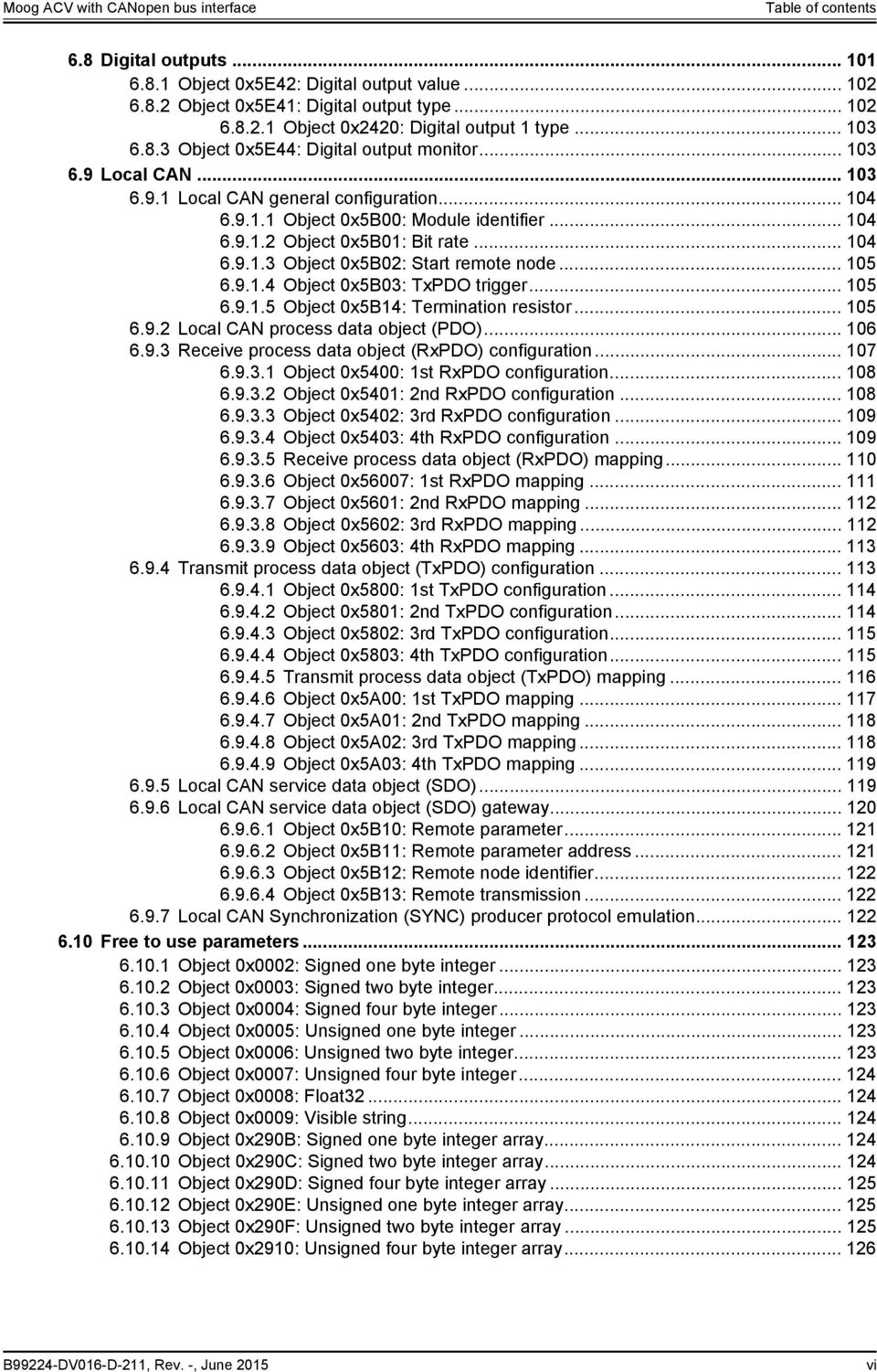
8 Table of contents 6.8 Digital outputs Object 0x5E42: Digital output value Object 0x5E41: Digital output type Object 0x2420: Digital output 1 type Object 0x5E44: Digital output monitor Local CAN Local CAN general configuration Object 0x5B00: Module identifier Object 0x5B01: Bit rate Object 0x5B02: Start remote node Object 0x5B03: TxPDO trigger Object 0x5B14: Termination resistor Local CAN process data object (PDO) Receive process data object (RxPDO) configuration Object 0x5400: 1st RxPDO configuration Object 0x5401: 2nd RxPDO configuration Object 0x5402: 3rd RxPDO configuration Object 0x5403: 4th RxPDO configuration Receive process data object (RxPDO) mapping Object 0x56007: 1st RxPDO mapping Object 0x5601: 2nd RxPDO mapping Object 0x5602: 3rd RxPDO mapping Object 0x5603: 4th RxPDO mapping Transmit process data object (TxPDO) configuration Object 0x5800: 1st TxPDO configuration Object 0x5801: 2nd TxPDO configuration Object 0x5802: 3rd TxPDO configuration Object 0x5803: 4th TxPDO configuration Transmit process data object (TxPDO) mapping Object 0x5A00: 1st TxPDO mapping Object 0x5A01: 2nd TxPDO mapping Object 0x5A02: 3rd TxPDO mapping Object 0x5A03: 4th TxPDO mapping Local CAN service data object (SDO) Local CAN service data object (SDO) gateway Object 0x5B10: Remote parameter Object 0x5B11: Remote parameter address Object 0x5B12: Remote node identifier Object 0x5B13: Remote transmission Local CAN Synchronization (SYNC) producer protocol emulation Free to use parameters Object 0x0002: Signed one byte integer Object 0x0003: Signed two byte integer Object 0x0004: Signed four byte integer Object 0x0005: Unsigned one byte integer Object 0x0006: Unsigned two byte integer Object 0x0007: Unsigned four byte integer Object 0x0008: Float Object 0x0009: Visible string Object 0x290B: Signed one byte integer array Object 0x290C: Signed two byte integer array Object 0x290D: Signed four byte integer array Object 0x290E: Unsigned one byte integer array Object 0x290F: Unsigned two byte integer array Object 0x2910: Unsigned four byte integer array B99224-DV016-D-211, Rev. -, June 2015 vi
9 Table of contents 7 Servo valve functions Control modes Object 0x6043: Control mode Object 0x4043: Control mode default Spool position control open loop Spool position control closed loop Pressure control open loop Pressure control closed loop p/q control closed loop Axis position control Axis velocity control Axis flow control Axis p/flow control Sample frequency Object 0x3030: Basic sample frequency Spool position setpoint conditioning / demand value generator Object 0x6310: Demand value Object 0x6311: Reference value Limit function Object 0x6320: Upper Limit Object 0x6321: Lower Limit Scaling Object 0x6322: Factor Object 0x6323: Offset Ramp Object 0x6330: Type One-quadrant ramp (ramp type 1) Object 0x6331: Acceleration time Two-quadrant ramp (ramp type 2) Object 0x6331: Acceleration time Object 0x6334: Deceleration time Four-quadrant ramp (ramp type 3) Object 0x6332: Acceleration time positive Object 0x6333: Acceleration time negative Object 0x6335: Deceleration time positive Object 0x6336: Deceleration time negative Directional dependent gain Object 0x6340: Type Object 0x6341: Factor Characteristic compensation Object 0x6346: Type Look-up table Object 0x4347: Look-up table Object 0x4348: Look-up table Object 0x4349: Look-up table Object 0x434A: Look-up table Dead band compensation Object 0x6342: Type Object 0x6343: A side Object 0x6344: B side Object 0x6345: Threshold Jump function (dead band compensation type 1) Continuous function (dead band compensation type 2) Zero correction Object 0x6324: Offset B99224-DV016-D-211, Rev. -, June 2015 vii

10 Table of contents 7.3 Spool position controller Single stage servo valve Dual stage servo valve Spool position / pilot spool position actual value path Object 0x6301: Actual value Object 0x3301: Actual value pilot Object 0x3506: Customer Scaling Offset Spool position / pilot spool position controller Object 0x6350: Control deviation Object 0x241F: Customer Overall Gain Main stage spool position actual value path Object 0x3237#1 3: Customer scaling Object 0x3235: Actual value Main stage transducer selection Object 0x2149: Active transducer interface main stage Main stage spool position controller Object 0x215C: Main stage customer overall gain Object 0x2158: Controller output Pressure setpoint conditioning / demand value generator Object 0x6390: Demand value Object 0x6391: Reference value Limit function Object 0x63A0: Upper Limit Object 0x63A1: Lower Limit Scaling Object 0x63A2: Factor Object 0x63A3: Offset Ramp Object 0x63B0: Type One-quadrant ramp (ramp type 1) Object 0x63B1: Acceleration time Two-quadrant ramp (ramp type 2) Object 0x63B1: Acceleration time Object 0x63B4: Deceleration time Four-quadrant ramp (ramp type 3) Object 0x63B2: Acceleration time positive Object 0x63B3: Acceleration time negative Object 0x63B5: Deceleration time positive Object 0x63B6: Deceleration time negative Pressure controller Object 0x6381: Actual value Object 0x63D0: Control deviation Object 0x2311: Kp T1 output Object 0x2310: Ki output Object 0x2312: Kd output Object 0x5862: Kd feedback output Object 0x2418: Controller output Active parameter set number Object 0x2350: Active parameter set number Demand pressure ramp function Object 0x2303[N]: Ramp slope Pressure transducer selection Object 0x230D[N]: Active transducer interface area A Object 0x230F[N]: Active transducer interface area B Object 0x585F[N]: Cylinder piston diameter Object 0x585D: Cylinder rod diameter A Object 0x585E: Cylinder rod diameter B B99224-DV016-D-211, Rev. -, June 2015 viii

11 Table of contents Actual value filter Object 0x23F2: Actual pressure filter cutoff frequency Object 0x23F3: Actual pressure filter order Proportional first order lag element (PPT1) Object 0x2304[N]: Proportional Gain Object 0x230E[N]: Proportional gain time constant Integrator element (I) Object 0x2305[N]: Integrator gain Object 0x2306[N]: Integrator factor Object 0x2307[N]: Integrator control range Object 0x231A[N]: Integrator upper output limit Object 0x231B[N]: Integrator lower output limit Object 0x5861[N]: Integrator proportional part P gain Integrator preload value Object 0x586B: Integrator preload mode Object 0x5869: Integrator preload gain Object 0x586A: Integrator preload parameter Object 0x5860: Integrator preload values Derivative element (PD) Object 0x2308[N]: Differentiator gain Object 0x2309[N]: Differentiator T Object 0x2324[N]: Spool Position Feed Forward Gain Feedback derivative element (PD) Object 0x5863[N]: Differentiator gain Object 0x5864[N]: Differentiator T Object 0x5858N]: Spool Position Feed Forward Gain_ Alpha correction Signal limitation Object 0x230A[N]: Upper output limit Object 0x230B[N]: Lower output limit Feed forward Object 0x5867[N]: Feed forward gain Object 0x5870[N]: Feed forward offset Object 0x5868[N]: Feed forward parameter Signal limitation Object 0x5865[N]: Upper controller output limit Object 0x5866[N]: Lower controller output limit Automatic parameterization of the pressure controller Object 0x230C[N]: Hydraulic capacity Object 0x231C: Sys Pressure Reference Pressure demand signal sign Object 0x586D: Pressure demand sign mode Spool position (Q) / pressure (P) switchover Object 0x586C[N]: pq switching mode Object 0x3300: Demand value pilot Minimum criterion in positive direction (switching mode 0) Minimum criterion in both directions (switching mode 1) Force exceeded in both directions (switching mode 2) B99224-DV016-D-211, Rev. -, June 2015 ix
![.. 176 7.5.13.2 Object 0x2306[N]: Integrator factor... 177 7.5.13.3 Object 0x2307[N]: Integrator control range... 177 7.5.13.4 Object 0x231A[N]: Integrator upper output limit... 177 7.5.13.5 Object 0x231B[N]: Integrator lower output limit.](/docs-images/46/21490552/images/page_11.jpg ".. 177 7.5.13.6 Object 0x5861[N]: Integrator proportional part P gain... 177 7.5.14 Integrator preload value... 178 7.5.14.1 Object 0x586B: Integrator preload mode... 178 7.5.14.2 Object 0x5869: Integrator preload gain.")
12 Table of contents 7.8 Axis position setpoint conditioning / demand value generator Object 0x6610: Position demand value Object 0x561E: Velocity demand value Object 0x5616: Acceleration demand value Axis position trajectory generator Object 0x5700: Trajectory type Object 0x5703: Maximum velocity Object 0x5702: Maximum acceleration Axis position demand value filter Object 0x582A: Demand value filter time constant Axis position manual movement Object 0x5614: Manual maximum speed Axis position controller Object 0x6601: Actual value Object 0x582B: Demand filter output Object 0x6650: Control deviation Object 0x552A: Kp output Object 0x552A: Kp T1 output Object 0x552C: Ki output Object 0x552B: Kd output Object 0x552E: Velocity feedforward output Object 0x552F: Acceleration feedforward output Object 0x5530: Velocity feedback output Object 0x5531: Acceleration feedback output Object 0x550F: Controller output Sample frequency Object 0x553F: Sample frequency divider Axis position transducer selection Object 0x6602: Actual value reference Axis position synchronisation Object 0x5829: Synchronisation gain Object 0x5830: Number of axis to synchronize Proportional element with first order lag element Object 0x5501: Proportional gain Object 0x5508: Time constant Integral element Object 0x5504: Integral gain Object 0x5511: Integral inner range Object 0x5505: Integral outer range Object 0x5513: Integral limit Derivative element Object 0x5502: Differentiator gain Object 0x5503: Differentiator T Axis velocity feed forward proportional element Object 0x5506: Velocity feed forward proportional gain Axis acceleration feed forward proportional element Object 0x5507: Acceleration feed forward proportional gain State feedback axis velocity and acceleration derivative elements Object 0x550C: Actual value filter time constant Object 0x550B: State feedback axis velocity proportional gain Object 0x550A: State feedback axis acceleration proportional gain Directional depending gain Object 0x550D: Directional depending positive proportional gain Object 0x550E: Directional depending negative proportional gain Signal limitation B99224-DV016-D-211, Rev. -, June 2015 x

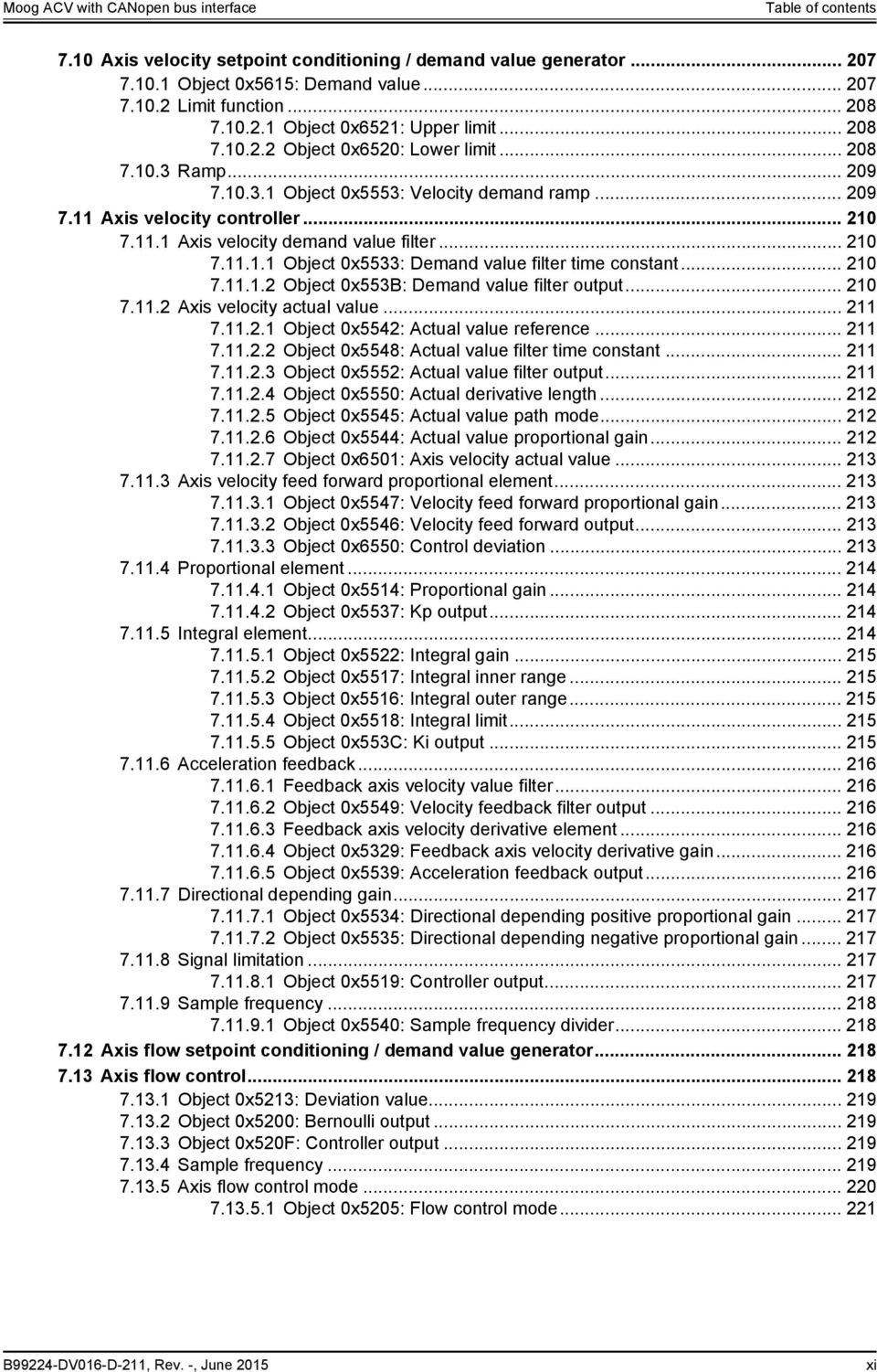
13 Table of contents 7.10 Axis velocity setpoint conditioning / demand value generator Object 0x5615: Demand value Limit function Object 0x6521: Upper limit Object 0x6520: Lower limit Ramp Object 0x5553: Velocity demand ramp Axis velocity controller Axis velocity demand value filter Object 0x5533: Demand value filter time constant Object 0x553B: Demand value filter output Axis velocity actual value Object 0x5542: Actual value reference Object 0x5548: Actual value filter time constant Object 0x5552: Actual value filter output Object 0x5550: Actual derivative length Object 0x5545: Actual value path mode Object 0x5544: Actual value proportional gain Object 0x6501: Axis velocity actual value Axis velocity feed forward proportional element Object 0x5547: Velocity feed forward proportional gain Object 0x5546: Velocity feed forward output Object 0x6550: Control deviation Proportional element Object 0x5514: Proportional gain Object 0x5537: Kp output Integral element Object 0x5522: Integral gain Object 0x5517: Integral inner range Object 0x5516: Integral outer range Object 0x5518: Integral limit Object 0x553C: Ki output Acceleration feedback Feedback axis velocity value filter Object 0x5549: Velocity feedback filter output Feedback axis velocity derivative element Object 0x5329: Feedback axis velocity derivative gain Object 0x5539: Acceleration feedback output Directional depending gain Object 0x5534: Directional depending positive proportional gain Object 0x5535: Directional depending negative proportional gain Signal limitation Object 0x5519: Controller output Sample frequency Object 0x5540: Sample frequency divider Axis flow setpoint conditioning / demand value generator Axis flow control Object 0x5213: Deviation value Object 0x5200: Bernoulli output Object 0x520F: Controller output Sample frequency Axis flow control mode Object 0x5205: Flow control mode B99224-DV016-D-211, Rev. -, June 2015 xi
14 Table of contents Axis flow transducer selection Object 0x2330: Active transducer interface system Object 0x5217: Active transducer interface tank Alpha correction Object 0x5219: Flow alpha Object 0x5210: Actual value filter time constant Axis flow demand value scaling Object 0x521B: Demand value scaling Axis flow actual value selection Object 0x5223: Actual value Object 0x5220: Actual value high pass filter frequency Object 0x5221: Actual value proportional gain Object 0x5222: Actual value parameter Feedback axis velocity proportional element Object 0x5224: Feedback axis velocity proportional gain Bernoulli compensation Object 0x5215: Nominal flow A side Object 0x5216: Nominal flow B side Object 0x521A: Flow beta Object 0x5203: Nominal supply pressure Object 0x521D: Nominal sensor pressure Object 0x521F: Maximal flow A side Object 0x521E: Nominal pressure A side Axis flow (Flow) / pressure (P) switchover Object 0x520E: Flow valve direction Continuous signal switching Object 0x5204: Switching time constant Axis status Object 0x561D: Axis status word Object 0x561C: Axis status and device status word Object 0x570C: Axis position deviation window Object 0x570D: Axis velocity actual value window Object 0x570E: Axis velocity deviation window Object 0x5710: Pressure deviation window Object 0x5711: Pressure actual value limit Monitoring Spool position control deviation monitoring Object 0x6351: Type Object 0x6352: Delay time Object 0x6354: Upper threshold Object 0x6355: Lower threshold Pressure control deviation monitoring Object 0x63D1: Type Object 0x63D2: Delay time Object 0x63D4: Upper threshold Object 0x63D5: Lower threshold Axis position control deviation monitoring Object 0x6651: Type Object 0x6652: Delay time Object 0x6654: Upper threshold Object 0x6655: Lower threshold Axis velocity control deviation monitoring Object 0x6551: Type Object 0x6552: Delay time Object 0x6554: Upper threshold Object 0x6555: Lower threshold B99224-DV016-D-211, Rev. -, June 2015 xii
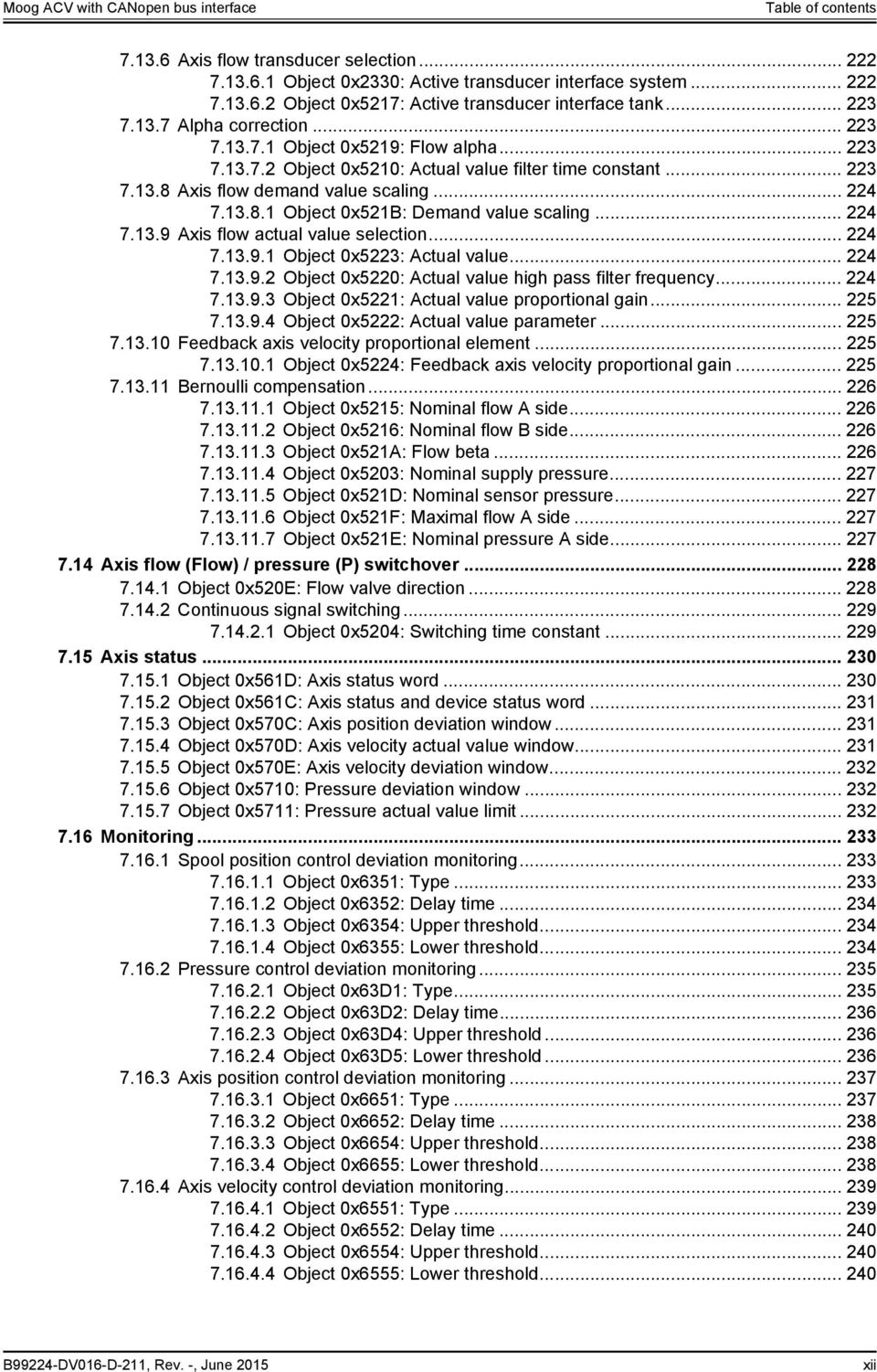
15 Table of contents Failsafe monitoring Object 0x2421: Upper limit Object 0x2422: Lower limit Pilot/single stage actual spool position monitoring Main/dual stage actual spool position monitoring Analog input cable break monitoring Object 0x3217: Monitoring current Object 0x3228: Monitoring current Object 0x3227: Monitoring current Object 0x3250: Lower current border Object 0x3251: Analog input monitoring time Sensor power supply monitoring Hardware monitoring Object 0x2803: CPU supply voltage Object 0x2804: Power supply voltage Object 0x2805: PCB temperature Object 0x280D: Operating time Event handler Event expressions Object 0x2901: Event expression Object 0x2902: Event expression Object 0x2903: Event expression Object 0x2904: Event expression Object 0x2905: Event expression Object 0x2906: Event expression Object 0x2907: Event expression Object 0x2908: Event expression Object 0x2909: Event enable Event handler examples Data logger Data logger state machine Object 0x3180: Control Object 0x3181: Status Channel settings Object 0x3185: Channel parameter Object 0x3184: Enable channel Sample frequency Object 0x3182: Divider Trigger settings Object 0x3189: Trigger parameter Object 0x3188: Trigger type Object 0x318C: Trigger level or bitmask Object 0x318A: Trigger coupling Object 0x318B: Trigger slope Object 0x318D: Trigger position Data memory Object 0x3186: Memory Object 0x3187: Sample start offset Object 0x3183: Number of samples B99224-DV016-D-211, Rev. -, June 2015 xiii
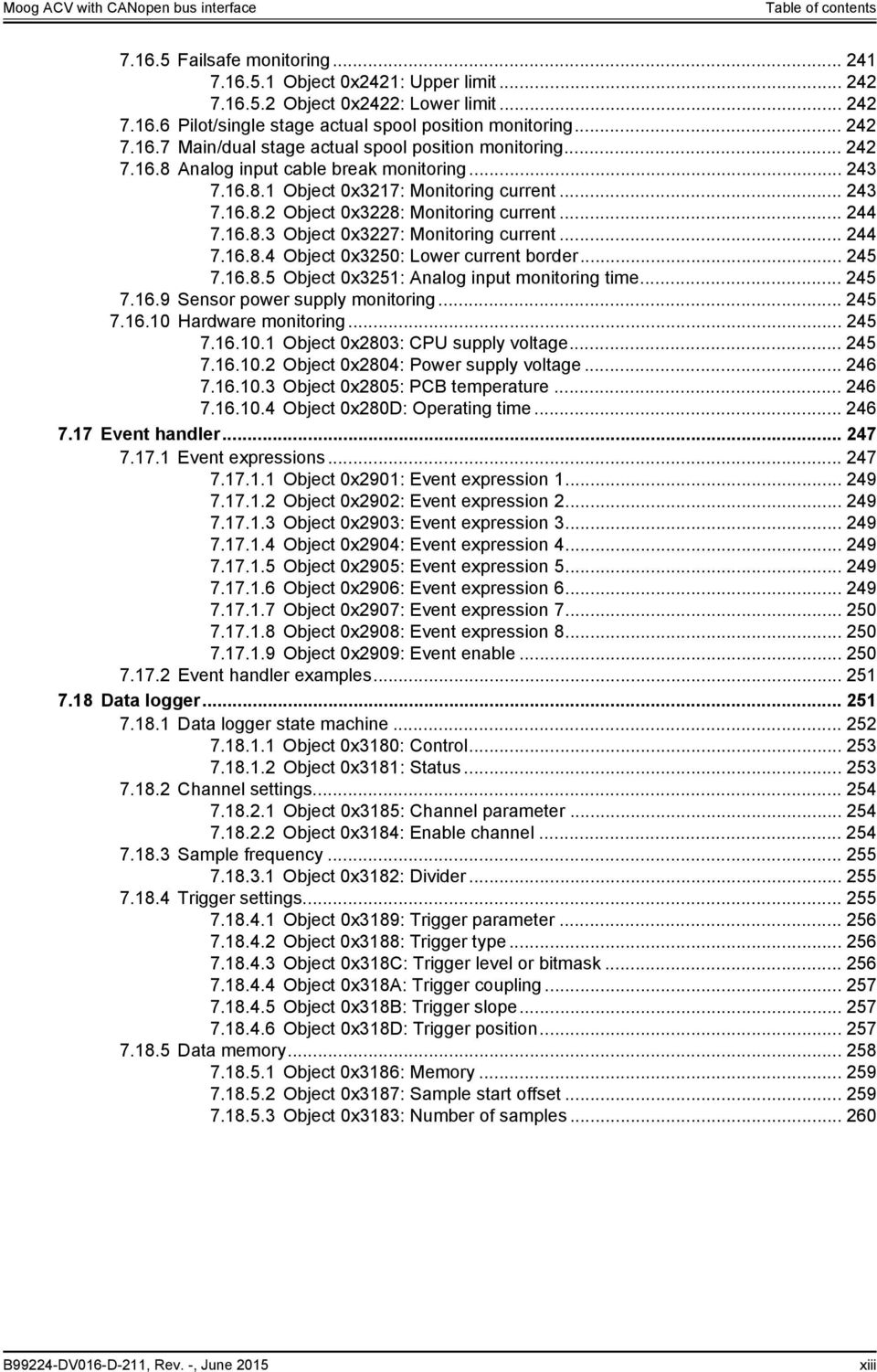
16 Table of contents 7.19 Function generator Function generator output signal shapes Rectangular output signal (type 1) Triangle output signal (type 2) Sawtooth signal (type 3) Trapezoid signal (type 4) Sine signal (type 5) Object 0x3100: Type Object 0x3104: Magnitude Object 0x3105: Offset Object 0x3107: Sign Function generator output signal frequency Object 0x3103: Frequency Object 0x3108: Frequency prefix Function generator output signals Object 0x3101: Output signal Object 0x3102: Square output (Trigger signal) Diagnostics Fault reaction Fault reaction flow chart Possible fault codes Fault reaction type Object 0x2830: Fault reaction type Error codes depending on fault codes Fault status Object 0x2831: Fault status Object 0x2834: Fault retain status Error register Object 0x1001: Error register Last eight fault codes and error codes Object 0x1003: Predefined error field Last eight error message descriptions Object 0x2832: Fault reaction description Object 0x2833: Fault history number Emergency message Fault disappears Fault acknowledgement Internal errors Object 0x2822: Internal error code Object 0x2823: Internal error time Abort SDO Transfer Protocol Storing / restoring parameters Storing parameters Object 0x1010: Store parameters Restoring factory parameters Object 0x1011: Restore default parameters Object dictionary B99224-DV016-D-211, Rev. -, June 2015 xiv
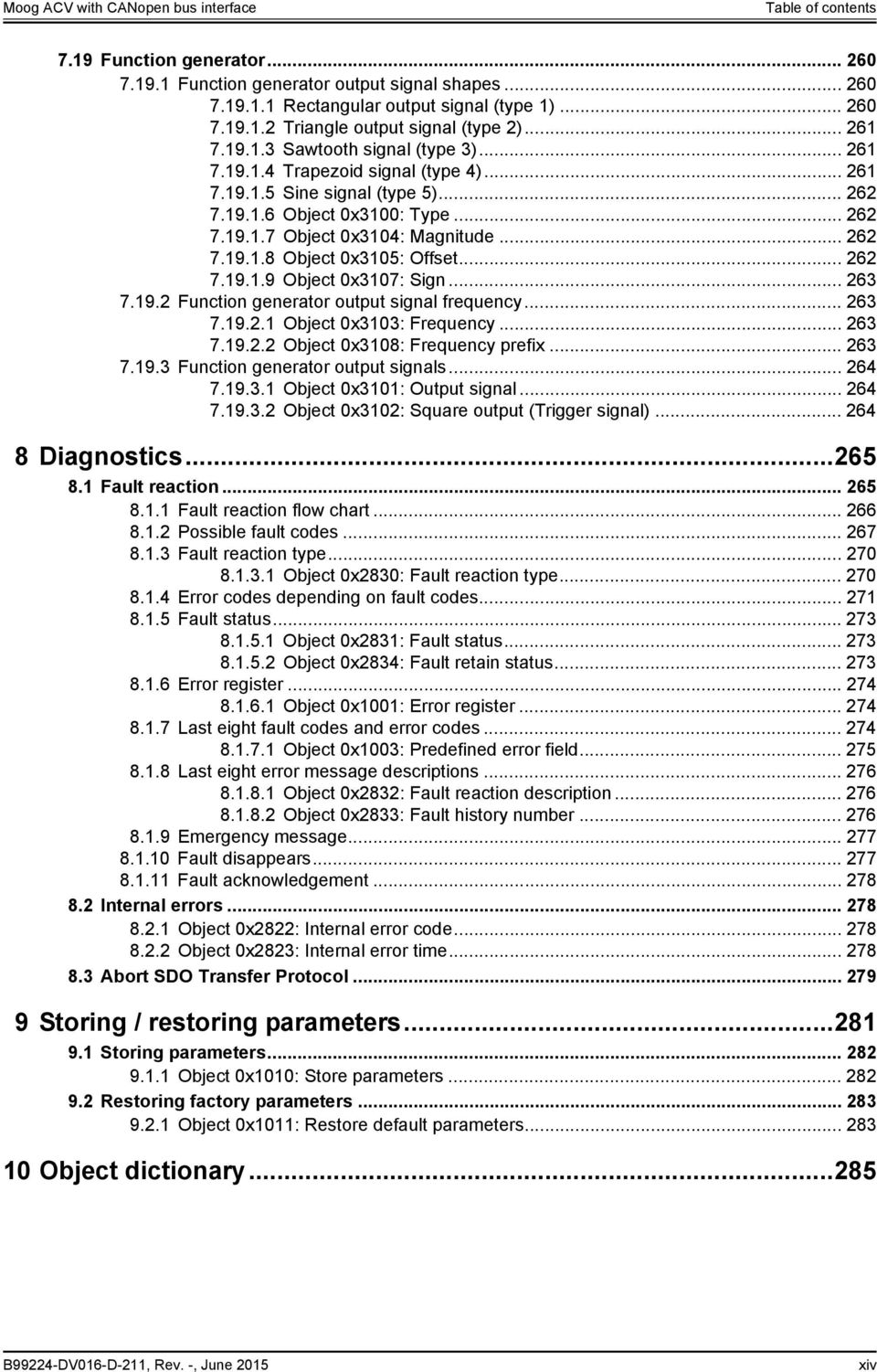
17 List of tables List of tables Table 1: Abbreviations... 6 Table 2: CANopen slave reference model Table 3: Field bus independent attributes Table 4: Unit representation Table 5: Prefix representation Table 6: Structure of the CANopen object dictionary (OD) Table 7: CANopen bit rates Table 8: CANopen bit rates Table 9: CANopen communication objects Table 10: Possible values of parameter <CobIdSyncMessage> (0x1005) Table 11: Possible values of parameter <CobIdEmergencyMessage> (0x1014) Table 12: Object 0x1400: 1st RxPDO configuration Table 13: Possible values of parameter <RPdo1_CobIdUsedByPdo> (0x1400, sub-index 1) Table 14: Possible values of parameter <RPdo1_TransmissionType> (0x1400, sub-index 2) Table 15: Object 0x1600: 1st RxPDO mapping Table 16: description of mapping parameter <RPdo1_ApplicPara1> <RPdo1_ApplicPara8> Table 17: Object 0x1800: 1st TxPDO configuration Table 18: Possible values of parameter <TPdo1_CobIdUsedByPdo> (0x1800 sub-index 1) Table 19: Possible values of parameter <TPdo1_TransmissionType> (0x1400, sub-index 2) Table 20: Object 0x1600: 1st TxPDO mapping Table 21: Possible values of parameter <TPdo1_ApplicPara1> <TPdo1_ApplicPara8> Table 22: Object 0x1200: SDO client/server parameter Table 23: NMT state transitions Table 24: NMT states Table 25: Possible values of parameter <DeviceType> (0x1000) Table 26: Possible values of parameter Identity object (0x1018) Table 27: Possible values of parameter <Capability> (0x605F) Table 28: Bit values of parameter <Capability> (0x605F) Table 29: Possible values of parameter <Local> (0x604F) Table 30: Possible values of parameter <ControlWord> (0x6040) Table 31: Possible values of parameter <StatusWord> (0x6041) Table 32: Possible values of parameter <DeviceMode> (0x6042) Table 33: Possible values of parameter <SplSetpointParameter> (0x3320) Table 34: Possible values of parameter <PrsSetpointParameter> (0x3310) Table 35: Possible values of parameter <PosSetpointParameter> (0x3300) Table 36: Possible values of parameter <TrajectoryType> (0x Table 37: Possible values of parameter <HoldSetpointTarget> (0x585C) B99224-DV016-D-211, Rev. -, June 2015 xviii

18 List of tables Table 38: Possible values of parameter <VelSetpointParameter> (0x5520) Table 39: Possible values of parameter <FlwSetpointParameter> (0x5202) Table 40: Possible values of parameter <InterfaceNumber> (0x6201) Table 41: Possible values of parameter <Type> (0x6202) Table 42: Possible values of parameter <Sign> (0x6203) Table 43: Possible values of parameter <TransducerPort> (0x4032) Table 44: Possible values of parameter <InputType> (0x3200) Table 45: Possible values of parameter <InputType> (0x3210) Table 46: Possible values of parameter <Parameter> (0x3240) Table 47: Possible values of parameter <Type> (0x3243) Table 48: Possible values of parameter <Parameter> (0x3260) Table 49: Possible values of parameter <Type> (0x3263) Table 50: Possible values of parameter <SensorSupplyEnable> (0x5619) Table 51: Possible values of parameter <MasterSlave> (0x5620) Table 52: Possible values of parameter <BitRate> (0x561F) Table 53: Possible values of parameter <DigitalOutputType> (0x5E41) Table 54: Receive PDOs and corresponding COB-IDs Table 55: Parameters of 1st RxPDO configuration object (0x5400) Table 56: Possible values of parameter <LocalRPdo1_CobIdUsedByPdo> (0x5400) Table 57: Possible values of parameter <LocalRPdo1_TransmissionType> (0x5400) Table 58: Parameters of 1st RxPDO mapping object (0x5600) Table 59: description of mapping parameter <LocalRPdo1_ApplicPara1 8> Table 60: Transmit PDOs and corresponding COB-IDs Table 61: Parameters of 1st TxPDO configuration object (0x5800) Table 62: Possible values of parameter <LocalTPdo1_CobIdUsedByPdo> (0x5800) Table 63: Possible values of parameter <LocalTPdo1_TrasnmissionType> (0x5800) Table 64: Parameters of 1st TxPDO mapping object (0x5A00) Table 65: Possible values of parameter <LocalTPdo1_ApplicPara1 8> Table 66: Possible values of parameter <LocalCANRemoteParameter> (0x5B10) Table 67: Possible values of parameter <LocalCANRemoteParameterAdress> (0x5B11) Table 68: Possible values of parameter <LocalCANRemoteTransmission> (0x5B13) Table 69: Control mode values Table 70: Possible values of parameter <ControlMode> (0x6043) Table 71: Data structure of the slope factor Table 72: Possible values of parameter <Type> (0x6330) Table 73: Definition of the directional dependent gain factor values Table 74: Possible values of parameter <DirectionalDependentGain_Type> (0x6340) Table 75: Data structure of the directional dependent gain factor Table 76: Possible values of parameter <CharacteristicCompensation_Type> (0x6346) B99224-DV016-D-211, Rev. -, June 2015 xix
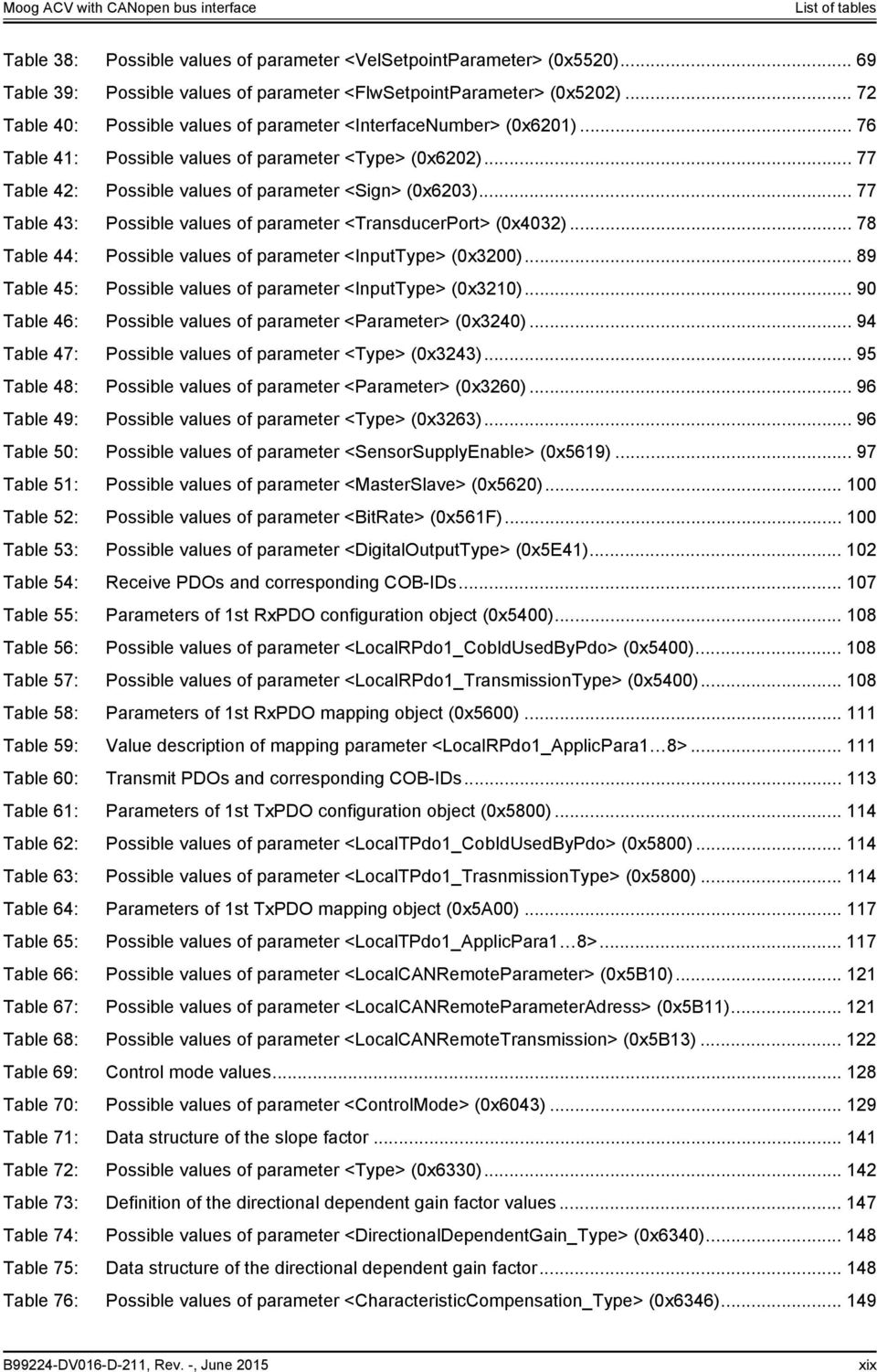
19 List of tables Table 77: Possible values of parameter <DeadbandCompensation_Type> (0x6342) Table 78: Data structure of the slope factor Table 79: Possible values of parameter <Type> (0x63B0) Table 80: Pressure controller objects contained in a parameter set Table 81: Possible values of parameter <IntegratorPreloadMode> (0x586B) Table 82: Behavior of preload output Table 83: Parameters used in a linear plant model Table 84: Possible values of parameter <PressureDemandSignMode> (0x586D) Table 85: Possible values of parameter <pqswitchingmode> (0x586C) Table 86: Possible values of parameter <VelActualPathMode> (0x5545) Table 87: Possible values of parameter <FlwControlMode> (0x5205) Table 88: Possible values of parameter <FlwActualParameter> (0x5222) Table 89: Possible values of parameter <AxisStatusWord> (0x561D) Table 90: Possible values of parameter <AxisStatusAndDeviceStatusWord> (0x561C) Table 91: Possible values of parameter <Type> (0x6351) Table 92: Possible values of parameter <Type> (0x63D1) Table 93: Possible values of parameter <Type> (0x6651) Table 94: Possible values of parameter <Type> (0x6651) Table 95: Cable break monitoring features Table 96: Possible fault codes Table 97: Fault codes Table 98: Fault codes Table 99: Fault codes Table 100: States of the data logger state machine Table 101: Transitions of the data logger state machine Table 102: Possible values of parameter <Control> (0x3180) Table 103: Possible values of parameter <Status> (0x3181) Table 104: Possible values of parameter <EnableParameter> (0x3184) Table 105: Possible values of parameter <Divider> (0x3182) Table 106: Possible values of parameter <TriggerType> (0x3188) Table 107: Possible values of parameter <TriggerCoupling> (0x318A) Table 108: Possible values of parameter <TriggerSlope> (0x318B) Table 109: Possible values of parameter <TriggerPosition> (0x318D) Table 110: Possible values of parameter <Type> (0x3100) Table 111: Possible values of parameter <FunctionGenFrequencyPrefix> (0x3108) Table 112: Possible fault codes Table 113: Fault reaction settings Table 114: Possible error codes depending on fault codes Table 115: Possible values of parameter <ErrorRegister> (0x1001) B99224-DV016-D-211, Rev. -, June 2015 xx

20 List of tables Table 116: Possible values of parameter <PreDefinedErrorField> (0x1003) Table 117: SDO Abort Codes Table 118: Behavior of saveable and volatile parameters Table 119: Possible values of parameter 0x Table 120: Possible values of parameter 0x Table 121: State changes needed to activate the restored values Table 122: Object dictionary B99224-DV016-D-211, Rev. -, June 2015 xxi
21 List of figures List of figures Figure 1: Structure of a warning notice... 3 Figure 2: Servo valve position and stage names... 6 Figure 3: CANopen slave reference model Figure 4: CAN protocol Figure 5: Name plate of the device with identification object address Figure 6: Process data object (PDO) mapping Figure 7: Receive process data object (RxPDO) mapping Figure 8: Transmit process data object (TxPDO) mapping Figure 9: CANopen network state machine (CSM) Figure 10: Device structure Figure 11: Device controller structure Figure 12: Name plate of the device with identification object address Figure 13: Local mode Figure 14: Device state machine Figure 15: Status display LEDs Figure 16: Signal routing Figure 17: Spool position setpoint value path Figure 18: Pressure setpoint value path Figure 19: Axis position setpoint value path Figure 20: Axis position setpoint value path - 16 to 32 bit scaling Figure 21: Axis velocity setpoint value path Figure 22: Axis velocity setpoint value path - 16 to 32 bit scaling Figure 23: Axis flow setpoint value path Figure 24: Drive actual value path Figure 25: Pressure actual value scaling Figure 26: Position digital encoder actual value scaling Figure 27: Position analog encoder actual value scaling Figure 28: General input scaling Figure 29: Analog inputs Figure 30: Analog outputs Figure 31: Analog output scaling Figure 32: Encoder input Figure 33: Digital inputs Figure 34: Digital outputs in the default configuration Figure 35: Structure of local CAN bus Figure 36: Local CAN process data object (PDO) configuration Figure 37: Receive process data object (RxPDO) mapping B99224-DV016-D-211, Rev. -, June 2015 xxii
22 List of figures Figure 38: Transmit process data object (TxPDO) mapping Figure 39: Local CAN service data object (SDO) gateway Figure 40: Servo valve controller and command signal conditioning Figure 41: Spool position control open loop Figure 42: Spool position control closed loop Figure 43: Pressure control open loop Figure 44: Pressure control closed loop Figure 45: p/q control closed loop Figure 46: Axis position control Figure 47: Axis velocity control Figure 48: Axis flow control Figure 49: Axis p/flow control Figure 50: Spool position demand value generator Figure 51: Limit function Figure 52: Scaling function Figure 53: Ramp function Figure 54: Ramp type Figure 55: Ramp type Figure 56: Ramp type Figure 57: Directional depending gain Figure 58: Characteristic compensation Figure 59: Dead band compensation Figure 60: Dead band compensation type Figure 61: Dead band compensation type Figure 62: Zero correction Figure 63: Single stage servo valve Figure 64: Dual stage servo valve Figure 65: Pressure demand value generator Figure 66: Limit function Figure 67: Scaling function Figure 68: Ramp function Figure 69: Ramp type Figure 70: Ramp type Figure 71: Ramp type Figure 72: Pressure controller Figure 73: Demand pressure ramp function Figure 74: Pressure transducer selection Figure 75: Actual value filter Figure 76: Proportional first order lag element (PPT1) B99224-DV016-D-211, Rev. -, June 2015 xxiii
23 List of figures Figure 77: Integrator element (I) Figure 78: Integrator preload value Figure 79: Proportional derivative element 1 (PD) Figure 80: Proportional derivative element 2 (PD) Figure 81: Alpha correction Figure 82: Signal limitation Figure 83: Feed forward Figure 84: Signal limitation Figure 85: Parameterization of the pressure controller Figure 86: Pressure demand signal sign Figure 87: Spool position (Q) / pressure (P) switchover Figure 88: State machine used to switch between spool position control and pressure control Figure 89: State machine used to switch between spool position control and pressure control Figure 90: State machine used to switch between spool position control and pressure control Figure 91: Axis position setpoint conditioning / demand value generator Figure 92: Axis position trajectory generator Figure 93: Axis position derivation Figure 94: Axis position demand value filter Figure 95: Axis position controller Figure 96: Axis position transducer selection Figure 97: Axis position synchronisation Figure 98: Proportional element with first order lag element Figure 99: Integral element Figure 100: Derivative element Figure 101: Axis velocity feed forward proportional element Figure 102: Axis acceleration feed forward proportional element Figure 103: State feedback axis velocity and acceleration derivative element Figure 104: State feedback axis velocity proportional gain Figure 105: State feedback axis acceleration proportional gain Figure 106: Directional depending gain Figure 107: Signal limitation Figure 108: Axis velocity setpoint conditioning / demand value generator Figure 109: Limit function Figure 110: Ramp function Figure 111: Velocity demand ramp Figure 112: Axis velocity controller Figure 113: Axis velocity demand value filter Figure 114: Axis velocity actual value Figure 115: Actual derivative length B99224-DV016-D-211, Rev. -, June 2015 xxiv
24 List of figures Figure 116: Axis velocity feed forward proportional element Figure 117: Proportional element Figure 118: Integral element Figure 119: Feedback axis velocity value filter Figure 120: Feedback axis velocity derivative element Figure 121: Directional depending gain Figure 122: Signal limitation Figure 123: Axis flow setpoint conditioning / demand value generator Figure 124: Axis flow control Figure 125: Axis flow control mode Figure 126: Axis flow transducer selection Figure 127: Alpha correction Figure 128: Axis flow demand value scaling Figure 129: Axis flow actual value selection Figure 130: Feedback axis velocity proportional element Figure 131: Bernoulli compensator Figure 132: Maximal flow A side Figure 133: Axis flow / pressure switchover Figure 134: Continuous signal switching Figure 135: Spool position control deviation monitoring Figure 136: Pressure control deviation monitoring Figure 137: Axis position control deviation monitoring Figure 138: Axis velocity control deviation monitoring Figure 139: Failsafe monitoring Figure 140: 4 20 ma analog input signal monitoring Figure 141: Data logger state machine Figure 142: Data memory organization Figure 143: Data memory - mixed channel data Figure 144: Data memory - one channel with INT8 parameter Figure 145: Data memory - four channels with INT32 parameters Figure 146: Rectangular output signal (type 1) Figure 147: Triangle output signal (type 2) Figure 148: Saw signal (type 3) Figure 149: Trapezoid signal (type 4) Figure 150: Sine signal (type 5) Figure 151: Trigger signal Figure 152: Fault reaction flow chart B99224-DV016-D-211, Rev. -, June 2015 xxv
25 List of figures For your notes. B99224-DV016-D-211, Rev. -, June 2015 xxvi
26 1 General information About this manual 1 General information 1.1 About this manual This document describes the CANopen field bus interface of the Moog servo valves. It describes and explains the general structure of the CANopen field bus interface and in a second part the device specific profile for hydraulic valves will be explained. All parameters follow the common CANopen communication profile CiA 301 / CiA / CiA 305 and the device specific CANopen profile "Device profile fluid power technology proportional valves and hydrostatic transmissions", CiA 408 released by the CAN in Automation (CiA) organisation. This manual is part of the set of documentation available for the servo valve. Chapter "1.4 Further documentation for the servo valve", page 4 This document is not a replacement for the CANopen standards as listed in the references. Chapter "1.5 References", page 5 This manual was prepared with great care and the contents reflect the author s best knowledge. However, the possibility of error remains and improvements are possible. Please feel free to submit any comments regarding errors or possibly incomplete information to Moog Reservation of changes and validity The information contained in this manual is valid at the time of this version's release. See footer for version number and release date of this manual. We reserve the right to make changes to this manual at any time without specified reasons Completeness This manual is complete only when used in conjunction with the product related hardware and software documentation required for the relevant application Place of storage This manual and all other associated documentation for hardware and software must always be kept in a location where they will be readily accessible and close to the servo valve or the equipment in which it is installed Warranty and liability This manual only describes the functionality and influence of the parameters. The described software functionality can be used in various servo valve models which can be implemented in a vast range of applications. Hence it is not possible to assume liability for the influence of the parameters. Please refer to the safety instructions and remarks in the related operating instructions. B99224-DV016-D-211, Rev. -, June
27 1 General information About this manual Typographical conventions DANGER Identifies safety instructions that are intended to warn of an immediate and impending danger to life and limb. Failure to observe these safety instructions will inevitably lead to death, serious personal injury (disablement)! WARNING Identifies safety instructions that are intended to warn of potential danger to life and limb. Failure to observe these safety instructions might lead to death, serious personal injury (disablement)! CAUTION Identifies safety instructions that are intended to warn of slight personal injury. Failure to observe these safety instructions might lead to slight personal injury. NOTICE Failure to observe this safety notice can result in property damage! Identifies important information / - blue text Identifies listings Identifies references to another chapter, page, table or figure in this manual Identifies a hyperlink within the PDF file 1., 2., Identifies steps in a procedure that should be performed in consecutive order 'STATE' «MS» Identifies states of a state machine Identifies LEDs of the servo valve (for example, «MS») < > Identifies a parameter name " " Used for references B99224-DV016-D-211, Rev. -, June
28 1 General information Structure of warning notices 1.2 Structure of warning notices The warning notices in this user manual have the following structure: DANGER 1 2 Moving machine parts! Entrapment hazard! 3 4 Do not enter danger zone! 5 Legend 1 Warning symbol 2 Signal word 3 Type and source of hazard 4 Possible consequences if a potential hazard 5 Hazard prevention measures Figure 1: Structure of a warning notice 1.3 Selection and qualification of personnel Only qualified users may work with the servo valve. Qualified users are properly trained experts with the required knowledge and experience. In particular, these experts must have the authorization to bring into operation systems and power circuits in accordance with safety engineering standards. They must be familiar with safety concepts common in automation. B99224-DV016-D-211, Rev. -, June
29 1 General information Further documentation for the servo valve 1.4 Further documentation for the servo valve This manual is part of the complete set of documentation for the servo valve, which includes the following documents: User manuals B Product Installation Instruction Servo- Proportional Valves and Servovalves D67x Series B User Manual Mounting and Installation Notes D636/7/8/9 Series - Servovalves B User Manual Mounting and Installation Notes, Servovalves D630 Series B Mounting and Installation Notes, pq-proportional Valves D941/2/3/4 Series CA User Manual Electrical Interfaces Description of the electrical interfaces for the series D636, D637, D638, D639, D67x, D930, D94x and the RKP-D B Operating Instructions D636 and D637/D638 Series Direct-Operated Servovalves C en + de Operating Instructions D941 Series Two-State pq-proportional Valves with Integrated Digital Electronics and CAN Bus Interface CA Betriebsanleitung Servoventile Serie D636/D638 Direktbetätigte Servoventile CA User Manual Direct Drive Servovalves with integrated Digital Electronics and Fieldbus, Size NG10 D637-R/D639-R Series CA Benutzerinformation Vorgesteuerte Proportionalventile, Größe NG10 - NG32 Baureihe D67x nach ISO 4401 Explosion proof valves CDS29587-en User Manual for Direct Driven Servovalves with Integrated Digital Electronics (explosion proof) Series D636K and D638K, Size 03 CDS29577-en User Manual for Direct Operated Servo- and Proportional Valves with Integrated Digital Electronics (explosion proof) Series D637K und FD639K, Size 05 CDS29588-en User Manual for Pilot operated Proportional Valves with Integrated Digital Electronics (explosion proof) D67xK Series CDS29589-en User Manual for Pilot Operated Proportional valves with Integrated Digital Electronics (explosion proof) Series D94xK Miscellaneous documents CA Technical Note TN353 Protective Grounding and Electrical Shielding of Valves CA Technical Note TN494 Maximum Permissible Length of Electric Cables for Valves with Integrated Electronics CDL28319-en Catalog - D671-D672-D673-D674-D675 Series Drive Servo-Proportional Valves with Integrated Digital Electronics and CAN bus Interface Visit to download the desired documents. B99224-DV016-D-211, Rev. -, June
30 1 General information References 1.5 References In this chapter you will find information about standards for CANopen, CANopen and the used device profile. In the following table you see all relevant organizations for standardization. ISO IEC CiA VDMA International Organization for Standardization 1, ch. de la Voie-Creuse, Case postale 56 CH-1211 Geneva 20 International Engineering Consortium 233 S. Wacker Drive, Suite 8400 Chicago, IL USA CAN in Automation Kontumazgarten 3 DE Nuremberg Verband Deutscher Maschinen- und Anlagenbau e.v. Lyoner Strasse Frankfurt/Main CAN field bus The CANopen field bus interface provides a connection to the servo valves using standard CAN frames according to ISO and ISO CiA 301 CiA CiA 305 ISO ISO ISO ISO CANopen application layer and communication profile Cabling and connector pin assignment Layer setting services (LSS) and protocols Road vehicles -- Controller area network (CAN) -- Part 1: Data link layer and physical Road vehicles -- Controller area network (CAN) -- Part 2: High-speed medium access unit Road vehicles -- Controller area network (CAN) -- Part 3: Low-speed, fault-tolerant, medium-dependent interface Road vehicles -- Controller area network (CAN) -- Part 5: High-speed medium access unit with low-power mode Device Profile VDMA Profile Fluid Power CiA 408 or Device Profile Fluid Power Device profile for Proportional Valves and Hydrostatic Transmissions VDMA Profile Fluid Power Technology Version 1.5 CiA 408 Device profile for fluid power technology proportional valves and hydrostatic transmissions, Version 1.5e 1.6 Definitions Internal resolution (ir) The internal resolution is (0x4000) at 100 % and (0xC000) at 100 % of the value range Volume flow direction A positive spool position demand value will result in a volume flow from connection P to A. B99224-DV016-D-211, Rev. -, June
31 1 General information Abbreviations Servo valve position and stage names Single stage servo valve Dual stage servo valve X Y Pilot position u s Pilot A A B B Spool position u s P T Main stage Spool position Main stage position u s P T Main stage Figure 2: Servo valve position and stage names 1.7 Abbreviations Abbreviation Explanation AC Alternating Current CAN Controller Area Network CANopen ISO/OSI Layer 7 protocol, specified by CAN in Automation (CiA) CiA CAN in Automation COB-ID Communication Object Identifier DC Direct Current DCV Moog Digital Control Valve DSM Device State Machine DSP Digital Signal Processor DSV Device specific value EDS Electronics Datasheet, containing a description of the CANopen object dictionary EEPROM Electrically erasable programmable read-only memory ir Internal resolution defined by CiA 408 ISO International Engineering Consortium LED Light Emitting Diode LVDT Linear Variable Differential Transformer used to measure the valves spool position NMT Network management according CANopen NS Network Status OD Object Dictionary OSI Open Systems Interconnection P Proportional gain element PD Proportional derivative element PDO Process Data Object PE Protective earth / Electrical grounding PPT1 Proportional first order lag element ro Read only rw Read write Table 1: Abbreviations (part 1 of 2) B99224-DV016-D-211, Rev. -, June
32 1 General information Trademarks Abbreviation RxPDO RxPDO remote RxSDO SDO TR TxPDO TxPDO remote TxSDO URL VDMA wo Xn Explanation Receive Process Data Object Receive Process Data Object remote Receive Service Data Object Service Data Object State transmission of the valve application state machine Transmit Process Data Object Transmit Process Data Object remote Transmit Service Data Object Uniform Resource Locator / Internet address Verband Deutscher Maschinen- und Anlagenbau e.v. Write only Physical connector n for electrical connection Table 1: Abbreviations (part 2 of 2) 1.8 Trademarks Moog and Moog Authentic Repair are registered trademarks of Moog Inc. and its subsidiaries. All the product and company names mentioned in this document are possibly proprietary names or trademarks of the respective manufacturers. The use of these names by third parties for their own purposes may infringe the rights of the manufacturers. It cannot be inferred from the absence of the or symbol that the designation is a free brand name. B99224-DV016-D-211, Rev. -, June
33 1 General information Trademarks For your notes. B99224-DV016-D-211, Rev. -, June
34 2 Access over CANopen Introduction 2 Access over CANopen 2.1 Introduction CANopen is a communication protocol and device profile specification for embedded systems used in automation. In terms of the Open Systems Interconnection (OSI) model, CANopen implements the above layers and the network layer. The CANopen standard consists of an addressing scheme, several communication protocols and an application layer defined by specific device profiles. The communication protocols have support for network management, device monitoring and communication between nodes. The lower level protocol implementing the data link and physical layers is usually Controller Area Network (CAN). The basic CANopen application and communication profiles are given in the CiA 301 specification released by CAN in Automation (CiA). The device profiles for different devices are built on top of this basic profile. 2.2 Device profiles The German Engineering Federation (VDMA), together with the manufacturers of hydraulic devices, have developed the "profile for fluid power technology". This profile defines common functionality and parameters for the communication of hydraulic components via field bus in a standardized format across manufacturers. This profile is implemented in all Moog servo valves with field bus interface. The CiA organization transformed the bus-independent device profile from the VDMA to the CANopen specific device profile CiA 408 "Device Profile Fluid Power Technology - proportional valves and hydrostatic transmissions". The device profiles describe the application parameters and the functional behavior of the devices including the device class-specific state machines. For many device classes, field bus technology already offers reliable device profiles for example for generic I/O-modules (CiA 401), drives and motion control (CiA 402) or for fluid power technology, proportional valves and hydrostatic transmissions (CiA 408). Users should be familiar with the associated profile. B99224-DV016-D-211, Rev. -, June
35 2 Access over CANopen CANopen slave reference model 2.3 CANopen slave reference model The architecture of the CANopen stack with Physical Layer (Phy), Data Link Layer (DL) and Application Layer (AL) was taken from the ISO Reference Model (ISO/IEC standard :1994). Layers three to six of this 7-layer reference model were not implemented, as these layers are intended for exchanging and sending telegrams. In a real-time field bus system, such functionalities are not required. The CANopen communication concept can be described similar to the ISO/OSI reference model. Servo Valve Controler Application CANopen Stack CANopen Application Layer (AL) Object Dictionary (OD) Layer Management Pressentation Layer (PL) Session Layer (SL) Transport Layer (TL) Network Layer (NL) SYNC EMCY CAN Data Link Layer (DLL) SDO PDO NMT Layer Setting Service (LSS) Not implemented CAN Physical Layer (Phy) CANopen CANopen Figure 3: CANopen slave reference model CANopen is based on the CAN data link layer and high-speed transceiver as specified in ISO CANopen specifies in CiA the bit-timing and recommends connectors and their pin-assignments. CANopen represents a standardized application layer and communication profile as defined in CiA 301. The CiA 305 specifies the layer setting services (LSS). These protocols are used to inquire or to change the settings of the physical layer, data link layer and application layer on a device. Layer Description References CAN / CANopen Layer 7 Application layer CiA 301 (CANopen application layer and communication profile) CiA 305 (CANopen LSS) Layer 6 Presentation layer (not implemented) Layer 5 Session layer (not implemented) Layer 4 Transport layer (not implemented) Layer 3 Network layer (not implemented) Layer 2 Data link layer ISO (CAN) CiA 305 (CANopen LSS) Layer 1 Physical layer ISO /2/3/5 (CAN) CiA (CANopen Additional Specification) Table 2: CANopen slave reference model B99224-DV016-D-211, Rev. -, June
36 2 Access over CANopen CANopen objects 2.4 CANopen objects A CANopen object is a set of CANopen parameters with the same index and object name. It consists of one or more parameters and their values. Objects are grouped in thematic blocks Parameter value A parameter value is a real value stored in the servo valve with the attributes of the parameter explained in the next chapter Parameter and their attributes A parameter is an abstract representation of a particular parameter value within a CANopen object dictionary in a device. Parameters are described in this document in the following tabular form: Block name In the parameter list in chapter "10 Object dictionary" you will find a form like the following one in which the attributes are explained in detail: Index Subindex PDOmapping Short name Specification Block object and parameter name Data type Access range Default B99224-DV016-D-211, Rev. -, June
37 2 Access over CANopen CANopen objects Column name Block name Object name Index Sub-index Parameter name Data type Access range Default Specification PDO mapping Short name Meaning Describes the family of the object. If the object does not belong to a block, the object name is taken as block name. Defined name of the object. 16 bit index that addresses the entry in the object dictionary. In case of a simple variable this references the value of this variable directly. In case of records and arrays, the index addresses the whole data structure. Then the 8 bit sub-index allows access to individual elements in the structure. If the object is defined as a record or array, the sub-index defines an element in the structure. Defined name of the parameter. Data type of the parameter. INTn Integer with n bits FLOAT32 Floating point with 32 bit char Character (ASC II) STRING String of characters UINTn Unsigned integer with n bits DOMAIN Application specific data block Access permission for the parameter. rw Read and write allowed wo Write only ro Read only Defines whether the parameter can be saved in non-volatile memory. If the persistence is set to "Y", the saved value stays in memory even after the device is turned off. Parameters not marked as persistent ("N") lose their settings after the device is turned off. The parameters with the access type "read only" are marked with "-". This means that the parameter cannot be changed by the user. Allowed value range for the object. Default values: The default values in this document are firmware preset values. These values can be changed during calibration or set up with model specific parameters during production of the servo valve. Factory settings: The factory settings are values which are set up model specific during production of the servo valve. These parameters no longer contain the firmware default preset values. Chapter "9 Storing / restoring parameters", page 281 Related (field bus) standard defining the parameter. Possible entries: CiA 301 Parameters correspond to CiA 301 (CANopen). CiA 408 Parameters correspond to CiA 408. Moog DCV Moog defined parameters for digital control valves. If set to "Y", the parameter can be mapped into a PDO. If set to "N", the parameter cannot be mapped into a PDO. Unique short name. Table 3: Field bus independent attributes The listed default values contain the firmware preset values and not necessarily the configuration of the delivered servo valve. B99224-DV016-D-211, Rev. -, June
38 2 Access over CANopen CANopen object dictionary (OD) Units and prefix parameter This chapter describes the coding of units and prefix parameters according to CiA Some objects provide unit and prefix in the sub-indices 2 and 3 to allow the master controller the correct visualization. Name of unit International symbol Notation index (hex) none dimensionless or ir 0x00 meter m 0x01 second s 0x03 hertz Hz 0x20 liter l or L 0x44 minute (time) min 0x47 hour h 0x48 day d 0x49 year a 0x4A bar bar 0x4E meter per square second m/s 2 0x55 Table 4: Unit representation Prefix Factor Symbol Notation index (hex) none x00 deci 10 1 d 0xFF centi 10 2 c 0xFE milli 10 3 m 0xFD xFC Table 5: Prefix representation 2.5 CANopen object dictionary (OD) CANopen devices have an object dictionary, which is used for configuration and non-realtime communication with the device. It is essentially a grouping of objects accessible via the network. Each object within the object dictionary is addressed using a 16 bit index and an 8 bit sub-index. So an object can contain 256 parameters which are addressed by the sub-index. The object dictionary is structured in several index ranges. The classification of the object dictionary is defined in the CiA 301. Index Object Reference 0x0000 Not used 0x0001 0x001F Data types CiA 301 0x0020 0x003F Complex data types (not used) CiA 301 0x0040 0x005F Manufacturer-specific complex data types (not used) 0x0040 0x025F Device profile specific data types (not used) CiA 408 0x0260 0x03FF Reserved for further use 0x0400 0x0FFF Reserved for further use 0x1000 0x1FFF Communication profile area CiA 301 / IEC x2000 0x5FFF Manufacturer-specific area Moog DCV Table 6: Structure of the CANopen object dictionary (OD) B99224-DV016-D-211, Rev. -, June
39 2 Access over CANopen CAN data link layer Index Object Reference 0x6000 0x67FF Standardized profile area 1st logical device CiA 408 0x6800 0x9FFF Standardized profile area 2nd 8th logical device (not used) CiA 301 0xA000 0xAFFF Standardized network variable area (not used) 0xB000 0xBFFF Standardized system variable area (not used) 0xC000 0xFFFF Reserved for further use Table 6: Structure of the CANopen object dictionary (OD) 2.6 CAN data link layer The CAN data frame can carry up to 8 bytes data. The header has an 11 bit communication object identifier (COB-ID) used to address a CAN service. The lowest COB-ID has the highest transmission priority. 29-bit COB-IDs are not supported , 8, 16, 24, 43, 40, 48, 56 oder SOF COB-ID RTR DLC Data CRC ACK EOF MSB LSB Figure 4: CAN protocol SOF COB-ID RTR DLC Data CRC ACK EOF Start of frame Communication object identifier, 11-bit Remote transmission request Data length code CANopen protocols: SDO, PDO, NMT, EMCY Cyclic redundancy check Acknowledgement End of frame 2.7 CAN bit rate and Node-ID configuration The bit rate of the CAN bus communication can be changed to achieve a maximal transmission rate by a given length of the cable. Each node in the network has a unique Node-ID which must be configured before initial operation. The Node-ID and the bit rate can be changed using: Layer Setting Service (LSS) Service Data Objects (SDO) The following standardized CANopen bit rates and maximum cable lengths can be configured: See also document CA "User Manual Electrical Interfaces" Bit rates Maximum cable length 1000 kbit/s < 25 m 800 kbit/s < 50 m 500 kbit/s < 100 m 250 kbit/s < 250 m 125 kbit/s < 500 m 50 kbit/s < 1000 m 20 kbit/s < 2500 m 10 kbit/s < 5000 m Table 7: CANopen bit rates B99224-DV016-D-211, Rev. -, June
40 2 Access over CANopen CAN bit rate and Node-ID configuration CAN bit rate and Node-ID configuration using LSS services The digital servo valve has a Layer Setting Service (LSS) slave implementation according to CiA 305. With this service the bit rate and the Node-ID of the digital servo valve can be configured by a LSS master. The Layer Setting Services (LSS) use the COB-IDs 0x7E4 and 0x7E5. The LSS service provides two methods to change the bit rate of the servo valve: 1. If a point to point connection has been established between the LSS master and the servo valve, the bit rate and the Node-ID is set in dialog mode. 2. If more than one slave nodes are connected to the network at the same time, the bit rate and Node-ID can be changed with the LSS service by selecting this particular slave device by his unique identification object (0x1018). This node identification object is worldwide unique and will be programmed during production. Information about the identification object address is available from the name plate of the device or can be inquired by using SDO or the boot-up message. The LSS service itself stores the new settings permanently in the servo valve. It is not necessary to initiate a manual Store command as needed for other configuration parameters of the servo valve. The identification object (Vendor-ID, Product Code, Revision Number, Serial Number) is printed on the name plate of the servo valve. Figure 5, page 15 For more details about the LSS service see CiA 305. Chapter "4.1.5 Object 0x1018: Identity object", page 40 Figure 5: Name plate of the device with identification object address CAN bit rate and Node-ID configuration using SDO protocol In case a network master does not support the LSS services, the bit rate and the Node-ID in the servo valve can be configured by the SDO protocol. Therefore two SDO objects were introduced. When changing these settings, they will get active not before either a power-up or a NMT-reset communication are initiated. That makes sure that the CAN communication will not get interrupted by changing these basic settings. Different to all other configuration parameters, writing these parameters to the servo valve, stores them permanently. It is not necessary to initiate a manual Store command as needed for all other configuration parameters of the servo valve. B99224-DV016-D-211, Rev. -, June
41 2 Access over CANopen CAN bit rate and Node-ID configuration Object 0x3002: Module identifier (Node-ID) This parameter represents the CAN Node-ID of the servo valve. To activate the new Node-ID either a powerup or a NMT-reset communication has to be initiated. NMT protocol CiA 203 Chapter "2.9.6 Reset communication command (COB-ID:0, CS:130)", page 34 CANopen 0x ModuleIdentifier UINT8 rw Y Object 0x3003: Bit rate The bit rate will be configured in bits per second. To activate the new bit rate either a power-up or a NMT-reset communication has to be initiated. NMT protocol CiA 203 Chapter "2.9.6 Reset communication command (COB-ID:0, CS:130)", page 34 CANopen 0x Bitrate UINT32 rw Y description The following standardized CANopen bit rates can be configured: Bit rate Parameter value 1000 kbit/s kbit/s kbit/s kbit/s kbit/s kbit/s kbit/s kbit/s Table 8: CANopen bit rates B99224-DV016-D-211, Rev. -, June
42 2 Access over CANopen CANopen communication protocols 2.8 CANopen communication protocols CANopen communication protocols are classified as follows: The real-time data are transferred with the process data object (PDO) protocol. The configuration parameters are transferred with the service data object (SDO) protocol. Special protocols provide application-specific network synchronization (SYNC) protocol, time stamping and emergency message (EMCY) protocol. The network management (NMT) protocol provides services for network initialization, error control and network status control. Protocol COB-ID Description NMT 0x000 Network Management (NMT) protocol (Broadcast) NMT 0x000+Node-ID Network Management (NMT) protocol SYNC 0x080 Synchronization (Broadcast) protocol SDO objects used for protocol configuration Reference Chapter CiA 301 CiA 301 Chapter "2.9.1 Network management (NMT) protocol (COB-ID: 0x000, 0x700)", page 33 0x1005 CiA 301 Chapter "2.8.1 Synchronization (SYNC) protocol (COB-ID: 0x080)", page 17 EMCY 0x080+Node-ID Emergency protocol 0x1014 CiA 301 Chapter "2.8.2 Emergency (EMCY) protocol (COB-ID: 0x080+Node-ID)", page 18 TxPDO 0x180+Node-ID 1st Transmit PDO protocol 0x1800, 0x1A00 CiA 301 Chapter "2.8.3 Process data object RxPDO 0x200+Node-ID 1st Receive PDO protocol 0x1400, 0x1600 CiA 301 (PDO) protocol", page 19 TxPDO 0x280+Node-ID 2nd Transmit PDO protocol 0x1801, 0x1A01 CiA 301 RxPDO 0x300+Node-ID 2nd Receive PDO protocol 0x1401, 0x1601 CiA 301 TxPDO 0x380+Node-ID 3rd Transmit PDO protocol 0x1802, 0x1A02 CiA 301 RxPDO 0x400+Node-ID 3rd Receive PDO protocol 0x1402, 0x1602 CiA 301 TxPDO 0x480+Node-ID 4th Transmit PDO protocol 0x1803, 0x1A03 CiA 301 RxPDO 0x500+Node-ID 4th Receive PDO protocol 0x1403, 0x1603 CiA 301 SDO 0x580+Node-ID Transmit SDO protocol 0x1200 CiA 301 Chapter "2.8.4 Service data object SDO 0x600+Node-ID Receive SDO protocol 0x1200 CiA 301 (SDO) protocol (COB-ID: 0x580, 0x600)", page 31 NMT 0x700+Node-ID Network Management (NMT) error control protocol (Bootup, Node Guarding) LSS 0x7E4 Transmit Layer Setting Services (LSS) protocol LSS 0x7E5 Receive Layer Setting Services (LSS) protocol 0x100C, 0x100D, 0x1016, 0x1017 CiA 301 Chapter "2.9.1 Network management (NMT) protocol (COB-ID: 0x000, 0x700)", page 33 0x1018 CiA 305 Chapter "2.7.1 CAN bit rate and Node-ID configuration using LSS services", page 15 Table 9: CANopen communication objects Synchronization (SYNC) protocol (COB-ID: 0x080) The SYNC protocol is a network wide system trigger generated by one CANopen device in the network. The SYNC protocol has a very high priority and has no data in order to guarantee a minimum of jitter. The SYNC protocol is sent by a sync producer and can trigger PDO transmissions in the sync consumer nodes when activated in the corresponding PDO transmission types. Chapter " Object 0x1400: 1st RxPDO protocol configuration", page 20 Chapter " Object 0x1800: 1st TxPDO protocol configuration", page 26 Chapter " Object 0x3011: TxPDO trigger", page 31 B99224-DV016-D-211, Rev. -, June
43 2 Access over CANopen CANopen communication protocols Object 0x1005: SYNC protocol COB-ID configuration This object defines the COB-ID of the sync object itself. CANopen 0x CobIdSyncMessage UINT32 rw Y 1 0x000007FF 0x x0080 description <CobIdSyncMessage> Bit Description Reserved 0: SYNC client 1: SYNC server (not implemented) Reserved Table 10: Possible values of parameter <CobIdSyncMessage> (0x1005) 11 bit COB-ID Emergency (EMCY) protocol (COB-ID: 0x080+Node-ID) The emergency protocol is a high priority message triggered by an error event in the device. The error codes sent with the emergency message are device profile independent and are specified in the CANopen communication profile CiA 301. They are described in the chapter Diagnostics. Chapter "8 Diagnostics", page Object 0x1014: EMCY protocol COB-ID configuration This object defines the COB-ID of the emergency object itself. CANopen 0x CobIdEmergencyMessage UINT32 rw Y 1 0x000007FF 0x description <CobIdEmergencyMessage> Bit Description 0: EMCY exists Reserved Reserved 11 bit COB-ID Table 11: Possible values of parameter <CobIdEmergencyMessage> (0x1014) B99224-DV016-D-211, Rev. -, June
44 2 Access over CANopen CANopen communication protocols Process data object (PDO) protocol The process data object (PDO) communication allows cyclic sending and receiving of parameters in real time. Different transmission modes are available: synchronous, event or timer driven transmission. Four TxPDOs and four RxPDOs are implemented: Receive process data object (RxPDO) Chapter " RxPDO protocol configuration (COB-ID: 0x200, 0x300, 0x400, 0x500)", page 19 Transmit process data object (TxPDO) Chapter " TxPDO protocol configuration (COB-ID: 0x180, 0x280, 0x380, 0x480)", page 25 Digital servo valve 4 RxPDO channels with 8 mappable parameters 0x x... Object Dictionary (OD) / Parameter 7 <ControlWord> (0x6040) 0x... 0x x CANopen RxPDO Mapping (0x x1603) CANopen 4 TxPDO channels with 8 mappable parameters 0x x <StatusWord> (0x6041) 0x... 0x x CANopen TxPDO Mapping (0x1A00...0x1A03) Figure 6: Process data object (PDO) mapping RxPDO protocol configuration (COB-ID: 0x200, 0x300, 0x400, 0x500) To enable receive process data object (RxPDO) transmission, the local application parameters must be mapped to the RxPDO and a transmission type must be selected for each RxPDO channel. Four RxPDO channels are available. B99224-DV016-D-211, Rev. -, June
45 2 Access over CANopen CANopen communication protocols Object 0x1400: 1st RxPDO protocol configuration First RxPDO channel configuration. CANopen description range 0x RPdo1_CobIdUsedByPdo UINT32 rw Y 1 0x000007FF 0x x RPdo1_TransmissionType UINT8 rw Y UINT x RPdo1_EventTimer UINT16 rw Y UINT16 0 Default 0x Parameter Description <RPdo1_CobIdUsedByPdo> COB-ID of the 1st RxPDO. <RPdo1_TransmissionType> Different trigger can be configured: Table 14, page 20 For local CAN this parameter must be set to 0xFF (asynchron). <RPdo1_EventTimer> This parameter defines the timeout in milliseconds for the RxPDO timeout monitoring. The event timer is used to recognize the expiration of the RxPDO. If the time elapsed and the PDO was not received within that period, a fault reaction can be initiated. If this parameter is set to 0, the receive timeout monitoring is turned off. Table 12: Object 0x1400: 1st RxPDO configuration <RPdo1_CobIdUsedByPdo> Bit Description 0: PDO will be processed/received 1: PDO will not be processed/received Reserved Reserved 11 bit COB-ID Table 13: Possible values of parameter <RPdo1_CobIdUsedByPdo> (0x1400, sub-index 1) <RPdo1_TransmissionType> 0 The last incoming PDO will be processed synchronously to the next incoming SYNC telegram The last incoming PDO will be processed synchronously to every <1stRxPDO_TransmissionType> SYNC telegram Reserved PDO will be processed immediately after reception. Table 14: Possible values of parameter <RPdo1_TransmissionType> (0x1400, sub-index 2) Object 0x1401: 2nd RxPDO protocol configuration Second RxPDO channel configuration. CANopen range 0x RPdo2_CobIdUsedByPdo UINT32 rw Y 1 0x000007FF 0x x RPdo2_TransmissionType UINT8 rw Y UINT x RPdo2_EventTimer UINT16 rw Y UINT16 0 Default 0x description Table 12, page 20 B99224-DV016-D-211, Rev. -, June
46 2 Access over CANopen CANopen communication protocols Object 0x1402: 3rd RxPDO protocol configuration Third RxPDO channel configuration. CANopen range 0x RPdo3_CobIdUsedByPdo UINT32 rw Y 1 0x000007FF 0x x RPdo3_TransmissionType UINT8 rw Y UINT x RPdo3_EventTimer UINT16 rw Y UINT16 0 Default 0x description Table 12, page Object 0x1403: 4th RxPDO protocol configuration Fourth RxPDO channel configuration. CANopen range 0x RPdo4_CobIdUsedByPdo UINT32 rw Y 1 0x000007FF 0x x RPdo4_TransmissionType UINT8 rw Y UINT x RPdo4_EventTimer UINT16 rw Y UINT16 0 Default 0x description Table 12, page 20 B99224-DV016-D-211, Rev. -, June
47 2 Access over CANopen CANopen communication protocols RxPDO mapping (COB-ID: 0x200, 0x300, 0x400, 0x500) With the receive process data object (RxPDO) mapping most object dictionary entries can be mapped to a RxPDO. Each CANopen telegram can carry 8 bytes data. The smallest data types used in the digital servo valve are 8 bit integers. Therefore eight object dictionary entries with 8 bit data length or four object dictionary entries with 16 bits or two object dictionary entries with 32 bit can be mapped within one RxPDO. An arbitrary combination of different data types is possible if the sum of the mapped RxPDO data is less or equal 8 bytes. Example: The following values should be mapped to the fourth RxPDO (default mapping): Device state machine (DSM) Control Word <ControlWord> (0x6040) (sub-index 0x00) Chapter "5.2 Device state machine (DSM)", page 46 Spool position setpoint value <SplSetpoint> (0x6300) (sub-index 0x01) Chapter "6.2.3 Spool position setpoint value path", page 60 Pressure setpoint value <PrsSetpoint> (0x6380) (sub-index 0x01) Chapter "6.2.4 Pressure setpoint value path", page 62 Digital servo valve Object Dictionary (OD) / Parameter 3 <RPdo4_NumberOfMappedApplicParaInPdo> (0x1603) 0x x... 7 <ControlWord> (0x6040) 0x... 0x... 0x x x... <RPdo4_ApplicPara1> (0x1603) 6546 <SplSetpoint> (0x6300) 0x... 0x... 0x x x... <RPdo4_ApplicPara2> (0x1603) 8563 <PrsSetpoint> (0x6380) 0x... 0x... CANopen telegram RxPDO Header Spool position Pressure Control word Unused setpoint value setpoint value Unused 3 Byte Byte 5 Byte 6 7 Byte Byte 1 Byte 2 4 Byte Byte 8 0x <RPdo4_ApplicPara3> (0x1603) Figure 7: Receive process data object (RxPDO) mapping The parameter <RPdo4_NumberOfMappedApplicParaInPdo> (0x1603) defines the number of mapped values for the fourth RxPDO. The second sub-index is a reference to the <ControlWord> (0x6040) (subindex 0x00). The references to the parameters <SplSetpoint> (0x6300) (sub index 0x01) and <PrsSetpoint> (0x6380) (sub-index 0x01) are defined in the same manner. B99224-DV016-D-211, Rev. -, June
48 2 Access over CANopen CANopen communication protocols Object 0x1600: 1st RxPDO mapping With the parameter <RPdo1_NumberOfMappedApplicParaInPdo> (0x1600) the number of real-time application parameters to be received can be set. To map the application parameter itself, its index, sub-index and length must be combined to a 32 bit value and written to one of the eight possible positions (corresponding to the sub-indexes 1 8) within the PDO object mapping object. Parameter name Data type Access CANopen Index Subindex range Default 0x RPdo1_NumberOfMappedApplicParaInPdo UINT8 rw Y x RPdo1_ApplicPara1 UINT32 rw Y UINT32 0x x RPdo1_ApplicPara2 UINT32 rw Y UINT32 0 0x RPdo1_ApplicPara3 UINT32 rw Y UINT32 0 0x RPdo1_ApplicPara4 UINT32 rw Y UINT32 0 0x RPdo1_ApplicPara5 UINT32 rw Y UINT32 0 0x RPdo1_ApplicPara6 UINT32 rw Y UINT32 0 0x RPdo1_ApplicPara7 UINT32 rw Y UINT32 0 0x RPdo1_ApplicPara8 UINT32 rw Y UINT32 0 description Parameter <RPdo1_NumberOfMappedApplicParaInPdo> <RPdo1_ApplicPara1> <RPdo1_ApplicPara2> <RPdo1_ApplicPara3> <RPdo1_ApplicPara4> <RPdo1_ApplicPara5> <RPdo1_ApplicPara6> <RPdo1_ApplicPara7> <RPdo1_ApplicPara8> Description Numbers of mapped application parameters Mapping of 1 st application parameter Mapping of 2 nd application parameter Mapping of 3 rd application parameter Mapping of 4 th application parameter Mapping of 5 th application parameter Mapping of 6 th application parameter Mapping of 7 th application parameter Mapping of 8 th application parameter Table 15: Object 0x1600: 1st RxPDO mapping <RPdo1_ApplicPara1> <RPdo1_ApplicPara8> Byte Description Index MSB Index LSB Sub-index Parameter bit length 0x08 or 0x10 or 0x20 Example 0x60 0x40 0x00 0x10 Table 16: description of mapping parameter <RPdo1_ApplicPara1> <RPdo1_ApplicPara8> This pointer consists of a combination of index, sub-index and length of the parameter to be used. The example value is 0x , which refers to the <ControlWord> (0x6040), sub-index 0x00 with a length of 16 bit (16=0x10). B99224-DV016-D-211, Rev. -, June
49 2 Access over CANopen CANopen communication protocols Object 0x1601: 2nd RxPDO mapping Second RxPDO mapping. Parameter name Data type Access range Default 0x RPdo2_NumberOfMappedApplicParaInPdo UINT8 rw Y x RPdo2_ApplicPara1 UINT32 rw Y UINT32 0x x RPdo2_ApplicPara2 UINT32 rw Y UINT32 0x x RPdo2_ApplicPara3 UINT32 rw Y UINT32 0 0x RPdo2_ApplicPara4 UINT32 rw Y UINT32 0 0x RPdo2_ApplicPara5 UINT32 rw Y UINT32 0 0x RPdo2_ApplicPara6 UINT32 rw Y UINT32 0 0x RPdo2_ApplicPara7 UINT32 rw Y UINT32 0 0x RPdo2_ApplicPara8 UINT32 rw Y UINT32 0 The mapping of this PDO is predefined as default mapping for a standard Q-control valve. It maps the <ControlWord> (0x6040) and the <SplSetpoint> (0x6300). description Table 15, page Object 0x1602: 3rd RxPDO mapping Third RxPDO mapping. Parameter name Data type Access CANopen Index Subindex CANopen Index Subindex range Default 0x RPdo3_NumberOfMappedApplicParaInPdo UINT8 rw Y x RPdo3_ApplicPara1 UINT32 rw Y UINT32 0x x RPdo3_ApplicPara2 UINT32 rw Y UINT32 0x x RPdo3_ApplicPara2 UINT32 rw Y UINT32 0 0x RPdo3_ApplicPara4 UINT32 rw Y UINT32 0 0x RPdo3_ApplicPara5 UINT32 rw Y UINT32 0 0x RPdo3_ApplicPara6 UINT32 rw Y UINT32 0 0x RPdo3_ApplicPara7 UINT32 rw Y UINT32 0 0x RPdo3_ApplicPara8 UINT32 rw Y UINT32 0 The mapping of this PDO is predefined as default mapping for a standard p-control valve. It maps the <ControlWord> (0x6040) and the <PrsSetpoint> (0x6380). description Table 15, page 23 B99224-DV016-D-211, Rev. -, June
50 2 Access over CANopen CANopen communication protocols Object 0x1603: 4th RxPDO mapping Fourth RxPDO mapping. Parameter name Data type Access range Default 0x RPdo4_NumberOfMappedApplicParaInPdo UINT8 rw Y x RPdo4_ApplicPara1 UINT32 rw Y UINT32 0x x RPdo4_ApplicPara2 UINT32 rw Y UINT32 0x x RPdo4_ApplicPara3 UINT32 rw Y UINT32 0x x RPdo4_ApplicPara4 UINT32 rw Y UINT32 0 0x RPdo4_ApplicPara5 UINT32 rw Y UINT32 0 0x RPdo4_ApplicPara6 UINT32 rw Y UINT32 0 0x RPdo4_ApplicPara7 UINT32 rw Y UINT32 0 0x RPdo4_ApplicPara8 UINT32 rw Y UINT32 0 The mapping of this PDO is predefined as default mapping for a standard p/q-control valve. It maps the <ControlWord> (0x6040), the <SplSetpoint> (0x6300) and the <PrsSetpoint> (0x6380). description Table 15, page RxPDO counter The received process data objects (RxPDOs) are counted using the object 0x3012 separately for every four PDO channels. On each power on the counters will be initialized with zero Object 0x3012: RxPDO counter Parameter name Data type Access CANopen Index Subindex CANopen Index Subindex range 0x RPdo1_Counter UINT32 rw N UINT32 0 0x RPdo2_Counter UINT32 rw N UINT32 0 0x RPdo3_Counter UINT32 rw N UINT32 0 0x RPdo4_Counter UINT32 rw N UINT32 0 Default TxPDO protocol configuration (COB-ID: 0x180, 0x280, 0x380, 0x480) The transmit process data object (TxPDO) protocol must be configured and the transmit values must be mapped to the local parameters. Four transmit TxPDO channels are available. The transmission of the PDOs can be triggered by following events: Event timer elapsed. Synchronization (SYNC) telegram received. Every event forces a PDO transmission. More than one event type can be active at the same time. B99224-DV016-D-211, Rev. -, June
51 2 Access over CANopen CANopen communication protocols Object 0x1800: 1st TxPDO protocol configuration First TxPDO channel configuration. CANopen range 0x TPdo1_CobIdUsedByPdo UINT32 rw Y 1 0x000007FF 0x x TPdo1_TransmissionType UINT8 rw Y UINT x TPdo1_InhibitTime UINT16 rw Y UINT16 0 0x TPdo1_EventTimer UINT16 rw Y UINT16 0 Default 0x description Parameter <TPdo1_CobIdUsedByPdo> <TPdo1_TransmissionType> <TPdo1_InhibitTime> <TPdo1_EventTimer> Description Defines the COB-ID for the 1st TxPDO. Defines the transmission behavior for the 1st TxPDO. Not implemented. This parameter defines the event time in milliseconds. This time defines the cycle time of the TxPDO timer event. If the event time elapsed, a trigger to transmit a TxPDO is initiated and the event timer will be restarted. Table 17: Object 0x1800: 1st TxPDO configuration <TPdo1_CobIdUsedByPdo> Bit Description 0: PDO will be processed/received 1: PDO will not be processed/received Reserved Reserved 11 bit COB-ID Table 18: Possible values of parameter <TPdo1_CobIdUsedByPdo> (0x1800 sub-index 1) <TPdo1_TransmissionType> 0 The process data for the TxPDO will be updated and send immediately after the next incoming SYNC telegram The process data for the TxPDO will be updated and send immediately every <TPdo1_TransmissionType> SYNC telegrams Reserved The TxPDO will be send after the event time is elapses (when the event time is nonzero). Table 19: Possible values of parameter <TPdo1_TransmissionType> (0x1400, sub-index 2) To initiate a single request only, the <TPdo1_EventTimer> (0x1800) <TPdo4_EventTimer> (0x1803) must be set to 0. The transmission then can be triggered by the parameter <TPdoTrigger> (0x3011). Chapter " Object 0x3011: TxPDO trigger", page 31 B99224-DV016-D-211, Rev. -, June
52 2 Access over CANopen CANopen communication protocols Object 0x1801: 2nd TxPDO configuration protocol Second TxPDO channel configuration. CANopen description Table 17, page Object 0x1802: 3rd TxPDO protocol configuration Third TxPDO channel configuration. range 0x TPdo2_CobIdUsedByPdo UINT32 rw Y 1 0x000007FF 0x x TPdo2_TransmissionType UINT8 rw Y UINT x TPdo2_InhibitTime UINT16 rw Y UINT16 0 0x TPdo2_EventTimer UINT16 rw Y UINT16 0 Default 0x CANopen range 0x TPdo3_CobIdUsedByPdo UINT32 rw Y 1 0x000007FF 0x x TPdo3_TransmissionType UINT8 rw Y UINT x TPdo3_InhibitTime UINT16 rw Y UINT16 0 0x TPdo3_EventTimer UINT16 rw Y UINT16 0 Default 0x description Table 17, page Object 0x1803: 4th TxPDO protocol configuration Fourth TxPDO channel configuration. CANopen range 0x TPdo4_CobIdUsedByPdo UINT32 rw Y 1 0x000007FF 0x x TPdo4_TransmissionType UINT8 rw Y UINT x TPdo4_InhibitTime UINT16 rw Y UINT16 0 0x TPdo4_EventTimer UINT16 rw Y UINT16 0 Default 0x description Table 17, page 26 B99224-DV016-D-211, Rev. -, June
53 2 Access over CANopen CANopen communication protocols TxPDO mapping (COB-ID: 0x180, 0x280, 0x380, 0x480) With the transmit process data object (TxPDO) mapping the most object dictionary entries can be mapped to a TxPDO. A CANopen telegram can carry 8 bytes data in one package. The smallest data types used in the digital servo valve are 8 bit integers. Therefore eight object dictionary entries with 8 bit data length or four object dictionary entries with 16 bits or two object dictionary entries with 32 bit can be mapped within one Tx- PDO. An arbitrary combination of different data types is possible, if the sum of the mapped TxPDO data is less or equal 8 bytes. The default PDO mapping for a hydraulic CANopen device is defined in the device specific profile CiA 408. Example: The following values should be mapped to the fourth TxPDO (default mapping): Device state machine (DSM) Status Word <StatusWord> (0x6041) (sub-index 0x00) Chapter "5.2 Device state machine (DSM)", page 46 Spool position actual value <SplActual> (0x6301) (sub-index 0x01) Chapter "7.3 Spool position controller", page 156 Pressure actual value <PrsActual> (0x6381) (sub-index 0x01) Chapter " Actual value filter", page 175 Digital servo valve Object Dictionary (OD) / Parameter 3 <TPdo4_NumberOfMappedApplicParaInPdo> (0x1A03) 15 <StatusWord> (0x6041) 0x x... 0x... 0x... 0x <TPdo4_ApplicPara1> (0x1A03) 6546 <SplActual> (0x6301) 0x x... 0x... 0x... 0x <TPdo4_ApplicPara2> (0x1A03) 8563 <PrsActual> (0x6381) 0x x... 0x... 0x... 0x CANopen telegram <TPdo4_ApplicPara3> (0x1A03) Unused Pressure actual value Spool position actual value Status word Unused TxPDO Header Byte 8 Byte 7 Byte 6 Byte 5 Byte 4 Byte 3 Byte 2 Byte 1 Figure 8: Transmit process data object (TxPDO) mapping With the parameter <TPdo4_NumberOfMappedApplicParaInPdo> of the mapping object 0x1A00 the number of mapped values is defined. The second sub-index contains the reference to the <StatusWord> (0x6041) (sub-index 0x00) with a combination of index, sub-index and length of the parameter to be used. The references to the values <SplActual> (0x6301) (sub-index 0x01) and <PrsActual> (0x6381) (subindex 0x01) are done in the same manner. B99224-DV016-D-211, Rev. -, June
54 2 Access over CANopen CANopen communication protocols Object 0x1A00: 1st TxPDO mapping With the parameter <TPdo_NumberOfMappedApplicParaInPdo> (0x1A00) the number of real-time application parameters to be transmitted can be set. To map the application parameter itself, its index, sub-index and length must be combined to a 32 bit value and written to one of the eight possible positions (corresponding to the subindexes 1 8) within the PDO object. Parameter name Data type Access CANopen Index Subindex range Default 0x1A00 0 TPdo1_NumberOfMappedApplicParaInPdo UINT8 rw Y x1A00 1 TPdo1_ApplicPara1 UINT32 rw Y UINT32 0x x1A00 2 TPdo1_ApplicPara2 UINT32 rw Y UINT32 0 0x1A00 3 TPdo1_ApplicPara3 UINT32 rw Y UINT32 0 0x1A00 4 TPdo1_ApplicPara4 UINT32 rw Y UINT32 0 0x1A00 5 TPdo1_ApplicPara5 UINT32 rw Y UINT32 0 0x1A00 6 TPdo1_ApplicPara6 UINT32 rw Y UINT32 0 0x1A00 7 TPdo1_ApplicPara7 UINT32 rw Y UINT32 0 0x1A00 8 TPdo1_ApplicPara8 UINT32 rw Y UINT32 0 description Parameter <TPdo1_NumberOfMappedApplicParaInPdo> <TPdo1_ApplicPara1> <TPdo1_ApplicPara2> <TPdo1_ApplicPara3> <TPdo1_ApplicPara4> <TPdo1_ApplicPara5> <TPdo1_ApplicPara6> <TPdo1_ApplicPara7> <TPdo1_ApplicPara8> Description Numbers of mapped application parameters 1 st application parameter 2 nd application parameter 3 rd application parameter 4 th application parameter 5 th application parameter 6 th application parameter 7 th application parameter 8 th application parameter Table 20: Object 0x1600: 1st TxPDO mapping <TPdo1_ApplicPara1> <TPdo1_ApplicPara8> Byte Description Index MSB Index LSB Sub-index Parameter bit length 0x08 or 0x10 or 0x20 Example 0x60 0x41 0x00 0x10 Table 21: Possible values of parameter <TPdo1_ApplicPara1> <TPdo1_ApplicPara8> This pointer contains a combination of index, sub-index and length of the parameter to be used. The example value is 0x , which refers to the <StatusWord> (0x6041), sub-index 0x00 with a length of 16 bit (16=0x10). B99224-DV016-D-211, Rev. -, June
55 2 Access over CANopen CANopen communication protocols Object 0x1A01: 2nd TxPDO mapping Second TxPDO mapping. Parameter name Data type Access range Default 0x1A01 0 TPdo2_NumberOfMappedApplicParaInPdo UINT8 rw Y x1A01 1 TPdo2_ApplicPara1 UINT32 rw Y UINT32 0x x1A01 2 TPdo2_ApplicPara2 UINT32 rw Y UINT32 0x x1A01 3 TPdo2_ApplicPara3 UINT32 rw Y UINT32 0 0x1A01 4 TPdo2_ApplicPara4 UINT32 rw Y UINT32 0 0x1A01 5 TPdo2_ApplicPara5 UINT32 rw Y UINT32 0 0x1A01 6 TPdo2_ApplicPara6 UINT32 rw Y UINT32 0 0x1A01 7 TPdo2_ApplicPara7 UINT32 rw Y UINT32 0 0x1A01 8 TPdo2_ApplicPara8 UINT32 rw Y UINT32 0 The mapping of this PDO is predefined as default mapping for a standard Q-control valve. It maps the <StatusWord> (0x6041) and the <SplActual> (0x6301). description Table 20, page Object 0x1A02: 3rd TxPDO mapping Third TxPDO mapping. Parameter name Data type Access CANopen Index Subindex CANopen Index Subindex range Default 0x1A02 0 TPdo3_NumberOfMappedApplicParaInPdo UINT8 rw Y x1A02 1 TPdo3_ApplicPara1 UINT32 rw Y UINT32 0x x1A02 2 TPdo3_ApplicPara2 UINT32 rw Y UINT32 0x x1A02 3 TPdo3_ApplicPara3 UINT32 rw Y UINT32 0 0x1A02 4 TPdo3_ApplicPara4 UINT32 rw Y UINT32 0 0x1A02 5 TPdo3_ApplicPara5 UINT32 rw Y UINT32 0 0x1A02 6 TPdo3_ApplicPara6 UINT32 rw Y UINT32 0 0x1A02 7 TPdo3_ApplicPara7 UINT32 rw Y UINT32 0 0x1A02 8 TPdo3_ApplicPara8 UINT32 rw Y UINT32 0 The mapping of this PDO is predefined as default mapping for a standard p-control valve. It maps the <StatusWord> (0x6041) and the <PrsActual> (0x6381). description Table 20, page 29 B99224-DV016-D-211, Rev. -, June
56 2 Access over CANopen CANopen communication protocols Object 0x1A03: 4th TxPDO mapping Fourth TxPDO mapping. Parameter name Data type Access range Default 0x1A03 0 TPdo4_NumberOfMappedApplicParaInPdo UINT8 rw Y x1A03 1 TPdo4_ApplicPara1 UINT32 rw Y UINT32 0x x1A03 2 TPdo4_ApplicPara2 UINT32 rw Y UINT32 0x x1A03 3 TPdo4_ApplicPara3 UINT32 rw Y UINT32 0x x1A03 4 TPdo4_ApplicPara4 UINT32 rw Y UINT32 0 0x1A03 5 TPdo4_ApplicPara5 UINT32 rw Y UINT32 0 0x1A03 6 TPdo4_ApplicPara6 UINT32 rw Y UINT32 0 0x1A03 7 TPdo4_ApplicPara7 UINT32 rw Y UINT32 0 0x1A03 8 TPdo4_ApplicPara8 UINT32 rw Y UINT32 0 The mapping of this PDO is predefined as default mapping for a standard p/q-control valve. It maps the <StatusWord> (0x6041), the <SplActual> (0x6301) and the <PrsActual> (0x6381). description Table 20, page Object 0x3011: TxPDO trigger Writing this parameter triggers a single TxPDO. This can be used to transmit a PDO on request only. To trigger one of the four TxPDOs, the parameter <TPdoTrigger> (0x3011) value must be set to the number of the PDO channel to be sent. CANopen Index Parameter name Data type Access range 0x TPdoTrigger UINT8 rw N 1 4 None Default Service data object (SDO) protocol (COB-ID: 0x580, 0x600) Service data objects are used to configure the settings for the communication and the application parameters. They are transmitted non real-time with low priority Object 0x1200: SDO client/server parameter CANopen Index Parameter name Data type Access CANopen Index Subindex Subindex Subindex range Default 0x CobIdClientServer UINT32 ro - 0x x CobIdServerClient UINT32 ro - UINT8 0x description Parameter <CobIdClientServer> <CobIdServerClient> Description This parameter contains the COB-ID for the receive service data object. This parameter contains the COB-ID for the transmit service data object. Table 22: Object 0x1200: SDO client/server parameter B99224-DV016-D-211, Rev. -, June
57 2 Access over CANopen Network management state machine (NMT state machine) 2.9 Network management state machine (NMT state machine) The CANopen NMT state machine is used to control the network communication. The network management is node-oriented and follows a master/slave structure. It requires one device in the network, which fulfills the function of the NMT master, the other nodes are NMT slaves. The network management provides the following functions: Device control services for initialization and start-up of NMT slave nodes that want to take part in the distributed application. Node Guarding of NMT slave nodes. The CANopen network management (NMT) state machine must not be mistaken with the device state machine. Power on or hardware reset 'Initialization' (1) 'Reset Application' (9) 'Reset Communication' (10) 'Init' (2) 'Pre-Operational' (5) (7) (3) (4) 'Stopped' (6) (8) 'Operational' Figure 9: CANopen network state machine (CSM) B99224-DV016-D-211, Rev. -, June
58 2 Access over CANopen Network management state machine (NMT state machine) The master controls the state transitions of each device in the network. After power-on, the device is initialized and set to the state 'Pre-Operational' automatically. In this state reading and writing to its object dictionary via the service data objects (SDO) is possible. The device can be configured by setting values and by preparing the PDO transmission. Afterwards the device can be switched into the 'Operational' state by the NMT command "Start Remote Node" in order to start PDO communication. PDO communication can be stopped by the network master by simply switching the remote node back to 'Pre-Operational' by using the command "Enter Pre-Operational". With the "Stop Remote Node" command the master can force the slave(s) to the state 'Stopped'. In this state no services besides network and error control mechanism are available. The NMT command "Reset Communication" resets the communication of the node. All communication parameters will be set to their defaults. The application will be reset by the NMT command "Reset Node". This command resets all application parameter. All NMT commands use the COB-ID 0. The different NMT commands are distinguished by a command specifier (CS) located in the first data byte of the message. NMT state transitions are caused by Reception of an NMT node control service Hardware reset, or Node control services locally initiated by application events. Transition Description (1) At Power on the NMT state initialization is entered autonomously. (2) NMT state initialization finished - enter NMT state Pre-operational automatically (Boot-up message will be sent). (3) Receive NMT command "start remote node" or by local control. (4), (7) Receive NMT command "enter pre-operational". (5), (8) Receive NMT command "stop remote node". (6) Receive NMT command "start remote node". (9) Receive NMT command "reset node". (10) Receive NMT command "reset communication". Table 23: NMT state transitions Services on the listed communication objects may only be executed if the CANopen device is in the appropriate NMT state. Available services NMT states SDO PDO EMCY NMT NMT Node Guarding 'STOPPED' x x 'Pre-Operational' x x x x 'Operational' x x x x x Table 24: NMT states Network management (NMT) protocol (COB-ID: 0x000, 0x700) The NMT master controls the NMT slave nodes using the following commands: Device control services for initialization and start-up of NMT slave nodes that want to take part in the distributed application. Node Guarding of NMT slave nodes. The NMT commands are unconfirmed. B99224-DV016-D-211, Rev. -, June
59 2 Access over CANopen Network management state machine (NMT state machine) Start remote node command (COB-ID:0, CS:1) This command requests the selected slave node(s) to enter the state 'Operational' Stop remote node command (COB-ID:0, CS:2) This command requests the selected slave node(s) to enter the state 'Stopped' Enter 'Pre-Operational' command (COB-ID:0, CS:128) This command requests the selected slave node(s) to enter the state 'Pre-Operational' Reset node command (COB-ID:0, CS:129) This command requests the selected slave node(s) to enter the state 'Reset Application'. All application parameters will be set to their default. The valve application will be re-started. After restarting the application, the reset node calls the reset communication command Reset communication command (COB-ID:0, CS:130) This command requests the selected slave(s) to enter the state 'Reset Communication'. The PDO communication will be stopped. After re-initialization of the network communication, the NMT state 'Pre-Operational' will be entered Bootup message (COB-ID: 0x700) After a digital servo valve has finished its own initialization and entered the node state 'Pre-Operational' the digital servo valve sends the boot-up message. This message indicates that the slave is ready for operation Node guarding (COB-ID: 0x700, RTR:1) The node guarding is the periodical monitoring of certain network nodes. Each node can be checked by the NMT master with a certain period <GuardTime> (0x100C). A second parameter <LifeTimeFactor> (0x100D) defines a factor after the connection will be detected as lost. The resolution of the guarding time is 1 ms. To enable the node guarding on a slave device, the guard time and life time factor must be set. The guarding is started with the first guarding telegram of the master. During node guarding the master sends a remote transmit request (RTR) frame to each guarded slave. The slave answers with its actual NMT state and a toggle bit. This toggle bit alternates in each cycle Object 0x100C: Guard time This parameter contains the guarding time in milliseconds. The value 0 disables the life guarding. CANopen 0x100C 0 GuardTime UINT16 rw Y UINT16 0 B99224-DV016-D-211, Rev. -, June
60 2 Access over CANopen Electronic data sheet (EDS) files Object 0x100D: Life time factor This parameter contains the life time factor in milliseconds. The value 0 disables the life guarding. CANopen 0x100D 0 LifeTimeFactor UINT8 rw Y UINT Electronic data sheet (EDS) files Electronic data sheets (EDS) are files which describe the capabilities and the communication objects of a CANopen device. The EDS is essential to configure CANopen master devices. They are most commonly used when CANopen modules made available to third parties. The digital servo valve EDS file is provided by Moog and can be downloaded from the Moog website B99224-DV016-D-211, Rev. -, June
61 2 Access over CANopen Electronic data sheet (EDS) files For your notes. B99224-DV016-D-211, Rev. -, June
62 3 Device structure Overview 3 Device structure 3.1 Overview The servo valve functionality is based on the Device Profile Fluid Power. This profile defines the device functionality and the object dictionary of the parameters. The following figure shows the general architecture. Interfaces Field bus Chapter 2 Setpoint values Actual values Device mode Signal routing and scaling Chapter 6 Setpoint value path Chapter 6.2 Interfaces Analog I/O Chapter 6.4 Chapter 6.5 Local CAN bus Chapter 6.9 Actual value transducer interface Chapter 6.3 Digital I/O Chapter 6.7 Chapter 6.8 Diagnostics Chapter 8 Fault reaction Chapter 8.1 Setpoint values Actual values Control mode Local mode ControlWord StatusWord Fault reaction Device control Chapter 5 Local mode Chapter 5.1 Device state machine Chapter 5.2 Bootup of the device Chapter 5.3 Status display LEDs Chapter 5.4 Servo valve functions Chapter 7 Control modes Chapter 7.1 Demand value generator Chapter 7.2 Controller Chapter 7.3 Chapter 7.5 Monitoring Chapter 7.16 Event handler Chapter 7.17 Data logger Chapter 7.18 Device identification Chapter 4 Demand values Actual values Spool position demand value Spool position actual value Pressure actual values Axis position actual value u s u u up p p u s A P B T Object dictionary Chapter 10 Stroring / restoring parameters Chapter 9 Figure 10: Device structure Device identification For the device identification (model number, serial number, device capability ) a special set of parameters is defined Device control The device control block controls all functions of the device and contains the device state machine by which the device functions can be activated or deactivated Signal routing and scaling This block conditions the raw input signals for the signal processing and maps these to the internal servo valve functions. This mapping depends among other things on the <DeviceMode> (0x6042) and the device state machine state. B99224-DV016-D-211, Rev. -, June
63 3 Device structure Device controller structure Servo valve functions All signals in the servo valve are processed by the internal 'servo valve' function block. The demand value generator prepares the setpoint value before it is used as input to the controller. Depending on the valve, the controller can control spool position, or pressure or a combination of both or the position, or velocity or the force of an axis. The pressure controller can be tuned by the end-user to optimize the specific closed loop response. The control error (the difference between setpoint and feedback signals) can be monitored Diagnostics The diagnostic module detects faults and initiates a response according to how the module parameters have been configured by the user. For example, this can result in an error message being sent to the master or a change of state in the device state machine Storing / restoring parameters Save and load several servo valve parameters to the internal non volatile memory of the device Object dictionary The object dictionary holds all servo valve parameters. These parameters can be read or written using the field bus or the local CAN interface and the Moog Valve and Pump Configuration Software. 3.2 Device controller structure The following figure shows the device structure with focus on the signal flow. Depending on the <ControlMode> (0x6043) only a subset of the device structure may be used. Spool position setpoint value Spool position setpoint value path Spool position demand value generator Chapter Chapter 7.2 Pressure setpoint value Axis position setpoint value Pressure setpoint value path Pressure demand value generator Chapter Chapter 7.4 Axis position setpoint value path Axis position trajectory generator Chapter Chapter Controller Chapter 7.3 Chapter 7.5 Monitoring Chapter 7.16 Spool position actual value Demand spool position value u s A P B T Axis position setpoint value Axis velocity setpoint value Velocity setpoint value path Chapter Flow setpoint value path Chapter Actual value transducer interface Chapter 6.3 Analog inputs Chapter 6.4 SSI / Incremental Encoder Chapter u u up p p u s Figure 11: Device controller structure B99224-DV016-D-211, Rev. -, June
64 4 Device identification Objects of the CANopen communication profile defined by CiA Device identification The device (servo valve) has parameters that both identify the device and configure the device for operation with the specific machine. The following chapter includes the descriptions of the parameters providing this information. 4.1 Objects of the CANopen communication profile defined by CiA Object 0x1000: Device Type This parameter indicates the code of the underlying device profile. The default value 408 specifies the device profile CiA 408. Device 0x DeviceType UINT32 ro - UINT description <DeviceType> Description 0 Manufacturer-specific device profile. 408 This device is a servo valve or a pump. Device profile according to CiA 408 "Device profile for fluid power technology proportional valves and hydrostatic transmissions". Table 25: Possible values of parameter <DeviceType> (0x1000) Object 0x1008: Manufacturer device name This parameter indicates the name of the servo valve. Device Object 0x1009: Manufacturer hardware version This parameter indicates the current hardware version of the servo valve electronics. Device Object 0x100A: Manufacturer software version This parameter indicates the current software version of the servo valve. Device range Default 0x ManufacturerDeviceName STRING ro - None "" range Default 0x ManufacturerHardwareVersion STRING ro - None "" range Default 0x100A 0 ManufacturerSoftwareVersion STRING ro - None DSV B99224-DV016-D-211, Rev. -, June
65 4 Device identification Objects defined by Device Profile Fluid Power Object 0x1018: Identity object These parameters represent a worldwide unique identification of any CANopen slave device. Device range Default 0x VendorId UINT32 ro - UINT x ProductCode UINT32 ro - UINT32 0 0x RevisionNumber UINT32 ro - UINT32 0 0x SerialNumber UINT32 ro - UINT32 0 The identification object (VendorID, ProductCode, RevisionNumber, SerialNumber) is printed on the name plate of the servo valve as shown in the following figure. description Figure 12: Name plate of the device with identification object address Sub-index Parameter Meaning 1 <VendorId> Unique vendor ID, 0x28 reserved for Moog. 2 <ProductCode> Product code of the Moog servo valve. Each valve model number has its own CANopen product code. 3 <RevisionNumber> Revision number of the Moog servo valve. 4 <SerialNumber> Serial number of the Moog servo valve (digits without leading character) as on the name plate. Chapter "4.2.3 Object 0x6052: Serial number", page 41 Table 26: Possible values of parameter Identity object (0x1018) <VendorId> Description Department Company (0x000028) Bit MSB LSB 4.2 Objects defined by Device Profile Fluid Power Object 0x6050: Version This parameter contains the model range of the Moog servo valve. Device range Default 0x DeviceVersion STRING ro - None "" B99224-DV016-D-211, Rev. -, June
66 4 Device identification Objects defined by Device Profile Fluid Power Object 0x6051: Code number The user can use this parameter to set a user defined code number. Device Object 0x6052: Serial number This parameter indicates the serial number of the Moog servo valve. Device Object 0x6053: Description The user can use this parameter to set a user defined description. Device Object 0x6054: Model description This parameter contains the model number of the Moog digital servo valve. Device Object 0x6055: Model URL This parameter holds the Internet address where additional information about the device is available. Device Object 0x6056: Parameter set code The user can use this parameter to set a user defined parameter configuration identification number. Device range Default 0x CodeNumber UINT16 rw - UINT16 0 range Default 0x SerialNumber STRING ro - None "" range Default 0x Description STRING rw Y None "" range Default 0x ModelDescription STRING ro - None "" range Default 0x ModelURL STRING ro - None " range Default 0x ParameterSetCode UINT8 rw Y B99224-DV016-D-211, Rev. -, June
67 4 Device identification Objects defined by Device Profile Fluid Power Object 0x6057: Vendor name This parameter indicates the name of the device vendor. Device range Default 0x VendorName STRING ro - None "MOOG, Hanns- Klemm-Strasse 28, D Boeblingen, Germany" Object 0x605F: Capability This object provides information on the capabilities of the used device, e.g. the control modes. Device range Default 0x605F 0 Capability UINT32 ro - UINT32 0x3F3F0000 description <Capability> Description Mod Servo valve or pump application Drive application Reserved Bit MSB LSB Table 27: Possible values of parameter <Capability> (0x605F) Bit Description Default 0 15 Reserved 16 Supports drive 1 17 Supports control mode drive open loop movement 1 18 Supports control mode drive velocity control 1 19 Supports control mode force control 1 20 Supports control mode drive position control 1 21 Supports control mode flow control 1 22, 23 Reserved 0 24 Supports servo valve or pump 1 25 Supports control mode spool position open loop 1 26 Supports control mode spool position closed loop 1 27 Supports control mode pressure open loop 1 28 Supports control mode pressure closed loop 1 29 Supports control mode p/q closed loop 1 30 Reserved 0 31 Supports modular device according CiA Table 28: Bit values of parameter <Capability> (0x605F) B99224-DV016-D-211, Rev. -, June
68 5 Device control Local mode 5 Device control The device control contains a device state machine (DSM) which activates or deactivates the servo valve. The states of the DSM can be changed externally by the <ControlWord> (0x6040) which can be set via bus using a PDO or locally by the parameter value <LocalControlWord> (0x4040). It is possible to configure a power on delay for the communication. The status LEDs display the current network and device states. 5.1 Local mode The source of the control word, acting on the device state machine, is defined by the parameter <Local> (0x604F) as shown in the following figure. <ControlWord> (0x6040) 0 (control word from bus) #ControlWord# Device State Machine (DSM) Chapter 5.2 <StatusWord> (0x6041) <LocalControlWord> (0x4040) 1 (control word local) <Local> (0x604F) Figure 13: Local mode Object 0x604F: Local By writing the value 1 to this parameter, the <LocalControlWord> (0x4040) is used as input signal #ControlWord# for the device state machine (DSM). Setting the <Local> (0x604F) parameter to 0, the <ControlWord> (0x6040) is used as input signal #ControlWord#. Device range Default 0x604F 0 Local INT8 rw Y description <Local> Description 0 DSM controlled via bus by the <ControlWord> (0x6040). The <ControlWord> (0x6040) is used as input signal #ControlWord# for the DSM. 1 DSM controlled by the <LocalControlWord> (0x4040). The <LocalControlWord> (0x4040) is used as input signal #ControlWord# for the DSM. Table 29: Possible values of parameter <Local> (0x604F) The actual setting of the <Local> (0x604F) parameter is indicated in bit 4 of the <StatusWord> (0x6041). Bit 4 Description 1 <LocalControlWord> is active. 0 <ControlWord> is active. Chapter "5.2.3 Object 0x6041: Status word", page 52 B99224-DV016-D-211, Rev. -, June
69 5 Device control Local mode Object 0x6040: Control word The functionality of the <LocalControlWord> (0x4040) and the <ControlWord> needs to be distinguished. If the parameter <Local> (0x604F) is set, the DSM input #ControlWord# comes from the local parameter <LocalControlWord> (0x4040) otherwise it comes from <ControlWord> (0x6040). This bit-coded parameter controls the DSM states. Device range Default 0x ControlWord UINT16 rw N UINT16 None description <ControlWord> Bit Description <Control Mode> (0x6043) is set to 1 4, 7 14 <Control Mode> (0x6043) is set to 5 Specification 0 Bit Disabled (D) CiA Bit Hold (H) 2 Bit Active (M) 3 Bit Reset Faults (R) 4 7 Reserved 8 <ControlMode> (0x6043) specific Reserved Enable pressure controller CiA Axis install mode positive direction 10 Axis install mode negative direction MOOG DCV MOOG DCV Reserved 15 Ramp stop Moog DCV Table 30: Possible values of parameter <ControlWord> (0x6040) Bits 0, 1, 2, 3: 'DISABLED', 'HOLD', 'ACTIVE', 'RESET FAULTS' The lower four bits within the control word represent the device state machine's (DSM) control command. Chapter " DSM state transitions caused by the control word", page 49 Bit 8: Enable pressure controller This bit activates the pressure controller in the p/q control mode (<ControlMode> (0x6043) is set to 5). 0: Disables the pressure controller 1: Enables the pressure controller Chapter "7.1 Control modes", page 128 Bit 9: Axis install mode positive direction If the servo valve is in <DeviceMode> (0x6042) = 3 (Install mode) or <DeviceMode> (0x6042) = 4 (reference mode), then the hydraulic axis can be moved with bit 9 of the <ControlWord> (0x6040) in positive direction. The velocity of the movement is defined in the parameter <ManualMaxSpeed> (0x5614). If an incremental encoder is used to measure the axis position, then <DeviceMode> (0x6042) = 4 (reference mode) is used to run the homing position to calibrate the incremental encoder. Chapter "6.6.3 Incremental Encoder", page 98 Chapter "7.8 Axis position setpoint conditioning / demand value generator", page 192 B99224-DV016-D-211, Rev. -, June
70 5 Device control Local mode Bit 10: Axis install mode negative direction If the servo valve is in <DeviceMode> (0x6042) = 3 (Install mode) or <DeviceMode> (0x6042) = 4 (reference mode), then the hydraulic axis can be moved with bit 10 of the <ControlWord> (0x6040) in negative direction. The velocity of the movement is defined in the parameter <ManualMaxSpeed> (0x5614). If an incremental encoder is used to measure the axis position then <DeviceMode> (0x6042) = 4 (reference mode) is used to run the homing position to calibrate the incremental encoder. Chapter "6.6.3 Incremental Encoder", page 98 Chapter "7.8 Axis position setpoint conditioning / demand value generator", page 192 Bit 15: Ramp stop If this bit is set, the spool position ramp and the pressure ramp output are frozen. Spool position demand value generator: Chapter "7.2.5 Ramp", page 142 Pressure demand value generator: Chapter "7.4.5 Ramp", page Object 0x4040: Local control word Parameter description: Chapter "5.1.2 Object 0x6040: Control word", page 44 Device range Default 0x LocalControlWord UINT16 rw N UINT16 <LocalControl- WordDefault> (0x403F) description Same values as <ControlWord> (0x6040) Table 30, page Object 0x403F: Local control word default The <LocalControlWordDefault> (0x403F) defines the control word after power up of the digital servo valve. During startup of the servo valve, the parameter <LocalControlWordDefault> (0x403F) is copied to the parameter <LocalControlWord> (0x4040). Device range Default 0x403F 0 LocalControlWordDefault UINT16 rw Y UINT16 0x0107 B99224-DV016-D-211, Rev. -, June
71 5 Device control Device state machine (DSM) 5.2 Device state machine (DSM) The device state machine (DSM) describes the states of the servo valve and the transitions between them. Any state represents a certain internal and external behavior. State changes result from DSM input and other events (for example switching on the supply voltage or on the appearance of a device fault). The current device state can be read by means of the <StatusWord> (0x6041) (bits 0 3 of the status word indicate the device condition). TR0 'NOT READY' #ControlWord# MHD = 000 <StatusWord> RMHD = 0000 TR1 'INIT' #ControlWord# MHD = 000 <StatusWord> RMHD = 1000 TR14 'FAULT INIT' <StatusWord> RMHD = 0000 TR13 TR2 TR7 TR16 'DISABLED' #ControlWord# MHD = xx1 <StatusWord> RMHD = 1001 TR10 'FAULT DISABLED' <StatusWord> RMHD = 0001 TR12 TR3 TR6 TR15 'HOLD' #ControlWord# MHD = x11 <StatusWord> RMHD = 1011 TR11 'FAULT HOLD' <StatusWord> RMHD = 0011 TR4 TR5 TR9 'ACTIVE' #ControlWord# MHD = 111 <StatusWord> RMHD = 1111 'FAULT REACTION' <StatusWord> RMHD = 0111 TR8 Figure 14: Device state machine <StatusWord> (0x6041) (Bit 3) R: Ready (Bit 2) M: Active (Bit 1) H: Hold (Bit 0) D: Disabled #ControlWord# (Bit 3) R: Reset fault (Bit 2) M: Active (Bit 1) H: Hold (Bit 0) D: Disabled B99224-DV016-D-211, Rev. -, June
72 5 Device control Device state machine (DSM) DSM states The <StatusWord> (0x6041) indicates the DSM state. The following DSM states are possible: 'NOT_READY': The electronics circuit has power. Device initialization running (e.g. communication interface, hardware, software). Device function disabled. Hydraulic failsafe spool position (spool position depends on ordered servo valve model). 'INIT': Device parameters can be set. Device function disabled. Communication enabled. Hydraulic failsafe spool position (spool position depends on ordered servo valve model). 'DISABLED': Device parameters can be set. Device function disabled. Actual values are available. Hydraulic failsafe spool position (spool position depends on ordered servo valve model). 'HOLD': Device parameters can be set. Actual values are available. The selected <ControlMode> (0x6043) is active. Chapter "7.1 Control modes", page 128 The setpoint values from the bus or from the analog input according to the chosen <DeviceMode> (0x6042) are not effective. Chapter "6.2.1 Object 0x6042: Device mode", page 59 The control loop depending on the selected <ControlMode> (0x6043) is active and the corresponding pre-defined hold setpoint is used, for example, the <SplHoldSetPoint> (0x6314) for the spool control or the <PrsHoldSetPoint> (0x6394) for the pressure control. Chapter " Object 0x6314: Spl hold setpoint", page 61 Chapter " Object 0x6394: Prs hold setpoint", page 63 Chapter " Object 0x6614: Hold setpoint", page 65 Chapter " Object 0x5527: Hold setpoint", page 69 Chapter " Object 0x5314: Hold setpoint", page 72 'ACTIVE': Device parameters can be set. Actual values are available. The setpoint values from the bus or from the analog input according to the chosen <DeviceMode> (0x6042) are active. 'FAULT_INIT': Device parameters can be set. Device function disabled. Communication enabled. Hydraulic failsafe spool position (spool position depends on ordered servo valve model). B99224-DV016-D-211, Rev. -, June
73 5 Device control Device state machine (DSM) 'FAULT_DISABLED': Device parameters can be set. Actual values are available. A fault reaction has occurred. Hydraulic failsafe spool position (spool position depends on ordered servo valve model). 'FAULT_HOLD': Device parameters can be set. Actual values are available. A fault reaction has occurred. The selected <ControlMode> (0x6043) is active. Chapter "7.1 Control modes", page 128 The setpoint values from the bus or from the analog input according to the chosen <DeviceMode> (0x6042) are not effective. Chapter "6.2.1 Object 0x6042: Device mode", page 59 The control loop depending on the selected <ControlMode> (0x6043) is active and the corresponding pre-defined hold setpoint is used, for example, the <SplHoldSetPoint> (0x6314) for the spool control or the <PrsHoldSetPoint> (0x6394) for the pressure control. Chapter " Object 0x6314: Spl hold setpoint", page 61 Chapter " Object 0x6394: Prs hold setpoint", page 63 Chapter " Object 0x6614: Hold setpoint", page 65 Chapter " Object 0x5527: Hold setpoint", page 69 Chapter " Object 0x5314: Hold setpoint", page 72 'FAULT_REACTION': This state is assumed when the device detects an error. A fault dependent vendor specific action is executed. Chapter "8.1.3 Fault reaction type", page 270 The resulting fault state depends on the vendor specific <FaultReactionType> (0x2830). Important condition for transitions 9, 12, 13: The RMHD bits of the #ControlWord# do not increase the state of the DSM. Coming from 'INIT' 'DISABLED' 'HOLD' 'ACTIVE' 'FAULT_HOLD' 'FAULT_DISABLED' Meaning 'FAULT_INIT' 'FAULT_INIT', 'FAULT_DISABLED' 'FAULT_INIT', 'FAULT_DISABLED', 'FAULT_HOLD' 'FAULT_INIT', 'FAULT_DISABLED', 'FAULT_HOLD' 'FAULT_INIT', 'FAULT_DISABLED', 'FAULT_HOLD' 'FAULT_INIT', 'FAULT_DISABLED' The default state after power on if <LocalMode> (0x604F) is set to 1 (Control Word Local) and enable signal on is defined by the parameter <LocalControlModeDefault> (0x403F). Chapter "5.1.4 Object 0x403F: Local control word default", page 45 WARNING Moving machine parts! The word "failsafe" means not a personnel safety. Parts of the machine can move if the servo valve has a fault. If a personnel safety is needed, some additional electrical and hydraulic parts are necessary! B99224-DV016-D-211, Rev. -, June
74 5 Device control Device state machine (DSM) State transitions State transitions are caused by The control word #ControlWord# Enable signal (digital input 0) Internal events DSM state transitions caused by the control word The following table lists the transitions depending on the #ControlWord#. The device control commands, which cause a state transition, are formed by the four low-order bits of the #ControlWord#. Chapter "5.1 Local mode", page 43 Every transition between the actual state and the requested state will be processed. Control word bit Comments/Conditions Transition (TR) Control Word R M H D TR2 Activate 'DISABLED' x x x x x x x 1 TR3 Activate 'HOLD' x x x x x x 1 1 Depending on enable signal Chapter " Enable behavior", page 51 TR4 Activate 'ACTIVE' x x x x x Depending on enable signal Chapter " Enable behavior", page 51 TR5 Deactivate 'ACTIVE x x x x x 0 x X TR6 Deactivate 'HOLD' x x x x x 0 0 X TR7 Deactivate 'DISABLED' x x x x x TR10 Reset 'FAULT_DISABLED' x x x x This transition is executed if the reset change to bit changes from 0 to 1 (rising edge) or the enable signal toggles from 0 to 1. x x x x Chapter " Enable behavior", page 51 Behavior of error output pin: Chapter " Error output pin", page 52 TR11 Reset 'FAULT_HOLD' x x x x This transition is executed if the reset change to bit changes from 0 to 1 (rising edge) or the enable signal toggles from 0 to 1. x x x x Chapter " Enable behavior", page 51 Behavior of error output pin: Chapter " Error output pin", page 52 TR14 Reset 'FAULT_INIT' x x x x This transition is executed if the reset change to bit changes from 0 to 1 (rising edge) or the enable signal toggles from 0 to 1. x x x x Chapter " Enable behavior", page 51 Behavior of error output pin: Chapter " Error output pin", page 52 TR15 TR16 'FAULT_HOLD' to 'FAULT_DISABLED' 'FAULT_DISABLED' to 'FAULT_INIT' x x x x x x x x x x B99224-DV016-D-211, Rev. -, June
75 5 Device control Device state machine (DSM) DSM state transitions caused by the enable signal The following events will lead automatically to state changes. Transition (TR) Description Comments/Conditions TR2 Activate 'DISABLED' Depending on ControlWord RMHD x001 TR3 Activate 'HOLD' Depending on ControlWord RMHD x011 TR4 Activate 'ACTIVE' Depending on ControlWord RMHD x111 TR5 Deactivate 'ACTIVE' TR6 Deactivate 'HOLD' TR7 Deactivate 'DISABLED' TR9 Transition from 'FAULT_REACTION' to 'FAULT_HOLD' Depending on the enable behavior TR10 Reset 'FAULT_DISABLED' Behavior of error output pin: Chapter " Error output pin", page 52 TR11 Reset 'FAULT_HOLD' Behavior of error output pin: Chapter " Error output pin", page 52 TR14 Reset 'FAULT_INIT' Behavior of error output pin: Chapter " Error output pin", page 52 TR15 'FAULT_HOLD' to 'FAULT_DISABLED' Depending on the enable behavior The enable behavior is depending on the servo valve hardware configuration DSM state transitions caused by internal events The following table shows the internal events which automatically lead to a state change. Transition (TR) Description Comments/Conditions TR0 Power up TR1 Device init successful. Initialization of device parameters with stored values. Behavior of error output pin: Chapter " Error output pin", page 52 TR8 A fault was detected. On entering 'FAULT_REACTION' state an emergency message is sent out. If state is 'DISABLED' or 'FAULT_DISABLED', state transitions to 'FAULT_HOLD' will be redirected to 'FAULT DISABLED'. Behavior of error output pin: Chapter " Error output pin", page 52 TR9 TR12 TR13 Transition from 'FAULT_REACTION' to 'FAULT_HOLD' (fault reaction successful). Transition from 'FAULT_REACTION' to 'FAULT_DISABLED' (fault reaction successful). Transition from 'FAULT_REACTION' to 'FAULT_INIT' (fault reaction successful). Depending on enable signal and the enable behavior. Chapter " Enable behavior", page 51 Depending on enable signal and the enable behavior. Chapter " Enable behavior", page 51 Depending on enable signal and the enable behavior. Chapter " Enable behavior", page 51 B99224-DV016-D-211, Rev. -, June
76 5 Device control Device state machine (DSM) Enable behavior The enable signal comes from the connector X1. The enable signal influences the device state machine and can be used to acknowledge faults. Chapter "6.7.1 Digital input 0 (enable signal)", page DSM state transitions depending on the enable signal The enable signal can cause different valve responses (HOLD or DISABLE (or fail to center)). The response to the enable signal is specified by the servo valve type designation number 13 within the order code. The configuration is set by Moog during the production and cannot be changed by software. These hardware dependent options are shown in the following tables. Servo valves with the type designator 13 in the order code of D, F and H: If the enable signal is switched off (0 V), the spool position is forced to its spring centered failsafe position. WARNING Moving machine parts! The word "failsafe" means not a personnel safety. Parts of the machine can move if the servo valve has a fault. If a personnel safety is needed, some additional electrical and hydraulic parts are necessary! Enable signal Transition (TR) Old DSM state New DSM state Comments/Conditions 1 -> 0 TR5, TR6 'HOLD', 'ACTIVE' 'DISABLED' RMHD 1001 TR15 'FAULT_HOLD' 'FAULT_DISABLED' Servo valves with the type designation number 13 in the order code C, G, E, J, S and T (i.e. valves without spring for the spring centered failsafe position): If the enable signal is turned off (0 V) and the valve is in the state 'ACTIVE', the spool position setpoint is changed to the electrical hold position. Depending on the selected control mode the hold position is controlled. Chapter "5.2.1 DSM states", page 47 Chapter "6.2.3 Spool position setpoint value path", page 60 Chapter "6.2.4 Pressure setpoint value path", page 62 Enable signal Transition (TR) Old DSM state New DSM state Comments/Conditions 1 -> 0 TR5 'ACTIVE' 'HOLD' RMHD 'FAULT_HOLD' No change Fault confirmation with the enable signal Toggling the enable signal from low to high causes the device state machine to erase all errors. If no error is pending, the state machine will exit the fault state. Enable signal Transition (TR) Old DSM state New DSM state 0 -> 1 TR10 'FAULT_DISABLED' Depending on the #ControlWord# TR11 'FAULT_HOLD' Depending on the #ControlWord# B99224-DV016-D-211, Rev. -, June
77 5 Device control Device state machine (DSM) Error output pin The error output (digital output 1) is used to indicate fault states (negative logic) according to the Device Profile Fluid Power. Digital output 1 is set to 1 on power on (TR1) of the servo valve. When a fault is detected (TR8) the digital output 1 is set to 0 to indicate a fault (negative logic). When a fault state is left (TR10, TR11) the digital output 1 is set to 1. To enable this behavior on the digital output 1, the parameter <DigitalOutputType1> (0x2420) must be set to 2. Chapter "6.8.2 Object 0x5E41: Digital output type", page Object 0x6041: Status word The bit-coded <StatusWord> (0x6041) indicates the current device status. Device range Default 0x StatusWord UINT16 ro - UINT16 None description <StatusWord> Bit <StatusWord> bit <Control Mode> (0x6043) is set to 1 4, 7 14 <Control Mode> (0x6043) is set to 5 Specification 0 Bit Disabled (D) CiA Bit Hold (H) 2 Bit Active (M) 3 Bit Ready (R) 4 Indicates that bit <Local> CiA 408 (0x604F) is set 5 7 Reserved 8 <ControlMode> (0x6043) Reserved Pressure controller effective CiA 408 specific 9 Ramp running CiA Limit touched (c) CiA Control deviation CiA Reserved 15 Ramp frozen Moog DCV Table 31: Possible values of parameter <StatusWord> (0x6041) Bits 0, 1, 2, 3: 'DISABLED', 'HOLD', 'ACTIVE', 'READY' These bits indicate the state of the device state machine (DSM). Chapter "5.2 Device state machine (DSM)", page 46 Bit 4: Indicates that bit <Local> (0x604F) is set The <LocalControlWord> (0x4040) is the active control word. Chapter "5.1 Local mode", page 43 B99224-DV016-D-211, Rev. -, June
78 5 Device control Device state machine (DSM) Bit 8: Enable pressure controller This bit indicates whether the pressure controller is effective or not. In this case the pressure controller limits the spool position (flow). 0: Output of spool position controller limits the flow. 1: Output of pressure controller limits the flow. Chapter "7.1 Control modes", page 128 This bit is only active if the <ControlMode> (0x6043) is set to 5 (p/q control). Bit 9: Ramp running This bit is set if the following conditions are true: Spool position and/or pressure ramp function is active and Spool position and/or pressure ramp function is running and #ControlWord# bit 15 is set to false. Spool position demand value generator: Chapter "7.2.5 Ramp", page 142 Pressure demand value generator: Chapter "7.4.5 Ramp", page 163 Bit 10: Limit value reached This bit indicates that one of the setpoint values is limited by the corresponding limit function set with the demand value generator functions. Spool position demand value generator: Chapter "7.2.3 Limit function", page 139 Pressure demand value generator: Chapter "7.4.3 Limit function", page 161 Bit 11: Control deviation This bit indicates a control deviation, detected by one of the control monitoring functions, e.g. the control deviation has been outside the tolerance band for longer than the specified delay time. Chapter "7.16 Monitoring", page 233 Bit 15: Ramp frozen This bit is set if the following conditions are true: Spool position and/or pressure ramp function is active and #ControlWord# bit 15 is set to true. Spool position demand value generator: Chapter "7.2.5 Ramp", page 142 Pressure demand value generator: Chapter "7.4.5 Ramp", page Object 0x1002: Manufacturer Status Register The <ManufacturerStatusRegister> (0x1002) indicates the current status of the digital input 0 (enable signal). Chapter "6.7.1 Digital input 0 (enable signal)", page 101 Device Index Subindex Name Data type Access range Default 0x ManufacturerStatusRegister UINT8 ro - UINT8 None B99224-DV016-D-211, Rev. -, June
79 5 Device control Bootup of the device 5.3 Bootup of the device The bootup sequence can by delayed with the <PowerOnDelay> (0x200F) parameter Object 0x200F: Power On Delay The parameter <PowerOnDelay> (0x200F) allows delaying the bootup procedure before establishing the communication and servo valve functions. The <PowerOnDelay> (0x200F) time is provided in seconds. Device Index Subindex Name Data type Access range Default 0x200F 0 PowerOnDelay UINT8 rw Y 0 10 None 5.4 Status display LEDs The network and the servo valve's states are indicated by multicolor light emitting diodes (status display LEDs) on the electronics housing. Figure 15: Status display LEDs B99224-DV016-D-211, Rev. -, June
80 5 Device control Status display LEDs Module status LED «MS» The module status LED displays the state of the device state machine (DSM). Chapter "5.2 Device state machine (DSM)", page 46 Module status LED «MS» Valve State Machine (status word) (according to Device Profile Fluid Power) Description Off No supply power. Green blinking 'INIT' or 'DISABLED' Servo valve standby mode. Green 'HOLD' or 'ACTIVE' Normal operation. Red blinking 'FAULT_DISABLED' or 'FAULT_HOLD' Recoverable error. Fault reactions 'FAULT_DISABLED', 'FAULT_HOLD': Chapter "8.1.3 Fault reaction type", page 270 Red 'NOT_READY' Unrecoverable error. Fault reaction 'NOT_READY': Chapter "8.1.3 Fault reaction type", page Network status LED «NS» The network status LED displays the state of the network management (NMT) state machine. Chapter "2.9 Network management state machine (NMT state machine)", page 32 Network status LED «NS» NMT state machine (ESM) Description Off Stopped No power supply or not connected. Green blinking 'Init' or 'Pre-Operational' Connected. SDO communication is possible. Green 'Operational' Connected. SDO and PDO communication are possible. Red A network major error has occured. B99224-DV016-D-211, Rev. -, June
81 5 Device control Status display LEDs For your notes. B99224-DV016-D-211, Rev. -, June
82 6 Signal routing and scaling Signal routing structure 6 Signal routing and scaling 6.1 Signal routing structure The following picture shows the structure of the signal routing for the setpoint values and the physical actual values of the servo valve depending on the <ControlMode> (0x6043) used. The blocks with gray backgrounds are described in detail in this chapter. Chapter "7.1 Control modes", page 128 Enable signal Digital input 0 Chapter Device state machine Chapter 5.2 Digital output 0 Chapter Enable acknowledge Spool position setpoint value from analog signal Spool position setpoint value from field bus Analog input 0 Chapter Object 0x1600: RxPDO mapping Chapter Spool position setpoint value path Chapter Activate hold setpoints Spool position demand value generator Chapter 7.2 Digital output 1 Chapter Analog output 0 Chapter Error output Spool position actual value Pressure setpoint value from analog signal Pressure setpoint value from field bus Axis position setpoint value from transducer interface Axis position setpoint value from field bus Analog input 1 Chapter Object 0x1600: RxPDO mapping Chapter Any signed 16 bit / 32 bit param. from the object dictionary Object 0x1600: RxPDO mapping Chapter Pressure setpoint value path Chapter Axis position setpoint value path Chapter Pressure demand value generator Chapter 7.4 Axis position demand value generator Chapter 7.8 Controller Spool position controller: Chapter 7.3 Pressure controller: Chapter 7.5 Monitoring Chapter 7.16 Spool position actual value Internal pressure transducer in port A Chapter Analog input 0 Demand spool position value Analog output 1 Chapter u s pa A P Pressure actual value B T Axis velocity setpoint value from transducer interface Axis velocity setpoint value from field bus Any signed 16 bit / 32 bit param. from the object dictionary Object 0x1600: RxPDO mapping Chapter Axis velocity setpoint value path Chapter Axis velocity demand value generator Chapter 7.10 Actual values Chapter Analog input 1 Chapter Analog input 2 Chapter p p p Axis flow setpoint value from transducer interface Axis flow setpoint value from field bus Any signed 16-bit param. from the object dictionary Object 0x1600: RxPDO mapping Chapter Axis flow setpoint value path Chapter Axis flow demand value generator Chapter 7.12 Actual value transducer interface Chapter 6.3 Analog input 3 Chapter Analog input 4 Chapter SSI / Incremental Encoder Chapter p p s Field bus or Local CAN p Any signed 16-bit / 32 bit param. from the object dictionary Figure 16: Signal routing B99224-DV016-D-211, Rev. -, June
83 6 Signal routing and scaling Setpoint value path 6.2 Setpoint value path The setpoint values for pressure, spool position, axis position, axis velocity and axis flow can be received via the field bus or via the analog/encoder inputs. The axis setpoints (position, velocity and flow) are only available in axis control valves. The spool position setpoint value received via bus is provided by the parameter <SplSetpoint> (0x6300). The pressure setpoint value received via bus is provided by the parameter <PrsSetpoint> (0x6380). The axis position setpoint value received via bus is provided by the parameter <PosSetpoint> (0x6600). The axis velocity setpoint value received via bus is provided by the parameter <VelSetpoint> (0x6500). The axis flow setpoint value received via bus is provided by the parameter <FlwSetpoint> (0x5300). The spool position setpoint value from local source is coming from the analog input 0 <Actual0> (0x3204). The pressure setpoint value from local source is coming from the analog input 1 <Actual1> (0x320C). The axis position setpoint, axis velocity setpoint and the axis flow setpoint values from local source are not referenced to a special hardware input. Which setpoint is in effect depends on the parameter <DeviceMode> (0x6042) and the <StatusWord> (0x6041): <DeviceMode> (0x6042) is set to 1 (setpoint input via bus), <StatusWord> (0x6041) is 0111 b ('ACTIVE'): The setpoint value received via field bus is forwarded to the demand value generator. <DeviceMode> (0x6042) is set to 2 (setpoint input locally), <StatusWord> (0x6041) is 0111 b ('ACTIVE'): The setpoint value coming from the analog input is forwarded to the demand value generator. <StatusWord> (0x6041) is 0011 b ('HOLD'): The hold setpoint values are taken as setpoint values. This hold setpoint is in effect regardless if the device mode <DeviceMode> (0x6042) is set to 1 (setpoint input via bus) or <DeviceMode> (0x6042) is set to 2 (setpoint input locally). The spool position hold setpoint value is stored in the parameter <SplHoldSetpoint> (0x6314). The pressure hold setpoint value is stored in the parameter <PrsHoldSetpoint> (0x6394). In the same manner the setpoints for the axis position, velocity and flow are stored in the parameter <PosHoldSetpoint> (0x6614), <VelHoldSetpoint> (0x6394) and <FlwHoldSetpoint> (0x5313). B99224-DV016-D-211, Rev. -, June
84 6 Signal routing and scaling Setpoint value path Object 0x6042: Device mode The device mode is used to switch the setpoint value source from local input (e.g., an analog input) to setpoint value input via bus. The <DeviceMode> (0x6042) = 3 (install mode) and = 4 (reference mode) has no direct influence to the position setpoint path. These two device modes are enabling the trajectory generator for manual movement of the hydraulic axis. The axis can be moved in positive or negative direction with bit 9 and 10 of the <ControlWord> (0x6040). The <DeviceMode> (0x6042) = 4 (reference mode) is used to enable the referencing run for an incremental encoder. Chapter "5.1.2 Object 0x6040: Control word", page 44 Chapter "6.6.3 Incremental Encoder", page 98 Chapter "7.8 Axis position setpoint conditioning / demand value generator", page 192 Device range Default 0x DeviceMode INT8 rw N 1 4 <DeviceMode- Default> (0x4042) description <DeviceMode> Type of analog input 0 Reserved 1 Setpoint input via the bus 2 Setpoint input locally 3 Install mode 4 Reference mode All other Reserved Table 32: Possible values of parameter <DeviceMode> (0x6042) The effective <DeviceMode> (0x6042) after power up is defined by the parameter <DeviceModeDefault> (0x4042). Chapter "6.2.2 Object 0x4042: Device mode default", page Object 0x4042: Device mode default The <DeviceModeDefault> (0x4042) defines the active device mode after power up of the servo valve. This is achieved by automatically copying the parameter <DeviceModeDefault> (0x4042) to the parameter <DeviceMode> (0x6042) during the startup procedure of the servo valve Device Index Sub-index Name Data type Access range Default 0x4042 0x00 DeviceModeDefault INT8 rw Y B99224-DV016-D-211, Rev. -, June
85 6 Signal routing and scaling Setpoint value path Spool position setpoint value path Spool position setpoint value from analog signal Analog input 0 Chapter <Actual0> (0x3204) <...> (0x...) 0x x... <...> (0x...) 0x... <SplSetpointParameter> (0x3320) 2 (Setpoint input locally) Spool position setpoint value from field bus Object 0x1600: RxPDO mapping Chapter <SplSetpoint> (0x6300) 1 (Setpoint input via the bus) <DeviceMode> (0x6042) ACTIVE <SplHoldSetPoint> (0x6314) HOLD or FAULT HOLD INIT or DISABLED or FAULT DISABLED #SpoolPositionSetpoint# Figure 17: Spool position setpoint value path <StatusWord> (0x6041) Object 0x6300: Setpoint This parameter contains the spool position setpoint value which is received from the field bus. Depending on the <DeviceMode> (0x6042), this parameter is in effect for the following three control modes stored in the parameter <ControlMode> (0x6043): 1 Spool position control open loop 2 Spool position control closed loop 5 p/q control 7 Axis velocity control 9 Axis position control 13 Flow control 14 p/flow control The setpoint value <SplSetpoint> (0x6300) takes only effect if the <StatusWord> (0x6041) is 0111 b ('ACTIVE') and the <DeviceMode> (0x6042) is set to 1 (setpoint input via bus). Chapter "5.2.3 Object 0x6041: Status word", page 52 Chapter "6.2.1 Object 0x6042: Device mode", page 59 ValvePositionControl range Default 0x SplSetpoint INT16 rw N INT16 None 0x Unit UINT8 ro - UINT8 0 0x Prefix INT8 ro - INT8 0 Chapter "2.4.3 Units and prefix parameter", page 13 B99224-DV016-D-211, Rev. -, June
86 6 Signal routing and scaling Setpoint value path Object 0x3320: Setpoint parameter The spool position setpoint value parameter <SplSetpointParameter> (0x3320) points to the input where the spool position setpoint value <SplSetpoint> (0x6300) comes from. The spool position setpoint value <SplSetpoint> (0x6300) is only effective in case the <StatusWord> (0x6041) is 0111 b ('ACTIVE') and the <DeviceMode> (0x6042) is set to 1 (setpoint input via bus). Chapter "5.2.3 Object 0x6041: Status word", page 52 Chapter "6.2.1 Object 0x6042: Device mode", page 59 ValvePositionControl description <SetpointParameter> Byte Description Index MSB Index LSB Sub-index Parameter bit length: 0x10 Default 0x63 0x00 0x01 0x10 Table 33: Possible values of parameter <SplSetpointParameter> (0x3320) This pointer contains a combination of index, sub-index and length of the parameter to be used. It may only refer to parameters with a bit length of 0x10. The default value is 0x , which refers to the <SplSetpoint> (0x6300), sub-index 0x01 with a length of 16 bit (16=0x10) Object 0x6314: Spl hold setpoint This parameter defines the spool position hold setpoint value for the <ControlMode> (0x6043): 1 Spool position control open loop 2 Spool position control closed loop 5 p/q control 7 Axis velocity control 9 Axis position control 13 Flow control 14 p/flow control Chapter "7.1.1 Object 0x6043: Control mode", page 129 The <SplHoldSetpoint> (0x6314) acts as setpoint value in case of <StatusWord> (0x6041) is 1011 b ('HOLD') or 0011 b ('FAULT_HOLD'). Chapter "5.2.3 Object 0x6041: Status word", page 52 ValvePositionControl_DemandGenerator range Default 0x SplSetpointParameter INT32 rw - INT32 0x range Default 0x SplHoldSetpoint INT16 rw Y INT16 0 0x Unit UINT8 ro - UINT8 0 0x Prefix INT8 ro - INT8 0 Chapter "2.4.3 Units and prefix parameter", page 13 B99224-DV016-D-211, Rev. -, June
87 6 Signal routing and scaling Setpoint value path Pressure setpoint value path Pressure setpoint value analog signal Analog input 1 Chapter <Actual1> (0x320C) <...> (0x...) 0x320C0010 0x... <...> (0x...) 0x... <PrsSetpointParameter> (0x3310) 2 (Setpoint input locally) Pressure setpoint value from field bus Object 0x1600: RxPDO mapping Chapter <PrsSetpoint> (0x6380) 1 (Setpoint input via the bus) <DeviceMode> (0x6042) ACTIVE <PrsHoldSetPoint> (0x6394) HOLD or FAULT HOLD INIT or DISABLED or FAULT DISABLED #PressureSetpoint# Figure 18: Pressure setpoint value path <StatusWord> (0x6041) Object 0x6380: Setpoint This parameter contains the pressure setpoint value which is received from the field bus. Depending on the <DeviceMode> (0x6042), this parameter is in effect for the following three control modes stored in the parameter <ControlMode> (0x6043): 3 Pressure control open loop 4 Pressure control closed loop 5 p/q control 14 p/flow control Chapter "7.1.1 Object 0x6043: Control mode", page 129 The setpoint value takes only effect in case the <StatusWord> (0x6041) is 1111 b ('ACTIVE') and the <DeviceMode> (0x6042) is set to 1 (setpoint input via bus). Chapter "5.2.3 Object 0x6041: Status word", page 52 Chapter "6.2.1 Object 0x6042: Device mode", page 59 ValvePressureControl range Default 0x PrsSetpoint INT16 rw N INT16 None 0x Unit UINT8 ro - UINT8 0 0x Prefix INT8 ro - INT8 0 Chapter "2.4.3 Units and prefix parameter", page 13 B99224-DV016-D-211, Rev. -, June
88 6 Signal routing and scaling Setpoint value path Object 0x3310: Setpoint parameter The pressure setpoint value parameter <PrsSetpointParameter> (0x3310) points to the input where the pressure setpoint value <PrsSetpoint> (0x6380) comes from. The pressure setpoint value <PrsSetpoint> (0x6380) is only effective in case the <StatusWord> (0x6041) is 1111 b ('ACTIVE') and the <DeviceMode> (0x6042) is set to 1 (setpoint input via bus). ValvePressureControl description <SetpointParameter> Byte Description Index MSB Index LSB Sub-index Parameter bit length: 0x10 Default 0x63 0x80 0x01 0x10 Table 34: Possible values of parameter <PrsSetpointParameter> (0x3310) This pointer contains a combination of index, sub-index and length of the parameter to be used. It may only refer to parameters with a bit length of 0x10. The default value is 0x , which refers to the <PrsSetpoint> (0x6380), sub-index 0x01 with the length of 16 bit (16 = 0x10) Object 0x6394: Prs hold setpoint This parameter defines the pressure hold setpoint value. It is effective for the following <ControlMode> (0x6043): 3 Pressure control open loop 4 Pressure control closed loop 5 p/q control 8 Force control 14 p/flow control Chapter "7.1.1 Object 0x6043: Control mode", page 129 The <PrsHoldSetpoint> (0x6394) acts as setpoint value in case of <StatusWord> (0x6041) equals 'HOLD' or 'FAULT_HOLD'. Chapter "5.2.3 Object 0x6041: Status word", page 52 ValvePressureControl_DemandGenerator range Default 0x3310 0x00 PrsSetpointParameter INT32 rw Y INT32 0x range Default 0x PrsHoldSetPoint INT16 rw Y INT16 0 0x Unit UINT8 ro - UINT8 0 0x Prefix INT8 ro - INT8 0 Chapter "2.4.3 Units and prefix parameter", page 13 B99224-DV016-D-211, Rev. -, June
89 6 Signal routing and scaling Setpoint value path Axis position setpoint value path Any signed 16 or 32 bit param. from the object dictionary <PosSetpoint> (0x6600) <...> (0x...) 0x x... Scaling 16 bit -> 32 bit 2 (Setpoint input locally) <...> (0x...) 0x... Axis position setpoint value from field bus <PosHoldSetpoint> (0x6614) Object 0x1600: RxPDO mapping <PosSetpoint> (0x6600) <PosSetpointParameter> (0x3330) 0 (Disabled) 1 (Setpoint input via the bus) <DeviceMode> (0x6042) 0 (hold setpoint) 1 (demand position) ACTIVE HOLD or FAULT HOLD INIT or DISABLED or FAULT DISABLED <StatusWord> (0x6041) #AxesPositionSetpoint# 2 (actual position) <PosDemand> (0x6610) Sample Generate stop trajectory Sample if <StatusWord> (0x6041) changes from ACTIVE to HOLD or FAULT HOLD and save the <PosDemand> (0x6610) value as stop axis position for the stop trajectory 1 (ACTIVE only) 2 (ACTIVE and HOLD) <TrajectoryType> (0x5700) <HoldSetpointTarget> (0x585C) <PosActual1> (0x6601) Figure 19: Axis position setpoint value path Chapter "7.8.1 Object 0x6610: Position demand value", page Object 0x6600: Setpoint This parameter contains the axis position setpoint value which is received from the field bus. Depending on the <DeviceMode> (0x6042), this parameter is in effect only for the <ControlMode> (0x6043) = 8 (axis position control). Chapter "7.1.1 Object 0x6043: Control mode", page 129 The setpoint value takes only effect in case the <StatusWord> (0x6041) is 1111 b ('ACTIVE') and the <DeviceMode> (0x6042) is set to 1 (setpoint input via bus). Chapter "5.2.3 Object 0x6041: Status word", page 52 Chapter "6.2.1 Object 0x6042: Device mode", page 59 DrivePositionControl range Default 0x PosSetpoint INT32 rw N INT32 None 0x Unit UINT8 ro - UINT8 0 0x Prefix INT8 ro - INT8 0 Chapter "2.4.3 Units and prefix parameter", page 13 B99224-DV016-D-211, Rev. -, June
90 6 Signal routing and scaling Setpoint value path Object 0x3330: Setpoint parameter The axis position setpoint value parameter <PosSetpointParameter> (0x3330) points to the input where the axis position setpoint value <PosSetpoint> (0x6600) comes from. The axis position setpoint value <PosSetpoint> (0x6600) is only effective in case the <StatusWord> (0x6041) is 1111 b ('ACTIVE') and the <DeviceMode> (0x6042) is set to 1 (setpoint input via bus). DrivePositionControl description <PosSetpointParameter> Byte Description Index MSB Index LSB Sub-Index Parameter bit length Default 0x63 0x80 0x01 0x20 Table 35: Possible values of parameter <PosSetpointParameter> (0x3300) This pointer contains a combination of index, sub-index and length of the parameter to be used. The default value is 0x , which refers to the <PosSetpoint> (0x6600), sub-index 0x01 with the length of 32 bit (32 = 0x20) Object 0x6614: Hold setpoint This parameter defines the axis position hold setpoint value. This parameter is in effect only for the <ControlMode> (0x6043) = 8 (axis position control). Chapter "7.1.1 Object 0x6043: Control mode", page 129 The <PosHoldSetpoint> (0x6614) acts as setpoint value in case of <StatusWord> (0x6041) equals 'HOLD' or 'FAULT_HOLD'. Chapter "5.2.3 Object 0x6041: Status word", page 52 DrivePositionControl range Default 0x3300 0x00 PosSetpointParameter INT32 rw Y INT32 0x range Default 0x PosHoldSetpoint INT32 rw Y INT32 0 0x Unit UINT8 ro - UINT8 0 0x Prefix INT8 ro - INT8 0 Chapter "2.4.3 Units and prefix parameter", page 13 B99224-DV016-D-211, Rev. -, June
91 6 Signal routing and scaling Setpoint value path to 32 bit scaling Only if a 16 bit parameter with the <PosSetpointParameter> (0x3330) is mapped, a scaling of 16 bit input value is available. input 16 to 32 bit scaling output <PosMinimumInterface> (0x5509) <PosMaximumInterface> (0x5510) <PosMinimumReference> (0x4230) <PosMaximumReference> (0x4231) output <PosMaximumReference> (0x4231) <PosMinimumInterface> (0x5509) input <PosMaximumInterface> (0x5510) <PosMinimumReference> (0x4230) Figure 20: Axis position setpoint value path - 16 to 32 bit scaling Object 0x4230: Minimum reference This parameter together with the parameter <PosMinimumInterface> (0x5509) results in the first point of the linear scaling function. DrivePositionControl Object 0x4231: Maximum reference This parameter together with the parameter <PosMaximumInterface> (0x5510) results in the second point of the linear scaling function. DrivePositionControl Object 0x5509: Minimum interface This parameter together with the parameter <PosMinimumReference> (0x4230) results in the first point of the linear scaling function. DrivePositionControl range Default 0x4230 0x00 PosMinimumReference INT32 rw Y INT range Default 0x4231 0x00 PosMaximumReference INT32 rw Y INT range Default 0x5509 0x00 PosMinimumInterface INT32 rw Y INT B99224-DV016-D-211, Rev. -, June
92 6 Signal routing and scaling Setpoint value path Object 0x5510: Maximum interface This parameter together with the parameter <PosMaximumReference> (0x4231) results in the second point of the linear scaling function. DrivePositionControl Object 0x5700: Trajectory Type With the type it is possible to switch the trajectory off or enable it in the state machine state 'ACTIVE' or 'HOLD'. DrivePositionControl_DemandGenerator description <TrajectoryType> Behavior of preload output 0 (no trajectory) The trajectory signals for axis velocity and acceleration are calculated as derivation of the axis position signal. Chapter "7.8.4 Axis position trajectory generator", page (only 'ACTIVE') The trajectory signals for axis position, velocity and acceleration are calculated as realtime trajectory based on the axis position signal. The trajectory generator is effective, if the device state machine state <StatusWord> (0x6041) is in the state 'ACTIVE'. Chapter "7.8.4 Axis position trajectory generator", page ('ACTIVE' and 'HOLD') The trajectory signals for axis position, velocity and acceleration are calculated as realtime trajectory based on the axis position signal. The trajectory generator is effective, if the device state machine state <StatusWord> (0x6041) is in the state 'ACTIVE' or 'HOLD'. Chapter "7.8.4 Axis position trajectory generator", page 194 Table 36: Possible values of parameter <TrajectoryType> (0x Object 0x585C: Hold setpoint target DrivePositionControl_DemandGenerator range Default 0x5510 0x00 PosMaximumInterface INT32 rw Y INT range Default 0x TrajectoryType INT8 rw Y range Default 0x585C 0 HoldSetpointTarget INT8 rw Y description <HoldSetpointTarget> Target position of the trajectory 0 (hold position) The target position of the trajectory is jumping to the <PosHoldSetpoint> (0x6614) while the <StatusWord> (0x6041) is changing from 'ACTIVE' to 'HOLD'. 1 (demand position) The target position of the trajectory is jumping to the <Demand> (0x6610) while the <StatusWord> (0x6041) is changing from 'ACTIVE' to 'HOLD'. The axis will be stopped with maximal acceleration. 2 (actual position) The target position of the trajectory is jumping to the <PosActual1> (0x6601) while the <StatusWord> (0x6041) is changing from 'ACTIVE' to 'HOLD'. Table 37: Possible values of parameter <HoldSetpointTarget> (0x585C) B99224-DV016-D-211, Rev. -, June
93 6 Signal routing and scaling Setpoint value path Axis velocity setpoint value path Any signed 16 or 32 bit param. from the object dictionary <VelSetpoint> velset (0x6500) <...> (0x...) 0x x... Scaling 16 bit -> 32 bit 2 (Setpoint input locally) <...> (0x...) 0x... <PosSetpointParameter> (0x5520) 1 (Setpoint input via the bus) Axis velocity setpoint value from field bus <VelHoldSetpoint> (0x5527) Object 0x1600: RxPDO mapping <VelSetpoint> (0x6500) <DeviceMode> (0x6042) ACTIVE HOLD or FAULT HOLD INIT or DISABLED or FAULT DISABLED <StatusWord> (0x6041) #AxesVelocitySetpoint# Figure 21: Axis velocity setpoint value path Object 0x6500: Setpoint This parameter contains the axis velocity setpoint value which is received from the field bus. Depending on the <DeviceMode> (0x6042), this parameter is in effect only for the <ControlMode> (0x6043) = 6 (axis velocity control). Chapter "7.1.1 Object 0x6043: Control mode", page 129 The setpoint value takes only effect in case the <StatusWord> (0x6041) is 1111 b ('ACTIVE') and the <DeviceMode> (0x6042) is set to 1 (setpoint input via bus). Chapter "5.2.3 Object 0x6041: Status word", page 52 Chapter "6.2.1 Object 0x6042: Device mode", page 59 DriveVelocityControl range Default 0x VelSetpoint INT32 rw N INT32 None 0x Unit UINT8 ro - UINT8 0 0x Prefix INT8 ro - INT8 0 Chapter "2.4.3 Units and prefix parameter", page 13 B99224-DV016-D-211, Rev. -, June
94 6 Signal routing and scaling Setpoint value path Object 0x5520: Setpoint parameter The axis velocity setpoint value parameter <VelSetpointParameter> (0x5520) points to the input where the axis velocity setpoint value <VelSetpoint> (0x6500) comes from. The axis velocity setpoint value <VelSetpoint> (0x6500) is only effective in case the <StatusWord> (0x6041) is 1111 b ('ACTIVE') and the <DeviceMode> (0x6042) is set to 1 (setpoint input via bus). DriveVelocityControl description <VelSetpointParameter> Byte Description Index MSB Index LSB Sub-Index Parameter bit length Default 0x65 0x00 0x01 0x20 Table 38: Possible values of parameter <VelSetpointParameter> (0x5520) This pointer contains a combination of index, sub-index and length of the parameter to be used. The default value is 0x , which refers to the <VelSetpoint> (0x6500), sub-index 0x01 with the length of 32 bit (32 = 0x20) Object 0x5527: Hold setpoint This parameter defines the axis velocity hold setpoint value. This parameter is in effect only for the <ControlMode> (0x6043) = 6 (axis velocity control). Chapter "7.1.1 Object 0x6043: Control mode", page 129 The <VelHoldSetpoint> (0x5527) acts as setpoint value in case of <StatusWord> (0x6041) equals 'HOLD' or 'FAULT_HOLD'. Chapter "5.2.3 Object 0x6041: Status word", page 52 DriveVelocityControl_DemandGenerator range Default 0x5520 0x00 VelSetpointParameter INT32 rw Y INT32 0x range Default 0x VelHoldSetpoint INT32 rw N INT32 0 0x Unit UINT8 ro - UINT8 0 0x Prefix INT8 ro - INT8 0 Chapter "2.4.3 Units and prefix parameter", page 13 B99224-DV016-D-211, Rev. -, June
95 6 Signal routing and scaling Setpoint value path to 32 bit scaling Only if a 16 bit parameter with the <VelSetpointParameter> (0x5520) is mapped, a scaling of 16 bit input value is available. input 16 to 32 bit scaling output <VelMinimumInterface> (0x5525) <VelMaximumInterface> (0x5526) <VelMinimumReference> (0x5523) <VelMaximumReference> (0x5524) output <VelMaximumReference> (0x5524) <VelMinimumInterface> (0x5526) input <VelMaximumInterface> (0x5525) <VelMinimumReference> (0x5523) Figure 22: Axis velocity setpoint value path - 16 to 32 bit scaling Object 0x5523: Minimum reference This parameter together with the parameter <VelMinimumInterface> (0x5525) results in the first point of the linear scaling function. DriveVelocityControl Object 0x5524: Maximum reference This parameter together with the parameter <VelMaximumInterface> (0x5526) results in the second point of the linear scaling function. DriveVelocityControl Object 0x5525: Minimum interface This parameter together with the parameter <VelMinimumReference> (0x5523) results in the first point of the linear scaling. DriveVelocityControl range Default 0x5523 0x00 VelMinimumReference INT32 rw Y INT range Default 0x5524 0x00 VelMaximumReference INT32 rw Y INT range Default 0x5525 0x00 VelMinimumInterface INT32 rw Y INT B99224-DV016-D-211, Rev. -, June
96 6 Signal routing and scaling Setpoint value path Object 0x5526: Maximum interface This parameter together with the parameter <VelMaximumReference> (0x5524) results in the second point of the linear scaling function. DriveVelocityControl Axis flow setpoint value path flow setpoint value from analog signal Analog input 0 <Actual0> (0x3204) 0x <...> (0x...) 0x... 2 (Setpoint input locally) <...> (0x...) 0x... <FlwSetpointParameter> (0x5202) 1 (Setpoint input via the bus) flow setpoint value from field bus Object 0x1600: RxPDO mapping <FlwSetpoint> (0x5300) <DeviceMode> (0x6042) <FlwHoldSetPoint> (0x5314) ACTIVE HOLD or FAULT HOLD INIT or DISABLED or FAULT DISABLED #AxisFlowSetpoint# <StatusWord> (0x6041) Figure 23: Axis flow setpoint value path Object 0x5300: Setpoint This parameter contains the flow setpoint value which is received from the field bus. Depending on the <DeviceMode> (0x6042), this parameter is in effect for the following control modes stored in the parameter <ControlMode> (0x6043): 13 flow control 14 p/flow control Chapter "7.1.1 Object 0x6043: Control mode", page 129 The setpoint value takes only effect in case the <StatusWord> (0x6041) is 1111 b ('ACTIVE') and the <DeviceMode> (0x6042) is set to 1 (setpoint input via bus). Chapter "5.2.3 Object 0x6041: Status word", page 52 Chapter "6.2.1 Object 0x6042: Device mode", page 59 DriveFlowControl range Default 0x5526 0x00 VelMaximumInterface INT32 rw Y INT range Default 0x FlwSetpoint INT16 rw N INT16 None 0x Unit UINT8 ro - UINT8 0 0x Prefix INT8 ro - INT8 0 Chapter "2.4.3 Units and prefix parameter", page 13 B99224-DV016-D-211, Rev. -, June
97 6 Signal routing and scaling Setpoint value path Object 0x5202: Setpoint parameter The flow setpoint value parameter <FlwSetpointParameter> (0x5202) points to the input where the flow setpoint value <FlwSetpoint> (0x5300) comes from. The flow setpoint value <FlwSetpoint> (0x5300) is only effective in case the <StatusWord> (0x6041) is 1111 b ('ACTIVE') and the <DeviceMode> (0x6042) is set to 1 (setpoint input via bus). DriveFlowControl description <FlwSetpointParameter> Byte Description Index MSB Index LSB Sub-Index Parameter bit length Default 0x53 0x00 0x01 0x10 Table 39: Possible values of parameter <FlwSetpointParameter> (0x5202) This pointer contains a combination of index, sub-index and length of the parameter to be used. The default value is 0x , which refers to the <FlwSetpoint> (0x5300), sub-index 0x01 with the length of 16 bit (16 = 0x10) Object 0x5314: Hold setpoint This parameter defines the axis flow hold setpoint value. It is effective for the following <ControlMode> (0x6043): 13 Axis flow control 14 Axis p/flow control Chapter "7.1.1 Object 0x6043: Control mode", page 129 The <FlwHoldSetpoint> (0x5314) acts as setpoint value in case of <StatusWord> (0x6041) equals 'HOLD' or 'FAULT_HOLD'. Chapter "5.2.3 Object 0x6041: Status word", page 52 DriveFlowControl_DemandGenerator range Default 0x FlwSetpointParameter INT32 rw N INT32 0x range Default 0x FlwHoldSetpoint INT32 rw Y INT32 0 0x Unit UINT8 ro - UINT8 0 0x Prefix INT8 ro - INT8 0 Chapter "2.4.3 Units and prefix parameter", page 13 B99224-DV016-D-211, Rev. -, June
98 6 Signal routing and scaling Drive transducer interface 6.3 Drive transducer interface There are seven available transducers interfaces which can be used to convert actual values to be forwarded to the controller: Analog input 0 4, used for pressure, position or other sensors Encoder SSI For special application any parameter can be mapped to an interface e.g. from a field bus. The logic to select the interface is called transducer interface. The following figure shows how routing and scaling of the actual value is done for the available inputs. With the interface type <Type> (0x6202), the type of value conditioning can be selected depending on the sensor. 8. Transducer interface Transducer interface 2. Transducer interface 1. Transducer interface pa Internal pressure transd. in pipe A Chapter x All parameters in this box are only effective for the choosen transducer interface number <InterfaceNumber> (0x6201)! p Analog input 0 Chapter x p p p Analog input 1 Chapter Analog input 2 Chapter Analog input 3 Chapter x320C0010 0x x321C0010 <Sign> (0x6203) 0 (No transducer function) -3 ( filter ) -2 (16 bit) -1 (32 bit) 2 (Pressure) Pressure actual value scaling <MinimumPressure> (0x6220) <MaximumPressure> (0x6221) <PressureOffset> (0x6223) <MinimumSignal> (0x6224) <MaximumSignal> (0x6225) <Actual8> (0x6217) <Actual3...7> (0x x6216) <Actual2> (0x6211) <Actual1> (0x6210) General actual value scaling p s/v Analog input 4 Chapter SSI / Incremental Encoder 0x x (General) <GeneralInputMinimum> (0x6228) <GeneralInputMaximum> (0x6229) <GeneralInputOffset> (0x622B) <GeneralInputMin.Signal> (0x622C) <GeneralInputMax.Signal> (0x622D) Chapter SSI / incremental /differential encoder actual value scaling p Field bus or Local CAN 0x... 64, 65, 66 (Encoder) <PositionResolution> (0x6240) <PositionOffset> (0x6141) p Any signed 16 bit / 32 bit param. from the object dictionary 0x (Analog) General actual value scaling <MinimumReference> (0x6230) <MaximumReference> (0x6231) <MinimumInterface> (0x6233) <MinimumInterface> (0x6234) <TransducerPort> (0x4032) <Type> (0x6202) 1 2 <InterfaceNumber> (0x6201) Figure 24: Drive actual value path Per default, analog input 0 and 1 are used for the analog setpoint values. Therefore the inputs 2 4 are normally used for actual values. Chapter "6.4 Analog inputs", page 88 Before reading or writing configuration values of a particular transducer interface it is necessary to select the particular interface by setting the interface number <InterfaceNumber> (0x6201). B99224-DV016-D-211, Rev. -, June
99 6 Signal routing and scaling Drive transducer interface When changing the <InterfaceNumber> (0x6201), the following parameters represent the configuration of the selected interface. Index 0x6200 0x6201 0x6202 0x6203 0x6204 0x4032 0x6220 0x6221 0x6223 0x6224 0x6225 0x6240 0x6241 0x6230 0x6231 0x6233 0x6234 Object Name Max interface number Interface number Type Sign Actual value Transducer port Minimum pressure Maximum pressure Pressure offset Minimum transducer signal Maximum transducer signal Position resolution Position offset Minimum reference Maximum reference Minimum interface Maximum interface Object 0x6210: Actual value 1 This parameter contains the output value of the transducer interface 1. Drive_ActualConditioning Object 0x6211: Actual value 2 This parameter contains the output value of the transducer interface 2. Drive_ActualConditioning Object 0x6212: Actual value 3 This parameter contains the output value of the transducer interface 3. Drive_ActualConditioning range Default 0x Actual1 INT32 ro - INT32 None range Default 0x Actual2 INT32 ro - INT32 None range Default 0x Actual3 INT32 ro - INT32 None B99224-DV016-D-211, Rev. -, June
100 6 Signal routing and scaling Drive transducer interface Object 0x6213: Actual value 4 This parameter contains the output value of the transducer interface 4. Drive_ActualConditioning Object 0x6214: Actual value 5 This parameter contains the output value of the transducer interface 5. Drive_ActualConditioning Object 0x6215: Actual value 6 This parameter contains the output value of the transducer interface 6. Drive_ActualConditioning Object 0x6216: Actual value 7 This parameter contains the output value of the transducer interface 7. Drive_ActualConditioning Object 0x6217: Actual value 8 This parameter contains the output value of the transducer interface 8. Drive_ActualConditioning range Default 0x Actual4 INT32 ro - INT32 None range Default 0x Actual5 INT32 ro - INT32 None range Default 0x Actual6 INT32 ro - INT32 None range Default 0x Actual7 INT32 ro - INT32 None range Default 0x Actual8 INT32 ro - INT32 None B99224-DV016-D-211, Rev. -, June
101 6 Signal routing and scaling Drive transducer interface Transducer interface definition The assignment of an actual value source to an interface is done by setting the parameter <TransducerPort> (0x4032). The type of the actual value conditioning is configured by the parameter <Type> (0x6202). All parameters configuring the interface only apply to the interface selected by the parameter <InterfaceNumber> (0x6201) Object 0x6200: Max interface number This parameter indicates the number of available transducer interfaces in the servo valve. Drive_ActualConditioning Object 0x6201: Interface number This parameter defines the actual referenced interface. Drive_ActualConditioning range Default 0x MaxInterfaceNumber UINT8 ro - UINT8 8 range Default 0x InterfaceNumber UINT8 rw N 1 48 None description <InterfaceNumber> Description 1 1 st interface selected for configuration 2 2 nd interface selected for configuration 3 3 rd interface selected for configuration 4 4 th interface selected for configuration 5 5 th interface selected for configuration 6 6 th interface selected for configuration 7 7 th interface selected for configuration 8 8 th interface selected for configuration All other values Reserved Table 40: Possible values of parameter <InterfaceNumber> (0x6201) B99224-DV016-D-211, Rev. -, June
102 6 Signal routing and scaling Drive transducer interface Object 0x6202: Type This interface type <Type> (0x6202) defines the method of the value conditioning. This parameter setting is effective for the interface selected by <InterfaceNumber> (0x6201). Drive_ActualConditioning description <Type> Description 0 (no transducer function) Interface deactivated. 2 (pressure transducer) Pressure sensor actual value conditioning active Chapter " Pressure actual value scaling", page 79 5 (general input) General 16 or 32 bit input from the object dictionary Chapter " General input scaling", page (position incremental) Incremental encoder with A/B channels Chapter " Position digital encoder actual value scaling", page (position SSI binary) SSI possition encoder with binary coded signal Chapter " Position digital encoder actual value scaling", page (position SSI gray) SSI possition encoder with gray coded signal Chapter " Position digital encoder actual value scaling", page (position analog) Use analog input as position signal Chapter " Position analog encoder actual value scaling", page 82 1 (position direct 32 bit) 32 bit signal with no further scaling Chapter " Position digital encoder actual value scaling", page 81 2 (position direct 16 bit) 16 bit signal with no further scaling Chapter " Position digital encoder actual value scaling", page 81 All other values Not used. Table 41: Possible values of parameter <Type> (0x6202) Object 0x6203: Sign This parameter defines the sign of the actual value. This parameter setting is effective for the interface selected by <InterfaceNumber> (0x6201). Drive_ActualConditioning range Default 0x Type INT8 rw N INT8 0 range Default 0x Sign INT8 rw N 1 or +1 1 description <Sign> Description 1 Negative 1 Positive All other values Reserved Table 42: Possible values of parameter <Sign> (0x6203) B99224-DV016-D-211, Rev. -, June
103 6 Signal routing and scaling Drive transducer interface Object 0x6204: Actual value Compared to the objects <Actual value 1 8> (0x6210 0x6217), this parameter contains the output value of the actual selected interface. Drive_ActualConditioning Object 0x4032: Transducer port This parameter defines the transducer port where the actual physical values are coming from. The port is defined by a parameter index, sub-index and length. This parameter setting is effective for the interface selected by <InterfaceNumber> (0x6201). Drive_ActualConditioning range Default 0x Actual INT32 ro - INT32 None range Default 0x TransducerPort UINT32 rw N UINT32 None description <TransducerPort> Byte Description Index MSB Index LSB Sub-index Parameter bit length Default 0x00 0x00 0x00 0x00 Table 43: Possible values of parameter <TransducerPort> (0x4032) This pointer contains a combination of index, sub-index and length of the parameter to be used. There are 6 analog inputs (0 4 and the internal pressure transducer) and one input for a position encoder. Each input has its actual value parameter. Each actual value can be assigned to an interface by the <TransducerPort> (0x4032) parameter as described in the examples below. If an incremental encoder or an SSS encoder is selected (<Type> (0x6202) = 64, 65, 66), then the <TransducerPort> (0x4032) is fixed to 0x which is the index of the encoder input <Encoder> (0x5613). Connector Index of <Actual> Sub-index of <Actual> Parameter length Resulting <TransducerPort> value Analog input 0 0x3204 0x00 0x10 0x Analog input 1 0x320C 0x00 0x10 0x320C0010 Analog input 2 0x3214 0x00 0x10 0x Analog input 3 0x321C 0x00 0x10 0x321C0010 Analog input 4 0x3224 0x00 0x10 0x Internal pressure transducer 0x3404 0x00 0x10 0x Position encoder 0x5613 0x00 0x20 0x B99224-DV016-D-211, Rev. -, June
104 6 Signal routing and scaling Drive transducer interface Object 0x3271: Drive transducer structure This parameter stores the interface parameterization for all four interfaces in an internal data structure. It is to be used only to store or transfer a configuration from one servo valve to another. Drive_ActualConditioning Default This parameter is for Moog internal use only. The structure and length may change in the future Pressure actual value scaling To activate the pressure actual value scaling, the interface type needs to be configured to "pressure transducer". This is done by writing the value 2 to the parameter <Type> (0x6202). This parameter setting is effective for the interface selected by <InterfaceNumber> (0x6201). Chapter " Object 0x6202: Type", page 77 y(x) (output) y(x): <Actual> (0x6204) x 1 : <MinimumTransducerSignal> (0x6224) x 2 : <MaximumTransducerSignal> (0x6225) y 1 : <MinimumPressure> (0x6220) y 2 : <MaximumPressure> (0x6221) y off : <PressureOffset> (0x6223) y 2 y 1 y off yx = m x m x 1 + y 1 + y off m = y 2 y x 2 x 1 x 1 x 2 x (input) Figure 25: Pressure actual value scaling Object 0x6220: Minimum pressure This parameter defines the minimum transducer signal (when pressure offset equals 0). Drive_ActualConditioning range 0x DriveTransducerStructure DOMAIN rw Y None range Default 0x MinimumPressure INT32 rw N INT B99224-DV016-D-211, Rev. -, June
105 6 Signal routing and scaling Drive transducer interface Object 0x6221: Maximum pressure This parameter defines the maximum transducer signal (when pressure offset equals 0). Drive_ActualConditioning Object 0x6224: Minimum transducer signal This parameter defines the transducer signal when the pressure is minimal (when pressure offset equals 0). Drive_ActualConditioning Object 0x6225: Maximum transducer signal This parameter defines the transducer signal when the pressure is maximal (when pressure offset equals 0). Drive_ActualConditioning Object 0x6223: Pressure offset This parameter defines a pressure offset which is added to the two point scaling function defined by the four parameters before. Drive_ActualConditioning range Default 0x MaximumPressure INT32 rw N INT range Default 0x MinimumTransducerSignal INT32 rw N INT range Default 0x MaximumTransducerSignal INT32 rw N INT range Default 0x PressureOffset INT32 rw N INT32 0 B99224-DV016-D-211, Rev. -, June
106 6 Signal routing and scaling Drive transducer interface Position digital encoder actual value scaling To activate the position digital encoder actual value scaling, the interface type needs to be configured to "position direct 16 bit","position direct 32 bit","position incremental", "position SSI binary" or "position SSI gray". This is done by writing the value 2, 1, 64, 65 or 66 to the parameter <Type> (0x6202). This parameter setting is effective for the interface selected by <InterfaceNumber> (0x6201). Chapter " Object 0x6202: Type", page 77 y(x) = <Actual> (0x6204) yx = x + <PositionOffset> (0x6241) <PositionResolution> (0x6240) <PositionOffset> (0x6241) dx dy <PositionResolution> (0x6240) = dy dx x (input from the Transducer Port) Figure 26: Position digital encoder actual value scaling Object 0x6240: Position resolution This parameter defines the transducer siganl when the position is maximal. Drive_ActualConditioning Object 0x6241: Position offset This parameter defines a position offset which is added to the two point scaling function defined by the four parameters before. Drive_ActualConditioning range Default 0x PositionResolution INT32 rw N INT32 1 range Default 0x PositionOffset INT32 rw N INT32 0 B99224-DV016-D-211, Rev. -, June
107 6 Signal routing and scaling Drive transducer interface Position analog encoder actual value scaling To activate the position analogue encoder actual value scaling the interface type needs to be configured to "position analog". This is done by writing the value 67 to the parameter <Type> (0x6202). This parameter setting is effective for the interface selected by <InterfaceNumber> (0x6201). Chapter " Object 0x6202: Type", page 77 y(x) (output) y(x): <Actual> (0x6204) x 1 : <MinimumInterface> (0x6230) x 2 : <MaximumInterface> (0x6231) y 1 : <MinimumReference> (0x6233) y 2 : <MaximumReference> (0x6234) y 2 y 1 yx = m x m x 1 + y 1 m = y 2 y x 2 x 1 x 1 x 2 x (input) Figure 27: Position analog encoder actual value scaling Object 0x6233: Minimum reference This parameter defines the transducer signal when position is minimal. Drive_ActualConditioning Object 0x6234: Maximum reference This parameter defines the transducer signal when position is maximal. Drive_ActualConditioning range Default 0x MinimumReference INT32 rw N INT32 1 range Default 0x MaximumReference INT32 rw N INT32 1 B99224-DV016-D-211, Rev. -, June
108 6 Signal routing and scaling Drive transducer interface Object 0x6230: Minimum interface This parameter defines the minimum interface signal. Drive_ActualConditioning Object 0x6231: Maximum interface This parameter defines the maximum interface signal. Drive_ActualConditioning range Default 0x MinimumInterface INT32 rw N INT32 1 range Default 0x MinimumInterface INT32 rw N INT General input scaling The general input is used to scale an INT32 input or an INT16 input. Example: an external pressure transducer with CAN interface is mapped to the receive PDO <Integer32> (0x0004). To activate the general input scaling, the interface type needs to be configured to "general input". This is done by writing the value 5 to the parameter <Type> (0x6202). This parameter setting is effective for the interface selected by <InterfaceNumber> (0x6201). Chapter " Object 0x6202: Type", page 77 y(x) (output) y(x): <Actual> (0x6204) x1: <GeneralInputSignalMinimum> (0x622C) x2: <GeneralInputSignalMaximum> (0x622D) y1: <GeneralInputMinimum> (0x6228) y2: <GeneralInputMaximum> (0x6229) yoff: <GeneralInputOffset> (0x622B) y 2 y 1 y off yx = m x m x 1 + y 1 + y off m = y 2 y x 2 x 1 x 1 x 2 x (input) Figure 28: General input scaling B99224-DV016-D-211, Rev. -, June
109 6 Signal routing and scaling Drive transducer interface Object 0x6228: General input minimum General input means input to the controller = output of the scaling. This parameter defines the minimum output of the scaling (without offset). Example: GeneralInputMinimum (0x6228) = 0 % = 0. Drive_ActualConditioning range Default 0x GeneralInputMinimum INT32 rw N INT Object 0x6229: General input maximum General input means input to the controller = output of the scaling. This parameter defines the maximum output of the scaling (without offset). Example: GeneralInputMaximum (0x6229) = 100 % = Drive_ActualConditioning range Default 0x GeneralInputMaximum INT32 rw N INT Object 0x622C: General input signal minimum This parameter defines the input signal of the scaling while the output of the scaling has its minimum (without offset). Example: GeneralInputSignalMinimum (0x622C) = input voltage for 0 %. Drive_ActualConditioning range Default 0x622C 1 GeneralInputSignalMinimum INT32 rw N INT Object 0x622D: General input signal maximum This parameter defines the input signal of the scaling while the output of the scaling has its maximum (without offset). Example: GeneralInputSignalMaximum (0x622D) = input voltage for 100 %. Drive_ActualConditioning range Default 0x622D 1 GeneralInputSignalMaximum INT32 rw N INT Object 0x622B: General input offset This parameter defines the offset which is added to the two point scaling function defined by the four parameters before. Drive_ActualConditioning range Default 0x622B 1 GeneralInputOffset INT32 rw N INT32 0 B99224-DV016-D-211, Rev. -, June
110 6 Signal routing and scaling Drive transducer interface Parameterization examples This chapter gives an example how to configure one complete pressure transducer interface Get active transducer interface number and output value The <InterfaceNumber> (0x6201) shows the active transducer interface number. The output value of the active transducer interface can be read from the parameter <Actual> (0x6204) Example 1: Enable/disable transducer interface 1. Select the transducer interface which is intended to be enabled or disabled. Therefore set the <InterfaceNumber> (0x6201). 2. Enable or disable the selected transducer interface and select the method of conditioning. Therefore set the interface type: <Type> (0x6202) to 0 (no transducer function) or <Type> (0x6202) to 2 (pressure transducer) or <Type> (0x6202) to 5 (general input) or <Type> (0x6202) to 64 (position incremental) or <Type> (0x6202) to 65 (position SSI binary) or <Type> (0x6202) to 66 (position SSI gray) or <Type> (0x6202) to 67 (positon analog) or <Type> (0x6202) to 1 (analog direct with 32 bit) or <Type> (0x6202) to 2 (analog direct with 16 bit) Example 2: Change sign of the transducer signal 1. Select the transducer interface which is intended to change the sign. Therefore set the <InterfaceNumber> (0x6201). 2. Change the sign of the transducer interface. Therefore set the sign: <Sign> (0x6203) to 1 (positive) or <Sign> (0x6203) to 1 (negative) B99224-DV016-D-211, Rev. -, June
111 6 Signal routing and scaling Drive transducer interface Example 3: Adjust transducer interface without scaling 1. Select the transducer interface which is intended to be adjusted. Therefore set the <InterfaceNumber> (0x6201). 2. Define the input signal for the transducer interface with the input parameter address. Get the index, sub-index and parameter length in bits from the object dictionary or from the parameter description. For example, the parameter <dums16> (0x0003) should be used as input: Index: Index MSB: Index LSB: Sub-index: Parameter bit length: 0x0003 0x00 0x03 0x00 0x10 Only parameters with a bit length of 0x10 are allowed to be mapped! Build the address value in the following manner: Byte Result Index MSB Index LSB Sub-index Parameter length in Description bit: 0x10 Example 0x00 0x03 0x00 0x10 0x Write the result 0x into the parameter <TransducerPort> (0x4032). 3. Check the transducer interfaces <Sign> (0x6203) and change the value (1 or 1) if needed. 4. Set the transducer interface <Type> (0x6202) to 2 (analog direct). B99224-DV016-D-211, Rev. -, June
112 6 Signal routing and scaling Drive transducer interface Example 4: Adjust transducer interface with scaling 1. Select the transducer interface which is intended to be adjusted. Therefore set the <InterfaceNumber> (0x6201). 2. Define the input signal for the transducer interface with the input parameter address. Get the index, sub-index and parameter length in bits from the object dictionary or from the parameter description. For example, the analog input 2 <Actual2> (0x6211) should be used as input: Index: Index MSB: Index LSB: Sub-index: Parameter bit length: 0x3214 0x32 0x14 0x00 0x10 Only parameters with a bit length of 0x10 are allowed to be mapped! Build the address value in the following manner: Byte Result Index MSB Index LSB Sub-index Parameter bit Description length: 0x10 Example 0x32 0x14 0x00 0x10 0x Write the result 0x in the parameter <TransducerPort> (0x4032). 3. Check transducer interfaces <Sign> (0x6203) and change value (1 or 1) if needed. 4. Set transducer interface <Type> (0x6202) to 2 (pressure transducer). 5. Set the <PressureOffset> (0x6223) to Define the scaling of the linear function yx = m x+ b by using two points with their coordinates (x 1,x 2, y 1, y 2 ). The y values correspond to the output (normally the pressure) and the x values correspond to the mapped input signal. x 1 : <MinimumTransducerSignal> (0x6224) x 2 : <MaximumTransducerSignal> (0x6225) y 1 : <MinimumPressure> (0x6220) y 2 : <MaximumPressure> (0x6221) B99224-DV016-D-211, Rev. -, June
113 6 Signal routing and scaling Analog inputs 6.4 Analog inputs The following figure shows the available inputs and the physical connector names. All analog to digital converters have the same resolution of 12 bit. pa u Internal Internal pressure transducer in port A Chapter <> (0x3404) p u Connector X1 Analog input 0 Chapter <Actual0> (0x3204) p u Connector X1 Analog input 1 Chapter <Actual1> (0x320C) p u Connector X5 Analog input 2 Chapter <Actual2> (0x3214) p u Connector X6 Analog input 3 Chapter <Actual3> (0x321C) p u Connector X7 Analog input 4 Chapter <Actual4> (0x3224) Figure 29: Analog inputs Document CA "User Manual Electrical Interfaces". The analog input 0 is intended for the spool position setpoint value and the analog input 1 is intended for the pressure setpoint value. The analog inputs 0 and 1 will only be routed to the demand value generators, if the <DeviceMode> (0x6042) is set to 2 (setpoint input locally). The setpoint values are provided by the field bus, if the <DeviceMode> (0x6042) is set to 1 (setpoint input via bus). In this case the analog inputs 0 and 1 can be used as additional inputs for external transducers. Chapter "6.2.3 Spool position setpoint value path", page 60 An external transducer on analog input 0, 1, 2, 3 or 4 can be scaled and mapped as input for the controller by using the transducer interface. Chapter "6.3.9 Transducer interface definition", page 76 The analog inputs 0 and 1 are only effective as setpoint value inputs, if the <DeviceMode> (0x6042) is set to 2 (setpoint input locally). B99224-DV016-D-211, Rev. -, June
114 6 Signal routing and scaling Analog inputs Analog input Object 0x3200: Input type This input type describes the supported electrical signal for the analog input 0. AnalogInput0 0x InputType INT8 rw Y INT8 1 description <InputType> range of <Actual> Potential-free Grounded 0 % or 100 % +100 % range of electrical signal 1 9 not available ±10 V (±100 %) 2 10 not available V (0 100 %) 3 6 not available ±10 ma (±100 %) 4 7 not available ma (0 100 %) 5 8 not available ma (0 100 %) not available ma (±100 %) Table 44: Possible values of parameter <InputType> (0x3200) Not all possible input types may be calibrated on the servo valve! Only the ordered input types are calibrated Object 0x3204: Actual value Actual value of the analog input 0. AnalogInput0 0x Actual0 INT16 ro - INT16 None Analog input Object 0x3208: Input type This input type describes the supported electrical signal for the analog input 1. AnalogInput1 0x InputType INT8 rw Y INT8 2 description Table 44, page 89 B99224-DV016-D-211, Rev. -, June
115 6 Signal routing and scaling Analog inputs Object 0x320C: Actual value Actual value of the analog input 1. AnalogInput1 0x320C 0 Actual1 INT16 ro - INT16 None Analog input Object 0x3210: Input type This input type describes the supported electrical signal for the analog input 2. AnalogInput2 0x InputType INT8 rw Y INT8 2 description <InputType> range of <Actual> Potential-free Grounded 0 % or 100 % +100 % range of electrical signal 1 not available ±10 V (±100 %) V (0 100 %) 3 not available 6 not available ±10 ma (±100 %) ma (0 100 %) ma (0 100 %) ma (±100 %) Table 45: Possible values of parameter <InputType> (0x3210) Not all possible input types may be calibrated on the servo valve! Only the ordered input types are calibrated Object 0x3214: Actual value Actual value of the analog input 2. AnalogInput2 0x Actual2 INT16 ro - INT16 None description Table 45, page 90 B99224-DV016-D-211, Rev. -, June
116 6 Signal routing and scaling Analog inputs Analog input Object 0x3218: Input type This input type describes the supported electrical signal for the analog input 3. AnalogInput3 0x InputType INT8 rw Y INT8 2 description Table 45, page Object 0x321C: Actual value Actual value of the analog input 3. AnalogInput3 0x321C 0 Actual3 INT16 ro - INT16 None Analog input Object 0x3220: Input type This input type describes the supported electrical signal for the analog input 4. AnalogInput4 0x InputType INT8 rw Y INT8 2 description Table 45, page Object 0x3224: Actual value Actual value of the analog input 4. AnalogInput4 0x Actual4 INT16 ro - INT16 None B99224-DV016-D-211, Rev. -, June
117 6 Signal routing and scaling Analog inputs Internal pressure transducer input The internal pressure transducer input is located in the servo valve port A. This transducer can also be used as input for the controller. Chapter "6.3.9 Transducer interface definition", page Object 0x3404: Actual value Actual value of the internal pressure transducer input. PressureTransducer 0x Actual INT16 ro - INT16 None B99224-DV016-D-211, Rev. -, June
118 6 Signal routing and scaling Analog outputs 6.5 Analog outputs The servo valve has two analog outputs that can have one of the following two types: 4 20 ma (referenced to supply ground) 2 10 V (referenced to supply ground) Which of these two types is available depends on the type designation number 10 in the order code. <SplActual> (0x6301) Analog output 0 Chapter <ActualOutput0> (0x3245) Connector X1 <PrsActual> (0x6381) Analog output 1 Chapter <ActualOutput1> (0x3266) Connector X1 Figure 30: Analog outputs Document CA "User Manual Electrical Interfaces" Each output can be scaled by the customer. The scaling is done according to the following formula: y(x) <ActualOutput0...1> (+100 %) num yx = m x + y off den m = num den y off 0 (0 %) x (input) num: <Numerator> den: <Denominator> y off: <Offset> (-100 %) Figure 31: Analog output scaling B99224-DV016-D-211, Rev. -, June
119 6 Signal routing and scaling Analog outputs Analog output Object 0x3244: Scaling AnalogOutput Object 0x3245: Actual value AnalogOutput0 range Default 0x Numerator INT16 rw Y INT x Denominator INT16 rw Y INT x Offset INT16 rw Y INT16 0 0x ActualOutput0 INT16 ro - Depending on <Type> (0x3243) None Object 0x3240: Parameter Every 16 bit parameter can be mapped to the analog output 0. AnalogOutput0 0x Parameter UINT32 rw Y UINT32 0x description <Parameter> Byte Description Index MSB Index LSB Sub-index Parameter bit length: 0x10 Default 0x63 0x01 0x01 0x10 Table 46: Possible values of parameter <Parameter> (0x3240) This pointer contains a combination of index, sub-index and length of the parameter to be used. It may only refer to parameters with a bit length of 0x10. The default value is 0x , which refers to the <SplActual> (0x6301), sub-index 0x01 with a length of 16 bit (16 = 0x10). B99224-DV016-D-211, Rev. -, June
120 6 Signal routing and scaling Analog outputs Object 0x3243: Type AnalogOutput0 0x Type UINT8 rw description <Type> <ActualOutput0> (0x3245) range Output signal range ma / 2 10 V (depending on hardware version) ma / 2 10 V (depending on hardware version) Table 47: Possible values of parameter <Type> (0x3243) Analog output Object 0x3265: Scaling AnalogOutput0 0x Numerator INT16 rw Y INT x Denominator INT16 rw Y INT x Offset INT16 rw Y INT Object 0x3266: Actual value AnalogOutput0 0x ActualOutput1 INT16 ro - Depending on <Type> (0x3263) None B99224-DV016-D-211, Rev. -, June
121 6 Signal routing and scaling Analog outputs Object 0x3260: Parameter Every 16 bit parameter can be mapped to the analog output 1. AnalogOutput0 0x Parameter UINT32 rw Y UINT32 0x description <Parameter> Byte Description Index MSB Index LSB Sub-index Parameter bit length: 0x10 Default 0x63 0x81 0x01 0x10 Table 48: Possible values of parameter <Parameter> (0x3260) This pointer contains a combination of index, sub-index and length of the parameter to be used. It may only refer to parameters with a bit length of 0x10. The default value is 0x , which refers to the <PrsActual> (0x6381), sub-index 0x01 with a length of 16 bit (16=0x10) Object 0x3263: Type AnalogOutput0 0x Type UINT8 rw description <Type> <ActualOutput1> (0x3266) range Output signal range ma / 2 10 V (depending on hardware version) ma / 2 10 V (depending on hardware version) Table 49: Possible values of parameter <Type> (0x3263) B99224-DV016-D-211, Rev. -, June
122 6 Signal routing and scaling Enoder input 6.6 Enoder input The servo valve has one encoder input. s u Connector X2 SSI / incremental encoder Chapter <Encoder> (0x5613) Figure 32: Encoder input See also document CA "User Manual Electrical Interfaces" The encoder input can be used to measure the position of a hydraulic axis for the position closed loop. The parameter <Type> (0x6202) will select the type of the encoder (SSI binary, SSI gray or incremental) It is possible to map the output of the encoder <Encoder> (0x5613) to more than one <TransducerPort> (0x4032). In this case the first of this transducer ports is used to initialize the encoder hardware. Chapter " Object 0x6202: Type", page 77 Chapter " Object 0x4032: Transducer port", page Object 0x5613: Encoder value This raw value is the output from the encoder. It can be mapped to a transducer interface to be scaled to the needs of the application. Drive_ActualConditioning Object 0x5619: Sensor supply enable The valve can deliver the power supply for the encoder. It is possible to switch the supply voltage off or to 5 V or to 24 V to match the needs of the encoder hardware. Drive_ActualConditioning range Default 0x Encoder UINT32 rw N UINT32 None range Default 0x SensorSupplyEnable UINT8 rw Y 0, 5, 24 0 description <SensorSupplyEnable> Description 0 0 V, supply enabled. 5 5 V V Table 50: Possible values of parameter <SensorSupplyEnable> (0x5619) B99224-DV016-D-211, Rev. -, June
123 6 Signal routing and scaling Enoder input Incremental Encoder The incremental encoder only can measure a relative change in the position and the speed of the axis. To get the absolute position the encoder needs a reference run after power on. The valve allows an automatically reference run. To start this reference run, switch the <DeviceMode> (0x6042) to 4 (reference mode) and set bit 9 (axis install mode positive direction) or bit 10 (axis install mode negative direction) of the <ControlWord> (0x6040). In the first step of the reference run, axis will move with the <ReferencingVelocity> (0x5614) to end of stroke. When the "end of stroke position" is reached, the pressure in the cylinder is rising. So the valve will wait until <PrsActual> (0x6381) reaches the <ReferencingForce> (0x561A) to finish the first step. In the second step of the reference run, the axis is moving slowly back from the "end of stroke position". If <ZPulseTrigger> (0x5617) = 1, the valve is waiting for the Z pulse. If the Z pulse appears or the axis moved the distance <ReferencingStop> (0x561B), the reference run is finished and the <Encoder> (0x5613) is set to 0. A manual search for the reference position is also possible if the <DeviceMode> (0x6042) is switched to 1 or 2 (setpoint input via bus or locally). If the flag <ZPulseEnable> (0x5610) is set, the valve is waiting for the next Z pulse. When the Z pulse appears, the predefined position <ZPulseSet> (0x5612) is copied to the <Encoder> (0x5613) and <ZPulseEnable> (0x5610) is reset to indicate the successful referencing. Chapter "5.1.2 Object 0x6040: Control word", page 44 Chapter "7.8 Axis position setpoint conditioning / demand value generator", page Object 0x5614: Referencing velocity In the first step of the reference run, the axis will move with this velocity to end of stroke. Drive_ActualConditioning 0x ReferencingVelocity INT32 rw Y 1000 INT Object 0x561A: Referencing force In the first step of the reference run, axis will move to end of stroke. When the "end of stroke position" is reached, the pressure in the cylinder is rising. So the valve will wait until <PrsActual> (0x6381) reaches the <ReferencingForce> (0x561A) to finish the first step. Chapter "7.5.1 Object 0x6381: Actual value", page 169 DrivePositionControl 0x561A 0 ReferencingForce INT16 rw Y INT Object 0x561B: Referencing stop In the second step of the reference run, the axis is moving slowly back from the "end of stroke position". If <ZPulseTrigger> (0x5617) = 1, the valve is waiting for the Z pulse. If the Z pulse appears or the axis has moved the distance <ReferencingStop> (0x561B), the reference run is finished. DrivePositionControl 0x561B 0 ReferencingStop FLOAT32 rw Y FLOAT B99224-DV016-D-211, Rev. -, June
124 6 Signal routing and scaling Enoder input Object 0x5617: Z pulse trigger In the second step of the reference run, the parameter <ZPulseTrigger> (0x5617) will enable the Z pulse to trigger the reference position of the encoder. If <ZPulseTrigger> (0x5617) = 0, the Z pulse is ignored and will not be dedected. Drive_ActualConditioning 0x ZPulseTrigger UINT8 rw N Object 0x5611: Z pulse detected This flag will be set when the Z pulse will appear in the second step of the reference run. It will be reset on start of the reference run while the <DeviceMode> (0x6042) is switched to 4 (reference mode). Drive_ActualConditioning 0x ZPulseDetected UINT8 rw N Object 0x5618: Z pulse clear This parameter is implemented for compatibility reasons to old software. It will clear the internal Z pulse latch which is done automatically in the actual software. Drive_ActualConditioning 0x ZPulseClear UINT8 rw N Object 0x5610: Z pulse enable If this flag is set, the valve is waiting for the next Z pulse. When the Z pulse appears, the predefined position <ZPulseSet> (0x5612) is copied to the <Encoder> (0x5613) and <ZPulseEnable> (0x5610) is reset to indicate the successful referencing. Only if the <DeviceMode> (0x6042) is switched to 1 or 2 (setpoint input via bus or locally). Drive_ActualConditioning 0x ZPulseEnable UINT8 rw N Object 0x5612: Z pulse set This is a predefined position. It will be copied to the <Encoder> (0x5613), if a Z pulse appears while <ZPulseEnable> (0x5610) is set. Only if the <DeviceMode> (0x6042) is switched to 1 or 2 (setpoint input via bus or locally). Drive_ActualConditioning 0x ZPulseSet INT32 rw N INT32 0 B99224-DV016-D-211, Rev. -, June
125 6 Signal routing and scaling Enoder input SSI encoder The SSI encoder sends an absolute position to the valve. For communication the valve needs two parameters, the <BitSize> (0x6243) and <BitRate> (0x561F) Object 0x5620: Master slave Only the SSI master interface is supported. Drive_ActualConditioning 0x MasterSlave UINT8 rw N description <MasterSlave> Description Clock signal 0 Slave (not yet supported) From the encoder. 1 Master From the servo valve. Table 51: Possible values of parameter <MasterSlave> (0x5620) Object 0x6243: Bit size This parameter sets the number of bits which have to be sent to the valve (the size of the SSI telegram). It depends on the type of the transducer. Drive_ActualConditioning 0x BitSize UINT8 rw N Object 0x561F: Bit rate The <BitRate> (0x561F) is used to change the clock frequency for the transmission of the bits to the valve. It depends, i.e. on the length of the cable, the noise environment and the specification of the transducer. Drive_ActualConditioning 0x561F 0 BitRate UINT8 rw Y description <BitRate> SSI clock frequency 0 5 MHz MHz MHz khz khz khz khz khz Table 52: Possible values of parameter <BitRate> (0x561F) B99224-DV016-D-211, Rev. -, June
126 6 Signal routing and scaling Digital inputs Object 0x3252: SSI Error Count The <SSIErrorCount> (0x3252) is used to delay the SSI Error for n SSI transmission cycles. Default: after 3 incorrect SSI transmission cycles, the SSI Error (fault reaction 44) will be thrown. Drive_ActualConditioning 0x SSIErrorCount UINT8 rw Y Digital inputs The servo valve has one digital input. Connector X1 Digital input 0 Chapter Enable signal Figure 33: Digital inputs Document CA "User Manual Electrical Interfaces" Digital input 0 (enable signal) The digital enable signal incorporates the following functions: Control the device state machine (DSM). Chapter " DSM state transitions depending on the enable signal", page 51 Fault confirmation by generating a rising edge on the digital enable signal. Chapter " Fault confirmation with the enable signal", page Digital outputs The following digital outputs are available for the servo valves if a 11+PE connector for X1 is used. For Q-valves the digital output 0 is available on pin 8. p/q-valves are using this pin for the analog output (actual pressure). The digital output 1 is available on pin 11. Enable acknowledge Digital output 0 Chapter Connector X1, Pin 8 Error output Digital output 1 Chapter Connector X1, Pin 11 Figure 34: Digital outputs in the default configuration Document CA "User Manual Electrical Interfaces" B99224-DV016-D-211, Rev. -, June
127 6 Signal routing and scaling Digital outputs Object 0x5E42: Digital output value The <DigitalOutput> (0x5E42) controls the state of the digital outputs in case the <DigitalOutputType> (0x5E41) = 0. ValveDigitalOutput 0x5E42 1 DigitalOutput0 INT8 rw x5E42 2 DigitalOutput1 INT8 rw Object 0x5E41: Digital output type The behavior of the digital outputs can be configured by the parameter <DigitalOutputType> (0x5E41). ValveDigitalOutputType 0x5E41 1 DigitalOutputType0 INT8 ro x5E41 2 DigitalOutputType1 INT8 ro description <DigitalOutputType> Description 0 The servo valve's digital outputs are controlled by the parameter <DigitalOutput> (0x5E42). The pin can be used for special purposes. 1 Failsafe spool position monitoring on. The digital output is controlled by the failsafe monitoring. Chapter " Failsafe monitoring", page Error output pin. The servo valve's digital output acts according to the Device Profile Fluid Power. This means it is controlled by the device state machine (fault indication). In this case the digital output is used to indicate fault states (negative logic). Chapter " Error output pin", page 52 3 Enable Acknowledge. The digital output gets high (24 V) if the servo valve device state machine (DSM) state is 'ACTIVE' (supply voltage is > 18 V, digital enable input is high, no fault will force the DSM to fault state, ). 4 Control Deviation Monitoring. The digital output gets high (24 V) if the 'control deviation bit 11' of the <StatusWord> (0x6041) is low. That means there is no control error. Chapter "7.16 Monitoring", page 233 Table 53: Possible values of parameter <DigitalOutputType> (0x5E41) WARNING Moving machine parts! The word "failsafe" means not a personnel safety. Parts of the machine can move if the servo valve has a fault. If a personnel safety is needed, some additional electrical and hydraulic parts are necessary! The availability of the digital output 1 (error output pin) depends on the servo valve model. B99224-DV016-D-211, Rev. -, June
128 6 Signal routing and scaling Local CAN Object 0x2420: Digital output 1 type The <DigitalOutput1Type> (0x2420) is a copy of the <DigitalOutputType1> (0x5E41) and is used to be compatible to old firmware versions. ValveDigitalOutputType 0x DigitalOutput1Type INT8 ro Object 0x5E44: Digital output monitor The <DigitalOutputMonitor> (0x5E44) shows the state of the digital outputs. ValveDigitalOutputMonitor 0x5E42 1 DigitalOutputMonitor0 UINT8 r None 0x5E42 2 DigitalOutputMonitor1 UINT8 r None 6.9 Local CAN The servo valve has a local CAN connector X2 or X10 which can be used to connect the Moog Valve and Pump Configuration Software to the servo valve. connect an external CAN device to the servo valve e.g. a position sensor or a pressure transducer. The following CAN protocols are supported: Process data object (PDO) protocol Chapter "6.9.2 Local CAN process data object (PDO)", page 106 Service data object (SDO) communication The SDO communication will be handled by (vendor specific) parameters. With these parameters, a gateway between the field bus and the local CANs SDO channel is realized. Chapter "6.9.6 Local CAN service data object (SDO) gateway", page 120 Network management (NMT) protocol The NMT protocol command "start remote node" is supported. Chapter " Object 0x5B02: Start remote node", page 105 Synchronization (SYNC) producer protocol (implemented indirectly) If a synchronous transition is needed, a SYNC-telegram can be emulated using one of the transmit PDO channels. Chapter "6.9.7 Local CAN Synchronization (SYNC) producer protocol emulation", page 122 If one application parameter is written by the local CAN interface and the field bus by the same cycle, the parameter last written will be processed. B99224-DV016-D-211, Rev. -, June
129 6 Signal routing and scaling Local CAN Field bus Servo valve CANopen interface Object dictionary (OD) Local CAN gateway SDO exchange parameter Chapter 6.10 CAN interface External CAN device CAN interface Object dictionary (OD) SDO gateway parameters Chapter Local CAN SDO gateway over SDO protocol External CAN device SDO protocol Local CAN configuration parameters Chapter Local CAN NMT protocol (start remote node) Chapter CAN External CAN device NMT protocol Local CAN PDO configuration parameters Chapter Local CAN PDO protocol External CAN device PDO protocol Field bus / Local CAN PDO exchange parameters Chapter 6.10 Field bus PDO mapping parameters Field bus PDO communication Field bus Figure 35: Structure of local CAN bus Local CAN general configuration Object 0x5B00: Module identifier This parameter represents the local CAN identifier of the servo valve. A changed CAN identifier is effective after the next reset. Therefore the identifier needs to be stored. LocalCAN 0x5B00 0 LocalCANModuleIdentifier UINT8 rw Y Object 0x5B01: Bit rate The local CAN bit rate in bits per second. LocalCAN 0x5B01 0 LocalCANBitrate UINT32 rw Y B99224-DV016-D-211, Rev. -, June
130 6 Signal routing and scaling Local CAN Object 0x5B02: Start remote node To start cyclic communication of the external CAN device, the network management (NMT) state machine of the external CAN device must be changed to the state 'Operational'. To do this, the external CAN device CAN node identifier must be written to the parameter <LocalCANStartRemoteNode> (0x5B02). Document CiA 301 "CANopen application layer and communication profile" LocalCAN 0x5B02 0 LocalCANStartRemoteNode UINT8 rw N UINT8 None The PDO communication cannot be used before the external CAN device NMT machine is set to 'Operational'! Object 0x5B03: TxPDO trigger Writing this parameter triggers a single TxPDO. This can be used when a PDO should be transmitted on request only. To trigger one of the four TxPDOs, the parameter <LocalCANTPdoTrigger> (0x5B03) value must be set to the PDO number which is to be sent. LocalCAN 0x5B03 0 LocalCANTPdoTrigger UINT8 rw N 0 4 None Object 0x5B14: Termination resistor If the servo valve is at the end of the local CAN bus a 120 resistor can terminate the CAN bus. To switch on the resistor set <LocalCANTerminationResistor> (0x5B14) to 1. LocalCAN 0x5B14 0 LocalCANTerminationResistor UINT8 rw Y B99224-DV016-D-211, Rev. -, June
131 6 Signal routing and scaling Local CAN Local CAN process data object (PDO) The process data object (PDO) communication allows sending and receiving parameters in real time. Different transmission modes are available: synchronous or event or timer driven transmission. Four transmit and four receive PDOs are implemented: Receive process data object (RxPDO) protocol Chapter "6.9.3 Receive process data object (RxPDO) configuration", page 107 Transmit process data object (TxPDO) protocol Chapter "6.9.4 Transmit process data object (TxPDO) configuration", page 113 Field bus Servo valve Local node identifier External CAN device Remote node identifier Object Dictionary (OD) / Parameter 4 TxPDO channels with 8 mappable parameters 4 RxPDO channels with 8 mappable parameters Object Dictionary (OD) / Parameter x290D0220 0x???? <INTEGER32_2> (0x290D) 0x... 0x... Local CAN TxPDO protocol 0x... 0x... <?> (0x????) x... 0x... 0x Local CAN RxPDO Mapping (0x5A00...0x5A03) External CAN Device TxPDO Mapping Local CAN TxPDO configuration (0x x5803) 4 RxPDO channels with 8 mappable parameters CAN 4 TxPDO channels with 8 mappable parameters x290D0120 0x <INTEGER32_1> (0x290D) 0x... 0x... Local CAN RxPDO protocol 0x... 0x... <Position> (0x6004) x... 0x Local CAN RxPDO Mapping (0x x5603) External CAN Device TxPDO Mapping Local CAN RxPDO configuration (0x x5403) 127 Local node identifier <ModuleIdentifier> (0x5B00) Field bus Figure 36: Local CAN process data object (PDO) configuration B99224-DV016-D-211, Rev. -, June
132 6 Signal routing and scaling Local CAN Receive process data object (RxPDO) configuration To enable PDO reception, the local application parameters must be mapped to the receive PDO and a transmission type must be selected for each PDO channel. Four receive PDO channels are available. The mappings of the four possible local CAN receive RxPDOs is the same as the mapping of the field bus RxPDO. Chapter " RxPDO mapping (COB-ID: 0x200, 0x300, 0x400, 0x500)", page 22 The parameters described in the Chapter "6.10 Free to use parameters", page 123 can be used to transmit values to the external CAN device. If the external CAN device uses the CAN-IDs according to the CiA 301, the CAN object identifier (COB-IDs) <LocalCANPRdo1 4_CobIdUsedByPdo> (0x5400 0x5403) parameters can be configured with the COB-IDs in the following table: CAN-ID COB-ID Protocol Reference 0x200 0x200 + Remote node identifier First receive process data object (RxPDO) CiA 301 0x300 0x300 + Remote node identifier Second receive process data object (RxPDO) CiA 301 0x400 0x400 + Remote node identifier Third receive process data object (RxPDO) CiA 301 0x500 0x500 + Remote node identifier Fourth receive process data object (RxPDO) CiA 301 Table 54: Receive PDOs and corresponding COB-IDs Make sure that the receive identifiers <LocalRPdo1 4_CobIdUsedByPdo> are different to the transmit identifiers <LocalTPdo1 4_CobIdUsedByPdo>. Otherwise you receive your own response and you will not get a timeout fault! Chapter " Object 0x5B12: Remote node identifier", page 122 B99224-DV016-D-211, Rev. -, June
133 6 Signal routing and scaling Local CAN Object 0x5400: 1st RxPDO configuration First receive PDO channel configuration. LocalCAN 0x LocalRPdo1_CobIdUsedByPdo UINT32 rw Y 1 0x000007FF 0x x x LocalRPdo1_TransmissionType UINT8 rw Y UINT x LocalRPdo1_EventTimer UINT16 rw Y UINT16 0 description Parameter <LocalRPdo1_CobIdUsedByPdo> <LocalRPdo1_TransmissionType> <LocalRPdo1_EventTimer> Description COB-ID of the 1 st receive PDO. For local CAN this parameter must be set to 0xFF (asynchron). This parameter defines the timeout in milliseconds for the receive PDO timeout monitoring. If this parameter is set to 0 the receive timeout monitoring is turned off. Table 55: Parameters of 1st RxPDO configuration object (0x5400) <LocalRPdo1_CobIdUsedByPdo> Bit Description 0: PDO will be processed/received 1: PDO will not be processed/received Reserved Reserved 11 bit COB-ID Table 56: Possible values of parameter <LocalRPdo1_CobIdUsedByPdo> (0x5400) <LocalRPdo1_TransmissionType> 0 The last incoming PDO will be processed synchronously to the next incoming SYNC telegram The last incoming PDO will be processed synchronously to every <TransmissionType> SYNC telegram Reserved PDO will be processed immediately after reception. Table 57: Possible values of parameter <LocalRPdo1_TransmissionType> (0x5400) Object 0x5401: 2nd RxPDO configuration Second receive PDO channel configuration. LocalCAN 0x LocalRPdo2_CobIdUsedByPdo UINT32 rw Y 1 0x000007FF 0x x x LocalRPdo2_TransmissionType UINT8 rw Y UINT x LocalRPdo2_EventTimer UINT16 rw Y UINT16 0 description Chapter " Object 0x5400: 1st RxPDO configuration", page 108 B99224-DV016-D-211, Rev. -, June
134 6 Signal routing and scaling Local CAN Object 0x5402: 3rd RxPDO configuration Third receive PDO channel configuration. LocalCAN 0x LocalRPdo3_CobIdUsedByPdo UINT32 rw Y 1 0x000007FF 0x x x LocalRPdo3_TransmissionType UINT8 rw Y UINT x LocalRPdo3_EventTimer UINT16 rw Y UINT16 0 description Chapter " Object 0x5400: 1st RxPDO configuration", page Object 0x5403: 4th RxPDO configuration Fourth receive PDO channel configuration. LocalCAN 0x LocalRPdo4_CobIdUsedByPdo UINT32 rw Y 1 0x000007FF 0x x x LocalRPdo4_TransmissionType UINT8 rw Y UINT x LocalRPdo4_EventTimer UINT16 rw Y UINT16 0 description Chapter " Object 0x5400: 1st RxPDO configuration", page 108 B99224-DV016-D-211, Rev. -, June
135 6 Signal routing and scaling Local CAN Receive process data object (RxPDO) mapping With the receive process data object (RxPDO) mapping most object dictionary entries can be mapped to a RxPDO. Each CANopen telegram can carry 8 bytes data. The smallest data types used in the digital servo valve are 8 bit integers. Therefore eight object dictionary entries with 8 bit data length or four object dictionary entries with 16 bits or two object dictionary entries with 32 bit can be mapped within one RxPDO. An arbitrary combination of different data types is possible if the sum of the mapped RxPDO data is less or equal 8 bytes. Example: The following values should be mapped to the fourth RxPDO (default mapping): Device state machine (DSM) Control Word <ControlWord> (0x6040) Chapter "5.2 Device state machine (DSM)", page 46 Spool position setpoint value <SplSetpoint> (0x6300) Chapter "6.2.3 Spool position setpoint value path", page 60 Pressure setpoint value <PrsSetpoint> (0x6380) Chapter "6.2.4 Pressure setpoint value path", page 62 Digital servo valve Object Dictionary (OD) / Parameter 3 <LocalRPdo4_NumberOfMappedApplicParaInPdo> (0x5603#0) 0x x... 7 <ControlWord> (0x6040) 0x... 0x... 0x x x... <LocalRPdo4_ApplicPara1> (0x5603#1) 6546 <SplSetpoint> (0x6300#1) 0x... 0x... 0x x x... <LocalRPdo4_ApplicPara2> (0x5603#2) 8563 <PrsSetpoint> (0x6380#1) 0x... 0x... Local CAN telegram RxPDO Header Spool position Pressure Control word Unused setpoint value setpoint value Unused 3 Byte Byte 5 Byte 6 7 Byte Byte 1 Byte 2 4 Byte Byte 8 0x <LocalRPdo4_ApplicPara3> (0x5603#3) Figure 37: Receive process data object (RxPDO) mapping The parameter <LocalRPdo4_NumberOfMappedApplicParaInPdo> (0x5603#0) defines the number of mapped values for the fourth RxPDO. The parameter <LocalRPdo1_ApplicPara1> (0x5603#1) references to the <ControlWord> (0x6040#0). The references to the parameters <SplSetpoint> (0x6300#1) and <PrsSetpoint> (0x6380#1) are defined in the same manner. B99224-DV016-D-211, Rev. -, June
136 6 Signal routing and scaling Local CAN Object 0x56007: 1st RxPDO mapping With the parameter <LocalRPdo1_NumberOfMappedApplicParaInPdo> (0x5600) the number of real-time application parameters to be received can be set. To map the application parameter itself, its CANopen index, sub-index and length must be combined to a 32 bit number and written to one of the eight possible positions (corresponding to the sub-indexes 1 8) within the PDO object. Chapter " Object 0x1600: 1st RxPDO mapping", page 23 LocalCAN Index Subindex Parameter name Data type Access range Default 0x LocalRPdo1_NumberOfMappedApplicParaInPdo UINT8 rw Y x LocalRPdo1_ApplicPara1 UINT32 rw Y UINT32 0 0x LocalRPdo1_ApplicPara2 UINT32 rw Y UINT32 0 0x LocalRPdo1_ApplicPara3 UINT32 rw Y UINT32 0 0x LocalRPdo1_ApplicPara4 UINT32 rw Y UINT32 0 0x LocalRPdo1_ApplicPara5 UINT32 rw Y UINT32 0 0x LocalRPdo1_ApplicPara6 UINT32 rw Y UINT32 0 0x LocalRPdo1_ApplicPara7 UINT32 rw Y UINT32 0 0x LocalRPdo1_ApplicPara8 UINT32 rw Y UINT32 0 description Parameter <LocalRPdo1_NumberOfMappedApplicParaInPdo> <LocalRPdo1_ApplicPara1> <LocalRPdo1_ApplicPara2> <LocalRPdo1_ApplicPara3> <LocalRPdo1_ApplicPara4> <LocalRPdo1_ApplicPara5> <LocalRPdo1_ApplicPara6> <LocalRPdo1_ApplicPara7> <LocalRPdo1_ApplicPara8> Description Number of configured application objects Mapping of the 1 st application parameter Mapping of the 2 nd application parameter Mapping of the 3 rd application parameter Mapping of the 4 th application parameter Mapping of the 5 th application parameter Mapping of the 6 th application parameter Mapping of the 7 th application parameter Mapping of the 8 th application parameter Table 58: Parameters of 1st RxPDO mapping object (0x5600) <LocalRPdo1_ApplicPara1 8> Byte Index MSB Index LSB Sub-index Parameter bit length 0x08, Description 0x10 or 0x20 Default 0x60 0x40 0x00 0x10 Table 59: description of mapping parameter <LocalRPdo1_ApplicPara1 8> B99224-DV016-D-211, Rev. -, June
137 6 Signal routing and scaling Local CAN Object 0x5601: 2nd RxPDO mapping Second receive PDO mapping. LocalCAN description Chapter " Object 0x56007: 1st RxPDO mapping", page Object 0x5602: 3rd RxPDO mapping Third receive PDO mapping. LocalCAN Index Subindex Parameter name Data type Access range Default 0x LocalRPdo2_NumberOfMappedApplicParaInPdo UINT8 rw Y x LocalRPdo2_ApplicPara1 UINT32 rw Y UINT32 0 0x LocalRPdo2_ApplicPara2 UINT32 rw Y UINT32 0 0x LocalRPdo2_ApplicPara3 UINT32 rw Y UINT32 0 0x LocalRPdo2_ApplicPara4 UINT32 rw Y UINT32 0 0x LocalRPdo2_ApplicPara5 UINT32 rw Y UINT32 0 0x LocalRPdo2_ApplicPara6 UINT32 rw Y UINT32 0 0x LocalRPdo2_ApplicPara7 UINT32 rw Y UINT32 0 0x LocalRPdo2_ApplicPara8 UINT32 rw Y UINT32 0 Index Subindex Parameter name Data type Access range Default 0x LocalRPdo3_NumberOfMappedApplicParaInPdo UINT8 rw Y x LocalRPdo3_ApplicPara1 UINT32 rw Y UINT32 0 0x LocalRPdo3_ApplicPara2 UINT32 rw Y UINT32 0 0x LocalRPdo3_ApplicPara3 UINT32 rw Y UINT32 0 0x LocalRPdo3_ApplicPara4 UINT32 rw Y UINT32 0 0x LocalRPdo3_ApplicPara5 UINT32 rw Y UINT32 0 0x LocalRPdo3_ApplicPara6 UINT32 rw Y UINT32 0 0x LocalRPdo3_ApplicPara7 UINT32 rw Y UINT32 0 0x LocalRPdo3_ApplicPara8 UINT32 rw Y UINT32 0 description Chapter " Object 0x56007: 1st RxPDO mapping", page 111 B99224-DV016-D-211, Rev. -, June
138 6 Signal routing and scaling Local CAN Object 0x5603: 4th RxPDO mapping Fourth receive PDO mapping. LocalCAN Index Subindex Parameter name Data type Access range Default 0x LocalRPdo4_NumberOfMappedApplicParaInPdo UINT8 rw Y x LocalRPdo4_ApplicPara1 UINT32 rw Y UINT32 0 0x LocalRPdo4_ApplicPara2 UINT32 rw Y UINT32 0 0x LocalRPdo4_ApplicPara3 UINT32 rw Y UINT32 0 0x LocalRPdo4_ApplicPara4 UINT32 rw Y UINT32 0 0x LocalRPdo4_ApplicPara5 UINT32 rw Y UINT32 0 0x LocalRPdo4_ApplicPara6 UINT32 rw Y UINT32 0 0x LocalRPdo4_ApplicPara7 UINT32 rw Y UINT32 0 0x LocalRPdo4_ApplicPara8 UINT32 rw Y UINT32 0 description Chapter " Object 0x56007: 1st RxPDO mapping", page Transmit process data object (TxPDO) configuration Transmit PDOs can be used for cyclic parameter transmission. Therefore the TxPDO communication must be configured and the parameters to be transmitted must be mapped to the local parameters. Four transmit TxPDO channels are available. The mappings of the four possible local CAN transmit TxPDO's is the same as the mapping of the field bus TxPDO. Chapter " Object 0x1A00: 1st TxPDO mapping", page 29 The parameters described in the Chapter "6.10 Free to use parameters", page 123 can be used to transmit values to the external CAN device. If the external CAN device uses the CAN-IDs according to the CiA 301, the CAN object identifier (COB-IDs) <LocalCANTPdo1 4_CobIdusedByPdo> (0x5800 0x5803) parameters can be configured with the COB-IDs in the following table: CAN-ID COB-ID Protocol Reference 0x180 0x180 + Remote node identifier First transmit process data object (TxPDO) CiA 301 0x280 0x280 + Remote node identifier Second transmit process data object (TxPDO) CiA 301 0x380 0x380 + Remote node identifier Third transmit process data object (TxPDO) CiA 301 0x480 0x480 + Remote node identifier Fourth transmit process data object (TxPDO) CiA 301 Table 60: Transmit PDOs and corresponding COB-IDs Make sure that the receive identifiers <LocalRPdo1 4_CobIdUsedByPdo> are different to the transmit identifiers <LocalTPdo1 4_CobIdUsedByPdo>. Otherwise you receive your own response and you will not get a timeout fault! Chapter " Object 0x5B12: Remote node identifier", page 122 B99224-DV016-D-211, Rev. -, June
139 6 Signal routing and scaling Local CAN Object 0x5800: 1st TxPDO configuration First transmit PDO channel configuration. LocalCAN 0x LocalTPdo1_CobIdUsedByPdo UINT32 rw Y 1 0x000007FF 0x x x LocalTPdo1_TransmissionType UINT8 rw Y UINT x LocalTPdo1_EventTimer UINT16 rw Y UINT16 0 description Parameter <LocalTPdo1_CobIdUsedByPdo> <LocalTPdo1_TransmissionType> <LocalTPdo1_EventTimer> Description COB-ID of the 1 st transmit PDO. For local CAN this parameter must be set to 0xFF (asynchron). This parameter defines the send cycle time in milliseconds. If this parameter is set to 0 no PDOs are sent. Table 61: Parameters of 1st TxPDO configuration object (0x5800) <LocalTPdo1_CobIdUsedByPdo> Bit Description 0: PDO will be processed/received 1: PDO will not be processed/received Reserved Reserved 11 bit COB-ID Table 62: Possible values of parameter <LocalTPdo1_CobIdUsedByPdo> (0x5800) <LocalTPdo1_TransmissionType> Table 63: Possible values of parameter <LocalTPdo1_TrasnmissionType> (0x5800) To initiate only a single request, the <LocalTPdo1_EventTimer> (0x5800) must be set to 0. The transmission then can be triggered by the parameter <LocalCANTPdoTrigger> (0x5B03) Object 0x5801: 2nd TxPDO configuration Second transmit PDO channel configuration. LocalCAN 0 The process data for the transmit PDO will be updated and send immediately after the next incoming SYNC telegram The process data for the transmit PDO will be updated and send immediately every <TransmissionType> SYNC telegrams Reserved The transmit PDO will be send after the event time is elapses (when the event time is nonzero). 0x LocalTPdo2_CobIdUsedByPdo UINT32 rw Y 1 0x000007FF 0x x x LocalTPdo2_TransmissionType UINT8 rw Y UINT x LocalTPdo2_EventTimer UINT16 rw Y UINT16 0 description Chapter " Object 0x5800: 1st TxPDO configuration", page 114 B99224-DV016-D-211, Rev. -, June
140 6 Signal routing and scaling Local CAN Object 0x5802: 3rd TxPDO configuration Third transmit PDO channel configuration. LocalCAN 0x LocalTPdo3_CobIdUsedByPdo UINT32 rw Y 1 0x000007FF 0x x x LocalTPdo3_TransmissionType UINT8 rw Y UINT x LocalTPdo3_EventTimer UINT16 rw Y UINT16 0 description Chapter " Object 0x5800: 1st TxPDO configuration", page Object 0x5803: 4th TxPDO configuration Fourth transmit PDO channel configuration. LocalCAN 0x LocalTPdo4_CobIdUsedByPdo UINT32 rw Y 1 0x000007FF 0x x x LocalTPdo4_TransmissionType UINT8 rw Y UINT x LocalTPdo4_EventTimer UINT16 rw Y UINT16 0 description Chapter " Object 0x5800: 1st TxPDO configuration", page 114 B99224-DV016-D-211, Rev. -, June
141 6 Signal routing and scaling Local CAN Transmit process data object (TxPDO) mapping With the transmit process data object (TxPDO) mapping the most object dictionary entries can be mapped to a TxPDO. A CANopen telegram can carry 8 bytes data in one package. The smallest data types used in the digital servo valve are 8 bit integers. Therefore eight object dictionary entries with 8 bit data length or four object dictionary entries with 16 bits or two object dictionary entries with 32 bit can be mapped within one TxPDO. An arbitrary combination of different data types is possible, if the sum of the mapped TxPDO data is less or equal 8 bytes. Example: The following values should be mapped to the fourth TxPDO (default mapping): Device state machine (DSM) Status Word <StatusWord> (0x6041) Chapter "5.2 Device state machine (DSM)", page 46 Spool position actual value <SplActual> (0x6301) Chapter "7.3 Spool position controller", page 156 Pressure actual value <PrsActual> (0x6381) Chapter " Actual value filter", page 175 Digital servo valve Object Dictionary (OD) / Parameter 3 <LocalTPdo4_NumberOfMappedApplicParaInPdo> (0x5A03#0) 15 <StatusWord> (0x6041) 0x x... 0x... 0x... 0x <LocalTPdo4_ApplicPara1> (0x5A03#1) 6546 <SplActual> (0x6301#1) 0x x... 0x... 0x... 0x <LocalTPdo4_ApplicPara2> (0x5A03#2) 8563 <PrsActual> (0x6381#1) 0x x... 0x... 0x... 0x Local CAN telegram <LocalTPdo4_ApplicPara3> (0x5A03#3) Unused Pressure actual value Spool position actual value Status word Unused TxPDO Header Byte 8 Byte 7 Byte 6 Byte 5 Byte 4 Byte 3 Byte 2 Byte 1 Figure 38: Transmit process data object (TxPDO) mapping The parameter <LocalTPdo4_NumberOfMappedApplicParaInPdo> (0x5A03#0) defines the number of mapped values for the fourth TxPDO. The parameter <LocalTPdo4_ApplicPara1> (0x5A03#1) references to the <StatusWord> (0x6041#0). The references to the parameters <SplActual> (0x6301#1) and <PrsActual> (0x6381#1) are defined in the same manner. B99224-DV016-D-211, Rev. -, June
142 6 Signal routing and scaling Local CAN Object 0x5A00: 1st TxPDO mapping First transmit PDO mapping. With the parameter <LocalTPdo1_NumberOfMappedApplicParaInPdo> (0x5600) the number of real-time application parameters to be transmitted can be set. To map the application parameter itself, its CANopen index, sub-index and length must be combined to a 32 bit number and written to one of the eight possible positions (corresponding to the sub-indexes 1 8) within the PDO object. Chapter " Object 0x1A00: 1st TxPDO mapping", page 29 LocalCAN Index Subindex Parameter name Data type Access range Default 0x5A00 0 LocalTPdo1_NumberOfMappedApplicParaInPdo UINT8 rw Y x5A00 1 LocalTPdo1_ApplicPara1 UINT32 rw Y UINT32 0 0x5A00 2 LocalTPdo1_ApplicPara2 UINT32 rw Y UINT32 0 0x5A00 3 LocalTPdo1_ApplicPara3 UINT32 rw Y UINT32 0 0x5A00 4 LocalTPdo1_ApplicPara4 UINT32 rw Y UINT32 0 0x5A00 5 LocalTPdo1_ApplicPara5 UINT32 rw Y UINT32 0 0x5A00 6 LocalTPdo1_ApplicPara6 UINT32 rw Y UINT32 0 0x5A00 7 LocalTPdo1_ApplicPara7 UINT32 rw Y UINT32 0 0x5A00 8 LocalTPdo1_ApplicPara8 UINT32 rw Y UINT32 0 description Parameter <LocalTPdo1_NumberOfMappedApplicParaInPdo> <LocalTPdo1_ApplicPara1> <LocalTPdo1_ApplicPara2> <LocalTPdo1_ApplicPara3> <LocalTPdo1_ApplicPara4> <LocalTPdo1_ApplicPara5> <LocalTPdo1_ApplicPara6> <LocalTPdo1_ApplicPara7> <LocalTPdo1_ApplicPara8> Description Number of configured application objects Mapping of the 1 st application parameter Mapping of the 2 nd application parameter Mapping of the 3 rd application parameter Mapping of the 4 th application parameter Mapping of the 5 th application parameter Mapping of the 6 th application parameter Mapping of the 7 th application parameter Mapping of the 8 th application parameter Table 64: Parameters of 1st TxPDO mapping object (0x5A00) <LocalTPdo1_ApplicPara1 8> Byte Index MSB Index LSB Sub-index Parameter bit length 0x08, Description 0x10 or 0x20 Default 0x60 0x41 0x00 0x10 Table 65: Possible values of parameter <LocalTPdo1_ApplicPara1 8> B99224-DV016-D-211, Rev. -, June
143 6 Signal routing and scaling Local CAN Object 0x5A01: 2nd TxPDO mapping Second transmit PDO mapping. LocalCAN description Chapter " Object 0x5A00: 1st TxPDO mapping", page Object 0x5A02: 3rd TxPDO mapping Third transmit PDO mapping. LocalCAN Index Subindex Parameter name Data type Access range Default 0x5A01 0 LocalTPdo2_NumberOfMappedApplicParaInPdo UINT8 rw Y x5A01 1 LocalTPdo2_ApplicPara1 UINT32 rw Y UINT32 0 0x5A01 2 LocalTPdo2_ApplicPara2 UINT32 rw Y UINT32 0 0x5A01 3 LocalTPdo2_ApplicPara3 UINT32 rw Y UINT32 0 0x5A01 4 LocalTPdo2_ApplicPara4 UINT32 rw Y UINT32 0 0x5A01 5 LocalTPdo2_ApplicPara5 UINT32 rw Y UINT32 0 0x5A01 6 LocalTPdo2_ApplicPara6 UINT32 rw Y UINT32 0 0x5A01 7 LocalTPdo2_ApplicPara7 UINT32 rw Y UINT32 0 0x5A01 8 LocalTPdo2_ApplicPara8 UINT32 rw Y UINT32 0 Index Subindex Parameter name Data type Access range Default 0x5A02 0 LocalTPdo3_NumberOfMappedApplicParaInPdo UINT8 rw Y x5A02 1 LocalTPdo3_ApplicPara1 UINT32 rw Y UINT32 0 0x5A02 2 LocalTPdo3_ApplicPara2 UINT32 rw Y UINT32 0 0x5A02 3 LocalTPdo3_ApplicPara3 UINT32 rw Y UINT32 0 0x5A02 4 LocalTPdo3_ApplicPara4 UINT32 rw Y UINT32 0 0x5A02 5 LocalTPdo3_ApplicPara5 UINT32 rw Y UINT32 0 0x5A02 6 LocalTPdo3_ApplicPara6 UINT32 rw Y UINT32 0 0x5A02 7 LocalTPdo3_ApplicPara7 UINT32 rw Y UINT32 0 0x5A02 8 LocalTPdo3_ApplicPara8 UINT32 rw Y UINT32 0 description Chapter " Object 0x5A00: 1st TxPDO mapping", page 117 B99224-DV016-D-211, Rev. -, June
144 6 Signal routing and scaling Local CAN Object 0x5A03: 4th TxPDO mapping Fourth transmit PDO mapping. LocalCAN Index Subindex Parameter name Data type Access range Default 0x5A03 0 LocalTPdo4_NumberOfMappedApplicParaInPdo UINT8 rw Y x5A03 1 LocalTPdo4_ApplicPara1 UINT32 rw Y UINT32 0 0x5A03 2 LocalTPdo4_ApplicPara2 UINT32 rw Y UINT32 0 0x5A03 3 LocalTPdo4_ApplicPara3 UINT32 rw Y UINT32 0 0x5A03 4 LocalTPdo4_ApplicPara4 UINT32 rw Y UINT32 0 0x5A03 5 LocalTPdo4_ApplicPara5 UINT32 rw Y UINT32 0 0x5A03 6 LocalTPdo4_ApplicPara6 UINT32 rw Y UINT32 0 0x5A03 7 LocalTPdo4_ApplicPara7 UINT32 rw Y UINT32 0 0x5A03 8 LocalTPdo4_ApplicPara8 UINT32 rw Y UINT32 0 description Chapter " Object 0x5A00: 1st TxPDO mapping", page Local CAN service data object (SDO) Service data objects are used to configure the cyclic communication parameters and the application parameters of the valve. The client, usually a CANopen master, is starting the service with an SDO(rx) request message. Here he selects the communication object (parameter) with index and subindex. In case of a write request also the new parameter value is in the message. The server (valve) will search in his object dictionary for this parameter using the index and subindex. Then the server will answer with a corresponding SDO(tx) acknowledge message which includes the actual parameter value in case of a read request. The SDO abort codes are described in: Chapter "8.3 Abort SDO Transfer Protocol", page 279 B99224-DV016-D-211, Rev. -, June
145 6 Signal routing and scaling Local CAN Local CAN service data object (SDO) gateway If an external CAN device is connected to the local CAN interface the SDO parameters of the external CAN device can be read and written by the field bus master via the SDO gateway. The local CAN has a SDO client implemented. Every application parameter within the servo valve can be transmitted to, or used to receive a parameter from the external CAN device. As CAN object identifier (COB-ID) for the SDO transmission the default SDO CAN object identifier according to the CiA 301 is used: CAN-ID COB-ID Protocol Reference 0x580 0x580 + <LocalCANRemoteNodeId> (0x5B12) Transmit service data object (TxSDO) CiA 301 0x600 0x600 + <LocalCANRemoteNodeId> (0x5B12) Receive service data object (RxSDO) CiA 301 For the SDO transmission a timeout of 500 ms is set. Field bus Servo valve Local node identifier External CAN device Remote node identifier Object Dictionary (OD) / Parameter Object Dictionary (OD) / Parameter 0815 <INTEGER32_1> (0x290D) 0x290D0020 0x... SDO protocol 1 (download) 0x x <Offset> (0x6509) 0x... 2 (upload) CAN 0x... 0x... 0x... 0x290C0020 <LocalCANRemoteParameter> (0x5B10) <LocalCANRemoteParameterAdress> (0x5B11) <LocalCANRemoteParameter> (0x5B10) 1 triggers <LocalCANRemoteTransmition> (0x5B13) 0x <LocalCANRemoteParameterAdress> (0x5B11) 127 Local node identifier <LocalCANModuleIdentifier> (0x5B00) 1 Remote node identifier <LocalCANRemoteNodeId> (0x5B12) Field bus Figure 39: Local CAN service data object (SDO) gateway B99224-DV016-D-211, Rev. -, June
146 6 Signal routing and scaling Local CAN Object 0x5B10: Remote parameter This parameter defines the SDO index/sub-index in the servo valve to be read or written. In case of a SDO download it defines the local source to be transmitted. In case of a SDO upload it defines the local destination to be written to. Chapter "6.10 Free to use parameters", page 123 LocalCAN description <LocalCANRemoteParameter> Byte Description Index MSB Index LSB Sub-index Parameter bit length: 0x10 Default 0x00 0x00 0x00 0x00 Table 66: Possible values of parameter <LocalCANRemoteParameter> (0x5B10) This pointer contains a combination of index, sub-index and length of the parameter to be used. It may only refer to parameters with a bit length of 0x Object 0x5B11: Remote parameter address LocalCAN This parameter defines the SDO index/sub-index in the external CAN device to be read or written. In case of a SDO download it defines the destination parameter within the external CAN device to be written. In case of a SDO upload it defines the source parameter within the external CAN device to be transmitted. range Default 0x5B10 0 LocalCANRemoteParameter UINT32 rw N UINT32 None range Default 0x5B11 0 LocalCANRemoteParameterAdress UINT32 rw N UINT32 None description <LocalCANRemoteParameterAdress> Byte Description Index MSB Index LSB Sub-index Parameter bit length: 0x10 Default 0x00 0x00 0x00 0x00 Table 67: Possible values of parameter <LocalCANRemoteParameterAdress> (0x5B11) This pointer contains a combination of index, sub-index and length of the parameter to be used. It may only refer to parameters with a bit length of 0x10. B99224-DV016-D-211, Rev. -, June
147 6 Signal routing and scaling Local CAN Object 0x5B12: Remote node identifier This parameter represents the node identifier of the external device. This parameter must be different from the node identifier <LocalCANModuleIdentifier> (0x5B00) of the local CAN bus of the servo valve. LocalCAN Object 0x5B13: Remote transmission Writing to the <LocalCANRemoteTransmission> (0x5B13) parameter initiates a read or write SDO transmission. The address of the considered remote parameter will be defined with the parameter <LocalCANRemoteParameterAdress> (0x5B11). If the <LocalCANRemoteTransmission> is set to 1 (download) the value of the address <LocalCANRemoteParameterAdress> (0x5B11) will be read and saved in the local parameter defined by the <LocalCANRemoteParameter> (0x5B107). If <LocalCANRemoteTransmission> (0x5B13) is set to 2 (upload), the local value at the address <LocalCANRemoteParameter> (0x5B10) will be written to the remote parameter <LocalCANRemoteParameterAdress> (0x5B11). LocalCAN range Default 0x5B12 0 LocalCANRemoteNodeId UINT8 rw N None range Default 0x5B13 0 LocalCANRemoteTransmission INT8 rw N 1 2 None description <LocalCANRemoteTransmission> Description 1 Operation was not successful. 0 Operation was successful. 1 Execute a SDO download operation from the servo valve to the external CAN device. If the download operation is successful the <LocalCANRemoteTransmission> (0x5B13) changes to 0. If the download operation is not successful the <LocalCANRemoteTransmission> (0x5B13) changes to 1. 2 Execute an SDO upload operation from the external CAN device to the servo valve. If the upload operation is successful the <LocalCANRemoteTransmission> (0x5B13) changes to 0. If the upload operation is not successful the <LocalCANRemoteTransmission> (0x5B13) changes to 1. Table 68: Possible values of parameter <LocalCANRemoteTransmission> (0x5B13) Local CAN Synchronization (SYNC) producer protocol emulation The following configuration can be used to realize a synchronous PDO transmission between the servo valve and the external CAN device. Therefore use one of the PDO transmit channels to emulate a sync message telegram. For example the following settings set up the fourth transmit PDO channel to act as SYNC producer: <LocalCANCobIdUsedByPdo> (0x5803#1): <LocalCANEventTimer> (0x5803#3): <LocalCANNumberOfMappedApplicationParametersInPdo> (0x5A03): 0x80 (SYNC Protocol COB-ID) Sync cycle time in milliseconds 0 (no parameters mapped) B99224-DV016-D-211, Rev. -, June
148 6 Signal routing and scaling Free to use parameters 6.10 Free to use parameters The following dummy parameters can be used as buffer parameter e.g. as placeholder in the PDO mapping or as temporary values in the event handler. There are single parameters and arrays of parameters for most data types available Object 0x0002: Signed one byte integer DataType Object 0x0003: Signed two byte integer DataType Object 0x0004: Signed four byte integer DataType Object 0x0005: Unsigned one byte integer DataType Object 0x0006: Unsigned two byte integer DataType range Default 0x Integer08 INT8 rw N INT8 None range Default 0x Integer16 INT16 rw N INT16 None range Default 0x Integer32 INT32 rw N INT32 None range Default 0x Unsigned08 UINT8 rw N UINT8 None range Default 0x Unsigned16 UINT16 rw N UINT16 None B99224-DV016-D-211, Rev. -, June
149 6 Signal routing and scaling Free to use parameters Object 0x0007: Unsigned four byte integer DataType Object 0x0008: Float32 Eventhandler Object 0x0009: Visible string Eventhandler Object 0x290B: Signed one byte integer array Eventhandler Object 0x290C: Signed two byte integer array Eventhandler range Default 0x Unsigned32 UINT32 rw N UINT32 None range Default 0x Float32 FLOAT32 rw N FLOAT32 None range Default 0x Visible_String String rw N 64 byte None range Default 0x290B 1 Integer08_1 INT8 rw N INT8 None 0x290B 2 Integer08_2 INT8 rw N INT8 None 0x290B 3 Integer08_3 INT8 rw N INT8 None 0x290B 4 Integer08_4 INT8 rw N INT8 None 0x290B 5 Integer08_5 INT8 rw N INT8 None 0x290B 6 Integer08_6 INT8 rw N INT8 None 0x290B 7 Integer08_7 INT8 rw N INT8 None 0x290B 8 Integer08_8 INT8 rw N INT8 None range Default 0x290C 1 Integer16_1 INT16 rw N INT16 None 0x290C 2 Integer16_2 INT16 rw N INT16 None 0x290C 3 Integer16_3 INT16 rw N INT16 None 0x290C 4 Integer16_4 INT16 rw N INT16 None 0x290C 5 Integer16_5 INT16 rw N INT16 None 0x290C 6 Integer16_6 INT16 rw N INT16 None 0x290C 7 Integer16_7 INT16 rw N INT16 None 0x290C 8 Integer16_8 INT16 rw N INT16 None B99224-DV016-D-211, Rev. -, June
150 6 Signal routing and scaling Free to use parameters Object 0x290D: Signed four byte integer array Eventhandler Object 0x290E: Unsigned one byte integer array Eventhandler Object 0x290F: Unsigned two byte integer array Eventhandler range Default 0x290D 1 Integer32_1 INT32 rw N INT32 None 0x290D 2 Integer32_2 INT32 rw N INT32 None 0x290D 3 Integer32_3 INT32 rw N INT32 None 0x290D 4 Integer32_4 INT32 rw N INT32 None 0x290D 5 Integer32_5 INT32 rw N INT32 None 0x290D 6 Integer32_6 INT32 rw N INT32 None 0x290D 7 Integer32_7 INT32 rw N INT32 None 0x290D 8 Integer32_8 INT32 rw N INT32 None range Default 0x290E 1 Unsigned08_1 UINT8 rw N UINT8 None 0x290E 2 Unsigned08_2 UINT8 rw N UINT8 None 0x290E 3 Unsigned08_3 UINT8 rw N UINT8 None 0x290E 4 Unsigned08_4 UINT8 rw N UINT8 None 0x290E 5 Unsigned08_5 UINT8 rw N UINT8 None 0x290E 6 Unsigned08_6 UINT8 rw N UINT8 None 0x290E 7 Unsigned08_7 UINT8 rw N UINT8 None 0x290E 8 Unsigned08_8 UINT8 rw N UINT8 None range Default 0x290F 1 Unsigned16_1 UINT16 rw N UINT16 None 0x290F 2 Unsigned16_2 UINT16 rw N UINT16 None 0x290F 3 Unsigned16_3 UINT16 rw N UINT16 None 0x290F 4 Unsigned16_4 UINT16 rw N UINT16 None 0x290F 5 Unsigned16_5 UINT16 rw N UINT16 None 0x290F 6 Unsigned16_6 UINT16 rw N UINT16 None 0x290F 7 Unsigned16_7 UINT16 rw N UINT16 None 0x290F 8 Unsigned16_8 UINT16 rw N UINT16 None B99224-DV016-D-211, Rev. -, June
151 6 Signal routing and scaling Free to use parameters Object 0x2910: Unsigned four byte integer array Eventhandler range Default 0x Unsigned32_1 UINT32 rw N UINT32 None 0x Unsigned32_2 UINT32 rw N UINT32 None 0x Unsigned32_3 UINT32 rw N UINT32 None 0x Unsigned32_4 UINT32 rw N UINT32 None 0x Unsigned32_5 UINT32 rw N UINT32 None 0x Unsigned32_6 UINT32 rw N UINT32 None 0x Unsigned32_7 UINT32 rw N UINT32 None 0x Unsigned32_8 UINT32 rw N UINT32 None B99224-DV016-D-211, Rev. -, June
152 7 Servo valve functions 7 Servo valve functions This chapter describes how the servo valve operates depending on the <ControlMode> (0x6043): Controller (spool position, pressure, axis position, axis velocity and axis flow controller) Monitoring functions Command signal conditioning (spool position, pressure and axis positoni demand value generator) The following structure shows the controllers and the signal conditioning blocks "demand value generator" and how they are embedded into the whole system. Chapter "7.1 Control modes", page 128 Enable signal Digital input 0 Chapter Device state machine Chapter 5.2 Digital output 0 Chapter Enable acknowledge Spool position setpoint value from analog signal Spool position setpoint value from field bus Analog input 0 Chapter Object 0x1600: RxPDO mapping Chapter Spool position setpoint value path Chapter Activate hold setpoints Spool position demand value generator Chapter 7.2 Digital output 1 Chapter Analog output 0 Chapter Error output Spool position actual value Pressure setpoint value from analog signal Pressure setpoint value from field bus Axis position setpoint value from transducer interface Axis position setpoint value from field bus Analog input 1 Chapter Object 0x1600: RxPDO mapping Chapter Any signed 16-bit / 32 bit param. from the object dictionary Object 0x1600: RxPDO mapping Chapter Pressure setpoint value path Chapter Axis position setpoint value path Chapter Pressure demand value generator Chapter 7.4 Axis position demand value generator Chapter 7.8 Controller Spool position controller: Chapter 7.3 Pressure controller: Chapter 7.5 Monitoring Chapter 7.16 Spool position actual value Internal pressure transducer in port A Chapter Analog input 0 Demand spool position value Analog output 1 Chapter u s pa A P Pressure actual value B T Axis velocity setpoint value from transducer interface Axis velocity setpoint value from field bus Any signed 16-bit / 32 bit param. from the object dictionary Object 0x1600: RxPDO mapping Chapter Axis velocity setpoint value path Chapter Axis velocity demand value generator Chapter 7.10 Actual values Chapter Analog input 1 Chapter Analog input 2 Chapter p p p Axis flow setpoint value from transducer interface Axis flow setpoint value from field bus Any signed 16-bit param. from the object dictionary Object 0x1600: RxPDO mapping Chapter Axis flow setpoint value path Chapter Axis flow demand value generator Chapter 7.12 Actual value transducer interface Chapter 6.3 Analog input 3 Chapter Analog input 4 Chapter SSI / Incremental Encoder Chapter p p s Field bus or Local CAN p Any signed 16-bit / 32 bit param. from the object dictionary Figure 40: Servo valve controller and command signal conditioning B99224-DV016-D-211, Rev. -, June
153 7 Servo valve functions Control modes The servo valve can be used to control the spool position ( flow) and / or the pressure, axis position, axis velocity or the axis flow. For these tasks the following control structures are implemented: Spool position controller (configured by Moog) Chapter "7.3 Spool position controller", page 156 Pressure controller (configured by user) Chapter "7.5 Pressure controller", page 168 Pressure demand signal polarity Chapter "7.6 Pressure demand signal sign", page 187 Spool position (Q) / pressure (P) switchover Chapter "7.7 Spool position (Q) / pressure (P) switchover", page 188 Axis position controller Chapter "7.9 Axis position controller", page 196 Axis velocity controller Chapter "7.11 Axis velocity controller", page 210 Axis flow controller Chapter "7.13 Axis flow control", page 218 Axis flow (Q) / pressure (P) switchover Chapter "7.14 Axis flow (Flow) / pressure (P) switchover", page 228 With these control structures the user can build several controllers depending on the <ControlMode> (0x6043). 7.1 Control modes The servo valve can be run in the following control modes. The control mode of the servo valve is set with the parameter <ControlMode> (0x6043). <ControlMode> Meaning 1 Spool position control open loop Used for tests Chapter "7.1.3 Spool position control open loop", page Spool position control closed loop Spool position control Chapter "7.1.4 Spool position control closed loop", page Pressure control open loop Used for tests. Behaves like a closed loop Q control. Chapter "7.1.5 Pressure control open loop", page Pressure control closed loop Pressure / force control Chapter "7.1.6 Pressure control closed loop", page p/q control In many applications the p/q controller is used as Q controller with pressure/force limiting. Chapter "7.1.7 p/q control closed loop", page Axis velocity control Chapter "7.11 Axis velocity controller", page Axis force control (equal to the pressure closed loop control) Chapter "7.1.6 Pressure control closed loop", page Axis position control Chapter "7.9 Axis position controller", page Axis flow control Chapter "7.13 Axis flow control", page Axis p/flow control In many applications the axis p/flow controller is used as flow controller with pressure/force limiting. Chapter "7.14 Axis flow (Flow) / pressure (P) switchover", page 228 Table 69: Control mode values B99224-DV016-D-211, Rev. -, June
154 7 Servo valve functions Control modes Object 0x6043: Control mode This parameter selects the servo valve control mode. The available control modes are defined by the <Capability> (0x605F) parameter. Chapter "4.2.9 Object 0x605F: Capability", page 42 Device range Default 0x ControlMode INT8 rw N 1 14 <ControlModeDefault> (0x4043) description <ControlMode> Meaning 1 Spool position control open loop 2 Spool position control closed loop 3 Pressure control open loop 4 Pressure control closed loop 5 p/q control 7 Axis velocity control closed loop 8 Axis force control closed loop 9 Axis position control closed loop 13 Axis flow control closed loop 14 Axis p/flow control Table 70: Possible values of parameter <ControlMode> (0x6043) Object 0x4043: Control mode default The <ControlModeDefault> (0x4043) defines the control mode after power-up of the servo valve. During startup of the servo valve, the parameter <ControlModeDefault> (0x4043) is copied to the parameter <ControlMode> (0x6043). Device range Default 0x ControlModeDefault INT8 rw Y B99224-DV016-D-211, Rev. -, June
155 7 Servo valve functions Control modes Spool position control open loop The spool position open loop mode is selected by setting the parameter <ControlMode> (0x6043) to 1 (spool position control open loop). #SpoolPositionSetpoint# #PressureSetpoint# Spool position demand value generator Chapter 7.2 Pressure demand value generator <PrsDemand> (0x6390) Pressure demand sign <Actual1...4> (0x x6113) Pressure controller <SplDemand> (0x6310) <ControllerOutput> (0x2418) Spool position (Q) / pressure (p) switchover <DemandPilot> (0x3300) Spool position controller u s A P B T Pressure actual value path Analog inputs u u u p p p Figure 41: Spool position control open loop Chapter "7.1.1 Object 0x6043: Control mode", page 129 Chapter "7.2.1 Object 0x6310: Demand value", page 138 This control mode is meant to be used only for commissioning or diagnostic purposes. The signal #SpoolpositionSetpoint# is an internal signal only. It links the signal from the spool position setpoint value path to the spool position demand value generator. Chapter "6.2.3 Spool position setpoint value path", page Spool position control closed loop The spool position closed loop mode is selected by setting the parameter <ControlMode> (0x6043) to 2 (spool position control closed loop). #SpoolPositionSetpoint# #PressureSetpoint# Spool position demand value generator Chapter 7.2 Pressure demand value generator <PrsDemand> (0x6390) Pressure demand sign <Actual1...4> (0x x6113) Pressure controller <SplDemand> (0x6310) <ControllerOutput> (0x2418) Spool position (Q) / pressure (p) switchover <DemandPilot> (0x3300) Spool position controller Chapter 7.3 u s A P B T Pressure actual value path Analog inputs u u p u p p Figure 42: Spool position control closed loop Chapter "7.1.1 Object 0x6043: Control mode", page 129 Chapter "7.2.1 Object 0x6310: Demand value", page 138 The signal #SpoolpositionSetpoint# is an internal signal only. It links the signal from the spool position setpoint value path to the spool position demand value generator. Chapter "6.2.3 Spool position setpoint value path", page 60 B99224-DV016-D-211, Rev. -, June
156 7 Servo valve functions Control modes Pressure control open loop The pressure control open loop mode is selected by setting the parameter <ControlMode> (0x6043) to 3 (pressure control open loop). #SpoolPositionSetpoint# #PressureSetpoint# Spool position demand value generator Pressure demand value generator Chapter 7.4 <PrsDemand> (0x6390) Pressure demand sign <Actual1...4> (0x x6113) Pressure controller <SplDemand> (0x6310) <ControllerOutput> (0x2418) Spool position (Q) / pressure (p) switchover <DemandPilot> (0x3300) Spool position controller Chapter 7.3 u s A P B T Pressure actual value path Analog inputs u u p u p p Figure 43: Pressure control open loop Chapter "7.1.1 Object 0x6043: Control mode", page 129 Chapter "7.2.1 Object 0x6310: Demand value", page 138 The behavior is the same as in the control mode "Spool position closed loop" except it uses the pressure setpoint value as the input signal. The signal #PressureSetpoint# is an internal signal only. It links the signal from the pressure setpoint value path to the pressure demand value generator. Chapter "6.2.4 Pressure setpoint value path", page 62 This mode is for commissioning of the servo valve only and should only be used by Moog staff.. B99224-DV016-D-211, Rev. -, June
157 7 Servo valve functions Control modes Pressure control closed loop The pressure control closed loop mode is selected by setting the parameter <ControlMode> (0x6043) to 4 (pressure control closed loop). #SpoolPositionSetpoint# #PressureSetpoint# Spool position demand value generator Pressure demand value generator Chapter 7.4 <PrsDemand> (0x6390) Pressure demand sign <Actual1...8> Pressure controller Chapter 7.5 <SplDemand> (0x6310) <PrsControllerOutput> (0x2418) Spool position (Q) / pressure (p) switchover <DemandPilot> (0x3300) Spool position controller Chapter 7.3 u s A P B T Actual value transducer interface Chapter 6.3 Analog inputs Chapter 6.4 u u pu p p Figure 44: Pressure control closed loop Description of the feedback signal <Actual1 8> (0x6210 0x6217): Chapter "6.3 Drive transducer interface", page 73 Chapter "7.1.1 Object 0x6043: Control mode", page 129 Chapter "7.4.1 Object 0x6390: Demand value", page 160 Chapter "7.5.7 Object 0x2418: Controller output", page 170 The signal #PressureSetpoint# is an internal signal only. It links the signal from the pressure setpoint value path to the pressure demand value generator. Chapter "6.2.4 Pressure setpoint value path", page 62 B99224-DV016-D-211, Rev. -, June
158 7 Servo valve functions Control modes p/q control closed loop The p/q control mode is selected by setting the parameter <ControlMode> (0x6043) to 5 (p/q control). #SpoolPositionSetpoint# #PressureSetpoint# Spool position demand value generator Chapter 7.2 Pressure demand value generator Chapter 7.4 <PrsDemand> (0x6390) Pressure demand sign Chapter 7.6 <Actual1...8> Pressure controller Chapter 7.5 <SplDemand> (0x6310) <PrsControllerOutput> (0x2418) Spool position (Q) / pressure (p) switchover Chapter 7.7 <DemandPilot> (0x3300) Spool position controller Chapter 7.3 u s A P B T Actual value transducer interface Chapter 6.3 Analog inputs Chapter 6.4 u u up p p Figure 45: p/q control closed loop Description of the feedback signal <Actual1 8> (0x6210 0x6217): Chapter "6.3 Drive transducer interface", page 73 Chapter "7.2.1 Object 0x6310: Demand value", page 138 Chapter "7.4.1 Object 0x6390: Demand value", page 160 Chapter "7.5.7 Object 0x2418: Controller output", page 170 Chapter " Object 0x3300: Demand value pilot", page 189 The signal #PressureSetpoint# is an internal signal only. It links the signal from the pressure setpoint value path to the pressure demand value generator. Chapter "6.2.4 Pressure setpoint value path", page 62 The signal #SpoolPositionSetpoint# is an internal signal only. It links the signal from the spool position setpoint value path to the spool position demand value generator. Chapter "6.2.3 Spool position setpoint value path", page 60 B99224-DV016-D-211, Rev. -, June
159 7 Servo valve functions Control modes Axis position control The axis position control mode is selected by setting the parameter <ControlMode> (0x6043) to 9 (axis position control closed loop). #AxisPositionSetpoint# #AxisVelocitySetpoint# Axis position demand value generator <PosDemand> (0x6610) <Actual1...8> (0x x6217) <Actual1...8> (0x x6217) Axis position controller Chapter 7.8 Chapter 7.9 Axis velocity demand value generator <VelocityDemand> (0x5615) Transducer interface Chapter 6.3 Axis velocity controller Transducer interface <EncoderInput> (0x5613) Encoder input Chapter 6.6 Any signed 16 bit / 32 bit param. from the object dictionary <PosControllerOutput> (0x550F) <VelControllerOutput> (0x5519) u u s v Only one signal will be routed depending on the <ControlMode> (0x6043) #AxisFlowSetpoint Axis flow demand value generator <FlowDemand> (0x5213) <Actual1...8> (0x x6217) Axis flow controller <FlwControllerOutput> (0x520F) Transducer interface Analog inputs u u pu p p #PressureSetpoint# Spool position demand value generator Chapter 7.2 Pressure demand value generator <PrsDemand> (0x6390) Pressure demand sign <Actual1...8> (0x x6217) Pressure controller <SplDemand> (0x6310) <PrsControllerOutput> (0x2418) Axis (Flow) / pressure (p) switchover <DemandPilot> (0x3300) Spool position controller Chapter 7.3 u s A P B T Actual value transducer interface Analog inputs u u u p p p Figure 46: Axis position control The signal #AxisPositionSetpoint# is an internal signal only. It links the signal from the axis position setpoint value path to the axis position demand value generator. Chapter "6.2.5 Axis position setpoint value path", page 64 B99224-DV016-D-211, Rev. -, June
160 7 Servo valve functions Control modes Axis velocity control The axis velocity control mode is selected by setting the parameter <ControlMode> (0x6043) to 7 (axis velocity control closed loop). #AxisPositionSetpoint# #AxisVelocitySetpoint# Axis position demand value generator Axis velocity demand value generator Chapter 7.10 <PosDemand> (0x6610) <VelocityDemand> (0x5615) <Actual1...8> (0x x6217) <Actual1...8> (0x x6217) Axis position controller Transducer interface Axis velocity controller Chapter 7.11 Transducer interface Chapter 6.3 <EncoderInput> (0x5613) Encoder input Any signed 16 bit / 32 bit param. from the object dictionary <PosControllerOutput> (0x550F) <VelControllerOutput> (0x5519) u s u v Only one signal will be routed depending on the <ControlMode> (0x6043) #AxisFlowSetpoint Axis flow demand value generator <FlowDemand> (0x5213) <Actual1...8> (0x x6217) Axis flow controller <FlwControllerOutput> (0x520F) Transducer interface Analog inputs u u pu p p #PressureSetpoint# Spool position demand value generator Chapter 7.2 Pressure demand value generator <PrsDemand> (0x6390) Pressure demand sign <Actual1...8> (0x x6217) Pressure controller <SplDemand> (0x6310) <PrsControllerOutput> (0x2418) Axis (Flow) / pressure (p) Switchover <DemandPilot> (0x3300) Spool position controller Chapter 7.3 u s A P B T Actual value transducer interface Analog inputs u u p u p p Figure 47: Axis velocity control The signal #AxisVelocitySetpoint# is an internal signal only. It links the signal from the axis velocity setpoint value path to the axis velocity demand value generator. Chapter "6.2.6 Axis velocity setpoint value path", page 68 B99224-DV016-D-211, Rev. -, June
161 7 Servo valve functions Control modes Axis flow control The axis flow control mode is selected by setting the parameter <ControlMode> (0x6043) to 13 (axis flow control closed loop). #AxisPositionSetpoint# #AxisVelocitySetpoint# Axis position demand value generator Axis velocity demand value generator <PosDemand> (0x6610) <VelocityDemand> (0x5615) <Actual1...8> (0x x6217) <Actual1...8> (0x x6217) Axis position controller Transducer interface Axis velocity controller Transducer interface <EncoderInput> (0x5613) Encoder input Any signed 16 bit / 32 bit param. from the object dictionary <PosControllerOutput> (0x550F) <VelControllerOutput> (0x5519) u s u v Only one signal will be routed depending on the <ControlMode> (0x6043) #AxisFlowSetpoint Axis flow demand value generator Chapter 7.12 <FlowDemand> (0x5213) <Actual1...8> (0x x6217) Axis flow controller Chapter 7.13 <FlwControllerOutput> (0x520F) Transducer interface Analog inputs Chapter 6.3 Chapter 6.4 u u up p p #PressureSetpoint# Spool position demand value generator Chapter 7.2 Pressure demand value generator <PrsDemand> (0x6390) Pressure demand sign <Actual1...8> (0x x6217) Pressure controller <SplDemand> (0x6310) <PrsControllerOutput> (0x2418) Axis (Flow) / pressure (p) Switchover <DemandPilot> (0x3300) Spool position controller Chapter 7.3 u s A P B T Actual value transducer interface Analog inputs u u u p p p Figure 48: Axis flow control The signal #AxisFlowSetpoint# is an internal signal only. It links the signal from the axis flow setpoint value path to the axis flow demand value generator. Chapter "6.2.7 Axis flow setpoint value path", page 71 B99224-DV016-D-211, Rev. -, June
162 7 Servo valve functions Control modes Axis p/flow control The axis p/flow control mode is selected by setting the parameter <ControlMode> (0x6043) to 14 (axis p/flow control). #AxisPositionSetpoint# #AxisVelocitySetpoint# Axis position demand value generator Axis velocity demand value generator <PosDemand> (0x6610) <VelocityDemand> (0x5615) <Actual1...8> (0x x6217) <Actual1...8> (0x x6217) Axis position controller Transducer interface Axis velocity controller Transducer interface <EncoderInput> (0x5613) Encoder input Any signed 16 bit / 32 bit param. from the object dictionary <PosControllerOutput> (0x550F) <VelControllerOutput> (0x5519) u s u v Only one signal will be routed depending on the <ControlMode> (0x6043) #AxisFlowSetpoint Axis flow demand value generator Chapter 7.12 <FlowDemand> (0x5213) <Actual1...8> (0x x6217) Axis flow controller Chapter 7.13 <FlwControllerOutput> (0x520F) Transducer interface Analog inputs Chapter 6.3 Chapter 6.4 u u up p p #PressureSetpoint# Spool position demand value generator Chapter 7.2 Pressure demand value generator <PrsDemand> (0x6390) Pressure demand sign <Actual1...8> (0x x6217) Pressure controller Chapter 7.4 Chapter 7.6 Chapter 7.5 <SplDemand> (0x6310) <PrsControllerOutput> (0x2418) Axis (Flow) / pressure (p) Switchover <DemandPilot> (0x3300) Spool position controller Chapter 7.3 u s A P B T Actual value Analog inputs transducer interface Chapter 6.3 Chapter 6.4 u u up p p Figure 49: Axis p/flow control The signal #PressureSetpoint# is an internal signal only. It links the signal from the pressure setpoint value path to the pressure demand value generator. Chapter "6.2.4 Pressure setpoint value path", page 62 The signal #AxisFlowSetpoint# is an internal signal only. It links the signal from the axis flow setpoint value path to the axis flow demand value generator. Chapter "6.2.7 Axis flow setpoint value path", page 71 B99224-DV016-D-211, Rev. -, June
163 7 Servo valve functions Spool position setpoint conditioning / demand value generator Sample frequency The <BasicSampleFrequency> (0x3030) is the frequency of the real time control loop. With this frequency the actual spool position is calculated from the LVDT signal and, i.e. the current controller, pressure controller and spool position controller are calculated Object 0x3030: Basic sample frequency This frequency is fixed to 10 khz that corresponds to a sampling time of 0.1 ms. Hardware 0x BasicSampleFrequency UINT16 ro Spool position setpoint conditioning / demand value generator Spool position demand value generator #SpoolPositionSetpoint# Limit function Scaling Ramp Directional dependent gain Chapter Chapter Chapter Chapter Characteristic Dead band Zero correction compensation compensation Chapter Chapter Chapter <Demand> (0x6310) Figure 50: Spool position demand value generator The internal signal #SpoolPositionSetpoint# is used to link the spool position setpoint value to the spool position demand value generator. Chapter "6.2.3 Spool position setpoint value path", page Object 0x6310: Demand value The demand value is generated from the #SpoolPositionSetpoint# by means of the functions in the demand value generator and forwarded to the spool position controller. ValvePositionControl_DemandGenerator range Default 0x SplDemand INT16 ro - INT16 None 0x Unit UINT8 ro - UINT8 0 0x Prefix INT8 ro - INT8 0 Chapter "2.4.3 Units and prefix parameter", page 13 B99224-DV016-D-211, Rev. -, June
164 7 Servo valve functions Spool position setpoint conditioning / demand value generator Object 0x6311: Reference value The reference value is the value that corresponds to 100 % of the input signal. This means that a 100 % input signal is equal to increments and a 100 % input signal is equal to increments. This parameter depends on the controller hardware. It can be used by the field bus master to scale the setpoint values. ValvePositionControl_DemandGenerator range Default 0x SplReference INT16 ro - INT x Unit UINT8 ro - UINT8 0 0x Prefix INT8 ro - INT8 0 Chapter "2.4.3 Units and prefix parameter", page Limit function This function limits the value range of the spool position input signal. The limit is defined by setting the upper and lower limit. Bit 10 of the status word indicates whether the input signal is being limited or not. Chapter "5.2.3 Object 0x6041: Status word", page 52 input Spool position limit output <StatusWord> (0x6041) Bit 10: Limit value reached <LowerLimit> (0x6321) <UpperLimit> (0x6320) output <UpperLimit> (0x6320) input <LowerLimit> (0x6321) Figure 51: Limit function The <UpperLimit> (0x6320) must be greater than the <LowerLimit> (0x6321). If <LowerLimit> (0x6321) will be set greater than the <UpperLimit> (0x6320), the <UpperLimit> (0x6320) will be set to the value of the <LowerLimit> (0x6321). B99224-DV016-D-211, Rev. -, June
165 7 Servo valve functions Spool position setpoint conditioning / demand value generator Object 0x6320: Upper Limit ValvePositionControl_DemandGenerator_Limit 0x UpperLimit INT16 rw Y <LowerLimit> (0x6321) x Unit UINT8 ro - UINT8 0 0x Prefix INT8 ro - INT8 0 Chapter "2.4.3 Units and prefix parameter", page Object 0x6321: Lower Limit ValvePositionControl_DemandGenerator_Limit 0x LowerLimit INT16 rw Y <UpperLimit> (0x6320) x Unit UINT8 ro - UINT8 0 0x Prefix INT8 ro - INT8 0 Chapter "2.4.3 Units and prefix parameter", page Scaling This function is used to scale the spool position setpoint value, e.g. to influence the input signal's range. The output signal is calculated by multiplication of the input signal with a scaling factor and a subsequent addition of an offset according to the following figure. input Spool position scaling output <Factor> (0x6322) <Offset> (0x6323) y(x) (output) num: #Numerator# den: #Denominator# yoff: <Offset> (0x6323) den num yx = m x + y off m = num den yoff x (input) Figure 52: Scaling function B99224-DV016-D-211, Rev. -, June
166 7 Servo valve functions Spool position setpoint conditioning / demand value generator Object 0x6322: Factor This parameter is a slope factor by which the input is multiplied. It is defined by two signed integer values, the numerator (upper 16 bits of the parameter) and the denominator (lower 16 bits of the parameter). ValvePositionControl_DemandGenerator_Scaling 0x Factor UINT32 rw Y UINT32 0x description <Factor> Bit Description #Numerator# #Denominator# Table 71: Data structure of the slope factor Object 0x6323: Offset This parameter is the offset of the linear output function. ValvePressureControl_DemandGenerator_Scaling 0x Offset INT16 rw Y INT16 0 0x Unit UINT8 ro - UINT8 0 0x Prefix INT8 ro - INT8 0 Chapter "2.4.3 Units and prefix parameter", page 13 B99224-DV016-D-211, Rev. -, June
167 7 Servo valve functions Spool position setpoint conditioning / demand value generator Ramp The ramp function limits the slew rate of the input signal. The <Type> (0x6330) parameter is used to activate a one-quadrant, two-quadrant or four-quadrant ramp or to deactivate the ramp function. If the ramp function is running or the ramp function is stopped by the bit 15 (ramp stop) of the #ControlWord# signal the following <StatusWord> (0x6041) bits are set: <StatusWord> (0x6041) bit Description 9 This bit is set if the following conditions are true: Spool position and/or pressure ramp function is active and spool position and/or pressure function is running and #ControlWord# bit 15 is set to false. 15 This bit is set if the following conditions are true: Spool position and/or pressure ramp function is active and #ControlWord# bit 15 is set to true. Chapter "5.2.3 Object 0x6041: Status word", page 52 Chapter "5.1.1 Object 0x604F: Local", page 43 Chapter "5.1.2 Object 0x6040: Control word", page 44 Chapter "5.1.3 Object 0x4040: Local control word", page 45 input Spool position ramp <StatusWord> (0x6041) Bit 9: Ramp running output <StatusWord> (0x6041) Bit 15: Ramp frozen Parameters <Type> (0x6330) #ControlWord# Bit 15: Ramp stop Figure 53: Ramp function Object 0x6330: Type This parameter defines the slope rate of the ramp dependent on the direction of movement. ValvePositionControl_DemandGenerator_Ramp 0x Type INT8 rw Y description <Type> Description 0 No ramp 1 One-quadrant ramp 2 Two-quadrant ramp 3 Four-quadrant ramp Table 72: Possible values of parameter <Type> (0x6330) B99224-DV016-D-211, Rev. -, June
168 7 Servo valve functions Spool position setpoint conditioning / demand value generator One-quadrant ramp (ramp type 1) This function limits the input signal's rate of change to the defined <AccelerationTime> (0x6331). This ramp type is active, if the parameter <Type> (0x6330) is set to 1. input % t % output <AccelerationTime> (0x6331) % t % Figure 54: Ramp type Object 0x6331: Acceleration time This parameter defines the output signal's maximum rate of change. The acceleration time corresponds to the time the signal needs for a change from 0 to 100 % as shown in Figure 54, page 143. The acceleration time can be specified with a resolution of 1 s, 100 ms, 10 ms or 1 ms. ValvePositionControl_DemandGenerator_Ramp range Default 0x AccelerationTime UINT16 rw Y UINT16 0 0x Unit UINT8 ro - UINT8 3 0x AccelerationTime_Prefix INT8 rw Y Chapter "2.4.3 Units and prefix parameter", page 13 B99224-DV016-D-211, Rev. -, June
169 7 Servo valve functions Spool position setpoint conditioning / demand value generator Two-quadrant ramp (ramp type 2) This function limits the input signal's rate of change to the defined <AccelerationTime> (0x6331) and <DeccelerationTime> (0x6332). This ramp type is active, if the parameter <Type> (0x6330) is set to 2. input % t % output <AccelerationTime> (0x6331) % <DecelerationTime> (0x6334) t % Figure 55: Ramp type Object 0x6331: Acceleration time This parameter is the same as the acceleration time for ramp type 1. Chapter " Object 0x6331: Acceleration time", page Object 0x6334: Deceleration time This parameter defines the output signal's maximum rate of change. The deceleration time corresponds to the time that the signal needs for a change from 100 to 0 %. The deceleration time can be specified with a resolution of 1 s, 100 ms, 10 ms or 1 ms. ValvePositionControl_DemandGenerator_Ramp range Default 0x DecelerationTime UINT16 rw Y UINT16 0 0x Unit UINT8 ro - UINT8 3 0x DecelerationTime_Prefix INT8 rw Y Chapter "2.4.3 Units and prefix parameter", page 13 B99224-DV016-D-211, Rev. -, June
170 7 Servo valve functions Spool position setpoint conditioning / demand value generator Four-quadrant ramp (ramp type 3) This function limits the input signal's rate of change to an acceleration time and a deceleration time, each separated for the positive and negative sides. This ramp type is active, if the parameter <Type> (0x6330) is set to 3. input % t % output <AccelerationTimePositive> (0x6332) <DecelerationTimePositive> (0x6335) % t % <AccelerationTimeNegative> (0x6333) <DecelerationTimeNegative> (0x6336) Figure 56: Ramp type Object 0x6332: Acceleration time positive This parameter defines the output signal's maximum rate of change on the positive side. The acceleration time corresponds to the time that the signal needs for a change from 0 to 100 %. The acceleration time can be specified with a resolution of 1 s, 100 ms, 10 ms or 1 ms. ValvePositionControl_DemandGenerator_Ramp range Default 0x AccelerationTimePositive UINT16 rw Y UINT16 0 0x Unit UINT8 ro - UINT8 3 0x AccelerationTimePositive_Prefix INT8 rw Y Chapter "2.4.3 Units and prefix parameter", page 13 B99224-DV016-D-211, Rev. -, June
171 7 Servo valve functions Spool position setpoint conditioning / demand value generator Object 0x6333: Acceleration time negative This parameter defines the output signal's maximum rate of change on the negative side. The acceleration time corresponds to the time that the signal needs for a change from 0 to 100 %. The acceleration time can be specified with a resolution of 1 s, 100 ms, 10 ms or 1 ms. ValvePositionControl_DemandGenerator_Ramp Chapter "2.4.3 Units and prefix parameter", page Object 0x6335: Deceleration time positive This parameter defines the output signal's maximum rate of change on the positive side. The deceleration time corresponds to the time that the signal needs for a change from 100 to 0 %. The deceleration time can be specified with a resolution of 1 s, 100 ms, 10 ms or 1 ms. ValvePositionControl_DemandGenerator_Ramp Chapter "2.4.3 Units and prefix parameter", page Object 0x6336: Deceleration time negative This parameter defines the output signal's maximum rate of change on the negative side. The deceleration time corresponds to the time that the signal needs for a change from 100 to 0 %. The deceleration time can be specified with a resolution of 1 s, 100 ms, 10 ms or 1 ms. ValvePositionControl_DemandGenerator_Ramp range Default 0x AccelerationTimeNegative UINT16 rw Y UINT16 0 0x Unit UINT8 ro - UINT8 3 0x AccelerationTimeNegative_Prefix INT8 rw Y range Default 0x DecelerationTimePositive UINT16 rw Y UINT16 0 0x Unit UINT8 ro - UINT8 3 0x DecelerationTimePositive_Prefix INT8 rw Y range Default 0x DecelerationTimeNegative UINT16 rw Y UINT16 0 0x Unit UINT8 ro - UINT8 3 0x DecelerationTimeNegative_Prefix INT8 rw Y Chapter "2.4.3 Units and prefix parameter", page 13 B99224-DV016-D-211, Rev. -, June
172 7 Servo valve functions Spool position setpoint conditioning / demand value generator Directional dependent gain This function reduces the input signal's gain by a <DirectionalDependentGain_Factor> (0x6341) depending on the sign of the signal. The function has either an effect on the positive or the negative side of the input signal. This feature provides compensation for the different extend and retract velocities that result from cylinders with unequal area and from some load conditions. For a double rod cylinder this compensation factor is typically 1.0 but can be modified if the load favours one direction. This compensation need only be approximate but it helps ensure that the closed loop response in both extend and retract directions is symmetrical. The actual flow depends not only on servo valve opening but on pressure loss in the servo valve and the system load. input Spool position directional depending gain output num: #Numerator# den: #Denominator# factor: num/den <DirectionalDependentGain_Type> (0x6340) <DirectionalDependentGain_Factor> (0x6341) y(x) (output) y(x) (output) factor >= 1.0 factor < 1.0 slope = num/den x (input) x (input) slope = den/num Figure 57: Directional depending gain <Factor> Input Resulting output Factor 1 Factor 1 Input positive Input negative Input positive Output = Output = Output = Input Factor Input Input Input negative Input Output = Factor Table 73: Definition of the directional dependent gain factor values B99224-DV016-D-211, Rev. -, June
173 7 Servo valve functions Spool position setpoint conditioning / demand value generator Object 0x6340: Type This parameter switches the directional dependent gain function on or off. ValvePositionControl_DemandGenerator 0x DirectionalDependentGain_Type INT8 rw Y description <DirectionalDependentGain_Type> Description 0 Directional dependent gain function switched off. 1 Directional dependent gain activated. Table 74: Possible values of parameter <DirectionalDependentGain_Type> (0x6340) Object 0x6341: Factor The factor is calculated from a numerator (upper 16 bits of the parameter) and a denominator (lower 16 bits of the parameter). The value of the parameter <DirectionalDependentGain_Factor> is only effective, if the parameter <DirectionalDependentGain_Type> (0x6340) is set to 1 (directional dependent gain function activated). The default value 0x corresponds to the factor 1.0. ValvePositionControl_DemandGenerator 0x DirectionalDependentGain_Factor UINT32 rw Y UINT32 0x description <DirectionalDependentGain_Factor> Bit Description #Numerator# #Denominator# Table 75: Data structure of the directional dependent gain factor B99224-DV016-D-211, Rev. -, June
174 7 Servo valve functions Spool position setpoint conditioning / demand value generator Characteristic compensation The characteristic compensation function can be used to modify the input signal in order to compensate the nonlinearity of the flow as a function of the spool position. A look-up table is used to define the spool position characteristic. With the parameter <CharacteristicCompensation_Type> (0x6346), the characteristic compensation function is switched on or off. This table is predefined by Moog during production to linearize the flow. The look-up table can be modified for special applications. input Spool position characteristic compensation output <CharacteristicCompensation_Type> (0x6346) <CharacteristicCompensation_LookUpTable> (0x4348) / (0x4349) / (0x434A) +100 % output -100 % +100 % input <...LookUpTable> (0x4348) -100 % <...LookUpTable> (0x4349) <...LookUpTable> (0x434A) Figure 58: Characteristic compensation Object 0x6346: Type This parameter switches the characteristic compensation function on or off. ValvePositionControl_DemandGenerator 0x CharacteristicCompensation_Type INT8 rw Y description <CharacteristicCompensation_Type> Description 0 Characteristic compensation switched off. 1 Characteristic compensation activated. Table 76: Possible values of parameter <CharacteristicCompensation_Type> (0x6346) B99224-DV016-D-211, Rev. -, June
175 7 Servo valve functions Spool position setpoint conditioning / demand value generator Look-up table The look-up table contains 257 sampling points and defines the characteristic curve. Intermediate values are linearly interpolated. The characteristic compensation function is activated with the parameter <CharacteristicCompensation_Type> (0x6346) set to 1. Index Sub-index Input values (fixed values) E.g. linear output values (parameter values) <CharacteristicCompensation_LookUpTable> (0x4348) <CharacteristicCompensation_LookUpTable> (0x4348) <CharacteristicCompensation_LookUpTable> (0x4348) <CharacteristicCompensation_LookUpTable> (0x4348) <CharacteristicCompensation_LookUpTable> (0x4349) <CharacteristicCompensation_LookUpTable> (0x434A) <CharacteristicCompensation_LookUpTable> (0x434A) <CharacteristicCompensation_LookUpTable> (0x434A) <CharacteristicCompensation_LookUpTable> (0x434A) The distances between the input values are fixed to 128 increments per step. The possible input value range is increments. When an input value is less than 16384, the output value equals the value of sampling point <CharacteristicCompensation_LookUpTable> (0x4348), sub-index 1. When a value is greater than 16384, the output value equals the value of sampling point <CharacteristicCompensation_LookUpTable> (0x434A), sub-index Object 0x4347: Look-up table This parameter is for Moog internal use only. ValvePositionControl_DemandGenerator 0x CharacteristicCompensation_LookUpTable DOMAIN rw Y None Object 0x4348: Look-up table This object contains the output values corresponding to the negative input values. ValvePositionControl_DemandGenerator 0x CharacteristicCompensation_LookUpTable INT16 rw Y INT Object 0x4349: Look-up table This parameter contains the output values corresponding to the input value 0. ValvePositionControl_DemandGenerator 0x CharacteristicCompensation_LookUpTable INT16 rw Y INT16 0 B99224-DV016-D-211, Rev. -, June
176 7 Servo valve functions Spool position setpoint conditioning / demand value generator Object 0x434A: Look-up table This object contains the output values corresponding to the positive input values. ValvePositionControl_DemandGenerator 0x434A CharacteristicCompensation_LookUpTable INT16 rw Y INT Dead band compensation Servo valves with overlap have virtually no flow when the spool is near the center or null position, i.e., inside the overlap. The overlap region is designed to have small leakage and to achieve a reliable fail safe position. The dead band compensation function compensates for the spool overlap of the servo valve so that the flow dead band is reduced or effectively removed. With the parameter <DeadbandCompensation_Type> (0x6342), the type of the dead band compensation function is selected or the function is switched off. The step height for the positive and negative direction of movement is set with the parameters <DeadbandCompensation_ASide> (0x6343) and <DeadbandCompensation_BSide> (0x6344). The parameter <DeadbandCompensation_ASide> (0x6343) specifies the step height on the positive side and the parameter <DeadbandCompensation_BSide> (0x6344) the step height on the negative side. The border where the dead band compensation is effective is set by the parameter <DeadbandCompensation_Threshold> (0x6345). input Spool position dead band compenstation output <DeadbandCompensation_Type> (0x6342) <DeadbandCompensation_Threshold> (0x6345) <DeadbandCompensation_BSide> (0x6344) <DeadbandCompensation_ASide> (0x6343) + Figure 59: Dead band compensation B99224-DV016-D-211, Rev. -, June
177 7 Servo valve functions Spool position setpoint conditioning / demand value generator Object 0x6342: Type This parameter is used to select the compensation type or to switch off the dead band compensation function. ValvePositionControl_DemandGenerator 0x DeadbandCompensation_Type INT8 rw Y description <DeadbandCompensation_Type> Description 0 Dead band compensation switched off. 1 Dead band jump function. 2 Dead band continuous function (recommended). Table 77: Possible values of parameter <DeadbandCompensation_Type> (0x6342) Object 0x6343: A side This parameter defines the step height of the dead band on the positive side. ValvePositionControl_DemandGenerator 0x DeadbandCompensation_ASide INT16 rw Y x Unit UINT8 ro - UINT8 0 0x Prefix INT8 ro - INT8 0 Chapter "2.4.3 Units and prefix parameter", page Object 0x6344: B side This parameter defines the step height of the dead band on the negative side. ValvePositionControl_DemandGenerator 0x DeadbandCompensation_BSide INT16 rw Y x Unit UINT8 ro - UINT8 0 0x Prefix INT8 ro - INT8 0 Chapter "2.4.3 Units and prefix parameter", page 13 B99224-DV016-D-211, Rev. -, June
178 7 Servo valve functions Spool position setpoint conditioning / demand value generator Object 0x6345: Threshold This parameter defines the positions of the steps (<DeadbandCompensation_ASide> (0x6343) and <DeadbandCompensation_BSide> (0x6344)). This determines the starting point of the dead band compensation step. ValvePositionControl_DemandGenerator 0x DeadbandCompensation_Threshold INT16 rw Y x Unit UINT8 ro - UINT8 0 0x Prefix INT8 ro - INT8 0 Chapter "2.4.3 Units and prefix parameter", page Jump function (dead band compensation type 1) If the input signals keep within the limits of the threshold value (set with parameter <DeadbandCompensation_Threshold>, 0x6345), the output signal will be zero. At the threshold positions the output signal is increased or decreased by the step height defined by the parameter <DeadbandCompensation_ASide> (0x6343) or <DeadbandCompensation_BSide> (0x6344). The output signal is interpolated in the area between the threshold positions and 100 % of the input signal. This dead band jump function is activated with the parameter <DeadbandCompensation_Type> (0x6342) set to 1 (dead band jump function) % output <DeadbandCompensation_ASide> (0x6343) <DeadbandCompensation_BSide> (0x6344) -100 % +100 % input -100 % <DeadbandCompensation_Threshold> (0x6345) Figure 60: Dead band compensation type 1 B99224-DV016-D-211, Rev. -, June
179 7 Servo valve functions Spool position setpoint conditioning / demand value generator Continuous function (dead band compensation type 2) If the input signals keep within the range of the threshold value (set with parameter <DeadbandCompensation_Threshold>, 0x6345), the output values will be interpolated between zero and the values defined by the parameters <DeadbandCompensation_ASide> (0x6343) or <DeadbandCompensation_BSide> (0x6344), respectively. At the threshold position the output signal is increased or decreased by the values set for the <DeadbandCompensation_ASide> (0x6343) or <DeadbandCompensation_BSide> (0x6344). The output signal is interpolated in the area between the threshold limit and 100 % of the input signal. This function serves to achieve a continuous transition between the areas that are within and outside of the threshold value. This dead band continuous function is activated with the parameter <DeadbandCompensation_Type> (0x6342) set to 2 (dead band continuous function) % output <DeadbandCompensation_ASide> (0x6343) <DeadbandCompensation_BSide> (0x6344) -100 % +100 % input -100 % <DeadbandCompensation_Threshold> (0x6345) Figure 61: Dead band compensation type 2 B99224-DV016-D-211, Rev. -, June
180 7 Servo valve functions Spool position setpoint conditioning / demand value generator Zero correction The zero correction enables shifting of the input signal up and down by any desired offset. The <Offset> (0x6324) is added to the input signal according to the following figure. input Spool position zero correction output <Offset> (0x6324) output <Offset> (0x6324) input Figure 62: Zero correction Object 0x6324: Offset ValvePositionControl_DemandGenerator_ZeroCorrection range Default 0x Offset INT16 rw Y INT16 0 0x Unit UINT8 ro - UINT8 0 0x Prefix INT8 ro - INT8 0 Chapter "2.4.3 Units and prefix parameter", page 13 B99224-DV016-D-211, Rev. -, June
181 7 Servo valve functions Spool position controller 7.3 Spool position controller The spool position controller controls the spool position. The parameters are set up by Moog during production. Only for the sake of completeness will some details be explained in this section. The user should understand the difference between a single stage and a dual stage servo valve. Single stage means one spool position control loop. Dual stage means two (nested) spool position control loops. The spool position controller is configured in the factory and cannot be changed by the user Single stage servo valve Control structure of a single stage servo valve. For a single stage servo valve, there is only one spool position controller which is the pilot stage controller. A Spool position controller B Chapter <ActualPilot> (0x3301) <SplActual> (0x6301) u s P T Spool position actual value path Chapter Figure 63: Single stage servo valve Dual stage servo valve Control structure of a dual stage servo valve. <ActualMainStageSplPosition> (0x3235) <SplActual> (0x6301) Main stage spool position controller <ControllerOutput> (0x2158) Pilot spool position controller Chapter Chapter <ActualPilot> (0x3301) Pilot spool position actual value path Chapter u s X Y A B Main stage spool position actual value path Chapter Actual value transducer interface u s P T Figure 64: Dual stage servo valve B99224-DV016-D-211, Rev. -, June
182 7 Servo valve functions Spool position controller Spool position / pilot spool position actual value path The following parameters contain the spool position depending on the servo valve hardware (single or dual stage) Object 0x6301: Actual value This parameter holds the actual value of the spool position. For a single stage servo valve, the spool position value is scaled and mapped to the signal <SplActual> (0x6301). For a dual stage servo valve, the spool position value of the main stage is scaled and mapped to the same signal <SplActual> (0x6301). ValvePositionControl 0x SplActual INT16 ro - INT16 None 0x Unit UINT8 ro - UINT8 0 0x Prefix INT8 ro - INT8 0 Chapter "2.4.3 Units and prefix parameter", page Object 0x3301: Actual value pilot For a single stage servo valve, the spool position value is scaled and mapped to the signal <ActualPilot> (0x3301). For a dual stage servo valve, the spool position value of the pilot stage is scaled and mapped to the same signal <ActualPilot> (0x3301). ValvePositionControl 0x ActualPilot INT16 ro - INT16 None Object 0x3506: Customer Scaling Offset This parameter allows an offset of ± 5 % to the pilot valve spool position <ActualPilot> (0x3301). This offset may help for example in case of a temperature drift or another drift. ValvePositionControl 0x CustomerScalingOffset INT16 rw Y Spool position / pilot spool position controller For a single stage servo valve the spool position controller controls the spool position. The parameter <SplControlDeviation> (0x6350) holds the spool position control deviation. For a dual stage servo valve, this spool controller is used to control the pilots spool position. The main stage is controlled by the main stage spool position controller. The parameter <SplControlDeviation> (0x6350) holds the main stage spool position control deviation. B99224-DV016-D-211, Rev. -, June
183 7 Servo valve functions Spool position controller Object 0x6350: Control deviation The control deviation is the difference between the setpoint value and the actual value. In case of a dual stage servo valve this parameter holds the control deviation of the main stage spool position. ValvePositionControl 0x SplControlDeviation INT16 ro - INT16 None 0x Unit UINT8 ro - UINT8 0 0x Prefix INT8 ro - INT8 0 Chapter "2.4.3 Units and prefix parameter", page Object 0x241F: Customer Overall Gain This gain is accessible for the customer. It will be multiplied to the output of the pilot spool position controller. (Gain over all of this controller.) ValvePositionControl 0x241F 0 CustomerOverallGain FLOAT32 rw Y Main stage spool position actual value path If a dual stage servo valve is used, the main stage spool position value is scaled and mapped to the signal <ActualMainStageSplPosition> (0x3235) and the signal <SplActual> (0x6301). Chapter " Object 0x6301: Actual value", page Object 0x3237#1 3: Customer scaling This parameter is used to scale the input from the external LVDT to the actual main stage spool position. ActualMainStageSplPosVal (0x3235) = (Input + CustomerScalingOffset (0x3237#3)) CustomerScalingFactorNumerator (0x3237#1) CustomerScalingFactorDenominator (0x3237#2) ExternalLVDT 0x CustomerScalingFactorNumerator INT16 rw Y INT x CustomerScalingFactorDenominator INT16 rw Y INT x CustomerScalingOffset INT16 rw Y INT Object 0x3235: Actual value This parameter holds the main stage spool position actual value. ExternalLVDT 0x ActualMainStageSplPosition INT16 ro - INT16 None B99224-DV016-D-211, Rev. -, June
184 7 Servo valve functions Spool position controller Main stage transducer selection For applications with an external main stage position signal you can use a transducer interface to root any actual main stage spool postionen signal to the main stage spool position controller Object 0x2149: Active transducer interface main stage This parameter holds the interface number for the main stage spool position actual value signal rooted to the controller. If <ActiveTransducerInterfaceMainStage> (0x2149) = 0 then <SplActual> (0x6301) is used, otherwise the output of the interface number <ActiveTransducerInterfaceMainStage> (0x2149). ValveMainStageControl 0x ActiveTransducerInterfaceMainStage UINT8 rw Y 0 8 None Main stage spool position controller The main stage spool position controller will be only used for dual stage servo valves. The main stage spool position control deviation and the main stage spool position controller output can be accessed by corresponding output parameters. Chapter " Object 0x6350: Control deviation", page Object 0x215C: Main stage customer overall gain The internal controller output will be multiplied with this gain to get the <ControllerOutput> (0x2158). ValveMainStageControl 0x215C 0 MainStageCustomerOverallGain FLOAT32 rw Y Object 0x2158: Controller output This parameter holds the main spool position controller output. ValveMainStageControl 0x ControllerOutput INT16 ro - INT16 None B99224-DV016-D-211, Rev. -, June
185 7 Servo valve functions Pressure setpoint conditioning / demand value generator 7.4 Pressure setpoint conditioning / demand value generator Pressure demand value generator #PressureSetpoint# Limit function Scaling Ramp Chapter Chapter Chapter <Demand> (0x6390) Figure 65: Pressure demand value generator The internal signal #PressureSetpoint# is used to link the pressure setpoint value to the pressure demand value generator. Chapter "6.2.4 Pressure setpoint value path", page Object 0x6390: Demand value The demand value indicated by this parameter is generated from the #PressureSetpoint# by means of the functions in the demand value generator and forwarded to the pressure controller. ValvePressureControl_DemandGenerator Chapter "2.4.3 Units and prefix parameter", page Object 0x6391: Reference value The reference value is the value that corresponds to 100 % of the input signal. This means that a 100 % pressure input signal is equal to increments and a 100 % input signal is equal to increments. This parameter depends on the controller hardware. It can be used by the field bus master to scale the setpoint values. ValvePressureControl_DemandGenerator range Default 0x PrsDemand INT16 ro N INT16 None 0x Unit UINT8 ro - UINT8 0 0x Prefix INT8 ro - INT8 0 range Default 0x PrsReference INT16 ro - INT x Unit UINT8 ro - UINT8 0 0x Prefix INT8 ro - INT8 0 Chapter "2.4.3 Units and prefix parameter", page 13 B99224-DV016-D-211, Rev. -, June
186 7 Servo valve functions Pressure setpoint conditioning / demand value generator Limit function This function limits the value range of the input signal. The limit is defined by setting the upper limit and lower limit parameters. Bit 10 of the status word indicates whether the input signal is being limited by this function or not. Chapter "5.2.3 Object 0x6041: Status word", page 52 input Pressure limit output <StatusWord> (0x6041) Bit 10: Limit value reached <LowerLimit> (0x63A1) <UpperLimit> (0x63A0) output <UpperLimit> (0x63A0) input <LowerLimit> (0x63A1) Figure 66: Limit function The <UpperLimit> (0x63A0) must be greater than the <LowerLimit> (0x63A1). If the <LowerLimit> (0x63A1) is greater than the <UpperLimit> (0x63A0), the <UpperLimit> (0x63A0) will be set to the value of the <LowerLimit> (0x63A1) Object 0x63A0: Upper Limit ValvePositionControl_DemandGenerator_Limit 0x63A0 1 UpperLimit INT16 rw Y <LowerLimit> (0x63A1) x63A0 2 Unit UINT8 ro - UINT8 0 0x63A0 3 Prefix INT8 ro - INT8 0 Chapter "2.4.3 Units and prefix parameter", page Object 0x63A1: Lower Limit ValvePositionControl_DemandGenerator_Limit 0x63A1 1 LowerLimit INT16 rw Y <UpperLimit> (0x63A0) x63A1 2 Unit UINT8 ro - UINT8 0 0x63A1 3 Prefix INT8 ro - INT8 0 Chapter "2.4.3 Units and prefix parameter", page 13 B99224-DV016-D-211, Rev. -, June
187 7 Servo valve functions Pressure setpoint conditioning / demand value generator Scaling This function is used to scale the pressure setpoint, e.g. to influence the input signal's value range. The output signal is calculated by multiplication of the input signal with a scaling factor and a subsequent addition of an offset according to the following figure. input Pressure scaling output <Factor> (0x63A2) <Offset> (0x63A3) y(x) (output) num: #Numerator# den: #Denominator# yoff: <Offset> (0x63A3) den num yx = m x + y off m = num den yoff x (input) Figure 67: Scaling function Object 0x63A2: Factor This parameter is a slope factor by which the input is multiplied. It is defined by two signed integer values, the numerator (upper 16 bits of the parameter) and the denominator (lower 16 bits of the parameter). ValvePressureControl_DemandGenerator_Scaling 0x63A2 0 Factor UINT32 rw Y UINT32 0x description <Factor> Bit Description #Numerator# #Denominator# Table 78: Data structure of the slope factor B99224-DV016-D-211, Rev. -, June
188 7 Servo valve functions Pressure setpoint conditioning / demand value generator Object 0x63A3: Offset This parameter is the offset of the linear output function. ValvePressureControl_DemandGenerator_Scaling 0x63A3 1 Offset INT16 rw Y INT16 0 0x63A3 2 Unit UINT8 ro - UINT8 0 0x63A3 3 Prefix INT8 ro - INT8 0 Chapter "2.4.3 Units and prefix parameter", page Ramp The ramp function limits the slew rate of the input signal. The <Type> (0x63B0) parameter is used to activate a one-quadrant, two-quadrant or four-quadrant ramp or to deactivate the ramp function. If the ramp function is running or the ramp function is stopped by the bit 15 (ramp stop) of the #ControlWord# signal the following <StatusWord> (0x6041) bits are set: <StatusWord> (0x6041) bit Description 9 This bit is set if the following conditions are true: Spool position and/or pressure ramp function is active and spool position and/or pressure function is running and #ControlWord# bit 15 is set to false. 15 This bit is set if the following conditions are true: Spool position and/or pressure ramp function is active and #ControlWord# bit 15 is set to true Chapter "5.2.3 Object 0x6041: Status word", page 52 Chapter "5.1.1 Object 0x604F: Local", page 43 Chapter "5.1.2 Object 0x6040: Control word", page 44 Chapter "5.1.3 Object 0x4040: Local control word", page 45 input Pressure ramp <StatusWord> (0x6041) Bit 9: Ramp running output <StatusWord> (0x6041) Bit 15: Ramp frozen Parameters <Type> (0x63B0) #ControlWord# Bit 15: Ramp stop Figure 68: Ramp function B99224-DV016-D-211, Rev. -, June
189 7 Servo valve functions Pressure setpoint conditioning / demand value generator Object 0x63B0: Type This parameter defines the progression of the ramp. ValvePressureControl_DemandGenerator_Ramp 0x63B0 0 Type INT8 rw Y description <Type> Description 0 No ramp 1 One-quadrant ramp 2 Two-quadrant ramp 3 Four-quadrant ramp Table 79: Possible values of parameter <Type> (0x63B0) One-quadrant ramp (ramp type 1) This function limits the input signal's rate of change to the defined <AccelerationTime> (0x63B1). This ramp type is active, if the parameter <Type> (0x63B0) is set to 1. input % t % output <AccelerationTime> (0x63B1) % t % Figure 69: Ramp type 1 B99224-DV016-D-211, Rev. -, June
190 7 Servo valve functions Pressure setpoint conditioning / demand value generator Object 0x63B1: Acceleration time This parameter defines the output signal's maximum rate of change. The acceleration time corresponds to the time the signal needs for a change from 0 to 100 % as shown in the figure above. The acceleration time can be specified with a resolution of 1 s, 100 ms, 10 ms or 1 ms. ValvePressureControl_DemandGenerator_Ramp range Default 0x63B1 1 AccelerationTime UINT16 rw Y UINT16 0 0x63B1 2 Unit UINT8 ro - UINT8 3 0x63B1 3 AccelerationTime_Prefix INT8 rw Y Chapter "2.4.3 Units and prefix parameter", page Two-quadrant ramp (ramp type 2) This function limits the input signal's rate of change to the defined <AccelerationTime> (0x63B1) and <DeccelerationTime> (0x63B4). This ramp type is active, if the parameter <Type> (0x63B0) is set to 2. input % t % output <AccelerationTime> (0x63B1) % <DecelerationTime> (0x63B4) t % Figure 70: Ramp type Object 0x63B1: Acceleration time This parameter is the same as the acceleration time for ramp type 1. Chapter " Object 0x63B1: Acceleration time", page 165 B99224-DV016-D-211, Rev. -, June
191 7 Servo valve functions Pressure setpoint conditioning / demand value generator Object 0x63B4: Deceleration time This parameter defines the output signal's maximum rate of change. The deceleration time corresponds to the time that the signal needs for a change from 100 to 0 %. The deceleration time can be specified with a resolution of 1 s, 100 ms, 10 ms or 1 ms. ValvePressureControl_DemandGenerator_Ramp range Default 0x63B4 1 DecelerationTime UINT16 rw Y UINT16 0 0x63B4 2 Unit UINT8 ro - UINT8 3 0x63B4 3 DecelerationTime_Prefix INT8 rw Y Chapter "2.4.3 Units and prefix parameter", page Four-quadrant ramp (ramp type 3) This function limits the input signal's rate of change to an acceleration time and a deceleration time, each separated for the positive and negative sides. This ramp type is active, if the parameter <Type> (0x63B0) is set to 3. input % t % output <AccelerationTimePositive> (0x63B2) <DecelerationTimePositive> (0x63B5) % t % <AccelerationTimeNegative> (0x63B3) <DecelerationTimeNegative> (0x63B6) Figure 71: Ramp type 3 B99224-DV016-D-211, Rev. -, June
192 7 Servo valve functions Pressure setpoint conditioning / demand value generator Object 0x63B2: Acceleration time positive This parameter defines the output signal's maximum rate of change on the positive side. The acceleration time corresponds to the time that the signal needs for a change from 0 to 100 %. The acceleration time can be specified with a resolution of 1 s, 100 ms, 10 ms or 1 ms. ValvePressureControl_DemandGenerator_Ramp Chapter "2.4.3 Units and prefix parameter", page Object 0x63B3: Acceleration time negative This parameter defines the output signal's maximum rate of change on the negative side. The acceleration time corresponds to the time that the signal needs for a change from 0 to 100 %. The acceleration time can be specified with a resolution of 1 s, 100 ms, 10 ms or 1 ms. ValvePressureControl_DemandGenerator_Ramp Chapter "2.4.3 Units and prefix parameter", page Object 0x63B5: Deceleration time positive This parameter defines the output signal's maximum rate of change on the positive side. The deceleration time corresponds to the time that the signal needs for a change from 100 to 0 %. The deceleration time can be specified with a resolution of 1 s, 100 ms, 10 ms or 1 ms. ValvePressureControl_DemandGenerator_Ramp range Default 0x63B2 1 AccelerationTimePositive UINT16 rw Y UINT16 0 0x63B2 2 Unit UINT8 ro - UINT8 3 0x63B2 3 AccelerationTimePositive_Prefix INT8 rw Y range Default 0x63B3 1 AccelerationTimeNegative UINT16 rw Y UINT16 0 0x63B3 2 Unit UINT8 ro - UINT8 3 0x63B3 3 AccelerationTimeNegative_Prefix INT8 rw Y range Default 0x63B5 1 DecelerationTimePositive UINT16 rw Y UINT16 0 0x63B5 2 Unit UINT8 ro - UINT8 3 0x63B5 3 DecelerationTimePositive_Prefix INT8 rw Y Chapter "2.4.3 Units and prefix parameter", page 13 B99224-DV016-D-211, Rev. -, June
193 7 Servo valve functions Pressure controller Object 0x63B6: Deceleration time negative This parameter defines the output signal's maximum rate of change on the negative side. The deceleration time corresponds to the time that the signal needs for a change from 100 to 0 %. The deceleration time can be specified with a resolution of 1 s, 100 ms, 10 ms or 1 ms. ValvePressureControl_DemandGenerator_Ramp range Default 0x63B6 1 DecelerationTimeNegative UINT16 rw Y UINT16 0 0x63B6 2 Unit UINT8 ro - UINT8 3 0x63B6 3 DecelerationTimeNegative_Prefix INT8 rw Y Chapter "2.4.3 Units and prefix parameter", page Pressure controller Proportional first order lag element Sample frequency Chapter <KpT1Outputt> (0x2311) <PrsControlDeviation> (0x63D0) Integral preload value Chapter Feed forward Chapter <PrsDemamd> (0x6390) #preload# <KiOutput> (0x2310) <PrsControllerOutput> (0x2418) Demand pressure ramp function Integral element Alpha correction Signal limitation 1 Signal limitation 2 Chapter Chapter Chapter Chapter Chapter <Actual1...8> Pressure transducer selection Chapter Actual value filter Chapter <PrsActual> (0x6381) <KdFeedbackOutput> (0x5862) Derivative element Chapter <KdOutput> (0x2312) Feedback derivative element Chapter Figure 72: Pressure controller Chapter "7.4.1 Object 0x6390: Demand value", page 160 Chapter "7.5.2 Object 0x63D0: Control deviation", page 169 Chapter "7.5.5 Object 0x2312: Kd output", page 169 Chapter "7.5.6 Object 0x5862: Kd feedback output", page 170 Chapter "7.5.4 Object 0x2310: Ki output", page 169 Chapter "7.5.3 Object 0x2311: Kp T1 output", page 169 Chapter "7.5.7 Object 0x2418: Controller output", page 170 Description of the feedback signal <Actual1 8> (0x6210 0x6217): Chapter "6.3 Drive transducer interface", page 73 B99224-DV016-D-211, Rev. -, June
194 7 Servo valve functions Pressure controller Object 0x6381: Actual value The filter output <PrsActual> (0x6381) is the input of the pressure controller. ValvePressureControl 0x PrsActual INT16 ro - INT16 None 0x Unit UINT8 ro - UINT8 0 0x Prefix INT8 ro - INT8 0 Chapter "2.4.3 Units and prefix parameter", page Object 0x63D0: Control deviation This parameter holds the deviation between the ramped pressure setpoint value and the filtered pressure actual value. ValvePressureControl 0x63D0 1 PrsControlDeviation INT16 ro - INT16 None 0x63D0 2 Unit UINT8 ro - UINT8 0 0x63D0 3 Prefix INT8 ro - INT8 0 Chapter "2.4.3 Units and prefix parameter", page Object 0x2311: Kp T1 output This parameter holds the output of the proportional element of the pressure controller. ValvePressureControl 0x KpT1Output FLOAT32 ro - FLOAT32 None Object 0x2310: Ki output This parameter holds the output of the integrator element of the pressure controller. ValvePressureControl 0x KiOutput FLOAT32 ro - FLOAT32 None Object 0x2312: Kd output This parameter holds the output of the first differential element of the pressure controller. ValvePressureControl 0x KdOutput FLOAT32 ro - FLOAT32 None B99224-DV016-D-211, Rev. -, June
195 7 Servo valve functions Pressure controller Object 0x5862: Kd feedback output This parameter holds the output of the second differential element of the pressure controller. ValvePressureControl 0x KdFeedbackOutput FLOAT32 ro - FLOAT32 None Object 0x2418: Controller output This parameter holds the controller output of the pressure controller. ValvePressureControl 0x ControllerOutput INT16 ro - INT16 None B99224-DV016-D-211, Rev. -, June
196 7 Servo valve functions Pressure controller Active parameter set number The pressure controller contains objects to influence the control behavior. To adapt the control behavior to different control conditions within the machine cycle, 16 parameter sets are provided. Within these sets most of the controller parameter can be configured. Only one of the 16 parameter sets is used at the same time. The parameter set to be used is selected by <ActiveParameterSetNumber> (0x2350). This parameter defines the parameter set number of the objects which is used for the pressure controller. The following table shows all pressure controller objects that are part of one parameter set. Index Object name 0x2303 Ramp slope 0x230D Active transducer interface 0x230F Transducer interface area B 0x2304 Proportional gain 0x230E Proportional gain time constant 0x2305 Integrator gain 0x2306 Integrator factor 0x2307 Integrator control range 0x231A Integrator upper output limit 0x231B Integrator lower output limit 0x5861 Integrator proportional part P gain 0x2308 Differentiator gain 0x2309 Differentiator T1 0x5863 Differentiator gain 2 0x5864 Differentiator T1 2 0x230A Upper output limit 0x230B Lower output limit 0x5867 Feed forward gain 0x5868 Feed forward parameter 0x5870 Feed forward offset 0x5865 Upper controller output limit 0x5866 Lower controller output limit 0x586C pq switching mode 0x230C Hydraulic capacity Table 80: Pressure controller objects contained in a parameter set The objects which are part of the parameter set are signed with a sub-index N (1 16) in brackets after the index number. E.g. (0x2304[N]) Object 0x2350: Active parameter set number This parameter is to select the active parameter set of the pressure controller. The number of this parameter set is identical with the sub-index of the objects which are used for the pressure controller. If, for example, the <ActiveParameterSetNumber> (0x2350) is set to 3 all pressure controller objects within the set use the parameter with the sub-index 3 as active parameter. ValvePressureControl range Default 0x ActiveParameterSetNumber INT8 rw Y B99224-DV016-D-211, Rev. -, June
197 7 Servo valve functions Pressure controller Demand pressure ramp function The one-quadrant ramp function limits the rate the demand pressure value rises or falls. The slope will be defined by the rising time <RampSlope> (0x2303[N]). The ramp is only active, if the parameter is greater zero. input Pressure ramp output <RampSlope> (0x2303[N]) input % t % output <RampSlope> (0x2303[N]) % t % Figure 73: Demand pressure ramp function Object 0x2303[N]: Ramp slope If a 100 % step is set as input, the ramp output needs <RampSlope> (0x2303) milliseconds to reach the 100 % ramp output. ValvePressureControl 0x2303 N=1 16 RampSlope UINT16 rw Y UINT16 0 B99224-DV016-D-211, Rev. -, June
198 7 Servo valve functions Pressure controller Pressure transducer selection The actual value for the pressure controller will be routed through the four possible transducer interfaces. Two different pressure control types depending on the pressure transducer selection are possible: Normal pressure control Only one pressure signal from the transducer interface <ActiveTransducerInterfaceAreaA> (0x230D[N]) is fed to the pressure controller. The <ActiveTransducerInterfaceAreaB> (0x230F[N]) is set to zero. Differential pressure control Two pressure signals from the transducer interfaces are fed to the pressure controller. One from <ActiveTransducerInterfaceAreaA> (0x230D[N]) for the pressure in the servo valve port A and one from the transducer interface <ActiveTransducerInterfaceAreaB> (0x230F[N]) for the pressure in the servo valve port B. For a differential cylinder, the resultant force can be calculated with the port pressures and the bore (A) and annulus (B) areas. For this the parameters <CylinderPistonDiameter> (0x585F), <CylinderRodDiameterA> (0x585D) and <CylinderRodDiameterB> (0x585E) are used. - - <CylinderPistonDiameter> 2 <CylinderRodDiameterB> 2 ( (0x585F) ) ( (0x585E) ) <CylinderPistonDiameter> 2 <CylinderRodDiameterA> 2 ( (0x585F) ) ( (0x585D) ) Pressure actual value path Chapter 6.3 <ActiveTransducerInterfaceAreaB> (0x230F[N]) Interface 1 Interface 2 Interface 3 Interface 4 <Actual1> (0x6110) <Actual2> (0x6111) <Actual3> (0x6112) <Actual4> (0x6113) <ActiveTransducerInterfaceAreaA> (0x230D[N]) Figure 74: Pressure transducer selection Set the parameter <ActiveTransducerInterfaceAreaB> (0x230F[N]) to 0 to switch off the differential pressure control Object 0x230D[N]: Active transducer interface area A This parameter selects the transducer interface used as actual pressure value for the pressure controller. By default the pressure in the servo valve port A is linked to this actual pressure input. ValvePressureControl 0x230D N=1 16 ActiveTransducerInterfaceAreaA INT8 rw Y B99224-DV016-D-211, Rev. -, June
199 7 Servo valve functions Pressure controller Object 0x230F[N]: Active transducer interface area B This parameter selects the transducer interface used for the second actual pressure value. If a differential pressure control between the servo valve port A and B is required, this parameter selects the transducer interface used as the second pressure input. Normally the pressure in the servo valve port B is linked to this actual pressure input. If only the pressure in port A is used, the <ActiveTransducerInterfaceAreaB> (0x230F[N]) must be set to zero. ValvePressureControl 0x230F N=1 16 ActiveTransducerInterfaceAreaB INT8 rw Y 0 4 None Object 0x585F[N]: Cylinder piston diameter The piston diameter is necessary to calculate the force of the cylinder. The units used must be consistent with the units of the parameters <CylinderRodDiameterA> (0x585D) and <CylinderRodDiameterB> (0x585E). ValvePressureControl 0x585F 0 CylinderPistonDiameter FLOAT32 rw Y 0.0 +inf Object 0x585D: Cylinder rod diameter A The rod diameter A is necessary to calculate the force of the cylinder. The units used must be consistent with the units of the parameters <CylinderPistonDiameter> (0x585F) and <CylinderRodDiameterB> (0x585E). ValvePressureControl 0x585D 0 CylinderRodDiameterA FLOAT32 rw Y 0.0 <CylinderPistonDiameter> (0x585F) Object 0x585E: Cylinder rod diameter B The rod diameter is necessary to calculate the force of the cylinder. The units used must be consistent with the parameter units of the parameters <CylinderPistonDiameter> (0x585F) and <CylinderRodDiameterA> (0x585D). ValvePressureControl 0x585E 0 CylinderRodDiameterB FLOAT32 rw Y 0.0 <CylinderPistonDiameter> (0x585F) 0.0 B99224-DV016-D-211, Rev. -, June
200 7 Servo valve functions Pressure controller Actual value filter The parameters <ActualPressureFilterCutoffFrequency> (0x23F2) and <ActualPressureFilterOrder> (0x23F3) are used to set the behavior of the Butterworth filter. <ActualPressureFilterCutoffFrequency> (0x23F2) specifies the cutoff frequency of the filter in Hz. The order of the filter is set with the parameter <ActualPressureFilterOrder> (0x23F3) (possible values: 1 3). <PrsActual> (0x6381) <ActualPressureFilterCutoffFrequency> (0x23F2) <ActualPressureFilterOrder> (0x23F3) Figure 75: Actual value filter Object 0x23F2: Actual pressure filter cutoff frequency This parameter specifies the cutoff frequency of the Butterworth filter in Hz. The value 0.0 disables the filter. ValvePressureControl 0x23F2 0 ActualPressureFilterCutoffFrequency FLOAT32 rw Y 0.0, /3.0 None Object 0x23F3: Actual pressure filter order This parameter sets the order of the Butterworth filter. ValvePressureControl 0x23F3 0 ActualPressureFilterOrder UINT8 rw Y Proportional first order lag element (PPT1) The proportional part of the output is generated by a proportional gain (P-element) and first order lag element (PT1-element). The input signal is the pressure control deviation. <PrsControlDeviation> (0x63D0) <ProportionalPart> (0x2311) <ProportionalGain> (0x2304[N]) <ProportionalGainTimeConstant> (0x230E[N]) Figure 76: Proportional first order lag element (PPT1) B99224-DV016-D-211, Rev. -, June
201 7 Servo valve functions Pressure controller Object 0x2304[N]: Proportional Gain This parameter sets the proportional gain. ValvePressureControl 0x2304 N=1 16 ProportionalGain FLOAT32 rw Y 0.0 +inf Object 0x230E[N]: Proportional gain time constant This parameter sets the time constant in seconds of the first order lag element (PT1). ValvePressureControl 0x230E N=1 16 ProportionalGainTimeConstant FLOAT32 rw Y 0.0 +inf Integrator element (I) To ensure a bumpless transfer between spool position and pressure control, the pressure integrator can be set to a defined preload (#Preload#) value before switching to the pressure control. Chapter " Integrator preload value", page 178 #I-Input# - + <IntegralProportionalPartPGain> (0x5861[N]) <IntegratorFactor> (0x2306[N]) <IntegratorUpperOutputLimit> (0x231A[N]) <KiOutput> (0x2310) Jump on #I-Input# > 5000 <IntegratorGain> (0x2305[N]) #Preload# <IntegratorLowerOutputLimit> (0x231B[N]) TRUE FALSE <PrsControlDeviation> (0x63D0) < <IntegratorControlRange> (0x2307) Figure 77: Integrator element (I) Object 0x2305[N]: Integrator gain This parameter contains the integrator gain. ValvePressureControl 0x2305 N=1 16 IntegratorGain FLOAT32 rw Y 0.0 +inf 0.0 B99224-DV016-D-211, Rev. -, June
202 7 Servo valve functions Pressure controller Object 0x2306[N]: Integrator factor This parameter contains an additional factor which is multiplied to the integrator gain if the control error is larger than the <IntegratorControlRange>. ValvePressureControl 0x2306 N=1 16 IntegratorFactor FLOAT32 rw Y 0.0 +inf Object 0x2307[N]: Integrator control range This parameter contains the range of the control deviation for the integrator part. If the control deviation is outside the range, the <IntegratorGain> is multiplied with the <IntegratorFactor> (which is zero by default). ValvePressureControl 0x2307 N=1 16 IntegratorControlRange INT16 rw Y Object 0x231A[N]: Integrator upper output limit This parameter contains the upper limit of the integrator output. ValvePressureControl 0x231A N=1 16 IntegratorUpperOutputLimit INT16 rw Y <IntegratorLowerOutputLimit> (0x231B[N]) Object 0x231B[N]: Integrator lower output limit This parameter contains the lower limit of the integrator output. ValvePressureControl 0x231B N=1 16 IntegratorLowerOutputLimit INT16 rw Y <IntegratorUpperOutputLimit> (0x231A[N]) Object 0x5861[N]: Integrator proportional part P gain Using this feedback proportional gain, the integrator can be modified to a first order lag element. ValvePressureControl 0x5861 N=1 16 IntegralProportionalPartPGain FLOAT32 rw Y FLOAT B99224-DV016-D-211, Rev. -, June
203 7 Servo valve functions Pressure controller Integrator preload value To ensure a bumpless transfer between spool position control and pressure control, the pressure integrator can be set to a defined preload value (#Preload#). The source of the integrator preload value is configurable with the parameter <IntegratorPreloadParameter> (0x586A). If the <IntegratorPreloadMode> (0x586B) is 1, the preload value will become effective when switching from spool position control to pressure control. To turn off the integrator preload function set <IntegratorPreloadMode> (0x586B) to 0 (off). Chapter " Integrator element (I)", page 176 None 0 true <IntegratorPreload1> (0x5860) <IntegratorPreload2> (0x5860) <...> (0x...) 0x x x... <IntegratrPreloadParameter> (0x586A) <IntegratorPreloadGain> (0x5869) <IntegratorPreloadMode> (0x586B) 1 2 false Spool position controller active #Preload# Figure 78: Integrator preload value Object 0x586B: Integrator preload mode This parameter is to select the integrator preload mode. ValvePressureControl 0x586B 0 IntegratorPreloadMode UINT8 rw Y description <IntegratorPreloadMode> Behavior of preload output 0 The Preload function is off. The pressure integrator element is only set to zero during initialization of the controller. 1 Spool position controller is active: The pressure integrator element is set to the #Preload# value. Pressure controller is active: The preload function does not influence the pressure integrator element. 2 The #Preload# signal is always active and overwrites the integrator element output. Table 81: Possible values of parameter <IntegratorPreloadMode> (0x586B) Object 0x5869: Integrator preload gain This parameter contains the integrator preload gain. ValvePressureControl 0x IntegratorPreloadGain FLOAT32 rw Y FLOAT B99224-DV016-D-211, Rev. -, June
204 7 Servo valve functions Pressure controller Object 0x586A: Integrator preload parameter With this parameter every INT16 application parameter can be mapped as preload input. Per default the pressure setpoint <PrsSetpoint> (0x6380) is mapped. ValvePressureControl 0x586A 0 IntegratorPreloadParameter UINT32 rw Y UINT32 0x description <Parameter> Byte Description Index MSB Index LSB Sub-index Parameter bit length: 0x10 Default 0x63 0x80 0x01 0x10 This pointer contains a combination of index, sub-index and length of the parameter to be used. It may only refer to parameters with a bit length of 0x10. The default value is 0x , which refers to the <PrsSetpoint> (0x6380), sub-index 0x01 with a length of 16 bit (16=0x10) Object 0x5860: Integrator preload values This object contains two pre-calculated preload values. These values can be mapped using the parameter <IntegratorPreloadParameter> (0x586A) to the integrator preload input. ValvePressureControl 0x IntegratorPreload1 INT16 ro - INT16 None 0x IntegratorPreload2 INT16 ro - INT16 None description <Parameter> <IntegratorPreload1> <IntegratorPreload2> Behavior of preload output <SplDemand> (0x6310) minus <ProportionalPart> (0x2311) <SplDemand> (0x6310) minus <ProportionalPart> (0x2311) minus <FeedForwardOffset> (0x5870[N]) Table 82: Behavior of preload output B99224-DV016-D-211, Rev. -, June
205 7 Servo valve functions Pressure controller Derivative element (PD) This element differentiates the pressure actual value <PrsActual> (0x6381) with a differentiator element including a first order filter with a time constant T1. Also a proportional gain element is implemented. <PrsControlDeviation> (0x63D0) f(x) <DifferentialPart> (0x2312) <DifferentiatorT1> (0x2309[N]) <DifferentiatorGain> (0x2308[N]) <SplActual> (0x6301) <SpoolPositionFeedForwardGain> (0x2324[N]) Figure 79: Proportional derivative element 1 (PD) Object 0x2308[N]: Differentiator gain This parameter contains the gain of the first differentiator. ValvePressureControl 0x2308 N=1 16 DifferentiatorGain FLOAT32 rw Y 0.0 +inf Object 0x2309[N]: Differentiator T1 This parameter contains the time constant of the first differentiator in seconds. ValvePressureControl 0x2309 N=1 16 DifferentiatorT1 FLOAT32 rw Y 0.0 +inf Object 0x2324[N]: Spool Position Feed Forward Gain The gain controls the influence of the spool position to the derivative element (PD). ValvePressureControl 0x2324 N=1 16 SpoolPositionFeedForwardGain FLOAT32 rw Y 0.0 +inf 0.0 B99224-DV016-D-211, Rev. -, June
206 7 Servo valve functions Pressure controller Feedback derivative element (PD) This element differentiates the pressure actual value <PrsActual> (0x6381) with a real differentiator element including a first order filter with a time constant T1. A gain element is below this differentiator. <PrsActual> (0x6381) f(x) <kdfeedbackoutput> (0x5862) <DifferentiatorT1_2> (0x5864[N]) <DifferentiatorGain_2> (0x5863[N]) <SplActual> (0x6301) <SpoolPositionFeedForwardGain_2> (0x5858[N]) Figure 80: Proportional derivative element 2 (PD) Object 0x5863[N]: Differentiator gain 2 This parameter contains the gain of the second differentiator. ValvePressureControl 0x5863 N=1 16 DifferentiatorGain_2 FLOAT32 rw Y 0.0 +inf Object 0x5864[N]: Differentiator T1 2 This parameter contains the time constant of the first differentiator in seconds. ValvePressureControl 0x5864 N=1 16 DifferentiatorT1_2 FLOAT32 rw Y 0.0 +inf Object 0x5858N]: Spool Position Feed Forward Gain_2 This gain controls the influence of the spool position to the feedback derivative element (PD). ValvePressureControl 0x5858 N=1 16 SpoolPositionFeedForwardGain_2 FLOAT32 rw Y 0.0 +inf 0.0 B99224-DV016-D-211, Rev. -, June
207 7 Servo valve functions Pressure controller Alpha correction The alpha correction can be used to compensate the area differences between side A and side B of a differential cylinder. The alpha factor is only effective, if the pressure demand value <Demand> (0x6390) is greater than zero. Chapter " Pressure transducer selection", page 173 Chapter " Object 0x585F[N]: Cylinder piston diameter", page 174 Chapter " Object 0x585D: Cylinder rod diameter A", page 174 Chapter " Object 0x585E: Cylinder rod diameter B", page <CylinderPistonDiameter> 2 <CylinderRodDiameterB> 2 ( (0x585F) ) ( (0x585E) ) <CylinderPistonDiameter> 2 <CylinderRodDiameterA> 2 ( (0x585F) ) ( (0x585D) ) 1.0 =0 >0 <Demand> (0x6390) Figure 81: Alpha correction Signal limitation 1 Signal limitation after the alpha correction. <UpperOutputLimit> (0x230A[N]) <LowerOutputLimit> (0x230B[N]) Figure 82: Signal limitation Object 0x230A[N]: Upper output limit This parameter contains the upper limit of the limiter. ValvePressureControl 0x230A N=1 16 UpperOutputLimit INT16 rw Y <LowerOutputLimit> (0x230B) B99224-DV016-D-211, Rev. -, June
208 7 Servo valve functions Pressure controller Object 0x230B[N]: Lower output limit This parameter contains the lower limit of the limiter. ValvePressureControl 0x230B N=1 16 LowerOutputLimit INT16 rw Y <UpperOutputLimit> (0x230A) Feed forward For some applications a feed forward control is advantageous. With the feed forward function a selectable signal, e.g. the pressure setpoint value, can be forwarded to the output of the controller. The signal can be scaled and an offset can be added. <FeedForwardOffset> (0x5870[N]) <PrsSetpoint> (0x6380) 0x <...> (0x...) 0x... <FeedForwardParameter> (0x5868[N]) <FeedForwardGain> (0x5867[N]) + Figure 83: Feed forward Object 0x5867[N]: Feed forward gain This parameter contains the feed forward gain. ValvePressureControl 0x5867 N=1 16 FeedForwardGain FLOAT32 rw Y FLOAT Object 0x5870[N]: Feed forward offset This parameter contains the feed forward offset. ValvePressureControl 0x5870 N=1 16 FeedForwardOffset INT16 rw Y INT16 0 B99224-DV016-D-211, Rev. -, June
209 7 Servo valve functions Pressure controller Object 0x5868[N]: Feed forward parameter With this parameter the source signal of the feed forward block will be selected. As default the pressure setpoint value <PrsSetpoint> (0x6380) is mapped. ValvePressureControl 0x5868 N=1 16 FeedForwardParameter UINT32 rw Y UINT32 0x description <Parameter> Byte Description Index MSB Index LSB Sub-index Parameter bit length: 0x10 Default 0x63 0x80 0x01 0x10 This pointer contains a combination of index, sub-index and length of the parameter to be used. It may only refer to parameters with a bit length of 0x10. The default value is 0x , which refers to the <PrsSetpoint> (0x6380), sub-index 0x01 with a length of 16 bit (16=0x10) Signal limitation 2 This block limits the controller output. <UpperControllerOutputLimit> (0x5865[N]) <ControllerOutput> (0x2418) <LowerControllerOutputLimit> (0x5866[N]) Figure 84: Signal limitation Object 0x5865[N]: Upper controller output limit This parameter contains the upper limit of the limitation. ValvePressureControl 0x5865 N=1 16 UpperControllerOutputLimit INT16 rw Y <LowerControllerOutput- Limit> (0x5866[N]) B99224-DV016-D-211, Rev. -, June
210 7 Servo valve functions Pressure controller Object 0x5866[N]: Lower controller output limit This parameter contains the lower limit of the limitation. ValvePressureControl 0x5866 N=1 16 LowerControllerOutputLimit INT16 rw Y <UpperControllerOutput- Limit> (0x5865[N]) B99224-DV016-D-211, Rev. -, June
211 7 Servo valve functions Pressure controller Automatic parameterization of the pressure controller The tuning of the proportional, integral & differential gains (P-I-D) of the pressure controller is not straightforward. The automatic parameterization simplifies this by using only one gain value, namely the hydraulic capacitance. There are two preconditions that have to be considered. The automatic parameterization is possible for: Pressure control where the oil volume is nearly constant Small pressure control range In this case a simple linear model of the plant can be used. The dynamic parameters of the linearized servo valves are well known. Only the gain V qu of the servo valve depends on the actual pressure. This issue can be solved by changing the hydraulic capacity, because this parameter influences the whole plant gain. Following parameters are used in the model: Parameter name V qu D v w v C H = V E Oil Description Linear gain between setpoint value and flow (depends on working point) Servo valve damping (depends on setpoint amplitude) Servo valve natural frequency in [rad/s] Hydraulic capacity C H [10-6 l/bar] with: V Oil in the pipes volume [m 3 ] E Oil Compressibility module ~1.8*10-9 [Pa] K P Pressure controller proportional gain (calculation depends on C H ) K I Pressure controller integrator gain (calculation depends on C H ) K D Pressure controller differential gain (calculation depends on C H ) T 1 Pressure controller differential time constant (calculation depends on C H ) Table 83: Parameters used in a linear plant model PID controller K P K I V qu, Dv, wv 1/CH Set value - Actual value KD, T1 Linear plant model Figure 85: Parameterization of the pressure controller An applicable way to find controller parameters for a stable system behavior is to use the 'worst case' pressure setpoint value for controller tuning. The worst case pressure setpoint value is the highest required value. The <SysPressureReference> (0x231C) must be set for the used pressure sensor interface. The <HydraulicCapacity> (0x230C) should be increased slowly up till the pressure controller behavior becomes unstable. Then it should be reduced until the controller becomes stable again. Setting the parameter <HydraulicCapacity> (0x230C) to zero turns off the automatic parameter calculation. B99224-DV016-D-211, Rev. -, June
212 7 Servo valve functions Pressure demand signal sign Object 0x230C[N]: Hydraulic capacity V The parameter <HydraulicCapacity> (0x320C) is defined as The unit is defined as [10-6 l/bar]. E Oil ValvePressureControl 0x230C N=1 16 HydraulicCapacity FLOAT32 rw Y 0.0 +inf Object 0x231C: Sys Pressure Reference This parameter holds the system pressure which is the reference to calculate the gains for the pressure controller in the automatic parameterization. ValvePressureControl 0x231C 1 HydraulicCapacity INT16 rw N INT x231C 2 Unit UINT8 ro - UINT8 0 0x231C 3 Prefix INT8 ro - INT Pressure demand signal sign In the pq control mode, the <ControlMode> (0x6043) is set to 5 (p/q control), the following structure calculates the polarity of the pressure demand value. Negative pressure setpoint means that the pressure setpoint is effective on port B. <SplDemand> (0x6310) <PrsDemand> (0x6390) abs(x) 1 0 <PressureDemandSignMode> (0x586D) Figure 86: Pressure demand signal sign B99224-DV016-D-211, Rev. -, June
213 7 Servo valve functions Spool position (Q) / pressure (P) switchover Object 0x586D: Pressure demand sign mode With this parameter the pressure demand value sign can be parameterized to be dependent on the sign of the spool position setpoint value. ValvePressureControl 0x586D 0 PressureDemandSignMode UINT8 rw Y description <PressureDemandSignMode> Description 0 Sign of the pressure demand value will not be influenced. 1 Sign of the pressure demand value is the same as the sign of the spool position demand value. Table 84: Possible values of parameter <PressureDemandSignMode> (0x586D) 7.7 Spool position (Q) / pressure (P) switchover The following structure is used to switch between spool position control and pressure control. This block is effective in the pq control mode, the <ControlMode> (0x6043) is set to 5 (p/q-control servo valve). The output of this switch is routed to the spool position controller. Three strategies are implemented to influence the switchover criteria. Chapter "7.1.1 Object 0x6043: Control mode", page 129 <SplDemand> (0x6310) Q Minimum positiv direction 0 Pressure <ControllerOutput> (0x2418) p 0 1 Minimum both directions 1 2 <DemandPilot> (0x3300) <pqswitchingmode> (0x586C[N]) 2 Force exceeded both directions <pqswitchingmode> (0x586C[N]) Figure 87: Spool position (Q) / pressure (P) switchover B99224-DV016-D-211, Rev. -, June
214 7 Servo valve functions Spool position (Q) / pressure (P) switchover Object 0x586C[N]: pq switching mode This parameter defines the p/q switching mode. ValvePressureControl 0x586C N=1 16 pqswitchingmode UINT8 rw Y UINT8 0 description <pqswitchingmode> Description 0 Minimum criterion in positive direction. 1 Minimum criterion in both directions. 2 Force exceeded in both directions. Table 85: Possible values of parameter <pqswitchingmode> (0x586C) Object 0x3300: Demand value pilot This parameter contains the output signal of the p/q switchover function. ValvePositionControl 0x DemandPilot INT16 ro - INT16 None Minimum criterion in positive direction (switching mode 0) If the <pqswitchingmode> (0x586C) is set to 0 (minimum criterion in positive direction), the following state machine is used to switch between spool position control and pressure control. In case of a two stage valve only mode 0 is possible and the parameter <DemandValvePilot> (0x3300) is used instead of <SplDemand> (0x6310). spldem>cmpprsout Spool position control Pressure control else Figure 88: State machine used to switch between spool position control and pressure control spldem cmpprsout Parameter <SplDemand> (0x6310) <ControllerOutput> (0x2418) B99224-DV016-D-211, Rev. -, June
215 7 Servo valve functions Spool position (Q) / pressure (P) switchover Minimum criterion in both directions (switching mode 1) If the <pqswitchingmode> (0x586C) is set to 1 (minimum criterion in both directions), the following state machine is used to switch between spool position control and pressure control. ((spldem>0.0) and (spldem>cmpprsout) and (prsdem>0.0)) or ((spldem<0.0) and (spldem<cmpprsout) and (prsdem<0.0)) Spool position control Pressure control else Figure 89: State machine used to switch between spool position control and pressure control spldem prsdem cmpprsout Parameter <SplDemand> (0x6310) <PrsDemand> (0x6390) <ControllerOutput> (0x2418) B99224-DV016-D-211, Rev. -, June
216 7 Servo valve functions Spool position (Q) / pressure (P) switchover Force exceeded in both directions (switching mode 2) If the <pqswitchingmode> (0x586C) is set to 2 (force exceeded in both directions), the following state machine is used to switch between spool position control and pressure control. (spldem>=cmpprsout) and (prsval>prsdem) and (prsdem>=0.0) and (spldem>0.0) Pressure control Spool position control (spldem<cmpprsout) or (spldem<0.0) or (prsdem<0.0) (spldem<=cmpprsout) and (prsval<prsdem) and (prsdem<=0.0) and (spldem<0.0) (spldem>cmpprsout) or (spldem>0.0) or (prsdem>0.0) Pressure control Figure 90: State machine used to switch between spool position control and pressure control spldem prsdem prsval cmpprsout Parameter <SplDemand> (0x6310) <PrsDemand> (0x6390) <PrsActual> (0x6381) <ControllerOutput> (0x2418) B99224-DV016-D-211, Rev. -, June
217 7 Servo valve functions Axis position setpoint conditioning / demand value generator 7.8 Axis position setpoint conditioning / demand value generator #AxisPositionSetpoint# Axis position trajectory generator Chapter Axis position demand value generator >0 1 or 2 (Setpoint input via bus or locally) <PosDemand> (0x6610) Axis position trajectory derivation Chapter =0 <TrajectoryType> (0x5700) 3 or 4 (Install or reference) <PosVelDemand> (0x561E) <PosAccDemand> (0x5616) <DeviceMode> (0x6042) <ControlWord> (0x6040) Bit 9 or 10 Axis position manual movement Chapter Figure 91: Axis position setpoint conditioning / demand value generator The internal signal #AxisPositionSetpoint# is used to link the axis position setpoint value to the axis position demand value generator. Chapter "6.2.5 Axis position setpoint value path", page Object 0x6610: Position demand value The axis position demand value is generated from the #AxisPositionSetpoint# by means of the functions in the demand value generator and forwarded to the axis position controller. DrivePositionControl_DemandGenerator Chapter "2.4.3 Units and prefix parameter", page Object 0x561E: Velocity demand value The axis velocity demand value is generated from the #AxisPositionSetpoint# by means of the functions in the demand value generator and forwarded to the axis position controller. DrivePositionControl_DemandGenerator range Default 0x PosDemand INT32 ro - INT32 None 0x Unit UINT8 ro - UINT8 0 0x Prefix INT8 ro - INT8 0 range Default 0x561E 0 PosVelDemand INT32 ro - INT32 None B99224-DV016-D-211, Rev. -, June
218 7 Servo valve functions Axis position setpoint conditioning / demand value generator Object 0x5616: Acceleration demand value The axis acceleration demand value is generated from the #AxisPositionSetpoint# by means of the functions in the demand value generator and forwarded to the axis position controller. DrivePositionControl_DemandGenerator range Default 0x PosAccDemand INT32 ro - INT32 None B99224-DV016-D-211, Rev. -, June
219 7 Servo valve functions Axis position setpoint conditioning / demand value generator Axis position trajectory generator The trajectory generator is active, if the <TrajectoryType> (0x5700) = 1 or 2. Then the trajectory generator allows a smooth <PosDemand> (0x6610) if the <PosSetpoint> (0x6600) jumps to another position. <PosSetpoint> (0x6600) <PosDemand> (0x6610) t <MaximumVelocity> (0x5703) <PosVelDemand> (0x5615) t t <MaximumVelocity> (0x5703) <MaximumAcceleration> (0x5702) <PosAccDemand> (0x5616) t <MaximumAcceleration> (0x5702) Figure 92: Axis position trajectory generator The trajectory generator is switched off, if the <TrajectoryType> (0x5700) = 0. In this case the <PosDemand> (0x6610) is equal to the <PosSetpoint> (0x6600). The <PosVelDemand> (0x5615) is the derivation of the <PosDemand> (0x6610). The <PosAccDemand> (0x5616) is the derivation of the <PosVelDemand> (0x5615). <PosSetpoint> (0x6600) <PosAccDemand> (0x5616) <PosVelDemand> (0x5615) <PosDemand> (0x6610) Figure 93: Axis position derivation B99224-DV016-D-211, Rev. -, June
220 7 Servo valve functions Axis position setpoint conditioning / demand value generator Object 0x5700: Trajectory type If <TractoryType> = 0 then the trajectory generator is switched off. If <TractoryType> = 1 then the trajectory generator is enabled while the device state machine is in the 'ACTIVE' state. If <TractoryType> = 2 then the trajectory generator is enabled while the device state machine is in the 'HOLD' or 'ACTIVE' state. DrivePositionControl_DemandGenerator Object 0x5703: Maximum velocity This parameter limits the maximal velocity of the axis. DrivePositionControl_DemandGenerator range Default 0x TractoryType INT8 rw Y x MaximumVelocity INT32 rw Y Object 0x5702: Maximum acceleration This parameter limits the maximal acceleration of the axis. DrivePositionControl_DemandGenerator 0x MaximumAcceleration INT32 rw Y Axis position demand value filter This first order lag element (PT1) is used to filter the axis position demand value. <PosDemamd> (0x6610) <PosDemandFilterTimeConstant> (0x582A) <FilterOutput> (0x582B) Figure 94: Axis position demand value filter Object 0x582A: Demand value filter time constant This parameter sets the time constant in seconds of the first order lag element (PT1). DrivePositionControl range Default 0x582A 0 PosDemandFilterTimeConstant FLOAT32 rw Y 0 +inf 0.0 B99224-DV016-D-211, Rev. -, June
221 7 Servo valve functions Axis position controller Axis position manual movement In the <DeviceMode> (0x6042) = 3 (install mode) or = 4 (reference mode), the hydraulic axis can be moved manually using the trajectory generator. The axis can be moved in positive direction with bit 9 or in negative direction with bit 10 of the <ControlWord> (0x6040). If an incremental encoder is used, then the <DeviceMode> (0x6042) = 4 (reference mode) allows a homing position run using the Z pulse of the encoder. The maximal velocity is limited with the parameter <ManualMaxSpeed> (0x5614). Chapter "6.2.1 Object 0x6042: Device mode", page 59 Chapter "5.1.2 Object 0x6040: Control word", page 44 Chapter "6.6.3 Incremental Encoder", page 98 Chapter "7.8 Axis position setpoint conditioning / demand value generator", page Object 0x5614: Manual maximum speed This maximum speed limits the manual velocity in <DeviceMode> (0x6042) = 3 (install mode) or = 4 (reference mode). DrivePositionControl_DemandGenerator 0x ManualMaxSpeed INT32 rw Y Axis position controller <PosAccDemand> (0x5616) Axis acceleration feedforward proportional element <AccFeedForwardOutput> (0x552F) Sample frequency <PosVelDemand> (0x561E) Axis velocity feedforward proportional element <VelFeedForwardOutput> (0x552E) Proportional element Chapter <KpOutput> (0x552A) Proportional first order lag element Chapter <KpT1Output> (0x552A) Integral element Chapter <KiOutput> (0x552C) <PosDemand> (0x6610) #Synchronisation# <PosControlDeviation> (0x6650) - Derivative element Chapter <KdOutput> (0x552B) - #ControllerOutput1# Directional depending gain #ControllerOutput2# Signal limitation <PosControllerOutput> (0x550F) <Actual1...8> (0x x6217) Axis position synchronisation <PosActual2...4> (0x6601) Axis position transducer selection <PosActual1> (0x6601) State feedback axis velocity derivative element Chapter #VelFeedBack# State feedback axis <VelFeedBackOutput> velocity proportional (0x5530) element Chapter State feedback axis <AccFeedBackOutput> acceleration (0x5531) derivative element Chapter Figure 95: Axis position controller B99224-DV016-D-211, Rev. -, June
222 7 Servo valve functions Axis position controller Object 0x6601: Actual value The actual position of the position controller has to be mapped to the parameter <PosActual1> (0x6601). It is possible to synchronize the hydraulic axis with up to 3 other axis. The actual positions of these 3 axis are expected on the parameters <PosActual2...4> (0x6601). The mapping of the actual positions to the interface outputs is done with the transducer interface numbers <PosActualReference1...4> (0x6602). DrivePositionControl Object 0x582B: Demand filter output This parameter holds the output value of the demand filter element. DrivePositionControl Object 0x6650: Control deviation This parameter holds the deviation between the axis position demand filter value and the axis position actual value. DrivePositionControl Object 0x552A: Kp output This parameter holds the output of the proportional element of the axis position controller. DrivePositionControl Object 0x552A: Kp T1 output This parameter holds the output of the proportional first order lag element of the axis position controller. DrivePositionControl range Default 0x PosActual1 INT32 ro - INT32 None 0x PosActual2 INT32 ro - INT32 None 0x PosActual3 INT32 ro - INT32 None 0x PosActual4 INT32 ro - INT32 None range Default 0x582B 0 PosDemandFilterOutput FLOAT32 ro - FLOAT32 None range Default 0x PosControlDeviation INT32 ro - INT32 None range Default 0x552A 1 KpOutput FLOAT32 ro - FLOAT32 None range Default 0x552A 2 KpT1Output FLOAT32 ro - FLOAT32 None B99224-DV016-D-211, Rev. -, June
223 7 Servo valve functions Axis position controller Object 0x552C: Ki output This parameter holds the output of the integral element of the axis position controller. DrivePositionControl Object 0x552B: Kd output This parameter holds the output of the first differential element of the axis position controller. DrivePositionControl Object 0x552E: Velocity feedforward output This parameter holds the output of the axis velocity feedforward proportional element of the axis position controller. DrivePositionControl Object 0x552F: Acceleration feedforward output This parameter holds the output of the axis acceleration feedforward proportional element of the axis position controller. DrivePositionControl Object 0x5530: Velocity feedback output DrivePositionControl This parameter holds the output of the axis velocity feedback proportional element of the axis position controller. range Default 0x552C 1 KiOutput FLOAT32 ro - FLOAT32 None range Default 0x552B 1 KdOutput FLOAT32 ro - FLOAT32 None range Default 0x552E 1 VelFeedForwardOutput FLOAT32 ro - FLOAT32 None range Default 0x552F 1 AccFeedForwardOutput FLOAT32 ro - FLOAT32 None range Default 0x VelFeedBackOutput FLOAT32 ro - FLOAT32 None B99224-DV016-D-211, Rev. -, June
224 7 Servo valve functions Axis position controller Object 0x5531: Acceleration feedback output This parameter holds the output of the axis acceleration feedback proportional element of the axis position controller. DrivePositionControl Object 0x550F: Controller output This parameter holds the controller output of the axis position controller. DrivePositionControl Sample frequency The sample frequency of the axis position controllers is the <BasicSampleFrequency> (0x3030) divided by the <PosSampleFrequencyDivider> (0x553F). Chapter " Object 0x3030: Basic sample frequency", page Object 0x553F: Sample frequency divider This parameter holds the sample frequency divider. DrivePositionControl range Default 0x AccFeedBackOutput FLOAT32 ro - FLOAT32 None range Default 0x550F 1 PosControllerOutput FLOAT32 ro - FLOAT32 None range Default 0x553F 0 PosSampleFrequencyDivider UINT8 rw Y B99224-DV016-D-211, Rev. -, June
225 7 Servo valve functions Axis position controller Axis position transducer selection The transducer interfaces are reading and scaling the axis positions, the <PosActualReference1 4> (6602) is used to select the corresponding interfaces. The actual axis position of the controlled axis is expected on <PosActual1> (6601). The positions of the synchronised axis are expected on <PosActual2 4> (6601). Actual value path transducer interface Interface 1 Interface 2 Interface Interface 8 <Actual1> (0x6210) <Actual2> (0x6211) <Actual3> (0x x6216) <Actual4> (0x6217) <PosActual1> (0x6601) <PosActualReference1> (0x6602) <PosActual2> (0x6601) <PosActualReference2> (0x6602) <PosActual3> (0x6601) <PosActualReference3> (0x6602) <PosActual4> (0x6601) <PosActualReference4> (0x6602) Figure 96: Axis position transducer selection Object 0x6602: Actual value reference DrivePositionControl This object allows to map four transducer interface inputs to the actual axis position inputs for the axis controller. range Default 0x PosActualReference1 UINT8 rw Y x PosActualReference2 UINT8 rw Y x PosActualReference3 UINT8 rw Y x PosActualReference4 UINT8 rw Y B99224-DV016-D-211, Rev. -, June
226 7 Servo valve functions Axis position controller Axis position synchronisation This function allows the synchronisation of the actual position with the actual position of up to three external axis. For example: synchronise the pitch of one wing of a windmill with the pitch of the two other wings. <PosActual1> (0x6601) <PosActual2> (0x6601) <PosActual3> (0x6601) <PosActual4> (0x6601) <PosSynchronisationGain> (0x5829) #Synchronisation# Figure 97: Axis position synchronisation Object 0x5829: Synchronisation gain This parameter holds the gain of the proportional element of the axis position synchronisation. Zero will switch off the synchronous function. DrivePositionControl Object 0x5830: Number of axis to synchronize This parameter holds the number of axis which should be synchronous. DrivePositionControl range Default 0x PosSynchronisationGain FLOAT32 rw Y FLOAT range Default 0x NumberOfAxisToSynchronize INT8 rw Y Proportional element with first order lag element The proportional part output is generated by the proportional gain parameter <ProportionalGainKp> (0x5501) plus the first order lag element with the gain <ProportionalGainKpT1> (0x5501) and the time constant <TimeConstantKpT> (0x5508). The input signal is the axis position control deviation. <PosControlDeviation> (0x6650) <ProportionalGainKp> (0x5501) <KpOutput> (0x552A) <ProportionalGainKpT1> (0x5501) <KpT1Output> (0x5501) <TimeConstantKpT> (0x5508) <KpT1Output> (0x552A) Figure 98: Proportional element with first order lag element B99224-DV016-D-211, Rev. -, June
227 7 Servo valve functions Axis position controller Object 0x5501: Proportional gain This object contains two proportional gain parameters. <ProportionalGainKp> (0x5501) is the gain of the proportional part and <ProportionalGainKpT1> (0x5501) is the gain of the first order lag element. DrivePositionControl Object 0x5508: Time constant This parameter sets the time constant in seconds of the first order lag element (PT1). DrivePositionControl Integral element The integral element is composed of an input depending gain, the integrator and a limiter. <PosControlDeviation> (0x6650) <IntegratorOuterRange> (0x5505) <IntegratorOuterGain> (0x5504) <IntegratorInnerRange> (0x5511) <IntegratorInnerGain> (0x5504) <IntegratorLimit> (0x5513) <IntegratorLimit> (0x5513) <KiOutputt> (0x552C) Figure 99: Integral element Object 0x5504: Integral gain The gain of the integral part depends on the value of the absolute input signal Input. Zero range: Input less than <IntegralInnerRange> (0x5511). Output = Zero. Inner range: Input between <IntegralInnerRange> (0x5511) and <IntegralOuterRange> (0x5505). Output = <IntegralInnerGain> (0x5504) x Input Outer range: Input greater than <IntegralOuterRange> (0x5505). Output = <IntegralOuterGain> (0x5504) x Input DrivePositionControl range Default 0x ProportionalGainKp FLOAT32 rw Y FLOAT x ProportionalGainKpT1 FLOAT32 rw Y FLOAT range Default 0x TimeConstantKpT FLOAT32 rw Y 0.0 +inf 0.0 range Default 0x IntegralInnerGain FLOAT32 rw Y FLOAT x IntegralOuterGain FLOAT32 rw Y FLOAT B99224-DV016-D-211, Rev. -, June
228 7 Servo valve functions Axis position controller Object 0x5511: Integral inner range Border of the absolute input signal to switch between gain = 0.0 and gain = <IntegralInnerGain> (0x5504). DrivePositionControl 0x IntegralInnerRange FLOAT32 rw Y Object 0x5505: Integral outer range Border of the absolute input signal to switch between gain = <IntegralInnerGain> (0x5504) and gain = <IntegralOuterGain> (0x5504). DrivePositionControl 0x IntegralOuterRange FLOAT32 rw Y Object 0x5513: Integral limit Limit of the output signal of the integral element. DrivePositionControl 0x IntegralLimit FLOAT32 rw Y 0 +inf Derivative element <PosControlDeviation> (0x6650) <DifferentiatorGain> (0x5502) <DifferentiatorT1> (0x5503) <KdOutput> (0x552B) Figure 100: Derivative element Object 0x5502: Differentiator gain This parameter contains the gain of the first differentiator. DrivePositionControl 0x DifferentiatorGain FLOAT32 rw Y 0 +inf 0.0 B99224-DV016-D-211, Rev. -, June
229 7 Servo valve functions Axis position controller Object 0x5503: Differentiator T1 This parameter contains the time constant of the first differentiator in seconds. DrivePositionControl 0x DifferentiatorT1 FLOAT32 rw Y 0 +inf Axis velocity feed forward proportional element To realize a feed forward control for the velocity, the axis velocity demand value will be multiplied with this gain and added to the other parts of the controller. <PosControlDeviation> (0x6650) <ProportionalGainKv> (0x5506) <VelFeedForwardOutput> (0x552E) Figure 101: Axis velocity feed forward proportional element Object 0x5506: Velocity feed forward proportional gain This parameter contains the velocity feed forward gain. DrivePositionControl 0x ProportionalGainKv FLOAT32 rw Y FLOAT Axis acceleration feed forward proportional element To realize a feed forward control for the acceleration, the axis acceleration demand value will be multiplied with this gain and added to the other parts of the controller. <PosAccDemamd> (0x5616) <ProportionalGainKa> (0x5507) <AccFeedForwardOutput> (0x552F) Figure 102: Axis acceleration feed forward proportional element Object 0x5507: Acceleration feed forward proportional gain This parameter contains the velocity feed forward gain. DrivePositionControl 0x ProportionalGainKa FLOAT32 rw Y FLOAT B99224-DV016-D-211, Rev. -, June
230 7 Servo valve functions Axis position controller State feedback axis velocity and acceleration derivative elements To realize a state space controller, the first derivation of the axis position values is necessary. To get a better signal, the axis position value is filtered with a first order lag element. <PosActual1> (0x6601) <PosActualFilterTimeConstant> (0x550C) #VelFeedBack# Figure 103: State feedback axis velocity and acceleration derivative element Object 0x550C: Actual value filter time constant This parameter sets the time constant in seconds of the first order lag filter (PT1). DrivePositionControl 0x550C 1 PosActualFilterTimeConstant FLOAT32 rw Y 0.0 +inf Object 0x550B: State feedback axis velocity proportional gain The first derivation of the axis position value multiplied with this gain will be added to the other parts of the controller. #VelFeedBack# <ProportionalFeedBackGainKv> (0x550B) <VelFeedBackOutput> (0x5530) Figure 104: State feedback axis velocity proportional gain DrivePositionControl 0x550B 1 ProportionalFeedBackGainKv FLOAT32 rw Y FLOAT B99224-DV016-D-211, Rev. -, June
231 7 Servo valve functions Axis position controller Object 0x550A: State feedback axis acceleration proportional gain The second derivation of the axis position value (or the derivation of the #VelFeedBack#) is the acceleration feedback. To realize a state space controller, this second derivation multiplied with the <ProportionalFeedBackGainKa> (0x550A) will be added to the other parts of the controller. #VelFeedBack# <ProportionalFeedBackGainKa> (0x550A) <AccFeedBackOutput> (0x5531) Figure 105: State feedback axis acceleration proportional gain DrivePositionControl To compensate a not symmetrical movement between moving in and out a directional depending gain is implemented. 0x550A 1 ProportionalFeedBackGainKa FLOAT32 rw Y FLOAT Directional depending gain #ControllerOutput1# <ProportionalPosGain> (0x550D) <ProportionalNegGain> (0x550E) #ControllerOutput2# Figure 106: Directional depending gain Object 0x550D: Directional depending positive proportional gain This gain is used while the input signal is positive. DrivePositionControl 0x550D 1 ProportionalPosGain FLOAT32 rw Y FLOAT Object 0x550E: Directional depending negative proportional gain This gain is used while the input signal is negative. DrivePositionControl 0x550E 1 ProportionalNegGain FLOAT32 rw Y FLOAT B99224-DV016-D-211, Rev. -, June
232 7 Servo valve functions Axis velocity setpoint conditioning / demand value generator Signal limitation The output of the controller is limited to ±16384 (±100 %). #ControllerOutput2# <PositionControllerOutput> (0x550F) Figure 107: Signal limitation 7.10 Axis velocity setpoint conditioning / demand value generator Velocity demand value generator #AxisVelocitySetpoint# Limit function Ramp Chapter Chapter <VelDemamd> (0x5615) Figure 108: Axis velocity setpoint conditioning / demand value generator The internal signal #AxisVelocitySetpoint# is used to link the pressure setpoint value to the axis velocity demand value generator. Chapter "6.2.6 Axis velocity setpoint value path", page Object 0x5615: Demand value The demand value indicated by this parameter is generated from the #AxisVelocitySetpoint# by means of the functions in the demand value generator and forwarded to the axis velocity controller. ValveVelocityControl_DemandGenerator 0x VelDemand INT16 ro N INT16 None B99224-DV016-D-211, Rev. -, June
233 7 Servo valve functions Axis velocity setpoint conditioning / demand value generator Limit function This function limits the value range of the input signal. The limit is defined by setting the upper and lower limit parameters. input Velocity limit output <LowerLimit> (0x6520) <UpperLimit> (0x6521) <UpperLimit> (0x6521) output input <LowerLimit> (0x6520) Figure 109: Limit function The <UpperLimit> (0x6520) must be greater than the <LowerLimit> (0x6521). If <LowerLimit> (0x6521) will be set greater than the <UpperLimit> (0x6520), the <UpperLimit> (0x6520) will be set to the value of the <LowerLimit> (0x6521) Object 0x6521: Upper limit ValvePositionControl_DemandGenerator_Limit 0x UpperLimit INT16 rw Y <LowerLimit> (0x6520) Object 0x6520: Lower limit ValvePositionControl_DemandGenerator_Limit 0x LowerLimit INT16 rw Y <UpperLimit> (0x5261) B99224-DV016-D-211, Rev. -, June
234 7 Servo valve functions Axis velocity setpoint conditioning / demand value generator Ramp The ramp function limits the slew rate of the input signal. input Velocity ramp output <VelocityDemandRamp> (0x5553) Figure 110: Ramp function This function limits the output signal's rate of change to <VelocityDemandRamp> (0x5553) per 1/10000 second. The ramp function is disabled (output = input) if this parameter is zero. input % t % output <VelocityDemandRamp> (0x5553) % t % Figure 111: Velocity demand ramp Object 0x5553: Velocity demand ramp This parameter defines the demand signal's maximum rate of change. Max rate of change per second = <VelocityDemandRamp> (0x5553) x ValveVelocityControl_DemandGenerator_Ramp 0x VelocityDemandRamp INT32 rw Y INT32 0 B99224-DV016-D-211, Rev. -, June
235 7 Servo valve functions Axis velocity controller 7.11 Axis velocity controller Axis velocity feedforward proportional element Chapter <VelFeedForwardOutput> (0x5546) Sample frequency Integral element Chapter <KiOutput> (0x553C) <VelDemamd> (0x5615) Axis velocity demand value filter Chapter <VelDemandFilterOutput> (0x553B) - <VelControlDeviation> (0x6550) - Proportional element Chapter <KpOutput> (0x5537) #ControllerOutput1# Directional depending gain - #ControllerOutput2# Signal limitation Chapter Chapter <VelControllerOutput> (0x5519) <Actual1...8> (0x x6217) Axis velocity transducer selection Chapter <VelActual> (0x6501) Feedback axis velocity value filter Chapter <VelFeedBackFilterOutput> (0x5549) Feedback axis velocity derivative element Chapter <AccFeedBackOutput> (0x5539) Figure 112: Axis velocity controller Axis velocity demand value filter The velocity demand value is filtered with a first order lag element (PT1). <VelDemamd> (0x5615) <VelDemandFilterTimeConstant> (0x5533) <VelDemandFilterOutput> (0x553B) Figure 113: Axis velocity demand value filter Object 0x5533: Demand value filter time constant This parameter sets the time constant in seconds of the first order lag element (PT1). DriveVelocityControl 0x VelDemandFilterTimeConstant FLOAT32 rw Y 0.0 +inf Object 0x553B: Demand value filter output This parameter holds the output of the demand filter element. DriveVelocityControl 0x553B 1 VelDemandFilterOutput FLOAT32 ro - FLOAT32 None B99224-DV016-D-211, Rev. -, June
236 7 Servo valve functions Axis velocity controller Axis velocity actual value The axis velocity actual signal can either be read in via the transducer interface (if the encoder supplies a velocity signal) or it can be calculated by derivation from the actual position value. <VelActualPathMode> (0x5545) will select the used mode. The parameter <VelActualReference> (0x5542) will select the interface in case the encoder supplies the velocity signal. Otherwise the <PosActual1> (0x6601) needs to be filtered and derived to get the actual velocity. In both modes, the velocity is multiplied with <VelActualGain> (0x5544) to get the <VelActual> (0x6501). Actual value path transducer interface Interface 1 Interface 2 Interface Interface 8 <Actual1> (0x6210) <Actual2> (0x6211) <Actual3> (0x x6216) <Actual4> (0x6217) <VelActualReference> (0x5542) <PosActual1> (0x6601) <VelActualFilterTimeConstant> (0x5548) <VelPosActualFilterOutput> (0x5552) <VelActualDerivativeLength> (0x5550) 0 1 <VelActualPathMode> (0x5545) <VelActualGain> (0x5544) <VelActual> (0x6501) <PosActualReference1> (0x6602) Figure 114: Axis velocity actual value Chapter " Object 0x6602: Actual value reference", page 200 Chapter "7.9.1 Object 0x6601: Actual value", page 197 Chapter " Object 0x6550: Control deviation", page Object 0x5542: Actual value reference This parameter selects the transducer with the actual velocity input. DriveVelocityControl 0x VelActualReference UINT8 rw Y Object 0x5548: Actual value filter time constant This parameter sets the time constant in seconds of the first order lag element (PT1). DriveVelocityControl 0x VelActualFilterTimeConstant FLOAT32 rw Y 0 +inf Object 0x5552: Actual value filter output This parameter holds the output of the axis velocity actual filter. DriveVelocityControl 0x VelPosActualFilterOutput FLOAT32 ro - FLOAT32 None B99224-DV016-D-211, Rev. -, June
237 7 Servo valve functions Axis velocity controller Object 0x5550: Actual derivative length - output input xi xi-1 xi-2 xi-3... xi-n... xi-20 n : <VelActualDerivativeLength> (0x5550) Figure 115: Actual derivative length DriveVelocityControl There is a special algorithm to calculate the derivation. The slope between two or up to twenty sampled position points is used for calculation to get the average over a longer period. A high <VelActualDerivativeLength> (0x5550) will give a smoother average signal but also a delay to the actual signal. 0x VelActualDerivativeLength UNIT8 rw Y Object 0x5545: Actual value path mode This switch selects the path of the controller input for the actual velocity. DriveVelocityControl 0x VelActualPathMode UNIT8 rw Y description <VelActualPathMode> Description 0 The source for the actual velocity is the velocity transducer input. 1 The source for the actual velocity is the derivation of the position transducer input. Table 86: Possible values of parameter <VelActualPathMode> (0x5545) Object 0x5544: Actual value proportional gain The actual velocity or the derived actual position is multiplied with this gain to get the <VelActual> (0x6501). DriveVelocityControl 0x VelActualGain FLOAT32 rw Y FLOAT B99224-DV016-D-211, Rev. -, June
238 7 Servo valve functions Axis velocity controller Object 0x6501: Axis velocity actual value The velocity controller needs the actual velocity <VelActual> (0x6501) of the hydraulic axis. This actual velocity can be read in via the transducer interface from the encoder (if the encoder supports the velocity signal) or the velocity can be calculated as the derivation of the actual position signal <PosActual1> (0x6601). The parameter <VelActualPathMode> (0x5545) will switch between the two variants. Chapter " Axis velocity actual value", page 211 DriveVelocityControl 0x VelActual INT32 ro - INT32 None Axis velocity feed forward proportional element To realize a feed forward control, the axis velocity demand value will be multiplied with this gain and added to the other control elements. <VelDemandFilterOutput> (0x553B) <ProportionalGainKv> (0x5547) <VelFeedForwardOutput> (0x5546) Figure 116: Axis velocity feed forward proportional element Object 0x5547: Velocity feed forward proportional gain This parameter contains the velocity feed forward gain. DriveVelocityControl 0x ProportionalGainKv FLOAT32 rw Y FLOAT Object 0x5546: Velocity feed forward output This parameter holds the output of the axis velocity feed forward proportional element. DriveVelocityControl 0x VelFeedForwardOutput FLOAT32 ro - FLOAT32 None Object 0x6550: Control deviation This parameter holds the deviation between the axis velocity demand filter value and the axis velocity actual value. DriveVelocityControl 0x VelDemandFilterOutput INT32 ro - INT32 None B99224-DV016-D-211, Rev. -, June
239 7 Servo valve functions Axis velocity controller Proportional element The proportional part output is generated by the proportional gain parameter <ProportionalGainKp> (0x5514). The input signal is the axis position control deviation. <VelControlDeviation> (0x6550) <ProportionalGainKp> (0x5514) <KpOutput> (0x5537) Figure 117: Proportional element Object 0x5514: Proportional gain DriveVelocityControl 0x ProportionalGainKp FLOAT32 rw Y FLOAT Object 0x5537: Kp output This parameter holds the output of the proportional element of the axis velocity controller. DriveVelocityControl 0x KpOutput FLOAT32 ro - FLOAT32 None Integral element The integral element is composed of an input depending gain, the integrator and a limiter. <VelControlDeviation> (0x6550) <IntegratorOuterRange> (0x5516) <IntegratorOuterGain> (0x5522) <IntegratorInnerRange> (0x5517) <IntegratorInnerGain> (0x5522) <IntegratorLimit> (0x5518) <IntegratorLimit> (0x5518) <KiOutputt> (0x553C) Figure 118: Integral element B99224-DV016-D-211, Rev. -, June
240 7 Servo valve functions Axis velocity controller Object 0x5522: Integral gain The gain of the integral part depends on the value of the absolute input signal Input. Zero range: Input less than <IntegralInnerRange> (0x5517). Output = Zero. Inner range: Input between <IntegralInnerRange> (0x5517) and <IntegralOuterRange> (0x5516). Output = <IntegralInnerGain> (0x5522) x Input Outer range: Input greater than <IntegralOuterRange> (0x5516). Output = <IntegralOuterGain> (0x5522) x Input DriveVelocityControl Object 0x5517: Integral inner range Border of the absolute input signal to switch between gain = 0.0 and gain = <IntegralInnerGain> (0x5522). DriveVelocityControl range Default 0x IntegralInnerGain FLOAT32 rw Y FLOAT x IntegralOuterGain FLOAT32 rw Y FLOAT x IntegralInnerRange FLOAT32 rw Y Object 0x5516: Integral outer range Border of the absolute input signal to switch between gain = <IntegralInnerGain> (0x5522) and gain = <IntegralOuterGain> (0x5522). DriveVelocityControl 0x IntegralOuterRange FLOAT32 rw Y Object 0x5518: Integral limit Limit of the output signal of the integral element. DriveVelocityControl 0x IntegralLimit FLOAT32 rw Y 0 +inf Object 0x553C: Ki output This parameter holds the output of the integral element of the axis velocity controller. DriveVelocityControl 0x553C 1 KiOutput FLOAT32 ro - FLOAT32 None B99224-DV016-D-211, Rev. -, June
241 7 Servo valve functions Axis velocity controller Acceleration feedback Feedback axis velocity value filter This first order lag element (PT1) is used to filter the axis velocity actual value. Chapter " Object 0x5548: Actual value filter time constant", page 211 <VelActual> (0x5544) <VelActualFilterTimeConstant> (0x5548) <VelFeedBackFilterOutput> (0x5549) Figure 119: Feedback axis velocity value filter Object 0x5549: Velocity feedback filter output This is the filtered output of the axis velocity actual value. DriveVelocityControl 0x VelFeedBackFilterOutput FLOAT32 ro - FLOAT32 None Feedback axis velocity derivative element Calculation of the axis acceleration actual value by derivation of the axis velocity actual value. Chapter " Object 0x5550: Actual derivative length", page 212 <VelFeedBackFilterOutput> (0x5549) <ProportionalFeedBackGainKa> (0x5329) <VelActualDerivativeLength> (0x5550) <AccFeedBackOutput> (0x5539) Figure 120: Feedback axis velocity derivative element Object 0x5329: Feedback axis velocity derivative gain Gain for the acceleration feedback. DriveVelocityControl 0x ProportionalFeedBackGainKa FLOAT32 rw Y FLOAT Object 0x5539: Acceleration feedback output Output of the acceleration feedback to the controller. DriveVelocityControl 0x AccFeedBackOutput FLOAT32 ro - FLOAT32 None B99224-DV016-D-211, Rev. -, June
242 7 Servo valve functions Axis velocity controller Directional depending gain #ControllerOutput1# <ProportionalPosGain> (0x5534) <ProportionalNegGain> (0x5535) #ControllerOutput2# Figure 121: Directional depending gain Object 0x5534: Directional depending positive proportional gain This gain is used while the input signal is positive. DriveVelocityControl To compensate a not symmetrical movement between moving in and out a directional depending gain is implemented. 0x ProportionalPosGain FLOAT32 rw Y FLOAT Object 0x5535: Directional depending negative proportional gain This gain is used while the input signal is positive. DriveVelocityControl 0x ProportionalNegGain FLOAT32 rw Y FLOAT Signal limitation The output of the controller is limited to ±16384 (±100 %). #ControllerOutput2# <VelControllerOutput> (0x5519) Figure 122: Signal limitation Object 0x5519: Controller output This parameter holds the controller output of the axis velocity controller. DriveVelocityControl 0x VelControllerOutput FLOAT32 ro - FLOAT32 None B99224-DV016-D-211, Rev. -, June
243 7 Servo valve functions Axis flow setpoint conditioning / demand value generator Sample frequency The sample frequency of the axis position controllers is the <BasicSampleFrequency> (0x3030) divided by the <VelSampleFrequencyDivider> (0x5540). Chapter " Object 0x3030: Basic sample frequency", page Object 0x5540: Sample frequency divider This parameter holds the sample frequency divider. DriveVelocityControl 0x VelSampleFrequencyDivider UINT8 rw Y Axis flow setpoint conditioning / demand value generator The axis flow controller does not have a demand value generator. Axis flow demand value generator #AxisFlowSetpoint# <FlwDemand> (0x5213) Figure 123: Axis flow setpoint conditioning / demand value generator 7.13 Axis flow control The axis flow control mode is used to control the flow (and so the cylinder velocity) independent to the load (pressure) on the cylinder. To reach this target, the non-linear influence of the pressure in the cylinder cambers is compensated with the so called Bernoulli compensator. <Actual1...8> (0x x6117) Pressure transducer selection Chapter Bernoulli compensation Chapter <BernulliOutput> (0x5200) Sample frequency Leakage compensation <VelDemamd> (0x5615) Axis flow demand value scaling Chapter #FlowDemand# - <FlowDeviation> (0x5213) #Flow# X #ControllerOutput# Signal limitation Chapter <FlwControllerOutput> (0x520F) Any signed 16/32 bit parameter from the object dictionary Axis flow actual value selection Chapter #FlowActual# Feedback axis velocity proportional element Chapter #KpOutput# Figure 124: Axis flow control Chapter " Axis velocity actual value", page 211 B99224-DV016-D-211, Rev. -, June
244 7 Servo valve functions Axis flow control Object 0x5213: Deviation value This parameter holds the deviation between the axis flow demand filter value and the axis flow feedback value. ValveFlowControl 0x FlwDeviation INT16 ro - INT16 None Object 0x5200: Bernoulli output This parameter holds the Bernoulli output of the axis flow position controller. ValveFlowControl 0x BernoulliOutput INT16 ro - INT16 None Object 0x520F: Controller output This parameter holds the controller output of the axis flow position controller. ValveFlowControl 0x520F 0 FlwControllerOutput INT16 ro - INT16 None Sample frequency The sample frequency is equal to the <BasicSampleFrequency> (0x3030). Chapter " Object 0x3030: Basic sample frequency", page 138 B99224-DV016-D-211, Rev. -, June
245 7 Servo valve functions Axis flow control Axis flow control mode The <FlwControlMode> (0x5205) is used to select the connection variants of the existing pressure sensors. Edge for y>0 Edge for y<0 Pressure sensor at cylinder connector A Pressure sensor at cylinder connector B Flow control mode <FlwControlMode> (0x5205) P-A P-B x x 0 P-A A-T x 1 B-t P-B x Not implemented P-A (y>0) x A-T (y<0) x u pa u pa u pb u pb Bernoulli compensation Bernoulli compensation Chapter Chapter u pp u pp u pt u pt B-T (y>0) x P-B (y<0) x u pa u pa u pb u pb Bernoulli compensation Bernoulli compensation Chapter Chapter u pp u pp u pt u pt Figure 125: Axis flow control mode B99224-DV016-D-211, Rev. -, June
246 7 Servo valve functions Axis flow control Object 0x5205: Flow control mode The flow control mode selects the pressure sensor configuration. ValveFlowControl 0x FlwControlMode UINT8 rw Y description <FlwControlMode> Description 0 P-A, P-B edge 1 P-A, A-T edge Table 87: Possible values of parameter <FlwControlMode> (0x5205) B99224-DV016-D-211, Rev. -, June
247 7 Servo valve functions Axis flow control Axis flow transducer selection The pressure actual values are read and scaled via the transducer interfaces. The parameter <ActiveTransducerInterfaceAreaA> (0x230D[N]) keeps the number of the interface for the pressure in cylinder A-side. If the pressure on A-side is rising, the cylinder has to move in positive direction. The actual pressure on A-side is necessary for the flow control. The pressure in cylinder B-side is optional as well as the system pressure and the tank pressure (corresponding interface numbers: <ActiveTransducerInterfaceAreaB> (0x230F[N]), <ActiveTransducerInterfaceSystem> (0x2330) and <ActiveTransducerInterfaceTank> (0x5217). All actual pressure values are filtered with a low pass filter. Chapter " Object 0x230D[N]: Active transducer interface area A", page 173 Chapter " Object 0x230F[N]: Active transducer interface area B", page 174 Chapter " Object 0x23F2: Actual pressure filter cutoff frequency", page 175 Chapter " Object 0x23F3: Actual pressure filter order", page 175 Actual value path transducer interface Interface 1 Interface 2 Interface Interface 8 <Actual1> (0x6210) <Actual2> (0x6211) <Actual3> (0x x6216) <Actual4> (0x6217) <ActiveTransducerInterfaceAreaA> (0x230D[N]) <PosActual1> (0x6601) - #PressureB# Alpha correction <PrsActualFilterCutoffFrequency> (0x23F2) <PrsActualFilterOrder> (0x23F3) #PressureA# <ActiveTransducerInterfaceAreaB> (0x230F[N]) 0 <PosActual2> (0x6601) - - #LekageCopmensationPressureAB# <PrsActualFilterTimeConstant> (0x5210) #PressurePA# <PosActual3> (0x6601) - <PrsActualFilterTimeConstant> (0x5210) #PressurePB# <ActiveTransducerInterfaceSystem> (0x2330) <PosActual4> (0x6601) - <PrsActualFilterTimeConstant> (0x5210) #PressureAT# <ActiveTransducerInterfaceTank> (0x5217) Figure 126: Axis flow transducer selection Object 0x2330: Active transducer interface system This parameter keeps the number of the transducer interface for the actual system pressure value. Instead of using a pressure sensor it is also possible to use a constant value. ValveFlowControl 0x ActiveTransducerInterfaceSystem INT8 rw Y B99224-DV016-D-211, Rev. -, June
248 7 Servo valve functions Axis flow control Object 0x5217: Active transducer interface tank This parameter keeps the number of the transducer interface for the actual tank pressure value. Instead of using a pressure sensor, it is also possible to use a constant value. ValveFlowControl 0x ActiveTransducerInterfaceTank INT8 rw Y Alpha correction The alpha correction can be used to compensate the area differences between A-side and B-side of a differential cylinder. Chapter " Object 0x585F[N]: Cylinder piston diameter", page 174 Chapter " Object 0x585D: Cylinder rod diameter A", page 174 Chapter " Object 0x585E: Cylinder rod diameter B", page <CylinderPistonDiameter> 2 <CylinderRodDiameterB> 2 ( (0x585F) ) ( (0x585E) ) <CylinderPistonDiameter> (0x585F) 2 <CylinderRodDiameterA> (0x585D) 2 ( ) ( ) <FlwAlpha> (0x5219) <PosActual2> (0x6601) X #PressureB# Figure 127: Alpha correction Object 0x5219: Flow alpha This parameter is the multiplier for the pressure in B-side to get the alpha corrected actual pressure. ValveFlowControl 0x FlwAlpha FLOAT32 ro - FLOAT32 None Object 0x5210: Actual value filter time constant This parameter sets the time constant in seconds of the first order lag element (PT1). The same time constant is used for the actual pressure in B-side, system and tank. ValveFlowControl 0x PrsActualFilterTimeConstant FLOAT32 rw Y 0.0 +inf 0.0 B99224-DV016-D-211, Rev. -, June
249 7 Servo valve functions Axis flow control Axis flow demand value scaling The flow demand value can be reduced, increased or negated with this scaling factor. <VelDemamd> (0x5615) <FlwSetpointScaling> (0x521B) #FlowDemand# Figure 128: Axis flow demand value scaling Object 0x521B: Demand value scaling This parameter sets the demand value scaling. ValveFlowControl 0x521B 0 FlwSetpointScaling FLOAT32 rw Y Axis flow actual value selection #PressureA# <FlwActualFilterFrequence> (0x5220) <FlwActualGain> (0x5221) <FlwActual> (0x5223) <...> (0x...) <...> (0x...) 0x x... 0x... #FlowActual# <FlwActualParameter> (0x5222) Figure 129: Axis flow actual value selection Object 0x5223: Actual value This parameter sets the demand value scaling. ValveFlowControl 0x FlwActual INT16 ro - INT16 None Object 0x5220: Actual value high pass filter frequency This parameter holds the cut off frequency in Hertz of the high pass filter. ValveFlowControl 0x FlwActualFilterFrequence FLOAT32 rw Y FLOAT B99224-DV016-D-211, Rev. -, June
250 7 Servo valve functions Axis flow control Object 0x5221: Actual value proportional gain This parameter holds the proportional gain of the for the axis flow actual value. ValveFlowControl 0x FlwActualGain FLOAT32 rw Y FLOAT Object 0x5222: Actual value parameter By default this parameter is pointing to <FlwActual> (0x5223) as feedback input for the axis velocity controller. But also each other signal can be mapped to the feedback input. ValveFlowControl 0x FlwActualParameter UINT32 rw Y UINT32 0x description <FlwActualParameter> Byte Description Index MSB Index LSB Sub-Index Parameter bit length:0x10 Default 0x52 0x23 0x01 0x10 Table 88: Possible values of parameter <FlwActualParameter> (0x5222) This pointer contains a combination of index, sub-index and length of the parameter to be used. It may only refer to parameters with a bit length of 0x10. The default value is 0x , which refers to the <FlwActual> (0x5223), sub-index 0x01 with a length of 16 bit (16 = 0x10) Feedback axis velocity proportional element This element represents a feedback proportional gain for the velocity actual value which is proportional to the flow actual value. #FlwActual# <FlwFeedbackGain> (0x5224) #KpOutput# Figure 130: Feedback axis velocity proportional element Object 0x5224: Feedback axis velocity proportional gain This parameter holds the proportional gain of the for the axis flow controller. ValveFlowControl 0x FlwFeedbackGain FLOAT32 rw Y FLOAT B99224-DV016-D-211, Rev. -, June
251 7 Servo valve functions Axis flow control Bernoulli compensation The Bernoulli compensator compensates the influence of the load on the hydraulic cylinder. #PressurePA# #PressurePB# #Flow# 1 <FlwNominalSensorPressure> (0x521D) 1 <FlwNominalSensorPressure> (0x521D) / * x / * x #FactorPA# #FactorPB# <0 >=0 #dpamax# #dbtmax# <FlwNominalSupplyPressure> (0x5203) - <FlwNominalSupplyPressure> (0x5203) ( ) <FlwBeta> 2 (0x521A) <FlwAlpha> (0x5219) (0x5219) 1+ 1 <FlwAlpha> <FlwNominalSupplyPressure> ( <FlwAlpha> (0x5219) (0x5203) <FlwBeta> (0x521A) + <FlwAlpha> (0x5219) ) <BernulliOutput> (0x5200) #dpamax# <FlwControlMode> (0x5205) #PressureAT# * / x #FactorAT# <0 >=0 Figure 131: Bernoulli compensator Object 0x5215: Nominal flow A side Maximal flow on port A of the servo valve. ValveFlowControl 0x FlwNominalFlowASide FLOAT32 rw Y inf Object 0x5216: Nominal flow B side Maximal flow on port B of the servo valve. ValveFlowControl 0x FlwNominalFlowBSide FLOAT32 rw Y inf Object 0x521A: Flow beta This is a calculated servo valve depending factor. It equals the <FlwNominalFlowBSide> (0x5216) divided by <FlwNominalFlowASide> (0x5215) (at the same system pressure). ValveFlowControl 0x521A 0 FlwBeta FLOAT32 ro - FLOAT B99224-DV016-D-211, Rev. -, June
252 7 Servo valve functions Axis flow control Object 0x5203: Nominal supply pressure The nominal supply pressure of the servo valve is necessary to normalize the command value. ValveFlowControl For the axis flow control the maximal flow on A-side depending on the nominal pressure on A-side is necessary. 0x FlwNominalSupplyPressure INT16 rw Y Object 0x521D: Nominal sensor pressure The nominal sensor pressure displays the reference pressure of the transducer interface. It is necessary to normalize the pressure difference P->B and A->T. ValveFlowControl 0x521D 0 FlwNominalSensorPressure INT16 ro - INT16 None Object 0x521F: Maximal flow A side <FlwNominalPressureASide> (0x521E) / * #dpamax# x <FlwSetpointScaling> (0x521B) <FlwNominalFlowASide> (0x5215) <FlwMaximalFlowASide> (0x521F) <FlwNominalSupplyPressure> (0x5203) - <FlwNominalSupplyPressure> (0x5203) ( ) (0x5219) 1+ 1 <FlwBeta> (0x521A) <FlwAlpha> <FlwAlpha> (0x5219) Figure 132: Maximal flow A side 2 This parameter contains the result of the calculation of the maximal flow. ValveFlowControl 0x521F 0 FlwMaximalFlowASide FLOAT32 ro - FLOAT32 None Object 0x521E: Nominal pressure A side For the calculation of <FlwMaximalFlowASide> (0x521F), the nominal pressure is necessary (the pressure used to measure the nominal flow <FlwNominalFlowASide> (0x5215)). ValveFlowControl 0x521E 0 FlwNominalPressureASide FLOAT32 ro - FLOAT32 None B99224-DV016-D-211, Rev. -, June
253 7 Servo valve functions Axis flow (Flow) / pressure (P) switchover 7.14 Axis flow (Flow) / pressure (P) switchover The switch-over from flow (velocity) control to pressure (force) control allows a limit for the maximal force on the piston rod. The valve will switch to pressure control if the pressure actual value is bigger than the demand pressure. It will switch back to flow control if the output of the pressure controller is bigger than the output of the flow controller (absolute values). The demand signal to the pilot valve will change continuous (filtered with PT1 elements). <SplDemand> (0x6310) <PrsControllerOutput> (0x2418) Continuous signal switching Chapter <FlwValveDirection> (0x520E) X <DemandPilot> (0x3300) Figure 133: Axis flow / pressure switchover Object 0x520E: Flow valve direction Signal to negate the output to the valve. Thus, the direction of the axis movement can be inverted. ValveFlowControl 0x520E 0 FlwValveDirection INT8 rw Y B99224-DV016-D-211, Rev. -, June
254 7 Servo valve functions Axis flow (Flow) / pressure (P) switchover Continuous signal switching The switch-over criteria between the control modes are the PressureDemand (<PrsDemand> (0x6390)), the PressureActual (<PrsActual> (0x6381)), the output of the PressureControllerOutput (<ControllerOutput> (0x2418)) and the output of the FlowControllerOutput (<ControllerOutput> (0x520F)). Both controllers are calculated then the switch over function will decide which controller output is used as input for the pilot spool position controller. Criterion to switch from axis flow control to pressure control: Positive PressureDemand: PressureActual > PressureDemand Or Negative PressureDemand: PressureActual < PressureDemand Only if the criterion for the switch over to pressure control is not fulfilled, the criterion for the switch over to axis flow control is checked: Positive PressureDemand: PressureControllerOutput > FlowControllerOutput Or Or negative PressureDemand: PressureControllerOutput < FlowControllerOutput Or Or sign of the FlowControllerOutput has changed. (( PressureDemand > 0.0 ) and ( PressureControllerOutput > FlowControllerOutput )) or (( PressureDemand <= 0.0 ) and ( PressureControllerOutput < FlowControllerOutput )) or Change sign of FlowControllerOutput Pressure control Axis flow control (( PressureDemand) > 0.0) and (PressureActual > PressureDemand )) or (( PressureDemand < 0.0) and (PressureActual < PressureDemand )) Figure 134: Continuous signal switching Object 0x5204: Switching time constant Time constants for the PT1 filter elements to get a continuous input signal to the pilot position controller if the control mode is switching from PressureControllerOutput (<ControllerOutput> (0x2418)) to FlowControllerOutput (<ControllerOutput> (0x520F)) and back. ValveFlowControl 0x SwitchingTimeConstantFlow2Pressure FLOAT32 rw Y 0.0 +inf x SwitchingTimeConstantPressure2Flow FLOAT32 rw Y 0.0 +inf 3.0 B99224-DV016-D-211, Rev. -, June
255 7 Servo valve functions Axis status 7.15 Axis status Object 0x561D: Axis status word Drive 0x561D 0 AxisStatusWord UINT16 ro - UINT16 None description <AxisStatusWord> Name Bit 0 Axis is referenced 0x0001 Bit 1 0x0002 Bit 2 0x0004 Bit 3 0x0008 Bit 4 0x0010 Bit 5 0x0020 Bit 6 0x0040 Bit 7 0x0080 Bit 8 0x0100 Bit 9 0x0200 Bit 10 0x0400 Position window 1 reached and stopped Velocity window reached Velocity stopped Force reached Position window 2 reached Maximum force reached Axis limit touched Install or reference mode active Reference search end of stroke Reference search Z-pulse Description Reset at begin of reference run. Set after reference run has finished. Active while the position difference ( <Demand> (0x6610) <Actual1> (0x6601) ) is less than <PositionWindow1> (0x570C) and the velocity <Actual> (0x6501) is less than <VelocityLimitWindow> (0x570D). Active while the velocity difference ( <Actual> (0x6501) <VelocityLimit> (0x570E) ) is less than <VelocityLimitWindow> (0x570D). Active while the actual velocity ( <Actual> (0x6501) is less than <VelocityLimitWindow> (0x570D). Active while the pressure difference ( <prsactualvalue> (0x6381) <PrsDemand> (0x6390) ) is less than <PressureWindow> (0x5710). Active while the position difference ( <Demand> (0x6610) <Actual1> (0x6601) ) is less than <PositionWindow2> (0x570C). Active while the actual pressure <prsactualvalue> (0x6381) is greater than the <MaximumPressureWindow> (0x5711). Not implemented. Active while the <DeviceMode> (0x6042) = 3 (install mode) or = 4 (reference mode). Active while the end of stroke is searched in reference run. Active while the Z-pulse is searched in reference run. Table 89: Possible values of parameter <AxisStatusWord> (0x561D) B99224-DV016-D-211, Rev. -, June
256 7 Servo valve functions Axis status Object 0x561C: Axis status and device status word This 32 bit status word is a combination of the 16 bit <AxisStatusWord> (0x561D) and the 16 bit <StatusWord> (0x6041). Chapter "5.2.3 Object 0x6041: Status word", page 52 Drive 0x561C 0 AxisStatusAndDeviceStatusWord UINT32 ro - UINT32 None description <AxisStatusAndDeviceStatusWord> Bit Word Description 0 15 <AxisStatusWord> (0x561D) Axis status word <StatusWord> (0x6041) Device status word. Table 90: Possible values of parameter <AxisStatusAndDeviceStatusWord> (0x561C) Object 0x570C: Axis position deviation window The position deviation window is used to set bit 1 and bit 5 in the <AxisStatusWord> (0x561D). Bit 1 is active while the absolute position difference ( <Demand> (0x6610) <Actual1> (0x6601) ) is less than <PositionWindow1> (0x570C) and the velocity <Actual> (0x6501) is less than <VelocityLimitWindow> (0x570D). Bit 5 is active while the absolute position difference ( <Demand> (0x6610) <Actual1> (0x6601) ) is less than <PositionWindow2> (0x570C). Drive 0x570C 1 PositionWindow1 INT32 rw Y x570C 2 PositionWindow2 INT32 rw Y Object 0x570D: Axis velocity actual value window The velocity actual value window is used to set bit 1 and bit 3 in the <AxisStatusWord> (0x561D). Bit 1 is active while the absolute position difference ( <Demand> (0x6610) <Actual1> (0x6601) ) is less than <PositionWindow1> (0x570C) and the velocity <Actual> (0x6501) is less than <VelocityLimitWindow> (0x570D). Bit 3 is active while the absolute velocity <Actual> (0x6501) is less than the <VelocityLimitWindow> (0x570D). Drive 0x570D 0 VelocityLimitWindow INT32 rw Y B99224-DV016-D-211, Rev. -, June
257 7 Servo valve functions Axis status Object 0x570E: Axis velocity deviation window The velocity deviation window is used to set bit 2 in the <AxisStatusWord> (0x561D). Bit 2 is active while the velocity difference ( <Actual> (0x6501) <VelocityLimit> (0x570E ) is less than the <VelocityLimitWindow> (0x570D). Drive 0x570E 0 VelocityLimit INT32 rw Y INT Object 0x5710: Pressure deviation window The pressure deviation window is used to set bit 4 in the <AxisStatusWord> (0x561D). Bit 4 is active while the absolute pressure difference ( <prsactualvalue> (0x6381) <PrsDemand> (0x6390) ) is less than the <PressureWindow> (0x5710). Drive 0x PressureWindow INT16 rw Y Object 0x5711: Pressure actual value limit The Pressure limit window used to set bit 6 in the <AxisStatusWord> (0x561D). Bit 6 is active while the actual pressure <prsactualvalue> (0x6381) is greater than the <MaximumPressureWindow> (0x5711). Drive 0x MaximumPressureWindow INT16 rw Y B99224-DV016-D-211, Rev. -, June
258 7 Servo valve functions Monitoring 7.16 Monitoring The control deviation monitoring is only active if the associated controller is active. In p/q mode, the <ControlMode> (0x6043) is set to 5 (p/q controller), the effective deviation monitoring depends on the active controller indicated by the bit 8 (pressure controller effective) of the <StatusWord> (0x6041). Chapter "7.1.1 Object 0x6043: Control mode", page 129 Chapter "5.2.3 Object 0x6041: Status word", page Spool position control deviation monitoring <SplControlDeviation> (0x6350) Spool position deviation monitoring <StatusWord> (0x6041) Bit 11 (Control deviation) <Type> (0x6351) <UpperThreshold> (0x6354) <DelayTime> (0x6352) <LowerThreshold> (0x6355) <UpperThreshold> (0x6354) <SplControlDeviation> (0x6350) <DelayTime> (0x6352) <StatusWord> (0x6041) Bit 11 = 1 <StatusWord> (0x6041) Bit 11 = 0 <LowerThreshold> (0x6355) t Figure 135: Spool position control deviation monitoring Chapter " Object 0x6350: Control deviation", page Object 0x6351: Type The parameter <Type> (0x6351) is used to activate or deactivate the standard spool position control deviation monitoring function. ValvePositionControl_ControlMonitoring 0x Type INT8 rw Y description <Type> Description 0 Spool position control deviation monitoring off. 1 Spool position control deviation monitoring on. Table 91: Possible values of parameter <Type> (0x6351) B99224-DV016-D-211, Rev. -, June
259 7 Servo valve functions Monitoring Object 0x6352: Delay time The delay time defines the minimal duration of a control deviation before a fault is active. The Time is set to zero if the position is inside the window, if the fault is acknowledged or if one of the following parameters is changed: <Type> (0x6351), <UpperThreshold> (0x6354), <LowerThreshold> (0x6355) or <DelayTime> (0x6352). ValvePositionControl_ControlMonitoring 0x DelayTime UINT16 rw Y UINT x Unit UINT8 ro - UINT8 3 0x Prefix INT8 ro - INT8 3 Chapter "2.4.3 Units and prefix parameter", page Object 0x6354: Upper threshold This parameter defines the upper threshold of the control deviation's tolerance band. ValvePositionControl_ControlMonitoring 0x UpperThreshold INT16 rw Y INT x Unit UINT8 ro - UINT8 0 0x Prefix INT8 ro - INT8 0 Chapter "2.4.3 Units and prefix parameter", page Object 0x6355: Lower threshold This parameter defines the lower threshold of the control deviation's tolerance band. ValvePositionControl_ControlMonitoring 0x LowerThreshold INT16 rw Y INT x Unit UINT8 ro - UINT8 0 0x Prefix INT8 ro - INT8 0 Chapter "2.4.3 Units and prefix parameter", page 13 B99224-DV016-D-211, Rev. -, June
260 7 Servo valve functions Monitoring Pressure control deviation monitoring <PrsControlDeviation> (0x63D0) Pressure deviation monitoring <StatusWord> (0x6041) Bit 11 (Control deviation) <Type> (0x63D1) <UpperThreshold> (0x63D4) <DelayTime> (0x63D2) <LowerThreshold> (0x63D5) <UpperThreshold> (0x63D4) <PrsControlDeviation> (0x63D0) <DelayTime> (0x63D2) <StatusWord> (0x6041) Bit 11 = 1 <StatusWord> (0x6041) Bit 11 = 0 <LowerThreshold> (0x63D5) t Figure 136: Pressure control deviation monitoring Chapter "7.5.2 Object 0x63D0: Control deviation", page Object 0x63D1: Type The parameter <Type> (0x63D1) is used to activate or deactivate the standard pressure control deviation monitoring function. ValvePressureControl_ControlMonitoring 0x63D1 0 Type INT8 rw Y description <Type> Description 0 Pressure control deviation monitoring off. 1 Pressure control deviation monitoring on. Table 92: Possible values of parameter <Type> (0x63D1) B99224-DV016-D-211, Rev. -, June
261 7 Servo valve functions Monitoring Object 0x63D2: Delay time The delay time defines the minimal duration of a control deviation before a fault is active. The Time is set to zero if the position is inside the window, if the fault is acknowledged or if one of the following parameters is changed: <Type> (0x63D1), <UpperThreshold> (0x63D4), <LowerThreshold> (0x63D5) or <DelayTime> (0x63D2). ValvePressureControl_ControlMonitoring 0x63D2 1 DelayTime UINT16 rw Y UINT x63D2 2 Unit UINT8 ro - UINT8 3 0x63D2 3 Prefix INT8 ro - INT8 3 Chapter "2.4.3 Units and prefix parameter", page Object 0x63D4: Upper threshold This parameter defines the upper threshold of the control deviation's tolerance band. ValvePressureControl_ControlMonitoring 0x63D4 1 UpperThreshold INT16 rw Y INT x63D4 2 Unit UINT8 ro - UINT8 0 0x63D4 3 Prefix INT8 ro - INT8 0 Chapter "2.4.3 Units and prefix parameter", page Object 0x63D5: Lower threshold This parameter defines the lower threshold of the control deviation's tolerance band. ValvePressureControl_ControlMonitoring 0x63D5 1 LowerThreshold INT16 rw Y INT x63D5 2 Unit UINT8 ro - UINT8 0 0x63D5 3 Prefix INT8 ro - INT8 0 Chapter "2.4.3 Units and prefix parameter", page 13 B99224-DV016-D-211, Rev. -, June
262 7 Servo valve functions Monitoring Axis position control deviation monitoring <PosControlDeviation> (0x6650) Axis position deviation monitoring <StatusWord> (0x6041) Bit 11 (Control deviation) <Type> (0x6651) <UpperThreshold> (0x6654) <DelayTime> (0x6652) <LowerThreshold> (0x6655) <UpperThreshold> (0x6654) <PrsControlDeviation> (0x6650) <DelayTime> (0x6652) <StatusWord> (0x6041) Bit 11 = 1 <StatusWord> (0x6041) Bit 11 = 0 <LowerThreshold> (0x6655) t Figure 137: Axis position control deviation monitoring Chapter "7.9.3 Object 0x6650: Control deviation", page Object 0x6651: Type This parameter is used to activate or deactivate the standard pressure control deviation monitoring function. DrivePositionControl_ControlMonitoring range Default 0x Type INT8 rw Y description <Type> Description 0 Axis position control deviation monitoring off. 1 Axis position control deviation monitoring on. Table 93: Possible values of parameter <Type> (0x6651) B99224-DV016-D-211, Rev. -, June
263 7 Servo valve functions Monitoring Object 0x6652: Delay time The delay time defines the minimal duration of a control deviation before a fault is active. The time is set to zero if the position is inside the window, if the fault is acknowledged or if one of the following parameters is changed: <Type> (0x6651) <UpperThreshold> (0x6654) <LowerThreshold> (0x6655) <DelayTime> (0x6652) DrivePositionControl_ControlMonitoring Chapter "2.4.3 Units and prefix parameter", page Object 0x6654: Upper threshold This parameter defines the upper threshold of the control deviation's tolerance band. DrivePositionControl_ControlMonitoring Chapter "2.4.3 Units and prefix parameter", page Object 0x6655: Lower threshold This parameter defines the lower threshold of the control deviation's tolerance band. DrivePositionControl_ControlMonitoring range Default 0x DelayTime UINT16 rw Y UINT16 30 range Default 0x UpperThreshold INT16 rw Y INT range Default 0x LowerThreshold INT16 rw Y INT Chapter "2.4.3 Units and prefix parameter", page 13 B99224-DV016-D-211, Rev. -, June
264 7 Servo valve functions Monitoring Axis velocity control deviation monitoring <VelControlDeviation> (0x6550) Axis velocity deviation monitoring <StatusWord> (0x6041) Bit 11 (Control deviation) <Type> (0x6551) <UpperThreshold> (0x6554) <DelayTime> (0x6552) <LowerThreshold> (0x6555) <UpperThreshold> (0x6554) <PrsControlDeviation> (0x6550) <DelayTime> (0x6552) <StatusWord> (0x6041) Bit 11 = 1 <StatusWord> (0x6041) Bit 11 = 0 <LowerThreshold> (0x6555) t Figure 138: Axis velocity control deviation monitoring Chapter "7.9.3 Object 0x6650: Control deviation", page Object 0x6551: Type This parameter is used to activate or deactivate the standard pressure control deviation monitoring function. DriveVelocityControl_ControlMonitoring range Default 0x Type INT8 rw Y description <Type> Description 0 Axis position control deviation monitoring off. 1 Axis position control deviation monitoring on. Table 94: Possible values of parameter <Type> (0x6651) B99224-DV016-D-211, Rev. -, June
265 7 Servo valve functions Monitoring Object 0x6552: Delay time The delay time defines the minimal duration of a control deviation before a fault is active. The time is set to zero if the position is inside the window, if the fault is acknowledged or if one of the following parameters is changed: <Type> (0x6551) <UpperThreshold> (0x6554 <LowerThreshold> (0x6555) <DelayTime> (0x6552) DriveVelocityControl_ControlMonitoring Chapter "2.4.3 Units and prefix parameter", page Object 0x6554: Upper threshold This parameter defines the upper threshold of the control deviation's tolerance band. DriveVelocityControl_ControlMonitoring Chapter "2.4.3 Units and prefix parameter", page Object 0x6555: Lower threshold This parameter defines the lower threshold of the control deviation's tolerance band. DriveVelocityControl_ControlMonitoring range Default 0x DelayTime UINT16 rw Y UINT16 30 range Default 0x UpperThreshold INT16 rw Y INT range Default 0x LowerThreshold INT16 rw Y INT Chapter "2.4.3 Units and prefix parameter", page 13 B99224-DV016-D-211, Rev. -, June
266 7 Servo valve functions Monitoring Failsafe monitoring This monitoring is used to monitor the so called "failsafe position" that means the spring centered spool position. The control window is defined by an <UpperLimit> (0x2421) and a <LowerLimit> (0x2422), which are set by the factory. If the failsafe spool position monitoring function is enabled by setting the parameter <DigitalOutputType1> (0x2420) to 1 (failsafe spool position monitoring on), the servo valve monitors the failsafe position of the spool position <Actual> (0x6301) and sets the digital output 1. Chapter "6.8.2 Object 0x5E41: Digital output type", page 102 WARNING Moving machine parts! The word "failsafe" does not mean personnel safe hydraulic motion control system. If personnel safety needs to be guaranteed, additional electrical and hydraulic components are necessary! <SplActual> (0x6301) Spool position failsafe monitoring Digital output 1 <DigitalOutputType1> (0x2420) <UpperLimit> (0x2421) <LowerLimit> (0x2422) <SplActual> (0x6301) Digital output 1 = 0 V Digital output 1 = 24 V <UpperLimit> (0x2421) <LowerLimit> (0x2422) Digital output 1 = 24 V t Digital output 1 = 0 V Figure 139: Failsafe monitoring Electrical signal Spool position <SplActual> (0x6301) Actual spool position value is within the failsafe monitoring window Actual spool position value is outside the failsafe monitoring window Electrical signal (negative logic) Digital output 1 = 24 V Digital output 1 = 0 V Failsafe spool position monitoring behavior depending on the DSM state <StatusWord> (0x6041) <StatusWord> (0x6041) (DSM state) 'INIT' 'DISABLED', 'HOLD', 'ACTIVE', 'FAULT DISABLED', 'FAULT HOLD' Failsafe spool position monitoring behavior No failsafe spool position monitoring active. Failsafe spool position monitoring active if one <DigitalOutput- Type> (0x2420) is set to 1 (failsafe spool position monitoring on). B99224-DV016-D-211, Rev. -, June
267 7 Servo valve functions Monitoring Object 0x2421: Upper limit The parameter <UpperLimit> (0x2421) shows the upper limit of the spool position failsafe monitoring window. ValveFailSafeWindowMonitoring 0x UpperLimit INT16 ro - <LowerLimit> (0x2422) Object 0x2422: Lower limit The parameter <LowerLimit> (0x2422) shows the lower limit of the spool position failsafe monitoring window. ValveFailSafeWindowMonitoring 0x LowerLimit INT16 ro <UpperLimit> (0x2421) Pilot/single stage actual spool position monitoring In case of a cable break, the fault code 0x11 (Pilot/single stage LVDT cable break) is thrown and the device state machine state changes to 'NOT READY'. The servo valve must be serviced by Moog service technicians. The servo valve may behave unpredictably Main/dual stage actual spool position monitoring Monitoring is only active in case of device state greater 'INIT'. In case of a cable break, the fault code 0x14 (Main stage LVDT cable break) is generated and the device state machine state changes to 'NOT READY'. The servo valve must be serviced by Moog service technicians. The servo valve may behave unpredictably. B99224-DV016-D-211, Rev. -, June
268 7 Servo valve functions Monitoring Analog input cable break monitoring Cable break monitoring is available for the analog input signals and for the sensor supply wires. The following table shows the possible cable break monitoring features. The cable break monitoring depends on the input type. This dependence is explained in this chapter. Power supply cable break monitoring Sensor cable break monitoring 0 10 ma ma 4 20 ma Analog input 0 No No Yes (fault code 31) Analog input 1 No No Yes (fault code 32) Analog input 2 Analog input 3 Analog input 4 Yes (fault code 28) Yes (fault code 29) Yes (fault code 30) No No No Yes if <MonitoringCurrent> (0x3217) is set to 0 (fault code 33) Yes if <MonitoringCurrent> (0x3228) is set to 0 (fault code 34) Yes if <MonitoringCurrent> (0x3227) is set to 0 (fault code 35) 0 10 V V No No Yes if <MonitoringCurrent> (0x3217) is set to 1 (fault code 33) Yes if <MonitoringCurrent> (0x3228) is set to 1 (fault code 34) Yes if <MonitoringCurrent> (0x3227) is set to 1 (fault code 35) Table 95: Cable break monitoring features The following fault codes are generated in the case of a cable break. The fault reaction itself can be configured using the fault reaction logic. Chapter "8.1.3 Fault reaction type", page 270 Input Dec. Fault code Hex. Fault description Analog input x20 Analog input 0 current too low (4 20 ma)/adc overflow (voltage) Analog input x21 Analog input 1 current too low (4 20 ma)/adc overflow (voltage) Analog input x22 Analog input 2 current too low (4 20 ma)/adc overflow (voltage) 28 0x1D Analog input 2 supply cable break/short circuit Analog input x23 Analog input 3 current too low (4 20 ma)/adc overflow (voltage) 29 0x1E Analog input 3 supply cable break/short circuit Analog input x24 Analog input 4 current too low (4 20 ma)/adc overflow (voltage) 30 0x1F Analog input 4 supply cable break/short circuit Table 96: Possible fault codes Object 0x3217: Monitoring current If this parameter is set to 1 the cable break monitoring for the analog input 2 is enabled. AnalogInput 0x MonitoringCurrent UINT8 rw Y B99224-DV016-D-211, Rev. -, June
269 7 Servo valve functions Monitoring Object 0x3228: Monitoring current If this parameter is set to 1 the cable break monitoring for the analog input 3 is enabled. AnalogInput 0x MonitoringCurrent UINT8 rw Y Object 0x3227: Monitoring current If this parameter is set to 1 the cable break monitoring for the analog input 4 is enabled. AnalogInput 0x MonitoringCurrent UINT8 rw Y If the 0 10 ma or the ±10 ma analog input type is used, no sensor wire cable break monitoring is available. In this case only the sensor power supply monitoring for the analog inputs 2 4 is active. If the 4 20 ma analog input type is used, cable break monitoring for all analog inputs is available. input Current monitoring Fault code <LowerCurrentBorder> (0x3250) <aninputmonitoringtime_in_ms> (0x3251) input Thrown fault code 20 ma <aninputmonitoringtime_in_ms> (0x3251) <LowerCurrentBorder> (0x3250) t Figure 140: 4 20 ma analog input signal monitoring If the current is below <LowerCurrentBorder> (0x3250) for <aninputmonitoringtime_in_ms> (0x3251) ms, cable break is detected. If the 0 10 V or V analog input type is used, cable break monitoring for all analog inputs is available. The sensor needs to be able to sink a current of at least 0.1 ma. A fault code is also generated by an input voltage above 11 V or an input voltage less than 11 V. B99224-DV016-D-211, Rev. -, June
270 7 Servo valve functions Monitoring Object 0x3250: Lower current border This parameter contains the lower current boarder. AnalogInput 0x LowerCurrentBorder FLOAT32 rw Y Object 0x3251: Analog input monitoring time This parameter contains the delay time (in ms) before generating the fault code. AnalogInput 0x aninputmonitoringtime_in_ms UINT16 rw Y Sensor power supply monitoring For the analog inputs 2 4 a sensor power supply cable break monitoring exists. A sensor load current < 1 ma is interpreted as cable break. A short circuit of the sensor power supply is also recognized. Each sensor has its own fault detection. A short circuit on one of the sensors leads to a common fault response for all sensors Hardware monitoring The hardware monitoring feature provides some hardware specific parameters such as power supply, board temperature and operating time Object 0x2803: CPU supply voltage This parameter contains the value of the CPU supply voltage (in mv). A fault is generated if the parameter is outside its nominal range. Nominal range: 3.1 V CpuSupplyVoltage 3.5 V Hardware_DiagnosticData 0x CpuSupplyVoltage UINT16 ro - UINT16 None description <CpuSupplyVoltage> Thrown fault code Fault description CpuSupplyVoltage < 3.1 V 0x07 Internal supply voltage too low. CpuSupplyVoltage > 3.5 V 0x08 Internal supply voltage too high. Table 97: Fault codes The power supply voltage should be in the range of V to ensure proper operation. B99224-DV016-D-211, Rev. -, June
271 7 Servo valve functions Monitoring Object 0x2804: Power supply voltage This parameter holds the value of the power supply voltage (in mv). A fault is generated if the parameter is outside its nominal range. Nominal range: 17 V PowerSupplyVoltage 32.5 V Hardware_DiagnosticData 0x PowerSupplyVoltage UINT16 ro - UINT16 None Fault description <PowerSupplyVoltage> Thrown fault code Fault description PowerSupplyVoltage < 17 V 0x05 Power supply voltage too low. PowerSupplyVoltage > 32.5 V 0x06 Power supply voltage too high. Table 98: Fault codes Object 0x2805: PCB temperature This parameter contains the temperature (in C) of the servo valve electronics. A fault is generated if the parameter value is below or exceeds the following temperature values: PCB temperature < 20 C PCB temperature > 85 C PCB temperature > 105 C Hardware_DiagnosticData 0x PcbTemperature INT16 ro - INT16 None Fault description <PowerSupplyVoltage> Thrown fault code Fault description PCB temperature < 20 C 0x0D Electronics temperature too low. PCB temperature > 85 C 0x0E Electronics temperature too high. PCB temperature > 105 C 0x0F Electronics temperature exceeded. Table 99: Fault codes The PCB temperature should not exceed the range of C to ensure proper operation. The electronics temperature has a big impact on the electronics lifetime. The longest service life is achieved when the higher temperatures are avoided Object 0x280D: Operating time The parameter <PowerOnTime> (0x280D) contains the power on time (in minutes) since production of the servo valve. The parameter <OperatingTime> (0x280D) contains the time (in minutes) the servo valve is in the device state machine (DSM) states 'HOLD', 'FAULT HOLD' or 'ACTIVE'. Hardware_DiagnosticData 0x280D 1 PowerOnTime UINT32 ro - UINT32 0 0x280D 2 OperatingTime UINT32 ro - UINT32 0 B99224-DV016-D-211, Rev. -, June
272 7 Servo valve functions Event handler 7.17 Event handler With the event handler, the user can define expressions to calculate a value depending on internal and external parameter values and assign it to any parameter. All actions are based on parameter access, so the behavior of the servo valve can be influenced similar to an external parameter access via the field bus. The variables calculated by the event handler can be accessed via the field bus. There are in total eight event handlers, which will be configured by eight associated strings processed by the expression parser. After an event handler is configured, it needs to be enabled in order to process its low-level code. The parser processes the expressions according the syntax and the processing order similar to that of the programming language C. All event calculations are processed every main task cycle of the firmware, which is processed at least every 2 ms Event expressions The event expressions are strings with maximal 192 characters and are built in the following manner: The parameters to be used can only be accessed through their short names. The short names of a parameter can be found in the chapter "Object dictionary" Chapter "10 Object dictionary", page 285 Integer constants Prefix 0x Description Decimal integer constants Hexadecimal integer constants Floating point constants are not allowed. There are groups of operators. Inside a group there is no priority of operation, the expressions are processed from left to right. The groups are listed in order of their priority. Operators with one operant Symbol Description Negate / negative sign + Positive sign # Absolute ~ Bitwise NOT! Logical NOT Mathematical operators high priority Symbol Description / Divide * Multiply Mathematical operators low priority Symbol Description Subtract + Add B99224-DV016-D-211, Rev. -, June
273 7 Servo valve functions Event handler Shift operators Symbol Description >> Shift right << Shift left Logical compare operators Symbol Description <, <= Smaller, smaller or equal >, >= Greater, greater or equal Logical operators for conditions Symbol Description == Equal!= Not equal Bitwise operator AND Symbol & Description Bitwise AND Bitwise operator OR Symbol Description Bitwise OR Logical operator AND Symbol && Description Logical AND Logical operator OR Symbol Description Logical OR If-then-else command operators Condition? ifstatement : elsestatement ; Symbol Description? If and then operator : Else operator ' or ; If-then-else terminators Assignment operator Symbol Description = Assign Expressions can be concatenated using a semicolon Symbol Description ; Separate B99224-DV016-D-211, Rev. -, June
274 7 Servo valve functions Event handler Brackets are restricted to 3 levels Symbol Description ( Open bracket ) Close bracket Object 0x2901: Event expression 1 This parameter contains the expression string of the first event handler. Eventhandler 0x EventExpression_1 STRING rw Y None "" Object 0x2902: Event expression 2 This parameter contains the expression string of the second event handler. Eventhandler 0x EventExpression_2 STRING rw Y None "" Object 0x2903: Event expression 3 This parameter contains the expression string of the third event handler. Eventhandler 0x EventExpression_3 STRING rw Y None "" Object 0x2904: Event expression 4 This parameter contains the expression string of the fourth event handler. Eventhandler 0x EventExpression_4 STRING rw Y None "" Object 0x2905: Event expression 5 This parameter contains the expression string of the fifth event handler. Eventhandler 0x EventExpression_5 STRING rw Y None "" Object 0x2906: Event expression 6 This parameter contains the expression string of the sixth event handler. Eventhandler 0x EventExpression_6 STRING rw Y None "" B99224-DV016-D-211, Rev. -, June
275 7 Servo valve functions Event handler Object 0x2907: Event expression 7 This parameter contains the expression string of the seventh event handler. Eventhandler 0x EventExpression_7 STRING rw Y None "" Object 0x2908: Event expression 8 This parameter contains the expression string of the eighth event handler. Eventhandler 0x EventExpression_8 STRING rw Y None "" Object 0x2909: Event enable These parameters switch the event handler on or off. Eventhandler 0x EventEnable_1 UINT8 rw Y x EventEnable_2 UINT8 rw Y x EventEnable_3 UINT8 rw Y x EventEnable_4 UINT8 rw Y x EventEnable_5 UINT8 rw Y x EventEnable_6 UINT8 rw Y x EventEnable_7 UINT8 rw Y x EventEnable_8 UINT8 rw Y B99224-DV016-D-211, Rev. -, June
276 7 Servo valve functions Data logger Event handler examples The following three simple examples explain the event handler behavior. For many event handler tasks, buffer parameters are needed. The parameters with the short names varu[ ], vars[ ], dumu[ ] and dums[ ] are reserved for these tasks. Chapter "6.10 Free to use parameters", page 123 Example 1: varu32[1]=varu32[1]+1;splset=varu32[1]*5 Calculations are processed every main task cycle (no condition). Increase varu32[1] by one. Calculates the spool position setpoint value as five times the varu32[1] variable. Example 2: splval>10000?splset=0:;splval<1000?splset=11000 Two separate events in one expression using a semicolon as separator. Spool setpoint value is only changed if the spool position actual value meets the condition splval greater or smaller Example 3: Expression 1 <EventExpression_1> (0x2901): prsval>10000?ctlmod=4;evtena[1]=0;evtena[2]=1 Expression 2 <EventExpression_2> (0x2902): posset<1000?ctlmod=9;evtena[1]=1;evtena[2]=0 Expressions can disable themselves and activate other expressions. Expression 1 activates pressure control. Expression 2 activates spool position control Data logger The data logger is a four channel oscilloscope to trace the parameters inside the servo valve. The parameters which are monitored can be chosen. The trigger condition, pre trigger, trigger level, slopes and scaling can be set. The servo valve contains a 2 Kbytes volatile data memory which can be used to sample the data. The data can be downloaded at any time. B99224-DV016-D-211, Rev. -, June
277 7 Servo valve functions Data logger Data logger state machine The data logger is controlled by a state machine. The states and the transitions are explained in this chapter. TR0 'INIT' <DataLoggerStatus> (0x3181) = 0 TR1 TR5 'WAIT' <DataLoggerStatus> (0x3181) = 1 TR2 'SAMPLING' TR4 <DataLoggerStatus> (0x3181) = 2 TR3 'READY' <DataLoggerStatus> (0x3181) = 3 Figure 141: Data logger state machine State 'INIT' 'WAIT' 'SAMPLE' 'READY' <DataLoggerTriggerType> (0x3188) 0 (Free) 1 (Normal) 2 (Single) Initialize data logger. The trigger condition is always true. If the <Control> (0x3180) is set to 1 (enable data logger), the state changes to 'SAMPLE'. If the <Control> (0x3180) is set to 1 (enable data logger), the channels are continuously sampled to allow pre trigger. If the trigger condition is active, the start index <SampleStartOffset> (0x3187) in the ring buffer memory <Memory> (0x3186) is defined and the state is change to 'SAMPLE'. The channels are continuously sampled until the ring buffer is full. If the ring buffer is full the state changes to 'READY'. If the <Control> (0x3180) is set to 1 (enable data logger), the state changes to State stays in 'READY' until <Control> (0x3180) is set to 1 (enable data logger). 'WAIT'. Table 100: States of the data logger state machine B99224-DV016-D-211, Rev. -, June
278 7 Servo valve functions Data logger Transition (TR) TR0 TR1 TR2 TR3 TR4 TR5 Description Start program. Triggered by setting <Control> (0x3180) to 1 (enable data logger). Trigger condition is active. Data logger ring buffer is full. Triggered by setting <Control> (0x3180) to 1 (enable data logger). One of the following parameters has changed: <Divider> (0x3182) <EnableChannel1 4> (0x3184) <ChannelParameter1 4> (0x3185) <TriggerType> (0x3188) <TriggerParameter> (0x3189) Table 101: Transitions of the data logger state machine Object 0x3180: Control This parameter enables the data logger. DataLogger 0x Control UINT8 rw N 0 1 None description <Control> Description 0 Disable data logger. 1 Enable data logger. Table 102: Possible values of parameter <Control> (0x3180) Object 0x3181: Status State of the data logger state machine. DataLogger 0x Status UINT8 ro None description <Status> Description 0 'INIT' 1 'WAIT' 2 'SAMPLING' 3 'READY' Table 103: Possible values of parameter <Status> (0x3181) B99224-DV016-D-211, Rev. -, June
279 7 Servo valve functions Data logger Channel settings Four channels can be used within the data logger. All readable parameters are available as input for the channels Object 0x3185: Channel parameter The parameters <ChannelParameter1 4> define the parameters which shall be sampled. The values are composed of index, sub-index and bit length of the chosen parameter. DataLogger 0x ChannelParameter1 UINT32 rw Y UINT32 0x x ChannelParameter2 UINT32 rw Y UINT32 0x x ChannelParameter3 UINT32 rw Y UINT32 0x x ChannelParameter4 UINT32 rw Y UINT32 0x description <ChannelParameter1 4> Byte Description Index MSB Index LSB Sub-index Parameter bit length Example 0x63 0x10 0x01 0x10 This pointer contains a combination of index, sub-index and length of the parameter to be used. It may only refer to parameters with a bit length of 0x10. The example value is 0x , which refers to the <SplDemand> (0x6310), sub-index 0x01 with a length of 16 bit (16=0x10) Object 0x3184: Enable channel Any channel can be switched on or off with this parameter. DataLogger 0x EnableParameter1 UINT8 rw Y x EnableParameter2 UINT8 rw Y x EnableParameter3 UINT8 rw Y x EnableParameter4 UINT8 rw Y description <EnableParameter1 4> Description 0 Channel disabled. 1 Channel enabled. Table 104: Possible values of parameter <EnableParameter> (0x3184) B99224-DV016-D-211, Rev. -, June
280 7 Servo valve functions Data logger Sample frequency The maximum sample frequency is limited to samples per seconds (10kHz). This sample frequency can be set to a smaller sample frequency with the parameter <Divider> (0x3182). New sample frequency = Maximum sample frequency <Divider> (0x3182) The measuring time is increased by the factor <Divider> (0x3182) Object 0x3182: Divider This parameter contains an integer number to reduce the sampling frequency. DataLogger 0x Divider UINT16 rw Y description <Divider> Description samples per second (10 khz) / /65534 samples per second /65535 = samples per second. Table 105: Possible values of parameter <Divider> (0x3182) Trigger settings The trigger settings can be set like on a real oscilloscope. Trigger parameter (integer parameter for the trigger). Trigger type (FREE, NORMAL, SINGLE). Trigger level or bitmask (trigger level). Trigger coupling (AC, DC, BITMASK). Trigger slope (rising, falling, both). Trigger position (pre trigger, post trigger). B99224-DV016-D-211, Rev. -, June
281 7 Servo valve functions Data logger Object 0x3189: Trigger parameter The <TriggerParameter> (0x3189) defines the parameter which is used as trigger signal. DataLogger 0x TriggerParameter UINT32 rw Y UINT32 0x description <TriggerParameter> Byte Description Index MSB Index LSB Sub-index Parameter bit length Default 0x63 0x10 0x01 0x10 This pointer contains a combination of index, sub-index and length of the parameter to be used. It may only refer to parameters with a bit length of 0x10. The default value is 0x , which refers to the <SplDemand> (0x6310), sub-index 0x01 with a length of 16 bit (16=0x10) Object 0x3188: Trigger type This parameter contains the trigger type of the data logger. DataLogger 0x TriggerType UINT8 rw Y description <TriggerType> Description 0 FREE (the trigger condition is always true). 1 NORMAL (if the trigger condition matches, the data logger returns to wait state completed). 2 SINGLE (if the trigger condition matches, the data logger enters the ready state). Table 106: Possible values of parameter <TriggerType> (0x3188) Object 0x318C: Trigger level or bitmask This parameter contains the trigger level if the <TriggerCoupling> (0x318A) is set to 0 or 1. This parameter contains the BITMASK if the <TriggerCoupling> (0x318A) is set to 2. The BITMASK selects the bits to be compared with the trigger signal. DataLogger 0x318C 0 TriggerLevelOrBitmask INT32 rw Y INT32 0 B99224-DV016-D-211, Rev. -, June
282 7 Servo valve functions Data logger Object 0x318A: Trigger coupling This parameter contains the trigger coupling type of the data logger. DataLogger 0x318A 0 TriggerCoupling UINT8 rw Y description <TriggerCoupling> Description 0 AC (AC part of the trigger signal is passed and is compared with the trigger level). 1 DC (the trigger signal is passed directly and is compared with the trigger level). 2 BITMASK (the trigger signal is passed directly and is compared bit-wise with the trigger bitmask). Table 107: Possible values of parameter <TriggerCoupling> (0x318A) Object 0x318B: Trigger slope The <TriggerSlope> (0x318B) defines the edge of the signal which starts the sampling procedure. DataLogger 0x318B 0 TriggerSlope UINT8 rw Y description <TriggerSlope> Description 1 Rising (trigger on a rising edge). 2 Falling (trigger on a falling edge). 3 Both (trigger on both, rising or falling edge). Table 108: Possible values of parameter <TriggerSlope> (0x318B) Object 0x318D: Trigger position The <TriggerPosition> (0x318D) is provided as number of samples which shifts the starting point in the ring buffer. DataLogger 0x318D 0 TriggerPosition INT32 rw Y INT32 0 description <TriggerPosition> Description > 0 Post trigger. = 0 No delay. < 0 Pre trigger. Table 109: Possible values of parameter <TriggerPosition> (0x318D) B99224-DV016-D-211, Rev. -, June
283 7 Servo valve functions Data logger Data memory The data logger memory is organized as a ring buffer. After the data logger has finished a sampling task and changed the state from 'SAMPLE' to 'READY', the sampled data are valid. The sampled data start from the byte number <SampleStartOffset> (0x3187) until the byte 2047 and continue from byte 0 to byte <SampleStartOffset> (0x3187) 1. Byte 2047 Byte 0 Byte 76 Byte 77 <SampleStartOffset> (0x3187) i.e. Byte 77 Ring buffer memory Figure 142: Data memory organization The number of possible samples depends on the channel configuration. The next three examples illustrate the data logger memory management: Example 1: Sampling three channels with mixed data types, 1, 2 and 4 bytes In this example three channels are enabled, channels 1, 3 and 4. Each enabled channel contains a different data type with a different length (1, 2 and 4 byte). Channel one samples a one byte parameter, channel 3 a two byte parameter and channel 4 a four byte parameter. In every sample step 7 bytes memory are needed. The available memory is 2048 bytes. The possible number of samples is 2048 bytes/7 bytes per sample, so 292 samples can be saved in the memory. 292 samples multiplied with 7 bytes per sample are equal 2044 bytes. So an empty rest of 4 bytes remains at the end of the ring buffer. If the parameter <Divider> (0x3182) is set to 1 (10000 samples per second), the memory is filled in 292/10000 = 29.2 ms. <SampleStartOffset> (0x3187)... 4 Byte Last samples at time t N Samples at time t 1 Samples at time t Empty 2... Sample of 1 st channel INT8 (1 Byte) Sample of 3 rd channel INT16 (2 Byte) Sample of 4 th channel INT32 (4 Byte) LSB MSB LSB MSB Figure 143: Data memory - mixed channel data B99224-DV016-D-211, Rev. -, June
284 7 Servo valve functions Data logger Example 2: Sampling one channel with a one byte parameter In this example only one channel, channel number 3, is enabled. For every sample one byte memory is needed. The available memory is 2048 bytes. The possible number of samples is 2048 bytes divided by 1 byte per sample, so 2048 samples can be taken. No empty rest remains at the end of the ring buffer. If the parameter <Divider> (0x3182) is set to 1 (10000 samples per second), the memory is filled in 2048/10000 = ms. <SampleStartOffset> (0x3187)... 0 Byte Last samples at time t N Samples at time t 1 Samples at time t Empty 2... Sample of 3 rd channel INT8 (1 Byte) Figure 144: Data memory - one channel with INT8 parameter Example 3: Sampling four channels with 4 four byte parameters In this example all four channels are enabled. For every sample 16 bytes memory are needed. The available memory is 2048 bytes. The possible number of samples is 2048 bytes divided by 16 byte per sample, so 128 samples can be saved in the memory. No empty space remains at the end of the ring buffer. If the parameter <Divider> (0x3182) is set to 1 (10000 samples per second), the memory is filled in 128/10000 = 12.8 ms. <SampleStartOffset> (0x3187)... 0 Byte Last samples at time t N Samples at time t 1 Samples at time t Empty 2... Sample of 1 st channel INT32 (4 Byte) LSB MSB Sample of 2 nd channel INT32 (4 Byte) Sample of 3 rd channel INT32 (4 Byte) Sample of 4 th channel INT32 (4 Byte) LSB MSB LSB MSB LSB MSB Figure 145: Data memory - four channels with INT32 parameters Object 0x3186: Memory The parameter <Memory> (0x3186) contains the sampled information of the four channels. The parameter is an array of UINT8 with 2048 entries/bytes. DataLogger 0x Memory DOMAIN ro - None None Object 0x3187: Sample start offset The <SampleStartOffset> (0x3187) contains the byte position where the recorded data start. It indicates the position of the first sample point. DataLogger 0x SampleStartOffset UINT32 ro - UINT32 None B99224-DV016-D-211, Rev. -, June
285 7 Servo valve functions Function generator Object 0x3183: Number of samples The parameter <NumberOfSamples> (0x3183) contains the number of sample points. On each sample point the data of all active channels are recorded. DataLogger 0x NumberOfSamples INT32 ro None 7.19 Function generator The servo valve internal function generator can be used to generate a periodic signal with specific shapes, thereby enabling an engineer or technician to test and examine a servo valve. The function generator has two outputs: An output signal This signal can be used e.g. as setpoint value for the servo valve to optimize the servo valves behavior. Different shapes, amplitude and offset can be configured. Chapter " Object 0x3101: Output signal", page 264 A trigger signal This is a rectangular signal, with fixed amplitude, without offset. This signal can be used e.g. to trigger the data logger. Chapter " Object 0x3102: Square output (Trigger signal)", page Function generator output signal shapes The function generator output signal can be influenced by changing the function type, the magnitude, the offset, the sign or the frequency. The available shapes and the parameters to define the shapes are explained in this chapter Rectangular output signal (type 1) <FunctionGenType> (0x3100) = 1 (Rectangular) <FunctionGenOutput> (0x3101) f = <FunctionGenFrequency> (0x3103) * #Factor# [Hz] M = <FunctionGenMagnitude> (0x3104) M t T=1/f Figure 146: Rectangular output signal (type 1) B99224-DV016-D-211, Rev. -, June
286 7 Servo valve functions Function generator Triangle output signal (type 2) <FunctionGenType> (0x3100) = 2 (Triangle) <FunctionGenOutput> (0x3101) f = <FunctionGenFrequency> (0x3103) * #Factor# [Hz] M = <FunctionGenMagnitude> (0x3104) M t T=1/f Figure 147: Triangle output signal (type 2) Sawtooth signal (type 3) <FunctionGenType> (0x3100) = 3 (Saw) <FunctionGenOutput> (0x3101) f = <FunctionGenFrequency> (0x3103) * #Factor# [Hz] M = <FunctionGenMagnitude> (0x3104) M t T=1/f Figure 148: Saw signal (type 3) The output signal can be inverted by setting the parameter <FunctionGenSign> (0x3107) to 1. Chapter " Object 0x3107: Sign", page Trapezoid signal (type 4) <FunctionGenType> (0x3100) = 4 (Trapezoid) <FunctionGenOutput> (0x3101) f =<FunctionGenFrequency> (0x3103) * #Factor# [Hz] M =<FunctionGenMagnitude> (0x3104) M t T=1/f Figure 149: Trapezoid signal (type 4) B99224-DV016-D-211, Rev. -, June
287 7 Servo valve functions Function generator Sine signal (type 5) <FunctionGenType> (0x3100) = 5 (Sine) <FunctionGenOutput> (0x3101) f = <FunctionGenFrequency> (0x3103) * #Factor# [Hz] M = <FunctionGenMagnitude> (0x3104) M t T=1/f Figure 150: Sine signal (type 5) Object 0x3100: Type This parameter defines the function generator output signal shape. FunctionGenerator 0x FunctionGenType INT8 rw Y description <FunctionGenType> Description 0 Function generator switched off. 1 Rectangular signal output. 2 Triangle signal output. 3 Sawtooth signal output. 4 Trapezoid signal output. 5 Sine signal output. Table 110: Possible values of parameter <Type> (0x3100) Object 0x3104: Magnitude This parameter is the magnitude of the function generator output signal in increments. To configure e.g. a setpoint value of ±100 %, ±16384 has to be set as magnitude. FunctionGenerator 0x FunctionGenMagnitude INT16 rw N Object 0x3105: Offset This parameter is the offset of the function generator output signal in increments. FunctionGenerator 0x FunctionGenOffset INT16 rw N INT16 0 B99224-DV016-D-211, Rev. -, June
288 7 Servo valve functions Function generator Object 0x3107: Sign This parameter is the sign of the function generator output signal. FunctionGenerator 0x FunctionGenSign INT8 rw Y Function generator output signal frequency The function generator output frequency is defined as: f = <FunctionGenFrequency> (0x3103) #Factor# The #Factor# is dependent on the frequency prefix parameter <FunctionGenFrequencyPrefix> (0x3108). The Frequency unit is Hertz [Hz] or [1/s] Object 0x3103: Frequency This parameter defines the function generator output signals frequency which is multiplied with the frequency prefix factor to get the function generator output signals frequency in Hertz [Hz] or [1/s]. FunctionGenerator 0x FunctionGenFrequency UINT16 rw Y Object 0x3108: Frequency prefix This parameter defines a factor which is multiplied with the parameter <FunctionGenFrequency> (0x3103) to get the function generator output signals frequency in Hertz [Hz] or [1/s]. FunctionGenerator 0x FunctionGenFrequencyPrefix INT8 rw Y description <FunctionGenFrequencyPrefix> Resulting #Factor# Table 111: Possible values of parameter <FunctionGenFrequencyPrefix> (0x3108) B99224-DV016-D-211, Rev. -, June
289 7 Servo valve functions Function generator Function generator output signals The function generator output signals can be used for several tasks. An important one is the use as the setpoint for the servo valve. This can be done by mapping the output signal to one of the following servo valve setpoint inputs: Spool position setpoint value: <SplSetpointParameter> (0x3320) Chapter " Object 0x3320: Setpoint parameter", page 61 Pressure setpoint value: <PrsSetpointParameter> (0x3310) Chapter " Object 0x3310: Setpoint parameter", page Object 0x3101: Output signal This is the function generator output signal. FunctionGenerator 0x FunctionGenOutput INT16 ro - INT16 None Object 0x3102: Square output (Trigger signal) This signal has the same frequency as the function generator output signal but is fixed to a rectangular shape and with a magnitude of increments with no offset. FunctionGenerator 0x FunctionGenSquareOutput INT16 ro - INT16 None description <FunctionGenSquareOutput> (0x3102) f = <FunctionGenFrequency> (0x3103) * #Factor# [Hz] M = [Inc.] fixed M t T=1/f Figure 151: Trigger signal B99224-DV016-D-211, Rev. -, June
290 8 Diagnostics Fault reaction 8 Diagnostics 8.1 Fault reaction If a malfunction occurs, the servo valve software throws a fault. The corresponding fault is set in the fault state <FaultStatus> (0x2831) and <FaultRetainStatus> (0x2834) parameters in bit coded form. If no fault reaction for this fault is defined within the parameter <FaultReactionType> (0x2830) no further fault reaction is done. If a fault reaction is configured for the thrown fault code at least an emergency message is sent and the <Error- Register> (0x1001) parameter will be set according to the error group of the fault code. Then the fault code and the error code are saved in an array <StandardErrorField> (0x1003) which holds the last eight thrown faults. Afterwards the error description string is saved in the array <FaultReactionDescription> (0x2832). The <FaultHistoryNumber> (0x2833) is set to the number of thrown faults. If the configured fault reaction of the actual thrown fault requests a change of the device state, the corresponding transition of the device state machine will be forced. B99224-DV016-D-211, Rev. -, June
291 8 Diagnostics Fault reaction Fault reaction flow chart Fault occurs with a specific fault code New fault code? No Continue yes Set fault code in <FaultStatus> (0x2831) and <RetainFaultStatus> (0x2834) Chapter Fault reaction defined in <Type> (0x2830) [FaultCode+1] Chapter (NONE) Continue Set <ErrorRegister> (0x1001) Chapter Save the last eight fault and error codes in <StandardErrorField> (0x1003) <NumberOfErrors> (0x1003) Chapter Save last eight error strings <FaultReactionDescription> (0x2832) <FaultHistoryNumber> (0x2833) Chapter Send emergency message with fault and error code, error register and timestamp Chapter Fault reaction defined in <Type> (0x2830) [FaultCode+1] Chapter (FAULT STOP) Device state machine (DSM) state change to NOT READY Chapter 5.2 Continue Fault reaction defined in <Type> (0x2830) [FaultCode+1] Chapter (FAULT DISABLED) Device state machine (DSM) state change to FAULT DISABLED Chapter 5.2 Continue Fault reaction defined in <Type> (0x2830) [FaultCode+1] Chapter (FAULT HOLD) Device state machine (DSM) state change to FAULT HOLD Chapter 5.2 Continue 1 (EMERGENCY) Continue Figure 152: Fault reaction flow chart B99224-DV016-D-211, Rev. -, June
292 8 Diagnostics Fault reaction Possible fault codes The possible fault codes are shown in the following table. The used fault codes depend on the servo valve model and hardware. The fault code 0 means that no fault is pending. To get the sub-index of the fault reaction type <FaultReactionType> (0x2830), the fault code must be incremented by one. Fault code Dword <FaultReactionType> (0x2830) Sub- Default Dec. Hex. Fault description Num Bit Index range 0 0x00 Error reset or no error x01 Error microprocessor core x02 Error digital signal processor x03 Error DSP program download x04 Error DSP realtime data transmission x05 Power supply voltage too low x06 Power supply voltage too high x07 Internal supply voltage too low x08 Internal supply voltage too high x09 Internal reference voltage too low x0A Internal reference voltage too high x0B Internal current too low x0C Internal current too high x0D Electronics temperature too low (< 20 C) x0E Electronics temperature too high (> 85 C) x0F Electronics temperature exceeded (> 105 C) x10 Current sensor circuit failure x11 Pilot/single stage LVDT cable break x12 Pilot/single stage LVDT position out of range x13 Pilot/single stage LVDT circuit failure x14 Main stage LVDT cable break x15 Main stage LVDT position out of range x16 Main stage LVDT circuit failure x17 Internal pressure transducer cable break x18 Internal pressure transducer circuit failure x19 Internal pressure transducer pressure peak x1A Analog input 0 supply cable break/short circuit x1B Analog input 1 supply cable break/short circuit x1C Analog input 2 supply cable break/short circuit x1D Analog input 3 supply cable break/short circuit x1E Analog input 4 supply cable break/short circuit x1F Analog input 0 current too low ( ma)/adc overflow (voltage) x20 Analog input 1 current too low ( ma)/adc overflow (voltage) x21 Analog input 2 current too low ( ma)/adc overflow (voltage) x22 Analog input 3 current too low ( ma)/adc overflow (voltage) x23 Analog input 4 current too low ( ma)/adc overflow (voltage) x24 Analog input 0 circuit failure x25 Analog input 1 circuit failure Table 112: Possible fault codes (part 1 of 4) B99224-DV016-D-211, Rev. -, June
293 8 Diagnostics Fault reaction Fault code Dword Dec. Hex. Fault description Num Bit <FaultReactionType> (0x2830) 38 0x26 Analog input 2 circuit failure x27 Analog input 3 circuit failure x28 Analog input 4 circuit failure x29 Encoder channel a cable break x2A Encoder channel b cable break x2B Encoder channel z cable break x2C SSI error x2D Power driver x2E Internal random access memory x2F Internal program memory x30 Internal nonvolatile memory x31 Out of memory error x32 Software coding x33 Software reset (watchdog) occurred x34 Interrupt time exceeded x35 Task time exceeded x36 Parameter initialization error x37 Node identifier data memory corrupted x38 User data memory corrupted x39 Restore data memory corrupted x3A Factory data memory corrupted x3B Calibration data memory corrupted x3C Diagnosis data memory corrupted x3D Position control monitoring x3E Velocity control monitoring x3F Force control monitoring x40 Flow control monitoring x41 Pressure control monitoring x42 Current control monitoring x43 Spool position control monitoring x44 Trajectory generator processing error x45 Eventhandler exception x46 Local CAN general fault x47 Local CAN buffer overflow x48 Local CAN in error passive mode x49 Local CAN recovered from bus-off x4A Local CAN RPD01 time out x4B Local CAN RPD02 time out x4C Local CAN RPD03 time out x4D Local CAN RPD04time out x4E Local CAN RPD01 data x4F Local CAN RPD02 data x50 Local CAN RPD03 data x51 Local CAN RPD04 data x52 Local CAN TPD01 time out Table 112: Possible fault codes (part 2 of 4) Sub- Index range Default B99224-DV016-D-211, Rev. -, June
294 8 Diagnostics Fault reaction Fault code Dword Dec. Hex. Fault description Num Bit <FaultReactionType> (0x2830) 83 0x53 Local CAN TPD02 time out x54 Local CAN TPD03 time out x55 Local CAN TPD04 time out x56 Local CAN TPD01 data x57 Local CAN TPD02 data x58 Local CAN TPD03 data x59 Local CAN TPD04 data x5A CAN general fault x5B CAN buffer overflow x5C CAN in error passive mode x5D CAN recovered from bus-off x5E CAN RPD01 time out x5F CAN RPD02 time out x60 CAN RPD03 time out x61 CAN RPD04 time out x62 CAN RPD01 data x63 CAN RPD02 data x64 CAN RPD03 data x65 CAN RPD04 data x66 CAN TPD01 time out x67 CAN TPD02 time out x68 CAN TPD03 time out x69 CAN TPD04 time out x6A CAN TPD01 data x6B CAN TPD02 data x6C CAN TPD03 data x6D CAN TPD04 data x6E CAN life guard error or heartbeat error x6F CAN SYNC producer time out x70 CAN SYNC consumer time out x71 EtherCAT communication fault x72 EtherCAT RPDO time out x73 EtherCAT RPDO data x74 EtherCAT TPDO time out x75 EtherCAT TPDO data x76 PROFIBUS general fault x77 I2C_general_fault x78 Reserved unused unused 121 0x79 Reserved unused unused 122 0x7A Reserved unused unused 123 0x7B Reserved unused unused Table 112: Possible fault codes (part 3 of 4) Sub- Index range Default B99224-DV016-D-211, Rev. -, June
295 8 Diagnostics Fault reaction Fault code Dword Dec. Hex. Fault description Num Bit <FaultReactionType> (0x2830) Sub- Index range 124 0x7C Reserved unused unused 125 0x7D Reserved unused unused 126 0x7E Reserved unused unused 127 0x7F Reserved unused unused 128 0x80 Reserved unused unused Table 112: Possible fault codes (part 4 of 4) Default Fault reaction type The fault reaction parameter <FaultReactionType> (0x2830) can be used to configure the fault behavior for each fault code Object 0x2830: Fault reaction type The fault reaction for each fault event can be configured by selecting different fault reaction types 0 to 3. The reaction 127 (non-removable error) is predefined. This fault reaction type cannot be changed. To get the ndex of the fault reaction type <FaultReactionType> (0x2830), the fault code must be incremented by 101. FaultReaction 0x FaultReactionType INT8 rw Y Table 112, page 267 description <FaultReactionType> Description 0 (NONE) No fault reaction, error is ignored. Independent whether a malfunction for the monitored fault is detected, the device does not react on this event. The device continues to operate. Special care must be taken, as the malfunction may have an impact on the device. 1 (EMERGENCY) Send an emergency message. If a malfunction for the monitored fault is detected, an emergency message will be sent onto the field bus. The device continues to operate. Special care must be taken, as the malfunction may have an impact on the device. 2 (FAULT_DISABLED) Switch to device state 'FAULT_DISABLED'. If a malfunction for the monitored fault is detected, the device state machine enters the 'FAULT_DISABLED' state and an emergency message will be sent onto the field bus. The power stage of the device is switched off, while all device functions are still alive. The device must be re-enabled with the control word or the enable signal in order to return into normal operation. 3 (FAULT_HOLD) Switch to device state 'FAULT_HOLD'. If a malfunction for the monitored fault is detected, the device enters the 'FAULT_HOLD' state and an emergency message will be sent onto the field bus. The hold setpoint of the device is in effect and adjusted. The device must be re-enabled with the control word or the enable signal in order to return into normal operation. 127 (FAULT STOP) Switch to device state 'NOT_READY'. If a malfunction for the monitored fault is detected, the device enters the 'NOT_READY' state and an emergency message will be sent onto the field bus. The power stage of the device is switched off, while almost all device functions are stopped. The device must be serviced. Otherwise Reserved Table 113: Fault reaction settings B99224-DV016-D-211, Rev. -, June
296 8 Diagnostics Fault reaction Error codes depending on fault codes The following table combines the Moog specific fault codes with the error codes, send with an emergency message. Details about the error codes used for monitoring: Chapter "7.16 Monitoring", page 233 Fault code Error code defined in Device Profile Fluid Power Error description 11, Internal current too high or low Over current in external sensor supply 8, Internal voltage too high 7, Internal voltage too low Power supply voltage too high Power supply voltage too low 14, Temperature of electronic components too high Temperature of electronic components too low Internal pressure transducer circuit failure 17, 18, Pilot/single stage actual spool position Analog input 0 circuit failure Analog input 1 circuit failure Analog input 2 circuit failure Analog input 3 circuit failure Analog input 4 circuit failure Main stage actual spool position sensor 1, 2, 3, Microprocessor core 23, Internal pressure transducer cable break / pressure peak 41, 42, 43, Encoder cable break / SSI error 26, Analog input 0: supply cable error / signal out of range 27, Analog input 1: supply cable error / signal out of range 28, Analog input 2: supply cable error / signal out of range 29, Analog input 3: supply cable error / signal out of range 30, Analog input 4: supply cable error / signal out of range 20, Main stage actual spool position out of range / cable break Power driver RAM EPROM EEPROM Software reset (watchdog) Software coding Interrupt time exceeded Task time exceeded Out of memory Event handler Node identifier data User data Restore data Factory data Calibration data Diagnosis data Table 114: Possible error codes depending on fault codes (part 1 of 3) B99224-DV016-D-211, Rev. -, June
297 8 Diagnostics Fault reaction Fault code Error code defined in Device Profile Fluid Power Error description Parameter error 90, 113, Fieldbus communication Local CAN communication CAN overrun Local CAN overrun (objects lost) CAN in error passive mode Local CAN in error passive mode Life guard error or heartbeat error CAN recovered from bus off Local CAN recovered from bus off 94, RPD01 time out RPD02 time out RPD03 time out RPD04 time out 102, TPD01 time out TPD02 time out TPD03 time out TPD04 time out SYNC producer time out A SYNC consumer time out 98, RPD01 data RPD02 data RPD03 data RPD04 data 106, TPD01 data TPD02 data TPD03 data TPD04 data Local RPD01 time out Local RPD02 time out Local RPD03 time out Local RPD04 time out Local TPD01 time out Local TPD02 time out Local TPD03 time out Local TPD04 time out Local RPD01 data Local RPD02 data Local RPD03 data Local RPD04data Local TPD01 data Local TPD02 data Local TPD03 data Local TPD04 data Position control monitoring Pressure control monitoring Position control monitoring Table 114: Possible error codes depending on fault codes (part 2 of 3) B99224-DV016-D-211, Rev. -, June
298 8 Diagnostics Fault reaction Fault code Error code defined in Device Profile Fluid Power Error description Velocity control monitoring Force control monitoring Flow control monitoring Current control monitoring Trajectory generation Table 114: Possible error codes depending on fault codes (part 3 of 3) Fault status The bit coded fault status indicates which faults are currently reported for the device. Each bit of the fault status array (4 words with 32 bit, built with the sub-indexes 1 4 of the fault status) stands for a fault code. The corresponding fault code is equal to the bit position in the 128 bit field (4x32 bit) Object 0x2831: Fault status Actual reported faults in bit coded form. FaultReaction 0x FaultStatus (fault code 1 31) UINT32 ro - UINT32 None 0x FaultStatus (fault code 32 63) UINT32 ro - UINT32 None 0x FaultStatus (fault code 64 95) UINT32 ro - UINT32 None 0x FaultStatus (fault code ) UINT32 ro - UINT32 None Object 0x2834: Fault retain status All reported faults in bit coded form since powering on the servo valve. FaultReaction 0x FaultRetainStatus (fault code 1 31) UINT32 rw N UINT32 None 0x FaultRetainStatus (fault code 32 63) UINT32 rw N UINT32 None 0x FaultRetainStatus (fault code 64 95) UINT32 rw N UINT32 None 0x FaultRetainStatus (fault code ) UINT32 rw N UINT32 None B99224-DV016-D-211, Rev. -, June
299 8 Diagnostics Fault reaction Error register The <ErrorRegister> (0x1001) displays the error information about the last reported fault in bit-coded form. Bit 0 of the <ErrorRegister> (0x1001) is set as soon as an error occurs on the servo valve. The error codes of older faults are stored in the <PredefinedErrorField> (0x1003). Chapter "8.1.7 Last eight fault codes and error codes", page Object 0x1001: Error register Device 0x ErrorRegister UINT8 ro - UINT8 None This object shall provide error information. The CANopen device maps internal errors into this object. This information is also sent with the emergency object. description <ErrorRegister> Description Bit 0 Generic error (any error) 1 Current error 2 Voltage error 3 Temperature error 4 Communication error 5 Reserved 6 Reserved 7 Reserved Table 115: Possible values of parameter <ErrorRegister> (0x1001) If a specific error occurs, the corresponding bit shall be set to 1 b. The bits are cleared automatically when the error has gone Last eight fault codes and error codes Every time, a fault is thrown which triggered a fault reaction, information about the fault is stored to the <StandardErrorField> (0x1003) parameter array. The <StandardErrorField> (0x1003) parameter array contains a list of up to 8 entries. This error code provides information about the reason of the error. The parameter <NumberOfErrors> (0x1003) holds information about the number of errors currently recorded. Every new error is stored in the first element of the parameter array <StandardErrorField> (0x1003), the older ones move down in the list. If the maximum number of entries is reached and a new fault occurred the oldest fault information will be deleted. Writing the value 0 to the object <NumberOfErrors> (0x1003), sub-index 0, deletes the entire error code entries. Only the first eight elements of the parameter array <StandardErrorField> (0x1003), sub-index 1 8 are used. B99224-DV016-D-211, Rev. -, June
300 8 Diagnostics Fault reaction Object 0x1003: Predefined error field This object contains the last eight error codes, fault codes and the number of recorded errors. Device 0x NumberOfErrors UINT32 rw N UINT32 0 0x StandardErrorField UINT32 ro - UINT32 0 description Parameter <NumberOfErrors> <StandardErrorField> Description Number of actual recorded errors. Array of recorded errors. Table 116: Possible values of parameter <PreDefinedErrorField> (0x1003) <StandardErrorField> Byte Description Additional information Error code Reserved Chapter "8.1.4 Error codes depending on fault codes", Fault code page 271 Chapter "8.1.2 Possible fault codes", page 267 Example The parameter <StandardErrorField> (0x1003), sub-index 1 holds the decimal value (corresponds to 0x hex). The coding of the value is shown in the following table: <StandardErrorField> Byte Description Additional information Error code Reserved Fault code Content 0x00 0x30 0x5530 Result: Error code 0x5530: Fault code 0x30: EEPROM error Internal non-volatile memory B99224-DV016-D-211, Rev. -, June
301 8 Diagnostics Fault reaction Last eight error message descriptions The last eight error description strings can be read by the parameter <FaultReactionDescription> (0x2832). The parameter <FaultHistoryNumber> (0x2833) selects one of the last eight error description strings. The newest error description string is shown if the <FaultHistoryNumber> (0x2833) is set to zero and the oldest saved error description string is shown if the <FaultHistoryNumber> (0x2833) is set equal to the parameter <NumberOfErrors> (0x1003) Object 0x2832: Fault reaction description The parameter <FaultReactionDescription> (0x2832) contains the fault reaction description string depending on the <FaultHistoryNumber> (0x2833) including the fault time in minutes since production of the servo valve. The format is M min STRING". A = displayed fault number, B = count of faults, M = fault time, STRING = description. FaultReaction Index Sub-index Name Data type Access 0x FaultReactionDescription STRING ro - None None Object 0x2833: Fault history number The parameter <FaultHistoryNumber> (0x2833) selects the fault description shown in the parameter <FaultReactionDescription> (0x2832). FaultReaction Index Sub-index Name Data type Access 0x FaultHistoryNumber UINT8 rw N 0 7 None B99224-DV016-D-211, Rev. -, June
302 8 Diagnostics Fault reaction Emergency message Every time a configured error occurs on the servo valve, it sends an emergency message with error register, error code and timestamp to the master. The emergency message will also be sent if all errors has disappeared. In this case the fault code 0x00 (Error reset or no error) will be sent. Chapter "2.8.2 Emergency (EMCY) protocol (COB-ID: 0x080+Node-ID)", page 18 Chapter "8.1.4 Error codes depending on fault codes", page 271 The coding of the emergency message is as follows: Byte Description Moog-specific error code Error Power on time in minutes Fault code register Chapter "8.1.2 Possible fault codes", page 267 Emergency error code Chapter "8.1.4 Error codes depending on fault codes", page 271 The displayed byte order of the transmitted emergency message is depending on the field bus master. Example In the example below a simple reproducible fault is described. The fault code 0x05 (power supply voltage too low) will occur if the power supply voltage is less than 17 V. The corresponding error code is 0x3412 and the <ErrorRegister> (0x1001) is set to 0x4. The time since power on of the servo valve until the fault occurred is 1000 or in hex 0x03E8 minutes. Byte Description Moog-specific error code Error Emergency error code Power on time in minutes Fault code register Content 0x00 0x00 0x03 0xE8 0x05 0x04 0x34 0x12 Result 0x000003E Fault disappears If all faults has disappeared the <ErrorRegister> (0x1001) and the <FaultStatus> (0x2831) are set to zero. To confirm that no faults are present, the error code 0x00 (Error reset or no error) will be sent via an emergency message to the field bus master. If the device state machine (DSM) is in the state 'FAULT_HOLD', 'FAULT_DISABLED' or 'NOT_READY', the DSM must be set to 'ACTIVE' again. This can be done by the #ControlWord# or the enable signal (digital input 0). Chapter " Fault acknowledgement", page 278 B99224-DV016-D-211, Rev. -, June
303 8 Diagnostics Internal errors Fault acknowledgement Depending on the configured fault reaction, the servo valve sends out an emergency message and changes the device state machine to the corresponding fault state. Chapter "8.1.3 Fault reaction type", page 270 In order to get out of the fault state the fault must be acknowledged. This can be achieved by Sending the #ControlWord# to the servo valve with the bit 3 (fault reset) is set. Toggling the enable signal (digital input 0). Chapter "5.1 Local mode", page 43 Chapter "5.2 Device state machine (DSM)", page 46 Chapter "6.8.2 Object 0x5E41: Digital output type", page 102 If the fault is not fixed or other faults are still present, the servo valve will fall back into the DSM state defined by the fault reaction type <FaultReactionType> (0x2830). 8.2 Internal errors The following parameters store information which could assist to debug software malfunctions. The user may be asked to pass these values to our service personal in order to identify software malfunctions Object 0x2822: Internal error code This object contains the first five occurred internal error codes since the firmware reset. ErrorHandler 0x InternalErrorCode UINT32 ro - UINT Object 0x2823: Internal error time The time stamp of the occurrence of the last five error codes were saved in this array. The time stamps were stored in minutes since power on. ErrorHandler 0x InternalErrorTime UINT32 ro - UINT32 0 B99224-DV016-D-211, Rev. -, June
304 8 Diagnostics Abort SDO Transfer Protocol 8.3 Abort SDO Transfer Protocol The Service Data Object (SDO) is used to transmit / receive parameter values to / from the valve. If the SDO upload or download is not successful, the servo valve will send an Abort SDO Transfer Protocol. The error description is coded in the data bytes. SDO Abort Code 0x x x x x x x x x x x x x x x x x x x x x x x x x x x x x x x Description General SDO protocol error detected. Toggle bit not alternated. SDO protocol timeout. Client/server command specifier not valid or unknown. Invalid block size (block mode only). Invalid sequence (block mode only). CRC error (block mode only). Out of memory. Unsupported access to an object. Attempt to read a write only object. Attempt to write a read only object. Object does not exist in the object dictionary. Object cannot be mapped PDO. The number and length of the objects to be mapped would exceed PDO length. General parameter incompatibility reason. General internal incompatibility in the device. Access failed due to hardware error. Data type / length of service data does not match. Data type does not match / length of service data too high. Data type does not match / length of service data too low. Sub index doesn't exist. Invalid value for parameter (download only). of parameter written too high (download only). of parameter written too low (download only). Maximum value is less than minimum value. General error. Data cannot be transferred or stored to the application. Data cannot be transferred or stored to the application because of local control. Data cannot be transferred or stored to the application because of the present device state. Object dictionary dynamic generation fails or no object dictionary is present. No data available. Table 117: SDO Abort Codes B99224-DV016-D-211, Rev. -, June
305 8 Diagnostics Abort SDO Transfer Protocol For your notes. B99224-DV016-D-211, Rev. -, June
306 9 Storing / restoring parameters 9 Storing / restoring parameters The electronics of the servo valve provide a non-volatile memory which allows storing parameters. The current values of all parameters declared as non-volatile (persistence = "Y") can be stored in a non-volatile memory on the servo valve. Three storing / restoring operations are possible: Parameters can be stored in the non-volatile memory. Chapter "9.1 Storing parameters", page 282 Parameters are automatically restored while power on. The stored parameters are automatically reloaded during a power on cycle. Factory settings can be restored Chapter "9.2 Restoring factory parameters", page 283 Parameters are stored and restored in accordance with the procedure described in the common device profile CiA 301. The following table describes the behavior of the savable and volatile parameters when performing a store parameters, servo valve bootup or restore parameters operation. Volatile parameters (persistence = "N") Default value defined Operation Non-volatile parameters (persistence = "Y") for the parameter Default value = "None" Bootup servo valve Parameter values will be loaded. Factory default values will No values will be loaded. be loaded. Store parameters Parameter values will be saved. No values will be saved. No values will be saved. Restoring factory settings Factory values of the parameters will be loaded. Factory default values will be loaded. No values will be loaded. Table 118: Behavior of saveable and volatile parameters The write access to any parameter will not affect its default value. B99224-DV016-D-211, Rev. -, June
307 9 Storing / restoring parameters Storing parameters 9.1 Storing parameters The current values of all parameters declared as non-volatile (persistence = "Y") can be stored in a non-volatile memory on the servo valve Object 0x1010: Store parameters Storing is proceeded by writing the signature 0x ("save") to one of the following parameters. Byteorder for "save": byte[4] = 0x73 = 's' ; byte[5] = 0x61 = 'a' ; byte[6] = 0x76 = 'v' ; byte[7] = 0x65 = 'e'. StoreParameters 0x SaveAllParameters UINT32 rw N UINT32 None 0x SaveCommunicationParameters UINT32 rw N UINT32 None 0x SaveApplicationParameters UINT32 rw N UINT32 None 0x SaveManufacturerDefinedParameters UINT32 rw N UINT32 None description Parameter <SaveAllParameters> <SaveCommunicationParameters> <SaveApplicationParameters> <SaveManufacturerDefinedParameters> Description Saves all non-volatile parameters in the servo valve's non-volatile memory. Saves all non-volatile communication parameters (index range 0x1000 0x1FFF) in the servo valve's non-volatile memory. Saves all non-volatile application parameters (index range 0x6000 0x9FFF) in the servo valve's non-volatile memory. Saves all non-volatile manufacturer-defined parameters (index range 0x2000 0x5FFF) in the servo valve's non-volatile memory. Table 119: Possible values of parameter 0x1010 B99224-DV016-D-211, Rev. -, June
308 9 Storing / restoring parameters Restoring factory parameters 9.2 Restoring factory parameters The restore command sets the values of the non-volatile parameters to factory settings Object 0x1011: Restore default parameters The factory settings can be restored by writing the signature 0x64616F6C ("load") to one the following parameters. StoreParameters 0x RestoreAllDefaultParameters UINT32 rw N UINT32 None 0x RestoreCommunicationDefaultParameters UINT32 rw N UINT32 None 0x RestoreApplicationDefaultParameters UINT32 rw N UINT32 None 0x RestoreManufacturerDefinedDefaultParameters UINT32 rw N UINT32 None description Parameter <RestoreAllDefaultParameters> <RestoreCommunicationDefaultParameters> <RestoreApplicationDefaultParameters> <RestoreManufacturerDefinedDefaultParameters> Description Restores the factory settings for all parameters in the servo valve. Restores all communication parameters (index range 0x1000 0x1FFF) in the servo valve. Restores all application parameters (index range 0x6000 0x9FFF) in the servo valve. Restores all manufacturer-defined parameters (index range 0x2000 0x5FFF) in the servo valve. Table 120: Possible values of parameter 0x1011 After restoring the factory parameters the valve will generate a new start to get the factory setting values effective. Chapter "5.2 Device state machine (DSM)", page 46 Chapter "2.9 Network management state machine (NMT state machine)", page 32 The following table shows the necessary state changes to activate the restored values. Parameter Set the device state machine to 'INIT' #ControlWord# MHD = 000 Set the field bus network state machine to 'INIT' <RestoreAllDefaultParameters> X X <RestoreCommunicationDefaultParameters> X <RestoreApplicationDefaultParameters> X <RestoreManufacturerDefinedDefaultParameters> X Table 121: State changes needed to activate the restored values B99224-DV016-D-211, Rev. -, June
309 9 Storing / restoring parameters Restoring factory parameters For your notes. B99224-DV016-D-211, Rev. -, June
310 10 Object dictionary 10 Object dictionary The listed default values only provide the firmware preset values and not necessarily the configuration of the delivered servo valve. Index Sub-index PDO mapping Short name Specification Block name, Object name Parameter name Data type Access range Default 0x Y dums08 CiA 301 DataType, Integer08 Integer08 INT8 rw N INT8 0x Y dums16 CiA 301 DataType, Integer16 Integer16 INT16 rw N INT16 0x Y dums32 CiA 301 DataType, Integer32 Integer32 INT32 rw N INT32 0x Y dumu08 CiA 301 DataType, Unsigned08 Unsigned08 UINT8 rw N UINT8 0x Y dumu16 CiA 301 DataType, Unsigned16 Unsigned16 UINT16 rw N UINT16 0x Y dumu32 CiA 301 DataType, Unsigned32 Unsigned32 UINT32 rw N UINT32 0x Y dumf32 CiA 301 DataType, Float32 Float32 FLOAT32 rw N FLOAT32 0x N dumchr CiA 301 DataType, Visible_String Visible_String STRING(64) rw N None 0x N devtyp CiA 301 Device, DeviceType DeviceType UINT32 ro - UINT x Y errreg CiA 301 Device, ErrorRegister ErrorRegister UINT8 ro - UINT8 0x Y manstsreg CiA 301 Device, ManufacturerStatusRegister ManufacturerStatusRegister UINT32 ro - UINT32 0x N preerrnum CiA 301 Device, NumberOfErrors NumberOfErrors UINT32 rw N UINT32 0 0x N preerrfld[0 15] CiA 301 Device, StandardErrorField StandardErrorField UINT32 ro - UINT32 0x N sncmsgcob CiA 301 CAN, CobIdSyncMessage CobIdSyncMessage UINT32 rw Y 1 0x000007FF 0x x0080 0x N comcycper CiA 301 CAN, CommunicationCyclePeriod CommunicationCyclePeriod UINT32 rw Y UINT32 0x N sncwinlen CiA 301 CAN, SynchronousWindowLength SynchronousWindowLength UINT32 rw Y UINT32 Table 122: Object dictionary (part 1 of 35) B99224-DV016-D-211, Rev. -, June
311 10 Object dictionary 0x N mandevnam CiA 301 Device, ManufacturerDeviceName ManufacturerDeviceName 0x N manhdwver CiA 301 Device, ManufacturerHardwareVersion ManufacturerHardwareVersion 0x100A 0 N mansfwver CiA 301 Device, ManufacturerSoftwareVersion ManufacturerSoftwareVersion 0x100B 0 N nodide CiA 301 CAN, NodeId NodeId 0x100C 0 N grdtim CiA 301 CAN, GuardTime GuardTime 0x100D 0 N liftimfct CiA 301 CAN, LifeTimeFactor LifeTimeFactor 0x N stopar[0] CiA 301 Device, StoreParameters SaveAllParameters 0x N stopar[1] CiA 301 Device, StoreParameters SaveCommunicationParameters 0x N stopar[2] CiA 301 Device, StoreParameters SaveApplicationParameters 0x N stopar[3] CiA 301 Device, StoreParameters SaveManufacturerDefinedParameters 0x N rstpar[0] CiA 301 Device, RestoreDefaultParameters RestoreAllDefaultParameters 0x N rstpar[1] CiA 301 Device, RestoreDefaultParameters RestoreCommunicationDefaultParameters 0x N rstpar[2] CiA 301 Device, RestoreDefaultParameters RestoreApplicationDefaultParameters 0x N rstpar[3] CiA 301 Device, RestoreDefaultParameters RestoreManufacturerDefinedDefaultParameters 0x N tspmsgcob CiA 301 CAN, CobIdTimeStampMessage CobIdTimeStampMessage 0x Y hghrsltsp CiA 301 CAN, HighResolutionTimeStamp HighResolutionTimeStamp 0x N emgmsgcob CiA 301 CAN, CobIdEmergencyMessage CobIdEmergencyMessage 0x N emgmsginh CiA 301 CAN, InhibitTimeEmergencyMessage InhibitTimeEmergencyMessage 0x N proharbea CiA 301 CAN, ProducerHeartbeatTime ProducerHeartbeatTime STRING(64) ro - None STRING(64) ro - None STRING(64) ro - None UINT32 ro - UINT UINT16 rw Y UINT16 UINT8 rw Y UINT8 UINT32 rw N UINT32 1 UINT32 rw N UINT32 1 UINT32 rw N UINT32 1 UINT32 rw N UINT32 1 UINT32 rw N UINT32 1 UINT32 rw N UINT32 1 UINT32 rw N UINT32 1 UINT32 rw N UINT32 1 UINT32 rw Y 1 0x000007FF 0x0100 UINT32 rw Y UINT32 UINT32 rw Y 1 0x000007FF 0x0080+0x7F UINT16 rw Y UINT16 UINT16 rw Y UINT16 Index Sub-index PDO mapping Short name Specification Block name, Object name Parameter name Data type Access range Default Table 122: Object dictionary (part 2 of 35) B99224-DV016-D-211, Rev. -, June
312 10 Object dictionary 0x N ideobj[0] CiA 301 Device, IdentityObject VendorId 0x N ideobj[1] CiA 301 Device, IdentityObject ProductCode 0x N ideobj[2] CiA 301 Device, IdentityObject RevisionNumber 0x N ideobj[3] CiA 301 Device, IdentityObject SerialNumber 0x N sdoclncob CiA 301 CAN, CobIDSDO CobIDSDO 0x N sdosrvcob CiA 301 CAN, CobIDSDO CobIDSDO 0x N pdrcob[0] CiA 301 CAN, RPdo_CobIdUsedByPdo RPdo1_CobIdUsedByPdo 0x N pdrtrn[0] CiA 301 CAN, RPdo_TransmissionType RPdo1_TransmissionType 0x N pdrtim[0] CiA 301 CAN, RPdo_EventTimer RPdo1_EventTimer 0x N pdrcob[1] CiA 301 CAN, RPdo_CobIdUsedByPdo RPdo2_CobIdUsedByPdo 0x N pdrtrn[1] CiA 301 CAN, RPdo_TransmissionType RPdo2_TransmissionType 0x N pdrtim[1] CiA 301 CAN, RPdo_EventTimer RPdo2_EventTimer 0x N pdrcob[2] CiA 301 CAN, RPdo_CobIdUsedByPdo RPdo3_CobIdUsedByPdo 0x N pdrtrn[2] CiA 301 CAN, RPdo_TransmissionType RPdo3_TransmissionType 0x N pdrtim[2] CiA 301 CAN, RPdo_EventTimer RPdo3_EventTimer 0x N pdrcob[3] CiA 301 CAN, RPdo_CobIdUsedByPdo RPdo4_CobIdUsedByPdo 0x N pdrtrn[3] CiA 301 CAN, RPdo_TransmissionType RPdo4_TransmissionType 0x N pdrtim[3] CiA 301 CAN, RPdo_EventTimer RPdo4_EventTimer 0x N pdrmapnum CiA 301 CAN, RPdo_Mapping RPdo_Mapping UINT32 ro - UINT32 40 UINT32 ro - UINT32 0 UINT32 ro - UINT32 0 UINT32 ro - UINT32 0 UINT32 ro - UINT32 0x0600+0x7F UINT32 ro - UINT32 0x0580+0x7F UINT32 rw Y 1 0x000007FF 0x x0200+0x7F UINT8 rw Y UINT8 255 UINT16 rw Y UINT16 UINT32 rw Y 1 0x000007FF 0x x0300+0x7F UINT8 rw Y UINT8 255 UINT16 rw Y UINT16 UINT32 rw Y 1 0x000007FF 0x x0400+0x7F UINT8 rw Y UINT8 255 UINT16 rw Y UINT16 UINT32 rw Y 1 0x000007FF 0x x0500+0x7F UINT8 rw Y UINT8 255 UINT16 rw Y UINT16 UINT8 rw Y Index Sub-index PDO mapping Short name Specification Block name, Object name Parameter name Data type Access range Default Table 122: Object dictionary (part 3 of 35) B99224-DV016-D-211, Rev. -, June
313 10 Object dictionary 0x N pdrmap[0 7] CiA 301 CAN, RPdo_Mapping RPdo1_ApplicPara1 0x N pdrmapnum CiA 301 CAN, RPdo_Mapping RPdo_Mapping 0x N pdrmap[8 15] CiA 301 CAN, RPdo_Mapping RPdo2_ApplicPara1 0x N pdrmapnum CiA 301 CAN, RPdo_Mapping RPdo_Mapping 0x N pdrmap[16 23] CiA 301 CAN, RPdo_Mapping RPdo3_ApplicPara1 0x N pdrmapnum CiA 301 CAN, RPdo_Mapping RPdo_Mapping 0x N pdrmap[24 31] CiA 301 CAN, RPdo_Mapping RPdo4_ApplicPara1 0x N pdtcob[0] CiA 301 CAN, TPdo_CobIdUsedByPdo TPdo1_CobIdUsedByPdo 0x N pdttrn[0] CiA 301 CAN, TPdo_TransmissionType TPdo1_TransmissionType 0x N pdtinh[0] CiA 301 CAN, TPdo_InhibitTime TPdo1_InhibitTime 0x N pdttim[0] CiA 301 CAN, TPdo_EventTimer TPdo1_EventTimer 0x N pdtcob[1] CiA 301 CAN, TPdo_CobIdUsedByPdo TPdo2_CobIdUsedByPdo 0x N pdttrn[1] CiA 301 CAN, TPdo_TransmissionType TPdo2_TransmissionType 0x N pdtinh[1] CiA 301 CAN, TPdo_InhibitTime TPdo2_InhibitTime 0x N pdttim[1] CiA 301 CAN, TPdo_EventTimer TPdo2_EventTimer 0x N pdtcob[2] CiA 301 CAN, TPdo_CobIdUsedByPdo TPdo3_CobIdUsedByPdo 0x N pdttrn[2] CiA 301 CAN, TPdo_TransmissionType TPdo3_TransmissionType 0x N pdtinh[2] CiA 301 CAN, TPdo_InhibitTime TPdo3_InhibitTime 0x N pdttim[2] CiA 301 CAN, TPdo_EventTimer TPdo3_EventTimer UINT32 rw Y UINT32 UINT8 rw Y UINT32 rw Y UINT32 UINT8 rw Y UINT32 rw Y UINT32 UINT8 rw Y UINT32 rw Y UINT32 UINT32 rw Y 1 0x000007FF 0x x0180+0x7F UINT8 rw Y UINT8 255 UINT16 rw Y UINT16 UINT16 rw Y UINT16 UINT32 rw Y 1 0x000007FF 0x x0280+0x7F UINT8 rw Y UINT8 255 UINT16 rw Y UINT16 UINT16 rw Y UINT16 UINT32 rw Y 1 0x000007FF 0x x0380+0x7F UINT8 rw Y UINT8 255 UINT16 rw Y UINT16 UINT16 rw Y UINT16 Index Sub-index PDO mapping Short name Specification Block name, Object name Parameter name Data type Access range Default Table 122: Object dictionary (part 4 of 35) B99224-DV016-D-211, Rev. -, June
314 10 Object dictionary 0x N pdtcob[3] CiA 301 CAN, TPdo_CobIdUsedByPdo TPdo4_CobIdUsedByPdo 0x N pdttrn[3] CiA 301 CAN, TPdo_TransmissionType TPdo4_TransmissionType 0x N pdtinh[3] CiA 301 CAN, TPdo_InhibitTime TPdo4_InhibitTime 0x N pdttim[3] CiA 301 CAN, TPdo_EventTimer TPdo4_EventTimer 0x1A00 0 N pdtmapnum CiA 301 CAN, TPdo_Mapping TPdo_Mapping 0x1A N pdtmap[0 7] CiA 301 CAN, TPdo_Mapping TPdo1_ApplicPara1 0x1A01 0 N pdtmapnum CiA 301 CAN, TPdo_Mapping TPdo_Mapping 0x1A N pdtmap[8 15] CiA 301 CAN, TPdo_Mapping TPdo2_ApplicPara1 0x1A02 0 N pdtmapnum CiA 301 CAN, TPdo_Mapping TPdo_Mapping 0x1A N pdtmap[16 23] CiA 301 CAN, TPdo_Mapping TPdo3_ApplicPara1 0x1A03 0 N pdtmapnum CiA 301 CAN, TPdo_Mapping TPdo_Mapping 0x1A N pdtmap[24 31] CiA 301 CAN, TPdo_Mapping TPdo4_ApplicPara1 0x200A 0 N iopbkpldver Moog DCV Software_PiggyBack, ManufactutrerIOPiggybackVersion ManufactutrerIOPiggybackVersion 0x200F 0 N pwrdly Moog DCV Device, PowerOnDelay PowerOnDelay 0x N stgitfnum Moog DCV MainStageControl, MainStageInterface MainStageInterface 0x Y stgposout Moog DCV ValveMainStageControl, ControllerOutput ControllerOutput 0x215B 1 Y stgsplval Moog DCV MainStageControl, MainStagePositionActual MainStagePositionActual 0x215C 0 N stgposcusogn Moog DCV MainStageControl, MainStageCustomerOverallGain MainStageCustomerOverallGain 0x Y cmpprstyp[0 15] Moog DCV ValvePressureControl, PressureControllerType PressureControllerType UINT32 rw Y 1 0x000007FF 0x x0480+0x7F UINT8 rw Y UINT8 255 UINT16 rw Y UINT16 UINT16 rw Y UINT16 UINT8 rw Y UINT32 rw Y UINT32 UINT8 rw Y UINT32 rw Y UINT32 UINT8 rw Y UINT32 rw Y UINT32 UINT8 rw Y UINT32 rw Y UINT32 UINT16 ro - UINT16 0 UINT8 rw Y UINT8 rw Y INT16 ro - INT16 INT16 ro - INT16 FLOAT32 rw Y UINT8 rw Y UINT8 Index Sub-index PDO mapping Short name Specification Block name, Object name Parameter name Data type Access range Default Table 122: Object dictionary (part 5 of 35) B99224-DV016-D-211, Rev. -, June
315 10 Object dictionary 0x N cmpprsprs[0 15] Moog DCV ValvePressureControl, SystemPressure SystemPressure 0x N cmpprspbr[0 15] Moog DCV ValvePressureControl, ReferencePressure ReferencePressure 0x Y cmpprsrmp[0 15] Moog DCV ValvePressureControl, RampSlope RampSlope 0x Y cmpprspgn[0 15] Moog DCV ValvePressureControl, ProportionalGain ProportionalGain 0x Y cmpprsign[0 15] Moog DCV ValvePressureControl, IntegratorGain IntegratorGain 0x Y cmpprsigf[0 15] Moog DCV ValvePressureControl, IntegratorFactor IntegratorFactor 0x Y cmpprsicr[0 15] Moog DCV ValvePressureControl, IntegratorControlRange IntegratorControlRange 0x Y cmpprsdgn[0 15] Moog DCV ValvePressureControl, DifferentiatorGain DifferentiatorGain 0x Y cmpprsdtm[0 15] Moog DCV ValvePressureControl, DifferentiatorT1 DifferentiatorT1 0x230A 1 16 Y cmpprsupp[0 15] Moog DCV ValvePressureControl, UpperOutputLimit UpperOutputLimit 0x230B 1 16 Y cmpprslow[0 15] Moog DCV ValvePressureControl, LowerOutputLimit LowerOutputLimit 0x230C 1 16 Y cmpprschy[0 15] Moog DCV ValvePressureControl, HydraulicCapacity HydraulicCapacity 0x230D 1 16 N cmpprsitf[0 15] Moog DCV ValvePressureControl, ActiveTransducerInterfaceAreaA ActiveTransducerInterfaceAreaA 0x230E 1 16 Y cmpprsptm[0 15] Moog DCV ValvePressureControl, ProportionalGainTimeConstant ProportionalGainTimeConstant 0x230F 1 16 N cmpprsitfb[0 15] Moog DCV ValvePressureControl, ActiveTransducerInterfaceAreaB ActiveTransducerInterfaceAreaB 0x Y cmpprsint Moog DCV ValvePressureControl, KiOutput KiOutput 0x Y cmpprspro Moog DCV ValvePressureControl, KpT1Output KpT1Output 0x Y cmpprsdt1 Moog DCV ValvePressureControl, KdOutput KdOutput 0x Y cmpprsdir Moog DCV ValvePressureControl, DirectionalDependentGain DirectionalDependentGain INT16 rw Y INT16 INT16 rw Y INT16 UINT16 rw Y UINT16 FLOAT32 rw Y 0.0 +inf FLOAT32 rw Y 0.0 +inf FLOAT32 rw Y FLOAT32 INT16 rw Y FLOAT32 rw Y 0.0 +inf FLOAT32 rw Y 0.0 +inf INT16 rw Y <LowerOutputLimit> (0x230B[1]) INT16 rw Y <UpperOutput-Limit> (0x230A[1]) FLOAT32 rw Y 0.0 +inf INT8 rw Y FLOAT32 rw Y 0.0 +inf INT8 rw Y 0 8 FLOAT32 ro - FLOAT32 FLOAT32 ro - FLOAT32 FLOAT32 ro - FLOAT32 FLOAT32 rw Y 0.0 +inf 1.0 Index Sub-index PDO mapping Short name Specification Block name, Object name Parameter name Data type Access range Default Table 122: Object dictionary (part 6 of 35) B99224-DV016-D-211, Rev. -, June
316 10 Object dictionary 0x231A 1 16 Y cmpprsiup[0 15] Moog DCV ValvePressureControl, IntegratorUpperOutputLimit IntegratorUpperOutputLimit 0x231B 1 16 Y cmpprsilo[0 15] Moog DCV ValvePressureControl, IntegratorLowerOutputLimit IntegratorLowerOutputLimit 0x231C 1 Y prsref Moog DCV ValvePressureControl_DemandGenerator, PrsReference PrsReference 0x231C 2 N prsrefuni Moog DCV ValvePressureControl_DemandGenerator, PrsReference Unit 0x231C 3 N prsrefprf Moog DCV ValvePressureControl_DemandGenerator, PrsReference Prefix 0x231D 0 N cmpprsignsts Moog DCV ValvePressureControl, IntegratorGainStatus IntegratorGainStatus 0x Y cmpprsfbspgn[0 15] Moog DCV PressureControl, SpoolPositionFeedBackGain SpoolPositionFeedBackGain 0x N cmpprsitfps Moog DCV ValveFlowControl, PressureControllerTransducerInterfacePS PressureControllerTransducerInterfacePS 0x Y prssetnum Moog DCV ValvePressureControl, ActiveParameterSetNumber ActiveParameterSetNumber 0x23F0 1 4 N prsfltbi[0 3] Moog DCV ValvePressureControl, PressureFilterBCoeff PressureFilterBCoeff 0x23F1 1 4 N prsfltai[0 3] Moog DCV ValvePressureControl, PressureFilterACoeff PressureFilterACoeff 0x23F2 0 N cmpprsflt Moog DCV ValvePressureControl, ActualPressureFilterCutoffFrequency ActualPressureFilterCutoffFrequency 0x23F3 0 N prsfltord Moog DCV ValvePressureControl, ActualPressureFilterOrder ActualPressureFilterOrder 0x Y cmpprsout Moog DCV ValvePressureControl, ControllerOutput ControllerOutput 0x241F 0 N cmpsplcusogn Moog DCV ValvePositionControl, CustomerOverallGain CustomerOverallGain 0x N faisaftyp Moog DCV ValveDigitalOutput, DigitalOutput1Type DigitalOutput1Type 0x N faisafupp Moog DCV ValveFailSafeWindowMonitoring, UpperLimit UpperLimit 0x N faisaflow Moog DCV ValveFailSafeWindowMonitoring, LowerLimit LowerLimit 0x Y dipswival[0 1] Moog DCV Hardware_I2C, DIPSwitch DIPSwitch_0 DIPSwitch_1 INT16 rw Y <IntegratorLowerOutput- Limit> (0x231B[1]) INT16 rw Y <IntegratorUpper OutputLimit> (0x231A[1]) INT16 rw N UINT8 ro - UINT8 0x4E INT8 ro - INT8 0 UINT8 ro - UINT8 FLOAT32 rw Y 0 +inf INT8 rw Y 0 8 UINT8 rw Y FLOAT32 rw Y FLOAT32 FLOAT32 rw Y FLOAT32 FLOAT32 rw Y UINT8 rw Y INT16 ro - INT16 FLOAT32 rw Y INT8 ro INT16 ro - <LowerLimit>(0x2422) INT16 ro <UpperLimit> (0x2421) UINT8 ro - UINT8 0 Index Sub-index PDO mapping Short name Specification Block name, Object name Parameter name Data type Access range Default Table 122: Object dictionary (part 7 of 35) B99224-DV016-D-211, Rev. -, June
317 10 Object dictionary 0x N dipswimod Moog DCV Hardware_I2C, DIPSwitchMode DIPSwitchMode 0x Y cpusup Moog DCV Hardware_DiagnosticData, CpuSupplyVoltage CpuSupplyVoltage 0x Y pwrsup Moog DCV Hardware_DiagnosticData, PowerSupplyVoltage PowerSupplyVoltage 0x Y pcbtmp Moog DCV Hardware_DiagnosticData, PcbTemperature PcbTemperature 0x280D 1 2 N oprtim[0 1] Moog DCV Hardware_DiagnosticData, OperatingTime PowerOnTime OperatingTime 0x N errval[0 4] Moog DCV ErrorHandler, InternalErrorCode InternalErrorCode 0x N errtim[0 4] Moog DCV ErrorHandler, InternalErrorTime InternalErrorTime 0x N faurea[0 119] Moog DCV FaultReaction, FaultReactionType FaultReactionType 0x Y fausts[0 3] Moog DCV FaultReaction, FaultStatus FaultStatus 0x N faudsc Moog DCV FaultReaction, FaultReactionDescription FaultReactionDescription 0x N fauhis Moog DCV FaultReaction, FaultHistoryNumber FaultHistoryNumber 0x Y faustsret[0 3] Moog DCV FaultReaction, FaultRetainStatus FaultRetainStatus 0x N errflg Moog DCV FaultReaction, CustomerDefinedErrorFlag CustomerDefinedErrorFlag 0x N ev0exp Moog DCV Eventhandler, EventExpression_1 EventExpression_1 0x N ev1exp Moog DCV Eventhandler, EventExpression_2 EventExpression_2 0x N ev2exp Moog DCV Eventhandler, EventExpression_3 EventExpression_3 0x N ev3exp Moog DCV Eventhandler, EventExpression_4 EventExpression_4 0x N ev4exp Moog DCV Eventhandler, EventExpression_5 EventExpression_5 0x N ev5exp Moog DCV Eventhandler, EventExpression_6 EventExpression_6 UINT8 ro - UINT8 0 UINT16 ro - UINT16 UINT16 ro - UINT16 INT16 ro - INT16 UINT32 ro - UINT32 UINT32 ro - UINT32 UINT32 ro - UINT32 INT8 rw Y INT8 UINT32 ro - UINT32 STRING(64) ro - None UINT8 rw N UINT32 rw N UINT32 INT8 rw N STRING(64) rw Y None STRING(64) rw Y None STRING(64) rw Y None STRING(64) rw Y None STRING(64) rw Y None STRING(64) rw Y None Index Sub-index PDO mapping Short name Specification Block name, Object name Parameter name Data type Access range Default Table 122: Object dictionary (part 8 of 35) B99224-DV016-D-211, Rev. -, June
318 10 Object dictionary 0x N ev6exp Moog DCV Eventhandler, EventExpression_7 EventExpression_7 0x N ev7exp Moog DCV Eventhandler, EventExpression_8 EventExpression_8 0x Y evtena[0 7] Moog DCV Eventhandler, EventEnable EventEnable_1 0x290B 1 8 Y vars08[0 7] Moog DCV Eventhandler, Integer08 Integer08_1 0x290C 1 8 Y vars16[0 7] Moog DCV Eventhandler, Integer16 Integer16_1 0x290D 1 8 Y vars32[0 7] Moog DCV Eventhandler, Integer32 Integer32_1 0x290E 1 8 Y varu08[0 7] Moog DCV Eventhandler, Unsigned08 Unsigned08_1 0x290F 1 8 Y varu16[0 7] Moog DCV Eventhandler, Unsigned16 Unsigned16_1 0x Y varu32[0 7] Moog DCV Eventhandler, Unsigned32 Unsigned32_1 0x N pwd Moog DCV Can, Password Password 0x N modide Moog DCV CAN, ModuleIdentifier ModuleIdentifier 0x N canbdr Moog DCV CAN, Bitrate Bitrate 0x N pdttrnman[0 3] Moog DCV CAN, TPdo_ManufacturerTransmissionType TPdo1_ManufacturerTransmissionType TPdo2_ManufacturerTransmissionType TPdo3_ManufacturerTransmissionType TPdo4_ManufacturerTransmissionType 0x N pdttrg Moog DCV CAN, TPdoTrigger TPdoTrigger 0x Y pdrctr[0 3] Moog DCV CAN, RPdo_Counter RPdo1_Counter RPdo2_Counter RPdo3_Counter RPdo4_Counter 0x N snctim Moog DCV CAN, SyncTimer SyncTimer 0x N pdtsnc Moog DCV CAN, RealtimeSyncronisationTPdo RealtimeSyncronisationTPdo 0x N trgpdt Moog DCV CAN, CopyTrgpdtToPdtsnc CopyTrgpdtToPdtsnc STRING(64) rw Y None STRING(64) rw Y None UINT8 rw Y UINT8 INT8 rw N INT8 INT16 rw N INT16 INT32 rw N INT32 UINT8 rw N UINT8 UINT16 rw N UINT16 UINT32 rw N UINT32 UINT32 rw N UINT32 UINT8 rw Y 0x01 0x7F 0x7F UINT32 rw Y UINT8 rw Y UINT8 UINT8 rw N 0 4 UINT32 rw N UINT32 UINT16 rw Y UINT16 UINT8 rw Y 0 4 UINT8 rw Y 0 4 Index Sub-index PDO mapping Short name Specification Block name, Object name Parameter name Data type Access range Default Table 122: Object dictionary (part 9 of 35) B99224-DV016-D-211, Rev. -, June
319 10 Object dictionary 0x Y fcntyp Moog DCV FunctionGenerator, FunctionGenType FunctionGenType 0x Y fcndem Moog DCV FunctionGenerator, FunctionGenOutput FunctionGenOutput 0x Y fcnsqr Moog DCV FunctionGenerator, FunctionGenSquareOutput FunctionGenSquareOutput 0x Y fcntim Moog DCV FunctionGenerator, FunctionGenFrequency FunctionGenFrequency 0x Y fcnmag Moog DCV FunctionGenerator, FunctionGenMagnitude FunctionGenMagnitude 0x Y fcnofs Moog DCV FunctionGenerator, FunctionGenOffset FunctionGenOffset 0x Y fcnsgn Moog DCV FunctionGenerator, FunctionGenSign FunctionGenSign 0x Y fcnprf Moog DCV FunctionGenerator, FunctionGenFrequencyPrefix FunctionGenFrequencyPrefix 0x N dlgctl Moog DCV DataLogger, Control Control 0x Y dlgsts Moog DCV DataLogger, Status Status 0x N dlgdiv Moog DCV DataLogger, Moog DCVider Moog DCVider 0x N dlgsmp Moog DCV DataLogger, NumberOfSamples NumberOfSamples 0x N dlgena[0 3] Moog DCV DataLogger, EnableChannel EnableChannel1 EnableChannel2 EnableChannel3 EnableChannel4 0x N dlgpar[0 3] Moog DCV DataLogger, ChannelParameter ChannelParameter1 ChannelParameter2 ChannelParameter3 ChannelParameter4 0x N dlgmem Moog DCV DataLogger, Memory Memory 0x N dlgofs Moog DCV DataLogger, SampleStartOffset SampleStartOffset 0x N trgtyp Moog DCV DataLogger, TriggerType TriggerType 0x N trgpar Moog DCV DataLogger, TriggerParameter TriggerParameter 0x318A 0 N trgcpl Moog DCV DataLogger, TriggerCoupling TriggerCoupling INT8 rw N 0 5 INT16 ro - INT16 INT16 ro - INT16 UINT16 rw N INT16 rw N INT16 rw N INT16 INT8 rw N INT8 rw N -4 0 UINT8 rw N 0 1 UINT8 ro UINT16 rw Y INT32 ro UINT8 rw Y UINT8 UINT32 rw Y UINT32 DOMAIN ro - None UINT32 ro - UINT32 UINT8 rw Y UINT32 rw Y UINT32 0x UINT8 rw Y Index Sub-index PDO mapping Short name Specification Block name, Object name Parameter name Data type Access range Default Table 122: Object dictionary (part 10 of 35) B99224-DV016-D-211, Rev. -, June
320 10 Object dictionary 0x318B 0 N trgslp Moog DCV DataLogger, TriggerSlope TriggerSlope 0x318C 0 N trglvl Moog DCV DataLogger, TriggerLevelOrBitmask TriggerLevelOrBitmask 0x318D 0 N trgpos Moog DCV DataLogger, TriggerPosition TriggerPosition 0x318E 0 N trgtim Moog DCV DataLogger, TriggerTimeStamp TriggerTimeStamp 0x N an0typ Moog DCV AnalogueInput0, InputType InputType 0x Y an0val Moog DCV AnalogueInput0, Actual0 Actual0 0x N an1typ Moog DCV AnalogueInput1, InputType InputType 0x320C 0 Y an1val Moog DCV AnalogueInput1, Actual1 Actual1 0x N an2typ Moog DCV AnalogueInput2, InputType InputType 0x Y an2val Moog DCV AnalogueInput2, Actual2 Actual2 0x N an2mon Moog DCV AnalogueInput2, MonitoringCurrent MonitoringCurrent 0x N an3typ Moog DCV AnalogueInput3, InputType InputType 0x321C 0 Y an3val Moog DCV AnalogueInput3, Actual3 Actual3 0x N an4typ Moog DCV AnalogueInput4, InputType InputType 0x Y an4val Moog DCV AnalogueInput4, Actual4 Actual4 0x N an4mon Moog DCV AnalogueInput4, MonitoringCurrent MonitoringCurrent 0x N an3mon Moog DCV AnalogueInput3, MonitoringCurrent MonitoringCurrent 0x Y extlvdval Moog DCV ExternalLVDT, ActualMainStageSplPosition ActualMainStageSplPosition UINT8 rw Y INT32 rw Y INT32 INT32 rw Y INT32 UINT32 ro - UINT32 INT8 rw Y INT16 ro - INT16 INT8 rw Y INT16 ro - INT16 INT8 rw Y INT16 ro - INT16 UINT8 rw Y 0 1 INT8 rw Y INT16 ro - INT16 INT8 rw Y INT16 ro - INT16 UINT8 rw Y 0 1 UINT8 rw Y 0 1 INT16 ro - INT16 Index Sub-index PDO mapping Short name Specification Block name, Object name Parameter name Data type Access range Default Table 122: Object dictionary (part 11 of 35) B99224-DV016-D-211, Rev. -, June
321 10 Object dictionary 0x N extlvdref[0 2] Moog DCV ExternalLVDT, CustomerScalingFactor CustomerScalingFactorNumerator CustomerScalingFactorDenominator Customer- ScalingOffset 0x N da0par Moog DCV AnalogueOutput0, Parameter Parameter 0x N da0typ Moog DCV AnalogueOutput0, Type Type 0x N da0ref[0 3] Moog DCV AnalogueOutput0, Scaling Numerator Denominator Offset 0x Y da0val Moog DCV AnalogueOutput0, ActualOutput0 ActualOutput0 0x N anamonlow Moog DCV AnalogueInput, LowerCurrentBorder LowerCurrentBorder 0x N anamontim Moog DCV AnalogueInput, aninputmonitoringtime_in_ms aninputmonitoringtime_in_ms 0x N ssierrcnt Moog DCV ErrorHandler, SSIErrorCount SSIErrorCount 0x N da1par Moog DCV AnalogueOutput1, Parameter Parameter 0x N da1typ Moog DCV AnalogueOutput1, Type Type 0x N da1ref[0 3] Moog DCV AnalogueOutput1, Scaling Numerator Denominator Offset 0x Y da1val Moog DCV AnalogueOutput1, ActualOutput1 ActualOutput1 0x N drvtrdstc Moog DCV Drive, DriveTransducerStructure DriveTransducerStructure 0x Y spldemplt Moog DCV ValvePositionControl, DemandValvePilot DemandValvePilot 0x Y splvalplt Moog DCV ValvePositionControl, ActualValvePilot ActualValvePilot 0x N prspar Moog DCV ValvePressureControl, PrsSetpointParameter PrsSetpointParameter 0x N splpar Moog DCV ValvePositionControl, SplSetpointParameter SplSetpointParameter 0x N pospar Moog DCV DrivePositionControl, DemandParameter DemandParameter INT16 rw Y INT , 16384, 0 UINT32 rw Y UINT32 0x UINT8 rw N UINT8 INT16 rw Y INT , 16384, 0 INT16 ro - INT16 FLOAT32 rw Y UINT16 rw Y UINT8 rw Y UINT32 rw Y UINT32 0x UINT8 rw N UINT8 INT16 rw Y INT , 16384, 0 INT16 ro - INT16 DOMAIN rw Y None INT16 ro - INT16 INT16 ro - INT16 UINT32 rw Y UINT32 0x UINT32 rw Y UINT32 0x UINT32 rw Y UINT32 0x Index Sub-index PDO mapping Short name Specification Block name, Object name Parameter name Data type Access range Default Table 122: Object dictionary (part 12 of 35) B99224-DV016-D-211, Rev. -, June
322 10 Object dictionary 0x Y prstrd Moog DCV PressureTransducer, Actual Actual 0x N lvdcusofs Moog DCV Lvdt, CustomerScalingOffset CustomerScalingOffset 0x N drvtrdfltcof[0 5] CiA 408 Drive_ActualConditioning, FilterCoefficient FilterCoefficient 0x N drvtrdpar CiA 408 Drive_ActualConditioning, TransducerPort TransducerPort 0x403F 0 N ctllocdef Moog DCV Device, LocalControlWordDefault LocalControlWordDefault 0x Y ctlloc Moog DCV Device, LocalControlWord LocalControlWord 0x N devmoddef Moog DCV Device, DeviceModeDefault DeviceModeDefault 0x N ctlmoddef Moog DCV Device, ControlModeDefault ControlModeDefault 0x N posminref Moog DCV DrivePositionControl, MinimumReference MinimumReference 0x N posmaxref Moog DCV DrivePositionControl, MaximumReference MaximumReference 0x N splchrtbl Moog DCV ValvePositionControl_DemandGenerator, CharacteristicCompensation_LookUpTable CharacteristicCompensation_LookUpTable 0x N splchrtbl[0 127] Moog DCV ValvePositionControl_DemandGenerator, CharacteristicCompensation_LookUpTable CharacteristicCompensation_LookUpTable 0x N splchrtbl[128] Moog DCV ValvePositionControl_DemandGenerator, CharacteristicCompensation_LookUpTable CharacteristicCompensation_LookUpTable 0x434A N splchrtbl[ ] Moog DCV ValvePositionControl_DemandGenerator, CharacteristicCompensation_LookUpTable CharacteristicCompensation_LookUpTable 0x Y flwbrncor Moog DCV ValveFlowControl, BernoulliCorrection BernoulliCorrection 0x N flwpar Moog DCV ValveFlowControl, SetpointParameter SetpointParameter INT16 ro - INT16 INT16 rw Y FLOAT32 rw N FLOAT32 UINT32 rw N UINT32 UINT16 rw Y UINT16 0x0107 UINT16 rw N UINT16 <LocalCon- trolword- Default> (0x403F) INT8 rw Y INT8 rw Y INT32 rw Y INT INT32 rw Y INT DOMAIN rw Y None INT16 rw Y INT16 INT16 rw Y INT16 INT16 rw Y INT16 FLOAT32 ro - FLOAT32 UINT32 ro - UINT32 0x Index Sub-index PDO mapping Short name Specification Block name, Object name Parameter name Data type Access range Default Table 122: Object dictionary (part 13 of 35) B99224-DV016-D-211, Rev. -, June
323 10 Object dictionary 0x N prspsnom Moog DCV ValveFlowControl, NominalSupplyPressure NominalSupplyPressure 0x N prsflwtim[0 1] Moog DCV ValveFlowControl, AntiOscillationWaitTime AntiOscillationWaitTime AntiOscillationWaitTime 0x N flwmod Moog DCV ValveFlowControl, FlowControlMode FlowControlMode 0x520D 0 N flwprspeatrs Moog DCV ValveFlowControl, PressurePeakThreshold PressurePeakThreshold 0x520E 0 Y flwvlvdir Moog DCV ValveFlowControl, ValveDirection ValveDirection 0x520F 0 N flwctlout Moog DCV ValveFlowControl, ControllerOutput ControllerOutput 0x Y flwprsfdbflt Moog DCV ValveFlowControl, PressureFeedbackFilterPT1TimeConstant PressureFeedbackFilterPT1TimeConstant 0x Y flwctlsts Moog DCV ValveFlowControl, FlowActualStatus FlowActualStatus 0x Y flwdem Moog DCV ValveFlowControl, FlowDemand FlowDemand 0x N vlvqan Moog DCV ValveFlowControl, RatedValveFlowASide RatedValveFlowASide 0x N vlvqbn Moog DCV ValveFlowControl, RatedValveFlowBSide RatedValveFlowBSide 0x N cmpprsitfpt Moog DCV ValveFlowControl, PressureControllerTransducerInterfacePT PressureControllerTransducerInterfacePT 0x N flwalpha Moog DCV ValveFlowControl, Alpha Alpha 0x521A 0 N flwbeta Moog DCV ValveFlowControl, Beta Beta 0x521B 0 N flwsetsca Moog DCV ValveFlowControl, SetpointScaling SetpointScaling 0x521C 0 N prsflwctlout Moog DCV ValveFlowControl, P_Flow_ControllerOutput P_Flow_ControllerOutput 0x521D 0 N prssensmax Moog DCV ValveFlowControl, PressureSensorMaximum PressureSensorMaximum 0x521E 0 N vlvdpn Moog DCV ValveFlowControl, RatedValvePressureDrop RatedValvePressureDrop 0x521F 0 N flwqamax Moog DCV ValveFlowControl, MaximalFlowQAMax MaximalFlowQAMax INT16 rw Y FLOAT32 rw Y 0.0 +inf 30.0, 3.0 UINT8 rw Y UINT8 INT16 rw Y INT8 rw Y INT16 ro - INT16 FLOAT32 rw Y 0.0 +inf UINT8 ro - UINT8 INT16 ro - INT16 FLOAT32 rw Y inf 1.0 FLOAT32 rw Y inf 1.0 INT8 rw Y 0 8 FLOAT32 ro - FLOAT32 FLOAT32 ro - FLOAT32 FLOAT32 rw N INT16 ro - INT16 INT16 ro - INT16 INT16 rw Y FLOAT32 ro - FLOAT32 Index Sub-index PDO mapping Short name Specification Block name, Object name Parameter name Data type Access range Default Table 122: Object dictionary (part 14 of 35) B99224-DV016-D-211, Rev. -, June
324 10 Object dictionary 0x N flwfrcfhi Moog DCV ValveFlowControl, ForceHightPassCutOffFreq ForceHightPassCutOffFreq 0x Y flwfrcgn Moog DCV ValveFlowControl, ForceGain ForceGain 0x N flwfdbpar Moog DCV ValveFlowControl, flowfeedbacksource flowfeedbacksource 0x N flwfrc Moog DCV ValveFlowControl, ForceFeedback ForceFeedback 0x N flwfdbgn Moog DCV ValveFlowControl, FlowFeedbackGain FlowFeedbackGain 0x Y flwset Moog DCV ValveFlowControl, FlowSetpoint FlowSetpoint 0x N flwuni Moog DCV ValveFlowControl, FlowSetpoint Unit 0x N flwprf Moog DCV ValveFlowControl, FlowSetpoint Prefix 0x Y flwsethld Moog DCV ValveFlowControl, FlowHoldSetPoint FlowHoldSetPoint 0x N flwuni Moog DCV ValveFlowControl, FlowHoldSetPoint Unit 0x N flwprf Moog DCV ValveFlowControl, FlowHoldSetPoint Prefix 0x N locpdrcob[0] Moog DCV LocalCAN, RPdo LocalCANRPdo1_CobIdUsedByPdo 0x N locpdrtrn[0] Moog DCV LocalCAN, RPdo LocalCANRPdo1_TransmissionType 0x N locpdrtim[0] Moog DCV LocalCAN, RPdo LocalCANRPdo1_EventTimer 0x N locpdrcob[1] Moog DCV LocalCAN, RPdo LocalCANRPdo2_CobIdUsedByPdo 0x N locpdrtrn[1] Moog DCV LocalCAN, RPdo LocalCANRPdo2_TransmissionType 0x N locpdrtim[1] Moog DCV LocalCAN, RPdo LocalCANRPdo2_EventTimer 0x N locpdrcob[2] Moog DCV LocalCAN, RPdo LocalCANRPdo3_CobIdUsedByPdo 0x N locpdrtrn[2] Moog DCV LocalCAN, RPdo LocalCANRPdo3_TransmissionType FLOAT32 rw Y FLOAT FLOAT32 rw Y FLOAT UINT32 rw N UINT32 0x INT16 ro - INT16 FLOAT32 rw Y FLOAT32 INT16 rw N INT16 UINT8 ro - UINT8 0 INT8 ro - INT8 0 INT16 rw Y INT16 UINT8 ro - UINT8 0 INT8 ro - INT8 0 UINT32 rw Y 1 0x000007FF 0x x0200+0x7F UINT8 rw Y UINT8 255 UINT16 rw Y UINT16 UINT32 rw Y 1 0x000007FF 0x x0300+0x7F UINT8 rw Y UINT8 255 UINT16 rw Y UINT16 UINT32 rw Y 1 0x000007FF 0x x0400+0x7F UINT8 rw Y UINT8 255 Index Sub-index PDO mapping Short name Specification Block name, Object name Parameter name Data type Access range Default Table 122: Object dictionary (part 15 of 35) B99224-DV016-D-211, Rev. -, June
325 10 Object dictionary 0x N locpdrtim[2] Moog DCV LocalCAN, RPdo LocalCANRPdo3_EventTimer 0x N locpdrcob[3] Moog DCV LocalCAN, RPdo LocalCANRPdo4_CobIdUsedByPdo 0x N locpdrtrn[3] Moog DCV LocalCAN, RPdo LocalCANRPdo4_TransmissionType 0x N locpdrtim[3] Moog DCV LocalCAN, RPdo LocalCANRPdo4_EventTimer 0x Y pospgn[0 1] Moog DCV DrivePositionControl, Kp Kp KpT1 0x Y posdgn Moog DCV DrivePositionControl, Td Td 0x Y posdt1 Moog DCV DrivePositionControl, T1 T1 0x Y posign[0 1] Moog DCV DrivePositionControl, SwitchedIntegratorGain SwitchedIntegratorGain SwitchedIntegratorGain 0x Y posicrout Moog DCV DrivePositionControl, Integrator_OuterControlRange Integrator_OuterControlRange 0x Y posffv Moog DCV DrivePositionControl, VelocityFeedforwardProportionalGain VelocityFeedforwardProportionalGain 0x Y posffa Moog DCV DrivePositionControl, AccelerationFeedforwardProportionalGain AccelerationFeedforwardProportionalGain 0x Y pospt1 Moog DCV DrivePositionControl, KpT1TimeConstant KpT1TimeConstant 0x N posminitf Moog DCV DrivePositionControl, MinimumInterface MinimumInterface 0x550A 1 Y posfba Moog DCV DrivePositionControl, StateFeedbackAccelerationProportionalGain StateFeedbackAccelerationProportionalGain 0x550B 1 Y posfbv Moog DCV DrivePositionControl, StateFeedbackVelocityProportionalGain StateFeedbackVelocityProportionalGain 0x550C 1 Y posfbp Moog DCV DrivePositionControl, FilterLowPassFilter FilterLowPassFilter 0x550D 1 Y posposgn Moog DCV DrivePositionControl, PositiveOverallGain PositiveOverallGain 0x550E 1 Y posneggn Moog DCV DrivePositionControl, NegativeOverallGain NegativeOverallGain 0x550F 1 Y posctlout Moog DCV DrivePositionControl, PositionControllerOutput PositionControllerOutput UINT16 rw Y UINT16 UINT32 rw Y 1 0x000007FF 0x x0500+0x7F UINT8 rw Y UINT8 255 UINT16 rw Y UINT16 FLOAT32 rw Y FLOAT32 FLOAT32 rw Y FLOAT32 FLOAT32 rw Y 0.0 +inf FLOAT32 rw Y FLOAT32 FLOAT32 rw Y 0.0 +inf FLOAT32 rw Y FLOAT32 FLOAT32 rw Y FLOAT32 FLOAT32 rw Y 0.0 +inf INT32 rw Y INT FLOAT32 rw Y FLOAT32 FLOAT32 rw Y FLOAT32 FLOAT32 rw Y 0.0 +inf FLOAT32 rw Y FLOAT FLOAT32 rw Y FLOAT FLOAT32 ro - FLOAT32 Index Sub-index PDO mapping Short name Specification Block name, Object name Parameter name Data type Access range Default Table 122: Object dictionary (part 16 of 35) B99224-DV016-D-211, Rev. -, June
326 10 Object dictionary 0x N posmaxitf Moog DCV DrivePositionControl, MaximumInterface MaximumInterface 0x Y posicrin Moog DCV DrivePositionControl, Integrator_InnerControlRange Integrator_InnerControlRange 0x Y posignlim Moog DCV DrivePositionControl, IntegratorLimit IntegratorLimit 0x N velpgn Moog DCV DriveVelocityControl, Kp Kp 0x Y velicrout Moog DCV DriveVelocityControl_Integrator, OuterControlRange OuterControlRange 0x Y velicrin Moog DCV DriveVelocityControl_Integrator, InnerControlRange InnerControlRange 0x Y velignlim Moog DCV DriveVelocityControl_Integrator, IntegratorLimit IntegratorLimit 0x Y velctlout Moog DCV DriveVelocityControl, VelocityControllerOutput VelocityControllerOutput 0x N velpar Moog DCV DriveVelocityControl, DemandParameter DemandParameter 0x Y velign[0 1] Moog DCV DriveVelocityControl, IntegratorGain IntegratorGain IntegratorGain 0x N velminref Moog DCV DriveVelocityControl, MinimumReference MinimumReference 0x N velmaxref Moog DCV DriveVelocityControl, MaximumReference MaximumReference 0x N velminitf Moog DCV DriveVelocityControl, MinimumInterface MinimumInterface 0x N velmaxitf Moog DCV DriveVelocityControl, MaximumInterface MaximumInterface 0x Y velsethld Moog DCV DrivePositionControl_DemandGenerator, HoldSetpoint HoldSetpoint 0x Y velfbapgn Moog DCV DriveVelocityControl, StateFeedbackAccelerationProportionalGain StateFeedbackAccelerationProportionalGain 0x552A 1 2 Y pospgnout[0 1] Moog DCV DrivePositionControl, KpOut KpOutput KpT1Output 0x552B 1 Y posdgnout Moog DCV DrivePositionControl, KdOutput KdOutput 0x552C 1 Y posignout Moog DCV DrivePositionControl, KiOutput KiOutput INT32 rw Y INT FLOAT32 rw Y 0.0 +inf FLOAT32 rw Y 0.0 +inf FLOAT32 rw Y FLOAT32 FLOAT32 rw Y 0.0 +inf FLOAT32 rw Y 0.0 +inf FLOAT32 rw Y 0.0 +inf FLOAT32 ro - FLOAT32 UINT32 rw Y UINT32 0x FLOAT32 rw Y FLOAT32 INT32 rw Y INT INT32 rw Y INT INT32 rw Y INT INT32 rw Y INT INT32 rw Y INT32 FLOAT32 rw Y FLOAT32 FLOAT32 ro - FLOAT32 FLOAT32 ro - FLOAT32 FLOAT32 ro - FLOAT32 Index Sub-index PDO mapping Short name Specification Block name, Object name Parameter name Data type Access range Default Table 122: Object dictionary (part 17 of 35) B99224-DV016-D-211, Rev. -, June
327 10 Object dictionary 0x552E 1 Y posffvout Moog DCV DrivePositionControl, FeedForwardVelocityOutput FeedForwardVelocityOutput 0x552F 1 Y posffaout Moog DCV DrivePositionControl, FeedForwardAccelerationOutput FeedForwardAccelerationOutput 0x Y posfbvout Moog DCV DrivePositionControl, VelocityStateFeedbackOutput VelocityStateFeedbackOutput 0x Y posfbaout Moog DCV DrivePositionControl, AccelerationStateFeedbackOutput AccelerationStateFeedbackOutput 0x Y veldemflt Moog DCV DriveVelocityControl, VelocityDemandFilter VelocityDemandFilter 0x Y velposgn Moog DCV DriveVelocityControl, VelocityPositiveOverallGain VelocityPositiveOverallGain 0x Y velneggn Moog DCV DriveVelocityControl, VelocityNegativeOverallGain VelocityNegativeOverallGain 0x Y velpgnout Moog DCV DriveVelocityControl, VelocityProportionalGainOut VelocityProportionalGainOut 0x Y velfbapgnout Moog DCV DriveVelocityControl, VelocityFeedbackAccelerationGain VelocityFeedbackAccelerationGain 0x553B 1 Y veldemfltout Moog DCV DriveVelocityControl, VelocityDemandFilterOutput VelocityDemandFilterOutput 0x553C 1 Y velignout Moog DCV DriveVelocityControl, VelocityIntegratorOutput VelocityIntegratorOutput 0x553F 1 Y posctldiv Moog DCV DrivePositionControl, ControlTimeMoog DCVider ControlTimeMoog DCVider 0x Y velctldiv Moog DCV DriveVelocityControl, ControlTimeMoog DCVider ControlTimeMoog DCVider 0x N velitfref Moog DCV DriveVelocityControl, InterfaceReference InterfaceReference 0x N velres Moog DCV DriveVelocityControl, VelocityResolution VelocityResolution 0x N velcalmod Moog DCV DriveVelocityControl, VelocityCalculationMode VelocityCalculationMode 0x N velffvout Moog DCV DriveVelocityControl, VelocityFeedForwardOut VelocityFeedForwardOut 0x N velffv Moog DCV DriveVelocityControl, VelocityFeedForwardGain VelocityFeedForwardGain 0x N velvelflt Moog DCV DriveVelocityControl, VelocitySignalFilterTimeConstant VelocitySignalFilterTimeConstant FLOAT32 ro - FLOAT32 FLOAT32 ro - FLOAT32 FLOAT32 ro - FLOAT32 FLOAT32 ro - FLOAT32 FLOAT32 rw Y 0.0 +inf FLOAT32 rw Y FLOAT32 FLOAT32 rw Y FLOAT32 FLOAT32 ro - FLOAT32 FLOAT32 ro - FLOAT32 FLOAT32 ro - FLOAT32 FLOAT32 ro - FLOAT32 UINT8 rw Y UINT8 rw Y UINT8 rw Y FLOAT32 rw Y FLOAT UINT8 rw Y UINT8 FLOAT32 ro - FLOAT32 FLOAT32 rw Y FLOAT32 FLOAT32 rw Y 0.0 +inf Index Sub-index PDO mapping Short name Specification Block name, Object name Parameter name Data type Access range Default Table 122: Object dictionary (part 18 of 35) B99224-DV016-D-211, Rev. -, June
328 10 Object dictionary 0x N velvelfltout Moog DCV DriveVelocityControl, VelocitySignalFilterOutput VelocitySignalFilterOutput 0x N velquelen Moog DCV DriveVelocityControl, VelocitySignalQueueLength VelocitySignalQueueLength 0x N accval Moog DCV DriveVelocityControl, AccelerationSignal AccelerationSignal 0x N velposfltout Moog DCV DriveVelocityControl, PositionSignalFilterOutput PositionSignalFilterOutput 0x N veldemrmp Moog DCV DriveVelocityControl, VelocityDemandRamp VelocityDemandRamp 0x N locpdrmapnum Moog DCV LocalCAN, LocalCANRPdo_NumberOfMappedApplicParaInPdo LocalCANRPdo_NumberOfMappedApplicParaInPdo 0x N locpdrmap[0 7] Moog DCV LocalCAN, RPdo_Mapping LocalRPdo1_ApplicPara1 0x N locpdrmapnum Moog DCV LocalCAN, LocalCANRPdo_NumberOfMappedApplicParaInPdo LocalCANRPdo_NumberOfMappedApplicParaInPdo 0x N locpdrmap[8 15] Moog DCV LocalCAN, RPdo_Mapping LocalRPdo2_ApplicPara1 0x N locpdrmapnum Moog DCV LocalCAN, LocalCANRPdo_NumberOfMappedApplicParaInPdo LocalCANRPdo_NumberOfMappedApplicParaInPdo 0x N locpdrmap[16 23] Moog DCV LocalCAN, RPdo_Mapping LocalRPdo3_ApplicPara1 0x N locpdrmapnum Moog DCV LocalCAN, LocalCANRPdo_NumberOfMappedApplicParaInPdo LocalCANRPdo_NumberOfMappedApplicParaInPdo 0x N locpdrmap[24 31] Moog DCV LocalCAN, RPdo_Mapping LocalRPdo4_ApplicPara1 0x Y zplsena Moog DCV DrivePositionControl, ZPulseEnable ZPulseEnable 0x Y zplsdet Moog DCV DrivePositionControl, ZPulseDetected ZPulseDetected 0x N zplsset Moog DCV DrivePositionControl, ZPulseSet ZPulseSet 0x Y encraw Moog DCV DrivePositionControl, Encoder Encoder 0x N refvel Moog DCV DrivePositionControl, ReferencingVelocity ReferencingVelocity 0x Y veldem Moog DCV DriveVelocityControl, VelocityDemand VelocityDemand FLOAT32 ro - FLOAT32 UINT8 rw Y FLOAT32 ro - FLOAT32 FLOAT32 ro - FLOAT32 INT32 rw Y INT32 UINT8 rw Y UINT32 rw Y UINT32 UINT8 rw Y UINT32 rw Y UINT32 UINT8 rw Y UINT32 rw Y UINT32 UINT8 rw Y UINT32 rw Y UINT32 UINT8 rw N 0 1 UINT8 rw N 0 1 INT32 rw Y INT32 INT32 rw N INT32 INT32 rw Y INT32 ro - INT32 Index Sub-index PDO mapping Short name Specification Block name, Object name Parameter name Data type Access range Default Table 122: Object dictionary (part 19 of 35) B99224-DV016-D-211, Rev. -, June
329 10 Object dictionary 0x Y posaccdem Moog DCV DrivePositionControl, AccelerationDemandvalue AccelerationDemandvalue 0x Y zplstrg Moog DCV DrivePositionControl, ZPulseTrigger ZPulseTrigger 0x Y zplsclr Moog DCV DrivePositionControl, ZPulseClear ZPulseClear 0x Y snssup Moog DCV DrivePositionControl, SensorSupplyEnable SensorSupplyEnable 0x561A 0 N reffrc Moog DCV DrivePositionControl, ReferencingForce ReferencingForce 0x561B 0 N refstp Moog DCV DrivePositionControl, ReferencingStop ReferencingStop 0x561C 0 Y drvsts Moog DCV Drive, DriveStatus DriveStatus 0x561D 0 Y drvsts16 Moog DCV Drive, 16BitDriveStatus 16BitDriveStatus 0x561E 0 Y posveldem Moog DCV DrivePositionControl, VelocityDemand VelocityDemand 0x561F 0 N drvtrdbdr Moog DCV Drive_ActualConditioning, BitRate BitRate 0x N drvtrdmstslv Moog DCV Drive_ActualConditioning, MasterSlave MasterSlave 0x N encrawset Moog DCV DrivePositionControl, EncoderSet EncoderSet 0x Y trjtyp Moog DCV DrivePositionControl, TrajectoryType TrajectoryType 0x Y trjjmx Moog DCV DrivePositionControl, MaximumJerk MaximumJerk 0x Y trjamx Moog DCV DrivePositionControl, MaximumAcceleration MaximumAcceleration 0x Y trjvmx Moog DCV DrivePositionControl, MaximumVelocity MaximumVelocity 0x Y trjcfgwng[0 2] Moog DCV DrivePositionControl, TrajectoryConfigurationWarning TrajectoryConfigurationWarning 0x570C 1 2 Y poslimwin[0 1] Moog DCV DrivePositionControl, PositionWindow PositionWindow 0x570D 0 Y vellimwin Moog DCV DrivePositionControl, VelocityLimitWindow VelocityLimitWindow INT32 ro - INT32 UINT8 rw Y 0 1 UINT8 rw N UINT8 UINT8 rw Y UINT8 INT16 rw Y INT16 FLOAT32 rw Y FLOAT32 UINT32 rw N UINT32 UINT16 rw N UINT16 INT32 ro - INT32 UINT8 rw Y UINT8 rw N INT32 rw N INT32 INT8 rw Y 0 2 INT32 rw Y INT32 rw Y INT32 rw Y UINT8 ro - UINT8 INT32 rw Y INT32 rw N Index Sub-index PDO mapping Short name Specification Block name, Object name Parameter name Data type Access range Default Table 122: Object dictionary (part 20 of 35) B99224-DV016-D-211, Rev. -, June
330 10 Object dictionary 0x570E 0 Y vellim Moog DCV DrivePositionControl, VelocityLimit VelocityLimit 0x Y prswin Moog DCV DrivePositionControl, PressureWindow PressureWindow 0x Y prsmaxwin Moog DCV DrivePositionControl, MaximumPressureWindow MaximumPressureWindow 0x N locpdtcob[0] Moog DCV LocalCAN, LocalCANTPdo_CobIdUsedByPdo LocalCANTPdo1_CobIdUsedByPdo 0x N locpdttrn[0] Moog DCV LocalCAN, LocalCANTPdo_TransmissionType LocalCANTPdo1_TransmissionType 0x N locpdtinh[0] Moog DCV LocalCAN, LocalCANTPdo_InhibitTime LocalCANTPdo1_InhibitTime 0x N locpdttim[0] Moog DCV LocalCAN, LocalCANTPdo_EventTimer LocalCANTPdo1_EventTimer 0x N locpdtcob[1] Moog DCV LocalCAN, LocalCANTPdo_CobIdUsedByPdo LocalCANTPdo2_CobIdUsedByPdo 0x N locpdttrn[1] Moog DCV LocalCAN, LocalCANTPdo_TransmissionType LocalCANTPdo2_TransmissionType 0x N locpdtinh[1] Moog DCV LocalCAN, LocalCANTPdo_InhibitTime LocalCANTPdo2_InhibitTime 0x N locpdttim[1] Moog DCV LocalCAN, LocalCANTPdo_EventTimer LocalCANTPdo2_EventTimer 0x N locpdtcob[2] Moog DCV LocalCAN, LocalCANTPdo_CobIdUsedByPdo LocalCANTPdo3_CobIdUsedByPdo 0x N locpdttrn[2] Moog DCV LocalCAN, LocalCANTPdo_TransmissionType LocalCANTPdo3_TransmissionType 0x N locpdtinh[2] Moog DCV LocalCAN, LocalCANTPdo_InhibitTime LocalCANTPdo3_InhibitTime 0x N locpdttim[2] Moog DCV LocalCAN, LocalCANTPdo_EventTimer LocalCANTPdo3_EventTimer 0x N locpdtcob[3] Moog DCV LocalCAN, LocalCANTPdo_CobIdUsedByPdo LocalCANTPdo4_CobIdUsedByPdo 0x N locpdttrn[3] Moog DCV LocalCAN, LocalCANTPdo_TransmissionType LocalCANTPdo4_TransmissionType 0x N locpdtinh[3] Moog DCV LocalCAN, LocalCANTPdo_InhibitTime LocalCANTPdo4_InhibitTime 0x N locpdttim[3] Moog DCV LocalCAN, LocalCANTPdo_EventTimer LocalCANTPdo4_EventTimer INT32 rw N INT32 INT16 rw Y INT16 rw Y UINT32 rw Y 1 0x000007FF 0x x0180+0x7F UINT8 rw Y UINT8 255 UINT16 rw Y UINT16 UINT16 rw Y UINT16 UINT32 rw Y 1 0x000007FF 0x x0280+0x7F UINT8 rw Y UINT8 255 UINT16 rw Y UINT16 UINT16 rw Y UINT16 UINT32 rw Y 1 0x000007FF 0x x0380+0x7F UINT8 rw Y UINT8 255 UINT16 rw Y UINT16 UINT16 rw Y UINT16 UINT32 rw Y 1 0x000007FF 0x x0480+0x7F UINT8 rw Y UINT8 255 UINT16 rw Y UINT16 UINT16 rw Y UINT16 Index Sub-index PDO mapping Short name Specification Block name, Object name Parameter name Data type Access range Default Table 122: Object dictionary (part 21 of 35) B99224-DV016-D-211, Rev. -, June
331 10 Object dictionary 0x Y sncpgn Moog DCV DrivePositionControl, SynchronisationGain SynchronisationGain 0x582A 0 Y posdemflt Moog DCV DrivePositionControl, PositionDemandFilter PositionDemandFilter 0x582B 0 Y posdemfltout Moog DCV DrivePositionControl, PositionDemandFilterOutput PositionDemandFilterOutput 0x N sncnumaxs Moog DCV DrivePositionControl, NumberOfAxisToSyncronize NumberOfAxisToSyncronize 0x Y cmpprsfbspgn_2[0 15] Moog DCV PressureControl, SpoolPositionFeedBackGain_2 SpoolPositionFeedBackGain_2 0x585C 0 N poshldtgt Moog DCV DrivePositionControl, HoldSetpointTarget HoldSetpointTarget 0x585D 0 N cmpfrcroda Moog DCV ValvePressureControl, CylinderRodDiameterA CylinderRodDiameterA 0x585E 0 N cmpfrcrodb Moog DCV ValvePressureControl, CylinderRodDiameterB CylinderRodDiameterB 0x585F 0 N cmpfrcpst Moog DCV ValvePressureControl, CylinderPistonDiameter CylinderPistonDiameter 0x Y prsintprlvar[0] Moog DCV ValvePressureControl, IntegratorPreload IntegratorPreload1 0x Y prsintprlvar[1] Moog DCV ValvePressureControl, IntegratorPreload IntegratorPreload2 0x Y prsintfbapgn[0 15] Moog DCV ValvePressureControl, IntegralProportionalPartPGain IntegralProportionalPartPGain 0x Y cmpprsdt1_2 Moog DCV ValvePressureControl, kdfeedbackoutput kdfeedbackoutput 0x Y cmpprsdgn_2[0 15] Moog DCV ValvePressureControl, DifferentiatorGain_2 DifferentiatorGain_2 0x Y cmpprsdtm_2[0 15] Moog DCV ValvePressureControl, DifferentiatorT1_2 DifferentiatorT1_2 0x Y prsoutupp[0 15] Moog DCV ValvePressureControl, UpperControllerOutputLimit UpperControllerOutputLimit 0x Y prsoutlow[0 15] Moog DCV ValvePressureControl, LowerControllerOutputLimit LowerControllerOutputLimit 0x Y prsfwp[0 15] Moog DCV ValvePressureControl, FeedForwardGain FeedForwardGain FLOAT32 rw Y FLOAT32 FLOAT32 rw Y 0.0 +inf FLOAT32 ro - FLOAT32 INT8 rw Y FLOAT32 rw Y 0 +inf INT8 rw Y 0 2 FLOAT32 rw Y 0.0 <CylinderPistonDiameter> (0x585F) FLOAT32 rw Y 0.0 <CylinderPistonDiameter> (0x585F) FLOAT32 rw Y 0.0 +inf INT16 ro - INT16 INT16 ro - INT16 FLOAT32 rw Y FLOAT32 FLOAT32 ro - FLOAT32 FLOAT32 rw Y 0.0 +inf FLOAT32 rw Y 0.0 +inf INT16 rw Y <LowerOutputLimit> (0x5866) INT16 rw Y <UpperOutputLimit> (0x5865) FLOAT32 rw Y FLOAT32 Index Sub-index PDO mapping Short name Specification Block name, Object name Parameter name Data type Access range Default Table 122: Object dictionary (part 22 of 35) B99224-DV016-D-211, Rev. -, June
332 10 Object dictionary 0x Y prsffwpar[0 15] Moog DCV ValvePressureControl, FeedForwardParameter FeedForwardParameter 0x Y prsintprlpgn Moog DCV ValvePressureControl, IntegratorPreloadGain IntegratorPreloadGain 0x586A 0 Y prsintprlpar Moog DCV ValvePressureControl, IntegratrPreloadParameter IntegratrPreloadParameter 0x586B 0 Y prsintprlmod Moog DCV ValvePressureControl, IntegratorPreloadMode IntegratorPreloadMode 0x586C 1 16 Y splprsmod[0 15] Moog DCV ValvePressureControl, pqswitchingmode pqswitchingmode 0x586D 0 Y prsdemsgnmod Moog DCV ValvePressureControl, PressureDemandSignMode PressureDemandSignMode 0x586E 1 Y dirparset[0] Moog DCV ValvePressureControl, DirectionalDependantParameterSet DirectionalDependantParameterSet 0x586E 2 Y dirparset[1] Moog DCV ValvePressureControl, DirectionalDependantParameterSet DirectionalDependantParameterSet 0x586F 0 Y dirparsetmod Moog DCV ValvePressureControl, DirectionalDependantParameterSetMode DirectionalDependantParameterSetMode 0x Y prsffwofs[0 15] Moog DCV ValvePressureControl, FeedForwardOffset FeedForwardOffset 0x5A00 0 N locpdtmapnum Moog DCV LocalCAN, TPdoMapping_NumberOfMappedApplicParaInPdo TPdoMapping_NumberOfMappedApplicParaInPdo 0x5A N locpdtmap[0 7] Moog DCV LocalCAN, TPdo_Mapping LocalTPdo1_ApplicPara1 0x5A01 0 N locpdtmapnum Moog DCV LocalCAN, TPdoMapping_NumberOfMappedApplicParaInPdo TPdoMapping_NumberOfMappedApplicParaInPdo 0x5A N locpdtmap[8 15] Moog DCV LocalCAN, TPdo_Mapping LocalTPdo2_ApplicPara1 0x5A02 0 N locpdtmapnum Moog DCV LocalCAN, TPdoMapping_NumberOfMappedApplicParaInPdo TPdoMapping_NumberOfMappedApplicParaInPdo 0x5A N locpdtmap[16 23] Moog DCV LocalCAN, TPdo_Mapping LocalTPdo3_ApplicPara1 0x5A03 0 N locpdtmapnum Moog DCV LocalCAN, TPdoMapping_NumberOfMappedApplicParaInPdo TPdoMapping_NumberOfMappedApplicParaInPdo 0x5A N locpdtmap[24 31] Moog DCV LocalCAN, TPdo_Mapping LocalTPdo4_ApplicPara1 UINT32 rw Y UINT32 0x FLOAT32 rw Y FLOAT32 UINT32 rw Y UINT32 0x UINT8 rw Y 0 2 UINT8 rw Y 0 2 UINT8 rw Y 0 1 UINT8 rw Y UINT8 rw Y UINT8 rw Y 0 1 INT16 rw Y INT16 UINT8 rw Y UINT32 rw Y UINT32 UINT8 rw Y UINT32 rw Y UINT32 UINT8 rw Y UINT32 rw Y UINT32 UINT8 rw Y UINT32 rw Y UINT32 Index Sub-index PDO mapping Short name Specification Block name, Object name Parameter name Data type Access range Default Table 122: Object dictionary (part 23 of 35) B99224-DV016-D-211, Rev. -, June
333 10 Object dictionary 0x5A N locpdttrnman[0 3] Moog DCV LocalCAN, LocalCANTPdoManufacturerTransmissionType LocalCANTPdo1_ManufacturerTransmissionType LocalCANTPdo2_ManufacturerTransmissionType LocalCANTPdo3_ManufacturerTransmissionType LocalCANTPdo4_ManufacturerTransmissionType 0x5B00 0 N locmodide Moog DCV LocalCAN, LocalCAN_ModuleIdentifier LocalCAN_ModuleIdentifier 0x5B01 0 N locbdr Moog DCV LocalCAN, LocalCAN_Bitrate LocalCAN_Bitrate 0x5B02 0 Y locsrn Moog DCV LocalCAN, LocalCAN_StartRemoteNode LocalCAN_StartRemoteNode 0x5B03 0 N locpdttrg Moog DCV LocalCAN, LocalCAN_TPdoTrigger LocalCAN_TPdoTrigger 0x5B10 0 N locrempar Moog DCV LocalCAN, LocalCAN_RemoteParameter LocalCAN_RemoteParameter 0x5B11 0 N locremadr Moog DCV LocalCAN, LocalCAN_RemoteParameterAdress LocalCAN_RemoteParameterAdress 0x5B12 0 N locremnod Moog DCV LocalCAN, LocalCAN_RemoteNodeId LocalCAN_RemoteNodeId 0x5B13 0 N locremtrn Moog DCV LocalCAN, LocalCAN_RemoteTransmission LocalCAN_RemoteTransmission 0x5B14 0 N locbuster Moog DCV LocalCAN, LocalCAN_TerminationResistor LocalCAN_TerminationResistor 0x5E N digouttyp[0 1] Moog DCV ValveDigitalOutput, DigitalOutputType DigitalOutputType0 DigitalOutputType1 0x5E Y digout[0 1] Moog DCV ValveDigitalOutput, DigitalOutput DigitalOutput0 DigitalOutput1 0x5E43 0 N sfwenasig Moog DCV EnableSignal, SoftwareEnableSignal SoftwareEnableSignal 0x5E Y digoutmon[0 1] Moog DCV ValveDigitalOutput, DigitalOutputMonitoring DigitalOutput0 DigitalOutput1 0x Y ctlwrd CiA 408 Device, ControlWord ControlWord 0x Y stswrd CiA 408 Device, StatusWord StatusWord 0x Y devmod CiA 408 Device, DeviceMode DeviceMode UINT8 rw Y UINT8 UINT8 rw Y 0x01 0x7F 0x7F UINT32 rw Y UINT8 rw N UINT8 UINT8 rw N 0 4 UINT32 rw N UINT32 UINT32 rw N UINT32 UINT8 rw N INT8 rw N -1 2 UINT8 rw Y 0 1 UINT8 ro , 0 UINT8 rw N 0 1 UINT8 ro UINT8 ro - UINT8 UINT16 rw N UINT16 UINT16 ro - UINT16 INT8 rw N (1) (4) <DeviceMode Default> (0x4042) Index Sub-index PDO mapping Short name Specification Block name, Object name Parameter name Data type Access range Default Table 122: Object dictionary (part 24 of 35) B99224-DV016-D-211, Rev. -, June
334 10 Object dictionary 0x Y ctlmod CiA 408 Device, ControlMode ControlMode 0x604F 0 Y locmod CiA 408 Device, Local Local 0x N devver CiA 408 Device, DeviceVersion DeviceVersion 0x Y devcodnum CiA 408 Device, CodeNumber CodeNumber 0x N sernum CiA 408 Device, SerialNumber SerialNumber 0x N devdsc CiA 408 Device, Description Description 0x N devmdldsc CiA 408 Device, ModelDescription ModelDescription 0x N devmdlurl CiA 408 Device, ModelURL ModelURL 0x Y devprmcod CiA 408 Device, ParameterSetCode ParameterSetCode 0x N devvennam CiA 408 Device, VendorName VendorName 0x605F 0 Y devcap CiA 408 Device, Capability Capability 0x N drvtrdmax CiA 408 Drive_ActualConditioning, MaxInterfaceNo MaxInterfaceNo 0x N drvtrdnum CiA 408 Drive_ActualConditioning, InterfaceNo InterfaceNo 0x N drvtrdtyp CiA 408 Drive_ActualConditioning, Type Type 0x N drvtrdsgn CiA 408 Drive_ActualConditioning, Sign Sign 0x Y drvtrdval CiA 408 Drive_ActualConditioning, Actual Actual 0x Y drvtrditfval[0] CiA 408 Drive_ActValCond, Actual Actual 0x Y drvtrditfval[1] CiA 408 Drive_ActValCond, Actual Actual INT8 rw N <ControlMode Default> (0x4043) INT8 rw Y STRING(64) ro - None UINT16 rw Y UINT16 STRING(64) ro - None STRING(64) rw Y None STRING(64) ro - None STRING(64) ro - None m UINT8 rw Y STRING(64) ro - None MOOG UINT32 ro - 0 0xFFFFFFFF 0x3f3f0000 UINT8 ro - UINT8 8 UINT8 rw N INT8 rw N INT8 rw N INT32 ro - INT32 INT32 ro - INT32 INT32 ro - INT32 Index Sub-index PDO mapping Short name Specification Block name, Object name Parameter name Data type Access range Default Table 122: Object dictionary (part 25 of 35) B99224-DV016-D-211, Rev. -, June
335 10 Object dictionary 0x Y drvtrditfval[2] CiA 408 Drive_ActValCond, Actual Actual 0x Y drvtrditfval[3] CiA 408 Drive_ActValCond, Actual Actual 0x Y drvtrditfval[4] CiA 408 Drive_ActValCond, Actual Actual 0x Y drvtrditfval[5] CiA 408 Drive_ActValCond, Actual Actual 0x Y drvtrditfval[6] CiA 408 Drive_ActValCond, Actual Actual 0x Y drvtrditfval[7] CiA 408 Drive_ActValCond, Actual Actual 0x N drvtrdprsmin CiA 408 Drive_ActualConditioning, MinimumPressure MinimumPressure 0x N drvtrdprsmax CiA 408 Drive_ActualConditioning, MaximumPressure MaximumPressure 0x N drvtrdprsare CiA 408 Drive_ActualConditioning, PressureArea PressureArea 0x N drvtrdprsofs CiA 408 Drive_ActualConditioning, PressureOffset PressureOffset 0x N drvtrdprssigmin CiA 408 Drive_ActualConditioning, MinimumSignal MinimumSignal 0x N drvtrdprssigmax CiA 408 Drive_ActualConditioning, MaximumSignal MaximumSignal 0x N drvtrdgenmin CiA 408 _Drive_ActualConditioning, GeneralInputMinimum GeneralInputMinimum 0x N drvtrdgenmax CiA 408 _Drive_ActualConditioning, GeneralInputMaximum GeneralInputMaximum 0x622B 1 N drvtrdgenofs CiA 408 _Drive_ActualConditioning, GeneralInputOffset GeneralInputOffset 0x622C 1 N drvtrdgensigmin CiA 408 _Drive_ActualConditioning, GeneralInputMinimumSignal GeneralInputMinimumSignal 0x622D 1 N drvtrdgensigmax CiA 408 _Drive_ActualConditioning, GeneralInputMaximumSignal GeneralInputMaximumSignal 0x N drvtrdminref CiA 408 Drive_ActualConditioning, MinimumReference MinimumReference 0x N drvtrdmaxref CiA 408 Drive_ActualConditioning, MaximumReference MaximumReference INT32 ro - INT32 INT32 ro - INT32 INT32 ro - INT32 INT32 ro - INT32 INT32 ro - INT32 INT32 ro - INT32 INT32 rw N INT32 rw N INT32 rw N INT32 rw N INT32 rw N INT32 rw N INT32 rw N INT32 INT32 rw N INT INT32 rw N INT32 INT32 rw N INT32 INT32 rw N INT INT32 rw N INT32-1 INT32 rw N INT32 1 Index Sub-index PDO mapping Short name Specification Block name, Object name Parameter name Data type Access range Default Table 122: Object dictionary (part 26 of 35) B99224-DV016-D-211, Rev. -, June
336 10 Object dictionary 0x N drvtrdltc CiA 408 Drive_ActualConditioning, T1 T1 0x N drvtrdminitf CiA 408 Drive_ActualConditioning, MinimumInterface MinimumInterface 0x N drvtrdmaxitf CiA 408 Drive_ActualConditioning, MaximumInterface MaximumInterface 0x N drvtrdres CiA 408 Drive_ActualConditioning, Resolution Resolution 0x N drvtrdofs CiA 408 Drive_ActualConditioning, PositionOffset PositionOffset 0x N drvtrdzroshf CiA 408 Drive_ActualConditioning, ZeroShift ZeroShift 0x N drvtrdbitsiz CiA 408 Drive_ActualConditioning, BitSize BitSize 0x N drvtrdc CiA 408 Drive_ActualConditioning, StartStopEncoderTime StartStopEncoderTime 0x N drvtrdstastotyp CiA 408 Drive_ActualConditioning, StartStopEncoderType StartStopEncoderType 0x Y splset CiA 408 ValvePositionControl, SplSetpoint SplSetpoint 0x N spluni CiA 408 ValvePositionControl, SplSetpoint Unit 0x N splprf CiA 408 ValvePositionControl, SplSetpoint Prefix 0x Y splval CiA 408 ValvePositionControl, SplActual SplActual 0x N spluni CiA 408 ValvePositionControl, SplActual Unit 0x N splprf CiA 408 ValvePositionControl, SplActual Prefix 0x Y spldem CiA 408 ValvePositionControl_DemandGeneratorSplDemand, SplDemand SplDemand 0x N spluni CiA 408 ValvePositionControl_DemandGeneratorSplDemand, SplDemand Unit 0x N splprf CiA 408 ValvePositionControl_DemandGeneratorSplDemand, SplDemand Prefix 0x Y spldemref CiA 408 ValvePositionControl_DemandGenerator, SplReference SplReference UINT32 rw N UINT32 INT32 rw N INT32-1 INT32 rw N INT32 1 INT32 rw N INT32 1 INT32 rw N INT32 UINT8 rw N UINT8 UINT8 rw N INT32 rw N INT8 rw N INT16 rw N INT16 UINT8 ro - UINT8 0 INT8 ro - INT8 0 INT16 ro - INT16 UINT8 ro - UINT8 0 INT8 ro - INT8 0 INT16 ro - INT16 UINT8 ro - UINT8 0 INT8 ro - INT8 0 INT16 ro - INT Index Sub-index PDO mapping Short name Specification Block name, Object name Parameter name Data type Access range Default Table 122: Object dictionary (part 27 of 35) B99224-DV016-D-211, Rev. -, June
337 10 Object dictionary 0x N spluni CiA 408 ValvePositionControl_DemandGenerator, SplReference Unit 0x N splprf CiA 408 ValvePositionControl_DemandGenerator, SplReference Prefix 0x Y splsethld CiA 408 ValvePositionControl_DemandGeneratorSplHoldSetPoint, SplHoldSetPoint SplHoldSetPoint 0x N spluni CiA 408 ValvePositionControl_DemandGeneratorSplHoldSetPoint, SplHoldSetPoint Unit 0x N splprf CiA 408 ValvePositionControl_DemandGeneratorSplHoldSetPoint, SplHoldSetPoint Prefix 0x Y spllimupp CiA 408 ValvePositionControl_DemandGenerator_Limit, UpperLimit UpperLimit 0x N spluni CiA 408 ValvePositionControl_DemandGenerator_Limit, UpperLimit Unit 0x N splprf CiA 408 ValvePositionControl_DemandGenerator_Limit, UpperLimit Prefix 0x Y spllimlow CiA 408 ValvePositionControl_DemandGenerator_Limit, LowerLimit LowerLimit 0x N spluni CiA 408 ValvePositionControl_DemandGenerator_Limit, LowerLimit Unit 0x N splprf CiA 408 ValvePositionControl_DemandGenerator_Limit, LowerLimit Prefix 0x Y spldemfct CiA 408 ValvePositionControl_DemandGenerator_Scaling, Factor Factor 0x Y spldemofs CiA 408 ValvePositionControl_DemandGenerator_Scaling, Offset Offset 0x N spluni CiA 408 ValvePositionControl_DemandGenerator_Scaling, Offset Unit 0x N splprf CiA 408 ValvePositionControl_DemandGenerator_Scaling, Offset Prefix 0x Y splzrocor CiA 408 ValvePositionControl_DemandGenerator_ZeroCorrection, Offset Offset 0x N spluni CiA 408 ValvePositionControl_DemandGenerator_ZeroCorrection, Offset Unit 0x N splprf CiA 408 ValvePositionControl_DemandGenerator_ZeroCorrection, Offset Prefix 0x Y splrmptyp CiA 408 ValvePositionControl_DemandGenerator_Ramp, Type Type UINT8 ro - UINT8 0 INT8 ro - INT8 0 INT16 rw Y INT16 UINT8 ro - UINT8 0 INT8 ro - INT8 0 INT16 rw Y <LowerLimit> (0x6321) UINT8 ro - UINT8 0 INT8 ro - INT8 0 INT16 rw Y <UpperLimit> (0x6320) UINT8 ro - UINT8 0 INT8 ro - INT8 0 UINT32 rw Y UINT32 0x INT16 rw Y INT16 UINT8 ro - UINT8 0 INT8 ro - INT8 0 INT16 rw Y INT16 UINT8 ro - UINT8 0 INT8 ro - INT8 0 INT8 rw Y 0 3 Index Sub-index PDO mapping Short name Specification Block name, Object name Parameter name Data type Access range Default Table 122: Object dictionary (part 28 of 35) B99224-DV016-D-211, Rev. -, June
338 10 Object dictionary 0x Y splrmpacl CiA 408 ValvePositionControl_DemandGenerator_Ramp, AccelerationTime AccelerationTime 0x N timuni CiA 408 ValvePositionControl_DemandGenerator_Ramp, AccelerationTime Unit 0x Y splrmpaclprf CiA 408 ValvePositionControl_DemandGenerator_Ramp, AccelerationTime AccelerationTime_Prefix 0x Y splrmpaclpos CiA 408 ValvePositionControl_DemandGenerator_Ramp, AccelerationTimePositive AccelerationTimePositive 0x N timuni CiA 408 ValvePositionControl_DemandGenerator_Ramp, AccelerationTimePositive Unit 0x Y splrmpaclposprf CiA 408 ValvePositionControl_DemandGenerator_Ramp, AccelerationTimePositive AccelerationTimePositive_Prefix 0x Y splrmpaclneg CiA 408 ValvePositionControl_DemandGenerator_Ramp, AccelerationTimeNegative AccelerationTimeNegative 0x N timuni CiA 408 ValvePositionControl_DemandGenerator_Ramp, AccelerationTimeNegative Unit 0x Y splrmpaclnegprf CiA 408 ValvePositionControl_DemandGenerator_Ramp, AccelerationTimeNegative AccelerationTimeNegative_Prefix 0x Y splrmpdcl CiA 408 ValvePositionControl_DemandGenerator_Ramp, DecelerationTime DecelerationTime 0x N timuni CiA 408 ValvePositionControl_DemandGenerator_Ramp, DecelerationTime Unit 0x Y splrmpdclprf CiA 408 ValvePositionControl_DemandGenerator_Ramp, DecelerationTime DecelerationTime_Prefix 0x Y splrmpdclpos CiA 408 ValvePositionControl_DemandGenerator_Ramp, DecelerationTimePositive DecelerationTimePositive 0x N timuni CiA 408 ValvePositionControl_DemandGenerator_Ramp, DecelerationTimePositive Unit 0x Y splrmpdclposprf CiA 408 ValvePositionControl_DemandGenerator_Ramp, DecelerationTimePositive DecelerationTimePositive_Prefix 0x Y splrmpdclneg CiA 408 ValvePositionControl_DemandGenerator_Ramp, DecelerationTimeNegative DecelerationTimeNegative 0x N timuni CiA 408 ValvePositionControl_DemandGenerator_Ramp, DecelerationTimeNegative Unit 0x Y splrmpdclnegprf CiA 408 ValvePositionControl_DemandGenerator_Ramp, DecelerationTimeNegative DecelerationTimeNegative_Prefix 0x Y spldirtyp CiA 408 ValvePositionControl_DemandGenerator, DirectionalDependentGain_Type DirectionalDependentGain_Type UINT16 rw Y UINT16 UINT8 ro - UINT8 3 INT8 rw Y UINT16 rw Y UINT16 UINT8 ro - UINT8 3 INT8 rw Y UINT16 rw Y UINT16 UINT8 ro - UINT8 3 INT8 rw Y UINT16 rw Y UINT16 UINT8 ro - UINT8 3 INT8 rw Y UINT16 rw Y UINT16 UINT8 ro - UINT8 3 INT8 rw Y UINT16 rw Y UINT16 UINT8 ro - UINT8 3 INT8 rw Y INT8 rw Y 0 1 Index Sub-index PDO mapping Short name Specification Block name, Object name Parameter name Data type Access range Default Table 122: Object dictionary (part 29 of 35) B99224-DV016-D-211, Rev. -, June
339 10 Object dictionary 0x Y spldirfct CiA 408 ValvePositionControl_DemandGenerator, DirectionalDependentGain_Factor DirectionalDependentGain_Factor 0x Y spldbdtyp CiA 408 ValvePositionControl_DemandGenerator, DeadbandCompensationType DeadbandCompensationType 0x Y spldbdsida CiA 408 ValvePositionControl_DemandGenerator, DeadbandCompensation_ASide DeadbandCompensation_ASide 0x N spluni CiA 408 ValvePositionControl_DemandGenerator, DeadbandCompensation_ASide Unit 0x N splprf CiA 408 ValvePositionControl_DemandGenerator, DeadbandCompensation_ASide Prefix 0x Y spldbdsidb CiA 408 ValvePositionControl_DemandGenerator, DeadbandCompensation_BSide DeadbandCompensation_BSide 0x N spluni CiA 408 ValvePositionControl_DemandGenerator, DeadbandCompensation_BSide Unit 0x N splprf CiA 408 ValvePositionControl_DemandGenerator, DeadbandCompensation_BSide Prefix 0x Y spldbdtrs CiA 408 ValvePositionControl_DemandGenerator, DeadbandCompensation_Threshold DeadbandCompensation_Threshold 0x N spluni CiA 408 ValvePositionControl_DemandGenerator, DeadbandCompensation_Threshold Unit 0x N splprf CiA 408 ValvePositionControl_DemandGenerator, DeadbandCompensation_Threshold Prefix 0x Y splchrtyp CiA 408 ValvePositionControl_DemandGenerator, CharacteristicCompensation_Type CharacteristicCompensation_Type 0x Y splctldvn CiA 408 ValvePositionControl, SplControlDeviation SplControlDeviation 0x N spluni CiA 408 ValvePositionControl, SplControlDeviation Unit 0x N splprf CiA 408 ValvePositionControl, SplControlDeviation Prefix 0x Y splmontyp CiA 408 ValvePositionControl_ControlMonitoring, Type Type 0x Y splmontim CiA 408 ValvePositionControl_ControlMonitoring, DelayTime DelayTime 0x N timuni CiA 408 ValvePositionControl_ControlMonitoring, DelayTime Unit UINT32 rw Y UINT32 0x INT8 rw Y 0 2 INT16 rw Y UINT8 ro - UINT8 0 INT8 ro - INT8 0 INT16 rw Y UINT8 ro - UINT8 0 INT8 ro - INT8 0 INT16 rw Y UINT8 ro - UINT8 0 INT8 ro - INT8 0 INT8 rw Y -1 0 INT16 ro - INT16 UINT8 ro - UINT8 0 INT8 ro - INT8 0 INT8 rw Y 0 1 UINT16 rw Y UINT16 30 UINT8 ro - UINT8 3 Index Sub-index PDO mapping Short name Specification Block name, Object name Parameter name Data type Access range Default Table 122: Object dictionary (part 30 of 35) B99224-DV016-D-211, Rev. -, June
340 10 Object dictionary 0x N timprf CiA 408 ValvePositionControl_ControlMonitoring, DelayTime Prefix 0x Y splmonupp CiA 408 ValvePositionControl_ControlMonitoring, UpperThreshold UpperThreshold 0x N spluni CiA 408 ValvePositionControl_ControlMonitoring, UpperThreshold Unit 0x N splprf CiA 408 ValvePositionControl_ControlMonitoring, UpperThreshold Prefix 0x Y splmonlow CiA 408 ValvePositionControl_ControlMonitoring, LowerThreshold LowerThreshold 0x N spluni CiA 408 ValvePositionControl_ControlMonitoring, LowerThreshold Unit 0x N splprf CiA 408 ValvePositionControl_ControlMonitoring, LowerThreshold Prefix 0x Y prsset CiA 408 ValvePressureControl, PrsSetpoint PrsSetpoint 0x N prsuni CiA 408 ValvePressureControl, PrsSetpoint Unit 0x N prsprf CiA 408 ValvePressureControl, PrsSetpoint Prefix 0x Y prsval CiA 408 ValvePressureControl, PrsActual PrsActual 0x N prsuni CiA 408 ValvePressureControl, PrsActual Unit 0x N prsprf CiA 408 ValvePressureControl, PrsActual Prefix 0x Y prsdem CiA 408 ValvePressureControl_DemandGenerator, PrsDemand PrsDemand 0x N prsuni CiA 408 ValvePressureControl_DemandGenerator, PrsDemand Unit 0x N prsprf CiA 408 ValvePressureControl_DemandGenerator, PrsDemand Prefix 0x Y prsdemref CiA 408 ValvePressureControl_DemandGenerator, PrsReference PrsReference 0x N prsuni CiA 408 ValvePressureControl_DemandGenerator, PrsReference Unit 0x N prsprf CiA 408 ValvePressureControl_DemandGenerator, PrsReference Prefix INT8 ro - INT8-3 INT16 rw Y INT UINT8 ro - UINT8 0 INT8 ro - INT8 0 INT16 rw Y INT UINT8 ro - UINT8 0 INT8 ro - INT8 0 INT16 rw N INT16 UINT8 ro - UINT8 0 INT8 ro - INT8 0 INT16 ro - INT16 UINT8 ro - UINT8 0 INT8 ro - INT8 0 INT16 ro - INT16 UINT8 ro - UINT8 0 INT8 ro - INT8 0 INT16 ro - INT UINT8 ro - UINT8 0 INT8 ro - INT8 0 Index Sub-index PDO mapping Short name Specification Block name, Object name Parameter name Data type Access range Default Table 122: Object dictionary (part 31 of 35) B99224-DV016-D-211, Rev. -, June
341 10 Object dictionary 0x Y prssethld CiA 408 ValvePressureControl_DemandGenerator, PrsHoldSetpoint PrsHoldSetpoint 0x N prsuni CiA 408 ValvePressureControl_DemandGenerator, PrsHoldSetpoint Unit 0x N prsprf CiA 408 ValvePressureControl_DemandGenerator, PrsHoldSetpoint Prefix 0x63A0 1 Y prslimupp CiA 408 ValvePressureControl_DemandGenerator_Limit, UpperLimit UpperLimit 0x63A0 2 N prsuni CiA 408 ValvePressureControl_DemandGenerator_Limit, UpperLimit Unit 0x63A0 3 N prsprf CiA 408 ValvePressureControl_DemandGenerator_Limit, UpperLimit Prefix 0x63A1 1 Y prslimlow CiA 408 ValvePressureControl_DemandGenerator_Limit, LowerLimit LowerLimit 0x63A1 2 N prsuni CiA 408 ValvePressureControl_DemandGenerator_Limit, LowerLimit Unit 0x63A1 3 N prsprf CiA 408 ValvePressureControl_DemandGenerator_Limit, LowerLimit Prefix 0x63A2 0 Y prsdemfct CiA 408 ValvePressureControl_DemandGenerator_Scaling, Factor Factor 0x63A3 1 Y prsdemofs CiA 408 ValvePressureControl_DemandGenerator_Scaling, Offset Offset 0x63A3 2 N prsuni CiA 408 ValvePressureControl_DemandGenerator_Scaling, Offset Unit 0x63A3 3 N prsprf CiA 408 ValvePressureControl_DemandGenerator_Scaling, Offset Prefix 0x63B0 0 Y prsrmptyp CiA 408 ValvePressureControl_DemandGenerator_Ramp, Type Type 0x63B1 1 Y prsrmpacl CiA 408 ValvePressureControl_DemandGenerator_Ramp, AccelerationTime AccelerationTime 0x63B1 2 N timuni CiA 408 ValvePressureControl_DemandGenerator_Ramp, AccelerationTime Unit 0x63B1 3 Y prsrmpaclprf CiA 408 ValvePressureControl_DemandGenerator_Ramp, AccelerationTime AccelerationTime_Prefix 0x63B2 1 Y prsrmpaclpos CiA 408 ValvePressureControl_DemandGenerator_Ramp, AccelerationTimePositive AccelerationTimePositive 0x63B2 2 N timuni CiA 408 ValvePressureControl_DemandGenerator_Ramp, AccelerationTimePositive Unit INT16 rw Y INT16 UINT8 ro - UINT8 0 INT8 ro - INT8 0 INT16 rw Y <LowerLimit> (0x63A1) UINT8 ro - UINT8 0 INT8 ro - INT8 0 INT16 rw Y <UpperLimit> (0x63A0) UINT8 ro - UINT8 0 INT8 ro - INT8 0 UINT32 rw Y UINT32 0x INT16 rw Y INT16 UINT8 ro - UINT8 0 INT8 ro - INT8 0 INT8 rw Y 0 3 UINT16 rw Y UINT16 UINT8 ro - UINT8 3 INT8 rw Y UINT16 rw Y UINT16 UINT8 ro - UINT8 3 Index Sub-index PDO mapping Short name Specification Block name, Object name Parameter name Data type Access range Default Table 122: Object dictionary (part 32 of 35) B99224-DV016-D-211, Rev. -, June
342 10 Object dictionary 0x63B2 3 Y prsrmpaclposprf CiA 408 ValvePressureControl_DemandGenerator_Ramp, AccelerationTimePositive AccelerationTimePositive_Prefix 0x63B3 1 Y prsrmpaclneg CiA 408 ValvePressureControl_DemandGenerator_Ramp, AccelerationTimeNegative AccelerationTimeNegative 0x63B3 2 N timuni CiA 408 ValvePressureControl_DemandGenerator_Ramp, AccelerationTimeNegative Unit 0x63B3 3 Y prsrmpaclnegprf CiA 408 ValvePressureControl_DemandGenerator_Ramp, AccelerationTimeNegative AccelerationTimeNegative_Prefix 0x63B4 1 Y prsrmpdcl CiA 408 ValvePressureControl_DemandGenerator_Ramp, DecelerationTime DecelerationTime 0x63B4 2 N timuni CiA 408 ValvePressureControl_DemandGenerator_Ramp, DecelerationTime Unit 0x63B4 3 Y prsrmpdclprf CiA 408 ValvePressureControl_DemandGenerator_Ramp, DecelerationTime DecelerationTime_Prefix 0x63B5 1 Y prsrmpdclpos CiA 408 ValvePressureControl_DemandGenerator_Ramp, DecelerationTimePositive DecelerationTimePositive 0x63B5 2 N timuni CiA 408 ValvePressureControl_DemandGenerator_Ramp, DecelerationTimePositive Unit 0x63B5 3 Y prsrmpdclposprf CiA 408 ValvePressureControl_DemandGenerator_Ramp, DecelerationTimePositive DecelerationTimePositive_Prefix 0x63B6 1 Y prsrmpdclneg CiA 408 ValvePressureControl_DemandGenerator_Ramp, DecelerationTimeNegative DecelerationTimeNegative 0x63B6 2 N timuni CiA 408 ValvePressureControl_DemandGenerator_Ramp, DecelerationTimeNegative Unit 0x63B6 3 Y prsrmpdclnegprf CiA 408 ValvePressureControl_DemandGenerator_Ramp, DecelerationTimeNegative DecelerationTimeNegative_Prefix 0x63D0 1 Y prsctldvn CiA 408 ValvePressureControl, PrsControlDeviation PrsControlDeviation 0x63D0 2 N prsuni CiA 408 ValvePressureControl, PrsControlDeviation Unit 0x63D0 3 N prsprf CiA 408 ValvePressureControl, PrsControlDeviation Prefix 0x63D1 0 Y prsmontyp CiA 408 ValvePressureControl_ControlMonitoring, Type Type 0x63D2 1 Y prsmontim CiA 408 ValvePressureControl_ControlMonitoring, DelayTime DelayTime 0x63D2 2 N timuni CiA 408 ValvePressureControl_ControlMonitoring, DelayTime Unit INT8 rw Y UINT16 rw Y UINT16 UINT8 ro - UINT8 3 INT8 rw Y UINT16 rw Y UINT16 UINT8 ro - UINT8 3 INT8 rw Y UINT16 rw Y UINT16 UINT8 ro - UINT8 3 INT8 rw Y UINT16 rw Y UINT16 UINT8 ro - UINT8 3 INT8 rw Y INT16 ro - INT16 UINT8 ro - UINT8 0 INT8 ro - INT8 0 INT8 rw Y 0 1 UINT16 rw Y UINT16 30 UINT8 ro - UINT8 3 Index Sub-index PDO mapping Short name Specification Block name, Object name Parameter name Data type Access range Default Table 122: Object dictionary (part 33 of 35) B99224-DV016-D-211, Rev. -, June
343 10 Object dictionary 0x63D2 3 N timprf CiA 408 ValvePressureControl_ControlMonitoring, DelayTime Prefix 0x63D4 1 Y prsmonupp CiA 408 ValvePressureControl_ControlMonitoring, UpperThreshold UpperThreshold 0x63D4 2 N prsuni CiA 408 ValvePressureControl_ControlMonitoring, UpperThreshold Unit 0x63D4 3 N prsprf CiA 408 ValvePressureControl_ControlMonitoring, UpperThreshold Prefix 0x63D5 1 Y prsmonlow CiA 408 ValvePressureControl_ControlMonitoring, LowerThreshold LowerThreshold 0x63D5 2 N prsuni CiA 408 ValvePressureControl_ControlMonitoring, LowerThreshold Unit 0x63D5 3 N prsprf CiA 408 ValvePressureControl_ControlMonitoring, LowerThreshold Prefix 0x Y velset CiA 408 DriveVelocityControl, Setpoint Setpoint 0x Y velval CiA 408 DriveVelocityControl, Actual Actual 0x Y vellimupp CiA 408 DriveVelocityControl, VelocityUpperDemandLimit VelocityUpperDemandLimit 0x Y vellimlow CiA 408 DriveVelocityControl, VelocityLowerDemandLimit VelocityLowerDemandLimit 0x Y velctldvn CiA 408 DriveVelocityControl, dv dv 0x Y velmontyp CiA 408 DriveVelocityControl, ControlMonitoring_Type ControlMonitoring_Type 0x Y velmontim CiA 408 DriveVelocityControl, ControlMonitoring_Time ControlMonitoring_Time 0x Y velmonupp CiA 408 DriveVelocityControl, ControlMonitoring_UpperThreshold ControlMonitoring_UpperThreshold 0x Y velmonlow CiA 408 DriveVelocityControl, ControlMonitoring_LowerThreshold ControlMonitoring_LowerThreshold 0x Y posset CiA 408 DrivePositionControl, Setpoint Setpoint 0x Y posval[0 3] CiA 408 DrivePositionControl, Actuals Actual#1 Actual#2 Actual#3 Actual#4 INT8 ro - INT8-3 INT16 rw Y INT UINT8 ro - UINT8 0 INT8 ro - INT8 0 INT16 rw Y INT UINT8 ro - UINT8 0 INT8 ro - INT8 0 INT32 rw N INT32 ro - INT32 INT32 rw Y INT INT32 rw Y INT INT32 ro - INT32 INT8 rw Y 0 1 UINT16 rw Y UINT16 INT32 rw Y INT INT32 rw Y INT INT32 rw N INT32 ro - INT32 Index Sub-index PDO mapping Short name Specification Block name, Object name Parameter name Data type Access range Default Table 122: Object dictionary (part 34 of 35) B99224-DV016-D-211, Rev. -, June
344 10 Object dictionary 0x N positfref[0 3] CiA 408 DrivePositionControl, InterfaceReference InterfaceReference1 InterfaceReference2 InterfaceReference3 InterfaceReference4 0x Y posdem CiA 408 DrivePositionControl_DemandGenerator, Demand Demand 0x Y possethld CiA 408 DrivePositionControl, DemandGenerator_HoldSetpoint DemandGenerator_HoldSetpoint 0x Y posctldvn CiA 408 DrivePositionControl, dx dx 0x Y posmontyp CiA 408 DrivePositionControl, ControlMonitoring_Type ControlMonitoring_Type 0x Y posmontim CiA 408 DrivePositionControl, ControlMonitoring_Time ControlMonitoring_Time 0x Y posmonupp CiA 408 DrivePositionControl, ControlMonitoring_UpperThreshold ControlMonitoring_UpperThreshold 0x Y posmonlow CiA 408 DrivePositionControl, ControlMonitoring_LowerThreshold ControlMonitoring_LowerThreshold UINT8 rw Y 0 8 1, 0, 0, 0 INT32 ro - INT32 INT32 rw Y INT32 INT32 ro - INT32 INT8 rw Y 0 1 UINT16 rw Y UINT16 INT32 rw Y INT INT32 rw Y INT Index Sub-index PDO mapping Short name Specification Block name, Object name Parameter name Data type Access range Default Table 122: Object dictionary (part 35 of 35) B99224-DV016-D-211, Rev. -, June
345 TAKE A CLOSER LOOK. Moog designs a range of products that complement the performance of those featured in this user manual. Visit our Web site for more information and the Moog facility nearest you. Australia [email protected] Brazil [email protected] Canada [email protected] China [email protected] Finland [email protected] France [email protected] Germany [email protected] Hong Kong [email protected] India [email protected] Ireland [email protected] Italy [email protected] Japan [email protected] Korea [email protected] Luxembourg [email protected] The Netherlands [email protected] Norway [email protected] Russia [email protected] Singapore [email protected] South Africa [email protected] Spain [email protected] Turkey [email protected] United Kingdom +44 (0) [email protected] USA [email protected] Moog is registered trademark of Moog Inc. and its subsidiaries. All trademarks as indicated herein are the property of Moog Inc. and its subsidiaries Moog GmbH. All rights reserved. All changes reserved. Moog Literature Name AXIS CONTROL VALVES WITH CANOPEN INTERFACE - Firmware Rev. -, June 2015, Id. CDS45934-en WHAT MOVES YOUR WORLD
RPDO 1 TPDO 1 TPDO 5 TPDO 6 TPDO 7 TPDO 8
 EN ZC - 6DI8DO CANopen I/O Module 6 Digital Input 8 Digital Output Or 8 Counters (3 bit) 8 Digital input 8 Digital output User Manual Contents: Features PDOs PDO Type Emergency Message Functional Diagrams
Jena er Antriebstechnik. GmbH. 1. Introduction. 2. Properties. 3. Hardware. 4. Baud Rates. Brief Instructions - CANopen Interface
 Project : ECOSTEP 100/200 Application Note No. 23 Page 1 of 10 Prepared by: Henrik Bräutigam Operation of ECOSTEP at CANopen Bus Date: 05-01-05 Brief Instructions - CANopen Interface 1. Introduction The
Positioning Controller
 Edition May 2008 Positioning Controller Application Note "CANopen Basic Information" Edition May 2008 EPOS 24/1, EPOS 24/5, EPOS 70/10, MCD EPOS 60W, EPOS2 50/5 Firmware version 2000h or higher Introduction
TD-03011E. Identifier Usage in CANopen Networks
 Identifier Usage in CANopen Networks Author : U. Koppe Published : January 2003 This document describes the usage of identifiers in CANopen networks. The paper is intended for CANopen newcomers and system
CANopen Communication Protocol
 Users' Manual for SM 137 - SM 140 motors H5834D0009ING 02 05/15/2007 CANopen Communication Protocol S.r.l. Publication information Update List Revision Added Deleted Changed 00 Unreleased 01 Sect. 9.1
LENORD. +BAUER... automates motion. Fieldbus connection absolute encoders CANopen. Reference. Communication profile DS-301 Device profile DS-406
 Fieldbus connection absolute encoders CANopen Communication profile DS-30 Device profile DS-406 LENORD +BAUER... automates motion. Reference D-0R-xCO (.) Right to technical changes and errors reserved.
AKD EtherNet/IP Communication
 AKD EtherNet/IP Communication Edition August 2012, Revision C Valid for firmware version 1.7 Patents Pending Part Number 903-200008-00 Keep all manuals as a product component during the life span of the
CIA405.lib. Contents. WAGO-I/O-PRO 32 Library
 Appendix A Additional Libraries WAGO-I/O-PRO 32 Library CIA405.lib Contents CIA405_GET_KERNEL_STATUS...3 CIA405_GET_LOCAL_NODE_ID...4 CIA405_RECV_EMY...5 CIA405_RECV_EMY_DEV...6 CIA405_GET_STATE...7 CIA405_SDO_READ21...8
Application Note. EtherCAT Master Architecture. Applicable Products: Yaskawa Servodrives with CANopen over EtherCAT
 Application Note EtherCAT Master Architecture Applicable Products: Yaskawa Servodrives with CANopen over EtherCAT Yaskawa America, Inc. Drives & Motion Division 2014 March 5, 2015 Page 1 of 18 Table of
38 CANOPEN SLAVE M1. Technical Document. Epec Oy
 Technical Document Epec Oy 2 / 57 DOCUMENT VERSION HISTORY Date Notes Updated Sections 10.1 Protection and 11.1 Mounting 23.11.2009 Updated Sections 6.2.1 6200h Write Output 8 bit and 4.16.3 1800h-1807h
Table 1 below is a complete list of MPTH commands with descriptions. Table 1 : MPTH Commands. Command Name Code Setting Value Description
 MPTH: Commands Table 1 below is a complete list of MPTH commands with descriptions. Note: Commands are three bytes long, Command Start Byte (default is 128), Command Code, Setting value. Table 1 : MPTH
Getting Started with CANopen Version 1.1 2008-05-29 Application Note AN-AON-1-1102
 Version 1.1 2008-05-29 Restrictions Abstract Public Document This application note explains items which need to be considered when creating a CANopen device or system. The Manager, Systems Engineer, and
DeviceNet Communication Manual
 DeviceNet Communication Manual Soft-Starter Series: SSW-07/SSW-08 Language: English Document: 10000046963 / 00 03/2008 Summary ABOUT THIS MANUAL... 5 ABBREVIATIONS AND DEFINITIONS... 5 NUMERICAL REPRESENTATION...
Absolute rotary encoder GEL 235EC
 Absolute rotary encoder GEL 235EC EtherCAT fieldbus interface Reference D-02R-235EC (1.1) Right to technical changes and errors reserved. 2011-11 Device manufacturer and publisher: Lenord, Bauer & Co.
SANMOTION AC SERVO SYSTEMS
 SANMOTION AC SERVO SYSTEMS WITH R SD2-071126-01-KM INTERFACE Instruction Manual SANYO DENKI About This Manual Overview This document is part of SANMOTION R-series servo amplifier manual, provided by SANYO
Positioning Controllers. Communication Guide. Document ID: rel4054
 Communication Guide EPOS2 Positioning Controllers Edition April 2013 Positioning Controllers Communication Guide Document ID: rel4054 maxon motor ag Brünigstrasse 220 P.O.Box 263 CH-6072 Sachseln Phone
Data Acquisition Module with I2C interface «I2C-FLEXEL» User s Guide
 Data Acquisition Module with I2C interface «I2C-FLEXEL» User s Guide Sensors LCD Real Time Clock/ Calendar DC Motors Buzzer LED dimming Relay control I2C-FLEXEL PS2 Keyboards Servo Motors IR Remote Control
Copley Camming User Guide
 Copley Camming User Guide P/N 95-00501-000 Revision 2 June 2008 Copley Camming User Guide. TABLE OF CONTENTS About This Manual... 5 1: Operational Overview... 7 1.1: Host System Requirements... 8 1.2:
X8 Option 2 - Technology
 moog AC DC AC 4 to 450 A 4 to 210 A Compact MSD Servo Drive TTL in out Specification X8 Option 2 - Technology TTL Encoder Simulation / TTL Master Encoder moog Specification Option 2 - Technology TTL encoder
Cover. SEB SIMOTION Easy Basics. Collection of standardized SIMOTION basic functions. FAQ April 2011. Service & Support. Answers for industry.
 Cover SEB SIMOTION Easy Basics Collection of standardized SIMOTION basic functions FAQ April 2011 Service & Support Answers for industry. 1 Preface 1 Preface The SEB is a collection of simple, standardized
Nemo 96HD/HD+ MODBUS
 18/12/12 Pagina 1 di 28 MULTIFUNCTION FIRMWARE 2.30 Nemo 96HD/HD+ MODBUS COMMUNICATION PROTOCOL CONTENTS 1.0 ABSTRACT 2.0 DATA MESSAGE DESCRIPTION 2.1 Parameters description 2.2 Data format 2.3 Description
OPERATION MANUAL VALVE CHECKER G040-123
 OPERATION MANUAL VALVE CHECKER AUSTRALIA PTY. LTD. L:\DWG_NO\DOCUMENT\MANUALS\Word File\A OPERATION MANUAL CN 20.4.99 VALVE CHECKER 1 of 20 CONTENTS Chapter Title Page 1. Description 3 2. Specification
Technical data. General specifications. Indicators/operating means. Electrical specifications Operating voltage U B Power consumption P 0 Interface
 Release date: 06-0- 09: Date of issue: 06-0- 009_eng.xml Model Number Single head system Features Parameterization interface for the application-specific adjustment of the sensor setting via the service
Application Note AN-SERV-006
 THIS INFORMATION PROVIDED BY AUTOMATIONDIRECT.COM TECHNICAL SUPPORT IS SUPPLIED "AS IS", WITHOUT ANY GUARANTEE OF ANY KIND. These documents are provided by our technical support department to assist others.
Workflow Administration of Windchill 10.2
 Workflow Administration of Windchill 10.2 Overview Course Code Course Length TRN-4339-T 2 Days In this course, you will learn about Windchill workflow features and how to design, configure, and test workflow
TwinCAT NC Configuration
 TwinCAT NC Configuration NC Tasks The NC-System (Numeric Control) has 2 tasks 1 is the SVB task and the SAF task. The SVB task is the setpoint generator and generates the velocity and position control
Current Loop Tuning Procedure. Servo Drive Current Loop Tuning Procedure (intended for Analog input PWM output servo drives) General Procedure AN-015
 Servo Drive Current Loop Tuning Procedure (intended for Analog input PWM output servo drives) The standard tuning values used in ADVANCED Motion Controls drives are conservative and work well in over 90%
Application Note. Introduction AN2471/D 3/2003. PC Master Software Communication Protocol Specification
 Application Note 3/2003 PC Master Software Communication Protocol Specification By Pavel Kania and Michal Hanak S 3 L Applications Engineerings MCSL Roznov pod Radhostem Introduction The purpose of this
CANopen Fieldbus Documentation
 CANopen Fieldbus Documentation 5th generation of inverter FUNDAMENTALS COMMUNICATION PARAMETERS V 5.3 04/2007 GB MI BCI AM Fieldbus Applications POSI Switch CANopen 5th Generation of Inverters Table of
RS-485 Protocol Manual
 RS-485 Protocol Manual Revision: 1.0 January 11, 2000 RS-485 Protocol Guidelines and Description Page i Table of Contents 1.0 COMMUNICATIONS BUS OVERVIEW... 1 2.0 DESIGN GUIDELINES... 1 2.1 Hardware Design
CANopen high-level protocol for CAN-bus
 CANopen high-level protocol for CAN-bus H. Boterenbrood NIKHEF, Amsterdam March 20, 2000 Contents 1 INTRODUCTION... 2 2 CAL... 2 3 CANOPEN... 3 3.1 CANOPEN OBJECT DICTIONARY... 3 3.2 CANOPEN COMMUNICATION...
73M1866B/73M1966B FXOCTL Application User Guide November 2, 2009 Rev. 4.1 UG_1x66B_009
 Simplifying System Integration TM 73M1866B/73M1966B FXOCTL Application User Guide November 2, 2009 Rev. 4.1 73M1866B/73M1966B FXOCTL Application User Guide 2009 Teridian Semiconductor Corporation. All
APPENDIX. SureSERVO QUICK START GUIDE. In This Appendix... Quick Start for SureServo Drives...A 2. Tuning Quick Start for SureServo Drives...
 SureSERVO QUICK START GUIDE APPENDIX BA In This Appendix... Quick Start for SureServo Drives.............A 2 Spin the Motor......................................A 2 Position Mode Quick Start (Pt & Pr)......................A
Data sheet GIOD.1 Input/output module with CAN bus. ERP no.: 5204183. www.guentner.de. Data sheet GIOD.1 V_3.0
 Data sheet GIOD.1 Input/output module with CAN bus ERP no.: 5204183 www.guentner.de Page 2 / 10 Contents 1 GIOD.1... 3 1.1 Functional description...3 1.2 Connections... 5 1.3 Electrical properties of...
Operating Instructions. D636/D638 Series Direct Drive Servo-Proportional Valves with Integrated Digital Electronics and CAN Bus Interface
 Operating Instructions D636/D638 Series Direct Drive Servo-Proportional Valves with Integrated Digital Electronics and CAN Bus Interface 2005 Moog GmbH Hanns-Klemm-Straße 28, 71034 Böblingen (Germany)
Technical Information POWER PLANT CONTROLLER
 Technical Information POWER PLANT CONTROLLER Content The Power Plant Controller offers intelligent and flexible solutions for the control of all PV power plants in the megawatt range. It is suitable for
Modbus and ION Technology
 70072-0104-14 TECHNICAL 06/2009 Modbus and ION Technology Modicon Modbus is a communications protocol widely used in process control industries such as manufacturing. PowerLogic ION meters are compatible
SYMETRIX SOLUTIONS: TECH TIP August 2015
 String Output Modules The purpose of this document is to provide an understanding of operation and configuration of the two different String Output modules available within SymNet Composer. The two different
Electrical Systems - IQAN Digital Control System. IQAN Control System Components... 5.1.3
 Section 5.1 Electrical Systems - IQAN Digital Control System IQAN Control System Components........................... 5.1.3 IQAN Operational Description: At Machine Startup.....................................
HITACHI INVERTER SJ/L100/300 SERIES PID CONTROL USERS GUIDE
 HITACHI INVERTER SJ/L1/3 SERIES PID CONTROL USERS GUIDE After reading this manual, keep it for future reference Hitachi America, Ltd. HAL1PID CONTENTS 1. OVERVIEW 3 2. PID CONTROL ON SJ1/L1 INVERTERS 3
Technical data. General specifications. Indicators/operating means. 30 Hz Multiplex operation 30 Hz / n, n = number of sensors, n 5
 Model Number Single head system Features Parameterization interface for the application-specific adjustment of the sensor setting via the service program ULTRA 000 programmable switch outputs Hysteresis
Product Information. Gateway For Connecting EnDat Encoders to PROFIBUS-DP
 Product Information Gateway For Connecting EnDat Encoders to PROFIBUS-DP April 2012 PROFIBUS Gateway For Connecting EnDat Encoders Encoders with EnDat interface for connection via gateway All absolute
Data Sheet. Adaptive Design ltd. Arduino Dual L6470 Stepper Motor Shield V1.0. 20 th November 2012. L6470 Stepper Motor Shield
 Arduino Dual L6470 Stepper Motor Shield Data Sheet Adaptive Design ltd V1.0 20 th November 2012 Adaptive Design ltd. Page 1 General Description The Arduino stepper motor shield is based on L6470 microstepping
The Answer to the 14 Most Frequently Asked Modbus Questions
 Modbus Frequently Asked Questions WP-34-REV0-0609-1/7 The Answer to the 14 Most Frequently Asked Modbus Questions Exactly what is Modbus? Modbus is an open serial communications protocol widely used in
3-Channel 0-20mA analyzer with CAN bus and logic output. A2C-mA-M12-X. General Description. Features. Specifications
 3-Channel 0-20mA analyzer with CAN bus and logic output. A2C-mA-M12-X General Description The A2C-mA-M12 is a 0-20mA analyzer that can measure 3 x ma signals simultaneously. The analyzer can calculate
FlexPak 3000 Digital DC Drive Software Reference Manual Version 4.3
 FlexPak 3000 Digital DC Drive Software Reference Manual Version 4.3 Instruction Manual D2-3405-2 The information in this manual is subject to change without notice. Throughout this manual, the following
An internal gyroscope minimizes the influence of dynamic linear acceleration on slope sensor readings.
 TECHNICAL DATASHEET #TDAX06070X Triaxial Inclinometer with Gyro ±180⁰ Pitch/Roll Angle Pitch Angle Rate Acceleration SAE J1939, Analog Output or RS-232 Options 2 M12 Connectors, IP67 with Electronic Assistant
Technical Manual. FAN COIL CONTROLLER COOLING or HEATING ANALOG or PWM Art. 119914 631001A
 COOLING or HEATING ANALOG or PWM Art. 119914 631001A TOTAL AUTOMATION GENERAL TRADING CO. LLC SUITE NO.506, LE SOLARIUM OFFICE TOWER, SILICON OASIS, DUBAI. UAE. Tel. +971 4 392 6860, Fax. +971 4 392 6850
ServoOne. Specification. Option 2 - Technology. x 11. x 8 X 8. x 10. x 9. x 7. x 6 TTL Encoder / TTL Encoder simulation
 x - + - + x L L L AC SO 4-45 A DC SO 4- A ServoOne Specification x 9 - + - + x 7 x 8 X 8 Option - Technology x 6 TTL Encoder / TTL Encoder simulation Specification ServoOne Specification Option - Technology
CANopen communication protocol
 CANopen communication protocol 1/43 Document revisions version date description A 10/08 - creation B 07/09 - addition of OIML R76 settings description 2/43 1 INSTALLATION... 5 1.1 Switching to CANopen
ABB Drives. User s Manual. Pulse Encoder Interface Module RTAC-01
 ABB Drives User s Manual Pulse Encoder Interface Module RTAC-0 Pulse Encoder Interface Module RTAC-0 User s Manual 3AFE 64486853 REV A EN EFFECTIVE:.5.00 00 ABB Oy. All Rights Reserved. Safety instructions
DSAM Product Family Series Complete DSAM Meter Functionality
 DSAM Product Family Series Complete DSAM Meter Functionality User Guide DSAM Product Family Series Complete DSAM Meter Functionality User Guide Notice Copyright Every effort was made to ensure that the
Using the AnyBus -X Gateway to Communicate between a DVT camera and a Profibus Master
 Using the AnyBus -X Gateway to Communicate between a DVT camera and a Profibus Master Page 1 of 13 Table of Contents 1 OVERVIEW... 3 2 INSTALLING AND CONFIGURING THE ANYBUS -X GENERIC GATEWAY AND ETHERNET
MP85 / MP85DP. Data sheet. Special features MP85 / MP85DP. B0875-2.1 en
 MP85 / MP85DP Data sheet MP85 MP85DP Special features - 100% quality control of the production process - Universal twin-channel amplifier for many of the usual market sensors - Powerful algorithms for
Introduction To The CANopen Protocol Version 1.1 Application Note AN-ION-1-1100
 Version 1.1 Application Note AN-ION-1-1100 Restrictions Abstract Public Document This application note is a brief introduction to the Higher-Layer CAN Protocol called CANopen. Table of Contents 1 Overview...1
Technical Specifications: The specifications represent a particular hardware platform. Application-specific software is provided.
 Preliminary TECHNICAL DATASHEET #TDAX020700 HYDRAULIC VALVE CONTROLLER 24 I/O 5 Analog and 6 Digital Inputs 1 Temperature Sensor and 1 RPM Sensor Interface 2 PWM Inputs 6 Proportional and 4 ON/OFF Current
EUROMAP 66-1. Protocol for Communication with Peripheral Equipment. General Description
 EUROMAP 66-1 Protocol for Communication with Peripheral Equipment General Description Version 1.2, December 2002 (10 pages) This recommendation was prepared by the Technical Commission of EUROMAP. History
Unidirectional Transmitter/ Receiver Units Introduction
 Unidirectional Transmitter/ Receiver Units Introduction Wireless Input/Output (I/O) connects directly to analog, discrete and pulse transducer signals. The signals are transmitted by radio and either re-created
Push button 2, 3, 5gang with room thermostat (RTR) and display flush-mounted 756627xx, 756637xx, 756657xx
 756627xx, 756637xx, 756657xx Documentation Product name: Push button 2-, 3-, 5- gang RTR + display Design: UP (flush-mounting type) ETS search path: Push button / Push button xgang / Push button xgang
1115 4G SERIES GOVERNOR. 4-20 ma ANALOGUE DIGITAL SPEED SETTING
 1115 4G SERIES GOVERNOR with 4-20 ma ANALOGUE & DIGITAL SPEED SETTING PO Box 28, 9300AA Roden, The Netherlands Tel: +31 505019888 Fax: +31 505013618 E-mail: [email protected] 1115 4G
CONCEPT1 RS232 COMMUNICATION
 Concept 1 RS-232 Communication Communication with Concept 1 via RS-232 is done with simple ASCII Commands and Replies. The port settings are 19200Baud, 8bits, no parity and 1 stop bit. The physical connection
Instruction Manual Service Program ULTRA-PROG-IR
 Instruction Manual Service Program ULTRA-PROG-IR Parameterizing Software for Ultrasonic Sensors with Infrared Interface Contents 1 Installation of the Software ULTRA-PROG-IR... 4 1.1 System Requirements...
NETWORK ENABLED EQUIPMENT MONITOR
 NETWORK ENABLED EQUIPMENT MONITOR Remotely Monitor Sensors over the Internet Connect Sensors to the Web to Remotely Monitor Equipment, Processes or Other Applications A Complete, Easy to Deploy, Stand-Alone
ABB Drives. User s Manual HTL Encoder Interface FEN-31
 ABB Drives User s Manual HTL Encoder Interface FEN-31 HTL Encoder Interface FEN-31 User s Manual 3AUA0000031044 Rev B EN EFFECTIVE: 2010-04-06 2010 ABB Oy. All Rights Reserved. 5 Safety instructions
Transmitter Interface Program
 Transmitter Interface Program Operational Manual Version 3.0.4 1 Overview The transmitter interface software allows you to adjust configuration settings of your Max solid state transmitters. The following
Open vs. Closed Encoder Communication Protocols: How to Choose the Right Protocol For Your Application
 Open vs. Closed Encoder Communication Protocols: How to Choose the Right Protocol For Your Application Mr. Cory Mahn Applications Engineer Danaher Industrial Controls Group Gurnee, IL I. Introduction Imagine
Analog Servo Drive 25A8
 Description Power Range NOTE: This product has been replaced by the AxCent family of servo drives. Please visit our website at www.a-m-c.com or contact us for replacement model information and retrofit
Brake module AX5021. Documentation. Please read this document carefully before installing and commissioning the brake module!
 Documentation Brake module AX5021 Please read this document carefully before installing and commissioning the brake module! Version : 1.2 : 2012.03.05 Date Article-no. : TDmlAX-5021-0000-0200 Page 2/8
Automation System TROVIS 6400 TROVIS 6493 Compact Controller
 Automation System TROVIS 6400 TROVIS 6493 Compact Controller For panel mounting (front frame 48 x 96 mm/1.89 x 3.78 inch) Application Digital controller to automate industrial and process plants for general
Data sheet Wireless UART firmware version 4.02
 Data sheet Wireless UART firmware version 4.02 BLUETOOTH is a trademark owned by Bluetooth SIG, Inc., U.S.A. and licensed to Free2move Rev: 22 December 2008 Table of contents 1 GENERAL INFORMATION...4
UniPi technical documentation REV 1.1
 technical documentation REV 1.1 Contents Overview... 2 Description... 3 GPIO port map... 4 Power Requirements... 5 Connecting Raspberry Pi to UniPi... 5 Building blocks... 5 Relays... 5 Digital Inputs...
ABB i-bus EIB Logic Module LM/S 1.1
 Product Manual ABB i-bus EIB Logic Module LM/S 1.1 Intelligent Installation System Contents page 1 General... 3 1.1 About this manual... 3 1.2 Product and functional overview... 3 2 Device technology...
CONTROL MICROSYSTEMS DNP3. User and Reference Manual
 DNP3 User and Reference Manual CONTROL MICROSYSTEMS SCADA products... for the distance 48 Steacie Drive Telephone: 613-591-1943 Kanata, Ontario Facsimile: 613-591-1022 K2K 2A9 Technical Support: 888-226-6876
USER GUIDE EDBG. Description
 USER GUIDE EDBG Description The Atmel Embedded Debugger (EDBG) is an onboard debugger for integration into development kits with Atmel MCUs. In addition to programming and debugging support through Atmel
Sensors Collecting Manufacturing Process Data
 Sensors & Actuators Sensors Collecting Manufacturing Process Data Data must be collected from the manufacturing process Data (commands and instructions) must be communicated to the process Data are of
www.curtisinstruments.com
 CANBUS I/O EXPANSION MODULE MODELS 56 / 56P FEATURES Eighteen multi-purpose I/O pins provide simple, flexible vehicle control system expansion. Two high-frequency (A, A) PWM driver outputs support a variety
Active Vibration Isolation of an Unbalanced Machine Spindle
 UCRL-CONF-206108 Active Vibration Isolation of an Unbalanced Machine Spindle D. J. Hopkins, P. Geraghty August 18, 2004 American Society of Precision Engineering Annual Conference Orlando, FL, United States
ACCELENS (ACS) INCLINOMETER WITH CANOPEN INTERFACE
 ACCELENS (ACS) INCLINOMETER WITH CANOPEN INTERFACE User Manual AMERICAS FRABA Inc. 1800 East State Street, Suite 148 Hamilton, NJ 08609-2020, USA T +1 609 750-8705, F +1 609 750-8703 www.posital.com, [email protected]
Expat kiss_fft gsoap smartgwt Linux Qt md5 zlig log 4cpp sqlite gcc/g++/libc/libc++ gwt
 1 FAG Industrial Services GmbH Kaiserstraße 100 52134 Herzogenrath Germany +49 (0) 2407 9149-66 +49 (0) 2407 9149-59 [email protected] Web www.schaeffler.comservices All rights reserved.
User manual. magnetic absolute positioning drive AG03/1
 User manual magnetic absolute positioning drive AG03/1 1 GENERAL REMARKS... 3 1.1 DOCUMENTATION... 3 1.2 BLOCK DIAGRAM... 3 2 FUNCTIONAL DESCRIPTION... 4 2.1 SYSTEM STATUS WORD... 4 2.2 OPERATING MODES...
SIMATIC NET. CP 243-2 AS-Interface Master B C. Preface Contents. Technical Description and Installation Instructions Interface to the User Program
 Preface Contents SIMATIC NET CP 243-2 AS-Interface Master Manual Technical Description and Installation Instructions Interface to the User Program 2 in the S7-200 CPU Access to the Data of the AS-i Slaves
Software Manual RS232 Laser Merge Module. Document # SU-256521-09 Rev A
 Laser Merge Module Document # SU-256521-09 Rev A The information presented in this document is proprietary to Spectral Applied Research Inc. and cannot be used for any purpose other than that for which
NortechCommander Software Operating Manual MAN-00004 R6
 NortechCommander Software Operating Manual MAN-00004 R6 If the equipment described herein bears the symbol, the said equipment complies with the applicable European Union Directive and Standards mentioned
Temperature Transmitter TTX300
 coo Interface Description COM/TTX300/FF-EN Temperature Transmitter TTX300 FOUNDATION Fieldbus Contents Blinder Text Temperature Transmitter TTX300 Interface Description COM/TTX300/FF-EN 01.2010 Manufacturer:
GAM900/GAM900S. Acceleration precisely measured and safely monitored
 GAM900/GAM900S Acceleration precisely measured and safely monitored The benefits at a glance: Less sensors more safety Minimum size, maximum performance Extremely reliable and robust IP 67 protection thanks
Command Param1 Param2 Return1 Return2 Description. 0xE9 0..0x7F (id) speed pos_high pos_low Set servo #id speed & read position
 set Description 0..0x7F (id) Set servo #id target position 0xE1 Read EEPROM 0xE2 Write EEPROM 0xE3 Read memory 0xE4 Write memory 0xE5 Read position 0xE6 Set target position 0xE7 version id Read version
Configuring PROFINET
 CHAPTER 9 This chapter describes how to configure the PROFINET feature on the Cisco IE 3000 switch. Understanding PROFINET, page 9-1, page 9-4 Displaying the PROFINET Configuration, page 9-5 Troubleshooting
ABB Drives. Protocol Manual - Modbus/TCP Ethernet Adapter Module FENA-01
 ABB Drives Protocol Manual - Modbus/TCP Ethernet Adapter Module FENA-01 Ethernet Adapter Module - Modbus/TCP FENA-01 Protocol Manual 3AUA0000022989 REV B EN EFFECTIVE: 2009-11-01 2009 ABB Oy. All Rights
POSITIONING AND CONTOURING APCI-8001, APCI-8008 AND CPCI-8004 OPERATING MANUAL / OM CONTROL SYSTEM. Rev. 12/052015. www.addi-data.
 POSITIONING AND CONTOURING CONTROL SYSTEM APCI-8001, APCI-8008 AND CPCI-8004 OPERATING MANUAL / OM Rev. 12/052015 www.addi-data.com CONTENTS 3 1 Introduction...4 2 System hardware...5 2.1 The boards APCI-8001,
Software User Guide UG-461
 Software User Guide UG-461 One Technology Way P.O. Box 9106 Norwood, MA 02062-9106, U.S.A. Tel: 781.329.4700 Fax: 781.461.3113 www.analog.com ezlinx icoupler Isolated Interface Development Environment
NHD-0420D3Z-FL-GBW-V3
 NHD-0420D3Z-FL-GBW-V3 Serial Liquid Crystal Display Module NHD- Newhaven Display 0420-4 Lines x 20 Characters D3Z- Model F- Transflective L- Yellow/Green LED Backlight G- STN-Gray B- 6:00 Optimal View
AVR151: Setup and Use of the SPI. Introduction. Features. Atmel AVR 8-bit Microcontroller APPLICATION NOTE
 Atmel AVR 8-bit Microcontroller AVR151: Setup and Use of the SPI APPLICATION NOTE Introduction This application note describes how to set up and use the on-chip Serial Peripheral Interface (SPI) of the
WA Manager Alarming System Management Software Windows 98, NT, XP, 2000 User Guide
 WA Manager Alarming System Management Software Windows 98, NT, XP, 2000 User Guide Version 2.1, 4/2010 Disclaimer While every effort has been made to ensure that the information in this guide is accurate
Non-Isolated Analog Voltage/Current Output module IC695ALG704 provides four configurable voltage or current output channels. Isolated +24 VDC Power
 July 2010 PACSystems* RX3i Non-Isolated Analog Output Module with HART Communications, IC695ALG728 Non-Isolated Analog Output Modules, IC695ALG704, IC695ALG708 MODULE OK FIELD STATUS TB IC695ALG708 Q1
Caml Virtual Machine File & data formats Document version: 1.4 http://cadmium.x9c.fr
 Caml Virtual Machine File & data formats Document version: 1.4 http://cadmium.x9c.fr Copyright c 2007-2010 Xavier Clerc [email protected] Released under the LGPL version 3 February 6, 2010 Abstract: This
Option field bus: without bus with profibus DP. Design-Index (Subject to change)
 Amplifier / controller cards ED1 Digital amplifier / controller card ED1 for 1 or 2 proportional solenoids 4 analogue inputs, of which 2 for differential inputs 8 digital inputs Card setting via PC, multi-function
Global Water Instrumentation, Inc.
 Global Water Instrumentation, Inc. 151 Graham Road P.O. Box 9010 College Station, TX 77842-9010 Telephone : 800-876-1172 International : (979) 690-5560, Fax : (979) 690-0440 e-mail : [email protected]
PDA Software Manual For the Windows CE and Mobile Operating Systems
 PDA Software Manual For the Windows CE and Mobile Operating Systems Global Water Instrumentation, Inc. 151 Graham Road P.O. Box 9010 College Station, TX 77842-9010 T: 800-876-1172 Int l: (979) 690-5560,
Modbus and ION Technology
 Modbus and ION Technology Modicon Modbus is a communications protocol widely used in process control industries such as manufacturing. ACCESS meters are compatible with Modbus networks as both slaves and