
I FaxMemo. Manual. Voice Processina Solutjons I. Issue 1 Release 2.0 January 1996
|
|
|
- Cody Baker
- 10 years ago
- Views:
Transcription
1 Issue 1 Reease 2.0 January 1996 Voice Processina Soutjons I I FaxMemo Manua of Mite1 Corporation 0 Copyright 1996, Mite1 Corporation A rights reserved. Printed in Canada.
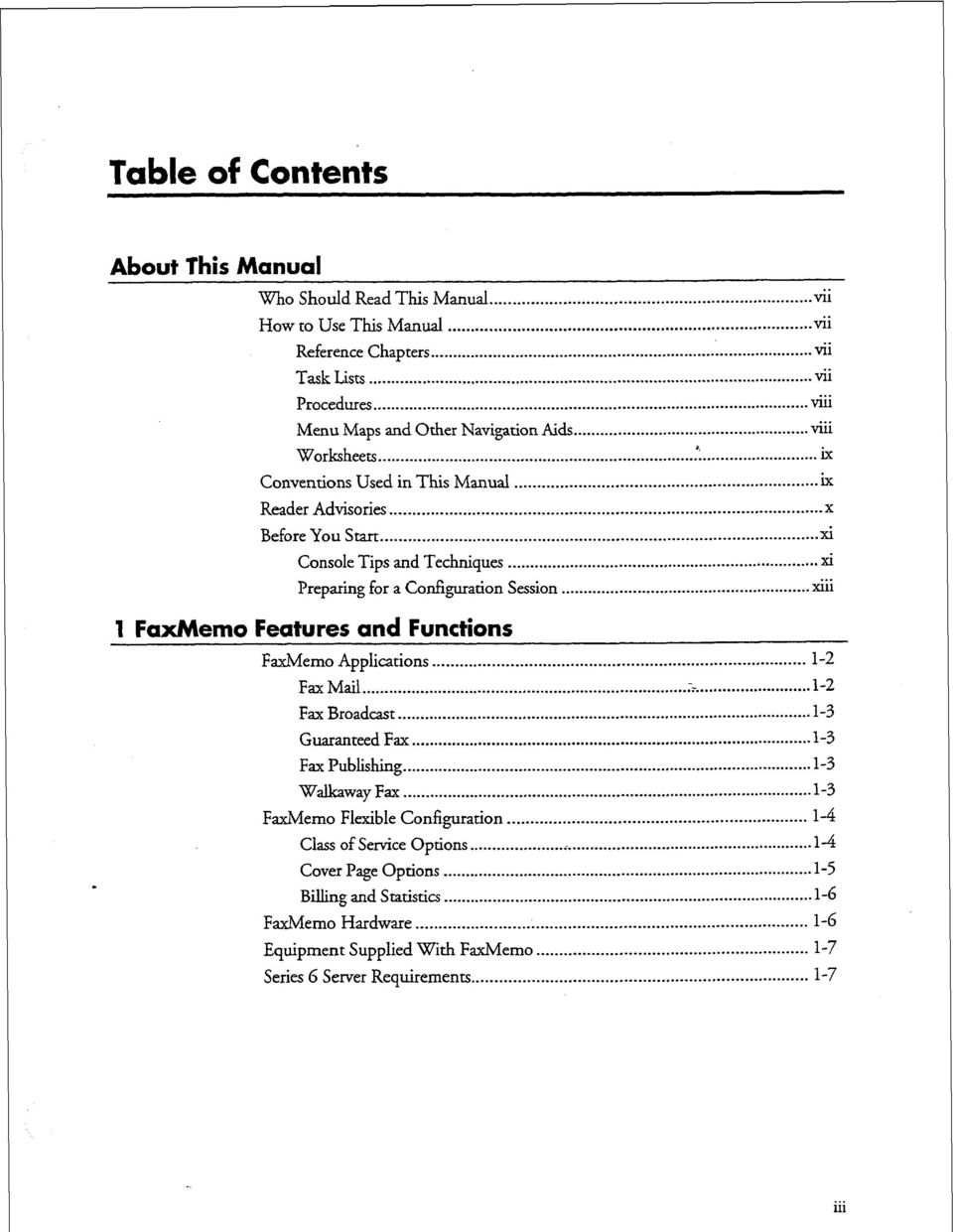
2 Tabe of Contents About This Manua Who Shoud Read This Manua... vii How to Use This Manua... vii Reference Chapters... Task Lists v Procedures... Menu Maps and Other Navigation Aids... M1 *, Worksheets... ix Conventions Used in This Manua... ix vii vii Reader Advisories... X Before You Start... Consoe Tips and Techniques... xi... Preparing for a Configuration Session... x11 1 FaxMemo Features and Functions FaxMemo Appications Fax Mai Fax Broadcast Guaranteed Fax Fax Pubishing Wakaway Fax FaxMemo Fexibe Configuration Cass of Service Options Cover Page Options Biing and Statistics FaxMemo Hardware Equipment Suppied With FaxMemo Series 6 Server Requirements xi
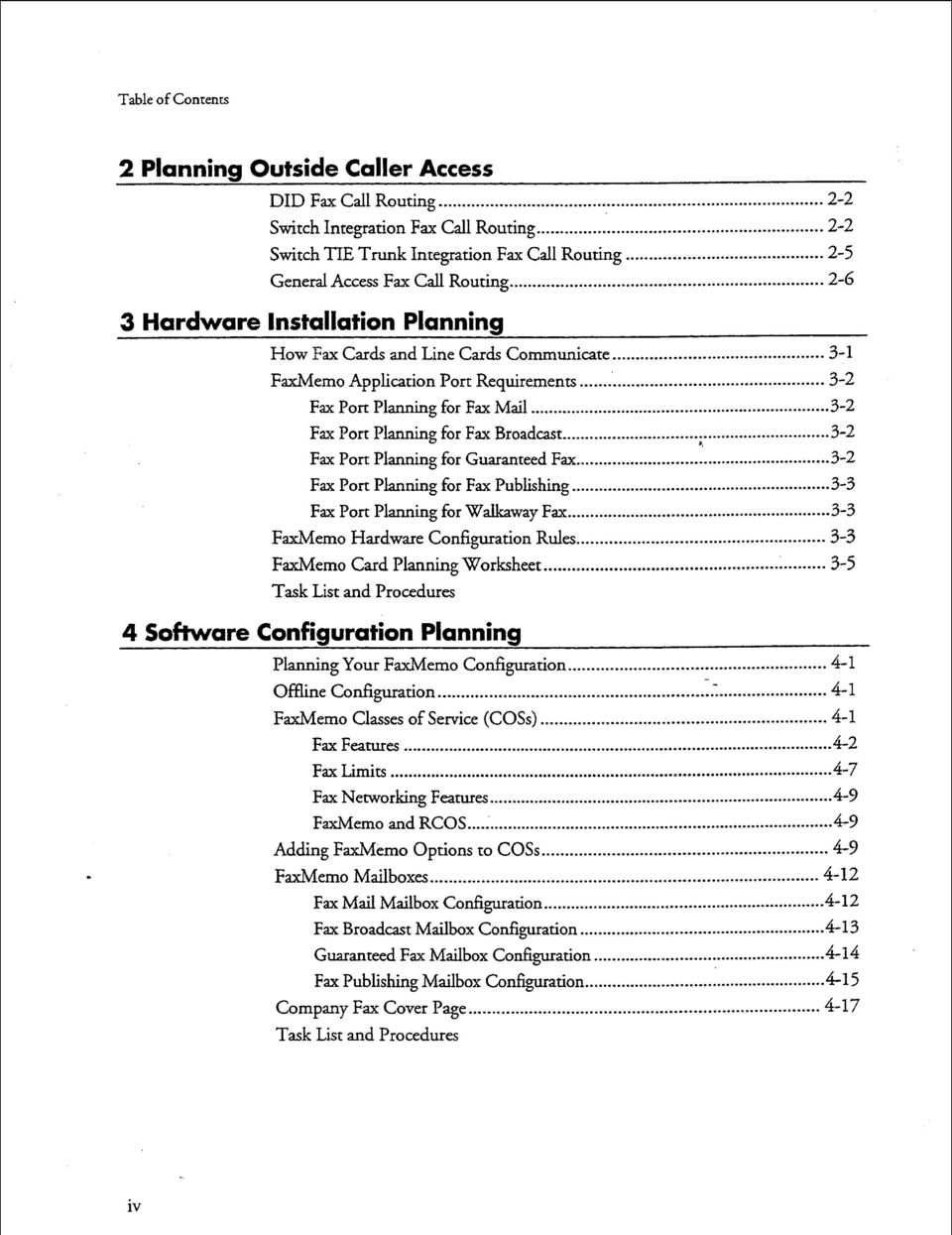
3 Tabe of Contents 2 Panning Outside Caer Access DID Fax Ca Routing Switch Integration Fax Ca Routing Switch TIE Trunk Integration Fax Ca Routing Genera Access Fax Ca Routing Hardware Instaation Panning How Fax Cards and Line Cards Communicate FaxMemo Appication Port Requirements Fax Port Panning for Fax Mai Fax Port Panning for Fax Broadcast Fax Port Panning for Guaranteed Fax Fax Port Panning for Fax Pubishing Fax Port Panning for Wakaway Fax FaxMemo Hardware Configuration Rues FaxMemo Card Panning Worksheet Task List and Procedures 4 Software Configuration Panning Panning Your FaxMemo Configuration Offine Configuration FaxMemo Casses of Service (COSs) Fax Features Fax Limits Fax Networking Features... 4-P FaxMemo and RCOS... 4-P Adding FaxMemo Options to COSs P FaxMemo Maiboxes Fax Mai Maibox Configuration Fax Broadcast Maibox Configuration Guaranteed Fax Maibox Configuration Fax Pubishing Maibox Configuration Company Fax Cover Page Task List and Procedures iv
4 Tabe of Contents 5 FaxMemo Biing and Statistics 6 FaxMemo Troubeshooting Worksheets Biing Parameters Messages Received Disk Usage Fax Statistics Maibox Statistics System Statistics Fax Group Usage Report...~ Task List and Procedures Configuration Probems..._ :..._ Hardware Probems _..._......_ List of Centigram Procedures Index Menu Maps
5

6 About This Manua This manua describes how to configure the FaxMemo software in any of the Centigram Series 6 Communications Servers: Mode Mode 120 Mode 70 Who Shoud Read This Manua This manua is intended for technicians and administrators who are responsibe for configuring the FaxMemo appication on the Centigram Series 6 server. How to Use This Manua This manua contains detaied reference information, a ist of tasks that you can perform, a coection of procedures for performing the tasks, and reader aids such as menu maps. -- Reference Chapters m Use the materia in chapters 1 through 6 for detaied inquiry into the instaation and configuration of FaxMemo in a Centigram Series 6 Communications Server. These chapters discuss how components are reated, eaborates on concepts, gives operationa detais, and contains a necessary tabes and figures about configuration. Use the Cent&am Series Gnstakztion and Service Man&appropriate for your patform for an actua server instaation and the VoiceMemo Reference and Configzcration Manuafor VoiceMemo software configuration. Task ists Task ists foow Reference chapters that incude procedures. Use the task ist, starting with a principa task (shown in bodface), to insta and configure FaxMemo. Each task isted is described in more detai in a procedure. The task ist is aphabetized, which heps most readers find the desired task (and procedure) vii
7 quicky. No particuar sequence of tasks is impied. The foowing exampe shows how a task ist is organized: Task List VoiceMemo Reease &On&d ater Message Deivery Catiguration- Procedures Procedures foow the task ist in the Reference chapter. Foow the steps in Centigram Procedures (G s) to accompish the desired tasks. Readers famiiar with a Centigram Series G server can use the CPs as a checkist if desired, whie readers new to a Centigram Series 6 server can use CPs for step-by-step instructions. A reference coumn in each CP contains pointers, when necessary, to suppementa information such as another procedure, another manua, a technica reference, or a menu map. Each CP is numbered for document identification and referencing; numbering does not indicate a sequence of performance. A numerica ist of a C?s in this manua is aso provided. It gives each CP s tite, Chapter number, and which other procedures either ca it or are caed by it. Menu Maps and Other Navigation Aids Most of the documents in the new Centigram Series 6 document ibrary have menu maps. You can refer to these document navigation aids at any point to hep you reach a menu. And don t overook the index; it is the fastest way to fmd a references to a specific topic.

8 Worksheets - ET You wi find bank worksheets in the back of this manua. Instructions for competing the worksheets are in the Reference chapters. Many of the CPs assume you have competed the appropriate worksheet. Conventions Used in This Manua The procedures in this manua use the foowing conventions to describe how you enter FaxMemo configuration information and how information is dispayed on the Centigram Series G server consoe: a. Press Enter Enter bod Press the Enter key. For exampe, Press Enter if the current number is correct. On some keyboards, this key is abeed Return or has a return arrow (J) on it. Type the text shown, then press the Enter key. For exampe, Enter the ine number (-24) means type a number from 1 through 24, and then press the Enter key. Words or characters in bod rype indicate either a vaue to be entered by you exacty as shown or, when used to indicate a variabe entry, describe the type of vaue to be suppied by you. See exampe above. What you seect from a dispayed menu A dispayed prompt for information / / I Seect: (G) Current Group / I Prompt: Enter a group number = Response; Number of the ine group (-24) to be used for the appication. \ What you enter iv response to the prompt Note: Uness otherwise stated, press Enter after each response you enter. ix

9 Reader Advisories Reader advisories used in this manua are shown beow. Note: Information especiay usefu in reation to this procedure. CAUTION! A b Information that heps you prevent equipment or sofiware damage. CAUTION! 8 Information that heps you avoid eectrostatic discharge (ESD) damage to the equipment. WARNING! Information that heps you prevent an interruption to teecommunications traffic. 0 I WARNING! A hazard that can cause you persona injuxy. DANGER! Warns of a condition that coud severey injure or ki you.

10 Before You Start This manua assumes that you are famiiar with using a consoe and keyboard. section describes how to use the Centigram Series G server effectivey. This Consoe ips and Techniques The tips and techniques offered in the foowing paragraphs can make configuration entry sessions at the Centigram Series 6 server maintenance consoe more productive. Mewing Accepting Menus When you finish entering a vaue for a parameter, the server dispays an abbreviated form of the current menu, caed the short menu. To view the compete current menu when a short menu is dispayed, just press Enter. To return to the Main Menu from any VoiceMemo appication configuration menu, press X (Exit), unti the Main Menu appears. Defauts To accept a defaut dispayed in a prompt; just press Enter. To accept a defaut dispayed in a menu, no action is necessary. Avoiding Automatic Exit CAUTION! The Centigram Series 6 server times out after 15 minutes. This means that if you do not enter anything at the consoe for 15 minutes, the server automaticay exits from the current program. When this happens, a work that has not been saved on the disk is ost. = To avoid being timed out and osing your work, foow these steps: 1. When you need time to think, write down the name of the current menu. 2. Exit to the (server) Main Menu. 3. When you want to continue your work, enter the appropriate menu options to regain your pace. xi
11 If you find that the Centigram Series 6 server has timed out, foow the steps beow. If your screen is bank, press any key to reactivate the screen and then continue with these steps. Quitting 1. Press any key to start the ogin sequence. 2. Enter your user ID and password (if requested). 3. Starting from the Main Menu, enter menu options to proceed to the menu from which the server timed out. 4. Reenter data as needed to regain ost work. an Entry Session At any point during entry of offine or onine parameters, you&n quit. Quitting discards a parameter entries you have made and eaves the VoiceMemo appication configuration the way it was before you started entering parameters. To quit from the VoiceMemo Configuration Ofine or Onine Menu: Seect: 0 Q+- Forget Changes Prompt Quit and forget changes? (y/n) = Response: Y to return to the VoiceMemo Configuration Main Menu. Shortcut Commands You can use the Ctr (Contro) key or the / (sash) key whie simu.mneousy pressing another key to execute shortcut commands at an Centigram Se&s 6 server maintenance consoe. GCOS menus, return to the VoiceMemo Configuration Menu and save any entries. From the ofine or onine menus, or FCOS, LCOS, GCOS menus, return to the VoiceMemo Configuration Menu without saving any entries. Stop scroing a dispayed report. Resume scroing a dispayed report. xii

12 Preparing for a Configuration Session Before you begin a configuration session, you need the foowing: The VoiceMemo R&wnce and ConJ;guation Manua.~ A Centigram Series G server maintenance consoe (video monitor and keyboard) and VoiceMemo modue, with power on At east two teephones for configuration testing A bank 3.5-inch diskette on which you can copy your configuration Competed worksheets (an initia suppy of bank worksheets is incuded in the VoiceMemo tejmence and Configuration Manmz)... X11
13

14 1 FaxMemo Features and Functions FaxMemo is an optiona feature that aows VoiceMemo users and outside caers to exchange faxes through user maiboxes and specia maiboxes. It consists of one or more FaxMemo cards and software integra to the Centigram Series 6 Communication Server, and provides a set of fax-reated features and imits that you can assign to VoiceMemo maiboxes. In a common fax transmission, the sender inserts a document into the sending fax machine. The document is scanned and sent as data to the receiving fax machine, where it is printed out, as shown in Figure FAX a ej a FAX WOFAX Figure -1 Common Fax Transmission With FaxMemo, fax documents are stored eectronicay as fax messages in VoiceMemo maiboxes. From there, faxes can be deivered to any fax machine at any time, distributed to other maiboxes, sent over a network, or viewed on a PC (requires the OneView optiona feature). Figure -2 shows the basic operation of FaxMemo. fb FAX f&3... -?A FAX 6002FAX Figure 1-2 Fax Transmission With FaxMemo 1-

15 FaxMemo Features and Functions FaxMemo overcomes many of the probems inherent in typica fax communication: 0 Caers sending a fax do not have to wait due to the receiving fax machine being busy with another transmission. 0 Faxes are stored in password-protected user maiboxes. Faxes do not sit at the fax machine for anyone to read. 0 Recipients receive notification when a new fax arrives. Incoming faxes do not sit for days because recipients do not know they are there. 0 Faxes can be annotated with voice messages (aso caed voice coversheets), reieving the sender of typing out expanatory notes. 0 The recipient decides when and where a fax is printed out. For exampe, a FaxMemo user away from the office coud ca his VoiceMemo maibox and direct a fax, deposited there by someone ese, to be deivered to his hote, the airport, or wherever there is a convenient fax machine. After reading the fax, he coud ca back into his maibox and send the fax to another party, perhaps a prospect waiting for a quotation. For a description of end-user features and functions, see the User Gaidefor VoiceMemo and Fdmo. FaxMemo Appications -- FaxMemo appications incude Fax Mai, Fax Broadcast, Guaranteed Fax, Fax Pubishing, and Wakaway Fax. You can use one or more of these appications, in any combination. For more information about panning and configuring these appications, see the Sofiware Configuration Panning chapter. Fax Mai Fax Mai is the most genera and widey used appication of FaxMemo. With Fax Mai, incoming faxes are stored eectronicay as fax messages in a user s maiboxthe same maibox that stores voice messages. Users are then notified of their new fax messages in the same manner as with voice messages (for exampe, message waiting ight, pager, stutter dia tone). By caing into their maiboxes, users can retrieve their fax messages at any time by sending them to any fax machine. In addition, users can ca into their maiboxes from fax phones and retrieve their fax messages onine at that fax machine. Users of Fax Mai have the same options that are avaiabe to them through voice mai: fax messages can be payed, answered, or given to another maibox, distribution ist, or off-system teephone (fax> number. -2
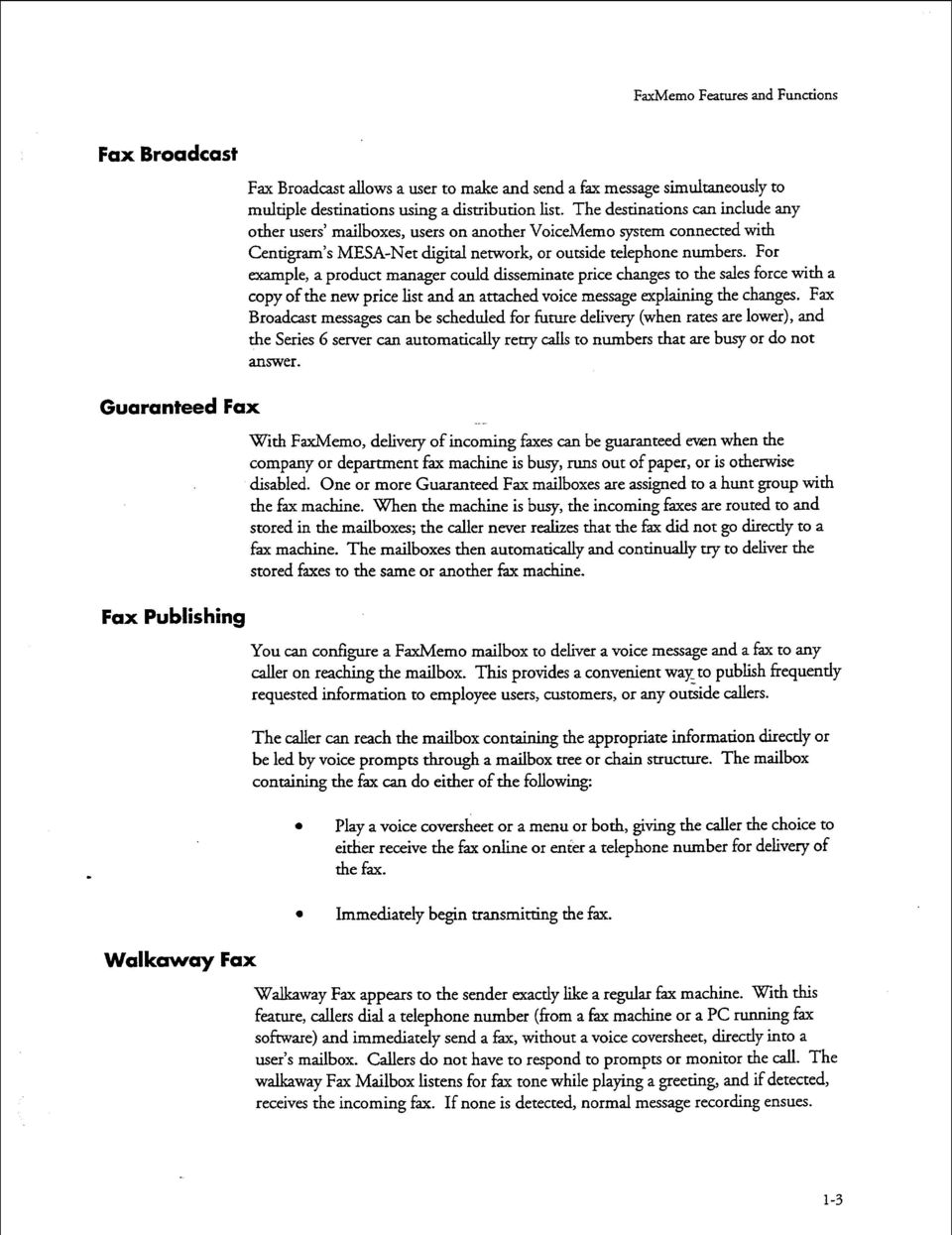
16 FaxMemo Feanues and Functions Fax Broadcast Fax Broadcast aows a user to make and send a fax message simutaneousy to mutipe destinations using a distribution ist. The destinations can incude any other users maiboxes, users on another VoiceMemo system connected with Centigram s MESA-Net digita network, or outside teephone numbers. For exampe, a product manager coud disseminate price changes to the saes force with a copy of the new price ist and an attached voice message expaining the changes. Fax Broadcast messages can be schedued for future deivery (when rates are ower), and the Series 6 server can automaticay retry cas to numbers that are busy or do not answer. Guaranteed Fax with FaxMemo, deivery of incoming faxes can be guaranteed even when the company or department fax machine is busy, runs out of paper, or is otherwise disabed. One or more Guaranteed Fax maiboxes are assigned to a hunt group with the fax machine. When the machine is busy, the incoming faxes are routed to and stored in the maiboxes; the caer never reaizes that the fax did not go directy to a fax machine. The maiboxes then automaticay and continuay try to deiver the stored faxes to the same or another f$x machine. Fax Pubishing You can configure a FaxMemo maibox to deiver a voice message and a fax to any caer on reaching the maibox. This provides a convenient way to pubish frequenty requested information to empoyee users, customers, or any outside caers. The caer can reach the maibox containing the appropriate information directy or be ed by voice prompts through a maibox tree or chain structure. The maibox containing the fax can do either of the foowing: a Pay a voice coversheet or a menu or both, giving the caer the choice to either receive the fax onine or enter a teephone number for deivery of the fax. Immediatey begin transmitting the fax. Wakaway Fax Wakaway Fax appears to the sender exacty ike a reguar fax machine. With this feature, caers dia a teephone number (from a fax machine or a PC running fax software) and immediatey send a fax, without a voice coversheet, directy into a user s maibox. Caers do not have to respond to prompts or monitor the ca. The wakaway Fax Maibox istens for fax tone whie paying a greeting, and if detected, receives the incoming fax. If none is detected, norma message recording ensues. 1-3
17 FaxMemo Features and Functions FaxMemo Fexibe Configuration The FaxMemo configuration software incudes menu seections so the system administrator can assign FaxMemo resources to ine groups and add the fax options to existing FCOSs (Features Casses of Service), LCOSs (Limits Casses of Service), and NCOSs (Network Casses of Service) e RCOS (Restriction Cass of Service) settings can aso be used to contro fax deivery destinations. Cass of Service Options Foowing are ists of FaxMemo feature, imit, and network options. Each of these options is described in detai in chapter 4, Software Configuration Panning. FCOS Fax Options 4 Receive fax messages Make fax messages Give fax messages Deiver fax to defaut fax phone number Deiver fax onine Deiver fax to designated teephone number User changeabe defaut fax phone number for fax deivery Fax on demand Receive fax messages ony Automatic receipt for fax message sent Fax cover page Wakaway Fax Discard fax messages after deivery Fax verify Deny user change of fax cover page Dispay a FROM fied on fax cover pages Dispay a promotiona message on fax cover pages Automatic fax retrieva End of session deivery Retrieve a unpayed faxes Receive fax on record timeout Pay fixed initia prompt for wakaway fax LCOS Fax Options Maximum number of digits aowed for the fax deivery phone number Number of fax messages per maibox e CNG tone detection ength Fax deivery retry frequency 1-4

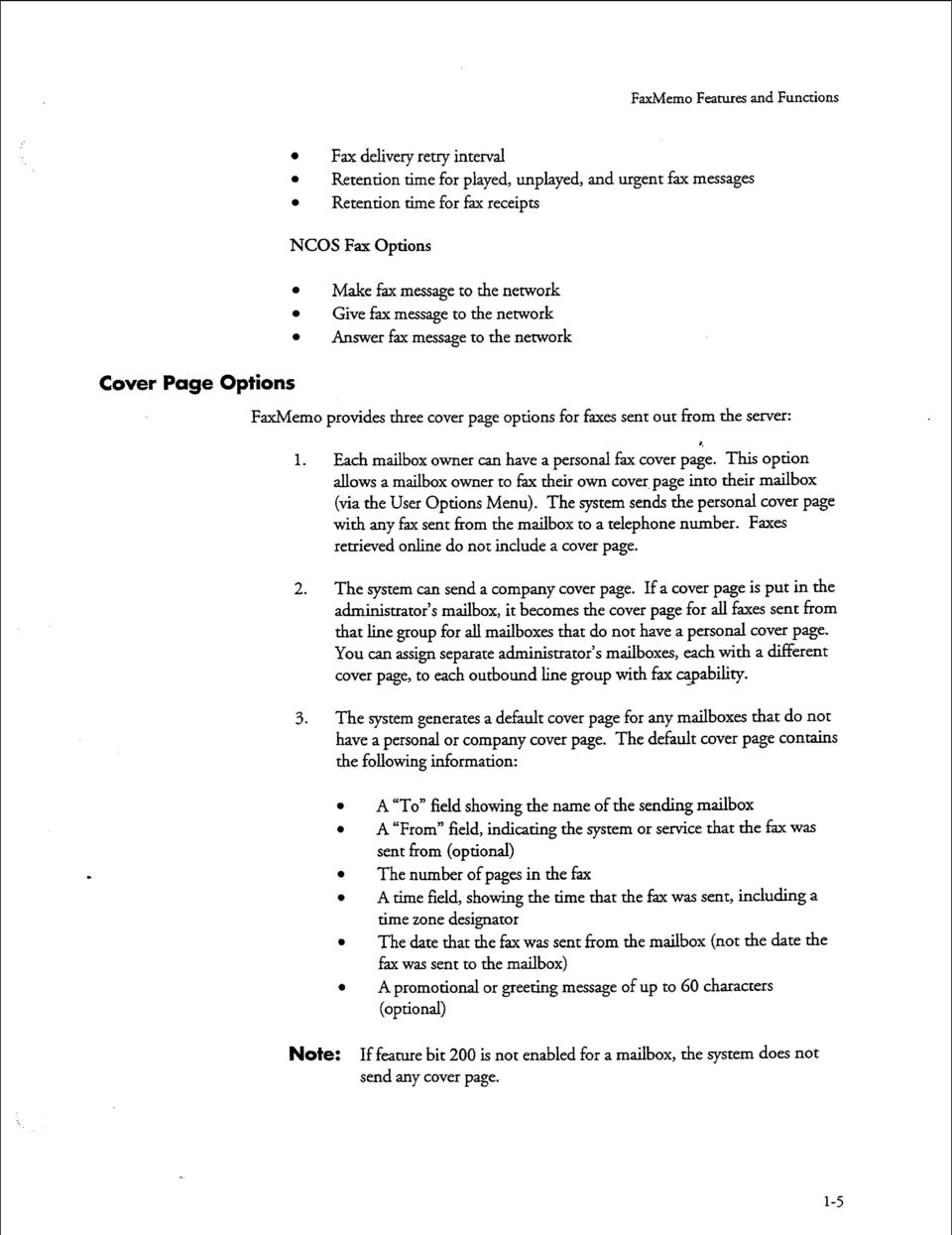
18 FaxMemo Features and Functions Fax deivery retry interva Retention time for payed, unpayed, and urgent fax messages Retention time for fax receipts NCOS Fax Options Make fax message to the network Give fax message to the network Answer fax message to the network Cover Page Options FaxMemo provides three cover page options for faxes sent out from the server: 1. Each maibox owner can have a persona fax cover page. This option aows a maibox owner to fax their own cover. page into their maibox (via the User Options Menu). The system sends the persona cover page with any fax sent from the maibox to a teephone number. Faxes retrieved onine do not incude a cover page. 2. The system can send a company cover page. If a cover page is put in the administrator s maibox, it becomes the cover page for a faxes sent from that ine group for a maiboxes that do not have a persona cover page. You can assign separate administrator s maiboxes, each with a different cover page, to each outbound ine group with fax capabiity. 3. The system generates a defaut cover page for any maiboxes that do not have a persona or company cover page. The defaut cover page contains the foowing information: e A To fied showing the name of the sending maibox A From fied, indicating the system or service that the fax was sent from (optiona) The number of pages in the fax A time fied, showing the time that the fax was sent, incuding a time zone designator The date that the fax was sent from the maibox (not the date the fax was sent to the maibox) A promotiona or greeting message of up to 60 characters (optiona) Note: If feature bit 200 is not enabed for a maibox, send any cover page. the system does not -5
19 FaxMemo Features and Functions Biing and Statistics The Series 6 server keeps records of fax traffic, both at the system and maibox eve. Maibox owners can be bied for faxes sent and.received, either in terms of the number of faxes, or in terms of the tota number of pages Series 6 servers offer two other methods of biing maibox owners for fax usage. Fax transactions are recorded in Ca Detai Recorder records, which can be downoaded to a computerized biing system for interpretation and biing. Or the server can pace fax cas using maibox owners ong distance carriers and caing card numbers. This can eiminate the need for any further biing, because there is no to incurred by the server. Fax statistics reports are aso avaiabe to monitor the use of fax groups and fax 4 storage. See the FaxMemo Biing and Statistics chapter for more information on these topics. FaxMemo Hardware The MVIP faxcards used in Series 6 servers work with the ine cards to provide fax services during ca sessions. The MVIP fax cards do not have direct teephone interfaces. They communicate over the MWP bus with the ine cards, which contain the teephone interface hardware and contro the ca sessions. -Figure -3 iustrates these communication paths. MVIP Bus / 7 Figure 1-3 Fax Card to Line Card Communication Because MVIP fax cards are not physicay attached to an individua ine or ine card, they can communicate over the MVIP bus with any ine card. In this way, they can 1-6

20 FaxMemo Features and Functions serve as a fax resource to any ine card. MVIP fax cards can be a dynamicayaocated resource poo for severa ine card groups, or they can be assigned to a singe ine group. When a fax group is assigned to a ine group and the number of fax channes is the same as the number of ine ports, the fax group is a tdicated. With a dedicated fax group, there is aways a fax resource avaiabe for every ine port. See the Hardware Instaation %nnin g chapter for a further expanation of FaxMemo hardware. Equipment Suppied With FaxMemo Each FaxMemo package incudes the foowing items: Two 3.5-&h FaxMemo Optiona Feature software diskettes One or more MVIP Faxh4erno cards with two, four, or eight-port capacities One V&Nemo F cmemo Manua (this document) The number of user guides ordered If any of these items are missing, contact your Centigram distributor. Series 6 Server Requirements FaxMemo can be instaed and enabed in any Series 6 server with VoiceMemo Reease 5.02 Revision A software or ater. Your system must have Reease 6.0 or ater to use MSQP FaxMemo cards that work with ine cards on the MVIP bus. Your system must have one empty card sot for each FaxMemo card to be instaed. You must take the sewer out of service for about I5 to 30 minutes for FaxMemo card instaation. The tota time required depends on the number of FaxMemo cards that you wi iusta. tier you insta the hardware and configure the software, you must activate the new corr&uration, resuting in a momentary oss of ca processing capabiities. Note: If your Series G server was ordered as a new system with the FaxMemo optiona feature, the FaxMemo cards and software were instaed at the factory. 1-7

21
22 2 Panning Outside Caer Access With the FaxMemo optiona feature, outside caers can eave fax messages for maibox owners just as if they were sending a fax to a fax machine. In most instances, caers beieve they are diaing directy to a fax machine, and are not prepared to perform any specia functions to deiver a fax. Therefore, for the fax mai appication to be effective, the system must aow the caers to deposit faxes into the appropriate maiboxes without any unexpected requirements. In most non-service provider FaxMemo instaations, maibox owners have two maiboxes on the system. The first is their standard maibox where they receive and pay their messages. The second is a broadcast maibox with wakway fk enabed which is transparent to the maibox owner and automaticay sends fax messages into the maibox owner s standard maibox upon message receipt, as shown in Figure 2-1. The reason for the broadcast maibox is to aow maibox owners to pubish a teephone number where caers can send a fax directy to them. This second number goes directy to the broadcast maibox without first ringing at any teephone. This aows for a situation that is famiiar to both the caer and the maibox owner. ~ Voice cas to ext PBX/CO RNA/Busy forward Fax ces to ext 1235 Figure 2- The Broadcast Fax Maibox Setup There are severa ways that caers sending faxes can be routed to the correct maiboxes. These incude DID routing, Switch Integration routing, Switch Tie Trunk Integration routing, and Genera Access. It is possibe to combine two or more of these methods to meet user needs and cost requirements. 2-1
23 Panning Outside Caer Access DID Fax Ca Routing Note: The primary purpose of the ca routing scenarios in this chapter is to show possibe switch connections. There are many ways to configure ine groups and assign fax resources. Fax resources can be dedicated to a singe ime group or shared by inbound and outbound ine groups. The simpest routing method is to connect a second FaxMemo-equipped inbound ine group to DID trunks directy from the CO. In this scenario, each maibox owner that has fax mai capabiity is provided with a DID teephone number that aows a caer to deposit a fax message, or voice and fax message, into a broadcast maibox on the system. Because the DID method invoves additiona trunks from the centra office that bypass the PBX, it can be used in any &itch environment. It does incur the expense of the DID ines and DID numbers for a users with FaxMemo capabiity. Figure 2-2 shows this configuration. and Messages Fax Retrieva A - Inbound Integrated Line Group without Fax Resources B - inbound DID Line Group with Assigned Fax Resources C - Outbound Line Group with Assigned Fax Resources Figure 2-2 DID Fax Ca Routing Switch Integration Fax Ca Routing Fax Mai is supported by most of Centigram s PBX and Centrex integrations. Switch integration works the same way as DID fax ca routing in that the caer is directed immediatey to the appropriate maibox. This method requires every person with Fax Mai capabiity to have a-second DID number (both CO and PBX) that 2-2
24 Panning Outside Caer Access goes to a software-ony phantom extension on the PBX. The phantom extension numbers must correspond to the broadcast maibox numbers, and must be hardforwarded to the VoiceMemo piot number. This method of fax ca routing is shown in Figure 2-3. and voice Cas Messages m-9 FAX Fax Retrieva A - inbound Integrated Line Group with Assigned Fax Resources B - Outbound, Line Group with Assigned Fax Resources Figure 2-3 Switch Integration Fax Ca Routing, Method 1 The advantage of this method is that fax cas are answered immediatey by the desired party s FaxMemo broadcast maibox, and it does not require any trunks directy from the centra office. However, it does require the expense of an additiona DID number for each maibox owner with fax capabiity. Not a switches support a phantom extension capabiity. If your switch does not support this, then you must use another method If your switch supports mutipe in-bound ine groups, you can use the second method of switch integration. 2-3
25 Panning Outside Caer Access Voice Cas and FAX VoiceEax Message Deposit d& A a w - t -gzb PBX RI&BUS Fonvar J + E Hunt 1.._ A... L a ema=ax... a A - Inbound Integrated Line Group without Fax Resources FAX B - Inbound Integrated Line Group with Assigned Fax Resources Fax Retrieva C - Outbound Line Group with Assigned Fax Resources Figure 2-4 Switch Integration Fax Ca Routing, Method 2 2-4
26 Panning Outside Caer Access Switch TIE Trunk Integration Fax Ca Routing This method utiixes the tandem switching capabiities of many PBXs. If the integration routing method is not supported by your switch, this method sti aows you to use a ine group to the switch from the CO, but coud require additiona cards in the PBX This method aso requires everyone with fax capabiiry to have a second DID number from the CO. When the switch receives a ca on one of the DID ines, it passes the ca and its reated information to the Series 6 server over a set of TIE trunks. The ca information aows the server to connect the caer to the appropriate maibox. Figure 2-5 shows this method of fax ca routing.... E ::: voice ca.5 and Messages vok9/mt Message Deposit A - Inbound Integrated Line Group without Fax Resources B - Inbound TIE Trunks Line Group with Assigned Fax Resources Fax Retrieva _ C - Outbound Line Group with Assigned Fax Resources Figure 2-5 Switch TIE Trunk Integration Fax Ca Routing One disadvantage of TIE trunk integration is that many PBXs do not aow caers to transfer on TIE trunks. If most of the cas on these trunks are fax cas though, few caers need to transfer. m7fax 2-5
27 Panning Outside Caer Access Genera Access Fax Ca Routing The aternative to DID or switch integration routing is to have a singe fax message number that, upon answering, requests that the caer enter the maibox number of the party who wi receive the fax. Figure 2-6 shows these cas routed directy to the inbound ine group. The advantage of this access method is the security arid screening that it offers, since ony those who know the maibox number can access it. This method is avaiabe on any PBX or key system with no specia hardware or software requirements. Voice cas and Messages co I \ PBX I RNA/BUS Forwe JJ -43 Hunt a Fax Retrieva A - Inbound Line Group with Assigned Fax Resources B - Outbound Line Group with Assigned Fax Resources Figure 2-6 Genera Access Fax Ca Routing 2-G
28 3 Hardware Instaation Warming Panning the hardware to support FaxMemo invoves: Knowing how you wi route fax cas to the Series G server (Chapter 2) a Understanding the reationship of fax cards to ine cards Understanding the requirements of the FaxMemo appication(s) that you wi use on your system *, Knowing the expected voume of fax ca traffic for your system 0 Foowing the five hardware configuration rues You need a of this information to fi out the FaxMemo Card Worksheets. How Fax Cards and ine Cards Communicate Fax cards and ine cards work together to provide fax services on a Series 6 server. The ine card handes a ine signaing, supetision, and voice/f+ transmissions. The fax cards have no direct connection to teephone services, but communicate with the ine cards over the MVIP bus, as shown in Figure 3-. MVIP Buss Figure 3- Fax Card to ine Card Communication A voice port requests a fax resource over the ANIP bus when it detects an incoming fax tone during a wakaway fax ca session or when a user pushes a key to eave a fax. 3-1
29 Hardware Instaation Panning Once an association with a fax channe is made, the voice port passes a fax-reated data to the fax channe, which converts it into a format suitabe for storage on the system hard disks. When the fax transmission/reception is compete, the voice port reeases the fax channe and continues with the ca session. The fax channe is immediatey avaiabe to service other voice ports. FaxMemo Appication Port Requirements Each FaxMemo appication has unique requirements for fax-equipped ports on a Series 6 server. You can combine any or a FaxMemo appications on the same ine groups, provided you aow enough FaxMemo cards to carry the ca traf&. Fax Port Panning for Fax Mai For genera purpose Fax Mai between outside caers and maibox owners, and between maibox owners, you need fax groups connected with both inbound and outbound ine groups. The requirements parae those for voice message handing. Inbound ine groups with fax are required for outside caers or users depositing faxes in maiboxes and for users retrieving faxes onine. Outbound ine groups with fz are required for users to deiver their faxes to a fax machine, or to send a fax to an offsystem number. (The give fax message option is handed by software and does not use a fax port.) Fax Port Panning for Fax Broadcast Fax Broadcast is ike Fax Mai, but with many recipients for each fax message. Fax Broadcast aows a user to send a fax message to a number of peope by using the VoiceMemo distribution ist features. The sender uses an inbound fax-equipped port to send the fax to a persona distribution ist or to a master broadcast maibox. The server distributes the fax directy to on-system users (no fax port is needed for distribution). Fax groups connected with inbound and outbound ine groups are required for users to retrieve their faxes as described in Fax Mai. If users broadcast often to off-system numbers, you must size the system with the appropriate number of outdiaing ports that can use fax resources. Fax Port Panning for Guaranteed Fax In Guaranteed Fax, you incude FaxMemo maiboxes in a hunt group with company or department fax machines to hande the overfow when the machines are busy or out of service. Guaranteed Fax requires an inbound ine group with fax for the maiboxes on the hunt group. Faxes outbound from these maiboxes to fax machines need outbound fax port capabiity. If traffic aows, you can assign the outbound port capabiity to Fax Mai or Fax Broadcast outbound ports. 3-2
30 Hardware Instaation Panning Fax Port Panning for Fax Pubishing A Fax Pubishing appication usuay has some number of documents stored in specia fau maiboxes on the Series G server. Caers that reach the system use their push-button phones to request that certain documents be faxed to them. Fax Pubishing requires a minimum number of fax channes connected with inbound ine groups to pace the documents in the system for retrieva. If you aow caers to receive the fax documents onine (that is, whie caing from a fax machine), you need fax groups connected with an inbound ine group. If you require caers to input the phone number of their fax machine for deivery, you ony need fax groups connected with an outbound ine group. If you offer caers their choice of methods, you need fax groups for both inbound and outbound ine groups. You might require dedicated fax groups, depending on the number of cas expected and the number of faxes pubished sirnutaneonsy. Fax Port Panning for Wakaway Fax Wakaway Fax is a specia feature that you can activate for Fax Mai, Fax Broadcast, and Guaranteed Fax appications. When Wakaway Fax is activated, caers can send from a norma fax machine (or PC with a fax card) to the Series G server just as if they were sending to another fax machine - they do not need to isten or respond to any voice prompts before sending a fax. Wakaway Fax by itsef ony requires fax groups connected with inbound ine groups to deposit faxes. Depending on which other FaxMemo appications you are using with Wakaway Fax, maibox owners may be abe to use the same inbound ine group to retrieve the faxes on ine, or you may need fax groups on an outbound ine group so that users can deiver their faxes to fax machines. FaxMemo Hardware Configuration Rues a It is easier to pan fax cards if you famiiarize configuration rues. yoursef with these five hardware Rue #: Every voice port that either sends or rece nres a fax must have access to a fax channe. Any ca that either deposits a fax or retrieves a fax message on ine (caer is caing from a fax phone) must be answered by a voice port with access to a fax channe. Likewise, any outbound ca that deivers a fax must be made from a voice port with access to a fax channe. Voice ports in ine groups that are not assigned to a fax group cannot send or receive faxes. Fax channes do not have to be assigned in a one-to-one reationship with voice ports. Because the FaxMemo cards use the h4vip bus to communicate with the ine 3-3
31 Hardware Instaation Panning cards and do not have direct connections to specific phone ines, any channe on a FaxMemo card can service any port on any ine card in the same modue. In addition, fax channes are aocated dynamicay - once a channe competes a session, it is avaiabe to service another session on another port. See rue #2 and rue #3 for more information ports. on assigning fax channes to voice Rue #2: A fax group can be shared by more than one ine group. A fax group (a defined set of fax channes) can be assigned to more than one ine group, and its channes are then shared by the voice ports in those ine groups. Fax groups can be shared by both inbound and outbound ine groups. Figure 3-2 shows a shared fax group. 8. There can be more voice ports than fax channes - the fax channes are aocated as they are needed for the different ca sessions. If a of the fax channes in the fax group are in use by ca sessions and another ca session requests a fax resource, the system informs the caer that the fax cannot be sent/received. Rue #3: A fax group must be dedicated to a ine group to guarantee avaiabiity of a fax resource. When there is a one-to-one reationship between the number of voice ports in a ine group and the number of channes in its associated fax group, the fax group is considered dedicated to the ine group. This configuration ensures that voice ports in ine groups that carry a ot of fax tra%c wi never be unabe to get a fix resource. A Series 6 server can have dedicated and shared fax groups, as show in Figure 3-2. Fax Group 2 shared y Line Groups 2 and 3 \ 1 I / / ---w-_-c *- 6027FAx Figure 3-2 Fax Group to ine Group Reationships 34
32 Hardware Instaation Panning Rue #4: Rue #5: Line groups connected to fax groups can sti perform a other VoiceMemo functions. Ports that are equipped for FaxMemo can per&m any VoiceMemo function. For exampe, the same outbound ine group that deivers faxes can aso make message deivery and paging cas. L&wise, the same ine group that performs teephone answering functions can aso receive inbound faxes. There is no need to dedicate ine groups to perform FaxMemo functions. It may be a better use of system resources to have a separate ine group for some fax appications. In most FaxMemo instaations, every ine group in the system does not need a dedicated fax group. The ony time a fax channe is absoutey required on an inbound ca is when a caer sends a fax. The ony time a fax channe is required on an outbound ca is when the system needs to deiver a fax. For some fax appications, such as Fax Mai, a fairy ow percentage of cas invove fax transactions. The fax traffic for these appications probaby can be carried by a singe fax group that is shared by incoming and outgoing ine groups. The number of fax channes in the fax group shoud be arge enough to provide an acceptabe grade of service to fax caers. For other fax appications, such as Fax Pubishing, it is ikey that every ca invoves a fax transaction. You may want to have a separate ine group for these appications and dedicate a fax group to the ine group so that there is aways a fax channe for every voice port. The ine group may be incoming or outgoing, depending on whether caers must ca in from a fax machine and receive faxes onine (incoming), or whether they can enter a phone number for the fax to be deivered (outgoing). By configuring some fax groups as shared and others as dedicated, you can utiize your fax resources to provide an appropriate grade of service for each fax appication. Note: If a caer on an inbound ine group tries to send a fax when there are no resources avaiabe, the system pays a prompt teing the caer that it cannot process the request at that time. If there are no fax resources avaiabe for an outgoing fax ca, the server retries the ca (according to LCOS settings) unti one is avaiabe. FaxMemo Card Panning Worksheet With the information that you have gathered from chapters 2 and 3, you shoud be abe to fi in the FaxMemo Card Panning Worksheets. A sampe worksheet foows. Bank worksheets for photocopying are in the worksheets section at the end of this manua. Make a copy for each server modue in which you are instaing FaxMemo cards. 3-5
33 Hardware Instaation Panning For each fax card in each modue, enter the Faxhkmo card seria number, the system sot number, the number of channes on the fax card, and the base I/O address (see Technica Reference 1904). Identify the fax group that each fax channe beongs to, and the ine group(s) that it is connected with, and whether the fax group is dedicated to one ine group or shared.
34 Hardware Instaation Panning FaxMemo Card Panning Worksheet Hardware Backpane FaxMemo Card Number of Base I/O Modue No. Sot No. Seria No. Channes / Address I 14 I 0 I 128 I 2 I 15 I 6 I 100 I I 2 I 14 I 512 Confiauration Fax Group #: 1 Modue #: 1 Tota Number of Channes: 16 Connect with ine Group(s): I Dedicated E Shared 0 Tripet (modue:sot:channe) I 1:15:0 I I 1:15:1 I I 1:15:2 I I 1:15:3 I Tripet (modue:sot:channe) 1:14:0 1:14:1 1:14:2 1:14:3 1:14:4 I 1:15:5 1:15:6 1:15:7 I 1:14:5 1:14:6 1:14:7 Prepared By: Instaed By: Date: Date: 3-7
35
36 Hardware Change Task ist VoiceMemo Pageof Reease G.OA and ater Task Procedure FaxMemo Hardware Changes Repace an MVIP Fax Card... CP 2146 Insta an MVII? Fax Card... CP 7510 Remove an MVIP Fax Card... CP 7511
37
38 Repace an MVIP Fax Card VoiceMemo cd146 Page 1 of2 Reease G.OA and ater This procedure describes how to repace an MVIP fax card in a Series 6 server. A f DANGER! Disconnect the system from its power source before connecting cabes, components, or both. CAUTION! Protect your system from ESD damage during handing of a components. WARNING! 8. This process requires the modue to be shut down, resuting in oss of ca processing capabiities. Centigram recommends that you perform thi s procedure during periods of ow ca traffic. Note: You can find IRS referenced in this procedure in the Ce&gnzm Series G : Te Zej4ffence Observe Precautions 1. Put on a grounded wrist strap, attaching the other end to the Series 6 server. Doing so protects the component from eectrostatic discharge. 2. Shut down the system, press the reset button, and turn off the power. c? 5700 A ai CAUTION! Removing a component whie the power is on can severey damage both the component you are working on and others. 3. Wait one minute after you turn off the power before you remove any components. The hard disk shoud stop spinning and be quiet. 4. When removing a component, pace it on a non-conductive surface, such as an antistatic bag. Make sure you have the anti-static bags required before you Before You Begin 5. Configure the fax card. TR 1904 D0CRcv.A
39 GP 2146 Page 2 of 2 Reease G.OA and ater SFP Remove the Fax Card 6. Remove the cover on the system. On a Mode 640, remove the front pane of the CPU assemby. 7. Identify the fax card to remove. 8. Using the pastic oops, remove the MVIP cabe. You ony need to remove the cabe from enough cards so that you can access the fax card. 9. Use a screwdriver to unfasten the bracket screw that hods the fax card to the yd cage. 10. Grasp the fax card firmy, and pu it straight out. 11. Pace the fax card on a static bag. CD Insta the New Fax Card 12. Pick up the new fax card. Hod it with the backpane connector facing away from you. 13. Insert the fax card into the aignment grooves of the card cage..4. Side the fax card aong the grooves unti the fax card backpane connector is touching the corresponding connector on the backpane. 15. Be sure that the two connectors are propery aigned, then press firmy on the edge of the fax card unti the connectors are fuy seated. 16. Tighten the bracket screw that hods the fax card in the card cage. 17. Reconnect the MVIp cabe to a appropriate cards. 18. Repace the cover on the system Restore power to the server. 20. If you instaed the new card in a different sot, or if the repacement card is not identica to the card that you removed (same number of channes, same base I/O address), deete the od card and add the new card to the Resource Manager.
40 Insta an MYIP Fax Card VoiceMemo Page 1 of 2 Reease 6.OA and ater This procedure describes how to insta an MVIP fax card in a Series 6 server. DANGER! Disconnect the server from irs power source before connecting cabes, components, or both. CAUTION! Protect your server from ESD damage during handing of a components. WARNING! This process requires the modue to be shut down, resuting in oss of ca processing capabiities. Centigram recommends that you perform this procedure during periods of ow ca traffic. Note: You can find TRs referenced in this procedure in the Centigram Series G Technica Reference Manua. Step Observe Precautions 1. Put on a grounded wrist strap, attaching the other end to the Series 6 server. Doing so protects the component from eectrostatic discharge. 2. Shut down the server, press the reset button, and turn off the power. CAUTION! A a Removing a component whie the power is on can severey damage both the component you are working on and others. 3. Wait one minute after you turn off the power before you remove any components. The hard disk shoud stop spinning and be quiet. 4. When removing a component, pace it on a non-conductive surface, such as an antistatic bag. Make sure you have the anti-static bags required before you Insta the Fax Card 5. Set switches on the MVIP fax card. TR Remove the cover on the server. On a Mode 640, remove the front pane of the CPU assemby. Dot Rev. A
41 r c? 7510 Page 2 of 2 VoiceMemo Reease 6.OA and ater Step w erence 7. Using the pastic oops, remove the MVIP cabe. You ony need to remove it from enough cards so that you can insta the fax card. 8. Pick up the fax card. Hod it with the backpane connector facing away from you. 9. Insert the fax card into the aignment grooves of the card cage. 10. Side the fax card aong the grooves unti the fax card backpane connector is touching the corresponding connector on the backpane. 11. Be sure that the two connectors are propery aigned, then press firmy on the edge of the fax card unti the connectors are fuy seated. r. 12. Tighten the bracket screw that hods the fax card in the card cage. 13. Reconnect the hnip cabe to a appropriate cards. 14. Repace the cover on the server. 15. Restore power to the server. Dar RN. A
42 Remove an MMP Fax Card VoiceMemo c?7511 Page 1 of 2 Reease 6.OA and ater This procedure describes how to remove an MVIP fax card from a Series 6 server. DANGER! Disconnect the server from its power source before connecting cabes, components, or both. CAUTION! Protect your server from ESD damage during handing of a components. WARNING! *, This process requires the modue to be shut down, resuting in oss of ca processing capabiities. Centigram recommends that you perform this procedure during periods of ow ca traffic. Step Observe Precautions 1. Put on a grounded wrist strap attaching, the other end to the Series 6 server. Doing so protects the component from eectrostatic discharge. 2. Shut down the server, press the reset button, then turn off the server power , Ch. 4 CAUTION! Removing a component whie the power is on can severey damage both the component you are working on and others Wait one minute after you turn off the power before you remove any components. The hard disk shoud stop spinning and be quiet. 4. When removing a component, pace it on a non-conductive surface, such as an antistatic bag. Make sure you have the anti-static bags required before you Remove the Fax Card 5. Remove the cover on the server. On a Mode 640, remove the front pane of the CPU assemby. 6. Identify the fax card to remove. 7. Using the pastic oops, remove the MVIP cabe. You ony need to remove the cabe from enough cards so that you can access the fax card. 8. Use a-screwdriver to unfasten the bracket screw that hods the fax card to the card cage. Dot Rev. A
43 c? 7511 Page 2 of 2 Vo&eMemo Reease G.OA and ater SteD Reference 9. Grasp the fax card firmy, and pu it straight out. 10. Pace the fax card on a static bag. 11. Reconnect the MVIP cabe to a appropriate cards. 12. Repace the cover on the server. 13. Restore power to the server. Doe Rcy. A
44 Configuration Task ist VoiceMemo Page 1 of 1 Reease 6.OA and ater Task Procedure FaxMemo Configuration Add FaxMemo to a Series 6 Server... c? 6449 Con.@ure for Fax Broadcast... C 6453 Codgure for Fax Mai... CP 6450 Canfigure for Fax Pubishing... CP 6451 Coufigure for Guaran teed Fax... CP 6452 Setup a Company Fax Cover Page CP 6454 Activate the Inactive Configuration... C? 7002 Add or Deete Feature Bits... c? 5011 Configure a Maibox for FaxMemo... c? 7506 Configure Time Zones for FaxMemo... a? 7509 Customize a Defaut FCOS... C 5008 Customize an FCOS Copy... CP 5007 Define a Fax Group... C 7512 Insta an Optiona Feature... C? 5402 Set Limits for FaxMemo... C? 7508 Shut Down the System... CP 5700 Verify Configuration Parameters... C? 5015 Dar Rev. A
45
46 Customize an FCOS Copy VoiceMemo c? 5007 Page 1 of 2 Reease G.OA and ater This procedure describes how to customize an FCOS by modifying a copy of an existing.. FCOS. step Reference 1. Choose the existing FCOS you wish to use as a basis for your customized FCOS. 2. Compete an FCOS Worksheet. Bank worksheets are near the back of this manua. 3. Reach the System Configuration Menu, then go to the Feature Cass of Service Menu. Enter the requested information, as described in the foowing steps, from your competed FCOS Worksheet. vienu Map 11 Note: You can quit at any point in the foowing steps before you exit the Feature Cass of Service Menu. Quitting discards a entries you have 8. made and eaves the FCOS settings the way they were before you reached the Feature Cass of Service Menu. To quit: Make sure the Feature Cass of Service Menu is dispayed (short form or ong form). seect: (Q) Quit - Forget Changes Ihmpt: Quit and forget changes? (y/n) = Response: Y for yes. 4. Number and name the customized FCOS. Seect: (C) Current FCOS Prompt: FCOS to modify = Response: A number from 18 through 20 or 25 throuph 640. seect: (N) Name FCOS Prompt: Enter FCOS name (0-15 chars) = Response: Enter a descriptive name to accompany the customized FCOS Make a copy of the existing FCOS. Seect: (K) Copy FCOS Prcmzpt: FCOS to copy (? for hep) = Response: The number of the existing FCOS chosen to be the basis for your customized FCOS. A copy of this FCOS is created and given the number and name you assigned above. Dot. RN. A
47 CP 5007 Page 2 of 2 VoiceMemo Reease G.OA and ater Step Reference 6. Add feature bits to the FCOS copy, as desired. Sekct: (A) Add Features prompt.- Features to add (? for hep) = Response: The 1 to S-digit numbers of the feature bits to be added. Feature bits can be entered in any of the formats shown beow: A singe bit, for exampe 208 A range of bits, for exampe A series of bits, for exampe, 39,40,207,208 e You can mix types of entries, so you can specify a the bits necessary in bne attempt. For exampe, this entry is vaid:._ 208,1-7,50,53,55,6 Do not enter spaces after commas, and do not end the entry with a comma. 7. Deete feature bits from the FCOS copy, as desired. Seect: (D) Deete Features Prompt: Features to deete (? for hep) = Response: The 1 eo 3-digit numbers of the feature bits to be deeted. The same rues appy to deeting bits as expained for adding bits. 8. Verify that the information you have entered so far matches your worksheet. Seect: (S) Show FCOS Prompt: FCOS to show (? for hep) = Response: The number of the FCOS copy that you specified in step If the information matches your worksheet, customization is competed and you can save it. If the information does not match your worksheet, make the necessary corrections. 10. After verifying that your entries are correct, save the customized FCOS by exiting from the Feature Cass of Service Menu. Dar Fkv. A
48 Modify or Renumber a Defaut FCOS VoiceMemo Page 1 of 3 Reease 6.OA and ater This procedure describes how to customize an FCOS by modifying one of the defaut FCOSs suppied by Centigram or by renumbering one of these defaut FCOSs. step Reference CD Modifying the Defaut Itsef 1. Choose the defaut FCOS you wish to modify. 2. Compete an FCOS Worksheet. 3. Reach the System Configuration Menu, then go to the Feature Cass of Service Menu. Enter the requested information, as described in the foowing steps, from your competed FCOS Worksheet. VoiceMemo Tgerence and =bnj&ration 2anzaL vienu Map 11 To quit: Note: You can quit at any point in the foowing steps before you exit the Feature Cass of Service Menu. Quitting discards a entries you have made and eaves the FCOS settings the way they were before you reached the Feature Cass of Service Menu. Make sure the Feature Cass of Service Menu Seect: (Q Quit-- Forget Changes Prompt: Quit and forget changes? (y/n) = Response: Y for yes 4. Specify the defaut FCOS to modify. is dispayed (short form or ong f&m). - Seect: (C) Current FCOS prompt: FCOS to modify = Response: The number (1-17,2-24) of the defaut 5. Change the name if desired. FCOS. Sekct: (N) Name FCOS f rompt: Enter FCOS name (0-15 chars) = Response: Enter a descriptive name to accompany the modified defaut FCOS. 6. Add feature bits to the defaut FCOS, as desired. Seect: (A) Add Features Prompt: Features to add (? for hep) = Response: The 1 to S-digit numbers of the feature bits to be added. Bits can be entered in any of the formats shown beow: Doe RN. A
49 CP 5008 Page 2 of 3 VoiceMemo Reease G.OA and ater SFP Reference A singe bit, for exampe 208 A range of bits, for exampe A series of bits, for exampe, 39,40,207,208 You can mix types of entries, so you can specify a the bits necessary in one attempt. For exampe, this entry is vaid: 208,1-7,50,53,55,6 Do not enter spaces after commas, and do not end the entry with a comma. 7. Deete feature bits from the defaut FCOS, as desired. a. Seect: (D) Deete Features prompt: Features to deete (? for hep) = Response: The 1 to 3-d@ numbers of the feature bits to be deeted. The same rues appy to deeting bits as expained for adding bits. 8. Verify that the information you have entered so far matches your worksheet. Seem (S) Show FCOS prompt: FCOS to show (? for hep) = Response: The number of the defaut FCOS you have been working with. 9. If the information matches your worksheet, customization is competed and you can save it. If the information does not match your worksheet, make the necessary corrections. 10. After verifying that your entries are correct, save the modified defaut FCOS by exiting from the Feature Cass of Service Menu. a38 Renumbering a Defaut FCOS - 1. Choose the defaut FCOS you wish to renumber. (Renumbering a defaut FCOS does not destroy the origina defaut FCOS; the origina defaut FCOS can be restored through the Use Tempate FCOS option in the Feature Cass of Service Menu.) 2. Compete an FCOS Worksheet. VbiceMemo Rqhence and Configzrration Manua Dar Rm. A
50 step VoiceMemo CP 5008 Page3of3 Reease 6.OA and ater Reference 3. Reach the System Configuration Menu, then go to the Feature Cass of Service Menu. Enter the requested information, as described in the foowing steps, from your competed FCOS Worksheet. tienu Map 11 To quit: Note: You can quit at any point in the foowing steps before you exit the Feature Cass of Service Menu. Quitting discards a entries you have made and eaves the FCOS settings the way they were before you reached the Feature Cass of Service Menu. Make sure the Feature Cass of Service Menu Seect: (Q Quit - Forget Changes prompt: Quit and forget changes? (y/n) = Response: Y for yes. 4. Specify the new number for the FCOS. Seect: (C) Current FCOS prompt: FCOS to modify = Response: The new FCOS number is dispayed (short form or ong focm). (18-20 or 25-64OJ. 5. Assign the chosen defaut FCOS to this number. Seect: (U) Use Tempate FCOS Pmmpt: Overwrite current FCOS with a tempate (y/n) = Response: Y for yes. The system dispays a ist of the defaut (tempate) FCOSs. - Prompt: Choose a number (1-17, 21-24) from the menu: Response: The number of the defaut (tempate) FCOS (1-17 or 2-24) that you want to be assigned to the current FCOS number. The system dispays a confirmation that the defaut (tempate) FCOS just specified has been renumbered. The defaut FCOS is now customized. 6. Save the customized FCOS by exiting to the System Configuration Menu. Dot. &. A
51
52 Add or Deete Feature Bits VoiceMemo CP 5011 Pageof Reease 6.OA and ater This procedure describes how to add or deete feature bits in an FCOS. step 1. Reach the System Configuration Menu, then go to the Feature Cass of Service Menu. Refmence venu Map Identify the FCOS you want to add bits to or deete bits from. Seect: (C) Current FCOS Prompt: FCOS to modify = Response: Number of the FCOS (-64OJ you want to add a bit to or deete a feature bit from, or just press Enter if the dispayed FCOS is the one you want. 3. Add the desired bits. Sekct: (A) Add Features Prompt: Features to add (? for hep) = Response: The 1 to 3digit numbers of the feature bits to be added. Bits can be entered in any of the formats shown beow: A singe bit, for exampe 208 A range of bits, for exampe A series of bits, for exampe, 39,40,207,208 You can mix types of entries, so you can specify a the bits necessary in one attempt. For exampe, this entry is vaid: 208,1-7,50,53,55,6 Do not enter spaces after commas, and do not end the entry with a comma. 4. Deete the desired feature bits. Seect: (D) Deete Features Prompt: Features to deete (? for hep) = Response: The 1-to-3-digit numbers of the feature bits to be deeted. The same rues appy to deeting bits as expained for adding bits. 5. Confirm the additions and/or deetions to this FCOS. Seect: (S) Show FCOS Prompt: FCOS to show (? for hep) = Response: The number of the FCOS you just added bits to or deeted bits from. If necessary, repeat the appropriate preceding step(s) to make corrections. 6. After confirming that additions and/or deetions are correct, exit from the Feature Cass of Service Menu to save additions and deetions. Doe P.m. A
53
54 Verify Configuration Parameters VoiceMemo CP 5015 Page 1 of 2 Reease 6.OA and ater This procedure describes how to verify the configuration parameters that have been entered. This procedure can be used for any of these appications: VoiceMemo RS-232 Message Waiting Lights DID VoiceMemo DTMF-to-PBX Message Waiting Lights Paging Integrations and other optiona features Message deivery SteD A Appications Except Paging and Message Deivery 1. Reach the Main Menu, then go to the Reports Menu. 2. Request a configuration report. Seect: Prompt: (C) Configuration REPORT OUTPUT ROUTING (C) Consoe (screen) (P) Consoe with pause (1) Printer A (F) Fie... (A) Append to fie... (X) Exit (no report) tienu Map 9 If you need hep ater, type?. Reqonse: COMMAND (C/P//F/A/X): C to send th e report to the consoe without pausing P to send the report to the consoe, pausing as the screen fis, 1 to send the report to printer A*, F to send the report to a fie on the Series 6 server, A to append the report to an existing fie on the Series 6 server, or X to exit report output options (no report). * You can have one or more seria ports on your server with different devices, depending on the configuration of your server. DOG Rev. A
55 CP 5015 Page 2 of 2 VoiceMemo Reease G.OA and ater Step Reference Prompt: Biter group nmibr to dispay (-24) or <CR> for a : Response: The number of the ine group to which the appication is assigned. Exampes of vaid formats for this response are: 1 to report the configuration of ine group 1 14 to report the configuration of ine groups 1 through 4 1,2,4-7 to report the configuration of ine groups 1,2, and 4 through 7 Press Enter to get the configuration of a ine groups The server shows the name of the appication assigned to each group specified and dispays the parameter settings for that appication. 3. To make corrections, go to the appropriate appication menu and enter the correct vaue. 4. Save the corrections by exiting from the appropriate appication menu. tienu Paging and Message Deivery If you are currenty modifying the Pager or Message Deivery appication, go to the Pagers Menu. 1 a View the configuration. Seect: (S) Show Pagers Response: The server dispays the pager system number (index number), pager name, access code, and hod time for each pager. tienu Map 7 2. Check the dispayed configuration for each pager system against your Pager and Message Deivery Worksheet to verify that it is correct. 3. To make corrections, return to the Pager Systems Supported option, the Define Pagers option, or the Other Features option then enter the correct vaues. 4. When your entries are correct, save the parameter settings. If you are not currenty modifying the Pager or Message Deivery appication, proceed as for a appications described above. Dot. RN. A
56 Insta Optiona Feature With System Onine VoiceMemo cp 5402 Pageof2 Reease 6.OA and ater The procedure describes how to insta an optiona feature with the system onine. Be sure the Optiona Feature Diskette(s) and the Modue Enabe Diskette contain the seria number(s) for a disk(s) in the system. Note: The seria number on the OneView Optiona Feature diskette must match the seria number of the hard disk on which OneView is being instaed. If you receive an error message about an incorrect seria number, contact your support organization. CAUTION! If you are oading a revision support disk (RSD), do it after competion of this procedure. Loading the RSD first, coud create an incorrect con&uration. Reference 1. Reach the System Maintenance Menu, then go to the System Maintenance Additiona Options Menu., Menu Map Seect the Add Optiona Feature(s) program. Seect: (A) Add Optiona Feature(s) +ompt: Enter 'Y' to add optiona features, 'N' to stop:- Response: Y for Yes. 3. Insta the optiona feature. Prompe Insert Optiona Feature foppy disk in the foppy drive. Enter any key when ready: Response: Insert the Optiona Feature diskette, then press Enter. 4. After you have instaed the Optiona Feature software, the system asks if you want to insta another optiona feature. Prompt.- Do you want to insta another optiona feature? Response: Y to insta another optiona feature and continue from step 3, N if you are done instaing optiona features. The system automaticay edits and saves the configuration fies, then returns to the Additiona Options Menu. 5. Exit the VoiceMemo Configuration Offine Menu. You see the foowing prompt: Prornptz Wait for message waiting queues to be empty? Response: N to continue. Dot. RN. A
57 CP 5402 Page 2 of 2 VoiceMemo step Reease G.OA and ater Reference 6. The foowing prompt appears: Prompt: Wait for paging queues to be empty? Response: N to continue. 7. Exit to the VoiceMemo Configuration - Main Menu, then go to the VoiceMemo Configuration - Offine Menu. Menu Map 2 8. Dupicate the active configuration. Seect: (B) Dupicate Active Configuration 9. Exit to the VoiceMemo Configuration - Main Menu and activate the configurkon. Seect: (A) Activate Configuration Dw. Rev. A
58 Shut Down a System VoiceMemo c? 5700 Page 1 of 2 Reease 6.OA and ater This procedure describes how to shut down a modue or an entire Series 6 server. You shoud use this procedure before turning off the power to a modue, as the shutdown command hats ca processing in a cean and ordery fashion. WARNING! You shoud foow the poicies of the site to warn users prior to the system shutdown. This process removes the system from ca processing. Centigram recommends that you perform this procedure ony during periods of ow ca traffic. Step 1. Reach the System Maintenance Menu. 2. Execute a shutdown command. 4 Reference Menu Map 1 Seect: (S) System Shutdown The system dispays the status of each ine and the engths of the message indicator request queues. prompt: WARNING!! This wi terminate ca processing. Type "shutdown" if you reay want to do this. Response: shutdown 3. If you have a muti-modue system, specify which modues to shut down. J'rompc modues to shutdown: Response: a for a modues, or the number of a specific modue (1, 2, 3, or 4). You can seect mutipe modues by entering the IDS separated by commas (3,4), or a range by using a hyphen (2-4). - The system dispays the status of each ine of the specified modues as ide, active, or stopped, and updates the status every minute unti a ines are stopped. The system stops any cas sti in progress after five minutes. 4. If you are executing a qftern shutdown, wait for the message waiting queue to cear. If you are executing a mod&e shutdown on a muti-modue system, do not wait for the message waiting queue to cear. Prompt: Wait for message waiting queues to be empty? Response: Y to wait for the queue to cear, N to continue immediatey with the shutdown. 5. When the system has taken a ines of the specified modues off-hook, it continues by asking if a verify is to be executed. Prompt: Perform Offine System Verification? (Y/N): Response: Y to execute the verify, N to skip verify and continue with the shutdown. Dac. RN. A
59 a? 5700 Page 2 of 2 VoiceMemo Reease 6.OA and ater step Reference 6. Specify if changes to the status of each modue are to be made. Prompt: Enabe or Disabe Modues? Response: Y to change the status of modues, N to keep the modue status the same and continue at step Ifyou answered yes in step 6, achartwith~e~ofeachmodueisdispayedand~~ehe Modue Maintenance Menu is dispayed. 8. Enabe a modue, if necessary: Seect: (E) ENABLE a modue Prompt: Which Modue? Response: The number of the modue. 9. Disabe a modue, if necessary: Seect: (D) DISABLE a modue &-ompt: Which Modue? Response: The number of the modue. If you are disabing mutipe modues, disabe the modue attached to the consoe ast. J'rompt: type "disabe" to confirm your request: Response: disabe If you are disabing mutipe modues, repeat step 9. If the status of the modue attached to the consoe was changed to disabed, the baance of this procedure is not seen, due to the modue resetting. The consoe then resets to the Maintenance From Hard Disk Menu. 10. When you are done configuring the modues, exit the menu. 11. The system competes the shutdown. J'rompt: ****SHUTDOWN COMPLETE**** The System Maintenance Menu is dispayed. You can now either reboot the modue(s) or remove power to the modue(s). 0cc.RN.A
60 Add FaxMemo to a Series 6 Server VoiceMemo cp 6449 Page of 1 Reease 6.OA and ater This procedure describes how to add FaxMemo capabiities to a Series 6 server. After competing this procedure, you must configure one or more of the FaxMemo appications. Note: If your Series 6 server was configured with FaxMemo at the factory, the fax cards and fax software have aready been instaed. 3 WARNING! F This process requires the system to be shut down, resuting in oss of ca /I processing capabiities. Centigram recommends that you perform this procedure durine neriods of ow ca trafiic. Step Note: You can find TRs referenced in this procedure in the Centigam &:eries G Technica Reference Manua. &f- Before You Begin 1. Compete a FaxMemo Card Panning Worksheet for each modue and fax group in the system. Bank worksheets are ocated in Appendix A of this manua. 2. Configure fax card jumpers. Pay specia attention to the base I/O address. - Insta the Fax Cards 3. Perform a system shut down. 4. Turn off the power to the system. 5. Insta the fax cards. 6. Turn on the system power. Aow the system to boot from the hard disk. CP5700 Insta the FaxMemo Software 7. Load the FaxMemo Optiona Feature software. 8. Add the MVIP fax cards to the Resource Manager configuration. CP5402 TR 1935 Dot &. A
61
62 Configure for Fax Mai VoiceMemo Page 1 of 3 Reease 6.OA and ater This procedure summarizes the steps necessary to configure for Fax Mai in Series 6 server. It assumes that the appropriate server hardware and software have been instaed. Step Reference I. Compete the foowing worksheets. Bank worksheets are near the back of this manua. FaxMemo Card Panning Worksheet FaxMemo COS Panning Worksheet Fax Mai Maibox Worksheet(s) 2. Create fax groups and assign them to the ine groups that wi be used for the fax+ appication. 3? 7512 Note: You shoud define the fax groups on the currenty inactive configuration. If the ine groups for the fax appication do not aready exist, refer to the VoiceMemo Reference and Conjguration Manua for procedures to define inbound and outbound ine groups. 3. Based on your competed FaxMemo COS Panning Worksheet, customize an FCOS (by either copying an existing FCOS and adding bits, or by modifying a current FCOS) to incude bits isted beow. Note: If you are providing users with broadcast maiboxes for fax reception, you must customize one FCOS for fax users and another FCOS for the broadcast maiboxes. If you offer different eves of service to users, you might have to customize more than one FCOS. To modify a current FCOS: To copy a current FCOS and add additiona bits: ZP (receive fax messages) (make fax messages) (give fax messages) (deiver fax to defaut fax phone number) (deiver fax onine) (deiver fax to designated teephone number) (user changeabe defaut fax phone number for fax deivery) (receive fax messages ony) (automatic receipt for fax message sent) Dot RN. A
63 CP 6450 Page2of3 ViceMemo step Reease G.OA and ater Reference (fax cover page) (wakaway fax) (deny change capabiities to cover page) (add from fied to the defaut cover page) (add promotiona message fied to the defaut cover page) (automatic fax retrieva) (end of session deivery) (retrieve a unpayed faxes) (receive fax on record time-out) (enabe fxed greeting for wakaway fax) 4. Based on your competed FaxMemo COS Panning Worksheet, customize an LCOS with these imits parameters: Maximum number of digits aowabe for fax phone number for fax deivery - Maximum number of fax messages per maibox - CNG tone detection ength (recommended vaue of zero) - Fax deivery retry frequency - Fax deivery retry interva - Payed fax message retention - Unpayed fax message retention - Urgent fax message retention - Fax receipt retention 5. If you have MESA-Net instaed on your server, reach the Network Cass of Service Menu from the System Configuration Menu. If you do not have MESA-Net, go to step Based on your competed FaxMemo COS Panning Worksheet, customize an NCOS with these imits parameters: - 10 (Make Fax Message to Network) - 11 ( Give Fax Message to Network) - 12 ( Answer Fax Message to Network) 7. Based on your competed Fax Mai Maibox Worksheets, configure user maiboxes for Fax Mai. Menu Map 13 CP 7506 Dar Rev. A
64 VoiceMemo C?6450 Page 3 of 3 Reease 6.OA and ater Reference 8. If some maiboxes use the defaut fax cover page and maibox owners ive in different time zones, configure time zones for FaxMemo. c? If desired, set biing rates for FaxMemo. Set the rates for disk usage for fax messages. Set the rates for messages received. 10. Verify that the configuration is correct. 11. Activate the configuradon. c CP4358, Ch , Ch5 a5015 CP7002 Dockv.A
65
66 Configure for Fax Pubishing VoiceMemo cp Pageof2 Reease G.OA and ater This procedure summarizes the steps necessary to configure for Fax Pubishing in a Series 6 server. It assumes that the appropriate server hardware and software have been instaed. step 1. Compete the foowing worksheets. Bank worksheets are near the back of this manua. FaxMemo Card Panning Worksheet FaxMemo COS Panning Worksheet Fax Pubishing Maibox Worksheet(s) *. 2. Create fax groups and assign them to the ine groups that wi be used for the fax appication. You can probaby use a shared fax group on an inbound ine group to deposit faxes into the fax pubishing system. You probaby need a dedicated fax group for caers to retrieve faxes, either onine or by entering a fax machine phone number Note: You shoud define the fax groups on the currenty inactive configuration. If the ine groups for the fax appication do not aready exist, refer to the VoiceMemo R&erence and Configuration Mand - for procedures to define inbound and outbound ine groups. 3. Based on your competed FaxMemo COS Panning Worksheet, customize an FCOS (by either copying an existing FCOS and adding bits, or by modifying a current FCOS) to incude bits isted beow. To modify a current FCOS: To copy a current FCOS and add additiona bits: (deiver fax onine) (deiver fax to designated teephone number) (fax on demand) (end of session deivery) 4. Based on your competed FaxMemo COS Panning Worksheet, customize an LCOS with these imits parameters: - Maximum number of digits aowabe for fax phone number for fax deivery - Maximum number of fax messages per maibox - CNG tone detection ength (recommended vaue of zero) - Fax deivery retry frequency Z-P 5011 a? 5007 C? 7508 Dot Rev. A
67 C?645 1 Page 2 of 2 VoiceMemo step Reease G.OA and ater Reference - Fax deivery retry interva - Payed fax message retention - Unpayed fax message retention - Urgent fax message retention - Fax receipt retention 5. Based on your competed Fax Pubishing Maibox Worksheets, configure maiboxes for Fax Pubishing. C?7506 The kinds of maiboxes that can be used for Fax Pubishing are: 0 Tree. Chain Greeting Ony Information for creating these specia maiboxes can be found in the VoiceMemo Reference and Configtration Manua. 6. If some maiboxes use the defaut fax cover page and maibox owners ive in different time zones, configure time zones for FaxMemo. 7. If desired, set biing rates for FaxMemo. Set the rates for disk usage for fax messages. Set the rates for messages received. 8. Verify that the configuration is correct. 9. Activate the configuration. CP7509 CP4358, Ch5 CP4360, Ch5 CT5015 C? To deposit the faxes into the Fax Pubishing maiboxes, you must ca the server from a fax machine. Log into each Fax Pubishing maibox as the maibox owner (by pressing Q * before the maibox number) and seect Q y for user options, Q F for fax options, and then press Q? to eave a fax. When prompted, send the appropriate pages into the maibox. Repeat for each maibox in your Fax Pubishing system. When a caer reaches one of the maiboxes, the server pays any recorded greeting in the maibox and then tes the caer to get ready to receive the fax onine or input a fax number to have the fax deivered. Dot Rev. A
68 Configure for Guaranteed Fax VoiceMemo cp 6452 Page 1 of 2 Reease 6.OA and ater This procedure summarizes the steps necessary to configure for Guaranteed Fax in a Series 6 server. It assumes that the appropriate server hardware and software have been instaed, and the hardware has been configured in the Resource Manager. SEF Reference 1. Compete the foowing worksheets. Bank worksheets are near the back of this manua. FaxMemo Card Panning Worksheet FaxMemo COS Panning Worksheet Guaranteed Fax Maibox Worksheet(s) *. 2. Create fax groups and assign them to the ine groups that wi be used for the fax appication. You probaby need a fax group dedicated to an inbound ine group to provide guaranteed fax services. :I? 7512 Note: You shoud define the fax groups on the currenty inactive configuration. If the ine groups for the fax appication do not aready exist, refer to the VoiceMemo Re$rence and CorySguration Manua for procedures to define inbound and outbound ine groups. 3. Based on your competed FaxMemo COS Panning Worksheet, customize an FCOS (by either copying an existing FCOS and adding bits, or by modifying a current FCOS) to incude bits isted beow. * Modify an existing FCOS or Copy a current FCOS and add additiona bits: (receive fax messages ony) (fax deete) (fax verify) 4. Based on your competed FaxMemo COS Panning Worksheet, customize an LCOS with these imits parameters: - Maximum number of fax messages per maibox - CNG tone detection ength (recommended vaue of zero) - Unpayed fax message retention - Urgent fax message retention :I? ? Dar RN. A
69 C G4.52 Page 2 of 2 VoiceMemo Reease 6.OA and ater step Refwence 5. Based on your competed Guaranteed Fax Maibox Worksheets, configure maiboxes for Guaranteed Fax. c? 7506 Enabe message deivery. 6. If some maiboxes use the defaut fax cover page and maibox owners ive in different time zones, configure time zones for FaxMemo. c? If desired, set biing rates for FaxMemo. Set the rates for disk usage for fax messages. Set the rates for messages received. 8, 8. Verify, that the configuration is correct. 9. Activate the configuration. C? 4358, Ch 5 CP 4360, Ch 5 CP 5015 C? 7002
70 Configure for Fax Broadcast VoiceMemo cp 6453 Page 1 of 2 Reease 6.OA and ater This procedure summarizes the steps necessary to configure for Fax Broadcast in a Series 6 server. It assumes that the appropriate server hardware and software have been instaed and the hardware has been added to the Resource Manager Configuration. Step Reference 1. Compete the foowing worksheets. Bank worksheets are near the back of this manua. FaxMemo Card Panning Worksheet FaxMemo COS Panning Worksheet Fax Broadcast Maibox Worksheet(s) r. 2. Create fax groups and assign them to the ine groups that wi be used for the fax appication. You probaby need at east one inbound and one outbound ine group with fax resources. 3? 7512 Note: You shoud define the fax groups on the currenty inactive configuration. If the ine groups for the fax appication do not aready exist, refer to the VoiceMemo Reference and Confguran on Manuufor procedures to define inbound and outbound ine groups. 3. Based on your competed FaxMemo COS Panning Worksheet, customize an FCOS (by either copying an existing FCOS and adding bits, or by modifying FCOS) to incude bits isted beow. a current To modify an existing FCOS or To copy a current FCOS and add additiona bits: c? (define broadcast maibox) (receive fax messages) (receive fax messages ony) (wakaway fax) 4. Based on your competed FaxMemo COS Panning Worksheet, customize an LCOS with these imits parameters: C? Maximum number of digits aowabe for fax phone number for fax deivery - Maximum number of fax messages per maibox - CNG tone detection ength (recommended vaue of zero) - Fax deivery retry frequency - Fax deivery retry interva Dar RN. A
71 C'6453 Page 2 of 2 VoiceMemo Reease 6.OA and ater Step Reference - Payed fax message retention - Unpayed fax message retention - Urgent fax message retention - Fax receipt retention 5. Based on your competed Fax Broadcast Maibox Worksheets, configure maiboxes for Fax Broadcast. 6. If some maiboxes use the defaut fax cover page and maibox owners ive in different time zones, configure time zones for FaxMemo If desired, set biing rates for FaxMemo. Set the rates for disk usage for fax messages. Set the rates for messages received. 8. Verify that the configuration is correct. 9. Activate the configuration. 10. For each Fax Broadcast maibox create distribution ist 1 containing the recipients for faxes sent to that maibox. Recipients can incude oca maiboxes, remote maiboxes on other Series 6 servers connected by a MESA-Net network, or outdia teephone numbers. C?7506 CP7509 CP4358, Ch5 CP4360, Ch 5 c?5015 C?7002 Dot RN. A
72 Set Up a Company Fax Cover Page VoiceMemo cp 6454 Page 1 of 1 Reease b.oa and ater This procedure summarizes the steps necessary to set up a company fax cover page. It assumes that the appropriate server hardware and software have been instaed. You can have a different fax cover page for each ine group by assigning a unique administrator s maibox to each ine group and storing a different cover page in each administrator s maibox. Note: If you enter a company fax cover page, it takes precedence over the defaut cover page and does not incude the dynamic information provided on the defaut cover page. 1. Pan the ayout of the cover page on an 8.5 by 1 I -inch page. Be sure to incude: Company name Address Teephone number Fax number. 2. Make sure that the administrator s maibox has an FCOS with the bit 200 (fax cover page) enabed. 3. Dia into the system administrator s maibox from a fax phone and reach the User Options Menu. Press a 3 for Fax Deivery Options, then Q? for Fax Cover Page. When prompted, fax the cover page into the maibox. Dot RN. A
73
74 Activate the Inactive Configuration VoiceMemo CP 7002 Page 1 of 1 Reease 6.OA and ater This procedure describes how to activate a configuration. WARNING! This procedure causes the server to restart a tasks resuting in an interruption to ca processing. Centigram recommends that you perform this procedure during periods of ow ca traffic. step 1. Reach the VoiceMemo Configuration Main Menu, then go to the VoiceMemo Active Configuration Menu. 2. Activate the inactive configuration. 5 Seect: (A) Activate Configuration pr0mpt: Activate the inactive configuration, <configuration nar(e>: Response: Y to activate the configuration, or N to cance the process. Reference Menu Map 2 pr0m.t: Wait for message waiting queues to be empty? Response: Y to warn system users of the impending shutdown, or N to skip the warning. The server automaticay shuts down and resets the software to the new configuration, then returns to the VoiceMemo Active Configuration Menu. If the server experiences probems with the new configuration, you can return to the od configuration by repeating the preceding steps. Dot. Rzv. A
75
76 Configure a Maibox for FaxMemo VoiceMemo Page 1 of 4 Reease 6.OA and ater This procedure describes how to configure those parameters in a maibox setup that affect FaxMemo. 1. Reach the Maibox Maintenance Menu. Enter the requested information, as described in the foowing steps, from your competed FaxMemo Maibox Worksheet(s). 2. Identify the maibox to be created or modified. Seect: (C) Create New Maiboxes prompt: Maibox to create: Response: Number of the new maibox you want to configure for paging. * Seect: (M) Modify Maiboxes Prompp Maibox to modify: Response: Number of the existing maibox you want to reconfigure for paging. Note: The prompts are amost the same for creating a new maibox and modifying an existing one, except that New precedes each prompt when you seect Modify Maiboxes. 3. Press Enter unti the Features Cass of Service prompt appears. 4. Assign an FCOS customized for the FaxMemo appications that the maibox uses. Prompt: Features cass of service: Response: The number of the FCOS (-640) that incudes the appicabe bits. 5. Assign the appropriatey customized LCOS to the maibox. prompt: Limits cass of service: Response: The number of the LCOS (-640) that incudes the appicabe imits. 6. Assign the appropriatey customized RCOS to the maibox. prompt: Restriction cass of service: Response: The number of the RCOS (-64) that incudes the appicabe imits. 7. If you have MESA-Net, assign the appropriatey customized NCOS to the maibox. prompt: Network cass of service: Response: The number of the NCOS (-64) that incudes the appicabe imits. 8. For Guaranteed Fax, set up message deivery to the target fax machine. If this maibox is not used for Guaranteed Fax, skip to step I I. f rompt: Message Waiting Type #: or Message Waiting Type #2: Response: 5 Doe RN. A
77 page 2 of4 VoiceMemo Reease 6.OA and ater Reference Prompt: Pager access type: Response: The etter of the index to be used for deivery to a fax machine. vaid choices are: I Interna outca index B Bied outca index U Non-bied outca index N Undefined index Prompt: Pager number: Response: The phone number of the target fax machine. a. prompt: Post-pager number: Response: Leave bank if desired, or enter any overfow from the pager number that did not fit in the page number fied. Note: There is no need to set the pager frequency or pager interva for Guaranteed Fax; those functions are controed by LCOS settings. 9. For Guaranteed Fax, activate message deivery. prompt: Message deivery: Response: Y 10. For Guaranteed Fax, schedue fax deivery. prompt: Pager start time Response: The time at which fax deivery is to start. Enter the time in hours and minutes foowed by am or pm, n for exampe 6:OOpm. To have fax deivery enabed for a times, set both Pager start time and Pager stop time to the same vaue, such as 12:OOam. prompt: Pager stop time Response: The time at which fax deivery is to stop. Enter the time in hours and minutes foowed by am or pm, for exampe 6:OOpm. To have fax deivery enabed for a times, set both Pager start time and Pager stop time to the same vaue, such as 12:OOam. The 11. Specify the fax retrieva access type. f'rompc Fax retrieva pager access type: Response: The etter of the index to be used for fax retrieva. I Interna outca index B Bied outca index U Non-bied outca index N Undefined index The vaid choices are:
78 VoiceMemo c? 7506 Page3of4 Reease 6.OA and ater Reference 12. Specify the defaut fax phone number. This number is not used by Guaranteed Fax. prompt: Defaut teephone number for fax retrieva: Response: The defaut number (1- G characters) of the fax phone the fax message is to be deivered to. This fied can contain any additiona characters necessary for outdiaing, from Tabe 1 at the end of this procedure. 13. Specify the time zone offset for the maibox. prompt: Time zone offset: Response: The number of hours difference bemeen the time zone of the maibox owner and the oca time zone of the Series 6 server. Vaid vaues are * from -23 to +23. This number must match the offset of one of the time zones set in the Time Zone Configuration Menu. 14. Press Enter to skip through each of the remaining maibox configuration prompts. After the ast prompt, the system dispays the maibox configuration, then prompts for the next maibox number. At this point, the parameter settings are saved and you can continue with maibox configuration or exit. Dee Rx. A
79 C 7506 Page 4 of 4 VoiceMemo Reease 6.OA and ater Step Reference Tabe 1 Dia String Characters Character Expanation 3-9, *, # Keys on a standard pushbutton teephone ( The foowing digits shoud be dia pused (10 PI S) > Stop pusing; resume sending DTMF tones + Pause for one second r. A-D Fourth coumn DTMF keys E Go off-hook, wait for dia tone or other steady tone (pager go-ahead or confirmation tone, for exampe), then do next item in string F Switchhook fash and wait for dia tone G Greet - Wait for a voice or computer tone answer H Hang up (go on-hook) L L Wait for an answer supervision signa that indicates the receiving phone has gone off-hook, then dia remaining characters after receiving the signa. Vaid ony with four-wire connections, not with oop start or ground start phone ines. N Start a new activity; do not go off-hook 0 Ring once P Go off-hook, do not wait for dia tone S Switchhook fash, no wait required T Go off-hook, wait for dia tone V Pay three seconds of the message for voice pager Doe RN. A
80 Set Limits for FaxMemo VoiceMemo CP7508 Page 1 of 2 Reease 6.OA and ater This procedure describes how to set the imits that govern FaxMemo. Step Reference 1. Reach the System Configuration Menu, then go to the Limits Cass of Service Menu. vienu Map 1 2. Identify the LCOS you want to modify. Seect: (C) Choose Limits COS to Modify I%mpt Enter imits COS to modify Response: Number of the LCOS you want to modify imits in, or just press Enter if the dispayed LCOS is the one you want. Seect: (N) Name Seected LCOS Prompt: Enter name for seected imits COS 8. Response: A descriptive name for the LCOS, from 1 through 15 characters; or just press Enter if the dispayed LCOS name is the one you Set CNG Tone Detection Length (Wakaway Fax ony) 3. Go to the FaxMemo Limits Menu. tienu Map Set the ength of time that the Series 6 server waits for CNG tone. Seect: (C) CNG Tone Detection Length Pmnpt: Enter CNG tone detection ength in seconds Response: The number of seconds (4-60) the server must detect the CNG tone. For a sites except those with extremey noisy phone circuits, set this to zero to disabe forced detection and enabe automatic Set Fax Deivery imits 5. Go to the FaxMemo Limits Menu. 6. Set the maximum phone number ength for deivering fax messages. Menu Map 1 I - Seect: (A) Maximum Number of Digits for Teephone Number Prompt.- Enter maximum phone number ength for fax deivery Response: The maximum number of digits (-24) aowed in the fax phone number for fax deivery. 7. Set the number of times the server attempts to deiver a fax. Seect: (D) Fax Deivery Retry Frequency Prompt: Enter number of retries for fax deivery Response: The number of retry attempts (O-255) the server makes to deiver a fax. 8. Set the number of minutes between fax deivery retries. Sekxt: (E) Fax Deivery Retry Interva Prompt: Enter number of minutes between fax deiver-y retries Response: The number of minutes (O-255) the server waits between between fax deivery retires. Dac. RN. A
81 (37508 Page 2 of 2 VoiceMemo Reease 6.OA and ater Reference QED Set Fax Storage imits 9. Go to the FaxMemo Limits Menu. 10. Set the maximum number of faxes aowed to be stored in a maibox. Seect: (B) FaxMemo Message Count prompt: Enter maximum number of fax messages aowed Response: The maximum number of faxes (O-73) aowed or 0 (zero) or a period (.) to aow an unimited number of faxes to be stored. 11. Go to the Message Retention Limits Menu. 12. Set the number of hours the server retains payed fax messages. Seect: (A) Payed Fax Message Retention prompt: Enter hours to keep payed fax messages Response: The number of hours (o-8760) a payed fax message is kept, if not deeted by the user. venu Map 11 denu Map Set the number of hours the server retains unpayed fax messages. Seect: (B) Unpayed Fax Message Retention prompt: Enter hours to keep unpayed fax messages Response: The number of hours (o-8760) a unpayed fax message is kept. 14. Set the number of hours the server retains urgent fax messages. Seect: (C) Urgent Fax Message Retention Prompt: Enter hours to keep urgent fax messages Response: The number of hours (o-8760) a urgent fax message is kept. 15. Set the number of hours the server retains fax receipts. Seect: (D) Fax Receipt Retention prompt: ELnter hours to keep receipts Response: The number of hours (o-8760) a f ax receipt is kept, if not deeted by the user. 16. Save the modified imits by exiting to the System Configuration Menu. Dot RN. A
82 Configure Time Zones fo,r FaxMemo VoiceMemo CP7509 Page 1 of 2 Reease 6.OA and ater This procedure describes how to configure time zones so that the correct time stamp appears on the defaut cover page of outgoing faxes. Note: The server does not put a time stamp on company cover pages or persona cover pages. If your FaxMemo appications do not use defaut cover pages, you do not need to configure time zones. Step 1. Reach the Time Zone Configuration Menu from the System Maintenance - Additiona Options Menu. vienu Map Identify the time zone that you want to configure. Seect: (A) Current time zone prompt: Enter timezone number to modify: Response: The number (-26) of the time zone that you want to configure. 8. Note: Time zone 1 is automaticay used as the oca time zone for the Series 6 server. Be sure to configure a name for time zone 1, but do not configure an offset. 3. Set the number of hours difference (offset) from the oca time zone of the Series 6 server. - Note: Each maibox aso has a Time Zone Offset parameter. When sending a fax from a maibox that uses a defaut cover page, the server ooks for a time zone configured here that matches the offset in the maibox. The server prints the name of the matching time zone on the defaut cover page. Seect: (B) Set current time zone offset Prompt: Enter time zone offset (3 char): Response: The number of hours difference between the time zone of the Series 6 server and the time zone of the maibox owner. Vaid vaues are -23 to Enter a name for the time zone. Seect: (C) Name time zone Prompt: Enter time zone name: Response: A name (up to 35 characters) that identifies the time zone. You can use the fu time zone name, such as Pacific Standard Time, or an abbreviation, such as PST. 5. Repeat steps 2 through 4 unti you have set vaues for a time zones used by maibox owners. Dot RN. A
83 c? 7509 Page 2 of 2 VoiceMemo Reease G.OA and ater Step Reference 6. Verify the settings that you have made. Seect (D) Dispay zone name &-~mpt: Dispay Time Zone (A) (B) Show a time zone Show a time zones (X) Exit Response: B to see a tabe of a 26 time zones, or A to see the configuration of one specific time zone. 7. When you are satisfied with the time zone settings, exit to the System MainteQance Menu. Dot. RN. A
84 Define a Fax Group VoiceMemo Page 1 of 2 Reease 6.OA and ater Step This procedure describes how to define a fax group and connect it with ine groups. It assumes that you have aready added the ine cards and fax cards to the Resource Manager configuration. Re$rence 1. Reach the VoiceMemo Configuration Offine Menu, then go to the Fax Group Menu. renu Map 13 Enter the requested information, as described in the foowing steps, from your competed FaxMemo Card Panning Worksheet. 2. If desired, use the menu options to show a defined fax groups and/or show unassigned fax channes. 3. Specify the fax group number that you want to define. Seect: (G) Current Fax Group f rompt: Enter a group number = Response: Number of the fax group (-42) to that you are defining. 4. Identify the modue for the fax group. Seect: (M) Modue of Current Fax Group prompt: Enter modue number = Response: Number of the modue (-4) that contains the fax cards that you want incuded in the fax group. 5. Add the desired fax channes. Seect: (B) Add Channes to Current Fax Group prompt: Enter fax channes to add = Respanse: The fax card sot number (O- 5) and channe number (O-8) that you want to add to the fax group. Separate the two numbers with a coon (:>. Any of the formats shown in the foowing exampes are vaid: Ekdmp Le Specif;es * A channes in the given modue 10:* A channes on the fax card in sot A channes on fax cards 8 through 10 V:O-10:2 A channes on the card in sot 9 through channe 2 on the card in sot 10 7:0,8:1,9:* Sot 7 channe 0, sot 8 channe 1, and a channes on the fax card in sot 9 Depending on the Series 6 server mode that you have, your server may have fewer than 15 sots and fewer the 8 channes on a fax card. D0CRN.A
85 C? 7512 Page 2 of 2 VoiceMemo step Reease 6.OA and ater Rejbence 6. Drop any desired fax channes. Seect: (D) Drop Channes from Current Fax Group Prompt: Enter fax channes to drop = Response: Channes(s) to remove from the current fax group; vaues and formats are the same as described above for adding channes. 7. Repeat steps 2 through 6 for each fax group that you want to define. Note that if you have ime groups that have cards in more than one modue and you want to give those ine groups fax capabiity, you must define a fax group for each modue Exit from the Fax Group Menu back to the Lime Groups Menu. 9. Seect a ine group that you want to associate (connect) with one or more fax groups. Seect: (G) Current Group prompt: Enter a group number = Response: Number of the ine group (142) to that you want to connect with fax groups. 10. Identify the fax group(s) to associate with the ine group. Seect: (C) Fax group connections for current ine group prompt: Line group x, Modue y: (where x is the ine group that you seected in step 9, and y is the first number of the first modue that has voice ports in ine group x.) Response: Number of the fax group (142) to that you want to connect with the ine group. You can connect a fax group with more than one ine group. The system requests a fax group number for every modue that has voice ports in the ine group Repeat steps 9 through 10 for each ine group that you want to associate with fax groups. 12. Exit to the VoiceMemo Configuration Offine Menu, saving the changes. Dar Rev. A
86 4 Software Configuration Panning This chapter is designed to hep you pan the changes that you must make to your software configuration when you add FaxMemo appications to your Series 6 server. It describes a of the software options for FaxMemo, and expains how they are used in the various appications. Panning Your FaxMemo Configuration Before you can configure any FaxMemo appications, you must first assign fax groups to any ine groups that wi carry fax traffic. You can then pan and configure the appications you choose to enabe, incuding any of the foowing tasks: Assign fax options to existing casses of service (COSs) 0 Update current maiboxes and create fax broadcast maiboxes (if required) for each new FaxMemo user 0 Create Fax Pubishing maibox trees and/or chains Create and configure Guaranteed Fax maiboxes 0 Create master fax distribution (broadcast) ists 0 Create and store a company fax cover page Each of these tasks is covered in detai under the appication name. a Off ine Configuration After you insta the FaxMemo cards but before you assign fax features to COSs, you must create fax groups and then associate (connect) the fax groups with ine groups. The FaxMemo Card Panning Worksheet from the previous chapter has spaces for the information that you need. Use the most recent Configuration Report to determine which ine groups to connect with fax groups. FaxMemo Casses of Service (COSs) The system administration menus contain FaxMemo configuration parameters for feature, imit, and network casses of service (FCOS, LCOS, and NCOS). A of 4-1
87 Sofmwe Configuration Panning these options are described beow. Read through their descriptions before competing the remaining worksheets. Some of the options are simiar to those for voice messaging, but some are unique to fax handing. When you assign a FaxMemo feature to a maibox, the appropriate user and outside caer prompts are enabed automaticay. The voice prompts are described in the User Guidefor VoiceMemo and FaxMemo. Fax Features The feature bits described beow are incuded with FaxMemo. 190 Receive fax messages (master feature) This feature aows a maibox to receive fax messages. When caers reach the maibox, they are first prompted to eave a voice message, then prompted to press L to eave a fax with the voice message. Caers can ignore the message prompt and press L to eave a fax without a voice coversheet. When the user accesses the maibox, the user is informed that there is a message with a fax there and given options to retrieve the fax onine or direct the fax to a fax machine after hearing the voice message. Note: The maiboxes must aso incude one or more of the fax deivery features (193, 194,195, 237) to permit the users to retrieve faxes stored in the maiboxes. If feature bit 240 is enabed, caers do not needto sending a fax; the system wi detect an incoming not hear speech. press L to begin fax when it does 191 Make fax messages When this feature is assigned to a maibox, the maibox owner can make a voice message, and then press L to eave a fax with the message. The fax is then deivered to the addressed party or parties with the voice message. 192 Give fax messages This FaxMemo feature aows users who are abe to receive faxes in their maiboxes to forward the faxes aong with voice comments directy to other users or to outside ines. They cannot incude another fax as a comment. Note: This feature requires feature bit
88 Software Configuration Panning 193 Deiver fax to defaut fax phone number This feature aows a user to have faxes deivered to a persona (defaut) fax teephone number after istening to the voice annotation. This number can be a department or company fax machine and is entered by the system administrator during configuration. When the user seects this option, another menu is payed giving further options to schedue deivery, cance deivery, or deiver the fax now. Note: This feature requires bit 190. The system must have a fax group connected to an outbound ine group to deiver faxes to phone numbers. 194 Deiver fax onine This feature permits users accessing their maiboxes from a fax phone to receive stored faxes onine. Note: This feature requires feature bit 190. The system must have a fax group connected to an inbound ine group to deiver faxes onine. 195 Deiver fax to designated teephone number When this feature is incuded in a maibox and the user wishes to retrieve a fax or deiver it to someone ese after istening to the voice annotation, the prompt Press I to input a number for this fm is incuded in the fax transmitta options menu. After the user seects I and inputs the number, another menu is payed giving the choices of scheduing the deivery, canceing it, or having the fax deivered now. Note: This feature requires bit 190 for fax functionaity and bit 95 to schedue fax deivery. The system must have a fax group connected to an outbound ine group to deiver faxes to phone numbers. Additionay, a fax pager index must be set in the user s maibox. 196 User changeabe defaut fax phone number for fax de kery This feature aows users to change their persona (defaut) through the user options menu in their maiboxes. fax deivery numbers Note: This feature requires bit 1%.
89 Sohare Configuration Panning 197 Fax on demand This feature is for Fax Pubishing. When it is assigned to a greeting ony maibox, the caer is greeted and given a prompt to get ready to receive the fax deposited in the maibox, either onine or at another number. The maibox LCOS and RCOS contro the deivery features. Note: This feature requires feature bit 194 and/or Receive fax messages ony This feature prevents a maibox from receiving voice messages and aows it to receive ony fax messages. It is used for both Guaranteed Fax and broadcast maiboxes in Fax Mai. No greeting or prompts are payed to the caing pyty and ony faxes are recorded. A fax session starts immediatey when the server arkvers the ca. A Guaranteed Fax maibox must have both this bit and message deivery enabed. Note: This feature requires feature bit Automatic receipt for fax message sent When this feature is incuded in a maibox and the user schedues a fax deivery, a receipt with a time stamp is automaticay paced in the sending user s maibox. 200 Fax cover page This feature causes the system to send a cover page with outgoing faxes. The cover page identifies the user as the fax recipient at the company or department fax machine. Maibox owners can fax a persona cover page into their maiboxes which th e system sends each time they retrieve faxes. When a cover page is deposited in the system administrator s maibox, it becomes the company fax cover page and it is deivered with faxes retrieved by users who do not have a persona cover page. If neither a persona cover page nor a company cover page is avaiabe, the system generates a defaut cover page. If this bit is not enabed in an FCOS, the system does not send any cover sheet with outgoing faxes. Note: Feature bit 230 disabes the maibox persona fax cover page option so that maibox owners cannot override the company or defaut cover page. 4-4
90 Software Configuration Panning 203 Wakaway fax A maibox with this feature is set to expect cas from fax machines rather than from ive caers. When a ca is routed to a maibox with this feature, CNG detection is enabed whie the maibox greeting is paying. If the system detects fax tone, it processes the incoming fax. If it does not detect fax tone, it pays the recorded maibox greeting and prompts. This permits caers to dia into a user s maibox and immediatey send a fax without a voice coversheet, and without having to respond to prompts or monitor the ca. Feature bit 256 causes the system to pay a brief introductory prompt for wakaway fax maiboxes. 206 Fax deete Note: When feature bit 203 is active, the system istens@ fax tone (CNG) in order to act ike a receiving fax machine when the ca is initiated by a sending fax machine. When feature bit 240 is active, the system aways defauts to accepting a fax when it does not detect voice. This is simiar to the function of bit 203. However, caers wi hear fax signas if their voice recording times out. This feature requires feature bit 190. This feature automaticay deetes a fax from a maibox after it has been deivered. It is used in Guaranteed Fax to prevent resending the same message to the fax machine. 207 Fax verify Note: Feature bit 237 (Automaticay deiver fax to defaut number) overrides this feature. 237 is for user maiboxes, not guaranteed fax maiboxes. Do not use both bits in the same FCOS. This feature is assigned to Guaranteed Fax maiboxes which are on the same hunt group as the fax machines. It checks incoming faxes with those aready stored in the maibox to prevent the same fax from rotating through the hunt group and getting stored in the maibox again when the fax machine is down or busy. 230 Deny change to fax cover page This feature disabes a maibox owner s abiity to create a persona fax cover page. If feature bit 200 is enabed, the system wi send either a company cover page (if one has been paced in the administrator s maibox) or the system defaut cover page. This feature has no effect if bit 200 is not enabed. 4-5
91 Software Configuration Panning 235 Dispay from fied on fax cover page This feature adds the From fied to the defaut fax cover page. The fied identifies the system that the fax came from, such as, ABC Communications Fax Service. It does not identifjr the maibox owner. The text of the From fied is set in the Fax Service and Promotiona Message Menu. 236 Dispay promotiona fied on fax cover page This feature adds a promotiona message fied to the defaut fax cover page. The text of the promotiona message fied is set in the Fax Service and Promotiona Message Menu. 237 Automatic fax retrieva r. This feature aows the maibox owner to have faxes downoaded automaticay to a preconfigured defaut fax number when faxes arrive in the maibox. The fax or voice/fax message is automaticay moved to the saved queue and the message waiting indicator is not triggered. This feature is intended to make it easier for maibox owners who reguary use the same fax machine to retrieve their faxes. The maibox owner can aso enabe or disabe this feature from the user options menu. Note: When this feature is active, the maibox owner shoud check the target fax machine frequenty, since fax messages wi not activate a message waiting indicator. 238 End of session deivery This feature overrides feature bit 206 (Discard fax message after deivery). 206 is for guaranteed fax maiboxes ony. Do not incude both bits in the same FCOS. This feature is invisibe to users. However, it aows the system administrator to save on outbound fax cas. Instead of making an outbound ca for each fax, this feature enabes the system to make ony one outbound ca for a faxes sent to the same number during a maibox session. Note: This feature requires feature bit 193 and /or G
92 Sohare Configuration Panning 239 Retrieve a unpayed faxes This feature makes it easier for maibox owners to get their faxes. If they do not have automatic fax deivery enabed, they have the option to have a faxes concatenated and sent at once. The user seects the retrieve a faxes option from the user options menu and a the faxes are automaticay sent to the user s defaut fax number. Note: This feature requires one or more of feature bit 193, 194, or Receive fax on record time-out This feature makes it easier for caers to send fax-ony messages and voice/fax messages. In the case of fax-ony messages, a caer can dia into,a maibox, press start, and wak away. In the case of the voice/fax message, the caer does not need to press L to send the fax. Note: When feature bit 203 is active, the system istens for fax tone (CNG) in order to act ike a receiving fax machine when the ca is initiated by a sending fax machine. Without bit 203, caers to a maibox must press L to indicate that they want to eave a fax. When feature bit 240 is active, the system aways defauts to accepting a fax when it does not detect voice. This is simiar to the function of bit 203, except that the user does not have to press L to eave a fax. However, caers wi hear fax signas if their voice recording times out. This feature requires feature bit Enabe fixed greeting for wakaway fax - Fax imits The feature bit causes wakaway fax maiboxes to pay the prompt, wait... before paying the maibox greeting. Press 1 or The foowing fax imits can be incuded in imits casses of service (LCOS). Number of digits for fax phone number for fax deivery This imit restricts the user to the set number of diaing digits when retrieving or redirecting a fax to a designated number. For exampe, 3 or 4 digits woud ony aow faxes to be redirected to an interna extension, but 11 digits woud et the user send faxes ong distance. If no digits are specified, then the number of digits defauts to that entered for the outside caer diaing pan at the Onine Configuration Menu. 4-7
93 Sofkwxe Configuration Panning Note: This imit works in conjunction with RCOS N?A/NXX screening. Number of fax messages per maibox This imit is the maximum number of faxes that can be stored in a maibox at any one time. CNG tone detection ength This imit is the number of seconds that the Series 6 server waits to detect the CNG tone from a caing fax machine when wakaway fax is enabed (feature bit 203). This imit shoud be set to zero except for sites with very noisy phone circuits. Fax deivery retry frequency r. This imit is the number of times the server attempts to send a fax message unti it is successfuy sent. The system retries fax deivery when it encounters ring no answer, busy, or no avaiabe fax resource. Fax deivery retry interva This imit is the number of minutes the system waits between retries on deivering a fax message. Payed fax message retention This imit is the maximum number of hours that payed faxes can be stored in a maibox. Unpayed fax message retention This imit is the maximum number of hours that unpayed faxes can be stored in a maibox. Urgent fax message retention This imit is the maximum number of hours that urgent faxes can be stored in a maibox. Fax receipt retention This imit is the maximum number of hours that fax receipts can be stored in a maibox. 4-8
94 Sofiswre Configuration Panning Fax Networking Features The foowing options determine a user s fax capabiity over a MESA-Net network to other Series 6 servers. These are entered as part of the network cass of service (NCOS). 10 Make fax messages to the network This feature aows a user to make a fax message and send it over the network. 11 Give fax messages to the network This feature permits users to forward fax messages deposited in their maiboxes to users on another system over the network. It does not aow users to make a fax message to the network. r. 12 Answer fax messages to the network FaxMemo and RCOS A user with this feature can repy to a fax message that was sent from another system over the network. If feature bit 38 is activated, the origina message, voice and fax, wi be sent with the repy back across the network. Like a other types of outbound cas, outbound FaxMemo cas are controed by the Restriction Cass of Service of the sending maibox. A maibox owner cannot have a fax deivered to a phone number that is bocked in their RCOS. Adding FaxMemo Options to COSs Add FaxMemo options to maiboxes exacty as you woud voice message options. You can incude them in existing or new FCOSs, LCOSs, and NCOSs. You must generate new COSs for appications pecuiar to FaxMemo, such as guaranteed fax and fax pubishing. These are some fax mai FCOS options: 0 VII FCOS and 200 User can receive and send fax messages and incude a cover sheet. Caers must use the phone keypad to send a fax. e VII FCOS ,200, and 203 Same as above, but caers can aso send wakaway fax messages. 0 VII FCOS and
95 Software Configuration Panning Fax ony maibox. This receives fax messages with no voice annotation and supports a cover page. Use bits to retrieve messages. A sampe FaxMemo COS Panning Worksheet foows this section. Bank worksheets are in Appendix A for photocopying. The Fax FCOS and NCOS bits and names are incuded at the top of the worksheet for your reference. If you add fax features to an existing COS without renumbering the COS, the existing maiboxes with that COS assigned take on the added fax features. If you create a new COS by copying an existing one and modifying it, you must assign the new COS to maiboxes (see FaxMemo Maiboxes ). Note that there are entries for users standard maiboxes and users broadcast fax maiboxes. If a user is ikey to receive many fax cas, he or she shoud probaby have a separate extension for faxes that has an associated broadcast maibox. The broadcast maibox contains a distribution ist consisting of ony the user s standard VoiceMemo maibox. Messages or faxes eft in the broadcast maibox are immediatey transferred to the user s standard maibox, as shown in Figure 4-1. Voice cas to ext PBWCO Series 6 Server User s Standard M#s!8tx Fax cas to ext RNA/Busy forward F&f T messages User s Broadcast Maibox # FAx Figure 4-1 Broadcast Maibox Fax Mai Appication 4-10
96 Sofisvare Configuration Panning FaxMemo COS Panning Worksheet Fax Feature Bits Fax Feature Bits (continued) CO% for User s Norma Fax NCOS Bits Number Description Make Fax Message to Network 1 Give Fax Message to*network 1 Answer Fax Message to Network Maibox FCOS #to New FCOS Modify Number New FCOS Name FAX Feature Bits to Add VIP Fax 190,196,200,203 I I I I I I I I I I I NCOS # New NCOS to Modify Number New NCOS Name FAX NCOS Bits to Add 1 1 Network Fax 10, 11, 12 - FCOS #to Modify FCOS for User s Fax Broadcast Maibox New FCOS Number New FCOS Name FAX Feature Bits to Add Prepared By: Configured By: Date: Date: 4-11
97 Softwue Configuration Panning FaxMemo Maiboxes The panning and configuration for maiboxes for each FaxMemo appication is sighty different. This section contains information about maiboxes for each appication, and sampe worksheets to hep in panning. Fax Mai Maibox Configuration Note: You can add Wakaway Fax to any of the other FaxMemo appications by enabing the appropriate feature bits in an FCOS. The Fax Mai Maibox Worksheet associates maiboxes with COSs. A sampe worksheet for this purpose is shown beow. The worksheet section at the end of this manua contains worksheets for photocopying. List a the maibox owners and their current maibox numbers on the sheet. Add the new COS numbers for the current maiboxes. If you are going to use broadcast maiboxes, add those maibox numbers and the COSs to be assigned to them. Remember that the broadcast maiboxes must be new boxes. If possibe, use a numbering scheme for the broadcast maiboxes that is easy for the users to remember when they need to give their fax numbers out to caers. Fax Mai Maibox Worksheet Defaut Teephone Number for Fax Prepared By: Configured By: Date: Date: 4-12
98 Sofisvare Configuration Panning Fax Broadcast Maibox Configuration If you set up specia distribution ist maiboxes for fax broadcasting, use the Fax Broadcast Maibox Worksheet at the end of this manua. A sampe worksheet is shown beow. Use one worksheet for each distribution ist maibox. Enter the maibox number to create or modify and the COSs to assign to it, then ist the maiboxes and owners names for the distribution (broadcast) ist. Fax Broadcast Maibox Worksheet Maibox No: 6777 Name: 5aes Fax Broadcast FCOS No: 20 LCOS No: 5 NCOS No: - Distribution (Broadcast) ist r. Maibox # Owner s Name Maibox # Owner s Name 4212 Dougass 4256 Garcia 4235 Johnson ojourner 4222 Budris 4343 Dayharsh 4274 Viahu - Prepared By: Configured By: Date: Date: 4-13
99 Sofmate Configuration Panning Guaranteed Fax Maibox Configuration For Guaranteed Fax, use the VII? FCOS with bits 198,206, and 207 and enabe message deivery. This maibox deivers one copy of each fax message it receives to your fax machine and deetes each fax after it is successfuy sent to the machine. A sampe Guaranteed Fax Maibox Worksheet is shown beow. Bank worksheets for photocopying are at the end of this manua. Fi in the teephone numbers in the hunt group. For exampe, if your fax machine is on , assign maiboxes to , , and so on. Enter the COSs for the maiboxes and the fax number you want them to deiver faxes to. Guaranteed Fax Maibox Worksheet Fax Machine NoJName: aes Order Enttv r. I I I I I 8 Prepared By: Configured By: Date: Date: 4-14
100 Software Configuration Panning Fax Pubishing Maibox Configuration For fax pubishing, you can use any of these types of maiboxes: Tree A tree maibox routes caers to other maiboxes when they press one of the keypad numbers. You must assign the proper features to the maibox (refer to the VoiceMemo Reference and Conj&ration Man&k create distribution ist 01 in the maibox with the go to maiboxes in keypad input order, and record a message in the maibox directing the caer to press specific keypad numbers for different information. The go to maiboxes can aso be tree maiboxes, branching the caer further for more specific information. 0 Chain 4 A chain maibox accepts other maibox numbers from the caer and branches to them. Refer to the VCceMemo Reference and Configuration Manuafor chain maibox features. Greeting with fax This maibox pays your recorded greeting and directs the caer to receive the associated fax. 0 Greeting ony This type of maibox can be used within a fax pubishing and audiotext appication to give a voice ony information message, such as the initia wecome greeting to caers. Fax on demand Use a greeting ony maibox with bits 194, 195, and 197 to permit caers to receive a prestored fax onine or at a caer-designated number. a Fax ony A fax ony maibox pays any greeting and immediatey prepares to receive a fax. This can be used in arger fax pubishing or audiotext appications to aow the caer to input a fax message. A sampe Fax Pubishing Maibox Worksheet is shown on the next page. Bank worksheets for photocopying are at the back of this manua. For tree and chain pubishing, you need a separate worksheet for each maibox. Number the worksheets and fi the sheet numbers in the Continue on Sheet or Go to Sheet coumns, so you can foow the progression through the tree or chain. Write out the greeting, if any, that you want recorded in the maibox. Enter a description or tite of the fax document you want stored in the fax transmitta maibox or attach it to the worksheet. 4-15
101 Software Configuration Panning Fax Pubishing Maibox Worksheet Maibox No: 5223 Name: Fax Pubishing Index Sheet No: I Maibox Type (Check ony one): 0 Tree 0 Chain C Greeting Ony 0 Fax Greeting with Fax FCOS No: LCOS No: Tree Chain Greeting: You have seected the index of a documents avaiabe in the fax pubishing system - Fax Document: Index Prepared By: Date: Configured By: Date:
102 So&are Configuration Panning Company Fax Cover Page The ast item you need to pan is your company fax cover page. The cover page is deivered with a faxes, except faxes from users who have their own cover page. Layout an 8.5 by 11 page with your design. You shoud incude your company name, address, teephone number, and fax number. You can aso add your company ogo and a short message indicating that the fax is from your company. Fax the company cover page into the system administrator s maibox from the User Options Menu. You can assign separate administrator s maiboxes, each with a different cover page, to each outbound ine group with fax capabiity. If you do not enter a company cover page, the system sends a defaut cover page for users with no persona cover page. The defaut cover page contains the maibox owner s name, the number of pages in the fax, the time and date, and if desired, a from fied and a promotiona fied. Note: If you enter a company cover page, it takes precedence over the defaut cover page and does not incude the dynamic information provided on the defaut cover page. If feature bit 200 is not enabed for a maibox, the system does not send any cover page with faxes from that maibox. Company Fax Cover Page Worksheet Prepared By: Configured By: Date: Date: 4-17
103
104 Biing Task ist Pageof VoiceMemo Reease 6.OA Ld ater Task Procedure FaxMemo Reports and Biing Run a Fax Group Usage Report... C? 5316 Set Biing Rates for Disk Usage... c? 4358 Set Biing Rates for Messages Received... C 4360 Dot RN. A
105
106 Set Biing Rates for Disk Usage VoiceMemo CP 4358 Page 1 of 3 Reease b.oa and ater This procedure describes how to set ow usage rates, high usage rates, and a high/ow boundary for Fax disk usage and other disk usage. The server uses these rates to cacuate charges when generating biing reports. step 1. Reach the Biing Menu, then go to the Adjust%&g Rates Menu. Rqbence venu Map 9 I 2. Set the ow usage rate for disk usage other than Fax disk usage. Seect: (D) Disk Usage Prompt: Enter new rate (hit return to keep dispayed vaue). Disk use rates ow usage rate ($ n.nnn)? $ Response: Enter an amount from $0.01 through $64.99, r. or Enter 0.00 to cear the current rate (you must enter two digits after the decima point when entering an amount or cearing the current rate), or Press Enter to keep the current setting. 3. Set the ow/high boundary for disk usage. Prompt: ow/high boundary ( n)? Response: Enter a number from 1 through that represents the number of disk usage units at which the ow rate changes to a high rate, or Enter 0 to cear the boundary and estabish a uniform rate regardess of amount of usage, or Press Enter to keep the current setting. Doe RN. A
107 Page 2 of 3 VoiceMemo Reease 6.OA and ater. step Reference 4. Set the high usage rate for disk usage. Prompt: high usage rate ($ n.nnn)? $ Response: Enter an amount from $0.01 through $64.99, or Enter 0.00 to cear the current rate, or Press Enter to keep the current setting.. 5. If you want to set Fax disk usage rates, proceed in the same manner as just described for other disk usage; otherwise, press Enter unti the short form of the Biing Rates Menu appears. 6. Exit to the Main Menu to make your settings take effect. Seect: (D) Disk Usage PTOWZP~: Enter new rate (hit return to keep dispayed vaue). Disk use rates ow usage rate ($ n.nnn)? $ Response: Enter an amount from $0.01 through $64.99, or Enter 0.00 to cear the current rate (you must enter two digits after the decima point when entering an amount or cearing the current rate), or a Press Enter to keep the current setting. 7. Set the ow/high boundary for disk usage. Prompt: ow/high boundary ( n)? Response: Enter a number from 1 through that represents the number of disk usage units at which the ow rate changes to a high rate, or Enter 0 to cear the boundary and estabish a uniform rate regardess of amount of usage, or Press Enter to keep the current sexing. Dot. Rev. A
108 VoiceMemo CP 4358 Page 3 of 3 Reease G.OA and ater Step Reference 8. Set the high usage rate for disk usage. Prompt high usage rate ($ Response: Enter an amount from $0.0 or Enter 0.00 to cear the current rate, n.nnn)? $ 1 through $64.99, or Press Enter to keep the current setting. *. 9. If you want to set Fax disk usage rates, proceed in the same manner as just described for other disk usage; otherwise, press Enter unti the short form of the Biing Rates Menu appears. 10. Exit to the Main Menu to make your settings take effect. Dot. Rev. A
109
110 Set Biing Rates for Messages Received VoiceMemo cp 4360 Page 1 of 2 Reease G.OA and ater This procedure describes how to set ow usage rates, high usage rates, and a high/ow boundary for types of messages received. The server uses these rates to cacuate charges when generating biing reports. Types of messages received are: User messages Wakeup messages Caer messages Receipt response messages Ca pacement messages Fax received, sent, retrieva, and undeivered messages Future deivery messages Fax pages received, sent, and retrieved messages Urgent messages Step Reference 1. Reach the Biing Menu, then go to the Adjust%&ng Rates Menu. Menu Map 9 I 2. Seect the Messages Received option. Seect: (M) Messages Received Prompt: Ehter new rate (hit return to keep dispayed vaue 1. user messages ow usage rate ($ n.nnn)? $ Response: Skip to the desired messages received type, or set the rates and the _ boundary for user messages. To skip to the desired messages received type, just press Enter in response to the Low Usage Rate, Low/high Boundary, and High Usage Rate prompts unti the desired messages received type appears. To set rates and the boundary for user messages or any other messages received type: Prompt: <messages received type7 ow usage rate ($ n.nnn)? $ Response: Enter an amount from $0.01 through $64.99, or Enter 0.00 to cear the current rate (you must enter two digits after the decima point when entering an amount or cearing the current rate), or Press Enter to keep the current setting. Dot. Rev. A
111 C-J 4360 Page 2 of 2 VoiceMemo step Reease 6.OA and ater Reference Prompt: ow/high boundary ( n)? Response: Enter a number fi-om 1 through that represents the number of units at which the ow rate changes to a high rate, or Enter 0 to cear the boundary and estabish a uniform rate regardess of amount of usage, or Press Enter to keep the current setting. P~o~JI~: high usage rate ($ n.nnn)? $ Response: Enter an amount from $0.01 through $64.99, or Enter 0.00 to cear the current rate, or Press Enter to keep the current setting. 3. Exit to the Main Menu to make your settings take effect. Doe. RT. A
112 Run a Fax group Usage Report VoiceMemo cp 5316 Page 1 of 4 Reease G.OA and ater This procedure describes how to enter the parameters for a fax group usage report, and how to run the report in both standard and summary forms. step 1. Reach the Statistics Menu, then go to the Fax Group Usage Report Menu. Refirence venu Map 9 Seect: (F) Fax Group usage Prompt: ENTER : Response: Enter menu parameters as described in the next section. CD Specify the Report Parameters 2. Choose the group or range of groups to report. Sekct: (A) Beginning Group Prompt: Beginning group (-42): Response: Enter a fax group number between 1 and 42. Seect: (B) Ending Group prompt: Ending group (-42): Response: Enter a fax group number between 1 and 42. To report on ony one group, enter the same group number the beginning group fied. entered in 3. Seect the time interva for the report. Seect: (C) Beginning Hour Prompt: Beginning hour (O-23) : Response: Enter the number, in miitary time, of the first hour of the time period for the report. The defaut is 8:00 a.m. (8). The range is 0 to 23 hours. 0 (zero) is midnight, 12 is noon, and 23 is 11:OO p.m. SeLxt: (D) Ending Hour s prompt: Ending hour (O-23) : Response: Enter the number, in miitary time, of the ast hour of the time period for the report. The defaut is 500 p.m. (17). The range is 0 to 23 hours. Dot. RN. A
113 c? 5316 Page 2 of 4 VoiceMemo Reease 6.OA and ater Step Reference 4. Seect the day or days for the report. Seect: (E) Beginning Day prompt: Beginning day of week Sun-Sat (O-6): Response: Enter number of the first day of the period for the report. Sunday = 0 Monday = 1 Tuesday 2 Wednesday 4 3 Thursday = 4 c. Friday = 5 Saturday = 6 The defaut is Monday (1). Seect: (F) Ending Day prompt: Ending day of week Sun-Sat (O-6): Response: Enter number of the ast day of the period for the report. See the beginning day for a isting of the day numbers. The defaut is Friday 6). 5. Specify whether you want the report in a summary form or in a detai form. - Seect: (G) SW--y Prompt: Summary : Response: Y to run a summary report, N to run a standard report with detais in 15 minute intervas. Dec. RN. A
114 VoiceMemo Page 3 of 4 Reease 6.OA and ater Step Reference ED Run the Report 6. Run the report. seect: Prompt: (R) Run Report REPORT OUTPUT ROUTING (C) Consoe (screen) (P) Consoe with pause (1) Printer A (F) Fie... (A) Append to fie... (X) Exit (no report) If you need hep ater, type?. 4 COMMAND (C/P//F/A/X): Response: C to send the report to the consoe without pausing I? to send the report to the consoe, pausing as the screen fis, 1 to send the report to printer A*, F to send the report to a fie on the Series 6 server, A to append the report to an existing fie on the Series 6 server, or X to exit report output options (no report). * You can have one or more seria ports on your server with different devices, depending on the configuration of your server. - The system dispays the report to the output device you seect. If you are sending it to the consoe without pausing, use the foowing commands to contro scroing: To stop scroing: To restart scroing: Press Ctr-s Press Cd-Q Dec. Rev. A
115 Page 4 of 4 VoiceMemo Reease 6.OA and ater SW Reference Figure 1 is a sampe Fax Group Usage Report. FAX GROUP USAGE 15min REPORT Fri Apr 21, :12 am 04/17/95 8hr-17hr Fax Group 1 [I --- minutes interva --- DAY=01 HOUR=08 Transactions Tota Use No Resource Count ATB Seconds ATB Count TOTAL BUSY '. 0 0 % 0 DAY=01 HOUR=09 Transactions Tota Use No Resource Count ATB Seconds ATB Count TOTAL BUSY % 0 DAY=01 HOUR=10 Transactions Tota Use No Resource Count ATB Seconds ATB Count TOTAL BUSY 2 a % 0 HIGHEST ATB-SEC: 0 set at 8,9,10,11,12,13,14,15,16,17 hr LOWEST ATB-SEC: 0 set at 8,9,10,11,12,13,14,15,16,17 hr Figure I Sampe Fax Group Report - Figure 2 is a sampe Fax Group Usage Summary Report. TOTAL FAX GROUP ATB SUMMARY REPORT Fri Apr 21, :O am GROUP /17/95 8hr-17hr day-day5 TRANSACTIONS TOT SEC NO RES ATB CNT ATB SEC BUSY - -_ % % Figure 2 Sampe Summary Fax Group Report Dot. Rev. A
116 5 FaxMemo Biing and Statistics YOU can set FaxMemo biing rates for the foowing types of usage: Number of received fax messages Number of sent fax messages Retrieva of non-bied fax messages Retrieva of bied fax messages Undeivered fax messages Number of fax pages received Number of non-bied fax pages received Number of bied fax pages received Fax disk usage 4 These different usages can be combined in many ways to provide users with defined biing eves. This chapter describes each usage type. For instructions on how to produce biing reports refer to the VoiceMemo Reference and Configuration Man&. Series 6 servers offer two other methods of biing maibox owners for fax usage. Fax transactions are recorded in Ca Detai Recorder records, which can be downoaded to a computerized biing system for interpretation and biing. Or the server can pace fax cas using maibox owners ong distance carriers and caing card numbers. This can eiminate the need for any further biing, because there is no to incurred by the server. Biing Parameters The Biing Menu, reached from the Reports Menu, identifies severa categories of system usage that you can configure for biing. The categories of Messages Received and Disk Usage contain fax fieds. Messages Received Messages Received contains fieds both for faxes received and faxes sent. You can bi fax messages either on the number of messages or the number of pages. Additionay, you can bi retrieved fax messages in two categories: those for which the ca was paced using the maibox owner s caing card (bied messages), or those that were diaed without using a caing card (non-bied messages). You can aso pace a rate on undeivered fax messages, which incur storage space whie on the system. 5-
117 FaxMemo Biing and Statistics For each of the fax fieds in Messages Received Biing, you can set two rates: one for instances beow a certain boundary (for exampe, the first ten faxes received each biing period), and another for each instance above the boundary (a faxes received after the first ten). You can aso set the boundary between ow and high usage. Fax Received Messages This biing parameter aows you to bi maibox owners based on the number of faxes that they receive during a biing period. Fax Sent Messages This biing parameter aows you to bi maibox owners based on the number of faxes that they make or give during a biing period. If a maibox owner sends/gives a fax to a distribution ist, each member of the distribution ist counts as one fax message sent. 4 Fax Retrieva Non-Bied Messages This parameter bis maibox owners for each successfu outgoing fax ca that the server makes using a non-bied access code. These cas may be oca or ong distance, depending on the configuration of access codes and the maibox LCOS. Faxes that caers retrieve during a VoiceMemo session are not counted in this biing parameter. Fax Retrieva Fax Undeivered Bied Messages This parameter bis maibox owners for each successfu outgoing fax ca that the server makes using a bied access code. These fax cas are made using the maibox owner s ong-distance carrier and caing card, thus the server does not incur any to charges for the cas. Faxes that caers retrieve during a VoiceMemo session are not counted in this biing parameter. Messages You can use this biing parameter to charge for fax messages that are received into a maibox, but never deivered to a fax machine. These messages are eventuay purged from the system due to age. Fax Pages Received Messages This biing parameter aows you to charge maibox owners based on the number of fax pages received, regardess of the tota number of faxes. If you are trying to serve a ot of customers with few fax ports, it may work better to bi your customers for fax pages rather than tota faxes (see Fax Received Messages, above), since a singe fax that contains many pages can occupy a fax port for severa minutes. 5-2
118 FaxMemo Biing and Statistics Fax Pages Sent Messages This biing parameter aows you to charge maibox owners based on the number of fax pages sent, regardess of the tota number of faxes. If you are trying to serve a ot of customers with few fax ports, it may work better to bi your customers for fax pages rather than tota faxes (see Fax Sent Messages, above), since a singe fax that contains many pages can occupy a fax port for severa minutes. Fax Pages Retrieva Non-Bied Messages This parameter bis maibox owners for each page of successfu outgoing fax cas that the server makes using a non-bied access code. These cas may be oca or ong distance, depending on the configuration of access codes and the maibox LCOS. Faxes that caers retrieve during a VoiceMemo session are not counted in this biing. parameter. 4 Fax Pages Retrieva Bied Messages Disk Usage Fax Disk Use Rates This parameter bis maibox owners for each page of successfu outgoing fax cas that the server makes using a bied access code. These fax cas are made using the maibox owner s ong-distance carrier and caing card, thus the server does not incur any to charges for the cas. Faxes that caers retrieve during a VoiceMemo session are not counted in this biing parameter. Disk Usage biing aows you to charge maibox owners for the amount of storage used by their maibox during a biing period. Fax messages, ike voice messages, occupy space on the system s hard disks. You can bi at different rates for voice messages and fax messages, if desired. Simpy stated, this biing parameter sets a cost for fax storage on the system s hard disk(s). Storage used during a biing period is the resut of the size of each message times the ength of time that the maibox owner has it in his or her maibox. Because the density (amount of information) of a fax page varies, fax disk usage is not measured in units of pages or tota faxes. Instead, fax disk usage is measured in units of comparabe voice storage. In other words, if a fax messages stored on the system s hard disk(s) takes up as much space as a two-minute message, it woud be bied the same as a two-minute message. If a maibox owner kept that fax message for five days before discarding it, the tota usage woud equa ten minutes of storage. The average doube-spaced fax page (8.5 x 11 ) requires the same amount of storage as about 12 seconds of voice recording. A very dense fax page can use the equivaent storage space as 40 or more seconds of voice recording. 5-3
119 FaxMemo Biing and Statistics As with the Messages Received parameters, you can set a ow usage rate, high usage rate, and boundary for Fax Disk Use. The boundary is in units of equivaent voice storage minutes. Fax Statistics The Series 6 server can produce individua maibox and system-wide statistics on fax usage. Maibox Statistics The Maibox Dump report for individua maiboxes contains many pieces of information reating to FaxMemo. In addition to identifying the maibox configuration, incuding COSs assigned to the maibox, the report shows: Whether the maibox has a fax cover page or greeting The number of fax messages and pages received 0 The number of fax messages and pages sent 0 The number of fax messages and pages deivered (downoaded) by the user to a fax machine 0 The number of undeivered faxes a The disk space used by faxes in the maibox System Statistics The Maibox Statistics report (reached from the Statistics Menu) contains information about the tota amount of disk space used for fax storage. Within the Speech Statistics section of the Tota Speech and Account Breakdown report are numbers for: The number of fax greetings and messages on the system, and the tota number of frames and bocks that each occupies. The report aso shows the percentage of storage bocks fied by each type of fax. A summary of the number of storage bocks used by both fax messages and greetings combined. 5-4
120 FaxMemo Biing and Statistics Fax Group Usage Report This report provides severa pieces of information regarding fax group usage that you can use to monitor your system configuration. The reporting period can be any portion of the most recent seven days, and any hour or range of hours during those days. You can choose either a fu report, which gives the statistics in 15minute increments, or a summary report, which you can use to scan for possibe probem areas. Figure 5- is a sampe Fax Group Usage Report foowed by an expanation of how to read the report. Figure 5-2 is a sampe Tota Fax Group ATB Summary Report. 01/23/95 8hr Fax Group 1 FAX GROUP USAGE 15min REPORT Mon Jan 30, :50 am --- minutes interva DAY=01 HOUR= TOTa BUSY Transactions Tota Use No Resource Count ATB Seconds % ATB Count HIGHEST ATB-SEC: 10 set at 8 hr LOWEST ATB-SEC: 0 set at 8 hr Figure 5- Sampe Fax Group Usage Report Reading the Fax Group Usage Report The report heading shows the date and time that the report was run. The first ine of the report shows the date and time interva during which the data was gathered. Fax Group n The foowing information concerns this fax group. DAY=01 HOUR=08 The data dispayed immediatey beow refers to traffic on day 1 (Monday) between the hours of 8:00 am and 9:00 am indicates that data in that coumn was gathered during the first fifteen minuets of the hour; refers to the second 15 minutes of the hour, and so on. Tota The combined data for the four 15-minute intervas. If this coumn contains a hyphen, it means that the data for that hour has not yet been gathered. For exampe, if the report is run at 3:30 p.m., and the report interva is for hours (noon to 3 p.m.) the entries for the hour 15 (3 to 4 p.m.) show hyphens. 5-5
121 FaxMemo Biing and Statistics Transactions The tota number of fax receptions/transmissions that the fax group processed during the time period. Note that this does not refect the number of fax pages nor the number of faxes; a singe outgoing fax ca (a transaction) coud send severa faxes from one maibox. If a fax transaction spans two reporting periods, the Tota Use fieds show the time used in each period. The Transactions fied counts the fax in the period in which the transaction started. Tota Use The number of seconds that the channes in the fax group were invoved in fax transactions during the time period. No Resource Count The number of times that a fax channes in the fax group were in use and another voice port requested a fax channe. This indicates that the fax group is too sma to service a requests and some request&are being rejected. ATB Seconds The tota number of seconds that a fax channes in the fax group were in use simutaneousy. Busy The percentage of the hour that a fax channes were busy and the potentia for request rejection existed. ATB Count The number simutaneousy. of times that a fax channes in the fax group were in use HIGHEST ATB-SEC: This statistic identifies the busiest hour(s) for the fax group during the entire reporting period, and the number of seconds that a channes were busy during that hour. LOWEST ATB-SEC: This statistic identifies of time when a channes were busy. the hour(s) that had the east amount TOTAL FAX GROUP ATB SUMMARYREPORT Mon Jan 30, :24 pm 01/23/95 8hr-17hr day-day5 GROUP TRANSACTIONS TOT SEC NO RES ATB CNT ATB SEC BUSY e _-- -_- _ % Figure 5-2 Sampe Fax Summary Report The fieds in the Fax Summary Report are identica to the fieds in the Fax Group Usage Report. The data reported is the summary for the entire reporting period. You can use the report to monitor fax group usage, and to ook for possibe troube spots. You can then decide whether you need to run the more detaied Fax Group Usage Report. 5-6
122 6 FaxMemo Troubeshooting This chapter provides instructions on how to troubeshoot the FaxMemo optiona feature. If you are unabe to resove a probem after foowing the guideines beow, contact your distributor or Centigram technica support. Configuration Probems The majority of reported probems with FaxMemo are caused by misconfiguration. Before testing for bad hardware, check the foowing areas of your VoiceMemo configuration: 4 Run a System Configuration is used for fax transactions Report and verify that each ine group that has fax resources assigned to it. Run a Fax Group Usage Report and make sure that there is itte or no bockage. If there are not enough fax resources (channes) assigned to a ine group, fax cas may fai. Examine LCOS settings to make sure that imits are set appropriatey for FaxMemo users. See Chapter 4 for more information on LCOS settings. Examine FCOS settings to ensure that the correct features are enabed for FaxMemo appication maiboxes and users. See Chapter 4 for more information on FCOS settings. Check the configuration of any maiboxes that are reporting probems and make sure that they are assigned to casses of service that support FaxMemo. Hardware Probems If the VoiceMemo configuration seems to be okay, the probem may be in the sending/receiving fax machine or the MVIP FaxMemo cards. Foow these guideines to hep isoate the probem. If users are reporting a probem with a specific fax machine, use a different fax machine and attempt to send and/or receive a fax using the maibox that is having the probem. 6-1
123 FaxMemo Troubeshooting If you hear the prompt: Fax message compete Your fax sent the probem is probaby with the receiving fax machine. Test the fax machine according to the manufacturer s instructions. If you hear the foowing prompt Iin sony, I did not getyour fax message or in sorry, I coud not deiver your fm message the probem is probaby with a FaxMemo Card. 4 If a FaxMemo Card faiure is indicated, ook at the most recent Offine Configuration Programming Sheet to determine which card or cards might be invoved. Check error ogs for errors invoving Examine fax LEDs for transmit/receive fax. status. Remove the faied card, reconfigure a new FaxMemo Card, and insta it in the faied card s sot. Return the faied card to your distributor or to Centigram. Refer to Customer Support Note 49, Return Materia Traveer for customer service procedures. G-2
124 ;-. Worksheets The foowing worksheets are provided here without manua headers and footers for your photocopying. After copying, return the originas to this section for future use. FaxMemo Card Panning Worksheet 0 FaxMemo COS Panning Worksheet Fax Mai Maibox Worksheet Fax Pubishing Maibox Worksheet Guaranteed Fax Maibox Worksheet 0 Fax Broadcast Maibox Worksheet Company Fax Cover Page Worksheet *.
125 Hardware FaxMemo Card Panning Worksheet FaxMemo Card Modue No. / s ~~? / Seria No. Confiauration Fax Group #: Modue #: Tota Number of Channes: _ Connect with Line Group(s): Dedicated 0 Shared E I Sot 1 Channe Prepared By: Configured By: Date: Date:
126 FaxMemo COS Panning Worksheet Fax FCOS Bits Number Description 190 Receive Fax Messages 191 Make Fax Messages Give Fax Messages Deiver Fax to Defaut Fax Phone Number Deiver Fax Onine 195 Deiver Fax to Designated Phone Number 196 User Changeabe Defaut Fax Phone Number for Fax Deivery Fax FCOS Bits (continued) Fax Verify 230 ( Deny Changes to Fax Cover Page Options Add From Fied on Fax Cover Page I Add Promotiona Fied on Fax Cover Page Automatic Fax Retrieva End of Session Deivery 239 Retrieve A Unpayed Faxes 240 ) Receive Fax on Record Time-Out Enabe Fixed Greeting for Wakaway Fax Fax NCOS Bits COSs for User s Norma Number Description 10 Make Fax Message to Network 11 Give Fax Message to Network 12 1 Answer Fax Message to Network Maibox FCOS #to New FCOS Modify Number New FCOS Name FAX FCOS Bits to Add - NCOS # New NCOS to Modify Number New NCOS Name FAX NCOS Bits to Add FCOS #to Modify FCOS for User s Fax Broadcast Maibox New FCOS Number New FCOS Name FAX FCOS Bits to Add Prepared Configured By: By: Date: Date:
127 Fax Mai Maibox Worksheet Defaut Teephone Number for Fax Prepared By: Date: Configured By: Date:
128 Fax Pubishing Maibox Worksheet Maibox No: - Name: Fax Pubishing Index: Sheet No: - Maibox Type (Check ony one): 0 Tree U Chain C Greeting Ony C Fax Ony 0 Greeting with Fax FCOS No: LCOS No: Input Go to Sheet # 8 9 Greeting: a Fax Document: Prepared By: Configured By: Date: Date:
129 Guaranteed Fax Maibox Worksheet Fax Machine NoJName: Hunt Group Phone Number Maibox Number FCOS LCOS Ca Fax Number Prepared By: Configured By: Date: Date:
130 Fax Broadcast Maibox Worksheet Maibox No: Name: FCOS No: LCOS No: NCOS No: Distribution (Broadcast) ist 1 Maibox # 1 Owner s Name 1 Maibox # 1 Owner s Name I Prepared By: Configured By: Date: Date:
131 Company Fax Cover Page Worksheet Prepared By: Configured By: Date: Date:
132 List of Centigram Procedures Page 1 of3 Procedure Chapter Number Number Tite CPs Caed Caed By C Repace an MVIP Fax Card CP 5700 CP Set Biing Rates for Disk Usage CP 6450 CP 6451 CP 6452 CP 6453 CP Set Biing Rates for Messages Received CP 6450 CP 6451 CP 6452 CP 6453 *. CP Customize an FCOS Copy CP 6450 CP 6451 CP 6452 CP 6453 CP Customize a Defaut FCOS CP Add or Deete Feature Bits CP 6450 CP 6451 CP 6452 CP 6453 CP Verify Configuration Parameters CP 6450 C? 6451 CP 6452 CP 6453 CP Run a Fax Group Usage Report CP Insta an Optiona Feature CP 6449 CP Shut Down the System CP 6449 CP Add FaxMemo to a Series 6 Server CP 5402 CP 5700 CP 7510 CP Configure for Fax Mai CP 4358 CP 4360 CP 5007 CP 5011 CP 5015 CP 7002 CP 7506 CP 7508 CP 7509 CP 7512
133 List of Centigram Procedures Page 2 of 3 Procedure Chapter Number Number Tite CPs Caed Caed By CP Configure for Fax Pubishing c? 4358 CP 4360 c? 5007 CP 5011 c? 5015 CP 7002 c? 7506 CP 7508 CP 7509 CP 7512 CP Configure for Guaranteed Fax CP ii58 CP 4360 CP 5007 CP 5011 CP 5015 CP 7002 CP 7506 CP 7508 CP 7509 CP 7512 CP Configure for Fax Broadcast CP 4358 CP 4360 CP 5007 CP 5011 CP 5015 CP 7002 CP 7506 CP 7508 CP 7509 CP 7512 CP Setup a Company Fax Cover Page CP Activate the Inactive Configuration CP 6450 CP 6451 CP 6452 CP 6453 CP Configure a Maibox for FaxMemo CP 6450 CP 6451 CP 6452 CP 6453
134 List of Centigram Procedures Page 3 of 3 L Procedure Chapter Number Number Tite CPs Caed Caed By CP Set Limits for FaxMemo CP 6450 CP 6451 C? 6452 c?? 6453 CP Insta an MVIP Fax Card CP 6449 c? Remove an ANIP Fax Card CP 5700 CP Define a Fax Group CP 6450 CP 6451 r. CP 6452 CP 6453
135
136 Index A access panning, 2-1 adding FaxMemo options, 4-Y automatic exit, avoiding, xii B biing, 5-1 disk usage, 5-3, CP 4358 (5) fax disk use rates, 5-3 fax messages received, 5-2 fax messages retrieved, bied, 5-2 fax messages retrieved, non-bied, 5-2 fax messages sent, 5-2 fax pages received, 5-2 fax pages retrieved, bied, 5-3 fax pages retrieved, non-bied, 5-3 fax pages sent, 5-3 messages received, 5-1, CP 4360 (5) overview, -6 undeivered fax messages, 5-2 broadcast fax maibox, user description, 2-1,4-10 C ca routing, See fm ca routing _ chain maibox use in Fax Pubishing, 4- I5 casses of service, 4- CNG tone detecting, 4-8 configuration activating, CP 7002 (4) inactive, C? 7002 (4) prerequisites, xiii software, panning, 4- verify parameters, CP 5015 (4) consoe, tips, xi cover page from fied, 4-6 company, -5,4-4,4-17 company, configuration, C? 6454 (4) company, worksheet, 4-17 defaut, -5,4-4, C? 7509 (4) defaut, contents, I-5 deny changes, 4-5 options, -5 4 persona, -5,4-4 precedence, 4-17 promotiona fied, 4-6 system, See coverpage, company D dedicated fax group, See fm group, abdicated defaut fax phone number, 4-3 defauts, accepting, xi designated fax phone number, 4-3 DID, See fm ca routing, DID disk space fax requirements, 5-3 distribution ist for Fax Broadcast, 4-13 E _ end of session deivery, 4-6 F Fax Broadcast configuration summary, CP 6453 (4) description, 1-3 maibox configuration, 4-13 maibox worksheet, 4-13 port requirements, 3-2 Index-
137 Index fax ca routing DID, 2-2 genera access, 2-6 switch integration, 2-2 TIE trunks, 2-5 fax cards communication with ine cards, 1-6,3- connection to teephone service, 3-1 digita, instaing, CP 7510 (3) on MVIP bus, -6 panning worksheet, 3-5 removing, CP (3) fax deivery retry frequency, 4-8 retry interva, 4-8 Fax Group Usage Report, CP 5316 (5) fax groups dedicated, -7, 3-4 defining, C? (4) inbound, 34 outbound, 34 shared, 34 two-way, 3-4 usage report, 5-5 fax imits, 4-7 Fax Mai configuration summary, CP 6450 (4) description, -2 maibox configuration, 4-12 maibox worksheet, 4- I2 notification, -2 port requirements, 3-2 retrieving onine, -2 sending to a fax machine, -2 fax message retention payed messages, 4-8 receipts, 4-8 unpayed messages, 4-8 urgent messages, 4-8 fax messages deete, 4-5 deiver onine, 4-3 deiver to defaut fax phone number, 4-3 deiver to desigated fax phone number, 4-3 give, 4-2 make, 4-2 receive, 4-2 storage space requirements, 5-3 verify, 4-5 fax networking features, 4-V fax on demand, 4-4,4-15 fax ony maibox, 1-3,4-5 fax phone number defaut, 4-3 designated, 4-3 dia string characters, CP 7506 (4) number of digits, 4-7 specifying, CP 7506 (4) user changeabe, 4-3 Fax Pubishing configuration summary) CP (4) description, I-3 fax on demand, 4-4 maibox configuration, 4-5 maibox worksheet, 4-6 port requirements, 3-3 fax receipt retention, 4-8 fax receipts automatic, 4-4 fax resources avaiabiity, 34 guaranteed avaiabiity, 3-4 fax retrieva automatic, 4-6 faxes messages retrieving, 4-7 FaxMemo adding to a Series 6 server, 6449 (4) basic operation, 1-1 benefits, -2 biing, See &i&ng casses of service, 4- concept, - description, - equipment suppied, -7 FCOS options, -4 hardware configuration rues, 3-3 hardware overview, -6 LCOS options, -4, CP (4) NCOS options, -5 port requirements, 3-2 reports, See statistics Index-2
138 Index statistics, See statistics system requirements, -7 troubeshooting, 6- greeting ony maibox FaxMemo options fax on demand, 4-4 adding, 4-9 use in Fax Pubishing, 4-15 FCOSs Guaranteed Fax copying, CP 5007 (4) configuration summary, CP 6452 (4) defauts, C? 5008 (4) description, -3 Fax Broadcast, C? 6453 (4) fax deete, 4-5 Fax Mai, CP 6450 (4) fax verify, 4-5 Fax Pubishing, C? (4) maibox configuration, 4-14 Guaranteed Fax, CP 6452 (4) maibox worksheet, 4-14 modifying, CP 5011 (4), CP 5008 (4), port requirements, 3-2 c? 5007 (4) receive fax messages ony, 4-4 renumbering a defaut, CP 5008 (4) 9 feature bits 190, , , , ,4-3 I G H hardware instaation panning, ,4-3 instaiation optiona feature, CP 5402 (4) 197, , , ,4-4 LCOS imits parameters 203,4-5 CNG Tone Detection Length, Fax Broadcast, C? 6453 (4) 207,4-5 Fax Deivery Retry Frequency, ,4-5 Fax Deivery Retry Interva, ,4-6 Fax Mai, CP 6450 (4) Fax Phone Number Length, ,4-6 Fax Pubishing, CP 6451 (4) - 238,4-6 Fax Receipt Retention, ,4-7 FaxMemo, CP 7508 (4) 240,4-7 FaxMemo Message Count, Guaranteed Fax, CP 6452 (4) adding, CP 5011 (4) Payed Fax Message Retention, 4-8 deeting, CP 5011 (4) Unpayed Fax Message Retention, 4-8 descriptions, 4-2 Urgent Fax Message Retention, 4-8 fured greeting ine signaing, 3-1 with wakaway fax, Index-3
139 Index M maibox configuration Fax Broadcast, 4-13 Fax Mai, 4-12 Fax Pubishing, 4-15 Guaranteed Fax, 4-14 maiboxes configuring for FaxMemo, CP 7506 (4) menus returning to main, xi viewing compete, xi message deivery use in Guaranteed Fax, 4-14 message waiting, 4-6 MVIP card, repacing, C? 2146 (3) M-VIP fax cards, -6 N NCOS network parameters Fax Mai, C 6450 (4) Network answer fax messages to, 4-Y give fax messages to, 4-Y make fax messages to, 4-Y 0 offine configuration, 4-1 optiona features, instaing, C? 5402 (4) P phantom extension, Seefax ca roz&zg, switch integration panning hardware instaation, 3- procedures documentation conventions for, ix promotiona message, 4-6 on defaut cover page, -5 R RCOS and FaxMemo, 4-Y receipts, See fm receipts receive fax messages ony, 4-4 reports fax group usage, 5-5, C? 5316 (5) retrieve a unpayed faxes, 4-7 routing, See fm ca routing S shortcut commands, xii software configuration panning, 4-1 statistics, 5-1, 5-4 maibox, 5-4 overview, -6 9 system, 54 storage fax requirements, 5-3 system shutdown, CP 5700 (4) T time zones configuring, CP 7509 (4) offset, C? 7509 (4) timeouts, avoiding, xii _ tree maibox use in Fax Pubishing, 4-5 troubeshooting, 6- W Wakaway Fax, 4-5,4-7 description, -3 fmed greeting, 4-7 in Fax Broadcast, CP 6453 (4) port requirements, 3-3 warnings, documentation conventions for, x worksheet Company Fax Cover Page, 4-17 Fax Broadcast Maibox, 4-13 Fax Mai Maibox, 4-12 Fax Pubishing Maibox, 4-16 FaxMemo Card Panning, 3-5 FaxMemo COS Panning, 4-10,4-1 Guaranteed Fax Maibox, 4-14 Index-4
140 issue 1 Reease 2.0 January Voice Processing Soutions 1 I Receptionist II Manua 4 TM, Q - Trademark of Mite1 Corporation 0 Copyright 1996, Mite1 Corporation A rights reserved. Printed in Canada.
141 Tabe of Contents About This Manua Who Shoud Read This Manua..... vii How to Use This Manua... vii Reference Chapters..... Task Lists... Procedures..vi i VI V Menu Maps and Other Navigation Aids Worksheets... Conventions Used in This Manua... ix Reader Advisories..... x Before You Start..... Consoe Tips and Techniques... xi Viewing Menus... xi Accepting Defauts... xi Avoiding Automatic Exit..... xi Quitting an Entry Session... xii Shortcut Commands xii vii xi 1 Introduction Receptionist II Features Consoe Attendant Functions Day/Night Greetings Configurabe Prompts Languages Automatic Outdiaing to Trunks Ca Screening/Automatic Announcement for Users Fexibe Rerouting of Cas Customized Treatments for Individua Users Separate Day and Night/Weekend Ca Treatments for Individua Users Directory/Menu Capabiities Singe-Digit Access Dia-by-Name # Dia Around Logging Into Your Maibox Receptionist II Operation... I
142 Tabe of Contents Ca Fow and Ca Processing Configuring Receptionist II Typica Ca Transfer Leaving a Message Screened Transfer Caer Waits or Dias Converting an Extension Number to a Maibox Number Diaing an Extension Maibox Ca Processing... 1-P Singe-Digit Access Menus Pararneter Groups.....A Receptionist II Ca Processing Parameters Diaing Pan Options PBX Diaing Pan Deete Digits Tabe and Offset Tabe How Receptionist II Uses These Tabes Timeout for Receipt of First DTMF Digit PBX Consoe Attendant Day/Night Access Code Fow Options Maibox Message Prompt Greeting/Name PBX Consoe Operation PBX Dia String Definitions Pre-Directory/Post-Directory Number Dia String Connect Dia String on Caed Party Accept Dia Suing for Return on Caed Party Refused Dia String for Return on Caed Party, Busy, or RNA Specia Actions on Reorder Tone Encountered Defaut Settings for Pre-Programmed Dia Strings Extension and Trunk Treatment Types for Maiboxes Extension Treatment Type Parameters Index Number Index Name Authorized Period(s) Authorization Code Screen Cas Ring No Answer (RNA) Treatment Busy Treatment iv
143 Tabe of Contents Reject Treatment Redia Menu to Use Defaut Extension Treatment Types Trunk Treatment Types Connect Criteria Faiure Treatment Modifying or Creating Maiboxes Maibox-Receptionist II Interaction Specia Maiboxes for Singe-Digit Access Receptionist II Extensions Receptionist II Worksheets Worksheet.... : Worksheet Worksheets 3 and Task List and Procedures Worksheets Index List of Figures Figure - Receptionist II Supervised Ca Transfer Figure -2 Ca Screening by Receptionist II... 1-G Figure -3 Intermediate Attendant Ca Fow Figure -4 Extension-to-Maibox Number Conversion Figure -5 Singe-Digit Access Menu Ca Fow Figure 2- CaI Processing Menu Options Figure 2-2 Offset Tabe V
144 Tabe of Contents List of Tabes Tabe 2- Day/Night Access Codes... 2-G Tabe 2-2 Pre-Directory/Post-Directory Number Codes... 2-Y Tabe 2-3 Defaut Vaues for PBX Dia String Groups Tabe 2-4 Authorization Codes Tabe 2-5 Ring No Answer Treatment Coding Choices Tabe 2-6 Redia Menu Coding Choices Tabe 2-7 Defaut Extension Treatment Types vi
145 About This Manua This manua describes how to configure the Receptionist II software in any of the Centigram Series G Communications Servers: Mode 640 Mode 120 Mode 70 Who Shoud Read This Manua This manua is intended for technicians and administrators who are responsibe for configuring the Receptionist II appication on the Centigram Series G server. How to Use This Manua This manua contains detaied reference information, a ist of tasks that you can perform, a coection of procedures for performing the tasks, and reader aids such as menu maps. Reference Chapters m - Use the materia in Chapters 1 and 2 for detaied inquiry into the instaation and configuration of Receptionist II in a Centigram Series 6 Communications Server. These chapters discuss how components are reated, eaborates on concepts, gives operationa detais, and contains a necessary tabes and figures about configuration. Use the Centigram Series GInstuLkztion and Service Manuaappropriate for your patform for an actua server instaation and the VoiceMemo Reference and Conjguration Manzra for VoiceMemo software configuration. Task ists -c&w g g, 6 K Task ists foow Reference chapters that incude procedures. Use the task ist, starting with a principa task (shown in bodface), to insta and configure Receptionist II. Each task isted is described in more detai in a procedure. The task ist is aphabetized, which heps most readers find the desired task (and procedure) quicky. No particuar sequence of tasks is impied. The foowing exampe shows how a task ist is organized: vii
146 About This Manua Task List Paae 1 of 1 VoiceMemo Reeast &DA&d ater I Message Deivery Contigwation -..._.-.._- -..w cp Procedures Procedures foow the task ist in the Reference chapter. Foow the steps in Centigram Procedures (CPs) to accompish the desired tasks. Readers famiiar with a Centigram Series 6 server can use the CPs as a checkist if desired, whie readers new to a Centigram Series 6 server can use CPs for step-by-step instructions. A reference coumn in each C? contains pointers, when necessary, to suppementa information such as another procedure, another manua, a technica reference, or a menu map. Each CP is numbered for document identification and referencing; numbering does not indicate a sequence of performance. A numerica ist of a CPs in this manua is aso provided. It gives each CR s tite, Chapter number, and which other procedures either ca it or are caed by it. Menu Maps and Other Navigation Aids Most of the documents in the new Centigram Series 6 document ibrary have menu maps. You can refer to these document navigation aids at any point to hep you reach a menu. And don t overook the index; it is the fastest way to find a references to a specific topic.... VII1
147 About This Manua Worksheets - m You wi find bank worksheets in the back of this manua. Instructions for competing the worksheets are in the Reference chapters. Many of the CPs assume you have competed the appropriate worksheet. Conventions Used in This Manua The procedures in this manua use the foowing conventions to describe how you enter Receptionist II configuration information and how information is dispayed on the Centigram Series 6 server consoe: % Press Enter Enter bod Press the Enter key. For exampe, Press Enter if the current number is correct. On some keyboards, this key is abeed Return or has a return arrow (J) on it. Type the text shown, then press the Enter key. For exampe, Enter the ine number (-24) means type a number from 1 through 24, and then press the Enter key. Words or characters in bod type indicate either a vaue to be entered by you exacty as shown or, when used to indicate a variabe entry, describe the type of vaue to be suppied by you. See exampe above. What you seect from a dispayed menu A dispayed prompt for information I / S&t: (G) Current Group / Prumpt: Enter a group number = Response: Number of the ine group (-24) to be used for the appication. \ What you enter in response to the prompt Note: Uness otherwise stated, press Enter after each response you enter. ix
148 About This Manua Reader Advisories Reader advisories used in this manua are shown beow. Note: Information especiay usefu in reation to this procedure. CAUTION! Information that heps you prevent equipment or software damage. A CAUTION! Information that heps you avoid eectrostatic discharge (ESD) damage to the WARNING! Information that heps you prevent an interruption to teecommunications traffic. 0 I WARNING! A hazard that can cause you persona injury. DANGER! Warns of a condition that coud severey injure or ki you. X
149 About This Manua Before Consoe You Start This manua assumes that you are famiiar with using a consoe and keyboard. section describes how to use the Centigram Series 6 server effectivey. Tips and Techniques This The tips and techniques offered in the foowing paragraphs can make configuration entry sessions at the Centigram Series G server maintenance consoe more productive. Viewing Accepting Menus When you finish entering a vaue for a parameter, the server dispays an abbreviated form of the current menu, caed the short menu. To view the compete current menu when a short menu is dispsyed, just press Enter. To return to the Main Menu from any VoiceMemo appication configuration menu, press X (Exit), unti the Main Menu appears. Defauts To accept a defaut dispayed in a prompt, just press Enter. To accept a defaut dispayed in a menu, no action is necessary. Avoiding Automatic Exit CAUTION! The Centigram Series 6 server times out after 15 minutes. This means that if you do not enter anything at the consoe for 15 minutes, the server automaticay exits from the current program. When this happens, a work that has not been saved on the disk is ost. To avoid being timed out and osing your work, foow these steps: 1. When you need time to think, write down the name of the current menu. 2. Exit to the (server) Main Menu. 3. When you want to continue your work, enter the appropriate menu options to regain your pace. xi
150 About This Manua If you find that the Centigram Series 6 server has timed out, foow the steps beow. If your screen is bank, press any key to reactivate the screen and then continue with these steps. Quitting 1. Press any key to start the ogin sequence. 2. Enter your user ID and password (if requested). 3. Starting from the Main Menu, enter menu options to proceed to the menu from which the server timed out. 4. Reenter data as needed to regain ost work. an Entry Session At any point during entry of offine or onine parameters, you cap1 quit. Quitting discards a parameter entries you have made and eaves the VoiceMemo appication configuration the way it was before you started entering parameters. To quit from the VoiceMemo Configuration Offine or Onine Menu: Seect: (Q) Quit-- Forget Changes h~~~pt: Quit and forget changes? (y/n) = Response: Y to return to the VoiceMemo Configuration Main Menu. Shortcut Commands You can use the Ctr (Contro) key or the / (sash) key whie simutaneousy pressing another key to execute shortcut commands at an Centigram Series 6 server maintenance consoe. GCOS menus, return to the VoiceMemo Configuration Menu and save any entries. From the offine or onine menus, or FCOS, LCOS, GCOS menus, return to the VoiceMemo Configuration Menu without saving any entries. Stop scroing a dispayed report. Resume scroing a dispayed report. Return to the VoiceMemo appication when a # or $ prompt is dispayed. xii
151 1 Introduction Receptionist II is a Centigram software product that functions as an automated attendant, typicay, within an integrated Centigram Series 6 Communication Server and PBX system. Receptionist II can perform the foowing tasks: Pick up an incoming ca and greet the caer Aow the caer to dia an extension Screen a ca, Connect the caer to an intermediate attendant (a person to screen cas or take messages) Transfer a caer to a voice maibox When a ca comes in, Receptionist II takes the ca, then transfers the ca, as required. Receptionist II can make bind, supervised, or screened transfers. Bind transfer. The system reeases the ca ( hangs up ) after diaing the extension; used for transferring to extensions that do not have a maibox on the system. Supervised transfer. The system stays onine unti the caer gets through to the desired extension. If the extension is busy or rings but does not answer--referred to as Ring No Answer (RNA) in the rest of this manualreceptionist II pus back the ca and the caer can choose to eave a message in the caed party s maibox, or be transferred to another extension. Screened transfer. Receptionist II asks for the caer s name, then notifies the caed party about the ca and the caed party can choose to accept or reject the ca. Again, if the ca is rejected, the caer can eave a message in the caed party s maibox or be transferred to another extension. The options avaiabe to a caer (transferring to another extension or eaving messages in maiboxes) are configured by the system administrator. -
152 Introduction Receptionist II Features Consoe Attendant Functions Receptionist II has the features described in the foowing paragraphs. Receptionist II can answer incoming cas, screen them, dia an extension for the caer, or pay menu options for the caer. Receptionist II can aso aow direct access to an extension directy and/or ca forwarding to a maibox without Receptionist II assistance. Day/Night Greetings You can record separate customized greetings for day answering and night answering. You can configure hours and days that comprise Day and Night/Weekend to suit the requirements of the individua instaation. Receptionist II can hande day cas differenty from night cas. Configurabe Prompts Languages System prompts are avaiabe in Engish (American, Austraian, New Zeaand, UK), French, German, Japanese, Korean, Mandarin, Spanish, Mexican Spanish, and Portuguese. Automatic Outdiaing to Trunks When caers dia an interna extension number, Receptionist II can automaticay route the ca to an outside number (for exampe, a modem number). Ca Screening/Automatic Announcement for Users Fexibe Rerouting of Cas Maibox users can choose to have a their cas screened. A maibox user who cas another maibox user can press the star (*) key, pus his or her own maibox number, in repy to the prompt Whom may I say is caing? Receptionist II automaticay announces the name that is recorded in the maibox. If the ca is not answered (or is rejected by the user), any message that is eft is recorded from the caer s maibox. This aows the recipient to answer the message simpy by pressing the 2, or A (for answer), key. When a ca does not go through, users can have their cas routed to a persona attendant s number, to the Consoe Attendant, or to their persona maiboxes; or they can choose to have Receptionist II pay one of four redia menus. You -2
153 Introduction can choose different routings for Busy, Ring No Answer, and Rejected cas (for cas to extensions), and ca faiure (for cas to trunks). Customized Treatments for Individua Users You can group together ca processing options to make up to 16 treatment types, or ca processing instructions, that aow an administrator to provide users with the ca processing options that they want. Treatments types are stored in the maibox data fie, and the administrator can easiy change a treatment type. Separate Day and Night/Weekend Ca Treatments for Individua Users Each maibox can store separate Day and Night/Weekend treatment types. Receptionist II checks the user s maibox for the correct treatmeht type before processing an incoming ca. Directory/Menu Capabiities You can use maiboxes with tree cass of service to buid directories or menus which direct outside caers to the appropriate extension or maibox within the system. The tree maibox can aow the user to access a chain maibox, which pays a maibox greeting, then prompts the caer to enter an extension number. Singe-Digit Access You can configure this menu capabiity so that after the main greeting pays, Receptionist II aows singe-digit access to seected departments and specific extensions. Dia-by-Name Receptionist II can aow users to reach an extension by pressing keys that spe a person s name. You can configure the feature so that the caer can dia by ast name or first name dia by ast name or first name. # Dia Around The # dia around ogging Into Your Maibox feature aows the caer to act as his/her own receptionist. For exampe, after eaving a message for one user, the caer can press Q #, then dia another number when prompted. Receptionist II is a ayer of programming that functions on top of the VoiceMemo appication. If you ca a number answered by Receptionist II, you can dia an extension. In addition, you can reach the VoiceMemo message -3
154 Introduction center by to eave a message in a maibox. You can aso og into your maibox from the VoiceMemo message center by pressing Q # again, foowed by your maibox number; aternativey, you can dia your maibox number, foowed to og into the maibox. Receptionist II Operation The system administrator conf&ures how Receptionist II initiay answers a ca. The administrator then enters ca processing instructions for individua maiboxes. Receptionist II checks these instructions when directing a ca to the maibox and handes the ca according to these instructions. Ca Fow and Ca Processing Figures - to -5 show the basic Receptionist II ca fow and ca processing. Typica Ca Transfer Figure 1 shows a typica ca fow for a ca transfer to a caed party. A caer dias the company main number, Receptionist picks up the ca and greets the caer, then asks the caer to dia an extension. The caer dias the extension. Receptionist II then transfers the ca. Typicay Receptionist II supervises the transfer-receptionist II on the ine unti the caed party answers the phone, then reeases the ca (hangs up). If the extension has no associated maibox, Receptionist II reeases the ca as soon as the caer dias the extension. eaving a Message Receptionist II aows the user to dia an extension. If the caed party is not avaiabe, Receptionist II gives the caer an option to eave a message. Figure - shows this ca fow. -4
155 1. Caer dias main number &is Receptionist II I Receptionist II greets caer and asks for input Introduction 2. Caer dias extension or dia by name I Party picks up ca. Receptionist II reease ca. r. 0 or No answer or busy, Receptionist II routes 6116TRFR.FH5 Figure 1-1 Receptionist II Supervised Ca Transfer Screened Transfer Receptionist II asks the caer for his/her name, then notifies the caed party about the ca and the caed party can choose to accept or reject the ca. Again, if the ca is rejected, the caer can eave a message in the caed party s maibox or be transferred to another extensibn. The options avaiabe to a caer (transferring to another extension or eaving messages in maiboxes) are configured by the system administrator. Figure -2 iustrates ca screening. -5
156 Introduction Caer dias number J Receptionist II screens ca; reeases ca if accepted; provides option to eave a message if caed party rejects ca. Figure -2 Ca Screening by Receptionist II You can configure Receptionist II to process a ca through an intermediate attendant. Receptionist II dias the intermediate attendant, who screens the ca. Figure -3 shows the intermediate attendant ca fow. intermediate 0 I Intermediate attendant notifies caed party. Caed party accepts or rejects ca. Receptionist II k+ VoiceMemo If caer rejects ca, intermediate attendant routes ca back to Receptionist II, which gives the caer the option of eaving a message. 511aamm5 Caer Waits or Dias 0 Figure -3 Intermediate Attendant Ca Fow If the system aows the caer to reach a person(for exampe, a consoe attendant) the caer reaches the person by diaing 0 or waiting, rather than diaing an extension. -6
157 Introduction Converting an Extension Number to a Maibox Number When a caer dias an extension, Receptionist II converts the extension number to the associated maibox number, checks the maibox for instructions, then dias the extension or trunk number that is stored in the maibox. If the maibox numbers are the same as the extension numbers, then Receptionist II can simpy check whether the extension has an associated maibox. However, a system might require Receptionist II to convert an extension number-to-maibox number using the foowing steps, in the order shown: 1. Deete eading digits, if appicabe. 2. Add signed vaue in offset tabe, if appicabe. c. Exampe Extension: 3975 For a extensions starting with 3, deete 1 digit Leading digit deeted: 975 For a extensions starting with 3, the offset vaue is -100 Add signed offset vaue to 975: (-100) Maibox number is 875 For more detaied information on Deete Digit and Offset tabes, see Chapter 2, Receptionist II Parameters. The fowchart in Figure -4 shows extensionto-maibox number conversion. 1-7
158 Introduction No Consut Deete Digits Tabe Deete eading digit(s) + Yes * Consut Offset Tabe No - Diaing Figure -4 Extension-to-Maibox Number Conversion an Extension After Receptionist II vaidates an extension number and its associated maibox, Receptionist II dias the extension number. If screening is not in pace, the caer wi pick up the ca or Receptionist II wi fai to connect the ca because of one of the foowing situations: 0 Reorder tone - fast busy tone indicating that switching paths are busy. Depending on the PBX specifications, Receptionist II is configured to treat the reorder tone as one of the foowing situations: - Dead ine 1-8
159 Introduction Ring No Answer The administrator can configure the Receptionist II response, which can take the caer to an attendant, aow the caer to dia another extension, eave a message, or seect from a menu that ists the options just mentioned. Maibox Ca Processing Each maibox stores ca processing instructions. To simpify maibox programming, the administrator can enter up to 16 groups of ca processing instructions, or treatment types, into the system configuration fie. When creating a maibox, an administrator can use these treatment type? to configure separate day and night instructions that best match the choices of the maibox owner. Singe-Digit Access Menus You can configure Receptionist II to present the caer with a menu of options that the caer can access by pressing a singe digit. For exampe, Receptionist II might greet the caer as foows: Thank you for caing ABC company. Press 1 to dia an extension, press 2 to reach Technica Support, press 3 to reach the Job Hotine. Figure 1-5 iustrates the ca fow for this sampe singe-digit menu. 1. Caer dias main number 2. Caer dias extension number or presses seection from a singe-digit access menu. 5 1-W r 4ia Receptionist II & VoiceMemo L Input extension or Extension receives ca, (1 Receptionist II directs ca to VoiceMemo for information. Figure -5 Singe-Digit Access Menu Ca Fow -9
160
161 2 Configuring Receptionist II Typicay, Receptionist II functions as a ayer of programming within an integrated system. This means that you assign a ine group to the integration software and configure Receptionist II parameters within the same ine group. Occasionay, an integration might require that you configure Receptionist separatey from the appication. In this case, as in an in-band integration, the integration instructions direct you to assign Receptionist II to a separate ine group. In either case, the Receptionist II configuration parameters are the same, whether you reach the Receptionist Menu through the integration software ine group or through a ine group specificay assigned to Receptionist II. C Parameter Groups Receptionist II instructions, or parameter vaues, fa into three main groups. Line group assignment: index number, name, and number of ines in the ine group. For information on ine groups, refer to the VoiceMemo Reference and Confguration Manzd. Messaging functions, or the handing of greetings and messages from caers. The ine group uses the same information that is provided for the VoiceMemo appication, which are discussed in the VoiceMemo Reference and Conjguration Manua. Receptionist II ca processing functions: The administrator sets ca processing instructions for Receptionist II in the Receptionist Menu shown in Figure 2-. Instructions on reaching this menu are in the procedures section of this chapter, foowing parameters. the discussion of ca-processing Receptionist (D) Diaing Pan Options (F) Fow Options (P) PBX Dia String Definitions (T) Trunk / Extension Treatment Types Figure 2- Ca Processing Menu Options 2-1
162 Configuring Receptionist II Receptionist II Ca Processing Parameters This section discusses the parameters shown in Figure 2-. Diaing Pan Options This section discusses the diaing pan for the automated attendant functions of Receptionist II. If Receptionist II is integrated with the PBX system, then this diaing pan must match the PBX diaing pan. The maibox diaing pan for messaging functions is discussed in the VoiceMemo R4erence and Conjguration Manua. (I?) Diaing Pan = [4,4,4,4,4,4,4,0,0] (D) Deete Digits = [O,O,O,O,O,O,O,O,O] (F) Offset Tabe (T) Timeout for Receipt of First Digit (. seconds) = [0] (Y) PBX Consoe Attendant Day Access Code = [OH] (2) PBX Consoe Attendant Night Access Code = [OH] PBX Diaing Pan The diaing pan contros the extension numbers that an outside caer dias to reach a user. A caer reaching Receptionist II hears the prompt, Pease enter an extension number, or wait for assistance. When the ca er enters a number, Receptionist II checks the input against the DBX diaing pan. 4 If the number conforms to the PBX diaing pan, Receptionist II proceeds to deete any eading digits and add any offsets that are specified (see Deete Digits Tabe and Offset Tabe ater in this chapter). Receptionist II then checks the maibox diaing pan. If the resut is a vaid maibox number, Receptionist II checks the maibox data fie, and dias the Maibox s Extension Number set up by the administrator. The ca is then processed according to the instructions configured for that maibox. If the resut is not a vaid extension, Receptionist II dias the number that was originay input by the caer, then hangs up. The diaing pan is a string of nine numbers. The first number in the string shows the number of digits aowed for extensions that begin with 1. Each number that foows gives the number of digits aowed for extensions that begin with 2 through 9. A V at any position indicates that the number of aowabe digits (can have up to eeven) for that position is variabe; Receptionist II accepts any extension input with 2-2
163 Configuring Receptionist II that particuar eading digit. The system uses a three-second timeout to determine when input is finished. Diaing Pan Exampe 0,4,3,3,3A,V,O,O The vaues indicate the number of digits aowed for extensions starting with digits 1 through 9. The sampe diaing pan is interpreted as foows, for extensions that begin with the numbers isted: -no extensions starting with 1 2-must have four digits (for exampe, 2112) 3 through 5-must have three digits (for exampe, 303,415, 504) & A makes 6 the dia-by-name access digit 7- the number of digits is variabe (for exampe, 798,7734, ) 8 and 9-no extensions start with 8 or 9 If the PBX diaing pan is 3,3,3,3,3,3,3,&O, a extensions that begin with digits 1 through 7 must have three digits. No extensions start with the digits 8 or 9. This disaows pressing 8 or 9 to dia out from Receptionist II; in addition, the Administrator maibox number (defaut, 998) and Attendant maibox number (defaut, 999) cannot be reached from Receptionist II. Deete Digits Tabe and Offset Tabe Ideay, extension numbers are identica to the maibox numbers within a system. For instances where they do not match, Receptionist II must convert extension numbers to maibox numbers, using vaues contained the Deete Digits Tabe and the Offset Tabe. Deete Digits Tabe The deete digits tabe is a string of numbers that represent, from eft to right, extension numbers that begin with 1 through 9. The number shown at each position indicates the number of digits that Receptionist II must deete from an extension to convert it to a maibox number. The digits are deeted in the order received. For exampe, if the number in the Deete Digits tabe is 2, Receptionist II deetes the first two digits that it receives. Exampe If the deete digits tabe is 0,0,0,1,0,0,0,3,0 2-3
164 Configuring Receptionist II No eading digits are deeted from extensions that begin with 1, 2, or 3 (that is, they are unchanged) One eading digit is deeted from a extensions that begin with 4 (for exampe, 4657 becomes 657) Extensions that begin with 5,G, or 7 are unchanged Three eading digits are deeted from extensions that begin with 8 (for exampe, 8657 becomes 7) Extensions that begin with 9 are unchanged The defaut Deete Digits tabe is O,O,O,O,O,O,O,O,O, which means that a extension numbers are passed through unchanged. If you need to make changes to this tabe, record the new tabe on Receptionist II Worksheet 2 at the end of this chapter. Of&et Tabe To compete the conversion of an extension number to a maibox number, Receptionist II can add an offset after deeting any eading digits. The offset can be positive or negative. Offset tabes are numbered 1 through 9. The defaut vaues for each offset tabe is 0, as shown in Figure 2-2. The tabe number refers to the eading digit of the extension number before any digits are deeted. Tabe 1 shows the offset to be added to extensions that begin with 1. If the extension is 1678, the offset vaue read is the one in Tabe 1, even if during the conversion, the eading digit might be deeted); Tabe 2 specifies the offsets for extensions that begin with 2; and so on. OFFSET: s Tabe offset for # = [0] Tabe offset for #2 = [0] Tabe offset for #3 = [0] Tabe offset for #4 = [0] Tabe offset for #5 = [0] Tabe offset for #6 = [0] Tabe offset for #7 = [0] Tabe offset for #8 = [0] Tabe offset for #V = [0] Figure 2-2 Offset Tabe Exampe For exampe, if the offset vaue for Tabe 5 is +25, the maibox number for extension 560 (+25) is
165 r Configuring Receptionist II How Receptionist II Uses These Tabes The foowing exampes shows the process of transforming extension numbers to maibox numbers: Exampe 1 Assume Deete Digits = 0,0,1,0,0,2,0,0,0 Tabe offset for #3 = -50 This means that Receptionist II transforms an extension that begins with 3 to a maibox number using the foowing procedure: * (extension that was entered) 275 (deete one eading digit) -50 (add signed offset from Tabe 3) 225 (maibox number) Under the same circumstances, extension 3276 is converted to maibox number 226, 3280 is converted to maibox number 230, etc. Exampe 2 Assume Deete Digits = O,O,O,O,O,O,O,O,O Tabe offset for # = 200 This means that any extension number that begins with 1 maps as foows: Timeout 17 (extension that was entered) - (do not deete any eading digits) c +200 (add signed offset from Tabe 1) 2 17 (maibox number) for Receipt of First DTMF Digit This is a timing parameter that the administrator can configure to aow a pause before Receptionist II starts processing digits that a caer dias. The defaut timeout vaue is 0, indicating that the feature is turned off. The timeout vaue is a number between 0 and 50 in tenths of a second. PBX Consoe Attendant Day/Night Access Code The PBX consoe attendant day and night access codes usuay contain a system attendant number to which a caer is transferred during the configured time period. 2-5
166 Configuring Receptionist II Receptionist II dias the appropriate string for the time period under the foowing circumstances: A caer waits for assistance before diaing an extension. A ca fais to go through after the caer has entered an extension, assistance is required, and there is no attendant s extension number in the maibox data fie. Consoe access codes are PBX-dependent, and can be determined by actuay transferring a ca to the operator from a station set. Tabe 2- shows the coding choices avaiabe. Tabe 2- Day/Night Access Codes 9 Code Meaning.. o-9, *, # Numbers and characters on a standard DTMF keypad A through D Fourth coumn DTMF keys ( Start puse diaing > Stop puse diaing; resume tone diaing T Wait for dia tone S Switch hook fash F Switch hook fash and wait for dia tone + Pause one second 1 H Hang up (go on-hook) Note: Do not program a G (wait for greeting) into a PBX _ Consoe -_- Attendant Day or Night Access Code, or into the Pre-DN string or Post-DN string; interna Receptionist II programming does not aow a successfu transfer if a G appears in any of these strings. The defaut dia string is OH, for both the PBX Consoe Attendant Day Access Code and the PBX Consoe Attendant Night Access Code. This string means issue DTMF zero, then hang up. For most PBXs, this is suficient to transfer the ca to the Attendant. The Receptionist sequence: II day or night diaing access code proceeds in the foowing 2-6
167 Configuring Receptionist II Execute the Pre Directory Number (Pre-DN) dia string that is set under PBX Dia String Definitions ; the Pre-DN string usuay contains a the instructions for the transfer. Dia the appropriate PBX consoe attendant access code Execute the Post Directory Number (Post-DN) string, then wait for a greeting (Receptionist II programming aways appends a G to the end of the Post-DN string after a PBX Consoe Attendant Access Code has been diaed). The defaut day and night consoe access codes are bind transfers, which are avaiabe ony if the PBX aows a bind transfer to the operator. A bind transfer means Receptionist II reeases the ca before the greeting starts. Instructing Receptionist II to reease the ca after diaing the number ensures that the PBX does not continue the transfer when the caer has decided to hang up. If there is no PBX consoe attendant during the day, or during night/weekend hours, entering a period deetes the access code for that time period. When there is no access code, the caer who waits (in response to the prompt, Pease enter a maibox number or wait ) is prompted to eave a message in the attendant s maibox. (Receptionist II thanks the caer and hangs up if the attendant s maibox has aso been deeted.) Fow Options The Fow Options parameters contain information on how Receptionist is to hande given cas. Maibox Message Prompt Greeting/Name The Maibox Message Prompt vaue determines what message the caer hears if the caed party is not avaiabe. If the defaut vaue of G, for greeting, is chosen, the caer hears the maibox owner s persona greeting. If N, for Name, is chosen, the caer hears the prompt, Pease eave a message for [name recorded in maibox]. (If no name was recorded for the maibox, ] maibox number]. ) PBX Consoe Operation the caer hears, Pease eave a message for PBX Consoe Operation provides the option to specify that the initia wecome greeting be repaced by a short dia tone to prompt the operator that Receptionist II is ready to receive the extension number. PBX Consoe Operation is set to the defaut vaue of N when norma Receptionist II ca processing is desired. 2-7
168 Configuring Receptionist II CAUTION! Do not change the defaut uness you specificay greetings with a short dia tone. want to repace PBX Dia String Definitions Receptionist II simuates the actions of a human consoe attendant. Since different PBX s have different consoe operator protocos, certain coding must be entered into the Receptionist II configuration fie to te Receptionist II how to process cas under a the possibe conditions, using signas understood by the PBF. Pre-programmed diastrings for eeven different PBXs: ROLM CBX, Northern Teecom SL-1, AT&T Dimension, Mite1 SX, AT&T System 75185, NEC 2400, Centrex, Fujitsu Focus, Hitachi DX, Teex 100 1, and Siemens Saturn can be seected from the Onine Configuration Menu. If the PBX at the instaation site is not shown on the menu, the dia strings must be programmed in the Defaut PBX Options Menu. The easiest way to determine the proper coding for each dia string is to attach phone sets to three PBX extensions, one for the caer, one for the caed party, and one for simuating the actions of the PBX consoe operator, then foow the steps that are given in the descriptions beow. Pre-Directory/Post-Directory Number Dia String The directory number in the Pre-Directory/Post-Directory Number Dia String refers to the extension number associated with a maibox number. The Pre-Directory Number Dia String puts the caer on hod so VoiceMemo can dia the PBX attendant. The Post-Directory Number Dia String is the number or etter code that Receptionist II dias after the extension has been diaed. Tabe 2-2 shows Pre-Directory/Post-Directory Number coding choices. 2-8
169 Configuring Receptionist II Tabe 2-2 Pre-Directory/Post-Directory Number Codes Code Meaning o-v, *, # Numbers and characters on a standard DTMF keypad A through D Fourth coumn DTMF keys ( Start puse diaing > Stop puse diaing; resume tone diaing T Wait for dia tone S Switch hook fash F Switch hook fash and wait for dia tone *. + Pause one second H Hang up (go on-hook) he-directory Number Dia String The defaut Pre Directory Number (Pre-DN) dia string is S+, which tes the PBX to do a Switch hook fash, then wait one second before diaing the extension number (which may be a trunk number) that is in the maibox. (Remember that Receptionist II uses the Deete Digits tabe, and the Offset Tabe to transform the extension that is input by the caer into a maibox number, and then dias the extension number that is stored in the maibox s data fie.) The Pre-DN string is aso used with Receptionist II Consoe Access Codes. Before the appropriate Consoe Access Code is diaed, Receptionist II executes the Pre-DN string, then waits for the internay programmed greeting to be payed. Note: Do not program a G (wait for greeting) into the Pre-DN string; interna Receptionist II programming does not aow a successfu transfer to the consoe attendant if a G appears in this string. Post Directory Number Dia String The defaut Post Directory Number (Post-DN) dia string is +, which tes Receptionist II to wait one second before taking any other action. This gives the PBX enough time to make the connection to the extension. If no Post -DN dia string is needed, enter a period. The Post-DN suing is aso used with Receptionist II Consoe Access Codes. After the appropriate Consoe Access Code has been diaed, Receptionist II executes the Post-DN string, then waits for the internay programmed greeting to be payed. 2-9
170 Configuring Receptionist II Note: Do not program a G (wait for greeting) or a T (wait for dia tone) into the Post-DN string; interna Receptionist II programming does not aow a successfu transfer to the consoe attendant if a G or T appears in this string. When an H appears in the Post-DN string, every ca that Receptionist II makes is a bind transfer. Receptionist II transfers the ca without invoking treatment types, connect strings, or return strings. Connect Dia String on Caed Party Accept Receptionist II uses this dia string to connect a caer with the caed party in the foowing situations: When ca screening is not configured for the extensi& diaed * When there is no maibox associated with the extension diaed When a maibox is configured for ca screening, and the ca is answered and accepted by the caed party There is no defaut for Connect Dia String on Caed Party Accept, since the automatic reease is usuay sufficient to connect the caer with the caed party. If a dia string is entered, but ater it is necessary to reset the vaue to no string, entering a period erases the dia string. Dia String for Return on Caed Party Refused This dia string is used to reconnect to the caer when ca screening is in effect and Receptionist II has successfuy connected with the extension, but the caed party has refused the ca. The defaut Dia String for Return on Caed Party Refused is ++, which tes Receptionist II to wait two seconds before doing anything ese. The two second deay gives the caed party time to hang up his/her phone. For most PBXs, this action is sufficient to reconnect the caer with Receptionist II. If no dia string is needed, enter a period. Dia String for Return on Caed Party, Busy, or RNA When Receptionist II dias an extension, and the ca does not go through because a busy or reorder tone is encountered, or because there is no answer, or because sience on the ine indicates that the extension number is not vaid, the Dia String for Return on Caed Party Busy or RNA is used to te the PBX to reconnect Receptionist II with the caer. The defaut dia string is S+, which means that Receptionist II issues a switch hook fash, and then waits one second before doing anything ese. If no dia string is needed, enter a period. 2-10
171 Configuring Receptionist II Specia Actions on Reorder Tone Encountered This dia string tes Receptionist II what to do when an extension is diaed, and a reorder tone is encountered. Some PBXs return a reorder tone when an extension is set to Do Not Disturb. If Receptionist II is integrated with this type of PBX, enter R for the Specia Actions on Reorder Tone Encountered dia string. When Receptionist II receives a reorder tone, it returns to the caer, says I m sorry, [caed party s name] did not answer, then foows the RNA treatment of the caed party s maibox. A dia string can be entered to direct the ca to an assistance number, or to a number where the caer can report that the extension is mafunctioning. r. If no string is found here, Receptionist II treats the ca ike a dead ine: the Dia String for Return on Faiure to Connect is diaed and the caer is tod, That is not a vaid extension number. Pease enter another extension number. There is no defaut Specia Actions on Reorder Tone Encountered dia string. If a dia string is entered, but ater it is necessary to reset the vaue to no string, enter a period to erase the dia string. 2-11
172 Configuring Receptionist II Defaut Settings for Pre-Programmed Dia Strings Tabe 2-3 ists the defaut vaues in the Defaut menu and the defaut vaues for each dia string group that is pre-programmed for a specific PBX. These settings can be modified. Tabe 2-3 Defaut Vaues for PBX Dia String Groups option Defau t SOLM CBX NT x-1 ATT Di.. Mite1 sx NEC 2400 Cen- Fujitsu Focus Hitach idx IYeex Siem. Saturn (A) Post Directory number dia string +h e (B) Pre Directory number dia string / Attendant xfer string s+ s+*7 s+ S+ s+ S++ s+++ F+ S+ F33 s+ (E) Dia string for Return on Caed Party Refused ++ s+* F30 ++ (F) Dia string for Return on Caed Party Busy s+ s+ S+ s+ s+ s+ s+ s+ s+ s+ s+ (G) Specia actions on Reorder Tone Encountered OH R R R OH (H) Dia string for Return on Caed Party RNA s+ s+*1 s++ s+ s++ s++ s+s+ s++ s++ F30 s+ 2-12
173 Configuring Receptionist II Extension and Trunk Treatment Types for Maiboxes Treatment types are instructions to Receptionist II for processing cas to maiboxes. Treatment types are configured for each maibox that uses Receptionist II. If no treatment type is configured, the Receptionist II defaut treatment is to pay the maibox greeting. Treatment types are either extension or trunk. Receptionist II offers 16 extension and trunk treatment types, ten of which are defauts. The administrator can configure six additiona treatments. Extension Treatment Type Parameters An Extension treatment type provides instructions for processing incoming cas to maiboxes. The Extension treatment type specifies whether or not Receptionist II shoud screen cas; menus options to pay/actions to take (1) when the extension rings, but there is no answer; (2) when the extension is busy; and (3) when a screened ca is rejected by the caed party. A Trunk treatment type provides instructions for processing maiboxes diaing numbers that are not answered by a person (ong distance cas in zones that do not require a 1 to initiate the ca, for exampe). When the number is diaed, Receptionist II either receives a response that indicates that the connect criteria have been met or faiure to connect. When it receives a faiure to connect response, Receptionist II then proceeds with the specified faiure treatment. This section describes extension type parameters. Index Number Each treatment type is represented by an index number. When creating/modifying a maibox, the Administrator enters this number to seect the treatment type. Index Name Each treatment type has an index name that corresponds to an index number. To be usefu, index names shoud adequatey describe the treatment type. For exampe, an extension treatment type that screens cas and pays redia menu M for a faiure conditions (Busy, RNA, Rejected) coud be named screeningiredia M. Up to 24 characters are aowed for each index name. When creating a maibox, the Administrator is prompted for day and night treatment types. The onine hep text for these treatment types is a dispay of index numbers, foowed by the corresponding index names. For exampe, the ten defaut treatment types have index numbers 1 to 10, and their names are Treatment 1, 2-13
174 Configuring Receptionist II Treatment 2, and so on (see Tabe 2-). The administrator can give more descriptive names to the defaut or new treatment types. Authorized Period(s) The authorized period restricts access to a maibox and to its associated extension/trunk number to a certain time period, such as daytime hours ony. The defaut authorized period is A (a). Other seections are D (day ony) or N (night/weekend ony). Ca ers who try to access an extension at a time that is not within the authorized period hear the message I m sorry, that number is not avaiabe for access at this time. You set day/night hours in the Day/Night Menu. This seection is not used for ordinary day/night treatment variations. The Administrator can seect different day and night/weekend treatment types to provide these variations. e Authorization Code An authorization code requires that every caer enter this code to access the extension or trunk that has this treatment type. An authorization code is used ony for specia circumstances, such as to restrict access to a modem, or to a WATS ine. Tabe 2-4 shows the characters that you can use in any combination within an authorization code. Tabe 2-4 Authorization Codes Code Meaning 0 through 9, *, # Keys on an ordinary pushbutton teephone A through D Fourth-coumn DTMF keys on specia teephones M The caer can gain access by entering any vaid maibox number. P The caer must input a vaid maibox number and its corresponding passcode Up to 10 characters are aowed for each authorization bank (no authorization code needed). code. The defaut vaue is Screen Cas This parameter appies to Extension Treatment Types ony. When instructed to screen cas, Receptionist II asks every caer for his or her name, then puts the caer on hod, cas the desired extension, announces the name, and gives the caed party 2-14
175 Configuring Receptionist II the opportunity to accept or reject the ca. The defaut vaue is Y (yes). Entering N disabes this feature. Ring No Answer (RNA) Treatment The Ring No Answer (RNA) treatment tes Receptionist II what to do when an extension rings, but no one answers it. This parameter appies to Extension Treatment Types ony. Tabe 2-5 shows the code choices for the RNA treatment. Tabe 2-5 Ring No Answer Treatment Coding Choices Code A Meaning Caer is transferred to the Attendant s extension number that is stored in the maibox data fie. If no Attendant s &tension number has been specified, the caer is transferred to the Consoe Attendant. M Caer is prompted to eave a message in the caed party s maibox. R The redia menu that is seected under Defaut Treatment on RNA and Busy Cas is payed, and Receptionist II foows the caer s instructions. 1 The defaut vame IS K Note: If the Attendant s extension number does not terminate in an H (for hang up), and the ca to the Attendant s number does not compete (due to Busy, RNA, Rejected, or Faiure condition), then Receptionist II ooks at the Attendant s extension faiure condition and foows the faiure treatment that is specified for the extension originay caed. Busy Treatment The Busy treatment tes Receptionist II what to do with incoming cas when the extension is busy. Choices are the same as for the RNA treatment. This parameter appies to Extension Treatment Types ony. Reject Treatment The Reject treatment tes Receptionist II what to do with screened cas that are rejected by the caed party. Choices are the same as for the RNA treatment. If R is chosen, be sure to set the Redia Menu to Use (see the next section) to a seection other than R. This parameter appies to Extension Treatment Types ony. Redia Menu to Use This parameter appies to Extension Treatment Types ony. When R (redia) is seected as the treatment for any of the faiure conditions (RNA, Busy, or Reject), 2-15
176 Configuring Receptionist II and the caer simpy waits, the Redia Menu to Use offers the foowing options: R (redia), M (message), A (assistance) and D (disconnect). The defaut vaue is M. Tabe 2-G shows the text of each redia menu. Tabe 2-6 Redia Menu Coding Choices Code R M D A Press zero for assistance Meaning Press star (*) to hod for [caed party s name]; the system rings the extension again every 10 seconds, but does continuousy monitor the ine Enter another extension number or wait to eave a message c. Enter another extension number Press zero to return to the Attendant or wait to eave a message Press star (*) to eave a message, zero to return to the Attendant, or enter another extension number. Press star (*) to eave a message, enter another extension number, or wait for assistance 1 Receptionist II hangs up after 3 tries. Note: Administrators may choose ony one redia menu for each treatment type; any faiure condition where Redia is specified (Busy, RNA, Reject) causes Receptionist II to pay the same redia menu. Recia menu R is not a suitabe treatment for RNA or rejected cas, since a user who rejects a ca does not want the caer to instruct Receptionist II to continuay redia his or her number. When seecting a Redia Menu to Use for RNA and Reject Treatments, M (Force to Maibox) or A (Force to Assistance) are the appropriate choices. Defaut Extension Treatment Types Tabe 2-G shows the vaues for the ten defaut extension treatment preconfigured in Receptionist II. types 2-16
177 Configuring Receptionist II Tabe 2-7 Defaut Extension Treatment Types Index Name Time Defaut RNA Busy Reject Screen Auth Code 1 Treatment 1 A D R R R Y 2 Treatment 2 A D R R R N 3 Treatment 3 A A R R R Y 4 Treatment 4 A M R R R Y 5 Treatment 5 A M M M R N 6 Treatment 6 A M M M, M Y 7 Treatment 7 A R M R M Y 8 Treatment 8 V R R R M Y 9 Treatment 9 A R R R R N 10 Treatment 10 A M A A A Y Trunk Treatment Types Like extension treatment types, trunk treatments types have an index number, a name, authorized period(s), and authorization code. For a discussion of these parameters, see the Extension Treatment Types parameters. - This section describes the parameters that are unique to trunk treatment types. Connect Criteria This parameter appies to Trunk Treatment Types ony. The connect criteria are the conditions under which a trunk ca is considered to have connected successfuy with the caed party. The defaut vaue is C, for cut-through, which means that a trunk cas that are outdiaed ate considered to be successfu. You must use this when the PBX cannot provide supervision of outside ines.) Other choices are T, where the ca is successfu if it is answered by a computer tone or a dia tone; and R, where a ring-back tone indicates that the trunk ca has gone through. 2-17
178 Configuring Receptionist II Faiure Treatment This Trunk Treatment Types parameter tes Receptionist II what to do with a trunk ca if the connect criteria are not met. The choices for faiure treatment are the same as those for the RNA parameter for Extension Treatment Types. A Caer is transferred to the Attendant s extension number that is stored in the maibox data fie. If no Attendant s extension number has been specified, caer is transferred to the Consoe Attendant. M Caer is prompted to eave a message in the caed party s maibox. R The redia menu that is seected under Redia Menu to Use (see beow) is payed, and Receptionist II foows the caer s instructions. c. Note: If the Attendant s extension number does not terminate in an H (for hang up), and the ca to the Attendant s number does not compete, then Receptionist II ooks at the Attendant s extension faiure condition and foows the faiure treatment that is specified for the extension originay caed. Modifying or Creating Maiboxes After competing the setup for Receptionist, the system administrator must modify existing maiboxes or create new ones so that system users can use Receptionist II. Maibox-Receptionist II Interaction The administrator must enter the foowing data for a maibox so that it can interact with Receptionist II: Receptionist day treatment Receptionist night treatment The extension number that Receptionist shoud dia when the maibox is caed (the trunk number is entered here when appicabe). Note: Some maiboxes have no associated extensions. For exampe, the maibox that pays the specias of the day for a business is a greetings-ony maibox for which you do not want to assign an extension An extension pre-dia index, when the extension number (or trunk number) to be diaed exceeds 15 characters 2-18
179 Configuring Receptionist II 0 An attendant s extension number (and pre-dia index, if necessary); this number is caed when assistance is chosen for any faiure treatment. Specia Maiboxes for Singe-Digit Access You can configure a singe-digit access menu for Receptionist II. This menu aows a caer to press a singe digit to get to specified maiboxes. For exampe, the singedigit menu might provide the foowing choices: To dia an extension, press 1. For this week s training schedue, press 2. a For a customer service representative, press 3. 4 For this menu, you configure the Administrator s maibox as a tree maibox that aows the user to press a singe digit to access other maiboxes. In the exampe given, pressing 1 accesses a chain maibox to dia an extension or dia by name. Pressing 2 accesses a greetings ony maibox that pays the week s training schedue. Pressing 3 accesses a number answered by a customer service representative. For instructions on modifying and creating maiboxes, refer to the VoiceMemo Rgerence and Conjpration Manua. Receptionist II Extensions In an integrated Series 6 Server and PBX system, you can configure Receptionist II to answer a ca to the main company number. In addition to the main number, you can configure other Receptionist II extensions to form a hunt group, such that if the main number is busy, the next ca goes to another Receptionist II extension. Note: You configure Receptionist II extensions through the System Maintenance main menu option Automated Receptionist Extensions. Receptionist II Worksheets This section provides information on how to use Receptionist II worksheets. The worksheets are in the Worksheets section at the back of this manua. Worksheet 1 If Receptionist II is integrated with a PBX system, you may not have to assign a separate ine group for Receptionist II. Refer to the integration manua to determine whether the integration directs you to assign a ine group to Receptionist II. 2-19
180 Configuring Receptionist II If you assign a separate ine group for Receptionist II, compete both Offine Parameters and Onine Parameters sections of Receptionist II Worksheet 1. If the integration manua for the PBX switch at your instaation site instructs you to configure Receptionist through the integration appication menu, compete ony the Onine Parameters sections of Receptionist II Worksheet 1. The onine parameters on Worksheet 1 are those that Receptionist II shares with the VoiceMemo appication. See the VoiceMemo Reference and Configuration Manua for a detaied discussion of the parameters on this page. Worksheet 2 4 Worksheet 2 contains parameters that are specific to Receptionist II software. Compete the DeEa& options section ony if the PBX switch at your site is not isted in the preceding section, PBX Dia String options. Worksheets 3 and 4 Worksheets 3 is the Extension Treatment Type worksheet into which you enter frequenty-used instructions for specific maiboxes. You might have one set of instructions for managers maiboxes, another for customer support staff, and another for saes representatives. Putting these instructions in a Treatment Type aows you then to provide a customize maiboxes by using the Treatment Type, rather than by individuay configuring each maibox. 2-20
181 VoiceMemo Task ist Page 1 of 1 Reease 6.OA and ater Task Procedure Instaation Insta Optiona Feature Software CP 5402 Configuration Receptionist II Configuration... C 6535 VoiceMemo Appication Configuration.....ue... CP 3301 Add Receptionist II Extension Numbers.....C I 6536 Configure a Tree Maibox Create a Singe-Digit Access Menu est Setup Set Up Receptionist II Test Configuration CP 6539 Tests Test Intermediate Attendant Ca Processing..... CP 6542 Test Maibox Treatment Types... CP 6541 Test Receptionist II Setup.....C I 6540
182 VoiceMemo Codiguration VoiceMemo CP 3301 Pageof2 Reease 6.OA and ater This procedure summarizes the steps necessary to configure the messaging functions of Receptionist II. Note: CP references in this procedure are a in the VoiceMemo Reference and Conjpration Manua. Step Reference 1. Go to the VoiceMemo Configuration Onine Menu in the active or inactive configuration. Seect inactive if you just made a chance through the Offine Menu, or active if you did not. Seect: (E Mod& Active Confisruration e or (FJ Mod& Inactive Confimu-ation- 2. Schedue company greetings. Use the Day/Night Menu to: vienu Map , Ck 1. I 5 Designate the start of the work day Designate the end of the work day 0 Designate the weekend 3. Estabish a diaing pan. If no star pref= is desired, use the Diaing Pan Menu. If a star prefix is desired, use the Star Prefer Dpan Menu to: 3? 5002, Ch. 2 Specify the trigger digit if Dia-by-Name is desired or Specify the signa digit if off-system messaging is desired s 4. If desired, enabe Ca Pacemen 5. If desired, configure for transfer to a system attendant. 6. If any of the foowing are desired, define an administrator s maibox: Master distribution ists Company greetings and aternate greeting CP 3306, Ch I 4 CP 5020, Ch. 2 CP 3303, Ch. 6 Phone administration 7. If any of the foowing are desired, define an attendant s maibox: CP 3304, Ch. 6 Coecting or preventing unaddressed messages Message of the day Site tutoria 8. If desired, prevent unaddressed messages. 9. If desired, er CP 5023, Ch. 2 CP 5022, Ch. 2 Dot. RN. A
183 a? 3301 Page 2 of 2 VoiceMemo Reease 6.OA and ater Step 10. Set a defaut anguage for prompts, if other than Engish. 11. If desired, enabe Dia-by-Name. Reference C? 3312, Ch. 6 CP 3309, Ch. 2 Code the diaing pan with an A in the digit position that triggers a prompt about speing the name. Set the Dia-by-Name parameters. Incude feature bit 92 (user wi be in Dia-by-Name database) in the FCOS assigned to maiboxes. 12. Configure the maibox passcode parameters. 13. Verify that the configuration is correct. 14. If you chose the inactive configuration at the beginning of this procedure, activate the configuration to make the parameter settings take effect. CP 5021, Ch. 1C CP 5015, Ch. 1 CP 7002, Ch. 1 Dac.Rm.A
184 Configure a Tree Maibox VoiceMemo Pageof5 Reease G.OA and ater This procedure describes how to configure a simpe tree maibox and a nested tree maibox. SteD Reference 1. Compete a Maibox Worksheet and a Tree Maibox Diagram. Bank worksheets are at the back of this manua. 2. Reach the Maibox Maintenance Menu. Enter the requested information, as described in the foowing steps, from your competed Maibox Worksheets. vienu Map Using the Scroing Interface 3. Identify the tree maibox. or Seect: (C) Create New Maiboxes Prompt: Maibox to create: Response: Number of the new maibox. Seect: (M) Modify Maiboxes.&mpt: Maibox to modify: Response: Number of the existing maibox. Note: Prompts are amost the same for creating a new maibox and modifying an existing one, except that New precedes each - prompt when you seect Modify Maiboxes. To eave an existing parameter setting unchanged, just press Enter to go to the next prompt. 4. Set the remaining maibox parameters the same as for a standard maibox, except for the FCOS and GCOS. jbicememo deference and ~obnfpration Manua 5. Assign an FCOS designed for a tree maibox. Prompt: Features cass of service: Response: 15 (the defaut Tree FCOS), or The number of a customized FCOS that contains a the features of a typica tree maibox. If you want caers who do not enter a digit prompty after the tree maibox greeting to be routed to the first subordinate maibox, incude feature bit 120 (defaut to first chid of tree maibox) in the maibox FCOS. If you want these caers to be routed to the kzst subordinate maibox, incude feature bit DocRcv.A
185 c? 3311 Page 2 of 5 VoiceMemo Reease 6.OA and ater Step Reference 6. Assign the same GCOS to the tree maibox that is assigned to its subordinate maiboxes. Prompt: Group cass of service: Response: The number of the GCOS (-64) that contains groups shared by the tree maibox and a its subordinate maiboxes. 7. After responding to the ast maibox parameter, the system dispays the maibox configuration, then prompts for the next maibox number. At this point, the parameter settings for the tree maibox are saved. 8. Configure the first subordinate maibox (the maibox that caers shoud be rou:ed to through the tree maibox). Prompt: Maibox to create: or Maibox to modify: Response: The number of the first subordinate maibox. 9. Set a appicabe parameters for the subordinate maibox the same as for a standard maibox, except for the GCOS. 10. Assign the same GCOS to the subordinate maibox that you assigned to the tree maibox. Prompt: Group cass of service: Response: The number of the GCOS (-64) that contains groups shared by the tree maibox and a its subordinate maiboxes. 11. Configure a subordinate maiboxes as just described. 12. Disabe the tutorias in the chid maiboxes. Change ony the tutoria setting to no, press Enter to ship the other fieds. 13. Create distribution ist 1 for the tree maibox just configured, adding as members a the subordinate maiboxes. 14. Record an appropriate greeting in the tree maibox and a chid maiboxes. VoiceMemo Reference and Con~guration Manua VoiceMemo werence and Configuration Manua Dot. Rev. A
186 step VoiceMemo c? 3311 Page 3 of 5 Reease 6.OA and ater Re$rence CD Using the Fu-Screen Interface 3. Identify the tree maibox. Seect: (C) Create/Modify/Deete Maiboxes Response: You are paced in the Maibox Maintenance entry screen. Enter the number of the new or existing maibox. Prompt: Maibox: OOOOOOOOnnn Response: Press FO to edit the maibox information. 4. Set the remaining maibox parameters the same as for a standard maibox, except for the FCOS and GCOS. Use the arrow keys, Tab key, or Enter key to move around the screen, stopping at parameters you wish to change. 4 VoiceMemo R4erence and Confguration Manua 5. Assign an FCOS designed for a tree maibox. Features: Prompt: Response: 15 (the defaut Tree FCOS), or The number of a customized FCOS that contains a the features of a typica tree maibox. If you want caers who do not enter a digit prompty after the tree maibox greeting to be routed to the&t subordinate maibox, incude feature bit 120 (defaut to first chid of tree maibox) in the maibox FCOS. If you want these caers to be routed to the ast subordinate maibox, incude feature bit 186 (defaut to ast chid of tree maibox) in the maibox FCOS. 6. Assign the same GCOS to the tree maibox that is assigned to its subordinate maiboxes. Prompt: Group : Response: The number of the GCOS (-64) that contains groups shared by the tree maibox and a its subordinate maiboxes. Or, use an affinity GCOS (6532,000), where the tree maibox and a subordinates have the same GCOS number. 7. Press FO to save your changes, or, if you made a mistake, press F9 to cance your changes.
187 c? 3311 Page 4 of 5 VoiceMemo Reease 6.OA and ater Step Reference 8. Configure the first subordinate maibox (the maibox that caers shoud be routed to through the tree maibox). Foow the same steps as in configuring the tree maibox except as isted beow. prompt: Maibox: Response: The number of the first subordinate maibox. prompt: Maibox: OOOOOOOOnnn Response: Press FO to edit the maibox information. 9. Set a appicabe parameters for the subordinate maibox the same as for a standard maibox, except for the GCOS. 10. Assign the same GCOS to the subordinate maibox that you assigned to the tree maibox. Prompt: Grow : Response: The number of the GCOS (-64) that contains groups shared by the tree maibox and a its subordinate maiboxes. Or, use an affinity GCOS (G5-32,000), where the tree maibox and a subordinates have the same GCOS number. 11. Disabe the tutorias in each subordinate maibox. prompt: Tutoria: Response: N to disabe the tutoria. 12. Save changes to the subordinate maibox by pressing FO. 13. Configure a subordinate maiboxes as just described. 14. Exit Maibox Maintenance (when done with a maiboxes) by pressing F Create distribution ist 1 for the tree maibox just configured, adding as members a the subordinate maiboxes. VoiceMemo Re$rence and Confi$0ation Manza 16. Record an appropriate greeting in the tree maibox and a chid maiboxes. Dot Rev. A
188 VoiceMemo CP 3311 Page 5 of 5 Reease b.oa and ater Step Reference Nested Tree Maibox 1. Choose the subordinate maibox that you want to be a tree maibox. 2. Configure the maibox through the Maibox Maintenance Menu as described earier in this procedure. 3. Create distribution ist 1 for the nested tree maibox just configured, adding as members a the subordinate maiboxes reated to the nested tree maibox. 9 VoiceMemo Reference and ConEguration Manua 4. Record a greeting in the nested tree maibox.
189 Insta Optiona Feature With System Onine VoiceMemo cp 5402 Page 1 of2 Reease G.OA and ater The procedure describes how to insta an optiona feature with the system onine. Be sure the Optiona Feature Diskette(s) and the Modue Enabe Diskette contain the seria number(s) for a disk(s) in the system. Note: The seria number on the OneView Optiona Feature diskette must match the seria number of the hard disk on which OneView is being instaed. If you receive an error message about an incorrect seria number, contact your support organization. CAUTION! If you are oading a revision support disk (RSD), do it after competion of this procedure. Loading the RSD first, coud create an incorrect configuration. Note: If you ordered Receptionist II with your Series G server, this optiona feature is aready on your disk. Skip this instaation procedure and configure Receptionist II. To determine whether Receptionist II is instaed, reach the Configuration option from the Reconfiguration menu. The report ists the appications on your system. Step 1. Reach the System Maintenance Menu, then go to the System Maintenance - Additiona Options Menu. Reference venu Map Seect the Add Optiona Feature(s) program. Seect: (A) Add Optiona Feature(s) Prompt: Enter 'Y' to add optiona features, N to stop: Response: Y for Yes. s 3. Insta the optiona feature. Prompt Insert Optiona Feature foppy disk in the foppy drive. Enter any key when ready: Response: Insert the Optiona Feature diskette, then press Enter. 4. After you have instaed the Optiona Feature software, the system asks if you want to insta another optiona feature. Prompt: IX you want to insta another optiona feature? Response: Y to insta another optiona feature and continue from step 3, N if you are done instaing optiona features. The system automaticay edits and saves the configuration fies, then returns to the Additiona Options Menu. Dar &xv. A
190 CP 5402 Page 2 of 2 VoiceMemo Reease 6.OA and ater Reference 5. Exit the VoiceMemo Configuration Offine Menu. You see the foowing prompt: Prompt: Wait for message waiting queues to be empty? Response: N to continue. 6. The foowing prompt appears: Prompt: Wait for paging queues to be empty? Response: N to continue. 7. Exit to the VoiceMemo Configuration - Main Menu, then go to the VoiceMemo 9 Configuration - Offine Menu. Menu Map 2 8. Dupicate the active configuration. Seect: (B) Dupicate Active Configuration 9. Exit to the VoiceMemo Configuration - Main Menu and activate the configuration. Sekm2 (A) Activate Configuration Dot. Pa. A
191 Receptionist II Configur+ion VoiceMemo CP 6535 Page 1 of 7 Reease G.OA and ater step This procedure sets the vaues for parameters that Receptionist II uses to process cas and to interact with maiboxes. Set the parameters by entering the vaues that you wrote on Receptionist II Worksheets 2 through 4 (see Chapter 2). Dispay the Receptionist Menu 1. Reach the VoiceMemo Configuration Main Menu, then go to the VoiceMemo Configuration Onine Menu in the active or inactive configuration. Seect inactive if vou iust made a change through the Offine Menu, and have not yet activated the configuration, or active if YOU have aready activated the configuration, % SeLect (E) Mod& Active Confkuration or /F) Mod& Inactive Confirmration Prompt: Onine menu: Response: Specify the ine group for Receptionist II. venu Map 2 Seect: (G) Group Seected prompt: Enter a group number = Response: The number of the ine group (-24) or Press Enter if the current number is correct. Cj3 Set PBX Diaing Pan Options 1. Reach the Receptionist Menu, then go to the Diaing Pan Options Menu. vienu Map Change the diaing pan, if desired. Seect: (I ) Diaing Pan Prompt: Diaing Pan = [3,3,3,3,3,3,3,0,01 Response: Change vaues to match those on Worksheet 2, as needed. 3. If the PBX on the site requires that digits be deeted for some numbers in the diaing pan, configure the Deete Digits tabe. Consuting your worksheet, enter the number of eading digits to be deeted in accordance with the diaing pan, Seect: (D) Deete Digits prompt: Deete Digits = [0,0,0,0,0,0,0,0,01 Response: Change vaues to match those on Worksheet 2, as needed. Dot RN. A
192 CP 6535 Page 2 of 7 VoiceMemo Reease 6.OA and ater SteD Reference 4. If the site s PBX require offsets in the diaing pan, define the tabes that require offsets. Seect: (F) Offset Tabe &umpt: DIALING PLAN: Response: (D) Define Tabe Prompt: Define tabe number (1 to 9) 111 Response: The first digit (b e f ore any deetions) of the extensions to which the offset wi be added. Prompt: Tabe offset = [O] Response: The of&et vaue for this tabe. 5. Repeat step 4 as necessary. The Offset Tabe Menu is redispays after you enter the offset vaue of a tabe. 6. Change the Timeout for Receipt of first DTMF Digit vaue, if desired. Seect: (T) Timeout for Receipt of First Digit Promot: Timeout for Receipt of First DTMF disit (.1 1 seconds) = [0] - Response: The new timeout vaue from your worksheet. 7. Change the PBX Consoe Day Access Code, if desired. Seect: (Y) PBX Consoe Attendant Day Access Code Prompt: PBX Consoe Attendant Day Access Code = Response: The new access code vaue from your worksheet. OH1 s 8. Change the PBX Consoe Night Access Code, if desired. Seect: (Z) PBX Consoe Attendant Night Access Code Prompt: PBX Consoe Attendant Night Access Code = Response: The new access code vaue from your worksheet. 9. Exit to the Receptionist Menu. [OHI Dot. RN. A
193 VoiceMemo CP 6535 Dage 3 of7 Reease 6.OA and ater Reference C223 Set Fow Options 1. From the Receptionist Menu, go to the Fow Options Menu. 2. Change the defaut vaues, if desired. Seht: (M) Maibox Message Prompt Greeting/Name (G/N) prompt: Maibox Message Prompt Greeting/Name (G/N) [G Response: Change the defaut prompt vaue, if desired. Seect: (I ) PBX Consoe Operation Prompt: 1 P 1 PBX Consoe Operation (N/Y) Response: Y, if desired. Y repaces the initia wecome greeting with a short dia tone to prompt the operator that the Receptionist II is ready to receive the extension number. 3. Exit to the Receptionist Menu. WI 4 renu Map Set PBX Dia String Definitions 1. Initiaize the vaues for the dia string definitions for the PBX on your site. Seect: (I?) PBX Dia String Definitions Prompt: PBX : Response: The etter that corresponds to the PBX at the instaation site or Press Z for defaut PBX options prompt: Initiaize to Defaut Vaues (y/n) Response: Y to keep the defaut vaues, N if you wish to change one or more vaues. Dot. Rev. A
194 CP 6535 Page4of7 VoiceMemo Reease 6.OA and ater Rej2rence 2. If desired, change the vaues for any of the foowing parameters to the new vaues on your worksheet. Seect: (A) Post Directory number dia suing (B) Pre Directory number dia string / Attendant xfer string (C) Connect Dia string on Caed Party Accept (E) Dia string for Return on Caed Party Refused (F) Dia string for Return on Caed Party Busy (G) Specia actions on Reorder Tone Encountered (H) Dia suing for Return on Caed Party RNA Prompt: [Defaut] 4 Response: New vaue from your worksheet. 3. Exit to the Receptionist Menu. CID Set Extension Treatment Types 1. At the Receptionist Menu, go to the Trunk/Extension Treatment Types Menu. Seect: (C) Current Index Number Prompt: Current Index Number = [N Response: The index number of an extension treatment type on Worksheet 3. Menu Map 13 Seect: (N) Name of Current Index Prompt: Name of Current Index = [ 1 Response: The name that corresponds to the index number previous step. you entered in the 2. Limit maibox access to either days or nights/weekends, if desired. Seect: (I?) Authorized Periods prompt: Authorized Periods (A/N/D) Response: A for any, D for day ony, N for night and weekend ony. 3. If desired, require users to have an authorization code to use maiboxes with the current treatment type. Seect: (A) Authorized Code prompt: Authorized Code (0-9/*/#/A-D/M/P) = Response: The code shown on your worksheet. [I 4. Reach the Extension Type Setup Menu.. Menu Map 13 Dar RN. A
195 VoiceMemo c? 6535 Page 5 of 7 Reease 6.OA and ater Step Reference 5. Change any vaues that do not correspond to those in Worksheet 4. Seect: (E) Extension Type Setup prompt: EXTENSION SETUP: Response: The vaues for any or a of the options that foow, as appicabe. Seect: (S) Screen Cas? prompt: Screen Cas? (Y/N Response: Y to announce the caer s name to the caed party to accept or reject, N to connect the ca after greeting the caed party. * Seect: (R) RNA Treatment? (R/A/M) prompt: RNA Treatments? (R/A/M) = [RI Response: R to go into the Redia Menu, Seect: A to ca the attendant, M to drop into VoiceMemo (B) Busy Treatment? to take a message. prompt: Busy Treatment? (R/A/M) = [RI Response: R to go into the Redia Menu, A to ca the attendant, M to drop into VoiceMemo to take a message. Sekct: (I) Reject Treatment? (R/A/M) prompt: Reject Treatment? (R/A/M) = f.r Response: R to go into the Redia Menu, A to ca the attendant, M to drop into VoiceMemo to take a message. 6. Exit to the Trunk/Extension Treatment Types Menu to save the vaues. _ 7. If desired, specify where the caer is to be routed after a Busy or Ring-No-Answer condition, when the caer does not enter any new instruction. Seect: (D) Redia Menu to Use prompt: Redia Menu to Use (M/A/D/R) IDI Response: M to ca extension s maibox in 3 seconds, A to ca the PBX attendant in 6 seconds, D to disconnect from receptionist after 6 seconds, R means to redia the ca. 8. Exit to the Receptionist Menu to save your changes. 9. Repeat steps 1 to 8 of this section unti you have configured a the extension treatment types you need. 10. Exit to the Configuration Main Menu. Dot. Rev. A
196 Page G of 7 VoiceMemo Reease 6.OA and ater Step Reference 11. Activate the configuration if you have been working in the Offine inactive configuration or the Onine inactive configuration. or Exit to the Main Menu. CD Set Trunk Treatment Types 1. Reach the Trunk/Extension Treatment Types Menu. Seect: (C) Current Index Number c. Prompt: Current Index Number = [#I Response: The index number of a trunk treatment type from Worksheet 4. Menu Map 13 seect: (N) Name of Current Index Prompt: Name of Current Index = [treatment 11 Response: The name that corresponds to the index number you entered in the previous step. 2. Limit maibox access to either days or nights/weekends, if desired. Seect: (P) Authorized Periods Prompt: Authorized Periods (A/N/D) Response: A for any, D for day ony, N for night and weekend ony. 3. If desired, require users to have an authorization code to use maiboxes with the current treatment type. - Seect: (A) Authorized Code Prompt: Authorized Code (O-g/*/#/A-D/M/P) = [ Response: The code shown on your worksheet. 4. Change connect criteria or faiure treatment vaues, if desired. Dot Rev. A
197 step VoiceMemo c? 6535 Page 7 of 7 Reease 6.OA and ater Reference Seect: (T) Trunk Type Setup Prompt: Current index number [] is set to EXTENSION type. Do you want to change to TRUNK type? (Y/N) Response: Y to change the index number to trunk type. Seect: (C) Connect Criteria? (C/T/R) = [C] Prompt: (C ) Connect Criteria? (C/T/R) = [C Response: C to te VoiceMemo to assume that the connection is successfu, T to expect a dia or modem tone., R to expect a ring back tone. r. Seect: (F) Faiure Treatment? (R/A/M) = [R] Prompt: ( F ) Faiure Treatment? (R/A/M) = [RI Response: R to go into the Redia Menu, A to ca the attendant, M to drop into VoiceMemo to take a message. 5. Exit to the TrunWExtension Treatment Types Menu to save the vaues. 6. If desired, specify where the caer is to be routed after a Busy or Ring No Answer condition, when the caer does not enter any new instruction. Seect: (D) Redia Menu to Use prompt: Redia Menu to Use (M/A/D/R) [D Response: M to ca extension s maibox in 3 seconds, A to ca the PBX attendant in 6 seconds, D to disconnect from Receptionist after 6 seconds, R to redia the ca Save vaues and return to the Receptionist Menu. 8. Repeat steps 1 to 7 of this section unti you have configured a the trunk treatment types you need. 9. Exit to the Configuration Main Menu. 10. Activate the configuration if you have been working in the Offine inactive configuration or the Onine inactive configuration. or Exitto themainmenu. 11. Configure Receptionist II extensions, if desired. CP 6537 Doc.Rcv.A
198 Add Receptionist II Extension Numbers VoiceMemo cp 6536 Pageof2 Reease G.OA and ater This optiona procedure adds Receptionist II extension numbers. Use this procedure if you have a heaviy used system and require a hunt group for Receptionist II. steb Add an Extension 1. Reach the System Maintenance Main Menu, then go the Automated Receptionist Extensions Menu. 2. Add a Receptionist II extension number. Seect: (B) Automated Receptionist Extensions Prompt: COMMAND (A/D/P/R/X) : Seect: (A) Add an extension prompt: Receptionist s extension to add: Response: Receptionist II extension number. 4 vienu Map Press Enter to save the number. 4. Print the extension ist. Seect: (P) Print the extension Deete an Extension 1. Reach the Automated Receptionist Extensions Menu. Seect: (D) Deete an extension prompt: Receptionist s extension to deete: Response: Extension number. Menu Map Press Enter to save the number. 3. Print the extension ist. s Seect: (P) Print the extension Change the Receptionist Dia String 1. Reach the Automated Receptionist Extensions Menu. 2. Dispay the Receptionist II dia string. Seect: (P) Print the extension ist. Menu Map 12 DocRm.A
199 C 6536 Page 2 of VoiceMemo Reease 6.OA and ater Step Reference 3. Change the Receptionist dia string, if desired. Seect: (R) Change Receptionist Dia String prompt: New Receptionist Dia String? Response: New dia string. A Receptionist Dia String can vary from -16 digits (O-9, A-D, +, *, #> 4. Etit to save your changes. The dia string is sent by an integrated VoiceMemo port when a Receptionist port is forwarded to it. This is usuay used to te the Receptionist port to hang up by putting a # into the dia string. r. Doc.Rcv.A
200 VoiceMemo CP 6537 Pageof Reease G.OA and ater This procedure configures a singe-digit access menu. Use this procedure to give caers quick access to frequenty-caed departments or persons. step 1. Using the foowing tree structure, create the required maiboxes. -r Reference Y 3311 Administrator s Option 1 Maibox (Chain) Option 2 Maibox Option 3 Maibox I 1 1 L -I Assign FCOS 15 to the administrator s maibox. Configure the other maiboxes as subordinate maiboxes in a tree configuration; if one of the options aows the user to dia an extension or dia by name, assign FCOS 8 to the maibox. (:I? Sampe subordinate maiboxes: Option 1 - Dia an extension or dia by name; Option 2 - Technica Support; Option 3 -Job Hotine Dcckv.A
201 CP 6539 Set Up Receptionist II Test Configuration VoiceMemo Page 1 of 3 Reease 6.OA and ater The procedure summarizes the procedures for testing Receptionist II configuration. The test setup uses three 2500 sets, designated as Station A, Station B, and Station C. The test Consoe Attendant is the actua Attendant (if any) who provides assistance to caers who ccwait, in response to the prompt, Pease enter an extension number, or wait for assistance. Set Up Teephone Sets 1. Set up three teephone sets, Station A, Station B, and Station C, as shown in Figure 1. *. 2. Record the extension numbers of Stations B and C. You wi be associating maiboxes with these teephones. 3. If desired, set up a Consoe Attendant phone. 4. Connect a PBX ine to the Receptionist II port. 5. Record the Reception II extension number. Centigram Series 6 Server P L( n..a+t JI: Q, Receptionist IIPY B,~,r,h Private Branch h U Test Station B Caed Party Test Station c Attendant - Consoe Attendant 409%&U Figure 1 Receptionist II Test Configuration Doc.Rsv.A
202 CP 6539 Page2of3 VoiceMemo Reease G.OA and ater step Add Phoneine Exceptions 1. Reach the Phoneine Exceptions Menu. 2. Addphoneineexceptions. seect: (A) Add exceptions Prompt: Keep entering tripets, then enter <CR> on a ine by itsef. ine tripets to change: Response: Line tripet of an Series 6 server phone port connected to the PB&, or a range of ine tripets if your SL- 1 ports are contiguous. tienu Map 10 prompt: Command= Response: 9 (Ringing Timeout) Prompt: Vaue= Response: 11 (3 rings) prompt: Command= Response: 11 (Speak Timeout) Prompt: Vaue= Response: 1 (for quicker response from Receptionist Create Maiboxes for Pests 3. Create a maibox with the foowing characteristics: Maibox number = Station B s extension number Day or Night Treatment me = the treatment we (-16) that you wish to test Maibox s extension number = Station B s extension number Attendant s extension number = Station C s extension number Unimited Feature COS Tutoria = N Doe. RN. A
203 VoiceMemo c? 6539 Page3of3 Reease 6.OA and ater SteD Reference 4. Create a maibox with the foowing characteristics: Maibox number = Station C s extension number Maibox s extension number = Station C s extension number Unimited Feature COS Tutoria = N 5. Record a name in Maiboxes B and C. a. Ca in to the Message Center, and og into Maibox B. 4 b. for User Options. c. Press s, then record the Maibox name, Caed Party. Q d. to exit User Options. e. twice in succession to return to the Message Center Test the Configuration 6. Test Receptionist II setup: greetings and assistance ca processing, diaing pan and mapping of maiboxes to extension, ca screening, reorder tone. 7. Test maibox treatment types. 8. Test intermediate attendant ca processing. CP 6539 CP 6940 CP 6541 Dar Rev. A
204 Test the Receptionist II Setup VoiceMemo cr 6540 Page 1 of 3 Reease G.OA and ater The procedures in this section test Receptionist II setup for processing cas: SteD Greetings and Assistance Ca Processing Diaing pan and mapping of maiboxes to extensions Ca screening Reorder tone R4;rence ED Test Greetings and Assistance Ca Processing 1. Ca into the Receptionist II main number iom Station A. Check that the proper greeting, Day or Night, is payed for the time period. r. 2. Aow the ca to time out (wait). If a PBX Consoe Attendant s Access Code is configured for the time period, isten on the butt set for: - Pre-DN string diaing, incuding the switch hook fash - PBX Consoe Attendant Day Access Code diaing - Post-DN string diaing - Answer If no PBX Consoe Attendant s Access Code is configured, but the ine group does have an Attendant s Maibox: - The wait prompt, if enabed, shoud say Pease enter an extension number or wait. (Receptionist II shoud automaticay eiminate the prompt for assistance). - Upon timeout, you shoud be prompted to Pease eave your name, the name of the person you are caing, and a message. If neither a Consoe Attendant nor an Attendant s Maibox is configured, be sure that the Wait Prompt is disabed 3. Repeat steps 1 and 2 for the other time period, to be sure that greetings and assistance ca processing are correct for both day and night/weekend Test Diaing Pan Refer to Receptionist II Worksheet For each eading digit that does not have a zero in the diaing pan, ca at east one extension with the correct number of digits, and one extension that is incorrect, to be sure that Receptionist II accepts the vaid extension number, and rejects the invaid one. 2. When the diaing pan specifies V, for variabe ength, test severa engths to be sure that they are accepted. DorRN.A
205 CP 6540 Page2of3 VoiceMemo Reease 6.OA and ater step R4;erence 3. Enter one extension number for each group of extensions that show a zero in the diaing pan. Receptionist II shoud reject a such extensions. 4. Repeat steps 1 through 3 for the other time period, to be sure that greetings and assistance ca processing are correct for both day and night/weekend hours. 4GD Test Mapping If deete digits or offsets are set for any group of extensions, enter the number of the caed party test extension into the extension fied of a maibox that wi be reached by this mapping. If the number is mapped correcty, the test extension wi ring. Foow this procedure for each group of maiboxes with eading digits that specify mapping. 5. Repeat steps 1 through 3 for the other time period, to be sure that greetings and assistance ca processing are correct for both day and night/weekend est Ca Screening: Ca Accepted 1. Dia Receptionist II from Station A. Be sure that Receptionist II answers with the appropriate greeting. 2. Enter the maibox number of Station B. 3. When Receptionist II says, I wi ring [caed party]. Whom may I say is caing? say your name. Receptionist II says, Pease hod. 4. Leave Station A off hook, and isten on the butt set for: Pre-DN string diaing Extension number diaing Post-DN string diaing Ringing - Count the number of rings! 5. Answer the ca at Station B. Listen for Heo, you have a ca from [your name]. Press A to accept the ca, R to refuse it. 6. Press A. Listen on the buttset whie Receptionist II dias the Connect dia string on caed party accept (Menu 8), then reeases the ca. Adjust this string if Station A fais to connect with Station B. Doe. Pa. A
206 step VoiceMemo c? 6540 Page 3 of 3 Reease 6.OA and ater Reference GE3 Ca Screening: Ca Rejected 1. Dia Receptionist II from Station A. Be sure that Receptionist II answers with the appropriate greeting. 2. Enter the maibox number of Station B. 3. When Receptionist II says, I wi ring Caed Party. Whom may I say is caing? say your name. Receptionist II says, Pease hod. c. 4. Leave Station A off hook, and isten on the butt set for: Pre-DN string diaing Extension number diaing Post-DN string diaing Ringing - Count the number of rings! 5. Answer the ca at Station B. Listen for Heo, you have a ca from [your name]. Press A to accept the ca, R to refuse it. 6. Press R, then hang up the phone at Station B. Listen on the butt set whie - Receptionist II dias the Dia string for return on caed party refused. Adjust this string if Receptionist II fais to return to Station A. 7. Listen at Station A as Receptionist II says I m sorry [your name] did not answer. The system then acts according to the Reject treatment type for Station B (pay a redia menu, force to assistance, or force to the maibox to eave a message). 8. If the treatment type does not perform as expected (for exampe, the caer was forced to assistance when a redia menu was desired), go back into the - reconfiguration program, and change the Reject treatment type Test Reorder Tone 1. Ca into Receptionist II from Station A. 2. Dia an invaid extension number that conforms to the PBX diaing pan (or an extension that is set to do not disturb, if the PBX gives reorder tone on do not disturb). 3. Listen on the butt set to the reorder tone. 4. Receptionist II shoud return to Station A, and pay the prompt that is appropriate for the Specia actions on reorder tone encountered dia string. D0C.kV.A
207 Test Maibox Treatment Types VoiceMemo cp 6541 Page 1 of 2 Reease G.OA and ater This test pan verifies that the extension and trunk treatment configured process cas correcty in the foowing situations types that you have Busy Ring No Answer (RNA) 0 Ca screening The test pan aso tests whether the trunk treatment types that you have configured process cas correcty in the foowing situations: Successfu connection Faiure treatment on Busy step 4 Reference CD Busy 1. Take Station B (the Caed Party ) off-hook. 2. Dia Receptionist II from Station A (the Caing Party ). Be sure that Receptionist-II answers with the appropriate greeting. 3. Enter the maibox number of Station B. Receptionist II says, I wi ring Caed Party. Whom may I say is caing? (if the treatment type has ca screening) Pease hod. 4. Listen on the butt set for: Pre-DN string diaing Extension number diaing Post-DN string diaing A busy tone - Return string Receptionist II s response to the faiure condition CD Ring No Answer (RNA) 1. Dia Receptionist II from Station A. Be sure that Receptionist II answers with the appropriate greeting. 2. Enter the maibox number of Station B. Receptionist II says, I wi ring Caed Party. Whom may I say is caing? (if the treatment type has ca screening) Pease hod. Dot. P.m. A
208 CP 6541 Page 2 of 2 VoiceMemo Reease 6.OA and ater Step Reference 3. Listen on the butt set for: Pre-DN string diaing Extension number diaing Post-DN string diaing Ringing - Count the number of rings! Return string Receptionist II s response to the faiure condition. c. 4. If the treatment type does not perform as expected (for exampe, the caer was forced to assistance when a redia menu was desired), go back into the reconfiguration program and change the treatment type Test Faiure est This test can ony be done for trunk treatment or R (Ringing). types with connect criteria T (Tone) 1. Busy out Trunk B (the Caed Party ). 2. Note the proper connect criteria for the treatment type: C = Cut through (A cas that are diaed are considered successfu.) T=Tone(Aca IS successfu if Receptionist II encounters a dia tone or computer tone after diaing the number) R = Ringing (Receptionist II considers the ca successfu ony if it receives ringing in response to diaing the number) Be sure the trunk number that you are diaing can answer with the response that matches the connect criteria. I 3. Dia Receptionist II Trunk A. Check that Receptionist II answers with the appropriate greeting. 4. Enter the number of Maibox B. 5. Receptionist II says, I wi ring Caed Party. Pease hod. 6. Listen on the butt set for: Pre-DN string diaing Maibox s extension number diaing Post-DN string diaing 7. If the faiure treatment does not perform as expected, go back into the reconfiguration program and adjust the treatment type programming. Dot. RN. A
209 Test Intermediate Attendant Ca Processing VoiceMemo cp 6542 Pageof Reease 6.OA and ater This test determines if Receptionist II processes cas to the Attendant s extension number. Step Reference 1. Take Station B (the Caed Party ) off-hook. 2. Dia Receptionist II from Station A (the Caing Party ). Be sure that Receptionist II answers with the appropriate greeting. 3. Enter the maibox number of Station B. 4. Receptionist II says, I wi ring Caed Party. Whom may I say is caing? (if there is ca screening) Pease hod. r. 5. When Receptionist II returns to Station A, choose the assistance option. 6. Listen on the butt set for: Pre-DN string diaing, incuding the switch hook fash Attendant s extension number diaing Post-DN string diaing (Menu 8) Ringing 7. Answer station C. Receptionist II shoud announce, Heo. You have a ca for Caed Party. If Maibox B s treatment type specifies ca screening, Receptionist II wi issue the ca screening prompts. Accept the Troubeshooting 1. Check switch hook fash timing. If the VoiceMemo program does not put Station A on hod before diaing, the switch hook fash timing may be too short; if Station A is disconnected amost immediatey, the switch hook fash timing is too ong. See I the Phoneine Exceptions section of your Centigum Series Ghstdkztion and Service Manzafor instructions on adjusting Teephony Parameter #23, fash time. 2. If a dia string in step 6 fais, go back into the reconfiguration program and adjust the dia string programming. 3. If the treatment type does not perform as expected, go back into the reconfiguration program and change the treatment type. CP 6535 CP 6535 Dot. RN. A
210
211 Worksheets This section contains worksheet for Receptionist II configuration. You may wish to make copies of these worksheets and keep the originas for future reference.
212 ~~ Receptionist II Worksheet 1 Define ine groups Current group 7 Add ines to current group Name of current group Drop ines from current group Line group ony appications Group seected I Assign VoiceMemo 0 yes On0 Diaing pan optons Diaing pan Deete digits tabe Cffset tabe Fow options Greeting 1 Name / Consoe operation mode? oy= On0 PBX Dia String options ROLM 0 SL-1 0 Hitachi DX 0 Mite1 Focus Teex 0 AT&T Dimension Q Centrex 0 NEC 0 AT&T System 0 Siemens Saturn 0 Fujitsu 0 Defaut optons Post-DN string Pre-DN string Connect dia string on caed party accept Specia actions on reorder tone encountered 511oMk.n5
213 Receptionist II Worksheet 2 Day/Night Start time of workday Weekend days End time of workday M T W Th F Sa Su Diaing Pan Menu Diaing pan Dia string and maibox menu Optiona star* $rx dtamg System attendant s extension Aministrator s maibox # E-mai transfer string Pm-company name dia string Attendant s transfer string or PBX 1 predirectory # Attendant s maibox # 71 Genera greeting maibox # Pre-maibox greeting dia string Dia-by-Name menu Last name first fag? Exact match break? 0 ye= On0 0 Yes On0 Singe digit access? Supress maibox number? 0 yes On0 0 Yes On0 Number of names threshod Aow Dia an Extension menu Aow dia and extension for caers? 0 yes 0 no Aow dia and extension for users? 0 Yes On0
214 Receptionist II Worksheet 3 Index number Authorized period a day ony night ony Authorization code Screen cas? 0 yes 0 no RNA treatment Redia menu Assistance ony Maibox ony Busy treatment Rediaj menu Assistance Ony Maibox ony Reject treatment Redia menu Assistance Ony Maibox ony : Index number Authorized period 0 Authorization code Screen cas? RNA treatment yes Busy treatment Redia menu Assistance ony Maibox ony Reject treatment Redia menu Assistance Ot Iy Maibox ony
215 Receptionist II Worksheet 4 Index number Authorized period a day ony night ony Faiure treatment Cut through Tone Ring, Redia menu to use Redia menu Assistance Ony Maibox ony Reject treatment Redia Assistance Disconnect Index number I Index name I I I J Authorized period a day ony night ony f$orization Faiure treatment Cut through Tone Ring Redia menu to use Rediat menu Assistance ony Maibox ony Reject treatment Redia Assistance Disconnect
216
217 Index # # dia around, -3 C ca screening, -2 conversion extension to associated maibox number, -7 extension-to-maibox Number, -8 D day/night, -2 day/night access code, 2-6 PBX, 2-6 sequence, 2-7 Deete Digits Tabe, 2-3 Dia String ATT, 2-12 busy, 2-10 Centrex, 2-12 connect, 2-10 Fujitsu, 2-12 Hitachi, 2-12 Mite, 2-12 NEC, 2-12 NT SL-1,2-12 PBX, defaut vaues, PBX, definitions, 2-8 PBX, post-directory number, 2-9 PBX, pre-directory number, 2-9 preprogrammed, 2-12 reconnect caer, 2-10 RNA, 2-10 ROLM, 2-12 Siemens, 2-12 Teex, 2-12 E Extension Treatment Type, 2-3 authorization code, 2-14 authorized period, 2-14 Busy, 2-15 index name, 2-13 index number, 2-13 redia menu, 2-15 Reject, RNA, 2-15 screen cas, 2-14 Extension Treatment Types defauts tabe, 2-17 F Fow Options, 2-7 I maibox message prompt, 2-7 PBX consoe operation, 2-8 instaation L optiona feature, CP 5402 og into maibox maibox number foowed by #, -4 ogging into maibox, -3 M menu Redia Menu to Use, 2-16 singe-digit access, 1-3, -9 to direct outside caers to extension or maibox, -3 0 Offset Tabe, 2-4 optiona features, instaing, CP 5402 P PBX dia pan Index- 1
218 Index defined, 2-2 PBX diaing pan, 2-2 Prompts, -2 R Receptionist II add extension numbers, CP 6536 ca fow, -4 ca processing, 2- ca processing instructions, 2-13, 1-4, 1-9 ca processing parameters, 2-2 configuration, CP 6535 defined, - extensions, 2-19 features, -2 interaction with maibox, 2-18 ine group, 2-1 message functions (VoiceMemo), contiguration,cp 3301 operation, 1-4, -9 set up test configuration, CP 6539 tasks, - test setup, CP 6540 worksheets, 2-19,2-20 Reorder tone, -8 rerouting cas, 1-2 S Singe-Digit Access speciai maiboxes for, 2-19 = test intermediate attendant ca processing, CP 6542 test maibox treatment types, CP 6541 timing parameter, 2-6 transfer bind, 1-I screened, 1-1, -5 c. supervised, I- 1 typica, -4 Trunk Treatment Types7 connect criteria, 2-17 faiure treatment V VoiceMemo configuration, CP 3301 Index-2
219 Issue 1 Reease 2.0 January Voice Processing Soutions Reease Notes - Trademark of Mite1 Corporation 0 Copyright 1996, Mite1 Corporation A rights reserved. Printed in Canada.
220 Centigram Communications Corporation. A rights reserved. This pubication is protected by federa copyright aw. No part of this pubication may be copied or distributed, stored in a retrieva system, or transated into any human or computer anguage in any form or by any means eectronic, mechanica, magnetic, manua or otherwise, or discosed to third parties without the express written permission of Centigram Communications Corporation, 91 East Tasman Drive, San Jose, CA REPRODUCTION Licensed users and authorized distributors of Centigram products may copy this document for use with Centigram products provided that the copyright notice above is incuded in a reproductions. PROPRIETARY TERMS The foowing are trademarks of Centigram Communications Corporation: AIP, CaText, Centigram, PROSE, Speakt, SpeechPus, SPEECH+, TruVoice, VGS, VoiceMemo PROSE 2000 Version Centigram Communications Corporation. _ A other brand and product names are caimed or registered marks of their respective companies. NOTICE The information contained in this document is beieved to be accurate in a respects but is not warranted by Mite1 Corporation (MITEL@).The information is subject to change without notice and shoud not be construed in any way as a commitment by Mite1 or any of its affiiates or subsidiaries. Mite1 and its affiiates and subsidiaries assume no responsibiity for any errors or omissions in this document. Revisions of this document or new editions of it may be issued to incorporate such changes.
221 Software Reease 6.OB Reease Notes Tabe of Contents Preface Improvements and Corrected Probems Operating System... 2 AG8F/AG30 Drivers... 4 Centrex Integration... 4 CTI Smartcard Issues... 4 Ground Start TCP... 5 t Hyatt/Encore/Logistics PMS... 5 MVIP Cock Configuration... 5 NEC Integrations... 5 OneView... 5 License Numbers....5 MESA-Net Prefix String OneView 1.1 System Address Book....6 Uninsta Upoad/Downoad Capabiities Phoneine Exception 9 Ringing Timeout... 6 Phoneine Exception 12 MF Detect Enabe... 6 SMS MWI... 6 ss SS7 Dia Pans ISUP ACM Message... 8 ISUP IAM Messages... 9 T/E UI/ESMDI Integration UIMAP utiity UI Maibox Mappings Unified TCP/IP Instaation Known Probem Originate/Answer Link Conventions In Mesa-Net
222 Software Reease 6.OB Reease Notes Preface This reease note identifies features in Centigram Software Reease 6.0 that are not currenty documented in the technica manuas for this reease. It incudes:. Descriptions of improvements and corrected probems. A ist of known probems in this reease 1
223 Software Reease 6.OB Reease Notes Improvements and Corrected Probems This section describes the improvements and corrected probems in Reease 6.OB. Operating System IDE Systems Corrected information to identify IDE systems correcty, not mistakeny identifying them as MCB systems Maibox Maintenance Maibox Maintenance (option C) modified so that previous maibox function works consistenty with next maibox function. Aows previous function to wrap around end of fie or dispay ast maibox record by specifying maibox and the use previous functiori key. Logfie Menu Option C in the Logfie Menu (Choose Logfie Seria Redirection) has been changed to aow error og output for each modue to be redirected to the specified redirection seria port on its own modue. LOGFILE MENU (C) Choose Logfie Seria Redirection (T) Togge Dispay between consoe and ogfie (S) Show ogfie (D) Deete ogfie (X) Exit If you need hep ater, type?. COMMAND (C/T/S/D/X): c Enter fiename to save og data = [/usr/vm/og/ogfie Redirect ogfie output to : 2
224 Software Reease 6.OB Reease Notes (ony seria ports which are physicay present wi be dispayed) 1: /dev/ser, seria port 1 2: /dev/ser2, seria port 2 3: /dev/ser3, seria port 3 4: /dev/ser4, seria port 4 5: /dev/ser5, seria port 5 6: /dev/ser6, seria port 6 7: /dev/con, consoe 8: Cear redirection Current seria port redirection is: [I Enter number from 1 to 8: (dispay that foows is a system having ony one active modue) Redirect Seria Port for a modues is set to I/dev/ser21 Save ogfie changes (y/n)? [N] e (return to dispay menu options) (for systems having more than one active modue) The defaut is to redirect and combine the ogfie output of a modues to a singe modue's seria port. Aternativey, you can eect to redirect each modue's ogfie output to its own seria port. Combine a ogfie output to a singe seria port (Y/N)? [Y] Y (dispay that foows is for the "yes" response) Redirect Seria Port for a modues is set to [/dev/ser21 Save ogfie changes (y/n)? [N] (return to dispay menu options) Combine a ogfie output to a singe seria port (Y/N)? [Y n - (dispay that foows is for the "no" response) Modue 1 Redirect Seria Port is set to [///dev/ser21 Modue 2 Redirect Seria Port is set to [//2/dev/ser21 Modue 3 Redirect Seria Port is set to [//3/dev/ser21 Modue 4 Redirect Seria Port is set to [//4/dev/ser21 (ony active modues wi be dispayed) Save ogfie changes (y/n)? [N] (return to dispay menu options) 3
225 Software Reease 6.OB Reease Notes AG8F/AG30 Drivers In RSD 3.1 F, when both AG8F and AG30 drivers were oaded, AG30 faied to oad. Centrex Integration A new menu to configure message waiting deay has been added to the Offine Menu. From the Offine menu, enter (L) Linegroup and RS232 Appications, enter (C) Centrex, (N) Message notification menu, then (M) Message Waiting Request Interva. Vaid interva range for message waiting deay is ms (0-1 set). Note: Fujitsu 9600 integrations shoud be set to 1 second (1000 ms). CTI Smartcard Issues Users that empoy the CTI Smartcard in their configuration shoud make sure this device is not overoaded. The foowing tabe shows e bits per second supportedon each port for configurations with 1 to 8 ports #of Bps supported Comments Ports per port Card supports tota throughput of bps for one port or two ports Data throughput becomes ess efficient with the addition of more ports CTI Smartcard per host imitation If greater throughput is required, repace the CTI Smartcard with the Seria 16/32 card. Series 6 servers running revision 6.OA software may be using a port address of 300 and an interrupt of 5. Series 6 systems running with revision 6.OB software must use a port address of 320 and an interrupt of 15, to permit an even broader array of connectivity option. Series 6 servers with revision 6.OA software wi need to remove the CTI Smartcard and modify the port address to 320 and the card interrupt to 15 either prior to or as part of an update to 6.OB software (change on 6.OA and then update or modify during the update process). Centigram recommends that this work be competed prior to the update to simpify the steps invoved in the update process. To do this as part of the update process, do a shutdown then mm off the power on the server, remove the CTI Smartcard, move the interrupt shunt from the 5 position to the 15 position. Then, set the 8 togge DIP switch as foows: - off 2off 3 on 40n 5off 6 on 7 on 8 on After making these changes, put the card back in the machine. Insta the 6.OB software and incude in your configuration process the Smartcard configuration in the Offine Menu. Seect interrupt 15 for the CTI Smartcard. Note: Through the Configure Smartcard Tabe option of the Offine Menu, confirm that the current Smartcard tabe refects the correct configuration (for exampe, 4
226 Software Reease 6.OB Reease Notes no cards taken out or moved), then dupicate the current configuration proceeding with the 6,OB software instaation. Series 6.0 customers who pan to use AT&T Integration and their VBPC card must buy the Seria 16/32 card for their connectivity needs and not use a Smartcard. Ground Start TCP Digita Ground Start TCP has been added to Reease of 6.OB. Hyatt/Encore/Logistics PMS The Hyatt PMS optiona feature diskette now gives the option to configure PMS integration. The System configuration menu for Reease 6.0 has been modified to dispay the foowing: (A) Restore COS (B) Backup COS (C) Configure MWI suppression (E) Configure PMS integration 4 (F) Feature COS (G) Group COS (L) Limits COS (M) Restriction COS (N) Network COS (T) Tenant COS (P) Phoneine Exceptions (R) Reconfigure system (X) Exit Limitations When both EECO and Hyatt are instaed on the same server: MVIP Cock Configuration before The menu item (E) Configuration PMS integration wi appear twice. Changes to the Configure PMS integration wi affect both the Hyatt and EECO PMSs. The inecard oader, which was not working in RSD 3.1F for reease 6.0, has been fixed. NEC Integrations s Some cas were not reaching the Series 6 server, which was not receiving some data packets from integrations. Cas are now reaching the server. OneView This section describes OneView features. License Numbers The icense numbers for the OneView appications are now getting created propery. MESA-Net Prefix String The users coud not cear the MESA-Net prefix string. Pacing a zero as the first character in the string cears the prefix string.
227 Software Reease 6.OB Reease Notes OneView 1.1 System Address Book The OneView 1.1 System Address Book can now be stored on the server. Uninsta The capabiity to Uninsta the seats / sessions has been added. Before this reease you coud not uninsta seats or sessions. A new menu item M has been added to provide this capabiity. Upoad/Downoad Capabiities Improved the upoad/downoad capabiities of the OneView remote system by using TCP. Phoneine Exception 9 Ringing Timeout Changing this parameter now works for a vaues between 0 and 255 seconds (time that must eapse, after ringing has started, before the Series 6 server considers the ca to be Ring No Answer. Phoneine Exception 12 MF Detect Enabe Phoneine Exception 12 can be set to enabe in Reease 6.OB. This enabes the detection of MF tones (North American Standard). SMS MWI The SMS MWI feature of Reease 6.OB has a new connection option. This product can now work over a TCPLP ink. The od mode of seria connection is aso supported. Foowing are the new menus showing these Options. SMS-MWI INTEGRATION (1) Current Link Index = [] (N) Modue Number = [] (A) Active (Y/N) = [Y] (L) Define Login Parameters (M Define Message Parameters (PI Protoco CONFIGURATION (T Type of Connection(S=Seria, T = TCP/IP)= [T (C Connection Parameters CONFIGURATION (PI Pager Number = [] (S) Show CONNECTION Parameters (X Exit Enter 'L' for Login Parameters. SMS-MWI rouin Menu CL) Login Name... = [centigram] (PI Password... = [cgram93] (S) System Message = [Optus SMSC] (X Exit Enter 'M' for Message Parameter S[ (C Custer ID = [] (G) GSM code.. = [O] (M Message Timer (TOO) = [] (RI Response Timer (TO) = [3] 6
228 Software Reease 6.OB Reease Notes CL) Link Integrity Timer (T102) = [31 (A) Restransmission Attempts (N) = [33 (X Exit Enter 'P' for Protoco Configuration SMS-MWI Protoco Confiua (S) Send mwi-off ong format = [N (C Checksum checking enabed = [N CL) Do not perform Login sequence = [N CD) Dump og messages in ogfie = [N (PI Cut-through-Paging enabed = [N (X Exit For seria type of connection, by entering C, the connection parameters wi be SMS-MWI Seria Parametezx (PI Port Name = [Scti] (B) Baud Rate = [S] (X Exit For TCP/IP co~ection, by entering C, the co~ection parameters wi be MWI TCP/IP Paramea CL) Input Port = [1025] (PI Output Port = [1026] (HI Hostname = [host name] (X Exit ss7 This reease of SS7 incorporates feed back from customer sites on outstanding SS7 issues. These issues which have been addressed in ST12 are SS7 Dia Pan issues. ANSI Compiance testing. Configuration menus. 0 SS7 Outdia Functionaity. 0 Strip Outgoing Zeros. The new menus are: SS7 Dia Pans. The foowing sites sho 0 ISUP ACM Messages. ISUP IAM Messages.
229 Software Reease 6.OB Reease Notes ISUP ACM Message. Shinsegi syspinum Enter Piot number. Ensure DID maibox ength c Piot number ength. BeSoutKhie Syspinum Enter Piot number. This message is sent from the VM back to the switch in response to an incoming ca. The foowing parameters shoud be configured for the Backward Ca Indicators. SS7 ACM ISUP Messages Configuration Menu (A) ACM Backward Ca Ind Charge indicator? = [2] (B) ACM Backward Ca Ind Caed Party's Status Indicator? = [II (C) ACM Backward Ca Ind Caed Party's Category Indicator? = [] (D) ACM Backward Ca Ind End-to-End Method Indication? = to1 (E) ACM Backward Ca Ind Internetworking Indicator's? = LOI (F) ACM Backward Ca Ind End-to-End Information Indicator? = LOI (G) ACM Backward Ca Ind ISDN User Part Indicator? = [] (H) ACM Backward Ca Ind ISDN Access Indicator? = [O] (I) ACM Backward Ca Ind Echo contro device Indicator? = [O] (J) ACM Backward Ca Ind SCCP method Indicator? = [O] (X) Exit 8
230 Software Reease 6.OB Reease Notes 9
231 Software Reease 6.OB Reease Notes 10
232 SoftwareReease6.OB ReeaseNotes SS7 ISUP IAM Messages Configuration Menu (A) IAM Nature of Connection Ind Sateite Indicator? = [O (B) IAM Nature of Connection Ind Continuity Check Indicator LOI (C (D) (E (F) (G) (HI (1) (J) (K) (L) (M (N) (0) (PI (Q) (R) (X 1? = IAM Nature of Connection Ind Echo Contro Indicator? = [O] IAM Forward Ca Ind Nat/Inter Ca Ind? = [O] IAM Forward ca Ind End-to-End Method Ind? = 101 IAM Forward Ca Ind Internetworking Ind? = [O] IAM Forward Ca Ind End-to-End Information Ind? = [O] IAM Forward Ca Ind ISDN User Part Ind? = [ IAM Forward Ca Ind ISDN User Part Pref Ind? = [O] IAM Forward Ca Ind ISDN Access Ind? = [] IAM Forward Ca Ind SCCP Method Ind? = [O] IAM TX Med Requirements? = [3] IAM CLD Party Num Nature of Address Ind? = [ IAM CLD Party Num Number Pan Ind? = 11). IAM CLG Party Num Number Pan Ind? = [] IAM CLG Party Num Address Presentation Ind? = 111 IAM CLG Party Num Screen Ind? = 131 IAM CLG Party Num Nature of Address Ind? = 131 Exit T/E Reease 6.OA supported ony Common Channe Signaing (CCS) integrations over E and Channe Associated Signaing (CAS) integrations over T previous to this revision. Reease 6.OB provides the fexibiity to specify what type of signaing is being provided on each of the T/B trunks in the system. This permits SS7 support over T now and wi support future channe associated signaing (for exampe, Mercury Subscriber Line) over Centigram E trunks. A new menu choice S-configure Signaing type-has been added to the T/E trunk configuration menu. This menu incudes the foowing three choices: A CAS Signaing Feature Use B CCS Signaing C none By defaut, the system wi configure T boards added by an administrator to contain two trunks each carrying CAS signaing. The administrator is ony to specify which specific signaing protoco is being used on each of the ines. By the defaut the system wi configure E boards added by an administrator to contain two trunks each carrying CCS signaing (SS7). This defaut behavior is the same as previous oads. The new menu is utiized ony if a T board is to be used by an SS7 integration or, in the future, when an E board is used for integrations such as R2. The seections appy to the foowing conditions A-the ines on the trunk are using channe associated signaing (for exampe, oop start, E&M, R2). B-the ines on the trunk are controed by a common channe signaiug integration (SS7) and the trunk carries an SS7 ink in one of the timesots (timesot 24 for T, timesot 16 for E). C-the ines on the trunk are controed by a common channe signaing integration (SS7) and the trunk does not carry an SS7 ink in one of the timesots (a 24 timesots 11
233 Software Reease 6.OB Reease Notes UI/ESMDI Integration on the T trunks are being used as VoiceMemo ines controed by one or more SS7 inks present on other trunks). For UIESMDI integration, configure message waiting deay in the UI menu. From the UI menu, enter (P) Define PBX Groups, (P) PBX Features, (L) Message Waiting Request Interva. Vaid interva range for message waiting deay is ms (0-1 set). UIMAP Utiity A new UIMAP utiity for merging mutipe systems to a singe 6.00 system and changing mapping information has been added. Note: For 5.0X to 6.0 conversions in which two or more 5.0X systems are being merged into one 6.0 system, the Conversion utiity mentioned in the foowing section must be run after each Phase II conversion from a 5.0X system. This buids the new UI database incrementay. e UI Maibox Mappings A conversion utiity has been added to Unified Integration maibox mapping. Conversion Utiity (S) Save Mappings (R) Restore Mappings (X) Exit COMMAND (S/R/X): When the userenters S,thefoowingmessageappears: WARNING: To execute this action may keep the System OUT OF SERVICE for severa minutes! Enter a fie name to save mappings or RETURN to quit: If the user enters a fie name, the utiity saves a the mappings in the oaa records to that fie. The fie wi be stored in /usr/vm/map directory. This fie is needed ater to restore mappings to oaa records. When user enter R, the foowing message appears: - WARNING: To execute this action may keep the system OUT OF SERVICE for severa minutes! Enter a fie name to restore mappings or RETURN to quit: If the user enters a fie name, the utiity wi prompt the user with the foowing message: Enter a PBX number to modify or RETURN to no change: The utiity wi read the fie and restore mappings in oaa records and memory. Note: Whie running, this utiity wi not be interrupted by contro C. 12
234 Software Reease 6.OB Reease Notes The utiity first checks if uimap is running on the system. It starts uimap if it is not running and terminates uimap when exiting this utiity. Unified TCP/IP Instaation 0 If there is any errors whie saving or restoring mappings, this utiity wi print error messages and terminate. The instaation for the Unified TCP/IP product requires that the user insert the setup foppy twice, once at the norma time and once after removing Disk 1 of this optiona feature. The user is prompted to foow this procedure by the instaation software. If this step is ignored, reinstaation of the software wi be needed. Note aso that Unified TCPLIP requires a reboot of the system after instaation and activation. 13
235 Software Reease 6.OB Reease Notes From the SYSTEM MAINTE NANCE - Additiona Options Menu, enter a to add optiona features. Foow the instrnctions that appear on the screen. The text that foows shows the messages that appear (bod ettering added): Now instaing Unified TCP/IP... The software package wi be instaed from drive: /dev/fdo vo: When drive ight goes out insert disk 1 and press return vo: voume 1 created 27/Jan/96-14:25 by root, bytes used on /dev/fdo Restoration compete. When drive ight goes out, insert SETUP diskette again and press return 9 Instaing TCP/IP protoco stack... WARNING: the Unified TCP/IP records are going to be initiaized!! Type 'CONTINUE' to continue this process. Or, if.you aready have the Unified TCP/IP instaed, pease press ENTER to keep your current configuration. CONTINUE Initiaizing Unified TCP/IP records...done! cp: Can t open source fie. (/usr/vm/config/tcp.init) cp: Can't open source fie. (/usr/vm/config/tcp.init.o) cp: Can't open source fie. (/usr/vm/config/tcp.host) cp: Can't open source fie. (/Usr/vm/config/tcp.host.O) [Note: The error messages shown above do not affect the successfu instaation of the Unified TCP/P software.] 14
236 Software Reease 6.OB Reease Notes /usr/vm/config/tcp.host: No such fie or directory Unified TCP/IP Optiona Feature is now instaed... Do you want to insta another Optiona Feature [Y/N]? N OFFLINE MENU: configuration 1. Currenty active configuration is: 1. Reading configuration records... Checking consistency between hardware configuration and OAA... Writing new configuration report to /usr/vm/config/vm.report... 9 Writing new configuration commands to /usr/vm/config/vm.cmd... TCPIP: writing /usr/vm/config/tcp.init TCPIP: writing /usr/vm/config/tcp.host WARNING : ACTIVATE CONFIGURATION to enabe changes! 15
237 Software Reease 6.OB Reease Notes Known Probem This section describes a known probem in Reease 6.OB. Originate/Answer Link Conventions In Mesa-Net In certain configurations, after an activation of configuration or reboot, MESA-Net ink assignments changed to earier or incorrect originate/answer assignments. Link and Port assignment may now be set to configurations other than Centigram conventions for originate inks as odd numbers and answer inks as even numbers. For ease of service and support, Centigram recommends that the orig=odd, ans=even assignments remain as the convention for ink/port assignment. 16
238
239 Issue 1 Reease 2.0 January Voice Processing Soutions 1 System Description. - Trademark of Mite1 Corporation 0 Copyright 1996, Mite1 Corporation A rights reserved. Printed in Canada.
240 I Centigram Communications Corporation. A rights reserved. This pubication is protected by federa copyright aw. No part of this pubication may be copied or distributed, stored in a retrieva system, or transated into any human or computer anguage in any form or by any means eectronic, mechanica, magnetic, manua or otherwise, or discosed to third parties without the express written permission of Centigram Communications Corporation, 91 East Tasman Drive, San Jose, CA REPRODUCTION Licensed users and authorized distributors of Centigram products may cozy this document for use with Centigram products provided that the copyright notice above is incuded in a reproductions. PROPRIETARY TERMS The foowing are trademarks of Centigram Communications Corporation: AIP, CaText, Centigram, PROSE, Speakt, SpeechPus, SPEECH+, TruVoice, VGS, VoiceMemo PROSE 2000 Version Centigram Communications Corporation. _ A other brand and product names are caimed or registered marks of their respective companies. NOTICE The information contained in this document is beieved to be accurate in a respects but is not warranted by Mite1 Corporation (MITEL@).The information is subject to change without notice and shoud not be construed in any way as a commitment by Mite1 or any of its affiiates or subsidiaries. Mite1 and its affiiates and subsidiaries assume no responsibiity for any errors or omissions in this document. Revisions of this document or new editions of it may be issued to incorporate such changes. --
241 Tabe of Contents SECTION 1: INTRODUCTION ~ 1 SECTION 2: THE SERIES 6 MODEL ~... 2 SECTION 3: THE TELEPHONE USER INTERFACE WE SPEAK YOUR LANGUAGE MESSAGING FOR THE HEARING-IMPAIRED GUESTMEMO USER INTERFACE ONLY THE HIGHEST QUALITY WILL Do SECTION 4: MESA-FLEX - MAILBOX FEATURES AND CAPABILITIES FEATURE CLASSES OF SERVICE (FCOS) LIMITS CLASS OF SERVICE (LCOS) GROUP CLASS OF SERVICE (GCOS) NETWORK CLASS OF SERVICE (NCOS) RESTRICTED CLASS OF SERVICE (RCOS) TENANT CLASS OF SERVICE (TCOS) SECTION 5: OUTSIDE CALLER FEATURES TELEPHONE ANSWERMG....I AUTOMATED RECEPTIONIST CALLAGENT... r MAILBOX ON DEMAND SECTION 6: MAILBOX OWNER FEATURES NOTIFICATION E&VIEW MESSAGES RECORDING AND SENDING MESSAGES MAILBOX CUSTOMLZATION ADVANCED SUBSCRIBER FEAXJRES SECTION 7: MULTIMEDIA MESSAGING WITH ONEVIEW EASIER AND FASTER MESSAGING FAXMEMO AND ONEVIEW SAVING MESSAGES ONEVIEW REMOTE SECTION 8: APPLICATION MAILBOXES GREETING ONLY TREE CHAIN Page ii
242 8.4 ROTATIONAL ~~...~ BROADCAST MESA-FORMS ~ ~ SHAREDEXTENSION GUARANTEEDFAX ~...~ WtiKAWAYFfi SECTION 9: SYSTEM ADMINISTRATION FLJN~TIONALLYPARTITIONEDSYSTEMADMMISTRATION(FPSA) BILLING AND REPORTING AI~MI-NNISTRATI~N By TELEPHONE SYSTEM BACKUP AND RESTORE MESSAGEPURGE ~.~TELNETAccEss SECTION 10: SECURITY DISASTER RECOVERY SECTION 11: NETWORKING MESA-NET AMIS SECTION 12: SWITCH INTEGRATIONS PBX INTEGRATIONS ~ INTEGRATION ~...~ SS7 integration SECTION 13: ARCHITECTURE THE MESA DESIGN STRATEGY FUNCTIONAL OVERVIEW SHARED RESOURCE FAX...~...~ 8 APPENDIX I: CLASS OF SERVICE DESCRIPTIONS...~..-...~...~.~.~..-...~ APPENDIX II: LINE CARD EXCEPTIONS ~...~...~.~..~...~...~. 76 APPENDIX III: LINE CARD INTERFACES ~..~...~...~...~ Page iii
243 Section 1: Introductidn.- Centigram s Series 6 system offers a mutitude of unique, user-friendy voice and fa store-and-forward, ca processing and mutimedia messaging appications. These incude VoiceMemo, FaxMemo, CaAgent and OneView respectivey. A of these appications are easiy accessibe from any touch-tone teephone using singe-digit commands. VoiceMemo and FaxMemo aso may be accessed through any PC using OneView. Some exampes of Series 6 appications incude: Paging a maibox owner when a new voice or fax mai message arrives Scheduing automatic wakeup cas to any teephone at any date and time Using the teephone to downoad a fax message to any fax machine at any time now or in the future Recording a voice and/or fax message and having it automatic&y distributed to thousands of peope Deivering new, unpayed voice or fax messages to an on- or off-system teephone number of choice Faxing a Windows document from a PC with voice annotation to mutipe destinations, without using the PC fax modem Routing caers to predetermine destinations based on time of day, day of week, or day of year Aowing caers to record messages and have them deivered to subscribers without maiboxes The VoiceMemo, FaxMemo, CaAgent and OneView products are simpe in design and operation. The software architecture has been kept simpe, so customization and upgrading are not unnecessariy compex or expensive for the user. A of these appications reside on the Series 6 patform. Four different Series 6 patform modes are avaiabe to provide communication soutions for - businesses: Mode 70-serves smaer instaations with up to 24 ports and 55 hours of redundant speech storage Mode serves mid size instaations with up to 32 ports and 55 hours of redundant speech storage Mode 120S-serves arge size instaations with up to 60 ports and 480 hours of redundant speech storage Mode 640-provides up to 240 ports with 1440 hours of redundant speech storage12800 hours non-redundant speech storage Page 1
244 Section 2: The Series 6 Mode Because a of Centigram s appication products are supported on the Series 6 patform they can be integrated to provide advanced features and functions. Moreover, a of these features and functions are accessibe from the most ubiquitous, user-friendy termina: the touch-tone teephone. Centigram aso offers compete desktop contro of voice and fax messages from a windows-based. PC. So what does this mean for the end user? With the Series 6 system, the end user can retrieve voice and fax mai messages from any touch-tone teephone or PC. If they are traveing or do not have access to their computer, they can isten to their e-mai messages from any touch-tone teephone (using text-to-speech technoogy), or have them downoaded to any fax machine. Corporate data residing in mainframe computers can be accessed using teephones or facsimie machines 24 hours a day, without the intervention of human operators. Exhibit 2- is a matrix of some of the possibe communications soutions enabed by the Series 6 patform. Exhibit 2-2 detais the four appication products that provide the underying capabiities for deveoping these soutions. Exhibit 2- Answering/CaAgent Page 2
245 Exhibit 2-2 VoiceMemo Offers feature-rich voice store-and-forward&nctions These incude voice messaging, teephone answering, audiotext, outdiaing functions such as paging, message deivery, maibox on demand and ca pacement, and voice forms. FaxMemo Permits facsimie store-and-forwardfinctions Enabes users to send, receive, give, answer, voice annotate, and distribute fax messages. Provides for automatic and/or schedued deivery of information via facsimie. CaAgent Provides comprehensive ca processing and ca handing :apabiities Aows users and administrators to configure appications to answer cas, pay messages and route caers (on- or off-system) without human intervention. Provides audiotext customization. OneView Provides mutimedia a PC Enabes maibox owners to use a PC to view a messages in their maibox and to pay, make, answer, give, keep and deete their voice and fax messages. TDDMemo Provides messaging capabiities for the hearing impaired. Works with teecommunications devices for the deaf (TDDs), aowing system prompts to be dispayed on the user s TDD screen. Voice Gateway Provides Fu-finction Interactive Voice Response capabiities Offers onine access to any information on any database or host computer with information deivery via digitized voice, text-to-speech conversion, or facsimie transmission. Page 3
246 Section 3: The Teephone User Interface Human factors aways have been a paramount consideration in the engineering of the VoiceMemo and FaxMemo user interface. Centigram was the first company to offer mnemonic prompts, an onine user tutoria, singe-digit prompts and system administration from a teephone. Mnemonic prompts provide easy-to-remember commands for each step of the ca process. In addition, a commands are singe digit, and menus are structured to present the most frequenty chosen options first. The earning process for new users is acceerated, since it quicky becomes second nature to press P to pay or A to answer a message, for exampe. Outside caers aso can remember mutipe menu items better, because keystrokes have a direct association with the corresponding operations. Once the user is comfortabe with the prompts, they may override them. e Couped with a friendy user interface is a maibox tutoria for every nest maibox on the system. The user is guided through this tutoria the first time they og into their maibox. During the tutoria, the user earns about a messaging capabiities and customization features avaiabe in their maibox. In addition, the user is ed through the process of recording their name, a persona greeting, and a secret passcode. After the initia tutoria is competed, a user can access the tutoria again at any time through the User Options menu in their maibox. If a user does not wish to hear the tutoria the first time they og into their maibox, the system administrator may disabe it. Since Series 6 system commands are easy to remember, users take advantage of advanced features. Corporate empoyees who begin by using the system just to take messages discover that, simpy by pressing the A key, they can answer messages from other empoyees, and even hod conferences through voice messages. Service providers find they can migrate their customers to increasingy sophisticated eves of service as the customers discover how simpe even the advanced features of the VoiceMemo and FaxMemo system are to use. VoiceMemo and FaxMemo prompts are context-sensitive. After istening to a message, the user can press A to Answer it; after recording a message, the user can press A to Append to it. During a message payback, a user can press T to go to the Top of the next message; after hearing a fax message has arrived, a user can press T for fax Transmitta options. The experienced user can override prompts with DTMF tones, and even enter an entire string of commands at one time. The Series 6 system retains and executes these commands in the order in which they are entered. Hep is aways avaiabe; the user simpy waits for the prompt menu to be repayed. If the user presses an incorrect key, the system issues an informative error message, such as I m sorry; I did not understand that command, foowed by prompts for the options avaiabe at that time. See Section 7, Mutimedia Messaging with OneView for an expanation of the desktop user interface. Page 4
247 3.1 We Speak Your Language In addition to Engish mnemonic prompts, numeric prompts are avaiabe on the VoiceMemo and FaxMemo appications in Engish, Austraian Engish, British Engish, New Zeaand Engish, Canadian French, German, Japanese, Korean, Latin American Spanish, Mandarin, Mexican Spanish and Portuguese. Each Series 6 system can offer from three to eeven additiona fu anguage sets in addition to Engish. Prompt anguages are assigned by ine group, which is particuary usefu in internationa appications. Customers who speak French can be given the piot number for a ine group where French prompts are payed, and Spanish-speaking customers can be given a number on the same system that issues Spanish prompts. Prompt anguages aso may be assigned to individua maiboxes, through the maibox s cass of service. 3.2 Messaging for the Hearing-Impaired * In addition to foreign anguages, Series 6 systems optionay offer TDDMemo, which is used with TDDs (teecommunications devices for the deaf). With TDDMemo, every spoken prompt on Centigram s system has been converted to Baudot tones (the tones a TDDs send and receive). This aows system prompts to be dispayed on the user s TDD screen. TDDMemo prompts function just ike VoiceMemo prompts, teing the user how many new messages they have, instructing them how to perform an action, and aowing users to interrupt prompts and choose an action. TDDMemo prompts require a fu-set anguage sot on the Series 6 system. 3.3 GuestMemo User Interface Centigram prompts are avaiabe in two versions: the reguar fu-set (described above) and the GuestMemo set for the odging environment. A systems ship with the fu-set prompts, but these may be overaid with the GuestMemo prompts for hote or mote customers. GuestMemo prompts differ from the reguar fu-set prompts in three important ways: 1. GuestMemo prompts are shorter than the fu set prompts (since hote guests do not need to perform a VoiceMemo functions). 2. GuestMemo Engish prompts are aphanumeric (e.g., Press P the 7 key to pay the first message ). GuestMemo foreign anguage prompts are numeric. 3. Each Series 6 system can accommodate from 3 to 11 GuestMemo prompt anguages in addition to Engish. 4. GuestMemo prompts in American Engish are avaiabe in both overay and in standaone form. Overay hote prompts wi oad on top of American Engish mnemonic prompts. Standaone hote prompts require a fu anguage sot on the Series 6. Page 5
248 GuestMemo prompts make it easy for hotes and motes to offer customized service to their guests, through easy-to-use voice mai in their native tongue. GuestMemo prompts can even be payed in one anguage, such as Mandarin, for a guest, and another anguage, such as Engish, for an outside caer eaving a message for that guest, 3.4 Ony the Highest Quaity Wi Do Series 6 systems support high quaity prompts, names and greetings. Prompts are avaiabe in 24 kbps. Names, greetings, and messages are avaiabe in 18.3 kbps, 24 kbps and 32 kbps. Speech and prompt quaity can be configured systemwide, on a ine group eve, or on an individua maibox eve. 32 kbps greetings can be used to provide highqnaity company information (audiotext) maiboxes, or service provider buetin boards. 24 kbps prompts are used to enhance the quaity of the user interface, and service providers coud price maibox services differenty for maiboxes with differing speech quaity. Page 6
249 Section 4: MESA-Fex - Maibox Features and Capabiities Centigram has substantia experience seing into both the service provider and WE markets. Serving both markets has given Centigram a unique insight into the messaging needs of a broad base of user communities, and the different features and capabiities required for their particuar business appications. The Series 6 server satisfies these diverse needs through MESA-Fex, a design too that aows an administrator to define the features and capabiities of a maibox. MESA-Fex aows a system administrator to enabe voice and fax maiboxes with a unique set of features, capabiities, and parameters. There are over 300 capabiities that can be assigned by MESA-Fex and these may be configured into over 107 miion distinct casses of service on a singe system. Casses of service and individua features may be changed effortessy and as often as desired on an individua maibox eve. In addition, these changes can be made onine whie the system is processing cas. *. MESA-Fex provides this design fexibiity through six distinct casses of service categories, which can be programmed and assigned independenty of one another. These are the Feature Cass of Service (FCOS), Limits Cass of Service (LCOS), Group Cass of Service (GCOS), Network Cass of Service (NCOS), Restricted Cass of Service (RCOS) and Tenant Cass of Service (TCOS). 4.1 Feature Casses of Service (FCOS) When caers contact the Indianapois Convention and Visitor s Association they hear a wecoming greeting and are presented with four choices: press 1 on a touch-tone phone to record their address for a visitor s guide maiing; press 2 to hear information on attractions and events; press 3 to hear descriptions of oca hotes and, if desired, to transfer to the hote of their choice to make a reservation; or press 4 to speak to a representative of the association. Caers on rotary phones are automaticay transferred to a representative. A these options can be impemented on any Series 6 system.- The Indianapois Convention and -Visitor s Association simpy took advantage of the powerfu Feature Cass of Service (FCOS) capabiities that are part of every system. Every maibox on the system has a unique set of features that are enabed by feature bits. Based on software reease 6.0, the Series 6 system has over 250 different feature bits. These features range from basic user privieges such as the abiity to receive messages from outside caers, to speciaized operations ike fax broadcasting. Combining feature bits creates an FCOS, which defines the capabiities of an individua maibox. Centigram s rich FCOS structure means that our customers can create many speciaized appications without purchasing new software or hardware. The system does not force you to use a set of preprogrammed choices. Defaut FCOS are incuded in the system configuration to aow the system administrator to create maiboxes immediatey after the system is instaed, but these FCOS definitions can be modified by adding or deeting feature bits. An exampe is the Page 7
250 Greeting Ony FCOS, which pays a greeting to an outside caer (such as movie istings, weather information, or store hours), then hangs up. Each maibox on the system can have a unique set of features and capabiities. Fax capabiities (fax broadcasting, fax on demand, fax store-and-forward, guaranteed fax, wakaway fax) and specia maiboxes (tree, broadcast, check-in/check-out) are exampes of features enabed by feature bits. Every maibox can be customized with a unique FCOS, which can be changed easiy and as often as necessary by the system administrator. If a user s maibox is assigned to an FCOS that excudes a specific feature, the user wi not hear any prompts that refer to that feature. FCOS is used in one of three distinct ways. First, it is often vauabe to differentiate a novice user from an experienced user and to provide advanced maibox features for experienced users ony. This minimizes training and support requirements associated with system impementation. Second, FCOS is often used to match a maibox to the requirements of a ipecific appication. Exampes incude rotationa maiboxes for audiotext, check-in/check-out maiboxes for odging, and hands-free maiboxes for ceuar phone users. Third, FCOS is used by service providers to buid severa distinct tiers of messaging service. Each tier has a richer functionaity which generates additiona revenue for the service provider. Up to 640 FCOS can be programmed to define unique maibox functionaity. Pease see Appendix 1 for a ist of feature bits by category. 4.2 Limits Cass of Service (LCOS) LCOS defines a of the operating parameters of a maibox by restricting message, greeting, and outdiaing digit engths. These parameters aow the system administrator to contro the use of the system resources. They are frequenty used in conjunction with FCOS to buid mutipe tiers of service offerings. Like FCOS, they can be configured and changed onine by the system administrator. Language prompts (Engish, Austraian Engish, British Engish, New Zeaand Engish, Canadian French, German, Japanese, Korean, Latin American Spanish, Mandarin, Mexican Spanish and Portuguese). Up to 640 LCOS can be programmed to quantify different categories of parameters. A ist of these parameters is incuded in Appendix Group Cass of Service (GCOS) The GCOS defines maiboxes with which a user can exchange messages. GCOS provides software partitioning at the maibox eve, without requiring partitioning at the ine group eve. This cass of service category aows the VoiceMemo and FaxMemo appications to be configured as either cosed or fexibe communities of interest, a served by the same mutiine hunt group (MLHG). Page 8
251 There are two types of GCOS assignments: bit-mapped, fexibe GCGS that can accommodate mutipe member groups within a GCOS, and simpe GCOS groups, that ony one eve of affinity communication. More than 64 fexibe, bit-mapped GCOSs can be programmed. A maibox can be assigned to one, some, or a of these GCOSs. That maibox can then exchange messages with any other maibox that is a member of any common GCOS. As an exampe, a hierarchy of messaging can be buit, so that the president of a company can communicate with any of the senior staff, staff can communicate with the president, with each other, or within the department, but ower eve department members can ony tak to their senior staff representative, not with the president and not across departmenta ines. Up to 32,000 GCOSs can be buit as simpe affinity groups. Maiboxes assigned to these GCOSs can ony communicate with each other and do not enjoy the hierarchy that w& described above. Affinity groups aow the system to be partitioned into virtua systems, so that a singe system can be shared by many different user communities or organizations. With GCOS, this can be done confidentiay and transparenty to the distinct user groups. 4.4 Network Cass of Service (NCOS) NCOS works in conjunction with Centigram s MESA-Net digita networking products and aows the system administrator to reguate user access to and priority on the digita network. A maibox s NCOS contros communications between users in one ocation with users on a Series 6 system in another ocation. A ist of NCOS parameters can be found in Appendix Restricted Cass of Service (RCOS) The RCOS is used to provide NPA/NXX screening, which in turn aows a system administrator to screen a outgoing VoiceMemo and FaxMemo cas (e.g., fax retrieva, auto wakeup, message deivery, paging). NPA/NXX screening takes pace at both the to (centra office) eve and the - area code (ong distance) eve. And, because system administrators can configure a different RCOS for every maibox owner on the system, each maibox can have a different screening configuration. NPA/NXX screening can take pace in two different ways: Aow users to outca to any number except those specified in the RCOS Aow users ony to outca to those numbers specified in the RCOS A maibox owner can be aowed to downoad faxes to a numbers in the 415,408 and 510 area codes ony, or to a area codes except 515. Aternativey, NPA/NXX can provide additiona security enhancements to the Series 6 system by protecting it against to abuse. Using RCOS, any specified maiboxes can be prohibited from making 976 or 900 cas. In addition, more Page 9
252 fexibiity can be given to traveing empoyees to send messages, faxes, and pages to ong distance numbers, versus oca empoyees, who ony may need to deiver faxes to an interna extension. With NPA/NXX, system administrators have compete fexibiity in designing the appropriate imitations on an individua maibox basis. 4.6 Tenant Cass of Service (TCOS) The TCOS was introduced in VoiceMemo s software reease This appies ony to systems using the Unified Integration capabiity, which supports up to 32 different switches and up to 56 different tenant groups to share the same Series 6 system. The TCOS contros what outside caers hear and how they are routed within and across the mutipe ine groups of a shared tenant appication. Page 10
253 Section 5: Outside Caer Features There are four types of outside caer features: Teephone Answering, Automated Receptionist, CaAgent, and Maibox on Demand. 5.1 Teephone Answering An exampe of teephone answering is when a caer reaches an extension and is transferred to VoiceMemo to record a message. After recording their message, outside caers can be given the oppormnity to: Repay their message Re-record their message 5 Mark their message urgent so it is paced in the front of the maibox owner s message queue Have the maibox owner paged and enter a caback number to be dispayed on the pager Leave a message for another maibox on the system Be transferred to the operator or any extension on the switch. 5.2 Automated Receptionist Automated Receptionist II is an optiona feature that answers incoming phone cas and asks the caer to enter the extension number of the party they wish to reach. If they do not know the extension number of the party, they can spe out the name on the teephone keypad. Once the extension has been entered, the system wi transfer the caer to the desired party s extension. _ Cas may be transferred bind, supervised, or screened. If it is a bind transfer, the system hangs up once the extension is diaed. If it is a supervised transfer, the system stays on ine unti the caer gets through to the desired extension. If the extension is busy or ring-no-answer, the ca is pued back and the caer can choose to eave a message in the caed party s maibox, or be ~ transferred to another extension. A screened transfer is when the caed party is forewarned who is caing and can choose to accept or reject the ca. Again, if the caed party chooses not to answer the ca, the caer may eave a message in the caed party s maibox or be transferred to another extension. The options avaiabe to a caer (transferring to another extension or eaving messages in maiboxes) are configured by the system administrator. Page 11
254 5.3 CaAgent CaAgent provides advanced ca processing capabiity for Centigram s Series 6 systems. CaAgent is designed for fexibiity and aows you to: ; Design compex ca processing appications Buid powerfu automated attendants for your company Create customized audiotext and information deivery appications Utiize mutipe ca processing appications on each ine group Configure every extension with its own unique ca processing options Create customized department ca processing appications Program or change your ca processing appications at any tune Lsing a touch-tone teephone CaAgent is a powerfu too designed to aow users to buid customized ca processing appications. In most instances, every department or individua in a company wi not require their own ca box. Ca boxes are primariy used on an exception basis, for those individuas or departments who require specia ca processing. Users have a number of features to seect from to buid in their specific appications. The key buiding bock for a appications is the ca box, which is described in the next section. The Ca Box CaAgent s fexibiity stems from its moduar architecture, which uses combinations of ca boxes to buid ca processing appications. Just as a voice maibox handes a the voice and fax messaging for the Centigram patform, a ca box handes a the ca processing. A ca box aows users to seect any or a of the features needed for a specific ca processing appication. Ca processing appications can be created using one or more ca boxes. - Overview The functionaity provided by the ca box is divided into the foowing six segments: Override Hoiday Schedue If enabed, the override segment wi supersede the remainder of the ca box and take a predefmed action such as transferring to an extension or another ca box. Routes caers depending on the day of the year. The user can set up hoiday ca processing up to one year in advance. Each year the hoiday schedue is automaticay updated by CaAgent, based on the hoidays seected the previous year. Page 12
255 Weeky Schedue Greeting Routes caers depending on the time of day and day of week. Pays a user-recorded greeting. - Menu Pays a user-recorded menu a user-defmabe number of times. This segment wi aso route caers depending on their singe-key or mutikey DTMF inputs. Auto Exit If no other segment has routed the caer, auto exit wi route the caer based on a predefmed action. The picture on the right graphicay represents a ca box. Every ca is processed sequentiay through each ca box segment, beginning with the first segment, override. If caers are not routed or transferred out of the ca box by the override segment, they are passed on to the next segment, schedue. Caers move through the ca box unti they are processed appropriatey. A screen exampe of the main ca box configuration screen showing each of the ca box segments is incuded in the Administration section of the CaAgent Product Note. Cas 4 Page 13
256 Cd Box Actions Ca box actions are the transfer and routing functions avaiabe within each ca box segment. Depending on the ca box segment, certain actions are possibe and some are not possibe. CaAgent can automaticay route caers to ca boxes, extensions and maiboxes, or take touchtone input from the caer and route them to the specified seection. The primary actions avaiabe are depicted in the foowing picture of an action box taken from an actua CaAgent screen. SUP BLND ALT SCRN AT-ND DISC MBX UND CONT DBN Supervised Transfer Bind Transfer Aternate Transfer Screened Transfer Attendant Disconnect Maibox Undefined Continue in Cabox Dia-by-Name CaAgent Reease 1.1 supports the 18.3, 24 and 32 kbps speech compression rates avaiabe in Series 6. Users can set the compression rate for each individua ca box to improve speech quaity. Transfers f?om the Menu and Auto Exit segments to a VoiceMemo maibox can now be set to skip the maibox greeting. CaAgent Reease 1. aso aows administrators to program o-digit teephone digits through the teephone interface, aowing users to transfer cas to different area codes. Finay, with Series 6, CaAgent biing information is provided through the Enhanced Ca Detai Recording (CDR) option. 5.4 Maibox on Demand - Maibox on Demand is a feature that aows an outside caer to record a voice and/or fax message for a subscriber who does not have a maibox, and have that message deivered to the subscriber. The outside caer benefits by having the opportunity to communicate non-rea time with a subscriber whom they otherwise woud not be abe to reach. This feature is vauabe to both CPE and Service Provider customers. In the CPE market, maiboxes coud be created on the fy for students who do not have voice mai, guaranteeing that outside caers, professors and other students can effectivey communicate with students who are often difficut to reach. In the Service Provider market, maibox on demand aows csuers to eave a message for the mobie subscriber, who by definition is a moving target. Maibox on Demand is aso a network subscriber feature, and its use as such is described in section 6.5. Page 14
257 Section 6: Maibox Owner Features 6.1 Notification Message waiting ights usuay are sufficient to notify a user that they have new messages, zythe user is ocated next to their teephone. However, there are more and more individuas who do not reguary work at a specific office ocation or desk. For these peope, a message waiting ight is not very usefu. In response to this situation, Centigram has created numerous ways in which a user can be notified of a new message. These incude paging, cut-through paging and message deivery options. Paging notification aows for rea-time notification of voice and fax messages. The Series 6 system supports a commerciay avaiabe pagers. If the pager is a voice pager, the system wi deiver the first 30 seconds of the voice message. It can aso send customized aphanumeric messages to paging subscribers. The system supports integration to the widest variety of paging systems via diaup, and most recenty, teocator network paging protoco (TNPP). The system aows for paging customization. First, the maibox owner can designate up to two primary and two aternative pager numbers. Second, the maibox can be configured to page at certain intervas or frequencies, or for urgent messages ony. Cut-through paging aows an outside caer or a maibox user to send a caback number to a digita pager. Normay when an outside caer eaves a message, ony the user s maibox number is sent to the digita dispay pager. With cut-through paging, a user &m circumvent their maibox and contact the caer directy, using the caback number. The caer aso has the option of eaving a voice or fax message in the user s maibox Z& eaving a caback number. Message Deivery is another convenient and timey way to deiver new messages to maibox owners who work off-site or who are working away from their teephone. If a user decides to work out of their home, they can bypass the need to ca into voice mai every hour by using message deivery. The system wi ca the user at home (or wherever the user precontigured the - system to ca) every time a new message arrives. When the phone is answered, the system wi prompt, Heo <user s name>. You have <number> unpayed messages in your maibox. Pease enter your passcode. Once entered, the system prompts the user with the main menu (e.g. press P to Pay your first message, M to Make a new message etc.) Like other notification features, message deivery aows the user to set the teephone number, specify the hours avaiabe for message deivery, and, through the system administrator, to specify the types of messages to deiver (urgent ony, for exampe). Page 15
258 6.2 Review Messages After being notified of new messages, a user cas into the system, ogs into their maibox, and hears how many new and saved messages they have. The user then can choose to isten to a, some or none of the messages (urgent messages fast, unpayed messages second, and saved messages third), isten to a message mutipe times, move forward/backward within the message, pause, or skip to the next or previous message in queue. Once payed, any message can be kept or deeted. A messages contain a time and date stamp and the sender s name. After istening to a message, the user can answer the message automaticay without having to hang up or dia another extension. The origina message can be attached to the repy to remind the message sender of the subject matter. If the user chooses, they aso can give the origina message to one or more recipients aong with their own comments. A of these options can be configured at the maibox eve, giving the user the abiity to customize their own maibox. 6.3 Recording and Sending Messages In addition to receiving and paying messages, a maibox owner can make a message and send it to one or more destinations from within their maibox. Once a maibox owner requests to make a message, they are asked to indicate the message destination. With the Series 6 system, users can send messages to the foowing destinations: Another maibox on the system A maibox on a networked system An off-system teephone number 0 A network subscriber without a maibox 0 A maibox on another vendor s voice mai system A distribution ist containing any of the above A broadcast maibox containing any of the above Any combination of these Ca Pacement aows maibox owners to send messages to off-system (e.g., non-subscriber) teephone or fax numbers. When the message is sent to an off-system teephone number, VoiceMemo immediatey outdias the off-system teephone number and attempts to deiver the message. If VoiceMemo cannot deiver a message on the first attempt, the system wi try again at reguar intervas for a specified ength of time. Both the retry interva and time ength can be adjusted by the system administrator. When the ca is answered, VoiceMemo tes the answering party who the ca is for and who it is from. The recipient may accept, reject, or deay the ca. After istening to the message, VoiceMemo aows the recipient to eave a message for I Page 16
259 the message originator. In any case, VoiceMemo wi notify the caer if the message coud not be deivered. If the message is an off-system fax, FaxMemo wi not pay the above-mentioned prompts. Maibox owners can make messages for subscribers who do not have a maibox on the Series 6 system through the Maibox on Demand feature. Maibox on Demand maiboxes can be created by maibox owners through the make function just by entering the subscriber s extension number and recording a message. In the case of deivering messages to maiboxes on other vendors systems, the Series 6 system foows the Audio Messaging Interchange Specification (AMIS) standard. Maibox owners can send voice and/or fax messages to mutipe destinations using distribution ists. Maibox owners may use both persona and system distribution ists to send messages. Up to 99 persona distribution ists may reside in a maibox owner s maibox, and each can contain 65,535. members. Up to 99 system distribution ists with 65,535 members each can reside in an administrator s maibox (one per inegroup), and can be accessed by maibox owners on that inegroup. Broadcast maiboxes can be made avaiabe to both maibox owners and non-maibox owners to send messages to mutipe recipients at one time. Broadcast maiboxes use persona distribution ists to accompish this. When a user has finished recording a message, they can review it, deete it and rerecord, or send it. The Series 6 system aows a user to send messages with a number of deivery options. An exampe woud be an urgent message that woud be paced at the front of the recipient s message queue. The foowing are exampes of message addressing deivery options on the Series 6 system: Marking a message urgent Marking it confidentia (so that it cannot be given to another user) Setting it for future deivery Requesting a return receipt (to see if the recipient istened to the message) Any combination of the above 6.4 Maibox Customization Athough the system administrator is responsibe for creating and modifying maiboxes, the Series 6 system aows users to personaize their maiboxes with the foowing features: Page 17
260 Recording a name Recording primary and conditiona greetings Setting the passcode Creating persona distribution ists Setting a defaut fax deivery number Enabing/disabing automatic fax deivery Retrieving a unpayed faxes at once Activating the tutoria Scheduing message deivery Changing a message deivery number Scheduing paging Changing a pager number Activating/scheduing auto wakeup A maibox user s name recording is used in severa paces on the system. For exampe, when an inside caer reaches a user s maibox, they first hear the name recording, verifying that they have reached the correct maibox extension. In addition, when a user ogs into their maibox to retrieve their messages, they first hear their name recording. Finay, when a user retrieves a message, they hear the name recording, identifying the person who eft the message. Users have the option of recording four mutipe persona greetings: one primary persona greeting and three conditiona persona greetings. The three conditions are ring no answer, busy and a cazzs forward. When a caer reaches an extension that is not answered, the caer wi hear the no answer greeting. If the caed extension is busy, the caer wi hear the busy greeting, stating that the caed party is on another ine. When the caed extension is forwarded to VoiceMemo, the caer wi hear the forwarded greeting, notifying the caer that they have - reached the caed party s voice maibox. Passcode engths can be 4-10 digits in ength, and can be changed as often as a user wishes, through the User Options menu. For more information on passcodes, see section 9, Security. Persona distribution ists are used to send messages to a number of maiboxes at one time. Distribution ists can be changed by the maibox owner as often as is desired, through the User Options menu. Distribution ists are virtuay imitess: each maibox can have up to 99 distribution ists, and each ist can have up to 65,535 members. Setting a defaut fax deivery number precudes the need to enter a fax machine number to receive a fax. Instead, ony one keystroke is necessary to downoad a fax from a user s maibox. Page 18
261 , If a user enabes automatic fax deivery, a fax messages sent to their maibox automaticay wi be deivered to their defaut fax number. These messages aso wi be stored in the user s saved queue. If the user is going on vacation and prefers not to have his/her fax messages downoaded for a period of time, this option easiy can be changed through the User Options menu. Retrieve a unpayed faxes aows a maibox owner to downoad mutipe fax messages by pressing a singe key in the user options menu. A unpayed faxes in the user s maibox at that time are concatenated and sent to the user s defaut fax number. A maibox owner can choose to isten to the tutoria at any time by choosing the activate tutoria option in the User Options menu. A user can schedue the message deivery option to any teephone, using singe-digit commands. Message deiveries can be programmed to occur at any time or date, and can &siy be changed. For exampe, if a maibox owner is working at a different ocation for a day, they can program the system to deiver a of their new or urgent messages to that specified number, obviating the need to constanty check their maibox for new voice or fax messages. Users can aso choose a paging schedue and a pager number to be notified of a or urgent messages ony. 6.5 Advanced Subscriber Features Automatic Wakeup If you are having troube hearing your aarm in the morning, you can schedue a wakeup ca from the VoiceMemo system any time, any day and anywhere. If the first ca doesn t wake you up, you can program wakeup cas to occur mutipe times at specified intervas, unti you answer the phone. If this feature becomes habit forming, users can schedue a wakeup ca to occur every day on a ong-term basis. - Maibox on Demand Maibox on Demand aows network operators the opportunity to provide teephone answering and messaging capabiity for their subscribers who do not own maiboxes. It can be used in mutipe ways, such as: ~ Aowing outside caers to record messages for subscribers who don t own maiboxes. Aowing subscribers with maiboxes to eave messages for subscribers who don t own maiboxes. Page 19
262 Notifying subscribers without maiboxes of new Maibox on Demand messages they have received through short message service (SMS), stutter dia tone, message waiting ights, message deivery, paging, etc. This is accompished by having the system administrator create a tempate Maibox on Demand maibox (the tempate with the appropriate casses of service is predefined on the Series 6 system but can be modified) for one or more ine groups. Once the tempate is created, outside caers or maibox owners can record messages for network subscribers who do not own maiboxes just by caing them. A temporary maibox is automaticay created for the subscriber, and the subscriber is notified of the new message. Notification can occur in one or more ways, as defined in the tempate maibox. It can be through message deivery, in which case the Series 6 system outdias to the subscriber to send them the actua recorded message eft by the caer. It can occur through shoq message servicewhere an aphanumeric message is deivered to the mobie handset of the subscriber-notifying them that they have unpayed messages and instructing them on how to retrieve them. It aso can occur through message waiting ights, stutter dia tone, or other message wait notification options avaiabe on the Series 6 system. The subscriber then ogs into the maibox on demand and istens to the unpayed message(s). At midnight the maibox is purged, uness there are unpayed messages that are ess than two hours od. A new maibox on demand can be created when another caer dias the subscriber and is unabe to reach them. Both of these options are configurabe by the system administrator in the tempate maibox. Maibox on Demand activity is tracked in Centigram s Ca Detai Recorder (CDR) biing package. There are 26 fieds which record detais of maibox on demand activity. Imormation avaiabe for usage and/or biing incudes: Creation of maibox on demand-incuding date and time Purge of maibox on demand--incuding date and time 0 Number of unpayed, urgent, and fa messages in a maibox on demand 0 Number of messages payed, kept or discarded in a maibox on demand 0 Number of minutes a subscriber was ogged into a maibox on demand Maibox on Demand benefits carriers by: Increasing the number of subscribers who purchase and use voice mai by easiy introducing the concept to them. Increasing airtime through increased ca competion. Page 20
263 Increasing airtime by having subscribers without maiboxes ca in to get their Maibox on Demand messages. Increasing revenues by biing subscribers for messages received. Reducing system administration time and costs by having Maibox on Demand maiboxes automaticay created for subscribers, without system administrator intervention. Maibox on Demand aso aows subscribers the chance to receive messages from outside caers and maibox owners. When an outside caer is unabe to reach a subscriber (the ine is busy or ring-no-answer), they are given the opportunity to record a message for the subscriber. A Maibox on Demand is automaticay created, the message is paced in the maibox, and the subscriber is notified that they have a new message. Maibox on Demand benefits subscribers without maiboxes by aowing them to: r. Become famiiar with the concept of voice mai. Become famiiar with the concept of fax mai. Receive messages from caers who weren t abe to reach them rea time. Have messages deivered to them through message deivery (the Series 6 system dias their number and attempts to deiver the message to them). Receive notification that they have new messages. Page 2 1
264 Section 7: Mutimedia Messaging with OneView OneView for Windows is a cient software appication that operates with the Series 6 to provide voice and fax messaging on the desktop PC. OneView aows users to manage, create, and review their VoiceMemo and FaxMemo messages from a PC. With OneView, users have compete contro over voice and fax messages and can: Integrate voice and fax messaging with their PC desktop View a their messages instanty Pay, view, and create compound voice and fax messages Deiver faxes cost-effectivey using the Centigram server Archive messages onto their oca PC Keep in touch anywhere with remote modem access-- and message downoad capabiity 0 Use OLE to exchange Centigram voice and fax messages with other Windows appications e 7.1 Easier and Faster Messaging OneView uses a persona inbox to dispay a of a maibox owner s voice and fax messages. At one gance a user can see each message in the maibox, incuding information on the sender s name, the message-type (e.g., voice or fax), the subject ine of the message, and the date and time of the message. Moreover, urgent messages are fagged with an excamation point and confidentia messages with a ock. From the inbox a user can doube-cick on a voice message, and OneView wi automaticay pay the message either through a sound card on the user s PC or through any teephone. In addition to paying voice messages and viewing faxes, &review provides a number of easy - point-and-cick functions to hep users manage their voice and fax messages. Users can Make, Give, and Answer messages directy from OneView. With a few simpe commands users can record a voice message, address it another user, attach a fax, and send the compound message to the recipient. To hep the user address and send messages, OneView utiizes address books and distribution ists. When addressing a message, the user can seect a recipient from any of these address books or distribution ists. The distribution ists are the same system and persona distribution ists avaiabe to the user through the touch-tone teephone interface. OneView accesses two types of address books: a system address book and a persona address book. The system address book has the names and maibox numbers of everyone with a maibox on the oca Series 6 system. Page 22
265 The persona address book is where users keep a personaized ist of names, phone numbers and fax numbers of coeagues, suppiers and customers. 7.2 FaxMemo and OneView In addition to viewing fax messages from their PC, OneView improves a user s abiity to create and send of faxes. Users can create a fax message from any Windows appication and send it to any maibox on the Series 6 or to any fax machine in the word. OneView eiminates the need for having a fax board in every PC and an anaog DID phone ine in every office. Users can share the server fax resources on the Series Saving Messages OneView aows users to drag-and-drop messages from the inbox into messaie foders, where they are saved on the oca hard drive or on a network fie server. In addition, users can convert a voice message into a standard Windows.WAV fie or convert a fax into a standard.tif fie andsave it in a oca Windows foder. Once in these standard formats, users can embed these messages into any OLE-enabed document (e.g., MS Word, cc:mai) using the OLE interface. 7.4 OneView Remote OneView Remote is a new product the aows subscribers to access their messages from their PC using a teephone ine and modem. Remote users can ca into the Centigrti system from any ocation and have fu OneView access to their maibox. OneView provides two modes of operation for remote users, onine and offine. In the onine mode, users can directy access their maibox functions, as they woud from a oca PC connected to the Centigram system. In the offine mode, users can downoad the contents of their messages to their oca PC and then og off. Their maibox information is now stored on the oca PC and they can manage their messages (e.g., isten to, respond to, deete, keep, make, etc.) offine, at a time and ocation convenient to them. After competing their messaging activities, subscribers then reconnect to - the Centigram system and resynchronize their maibox. Page 23
266 Section 8: Appication Maiboxes Numerous, taior-made advanced appications can be designed on Centigram s Series 6 system simpy by using FCOS. These are known as appication maiboxes. Nine different appication maiboxes are described beow. 8.1 Greeting Ony Greeting Ony maiboxes are used to provide information to a caer, but do not aow the caer to eave a message. There are three types of greeting ony maiboxes: Voice greeting Faxgreeting Voice and fax greeting.. Voice greeting ony maiboxes greet a caers with specific voice information (such as weather information or traffic reports). Fax greeting ony maiboxes are used by caers to receive faxes on demand. Caers who dia from a phone connected to a fax machine automaticay receive a particuar fax document, such as the company s annua report. Voice and fax greeting ony maiboxes aow a caer to hear a voice message and retrieve a fax with one teephone ca. The voice message can describe the contents to hep the caer decide whether to retrieve the fax. 8.2 Tree Tree maiboxes route cas to pre-seected maiboxes when caers enter a singe digit. The singe-digit options are announced in the greeting. For exampe, a company s human resources information number might pay a tree maibox greeting such as Thank you for caing Company - XYZ s human resources information number. Press 1 for benefits information, 2 for job istings, 3 for job appications... Tree maiboxes can aso be configured to hande rotary diaers. An FCOS bit wi automaticay route rotary caers to the first or ast maibox in the tree, or transfer them to the operator. 8.3 Chain Chain maiboxes aow a caer to enter a maibox number and be transferred to that maibox upon hearing the greeting. If the caer does not know the number of the party they wish to reach, they can aso dia the name of the maibox or maibox owner. Page 24
267 8.4 Rotationa Rotationa maiboxes aow an administrator to create audiotext appications where caers have one of a number of greetings that constanty change. Greetings change either by time and date (in a period-type rotationa maibox) or with every ca (in an index-type rotationa maibox). Rotationa maiboxes can be programmed as greeting ony, meaning that after a caer hears a greeting, the phone hangs up. They aso can be programmed to aow the caer to eave a message after the greeting. A movie theater can use period-type rotationa maiboxes to inform caers of daiy movie features. Caers on Monday hear the reguar greeting, the day of the week, the feature fim, and the show times for that fim. Caers on Tuesday hear the reguar greeting and the reevant information for Tuesday s showing, and so on. r. Index-type rotationa maiboxes are programmed to automaticay change the greeting on a per-ca basis. For exampe, retai store might have ten different saes going on at a particuar time. Instead of greeting each caer to the store with information about a ten, the system gives the first caer the first sae message, the second caer the second sae message, the third caer the third message, and so on. If the first caer cas the store a second time, they (wi ikey) hear a different sae message. Rotationa, tree and chain maiboxes can be combined or used independenty. 8.5 Broadcast Broadcast maiboxes aow both system users and outside caers to record and send a singe message to mutipe users. To iustrate the use of a broadcast maibox, imagine that the manager of a company heath cub wants cub members to know about an upcoming tournament. Instead of eaving messages for every member separatey, the manager can og into their maibox and make a message for the broadcast maibox. The broadcast maibox, in turn, sends the message to a of the members maiboxes. A broadcast maibox s distribution ist (the cub members in the exampe above) is competey configurabe by the system administrator or the end user. Each distribution ist can contain up to 65,535 members. Broadcast maiboxes can be used to send out voice messages, fax messages, or combined voice and fax messages. Page 25
268 8.6 MESA-Forms MESA-Forms is a voice forms appication that gives outside caers the abiity to eave messages in a way that simuates written information on paper forms. Appications incude order entry, questionnaires, routine requests for information, or an overfow for a busy ACD group. Caers accessing a MESA-Forms appication wi automaticay be moved through a series of pre-recorded questions. The system waits for the caer to record their answer before moving on to the next question. System users who transcribe the responses can og into a singe maibox and hear an uninterrupted sequence of repies. One exampe of a MESA-Forms appication is a gof course that wishes to schedue tee times. Caers can ca into a designated maibox extension and eave their name, phone number, date and time they wish to pay gof, and number of persons in their party. Caers can aso have the option of transferring to an attendant in ieu of eaving the requested information, or of transferring to an attendant after eaving the information. e 8.7 Shared Extension This appication is commony used in universities and coeges. One system can be subdivided so that one teephone number accesses more than one individua. When a caer reaches a shared extension, they coud hear, You have reached the American University. To eave a message for Diana Thompson, pease press 1. To eave a message for Jim Smith, press 2. To eave a message for George Johnson, press 3. The genera greeting can easiy be changed and the system can aso be configured so that an outside caer does not hear a genera greeting. 8.8 Guaranteed Fax A guaranteed fax maibox aows the system administrator to create a never-busy fax machine appication. If a fax machine is busy, faxes are forwarded to a guaranteed fax maibox that receives and stores them, without the caer knowing it. Once received, the,-anteed fax maibox wi attempt to deiver the stored fax to the fax machine unti it gets through. 8.9 Wakaway Fax Wakaway fax aows caers to dia one teephone number and immediatey send a fax, without a voice coversheet, directy into a user s maibox. The wakaway fax maibox simutaneousy istens for fax tone and pays the user s persona greeting. If CNG tone is detected, the maibox receives the incoming fax. If none is detected, the maibox prepares to receive a voice message. Wakaway fax maiboxes can be configured to pay the user s norma greeting upon answering or a brief, instructiona prompt, foowed by the user s greeting. The former is often used for maiboxes that receive both voice and fax messages and fax messages with voice coversheets. In Page 26
269 this situation, the caer reaches the wakaway fax maibox and hears the user s greeting. The caer can eave a voice message, eave a voice message and append a fax by pressing the Start button on the fax machine, or just send a fax at any time by pressing the Start button on the fax machine. The abbreviated prompt, which instructs the caer to press 1 to eave a voice message or Start to eave a fax, can be used when the maibox receives predominanty fax messages. If the caer doesn t take action, they wi hear the user s persona greeting. Both options can be used in providing one number voice/fax maiboxes to maibox owners. Page 27
270 Section 9: System Administration The system administrator is responsibe for creating and maintaining a maiboxes on the system. The Series 6 system aows an administrator to perform the foowing tasks: Use Functionay Partitioned System Administration (FPSA) to enhance system security and estabish unique access privieges Create, modify and deete maiboxes Perform routine maintenance of the software fies Change the system time and date, when required Bi cients Run system reports.. Set up systemwide distribution ists and broadcast maiboxes Buid FCOS, LCOS, GCOS, RCOS, TCOS, NCOS 0 Create messages of the day Change phone ine exceptions Configure optiona features, such as CaAgent Use Aarm Reporting Monitor (ARM) to proactivey not@ technicians and administrators of possibe system errors The VoiceMemo appication comes pre-instaed in the Series 6 system with defaut vaues. These vaues can easiy be changed through the Series 6 consoe. The system issues prompts to guide the system administrator. To receive hep onine, the system administrator can type? in response to any prompt. - A ports on the Series 6 system are assigned to ine groups. Each ine group, in turn, is assigned to a singe appication, and any programming done for that appication appies to every port in the ine group. The number of ports in each ine group is configurabe to adjust for the amount of phone traffic for each particuar appication. 9.1 Functionay Partitioned System Administration (FPSA) FPSA adds a much higher eve of security to system administrators. FPSA aows an administrator to imit access to operations, administration and maintenance (OA&M) functions on a departmenta or individua basis. In addition, with FPSA, customers may offoad or rese certain administrative functions to restricted groups within their organizations or within their customer base. Page 28
271 FPSA adds security in five ways. First, it can ony be activated or deactivated by a specia diskette, which wi be shipped upon request. The person who oads the diskette (system superuser) is the one person who has access to the entire system. This person assigns passcodes, user IDS, and access privieges. There is no way to bypass the super-user passcode or to activate/deactivate FPSA without this diskette. Second, access to any part of the system (administration menus or QNX) is controed by passwords and user IDS. If a password is not correct or does not match a user ID, the user cannot access that part of the system. Passwords ony work for the assigned access privieges: if a user gets into biing and reporting, but doesn t have access to configuration, that person cannot change FCOS, the diaing pan, or other functions within the configuration menu. This means that ony peope who are trained to perform certain functions on the system can use those functions. r. Third, customers can contro who has access to batch commands. These are very powerfu command strings avaiabe at the operating system eve. Now batch commands can be made accessibe ony to those who are trained to use them. Fourth, super-users can force system administrators to change their passcodes every configurabe number of days. This essens the chance that hackers or outsiders wi be abe to enter the system and do damage. If an administrator/technician does not change their passcode by the specified date, they wi be denied access to a parts of the system. Fifth, FPSA provides an audit trai (if the audit trai is turned on) every time an administrator enters the system. The trai indicates user ID, name, when the system was entered, which menu was entered, and what action was taken (e.g., created 200 maiboxes, changed biing rates, ran verify). Thus, a actions performed on the system can be traced back to a specific individua. 9.2 Biing and Reporting The Series 6 system offers four categories of reports that provide comprehensive and detaied - information for the system administrator. These reports are very usefu in performing biing, diagnostic and usage functions. The four reporting categories are: 1. Statistics-five reports that cover how system resources are used. 2. Biing-four reports that give a breakdown of charges for individua maiboxes, and cacuate the tota amount due. 3. System information -ten reports that give specific information about how the system is configured or programmed. 4. CDR-an optiona report that tracks in detai every voice or fax ca made or received by the Series 6 system. Page 29
272 Statistics reports offer the administrator information on usage of ine ports, speech storage, trunks, MESA-Net, and messages. Biing reports give information on the breakdown of charges for individua maiboxes by statistic, then cacuate the tota amount that is due. The four reports cover current and past biing statistics and statistics on terminated maiboxes. The system information reports provide detais on system configuration, casses of service, system errors, phone ine exceptions and pager system access codes. Ca Detai Recorder (CDR) provides a comprehensive amount of detai on a cas made to or from the Series 6 system. With CDR, information such as when a ca was made, how ong it asted, whether it incuded a fax and, if so, how many pages, is avaiabe. CDR aso records information on fax messages, voice messages, and pager notifications to teephone numbers anywhere in the word. CDR is in standard ASCII text and can be exported to an off-board program for further editing and formatting. In addition to the above reports, Outdia Biing to Caing Card aows maibox owners to be bied automaticay for outcas made from the Series 6 system. Both service providers and CPE customers have been asking for an easier, more reiabe way to bi back for ong distance and to cas made from the Series 6 system. Long distance and to outcas made from the Series 6 system incude off-system messaging, ca pacement, auto wakeup, fax retrieva and paging. With outdia biing to a caing card, a ong distance and to cas are charged to the maibox owner s caing card at the time of the ca. Long distance and to cas are defined by a new imits cass of service (LCOS), which specifies a minimum bied outca number ength. Outcas greater than or equa to this ength are bied to the maibox owner s caing card. 9.3 Administration by Teephone - Many of the system administration activities can be done over the teephone. This is quite usefu when the administrator is away from the consoe or is ocated at some distance from the administrator s work station. Functions that can be performed by phone incude: Creating, deeting and modifying maiboxes Changing maibox passcodes Changing the system cock Getting usage statistics Page 30
273 A number of security features have been added to the Series 6 system to prevent break-in and manipuation from the administrator s maibox. For exampe, the system ony aows five seconds of response time for each prompt before it announces no change and returns to the administration menu. 9.4 System Backup and Restore Frequent data backups are a very important precaution against inadvertent oss or destruction of data or system information fies. The Series 6 system backups are easy because they can be performed whie the system is processing cas. Data can be restored from foppy backups seectivey or in its entirety. information is restored except speech (e.g., messages and greetings). In the process, a t 9.5 Message Purge Both voice and fax messages can be purged automaticay based on message age. The Series 6 system aows administrators to define different purge imits for each of the foowing types of messages: Unpayed voice messages Unpayed fax messages Saved voice messages Saved fax messages Urgent voice messages Urgent fax messages Voice message receipts Fax message receipts - Paging receipts These message retention imits may be configured systemwide or on an individua. for maximum fexibiity. 9.6 Tenet Access maibox basis System administrators may ogin to the Series 6 sener through mutipe methods. First, they may iogin through the consoe using a seria port connection. Aternativey, they may dia up remotey using a modem into a seria port. Finay, administrators of the Series 6 system may administer the system through Tenet access over a TCP/IP network. The atter provides for faster throughput and use of existing oca area networks. Page 3 1
274 Section 10: Security Centigram has consistenty ed the industry in providing system security features at the system eve and the maibox eve. The Series 6 patform offers a high degree of protection for system management, administration and maintenance, maibox usage, and access to network faciities, appications and information. At the record eve, a information and database records, regardess of format, are stored on the Series 6 patform in a proprietary Adaptive Digita Puse Code Moduation (ADPCM) agorithm deveoped by Centigram. Hard disks are formatted by the factory to accept information through this proprietary encryption method. Additiona security is provided for the database through a proprietary fie and record format. At the maibox eve, the first eve of security is protection through passcodes. The Series 6 system. can be configured to require passcodes on a maiboxes. Moreover, users can be required to have minimum passcodes of up to 10 digits, and this can be- changed by the system administrator at any time to a number between 4 and 10. No trivia passcodes (simpe series, same as maibox number, or a same number) are aowed. If the wrong passcode is input when someone is trying to get into a maibox, the ca!er must put the correct passcode in twice or the system wi hang up. Hackers wi not know if the second attempt was correct; caers are not prompted for the correct number of passcode digits nor are they tod what was the incorrect entry. If a high number of incorrect passcodes have been attempted, the system wi notify the user at the next ogin. The system aso can be configured to ock a maibox after a configurabe number of incorrect passcodes have been entered. Ony the system administrator can unock the maibox, set a new temporary passcode, reset the tutoria, and require reinitiaization from the integrated teephone number. Various access imits can be appied to the Series 6 system through the Limits Cass of Service (LCOS) to contro outcaing capabiities from the maiboxes themseves. Limits can be paced on the number of digits that may be diaed from a maibox (4 for in-house extensions, 7 for oca - cas and 10 for paging cas to an 800 number). Limits aso can be paced on an individua maibox session ength, causing the system to hang up when the imit is reached. This session imit can be owered if a system has been threatened by hackers. Using RCOS, imits can be paced on the actua digits that are diaed (NPA/NXX screening) from a particuar maibox. Screening can take pace at both the to (centra office) and area code (ong distance) eve. In addition, imits can be paced on the interaction between maiboxes through the Group Cass of Service (GCOS). The GCOS of a particuar maibox determines if it may interact with any other maibox on the system. For exampe, the GCOS coud prohibit a messaging maibox from accessing an audiotext one, or a maibox on the system from accessing through MESA-Net a remote maibox on the same system. Page 32
275 Enhanced security is avaiabe for a system administration functions on the Series 6 consoe through Functionay Partitioned System Administration (FPSA). FPSA aows an administrator to create different access privieges, user IDS and passwords for each administrator on the system. Moreover, FPSA provides an audit trai of a system activity and the respective administrator. For more information on FPSA, see section Disaster Recovery Centigram offers mutipe disaster recovery soutions. First, Centigram maintains at a times a stock of ready-to-ship systems in the event of a natura disaster or a major system faiure. Second, Centigram maintains a parts depot on both the West and East coasts. Finay, using MESA-Net, a backup system can be configured in a different ocation that mirrors in every way the primary system. Reprogrammin g the switch aows maibox owners to use the same piot number to reach their maiboxes, enter their existing passwords, and hear their current name speech and greetings, without ever knowing that they have been moved to the remote system. This function is derived from the Series 6 system s abiity to broadcast messages, greetings, name speech and passcodes to one or more remote systems. Page 33
276 Section 11: Networking 11.1 MESA-Net MESA-Net provides the critica messaging too that inks the members of your team to your company and to your strategic partners. It inks mutipe Centigram Series 6 voice and fax servers into one, high-speed goba messaging network. MESA-Net bridges geographic distances and time zone differences by aowing you to send messages to and receive responses back from your fied saes organization, your sister divisions, your suppiers and your customers at any hour, day or night. You can send voice and fax messages to anyone or any group on the network from any phone or OneView-enabed PC. MESA-Net over TCP/IP is a new product avaiabe on the Series 6. Centigram s MESA-Net Async product is aso avaiabe in Series 6, as we as for Centigram systems running software reease 5.0X. e Capacity to Spare Voice messaging systems have been effectivey utiized to faciitate communications between peope ocated within singe buidings or campuses. MESA-Net extends your communications reach by networking mutipe Series 6 servers into a singe messaging community. Centigram sets a new high water mark for goba messaging capacity. With Series 6 and MESA-Net you can provide voice and fax messaging to a arge metropoitan area, a mutinationa Fortune 100 company, or even a sma country. MESA-Net supports inks up to 1,500 Series 6 servers, supporting miions of users. High-Fideity Messaging s MESA-Net s digita networking deivers high fideity voice messaging even over noisy transmission ines. A messages are digitay encoded and fies transferred from server to server with automatic error detection. There is no accumuative distortion from mutipe transmissions.* MESA-Net TCP/IP, which is avaiabe in a Series 6 and above patforms, provides high-speed message transfer between servers over standard Ethernet. Net throughput varies depending on the Series 6 mode and other network traf3ic. Internet Compatibe With the Series 6, MESA-Net can take advantage of your existing corporate network to transport messages from server to server using TCP/IP. This means MESA-Net TCPiIP is fuy compatibe with the Internet. You can use the Internet or private intemet service providers, such as AT&T and MCI, to connect your servers together. In the initia reease 6.OA the rate of transmission is ony 18.5 Kbps Page 34
277 For sma, very affordabe configurations that have occasiona network messaging, MESA-Net supports ow-cost, dia-up modems. Depending on your messaging traffic, you can design your network to use anaog ines, ISDN, 56 kbps ease ines, or E/T1 ines. Interoperate with Third Party Voice Mai Communicating with suppiers and customers is critica to any business. You can set up your Centigram Series 6 server to use AMIS Anaog to send and receive voice messages from neary a third-party voice mai patforms. In addition, to reduce to ca charges, you can use MESA-Net to forward your messages to the nearest Centigram system, then use AMIS to deiver it to the third-party voice mai patform. Scaeabe Servers Centigram Series 6 servers are scaeabe. You can start with a modue system,supporting up to 60 ports (2 E/T1 connections), expand it to a 4-modue system, and then network mutipe systems together using MESA-Net to support up to 360,000 ports. Depending on the eve of network message traffic and the number of servers supported, you can use a 10 Mbps Ethernet LAN to deiver up to 20,000 network voice messages per day (assuming 30 seconds/message, 18.3 kbps speech encoding). Minimize Networking Costs In some cases, Centigram Series 6 servers wi be connected via diaup ines (e.g., POTS, switched 56, or ISDN). To effectivey minimize the cost of network charges, each Series 6 system can be configured to accumuate messages in a queue unti a certain threshod is exceeded, and then send a the accumuated messages at once across the network to their fina destination. Different types of threshods incude: number of messages in queue, cumuative number of minutes messages have waited, tota ength of messages waiting, or time of day. System managers can set each of these threshods to optimize the baance between cost and deivery deays. There aso are separate queues for norma and urgent deivery messages. The administrator can set ower threshods for urgent messages, aowing them to get deivered faster. The sender has the option of marking their message urgent or norma. Records are kept on a network messages so appropriate biing or cost aocations can be performed. Upgrading Basic MESA-Net Networks Series 6 systems can support both MESA-Net TCP/IP and Async MESA-Net. The Ethernet card and the seria (RS232) card must be instaed in separate modues. Network message throughput between high-traffic ocations can be improved by repacing existing Async MESA-Net networks with a TCP/IP network. Series 6 servers must maintain a hybrid MESA-Net TCP/IP and basic network configuration unti every node has been upgraded to TCP/IP. Page 35
278 MESA-Net Specifications Series 6 servers support one Ethernet 1OBaseT interface and up to 32 WS-232 asynchronous ports. MESA-Net TCP/IP is intended for use with existing corporate wide area networks (WANs) or for connecting severa coocated Series 6 severs together. Genera MESA-Net Specifications - MESA-Net TCP/ IP - Both MESA-Net Async and TCP/IP (requires MESA-Net TCP/IP Specifications ork connect Series 6 via I Page 36
279 MESA-Net Async Specifications Approximate max. number network messages per node Interface options Transmission speeds MESA-Net Async Parae Links 300 messages per hour (assuming: 30 seconds/message - 16 inks of RS-232 per modue - Maximum 57.6 kbps per ink via RS-232 port kbps, fu dupex via V.34 modem connection 8 parae inks (max throughput depends on Series 6 mode AMIS AMIS Anaog is a Series 6 system networking appication that aows Series 6 systems to communicate with other vendors voice mai systems. With this optiona feature instaed, maibox owners can send messages, receive messages, and answer messages received from remote systems. Any maibox owner who has AMIS Anaog can make and give messages from the oca system to any other systems equipped with AMIS Anaog capabiities. Any message that cannot be deivered wi be returned to the message maker with a reason for nondeivery. When a message is received from another system, the maibox owner may answer that message with a singe keystroke. Centigram offers AMIS Anaog to send and receive voice messages from &ary a third-party voice mai servers. You can transfer your message via MESA-Net over your ow-cost network to a nearby Centigram system and then deiver it to the recipient s voice server over AMIS. Centigram has enhanced AMIS Anaog in Series 6 to provide the same universa diaing pan capabiities provided by MESA-Net. Page 37
280 Section 12: Switch Integrations.. Switch integrations estabish a connection between a teephone switch and the Series 6 system. This connection provides ca information for direct or forwarded cas and message waiting signas for the user, and is transparent to both caers and users. When the teephone switch and the Series 6 system are integrated, the two systems interact to give capabiities that neither system coud provide aone. For exampe, an outside caer is automaticay forwarded to the persona greeting of the caed party, instead of reaching the main greeting and having to re-enter the party s extension. In addition, a caer can return to an operator after reaching voice mai, without having to hang up and redia. The Series 6 system uses three different methods to integrate with a customer s private branch exchange (PBX) or centra office: ca in-band DTMF, direct data ink, and eectronic set emuation. The Series 6 patform aso supports two additiona integrations with teephone switching networks: R2 and SS PBX Integrations Ca In-band DTMF and MF- where the switching system and the Series 6 system communicate with one another using an exchange of tones in the voice frequency band (inband). Direct Data Link-where the switching system and the Series 6 system communicate with one another using a specia data communications circuit, separate from the voice channe. Eectronic Set Emuation-where the Series 6 system acts as an eectronic teephone within the switching system. The Series 6 system extracts and presents ca-reated information as if it were a station R2 Integration Through its R2 integration modue, the Series 6 patform provides the interface ink between teephone networks and the Series 6 system. The R2 modue converts R2 Channe Associated Signaing on 30-channe PCM (E) trunks (CCITT Rec. G.704) to the Series 6 patform s gromietary anaog signaing. It aso converts the Series 6 system s anaog signas back to the R2 protoco digita signaing for the teephone networks. It demutipexes and decodes incoming PCM voice ines and encodes, mutipexes, and frames outgoing messages from the Series 6 system into the E format. Centigram s R2 integration modue conforms to CCITT Q.400, Q-421,4.440, and 4.441, Fascice VI.4, suppement no. 7. Page 38
281 12.3 SS7 Integration Through its SS7 integration, the Series 6 patform aso supports the SS7 out-of-band common channeing protoco for data and voice communications between ISDN switches over TE ines. The SS7 integration terminates the voice channes on 30-channe PCM (E) trunks (CCITT Rec. G.704). In addition, the SS7 integration provides out-of-band ca setup and teardown information to the Series 6 patform. The Series 6 system provides native on-board SS7 digita support. Centigram s SS7 integration conforms to CCITT 4.767, Fascice VI.9 and ANSI ISUP standards. Page 39
282 Section 13: Architecture The Series 6 patform is a moduar, open, standards-based communications server that aows users to make, send, receive, and answer voice, fax, and e-mai messages from a singe maibox, 24 hours a day, by using a touch-tone teephone or a PC. In addition, users can access any information service-in any format (voice, text, image )--from the same maibox. The system requires no specia environmenta conditions, and is compatibe with virtuay every PBX and switching system. The Series 6 patform can accommodate from 50 to thousands of users economicay because of our moduar expandabe system architecture (MESA) design strategy The MESA Design Strategy Many voice processing companies have product ines with different mode s designed to serve specific capacity points. Each system in the product ine has to be competey repaced whenever a customer outgrows it. At Centigram, we beieve that the investments our customers make in our products are worth keeping. A basic principe of our MESA design is that our systems can be expanded in the fied. Series 6 systems do not have fixed port/storage configurations. New appications, new information formats, new storage and new ports can be added independenty. Service bureaus, whose subscribers are charged for the amount of time that messages are stored on the disk, require a greater ratio of ports to storage hours. Corporate customers, whose empoyees tend to keep messages, typicay want more storage. Centigram s MESA design aows our customers to buy ony what is needed. A this fexibiity is without penaty, since each growth point is designed to be cost-effective when compared to competitors modes that speciaize at that system size. Moduar expansion is ony one aspect of MESA design. Simpicity, the abiity to incorporate the atest technoogy, and distributed processing are integra parts of the Series 6 patform design-a design that aows us to buid the best systems for today and for the future. a Keep ii simpe The patform is one of the most reiabe communications servers in the industry because it is engineered to be very simpe, with redundancy options that ensure unequaed performance and uptime. Each modue has ony four basic components: the ine cards, the CPU, the hard disk drive, and the power suppy. Our architecture aows us to have Mean Time Between Faiures (MTBFs) we in excess of five years. Use avaiabe technoogy whenever possibe Series 6 systems are buit with commerciay avaiabe, industry-standard components. We can choose the most reiabe hard disk drives, power suppies, and chip sets on the market. Our SCSI Page 40
283 hard disk drives, for exampe, have a minimum of 150,000 hours rated MTBF; fied performance is far higher. The Series 6 system s design uses an Industry Standard Architecture (ISA) backpane bus, a Muti-Vendor Integration Protoco (MVIP) circuit switching bus, and either an Integrated Drive Eectronics (IDE) or a Sma Computer Systems Interface (SCSI) drive hardware interface. These cormnon protocos aow our system to accept new technoogy as it is deveoped. We have been abe to add digita networking, interprocessor communications, and important new software features to the Series 6 patform by taking advantage of the wide range of ISA-compatibe cards that can be pugged into our backpane. Improvements in industry standard chips have enabed us to reduce the number of chips needed to perform the same functions, which contros costs and increases reiabiity. The recent introduction of arge-capacity hard disk drives that meet our stringent reiabiity standards aows us to offer upgrades that doube the storage capacity of our systems. The main processor for each modue is either an Inte or Pentium 100 MHz processor. When necessary, we can upgrade to a more powerfu processor within the same famiy, Improvements in industry-standard chips aso make it possibe to incorporate Very Large Scae Integration (VLSI) soutions into the Series 6 architecture. Use of the atest technoogy and fewer chips reduce power needs and generate ess heat than individua components, which increases system reiabiity. The Series 6 patform uses the QNX operating system from Quantum Software. QNX Software is a driving member of the Portabe Operating System IX (POSIX) committee, which sets the standards for hardware-independent operating systems. The QNX software is a 32-bit operating system. Focus our resources where we offer a unique advantage: in sojiktare and architecture Using industry standard components and technoogy aows us to focus our deveopment efforts on our unique architecture and software design, eaving component and operating system engineering to the companies that speciaize in these areas. - Centigram has many of the most feature-rich appications on the market today, because our standard software package provides miions of distinct casses of service and contains features that aow appications to go far beyond simpe voice messaging. Aso, our high density anaog ine cards and digita connections enabe us to add direct DID trunks, TX1 circuits, ow-power cptions and a mutifrequency (MF) signaing option on the ine cards. MF aows us to interface with ceuar teephone networks. Page 41
284 Dktributed Processing The Series 6 system s MESA architecture emphasizes distributed processing for the fastest throughput and most efficient use of system resources. Processing occurs at four eves: 1. Modue eve 2. Irma-modue communication 3. Line card eve 4. Disk drive interface a At the modue eve, the main processor contros mutipe port configurations. The modue processor contros trafyic and tracks resource aocati?ns for a interna processing interactions. MESA-Link, an interna LAN, integrates 4 Mode 640 modues together at the CPU contro eve. MESA-Link enabes a modues to operate as a singe system through high-eve information exchange and inter-process communication (IPC). Within a modue, the MVIP bus switches cas between cards. This MVIP bus adheres to the computer teephony integration (CTI) standard. The MVIP bus connects any digita teephony interfaces (such as T/E ines) to the DSP cards, where voice processing occurs. Service cards (such as fax cards) can be assigned to a dedicated port or shared among a group of ports, either anaog or digita. Many processing tasks are concentrated in the ine cards. Each anaog or Digita ine card contains its own 386 processor and mutipe digita signaing processors (DSPs). The ine cards provide: signa processing (speech compression and decompression), DTMF detection, pause compression, and MF tone detection. In the Mode 640 system, the Monitor Contro Board II manages mutipe SCSI interfaces. Each SCSI interface has its own dedicated controer, which manages a disk functions and error checking for each hard disk. The Mode 120s can contain up to four SCSI disk drives which are controed by a pug-in SCSI card. IDE drivers contro hard disks in the Mode 70 and Mode 1201 configurations. Centigram s impementation of distributed processing is unique in the industry. Mutipe modues in the Mode 640 system are inked together with mutipe SCSI buses and the MESA-Link, an interna LAN. The SCSI disks are reiaby managed as a singe database. Each modue processes its own work whie having fast, direct access to the common database. Database integrity is maintained by a faut toerant distributed fie system. A Ca Scenario: When an outside caer dias the Series 6 VoiceMemo message center number, the ca rings on a ine card port. The ine card detects the ringing signa, and reays the event to the modue CPU. Page 42
285 The CPU ocates the system greeting on the hard disk and transfers the data from the hard disk to buffers on the ine card. This buffer is divided into three rotating buffers that fi and empty in sequence, ensuring that the user never hears a pause in the payback of the greeting. The caer enters the maibox number in response to the system greeting. The ine card recognizes the DTMF input and sends it to the CPU. The CPU interprets the DTMF tones as a maibox number and ocates the persona maibox greeting on the hard drive. The maibox greeting is transferred from the hard drive to the ine card, where it is payed to the user. When the caer responds to the prompt to record a message for the maibox, the modue aocates space on the hard disk drive to store the message, sets up data transfer between the ine card and the hard disk drive, and drops out. The speech is first digitay samped by the inecard. The ine card then compresses this speech and sends it to hard disk drive for storage. This compression can be set for 18.3 kbps, 24 kbps or 32 kbps samping rates. 4 When the recipient pays the message, the ine card converts the 18.3 kbps, 24 kbps or 32 kbps compressed speech data back into 64 Kbits by a reverse agorithm. The-resut is expanded to an anaog signa, which is sent out the ine card port to the recipient s teephone, and the recipient hears the message Functiona Overview The Series 6 Modue The Series 6 system is moduar. In the Mode 640, a maximum of four modues can be connected to reach the capacity of a Series 6 system. Thus, when a customer outgrows their existing modue, they can just add an additiona modue to it, instead of having to buy a competey new system. Each Series 6 modue consists of the foowing 9 components: (See Exhibit 13-3 for an architectura diagram of a 4-modue Mode 640 system). Centra Processing Unit Moduar Controer Board Backpane. MYIP Bus Power Suppy Hard Disk Foppy Disk Drive Teephony interface card QNX Operating System Page 43
286 Centrat Processing Unit (CPV) The CPU subsystem consists of an or Pentium-based centra processor board, with MB of RAM. The board pugs into the ISA backpane. In the Mode 70 system, the CPU is on the motherboard. Line cards, service cards, and communications cards aso pug into the ISA backpane, which provides the interface with the CPU. There are 13 ISA-compatibe avaiabe sots for each Mode 640 modue, 11 avaiabe sots in the Mode 1201, 10 avaiabe sots in the Mode 12OS, and 7 sots avaiabe in the Mode 70. The backpane accepts many ISA-compatibe cards, such as fax cards, ine cards, DSP cards, communications cards, and T /E 1 interface cards. The Mode 70 and Mode 1201 configurations support the PC/AT IDE interface, whie the 120s and Mode 640 systems support the SCSI interface. A pug-in SCSI adapter card is used as the disk interface in the Mode 120s. A CPU subsystems support the 1.44-MB foppy interface. The CPU subsystem incudes two seria ports for maintenance purposes. Optionay, a second pug-in card wi hande severa high-speed RS-232 ines for integration with PBXs and other periphera device needs. In addition, the Mode 640 system uses the Modue Contro Board II to manage I/O resources. MCB II components incude: 0 4 Sma Computer System Interface (SCSI) bus interface controers. Externa aarm interface Audibe aarm system 0 Four asynchronous RS-232 ports 0 NW&M 0 Votage, temperature, and fan rotation monitors I Backpane Line cards pug into the backpane, which provides the interface between the ine cards and the CPU board. There are 13 sots for cards in each Mode 640 modue, 12 sots for cards in the Mode 1201 and Mode 120s systems and 7 sots in the Mode 70. The backpane is ISA-compatibe, and accepts many ISA-compatibe cards, such as the CPUs, ine cards, fax cards, Ethernet cards and the seria cards used for RS-232 type integrations and networking. M-FTP Bus The Muti-Vendor Integration Protoco, (MVIP) CTI standard, bus aows teephony board products from different vendors to operator together. The Series 6 patform supports such boards as shared resource fax cards, SS7 Protoco cards and DSP cards. Page 44
287 Power Suppy Subsystem The Mode 640 has separate power suppies for the CPU and disk storage subsystems. There are two options for both: A 50- to 60-Hz, 1 o-240 VAC input 500W (nomina), auto-seectabe, quadrupeoutput (+5, +12, -12, and -48 VDC) switching power suppy pus a 150W disk storage modue power suppy. A -48 VDC input, 500W (nomina), quadrupe-output switching power suppy (+5, +12, -12, -48 VDC) switching power suppy pus a 150W disk storage modue power suppy. The Mode 1201 and Mode 120s configurations provide the foowing singe power suppy options: A 50- to 60-&, 1 OO- 120 VAC, 500 W A 50- to 60-&, VAC, 500W The Mode 70 configuration provides the foowing singe power suppy options: A 50- to 60-Hz, oo-120 VAC, 200W. A 50- to 60-Hz VAC, 200W Auxiiav Equipment Subsystem The auxiiary equipment subsystem can consist of externa devices for the Mode 640 system such as the CSOLIO modue for switching to redundant systems resources, automatic contact-cosure monitoring devices, proprietary PBX or standard signaing integrations, or seria interfaces. s Hard Disk Hard disks provide storage for the operating system, system software, maibox and message statistics, and digitized speech. Centigram aims for the highest reiabiity on hard disks, by quaifying them through a rigorous burn-in and testing process. Our hard disks must meet a minimum MTBF of 150,000 hours. At east two sources are quaified for each hard disk size. Foppy Disk Drive A Series 6 systems are equipped with a 1.44 Mb formatted (2.0 Mb unformatted) foppy disk drive that uses 3.5 doube-sided, doube density diskettes. The foppy disk drive is used to insta, reconfigure, and update system software, to back up maibox and account data fies, and to upgrade the storage capacity of the hard disk. Page 45
288 Line Cards Line cards provide the interface between the Series 6 system and teephone ines from a PBX or centra office trunk. Line interfaces can be either anaog or digita trunks. (See Appendix III for a ist of ine card interfaces supported by the Series 6 patform). The phone ine exceptions program and the agorithms for digitization and speech compression are stored on the ine card. Line cards monitor a of the teephony events that occur on the network. The ine card runs software that interprets events based on the signa pattern that the ine card receives. The event can be a busy signa, a ring-no-answer, a reorder tone, or a human voice. The program aso aows the ine card to detect sience and pauses. The parameters used to interpret these events are based on North American signaing practices. They may need to be adjusted to compy with parameters, such as those found in SS7, used in other countries (see Tabe 4). Anaog A. Direct Inward Dia /DID): The abiity for a caer outside a company to ca an interna extension without having to pass through an operator or attendant. At the Centra Office Switch The Area Code and Prefix are stripped once the number is identified as a DID teephone number assigned to a company. B. E&MSignaing: A pair of wires that connect two PBXs or a PBX to a remote extension over a voice grade ine. The E ead or EAR, receives an open or ground signa from the far end and the 34 ead or MOUTH, transmits a ground or battery condition to the signaing equipment. A -48 votage change on the eads indicates information such as seizure to transmit, recognition of seizure, reease of circuit, diaed digits, etc. Of the 5 types of E&M signaing, Centigram supports type I and type II. - C. Ground start: A two wire circuit that uses grounding methods to form connections. A momentary grounding on one side of a two wire trunk, usuay on the ring conductor, of the tip and ring, wi estabish diatone. A ground start trunk initiates an outgoing trunk seizure by appying a maximum of 550 ohms resistance to the tip conductor of the tip and ring. Switching equipment and teephone circuits must match to operate correcty with each other. D. LOO-D Start: A two wire circuit that forms a oop when a station goes off-hook to answer a ring event. The ringing event is trigger by the centra office sending AC votage to the ringer of a teephone. When the teephone handset is removed from the cradde, a DC oop is formed. This action bridges a resistance of the tip and ring, both wires, of a teephone ine. The centra office recognizes the DC oop and discontinues the ringing event to the set. Page 46
289 Digita -Sianaina: A digita transmission ink standard used by the United States, Canada., Hong Kong and Japan. A T- ink has 24 channes that operate at 64Kbps each for a tota of megabits per second capacity. E-1 S@=ring: The European Digita transmission ink. An E- has 30 channes for transmitting voice dam at 64Kbps per channe, pus a 64Kbps for signaing and a 64 Kbps channe for framing and maintenance. The E- carries information at a rate of megabits per second. Line Parameters The VoiceMemo appication s consoe program provides a menu-driven interface for configuring ine pararneters. Appendix II ists some common phoneine parameters that might need to be r. reconfigured for countries other than the United States. A sience-detection agorithm in the ine card software eiminates pauses at the beginning of, during, and after speech recordings and reduces storage requirements. The agorithm identifies sience even on a noisy ine. If necessary, Automatic Gain Contro (AGC) increases the sound eve of the speech when messages are payed back. Different types of ine exceptions are described beow. For a ist of most used ine exceptions, see Appendix II. Timeout parameters- Line exception timeout parameters hep contro port usage by minimizing the amount of time between ca processing events. Each of these ine exceptions is set to a vaue that ensures successfu competion of the first event, without aowing excess time to eapse before the next event begins. Incoming signa detection -Line card ports use these ine exceptions to monitor the teephony interface and detect incoming signas. Output signaing adjustments -These ine exceptions contro the signaing and tones needed to dia out for pagers, message deivery, and off-system messaging appications. DTMF detection-the Series 6 system receives events in the form of DTMF tones. Some aspects of DTMF detection can be customized for individua ine card ports. Greet command parameters -The greet command, used for ca progress and ine signa monitoring, is a genera purpose software routine resident on the ine card. It detects speech, recorded announcements, dead ines, and ca-progress tones such as ringback, busy, and reorder. When the Series 6 system appication software instructs a ine card port to wait for a greeting, the greet command uses digita signa processors to detect tones and speech. Page 47
290 Speech and sience detection during recording-these parameters work together to detect speech pauses: They stop the system recording when a pause has occurred and restart the recording process once speech has resumed. This function can be enabed or disabed. Seria Ports The Series 6 patform supports seria ASCII access for maintenance via any of the seria ports. An outboard modem is used for remote maintenance functions and is connected via a seria port. The CPU in each mode supports two seria ports. The Mode 640 has four additiona seria ports on the MCBII board. The Mode 1201, Mode 120s and Mode 70 need an additiona seria card to support more than two seria connections. Maintenance normay is performed using either a seria VY 100 compatibe termina or a persona computer with VT-100 termina emuation. Up to 16 terminas (4 per modue on an Mode 640) may be connected at one time. A termina is connected to seria port one and the outboard modem can be connected to bny of the remaining seria ports The QNX Operating System Centigram s abiity to grow its patform moduary and distribute processing among its components is due, in arge part, to its operating system. The Series 6 patform uses the QNX operating system. QNX has a moduar design that can contro a system rea-time functions and appications without the need for outside processors. Operating system functions such as fie handing, network management, device I/O, and other functions, are performed by a series of accessibe modues known as server tasks. These tasks communicate with each other through a technique known as message passing, where a bock of data (the message) is copied from the data space of one task to that of another. A microkeme provides synchronization of task switching and message passing. QNX switches between tasks many times per second, and the switching is controed by a process caed prioritized event scheduing, which ensures that the most important tasks get CPU processing time when needed. Page 48
291 Exhibit 13-: Modue Architecture ISA BUS Page 49
292 Packaging Options The Series 6 system is avaiabe in four different packaging options: the Mode 70, Mode 1201, Mode 12OS, and the Mode 640 system. Exhibit 13-2 beow outines each system s specifications. Exhibit 13-2: System Specifications (93.34 cm) DOC EN60950 Parts 15 and 68, DOC EN IO/220 VAC on1 1 o/220 VAC or 48 Page 50
293 Mode 70 The Mode 70 PC-stye desktop chassis sits convenienty on a surface and is idea for sma areas. This system consists of: An Inte 486 DX66 CPU motherboard with 16 MB system memory, 200 watt power suppy and a foppy disk drive. Up to two hard disks (IDE interface), which stores system software, prompts, messages, maibox account, and database information for a maximum of 55 hours of redundant storage. Up to 7 fu sots are avaiabe and a maximum 24 ports can be configured. The system can be expanded from the basic 10 hours/4 ports by adding pot ports and storage hours. or by instaing Exhibit 13-3: Mode 70 Expansion Sots Offboard Battery Power Suppy 1 Front Fan and Front Beze Motherboard Guides Assemby (Not Bay Supported) Motherboard Bay and Carrier for Hard Disk and Foppy Disk Drive 51awoc Page 5 1
294 B. Mode 1201 The Mode 1201 system is housed in an upright foor-standing PC-stye tower. It consists of: A 486SX33 Pug-in CPU and a backpane that supports up to 11 avaiabe sots, with. a maximum of 32 ports. Its hard disk interface is IDE and can support up to two hard disks for a maximum redundant speech storage capacity of 55 hours. It aso incudes a foppy disk drive and an interna power suppy. c. Mode 120s The Mode 120s consists of a Pentium-100 Pug-in CPU and a backpane that supports up to 10 avaiabe sots, with a maximum of 60 ports. Its hard disk interface is SCSI and can support up to 4 hard disks for a maximum-redundant speech-storage capacity of 480 hours. It aso incudes a foppy disk drive and an interna power suppy. The system can be expanded by adding ports or by instaing both ports and storage. Exhibit 13-4: Mode 120 Rope Disk Drive Paver Supgy Hard Disk Drive CPU Card Line Cards Badane Page 52
295 D. The Mode 640 System Centigram s MESA design strategy has evoved to incude individua assembies for each component type. The resut is the Mode 640 (see Exhibit 13-5). The base Mode 640 system consists of: A storage assemby with one hard disk, one foppy drive A CPU assemby that incudes a backpane and up to 15 card sots A power suppy assemby with a singe power suppy. The power suppy and storage assembies have their own cooing systems. A assembies are designed for mounting on standard 19 teephony racks. r. Individua power eads run from the power suppy assemby to the CPU, and to a ow votage sensor ocated on the CPU board. A SCSI bus connects the CPU and the hard disks. The foppy disk drive is connected to the CPU by a separate standard bus. The Mode 640 is the optima configuration for expansion, since the base system uses ony a sma portion of each cabinet. The disk storage assemby can house up to four hard disks and one foppy disk drive, giving a maximum storage capacity per modue of 1440 hours redundant/2880 hours non-redundant. Aso housed in the disk storage assemby is a 150 watt power suppy which suppies power to a of the drives. The CPU assemby hods a singe CPU board, a backpane, and can support a maximum of 60 ports per modue. The power suppy assemby hods a 500 watt power suppy, which provide enough power to service one fu CPU modue oaded with the maximum number of cards. It is capabe of monitoring system functions such as fan operations, temperature, and power source fuctuations. Page 53
296 Exhibit 13-5: Mode 640 Power Suppy Assemby #I2 Power Suppy Assemby #4 Modue #2 Modue #4 Storage Assemby #2 Storage Assemby #f4 storage Assemby # Storage Assemby #3 Modue # Power Suppy Assemby #!I i Modue #I3 Power Suppy Assemby #3 x1937vm6 Page 54
297 .D.I Mutihost Operations What happens when we take the architecture and expand it across mutipe modues? When we buid a arge capacity system, or grow a 60-port system to a 240-port system, a modues operate as a singe system with a singe database, not a virtua singe database created by networking separate systems together. QNX has buit-in peer-to-peer networking, which aows the setup and contro of tasks on any processor across the network. Whether the tasks are executing on the same processor or on physicay remote processors does not matter. Centigram s MESA architecture takes advantage of the capabiity by distributing processing tasks between microprocessors on the ine cards and on the CPU. In addition, on a mutimodue system, an entire bus (the MESA-Link bus) is reserved excusivey for CPU-to-CPU message passing. The MESA-Link bus acts as a high-speed LAN that transmits a contro functions between the master and save modues. This maintains centra contro over the distributed processing functions in a mutimodue system. A communications between disk d&s and ine cards, incuding database information and speech information, occur over the SCSI bus. The speed of the MESA-Link bus, carrying imited contro information, ensures that mutimodue systems perform as efficienty as a singe modue system. For faut-toerant needs, a second MESA-Link bus is added to ensure that CPU to CPU cormnunication is uninterrupted. Ports on a mutimodue Mode 640 system have equa access to system resources, no matter where they are ocated. Running on the main modue processor is a program caed Master, which remembers where a information is ocated on the hard disk. In a mutimodue system, this program resides on the primary modue. When a ca comes in on a ine card, the ine card tes the modue, This is a ca for maibox 569. Master downoads the information needed to process the ca onto the ine card. If a ca comes in on the second modue for the same maibox, the second modue sends a message to the first modue over the MESA-Link bus. Modue 1 sends a copy of the necessary information on maibox 569 to the second modue, aso over the MESA-Link bus. The second modue now knows where a the pointers are, and it can set up a data transfer between the ine card in the second modue and the common hard disk across the extended SCSI bus. Master is updated in rea-time as changes are made in maibox parameters and/or pointers. This dua-bus operation is in contrast to pure networked systems, which do not have the extended SCSI bus. The foowing is an exampe of a pure networked system: A ca comes into the Modue 1 ine card port, but the information needed resides in Modue 3. The ine card port in Modue 1 speaks to the CPU in Modue 3. The information is retrieved from the hard disk drive in Modue 3 by its CPU. The information is transmitted back across the oca area network to the CPU in Modue 1. The ine card in Modue 1 pus the data from the CPU s RAM in Modue 1. Access to a disk comes through a ine card in that modue or through the CPU. This type of design requires mutipe database manipuation and support. Centigram s architecture aows the system to work from a singe database. Any ine card can tak directy to any disk in the system to deposit or retrieve digitized speech, without having to go through a tier of modue processors that either buffer the speech, or contro each separate disk. Page 55
298 Primary modue intervention is required ony when information is added to or deeted from a hard disk. This makes rea-time processing possibe even at the highest traffic eves, when a ports are active at the same time. Continuous System Operation (CSO) software provides a redundant hot standby of a primary modue master programs. These programs wi reside on the second modue and be switched over as the active master programs for the remaining modues if the primary modue fais. The hardware component of CSO is the I/O modue which monitors the primary modue, and shoud a faut be detected, it wi move the hardware connections to the back-up modue. Hardware connections incude the consoe, modem, printer, and a dataink switch integration. 0.2 Faut Toerance The Mode 640 patform has a high degree of faut toerance when configured with its Continuous System Operation (CSO) option, Redundant Drive option and the Aarm Monitor Power Suppies (AMPS). There is NO singe point of system faiure in the architecture. The patform mutimodue packaging confines faiures to the modue eve. A faiure affects ony a CPU modue. With 4 modues composing a 240-port system, ony 25%, or 60 ports maximum, wi be put out of service. Even mutipe CPU modue power faiures wi not take out the tota system. A faiure of a disk storage modue power suppy wi put its disk modue out of service, but with disk redundancy, the redundant disks-residing in other disk storage modue-wi run the system without oss of functionaity or system resources. Any modue has direct access to any disk, incuding its redundant disk, that resides on a redundant bus. The Series 6 patform does not require any functionaity in adjacent modues. Most other vendors systems require messages to go over a system bus between modues to access disks that are packaged with ine cards. This type of architecture requires at east one other system bus and processors in both modues to function in order to pass messages between modues. The ISA bus is impemented at the CPU modue eve with up to 15 cards pugged into the modue ISA bus. There is no systemwide bus that a the cards pug into; therefore, there is no bus faiure that can disabe a the cards. Many competitors have a systemwide bus that can fai and disabe a cards on that bus, EVEN redundant CPUs. The MESA-Link bus is redundant and used for CPU-to-CPU communications. Two MESA-Link cards pug into each modue. The ISA bus in each modue is isoated from the systemwide MESA-Link buses. A MESA-Link card faiure wi not disabe the modue in which the MESA-Link card faied. The Mode 640 patform software does NOT have a singe point of system faiure that wi disabe the entire system. The Continuous System Operation (CSO) option wi use the Page 56
299 processors in each modue as functionay redundant system processors. There wi be a STANDBY copy of a System Resourcetasks on a CPU in another modue as a backup to the CPU of the ACTIVE Primary modue. If the Primary modue goes out of service, the Continuous System Operation software wi activate the STANDBY system resource tasks for use by a other ine card modues within 5 to 40 seconds. In conjunction with the I/O modue, resources wi aso move the standby modue. b.3 Hard Disk Redundancy Since hard disk drives are eectro-mechanica devices, they are more prone to faiure than circuit boards and chips. A drive faiure is aso the most serious type of system breakdown, since irrepaceabe stored speech and data are ost, rather than simpe functionaity for the time it takes to repace the part. For this reason, Centigram offers fu hard disk redundancy across the Series 6 patform. 4 When redundancy is configured, the system writes to both hard disks, one immediatey after another, in a technique caed shadow writing. To guarantee integrity between the primary and redundant disks, whenever the VoiceMemo appication writes to a redundant disk pair, whether to store a message or to record a change to the database, both disks must confirm that the task is finished before the controing appication registers the task as finished. If one of the disks does not report back to the appication, the appication wi retry the operation. If the retry fais again, the fauty disk wi be put out of service. A deactivated hard drive can be removed from the drive storage modue and a new hard drive inserted whie the system continues to process cas. Hot puggabe hard drives enhance the redundancy feature on the Series 6 Mode 640. The Series 6 system recognizes the difference between a primary and a redundant disk, but the system does not aways read from the primary hard disk, even under norma operating conditions. Both primary and redundant disks are mirrored in that they contain the same information. Thus, if a traffic queue starts to buid up to a primary drive, the system automaticay forms a connection to the secondary drive, processes the ca, then shadow-writes the information back to the primary drive. Redundancy is a cost-effective way to provide insurance against a faut or a probem in the primary drive _and to improve system throughput in high-traffic situations. When the VoiceMemo appication encounters bad information on a primary disk, the system reads the information from the redundant disk immediatey. The faiure wi be unknown to the system user, and wi require no intervention. The system marks the bad sector on the primary disk, and recopies the information from the redundant disk as a background function, without interrupting the operation of the system. In the event of a catastrophic disk crash, the VoiceMemo appication transfers immediatey to the redundant disk. When the faied disk is repaced, the system begins the shadow writing process for a new operations. In addition, the system restores the undupicated information to the new disk as an ongoing background function; fu redundancy wi be restored within a few hours, Page 57
300 with no downtime, and no impact on mutimode system users. On a singe-modue system, there is a maximum of 15 minutes downtime to activate the new hard drive Shared Resource Fax Beginning with Series 6, FaxMemo resources may be shared across mutipe VoiceMemo ports. Customers do not need to dedicate a FaxMemo resource to a VoiceMemo port. Instead, a FaxMemo resource can be shared by assigning it to mutipe VoiceMemo ports. If a ca comes into one of the ports on the VoiceMemo ine group and the caer requests a FaxMemo resource, the system switches the ca over to the FaxMemo resource avaiabe to that VoiceMemo ine group. If none is avaiabe, the caer wi be prompted that A fax ines are busy. To ensure the avaiabiity of FaxMemo resources, an administrator may dedicate FaxMemo resources to VoiceMemo ports in a 1: 1 ratio. For more information on FaxMemo shared resources, pease see Product Note 2 1. c Shared Resource Fax Configuration Exampe As an exampe, et s say a Series 6 Server is going to be used for voice messaging, paging notification, and fax mai. Voice messaging requires an incoming VoiceMemo port that istens for dia tone, DTMF and ine breaks. In this exampe, we assign two ine ports to the VoiceMemo inbound ine group. Paging notification requires an outgoing port, so we assign one port to the paging outbound ine group. Fax mai requires an inbound port to receive an incoming fax (when caers send faxes into users maiboxes). Fax mai aso requires an outgoing port for users to downoad their faxes to fax machines. Because Series 6 has FaxMemo shared resource capabiity, however, we don t need to assign two separate ports to fax mai. Instead, we can assign one fax resource to the FaxMemo ine group. The resource in this ine group can be used to perform both incoming and outgoing fax mai functions. How do we do this? By assigning this FaxMemo group to the VoiceMemo inbound ine group, and aso to the paging outbound ine group. It now becomes a fax resource for both incoming functions (accepting fax messages and depositing them in users maiboxes) and outgoing functions (aowing maibox owners to downoad their fax messages to fax machines). Ca Fow for Shared Resource Exampe (Above): A ca fow that maps to this server configuration woud be the foowing. An outside caer, George, dias a Centigram user s (Mary s) teephone number. Mary is not in her office, so the ca is forwarded to voice mai, and George records a message. This function used one port on the VoiceMemo inbound ine group. Mary has paging capabiities in her maibox, so she is paged when this new message arrives. This function uses one port on the paging outbound ine group. Mary gets the page, notifying her of a new message, and she dias into her maibox to retrieve that message. This function takes one port on the VoiceMemo inbound ine group. A few hours ater, George dias Mary s fax teephone number to eave her a fax. The ca is answered by a port on the VoiceMemo inbound ine group. As soon as the port answers the ca,
301 it hears fax CNG tone and knows to switch (over the MVIP bus) the ca over to the fax resource on the FaxMemo group servicing that VoiceMemo ine group. The fax resource hears the CNG tone, sends CED tone (the tone that estabishes the connection with the sending fax machine) back, and receives the fax from George and deposits it in Mary s maibox. Mary is again paged because she has received a new message, and she dias into the system to hear her new message. This uses a port on the VoiceMemo inbound ine group. When Mary downoads the fax to a fax machine, this uses the fax resource on the FaxMemo group. If a second caer cas into the system whie Mary is downoading the fax, they wi not be abe to eave their fax message because the one and ony fax resource on the system is busy. They wi be payed a prompt stating that a fax ines are busy. Because there is just one resource in the FaxMemo group, it can ony service one ca at a time Hardware Rues in Series 6 FaxMemo *. 1. Rue #1: One or more fax resources can be assigned to FaxMemo groups. System administrators may assign one or more fax resources (avaiabe on the FaxMemo MVIP cards) to a FaxMemo group. 2. Rue #2: Fax resources in a FaxMemo group can be assigned to one or more ine groups. Resources in a FaxMemo group can be used by more than one ine group. For exampe, a resource in FaxMemo group 1 can be used by a port in VoiceMemo ine group 2 that needs to accept a fax message. At the same time, a second resource in FaxMemo group 1 can be used by a port in VoiceMemo ine group 3 that needs to accept a persona cover page. If it is necessary to aways guarantee the avaiabiity of a fax resource, then the Series 6 server can be configured with an equa number of FaxMemo and VoiceMemo resources. More specificay, the Series 6 server in this exampe can be configured to have the same number of FaxMemo resources in ine group 1 as there are ports in VoiceMemo ine groups 1 and 2 combined Rue $3: Fax resources can service both inbound and outbound ports. A fax resource in a FaxMemo group can be used to receive an incoming fax message (inbound function) and, at a ater time, to downoad a fax from a user s maibox (outbound function). It is not necessary to assign two separate FaxMemo groups to accompish both of these functions. 4. Rue ##4: Just because a port in a VoiceMemo ine group has a FaxMemo resource assigned to it does not mean that it can ony perform FaxMemo functions. Even though a port in a VoiceMemo ine group may have a FaxMemo resource assigned to it, that VoiceMemo port may perform any VoiceMemo function. For Page 59
302 exampe, the same VoiceMemo port group that is used for teephone answering or genera user access can be used to receive inbound faxes. There is no need to dedicate VoiceMemo ine groups to perform FaxMemo-ony functions. 5. Rue #5: Because FaxMemo groups can be assigned to one or more VoiceMemo ine groups, it may be desirabe to create mutipe inbound port groups, where ony one port group has a FaxMemo group assigned to it. In most FaxMemo instaations, it is not required that every ine group in the system have a FaxMemo resource assigned to it. The ony time a FaxMemo resource is absoutey required on an inbound port group is when outside caers wi be sending fax messages. For a other cas, incuding those that wi be retrieving faxes, it is not necessary to access the system on a port group that has a FaxMemo resource. This aows you to size a system where the first, and argest, inbound port group does not have a FaxMemo group assigned to it, and is used for teephone answering, genera user access, automated attendant, audiotext, fax pubishing, etc. If a maibox owner has the fax mai FCOS and they access their maibox from this port group, they can perform a fax capabiities, with the exception of Making a fax message, Retrieving a fax message ONLINE, and inputting a persona cover page into their maibox (the three user capabiities that actuay require an inbound FaxMemo resource). Because they are on a VoiceMemo ine group that does not have a FaxMemo resource assigned to it, the system wi not prompt them or give them the capabiity to perform these functions. They can sti retrieve their fax messages by redirecting them to a fax machine or a PC equipped with a fax modem. 0 The second inbound port group can have a FaxMemo group servicing it, and be accessed ony by outside caers sending faxes, or by some maibox owners you want to give the capabiity to Make fax messages or Retrieve fax messages onine, or to input a persona fax cover page. The ast ine group is outbound and serviced by a FaxMemo group (this coud be the same FaxMemo group that services the second inbound port group). This port group.deivers retrieved faxes and performs any other -outbound functions such as Paging, Ca Pacement, and Auto Wake-Up. In this configuration, the ca fow for Fax mai woud be as foows: a) Outside caer accesses user s maibox and deposits fax message over inbound ine group (second ine group) that has the FaxMemo group servicing it. b) Maibox owner accesses their maibox over inbound ine group (the first ine group) that does not have the assigned FaxMemo group, and retrieves fax messages by sending them to their defaut fax number, by inputting a fax number, or by retrieving a unpayed faxes to their defaut fax number. c) The system queues up the fax deivery requests on the outbound ine group (serviced by the FaxMemo group) to be deivered as soon as there is an avaiabe resource.
303 I 6. Rue #6: Voice ports that send or receive faxes must have access to a fax resource. To perform a FaxMemo function over a VoiceMemo inbound port, that VoiceMemo port must have access to a fax resource. If no resource is avaiabe at the time of the request, a prompt wi be payed, stating that A fax ines are busy. If a fax resource is not avaiabe on an outbound port, then the request wi be queued unti a fax resource becomes avaiabe. Page 6 1
304 APPENDIX I: Cass of Service Descriptions FCOS Feature Bits by Category Catepory 1: Greetiw Features 060 Ignore dua tone mutipe frequencies (DTMFs) during greeting 062 Hang up immediatey after greeting 063 Ca maibox attendant after greeting 064 Ca maibox user extension after greeting 065 Pay system time after greeting 161 Conditiona greetings 162 Genera greetings 224 Auto-transfer to task before greeting c. Cateporv 2: LoPin Features Login to maibox Deny recycing with * key Login during greeting in greet-ony maibox Passcode required for mobie DID Ony one correct passcode for ogin Deny change of passcode in first tutoria Deny ogin on ine group 1 Deny ogin on ine group 2 Deny ogin on ine group 3 Deny ogin on ine group 4 Deny ogin on ine group 5 Deny ogin on ine group 6 Deny ogin on ine group 7 Deny ogin on ine group 8 Deny ogin on ine group 9 Passcode cannot be same as maibox Bad passcode ockout if over imit Deny 333 access for mobie DID Deny ogin within tree Deny ogin after greeting Caer must enter inegroup access code Pound Key (#) ogin Passcode NOT needed on direct cas Login with 0 using cut-through paging Auto-transfer to task upon ogin Page 62
305 r Categorv 3: J,opout Features Return to wecome prompt Automatic ogout if no unpayed messages Transfer to Voice Gateway No dia extension, e-mai, or Voice Gateway if unpayed messages Q&gory 4: Attendant Ca Features 002 Transfer to maibox attendant 098 Say Press 0 to caer before beep 159 Say Press 0 to return to receptionist - Categorv 5: Outstde Caer FeaturB Transfer to maibox attendant Outside caer functions Pay outside caer menu prompts Fast ine reease from outside caer Receive messages from outside caers Do not switch anguage for outside caers User wi be in Dia-by-Name database Say Press 0 to caer before beep Deny message receipt on ine group 1 Deny message receipt on ine group 2 Deny message receipt on ine group 3 Deny message receipt on ine group 4 Deny message receipt on ine group 5 Deny message receipt on ine group 6 Deny message receipt on ine group 7 Deny message receipt on ine group 8 Deny message receipt on ine group 9 Caer must enter access code Say Press # for more options to caers Wakaway fax for caers Deny caer transfer to e-mai/voice Gateway Page 63
306 Do not switch anguage for outside caers Soft pay (interrupt) message count Soft pay (interrupt) most prompts Do not say I wi ring <name> in AR Say Press 0 to caer before beep Don t say imits of iabiity statement Don t say: You may start your message now Don t say: End of message Don t say: Message compete Say fu date when paying messages Don t say VoiceMemo storage is fu Repeat message for answering machine Say Press 0 to return to receptionist Say Press # for more options to caers Do not pay maibox name or extension number Pay reorder tone after cut-through paging or greet-ony Tone Ony Pager maibox interface Numeric Dispay Pager maibox interface Voice Pager maibox interface Say variabe passcode prompts for business guest maiboxes Don t pay any prompt to fax ca pacement recipient Page 64
307 Category 7: Receive Messaes Feam Notification tone when new message arrives Receive messages from other users Receive messages from outside caers Receive messages from Teephone Answering Service (TAS) operator Receive message of the day Receive user distribution ist messages Receive master distribution ist messages Announce receipt count at ogin Notification prompt when new message arrives Receive urgent messages Deny message receipt on ine group 1 Deny message receipt on ine group 2 Deny message receipt on ine group 3 Deny message receipt on ine group 4 Deny message receipt on ine group 5 Deny message receipt on ine group 6 Deny message receipt on ine group 7 Deny message receipt on ine group 8 Deny message receipt on ine group 9 Deny receipt of messages before tutoria run Receive Cut-through Page notify receipt Receive broadcast greeting Receive broadcast name Receive Wakeup Ca notification receipt Receive fax messages Receive fax messages ony Auto-receipt for fax send Deay requested receipt for 24 hours Page 65
308 CatePorv 8: Pav Messages Featura Rewind and fast-forward during payback Pause in record or pay Notification tone when new message arrives Announce receipt count at ogin Notification prompt when new message arrives No auto-timestamp of unpayed messages No auto-timestamp of payed messages Pay messages Auto-pay unpayed messages Pay saved messages in first in, first out (FIFO) order Pay unsaved messages in FIFO order Pay unpayed messages first Audit receipt message Pay urgent messages in FIFO order Auto-pay a messages (new and saved) Skip forward to next message Message stays in origina queue Send receipt after fu pay Don t jump to new message from saved queue Message skip, forward and backward Don t auto-pay first message (w/auto-pay) Pay receipts after urgent messages Announce text messages without count Deete maibox without unpayed messages Q&~ory 9: Answer Messages Features 029 Answer messages 019 Answer and mark urgent Answer and request receipt 031 Answer and mark confidentia 038 Attach origina message to answer 147 Send receipt after fu pay 158 Continue sending message (* key) Page 66
309 Category 10: KeepLRiscard Messages Pea- 053 % Keep messages 054 Auto-keep messages 055 Discard messages 056 Auto-discard messages 145 Message stays in origina queue 227 Undeete ast message with * key Category 11: Make Messages Features Make messages Make and request receipt Make to mutipe destinations Make and mark confidentia Make to user distribution ist Make to master distribution ist Wait to record (timeout = # key) Make and mark urgent User wi be in Dia-by-Name database Make messages before keep/discard Make/Give to teephone number Make/Give to maibox with empty GCOS Repeat message for answering machine Continue sending message (* key) Message wait 1, Pager requeue Message wait 2, Pager requeue Cut-through paging Cut-through paging and messaging Append # at the end of Cut-through page Make fax messages Page 67
310 Cateporv 12: Give Messages Features Give messages Give receipt message : Give and mark urgent Give and request receipt Give to mutipe destinations Give and mark confidentia Give with comments Give to user distribution ist Give to master distribution ist Wait to record (timeout = # key) Give receipt message with comments Give receipt message to mutipe destinations Make/Give to teephone number Make/Give to maibox with empty GCOS Repeat message for answering machine Continue sending message (* key) Give fax messages 4 Cateporv 13 : Messape Addressinp Features 018 Give and mark urgent 019 Answer and mark urgent 021 Make and request receipt 023 Make and mark confidentia 025 Give and request receipt 027 Give and mark confidentia 030 Answer and request receipt 031 Answer and mark confidentia 087 Make and mark urgent a 095 Mark message for future deivery Page 68
311 CateF0i-v 14: User Options User options menu Change wakeup options Record or change maibox name Record or change maibox greeting Enter and change maibox passcode Create or modify user distribution ist Change pager schedue Activate user tutoria Deny change of passcode in first tutoria Change message deivery options Mark message for future deivery Change paging phone number Cear user passcode Deny receipt of messages before tutoria run Must run tutoria from own phone (SMDI) Change message deivery phone number Change auto-wakeup phone number Record persona wakeup message Specify fax deivery number Change defaut fax number Deny trivia passcode Aow transfer to hep desk during tutoria &Qgory 15: User Distribution List Features Make to user distribution ist Give to user distribution ist Auto-receipt for user distribution ist messages Receive user distribution ist messages *. Create or modify user distribution ist Broadcast message waiting status Disaow nesting of distribution ist Cateporv 16: Master Distribution Lists Features 034 Make to master distribution ist 035 Give to master distribution ist 045 Receive master distribution ist messages Page 69
312 ory 17: Check In/Check Out Features 008 Maibox can be checked in/out 090 Check in other maiboxes 091 Check out other maiboxes Cateporv 18: Specia Function Maiboxes 121 Define Tree maibox 122 Define Broadcast maibox 128 Famiy Head 129 Host maibox 068 Define Rotationa maibox 120 Defaut to fust chid of tree maibox 123 Announce broadcast maibox name 141 Define Chain maibox in Receptionist 147 Send receipt after fu pay 152 Deny ogin within tree 174 Define Broadcast Greeting maibox 178 Define Broadcast Name maibox 186 Defaut to ast chid of tree maibox 187 Receptionist ca-transfer tree maibox 189 Rotate on fu maibox 229 Pay names of ist 1 chidren Category 19: Message Waiting Livht Features 079 Set message waiting # for urgent messages ony 080 Set message waiting #2 for urgent messages ony 134 Broadcast message waiting status 182 Use primary/aternate as week/weekend for message waiting indication (MWI) 1 a 183 Use primary/aternate as week/weekend for MWI Do not use text count for message waiting 228 Set message waiting #3 for urgent messages ony 234 Check message wait status of chidren Page 70
313 morv 20: Fax Features Receive fax messages Make fax messages Give fax messages Deiver fax to defaut number Deiver fax onine Specify fax deivery number Change defaut fax number Fax-on-demand for Greeting Ony maibox Receive fax messages ony Auto-receipt for fax send Persona fax cover page Wakaway fax for caers Discard fax message after deivery Fax Verify (sending system not sef) Deny change of fax cover page options Dispay FROM fied on fax cover page Dispay promotiona message on fax cover page Automaticay deiver fax message to defaut number End-of-session mutipe fax deivery Retrieve a unpayed faxes through user options Receive fax on voice recording timeout No fax ca pacement prompts Pay abbreviated prompt before greeting Page 7 1
314 CatePorv 2 1: Pap- MessaPe Deivers Features 077 Change pager schedue 124 Change paging phone number 168 Message wait 1, Pager requeue 169 Message wait 2, Pager requeue 171 Cut-through paging (0) 172 Cut-through paging and messaging 173 Receive cut-through page notify receipt 181 Paging over message deivery, MWI 1 over MWI Append # to end of cut-through page number 208 Pay reorder tone after cut-&rough-page or greet-ony 209 Tone Ony Pager maibox interface 210 Numeric Dispay Pager maibox interface 211 Voice Pager maibox interface 212 Send page upon answer, greet-ony maibox 213 Edit CTP number with * key if no caer menu 219 Login with 0 using cut-through paging Cateeorv 22: E-mai. Text. and OneCa Features 154 Announce text (e-mai) message count 170 Can transfer to Voice Gateway (VG) system 184 Append maibox number to VG transfer 205 Do not use text count for message waiting 217 Announce text messages without count 220 No dia extension, e-mai, or VG if unpayed messages 221 Deny caer transfer to e-mai/vg 224 Auto-transfer to task before greeting 225 Auto-transfer to task upon ogin 226 Auto-transfer to task after unpayed messages _ Page 72
315 .. - Q&JOIV 23: Network & Voice Fom 135 Define tempate maibox (MESA-Forms) 139 Tempate: assume ast greet maibox FCOS 149 Login to tempate through rotationa maibox 166 AMIS Anaog networking 231 Passcode Broadcast maibox 232 Aow receipt of passcode broadcasts 241 Suppress broadcast forced receipt Category 24: OneView 250 Aow OneView ogin 251 Aow OneView teephone payback/record 252 Aow OneView cient to change maibox ID Page 73
316 Limits Cass of Service (LCOS) Parameters - Log-In Log-In Sessions Per Period Biing Period Speech Recording Name Speech Length User Message Length Outside Caer Message Length Greeting Length Network Message Length Ca Pacement Message Length Distribution List Number of Lists Per Maibox Number of Members Per List Messages Number of Messages Per Maibox Number of Messages Per Biing Period Outdiaing Maximum Digits Aowed Ca Pacement Message Deivery Maximum Pages in Biing Period Auto Wake-Up Paging Fax Retrieva Fax Limits Number of Fax Messages Per Maibox Maximum Digits for Fax Message Deivery Purge Schedues Unpayed Voice Message Retention Payed Voice Message Retention Urgent Voice Message Retention Voice Receipt Retention Page Receipt Retention Unpayed Fax Message Retention Payed Fax Message Retention Urgent Fax Message Retention Fax Receipt Retention Paging/Message Deivery Number of Retry Attempts for Aternate Time Interva for Aternates Misceaneous Future Deivery Maximum Attachments on Give Maximum Attachments on Network Prompts American Engish (Mnemonic) Canadian French - Danish German Japanese Korean Mandarin Portuguese Austraian Encish New Zeaand Engish British Engish Latin American Spanish Mexican Spanish Argentinean Spanish Page 74
317 Network Cass of Service (NCOS) Capabiities Access a GCOS across the network Make a network message Make an urgent network message Give a network message Give an urgent network message Answer a network message Answer an urgent network message Receive automatic receipts for network messages 9 Receive a network message Receive an Urgent network message Limit the number of network message attachments Broadcast a change of name and/or greeting across the network Make a network fax message Give a network fax message Answer a network fax message Pase 75
318 APPENDIX II: Line Card Exceptions Timeout Parameters: # #2 #9 #35 #38 #138 Start record no speech time This parameter sets the maximum amount of time VoiceMemo waits for speech after issuing the beep that prompts a caer or system user to record a message or. greeting. If no speech is detected, VoiceMemo terminates the record sequence and issues the prompt Nothing recorded. Stop record timeout This parameter specifies the maximum interva of continuous sience aowed during the recording of a message or greeting. Sience intervas that are ess than the stop record timeout are interpreted as pauses; once the stop record theout is exceeded, VoiceMemo terminates recording and pays the prompt End of message. Ringing timeout The ringing timeout defines the time period that must eapse after the ine card detects ringing before a ca is treated as a Ring/No Answer. Seep after hang up After VoiceMemo goes onhook, it ignores a ringing event for the amount of time set by this parameter. This timeout ensures that the system is ready to issue the proper greeting when it answers the next ca. Centrex time out. Each Centrex ca comes in as a ring on the teephone ine, and a data packet on an RS232 connection. Among other items, the data package contains the information necessary for VoiceMemo to answer the ca with a user s persona greeting. If ringing occurs first, and a data package is not received before the Centrex tirne out expires, VoiceMemo pays the genera message center greeting. If the data packet is received first, and no ringing occurs before the Centrex time out takes effect, the system invaidates the data packet and waits for a new ca. No break time after fash After performing a switchhook fash, VoiceMemo ignores a ine break events for the duration set by this parameter. This prevents a disconnect foowing a switchhook fash. Page 76
319 # 140 No break/ring time on oop No break/ring time on oop is used ony when a ine card channe is jumpered for oop current. After a hang up or puse,out command, VoiceMemo ignores ine break and ringing events for the time specified by this parameter. Line exception 35 mus t be disabed for this ine exception to be vaid. #142 Inhibit pay time After a port answers a ca, VoiceMemo pauses for the time specified by this ine exception before paying the greeting or first prompt. The Inhibit pay time is adjusted if caers are not hearing the first part of a greeting, or if caers are waiting too ong before the greeting begins. # 1 80 Pay deay after DTMF detect This parameter specifies the time VoiceMemo waits after detecting DTMF before paying a prompt, greeting, or message. Some teephone systems mute the tak path after a DTMF key is pressed; the Pay deay after DTMF detect can be increased to prevent these systems from cipping off the beginning of speech after DTMF Ringback tone maximum sience This ine exception specifies the maximum sience aowed between ringback tone cyces before a greet command terminates automaticay with a speech detect event. Incomiw SiPna Detection: ff3 Dia tone detect time #22 Start dia tone timeout # 136 Minimum dia tone detect power These three parameters, pus signa duration, set the criteria VoiceMemo uses to determine if a signa it is receiving is a vaid dia tone. - #128 Minimum busy haf cyce (greet) #174 Minimum busy detection time #175 Maximum busy detection time The ine card uses the vaues set for these ine exceptions, coectivey, to determine if it is receiving a busy tone. When the greet command is active, a different minimum busy haf cyce vaue (parameter #129) is used. Page 77
320 #172 Minimum reorder detection time #173 Maximum reorder detection time _ i The ine card uses the vaues set for these ine exceptions, together with the minimum busy haf cyce (greet) to determine if it is receiving a reorder tone. When the greet command is active, a different minimum busy haf cyce vaue (parameter #129) is used. # 130 TIE trunk break detect time When a port is jumpered for E&M interface, an M ead break greater than the time specified by this parameter is considered a disconnect. #13 1 Loop break detect time When a port is jumpered for oop current, if the PBX breaks the oop for an interva greater than the time specified by this parameter, VoiceMemo Considers the break a disconnect, and goes onhook. # 132 M-ead debounce time M-ead state changes must ast onger than this time to be considered vaid. #133 Deay before wink After a vaid incoming seizure, the port waits this amount of time before sending the wink start signa. #134 In-ring on time high #144 In-ring off time #148 In-ring on time ow #150 In-ring maximum power Page 78
321 # 152 In-ring minimum power The ine card port uses these parameters for incoming ringing detection. Incoming ringing bursts must be at east as ong as the in-ring on-time ow vaue, and ess than the In ring on time high vaue. There must be an interva between ringing bursts that is at east as ong as the in-ring off-time vaue. Incoming ringing power must be above the in-ring maximum power threshod to be detected. When incoming ringing power fas beow the in-ring minimum threshod, ringing detection is ceared. r. Output Signaine Adiustments; # 14 Puse per second This ine exception defines the puse per second rate for dia puses VoiceMemo outdias. #23 Fashhook time This is the number of hundredths of a second that VoiceMemo remains onhook during fash whie transferring a ca. #24 Wink start Wink start is a type of out-signaing capabiity that usuay is required by the centra office for DID appications. Certain PBXs aso may require wink start signaing on E&M tie trunk connections. The defaut for this parameter is disabed. I #154 Puse out interdigit deay This is the amount of time a port waits between accepting a puse output command and starting the puse output of digits. #164 DTMF output duration This is the ength, in hundredths of a second, of each DTMF outdias. tone VoiceMemo #166 DTMF interdigit deay This is the amount of sience, in hundredths of a second, between each DTMF tone VoiceMemo outdias. # 176 DTMF output eve This sets the ampitude of DTMF tone output. Page 79
322 DTMF Detection: #6 DTMF detect enabed/disabed This parameter is used to seectivey disabe or enabe DTMF detection on ine card ports. DTMF detection normay is enabed; it may be disabed to prevent caers OHP certain ports from ogging into maiboxes, for exampe. #25 Enabe DTMF Co1 3 This ine exception enabes fourth coumn DTMF tones (A, B, C, D). Defaut is disabed. #32 DTMF receive debounce time The DTMF receive debounce time specifies the amount of time aptmf key must be depressed before it is recognized as a vaid VoiceMemo command. This ine exception is active except when paying or recording a message. #33 Record DTMF receive debounce The Record DTMF receive debounce time stipuates how ong a DTMF key must be depressed during the recording of a message for the system to recognize the tone as DTMF. The vaue of this ine exception is set higher than ine exception 32, which means the DTMF key must be pressed sighty onger during the recording of messages than at other times. Since higher voices often have components that can be mistaken for DTMF tones, but these components are usuay of short duration, this parameter can prevent fase DTMF detection. #34 Pay DTMF receive debounce This parameter determines how ong a DTMF key must be depressed during the paying of a message for the system to recognize tone as DTMF input. Like the Record DTMF receive debounce time, the vaue of this ine exception is set higher than ine exception 32. This prevents VoiceMemo from mistaking high voice frequencies for DTMF when messages are payed. Greet Command Parameters: #8 Dead ine timeout Dead ine timeout sets the number of seconds VoiceMemo waits for ringing, busy tone, or speech after issuing a greeting. Sience intervas greater than the dead ine timeout vaue are interpreted as a dead ine or disconnect. Page 80
323 #128 Minimum busy haf cyce (greet) When the greet command is active, the ine card uses the minimum busy haf cyce (greet), together with ine exceptions 174 (minimum busy detection time) and #175 (maximum busy detection time) to determine if a signa it is receiving is a busy tone. This parameter aso is used with parameters 172 (minimum reorder detection time) and 173 (maximum reorder detection time) to detect reorder tone whie the greet command is active. #O # Sience timeout Speak timeout #146 Speech detect minimum time 9 #170 Speech detect minimum power (greet) The ine card uses these parameters, together with a characteristic caed absoute steadiness, to detect speech. The speech or energy burst received by the ine card must have a duration that fas between the vaues set by parameters #146 and # 1, and have at east as much energy as the vaue of parameter #170. The speech or energy burst must be foowed by a minimum amount of sience, as specified by parameter #o. (This is how the ine card differentiates mutipe bursts from a singe ong burst of energy or speech.) If the signa received meets these criteria, the greet software measures the absoute steadiness, or the ratio of minimum energy to maximum energy of the signa, to differentiate between a ca progress tone and speech. Ga progress tones have steady energy throughout the speech detect interva; speech has extremey variabe energy. #182 Ringback tone maximum sience - This ine exception specifies the maximum sience aowed between ringback tone cyces before a greet command terminates automaticay with a speech detect event. SDeech and Sience Detection Duriw Recordinz #160 Sience deay This is the maximum amount of sience, specified in frames, needed to detect a pause. # 16 1 Minimum miniframes not sient This is the minimum number of mini?arnes used to reactivate recording after a pause is detected. Page 81
324 # 162 Minimum speech frames This is the minimum number of consecutive frames of speech (as determined by #163) required to set the recording timeout. The Minimum Speech Frames parameter prevents recording from stopping after it has started. # 163 Minimum miniframes speech This is the minimum number of miniframes of speech needed to determine that an entire frame contains speech. This parameter aso prevents recording from stopping after it has started, PromDt and MessarJe Outmt Contros: r. #I4 Pause compression enabe VoiceMemo ine cards normay compress intervas of sience, to eiminate pauses in speech before sending messages to the hard disk for storage. In addition to saving disk storage space, pause compression usuay improves the quaity of message payback. This feature may be disabed, if necessary. #13 Enabe AGC Automatic Gain Contro (AGC) adjusts weak and strong signas to keep the output eve of speech constant. This means caers and system users do not hear wide variations in the oudness and softness of greetings, prompts, and messages payed to them. #178 Record prompt output eve This contros the ampitude of the beep that is issued before aowing the recording of a message or greeting. The record prompt aso is affected by # 156 Record prompt duration, which contros the ength of the record prompt signa, and #158 Record prompt frequency, which specifies the frequency, in hertz, of the record prompt beep. New Line ExceDtions-Sumorted bv 5.02B and 5.03B: ~9200 Background power ower imit The defaut is 10. Background power noise eves beow this imit are not recorded. #2 14 DTMF detect minimum power ratio The defaut is 16. Ratio of noise power just before DTMF to power during DTMF must be above this vaue before DTMF events are sent to the modue whie in record mode. This ratio adapts upward during recording if a high signa to noise ratio is found. The ine exception vaue corresponds to interna power detectors, and thus is not directy reated to db. Page 82
325 APPENDIX III: Line Card Interfkes The foowing ine card interfaces are supported by the patform: Loop start-the oop start interface is with 4/8-port oop start ine cards. Ground start-the ground start interface is provided with 4/8-port ground start ine cards. DID-The DID/E&M interface is provided with 4/8-port oop DID ine cards. 2-wire E&M-This interface is provided with DID/E&M ine cards. Both E&M Types I & V are supported. T-The patform supports direct digita connections to T (North America) and, the T interfaces emuate oop-start, ground start, DID, and E&M.protocos. E-Direct digita E connectivity is supported on the Series 6 patform using SS7 integration protoca. Futures wi support ESDI, R, and R.2 protocas. A power/configuration card is required when anaog DID/E&M or groundstart ine interfaces are empoyed. This card provides -48V to the ine interface circuits on these cards. One power/configuration card serves up to four 4/8-port anaog ine cards. Page 83
326 4
327 1 VoiceMemo Configuration Main Menu 3 Maiboxes I Main Menu Maibox~;;tanancs.. tem$;tena3rdrl System Configuration I I I I List M;rtanance Search Pattern Menu I I 0 I I 2 VoiceMemo Appication VoiceMemo Appication VoiceMemo Configuration Main Menu VoiceMemo Configuration Cffine Menu Line Groups Menu (Define Line & Fax Groups) I Line Grnups Menu I I II - L Linegrnup Ony Appications Menu b I (E) or F)- ( VoiceMemo Configuration Onine Menu + A&Gather -+ (E or (V-1 I VoiceMemo Configuration Onine Menu VoiceMemo Modify Appication II I Menu + I (M) II I Day/Night Menu I 61 Lt Diaing Pan Menu (and Star Prefix Dpan) I Monthy Gather Menu DID VoiceMemo Menu Other DID Features Menu Digit Manipuation Menu (data enby parameters) I Dia String and Maibox Menu I.I Dia-by:Name Menu --A Passccde Menu (or FP,SA Menu) --? Receptionist Menu I Anaog Networking Configuration I Menu b Maibox on Demand Menu > (data entry parameters)
328 5 Paper Appication 8 Hard isk Utiities Main Menu System Maintenance Menu Hard Disk Utiities Menu SCSI Shutdown Menu Define Pagers Menu -=i Kedundancy Update Menu (Pager systems supported) 8 Biing 3 Reports 6 RS432 Message Lights Appication cememo Configuration Main Menu L RS232 Programmabe Menu!I I -P (data entry parameters) 7 ttmf4o-ptm Message Lights Appication 2ei (other reports) 18 Phoneine Exceptions Main Menu ksh Menu._ ::....a
329 11 FGOS,6COS,LCOS,RCOS,NCOS and TCOS I Main Menu System Maintenance Menu System Configuration Menu Feature Cass of Service Menu 12 System Maintenance I r II Auto. Receptionist Extensions Menu I QL I Even More Limits Parameters Menu cp, i FaxMemo Limits Menu FF+&-&/j - t Network Menu - RCOS Seected Menu Mh -4 Consoe! Seria Port Setup Menu r -4 Aans Maintenance Menu I L I I i Network Cass of Service Menu Tenant Cass of Service vbu NPA/NXX Menu I I r -+ Time and Date Menu * Utiity Menu I I System Configuration Menu R kl Ofine Menu
Avaya Remote Feature Activation (RFA) User Guide
 Avaya Remote Feature Activation (RFA) User Guide 03-300149 Issue 5.0 September 2007 2007 Avaya Inc. A Rights Reserved. Notice Whie reasonabe efforts were made to ensure that the information in this document
Lucent Technologies Bell Labs Innovations. PARTNER II Communications System PARTNER Plus Communications System Release 4.1.
 Lucent Technoogies Be Labs Innovations PARTNER II Communications System PARTNER Pus Communications System Reease 4.1 System Panner 518-455-338 Issue 2 August 1996 Copyright 1996 Lucent Technoogies A Rights
Advanced ColdFusion 4.0 Application Development - 3 - Server Clustering Using Bright Tiger
 Advanced CodFusion 4.0 Appication Deveopment - CH 3 - Server Custering Using Bri.. Page 1 of 7 [Figures are not incuded in this sampe chapter] Advanced CodFusion 4.0 Appication Deveopment - 3 - Server
SNMP Reference Guide for Avaya Communication Manager
 SNMP Reference Guide for Avaya Communication Manager 03-602013 Issue 1.0 Feburary 2007 2006 Avaya Inc. A Rights Reserved. Notice Whie reasonabe efforts were made to ensure that the information in this
Setting Up Your Internet Connection
 4 CONNECTING TO CHANCES ARE, you aready have Internet access and are using the Web or sending emai. If you downoaded your instaation fies or instaed esigna from the web, you can be sure that you re set
NCH Software FlexiServer
 NCH Software FexiServer This user guide has been created for use with FexiServer Version 1.xx NCH Software Technica Support If you have difficuties using FexiServer pease read the appicabe topic before
NCH Software MoneyLine
 NCH Software MoneyLine This user guide has been created for use with MoneyLine Version 2.xx NCH Software Technica Support If you have difficuties using MoneyLine pease read the appicabe topic before requesting
Normalization of Database Tables. Functional Dependency. Examples of Functional Dependencies: So Now what is Normalization? Transitive Dependencies
 ISM 602 Dr. Hamid Nemati Objectives The idea Dependencies Attributes and Design Understand concepts normaization (Higher-Leve Norma Forms) Learn how to normaize tabes Understand normaization and database
ELECTRONIC FUND TRANSFERS YOUR RIGHTS AND RESPONSIBILITIES
 About ELECTRONIC FUND TRANSFERS YOUR RIGHTS AND RESPONSIBILITIES The Eectronic Fund Transfers we are capabe of handing for consumers are indicated beow, some of which may not appy your account. Some of
Chapter 3: JavaScript in Action Page 1 of 10. How to practice reading and writing JavaScript on a Web page
 Chapter 3: JavaScript in Action Page 1 of 10 Chapter 3: JavaScript in Action In this chapter, you get your first opportunity to write JavaScript! This chapter introduces you to JavaScript propery. In addition,
PARTNER MAIL VS Voice Messaging System Release 4
 Lucent Technoogies Be Labs Innovations PARTNER MAIL VS Voice Messaging System Reease 4 Instaation and Programming 585-322-521 Comcode 107970212 Issue 1 March 1997 Copyright 1997 Lucent Technoogies 585-322-521
NCH Software Express Accounts Accounting Software
 NCH Software Express Accounts Accounting Software This user guide has been created for use with Express Accounts Accounting Software Version 5.xx NCH Software Technica Support If you have difficuties using
ELECTRONIC FUND TRANSFERS. l l l. l l. l l l. l l l
 Program Organization = Number "1060" = Type "123342" = "ETM2LAZCD" For = "502859" "TCCUS" "" Name "WK Number = Name "First "1001" = "1" Eectronic = "1001" = Financia "Jane Funds Doe" Northwest Xfer PG1
ELECTRONIC FUND TRANSFERS YOUR RIGHTS AND RESPONSIBILITIES
 ELECTRONIC FUND TRANSFERS YOUR RIGHTS AND RESPONSIBILITIES The Eectronic Fund Transfers we are capabe of handing for consumers are indicated beow, some of which may not appy your account Some of these
Eaton Intelligent Power Protector (IPP) Quick Start Installation Manual
 Eaton Inteigent Power Protector (IPP) Quick Start Instaation Manua Eaton is a registered trademarks of Eaton Corporation or its subsidiaries and affiiates. Googe Chrome is a trademark of Googe, Inc. HyperTermina
Australian Bureau of Statistics Management of Business Providers
 Purpose Austraian Bureau of Statistics Management of Business Providers 1 The principa objective of the Austraian Bureau of Statistics (ABS) in respect of business providers is to impose the owest oad
Lexmark ESF Applications Guide
 Lexmark ESF Appications Guide Hep your customers bring out the fu potentia of their Lexmark soutions-enabed singe-function and mutifunction printers Lexmark Appications have been designed to hep businesses
SABRe B2.1: Design & Development. Supplier Briefing Pack.
 SABRe B2.1: Design & Deveopment. Suppier Briefing Pack. 2013 Ros-Royce pc The information in this document is the property of Ros-Royce pc and may not be copied or communicated to a third party, or used
NCH Software BroadCam Video Streaming Server
 NCH Software BroadCam Video Streaming Server This user guide has been created for use with BroadCam Video Streaming Server Version 2.xx NCH Software Technica Support If you have difficuties using BroadCam
ELECTRONIC FUND TRANSFERS YOUR RIGHTS AND RESPONSIBILITIES. l l
 ELECTRONIC FUND TRANSFERS YOUR RIGHTS AND RESPONSIBILITIES The Eectronic Fund Transfers we are capabe of handing for consumers are indicated beow some of which may not appy your account Some of these may
Business Banking. A guide for franchises
 Business Banking A guide for franchises Hep with your franchise business, right on your doorstep A true understanding of the needs of your business: that s what makes RBS the right choice for financia
NCH Software Warp Speed PC Tune-up Software
 NCH Software Warp Speed PC Tune-up Software This user guide has been created for use with Warp Speed PC Tune-up Software Version 1.xx NCH Software Technica Support If you have difficuties using Warp Speed
Early access to FAS payments for members in poor health
 Financia Assistance Scheme Eary access to FAS payments for members in poor heath Pension Protection Fund Protecting Peope s Futures The Financia Assistance Scheme is administered by the Pension Protection
NCH Software PlayPad Media Player
 NCH Software PayPad Media Payer This user guide has been created for use with PayPad Media Payer Version 2.xx NCH Software Technica Support If you have difficuties using PayPad Media Payer pease read the
LADDER SAFETY Table of Contents
 Tabe of Contents SECTION 1. TRAINING PROGRAM INTRODUCTION..................3 Training Objectives...........................................3 Rationae for Training.........................................3
Pay-on-delivery investing
 Pay-on-deivery investing EVOLVE INVESTment range 1 EVOLVE INVESTMENT RANGE EVOLVE INVESTMENT RANGE 2 Picture a word where you ony pay a company once they have deivered Imagine striking oi first, before
ELECTRONIC FUND TRANSFERS YOUR RIGHTS AND RESPONSIBILITIES. l l. l l. l l. l l
 ELECTRONIC FUND TRANSFERS YOUR RIGHTS AND RESPONSIBILITIES The Eectronic Fund Transfers we are capabe of handing for consumers are indicated beow some of which may not appy your account Some of these may
ELECTRONIC FUND TRANSFERS YOUR RIGHTS AND RESPONSIBILITIES. l l l. l l
 ELECTRONIC FUND TRANSFERS YOUR RIGHTS AND RESPONSIBILITIES The Eectronic Fund Transfers we are capabe of handing for consumers are indicated beow, some of which may not appy your account Some of these
Operation Guide 3440 3441
 MO1504-EB 2015 CASIO COMPUTER CO., LTD. Operation Guide 3440 3441 Getting Acquainted Congratuations upon your seection of this CASIO watch. To get the most out of your purchase, be sure to read this manua
READING A CREDIT REPORT
 Name Date CHAPTER 6 STUDENT ACTIVITY SHEET READING A CREDIT REPORT Review the sampe credit report. Then search for a sampe credit report onine, print it off, and answer the questions beow. This activity
ADVANCED ACCOUNTING SOFTWARE FOR GROWING BUSINESSES
 ADVANCED ACCOUNTING SOFTWARE FOR GROWING BUSINESSES Product Features 1. System 2. Saes Ledger Unimited companies with password protection User security Muti-user system: 1 user comes as standard, up to
INTERNATIONAL PAYMENT INSTRUMENTS
 INTERNATIONAL PAYMENT INSTRUMENTS Dr Nguyen Minh Duc 2009 1 THE INTERNATIONAL CHAMBER OF COMMERCE THE ICC AT A GLANCE represent the word business community at nationa and internationa eves promotes word
Key Features of Life Insurance
 Key Features of Life Insurance Life Insurance Key Features The Financia Conduct Authority is a financia services reguator. It requires us, Aviva, to give you this important information to hep you to decide
Health Savings Account 2013 2014 reference guide
 Heath Savings Account 2013 2014 reference guide Information at your fingertips This ist of chapters and page numbers wi hep you find the information you need quicky. A detaied ist of sections and topics
Example of Credit Card Agreement for Bank of America Visa Signature and World MasterCard accounts
 Exampe of Credit Card Agreement for Bank of America Visa Signature and Word MasterCard accounts PRICING INFORMATION Actua pricing wi vary from one cardhoder to another Annua Percentage Rates for Purchases
INDUSTRIAL AND COMMERCIAL
 Finance TM NEW YORK CITY DEPARTMENT OF FINANCE TAX & PARKING PROGRAM OPERATIONS DIVISION INDUSTRIAL AND COMMERCIAL ABATEMENT PROGRAM PRELIMINARY APPLICATION AND INSTRUCTIONS Mai to: NYC Department of Finance,
Teamwork. Abstract. 2.1 Overview
 2 Teamwork Abstract This chapter presents one of the basic eements of software projects teamwork. It addresses how to buid teams in a way that promotes team members accountabiity and responsibiity, and
ELECTRONIC FUND TRANSFERS YOUR RIGHTS AND RESPONSIBILITIES. l l. l l
 ELECTRONIC FUND TRANSFERS YOUR RIGHTS AND RESPONSIBILITIES The Eectronic Fund Transfers we are capabe of handing for consumers are indicated beow some of which may not appy your account Some of these may
Hybrid IP-PBX Systems KX-TDA100 KX-TDA200 KX-TDA600. The intelligent business solution.
 Hybrid IP-PBX Systems KX-TDA100 KX-TDA200 KX-TDA600 The inteigent business soution. Hybrid IP-PBX KX-TDA Teecommunication Patform: Investment in a teecommunication system requires business communication
Health Savings Account 2014-2015 reference guide
 Heath Savings Account 2014-2015 reference guide www.seectaccount.com Information at your fingertips This ist of chapters and page numbers wi hep you find the information you need quicky. A detaied ist
AA Fixed Rate ISA Savings
 AA Fixed Rate ISA Savings For the road ahead The Financia Services Authority is the independent financia services reguator. It requires us to give you this important information to hep you to decide whether
Oracle Project Financial Planning. User's Guide Release 11.1.2.2
 Orace Project Financia Panning User's Guide Reease 11.1.2.2 Project Financia Panning User's Guide, 11.1.2.2 Copyright 2012, Orace and/or its affiiates. A rights reserved. Authors: EPM Information Deveopment
Documentation. OpenScape Voice. OpenStage15. Operating Manual. Communication for the open minded. V1 R3.x V1 R4.x
 Documentation OpenScape Voice OpenStage15 Operating Manua Communication or the open minded Siemens Enterprise Communications www.siemens.com/open V1 R3.x V1 R4.x Important inormation Important inormation
A Description of the California Partnership for Long-Term Care Prepared by the California Department of Health Care Services
 2012 Before You Buy A Description of the Caifornia Partnership for Long-Term Care Prepared by the Caifornia Department of Heath Care Services Page 1 of 13 Ony ong-term care insurance poicies bearing any
DISPLAYING NASDAQ LEVEL II DATA
 14 NASDAQ LEVEL II windows et you view Leve II data for NAS- DAQ stocks. Figure 14-1 is an exampe of a NASDAQ Leve II window. Figure 14-1. NASDAQ Leve II Window Exampe Information in Leve II windows is
Lecture 7 Datalink Ethernet, Home. Datalink Layer Architectures
 Lecture 7 Dataink Ethernet, Home Peter Steenkiste Schoo of Computer Science Department of Eectrica and Computer Engineering Carnegie Meon University 15-441 Networking, Spring 2004 http://www.cs.cmu.edu/~prs/15-441
CUSTOM. Putting Your Benefits to Work. COMMUNICATIONS. Employee Communications Benefits Administration Benefits Outsourcing
 CUSTOM COMMUNICATIONS Putting Your Benefits to Work. Empoyee Communications Benefits Administration Benefits Outsourcing Recruiting and retaining top taent is a major chaenge facing HR departments today.
Bite-Size Steps to ITIL Success
 7 Bite-Size Steps to ITIL Success Pus making a Business Case for ITIL! Do you want to impement ITIL but don t know where to start? 7 Bite-Size Steps to ITIL Success can hep you to decide whether ITIL can
Telephony Trainers with Discovery Software
 Teephony Trainers 58 Series Teephony Trainers with Discovery Software 58-001 Teephony Training System 58-002 Digita Switching System 58-003 Digita Teephony Training System 58-004 Digita Trunk Network System
Remote Feature Activation Getting Started with Remote Feature Activation (RFA)
 Remote Feature Activation Getting Started with Remote Feature Activation (RFA) 03-300484 Issue 4.1 November 007 Contents Chapter 1: Remote Feature Activation Overview............. 7 RFA user requirements................................
Learning from evaluations Processes and instruments used by GIZ as a learning organisation and their contribution to interorganisational learning
 Monitoring and Evauation Unit Learning from evauations Processes and instruments used by GIZ as a earning organisation and their contribution to interorganisationa earning Contents 1.3Learning from evauations
Technical Support Guide for online instrumental lessons
 Technica Support Guide for onine instrumenta essons This is a technica guide for Music Education Hubs, Schoos and other organisations participating in onine music essons. The guidance is based on the technica
S E C U R I T Y A D M I N I S T R A T I O N G U I D E
 H Y P E R I O N R E L E A S E 9. 3. 1 S E C U R I T Y A D M I N I S T R A T I O N G U I D E P / N : D H 0 9 9 9 3 0 1 A Hyperion Shared Services Security Administration Guide, 9.3.1 Copyright 2006, 2009,
NCH Software Copper Point of Sale Software
 NCH Software Copper Point of Sae Software This user guide has been created for use with Copper Point of Sae Software Version 1.xx NCH Software Technica Support If you have difficuties using Copper Point
3.3 SOFTWARE RISK MANAGEMENT (SRM)
 93 3.3 SOFTWARE RISK MANAGEMENT (SRM) Fig. 3.2 SRM is a process buit in five steps. The steps are: Identify Anayse Pan Track Resove The process is continuous in nature and handed dynamicay throughout ifecyce
COMDWL. ExecuTech. Model XE Key System. System Manual
 COMDWL ExecuTech Mode XE Key System System Manua This pubication is appicabe for the foowing common equipment: - Mode NO308 (Revision B and ater) - Mode NO61 6 (Revision B and ater) - Mode NO820 (Revision
WINMAG Graphics Management System
 SECTION 10: page 1 Section 10: by Honeywe WINMAG Graphics Management System Contents What is WINMAG? WINMAG Text and Graphics WINMAG Text Ony Scenarios Fire/Emergency Management of Fauts & Disabement Historic
Vision Helpdesk Client Portal User Guide
 Hepdesk Hepdesk Vision Hepdesk Cient Porta User Guide VISION HELPDESK v3 User Guide (for Cient) CLIENT PORTAL DETAILS VISION HELPDESK v3 User Guide (for Cient) Hepdesk Index Cient Porta.....................................................
A Conversation with [email protected] [email protected] www.enxmag.com
 The #1 Sourcing Pubication in the Document Imaging Industry The #1 Sourcing Voume 11 Pubication No.7 in the Document Imaging Industry The #1 Sourcing Pubication in the Document Imaging Industry Sourcing
The guaranteed selection. For certainty in uncertain times
 The guaranteed seection For certainty in uncertain times Making the right investment choice If you can t afford to take a ot of risk with your money it can be hard to find the right investment, especiay
DigitalKitbag. Email marketing
 Emai marketing Who are Digita Kitbag? We re your business marketing team Digita Kitbag is owned and operated by Johnston Press, one of the argest regiona media pubishers in the UK and Ireand. We have a
Let s get usable! Usability studies for indexes. Susan C. Olason. Study plan
 Let s get usabe! Usabiity studies for indexes Susan C. Oason The artice discusses a series of usabiity studies on indexes from a systems engineering and human factors perspective. The purpose of these
Budgeting Loans from the Social Fund
 Budgeting Loans from the Socia Fund tes sheet Pease read these notes carefuy. They expain the circumstances when a budgeting oan can be paid. Budgeting Loans You may be abe to get a Budgeting Loan if:
mi-rm mi-recruitment Manager the recruitment solution for Talent Managers everywhere
 mi-rm mi-recruitme Manager the recruitme soution for Tae Managers everywhere mi-rm mi-recruitme Manager Your very own tae manager First Choice Software has been a eading suppier of recruitme software since
WHITE PAPER BEsT PRAcTIcEs: PusHIng ExcEl BEyond ITs limits WITH InfoRmATIon optimization
 Best Practices: Pushing Exce Beyond Its Limits with Information Optimization WHITE Best Practices: Pushing Exce Beyond Its Limits with Information Optimization Executive Overview Microsoft Exce is the
Operation Guide 5208
 MO1106-EA Operation Guide 5208 Getting Acquainted ongratuations upon your seection of this ASIO watch. To get the most out of your purchase, be sure to read this manua carefuy. Keep the watch exposed to
Information Systems Technician Training Series
 NONRESIDENT TRAINING COURSE Information Systems Technician Training Series Modue 1 Administration and Security NAVEDTRA 14222 IMPORTANT Any future change to this course can be found at https://www.advancement.cnet.navy.mi,
Xerox Document Centre User Guide 460 DC/ST 265 DC/ST 255 DC/ST 240 DC/ST
 Xerox Document Centre User Guide February 2000 701P34104 470 DC/ST 460 DC/ST 265 DC/ST 255 DC/ST 240 DC/ST Document Centre DC Document Centre ST Document Centre 470/460/265/255/240 DC/ST User Guide February
Order-to-Cash Processes
 TMI170 ING info pat 2:Info pat.qxt 01/12/2008 09:25 Page 1 Section Two: Order-to-Cash Processes Gregory Cronie, Head Saes, Payments and Cash Management, ING O rder-to-cash and purchase-topay processes
DRIVING UNDER THE INFLUENCE ACT
 Driving Under the Infuence Act 13 MIRC Ch.3 TITLE 13 MOTOR VEHICLES CHAPTER 3 - DRIVING UNDER THE INFLUENCE s Repubic of the Marsha Isands Jepipiin Ke Ejukaan DRIVING UNDER THE INFLUENCE ACT Arrangement
I m pretty lucky as far as teen librarians
 feature Hot Spot: Teen Tech Week Onine Marketing Strategies for Reaching Today s Teens By Laura Peowski Horn I m pretty ucky as far as teen ibrarians go. The ibrary I work at is right next to the ony high
Introduction to XSL. Max Froumentin - W3C
 Introduction to XSL Max Froumentin - W3C Introduction to XSL XML Documents Stying XML Documents XSL Exampe I: Hamet Exampe II: Mixed Writing Modes Exampe III: database Other Exampes How do they do that?
Documentation. OpenScape Voice OpenStage 20 E SIP, OpenStage 20/20 G SIP. User Guide. Communication for the open minded. V1 R3.x V1 R4.
 Documentation OpenScape Voice OpenStage 20 E SIP, OpenStage 20/20 G SIP User Guide Communication or the open minded V1 R3.x V1 R4.x Siemens Enterprise Communications www.siemens-enterprise.com Important
NCH Software Bolt PDF Printer
 NCH Software Bot PDF Printer This user guide has been created for use with Bot PDF Printer Version 1.xx NCH Software Technica Support If you have difficuties using Bot PDF Printer pease read the appicabe
Human Capital & Human Resources Certificate Programs
 MANAGEMENT CONCEPTS Human Capita & Human Resources Certificate Programs Programs to deveop functiona and strategic skis in: Human Capita // Human Resources ENROLL TODAY! Contract Hoder Contract GS-02F-0010J
Teach yourself Android application development - Part I: Creating Android products
 Teach yoursef Android appication deveopment - Part I: Creating Android products Page 1 of 7 Part of the EE Times Network A Artices Products Course TechPaper Webinars Login Register Wecome, Guest HOME DESIGN
MOS 2013 Study Guide. Microsoft Excel EXAM 77-420. Microsoft IT Academy
 MOS 2013 Study Guide EXAM 77-420 Microsoft Exce Microsoft IT Academy Lambert Note This content aso pubished as MOS 2013 Study Guide for Exce spine =.39 Avaiabe at your favorite bookseers ISBN 978-0-7356-6920-8
Income Protection Options
 Income Protection Options Poicy Conditions Introduction These poicy conditions are written confirmation of your contract with Aviva Life & Pensions UK Limited. It is important that you read them carefuy
How To Make An Audio Fie On Mixpad
 NCH Software MixPad Mutitrack Recording Software This user guide has been created for use with MixPad Mutitrack Recording Software Version 3.xx NCH Software Technica Support If you have difficuties using
A Supplier Evaluation System for Automotive Industry According To Iso/Ts 16949 Requirements
 A Suppier Evauation System for Automotive Industry According To Iso/Ts 16949 Requirements DILEK PINAR ÖZTOP 1, ASLI AKSOY 2,*, NURSEL ÖZTÜRK 2 1 HONDA TR Purchasing Department, 41480, Çayırova - Gebze,
professional indemnity insurance proposal form
 professiona indemnity insurance proposa form Important Facts Reating To This Proposa Form You shoud read the foowing advice before proceeding to compete this proposa form. Duty of Discosure Before you
Hyperion Enterprise. Installation Guide RELEASE 6.5.1.1.000
 Hyperion Enterprise Instaation Guide RELEASE 6.5.1.1.000 Hyperion Enterprise Instaation Guide, 6.5.1.1.000 Copyright 1991, 2012, Orace and/or its affiiates. A rights reserved. Authors: EPM Information
On-Line Banking Application
 OnLine Banking Appication 1st Name: SSN/Tax ID #: Work Phone: City born in: Fax: Mother's Maiden Name: Emai Address: 2nd Name: SSN/ax ID#: Work Phone: City born in: Fax: Mother's Maiden Name: Emai Address:
Powerful color performance for your workgroup. Lexmark X950 Color MFP Series
 Lexmark X950 Coor MFP Series Powerfu coor performance for your workgroup. Lexmark X950 Series Power up your office and increase productivity with the Lexmark X950 Series, featuring high-performance A3
NCH Software Crescendo Music Notation Editor
 NCH Software Crescendo Music Notation Editor This user guide has been created for use with Crescendo Music Notation Editor Version 1.xx NCH Software Technica Support If you have difficuties using Crescendo
Chapter 3: e-business Integration Patterns
 Chapter 3: e-business Integration Patterns Page 1 of 9 Chapter 3: e-business Integration Patterns "Consistency is the ast refuge of the unimaginative." Oscar Wide In This Chapter What Are Integration Patterns?
EDS-Unigraphics MIS DataBroker Architecture
 EDS-Unigraphics MIS DataBroker Architecture Jeff Greiner Bob Woodridge October 9,1996 Topics UG/MIS Probem Domain Requirements for New Architecture Seection of Java Deveoping Java Based Intranet Soutions
Software Solutions to help you Analyze, Take Control and Succeed
 Software Soutions to hep you Anayze, Take Contro and Succeed & Innovation + Integration www.technoogy4retaiers.com Free Onine Demo Tri-Technica Systems offers a wide range of software soutions for the
DOING BUSINESS WITH THE REGION OF PEEL A GUIDE FOR NEW AND CURRENT VENDORS
 DOING BUSINESS WITH THE REGION OF PEEL A GUIDE FOR NEW AND CURRENT VENDORS TABLE OF CONTENTS INTRODUCTION... 1 GOVERNANCE... 1 COMMONLY PURCHASED GOODS AND SERVICES... 1 HOW TO REGISTER YOUR COMPANY...
 eg Enterprise vs. a Big 4 Monitoring Soution: Comparing Tota Cost of Ownership Restricted Rights Legend The information contained in this document is confidentia and subject to change without notice. No
Eaton Intelligent Power Manager (IPM) Quick Start Installation Manual
 Eaton Inteigent Power Manager (IPM) Quick Start Instaation Manua Cass A EMC Statements FCC Information This equipment has been tested and found to compy with the imits for a Cass A digita device, pursuant