
SIMATIC NET. DP Base Programming Interface for CP 5613/CP Preface, Contents. Basic Steps in Creating a DP Application 1
|
|
|
- Rosemary Baldwin
- 9 years ago
- Views:
Transcription
1 SIMATIC NET DP Base Programming Interface for CP 5613/CP 5614 Manual Preface, Contents Basic Steps in Creating a DP Application 1 Overview of PROFIBUS DP 2 Overview of the DP Base Interface 3 Description of the DP Functions, Data, and Error Codes 4 Description of the Sample Programs 5 FAQ (Frequently Asked Questions) 6 Glossary, Index C79000-G8976-C Release 04/2009
2 Classification of Safety-Related Notices This document contains notices which you should observe to ensure your own personal safety, as well as to protect the product and connected equipment. These notices are highlighted in the manual by a warning triangle and are marked as follows according to the level of danger:! Danger indicates that death or severe personal injury will result if proper precautions are not taken.! Warning indicates that death or severe personal injury can result if proper precautions are not taken.! Caution with warning triangle indicates that minor personal injury can result if proper precautions are not taken. Caution without warning triangle indicates that damage to property can result if proper precautions are not taken. Notice indicates that an undesirable result or status can occur if the relevant notice is ignored. Note highlights important information on the product, using the product, or part of the documentation that is of particular importance and that will be of benefit to the user. Copyright Siemens AG, 1999 to 2009, All rights reserved The reproduction, transmission or use of this document or its contents is not permitted without express written authority. Offenders will be liable for damages. All rights, including rights created by patent grant or registration of a utility or design, are reserved. Siemens AG Automation and Drives Industrial Communication Postfach 48 48, D Nuernberg Siemens Aktiengesellschaft 2 Disclaimer We have checked the contents of this manual for agreement with the hardware and software described. Since deviations cannot be precluded entirely, we cannot guarantee full agreement. However, the data in this manual are reviewed regularly and any necessary corrections included in subsequent editions. Suggestions for improvement are welcome. C79000-G8976-C Siemens AG 1999 to 2009 Subject to technical change. Printed in the Federal Republic of Germany

3 Trademarks SIMATIC, SIMATIC NET and SINEC are registered trademarks of Siemens AG. Third parties using for their own purposes any other names in this document which refer to trademarks might infringe upon the rights of the trademark owners. Safety Instructions Regarding your Product Before you use the product described here, read the safety instructions below thoroughly. Qualified Personnel Only qualified personnel should be allowed to install and work on this equipment. Qualified persons are defined as persons who are authorized to commission, to ground, and to tag circuits, equipment, and systems in accordance with established safety practices and standards. Correct Usage of Hardware Products Please note the following regarding the correct usage of hardware products: Caution This device and its components may only be used for the applications described in the catalog or the technical description, and only in connection with devices or components from other manufacturers which have been approved or recommended by Siemens. This product can only function correctly and safely if it is transported, stored, set up, and installed correctly, and operated and maintained as recommended. Before you use the supplied sample programs or programs you have written yourself, make certain that no injury to persons nor damage to equipment can result in your plant or process. EU Directive: Do not start up until you have established that the machine on which you intend to run this component complies with the directive 2006/42/EEC. C79000-G8976-C
4 Correct Usage of Software Products Please note the following regarding the correct usage of software products: Caution This software may only be used for the applications described in the catalog or the technical description, and only in connection with devices or software products from other manufacturers which have been approved or recommended by Siemens. Before you use the supplied sample programs or programs you have written yourself, make certain that no injury to persons nor damage to equipment can result in your plant or process. Prior to Startup Before putting the product into operation, note the following warning: Caution Prior to startup you must observe the instructions in the relevant documentation. For ordering data of the documentation, please refer to catalogs or contact your local Siemens representative. 4 C79000-G8976-C139-09

5 Preface Preface Purpose of the Manual This manual supports you when creating DP user programs for the "DP Base Programming Interface", the programming interface of the CP 5613/CP It provides you with a comprehensive overview. The structure of DP user programs and the individual language elements are explained. It is assumed that you are familiar with writing user programs in the "C" programming language in Windows. How the SIMATIC CPs are named in this manual Some SIMATIC CPs have one PROFIBUS connector and can be operated either as a DP master or DP slave; these are: CP 5603, CP 5613 A2, CP Unless stated otherwise, these are called "CP 5613" in this document. Other SIMATIC CPs have two PROFIBUS connectors and can therefore be operated both as a DP master or/and as a DP slave; these are: CP 5614 A2, CP Unless stated otherwise, these are called "CP 5614" in this document. Scope of this Manual Recommendation This manual is valid as of the CD "SIMATIC NET PC Software, Edition 2008, Service Pack 2". This manual is valid for the following communications processors: CP 5603, CP 5613 A2, CP 5614 A2, CP 5623, CP 5624 Read the following chapters to familiarize yourself with PROFIBUS DP, the DP Base programming interface, and the methods of creating a user program: C79000-G8976-C

6 Preface Chapter Chapter 1 Chapter 2 Chapter 3 Chapter 4 Chapter 5 Chapter 6 Content Explains step-by-step how to create your DP user program. Provides you with an overview of PROFIBUS DP. Provides an overview of the DP Base programming interface and outlines its advantages. Describes the function calls of the DP Base programming interface and the mechanisms for accessing the dual-port RAM. Describes the supplied sample programs. Provides useful information on the general aspects of writing user programs. Structure of the Documentation You will find information on the use of this product in the following sources: Supplied paper documentation Text, PDF, and HTML files of the SIMATIC NET CDs (some available as bound volumes) Internet ( SIMATIC NET Product Catalog "IK PI" Certification The products and systems listed in this document are manufactured and marketed using a quality management system complying with DIN ISO 9001 and certified by DQS (certificate registration no. 2613). The DQS certificate is recognized in all IQNet countries (Reg. No.: 2613). 6 C79000-G8976-C139-09

7 Contents Contents 1 Basic Steps in Creating a DP Application Overview of PROFIBUS DP Where Does PROFIBUS DP Fit In? The Master-Slave-Concept of PROFIBUS DP DP Communication Mechanisms Cyclic Polling by the Master Acyclic Services and Alarms CP 5613 Communications Processor CP 5614 Communications Processor The Transfer Software The Configuration for the Transfer Software Access to Process Data Startup and Operational Phase of a DP System Modes of the DP Master How a DP Master Starts Up How a DP Master Shuts Down Separation of the Slave Data from the DP Master User Program Reliability of DP Control Frames to One or More Slaves The Importance of Configuration DP-V1 as an Extension of DP Overview of the DP Base Interface Ways of Accessing the CP 5613/CP 5614 Communications Processor Special Features of the CP 5613/CP Hardware and Software Events Fast Logic Timeout Monitoring Constant Bus Cycle Time Mode Access to Operating Data in the Dual-port RAM How Does a DP Master User Program Access Process Data? Reading DP Slave Input Data Reading DP Slave Diagnostic Data Writing DP Slave Output Data Coordination in Multi-Thread Operation How Does a DP Master User Program Recognize Changed Input Data and New Diagnostic Data? Recognizing Changes in the DP Slave Input Data C79000-G8976-C

8 Contents Recognizing New DP Slave Diagnostic Data Typical Sequences for the Master of the CP 5613/CP Initialization Phase, Productive Operation, and Shutdown Phase in DP Master Operation DP Master Mode Polling DP Master Operation with Hardware and Software Events Acyclic Services Without Using Software Events Acyclic Services Using Software Events Properties of the DP Slave on the CP 5613/CP Two Modes of the DP Slave on the CP 5613/CP Basic Structure of a DP Slave User Program Typical Sequences in the "Simple Slave" Mode Typical Sequences in the "Dynamic Slave" Mode without Software Event Typical Sequences in the "Dynamic Slave" Mode with Software Event Multiple Protocols, DP User Programs, CPUs Description of the DP Functions, Data, and Error Codes List of Functions of the CP 5613 and CP Overview of the Functions DP_start_cp DP_reset_cp DP_open DP_get_pointer DP_release_pointer DP_close DP_get_err_txt DP_set_mode DP_slv_state DP_read_slv_par DP_global_ctrl DP_ds_read DP_ds_write DP_fetch_alarm DP_alarm_ack DP_get_actual_cfg DP_enable_event DP_disable_event DP_get_result DP_get_cref DP_init_sema_object DP_delete_sema_object DP_fast_logic_on DP_fast_logic_off DP_watchdog DP_write_trc DP slave functions Overview of the Slave Module Functions DPS_open DPS_close DPS_start DPS_stop DPS_get_baud_rate C79000-G8976-C139-09
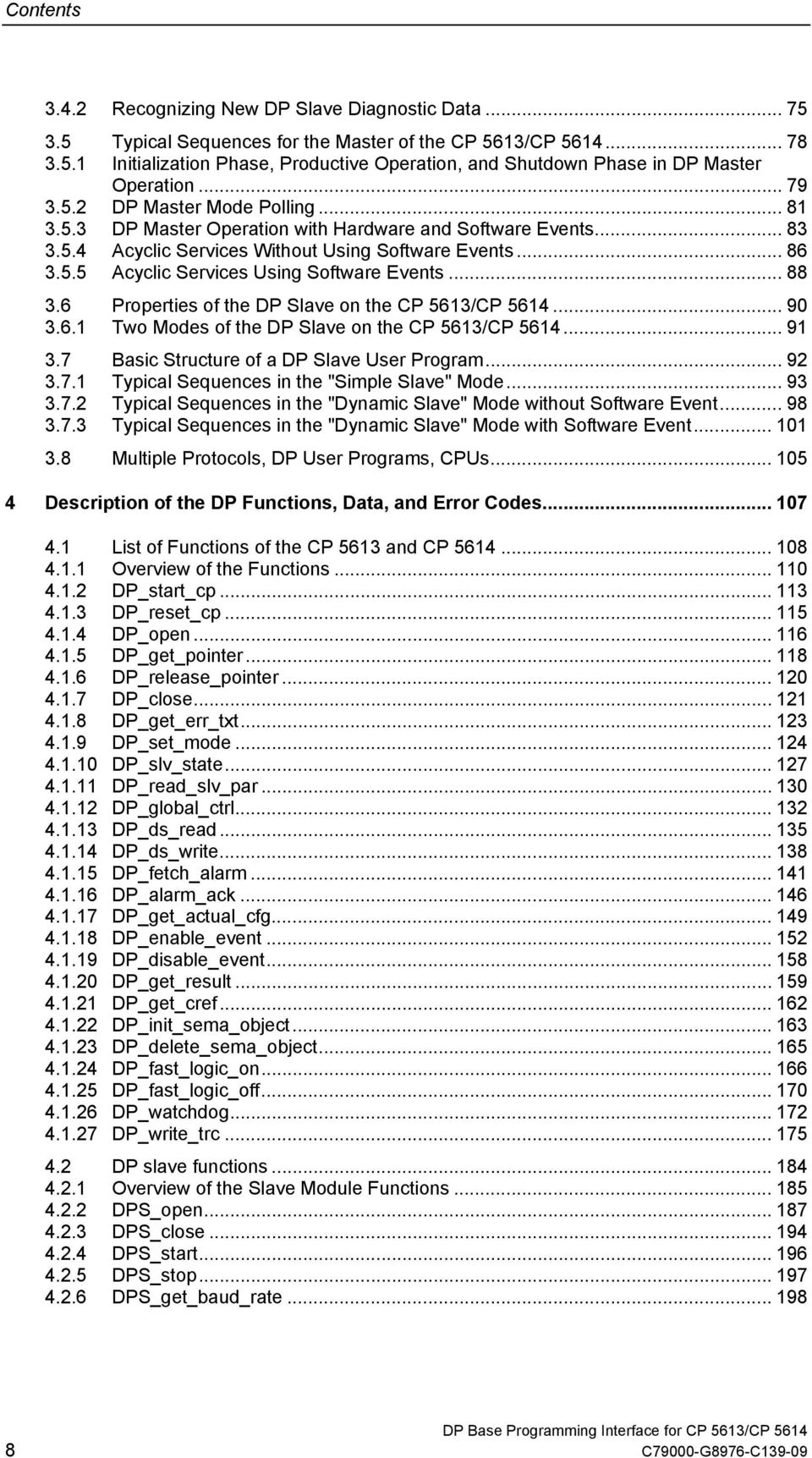
9 Contents DPS_get_gc_command DPS_get_state DPS_set_diag DPS_get_ind Structure Elements of DPS_C2_INITIATE_REQ DPS_set_resp DPS_calc_io_data_len Access to the Process Image of the CP 5613/CP Reading the Input Data of a DP Slave Reading the Diagnostic Data of a DP Slave Writing the Output Data of a DP Slave Checking the Slaves for Changed Data Querying the State of a DP Slave Querying Information about the DP Master Querying the Current Bus Parameters of the Master Querying Information about DP Slaves Reading PROFIBUS Statistical Data Querying the Fast Logic Status Reading and Triggering User Watchdog in the Dual-Port RAM Activating/Deactivating the Generation of Hardware Events Sending Data with the CP 5614 as DP Slave Receiving Data with the CP 5614 as DP Slave Sending Diagnostic Data with the CP 5614 as DP Slave Using the Constant Bus Cycle Time Mode Typical Phases in the Constant Bus Cycle Time Mode Checking the Life Counter Error Handling Entries in the error_decode, error_code_1 and error_code_2 structure elements in Error Class DP_ERROR EVENT Error Codes Formats of the Slave Data Formats of the Slave Diagnostic Data Overview of the Entire Structure Format of the Diagnostic Data Header Format of the Device-Related Diagnostic Data (Standard DP Slave) Format of the Device-Related Diagnostic Data (Slaves with DP-V1 Extensions) Format of ID-Related Diagnostics Format of Channel-Related Diagnostics Format of the Revision Number Format of the Slave Parameter Data Structure of the General Slave Parameters Structure of the Parameter Assignment Data Structure of the Configuration Data Meaning of GSD Files Description of the Sample Programs Starting the Simple Sample Program Starting the Complete Sample Program Starting the "Fast Logic" Sample Program C79000-G8976-C
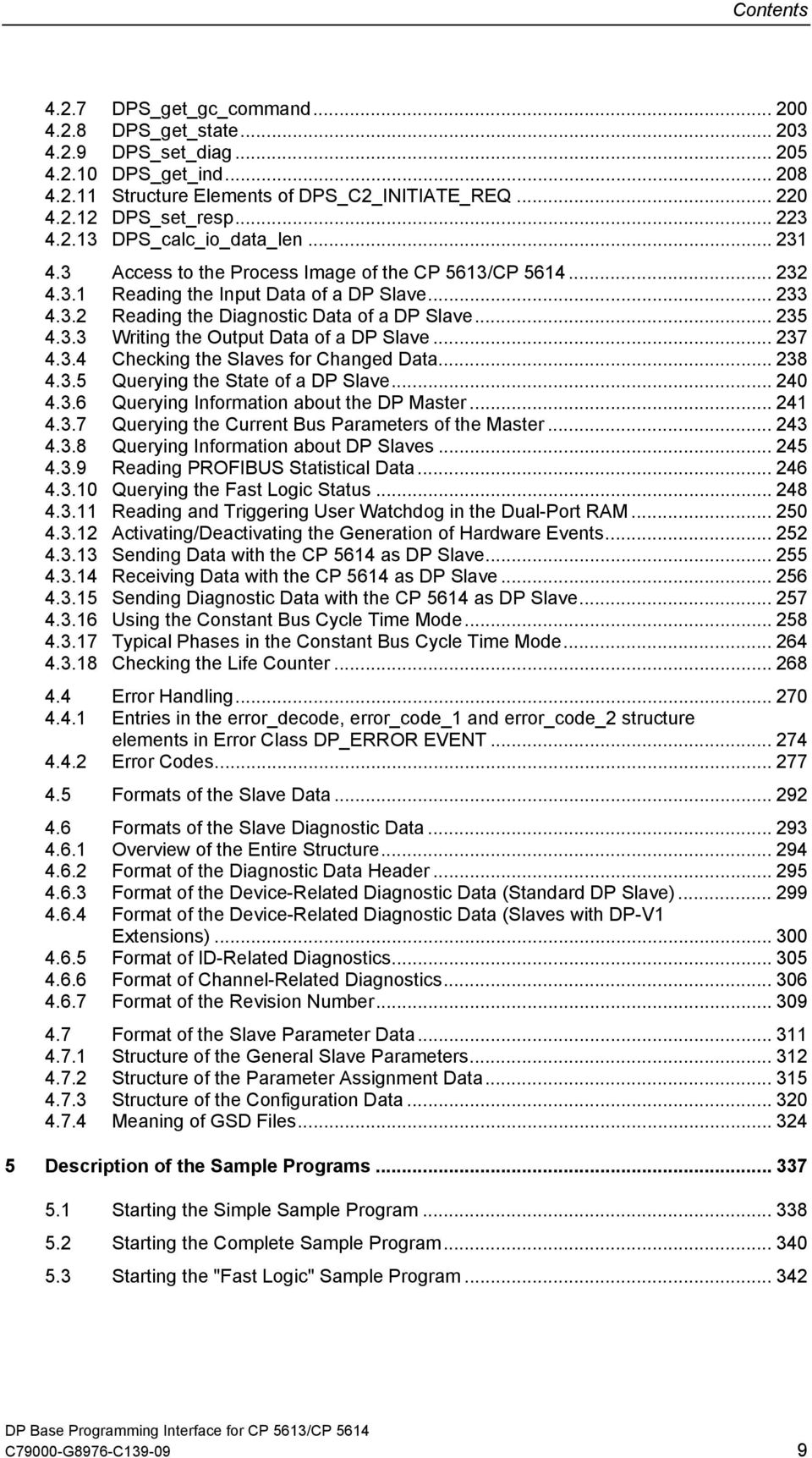
10 Contents 5.4 Starting the Transfer Sample Program for the CP Configuring the Transfer for the CP 5614 Transfer Sample Program FAQ (Frequently Asked Questions) FAQs about the Range of Functions of the Product FAQs about Structuring the DP User Program FAQ Check List for Programmers FAQs about Debugging and Starting Up Your Program FAQs Miscellaneous Programming Questions Glossary Index C79000-G8976-C139-09

11 Basic Steps in Creating a DP Application 1 This chapter recommends a step-by-step procedure for creating a DP user program based on the DP programming interface of the CP 5613 and CP 5614 known as "DP Base". The steps begin with the basics of PROFIBUS DP and are completed when you test your application. The DP Base programming interface allows direct access to the DP process image in the dual-port RAM of the CP 5613/CP The DP Base programming interface is therefore not compatible with the DP programming interface of the CP 5511, the CP 5611 and the CP Since the DP Base interface is a high-speed interface, it cannot be operated at the same time as the DP interface mentioned above on a CP 5613/CP C79000-G8976-C
12 Basic Steps in Creating a DP Application Procedure The steps outlined below represent the fastest and simplest way of achieving your aims: Step Description 1 Familiarize yourself with the basic principles of PROFIBUS DP. Read the following Chapter 2 "Overview of PROFIBUS DP". 2 Familiarize yourself with the basic characteristics of the DP Base programming interface of the CP 5613 and CP Read Chapter 3 "Overview of the DP Base interface". 3 Check through the contents of the subfolder "prog" in your installation folder so that you know what it contains and the purpose of the components for the subsequent steps. The subfolder contains the following: The "readme.rtf" file with the latest additional information and most recent modifications. The C header file "dp_5613.h", dps_5614.h with the functions and data structures of the DP base interface and "5613_ret.h and 5614_ret.h" with the return codes. The import libraries "dp_base.lib" and "dps_base.lib" for linking to your DP user program. The sample programs and corresponding databases in the "examples" subfolder. 4 Now work through the source text of the sample program "ExamEasy" and read through the functions and data accesses in Chapter 4 ("Description of the DP Functions, Data, and Error Codes"). 5 Adapt the "ExamEasy" sample program to suit your plant configuration, for example by using additional or other slaves. Compile and link the sample program and try it out. You may need to extend the "ExamEasy" sample database. 6 Now work through the source text of the sample program "ExamComp", modify the program and try it out with an extended sample database. 7 If you want to use the slave functions of the CP 5614, you should also work through the "transfer" sample, modify it to your requirements and try it out with an extended sample database. 8 Please read the FAQs in Chapter 6, particularly the check list for programmers and the information on structuring your DP user program. Table continued on next page 12 C79000-G8976-C139-09

13 Basic Steps in Creating a DP Application Continued Step Description 9 Now create your own DP user program. You can use the "ExamComp" sample as a basis. 10 Test your application. Refer to the information and tips in the FAQ list in Chapter 6 and the diagnostic options described in the readme file of the SIMATIC NET CD. C79000-G8976-C
14 Basic Steps in Creating a DP Application 14 C79000-G8976-C139-09

15 Overview of PROFIBUS DP 2 This chapter will familiarize you with the basic principles of PROFIBUS DP. C79000-G8976-C

16 Overview of PROFIBUS DP 2.1 Where Does PROFIBUS DP Fit In? PROFIBUS - The Worldwide Fieldbus Strategy The trend towards reducing costs in automation engineering has meant that programmable controllers (PLCs), PCs, drives, transducers, and sensors are being networked more and more. This has resulted in greater distribution of these field devices using a fieldbus as the common communications medium for exchanging information. The demand for an open, heterogeneous fieldbus system representing a safe and long-term investment for the user has been met by PROFIBUS. PROFIBUS is a bus system for communication between programmable controllers or PCs and field devices based on the European standard EN , Volume 2. This means that both users and manufacturers can be certain about long-term investments and guarantees "openness" for all applications conforming with the standard worldwide. Created in 1989 by a consortium of companies and institutions, PROFIBUS has become the world s most popular fieldbus in discrete manufacturing and process control. It is mature, proven technology that is ideal for supporting modern automation systems. With over 25 million installed devices, it is a significant driving force for the world s production plants. By continuously enhancing the technology, PROFIBUS International has ensured that PROFIBUS remains the dominant fieldbus solution. The ongoing commitment of the world s automation major suppliers ensures that investments today are fully protected for the lifetime of any plant. PROFIBUS is unique in offering a fully integrated solution for discrete and process applications, a major benefit in the process industries where upstream, mainstream and downstream processes have to work together. Industries using PROFIBUS range from critical petrochemical operations and high volume robotic manufacturing plants, right across the spectrum to food and drink, water/waste treatment plants. Siemens has supported PROFIBUS for many years as an optimized fieldbus solution and reliable investment for the user and supplies both products and complete systems. Apart from the programmable controllers (PLCs), devices such as network components, PC communications processors, and field devices for PROFIBUS are also included in the wide range of products. The Role of the PC in PROFIBUS Apart from the trend towards distribution, the standard PC is also becoming more important as an automation tool particularly in control tasks and for plant visualization thanks to its increased performance and widespread availability. 16 C79000-G8976-C139-09
17 Overview of PROFIBUS DP The Advantages of DP PROFIBUS-DP is intended for fast data exchange in the fieldbus area. Distributed peripheral devices collect the input signals locally and transfer them via the fieldbus to the central controller in the PG/PC. In the opposite direction, the central controller sends the output data to the distributed peripheral devices. The use of PROFIBUS DP means a considerable reduction in cabling compared to previous direct wiring of components. C79000-G8976-C
18 Overview of PROFIBUS DP 2.2 The Master-Slave-Concept of PROFIBUS DP Description The master-slave concept of PROFIBUS DP describes the communications mechanisms between active and passive nodes on PROFIBUS. Distributed I/Os The distributed (peripheral) I/O allows you to use a variety of analog and digital input/output modules over PROFIBUS with a distributed configuration in close proximity to the process. This is normally abbreviated to DP. Node Types PROFIBUS DP defines two types of bus node: DP master DP masters are active nodes and control DP slaves. A distinction is made between class 1 and class 2 DP masters. DP slaves DP slaves are normally passive nodes (distributed I/O devices). A distinction is made between DP-V0 and DP-V1 slaves. 18 C79000-G8976-C139-09

19 Overview of PROFIBUS DP DP masters DP Master Class 1 A DP master class 1 communicates cyclically with the DP slaves assigned to it. Cyclic communication means that during the data transfer phase the DP master constantly sends the latest output data to the DP slaves and receives the latest input data in the response frame. With a DP master class 1, communication involves central functions such as: Assignment of parameter values and configuration of the DP slaves during startup Cyclic data transfer to the DP slaves Monitoring the DP slaves Preparing diagnostic information Depending on the application, these tasks can, for example, also be handled by a SIMATIC S7 programmable controller. In the follow text, the DP master class 1 is simply known as the DP master. DP Master Class 2 A DP master class 2 is a DP master that does not operate cyclically and is used for special functions such as online diagnostics in a PROFIBUS DP system. A DP master class 2 can also establish additional connection-oriented DPC2 communication relations with DP-V1 slaves. The DP-V1 slaves must support these DPC2 additional functions. Essentially, these include connection establishment, connection termination, reading data records, writing data records, and data transfer. This programming interface supports the DPC2 functions with the slave submodule of the CP C79000-G8976-C

20 Overview of PROFIBUS DP DP Slave A DP slave is a peripheral device from which the DP master reads in input information and to which it sends output information cyclically. There are also DP slaves that provide only input or only output information. DP slaves are generally inexpensive since passive participation on the bus is simple to implement. DP-V0 Slave A DP-V0 slave is a simple device that becomes active only when requested by the DP master. Essentially, it provides the following standard functions: Sends input data from the process to the DP master. Transfers diagnostic data to the DP master. Passes on output data from the DP master to the process. DP-V1 Slave A DP-V1 slave has the functionality of a DP-V0 slave with the following additional functions: Processing data records Data records contain special additional information specified using the slot and index. A data record can be sent via a DP master class 1 (DPC1 connection) or via a DP master class 2 (DPC2 connection). A DP master can send data records to a DP-V1 slave (write data record) or request a data record from it (read data record). Alarm handling DP-V1 slaves with alarm capability can send alarms to the master. Alarms are special diagnostic data containing important events. The DP master must acknowledge alarms by sending alarm acknowledge frames to the DP slave. Overview of the Communication Section 2.13 shows how DP-V1 communication fits in to PROFIBUS DP. Configuration Operating a DP system requires a configuration. Using configuration software, you create a "database" that is required by the DP master. Configuration tools are available for the CP 5613/CP For more detailed information on the tools (for example SIMATIC NCM PC, SIMATIC STEP 7) and on how to configure, please refer to the supplied documentation. 20 C79000-G8976-C139-09

21 Overview of PROFIBUS DP Basic Structure of a DP System The following diagram illustrates how to implement a process control with DP slaves using a PC and a CP 5613/CP 5614 communications processor. PC as DP master with CP 5613/CP 5614 PROFIBUS Process DP slaves Process input/ output data C79000-G8976-C
22 Overview of PROFIBUS DP 2.3 DP Communication Mechanisms Description Communication between a DP master (class 1) and DP slaves uses two basic mechanisms: Cyclic polling by the master This mode is the basic communication mode and is supported by all slave types (DP-V0 and DP-V1 slaves). Acyclic services and alarms This mode is an expansion of the basic communication. It is supported only by DP-V1 slaves. 22 C79000-G8976-C139-09
23 Overview of PROFIBUS DP Cyclic Polling by the Master Description The basic communication between a DP master and the distributed I/O stations takes the form of polling. Polling means that the DP master sends cyclic calls to the DP slaves assigned to it. A separate call frame is sent to each DP slave. In one polling cycle, all the operational DP slaves are addressed. The next polling cycle starts after the last slave has been addressed. This ensures that the data is up to date. Polling is handled automatically and independently by the firmware of the CP 5613/CP DP master Output data DP slaves Input data (diagnostic data when necessary) Figure 1 Schematic Representation of Polling Output Data The call frame contains the current output data that the DP slave will apply to its output ports. The data belonging to this area are specified by the DP user program. If a DP slave does not have output ports, an "empty frame" is sent to it instead. Input Data The reception of a call frame must be confirmed by the DP slave by returning a confirmation frame. The confirmation frame contains the current input data that are applied to the input ports of the DP slave. If a DP slave does not have input ports, an "empty frame" is returned instead. C79000-G8976-C
24 Overview of PROFIBUS DP Diagnostic Data Diagnostic data is generated when the slave detects an error. This is signaled to the master which then fetches the diagnostic data using a special call frame. 24 C79000-G8976-C139-09
25 Overview of PROFIBUS DP Acyclic Services and Alarms Acyclic Services Using acyclic services, the DP user program can send special data records to DP- V1 slaves or read them from the slaves. Within a DP-V1 slave, the data records are addressed using a slot number and an index. The significance of the data records is specific to the particular slave. In contrast to the input/output data, data records are not transferred cyclically but only once per job. Alarms Alarms are a particular form of diagnostic data that must be acknowledged specifically by the DP master program in contrast to standard diagnostic frames. Only DP-V1 slaves can send alarms to the DP master. When the DP master user program confirms reception of an alarm, the DP master reacts by sending an alarm acknowledge frame to the DP-V1 slave. C79000-G8976-C
26 Overview of PROFIBUS DP 2.4 CP 5613 Communications Processor Description The CP 5613 communications processor in conjunction with the DP user program that uses the functions of the DP base programming interface together form a PROFIBUS DP master class 1. CP 5613 Master user program PROFIBUS DP DP slave DP slave This DP base programming interface describes how to create your own DP master class 1 applications for the CP 5613/CP C79000-G8976-C139-09
27 Overview of PROFIBUS DP 2.5 CP 5614 Communications Processor Description The CP 5614 consists of a master section that is identical to the CP It has an additional slave submodule (piggyback module) that allows attachment to a further PROFIBUS network. With the slave submodule, a CP 5614 can be operated as a DP slave on a PROFIBUS network. The slave is controlled by a remote DP master, for example a CP 5613 or SIMATIC S7 programmable controller. Control system DP master PC Slave application PROFIBUS DP (I) CP 5614 Slave RS485 Master application Master RS485 PROFIBUS DP (II) DP slave DP slave This DP base programming interface describes how to create your own DP slave applications for the CP C79000-G8976-C
28 Overview of PROFIBUS DP The Transfer Software To operate the CP 5614 with both master and slave functionality, you can use, for example the transfer software supplied (see Section 5.4). The transfer software transfers data between the master and slave section of the CP The transfer software includes an access with which additional input, output or diagnostic jobs can be executed. Your DP user program can use this access to add extra functionality to the transfer program (in the sample program, a counter is activated on the CP 5614 slave submodule). The example illustrates how a separate transfer function with a local application can access the process image of the CP 5614 (slave and master components of the CP 5614). Control system DP master Access PC Transfer software PROFIBUS DP (I) CP 5614 Slave Master RS485 RS485 PROFIBUS DP (II) DP slave DP slave 28 C79000-G8976-C139-09
29 Overview of PROFIBUS DP The Configuration for the Transfer Software To allow you to specify the separate transfer function, a configuration tool and a configured transfer file are also shipped as an example. Using the configuration tool, you can specify how data is copied from master to slave and vice-versa. C79000-G8976-C
30 Overview of PROFIBUS DP 2.6 Access to Process Data Description A distinction must be made between two general types of process data: Input/output data and standard diagnostic data Slave data records and alarms 30 C79000-G8976-C139-09
31 Overview of PROFIBUS DP Access to Input/Output Data and Standard Diagnostic Data Input/output data and standard diagnostic data is stored on the DP master (CP 5613/CP 5614) in the dual-port RAM. This data represents the process image. There are three different data areas for each configured DP slave: Input data from the DP slave Output data to the DP slave Standard diagnostic data from the DP slave The DP user program accesses the input and output data in the dual-port RAM of the CP 5613/CP 5614 directly using C pointers; in other words without needing function calls. Standard diagnostic data can be read directly or using the function calls of the DP Base programming interface. DP application program Input data Output data Diagn. data Slave data Slave 1 Slave 2 Slave n DP master PROFIBUS Access to Slave Data Records and Alarms Slave data records are fetched or sent directly using the function calls of the DP Base programming interface. Alarms are special diagnostic data that is buffered and managed by the firmware of the CP 5613/CP The DP user program must read out this alarm data with a function call of the DP Base programming interface and acknowledge it. C79000-G8976-C
32 Overview of PROFIBUS DP 2.7 Startup and Operational Phase of a DP System Functions of the DP Master during Startup and Operation The DP master handles the following tasks independently: Initialization of the DP slaves Data transfer in the operational phase Monitoring the DP slaves Initialization of the DP Slaves The DP master can only exchange process data with the DP slaves when it has previously assigned parameter values and configured the DP slaves using special frames. The parameter assignment/configuration is contained in the database and is performed as follows: During the startup phase of the DP master. Following any temporary failure of a DP slave during the productive phase The parameter assignment frame provides the DP slave with global operating parameters (for example Group_Ident, Watchdog on/off). The configuration frame is sent after the DP slave has been assigned parameters. This frame contains the defined configuration of the DP slave. The configuration includes the number and type of input/output ports. The DP slave compares the received configuration frame with the values that it determined itself during the startup phase. If the values match, the DP slave confirms the configuration and changes to the operational phase. Data Transfer in the Operational Phase During the operational phase, the cyclic data transfer between the DP master and DP slaves takes place. The DP user program can also send acyclic data and fetch and acknowledge alarms during this phase. Monitoring the DP Slaves If a DP slave detects an error/fault, it can signal this to the DP master in the form of diagnostic data (standard diagnostic data or diagnostic data in the form of alarms). The received diagnostic data is then available on the DP master and must be evaluated by the DP user program. 32 C79000-G8976-C139-09
33 Overview of PROFIBUS DP 2.8 Modes of the DP Master Overview During communication with the DP slaves, the DP master can adopt the following four modes: OFFLINE STOP CLEAR (or AUTOCLEAR) OPERATE Each of these modes is characterized by defined actions between the DP master and the DP slaves. OFFLINE No communication between the DP master and DP slaves. This is the startup mode of the DP master. STOP In this mode, there is also no communication between the DP master and the DP slaves. In contrast to the OFFLINE mode, a DP diagnostic station (DP master class 2) can read out diagnostic information from the DP master. CLEAR All the DP slaves entered and activated in the database are assigned parameters and configured in this mode. This is followed by the cyclic data exchange between the DP master and DP slaves. In this CLEAR mode, the value 0 or empty frames are sent to all slaves with a process output; in other words, process output is deactivated. The input data of the slaves are known and can be read out. If a slave fails, for example no longer answers, the DP master automatically attempts to reassign parameters and configure the slave and return it to the polling cycle. C79000-G8976-C
34 Overview of PROFIBUS DP AUTOCLEAR The behavior of the DP master in the AUTOCLEAR mode is the same as in the CLEAR mode. With certain errors, the DP master automatically changes to the AUTOCLEAR mode; for more detailed information, refer to Section 2.10, "Reliability of DP". OPERATE The cyclic, productive data transfer to the DP slaves takes place in the OPERATE mode. In this mode, the DP slaves are addressed one after the other by the DP master. The call frame transfers the actual output data and the corresponding response frame transfers the actual input data. If a slave fails, for example no longer answers, the DP master automatically attempts to reassign parameters and configure the slave and return it to the polling cycle. 34 C79000-G8976-C139-09
35 Overview of PROFIBUS DP How a DP Master Starts Up Description When the CP 5613/CP 5614 starts up, the DP master must run through the following modes in the specified order controlled by the DP user program: OFFLINE -> STOP -> CLEAR -> OPERATE. Stage Mode Typical Actions of the DP User Program 1 OFFLINE The DP user program initiates the change to the STOP mode. Reaction: The DP master changes to the STOP mode. 2 STOP The DP user program queries the STOP mode. Once the STOP mode is reached, the program initiates the change to the CLEAR mode. Reaction: The DP master changes to the CLEAR mode. 3 CLEAR The DP user program queries the CLEAR mode. If the CLEAR mode is reached, the program can enter the output data in the process image. The program then initiates the change to the OPERATE mode. Reaction: The DP master changes to the OPERATE mode. 4 OPERATE The DP user program queries the OPERATE mode. Once the OPERATE mode is reached, productive data exchange with the slaves begins. C79000-G8976-C
36 Overview of PROFIBUS DP How a DP Master Shuts Down Description When the CP 5613/CP 5614 shuts down, the DP master must run through the modes in the following order controlled by the DP user program: OPERATE -> CLEAR -> STOP -> OFFLINE Stage Mode Typical Actions of the DP User Program 1 OPERATE The DP user program initiates the change to the CLEAR mode. Reaction: The DP master changes to the CLEAR mode. 2 CLEAR The DP user program queries the CLEAR mode. Once the CLEAR mode is reached, the program initiates the change to the STOP mode. Reaction: The DP master changes to the STOP mode. 3 STOP The DP user program queries the STOP mode. Once the STOP mode is reached, the program initiates the change to the OFFLINE mode. Reaction: The DP master changes to the OFFLINE mode. 4 OFFLINE The DP user program queries the OFFLINE mode. 36 C79000-G8976-C139-09
37 Overview of PROFIBUS DP 2.9 Separation of the Slave Data from the DP Master User Program The process image is separate from the DP master user program and the slaves To increase efficiency, the DP standard does not include flow control. The timing of the cyclic updating of the process image of the DP master is connected neither to the DP slaves nor to the DP master user program. Examples of different situations are shown below: Example: Slave input data changes extremely quickly If, for example, an analog slave modifies its output data more quickly than it can be fetched in the polling cycle of the DP master (sample sequence 1.1, 1.2, 1.3, 1.4, 1.5, 1.6, 1.7, 1.8,...), the DP master only receives a sequence of "snapshots" that it enters in the process image (sequence 1.1, 1.3, 1.5, 1.8,...). Example: The DP master user program reads very quickly If the DP master user program reads the process image more quickly than it can be updated within the polling cycle of the DP master, values will be obtained more than once. Based on the example above, the DP master user program then, for example, reads a sequence 1.1, 1.1, 1.1, 1.1, 1.2, 1.2, 1.2, 1.2, 1.3, 1.3, 1.3, 1.3, 1.4, Example: DP master user program writes very quickly If the DP master user program writes output data to the process image faster than this can be transferred to the slave within the polling cycle of the DP master, only a series of "snapshots" will be transferred the slave (sample sequence 1, 4, 6,...) Example: DP master user program reads very slowly If the DP master user program only reads the process image occasionally, for example because it has other tasks to perform in the meantime, it is possible that some values will be skipped. A sequence such as 1.1, 1.2, 1.3, 1.4 in the process image then becomes, for example, 1.1, 1.3 etc. in the DP master user program. C79000-G8976-C
38 Overview of PROFIBUS DP Remedy If the DP master user program requires a better link to the slave than described above, there are a number of options available: With the hardware events of the CP 5613/CP 5614, the DP master user program can be informed of changes on the slave. Under certain circumstances, this results in a faster reaction of the DP master user program to a change in the input data. With user-specific implementations on the DP master and DP slave, flow controls can be achieved to link the DP master with the DP slaves and to avoid loss of data. If the polling cycle is too slow, it may be possible to increase the update rate of the process image by increasing the data transmission rate. The hardware event at the beginning of the cycle and end of the cycle of the CP 5613/CP 5614 can be used to synchronize the DP master user program with the polling cycle. These events are only supported in the constant bus cycle time mode. It is only possible to set parameters for the constant bus cycle time with STEP 7/NCM. 38 C79000-G8976-C139-09
39 Overview of PROFIBUS DP 2.10 Reliability of DP Reliability Concept The DP programming interface provides various mechanisms to limit the effects of the failure of a communication connection or the DP master. A watchdog function can be configured for the DP slave so that if a DP slave is not accessed for a longer period of time it can change automatically to a safe state. The AUTOCLEAR function can be activated to ensure that if DP slaves are not accessible, the DP master automatically changes from OPERATE to the (AUTO)CLEAR mode. A sign-of-life monitoring function can be activated on the CP 5613/CP 5614 to detect inactivity of a DP user program (failure) and to change the DP slaves to a safe operating mode. The AUTOCLEAR function The AUTOCLEAR option can be set during configuration. How it works: If an error occurs on one or more DP slaves during the productive phase, the DP master changes automatically from the OPERATE mode to the AUTOCLEAR mode (switches to a safe mode). In the AUTOCLEAR mode, the DP master behaves just as in the CLEAR mode. The DP master then sends data in the output direction with the value 0 or empty frames to the DP slaves. The DP master can no longer exit the AUTOCLEAR mode automatically; in other words, the change to the OPERATE mode must be triggered explicitly by the user. C79000-G8976-C
40 Overview of PROFIBUS DP 2.11 Control Frames to One or More Slaves Purpose of Control Frames For particular applications, there are four control commands available with which a control frame can be sent. In standard applications, these are not required. A control frame is a frame that the master sends to one slave, a group, several groups, or to all slaves. These frames are not acknowledged by the slaves. Control frames are used to transfer control commands (known as global controls) to the selected slaves to allow synchronization. A control command contains three components: Identifier indicating whether one or more DP slaves are being addressed Identification of the slave group Control command Creating Groups During configuration, you can assign a group identifier to a slave; in other words, it is possible to include several slaves in one group. Which slaves belong to a group is specified when you create the database. During this phase, each DP slave can be assigned a group number. The DP slave is informed of this group number during the parameter assignment phase. You can specify a maximum of eight groups. 40 C79000-G8976-C139-09
41 Overview of PROFIBUS DP Control Commands The following control commands can be sent to DP slaves when necessary during operation: Control Commands FREEZE UNFREEZE SYNC UNSYNC Description After receiving the FREEZE command, the DP slaves freeze the current states of all inputs. In the read cycles that follow, the DP master receives this frozen input data. The current input data is available to the DP master only after an UNFREEZE command or a further FREEZE command; with the additional FREEZE command this only applies to the current cycle. After receiving the UNFREEZE command, the freezing of the inputs is canceled. The DP slaves once again provide the DP master with the current input data. When the DP slaves receive the SYNC command, they freeze the current states of all outputs. The output data sent by the DP master following this is initially not accepted by the DP slaves. The current output data is accepted by the DP slaves only following an UNSYNC command or a further SYNC command; with the additional SYNC command, this applies only to the current cycle. After receiving the UNSYNC command, the freezing of the outputs is canceled. The current output data is accepted by the DP slaves again cyclically. C79000-G8976-C
42 Overview of PROFIBUS DP 2.12 The Importance of Configuration Using the DP Database The DP database contains information about the bus parameters of PROFIBUS and about the slaves on the network. This information is evaluated when the CP 5613/CP 5614 starts up. Configuring Slave Data Areas During configuration, you specify the number and type (input, output, analog, digital) of the data areas of all the slaves. This configuration data is sent to the slave during startup and is then checked by the slave. If the configuration data does not match the actual properties of the slave, the slave enters this in the diagnostic data and it is not included in cyclic operation. Activating the Watchdog If the watchdog of a DP slave is activated in the configuration, the DP master must communicate with the DP slave within a selected time. If there is no communication within this time, the DP slave switches its outputs to a safe state and no longer takes part in data transfer with the DP master section since the DP slave assumes that a serious problem has occurred, for example wire break or failure of the DP master. The DP master must then assign parameter values to the DP slave and configure it again. Following this, the exchange of productive data can be resumed. The values adopted by the outputs can be found in the descriptions of the DP slaves. Configuring the AUTOCLEAR Property If one of the activated slaves does not take part in the data transfer and if the AUTOCLEAR function is set, the DP master automatically changes to the CLEAR mode (with the coding AUTOCLEAR). 42 C79000-G8976-C139-09
43 Overview of PROFIBUS DP Configuring Direct Data Exchange The CP 5613/CP 5614 supports direct data exchange during cyclic polling. Only specially designed DP slaves (publishers/subscribers) are capable of direct data exchange. In direct data exchange, the publisher (transmitting slave) sends the response data with a special identifier and special timing so that not only the DP master but also the other DP slaves (subscribers) can listen in. You configure direct data exchange with STEP 7/NCM. Configuring the "Min_Slave_Interval" The "Min_Slave_Interval" is the minimum time between the DP master addressing a DP slave in two consecutive polling cycles. This is calculated automatically based on the GSD data of the slaves. Meaning of GSD Files Project engineering tools for the PROFIBUS DP master interpret the GSD files of the various DP slave types and generate the database of the DP master based on this information. To be able to use the slave module of the CP 5614, a suitable GSD file must be available. For more detailed information on this topic, refer to Section C79000-G8976-C
44 Overview of PROFIBUS DP 2.13 DP-V1 as an Extension of DP Overview of the DP Protocol with DP-V1 Extensions Apart from cyclic DP master operation (see Section 2.3.1), two further extensions are defined as DP-V1: DPC1 and DPC2. The paragraphs below contain an overview of these extensions: PG/PC DP master class 1 PG/PC DP master class 2 User program DP/DPC1 progr. interface User program DPC2 progr. interface DPC1 DP DPC2 Acyclic mode MSAC_C1 Cyclic mode MSCY_C1 Acyclic mode MSAC_C2 DP slave with DP-V1 additional functions DP-V1 Master Class 1 (DPC1) With DPC1, a cyclic DP master can also send or read slave data records and receive and acknowledge alarms. This data is not process data but slave-specific additional data (for example, data records for reassignment of parameter values). 44 C79000-G8976-C139-09
45 Overview of PROFIBUS DP DP-V1 Master Class 2 (DPC2) An additional DP master that is not operating cyclically can establish connections to DP-V1 slaves using DPC2 initiate calls and send or read data records to or from the slaves, for example for reassigning parameter values or diagnostics. C79000-G8976-C
46 Overview of PROFIBUS DP 46 C79000-G8976-C139-09
47 Overview of the DP Base Interface 3 The programming interface of the CP 5613/CP 5614 is known as the DP Base programming interface. This chapter explains the basic characteristics of the DP Base programming interface including typical call and access sequences to prepare you for creating your own DP applications. For a detailed description of the function calls and data access, please refer to Chapter 4. C79000-G8976-C
48 Overview of the DP Base Interface 3.1 Ways of Accessing the CP 5613/CP 5614 Communications Processor Overview There are basically two mechanisms with which you can access the CP 5613/CP 5614 communications processor: Function calls (DP Base programming interface) Access to the dual-port RAM of the CP 5613/CP 5614 (process image) using pointers The DP user program uses the functions of the supplied DLLs. These are passed on to the CP 5613/CP 5614 communications processors by the drivers. The DP user program can also access the process image on the communications processor with a C pointer. DP user program dp_base.dll dps_base.dll C pointer Drivers Process image CP 5613/CP C79000-G8976-C139-09
49 Overview of the DP Base Interface Access Using Pointers While your DP user program is running, data of the CP 5613 and CP 5614 that is required regularly is available directly in the dual-port RAM. Most importantly, this data includes the process image (input, output, and diagnostic data of the DP slaves) along with a variety of status and configuration data and control registers. The "DP_get_pointer" function call provides the base address (C pointer) for the DPR_CP5613_DP_T structure. With this C pointer, your DP user program can access the process image and the other data areas in the dual-port RAM efficiently. The DPR_CP5613_DP_T structure describes the structure of the data above in the dual-port RAM of the CP 5613 and CP C79000-G8976-C
50 Overview of the DP Base Interface Function Calls Your user program can execute administrative tasks and make use of less commonly required communication properties of the CP 5613 and CP 5614 during run time by calling functions of the DP Base programming interface. The DP Base programming interface is a C programming interface and consists of two DLLs. The table below describes the two DLLs: DLL Name Description Function Name dp_base.dll Contains DP master Function names start with "DP_". functions of the CP 5613/CP dps_base.dll Contains DP slave functions of the CP Function names start with "DPS_" (the S stands for slave submodule). The DP Base programming interface also includes the following header files and import libraries: Header Files dp_5613.h (definitions for DP master) dps_5614.h (definitions for DP slave) 5613_ret.h (error codes for DP master) 5614_ret.h (error codes for DP DP slave) Import Libraries dp_base.lib (master functions) dps_base.lib (slave functions) 50 C79000-G8976-C139-09
51 Overview of the DP Base Interface 3.2 Special Features of the CP 5613/CP 5614 Overview The CP 5613/CP 5614 has a series of special additional functions and properties that allow the implementation of highly efficient and reliable DP user programs. Since the CP 5613/CP 5614 generally has special hardware control logic for these functions, execution is extremely fast. The special characteristics of the CP 5613/CP 5614 are as follows: Hardware and software events Fast Logic Timeout monitoring Constant bus cycle time mode Access to operating data in the dual-port RAM C79000-G8976-C
52 Overview of the DP Base Interface Hardware and Software Events Hardware Events The CP 5613/CP 5614 can monitor important process data and operating states independently controlled by the DP user program. If the monitored event occurs, a control register is set in the dual-port RAM. This control register can be checked quickly and efficiently by DP user program using a pointer to access it. Using the Hardware Events By checking the control registers in the dual-port RAM, the DP user program can recognize whether or not the CP 5613/CP 5614 has detected a particular event. Since the event is monitored by a hardware control logic, certain events (for example changes to the process image) can be detected quickly and efficiently. Software Events With certain events of the CP 5613/CP 5614, a Windows DP user program can be informed interrupt-controlled using a Windows semaphore. Using the Software Events Software events allow synchronization between the DP user program and the CP 5613/CP 5614 using Windows semaphores. If a selected event occurs on the CP 5613/CP 5614, the corresponding Windows semaphore is activated and the DP user program is resumed (where this was waiting at a synchronization object). Using software events can, in some situations, also reduce CPU load because, for example, the DP user program does not need to check the process image constantly but is informed of changes in the process image interrupt-controlled by the CP 5613/CP C79000-G8976-C139-09
53 Overview of the DP Base Interface Using a Combination of Hardware and Software Events With certain events, a combination of hardware and software events is possible providing the advantages of both mechanisms: High performance and low CPU load. How the Mechanism Works If a hardware event is detected by the CP 5613/CP 5614, the corresponding control register is set and an interrupt to the driver of the CP 5613/CP 5614 is triggered. The driver then informs the Windows DP user program using a Windows semaphore. Example The input data of a DP slave change. The change is signaled by the hardware event "Change in input data" by setting the corresponding control register in the dual-port RAM. In addition to this, the software event also activates the Windows DP user program that is waiting at a synchronization object using a Windows semaphore. By evaluating the control register, this recognizes the DP slave on which the change took place and then reads its input data. Events that Trigger Hardware Events The overview below shows the possible criteria for triggering hardware events: The input data of a DP slave have changed. The hardware event "Change in slave input data" can be activated for each DP slave separately. A DP slave sends new diagnostic data (regardless of whether it has changed or not). The hardware event "New slave diagnostic data" can be activated for each DP slave separately. A Fast Logic trigger condition was detected. A new DP cycle begins in the constant bus cycle time mode. The cyclic part of the DP cycle ends in the constant bus cycle time mode. C79000-G8976-C
54 Overview of the DP Base Interface Events that Trigger Software Events The overview below shows the possible criteria for triggering software events: The acknowledgment of an asynchronous function call of the DP Base programming interface has been received. The "Change in slave input data" hardware event was triggered. The "New slave diagnostic data" hardware event was triggered. A Fast Logic trigger condition was detected. A new DP cycle begins in the constant bus cycle time mode. The cyclic part of the DP cycle ends in the constant bus cycle time mode. Note 1 To be able to trigger a software event, a suitable Windows semaphore must be initialized once using the DP_init_sema_object function. Note 2 With software events, the corresponding hardware events must also be activated. Exception: The "Acknowledgment of an asynchronous function call of the DP programming interface has been received" event. Implementing Filter Mechanisms with Events The DP user program can activate hardware or software events selectively. This allows you to implement a simple filter mechanism. Example You only want the changes in the input data of a particular DP slave to be reported as an event. The DP user program therefore only enables the "Change in slave input data" event for this DP slave and not for the other DP slaves. As a result, there is a filter for data changes only on this DP slave. 54 C79000-G8976-C139-09
55 Overview of the DP Base Interface Further Information on Hardware Events The table below names the hardware events and indicates the section in which the event is described in detail. Hardware Events "Change in slave input data" "New slave diagnostic data" "Fast Logic trigger condition was triggered" "A new DP cycle begins in the constant bus cycle time mode" and "The cyclic part of the DP cycle ends in the constant bus cycle time mode". Reference to Function Calls, Direct Access, General Information Sections and describe how to check whether input data of DP-slaves has changed by directly accessing control registers. These sections also describe how the event must be enabled again following a change in the input data. Section describes how to check whether diagnostic data have been received by direct access to control registers. This section also describes how to enable the event again after receiving new diagnostic data. Section describes the DP_fast_logic_on function call with which a trigger condition is activated. Section describes the DP_fast_logic_off function call with which a trigger condition is deactivated. Section describes how to query the Fast Logic status and how to acknowledge a Fast Logic trigger event by direct access to control registers. Section describes the principle and handling of the constant bus cycle time mode. C79000-G8976-C
56 Overview of the DP Base Interface Further Information on Software Events The following table names the software events and indicates the sections where these events are described in detail: Software Events Software events in general Software event "Acknowledgment of an asynchronous function call has been received". Other software events Reference to Function Calls, Direct Access, General Information Section describes the DP_init_sema_object function call with which various Windows semaphores can be initialized. Section describes the DP_delete_sema_object function call with which a Windows semaphore can be removed again. Section describes the DP_get_result function call that returns the acknowledgments of various asynchronous function calls. These software events are linked to corresponding hardware events. For more detailed information, see the references in the above table of hardware events. Note For events relating to input data and diagnostic data, the release (in the "req_mask" element) of the semaphore is implemented with the DPR_DATA_INT_CLEAR_AND_UNMASK constant so that the corresponding semaphore (interrupt-controlled) can be activated). 56 C79000-G8976-C139-09
57 Overview of the DP Base Interface Overview of the Sequence of Events that can be Signaled Using Windows Semaphores The following diagram shows the basic structure of a Windows DP master user program that is informed of various software events of the DP master. When the program starts up, initialize the required semaphores with DP_init_sema_object and activate the hardware events Change in slave input data and New diagnostic data 1 ) for the first time. Activate other hardware events: Const. bus cycle: start, end of DP cycle DP_fast_logic_on Send asynchronous function call: DP_ds_read/write DP_get_actual_cfg DP_alarm_ack DP_enable_event Wait at semaphore 2 ) Check control register: If input/diagnostic event: activate event again 1 ) and then read out data. Other events: Evaluate event. Fetch result with DP_get_result and evaluate it When program complete, release semaphore with DP_release_sema_object. 1) When the hardware event is activated, the triggering of an interrupt (by writing the constant DPR_DATA_INT_CLEAR_AND_UNMASK in the "req_mask" control register) must be enabled so that the CP 5613/CP 5614 can signal the event as a software event. 2) The DP user program can wait at Win32 API functions (for example WaitForMultipleObjects, WaitForSingleObject, MsgWaitForMultipleObjects) at the semaphores. C79000-G8976-C
58 Overview of the DP Base Interface Fast Logic Description Fast Logic is an automatic function on the CP 5613/CP 5614: DP slave input data is monitored automatically by the CP 5613/CP If a trigger condition set by the DP master user program occurs, the CP 5613/CP 5614 automatically sets the relevant DP slave output data. Up to four trigger conditions can be activated at the same time. Uses With the Fast Logic property of the CP 5613/CP 5614, you can set parameters for the DP-master so that it automatically monitors data of DP slaves and triggers specific reactions on other DP slaves. This has the following advantages: The DP master user program does not need to read out and monitor input data constantly. The control logic is handled by the CP 5613/CP This can reduce the CP load. Very fast reaction to changes in plant states. 58 C79000-G8976-C139-09
59 Overview of the DP Base Interface Further Information on Fast Logic The following table names the Fast Logic functions and indicates the sections where these are described in detail: Fast Logic Functions Activate Fast Logic Deactivate Fast Logic Query status in dual-port RAM Activate software event for Fast Logic Reference to Function Calls, Direct Access, General Information Section describes the DP_fast_logic_on function call with which a trigger condition is activated. Section describes the DP_fast_logic_off function call with which a trigger condition is deactivated. Section describes how the Fast Logic status can be queried and a Fast Logic trigger event acknowledged using direct access to control registers in the dual-port RAM. Refer to "Further Information on Software Events" on Page 56. C79000-G8976-C
60 Overview of the DP Base Interface Timeout Monitoring Description Timeout monitoring is a programmable, automatic watchdog function of the CP 5613/CP The CP 5613/CP 5614 monitors the DP master user program to check whether it retriggers the watchdog in the dual-port RAM within a selectable time. Uses The timeout monitoring (watchdog) of the CP 5613/CP 5614 detects a permanent or sporadic failure of the DP master user program on the PC and automatically changes the DP master from OPERATE to CLEAR (safe plant state). Further Information on the Watchdog The following table names the watchdog functions and indicates the sections where these are described in detail: Watchdog on/off Watchdog Functions Trigger watchdog and query status Reference to Function Calls, Direct Access, General Information Section describes the DP_watchdog function with which the monitoring function can be activated and deactivated. Section describes how to trigger the watchdog and read the status using direct access to the dual-port RAM. 60 C79000-G8976-C139-09
61 Overview of the DP Base Interface Constant Bus Cycle Time Mode Description The constant bus cycle time mode is a mode that can be selected for special applications in which the transfer of user data between the DP master and the DP slaves takes place at constant (equidistant) intervals. The DP master user program can also synchronize itself with the constant bus cycle time bus cycle using hardware or software events. Uses The constant bus cycle time mode allows the implementation of applications that require bus cycles of a constant length and a very close link between the DP master user program cycle and the bus cycle; for example clocked controls in motion control. Further Information on the Constant Bus Cycle Time Mode The following table names the functions of the constant bus cycle time mode and indicates the sections where these are described in detail: Constant Bus Cycle Time Functions Using the constant bus cycle time mode. Additional Functions for the CP 5623/CP 5624 Reference to Function Calls, Direct Access, General Information Section describes the principle and handling of the constant bus cycle time mode. Section describes how the cycle start interrupt can be delayed with the DP_delay_irq function. Section describes how the remaining cycle time can be queried with the DP_cycle_time function. C79000-G8976-C
62 Overview of the DP Base Interface Access to Operating Data in the Dual-port RAM Description Operating data is important information in the dual-port RAM of the CP 5613/CP 5614 relating to the DP master and its DP slaves. The operating data can be divided up as follows: general operating data (for example bus parameters) configuration information of the DP slaves (for example amount of input and output data) current mode of the DP master operability of the DP slaves Uses All the operating data required when the DP master user program executes are updated automatically by the CP 5613/CP 5614 and can be queried extremely efficiently using direct access to the dual-port RAM. Example: The "Operability of the DP slaves" information indicates whether or not each DP slave is involved in cyclic data transfer. Based on this, a DP master user program can easily recognize whether the input/output data of the DP slave in the process image are valid. 62 C79000-G8976-C139-09
63 Overview of the DP Base Interface Overview of the Operating Data The following table names the operating data types and indicates the section in which they are described in detail: Type of Data Current status of the DP slaves: READY NOT READY Information on the DP master: Current mode of the DP master: OFFLINE, STOP, CLEAR, AUTOCLEAR, OPERATE Identification number of the certification Hardware and firmware version Configured bus parameters Further information on the DP slave: Slave type Number of configured input and output bytes Configured/not configured PROFIBUS statistics counter (error counter) Reference to Direct Access, General Information Section describes how to query the operating state of DP slaves Section describes how to query important information on the DP master. Section describes how to query the current bus parameters of the DP master. Section describes how to query further important information on DP slaves. Section describes how to query important statistics and error counters. C79000-G8976-C
64 Overview of the DP Base Interface 3.3 How Does a DP Master User Program Access Process Data? Overview The following sections explain how a DP master user program accesses this process data: Read DP slave input data Read DP slave diagnostic data Write DP slave output data These sections also explain points to note when using the multitask mode (several tasks access the CP 5613/CP 5614 at the same time). 64 C79000-G8976-C139-09
65 Overview of the DP Base Interface Reading DP Slave Input Data Description DP slave input data is located in the dual-port RAM. Each DP slave has its own data area. If a DP slave sends new input data to the DP master, the old data is overwritten. The DP slave input data in the dual-port RAM is accessed using a C pointer. The C pointer is obtained using the "DP_get_pointer" function. This points to the "DPR_CP5613_DP_T" structure that describes the image of the dual-port RAM. Dynamic Access to the Dual-Port RAM When reading the input data, the DP master user program has the choice between two types of access: Consistent reading Non consistent reading Consistent Reading Consistent reading means that all the input data of a slave originate from the same bus cycle. By selecting "Consistent reading", a DP master user program can interlock the input data of a DP slave for the duration of the access. During this time, the DP master cannot overwrite the current input data of this DP slave in the dual-port RAM. Consistency can be guaranteed up to a maximum data length of 244 bytes. Consistent reading involves three steps: Step Description 1 Interlocking the input data of the DP slave 2 Reading the input data of the DP slave 3 Releasing the input data of the DP slave C79000-G8976-C
66 Overview of the DP Base Interface Non Consistent Reading Non consistent reading means that the DP master can overwrite the DP slave input data of the old cycle while the DP master user program is reading. This is somewhat faster than consistent reading. Caution If the DP slave input data involves more than two bytes there is no guarantee that all the data comes from the same cycle. It is therefore possible that part of the data originates from the current and the rest of the data from the previous bus cycle. If this possibility is unacceptable for your application, you must read "Consistently". Note It may, for example, be useful to do without consistent reading if the input data of the DP slave to be evaluated can only be a maximum of two bytes long. Inconsistency can only occur with longer data. Example of an Application with Detailed Information You will find an example of an application for reading DP slave input data in Section and in Section C79000-G8976-C139-09
67 Overview of the DP Base Interface Reading DP Slave Diagnostic Data Description DP slave diagnostic data is located in the dual-port RAM. Each DP slave has its own data area and an additional diagnostic counter. This counter is activated whenever a diagnostic message is received from the DP slave. A new diagnostic message overwrites the old values in the dual-port RAM. When reading the diagnostic data, the DP master user program has the choice of two mechanisms: Access to the diagnostic data in the dual-port RAM using a C pointer. The C pointer is obtained with the "DP_get_pointer" function. This points to the "DPR_CP5613_DP_T" structure that describes the image of the dual-port RAM. Access using the DP_fetch_alarm function call DP_fetch_alarm returns standard diagnostic information or diagnostic information with alarm data. Caution 1 Direct access to the diagnostic data of DP-V1 slaves with alarm capability in the dual-port RAM is not permitted. Instead, the DP_fetch_alarm function must be used. Reason The diagnostic data of DP-V1 slaves with alarm capability can include alarms that must be confirmed explicitly by the DP master user program with "Alarm Acknowledge" (see DP_alarm_ack function in Section ). Diagnostic data with alarms (just as standard diagnostic data without alarms) are written to the dual-port RAM and also buffered in the firmware. This buffering makes sure that diagnostic data containing alarms is not overwritten by new diagnostic data. In contrast to direct access that only ever returns the last diagnostic entry, the DP_fetch_alarm function accesses the buffered diagnostic data. This makes sure that no alarm is lost. Caution 2 Direct access to the dual-port RAM and DP_fetch_alarm calls must not be combined because the same diagnostic data of a DP slave would otherwise be displayed more than once. C79000-G8976-C
68 Overview of the DP Base Interface Caution 3 If the DP master user program reads the diagnostic data (assuming this is permitted) directly from the dual-port RAM, the type of access "Consistent reading" must be selected (see below). Without consistent reading, there is no guarantee that the diagnostic data will be interpreted correctly. Note 1 If you use the DP_fetch_alarm function due to DP-V1 slaves, you can also use this function for any DP-V0 slaves in your system. DP_fetch_alarm returns not only diagnostic data with alarms but also standard diagnostic data. Advantage You only need to implement one uniform access mechanism for DP-V0 and DP-V1 slaves in your DP master user program. Note 2 The DP master user program is intended to interpret the diagnostic data that have been read out by evaluating individual elements assuming they exist; these elements are as follows: Header, device-related diagnostics, ID-related diagnostics, channel-related diagnostics, revision number. This is the only way in which error situations can be detected (see also Section 4.6 and the documentation of the DP slaves). 68 C79000-G8976-C139-09
69 Overview of the DP Base Interface Consistent Reading Consistent reading means that all the diagnostic data of a slave originate from the same cycle. By selecting "Consistent reading", a DP master user program must interlock the diagnostic data of a DP slave for the duration of the access. During this time, the DP master cannot overwrite the current diagnostic data of this slave in the dualport RAM. Consistency can be guaranteed up to a maximum data length of 244 bytes. Consistent reading involves three steps: Step Description 1 Locking the diagnostic data of the DP slave 2 Reading the diagnostic data and diagnostic counter of the DP slave 3 Releasing the diagnostic data of the DP slave Non consistent reading Note the following warning about reading diagnostic data: Caution Non-consistent reading of diagnostic data is not permitted. Otherwise the uniqueness of the diagnostic data cannot be guaranteed. Example of an application with detailed information You will find an example of an application for reading consistent DP slave diagnostic data in Section C79000-G8976-C
70 Overview of the DP Base Interface Writing DP Slave Output Data Description DP slave output data are located in the dual-port RAM. Each DP slave has its own data area. This is accessed directly in the dual-port RAM using a C pointer. The C pointer is obtained using the "DP_get_pointer" function. This points to the "DPR_CP5613_DP_T" structure that describes the image of the dual-port RAM. Dynamic Access to the Dual-Port RAM If the DP master user program writes the output data of a DP slave directly to the dual-port RAM, it always uses the "Consistent writing" access mechanism. Consistent writing means that all output data of a slave originate from the same cycle. Writing Output Data Writing output data to the dual-port RAM involves two steps: Step Description 1 Writing output data to the data area of the DP slave. 2 Triggering transfer of the output data. Example of an Application with Detailed Information You will find an example of an application for writing DP slave output data in Section C79000-G8976-C139-09
71 Overview of the DP Base Interface Coordination in Multi-Thread Operation Description If your DP user program consists of more than one thread, make sure that it is not possible for more than one thread to access the process image of the CP 5613/CP 5614 at the same time. Reason The control registers that you use for consistent access can be overwritten by other threads if access is not coordinated. This can lead to the current access to the data in the process image failing. For example, the consistency of the data currently being read by a thread cannot be guaranteed. Remedy To avoid access conflicts as described above, you must implement a common interlock mechanism so that threads cannot interrupt each other when accessing the process image. You can achieve this with synchronization mechanisms such as semaphores, mutex etc. from Windows. C79000-G8976-C
72 Overview of the DP Base Interface Example of a Sequence The following diagram illustrates the principle of the sequence of a thread (X) that interlocks access to the dual-port RAM (DPR) using a common Windows semaphore. A further thread (not shown in the diagram) that is competing with thread X to access the dual-port RAM must do this in exactly the same way as thread X. If the common semaphore is not obtainable, the thread waits until it is released again. Thread X no Access to DPR necessary? yes no Semaphore free? yes Occupy semaphore Access to DPR Release semaphore 72 C79000-G8976-C139-09
73 Overview of the DP Base Interface 3.4 How Does a DP Master User Program Recognize Changed Input Data and New Diagnostic Data? Overview This section describes various ways in which a DP master user program can recognize changes in the process image. The following detection mechanisms are explained: Recognizing changes in the DP slave input data Recognizing new DP slave diagnostic data C79000-G8976-C
74 Overview of the DP Base Interface Recognizing Changes in the DP Slave Input Data Description To recognize changes in the DP slave input data, the following basic mechanisms are available: Reading DP slave input data cyclically "Change in slave input data" hardware event "Change in slave input data" software event Reading DP Slave Input Data Cyclically Your DP master user program reads out all the input data cyclically using direct access to the dual-port RAM (see Section 3.3.1) and checks whether this data has changed compared with the last read access. "Change in slave input data" hardware event Your DP master user program activates the "Change in slave input data" hardware event and checks the corresponding control register in the dual-port RAM cyclically. If the value of a control register indicates that the input data of a DP slave has changed, the DP master user program must reactivate the corresponding control register and then read out the input data of this DP slave using direct access to the dual-port RAM. "Change in slave input data" software event This mechanism can be used by Windows DP master user programs. The DP master user program uses the relevant Windows semaphore to get information on changes in the DP slave input data. If the input data changes, the event is signaled to the DP master user program by setting the semaphore. The DP master user program then checks the corresponding control register in the dual-port RAM. If the value of a control register indicates that the input data of a DP slave has changed, the DP master user program must reactivate the relevant control register and then read out the input data of this DP slave using direct access to the dualport RAM. 74 C79000-G8976-C139-09
75 Overview of the DP Base Interface Recognizing New DP Slave Diagnostic Data Description To recognize whether or not new diagnostic data have been received, your DP master user program can use the following basic mechanisms: Querying the diagnostic counter cyclically "New diagnostic data" hardware event "New diagnostic data" software event Acknowledgment of the "DP_enable_event" notification function Querying the diagnostic counter cyclically If a DP slave sends new diagnostic data to the master, the corresponding diagnostic counter in the dual-port RAM is incremented. The DP master user program checks the value of the diagnostic counter cyclically. If the value has changed compared to the last query, there are new diagnostic data available. The DP master user program then reads the diagnostic data by direct access or using DP_fetch_alarm. "New diagnostic data" hardware event Your DP master user program activates the "New slave diagnostic data" hardware event and checks the corresponding control register cyclically. If the value of a control register signals that new diagnostic data have been received, the DP master user program must reactivate the control register again and then read out the diagnostic counter and the diagnostic data of this slave (by direct access or using DP_fetch_alarm). C79000-G8976-C
76 Overview of the DP Base Interface "New diagnostic data" software event This mechanism can be used by Windows DP master user programs. The DP master user program uses the relevant Windows semaphore to get information on the reception of diagnostic data. When new diagnostic data is received, the event is signaled to the DP master user program by setting the semaphore. The DP master user program then checks the corresponding control register in the dual-port RAM. If the value of a control register signals that new diagnostic data have been received for a DP slave, the DP master user program must release the control register again and then read out the diagnostic counter and the diagnostic data of this DP slave (by direct access or using DP_fetch_alarm). Acknowledgment of the "DP_enable_event" notification function The asynchronous notification function "DP_enable_event" (see Section ) can signal various, selectable events as an asynchronous acknowledgment to a DP master user program. Among other things, new diagnostic data can also be signaled. The DP_enable_event function is acknowledged automatically when new diagnostic data have been received from one or more DP slaves. This indicates which DP slaves have signal diagnostic data. The DP master user program then reads out this diagnostic data (by direct access or using DP_fetch_alarm, see Section 3.3.2). The arrival of the acknowledgment of the DP_enable_event function must be checked using the DP_get_result function (see Section ). DP_get_result is a function with which asynchronous acknowledgments are read out. For each asynchronous function call (for example DP_enable_event), the corresponding acknowledgment must be fetched by this function. The DP_get_result call is possible under the following conditions: The DP master user program calls DP_get_result (cyclically) until the expected acknowledgment is received. The DP master user program is activated by a Windows semaphore using the "The acknowledgment of an asynchronous call has been received" software event and then reads out the acknowledgment with the DP_get_result function. 76 C79000-G8976-C139-09
77 Overview of the DP Base Interface Overview of Using DP_enable_event The following diagram illustrates the basic procedure with which the arrival of new diagnostic data is signaled to the DP master user program using the DP_enable_event function and the "The acknowledgment of an asynchronous call has been received" software event. When program starts up, initialize the semaphore DP_OBJECT_TYPE_ASYNC (asynchronous acknowledgment) with DP_init_sema_object. Send asynchronous function call DP_enable_event with DP_DIAG_ALARM selector Wait at semaphore 1) Fetch acknowledgment of DP_enable_event call with DP_get_result. Read out diagnostic data On completion of program, release the semaphore with DP_release_sema_object 1) The DP master user program can wait at Win32 API functions (for example WaitForMultipleObjects, WaitForSingleObject, MsgWaitForMultipleObjects) at the semaphore. C79000-G8976-C
78 Overview of the DP Base Interface 3.5 Typical Sequences for the Master of the CP 5613/CP 5614 Basic Structure of the DP Master User Program A DP master user program can be divided into the following sections: Initialization phase Productive operation Shutdown phase Depending on the access mechanisms used, the sequence of the program will differ. 78 C79000-G8976-C139-09
79 Overview of the DP Base Interface Initialization Phase, Productive Operation, and Shutdown Phase in DP Master Operation Initialization phase The typical initialization phase of a CP 5613/CP 5614 activates the CP and brings the DP master to the OPERATE mode. The following steps are necessary: Step Action Meaning 1 DP_start_cp CP is initialized. 2 DP_open Logon at the CP. 3 DP_get_pointer Exclusive access to the process image. 4 DP_set_mode (STOP) Change the master to the STOP mode. 5 Query the master status in the dual-port RAM (see Section 4.3.6) Using direct access to the dual-port RAM, check whether the master status STOP has been reached. Continue at step (6) only when this status has been reached. 6 DP_set_mode (CLEAR) Change the master to the CLEAR mode, slaves are included in cyclic operation according to the information in the database. 7 Query the master status in the dual-port RAM (see Section 4.3.6) 8 DP_set_mode (OPERATE) 9 Query the master status in the dual-port RAM (see Section 4.3.6) Using direct access to the dual-port RAM, check whether the master status CLEAR has been reached. Continue at step (8) only when this status has been reached. Bring the master to the OPERATE mode. Using direct access to the dual-port RAM, check whether the master status OPERATE has been reached. Change to productive operation only after this status has been reached. C79000-G8976-C
80 Overview of the DP Base Interface Productive Operation The DP master user program can access the data in the process image, trigger DP-V1 jobs, and fetch their confirmations as well as trigger other DP functions. The sequences are described in greater detail in the following sections. DP master mode polling (see Section 3.5.2). DP master mode with hardware/software events (see Section 3.5.3). Acyclic services without using software events (see Section 3.5.4). Acyclic services using software events (see Section 3.5.5). Shutdown Phase Shutting down the CP 5613/CP 5614 changes the DP master to the OFFLINE mode and is completed when the CP 5613/CP 5614 stops. This requires the following steps: Step Action Meaning 1 DP_set_mode (CLEAR) 2 Query the master status in the dual-port RAM (see Section 4.3.6) Bring the DP master to the CLEAR mode, the slaves are reset. Using direct access to the dual-port RAM, check whether the master status CLEAR has been reached. Continue at step 3 only when this status has been reached. 3 DP_set_mode (STOP) Bring the master to the STOP mode, cyclic operation is terminated. 4 Query the master status in the dual-port RAM (see Section 4.3.6) 5 DP_set_mode (OFFLINE) 6 Query the master status in the dual-port RAM (see Section 4.3.6) Using direct access to the dual-port RAM, check whether the master status STOP has been reached. Continue at step 5 only when this status has been reached. Bring the master to the OFFLINE mode. Using direct access to the dual-port RAM, check whether the master status OFFLINE has been reached. Continue at step 7 only when this status has been reached. 7 DP_release_pointer Enable access to the process image. 8 DP_close Logoff at the CP 9 DP_reset_cp Stop the CP. 80 C79000-G8976-C139-09
81 Overview of the DP Base Interface DP Master Mode Polling Description After the CP 5613/CP 5614 has been initialized as described above, the DP master user program can use the CP by polling; in other words, using cyclic direct access without waiting mechanisms. A cycle for reading and writing the process data can be implemented with the tools described below. C79000-G8976-C
82 Overview of the DP Base Interface Typical Sequence of Steps in a Polling Cycle All the steps described below are achieved by direct access to the process image using the C pointer returned by the "DP_get_pointer" function. Taken together, they represent an example of a polling cycle. Step Action Meaning 1 Query the master status in the dual-port RAM (see Section 4.3.6). 2 Check the status of the slaves in the process image (see Section 4.3.5). 3 As an option: Check whether data has changed on a slave (see Section 4.3.4), if yes: release the "req_mask" control register. 4 Read consistent input data from the slaves (see Section 4.3.4). 5 Check for new diagnostic data of the DP slaves, evaluate the diagnostic counter (see Section 4.3.2). 6 If it is present, read the diagnostic data of the DP slaves (see Section 4.3.2, ). 7 Write output data of the slaves (see Section 4.3.3). Input data is only valid in the OPERATE and CLEAR modes. Output data can only be sent in the OPERATE mode. Communication functions only when the DP slaves are in the READY mode. Your DP master user program can recognize whether or not input data from a DP slave has changed. For further processing in the DP master user program. If the diagnostic counter has changed since the last cycle, there is new diagnostic data. For further processing in the DP master user program. As a result of processing the input and diagnostic data. 82 C79000-G8976-C139-09
83 Overview of the DP Base Interface DP Master Operation with Hardware and Software Events Description After initializing the CP 5613/CP 5614 as described above, the DP master user program can activate hardware events and wait until they arrive with semaphores. Using hardware events can replace or supplement the polling described in Section The sections below describe the following: Initializing the semaphores Using hardware events Logging off the semaphore Initializing the Semaphores Before you can use hardware events, semaphores must be created as follows: Step Action Meaning 1 Initialize a semaphore for hardware events (function DP_init_sema_object). The DP base DLL provides semaphores for the following tasks: Changing input data Receiving diagnostic information Cycle start Cycle end Fast Logic The selector for data change is, for example DP_OBJECT_TYPE_INPUT_CHANGE. C79000-G8976-C
84 Overview of the DP Base Interface Using Hardware Events After getting the required semaphores, steps 1 and 2 can be executed followed by steps 3 to 7 to activate and fetch events cyclically: Step Action Meaning 1 Optional: Activate hardware event "Change in slave input data" (see Section 4.3.4, release control register "req_mask"). 2 Optional: Activate hardware event "New diagnostic data" (see Section , release control register "req_mask" in "ef.diag[ ]"). 3 Optional: DP_fast_logic_on 4 Wait for semaphore (for example, WaitForMultipleObjects). With this, the DP master user program indicates that it requires a semaphore to activate if input data change. With this, the DP master user program indicates that it requires a semaphore to activate if diagnostic data arrive. Send fast logic job. The DP master user program or the calling thread waits until one of the events occurs. "WaitForMultipleObjects" is a Windows 32-bit API function. 5 Detect the type of event. The semaphore identifies the type of event, for example change in the input data. 6 Detect the source of the event (which slaves?) and, if applicable, release the control register; also check whether Fast Logic was triggered. Check the dual-port RAM for the following: Set data change flags (see Section 4.3.4) Changed diagnostic counters (see Section 4.3.2) Fast Logic trigger (see Section ) 7 Read and process the slave data that has changed. Read and evaluate the process image (input/diagnostic data); see Section 3.3, "How Does a DP master User Program Access Process Data". 84 C79000-G8976-C139-09
85 Overview of the DP Base Interface Clearing the Semaphores After the last use of the hardware events, clear your semaphores as follows: Step Action Meaning 1 Clear semaphores for events (function DP_delete_sema_object). Releases the previously initialized semaphore. C79000-G8976-C
86 Overview of the DP Base Interface Acyclic Services Without Using Software Events Description After initializing the CP 5613/CP 5614 as described above, the DP master user program can use DPC1 functions at the same time as the cyclic operation to exchange DPC1 data with DP slaves and to respond to alarms. This section describes how acyclic services can be used for polling without using software events; in other words,when continuously querying slaves without waiting mechanisms. Individual pairs of jobs and confirmations can be used parallel to each other. "Write data record" (DPC1) Write data record (DPC1), can be used as follows: Step Action Meaning 1 Send the write job (DP_ds_write). 2 Poll the result (DP_get_result) until the job is completed. On completion of the function, the job is active. The result can be recognized by the order_id in the request field. "Read data record" (DPC1) Read data record (DPC1) can be used as follows: Step Action Meaning 1 Send read job (DP_ds_read). 2 Poll the result (DP_get_result) until the job is completed. On completion of the function, the job is active. The result can be recognized by the order_id in the request field. 86 C79000-G8976-C139-09
87 Overview of the DP Base Interface Receiving and Responding to an Alarm An alarm can be received and responded to as follows: Step Action Meaning 1 Check whether an alarm is present (DP_fetch_alarm). 2 If received: Send alarm acknowledgment (DP_alarm_ack). 3 Poll the result (DP_get_result) until the job is completed. If there is no alarm, this is indicated by the function result. On completion of the function, the job is active. The result can be recognized by the order_id in the request field. C79000-G8976-C
88 Overview of the DP Base Interface Acyclic Services Using Software Events Description The polling mode described in Section for DPC1 can also be replaced by operation with semaphores (software event "The acknowledgment of an asynchronous job has arrived"). The sections below describe the following: Initializing the semaphore The elements of continuous operation Logging off Initializing the Semaphore Before it is used, the semaphore must be created as follows: Step Action Meaning 1 Initialize a semaphore for acknowledging asynchronous jobs (function DP_init_sema_object). The DP Base DLL provides a semaphore for all asynchronous jobs (type DP_OBJECT_TYPE_ASYNC). 88 C79000-G8976-C139-09
89 Overview of the DP Base Interface Using the Semaphore Based on the Example "Write data record" (DPC1) The following sequence illustrates how the semaphore can be used based on the example "write data record" (DPC1). Step Action Meaning 1 Send the write job (DP_ds_write). 2 Wait for semaphore (for example, WaitForMultipleObjects). 3 Fetch result (DP_get_result). On completion of the function, the job is active. The DP master user program or the calling thread waits until the event occurs. "WaitForMultipleObjects" is a Windows 32-bit API function. The DP_get_result function reads out the asynchronous acknowledgment. Based on the Order-id parameter, the acknowledgment can be assigned to the correct job. The other asynchronous services (DPC1) function analogously. Clearing the Semaphore After the last use, clear your semaphore as follows: Step Action Meaning 1 Clear semaphores for events (function DP_delete_sema_object). Releases the previously initialized semaphore. C79000-G8976-C
90 Overview of the DP Base Interface 3.6 Properties of the DP Slave on the CP 5613/CP 5614 DP Slave Functions The properties of the DP slave on the CP 5613/CP 5614 depend on the DP configuration and the mode set by the DP slave user program. The DP slave on the CP 5614 can be used in different variants (modular, non-modular, different I/O lengths). DP Slave and DP Master The CP 5613 can be used either as a DP master or as a DP slave. The DP master and DP slave on the CP 5614 can be operated independent of each other. Data transfer between the two DP user programs (for DP master and DP slave) and therefore between the two bus segments is, of course, also possible. Transfer Software with CP 5614 The package includes sample software with which the data can be routed between various DP slaves of the master section and the slave submodule. This is particularly advantageous in applications in which the master section is used to control a separate bus and the PC is connected, for example, via the slave module with a host computer. 90 C79000-G8976-C139-09
91 Overview of the DP Base Interface Two Modes of the DP Slave on the CP 5613/CP 5614 Overview The DP slave on the CP 5613/CP 5614 can be initialized in two modes: "Simple slave" mode "Dynamic slave" mode The two modes differ in the way in which the slave module reacts to the parameter assignment and configuration frames of the controlling DP master. The DP master sends these frames when it initializes the DP slave, for example when it first starts up or restarts following a longer problem. "Simple Slave" Mode In this mode, all the data necessary to include the slave submodule in the data exchange is transferred to the CP 5613/CP 5614 when the DPS_open (... slave_mode=dps_sm_simple...) function is called. The advantage of this is that the DP slave user program can read outputs and write inputs without first needing to check the validity (in other words whether they match the set values) of the received parameter assignment and configuration data. This is checked automatically by the firmware of the slave submodule. "Dynamic Slave" Mode In the "Dynamic Slave" mode, the DP slave user program must explicitly confirm whether or not it accepts the received parameter assignment and configuration data. This allows greater flexibility in the DP slave user program. Example: A DP slave user program reacts flexibly to the initialization of a DP master, in other words, the DP slave adapts itself to the settings sent by the DP master dynamically (particularly in terms of the number of input and output bytes). Disadvantage The structure of the DP slave user program is more complicated because the reception of new parameter assignment and configuration frames must be queried permanently. The received values must also be evaluated by the DP slave user program itself. C79000-G8976-C
92 Overview of the DP Base Interface 3.7 Basic Structure of a DP Slave User Program Overview A DP slave user program can be divided up as follows: Initialization Phase Productive operation Shutdown phase Depending on the mode of the DP slave on the CP 5614 and the access mechanisms used, the program will be executed differently. 92 C79000-G8976-C139-09
93 Overview of the DP Base Interface Typical Sequences in the "Simple Slave" Mode Description In the "Simple Slave" mode, the user provides all the information required with DPS_open. Without any further interaction with the DP slave user program, the DP master can then bring the DP slave into productive operation. Initialization Phase A typical initialization is described below: Step Action Meaning 1 DP_start_cp CP is initialized. 2 DPS_open Initialization of the slave submodule: The "DPS_SM_SIMPLE" bit is set in the "slave_mode" parameter, the expected parameter assignment and configuration data is in the "init_data" parameter. 3 DPS_start Start the slave submodule. 4 DP_get_pointer Exclusive access to the process image. C79000-G8976-C
94 Overview of the DP Base Interface Productive operation of a standard DP slave (without DPC1 or DPC2 requests, without alarms) The DP slave user program can read and write data in the process image. In productive operation, the DP slave can receive new parameter settings and be configured by the controlling DP master at any time due to a problem, for example a bus fault. In the "Simple Slave" mode, this is handled by the slave submodule; in other words without any action on the part of the DP slave user program. During productive operation, step 1 is repeated cyclically. Step Action Meaning 1 Access to the process image Read and write data in the process image (access as necessary) 94 C79000-G8976-C139-09
95 Overview of the DP Base Interface Productive operation of a DP slave with DP-V1 capability, with DPC1 or DPC2 requests or alarms The DP slave user program can read and write data in the process image. In productive operation, a DP slave with DP-V1 capability can receive new parameter settings and be configured by the controlling DP master at any time due to a problem, for example a bus fault. In the "Simple Slave" mode, this is handled by the slave submodule; in other words without any action on the part of the DP slave user program. During productive operation, steps 1 through 5 are repeated cyclically. Step Action Meaning 1 As an option: DPS_get_ind Only if DPC1/DPC2 functions are used, check whether indications have arrived. The following indications are possible: (a) DPS_C1_READ_REQ (b) DPS_C1_WRITE_REQ (c) DPS_C1_ALARM_REQ (d) DPS_INITIATE_REQ (e) DPS_C2_READ_REQ (f) DPS_C2_WRITE_REQ (g) DPS_C2_XPORT_REQ (h) DPS_C2_ABORT_REQ 2 When the indication ( ) arrives, perform the following action: (a) DPS_set_resp Read data record request has arrived; Reaction: 1. Check request. 2. Add requested data and acknowledge positively or negatively. (b) DPS_set_resp Write data record request has arrived; Reaction: 1. Check request. 2. Accept transmitted data and acknowledge positively or negatively. Table continued on next page C79000-G8976-C
96 Overview of the DP Base Interface Continued Step Action Meaning (c) Alarm acknowledge frame has arrived; Reaction: Check parameters. (d) DPS_set_resp Initiate request of a DPC2 master has arrived; Reaction: 1. Check the connection parameters. 2. Enter own connection parameters and acknowledge positively or negatively. (e) DPS_set_resp Read data record request has arrived; Reaction: 1. Check request. 2. Add requested data and acknowledge positively or negatively. (f) DPS_set_resp Write data record request has arrived; Reaction: 1. Check request. 2. Accept transmitted data and acknowledge positively or negatively. (g) DPS_set_resp Data transport request has arrived; Reaction: 1. Check request. 2. Accept transmitted data, add requested data and acknowledge positively or negatively. (h) If an abort request has arrived: Check con_id and reason_code. 3 If an alarm needs to be sent to the DP master: Trigger the alarm with DPS_set_diag 4 Access to the process image Send alarm (coding: "Device-related diagnostics"). Read and write data in the process image (access as necessary) 5 Go to Step 1. DPS_get_ind must be called cyclically (only if DPC1/DPC2 functions are being used). 96 C79000-G8976-C139-09
97 Overview of the DP Base Interface Shutdown Phase To shut down the CP 5614, the slave submodule changes to the OFFLINE mode and finishes by stopping the CP: Step Action Meaning 1 DPS_stop Bring the slave to the OFFLINE state. 2 DP_release_pointer Enable access to the process image. 3 DPS_close Log off on the slave submodule. 4 DP_reset_cp Stop the CP. C79000-G8976-C
98 Overview of the DP Base Interface Typical Sequences in the "Dynamic Slave" Mode without Software Event Description In the "Dynamic Slave" mode without using software events, the DP slave user program must constantly use the DPS_get_ind function to check whether (new) parameter assignment and configuration frames have been received from the DP master. It must then fetch this data and acknowledge. Initialization phase A typical initialization phase is described below: Step Action Meaning 1 DP_start_cp CP is initialized. 2 DPS_open Initialization of the slave module The "DPS_SM_DYNAMIC" bit is set in the "slave_mode" parameter, the "init_data" parameter contains the default configuration. 3 DPS_start Start the slave submodule. 4 DP_get_pointer Exclusive access to the process image. 98 C79000-G8976-C139-09
99 Overview of the DP Base Interface Productive Operation The DP slave user program can read and write data in the process image. In productive operation, the DP slave can receive new parameter settings and be configured by the controlling DP master at any time due to a problem, for example a bus fault. In the "Dynamic Slave" mode, the parameter assignment or configuration must be confirmed explicitly by the DP slave user program. As a result, the DP slave user program must be prepared to receive parameter assignment and configuration frames at any time. Execution of the DP slave user program in productive operation is different from that in the "Simple Slave" mode. Step Action Meaning 1 DPS_get_ind Query whether indications have arrived. The following indications are possible: (a) DPS_CHK_PRM (b) DPS_CHK_CFG 2 When the indication ( ) arrives, perform the following action: (a) DPS_set_resp New parameter assignment has arrived: Reactions: 1. Check the parameter assignment data. 2. Acknowledge positively or negatively. (b) DPS_set_resp New configuration has arrived: Reactions: 1. Check configuration data and 2. Acknowledge positively or negatively. 3. If the configuration data is acknowledged positively, initialize the input data of the DP slave using pointer access. The slave takes part in data exchange only after this action. 3 Access to the process image Read and write data in the process image (access as necessary). 4 Go to Step 1. DPS_get_ind must be called cyclically. Notice After positive confirmation of configuration data, the input data in the process image table of the slave module must be written at least once (initialization), before the slave module can exchange data. C79000-G8976-C
100 Overview of the DP Base Interface Shutdown Phase To shut down the CP, the slave module changes to the OFFLINE mode and the CP is stopped: Step Action Meaning 1 DPS_stop Bring the slave to the OFFLINE state. 2 DP_release_pointer Enable access to the process image. 3 DPS_close Log off on the slave submodule. 4 DP_reset_cp Stop the CP. 100 C79000-G8976-C139-09
101 Overview of the DP Base Interface Typical Sequences in the "Dynamic Slave" Mode with Software Event Description In the "Dynamic Slave" mode with software event, the DP slave user program can find out whether (new) parameter assignment and configuration frames were received from the DP master using a software event. It must then fetch this data and acknowledge. Initialization phase A typical initialization phase is described below: Step Action Meaning 1 DP_start_cp CP is initialized. 2 DPS_open Initialization of the slave module The "DPS_SM_DYNAMIC" bit is activated in the "slave_mode" parameter, the "init_data" parameter contains the default configuration. 3 DPS_start Start the slave submodule. 4 DP_get_pointer Exclusive access to the process image. C79000-G8976-C
102 Overview of the DP Base Interface Productive Operation In productive operation, the DP slave user program is informed whether the frames listed above have been received using the "Asynchronous acknowledgment" software event. Initializing the Semaphore Before it is used, the semaphore must be created as follows: Step Action Meaning 1 Initialize a semaphore for acknowledging asynchronous jobs (function DP_init_sema_object). The DP Base Lib provides a semaphore for all asynchronous jobs (type: DP_OBJECT_TYPE_ASYNC). Using the Semaphore in Productive Operation The DP slave user program can read and write data in the process image. In productive operation, the DP slave can receive new parameter settings and be configured by the controlling DP master at any time due to a problem, for example a bus fault. In the "Dynamic Slave" mode, the parameter assignment or configuration must be confirmed explicitly by the DP slave user program. As a result, the DP slave user program must be prepared to receive parameter assignment and configuration frames at any time. The sequence of the DP slave user program execution in productive operation is different compared with the "Simple Slave" mode. Step Action Meaning 1 Wait for semaphore (for example, WaitForMultipleObjects) The DP slave user program or the calling thread waits until an event occurs. "WaitForMultipleObjects" is a Windows 32- bit API function. 2 DPS_get_ind Fetch and evaluate arrived indications. The following indications are possible: (a) DPS_CHK_PRM (b) DPS_CHK_CFG Table continued on next page 102 C79000-G8976-C139-09
103 Overview of the DP Base Interface Continued Step Action Meaning 3 When the indication ( ) arrives, perform the following action: (a) DPS_set_resp New parameter assignment has arrived: Reactions: 1. Check user parameter data. 2. Acknowledge positively or negatively. (b) DPS_set_resp New configuration has arrived: Reactions: 1. Check configuration data. 2. Acknowledge positively or negatively. 3. If the configuration data is acknowledged positively, initialize the input data of the DP slave using pointer access. The slave takes part in data exchange only after this action. 4 Access to the process image Read and write data in the process image (access as necessary). 5 Go to Step 1. Repeat cyclically during productive data exchange. Notice After positive confirmation of configuration data, the input data in the process image table of the slave module must be written at least once (initialization), before the slave module can exchange data. Clearing the Semaphore After the last use, clear your semaphore as follows: Step Action Meaning 1 Clear semaphores for events (function DP_delete_sema_object) Releases the previously initialized semaphore. C79000-G8976-C
104 Overview of the DP Base Interface Shutdown Phase To shut down the CP, the slave module changes to the OFFLINE mode and the CP is stopped: Step Action Meaning 1 DPS_stop Bring the slave to the OFFLINE state. 2 DP_release_pointer Enable access to the process image. 3 DPS_close Log off on the slave submodule. 4 DP_reset_cp Stop the CP. 104 C79000-G8976-C139-09
105 Overview of the DP Base Interface 3.8 Multiple Protocols, DP User Programs, CPUs Multiple CP Operation Operation of several CPs in one PC is supported. Multiple DP User Programs The simultaneous operation of several DP user programs is supported. Please read the information in Chapter 6 if you create DP user programs for the CP 5613/CP Section 6.5 contains extra information on more than one DP user program accessing the same CP 5613/CP 5614 at the same time. Multiple CPUs in one PC Operation in PCs with multiple CPUs is supported. C79000-G8976-C
106 Overview of the DP Base Interface 106 C79000-G8976-C139-09
107 Description of the DP Functions, Data, and Error Codes 4 This chapter describes the individual functions and options for accessing data in the process image of the CP 5613 and CP The chapter also explains the significance of the possible error codes. The data formats for I/O data and for diagnostics are also described. The chapter is primarily intended as a source of reference when you are writing your DP user programs. C79000-G8976-C
108 4.1 List of Functions of the CP 5613 and CP 5614 Conventions in the Text In the descriptions in this chapter, the following conventions are used in the function declaration: Notation Meaning // in The value is provided by the DP user program as input for the function. // out The value is returned to the DP user program by the function. // inout The value must be initialized and is updated on completion of the function. Uniform Call Structure of the Functions of dp_base.dll The functions have a uniform structure, as follows: Error class = DP_... ( Job-defining parameter 1,... Job-defining parameter n, DP_ERROR_T *error); Each function returns one of the error classes described below. If an error occurs, then depending on the error class, the DP_ERROR_T structure contains detailed error information (see Section 4.4). How the error is evaluated and the function DP_get_err_txt are explained in the sample programs supplied. In the descriptions of the functions, the return values are described in tables as shown below based on the example of the DP_reset_cp function call: If the return value is DP_OK, this means that the function was executed successfully. In the example, this means that the CP was actually reset. If the return value is DP_ERROR_CI, and the component error_code in the error structure DP_ERROR_T has the value CI_RET_RESET_CP_USED, this means that the CP was not reset since other applications are still using the CP. Your DP user program should be prepared to react to such specific error codes. 108 C79000-G8976-C139-09
109 In other situations, the error only occurs in exceptional cases. You will find a list of error codes in Section "Error Codes". Header Files The C header files dp_5613.h and dps_5614.h with the detailed C description of the functions and data structures is in the "prog" subfolder of your software installation. Synchronous and Asynchronous Functions Unless explicitly indicated, the execution of a task is completed at the end of the function (in other words,the function is synchronous). Some functions (for example DP_ds_read), on the other hand, only start the processing and then terminate themselves. The actual result of the function must then be fetched with the DP_get_result function (in other words,the functions are asynchronous). C79000-G8976-C
110 4.1.1 Overview of the Functions Administrative Functions Name DP_start_cp DP_open DP_get_pointer DP_init_sema_object DP_delete_sema_object DP_release_pointer DP_close DP_reset_cp Purpose Downloads the firmware and the database to the CP 5613/CP Logs on a DP user program, assigns a user handle. Requests a pointer to the process image. This function initializes a Windows semaphore at which your DP user program can wait for the arrival of events. This function clears a semaphore again. Releases the pointer to the process image. The DP user logs off. Stops the CP firmware. Standard DP Functions Name DP_set_mode DP_slv_state DP_read_slv_par DP_global_ctrl Purpose This function sets the required DP mode (OFFLINE, STOP, CLEAR, OPERATE). This function activates or deactivates a slave explicitly and can be used to change the AUTOCLEAR property. This function reads out the parameters of a DP slave from the database. This function sends a global control command to one or more slaves. 110 C79000-G8976-C139-09
111 Functions for the DP-V1 Master Class 1 (DPC1) Name DP_alarm_ack DP_ds_read DP_ds_write DP_fetch_alarm DP_get_actual_cfg DP_get_cref Purpose This function sends an "Alarm Acknowledge" call to a DP-V1 slave. This function sends a "Read Data Record" call to a DP-V1 slave. This function sends a "Write Data Record" call to a DP-V1 slave. This function fetches a DPC1 alarm, a DPC1 status message or other diagnostic data. This function reads out the current configuration data of a slave. This function obtains the communication reference (c_ref) from the slave address and the user ID for DP-V1 jobs. Auxiliary Functions Name DP_get_err_txt DP_enable_event DP_get_result DP_disable_event DP_watchdog DP_write_trc Purpose This functions gets the error information and returns it as plain text. This function activates the waiting for status changes or diagnostic information on slaves. This function fetches the confirmation of an asynchronous call and other software events. This function cancels DP_enable_event. This function starts or stops the sign-of-life monitoring (watchdog) of the DP master user program. With this function, a DP user program can write its own trace outputs to a trace file. C79000-G8976-C
112 Fast Logic Name Purpose DP_fast_logic_on This function assigns parameters to the CP 5613/CP 5614 for automatic monitoring of a slave and data transfer to another slave. DP_fast_logic_off This function cancels the parameter assignment made with DP_fast_logic_on. Constant bus cycle time Name DP_delay_irq DP_cycle_time Purpose As an option, the cycle start interrupt can be delayed on the CP 5623/CP 5624 with this function. With this function, the remaining cycle time can be queried on the CP 5623/CP C79000-G8976-C139-09
113 4.1.2 DP_start_cp Purpose This function initializes the CP 5613/CP The CP firmware and the database are downloaded. Syntax DPR_DWORD DP_start_cp (const DPR_STRING *cp_name, // in const DPR_STRING *database, // in DP_ERROR_T *error ); // out Parameters Name cp_name database error Description Logical name of the CP (for example, "CP_L2_1:") Enter a null pointer. Only in the special situation Development Kit "Dev-Kit 5613": path and name of the database Address of a structure provided by the DP user program of the type DP_ERROR_T - If an error occurred, the structure contains details for troubleshooting (see Section 4.4). C79000-G8976-C
114 Return Value DP_OK Name DP_ERROR_CI and error->error_code == CI_RET_START_ALREADY_ DATABASE DP_ERROR_CI and error->error_code == CI_RET_START_ALREADY_ DONE Others Description Successful completion of function. The green token LED is lit. Error: The CP has already been started with a different database. Error: The CP has already been started with the same database. This error can be ignored. Unsuccessful completion of function. 114 C79000-G8976-C139-09
115 4.1.3 DP_reset_cp Purpose This function resets the CP 5613/CP Following this, the CP is no longer active on the bus (Token LED is off). If other applications use the CP, this function does not reset it. Note To use the CP again, your DP user program must use the DP_start_cp call. Syntax DPR_DWORD DP_reset_cp (const DPR_STRING *cp_name, // in DP_ERROR_T *error ); // out Parameters Name cp_name error Description Access point of the CP (for example, "CP_L2_1:") Address of a structure provided by the DP user program of the type DP_ERROR_T - If an error occurred, the structure contains details for troubleshooting (see Section 4.4). Return Value DP_OK Name DP_ ERROR_CI and error->error_code == CI_RET_RESET_CP_USED other Description Successful completion of function Unsuccessful because other applications are still using the CP. Unsuccessful completion of function C79000-G8976-C
116 4.1.4 DP_open Purpose This function logs on a DP user program for communication. If successful, the function returns a user handle. The user handle must be included in all further function calls. Syntax DPR_DWORD DP_open ( const DPR_STRING *cp_name, // in DPR_DWORD *user_handle, // out DP_ERROR_T *error ); // out Parameters Name cp_name user_handle error Description Logical name of the CP (for example, "CP_L2_1:") Pointer to the user handle variable - if successful, the user handle assigned to the DP user program is entered here. Address of a structure provided by the DP user program of the type DP_ERROR_T - If an error occurred, the structure contains details for troubleshooting (see Section 4.4). 116 C79000-G8976-C139-09
117 Return Value Name DP_OK DP_ ERROR_CI and error->error_code == CI_RET_OPEN_CP_NOT_STAR TED DP_ERROR_EVENT_NET and error->error_code == DP_RET_CP USR_NOT_ COMPATIBLE DP_ERROR_RES and error->error_code == DP_RET_CP_TOO_MANY_USR DP_ERROR_RES and error->error_code == DP_RET_CP_NO_DP_PAR Others Description Successful completion of function. CP was not started earlier with DP_start_cp. The dplib.dll and the dp_base.dll cannot register on the same CP. No further DP instances can log on at the CP. There are no DP parameters in the database of the CP. Unsuccessful completion of function. C79000-G8976-C
118 4.1.5 DP_get_pointer Purpose With this function, a DP user program obtains the exclusive pointer to the process data of the CP 5613/CP Using this pointer, the DP user program can then access the data image of the CP 5613/CP Note 1 Only one program can be in possession of a pointer to the process image at any one time. This avoids conflict accessing the registers controlling consistency in the process image (see, for example, D_lock_in_slave_adr in Section 4.3.1). Note 2 Note that access to the dual-port RAM without a valid pointer leads to an access violation under Windows. The reason for this is as follows: The DP_get_pointer was not called, the DP_get_pointer is terminated with an error message or the pointer was released again with DP_release_pointer. Note 3 This function requires a relatively long run-time and, if it is called often, can be detrimental to the real-time properties of your DP user program. Note 4 The CP must already have been started with DP_start_cp. Syntax DPR_DWORD DP_get_pointer ( DPR_DWORD user_handle, // in DPR_DWORD timeout, // in DPR_CP5613_DP_T volatile **dpr, // out DP_ERROR_T *error ); // out 118 C79000-G8976-C139-09
119 Parameters Name user_handle timeout dpr error Description User handle assigned with the DP_open call. Duration of the maximum wait time (in milliseconds) until the function returns. Limit values: 0: No wait time (function returns immediately) 0x7FFFFFFE: Maximum wait time DP_TIMEOUT_FOREVER: "Endless" wait time Address of a pointer provided by the DP user program. If successful, the address for access to the process image of the CP 5613/CP 5614 is entered here - using this pointer, the DP user program can then access the data image of the CP 5613/CP 5614 directly. Address of a structure provided by the DP user program of the type DP_ERROR_T - If an error occurred, the structure contains details for troubleshooting (see Section 4.4). Return Value Name DP_OK DP_ERROR_EVENT_NET and error->error_code == DP_RET_TIMEOUT other Description Successful completion of function The pointer to the process data could not be obtained within the specified waiting time. Cause: Another program had exclusive access to the process data during this time. Unsuccessful completion of function C79000-G8976-C
120 4.1.6 DP_release_pointer Purpose With this function, a DP user program releases the pointer to the process data. Following this, the DP user program can no longer access the data image of the CP 5613/CP 5614 directly. Note This function requires a relatively long run-time and if it is called often, can be detrimental to the real-time properties of your DP user program. Syntax DPR_DWORD DP_release_pointer( DPR_DWORD user_handle, // in DP_ERROR_T *error); // out Parameters Name user_handle error Description User handle assigned with the DP_open call. Address of a structure provided by the DP user program of the type DP_ERROR_T. If an error occurred, the structure contains details for troubleshooting (see Section 4.4). Return Value Name DP_OK other Description Successful completion of function Unsuccessful completion of function 120 C79000-G8976-C139-09
121 4.1.7 DP_close Purpose With this function, a DP user program logs off for communication at the CP. Note 1 If the logoff was successful, the user handle is no longer valid and must not continue to be used. The pointer to the dual-port RAM obtained with the DP_get_pointer function is also no longer valid. Note 2 To shut down the DP master, your DP user program should first change the master to the OFFLINE mode with the DP_set_mode function. Note 3 To disconnect the CP completely from the bus, your application can then use the DP_reset_cp function. Syntax DPR_DWORD DP_close (DPR_DWORD user_handle, // in DP_ERROR_T *error ); // out Parameters Name user_handle error Description User handle assigned with the DP_open call. Address of a structure provided by the DP user program of the type DP_ERROR_T - If an error occurred, the structure contains details for troubleshooting (see Section 4.4). C79000-G8976-C
122 Return Value DP_OK other Name Description Successful completion of function Unsuccessful completion of function 122 C79000-G8976-C139-09
123 4.1.8 DP_get_err_txt Purpose This function obtains detailed error information from the return values of the DP_ERROR_T error structure in plain language. For a detailed description of the possible error codes, refer to Section 4.4, Errors. Syntax DPR_DWORD DP_get_err_txt ( DP_ERROR_T *error, // in const DPR_STRING *language, // in DPR_STRING text[dp_err_txt_size] ); // out Parameters Name error language text Description Address of a structure provided by the DP user program of the type DP_ERROR_T. The structure contains the error values of a previously called DP function (see Section 4.4). Language of the error text to be displayed: "German" "English" Pointer to the data area in which the error text including the terminating zero byte is stored. Return Value DP_OK other Name Description Successful completion of function Unsuccessful completion of function Note If a string other than "German" or "English" is entered in the "language" parameter, the error text is displayed in English. C79000-G8976-C
124 4.1.9 DP_set_mode Purpose This function sets the required DP mode (OFFLINE, STOP, CLEAR, OPERATE).! Warning If you want the master to change from DP_CLEAR to DP_OPERATE, but AUTOCLEAR (see 2.10) is configured and one or more slaves have failed, it cannot change to the DP_OPERATE mode. Instead of this, it changes to DP_AUTOCLEAR which has the identical significance to DP_CLEAR. Your DP user program must therefore not query whether or not the DP_OPERATE mode has been reached endlessly but must also check whether the master has changed to the DP_AUTOCLEAR mode as a result of a slave problem (USIF_state, see Section 4.3.6). Note 1 Since it can take some time to reach a new mode (depending on the data transmission rate, number of slaves etc.), the function does not wait until the new mode has been reached. This prevents the DP user program being delayed unnecessarily long. Note 2 When a new mode is set, no other modes can be skipped. Starting from the current mode, the modes must be run through in the specified (ascending or descending) order OFFLINE - STOP - CLEAR - OPERATE. Following a DP_set_mode call, the "Master Info" area of the process image (USIF_state, see Section 4.3.6) a check must be made to find out whether or not the new state was reached. Only then can a new mode be set. Note 3 If your DP master changed to the AUTOCLEAR mode instead of the OPERATE mode, because a slave with the AUTOCLEAR property could not change to productive operation, you can nevertheless change the DP master to OPERATE. To do this, first deactivate the slave or its AUTOCLEAR property (in each case using the DP_set_slv_state call). 124 C79000-G8976-C139-09
125 Syntax DPR_DWORD DP_set_mode (DPR_DWORD user_handle, // in DPR_WORD mst_mode, // in DP_ERROR_T *error ); // out Parameters Name user_handle mst_mode error Description User handle assigned with the DP_open call. New mode to be set. The following constants can be used: DP_OFFLINE: OFFLINE mode DP_STOP: STOP mode DP_CLEAR: CLEAR mode DP_OPERATE: OPERATE mode Address of a structure provided by the DP user program of the type DP_ERROR_T. If an error occurred, the structure contains details for troubleshooting (see Section 4.4). C79000-G8976-C
126 Return Value DP_OK Name DP_ERROR_EVENT_NET and error->error_code == DP_RET_CP_SET_MODE_CLR_ACT DP_RET_CP_SET_MODE_OFFL_ACT DP_RET_CP_SET_MODE_OPR_ACT DP_RET_CP_SET_MODE_STOP_ACT DP_ERROR_EVENT_NET and error->error_code == DP_RET_CP_WRONG_MODE_CLR DP_RET_CP_WRONG_MODE_OFL DP_RET_CP_WRONG_MODE_OPR DP_RET_CP_WRONG_MODE_STP Others Description The change in the DP mode was activated. A DP_set_mode call is still active. The selected master mode is not permitted (a master mode has been skipped). Unsuccessful completion of function 126 C79000-G8976-C139-09
127 DP_slv_state Purpose With this function, you can change the state of a DP slave while the DP user program is running. The slave can either be taken out of processing or can be activated again. You can also change the AUTOCLEAR property of a slave. Using the slave address 0xFF and slv_mode == DP_AUTOCLEAR_ON/ DP_AUTOCLEAR_OFF, you can activate or deactivate the AUTOCLEAR property. As an option, selected single slaves (slv_add!= 0xFF) can be included or removed from the AUTOCLEAR processing. Note 1 If the AUTOCLEAR property is configured in the database, the AUTOCLEAR property of all slaves is already activated. Note 2 If the AUTOCLEAR property was not configured in the database and you want to activate it you must first activate the AUTOCLEAR property generally (slave address 0xFF) and then activate or deactivate the AUTOCLEAR property selectively for the individual slaves. Note 3 The use of the parameters DP_SLV_ACTIVATE and DP_SLV_DEACTIVATE is not normally necessary in a DP user program since a DP slave is activated or deactivated automatically by the communications processor (depending on the mode of the master). These parameters should only be used in exceptional situations to take a slave out of the DP cycle and to include it again regardless of the mode of the DP master. C79000-G8976-C
128 Note 4 If the call is made with the DP_SLV_RESTART parameter, the slave is reinitialized (closed down and assigned new parameters and reconfigured). A restart is necessary when one of the asynchronous DPC1 calls (DP_ds_read, DP_ds_write, DP_alarm_ack) is terminated with a communication error or when the DP_fetch_alarm function signals a data error when the master is in the Clear or Operate mode. Running a restart can take a certain amount of time. Using the DP_enable_event function, the DP user program can be informed when the restart is completed. The restart is fully completed when the DP_enable_event function signals the DP_SLAVE_ENTER event for the relevant slave. Syntax DPR_DWORD DP_slv_state(DPR_DWORD user_handle, // in DPR_WORD slv_add; // in DPR_WORD slv_mode, // in DP_ERROR_T *error ); // out Parameters Name user_handle slv_add slv_mode Description User handle assigned with the DP_open call. Address of the slave or 0xFF with the meaning: Activate or deactivate AUTOCLEAR for all. Required slave state: DP_SLV_ACTIVATE Activate the slave DP_SLV_DEACTIVATE Deactivate the slave DP_SLV_RESTART Close down slave and restart AUTOCLEAR setting: DP_AUTOCLEAR_ON DP_AUTOCLEAR_OFF Activate Deactivate error The values can also be ORed. Address of a structure provided by the DP user program of the type DP_ERROR_T. If an error occurred, the structure contains details for troubleshooting (see Section 4.4). 128 C79000-G8976-C139-09
129 Return Value Name DP_OK DP_ERROR_EVENT_NET and error->error_code == DP_RET_CP_REQ_ACTIV other Description Successful completion of function A DP_slv_state request is still active. Possible reaction of the DP user program: Call DP_slv_state again after a short wait time. Unsuccessful completion of function C79000-G8976-C
130 DP_read_slv_par Purpose This function queries the parameters of a currently active DP slave of the CP 5613/CP The parameters originate from the database. Syntax DPR_DWORD DP_read_slv_par (DPR_DWORD user_handle,// in DPR_WORD slv_add, // in DPR_WORD type, // in DPR_WORD *data_len; // out DPR_BYTE *data; // out DP_ERROR_T *error ); // out Parameters Name Description user_handle User handle assigned with the DP_open call. slv_add Address of the slave type Required data type (see Section 4.7): DP_SLV_TYP: General slave parameters DP_SLV_PRM: Parameter assignment data DP_SLV_CFG: Configuration DP_SLV_USR: User parameter assignment data Normally, no data is supplied for the last type. data_len Address of a length variable - the number of valid bytes in the data buffer is entered here. data Pointer to a data area - the data area must be at least DP_PAR_SIZE long (see Section 4.7). error Address of a structure provided by the DP user program of the type DP_ERROR_T - If an error occurred, the structure contains details for troubleshooting (see Section 4.4). 130 C79000-G8976-C139-09
131 Return Value Name DP_OK DP_ERROR_EVENT_NET and error->error_code == DP_RET_CP_ADR_NOT_IN_DB other Description Successful completion of function Error: The specified slave does not exist in the database. Unsuccessful completion of function C79000-G8976-C
132 DP_global_ctrl Purpose With this function, a global control command can be sent to one or more slaves. Note Slaves are assigned to a slave group when the DP database is configured. A slave evaluates the global control command only when it is assigned to one of the addressed groups by the configuration. Syntax DPR_DWORD DP_global_ctrl( DPR_DWORD user_handle, // in DPR_WORD slv_add, // in DPR_BYTE command, // in DPR_BYTE group, // in DP_ERROR_T *error ); // out 132 C79000-G8976-C139-09
133 Parameters Name user_handle slv_add command group error Description User handle assigned with the DP_open call. Address of the slave or group address (DP_BROADCAST_ADR) Here, the following global control commands can be specified (they can also be ORed): DP_SYNC: freeze the output bytes DP_UNSYNC: cancel the DP_SYNC command DP_FREEZE: the states of the inputs are read in and frozen DP_UNFREEZE: cancel the DP_FREEZE command The slave groups to be addressed, where bit 0 means group 1, bit 1 means group 2 etc. The bits can be logically ORed. At least one bit must be set. Address of a structure provided by the DP user program of the type DP_ERROR_T. If an error occurred, the structure contains details for troubleshooting (see Section 4.4). C79000-G8976-C
134 Return Value DP_OK Name DP_ERROR_EVENT_NET and error->error_code == DP_RET_CP_ADR_NOT_IN_DB DP_ERROR_EVENT_NET and error->error_code == DP_RET_CP_REQ_NOT_ALLOWE D DP_ERROR_EVENT_NET and error->error_code == DP_RET_CP_SLV_NOT_ACTIV DP_ERROR_EVENT_NET and error->error_code == DP_RET_CP_TOO_MANY_CTRL_C MD DP_ERROR_REQ_PAR and error->error_code == DP_RET_CP_WRONG_ FREEZE_GRP DP_ERROR_REQ_PAR and error->error_code == DP_RET_CP_WRONG_SYNC_GRP DP_ERROR_REQ_PAR and error->error_code == DP_RET_CP_WRONG_GC_GRP DP_ERROR_REQ_PAR and error->error_code == DP_RET_CP_WRONG_GC_CMD Others Description Successful completion of function Slave address not in the database. The service is not permitted. The relevant slave is not activated. Too many global control commands currently being processed. Only with single addressing. The addressed slave does not belong to any of the specified groups (command was FREEZE or UNFREEZE). Only with single addressing. The addressed slave does not belong to any of the specified groups (command was SYNC or UNSYNC). At least one of the specified groups is empty. Illegal global control command. Unsuccessful completion of function 134 C79000-G8976-C139-09
135 DP_ds_read Purpose This function sends a "Read Data Record" call to a DP-V1 slave. The DP-V1 data is read parallel to cyclic operation. This is, however, not slave input data but an additional data packet addressed using the slot and index of a slave. The structure and significance of the data varies depending on the slave type and is described in the documentation of the slave. Note Reading is executed asynchronously (DP_OK_ASYNC). The result must be fetched with DP_get_result. Syntax DPR_DWORD DP_ds_read (DPR_DWORD user_handle, // in DPC1_REQ_T *request, // in DP_ERROR_T *error ); // out C79000-G8976-C
136 Parameters Name user_handle request Description User handle assigned with the DP_open call. Pointer to DP-V1 structure DPC1_REQ_S with entries for the read data record job. typedef struct DPC1_REQ_S { DPR_WORD order_id; // in DPR_DWORD c_ref; // in union { DP_DS_READ_T dp_ds_read; DP_DS_WRITE_T dp_ds_write; DP_ALARM_ACK_T dp_alarm_ack; DP_ENABLE_EVT_T dp_enable_evt; DP_GET_CFG_T dp_get_cfg; }req; } DPC1_REQ_T; where typedef struct DP_DS_READ_S { DPR_BYTE slot_number; // in DPR_BYTE index; // in DPR_BYTE length_s; //inout DPR_BYTE data_s[dpr_dpc1_max_length]; // out } DP_DS_READ_T; Table continued on next page 136 C79000-G8976-C139-09
137 Continued Name "Request" continued error Description The order_id is a job identifier assigned by the DP user program. The identifier is returned unchanged in the asynchronous confirmation and can be used to identify the job to which the confirmation belongs. The c_ref element specifies the slave. The value of c_ref can be obtained using the function DP_get_cref(user_id, slv_add). For information on the elements slot_number and index, please refer to the slave description. The length_s element specifies the length of the data to be read. After receiving the DP_ds_read confirmation, length_s contains the actual number of data received from the slave. The received data is entered in data_s. Address of a structure provided by the DP user program of the type DP_ERROR_T. If an error occurred, the structure contains details for troubleshooting (see Section 4.4). Return Value DP_OK_ASYNC Name DP_ERROR_EVENT_NET and error->error_code == DP_RET_REQ_ACTIV other Description Execution of the function was activated successfully. There is still a DP_ds_read or DP_ds_write request active. Calling DP_ds_read again, is only permitted when the result of the previous call has been fetched with DP_get_result. Unsuccessful completion of function C79000-G8976-C
138 DP_ds_write Purpose With this function, the master can send data to a slave. The data is sent parallel to cyclic operation. This is, however, not slave output data but an additional data packet addressed using the slot and index of a slave. The structure and significance of the data varies depending on the slave type and is described in the documentation of the slave. Note Writing is executed asynchronously. The result must be fetched with DP_get_result. Syntax DPR_DWORD DP_ds_write ( DPR_DWORD user_handle, // in DPC1_REQ_T *request // in DP_ERROR_T *error ); // out 138 C79000-G8976-C139-09
139 Parameters Name user_handle request error Description User handle assigned with the DP_open call. Pointer to DP-V1 structure DPC1_REQ_S with entries for the write data record job. typedef struct DPC1_REQ_S { DPR_WORD order_id; // in DPR_DWORD c_ref; // in union { DP_DS_READ_T dp_ds_read; DP_DS_WRITE_T dp_ds_write; DP_ALARM_ACK_T dp_alarm_ack; DP_ENABLE_EVT_T dp_enable_evt; DP_GET_CFG_T dp_get_cfg; }req; } DPC1_REQ_T; where typedef struct DP_DS_WRITE_S { DPR_BYTE slot_number; // in DPR_BYTE index; // in DPR_BYTE length_m; // in DPR_BYTE data_m[dpr_dpc1_max_length]; // in } DP_DS_WRITE_T; The order_id is a job identifier assigned by the DP user program. The identifier is returned unchanged in the asynchronous confirmation and can be used to identify the job to which the confirmation belongs. The c_ref element specifies the slave. The value of c_ref can be obtained using the function DP_get_cref(user_id, slv_add). For information on the elements slot_number and index, please refer to the slave description. The length_m element specifies the length of the data to be sent to the slave in data_m. Address of a structure provided by the DP user program of the type DP_ERROR_T. If an error occurred, the structure contains details for troubleshooting (see Section 4.4). C79000-G8976-C
140 Return Value Name DP_OK_ASYNC DP_ERROR_EVENT_NET and error->error_code == DP_RET_REQ_ACTIV other Description Execution of the function was activated successfully. There is still a DP_ds_write or DP_ds_read request active. Calling DP_ds_write again, is only permitted when the result of the previous call has been fetched with DP_get_result. Unsuccessful completion of function 140 C79000-G8976-C139-09
141 DP_fetch_alarm Purpose DP slaves can send important events in the form of diagnostic data. The diagnostic data of slaves with DPC1 capability can also include alarms or status messages. The diagnostic data is buffered on the DP master and can be read out by this function. The function can be used both for DPC1 slaves with alarm capability as well as for standard DP slaves. The entire diagnostic data is always returned. Note 1 All the diagnostic frames with alarms are buffered by the CP 5613/CP 5614 and are therefore not lost. However, only the last diagnostic frame with a status message and the last "other" diagnostic frame without alarm or status message of each slave is kept (if it exists). Note 2 Regardless of the slave type and configuration a DP slave can send up to 32 diagnostic frames with alarm data to the CP 5613/CP The DP user program must acknowledge every alarm with a DP_alarm_ack call (this does not apply to status messages). The structure and the meaning of the alarms or status message can vary depending on the slave type. For more information, refer to the documentation of the relevant slave. Note 3 The function returns the stored events with the following priority: 1. Buffer diagnostic data with alarms (if they exist). 2. Last diagnostic data with/without status message (if it exists) After it has have been read out, the stored data is deleted. If the slave drops out of the processing phase, all buffered alarms or status data is discarded. In this case, the relevant alarms must not be acknowledged by DP_alarm_ack calls. C79000-G8976-C
142 Note 4 If the value "DP_MSG_TYPE_FAIL" is entered in the "msg" return parameter, a serious error has occurred in alarm handling. In this case, the DP user program must restart the slave if the error_decode structure element of the DP_ERROR_T structure also has the value 0xFF (see Section ). Note 5 Using the DP_enable_event function, the DP user program can be informed whether new diagnostic data or alarms/status messages exist that can be fetched with DP_fetch_alarm. Calling DP_enable_event has the advantage that only diagnostic messages are signaled during the operating phase of the slave. With the exception of certain error situations, standard diagnostic messages during the initialization phase are not signaled explicitly to improve efficiency (refer to the description of DP_enable_event). Syntax DPR_DWORD DP_fetch_alarm ( DPR_DWORD user_handle, // in DPR_WORD slv_add, // in DP_ALARM_EXT_T *alarm, // inout DP_ERROR_T *error ); // out 142 C79000-G8976-C139-09
143 Parameters Name Description user_handle User handle assigned with the DP_open call. slv_add Address of the slave (0-126) Alarm Pointer to the DP_ALARM_EXT_S structure with the diagnostic data (including alarm data or status data). typedef struct DP_ALARM_EXT_S { DPR_WORD msg_filter; // in DPR_WORD msg; // out DPR_WORD next_msg; // out DPR_WORD diag_count // out DPR_WORD reserved; // inout DPR_BYTE length_s; // out DPR_BYTE data_s[dpr_slave_data_size]; // out } DP_ALARM_EXT_T; The "msg_filter" parameter specifies the type of data to be read out. In this version, the ID DP_MSG_FILTER_ALL must be entered. The "msg" parameter contains the type of data read: DP_MSG_NONE No entry exists DP_MSG_ALARM_DIAG Diagnostic data with alarm DP_MSG_STATUS_DIAG Diagnostic data with status data DP_MSG_DIAG Other diagnostic data DP_MSG_FAIL Error in alarm handling; the error- >errorcode parameter contains the cause of the error in greater detail (see below DP_RET_CP_ALARM_STATE_xx) The "next_msg" parameter indicates whether further diagnostic messages are stored. next_msg = 0: No further diagnostic messages are stored. next_msg = 1: Further diagnostic messages exist that must be read out with DP_fetch_alarm calls. C79000-G8976-C
144 error The "diag_count" parameter indicates the value of the diagnostic counter in the dual-port RAM at the time when the event occurred. The value is relevant only when the function returns diagnostic data. The "reserved" parameter is intended for future extensions. It must have the value 0. The "length_s" parameter contains the number of diagnostic data entered in the "data_s" array. Address of a structure provided by the DP user program of the type DP_ERROR_T. If an error occurred, the structure contains details for troubleshooting (see Section 4.4). 144 C79000-G8976-C139-09
145 Return Value DP_OK Name DP_ERROR_EVENT_NET and error->error_code == DP_RET_CP_ADR_NOT_IN_DB DP_ERROR_EVENT_NET and error->error_code == DP_RET_CP_ ALARM_STATE_OVERFLOW DP_ERROR_EVENT_NET and error->error_code == DP_RET_CP_ ALARM_STATE_INCONSISTENT DP_ERROR_EVENT_NET and error->error_code == DP_RET_CP_ ALARM_STATE_WRONG_TYPE DP_ERROR_EVENT_NET and error->error_code == DP_RET_CP_ ALARM_STATE_PDU_LENGTH DP_ERROR_EVENT_NET and error->error_code == DP_RET_CP_ ALARM_STATE_PDU_FORMAT other Description Successful completion of function; the entry in DP_ALARM_EXT_T is valid. Error: The specified slave does not exist in the database; the entry in DP_ALARM_EXT_T is invalid. Error: The maximum number of configured alarms has been exceeded by the slave. Error: The slave has sent more than one alarm of the same type. The slave has sent an alarm but the alarm type is not configured. The slave has sent an alarm or a status message with a length greater than specified. The slave has sent diagnostic data with format errors so that it is not possible to decode the alarm or status correctly. Unsuccessful completion of function; the entry in DP_ALARM_EXT_T is invalid. C79000-G8976-C
146 DP_alarm_ack Purpose In certain situations, slaves with DPC1 functionality can signal alarms. These alarms are received by the DP master as part of the diagnostic data and buffered. Each alarm must be acknowledged by the master DP user program explicitly using the DP_alarm_ack function. Note Sending is executed asynchronously. The result must be fetched with DP_get_result. Syntax DPR_DWORD DP_alarm_ack(DPR_DWORD user_handle, // in DPC1_REQ_T *request, // in DP_ERROR_T *error ); // out 146 C79000-G8976-C139-09
147 Parameters Name user_handle request Description User handle assigned with the DP_open call. Pointer to DP-V1 structure DPC1_REQ_S with entries for the acknowledge alarm job. typedef struct DPC1_REQ_S { DPR_WORD order_id; // in DPR_DWORD c_ref; // in union { DP_DS_READ_T dp_ds_read; DP_DS_WRITE_T dp_ds_write; DP_ALARM_ACK_T dp_alarm_ack; DP_ENABLE_EVT_T dp_enable_evt; DP_GET_CFG_T dp_get_cfg; }req; } DPC1_REQ_T; where typedef struct DP_ALARM_ACK_S { DPR_BYTE slot_number; DPR_BYTE alarm_type; DPR_BYTE specifier; } DP_ALARM_ACK_T; // in // in // in The order_id is a job identifier assigned by the DP user program. The identifier is returned unchanged in the asynchronous confirmation and can be used to identify the job to which the confirmation belongs. The c_ref element specifies the slave. The value of c_ref can be obtained using the function DP_get_cref(user_id, slv_add). The slot_number, alarm_type, and specifier elements are taken from the received slave alarm. error Address of a structure provided by the DP user program of the type DP_ERROR_T. If an error occurred, the structure contains details for troubleshooting (see Section 4.4). C79000-G8976-C
148 Return Value DP_OK_ASYNC Name DP_ERROR_EVENT_NET and error->error_code == DP_RET_REQ_ACTIV other Description Execution of the function was activated successfully. There is still a DP_alarm_ack request being processed. Calling DP_alarm_ack again, is only permitted when the result of the previous call has been fetched with DP_get_result. Unsuccessful completion of function 148 C79000-G8976-C139-09
149 DP_get_actual_cfg Purpose This function can be used to read out the current configuration data from a slave. The data is requested from the slave using a special DP frame. With this function, you can check whether the expected configuration (database) matches the actual configuration. The function can be used with modular slaves to detect the actual module configuration. Note Reading is executed asynchronously. The result must be fetched with DP_get_result. Syntax DPR_DWORD DP_get_actual_cfg (DPR_DWORD user_handle, // in DPC1_REQ_T *request, // in DP_ERROR_T *error ); // out C79000-G8976-C
150 Parameters Name user_handle request Description User handle assigned with the DP_open call. Pointer to DP-V1 structure DPC1_REQ_S with entries for the DP_get_actual_cfg job. typedef struct DPC1_REQ_S { DPR_WORD order_id; // in DPR_DWORD c_ref; // in union { DP_DS_READ_T dp_ds_read; DP_DS_WRITE_T dp_ds_write; DP_ALARM_ACK_T dp_alarm_ack; DP_ENABLE_EVT_T dp_enable_evt; DP_GET_CFG_T dp_get_cfg; }req; } DPC1_REQ_T; where typedef struct DP_GET_CFG_S { DPR_BYTE length_s; // out DPR_BYTE data_s[dpr_slave_data_size]; // out } DP_GET_CFG_T; error The order_id is a job identifier assigned by the DP user program. The identifier is returned unchanged in the asynchronous confirmation and can be used to identify the job to which the confirmation belongs. The c_ref element specifies the slave. The value of c_ref can be obtained using the function DP_get_cref(user_id, slv_add). The length_s element specifies the length of the data received from the slave. The received data is entered in data_s (see Section 4.7). Address of a structure provided by the DP user program of the type DP_ERROR_T. If an error occurred, the structure contains details for troubleshooting (see Section 4.4). 150 C79000-G8976-C139-09
151 Return Value Name DP_OK_ASYNC DP_ERROR_EVENT_NET and error->error_code == DP_RET_REQ_ACTIV other Description Execution of the function was activated successfully. There is still a DP_get_actual_cfg request active. Calling DP_get_actual_cfg again, is only permitted when the result of the previous call has been fetched with DP_get_result. Unsuccessful completion of function C79000-G8976-C
152 DP_enable_event Purpose Calling this function means that the following important events on the DP master can be signaled explicitly to the DP application: Diagnostic data, alarms and status messages can be fetched Slaves are included in the cyclic DP processing (operational) or have dropped out The mode of the master has changed The function does not wait for the events but simply registers its program for notification. To fetch the events, use DP_get_result. Note 1 By calling this function, your DP user program simply indicates that it is ready to receive the specified event type. The actual event message must be fetched with DP_get_result. Note 2 When a DP_enable_event confirmation is received (see DP_get_result), the DP_enable_event function must be called again, if the DP user program wants to be informed of new events. The events DP_DIAG_ALARM and DP_SLV_STATE are buffered in the time between receiving the confirmation and calling DP_enable_event again so that they are not lost. Note 3 When you first call DP_enable_event with the DP_SLV_STATE selector activated, note the following points: If slaves are operable at the time of the call (READY state), the event message DP_SLAVE_ENTER is triggered immediately for these slaves. If no slaves are operable at the time of the call (NOT READY state), no DP_SLAVE_EXIT event message is triggered. 152 C79000-G8976-C139-09
153 Note 4 If the event DP_SLAVE_ENTER or DP_SLAVE_EXIT is signaled in consecutive DP_enable_event confirmations (with no DP_SLAVE_EXIT or DP_SLAVE_ENTER in the meantime), this means the following: Multiple DP_SLAVE_ENTER: The slave changed to the NOT READY state and back to the READY state. Multiple DP_SLAVE_EXIT: The slave changed to the READY state and then back to the NOT READY state. Note 5 If the slave is in the NOT_READY state (in other words, in the initialization phase) and the DP_DIAG_ALARM selector is activated, diagnostic information is only signaled when the slave signals Diag.Prm_Fault, Diag.Cfg_Fault or Diag.Ext_Diag in its diagnostic frame (for more information on the formats see Section 4.6). Note 6 If the DP master is not in the state to be monitored (mst_state) at the point when DP_enable_event is called with the DP_MST_STATE selector, the event is triggered immediately. Note 7 The DP_ALARM_STATUS event is signaled in consecutive DP_enable_event confirmations until all alarm or status data have been read out with DP_fetch_alarm. Syntax DPR_DWORD DP_enable_event (DPR_DWORD user_handle,// in DPC1_REQ_T *request, // in DP_ERROR_T *error ); // out C79000-G8976-C
154 Parameters Name user_handle request Description User handle assigned with the DP_open call. Pointer to DP-V1 structure DPC1_REQ_S with entries for the event mechanism. typedef struct DPC1_REQ_S { DPR_WORD order_id; // in DPR_DWORD c_ref; // reserved union { DP_DS_READ_T dp_ds_read; DP_DS_WRITE_T dp_ds_write; DP_ALARM_ACK_T dp_alarm_ack; DP_ENABLE_EVT_T dp_enable_evt; DP_GET_CFG_T dp_get_cfg; }req; } DPC1_REQ_T; error The order_id is a job identifier assigned by the DP user program. The identifier is returned unchanged in the asynchronous confirmation and can be used to identify the job to which the confirmation belongs. Here, the c_ref element is reserved. In the "req" union, only the "dp_enable_event" variant is relevant and is described below. Address of a structure provided by the DP user program of the type DP_ERROR_T. If an error occurred, the structure contains details for troubleshooting (see Section 4.4). 154 C79000-G8976-C139-09
155 Structure of the request->req.dp_enable_evt Structure Element typedef struct DP_ENABLE_EVT_S { DPR_DWORD selector; // in DPR_BYTE mst_state; // in DPR_BYTE event [DPR_MAX_SLAVE_ADDR]; // out DPR_BYTE mst_event; // out DPR_BYTE new_mst_state; // out } DP_ENABLE_EVT_T; Description of the Elements of request->req.dp_enable_evt Element selector Description The selector element selects the type of events to be signaled. The values can be specified singly or ORed". DP_DIAG_ALARM notify if diagnostic information or alarms occur DP_SLAVE_STATE notify when the slave enters or exits processing mst_state DP_MST_STATE notify when the master has or changes to a status other than that in the parameter mst_state. The mst_state element is relevant only when the identifier DP_MST_STATE is entered in selector. This contains a master state. If the master has or changes to a different state from that entered here, the DP_enable_event signals the DP_MST_STATE_CHG event. You can select one of the following values: DP_OFFLINE DP_STOP DP_CLEAR DP_AUTOCLEAR DP_OPERATE Table continued on next page C79000-G8976-C
156 Continued Element event mst_event new_mst_state Description On completion of the job, the event array contains an element for every slave address with the events involving the specific slave. event[5] for example, contains information on slave 5. The following event IDs can be returned per slave address, and if required, several can be ORed". 0 no event DP_DIAG Diagnostic information has arrived DP_ALARM_STATUS DP_SLAVE_ENTER and can be read out with DP_fetch_alarm. Diagnostic information with alarm or status data has been buffered and must be read out with DP_fetch_alarm. the slave was included in processing. DP_SLAVE_EXIT the slave has dropped out of processing. The mst_event element contains the DP_MST_STATE_CHG identifier, if the value DP_MST_STATE is entered in selector and the master state has changed compared with the value in mst_state; otherwise the value 0. new_mst_state contains the current master state. 156 C79000-G8976-C139-09
157 Return Value Name DP_OK_ASYNC DP_ERROR_EVENT_NET and error->error_code == DP_RET_REQ_ACTIV other Description Execution of the function was activated successfully. A DP_enable_event request is still active. Calling DP_enable_event again is only permitted when a DP_enable_event confirmation was received the call was canceled by calling DP_disable_event Unsuccessful completion of function C79000-G8976-C
158 DP_disable_event Purpose Syntax With this function, an earlier DP_enable_event call can be canceled. This ends the previous ready to receive state without the relevant event having occurred. The result of the terminating call must be fetched with DP_get_result. Following this, DP_enable_event can be called again, for example with modified conditions. DPR_DWORD DP_disable_event (DPR_DWORD user_handle,// in DP_ERROR_T *error ); // out Parameters Name user_handle error Description User handle assigned with the DP_open call. Address of a structure provided by the DP user program of the type DP_ERROR_T. If an error occurred, the structure contains details for troubleshooting (see Section 4.4). Return Value DP_OK Name DP_ERROR_EVENT_NET and error->error_code == DP_RET_CP_NO_EVT_PENDING other Description Execution of the function was executed successfully. No DP_enable_event request is still active. Unsuccessful completion of function 158 C79000-G8976-C139-09
159 DP_get_result Purpose This function fetches the confirmation (result) of an asynchronous job. The result of every asynchronous job must be fetched with this function. Depending on the transferred timeout time, the function returns immediately or after the monitoring time has elapsed. If the timeout time "forever" is entered, DP_get_result waits until the confirmation has arrived. Note 1 If a function is still waiting for asynchronous confirmations when DP_close is sent, DP_get_result is terminated with the error class DP_ERROR_USR_ABORT. Note 2 The confirmations can arrive in any order. Below, there is an example of a sequence: The DP user program sends a DP_enable_event call so that it will be notified of alarms. The DP user program sends a DP_ds_write call, for example to reassign parameters to slave 10. The DP user program then calls the DP_get_result function in a second thread and obtains a confirmation for the DP_ds_write job. Only after DP_get_result has been called again, does the DP_enable_event confirmation signal that there is an alarm for slave 10. Note 3 If the error_decode structure element of the DP_ERROR_T structure is set to the value 0xFF in the DP_ERROR_EVENT_NET, a communication error has occurred. With a DPC1 job (req_type = DP_DS_READ, DP_DS_WRITE or DP_ALARM_ACK), a slave with DPC1 capability must then be initialized again by the DP_slv_state call (restart) if the master is in the Operate or Clear state. C79000-G8976-C
160 Syntax DPR_DWORD DP_get_result(DPR_DWORD user_handle, // in DPR_DWORD timeout, // in DPR_WORD *req_type, // out DPC1_REQ_T *result, // out DP_ERROR_T *error // out Parameters Name user_handle timeout req_type result error Description User handle assigned with the DP_open call. Duration of the maximum wait time (in milliseconds) until the function returns. Limit values: 0: no wait time - the function returns immediately 0x7FFFFFFE: maximum wait time DP_TIMEOUT_FOREVER: "Endless" wait time Address of a variable for the job type. After receiving a confirmation, the job type is entered here: DP_NO_CNF: No confirmation received DP_DS_READ: Confirmation for DP_ds_read DP_DS_WRITE: Confirmation for DP_ds_write DP_ALARM_ACK: Confirmation for DP_alarm_ack DP_ENABLE_EVENT Confirmation for DP_enable_event DP_GET_CFG Confirmation for DP_get_actual_cfg The result parameter points to a structure of the type DPC1_REQ_T. When a confirmation is received, the confirmation parameters are entered in the relevant substructures of this structure (according to the entry in req_type). Address of a structure provided by the DP user program of the type DP_ERROR_T. If an error occurred, the structure contains details for troubleshooting (see Section 4.4). 160 C79000-G8976-C139-09
161 Return Value DP_OK Name DP_ERROR_EVENT_NET and error->error_code == DP_RET_TIMEOUT DP_ERROR_EVENT_NET and error->error_code == DP_RET_CP_REQ_NEG DP_ERROR_EVENT_NET and error->error_code == DP_RET_CP_TIME_OUT DP_ERROR_EVENT_NET and error->error_code == DP_RET_CP_REQ_RE or DP_RET_CP_MM_xx (xx = AD, DI, EA, FE, IP, LE, NC, NE, NI, RE, SC, SE) DP_ERROR_EVENT_NET and error->error_code == DP_RET_CP_SLV_NOT_IN_DA TA DP_ERROR_EVENT DP_ERROR_EVENT_NET, other or DP_ERROR_RES DP_ERROR_CI, DP_ERROR_USR_ABORT Description A confirmation was received. The values in req_type and result identify the job. The corresponding job was completed without errors. No confirmation available. Communication error (slave not responding or the access point on the slave is not ready); see Note 3 (above). Communication error (slave does not respond within the timeout time.); see Note 3 (above). Communication error (local or remote DP error); see Note 3 (above). The job cannot be sent since the slave is not ready. A return message was received from a DP-V1 slave. The evaluation of such return messages is described in Section A confirmation was received. The corresponding job was terminated with an error. The return structure contains details of the cause of the error. The function call was terminated with an error. No confirmation was received. The result parameter is not valid. The return structure contains details of the cause of the error. C79000-G8976-C
162 DP_get_cref Purpose This function obtains the c_ref for DPC1 functions and the user_handle from the slave address. The c_ref must be entered in these functions in the DPC1_REQ_S structure as a job-defining parameter. Note The c_ref for a slave only needs to be obtained once. It is not necessary to call DP_get_cref again before each DPC1 function. Syntax DPR_DWORD DP_get_cref (DPR_DWORD user_handle, // in DPR_WORD slv_add, // in DPR_DWORD *c_ref, // out DP_ERROR_T *error ); // out Parameters Name user_handle c_ref slv_add error Description User handle assigned with the DP_open call. After successful completion of function *c_ref contains the required reference. Slave address Address of a structure provided by the DP user program of the type DP_ERROR_T - If an error occurred, the structure contains details for troubleshooting (see Section 4.4). Return Value DP_OK other Name Description c_ref was obtained. Unsuccessful completion of function, no result available 162 C79000-G8976-C139-09
163 DP_init_sema_object Purpose This function initializes a semaphore for an event from the CP 5613/CP With Win32 API functions (WaitForMultipleObjects, WaitForSingleObject, MsgWaitForMultipleObjects), a DP user program can wait at these semaphores until an event arrives. Semaphores are synchronization objects that Win32 API interface also supports. Using semaphores, it is possible to wait for the arrival of events in threads or processes. Note 1 If you want to use semaphores for CP 5614 master and slave modes at the same time, initialize a master semaphore of the type DP_OBJECT_TYPE_ASYNC with the user handle of the DP_open call and then initialize a further semaphore of the type DP_OBJECT_TYPE_ASYNC but with the user handle of the DPS_open call. Note 2 A semaphore initialized with DP_init_sema_object must only be deleted with the DP_delete_sema_objet function. Never use Win32 API functions to delete such semaphores. Syntax DPR_DWORD DP_init_sema_object( DPR_DWORD user_handle, // in DPR_DWORD sema_type, // in DPR_DWORD *sema_handle, // out DP_ERROR_T *error ); // out C79000-G8976-C
164 Parameters Name user_handle sema_type Description User handle assigned with the DP_open call. Type of semaphore: DP_OBJECT_TYPE_INPUT_CHANGE - Hardware event when slave input data changes. DP_OBJECT_TYPE_DIAG_CHANGE - Hardware event when diagnostic data changes. DP_OBJECT_TYPE_CYCLE_INT - Hardware event at the start of a new DP cycle DP_OBJECT_TYPE_CYCLE_END - Hardware event at the end of a new DP cycle DP_OBJECT_TYPE_ASYNC - Software event on completion of an asynchronous call, can be fetched with DP_get_result. DP_OBJECT_TYPE_FAST_LOGIC - Hardware event for fast logic. sema_handle error Apart from DP_OBJECT_TYPE_ASYNC, the semaphores can be initialized only once per CP. Address of a variable for the semaphore object. The returned semaphore object must be used with the Win32 API functions. Address of a structure provided by the DP user program of the type DP_ERROR_T - If an error occurred, the structure contains details for troubleshooting (see Section 4.4). Return Value Name DP_OK DP_ ERROR_CI and error->error_code == CI_RET_SEMA_TWICE other Description The semaphore could be initialized. There is already a semaphore object for this user handle. Unsuccessful completion of function 164 C79000-G8976-C139-09
165 DP_delete_sema_object Purpose This function deletes a previously initialized semaphore. Syntax DPR_DWORD DP_delete_sema_object ( DPR_DWORD user_handle, // in DPR_DWORD sema_handle, // in DP_ERROR_T *error ); // out Parameters Name user_handle sema_handle error Description User handle assigned with the DP_open call. Semaphore handle Address of a structure provided by the DP user program of the type DP_ERROR_T - If an error occurred, the structure contains details for troubleshooting (see Section 4.4). Return Value Name DP_OK other Description The semaphore could be removed. Unsuccessful completion of function. C79000-G8976-C
166 DP_fast_logic_on Purpose With this function, a DP master user program can activate the "Fast Logic" functionality of the CP 5613/CP With this function, an input byte of a slave X can be linked with an output byte of a slave Y. When the specified trigger condition occurs, the CP 5613/5614 firmware automatically writes a specified output value to the output byte of a slave Y. The reaction time of the "Fast Logic" functionality does not depend on the speed and load of the computer being used. It can therefore be used to control timecritical tasks. Up to four fast logic trigger conditions per CP 5613 / CP 5614 can be activated.! Warning 1 Fast logic functions correctly only when the DP is the OPERATE mode and the slaves involved are in the READY state. A fast logic trigger should therefore only be activated by the DP user program when the DP user program has brought the DP master to the OPERATE mode.! Warning 2 Remember that as long as fast logic triggers are active, NO DP user program may write to the output bytes linked to input bytes with fast logic. Note 1 After a fast logic trigger has been triggered, it is automatically deactivated again afterwards. Activating the trigger with DP_fast_logic_on is only possible when this was previously acknowledged by the DP user program in the dual-port RAM (refer to the example in Section "Querying the Fast Logic Status"). The fast logic is also automatically deactivated when the DP user program logs off with the DP_close function. Note 2 When working with multiple applications, only one DP master user program can use the fast logic functionality of the CP 5613/CP 5614 at any one time. 166 C79000-G8976-C139-09
167 Note 3 Section "Querying the Fast Logic Status" describes how the DP user program can query the current status of the Fast Logic triggers. Just as with other events, there is a semaphore for fast logic that is switched to enable when a fast logic trigger occurs. See Section , "DP_init_sema_object". Note 4 Once a fast logic trigger has been triggered by the CP 5613/CP 5614, the user program should check whether the slave whose output byte was written by the fast logic is still in the READY state. If this is not the case, the slave accepts the modified byte only when changes back to the READY state. (See Section "Identifying the Status of a DP Slave") Note 5 The time between the change in the process image of the CP 5613 for the selected input byte and setting the selected output byte is approximately 40 µs. Syntax DPR_DWORD DP_fast_logic_on ( DPR_DWORD user_handle, // in DPR_WORD fast_logic_id, // in DP_FAST_LOGIC_T *fast_logic, // in DP_ERROR_T *error ); // out Parameters Name user_handle fast_logic_id Description User handle assigned with the DP_open call. Selects the fast logic trigger Range of values: 0 to (DPR_MAX_FASTLOGIC_CNT 1) - DPR_MAX_FASTLOGIC_CNT is set to 4. Table continued on next page C79000-G8976-C
168 Continued fast_logic Pointer to the DP_FAST_LOGIC_S structure with which the trigger condition can be set. typedef struct DP_FAST_LOGIC_S { DPR_BYTE slave_addr_in_byte; // in DPR_BYTE index_in_byte; // in DPR_BYTE cmp_value_in_byte; // in DPR_BYTE mask_in_byte; // in DPR_BYTE slave_addr_out_byte; // in DPR_BYTE index_out_byte; // in DPR_BYTE value_out_byte; // in DPR_BYTE mask_out_byte; // in } DP_FAST_LOGIC_T; error slave_addr_in_byte specifies the address of the slave whose inputs are selected for the trigger. index_in_byte specifies the index of the input byte of the trigger. cmp_value_in_byte specifies the comparison value for the input byte. With mask_in_byte, you can mask individual bits in the input byte so that they are ignored in the comparison. They are masked by a 1 in the corresponding bit; in other words,if mask_in_byte == 0x00, all the bits of cmp_value_in_byte are used in the comparison. The trigger is triggered when all unmasked bits in the selected input byte match the bits in cmp_value_in_byte. slave_addr_out_byte selects the slave whose output byte will be changed when the trigger condition occurs. index_out_byte specifies the index of the output byte. value_out_byte specifies the value to be written to the output byte. With mask_out_byte, you can mask individual bits in the output byte so that they are not changed if the trigger condition occurs. They are masked by a 1 in the corresponding bit; in other words,if mask_out_byte == 0x00, all bits of value_out_byte are written to the selected output byte. Address of a structure provided by the DP user program of the type DP_ERROR_T - If an error occurred, the structure contains details for troubleshooting (see Section 4.4). 168 C79000-G8976-C139-09
169 Return Value Name DP_OK DP_ ERROR_CI and error->error_code == CI_RET_FL_INV_ID DP_ ERROR_CI and error->error_code == CI_RET_FL_INV_ADDR_IN_BYTE DP_ ERROR_CI and error->error_code == CI_RET_FL_INV_ADDR_OUT_BYTE DP_ ERROR_CI and error->error_code == CI_RET_FL_SLAVE_IN_NOT_IN_DB DP_ ERROR_CI and error->error_code == CI_RET_FL_SLAVE_OUT_ NOT_IN_DB DP_ ERROR_CI and Error->error_code == CI_RET_FL_INV_INDEX_IN_BYTE DP_ ERROR_CI and Error->error_code == CI_RET_FL_INV_INDEX_OUT_BYTE DP_ ERROR_CI and Error->error_code == CI_RET_FL_ALREADY_ON DP_ ERROR_CI and Error->error_code == CI_RET_FL_INV_IN_MASK DP_ ERROR_CI and error->error_code == CI_RET_FL_INV_OUT_MASK DP_ ERROR_CI and error->error_code == CI_RET_FL_DOUBLE_USER DP_ ERROR_CI and error->error_code == CI_RET_FL_NOT_CLEAR Others Description The fast logic trigger was activated. The fast_logic_id parameter is invalid. Invalid address of the input slave. Invalid address of the output slave. Input slave not in the database. Output slave not in the database. Invalid input byte. Invalid output byte. Fast Logic is already active. Invalid mask for the input byte. Invalid mask for the output byte. A second user is not permitted. The activated_fast_logic field is not zero. Unsuccessful completion of function. C79000-G8976-C
170 DP_fast_logic_off Purpose This function deactivates a fast logic trigger of the CP 5613/CP 5614 again. Syntax DPR_DWORD DP_fast_logic_off ( DPR_DWORD user_handle, // in DPR_WORD fast_logic_id, // in DP_ERROR_T *error ); // out Parameters Name user_handle fast_logic_id error Description User handle assigned with the DP_open call. Fast logic trigger Range of values: 0 to (DPR_MAX_FASTLOGIC_CNT - 1); DPR_MAX_FASTLOGIC_CNT is set to 4. Address of a structure provided by the DP user program of the type DP_ERROR_T. If an error occurred, the structure contains details for troubleshooting (see Section 4.4). 170 C79000-G8976-C139-09
171 Return Value Name DP_OK DP_ ERROR_CI and error->error_code == CI_RET_FL_ALREADY_OFF DP_ ERROR_CI and error->error_code == CI_RET_FL_DOUBLE_USER DP_ ERROR_CI and error->error_code == CI_RET_FL_INV_ID Others Description The fast logic trigger was deactivated. Fast Logic is already deactivated. A second user is not permitted. The fast_logic_id parameter is invalid. Unsuccessful completion of function. C79000-G8976-C
172 DP_watchdog Purpose This function starts or stops a watchdog on the CP 5613/CP 5614 that monitors the activity of the DP master user program. If the DP master user program no longer accesses the watchdog element in the dual-port RAM - after calling the function - due to an error (for example endless loop), this is detected by the CP 5613/CP 5614 when the timeout expires. The CP reacts by changing from the OPERATE DP mode to the CLEAR DP mode. This brings the slaves to a defined state. For more information on CLEAR refer to Section 2.8 "Modes of the DP Master" Note 1 The watchdog can be used to prevent dangerous plant statuses that might occur as a result of the failure of the DP master user program. Without the watchdog, the DP master would remain the OPERATE mode and continue to send the last output data to the DP slaves, although the DP master user program is no longer functioning correctly. If this is unacceptable, the DP_watchdog function must be called with a monitoring time set to suit the application. Note 2 The watchdog of a DP master user program is off following DP_open or after DP_close. If the value 0 is transferred in the "timeout" parameter, an active watchdog is deactivated again. Note 3 The value 1 set for the monitoring time (10 ms) is always rounded up to 2 (20 ms) internally. The shortest selectable monitoring time is therefore 20 ms. 172 C79000-G8976-C139-09
173 Note 4 The timing out of the watchdog can be queried at the wd_state structure element of the DPR_WD_S structure (wd_state == DP_WD_TIMEOUT; see Section "Reading and Triggering the User Watchdog in the Dual-port RAM"). DP_WD_TIMEOUT is reset to DP_WD_STOPPED by calling DP_watchdog or DP_close. Note 5 If you use multiple applications, each DP master user program that calls the DP_watchdog function is assigned its own watchdog. If one of these watchdogs elapses, then (depending on the status of the other watchdogs), the DP master is automatically changed from the OPERATE to the CLEAR mode. Syntax DPR_DWORD DP_watchdog ( DPR_DWORD user_handle, // in DPR_DWORD timeout, // in DPR_WORD *wd_index, // out DP_ERROR_T *error ); // out Parameters Name user_handle timeout wd_index error Description User handle assigned with the DP_open call. Monitoring time (in 10 milliseconds). Values: 0: deactivate watchdog 1 to 65535: activate watchdog Index of a structure DPR_WD_S within the user_watchdog array in the dual-port RAM. The returned index must be used to access the watchdog in the dual-port RAM. For more detailed information on triggering and reading out the watchdog, refer to Section "Reading and Triggering the User Watchdog in the Dual-Port RAM". Address of a structure provided by the DP user program of the type DP_ERROR_T - If an error occurred, the structure contains details for troubleshooting (see Section 4.4). C79000-G8976-C
174 Return Value DP_OK other Name Description The watchdog was activated or deactivated successfully Unsuccessful completion of function. 174 C79000-G8976-C139-09
175 DP_write_trc Purpose This function allows the DP user program to write a user-defined text entry to the DP trace file for testing and debugging. As an option, it is also possible to output the hex dump of a memory area. Requirements To allow the trace entry to be written to the trace file, the following conditions must be met: 1. The DP trace file is activated by the "Configuration Console" program. 2. The function "DP_write_trc" is enabled in the trace selection. 3. The recording level matches the setting. The recording level is selected in the trc_depth call parameter (see below). Caution The DP Trace file slows down the execution times and the dynamics of the DP user program. It should therefore only be used to test and debug the DP user program. Note The DP Trace is designed as a ring buffer. This means that old trace entries are overwritten when the trace has reached the end of the ring buffer. Syntax DPR_DWORD DP_write_trc ( const DPR_STRING trc_text[dp_err_txt_size],// in DPR_WORD trc_depth, // in DPR_WORD *trc_active, // out const DPR_BYTE *buf, // in DPR_BYTE buf_len); // in C79000-G8976-C
176 Parameters Name trc_text trc_depth trc_active buf buf_len Description Output string written to the trace file. The string must not include escape sequences (line feed etc.). This parameter specifies the recording depth of the trace entry. The value DP_USR_TRC_DEPTH_MAX or DP_USR_TRC_DEPTH_ERR can be entered. DP_USR_TRC_DEPTH_MAX: A trace entry is always made as long as requirements 1. and 2. are met. DP_USR_TRC_DEPTH_ERR: A trace entry is only made when the above conditions 1. and 2. are met and the option "Errors" in the "Configuration Console" is selected. NULL or address of a variable provided by the DP user program. On completion of the function, the variable has an ID indicating whether the DP Trace was activated (1) or not (0). Based on this variable, the DP user program can decide whether trace entries should be made or not during runtime. NULL or pointer to a data area with the length buf_len. The content of the data area is output in addition to the trc_text string as a memory dump in the trace file. Number of bytes to be output in the memory area addressed by buf. Return Value DP_OK Name DP_ERROR_REQ_PAR Description Trace call without errors. The trace entry was written if the conditions mentioned above were met. Parameter error 176 C79000-G8976-C139-09
177 Example of User-Specific Trace Outputs At the beginning of the program, the program checks whether the DP Trace is activated. There is a local buffer (buf) that contains the input data (4 bytes) of slave no. 5. If the DP Trace is activated and byte 0 is not equal to 0, a DP Trace entry is made for test purposes during the productive phase. DPR_WORD IsTrcActive = 0; /* Check whether trace is activate at program start */ if(dp_write_trc("program Start", DP_USR_TRC_DEPTH_MAX, &IsTrcActive, NULL, 0)!= DP_OK) { /* Parameter error!! */ }... /* Productive phase */ /* Read in input data of slave no. 5 to buf */ /* (see Section 4.3.1) */ /* Trace output if DP_Trace is activated */ if (IsTrcActive) { if(buf[0]!= 0) { DP_write_trc("Slave 5: Input Bytes 0-3", DP_USR_TRC_DEPTH_MAX, NULL, buf, 4); } }... C79000-G8976-C
178 P_delay_irq Purpose When working in the constant bus cycle time mode and if the cycle start interrupt is used for synchronization between the DP user program and DP cycle, the DP_delay_irq function can be used to delay the triggering of the cycle start interrupt by a defined time. Section ("Using the Constant Bus Cycle Time Mode") describes in detail the constant bus cycle time mode and the general interaction between the CP and the DP application. Constant DP cycle Among other things, a constant DP cycle time consists of a cyclic and an acyclic part. Within the constant DP cycle, the DP application may only access I/O data in the dual-port RAM in the acyclic part of the DP cycle. Optionally either at the start or end of the cyclic part, the DP application can synchronize itself with the DP cycle using the cycle start or cycle end interrupt. Setting a delay time allows precise timing for applications that synchronize themselves using the cycle start interrupt and want to make optimal use of the time between the cycle start interrupt and the start of the acyclic part, for example for the internal preprocessing of data. Interaction between the DP application and the CP The following schematic is a simplified illustration of how the interaction between the DP application and the CP works when the synchronization is established using the start interrupt. This diagram is based on the following assumptions: In the initialization phase, the DP application has set the delay time T 1 of the cycle start interrupt by calling DP_delay_irq. In the initialization phase, the DP application has set up the semaphore for the cycle start interrupt by calling DP_init_sema_object with the selector DP_OBJECT_TYPE_CYCLE_INT. This allows the DP application to wait at the API function WaitForSingleObject for the arrival of the (delayed) start interrupt. In the initialization phase, the DP application has released the interrupts for cycle start and cycle end for the first time by entering 0 in the cells D_cycle_start_mask and D_cycle_end_mask. 178 C79000-G8976-C139-09
179 Description of the diagram In the cyclic part of the DP cycle, the cycle start interrupt is delayed by the time T 1. The DP application that waits at the "WaitForSingleObject" function, is then activated again (S x, S x+1 ). It releases the cycle start interrupt again for the next DP cycle (entry of 0 in bit 0 of the cell D_cycle_start_mask; for more detailed information, refer to Section ("Using the Constant Bus Cycle Time Mode"). The preprocessing of the data then starts (period T 2 ). When T 2 has elapsed, the DP application checks whether the cycle end interrupt has already arrived by evaluating bit 0 of the cell D_cycle_end_mask. The cycle end interrupt signals the start of the acyclic DP part. In the example, T 2 extends into the acyclic part of the DP cycle. Due to this, the end interrupt has already arrived (bit 0 of D_cycle_end_mask = 1). The DP application releases the cycle end interrupt again for the next DP cycle (entry of 0 in bit 0 of the cell D_cycle_end_mask) and begins the access to the I/O data of the dual-port RAM. Note If the cycle end interrupt has still not arrived when the time T 2 elapses (not shown in the schematic), the DP application must wait until the cycle end interrupt arrives. Only then is the DP application allowed to access the I/O data in the dual-port RAM. Explanations GC DE 1,2..n T DP T1 Global Control frame before the start of the cyclic DP part Data exchange with the DP slave 1,2..n Constant DP cycle Delay time of the start interrupt C79000-G8976-C
180 Sx, Sx+1 Start interrupt delayed by the time T 1 (cycle x and cycle x+1) Sx*, Sx+1* Detection of the time of the delayed start interrupt (cycle x and cycle x+1) by the device driver. Ex Cycle end interrupt Note 1 If the delay time set in the "*delay_us" parameter is too high, the CP uses the maximum permitted delay time. In this case, the "delay_us" parameter uses the corrected value of the delay on completion of the function. Note 2 If the function is not used, the CP uses the default setting (no delay of the cycle start interrupt). Note 3 The delay time should be set by the DP application in the initialization phase before the first access to the I/O data. Note 4 If the DP application wants to wait for the arrival of the (delayed) cycle start interrupt using the API functions "WaitForSingleObject" or "WaitForMultipleObjects", it must call the DP_init_sema_object function with the selector DP_OBJECT_TYPE_CYCLE_INT in the initialization phase. It must also release the cycle start interrupt for the first time (entry of 0 in the cell D_cycle_start_mask). Note 5 By evaluating the D_cycle_end_mask (Bit 0 = 1) cell, the DP application can check whether the acyclic part of the DP cycle has started. To allow this, it must release the cycle end interrupt the first time during the initialization phase (entry of 0 in the cell D_cycle_end_mask). Note 6 After the arrival of the cycle start or cycle end interrupt, these must be released again for the next DP cycle (entry of 0 in bit 0 of D_cycle_start_mask or D_cycle_end_mask). 180 C79000-G8976-C139-09
181 Notice If the set delay time is greater than the current cyclic part of a DP cycle, the cycle end interrupt will be signaled before the delayed cycle start interrupt. This must be taken into account in the design of the DP application. Syntax DPR_DWORD DP_delay_irq (DPR_DWORD user_handle, // in DPR_WORD req_type; // in DPR_DWORD* delay_us; // inout DP_ERROR_T *error ); // out Parameters Name user_handle req_type delay_us ERROR Description User handle that was assigned at the DP_open call. Type of delay. The value must be 0 (start interrupt). Pointer to value with required delay time of the cycle start interrupt in microseconds. If the function completes without error (DP_OK), the actual delay time is entered. Address of a structure of the type DP_ERROR_T provided by the DP user program. If an error occurs, the structure contains details on the cause of the error; see Section 4.4 Error handling. Return value Name DP_OK DP_ERROR_REQ_PAR and error -> error_code == DP_RET_PAR_REQ_TYPE Other (see Section 4.4 Error handling ) Description Successful completion of the function Function is not supported, for example, because the CP is not a CP 5623/CP Incorrect completion of the function C79000-G8976-C
182 DP_cycle_time Purpose When using the delayed cycle start interrupt, this function returns the remaining time of the constant DP bus cycle. The DP application can compare the calculated time value with the period that the DP application requires to access the I/O data of all slaves in the dual-port RAM. If the remaining time is less than the access time for the I/O data in the dual-port RAM, the DP application can react by skipping access to the I/O data. Section ("Using the Constant Bus Cycle Time Mode") describes in detail the constant bus cycle time mode and the general interaction between the CP and the DP application. Among other things, a constant DP cycle time consists of a cyclic and an acyclic part. Within the constant DP cycle, the DP application may only access I/O data in the dual-port RAM in the acyclic part of the DP cycle. Note 1 The function is intended particularly for constant bus cycle time errors caused by the DP application accessing the I/O data in the dual-port RAM outside the acyclic part of the DP cycle. Note 2 The calculation of the time remaining of the constant DP cycle should ideally be made in the acyclic part of the DP cycle and before access to the I/O data in the current DP cycle. 182 C79000-G8976-C139-09
183 Syntax DPR_DWORD DP_cycle_time (DPR_DWORD user_handle, // in DPR_WORD req_type; // in DPR_DWORD *time_us; // out DP_ERROR_T *error ); // out Parameters Name user_handle req_type time_us ERROR Description User handle that was assigned at the DP_open function call. Type of time. The value 0 must be entered (remaining time of the constant DP cycle). Pointer to the value of the calculated remaining time of the constant cycle in microseconds Address of a structure of the type DP_ERROR_T provided by the DP user program. If an error occurs, the structure contains details of the cause of the error; see Section 4.4, Error handling. Return value Name DP_OK DP_ERROR_REQ_PAR and error -> error_code == DP_RET_PAR_REQ_TYPE Other (see Section 4.4, Error handling ) Description Successful completion of the function Function is not supported, for example CP is not a CP 5623/CP Incorrect completion of the function C79000-G8976-C
184 4.2 DP slave functions This section describes the additional functions required for the slave module. The functions of the slave module are located in "dps_base.dll", the prototypes and data structures are in the file "dps_base.h" in the "simatic.net\cp5613_5614\prog" subfolder of your software installation. Functions that begin with "DP_" have general and master module functionality. Functions that are only relevant for the slave module begin with "dps_" (the s stands for slave module). 184 C79000-G8976-C139-09
185 4.2.1 Overview of the Slave Module Functions Administrative Functions The following table lists the functions common to the master and slave modules. These begin with DP_. Name DP_start_cp (Section 4.1.2) DPS_open (Section 4.1.4) DP_get_pointer (Section 4.1.5) DP_release_pointer (Section 4.1.6) DPS_close DP_reset_cp (Section 4.1.3) DP_get_err_txt (Section 4.1.8) DP_init_sema_object (Section ) DP_del_sema_object (Section ) Purpose Downloads the firmware and the database to the CP Use the function of the master. Logs on a DP slave user program, assigns a user handle. Requests pointer to the process image - Use the function of the master. Releases pointer to the process image - Use the function of the master. The DP slave user logs off. Stops the CP firmware - Use the function of the master. This function outputs error information in plain language. Use the function of the master. This function initializes a semaphore at which your DP user program can wait for the arrival of events. This function clears a semaphore again. Initialization Functions DPS_start DPS_stop Name Purpose This function activates the slave module. This function deactivates the slave module. It then no longer reacts on the bus. C79000-G8976-C
186 Standard DP Functions Name DPS_get_baud_rate DPS_get_gc_ command DPS_get_state DPS_set_diag DPS_get_ind DPS_set_resp DPS_calc_io_data_len Purpose This function queries the current data transmission rate. This function queries the last received global control command. This function queries the current slave state. This function sets new diagnostic data. Receive asynchronous events. Confirm asynchronous events. Calculate I/O data length based on the configuration data. 186 C79000-G8976-C139-09
187 4.2.2 DPS_open Purpose With this function, a DP slave user program logs on at the CP 5614 and sets the slave parameters. If successful, the function returns a user handle. The user handle must be included in all further function calls. Note 1 In the DPS_SM_DYNAMIC mode, the input data of the slave module must be initialized after receiving the positive confirmation of a configuration frame (in other words written) so that the slave module takes part in data exchange. Note 2 DP-V1 services (DPS_SM_V1_ENABLE) are supported only in the DPS_SM_SIMPLE slave mode. Note 3 In the DP-V1 mode, the slave submodule of the CP 5614 supports one DPC2 connection. Note 4 Refer to the notes on GSD files in Section C79000-G8976-C
188 Syntax DPR_DWORD DPS_open ( const DPR_STRING *cp_name, // in DPR_DWORD *user_handle, // out DPR_DWORD slave_mode, // in DPR_WORD station_addr, // in DPR_WORD addr_change, // in DPR_WORD pno_ident_nr, // in DPR_WORD user_wd, // in DPS_INIT_DATA_T *init_data, // in DPS_MAX_DATA_T *max_data, // in DPR_WORD baud_rate, // in DP_ERROR_T *error); // out 188 C79000-G8976-C139-09
189 Parameters Name cp_name user_handle slave_mode Description Access point of the CP 5614 (for example, "CP_L2_1:") Pointer to the user handle variable - if successful, the user handle assigned to the DP user program is entered here. Setting for the slave mode (the individual flags are logically linked in bits): DPS_SM_SIMPLE simple slave with automatic checking of the parameter assignment and configuration data DPS_SM_V1_ENABLE activate DP-V1 services DPS_SM_DYNAMIC parameter assignment and configuration data of the slave are checked dynamically. station_addr Station address of the slave module on the CP This parameter is irrelevant on the CP addr_change 1 means: allow address change on the bus. 0 means: do not allow address change on the bus pno_ident_nr Unique number for the slave assigned by the PROFIBUS Users Organization (for example 0x80B4 for the sample user program) during certification. This number is represented in Intel format. This can generally be taken from the device description data file (GSD file) of the slave. user_wd Formula: User_wd*10ms = monitoring time of the DP user program If the watchdog is not restarted in this time, the slave drops out of productive operation (Data_Ex). The value 0 deactivates the watchdog. As long as the watchdog is not supported by the CP 5614, this parameter must be set to 0. Table continued on next page C79000-G8976-C
190 Continued init_data Name Description Pointer to a union with information on the extended slave data. The DPS_SIMPLE_S structure must be used in the slave mode DPS_SM_SIMPLE, otherwise the DPS_DYNAMIC_S structure. The DPS_SIMPLE_S structure contains the values set for the user parameter assignment data and for the configuration data. These values must match the values that the master sends to the slave during the parameter assignment and configuration phase. This is verified automatically by the slave firmware. Note: If DP-V1 services are not activated (bit DPS_SM_V1_ENABLE is not set), the first user parameter assignment data byte is reserved for the slave controller! If DP-V1 services are activated (bit DPS_SM_V1_ENABLE is set), the first three user parameter assignment data bytes are reserved! The DPS_DYNAMIC_S structure contains the default configuration of the slave submodule. The DP master can read out these values at any time. During the configuration phase, the master can, however, send other configuration data (desired configuration) to the slave. The slave must read out this configuration data using DPS_get_ind and confirm explicitly with DPS_set_resp. Table continued on next page 190 C79000-G8976-C139-09
191 Continued Name Description Typedef union DPS_INIT_DATA_S { struct DPS_SIMPLE_S { DPR_WORD user_prm_data_len; // in DPR_BYTE user_prm_data [DPS_MAX_PDU_LEN]; // in DPR_WORD cfg_data_len; // in DPR_BYTE cfg_data[dps_max_pdu_len]; // in }simple; struct DPS_DYNAMIC_S { DPR_WORD def_cfg_data_len; // in DPR_BYTE def_cfg_data [DPS_MAX_PDU_LEN]; // in }dynamic; }DPS_INIT_DATA_T user_prm_data_len: user_prm_data: cfg_data_len: cfg_data: def_cfg_data_len: def_cfg_data: length of the specified user parameter assignment data <= 237 bytes specified user parameter assignment data length of the specified configuration data <= 244 bytes specified configuration data (format see Section 4.7.3) length of the default configuration data <= 244 bytes default configuration data Table continued on next page C79000-G8976-C
192 Continued Name max_data baud_rate error Description Pointer to a structure with the maximum buffer lengths. This parameter is reserved and must have the value NULL set. Data transmission rate to be set. This parameter is reserved and must be set to DPS_BD_AUTO_DETECT (automatic detection of the data transmission rate). Address of a structure provided by the DP user program of the type DP_ERROR_T - If an error occurred, the structure contains details for troubleshooting (see Section 4.4). Return Value Name DP_OK DP_ ERROR_CI and error->error_code == CI_RET_OPEN_CP_NOT_START ED DP_ERROR_EVENT_NET and error->error_code == DPS_RET_DOUBLE_OPEN DP_ERROR_EVENT_NET and error->error_code == DPS_RET_NOT_OFFLINE DP_ERROR_REQ_PAR and error->error_code == DPS_RET_INV_SLAVE_ADDR DP_ERROR_REQ_PAR and error->error_code == DPS_RET_DIN_DOUT_LEN DP_ERROR_REQ_PAR and error->error_code == DPS_RET_DIAG_LEN DP_ERROR_REQ_PAR and error->error_code == DPS_RET_PRM_LEN DP_ERROR_REQ_PAR and error->error_code == DPS_RET_CFG_LEN Description Successful completion of function. CP is not started. DPS_open was already executed. The slave module is not offline. The specified slave address is invalid. Max. input/output incorrect. Max_user_diag_len incorrect. Max_user_prm_data_len incorrect. Max_cfg_data_len incorrect. Table continued on next page 192 C79000-G8976-C139-09
193 Continued Name DP_ERROR_REQ_PAR and error->error_code == DPS_RET_SSA_LEN DP_ERROR_REQ_PAR and error->error_code == DPS_RET_INV_CFG DP_ERROR_REQ_PAR and error->error_code == DPS_RET_PAR_SLAVE_MODE DP_ERROR_REQ_PAR and error->error_code == DPS_RET_PAR_SLAVE_MODE_V1 DP_ERROR_RES and error->error_code == DP_RET_TOO_MANY_USR DP_ERROR_RES and error->error_code == DPS_RET_NO_SLAVE_MODULE DP_ERROR_RES and error->error_code == DPS_RET_LESS_MEM other Description Bad max_user_ssa_data_len. Invalid default configuration. Bad slave_mode. DP-V1 operation not possible. No more DP instances can log on at the CP. DP slave functions are not available since this is a CP 5613 (without a slave module). The requested buffers are too large. Unsuccessful completion of function. C79000-G8976-C
194 4.2.3 DPS_close Purpose With this function, a DP user program logs off for communication at the slave module. Note 1 If the logoff was successful, the user handle is no longer valid and must not continue to be used. Note 2 To shut down the DP slave, your DP user program should first change the slave module to the OFFLINE mode with the DPS_stop function. Syntax DPR_DWORD DPS_close (DPR_DWORD user_handle, // in DP_ERROR_T *error ); // out Parameters Name user_handle error Description User handle assigned with the DPS_open call. Address of a structure provided by the DP user program of the type DP_ERROR_T. If an error occurred, the structure contains details for troubleshooting (see Section 4.4). 194 C79000-G8976-C139-09
195 Return Value Name DP_OK DP_ERROR_EVENT_NET and error->error_code == DPS_RET_SEQUENCE_ERROR other Description Successful completion of function The DPS_close command is not permitted in the current status. Unsuccessful completion of function C79000-G8976-C
196 4.2.4 DPS_start Purpose This function can be used to switch the slave ONLINE. This is necessary after initialization. Syntax DPR_DWORD DPS_start( DPR_DWORD user_handle, // in DP_ERROR_T *error); // out Parameters Name user_handle error Description User handle assigned with the DPS_open call. Address of a structure provided by the DP user program of the type DP_ERROR_T. If an error occurred, the structure contains details for troubleshooting (see Section 4.4). Return Value Name DP_OK DP_ERROR_EVENT_NET and error->error_code == DPS_RET_SEQUENCE_ERROR other Description Successful completion of function The DPS_start command is not permitted in the current status. Unsuccessful completion of function 196 C79000-G8976-C139-09
197 4.2.5 DPS_stop Purpose This function is used to switch the slave module OFFLINE. The slave module then no longer reacts on the bus. Syntax DPR_DWORD DPS_stop (DPR_DWORD user_handle, // in DP_ERROR_T *error ); // out Parameters Name user_handle error Description User handle assigned with the DPS_open call. Address of a structure provided by the DP user program of the type DP_ERROR_T. If an error occurred, the structure contains details for troubleshooting (see Section 4.4). Return Value Name DP_OK DP_ERROR_EVENT_NET and error->error_code == DPS_RET_SEQUENCE_ERROR other Description Successful completion of function The DPS_stop command is not permitted in the current status. Unsuccessful completion of function C79000-G8976-C
198 4.2.6 DPS_get_baud_rate Purpose Using this function, your DP user program can query the current data transmission rate of the slave module. Syntax DPR_DWORD DPS_get_baud_rate( DPR_DWORD user_handle // in DPR_WORD *state, // out DPR_WORD *baud_rate, // out DP_ERROR_T *error ); // out 198 C79000-G8976-C139-09
199 Parameters Name Description user_handle User handle assigned with the DPS_open call. state DPS_BAUD_SEARCH: no data transmission rate found. DPS_BAUD_FOUND: data transmission rate found, bus watchdog not activated. DPS_BAUD_FOUND_WD: data transmission rate found, bus watchdog activated. baud_rate DPS_BD_9K Kbps error DPS_BD_19K Kbps DPS_BD_45K Kbps DPS_BD_93K Kbps DPS_BD_187K Kbps DPS_BD_500K Kbps DPS_BD_1M Mbps DPS_BD_3M 3.00 Mbps DPS_BD_6M 6.00 Mbps DPS_BD_12M Mbps Address of a structure provided by the DP user program of the type DP_ERROR_T. If an error occurred, the structure contains details for troubleshooting (see Section 4.4). Return Value Name DP_OK DP_ERROR_RES and error->error_code == DPS_RET_NO_DPR_PTR other Description Successful completion of function No access possible to the dual-port RAM. Unsuccessful completion of function C79000-G8976-C
200 4.2.7 DPS_get_gc_command Purpose This function informs you of the last global control frames sent by the DP master to the DP slave. The following is displayed: Whether the DP master has influenced the response of the inputs and outputs of the DP slave with control commands (see also Section 2.11 in the manual "Control Frames to one or more Slaves"). Whether the DP master has exited the OPERATE state. Notes on Usage As long as the DP slave does not receive any new global control information, the function returns the old values. Due to reasons of performance, a DP user program can now only call the DPS_get_gc_command function, when the dps_get_ind function signals the DPS_NEW_GC event. No reaction is necessary by the DP user program to "Freeze" or "Enable" the inputs/outputs if a Sync/Unsync or a Freeze/Unfreeze command is received. If the DP master exits the OPERATE state, this is indicated by setting the DPS_CLEAR bit. When the DP master changes to the OPERATE state, this bit is reset to zero. The DPS_CLEAR bit remains set when the DP master changes to the STOP or OFFLINE state. The bit combination DPS_FREEZE/DPS_UNFREEZE is mutually exclusive. Only the last control command received is displayed. Example: The DP master sends a FREEZE command to the DP slave. As a reaction, the DPS_FREEZE bit is set. Following this, the DP master sends an UNFREEZE command to the DP slave. As a reaction, the DPS_FREEZE bit is reset and the DPS_UNFREEZE bit is set. The bit combination DPS_SYNC/DPS_UNSYNC is mutually exclusive. Only the last control command received is displayed. Example: The DP master sends a SYNC command to the DP slave. As a reaction, the DPS_SYNC bit is set. Following this, the DP master sends an UNSYNC command to the DP slave. As a reaction, the DPS_SYNC bit is reset and the DPS_UNSYNC bit is set. 200 C79000-G8976-C139-09
201 Syntax DPR_DWORD DPS_get_gc_command( DPR_DWORD user_handle, // in DPR_WORD *gc_cmd, // out DP_ERROR_T *error ); // out Parameters Name user_handle gc_cmd error Description User handle assigned with the DPS_open call. Last received global control command The global control information is represented in bits. It is possible that more than one bit is set at the same time: DPS_CLEAR DPS_FREEZE DPS_UNFREEZE DPS_SYNC master is in the CLEAR mode. inputs are adopted and frozen. (inputs mean data of the DP slave to the DP master) inputs are updated cyclically again. (inputs mean data of the DP slave to the DP master) outputs are updated once. (outputs mean data of the DP master to the DP slave) DPS_UNSYNC outputs are updated cyclically again. (outputs mean data of the DP master to the DP slave) Address of a structure provided by the DP user program of the type DP_ERROR_T. If an error occurred, the structure contains details for troubleshooting (see Section 4.4). C79000-G8976-C
202 Return Value DP_OK Name DP_ERROR_RES and error->error_code == DPS_RET_NO_DPR_PTR other Description Successful completion of function No access possible to the dual-port RAM. Unsuccessful completion of function 202 C79000-G8976-C139-09
203 4.2.8 DPS_get_state Purpose This function queries the current DP slave state. The function simply provides information for the DP user programs. Note 1 During operation, the slave runs through the states: OFFLINE, waiting for parameter assignment data, waiting for configuration data and finally data exchange. In its default state it is OFFLINE. After DPS_start, it first expects a parameter assignment frame (DPS_WAIT_PRM). This must be followed by a configuration frame (DPS_WAIT_CFG). If these two frames are confirmed as being correct, the slave changes to productive operation (DPS_DATA_EX). Note 2 If the slave is not operated in the DPS_SM_SIMPLE mode, the input data of the slave module must be written after receiving the positive confirmation of a configuration frame. The slave can only change to productive operation after the input data have been initialized. Syntax DPR_DWORD DPS_get_state( DPR_DWORD user_handle, // in DPR_WORD *dps_state, // out DP_ERROR_T *error ); // out C79000-G8976-C
204 Parameters Name user_handle Description User handle assigned with the DPS_open call. dps_state DPS_OFFLINE the slave module has not started up. error DPS_WAIT_PRM DPS_WAIT_CFG the slave module is waiting for a parameter assignment frame from the remote master. the slave module is waiting for a configuration frame from the remote master. DPS_DATA_EX the slave module is taking part in data exchange (productive phase). Address of a structure provided by the DP user program of the type DP_ERROR_T - If an error occurred, the structure contains details for troubleshooting (see Section 4.4). Return Value DP_OK other Name Description Successful completion of function Unsuccessful completion of function 204 C79000-G8976-C139-09
205 4.2.9 DPS_set_diag Purpose This function transfers diagnostic data to the DP slave module. The CP 5614 slave module passes on the data to the master that controls it. Note 1 The 6 standard diagnostic bytes (diagnostic header) are managed by the CP 5614 slave module itself. For more information on The structure of diagnostic information and the diagnostic formats, see Section 4.6. Note 2 If the CP 5614 is operated as a slave with DP-V1 capability (see DPS_open, mode DPS_SM_V1_ENABLE), it can send one alarm to the master. The alarm is coded in the "Device-related diagnostics" format. For more detailed information on the structure of alarms, refer to Section You should note the following points: With DP slaves with DP-V1 capability, the DP master sets important values for handling alarms in the user parameter assignment data (bytes 8-10, see Section 4.7.2). The DP slave user program should take these default values into account. In particular, you should keep in mind the following points: Check the bit DPV1_Enable in DPV1_Status_1. The DP master can only process the alarm if this bit is set. Check the enabled alarms in DPV1_Status_2. The DP slave should only send alarms to the DP master if they are enabled. Within a diagnostic frame, only one alarm may be coded. The alarm must be inserted as the last block of the diagnostic frame. The alarm must not be sent if the diag_state parameter contains the identifiers DPS_STAT_DIAG or DPS_EXT_DIAG_OV. After triggering the alarm, the DP slave user program must check (DPS_get_ind function) whether the master has confirmed the alarm by sending an Alarm Acknowledge frame. A further alarm can only be sent to the DP master after this acknowledgment. Remember that in certain other situations (for example assignment of new parameters to the DP slave due to connection aborts) the master discards a received alarm and does not therefore acknowledge it. When the slave sends an alarm, it must be in the DPS_DATA_EX state (productive phase). Otherwise, the alarm is discarded. C79000-G8976-C
206 Syntax DPR_DWORD DPS_set_diag(DPR_DWORD user_handle, // in DPR_BYTE *user_diag_data, // in DPR_WORD user_diag_len, // in DPR_WORD diag_state, // in DP_ERROR_T *error ); // out Parameters Name user_handle user_diag_data user_diag_len diag_state error Description User handle assigned with the DPS_open call. Pointer to the user diagnostic data starting at the seventh byte The first six bytes contain the standard section (byte 1 to 6), that the CP 5614 inserts automatically. (Format see Section 4.6). Length of the user diagnostic data. The standard section of the diagnostic data can be logically combined with the following values (the individual flags are logically combined bit by bit): DPS_EXT_DIAG if set, this is error information, otherwise a status message. DPS_EXT_DIAG_OV there is more diagnostic data than can be represented in the diagnostic buffer. DPS_STAT_DIAG a serious error has occurred and no more useful data can be supplied. If no flag is used, the value 0 must be entered. Address of a structure provided by the DP user program of the type DP_ERROR_T - If an error occurred, the structure contains details for troubleshooting (see Section 4.4). 206 C79000-G8976-C139-09
207 Return Value DP_OK Name DP_ERROR_RES and error->error_code == DPS_RET_NO_DPR_PTR DP_ERROR_REQ_PAR and error->error_code == DPS_RET_PAR_DIAG_DATA_FMT DP_ERROR_EVENT_NET and error->error_code == DPS_RET_SEQUENCE_ERROR DP_ERROR_REQ_PAR and error->error_code == DPS_RET_PAR_ALARM DP_ERROR_EVENT_NET and error->error_code == DPS_ALARM_NOT_ALLOWED_ERROR DP_ERROR_EVENT_NET and error->error_code == DPS_RET_ALARM_NOT_ACK_ERROR DP_ERROR_EVENT_NET and error->error_code == DPS_ALARM_WRONG_STATE_ERROR DP_ERROR_EVENT_NET and error->error_code == DPS_ALARM_DIAG_STATE_ERROR other Description Successful completion of function No access possible to the dual-port RAM. The format of the diagnostic data is invalid. The diagnostic frame cannot be sent at present. The diagnostic frame with alarm cannot be sent due to parameter errors. The diagnostic frame with alarm cannot be sent because the DP slave is not configured as a slave with DP-V1 capability. The diagnostic frame with alarm cannot be sent because the last alarm has not yet been acknowledged by the DP master with Alarm Acknowledge. The diagnostic frame with alarm cannot be sent because the DP slave is not in the DPS_DATA_EX state. The diagnostic frame with alarm cannot be sent because DPS_EXT_DIAG_OV or DPS_STAT_DIAG is set in the diag_state parameter. Unsuccessful completion of function C79000-G8976-C
208 DPS_get_ind Purpose With this function, the user program can fetch indications triggered by a DP master with DP-V0/DP-V1 functionality. The function can also report DPC2-specific indications. These originate from a DP master that communicates with the slave over a DPC2 connection. Note 1 In the call, name the indications you want to receive. You will then receive exactly one indication as the result. DPS_CHK_PRM is also signaled when the user-specific part of the parameter assignment data of the remote master has the length 0. This therefore gives the DP slave submodule the option of refusing a parameter assignment if this does not contain any user-specific information. Note 2 If there is no indication at the time of the function call and the monitoring time has elapsed, DPS_get_ind returns the value DPS_NO_IND in the indication parameter. Depending on whether the expected indication arrives in the meantime, the next DPS_get_ind call behaves as follows: The previously (unsuccessfully) expected indication has taken place: The indication expected in the previous DPS_get_ind function call is returned. The current values set in the indication parameter are adopted. The previously (unsuccessfully) expected indication did not take place: The new value set in the parameter are adopted. If a suitable indication exists during the monitoring time, this is returned, otherwise DPS_NO_IND. Note 3 If a function is still waiting for asynchronous indications when DPS_close is sent, DPS_get_ind is terminated with error class DP_ERROR_USR_ABORT. 208 C79000-G8976-C139-09
209 Note 4 The DPS_get_ind function must only be sent a total of once at any one time. Note 5 An address change of the slave (DPS_NEW_SSA indication) is only possible as long as the slave is still waiting for parameter assignment data. Once a parameter assignment frame has been received, it is no longer possible to change the slave address. Note 6 After the DPS_open call, all indications are enabled as default. If you want to change this setting, you must call DPS_get_ind with the required values set in the indication parameter before switching the DP slave ONLINE by calling DPS_start. Syntax DPR_DWORD DPS_get_ind( DPR_DWORD user_handle, // in DPR_DWORD *ind_ref, // out DPR_DWORD timeout, // in DPR_DWORD *indication, // inout DPR_WORD *data_len // inout DPR_BYTE *data_blk // out DP_ERROR_T *error ); // out C79000-G8976-C
210 Parameters Name user_handle timeout ind_ref indication Description User handle assigned with the DPS_open call. Duration of the maximum wait time (in milliseconds) until the function returns. Limit values: 0 No wait time ( function returns immediately) 0x7FFFFFFE Maximum wait time DP_TIMEOUT_FOREVER "Endless" wait time Address of the reference number of the indication. Must be included again with DPS_set_resp. Pointer to a control variable for specifying indications. Before calling the function, the DP slave user program enters the indication types about which it wants to be informed. The DP slave user program can select more than one indication at the same time using OR logic operations. With slaves with DP-V1 capability, the DPC1 and DPC2-specific indications are always enabled. On return of the function, the variable contains the currently returned indication type (there is only ever one indication reported). For the set and return values, the following constants are used: Table continued on next page 210 C79000-G8976-C139-09
211 Continued Name Description General DP Indications (Set and Return Values) DPS_NO_IND no indication occurred (return value only) DPS_CHK_PRM a new parameter assignment frame was received and must be checked by the DP slave user program and acknowledged with DPS_set_resp (only in the "Dynamic Slave" mode; refer to the DPS_SM_DYNAMIC slave mode with the DPS_open call). DPS_CHK_CFG DPS_NEW_SSA DPS_BAUD_CHANGED DPS_GO_LEAVE_ DPS_DATA_EX DPS_NEW_GC A new configuration frame was received from the DP master and must be checked by the DP slave user program (only for the "Dynamic Slave" mode; see DPS_SM_DYNAMIC slave mode with the DPS_open call). set slave address frame was received and must be checked by the DP slave user program (only when an address change over the bus is permitted). The data transmission rate information has changed (see function DPS_get_baud_rate). The slave has entered the state DPS_DATA_EX or has left it (see function DPS_get_state). A new (modified) global control frame was received (see function DPS_get_gc_command). Table continued on next page C79000-G8976-C
212 Continued Name Description DPC1-Specific Indications (Return Values Only) DPS_C1_READ_REQ A "Read data record" frame was received and must be acknowledged with DPS_set_resp. DPS_C1_WRITE_REQ A "Write data record" frame was received and must be acknowledged with DPS_set_resp. DPS_C1_ALARM_ACK An "Alarm acknowledge" frame was received. With this, the remote DP master confirms the reception of an alarm sent previously with DPS_set_diag. The alarm acknowledge must not be acknowledged with DPS_set_resp. Table continued on next page 212 C79000-G8976-C139-09
213 Continued Name Description DPC2-Specific Indications (Return Values Only) DPS_C2_INITIATE_REQ: The initiate frame for establishing a DPC2 connection was received and must be acknowledged by the user program with DPS_set_resp. DPS_C2_READ_REQ: A "Read Data Record" frame sent over a DPC2 connection was received and must be acknowledged by the user program with DPS_set_resp. DPS_C2_WRITE_REQ: A "Write Data Record" frame sent over a DPC2 connection was received and must be acknowledged with DPS_set_resp. DPS_C2_XPORT_REQ: A "Data Transport" frame (combination of read/write data record) sent over a DPC2 connection was received and must be acknowledged by the user program with DPS_set_resp. DPS_C2_ABORT_REQ The abort frame for terminating a DPC2 connection was received. This service must not be acknowledged with DPS_set_resp. Table continued on next page C79000-G8976-C
214 Continued Name data_len data_blk error Description Value set: Maximum length of the data_blk array when the function is called. The constant DPS_MAX_PDU_LEN should be used. Return value: Number of bytes entered after the return of the function. The indication data is entered in this array depending on the type of indication (see next section: Data Structure). Address of a structure provided by the DP slave user program of the type DP_ERROR_T. If an error occurred, the structure contains details for troubleshooting (see Section 4.4). 214 C79000-G8976-C139-09
215 Data Structure (for data_blk parameter) The content of the data_blk data structure depends of the type of indication returned. Indication Content of the data_blk Data Structure DPS_CHK_PRM DPR_BYTE user_prm_data[ ]; User parameter assignment data section within the parameter assignment data of the DP master, see Section DPS_CHK_CFG DPR_BYTE cfg_data[ ]; Configuration data of the DP master, see section DPS_NEW_SSA DPR_WORD new_address; DPR_WORD ident_number; DPR_WORD no_addr_chg; DPR_BYTE user_data[ ]; Data structure containing the new station address, the identification number, the enabling of address changes, and user-specific data. All information is represented in the Intel format. DPS_BAUD_ DPR_WORD state; CHANGED DPR_WORD transmission rate; Data structure, see DPS_get_baud_rate (see Section 4.2.6). DPS_GO_ DPR_WORD dps_state; LEAVE_DATA_ EX See DPS_get_state parameter (see Section 4.2.8). DPS_NEW_GC DPR_WORD gc_command; See DPS_get_gc_command parameter (see Section 4.2.7). DPS_C1_READ_ DPR_BYTE con_id; REQ DPR_BYTE slot_number; DPR_BYTE index; DPR_BYTE user_data_len; Con_id contains the connection reference that can be used for internal purposes. For DPC1 services, the value is always 0. The parameters slot_number and index identify the module and the area on the module from which the data will be read. User_data_len specifies the data length to be read. Table continued on next page C79000-G8976-C
216 Continued DPS_C1_WRITE_ REQ DPS_C1_ ALARM_ACK DPR_BYTE con_id; DPR_BYTE slot_number; DPR_BYTE index; DPR_BYTE user data[ ]; Con_id contains the connection reference that can be used for internal purposes. For DPC1 services, the value is always 0. The parameters slot_number and index identify the module and the area on the module into which the data will be written. The user_data array contains the data to be written. The length of the data is data_len-3. DPR_BYTE alarm_type; DPR_BYTE slot_number; DPR_BYTE specifier; The parameters alarm_type, slot_number, and specifier identify the received alarm acknowledgment. Table continued on next page 216 C79000-G8976-C139-09
217 Continued DPS_C2_ INITIATE_REQ DPR_BYTE con_id; DPR_BYTE send_timeout_high; DPR_BYTE send_timeout_low; DPR_BYTE features_supported_1; DPR_BYTE features_supported_2; DPR_BYTE profile_features_supported_1; DPR_BYTE profile_features_supported_2; DPR_BYTE profile_ident_number_high; DPR_BYTE profile_ident_number_low; ADD_ADDR_PARAM_T add_address_param; Con_id contains the current connection reference of this C2 indication. It can be used for internal purposes. The send_timeout parameter specifies the monitoring time for this connection. Within this time, the master must fetch the data provided by the slave. The unit is 10 ms. The parameters features_supported, profile_features_supported, and profile_ident_number identify the performance of the master. These are explained in greater detail in the Section "Structure Elements of DPS_C2_INITIATE_REQ". ADD_ADDR_PARAM_T describes additional address parameters and has the following structure: typedef struct add_address_param { DPR_BYTE s_type; DPR_BYTE s_len; DPR_BYTE d_type; DPR_BYTE d_len; ADD_ADDR_T s_add; ADD_ADDR_T d_add; } ADD_ADDR_PARAM_T; where typedef struct add_address { DPR_BYTE api; DPR_BYTE scl; DPR_BYTE network_address[6]; DPR_BYTE mac_address[max_mac_addr_len]; } ADD_ADDR_T; The meaning of the address parameters is explained in the section "Structure Elements of DPS_C2_INITIATE_REQ". Table continued on next page C79000-G8976-C
218 Continued DPS_C2_READ_ REQ DPR_BYTE DPR_BYTE DPR_BYTE DPR_BYTE con_id slot_number index user_data_len DPS_C2_WRITE_ REQ DPS_C2_XPORT _REQ DPS_C2_ABORT _REQ Con_id contains the current connection reference of this C2 indication. It can be used for internal purposes. The parameters slot_number and index identify the module and the area on the module from which the data will be read. User_data_len specifies the data length to be read. DPR_BYTE con_id; DPR_BYTE slot_number; DPR_BYTE index; DPR_BYTE user data[ ]; Con_id contains the current connection reference of this C2 indication. It can be used for internal purposes. The parameters slot_number and index identify the module and the area on the module into which the data will be written. The user_data array contains the data to be written. The length of the data is data_len-3. DPR_BYTE con_id DPR_BYTE slot_number DPR_BYTE index DPR_BYTE user data[ ] Con_id contains the current connection reference of this C2 indication. It can be used for internal purposes. The parameters slot_number and index identify the module and the area on the module into which the data will be written. The user_data array contains the data. The length of the data is data_len-3. DPR_BYTE con_id DPR_BYTE subnet DPR_BYTE reason_code Con_id contains the current connection reference of this C2 indication. It can be used for internal purposes. The parameters subnet and reason_code contain additional information on the connection termination. 218 C79000-G8976-C139-09
219 Return Value Name DP_OK DP_ERROR_EVENT_NET and error->error_code == DPS_RET_SEQUENCE_ERROR DP_ERROR_REQ_PAR and error->error_code == DPS_RET_BUF_LEN DP_ERROR_REQ_PAR and code = DP_RET_PAR_USR_HANDL DP_ERROR_REQ_PAR and code = DP_RET_PAR_DATA_LEN others Description Successful completion of function. The DPS_get_ind command is not permitted in the current status. The buffer length is invalid. User_handle bad data_len parameter bad Unsuccessful completion of function C79000-G8976-C
220 Structure Elements of DPS_C2_INITIATE_REQ Description The general meaning of the parameters for DPS_C2_INITIATE_REQ is explained below. For further information and details, refer to the documentation of the DP master. Parameters max_pdu_len features_ supported_1 features_ supported_2 profile_features_ supported_1/2 profile_ident_ number_high/low Description Maximum data length supported by the slave on this connection. Constant for default value: DPS_C2_MAX_PDU_LEN. The parameter indicates whether certain services are supported by the DPC2 component of the firmware. Bit 0 (DP V1 RW): This bit is set when the read data record and write data record services are supported. Bit 1: (data transport) Bit 2-7: reserved Constant for default value (DPS_set_resp): DEF_FEATURES_SUPPORTED_1 (0x03) Bit 0-7: reserved Constant for default value (DPS_set_resp): DEF_FEATURES_SUPPORTED_2 (0x00) The parameter indicates whether certain services are supported by the DPC2 user program. Bit 0-7: The meaning of the bits depends on the profile or vendor. Constants for default values (DPS_set_resp): DEF_PROFILE_FEATURES_SUPPORTED_1 (0x00) DEF_PROFILE_FEATURES_SUPPORTED_2 (0x11) The parameter profile_ident_number identifies a profile definition uniquely. The profile numbers are taken from a list of identification numbers managed by the PROFIBUS users' organization. Constants for default values (DPS_set_resp): DEF_PROFILE_IDENT_NUM_HIGH (0x80) DEF_PROFILE_IDENT_NUM_LOW (0xb4) 220 C79000-G8976-C139-09
221 Parameters in ADD_ADDR_PARAM_T Parameters s_type s_len d_type d_len s_add, d_add Description The parameter indicates the type of source address. Possible values: 0 or 1 If this parameter is set to 1, the source (s_add structure) has an additional Network/MAC Address (for Inter-Network Addressing). Constant for default values (DPS_set_resp): DEF_S_TYPE (0x00) This parameter specifies the length (number of valid bytes) of the s_add subparameter. Possible values: No inter-network addressing: 2 (Api + Scl) Internetwork addressing: 8 (api + Scl + Network address) + number of valid bytes in mac_address. Constant for default values (DPS_set_resp): DEF_S_LEN (0x02) This parameter indicates the type of the destination address. Possible values: 0 or 1 If this parameter is set to 1, the destination (d_add structure) has a Network/MAC Address (for internetwork addressing). Constant for default values (DPS_set_resp): DEF_D_TYPE (0x00) This parameter specifies the length (number of valid bytes) of the d_add subparameter. Possible values: No internetwork addressing: 2 (Api + Scl) Intern-network addressing: 8 (api + Scl + Network address) + number of valid bytes in mac_address. Constant for default values (DPS_set_resp): DEF_D_LEN (0x02) Refer to the section below, parameters in ADD_ADDR_T. C79000-G8976-C
222 Parameters in ADD_ADDR_T api scl Parameters network_ address[6] ; mac_address[max _MAC_ADDR_ LEN] Description This subparameter indicates the Application Process Instance of the source or destination. Possible values: 0 to 255 Constant for default values (DPS_set_resp): DEF_API (0x00) Indicates the access level of the source or destination. Possible values: (0 means no access level is used). Constant for default values (DPS_set_resp): DEF_SCL (0x00) This subparameter identifies the network address according to ISO-OSI network addresses. This parameter is only relevant when s_type or d_type has the value"1". Mac address of the sender or receiver the parameter is only relevant when s_type or d_type has the value "1". 222 C79000-G8976-C139-09
223 DPS_set_resp Purpose With this function, the DP user program provides the response data of an indication obtained previously with DPS_get_ind. This is necessary for the indications that require return messages or information from the user to control internal processing. Note The following indications must not be acknowledged: DPS_BAUD_ CHANGED DPS_C1_ALARM_ACK DPS_C2_ABORT_REQ DPS_GO_ LEAVE_DATA_ EX DPS_NEW_GC DPS_NO_IND Syntax DPR_DWORD DPS_set_resp( DPR_DWORD user_handle, // in DPR_DWORD ind_ref, // in DPR_WORD data_len, // in DPR_BYTE *data_blk, // in DP_ERROR_T *error ); // out C79000-G8976-C
224 Parameters Name user_handle ind_ref data_len data_blk error Description User handle assigned with the DPS_open call. Reference number returned by DPS_get_ind. Length of the data in data_blk Address of the response data Address of a structure provided by the DP user program of the type DP_ERROR_T - If an error occurred, the structure contains details for troubleshooting (see Section 4.4). Data Structure (for data_blk parameter) Indication DPS_CHK_PRM Content of the data_blk Data Structure DPR_WORD status; Value DPS_PRM_OK DPS_PRM_FAULT Meaning Parameter assignment data accepted. Parameter assignment not accepted, the slave does not enter data exchange. DPS_CHK_CFG DPR_WORD status; Value DPS_CFG_OK DPS_CFG_FAULT Meaning Configuration data accepted. Configuration not accepted, slave does not enter data exchange. DPS_NEW_SSA DPR_WORD status; Value DPS_SSA_OK Meaning Set slave address completed. Table continued on next page 224 C79000-G8976-C139-09
225 Continued DPS_C1_READ_ REQ DPR_WORD status; Value DPS_RESP_OK DPS_RESP_ FAULT Meaning The read data record frame was accepted. The following bytes in data_blk contain the requested data record. The value for data_len is obtained from: sizeof(dpr_word) + length of the data record. The read data record frame was not accepted. The following bytes contain the DPS_ERROR_RESP_T error structure with additional detailed error information. The value for data_len is obtained from: sizeof(dpr_word) + sizeof (DPS_ERROR_RESP_T). If the default error values are required instead (see Section DPS_ERROR_RESP_T), the value for data_len is obtained from: sizeof(dpr_word). DPS_C1_WRITE_ REQ DPR_WORD status; Value DPS_RESP_OK DPS_RESP_ FAULT Meaning The write data record frame was accepted. The value for data_len is obtained from: sizeof(dpr_word) The write data record frame was not accepted. The following bytes contain the DPS_ERROR_RESP_T error structure with additional detailed error information. The value for data_len is obtained from: sizeof(dpr_word) + sizeof (DPS_ERROR_RESP_T). If the default error values are required instead (see Section DPS_ERROR_RESP_T), the value for data_len is obtained from: sizeof(dpr_word). Table continued on next page C79000-G8976-C
226 Continued DPS_C2_ INITIATE_REQ DPR_WORD status; Value DPS_RESP_OK DPS_RESP_ FAULT Meaning The connection establishment request is accepted. The following bytes contain slave-specific values (for the meaning refer to the Section ). DPR_BYTE max_pdu_len; DPR_BYTE features_ supported_1; DPR_BYTE features_ supported_2; DPR_BYTE profile_ features_ supported_1; DPR_BYTE profile_ features_ supported_2; DPR_BYTE profile_ ident_ number_high; DPR_BYTE profile_ ident_ number_low; ADD_ADDR_PARAM_T add_address_ param; The value of data_len is obtained from: sizeof(dpr_word) + C2_INITIATE_RESP_LEN The connection establishment request is not accepted. The following bytes contain the DPS_ERROR_RESP_T error structure with additional detailed error information. The value for data_len is obtained from: sizeof(dpr_word) + sizeof (DPS_ERROR_RESP_T). If the default error values are required instead (see Section DPS_ERROR_RESP_T), the value for data_len is obtained from: sizeof(dpr_word). Table continued on next page 226 C79000-G8976-C139-09
227 Continued DPS_C2_READ_ REQ DPR_WORD status; Value DPS_RESP_OK DPS_RESP_ FAULT Meaning The read data record frame was accepted. The following bytes in data_blk contain the requested data record. The value for data_len is obtained from: sizeof(dpr_word) + length of the data record. The read data record frame was not accepted. The following bytes contain the DPS_ERROR_RESP_T error structure with additional detailed error information. The value for data_len is obtained from: sizeof(dpr_word) + sizeof (DPS_ERROR_RESP_T). DPS_C2_WRITE_ REQ DPR_WORD status; Value DPS_RESP_OK DPS_RESP_ FAULT Meaning The write data record frame was accepted. The value of data_len is obtained from: sizeof(dpr_word). The write data record frame was not accepted. The following bytes contain the DPS_ERROR_RESP_T error structure with additional detailed error information. The value for data_len is obtained from: sizeof(dpr_word) + sizeof (DPS_ERROR_RESP_T). If the default error values are required instead (see Section DPS_ERROR_RESP_T), the value for data_len is obtained from: sizeof(dpr_word). Table continued on next page C79000-G8976-C
228 Continued DPS_C2_ XPORT_REQ DPR_WORD status; Value DPS_RESP_OK DPS_RESP_ FAULT Meaning The write/read data record frame was accepted. The following bytes in data_blk contain the requested data record. The value for data_len is obtained from: sizeof(dpr_word) + length of the data record. The write/read data record frame was not accepted. The following bytes contain the DPS_ERROR_RESP_T error structure with additional detailed error information. The value for data_len is obtained from: sizeof(dpr_word) + sizeof (DPS_ERROR_RESP_T). If the default error values are required instead (see Section DPS_ERROR_RESP_T), the value for data_len is obtained from: sizeof(dpr_word). 228 C79000-G8976-C139-09
229 Return Value Name DP_OK DP_ERROR_EVENT_NET and error->error_code == DPS_RET_SEQUENCE_ERROR other DP_ERROR_REQ_PAR and error->error_code == DP_RET_PAR_USR_HANDL DP_ERROR_REQ_PAR and error->error_code == DP_RET_PAR_DATA_LEN DP_ERROR_REQ_PAR and error->error_code == DPS_RET_PAR_DECODE DP_ERROR_REQ_PAR and error->error_code == DPS_RET_PAR_CODE_1 Description Successful completion of function The command is not permitted in the current mode. Unsuccessful completion of function User_handle bad data_len parameter bad Bad error_decode parameter Bad error_code_1 parameter C79000-G8976-C
230 DPS_ERROR_RESP_T This structure contains additional error information of the Slave user program that can be returned to the master if an error occurs. The structure contains the following: typedef struct dps_error_resp_s { DPR_BYTE error_decode; /* DPC1-Decode */ DPR_BYTE error_code_1; /* DPC1-Code_1 */ DPR_BYTE error_code_2; /* DPC1-Code_2 */ } DPS_ERROR_RESP_T; For a description of the parameters, refer to Section As defaults, the CP 5614 uses the following settings. The default values are used when the user program enters an error coding in the status and also enters the value "sizeof(dpr_word)" in data_len. Parameters Value Description error_decode 128 The parameters error_decode_1/2 are DP-V1-specific values. error_code_1 169 Error class: Application: Error code: The feature is not supported. error_code_2 1 user-specific 230 C79000-G8976-C139-09
231 DPS_calc_io_data_len Purpose Based on any configuration frame, this function calculates the number of input bytes (in_data_len) that the DP slave sends to the DP master and the number of output bytes (out_data_len) that the DP master sends to the DP slave. This function is intended to provide information for the DP user program, so that it does not need to evaluate the ID bytes of the configuration frame itself. Any configuration frame can be evaluated. Syntax DPR_DWORD DPS_calc_io_data_len ( DPR_WORD cfg_len, // in DPR_BYTE *cfg_data, // in DPR_WORD *in_data_len, // out DPR_WORD *out_data_len, // out DP_ERROR_T *error ); // out Parameters Name cfg_len cfg_data in_data_len out_data_len error Description Length of the configuration data Pointer to the configuration data Pointer to the calculated input data length Pointer to the calculated output data length Address of a structure provided by the DP user program of the type DP_ERROR_T. If an error occurred, the structure contains details for troubleshooting (see Section 4.4). Return Value Name DP_OK other Description Successful completion of function Unsuccessful completion of function C79000-G8976-C
232 4.3 Access to the Process Image of the CP 5613/CP 5614 Overview of the Existing Data The following table provides you with an overview of the data available to your DP user program in the process image of the CP 5613/CP Category DP process data Other information Hardware events Input data of the slaves Output data of the slaves Data Diagnostic data of the slaves, including diagnostic counter Slave data change indicator Input data of the slave module of the CP 5614 Output data of the slave module of the CP 5614 Information on the DP master Information on a slave Slave states Current bus parameters Bus statistics Watchdog of the DP user program Control of event generation at start of cycle Control of event generation at end of cycle Control of event generation if input data of slaves changes Control of event generation if data of the slave module on the CP 5614 changes Control of event generation when diagnostic data is received from slaves Query the Fast Logic status (for information on controlling Fast Logic hardware events, refer to Sections and ) The formats of the I/O data and the diagnostic data are described in Sections 4.5 and C79000-G8976-C139-09
233 4.3.1 Reading the Input Data of a DP Slave Consistent Reading There is a fixed data area in the process image of the CP 5613/CP 5614 for the input data of each individual slave. To allow the input data of a slave to be read consistently, your DP user program first locks this data area to prevent it being updated by the DP master, then accesses the area, and releases it again. The program locks the area by writing the slave address to a control register in the process image. The program releases the area by writing the value DPR_DP_UNLOCK or a different slave address to the same register. Example of Consistent Reading "p" is a pointer to the process image that your DP user program obtained with the "DP_get_pointer" call. Then 200 bytes of slave no. 5 are copied to a local buffer "buf": /* Lock the data area against updating */ p->ctr.d_lock_in_slave_adr = 5; /* Copy data */ memcpy(buf, &p->pi.slave_in[5].data[0], 200); /* Cancel lock again */ p->ctr.d_lock_in_slave_adr = DPR_DP_UNLOCK; C79000-G8976-C
234 ! Warning The lock is canceled: When another slave is locked to allow its input data to be read. When any DP slave is locked to allow its diagnostic data to be read (Section 4.3.2). When a write job is triggered for any DP slave to allow its output data to be written via the corresponding control register (Section 4.3.3) Note 1 The data is only valid when the master is in the OPERATE or CLEAR/ AUTOCLEAR mode and the slave is in the READY state. Note 2 The input data is not updated as long as the slave reports static diagnostic data (Section 4.6.2, byte 2 - station status_2, bit 1). Note 3 The memory area with index 127 contains the data of the slave module of the CP 5614 and the CP 5603, CP 5613 A2, CP 5623 if they are being used as a slave (not possible with the CP 5613). 234 C79000-G8976-C139-09
235 4.3.2 Reading the Diagnostic Data of a DP Slave Consistent Reading of the Diagnostic Data Each individual slave has a fixed data area in the process image of the CP 5613/CP 5614 (for more information on the data format see Section 4.6). To allow the diagnostic data of a slave to be read consistently, your DP user program first locks this data area to prevent it being updated by the DP master, then accesses the area, and releases it again. The program locks the area by writing the slave address to a control register in the process image. The data area is released again by writing the value DPR_DP_UNLOCK to the same register. There is also a counter that counts the diagnostic data of the relevant slave. Example of Consistent Reading of the Diagnostic Data "p" is a pointer to the process image that your DP user program obtained with the "DP_get_pointer" call. Then 200 bytes of the diagnostic data of slave no. 5 are copied to a local buffer "buf": /* Lock the diagnostic data area against updating */ p->ctr.d_lock_diag_slave_adr = 5; /* Evaluate the counter */ count = p->pi.slave_diag[5].diag_count; /* Copy current data */ memcpy(buf, &p->pi.slave_diag[5].data[0], p->pi.slave_diag[5].diag_len); /* Cancel lock again */ p->ctr.d_lock_diag_slave_adr = DPR_DP_UNLOCK; C79000-G8976-C
236 General Notes! Warning 1 The lock is canceled: When any DP slave is locked to allow its input data to be read (Section 4.3.1). When another DP slave is locked to allow its diagnostic data to be read. When a write job is triggered for any DP slave to allow its output data to be written via the corresponding control register (Section 4.3.3).! Warning 2 Diagnostic data can only be read with data consistency. Note 1 The data is only valid when the DP master is in the STOP, OPERATE, or CLEAR/ AUTOCLEAR mode and the DP slave is configured in the current database. Note 2 Based on the diagnostic counter, you can recognize whether or not new diagnostic data have been received. The diagnostic counter is incremented each time a diagnostic message is received. Note 3 The memory area with index 127 contains the data of the slave module of the CP 5614 and the CP 5603, CP 5613 A2, CP 5623 if they are being used as a slave (not possible with the CP 5613). 236 C79000-G8976-C139-09
237 4.3.3 Writing the Output Data of a DP Slave Writing is always consistent There is a fixed data area in the process image of the CP 5613/CP 5614 for the output data of each individual slave. To write the output data of a slave consistently, your DP user program writes the data to the data area and then triggers the acceptance of the data in the next DP cycle by writing the slave number to a control register in the process image of the CP. Since the data transfer is triggered explicitly, the written output data is always consistent. Example of Consistent Writing "p" is a pointer to the process image that your DP user program obtained with the "DP_get_pointer" call. Then 200 bytes from a local buffer "buf" are written to slave 5 as follows: /* Copy data */ memcpy(&p->pi.slave_out[5].data[0], buf, 200); /* Trigger transfer */ p->ctr. D_out_slave_adr = 5; Note 1 The output data is only transferred to the DP slave when the master is in the OPERATE mode and the slave is in the READY state. Note 2 The output data is not sent to the slave as long as the slave reports static diagnostic data (Section 4.6.2, byte 2 - station status_2, bit 1). Note 3 The memory area with index 127 contains the data of the slave module of the CP 5614 and the CP 5603, CP 5613 A2, CP 5623 if they are being used as a slave (not possible with the CP 5613). C79000-G8976-C
238 4.3.4 Checking the Slaves for Changed Data Uses of the Data Changed Information The process image of the CP 5613/CP 5614 contains a memory area where you can see which slave data have changed. You can use this property to quickly check where data have changed without having to use semaphores. Example "p" is a pointer to the process image that your DP user program obtained with the "DP_get_pointer" call. To count how many slave have changed data, you would write a program like that shown below, where "sum" contains the result: unsigned short sum = 0; unsigned short i; for (i = 0; i< DPR_MAX_SLAVE_ADDR; i++) { if ( (p->ef.input[i].req_mask 1) == DPR_DATA_CHANGE ) { /* Changed data found on slave i */ /* See also description below */ /* Mask released again: */ p->ef.input[i].req_mask = DPR_DATA_INT_CLEAR_AND_UNMASK; /* Lock the data area against updating */ p->ctr.d_lock_in_slave_adr = i; /* Read data: */ memcpy(...); /* Cancel locking of the data area: */ p->ctr.d_lock_in_slave_adr = DPR_DP_UNLOCK; } } sum++; 238 C79000-G8976-C139-09
239 General Notes! Warning If data changes, your DP user program must execute the following steps: 1. Reset the req_mask" field (DPR_DATA_INT_CLEAR_AND_UNMASK or DPR_DATA_INT_CLEAR_AND_MASK, see Note 1). 2. Lock the input data of a slave (D_lock_in_slave_addr, Section 4.3.1). 3. Read data. 4. Cancel the locking of the data area. If this order is not kept to, an unfavorable overlapping of events could mean that the next data change is missed. Note 1 Your DP user program must reset the event mask itself. To achieve this, the user program can use DPR_DATA_INT_CLEAR_AND_UNMASK (when using semaphores) or DPR_DATA_INT_CLEAR_AND_MASK (polling) (see also Section "Enabling and Disabling Creation of Hardware Events"). Note 2 In the dp_5613.h file, DPR_DATA_CHANGE is defined with the value 0xFF. During operation, however, the req_mask field can adopt the values 0xFF or 0xFE. For this reason, the least significant bits should not be checked (see sample program). Note 3 To achieve a defined initial status, the events should be activated during the startup of the user program for the slaves to be monitored and deactivated for the other slaves. Note 4 The memory area with index 127 contains the data of the slave module of the CP C79000-G8976-C
240 4.3.5 Querying the State of a DP Slave Uses of the Slave State Before accessing data, your DP user program should check the state of a slave, to find out whether or not the data to be read are valid. Example "p" is a pointer to the process image that your DP user program obtained with the "DP_get_pointer" call. To find out how many slaves are in the READY state, you would write a program like that shown below, where "sum" contains the result: unsigned short sum = 0; unsigned short i; for (i=0; i < DPR_MAX_SLAVE_ADDR;i++) { if (p->info_watch.slave_info[i].slave_state == DPR_SLV_READY) { sum++; /* found */ } } There is also the DPR_SLV_NOT_READY state that also includes non-configured slaves. Note 1 The DP master automatically attempts to reinitialize slaves in the NOT READY state and to include them in cyclic processing. Note 2 The DP user program must not overwrite the slave_state variable. Note 3 If the slave is in the READY state, this does not necessarily mean that its data is valid. Diagnostic data may mean that the validity of the data is restricted. 240 C79000-G8976-C139-09
241 4.3.6 Querying Information about the DP Master Uses of the DP Master Information The process image of the CP 5613/CP 5614 contains a memory area where you can read out the following information about the DP master: Mode (OFFLINE, STOP, CLEAR, AUTOCLEAR, OPERATE) Identification number of the certification Hardware version Firmware version Description of the Hardware Version Memory Area The info_watch.master_info.hw_version element consists of two bytes (word) and obtains the type of the queried CP in the high byte and the hardware version in the low byte. The table below explains the significance of the high byte: High Byte Meaning 01 CP 5613 (electrical PROFIBUS port) 02 CP 5613 FO (optical PROFIBUS port) 03 CP 5614 (electrical PROFIBUS port) 04 CP 5614 FO (optical PROFIBUS port) 05 CP 5614 FO (optical PROFIBUS port) with connected external power supply 06 CP 5613 FO (optical PROFIBUS port) with connected external power supply 07 CP 5613 A2 (electrical PROFIBUS port) 08 CP 5614 A2 (electrical PROFIBUS port) C79000-G8976-C
242 Example "p" is a pointer to the process image that your DP user program obtained with the "DP_get_pointer" call. To display this information in a simple DP user program, you would write a program similar to that below: printf("master state -> %ld", p->info_watch.master_info.usif_state); /* 0 means OFFLINE */ /* 1 means STOP */ /* 2 means CLEAR */ /* 3 means AUTOCLEAR */ /* 4 means OPERATE */ printf("master ident number -> %lx", p->info_watch.master_info.ident_number); /* in Motorola format */ printf("master HW version -> %lx", p->info_watch.master_info.hw_version); /* e.g. 0x for CP 5613 (electrical PROFIBUS port) with hardware version 4 */ printf("master FW version -> %lx", p->info_watch.master_info.fw_version); /* e.g. 0x0600 for firmware version V6.0 */ Note Writing these values is not permitted and does not change the master data. 242 C79000-G8976-C139-09
243 4.3.7 Querying the Current Bus Parameters of the Master Uses of the Bus Parameter Query In the process image of the CP 5613/CP 5614, there is a memory area in which you can read out the current bus parameters, for example, to display them in your DP user program. Note Writing these values is not permitted and does not change the bus parameters actually used. Example "p" is a pointer to the process image that your DP user program obtained with the "DP_get_pointer" call. To display this information in a simple DP user program, you would write a program similar to that below: printf("baudrate -> %d", p->info_watch. aspc2_buspara.baud_rate); The parameters are bytes, words or double words. Refer to the header file for the formats, structure DPR_ASPC2_BUSPARA_T. C79000-G8976-C
244 Description of the Bus Parameters ts Name baud_rate Local station address Data transmission rate Meaning Value Meaning DP_M_BAUDRATE_9K6 9.6 Kbps DP_M_BAUDRATE_19K Kbps DP_M_BAUDRATE_93K Kbps DP_M_BAUDRATE_187K Kbps DP_M_BAUDRATE_500K 500 Kbps DP_M_BAUDRATE_750K 750 Kbps DP_M_BAUDRATE_1M5 1.5 Mbps DP_M_BAUDRATE_3M 3 Mbps DP_M_BAUDRATE_6M 6 Mbps DP_M_BAUDRATE_12M 12 Mbps DP_M_BAUDRATE_31K Kbps DP_M_BAUDRATE_45K Kbps tsl min_tsdr max_tsdr tqui tset ttr g hsa max_retry_limit station_type trdy Slot time (in bit times) Minimum station delay (in bit times) Maximum station delay (in bit times) Modulator quiet time (in bit times) Setup time (in bit times) Target rotation time (in bit times) GAP update factor Highest (station) PROFIBUS address Maximum number of call retries 1 (active station); 0 (passive station) READY time (in bit times) BpFlag Bit 7=0 means: no mode change if an error occurs MinSlaveInterval Bit 7=1 means: (AUTOCLEAR) Bit 6 to 0: mode change if error occurs reserved see Section 2.12 (unit: 1 ms). PollTimeout Monitoring time for communication with a master class 2 (unit: 10 ms) DataControlTime see Section 2.12 (unit: 1 ms). Within this time, the DP master informs the assigned slaves of its mode. 244 C79000-G8976-C139-09
245 4.3.8 Querying Information about DP Slaves Uses of the DP Slave Information In the process image of the CP 5613/CP 5614, there is a memory area from which you can read out the configuration data for DP slaves, for example, to display it in your DP user program. Example "p" is a pointer to the process image that your DP user program obtained with the "DP_get_pointer" call. To display this information in a simple DP user program, you would write a program similar to that below: printf("slave type -> %d", p->info_watch.slave_info[5].slave_type); /* 0 means slave is not configured */ /* 1 means slave is configured */ /* 2 means DP-V1-compliant slave is configured */ printf("number of output bytes -> %d", p->info_watch.slave_info[5]. slave_out_byte); printf("number of input bytes -> %d", p->info_watch.slave_info[5]. slave_in_byte); printf("in database -> %d", p->info_watch.slave_info[5]. slave_in_database); C79000-G8976-C
246 4.3.9 Reading PROFIBUS Statistical Data Overview In the process image of the CP 5613/CP 5614, there is a memory area in which the CP stores statistical data about the attached PROFIBUS network, for example, so that they can be read by diagnostic programs. Example of Access "p" is a pointer to the process image that your DP user program obtained with the "DP_get_pointer" call. For example, to output the counter for the bus short-circuits detected up to now, you would write a program like the following: /* Output counter for bus short-circuits */ printf("bus ctrl err =%u\n", p->info_watch.aspc2_event.bus_control_error); 246 C79000-G8976-C139-09
247 Description of the Available Statistics Counters All elements are unsigned 16-bit counters that count the occurrences of a specific event. The first four events are particularly important. Counter Name off_ts_adr_error in_ring out_of_ring bus_control_error on_double_token on_timeout on_syni_error on_hsa_error off_hsa_error on_response_error on_las_useless on_rec_frame_ overflow on_fifo_error on_req_length_error off_pass_token_error Meaning Another station with the same name was detected. Indicates how often the CP entered the ring of the active PROFIBUS master. Indicates how often the CP dropped out of the ring of the active PROFIBUS master (the CP is currently in the ring when in_ring > out_ring). Number of bus-short circuits - These adversely affect the functioning of the PROFIBUS and must be eliminated. Indicates how often duplicate tokens or token loss was detected. Indicates how often the token was lost and was generated again by this CP. Indicates how often sporadic problems occurred on the PROFIBUS cable. Indicates how often a station address higher than the HSA configured on this CP was detected on the bus. reserved Indicates how often errors occurred receiving a response. reserved reserved reserved reserved Indicates how often the token was corrupted when it was passed on. C79000-G8976-C
248 Querying the Fast Logic Status Overview In the process image of the CP 5613/CP 5614, there is a memory area in which you can check whether a fast logic trigger was triggered. DP master user programs can use the fast logic semaphore (see function DP_init_sema_object) to be informed of the triggering of a fast logic trigger. When you install the product, a sample program is also installed that demonstrates the use of fast logic with the fast logic semaphore. 248 C79000-G8976-C139-09
249 Example of Querying a Fast Logic Trigger "p" is a pointer to the process image that your DP user program obtained with the "DP_get_pointer" call. To monitor the fast logic trigger in your DP user program, you require a program section similar to that shown below: /* Check whether fast logic trigger 0 is activated */ if(p->info_watch.activated_fast_logic[0] == DP_FASTLOGIC_ACTIVATED) { /* Trigger is activated */ /* To deactivate it, the function DP_fast_logic_off() must be used */ } /* Check whether fast logic trigger 0 is was triggered */ if(p->info_watch.activated_fast_logic[0] == DP_FASTLOGIC_TRIGGERED) { /* Trigger was activated */ /* Acknowledge trigger so that it can be activated again with DP_fast_logic_on() */ p->info_watch.activated_fast_logic[0] = DP_FASTLOGIC_CLEAR; /* Actions for specific application */ } Note 1 The array p->info_watch.activated_fast_logic[i] may only be written to when p- >info_watch.activated_fast_logic[i] has the value DP_FASTLOGIC_TRIGGERED. Note 2 It is not permitted to enter a value in p->info_watch.activated_fast_logic[i] other than DP_FASTLOGIC_CLEAR. C79000-G8976-C
250 Reading and Triggering User Watchdog in the Dual-Port RAM Overview The process image of the CP 5613/CP 5614 contains a memory area where you can trigger and check the user watchdog. The user watchdog is initialized by the DP_watchdog call (see Section "DP_watchdog"). If successful, the function returns an index that points to a watchdog structure (DP_WD_S) within the user_watchdog array in the dual-port RAM. The DP_WD_S structure consists of the elements wd_state, wd_start, wd_counter and wd_trigger. A DP user program is only allowed to read the elements wd_state, wd_start and wd_counter. The DP user program can both read and write the wd_trigger element. Structure element wd_state wd_start wd_counter wd_trigger Meaning The wd_state structure element indicates the current status of the user watchdog. It can have the following values: DP_WD_STOPPED Watchdog deactivated. DP_WD_STARTED Watchdog started, monitoring active. DP_WD_TIMEOUT Watchdog elapsed because it was not triggered in time by the DP user program. The structure element indicates the rounded up monitoring time in units of 10 milliseconds transferred with the DP_watchdog call. The structure element indicates the elapsed monitoring time of the watchdog in units of 10 milliseconds. It is incremented cyclically by the DP master. The structure element triggers the user watchdog. It must be incremented by the DP master user program at cyclic intervals (at least once within the watchdog monitoring time). Triggering sets the wd_counter element back to the value 0 and the watchdog is restarted. An overflow of the range of values of wd_trigger is irrelevant and does not need to be checked. 250 C79000-G8976-C139-09
251 Example of Access "p" is a pointer to the process image that your DP user program obtained with the "DP_get_pointer" call. The parameter idx is the value that the DP_watchdog function returned as the index. For example, to read out the current count of the watchdogs and to trigger the watchdog, you require a program section like that shown below: /* Output current count of the watchdog */ printf("watchdog time =%u\n", p->info_watch.user_watchdog[idx].wd_counter); /* Watchdog elapsed? */ if(p->info_watch.user_watchdog[idx].wd_state == DP_WD_TIMEOUT) { // Timeout -> user-specific reaction!! } else { /* Trigger watchdog */ p->info_watch.user_watchdog[idx].wd_trigger++; } C79000-G8976-C
252 Activating/Deactivating the Generation of Hardware Events Overview In the process image of the CP 5613/CP 5614 there is a memory area assigned to the following hardware events: Start of a new DP cycle (see header file DP_5613.H via D_cycle_start_mask and cycle_start_nt_performancecounter) End of the cyclic part of the DP cycle (see header file DP_5613.H via D_cycle_end_mask and cycle_end_nt_performancecounter) Data changed in the DP process image Arrival of diagnostic data The triggering of these hardware events must be activated by the user. When one of these events occurred, this is automatically deactivated. Hardware events for changes in slave input data and diagnostic data can be set separately for each individual slave. All the events listed above can also be indicated by semaphores. 252 C79000-G8976-C139-09
253 Example of Activation "p" is a pointer to the process image that your DP user program obtained with the "DP_get_pointer" call. To activate events at the start of the cycle, when data changes and when diagnostic data arrive, you would write a program like the one below: /* Activate event at the start of the cycle */ p->ctr.d_cycle_start_mask = 0; /* Activate event if slave 5 data changes 5 */ p->ef.input[5].req_mask = DPR_DATA_INT_CLEAR_AND_UNMASK; /* Activate event if diagnostic data arrive from slave 5 */ p->ef.diag[5].req_mask = DPR_DATA_INT_CLEAR_AND_UNMASK; Afterwards, when events arrive, the semaphores initialized by your DP user program with DP_init_sema_object are activated. The other possible values for "req_mask" are: DPR_DATA_INT_CLEAR_AND_MASK Waiting for an event, but then no setting of the semaphore (software event). DPR_DATA_CHANGE If an event has arrived, "req_mask" has the value DPR_DATA_CHANGE or 0xFE (see Section 4.3.4). C79000-G8976-C
254 Example of Deactivation The activation sequence above would be canceled by your DP user program as follows: /* Deactivate event for slave 5 data change */ p->ef.input[5].req_mask = DPR_DATA_INT_CLEAR_AND_MASK; /* Deactivate event if diagnostic data arrive from slave 5 */ p->ef.diag[5].req_mask = DPR_DATA_INT_CLEAR_AND_MASK; Note 1 If your DP user program has not yet passed through a semaphore, it will not be activated again. When the program passes through a semaphore, you should therefore always check whether multiple events have already occurred. Note 2 When a hardware event is received, the corresponding control condition is reset so that your DP user program must set it again. This avoids overload on your PC when your DP user program does not process hardware events quickly enough. If you set a control condition again, make sure that the data area of the assigned slave is locked so that it cannot be updated; consistent reading (Section or Section 4.3.2). Note 3 The use of hardware events for a lot of active slaves at the same time puts greater load on the PC than polling; refer to the suggestions in the FAQ list. Note 4 In the constant scan mode, the user cannot deactivate the hardware event at the start of the cycle and at the end of the cyclic part of the DP cycle. 254 C79000-G8976-C139-09
255 Sending Data with the CP 5614 as DP Slave Integration in the Process Image of the CP 5613/CP 5614 The send data of the slave module are in the output image with slave index 127. Writing the output data area with slave index 127 supplies the slave module with new data that the controlling master reads as inputs. Example of Consistent Writing "p" is a pointer to the process image that your DP user program obtained with the "DP_get_pointer" call. Then 200 bytes from a local buffer "buf" are written to the slave module as send data as follows: /* Copy data */ memcpy(&p->pi.slave_out[127].data[0], buf, 200); /* Trigger transfer */ p->ctr. D_out_slave_adr = 127; The data is now transferred to the slave module. Here, the controlling master can read the data as inputs. Note 1 The send data is only accepted by the master when the slave module of the CP 5614 is in the READY state and the master is in the CLEAR, AUTOCLEAR or OPERATE mode. Note 2 The p->ctr.d_out_slave_adr cell can only be written. C79000-G8976-C
256 Receiving Data with the CP 5614 as DP Slave Integration in the Process Image of the CP 5613/CP 5614 The received data of the slave module are stored in the input image with slave index 127. This allows the DP user program to read the data sent by the controlling master as outputs to the slave module by reading the input data area with slave index 127. Example of Consistent Reading "p" is a pointer to the process image that your DP user program obtained with the "DP_get_pointer" call. Then 200 bytes of the received data of the slave module are copied to a local buffer "buf": /* Lock the data area against updating */ p->ctr.d_lock_in_slave_adr = 127; /* Copy data */ memcpy(buf, &p->pi.slave_in[127].data[0], 200); /* Cancel lock again */ p->ctr.d_lock_in_slave_adr = DPR_DP_UNLOCK; The copied data is the received data of the slave module that the controlling master sent as outputs. Reading without Consistency To read without consistency, the locking and release of the data area are simply omitted. General Notes Note The data is only valid when the slave module of the CP 5614 is in the READY state and the master controlling the slave is in the OPERATE mode. 256 C79000-G8976-C139-09
257 Sending Diagnostic Data with the CP 5614 as DP Slave Integration in the CP 5613/CP 5614 The slave module of the CP 5614 can transfer its diagnostic data to the controlling master. For this, it is not the diagnostic data area with slave index 127 that is used, but rather the DPS_set_diag function (see Section 4.2.9). For information on the format of the diagnostic data, see Section 4.6. Example of Sending Diagnostic Data "h" is the user handle obtained by your DP user program with the DPS_open call. Then 10 bytes of the user diagnostic data of the slave module are sent as follows from a local buffer "buf": /* Transfer diagnostic data to the slave module */ DPS_set_diag(h, diag_buf, 10, 0, &err); Note The diagnostic data is only accepted by the master when the slave module of the CP 5614 is in the READY state and the master controlling the slave is in the CLEAR, AUTOCLEAR or OPERATE mode. C79000-G8976-C
258 Using the Constant Bus Cycle Time Mode Overview As an option, the CP 5613/CP 5614 can be operated in the constant bus cycle time mode. In this mode, the transfer of user data between the master and slaves takes place at constant, identical intervals. This achieves a high degree of synchronization between the DP master and the assigned slaves as required, for example, in the control algorithms of clocked drive couplings. In the constant bus cycle time mode, a DP user program can generally only access the data image in the dual-port RAM in the sections of a DP cycle in which no user data is being exchanged with the slaves. At the end of the cyclic part, all the input data of all the addressed slaves is available. At this point, the CP 5613/CP 5614 triggers a cycle end interrupt. This informs the DP user program of the time after which data access to the dual-port RAM is permitted according to these conditions. Requirements Below, you will see some of the most important requirements for using the constant bus cycle time mode (for further information, refer to the STEP 7 configuration tool): If you want to use the constant bus cycle time mode, you must use the STEP 7 configuration tool version 5.1 or higher to create the database. Using this tool, you can configure DP operation with constant bus cycle times. It is only possible to maintain the constant bus cycle time cycle on the bus when operating in the mono master mode. The mono master mode means that there are no other active stations on PROFIBUS. Apart from the DP user programs, there should be no other DP user programs started on the CP at the same time. Make sure that the computer performance is adequate for the exacting timing requirements of the constant bus cycle time mode. Make sure that defined reaction times are available for the DP user program. Make sure that the DP user program cannot be disabled for longer periods by the operating system, for example due to other processes or device drivers. 258 C79000-G8976-C139-09
259 Basic Sequence of a Constant Bus Cycle Time DP Cycle The simplified schematic below shows the structure of a constant bus cycle time DP cycle and the basic interaction between the CP 5613 device driver and a DP user program. In the figure, it is assumed that the DP user program is synchronized by the cycle end interrupt each time at the start of the acyclic part. Synchronization is achieved with the "Hardware Event for Cycle End" (see also Section 3.5.5, "Acyclic Services Using Software Events"). The CP triggers a cycle end interrupt to the device driver which then activates a semaphore. This reactivates the DP user program that is waiting for this semaphore at the API function "WaitForSingleObject" or "WaitForMultipleObjects". DP cyclic DP acyclic + pause DP cyclic CP 5613/ CP 5614 GC DE 1 DE 2... DE n DP V1, others, GC DE 1 active/passive pause... T DP T Dpx Device drivers User program Sx Time stamp Sx* Wait with WaitForSingleObject Ex Time stamp, Activate semaphore Ex* Dual-port RAM access Sx+1 Time stamp Sx+1* Wait with WaitForSingleObject User program is activated Figure 2 Structure of the Constant Scan DP Cycle GC DE 1,2..n T DP Global control frame before the start of the cyclic DP part Data exchange with DP slaves 1,2..n Constant bus cycle time DP cycle Sx, Sx+1 Start interrupt, cycle x and cycle x+1 Sx*, Sx+1* Time of the start interrupt (cycle x and cycle x+1) recorded by the device driver Ex End interrupt, cycle x Ex* Time of the end interrupt and activating the cycle end semaphore (cycle x) recorded by the device driver C79000-G8976-C
260 Explanations Each constant bus cycle time DP cycle is made up of a cyclic and an acyclic part (DP cyclic, DP acyclic). In the cyclic part, user data is transferred between the DP master and the DP slaves. DP-V1 and other frames are sent in the acyclic part, for example, GAP queries. This part is also padded with a pause if necessary. At the end of the acyclic part of a constant time scan cycle, a global control frame is sent to synchronize the DP slaves. At the end of the cyclic part, the cycle end interrupt is triggered and can be indicated to the DP user program by the driver (following a certain delay) by activating a common semaphore (time Ex*). Up to this time, the DP user program was waiting with the "WaitForSingleObject" or "WaitForMultipleObjects". Note From the time Ex* onwards, the DP user program can access the input and output data in the dual-port RAM until the next cycle start interrupt at time Sx+1 which is the start of the next cyclic part (see duration DPR access). Following this, the DP user program can wait again for the next cycle end interrupt. Constant Bus Cycle Time Elements in the Dual-Port RAM The dual-port RAM of the CP 5613/CP 5614 has several cells available for the constant bus cycle time mode and these can be accessed by the user program. This access is necessary to allow the following: Enabling of start and end interrupts on the CP Detection of timing violations on PROFIBUS (configured constant cycle time is not maintained) Running statistical and timing checks (for example evaluation of the time stamp) The cells are in various structures in the dual-port RAM and are listed in the dp_5613.h header file. 260 C79000-G8976-C139-09
261 DPR_CP5613_CTR_T Structure The following table explains the DPR_CP5613_CTR_T structure: Structure element D_cycle_start_ mask Meaning This element enables the cycle start interrupt on the CP 5613/CP 5614 or indicates whether or not the cycle start interrupt has already arrived. After each cycle start interrupt, the DP user program must enable the interrupt again. Enable To enable the constant bus cycle time mode, the value 0 must be written to the structure element. Read Based on bit 0, it is possible to check whether the cycle start interrupt has arrived. Bit Meaning 0 Cycle start interrupt not arrived 1 Cycle start interrupt arrived (see time Sx or Sx+1) D_cycle_end_ mask This element enables the cycle end interrupt on the CP 5613/CP 5614 or indicates whether or not the cycle end interrupt has already arrived. After each cycle end interrupt, the DP user program must enable the interrupt again. Enable To enable the constant bus cycle time mode, the value 0 must be written to the structure element. Read Based on bit 0, it is possible to check whether the cycle end interrupt has arrived. Bit Meaning 0 Cycle end interrupt not arrived 1 Cycle end interrupt arrived (see time Ex) C79000-G8976-C
262 DPR_CP5613_EQU_ERROR_T Structure The following table explains the DPR_CP5613_EQU_ERROR_T structure: count Structure element last_diff_tbit Meaning Counter for timing violations on PROFIBUS - if the CP 5613/CP 5614 cannot maintain the configured constant bus cycle time cycle during productive operation, this counter is incremented. Last deviation (in bit times) from the configured constant bus cycle time cycle - this structure element is only significant if "count" has changed compared with the last access. 262 C79000-G8976-C139-09
263 DPR_CP5613_EQU_T Structure The following table explains the DPR_CP5613_EQU_ERROR_T structure: Structure element cycle_start_nt_ Performance Counter cycle_end_nt_ Performance Counter cycle_start_ counter, cycle_end_ counter tmsi_in_us Meaning Time stamp of the cycle start interrupt - the CP 5613/CP 5614 device driver calculates this value after receiving the cycle start interrupt using the Win32 function "QueryPerformanceCounter" (see time Sx* or Sx+1*). The value can be evaluated for statistical purposes and time measurements by the DP user program or can be reset. Remember that between the cycle start interrupt and writing the time stamp there is a time offset (resulting from program execution times on the PC). Time stamp of the cycle end interrupt. The CP 5613/CP 5614 device driver calculates this value after receiving the cycle end interrupt using the Win32 function "QueryPerformanceCounter" (see time Ex*). The value can be evaluated for statistical purposes and time measurements by the DP user program or can be reset. Remember that between the cycle end interrupt and writing the time stamp there is a time offset (resulting from program execution times on the PC). Counters that are incremented by the driver when processing a cycle start interrupt or cycle end interrupt. These counters can be read out by the DP user program for statistical purposes. Configured constant cycle time in microseconds. The value can be evaluated for statistical purposes and time comparisons by the DP user program. Value Meaning 0 Constant bus cycle time mode not supported FFFF FFFF No constant time scan cycle configured Misc. Configured cycle time in micro seconds C79000-G8976-C
264 Typical Phases in the Constant Bus Cycle Time Mode Definition After initialization and start up of the CP, the DP user program can activate the hardware event for the cycle end interrupt and wait for its arrival using a Windows semaphore. Following this, access to the dual-port RAM is possible. The basic operation and access to the constant bus cycle time cells in the dual-port RAM is explained below. Note In the subsequent phases, monitoring of the "count" cell simply checks whether the constant cycle could be maintained on PROFIBUS. There is, however, no evaluation of the time stamp, for example, to detect timing violations of the DP user programs or illegal delays caused by the operating system. Caution The reaction to a detected constant bus cycle time error depends on the application and is not described in greater detail here. If errors occur, the DP user program must be capable of executing suitable error handling. 264 C79000-G8976-C139-09
265 Initialization Phase: Cycle End Semaphore is Initialized Before the hardware events are used for the first time, the cycle end semaphore should be created and the start and end interrupts of the CP 5613/CP 5614 must be enabled for the first time: Stage Action Meaning 1 Get the semaphore for the hardware event "Cycle End Interrupt" (see DP_init_sema_object) 2 Enable hardware interrupts for cycle start and cycle end interrupt (write the value 0 to D_cycle_start_mask, D_cycle_end_mask) The value DP_OBJECT_TYPE_CYCLE_END must be specified in the function as the selector. The DP user program is designed so that interrupts are triggered at the start of the cycle and end of the cycle (both interrupts are enabled on the CP). The semaphore mentioned above is also activated when the cycle end interrupt is triggered. C79000-G8976-C
266 Productive Phase: Hardware Event "Cycle End Interrupt" is Used After fetching the cycle end semaphore, the following actions belonging to the constant bus cycle time mode can be repeated: Stage Action Meaning 1 Wait for semaphore (Windows API functions "WaitForMultipleObjects" or "WaitForSingleObject"). 2 Check for timing violation on PROFIBUS. 3 Enable start and end interrupts again. The DP user program (or a thread of the DP user program) waits until the cycle end interrupt arrives. "WaitForSingleObject" and "WaitForMultipleObjects" are Windows 32-bit API functions. If the "count" cell of the DPR_CP5613_EQU_ERROR_T structure has been incremented since the last cycle, the configured constant bus cycle time cycle could not be maintained. By writing the value 0 to the cells D_cycle_start_mask or D_cycle_end_mask, the interrupts are enabled again for the next cycle. 4 Access to the dual-port RAM If no errors occurred previously, the DP user program can access the data image in the dual-port RAM. Closedown Phase: Delete Semaphore After the last use of the hardware events, the semaphore must be deleted. Action Delete semaphore for events (function DP_delete_sema_object) Meaning Releases the previously initialized semaphore. 266 C79000-G8976-C139-09
267 Causes of Timing Violations The table below lists several typical causes of constant bus cycle time violations and possible solutions to the problem. Type Cause Suggestion Timing violation on Profibus (constant bus cycle time could not be maintained). Frequent problems on the bus Overload due to other active stations on bus Problems: Eliminate the cause of the problems on the bus. Misc. Check configuration; if necessary, increase constant cycle time. Timing violation on the PC (runtime effects) Runtimes on the PC too high. DP user program activated too late by the cycle end semaphore The DP user program cannot execute all dual-port RAM accesses during the cyclic part. Reduce the number of active stations on the same bus. Check configuration; if necessary, increase constant cycle time. Increase the computing power (for example faster CPU, optimizations in the operating system) Make sure that the DP user program is not interrupted for longer periods, for example by increasing the program or task priority etc. C79000-G8976-C
268 Checking the Life Counter Overview The process image of the CP 5613/CP 5614 contains a memory area with a life counter. This life counter is incremented approximately every 5 ms after the firmware is loaded. Your user program can check this memory area cyclically to monitor the CP 5613/CP If the value of the life counter does not change within a specified period that must be a multiple of 5 ms for safety reasons (at least 1 second), this indicates a failure of the CP. 268 C79000-G8976-C139-09
269 Example of Access "p" is a pointer to the process image that your DP user program obtained with the "DP_get_pointer" call. The last_value parameter of the type DPR_DWORD is the value of the life counter obtained the last time it was accessed. The last_error parameter of the type boolean indicates whether or not the error was also detected in the previous cycle (refer to the note below). To detect a failure of the CP 5613/CP 5614, you would program a sequence similar to that below that is called cyclically. The period between two consecutive calls of the sequence must be a multiple of 5 ms (for example 1 second). // Compare life counter with previous value if(p->info_watch.cp_life_counter == last_value) { // Counts identical if(last_error) { // Error was also detected in the previous cycle // Failure of the CP -> user specific reaction!! } else { last_error = true; // check again in next // cycle } } else { // Counts different // Store the current life counter value last_value = p->info_watch.cp_life_counter; last_error = false; } Note Please note that Windows timers can be pushed out by the operating system so that the corresponding timer routines can be called twice, one immediately after the other even though the program interval is set, for example, to 1 second. As a result, the same value can be read twice without any failure of the CP. To make sure that an error has really occurred, you must therefore run the sequence above at least twice. C79000-G8976-C
270 4.4 Error Handling Uniform Error Structure DP_ERROR_T The error identifiers for the individual jobs have a uniform structure DP_ERROR_T. If an error occurs, the various elements return the exact description of the error. typedef struct DP_ERROR { DPR_DWORD error_class; DPR_DWORD error_code; DPR_BYTE error_decode; DPR_BYTE error_code_1; DPR_BYTE error_code_2; } DP_ERROR_T; 270 C79000-G8976-C139-09
271 error_class Structure Element The error_class structure element specifies the general error class. The entry in error_class is identical to the return value of the function call. A DP application can therefore evaluate either the error_class structure element or the return value of the function call. The table describes the possible error classes and shows which of the other structure elements of DP_ERROR_T are valid for the individual error classes. Error Class DP_OK DP_OK_ASYNC DP_ERROR_EVENT DP_ERROR_EVENT_NET DP_ERROR_REQ_PAR DP_ERROR_CI DP_ERROR_RES DP_ERROR_USR_ABORT Description No error, the job was executed and the results are available. Job was execution was triggered successfully, the confirmation is not yet available. The result must be fetched later by a DP_get_result call. This result is only possible with asynchronous jobs. The slave sends an error code in the response frame to one of the following DPC1 requests: DP_ds_write DP_ds_read DP_alarm_ack Error in PROFIBUS communication, for example connection breakdown Incorrect transferred parameter for a call or call illegal. Error accessing the CP. Not enough resources available. Active jobs aborted because the DP user program has logged off (only possible with DP_get_result). C79000-G8976-C
272 error_code Structure Element The error_code structure element is relevant in the error classes: DP_ERROR_EVENT_NET DP_ERROR_REQ_PAR DP_ERROR_CI DP_ERROR_RES DP_ERROR_USR_ABORT In the DP_ERROR_EVENT_NET error class, the error_decode structure element must also be evaluated with some function calls. error_decode, error_code_1, error_code_2 The error_decode, error_code_1 and error_code_2 structure elements are only relevant in the DP_ERROR_EVENT error class. In this case, all three elements must be evaluated. They contain an error coding that a DP-V1 slave can return in the response frame after a DP-V1 request. Description of the Error Classes The following Figure 3 shows how a DP user program evaluates errors when a DP function is called. ErrClass = DP_xxx ErrClass? DP_OK DP_OK_ ASYNC DP_ERROR EVENT Others Job executed, evaluate return parameters Fetch confirmation with DP_get_result Evaluate error_decode, error_code1/2 Evaluate error_code/decode (DP_get_err_txt) Figure 3 Evaluation of the Return Values 272 C79000-G8976-C139-09
273 Meaning of the Errors You will find an overview of the individual error codes and their grouping into the error classes described above in a table in Section "Error Codes". There is a brief description with each error code. You can also obtain this description by calling the DP_get_err_txt function after an error has occurred. C79000-G8976-C
274 4.4.1 Entries in the error_decode, error_code_1 and error_code_2 structure elements in Error Class DP_ERROR EVENT Description This section describes the entries in the following structure elements: error_decode error_code_1 error_code_2 All three parameters must be evaluated together. They contain error information sent by the DP-V1 slave. error_decode The error_decode parameter specifies the meaning of the parameters error_code_1 and error_code_2. The following table shows the range of values: Values Meaning 0 to 127 reserved 128 DP-V1 129 to 253 reserved 254 PROFIBUS-FMS 255 HART 274 C79000-G8976-C139-09
275 Error_Decode = PROFIBUS_FMS, HART The Error_Decode values PROFIBUS FMS and HART indicate that the parameters Error_Code_1 and Error_Code_2 must be interpreted as defined in the relevant protocols. With PROFIBUS FMS: Error_Code_1 Error_Code_2 Error_Code Parameter Error_Class_FMS Error_Code_FMS Meaning With HART : Error_Code_1 Error_Code_2 Error_Code Parameter Meaning see HART specification see HART specification Error_Decode = DP-V1 The parameters Error_Code_1 and Error_Code_2 contain the error information specific to DP-V1. Structure of Error_Code_1 with DP-V1 The error coding strategy of DP-V1 uses Error_Code_1 to classify the error (class) and to specify an additional error code. MSB LSB Code Class C79000-G8976-C
276 Error_Code_1 The possible values of code and class are shown in the following table: Byte Structure Meaning Class Code Class Code 0 to 9 any reserved reserved 10 0 application read error 1 write error 2 module failure 3 to 7 reserved 8 version conflict 9 feature not supported 10 to 15 user specific 11 0 access invalid access 1 write length error 2 invalid slot 3 type conflict 4 invalid area 5 state conflict 6 access denied 7 invalid range 8 invalid parameter 9 invalid type 10 to 15 user specific 12 0 resource read constrain conflict 1 write constrain conflict 2 resource busy 3 resource unavailable 4 to 7 reserved 8 to 15 user specific 13 to 15 any user specific user specific Structure of Error_Code_2 with DP-V1 The Error_Code_2 parameter is user-specific. 276 C79000-G8976-C139-09
277 4.4.2 Error Codes Overview This section contains an alphabetical list of all possible error codes and a brief description of each error code for the following error classes: DP_ERROR_EVENT_NET DP_ERROR_REQ_PAR DP_ERROR_CI DP_ERROR_RES DP_ERROR_EVENT_NET Class DP_ERROR_EVENT_NET Class Error Codes DP_RET_CP_ADR_NOT_IN_DB DP_RET_CP_ ALARM_STATE_OVERFLOW DP_RET_CP_ ALARM_STATE_INCONSISTENT DP_RET_CP_ ALARM_STATE_WRONG_TYPE DP_RET_CP_ ALARM_STATE_PDU_LENGTH DP_RET_CP_ ALARM_STATE_PDU_FORMAT DP_RET_CP_CLOSED DP_RET_CP_CONTROL_COMMAND DP_RET_CP_DATABASE_ADR DP_RET_CP_INIT_INSTANCE DP_RET_CP_L2_REQ Meaning The slave address is not included in the database of the CP. Error: The maximum number of configured alarms has been exceeded by the slave. Error: The slave has sent more than one alarm of the same type. The slave has sent an alarm but the alarm type is not configured. The slave has sent an alarm or a status message with a length greater than specified. The slave has sent diagnostic data with format errors so that it is not possible to decode the alarm or status correctly. The execution instance in the firmware was closed earlier and no longer exists. Control command is invalid. There is an invalid slave address in the database of the CP. Error in DP Setup. Unknown opcode in the confirmation. C79000-G8976-C
278 DP_ERROR_EVENT_NET Class Error Codes DP_RET_CP_MEMORY_DPMC DP_RET_CP_NO_DATABASE DP_RET_CP_REQ_ACTIV DP_RET_CP_REQ_INVALID_LEN DP_RET_CP_REQ_INVALID_PAR DP_RET_CP_REQ_NEG DP_RET_CP_REQ_NOT_ ALLOWED DP_RET_CP_REQ_NOT_FOUND DP_RET_CP_REQ_RE DP_RET_CP_MM_FE DP_RET_CP_MM_NI DP_RET_CP_MM_AD DP_RET_CP_MM_EA DP_RET_CP_MM_LE DP_RET_CP_MM_RE DP_RET_CP_MM_IP DP_RET_CP_MM_SC DP_RET_CP_MM_SE DP_RET_CP_MM_NE Meaning Internal memory error on the CP. No (valid) database was downloaded to the CP. DP request already being executed. The job was terminated by an error (invalid data length). The job was terminated by an error due to invalid parameters. Negative acknowledgment when sending the job via Profibus. Possible causes: Slave does not respond or the service access point on the slave is not activated. The service is not permitted. The corresponding job field of the request was not found. Format error in a response frame. Source: local DP instance (Direct Data Link Mapper). Format error in a request frame Source: remote DP instance (Direct Data Link Mapper). Function not implemented. Source: remote user Access denied Source: remote user Area too large (up/download) Source: remote user Data field too long (up/download) Source: remote user Format error in a response frame Source: local DP instance (Direct Data Link Mapper). Invalid parameter. Source: remote user Sequence conflict Source: remote user Sequence error Source: remote DP instance (Direct Data Link Mapper). Area does not exist Source: remote user 278 C79000-G8976-C139-09
279 DP_ERROR_EVENT_NET Class Error Codes DP_RET_CP_MM_DI DP_RET_CP_MM_NC DP_RET_CP_REQ_WITHDRAW DP_RET_CP_RESET_INSTANCE DP_RET_CP_RESET_RUNNING DP_RET_CP_SET_MODE_CLR_ACT DP_RET_CP_SET_MODE_FAIL DP_RET_CP_SET_MODE_OFFL_ACT DP_RET_CP_SET_MODE_OPR_ACT DP_RET_CP_SET_MODE_STOP_ACT DP_RET_CP_SLV_NOT_ACTIV DP_RET_CP_SLV_NOT_IN_DATA DP_RET_CP_STARTED DP_RET_CP_STATE_UNKNOWN DP_RET_CP_STOPPED DP_RET_CP_TIMEOUT DP_RET_CP_TIMER DP_RET_CP_TOO_MANY_ CTRL_CMD DP_RET_CP_UNKNOWN_SLV_TYPE DP_RET_CP_USR_NOT_COMPATIBLE DP_RET_CP_WRONG_INSTANCE Meaning Data incomplete Source: remote user Master parameter record not compatible Source: remote user The job was withdrawn and can therefore not be processed. Error in DP reset. Reset already activated. The DP_set_mode call could not be made because a previous DP_set_mode call (change to the clear status) is still being processed. Error occurred executing DP_set_mode. The DP_set_mode call could not be executed because a previous DP_set_mode call (change to the offline status) is still being processed. The DP_set_mode call could not be executed because a previous DP_set_mode call (change to the operate status) is still being processed. The DP_set_mode call could not be made because a previous DP_set_mode call (change to the stop status) is still being processed. The slave is not activated. The slave is (currently) not ready for data exchange. The execution instance was already started. The execution instance is in an undefined state. The execution instance is already stopped. Note: The job was terminated by a timeout. Internal timer error on the CP. Too many global control commands being processed. Slave type unknown. The dplib.dll and the dp_base.dll cannot register on the same CP. Access by an invalid user instance. C79000-G8976-C
280 DP_ERROR_EVENT_NET Class Error Codes DP_RET_CP_WRONG_MODE_CLR DP_RET_CP_WRONG_MODE_OFL DP_RET_CP_WRONG_MODE_OPR DP_RET_CP_WRONG_MODE_STP DP_RET_REQ_ACTIV DP_RET_TIMEOUT Meaning Illegal mode when setting the mode. Current mode: DP_CLEAR Permitted mode: DP_STOP, DP_OPERATE Illegal mode when setting the mode. Current mode: DP_OFFLINE Permitted mode: DP_STOP Illegal mode when setting the mode. Current mode: DP_OPERATE Permitted mode: DP_CLEAR Illegal mode when setting the mode. Current mode: DP_STOP Permitted mode: DP_OFFLINE, DP_CLEAR A corresponding request is already being executed. After fetching the result with DP_get_result, a further request of this type is possible: With DP_ds_write, DP_ds_read and DP_get_actual_cfg one of these requests is possible as well as an additional DP_alarm_ack per slave. With DP_enable_event, several requests cannot be executed at the same time. Note: The set timeout time has expired. Meaning for DP_get_result: No confirmation was received. Meaning for DP_get_pointer: The pointer could not be obtained, possible cause: Other application are using the pointer. 280 C79000-G8976-C139-09
281 DP_ERROR_EVENT_NET Class Error codes for the slave module function of the CP 5614 DPS_ALARM_DIAG_STATE_ ERROR DPS_ALARM_NOT_ALLOWED_ERROR DPS_ALARM_WRONG_STATE_ ERROR DPS_RET_ALARM_NOT_ACK_ ERROR DPS_RET_DOUBLE_OPEN DPS_RET_NOT_OFFLINE DPS_RET_SEQUENCE_ERROR DPS_RET_UNKNOWN_ERROR Meaning The diagnostic frame with alarm cannot be sent because DPS_EXT_DIAG_OV or DPS_STAT_DIAG is set in the diag_state parameter. The diagnostic frame with alarm cannot be sent because the DP slave is not configured as a slave with DP-V1 capability. The diagnostic frame with alarm cannot be sent because the DP slave is not in the DPS_DATA_EX state. The diagnostic frame with alarm cannot be sent because the last alarm has not yet been acknowledged by the DP master with Alarm Acknowledge. DPS_open was already executed. The slave module is not offline. The command is not permitted in the current mode. Unknown error. C79000-G8976-C
282 DP_ERROR_REQ_PAR Class DP_ERROR_REQ_PAR Class Error Codes DP_RET_CP_WRONG_FREEZE_GRP DP_RET_CP_WRONG_GC_CMD DP_RET_CP_WRONG_GC_GRP DP_RET_CP_WRONG_SYNC_GRP DP_RET_PAR_ALARM DP_RET_PAR_ALARM_TYPE DP_RET_PAR_CP_NAME DP_RET_PAR_CREF DP_RET_PAR_CTRL_CMD DP_RET_PAR_DATA DP_RET_PAR_DATA_LEN DP_RET_PAR_DPR DP_RET_PAR_FL DP_RET_PAR_INDEX DP_RET_PAR_LENGTH_M DP_RET_PAR_LENGTH_S DP_RET_PAR_MSG_FILTER DP_RET_PAR_MST_MODE Meaning The global control call (freeze/unfreeze) was terminated with an error because the addressed DP slave does not belong to any of the specified groups. The job was terminated with an error (invalid global control command). The job was terminated by the CP due to an error (invalid global control group). The global control call (sync/unsync) was terminated with an error because the addressed DP slave does not belong to any of the specified groups. The alarm parameter is invalid. The job was rejected by the DP_BASE library. The alarm_type parameter is invalid. The job was rejected by the DP_BASE library. The cp_name parameter is invalid. The job was rejected by the DP_BASE library. The c_ref parameter is invalid. The job was rejected by the DP_BASE library. The control_command parameter is invalid. The job was rejected by the DP_BASE library. The data parameter is invalid. The job was rejected by the DP_BASE library. The data_len parameter is invalid. The job was rejected by the DP_BASE library. The dpr (dual-port ram) parameter is invalid. The job was rejected by the DP_BASE library. The fast_logic parameter is invalid. The job was rejected by the DP_BASE library. The index parameter is invalid. The job was rejected by the DP_BASE library. The length_m parameter is invalid. The job was rejected by the DP_BASE library. The length_s parameter is invalid. The job was rejected by the DP_BASE library. The msg_filter parameter is invalid. The job was rejected by the DP_BASE library. The mst_mode parameter is invalid. The job was rejected by the DP_BASE library. 282 C79000-G8976-C139-09
283 DP_ERROR_REQ_PAR Class Error Codes DP_RET_PAR_REQ_TYPE DP_RET_PAR_REQUEST DP_RET_PAR_RESERVED DP_RET_PAR_RESULT DP_RET_PAR_SELECTOR DP_RET_PAR_SEMA_TYPE DP_RET_PAR_SLOT_NUMBER DP_RET_PAR_SLV_ADD DP_RET_PAR_SLV_MODE DP_RET_PAR_TIMEOUT DP_RET_PAR_TYPE DP_RET_PAR_USR_HNDL DP_RET_PAR_WD_INDEX Meaning The req_type parameter is invalid. The job was rejected by the DP_BASE library. The request parameter is invalid. The job was rejected by the DP_BASE library. The reserved parameter is invalid. The job was rejected by the DP_BASE library. The result parameter is invalid. The job was rejected by the DP_BASE library. The selector parameter is invalid. The job was rejected by the DP_BASE library. The sema_type parameter is invalid. The job was rejected by the DP_BASE library. The slot_number parameter is invalid. The job was rejected by the DP_BASE library. The slv_add parameter is invalid. The job was rejected by the DP_BASE library. The slv_mode parameter is invalid. The job was rejected by the DP_BASE library. The timeout parameter is invalid. The job was rejected by the DP_BASE library. The type parameter is invalid. The job was rejected by the DP_BASE library. The user_handle parameter is invalid or undefined. The job was rejected by the DP_BASE library. The wd_index parameter is invalid. The job was rejected by the DP_BASE library. C79000-G8976-C
284 DP_ERROR_REQ_PAR Class Error codes for the slave module function of the CP 5614 DPS_RET_BUF_LEN DPS_RET_CFG_LEN DPS_RET_DIAG_LEN DPS_RET_DIN_DOUT_LEN DPS_RET_INV_CFG DPS_RET_INV_SLAVE_ADDR DPS_RET_INV_TIMEOUT DPS_RET_NOT_IMPLEMENTED DPS_RET_PAR_ALARM DPS_RET_PAR_ASYNC_HDL DPS_RET_PAR_BAUD_RATE DPS_RET_PAR_CFG_DATA DPS_RET_PAR_CFG_LEN DPS_RET_PAR_DATA_BLK DPS_RET_PAR_DIAG_DATA DPS_RET_PAR_DIAG_DATA_FMT DPS_RET_PAR_DIAG_LEN DPS_RET_PAR_DIAG_STATE DPS_RET_PAR_GC DPS_RET_PAR_IN_DATA_LEN DPS_RET_PAR_IND_REF DPS_RET_PAR_INDICATION DPS_RET_PAR_INIT_DATA DPS_RET_PAR_OUT_DATA_LEN DPS_RET_PAR_SLAVE_MODE DPS_RET_PAR_SLAVE_MODE_V1 DPS_RET_PAR_STATE DPS_RET_PAR_SYNC_HDL DPS_RET_PRM_LEN DPS_RET_SSA_LEN Meaning The buffer length is invalid. Max_cfg_data_len incorrect. Max_user_diag_len incorrect. Max. input/output incorrect. Invalid default configuration. slave_addr parameter incorrect. The timeout parameter is invalid. The service is not yet implemented. The diagnostic frame with alarm cannot be sent due to parameter errors. The AsyncHandle parameter is invalid. Baud_rate incorrect. Cfg_data incorrect. The cfg_len parameter is incorrect. Data_blk incorrect. Diag_data incorrect. The format of the diagnostic data is invalid. Diag_len incorrect. Diag_state incorrect. Gc incorrect. In_data_len incorrect. Ind_ref incorrect. Bad indication. Init_data incorrect. Out_data_len incorrect. Bad slave_mode. DP-V1 operation not possible. State incorrect. The SyncHandle parameter is invalid. Max_user_prm_data_len incorrect. Max_user_ssa_data_len incorrect. 284 C79000-G8976-C139-09
285 DP_ERROR_CI Class DP_ERROR_CI Class Error Codes CI_RET_ALREADY_CONNECTED CI_RET_BLINK_INV_LED1_MS CI_RET_BLINK_INV_LED2_MS CI_RET_BLINK_INV_MODE CI_RET_BUF_NOT_VALID CI_RET_CANCEL_NO_RECEIVE CI_RET_CIB_CLOSE_ALREADY CI_RET_CIB_HOST_READY CI_RET_CIB_INV_FILL_LENGTH_1 CI_RET_CIB_INV_NEXT_BLOCK CI_RET_CIB_INV_NEXT_REQUEST CI_RET_CIB_MAX_INDEX CI_RET_CIB_NEXT_BLOCK CI_RET_CIB_NEXT_INDEX CI_RET_CIB_OPEN_ALREADY CI_RET_CIB_OPEN_HANDLE CI_RET_CIB_SUB_NOT_IMP CI_RET_CIB_SUBSYSTEM CI_RET_CONNECT_DOWN CI_RET_CONNECT_DPR CI_RET_CONNECT_MAX CI_RET_CONNECT_NO_CP CI_RET_CONNECT_PLX CI_RET_CONNECT_TWICE CI_RET_CP_NAME_00 CI_RET_CP_NAME_NOT_FOUND CI_RET_CP_NAME_TOO_LONG CI_RET_CP_NOT_HERE CI_RET_CP561X_ROOT CI_RET_DISCONNECT_NOT_CONNECTED_0 CI_RET_DISCONNECT_NOT_CONNECTED_1 CI_RET_DISCONNECT_NOT_CONNECTED_2 CI_RET_DUMP_FILENAME_TOO_LONG Meaning User already has access. Invalid time for LED1. Invalid time for LED2. Invalid mode. Invalid user buffer. Note: Nothing there to abort. Double close. Data semaphore does not have a plausible state. Fill_length is invalid. Next_block is invalid. Next_request is invalid. Index invalid. Bad request chaining. Bad request chaining. Double open. Invalid handle. Subsystem not implemented. Subsystem is invalid. Internal error. Internal error. Maximum CI_connect_cp number exceeded. Internal error. Internal error. Internal error. Internal error. Invalid CP name. CP name is too long. CP does not exist. Entry missing in the registry -> error during installation. No mapping created -> internal error. No mapping created -> internal error. No mapping created -> internal error. File name too long. C79000-G8976-C
286 DP_ERROR_CI Class Error Codes CI_RET_DUMP_OPEN_FILE CI_RET_EXCP_ALERTED CI_RET_EXCP_APPEND_0 CI_RET_EXCP_APPEND_1 CI_RET_EXCP_CIB CI_RET_EXCP_CLOSE_0 CI_RET_EXCP_CLOSE_1 CI_RET_EXCP_CRITICAL_0 CI_RET_EXCP_CYCLE_0 CI_RET_EXCP_CYCLE_1 CI_RET_EXCP_E_LIST_0 CI_RET_EXCP_E_LIST_1 CI_RET_EXCP_GET_DP_ACCESS CI_RET_EXCP_KE_WAIT CI_RET_EXCP_LIFE_COUNTER CI_RET_EXCP_OPEN CI_RET_EXCP_QUEUE_DPA_0 CI_RET_EXCP_QUEUE_DPA_1 CI_RET_EXCP_REL_DP_ACCESS_0 CI_RET_EXCP_REL_DP_ACCESS_1 CI_RET_EXCP_RETURN_0 CI_RET_EXCP_RETURN_1 CI_RET_EXCP_RETURN_2 CI_RET_EXCP_USER_APC CI_RET_FL_ALREADY_OFF CI_RET_FL_ALREADY_ON CI_RET_FL_DOUBLE_USER CI_RET_FL_INV_ACTION CI_RET_FL_INV_ADDR_IN_BYTE CI_RET_FL_INV_ADDR_OUT_BYTE Meaning The file for the dual-port RAM dump cannot be opened. Exceptions -> Internal error states of the driver or software. Remedy -> reset CP or reboot PC. Fast Logic already deactivated. Fast Logic already activated. A second user is not permitted. Internal error. Invalid address of the input slave. Invalid address of the output slave. CI_RET_FL_INV_ID Invalid fast_logic_id parameter -> CI_RET_FL_INV_IN_MASK Invalid mask for the input byte. CI_RET_FL_INV_INDEX_IN_BYTE Invalid input byte. CI_RET_FL_INV_INDEX_OUT_BYTE Invalid output byte. CI_RET_FL_INV_OUT_MASK Invalid mask for the output byte. CI_RET_FL_NOT_CLEAR activated_fast_logic[id] field is not zero. 286 C79000-G8976-C139-09
287 DP_ERROR_CI Class Error Codes CI_RET_FL_SLAVE_IN_NOT_IN_DB CI_RET_FL_SLAVE_OUT_NOT_IN_DB CI_RET_GET_CFG_INV_NAME CI_RET_GET_CFG_WRONG_NAME CI_RET_GET_MAX_PENDING CI_RET_GET_TIMEOUT CI_RET_HANDLE_CLOSING CI_RET_HANDLE_CP_RESET CI_RET_HANDLE_INVALID CI_RET_HANDLE_NOT_OPEN CI_RET_INV_SEMA_TYPE CI_RET_INV_USR_BUF_FILL_LENGTH CI_RET_INV_USR_BUF_LENGTH CI_RET_INV_USR_OPCODE CI_RET_NO_CP_NAME CI_RET_NO_DRIVER CI_RET_NOT_IMPLEMENTED CI_RET_OPEN_CP_NOT_STARTED CI_RET_OPEN_MAX CI_RET_OPEN_REG CI_RET_OPEN_TEMP_LOCKED CI_RET_RCV_EVENT_INV_OPC CI_RET_RECEIVE_BUF_TOO_SMALL_0 CI_RET_RECEIVE_BUF_TOO_SMALL_1 CI_RET_RECEIVE_MAX_PENDING CI_RET_RECEIVE_TIMEOUT_CANCEL CI_RET_RECEIVE_TIMEOUT_NO_DATA CI_RET_RECEIVE_TIMEOUT_USER_APC CI_RET_RELEASE_NO_ACCESS CI_RET_RESET_ALREADY_DONE Meaning Input slave not in the database. Output slave not in the database. Internal error. Internal error. Maximum number per CI_open exceeded. Note: Timeout Handle being closed. The CP was reset -> close the application. Invalid value for user handle. Handle unknown. Invalid sema type. Fill_length > buf_length. Buffer too long. Invalid subsystem. With this function, the CP name must be specified. Driver not loaded. Function not implemented. CP not started. Maximum CI_open number exceeded. Internal error. Service not currently possible. Internal error. User buffer too small. User buffer too small. Too many receives with timeout per CI_open. Note: Receive was aborted. Timeout elapsed. Internal error. User did not have access. Note: CP is already in the reset state. C79000-G8976-C
288 DP_ERROR_CI Class Error Codes CI_RET_RESET_CP_NOT_FOUND CI_RET_RESET_CP_USED CI_RET_RESET_INVALID_CP_NAME CI_RET_RESET_INVALID_MODE CI_RET_SCP_BUF_FILL_LENGTH_INV CI_RET_SCP_FILL_LENGTH_1_TOO_BIG CI_RET_SCP_FILL_LENGTH_2_TOO_BIG CP was not found. Meaning Reset not currently possible. Invalid CP name. Invalid reset mode. Buf_fill_length invalid. Fill_length_1 > seg_length_1. Fill_length_2 > seg_length. CI_RET_SCP_OFFSET_1_INVALID Offset_1!= 80. CI_RET_SCP_OFFSET_2_INVALID Offset_2 out of range. CI_RET_SCP_OPEN_MAX Maximum number of SCP_open reached. CI_RET_SCP_PARAM Invalid parameter. CI_RET_SCP_SEG_LENGTH_1_TOO_BIG Seg_length_1 > 260. CI_RET_SCP_SEG_LENGTH_2_TOO_BIG Seg_length_2 > 260. CI_RET_SCP_WRONG_SUBSYSTEM Subsystem is not 0x22. CI_RET_SEMA_NOT_INITIALIZED Semaphore not initialized. CI_RET_SEMA_TWICE An object of this type already exists for the user handle. CI_RET_SEND_BUF_TOO_SMALL User buffer for the response is too small. CI_RET_SEND_NO_BUFFER_AVAILABLE Lack of resources in the DPR. CI_RET_SET_HWND_MSG Error in the SetSinecHWndMsg function. CI_RET_START_ACTION_ERR Internal error. CI_RET_START_ALREADY_DATABASE Second start with a different database. CI_RET_START_ALREADY_DONE Note: CP already started. CI_RET_START_CP_NO_REACTION Internal error -> CP not reacting. CI_RET_START_CP_NOT_FOUND CP was not found. CI_RET_START_CP_RESOURCES_INT Internal error -> resource problem. CI_RET_START_DOWN_1 Internal error. CI_RET_START_ERROR_ERR Internal error. CI_RET_START_FN_DB_TOO_LONG Database path too long. CI_RET_START_FN_FW_TOO_LONG Firmware path too long. CI_RET_START_FW_INIT_EXCP Internal error -> firmware indicating exception. CI_RET_START_FW_INIT_TIMEOUT Internal error -> firmware not responding. CI_RET_START_INVALID_CP_NAME Invalid CP name. CI_RET_START_INVALID_MODE Invalid start mode. CI_RET_START_LEN_DATABASE Database file too long. 288 C79000-G8976-C139-09
289 DP_ERROR_CI Class Error Codes CI_RET_START_LEN_FIRMWARE CI_RET_START_MAP CI_RET_START_MAX_CP CI_RET_START_NO_VIEW CI_RET_START_OK_ERR CI_RET_START_OPEN_DATABASE CI_RET_START_OPEN_FIRMWARE CI_RET_START_REG_DATABASE CI_RET_START_REG_DOWNLOAD CI_RET_START_REG_gc_data_0 CI_RET_START_REG_gc_data_1 CI_RET_START_REG_gc_group CI_RET_START_REG_tmsi CI_RET_START_REG_tmsi_reserve CI_RET_START_REG_ttr_div_256 CI_RET_START_REG_tth_div_256_equ_dis CI_RET_START_REG_NO_SWITCH_OUTPUT CI_RET_START_TEMP_LOCKED CI_RET_START_TRANSLATE Meaning Firmware file too long. Internal error. Maximum number of CPs already reached. Internal error. Internal error. Database file could not be opened. Firmware file could not be opened. Internal error - no database entered. Internal error - no firmware entered. Entry missing in the registry -> error during installation. Bad registry entry. Service not currently possible. Internal error. C79000-G8976-C
290 DP_ERROR_CI Class Error Codes CI_RET_CmResourceTypeDefault CI_RET_CmResourceTypeDeviceSpecific CI_RET_CmResourceTypeDma CI_RET_CmResourceTypePort CI_RET_HalAssignSlotResources CI_RET_InterruptMode CI_RET_IoReportResourceUsage CI_RET_MAP_00 CI_RET_MAP_01 CI_RET_MAP_02 CI_RET_MAP_03 CI_RET_MAP_DOWN_0 CI_RET_MAP_DOWN_1 CI_RET_MAP_DPR_0 CI_RET_MAP_DPR_1 CI_RET_MAP_PLX_0 CI_RET_MAP_PLX_1 CI_RET_mem_def CI_RET_mem_res_count CI_RET_plx_length CI_RET_UNMAP Meaning Internal error identifying the CP with the Plug and Play Bios. Remedy check CP/computer contact replace CP replace computer. 290 C79000-G8976-C139-09
291 DP_ERROR_RES Class DP_ERROR_RES Class Error Codes DP_RET_CP_MEMORY DP_RET_CP_MEMORY_1 DP_RET_CP_MEMORY_2 DP_RET_CP_MEMORY_3 DP_RET_CP_MEMORY_4 DP_RET_CP_MEMORY_5 DP_RET_CP_MEMORY_6 DP_RET_CP_MEMORY_7 DP_RET_CP_NO_BUS_PAR DP_RET_CP_NO_DP_PAR DP_RET_CP_TOO_MANY_SLV DP_RET_CP_TOO_MANY_USR DP_RET_MEMORY DP_RET_TOO_MANY_USR Meaning Internal memory error Internal memory error(1) Internal memory error(2) Internal memory error(3) Internal memory error(4) Internal memory error(5) Internal memory error(6) Internal memory error(7) There are no DP bus parameters contained in the database of the CP. There are no DP parameters in the database of the CP. There are too many slaves configured. No more DP instances can log on at the CP. Internal memory error No more DP instances can log on at the CP. DP_ERROR_RES Class Error codes for the slave module function of the CP 5614 DPS_RET_LESS_MEM DPS_RET_NO_DPR_PTR DPS_RET_NO_SLAVE_MODULE Meaning The requested buffer sizes are too high. No access to the dual-port RAM. Slave module does not exist. C79000-G8976-C
292 4.5 Formats of the Slave Data Order of the Slave Data The order of the data corresponds to the configured input/output ports of the DP slaves. For example, the input ports of an ET 200B 16DI station are stored as follows: port 0 in the first byte, port 1 in the 2nd byte etc. Format of Data Words The following order is necessary for storing values in the word format (2-byte numbers): First, the high byte (lower order address) of the word is entered followed by the low byte (higher order address),in other words in Motorola format. Note 1 This order does not correspond to the format of processors belonging to the 80x86/Pentium family! Note 2 Take into account any additional information from the vendor of the slaves your DP user program should support. 292 C79000-G8976-C139-09
293 4.6 Formats of the Slave Diagnostic Data Explanation In some cases, in the following data structures single bits in the bytes are significant. The bits are numbered as follows: the least significant bit has the number 0 and the most significant bit has the number 7. Caution Take into account any additional information from the vendor of the slaves your DP user program should support. C79000-G8976-C
294 4.6.1 Overview of the Entire Structure Possible Length The typical length of diagnostic data is between 6 and 32 bytes. The maximum possible length is 244 bytes. Header and up to Four Following Fields Diagnostic data have a fixed header and up to four further fields: Header Always present, fixed length Device-related diagnostics Optional, variable length ID-related diagnostics Optional, variable length Channel-related diagnostics Optional, fixed length Revision number Optional, fixed length Identification of the Optional Parts At the beginning of the optional parts there is a unique coding to distinguish one part from another. 294 C79000-G8976-C139-09
295 4.6.2 Format of the Diagnostic Data Header Overall Structure of the Header Byte Byte 1 Stationstatus_1 Byte 2 Stationstatus_2 Byte 3 Stationstatus_3 Byte 4 Diag.Master_Add Byte 5 and 6 Ident_Number Meaning C79000-G8976-C
296 Byte 1 (Stationstatus_1) Each bit in byte 1, the "stationstatus_1 byte has a special meaning. Bit Name and Meaning 7 Diag. Master_Lock The DP slave has already had parameters assigned by a different master,in other words, the local master cannot currently access this slave. 6 Diag. Prm_Fault This bit is set by the slave if the last parameter assignment frame was incorrect (for example wrong length, wrong ident number, invalid parameters). 5 Diag. Invalid_Slave_Response This bit is set as soon as an implausible response is received from an addressed DP slave. 4 Diag. Not_Supported his bit is set as soon as a function is requested that is not supported by the slave (for example operation in the SYNC mode although the slave does not support this). 3 Diag. Ext_Diag This bit is set by the DP slave. If the bit is set, there must be a diagnostic entry in the slave-specific diagnostic area (Ext_Diag_Data). If the bit is not set, there may be a status message in the slave-specific diagnostic area (Ext_Diag_Data). The meaning of the status message must be negotiated with each specific user program. 2 Diag. Cfg_Fault This bit is set when the configuration data last sent by the master do not match those determined by the DP slave,in other words, when there is a configuration error. 1 Diag. Station_Not_Ready This bit is set when the DP slave is not yet ready for the productive phase. 0 Diag. Station_Non_Existent The DP master sets this bit, if the DP slave is not obtainable on the bus. If this bit is set, the diagnostic bits contain the status of the last diagnostic message or the initial value. The DP slave always sets this bit to zero. 296 C79000-G8976-C139-09
297 Byte 2 (Stationstatus_2) Each bit in byte 2, the "station_status_2 byte has a special meaning. Bit Meaning 7 Diag. Deactivated This bit is set as soon as the DP slave is indicated as inactive in the local parameter record and was taken out of cyclic processing. 6 reserved 5 Diag. Sync_Mode This bit is set by the DP slave as soon as it receives the Sync control command. 4 Diag. Freeze_Mode his bit is set by the DP slave as soon as it receives the Freeze control command. 3 Diag. WD_On (Watchdog on) This bit is set by the DP slave. If it is set to 1, the watchdog monitoring is activated on the DP slave. 2 The DP slave always sets this bit to 1. 1 Diag. Stat_Diag (Static Diagnostics) If the DP slave sets this bit, the DP master must fetch diagnostic information until the bit is cleared. The DP slave, for example, sets this bit when it is not capable of providing valid user data. 0 Diag. Prm_Req If the DP slave sets this bit, it must be reassigned parameters and be reconfigured. This bit remains set until parameters have been assigned (if bit 1 and bit 0 are set, bit 0 has the higher priority). Byte 3 (Stationstatus_3) Bit Meaning 7 Diag. Ext_Diag_Overflow - If this bit is set, there is more diagnostic data than can be indicated. The DP slave sets this bit, for example, when there is more channel diagnostic data than the DP slave can enter in its send buffer. The DP master also sets this bit when the DP slave sends more diagnostic data than the DP master can accommodate in its diagnostic buffer. 6 to 0 reserved Byte 4 (Diag. Master_Add) The address of the DP master that assigned parameters to the DP slave is entered here. If the DP slave has not been assigned parameters by a DP master, the DP slave sets the address 255 in this byte. C79000-G8976-C
298 Bytes 5 and 6 (Ident_Number) The vendor ID for a DP slave type is assigned in bytes 5 and 6, the "Ident_Number byte. This identifier can be used on the one hand for test purposes and on the other for precise identification of the slave. The value is in Motorola format,in other words the higher order part is in byte C79000-G8976-C139-09
299 4.6.3 Format of the Device-Related Diagnostic Data (Standard DP Slave) Meaning With standard DP slaves (without the DPC1 extensions), this field contains general diagnostic information such as overtemperature, undervoltage or overvoltage. The coding is specified by the slave vendor. For further evaluation, the Ident_Number of the slave is required. Structure Byte Byte 1 Bytes 2 to 63 Meaning Header byte Diagnostic_User_Data Byte 1 (Header Byte) The two most significant bits in the first byte have the value 00. This identifies the entire field as "device-related diagnostics". The remaining six bits specify the length of the data field including the first byte. C79000-G8976-C
300 4.6.4 Format of the Device-Related Diagnostic Data (Slaves with DP-V1 Extensions) Meaning With these slaves, the device-related diagnostic data contains alarm data or status messages. The status messages also include the variant "module status". Entire Structure with Two Variants The device-related diagnostic data exists in two variants: alarms and status messages. Some components therefore have different codings. The two variants can be distinguished by byte 2, bit 7. Byte "Alarms" Variant "Status Messages" Variant Byte 1 Header byte Byte 2 Alarm_Type Status_Type Byte 3 Slot number Byte 4 Alarm specifier Status specifier Byte 5 Diagnostic_User_Data to 63 Byte 1 (Header Byte) The two most significant bits in the first byte have the value 00. This identifies the entire field as "device-related diagnostics". The remaining six bits specify the length of the data field including the first byte. 300 C79000-G8976-C139-09
301 Byte 2 (Variant Alarm_Type) Bit Meaning 7 Value Meaning 0 Alarm 6 to 0 Alarm_Type 0 = reserved 1 = Diagnostic alarm 2 = Process alarm 3 = Pull alarm 4 = Plug alarm 5 = Status alarm 6 = Update alarm 7-31 = reserved = Vendor-specific 127 = reserved Byte 2 (Variant Status_Type) Bit Meaning 7 Value Meaning 1 Status message 6 to 0 Status_Type 0 = reserved 1 = Status message 2 = Module status 3-31 = reserved = Vendor-specific 127 = reserved Byte 3 (Slot Number Variant) Bit 7 to 0 Slot number Meaning C79000-G8976-C
302 Byte 4 (Alarm Specifier Variant) Bit Meaning 7 to 3 Seq_Nr Unique identifier of an alarm message 2 Add_Ack If this bit is set, the DP-V1 master indicates that this alarm requires a user confirmation (for example in the form of a write service) in addition to the DPC1 alarm acknowledge. 1 to 0 Alarm specifier 0 = no further information 1 = Alarm enters state, slot problem The slot generates an alarm due to an error/fault. 2 = Alarm leaves state, slot OK The slot generates an alarm and indicates that the slot no longer has an error/fault. 3 = Alarm leaves state, slot still has problem The slot generates an alarm and indicates that the slot still has an error/fault. Byte 4 (Status Specifier Variant) Bit 7 to 2 reserved 1 to 0 Status specifier 0 = no further information 1 = status enters state 2 = status leaves state 3 = reserved Meaning 302 C79000-G8976-C139-09
303 Byte 5-63 User-Specific Information These bytes contain data with additional user-specific information. The format is described in the slave documentation. With the "status messages" variant and the "Module_Status" setting (see byte 2), two bits are assigned to each module/slot. The module status is byte-oriented, unused bits are set to 0. Byte 5: MSB LSB Module_ Status 4 Module_ Status 3 Module_ Status Byte m: Module_ Status n Module_ Status n Module_ Status 1 The status bits are coded as follows: Bit Meaning 00 Data valid 01 Data invalid: the data of the corresponding module are invalid due to an error/fault (for example short-circuit) 10 Data invalid/wrong module: the data of the corresponding module are invalid because the module is wrong 11 Data invalid/ no module: the data of the corresponding module are invalid because no module is inserted C79000-G8976-C
304 Example of Device-Related Diagnostic Data with Status Message The following diagram shows status diagnostic data based on the scheme outlined above. Device-related diagnostics: MSB LSB Status type: status message Slot number Specifier: no further information User diagnostic data: average temperature User diagnostic data: x x x x x x x x temperature value (unsigned 16) x x x x x x x x Example of Device-Related Diagnostic Data with Alarm Message The following diagram shows alarm diagnostic data based on the scheme outlined above. Device-related diagnostics: Alarm type: process alarm Slot number 3 (valve B) Specifier: alarm enters state User diagnostic data: 0x (upper pressure limit exceeded) User diagnostic data (time x x x x x x x x of day, 4 bytes) x x x x x x x x x x x x x x x x x x x x x x x x 304 C79000-G8976-C139-09
305 4.6.5 Format of ID-Related Diagnostics Meaning Module-specific diagnostics is possible for modular slaves with an ID byte per module. The DP master sends ID bytes to the slave in a configuration frame during the startup phase. In the ID-related diagnostic data each module is assigned a bit in the data field. If a bit is set, this means that there is diagnostic information on the corresponding module. Identification of the ID-Related Diagnose Data and Length in the First Byte The two most significant bits in the first byte have the value 01. The remaining six bits specify the length of the data field including the first byte. Content of the Data Field The remaining bytes of the data field contain a bit array. The least significant bit of the 2nd byte has index 0 and this increases so that, for example, the most significant bit of the 3rd byte has index 15. The bits indicate whether or not diagnostic data were signaled for the ID index. Meaning of the Bits in the Diagnostic Byte Each bit in the "diagnostic bytes has a special meaning. Note Note the example at the end of Section C79000-G8976-C
306 4.6.6 Format of Channel-Related Diagnostics Meaning For the individual channels of a slave, the data organization of the channel and messages such as "undervoltage" or "short-circuit" is provided here. Note Refer to the example later in the section. Sequence of Entries each with Three Bytes Channel-related diagnostic data consists of a sequence of entries all with the same format and three bytes long (header byte, channel number, type of diagnostic information). Header Byte (ID Number) with Identification The two most significant bits in the first byte of each entry have the value 10. The remaining six bits in the first byte indicate the ID number. In ID-related diagnostics, the appropriate bit is set for the ID number. 306 C79000-G8976-C139-09
307 Channel Number Bit 7 and 6 Input/output Meaning Value 00 reserved 01 Input 10 Output 11 Input/output Meaning 5 to 0 Channel number 0 to 63 Note If ID bytes contain both input and output, the direction of the diagnostic channel is indicated in bit 7 and bit 6 of the channel number. C79000-G8976-C
308 Type of Diagnostics Bit 7 to 5 Channel type Meaning Channel type 000 reserved 001 bit bits bits 100 byte 101 word words 111 reserved Meaning 4 to 0 Error type Error type Meaning 0 reserved 1 Short circuit 2 Undervoltage 3 Overvoltage 4 Overload 5 Overtemperature 6 Wire break 7 Upper limit value exceeded 8 Below lower limit value 9 Error reserved Specified by the vendor 308 C79000-G8976-C139-09
309 4.6.7 Format of the Revision Number Meaning The revision number of the slave is entered. The entry consists of a single byte. Structure Byte Byte 1 Meaning Revision number Byte 1 The two most significant bits in the first byte have the value 11. This identifies the entire field as "Revision Number". The remaining 6 bits contain the revision number of the slave. C79000-G8976-C
310 Example: Structure of Diagnostic Information According the Above Scheme The following figure represents diagnostic information arranged according to the scheme listed above. Header Device-related diagnostics: (header byte) Device-specific diagnostic field MSB LSB bytes long The meaning of the bits depends on the specific vendor, here 3 bytes long ID-related diagnostics: (Header byte) ID number with diag info (diagnostic byte) ID number with diag info (diagnostic byte) ID number 18 with diag info (diagnostic byte) (diagnostic byte) Channel-related diagnostics: ID number 0 (header byte) Channel 2 (channel number) Overload, channel organized in bits (type of diagnostics) ID number 12 (header byte) Channel 6 (channel number) Upper limit value exceeded, channel organized in words (type of diagnostics) C79000-G8976-C139-09
311 4.7 Format of the Slave Parameter Data Definition This section describes the format of the slave parameter data as obtained by the DP_read_slv_par call described in Section There are three variants possible that are selected by the value of the "type" parameter in the DP_read_slv_par call: Variant General slave parameters Parameter assignment data Configuration data Value of the "type" Parameter DP_SLV_TYP DP_SLV_PRM DP_SLV_CFG The structure of the three variants is described below in greater detail. C79000-G8976-C
312 4.7.1 Structure of the General Slave Parameters Overview The components are bytes. They are byte-aligned,in other words, they are located one immediately following the other. The parameters shown on a gray background are relevant only for DP slaves with DP-V1 additional functions (not all currently supported). Where necessary the parameters are described in more detail later in the section. Name Sl_Flag Slave_Typ Max_Diag_Data_Len Max_Alarm_Len Max_Channel_Data_Len Diag_Upd_Delay Alarm_Mode Add_Sl_Flag Bytes 9 to 14 Meaning (see below) Activates fail-safe mechanisms etc. Specified by the vendor Max. length of the diagnostic data Max. length of alarm data Max. length of DPC1 frame Diagnostic counter Max. number of simultaneous alarms Data for AUTOCLEAR etc. reserved Byte Structure In some cases, in the following data structures single bits in the bytes are significant. The bits are numbered as follows: the least significant bit has the number 0 and the most significant bit has the number C79000-G8976-C139-09
313 Sl_Flag This parameter contains slave-related flags. Each bit in the "SI_Flag byte has a special meaning. Bit Meaning 7 Active 0 means: DP slave is not activated 1 means: DP slave is activated 6 New_Prm 0 means: DP slave receives user data 1 means: DP slave receives new parameter assignment data 5 Fail_Safe 0 means: DP slave receives bytes with content 0 in the CLEAR mode 1 means: DP slave receives empty frames in the CLEAR mode 4 reserved 3 DPV1_Supported 0 means: DP slave functionality complying with EN means: DP slave functionality complying with DP-V1 2 DPV1 data types 0 means: DP slave configuration data complying with EN means: DP slave configuration data complying with DP-V1 1 Extra Alarm SAP 0 means: DP master acknowledges alarms via SAP 51 1 means: DP master acknowledges alarms via SAP 50 0 reserved Slave-Type This parameter contains a vendor-specific type identifier for the slave unit. Value 0 Standard DP slave 1 to 15 reserved 16 to 255 Specified by the vendor Meaning C79000-G8976-C
314 Alarm_Mode This parameter specifies the maximum number of possible active alarms. Value Meaning 0 1 alarm of each alarm type 1 2 alarms in total 2 4 alarms in total 3 8 alarms in total 4 12 alarms in total 5 16 alarms in total 6 24 alarms in total 7 32 alarms in total Add_Sl_Flag Bit Name and Meaning 7-2 reserved 1 Ignore_AClr 0 means: execute AUTOCLEAR 1 means: ignore AUTOCLEAR 0 NA_To_Abort 0 means: the slave is not initialized if it does not respond. 1 means: the slave is reinitialized if it does not respond. 314 C79000-G8976-C139-09
315 4.7.2 Structure of the Parameter Assignment Data Overview The parameter assignment data consist of bus-specific data and DP slave-specific data. Header data User parameter data Byte Number Byte 1 Byte 2 Byte 3 Byte 4 Byte 5-6 Byte 7 Byte 8 Byte 9 Byte 10 Byte 11-n Meaning Station_status WD_Fact_1 WD_Fact_2 Min. Station Delay Responder Ident_Number Group_Ident DPV1_Status_1 Vendor-specific for slaves without DP-V1 functionality DPV1_Status_2 Vendor-specific for slaves without DP-V1 functionality DPV1_Status_3 Vendor-specific for slaves without DP-V1 functionality Vendor-specific data C79000-G8976-C
316 Byte 1 (Station_status) Byte 1 "Station_status" has the following structure: Each bit in the "station_status byte has a special meaning. Bit 7 and 6 Lock_Req and Unlock_Req Meaning Bit 7 Bit 6 Meaning 0 0 The min T SDR is overwritten when parameters are assigned. All other parameters remain unchanged. 0 1 The DP slave is released for other masters. 1 0 The DP slave is disabled for other masters, all parameters are adopted (exception: min T SDR = 0). 1 1 The DP slave is released for other masters. 5 Sync_Req This bit indicates to the slave that it must operate in the Sync mode as soon as the command is transferred with the dpn_global_crtl() function. 4 Freeze_Req This bit indicates to a DP slave that it must operate in the freeze mode as soon as the command is transferred with the dpn_global_ctrl() function. 3 Watchdog If this bit is set to zero, the watchdog monitoring is deactivated. If the bit is set, the watchdog monitoring is activated on the DP slave. 2 to 0 reserved Bytes 2 and 3 (WD_Fact_1 and WD_Fact_2) These two bytes contain factors for setting the watchdog time (T WD ). The watchdog ensures that if this time expires after a DP master has failed, the outputs are set to a safe state. T WD [ms] = 10 * WD_Fact_1 * WD_Fact_2 316 C79000-G8976-C139-09
317 Byte 4 (Min. Station Delay Responder) This is the time that the DP slave must wait before it is allowed to send its response frames to the DP master, unit: bit times. Bytes 5 and 6 (Ident_Number) This number is assigned by the vendor. The DP slave only accepts parameter assignment frames when the Ident_Number transferred with the parameter assignment data matches its own Ident_Number. The value is transferred in Motorola format,in other words, the higher order half is in byte 5. Byte 7 (Group_Ident) With this parameter, a group can be formed for the DP_global_ctrl() function. Each bit represents a group. The Group_Ident is accepted only when the Lock_Req bit is set (see byte 1). Byte 8 (DPV1_Status_1) Bit Meaning 7 DPV1_Enable This bit is set to activate the DP-V1 functionality of a DP-V1 slave. If the bit is not set, the slave operates in the compatibility mode whenever possible. 6 Fail Safe This bit is set to show that the slave operates in the fail-safe mode. 5-3 reserved 2 WD_Base_1ms If this bit is set, the watchdog time is calculated according to the following formula: T WD [ms] = WD_Fact_1 * WD_Fact 2 If the bit is not set, the watchdog time is calculated as follows: T WD [ms] = 10 * WD_Fact_1 * WD_Fact 2 1 to 0 reserved C79000-G8976-C
318 Byte 9 (DPV1_Status_2) Bit Meaning 7 Enable_Pull_Plug_Alarm This bit is set to allow an alarm of the type "Pull_Plug_Alarm" to be signaled. 6 Enable_Process_Alarm This bit is set to allow an alarm of the type "Process_Alarm" to be signaled. 5 Enable_Diagnostic_Alarm This bit is set to allow an alarm of the type "Diagnostic_Alarm" to be signaled. 4 Enable_Manufacturer_Specific_Alarm This bit is set to allow all vendor-specific alarms to be signaled. 3 Enable_Status_Alarm This bit is set to allow an alarm of the type "Status_Alarm" to be signaled. 2 Enable_Update_Alarm This bit is set to allow an alarm of the type "Update_Alarm" to be signaled. 1 reserved 0 Check_Cfg_Mode This bit can be used to influence the reaction to the reception of configuration data. If the bit is set to 0, the check is as described in EN If this bit is set, the check is made according to a specific user definition. 318 C79000-G8976-C139-09
319 Byte 10 DPV1_Status_3 Bit 7-3 reserved 2-0 Alarm Mode Meaning Bit 4 Meaning 0 1 alarm of each type 1 2 alarms in total 2 4 alarms in total 3 8 alarms in total 4 12 alarms in total 5 16 alarms in total 6 24 alarms in total 7 32 alarms in total Bytes 11 to n Vendor-specific data These bytes can be used for parameters specific to the DP slave (for example diagnostic filter, controller parameters). The meaning and the range of values are specified by the specific vendor. C79000-G8976-C
320 4.7.3 Structure of the Configuration Data Overview of the Structure The configuration data contain the range of the input and output data areas and information on data consistency. They consist of a sequence of data fields, each data field having one of two alternative formats: Configuration data Data field 1 Variant 1 ID byte Data field 2... Data field n Variant 2 Special ID byte 1st length byte (optional) 2nd length byte (optional) Vendor-specific data (optional) The two data block variants can be distinguished by bits 4 and 5 of the first byte. Length of the Configuration Data The length of the configuration data is ideally 1 to 32. If necessary, however, up to 244 bytes are possible. 320 C79000-G8976-C139-09
321 Structure of an ID Byte Each bit has a special meaning. Bit Meaning 0 to 3 Number of data units means, for example, 4 data units of the length specified in bit 6 4 and 5 Input/output Bit 5 Bit 4 Meaning 0 0 does not occur (seebelow) 0 1 Input 1 0 Output 1 1 input/output 6 Length of the data units 0 means: the data unit is in bytes 1 means: the data unit is 2 bytes 7 Consistency 0 means: byte or word consistency 1 means: consistency over the entire length of the module C79000-G8976-C
322 Structure of a Special ID Byte Special identifier formats allow the configuration to be extended by increasing the flexibility. Each bit in the ID byte has a special meaning. Bit 0 to 3 Length of the vendor-specific data Meaning These bits contain the length of the vendor-specific data. 4 and 5 These bits always have the value and 7 Input/output Bit 7 Bit 6 Meaning 0 0 No optional bytes follow length byte for inputs follows length byte for outputs follows 1 1 This is followed by 1 length byte for outputs 1 length byte for inputs Length Bytes Each bit in the length bytes has a special meaning. Bit Meaning 0 to 5 Number of data units 0 (decimal) means: 1 data unit 63 (decimal) means: 64 data units (for the length of the data units see bit 6) 6 Length 0 means: a data unit is one byte long 1 means: a data unit is two bytes long 7 Consistency 0 means: consistency over byte or word 1 means: consistency over the entire length of the module 322 C79000-G8976-C139-09
323 Example of a Special ID Format The following table shows an example of a special ID format. Octet Bits in the byte Meaning Input/output, 3 bytes of vendor-specific data Consistency, output, 16 words Consistency, input, 8 words 4 to 6 Vendor-specific data C79000-G8976-C
324 4.7.4 Meaning of GSD Files With PROFIBUS DP, the data exchange between a DP master and the connected slaves can be implemented in several different ways. PROFIBUS slaves can be adapted to the particular automation task in terms of their response and characteristics. To be able to generate the necessary project engineering information (database of the DP master), the project engineering tools (for example SIMATIC NCM / Step 7) require the technical specifications of the connected DP slaves in the form of a GSD file (Generic Station Description). The GSD file is an ASCII file with a series of standardized keywords that uniquely describe certain attributes of a certified DP slave device type. This ensures that different DP slaves from different vendors can communicate with every DP master that complies with the standard. You can obtain more detailed information on the structure of GSD files and the certification of DP slaves from one of the certification centers (refer to the next section). GSD File for the Slave Submodule of the CP 5614 A GSD file describing the characteristics for the specific application must also be available for the slave submodule of the CP The most important characteristics described include the following: Operation as standard (DP-V0 slave) or operation as DP slave with additional enhanced functionality such as read/write data record, alarm handling (DP-V1 slave) Implementation as modular DP slave (number of submodules and the I/O data can be modified during configuration) or implementation as non-modular DP slave (compact slave). With a compact slave, the number of submodules and the IO data are fixed. Unique Ident number to specify the particular device type. The following information relates to the sample GSD files (siem80b4.gsd for DP-V0 and siv180b4.gsd for DP-V1) for the DP slave submodule of the CP 5614 of the Simatic NET CD. These GSD files are stored in the Drive:\Program Files\Siemens\SIMATIC.NET\DP\DEMO_GSD directory during installation. The PNO Ident numbers in these GSD files are demonstration licenses belonging to Siemens and may only be used for test purposes. They can then be imported with the Simatic NCM PC Manager or STEP 7. With these project engineering tools, the DP slave submodule of the CP 5614 is available as a DP-V0 or DP-V1 slave in the DP slave catalog in "Other field devices -> General. 324 C79000-G8976-C139-09
325 Based on these GSD files, you can create your own GSD files with slight modifications (for example using a GSD editor). Ideally, only certain parameters should be changed. These GSD files (and the corresponding slave application) must be certified by a certification center. Among other things during certification, a unique PNO Ident number will be assigned that is then unique for this newly established slave. You can obtain more detailed information on certification from the following address: Certification Center ComDeC Würzburger Strasse Fürth Germany Phone: [email protected] Assignment between GSD File and Transfer Parameters when DPS_open is Called Using the DPS_open function (see Section 4.2.2), a DP slave application registers with the CP 5614 and sets important DP slave parameters. Some of these slave parameters must match the actual project engineering information (database) on the DP master to allow the slave submodule of the CP 5614 to be included in the PROFIBUS data transfer. The following table shows which parameters must match and from which source the data can be taken (keywords in the GSD file or project engineering data). The call parameters are described in detail in Section Call Parameters in DPS_open Slave_mode: DPS_SM_V1_ENABLE bit (activate DP-V1 services) Station_addr (station address of the slave): Source of the Information GSD file: Keyword DPV1_Slave: DPV1_Slave=1 -> DPS_SM_V1_ENABLE bit must be set; DPV1_Slave=0 or keyword does not exist -> Bit DPS_SM_V1_ENABLE must not be set. Project engineering The value for the station_addr parameter must match the station address assigned during project engineering for the slave submodule of the CP C79000-G8976-C
326 Pno_ident_nr (Ident number of the slave type) Init_data, DPS_SIMPLE_S structure This substructure of the DPS_INIT_DATA_S union is relevant when the DPS_SM_SIMPLE bit is set in the slave_mode parameter. It contains the default values for the user parameter assignment data (user_prm_data_len, user_prm_data) and the configuration data (cfg_data_len, cfg_data). GSD file: Keyword Ident_Number. The value for the pno_ident_nr parameter must match the value of this keyword. Example: Ident_Number=0x80b4 -> enter 0x80b4 in pno_ident_nr. Project engineering The values specified during project engineering must be entered. GSD file: If this information is not available from project engineering tool, it can be obtained as follows from the GSD file: Keyword User_Prm_Data specifies the user parameter assignment data. Example: User_Prm_Data = 0x00, 0x00,0x00 Enter the value 3 in user_prm_data_len and 0x00,0x00,0x00 in the user_prm_data array (see also Note 1). Keyword Modular_Station and Keyword Module specify the modular structure and the number of I/O bytes of the DP slave (see also Note 2) Init_data, DPS_DYNAMIC_S structure This substructure of the DPS_INIT_DATA_S union is relevant when the DPS_SM_DYNAMIC bit is set in the slave_mode parameter. It contains the set values for the default ("provisional ) configuraton data (def_cfg_data_len, def_cfg_data). For examples of compact and modular slaves, see below. Analogous to DPS_SIMPLE_S Note 1) If the project engineering tool allows further user parameter assignment data (not listed in the GSD file) to be entered, this data must also be taken into account in user_prm_data_len, user_prm_data. 326 C79000-G8976-C139-09
327 Note 2) If the project engineering tool provides further setting options, the overall structure of the configuration data must be taken into account (detailed description in Section 4.7.3). Examples of configuration data: See below in the table "Examples of Submodule Configurations". Note Bold characters indicate parameters that should ideally be changed. C79000-G8976-C
328 Example 1: Compact station with fixed submodules and DP-V1 functionality The Module keyword specifies the number and type of these submodules. ;====================================================== ; GSD Example derived from CP5614 DP-V1-Slave ; Not Modular DP-V1-Slave ; GSD-File for CP5614 Sample AAAA SIEMENS AG ; MLFB : 6GK AA00 ; Auto_Baud_supp, 12MBaud ; Dated : ; File : SIV1AAAA.GSD ;====================================================== #Profibus_DP ;General parameters GSD_Revision = 3 Vendor_Name = "My Company" Model_Name = "My CP5614 Sample V1" ;Own name ;must be entered Revision = "V1.1" Ident_Number = 0xAAAA ;Assigned by ;Certification ;center Protocol_Ident = 0 Station_Type = 0 Hardware_Release = "HW_R" Software_Release = "SW_R" 9.6_supp = _supp = _supp = _supp = _supp = 1 500_supp = 1 1.5M_supp = 1 3M_supp = 1 6M_supp = 1 12M_supp = 1 MaxTsdr_9.6 = 60 MaxTsdr_9.6 = 60 MaxTsdr_19.2 = 60 MaxTsdr_45.45 = 250 Table continued on next page 328 C79000-G8976-C139-09
329 Continued MaxTsdr_93.75 = 60 MaxTsdr_187.5 = 60 MaxTsdr_500 = 100 MaxTsdr_1.5M = 150 MaxTsdr_3M = 250 MaxTsdr_6M = 450 MaxTsdr_12M = 800 Repeater_Ctrl_Sig = 2 Implementation_Type = "DPC31" Bitmap_Device = "SI9001PN" Bitmap_Diag = "SI9001PN" Bitmap_SF = "SI9001PN" ; Slave-Specification: OrderNumber="6GK AA00" Freeze_Mode_supp = 1 Sync_Mode_supp = 1 Auto_Baud_supp = 1 User_Prm_Data_Len = 3 User_Prm_Data = 0x00,0x00,0x00 Min_Slave_Intervall = 1 Modular_Station = 0 Module="CP5614 Slave-Modul" 0xAF,0x9F ;These values were obtained 0 ;with a GSD editor EndModule Fail_Safe = 1 Max_Diag_Data_Len = 244 Slave_Family = 0 ;Extensions DPV1_Slave = 1 C1_Read_Write_supp = 1 C1_Max_Data_Len = 240 Table continued on next page C79000-G8976-C
330 Continued C1_Response_Timeout = 500 Diagnostic_Alarm_supp = 1 Process_Alarm_supp = 1 Pull_Plug_Alarm_supp = 1 Status_Alarm_supp = 1 Update_Alarm_supp = 1 Manufacturer_Specific_Alarm_supp = 1 Alarm_Sequence_Mode_Count = 0 Alarm_Type_Mode_supp = 1 Diagnostic_Alarm_required = 1 Process_Alarm_required = 1 Pull_Plug_Alarm_required = 1 Status_Alarm_required = 1 Update_Alarm_required = 1 Manufacturer_Specific_Alarm_required = 1 A slave configured in this way is addressed by the software as follows: DPR_DWORD user_handle=0; DPR_WORD StationAddr=33; DPS_INIT_DATA_T init_data; DP_ERROR_T error; // PROFIBUS address of DP slave init_data.simple user_prm_data_len = 0; init_data.simple user_prm_data = NULL; init_data.simple cfg_data_len = 2; init_data.simple.cfg_data[0] = 0xaf; init_data.simple.cfg_data[1] = 0x9f; Table continued on next page 330 C79000-G8976-C139-09
331 Continued if ( DPS_open ( "CP5614A2(PROFIBUS), // in : cp_name &user_handle, // out : user_handle DPS_SM_SIMPLE DPS_SM_V1_ENABLE, // in : slave_mode StationAddr, // in : station_addr 0, // in, not used : addr_change 0xAAAA, // in : pno_ident_nr 0, // in, not used : user_wd &init_data // in : init_data NULL, // in, not used : max_data_len DPS_BD_AUTO_DETECT, // in : baud_rate &error // out : error ) == DP_OK) { // OK. Further actions } else { // Errorhandling } Example 2: Modular DP Slave The actual number and arrangement of the submodules is specified based on the project engineering. The GSD file contains the description of the submodules that can be selected during project engineering. The following sample shows 10 submodules of a GSD file that are available during project engineering. ;========================================================== ; GSD-File derived from CP5614 Sample 80b4 SIEMENS AG ; MLFB : 6GK AA00 ; Auto_Baud_supp, 12MBaud ; ; Dated : mm ; File : SIEMBBBB.GSD ;=========================================================== Table continued on next page C79000-G8976-C
332 Continued #Profibus_DP ; Unit-Definition-List: GSD_Revision=1 Vendor_Name="My Company" Model_Name="CP5614 Sample BBBB" Revision="V1.0" Ident_Number=0xBBBB Protocol_Ident=0 Station_Type=0 Hardware_Release="Axxx" Software_Release="Zxxx" 9.6_supp = _supp = _supp = _supp = _supp = 1 500_supp = 1 1.5M_supp = 1 3M_supp = 1 6M_supp = 1 12M_supp = 1 MaxTsdr_9.6 = 60 MaxTsdr_19.2 = 60 MaxTsdr_45.45 = 250 MaxTsdr_93.75 = 60 MaxTsdr_187.5 = 60 MaxTsdr_500 = 100 MaxTsdr_1.5M = 150 MaxTsdr_3M = 250 MaxTsdr_6M = 450 MaxTsdr_12M = 800 Repeater_Ctrl_Sig = 2 Implementation_Type="DPC31" Bitmap_Device="CP5614_N" Bitmap_SF="CP5614_S" ; ; Slave-Specification: OrderNumber="6GK AA00" ; ; Name must be changed ;Assigned by Certification ;center Table continued on next page 332 C79000-G8976-C139-09
333 Continued Freeze_Mode_supp=1 Sync_Mode_supp = 1 Auto_Baud_supp = 1 Fail_Save = 1 Set_Slave_Add_supp = 0 Min_Slave_Intervall=1 Max_Diag_Data_Len=16 Slave_Family=0 User_Prm_Data_Len=3 User_Prm_Data = 0x00,0x00,0x00 ; Modular_Station = 1 Max_Module=32 Max_Input_Len=244 Max_Output_Len=244 Max_Data_Len=488 ; ; Module-Definitions: ; Module = "1 Byte Input" 0x10 EndModule Module = "1 Byte Output" 0x20 EndModule Module = "2 Byte Input" 0x11 EndModule Module = "2 Byte Output" 0x21 EndModule Module = "4 Byte Input" 0x13 EndModule Module = "4 Byte Output" 0x23 EndModule Module = "8 Byte Input" 0x17 EndModule Module = "8 Byte Output" 0x27 EndModule Module = "16 Byte Input" 0x1f EndModule Module = "16 Byte Output" 0x2f EndModule C79000-G8976-C
334 In the project engineering, three submodules are assigned to the DP slave module of the CP 5614: a) 2 bytes input b) 1 byte output c) 16 bytes output A slave configured in this way is addressed by the software as follows: DPR_DWORD user_handle=0; DPR_WORD StationAddr=12; DPS_INIT_DATA_T init_data; DP_ERROR_T error; // PROFIBUS address of the DP slave init_data.simple user_prm_data_len = 0; init_data.simple user_prm_data = NULL; init_data.simple cfg_data_len = 3; init_data.simple.cfg_data[0] = 0x11; init_data.simple.cfg_data[1] = 0x20; init_data.simple.cfg_data[2] = 0x2F; if ( DPS_open ( "CP5614A2(PROFIBUS), // in : cp_name &user_handle, // out : user_handle DPS_SM_SIMPLE, // in : slave_mode StationAddr, // in : station_addr 0, // in, not used : addr_change 0xBBBB, // in : pno_ident_nr 0, // in, not used : user_wd &init_data // in : init_data NULL, // in, not used : max_data_len DPS_BD_AUTO_DETECT, // in : baud_rate &error // out : error ) == DP_OK) { // OK. Further actions } else { // Errorhandling } 334 C79000-G8976-C139-09
335 Table "Examples of Submodule Configurations" Length (Input) 1 byte input 0x10 2 bytes input 0x11 3 bytes input 0x12 16 bytes input 0x1f 17 bytes input 0x40, 0x00 18 bytes input 0x40, 0x01 64 bytes input 0x40, 0x3f Cfg_Data Length (Output) 1 byte output 0x20 2 bytes output 0x21 3 bytes output 0x22 16 bytes output 0x2f 17 bytes output 0x80, 0x00 18 bytes output 0x80, 0x01 64 bytes output 0x80, 0x3f Cfg_Data Length (Input) 1 word input 0x50 2 words input 0x51 3 words input 0x52 16 words input 0x5f 17 words input 0x40, 0x40 18 words input 0x40, 0x41 64 words input 0x40, 0x7f Cfg_Data C79000-G8976-C
336 Length (Output) 1 word output 0x60 2 words output 0x61 3 words output 0x62 16 words output 0x6f 17 words output 0x80, 0x40 18 words output 0x80, 0x41 64 words output 0x80, 0x7f Cfg_Data 336 C79000-G8976-C139-09
337 Description of the Sample Programs 5 C79000-G8976-C
338 Description of the Sample Programs 5.1 Starting the Simple Sample Program Purpose of the "ExamEasy" Sample Program Apart from familiarizing DP programmers with the program, the simple sample program can also be used to test communication with a DP slave. To use this function, you must have a DP slave with at least one input and output byte. In the supplied ExamEasy sample STEP 7 project, the slave is configured as an ET 200B at node address 3; the data transmission rate is 1.5 Mbps. Even if you have more than one CP 5613 or CP 5614, the program always uses the access point "CP_L2_1:". 338 C79000-G8976-C139-09
339 Description of the Sample Programs Procedure Follow the steps outlined below to start the "ExamEasy" sample program: Step Description 1 Set the STEP 7 project ExamEasy for the sample program. 2 If the slave you want to address is not an ET 200B with node address 3 or you do not operate at 1.5 Mbps, adapt the STEP 7 Project ExamEasy to your configuration. 3 Start the "ExamEasy" program (taskbar Start Simatic SIMATIC NET CP5613_CP5614 Examples Easy). 4 The current input and output byte are displayed in a DOS box. 5 If you now type in and enter a different value for the output byte, the new output value is adopted and the current input and output byte displayed. If you make a blank entry, the output byte is retained and the current input and output byte is displayed. 6 Type "q" and press the enter key to quit the program. Note 1 The source files for the sample program are in the "CP5613_CP5614\Examples\Easy" folder of your installation folder. Note 2 The sample program occupies the DP-RAM pointer exclusively. The interface does not allow parallel operation of a second DP application if the pointer is not alternately released by the user programs. Results If an error occurs, the program displays a message. C79000-G8976-C
340 Description of the Sample Programs 5.2 Starting the Complete Sample Program Purpose of the "ExamComp" Sample Program Apart from familiarizing DP programmers with the program, the comprehensive sample program can also be used to test communication with up to three DP slaves. Even if you have more than one CP 5613 or CP 5614, the program always uses the access point "CP_L2_1:". It assumes a configuration with the following three slaves, one or two of which can be omitted: Slave Configuration Configured as address 3 1 Input byte, 1 output byte ET 200B 8DI/DO 4 1 Input byte, 1 output byte ET 200B 8DI/DO 6 Any standard slave The current configuration of this slave is read out with the DP_get_actual_cfg function. ET 200M IM153 The data transmission rate is 1.5 Mbps. 340 C79000-G8976-C139-09
341 Description of the Sample Programs Procedure Follow the steps outlined below to start the "ExamComp" sample program: Step Description 1 Set the STEP 7 project ExamComp that matches the sample program as the STEP 7 project to be used. 2 If the configuration does not match the slaves you want to address or the actual data transmission rate, adapt the ExamComp STEP 7 project to your configuration. 3 Start the "ExamComp" sample program (taskbar Start Simatic SIMATIC NET CP5613_CP5614 Examples Complete). 4 The program provides various modes for selection. Select a mode or a combination of these modes (for example, "12" for simultaneous operation of modes 1 and 2). 5 The program now communicates using the selected modes with the corresponding slaves. Press the enter key to display the current status. 6 Type "q" and press the enter key to quit the program. Note 1 The source files for the sample program are in the "CP5613_CP5614\Examples\Complete" folder of your installation folder. Note 2 The sample program occupies the DP-RAM pointer exclusively. The interface does not allow parallel operation of a second DP application if the pointer is not alternately released by the user programs. Results The current data is displayed for each of the three slaves or a message if an error occurs. C79000-G8976-C
342 Description of the Sample Programs 5.3 Starting the "Fast Logic" Sample Program Purpose of the "ExamFast" Sample Program The "ExamFast" sample program explains the "Fast Logic" functionality of the DP master. You will get to know the functions DP_fast_logic_on, DP_fast_logic_off and how to handle Fast-Logic semaphores. If several CP 5613 or CP 5614 modules exist, you can select the CP to be used when you start the program. ID 2 is always used as the Fast Logic ID. It assumes a configuration with the following two slaves: Slave Configuration Configured as 1 1 Input byte, 1 output byte ET 200 B 8DI/8DO, address Input byte, 1 output byte ET 200 B 8DI/8DO, address 4 The data transmission rate is 1.5 Mbps. 342 C79000-G8976-C139-09
343 Description of the Sample Programs Procedure Follow the steps outlined below to start the "ExamFast" sample program: Step Description 1 Set the STEP 7 project ExamFast that matches the sample program as the STEP 7 sample project to be used. 2 If the configuration does not match the slaves you want to address or the actual data transmission rate, adapt the ExamFast STEP 7 project. 3 Start the "ExamFast" sample program (taskbar Start Simatic SIMATIC NET CP5613_CP5614 Examples FastLogic). 4 The program prompts the user to provoke the Fast Logic event. To trigger the Fast Logic event, bit 1 in input byte 0 of the slave with address 3 must be set to "1". 5 The program now communicates cyclically with the selected slaves. Press the enter key to display the current status. 6 Type "q" and press the enter key to quit the program. Note 1 The source files for the sample program are in the "CP5613_CP5614\Examples\FastLogic" folder of your installation folder. Note 2 The sample program occupies the DP-RAM pointer exclusively. The interface does not allow parallel operation of a second DP application if the pointer is not alternately released by the user programs. Results The current slave states and any Fast Logic events that occurred are displayed. If an error occurred, texts are displayed. C79000-G8976-C
344 Description of the Sample Programs 5.4 Starting the Transfer Sample Program for the CP 5614 Purpose of the "Transfer" Sample Program Apart from familiarizing DP programmers, the Transfer sample program can be used to test the communication with more than one DP slave and a controlling master. If several CP 5613 or CP 5614 modules exist, you can select the CP to be used when you start the program. Explanation of the Transfer Functionality The CP 5614 is suitable for hierarchically structured networks. The master section of the CP 5614 operates with "subordinate" actuators and sensors on its own bus segment. The slave module of the CP 5614 is attached to a controlling station via a separate bus segment. One function that is often required is the passing on of actuator and sensor data to the control system. The software that provides this functionality is known as the Transfer software. Control system PC Transfer software PROFIBUS DP (I) CP 5614 Slave Master RS485 RS485 PROFIBUS DP (II) Actuator Sensor 344 C79000-G8976-C139-09
345 Description of the Sample Programs Transfer Program With a transfer configuration program, you can specify which data from the actuators or sensors are passed on to the control system (see Section 5.5). The sample supplied (STEP 7 project and transfer configuration file) was written for a slave ET 200B and a CP Slave Configuration Configured as 1 1 Input byte, 1 output byte ET 200 B 8DI/8DO, address input bytes, 2 output bytes Slave module CP 5614, address 10 The data transmission rate is 1.5 Mbps. The transfer program works with the "transfer.tra" file and the STEP 7 project "Examples" (database "pcst_transfer.xdb"). A data transfer from an ET 200B input bit to an output bit is configured in the "transfer.tra" file. A data transfer from the slave module of the CP 5614 bits 0 to 6 to an ET 200B starting at bit 1 is also configured. Note If your DP environment is different from the one required for this example, create a suitable STEP 7 project with SIMATIC NCM PC or STEP 7 V5.1 SP2. The slave properties of the CP 5614 are set in the "Sample.GSD" file. If you want to define a different number of input/output ports for the CP 5614, please edit this file and create a new GSD file for the CP C79000-G8976-C
346 Description of the Sample Programs Procedure Follow the steps outlined below to start the "Transfer" sample program: Step Description 1 Please set the STEP 7 project "Examples" that matches the sample program (database "pcst_transfer.xdb"). 2 Start the "Transfer" sample program (taskbar Start Simatic SIMATIC NET CP5613_CP5614 Examples Transfer5614). 3 The program runs in a DOS box and modifies the input data of the slave module of the CP On the ET 200B, you can see how the CP 5614 slave module increments the values. 4 Type "q" and press the enter key to quit the program. Note 1 The source files for the sample program are in the "CP5613_CP5614\Examples\TRANSFER5614" folder of your installation folder. Note 2 The sample program occupies the DP-RAM pointer exclusively. The interface does not allow parallel operation of a second DP application if the pointer is not alternately released by the user programs. Results On the ET 200B, you can modify the first input bit (value 0 or 1). This input bit is transferred to the first output bit (LED) by the transfer program. A counter is implemented in the CP 5614 slave module. 7 bits of the counter reading are transferred to the LEDs, bits 1-7 of the ET 200B by the transfer program. The transfer program transfers all the configured data cyclically every 10 ms. 346 C79000-G8976-C139-09
347 Description of the Sample Programs 5.5 Configuring the Transfer for the CP 5614 Transfer Sample Program Purpose of the "Transfer Configuration" Tool Using the tool, you can configure which input, output or diagnostic data is transferred between the attached slaves and the higher-level master in both directions. All access addresses begin with 0, in other words, the lowest order bit or byte of a slave or the master module is bit or byte 0. Procedure Follow the steps outlined below to start the "Transfer Configuration" tool: Step Description 1 Start the Transfer Configuration" tool (taskbar Start Simatic SIMATIC NET CP5613_CP5614 Transfer5614-Configuration). 2 Select the file for storing the transfer list or create a new file. 3 Enter your data in the transfer configuration window. A short form of the data is displayed as an overview in the transfer list window. Generally, an output (source on the left-hand side) is linked to an input (destination on the right-hand side). 4 Save the transfer list when it is complete. C79000-G8976-C
348 Description of the Sample Programs Results The figure above illustrates the configuration for the sample program: Bit 0 of the slave ET 200B with address 3 is copied to its output. Bits 0-6 of the slave module (address 127) are copied to bits 1-7 of the ET 200 B. The LEDs of the ET 200 B flash in time with the counter addressing of the slave module. 348 C79000-G8976-C139-09
349 FAQ (Frequently Asked Questions) 6 This chapter contains answers to typical questions ("Frequently Asked Questions") on the programming interface of the CP 5613 and CP 5614 arranged in categories. For information on creating your DP user program, refer to the sections on structuring user programs and the check list for programmers. Please refer to the FAQs in the readme file of the SIMATIC NET CD. C79000-G8976-C
350 FAQ (Frequently Asked Questions) 6.1 FAQs about the Range of Functions of the Product Which CP is released as of which software version? Please note the version table in the readme file of the "SIMATIC NET, PC Software" CD. Which software versions exist and how do they differ from each other?? Please refer to the version table in the readme file of the SIMATIC NET CD. Which operating systems are supported? Please refer to the version table in the readme file of the SIMATIC NET CD. Which compilers and programming languages are supported? Please refer to the version table in the readme file of the SIMATIC NET CD. For linking to Borland C++ and Delphi, please check with the AIXO company (Internet: By designing the "dp_base.dll" with standard calling conventions, linking to other development environments is in principle possible. What are the differences between the CP 5613 and CP 5614? The CP 5613 can be used either as a DP master or as a DP slave. The configuration of the CP 5613 as DP slave differs from the configuration of the CP The mode CP 5613 as DP slave is set in the properties dialog of STEP 7/NCM PC for the CP Configuration is as described in the manual "Commissioning PC Stations", section "Configuring the PC Station as DP Slave". The CP 5614 has an additional DP port with which the PC can be operated as a DP slave on a second PROFIBUS network. There is also a transfer function for the automatic transfer of slave data to the controlling master. The module is configured by integrating the appropriate GSD file in the STEP 7/NCM PC configuration tool and inserting it in the master system; refer to the manual "Configuring PC Stations, section "Creating a DP Master System". 350 C79000-G8976-C139-09
351 FAQ (Frequently Asked Questions) Are there different GSD files for the CP 5613 as DP slave and CP 5614 as DP slave? Yes, refer to Section 4.7.4, "Meaning of GSD Files ". The names of the GSD files for the CPs are as follows: CP name CP 5613 CP 5614 GSD file name "slv80b4.gsd" and "slv180b4.gsd" The GSD files of the CP 5613 are only required when the CP 5613 as a DP slave is controlled by a DP master that cannot be configured in STEP 7/NCM PC. "siem80b4.gsd" and "siv180b4.gsd" These files are also required when configuring with STEP 7/NCM PC. As of which version can I use the CP 5613 as a DP slave? As of version CP 5613 A2. Does the CP 5614 have a greater range of functions as a DP slave than the CP 5613? Yes, it also supports SYNC and FREEZE functionality. Do the CP 5613 and CP 5614 also support the DP programming interface of the CP 5412(A2), the CP 5511, and CP 5611? A further product "DP-5613" is intended for this purpose. Are multiple CPUs, DP user programs and CPs supported? Multiple CPUs in one PC: yes. Are the CP 5613 and CP 5614 OPC-compliant? Yes. C79000-G8976-C
352 FAQ (Frequently Asked Questions) 6.2 FAQs about Structuring the DP User Program Can DP and DPC1 be operated at the same time? Yes. The DP master must, however, already by in the OPERATE mode before DPC1 functions can be used. How many DPC1 jobs can be sent at the same time? Per slave address, up to two DPC1 jobs can be sent at any one time, one for reading or writing and one for alarm acknowledge. How can I structure my DP user program? There are basically three wait mechanisms that you can combine together: You can poll with your DP user program, inother words, it queries the process image cyclically. You can use hardware events with semaphores as the wait mechanism. You can call the DP_get_event function with a timeout value to wait for software events. You can also break down your DP user program into several threads (see also the "ExamComp" sample program.). What are the advantages of a DP user program that simply polls? The program structure is relatively simple (assuming that your program does not use any other interfaces that would require event handling such as DPC1). Polling is particularly suitable when you expect a lot of data traffic due to a fast data transmission rate and a lot of slaves with fast changing data. 352 C79000-G8976-C139-09
353 FAQ (Frequently Asked Questions) What are the disadvantages of simply polling in the DP user program? If your DP user program does not restrict itself, the entire available CPU performance of the of the PC will be used to query the process image unnecessarily often. If the program restricts itself too much, on the other hand, the data will no longer be up to date. We recommend that you restrict polling using a time control suitable for your system. What are the advantages of hardware events? Your DP user program can react to changes quickly. Since it waits, it does not take up unnecessary CPU time on the PC. What are the disadvantages of hardware events? If your DP user program monitors a large number of active slaves using hardware events, the overheads for fetching events is high because semaphores must constantly be activated and run through. This increases PC-CPU load. If you therefore have a lot of slaves or very active slaves, we recommend that you use hardware events for only a few slaves and poll the others periodically. What are the advantages of programming with multiple threads? With multiple threads, you achieve a clearer structure in your DP user program. This is particularly useful when you want to run various activities at the same time, for example, periodic polling combined with hardware events on the one hand and asynchronous DPC1 jobs on the other. These unrelated tasks with their different dynamic characteristics can be implemented in two threads. What are the disadvantages of programming with multiple threads? The threads of a DP user program must not conflict, for example when accessing global variables; overwriting data and deadlocks must be avoided. It is particularly important to avoid multiple threads accessing the process image of the CP 5613 or CP 5614 at the same time otherwise they will overwrite each other's control register for consistent reading and writing of slave data. This could mean that the slave data read by a thread are no longer consistent although consistency is expected. C79000-G8976-C
354 FAQ (Frequently Asked Questions) How do I access the process image with more than one thread? This is not recommended. The control registers for writing and reading of consistent slave data can be overwritten which can lead to a reading thread no longer having consistent slave data although this is required. To avoid this, some form of interlock would be necessary so that only one thread can access the process image at any one time. You could do this using semaphores, mutex etc. in Windows. How can I access the process image with multiple programs? This works fine as long all the programs involved release the pointer to the process image again with the DP_release_pointer call. In real-time operation, we would advise against this, since both calls take up time and you would need to implement extra mechanisms to coordinate the programs. 354 C79000-G8976-C139-09
355 FAQ (Frequently Asked Questions) 6.3 FAQ Check List for Programmers What are the most important aspects of the program structure? Make sure that you keep to the rules below when structuring your program: Begin your DP user program with a DP_start_cp, DP_open and DP_get_pointer and always complete these with DP_release_pointer, DP_close and DP_reset_cp. Note that after a DP_release_pointer or DP_close call, access to the dual-port RAM is no longer allowed (pointer invalid). Evaluate all errors and check all the diagnostic data. Check that all the conditions necessary for validating the data are met (for example, when reading slave data, the master must be in the OPERATE or CLEAR mode and the slave in the READY state). READY means that the slave has had parameters assigned and been configured by the DP master and is taking part in the DP cycle. The diagnostic data that the slave sends to the master must, however, also be evaluated. With DPC1 slaves with alarm capability, read the diagnostic data only using the DP_fetch_alarm function. Acknowledge these alarms with DP_alarm_ack. With slaves without alarm capability, diagnostic data can also be read out using DP_fetch_alarm (alternative: consistent reading of the diagnostic data in the DPR). The two methods (DP_fetch_alarm and consistent reading of the diagnostic data in the DPR) must not be combined otherwise the same data will be displayed several times. If asynchronous calls to a slave are terminated with a communication error (see DP_get_result) or if the DP_fetch_alarm call signals data errors, the relevant slave must be reinitialized by calling DP_slv_state (for more detailed information, refer to the individual descriptions of the functions). Events can be reported in any order; so make sure that your algorithms are suitably flexible. Do not send more than one asynchronous DPC1 job to a slave at the same time (DP_ds_read/DP_ds_write, DP_alarm_ack). If the result of a DP_enable_event call is fetched, this must be repeated so that new events can be reported. C79000-G8976-C
356 FAQ (Frequently Asked Questions) Should I retain the pointer while my program is running? As long as your DP user program is in possession of the pointer to the process image (DP_get_pointer call), no other DP user program can access it. In this case, retain the pointer until the end of the program. If, however, you access the process image only sporadically, for example with a diagnostic program or when you have no real-time requirements, you should release the pointer again after each access. What are the most important aspects of accessing data areas? The process image is separate from the DP user program and the slaves Refer also to the information in Section 2.9. Use the check list below for your data areas: Select data buffer lengths to match the longest possible data. Link job fields with valid data buffers in the startup phase of your program. If you use multiple threads, each thread should have its own job fields and data buffers. Interlock the threads if they can access the dual-port RAM at the same time, to avoid access conflicts. What are the most important aspects of using hardware and software events? Until your DP user program has run through a semaphore for hardware events, it will not be activated again. After running through a semaphore, you should therefore check whether or not more than one event has occurred. After a hardware event arrives, the triggering control condition is reset so that your DP user program must then activate it. Your DP user program must log off with DP_delete_sema_object and not with Windows API functions. How can I wait for more than one event in a thread at the same time? Initialize a semaphore for each event type (DP_create_sema_object), trigger your jobs and then wait at the semaphores by calling the Win32 API function "WaitForMultipleObjects" or sgwaitformultipleobjects". 356 C79000-G8976-C139-09
357 FAQ (Frequently Asked Questions) Where can I find a list of all the error messages? In the header files "5613_ret.h" and "5614_ret.h". To decode the error messages, use the DP_get_err_txt function. What should a DP application programmer take into account? Use unique order_ids for parallel jobs. Remember that a hardware event entering the state deletes its activation condition. You must make sure it is reactivated. Do not use hardware events at the same time as periodic polling on the same slave. C79000-G8976-C
358 FAQ (Frequently Asked Questions) 6.4 FAQs about Debugging and Starting Up Your Program What are the typical errors when a program is first run? Bus malfunctions caused by bad contacts/bad cabling/forgetting the terminator are often the cause of initial problems. Incorrectly configured slave types Using the wrong database Bad bus parameters Wrong station addresses set on the slaves Are there tools for troubleshooting? Use the diagnostic tool "Configuration Console" (you can start the tool from the Start menu of Windows). This tool is ideal for troubleshooting. With this tool, you can activate the DP trace. With "DP Trace", you can create a log of the calls of selected DP functions. 358 C79000-G8976-C139-09
359 FAQ (Frequently Asked Questions) 6.5 FAQs Miscellaneous Programming Questions Can groups of slaves be used for hardware events? You can do this yourself with software tools, for example, as follows: At the start of each cycle, activate the hardware events of all slaves in your group and as soon as an event occurs, deactivate then all again until the end of the cycle. This option requires the constant bus cycle time mode on the module. Which access points of the application are created during installation? The following access points are created: CP_L2_1: CP_L2_2: To allow the name "CP5613_5614_1" suggested for the CP 5613 version 1.x to continue to be used, the following access point is also created: CP5613_5614_1 Which interface parameter sets are created during installation? The following interface parameter assignments are created for the first CP: CP5613_5614(MPI) CP5613_5614(PROFIBUS) The following interface parameter sets are created for the second to fourth CP: CP5613_5614(MPI)<Board n> CP5613_5614(PROFIBUS)<Board n> The n, is replaced by the relevant CP number. What differences are there in the DP user program for a CP 5614 and a CP 5613? With a CP 5613, the "DPS_open" call returns the message that no slave exists; see Section C79000-G8976-C
360 FAQ (Frequently Asked Questions) What do I need to remember if I use multiple DP master user programs that access the same CP 5613 or CP 5614? With multiple applications, the DP user programs must be coordinated. This involves, for example, the following important points: As long as a DP user program is in possession of a pointer to the process image (DP_get_pointer call), no other DP user program can access it. A DP user program must therefor release the pointer after each access or cycle (DP_release_pointer call). Only one application should change the DP master mode (starting up and closing down the DP master with the DP_set_mode call) to avoid conflicts. Before changing the DP master from CLEAR to OPERATE, make sure that the output data of the DP slaves in the dual-port RAM have been initialized with suitable values. As soon as the DP master is in the OPERATE mode, these data will be sent to the (operational) DP slaves. Only one application should be able to write the output data of any particular slave. This avoids data being overwritten by another application before they are sent to the slave. With the exception of the semaphore DP_OBJECT_TYPE_ASYNC, semaphores of the same type can only be used by one application since they are created only once per CP 5613/CP Events and filters must not be used by more than one application for the same slaves (access conflicts). If a DP user program activates the AUTOCLEAR property (DP_slv_state call) or starts the watchdog (DP_watchdog call), the DP master changes automatically from OPERATE to CLEAR if one of these events occurs. The other applications should therefore constantly check the master status. How can I use the CP 5613 or CP 5614 with a real-time kernel in Windows without having to port all the drivers etc.? Implement the CP startup and log off in Windows. In the meantime, operate the CP in the real-time kernel only by accessing the process image. The alarm used and alsodata is entered in the structure "info_watch.pci" in the process image each time the Windows driver is started (see header file "dp_5613.h"). A Windows DP user program can read this from here and pass it on to a real-time kernel. 360 C79000-G8976-C139-09
361 FAQ (Frequently Asked Questions) C79000-G8976-C
362 Glossary 7 AUTOCLEAR Configuration property of a DP slave - the master changes to the AUTOCLEAR mode automatically if the configured slave drops out. Bit time Time required by a bit for transmission on the bus, this is the reciprocal of the data transmission rate. Bus parameter Bus parameters control the data transmission on the bus - Each PROFIBUS node must use bus parameters that match the bus parameters of other nodes. c_ref Reference to identify connections to slaves in DPC1 calls. Constant bus cycle time mode The constant bus cycle time mode is a mode that can be selected for special applications in which the transfer of user data between the DP master and the DP slaves takes place at constant (equidistant) intervals. CP Communications Processor - communications module/network card for installation in computers or programmable controllers. CPU Central Processing Unit here processor of the PC CPU load Load on the CPU of the PC - here: resulting from DP communication Data transmission rate Transmission rate on the bus (unit: bps). A bus parameter for PROFIBUS. The data transmission rate used depends on various conditions such as distance. Data_Ex The slave is ready for productive operation C79000-G8976-C
363 Glossary DB Database The local database describes the communications network from the view of the local system. Deadlock When more than one parallel process (here: threads) become blocked (A waits for B and B waits for A). Distributed I/Os An input/output module used in a distributed configuration. The connection between the programmable controller and the distributed I/Os is established via the PROFIBUS bus system. For the programmable controller, the distributed I/Os are no different from local process inputs/outputs. DP Distributed peripheral I/Os, communication protocol for PROFIBUS complying with EN Volume 2. DP Base Name of the DP programming interface of the CP 5613/CP 5614, in contrast to the DP Lib interface of the CP 5412 (A2), CP 5611 and CP DP master A node with master class 1 functionality in PROFIBUS DP - The DP master handles the exchange of data with the DP slaves assigned to it. DP master class 1 see DP master DP master class 2 Optional diagnostic master The diagnostic master is used to monitor the DP master class 1 and the DP slaves. DP Slave A node with slave functions in PROFIBUS DP. DP subnet PROFIBUS subnet in which only distributed peripheral I/Os are operated. DP subsystem A DP master and all DP slaves with which the master exchanges data. DPC1 DP extended by acyclic read and write jobs and alarms between cyclic DP master and slave. C79000-G8976-C
364 Glossary DPC2 DP extended by connection control and read and write jobs from a non-cyclic master. DP-V1 DP extensions This includes DPC1 and DPC2 Driver Software that allows data exchange between application programs and the CP client. Dual-port RAM Dual Port Random Access Memory allows simultaneous access to one memory area (RAM) by two computer units (CP and CPU). Event Here: an event that the CP 5613/CP 5614 can signal to the DP user program. There are hardware events and software events. Fast Logic Property of the CP 5613/CP 5614: an input value of a slave can be monitored. When it changes to a specified value, output data of another slave is set. FDL Fieldbus Data Link Layer 2 for PROFIBUS Frame Message from one PROFIBUS node to another. Frame header A frame header consists of an identifier for the frame and the source and destination address. Frame trailer A frame trailer consists of a checksum and the end identifier of the frame. FREEZE mode The FREEZE mode is a DP mode in which the process data is acquired at the same time from all (or a group) of DP slaves. The time at which the data is required is indicated in the FREEZE command (a synchronization control frame). Gap update factor A free address area between two active nodes is checked cyclically by the node with the lower PROFIBUS address to find out whether or not another station is requesting to enter the logical ring. The cycle time for this check is as follows: gap update factor x target rotation time [ms] 364 C79000-G8976-C139-09
365 Glossary Group identifier DP slaves can be assigned to one or more groups using a group identifier. The DP slaves can then be addressed by the group identifier when transferring control frames. GSD file A GSD file (Generic Station Description) is an ASCII file with a series of standardized keywords that uniqely describe certain attributes of a certified DP slave device type. This ensures that different DP slaves from different vendors can communicate with every DP master that complies with the standard. GSD files (and the corresponding slave application) must be certified by a certification center. Hardware event Event whose arrival is monitored by the hardware of the CP (at the start of the cycle, end of the cycle, when data changes, when diagnostic data arrive, and when a fast logic condition arrives). Highest PROFIBUS address A bus parameter for PROFIBUS. This specifies the highest PROFIBUS address of an active node on the PROFIBUS. For passive nodes, PROFIBUS addresses higher than the HSA are permitted (possible values: HSA 1 to 126). HSA Highest Station Address one of the bus parameters. Specifies the highest node address used in the network. I/O module DP slaves can have a modular structure. A DP slave has at least one DP I/O module. I/O type The DP I/O type identifies a DP I/O module. The following types exist: Input module Output module Input/output module Indication Message from a remote node. Input data Here: the data read cyclically by the DP master from the slaves. Intel format Numbers are stored in the Intel format when lower order bytes are stored first (in other words, at lower addresses). C79000-G8976-C
366 Glossary ISO International Standard Organization International organization based in Geneva responsible for formulating general standards particularly in the area of data transmission. Isochronous mode see constant bus cycle time mode. LAN Local Area Network local network for direct connection of computers. LSB Least Significant Bit of a byte. Master An active node on PROFIBUS that can send frames on its own initiative when it is in possession of the token (see also DP master). Maximum station delay A bus parameter for PROFIBUS - The maximum station delay (max. TSDR) specifies the longest interval required by a node in the subnet between receiving the last bit of an unacknowledged frame and sending the first bit of the next frame. After sending an unacknowledged frame, a sender must wait for the max. T SDR to elapse before sending a further frame. min T SDR see "Minimum station delay" Minimum station delay A PROFIBUS parameter The minimum station delay (min. T SDR ) specifies the minimum time that the receiver of a frame must wait before sending the acknowledgment or sending a new frame. The min. T SDR takes into account the longest interval required by a station in the subnet for receiving an acknowledgment after sending a frame. Motorola format Numbers are stored in the Motorola format when higher order bytes are stored first (in other words, at lower addresses). MSAC_C1 "Master Slave Acyclic Class 1" Name for DPC1 in the DP-V1 standard description. MSAC_C2 "Master Slave Acyclic Class 2" Name for DPC2 in the DP-V1 standard description. MSB Most Significant Bit of a byte. 366 C79000-G8976-C139-09
367 Glossary MSCY_C1 Master Slave Cyclic Class 1 Name for the normal DP master operation in the DP-V1 standard description. Network A network consists of one or more interconnected subnets with any number of nodes. Several networks can exist one beside the other. For each subnet, there is a common node table. Output data Here: the data sent cyclically to the slaves by the DP master. PC Personal Computer PG Programming device (industrial PC) belonging to the SIMATIC product family from Siemens AG used for programming, configuring and in maintenance and service. PNO PROFIBUS Users Organization Process image Here: used for a dual-port RAM of the CP 5613/CP 5614 that can be accessed directly by DP user programs and wherethe current data of the slaves are located. PROFIBUS A fieldbus complying with EN Vol. 2 (DIN 19245). PROFIBUS address The PROFIBUS address is a unique identifier of a node connected to a PROFIBUS network. To address a node, the PROFIBUS address is transferred in the frame. PROFIBUS DP PROFIBUS-DP EN Vol. 2 (DIN T1 + T3) is a guideline from the PROFIBUS users organization for data exchange with distributed peripheral devices. Protocol Rules governing the transmission of data The rules specify not only the formats of the messages but also the data flow during data transmission. READY time A PROFIBUS bus parameter The READY time is the time within which an active node must be ready to receive an acknowledgment or response after sending a call. C79000-G8976-C
368 Glossary Reorganization token ring All the masters on PROFIBUS form a logical token ring. Within this token ring, the token is passed on from station to station. If the transmission of the token is incorrect or if a master is removed from the ring, this leads to an error when the token is passed on (the token is not accepted by this station) and the station is excluded from the ring. The number of exclusions is counted in the internal Token_error_counter. If this counter reaches an upper limit value, the logical token ring is then reorganized. S7 PLC Abbreviation for a programmable logic controller belonging to the SIMATIC product family from Siemens AG. SAP Service Access Point access point to PROFIBUS within a station Semaphore Wait point mechanism for synchronizing several programs, for example in Windows NT Services Services provided by a communication protocol. Setup time A PROFIBUS bus parameter The setup time specifies the minimum time between receiving an acknowledgment and sending a new call. SIMATIC NCM PC Configuration tool for defining communications nodes and the bus parameters. SIMATIC NET Siemens Network and Communication Product range for networks and network components from Siemens. Slave Passive node on PROFIBUS (See also DP slave). Slot Time A PROFIBUS parameter The slot time (TSL) is the monitoring time between a sender sending a frame and receiving the acknowledgment of the recipient. Software event Here: An event that can be signaled by a Windows semaphore. 368 C79000-G8976-C139-09
369 Glossary SYNC mode The SYNC mode is a DP mode in which several or all DP slaves transfer data to their process outputs at a certain time. The time at which the data is transferred is indicated in the SYNC command (a control command for synchronization). System The entire electrical equipment belonging to a plant/system includingprogrammable controllers, devices for operator monitoring and control, bus systems, field devices, drives, supply lines. Target rotation time A PROFIBUS bus parameter The token is the right to send for a node on PROFIBUS. A node compares the actual token rotation time it has measured with the target rotation time and depending on the result can then send high or low priority frames. Thread A subprocess running parallel. User watchdog Watchdog for monitoring the DP user program Watchdog A mechanism for monitoring operability of nodes. Watchdog time A monitoring time that can be set on a DP slave to detect failure of the controlling DP master. C79000-G8976-C
370 Index Index 8 A Active...18 Add_Sl_Flag Alarm acknowledge Alarm mode Alarm specifier Alarm_Mode Alarm_Type Alarms...67 Asynchronous get result AUTOCLEAR...34, 39, 42 configuring...42 B Bus parameters query current Bus statistics C C pointer...48 c_ref Check_Cfg_Mode CLEAR...33 Compiler,supported Configuration...42 DP STEP 7 project...341, 343 STEP7 project Consistent reading...65, 69 Consistent writing...70 constant bus cycle time mode...51 Constant bus cycle time mode...61, 362 Control frame...40 CP CP CP5412(A2) CP D Database...42 Diag. Station_Not_Ready Diag.Cfg_Fault Diag.Deactivated Diag.Ext_Diag Diag.Ext_Diag_Overflow Diag.Freeze_Mode Diag.Invalid_Slave_Response Diag.Master_Add Diag.Master_Lock Diag.Not_Supported Diag.Prm_Fault Diag.Prm_Req Diag.Stat_Diag Diag.Station_Non_Existent Diag.Sync_Mode Diag.WD_On Diagnostic counter Diagnostic data reading Diagnostics Distributed I/O DLL DP... 17, 18 DP Base DP Base interface DP master class DP master class DP master user program DP slave DP slave diagnostic data DP slave input data... 65, 74 DP slave output data DP slave user program dp_5613.h DP_alarm_ack DP_close DP_cycle_time DP_delay_irq DP_delete_sema_object DP_disable_event DP_ds_read DP_ds_write DP_enable_event DP_enable_event C79000-G8976-C139-09
371 Index DP_ERROR_CI DP_ERROR_EVENT DP_ERROR_EVENT_NET DP_ERROR_REQ_PAR DP_ERROR_RES DP_ERROR_T DP_ERROR_USR_ABORT DP_fast_logic_off DP_fast_logic_on DP_fetch_alarm DP_fetch_alarm...67 DP_get_actual_cfg DP_get_cref DP_get_err_txt DP_get_pointer DP_global_ctrl DP_init_sema_object DP_OK DP_OK_ASYNC DP_read_slv_par DP_release_pointer DP_reset_cp DP_set_mode DP_slv_state DP_start_cp DP_watchdog DP_write_trc DPC DPC1 and DPC DPC1 functions...86 DPC dps_5614.h DPS_calc_io_data_len DPS_close DPS_get_baud_rate DPS_get_gc_command DPS_get_ind DPS_open DPS_set_diag DPS_set_resp DPS_start DPS_stop DP-V DPV1_Enable DPV1_Status_ DPV1_Status_ DPV1_Supported Dual-port RAM...49 E Empty frame...23 Enable_Diagnostic_Alarm Enable_Manufacturer_Specific_Alarm Enable_Process_Alarm Enable_Pull_Plug_Alarm Enable_Status_Alarm Enable_Update_Alarm Error information Error messages overview error_class error_code error_code_ error_code_ error_decode F Fail_Safe Fail-safe Fast Logic... 51, 58, 170 Fast Logic FastLogic Fieldbus Filter mechanisms Firmware version FREEZE Freeze_Req Function calls G Global controls GlobalControl GlobalControlCommand Group_Ident GSD data H Handle Hardware event activating advantages and disadvantages Hardware events... 52, 53, 55 Hardware version Header files... 12, 50 I Ident_Number , 317 Identification no Import libraries... 12, 50 Initialization Input data... 23, 31 reading L LED , 115 Lock_Req M Master modes querying information Min.StationDelayResponder Min_Slave_Interval C79000-G8976-C
372 Index Multi-thread operation...71 N New_Prm O OFFLINE...33 OPERATE...34 Operating data...62 Operating system, supported Output data...23, 31 writing P Passive...18 Piggyback module...27 Pointer Pointer access...48 Polling...23 advantages and disadvantages Polling cycle...23, 82 Process image...49 access by multiple programs access by multiple threads pointer to Process image...31 PROFIBUS...16 Programming interface...50 Programming languages, supported R Read data record...86 S Sample program... 12, 338, 340 Sample program SAP Semaphore...83, 265 delete initialize Sl_Flag Slave...18 checking for changed data data format format of the diagnostic data query state (CP5614) querying configured data querying the state reading configuration data reading database parameters receiving data sending data (CP5614) sending diagnostic data (CP5614) set diagnostic data (CP5614) state Type Slot number Software events... 52, 54, 56 Statistical data Status_Type STOP SYNC Sync_Req Synchronous T Threads advantages and disadvantages Timeout monitoring... 51, 60 Transfer configuring sample program U UNFREEZE Unlock_Req UNSYNC User watchdog User watchdog UserWatchdog V Vendor-specific data Version, overview W Watchdog... 39, 42, 172 Watchdog Watchdog function Watchdog time WD_Base_1ms WD_Fact_ WD_Fact_ Windows semaphore Write data record C79000-G8976-C139-09
How To Write A Profibus Dpl (Profibus) Program
 SIMATIC NET DP Base Programming Interface for CP 5613/CP 5614 Manual Preface, Contents Basic Steps in Creating a DP Application 1 Overview of PROFIBUS DP 2 Overview of the DP Base Interface 3 Description
SIMATIC NET. CP 243-2 AS-Interface Master B C. Preface Contents. Technical Description and Installation Instructions Interface to the User Program
 Preface Contents SIMATIC NET CP 243-2 AS-Interface Master Manual Technical Description and Installation Instructions Interface to the User Program 2 in the S7-200 CPU Access to the Data of the AS-i Slaves
SIMATIC NET. Functions (FC) and function blocks (FB) for SIMATIC NET S7 CPs. Preface. Overview and general information on working with FCs and FBs
 Preface Overview and general information on working with FCs and FBs 1 SIMATIC NET Functions (FC) and function blocks (FB) for SIMATIC NET S7 CPs Programming Manual FCs / FBs for Industrial Ethernet 2
SIMATIC. C7-621, C7-621 AS-i Control Systems. Volume 2 Working with C7 A B C D E. Contents. User Information. Introduction. Startup.
 Contents User Information Introduction 1 Startup 2 SIMATIC C7-621, C7-621 AS-i Control Systems Volume 2 Working with C7 Manual Controlling Controlling with the C7 CPU 3 Addessing, Parameter Assignment,
PROFINET IO Diagnostics 1
 PROFINET IO is a very cost effective and reliable technology. However, extensive installations can have thousands of PROFINET IO devices operating on many networks. The reliable operation of these networks
WinCC. Communication Manual. Manual 2. This manual is part of the documentation package with the order number: 6AV6392-1CA05-0AB0 C79000-G8276-C156-01
 WinCC Communication Manual Manual 2 This manual is part of the documentation package with the order number: 6AV6392-1CA05-0AB0 Release: September 1999 WinCC, SIMATIC, SINEC, STEP are trademarks of Siemens.
I.S. 1 remote I/O system Redundant coupling via PROFIBUS DP
 I.S. 1 remote I/O system Redundant coupling via PROFIBUS DP 1. Functions An I. S. 1 fieldstation can be equipped with a primary and a redundant central unit (), whereby each has its own independent PROFIBUS
Configuration limits for products of the SIMATIC NET PC Software V12 SIMATIC NET. Configuration limits for products of the SIMATIC NET PC Software V12
 Configuration limits for products of the SIMATIC NET PC Software V12 Communications partners and configuration limits for HARDNET-PB DP-Base 1 software Configuration limits, SOFTNET-PB DP 2 SIMATIC NET
WinCC Options. Redundancy. Manual C79000-G8263-C142-01
 WinCC Options Redundancy Manual Edition November 1998 WinCC, SIMATIC, SINEC, STEP are Siemens registered trademarks. All other product and system names in this manual are (registered) trademarks of their
Visualization SIMATIC. Visualization. Present sample project. HMI configuration. Insert HMI device from libraries 3. Configuring HMI connection 4
 Present sample project 1 HMI configuration 2 SIMATIC Getting Started Insert HMI device from libraries 3 Configuring HMI connection 4 Configuring system diagnostics 5 Simulating an HMI device 6 05/2014
SIMATIC The Process Device Manager Manual Edition 12/2004 A5E00325944-01
 s SIMATIC Manual Preface, Contents Product Introduction and Installation 1 Starting SIMATIC PDM 2 Configuring Networks and Devices 3 SIMATIC PDM Integrated 4 Working with SIMATIC PDM 5 Loading of Data
s Preface SIMATIC Configuring Hardware and Communication Connections with STEP 7 Contents Basics of Configuring Hardware with STEP 7 1
 s Preface SIMATIC Configuring Hardware and Communication Connections with STEP 7 Manual This manual is part of the documentation package with the order number: 6ES7810-4CA08-8BW0 Contents Basics of Configuring
SIMATIC NET. S7-CPs for PROFIBUS Configuring and Commissioning
 SIMATIC NET S7-CPs for PROFIBUS Configuring and Commissioning Manual Part A General Application Preface, Contents Communication over S7-CPs 1 Characteristics of the PROFIBUS CPs 2 NCM S7 for PROFIBUS CPs
WinCC. Configuration Manual. Manual Volume 3
 WinCC Configuration Manual Manual Volume 3 This manual is part of the documentation package with the order number: 6AV6392-1CA05-0AB0 Release: September 1999 WinCC, SIMATIC, SINEC, STEP are trademarks
SIMATIC NET. Installation Instructions. INSTALLATION INSTRUCTIONS for the CP 5412 (A2) C79000-Z8974-C39-02. Stand / Dated 04/98
 SIMATIC NET Installation Instructions Stand / Dated 04/98 INSTALLATION INSTRUCTIONS for the CP 5412 (A2) This document contains information in English. SIEMENS AG 1998 Subject to change SIEMENS Aktiengesellschaft
SIMATIC NET. AS-Interface - Introduction and Basics A B. Preface, Contents
 Preface, Contents SIMATIC NET AS-Interface - Introduction and Basics Manual AS-Interface (AS-i) 1 AS- Interface Safety at Work (ASIsafe) 2 AS-i System Components 3 The Master Mode - Commands, Sequence,
WinCC Runtime Professional Readme SIMATIC HMI. WinCC V11 SP1. Readme WinCC Runtime Professional. Special considerations for Windows 7.
 WinCC Runtime Professional Readme SIMATIC HMI WinCC V11 SP1 Special considerations for Windows 7 1 Installation 2 Runtime 3 Options 4 HMI devices 5 Readme WinCC Runtime Professional System Manual Online
SIMATIC S7-300. Getting Started for First Time Users. Order No.: 6ZB5310-0NC02-0BA0 04/2007 A5E01094750-01
 SIMATIC S7-300 Getting Started for First Time Users Order No.: 6ZB5310-0NC02-0BA0 04/2007 A5E01094750-01 Safety Guidelines This manual contains notices you have to observe in order to ensure your personal
SIMATIC NET. S7-CPs for Industrial Ethernet Configuring and Commissioning
 SIMATIC NET S7-CPs for Industrial Ethernet Configuring and Commissioning Manual Part A - General Application Preface, Contents Communication in S7 Stations 1 Characteristics of the Ethernet CPs 2 Commissioning
Validity 1. Improvements in STEP 7 2. Improvements in WinCC 3. Simatic. Readme. Readme
 Validity 1 Improvements in STEP 7 2 Simatic Improvements in WinCC 3 2012 Legal information Warning notice system This manual contains notices you have to observe in order to ensure your personal safety,
SIMATIC. SIMATIC Logon. User management and electronic signatures. Hardware and Software Requirements. Scope of delivery 3.
 SIMATIC SIMATIC SIMATIC User management and electronic signatures 1 Hardware and Software Requirements 2 Scope of delivery 3 Installation 4 5 Configuration Manual 08/2008 A5E00496669-05 Legal information
Creating the program. TIA Portal. SIMATIC Creating the program. Loading the block library. Deleting program block Main [OB1] Copying program blocks
![Creating the program. TIA Portal. SIMATIC Creating the program. Loading the block library. Deleting program block Main [OB1] Copying program blocks](/thumbs/37/17675850.jpg "Creating the program. TIA Portal. SIMATIC Creating the program. Loading the block library. Deleting program block Main [OB1] Copying program blocks") Loading the block library 1 Deleting program block Main [OB1] 2 TIA Portal SIMATIC Getting Started Copying program blocks 3 Cyclic interrupt OB 4 Copying tag tables 5 Compiling a project 6 Load project
Loading the block library 1 Deleting program block Main [OB1] 2 TIA Portal SIMATIC Getting Started Copying program blocks 3 Cyclic interrupt OB 4 Copying tag tables 5 Compiling a project 6 Load project
SIMATIC. WinCC V7.0. Getting started. Getting started. Welcome 2. Icons 3. Creating a project 4. Configure communication 5
 SIMATIC WinCC V7.0 SIMATIC WinCC V7.0 Printout of the Online Help 1 Welcome 2 Icons 3 Creating a project 4 Configure communication 5 Configuring the Process Screens 6 Archiving and displaying values 7
Validity 1. Improvements in STEP 7 2. Improvements in WinCC 3 SIMATIC. Readme. Programming and Operating Manual
 Validity 1 Improvements in STEP 7 2 SIMATIC Improvements in WinCC 3 Readme Programming and Operating Manual 07/2013 Legal information Warning notice system This manual contains notices you have to observe
SIMATIC HMI. WinCC flexible 2008 Getting Started - First-Time Users Getting Started. Printout of the Online Help 06/2008 A5E00279548-04
 SIMATIC HMI WinCC flexible 2008 Getting Started - First-Time Users Getting Started Printout of the Online Help 06/2008 A5E00279548-04 Safety Guidelines This manual contains notices you have to observe
CB15/CB155. PROFIBUS Module
 CB15/CB155 PROFIBUS Module Contents Warning and Caution Notes 1. OVERVIEW 1.1 Description and Features 1.2 Application on a PROFIBUS Link 2. INSTALLATION 2.1 Installing the Module 2.1.1 CB15 Installation
SIMATIC HMI. WinCC flexible Getting Started First Time User. Order number 6ZB5370-1CL02-0BA2. Edition 04/2006 A5E00279548-03
 SIMATIC HMI WinCC flexible Getting Started First Time User Order number 6ZB5370-1CL02-0BA2 Edition 04/2006 A5E00279548-03 Safety Guidelines This manual contains notices which you should observe to ensure
WinCC. Configuration Manual. Manual Volume 2
 WinCC Configuration Manual Manual Volume 2 This manual is part of the documentation package with the order number: 6AV6392-1CA05-0AB0 Release: September 1999 WinCC, SIMATIC, SINEC, STEP are trademarks
GE Power Controls FIELDBUS APPENDIX PROFIBUS DP. Doc. No.: ASTAT Plus PB_Appendix-v0
 GE Power Controls = FIELDBUS APPENDIX PROFIBUS DP = Doc. No.: ASTAT Plus PB_Appendix-v0 Fieldbus Appendix: PROFIBUS DP 1 Fieldbus Introduction...... 2 1.1 Introduction to Profibus-DP... 2 1.2 Network Overview...
Lecture 4 Profibus. Urban Bilstrup [email protected]
 Lecture 4 Profibus Urban Bilstrup [email protected] Profibus Outline Introduction Profibus-DP Physical Layer Link Layer Application Layer 2 Profibus Introduction Three different versions of PROFIBUS
CPU 317-2 PN/DP: Configuring an ET. 200S as PROFINET IO device SIMATIC. PROFINET CPU 317-2 PN/DP: Configuring an ET 200S as PROFINET IO device
 CPU 317-2 PN/DP: Configuring an ET 200S as PROFINET IO device SIMATIC PROFINET CPU 317-2 PN/DP: Configuring an ET 200S as PROFINET IO device Introduction 1 Preparation 2 Learning units 3 Further Information
Parameterizing options. 8.1.1 Parameterization options based on the communication protocols used
 Setting module parameters 8 PARAMETERIZATION 8.1 Parameterizing options 8.1.1 Parameterization options based on the communication protocols used Many fieldbuses currently in use do not have sufficient
DANGER indicates that death or severe personal injury will result if proper precautions are not taken.
 Multi-User Systems 1 ArchiveServer 2 SIMATIC HMI WinCC V7.0 SP1 File Server 3 WinCC ServiceMode 4 Redundant Systems 5 System Manual Print of the Online Help 11/2008 Legal information Warning notice system
Validity 1. Installation 2 SIMATIC. WinCC flexible Tag simulator Update 1. Readme
 Validity 1 Installation 2 SIMATIC WinCC flexible Readme 05/2011 Legal information Warning notice system This manual contains notices you have to observe in order to ensure your personal safety, as well
Documentation. M-Bus 130-mbx
 Documentation M-Bus 130-mbx Introduction The mx M-Bus module is part of the mx Smart Slot communications family. With the integrated SmartSlot technology, mx systems ag offers automatic consumer data read-out
DATA COMMUNICATION BETWEEN PROGRAMMABLE LOGIC CONTROLLERS IN THE INDUSTRIAL DISTRIBUTION APPLICATIONS
 DATA COMMUNICATION BETWEEN PROGRAMMABLE LOGIC CONTROLLERS IN THE INDUSTRIAL DISTRIBUTION APPLICATIONS Anna BYSTRICANOVA 1, Andrej RYBOVIC 1 1 Department of Mechatronics and Electronics, Faculty of Electrical
CP 1242-7 SIMATIC NET. S7-1200 - Telecontrol CP 1242-7. Preface. Application and properties. Displays and connectors 2
 Preface Application and properties 1 SIMATIC NET S7-1200 - Telecontrol Operating Instructions Displays and connectors 2 Installation, connecting up, commissioning 3 Notes on operation and configuration
applicomio Profibus-DP
 BradCommunications Profibus-DP network interface cards allow deterministic I/O data acquisition for PC-based control applications. Features New! Support of Windows 32-bit and 64-bit (WoW64) Support of
DB Administration COMOS. Platform DB Administration. Trademarks 1. Prerequisites. MS SQL Server 2005/2008 3. Oracle. Operating Manual 09/2011
 Trademarks 1 Prerequisites 2 COMOS Platform MS SQL Server 2005/2008 3 Oracle 4 Operating Manual 09/2011 A5E03638301-01 Legal information Legal information Warning notice system This manual contains notices
Getting Started - SINAMICS Startdrive. Startdrive. SINAMICS Getting Started - SINAMICS Startdrive. Introduction 1
 Introduction 1 Connecting the drive unit to the PC 2 Startdrive SINAMICS Getting Started - SINAMICS Startdrive Getting Started Creating a project 3 Going online and incorporating devices 4 Commissioning
Security basics and application SIMATIC NET. Industrial Ethernet Security Security basics and application. Preface. Introduction and basics
 Preface Introduction and basics 1 SIMATIC NET Industrial Ethernet Security Configuration Manual Configuring with the Security Configuration Tool 2 Creating modules and setting network parameters 3 Configure
Information Server Documentation SIMATIC. Information Server V8.0 Update 1 Information Server Documentation. Introduction 1. Web application basics 2
 Introduction 1 Web application basics 2 SIMATIC Information Server V8.0 Update 1 System Manual Office add-ins basics 3 Time specifications 4 Report templates 5 Working with the Web application 6 Working
Patch management and security. updates SIMATIC. Process Control System PCS 7 Patch management and security updates. Preface 1
 Patch management and security updates SIMATIC Preface 1 Patch management and security updates 2 Practical information 3 Process Control System PCS 7 Patch management and security updates Commissioning
SIMATIC. ET 200S distributed I/O 2AO I ST analog electronic module (6ES7135-4GB01-0AB0) Preface. Properties 1. Parameters 2.
 SIMATIC ET 200S distributed I/O SIMATIC ET 200S distributed I/O 2AO I ST analog electronic module (6ES7135-4GB01-0AB0) Manual Preface Properties 1 Parameters 2 Diagnostics 3 Analog value representation
Using the AnyBus -X Gateway to Communicate between a DVT camera and a Profibus Master
 Using the AnyBus -X Gateway to Communicate between a DVT camera and a Profibus Master Page 1 of 13 Table of Contents 1 OVERVIEW... 3 2 INSTALLING AND CONFIGURING THE ANYBUS -X GENERIC GATEWAY AND ETHERNET
GW-7552 PRIFIBUS/MODBUS GATEWAY
 GW-7552 PRIFIBUS/MODBUS GATEWAY Quick Start User Guide 1. Introduction This manual introduces the GW-7552's basic setting and operating quickly, the user can refer to the user manual in the ICP DAS companion
Training Document for Comprehensive Automation Solutions Totally Integrated Automation (T I A) MODULE A5 Programming the CPU 314C-2DP
 Training Document for Comprehensive Automation Solutions Totally Integrated Automation (T I A) MODULE T I A Training Document Page 1 of 25 Module This document has been written by Siemens AG for training
Web server SIMATIC. S7-1500 Web server. Preface. Documentation guide. General information. Websites 3. Function Manual 12/2014 A5E03484625-AD
 Preface Documentation guide 1 SIMATIC S7-1500 General information 2 Websites 3 Function Manual 12/2014 A5E03484625-AD Legal information Warning notice system This manual contains notices you have to observe
Part 1: User information SIMATIC ET 200B Distributed I/O Station Manual Part 2: Reference information Appendices EWA 4NEB 812 6089-02c Edition 04
 Preface, Contents SIMATIC ET 200B Distributed I/O Station Manual Part 1: User information System Overview Technical Description Mechanical and Electrical 3 Installation Configuration and 4 Parameterization
Applications & Tools. Configuration of Messages and Alarms in WinCC (TIA Portal) WinCC (TIA Portal) Application description December 2012
 Cover Configuration of Messages and Alarms in WinCC (TIA Portal) WinCC (TIA Portal) Application description December 2012 Applications & Tools Answers for industry. Siemens Industry Online Support This
SIMATIC NET PC Software V8.2 SIMATIC NET. PG/PC - Industrial Ethernet / PROFIBUS SIMATIC NET PC Software V8.2. Introduction 1
 Introduction 1 Installation of the SIMATIC NET PC software products 2 SIMATIC NET PG/PC - Industrial Ethernet / PROFIBUS Installation Manual Installation and configuration with VMware vsphere 5.0 3 Installing
SIMATIC. ET 200S distributed I/O Digital electronic module 8DI DC24V (6ES7131-4BF00-0AA0) Preface. Properties 1. Diagnostics 2.
 SIMATIC ET 200S distributed I/O SIMATIC Preface Properties 1 Diagnostics 2 ET 200S distributed I/O Digital electronic module 8DI DC24V (6ES7131-4BF00-0AA0) Manual 04/2007 A5E01077339-01 Safety Guidelines
BK MIKRO9. Tool monitoring system. Getting Started with Profibus Release 1.00 / 21.4.2008
 BK MIKRO9 Tool monitoring system Getting Started with Profibus Release 1.00 / 21.4.2008 MSC Tuttlingen GmbH Rudolf-Diesel-Straße 17 D-78532 Tuttlingen Tel. +49 7461 925 200 Fax +49 7461 925 268 E-Mail
IMPORTANT PRODUCT INFORMATION
 January 2010 IMPORTANT PRODUCT INFORMATION READ THIS INFORMATION FIRST Product: Max-ON Hot-Backup Redundancy Software, Release 2.05 Introduction Max-ON is a trademark of GE Intelligent Platforms, Inc.
PROCESS AUTOMATION PLANNING AND INTEGRATION INFORMATION LB8106* Integration in Siemens SIMATIC PCS 7
 PROCESS AUTOMATION PLANNING AND INTEGRATION INFORMATION LB8106* Integration in Siemens SIMATIC PCS 7 With regard to the supply of products, the current issue of the following document is applicable: The
SIMOTION. Supplement to the FM 350-1, FM 350-2 and FM 352 Modules. Preface. Description 1. Function blocks of the FM 350-1
 Preface SIMOTION Supplement to the FM50-1, FM50-2 and FM 352 Modules SIMOTION Supplement to the FM 350-1, FM 350-2 and FM 352 Modules Function Manual Description 1 Function blocks of the FM 350-1 2 Function
DVPPF02-H2. PROFIBUS DP Slave Communication Module Application Manual
 DVPPF02-H2 PROFIBUS DP Slave Communication Module Application Manual Warning Please read this instruction carefully before use and follow this instruction to operate the device in order to prevent damages
Modbus Communications for PanelView Terminals
 User Guide Modbus Communications for PanelView Terminals Introduction This document describes how to connect and configure communications for the Modbus versions of the PanelView terminals. This document
Training Document for Comprehensive Automation Solutions Totally Integrated Automation (T I A) MODUL E04
 Training Document for Comprehensive Automation Solutions Totally Integrated Automation (T I A) MODUL PROFINET with IO Controller CPU 315F-2 PN/DP and IO Device ET 200S T I A Training Document Page 1 of
Safety Integrated. SIMATIC Safety Matrix. The Management Tool for all Phases of the Safety Lifecycle. Brochure September 2010. Answers for industry.
 SIMATIC Safety Matrix The Management Tool for all Phases of the Safety Lifecycle Brochure September 2010 Safety Integrated Answers for industry. Functional safety and Safety Lifecycle Management Hazard
SIMOCODE ES Online Help. SIMOCODE pro. SIMOCODE ES V12 Online Help. Tooltips SIRIUS + SIMOCODE. General information. Device configuration
 SIMOCODE ES Online Help Tooltips SIRIUS + SIMOCODE 1 General information 2 SIMOCODE pro Programming and Operating Manual Device configuration 3 Diagnostics & Online 4 Parameterization of the modules 5
SIMATIC PDM V6.0. Getting Started Edition 12/2004
 s SIMATIC PDM V6.0 Getting Started Edition 12/2004 Copyright Siemens AG 2004 All rights reserved The reproduction, transmission or use of this document or its contents is not permitted without express
Automation License Manager
 s Contents Product Overview 1 Installation 2 Working with the Automation License Manager 3 Glossary Manual Index 12/2008 A5E02389428-01 Legal information Warning notice system This manual contains notices
Gigabit Ethernet Packet Capture. User s Guide
 Gigabit Ethernet Packet Capture User s Guide Copyrights Copyright 2008 CACE Technologies, Inc. All rights reserved. This document may not, in whole or part, be: copied; photocopied; reproduced; translated;
Service & Support. How do you configure time synchronization using the NTP procedure (without SICLOCK) for small PCS 7 plants?
 Cover sheet How do you configure time synchronization using the NTP procedure (without SICLOCK) for small PCS 7 plants? SIMATIC PCS 7 FAQ March 2013 Service & Support Answers for industry. Question This
SIMATIC. System Software for S7-300 and S7-400 Program Design A B C D. Programming Manual C79000-G7076-C506-01. Preface, Contents
 SIMATIC System Software for S7-300 and S7-400 Program Design Programming Manual Preface, Contents How to Design Control Programs 1 Structuring the User Program 2 Organization Blocks and Executing the 3
SIMATIC PDM software. Siemens FI 01 2001 7/1
 software 7 Application...7/2 Graphical user interface...7/2 Communication...7/3 Diagnostics...7/4 Technical data...7/5 Ordering data...7/5 Siemens FI 01 2001 7/1 Application, graphical user interface Application
Parameterization, Configuration and Visualization with SIRIUS
 Parameterization, Configuration and Visualization with SIRIUS Price groups 200, 346, 42B, 42C, 42D, 42H, 42J, 4N1 /2 Introduction /5 Soft Starter ES /9 SIRIUS 3RW44 soft starter block library for SIMATIC
L5354 ControlNet Communications Interface
 L5354 ControlNet Communications Interface Technical Manual HA470733 Issue 2 Copyright SSD Drives Inc 2005 All rights strictly reserved. No part of this document may be stored in a retrieval system, or
SIMATIC. ET 200S distributed I/O Digital electronic module 8DO DC24V/0.5 A (6ES7132-4BF00-0AA0) Preface. Properties 1. Diagnostics 2.
 SIMATIC ET 200S distributed I/O SIMATIC Preface Properties 1 Diagnostics 2 ET 200S distributed I/O Digital electronic module 8DO DC24V/0.5 A (6ES7132-4BF00-0AA0) Manual 04/2007 A5E01077385-01 Safety Guidelines
DANGER indicates that death or severe personal injury will result if proper precautions are not taken.
 Basic Settings 1 Configuring the firewall 2 SIMATIC HMI Configuring DCOM 3 Configuring DCOM Machine Default 4 Using OPC via DCOM with Windows XP SP3 Readme 01/2010 Safety Guidelines This manual contains
SCADAPack E ISaGRAF 3 User Manual
 SCADAPack E ISaGRAF 3 User Manual 2 SCADAPack E ISaGRAF 3 User Manual Table of Contents Part I ISaGRAF 3 User Manual 3 1 Technical... Support 3 2 Safety... Information 4 3 Preface... 6 4 Overview... 8
DeviceNet Communication Manual
 DeviceNet Communication Manual Soft-Starter Series: SSW-07/SSW-08 Language: English Document: 10000046963 / 00 03/2008 Summary ABOUT THIS MANUAL... 5 ABBREVIATIONS AND DEFINITIONS... 5 NUMERICAL REPRESENTATION...
EPSON Scan Server & EPSON TWAIN Pro Network
 EPSON Scan Server & EPSON TWAIN Pro Network EPSON Scan Server & EPSON TWAIN Pro Network SCANNER UTILITY PROGRAMS All rights reserved. No part of this publication may be reproduced, stored in a retrieval
Training Document for SIMIT SCE. MODULE G2 'Startup System Simulation with SIMIT SCE V7
 Training Document for SIMIT SCE MODULE G2 Training Document for SIMIT SCE Page 1 ofn 39 Module G2 Status December 2009 Trademark SIMIT is a trademark of Siemens AG. The other names in this document may
Single channel data transceiver module WIZ2-434
 Single channel data transceiver module WIZ2-434 Available models: WIZ2-434-RS: data input by RS232 (±12V) logic, 9-15V supply WIZ2-434-RSB: same as above, but in a plastic shell. The WIZ2-434-x modules
Technical Training Module ( 30 Days)
 Annexure - I Technical Training Module ( 30 Days) Section 1 : Programmable Logic Controller (PLC) 1. Introduction to Programmable Logic Controller - A Brief History, Need and advantages of PLC, PLC configuration,
PROFINET the Industrial Ethernet standard. Siemens AG 2013. Alle Rechte vorbehalten.
 the Industrial Ethernet standard is 100% Ethernet is Ethernet Ethernet is the established standard in the IT world for fast exchange of data (IEEE 802.3) is always full duplex simultaneous communication
SIMATIC. Programming with STEP 7 Lite V3.0. Preface, Contents Introducing the Product and Installing the Software. Basics of Designing a Program 2
 s SIMATIC Programming with STEP 7 Lite V3.0 Manual Preface, Contents Introducing the Product and Installing the Software 1 Basics of Designing a Program 2 Startup and Operation 3 Setting Up and Editing
DANGER indicates that death or severe personal injury will result if proper precautions are not taken.
 SIMATIC Process Control System PCS 7 V7.0 SP1 SIMATIC Process Control System PCS 7 V7.0 SP1 Preface 1 PC components of a PCS 7 system 2 Hardware for PC stations 3 Installing PC stations 4 Appendix 5 Operating
Process Control and Automation using Modbus Protocol
 Process Control and Automation using Modbus Protocol Modbus is the fundamental network protocol used in most industrial applications today. It is universal, open and an easy to use protocol. Modbus has
PLC Support Software at Jefferson Lab
 PLC Support Software at Jefferson Lab Presented by P. Chevtsov ( [email protected] ) - PLC introduction - PLCs at Jefferson Lab - New PLC support software - Conclusions Electromagnetic Relay Encyclopedia
SIMATIC HMI. WinCC flexible 2008 Compact / Standard / Advanced. Preface Introduction to WinCC flexible. WinCC flexible Engineering System
 SIMATIC HMI WinCC flexible 2008 SIMATIC HMI WinCC flexible 2008 Compact / Standard / Advanced User's Manual This manual is part of the documentation package with the order number 6AV6691-1AB01-3AB0. 07/2008
Fisher FIELDVUE DVC6200p Digital Valve Controller Device Setup and Accessing Communication and Calibration using Siemens SIMATIC Manager/PDM
 Instruction Manual Supplement Fisher FIELDVUE DVC6200p Digital Valve Controller Device Setup and Accessing Communication and Calibration using Siemens SIMATIC Manager/PDM Contents Related Documents...
Training Document for Integrated Automation Solutions Totally Integrated Automation (TIA) MODULE M1
 Training Document for Integrated Automation Solutions Totally Integrated Automation (TIA) MODULE M1 Startup Programming of the SIMATIC S7-1200 with TIA Portal V10 T I A Ausbildungsunterlage Seite 1 von
Using the WAGO 750-340 PROFINET Coupler as Remote I/O with a Siemens S7 PLC
 Using the WAGO 750-340 PROFINET Coupler as Remote I/O with a Siemens S7 PLC, English Version 1.0.0 2 General Copyright 2007 by WAGO Kontakttechnik GmbH & Co. KG All rights reserved. WAGO Kontakttechnik
Phone: 800.894.0412 - Fax: 888.723.4773 - Web: www.ctiautomation.net - Email: [email protected]
 Safety Precautions Read and understand this specifications, instruction manual, installation manual and catalog to make proper use of the product. WARNING If critical situations that could lead to user
SEC 4100 SYSTEM MONITOR Programmable Serial Interface Card Series 2
 SEC 4100 SYSTEM MONITOR Programmable Serial Interface Card Series 2 USER MANUAL Rev. P1.11 September 13, 2006 DeltaV is a trademark of Emerson Process Management, Inc Emerson Process Management, Inc. 1998,
CONTROL MICROSYSTEMS DNP3. User and Reference Manual
 DNP3 User and Reference Manual CONTROL MICROSYSTEMS SCADA products... for the distance 48 Steacie Drive Telephone: 613-591-1943 Kanata, Ontario Facsimile: 613-591-1022 K2K 2A9 Technical Support: 888-226-6876
GE Intelligent Platforms. PACSystems High Availability Solutions
 GE Intelligent Platforms PACSystems Solutions Minimizing the high cost of downtime To keep your essential systems running, PACSystems ensures continuous, efficient operations with superior performance
DeviceNet Bus Software Help for Programming an Allen Bradley Control System
 FBP FieldBusPlug V7 DeviceNet Bus Software Help for Programming an Allen Bradley Control System DeviceNet Software Help for Programming an Allen Bradley Control System Contents Page General Purpose...
User Manual. DeviceNet Network Configuration
 User Manual DeviceNet Network Configuration Important User Information Solid-state equipment has operational characteristics differing from those of electromechanical equipment. Safety Guidelines for the
AC500. Software Description. Scalable PLC for Individual Automation. Installation of the AC500 Control Builder PS501
 Software Description AC500 Scalable PLC for Individual Automation Installation of the AC500 Control Builder PS501 CM572 PM581 DC532 AX522 Contents Installation of the AC500 Control Builder 1 Contents
SIMATIC NET. Step by Step: Ethernet Communication between OPC Server and S7-200 incl. CP243-1. Overview and Environment. Contents
 SIMATIC NET Ethernet Communication between OPC Server and S7-200 incl. CP243-1 Overview and Environment Contents Overview and Environment 1 Manual Configuration and Programming 2 Download and Commissioning
1 Application Description... 3. 1.1 Objective... 3 1.2 Goals... 3
 Contents Moxa Technical Support Team [email protected] 1 Application Description... 3 1.1 Objective... 3 1.2 Goals... 3 2 System Topology... 3 3 Hardware and Software Requirements... 4 4 Configuration...
Training Document for Comprehensive Automation Solutions Totally Integrated Automation (T I A) MODULE C2. High Level Programming with S7-SCL
 Training Document for Comprehensive Automation Solutions Totally Integrated Automation (T I A) MODULE High Level Language Programming with S7-SCL T I A Training Document Page 1 of 34 Module High Level
Redundant PROFIBUS DP network with S7-400H System and Ponto PO5063V5 Remote
 Application Note NAP102 Redundant PROFIBUS DP network with Altus Sistemas de Informática S.A. Página: 1 Contents 1 Description... 3 2 Introduction... 3 3 Reference Architecture... 4 4 PROFIBUS Project...
SIMATIC. ET 200S distributed I/O IM151-1 STANDARD interface module (6ES7151-1AA05-0AB0) Preface. Properties 1. Parameters 2.
 Preface SIMATIC ET 200S distributed I/O SIMATIC ET 200S distributed I/O IM151-1 STANDARD interface module (6ES7151-1AA05-0AB0) Manual Properties 1 Parameters 2 Functions 3 Interrupt, error, and system
Real-time Ethernet with TwinCAT network variables
 Keywords Real-time Ethernet Network variables Multimaster FC9004 ublish-ubscribe Beckhoff Information ystem Real-time Ethernet with network variables This Application Example describes the function and
Manual. MOVIDRIVE MDX61B MOVI-PLC DHP11B Control Card. Edition 09/2005 FA361510 11350717 / EN
 Gearmotors \ Industrial Gear Units \ Drive Electronics \ Drive Automation \ s MOVIDRIVE MDX61B MOVI-PLC DHP11B Control Card FA36151 Edition 9/25 1135717 / EN Manual 1 Important Notes... 4 2 Introduction...