
Bring your own Device (BYOD) for Learning
|
|
|
- Lydia Williamson
- 10 years ago
- Views:
Transcription
1 Bring your own Device (BYOD) for Learning (Image from (As this advice sheet strongly relates to Tablets, readers should also review the advice sheet on Tablets for Learning ) Learning Context The ever-increasing use of mobile devices by young people in all aspects of their lives outside of school challenges us to reflect on whether these devices can be purposefully used for learning in schools. Many young people use these same devices outside school time for informal learning using apps, games and educational websites. Rather than devices staying at home, idle, during the school day, there is a significant global shift towards using these same devices as mobile learning devices in schools, using an approach referred to as BYOD. The key reason to consider using these devices in schools is to support, enhance and transform the learning experience to improve learning outcomes. Though schools have much in common in terms of learning objectives, each school is different in terms of its own unique mix of requirements, priorities, and challenges. When considering new technologies such as introducing pupil/student devices such as tablets, schools should first consider the school learning priorities and outcomes rather than focus on the technologies involved. As part of the school self-evaluation process, schools need to identify overall school learning priorities and outcomes The school e-learning plan should form an integral part of wider school planning to achieving these outcomes Schools should consider how introducing pupil/student devices as part of a BYOD approach could support achieving these learning priorities and outcomes So what is BYOD? Bring your own device (BYOD) involves allowing pupils/students to bring their own devices, especially tablets and other suitable personal devices, into classrooms to support improving student learning outcomes. Rather than the school owning the computing devices, as has been the norm to date, the devices are student owned. BYOD can be used both as an alternative to, or as an additional level of support to computers owned and provided by the school, such as a set of tablets that are being shared between classrooms at different times. Many BYOD suitable devices may be more capable and up to date than some school computers. Schools are beginning to see the potential of BYOD to support a more PDST Technology in Education, November

2 student-centered, active learning approach, with students taking more responsibility for their own learning. This also presents potential opportunities for differentiation for learning within classrooms. Though only a small number of Irish schools are using BYOD, awareness and adoption is growing. Potential Benefits of BYOD Schools in various countries are implementing BYOD because of its potential to deliver benefits to learning. Some comments from Irish teachers on the benefits of BYOD include: BYOD can promote greater participation from all pupils in the classroom familiarity - most people are most comfortable with their own devices if a child owns the device, they are more likely to look after it properly offers the potential of every pupil using their own device or where this is not possible, sharing a device in pairs homework - class assignments can be finished at home Educational Considerations with Tablets and BYOD Though devices such as mobile phones and other personal devices can be used in BYOD situations, tablets may be more suitable as learning devices. Educational possibilities for enhanced learning with tablets clearly exist, and there is a growing view that, guided effectively by teachers, they offer the potential for a new and exciting era in education. Tablets offer new capabilities and opportunities for learning, mainly in terms of their flexibility, mobile capabilities, and ease of use. This model can provide students with a shared or individual multi-functional learning device in their own hands. In a classroom setting tablets have the potential to support differentiated learning, where each student can engage with learning activities, using their own personal approach in a way that allows the whole class to be engaged in common activities, but where each student is engaging at their own pace. Where tablets are used by students, they may be used in a variety of ways. Students could work collaboratively in small groups sharing one or more tablets, or they may have access to their own device. Where students have access to computing devices in school the balance of 'learner control' shifts from the teacher to the student. This in turn can facilitate and support student selfdirected, active learning and can facilitate higher levels of motivation and engagement in students. Students adapt quickly to new technologies and tablets are seen as attractive learning tools by students and have the potential to introduce more engagement and fun into learning. Students increasingly have access to tablets and smartphones outside of school, and so can adapt easily to their use in school. PDST Technology in Education, November
3 Potential Challenges and School Readiness Given that BYOD would be a significant new step for most schools, careful planning and consultation with all the key stakeholders, including teachers, parents, pupils, and the board of management (BOM) is critical to achieving successful outcomes. Because of every schools unique situation, some schools may encounter significant challenges in implementing BYOD. As such as a first step a school readiness review is recommended. This review would assess school readiness from a number of perspectives. Some of the main challenges could include the potential barriers of inequality/digital divide issues, teacher readiness, having suitable wireless and broadband access, and having a suitable school Acceptable Use Policy (AUP) to support the introduction of student devices. As the situation regarding these issues is unique to each school it is important that the school consult with the key stakeholders as a first step. Inequality and digital divide issues may exist, for example between middle and low income families as all pupils/students may not have suitable devices at home, and as such are areas which require a keen sensitivity in how they are addressed. Some families may feel under financial and other social pressures to be involved, and it is recommended that schools consider how it would handle a situation where some children were not in a position to bring a suitable device to school. Also following the introduction of BYOD some potential negative student behaviours may arise including comparisons between desirable top of the range devices with other lower capability student devices. To help address these types of situations some schools have provided devices to certain pupils, or have a sharing of devices policy in place, where pupils/students would work in pairs or small groups. Every school situation is different, so while BYOD may be suitable for some schools, or for some teachers, it may be seen as not appropriate for others, or might be seen as a possible option in the future. Teacher Readiness New Classroom Challenges As BYOD is a relatively new concept for schools, there is no one template approach which can be applied to deliver successful outcomes. Schools have taken different approaches which suit their individual situations. This diversity of approaches is being seen at both school level and at classroom level. In practice some teachers will adopt an approach to BYOD which they are comfortable with, and which is consistent with their current classroom management approach. Initially at least a large percentage of teachers will not feel ready to adopt BYOD, and this is not surprising. However there is increasing evidence to show that teachers that have used a BYOD approach, and following the initial teething issues, have seen positive learning outcomes. As more schools and teachers allow BYOD to be introduced to their classrooms, confidence will increase among teachers, and their readiness will increase. Broadband Connectivity and BYOD Schools considering BYOD need to have a reasonable quality of broadband connectivity to the school. The level and quality of broadband required to support student BYOD devices will depend on the numbers of staff and student devices being used, as well as the levels and type of usage. If a school is small and the number of devices is relatively low, then in general schools may be able gain some benefits. However if the school is larger and the number of devices being used is substantial, these factors will place a greater demand on the broadband connection, and this will most likely limit the users experience when using online resources. Pupils will most likely be using their devices both for accessing online content as well as using apps to support learning. If pupils are only using previously downloaded apps or existing content on their devices the broadband connection is generally not being used as much as when pupil devices are being used to access online PDST Technology in Education, November

4 resources. In this scenario, even in schools where broadband may be relatively poor, schools may be able to gain some benefits, however in general introducing student devices/byod where broadband is poor, regardless of any other factors, could be problematic. Wireless and BYOD As introducing BYOD generally involves significantly increasing the number of mobile pupils/student devices in a school, these devices will need a fit-for-purpose wireless network to connect them to the broadband connection and online resources. As not all available wireless solutions from providers are suitable for schools the PDST Technology in Education have developed and are continuing to develop advice in this area. This advice will be available on our website shortly, so in the mean-time schools may request that relevant advice be ed to them. They can do so by ing their queries to [email protected]. In order to be able to provide advice that is as contextually relevant as possible, schools should provide their details, including roll number, number of pupils/students, and a summary of the learning priorities for their school. AUP in relation to BYOD: The school AUP in relation to BYOD will need to clearly outline the responsibility of pupils/students and their parents/guardians regarding student devices. For example the main responsibility for the device (including breakages, cost of repair etc.,) will not be the responsibility of the school. Instead in a BYOD scenario the AUP will need to clearly state that the responsibility will be with the pupil s family than with the school. Schools may also be concerned regarding inappropriate use of student devices in school, and the current school policies/aup may need to be reviewed to cover these situations. In practice schools need to expect that some incidents will occur, and ideally see these as potential learning opportunities by having appropriate processes in place to handle them. Two comments from schools that have experience with BYOD are: "these are learning opportunities to help children understand what it means to live in this digital world they're going to live in for the rest of their lives Yes, it's risky, but it's riskier for us not to do this and then have kids try to figure it all out on their own. That's why we have to teach digital citizenship and responsibility. Additional AUP related advice for schools regarding BYOD scenarios will be available on our website shortly. In the meantime schools may request that this advice be ed to them. They can do so by ing their queries to [email protected]. In order to be able to provide advice that is as relevant as possible, schools should provide their details, including roll number, number of pupils/students, and a summary of the learning priorities for the school. A sample template BYOD AUP is provided later in this document. PDST Technology in Education, November

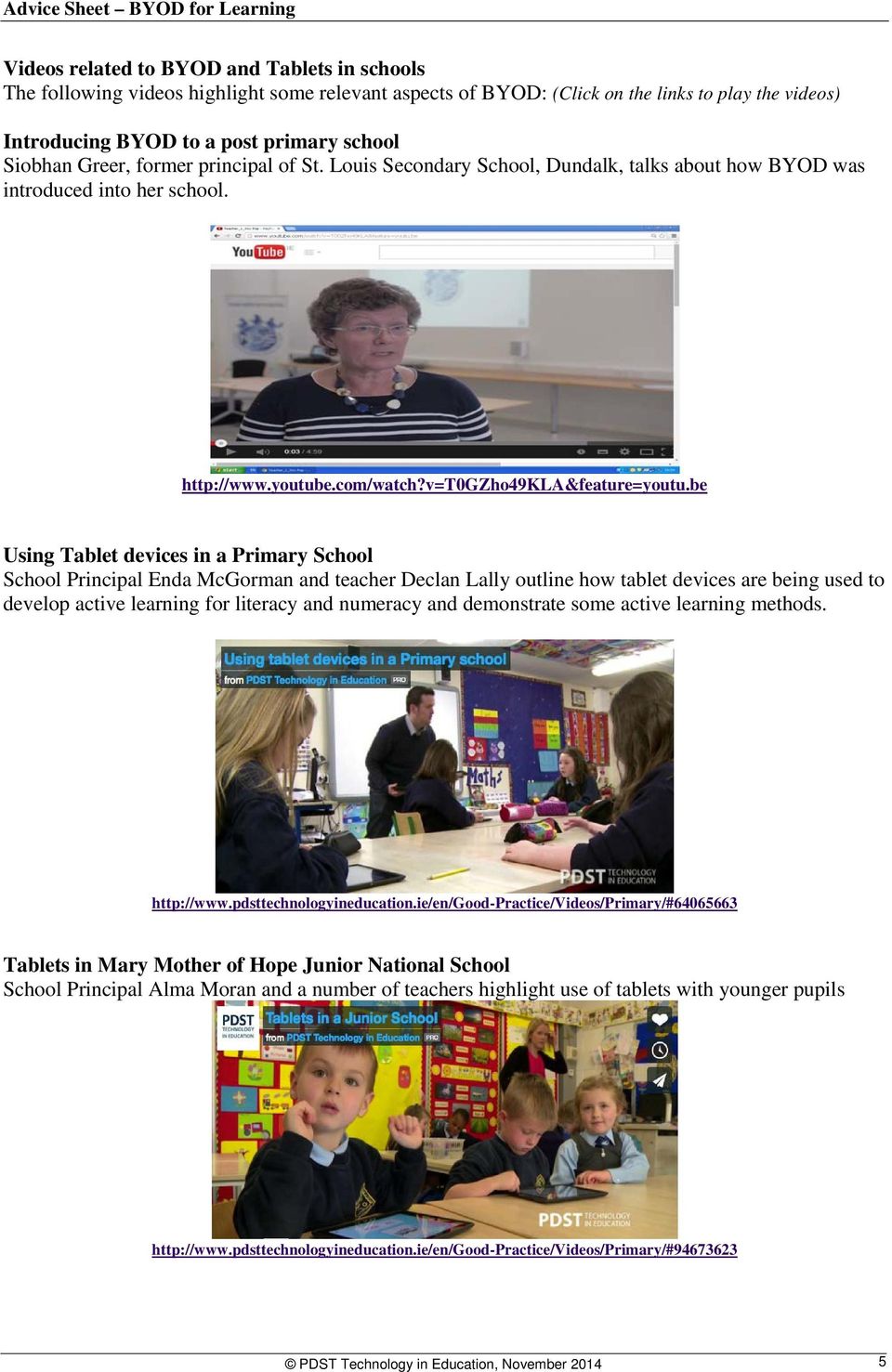
5 Videos related to BYOD and Tablets in schools The following videos highlight some relevant aspects of BYOD: (Click on the links to play the videos) Introducing BYOD to a post primary school Siobhan Greer, former principal of St. Louis Secondary School, Dundalk, talks about how BYOD was introduced into her school. Using Tablet devices in a Primary School School Principal Enda McGorman and teacher Declan Lally outline how tablet devices are being used to develop active learning for literacy and numeracy and demonstrate some active learning methods. Tablets in Mary Mother of Hope Junior National School School Principal Alma Moran and a number of teachers highlight use of tablets with younger pupils PDST Technology in Education, November
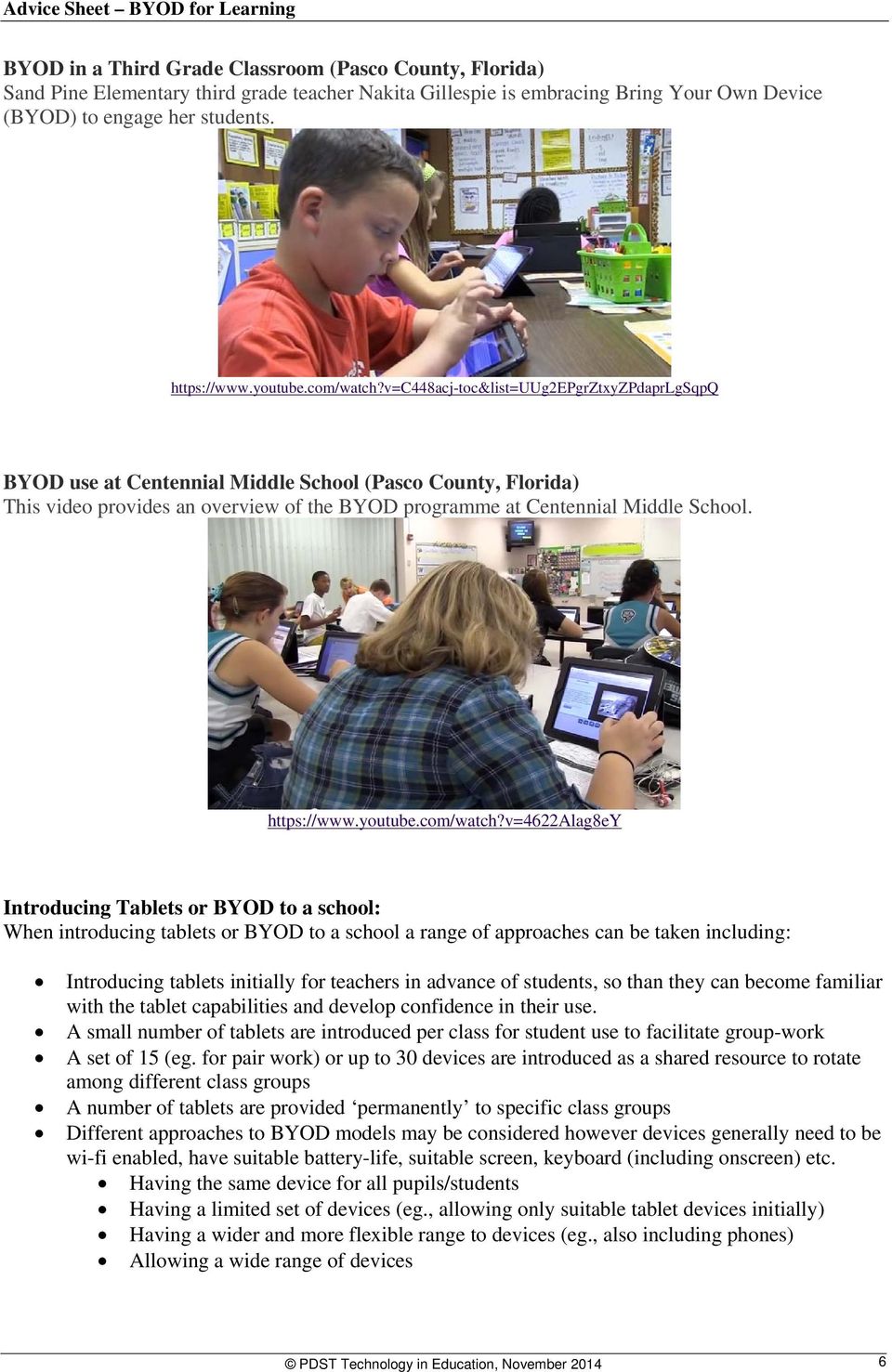
6 BYOD in a Third Grade Classroom (Pasco County, Florida) Sand Pine Elementary third grade teacher Nakita Gillespie is embracing Bring Your Own Device (BYOD) to engage her students. BYOD use at Centennial Middle School (Pasco County, Florida) This video provides an overview of the BYOD programme at Centennial Middle School. Introducing Tablets or BYOD to a school: When introducing tablets or BYOD to a school a range of approaches can be taken including: Introducing tablets initially for teachers in advance of students, so than they can become familiar with the tablet capabilities and develop confidence in their use. A small number of tablets are introduced per class for student use to facilitate group-work A set of 15 (eg. for pair work) or up to 30 devices are introduced as a shared resource to rotate among different class groups A number of tablets are provided permanently to specific class groups Different approaches to BYOD models may be considered however devices generally need to be wi-fi enabled, have suitable battery-life, suitable screen, keyboard (including onscreen) etc. Having the same device for all pupils/students Having a limited set of devices (eg., allowing only suitable tablet devices initially) Having a wider and more flexible range to devices (eg., also including phones) Allowing a wide range of devices PDST Technology in Education, November
7 BYOD AUP Template form for Schools (This BYOD AUP template can be used or modified by schools to support their own situations) BYOD Parent/Student AUP Purpose: The bring your own device (BYOD) programme involves allowing pupils/students to bring their own mobile devices to school to support learning activities. In an effort to support student centered learning and allow students to take more control of their own learning, the school will allow students to use certain mobile devices in the school. Students and parents wishing to participate in the BYOD programme must accept the responsibilities stated in the BYOD Acceptable Use Policy (AUP) as outlined below, and must read, sign, and return this form. Types of mobile devices allowed under this policy: For the purpose of this program, a mobile device refers to a pupil/student owned device such as a tablet, laptop, netbook, ipod touch, or suitable phone. Personal gaming devices are not allowed under the BYOD programme. The school decides on the type of allowed device. BYOD Acceptable Use Policy (AUP) Summary: 1. Any pupil/student who wishes to use a personally owned mobile device within school must read and sign this AUP. 2. A parent /guardian of the pupil/student must also read, sign and submit the AUP to the school office. 3. Students take responsibility for appropriate use of their device at all times. The school is not responsible in any way for the device or for its use. 4. Students/parents/guardians are responsible for their devices, including any breakages, costs of repair, or replacement. 5. The school reserves the right to inspect or monitor student mobile devices during school hours. 6. Violations of any school policies or rules involving a student device may result in a student not being allowed continue using the device during school hours and/or disciplinary action, for a period to be determined by the school. 7. During school hours students are allowed use their device for learning related activities only. 8. Students will comply with teachers requests regarding use of devices during school hours, and classes. 9. Mobile devices must be charged prior to bringing them to school so as to be usable during school hours. Charging devices in the school is not an option. 10. Students may not use the devices to record, transmit or post photos or video of other teachers or students. No images or video recorded at school can be transmitted or posted at any time without the permission of their teachers. 11. Student may use the school wireless network and content filtered broadband. Use of other unfiltered public wireless connections, such as mobile networks, is not allowed during school hours. 12. The school reserves the right to change the AUP in line with overall schools policy Mobile Device Details: (eg., Tablet include manufacturer, type of device here) As a pupil/student I understand and will abide by this AUP. I understand that any violation of this AUP may result in not being able to use my mobile device in school, and could mean other disciplinary action. Pupil/Student Name: (in capitals) Pupil/Student signature: Date: As Parent/Guardian I understand that my child accepts the responsibilities outlined in the BYOD AUP. I have discussed the AUP with them and we both understand own responsibilities. Parent/Guardian Name: (in capitals) Parent/Guardian signature: Date: PDST Technology in Education, November

8 Summary Practical Tips Planning, consultation and communication with stakeholders is critical Form a small team to coordinate the initiative, include key stakeholders Expect issues to arise, try and see these as learning opportunities and for process improvement Start small, possibly with two teachers working together, review before taking next steps Seek advice from other schools and teachers Some other relevant BYOD/Tablet links include: How BYOD Programs Can Fuel Inquiry Learning (US) BYOD Overview Alberta, Canada (2012) BYOD - A guide for schools Alberta, Canada (2012) Choosing an Educational Tablet (UK) A range of resources on tablets for schools (UK) Which Tablet - Tablet Comparisons (UK)) Tablet Comparisons and Reviews Note: While ICT advice sheets aim to act as a guide, the inclusion of any products and company names does not imply approval by PDST Technology in Education, nor does the exclusion imply the reverse. The PDST Technology in Education does not accept responsibility for any opinions, advice or recommendations on external web sites linked to the PDST Technology in Education site. This Advice Sheet and other relevant information are available at: PDST Technology in Education, November
BYOD program at St Julian s School
 BYOD program at St Julian s School Introduction St Julian s school currently runs a Bring Your Own Device (BYOD) program for all students in Years 10-13. This program requires that all students must bring
How To Understand The Bring Your Own Device To School Policy At A School
 The Thomas Hardye School Bring Your Own Device to School (BYOD) Policy for Students Adopted by Personnel & Resources Committee 1 st September 2014 Review date: 31 st August 2015 Signed by Chair:. CONTENTS
BRING YOUR OWN DEVICE (BYOD) STUDENT & PARENT GUIDELINES Version 4.3.14 04/03/2014
 BRING YOUR OWN DEVICE (BYOD) STUDENT & PARENT GUIDELINES Version 4.3.14 04/03/2014 Table of Contents BYOD Program Overview... 3 What is BYOD?... 3 BYOD Rationale... 3 Overview of BYOD Program... 3 Objective
Triad Local School District Bring Your Own Device Student Device User Agreement 7540.031F1
 Triad School District BYOD Implementation Guide and Procedures Guide Contents: Introduction 1. Why BYOD at Triad? Page 2 2. What is BYOD? Page 3 3. Network/Infrastructure 4. FAQs 5. Parents Page 6 6. Students
Bring Your Own Device (BYOD) Usage and Network Access Guidelines. Rules and Requirements
 Bring Your Own Device (BYOD) Usage and Network Access Guidelines Technology has become an essential part of education at Columbus County Schools. Students today have access to a wide variety of mobile
BRING YOUR OWN DEVICE (BYOD) STUDENT & PARENT GUIDELINES. Version 5
 BRING YOUR OWN DEVICE (BYOD) STUDENT & PARENT GUIDELINES Version 5 08/25/2015 Table of Contents BYOD Program Overview... 3 What is BYOD?... 3 BYOD Rationale... 3 Overview of BYOD Program... 3 Objective
GARDENVALE PRIMARY SCHOOL BYOD
 GARDENVALE PRIMARY SCHOOL BYOD (Bring Your Own Device) POLICY This policy operates in conjunction with the Victorian Department of Education and Early Childhood development and Gardenvale Primary School
SPOTSWOOD COLLEGE. BYOD Acceptable Use
 SPOTSWOOD COLLEGE BYOD Acceptable Use BYOD = Bring Your Own Device BYOD Agreement Form and Protocol for the Use of Technology As new technologies continue to change the world in which we live, they also
TELECOMMUNICATION PLAN AND ELECTRONIC COMMUNICATION USE 8.60+
 TELECOMMUNICATION PLAN AND ELECTRONIC COMMUNICATION USE 8.60+ BYOD (Bring Your Own Device) Technology Acceptable Use Washington District Schools provides all students access to technology, the district
Imhotep Academy BYOD Policy (Bring Your Own Device) 4th-8th Grades Only
 Imhotep Academy BYOD Policy (Bring Your Own Device) 4th-8th Grades Only Imhotep Academy is committed to staying on the forefront of educational practices of the 21st century. We are piloting a new policy
Definition Purpose Bring Your Own Device required Guidelines Responsibility for Devices
 Definition Bring Your Own Device (BYOD) is a policy that allows students to bring and use their own personal electronic devices at school. Devices include but may not be limited to: tablets (such as ipad),
Bring Your Own x. INFORMATION AND PROCEDURES HANDBOOK Version 2014-12-10
 Bring Your Own x INFORMATION AND PROCEDURES HANDBOOK Version 2014-12-10 Contents BYOx Transition Plan... 3 Forward... 3 Introduction... 3 BYOx Vision... 4 Software and Applications... 4 Microsoft Office...
Bring Your Own Device (BYOD) Guidelines Gettys Middle School
 Bring Your Own Device (BYOD) Guidelines Gettys Middle School BYOD At Gettys As we work to prepare students for the 21 st century, we must challenge students with increased rigor and personalized academic
HCISD A Digital District High Access BYOD (Bring Your Own Device) District Guidelines
 HCISD A Digital District High Access BYOD (Bring Your Own Device) District Guidelines Introduction: HCISD recognizes that our information-based world is becoming increasingly complex and students who are
PDST Technology in Education Madeleine Murray Mary McGarry
 PDST Technology in Education gy Madeleine Murray Mary McGarry Background NCTE established in 1998 as an agency of the Department of Education and Science to implement ICT in schools programme. Since July
Bring Your Own Device (BYOD)
 Bring Your Own Device (BYOD) Purpose As a teacher, I want to move students forward into the 21 st century learning environment. Many students already use technology to access information 24/7 and we are
Bring Your Own Device (BYOD) to School
 Bring Your Own Device (BYOD) to School As new and emerging technologies continue to change the world we live in, they also provide an opportunity for many unique and positive educational benefits to the
Bring Your Own Device (BYOD)
 Bring Your Own Device (BYOD) Looking for more on BYOD? Ask your school or go to the GCPS website. In Gwinnett County Public Schools, more and more instructional activities can be enhanced when students
Regional School District No. 7. Bring Your Own Device (BYOD) and Protocol for the Use of Technology in the Schools
 6141.328(a) As new technologies continue to change the world in which we live, they also provide many new and positive educational benefits for classroom instruction. To prepare students as 21 st century
SCHOOL ONLINE SAFETY SELF REVIEW TOOL
 SCHOOL ONLINE SAFETY SELF REVIEW TOOL UPDATED February 2016 The South West Grid for Learning, Belvedere House, Woodwater Park, Pynes Hill, Exeter, EX2 5WS. Tel: 0844 381 4772 Email: [email protected]
Step. STEP 1: Review & Prioritise
 Step 1 Review & Prioritise STEP 1: Review & Prioritise e-learning Roadmap e-learning Audit STEP 1 Review & Prioritise Case studies ICT Framework STEP 1: Review & Prioritise Two key documents used in the
Sheldon College Bring Your Own Device
 Sheldon College Bring Your Own Device Handbook 2015 2 Table of Contents BACKGROUND 3 ELEARNING COMMITMENT 4 BYOD INTRODUCTION 5 BYOD REQUIREMENTS 2015 6 ACCEPTABLE DEVICES 7 BYOD MINIMUM SPECIFICATIONS
Abilene Independent School District. Bring Your Own Device Handbook
 Abilene Independent School District Bring Your Own Device Handbook Abilene ISD BYOD Handbook Revised 2012 Definition Bring Your Own Device (BYOD) is a policy that allows students to bring and use their
Bring Your Own Device (BYOD) Handbook. Smackover-Norphlet School District
 Bring Your Own Device (BYOD) Handbook Smackover-Norphlet School District August, 2014 For the purposes of BYOD, devices means personally owned, wireless portable electronic equipment used for instructional
West Ada School District Bring Your Own Device (BYOD) Program. BYOD Guide August 2014 PURPOSE ACCESS THEFT, LOSS OR DAMAGE
 West Ada School District Bring Your Own Device (BYOD) Program BYOD Guide August 2014 PURPOSE West Ada School district is committed to preparing all students and teachers to maximize learning by fully integrating
Laptops for Students Program
 Laptops for Students Program Technology Use Agreement Handbook Expanding Learning to the 21st Century and Beyond PAGE 1 OF 13 Table of Contents Laptop Policy & Procedures Handbook 3 Objectives 3 Laptop
Carver Middle School Bring Your Own Device (BYOD)
 Carver Middle School Bring Your Own Device (BYOD) Section I: Rationale Student and Parent User Agreement The goal for both Lake County Schools and the Carver Middle School s Bring Your Own Device program
Kingsley Park Primary School. 1-1 ipad Program BYOD
 Kingsley Park Primary School 1-1 ipad Program BYOD 2016 Kingsley Park Primary School ipad 1-1 BYOD Program In 2015 KPPS implemented a 1-1 BYOD [bring your own device] Program for Grades 4-6. We will be
Northwest Community Schools Bring Your Own Device Program Policy
 1 1. Table of Contents..... 2 2. Purpose......3 3. Student Responsibility for Devices...3 4. Parent Responsibilities.. 5 5. Wireless Information..5 6. FAQs...6 7. Recommendation of Devices for Students...7
Bring Your Own Device (BYOD) Policy - Students SDS-22
 Sculptor Charter School Bring Your Own Device (BYOD) Policy - Students SDS-22 SUBJECT: Bring Your Own Device Policy RESPONSIBLE UNIT: Information Technology REFER QUESTIONS TO: Information Technology EFFECTIVE
St Thomas the Apostle Frequently Asked Questions
 Numerous questions have been posed by the school community during the planning stages of the BYOD (ipad) program. This document is a list of the answers to these question, compiled from discussions of
ST. JOSEPH S GRAMMAR SCHOOL DONAGHMORE. BYOD Policy. Bring Your Own Device Policy (Student)
 ST. JOSEPH S GRAMMAR SCHOOL DONAGHMORE BYOD Policy Bring Your Own Device Policy (Student) Rationale St. Joseph s Grammar School ICT department has devised this policy for use with Sixth Form pupils (Year
South Sydney High School Bring-Your-Own-Device (BYOD) Policy
 South Sydney High School Bring-Your-Own-Device (BYOD) Policy Bring your own device (BYOD) refers to technology models where students bring a personally owned device to school for the purpose of learning.
Sheboygan Falls Schools BYOD (Bring Your Own Device) Student and Parent Guide
 Sheboygan Falls Schools BYOD (Bring Your Own Device) Student and Parent Guide PURPOSE Sheboygan Falls School District is committed to moving students and staff forward in a 21st century learning environment.
BYOD Acceptable Use BYOD = Bring Your Own Device
 Principal: Mrs Peggy Burrows, JP MA (Hons), B Ed, Dip Tchg, TTC BYOD Acceptable Use BYOD = Bring Your Own Device BYOD Agreement Form and Protocol for the Use of Technology on Campus As new technologies
Quincy Public Schools Information Technology. Acceptable Use Policy for Staff, Students, and Guests
 Quincy Public Schools Information Technology Acceptable Use Policy for Staff, Students, and Guests Revised May 6, 2013 Introduction This Acceptable Use Policy is enacted as of May 2013 by the Quincy School
Rutherford County Schools Bring Your Own Device
 Rutherford County Schools Bring Your Own Device Why BYOD (Bring Your Own Device) Rutherford County Schools is committed to ensuring students are provided an environment which maximizes the integration
Portage Township Schools
 Portage Township Schools Student/Parent BYOD Technology Handbook 1.1 BYOD Description: BYOD stands for Bring Your Own Device. Students will be encouraged to bring a recommended device to school to be used
Bring Your Own Device (BYOD) Acceptable Use Agreement 2015
 Monivae College Bring Your Own Device (BYOD) Acceptable Use Agreement 2015 This agreement is applicable to all: 1. students in Years 7, 8, 9, 10 and 11 using their own device to access the College network
Bring Your Own Device (BYOD) Policy
 Bring Your Own Device (BYOD) Policy Purpose is committed to supporting student learning experiences within a highly functioning environment. Our classrooms are reliant on a range of leading-edge technologies
Padlet Instruction Manual. Incorporating Junior Cycle Key Skills, School Self-Evaluation and suggestions for use
 Padlet Instruction Manual Incorporating Junior Cycle Key Skills, School Self-Evaluation and suggestions for use 1 Padlet Padlet is a free online tool that is best described as an online notice board. Padlet
BRING YOUR OWN DEVICE (BYOD) POLICY STATEMENT
 BRING YOUR OWN DEVICE (BYOD) POLICY STATEMENT Alderwood PRU pg. 1 This policy document has been adopted by the Management Committee (Chair of Management Committee) (Headteacher) Edition Number: One Date:
Welcome. BYOD Parent Information Meeting
 Welcome BYOD Parent Information Meeting A Teaching and Learning Initiative What is eclass? eclass Digital - Content, Learning, Assessment & Support System Picture an umbrella with all our current resources
SCHOOL E-SAFETY SELF REVIEW TOOL
 SCHOOL E-SAFETY SELF REVIEW TOOL The South West Grid for Learning, Belvedere House, Woodwater Park, Pynes Hill, Exeter, Devon, UK, EX2 5WS. Tel: 0845 601 3203 Fax: 01392 366 494 Email: [email protected]
FREDERICK BREMER SCHOOL E SAFETY POLICY 2015-6. Date of Issue: June 2015 Ratified: For review:
 FREDERICK BREMER SCHOOL E SAFETY POLICY 2015-6 Date of Issue: June 2015 Ratified: For review: Index Contents Page Number Introduction 3 Aim of the policy 3 Roles and Responsibilities 4 Frederick Bremer
By the nature of the BYOD (Bring Your Own Device) program, there is not a list of approved devices.
 CCS#BYOD#FAQs# What are the requirements for student devices? The requirements are listed below, but the key to the CCS BYOD program is choice students choose the device (or devices) they are most comfortable
ICT Security Policy for Schools
 WOLGARSTON HIGH SCHOOL Staffordshire ICT Security Policy for Schools A Statement of Policy Author: Readability Score: Frequency of Review: J Ablewhite 15-16 years Annually Amendments 2014 JA Page 1 of
BRING YOUR OWN DEVICE (BYOD)
 BRING YOUR OWN DEVICE (BYOD) SM LIMOTTA IT Virtualization Solutions for Hospitality 888.884.6278 SM www.limottait.com [email protected] Virtualization Solutions for Education LIMOTTAIT.com BRING YOUR
HP Laptop & Apple ipads
 Shalom College Student 1:1 Laptop & ipad Program HP Laptop & Apple ipads Policy and Guidelines Booklet TABLE OF CONTENTS 1. Educational Opportunities of A 1 to 1 Laptop & ipad Program... 2 2. Overview
BYOD (ipads) Acceptable Use and Care Policy
 BYOD (ipads) Acceptable Use and Care Policy Related Policies Computer Facilities and External Networks (ICT) Policy, including the Student Acceptable Use Agreement Communication Policy Mobile Phone and
BYOD (Bring Your Own Device) Guidelines
 BYOD (Bring Your Own Device) Guidelines BYOD Program Overview 1 Connecting to BYOD Network 1 Theft, Loss, Damage, and Seizure 1 Fees 1 Printing 1 FAQs for Students 1 FAQs for Parents 1 FAQs for Teachers
St Vincent s Catholic Primary School e-safety Policy
 St Vincent s Catholic Primary School e-safety Policy Policy e-safety Policy Date January 2015 Date of review January 2016 Signed Chair of Governors Signed Headteacher Effective Practice in e-safety E-safety
Getting Started with BYOD
 Getting Started with BYOD If we teach today as we taught yesterday, we rob our children of tomorrow. - John Dewey Today s education system is evolving to take full advantage of the potential of mobile
51 JS-R STUDENT USE OF INFORMATION TECHNOLOGY RESOURCES
 Page 1 of 5 Purpose This regulation implements Board policy JS by setting forth specific procedures, requirements and restrictions and conditions governing student use of District Information Technology
Bring Your Own Device Program (BYOD)
 Bring Your Own Device Program (BYOD) A. Parent Letter Including Recommended Device Types B. Student Owned Device Handbook C. District Social Media Policy & Consent D. Parental Consent Form and Student
Reynoldsburg City Schools Computer and Technology Acceptable Use Policy Staff, Volunteers and Students
 Reynoldsburg City Schools Computer and Technology Acceptable Use Policy Staff, Volunteers and Students AUP Sections 1. Acceptable Use 2. Privileges 3. Internet Access 4. Procedures & Caveats 5. Netiquette
Bring Your Own Device (BYOD) Years 5 and 6. Sunnyhills School
 Bring Your Own Device (BYOD) Years 5 and 6 Sunnyhills School Please note that BYOD is NOT a compulsory venture. This information is designed to inform you on things to consider if you choose to. Note there
NOTRE DAME PREPARATORY AND MARIST ACADEMY
 NOTRE DAME PREPARATORY AND MARIST ACADEMY Parent/Student Microsoft Surface Terms and Agreement Contract Notre Dame Preparatory School and Marist Academy is committed to preparing its students for a 21
Welcome to Dubai English Speaking School. DESS BYOD Information Pack
 Welcome to Dubai English Speaking School DESS BYOD Information Pack 2015/2016 CONTENTS Bring Your Own Device (BYOD) Frequently Asked Questions 1-3 Responsible Use Policy and Agreement Form 2015/16 4-5
St Bernadette s Catholic Primary School. E-Safety Policy
 St Bernadette s Catholic Primary School E-Safety Policy St Bernadette s Catholic Primary School - e-safety policy Our Vision St Bernadette s Catholic Primary School embrace the positive impact and educational
ii. Why BYOD 2 iii. Equity and BYOD 2 iv. BYOD @ Horsham College 3 v. Student Responsibilities 4 vi. Student and parent agreement 5
 ICT Bring Your Own Device (BYOD) POLICY Date Created: 08/09/2015 Last Updated: 17/11/15 Review Date: 01/03/2016 Number of Pages: 7 U:\Public\olicies & Procedures\Approved Policies\Bring Your Own Device
POLICIES AND REGULATIONS Policy #78
 Peel District School Board POLICIES AND REGULATIONS Policy #78 DIGITAL CITIZENSHIP Digital Citizenship Digital citizenship is defined as the norms of responsible behaviour related to the appropriate use
Melville Primary School. Bring Your Own ipad Connectable Device Program Usage Policy and Information for Parents and Students
 Melville Primary School Bring Your Own ipad Connectable Device Program Usage Policy and Information for Parents and Students Table of Contents 1 INTRODUCTION 2 DESCRIPTION AND PURPOSE OF THE PROJECT 3
How To Use Your Cell Phone At Renaissance Academy Charter School
 Renaissance Academy Charter School Bring Your Own Device (BYOD) Board Policy PURPOSE The Renaissance Academy School Board values technology and seeks to increase student access and use when it will enhance
Board of Education Procedure 9.21a Findlay City School District
 USE OF PERSONAL ELECTRONIC COMMUNICATIONS EQUIPMENT BY STUDENTS: Bring Your Own Technology (B.Y.O.T.) Providing students and staff with a 21 st century digital learning environment is part of the technology
Harrisonville School District Acceptable Use Agreement for Student Laptops 2014-2015
 Acceptable Use Agreement for Student Laptops 2014-2015 The student laptop that has been issued to you is the property of the Harrisonville School District. This laptop is on loan to you as a student and