
The 68000's Instruction Set
|
|
|
- Sabina Phillips
- 10 years ago
- Views:
Transcription
1 The 68000's Instruction Set We have included this appendix to save you the task of having to turn to secondary material when writing assembly language programs. Since most programmers are not interested in the encoding of instructions, details of instruction encoding have been omitted (i.e., the actual op-code bit patterns). Applications of some of the instructions have been provided to demonstrate how they can be used in practice. Instructions are listed by mnemonic in alphabetical order. The information provided about each instruction is: its assembler syntax, its attributes (i.e., whether it takes a byte, word, or longword operand), its description in words, the effect its execution has on the condition codes, and the addressing modes it may take. The effect of an instruction on the CCR is specified by the following codes: U The state of the bit is undefined (i.e., its value cannot be predicted) - The bit remains unchanged by the execution of the instruction * The bit is set or cleared according to the outcome of the instruction. Unless an addressing mode is implicit (e.g., NOP, RESET, RTS, etc.), the legal source and destination addressing modes are specified by their assembly language syntax. The following notation is used to describe the 68000's instruction set. Dn, An Data and address register direct. (An) (An)+, -(An) (d,an), (d,an,xi) ABS.W, ABS.L (d,pc), (d,pc,xi) Address register indirect. Address register indirect with post-incrementing or predecrementing. Address register indirect with displacement, and address register indirect with indexing and a displacement. Absolute addressing with a 16-bit or a 32-bit address. Program counter relative addressing with a 16-bit offset, or with an 8-bit offset plus the contents of an index register. imm An immediate value (i.e., literal) which may be 16 or 32 bits, depending on the instruction. 1

2 2 The 68000's Instruction Set Two notations are employed for address register indirect addressing. The notation originally used to indicate address register indirect addressing has been superseded. However, the Teesside simulator supports only the older form. Old notation d(an), d(an,xi) d(pc), d(pc,xi) Current notation (d,an), (d,an,xi) (d,pc), (d,pc,xi) ABCD Add decimal with extend [destination] 10 [source] 10 + [destination] 10 + [X] ABCD Dy,Dx ABCD -(Ay),-(Ax) Size = byte Add the source operand to the destination operand along with the extend bit, and store the result in the destination location. The addition is performed using BCD arithmetic. The only legal addressing modes are data register direct and memory to memory with address register indirect using pre-decrementing. The ABCD instruction is used in chain arithmetic to add together strings of BCD digits. Consider the addition of two nine-digit numbers. Note that the strings are stored so that the leastsignificant digit is at the high address. LEA Number1,A0 A0 points at first string LEA Number2,A1 A1 points at second string MOVE #8,D0 Nine digits to add MOVE #$04,CCR Clear X-bit and Z-bit of the CCR LOOP ABCD -(A0),-(A1) Add a pair of digits DBRA D0,LOOP Repeat until 9 digits added * U * U * The Z-bit is cleared if the result is non-zero, and left unchanged otherwise. The Z-bit is normally set by the programmer before the BCD operation, and can be used to test for zero after a chain of multiple-precision operations. The C-bit is set if a decimal carry is generated.
![Old notation d(an), d(an,xi) d(pc), d(pc,xi) Current notation (d,an), (d,an,xi) (d,pc), (d,pc,xi) ABCD Add decimal with extend [destination] 10 [source] 10 + [destination] 10 + [X] ABCD Dy,Dx ABCD](/docs-images/42/225843/images/page_2.jpg "-(Ay),-(Ax) Size = byte Add the source operand to the destination operand along with the extend bit, and store the result in the destination location. The addition is performed using BCD arithmetic.")
3 The 68000's Instruction Set 3 ADD Add binary [destination] [source] + [destination] ADD <ea>,dn ADD Dn,<ea> Size = byte, word, longword Add the source operand to the destination operand and store the result in the destination location. * * * * * Source operand addressing modes Destination operand addressing modes ADDA Add address [destination] [source] + [destination] ADDA <ea>,an Size = word, longword Add the source operand to the destination address register and store the result in the destination address register. The source is sign-extended before it is added to the destination. For example, if we execute ADDA.W D3,A4 where A4 = and D3.W = , the contents of D3 are sign-extended to FFFF and added to to give FFFF , which is stored in A4.
![* * * * * Source operand addressing modes Destination operand addressing modes ADDA Add address [destination] [source] + [destination] ADDA <ea>,an Size = word, longword Add the source operand to](/docs-images/42/225843/images/page_3.jpg "the destination address register and store the result in the destination address register. The source is sign-extended before it is added to the destination. For example, if we execute ADDA.")
4 4 The 68000's Instruction Set To add to the contents of an address register and not update the CCR. Note that ADDA.W D0,A0 is the same as LEA (A0,D0.W),A An ADDA operation does not affect the state of the CCR. Source operand addressing modes ADDI Add immediate [destination] <literal> + [destination] ADDI #<data>,<ea> Size = byte, word, longword Add immediate data to the destination operand. Store the result in the destination operand. ADDI can be used to add a literal directly to a memory location. For example, ADDI.W #$1234,$2000 has the effect [M( )] [M( )] * * * * * Destination operand addressing modes ADDQ Add quick [destination] <literal> + [destination] ADDQ #<data>,<ea>
![Source operand addressing modes ADDI Add immediate [destination] <literal> + [destination] ADDI #<data>,<ea> Size = byte, word, longword Add immediate data to the destination](/docs-images/42/225843/images/page_4.jpg "operand. Store the result in the destination operand. ADDI can be used to add a literal directly to a memory location. For example, ADDI.")
5 The 68000's Instruction Set 5 Sample syntax: ADDQ #6,D3 Size = byte, word, longword Add the immediate data to the contents of the destination operand. The immediate data must be in the range 1 to 8. Word and longword operations on address registers do not affect condition codes. Note that a word operation on an address register affects all bits of the register. ADDQ is used to add a small constant to the operand at the effective address. Some assemblers permit you to write ADD and then choose ADDQ automatically if the constant is in the range 1 to 8. Condition codes: Z N Z V C * * * * * Note that the CCR is not updated if the destination operand is an address register. Destination operand addressing modes ADDX Add extended [destination] [source] + [destination] + [X] ADDX Dy,Dx ADDX -(Ay),-(Ax) Size = byte, word, longword Add the source operand to the destination operand along with the extend bit, and store the result in the destination location. The only legal addressing modes are data register direct and memory to memory with address register indirect using predecrementing. The ADDX instruction is used in chain arithmetic to add together strings of bytes (words or longwords). Consider the addition of

6 6 The 68000's Instruction Set two 128-bit numbers, each of which is stored as four consecutive longwords. LEA Number1,A0 A0 points at first number LEA Number2,A1 A1 points at second number MOVE #3,D0 Four longwords to add MOVE #$00,CCR Clear X-bit and Z-bit of the CCR LOOP ADDX -(A0),-(A1) Add pair of numbers DBRA D0,LOOP Repeat until all added * * * * * The Z-bit is cleared if the result is non-zero, and left unchanged otherwise. The Z-bit can be used to test for zero after a chain of multiple precision operations. AND AND logical [destination] [source].[destination] AND <ea>,dn AND Dn,<ea> Size = byte, word, longword AND the source operand to the destination operand and store the result in the destination location. AND is used to mask bits. If we wish to clear bits 3 to 6 of data register D7, we can execute AND #% ,D7. Unfortunately, the AND operation cannot be used with an address register as either a source or a destination operand. If you wish to perform a logical operation on an address register, you have to copy the address to a data register and then perform the operation there. - * * 0 0 Source operand addressing modes

7 The 68000's Instruction Set 7 Destination operand addressing modes ANDI AND immediate [destination] <literal>.[destination] ANDI #<data>,<ea> Size = byte, word, longword AND the immediate data to the destination operand. The ANDI permits a literal operand to be ANDed with a destination other than a data register. For example, ANDI #$FE00,$1234 or ANDI.B #$F0,(A2)+. - * * 0 0 Destination operand addressing modes ANDI to CCR AND immediate to condition code register [CCR] <data>.[ccr] ANDI #<data>,ccr Size = byte AND the immediate data to the condition code register (i.e., the least-significant byte of the status register).

8 8 The 68000's Instruction Set ANDI is used to clear selected bits of the CCR. For example, ANDI #$FA,CCR clears the Z- and C-bits, i.e., XNZVC = X N 0 V 0. * * * * * X: cleared if bit 4 of data is zero N: cleared if bit 3 of data is zero Z: cleared if bit 2 of data is zero V: cleared if bit 1 of data is zero C: cleared if bit 0 of data is zero ANDI to SR AND immediate to status register IF [S] = 1 THEN [SR] <literal>.[sr] ELSE TRAP ANDI #<data>,sr Size = word AND the immediate data to the status register and store the result in the status register. All bits of the SR are affected. This instruction is used to clear the interrupt mask, the S-bit, and the T-bit of the SR. ANDI #<data>,sr affects both the status byte of the SR and the CCR. For example, ANDI #$7FFF,SR clears the trace bit of the status register, while ANDI #$7FFE,SR clears the trace bit and also clears the carry bit of the CCR. * * * * * ASL, ASR Arithmetic shift left/right [destination] [destination] shifted by <count> ASL Dx,Dy ASR Dx,Dy ASL #<data>,dy ASR #<data>,dy ASL <ea> ASR <ea>
![SR AND immediate to status register IF [S] = 1 THEN [SR] <literal>.[sr] ELSE TRAP ANDI #<data>,sr Size = word AND the immediate data to the status register and store the result in the status register.](/docs-images/42/225843/images/page_8.jpg "All bits of the SR are affected. This instruction is used to clear the interrupt mask, the S-bit, and the T-bit of the SR. ANDI #<data>,sr affects both the status byte of the SR and the CCR.")
9 The 68000's Instruction Set 9 Size = byte, word, longword Arithmetically shift the bits of the operand in the specified direction (i.e., left or right). The shift count may be specified in one of three ways. The count may be a literal, the contents of a data register, or the value 1. An immediate (i.e., literal) count permits a shift of 1 to 8 places. If the count is in a register, the value is modulo 64 (i.e., 0 to 63). If no count is specified, one shift is made (i.e., ASL <ea> shifts the contents of the word at the effective address one place left). The effect of an arithmetic shift left is to shift a zero into the least-significant bit position and to shift the most-significant bit out into both the X- and the C-bits of the CCR. The overflow bit of the CCR is set if a sign change occurs during shifting (i.e., if the most-significant bit changes value during shifting). The effect of an arithmetic shift right is to shift the leastsignificant bit into both the X- and C-bits of the CCR. The mostsignificant bit (i.e., the sign bit) is replicated to preserve the sign of the number. ASL multiplies a two s complement number by 2. ASL is almost identical to the corresponding logical shift, LSR. The only difference between ASL and LSL is that ASL sets the V-bit of the CCR if overflow occurs, while LSL clears the V-bit to zero. An ASR divides a two s complement number by 2. When applied to the contents of a memory location, all shift operations operate on a word. * * * * * The X-bit and the C-bit are set according to the last bit shifted out of the operand. If the shift count is zero, the C-bit is cleared. The V-bit is set if the most-significant bit is changed at any time during the shift operation and cleared otherwise.

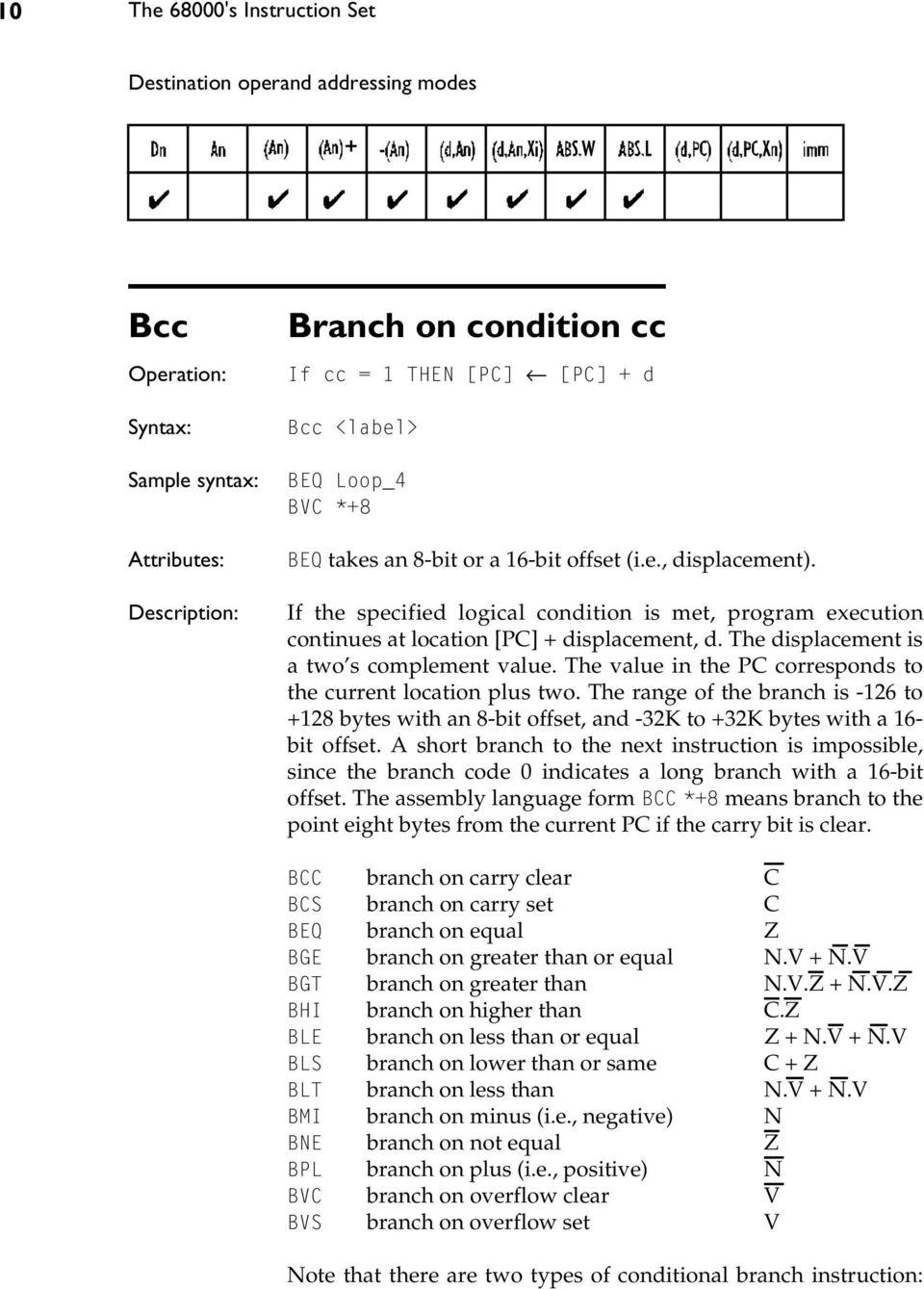
10 10 The 68000's Instruction Set Destination operand addressing modes Bcc Sample syntax: Branch on condition cc If cc = 1 THEN [PC] [PC] + d Bcc <label> BEQ Loop_4 BVC *+8 BEQ takes an 8-bit or a 16-bit offset (i.e., displacement). If the specified logical condition is met, program execution continues at location [PC] + displacement, d. The displacement is a two s complement value. The value in the PC corresponds to the current location plus two. The range of the branch is -126 to +128 bytes with an 8-bit offset, and -32K to +32K bytes with a 16- bit offset. A short branch to the next instruction is impossible, since the branch code 0 indicates a long branch with a 16-bit offset. The assembly language form BCC *+8 means branch to the point eight bytes from the current PC if the carry bit is clear. BCC branch on carry clear C BCS branch on carry set C BEQ branch on equal Z BGE branch on greater than or equal N.V + N.V BGT branch on greater than N.V.Z + N.V.Z BHI branch on higher than C.Z BLE branch on less than or equal Z + N.V + N.V BLS branch on lower than or same C + Z BLT branch on less than N.V + N.V BMI branch on minus (i.e., negative) N BNE branch on not equal Z BPL branch on plus (i.e., positive) N BVC branch on overflow clear V BVS branch on overflow set V Note that there are two types of conditional branch instruction:
11 The 68000's Instruction Set 11 those that branch on an unsigned condition and those that branch on a signed condition. For example, $FF is greater than $10 when the numbers are regarded as unsigned (i.e., 255 is greater than 16). However, if the numbers are signed, $FF is less than $10 (i.e., -1 is less than 16). The signed comparisons are: BGE BGT BLE BLT branch on greater than or equal branch on greater than branch on lower than or equal branch on less than The unsigned comparisons are: BHS BCC branch on higher than or same BHI branch on higher than BLS branch on lower than or same BLO BCS branch on less than The official mnemonics BCC (branch on carry clear) and BCS (branch on carry set) can be renamed as BHS (branch on higher than or same) and BLO (branch on less than), respectively. Many assemblers support these alternative mnemonics BCHG Test a bit and change [Z] <bit number> OF [destination] <bit number> OF [destination] <bit number> OF [destination] BCHG Dn,<ea> BCHG #<data>,<ea> Size = byte, longword A bit in the destination operand is tested and the state of the specified bit is reflected in the condition of the Z-bit in the CCR. After the test operation, the state of the specified bit is changed in the destination. If a data register is the destination, then the bit numbering is modulo 32, allowing bit manipulation of all bits in a data register. If a memory location is the destination, a byte is

12 12 The 68000's Instruction Set read from that location, the bit operation performed using the bit number modulo 8, and the byte written back to the location. Note that bit zero refers to the least-significant bit. The bit number for this operation may be specified either statically by an immediate value or dynamically by the contents of a data register. If the operation BCHG #4,$1234 is carried out and the contents of memory location $1234 are , bit 4 is tested. It is a 0 and therefore the Z-bit of the CCR is set to 1. Bit 4 of the destination operand is changed and the new contents of location are * - - Z: set if the bit tested is zero, cleared otherwise. Destination operand addressing modes Note that data register direct (i.e., Dn) addressing uses a longword operand, while all other modes use a byte operand. BCLR Test a bit and clear [Z] <bit number> OF [destination] <bit number> OF [destination] 0 BCLR Dn,<ea> BCLR #<data>,<ea> Size = byte, longword A bit in the destination operand is tested and the state of the specified bit is reflected in the condition of the Z-bit in the condition code. After the test, the state of the specified bit is cleared in the destination. If a data register is the destination, the bit numbering is modulo 32, allowing bit manipulation of all bits in a data register. If a memory location is the destination, a byte is read from that location, the bit operation performed using the bit number modulo 8, and the byte written back to the location.
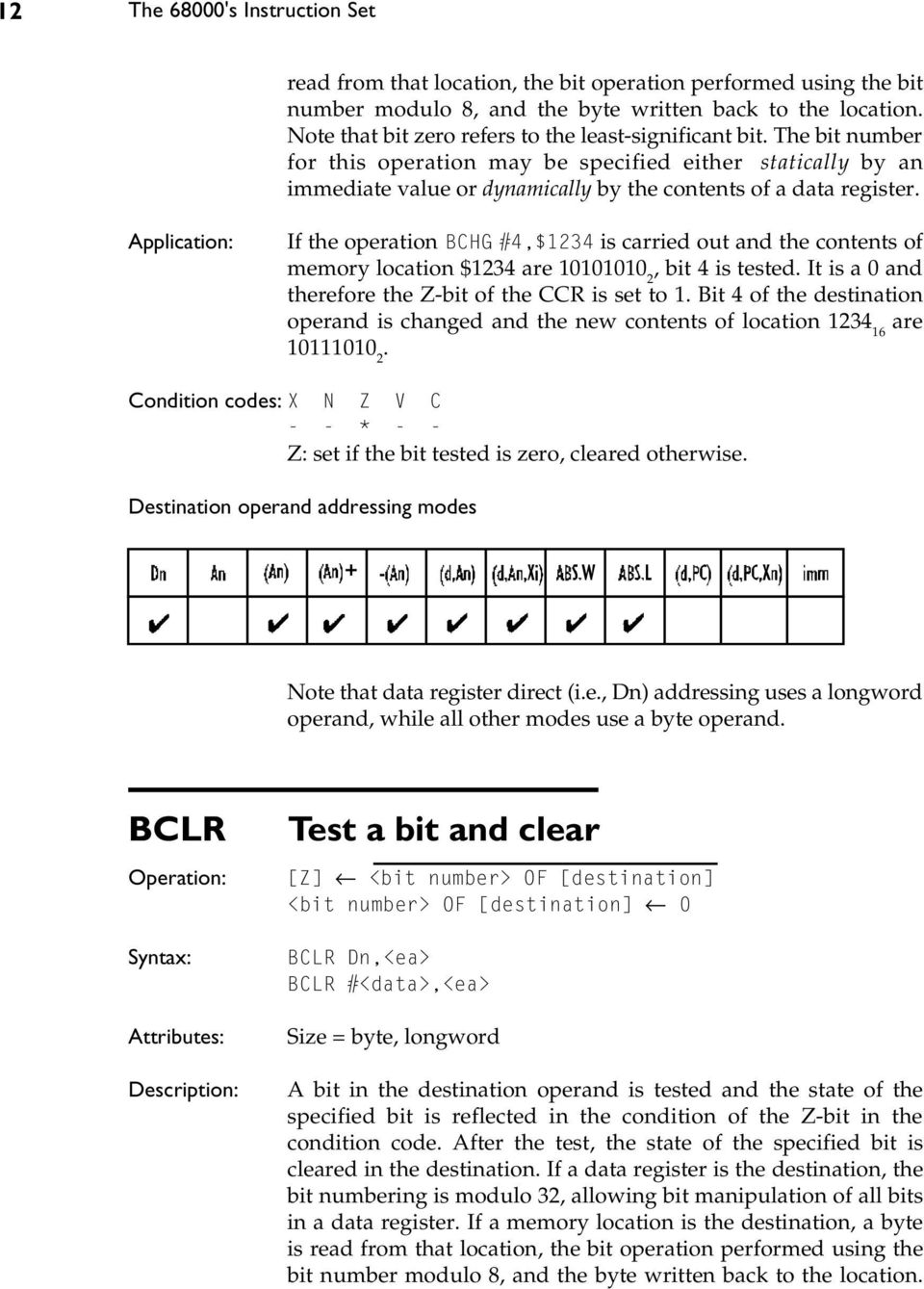
13 The 68000's Instruction Set 13 Bit zero refers to the least-significant bit. The bit number for this operation may be specified either by an immediate value or dynamically by the contents of a data register. If the operation BCLR #4,$1234 is carried out and the contents of memory location $1234 are , bit 4 is tested. It is a 1 and therefore the Z-bit of the CCR is set to 0. Bit 4 of the destination operand is cleared and the new contents of $1234 are: * - - Z: set if the bit tested is zero, cleared otherwise. Destination operand addressing modes Note that data register direct (i.e., Dn) addressing uses a longword operand, while all other modes use a byte operand. BRA Branch always [PC] [PC] + d BRA <label> BRA <literal> Size = byte, word Program execution continues at location [PC] + d. The displacement, d, is a two s complement value (8 bits for a short branch and 16 bits for a long branch). The value in the PC corresponds to the current location plus two. Note that a short branch to the next instruction is impossible, since the branch code 0 is used to indicate a long branch with a 16-bit offset. A BRA is an unconditional relative jump (or goto). You use a BRA instruction to write position independent code, because the destination address (branch target address) is specified with respect to the current value of the PC. A JMP instruction does not produce position independent code.
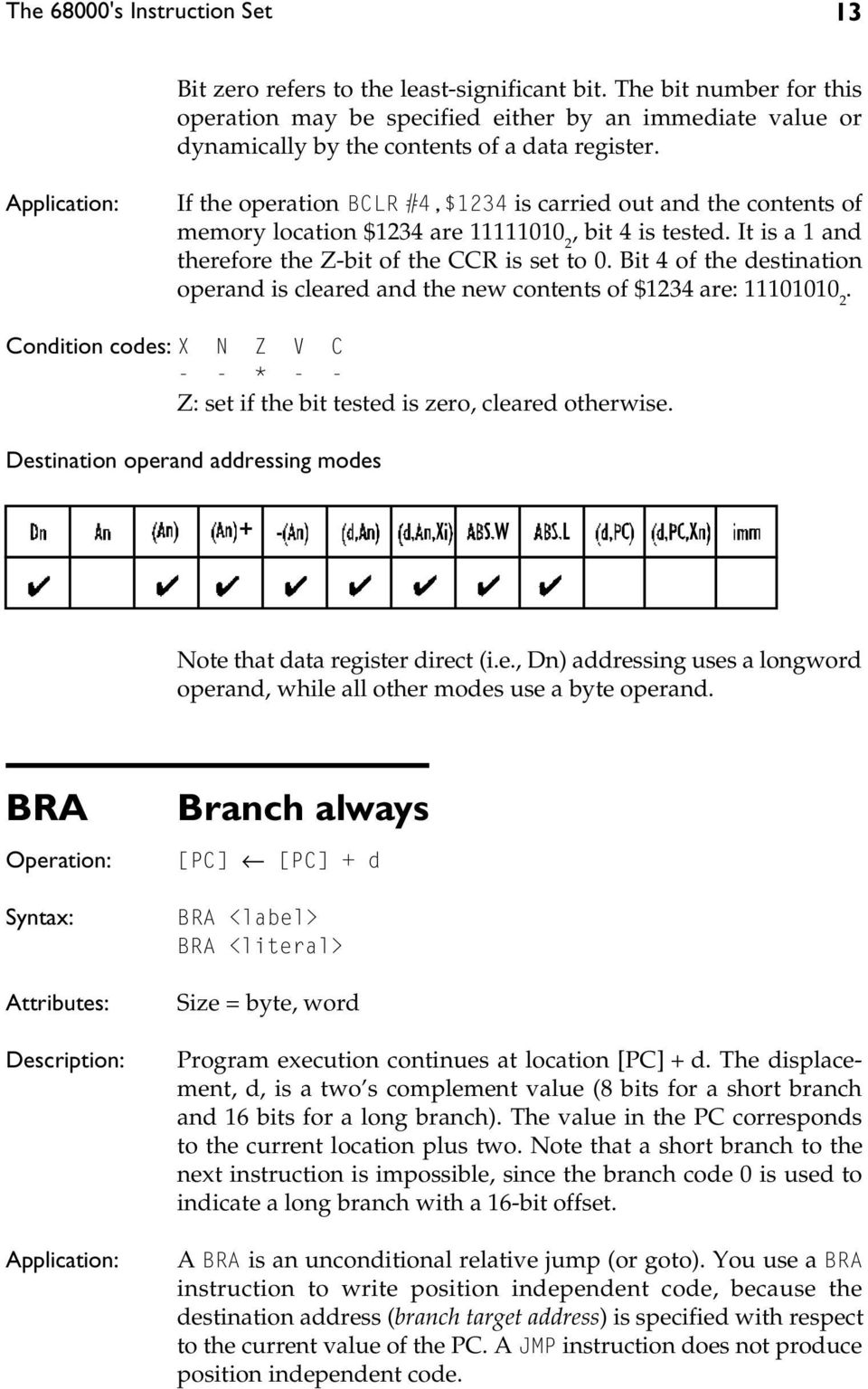
14 14 The 68000's Instruction Set BSET Test a bit and set [Z] <bit number> OF [destination] <bit number> OF [destination] 1 BSET Dn,<ea> BSET #<data>,<ea> Size = byte, longword A bit in the destination operand is tested and the state of the specified bit is reflected in the condition of the Z-bit of the condition code. After the test, the specified bit is set in the destination. If a data register is the destination then the bit numbering is modulo 32, allowing bit manipulation of all bits in a data register. If a memory location is the destination, a byte is read from that location, the bit operation performed using bit number modulo 8, and the byte written back to the location. Bit zero refers to the least-significant bit. The bit number for this operation may be specified either by an immediate value or dynamically by the contents of a data register. - - * - - Z: set if the bit tested is zero, cleared otherwise. Destination operand addressing mode for BSET Dn,<ea> form Note that data register direct (i.e., Dn) addressing uses a longword operand, while all other modes use a byte operand. BSR Branch to subroutine [SP] [SP] - 4; [M([SP])] [PC]; [PC] [PC] + d

15 The 68000's Instruction Set 15 BSR <label> BSR <literal> Size = byte, word The longword address of the instruction immediately following the BSR instruction is pushed onto the system stack pointed at by A7. Program execution then continues at location [PC] + displacement. The displacement is an 8-bit two s complement value for a short branch, or a 16-bit two s complement value for a long branch. The value in the PC corresponds to the current location plus two. Note that a short branch to the next instruction is impossible, since the branch code 0 is used to indicate a long branch with a 16-bit offset. BSR is used to call a procedure or a subroutine. Since it provides relative addressing (and therefore position independent code), its use is preferable to JSR BTST Test a bit [Z] <bit number> OF [destination] BTST Dn,<ea> BTST #<data>,<ea> Size = byte, longword A bit in the destination operand is tested and the state of the specified bit is reflected in the condition of the Z-bit in the CCR. The destination is not modified by a BTST instruction. If a data register is the destination, then the bit numbering is modulo 32, allowing bit manipulation of all bits in a data register. If a memory location is the destination, a byte is read from that location, the bit operation performed. Bit 0 refers to the least-significant bit. The bit number for this operation may be specified either statically by an immediate value or dynamically by the contents of a data register. - - * - - Z: set if the bit tested is zero, cleared otherwise.

16 16 The 68000's Instruction Set Destination operand addressing modes for BTST Dn,<ea> form Note that data register direct (i.e., Dn) addressing uses a longword operand, while all other modes use a byte operand. CHK Check register against bounds IF [Dn] < 0 OR [Dn] > [<ea>] THEN TRAP CHK <ea>,dn Size = word The contents of the low-order word in the data register specified in the instruction are examined and compared with the upper bound at the effective address. The upper bound is a two s complement integer. If the data register value is less than zero or greater than the upper bound contained in the operand word, then the processor initiates exception processing. The CHK instruction can be used to test the bounds of an array element before it is used. By performing this test, you can make certain that you do not access an element outside an array. Consider the following fragment of code: MOVE.W subscript,d0 Get subscript to test CHK #max_bound,d0 Test subscript against 0 and upper bound * TRAP on error ELSE continue if ok - * U U U N: set if [Dn] < 0; cleared if [Dn] > [<ea>]; undefined otherwise. Source operand addressing modes

17 The 68000's Instruction Set 17 CLR Clear an operand [destination] 0 Sample syntax: CLR <ea> CLR (A4)+ Size = byte, word, longword The destination is cleared loaded with all zeros. The CLR instruction can't be used to clear an address register. You can use SUBA.L A0,A0 to clear A0. Note that a side effect of CLR s implementation is a read from the specified effective address before the clear (i.e., write) operation is executed. Under certain circumstances this might cause a problem (e.g., with write-only memory) Source operand addressing modes CMP Sample syntax: Compare [destination] - [source] CMP <ea>,dn CMP (Test,A6,D3.W),D2 Size = byte, word, longword Subtract the source operand from the destination operand and set the condition codes accordingly. The destination must be a data register. The destination is not modified by this instruction. - * * * *

18 18 The 68000's Instruction Set Source operand addressing modes CMPA Sample syntax: Compare address [destination] - [source] CMPA <ea>,an CMPA.L #$1000,A4 CMPA.W (A2)+,A6 CMPA.L D5,A2 Size = word, longword Subtract the source operand from the destination address register and set the condition codes accordingly. The address register is not modified. The size of the operation may be specified as word or longword. Word length operands are sign-extended to 32 bits before the comparison is carried out. - * * * * Source operand addressing modes CMPI Compare immediate [destination] - <immediate data> CMPI #<data>,<ea> Size = byte, word, longword

19 The 68000's Instruction Set 19 Subtract the immediate data from the destination operand and set the condition codes accordingly the destination is not modified. CMPI permits the comparison of a literal with memory. - * * * * Destination operand addressing modes CMPM Sample syntax: Compare memory with memory [destination] - [source] CMPM (Ay)+,(Ax)+ Size = byte, word, longword CMPM.B (A3)+,(A4)+ Subtract the source operand from the destination operand and set the condition codes accordingly. The destination is not modified by this instruction. The only permitted addressing mode is address register indirect with post-incrementing for both source and destination operands. Used to compare the contents of two blocks of memory. For example: * Compare two blocks of memory for equality LEA Source,A0 A0 points to source block LEA Destination,A1 A1 points to destination block MOVE.W #Count-1,D0 Compare Count words RPT CMPM.W (A0)+,(A1)+ Compare pair of words DBNE D0,RPT Repeat until all done.. - * * * *
![- * * * * Destination operand addressing modes CMPM Sample syntax: Compare memory with memory [destination] - [source] CMPM (Ay)+,(Ax)+ Size = byte, word, longword CMPM.](/docs-images/42/225843/images/page_19.jpg "B (A3)+,(A4)+ Subtract the source operand from the destination operand and set the condition codes accordingly. The destination is not modified by this instruction.")
20 20 The 68000's Instruction Set DBcc Test condition, decrement, and branch IF(condition false) THEN [Dn] [Dn] - 1 {decrement loop counter} IF [Dn] = -1 THEN [PC] [PC] + 2 {fall through to next instruction} ELSE [PC] [PC] + d {take branch} ELSE [PC] [PC] + 2 {fall through to next instruction} DBcc Dn,<label> Size = word The DBcc instruction provides an automatic looping facility and replaces the usual decrement counter, test, and branch instructions. Three parameters are required by the DBcc instruction: a branch condition (specified by cc ), a data register that serves as the loop down-counter, and a label that indicates the start of the loop. The DBcc first tests the condition cc, and if cc is true the loop is terminated and the branch back to <label> not taken. The 14 branch conditions supported by Bcc are also supported by DBcc, as well as DBF and DBT (F = false, and T = true). Note that many assemblers permit the mnemonic DBF to be expressed as DBRA (i.e., decrement and branch back). It is important to appreciate that the condition tested by the DBcc instruction works in the opposite sense to a Bcc, conditional branch, instruction. For example, BCC means branch on carry clear, whereas DBCC means continue (i.e., exit the loop) on carry clear. That is, the DBcc condition is a loop terminator. If the termination condition is not true, the low-order 16 bits of the specified data register are decremented. If the result is -1, the loop is not taken and the next instruction is executed. If the result is not -1, a branch is made to label. Note that the label represents a 16-bit signed value, permitting a branch range of -32K to +32K bytes. Since the value in Dn decremented is 16 bits, the loop may be executed up to 64K times. We can use the instruction DBEQ, decrement and branch on zero, to mechanize the high-level language construct REPEAT...UNTIL. LOOP... REPEAT [D0] := [D0] DBEQ D0,REPEAT UNTIL [D0] = - 1 OR [Z] = 1

21 The 68000's Instruction Set 21 Suppose we wish to input a block of 512 bytes of data (the data is returned in register D1). If the input routine returns a value zero in D1, an error has occurred and the loop must be exited. LEA Dest,A0 Set up pointer to destination MOVE.W #511,D0 512 bytes to be input AGAIN BSR INPUT Get the data in D1 MOVE.B D1,(A0)+ Store it DBEQ D0,AGAIN REPEAT until D1 = 0 OR 512 times Not affected DIVS, DIVU Signed divide, unsigned divide [destination] [destination]/[source] DIVS <ea>,dn DIVU <ea>,dn Size = longword/word = longword result Divide the destination operand by the source operand and store the result in the destination. The destination is a longword and the source is a 16-bit value. The result (i.e., destination register) is a 32-bit value arranged so that the quotient is the lower-order word and the remainder is the upper-order word. DIVU performs division on unsigned values, and DIVS performs division on two s complement values. An attempt to divide by zero causes an exception. For DIVS, the sign of the remainder is always the same as the sign of the dividend (unless the remainder is zero). Attempting to divide a number by zero results in a divide-by-zero exception. If overflow is detected during division, the operands are unaffected. Overflow is checked for at the start of the operation and occurs if the quotient is larger than a 16-bit signed integer. If the upper word of the dividend is greater than or equal to the divisor, the V-bit is set and the instruction terminated. Consider the division of D0 by D1, DIVU D1,D0, which results in: [D0(0:15)] [D0(0:31)]/[D1(0:15)] [D0(16:31)] remainder
22 22 The 68000's Instruction Set - * * * 0 Source operand addressing modes The X-bit is not affected by a division. The N-bit is set if the quotient is negative. The Z-bit is set if the quotient is zero. The V- bit is set if division overflow occurs (in which case the Z- and N- bits are undefined). The C-bit is always cleared. EOR Sample syntax: Exclusive OR logical [destination] [source] [destination] EOR Dn,<ea> EOR D3,-(A3) Size = byte, word, longword. EOR (exclusive or) the source operand with the destination operand and store the result in the destination location. Note that the source operand must be a data register and that the operation EOR <ea>,dn is not permitted. The EOR instruction is used to toggle (i.e., change the state of) selected bits in the operand. For example, if [D0] = , and [D1] = , the operation EOR.B D0,D1 toggles bits 0 to 3 of D1 and results in [D1] = * * 0 0 Destination operand addressing modes
23 The 68000's Instruction Set 23 EORI EOR immediate [destination] <literal> [destination] EORI #<data>,<ea> Size = byte, word, longword EOR the immediate data with the contents of the destination operand. Store the result in the destination operand. - * * 0 0 Destination operand addressing modes EORI to CCR EOR immediate to CCR [CCR] <literal> [CCR] EORI #<data>,ccr Size = byte EOR the immediate data with the contents of the condition code register (i.e., the least-significant byte of the status register). Used to toggle bits in the CCR. For example, EORI #$0C,CCR toggles the N- and Z-bits of the CCR. * * * * * X:= toggled if bit 4 of data = 1; unchanged otherwise N:= toggled if bit 3 of data = 1; unchanged otherwise Z:= toggled if bit 2 of data = 1; unchanged otherwise V:= toggled if bit 1 of data = 1; unchanged otherwise C:= toggled if bit 0 of data = 1; unchanged otherwise
24 24 The 68000's Instruction Set EORI to SR EOR immediate to status register IF [S] = 1 THEN [SR] <literal> [SR] ELSE TRAP EORI #<data>,sr Size = word EOR (exclusive OR) the immediate data with the contents of the status register and store the result in the status register. All bits of the status register are affected. * * * * * X:= toggled if bit 4 of data = 1; unchanged otherwise N:= toggled if bit 3 of data = 1; unchanged otherwise Z:= toggled if bit 2 of data = 1; unchanged otherwise V:= toggled if bit 1 of data = 1; unchanged otherwise C:= toggled if bit 0 of data = 1; unchanged otherwise EXG Sample syntax: Exchange registers [Rx] [Ry]; [Ry] [Rx] EXG Rx,Ry EXG D3,D4 EXG D2,A0 EXG A7,D5 Size = longword Exchange the contents of two registers. The size of the instruction is a longword because the entire 32-bit contents of two registers are exchanged. The instruction permits the exchange of address registers, data registers, and address and data registers. One application of EXG is to load an address into a data register and then process it using instructions that act on data registers. Then the reverse operation can be used to return the result to the
25 The 68000's Instruction Set 25 address register. Doing this preserves the original contents of the data register EXT Sign-extend a data register [destination] sign-extended[destination] EXT.W Dn EXT.L Dn Size = word, longword Extend the least-significant byte in a data register to a word, or extend the least-significant word in a data register to a longword. If the operation is word sized, bit 7 of the designated data register is copied to bits (8:15). If the operation is longword sized, bit 15 is copied to bits (16:31). If [D0] = $ , EXT.W D0 results in If [D0] = $ , EXT.L D0 results in * * 0 0 ILLEGAL Illegal instruction [SSP] [SSP] - 4; [M([SSP])] [PC]; [SSP] [SSP] - 2; [M([SSP])] [SR]; [PC] Illegal instruction vector ILLEGAL None The bit pattern of the illegal instruction, 4AFC 16 causes the illegal instruction trap to be taken. As in all exceptions, the contents of the program counter and the processor status word are pushed onto the supervisor stack at the start of exception processing.
26 26 The 68000's Instruction Set Any unknown pattern of bits read by the during an instruction read phase will cause an illegal instruction trap. The ILLEGAL instruction can be thought of as an official illegal instruction. It can be used to test the illegal instruction trap and will always be an illegal instruction in any future enhancement of the JMP Jump (unconditionally) [PC] destination JMP <ea> Unsized Program execution continues at the effective address specified by the instruction. Apart from a simple unconditional jump to an address fixed at compile time (i.e., JMP label), the JMP instruction is useful for the calculation of dynamic or computed jumps. For example, the instruction JMP (A0,D0.L) jumps to the location pointed at by the contents of address register A0, offset by the contents of data register D0. Note that JMP provides several addressing modes, while BRA provides a single addressing mode (i.e., PC relative) Source operand addressing modes JSR Jump to subroutine [SP] [SP] - 4; [M([SP])] [PC] [PC] destination
27 The 68000's Instruction Set 27 JSR <ea> Unsized JSR pushes the longword address of the instruction immediately following the JSR onto the system stack. Program execution then continues at the address specified in the instruction. JSR (Ai) calls the procedure pointed at by address register Ai. The instruction JSR (Ai,Dj) calls the procedure at the location [Ai] + [Dj] which permits dynamically computed addresses Source operand addressing modes LEA Sample syntax: Load effective address [An] <ea> LEA <ea>,an LEA Table,A0 LEA (Table,PC),A0 LEA (-6,A0,D0.L),A6 LEA (Table,PC,D0),A6 Size = longword The effective address is computed and loaded into the specified address register. For example, LEA (-6,A0,D0.W),A1 calculates the sum of address register A0 plus data register D0.W signextended to 32 bits minus 6, and deposits the result in address register A1. The difference between the LEA and PEA instructions is that LEA calculates an effective address and puts it in an address register, while PEA calculates an effective address in the same way but pushes it on the stack.
28 28 The 68000's Instruction Set LEA is a very powerful instruction used to calculate an effective address. In particular, the use of LEA facilitates the writing of position independent code. For example, LEA (TABLE,PC),A0 calculates the effective address of TABLE with respect to the PC and deposits it in A0. LEA (Table,PC),A0 Compute address of Table with respect to PC MOVE (A0),D1 Pick up the first item in the table. Do something with this item MOVE D1,(A0) Put it back in the table.. Table DS.B 100 Source operand addressing modes LINK Link and allocate Sample syntax: [SP] [SP] - 4; [M([SP])] [An]; [An] [SP]; [SP] [SP] + d LINK An,#<displacement> LINK A6,#-12 Size = word The contents of the specified address register are first pushed onto the stack. Then, the address register is loaded with the updated stack pointer. Finally, the 16-bit sign-extended displacement is added to the stack pointer. The contents of the address register occupy two words on the stack. A negative displacement must be used to allocate stack area to a procedure. At the end of a LINK instruction, the old value of address register An has been pushed on the stack and the new An is pointing at
29 The 68000's Instruction Set 29 the base of the stack frame. The stack pointer itself has been moved up by d bytes and is pointing at the top of the stack frame. Address register An is called the frame pointer because it is used to reference data on the stack frame. By convention, programmers often use A6 as a frame pointer. The LINK and UNLK pair are used to create local workspace on the top of a procedure s stack. Consider the code: Subrtn LINK A6,#-12 Create a 12-byte workspace. MOVE D3,(-8,A6) Access the stack frame via A6.. UNLK A6 Collapse the workspace RTS Return from subroutine The LINK instruction does not affect the CCR. LSL, LSR Logical shift left/right [destination] [destination] shifted by <count> LSL Dx,Dy LSR Dx,Dy LSL #<data>,dy LSR #<data>,dy LSL <ea> LSR <ea> Size = byte, word, longword Logically shift the bits of the operand in the specified direction (i.e., left or right). A zero is shifted into the input position and the bit shifted out is copied into both the C- and the X-bit of the CCR. The shift count may be specified in one of three ways. The count may be a literal, the contents of a data register, or the value 1. An immediate count permits a shift of 1 to 8 places. If the count is in a register, the value is modulo 64 from 0 to 63. If no count is specified, one shift is made (e.g., LSL <ea> shifts the word at the effective address one position left).
30 30 The 68000's Instruction Set If [D3.W] = , the instruction LSL.W #5,D3 produces the result After the shift, both the X-and C-bits of the CCR are set to 1 (since the last bit shifted out was a 1). * * * 0 * The X-bit is set to the last bit shifted out of the operand and is equal to the C-bit. However, a zero shift count leaves the X-bit unaffected and the C-bit cleared. Destination operand addressing modes MOVE Sample syntax: Copy data from source to destination [destination] [source] MOVE <ea>,<e> MOVE (A5),-(A2) MOVE -(A5),(A2)+ MOVE #$123,(A6)+ MOVE Temp1,Temp2
31 The 68000's Instruction Set 31 Size = byte, word, longword Move the contents of the source to the destination location. The data is examined as it is moved and the condition codes set accordingly. Note that this is actually a copy command because the source is not affected by the move. The move instruction has the widest range of addressing modes of all the s instructions. - * * 0 0 Source operand addressing modes Destination operand addressing modes MOVEA Move address [An] [source] MOVEA <ea>,an Size = word, longword Move the contents of the source to the destination location. The destination is an address register. The source must be a word or longword. If it is a word, it is sign-extended to a longword. The condition codes are not affected. The MOVEA instruction is used to load an address register (some assemblers simply employ the MOVE mnemonic for both MOVE and MOVEA). Note that the instruction LEA can often be used to perform the same operation (e.g., MOVEA.L #$1234,A0 is the same as LEA $1234,A0).
32 32 The 68000's Instruction Set Take care because the MOVEA.W #$8000,A0 instruction sign-extends the source operand to $FFFF8000 before loading it into A0, whereas LEA $8000,A0 loads A0 with $ You should appreciate that the MOVEA and LEA instructions are not interchangeable. The operation MOVEA (Ai),An cannot be implemented by an LEA instruction, since MOVEA (Ai),An performs a memory access to obtain the source operand, as the following RTL demonstrates. LEA (Ai),An = [An] [Ai] MOVEA (Ai),An = [An] [M([Ai])] Source operand addressing modes MOVE to CCR Copy data to CCR from source [CCR] [source] MOVE <ea>,ccr Size = word Move the contents of the source operand to the condition code register. The source operand is a word, but only the low-order byte contains the condition codes. The upper byte is neglected. Note that MOVE <ea>,ccr is a word operation, but ANDI, ORI, and EORI to CCR are all byte operations. The move to CCR instruction permits the programmer to preset the CCR. For example, MOVE #0,CCR clears all the CCR s bits. * * * * *
33 The 68000's Instruction Set 33 Source operand addressing modes MOVE from SR Copy data from SR to destination [destination] [SR] MOVE SR,<ea> Size = word Move the contents of the status register to the destination location. The source operand, the status register, is a word. This instruction is not privileged in the 68000, but is privileged in the 68010, 68020, and Executing a MOVE SR,<ea> while in the user mode on these processors results in a privilege violation trap Destination operand addressing modes MOVE to SR Copy data to SR from source IF [S] = 1 THEN [SR] [source] ELSE TRAP MOVE <ea>,sr Size = word
34 34 The 68000's Instruction Set Move the contents of the source operand to the status register. The source operand is a word and all bits of the status register are affected. The MOVE to SR instruction allows the programmer to preset the contents of the status register. This instruction permits the trace mode, interrupt mask, and status bits to be modified. For example, MOVE #$2700,SR moves to the status register which clears all bits of the CCR, sets the S-bit, clears the T-bit, and sets the interrupt mask level to 7. * * * * * Source operand addressing modes MOVE USP Copy data to or from USP Operation 1: IF [S] = 1 {MOVE USP,An form} THEN [USP] [An] ELSE TRAP Operation 2: IF [S] = 1 {MOVE An,USP form} THEN [An] [USP] ELSE TRAP Syntax 1: Syntax 2: MOVE USP,An MOVE An,USP Size = longword Move the contents of the user stack pointer to an address register or vice versa. This is a privileged instruction and allows the operating system running in the supervisor state either to read the contents of the user stack pointer or to set up the user stack pointer
35 The 68000's Instruction Set 35 MOVEM Move multiple registers Operation 1 : REPEAT [destination_register] [source] UNTIL all registers in list moved Operation 2: Syntax 1: Syntax 2: Sample syntax: REPEAT [destination] [source_register] UNTIL all registers in list moved MOVEM <ea>,<register list> MOVEM <register list>,<ea> MOVEM.L D0-D7/A0-A6,$1234 MOVEM.L (A5),D0-D2/D5-D7/A0-A3/A6 MOVEM.W (A7)+,D0-D5/D7/A0-A6 MOVEM.W D0-D5/D7/A0-A6,-(A7) Size = word, longword The group of registers specified by <register list> is copied to or from consecutive memory locations. The starting location is provided by the effective address. Any combination of the s sixteen address and data registers can be copied by a single MOVEM instruction. Note that either a word or a longword can be moved, and that a word is sign-extended to a longword when it is moved (even if the destination is a data register). When a group of registers is transferred to or from memory (using an addressing mode other than pre-decrementing or postincrementing), the registers are transferred starting at the specified address and up through higher addresses. The order of transfer of registers is data register D0 to D7, followed by address register A0 to A7. For example, MOVEM.L D0-D2/D4/A5/A6,$1234 moves registers D0,D1,D2,D4,A5,A6 to memory, starting at location $1234 (in which D0 is stored) and moving to locations $1238, $123C,... Note that the address counter is incremented by 2 or 4 after each move according to whether the operation is moving words or longwords, respectively. If the effective address is in the pre-decrement mode (i.e., -(An)), only a register to memory operation is permitted. The registers are stored starting at the specified address minus two (or four for longword operands) and down through lower addresses. The order of storing is from address register A7 to address register A0, then from data register D7 to data register
36 36 The 68000's Instruction Set D0. The decremented address register is updated to contain the address of the last word stored. If the effective address is in the post-increment mode (i.e., (An)+), only a memory to register transfer is permitted. The registers are loaded starting at the specified address and up through higher addresses. The order of loading is the inverse of that used by the pre-decrement mode and is D0 to D7 followed by A0 to A7. The incremented address register is updated to contain the address of the last word plus two (or four for longword operands). Note that the MOVEM instruction has a side effect. An extra bus cycle occurs for memory operands, and an operand at one address higher than the last register in the list is accessed. This extra access is an overshoot and has no effect as far as the programmer is concerned. However, it could cause a problem if the overshoot extended beyond the bounds of physical memory. Once again, remember that MOVEM.W sign-extends words when they are moved to data registers. Example This instruction is invariably used to save working registers on entry to a subroutine and to restore them at the end of a subroutine. BSR Example.. MOVEM.L D0-D5/A0-A3,-(SP) Save registers.. Body of subroutine.. MOVEM.L (SP)+,D0-D5/A0-A3 Restore registers RTS Return Source operand addressing modes (memory to register)
37 The 68000's Instruction Set 37 Destination operand addressing modes (register to memory) MOVEP Sample syntax: Move peripheral data [destination] [source] MOVEP Dx,(d,Ay) MOVEP (d,ay),dx MOVEP D3,(Control,A0) MOVEP (Input,A6),D5 Size = word, longword The MOVEP operation moves data between a data register and a byte-oriented memory mapped peripheral. The data is moved between the specified data register and alternate bytes within the peripheral s address space, starting at the location specified and incrementing by two. This instruction is designed to be used in conjunction with 8-bit peripherals connected to the 68000's 16-bit data bus. The high-order byte of the data register is transferred first and the low-order byte transferred last. The memory address is specified by the address register indirect mode with a 16-bit offset. If the address is even, all transfers are to or from the highorder half of the data bus. If the address is odd, all the transfers are made to the low-order half of the data bus. Consider a memory-mapped peripheral located at address $ which has four 8-bit internal registers mapped at addresses $ , $ , $ , and $ The longword in data register D0 is to be transferred to this peripheral by the following code. LEA $080001,A0 MOVEP.L D0,0(A0) This code results in the following actions:
38 38 The 68000's Instruction Set [M(080001)] [D0(24:31)] [M(080003)] [D0(16:23)] [M(080005)] [D0(8:15)] [M(080007)] [D0(0:7)] Condition codes: X N Z C V MOVEQ Move quick (copy a small literal to a destination) [destination] <literal> MOVEQ #<data>,dn Size = longword Move the specified literal to a data register. The literal data is an eight-bit field within the MOVEQ op-code and specifies a signed value in the range -128 to When the source operand is transferred, it is sign-extended to 32 bits. Consequently, although only 8 bits are moved, the MOVEQ instruction is a longword operation. MOVEQ is used to load small integers into a data register. Beware of its sign-extension. The two operations MOVE.B #12,D0 and MOVEQ #12,D0 are not equivalent. The former has the effect [D0(0:7)] 12, while the latter has the effect [D0(0:31)] 12 (with sign-extension).
39 The 68000's Instruction Set 39 - * * 0 0 MULS, MULU Signed multiply, unsigned multiply [destination] [destination] * [source] MULS <ea>,dn MULU <ea>,dn Size = word (the product is a longword) Multiply the 16-bit destination operand by the 16-bit source operand and store the result in the destination. Both the source and destination are 16-bit word values and the destination result is a 32-bit longword. The product is therefore a correct product and is not truncated. MULU performs multiplication with unsigned values and MULS performs multiplication with two s complement values. MULU D1,D2 multiplies the low-order words of data registers D1 and D2 and puts the 32-bit result in D2. MULU #$1234,D3 multiplies the low-order word of D3 by the 16-bit literal $1234 and puts the 32-bit result in D3. - * * 0 0 Source operand addressing modes NBCD Negate decimal with sign extend [destination] 10 0 [destination] 10 - [X] NBCD <ea>
40 40 The 68000's Instruction Set Size = byte The operand addressed as the destination and the extend bit in the CCR are subtracted from zero. The subtraction is performed using binary coded decimal (BCD) arithmetic. This instruction calculates the ten s complement of the destination if the X-bit is clear, and the nine s complement if X = 1. This is a byte-only operation. Negating a BCD number (with X = 0) has the effect of subtracting it from * U * U * The Z-bit is cleared if the result is non-zero and is unchanged otherwise. The C-bit is set if a decimal borrow occurs. The X-bit is set to the same value as the C-bit. Destination operand addressing modes NEG Negate [destination] 0 - [destination] NEG <ea> Size = byte, word, longword Subtract the destination operand from 0 and store the result in the destination location. The difference between NOT and NEG instructions is that NOT performs a bit-by-bit logical complementation, while a NEG performs a two s complement arithmetic subtraction. All bits of the condition code register are modified by a NEG operation. For example, if D3.B = , the logical operation NEG.B D3 results in D3 = (XNZVC=10001) and NOT.B D3 = (XNZVC=-0000). * * * * * Note that the X-bit is set to the value of the C-bit.
41 The 68000's Instruction Set 41 Destination operand addressing modes NEGX Negate with extend [destination] 0 - [destination] - [X] NEGX <ea> Size = byte, word, longword The operand addressed as the destination and the extend bit are subtracted from zero. NEGX is the same as NEG except that the X- bit is also subtracted from zero. * * * * * The Z-bit is cleared if the result is non-zero and is unchanged otherwise. The X-bit is set to the same value as the C-bit. Destination operand addressing modes NOP No operation None NOP Unsized The no operation instruction, NOP performs no computation. Execution continues with the instruction following the NOP instruction. The processor's state is not modified by a NOP.
42 42 The 68000's Instruction Set NOPs can be used to introduce a delay in code. Some programmers use them to provide space for patches two or more NOPs can later be replaced by branch or jump instructions to fix a bug. This use of the NOP is seriously frowned upon, as errors should be corrected by re-assembling the code rather than by patching it NOT Logical complement [destination] [destination] NOT <ea> Size = byte, word, longword Calculate the logical complement of the destination and store the result in the destination. The difference between NOT and NEG is that NOT performs a bit-by-bit logical complementation, while a NEG performs a two s complement arithmetic subtraction. Moreover, NEG updates all bits of the CCR, while NOT clears the V- and C-bits, updates the N- and Z-bits, and doesn't affect the X-bit. - * * 0 0 Source operand addressing modes OR OR logical [destination] [source] + [destination] OR <ea>,dn OR Dn,<ea> Size = byte, word, longword
43 The 68000's Instruction Set 43 OR the source operand to the destination operand, and store the result in the destination location. The OR instruction is used to set selected bits of the operand. For example, we can set the four most-significant bits of a longword operand in D0 by executing: OR.L #$F ,D0 - * * 0 0 Source operand addressing modes Destination operand addressing modes ORI OR immediate [destination] <literal> + [destination] ORI #<data>,<ea> Size = byte, word, longword OR the immediate data with the destination operand. Store the result in the destination operand. - * * 0 0 ORI forms the logical OR of the immediate source with the effective address, which may be a memory location. For example, ORI.B #% ,(A0)+
44 44 The 68000's Instruction Set Destination operand addressing modes ORI to CCR Inclusive OR immediate to CCR [CCR] <literal> + [CCR] ORI #<data>,ccr Size = byte OR the immediate data with the condition code register (i.e., the least-significant byte of the status register). For example, the Z flag of the CCR can be set by ORI #$04,CCR. * * * * * X is set if bit 4 of data = 1; unchanged otherwise N is set if bit 3 of data = 1; unchanged otherwise Z is set if bit 2 of data = 1; unchanged otherwise V is set if bit 1 of data = 1; unchanged otherwise C is set if bit 0 of data = 1; unchanged otherwise ORI to SR Inclusive OR immediate to status register IF [S] = 1 THEN [SR] <literal> + [SR] ELSE TRAP ORI #<data>,sr Size = word OR the immediate data to the status register and store the result in the status register. All bits of the status register are affected.
45 The 68000's Instruction Set 45 Used to set bits in the SR (i.e., the S, T, and interrupt mask bits). For example, ORI #$8000,SR sets bit 15 of the SR (i.e., the trace bit). * * * * * X is set if bit 4 of data = 1; unchanged otherwise N is set if bit 3 of data = 1; unchanged otherwise Z is set if bit 2 of data = 1; unchanged otherwise V is set if bit 1 of data = 1; unchanged otherwise C is set if bit 0 of data = 1; unchanged otherwise PEA Push effective address [SP] [SP] - 4; [M([SP])] <ea> PEA <ea> Size = longword The longword effective address specified by the instruction is computed and pushed onto the stack. The difference between PEA and LEA is that LEA calculates an effective address and puts it in an address register, while PEA calculates an effective address in the same way but pushes it on the stack. PEA calculates an effective address to be used later in address register indirect addressing. In particular, it facilitates the writing of position independent code. For example, PEA (TABLE,PC) calculates the address of TABLE with respect to the PC and pushes it on the stack. This address can be read by a procedure and then used to access the data to which it points. Consider the example: PEA Wednesday Push the parameter address on the stack BSR Subroutine Call the procedure LEA (4,SP),SP Remove space occupied by the parameter. Subroutine MOVEA.L (4,SP),A0 A0 points to parameter under return address MOVE.W (A0),D2 Access the actual parameter Wednesday. RTS
46 46 The 68000's Instruction Set Source operand addressing modes RESET Reset external devices IF [S] = 1 THEN Assert RESET* line ELSE TRAP RESET Unsized The reset line is asserted, causing all external devices connected to the s RESET* output to be reset. The RESET instruction is privileged and has no effect on the operation of the itself. This instruction is used to perform a programmed reset of all peripherals connected to the 68000's RESET* pin ROL, ROR Rotate left/right (without extend) [destination] [destination] rotated by <count> ROL Dx,Dy ROR Dx,Dy ROL #<data>,dy ROR #<data>,dy ROL <ea> ROR <ea> Size = byte, word, longword Rotate the bits of the operand in the direction indicated. The extend bit, X, is not included in the operation. A rotate operation is circular in the sense that the bit shifted out at one end is shifted into the other end. That is, no bit is lost or destroyed by a rotate
47 The 68000's Instruction Set 47 operation. The bit shifted out is also copied into the C-bit of the CCR, but not into the X-bit. The shift count may be specified in one of three ways: the count may be a literal, the contents of a data register, or the value 1. An immediate count permits a shift of 1 to 8 places. If the count is in a register, the value is modulo 64, allowing a range of 0 to 63. If no count is specified, the word at the effective address is rotated by one place (e.g., ROL <ea>). - * * 0 * The X-bit is not affected and the C-bit is set to the last bit rotated out of the operand (C is set to zero if the shift count is 0). Destination operand addressing modes ROXL, ROXR Rotate left/right with extend [destination] [destination] rotated by <count> ROXL Dx,Dy ROXR Dx,Dy ROXL #<data>,dy ROXR #<data>,dy ROXL <ea> ROXR <ea> Size = byte, word, longword
48 48 The 68000's Instruction Set Rotate the bits of the operand in the direction indicated. The extend bit of the CCR is included in the rotation. A rotate operation is circular in the sense that the bit shifted out at one end is shifted into the other end. That is, no bit is lost or destroyed by a rotate operation. Since the X-bit is included in the rotate, the rotation is performed over 9 bits (.B), 17 bits (.W), or 33 bits (.L). The bit shifted out is also copied into the C-bit of the CCR as well as the X-bit. The shift count may be specified in one of three ways: the count may be a literal, the contents of a data register, or the value 1. An immediate count permits a shift of 1 to 8 places. If the count is in a register, the value is modulo 64 and the range is from 0 to 63. If no count is specified, the word at the specified effective address is rotated by one place (i.e., ROXL <ea>). * * * 0 * The X- and the C-bit are set to the last bit rotated out of the operand. If the rotate count is zero, the X-bit is unaffected and the C-bit is set to the X-bit. Destination operand addressing modes RTE Return from exception IF [S] = 1 THEN [SR] [M([SP])]; [SP] [SP] + 2 [PC] [M([SP])]; [SP] [SP] + 4 ELSE TRAP
49 The 68000's Instruction Set 49 RTE Unsized The status register and program counter are pulled from the stack. The previous values of the SR and PC are lost. The RTE is used to terminate an exception handler. Note that the behavior of the RTE instruction depends on the nature of both the exception and processor type. The and later models push more information on the stack following an exception than the The processor determines how much to remove from the stack. * * * * * The CCR is restored to its pre-exception state. RTR Return and restore condition codes [CCR] [M([SP])]; [SP] [SP] + 2 [PC] [M([SP])]; [SP] [SP] + 4 RTR Unsized The condition code and program counter are pulled from the stack. The previous condition code and program counter are lost. The supervisor portion of the status register is not affected. If you wish to preserve the CCR after entering a procedure, you can push it on the stack and then retrieve it with RTR. BSR Proc1 Call the procedure.... Proc1 MOVE.W SR,-(SP) Save old CCR on stack... Body of procedure.. RTR Return and restore CCR (not SR!) * * * * * The CCR is restored to its pre-exception state.
50 50 The 68000's Instruction Set RTS Return from subroutine [PC] [M([SP])]; [SP] [SP] + 4 RTS Unsized The program counter is pulled from the stack and the previous value of the PC is lost. RTS is used to terminate a subroutine SBCD Subtract decimal with extend [destination] 10 [destination] 10 - [source] 10 - [X] SBCD Dy,Dx SBCD -(Ay),-(Ax) Size = byte Subtract the source operand from the destination operand together with the X-bit, and store the result in the destination. Subtraction is performed using BCD arithmetic. The only legal addressing modes are data register direct and memory to memory with address register indirect using auto-decrementing. * U * U * Z: Cleared if result is non-zero. Unchanged otherwise. The Z-bit can be used to test for zero after a chain of multiple precision operations. Scc Set according to condition cc IF cc = 1 THEN [destination] ELSE [destination] Scc <ea>
51 The 68000's Instruction Set 51 Size = byte The specified condition code is tested. If the condition is true, the bits at the effective address are all set to one (i.e., $FF). Otherwise, the bits at the effective address are set to zeros (i.e., $00). SCC set on carry clear C SCS set on carry set C SEQ set on equal Z SGE set on greater than or equal N.V + N.V SGT set on greater than N.V.Z + N.V.Z SHI set on higher than C.Z SLE set on less than or equal Z + N.V + N.V SLS set on lower than or same C + Z SLT set on less than N.V + N.V SMI set on minus (i.e., negative) N SNE set on not equal Z SPL set on plus (i.e., positive) N SVC set on overflow clear V SVS set on overflow set V SF set on false (i.e., set never) 0 ST set on true (i.e., set always) Destination operand addressing modes STOP Load status register and stop IF [S] = 1 THEN [SR] <data> STOP ELSE TRAP STOP #<data> Sample syntax: STOP #$2700 STOP #SetUp
52 52 The 68000's Instruction Set Unsized The immediate operand is copied into the entire status register (i.e., both status byte and CCR are modified), and the program counter advanced to point to the next instruction to be executed. The processor then suspends all further processing and halts. That is, the privileged STOP instruction stops the The execution of instructions resumes when a trace, an interrupt, or a reset exception occurs. A trace exception will occur if the trace bit is set when the STOP instruction is encountered. If an interrupt request arrives whose priority is higher than the current processor priority, an interrupt exception occurs, otherwise the interrupt request has no effect. If the bit of the immediate data corresponding to the S-bit is clear (i.e., user mode selected), execution of the STOP instruction will cause a privilege violation. An external reset will always initiate reset exception processing. * * * * * Set according to the literal. SUB Subtract binary [destination] [destination] - [source] SUB <ea>,dn SUB Dn,<ea> Size = byte, word, longword Subtract the source operand from the destination operand and store the result in the destination location. * * * * * Source operand addressing modes
53 The 68000's Instruction Set 53 Destination operand addressing modes SUBA Subtract address [destination] [destination] - [source] SUBA <ea>,an Size = word, longword Subtract the source operand from the destination operand and store the result in the destination address register. Word operations are sign-extended to 32 bits prior to subtraction Source operand addressing modes SUBI Subtract immediate [destination] [destination] - <literal> SUBI #<data>,<ea> Size = byte, word, longword Subtract the immediate data from the destination operand. Store the result in the destination operand. * * * * *
54 54 The 68000's Instruction Set Destination operand addressing modes SUBQ Subtract quick [destination] [destination] - <literal> SUBQ #<data>,<ea> Size = byte, word, longword Subtract the immediate data from the destination operand. The immediate data must be in the range 1 to 8. Word and longword operations on address registers do not affect condition codes. A word operation on an address register affects the entire 32-bit address. * * * * * Destination operand addressing modes SUBX Subtract extended [destination] [destination] - [source] - [X] SUBX Dx,Dy SUBX -(Ax),-(Ay) Size = byte, word, longword Subtract the source operand from the destination operand along with the extend bit, and store the result in the destination location.
55 The 68000's Instruction Set 55 The only legal addressing modes are data register direct and memory to memory with address register indirect using autodecrementing. * * * * * Z: Cleared if the result is non-zero, unchanged otherwise. The Z- bit can be used to test for zero after a chain of multiple precision operations. SWAP Swap register halves [Register(16:31)] [Register(0:15)]; [Register(0:15)] [Register(16:31] SWAP Dn Size = word Exchange the upper and lower 16-bit words of a data register. The SWAP Dn instruction enables the higher-order word in a register to take part in word operations by moving it into the lower-order position. SWAP Dn is effectively equivalent to ROR.L Di,Dn, where [Di] = 16. However, SWAP clears the C-bit of the CCR, whereas ROR sets it according to the last bit to be shifted into the carry bit. - * * 0 0 The N-bit is set if most-significant bit of the 32-bit result is set and cleared otherwise. The Z-bit is set if 32-bit result is zero and cleared otherwise. TAS Test and set an operand [CCR] tested([operand]); [destination(7)] 1 TAS <ea> Size = byte Test and set the byte operand addressed by the effective address field. The N- and Z-bits of the CCR are updated accordingly. The
56 56 The 68000's Instruction Set high-order bit of the operand (i.e., bit 7) is set. This operation is indivisible and uses a read-modify-write cycle. Its principal application is in multiprocessor systems. The TAS instruction permits one processor in a multiprocessor system to test a resource (e.g., shared memory) and claim the resource if it is free. The most-significant bit of the byte at the effective address is used as a semaphore to indicate whether the shared resource is free. The TAS instruction reads the semaphore bit to find the state of the resource, and then sets the semaphore to claim the resource (if it was free). Because the operation is indivisible, no other processor can access the memory between the testing of the bit and its subsequent setting. - * * 0 0 Source operand addressing modes TRAP Trap S 1; [SSP] [SSP] - 4; [M([SSP])] [PC]; [SSP] [SSP] - 2; [M([SSP])] [SR]; [PC] vector TRAP #<vector> Unsized This instruction forces the processor to initiate exception processing. The vector number used by the TRAP instruction is in the range 0 to 15 and, therefore, supports 16 traps (i.e., TRAP #0 to TRAP #15). The TRAP instruction is used to perform operating system calls and is system independent. That is, the effect of the call depends on the particular operating environment. For example, the University of Teesside simulator uses TRAP #15 to perform
57 The 68000's Instruction Set 57 I/O. The ASCII character in D1.B is displayed by the following sequence. MOVE.B #6,D0 Set up the display a character parameter in D0 TRAP #15 Now call the operating system TRAPV Trap on overflow IF V = 1 THEN: [SSP] [SSP] - 4; [M([SSP])] [PC]; [SSP] [SSP] - 2; [M([SSP])] [SR]; [PC] [M($01C)] ELSE no action TRAPV Unsized If the V-bit in the CCR is set, then initiate exception processing. The exception vector is located at address 01C 16. This instruction is used in arithmetic operations to call the operating system if overflow occurs TST Test an operand [CCR] tested([operand]) i.e., [operand] - 0; update CCR TST <ea> Size = byte, word, longword The operand is compared with zero. No result is saved, but the contents of the CCR are set according to the result. The effect of TST <ea> is the same as CMPI #0,<ea> except that the CMPI instruction also sets/clears the V- and C-bits of the CCR.
58 58 The 68000's Instruction Set - * * 0 0 Source operand addressing modes UNLK Unlink [SP] [An]; [An] [M([SP])]; [SP] [SP] + 4 UNLK An Unsized The stack pointer is loaded from the specified address register and the old contents of the stack pointer are lost (this has the effect of collapsing the stack frame). The address register is then loaded with the longword pulled off the stack. The UNLK instruction is used in conjunction with the LINK instruction. The LINK creates a stack frame at the start of a procedure, and the UNLK collapses the stack frame prior to a return from the procedure
How It All Works. Other M68000 Updates. Basic Control Signals. Basic Control Signals
 CPU Architectures Motorola 68000 Several CPU architectures exist currently: Motorola Intel AMD (Advanced Micro Devices) PowerPC Pick one to study; others will be variations on this. Arbitrary pick: Motorola
THUMB Instruction Set
 5 THUMB Instruction Set This chapter describes the THUMB instruction set. Format Summary 5-2 Opcode Summary 5-3 5. Format : move shifted register 5-5 5.2 Format 2: add/subtract 5-7 5.3 Format 3: move/compare/add/subtract
HC12 Assembly Language Programming
 HC12 Assembly Language Programming Programming Model Addressing Modes Assembler Directives HC12 Instructions Flow Charts 1 Assembler Directives In order to write an assembly language program it is necessary
M6800. Assembly Language Programming
 M6800 Assembly Language Programming 1 3. MC6802 MICROPROCESSOR MC6802 microprocessor runs in 1MHz clock cycle. It has 64 Kbyte memory address capacity using 16-bit addressing path (A0-A15). The 8-bit data
How To Understand All Instructions In The Power12 Program
 Module Introduction PURPOSE: The intent of this module is to present all CPU12 instructions to better prepare you to write short routines in assembly language. OBJECTIVES: - Discuss all CPU12 instruction
8085 INSTRUCTION SET
 DATA TRANSFER INSTRUCTIONS Opcode Operand Description 8085 INSTRUCTION SET INSTRUCTION DETAILS Copy from source to destination OV Rd, Rs This instruction copies the contents of the source, Rs register
M A S S A C H U S E T T S I N S T I T U T E O F T E C H N O L O G Y DEPARTMENT OF ELECTRICAL ENGINEERING AND COMPUTER SCIENCE
 M A S S A C H U S E T T S I N S T I T U T E O F T E C H N O L O G Y DEPARTMENT OF ELECTRICAL ENGINEERING AND COMPUTER SCIENCE 1. Introduction 6.004 Computation Structures β Documentation This handout is
Microcontroller Basics A microcontroller is a small, low-cost computer-on-a-chip which usually includes:
 Microcontroller Basics A microcontroller is a small, low-cost computer-on-a-chip which usually includes: An 8 or 16 bit microprocessor (CPU). A small amount of RAM. Programmable ROM and/or flash memory.
Lecture 3 Addressing Modes, Instruction Samples, Machine Code, Instruction Execution Cycle
 Lecture 3 Addressing Modes, Instruction Samples, Machine Code, Instruction Execution Cycle Contents 3.1. Register Transfer Notation... 2 3.2. HCS12 Addressing Modes... 2 1. Inherent Mode (INH)... 2 2.
Instruction Set Architecture
 Instruction Set Architecture Consider x := y+z. (x, y, z are memory variables) 1-address instructions 2-address instructions LOAD y (r :=y) ADD y,z (y := y+z) ADD z (r:=r+z) MOVE x,y (x := y) STORE x (x:=r)
Typy danych. Data types: Literals:
 Lab 10 MIPS32 Typy danych Data types: Instructions are all 32 bits byte(8 bits), halfword (2 bytes), word (4 bytes) a character requires 1 byte of storage an integer requires 1 word (4 bytes) of storage
Call Subroutine (PC<15:0>) TOS, (W15)+2 W15 (PC<23:16>) TOS, Process data. Write to PC NOP NOP NOP NOP
 Section 3. Descriptions CALL Call Subroutine Syntax: {label:} CALL lit23 CALL.S Operands: lit23 [0... 8388606] (PC)+4 PC, (PC) TOS, (W15)+2 W15 (PC) TOS, (W15)+2 W15 lit23 PC, NOP Register.
Z80 Instruction Set. Z80 Assembly Language
 75 Z80 Assembly Language The assembly language allows the user to write a program without concern for memory addresses or machine instruction formats. It uses symbolic addresses to identify memory locations
PROBLEMS (Cap. 4 - Istruzioni macchina)
 98 CHAPTER 2 MACHINE INSTRUCTIONS AND PROGRAMS PROBLEMS (Cap. 4 - Istruzioni macchina) 2.1 Represent the decimal values 5, 2, 14, 10, 26, 19, 51, and 43, as signed, 7-bit numbers in the following binary
612 CHAPTER 11 PROCESSOR FAMILIES (Corrisponde al cap. 12 - Famiglie di processori) PROBLEMS
 612 CHAPTER 11 PROCESSOR FAMILIES (Corrisponde al cap. 12 - Famiglie di processori) PROBLEMS 11.1 How is conditional execution of ARM instructions (see Part I of Chapter 3) related to predicated execution
EECS 427 RISC PROCESSOR
 RISC PROCESSOR ISA FOR EECS 427 PROCESSOR ImmHi/ ImmLo/ OP Code Rdest OP Code Ext Rsrc Mnemonic Operands 15-12 11-8 7-4 3-0 Notes (* is Baseline) ADD Rsrc, Rdest 0000 Rdest 0101 Rsrc * ADDI Imm, Rdest
Introduction to MIPS Assembly Programming
 1 / 26 Introduction to MIPS Assembly Programming January 23 25, 2013 2 / 26 Outline Overview of assembly programming MARS tutorial MIPS assembly syntax Role of pseudocode Some simple instructions Integer
Freescale Semiconductor, I M68000. 8-/16-/32-Bit Microprocessors User s Manual. Ninth Edition
 nc. µ MOTOROLA M68000 8-/16-/32-Bit Microprocessors User s Manual Ninth Edition Motorola reserves the right to make changes without further notice to any products herein. Motorola makes no warranty, representation
2) Write in detail the issues in the design of code generator.
 COMPUTER SCIENCE AND ENGINEERING VI SEM CSE Principles of Compiler Design Unit-IV Question and answers UNIT IV CODE GENERATION 9 Issues in the design of code generator The target machine Runtime Storage
Programming the Motorola MC68HC11 Microcontroller
 Programming the Motorola MC68HC11 Microcontroller CONTENTS: COMMON PROGRAM INSTRUCTIONS WITH EXAMPLES MEMORY LOCATIONS PORTS SUBROUTINE LIBRARIES PARALLEL I/O CONTROL REGISTER (PIOC) COMMON PROGRAM INSTRUCTIONS
How To Write A Microsoft Microsoft 8D (Droid) (Program) (Powerbook) (I386) (Microsoft) (Donga) (Opera) And (Dungeo) (Dugeo
 CPU08 Central Processor Unit Reference Manual M68HC08 Microcontrollers CPU08RM Rev. 02/2006 freescale.com CPU08 Central Processor Unit Reference Manual To provide the most up-to-date information, the
Instruction Set Reference
 2015.04.02 Set Reference NII51017 Subscribe This section introduces the Nios II instruction word format and provides a detailed reference of the Nios II instruction set. Word Formats There are three types
MACHINE INSTRUCTIONS AND PROGRAMS
 CHAPTER 2 MACHINE INSTRUCTIONS AND PROGRAMS CHAPTER OBJECTIVES In this chapter you will learn about: Machine instructions and program execution, including branching and subroutine call and return operations
A single register, called the accumulator, stores the. operand before the operation, and stores the result. Add y # add y from memory to the acc
 Other architectures Example. Accumulator-based machines A single register, called the accumulator, stores the operand before the operation, and stores the result after the operation. Load x # into acc
MICROPROCESSOR. Exclusive for IACE Students www.iace.co.in iacehyd.blogspot.in Ph: 9700077455/422 Page 1
 MICROPROCESSOR A microprocessor incorporates the functions of a computer s central processing unit (CPU) on a single Integrated (IC), or at most a few integrated circuit. It is a multipurpose, programmable
University of Toronto Faculty of Applied Science and Engineering
 Print : First Name :............................. Last Name :............................. Student Number:............................................... University of Toronto Faculty of Applied Science
What to do when I have a load/store instruction?
 76 What to do when I have a load/store instruction? Is there a label involved or a virtual address to compute? 1 A label (such as ldiq $T1, a; ldq $T0, ($T1);): a Find the address the label is pointing
MACHINE ARCHITECTURE & LANGUAGE
 in the name of God the compassionate, the merciful notes on MACHINE ARCHITECTURE & LANGUAGE compiled by Jumong Chap. 9 Microprocessor Fundamentals A system designer should consider a microprocessor-based
Instruction Set. Microcontroller Instruction Set. Instructions that Affect Flag Settings (1) The Instruction Set and Addressing Modes
 Microcontroller For interrupt response time information, refer to the hardware description chapter. Instructions that ffect Flag Settings (1) Instruction Flag Instruction Flag C OV C C OV C DD X X X CLR
An Introduction to Assembly Programming with the ARM 32-bit Processor Family
 An Introduction to Assembly Programming with the ARM 32-bit Processor Family G. Agosta Politecnico di Milano December 3, 2011 Contents 1 Introduction 1 1.1 Prerequisites............................. 2
The AVR Microcontroller and C Compiler Co-Design Dr. Gaute Myklebust ATMEL Corporation ATMEL Development Center, Trondheim, Norway
 The AVR Microcontroller and C Compiler Co-Design Dr. Gaute Myklebust ATMEL Corporation ATMEL Development Center, Trondheim, Norway Abstract High Level Languages (HLLs) are rapidly becoming the standard
1 The Java Virtual Machine
 1 The Java Virtual Machine About the Spec Format This document describes the Java virtual machine and the instruction set. In this introduction, each component of the machine is briefly described. This
Section 44. CPU with Extended Data Space (EDS)
 Section 44. CPU with Extended Data Space (EDS) HIGHLIGHTS This section of the manual contains the following topics: 44.1 Introduction... 44-2 44.2 Programmer s Model... 44-5 44.3 Software Stack Pointer...
Comp 255Q - 1M: Computer Organization Lab #3 - Machine Language Programs for the PDP-8
 Comp 255Q - 1M: Computer Organization Lab #3 - Machine Language Programs for the PDP-8 January 22, 2013 Name: Grade /10 Introduction: In this lab you will write, test, and execute a number of simple PDP-8
Computer Organization and Architecture
 Computer Organization and Architecture Chapter 11 Instruction Sets: Addressing Modes and Formats Instruction Set Design One goal of instruction set design is to minimize instruction length Another goal
The stack and the stack pointer
 The stack and the stack pointer If you google the word stack, one of the definitions you will get is: A reserved area of memory used to keep track of a program's internal operations, including functions,
Instruction Set Design
 Instruction Set Design Instruction Set Architecture: to what purpose? ISA provides the level of abstraction between the software and the hardware One of the most important abstraction in CS It s narrow,
Chapter 7D The Java Virtual Machine
 This sub chapter discusses another architecture, that of the JVM (Java Virtual Machine). In general, a VM (Virtual Machine) is a hypothetical machine (implemented in either hardware or software) that directly
Faculty of Engineering Student Number:
 Philadelphia University Student Name: Faculty of Engineering Student Number: Dept. of Computer Engineering Final Exam, First Semester: 2012/2013 Course Title: Microprocessors Date: 17/01//2013 Course No:
A3 Computer Architecture
 A3 Computer Architecture Engineering Science 3rd year A3 Lectures Prof David Murray [email protected] www.robots.ox.ac.uk/ dwm/courses/3co Michaelmas 2000 1 / 1 6. Stacks, Subroutines, and Memory
X86-64 Architecture Guide
 X86-64 Architecture Guide For the code-generation project, we shall expose you to a simplified version of the x86-64 platform. Example Consider the following Decaf program: class Program { int foo(int
CPU Organization and Assembly Language
 COS 140 Foundations of Computer Science School of Computing and Information Science University of Maine October 2, 2015 Outline 1 2 3 4 5 6 7 8 Homework and announcements Reading: Chapter 12 Homework:
1 Classical Universal Computer 3
 Chapter 6: Machine Language and Assembler Christian Jacob 1 Classical Universal Computer 3 1.1 Von Neumann Architecture 3 1.2 CPU and RAM 5 1.3 Arithmetic Logical Unit (ALU) 6 1.4 Arithmetic Logical Unit
Traditional IBM Mainframe Operating Principles
 C H A P T E R 1 7 Traditional IBM Mainframe Operating Principles WHEN YOU FINISH READING THIS CHAPTER YOU SHOULD BE ABLE TO: Distinguish between an absolute address and a relative address. Briefly explain
Instruction Set Architecture. or How to talk to computers if you aren t in Star Trek
 Instruction Set Architecture or How to talk to computers if you aren t in Star Trek The Instruction Set Architecture Application Compiler Instr. Set Proc. Operating System I/O system Instruction Set Architecture
PART B QUESTIONS AND ANSWERS UNIT I
 PART B QUESTIONS AND ANSWERS UNIT I 1. Explain the architecture of 8085 microprocessor? Logic pin out of 8085 microprocessor Address bus: unidirectional bus, used as high order bus Data bus: bi-directional
Programmer s Model = model of µc useful to view hardware during execution of software instructions
 HC12/S12 Programmer s Model Programmer s Model = model of µc useful to view hardware during execution of software instructions Recall: General Microcontroller/Computer Architecture note: Control Unit &
150127-Microprocessor & Assembly Language
 Chapter 3 Z80 Microprocessor Architecture The Z 80 is one of the most talented 8 bit microprocessors, and many microprocessor-based systems are designed around the Z80. The Z80 microprocessor needs an
Computer Science 281 Binary and Hexadecimal Review
 Computer Science 281 Binary and Hexadecimal Review 1 The Binary Number System Computers store everything, both instructions and data, by using many, many transistors, each of which can be in one of two
U:\montages\dominique\servo\moteur_AV_AR\program\moteur_AV_AR.asm jeudi 28 avril 2011 10:32
 Norton Junior Moteur PWM AV - AR pour SLE BRESSUIRE PORTA ------------------------------------------------------- 0 = Entrée Servo 1 = PWM moteur 2 = Strap mode 3 = 4 = 5 = Relay AV - AR $Include 'C:\pemicro\ics08qtqyz\qtqy_registers.inc'
An Introduction to the ARM 7 Architecture
 An Introduction to the ARM 7 Architecture Trevor Martin CEng, MIEE Technical Director This article gives an overview of the ARM 7 architecture and a description of its major features for a developer new
Today. Binary addition Representing negative numbers. Andrew H. Fagg: Embedded Real- Time Systems: Binary Arithmetic
 Today Binary addition Representing negative numbers 2 Binary Addition Consider the following binary numbers: 0 0 1 0 0 1 1 0 0 0 1 0 1 0 1 1 How do we add these numbers? 3 Binary Addition 0 0 1 0 0 1 1
Advanced Computer Architecture-CS501. Computer Systems Design and Architecture 2.1, 2.2, 3.2
 Lecture Handout Computer Architecture Lecture No. 2 Reading Material Vincent P. Heuring&Harry F. Jordan Chapter 2,Chapter3 Computer Systems Design and Architecture 2.1, 2.2, 3.2 Summary 1) A taxonomy of
Instruction Set Architecture (ISA)
 Instruction Set Architecture (ISA) * Instruction set architecture of a machine fills the semantic gap between the user and the machine. * ISA serves as the starting point for the design of a new machine
The string of digits 101101 in the binary number system represents the quantity
 Data Representation Section 3.1 Data Types Registers contain either data or control information Control information is a bit or group of bits used to specify the sequence of command signals needed for
Reduced Instruction Set Computer (RISC)
 Reduced Instruction Set Computer (RISC) Focuses on reducing the number and complexity of instructions of the ISA. RISC Goals RISC: Simplify ISA Simplify CPU Design Better CPU Performance Motivated by simplifying
6800 Basics. By Ruben Gonzalez
 6800 Basics By Ruben Gonzalez 6800 Processor Uses 8 bit words Has addressable main memory of 64k Has Memory Mapped I/O and interrupts The 6800 has the following main registers: 8- bit Accumulator A (AccA)
CDA 3200 Digital Systems. Instructor: Dr. Janusz Zalewski Developed by: Dr. Dahai Guo Spring 2012
 CDA 3200 Digital Systems Instructor: Dr. Janusz Zalewski Developed by: Dr. Dahai Guo Spring 2012 Outline Data Representation Binary Codes Why 6-3-1-1 and Excess-3? Data Representation (1/2) Each numbering
UNIVERSITY OF CALIFORNIA, DAVIS Department of Electrical and Computer Engineering. EEC180B Lab 7: MISP Processor Design Spring 1995
 UNIVERSITY OF CALIFORNIA, DAVIS Department of Electrical and Computer Engineering EEC180B Lab 7: MISP Processor Design Spring 1995 Objective: In this lab, you will complete the design of the MISP processor,
Instruction Set. Instruction Set Nomenclature: Status Register (SREG) Registers and Operands
 Nomenclature: Status Register (SREG) SREG: Status register C: Carry flag in status register Z: Zero flag in status register N: Negative flag in status register V: Two s complement overflow indicator S:
Graded ARM assembly language Examples
 Graded ARM assembly language Examples These examples have been created to help students with the basics of Keil s ARM development system. I am providing a series of examples that demonstrate the ARM s
Exceptions in MIPS. know the exception mechanism in MIPS be able to write a simple exception handler for a MIPS machine
 7 Objectives After completing this lab you will: know the exception mechanism in MIPS be able to write a simple exception handler for a MIPS machine Introduction Branches and jumps provide ways to change
1 Computer hardware. Peripheral Bus device "B" Peripheral device. controller. Memory. Central Processing Unit (CPU)
 1 1 Computer hardware Most computers are organized as shown in Figure 1.1. A computer contains several major subsystems --- such as the Central Processing Unit (CPU), memory, and peripheral device controllers.
Chapter 4 Register Transfer and Microoperations. Section 4.1 Register Transfer Language
 Chapter 4 Register Transfer and Microoperations Section 4.1 Register Transfer Language Digital systems are composed of modules that are constructed from digital components, such as registers, decoders,
Translating C code to MIPS
 Translating C code to MIPS why do it C is relatively simple, close to the machine C can act as pseudocode for assembler program gives some insight into what compiler needs to do what's under the hood do
MICROPROCESSOR AND MICROCOMPUTER BASICS
 Introduction MICROPROCESSOR AND MICROCOMPUTER BASICS At present there are many types and sizes of computers available. These computers are designed and constructed based on digital and Integrated Circuit
Fast Arithmetic Coding (FastAC) Implementations
 Fast Arithmetic Coding (FastAC) Implementations Amir Said 1 Introduction This document describes our fast implementations of arithmetic coding, which achieve optimal compression and higher throughput by
Computer organization
 Computer organization Computer design an application of digital logic design procedures Computer = processing unit + memory system Processing unit = control + datapath Control = finite state machine inputs
Systems I: Computer Organization and Architecture
 Systems I: Computer Organization and Architecture Lecture 2: Number Systems and Arithmetic Number Systems - Base The number system that we use is base : 734 = + 7 + 3 + 4 = x + 7x + 3x + 4x = x 3 + 7x
Informatica e Sistemi in Tempo Reale
 Informatica e Sistemi in Tempo Reale Introduction to C programming Giuseppe Lipari http://retis.sssup.it/~lipari Scuola Superiore Sant Anna Pisa October 25, 2010 G. Lipari (Scuola Superiore Sant Anna)
DNA Data and Program Representation. Alexandre David 1.2.05 [email protected]
 DNA Data and Program Representation Alexandre David 1.2.05 [email protected] Introduction Very important to understand how data is represented. operations limits precision Digital logic built on 2-valued
BCD (ASCII) Arithmetic. Where and Why is BCD used? Packed BCD, ASCII, Unpacked BCD. BCD Adjustment Instructions AAA. Example
 BCD (ASCII) Arithmetic We will first look at unpacked BCD which means strings that look like '4567'. Bytes then look like 34h 35h 36h 37h OR: 04h 05h 06h 07h x86 processors also have instructions for packed
Introduction to Microcontrollers
 Introduction to Microcontrollers Motorola M68HC11 Specs Assembly Programming Language BUFFALO Topics of Discussion Microcontrollers M68HC11 Package & Pinouts Accumulators Index Registers Special Registers
CHAPTER 7: The CPU and Memory
 CHAPTER 7: The CPU and Memory The Architecture of Computer Hardware, Systems Software & Networking: An Information Technology Approach 4th Edition, Irv Englander John Wiley and Sons 2010 PowerPoint slides
Levent EREN [email protected] A-306 Office Phone:488-9882 INTRODUCTION TO DIGITAL LOGIC
 Levent EREN [email protected] A-306 Office Phone:488-9882 1 Number Systems Representation Positive radix, positional number systems A number with radix r is represented by a string of digits: A n
Divide: Paper & Pencil. Computer Architecture ALU Design : Division and Floating Point. Divide algorithm. DIVIDE HARDWARE Version 1
 Divide: Paper & Pencil Computer Architecture ALU Design : Division and Floating Point 1001 Quotient Divisor 1000 1001010 Dividend 1000 10 101 1010 1000 10 (or Modulo result) See how big a number can be
An Overview of Stack Architecture and the PSC 1000 Microprocessor
 An Overview of Stack Architecture and the PSC 1000 Microprocessor Introduction A stack is an important data handling structure used in computing. Specifically, a stack is a dynamic set of elements in which
Chapter 5, The Instruction Set Architecture Level
 Chapter 5, The Instruction Set Architecture Level 5.1 Overview Of The ISA Level 5.2 Data Types 5.3 Instruction Formats 5.4 Addressing 5.5 Instruction Types 5.6 Flow Of Control 5.7 A Detailed Example: The
DEPARTMENT OF COMPUTER SCIENCE & ENGINEERING Question Bank Subject Name: EC6504 - Microprocessor & Microcontroller Year/Sem : II/IV
 DEPARTMENT OF COMPUTER SCIENCE & ENGINEERING Question Bank Subject Name: EC6504 - Microprocessor & Microcontroller Year/Sem : II/IV UNIT I THE 8086 MICROPROCESSOR 1. What is the purpose of segment registers
Embedded Systems. Review of ANSI C Topics. A Review of ANSI C and Considerations for Embedded C Programming. Basic features of C
 Embedded Systems A Review of ANSI C and Considerations for Embedded C Programming Dr. Jeff Jackson Lecture 2-1 Review of ANSI C Topics Basic features of C C fundamentals Basic data types Expressions Selection
Keil C51 Cross Compiler
 Keil C51 Cross Compiler ANSI C Compiler Generates fast compact code for the 8051 and it s derivatives Advantages of C over Assembler Do not need to know the microcontroller instruction set Register allocation
Intel 64 and IA-32 Architectures Software Developer s Manual
 Intel 64 and IA-32 Architectures Software Developer s Manual Volume 1: Basic Architecture NOTE: The Intel 64 and IA-32 Architectures Software Developer's Manual consists of seven volumes: Basic Architecture,
Introduction to the Altera Nios II Soft Processor. 1 Introduction. For Quartus II 11.1
 Introduction to the Altera Nios II Soft Processor For Quartus II 11.1 1 Introduction This tutorial presents an introduction to Altera s Nios II processor, which is a soft processor that can be instantiated
Flip-Flops, Registers, Counters, and a Simple Processor
 June 8, 22 5:56 vra235_ch7 Sheet number Page number 349 black chapter 7 Flip-Flops, Registers, Counters, and a Simple Processor 7. Ng f3, h7 h6 349 June 8, 22 5:56 vra235_ch7 Sheet number 2 Page number
Intel Architecture Software Developer s Manual
 Intel Architecture Software Developer s Manual Volume 1: Basic Architecture NOTE: The Intel Architecture Software Developer s Manual consists of three volumes: Basic Architecture, Order Number 243190;
Stack machines The MIPS assembly language A simple source language Stack-machine implementation of the simple language Readings: 9.1-9.
 Code Generation I Stack machines The MIPS assembly language A simple source language Stack-machine implementation of the simple language Readings: 9.1-9.7 Stack Machines A simple evaluation model No variables
Arithmetic in MIPS. Objectives. Instruction. Integer arithmetic. After completing this lab you will:
 6 Objectives After completing this lab you will: know how to do integer arithmetic in MIPS know how to do floating point arithmetic in MIPS know about conversion from integer to floating point and from
Introduction. What is an Operating System?
 Introduction What is an Operating System? 1 What is an Operating System? 2 Why is an Operating System Needed? 3 How Did They Develop? Historical Approach Affect of Architecture 4 Efficient Utilization
EE 261 Introduction to Logic Circuits. Module #2 Number Systems
 EE 261 Introduction to Logic Circuits Module #2 Number Systems Topics A. Number System Formation B. Base Conversions C. Binary Arithmetic D. Signed Numbers E. Signed Arithmetic F. Binary Codes Textbook
================================================================
 ==== ==== ================================================================ DR 6502 AER 201S Engineering Design 6502 Execution Simulator ================================================================
Streaming Lossless Data Compression Algorithm (SLDC)
 Standard ECMA-321 June 2001 Standardizing Information and Communication Systems Streaming Lossless Data Compression Algorithm (SLDC) Phone: +41 22 849.60.00 - Fax: +41 22 849.60.01 - URL: http://www.ecma.ch
Interrupts and the Timer Overflow Interrupts Huang Sections 6.1-6.4. What Happens When You Reset the HCS12?
 Interrupts and the Timer Overflow Interrupts Huang Sections 6.1-6.4 o Using the Timer Overflow Flag to interrupt a delay o Introduction to Interrupts o How to generate an interrupt when the timer overflows
Debugging of Application Programs on Altera s DE-Series Boards. 1 Introduction
 Debugging of Application Programs on Altera s DE-Series Boards 1 Introduction This tutorial presents some basic concepts that can be helpful in debugging of application programs written in the Nios II
Central Processing Unit Simulation Version v2.5 (July 2005) Charles André University Nice-Sophia Antipolis
 Central Processing Unit Simulation Version v2.5 (July 2005) Charles André University Nice-Sophia Antipolis 1 1 Table of Contents 1 Table of Contents... 3 2 Overview... 5 3 Installation... 7 4 The CPU
Modbus RTU Communications RX/WX and MRX/MWX
 15 Modbus RTU Communications RX/WX and MRX/MWX In This Chapter.... Network Slave Operation Network Master Operation: RX / WX Network Master Operation: DL06 MRX / MWX 5 2 D0 Modbus Network Slave Operation
MIPS Assembly Code Layout
 Learning MIPS & SPIM MIPS assembly is a low-level programming language The best way to learn any programming language is to write code We will get you started by going through a few example programs and
Keywords are identifiers having predefined meanings in C programming language. The list of keywords used in standard C are : unsigned void
 1. Explain C tokens Tokens are basic building blocks of a C program. A token is the smallest element of a C program that is meaningful to the compiler. The C compiler recognizes the following kinds of
COMP 303 MIPS Processor Design Project 4: MIPS Processor Due Date: 11 December 2009 23:59
 COMP 303 MIPS Processor Design Project 4: MIPS Processor Due Date: 11 December 2009 23:59 Overview: In the first projects for COMP 303, you will design and implement a subset of the MIPS32 architecture
LABORATORY MANUAL EE0310 MICROPROCESSOR & MICROCONTROLLER LAB
 LABORATORY MANUAL EE0310 MICROPROCESSOR & MICROCONTROLLER LAB DEPARTMENT OF ELECTRICAL & ELECTRONICS ENGINEERING FACULTY OF ENGINEERING & TECHNOLOGY SRM UNIVERSITY, Kattankulathur 603 203 1 LIST OF EXEPRIMENTS