
DATABASE DESIGN, APPLICATION DEVELOPMENT, AND ADMINISTRATION
|
|
|
- Annabella Goodwin
- 10 years ago
- Views:
Transcription
1 DATABASE DESIGN, APPLICATION DEVELOPMENT, AND ADMINISTRATION SIXTH EDITION BY MICHAEL MANNINO CHICAGO BUSINESS PRESS Distributed by Ingram Book Company

2 DATABASE DESIGN, APPLICATION DEVELOPMENT, AND ADMINISTRATION, SIXTH EDITION Copyright 2015 by Michael Mannino. All rights reserved. No part of this publication may be reproduced, stored, or distributed in any form or by any means. ISBN: Cover photo by F. Enot, used with paid permission from Shutterstock Available to Bookstores from Ingram Book Company Author and publisher contact:
3 BRIEF TABLE OF CONTENTS INTRODUCTION TO DATABASE ENVIRONMENTS CHAPTER 1 CHAPTER 2 Introduction to Database Management Introduction to Database Development UNDERSTANDING RELATIONAL DATABASES CHAPTER 3 CHAPTER 4 The Relational Data Model Query Formulation with SQL DATA MODELING CHAPTER 5 CHAPTER 6 Understanding Entity Relationship Diagrams Developing Data Models for Business Databases RELATIONAL DATABASE DESIGN CHAPTER 7 CHAPTER 8 Normalization of Relational Tables Physical Database Design APPLICATION DEVELOPMENT WITH RELATIONAL DATABASES CHAPTER 9 CHAPTER 10 CHAPTER 11 Advanced Query Formulation with SQL Application Development with Views Stored Procedures and Triggers ADVANCED DATABASE DEVELOPMENT CHAPTER 12 CHAPTER 13 View Design and Integration Database Development for Student Loan Limited MANAGING DATABASE ENVIRONMENTS CHAPTER 14 CHAPTER 15 CHAPTER 16 CHAPTER 17 CHAPTER 18 CHAPTER 19 Data and Data Administration Transaction Management Data Warehouse Concepts and Design Data Integration Practices and Relational DBMS Extensions for Data Warehouses Client-Server Processing, Parallel Database Processing, and Distributed Databases Object Database Management Systems

4 Detailed Table of Contents Preface PART 1: INTRODUCTION TO DATABASE ENVIRONMENTS CHAPTER 1 Introduction to Database Management Database Characteristics Features of Database Management Systems Database Definition Nonprocedural Access Application Development and Procedural Language Interface Features to Support Database Operations Third-Party Features Development of Database Technology and Market Structure Evolution of Database Technology Current Market for Database Software Architectures of Database Management Systems Data Independence and the Three Schema Architecture Parallel and Distributed Database Processing Organizational Impacts of Database Technology Interacting with Databases Managing Data Resources in Organizations 18 CHAPTER 2 Introduction to Database Development Information Systems Components of Information Systems Information Systems Development Process Goals of Database Development Develop a Common Vocabulary Define the Meaning of Data Ensure Data Quality Find an Efficient Implementation Database Development Process Phases of Database Development 28 Conceptual Data Modeling Logical Database Design Distributed Database Design Physical Database Design Splitting Conceptual Design for Large Projects Cross-Checking with Application Development Skills in Database Development Tools of Database Development Diagramming Documentation Analysis Prototyping Tools Commercial CASE Tools 35

5 CHAPTER 3 The Relational Data Model Basic Elements Tables Connections among Tables Alternative Terminology Integrity Rules Definition of the Integrity Rules 45 Integrity Rules Application of the Integrity Rules 46 Entity Integrity Variations Referential Integrity Referential Integrity for Self-Referencing (Unary) Relationships Graphical Representation of Referential Integrity Delete and Update Actions for Referenced Rows 50 Possible Actions 3.4 Operators of Relational Algebra Restrict (Select) and Project Operators Extended Cross Product Operator Join Operator 55 Derivation of the Natural Join Visual Formulation of Join Operations Full versus One-Sided Outer Join Operators Visual Formulation of Outer Join Operations Union, Intersection, and Difference Operators 61 Union Compatibility Summarize Operator Divide Operator Summary of Operators 66 Appendix 3.A: CREATE TABLE Statements for the University Database Tables 71 Appendix 3.B: SQL:2011 Syntax Summary 72 CREATE TABLE Syntax Other related statements Notes on Oracle Syntax Appendix 3.C: Generation of Unique Values for Primary Keys 74 Oracle GENERATED Clause Example Oracle Sequence Example PART 2: UNDERSTANDING RELATIONAL DATABASES CHAPTER 4 Query Formulation with SQL Background Brief History of SQL Scope of SQL Getting Started with the SELECT Statement Single Table Problems 83 Expression Examples Examples with Exact and Inexact Matching on String Columns Date Comparison Examples Examples with Null Values and Logical Expressions

6 4.2.2 Joining Tables Summarizing Tables with GROUP BY and HAVING Improving the Appearance of Results Conceptual Evaluation Process for SELECT Statements Critical Questions for Query Formulation Refining Query Formulation Skills with Examples Joining Multiple Tables with the Cross Product Style Joining Multiple Tables with the Join Operator Style Self-Joins and Multiple Joins between Two Tables Combining Joins and Grouping Traditional Set Operators in SQL SQL Modification Statements 111 Part 1: SELECT 123 Part 2: INSERT, UPDATE, and DELETE statements 125 Appendix 4.A: SQL:2011 Syntax Summary 126 Simplified SELECT Syntax INSERT Syntax UPDATE Syntax DELETE Syntax Appendix 4.B: Syntax Differences among Major DBMS Products 129 CHAPTER 5 Understanding Entity Relationship Diagrams Introduction to Entity Relationship Diagrams Basic Symbols Relationship Cardinality 133 Crow s Foot Representation of Cardinalities Classification of Cardinalities Comparison to Relational Database Diagrams Understanding Relationships Relationship Patterns 136 M-N Relationships with Attributes Self-Referencing (Unary) Relationships Associative Entity Types Representing Multi-Way (M-Way) Relationships Equivalence between 1-M and M-N Relationships Classification in the Entity Relationship Model Generalization Hierarchies Disjointness and Completeness Constraints Multiple Levels of Generalization Notation Summary and Diagram Rules Notation Summary 142 Representation of Business Rules in an ERD Diagram Rules 144 Example of Rule Violations and Resolutions Alternative Organization of Rules 5.5 Comparison to Other Notations Range of ERD Variations ERD Notation in Aqua Data Studio ERD Notation in Oracle SQL Developer 151
7 5.5.4 Entity Relationship Stencil in Visio Professional Class Diagram Notation of the Unified Modeling Language 152 PART 3: DATA MODELING CHAPTER 6 Developing Data Models for Business Databases Analyzing Business Data Modeling Problems Guidelines for Analyzing Business Information Needs 164 Identifying Entity Types Determining Primary Keys Adding Relationships Summary of Analysis Guidelines Information Requirements for the Water Utility Database 166 Information Requirements Identifying Entity Types and Primary Keys Adding Relationships 6.2 Refinements to an ERD Expanding Attributes Splitting Compound Attributes Expanding Entity Types Transforming a Weak Entity Type into a Strong Entity Type Adding History Adding Generalization Hierarchies Summary of Transformations Finalizing an ERD Documenting an ERD 178 Improving Communication Example Design Documentation Detecting Common Design Errors 179 Misplaced and Missing Relationships Incorrect Cardinalities Overuse of Specialized Data Modeling Constructs Redundant Relationships 6.4 Converting an ERD to Relational Tables Basic Conversion Rules Converting Optional 1-M Relationships Converting Generalization Hierarchies Converting 1-1 Relationships Comprehensive Conversion Example Conversion Practices in Commercial CASE Tools 193 PART 4: RELATIONAL DATABASE DESIGN CHAPTER 7 Normalization of Relational Tables Overview of Relational Database Design Avoidance of Modification Anomalies Functional Dependencies 220 Functional Dependency Lists and Diagrams Identifying Functional Dependencies Eliminating FDs using Sample Data
8 7.2 Normal Forms First Normal Form Second and Third Normal Forms 224 Second Normal Form Third Normal Form Combined Example of 2NF and 3NF Boyce-Codd Normal Form 227 Relationship between 3NF and BCNF Simple Synthesis Procedure 229 Applying the Simple Synthesis Procedure 7.3 Refining M-Way Relationships Relationship Independence 232 Relationship Independence Example Multivalued Dependencies and Fourth Normal Form 234 Fourth Normal Form (4NF) 7.4 Higher Level Normal Forms Fifth Normal Form Domain Key Normal Form Practical Concerns about Normalization Role of Normalization in the Database Development Process Analyzing the Normalization Objective 238 CHAPTER 8 Physical Database Design Overview of Physical Database Design Storage Level of Databases Objectives and Constraints Inputs, Outputs, and Environment Difficulties Inputs of Physical Database Design Table Profiles 253 Another Histogram Example Application Profiles File Structures Sequential Files Hash Files Multiway Tree (Btrees) Files 260 Btree Characteristics: What's in a Name? Node Splitting and Concatenation Cost of Operations B+tree Index Matching Bitmap Indexes Summary of File Structures Oracle Storage Concepts and File Structures Query Optimization Translation Tasks 270 Syntax and Semantic Analysis Query Transformation Access Plan Evaluation Access Plan Execution

9 8.4.2 Improving Optimization Decisions 275 Table Profile Deficiencies Oracle Tools to Improve Optimization Choices Query Coding Practices Oracle SQL Tuning Advisor 8.5 Index Selection Problem Definition Trade-offs and Difficulties Difficulties of Index Selection Oracle SQL Access Advisor Applying the Selection Rules 8.6 Additional Choices in Physical Database Design Denormalization 284 Repeating Groups Generalization Hierarchies Codes and Meanings Record Formatting Parallel Processing Other Ways to Improve Performance 288 PART 5: APPLICATION DEVELOPMENT WITH RELATIONAL DATABASES CHAPTER 9 Advanced Query Formulation with SQL Outer Join Problems SQL Support for Outer Join Problems Mixing Inner and Outer Joins 305 Queries with Ambiguous Combinations of Joins and Outer Joins 9.2 Understanding Nested Queries Type I Nested Queries Limited SQL Formulations for Difference Problems 309 Difference Problems Cannot Be Solved with Inequality Joins Summary of Limited Formulations for Difference Problems Using Type II Nested Queries for Difference Problems 313 More Difficult Difference Problems Nested Queries in the FROM Clause Formulating Division Problems Review of the Divide Operator Simple Division Problems Advanced Division Problems Null Value Considerations Effect on Simple Conditions Effect on Compound Conditions Effect on Aggregate Calculations and Grouping Hierarchical Queries Hierarchical Data Example Proprietary Oracle Extensions for Hierarchical Queries Extensions in the SQL Standard for Hierarchical Queries 335

10 Appendix 9.A: Usage of Multiple Statements in Microsoft Access 348 Appendix 9.B: SQL:2011 Syntax Summary 348 Expanded Syntax for Nested Queries in the FROM Clause Expanded Syntax for Row Conditions Expanded Syntax for Group Conditions Expanded Syntax for Outer Join Operations Expanded Syntax for Recursive Common Table Expressions Appendix 9.C: Oracle 8i Notation for Outer Joins 350 CHAPTER 10 Application Development with Views Background Motivation View Definition Using Views for Retrieval Using Views in SELECT Statements Processing Queries with View References Updating Using Views Single-Table Updatable Views 359 Rules for Single-Table Updatable Views View Updates with Side Effects Multiple-Table Updatable Views 362 Rules for 1-M Updatable Queries Inserting Rows in 1-M Updatable Queries 1-M Updatable Queries with More than Two Tables 10.4 Using Views in Hierarchical Forms What Is a Hierarchical Form? Relationship between Hierarchical Forms and Tables Data Requirements for Hierarchical Forms 367 Step 1: Identify the 1-M Relationship Step 2: Identify the Linking Columns Step 3: Determine Other Tables Step 4: Determine Updatable Tables Step 5: Write Form Queries Common Query Formulation Errors 10.5 Using Views in Reports What is a Hierarchical Report? Data Requirements for Hierarchical Reports 373 References for Further Study 386 Appendix 10.A: SQL:2011 Syntax Summary 386 CREATE VIEW Statement DROP VIEW Statement Appendix 10.B: Rules for Updatable Join Views in Oracle 386 CHAPTER 11 Stored Procedures and Triggers Database Programming Languages and PL/SQL Motivation for Database Programming Languages 390 Customization
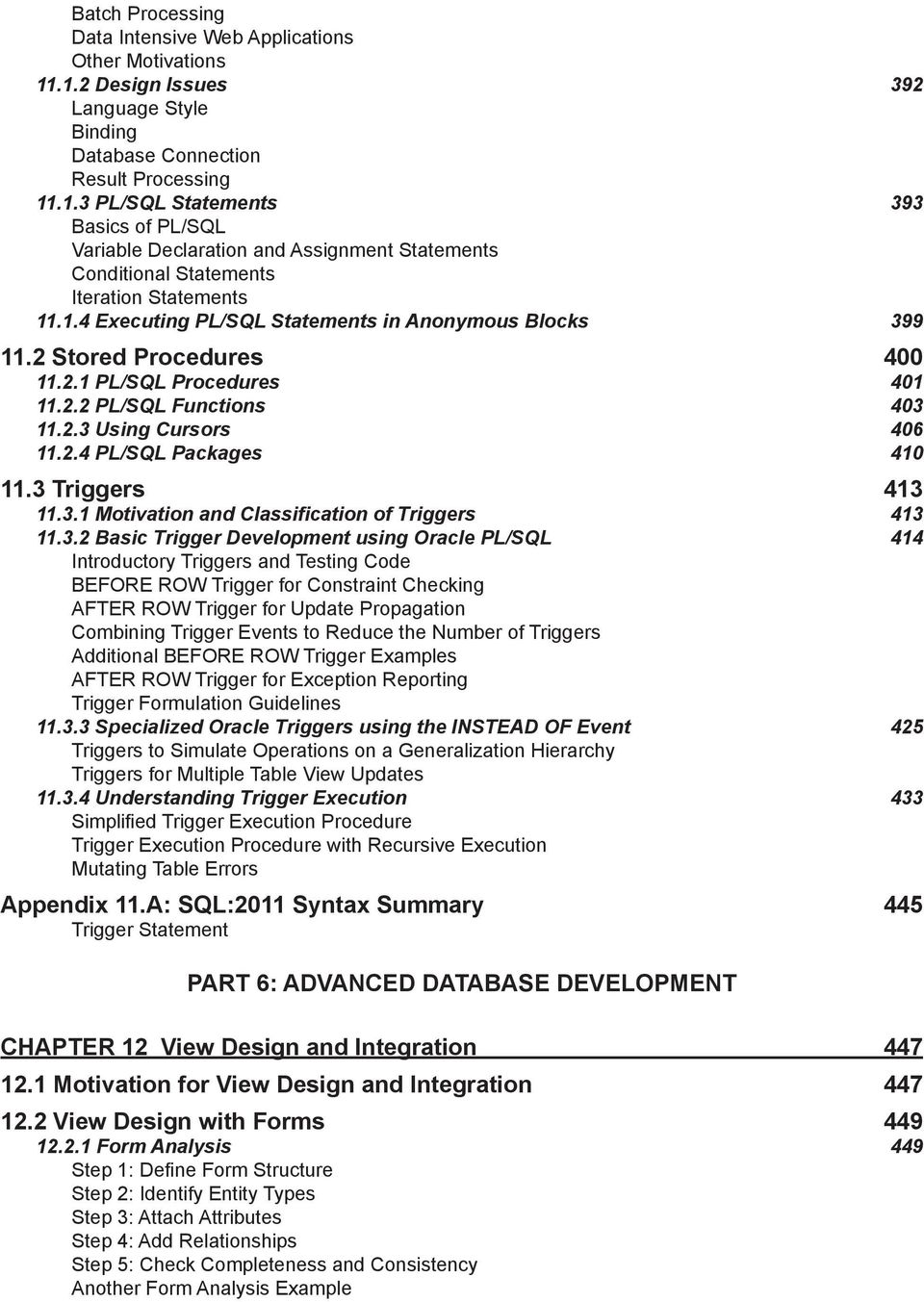
11 Batch Processing Data Intensive Web Applications Other Motivations Design Issues 392 Language Style Binding Database Connection Result Processing PL/SQL Statements 393 Basics of PL/SQL Variable Declaration and Assignment Statements Conditional Statements Iteration Statements Executing PL/SQL Statements in Anonymous Blocks Stored Procedures PL/SQL Procedures PL/SQL Functions Using Cursors PL/SQL Packages Triggers Motivation and Classification of Triggers Basic Trigger Development using Oracle PL/SQL 414 Introductory Triggers and Testing Code BEFORE ROW Trigger for Constraint Checking AFTER ROW Trigger for Update Propagation Combining Trigger Events to Reduce the Number of Triggers Additional BEFORE ROW Trigger Examples AFTER ROW Trigger for Exception Reporting Trigger Formulation Guidelines Specialized Oracle Triggers using the INSTEAD OF Event 425 Triggers to Simulate Operations on a Generalization Hierarchy Triggers for Multiple Table View Updates Understanding Trigger Execution 433 Simplified Trigger Execution Procedure Trigger Execution Procedure with Recursive Execution Mutating Table Errors Appendix 11.A: SQL:2011 Syntax Summary 445 Trigger Statement PART 6: ADVANCED DATABASE DEVELOPMENT CHAPTER 12 View Design and Integration Motivation for View Design and Integration View Design with Forms Form Analysis 449 Step 1: Define Form Structure Step 2: Identify Entity Types Step 3: Attach Attributes Step 4: Add Relationships Step 5: Check Completeness and Consistency Another Form Analysis Example
12 Analysis of M-Way Relationships Using Forms View Integration Incremental and Parallel Integration Approaches 458 Determining an Integration Strategy Precedence Relationships among Forms Resolving Synonyms and Homonyms View Integration Examples 461 Incremental Integration Example Parallel Integration Example CHAPTER 13 Database Development for Student Loan Limited Case Description Overview Flow of Work 468 Loan Origination Form Disclosure Letter Statement of Account Loan Activity Report New Technology 13.2 Conceptual Data Modeling ERD for the Loan Origination Form Incremental Integration after Adding the Disclosure Letter Incremental Integration after Adding the Statement of Account Incremental Integration after Adding the Loan Activity Report Refining the Conceptual Schema Schema Conversion Normalization Physical Database Design and Application Development Application and Table Profiles Index Selection Derived Data and Denormalization Decisions Other Implementation Decisions Application Development 483 Data Requirements for the Loan Origination Form Data Requirements for the Loan Activity Report Derived Data Maintenance Appendix 13.A: Glossary of Form and Report Fields 487 Disclosure Letter Statement of Account Loan Activity Report Appendix 13.B: CREATE TABLE Statements 490 PART 7: MANAGING DATABASE ENVIRONMENTS CHAPTER 14 Data and Database Administration Organizational Context for Managing Databases Database Support for Management Decision Making Approaches for Managing Data Resources Responsibilities of Data Specialists Challenges of Big Data 500

13 14.2 Tools of Database Administration Security 501 Security in Oracle and Access Integrity Constraints 505 CHECK Constraints in the CREATE TABLE Statement SQL:2011 Assertions Management of Triggers and Stored Procedures Data Dictionary Manipulation Catalog Tables in SQL:2011 and Oracle Information Resource Dictionary 14.3 Processes for Database Specialists Data Planning Data Governance Processes and Tools Selection and Evaluation of Database Management Systems 517 Selection and Evaluation Process Final Selection Process 14.4 Managing Database Environments Transaction Processing Data Warehouse Processing Distributed Environments Object Database Management 523 Appendix 14.A: SQL:2011 Syntax Summary 530 CREATE and DROP ROLE Statements GRANT and REVOKE Statements CREATE DOMAIN and DROP DOMAIN Statements CREATE ASSERTION and DROP ASSERTION Statements CHECK Constraint Clause in the CREATE TABLE Statement CHAPTER 15 Transaction Management Basics of Database Transactions Transaction Examples 534 SQLStatements to Define Transactions Other Transaction Examples Transaction Properties Concurrency Control Objective of Concurrency Control Interference Problems 538 Lost Update Uncommitted Dependency Problems Involving Inconsistent Retrievals Concurrency Control Tools 540 Locks Locking Granularity Deadlocks Two-Phase Locking Protocol Optimistic Approaches 15.3 Recovery Management Data Storage Devices and Failure Types Recovery Tools 545 Transaction Log
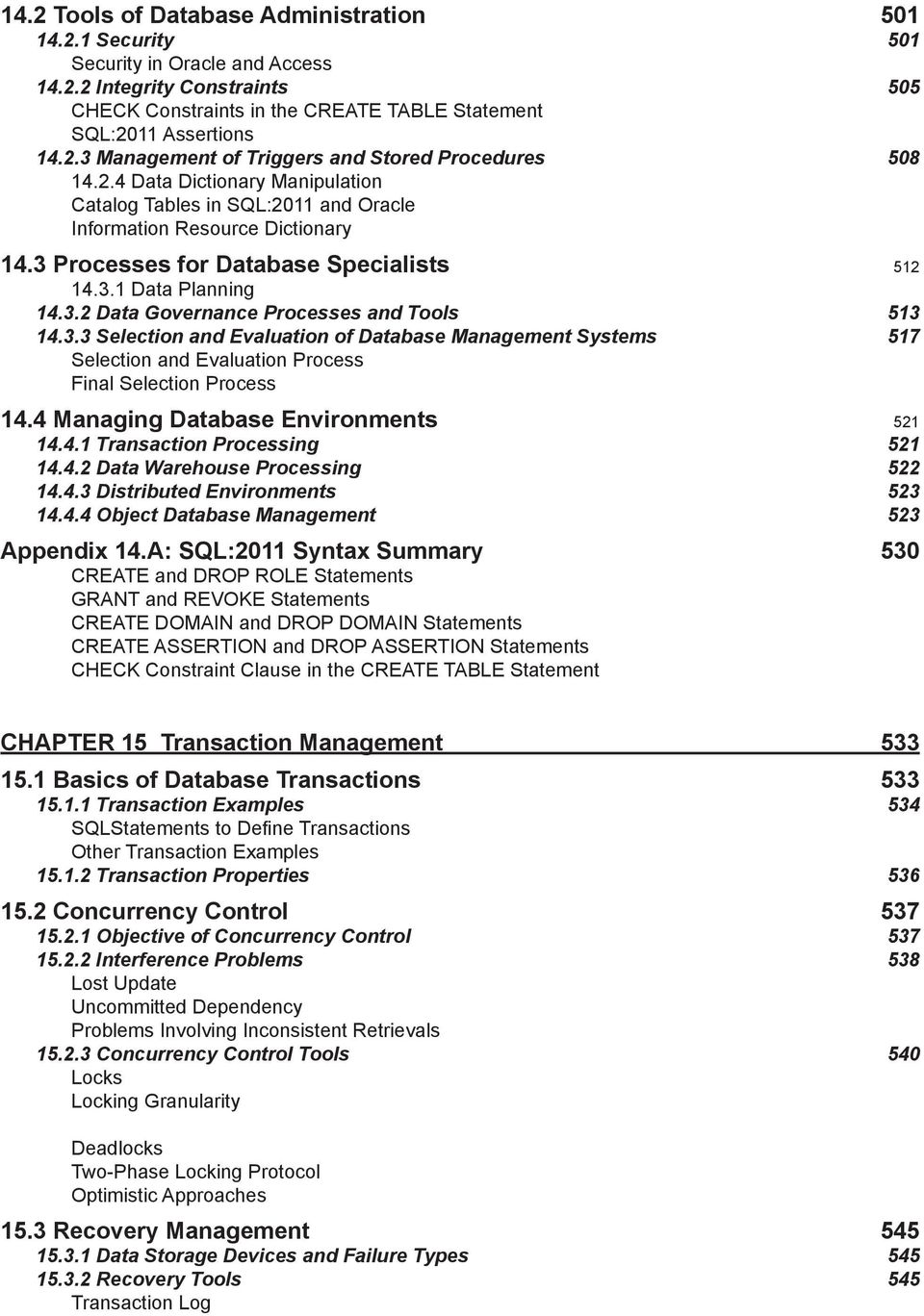
14 Checkpoint Force Writing Database Backup Recovery Processes 548 Immediate Update Deferred Update Recovery Example Recovery Features In Oracle 15.4 Transaction Design Issues Transaction Boundary and Hot Spots 552 Trade-offs in Choosing Transaction Boundaries Hot Spots Example Transaction Boundary Design Avoiding User Interaction Time Tennis Court Reservation Case Isolation Levels Timing of Integrity Constraint Enforcement Save Points Relaxed Transaction Consistency Model Workflow Management Characterizing Workflows Enabling Technologies 562 Distributed Object Management Workflow Specification and Implementation Customized Transaction Management Appendix 15.A: SQL:2011 Syntax Summary 573 Constraint Timing Clause SET CONSTRAINTS Statement SET TRANSACTION Statement CHAPTER 16 Data Warehouse Concepts and Design Basic Concepts Transaction Processing versus Business Intelligence Characteristics of Data Warehouses Architectures for Data Warehouses Data Mining Applications of Data Warehouses Multidimensional Representation of Data Example of a Multidimensional Data Cube Multidimensional Terminology 584 Dimension Details Measure Details Other Data Cube Examples Time-Series Data Data Cube Operators 586 Slice Dice Drill-Down Roll-Up Pivot Summary of Operators
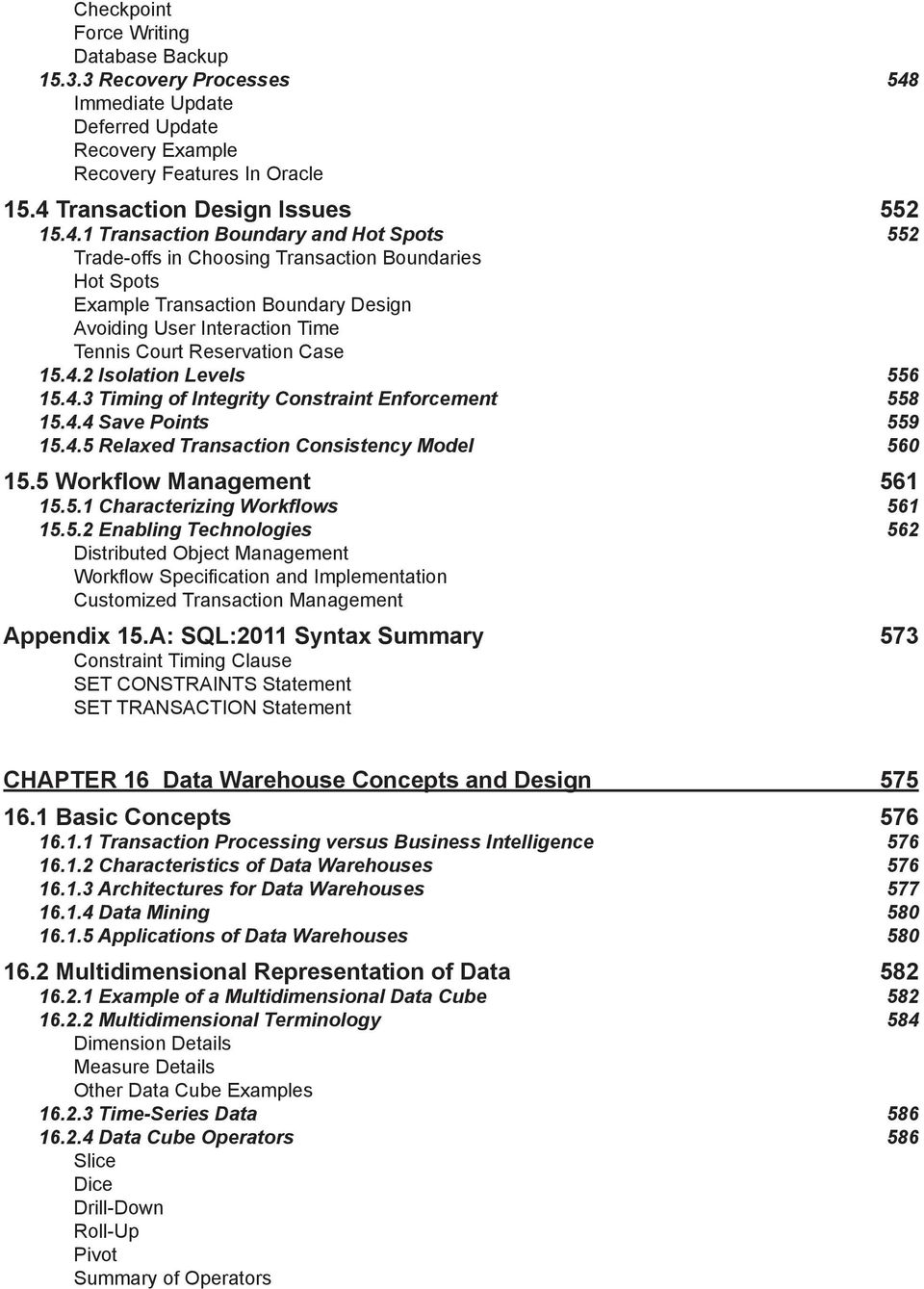
15 16.3 Relational Database Design for Data Warehouses Relational Data Modeling Patterns 588 Variations to the Star Schema Dimension Summarizability Problems and Patterns 591 Dimension Summarizability Problems Dimension Summarizability Patterns Dimension-Fact Summarizability Problems and Patterns Time Representation in Star Schemas Dimension Representation Enterprise Data Warehouse Development Data Warehouse Design Methodologies 601 Demand Driven Methodology Supply Driven Methodology Hybrid Methodology Colorado Education Data Warehouse 603 CHAPTER 17 Data Integration Practices and Relational DBMS 613 Extensions for Data Warehouses Data Integration Concepts Sources of Data Workflow for Maintaining a Data Warehouse Data Cleaning Techniques 616 String Parsing with Regular Expressions Correcting and Standardizing Values Entity Matching Data Integration Architectures and Tools 621 Talend Open Studio Oracle Data Integration Tools Managing the Refresh Process Extensions to SQL for Multidimensional Data CUBE Operator ROLLUP Operator GROUPING SETS Operator GROUP BY Operator Variations and Functions for Business Intelligence Summary Data Storage and Optimization Materialized Views in Oracle Query Rewriting Principles 638 Query Rewriting Details Storage and Optimization Technologies 642 MOLAP (Multidimensional OLAP) ROLAP (Relational OLAP) HOLAP (Hybrid OLAP) Data Warehouse Appliances CHAPTER 18 Client-Server Processing, Parallel Database 653 Processing, and Distributed Databases Overview of Distributed Processing and Distributed Data Motivation for Client-Server Processing Motivation for Parallel Database Processing Motivation for Distributed Data 656
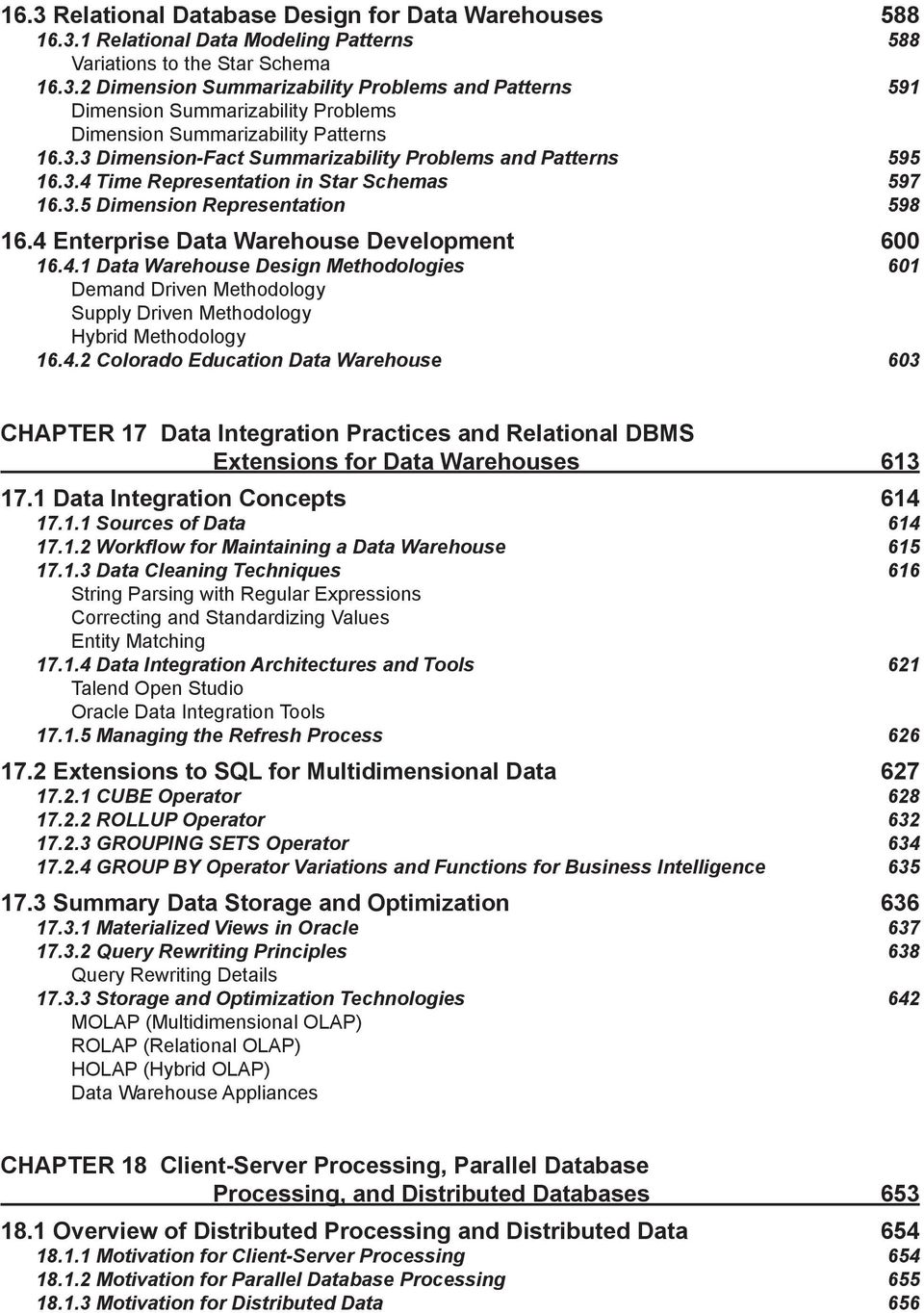
16 Motivation for Cloud Based Computing Summary of Advantages and Disadvantages Client-Server Database Architectures 657 Division of Processing Middleware Basic Architectures 659 Two-Tier Architecture Three-Tier Architecture Multiple-Tier Architecture Specialized Architectures 661 Web Services Architecture Cloud Computing Architectures Middleware for Extreme Transaction Processing 18.3 Parallel Database Processing Architectures and Design Issues Commercial Parallel Database Technology 667 Oracle Real Application Clusters IBM DB2 Enterprise Server Edition with the DPF Option 18.4 Architectures for Distributed Database Management Systems Component Architecture Transparency for Distributed Database Processing Motivating Example Fragmentation Transparency Location Transparency Local Mapping Transparency Transparency in Oracle Distributed Databases 679 Oracle Distributed Database Technology for Site Autonomy Oracle Partitioning Technology for Fragmentation Transparency 18.6 Distributed Database Processing Distributed Query Processing Distributed Transaction Processing 683 Distributed Concurrency Control Distributed Commit Processing CAP Design Philosophy CHAPTER 19 Object Database Management Systems Motivation for Object Database Management Complex Data Type System Mismatch Application Examples 695 Mapping Websites and GPS Devices Dental Office Support Real Estate Listing Service Auto Insurance Claims 19.2 Object-Oriented Principles Encapsulation Inheritance Polymorphism Programming Languages versus DBMSs Architectures for Object Database Management 700
17 Large Objects and External Software Specialized Media Servers Object Database Middleware Object-Relational Database Management Systems for User-Defined Types Object-Oriented Database Management Systems Summary of Object Database Architectures Object Database Features in SQL: User-Defined Types Table Definitions Manipulating Complex Objects and Subtable Families Object Database Features in Oracle Defining User-Defined Types and Typed Tables in Oracle Using Typed Tables in Oracle Dependencies among Types and Typed Tables Other Object Features in Oracle 719 Type Substitution and Object Views Nested Tables XML Document Support

18

19 Preface Motivating Example Paul Hong, the owner of International Industrial Adhesives, Inc., is excited about potential opportunities in the recovering global economy. He senses major opportunities in new product development, new sources of demand, and industry consolidation. These opportunities, however, involve substantial risks with major changes in his business and industry. He senses risk from new mergers and acquisitions, new competitors, and increased government regulation and litigation in areas impacting his business. New mergers and acquisitions may involve challenges integrating disparate information technology and sharp increases in data and transaction volumes. The success of his business has attracted new competitors focusing on his most profitable customers and products. New government environmental, financial, and health regulations impose costly data collection efforts, reporting requirements, and compliance activities. Despite the tremendous opportunities for growth, he remains cautious about new directions to effectively manage risk. Paul Hong must make timely and appropriate information technology investments to deal with strategic acquisitions, respond to competitors, and control costs of government mandates. To manage mergers and acquisitions, he must increase information technology capacity to process large new volumes of transactions, manage increasing amounts of data for operations, business intelligence, and long-term archival storage, and integrate disparate systems and data. To match competitors, he needs more detailed and timely data about industry trends, competitors actions, and intellectual property developments. To comply with new regulations, he must develop new data collection practices, conduct information technology audits, and fulfill other government reporting requirements for public companies. For all of these concerns, he is unsure about managing risks especially for his data resources. These concerns involve significant usage of database technology as well as new data management initiatives to ensure accountability. New developments in extreme transaction processing, data warehouse appliances, and data lifecycle management can provide cost effective solutions for increasing capacity to meet the challenges of big data. These technologies can be deployed in cloud computing environments that provide economies of scale, elimination of fixed infrastructure costs, and dynamic scalability. A data governance organization can mitigate risks associated with the complex regulatory environment through a system of checks and balances using data rules and policies. Mergers and acquisitions often trigger data governance initiatives to ensure consistent data definitions and integrate corporate policies involving data privacy and security. However, the solutions to Paul Hong s concerns are found not just in technology. Utilization of the appropriate level of technology involves a vision for an organization s future, a deep understanding of technology, and traditional management skills to control risk. Paul Hong realizes that his largest challenge is to blend these skills so that effective solutions can be developed for International Industrial Adhesives, Inc. Introduction This textbook provides a foundation to understand database technology supporting enterprise computing concerns such as those faced by Paul Hong. As a new student of database management, you first need to understand the fundamental concepts of database management and the relational data model. Then you need to master skills in database design and database application development. This textbook provides tools to help you understand relational databases and acquire skills to solve basic and advanced problems in query formulation, data modeling, normalization, application data requirements, and customization of database applications. After establishing these skills, you are ready to study the organizational context, role of database specialists, and the processing environments in which databases are used. Students will learn about decision making needs, accountability requirements, organization structures, and roles of database specialists associated with databases and database technology. For environments, this textbook presents the fundamental database technologies in each processing environment and relates these technologies to new advances in electronic commerce and enterprise computing. You will learn the vocabulary, architectures, and design issues of database technology that provide a background for advanced study of individual database management systems, electronic commerce applications, and enterprise computing.
20 What s New in the Sixth Edition The sixth edition makes substantial revisions to the fifth edition while preserving the proven pedagogy developed in the first five editions. Experience gained from my own instruction of undergraduate and graduate students along with feedback from adopters of the earlier editions has led to the development of new material and refinements to existing material. The most significant changes in the sixth edition are new coverage of data governance, big data, and hierarchical queries. The changing regulatory and litigation environment over the last 10 years has spurred many organizations to initiate data governance programs. In response, information systems curriculums have added substantial coverage of governance programs for information technology. The new textbook coverage on data governance supports this trend with a large section in Chapter 14 reinforced with introductory coverage in Chapters 1 and 2. In many organizations, data specialists confront the problem of exploding data growth known as big data. To provide students background about big data issues and solution approaches, substantial new material has been added. A new section in Chapter 14 defines the challenges of big data while technology developments are presented in Chapter 1 (NoSQL DBMS products), Chapter 8 (solid state drives and information lifecycle management), Chapter 15 (relaxed transaction consistency models), Chapter 17 (data warehouse appliances), and Chapter 18 (extreme transaction processing and CAP Theorem). Hierarchical query formulation supports retrievals on organization charts, part explosion diagrams, chart of accounts, and other hierarchical business structures. Chapter 9 provides a large new section covering both proprietary Oracle notation and SQL standard notation for hierarchical queries. Students may gain a competitive advantage in job placement and career advancement through advanced query formulation skills involving hierarchical queries. Besides the expanded coverage of data warehouses, the sixth edition provides numerous refinements to existing material based on classroom experience. New examples have been added in chapters 4, 6, 9, 10, and 11 in response to difficulties students had with textbook gaps. New end of chapter problems and questions in many chapters provide additional opportunities for students to test their understanding of database concepts and skills. The sixth edition has made substantial revisions to coverage of SQL standards, the DBMS marketplace, data modeling transformations, trigger formulation guidelines, histograms, storage area networks, data requirements for hierarchical forms, data modeling notation in Visio Professional, update locks, transaction processing case study, and the Data Warehouse Maturity Model. In addition, refinements and updates to most chapters have improved the presentation and currency of the material. For database application development, the sixth edition covers SQL:2011, an evolutionary change from previous SQL standard versions (SQL:1999 to SQL:2008). The sixth edition explains the scope of SQL:2011, the difficulty of conformance with the standard, and new elements of the standard. Numerous refinements of database application development coverage extend the proven coverage of the first five editions: query formulation guidelines, advanced matching problems, query formulation tips for hierarchal forms and reports, trigger formulation guidelines, and transaction design guidelines. For database administration and processing environments, the sixth edition provides expanded coverage of new technology in Oracle 12c. The most significant new topics are hybrid histograms, extended statistics for query optimization, the GENERATED clause for unique value generation, and Oracle proprietary notation for hierarchical queries. Significantly revised coverage is provided for the Oracle SQL Developer, Oracle RAC, the Oracle SQL Tuning Advisor, the Oracle Heat Map, Automatic Data Optimization, and Oracle triggers. In addition to new material and refinements to existing material, the sixth edition extends the chapter supplements. The sixth edition contains new end-of-chapter questions and problems in most chapters. New material in the textbook s website includes detailed tutorials about Microsoft Access 2013 and Visio Professional (2010 and 2013 versions), assignments for first and second database courses, and sample exams. The software tutorials for Microsoft Access and Visio Professional support concepts presented in textbook chapters 4, 5, 6, 9, and 10. Competitive Advantages This textbook provides outstanding features unmatched in competing textbooks. The unique features include detailed SQL coverage for both Microsoft Access and Oracle, problem-solving guidelines to aid acquisition of key skills, carefully designed sample databases and examples, a comprehensive case study, advanced topic coverage, integrated lab
21 material, coverage of prominent data modeling tools, and extensive data warehouse details. These features provide a complete package for both introductory and advanced database courses. Each of these features is described in more detail in the list below whereas Table P-1 summarizes the competitive advantages by chapter. SQL Coverage: The breadth and depth of the SQL coverage in this text is unmatched by competing textbooks. Table P-2 summarizes SQL coverage by chapter. Parts 2 and 5 provide thorough coverage of the CREATE TABLE, SELECT, UPDATE, INSERT, DELETE, CREATE VIEW, and CREATE TRIGGER statements. Numerous examples of basic, intermediate, and advanced problems are presented. The chapters in Part 7 cover statements useful for database administrators as well as statements used in specific processing environments. Access and Oracle Coverage: The chapters in Parts 2 and 5 provide detailed coverage of both Microsoft Access and Oracle SQL. Each example for the SELECT, INSERT, UPDATE, DELETE, and CREATE VIEW statements are shown for both database management systems. Significant coverage of advanced Oracle 12c SQL features appears in Chapters 8, 9, 11, 15, 17, and 19. In addition, the chapters in Parts 2 and 5 cover SQL:2011 syntax to support instruction with other prominent database management systems. Problem-Solving Guidelines: Students need more than explanations of concepts and examples to solve problems. Students need guidelines to help structure their thinking process to tackle problems in a systematic manner. The guidelines provide mental models to help students apply the concepts to solve basic and advanced problems. Table P-3 summarizes the unique problem-solving guidelines by chapter. Sample Databases and Examples: Two sample databases are used throughout the chapters of Parts 2 and 5 to provide consistency and continuity. The University database is used in the chapter examples, while the Order Entry database is used in the end-of-chapter problems. Numerous examples and problems with these databases depict the fundamental skills of query formulation and application data requirements. Revised versions of the databases provide separation between basic and advanced examples. The website contains CREATE TABLE statements, sample data, data manipulation statements, and Access database files for both databases. Chapters in Parts 3, 4, and 7 use additional databases to broaden exposure to more diverse business situations. Students need exposure to a variety of business situations to acquire database design skills and understand concepts important to database specialists. The supplementary databases cover water utility operations, patient visits, academic paper reviews, personal financial tracking, airline reservations, placement office operations, automobile insurance, store sales tracking, and real estate sales. In addition, Chapter 16 on data warehouses presents a substantial data warehouse, the Colorado Education Data Warehouse. Comprehensive Case Study: The Student Loan Limited Case is found at the end of Part 6. The case description along with its solution integrates the concepts students learned in the preceding 12 chapters on application development and database design. The follow-up problems at the end of the chapter provide additional opportunities for students to apply their knowledge on a realistic case. Optional Integrated Labs: Database management is best taught when concepts are closely linked to the practice of designing, implementing, and using databases with a commercial DBMS. To help students apply the concepts described in the textbook, optional supplementary lab materials are available on the text s website. The website contains labs for four Microsoft Access versions (2003, 2007, 2010, and 2013) as well as practice databases and exercises. The Microsoft Access labs integrate a detailed coverage of Access with the application development concepts covered in Parts 2 and 5. Data Modeling Tools: The sixth edition expands coverage of commercial data modeling tools for database development. Students will find details about Aqua Data Studio, Oracle SQL Developer, and Visio Professional. Supplementary material on the textbook s website provides detailed tutorials of Visio Professional 2010 and The Visio tutorials are closely integrated with data modeling coverage in Chapters 5 and 6. Data Warehouse Coverage: The two data warehouse chapters (16 and 17) provide enough details for a third of an advanced database course. The material can support three major assignments, two exams, and a project in an advanced database course. Current and Cutting-Edge Topics: This book covers some topics that are missing from competing textbooks: advanced query formulation, updatable views, development and management of stored proce-
22 dures and triggers, data requirements for data entry forms and reports, hierarchical query formulation, view integration, management of the refresh process for data warehouses, the data warehouse maturity model, data integration practices, parallel database architectures, object database architectures, data warehouse features in Oracle 12c, object-relational features in SQL:2011 and Oracle 12c, and transaction design principles. These topics enable motivated students to obtain a deeper understanding of database management. Complete Package for Courses: Depending on the course criteria, some students may need to purchase as many as four books for an introductory database course: a textbook covering principles, laboratory books covering details of a DBMS, a supplemental SQL book, and a casebook with realistic practice problems. This textbook and supplemental material provide a complete, integrated, and less expensive resource for students. Table P-1: Summary of Competitive Advantages by Chapter Chapter Unique Features 2 Unique chapter providing a conceptual introduction to the database development process 3 Visual representation of relational algebra operators 4 Query formulation guidelines; Oracle, Access, and SQL:2011 SQL coverage 5 Emphasis on ERD notation, business rules, and diagram rules with details about data modeling notation in prominent commercial data modeling tools 6 Strategies for analyzing business information needs, data modeling transformations, and detection of common design errors 7 Normalization guidelines and procedures 8 Index selection rules; SQL tuning guidelines, integrated coverage of query optimization, file structures, and index selection 9 Query formulation guidelines; Oracle 12c, Access, and SQL:2011 coverage; advanced topic coverage of nested queries, division problems, null value handling, and hierarchical queries 10 Rules for updatable views, data requirement steps for forms and reports 11 Unique chapter covering concepts and practices of database programming languages, stored procedures, and triggers; trigger formulation guidelines 12 Unique chapter covering concepts and practices of view integration and design 13 Unique chapter providing a comprehensive case study on student loan processing 14 Guidelines for important processes and tools used by database professionals; data governance and big data principles 15 Transaction design guidelines; mini case study about transaction design 16 Data warehouse maturity model for evaluating technology impact on organizations; relational database design for data warehouses; data warehouse development methodologies 17 Data integration concepts and practices; relational database features for multidimensional data; summary data storage and optimization; extensive Oracle 12c data warehouse coverage 18 Integrated coverage of client-server processing, parallel database processing, and distributed databases integrated with impact of cloud computing 19 Advanced topic coverage of object-relational features in SQL:2011 and Oracle 12c
23 Chapter SQL Statement Coverage 3 CREATE TABLE 4 SELECT, INSERT, UPDATE, DELETE Table P-2: SQL Statement Coverage by Chapter 9 SELECT (nested queries, outer joins, null value handling); Access and Oracle coverage 10 CREATE VIEW; queries and manipulation statements using views 11 CREATE PROCEDURE (Oracle), CREATE TRIGGER (Oracle and SQL:2011) 14 GRANT, REVOKE, CREATE ROLE, CREATE ASSERTION, CHECK clause of the CRE- ATE TABLE statement, CREATE DOMAIN 15 COMMIT, ROLLBACK, SET TRANSACTION, SET CONSTRAINTS, SAVEPOINT 17 CREATE MATERIALIZED VIEW (Oracle), GROUP BY clause extensions (Oracle and SQL:2011), ranking functions (Oracle) 19 CREATE TYPE, CREATE TABLE (typed tables and subtables), SELECT extensions (object identifiers, path expressions, dereference operator); SQL:2011 and Oracle coverage Table P-3: Problem Solving Guidelines by Chapter Chapter Problem-Solving Guidelines 3 Visual representations of relationships and relational algebra operators 4 Conceptual evaluation process; query formulation questions 5 Diagram rules 6 Guidelines for analyzing business information needs; design transformations; identification of common design errors; conversion rules 7 Guidelines for identifying functional dependencies; usage of sample data to eliminate functional dependencies; simple synthesis procedure 8 Index selection rules; SQL tuning guidelines 9 Difference problem formulation guidelines; nested query evaluation; count method for division problem formulation; hierarchical query formulation guidelines 10 Rules for updatable join queries; steps for analyzing data requirements in forms and reports 11 Trigger execution procedure; trigger formulation guidelines 12 Form analysis steps; view integration strategies 14 Guidelines to manage stored procedures and triggers; data planning process; DBMS selection process; Core processes and risk matrix in the Microsoft Data Governance Framework 15 Transaction timeline; transaction design guidelines 16 Data modeling patterns for summarizability, relational data modeling patterns for multidimensional data, guidelines for time representation in dimension tables 17 Data quality problems and associated data cleaning tasks, tradeoffs in refresh policies 18 Progression of transparency levels for distributed databases 19 Object database architectures; comparison between relational and object-relational representations
24 Text Audience This book supports two database courses at the undergraduate or graduate levels. At the undergraduate level, students should have a concentration (major or minor) or active interest in information systems. For two-year institutions, the instructor may want to skip the advanced topics and place more emphasis on the optional Access lab book. Undergraduate students should have a first course covering general information systems concepts, spreadsheets, word processing, and possibly a brief introduction to databases. At the graduate level, this book is suitable in either MBA or Master of Science (in information systems) programs. The advanced material in this book should be especially suitable for Master of Science students. Except for Chapter 11, a previous course in computer programming can be useful background but is not mandatory. The other chapters reference some computer programming concepts, but writing code is not covered. For a complete mastery of Chapter 11, computer programming background is essential. However, the basic concepts and trigger details in Chapter 11 can be covered even if students do not have a computer programming background. Organization As the title suggests, Database Design, Application Development, and Administration emphasizes three sets of skills. Before acquiring these skills, students need a foundation about basic concepts. Part 1 provides conceptual background for subsequent detailed study of database design, database application development, and database administration. The chapters in Part 1 present the principles of database management and a conceptual overview of the database development process. Part 2 provides foundational knowledge about the relational data model. Chapter 3 covers table definition, integrity rules, and operators to retrieve useful information from relational databases. Chapter 4 presents guidelines for query formulation and numerous examples of SQL SELECT statements. Parts 3 and 4 emphasize practical skills and design guidelines for the database development process. Students desiring a career as a database specialist should be able to perform each step of the database development process. Students should learn skills of data modeling, schema conversion, normalization, and physical database design. The Part 3 chapters (Chapters 5 and 6) cover data modeling using the Entity Relationship Model. Chapter 5 covers the structure of entity relationship diagrams, while Chapter 6 presents usage of entity relationship diagrams to analyze business information needs. The Part 4 chapters (Chapters 7 and 8) cover table design principles and practice for logical and physical design. Chapter 7 covers the motivation, functional dependencies, normal forms, and practical considerations of data normalization. Chapter 8 contains broad coverage of physical database design including the objectives, inputs, file structures, query optimization principles, and important design choices. Part 5 provides a foundation for building database applications by helping students acquire skills in advanced query formulation, specification of data requirements for data entry forms and reports, and coding triggers and stored procedures. Chapter 9 presents additional examples of intermediate and advanced SQL, along with corresponding query formulation skills. Chapter 10 describes the motivation, definition, and usage of relational views along with specification of view definitions for data entry forms and reports. Chapter 11 presents concepts and coding practices of database programming languages, stored procedures, and triggers for customization of database applications. Part 6 covers advanced topics of database development. Chapter 12 describes view design and view integration, which are data modeling concepts for large database development efforts. Chapter 13 provides a comprehensive case study that enables students to gain insights about the difficulties of applying database design and application development skills to a realistic business database. Beyond the database design and application development skills, this textbook prepares students for careers as database specialists. Students need to understand the responsibilities, tools, and processes employed by data administrators and database administrators as well as the various environments in which databases operate. The chapters in Part 7 emphasize the role of database specialists and the details of managing databases in various operating environments. Chapter 14 provides a context for the other chapters through coverage of the responsibilities, tools, and processes used by database administrators and data administrators. The other chapters in Part 7 provide a
25 foundation for managing databases in important environments: Chapter 15 on transaction processing, Chapters 16 and 17 on data warehouses, Chapter 18 on distributed processing and data, and Chapter 19 on object database management. These chapters emphasize concepts, architectures, and design choices important for database specialists, while providing some coverage of advanced application development topics. Text Approach and Theme To support acquisition of the necessary skills for learning and understanding application development, database design, and managing databases, this book adheres to three guiding principles: 1. Combine concepts and practice. Database management is more easily learned when concepts are closely linked to the practice of designing and implementing databases using a commercial DBMS. The textbook and the accompanying supplements have been designed to provide close integration between concepts and practice through the following features: SQL examples for both Access and Oracle as well as SQL:2011 coverage Emphasis of the relationship between application development and query formulation Usage of data modeling notations supported by professional CASE tools Supplemental laboratory practice chapters that combine textbook concepts with details of commercial DBMSs 2. Emphasize problem-solving skills. This book features problem-solving guidelines to help students master the fundamental skills of data modeling, normalization, query formulation, and application development. The textbook and associated supplements provide a wealth of questions, problems, case studies, and laboratory practices in which students can apply their skills. With mastery of the fundamental skills, students will be poised for future learning about databases and change the way they think about computing in general. 3. Provide introductory and advanced material. Business students who use this book may have a variety of backgrounds. This book provides enough depth to satisfy the most eager students. However, the advanced parts are placed so that they can be skipped by the less inclined. Pedagogical Features This book contains the following pedagogical features to help students navigate through chapter content in a systematic fashion: Learning Objectives focus on the knowledge and skills students will acquire from studying the chapter. Overviews provide a snapshot or preview of chapter contents. Key Terms are highlighted and defined in boxed areas as they appear in the chapter. Examples are clearly separated from the rest of the chapter material for easier review and studying purposes. Running Database Examples examples using the University database as well as other databases with clear separation from surrounding text. Closing Thoughts summarize chapter content in relation to the learning objectives. Review Concepts are the important conceptual highlights from the chapter, not just a list of terminology. Questions are provided to review the chapter concepts. Problems help students practice and implement the detailed skills presented in the chapter. References for Further Study point students to additional sources on chapter content. Chapter Appendixes provide additional details, convenient summaries of SQL:2011 syntax, and other topics beyond the normal chapter coverage.
26 At the end of the text, students will find the following additional resources: Glossary: Provides a complete list of terms and definitions used throughout the text. Bibliography: A list of helpful industry, academic, and other printed material for further research or study. Index: A list of keywords with page references to help readers of the printed edition. Microsoft Access Labs Lab books for several versions of Microsoft Access (2003, 2007, 2010, and 2013) are available on the textbook s website. The lab books provide detailed coverage of features important to beginning database students as well as many advanced features. The lab chapters provide a mixture of guided practice and reference material organized into the following chapters: 1. An Introduction to Microsoft Access 2. Database Creation Lab 3. Query Lab 4. Single Table Form Lab 5. Hierarchical Form Lab 6. Report Lab 7. Pivot Tables 8. User Interface Lab Each lab chapter follows the pedagogy of the textbook with Learning Objectives, Overview, Closing Thoughts, Additional Practice exercises, and Appendixes of helpful tips. Most lab chapters reference concepts from the textbook for close integration with corresponding textbook chapters. Each lab book also includes a glossary of terms and an index. Instructor Resources A comprehensive set of supplements for the text and lab manuals is available to adopters. Powerpoint slides for each chapter Solutions to end of chapter problems for each chapter Solutions to end of chapter questions for each chapter Access databases for the university and order entry textbook databases Oracle SQL statements to create and populate the university and order entry textbook databases Files containing SQL statements used in the textbook chapters Case studies along with case study solutions Assignments used in a first database course. The assignments involve database creation, query formulation, application development with forms, data modeling, and normalization. In addition, a project assignment integrates material about database development and application development. Assignments used in a second database course. The assignments involve database creation, triggers, data warehouse design, data integration practices, query formulation for data warehouses, and object relational databases. In addition, projects are provided about Oracle advanced features, benchmark development, and management practices to develop or manage a significant database or data warehouse in an organization. Sample exams for a first course in database management Sample exams for an advanced course in database management Access databases for each lab chapter Access databases for end of chapter problems in each lab chapter
27 Teaching Paths The textbook can be covered in several orders in a one- or a two-semester sequence. The author has taught a onesemester course with the ordering of relational database basics, query formulation, application development, database development, and database processing environments. This ordering has the advantage of covering the more concrete material (query formulation and application development) before the more abstract material (database development). Lab chapters and assignments are used for practice beyond the textbook chapters. To fit into one semester, advanced topics are skipped in Chapters 8 and 11 to 18. A second ordering is to cover database development before application development. For this ordering, the author recommends following the textbook chapter ordering: 1, 2, 5, 6, 3, 7, 4, 9, and 10. The material on schema conversion in Chapter 6 should be covered after Chapter 3. This ordering supports a more thorough coverage of database development while not neglecting application development. To fit into one semester, advanced topics are skipped in Chapters 8 and 11 to 18. A third possible ordering is to use the textbook in a two-course sequence. The first course covers database management fundamentals from Parts 1 and 2, data modeling and normalization from Parts 3 and 4, and advanced query formulation, application development with views, and view integration from Parts 5 and 6. The second course emphasizes database administration skills with physical database design from Part 4, triggers and stored procedures from Part 5, and the processing environments from Part 7 along with additional material on managing enterprise databases. A comprehensive project can be used in the second course to integrate application development, database development, and database administration. Acknowledgments The sixth edition is the culmination of many years of instruction, research, and industry experience. Before beginning the first edition, I wrote tutorials, laboratory practices, and case studies. This material was first used to supplement other textbooks. After encouragement from students, this material was used without a textbook. This material, revised many times through student comments, was the foundation for the first edition. During the development of the first edition, the material was classroom tested for three years with hundreds of undergraduate and graduate students, along with careful review through four drafts by many outside reviewers. The second edition was developed through classroom usage of the first edition for three years, along with teaching an advanced database course for several years. The third edition was developed through experience of three years with the second edition in basic and advanced database courses. The fourth edition was developed through three years of instruction with the third edition in beginning and advanced database courses. The fifth edition was developed through two years of instruction with the fourth edition in beginning and advanced database courses. The sixth edition was developed through two years of instruction with the fifth edition in beginning and advanced database courses. I wish to acknowledge the excellent support that I have received in completing this project. I thank my many database students, especially those in ISMG6080, ISMG6480, and ISMG4500 at the University of Colorado Denver. Your comments and reaction to the textbook have been invaluable to its improvement. About the Author Michael V. Mannino has been involved in the database field since He has taught database management since 1983 at several major universities (University of Florida, University of Texas at Austin, University of Washington, and University of Colorado Denver). His audiences have included undergraduate MIS students, graduate MIS students, MBA students, and doctoral students as well as corporate employees in retraining programs. He has also been active in database research as evidenced by publications in major journals of the IEEE (Transactions on Knowledge and Data Engineering and Transactions on Software Engineering), ACM (Communications and Computing Surveys), and IN- FORMS (Informs Journal on Computing and Information Systems Research). His research includes several popular survey and tutorial articles as well as many papers describing original research. Practical results of his research have been incorporated into Chapter 12 on a form-driven approach to database design and Chapter 17 on management of the refresh process.
28 Chapter 5 Understanding Entity Relationship Diagrams Learning Objectives This chapter explains the notation of entity relationship diagrams as a prerequisite to using entity relationship diagrams in the database development process. After this chapter, the student should have acquired the following knowledge and skills: Know the symbols and vocabulary of the Crow s Foot notation for entity relationship diagrams Use the cardinality symbols to represent 1-1, 1-M, and M-N relationships Compare the Crow s Foot notation to the representation of relational tables Understand important relationship patterns Use generalization hierarchies to represent similar entity types Detect notational errors in an entity relationship diagram Understand the representation of business rules in an entity relationship diagram Appreciate the diversity of notation for entity relationship diagrams Overview Chapter 2 provided a broad presentation about the database development process. You learned about the relationship between database development and information systems development, the phases of database development, and the kinds of skills you need to master. This chapter presents the notation of entity relationship diagrams to provide a foundation for using entity relationship diagrams in the database development process. To extend your database design skills, Chapter 6 describes the process of using entity relationship diagrams to develop data models for business databases. To become a good data modeler, you need to understand the notation in entity relationship diagrams and apply the notation on problems of increasing complexity. To help you master the notation, this chapter presents the symbols used in entity relationship diagrams and compares entity relationship diagrams to relational database diagrams that you have seen in previous chapters. This chapter then probes deeper into relationships, the most distinguishing part of entity relationship diagrams. You will learn about identification dependency, relationship patterns, and equivalence between two kinds of relationships. Finally, you will learn to represent similarities among entity types using generalization hierarchies. The next part of the chapter presents business rule representation and diagram rules to deepen your understanding of the Crow s Foot notation. To provide an organizational focus, this chapter presents formal and informal representation of business rules in an entity relationship diagram. To help you avoid common notation errors, this chapter presents consistency and completeness rules and depicts their usage in examples. Because of the plethora of entity relationship notations, you may not have the opportunity to use the Crow s Foot notation exactly as shown in Chapters 5 and 6. To prepare you for understanding other notations, the chapter concludes with a presentation of diagram variations including the Class Diagram notation of the Unified Modeling Notation, one of the popular alternatives to the Entity Relationship Model.
29 UNDERSTANDING ENTITY RELATIONSHIP DIAGRAMS - CHAPTER 5 29 This chapter provides the basic skills of data modeling to enable you to understand the notation of entity relationship diagrams. To apply data modeling as part of the database development process, you should study Chapter 6 on developing data models for business databases. Chapter 6 emphasizes the problem-solving skills of generating alternative designs, mapping a problem statement to an entity relationship diagram, and justifying design decisions. With the background provided in both chapters, you will be prepared to perform data modeling on case studies and databases for moderate-size organizations. 5.1 Introduction to Entity Relationship Diagrams Gaining an initial understanding of entity relationship diagrams (ERDs) requires careful study. This section introduces the Crow s Foot notation for ERDs, a popular notation supported by many CASE tools. To get started, this section begins with the basic symbols of entity types, relationships, and attributes. This section then explains cardinalities and their appearance in the Crow s Foot notation. This section concludes by comparing the Crow s Foot notation to relational database diagrams. If you are covering data modeling before relational databases, you may want to skip the last part of this section Basic Symbols ERDs have three basic elements: entity types, relationships, and attributes. Entity types are collections of things of interest (entities) in an application. Entity types represent collections of physical things such as books, people, and places, as well as events such as payments. An entity is a member or instance of an entity type. Entities are uniquely identified to allow tracking across business processes. For example, customers have a unique identification to support order processing, shipment, and product warranty processes. In the Crow s Foot notation as well as most other notations, rectangles denote entity types. In Figure 5.1, the Course entity type represents the set of courses in the database. Entity Type: a collection of entities (persons, places, events, or things) of interest represented by a rectangle in an entity relationship diagram. Figure 5.1: Entity Relationship Diagram Illustrating Basic Symbols Attributes are properties of entity types or relationships. An entity type should have a primary key as well as other descriptive attributes. Attributes are shown inside an entity type rectangle. If there are many attributes, the attributes can be suppressed and listed on a separate page. Some ERD drawing tools show attributes in a zoomed view, separate from the rest of the diagram. Underlining indicates that the attribute(s) serves as the primary key of the entity type. Attribute: a property of an entity type or relationship. Each attribute has a data type that defines the kind of values and permissible operations on the attribute. Relationships are named associations among entity types. In the Crow s Foot notation, relationship names appear on the line connecting the entity types involved in the relationship. In Figure 5.1, the Has relationship shows that the Course and Offering entity types are directly related. Relationships store associations in both directions. For example, the Has relationship shows the offerings for a given course and the associated course for a given offering. The Has relationship is binary because it involves two entity types. Section 5.2 presents examples of more complex relationships involving only one distinct entity type (unary relationships) and more than two entity types (M-way relationships).
30 30 CHAPTER 5 - UNDERSTANDING ENTITY RELATIONSHIP DIAGRAMS Relationship: a named association among entity types. A relationship represents a two-way or bidirectional association among entities. Most relationships involve two distinct entity types. Informally, ERDs have a natural language correspondence. Entity types can correspond to nouns and relationships to verbs or prepositional phrases connecting nouns. In this sense, one can read an entity relationship diagram as a collection of sentences. For example, the ERD in Figure 5.1 can be read as course has offerings. Note that there is an implied direction in each relationship. In the other direction, one could write, offering is given for a course. If practical, it is a good idea to use active rather than passive verbs for relationships. Therefore, Has is preferred as the relationship name. You should use the natural language correspondence as a guide rather than as a strict rule. For large ERDs, you will not always find a good natural language correspondence for all parts of a diagram Relationship Cardinality Cardinalities constrain the number of objects that participate in a relationship. To depict the meaning of cardinalities, an instance diagram is useful. Figure 5.2 shows a set of courses ({Course1, Course2, Course3}), a set of offerings ({Offering1, Offering2, Offering3, Offering4}), and connections between the two sets. In Figure 5.2, Course1 is related to Offering1, Offering2, and Offering3, Course2 is related to Offering4, and Course3 is not related to any Offering entities. Likewise, Offering1 is related to Course1, Offering2 is related to Course1, Offering3 is related to Course1, and Offering4 is related to Course2. From this instance diagram, we might conclude that each offering is related to exactly one course. In the other direction, each course is related to 0 or more offerings. Cardinality: a constraint on the number of entities that participate in a relationship. In an ERD, the minimum and maximum cardinalities are specified for both directions of a relationship. Course Course1 Course2 Course3 Offering Offering1 Offering2 Offering3 Offering4 Figure 5.2: Instance Diagram for the Has Relationship Crow s Foot Representation of Cardinalities The Crow s Foot notation uses three symbols to represent cardinalities. The Crow s Foot symbol (two angled lines and one straight line) denotes many (zero or more) related entities. In Figure 5.3, the Crow s Foot symbol near the Offering entity type means that a course can be related to many offerings. The circle means a cardinality of zero, while a line perpendicular to the relationship line denotes a cardinality of one. Figure 5.3: Entity Relationship Diagram with Cardinalities Noted
31 UNDERSTANDING ENTITY RELATIONSHIP DIAGRAMS - CHAPTER 5 31 To depict minimum and maximum cardinalities, the cardinality symbols are placed adjacent to each entity type in a relationship. The minimum cardinality symbol appears toward the relationship name while the maximum cardinality symbol appears toward the entity type. In Figure 5.3, a course is related to a minimum of zero offerings (circle in the inside position) and a maximum of many offerings (Crow s Foot in the outside position). Similarly, an offering is related to exactly one (one and only one) course as shown by the single vertical lines in both inside and outside positions. Classification of Cardinalities Cardinalities are classified by common values for minimum and maximum cardinality. Table 5-1 shows two classifications for minimum cardinalities. A minimum cardinality of one or more indicates a mandatory relationship. For example, participation in the Has relationship is mandatory for each Offering entity due to the minimum cardinality of one. A mandatory relationship makes the entity type existence dependent on the relationship. The Offering entity type depends on the Has relationship because an Offering entity cannot be stored without a related Course entity. In contrast, a minimum cardinality of zero indicates an optional relationship. For example, the Has relationship is optional to the Course entity type because a Course entity can be stored without being related to an Offering entity. Figure 5.4 shows that the Teaches relationship is optional for both entity types. Existence Dependency: an entity that cannot exist unless another related entity exists. A mandatory relationship creates an existence dependency. Table 5-1: Summary of Cardinality Classifications Classification Cardinality Restrictions Mandatory Minimum cardinality ³ 1 Optional Minimum cardinality = 0 Functional or single-valued Maximum cardinality = 1 1-M Maximum cardinality = 1 in one direction and maximum cardinality > 1 in the other direction. M-N Maximum cardinality is > 1 in both directions. 1-1 Maximum cardinality = 1 in both directions. Faculty FacNo FacSalary FacRank FacHireDate Teaches Offering OfferNo OffLocation OffTime Figure 5.4: Optional Relationship for Both Entity Types Table 5-1 also shows several classifications for maximum cardinalities. A maximum cardinality of one means the relationship is single-valued or functional. For example, the Has and Teaches relationships are functional for Offering because an Offering entity can be related to a maximum of one Course and one Faculty entity. The word function comes from mathematics where a function gives one value. A relationship that has a maximum cardinality of one in one direction and more than one (many) in the other direction is called a 1-M (read one-to-many) relationship. Both the Has and Teaches relationships are 1-M. Similarly, a relationship that has a maximum cardinality of more than one in both directions is known as an M-N (many-to-many) relationship. In Figure 5.5, the TeamTeaches relationship allows multiple professors to jointly teach the same offering, as shown in the instance diagram of Figure 5.6. M-N relationships are common in business databases to represent the connection between parts and suppliers, authors and books, and skills and employees. For example, a part can be supplied by many suppliers and a supplier can supply many parts. Less common are 1-1 relationships in which the maximum cardinality equals one in both directions. For example, the WorksIn relationship in Figure 5.5 allows a faculty to be assigned to one office and an office to be occupied by at most one faculty.
32 32 CHAPTER 5 - UNDERSTANDING ENTITY RELATIONSHIP DIAGRAMS Figure 5.5: M-N and 1-1 Relationship Examples Faculty Faculty1 Faculty2 Faculty3 Offering Offering1 Offering2 Offering3 Figure 5.6: Instance Diagram for the M-N TeamTeaches Relationship Comparison to Relational Database Diagrams To finish this section, let us compare the notation in Figure 5.3 with the relational database diagrams (from Microsoft Access) which you seen in previous chapters. It is easy to become confused between the two notations. Some of the major differences are listed below 1. To help you visualize these differences, Figure 5.7 shows a relational database diagram for the Course-Offering example. 1. Relational database diagrams do not use names for relationships. Instead foreign keys represent relationships. The ERD notation does not use foreign keys. For example, Offering.CourseNo is a column in Figure 5.7 but not an attribute in Figure Relational database diagrams show only maximum cardinalities. 3. Some ERD notations (including the Crow s Foot notation) allow both entity types and relationships to have attributes. Relational database diagrams only allow tables to have columns. 4. Relational database diagrams allow a relationship between two tables. Some ERD notations (although not the Crow s Foot notation) allow M-way relationships involving more than two entity types. The next section shows how to represent M-way relationships in the Crow s Foot notation. 5. In some ERD notations (although not the Crow s Foot notation), the position of the cardinalities is reversed. Figure 5.7: Relational Database Diagram for the Course-Offering Example 5.2 Understanding Relationships This section explores the entity relationship notation in more depth by examining important aspects of relationships. The first subsection describes identification dependency, a specialized kind of existence dependency. The second subsection describes three important relationship patterns: (1) relationships with attributes, (2) self-referencing relationships, and (3) associative entity types representing multiway (M-way) relationships. The final subsection describes an important equivalence between M-N and 1-M relationships. 1 Chapter 6 presents conversion rules that describe the differences more precisely.
33 UNDERSTANDING ENTITY RELATIONSHIP DIAGRAMS - CHAPTER Identification Dependency (Weak Entity Types and Identifying Relationships) In an ERD, some entity types may not have their own primary key. Entity types without their own primary key must borrow part (or all) of their primary key from other entity types. Entity types that borrow part or their entire primary key are known as weak entity types. A relationship that provides a component of the primary key is known as an identifying relationship. Thus, an identification dependency involves a weak entity type and one or more identifying relationships. Weak Entity Type: an entity type that borrows all or part of its primary key from another entity type. Identifying relationships indicate the entity types that supply components of the borrowed primary key. Identification dependency occurs because some entities are closely associated with other entities. For example, a room does not have a separate identity from its building because a room is physically contained in a building. You can reference a room only by providing its associated building identifier. In the ERD for buildings and rooms (Figure 5.8), the Room entity type is identification dependent on the Building entity type in the Contains relationship. A solid relationship line indicates an identifying relationship. For weak entity types, the underlined attribute (if present) is part of the primary key, but not the entire primary key. Thus, the primary key of Room is a combination of BldgID and RoomNo. As another example, Figure 5.9 depicts an identification dependency involving the weak entity type State and the identifying relationship Holds. Identification dependency symbols: Solid relationship line for identifying relationships Diagonal lines in the corners of rectangles for weak entity types Building BldgID BldgName BldgLocation Contains Room RoomNo RoomCapacity Figure 5.8: Identification Dependency Example Note: The weak entity type s cardinality is always (1,1) in each identifying relationship. Country CountryID CountryName CountryPopulation Holds State StateID StateName Figure 5.9: Another Identification Dependency Example Identification dependency is a specialized kind of existence dependency. Recall that an existent-dependent entity type has a mandatory relationship (minimum cardinality of one). Weak entity types are existent dependent on the identifying relationships. In addition to the existence dependency, a weak entity type borrows at least part of its entire primary key. Because of the existence dependency and the primary key borrowing, the minimum and maximum cardinalities of a weak entity type are always 1. The next section shows several additional examples of identification dependency in the discussion of associative entity types and M-way relationships. The use of identification dependency is necessary for associative entity types Relationship Patterns This section discusses three patterns for relationships that you may encounter in database development efforts: (1)
34 34 CHAPTER 5 - UNDERSTANDING ENTITY RELATIONSHIP DIAGRAMS M-N relationships with attributes, (2) self-referencing (unary) relationships, and (3) associative entity types representing M-way relationships. Although these relationship patterns are not common, they are important when they occur. You need to study these patterns carefully to apply them correctly in database development efforts. M-N Relationships with Attributes As briefly mentioned in Section 5.1, relationships can have attributes. This situation typically occurs with M-N relationships. In an M-N relationship, attributes are associated with the combination of entity types, not just one of the entity types. If an attribute is associated with only one entity type, then it should be part of that entity type, not the relationship. Figures 5.10 and 5.11 depict M-N relationships with attributes. In Figure 5.10, the attribute EnrGrade is associated with the combination of a student and offering, not either one alone. For example, the EnrollsIn relationship records the fact that the student with StdNo has a grade of 3.5 in the offering with offer number In Figure 5.11(a), the attribute Qty represents the quantity of a part supplied by a given supplier. In Figure 5.11(b), the attribute AuthOrder represents the order in which the author s name appears in the title of a book. To reduce clutter on a large diagram, relationship attributes may not be shown. Figure 5.10: M-N Relationship with an Attribute Figure 5.11: Additional M-N Relationships with Attributes 1-M relationships also can have attributes, but 1-M relationships with attributes are much less common than M-N relationships with attributes. In Figure 5.12, the Commission attribute is associated with the Lists relationship, not with either the Agent or the Home entity type. A home will only have a commission if an agent lists it. Typically, 1-M relationships with attributes are optional for the child entity type. The Lists relationship is optional for the Home entity type. Figure 5.12: 1-M Relationship with an Attribute Self-Referencing (Unary) Relationships A self-referencing relationship involves connections among members of the same set. Self-referencing relationships are sometimes called reflexive relationships because they are like a reflection in a mirror. Figure 5.13 displays two self-referencing relationships involving the Faculty and Course entity types. Both relationships involve two entity types that are the same (Faculty for Supervises and Course for PreReqTo). These relationships depict important concepts in a university database. The Supervises relationship depicts an organizational chart, while the PreReqTo relationship depicts course dependencies that can affect a student s course planning.
35 UNDERSTANDING ENTITY RELATIONSHIP DIAGRAMS - CHAPTER 5 35 Self-Referencing Relationship: a relationship involving the same entity type. Self-referencing relationships represent associations among members of the same set. Figure 5.13: Examples of Self-Referencing (Unary) Relationships For self-referencing relationships, it is important to distinguish between 1-M and M-N relationships. An instance diagram can help you understand the difference. Figure 5.14(a) shows an instance diagram for the Supervises relationship. Notice that each faculty can have at most one superior. For example, Faculty2 and Faculty3 have Faculty1 as a superior. Therefore, Supervises is a 1-M relationship because each faculty can have at most one supervisor. In contrast, there is no such restriction in the instance diagram for the PreReqTo relationship (Figure 5.14(b)). For example, IS461 has two prerequisites (IS480 and IS460), while IS320 is a prerequisite to both IS480 and IS460. Therefore, PreReqTo is an M-N relationship because a course can be a prerequisite to many courses, and a course can have many prerequisites. (a) Supervises Faculty1 (b) PreReqTo IS300 Faculty2 Faculty3 IS320 Faculty4 Faculty5 IS480 IS460 IS461 Figure 5.14: Instance Diagrams for Self-Referencing Relationships Self-referencing relationships occur in a variety of business situations. Any data that can be visualized like Figure 5.14 can be represented as a self-referencing relationship. Typical examples include hierarchical charts of accounts, genealogical charts, part designs, and transportation routes. In these examples, self-referencing relationships are an important part of the database. There is one other noteworthy aspect of self-referencing relationships. Sometimes a self-referencing relationship is not needed. For example, if you only want to know whether an employee is a supervisor, a self-referencing relationship is not needed. Rather, an attribute can be used to indicate whether an employee is a supervisor. Associative Entity Types Representing Multi-Way (M-Way) Relationships Some ERD notations support relationships involving more than two entity types known as M-way (multiway) relationships where the M means more than two. For example, the Chen 2 ERD notation (with diamonds for relationships) allows relationships to connect more than two entity types, as depicted in Figure The Uses relationship lists suppliers and parts used on projects. For example, a relationship instance involving Supplier1, Part1, and Project1 indicates that Supplier1 Supplies Part1 on Project1. An M-way relationship involving three entity types is called a ternary relationship. The letters in the Chen ERD indicate maximum cardinalities. 2 The Chen notation is named after Dr. Peter Chen, who published the paper defining the Entity Relationship Model in 1976.
36 36 CHAPTER 5 - UNDERSTANDING ENTITY RELATIONSHIP DIAGRAMS Part PartNo PartName Supplier SuppNo SuppName M N P Project ProjNo ProjName Uses Figure 5.15: M-Way (Ternary) Relationship Using the Chen Notation Although you cannot directly represent M-way relationships in the Crow s Foot notation, you should understand how to indirectly represent them. You use an associative entity type and a collection of identifying 1-M relationships to represent an M-way relationship. In Figure 5.16, three 1-M relationships link the associative entity type, Uses, to the Part, the Supplier, and the Project entity types. The Uses entity type is associative because its role is to connect other entity types. Because associative entity types provide a connecting role, they are sometimes given names using active verbs. In addition, associative entity types are always weak as they must borrow the entire primary key. For example, the Uses entity type obtains its primary key through the three identifying relationships. Associative Entity Type: a weak entity that depends on two or more entity types for its primary key. An associative entity type with more than two identifying relationships is known as an M-way associative entity type. Figure 5.16: Associative Entity Type to Represent a Ternary Relationship As another example, Figure 5.17 shows the associative entity type Provides that connects the Employee, Skill, and Project entity types. An example instance of the Provides entity type contains Employee1 providing Skill1 on Project1. Figure 5.17: Associative Entity Type Connecting Employee, Skill, and Project The issue of when to use an M-way associative entity type (i.e., an associative entity type representing an M-way relationship) can be difficult to understand. If a database only needs to record pairs of facts, an M-way associative entity type is not needed. For example, if a database only needs to record who supplies a part and what projects use a part, then an M-way associative entity type should not be used. In this case, there should be binary relationships between
37 UNDERSTANDING ENTITY RELATIONSHIP DIAGRAMS - CHAPTER 5 37 Supplier and Part and between Project and Part. You should use an M-way associative entity type when the database should record combinations of three (or more) entities rather than just combinations of two entities. For example, if a database needs to record which supplier provides parts on specific projects, an M-way associative entity type is needed. Because of the complexity of M-way relationships, Chapter 7 provides a way to reason about them using constraints, while Chapter 12 provides a way to reason about them using data entry forms Equivalence between 1-M and M-N Relationships To improve your understanding of M-N relationships, you should know an important equivalence for M-N relationships. An M-N relationship can be replaced by an associative entity type and two identifying 1-M relationships. Figure 5.18 shows the EnrollsIn (Figure 5.10) relationship converted to this 1-M style. In Figure 5.18, two identifying relationships and an associative entity type replace the EnrollsIn relationship. The relationship name (EnrollsIn) has been changed to a noun (Enrollment) to follow the convention of nouns for entity type names. The 1-M style is similar to the representation in a relational database diagram. If you feel more comfortable with the 1-M style, then use it. In terms of the ERD, the M-N and 1-M styles have the same meaning. Relationship Equivalence: an M-N relationship can be replaced by an associative entity type and two identifying 1-M relationships. In most cases the choice between a M-N relationship and the associative entity type is personal preference. Student StdNo StdName Offering OfferNo OffLocation Registers Enrollment EnrGrade Grants Figure 5.18: EnrollsIn M-N Relationship (Figure 5.10) Transformed into 1-M Relationships The transformation of an M-N relationship into 1-M relationships is similar to representing an M-way relationship using 1-M relationships. Whenever an M-N relationship is represented as an associative entity type and two 1-M relationships, the new entity type is identification dependent on both 1-M relationships, as shown in Figure Similarly, when representing M-way relationships, the associative entity type is identification dependent on all 1-M relationships as shown in Figures 5.16 and There is one situation when the 1-M style is preferred to the M-N style. When an M-N relationship must be related to other entity types in relationships, you should use the 1-M style. For example, assume that in addition to enrollment in a course offering, attendance in each class session should be recorded. In this situation, the 1-M style is preferred because it is necessary to link an enrollment with attendance records. Figure 5.19 shows the Attendance entity type added to the ERD of Figure Note that an M-N relationship between the Student and Offering entity types would not have allowed another relationship with Attendance. Student StdNo StdName Offering OfferNo OffLocation OffTime Registers Enrollment EnrGrade Grants RecordedFor Attendance AttDate Present Figure 5.19: Attendance Entity Type Added to the ERD of Figure 18
38 38 CHAPTER 5 - UNDERSTANDING ENTITY RELATIONSHIP DIAGRAMS Figure 5.19 provides other examples of identification dependencies. Attendance is identification dependent on Enrollment in the RecordedFor relationship. The primary key of Attendance consists of AttDate along with the primary key of Enrollment. Similarly, Enrollment is identification dependent on both Student and Offering. The primary key of Enrollment is a combination of StdNo and OfferNo. 5.3 Classification in the Entity Relationship Model People classify entities to better understand their environment. For example, animals are classified into mammals, reptiles, and other categories to understand the similarities and differences among different species. In business, classification is also pervasive. Classification can be applied to investments, employees, customers, loans, parts, and so on. For example, when applying for a home mortgage, an important distinction is between fixed- and adjustable-rate mortgages. Within each kind of mortgage, there are many variations distinguished by features such as the repayment period, the prepayment penalties, and the loan amount. This section describes ERD notation to support classification. You will learn to use generalization hierarchies, specify cardinality constraints for generalization hierarchies, and use multiple-level generalization hierarchies for complex classifications Generalization Hierarchies Generalization hierarchies allow entity types to be related by the level of specialization. Figure 5.20 depicts a generalization hierarchy to classify employees as salaried versus hourly. Both salaried and hourly employees are specialized kinds of employees. The Employee entity type is known as the supertype (or parent). The entity types SalaryEmp and HourlyEmp are known as the subtypes (or children). Because each subtype entity is a supertype entity, the relationship between a subtype and supertype is known as ISA. For example, a salaried employee is an employee. Because the relationship name (ISA) is always the same, it is not shown on the diagram. Generalization Hierarchy: a collection of entity types arranged in a hierarchical structure to show similarity in attributes. Each subtype or child entity type contains a subset of entities of its supertype or parent entity type. Generalization hierarchy symbol Employee EmpNo EmpName EmpHireDate... Supertype SalaryEmp EmpSalary Subtypes HourlyEmp EmpRate Figure 5.20: Generalization Hierarchy for Employees Inheritance supports sharing between a supertype and its subtypes. Because every subtype entity is also a supertype entity, the attributes of the supertype also apply to all subtypes. For example, every entity of SalaryEmp has an employee number, name, and hiring date because it is also an entity of Employee. Inheritance means that the attributes of a supertype are automatically part of its subtypes. That is, each subtype inherits the attributes of its supertype. For example, the attributes of the SalaryEmp entity type are its direct attribute (EmpSalary) and its inherited attributes from Employee (EmpNo, EmpName, EmpHireDate, etc.). Inherited attributes are not shown in an ERD. Whenever you have a subtype, assume that it inherits the attributes from its supertype. Inheritance: a data modeling feature that supports sharing of attributes between a supertype and a subtype. Subtypes inherit attributes from their supertypes.
39 UNDERSTANDING ENTITY RELATIONSHIP DIAGRAMS - CHAPTER Disjointness and Completeness Constraints Generalization hierarchies do not show cardinalities because they are always the same. Rather disjointness and completeness constraints can be shown. Disjointness means that subtypes in a generalization hierarchy do not have any entities in common. In Figure 5.21, the generalization hierarchy is disjoint because a security cannot be both a stock and a bond. In contrast, the generalization hierarchy in Figure 5.22 is not disjoint because teaching assistants can be considered both students and faculty. Thus, the set of students overlaps with the set of faculty. Completeness means that every entity of a supertype must be an entity in one of the subtypes in the generalization hierarchy. The completeness constraint in Figure 5.21 means that every security must be either a stock or a bond. Figure 5.21: Generalization Hierarchy for Securities UnivPeople PerNo Name City State Student StdMajor StdClass C Faculty FacSalary FacDept Figure 5.22: Generalization Hierarchy for University People Some generalization hierarchies lack both disjointness and completeness constraints. In Figure 5.20, the lack of a disjointness constraint means that some employees can be both salaried and hourly. The lack of a completeness constraint indicates that some employees are not paid by salary or the hour (perhaps by commission) Multiple Levels of Generalization Generalization hierarchies can be extended to more than one level. This practice can be useful in disciplines such as investments where knowledge is highly structured. In Figure 5.23, there are two levels of subtypes beneath securities. Inheritance extends to all subtypes, direct and indirect. Thus, both the Common and Preferred entity types inherit the attributes of Stock (the immediate parent) and Security (the indirect parent). Note that disjointness and completeness constraints can be made for each group of subtypes. 5.4 Notation Summary and Diagram Rules You have seen a lot of ERD notation in the previous sections of this chapter. So that you do not become overwhelmed, this section provides a convenient summary as well as rules to help you avoid common diagramming errors Notation Summary To help you recall the notation introduced in previous sections, Table 5-2 presents a summary while Figure 5.24 demonstrates the notation for the university database of Chapter 4. Figure 5.24 differs in some ways from the university
40 40 CHAPTER 5 - UNDERSTANDING ENTITY RELATIONSHIP DIAGRAMS database in Chapter 4 to depict most of the Crow s Foot notation. Figure 5.24 contains a generalization hierarchy to depict the similarities among students and faculty. You should note that the primary key of the Student and the Faculty entity types is PerNo, an attribute inherited from the UnivPerson entity type. The Enrollment entity type (associative) and the identifying relationships (Registers and Grants) could appear as an M-N relationship as previously shown in Figure In addition to these issues, Figure 5.24 omits some attributes for brevity. Figure 5.23: Multiple Levels of Generalization Hierarchies Table 5-2: Summary of Crow s Foot Notation Symbol Student StdNo StdName... Enrolls_In EnrGrade Contains Meaning Entity type with attributes (primary key underlined) M-N relationship with attributes: attributes are shown if room permits; otherwise attributes are listed separately. Identification dependency: identifying relationship(s) (solid relationship lines) and weak entity (diagonal lines in the corners of the rectangle). Associative entity types also are weak because they are (by definition) identification dependent. Generalization hierarchy with disjointness and completeness constraints D,C Contains Existence dependent cardinality (minimum cardinality of 1): inner symbol is a line perpendicular to the relationship line. Optional cardinality (minimum cardinality of 0): inner symbol is a circle. Teaches Has Single-valued cardinality (maximum cardinality of 1): outer symbol is a perpendicular line.
41 UNDERSTANDING ENTITY RELATIONSHIP DIAGRAMS - CHAPTER 5 41 Figure 5.24: ERD for the University Database Representation of Business Rules in an ERD As you develop an ERD, you should remember that an ERD contains business rules that enforce organizational policies and promote efficient communication among business stakeholders. An ERD contains important business rules represented as primary keys, relationships, cardinalities, and generalization hierarchies. Primary keys support entity identification, an important requirement in business communication. Identification dependency involves an entity that depends on other entities for identification, a requirement in some business communication. Relationships indicate direct connections among units of business communication. Cardinalities restrict the number of related entities in relationships supporting organizational policies and consistent business communication. Generalization hierarchies with disjointness and completeness constraints support classification of business entities and organizational policies. Thus, the elements of an ERD are crucial for enforcement of organizational policies and efficient business communication. For additional kinds of business constraints, an ERD can be enhanced with informal documentation or a formal rules language. Since the SQL standard supports integrity constraints in the CREATE TABLE statement (see Chapter 3) for simple rules and a formal rules language (see Chapters 11 and 14) for complex constraints, a language is not proposed here for ERDs. In the absence of a formal rules language, business rules can be stored as informal documentation associated with entity types, attributes, and relationships. Typical kinds of business rules to specify as informal documentation are candidate key constraints, attribute comparison constraints, null value constraints, and default values. Candidate keys provide alternative ways to identify business entities. Attribute comparison constraints restrict the values of attributes either to a fixed collection of values or to values of other attributes. Null value constraints and default values support policies about completeness of data collection activities. Table 5-3 summarizes the common kinds of business rules that can be specified either formally or informally in an ERD Diagram Rules To provide guidance about correct usage of the notation, Table 5-4 presents completeness and consistency rules. You should apply these rules when completing an ERD to ensure that there are no notation errors in your ERD. Thus, the diagram rules serve a purpose similar to syntax rules for a computer language. The absence of syntax errors does not mean that a computer program performs its tasks correctly. Likewise, the absence of notation errors does not mean that an ERD provides an adequate data representation. The diagram rules do not ensure that you have considered multiple alternatives, correctly represented user requirements, and properly documented your design. Chapter 6 discusses these issues to enhance your data modeling skills.
42 42 CHAPTER 5 - UNDERSTANDING ENTITY RELATIONSHIP DIAGRAMS Table 5-3: Summary of Business Rules in an ERD Business Rule Entity identification Connections among business entities Number of related entities Inclusion among entity sets Reasonable values Data collection completeness ERD Representation Primary keys for entity types, identification dependency (weak entities and identifying relationships), informal documentation about other unique attributes Relationships Minimum and maximum cardinalities Generalization hierarchies Informal documentation about attribute constraints (comparison to constant values or other attributes) Informal documentation about null values and default values Table 5-4: Completeness and Consistency Rules Type of Rule Description Completeness 1. Primary key rule: All entity types have a primary key (direct, borrowed, or inherited). 2. Naming rule: All entity types, relationships, and attributes are named. 3. Cardinality rule: Cardinality is given for both entity types in a relationship. Consistency 4. Entity participation rule: All entity types except those in a generalization hierarchy participate in at least one relationship. 5. Generalization hierarchy participation rule: Each generalization hierarchy participates in at least one relationship with an entity type not in the generalization hierarchy. 1. Entity name rule: Entity type names are unique. 2. Attribute name rule: Attribute names are unique within entity types and relationships. 3. Inherited attribute name rule: Attribute names in a subtype do not match inherited (direct or indirect) attribute names. 4. Relationship/entity type connection rule: All relationships connect two entity types (not necessarily distinct). 5. Relationship/relationship connection rule: Relationships are not connected to other relationships. 6. Weak entity type rule: Weak entity types have at least one identifying relationship. 7. Identifying relationship rule: For each identifying relationship, at least one participating entity type must be weak. 8. Identification dependency cardinality rule: For each identifying relationship, the minimum and maximum cardinality must be 1 in the direction from the child (weak entity) to the parent entity type. 9. Redundant foreign key rule: Redundant foreign keys are not used.
43 UNDERSTANDING ENTITY RELATIONSHIP DIAGRAMS - CHAPTER 5 43 Most of the rules in Table 5-4 do not require much elaboration. The first three completeness rules and the first five consistency rules are simple to understand. Even though the rules are simple, you should still check your ERDs for compliance as it is easy to overlook a violation in a moderate-size ERD. The consistency rules do not require unique relationship names because participating entity types provide a context for relationship names. However, it is good practice to use unique relationship names as much as possible to make relationships easy to distinguish. In addition, two or more relationships involving the same entity types must be unique because the entity types no longer provide a context to distinguish the relationships. Since it is uncommon to have more than one relationship between the same entity types, the consistency rules do not include this provision. Completeness rules 4 (entity participation rule) and 5 (generalization hierarchy participation rule) require elaboration. Violating these rules is a warning, not necessarily an error. In most ERDs, all entity types not in a generalization hierarchy and all generalization hierarchies are connected to at least one other entity type. In rare situations, an ERD contains an unconnected entity type just to store a list of entities. Rule 5 applies to an entire generalization hierarchy, not to each entity type in a generalization hierarchy. In other words, at least one entity type in a generalization hierarchy should be connected to at least one entity type not in the generalization hierarchy. In many generalization hierarchies, multiple entity types participate in relationships. Generalization hierarchies permit subtypes to participate in relationships thus constraining relationship participation. For example in Figure 5.24, Student and Faculty participate in relationships. Consistency rules 6 through 9 involve common errors in the ERDs of novice data modelers. Novice data modelers violate consistency rules 6 to 8 because of the complexity of identification dependency. Identification dependency, involving a weak entity type and identifying relationships, provides more sources of errors than other parts of the Crow s Foot notation. In addition, each identifying relationship also requires a minimum and maximum cardinality of 1 in the direction from the child (weak entity type) to the parent entity type. Novice data modelers violate consistency rule 9 (redundant foreign key rule) because of confusion between an ERD and the relational data model. The conversion process transforms 1-M relationships into foreign keys. Example of Rule Violations and Resolutions Because the identification dependency rules and the redundant foreign key rule are a frequent source of errors to novice designers, this section provides an example to depict rule violations and resolutions. Figure 5.25 demonstrates violations of the identification dependency rules (consistency rules 6 to 9) and the redundant foreign key rule (consistency rule 9) for the university database ERD. The following list explains the violations: Figure 5.25: ERD with Violations of Consistency Rules 6 to 9
44 44 CHAPTER 5 - UNDERSTANDING ENTITY RELATIONSHIP DIAGRAMS Consistency rule 6 (weak entity type rule) violation: Faculty cannot be a weak entity type without at least one identifying relationship. Consistency rule 7 (identifying relationship rule) violation: The Has relationship is identifying but neither Offering nor Course is a weak entity type. Consistency rule 8 (identification dependency cardinality rule) violation: The cardinality of the Registers relationship from Enrollment to Student should be (1, 1) not (0, Many). Consistency rule 9 (redundant foreign key rule) violation: The CourseNo attribute in the Offering entity type is redundant with the Has relationship. Because CourseNo is the primary key of Course, it should not be an attribute of Offering to link an Offering to a Course. The Has relationship provides the linkage to Course. For most rules, resolving violations is easy. The major task is recognition of the violation. For the identification dependency rules, resolution can depend on the problem details. The following list suggests possible corrective actions for diagram errors: Consistency rule 6 (weak entity type rule) resolution: The problem can be resolved by either adding one or more identifying relationships or by changing the weak entity type into a regular entity type. In Figure 5.25, the problem is resolved by making Faculty a regular entity type. The more common resolution is to add one or more identifying relationships. Consistency rule 7 (identifying relationship rule) resolution: The problem can be resolved by adding a weak entity type or making the relationship non-identifying. In Figure 5.25, the problem is resolved by making the Has relationship non-identifying. If there is more than one identifying relationship involving the same entity type, the typical resolution involves designating the common entity type as a weak entity type. Consistency rule 8 (identification dependency cardinality rule) resolution: The problem can be resolved by changing the weak entity type s cardinality to (1,1). Typically, the cardinality of the identifying relationship is reversed. In Figure 5.25, the cardinality of the Registers relationship should be reversed ((1,1) near Student and (0, Many) near Enrollment). Consistency rule 9 (redundant foreign key rule) resolution: Normally the problem can be resolved by removing the redundant foreign key. In Figure 5.25, CourseNo should be removed as an attribute of Offering. In some cases, the attribute may not represent a foreign key. If the attribute does not represent a foreign key, it should be renamed instead of removed. Alternative Organization of Rules The organization of rules in Table 5-4 may be difficult to remember. Table 5-5 provides an alternative grouping by rule purpose. If you find this organization more intuitive, you should use it. However you choose to remember the rules, the important point is to apply them after you have completed an ERD. To help you apply diagram rules, most CASE tools perform checks specific to the notations supported by the tools. These rules can be supported in CASE tools with data modeling features although support for structural rules is uneven in commercial products. Consistency rules 4 and 5 can be supported through diagram construction. Relationships must be connected to two entity types (not necessarily distinct) prohibiting violations of consistency rules 4 and 5. For the other completeness and consistency rules, an analysis tool can generate a report of rule violations. However, the analysis tool would not require fixing rule violations in an ERD because some rules are soft and the rules may be applied before an ERD is complete. For the redundant foreign key rule (consistency rule 9), an analysis tool may use a simple implementation to determine if an ERD contains a redundant foreign key. The analysis tool can check the child entity type (entity type on the many side of the relationship) for an attribute with the same name and data type as the primary key in the parent entity type (entity type on the one side of the relationship). If the tool finds an attribute with the same name and data type, a violation is listed in the rule violation report.
45 UNDERSTANDING ENTITY RELATIONSHIP DIAGRAMS - CHAPTER 5 45 Table 5-5: Alternative Rule Organization Category Rules Names All entity types, relationships, and attributes are named. (Completeness rule 2) Entity type names are unique. (Consistency rule 1) Attribute names are unique within entity types and relationships. (Consistency rule 2) Attribute names in a subtype do not match inherited (direct or indirect) attribute names. (Consistency rule 3) Content All entity types have a primary key (direct, borrowed, or inherited). (Completeness rule 1) Cardinality is given for both entity types in a relationship. (Completeness rule 3) Connection All entity types except those in a generalization hierarchy participate in at least one relationship. (Completeness rule 4) Each generalization hierarchy participates in at least one relationship with an entity type not in the generalization hierarchy. (Completeness rule 5) All relationships connect two entity types. (Consistency rule 4) Relationships are not connected to other relationships. (Consistency rule 5) Redundant foreign keys are not used. (Consistency rule 9) Identification Weak entity types have at least one identifying relationship. (Consistency rule 6) Dependency For each identifying relationship, at least one participating entity type must be weak. (Consistency rule 7) For each weak entity type, the minimum and maximum cardinality must equal 1 for each identifying relationship. (Consistency rule 8) 5.5 Comparison to Other Notations The ERD notation presented in this chapter is similar to but not identical to what you may encounter later. There is no standard notation for ERDs. There are perhaps six reasonably popular ERD notations, each having its own small variations that appear in practice. The notation in this chapter comes from the Crow s Foot stencil in Visio Professional 5 with the addition of the generalization notation. The notations that you encounter in practice will depend on factors such as the data modeling tool (if any) used in your organization and the industry. One thing is certain: you should be prepared to adapt to the notation in use. This section describes ERD variations that you may encounter and notations supported by several CASE tools, along with the Class Diagram notation of the Unified Modeling Language (UML), an emerging standard for data modeling Range of ERD Variations Because there is no widely accepted ERD standard, different symbols can be used to represent the same concept. Relationship cardinalities are a source of wide variation. You should pay attention to the placement of the cardinality symbols. The notation in this chapter places the symbols close to the far entity type, while other notations place the cardinality symbols close to the near entity type. The notation in this chapter uses a visual representation of cardinalities with the minimum and maximum cardinalities given by three symbols. Other notations use a text representation with letters and integers instead of symbols. For example, Figure 5.26 shows a Chen ERD containing maximum cardinalities (upper case letters) and relationships denoted by diamonds. In variations to the original ERD notation, minimum cardinalities were added to the notation.
46 46 CHAPTER 5 - UNDERSTANDING ENTITY RELATIONSHIP DIAGRAMS Maximum cardinality for Offering Maximum cardinality for Course Course CourseNo CrsDesc CrsUnits 1 M Has Offering OfferNo OffLocation OffTime... Figure 5.26: Chen Notation for the Course-Offering ERD Other symbol variations are visual representations for certain kinds of entity types. In some notations, weak entity types and M-N relationships have special representations. Weak entity types are sometimes enclosed in double rectangles. Identifying relationships are sometimes enclosed in double diamonds. M-N relationships with attributes are sometimes shown as a rectangle with a diamond inside denoting the dual qualities (both relationship and entity type). In addition to symbol variations, there are also rule variations, as shown in the following list. For each restriction, there is a remedy. For example, if only binary relationships are supported, M-way relationships must be represented as an associative entity type with 1-M relationships. Some notations do not support M-way relationships. Some notations do not support M-N relationships. Some notations do not support relationships with attributes. Some notations do not support self-referencing (unary) relationships. Some notations permit relationships to be connected to other relationships. Some notations show foreign keys as attributes. Some notations allow attributes to have more than one value (multivalued attributes). Restrictions in an ERD notation do not necessarily make the notation less expressive than other notations without the restrictions. Additional symbols in a diagram may be necessary, but the same concepts can still be represented. For example, the Crow s Foot notation does not support M-way relationships. However, M-way relationships can be represented using M-way associative entity types. M-way associative entity types require additional symbols than M-way relationships, but the same concepts are represented. Commercial CASE tools support a variety of ERD notations. Many tools support conversion to commercial DBMSs so the representations typically align to relational databases with foreign keys shown and no support for M-N relationships. The next three subsections depict tools (Aqua Data Studio, Oracle SQL Developer, and Microsoft Visio Professional) with these types of restrictions ERD Notation in Aqua Data Studio The Aqua Data Studio ( supports a variety of DBMSs through query and DBA tools along with data modeling support. The data modeling tool in the Aqua Data Studio uses an ERD notation somewhat aligned to relational database representation. Figure 5.27 depicts the university database developed in the data modeling tool of Aqua Data Studio. The notation is similar to the Crow s Foot notation used in this chapter with solid lines for identifying relationships, dashed lines for normal relationships, and cardinalities represented with the same symbols used in this chapter. However, the data modeling tool does not use the weak entity type symbol. In addition, the data modeling tool shows foreign keys (in asterisks) and does not support M-N relationships.
47 UNDERSTANDING ENTITY RELATIONSHIP DIAGRAMS - CHAPTER 5 47 Figure 5.27: University Database in the Data Modeling Tool of Aqua Data Studio The data modeling tool in Aqua Data Studio supports generalization hierarchy relationships although in a different representation than presented in this chapter. Figure 5.28 shows the university database extended with generalization hierarchy relationships for university people. The data modeling tool does not support full generalization hierarchies as shown in Figure Instead, generalization relationships are shown separately for each pair (supertype, subtype) of entity types. The data modeling tool supports inheritance as the attributes with asterisks in the Student and Faculty entity types are inherited from UnivPerson. For constraints, the data modeling tool supports only one constraint (inclusive or exclusive) for a generalization relationship instead of the two constraints (disjoint and completeness) presented in this chapter. Figure 5.28: Extended University Database in the Data Modeling Tool of Aqua Data Studio The data modeling tool in Aqua Data Studio supports other diagramming features besides diagram construction. The Aqua Data Studio supports several levels of detail in diagrams (attribute level with optional display of data types and null value constraints), entity level, primary key level, comment level, and relationship name level. ERDs can be printed, enlarged, distributed on multiple pages, and laminated for use as posters and quick reference. Regions permit grouping of diagram elements into colored areas that can be manipulated as a unit.
48 48 CHAPTER 5 - UNDERSTANDING ENTITY RELATIONSHIP DIAGRAMS ERD Notation in Oracle SQL Developer In contrast to Aqua Data Studio, the data modeling tool in Oracle SQL Developer uses a less standard ERD notation as shown in Figure The Oracle data modeling tool does not provide relationship names and uses arrows for child to parent relationships. Other restrictions in the data modeling tool are no identifying relationships, no M-N relationships, and redundant display of foreign keys. The Oracle data modeling tool also has fewer display and printing options than Aqua Data Studio. Figure 5.29: University Database in the Data Modeling Tool of Oracle SQL Developer The Oracle data modeling tool supports design rules although not the complete set presented in this chapter. For entity types, the Oracle data modeling tool can detect entity types without relationships, attributes, and a primary key as well as inconsistencies with naming standards. For attributes, the Oracle data modeling tool can detect attributes without a data type and inconsistent naming standards Entity Relationship Stencil in Visio Professional Since Section provided an overview of Visio Professional, this section will provide details about the Entity Relationship stencil (collection of shapes) available in the Visio 2010 Professional Edition. Using display options for the IDEF1X notation and crow s foot cardinality symbols, the Entity Relationship stencil supports most of the chapter notation for Crow s Foot ERDs. The Entity Relationship stencil does not support M-N relationships, uses different symbols for weak entity types, and uses categories instead of generalization hierarchies. Figure 5.30 depicts the ERD for the extended university database (Figure 5.24) using the IDEF1X notation of Visio Professional. Some foreign keys are not shown in Figure 5.30 although all foreign keys can be shown by setting a display option. Foreign keys that are part of primary keys are shown when the primary keys are shown. Thus, the Student, Faculty, and Enrollment entity types show foreign keys because they are part of the primary keys. The rounded corner shape denotes a weak entity type. The Student and Faculty entity types are weak because they inherit the primary key from the Person entity type. The associative entity type (Enrollment) is necessary because Visio Professional does not support M-N relationships. In the IDEF1X notation of Visio Professional, a generalization hierarchy is known as a category. A category relates a collection of subtype entities. IDEF1X categories and generalization hierarchies in this chapter differ in several ways as shown in the following list. The Visio IDEF1X notation uses a circle with one or two lines below to represent categories. The Visio IDEF1X notation allows a parent entity type to have multiple categories. In contrast, the notation in this chapter allows only a single generalization hierarchy for a parent entity type. The Visio IDEF1X notation allows a parent entity type to contain a discriminating attribute. A discriminating attribute contains one value for each subtype in the category. The discriminating attribute can be checked in a condition to determine class membership of a parent entity occurrence. This chapter does not use discriminat-
49 UNDERSTANDING ENTITY RELATIONSHIP DIAGRAMS - CHAPTER 5 49 ing attributes although such an attribute can be defined. In Visio Professional, a discriminating attribute is an alternative to a disjointness constraint as long as the attribute does not allow null values. The Visio IDEF1X notation supports completeness constraints, but the symbol (double lines below the circle) is different than shown in this chapter. Visio Professional does not support inheritance as the attributes of Person are not part of its child entity types (Student and Faculty). Person PerNo PerName PerCity PerState PerZip Student PerNo (FK) StdClass StdMajor StdGPA Course CourseNo CrsDesc CrsUnits Faculty PerNo (FK) FacSalary FacRank FacHireDate Supervises Registers Has Teaches OfferNo (FK) PerNo (FK) EnrGrade Enrollment Grants OfferNo Offering OffLocation OffTime CourseNo Figure 5.30: Extended University Database in Visio 2010 Professional Edition Visio Professional supports most of the diagram rules in Table 5-4 (Section 5.4.2). Visio Professional does not force entity types to participate in a relationship so completeness rules 4 and 5 are not enforced. Visio Professional allows attribute names in a subtype to have the same names as attributes in a parent entity type of a category so consistency rule 3 requiring unique attribute names is not enforced. For consistency rule 9, forbidding redundant foreign keys, Visio Professional requires that a foreign key attribute be defined in an entity type to specify a participating relationship. Visio Professional optionally displays foreign keys Class Diagram Notation of the Unified Modeling Language The Unified Modeling Language has become the standard notation for object-oriented modeling. Object-oriented modeling emphasizes objects rather than processes, as emphasized in traditional systems development approaches. In object-oriented modeling, one defines the objects first, followed by the features (attributes and operations) of the objects, and then the dynamic interaction among objects. The UML contains class diagrams, interface diagrams, and interaction diagrams to support object-oriented modeling. The class diagram notation provides an alternative to the ERD notations presented in this chapter. Class diagrams contain classes (collections of objects), associations (binary relationships) among classes, and object features (attributes and operations). Figure 5.31 shows a simple class diagram containing the Offering and Faculty
50 50 CHAPTER 5 - UNDERSTANDING ENTITY RELATIONSHIP DIAGRAMS classes. The association in Figure 5.31 represents a 1-M relationship. The UML supports role names and cardinalities (minimum and maximum) for each direction in an association. The 0..1 cardinality means that an offering object can be related to a minimum of zero faculty objects and a maximum of one faculty object. Operations are listed below the attributes. Each operation contains a parenthesized list of parameters along with the data type returned by the operation. Object name Attributes Operations Offering OfferNo: Long OffTerm: String OffYear: Integer OffLocation: String EnrollmentCount(): Integer OfferingFull(): Boolean Teaches 0..n Association 0..1 TaughtBy Faculty FacNo: Long FacFirstName: String FacLastName: String FacDOB: Date FacAge(): Integer Cardinality Figure 5.31: Simple Class Diagram Role name Associations in the UML are similar to relationships in the Crow s Foot notation. Associations can represent binary or unary relationships. To represent an M-way relationship, a class and a collection of associations are required. To represent an M-N relationship with attributes, the UML provides the association class to allow associations to have attributes and operations. Figure 5.32 shows an association class that represents an M-N relationship between the Student and the Offering classes. The association class contains the relationship attributes. Offering Association Class OfferNo: Long OffTerm: String OffYear: Integer OffLocation: String EnrollmentCount(): Integer OfferingFull(): Boolean Enrollment EnrGrade: Decimal Takes 0..n 0..n Enrolls Student StdNo: Long StdFirstName: String StdLastName: String StdDOB: Date StdAge(): Integer Figure 5.32: Association Class Representing an M-N Relationship with Attributes Unlike most ERD notations, support for generalization was built into the UML from its inception. In most ERD notations, generalization was added as an additional feature after a notation was well established. In Figure 5.33, the large empty arrow denotes a classification of the Student class into Undergraduate and Graduate classes. The UML supports generalization names and constraints. In Figure 5.33, the Status generalization is complete, meaning that every student must be an undergraduate or a graduate student. Student Generalization name Generalization constraint Undergraduate Major: String Minor: String StdNo: Long StdFirstName: String StdLastName: String StdDOB: Date StdAge(): Integer Status {complete} Graduate ThesisTitle: String ThesisAdvisor: String Figure 5.33: Class Diagram with a Generalization Relationship
51 UNDERSTANDING ENTITY RELATIONSHIP DIAGRAMS - CHAPTER 5 51 The UML also provides a special symbol for composition relationships, similar to identification dependencies in ERD notations. In a composition relationship, the objects in a child class belong only to objects in the parent class. In Figure 5.34, each OrdLine object belongs to one Order object. Deletion of a parent object causes deletion of the related child objects. As a consequence, the child objects usually borrow part of their primary key from the parent object. However, the UML does not require this identification dependency. Composition symbol (dark diamond) Order OrdNo : Long OrdDate : Date OrdAmt : Currency n OrdLine LineNo : Integer Qty : Integer Figure 5.34: Class Diagram with a Composition Relationship UML class diagrams provide many other features not presented in this brief overview. The UML supports different kinds of classes to integrate programming language concerns with data modeling concerns. Other kinds of classes include value classes, stereotype classes, parameterized classes, and abstract classes. For generalization, the UML supports additional constraints such as static and dynamic classification and different interpretations of generalization relationships (subtype and subclass). For data integrity, the UML supports the specification of constraints in a class diagram. You should note that class diagrams are just one part of the UML. To some extent, class diagrams must be understood in the context of object-oriented modeling and the entire UML. You should expect to devote an entire academic term to understanding object-oriented modeling and the UML. Closing Thoughts This chapter has explained the notation of entity relationship diagrams as a prerequisite to applying entity relationship diagrams in the database development process. Using the Crow s Foot notation, this chapter described the symbols, important relationship patterns, and generalization hierarchies. The basic symbols are entity types, relationships, attributes, and cardinalities to depict the number of entities participating in a relationship. Four important relationship patterns were described: many-to-many (M-N) relationships with attributes, associative entity types representing M- way relationships, identifying relationships providing primary keys to weak entity types, and self-referencing (unary) relationships. Generalization hierarchies allow classification of entity types to depict similarities among entity types. To help improve your usage of the Crow s Foot notation, business rule representations, diagram rules, and comparisons to other notations were presented. This chapter presented formal and informal representation of business rules in an entity relationship diagram to provide an organizational context for entity relationship diagrams. The diagram rules involve completeness and consistency requirements. The diagram rules ensure that an ERD does not contain obvious errors. To broaden your background of ERD notations, this chapter presented common diagram variations in several CASE tools as well as the Class Diagram notation of the Unified Modeling Language, the standard notation for object-oriented modeling. This chapter emphasized the notation of ERDs to provide a solid foundation for the more difficult study of applying the notation on business problems. To master data modeling, you need to understand the ERD notation and obtain ample practice building ERDs. Chapter 6 emphasizes the practice of building ERDs for business problems. Applying the notation involves consistent and complete representation of user requirements, generation of alternative designs, and documentation of design decisions. In addition to these skills, Chapter 6 presents rules to convert an ERD into a table design. With careful study, Chapters 5 and 6 provide a solid foundation to perform data modeling on business databases.
52 52 CHAPTER 5 - UNDERSTANDING ENTITY RELATIONSHIP DIAGRAMS Review Concepts Basic concepts: entity types, relationships, and attributes Minimum and maximum cardinalities to constrain relationship participation Classification of cardinalities as optional, mandatory, and functional Existence dependency for entities that cannot be stored without storage of related entities Identification dependency involving weak entity types and identifying relationships to support entity types that borrow at least part of their primary keys M-N relationships with attributes: attributes are associated with the combination of entity types, not just with one of the entity types Equivalence between an M-N relationship and an associative entity type with identifying 1-M relationships M-way associative entity types to represent M-way relationships among more than two entity types Self-referencing (unary) relationships to represent associations among entities of the same entity type Instance diagrams to help distinguish between 1-M and M-N self-referencing relationships Generalization hierarchies to show similarities among entity types Representation of business rules in an ERD: entity identification, connections among business entities, number of related entities, inclusion among entity sets, reasonable values, and data collection completeness Diagram rules to prevent obvious data modeling errors Common sources of diagram errors: identification dependency and redundant foreign keys Support for the diagram rules in data modeling tools through diagram construction and analysis tools ERD variations: symbols and diagram rules Modified Crow s Foot notation in the data modeling tools of Aqua Data Studio, Oracle SQL Developer, and Visio 2010 Professional Edition Class Diagram notation of the Unified Modeling Language as an alternative to the Entity Relationship Model Questions 1. What is an entity type? 2. What is an attribute? 3. What is a relationship? 4. What is the natural language correspondence for entity types and relationships? 5. What is the difference between an ERD and an instance diagram? 6. What symbols are the ERD counterparts of foreign keys in the Relational Model? 7. What cardinalities indicate functional, optional, and mandatory relationships? 8. When is it important to convert an M-N relationship into 1-M relationships? 9. How can an instance diagram help to determine whether a self-referencing relationship is a 1-M or an M-N relationship? 10. When should an ERD contain weak entity types? 11. What is the difference between an existence-dependent and a weak entity type? 12. Why is classification important in business? 13. What is inheritance in generalization hierarchies? 14. What is the purpose of disjointness and completeness constraints for a generalization hierarchy? 15. What symbols are used for cardinality in the Crow s Foot notation? 16. What are the two components of identification dependency?
53 UNDERSTANDING ENTITY RELATIONSHIP DIAGRAMS - CHAPTER How are M-way relationships represented in the Crow s Foot notation? 18. What is an associative entity type? 19. What is the equivalence between an M-N relationship and 1-M relationships? 20. What does it mean to say that part of a primary key is borrowed? 21. What is the purpose of the diagram rules? 22. What are the limitations of the diagram rules? 23. What consistency rules are commonly violated by novice data modelers? 24. Why do novice data modelers violate the identification dependency rules (consistency rules 6 through 8)? 25. Why do novice data modelers violate consistency rule 9 about redundant foreign keys? 26. Why should a CASE tool support diagram rules? 27. How does a data modeling tool typically support consistency rules 4 and 5? 28. How can a data modeling tool support all rules except consistency rules 4 and 5? 29. Why should an analysis tool not require resolution of all diagram errors found in an ERD? 30. How can an analysis tool implement consistency rule 9 about redundant foreign keys? 31. List some symbol differences in ERD notation that you may experience in your career. 32. List some diagram rule differences in ERD notation that you may experience in your career. 33. What is the Unified Modeling Language (UML)? 34. What are the modeling elements in a UML class diagram? 35. What kinds of business rules are formally represented in the Crow s Foot ERD notation? 36. What kinds of business rules are defined through informal documentation in the absence of a rules language for an ERD? 37. How are M-way relationships represented in the Crow s Foot notation? 38. What is a self-referencing relationship? 39. What tool can be useful to distinguish between a 1-M and M-N self-referencing relationship? 40. Please explain the importance of specialized modeling elements including M-way relationships and self-referencing relationships. 41. What is the difference between a weak entity type and an associative entity type? 42. What are the differences between the basic Crow s Foot notation (without generalization support) and the notation supported in the data modeling tool of Aqua Data Studio? 43. What are the differences between the basic Crow s Foot notation (without generalization support) and the notation supported in the data modeling tool of Oracle SQL Developer? 44. What diagram rules presented in Section are supported by the data modeling tool of the Oracle SQL Developer? 45. What are the differences between the basic Crow s Foot notation and the notation supported in the Entity Relationship stencil of Visio Professional? 46. What diagram rules presented in Section are supported by the Entity Relationship stencil in Visio Professional? Problems The problems emphasize correct usage of the Crow s Foot notation and application of the diagram rules. This emphasis is consistent with the pedagogy of the chapter. The more challenging problems in Chapter 6 emphasize user requirements, diagram transformations, design documentation, and schema conversion. To develop a good understanding of data modeling, you should complete the problems in both chapters.
54 54 CHAPTER 5 - UNDERSTANDING ENTITY RELATIONSHIP DIAGRAMS 1. Draw an ERD containing the Order and Customer entity types connected by a 1-M relationship from Customer to Order. Choose an appropriate relationship name using your common knowledge of interactions between customers and orders. Define minimum cardinalities so that an order is optional for a customer and a customer is mandatory for an order. For the Customer entity type, add attributes CustNo (primary key), CustFirstName, CustLastName, CustStreet, CustCity, CustState, CustZip, and CustBal (balance). For the Order entity type, add attributes for the OrdNo (primary key), OrdDate, OrdName, OrdStreet, OrdCity, OrdState, and OrdZip. If you are using a data modeling tool that supports data type specification, choose appropriate data types for the attributes based on your common knowledge. 2. Extend the ERD from problem 1 with the Employee entity type and a 1-M relationship from Employee to Order. Choose an appropriate relationship name using your common knowledge of interactions between employees and orders. Define minimum cardinalities so that an employee is optional to an order and an order is optional to an employee. For the Employee entity type, add attributes EmpNo (primary key), EmpFirstName, EmpLastName, EmpPhone, Emp , EmpCommRate (commission rate), and EmpDeptName. If you are using a data modeling tool that supports data type specification, choose appropriate data types for the attributes based on your common knowledge. 3. Extend the ERD from problem 2 with a self-referencing 1-M relationship involving the Employee entity type. Choose an appropriate relationship name using your common knowledge of organizational relationships among employees. Define minimum cardinalities so that the relationship is optional in both directions. 4. Extend the ERD from problem 3 with the Product entity type and an M-N relationship between Product and Order. Choose an appropriate relationship name using your common knowledge of connections between products and orders. Define minimum cardinalities so that an order is optional to a product, and a product is mandatory to an order. For the Product entity type, add attributes ProdNo (primary key), ProdName, ProdQOH, ProdPrice, and ProdNextShipDate. For the M-N relationship, add an attribute for the order quantity. If you are using a data modeling tool that supports data type specification, choose appropriate data types for the attributes based on your common knowledge. 5. Revise the ERD from problem 4 by transforming the M-N relationship into an associative entity type and two identifying, 1-M relationships. 6. Check your ERDs from problems 4 and 5 for violations of the diagram rules. If you followed the problem directions, your diagrams should not have any errors. 7. Using your corrected ERD from problem 6, add violations of consistency rules 6 to Design an ERD for the Task entity type and an M-N self-referencing relationship. For the Task entity type, add attributes TaskNo (primary key), TaskDesc, TaskEstDuration, TaskStatus, TaskStartTime, and TaskEndTime. Choose an appropriate relationship name using your common knowledge of precedence connections among tasks. Define minimum cardinalities so that the relationship is optional in both directions. 9. Revise the ERD from problem 8 by transforming the M-N relationship into an associative entity type and two identifying, 1-M relationships. 10. Define a generalization hierarchy containing the Student entity type, the UndStudent entity type, and the Grad- Student entity type. The Student entity type is the supertype and UndStudent and GradStudent are subtypes. The Student entity type has attributes StdNo (primary key), StdName, StdGender, StdDOB (date of birth), Std , and StdAdmitDate. The UndStudent entity type has attributes UndMajor, UndMinor, and UndClass. The Grad- Student entity type has attributes GradAdvisor, GradThesisTitle, and GradAsstStatus (assistantship status). The generalization hierarchy should be complete and disjoint. 11. Define a generalization hierarchy containing the Employee entity type, the Faculty entity type, and the Administrator entity type. The Employee entity type is the supertype and Faculty and Administrator are subtypes. The Employee entity type has attributes EmpNo (primary key), EmpName, EmpGender, EmpDOB (date of birth), EmpPhone, Emp , and EmpHireDate. The Faculty entity type has attributes FacRank, FacPayPeriods, and FacTenure. The Administrator entity type has attributes AdmTitle, AdmContractLength, and AdmAppointment- Date. The generalization hierarchy should be complete and overlapping. 12. Combine the generalization hierarchies from problems 10 and 11. The root of the generalization hierarchy is the UnivPerson entity type. The primary key of UnivPerson is UnvPerNo. The other attributes in the UnivPerson entity type should be the attributes common to Employee and Student. You should rename the attributes to be con-
55 UNDERSTANDING ENTITY RELATIONSHIP DIAGRAMS - CHAPTER 5 55 sistent with inclusion in the UnivPerson entity type. The generalization hierarchy should be complete and disjoint. 13. Draw an ERD containing the Patient, Physician, and Visit entity types connected by 1-M relationships from Patient to Visit and Physician to Visit. Choose appropriate names for the relationships. Define minimum cardinalities so that patients and physicians are mandatory for a visit, but visits are optional for patients and physicians. For the Patient entity type, add attributes PatNo (primary key), PatFirstName, PatLastName, PatStreet, PatCity, PatState, PatZip, and PatHealthPlan. For the Physician entity type, add attributes PhyNo (primary key), Phy- FirstName, PhyLastName, PhySpecialty, PhyPhone, Phy , PhyHospital, and PhyCertification. For the Visit entity type, add attributes for the VisitNo (primary key), VisitDate, VisitPayMethod (cash, check, or credit card), and VisitCharge. If you are using a data modeling tool that supports data type specification, choose appropriate data types for the attributes based on your common knowledge. 14. Extend the ERD in problem 13 with the Nurse, the Item, and the VisitDetail entity types connected by 1-M relationships from Visit to VisitDetail, Nurse to VisitDetail, and Item to VisitDetail. VisitDetail is a weak entity with the 1-M relationship from Visit to VisitDetail an identifying relationship. Choose appropriate names for the relationships. Define minimum cardinalities so that a nurse is optional for a visit detail, an item is mandatory for a visit detail, and visit details are optional for nurses and items. For the Item entity type, add attributes ItemNo (primary key), ItemDesc, ItemPrice, and ItemType. For the Nurse entity type, add attributes NurseNo (primary key), NurseFirstName, NurseLastName, NurseTitle, NursePhone, NurseSpecialty, and NursePayGrade. For the VisitDetail entity type, add attributes for the DetailNo (part of the primary key) and DetailCharge. If you are a design tool that supports data type specification, choose appropriate data types for the attributes based on your common knowledge. 15. Refine the ERD from problem 14 with a generalization hierarchy consisting of Provider, Physician, and Nurse. The root of the generalization hierarchy is the Provider entity type. The primary key of Provider is ProvNo replacing the attributes PhyNo and NurseNo. The other attributes in the Provider entity type should be the attributes common to Nurse and Physician. You should rename the attributes to be consistent with inclusion in the Provider entity type. The generalization hierarchy should be complete and disjoint. 16. Check your ERD from problem 15 for violations of the diagram rules. If you followed the problem directions, your diagram should not have any errors. Apply the consistency and completeness rules to ensure that your diagram does not have errors. 17. Using your corrected ERD from problem 16, add violations of consistency rules 3 and 6 to For each consistency error in Figure 5.P1, identify the consistency rule violated and suggest possible resolutions of the error. The ERD has generic names so that you will concentrate on finding diagram errors rather than focusing on the meaning of the diagram.
56 56 CHAPTER 5 - UNDERSTANDING ENTITY RELATIONSHIP DIAGRAMS Figure 5.P1: ERD for Problem For each consistency error in Figure 5.P2, identify the consistency rule violated and suggest possible resolutions of the error. The ERD has generic names to help you concentrate on finding diagram errors rather than focusing on the meaning of the diagram.
57 UNDERSTANDING ENTITY RELATIONSHIP DIAGRAMS - CHAPTER 5 57 Figure 5.P2: ERD for Problem For each consistency error in Figure 5.P3, identify the consistency rule violated and suggest possible resolutions of the error. The ERD has generic names to help will concentrate on finding diagram errors rather than focusing on the meaning of the diagram. Figure 5.P3: ERD for Problem Draw an ERD containing the Employee and Appointment entity types connected by an M-N relationship. Choose an appropriate relationship name using your common knowledge of interactions between employees and appointments. Define minimum cardinalities so that an appointment is optional for an employee and an employee is mandatory for an appointment. For the Employee entity type, add attributes EmpNo (primary key), EmpFirst-
58 58 CHAPTER 5 - UNDERSTANDING ENTITY RELATIONSHIP DIAGRAMS Name, EmpLastName, EmpPosition, EmpPhone, and Emp . For the Appointment entity type, add attributes for AppNo (primary key), AppSubject, AppStartTime, AppEndTime, and AppNotes. For the M-N relationship, add an attribute Attendance indicating whether the employee attended the appointment. 22. Extend the ERD from problem 21 with the Location entity type and a 1-M relationship from Location to Appointment. Choose an appropriate relationship name using your common knowledge of interactions between locations and appointments. Define minimum cardinalities so that a location is optional for an appointment and an appointment is optional for a location. For the Location entity type, add attributes LocNo (primary key), LocBuilding, LocRoomNo, and LocCapacity. 23. Extend the ERD in problem 22 with the Calendar entity type and an M-N relationship from Appointment to Calendar. Choose an appropriate relationship name using your common knowledge of interactions between appointments and calendars. Define minimum cardinalities so that an appointment is optional for a calendar and a calendar is mandatory for an appointment. For the Calendar entity type, add attributes CalNo (primary key), CalDate, and CalHour. 24. Revise the ERD from problem 23 by transforming the M-N relationship between Employee and Appointment into an associative entity type along with two identifying 1-M relationships. 25. Draw an ERD containing Student and Paper entity types connected by 1-M relationships. The Student entity type should have attributes for StdNo (primary key), StdFirstName, StdLastName, StdAdmitSemester, StdAdmitYear, and StdEnrollStatus (full or part-time). The Paper entity type should have attributes for PaperNo (primary key), PaperTitle, PaperSubmitDate, PaperAccepted (yes or no), and PaperType (first, second, proposal, or dissertation). Add a 1-M relationship from Student to Paper. 26. Extend the ERD with an Evaluator entity type and an M-N relationship between Paper and Evaluator. The Evaluator entity type should have attributes for EvalNo (primary key), EvalFirstName, EvalLastName, Eval , and EvalOffice. The M-N relationship should have attributes for EvalDate, EvalLitReview (1 to 5 rating), EvalProbId (1 to 5 rating), EvalTechWriting (1 to 5 rating), EvalModelDev (1 to 5 rating), EvalOverall (1 to 5 rating), and EvalComments. 27. Transform the M-N relationship from problem 26 into an associative entity type and identifying relationships. 28. Transform the M-N relationship from problem 26 into three 1-M relationships from Evaluator to Paper. Each paper can have up to three evaluations. Each relationship should be optional to both evaluators and papers. The five evaluation attributes should be associated with each 1-M relationship. 29. Consider data modeling choices to represent student classifications by program year (freshman, sophomore, junior, and senior) and degree type (undergraduate, masters, and doctorate). Identify data modeling alternatives to support classification of students by program year and degree type. What additional information would you need to decide on the appropriate representation? 30. Construct an ERD to represent employees and positions. For employees, the ERD should record the unique employee number, first name, last name, department name, office number, hire date, and date of birth. For position, the ERD should record the unique position number, position name, and step number. Positions can be classified as management, associate, or other. Management positions have a salary range (minimum and maximum) and a car allowance amount. Associate positions have an hourly rate range. There are no attributes to record for other position types. An employee must hold one position. A position can be held by many employees. 31. Draw an ERD containing the Lab, LabVisit, and Patient entity types connected by 1-M relationships from Lab to LabVisit and Patient to LabVisit. Choose appropriate relationship names using your common knowledge of interactions between labs, lab visits, and patients. Define minimum cardinalities so that a lab is required for a lab visit and a patient is required for a lab visit. For the Lab entity type, add attributes LabNo (primary key), Lab- Name, LabStreet, LabCity, LabState, and LabZip. For the Patient entity type, add attributes PatNo (primary key), PatLastName, PatFirstName, PatDOB (date of birth). For the LabVisit entity type, add attributes for the LVNo (primary key), LVDate, LVProvNo, and optional LVOrdNo (for orders from physicians). If you are using a data modeling tool that supports data type specification, choose appropriate data types for the attributes based on your common knowledge. 32. Augment your ERD from problem 31 with the Specimen entity type. For each specimen collected, the database should record a unique SpecNo, SpecArea (vaginal, cervical, or endocervical), and SpecCollMethod (thin prep or sure path). A 1-M relationship from LabVisit to Specimen. A lab visit must produce at least one specimen. A speci-
59 UNDERSTANDING ENTITY RELATIONSHIP DIAGRAMS - CHAPTER 5 59 men is associated with exactly one lab visit. 33. Augment your ERD from problem 32 with the TestOrder entity type and a relationship between TestOrder and Specimen. Multiple test orders can be created for a specimen, but a specimen does not have a test order until a delay, from hours to days. A test order is created for exactly one specimen. A test order contains a TONo (primary key), TOTestName, TOTestType (HPV, CT/GC, CT, or GC), and TOTestResult (positive, negative, equivocal, or failure). If a test order produces a failure, the specimen is given a new test order and tested again until a nonfailure result is obtained. 34. Augment your ERD from problem with the Supply entity type and a relationship between TestOrder and Supply. A test can use a collection of supplies (0 or more) and a supply can be used on a collection of tests (0 or more). The Supply entity type contains SuppNo (primary key), SuppName, SuppLotNo, and SuppQOH. References for Further Study Four specialized books on database design are Batini, Ceri, and Navathe (1992), Nijssen and Halpin (1989), Teorey et al. (2005), and Carlis and Maguire (2001). The DevX Database Zone ( has practical advice about database development and data modeling. If you would like more details about the UML, consult the UML Resource Page of the Object Management Group (
60 Chapter 9 Advanced Query Formulation with SQL Learning Objectives This chapter extends your query formulation skills by explaining advanced table matching problems involving the outer join, difference, and division operators. Other parts of the SELECT statement are demonstrated to explain these advanced matching problems. To help you interpret query results involving null values, the subtle effects of null values are explained. To support problems involving hierarchically structured data, extensions to the SELECT statement are demonstrated. After this chapter, you should have acquired the following knowledge and skills: Recognize Type I nested queries for joins and understand the associated conceptual evaluation process Recognize Type II nested queries and understand the associated conceptual evaluation process Recognize problems involving the outer join, difference, and division operators Adapt example SQL statements to matching problems involving the outer join, difference, and division operators Understand the effect of null values on conditions, aggregate calculations, and grouping Formulate problems involving hierarchically structured data using the Oracle proprietary notation and the SQL standard notation Overview As the first chapter in Part 5 of the textbook, this chapter builds on material covered in Chapter 4. Chapter 4 provided a foundation for query formulation using SQL. Most importantly, you learned an important subset of the SELECT statement and usage of the SELECT statement for problems involving joins and grouping. This chapter extends your knowledge of query formulation to advanced matching problems. To solve these advanced matching problems, additional parts of the SELECT statement are introduced. This chapter continues with the learning approaches of Chapter 4: provide many examples to imitate and problemsolving guidelines to help you reason through difficult problems. You first will learn to formulate problems involving the outer join operator using new keywords in the FROM clause. Next you will learn to recognize nested queries and apply them to formulate problems involving the join and difference operators. Then you will learn to recognize problems involving the division operator and formulate them using the GROUP BY clause, nested queries in the HAVING clause, and the COUNT function. You will then learn the effect of null values on simple conditions, compound conditions with logical operators, aggregate calculations, and grouping. Finally, you will learn about problems involving hierarchically structured data and SQL extensions (both standard and proprietary) to formulate queries. The presentation in this chapter covers additional features in Core SQL:2011, especially features not part of SQL-92. All examples execute in recent versions of Microsoft Access (2002 and beyond) and Oracle (9i and beyond) except where noted.
61 ADVANCED QUERY FORMULATION WITH SQL - CHAPTER Outer Join Problems One of the powerful but sometimes confusing aspects of the SELECT statement is the number of ways to express a join. In Chapter 4, you formulated joins using the cross product style and the join operator style. In the cross product style, you list the tables in the FROM clause and the join conditions in the WHERE clause. In the join operator style, you write join operations directly in the FROM clause using the INNER JOIN and ON keywords. The major advantage of the join operator style is that problems involving the outer join operator can be formulated. Outer join problems cannot be formulated with the cross product style except with proprietary SQL extensions. This section demonstrates the join operator style for outer join problems and combinations of inner and outer joins. In addition, the proprietary outer join extension of older Oracle versions (8i and previous versions) is shown in Appendix 9C. For your reference, the relationship diagram of the university database is repeated from Chapter 4 (see Figure 9.1). Figure 9.1: Relationship Window for the University Database SQL Support for Outer Join Problems A join between two tables generates a table with the rows that match on the join column(s). The outer join operator generates the join result (the matching rows) plus the non-matching rows. A one-sided outer join generates a new table with the matching rows plus the non-matching rows from one of the tables. For example, it can be useful to see all offerings listed in the output even if an offering does not have an assigned faculty. One-Sided Outer Join: an operator that generates the join result (the matching rows) plus the non-matching rows from one of the input tables. SQL supports the one-sided outer join operator through the LEFT JOIN and RIGHT JOIN keywords. SQL uses the LEFT JOIN and RIGHT JOIN keywords 1 to specify a one-sided outer join. The LEFT JOIN keyword creates a result table containing the matching rows and the non-matching rows of the left table. The RIGHT JOIN keyword creates a result table containing the matching rows and the non-matching rows of the right table. Thus, the result of a one-sided outer join depends on the direction (RIGHT or LEFT) and the position of the table names. Examples 9.1 and 9.2 demonstrate one-sided outer joins using both the LEFT and RIGHT keywords. The result rows with blank values for certain columns are non-matched rows. Example 9.1 (Access): One-Sided Outer Join using LEFT JOIN For offerings beginning with IS in the associated course number, retrieve the offer number, the course number, the faculty number, and the faculty name. Include an offering in the result even if the faculty is not yet assigned. 1 The full SQL keywords are LEFT OUTER JOIN and RIGHT OUTER JOIN. The SQL:2011 standard and most DBMSs allow omission of the OUTER keyword.
62 62 CHAPTER 9 - ADVANCED QUERY FORMULATION WITH SQL The Oracle 2 counterpart of this example uses % instead of * as the wild card character. SELECT OfferNo, CourseNo, Offering.FacNo, Faculty.FacNo, FacFirstName, FacLastName FROM Offering LEFT JOIN Faculty ON Offering.FacNo = Faculty.FacNo WHERE CourseNo LIKE 'IS*' OfferNo CourseNo Offering.FacNo Faculty.FacNo FacFirstName FacLastName 1111 IS IS IS LEONARD VINCE 3333 IS LEONARD VINCE 4321 IS LEONARD VINCE 4444 IS VICTORIA EMMANUEL 8888 IS LEONARD FIBON 9876 IS LEONARD FIBON 5679 IS CRISTOPHER COLAN 5678 IS JULIA MILLS Example 9.2 (Access): One-Sided Outer Join using RIGHT JOIN For offerings beginning with IS in the associated course number, retrieve the offer number, the course number, the faculty number, and the faculty name. Include an offering in the result even if the faculty is not yet assigned. The result is identical to Example 9.1. The Oracle counterpart of this example uses % instead of * as the wild card character. SELECT OfferNo, CourseNo, Offering.FacNo, Faculty.FacNo, FacFirstName, FacLastName FROM Faculty RIGHT JOIN Offering ON Offering.FacNo = Faculty.FacNo WHERE CourseNo LIKE 'IS*' A full outer join generates a table with the matching rows plus the nonmatching rows from both input tables. Typically, a full outer join is used to combine two similar but not union compatible tables. For example, the Student and Faculty tables are similar because they contain information about university people. However, they are not union compatible. They have common columns such as first name, last name, and city but also unique columns such as GPA and salary. Occasionally, you will need to write a query that combines both tables. For example, a full outer join should be used to find all details about university people within a certain city. Full Outer Join: an operator that generates the join result (the matching rows) plus the nonmatching rows from both input tables. SQL supports the full outer join operator through the FULL JOIN keyword. SQL:2011 provides the FULL JOIN keyword as demonstrated in Example 9.3. Note the null values in both halves (Student and Faculty) of the result. Example 9.3 (SQL:2011 and Oracle 9i and beyond): Full Outer Join Combine the Faculty and Student tables using a full outer join. List the person number (faculty or student number), the name (first and last), the salary (faculty only), and the GPA (students only) in the result. This SQL statement does not execute in Microsoft Access. 2 Appendix 9C shows the proprietary notation used in Oracle 8i for outer joins.
63 ADVANCED QUERY FORMULATION WITH SQL - CHAPTER 9 63 SELECT FacNo, FacFirstName, FacLastName, FacSalary, StdNo, StdFirstName, StdLastName, StdGPA FROM Faculty FULL JOIN Student ON Student.StdNo = Faculty.FacNo FacNo FacFirstName FacLastName FacSalary StdNo StdFirstName StdLastName StdGPA HOMER WELLS BOB NORBERT CANDY KENDALL WALLY KENDALL JOE ESTRADA MARIAH DODGE TESS DODGE ROBERTO MORALES LUKE BRAZZI WILLIAM PILGRIM LEONARD VINCE VICTORIA EMMANUEL LEONARD FIBON NICKI MACON CRISTOPHER COLAN CRISTOPHER COLAN JULIA MILLS Some DBMSs (such as Microsoft Access) do not directly support the full outer join operator. In these systems, a full outer join is formulated by taking the union of two one-sided outer joins using the steps shown below. The SELECT statement implementing these steps is shown in Example Construct a right join of Faculty and Student (non-matched rows of Student). 2. Construct a left join of Faculty and Student (non-matched rows of Faculty). 3. Construct a union of these two temporary tables. Remember when using the UNION operator, the two table arguments must be union compatible : each corresponding column from both tables must have compatible data types. Otherwise, the UNION operator will not work as expected. Example 9.4 (Access): Full Outer Join Using a Union of Two One-Sided Outer Joins Combine the Faculty and Student tables using a full outer join. List the person number (faculty or student number), the name (first and last), the salary (faculty only), and the GPA (students only) in the result. The result is identical to Example 9.3. This statement executes in Oracle although the FULL JOIN syntax as demonstrated in Example 9.3 is preferred for Oracle. SELECT FacNo, FacFirstName, FacLastName, FacSalary, StdNo, StdFirstName, StdLastName, StdGPA FROM Faculty RIGHT JOIN Student ON Student.StdNo = Faculty.FacNo UNION SELECT FacNo, FacFirstName, FacLastName, FacSalary, StdNo, StdFirstName, StdLastName, StdGPA FROM Faculty LEFT JOIN Student ON Student.StdNo = Faculty.FacNo
64 64 CHAPTER 9 - ADVANCED QUERY FORMULATION WITH SQL Mixing Inner and Outer Joins Inner and outer joins can be mixed as demonstrated in Examples 9.5 and 9.6. For readability, it is generally preferred to use the join operator style rather than to mix the join operator and cross product styles. Example 9.5 (Access): Mixing a One-Sided Outer Join and an Inner Join Combine columns from the Faculty, Offering, and Course tables for information systems courses (IS in the beginning of the course number) offered in Include a row in the result even if there is not an assigned instructor. The Oracle counterpart of this example uses % instead of * as the wild card character. SELECT OfferNo, Offering.CourseNo, OffTerm, CrsDesc, Faculty.FacNo, FacFirstName, FacLastName FROM ( Faculty RIGHT JOIN Offering ON Offering.FacNo = Faculty.FacNo ) INNER JOIN Course ON Course.CourseNo = Offering.CourseNo WHERE Course.CourseNo LIKE 'IS*' AND OffYear = 2013 OfferNo CourseNo OffTerm CrsDesc FacNo FacFirstName FacLastName 1111 IS320 SUMMER FUNDAMENTALS OF BUSINESS PROGRAMMING 3333 IS320 SPRING FUNDAMENTALS OF BUSINESS PROGRAMMING LEONARD VINCE 4444 IS320 WINTER FUNDAMENTALS OF BUSINESS PROGRAMMING VICTORIA EMMANUEL 5678 IS480 WINTER FUNDAMENTALS OF DATABASE MANAGEMENT JULIA MILLS 5679 IS480 SPRING FUNDAMENTALS OF DATABASE MANAGEMENT CRISTOPHER COLAN 8888 IS320 SUMMER FUNDAMENTALS OF BUSINESS PROGRAMMING LEONARD FIBON 9876 IS460 SPRING SYSTEMS ANALYSIS LEONARD FIBON Example 9.6 (Access): Mixing a One-Sided Outer Join and Two Inner Joins List the rows of the Offering table where there is at least one student enrolled, in addition to the requirements of Example 9.5. Remove duplicate rows when there is more than one student enrolled in an offering. The Oracle counterpart of this example uses % instead of * as the wild card character. SELECT DISTINCT Offering.OfferNo, Offering.CourseNo, OffTerm, CrsDesc, Faculty.FacNo, FacFirstName, FacLastName FROM ( ( Faculty RIGHT JOIN Offering ON Offering.FacNo = Faculty.FacNo ) INNER JOIN Course ON Course.CourseNo = Offering.CourseNo ) INNER JOIN Enrollment ON Offering.OfferNo = Enrollment.OfferNo WHERE Offering.CourseNo LIKE 'IS*' AND OffYear = 2013 OfferNo CourseNo OffTerm CrsDesc FacNo FacFirstName FacLastName 5678 IS480 WINTER FUNDAMENTALS OF DATABASE MANAGEMENT JULIA MILLS 5679 IS480 SPRING FUNDAMENTALS OF DATABASE MANAGEMENT CRISTOPHER COLAN 9876 IS460 SPRING SYSTEMS ANALYSIS LEONARD FIBON In most queries, you can change the order of inner and outer joins without any problem. The inner join operator is associative meaning that the order of inner join operations does not matter. The same result always occurs when changing the order of inner join operations. Although the one-sided outer join is not associative, the order of operations does not matter in most queries. For example, Example 9.6a returns the same results as Example 9.6.
65 ADVANCED QUERY FORMULATION WITH SQL - CHAPTER 9 65 Example 9.6a (Access): Mixing a One-Sided Outer Join and Two Inner Joins with the Outer Join Performed Last List the rows of the Offering table where there is at least one student enrolled, in addition to the requirements of Example 9.5. Remove duplicate rows when there is more than one student enrolled in an offering. The Oracle counterpart of this example uses % instead of * as the wild card character. The result is identical to Example 9.6. SELECT DISTINCT Offering.OfferNo, Offering.CourseNo, OffTerm, CrsDesc, Faculty.FacNo, FacFirstName, FacLastName FROM Faculty RIGHT JOIN ( ( Offering INNER JOIN Course ON Course.CourseNo = Offering.CourseNo ) INNER JOIN Enrollment ON Offering.OfferNo = Enrollment.OfferNo ) ON Offering.FacNo = Faculty.FacNo WHERE Offering.CourseNo LIKE 'IS*' AND OffYear = 2013 Queries with Ambiguous Combinations of Joins and Outer Joins Some queries combining inner and outer joins are ambiguous. In ambiguous queries, different orders of operations may produce different results. A query is ambiguous if a non-preserved table (table with only matching rows in the result) in a one-sided outer join is involved in another join or outer join operation. In Examples 9.6 and 9.6a, the Offering table is preserved (both matching and non-matching rows) so no ambiguity exists. The Offering table can participate in other join and outer join operations without causing ambiguity. Ambiguity occurs if the direction of the one-sided outer join is reversed to preserve the Faculty table rather than the Offering table. In Example 9.6b, the result is different than Example 9.6c if the Faculty table has unmatched rows. Example 9.6b eliminates the unmatched rows because the outer join is performed before the inner join. Example 9.6c preserves the unmatched Faculty rows because the outer join is performed after the inner join. Microsoft Access will not execute either query. Oracle executes both examples but returns different results if the Faculty table contains unmatched rows. Example 9.6b: Ambiguous Query Mixing a One-Sided Outer Join and Two Inner Joins with the Outer Join Performed First (Oracle) This query eliminates the non-matching Faculty rows because the outer join is performed first. This query does not execute nor even display in Microsoft Access because of the ambiguity rule. SELECT Offering.OfferNo, Offering.CourseNo, OffTerm, CrsDesc, Faculty.FacNo, FacFirstName, FacLastName FROM (Faculty LEFT JOIN Offering ON Offering.FacNo = Faculty.FacNo) INNER JOIN Course ON Course.CourseNo = Offering.CourseNo Example 9.6c: Ambiguous Query Mixing a One-Sided Outer Join and Two Inner Joins with the Outer Join Performed Last (Oracle) This query preserves the non-matching Faculty rows because the outer join is performed last. This query does not execute in Microsoft Access because of the ambiguity rule.
66 66 CHAPTER 9 - ADVANCED QUERY FORMULATION WITH SQL SELECT Offering.OfferNo, Offering.CourseNo, OffTerm, CrsDesc, Faculty.FacNo, FacFirstName, FacLastName FROM (Offering INNER JOIN Course ON Course.CourseNo = Offering.CourseNo) RIGHT JOIN Faculty ON Offering.FacNo = Faculty.FacNo Ambiguous Query: A query is ambiguous if a non-preserved table (table with only matching rows in the result) in a one-sided outer join is involved in another join or outer join operation. The result of an ambiguous query may depend on the order of joins and one-sided join operations in the FROM clause. Despite the possibility for ambiguous queries, they are not common because the non-preserved table is typically not involved in other operations. The parent table is typically the non-preserved table. The child table is usually preserved and involved in other operations. An ambiguous query may indicate an error in query formulation rather than a valid formulation to address a legitimate business request. 9.2 Understanding Nested Queries A nested query or subquery is a query (SELECT statement) inside a query. A nested query typically appears as part of a condition in the WHERE or HAVING clauses. Nested queries also can be used in the FROM clause. Nested queries can be used like a procedure (Type I nested query) in which the nested query is executed one time or like a loop (Type II nested query) in which the nested query is executed repeatedly. This section demonstrates examples of both kinds of nested queries and explains problems in which they can be applied Type I Nested Queries Type I nested queries are like procedures in a programming language. A Type I nested query evaluates one time and produces a table. The nested (or inner) query does not reference the outer query. Using the IN comparison operator, a Type I nested query can be used to express a join. In Example 9.7, the nested query on the Enrollment table generates a list of qualifying student number values. A row is selected in the outer query on Student if the student number is an element of the nested query result. Type I Nested Query: a nested query in which the inner query does not reference any tables used in the outer query. Type I nested queries can be used for some join problems and some difference problems. Example 9.7: Using a Type I Nested Query to Perform a Join List the student number, name, and major of students who have a high grade ( 3.5) in a course offering. SELECT StdNo, StdFirstName, StdLastName, StdMajor FROM Student WHERE Student.StdNo IN ( SELECT StdNo FROM Enrollment WHERE EnrGrade >= 3.5 ) StdNo StdFirstName StdLastName StdMajor HOMER WELLS IS BOB NORBERT FIN CANDY KENDALL ACCT MARIAH DODGE IS ROBERTO MORALES FIN LUKE BRAZZI IS WILLIAM PILGRIM IS
67 ADVANCED QUERY FORMULATION WITH SQL - CHAPTER 9 67 Type I nested queries should be used only when the result does not contain any columns from the tables in the nested query. In Example 9.7, no columns from the Enrollment table are used in the result. In Example 9.8, the join between the Student and Enrollment tables cannot be performed with a Type I nested query because EnrGrade appears in the result. Example 9.8: Combining a Type I Nested Query and the Join Operator Style Retrieve the name, city, and grade of students who have a high grade ( 3.5) in a course offered in fall SELECT StdFirstName, StdLastName, StdCity, EnrGrade FROM Student INNER JOIN Enrollment ON Student.StdNo = Enrollment.StdNo WHERE EnrGrade >= 3.5 AND Enrollment.OfferNo IN ( SELECT OfferNo FROM Offering WHERE OffTerm = 'Fall' AND OffYear = 2012 ) StdFirstName StdLastName StdCity EnrGrade CANDY KENDALL TACOMA 3.5 MARIAH DODGE SEATTLE 3.8 HOMER WELLS SEATTLE 3.5 ROBERTO MORALES SEATTLE 3.5 It is possible to have multiple levels of nested queries although this practice is not encouraged because the statements can be difficult to read. In a nested query, you can have another nested query using the IN comparison operator in the WHERE clause. In Example 9.9, the nested query on the Offering table has a nested query on the Faculty table. No Faculty columns are needed in the main query or in the nested query on Offering. Example 9.9: Using a Type I Nested Query inside Another Type I Nested Query Retrieve the name, city, and grade of students who have a high grade ( 3.5) in a course offered in fall 2012 taught by Leonard Vince. SELECT StdFirstName, StdLastName, StdCity, EnrGrade FROM Student, Enrollment WHERE Student.StdNo = Enrollment.StdNo AND EnrGrade >= 3.5 AND Enrollment.OfferNo IN ( SELECT OfferNo FROM Offering WHERE OffTerm = 'Fall' AND OffYear = 2012 AND FacNo IN ( SELECT FacNo FROM Faculty WHERE FacFirstName = 'Leonard' AND FacLastName = 'Vince' ) ) StdFirstName StdLastName StdCity EnrGrade CANDY KENDALL TACOMA 3.5 MARIAH DODGE SEATTLE 3.8 HOMER WELLS SEATTLE 3.5 ROBERTO MORALES SEATTLE 3.5 The Type I style gives a visual feel to a query. You can visualize a Type I subquery as navigating between tables. Visit the table in the subquery to collect join values that can be used to select rows from the table in the outer query. The use of Type I nested queries is largely a matter of preference. Even if you do not prefer this join style, you should be prepared to interpret queries written by others with Type I nested queries. DELETE and UPDATE statements provide another use of a Type I nested query. A Type I nested query is useful in a DELETE statement with conditions referencing related tables, as demonstrated in Example 9.10a. Using a Type I nested query is the standard way to reference related tables in DELETE statements. Similarly, a Type I nested query
68 68 CHAPTER 9 - ADVANCED QUERY FORMULATION WITH SQL is useful in an UPDATE statement with conditions referencing related tables as shown in Example 9.11a. Chapter 4 demonstrated the join operator style inside DELETE and UPDATE statements, a proprietary extension of Microsoft Access. For your reference, Examples 9.10b and 9.11b show equivalent DELETE and UPDATE statements using the join operator style. Example 9.10a: DELETE Statement Using a Type I Nested Query Delete offerings taught by Leonard Vince. Three Offering rows are deleted. In addition, this statement deletes related rows in the Enrollment table because the ON DELETE clause is set to CASCADE. DELETE FROM Offering WHERE Offering.FacNo IN ( SELECT FacNo FROM Faculty WHERE FacFirstName = 'Leonard' AND FacLastName = 'Vince' ) Example 9.10b (Access only): DELETE Statement Using an INNER JOIN Operation Delete offerings taught by Leonard Vince. Three Offering rows are deleted. In addition, this statement deletes related rows in the Enrollment table because the ON DELETE clause is set to CASCADE. DELETE Offering.* FROM Offering INNER JOIN Faculty ON Offering.FacNo = Faculty.FacNo WHERE FacFirstName = 'Leonard' AND FacLastName = 'Vince' Example 9.11a: UPDATE Statement Using a Type I Nested Query Update the location of offerings taught by Leonard Fibon in 2013 to BLM412. Two Offering rows are updated. UPDATE Offering SET OffLocation = 'BLM412' WHERE OffYear = 2013 AND FacNo IN ( SELECT FacNo FROM Faculty WHERE FacFirstName = 'LEONARD' AND FacLastName = 'FIBON') Example 9.11b (Access): UPDATE Statement Using an INNER JOIN Operation Update the location of offerings taught by Leonard Fibon in 2013 to BLM412. Two Offering rows are updated. UPDATE Offering INNER JOIN Faculty ON Offering.FacNo = Faculty.FacNo SET OffLocation = 'BLM412' WHERE OffYear = 2013 AND FacFirstName = 'LEONARD' AND FacLastName = 'FIBON' Limited SQL Formulations for Difference Problems You should recall from Chapter 3 that the difference operator combines tables by finding the rows of a first table not in a second table. A typical usage of the difference operator is to combine two tables with some similar columns but not entirely union compatible. For example, you may want to find faculty who are not students. Although the Faculty and Student tables contain some compatible columns, the tables are not union compatible. The placement of the word not in the problem statement indicates that the result contains rows only in the Faculty table, not in the Student table. This requirement involves a difference operation.
69 ADVANCED QUERY FORMULATION WITH SQL - CHAPTER 9 69 Difference Problems: problem statements involving the difference operator often have a not relating two nouns in a sentence. For example, students who are not faculty and employees who are not customers are problem statements involving a difference operation. Some difference problems can be formulated using a Type I nested query with the NOT IN operator. As long as the comparison among tables involves a single column, a Type I nested query can be used. In Example 9.12, a Type I nested query can be used because the comparison only involves a single column from the Faculty table (FacNo). Example 9.12: Using a Type I Nested Query for a Difference Problem Retrieve the faculty number, name (first and last), department, and salary of faculty who are not students. SELECT FacNo, FacFirstName, FacLastName, FacDept, FacSalary FROM Faculty WHERE FacNo NOT IN ( SELECT StdNo FROM Student ) FacNo FacFirstName FacLastName FacDept FacSalary LEONARD VINCE MS $35, VICTORIA EMMANUEL MS $120, LEONARD FIBON MS $70, NICKI MACON FIN $65, JULIA MILLS FIN $75, Another formulation approach for some difference problems involves a one-sided outer join operation to generate a table with only non-matching rows. The IS NULL comparison operator can remove rows that match, as demonstrated in Example However, this formulation cannot be used with conditions to test on the non-preserved table (Student in Example 9.13) other than the IS NULL condition on the primary key column. If there are conditions to test on the Student table (such as on student class), another SQL formulation approach must be used. Example 9.13: One-Sided Outer Join with Only Non-matching Rows Retrieve the student number, name, department, and salary of faculty who are not students. The result is identical to Example SELECT FacNo, FacFirstName, FacLastName, FacSalary FROM Faculty LEFT JOIN Student ON Faculty.FacNo = Student.StdNo WHERE Student.StdNo IS NULL Although SQL:2011 does have a difference operator (the EXCEPT keyword), it is sometimes not convenient because only the common columns can be shown in the result. Example 9.14 does not provide the same result as Example 9.12 because the columns unique to the Faculty table (FacDept and FacSalary) are not in the result. Another query that uses the first result must be formulated to retrieve the unique Faculty columns. Example 9.14 (Oracle): Difference Query Show faculty who are not students (pure faculty). Only show the common columns in the result. Note that Microsoft Access does not support the EXCEPT keyword. Oracle uses the MINUS keyword instead of EXCEPT. The result is identical to Example 9.12 except for FacCity and FacState instead of FacDept and FacSalary.
70 70 CHAPTER 9 - ADVANCED QUERY FORMULATION WITH SQL SELECT FacNo AS PerNo, FacFirstName AS FirstName, FacLastName AS LastName, FacCity AS City, FacState AS State FROM Faculty MINUS SELECT StdNo AS PerNo, StdFirstName AS FirstName, StdLastName AS LastName, StdCity AS City, StdState AS State FROM Student Difference Problems Cannot Be Solved with Inequality Joins It is important to note that difference problems such as Example 9.12 cannot be solved with a join alone. Example 9.12 requires that every row of the Student table be searched to select a faculty row. In contrast, a join selects a faculty row when the first matching student row is found. To contrast difference and join problems, you should examine Example Although it looks correct, it does not provide the desired result. Every faculty row will be in the result because there is at least one student row that does not match every faculty row. Example 9.15: Inequality Join Erroneous formulation for the problem Retrieve the faculty number, name (first and last), and rank of faculty who are not students. The result contains all faculty rows. SELECT DISTINCT FacNo, FacFirstName, FacLastName, FacRank FROM Faculty, Student WHERE Student.StdNo <> Faculty.FacNo To understand Example 9.15, you can use the conceptual evaluation process discussed in Chapter 4 (Section 4.3). The result tables show the cross product (Table 9-3) of Tables 9-1 and 9-2 followed by the rows that satisfy the WHERE condition (Table 9-4). Notice that only one row of the cross product is deleted. The final result (Table 9-5) contains all rows of Table 9-2. Table 9-1: Sample Student Table StdNo StdFirstName StdLastName StdMajor HOMER WELLS IS BOB NORBERT FIN CHRISTOPHERR COLAN IS Table 9-2: Sample Faculty Table FacNo FacFirstName FacLastName FacRank LEONARD VINCE ASST VICTORIA EMMANUEL PROF CRISTOPHER COLAN ASST
71 ADVANCED QUERY FORMULATION WITH SQL - CHAPTER 9 71 Table 9-3: Cross Product of the Sample Student and Faculty Tables FacNo FacFirstName FacLastName FacRank StdNo StdFirstName StdLastName StdMajor LEONARD VINCE ASST HOMER WELLS IS LEONARD VINCE ASST BOB NORBERT FIN LEONARD VINCE ASST CRISTOPHER COLAN IS VICTORIA EMMANUEL PROF HOMER WELLS IS VICTORIA EMMANUEL PROF BOB NORBERT FIN VICTORIA EMMANUEL PROF CRISTOPHER COLAN IS CRISTOPHER COLAN ASST HOMER WELLS IS CRISTOPHER COLAN ASST BOB NORBERT FIN CRISTOPHER COLAN ASST CRISTOPHER COLAN IS Table 9-4: Restriction of Table 9-3 to Eliminate Matching Rows FacNo FacFirstName FacLastName FacRank StdNo StdFirstName StdLastName StdMajor LEONARD VINCE ASST HOMER WELLS IS LEONARD VINCE ASST BOB NORBERT FIN LEONARD VINCE ASST CRISTOPHER COLAN IS VICTORIA EMMANUEL PROF HOMER WELLS IS VICTORIA EMMANUEL PROF BOB NORBERT FIN VICTORIA EMMANUEL PROF CRISTOPHER COLAN IS CRISTOPHER COLAN ASST HOMER WELLS IS CRISTOPHER COLAN ASST BOB NORBERT FIN Table 9-5: Projection of Table 9-4 to Eliminate Student Columns FacNo FacFirstName FacLastName FacRank LEONARD VINCE ASST VICTORIA EMMANUEL PROF CRISTOPHER COLAN ASST Summary of Limited Formulations for Difference Problems This section has discussed three SQL formulations for difference problems. Each formulation has limitations as noted in Table 9-6. In practice, the one-sided outer join approach is the most restrictive as many problems involve conditions on the excluded table. Section presents a more general formulation without the restrictions noted in Table 9-6. Table 9-6: Limitations of SQL Formulations for Difference Problems SQL Formulation Limitations Type I nested query with the Only one column for comparing rows of the two tables NOT IN operator One-sided outer join with an IS NULL condition Difference operation using the EXCEPT or MINUS keywords No conditions (except the IS NULL condition) on the non-preserved table Result must contain only union-compatible columns
72 72 CHAPTER 9 - ADVANCED QUERY FORMULATION WITH SQL Using Type II Nested Queries for Difference Problems Although Type II nested queries provide a more general solution for difference problems, they are conceptually more complex than Type I nested queries. Type II nested queries have two distinguishing features. First, Type II nested queries reference one or more columns from an outer query. Type II nested queries are sometimes known as correlated subqueries because they reference columns used in outer queries. In contrast, Type I nested queries are not correlated with outer queries. In Example 9.16, the nested query contains a reference to the Faculty table used in the outer query. Example 9.16: Using a Type II Nested Query for a Difference Problem Retrieve the faculty number, the name (first and last), the department, and the salary of faculty who are not students. SELECT FacNo, FacFirstName, FacLastName, FacDept, FacSalary FROM Faculty WHERE NOT EXISTS ( SELECT * FROM Student WHERE Student.StdNo = Faculty.FacNo ) FacNo FacFirstName FacLastName FacDept FacSalary LEONARD VINCE MS $35, VICTORIA EMMANUEL MS $120, LEONARD FIBON MS $70, NICKI MACON FIN $65, JULIA MILLS FIN $75, The second distinguishing feature of Type II nested queries involves execution. A Type II nested query executes one time for each row in the outer query. In this sense, a Type II nested query is similar to a nested loop that executes one time for each execution of the outer loop. In each execution of the inner loop, variables used in the outer loop are used in the inner loop. In other words, the inner query uses one or more values from the outer query in each execution. Type II Nested Query: a nested query in which the inner query references a table used in the outer query. Because a Type II nested query executes for each row of its outer query, Type II nested queries are more difficult to understand and execute than Type I nested queries. To help you understand Example 9.16, Table 9-9 traces the execution of the nested query using Tables 9-7 and 9-8. The EXISTS operator is true if the nested query returns one or more rows. In contrast, the NOT EXISTS operator is true if the nested query returns 0 rows. Thus, a faculty row in the outer query is selected only if there are no matching student rows in the nested query. For example, the first two rows in Table 9-7 are selected because there are no matching rows in Table 9-8. The third row is not selected because the nested query returns one row (the third row of Table 9-7). Table 9-7: Sample Faculty Table FacNo FacFirstName FacLastName FacRank LEONARD VINCE ASST VICTORIA EMMANUEL PROF CRISTOPHER COLAN ASST Table 9-8: Sample Student Table StdNo StdFirstName StdLastName StdMajor HOMER WELLS IS BOB NORBERT FIN CRISTOPHER COLAN IS
73 ADVANCED QUERY FORMULATION WITH SQL - CHAPTER 9 73 Table 9-9: Execution Trace of Nested Query in Example 9.16 FacNo Result of subquery execution NOT EXISTS rows retrieved true rows retrieved true row retrieved false NOT EXISTS operator: a table comparison operator often used with Type II nested queries. NOT EXISTS is true for a row in an outer query if the inner query returns no rows and false if the inner query returns one or more rows. Example 9.17 shows another formulation that clarifies the meaning of the NOT EXISTS operator. Here, a faculty row is selected if the number of rows in the nested query is 0. Using the sample tables (Tables 9-7 and 9-8), the nested query result is 0 for the first two faculty rows. Example 9.17: Using a Type II Nested Query with the COUNT Function Retrieve the faculty number, the name, the department, and the salary of faculty who are not students. The result is the same as Example SELECT FacNo, FacFirstName, FacLastName, FacDept, FacSalary FROM Faculty WHERE 0 = ( SELECT COUNT(*) FROM Student WHERE Student.StdNo = Faculty.FacNo ) More Difficult Difference Problems More difficult difference problems combine a difference operation with join operations. For example, consider the query to list students who took all of their information systems (IS) offerings in winter 2013 from the same instructor. The query results should include students who took only one offering as well as students who took more than one offering. Construct a list of students who have taken IS courses in winter 2013 (a join operation). Construct another list of students who have taken IS courses in winter 2013 from more than one instructor (a join operation). Use a difference operation (first student list minus the second student list) to produce the result. Conceptualizing a problem in this manner forces you to recognize that it involves a difference operation. If you recognize the difference operation, you can make a formulation in SQL involving a nested query (Type II with NOT EXISTS or Type I with NOT IN) or the EXCEPT keyword. Example 9.18 shows a NOT EXISTS solution in which the outer query retrieves a student row if the student does not have an offering from a different instructor in the inner query. Example 9.18 (Access): More Difficult Difference Problem Using a Type II Nested Query List the student number and the name of students who took all of their information systems offerings in winter 2013 from the same instructor. Include students who took one or more offerings. Note that in the nested query, the columns Enrollment.StdNo and Offering.FacNo refer to the outer query. SELECT DISTINCT Enrollment.StdNo, StdFirstName, StdLastName FROM Student, Enrollment, Offering WHERE Student.StdNo = Enrollment.StdNo AND Enrollment.OfferNo = Offering.OfferNo AND CourseNo LIKE 'IS*' AND OffTerm = 'Winter' AND OffYear = 2013 AND NOT EXISTS ( SELECT * FROM Enrollment E1, Offering O1
74 74 CHAPTER 9 - ADVANCED QUERY FORMULATION WITH SQL WHERE E1.OfferNo = O1.OfferNo AND Enrollment.StdNo = E1.StdNo AND O1.CourseNo LIKE 'IS*' AND O1.OffYear = 2013 AND O1.OffTerm = 'Winter' AND Offering.FacNo <> O1.FacNo ) StdNo StdFirstName StdLastName HOMER WELLS CANDY KENDALL WALLY KENDALL JOE ESTRADA MARIAH DODGE Example 9.18 (Oracle): More Difficult Difference Problem Using a Type II Nested Query List the student number and name of the students who took all of their information systems offerings in winter 2013 from the same instructor. Include students who took one or more offerings. SELECT DISTINCT Enrollment.StdNo, StdFirstName, StdLastName FROM Student, Enrollment, Offering WHERE Student.StdNo = Enrollment.StdNo AND Enrollment.OfferNo = Offering.OfferNo AND CourseNo LIKE 'IS%' AND OffTerm = 'Winter' AND OffYear = 2013 AND NOT EXISTS ( SELECT * FROM Enrollment E1, Offering O1 WHERE E1.OfferNo = O1.OfferNo AND Enrollment.StdNo = E1.StdNo AND O1.CourseNo LIKE 'IS%' AND O1.OffYear = 2013 AND O1.OffTerm = 'Winter' AND Offering.FacNo <> O1.FacNo ) Example 9.19 shows a second example using the NOT EXISTS operator to solve a complex difference problem. Conceptually this problem involves a difference operation between two sets: the set of all faculty members and the set of faculty members teaching in the specified term. The difference operation can be implemented by selecting a faculty in the outer query list if the faculty does not teach an offering during the specified term in the inner query result. Example 9.19: Another Difference Problem Using a Type II Nested Query List the name (first and last) and department of faculty who are not teaching in winter term SELECT DISTINCT FacFirstName, FacLastName, FacDept FROM Faculty WHERE NOT EXISTS ( SELECT * FROM Offering WHERE Offering.FacNo = Faculty.FacNo AND OffTerm = 'Winter' AND OffYear = 2013 ) FacFirstName FacLastName FacDept CRISTOPHER COLAN MS LEONARD FIBON MS LEONARD VINCE MS
75 ADVANCED QUERY FORMULATION WITH SQL - CHAPTER 9 75 Example 9.20 shows a third example using the NOT EXISTS operator to solve a complex difference problem. In this problem, the word only connecting different parts of the sentence indicates a difference operation. Conceptually this problem involves a difference operation between two sets: the set of all faculty members teaching in winter 2013 and the set of faculty members teaching in winter 2013 in addition to teaching in another term. The difference operation can be implemented by selecting a faculty teaching in winter 2013 in the outer query if the same faculty does not teach an offering in a different term in the nested query. Example 9.20: Another Difference Problem Using a Type II Nested Query List the name (first and last) and department of faculty who are only teaching in winter term SELECT DISTINCT FacFirstName, FacLastName, FacDept FROM Faculty F1, Offering O1 WHERE F1.FacNo = O1.FacNo AND OffTerm = 'Winter' AND OffYear = 2013 AND NOT EXISTS ( SELECT * FROM Offering O2 WHERE O2.FacNo = F1.FacNo AND ( OffTerm <> 'Winter' OR OffYear <> 2013 ) ) Nested Queries in the FROM Clause FacFirstName FacLastName FacDept EMMANUEL VICTORIA MS MILLS JULIA FIN So far, you have seen nested queries in the WHERE clause with certain comparison operators (IN and EXISTS) as well as with traditional comparison operators when the nested query produces a single value such as the count of the number of rows. Similar to the usage in the WHERE clause, nested queries also can appear in the HAVING clause as demonstrated in the next section. Nested queries in the WHERE and the HAVING clauses have been part of SQL since its initial design. In contrast, nested queries in the FROM clause were supported beginning with SQL:1999. The design of SQL:1999 began a philosophy of consistency in language design. Consistency means that wherever an object is permitted, an object expression should be permitted. In the FROM clause, this philosophy means that wherever a table is permitted, a table expression (a nested query) should be allowed. Nested queries in the FROM clause are not as widely used as nested queries in the WHERE and HAVING clauses. The remainder of this section demonstrates some specialized uses of nested queries in the FROM clause. One usage of nested queries in the FROM clause is to compute an aggregate function within an aggregate function (nested aggregates). SQL does not permit an aggregate function inside another aggregate function. A nested query in the FROM clause overcomes the prohibition against nested aggregates as demonstrated in Example Without a nested query in the FROM clause, two queries would be necessary to produce the output. In Access, the nested query would be a stored query. In Oracle, the nested query would be a view (see Chapter 10 for an explanation of views). Example 9.21: Using a Nested Query in the FROM Clause List the course number, the course description, the number of offerings, and the average enrollment across offerings.
76 76 CHAPTER 9 - ADVANCED QUERY FORMULATION WITH SQL SELECT T.CourseNo, T.CrsDesc, COUNT(*) AS NumOfferings, Avg(T.EnrollCount) AS AvgEnroll FROM ( SELECT Course.CourseNo, CrsDesc, Offering.OfferNo, COUNT(*) AS EnrollCount FROM Offering, Enrollment, Course WHERE Offering.OfferNo = Enrollment.OfferNo AND Course.CourseNo = Offering.CourseNo GROUP BY Course.CourseNo, CrsDesc, Offering.OfferNo ) T GROUP BY T.CourseNo, T.CrsDesc CourseNo CrsDesc NumOfferings AvgEnroll FIN300 FUNDAMENTALS OF FINANCE 1 2 FIN450 PRINCIPLES OF INVESTMENTS 1 2 FIN480 CORPORATE FINANCE 1 3 IS320 FUNDAMENTALS OF BUSINESS PROGRAMMING 2 6 IS460 SYSTEMS ANALYSIS 1 7 IS480 FUNDAMENTALS OF DATABASE MANAGEMENT Another usage of a nested query in the FROM clause is to compute aggregates from multiple groupings. Without a nested query in the FROM clause, a query can contain aggregates from only one grouping. For example, multiple groupings are needed to summarize the number of students per offering and the number of resources per offering. This query would be useful if the design of the university database was extended with a Resource table and an associative table (ResourceUsage) connected to the Offering and the Resource tables via 1-M relationships. The query would require two nested queries in the FROM clause, one to retrieve the enrollment count for offerings and the other to retrieve the resource count for offerings. In Access, a nested query in the FROM clause can compensate for the inability to use the DISTINCT keyword inside aggregate functions. For example, the DISTINCT keyword is necessary to compute the number of distinct courses taught by faculty as shown in Example To produce the same results in Access, a nested query in the FROM clause is necessary as shown in Example The nested query in the FROM clause uses the DISTINCT keyword to eliminate duplicate course numbers. Section contains additional examples using nested queries in the FROM clause to compensate for the DISTINCT keyword inside the COUNT function. Example 9.22 (Oracle): Using the DISTINCT Keyword inside the COUNT Function List the faculty number, the last name, and the number of unique courses taught. SELECT Faculty.FacNo, FacLastName, COUNT(DISTINCT CourseNo) AS NumPreparations FROM Faculty, Offering WHERE Faculty.FacNo = Offering.FacNo GROUP BY Faculty.FacNo, FacLastName FacNo FacLastName NumPreparations VINCE EMMANUEL FIBON MACON COLAN MILLS 2
77 ADVANCED QUERY FORMULATION WITH SQL - CHAPTER 9 77 Example 9.23: Using a Nested Query in the FROM Clause Instead of the DISTINCT Keyword inside the COUNT Function List the faculty number, the last name, and the number of unique courses taught. The result is identical to Example Although this SELECT statement executes in Access and Oracle, you should use the statement in Example 9.22 in Oracle because it will execute faster. SELECT T.FacNo, T.FacLastName, COUNT(*) AS NumPreparations FROM ( SELECT DISTINCT Faculty.FacNo, FacLastName, CourseNo FROM Offering, Faculty WHERE Offering.FacNo = Faculty.FacNo ) T GROUP BY T.FacNo, T.FacLastName 9.3 Formulating Division Problems Division problems can be some of the most difficult problems. Because of the difficulty, the divide operator of Chapter 3 is briefly reviewed. After this review, this section discusses some easier division problems before moving to more advanced problems Review of the Divide Operator To review the divide operator, consider a simplified university database consisting of three tables: Student1 (Table 9-10), Club (Table 9-11), and StdClub (Table 9-12) showing student membership in clubs. The divide operator is typically applied to linking tables showing M-N relationships. The StdClub table links the Student1 and Club tables: a student may belong to many clubs and a club may have many students. Table 9-10: Student1 Table Listing StdNo SName SCity S1 JOE SEATTLE S2 SALLY SEATTLE S3 SUE PORTLAND Table 9-11: Club Table Listing ClubNo CName CPurpose CBudget CActual C1 DELTA SOCIAL $1, $1, C2 BITS ACADEMIC $ $ C3 HELPS SERVICE $ $ C4 SIGMA SOCIAL $ Table 9-12: StdClub Table Listing S1 S1 S1 S1 S2 S2 S3 StdNo C1 C2 C3 C4 C1 C4 C3 ClubNo
78 78 CHAPTER 9 - ADVANCED QUERY FORMULATION WITH SQL The divide operator builds a table consisting of the values of one column (StdNo) that match all of the values in a specified column (ClubNo) of a second table (Club). A typical division problem is to list the students who belong to all clubs. The resulting table contains only student S1 because S1 is associated with all four clubs. Divide: an operator of relational algebra that combines rows from two tables. The divide operator produces a table in which values of a column from one input table are associated with all the values from a column of the second table. Division is more conceptually difficult than join because division matches on all values whereas join matches on a single value. If this problem involved a join, it would be stated as list students who belong to any club. The key difference is the word any versus all. Most division problems can be written with adjectives every or all between a verb phrase representing a table and a noun representing another table. In this example, the phrase students who belong to all clubs fits this pattern. Another example is students who have taken every course Simple Division Problems There are a number of ways to perform division in SQL. Some books describe an approach using Type II nested queries. Because this approach can be difficult to understand if you have not had a course in logic, a different approach is used here. The approach here uses the COUNT function with a nested query in the HAVING clause. The basic idea is to compare the number of clubs associated with a student in the StdClub table with the number of clubs in the Club table. To perform this operation, group the StdClub table on StdNo and compare the number of rows in each StdNo group with the number of rows in the Club table. You can make this comparison using a nested query in the HAVING clause as shown in Example Example 9.24: Simplest Division Problem List the student number of students who belong to all of the clubs. SELECT StdNo FROM StdClub GROUP BY StdNo HAVING COUNT(*) = ( SELECT COUNT(*) FROM Club ) StdNo S1 Note that the COUNT(*) on the left-hand side tallies the number of rows in a StdNo group. The right-hand side contains a nested query with only a COUNT(*) in the result. The nested query is Type I because there is no connection to the outer query. Therefore, the nested query only executes one time and returns a single row with a single value (the number of rows in the Club table). Now let us examine some variations of the first problem. The most typical variation is to retrieve students who belong to a subset of the clubs rather than all of the clubs. For example, retrieve students who belong to all social clubs. To accomplish this change, you should modify Example 9.24 by including a WHERE condition in both the outer and the nested query. Instead of counting all Student1 rows in a StdNo group, count only the rows where the club's purpose is social. Compare this count to the number of social clubs in the Club table. Example 9.25 shows these modifications. Example 9.25: Division Problem to Find a Subset Match List the student number of students who belong to all of the social clubs. SELECT StdNo FROM StdClub, Club where StdClub.ClubNo = Club.ClubNo and CPurpose = 'social' group by StdNo having count(*) = ( select count(*) from Club where CPurpose = 'social' )
79 ADVANCED QUERY FORMULATION WITH SQL - CHAPTER 9 79 Other variations are shown in Examples 9.26 and In Example 9.26, a join between StdClub and Student is necessary to obtain the student name. Example 9.27 reverses the previous problems by looking for clubs rather than students. Example 9.26: Division Problem with Joins StdNo List the student number and the name of students who belong to all social clubs. select Student1.StdNo, SName from StdClub, Club, Student1 where StdClub.ClubNo = Club.ClubNo and Student1.StdNo = StdClub.StdNo and CPurpose = 'social' group by Student1.StdNo, SName having count(*) = ( select count(*) from Club where CPurpose = 'social' ) S1 S2 StdNo S1 S2 SName JOE SALLY Example 9.27: Another Division Problem List the club numbers of clubs that have all Seattle students as members. select ClubNo from StdClub, Student1 where Student1.StdNo = StdClub.StdNo and SCity = 'Seattle' group by ClubNo having count(*) = ( select count(*) from Student1 where SCity = 'Seattle' ) Advanced Division Problems ClubNo C1 C4 Example 9.28 (using the original university database tables) depicts another complication of division problems in SQL. Before tackling this additional complication, let us examine a simpler problem. Example 9.28 can be formulated with the same technique as shown in Section First, join the Faculty and Offering tables, select rows matching the WHERE conditions, and group the result by faculty name (first and last). Then, compare the count of the rows in each faculty name group with the number of fall 2012, information systems offerings from the Offering table. Example 9.28 (Access): Division Problem with a Join List faculty number and the name (first and last) of faculty who teach all of the fall 2012, information systems offerings.
80 80 CHAPTER 9 - ADVANCED QUERY FORMULATION WITH SQL select Faculty.FacNo, FacFirstName, FacLastName from Faculty, Offering where Faculty.FacNo = Offering.FacNo and OffTerm = 'Fall' And CourseNo like 'IS*' and OffYear = 2012 group by Faculty.FacNo, FacFirstName, FacLastName having count(*) = ( select count(*) from Offering where OffTerm = 'Fall' and OffYear = 2012 and CourseNo like 'IS*' ) FacNo FacFirstName FacLastName LEONARD VINCE Example 9.28 (Oracle): Division Problem with a Join List faculty number and the name (first and last) of faculty who teach all of the fall 2012, information systems offerings. select Faculty.FacNo, FacFirstName, FacLastName from Faculty, Offering where Faculty.FacNo = Offering.FacNo and OffTerm = 'Fall' And CourseNo like 'IS%' and OffYear = 2012 group by Faculty.FacNo, FacFirstName, FacLastName having count(*) = ( select count(*) from Offering where OffTerm = 'Fall' and OffYear = 2012 and CourseNo like 'IS%' ) Example 9.28 is not particularly useful because it is unlikely that any instructor has taught every offering. Rather, it is more useful to retrieve instructors who have taught one offering of every course as demonstrated in Example Rather than counting the rows in each group, count the unique CourseNo values. This change is necessary because CourseNo is not unique in the Offering table. There can be multiple rows with the same CourseNo, corresponding to multiple offerings for the same course. The solution only executes in Oracle because Access does not support the DISTINCT keyword in aggregate functions. Example 9.30 shows an Access solution using two nested queries in FROM clauses. The second nested query occurs inside the nested query in the HAVING clause. Appendix 9.A shows an alternative to nested queries in the FROM clause using multiple SELECT statements. Example 9.29 (Oracle): Division Problem with DISTINCT inside COUNT List the faculty number and the name (first and last) of faculty who teach at least one section of all of the fall 2012 information systems courses. select Faculty.FacNo, FacFirstName, FacLastName from Faculty, Offering where Faculty.FacNo = Offering.FacNo and OffTerm = 'Fall' and CourseNo like 'IS%' and OffYear = 2012 group by Faculty.FacNo, FacFirstName, FacLastName having count(distinct CourseNo) = ( select count(distinct CourseNo) from Offering where OffTerm = 'Fall' and OffYear = 2012 and CourseNo like 'IS%' )
81 ADVANCED QUERY FORMULATION WITH SQL - CHAPTER 9 81 FacNo FacFirstName FacLastName LEONARD VINCE Example 9.30 (Access): Division Problem Using Nested Queries in the FROM Clauses instead of the DISTINCT Keyword inside the COUNT Function List the faculty number and the name (first and last) of faculty who teach at least one section of all of the fall 2012 information systems courses. The result is the same as Example select FacNo, FacFirstName, FacLastName from (select DISTINCT Faculty.FacNo, FacFirstName, FacLastName, CourseNo from Faculty, Offering where Faculty.FacNo = Offering.FacNo and OffTerm = 'Fall' and OffYear = 2012 and CourseNo like 'IS*' ) group by FacNo, FacFirstName, FacLastName having count(*) = ( select count(*) FROM ( SELECT DISTINCT CourseNo FROM Offering WHERE OffTerm = 'Fall' AND OffYear = 2012 AND CourseNo LIKE 'IS*' ) ) Example 9.31 is another variation of the technique used in Example The DISTINCT keyword is necessary so that students taking more than one offering from the same instructor are not counted twice. Note that the DISTINCT keyword is not necessary for the nested query because only rows of the Student table are counted. Example 9.32 shows an Access solution using a nested query in the FROM clause. Example 9.31 (Oracle): Another Division Problem with DISTINCT inside COUNT List the faculty who have taught all seniors in their fall 2012 information systems offerings. select Faculty.FacNo, FacFirstName, FacLastName from Faculty, Offering, Enrollment, Student where Faculty.FacNo = Offering.FacNo and OffTerm = 'Fall' and CourseNo like 'IS%' and OffYear = 2012 AND StdClass = 'SR' AND Offering.OfferNo = Enrollment.OfferNo AND Student.StdNo = Enrollment.StdNo group by Faculty.FacNo, FacFirstName, FacLastName having count(distinct Student.StdNo) = ( select count(*) from Student WHERE StdClass = 'SR' ); FacNo FacFirstName FacLastName LEONARD VINCE Example 9.32 (Access): Another Division Problem Using Nested Queries in the FROM Clauses Instead of the DISTINCT Keyword inside the COUNT Function List the faculty who have taught all seniors in their fall 2012 information systems offerings. The result is identical to Example The Oracle version of this statement uses the % as the wild card character. select FacNo, FacFirstName, FacLastName from ( SELECT DISTINCT Faculty.FacNo, FacFirstName, FacLastName, Student.StdNo
82 82 CHAPTER 9 - ADVANCED QUERY FORMULATION WITH SQL FROM Faculty, Offering, Enrollment, Student where Faculty.FacNo = Offering.FacNo and OffTerm = 'Fall' and CourseNo like 'IS*' and OffYear = 2012 AND StdClass = 'SR' AND Offering.OfferNo = Enrollment.OfferNo AND Student.StdNo = Enrollment.StdNo ) group by FacNo, FacFirstName, FacLastName having count(*) = ( select count(*) from Student WHERE StdClass = 'SR' ); 9.4 Null Value Considerations This section does not involve difficult matching problems or new parts of the SELECT statement. Rather, this section explains interpretation of query results when tables contain null values. These effects have largely been ignored until this section to simplify the presentation. Because many databases use null values, you need to understand the effects to attain a deeper understanding of query formulation. Null values affect simple conditions involving comparison operators, compound conditions involving logical operators, aggregate calculations, and grouping. As you will see, some of the null value effects are rather subtle. Because of these subtle effects, a good table design minimizes, although it usually does not eliminate, the use of null values. The null value effects described in this section are specified in the SQL standards (1992 through 2011). Because specific DBMSs may provide different results, you may need to experiment with your DBMS Effect on Simple Conditions Simple conditions involve a comparison operator, a column or column expression, and a constant, column, or column expression. A simple condition results in a null value if either column (or column expression) in a comparison is null. A row qualifies in the result if the simple condition evaluates to true for the row. Rows evaluating to false or null are discarded. Example 9.33 depicts a simple condition evaluating to null for one of the rows. Example 9.33: Simple Condition Using a Column with Null Values List the clubs (Table 9-11) with a budget greater than $200. The club with a null budget (C4) is omitted because the condition evaluates as a null value. SELECT * FROM Club WHERE CBudget > 200 ClubNo CName CPurpose CBudget CActual C1 DELTA SOCIAL $1, $1, C2 BITS ACADEMIC $ $ C3 HELPS SERVICE $ $ A more subtle result can occur when a simple condition involves two columns and at least one column contains null values. If neither column contains null values, every row will be in the result of either the simple condition or the opposite (negation) of the simple condition. For example, if < is the operator of a simple condition, the opposite condition contains ³ assuming the columns remain in the same positions. If at least one column contains null values, some rows will not appear in the result of either the simple condition or its negation. More precisely, rows containing null values will be excluded in both results as demonstrated in Examples 9.34 and Example 9.34: Simple Condition Involving Two Columns List the clubs with the budget greater than the actual spending. The club with a null budget (C4) is omitted because the condition evaluates to null.
83 ADVANCED QUERY FORMULATION WITH SQL - CHAPTER 9 83 SELECT * FROM Club WHERE CBudget > CActual ClubNo CName CPurpose CBudget CActual C2 BITS ACADEMIC $ $ Example 9.35: Opposite Condition of Example 9.34 List the clubs with the budget less than or equal to the actual spending. The club with a null budget (C4) is omitted because the condition evaluates to null. SELECT * FROM Club WHERE CBudget <= CActual ClubNo CName CPurpose CBudget CActual C1 DELTA SOCIAL $1, $1, C3 HELPS SERVICE $ $ Effect on Compound Conditions Compound conditions involve one or more simple conditions connected by the logical or Boolean operators AND, OR, and NOT. Like simple conditions, compound conditions evaluate to true, false, or null. A row is selected if the entire compound condition in the WHERE clause evaluates to true. To evaluate the result of a compound condition, the SQL:2011 standard uses truth tables with three values. A truth table shows the results of combinations of values (true, false, and null) with the Boolean operators. Truth tables with three values define a three-valued logic. Tables 9-13 through 9-15 depict truth tables for the AND, OR, and NOT operators. The internal cells in these tables are the result values. For example, the first internal cell (True) in Table 9-13 results from the AND operator applied to two conditions with true values. You can test your understanding of the truth tables using Examples 9.36 and Table 9-13: AND Truth Table AND True False Null True True False Null False False False False Null Null False Null Table 9-14: OR Truth Table OR True False Null True True True True False True False Null Null True Null Null Table 9-15: NOT Truth Table NOT True False Null False True Null Example 9.36: Evaluation of a Compound OR Condition with a Null Value List the clubs with the budget less than or equal to the actual spending or the actual spending less than $200. The
84 84 CHAPTER 9 - ADVANCED QUERY FORMULATION WITH SQL club with a null budget (C4) is included because the second condition evaluates to true. SELECT * FROM Club WHERE CBudget <= CActual OR CActual < 200 ClubNo CName CPurpose CBudget CActual C1 DELTA SOCIAL $1, $1, C3 HELPS SERVICE $ $ C4 SIGMA SOCIAL $ Example 9.37: Evaluation of a Compound AND Condition with a Null Value List the clubs (Table 9-11) with the budget less than or equal to the actual spending and the actual spending less than $500. The club with a null budget (C4) is not included because the first condition evaluates to null. SELECT * FROM Club WHERE CBudget <= CActual AND CActual < 500 ClubNo CName CPurpose CBudget CActual C3 HELPS SERVICE $ $ Effect on Aggregate Calculations and Grouping Null values are ignored in aggregate calculations. Although this statement seems simple, the results can be subtle. For the COUNT function, COUNT(*) returns a different value than COUNT(column) if the column contains null values. COUNT(*) always returns the number of rows. COUNT(column) returns the number of non-null values in the column. Example 9.38 demonstrates the difference between COUNT(*) and COUNT(column). Example 9.38: COUNT Function with Null Values List the number of rows in the Club table and the number of values in the CBudget column. select COUNT(*) AS NumRows, COUNT(CBudget) AS NumBudgets from Club NumRows NumBudgets 4 3 An even more subtle effect can occur if the SUM or AVG functions are applied to a column with null values. Without regard to null values, the following equation is true: SUM(Column1) + SUM(Column2) = SUM(Column1 + Column2). With null values in at least one of the columns, the equation may not be true because a calculation involving a null value yields a null value. If Column1 has a null value in one row, the plus operation in SUM(Column1 + Column2) produces a null value for that row. However, the value of Column2 in the same row is counted in SUM(Column2). Example 9.39 demonstrates this subtle effect using the minus operator instead of the plus operator. Example 9.39: SUM Function with Null Values Using the Club table, list the sum of the budget values, the sum of the actual values, the difference of the two sums, and the sum of the differences (budget actual). The last two columns differ because of a null value in the CBudget column. Parentheses enclose negative values in the result. SELECT SUM(CBudget) AS SumBudget, SUM(CActual) AS SumActual, SUM(CBudget)-SUM(CActual) AS SumDifference, SUM(CBudget-CActual) AS SumOfDifferences FROM Club
85 ADVANCED QUERY FORMULATION WITH SQL - CHAPTER 9 85 SumBudget SumActual SumDifference SumOfDifferences $1, $2, ($230.00) ($80.00) Null values also can affect grouping operations performed in the GROUP BY clause. The SQL standard stipulates that all rows with null values are grouped together. The grouping column shows null values in the result. In the university database, this kind of grouping operation is useful to find course offerings without assigned professors, as demonstrated in Example Example 9.40: Grouping on a Column with Null Values For each faculty number in the Offering table, list the number of offerings. In Microsoft Access and Oracle, an Offering row with a null FacNo value displays as a blank. In Access, the null row displays before the non-null rows as shown below. In Oracle, the null row displays after the non-null rows. SELECT FacNo, COUNT(*) AS NumRows FROM Offering GROUP BY FacNo FacNo NumRows Hierarchical Queries Hierarchical queries involve self-referencing relationships in which a child entity is related to at most one parent entity. Classical organization charts, part explosion diagrams, chart of accounts, and XML documents are the most prominent examples amendable to hierarchical queries. A typical hierarchical query may involve finding details or summarizing features about employees managed directly or indirectly by a specified manager. Self-referencing relationships are specialized but important parts of applications so understanding hierarchical query formulation provides advanced skills not shared by typical database professionals. This section covers two approaches for hierarchical queries. Oracle developed a proprietary extension of the SELECT statement using the CONNECT BY PRIOR clause. Standard SQL (SQL:1999 onwards) provides an extension to the SELECT statement involving the WITH clause and recursive common table expressions. Since the Oracle notation is more succinct, the proprietary Oracle approach is covered first in more detail. The standard SQL notation is presented in less detail to provide some background for other DBMSs. Hierarchical queries are not supported in Microsoft Access so none of the examples in this section execute in any version of Microsoft Access. Before covering the hierarchical query approaches, an example of hierarchically structured data is presented. Hierarchical Query: a query involving self-referencing relationships in which a child row is related to at most one parent row. Hierarchical queries typically retrieve details about child rows (both direct and indirect) or summarize column values of child rows Hierarchical Data Example To study hierarchical query formulation, you need to clearly understand hierarchically structured data. Table 9-16 shows the new Faculty2 table expanded from the Faculty table with additional rows, some columns removed, and some rows slightly altered to fit into hierarchical query examples. The Faculty2 table has a self-referencing relationship with FacSupervisor as a foreign key referencing FacNo. Each row has at most one parent row. Rows having a
86 86 CHAPTER 9 - ADVANCED QUERY FORMULATION WITH SQL null value for FacSupervisor reside at the top of the organization chart. In Table 9-16, Victoria Emmanuel and Nicki Macon reside at the top of the organization chart. To clarify the hierarchical structure, Figures 9.2 and 9.3 graphically depict organization charts along with important column values for easy comparison. A graphical representation of sample data can help you to formulate hierarchical queries. Table 9-16: Sample Faculty2 Table FacNo FacSupervisor FacFirstName FacLastName FacHireDate FacRank FacSalary LEONARD VINCE 10-Apr-2000 ASST $55, VICTORIA EMMANUEL 15-Apr-2001 PROF $120, LEONARD FIBON 01-May-1999 ASSC $70, NICKI MACON 11-Apr-2002 ASSC $105, CRISTOPHER COLAN 01-Mar-2004 ASST $90, JULIA MILLS 15-Mar-2005 ASSC $95, JOHN MILLSON 01-May-2005 PROF $110, SALLY SCOTT 01-May-2006 ASST $90, SUSAN JONES 01-May-2007 ASSC $125, AIMEE MANNING 15-Mar-2006 ASST $85, JAMES BLOKE 15-Apr-2008 ASST $85, JAIME SANCHEZ 10-May-2009 PROF $107,000 Figure 9.2: Organization Chart with Victoria Emmanuel at the Top
87 ADVANCED QUERY FORMULATION WITH SQL - CHAPTER 9 87 Figure 9.3: Organization Chart with Nicki Macon at the Top The basic hierarchical query involves listing each top level faculty member along with all related subordinates, direct and indirect. The sequence of rows from root (top row) to leaf (lowest level) is known as a path. A SELECT statement cannot list all subordinates on a path unless the number of levels of subordinates is known. A self-join can be done for each level but a variable number of self-joins is necessary even if the maximum number of levels is known. Thus, an extension to the SELECT statement is necessary to formulate even the basic hierarchical query. Compiler optimization and higher productivity are important advantages of query language support for hierarchical queries. SQL compilers have specialized algorithms and optimization methods for hierarchical queries. In contrast, coding a hierarchical query in a procedure with explicit loops eliminates the possibility of optimization by a SQL compiler. In addition, procedural coding reduces software productivity as more lines of code are necessary along with programming language knowledge Proprietary Oracle Extensions for Hierarchical Queries Oracle provides the CONNECT BY PRIOR clause along with other clauses, operators, functions, and pseudo columns to support hierarchical queries. Syntactically, the CONNECT BY PRIOR clause and other clauses follow the FROM and WHERE clauses in a SELECT statement. The operators, functions, and pseudo columns can appear in expressions in the list of result columns and conditions. Pseudo columns are not actual columns in a table, but they behave like columns. The examples begin with the simplest hierarchical query, although not particularly useful. The CONNECT BY PRIOR clause contains a condition relating parent and child rows, typically the self-join condition. Example 9.41 uses the CONNECT BY PRIOR clause to visit each row on a path. Each row is visited one time for each level on a path. For example, the row with COLAN appears three times in the result because it resides on level 3 as previously shown in Figure 9.2. The LEVEL pseudo column identifies the hierarchical level of a row starting with 1 for the root level. The Faculty2 table contains two root rows appearing with level 1 in the result. Example 9.41: Simple Hierarchical Query using CONNECT BY PRIOR (Oracle) The result contains 28 rows (Table 9-17) with 18 rows for the six leaf rows (faculty not managing other faculty) at level 3 (6 * 3), 8 rows for the 4 rows at level 2 (4 * 2), and 2 root rows. The sorting order makes it easier to verify the visitation of rows.
88 88 CHAPTER 9 - ADVANCED QUERY FORMULATION WITH SQL SELECT FacNo, FacSupervisor, FacFirstName, FacLastName, FacHireDate, FacSalary, FacRank, LEVEL FROM Faculty2 CONNECT BY PRIOR FacNo = FacSupervisor ORDER BY FacNo, LEVEL; FacNo FacSupervisor FacFirstName FacLastName FacHireDate FacRank FacSalary LEVEL LEONARD VINCE 10-APR-00 ASST LEONARD VINCE 10-APR-00 ASST LEONARD VINCE 10-APR-00 ASST JOHN MILLSON 01-MAY-05 PROF JOHN MILLSON 01-MAY-05 PROF SALLY SCOTT 01-MAY-06 ASST SALLY SCOTT 01-MAY-06 ASST SALLY SCOTT 01-MAY-06 ASST VICTORIA EMMANUEL 15-APR-01 PROF SUSAN JONES 01-MAY-07 ASSC SUSAN JONES 01-MAY-07 ASSC SUSAN JONES 01-MAY-07 ASSC LEONARD FIBON 01-MAY-99 ASSC LEONARD FIBON 01-MAY-99 ASSC NICKI MACON 11-APR-02 ASSC AIMEE MANNING 15-MAR-06 ASST AIMEE MANNING 15-MAR-06 ASST JAIME SANCHEZ 10-MAY-09 PROF JAIME SANCHEZ 10-MAY-09 PROF JAIME SANCHEZ 10-MAY-09 PROF CRISTOPHER COLAN 01-MAR-04 ASST CRISTOPHER COLAN 01-MAR-04 ASST CRISTOPHER COLAN 01-MAR-04 ASST JAMES BLOKE 15-APR-08 ASST JAMES BLOKE 15-APR-08 ASST JAMES BLOKE 15-APR-08 ASST JULIA MILLS 15-MAR-05 ASSC JULIA MILLS 15-MAR-05 ASSC Example 9.41 treats all rows as roots of hierarchies. Typically, a small number of rows are designated as roots. Oracle provides the START WITH clause to identify root rows. In Example 9.42, the rows with null values for FacSupervisor are designated as the starting rows. The START WITH clause eliminates duplicate rows in the result caused by treating each row as a root. Example 9.42: Hierarchical Query using START WITH (Oracle) Example 9.42 revises Example 9.41 with a START WITH clause to limit starting rows to the roots of the faculty hierarchies. The results are conveniently sorted to indicate that each Faculty2 row appears once in the result.
89 ADVANCED QUERY FORMULATION WITH SQL - CHAPTER 9 89 SELECT FacNo, FacSupervisor, FacFirstName, FacLastName, FacHireDate, FacSalary, FacRank, LEVEL FROM Faculty2 START WITH FacSupervisor IS NULL CONNECT BY PRIOR FacNo = FacSupervisor ORDER BY LEVEL; FacNo FacSupervisor FacFirstName FacLastName FacHireDate FacRank FacSalary LEVEL NICKI MACON 11-APR-02 ASSC VICTORIA EMMANUEL 15-APR-01 PROF LEONARD FIBON 01-MAY-99 ASSC JULIA MILLS 15-MAR-05 ASSC AIMEE MANNING 15-MAR-06 ASST JOHN MILLSON 01-MAY-05 PROF JAIME SANCHEZ 10-MAY-09 PROF CRISTOPHER COLAN 01-MAR-04 ASST JAMES BLOKE 15-APR-08 ASST SUSAN JONES 01-MAY-07 ASSC SALLY SCOTT 01-MAY-06 ASST LEONARD VINCE 10-APR-00 ASST In Example 9.42, the relationship of rows on the same level is not clear. To depict relationships among rows on the same level, Oracle provides the SIBLINGS keyword to specify a sort order for siblings, rows with the same parent. Example 9.43 sorts siblings by FacLastName, a more convenient order than FacNo. In the result, you can see the lexicographic order for siblings with COLAN followed by VINCE under parent row FIBON. The rows are indented in the first column to show the hierarchical relationships. Example 9.43: Hierarchical Query using the SIBLNGS Keyword (Oracle) The LPAD function adds spaces on the left to show the hierarchical structure. The LEVEL pseudo column determines the amount of padding with no padding for the root rows. SELECT LPAD(' ',2*(LEVEL-1)) FacLastName AS LastName, FacHireDate, FacSalary, FacRank, LEVEL FROM Faculty2 START WITH FacSupervisor IS NULL CONNECT BY PRIOR FacNo = FacSupervisor ORDER SIBLINGS BY FacLastName; LastName FacHireDate FacRank FacSalary LEVEL EMMANUEL 15-APR-01 PROF FIBON 01-MAY-99 ASSC COLAN 01-MAR-04 ASST VINCE 10-APR-00 ASST MILLSON 01-MAY-05 PROF JONES 01-MAY-07 ASSC SCOTT 01-MAY-06 ASST MACON 11-APR-02 ASSC MANNING 15-MAR-06 ASST MILLS 15-MAR-05 ASSC BLOKE 15-APR-08 ASST SANCHEZ 10-MAY-09 PROF
90 90 CHAPTER 9 - ADVANCED QUERY FORMULATION WITH SQL Instead of indenting to show the hierarchical structure, the complete path can be shown. Oracle provides the SYS_ CONNECT_BY_PATH function to show the complete path with a column name and a separator character as parameters. Example 9.44: Hierarchical Query using the SYS_CONNECT_BY_PATH function (Oracle) The SYS_CONNECT_BY_PATH function uses the FacLastName column to identify rows and the / as the separator between rows on a path. SELECT SYS_CONNECT_BY_PATH(FacLastName,'/') AS Path, FacHireDate, FacSalary, FacRank, LEVEL FROM Faculty2 START WITH FacSupervisor IS NULL CONNECT BY PRIOR FacNo = FacSupervisor ORDER SIBLINGS BY FacLastName; Path FacHireDate FacRank FacSalary LEVEL /EMMANUEL 15-APR-01 PROF /EMMANUEL/FIBON 01-MAY-99 ASSC /EMMANUEL/FIBON/COLAN 01-MAR-04 ASST /EMMANUEL/FIBON/VINCE 10-APR-00 ASST /EMMANUEL/MILLSON 01-MAY-05 PROF /EMMANUEL/MILLSON/JONES 01-MAY-07 ASSC /EMMANUEL/MILLSON/SCOTT 01-MAY-06 ASST /MACON 11-APR-02 ASSC /MACON/MANNING 15-MAR-06 ASST /MACON/MILLS 15-MAR-05 ASSC /MACON/MILLS/BLOKE 15-APR-08 ASST /MACON/MILLS/SANCHEZ 10-MAY-09 PROF In addition to the SYS_CONNECT_BY_PATH function, Oracle provides other syntax elements for hierarchical queries as shown in Example The CONNECT_BY_ROOT operator retrieves a column value from a root row. The CONNECT_BY_LEAF pseudo column provides a row's leaf status. A row is a leaf if it has no children. Example 9.45: Hierarchical Query using CONNECT_BY_ROOT and CONNECT_BY_ISLEAF (Oracle) The CONNECT_BY_ROOT operator uses a column name (FacLastName). The CONNECT_BY_ISLEAF pseudo column returns 1 if the row is a leaf and 0 otherwise. SELECT SYS_CONNECT_BY_PATH(FacLastName,'/') AS Path, CONNECT_BY_ROOT FacLastName AS Root, CONNECT_BY_ISLEAF AS IsLeaf, FacHireDate, FacSalary, FacRank, LEVEL FROM Faculty2 START WITH FacSupervisor IS NULL CONNECT BY PRIOR FacNo = FacSupervisor ORDER SIBLINGS BY FacLastName;
91 ADVANCED QUERY FORMULATION WITH SQL - CHAPTER 9 91 Path Root IsLeaf FacHireDate FacRank FacSalary LEVEL /EMMANUEL EMMANUEL 0 15-APR-01 PROF /EMMANUEL/FIBON EMMANUEL 0 01-MAY-99 ASSC /EMMANUEL/FIBON/COLAN EMMANUEL 1 01-MAR-04 ASST /EMMANUEL/FIBON/VINCE EMMANUEL 1 10-APR-00 ASST /EMMANUEL/MILLSON EMMANUEL 0 01-MAY-05 PROF /EMMANUEL/MILLSON/JONES EMMANUEL 1 01-MAY-07 ASSC /EMMANUEL/MILLSON/SCOTT EMMANUEL 1 01-MAY-06 ASST /MACON MACON 0 11-APR-02 ASSC /MACON/MANNING MACON 1 15-MAR-06 ASST /MACON/MILLS MACON 0 15-MAR-05 ASSC /MACON/MILLS/BLOKE MACON 1 15-APR-08 ASST /MACON/MILLS/SANCHEZ MACON 1 10-MAY-09 PROF The CONNECT_BY_ROOT operator can be used indirectly for grouping so that summary totals can be calculated for paths in a hierarchy. To calculate summary totals, the root should not be restricted by the START WITH clause. Without a root restriction, every row will be considered a root so that summary totals are calculated for each row, not just the root rows. Example 9.46 shows summary salary totals and subordinate counts for each faculty member and subordinates. Example 9.46: Summary Totals for a Hierarchical Query using the CONNECT_BY_ROOT function (Oracle) A nested query in the FROM clause is necessary because the CONNECT_BY_ROOT operator cannot be used as a grouping column. The result is sorted by the number of faculty members in the group including the root row and subordinates (COUNT(*)). SELECT Root, COUNT(*)-1 AS NumSubordinates, SUM(FacSalary) AS FacSalarySum FROM ( SELECT CONNECT_BY_ROOT FacLastName AS Root, FacSalary FROM Faculty2 CONNECT BY PRIOR FacNo = FacSupervisor ) GROUP BY Root ORDER BY COUNT(*) DESC; Root NumSubordinates FacSalarySum EMMANUEL MACON FIBON MILLS MILLSON SANCHEZ BLOKE SCOTT MANNING VINCE JONES COLAN The last problems involve path exceptions. Many hierarchies show consistency of values known as monotonicity on paths. Monotonicity means that the column values of subordinates change in the same direction (usually smaller) from ancestors. For example in an organization hierarchy, monotonicity indicates that a manager has larger compensation
92 92 CHAPTER 9 - ADVANCED QUERY FORMULATION WITH SQL than direct and indirect subordinates. Path exception queries involve violations about the expected monotonicity of values. Typical path exception queries involve managers making less than subordinates, assemblies weighing less than constituent components, and parent accounts with smaller balances than related subaccounts. Path Exception Query: a hierarchical query listing violations of monotonicity in path relationships in hierarchical data. Monotonicity means that the column values of subordinates change in the same direction (usually smaller) from ancestors. The first step to formulate path exception queries involves the closure of the hierarchy. The closure of a hierarchy shows all pairs in which a child can be reached from a parent. In an organization chart, the closure shows a manager paired with each direct and indirect subordinate. In Figure 9.2, the closure for Macon contains Macon paired with each subordinate, Mills, Manning, Bloke, and Sanchez. Example 9.47 demonstrates the SELECT statement to derive the closure for the Faculty2 table. Each row in the hierarchy is paired with each direct and indirect subordinate as shown in query result. Example 9.47: Closure of the Faculty2 Table (Oracle) The WHERE clause removes redundant rows in which the faculty number matches the root's faculty number. The nested query in the FROM clause is necessary because the CONNECT_BY_ROOT operator cannot be used in the WHERE clause preceding the CONNECT WITH clause. The unary PRIOR operator retrieves the value of the column name argument from the parent row. Note that the PRIOR operator involves the immediate parent row while the CONNECT_BY_ROOT operator involves the root row. The SYS_CONNECT_BY_PATH function and sort order improve the readability of the result. SELECT * FROM ( SELECT FacNo, PRIOR FacNo AS PriorFacNo, CONNECT_BY_ROOT FacNo AS FacSupNo, FacLastName, FacSalary, FacRank, SYS_CONNECT_BY_PATH(FacLastName,'/') AS Path FROM Faculty2 CONNECT BY PRIOR FacNo = FacSupervisor ) WHERE FacSupNo <> FacNo ORDER BY FacLastName; FacNo PriorFacNo FacSupNo FacLastName FacRank FacSalary Path BLOKE ASST /MILLS/BLOKE BLOKE ASST /MACON/MILLS/BLOKE COLAN ASST /EMMANUEL/FIBON/COLAN COLAN ASST /FIBON/COLAN FIBON ASSC /EMMANUEL/FIBON JONES ASSC /EMMANUEL/MILLSON/JONES JONES ASSC /MILLSON/JONES MANNING ASST /MACON/MANNING MILLS ASSC /MACON/MILLS MILLSON PROF /EMMANUEL/MILLSON SANCHEZ PROF /MILLS/SANCHEZ SANCHEZ PROF /MACON/MILLS/SANCHEZ SCOTT ASST /MILLSON/SCOTT SCOTT ASST /EMMANUEL/MILLSON/SCOTT VINCE ASST /EMMANUEL/FIBON/VINCE VINCE ASST /FIBON/VINCE
93 ADVANCED QUERY FORMULATION WITH SQL - CHAPTER 9 93 The last two examples use the closure query block to retrieve path exceptions. Example 9.48 retrieves subordinate faculty members with larger salaries than their ancestors (either direct or indirect supervisors). Example 9.49 retrieves subordinate faculty members with a higher rank than their supervisors. The rank order is PROF (full professor), ASSC (associate professor), and ASST (assistant professor). The results for both examples show the values for the subordinate and ancestor faculty member for ease of comparison. Example 9.48: Path Exception Query to Retrieve Faculty Earning more than a Supervisor, either Direct or Indirect (Oracle) The path exception condition (comparison of faculty salary values) is added to the WHERE condition of the outer query. The nested query uses the CONNECT_BY_ROOT operator to retrieve values from the root row. SELECT * FROM ( SELECT FacNo, CONNECT_BY_ROOT FacNo AS FacSupNo, FacLastName, CONNECT_BY_ROOT FacLastName AS FacSupLastName, FacSalary, CONNECT_BY_ROOT FacSalary AS FacSupSalary FROM Faculty2 CONNECT BY PRIOR FacNo = FacSupervisor ) WHERE FacSupNo <> FacNo AND FacSalary > FacSupSalary; FacNo FacSupNo FacLastName FacSupLastName FacSalary FacSupSalary COLAN FIBON JONES MILLSON SANCHEZ MILLS JONES EMMANUEL SANCHEZ MACON Example 9.49: Path Exception Query to Retrieve Faculty with a Higher Rank than a Supervisor, either Direct or Indirect (Oracle) The path exception condition (comparison of faculty rank values) in the outer query involves three combinations of inconsistent values for a subordinate (FacRank) and an ancestor (FacSupRank). The order among ranks is PROF > ASSC > ASST. SELECT * FROM ( SELECT FacNo, CONNECT_BY_ROOT FacNo AS FacSupNo, FacLastName, CONNECT_BY_ROOT FacLastName AS FacSupLastName, FacRank, CONNECT_BY_ROOT FacRank AS FacSupRank FROM Faculty2 CONNECT BY PRIOR FacNo = FacSupervisor ) WHERE FacSupNo <> FacNo AND ( (FacRank = 'PROF' AND FacSupRank = 'ASSC' ) OR ( FacRank = 'PROF' AND FacSupRank = 'ASST' ) OR ( FacRank = 'ASSC' AND FacSupRank = 'ASST' ) ); FacNo FacSupNo FacLastName FacSupLastName FacRank FacSupRank SANCHEZ MILLS PROF ASSC SANCHEZ MACON PROF ASSC The Oracle notation presented in this section has a number of syntax elements. To help you use the notation, Table 9-16 presents a convenient summary.
94 94 CHAPTER 9 - ADVANCED QUERY FORMULATION WITH SQL Table 9-16: Summary of Proprietary Oracle Notation for Hierarchical Queries Syntax Element CONNECT BY PRIOR START WITH SIBLINGS LEVEL CONNECT_BY_ISLEAF SYS_CONNECT_BY_PATH CONNECT_BY_ROOT PRIOR Meaning Clause to specify a condition that establishes the link between parent and child rows Clause to specify a condition to identify the root rows in a hierarchical query Keyword to indicate a sort order for siblings, rows with the same parent. Used in the ORDER BY clause. Pseudo column to determine the hierarchical level of a row beginning with 1 for root rows Pseudo column to determine leaf status of a row, 1 if a row has no related child rows, 0 otherwise Function to retrieve the path for a row using a column and separator character Unary operator in the SELECT clause to retrieve the value of a specified column from a root row Unary operator in the SELECT clause to reference the value of a specified column in the parent row Extensions in the SQL Standard for Hierarchical Queries The SQL standard, starting with SQL:1999, provided recursive common table expressions (CTE) to formulate hierarchical queries. CTEs can be used for other purposes besides hierarchical queries although they are only necessary for hierarchical queries so they were not previously introduced. Recursion means self-reference so a recursive CTE references itself. Recursive CTEs are supported by most major enterprise DBMSs including Oracle so recursive CTEs provide a reasonably portable notation compared to the proprietary nature of the Oracle CONNECT BY PRIOR clause. The recursive CTE notation is more verbose than the Oracle notation although the recursive CTE notation uses only one syntax element compared to many syntax elements in the Oracle notation. The CTE notation involves two query blocks connected by a union operation followed by a second SELECT statement. Example 9.50 shows the basic pattern for a hierarchical query using a recursive CTE. Note the WITH keyword begins the CTE. Example 9.50: Query pattern for Hierarchical Query using a Recursive CTE The WITH keyword identifies the CTE name and column names. The first SELECT block (<CTEQuery1>), known as the anchor member, references the table with hierarchical data. The second SELECT block (<CTE- Query2>), known as the recursive member, references the CTE name. The SELECT statement after the WITH clause uses the CTE to generate the result. The semicolon terminates the entire statement including the WITH clause and SELECT statement. WITH CTEName ( ColumnName* ) AS -- Anchor member (AM) referencing the hierarchical table. ( <CTEQuery1> UNION ALL -- Recursive member (RM) referencing the CTEName. <CTEQuery2> ) -- Statement using CTEName SELECT * FROM CTEName; Example 9.51 shows a SQL statement conforming to the pattern in Example Example 9.51 begins with the definition of the CTE following the WITH keyword. Faculty2CTE contains the columns to identify a row as well as a column to identify the hierarchical level of a column. The CTE definition contains the query blocks specifying the anchor and recursive members following the AS keyword. The connection between the query blocks occurs in the join condition and the LevelNo calculation in the recursive member. Example 9.51: Basic Hierarchical Query using a Recursive CTE (Oracle) Example 9.51 generates a result equivalent to Example The anchor member (AM) retrieves the two roots of
95 ADVANCED QUERY FORMULATION WITH SQL - CHAPTER 9 95 the hierarchical table (FacSupervisor IS NULL). The recursive member (RM) repeatedly executes through each level below the roots. The LevelNo column in the CTE is 1 for the root rows in the anchor member. The LevelNo value is incremented by 1 for each level below the root in the recursive member. Note that LevelNo is a computed column, not the pseudo column used in the proprietary Oracle notation. WITH Faculty2CTE ( FacNo, FacSupervisor, FacFirstName, FacLastName, FacHireDate, FacRank, FacSalary, LevelNo ) AS ( SELECT FacNo, FacSupervisor, FacFirstName, FacLastName, FacHireDate, FacRank, FacSalary, 1 FROM Faculty2 WHERE FacSupervisor IS NULL -- AM referencing Faculty2, the hierarchical table. UNION ALL SELECT F2.FacNo, F2.FacSupervisor, F2.FacFirstName, F2.FacLastName, F2.FacHireDate, F2.FacRank, F2.FacSalary, F2CTE.LevelNo + 1 FROM Faculty2 F2 INNER JOIN Faculty2CTE F2CTE ON F2.FacSupervisor = F2CTE.FacNo ) -- Statement using the CTE SELECT * FROM Faculty2CTE ORDER BY LevelNo, FacNo; FacNo FacSupervisor FacFirstName FacLastName FacHireDate FacRank FacSalary LevelNo VICTORIA EMMANUEL 15-APR-01 PROF NICKI MACON 11-APR-02 ASSC JOHN MILLSON 01-MAY-05 PROF LEONARD FIBON 01-MAY-99 ASSC AIMEE MANNING 15-MAR-06 ASST JULIA MILLS 15-MAR-05 ASSC LEONARD VINCE 10-APR-00 ASST SALLY SCOTT 01-MAY-06 ASST SUSAN JONES 01-MAY-07 ASSC JAIME SANCHEZ 10-MAY-09 PROF CRISTOPHER COLAN 01-MAR-04 ASST JAMES BLOKE 15-APR-08 ASST Recursive Common Table Expression (CTE): Recursive CTEs are the SQL standard notation for hierarchical queries. A recursive CTE involves two query blocks connected by a union operation and a second SELECT statement. The second query block references the CTE, a self-reference. The second SELECT statement uses the CTE to generate the results. This subsection finishes with two path exception query examples to demonstrate the recursive CTE notation on useful problems. Example 9.52 lists details about faculty earning more than a supervisor at any level. Example 9.53 lists details about faculty with a higher rank than a supervising faculty member. Example 9.52: Path Exception Query using the Recursive CTE Notation (Oracle) Example 9.52 retrieves faculty earning more than a supervisor at any level, generating the same result as Example The join operations in each query block retrieve columns from the supervisor's row. WITH Faculty2CTE ( FacNo, FacSupNo, FacLastName, FacSupLastName, FacSalary, FacSupSalary ) AS ( SELECT F1.FacNo, F1.FacSupervisor, F1.FacLastName,
96 96 CHAPTER 9 - ADVANCED QUERY FORMULATION WITH SQL F1Sup.FacLastName, F1.FacSalary, F1Sup.FacSalary FROM Faculty2 F1 INNER JOIN Faculty2 F1Sup ON F1.FacSupervisor = F1Sup.FacNo UNION ALL SELECT F2.FacNo, F2CTE.FacSupNo, F2.FacLastName, F2CTE.FacSupLastName, F2.FacSalary, F2CTE.FacSupSalary FROM Faculty2 F2 INNER JOIN Faculty2CTE F2CTE ON F2.FacSupervisor = F2CTE.FacNo ) -- Statement using the CTE SELECT * FROM Faculty2CTE WHERE FacSupNo <> FacNo AND FacSalary > FacSupSalary; FacNo FacSupNo FacLastName FacSupLastName FacSalary FacSupSalary COLAN FIBON SANCHEZ MILLS JONES MILLSON JONES EMMANUEL SANCHEZ MACON Example 9.53: Path Exception Query using the Recursive CTE notation (Oracle) Example 9.52 retrieves faculty with a higher rank than a supervisor at any level, generating the same result as Example The join operations in each query block retrieve columns from the supervisor's row. WITH Faculty2CTE ( FacNo, FacSupNo, FacLastName, FacSupLastName, FacRank, FacSupRank) AS ( SELECT F1.FacNo, F1.FacSupervisor, F1.FacLastName, F1Sup.FacLastName, F1.FacRank, F1Sup.FacRank FROM Faculty2 F1 INNER JOIN Faculty2 F1Sup ON F1.FacSupervisor = F1Sup.FacNo UNION ALL SELECT F2.FacNo, F2CTE.FacSupNo, F2.FacLastName, F2CTE.FacSupLastName, F2.FacRank, F2CTE.FacSupRank FROM Faculty2 F2 INNER JOIN Faculty2CTE F2CTE ON F2.FacSupervisor = F2CTE.FacNo ) -- Statement using the CTE SELECT * FROM Faculty2CTE WHERE FacSupNo <> FacNo AND ( ( FacRank = 'PROF' AND FacSupRank = 'ASSC' ) OR ( FacRank = 'PROF' AND FacSupRank = 'ASST' ) OR ( FacRank = 'ASSC' AND FacSupRank = 'ASST' ) ); FacNo FacSupNo FacLastName FacSupLastName FacRank FacSupRank SANCHEZ MILLS PROF ASSC SANCHEZ MACON PROF ASSC Closing Thoughts Chapter 9 has presented advanced query formulation skills with an emphasis on complex matching problems and additional parts of the SQL SELECT statement. Complex matching problems involve the outer join operator with its variations (one-sided and full), the difference operator, and the division operator. In addition to more complex matching problems, this chapter explained the subtle effects of null values to provide a deeper understanding of query results
97 ADVANCED QUERY FORMULATION WITH SQL - CHAPTER 9 97 and presented hierarchical queries that support retrieval from hierarchically-structured tables. Two new parts of the SELECT statement were covered for complex matching problems. The keywords LEFT, RIGHT, and FULL as part of the join operator style support outer join operations. Nested queries are a query inside another query. To understand the effect of a nested query, you should look for tables used in both an outer and an inner query. If there are no common tables, the nested query executes one time (Type I nested query). Otherwise, the nested query executes one time for each row of the outer query (Type II nested query). Type I nested queries are typically used to formulate joins as part of the SELECT and DELETE statements. Type I nested queries with the NOT IN operator and Type II nested queries with the NOT EXISTS operator are useful for problems involving the difference operator. Type I nested queries in the HAVING clause are useful for problems involving the division operator. For hierarchical queries, two SQL extensions were covered. Oracle provides proprietary notation including the CON- NECT BY PRIOR clause, START WITH clause, SIBLINGS sort specification, LEVEL pseudo column, and several functions. The SQL standard notation involves recursive common table expressions involving the WITH statement containing two query blocks connected by a union operation and a SELECT statement to generate the hierarchical query results. The proprietary Oracle notation is more succinct but not portable to other DBMSs. Somewhat surprisingly, Oracle supports both its proprietary notation and the SQL standard notation. Although advanced query skills are not as widely applied as the fundamental skills covered in Chapter 4, they are important when required. You may gain a competitive advantage by mastering these advanced query formulation skills. Chapters 4 and 9 have covered important query formulation skills and a large part of the SELECT statement of SQL. Despite this significant coverage, there is still much left to learn. You need lots of practice to confidently formulate complex matching problems and hierarchical queries. In addition, you have not learned how to apply your query formulation skills to building applications. Chapter 10 applies your skills to building applications with views, while Chapter 11 applies your skills to stored procedures and triggers. Review Concepts Formulating one-sided outer joins with Access and Oracle SELECT OfferNo, CourseNo, Offering.FacNo, Faculty.FacNo, FacFirstName, FacLastName FROM Offering LEFT JOIN Faculty ON Offering.FacNo = Faculty.FacNo WHERE CourseNo = 'IS480' Formulating full outer joins using the FULL JOIN keyword (SQL:2011 and Oracle) SELECT FacNo, FacFirstName, FacLastName, FacSalary, StdNo, StdFirstName, StdLastName, StdGPA FROM Faculty FULL JOIN Student ON Student.StdNo = Faculty.FacNo Formulating full outer joins by combining two one-sided outer joins in Access SELECT FacNo, FacFirstName, FacLastName, FacSalary, StdNo, StdFirstName, StdLastName, StdGPA FROM Faculty RIGHT JOIN Student ON Student.StdNo = Faculty.FacNo UNION SELECT FacNo, FacFirstName, FacLastName, FacSalary, StdNo, StdFirstName, StdLastName, StdGPA FROM Faculty LEFT JOIN Student ON Student.StdNo = Faculty.FacNo Mixing inner and outer joins (Access and Oracle) SELECT OfferNo, Offering.CourseNo, OffTerm, CrsDesc, Faculty.FacNo, FacFirstName, FacLastName FROM ( Faculty RIGHT JOIN Offering ON Offering.FacNo = Faculty.FacNo )
98 98 CHAPTER 9 - ADVANCED QUERY FORMULATION WITH SQL INNER JOIN Course ON Course.CourseNo = Offering.CourseNo WHERE OffYear = 2013 Ambiguous query containing a non-preserved table (table with only matching rows in the result) in a one-sided outer join involved in another join or outer join operation Understanding that conditions in the WHERE or HAVING clause can use SELECT statements in addition to scalar (individual) values Identifying Type I nested queries by the IN keyword and the lack of a reference to a table used in an outer query Using a Type I nested query to formulate a join SELECT DISTINCT StdNo, StdFirstName, StdLastName, StdMajor FROM Student WHERE Student.StdNo IN ( SELECT StdNo FROM Enrollment WHERE EnrGrade >= 3.5 ) Using a Type I nested query inside a DELETE statement to test conditions on a related table DELETE FROM Offering WHERE Offering.FacNo IN ( SELECT FacNo FROM Faculty WHERE FacFirstName = 'Leonard' AND FacLastName = 'Vince' ) Not using a Type I nested query for a join when a column from the nested query is needed in the final query result Identifying problem statements involving the difference operator: the words not or only relating two nouns in a sentence Limited SQL formulations for difference problems: Type I nested queries with the NOT IN operator, one-sided outer join with an IS NULL condition, and difference operation using the EXCEPT or MINUS keywords Using a Type I nested query with the NOT IN operator for difference problems involving a comparison of a single column SELECT FacNo, FacFirstName, FacLastName, FacDept, FacSalary FROM Faculty WHERE FacNo NOT IN ( SELECT StdNo FROM Student ) Identifying Type II nested queries by a reference to a table used in an outer query Using Type II nested queries with the NOT EXISTS operator for complex difference problems SELECT FacNo, FacFirstName, FacLastName, FacDept, FacSalary FROM Faculty WHERE NOT EXISTS ( SELECT * FROM Student WHERE Student.StdNo = Faculty.FacNo ) Using a nested query in the FROM clause to compute nested aggregates or aggregates for more than one grouping SELECT T.CourseNo, T.CrsDesc, COUNT(*) AS NumOfferings, Avg(T.EnrollCount) AS AvgEnroll FROM ( SELECT Course.CourseNo, CrsDesc, Offering.OfferNo, COUNT(*) AS EnrollCount FROM Offering, Enrollment, Course WHERE Offering.OfferNo = Enrollment.OfferNo AND Course.CourseNo = Offering.CourseNo GROUP BY Course.CourseNo, CrsDesc, Offering.OfferNo
99 ADVANCED QUERY FORMULATION WITH SQL - CHAPTER 9 99 ) T GROUP BY T.CourseNo, T.CrsDesc Identifying problem statements involving the division operator: the word every or all connecting different parts of a sentence Using the count method to formulate division problems SELECT StdNo FROM StdClub GROUP BY StdNo HAVING COUNT(*) = ( SELECT COUNT(*) FROM Club ) Evaluating a simple condition containing a null value in a column expression Using three-valued logic and truth tables to evaluate compound conditions with null values Understanding the result of aggregate calculations with null values Understanding the result of grouping on a column with null values Recognizing the need to formulate hierarchical queries for tables with hierarchical data Using the CONNECT BY PRIOR and START WITH clauses to formulate basic hierarchical queries SELECT FacNo, FacSupervisor, FacFirstName, FacLastName, FacHireDate, FacSalary, FacRank, LEVEL FROM Faculty2 START WITH FacSupervisor IS NULL CONNECT BY PRIOR FacNo = FacSupervisor ORDER BY LEVEL; Applying the proprietary Oracle syntax elements including the LEVEL pseudo column, CONNECT_BY_ROOT operator, SYS_CONNECT_BY_PATH function, CONNECT_BY_ISLEAF pseudo column, and SIBLINGS keyword to formulate more complex hierarchical queries Formulating path exception queries listing violations of monotonicity in path relationships such as subordinates earning more than their direct or indirect supervisors. Path exception queries use the closure of the hierarchy. Recognizing recursive common table expressions, the SQL standard notation for formulating hierarchical queries on enterprise DBMSs Questions 1. Explain a situation when a one-sided outer join is useful. 2. Explain a situation when a full outer join is useful. 3. How do you interpret the meaning of the LEFT and RIGHT JOIN keywords in the FROM clause? 4. What is the interpretation of the FULL JOIN keywords in the FROM clause? 5. How do you perform a full outer join in SQL implementations (such as Microsoft Access) that do not support the FULL JOIN keywords? 6. What is a nested query? 7. What is the distinguishing feature about the appearance of Type I nested queries? 8. What is the distinguishing feature about the appearance of Type II nested queries? 9. How many times is a Type I nested query executed as part of an outer query? 10. How is a Type I nested query like a procedure in a program? 11. How many times is a Type II nested query executed as part of an outer query? 12. How is a Type II nested query like a nested loop in a program? 13. What is the meaning of the IN comparison operator? 14. What is the meaning of the EXISTS comparison operator?
100 100 CHAPTER 9 - ADVANCED QUERY FORMULATION WITH SQL 15. What is the meaning of the NOT EXISTS comparison operator? 16. When can you not use a Type I nested query to perform a join? 17. Why is a Type I nested query a good join method when you need a join in a DELETE statement? 18. Why does SQL:2011 permit nested queries in the FROM clause? 19. Identify two situations in which nested queries in the FROM clause are necessary. 20. How do you detect that a problem involves a division operation? 21. Explain the count method for formulating division problems. 22. Why is it sometimes necessary to use the DISTINCT keyword inside the COUNT function for division problems? 23. What is the result of a simple condition when a column expression in the condition evaluates to null? 24. What is a truth table? 25. How many values do truth tables have in the SQL:2011 standard? 26. How do you use truth tables to evaluate compound conditions? 27. How do null values affect aggregate calculations? 28. Explain why the following equation may not be true if Column1 or Column2 contains null values: SUM(Column1) SUM(Column2) = SUM(Column1 Column2) 29. How are null values handled in a grouping column? 30. In Access, how do you compensate for the lack of the DISTINCT keyword inside the COUNT function? 31. When can you use a Type I nested query with the NOT IN operator to formulate a difference operation in SQL? 32. When can you use a one-sided outer join with an IS NULL condition to formulate a difference operation in SQL? 33. When can you use a MINUS operation in SQL to formulate a difference operation in SQL? 34. What is the most general way to formulate difference operations in SQL statements? 35. Is the one-sided outer join operator associative? 36. What makes a query ambiguous? 37. What is the difference between Microsoft Access and Oracle in handling ambiguous queries? 38. What is a hierarchical query? 39. What is the difference between a self-join and a hierarchical query? 40. What is an important advantage for query language support for hierarchical queries? 41. What is a path exception query? 42. Explain the usage of the CONNECT BY PRIOR and START WITH clauses. 43. Explain the usage of the CONNECT_BY_ROOT operator and the SYS_CONNECT_BY_PATH function. 44. Explain the usage of the LEVEL pseudo column and the SIBLINGS keyword. 45. What is a recursive common table expression? 46. Briefly compare the proprietary Oracle notation for hierarchical queries to recursive common table expressions. 47. Explain the difference between the PRIOR operator and the CONNECT_BY_ROOT operator. Problems The problems use the tables of the Order Entry database introduced in the Problems section of Chapter 4. When formulating the problems, remember that the EmpNo foreign key in the OrderTbl table allows null values. An order does not have an associated employee if taken over the Internet. 1. Using a Type I nested query, list the customer number, name (first and last), and city of each customer who has a balance greater than $150 and placed an order in February 2013.
101 ADVANCED QUERY FORMULATION WITH SQL - CHAPTER Using a Type II nested query, list the customer number, name (first and last), and city of each customer who has a balance greater than $150 and placed an order in February Using two Type I nested queries, list the product number, the name, and the price of products with a price greater than $150 that were ordered on January 23, Using two Type I nested queries and another join style, list the product number, name, and price of products with a price greater than $150 that were ordered in January 2013 by customers with balances greater than $ List the order number, order date, employee number, and employee name (first and last) of orders placed on January 23, List the order even if there is not an associated employee. 6. List the order number, order date, employee number, employee name (first and last), customer number, and customer name (first and last) of orders placed on January 23, List the order even if there is not an associated employee. 7. List all the people in the database. The resulting table should have all columns of the Customer and Employee tables. Match the Customer and Employee tables on first and last names. If a customer does not match any employees, the columns pertaining to the Employee table will be blank. Similarly for an employee who does not match any customers, the columns pertaining to the Customer table will be blank. 8. For each Ink Jet product ordered in January 2013, list the order number, order date, customer number, customer name (first and last), employee number (if present), employee name (first and last), quantity ordered, product number, and product name. Include products containing Ink Jet in the product name. Include both Internet (no employee) and phone orders (taken by an employee). 9. Using a Type II nested query, list the customer number and name of Colorado customers who have not placed orders in February Repeat problem 9 using a Type I nested query with a NOT IN condition instead of a nested query. If the problem cannot be formulated in this manner, provide an explanation indicating the reason. 11. Repeat problem 9 using the MINUS keyword. Note that Access does not support the MINUS keyword. If the problem cannot be formulated in this manner, provide an explanation indicating the reason. 12. Repeat problem 9 using a one-sided outer join and an IS NULL condition. If the problem cannot be formulated in this manner, provide an explanation indicating the reason. 13. Using a Type II nested query, list the employee number, first name, and last name of employees in the (720) area code who have not taken orders. An employee is in the (720) area code if the employee phone number contains the string (720) in the beginning of the column value. 14. Repeat problem 13 using a Type I nested query with a NOT IN condition instead of a nested query. If the problem cannot be formulated in this manner, provide an explanation indicating the reason. (Hint: you need to think carefully about the effect of null values in the OrderTbl.EmpNo column.) 15. Repeat problem 9 using a one-sided outer join and an IS NULL condition. If the problem cannot be formulated in this manner, provide an explanation indicating the reason. 16. Repeat problem 9 using the MINUS keyword. Note that Access does not support the MINUS keyword. If the problem cannot be formulated in this manner, provide an explanation indicating the reason. 17. List the order number and order date of orders containing only one product with the words Ink Jet in the product description. 18. List the customer number and name (first and last) of customers who have ordered products only manufactured by Connex. Include only customers who have ordered at least one product manufactured by Connex. Remove duplicate rows from the result. 19. List the order number and order date of orders containing every product with the words Ink Jet in the product description. 20. List the product number and name of products contained on every order placed on January 7, 2013 through January 9, List the customer number and name (first and last) of customers who have ordered every product manufactured by ColorMeg, Inc. in January 2013.
102 102 CHAPTER 9 - ADVANCED QUERY FORMULATION WITH SQL 22. Using a Type I nested query, delete orders placed by customer Betty Wise in January The CASCADE DELETE action will delete related rows in the OrdLine table. 23. Using a Type I nested query, delete orders placed by Colorado customers that were taken by Landi Santos in January The CASCADE DELETE action will delete related rows in the OrdLine table. 24. List the order number and order date of orders in which any part of the shipping address (street, city, state, and zip) differs from the customer's address. 25. List the employee number and employee name (first and last) of employees who have taken orders in January 2013 from every Seattle customer. 26. For Colorado customers, compute the average amount of their orders. The average amount of a customer's orders is the sum of the amount (quantity ordered times the product price) on each order divided by the number of orders. The result should include the customer number, customer last name, and average order amount. 27. For Colorado customers, compute the average amount of their orders and the number of orders placed. The result should include the customer number, customer last name, average order amount, and number of orders placed. In Access, this problem is especially difficult to formulate. 28. For Colorado customers, compute the number of unique products ordered. If a product is purchased on multiple orders, it should be counted only one time. The result should include the customer number, customer last name, and number of unique products ordered. 29. For each employee with a commission less than 0.04, compute the number of orders taken and the average number of products per order. The result should include the employee number, employee last name, number of orders taken, and the average number of products per order. In Access, this problem is especially difficult to formulate as a single SELECT statement. 30. For each Connex product, compute the number of unique customers who ordered the product in January The result should include the product number, product name, and number of unique customers. 31. Please explain if the following SELECT statement is ambiguous. If it is ambiguous, provide a variation of this statement with possibly different results. The variation should be the identical SQL statement except for the order of operations in the FROM clause. SELECT OrderTbl.OrdNo, OrdDate, Employee.EmpNo, EmpFirstName, EmpLastName, Customer.CustNo, CustFirstName, CustLastName, OrdLine.Qty, Product.ProdNo, ProdName FROM ( ( ( OrderTbl LEFT JOIN Employee ON OrderTbl.EmpNo = Employee.EmpNo ) INNER JOIN Customer ON Customer.CustNo = OrderTbl.CustNo ) INNER JOIN OrdLine ON OrderTbl.OrdNo = OrdLine.OrdNo ) INNER JOIN Product ON OrdLine.ProdNo = Product.ProdNo 32. Please explain if the following SELECT statement is ambiguous. If it is ambiguous, provide a variation of this statement with possibly different results. The variation should be the identical SQL statement except for the order of operations in the FROM clause. SELECT OrderTbl.OrdNo, OrdDate, Employee.EmpNo, EmpFirstName, EmpLastName, Customer.CustNo, CustFirstName, CustLastName, OrdLine.Qty, Product.ProdNo, ProdName FROM ( ( ( OrderTbl RIGHT JOIN Employee ON OrderTbl.EmpNo = Employee.EmpNo ) INNER JOIN Customer ON Customer.CustNo = OrderTbl.CustNo ) INNER JOIN OrdLine ON OrderTbl.OrdNo = OrdLine.OrdNo ) INNER JOIN Product
103 ADVANCED QUERY FORMULATION WITH SQL - CHAPTER ON OrdLine.ProdNo = Product.ProdNo 33. Add 1 to the order quantity of each product ordered by customer number C on January 23, In the UPDATE statement, you should not use an order number constant. You need to reference the related tables in the UPDATE statement. Write the UPDATE statement in both Access and Oracle using a Type I nested query. 34. Revise problem 33 to add 1 to the order quantity of each product ordered by Harry Sanders on January 23, In the UPDATE statement, you should not use an order number or customer number constant. You need to reference the related tables in the UPDATE statement. Write the UPDATE statement in both Access and Oracle using a Type I nested query. 35. Revise problem 33 to add 1 to the order quantity of each product with product name containing the string Color Inkjet ordered by Harry Sanders on January 23, In the UPDATE statement, you should not use an order number, customer number, or product number constant. You need to reference the related tables in the UPDATE statement. Write the UPDATE statement in both Access and Oracle using a Type I nested query. Null Value Problems The following problems are based on the Product and Employee tables of the Order Entry database. The tables are repeated below for your convenience. The ProdNextShipDate column contains the next expected shipment date for the product. If the value is null, a new shipment has not been arranged. A shipment may not be scheduled for a variety of reasons, such as the large quantity on hand or unavailability of the product from the manufacturer. In the Employee table, the commission rate can be null indicating a commission rate has not been assigned. A null value for SupEmpNo indicates that the employee has no supervisor. Product ProdNo ProdName ProdMfg ProdQOH ProdPrice ProdNextShipDate P inch Color Monitor ColorMeg, Inc. 12 $ /20/2013 P inch Color Monitor ColorMeg, Inc. 10 $ /20/2013 P R3000 Color Laser Printer Connex 5 $ /22/2013 P Foot Printer Cable Ethlite 100 $12.00 P Outlet Surge Protector Intersafe 33 $14.99 P CVP Ink Jet Color Printer Connex 8 $ /22/2013 P Color Ink Jet Cartridge Connex 24 $ /22/2013 P Bit Color Scanner UV Components 16 $ /29/2013 P Black Ink Jet Cartridge Connex 44 $25.69 P Battery Back-up System Cybercx 12 $ /1/2013 Employee EmpNo EmpFirstName EmpLastName EmpPhone Emp SupEmpNo EmpCommRate E Landi Santos (303) [email protected] E E Joe Jenkins (303) [email protected] E E Amy Tang (303) [email protected] E E Colin White (303) [email protected] E E Thomas Johnson (303) [email protected] 0.05 E Mary Hill (303) [email protected] E E Theresa Beck (720) [email protected] E Identify the result rows in the following SELECT statement. Both Access and Oracle versions of the statement are shown. Access: SELECT * FROM Product WHERE ProdNextShipDate = #1/22/2013#
104 104 CHAPTER 9 - ADVANCED QUERY FORMULATION WITH SQL Oracle: SELECT * FROM Product WHERE ProdNextShipDate = '22-Jan-2013'; 2. Identify the result rows in the following SELECT statement: Access: SELECT * FROM Product WHERE ProdNextShipDate = #1/22/2013# AND ProdPrice < 100 Oracle: SELECT * FROM Product WHERE ProdNextShipDate = '22-Jan-2013' AND ProdPrice < 100; 3. Identify the result rows in the following SELECT statement: Access: SELECT * FROM Product WHERE ProdNextShipDate = #1/22/2013# OR ProdPrice < 100 Oracle: SELECT * FROM Product WHERE ProdNextShipDate = '22-Jan-2013' OR ProdPrice < 100; 4. Determine the result of the following SELECT statement: SELECT COUNT(*) AS NumRows, COUNT(ProdNextShipDate) AS NumShipDates FROM Product 5. Determine the result of the following SELECT statement: SELECT ProdNextShipDate, COUNT(*) AS NumRows FROM Product GROUP BY ProdNextShipDate 6. Determine the result of the following SELECT statement: SELECT ProdMfg, ProdNextShipDate, COUNT(*) AS NumRows FROM Product GROUP BY ProdMfg, ProdNextShipDate 7. Determine the result of the following SELECT statement: SELECT ProdNextShipDate, ProdMfg, COUNT(*) AS NumRows FROM Product GROUP BY ProdNextShipDate, ProdMfg 8. Identify the result rows in the following SELECT statement: SELECT EmpFirstName, EmpLastName FROM Employee WHERE EmpCommRate > Determine the result of the following SELECT statement: SELECT SupEmpNo, AvG(EmpCommRate) AS AvgCommRate FROM Employee GROUP BY SupEmpNo
105 ADVANCED QUERY FORMULATION WITH SQL - CHAPTER Determine the result of the following SELECT statement. The statement computes the average commission rate of subordinate employees. The result includes the employee number, first name, and last name of the supervising employee as well as the average commission amount of the subordinate employees. SELECT Emp.SupEmpNo, Sup.EmpFirstName, Sup.EmpLastName, AvG(Emp.EmpCommRate) AS AvgCommRate FROM Employee Emp, Employee Sup WHERE Emp.SupEmpNo = Sup.EmpNo GROUP BY Emp.SupEmpNo, Sup.EmpFirstName, Sup.EmpLastName 11. Using your knowledge of null value evaluation, explain why these two SQL statements generate different results for the Order Entry Database. You should remember that null values are allowed for OrderTbl.EmpNo. SELECT EmpNo, EmpLastName, EmpFirstName FROM Employee WHERE EmpNo NOT IN ( SELECT EmpNo FROM OrderTbl WHERE EmpNo IS NOT NULL ) SELECT EmpNo, EmpLastName, EmpFirstName FROM Employee WHERE EmpNo NOT IN ( SELECT EmpNo FROM OrderTbl ) Hierarchical Query Problems The following problems use the Employee2 table, extended from the Employee table of the Order Entry database. Some of the columns have been dropped and others added for these problems. Here are comments about the extensions to the Employee table. As in the Employee table, EmpNo is the primary key. As in the Employee table, the SupEmpNo column is a foreign key referencing the EmpNo column. The EmpSalary column should be smaller for subordinates than supervisors, both direct and indirect. The EmpGrade column should be larger for subordinates than supervisors, both direct and indirect. The EmpCommRate should be larger for subordinates than supervisors, both direct and indirect. Employee2 EmpNo EmpFirstName EmpLastName EmpSalary EmpGrade SupEmpNo EmpCommRate E Landi Santos E E Joe Jenkins E E Amy Tang E E Colin White E E Thomas Johnson E Mary Hill E E Theresa Beck E E Claire Adams E Yanjuan Pong E E Miguel Sanchez E E Bradley Smith E E Susan Henry E E Michael Roberts E E Melissa Cole E Draw organizational charts, similar to Figures 9.2 and 9.3, to depict the hierarchical organization among the rows in the Employee2 table.
106 106 CHAPTER 9 - ADVANCED QUERY FORMULATION WITH SQL 2. Using the Oracle proprietary notation, write a SELECT statement to retrieve the closure (combinations of employee and supervisor, direct or indirect) starting with the root employees having null values for SupEmpNo. The result should contain EmpNo, EmpLastName, EmpSalary, EmpGrade, SupEmpNo, EmpCommRate, root employee number, and the LEVEL pseudo column. Order the result by EmpLastName and the LEVEL pseudo column. Note that you will need to rename the LEVEL pseudo column in the output list to reference it in the ORDER BY clause. 3. Using the Oracle proprietary notation, write a SELECT statement to retrieve the closure (combinations of employee and supervisor, direct or indirect) starting with the root employees having null values for SupEmpNo. The result should contain EmpNo, EmpLastName, root employee number, and path using last name as the row identifier and / as the separator. Sort the siblings by employee last name. 4. Using the Oracle proprietary notation, write a SELECT statement to retrieve the closure (combinations of employee and supervisor, direct or indirect) starting with the root employees having null values for SupEmpNo. The result should contain EmpLastName arranged to depict the hierarchical structure using the LPAD function (See Example 9.43.), EmpNo, EmpSalary, EmpGrade, and EmpCommRate. Sort the siblings by employee last name. 5. Using the Oracle proprietary notation, summarize each supervisor (non-leaf row) on the number of subordinates (direct and indirect) and sum of the salary of the subordinates. The result should include the employee last name, sum of the salary, and number (count) of subordinates (both direct and indirect). Only include non-leaf nodes in the final result. 6. Using the Oracle proprietary notation, list details about employees with a larger salary than a supervisor, direct or indirect. The result should include the employee number, last name, and salary of both the employee and supervisor as well as the path from the supervisor to the employee using the last name to identify rows on the path and / as the separator character. 7. Using the Oracle proprietary notation, list details about employees with a smaller grade than a supervisor, direct or indirect. The result should include the employee number, last name, and grade of both the employee and supervisor as well as the path from the supervisor to the employee using the last name to identify rows on the path and / as the separator character. 8. Using the Oracle proprietary notation, list details about employees with a smaller commission rate than a supervisor, direct or indirect. The result should include the employee number, last name, and commission rates of the employee and supervisor as well as the path from the supervisor to the employee using the last name to identify rows on the path and / as the separator character. 9. Using the Oracle proprietary notation, summarize the commission amounts earned on January 2013 sales for each employee supervised by Johnson either directly or indirectly. The earned commission is calculated by the employee's commission rate times the amount of sales on orders taken by the employee. The amount of sales on an order is calculated by summing the quantity ordered times price for each product on an order. You should combine the Employee2 and OrderTbl tables on employee number to link employees with orders. The result should include the employee number, employee last name, last name of the employee's direct supervisor, hierarchical level, and sum of the earned commission. 10. Using the recursive CTE notation, list details about employees with a larger salary than a supervisor, direct or indirect. The result should include the employee number, last name, and salary of both the employee and supervisor. 11. Using the recursive CTE notation list details about employees with a smaller grade than a supervisor, direct or indirect. The result should include the employee number, last name, and grade of both the employee and supervisor. 12. Using the recursive CTE notation, list details about employees with a smaller commission than a supervisor, direct or indirect. The result should include the employee number, last name, and commission of both the employee and supervisor. References for Further Study Most textbooks for the business student do not cover query formulation and SQL in as much detail as here. For advanced SQL coverage beyond the coverage in this chapter, you should consult the summary of SQL books at www. ocelot.ca/books.htm. For new features in SQL:1999, you should read Melton and Simon (2001). Groff and Weinberg (1999) cover the various notations for outer joins available in commercial DBMSs. For product-specific SQL advice,
107 ADVANCED QUERY FORMULATION WITH SQL - CHAPTER the sqlblog.com site features forums about a number of DBMSs including Microsoft SQL Server and open source products. The Database Journal ( provides articles, tutorials, and resources about many DBMS products. Oracle documentation can be found at the Oracle Technet site ( The Mimer Developer website has validators ( for the SQL standards as aids to writing portable SQL statements. Appendix 9.A: Usage of Multiple Statements in Microsoft Access In Microsoft Access, you can use multiple SELECT statements instead of nested queries in the FROM clause. Using multiple statements can provide simpler formulation in some cases than using nested queries in the FROM clause. For example, instead of using DISTINCT inside COUNT as in Example 9.29, you can use a stored query with the DISTINCT keyword following the SELECT keyword. In Example 9A.1, the first stored query (Temp9A-1) finds the unique combinations of faculty name and course number. Note the use of the DISTINCT keyword to eliminate duplicates. The second stored query (Temp9A-2) finds the unique course numbers in the Offering table. The final query combines the two stored queries. Note that you can use stored queries similar to the way tables are used. Simply use the stored query name in the FROM clause. Example 9A.1: Using Stored Queries Instead of Nested Queries in the FROM Clause List the name of faculty who teach in at least one section of all fall 2012 information systems courses. The result is identical to that in Example Temp9A-1: select DISTINCT Faculty.FacNo, FacFirstName, FacLastName, CourseNo from Faculty, Offering where Faculty.FacNo = Offering.FacNo and OffTerm = 'Fall' and OffYear = 2012 and CourseNo like 'IS*' Temp9A-2: SELECT DISTINCT CourseNo FROM Offering WHERE OffTerm = 'Fall' AND OffYear = 2012 AND CourseNo LIKE 'IS*' select FacNo, FacFirstName, FacLastName from [Temp9A-1] group by FacNo, FacFirstName, FacLastName having count(*) = ( select count(*) from [Temp9A-2] ) Appendix 9.B: SQL:2011 Syntax Summary This appendix summarizes the SQL:2011 syntax for nested SELECT statements (subqueries) and outer join operations presented in Chapter 9. For the syntax of other variations of the nested SELECT and outer join operations not presented in Chapter 9, consult an SQL reference book. Nested SELECT statements can be used in the FROM clause and the WHERE clause of the SELECT, UPDATE, and DELETE statements. The conventions used in the syntax notation are identical to those used at the end of Chapter 3. Expanded Syntax for Nested Queries in the FROM Clause <Table-Specification>: { <Simple-Table> -- defined in Chapter 4 <Join-Operation> -- defined in Chapter 4 <Simple-Select> [ [ AS ] AliasName ] } -- <Simple-Select> is defined in Chapter 4
108 108 CHAPTER 9 - ADVANCED QUERY FORMULATION WITH SQL Expanded Syntax for Row Conditions <Row-Condition>: { <Simple-Condition> -- defined in Chapter 4 <Compound-Condition> -- defined in Chapter 4 <Exists-Condition> <Element-Condition> } <Exists-Condition>: [ NOT ] EXISTS <Simple-Select> <Simple-Select>: -- defined in Chapter 4 <Element-Condition>: <Scalar-Expression> <Element-Operator>( <Simple-Select> ) <Element-Operator>: { = < > >= <= <> [ NOT ] IN } <Scalar-Expression>: -- defined in Chapter 4 Expanded Syntax for Group Conditions <Simple-Group-Condition>: -- Last choice is new { <Column-Expression> ComparisonOperator <Column-Experssion> <Column-Expression> [ NOT ] IN ( Constant* ) <Column-Expression> BETWEEN <Column-Expression> AND <Column-Expression> <Column-Expression> IS [NOT] NULL ColumnName [ NOT ] LIKE StringPattern <Exists-Condition> <Column-Expression> <Element-Operator> <Simple-Select> } <Column-Expression>: -- defined in Chapter 4 Expanded Syntax for Outer Join Operations <Join-Operation>: { <Simple-Table> <Join-Operator> <Simple-Table> ON <Join-Condition> { <Simple-Table> <Join-Operation> } <Join-Operator> { <Simple-Table> <Join-Operation> } ON <Join-Condition> ( <Join-Operation> ) } <Join-Operator>: { [ INNER ] JOIN LEFT [ OUTER ] JOIN RIGHT [ OUTER ] JOIN FULL [ OUTER ] JOIN }
109 ADVANCED QUERY FORMULATION WITH SQL - CHAPTER Expanded Syntax for Recursive Common Table Expressions WITH CTEName ( ColumnName* ) AS -- Anchor member (AM) referencing the hierarchical table. ( <Simple-Select> Using expanded <Table-Specification> above UNION ALL -- Recursive member (RM) referencing CTEName. <Simple-Select> ) Using expanded <Table-Specification> above -- Statement using CTEName <Select-Statement>; Using expanded <Table-Specification> above Appendix 9.C: Oracle 8i Notation for Outer Joins Until the Oracle 9i release, Oracle used a proprietary extension for one-sided outer joins. To express a one-sided outer join in Oracle 8i SQL, you need to use the notation (+) as part of a join condition in the WHERE clause. You place the (+) notation just after the join column of the null table, that is, the table with null values in the result. In contrast, the SQL:2011 LEFT and RIGHT keywords are placed after the table in which nonmatching rows are preserved in the result. The Oracle 8i formulations of Examples 9.1, 9.2, 9.4, 9.5, and 9.6 demonstrate the (+) notation. Example 9.1 (Oracle 8i): One-Sided Outer Join with Outer Join Symbol on the Right Side of a Join Condition The (+) notation is placed after the Faculty.FacNo column in the join condition because Faculty is the null table in the result. SELECT OfferNo, CourseNo, Offering.FacNo, Faculty.FacNo, FacFirstName, FacLastName FROM Faculty, Offering WHERE Offering.FacNo = Faculty.FacNo (+) AND CourseNo LIKE 'IS%' Example 9.2 (Oracle 8i): One-Sided Outer Join with Outer Join Symbol on the Left Side of a Join Condition The (+) notation is placed after the Faculty.FacNo column in the join condition because Faculty is the null table in the result. SELECT OfferNo, CourseNo, Offering.FacNo, Faculty.FacNo, FacFirstName, FacLastName FROM Faculty, Offering WHERE Faculty.FacNo (+) = Offering.FacNo AND CourseNo LIKE 'IS%' Example 9.4 (Oracle 8i): Full Outer Join Using a Union of Two One-Sided Outer Joins Combine the Faculty and Student tables using a full outer join. List the Social Security number, the name (first and last), the salary (faculty only), and the GPA (students only) in the result. SELECT FacNo, FacFirstName, FacLastName, FacSalary, StdNo, StdFirstName, StdLastName, StdGPA FROM Faculty, Student WHERE Student.StdNo = Faculty.FacNo (+) UNION SELECT FacNo, FacFirstName, FacLastName, FacSalary, StdNo, StdFirstName, StdLastName, StdGPA FROM Faculty, Student WHERE Student.StdNo (+) = Faculty.FacNo
110 110 CHAPTER 9 - ADVANCED QUERY FORMULATION WITH SQL Example 9.5 (Oracle 8i): Mixing a One-Sided Outer Join and an Inner Join Combine columns from the Faculty, Offering, and Course tables for IS courses offered in Include a row in the result even if there is not an assigned instructor. SELECT OfferNo, Offering.CourseNo, OffTerm, CrsDesc, Faculty.FacNo, FacFirstName, FacLastName FROM Faculty, Offering, Course WHERE Offering.FacNo = Faculty.FacNo (+) AND Course.CourseNo = Offering.CourseNo AND Course.CourseNo LIKE 'IS%' AND OffYear = 2013 Example 9.6 (Oracle 8i): Mixing a One-Sided Outer Join and Two Inner Joins List the rows of the Offering table where there is at least one student enrolled, in addition to the requirements of Example 9.6. Remove duplicate rows when there is more than one student enrolled in an offering. SELECT DISTINCT Offering.OfferNo, Offering.CourseNo, OffTerm, CrsDesc, Faculty.FacNo, FacFirstName, FacLastName FROM Faculty, Offering, Course, Enrollment WHERE Offering.FacNo = Faculty.FacNo (+) AND Course.CourseNo = Offering.CourseNo AND Offering.OfferNo = Enrollment.OfferNo AND Course.CourseNo LIKE 'IS%' AND OffYear = 2013 It should be noted that the proprietary extension of Oracle is inferior to the SQL:2011 notation. The proprietary extension does not allow specification of the order of performing outer joins. This limitation can be problematic on difficult problems involving more than one outer join. Thus, you should use the SQL:2011 outer join syntax although later Oracle versions (9i and beyond) still support the proprietary extension using the (+) symbol.
111 ADVANCED QUERY FORMULATION WITH SQL - CHAPTER 9 111
Database Design, Application Development, and. Administration
 Database Design, Application Development, and Administration fifth edition Michael V. Mannino University of Colorado, Denver www.mmannino.com Bookstores: This title is available from Ingram Book Company
Demystified CONTENTS Acknowledgments xvii Introduction xix CHAPTER 1 Database Fundamentals CHAPTER 2 Exploring Relational Database Components
 Acknowledgments xvii Introduction xix CHAPTER 1 Database Fundamentals 1 Properties of a Database 1 The Database Management System (DBMS) 2 Layers of Data Abstraction 3 Physical Data Independence 5 Logical
AV-005: Administering and Implementing a Data Warehouse with SQL Server 2014
 AV-005: Administering and Implementing a Data Warehouse with SQL Server 2014 Career Details Duration 105 hours Prerequisites This career requires that you meet the following prerequisites: Working knowledge
MySQL for Beginners Ed 3
 Oracle University Contact Us: 1.800.529.0165 MySQL for Beginners Ed 3 Duration: 4 Days What you will learn The MySQL for Beginners course helps you learn about the world's most popular open source database.
MS-50401 - Designing and Optimizing Database Solutions with Microsoft SQL Server 2008
 MS-50401 - Designing and Optimizing Database Solutions with Microsoft SQL Server 2008 Table of Contents Introduction Audience At Completion Prerequisites Microsoft Certified Professional Exams Student
DATA WAREHOUSING AND OLAP TECHNOLOGY
 DATA WAREHOUSING AND OLAP TECHNOLOGY Manya Sethi MCA Final Year Amity University, Uttar Pradesh Under Guidance of Ms. Shruti Nagpal Abstract DATA WAREHOUSING and Online Analytical Processing (OLAP) are
SQL Server. 2012 for developers. murach's TRAINING & REFERENCE. Bryan Syverson. Mike Murach & Associates, Inc. Joel Murach
 TRAINING & REFERENCE murach's SQL Server 2012 for developers Bryan Syverson Joel Murach Mike Murach & Associates, Inc. 4340 N. Knoll Ave. Fresno, CA 93722 www.murach.com [email protected] Expanded
SQL Databases Course. by Applied Technology Research Center. This course provides training for MySQL, Oracle, SQL Server and PostgreSQL databases.
 SQL Databases Course by Applied Technology Research Center. 23 September 2015 This course provides training for MySQL, Oracle, SQL Server and PostgreSQL databases. Oracle Topics This Oracle Database: SQL
SQL Server 2012 Business Intelligence Boot Camp
 SQL Server 2012 Business Intelligence Boot Camp Length: 5 Days Technology: Microsoft SQL Server 2012 Delivery Method: Instructor-led (classroom) About this Course Data warehousing is a solution organizations
Contents RELATIONAL DATABASES
 Preface xvii Chapter 1 Introduction 1.1 Database-System Applications 1 1.2 Purpose of Database Systems 3 1.3 View of Data 5 1.4 Database Languages 9 1.5 Relational Databases 11 1.6 Database Design 14 1.7
SQL SERVER TRAINING CURRICULUM
 SQL SERVER TRAINING CURRICULUM Complete SQL Server 2000/2005 for Developers Management and Administration Overview Creating databases and transaction logs Managing the file system Server and database configuration
B.Sc (Computer Science) Database Management Systems UNIT-V
 1 B.Sc (Computer Science) Database Management Systems UNIT-V Business Intelligence? Business intelligence is a term used to describe a comprehensive cohesive and integrated set of tools and process used
How To Write A Diagram
 Data Model ing Essentials Third Edition Graeme C. Simsion and Graham C. Witt MORGAN KAUFMANN PUBLISHERS AN IMPRINT OF ELSEVIER AMSTERDAM BOSTON LONDON NEW YORK OXFORD PARIS SAN DIEGO SAN FRANCISCO SINGAPORE
Course ID#: 1401-801-14-W 35 Hrs. Course Content
 Course Content Course Description: This 5-day instructor led course provides students with the technical skills required to write basic Transact- SQL queries for Microsoft SQL Server 2014. This course
OLAP and Data Mining. Data Warehousing and End-User Access Tools. Introducing OLAP. Introducing OLAP
 Data Warehousing and End-User Access Tools OLAP and Data Mining Accompanying growth in data warehouses is increasing demands for more powerful access tools providing advanced analytical capabilities. Key
Introducing Microsoft SQL Server 2012 Getting Started with SQL Server Management Studio
 Querying Microsoft SQL Server 2012 Microsoft Course 10774 This 5-day instructor led course provides students with the technical skills required to write basic Transact-SQL queries for Microsoft SQL Server
Writing Queries Using Microsoft SQL Server 2008 Transact-SQL
 Course 2778A: Writing Queries Using Microsoft SQL Server 2008 Transact-SQL Length: 3 Days Language(s): English Audience(s): IT Professionals Level: 200 Technology: Microsoft SQL Server 2008 Type: Course
BCA. Database Management System
 BCA IV Sem Database Management System Multiple choice questions 1. A Database Management System (DBMS) is A. Collection of interrelated data B. Collection of programs to access data C. Collection of data
DATABASE MANAGEMENT SYSTEMS. Question Bank:
 DATABASE MANAGEMENT SYSTEMS Question Bank: UNIT 1 1. Define Database? 2. What is a DBMS? 3. What is the need for database systems? 4. Define tupule? 5. What are the responsibilities of DBA? 6. Define schema?
Querying Microsoft SQL Server 2012
 Course 10774A: Querying Microsoft SQL Server 2012 Length: 5 Days Language(s): English Audience(s): IT Professionals Level: 200 Technology: Microsoft SQL Server 2012 Type: Course Delivery Method: Instructor-led
Course 10774A: Querying Microsoft SQL Server 2012 Length: 5 Days Published: May 25, 2012 Language(s): English Audience(s): IT Professionals
 Course 10774A: Querying Microsoft SQL Server 2012 Length: 5 Days Published: May 25, 2012 Language(s): English Audience(s): IT Professionals Overview About this Course Level: 200 Technology: Microsoft SQL
Course 10774A: Querying Microsoft SQL Server 2012
 Course 10774A: Querying Microsoft SQL Server 2012 About this Course This 5-day instructor led course provides students with the technical skills required to write basic Transact-SQL queries for Microsoft
Querying Microsoft SQL Server 20461C; 5 days
 Lincoln Land Community College Capital City Training Center 130 West Mason Springfield, IL 62702 217-782-7436 www.llcc.edu/cctc Querying Microsoft SQL Server 20461C; 5 days Course Description This 5-day
Module 1: Getting Started with Databases and Transact-SQL in SQL Server 2008
 Course 2778A: Writing Queries Using Microsoft SQL Server 2008 Transact-SQL About this Course This 3-day instructor led course provides students with the technical skills required to write basic Transact-
Oracle Database 10g: Introduction to SQL
 Oracle University Contact Us: 1.800.529.0165 Oracle Database 10g: Introduction to SQL Duration: 5 Days What you will learn This course offers students an introduction to Oracle Database 10g database technology.
1 File Processing Systems
 COMP 378 Database Systems Notes for Chapter 1 of Database System Concepts Introduction A database management system (DBMS) is a collection of data and an integrated set of programs that access that data.
IT2305 Database Systems I (Compulsory)
 Database Systems I (Compulsory) INTRODUCTION This is one of the 4 modules designed for Semester 2 of Bachelor of Information Technology Degree program. CREDITS: 04 LEARNING OUTCOMES On completion of this
MOC 20461C: Querying Microsoft SQL Server. Course Overview
 MOC 20461C: Querying Microsoft SQL Server Course Overview This course provides students with the knowledge and skills to query Microsoft SQL Server. Students will learn about T-SQL querying, SQL Server
Oracle Database: SQL and PL/SQL Fundamentals NEW
 Oracle University Contact Us: + 38516306373 Oracle Database: SQL and PL/SQL Fundamentals NEW Duration: 5 Days What you will learn This Oracle Database: SQL and PL/SQL Fundamentals training delivers the
Oracle Database: SQL and PL/SQL Fundamentals
 Oracle University Contact Us: 1.800.529.0165 Oracle Database: SQL and PL/SQL Fundamentals Duration: 5 Days What you will learn This course is designed to deliver the fundamentals of SQL and PL/SQL along
Querying Microsoft SQL Server Course M20461 5 Day(s) 30:00 Hours
 Área de formação Plataforma e Tecnologias de Informação Querying Microsoft SQL Introduction This 5-day instructor led course provides students with the technical skills required to write basic Transact-SQL
Querying Microsoft SQL Server
 Course 20461C: Querying Microsoft SQL Server Module 1: Introduction to Microsoft SQL Server 2014 This module introduces the SQL Server platform and major tools. It discusses editions, versions, tools used
Concepts of Database Management Seventh Edition. Chapter 9 Database Management Approaches
 Concepts of Database Management Seventh Edition Chapter 9 Database Management Approaches Objectives Describe distributed database management systems (DDBMSs) Discuss client/server systems Examine the ways
IST659 Database Admin Concepts & Management Syllabus Spring 2012. Location: Time: Office Hours:
 Instructor: Withro H. Wiggins Phone: (315) 446-5418 (Home) Email: [email protected] Office: Adjunct Location: Time: Office Hours: Blackboard Wednesday - Tuesday by appointment (online) Course Description
FIFTH EDITION. Oracle Essentials. Rick Greenwald, Robert Stackowiak, and. Jonathan Stern O'REILLY" Tokyo. Koln Sebastopol. Cambridge Farnham.
 FIFTH EDITION Oracle Essentials Rick Greenwald, Robert Stackowiak, and Jonathan Stern O'REILLY" Beijing Cambridge Farnham Koln Sebastopol Tokyo _ Table of Contents Preface xiii 1. Introducing Oracle 1
SQL Server. 1. What is RDBMS?
 SQL Server 1. What is RDBMS? Relational Data Base Management Systems (RDBMS) are database management systems that maintain data records and indices in tables. Relationships may be created and maintained
LearnFromGuru Polish your knowledge
 SQL SERVER 2008 R2 /2012 (TSQL/SSIS/ SSRS/ SSAS BI Developer TRAINING) Module: I T-SQL Programming and Database Design An Overview of SQL Server 2008 R2 / 2012 Available Features and Tools New Capabilities
IT2304: Database Systems 1 (DBS 1)
 : Database Systems 1 (DBS 1) (Compulsory) 1. OUTLINE OF SYLLABUS Topic Minimum number of hours Introduction to DBMS 07 Relational Data Model 03 Data manipulation using Relational Algebra 06 Data manipulation
Data Modeling Basics
 Information Technology Standard Commonwealth of Pennsylvania Governor's Office of Administration/Office for Information Technology STD Number: STD-INF003B STD Title: Data Modeling Basics Issued by: Deputy
DBMS / Business Intelligence, SQL Server
 DBMS / Business Intelligence, SQL Server Orsys, with 30 years of experience, is providing high quality, independant State of the Art seminars and hands-on courses corresponding to the needs of IT professionals.
Writing Queries Using Microsoft SQL Server 2008 Transact-SQL
 Lincoln Land Community College Capital City Training Center 130 West Mason Springfield, IL 62702 217-782-7436 www.llcc.edu/cctc Writing Queries Using Microsoft SQL Server 2008 Transact-SQL Course 2778-08;
Oracle Database: SQL and PL/SQL Fundamentals NEW
 Oracle University Contact Us: 001-855-844-3881 & 001-800-514-06-97 Oracle Database: SQL and PL/SQL Fundamentals NEW Duration: 5 Days What you will learn This Oracle Database: SQL and PL/SQL Fundamentals
Instant SQL Programming
 Instant SQL Programming Joe Celko Wrox Press Ltd. INSTANT Table of Contents Introduction 1 What Can SQL Do for Me? 2 Who Should Use This Book? 2 How To Use This Book 3 What You Should Know 3 Conventions
FHE DEFINITIVE GUIDE. ^phihri^^lv JEFFREY GARBUS. Joe Celko. Alvin Chang. PLAMEN ratchev JONES & BARTLETT LEARN IN G. y ti rvrrtuttnrr i t i r
 : 1. FHE DEFINITIVE GUIDE fir y ti rvrrtuttnrr i t i r ^phihri^^lv ;\}'\^X$:^u^'! :: ^ : ',!.4 '. JEFFREY GARBUS PLAMEN ratchev Alvin Chang Joe Celko g JONES & BARTLETT LEARN IN G Contents About the Authors
Oracle Database: SQL and PL/SQL Fundamentals
 Oracle University Contact Us: +966 12 739 894 Oracle Database: SQL and PL/SQL Fundamentals Duration: 5 Days What you will learn This Oracle Database: SQL and PL/SQL Fundamentals training is designed to
MOC 20461 QUERYING MICROSOFT SQL SERVER
 ONE STEP AHEAD. MOC 20461 QUERYING MICROSOFT SQL SERVER Length: 5 days Level: 300 Technology: Microsoft SQL Server Delivery Method: Instructor-led (classroom) COURSE OUTLINE Module 1: Introduction to Microsoft
Foundations of Business Intelligence: Databases and Information Management
 Chapter 5 Foundations of Business Intelligence: Databases and Information Management 5.1 Copyright 2011 Pearson Education, Inc. Student Learning Objectives How does a relational database organize data,
Oracle Database 12c: Introduction to SQL Ed 1.1
 Oracle University Contact Us: 1.800.529.0165 Oracle Database 12c: Introduction to SQL Ed 1.1 Duration: 5 Days What you will learn This Oracle Database: Introduction to SQL training helps you write subqueries,
CS2032 Data warehousing and Data Mining Unit II Page 1
 UNIT II BUSINESS ANALYSIS Reporting Query tools and Applications The data warehouse is accessed using an end-user query and reporting tool from Business Objects. Business Objects provides several tools
ORACLE OLAP. Oracle OLAP is embedded in the Oracle Database kernel and runs in the same database process
 ORACLE OLAP KEY FEATURES AND BENEFITS FAST ANSWERS TO TOUGH QUESTIONS EASILY KEY FEATURES & BENEFITS World class analytic engine Superior query performance Simple SQL access to advanced analytics Enhanced
NEW FEATURES ORACLE ESSBASE STUDIO
 ORACLE ESSBASE STUDIO RELEASE 11.1.1 NEW FEATURES CONTENTS IN BRIEF Introducing Essbase Studio... 2 From Integration Services to Essbase Studio... 2 Essbase Studio Features... 4 Installation and Configuration...
Microsoft SQL Server for Oracle DBAs Course 40045; 4 Days, Instructor-led
 Microsoft SQL Server for Oracle DBAs Course 40045; 4 Days, Instructor-led Course Description This four-day instructor-led course provides students with the knowledge and skills to capitalize on their skills
Data Warehouse: Introduction
 Base and Mining Group of Base and Mining Group of Base and Mining Group of Base and Mining Group of Base and Mining Group of Base and Mining Group of Base and Mining Group of base and data mining group,
Chapter 14: Databases and Database Management Systems
 15 th Edition Understanding Computers Today and Tomorrow Comprehensive Chapter 14: Databases and Database Management Systems Deborah Morley Charles S. Parker Copyright 2015 Cengage Learning Learning Objectives
Oracle 10g PL/SQL Training
 Oracle 10g PL/SQL Training Course Number: ORCL PS01 Length: 3 Day(s) Certification Exam This course will help you prepare for the following exams: 1Z0 042 1Z0 043 Course Overview PL/SQL is Oracle's Procedural
Copyright 2007 Ramez Elmasri and Shamkant B. Navathe. Slide 29-1
 Slide 29-1 Chapter 29 Overview of Data Warehousing and OLAP Chapter 29 Outline Purpose of Data Warehousing Introduction, Definitions, and Terminology Comparison with Traditional Databases Characteristics
D61830GC30. MySQL for Developers. Summary. Introduction. Prerequisites. At Course completion After completing this course, students will be able to:
 D61830GC30 for Developers Summary Duration Vendor Audience 5 Days Oracle Database Administrators, Developers, Web Administrators Level Technology Professional Oracle 5.6 Delivery Method Instructor-led
Oracle Database 11g: SQL Tuning Workshop
 Oracle University Contact Us: + 38516306373 Oracle Database 11g: SQL Tuning Workshop Duration: 3 Days What you will learn This Oracle Database 11g: SQL Tuning Workshop Release 2 training assists database
How To Use A Microsoft Sql Server 2005
 Trening za pripremu certifikata Microsoft Certified Technology Specialist (MCTS): SQL Server 2005 Pregled Ovaj trening je priprema za certifikacijski ispit Exam 70 431: TS: Microsoft SQL Server 2005 Implementation
Duration Vendor Audience 5 Days Oracle End Users, Developers, Technical Consultants and Support Staff
 D80198GC10 Oracle Database 12c SQL and Fundamentals Summary Duration Vendor Audience 5 Days Oracle End Users, Developers, Technical Consultants and Support Staff Level Professional Delivery Method Instructor-led
SQL Server Administrator Introduction - 3 Days Objectives
 SQL Server Administrator Introduction - 3 Days INTRODUCTION TO MICROSOFT SQL SERVER Exploring the components of SQL Server Identifying SQL Server administration tasks INSTALLING SQL SERVER Identifying
Relational Database Basics Review
 Relational Database Basics Review IT 4153 Advanced Database J.G. Zheng Spring 2012 Overview Database approach Database system Relational model Database development 2 File Processing Approaches Based on
Foundations of Business Intelligence: Databases and Information Management
 Chapter 6 Foundations of Business Intelligence: Databases and Information Management 6.1 2010 by Prentice Hall LEARNING OBJECTIVES Describe how the problems of managing data resources in a traditional
2074 : Designing and Implementing OLAP Solutions Using Microsoft SQL Server 2000
 2074 : Designing and Implementing OLAP Solutions Using Microsoft SQL Server 2000 Introduction This course provides students with the knowledge and skills necessary to design, implement, and deploy OLAP
Implementing a Data Warehouse with Microsoft SQL Server 2012
 Course 10777 : Implementing a Data Warehouse with Microsoft SQL Server 2012 Page 1 of 8 Implementing a Data Warehouse with Microsoft SQL Server 2012 Course 10777: 4 days; Instructor-Led Introduction Data
Oracle Architecture, Concepts & Facilities
 COURSE CODE: COURSE TITLE: CURRENCY: AUDIENCE: ORAACF Oracle Architecture, Concepts & Facilities 10g & 11g Database administrators, system administrators and developers PREREQUISITES: At least 1 year of
MODULE FRAMEWORK : Dip: Information Technology Network Integration Specialist (ITNIS) (Articulate to Edexcel: Adv. Dip Network Information Specialist)
 Year: 2011 (2 nd year) Term: 3 Class group: Blue Facilitator: C. Du Toit Description: Learn how to install, configure and administer a Microsoft SQL Server. Learn how to manage a SQL database hosted on
CSE 544 Principles of Database Management Systems. Magdalena Balazinska Winter 2009 Lecture 15 - Data Warehousing: Cubes
 CSE 544 Principles of Database Management Systems Magdalena Balazinska Winter 2009 Lecture 15 - Data Warehousing: Cubes Final Exam Overview Open books and open notes No laptops and no other mobile devices
Data W a Ware r house house and and OLAP II Week 6 1
 Data Warehouse and OLAP II Week 6 1 Team Homework Assignment #8 Using a data warehousing tool and a data set, play four OLAP operations (Roll up (drill up), Drill down (roll down), Slice and dice, Pivot
Oracle Database 11g: SQL Tuning Workshop Release 2
 Oracle University Contact Us: 1 800 005 453 Oracle Database 11g: SQL Tuning Workshop Release 2 Duration: 3 Days What you will learn This course assists database developers, DBAs, and SQL developers to
Week 3 lecture slides
 Week 3 lecture slides Topics Data Warehouses Online Analytical Processing Introduction to Data Cubes Textbook reference: Chapter 3 Data Warehouses A data warehouse is a collection of data specifically
1. OLAP is an acronym for a. Online Analytical Processing b. Online Analysis Process c. Online Arithmetic Processing d. Object Linking and Processing
 1. OLAP is an acronym for a. Online Analytical Processing b. Online Analysis Process c. Online Arithmetic Processing d. Object Linking and Processing 2. What is a Data warehouse a. A database application
Alexander Nikov. 5. Database Systems and Managing Data Resources. Learning Objectives. RR Donnelley Tries to Master Its Data
 INFO 1500 Introduction to IT Fundamentals 5. Database Systems and Managing Data Resources Learning Objectives 1. Describe how the problems of managing data resources in a traditional file environment are
Overview RDBMS-ORDBMS- OODBMS
 Overview RDBMS-ORDBMS- OODBMS 1 Database Models Transition Hierarchical Data Model Network Data Model Relational Data Model ER Data Model Semantic Data Model Object-Relational DM Object-Oriented DM 2 Main
IBM Cognos 8 Business Intelligence Analysis Discover the factors driving business performance
 Data Sheet IBM Cognos 8 Business Intelligence Analysis Discover the factors driving business performance Overview Multidimensional analysis is a powerful means of extracting maximum value from your corporate
Design and Implementation
 Pro SQL Server 2012 Relational Database Design and Implementation Louis Davidson with Jessica M. Moss Apress- Contents Foreword About the Author About the Technical Reviewer Acknowledgments Introduction
Implementing a Data Warehouse with Microsoft SQL Server 2012
 Course 10777A: Implementing a Data Warehouse with Microsoft SQL Server 2012 Length: Audience(s): 5 Days Level: 200 IT Professionals Technology: Microsoft SQL Server 2012 Type: Delivery Method: Course Instructor-led
Foundations of Business Intelligence: Databases and Information Management
 Foundations of Business Intelligence: Databases and Information Management Problem: HP s numerous systems unable to deliver the information needed for a complete picture of business operations, lack of
VALLIAMMAI ENGNIEERING COLLEGE SRM Nagar, Kattankulathur 603203.
 VALLIAMMAI ENGNIEERING COLLEGE SRM Nagar, Kattankulathur 603203. DEPARTMENT OF COMPUTER SCIENCE AND ENGINEERING Year & Semester : II / III Section : CSE - 1 & 2 Subject Code : CS 6302 Subject Name : Database
Introduction to Database Development
 Chapter 2 Introduction to Database Development Learning Objectives This chapter provides an overview of the database development process. After this chapter, the student should have acquired the following
CSE 132A. Database Systems Principles
 CSE 132A Database Systems Principles Prof. Victor Vianu 1 Data Management An evolving, expanding field: Classical stand-alone databases (Oracle, DB2, SQL Server) Computer science is becoming data-centric:
Course 20461C: Querying Microsoft SQL Server Duration: 35 hours
 Course 20461C: Querying Microsoft SQL Server Duration: 35 hours About this Course This course is the foundation for all SQL Server-related disciplines; namely, Database Administration, Database Development
Chapter 2 Database System Concepts and Architecture
 Chapter 2 Database System Concepts and Architecture Copyright 2011 Pearson Education, Inc. Publishing as Pearson Addison-Wesley Chapter 2 Outline Data Models, Schemas, and Instances Three-Schema Architecture
Chapter 6 FOUNDATIONS OF BUSINESS INTELLIGENCE: DATABASES AND INFORMATION MANAGEMENT Learning Objectives
 Chapter 6 FOUNDATIONS OF BUSINESS INTELLIGENCE: DATABASES AND INFORMATION MANAGEMENT Learning Objectives Describe how the problems of managing data resources in a traditional file environment are solved
Chapter 5 Business Intelligence: Data Warehousing, Data Acquisition, Data Mining, Business Analytics, and Visualization
 Turban, Aronson, and Liang Decision Support Systems and Intelligent Systems, Seventh Edition Chapter 5 Business Intelligence: Data Warehousing, Data Acquisition, Data Mining, Business Analytics, and Visualization
14 Databases. Source: Foundations of Computer Science Cengage Learning. Objectives After studying this chapter, the student should be able to:
 14 Databases 14.1 Source: Foundations of Computer Science Cengage Learning Objectives After studying this chapter, the student should be able to: Define a database and a database management system (DBMS)
INFO 1400. Koffka Khan. Tutorial 6
 INFO 1400 Koffka Khan Tutorial 6 Running Case Assignment: Improving Decision Making: Redesigning the Customer Database Dirt Bikes U.S.A. sells primarily through its distributors. It maintains a small customer
CSE 544 Principles of Database Management Systems. Magdalena Balazinska Fall 2007 Lecture 16 - Data Warehousing
 CSE 544 Principles of Database Management Systems Magdalena Balazinska Fall 2007 Lecture 16 - Data Warehousing Class Projects Class projects are going very well! Project presentations: 15 minutes On Wednesday
5.5 Copyright 2011 Pearson Education, Inc. publishing as Prentice Hall. Figure 5-2
 Class Announcements TIM 50 - Business Information Systems Lecture 15 Database Assignment 2 posted Due Tuesday 5/26 UC Santa Cruz May 19, 2015 Database: Collection of related files containing records on
BUILDING OLAP TOOLS OVER LARGE DATABASES
 BUILDING OLAP TOOLS OVER LARGE DATABASES Rui Oliveira, Jorge Bernardino ISEC Instituto Superior de Engenharia de Coimbra, Polytechnic Institute of Coimbra Quinta da Nora, Rua Pedro Nunes, P-3030-199 Coimbra,
W I S E. SQL Server 2008/2008 R2 Advanced DBA Performance & WISE LTD.
 SQL Server 2008/2008 R2 Advanced DBA Performance & Tuning COURSE CODE: COURSE TITLE: AUDIENCE: SQSDPT SQL Server 2008/2008 R2 Advanced DBA Performance & Tuning SQL Server DBAs, capacity planners and system
Course 10777A: Implementing a Data Warehouse with Microsoft SQL Server 2012
 Course 10777A: Implementing a Data Warehouse with Microsoft SQL Server 2012 OVERVIEW About this Course Data warehousing is a solution organizations use to centralize business data for reporting and analysis.
Oracle SQL. Course Summary. Duration. Objectives
 Oracle SQL Course Summary Identify the major structural components of the Oracle Database 11g Create reports of aggregated data Write SELECT statements that include queries Retrieve row and column data
Course 803401 DSS. Business Intelligence: Data Warehousing, Data Acquisition, Data Mining, Business Analytics, and Visualization
 Oman College of Management and Technology Course 803401 DSS Business Intelligence: Data Warehousing, Data Acquisition, Data Mining, Business Analytics, and Visualization CS/MIS Department Information Sharing
Chapter 5. Warehousing, Data Acquisition, Data. Visualization
 Decision Support Systems and Intelligent Systems, Seventh Edition Chapter 5 Business Intelligence: Data Warehousing, Data Acquisition, Data Mining, Business Analytics, and Visualization 5-1 Learning Objectives
Foundations of Business Intelligence: Databases and Information Management
 Foundations of Business Intelligence: Databases and Information Management Content Problems of managing data resources in a traditional file environment Capabilities and value of a database management
Principles of Distributed Database Systems
 M. Tamer Özsu Patrick Valduriez Principles of Distributed Database Systems Third Edition