
ETABS. Integrated Building Design Software. Composite Floor Frame Design Manual. Computers and Structures, Inc. Berkeley, California, USA
|
|
|
- Stewart Watson
- 9 years ago
- Views:
Transcription
1
2 ETABS Integrated Building Design Software Composite Floor Frame Design Manual Computers and Structures, Inc. Berkeley, California, USA Version 8 January 2002
3

4 Copyright The computer program ETABS and all associated documentation are proprietary and copyrighted products. Worldwide rights of ownership rest with Computers and Structures, Inc. Unlicensed use of the program or reproduction of the documentation in any form, without prior written authorization from Computers and Structures, Inc., is explicitly prohibited. Further information and copies of this documentation may be obtained from: Computers and Structures, Inc University Avenue Berkeley, California USA Phone: (510) FAX: (510) (for general questions) (for technical support questions) web: Copyright Computers and Structures, Inc., The CSI Logo is a trademark of Computers and Structures, Inc. ETABS is a trademark of Computers and Structures, Inc. Windows is a registered trademark of Microsoft Corporation. Adobe and Acrobat are registered trademarks of Adobe Systems Incorporated

5

6 DISCLAIMER CONSIDERABLE TIME, EFFORT AND EXPENSE HAVE GONE INTO THE DEVELOPMENT AND DOCUMENTATION OF ETABS. THE PROGRAM HAS BEEN THOROUGHLY TESTED AND USED. IN USING THE PROGRAM, HOWEVER, THE USER ACCEPTS AND UNDERSTANDS THAT NO WARRANTY IS EXPRESSED OR IMPLIED BY THE DEVELOPERS OR THE DISTRIBUTORS ON THE ACCURACY OR THE RELIABILITY OF THE PROGRAM. THIS PROGRAM IS A VERY PRACTICAL TOOL FOR THE DESIGN/CHECK OF STEEL STRUCTURES. HOWEVER, THE USER MUST THOROUGHLY READ THE MANUAL AND CLEARLY RECOGNIZE THE ASPECTS OF COMPOSITE DESIGN THAT THE PROGRAM ALGORITHMS DO NOT ADDRESS. THE USER MUST EXPLICITLY UNDERSTAND THE ASSUMPTIONS OF THE PROGRAM AND MUST INDEPENDENTLY VERIFY THE RESULTS.
7

8 COMPUTERS AND STRUCTURES, INC., BERKELEY, CALIFORNIA DECEMBER 2001 COMPOSITE BEAM DESIGN Contents General Composite Beam Design Information 1 General Design Information Design Codes 1-1 Units 1-1 Beams Designed as Composite Beams 1-1 Material Property Requirements for Composite Beams 1-2 Other Requirements for Composite Beams 1-2 Frame Elements Designed by Default as Composite Beams 1-3 Overwriting the Frame Design Procedure for a Composite Beam 1-3 How the Program Optimizes Design Groups 1-5 Using Price to Select Optimum Beam Sections 1-6 Design Load Combinations 1-8 Analysis Sections and Design Sections 1-8 Output Stations Composite Beam Design Process Design Process for a New Building 2-1 Check Process for an Existing Building Interactive Composite Beam Design Member Identification 3-1 Section Information 3-2 Acceptable Sections List 3-3 ReDefine 3-4 i
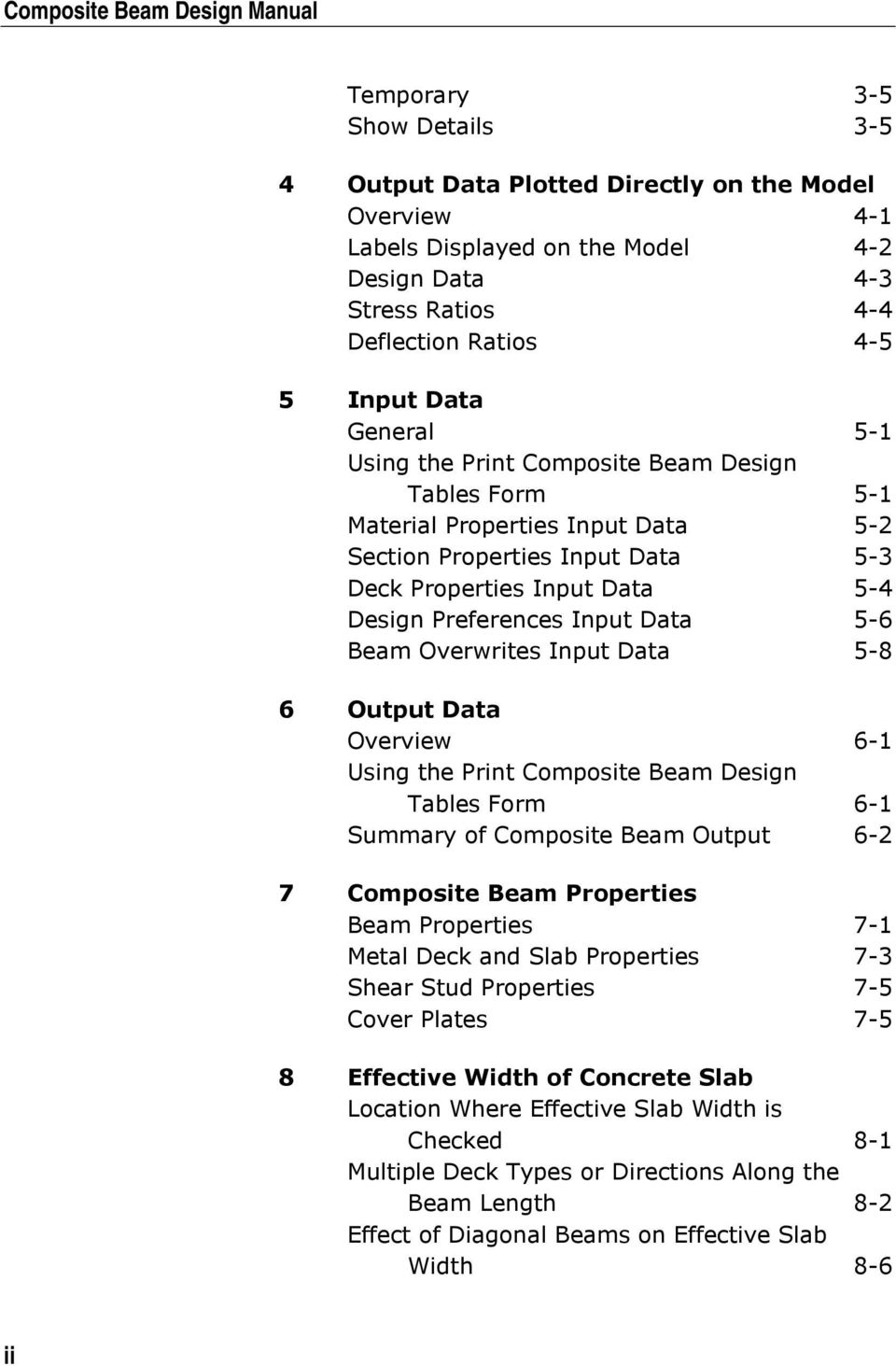
9 Composite Beam Design Manual Temporary 3-5 Show Details Output Data Plotted Directly on the Model Overview 4-1 Labels Displayed on the Model 4-2 Design Data 4-3 Stress Ratios 4-4 Deflection Ratios Input Data General 5-1 Using the Print Composite Beam Design Tables Form 5-1 Material Properties Input Data 5-2 Section Properties Input Data 5-3 Deck Properties Input Data 5-4 Design Preferences Input Data 5-6 Beam Overwrites Input Data Output Data Overview 6-1 Using the Print Composite Beam Design Tables Form 6-1 Summary of Composite Beam Output Composite Beam Properties Beam Properties 7-1 Metal Deck and Slab Properties 7-3 Shear Stud Properties 7-5 Cover Plates Effective Width of Concrete Slab Location Where Effective Slab Width is Checked 8-1 Multiple Deck Types or Directions Along the Beam Length 8-2 Effect of Diagonal Beams on Effective Slab Width 8-6 ii
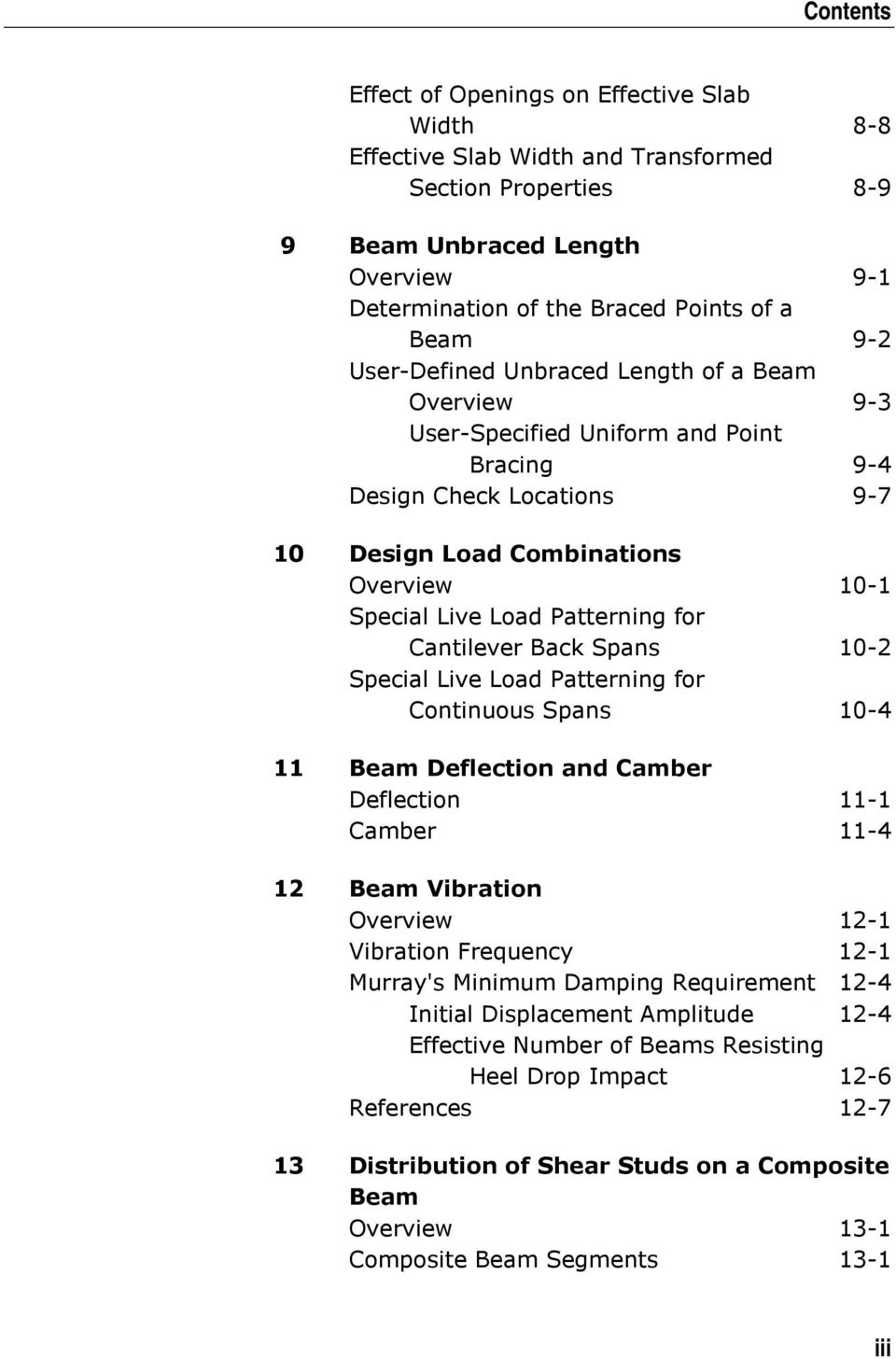
10 Contents Effect of Openings on Effective Slab Width 8-8 Effective Slab Width and Transformed Section Properties Beam Unbraced Length Overview 9-1 Determination of the Braced Points of a Beam 9-2 User-Defined Unbraced Length of a Beam Overview 9-3 User-Specified Uniform and Point Bracing 9-4 Design Check Locations Design Load Combinations Overview 10-1 Special Live Load Patterning for Cantilever Back Spans 10-2 Special Live Load Patterning for Continuous Spans Beam Deflection and Camber Deflection 11-1 Camber Beam Vibration Overview 12-1 Vibration Frequency 12-1 Murray's Minimum Damping Requirement 12-4 Initial Displacement Amplitude 12-4 Effective Number of Beams Resisting Heel Drop Impact 12-6 References Distribution of Shear Studs on a Composite Beam Overview 13-1 Composite Beam Segments 13-1 iii
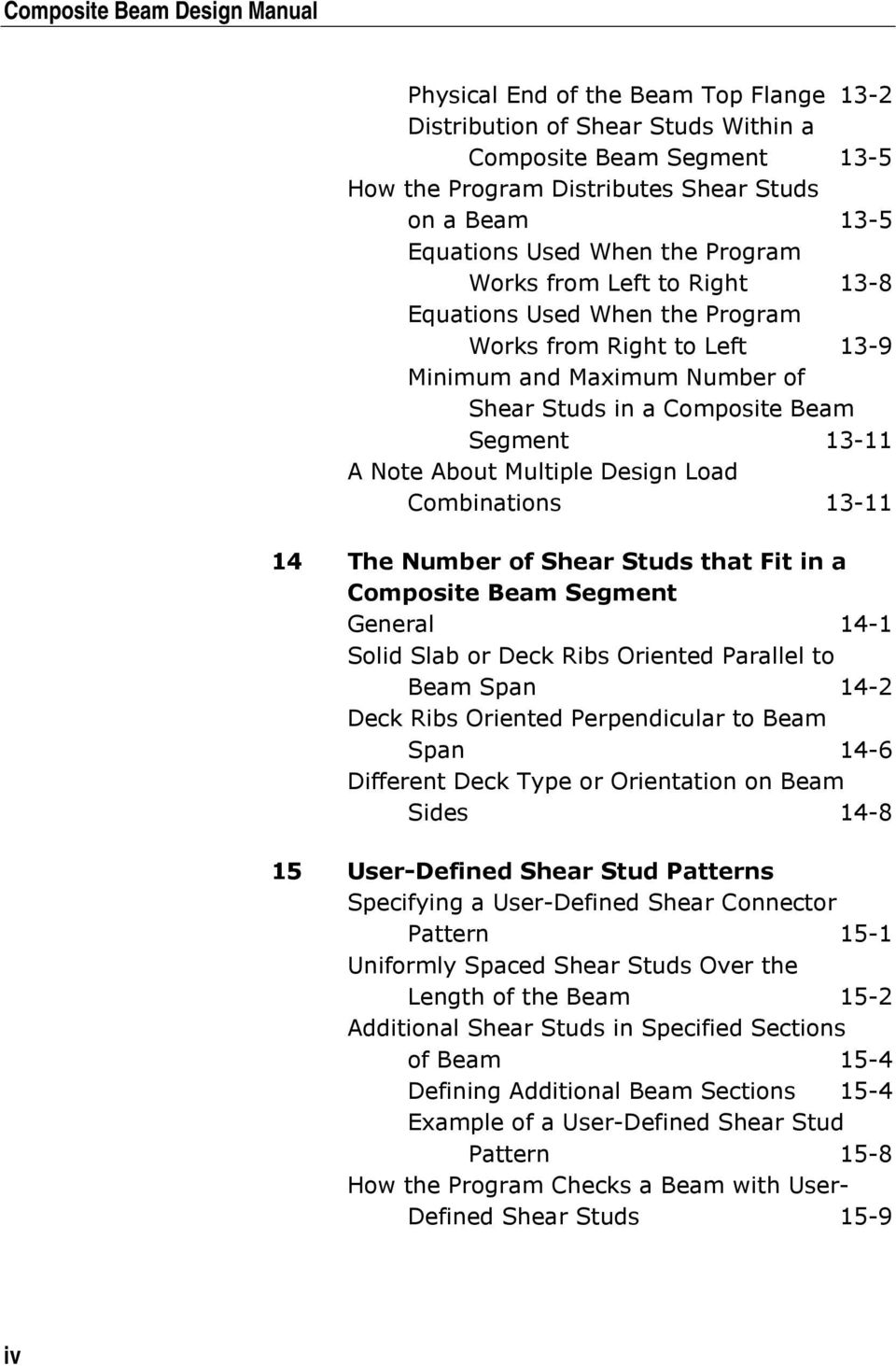
11 Composite Beam Design Manual Physical End of the Beam Top Flange 13-2 Distribution of Shear Studs Within a Composite Beam Segment 13-5 How the Program Distributes Shear Studs on a Beam 13-5 Equations Used When the Program Works from Left to Right 13-8 Equations Used When the Program Works from Right to Left 13-9 Minimum and Maximum Number of Shear Studs in a Composite Beam Segment A Note About Multiple Design Load Combinations The Number of Shear Studs that Fit in a Composite Beam Segment General 14-1 Solid Slab or Deck Ribs Oriented Parallel to Beam Span 14-2 Deck Ribs Oriented Perpendicular to Beam Span 14-6 Different Deck Type or Orientation on Beam Sides User-Defined Shear Stud Patterns Specifying a User-Defined Shear Connector Pattern 15-1 Uniformly Spaced Shear Studs Over the Length of the Beam 15-2 Additional Shear Studs in Specified Sections of Beam 15-4 Defining Additional Beam Sections 15-4 Example of a User-Defined Shear Stud Pattern 15-8 How the Program Checks a Beam with User- Defined Shear Studs 15-9 iv
12 Contents Composite Beam Design Specific to AISC-ASD89 16 General and Notation Introduction to the AISC-ASD89 Series of Technical Notes 16-1 Notation Preferences General 17-1 Using the Preferences Form 17-1 Preferences 17-2 Factors Tab 17-3 Beam Tab 17-3 Deflection Tab 17-4 Vibration Tab 17-5 Price Tab Overwrites General 18-1 Using the Composite Beam Overwrites Form 18-2 Overwrites 18-3 Beam Tab 18-4 Bracing (C) Tab and Bracing Tab 18-6 Deck Tab 18-9 Shear Studs Tab Deflection Tab Vibration Tab Miscellaneous Tab EQ Factor Width-to-Thickness Checks Overview 19-1 Limiting Width-to-Thickness Ratios for Flanges 19-2 Compact Section Limits for Flanges 19-2 Noncompact Section Limits for Flanges 19-2 v

13 Composite Beam Design Manual Limiting Width-to-Thickness Ratios for Webs 19-3 Compact Section Limits for Webs 19-3 Noncompact Section Limits for Webs 19-3 Limiting Width-to-Thickness Ratios for Cover Plates 19-4 Compact Section Limits for Cover Plates 19-5 Noncompact Section Limits for Cover Plates Transformed Section Moment of Inertia Background 20-2 Properties of Steel Beam (Plus Cover Plate) Alone 20-4 Properties of the Composite Section General Calculation Method 20-7 Equivalent Hand Calculation Method to Calculate the Distance y e Background Equations Hand Calculation Process for y e Equivalent Hand Calculation Method to Calculate the Composite Properties Elastic Stresses with Partial Composite Connection Effective Moment of Inertia for Partial Composite Connection 21-1 Effective Section Modulus Referred to the Extreme Tension Fiber 21-2 Location of the ENA for Partial Composite Connection 21-3 Steel Section Stresses for Partial Composite Connection 21-5 Concrete Slab Stresses for Partial Composite Connection Allowable Bending Stresses General 22-1 vi

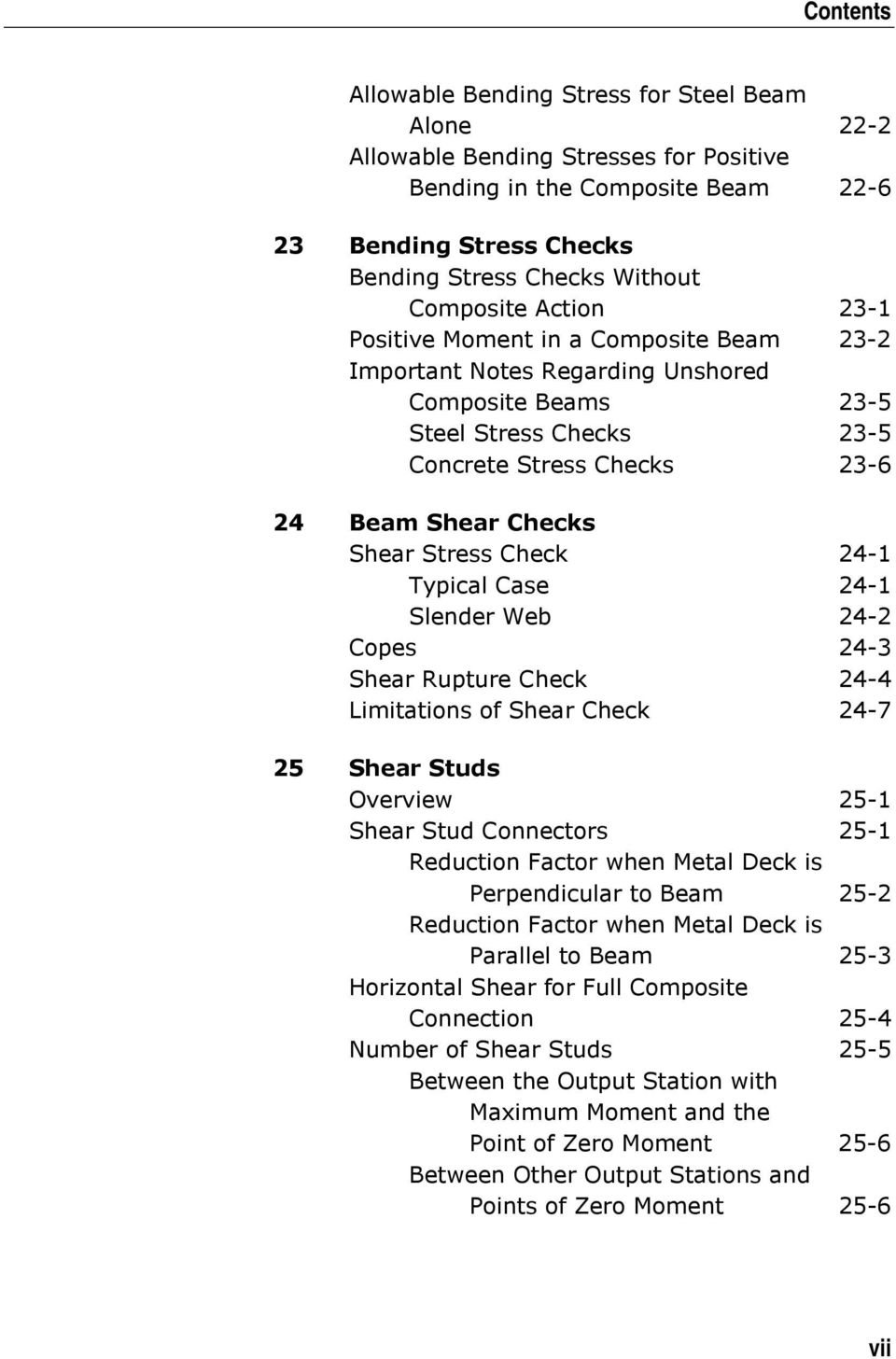
14 Contents Allowable Bending Stress for Steel Beam Alone 22-2 Allowable Bending Stresses for Positive Bending in the Composite Beam Bending Stress Checks Bending Stress Checks Without Composite Action 23-1 Positive Moment in a Composite Beam 23-2 Important Notes Regarding Unshored Composite Beams 23-5 Steel Stress Checks 23-5 Concrete Stress Checks Beam Shear Checks Shear Stress Check 24-1 Typical Case 24-1 Slender Web 24-2 Copes 24-3 Shear Rupture Check 24-4 Limitations of Shear Check Shear Studs Overview 25-1 Shear Stud Connectors 25-1 Reduction Factor when Metal Deck is Perpendicular to Beam 25-2 Reduction Factor when Metal Deck is Parallel to Beam 25-3 Horizontal Shear for Full Composite Connection 25-4 Number of Shear Studs 25-5 Between the Output Station with Maximum Moment and the Point of Zero Moment 25-6 Between Other Output Stations and Points of Zero Moment 25-6 vii
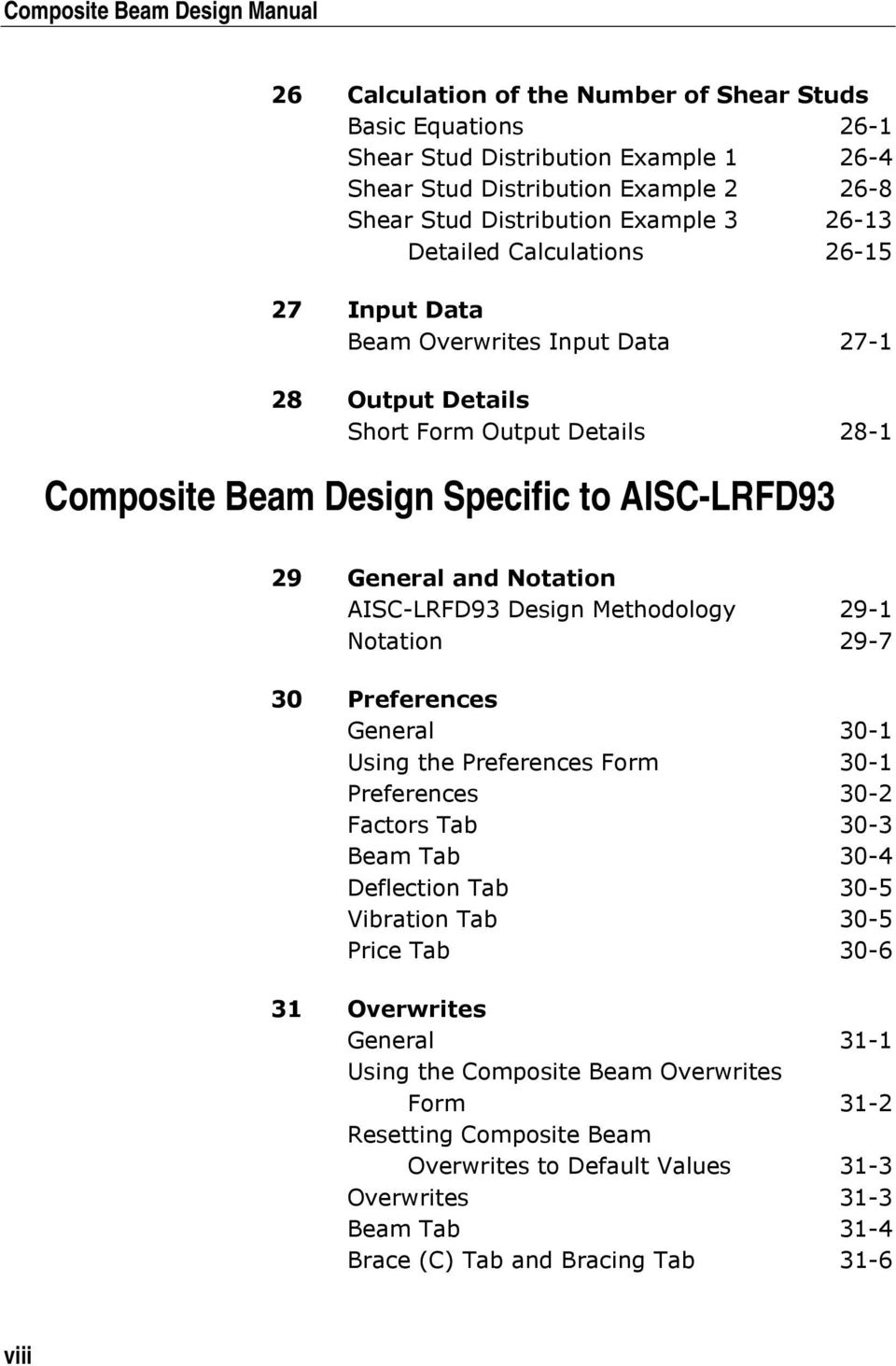
15 Composite Beam Design Manual 26 Calculation of the Number of Shear Studs Basic Equations 26-1 Shear Stud Distribution Example Shear Stud Distribution Example Shear Stud Distribution Example Detailed Calculations Input Data Beam Overwrites Input Data Output Details Short Form Output Details 28-1 Composite Beam Design Specific to AISC-LRFD93 29 General and Notation AISC-LRFD93 Design Methodology 29-1 Notation Preferences General 30-1 Using the Preferences Form 30-1 Preferences 30-2 Factors Tab 30-3 Beam Tab 30-4 Deflection Tab 30-5 Vibration Tab 30-5 Price Tab Overwrites General 31-1 Using the Composite Beam Overwrites Form 31-2 Resetting Composite Beam Overwrites to Default Values 31-3 Overwrites 31-3 Beam Tab 31-4 Brace (C) Tab and Bracing Tab 31-6 viii
16 Contents Deck Tab 31-9 Shear Studs Tab Deflection Tab Vibration Tab Miscellaneous Tab Design Load Combinations Strength Check for Construction Loads 32-1 Strength Check for Final Loads 32-2 Deflection Check for Final Loads 32-2 Reference Compact and Noncompact Requirements Overview 33-1 Limiting Width-to-Thickness Ratios for Flanges 33-2 Compact Section Limits for Flanges 33-2 Noncompact Section Limits for Flanges 33-2 Limiting Width-to-Thickness Ratios for Webs 33-3 Compact Section Limits for Webs 33-3 Noncompact Section Limits for Webs 33-4 Limiting Width-to-Thickness Ratios for Cover Plates 33-5 Compact Section Limits for Cover Plates 33-5 Noncompact Section Limits for Cover Plates Composite Plastic Moment Capacity for Positive Bending Overview 34-1 Location of the Plastic Neutral Axis 34-2 PNA in the Concrete Slab Above the Steel Beam 34-5 PNA within the Beam Top Flange 34-8 PNA within the Beam Top Fillet 34-9 PNA within the Beam Web ix

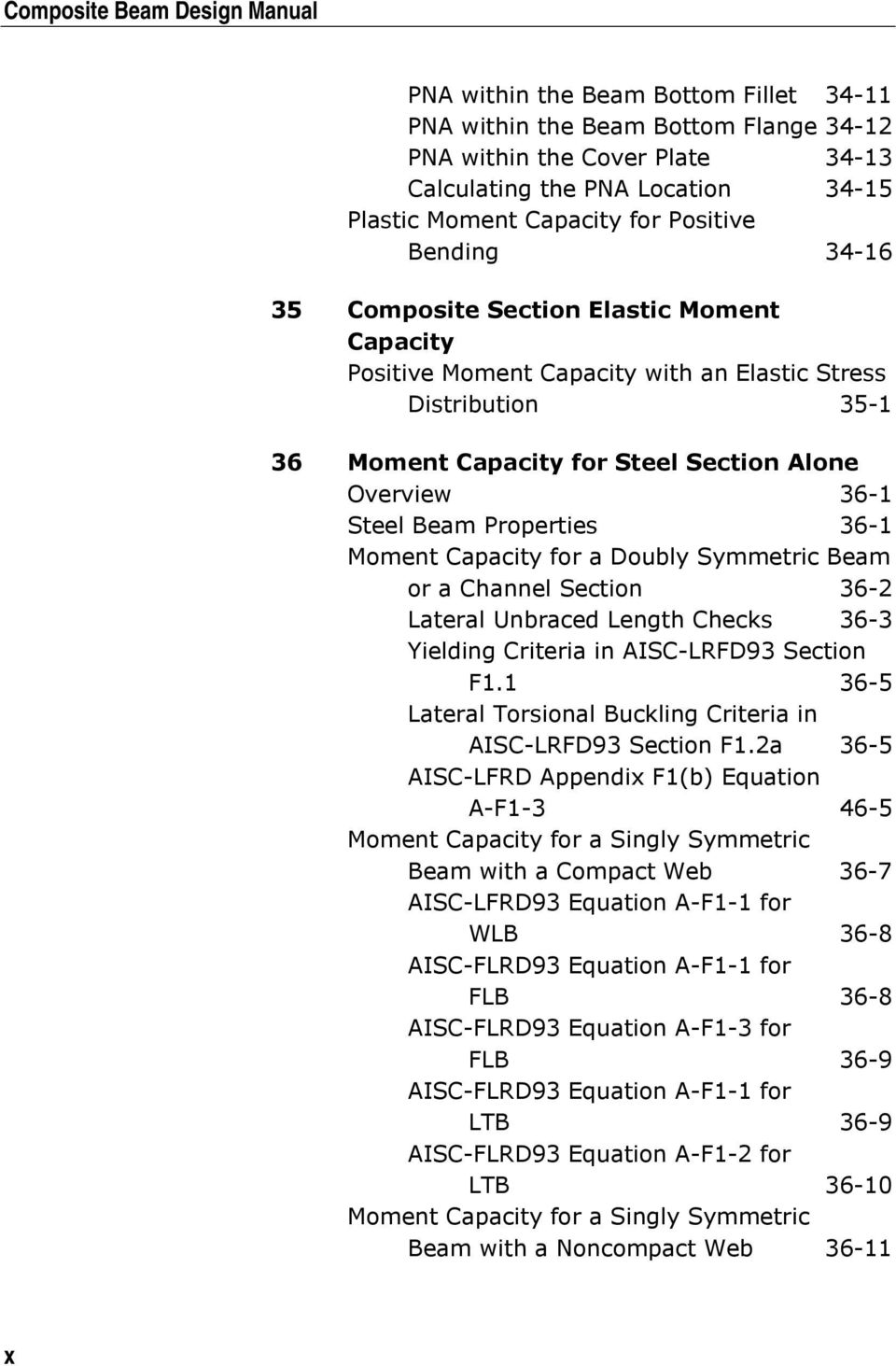
17 Composite Beam Design Manual PNA within the Beam Bottom Fillet PNA within the Beam Bottom Flange PNA within the Cover Plate Calculating the PNA Location Plastic Moment Capacity for Positive Bending Composite Section Elastic Moment Capacity Positive Moment Capacity with an Elastic Stress Distribution Moment Capacity for Steel Section Alone Overview 36-1 Steel Beam Properties 36-1 Moment Capacity for a Doubly Symmetric Beam or a Channel Section 36-2 Lateral Unbraced Length Checks 36-3 Yielding Criteria in AISC-LRFD93 Section F Lateral Torsional Buckling Criteria in AISC-LRFD93 Section F1.2a 36-5 AISC-LFRD Appendix F1(b) Equation A-F Moment Capacity for a Singly Symmetric Beam with a Compact Web 36-7 AISC-LFRD93 Equation A-F1-1 for WLB 36-8 AISC-FLRD93 Equation A-F1-1 for FLB 36-8 AISC-FLRD93 Equation A-F1-3 for FLB 36-9 AISC-FLRD93 Equation A-F1-1 for LTB 36-9 AISC-FLRD93 Equation A-F1-2 for LTB Moment Capacity for a Singly Symmetric Beam with a Noncompact Web x
18 Contents AISC-LFRD93 Equation A-F1-3 for WLB Partial Composite Connection with a Plastic Stress Distribution Estimating the Required Percent Composite Connection 37-1 Calculating MPFconc 37-2 Location of PNA 37-3 Determining the Effective Portion of the Concrete Slab 37-4 Moment Capacity of a Partially Composite Beam with a Plastic Stress Distribution Bending and Deflection Checks Bending Check Locations 38-1 Bending Check 38-1 Deflection Check Shear Connectors Shear Stud Connectors 39-1 Horizontal Shear for Full Composite Connection 39-1 Number of Shear Connectors 39-2 Between Maximum Moment and Point of Zero Moment 39-2 Between Point Load and Point of Zero Moment Beam Shear Capacity Shear Capacity 40-1 Checking the Beam Shear 40-2 Limitations of Beam Shear Check Input Data Beam Overwrites Input 41-1 xi

19 Composite Beam Design Manual 42 Output Details Short Form Output Details 42-1 Long Form Output Details 42-8 xii
20 COMPUTERS AND STRUCTURES, INC., BERKELEY, CALIFORNIA DECEMBER 2001 COMPOSITE BEAM DESIGN Technical Note 1 General Design Information This Technical Note presents some basic information and concepts that are useful when performing composite beam design using this program. Design Codes The design code is set using the Options menu > Preferences > Composite Beam Design command. You can choose to design for any one design code in any one design run. You cannot design some beams for one code and others for a different code in the same design run. You can however perform different design runs using different design codes without rerunning the analysis. Units For composite beam design in this program, any set of consistent units can be used for input. Typically, design codes are based on one specific set of units. The documentation in the Composite Beam Design series of Technical Notes is presented in kip-inch-seconds units unless otherwise noted. Again, any system of units can be used to define and design a building in the program. You can change the system of units at any time using the pull-down menu on the Status Bar or pull-down menu on individual forms where available. Note: You can use any set of units in composite beam design and you can change the units "on the fly." Beams Designed as Composite Beams Section Requirements for Composite Beams Only I-shaped and channel-shaped beams can be designed as composite beams. The I-shaped and channel-shaped beams can be selected from the Design Codes Technical Note 1-1

21 General Design Information Composite Beam Design built-in program section database, or they can be user defined. The userdefined sections can be specified using the Define menu > Frame Sections command and clicking either the Add I/Wide Flange or the Add Channel option. Note that beam sections that are defined in Section Designer are always treated as general sections. Thus, if you define an I-type or channel-type section in Section Designer, the program will consider it as a general section, not an I-shaped or channel-shaped section, and will not allow it to be designed as a composite beam. Note: Beam sections defined in the section designer utility cannot be designed as composite beams. Material Property Requirement for Composite Beams If a beam is to be designed as a composite beam, the Type of Design associated with the Material Property Data assigned to the beam must be Steel. Use the Define menu > Material Properties > Modify/Show Materials command to check your beams. Other Requirements for Composite Beams The line type associated with the line object that represents a composite beam must be "Beam." In other words, the beam element must lie in a horizontal plane. Right click on a line object to bring up the Line Information form to check the Line Type. For composite beams, the beam local 2-axis must be vertical. The Local axis 2 Angle is displayed on the Assignments tab of the Line Information form. Note: The line object representing a composite beam should span from support to support. Composite beams should not be modeled using multiple, adjacent line objects between supports for a single composite beam. The line object representing a composite beam should span from support to support. In the case of a cantilever beam overhang, the line object should span from the overhang support to the end of the beam. The cantilever beam back span should be modeled using a separate line object. If you do not model cantilever beams in this way, the analysis results for moments and Technical Note 1-2 Beams Designed as Composite Beams
22 Composite Beam Design General Design Information shears will still be correct but the design performed by the Composite Beam Design processor probably will not be correct. Frame Elements Designed by Default as Composite Beams The program will design certain frame elements using the design procedures documented in these Technical Notes by default. Those elements must meet the following restrictions: The beam must meet the section requirements described in the subsection entitled "Section Requirements for Composite Beams" in this Technical Note. The beam must meet the material property requirement described in the subsection entitled "Material Property Requirement for Composite Beams" in this Technical Note. The beam must meet the two other requirements described in the subsection entitled "Other Requirements for Composite Beams" in this Technical Note. At least one side of the beam must support deck that is specified as a Deck section (not a Slab or Wall section). The deck section can be filled, unfilled or a solid slab. When the deck is unfilled, the beam will still go through the Composite Beam Design postprocessor and will simply be designed as a noncomposite beam. The beam must not frame continuously into a column or a brace. Both ends of the beam must be pinned for major axis bending (bending about the local 3-axis). Overwriting the Frame Design Procedure for a Composite Beam The three procedures possible for steel beam design are: Composite beam design Steel frame design No design By default, steel sections are designed using either the composite beam design procedure or the steel frame design procedure. All steel sections that Beams Designed as Composite Beams Technical Note 1-3
23 General Design Information Composite Beam Design meet the requirements described in the previous subsection entitled "Frame Elements Designed by Default as Composite Beams" are by default designed using the composite beam design procedures. All other steel frame elements are by default designed using the steel frame design procedures. Change the default design procedure used for a beam(s) by selecting the beam(s) and clicking Design menu > Overwrite Frame Design Procedure. This change is only successful if the design procedure assigned to an element is valid for that element. For example, if you select two steel beams, one an I-section and the other a tube section, and attempt to change the design procedure to Composite Beam Design, the change will be executed for the I-section, but not for the tube section because it is not a valid section for the composite beam design procedure. A section is valid for the composite beam design procedure if it meets the requirements specified in the subsections entitled "Section Requirements for Composite Beams," "Material Property Requirement for Composite Beams" and "Other Requirements for Composite Beams" earlier in this Technical Note. Note that the procedures documented for composite beam design allow for designing a beam noncompositely. One of the overwrites available for composite beam design is to specify that selected beams are either designed as composite, noncomposite but still with a minimum number of shear studs specified, or noncomposite with no shear studs. These overwrites do not affect the design procedure. Changing the overwrite to one of the noncomposite designs does not change the design procedure from Composite Beam Design to Steel Frame Design. The noncomposite design in this case is still performed from within the Composite Beam Design postprocessor. Using the composite beam design procedure, out-of-plane bending is not considered and slender sections are not designed. This is different from the Steel Frame Design postprocessor. Thus, the design results obtained for certain beams may be different, depending on the design procedure used. Finally, note that you can specify that the composite beam design procedures are to be used for a beam even if that beam does not support any deck, or for that matter, even if no slab is specified. In these cases, the beam will be designed as a noncomposite beam by the Composite Beam Design postprocessor. Technical Note 1-4 Beams Designed as Composite Beams
24 Composite Beam Design General Design Information How the Program Optimizes Design Groups This section describes the process the program uses to select the optimum section for a design group. In this description, note the distinction between the term section, which refers to a beam section in an auto select section list, and the term beam, which refers to a specific element in the design group. When considering design groups, the program first discards any beam in the design group that is not assigned an auto select section list. Next, the program looks at the auto select section list assigned to each beam in the design group and creates a new list that contains the sections that are common to all of the auto select section lists in the design group. The program sorts this new common section list in ascending order, from smallest section to largest section based on section weight (area). Note: When designing with design groups, the program attempts to quickly eliminate inadequate beams. The program then finds the beam with the largest positive design moment in the design group, or the "pseudo-critical beam." The program then checks the design of the pseudo-critical beam for all sections in the common section list. Any sections in the common section list that are not adequate for the pseudocritical beam are discarded from the common section list, making the list shorter. This new list is the shorter common section list. The shorter common section list is still in ascending order based on section weight (area). Now the program checks all beams in the design group for the first section (smallest by weight [area]) in the shorter common section list. If the optimization is being performed on the basis of beam weight and the section is adequate for all beams in the design group, the optimum section has been identified. If the section is not adequate for a beam, the next higher section in the shorter common section list is tried until a section is found that is adequate for all beams in the design group. If the optimization is based on price instead of weight, the program finds the first section in the shorter common section list (i.e., the one with the lowest weight) that is adequate for all beams. Next it calculates the cost of this first How the Program Optimizes Design Groups Technical Note 1-5
25 General Design Information Composite Beam Design adequate section and then determines the theoretical heaviest section that could still have a cost equal to the adequate section by dividing the total price of the beam with the adequate section (steel plus camber plus shear connectors) by the unit price of the steel. This assumes that when the cost of the steel section alone is equal to or greater than the total cost of the adequate section, the section could not have a total cost less than the adequate section. The program then checks any other sections in the shorter common section list that have a weight less than or equal to the calculated maximum weight. If any of the other sections are also adequate, a cost is calculated for them. Finally, the section with the lowest associated cost is selected as the optimum section for the design group. Regardless of whether the optimization is based on weight or cost, if all sections in the shorter common section list are tried and none of them are adequate for all of the beams in the design group, the program proceeds to design each beam in the design group individually based on its own auto section list and ignores the rest of the design group. If for a particular beam none of the sections in the auto select section list are adequate, the program displays results for the section in the auto select list with the smallest controlling ratio in a red font. Note that the controlling ratio may be based on stress or deflection. Note: By default, the program selects the optimum composite beam size based on weight, not price. Using Price to Select Optimum Beam Sections By default, when auto select section lists are assigned to beams, the program compares alternate acceptable composite beam designs based on the weight of the steel beam (not including the cover plate, if it exists) to determine the optimum section. The beam with the least weight is considered the optimum section. The choice of optimum section does not consider the number of shear connectors required or if beam camber is required. Technical Note 1-6 Using Price to Select Optimum Beam Sections
26 Composite Beam Design General Design Information Important Note about Optimizing Beams by Weight and Price When a beam is optimized by weight, the program internally optimizes the beam based on area of steel (excluding the cover plate, if it exists). Thus, the weight density specified for the steel is irrelevant in such a case. When a beam is optimized by price, the program determines the price associated with the steel by multiplying the volume of the beam (including the cover plate, if it exists) by the weight density of the beam by the price per unit weight specified in the material properties for the steel. The price associated with camber is determined by multiplying the volume of the beam (including the cover plate, if it exists) by the weight density of the beam by the specified price per unit weight for camber defined in the composite beam preferences. The price for shear connectors is determined by multiplying the total number of shear connectors by the price per connector specified in the composite beam preferences. The total price for the beam is determined by summing the prices for the steel, camber and shear connectors. Thus, when a beam is optimized by price, the weight density for the steel is important and must be correctly specified for the price to be correctly calculated. Note that the volume of the beam is calculated by multiplying the area of the steel beam (plus the area of the cover plate, if used) by the length of the beam from center-of-support to center-of-support You can request that the program use price to determine the optimum section by clicking the Options menu > Preferences > Composite Beam Design command, selecting the Price tab and setting the "Optimize for Price" item to Yes. If you request a price analysis, the program compares alternate acceptable beam designs based on their price and selects the one with the least cost as the optimum section. For the cost comparison, specify costs for steel, shear studs and beam camber. The steel cost is specified as a part of the steel material property using the Define menu > Material Properties command. The shear stud and beam camber costs are specified in the composite beam preferences. The costs for steel and cambering are specified on a unit weight of the beam basis; for example, a cost per pound of the beam. The shear connector cost is specified on a cost per connector. By assigning different prices for steel, shear Using Price to Select Optimum Beam Sections Technical Note 1-7
27 General Design Information Composite Beam Design connectors and camber, you can influence the choice of optimum section. The cost of the cover plate is not included in the comparison (but it would be the same for all beam sections if it were included). See the previous "Important Note about Optimizing Beams by Weight and Price" for additional information. Design Load Combinations Using the Composite Beam Design postprocessor, three separate types of load combinations are considered. They are: Construction load strength design load combinations Final condition strength design load combinations Final condition deflection design load combinations You can specify as many load combinations as you want for each of these types. In addition, the program creates special live load patterns for cantilever beams. See Composite Beam Design Technical Note 20 Design Load Combinations for additional information on design load combinations for the Composite Beam Design postprocessor. Analysis Sections and Design Sections Analysis sections are those section properties used to analyze the model when you click the Analyze menu > Run Analysis command. The design section is whatever section has most currently been designed and thus designated the current design section. Tip: It is important to understand the difference between analysis sections and design sections. It is possible for the last used analysis section and the current design section to be different. For example, you may have run your analysis using a W18X35 beam and then found in the design that a W16X31 beam worked. In that case, the last used analysis section is the W18X35 and the current design section is the W16X31. Before you complete the design process, verify that the last used analysis section and the current design section are the same. Technical Note 1-8 Design Load Combinations
28 Composite Beam Design General Design Information The Design menu > Composite Beam Design > Verify Analysis vs Design Section command is useful for this task. The program keeps track of the analysis section and the design section separately. Note the following about analysis and design sections: Assigning a beam a frame section property using the Assign menu > Frame/Line > Frame Section command assigns the section as both the analysis section and the design section. Running an analysis using the Analyze menu > Run Analysis command (or its associated toolbar button) always sets the analysis section to be the same as the current design section. Assigning an auto select list to a frame section using the Assign menu > Frame/Line > Frame Section command initially sets the design section to be the beam with the median weight in the auto select list. Unlocking a model deletes the design results, but it does not delete or change the design section. Using the Design menu > Composite Beam Design > Select Design Combo command to change a design load combination deletes the design results, but it does not delete or change the design section. Using the Define menu > Load Combinations command to change a design load combination deletes the design results, but it does not delete or change the design section. Using the Options menu > Preferences > Composite Beam Design command to change any of the composite beam design preferences deletes the design results, but it does not delete or change the design section. Deleting the static nonlinear analysis results also deletes the design results for any load combination that includes static nonlinear forces. Typically, static nonlinear analysis and design results are deleted when one of the following actions is taken: Use the Define menu > Frame Nonlinear Hinge Properties command to redefine existing or define new hinges. Analysis Sections and Design Sections Technical Note 1-9
29 General Design Information Composite Beam Design Use the Define menu > Static Nonlinear/Pushover Cases command to redefine existing or define new static nonlinear load cases. Use the Assign menu > Frame/Line > Frame Nonlinear Hinges command to add or delete hinges. Again, note that these actions delete only results for load combinations that include static nonlinear forces. Output Stations Frame output stations are designated locations along a frame element. They are used as locations to report output forces and to perform design, and as plotting points used for graphic display of force diagrams. When force diagrams are plotted, exact forces are plotted at each output station and then those points are connected by straight lines. Output stations occur at userspecified locations and at point load locations along a beam. Designate the output stations for a frame element using the Assign menu. Note: Access the display of frame element output stations using the View menu. For composite beam design, the program checks the moments, shears and deflections at each output station along the beam. No checks are made at any points along the beam that are not output stations. Technical Note 1-10 Output Stations
30 COMPUTERS AND STRUCTURES, INC., BERKELEY, CALIFORNIA DECEMBER 2001 COMPOSITE BEAM DESIGN Technical Note 2 Composite Beam Design Process This Technical Notes describes a basic composite beam design process using this program. Although the exact steps you follow may vary, the basic design process should be similar to that described herein. Separate processes are described for design of a new building and check of an existing building. Other Technical Notes in the Composite Beam Design General series provide additional information. Design Process for a New Building The following sequence describes a typical composite beam design process for a new building. Note that although the sequence of steps you follow may vary, the basic process probably will be essentially the same. 1. Use the Options menu > Preferences > Composite Beam Design command to choose the composite beam design code and to review other composite beam design preferences and revise them if necessary. Note that default values are provided for all composite beam design preferences, so it is unnecessary to define any preferences unless you want to change some of the default values. See AISC-ASD89 Composite Beam Design Technical Note 17 Preferences and AISC-LRFD93 Composite Beam Design Technical Note 30 Preferences for more information about preferences. 2. Create the building model, as described in Volumes 1 and Run the building analysis using the Analyze menu > Run Analysis command. 4. Assign composite beam overwrites, if needed, using the Design menu > Composite Beam Design > View/Revise Overwrites command. Note that you must select beams before using this command. Also note that default values are provided for all composite beam design overwrites so it is unnecessary to define overwrites unless you want to change some of Design Process for a New Building Technical Note 2-1
31 Composite Beam Design Process Composite Beam Design the default values. Note that the overwrites can be assigned before or after the analysis is run. See AISC-ASD89 Composite Beam Design Technical Note 18 Overwrites and See AISC-LRFD93 Composite Beam Design Technical Note 31 Overwrites. 5. Designate design groups, if desired, using the Design menu > Composite Beam Design > Select Design Group command. Note that you must have already created some groups by selecting objects and clicking the Assign menu > Group Names command. 6. To use design load combinations other than the defaults created by the program for composite beam design, click the Design menu > Composite Beam Design > Select Design Combo command. Note that you must have already created your own design combos by clicking the Define menu > Load Combinations command. Note that for composite beam design, you specify separate design load combinations for construction loading, final loading considering strength, and final loading considering deflection. Design load combinations for each of these three conditions are specified using the Design menu > Composite Beam Design > Select Design Combo command. See Composite Beam Design Technical Note 10 Design Load Combinations. 7. Click the Design menu > Composite Beam Design > Start Design/Check of Structure command to run the composite beam design. 8. Review the composite beam design results by doing one of the following: a. Click the Design menu > Composite Beam Design > Display Design Info command to display design input and output information on the model. See Composite Beam Design Technical Note 4 Data Plotted Directly on the Model. b. Right click on a beam while the design results are displayed on it to enter the interactive design mode and interactively design the beam. Note that while you are in this mode, you can also view diagrams (load, moment, shear and deflection) and view design details on the screen. See Composite Beam Design Technical Note 3 Interactive Composite Beam Design for more information. Technical Note 2-2 Design Process for a New Building
32 Composite Beam Design Composite Beam Design Process If design results are not currently displayed (and the design has been run), click the Design menu > Composite Beam Design > Interactive Composite Beam Design command and then right click a beam to enter the interactive design mode for that beam. c. Use the File menu > Print Tables > Composite Beam Design command to print composite beam design data. If you select beams before using this command, data is printed only for the selected beams. See AISC-ASD89 Composite Beam Design Technical Note 27 Input Data, AISC-LRFD93 Composite Beam Design Technical Note 41 Input Data, AISC-ASD89 Composite Beam Design Technical Note 28 Output Details, and AISC-LRFD93 Composite Beam Design Technical Note 42 Output Details for more information. d. Use the Design menu > Composite Beam Design > Verify all Members Passed command to verify that no members are overstressed or otherwise unacceptable. 9. Use the Design menu > Composite Beam Design > Change Design Section command to change the beam design section properties for selected beams. 10. Click the Design menu > Composite Beam Design > Start Design/Check of Structure command to rerun the composite beam design with the new section properties. Review the results using the procedures described in Step Rerun the building analysis using the Analyze menu > Run Analysis command. Note that the beam section properties used for the analysis are the last specified design section properties. 12. Click the Design menu > Composite Beam Design > Start Design/Check of Structure command to rerun the composite beam design with the new analysis results and new section properties. Review the results using the procedures described in Step Again use the Design menu > Composite Beam Design > Change Design Section command to change the beam design section properties for selected beams, if necessary. Design Process for a New Building Technical Note 2-3
33 Composite Beam Design Process Composite Beam Design 14. Repeat Steps 11, 12 and 13 as many times as necessary. Note: Composite beam design in the program is an iterative process. Typically, the analysis and design will be rerun multiple times to complete a design. 15. Select all beams and click the Design menu > Composite Beam Design > Make Auto Select Section Null command. This removes any auto select section list assignments from the selected beams. 16. Rerun the building analysis using the Analyze menu > Run Analysis command. Note that the beam section properties used for the analysis are the last specified design section properties. 17. Click the Design menu > Composite Beam Design > Start Design/Check of Structure command to rerun the composite beam design with the new section properties. Review the results using the procedures described above. 18. Click the Design menu > Composite Beam Design > Verify Analysis vs Design Section command to verify that all of the final design sections are the same as the last used analysis sections. 19. Use the File menu > Print Tables > Composite Beam Design command to print selected composite beam design results if desired. See AISC-ASD89 Composite Beam Design Technical Note 28 Output Details and AISC-LRFD93 Composite Beam Design Technical Note 42 Output Details It is important to note that design is an iterative process. The sections used in the original analysis are not typically the same as those obtained at the end of the design process. Always run the building analysis using the final beam section sizes and then run a design check using the forces obtained from that analysis. Use the Design menu > Composite Beam Design > Verify Analysis vs Design Section command to verify that the design sections are the same as the analysis sections. Check Process for an Existing Building The following sequence is a typical composite beam check process for an existing building. In general, the check process is easier than the design process Technical Note 2-4 Check Process for an Existing Building
34 Composite Beam Design Composite Beam Design Process for a new building because iteration is not required. Note that although the sequence of steps you follow may vary, the basic process probably will be essentially the same. Tip: You can define your own shear stud patterns on the Shear Studs tab in the composite beam overwrites. This allows you to model existing structures with composite floor framing. 1. Use the Options menu > Preferences > Composite Beam Design command to choose the composite beam design code and to review other composite beam design preferences and revise them if necessary. Note that default values are provided for all composite beam design preferences so it is unnecessary to define preferences unless you want to change some of the default preference values. See AISC-ASD89 Composite Beam Design Technical Note 17 Preferences and AISC-LRFD93 Composite Beam Design Technical Note 30 Preferences for more information about preferences. 2. Create the building model, as explained in Volumes 1 and Run the building analysis using the Analyze menu > Run Analysis command. 4. Assign composite beam overwrites, including the user-defined shear stud patterns, using the Design menu > Composite Beam Design > View/Revise Overwrites command. Note that you must select beams first before using this command. See AISC-ASD89 Composite Beam Design Technical Note 18 Overwrites and See AISC-LRFD93 Composite Beam Design Technical Note 31 Overwrites. 5. Click the Design menu > Composite Beam Design > Start Design/Check of Structure command to run the composite beam design. 6. Review the composite beam design results by doing do one of the following: a. Click the Design menu > Composite Beam Design > Display Design Info command to display design input and output information on the model. See Composite Beam Design Technical Note 4 Data Plotted Directly on the Model. Check Process for an Existing Building Technical Note 2-5
35 Composite Beam Design Process Composite Beam Design b. Right click on a beam while the design results are displayed on it to enter the interactive design and review mode and review the beam design. Note that while you are in this mode you can also view diagrams (load, moment, shear and deflection) and view design details on the screen. See Composite Beam Design Technical Note 3 Interactive Composite Beam Design for more information. If design results are not currently displayed (and the design has been run), click the Design menu > Composite Beam Design > Interactive Composite Beam Design command and then right click a beam to enter the interactive design mode for that beam. c. Use the File menu > Print Tables > Composite Beam Design command to print composite beam design data. If you select beams before using this command, data is printed only for the selected beams. d. Use the Design menu > Composite Beam Design > Verify all Members Passed command to verify that no members are overstressed or otherwise unacceptable. See AISC-ASD89 Composite Beam Design Technical Note 27 Input Data, AISC-LRFD93 Composite Beam Design Technical Note 41 Input Data, AISC-ASD89 Composite Beam Design Technical Note 28 Output Details, and AISC-LRFD93 Composite Beam Design Technical Note 42 Output Details for more information. Technical Note 2-6 Check Process for an Existing Building
36 COMPUTERS AND STRUCTURES, INC., BERKELEY, CALIFORNIA DECEMBER 2001 COMPOSITE BEAM DESIGN Technical Note 3 Interactive Composite Beam Design Interactive composite beam design is a powerful feature that allows the user to review the design results for any composite beam and interactively revise the design assumptions and immediately review the revised results. Note that a design must have been run for the interactive design mode to be available. To enter the interactive design mode and interactively design the beam, right click on a beam while the design results are displayed in the active window. If design results are not displayed (and the design has been run), click the Design menu > Composite Beam Design > Interactive Composite Beam Design command and then right click a beam. The following sections describe the features that are included in the Interactive Composite Beam Design and Review form. Member Identification Story ID This is the story level ID associated with the composite beam. Beam Label This is the label associated with the composite beam. Design Group This list box displays the name of the design group that the beam is assigned to if that design group was considered in the design of the beam. If the beam is part of a design group but the design group was not considered in the design, N/A is displayed. If the beam is not assigned to any design group, "NONE" is displayed. If a beam is redesigned as a result of a change made in the Interactive Composite Beam Design and Review form, the design group is ignored and only the single beam is considered. Thus, as soon as you design a beam in the Member Identification Technical Note 3-1
37 Interactive Composite Beam Design Composite Beam Design Interactive Composite Beam Design and Review form, the Design Group box either displays N/A or None. You cannot directly edit the contents of this list box. Section Information Auto Select List This drop-down box displays the name of the auto select section list assigned to the beam. If no auto select list has been assigned to the beam, NONE is displayed. You can change this item to another auto select list or to NONE while in the form and the design results will be updated immediately. If you change this item to NONE, the design is performed for the Current Design/Next Analysis section property. Optimal If an auto select section list is assigned to the beam, this list box displays the optimal section as determined by beam weight or price, depending on what has been specified in the composite beam preferences. If no auto select list is assigned to the beam, N/A is displayed for this item. You cannot directly edit the contents of this list box. Last Analysis This list box displays the name of the section that was used for this beam in the last analysis. Thus, the beam forces are based on a beam of this section property. For the final design iteration, the Current Design/Next Analysis section property and the Last Analysis section property should be the same. You cannot directly edit the contents of this list box. Current Design/Next Analysis This list box displays the name of the current design section property. If the beam is assigned an auto select list, the section displayed in this form initially defaults to the optimal section. Tip: The section property displayed for the Current Design/Next Analysis item is used by the program as the section property for the next analysis run. Technical Note 3-2 Section Information
38 Composite Beam Design Interactive Composite Beam Design If no auto select list has been assigned to the beam, the beam design is performed for the section property specified in this edit box. It is important to note that subsequent analyses use the section property specified in this list box for the next analysis section for the beam. Thus, the forces and moments obtained in the next analysis are based on this beam size. The Current Design/Next Analysis section property can be changed by clicking the Sections button that is described later in this Technical Note. Important note: Changes made to the Current Design/Next Analysis section property are permanently saved (until you revise them again) if you click the OK button to exit the Interactive Composite Beam Design and Review form. If you exit the form by clicking the Cancel button, these changes are considered temporary and are not permanently saved. Acceptable Sections List The Acceptable Sections List includes the following information for each beam section that is acceptable for all considered design load combinations. Section name Steel yield stress, Fy Connector layout Camber Ratio Tip: A single beam displayed in a red font in the Acceptable Sections List means that none of the sections considered were acceptable. Typically, the ratio displayed is the largest ratio obtained considering the stress ratios for positive moment, negative moment and shear for both construction loads and final loads, as well as the stud ratio(s), deflection ratios, and if they are specified to be considered when determining if a beam section is acceptable, the vibration ratios. Acceptable Sections List Technical Note 3-3
39 Interactive Composite Beam Design Composite Beam Design If the beam is assigned an auto select list, many beam sections may be listed in the Acceptable Sections List. If necessary, use the scroll bar to scroll through the acceptable sections. The optimal section is initially highlighted in the list. If the beam is not assigned an auto select list, only one beam section will be listed in the Acceptable Sections List. It is the same section as specified in the Current Design/Next Analysis edit box. At least one beam will always be shown in the Acceptable Sections List, even if none of the beams considered are acceptable. When no beams are acceptable, the program displays the section with the smallest maximum ratio in a red font. Thus, a single beam displayed in a red font in the Acceptable Sections List means that none of the sections considered were acceptable. ReDefine Sections Button Use the Sections button to change the Current Design/Next Analysis section property. This button can designate a new section property whether the section property is or is not displayed in the Acceptable Sections List. When you click on the Sections button, the Select Sections form appears. Assign any frame section property to the beam by clicking on the desired property and clicking OK. Note that if an auto select list is assigned to the beam, using the Sections button sets the auto select list assignment to NONE. Overwrites Button Click the overwrites button to access and make revisions to the composite beam overwrites and then immediately see the new design results. Modifying some overwrites in this mode and exiting both the Composite Beam Overwrites form and the Interactive Composite Beam Design and Review form by clicking their respective OK buttons permanently saves changes made to the overwrites. Exiting the Composite Beam Overwrites form by clicking the OK button temporarily saves changes. Subsequently exiting the Interactive Composite Beam Design and Review form by clicking the Cancel button cancels the changes made. Permanent saving of the overwrites does not occur until the OK but- Technical Note 3-4 ReDefine
40 Composite Beam Design Interactive Composite Beam Design tons in both the Composite Beam Overwrites form and the Interactive Composite Beam Design and Review form have been clicked. Temporary Combos Button Click this button to access and make temporary revisions to the design load combinations considered for the beam. This is useful for reviewing the results for one particular load combination, for example. You can temporarily change the considered design load combinations to be just the one you are interested in and review the results. The changes made to the considered design load combinations using the combos button are temporary. They are not saved when you exit the Interactive Composite Beam Design and Review form, whether you click OK or Cancel to exit it. Show Details Diagrams Button Clicking the Diagrams button displays a form with the following four types of diagrams for the beam. Applied loads Shear Moment Deflection The diagrams are plotted for specific design load combinations specified in the form by the user. Details Button Clicking the Details button displays design details for the beam. The information displayed is similar to the short form output that can be printed using the File menu > Print Tables > Composite Beam Design command. The Technical Notes describe short form output. Temporary Technical Note 3-5
41 Interactive Composite Beam Design Composite Beam Design Note: Stud Details Information is available using the Details button, but is not included in the short form output printed using File Menu > Print Tables> Composite Beam Design. Stud details information is one item included in the interactive design details that is not included in the short form output details (and thus not described in AISC-ASD89 Composite Beam Design Technical Note 28 Output Details or AISC-LRFD93 Composite Beam Design Technical Note 42 Output Details). This information is provided in a table with six columns on the Stud Details tab. The definitions of the column headings in this table are given in the following bullet items. Location: This is either Max Moment or Point Load. If it is Max Moment, the information on the associated row applies to the maximum moment location for the specified design load combination. If it is Point Load, the information on the associated row applies to the point load location for the specified design load combination. Distance: The distance of the Max Moment or Point Load location measured from the center of the support at the left end (I-end) of the beam. Combo: The final strength design load combination considered for the associated row of the table. L1 left: The dimension L 1 left associated with the specified location. See "How the Program Distributes Shear Studs on a Beam" in Composite Beam Design Technical Note 13 Distribution of Shear Studs on a Beam for more information. Recall that L 1 left is the distance from an output station to an adjacent point of zero moment or physical end of the beam top flange, or physical end of the concrete slab, measured toward the left end (I-end) of the beam. L1 right: The dimension L 1 right associated with the specified location. See "How the Program Distributes Shear Studs on a Beam" in Composite Beam Design Technical Note 13 Distribution of Shear Studs on a Beam for more information. Recall that L 1 right is the distance from an output station to an adjacent point of zero moment or physical end of the beam top flange, or physical Technical Note 3-6 Show Details
42 Composite Beam Design Interactive Composite Beam Design end of the concrete slab, measured toward the right end (J-end) of the beam Studs: The number of shear studs required between the specified location and adjacent points of zero moment, the end of the concrete slab, or the end of the beam top flange. The Stud Details table reports information at each maximum moment location and each point load location (if any) for each final strength design load combination. The Stud Detail information allows you to report your shear studs in composite beam segments that are different from the default composite beam segments used by the program. See "Composite Beam Segments" in Composite Beam Design Technical Note 13 Distribution of Shear Studs on a Beam for a definition of composite beam segments. It is very important that you understand how the program defines composite beam segments, because in the composite beam output, the program reports the required number of shear studs in each composite beam segment. See "How the Program Distributes Shear Studs on a Beam" in Composite Beam Design Technical Note 13 Distribution of Shear Studs on a Beam for discussion of how the program distributes shear studs along a beam. Show Details Technical Note 3-7
43
44 COMPUTERS AND STRUCTURES, INC., BERKELEY, CALIFORNIA DECEMBER 2001 COMPOSITE BEAM DESIGN Technical Note 4 Data Plotted Directly on the Model This Technical Note describes the input and output data that can be plotted directly on the model. Overview Use the Design menu > Composite Beam Design > Display Design Info command to display on-screen output plotted directly on the model. If desired, the screen graphics can then be printed using the File menu > Print Graphics command. The on-screen display data is organized into four data groups, as follows. Labels Design Data Stress Ratios Deflection Ratios Each of these data groups is described in more detail later in this Technical Note. It is important to note that items from different data groups cannot be displayed simultaneously. Tip: The colors related to the beam ratios can be modified by clicking the Options menu > Colors > Output command. When design information is displayed directly on the model, the frame elements are displayed in a color that indicates the value of their controlling ratio. (Note that this controlling ratio may be a stress ratio or a deflection ratio.) The colors associated with various ranges of ratios are specified in the Steel Ratios area of the Assign Output Colors form, which is accessed using the Options menu > Colors > Output command. Overview Technical Note 4-1
45 Data Plotted Directly on the Model Composite Beam Design Labels Displayed on the Model Beam labels and associated beam design group labels can be displayed on the model. A beam label is the label that is assigned to the line object that represents the composite beam. Tip: Long labels may not display or print properly (fully). If a beam has been assigned to a group that has been designated as a composite beam design group, the group name for the beam will be displayed when requested. If a beam is not part of a composite beam design group, no group name will be displayed for that beam. Note that you can assign beam design groups by clicking the Design menu > Composite Beam Design > Select Design Group command. As shown in Figure 1, beam labels (B7, B8, etc.) are plotted above or to the left of the beam, and beam design groups (Group01, Group07, etc.) are displayed below or to the right of the beam. B7 B23 Group08 B8 Group01 B24 Group07 B9 Group01 Floor Plan Figure 1: Example of Beam and Design Group Labels Technical Note 4-2 Labels Displayed on the Model
46 Composite Beam Design Data Plotted Directly on the Model Tip: The design data and ratios output that is plotted directly on the model is also available in text form in the short and long form printed output, which are described in AISC-ASD89 Composite Beam Design Technical Note 28 Output Details and AISC-LRFD93 Composite Beam Design Technical Note 42 Output Details. Design Data The following design data can be displayed on the model: Beam section (e.g., W18X35) Beam yield stress, Fy Shear stud layout Beam camber Beam end reactions One or more of these items can be displayed at the same time. Figure 2 shows an example where all five of these items are displayed. The beam section size (e.g., W18X35) is apparent and needs no further explanation. The beam yield stress is displayed just after the beam section size. The shear stud layout pattern is displayed in parenthesis just after the beam yield stress. The number of equally spaced shear studs is reported for each composite beam segment. See Composite Beam Segments in Composite Beam Design Technical Note 13 Distribution of Shear Studs on a Composite Beam for more information on composite beam segments. Important note: It is very important that you fully understand the concept of composite beam segments. This is necessary to properly interpret the output results for shear studs. The beam camber is displayed below or to the right of the beam. All other data is displayed above or to the left of the beam. The end reactions are displayed at each end of the beam. They are displayed below or to the right of the beam. The end reactions displayed are the maximum end reactions obtained from all design load combinations. Note that the Design Data Technical Note 4-3
47 Data Plotted Directly on the Model Composite Beam Design Yield stress W24X55 Fy=50 (16,16) 18.4 C= W16X26 Fy=36.00 (14) W18X35 Fy=36 (22) W18X35 Fy=36 (48) 25.2 C= W24X55 Fy=50 (16,16) 23.7 C= Right reaction Shear stud layout in parenthesis Camber Beam section Left reaction Floor Plan Figure 2: Example of Design Data that Can be Displayed on the Model left end reaction and the right end reaction displayed may be from two different design load combinations. Note that cover plate information is not displayed on the model. This information is available in the printed output (short form or long form; see AISC- ASD89 Composite Beam Design Technical Note 28 Output Details and AISC-LRFD93 Composite Beam Design Technical Note 42 Output Details) and in the overwrites. Tip: The length of the composite beam segments associated with the shear stud layout is documented in the short and long form printed output, which are described in AISC- ASD89 Composite Beam Design Technical Note 28 Output Details and AISC-LRFD93 Composite Beam Design Technical Note 42 Output Details. Stress Ratios The following design data can be displayed on the model: Construction load bending and shear ratios Final load bending and shear ratios Technical Note 4-4 Stress Ratios
48 Composite Beam Design Data Plotted Directly on the Model You can display the construction load ratios, the final load ratios, or both. Bending ratios are always displayed above or to the left of the beam. Shear ratios are always displayed below or to the right of the beam. When both construction and final stress ratios are displayed, the construction load ratios are displayed first, followed by the final load ratios. See Figure 3 for an example , , , , , , , , Construction load bending ratio 0.678, , Final load bending ratio 0.765, , Construction load shear ratio Final load shear ratio Floor Plan Legend Figure 3: Example of Stress Ratios That Are Displayed on the Model Deflection Ratios When the Deflection Ratios option is chosen, the program plots one or both of the following two ratios. The maximum live load deflection ratio (live load deflection divided by allowable live load deflection) for deflection loads. The maximum total load deflection ratio (total load deflection divided by allowable total load deflection) for deflection loads. When both ratios are plotted, the live load deflection ratio is plotted first, followed by the total load deflection ratio, as shown in Figure 4. Deflection Ratios Technical Note 4-5
49 Data Plotted Directly on the Model Composite Beam Design 0.521, , , , Floor Plan 0.392, Live load deflection ratio 0.521, Legend Total load deflection ratio Figure 4: Example of Deflection Ratios That Are Displayed on the Model Technical Note 4-6 Deflection Ratios
50 COMPUTERS AND STRUCTURES, INC., BERKELEY, CALIFORNIA DECEMBER 2001 COMPOSITE BEAM DESIGN Technical Note 5 Input Data General This Technical Note describes the composite beam input data that can be printed to a printer or to a text file when you click the File menu > Print Tables > Composite Beam Design command. You can print any combination of five data categories. Using the Print Composite Beam Design Tables Form To print composite beam design input data directly to a printer, use the File menu > Print Tables > Composite Beam Design command and click the check box on the Print Composite Beam Design Tables form next to the desired type(s) of input data. Click the OK button to send the print to your printer. Click the Cancel button rather than the OK button to cancel the print. Use the File menu > Print Setup command and the Setup>> button to change printers, if necessary. To print composite beam design input data to a file, use the File menu > Print Tables > Composite Beam Design command and click the Print to File check box on the Print Composite Beam Design Tables form. Click the Filename>> button to change the path or filename. Use the appropriate file extension for the desired format (e.g.,.txt,.xls,.doc). Click the OK buttons on the Open File for Printing Tables form and the Print Composite Beam Design Tables form to complete the request. Note: The File menu > Display Input/Output Text Files command is useful for displaying output that is printed to a text file. The Append check box allows you to add data to an existing file. The path and filename of the current file is displayed in the box near the bottom of the Print General Technical Note 5-1
51 Input Data Composite Beam Design Composite Beam Design Tables form. Data will be added to this file. Or use the Filename>> button to locate another file, and when the Open File for Printing Tables caution box appears, click Yes to replace the existing file. If you select a specific composite beam(s) before using the File menu > Print Tables > Composite Beam Design command, the Selection Only check box will be checked. The print will be for the selected beam(s) only. If you uncheck the Selection Only check box, the print will be for all composite beams. Material Properties Input Data The Material Properties input data item prints the concrete and steel material properties assigned to all frame sections that are the current design section for a selected composite beam. If no objects are selected, it prints the concrete and steel material properties assigned to all frame sections that are the current design section for any composite beam. The material properties printed in this output are those that are used in the composite beam design. For example, mass per unit volume is not used in the composite beam design so it is not printed in these tables. Table 1 lists the column headings in the material property tables and provides a brief description of what is in the columns. Table 1 Material Properties Input Data COLUMN HEADING Concrete Material Properties Material Label Modulus of Elasticity Unit Weight Concrete f'c DESCRIPTION Label (name) of the concrete material property. Modulus of elasticity, E c, of the concrete material. Note that this is the modulus of elasticity used for deflection calculations, but not necessarily for stress calculations. See "Effective Slab Width and Transformed Section Properties" in Composite Beam Design Technical Note 8 Effective Width of the Concrete Slab for more information. Weight per unit volume of the concrete. Compressive strength of the concrete. Technical Note 5-2 Material Properties Input Data
52 Composite Beam Design Input Data Table 1 Material Properties Input Data COLUMN HEADING Steel Material Properties DESCRIPTION Material Label Label (name) of the steel material property. Modulus of Elasticity Modulus of elasticity, E s, of the steel material. Unit Weight Weight per unit volume of the steel. Steel Fy Yield stress of the steel. Steel Fu Minimum tensile strength of the steel. Steel Price Price per unit weight (e.g., $/pound) of the steel. Section Properties Input Data The section properties input data is provided in two tables, labeled Frame Section Property Data (Table 1) and Frame Section Property Data (Table 2). This data is provided in two tables because it would not all fit onto one line in a single table. Table 2 herein lists the column headings in the section property tables and provides a brief description of what is in the columns. Table 2 Section Properties Input Data COLUMN HEADING DESCRIPTION Frame Section Property Data (Table 1) Section Label Material Label bf Top tf Top d Depth tw Web Thick bf Bottom tf Bottom Label (name) of the steel frame section. Label (name) of the steel material property that is assigned to the steel frame section. Width of beam top flange. Thickness of beam top flange. Depth of beam measured from the top of the beam top flange to the bottom of the beam bottom flange. Thickness of beam web. Width of beam bottom flange. Thickness of beam bottom flange. Section Properties Input Data Technical Note 5-3
53 Input Data Composite Beam Design Table 2 Section Properties Input Data COLUMN HEADING DESCRIPTION Frame Section Property Data (Table 2) Section Label Material Label k I33 Major S33 Major Z33 Major Deck Properties Input Data Label (name) of the steel frame section. Label (name) of the steel material property that is assigned to the steel frame section. In a rolled beam section, the distance from the outside face of the flange to the web toe of the fillet. Moment of inertia about the local 3-axis of the beam section. Section modulus about the local 3-axis of the beam section. If the section moduli for the top and bottom of the beam are different, the minimum value is printed. Plastic modulus about the local 3-axis of the beam section. If the plastic moduli for the top and bottom of the beam are different, the minimum value is printed. The deck properties input data is provided in three tables, labeled Deck Section Property Data (Geometry), Deck Section Property Data (Material Properties), and Deck Section Property Data (Shear Studs). Table 3 lists the column headings in the deck property tables and provides a brief description of what is in the columns. Table 3 Deck Properties Input Data COLUMN HEADING DESCRIPTION Deck Section Property Data (Geometry) Section Label Solid Slab Slab Cover Deck Depth Label (name) of the deck section. This item is Yes if the deck section represents a solid slab with no metal deck. Otherwise it is No. The depth of the concrete slab above the metal deck, t c. If the deck section represents a solid slab with no metal deck, this is the thickness of the solid slab. The height of the metal deck ribs, h r. This item is specified as N/A if the deck section represents a solid slab. Technical Note 5-4 Deck Properties Input Data
54 Composite Beam Design Input Data Table 3 Deck Properties Input Data COLUMN HEADING Rib Width DESCRIPTION The average width of the metal deck ribs, w r. This item is specified as N/A if the deck section represents a solid slab. Rib Spacing The center-to-center spacing of the metal deck ribs, S r. This item is specified as N/A if the deck section represents a solid slab. Deck Section Property Data (Material Properties) Section Label Label (name) of the deck section. Deck Type Slab Material Deck Material Deck Shear Thickness This item is either Filled, Unfilled or Solid. Filled means that the deck section is a metal deck filled with concrete. Unfilled means it is a bare metal deck. Solid means it is a solid slab with no metal deck. This is the concrete material property associated with the concrete slab defined by the deck section. If the Deck type is Unfilled, this item is specified as N/A. This is the steel material property associated with the metal deck. This item is only specified when the Deck Type is Unfilled. If the Deck type is not Unfilled, this item is specified as N/A. This is the shear thickness of the metal deck. This item is only specified when the Deck Type is Unfilled. It is used for calculating the shear (in-plane, membrane) stiffness of the deck. If the Deck type is not Unfilled, this item is specified as N/A. Deck Unit Weight Deck Section Property Data (Shear Studs) Section Label This is the weight per unit area of the metal deck, w d. See "Metal Deck and Slab Properties" in Composite Beam Design Technical Note 7 Composite Beam Properties for more information. Label (name) of the deck section. Stud Diameter Stud Height Stud Fu Diameter of the shear studs associated with the deck section, d s. Height after welding of the shear studs associated with the deck section, H s. Minimum specified tensile strength of the shear studs associated with the deck section, F u. Deck Properties Input Data Technical Note 5-5
55 Input Data Composite Beam Design Design Preferences Input Data The output for the composite beam design preferences is provided in a series of tables. The tables correspond to the tabs in the Preferences form. You can click the Options menu > Preferences > Composite Beam Design command to access the composite beam preferences. Note: The composite beam preferences are described in AISC-ASD89 Composite Beam Design Technical Note 17 Preferences and AISC-LRFD93 Composite Beam Design Technical Note 30 Preferences. Recall that the composite beam preferences apply to all beams designed using the Composite Beam Design postprocessor. A few of the preference items can be overwritten on a beam-by-beam basis in the composite beam overwrites. Those preferences items that can be overwritten are mentioned in this documentation. You can select one or more beams and then click the Design menu > Composite Beam Design > View/Revise Overwrites command to access the composite beam overwrites. The preference input data is provided in tabular format. Table lists the column headings in the preference table and provides a brief description of what is in the columns. Table 4 Preferences Input Data COLUMN HEADING DESCRIPTION Factors The input data related to factors is described in AISC-ASD89 Composite Beam Design Technical Note 17 Preferences and AISC-LRFD93 Composite Beam Design Technical Note 30 Preferences. Beam Properties Shored Floor This item is Yes if the composite beam preferences designate that the composite beams are to be shored. Otherwise, it is No. Note that this item can be modified on a beam-by-beam basis in the composite beam overwrites. Technical Note 5-6 Design Preferences Input Data
56 Composite Beam Design Input Data Table 4 Preferences Input Data COLUMN HEADING Middle Range Pattern LL Factor Deflection and Camber Note: Live Load Limit Total Load Limit Camber DL Percent Vibration DESCRIPTION Length in the middle of the beam over which the program checks the effective width on each side of the beam, expressed as a percentage of the total beam length. See "Location Where Effective Slab Width is Checked" in Composite Beam Design Technical Note 8 Effective Width of the Concrete Slab for more information. Factor applied to live load for special pattern live load check for cantilever back spans and continuous spans. See "Special Live Load Patterning for Cantilever Back Spans" and "Special Live Load Patterning for Continuous Spans" in Composite Beam Design Technical Note 10 Design Load Combinations for more information. Deflection and camber are described in Composite Beam Design Technical Note 11 Beam Deflection and Camber. Live load deflection limitation. The term L represents the length of the beam. Note that this item can be modified on a beam-bybeam basis in the composite beam overwrites. Total load deflection limitation. The term L represents the length of the beam. Note that this item can be modified on a beam-bybeam basis in the composite beam overwrites. Percentage of dead load (not including superimposed dead load) on which the program camber calculations are based. See "Camber" in Composite Beam Design Technical Note 11 Beam Deflection and Camber for more information. Note: Vibration is described in Composite Beam Design Technical Note 12 Beam Vibration. Percent Live Load Percentage of live load plus reduced live load considered (in addition to full dead load) when computing weight supported by the beam for use in calculating the first natural frequency of the beam. Design Preferences Input Data Technical Note 5-7
57 Input Data Composite Beam Design Table 4 Preferences Input Data COLUMN HEADING Consider Frequency Minimum Frequency Murray Damping Inherent Damping Price Consider Price Stud Price Camber Price DESCRIPTION If this item is Yes, the specified minimum acceptable frequency is considered when selecting the optimum beam section from an auto select section list. If this item is No, frequency is not considered when selecting the optimum beam section. The minimum acceptable first natural frequency for a floor beam. This item is used when the Consider Frequency item is set to Yes. If this item is Yes, the Murray's minimum damping requirement is considered when selecting the optimum beam section from an auto select section list. If this item is No, Murray's minimum damping requirement is not considered when selecting the optimum beam section. See "Murray's Minimum Damping Requirement" in Composite Beam Design Technical Note 12 Beam Vibration for more information. Percentage critical damping that is inherent in the floor system. This item is used when the Murray Damping item is set to Yes. If this item is Yes, the section price rather than steel weight is considered when selecting the optimum beam section from an auto select section list. If this item is No, section price is not considered when selecting the optimum beam section. The section price is based on specified prices for steel, shear studs, and camber. Installed price for a single shear stud. Camber price per unit weight of steel beam (including cover plate, if it exists). Beam Overwrites Input Data Beam Overwrites Input Data is described in AISC-ASD89 Composite Beam Design Technical Note 18 Overwrites and AISC-LRFD93 Composite Beam Design Technical Note 31 Overwrites. Technical Note 5-8 Beam Overwrites Input Data
58 COMPUTERS AND STRUCTURES, INC., BERKELEY, CALIFORNIA DECEMBER 2001 COMPOSITE BEAM DESIGN Technical Note 6 Output Details Overview This Technical Note describes the composite beam output summary that can be printed to a printer or to a text file. Additionally, both short form and long form of the output details can be printed. See AISC-ASD89 Composite Beam Design Technical Note 28 Output Details and AISC-LRFD93 Composite Beam Design Technical Note 42 Output Details for more information about the short- and long-form outputs. Using the Print Composite Beam Design Tables Form To print composite beam design output data directly to a printer, use the File menu > Print Tables > Composite Beam Design command and click the Summary check box on the Print Composite Beam Design Tables form. Also select the form, or detail, of the print by selecting None, Short Form, or Long Form. Click the OK button to send the print to your printer. Click the Cancel button rather than the OK button to cancel the print. Use the File menu > Print Setup command and the Setup>> button to change printers, if necessary. Note: A design must be run before output data can be generated. To print summary output data to a file, use the File menu > Print Tables > Composite Beam Design command and click the Print to File check box on the Print Composite Beam Design Tables form. Click the Filename>> button to change the path or filename. Use the appropriate file extension for the desired format (e.g.,.txt,.xls,.doc). Click the OK buttons on the Open File for Printing Tables form and the Print Composite Beam Design Tables form to complete the request. Overview Technical Note 6-1
59 Output Details Composite Beam Design Note: The File menu > Display Input/Output Text Files command is useful for displaying output that is printed to a text file. The Append check box allows you to add data to an existing file. The path and filename of the current file is displayed in the box near the bottom of the Print Composite Beam Design Tables form. Data will be added to this file. Or use the Filename button to locate another file, and when the Open File for Printing Tables caution box appears, click Yes to replace the existing file. If you select a specific composite beam(s) before using the File menu > Print Tables > Composite Beam Design command, the Selection Only check box will be checked. The print will be for the selected beam(s) only. If you uncheck the Selection Only check box, the print will be for all composite beams. Summary of Composite Beam Output The summary of composite beam output prints a concise summary of the composite beam results in a tabular form. One row of the output table is devoted to each composite beam. If you have selected some composite beams before printing the summary data, only summary data for the selected beams is printed. If you have not selected any composite beams before printing the summary data, summary data for all composite beams is printed. Table 1 lists the column headings in the Summary of Composite Beam Output table and provides a brief description of what is in the columns. Table 1 Composite Beam Output Table COLUMN HEADING Story Level Beam Label Section Name DESCRIPTION Story level associated with the beam. Label associated with the line object that represents the beam. A typical beam label example is "B23." Do not confuse this with the Section Label, which may be identified as "W18X35." The current design section for the beam. Beam Fy Yield stress of the beam, F y. Technical Note 6-2 Summary of Composite Beam Output
60 Composite Beam Design Output Details Table 1 Composite Beam Output Table COLUMN HEADING DESCRIPTION Stud Diameter Diameter of shear studs, d s. Stud Layout Beam Shored Beam Camber Number of studs in each composite beam segment separated by commas. They are listed starting with the composite beam segment at the I-end of the beam and working toward the J-end of the beam. This item is Yes if the beam is shored and No if it is unshored. The camber for the beam. This item may be calculated by the program, or it may be user-specified. Summary of Composite Beam Output Technical Note 6-3
61
62 COMPUTERS AND STRUCTURES, INC., BERKELEY, CALIFORNIA DECEMBER 2001 COMPOSITE BEAM DESIGN Technical Note 7 Composite Beam Properties This Technical Note provides an overview of composite beam properties. Items described include beam properties, metal deck and concrete slab properties, shear connector properties, user-defined shear connector patterns, cover plate properties, effective slab width and beam unbraced length. The many properties associated with composite beams are defined using various menus in the program. The steel beam itself is defined using the Define menu > Frame Sections command. The cover plate, if it exists, is defined in the composite beam overwrites for the beam. The metal deck, concrete slab and shear connectors are defined together as part of the Deck section properties using the Define menu > Wall/Slab/Deck Sections command. Other items related to the beam properties are specified in the composite beam preferences or overwrites. Beam Properties Figure 1 shows a typical composite beam for reference. The beam shown is a rolled beam section from the built-in section database. Tip: The Composite Beam Design postprocessor only designs beams that are I-shaped sections and channel sections. Basic steel beam properties are defined using the Define menu > Frame Sections command. Use this command to define the basic geometry of the steel section, except for the cover plate, if it exists. Define the cover plate on the Beam tab in the composite beam overwrites. When defining a beam, a material property that includes the yield stress for that beam is also assigned. That yield stress is assumed to apply to the beam and the cover plate unless it is revised in the beam overwrites. The steel Material Property also includes the price or cost-per-unit-weight that is assigned to the beam. Beam Properties Technical Note 7-1
63 Composite Beam Properties Composite Beam Design Concrete slab S r w r d H s h r t c Metal deck Shear stud Steel beam Cover plate b cp t cp Figure 1: Illustration of Composite Beam The beam section for a composite beam can be any I-shaped section, or a channel. The I-shaped section can be defined by selecting a W, M, S or HP shape from the built-in program steel section database, or by defining your own I-shaped section using the Define menu > Frame Sections command and selecting the Add I/Wide Flange option from the drop-down list on the Define Frame Properties form. It is not necessary that the top and bottom flanges have the same dimensions in user-defined I-shaped sections used as composite beams. A channel section used as a composite beam can also be a section taken from the built-in program steel section database or userdefined, using the Define menu > Frame Sections command and selecting the Add Channel option from the drop-down list on the Define Frame Properties form. Note: See the section entitled Cover Plates later in this Technical Note for more information. Technical Note 7-2 Beam Properties
64 Composite Beam Design Composite Beam Properties Beam sections defined using Section Designer are considered as general sections, not I-shaped or channel-shaped sections (even if they really are I- shaped or channel-shaped), and cannot be designed using the Composite Beam Design postprocessor. If you define a beam section by selecting it from the built-in section database, the program assumes that it is a rolled section and applies the design equations accordingly. If you create your own user-defined section, the program assumes it is a welded section and revises the design equations as necessary. The program does not check or design any of the welding for these welded beams. Metal Deck and Slab Properties Basic metal deck and concrete slab properties are defined using the Define menu > Wall/Slab/Deck Sections command. This command specifies the geometry and the associated material properties of the metal deck, concrete slab and shear connectors. Tip: A beam designed using the Composite Beam Design postprocessor can only have composite behavior if it supports a deck section (not a slab or wall section). Important note: You must specify the concrete slab over metal deck as a deck section property (not a slab section property) if you want the beam to have composite behavior. If you specify the slab using a slab section property instead of a deck section property, the Composite Beam Design postprocessor designs the beams supporting that slab as noncomposite beams. Using the Define menu > Wall\Slab\Deck Sections command, select a deck-type section and click the Modify/Show>> button to bring up the Deck Section form. This box allows you to specify that the deck section is a Filled Deck (metal deck filled with concrete), an Unfilled Deck, or a Solid Slab (solid concrete slab with no metal deck). Alternatively, you can select "Add New Deck" from the drop-down list in the "Click to:" area of the form to add a new deck and specify its section type. In the Geometry area of the Deck Section form, the specified metal deck geometry includes: Metal Deck and Slab Properties Technical Note 7-3
65 Composite Beam Properties Composite Beam Design Slab Depth: The depth of concrete fill above the metal deck. This item is labeled t c in Figure 1. Deck Depth: The height of the metal deck ribs. This item is labeled h r in Figure 1. Rib Width: The average width of the metal deck ribs. This item is labeled w r in Figure 1. Rib Spacing: The center-to-center spacing of the metal deck ribs. This item is labeled S r in Figure 1. In the Composite Deck Studs area of the Deck Section form, the following items are specified: Diameter: The diameter of the shear stud. Height: The height of the shear stud. This item is labeled H s in Figure 1. Tensile Strength, Fu: The specified tensile strength of the shear stud. In the Material area of the Deck Section form, if the Deck type is Filled Deck or Solid Slab (not Unfilled Deck), specify a Slab Material for the concrete. This should be a previously specified concrete material property. This concrete material property is used to specify all material properties of the concrete, except in some code-specific cases. See "Effective Slab Width and Transformed Section Properties" in Composite Beam Design Technical Note 8 Effective Width of the Concrete Slab for additional information. If the Deck type is Unfilled Deck, specify a steel material property for the deck material and an equivalent shear thickness for the deck. These two items are used by the program to determine the membrane shear stiffness of the deck. Note: Deck section properties can be specified as a metal deck filled with concrete, unfilled metal deck, or a solid slab with no metal deck. In the Metal Deck Unit Weight area of the Deck Section form, specify the weight-per-unit-area of the deck, w d. Technical Note 7-4 Metal Deck and Slab Properties
66 Composite Beam Design Composite Beam Properties The self-weight of the deck element representing the concrete slab over metal deck is calculated using the weight-per-unit-area shown in Equation 1. In the equation, w c is the weight-per-unit-volume of concrete. The first term is the weight-per-unit-area of the concrete and the second term is the weight-perunit-area of the metal deck. Weight-per-Unit-Area = wrhr w c + t c + wd S Eqn. 1 r Note that the program does not check the design of the metal deck itself. Shear Stud Properties As described in the previous section, shear studs are defined along with the deck properties using the Define menu > Wall/Slab/Deck Sections command. The properties specified for shear studs are the diameter, d sc, the height, H s, and the specified tensile strength of the shear stud, F u. Tip: In this program, you can define your own shear connector patterns. The program automatically calculates the strength of a single shear connector based on the shear stud and concrete slab properties. Revise this value using the composite beam overwrites, if desired. For additional information about shear studs, see AISC-ASD89 Composite Beam Design Technical Note 22 Allowable Bending Stresses, AISC-ASD89 Composite Beam Design Technical Note 23 Bending Stress Checks, and AISC- ASD89 Composite Beam Design Technical Note 24 Beam Shear Checks. Cover Plates In this program, full-length cover plates can be specified on the bottom flange of a composite beam. Cover plates are not defined as part of the beam properties. They can only be specified on the Beam tab of the composite beam overwrites. Thus, to specify a beam with a cover plate, define the beam as you normally would without the cover plate and then add the cover plate in the overwrites by selecting a composite beam(s) and using the Design Menu > Composite Beam Design > View/Revise Overwrites command. Shear Stud Properties Technical Note 7-5
67 Composite Beam Properties Composite Beam Design One consequence of this process is that the cover plate is not included for overall analysis of the building. However, the cover plate is considered both for resisting moments and deflections for design of the composite beam within the program's Composite Beam Design postprocessor. Tip: Cover plates are specified in the composite beam overwrites. The properties specified for a cover plate on the Beam tab of the Composite Beam Overwrites form are the width, b cp, the thickness, t cp, and a yield stress, F ycp. The width and thickness dimensions are illustrated in Figure 1. The program does not check or design any of the welding between the cover plate and the beam bottom flange. It also does not determine cutoff locations for the full length cover plate. Technical Note 7-6 Cover Plates
68 COMPUTERS AND STRUCTURES, INC., BERKELEY, CALIFORNIA DECEMBER 2001 COMPOSITE BEAM DESIGN Technical Note 8 Effective Width of the Concrete Slab This Technical Note explains how the program considers the effective width of the concrete slab separately on each side of the composite beam. This separation is carried through in all of the calculations. It allows you to have different deck properties on the two sides of the beam. You can redefine the effective slab width on either side of the beam in the overwrites. In the composite beam overwrites on the Beam tab (display using the Design menu > Composite Beam Design > View/Revise Overwrites command), the effective widths are specified on the left and right sides of the beam. As illustrated in Figure 1, if you stand at the I-end of the beam looking toward the J-end of the beam, the program assumes the right side of the beam to be on your right side. Location Where Effective Slab Width is Checked By default, the program checks the effective width of the beam over the entire middle 70% of the beam and uses the smallest value found as the effective width of the beam, b eff, everywhere in the calculations for that beam. The 70% number is derived based on two assumptions: The capacity of the composite beam is approximately twice that of the steel beam alone. The steel beam alone is capable of resisting the entire moment in the composite beam for the last 15% of the beam length at each end of the beam. Note that for a uniformly loaded beam, the moment drops off to half of the maximum moment or less in the last 15% of the beam. Redefine this default middle range of 70% in the composite beam design preferences, if desired. In the preferences, the Middle Range item is on the Beam tab (display using the Options > Preferences > Composite Beam Design command). Location Where Effective Slab Width is Checked Technical Note 8-1
69 Effective Width of the Concrete Slab Composite Beam Design 2 1 j-end of beam 3 Left side of beam Right side of beam The program checks the deck types and deck directions on each side of the composite beam within the specified middle range (see the previous subseci-end of beam Figure 1: Example of How the Program Defines the Left and Right Sides of the Beam Multiple Deck Types or Directions Along the Beam Length For the design calculations, the program assumes one deck type and deck direction on each side of the beam along the entire length of the beam, regardless of the actual number of types and directions of deck that may exist. The program allows different deck types and deck directions on the two sides of the beam in the calculations. Figure 2 shows examples of different deck types and different deck directions on the two sides of the beam. Note: The program allows a different deck type and deck orientation on each side of the beam. Technical Note 8-2 Multiple Deck Types or Directions Along the Beam Length
70 Composite Beam Design Effective Width of the Concrete Slab Deck Direction Different on Two Sides of Beam Deck Type Different on Two Sides of Beam Figure 2: Different Deck Types and Different Deck Directions on the Two Sides of the Beam tion). When multiple deck types or deck directions occur on the same side of a composite beam, the program decides which single deck section and direction to use on that side of the beam. The program goes through these steps in this order to choose the deck section. 1. The program calculates the product of t c * f ' c for each deck where t c is the depth of the concrete above the metal deck and f ' c is the concrete slab compressive strength. It uses the deck section that has the smallest value of t c * f c in the calculations for the ' beam. 2. If two or more deck sections have the same value of t c * f ' c but the deck spans in different directions, the program uses the deck section that spans perpendicular to the beam. Important note about deck orientation: In this program's composite beam design, the deck is assumed either parallel or perpendicular to the span of the beam. If the deck span is exactly parallel to the beam span or within 15 degrees of parallel to the beam span, the deck span is assumed to be parallel to the beam span. Otherwise, the deck span is assumed to be perpendicular to the beam span. Multiple Deck Types or Directions Along the Beam Length Technical Note 8-3
71 Effective Width of the Concrete Slab Composite Beam Design 3. If two or more deck sections span in the same direction and have the same value of t c * f ' c, the program uses the deck section with the smaller t c value. 4. If two or more deck sections span in the same direction and have the same values of t c and f ' c, the program use the first defined deck section. Tip: You can change the assumed deck type and deck direction on each side of the beam on the Deck tab in the composite beam overwrites. Refer to the floor plan shown in Figure 3. The typical floor in this plan consists of 2-1/2" normal weight concrete over 3" metal deck that is designated Deck Type A. However, the upper left-hand quadrant of the floor consists of 4-1/2" normal weight concrete over 3" metal deck that is designated Deck Type B. Assume that the concrete compressive strength is 3,500 psi for both deck types. Now consider the beam labeled Girder F in the figure. Deck Type A exists along the entire length of the right-hand side of this beam. Thus, the program Deck Type B: 4-1/2" normal weight concrete over 3" metal deck Step in floor slab Edge of deck Girder F Deck Type A: 2-1/2" normal weight concrete over 3" metal deck Floor Plan Figure 3: Example of Different Deck Types on the Left and Right Sides of a Beam Technical Note 8-4 Multiple Deck Types or Directions Along the Beam Length
72 Composite Beam Design Effective Width of the Concrete Slab uses Deck Type A on the right side of the beam in the calculations. Both Deck Type A and Deck Type B exist along the left-hand side of the beam. The program uses the following method to determine which of these deck types to use on the left side of the beam in the calculations: 1. Determine the product of t c * a. For Deck Type A: t c * b. For Deck Type B: t c * ' f c for each deck type. ' f c = 2.5 * 3,500 = 8,750 lbs/in. ' f c = 4.5 * 3,500 = 15,750 lbs/in. 2. Use Deck Type A on the left side of the girder in the composite beam ' calculations because it has the smaller value of t c * f c. Note that the loads applied to the beam are still based on the actual deck types. Thus, the load applied to the upper half of Girder F in Figure 3 would include the contribution from Deck Type B even though Deck Type B might not be used in calculating the composite beam properties. A second example is shown in Figure 4. In this example, the deck type is the same throughout the floor, but the direction of the deck changes in the upper left-hand quadrant of the floor. Now consider the beam labeled Girder G in the figure. The deck ribs are oriented parallel to the span of Girder G along the entire length of the righthand side of this beam. Thus, the program uses Deck Type A oriented parallel to the span of Girder G on the right side of the beam in the calculations. Deck ribs oriented both perpendicular and parallel to the span of Girder G exist along the left-hand side of the beam. Because only the deck direction is different along the left side of the beam, not the deck type (and thus t c and ' f c do not change), the program uses the deck that spans perpendicular to Girder G on the left side of the beam. Multiple Deck Types or Directions Along the Beam Length Technical Note 8-5
73 Effective Width of the Concrete Slab Composite Beam Design Deck Type A: 2-1/2" normal weight concrete over 3" metal deck Edge of deck Girder G Deck Type A: 2-1/2" normal weight concrete over 3" metal deck Floor Plan Figure 4: Example of Different Deck Orientations on Left and Right Sides of the Beam Effect of Diagonal Beams on Effective Slab Width Consider the example shown in Plan A of Figure 5. In Plan A, the length of Beam A is L A. Assume that the effective width of this beam is controlled by the distance to the centerline of the adjacent beam. Also assume that the program checks the effective width of the slab over the default middle range (70%) of Beam A. If the variable labeled x A in the figure is less than or equal to 0.15, the effective width of the concrete slab on the upper side of Beam A (i.e., the side between Beam A and Beam X) is controlled by the distance between Beam A and Beam X. On the other hand, if x A is greater than 0.15, the effective width of the concrete slab on the upper side of Beam A is controlled by the distance between Beam A and Girder Y, at a location of 0.15L A from the left end of Beam A. This distance is measured along a line that is perpendicular to Beam A. Technical Note 8-6 Effect of Diagonal Beams on Effective Slab Width
74 Composite Beam Design Effective Width of the Concrete Slab Beam X x A * L A Beam A Beam Z θ Beam B Girder Y L A Plan A Plan B Beam Z2 Beam Z1 θ 2 θ 1 Beam C Plan C Figure 5: Examples for the Effect of Diagonal Beams on Composite Beam Effective Width Now consider the example shown in Plan B of Figure 5. Assume that the effective width of Beam B is controlled by the distance to the centerline of the adjacent beam. When considering the perpendicular distance from Beam B to the adjacent beam on the upper side of Beam B, the program considers the diagonal beam labeled Beam Z when the angle θ is less than 45 degrees. If the angle θ is greater than or equal to 45 degrees, Beam Z is ignored when calculating the effective slab width on the upper side of Beam B. Plan C in Figure 5 shows a special case where two diagonal beams frame into Beam C at the same point. In this special case, the program assumes that the effective width of the slab on the side of the beam where the two diagonals exist is zero. You can, of course, change this in the overwrites. The program assumes the zero effective width because although it is checking the effective Effect of Diagonal Beams on Effective Slab Width Technical Note 8-7
75 Effective Width of the Concrete Slab Composite Beam Design width for Beam C, it is unable to determine whether a slab is actually between the two diagonal beams. Effect of Openings on Effective Slab Width Now consider Plan D shown in Figure 6. In this case, there is an opening on both sides of the slab at the left end of Beam D. Assume again that the effective width of this beam is controlled by the distance to the centerline of the adjacent beam, and also assume that the program checks the effective width of the slab over the default center 70% of the Beam D length. If the width of the opening, x D * L D is less than 0.15L D, the program bases the effective width of the concrete slab on the distance to the adjacent beams. On the other hand, if x D * L D exceeds 0.15L D, the program assumes the effective concrete slab width for Beam D to be zero; that is, it assumes a noncomposite beam. L V x D * L D Beam D Plan D Figure 6: Example of the Effect of Openings on Composite Beam Effective Width Technical Note 8-8 Effect of Openings on Effective Slab Width
76 Composite Beam Design Effective Width of the Concrete Slab Effective Slab Width and Transformed Section Properties When the program calculates the transformed section properties, the concrete is transformed to steel by multiplying b eff by the ratio E c / E s. This ratio may be different on the two sides of the beam. For AISC-ASD89 composite beam design, E c may be different for stress and deflection calculations. See AISC- ASD89 Composite Beam Design Technical Note 20 Transformed Section Moment of Inertia for more information. Effective Slab Width and Transformed Section Properties Technical Note 8-9
77
78 COMPUTERS AND STRUCTURES, INC., BERKELEY, CALIFORNIA DECEMBER 2001 COMPOSITE BEAM DESIGN Technical Note 9 Beam Unbraced Length and Design Check Locations Overview The program considers the unbraced length for construction loading separately from that for final loads. For both types of loading, the unbraced length of the beam associated with buckling about the local 2-axis (minor) of the beam is used to determine the flexural capacity of the noncomposite beam. The local 2-axis is illustrated in Figure 1. By default, the program automatically determines the locations where the beam is braced for buckling about the local 2-axis. This information is then used to determine the unbraced length associated with any point on the beam. Instead of using the program calculated bracing points, you can specify in the overwrites your own brace points for any beam i-end of beam Figure 1: Local 2-Axis of Beam Overview Technical Note 9-1
79 Beam Unbraced Length and Design Check Locations Composite Beam Design Tip: The program considers the unbraced length for construction loading separately from that for final loads. For buckling about the local 2-axis, the program differentiates between bracing of the top flange of the beam and bracing of the bottom flange of the beam. The program automatically recognizes which flange of the beam is the compression flange at any point along the beam for any design load combination. With this ability and the program-determined or user-specified bracing point locations, the program can automatically determine the unbraced length of any segment along the beam and can apply appropriate code-specified modification factors (e.g., C b factor for flexure) to the flexural strength of the beam. Note: The program can automatically determine the unbraced length of any beam segment based on the assumed or specified bracing points. Determination of the Braced Points of a Beam The program considers the lateral bracing for the top and bottom flanges separately. In the Composite Beam Design postprocessor, the program assumes that beams can be braced by the deck section (or slab section) that they support and by other beams framing into the beam being considered. The program automatically determines the braced points of a beam for buckling about the local 2-axis as follows: The top flange is assumed to be continuously laterally supported (unbraced length of zero) anywhere there is metal deck section with concrete fill framing into one or both sides of the beam or there is a slab section framing into both sides of the beam. Note: In the Composite Beam Design postprocessor, either deck or slab sections can brace the top flange of a beam. Tip: You can choose to accept the program default bracing points for a beam. Alternatively, you can enter the composite beam overwrites and specify the actual bracing points for a beam or specify a maximum unbraced length. Technical Note 9-2 Determination of the Braced Points of a Beam
80 Composite Beam Design Beam Unbraced Length and Design Check Locations Metal deck sections with no concrete fill are assumed to continuously brace the top flange if the deck ribs are specified as oriented perpendicular to the beam span. If the deck ribs are specified as oriented parallel to the beam span, the deck is assumed to not brace the top flange. The top and bottom flange are assumed to be braced at any point where another beam frames into the beam being considered at an angle greater than 30 degrees, as shown in the sketch to the right. It is up to you to provide appropriate detailing at this point to assure that the bottom flange is adequately braced. If appropriate detailing is not provided, you should redefine the brace points using one of the methods described in the next section. Beam Considered Bracing Beam θ > 30 When the bracing is program calculated or brace points are user specified, the program always assumes that each end of the beam is braced at both the top and the bottom flange. If the unbraced length of a beam is longer than the actual beam, specify a user-defined unbraced length, not userdefined brace points. User-Defined Unbraced Length of a Beam Overview To use unbraced lengths other than those determined by the program, change the assumed unbraced length for any beam in the composite beam overwrites. This is true for both the construction loading unbraced lengths and the final loading unbraced lengths. Select a beam and click the Design menu > Composite Beam Design > View/Revise Overwrites command to access the overwrites. The construction loading bracing is specified on the Bracing (C) tab. The final condition bracing is specified on the Bracing tab. For buckling about the local 2-axis, you can specify specific bracing points along the beam that apply to the top flange, bottom flange, or both, or you can specify one maximum unbraced length that applies over the entire length of the beam to both the top and bottom flanges. User-Defined Unbraced Length of a Beam Technical Note 9-3
81 Beam Unbraced Length and Design Check Locations Composite Beam Design Important Note: As soon as you specify any user-defined bracing points or unbraced lengths for a beam, all of the program-determined lateral bracing information on that beam is ignored. Thus, if you specify any bracing points for a beam, you should specify all of the bracing points for that beam. User-Specified Uniform and Point Bracing If you specify your own bracing along the beam for buckling about the local 2- axis, you can specify continuous bracing along a beam flange, bracing at specific points along a beam flange, or both. Point Braces To define point braces, specify a distance along the beam that locates the brace point, and then indicate whether the top, bottom, or both flanges are braced at this location. Specify the distance as an actual distance or as a relative distance, both measured from the I-end of the beam. All distances are measured from the center of the support, not the physical end of the beam. The distances may be specified as either absolute (actual) distances or as relative distances. A relative distance to a point is the absolute distance to that point divided by the length of the beam measured from the center-ofsupport to center-of-support. Tip: You can change the default bracing assumed for a beam in the composite beam overwrites. The bracing specified can be different for construction loading and final loading. Use the following procedure in the composite beam overwrites (display using the Design menu > Composite Beam Design > View/Revise Overwrites command) on the Bracing (C) or Bracing tab to specify point braces: 1. Check the box next to the Bracing Condition overwrite item and then select Bracing Specified from the drop-down box to the right of the Bracing Condition title. 2. Check the box next to the No. Point Braces title and then click in the cell to the right of the title. 3. The Point Braces form appears. In this form: Technical Note 9-4 User-Defined Unbraced Length of a Beam
82 Composite Beam Design Beam Unbraced Length and Design Check Locations a. Indicate whether the specified distances will be relative or absolute from the I-end of the beam by selecting the appropriate option near the bottom of the form. b. In the Define Point Braces area, input a distance from end-i in the Location box and choose a brace type in the Type box. In the Type box, Top means only the top flange is braced; Bottom means only the bottom flange is braced; and All means both flanges are braced at that point. c. Click the Add button to add the brace point. 4. Repeat step 3 as many times as required. 5. To modify an existing point brace specification, do the following: a. Highlight the item to be modified in the Define Point Braces area. Note that the highlighted distance and type appear in the edit boxes at the top of the area. b. Modify the distance and type in the edit box as desired. c. Click the Modify button to modify the brace point. Note: You can specify uniform bracing, point braces, or a combination of both for a composite beam. 6. To delete an existing point brace specification, do the following: a. Highlight the item to be deleted in the Define Point Braces area. Note that the highlighted distance and type appear in the edit boxes at the top of the area. b. Click the Delete button to delete the brace point. 7. Click the OK button to return to the Composite Beam Overwrites form. Note that the No. Point Braces item is automatically updated by the program to reflect the point braces specified. User-Defined Unbraced Length of a Beam Technical Note 9-5
83 Beam Unbraced Length and Design Check Locations Composite Beam Design Uniform Braces To define uniform or continuous bracing, specify a distance along the beam that locates the starting point of the continuous bracing, specify a second (longer) distance along the beam that locates the ending point of the continuous bracing, and then indicate whether the top, bottom, or both flanges are continuously braced over this length. You can specify the distances as absolute (actual) distances or as relative distances, both measured from the I-end of the beam. A relative distance to a point is the absolute distance to that point divided by the length of the beam measured from the center-of-support to center-of-support. Use the following procedure in the composite beam overwrites on the Bracing (C) or Bracing tab to specify point braces: 1. Check the box next to the Bracing Condition overwrite item and then select Bracing Specified from the drop-down box to the right of the Bracing Condition title. 2. Check the box next to the No. Uniform Braces title and then click in the cell to the right of the title. 3. The Uniform Braces form appears. In this form: a. Indicate whether the specified distances will be relative or absolute from the I-end of the beam by selecting the appropriate option near the bottom of the form. b. In the Define Uniform Braces area, input distances from end-i in the Start and End boxes and choose a brace type in the Type box. The distance in the End box must be larger than that in the Start box. In the Type box, Top means only the top flange is braced; Bottom means only the bottom flange is braced; and All means both flanges are braced at that point. Note: You can specify whether a bracing point braces the top flange, bottom flange or both flanges of a beam. c. Click the Add button to add the brace point. 4. Repeat step 3 as many times as required. Technical Note 9-6 User-Defined Unbraced Length of a Beam
84 Composite Beam Design Beam Unbraced Length and Design Check Locations 5. To modify an existing uniform brace specification, do the following: a. Highlight the item to be modified in the Define Uniform Braces area. Note that the highlighted distances and type appear in the edit boxes at the top of the area. b. Modify the distances and type in the edit boxes as desired. c. Click the Modify button to modify the uniform brace. 6. To delete an existing uniform brace specification, do the following: a. Highlight the item to be deleted in the Define Uniform Braces area. Note that the highlighted distances and type appear in the edit boxes at the top of the area. b. Click the Delete button to delete the uniform brace. 7. Click the OK button to return to the Composite Beam Overwrites form. Note that the No. Uniform Braces item is automatically updated by the program to reflect the uniform braces specified. Design Check Locations One of the first tasks the program performs when designing or checking a composite beam is to determine the design check locations for the design load combinations used for checking the strength of the beam to carry the final design loads. There may be many design check locations along a beam. The design check locations are determined as follows: The point of maximum positive moment for each design load combination used for checking the strength of the beam to carry the final design loads is a design check location. Note that there may be more than one of these design load combinations and thus there may be more than one point of maximum moment to consider. The point of maximum negative moment (if negative moment exists) for each design load combination used for checking the strength of the beam to carry the final design loads is a design check location. Design Check Locations Technical Note 9-7
85 Beam Unbraced Length and Design Check Locations Composite Beam Design A point load or point moment location for any design load combination used for checking the strength of the beam to carry the final design loads is a design check location. The ends of a cover plate, if one is specified, are design check locations. The end or edge of the deck. This occurs, for example, at locations where the beam spans through an opening in the deck. At each design check location the program checks the moment capacity of the composite beam and determines the number of shear connectors required between that location and the nearest point of zero moment (or in some special cases, the end of the slab). Note: The program determines one set of design check locations that applies to all design load combinations. Consider, for example, a composite beam with two design load combinations used for checking the strength of the beam to carry the final design loads. Assume one of those load combinations is a uniform load over the full length of the beam and the other is a point loads at the third points of the beam. Also assume there is positive moment only in the beam and no cover plate. In this example, the program considers the following design check locations: The point of maximum positive moment for the design load combination with uniform load only. The point of maximum positive moment for the design load combination with point loads at the third points. The locations of the point loads, that is, the third points of the beam. The program checks the moment capacity and the number of shear connectors required between each of these four locations and the nearest point of zero moment for both of the design load combinations. Thus, for the design load combination with uniform load only, the program still checks how many shear studs are required between the location of the point load in the other design load combination and the nearest point of zero moment. This ensures that there is always a sufficient number of shear connectors in the appropriate location on the beam. Technical Note 9-8 Design Check Locations
86 COMPUTERS AND STRUCTURES, INC., BERKELEY, CALIFORNIA DECEMBER 2001 COMPOSITE BEAM DESIGN Technical Note 10 Design Load Combinations Overview This Technical Note described the three types of design load combinations for composite beam design in the program: Strength Check for Construction Loads: Design load combinations for checking the strength of the beam to carry construction loads. Note that this design load combination is only considered if the beam is specified to be unshored. You can specify on the Beam tab in the composite beam preferences that all beams considered by the Composite Beam Design postprocessor are shored. Access these preferences using the Options menu > Preferences > Composite Beam Design command. Modify the shoring preference for selected beams on the Beam tab in the composite beam overwrites. Access the overwrites by selecting a beam and then clicking the Design menu > Composite Beam Design > View/Revise Overwrites command. Strength Check for Final Loads: Design load combinations for checking the strength of the beam to carry the final design loads. Deflection Check for Final Loads: Design load combinations for checking the deflection of the beam under final design loads. Note: This program automatically creates code-specific design load combinations for composite beam design. Tip: None of the program default load combinations include the effect of lateral loads. If lateral loads need to be considered, you should specify your own design load combinations. Overview Technical Note 10-1
87 Design Load Combinations Composite Beam Design The design load combinations are defined separately for each of these three conditions. The program automatically creates code-specific composite beam design load combinations for each of the three types of design load combinations based on the specified dead, superimposed dead, live and reducible live load cases. You can add additional design load combinations and modify or delete the program-created load combinations. Use the Design menu > Composite Beam Design > Select Design Combo command to review or modify design load combinations. Note that the Design Load Combinations Selection form that appears when you use this command has three separate tabs. There is one tab for each of the three types of load combinations. Special Live Load Patterning for Cantilever Back Spans For strength design of cantilever back spans, the program performs special live load patterning. The live load patterning used for cantilever back spans is slightly different from what you might expect, so you should read this section carefully to understand what the program does. Each composite beam design load combination for a cantilever has a dead load (DL), superimposed dead load (SDL) and a live load plus reduced live load (LL + RLL) component. There may also be other types of load components as well. The nature of the other types of load components is not important. The DL, SDL, (LL + RLL) and other components are shown in Figure 1a. The program internally creates a simply supported model of the cantilever back span. It applies a load to this simply supported span that is equal to a factor times the LL + RLL applied to the span. The factor used is specified on the Beam tab in the composite beam design preferences as the Pattern Live Load Factor. (Access the preferences using the Options menu > Preferences > Composite Beam Design command.) This internally created model and loading is illustrated in Figure 1b. In the figure, PLLF is short for Pattern Live Load Factor. Finally for strength design (final loads only) of cantilever back spans, the program considers the following two conditions for each design load combination: Technical Note 10-2 Special Live Load Patterning for Cantilever Back Spans
88 Composite Beam Design Design Load Combinations DL SDL LL + RLL Other a) Components of a Design Load Combination PLLF * (LL + RLL) Note: PLLF = The Pattern Live Load Factor as specified on the Beam tab in the composite beam preferences. b) Simply Supported Back Span with Factored LL + RLL Loading 1. DL + SDL + LL + RLL + Other DL + SDL + Other 2. + PLLF * (LL + RLL) c) Two Conditions Considered for Each Design Load Combination Figure 1: Conditions Considered for Strength Design of a Cantilever Back Span DL + SDL + LL + RLL (+ any other type of load if it exists) as specified over the full length (back span plus overhang) of the cantilever beam. DL + SDL (+ any other type of load if it exists) over the full length (back span plus overhang) of the cantilever beam plus the (LL + RLL) multiplied by the Pattern Live Load Factor applied to the simply supported back span. These two conditions are shown in Figure 1c. Note that the conditions described herein are only considered for strength design for final loads. The program does not do any special pattern loading checks for deflection design or for construction loading design. Special Live Load Patterning for Cantilever Back Spans Technical Note 10-3
89 Design Load Combinations Composite Beam Design Note: The live load patterning used for continuous spans is slightly different from what you might expect, so you should read this section carefully to understand what the program does. If load patterning different from that provided by the program is needed, you should create your own design load combination. When creating your own live load patterning, it typically works best if you give the specially defined pattern live load cases an Other design type instead of a Live Load design type. That way, the special pattern live load cases are not included in the automatically created default design load combinations, avoiding possible double counting of some live loads in those load combinations. Special Live Load Patterning for Continuous Spans For strength design of spans that are continuous at one or both ends, the program performs special live load patterning similar to that described in the previous section for back spans of cantilevers. The live load patterning used for continuous spans is slightly different from what you might expect, so you should read this section carefully to understand what the program does. Each composite beam design load combination for a continuous span has a DL, SDL and (LL + RLL) component. There may also be other types of load components as well. The nature of the other types of load components is not important. The DL, SDL, (LL + RLL) and other components are shown in Figure 2a. The program internally creates a simply supported model of the continuous span. It applies a load to this simply supported span that is equal to a factor times the LL + RLL applied to the span. The factor used is specified on the Beam tab in the composite beam design preferences as the Pattern Live Load Factor. (You can access the preferences using the Options menu > Preferences > Composite Beam Design command.) This internally created model and loading is illustrated in Figure 2b. In the figure, PLLF is short for Pattern Live Load Factor. Finally for strength design (final loads only) of continuous spans, the program considers the following two conditions for each design load combination: Technical Note 10-4 Special Live Load Patterning for Continuous Spans
90 Composite Beam Design Design Load Combinations DL SDL LL + RLL Other a) Components of a Design Load Combination PLLF * (LL + RLL) Note: PLLF = The Pattern Live Load Factor as specified on the Beam tab in the composite beam preferences. b) Simply Supported Span with Factored LL + RLL Loading 1. DL + SDL + LL + RLL + Other DL + SDL + Other 2. + PLLF * (LL + RLL) c) Two Conditions Considered for Each Design Load Combination Figure 2: Conditions Considered for Strength Design of a Continuous Span DL + SDL + LL + RLL (+ any other type of load if it exists) as specified with actual continuity. DL + SDL (+ any other type of load if it exists) as specified with actual continuity plus the (LL + RLL) multiplied by the Pattern Live Load Factor applied to the simply supported beam. These two conditions are shown in Figure 2c. Special Live Load Patterning for Continuous Spans Technical Note 10-5
91 Design Load Combinations Composite Beam Design Note that the conditions described herein are only considered for strength design for final loads. The program does not do any special pattern loading checks for deflection design or for construction loading design. If load patterning different from that provided by the program is needed, you should create your own design load combination. When creating your own live load patterning, it typically works best if you give the specially defined pattern live load cases an Other design type instead of a Live Load design type. That way, the special pattern live load cases are not included in the automatically created default design load combinations, avoiding possible double counting of some live loads in those load combinations. Technical Note 10-6 Special Live Load Patterning for Continuous Spans
92 COMPUTERS AND STRUCTURES, INC., BERKELEY, CALIFORNIA DECEMBER 2001 COMPOSITE BEAM DESIGN Technical Note 11 Beam Deflection and Camber This Technical Note describes how the program calculates beam deflections and how it considers beam camber. Deflection In the Composite Beam Design postprocessor, when a beam is shored, the deflection is calculated using (a) the transformed moment of inertia, I tr, if there is full (100%) composite connection, (b) the effective moment of inertia, I eff, if there is partial composite connection, or (c) the moment of inertia of the steel beam alone, I bare, if the beam is designed noncompositely or found to be a cantilever overhang. Note: The program checks the deflection of composite beams against default or user-specified deflection limits. I tr is calculated as follows: where, I tr tr 2 1 O 2 ( A tr ) y = A y + I Eqn. 1 A tr = Area of an element of the composite beam section, in 2. y l = Distance from the bottom of the bottom flange of the steel beam section to the centroid of an element of the beam section, in. I O = Moment of inertia of an element of a steel beam section taken about its own elastic neutral axis, in 4. y = Distance from the bottom of the bottom flange of the steel beam section to the elastic neutral axis of the fully composite beam, in. Deflection Technical Note 11-1
93 Beam Deflection and Camber Composite Beam Design I eff is calculated as follows: I eff bare ( I I ) = I + PCC Eqn. 2 tr bare where, PCC = Percent composite connection, unitless. The percentage varies between 25% and 100% inclusive. I bare = Moment of inertia of the steel beam alone plus cover plate, if it exists, in 4. I eff = Effective moment of inertia of a partially composite beam, in 4. I tr = Transformed section moment of inertia about elastic neutral axis of the composite beam calculated as described in Equation 1, in 4. I bare is calculated as follows: where, I bare 2 ( Ay ) ( ) I O A y bare = Eqn. 3 (Ay 2 1 ) = Sum of the product A times y 2 1 for all of the elements of the steel beam section (including the cover plate, if it exists), in 4. I o = Sum of the moments of inertia of each element of the beam section taken about the center of gravity of the element, in 4. A = Sum of the areas of all of the elements of the steel beam sections (including the cover plate, if it exists), in 2. y bare = Distance from the bottom of the bottom flange of the steel section of the elastic neutral axis of the steel beam (plus cover plate, if it exists), in. If a composite beam is unshored, the dead load deflection is always based on the moment of inertia of the steel section alone (plus cover plate, if it exists), I bare. The deflection for all other loads is calculated using (a) the transformed moment of inertia, I tr, if there is full (100%) composite connection, (b) the Technical Note 11-2 Deflection
94 Composite Beam Design Beam Deflection and Camber a) A A b) Deflected Shape of Original position of beam Line between position of beam shown Deflection reported by Composite Beam postprocess Figure 1: Deflection Results Reported by the Composite Beam Design Postprocessor effective moment of inertia, I eff, if there is partial composite connection, or (c) the moment of inertia of the steel beam alone, I bare, if the beam is designed noncompositely or found to be a cantilever overhang. When deflection is used as a criterion for selecting the optimum beam size, the program checks that the total load deflection minus the camber does not exceed the specified total load deflection limit. It also checks that the live load deflection does not exceed the specified live load deflection limit. The program calculates composite beam deflections using a moment-area technique. An M/EI diagram is constructed by calculating M/EI values at each output station along the length of the beam and then connecting the M/EI values at those stations with straight-line segments. The program assumes that the moment of inertia does not vary along the length of the beam (line object). Deflections for the beam are calculated at each output station. The overall deflected shape of the beam is drawn by connecting the computed values of deflection at each output station with straight-line segments. Thus, the program assumes a linear variation of M/EI between output stations. In this program's composite beam design, the reported deflection is the vertical displacement relative to a line drawn between the deflected position of the ends of the beam. For example, refer to the beam shown in Figure 1. Figure 1a shows the original undeformed beam and also shows an arbitrary point Deflection Technical Note 11-3
95 Beam Deflection and Camber Composite Beam Design along the beam labeled A. Figure 1b shows the beam in its deformed position and illustrates the deflection that the Composite Beam Design postprocessor reports for the beam at point A. Deflection Reported for Cantilever Overhangs For cantilever overhangs, the program's Composite Beam Design postprocessor reports the displacement of the beam relative to the deformed position of the supported end. This displacement is calculated by the design postprocessor assuming that the supported end of the cantilever overhang is fixed against rotation. If you use the Display menu > Show Deformed Shape command to review the displacement at the end of the cantilever, the displacement is reported relative to the undeformed position of the end of the cantilever. In that case, the rotation at the supported end of the cantilever overhang is correctly taken into account. However, the displacements displayed are all based on the analysis section properties (noncomposite moment of inertias). Camber When beam camber is calculated, the amount of camber is based on a percentage of the dead load (not including superimposed dead load) deflection. By default, this percentage is 100%, but you can modify this value on the Deflection tab of the composite beam design preferences. The name of the item to modify is "Camber DL (%)." Use the Options menu > Preferences > Composite Beam Design command to access the composite beam design preferences. The minimum camber that the program specifies (other than zero) is ¾ inch. The maximum camber the program specifies is 4 inches. The program specifies the camber in ¼ inch increments. Table 1 shows how the program assigns camber to a beam based on the specified percentage of dead load deflection. Technical Note 11-4 Camber
96 Composite Beam Design Beam Deflection and Camber Table 1: How the Program Specifies Camber CP * DL (inches) Camber Specified by the Program (inches) CP * DL (inches) < < Camber Specified by the Program (inches) N.A N.A In the table, CP is the specified percentage of dead load deflection upon which the camber is based. The CP * DL column is broken into two subcolumns labeled and <. These two subcolumns specify the range of CP * DL for which the program specifies a particular camber. The program specifies camber for those beams for which you request it to specify camber, regardless of the beam depth or length. Review the beam cambers calculated by the program together with beam camber information related to your design code and any other information provided by your steel fabricator to make any necessary adjustments. Camber Technical Note 11-5
97
98 COMPUTERS AND STRUCTURES, INC., BERKELEY, CALIFORNIA DECEMBER 2001 COMPOSITE BEAM DESIGN Technical Note 12 Beam Vibration Overview By default the program calculates the first natural vibration frequency for each beam and reports it in the output, but it does not by default use this information to determine the adequacy of a composite beam section. You can change this on the Preferences tab in the composite beam design preferences. You can also indicate that a beam section must satisfy the Murray minimum damping requirement to be considered acceptable. Vibration Frequency The program calculates the first natural vibration frequency of a beam using Equation 1. where, ge s Itr f = K f Eqn. 1 3 WL f K f = First natural frequency of the beam in cycles per second. = A unitless coefficient typically equal to 1.57 unless the beam is the overhanging portion of a cantilever with a back span, in which case K f is as defined in Figure 1 and digitized in Table 1, or the beam is a cantilever that is fully fixed at one end and free at the other end, in which case K f is Note that Figure 1 is based on a similar figure in Murray and Hendrick (1977). g = Acceleration of gravity, in/sec 2. E s I tr = Steel modulus of elasticity, ksi. = Transformed section moment of inertia for the composite beam calculated assuming full (100%) composite connection, regardless of the Overview Technical Note 12-1
99 Beam Vibration Composite Beam Design actual percent composite connection, in 4. I tr is calculated using Equation 1 of Composite Beam Design Technical Note 11 Beam Deflection and Camber. If there is no deck supported by the beam, I bare is used for this item. I bare is calculated using Equation 3 of Composite Beam Design Technical Note 11 Beam Deflection and Camber. W L = Total load supported by the beam, kips. This is calculated by the program as the sum of all of the dead load and superimposed dead load supported by the beam, plus a percentage of all of the live load and reducible live load supported by the beam. The percentage of live load is specified in the composite beam preferences. The percentage is intended to be an estimate of the sustained portion of the live load (about 10% to 25% of the total design live load). See Naeim (1991). Also see the Important Note About W. = Center-of-support to center-of-support length of the beam, in. Note: For vibration calculations, the program calculates the moment of inertia assuming full (100%) composite connection, regardless of the actual percent composite connection. Important Note About W, the Weight Used in the Frequency Calculation The weight, W, used in the frequency calculations is determined by the program as the sum of all dead loads, plus the sum of all superimposed dead loads, plus some percentage of the sum of all live loads and reduced live loads on the beam, regardless of whether those loads are included in a design load combination. The program determines the type of load (dead, live, etc.) based on the type of load specified in the load case definition. You define a load case using the Define menu > Static Load Cases command. Thus, for the program to correctly calculate the weight supported by the beam, and thus correctly calculate the frequency, you must be sure to tag all of your load types correctly when you define your static load cases. Be careful not to define the same load twice (i.e., in two different load cases) as a Dead, Superimposed dead, Live or Reducible Live load type. If you want or need to define the same load twice, you may want to tag the load as an Other-type load in the second case. Doing this keeps the program from double counting the load when calculating the weight, W. Technical Note 12-2 Vibration Frequency
100 Composite Beam Design Beam Vibration f = K f L geitr 3 WL H Frequency Coefficient, K f Cantilever / Backspan Ratio, H / L Figure 1: K f Coefficient for an Overhanging Beam for use in Equation 1. See the definition of K f on page 1 of this Technical Note. Table 1: Table 1 Digitization of Figure 1 as used by the Program Point H/L K f Point H/L K f Point H/L K f Vibration Frequency Technical Note 12-3
101 Beam Vibration Composite Beam Design Murray s Minimum Damping Requirement In his paper entitled Acceptability Criterion for Occupant-Induced Floor Vibrations, Thomas M. Murray (Murray 1981) proposed that a criterion for acceptable steel beam-concrete slab floor systems subject to human walking vibrations is as shown in Equation 2: where, Asb D 35 f Eqn. 2 N eff D = Damping ratio, percent critical damping inherent in the floor system, unitless. This item is specified on the Vibration tab in the composite beam preferences. A sb = Initial displacement amplitude of a single beam resulting from a heel drop impact, in. N eff = The effective number of beams resisting the heel drop impact, unitless. f = First natural frequency of the beam in cycles per second as calculated from Equation 1. If the damping ratio, D, is greater than the right side of Equation 2, the beam is considered acceptable. Approximate damping ratio values for typical building configurations are published in the literature (see, for example, Allen 1974; Allen and Rainer 1976; Allen, Rainer and Pernica 1979; Murray 1975; and Murray 1991). The derivation of the initial displacement amplitude is described herein. Initial Displacement Amplitude To calculate the initial displacement amplitude of a single beam, A sb, first calculate the time to the maximum initial displacement, t O, in seconds. This time is calculated using Equation to = tan (0.1πf) Eqn. 3 πf Technical Note 12-4 Murray s Minimum Damping Requirement
102 Composite Beam Design Beam Vibration where f is the first natural vibration frequency as determined from Equation 1 and tan -1 (0.1πf) is evaluated in radians. After the value of t O has been determined, the value of A sb is calculated from either Equation 4a or 4b, depending on the value of t O. A sb 3 POL = (0.1 to), if to 0.05 sec Eqn. 4a 2.4E I s tr A 3 POL 1 = * * VF, if to 0.05 sec Eqn. 4b 2.4E I 2πf sb > s tr where, [ 1-0.1πf sin( 0.1πf ) cos( 0.1πf )] + ( 0.1πf ) 2 VF = 2 Eqn. 4c In Equation 4c, the terms sin(0.1πf) and cos(0.1πf) are evaluated in radians. In Equations 4a through 4c, A sb = Initial displacement amplitude of a single beam resulting from a heel drop impact, in. P O = Heel drop force, kips. This force is taken as 0.6 kips. L = Center-of-support to center-of-support length of the beam, in. E s = Steel modulus of elasticity, ksi. I tr = Transformed section moment of inertia for the composite beam calculated assuming full (100%) composite connection, regardless of the actual percent composite connection, in 4. I tr is calculated using Equation 1 of Composite Beam Design Technical Note 11 Beam Deflection and Camber. If there is no deck supported by the beam, I bare is used for this item. I bare is calculated using Equation 3 of Composite Beam Design Technical Note 11 Beam Deflection and Camber. f = First natural frequency of the beam in cycles per second, as calculated from Equation 1 of this Technical Note. Murray s Minimum Damping Requirement Technical Note 12-5
103 Beam Vibration Composite Beam Design Effective Number of Beams Resisting Heel Drop Impact The program defaults to using an N eff value of 1. Alternatively, specify a value of N eff on the Vibration tab in the composite beam overwrites, if desired, or specify that the program calculate N eff using Equation 5 of this Technical Note. Note: The program defaults to using an N eff value of 1. You can specify your own value of N eff in the composite beam overwrites, if desired, or you can specify that the program calculate N eff based on a user-specified beam spacing using Equation 5. Note the following about the program's implementation of Equation 5: When calculating N eff using Equation 5, the program does not check or consider the number of parallel, equally spaced identical beams. The beam spacing used in Equation 5 is user input in the composite beam overwrites. If the beam considered is a cantilever overhang, the program calculated value of N eff is always set to 1.0. If the beam considered has deck on one side, or less, the program calculated value of N eff is always set to 1.0. N eff = * 10 8 L I 4 tr s d b avg L s b 3 Eqn. 5 where, N eff = Effective number of beams resisting heel drop impact, unitless. s b = Beam spacing as input by the user in the composite beam overwrites, in. d avg = Average depth of concrete slab including the concrete in the metal deck ribs, in. L = Center-of-support to center-of-support length of the beam, in. Technical Note 12-6 Murray s Minimum Damping Requirement
104 Composite Beam Design Beam Vibration I tr = Transformed section moment of inertia for the composite beam calculated assuming full (100%) composite connection regardless of the actual percent composite connection, in 4. I tr is calculated using Equation 1 of Composite Beam Design Technical Note 11 Beam Deflection and Camber. If there is no deck supported by the beam, I bare is used for this item. I bare is calculated using Equation 3 of Composite Beam Design Technical Note 11 Beam Deflection and Camber. The depth d avg is calculated as: d avg wr lefthr left + t c left beff left + S r left wr righthr right + t c right b eff right S r right = Eqn. 6 b + b eff left eff right where, w r = Average width of metal deck ribs, in. h r = Height of metal deck ribs, in. S r = Center-to-center spacing of metal deck ribs, in. t c = Depth of concrete slab above metal deck ribs or depth of solid concrete slab, in. b eff = Effective slab width for composite design, in. Each of the above quantities may be different on the left and right sides of the beam. References Allen, D.L Vibrational Behavior of Long Span Floor Slabs. Canadian Journal of Civil Engineering. Vol. 1, No. 1. September. References Technical Note 12-7
105 Beam Vibration Composite Beam Design Allen, D. E., and J.H. Rainer Vibration Criteria for Long Span Floors. Canadian Journal of Civil Engineering. Vol. 3, No.2. June. Allen, D.E., J.H. Rainer, and G. Pernica Vibration Criteria for Long Span Concrete Floors. Vibrations of Concrete Structures. Publication SP-60. American Concrete Institute. Detroit, MI. Murray, T.H Design to Prevent Floor Vibration. Engineering Journal. American Institute of Steel Construction, Inc. Vol. 12, No. 3. Murray, T.H Acceptability Criterion for Occupant-Induced Floor Vibrations. Engineering Journal. American Institute of Steel Construction, Inc. Vol. 18, No. 2. Murray, T.M Building Floor Vibrations. Engineering Journal. American Institute of Steel Construction, Inc. Vol. 28, No. 3. Murray, T.M. and W.E. Hendrick Floor Vibrations and Cantilevered Construction. Engineering Journal. American Steel Institute of Steel Construction, Inc. Vol. 14, No. 3. Naeim, F Design Practice to Prevent Floor Vibration. Steel Tips, Technical Information & Product Service. Structural Steel Educational Council. September. Technical Note 12-8 References
106 COMPUTERS AND STRUCTURES, INC., BERKELEY, CALIFORNIA DECEMBER 2001 COMPOSITE BEAM DESIGN Technical Note 13 Distribution of Shear Studs on a Composite Beam Overview This Technical Note describes how the program calculates and reports the distribution of shear studs on a composite beam. It begins by introducing the term composite beam segments. Next it describes how the program calculates the shear stud distribution for a beam. Composite Beam Segments For the purposes of reporting the number of shear studs required on each composite beam, the program divides the top flange of each composite beam into segments. The segments extend along the length of the beam. Each composite beam consists of one or more composite beam segments. Note: When the program designs a composite beam, it reports the required number of shear studs in each composite beam segment. Therefore, it is very important that you understand the explanation in this Technical Note describing how composite beam segments are defined. A composite beam segment may span between any two of the following three items provided that there is concrete on the beam and the beam top flange is available over the full length of the segment: 1. The physical end of the beam top flange. 2. Another beam in the program model that frames into the beam being considered. 3. The physical end of the concrete slab on top of the beam considered. A composite beam segment cannot exist in locations where concrete is not over the beam or where the beam top flange has been coped. Figure 1 shows Overview Technical Note 13-1
107 Distribution of Shear Studs on a Composite Beam Composite Beam Design some examples of composite beam segments. The figure uses the following notation: L = Length of composite beam measured from center-of-support to center-of-support, in. L CBS = Length of a composite beam segment, in. Note that a composite beam can have more than one composite beam segment, as shown in Figure 1c. Physical End of the Beam Top Flange When one or both ends of a composite beam segment lie at the end of a composite beam, the program must assume the exact location of the end(s) of the beam top flange to calculate a length, L CBS, for the composite beam segment. When determining the location of the ends of the beam top flange, the program begins by assuming that the top flange extends from the center of the left support to the center of the right support. It then subtracts a support distance, S, from each end of the beam and a gap distance, G, from each end of the beam. The gap distance, G, is always 1/2". The support distance varies depending on the type of support and the angle at which the beam frames into the support. If the end of the beam is supported by a wall or a point support, the support distance, S, is assumed to be zero. If the end of the beam is supported by another beam, support distance S is determined as illustrated in Cases 1 and 2 in Figure 2, which show the beam supported by an I-shaped beam. A similar method is used in the unusual case of other types of support beams. If the end of the beam is supported by a column, S is determined as illustrated in Cases 3, 4 and 5 in Figure 1, which show the beam supported by an I-shaped column. A similar method is used for box columns and in the very unusual case of some other column shape. Technical Note 13-2 Composite Beam Segments
108 Composite Beam Design Distribution of Shear Studs on a Composite Beam L CBS a) L CBS for Beam Between Two Columns L L CBS b) L CBS for Beam Between Two Girders L Figure 1: Examples of Composite Beam Segments, L CBS. L CBS L CBS L CBS L c) L CBS when Beams Frame into Considered Beam End of slab L CBS L d) L CBS when Slab Ends in Beam Span Composite Beam Segments Technical Note 13-3
109 Distribution of Shear Studs on a Composite Beam Composite Beam Design Girder S G Beam S = b f 2 G = 0.5" Girder Case 1 Case 2 θ S G Beam b f S = 2sinθ G = 0.5" Beam Case 3 G S Column S = b f 2 G = 0.5" Beam Column S G S θ Beam Column d S = 2 G = 0.5" b S = f sinθ + dcosθ 2, θ 90 G = 0.5" G Case 4 Case 5 Notes: S is the support distance. G is the gap distance. If a beam is supported by a wall or a point support, the program assumes that the dimension S is 0". The dimension b f in Cases1 and 2 is the top flange width of the supporting girder. The dimension b f in Cases 3 and 5 is the flange width of the supporting column (dimension parallel to the local 3-axis). If the two flanges have different widths, the larger flange width is used. The dimension d in Cases 4 and 5 is the depth of the supporting column (dimension parallel to the local 2-axis). Figure 2: Examples of Support Distance, S, and Gap Distance, G. Technical Note 13-4 Composite Beam Segments
110 Composite Beam Design Distribution of Shear Studs on a Composite Beam In the unusual case of some other column shape, the program draws a bounding rectangle around the shape. The sides of the rectangle are parallel to the local 2- and 3-axes of the shape. The beam is assumed to connect to the center of the bounding rectangle. The dimensions of the edges of the rectangle are assumed to be b f and d, where b f is the dimension parallel to the local 3-axis and d is the dimension parallel to the local 2-axis. Distribution of Shear Studs Within a Composite Beam Segment The program always assumes a uniform intensity of shear studs within a composite beam segment. This is a convenient assumption that in some cases may lead to a slightly conservative number of shear studs. How the Program Distributes Shear Studs on a Beam This section describes how the program calculates the shear stud distribution on a beam. When determining the distribution of shear studs on a composite beam, the program considers the following output stations: 1. The output station with the maximum positive moment. 2. Any output station with a positive moment greater than times the maximum positive moment. 3. Any output station that has a point load applied to it for any load case defined in the program. Even if the load case with the point load is not used in the design load combinations for composite beam design, the program will still consider the output station associated with the point load when it determines the shear stud distribution. It will not, however, in any way explicitly consider the loads in that unused load case when determining the shear stud distribution. At each considered output station, the program begins by determining the distances L 1 left and L 1 right. These are illustrated in Figure 3 for a typical composite beam with positive moment only and with a concrete slab over metal deck along its entire length. The following notation is used in the figure: How the Program Distributes Shear Studs on a Beam Technical Note 13-5
111 Distribution of Shear Studs on a Composite Beam Composite Beam Design b f S = = = 3.50 in 2 2 G = 0.5 in Output station located 10 feet from the left end of the beam W18X40 b f S = = = 5.00 in 2 2 G = 0.5 in W24X55 W27X in L 1 left = in L 1 right = in 5.50 in L = 30 ft = 360 in Figure 3: Illustration of L 1 left and L 1 right L = Length of composite beam measured from center-of-support to center-of-support, in. L 1 left = Distance from the output station considered to the closest point of zero moment or physical end of the beam top flange, or physical end of the concrete slab on the left side of the output station considered, in. L 1 right = Distance from the output station considered to the closest point of zero moment or physical end of the beam top flange, or physical end of the concrete slab on the right side of the output station considered, in. Next, the program calculates the number of shear studs, N, required within the lengths L 1 left and L 1 right. This is a code-specific calculation and is described in AISC-ASD89 Composite Beam Design Technical Note 26 Calculation of the Number of Shear Studs and AISC-LRFD93 Composite Beam Design Technical Note 39 Shear Connectors. The program works along the beam from left to right, making calculations at each considered output station along the way. These calculations are described later in this Technical Note. When there is more than one composite Technical Note 13-6 How the Program Distributes Shear Studs on a Beam
112 Composite Beam Design Distribution of Shear Studs on a Composite Beam beam segment along the beam, the program must also work back along the beam from right to left, again making calculations at each considered output station along the way, after finishing the pass from left to right. When the program completes the necessary calculations at each considered output station, it has determined the required uniformly spaced shear studs in each composite beam segment along the beam based on strength considerations. If the calculated number of studs is then found to be less than the minimum required number of studs on the beam, the program increases the number of studs on the beam accordingly. This check is described later in the subsection entitled "Minimum and Maximum Number of Shear Studs in a Composite Beam Segment." The program also checks if the number of shear studs required based on strength considerations or minimum stud requirements actually fit on the beam. This check is described in Composite Beam Design Technical Note 14 The Number of Shear Studs that Fit in a Composite Beam Segment. If the required number of studs does not fit on the beam, the program considers the beam to be inadequate. In the following description of the calculations the program performs as it steps along the beam and then back again, the terms L CBSn and N CBSn are used. L CBS is the length of a composite beam segment and N CBS is the number of uniformly spaced shear studs required in a composite beam segment. The n is the composite beam segment number. The leftmost composite beam segment is always L CBS1 and the numbering of composite beam segments then proceeds in order toward the right end of the beam. The values we are ultimately interested in are the N CBSn values. Note that the final N CBSn values calculated are the values of interest. All other N CBSn values are intermediate values. Also in the equations used (Equations 1 through 4d) note that N CBSx Prev is the value of N CBSx calculated at the previously considered output station. Finally the term Roundup used in Equations 1 through 5 means to calculate the indicated quantity and round it up to the next integer. How the Program Distributes Shear Studs on a Beam Technical Note 13-7
113 Distribution of Shear Studs on a Composite Beam Composite Beam Design Equations Used When the Program Works from Left to Right When the program is working from left to right along the beam, the equation used to calculate N CBSn depends on the location of the output station considered. Output Station in Composite Beam Segment 1 When working along the beam from left to right and the output station considered falls in composite beam segment 1, or at the right end of composite beam segment 1, Equation 1 is used to determine the value of N CBS1. Note that when there is only one composite beam segment along the beam, Equation 1 is the equation that is used at each considered output station. N CBS1 = Roundup N Max L 1 left N, L 1 right * L CBS1 N CBS1 Prev Eqn. 1 Values of N CBSn where n > 1 (i.e., values of N CBS for composite beam segments 2, 3, etc.) are not applicable and thus not calculated at these stations when working along the beam from left to right. Note: In the term N CBS1, the "1" denotes composite beam segment 1. Output Station in Composite Beam Segment n, n > 1 The equations in this subsection are used when the output station considered falls in composite beam segment n, where n > 1, and the program is working from left to right along the beam. Note that if the output station considered coincides with the right end of composite beam segment n, the output station is assumed to be in composite beam segment n (when you are working along the beam from left to right). Equation 2a applies for composite beam segments i, where i is an integer less than n. N CBSi N = Roundup * L CBSi NCBSi Prev Eqn. 2a L 1 left Technical Note 13-8 How the Program Distributes Shear Studs on a Beam
114 Composite Beam Design Distribution of Shear Studs on a Composite Beam Equations 2b and 2c apply for composite beam segment n. n 1 n 1 N If * L CBSi < NCBSi, use Equation 2b to calculate N CBSn. Otherwise L1 left i= 1 i= 1 use Equation 2c to calculate N CBSn. N CBSn = n 1 N - N CBSi i 1 Eqn. 2b = Roundup * L n 1 CBSn N CBSn Prev L1 left L CBSi i= 1 N CBSn N = Roundup * L CBSn NCBSn Prev Eqn. 2c L 1 left When i > n, values of N CBSi are not applicable and thus are not calculated at those stations when working along the beam from left to right. Equations Used When the Program Works from Right to Left Recall that it is only necessary for the program to work back along the beam from right to left if there is more than one composite beam segment along the length of the beam. When the program is working back along the beam from right to left, the equation used to calculate N CBSn again depends on the location of the output station considered. Output Station in Rightmost Composite Beam Segment The equations in this subsection are used when working back along the beam from right to left and the output station considered falls in the right-most composite beam segment, or at the left end of the right-most composite beam segment. For the right-most composite beam segment: N CBS rightmost N Roundup Max L N N CBS rightmost = 1 left N, L 1 right CBS rightmost prev * L CBS rightmost, Eqn. 3a How the Program Distributes Shear Studs on a Beam Technical Note 13-9
115 Distribution of Shear Studs on a Composite Beam Composite Beam Design For other composite beam segments that are not the right-most composite beam segment, Equation 3b applies. In Equation 3b, i represents the composite beam segment number. N CBSi = N CBSi Prev Eqn. 3b Output Station Not in Rightmost Composite Beam Segment The equations in this subsection apply when you are working back along the beam from right to left. (Note that this implies that there is more than one composite beam segment along the beam.) In this section, assume that the output station considered falls within (or at the left end of) composite beam segment n. Equation 4a applies for composite beam segments i, where i is an integer greater than n. For example, if the output station considered falls in composite beam segment 2, Equation 4a applies to composite beam segments 3, 4, etc. N CBSi N = Roundup * L CBSi NCBSi Prev Eqn. 4a L 1 right Equations 4b and 4c apply for composite beam segment n. For example, if the output station considered falls in composite beam segment 2, Equations 4b and 4c apply to composite beam segment 2 only. If N L 1 right * rightmost L CBSi i= n+ 1 < rightmost i= n+ 1 N CBSi use Equation 4c to calculate N CBSn. N CBSn = Roundup L N CBSn N - 1 right rightmost use Equation 4b to calculate N CBSn. Otherwise, N CBSi i n 1 Eqn. 4b = + * L rightmost CBSn NCBSn Prev L CBSi i= n+ 1 N = Roundup * L CBSn NCBSn Prev Eqn. 4c L 1 right Technical Note How the Program Distributes Shear Studs on a Beam
116 Composite Beam Design Distribution of Shear Studs on a Composite Beam Equation 4d applies for composite beam segments i, where i is an integer less than n. For example, if the output station considered falls in composite beam segment 2, Equation 4d applies to composite beam segment 1. N CBSi = N CBSi Prev Eqn. 4d Minimum and Maximum Number of Shear Studs in a Composite Beam Segment After the number of shear studs required in a composite beam segment has been calculated using the procedure described in the previous section, the program checks that the number of studs is not less than the required minimum. This required minimum, MS CBS, is calculated based on the maximum longitudinal spacing of shear studs along the length of the beam, MaxLS, which is specified on the Shear Studs tab in the composite beam overwrites. This calculations is shown in Equation 5. L CBS MSCBS = Roundup Eqn. 5 MaxLS The program also checks that the number of studs required in a composite beam segment does not exceed the number that can actually fit in the segment. Composite Beam Design Technical Note 14 The Number of Shear Studs that Fit in a Composite Beam Segment describes how the program determines the maximum number of shear studs that can fit into a composite beam segment. Note: The minimum number of shear studs required in a composite beam segment is calculated based on the maximum longitudinal spacing of shear studs specified on the Shear Studs tab in the overwrites. A Note About Multiple Design Load Combinations When there are multiple design load combinations on a composite beam, the program determines the stud distribution separately for each design load combination and then uses an intelligent algorithm to determine the final stud distribution that satisfies all design load combinations. As an example, consider a beam with four composite beam segments (CBS1 through CBS4) and two separate design load combinations (1 and 2). Figure 4a shows the stud distribution obtained for the first design load combination A Note About Multiple Design Load Combinations Technical Note 13-11
117 Distribution of Shear Studs on a Composite Beam Composite Beam Design and Figure 4b shows the stud distribution obtained for the second design load combination. Note that the term N CBS in the figure denotes the number of shear studs in the corresponding composite beam segment. Figure 4c shows the final stud distribution that reports for this beam. Note that the intelligent algorithm allows the program to shift one of the five shear studs required in composite beam segment 2 for design load combination 1 out into composite segment 1. CBS1 CBS2 CBS3 CBS4 N CBS = 5 N CBS = 5 N CBS = 5 N CBS = 5 a) Shear Stud Distribution for Design Load Combination 1 CBS1 CBS2 CBS3 CBS4 N CBS = 6 N CBS = 2 N CBS = 2 N CBS = 4 b) Shear Stud Distribution for Design Load Combination 2 CBS1 CBS2 CBS3 CBS4 N CBS = 6 N CBS = 4 N CBS = 5 N CBS = 5 c) Final Shear Stud Distribution Reported by the Program Figure 4: Example for Shear Stud Distribution When Multiple Design Load Combinations Are Considered. Technical Note A Note About Multiple Design Load Combinations
118 COMPUTERS AND STRUCTURES, INC., BERKELEY, CALIFORNIA DECEMBER 2001 COMPOSITE BEAM DESIGN Technical Note 14 Number of Shear Studs that Fit in a Composite Beam Segment General Composite beam segments are defined in "Composite Beam Segments" of Composite Beam Design Technical Note 13 Distribution of Shear Studs on a Composite Beam. In short, a composite beam segment spans between any of the following: (1) physical end of the beam top flange, (2) another beam framing into the beam being considered, (3) physical end of the concrete slab on top of the beam. When the program designs a composite beam, it reports the required number of uniformly spaced shear studs in each composite beam segment. Tip: It is very important that you understand how the program defines composite beam segments. See "Composite Beam Segments" of Composite Beam Design Technical Note 13 Distribution of Shear Studs on a Composite Beam for more information. For a beam section to be adequate in the program Composite Beam Design postprocessor, the stresses and deflections for the beam must be less than the allowable stresses and deflections, and the number of shear studs required in each composite beam segment must be less than or equal to the maximum number of shear studs that can fit in the composite beam segment. This Technical Note describes how the program calculates the maximum number of shear studs that fit in a composite beam segment. The program uses the same process to determine the number of shear connectors that can fit on a composite beam when there is a solid slab with no metal deck and when the deck ribs span parallel to the beam span. The program uses a different process when the deck ribs span perpendicular to the beam. These conditions are described in the next two sections. General Technical Note 14-1
119 Number of Shear Studs that Fit in a Composite Beam Segment Composite Beam Design Solid Slab or Deck Ribs Oriented Parallel to Beam Span When there is a solid slab with no metal deck, or when there is metal deck and the metal deck ribs are assumed to be oriented parallel to the beam span, the program uses the following process to determine the number of shear studs that can be placed within a composite beam segment. See "Composite Beam Segments" of Composite Beam Design Technical Note 13 Distribution of Shear Studs on a Composite Beam for a definition of a composite beam segment. Note: The number of shear studs that can fit in a row across the beam top flange may be limited by the width of the beam top flange, by the width of the deck ribs, or by the Max Studs per Row item specified on the Shear Studs tab in the composite beam overwrites. 1. The program determines the number of shear studs that can fit in a single row across the width of the top flange of the beam. When there is a solid slab (no metal deck), the number of shear studs is limited by the width or thickness of the beam flange (item 1a below), or by the "Max Studs per Row" item specified on the Shear Studs tab in the composite beam overwrites. When the deck spans parallel to the beam, the number of shear studs may be limited by the width or thickness of the beam flange (item 1a below), the width of the metal deck rib (item 1b below), or by the "Max Studs per Row" item specified on the Shear Studs tab in the composite beam overwrites. Following is a description of each of these limits: a. When checking the number of shear studs that fit across the width of the beam flange, the program assumes that the studs are centered about the centerline (web) of the beam and that the center of a shear stud can be no closer than d s or 1 inch, whichever is larger, to the edge of the beam flange. This is illustrated in the sketch to the right. d s & 1" In the preceding paragraph and the sketch (above right), d s is the diameter of the shear stud. The clearance requirement means that the minimum clear distance from the face of a shear stud to the edge of the beam flange is equal to one-half of a shear stud diameter. For shear studs less than 1" in diameter (typically they are 3/4" in diameter), the program clearance is slightly more than one-half of a shear Technical Note 14-2 Solid Slab or Deck Ribs Oriented Parallel to Beam Span
120 Composite Beam Design Number of Shear Studs that Fit in a Composite Beam Segment stud diameter. This clear distance is provided by the program to allow for adequate welding of the shear stud. b. When checking the number of shear studs that fit within a metal deck rib, the program assumes that the studs and deck rib are centered about the centerline (web) of the beam and that the center of a shear stud can be no closer than d s + h r /4 to the edge of the beam flange. This is illustrated in the sketch to the right. (d s + h r /4) w r h r (d s + h r /4) In the preceding paragraph and the sketch, d s is the diameter of the shear stud and h r is the height of the metal deck ribs. The w r dimension in the sketch is the average width of the deck ribs. The spacing between the shear studs is the Min Tran. Spacing item specified on the Shear Studs tab in the composite beam design overwrites. The default value for this shear stud spacing is 4d s. The dimension d s + h r /4 is derived by assuming that the slope of the sides of the metal deck ribs is 2 to 1 and that the clear distance from the face of the shear stud to the point where the edge of the deck rib starts to rise is equal to one-half of a shear stud diameter. This clear distance is provided by the program to allow for adequate welding of the shear stud. Regardless of the number of studs calculated to fit across the width of the beam flange in items 1a or 1b above, the program does not use a number of studs larger than the Max Studs per Row item specified on the Shear Studs tab in the composite beam design overwrites. 2. The program determines the number of rows of shear studs that can fit between the two considered points on the beam top flange. This number of rows is controlled by the Min Long Spacing item specified on the Shear Studs tab in the composite beam design overwrites. 3. The program multiplies the maximum number of shear studs in a single row, determined in item 1, by the number of rows of studs that can fit in a composite beam segment, determined in item 2, to calculate the maximum number of studs that can fit in the composite beam segment. Solid Slab or Deck Ribs Oriented Parallel to Beam Span Technical Note 14-3
121 Number of Shear Studs that Fit in a Composite Beam Segment Composite Beam Design Tip: Modify the default minimum transverse and longitudinal shear stud spacing using the composite beam overwrites. Figure 1 is a flowchart that illustrates the details of how the program calculates the maximum number of shear studs that fit in a composite beam segment when there is a solid slab or when the span of the metal deck is parallel to the beam span. The term "Int" in the flowchart means to calculate the indicated quantity and round the result down to the nearest integer. The definitions of the variables used in the flowchart are: t f-top = Thickness of beam top flange, in. d s = Diameter of a shear stud connector, in. SPR max = Maximum number of shear studs that can fit in one row across the top flange of a composite beam, unitless. Temp = Temporary variable equal to the minimum of the 2 or 3 items specified in the parenthesis, in. The items specified are separated by commas. b f-top = Width of beam top flange, in. w r = Average width of metal deck rib, in. h r = Height of the metal deck rib, in. MTS = Minimum transverse spacing of shear studs across the beam top flange as specified on the Shear Studs tab in the composite beam overwrites, in. MSPR = Maximum shear studs per row across the beam top flange as specified on the Shear Studs tab in the composite beam overwrites, unitless. Technical Note 14-4 Solid Slab or Deck Ribs Oriented Parallel to Beam Span
122 Composite Beam Design Number of Shear Studs that Fit in a Composite Beam Segment Start Here Is t f top < No ds? 2.5 Is this a solid slab (i.e., no metal deck)? No Yes Yes SPR max = 1 Temp = Minimum of (b f-top -2d s, b f-top -2) Temp = Minimum of (b f-top -2d s, w r - 2d s - 0.5h r, b f-top -2) SPR max Temp = Int + 1 MSPR MTS RS max L = Int CBS MLS LCBS + 1 = Int MLS MLS NS max = SPR max * RS max Figure 1: Flowchart of the Method Used to Determine Maximum Number of Shear Studs that Can Fit within a Composite Beam Segment When There is a Solid Slab or the Metal Deck Ribs Are Oriented Parallel to the Beam Span The term "Int" in the flowchart means to calculate the indicated quantity and round the result down to the nearest integer. RS max = Maximum number of rows of shear studs that can fit in a composite beam segment, unitless. L CBS = Length of a composite beam segment, in. MLS = Minimum longitudinal spacing of shear studs along the length of the beam as specified on the Shear Studs tab in the composite beam overwrites, in. NS max = Maximum number of shear studs that fit in a composite beam segment, unitless. Note that in the flowchart formulation, the studs located closest to the ends of the composite beam segment are located no closer than MLS/2 to the ends of the composite beam segment. This helps prevent possible double-counting of shear studs in adjacent composite beam segments. Solid Slab or Deck Ribs Oriented Parallel to Beam Span Technical Note 14-5
123 Number of Shear Studs that Fit in a Composite Beam Segment Composite Beam Design Deck Ribs Oriented Perpendicular to Beam Span When the deck ribs are oriented perpendicular to the beam span, the program limits the number of rows of shear studs across the width of the beam flange in each metal deck rib to one. For a typical case with 3/4" diameter shear studs and an average width of the deck rib equal to 6 inches, it is difficult to fit more than one row of shear studs in a deck rib and still have adequate edge clearances. To have more than one row of shear studs in a single deck rib, specify a user-defined shear connector pattern for the beam. The process used to determine the number of shear studs that can fit in a composite beam segment when the metal deck is assumed to span perpendicular to the beam span is described as follows. 1. The program determines the number of shear studs that can fit in a single row across the width of the top flange of the beam. This number of shear studs is limited by either the width or thickness of the beam flange, or by the "Max Studs per Row" item specified on the Shear Studs tab in the composite beam overwrites. When checking the number of shear studs that fit across the width of the beam flange, the program assumes that the studs are centered about the centerline (web) of the beam and that the center of a shear stud can be no closer than either d s or 1 inch, whichever is larger, to the edge of the beam flange. This is illustrated in the sketch to the right. d s & 1" In the preceding paragraph and the sketch, d s is the diameter of the shear stud. The clearance requirement means that the minimum clear distance from the face of a shear stud to the edge of the beam flange is equal to one-half of a shear stud diameter. For shear studs less than 1" in diameter (typically they are 3/4" in diameter), the program clearance is slightly more than one-half of a shear stud diameter. This clear distance is provided by the program to allow for adequate welding of the shear stud. Technical Note 14-6 Deck Ribs Oriented Perpendicular to Beam Span
124 Composite Beam Design Number of Shear Studs that Fit in a Composite Beam Segment Length of composite beam segment S r S r - w r w r Midheight of metal deck rib is assumed to align with one end of the composite beam segment as shown. 0.5 w r for shear stud to be assumed to fit in the down flute Figure 2: Illustration of Some of the ETABS Assumptions Used to Determine the Number of Available Deck Ribs Note: If the diameter of the shear studs exceeds 2.5 times the thickness of the beam top flange, the shear studs can only be placed directly over the beam web. Some codes require that if the thickness of the beam flange is less than the diameter of the stud divided by 2.5, the shear studs must be located on top of the beam web. This means that only one stud can fit across the width of the beam flange if t f < d s /2.5. The program checks the top flange thickness for this requirement when determining the number of studs that fit across the width of the beam flange. 2. The program determines how many deck ribs are available to receive shear studs within the length of the composite beam segment. To determine this, the program makes several assumptions, which are described as follows: a. The midheight of a side of the metal deck rib is assumed to align with one end of the composite beam segment, as shown in Figure 2. In other words, one end of the composite beam segment is always assumed to start with an "up" flute. b. If one-half or more of the width of a metal deck rib down flute is within the length of the composite beam segment, the program assumes that Deck Ribs Oriented Perpendicular to Beam Span Technical Note 14-7
125 Number of Shear Studs that Fit in a Composite Beam Segment Composite Beam Design the deck rib is available to receive shear studs. This is illustrated in Figure 2. c. The minimum longitudinal spacing of shear studs along the length of the beam as specified on the Shear Studs tab in the composite beam overwrites is assumed to apply when the deck ribs run perpendicular to the beam span. In some cases, this could cause deck ribs that are within the length of the composite beam segment to be unavailable to receive shear studs. 3. The program multiplies the maximum number of shear studs in a single row across the beam flange, determined as described in item 1, by the number of deck ribs within the length of the composite beam segment that are available to receive shear studs, determined as described in item 2, to calculate the maximum number of studs that can fit in the composite beam segment. Figure 3 is a flowchart that illustrates the details of how the program calculates the maximum number of shear studs that fit in a composite beam segment when the span of the metal deck is perpendicular to the beam span. The term "Int" in the flowchart means to calculate the indicated quantity and round the result down to the nearest integer. The definitions of the variables used in the flowchart are the same as those used in the Figure 1 flowchart, with the following additions: S r = Center-to-center spacing of metal deck ribs, in. NR = Available number of metal deck ribs within the composite beam segment that are available to receive shear studs, unitless. Different Deck Type or Orientation on Beam Sides When a different type or orientation of the metal deck exists on the two sides of the beam, the program determines the maximum number of shear studs that fits in the composite beam segment for each of the two deck types/orientations. The smaller maximum value obtained is used as the maximum number of shear studs that fit within the composite beam segment. Technical Note 14-8 Different Deck Type or Orientation on Beam Sides
126 Composite Beam Design Number of Shear Studs that Fit in a Composite Beam Segment Start Here Is t f top < Is d s 1"? ds? 2.5 No Yes Yes No SPR max = 1 SPR max b = Int f top 2d MTS s + 1 MSPR SPR max b f top 2 = Int 1 + MSPR MTS LCBS Sr + 0.5w r NR = Int + 1 MLS Int + 1 Sr Sr NS max = SPR max * NR Figure 3: Flowchart of the Method to Determine the Maximum Number of Shear Studs that Can Fit Within a Composite Beam Segment When the Metal Deck Ribs Are Oriented Perpendicular to the Beam Span The term "Int" in the flowchart means to calculate the indicated quantity and round the result down to the nearest integer. Different Deck Type or Orientation on Beam Sides Technical Note 14-9
127
128 COMPUTERS AND STRUCTURES, INC., BERKELEY, CALIFORNIA DECEMBER 2001 COMPOSITE BEAM DESIGN Technical Note 15 User-Defined Shear Stud Patterns This Technical Note explains how to specify the shear stud pattern yourself rather than having the program determine the distribution of shear studs for you. This can be useful if you are checking an existing building or if there is a certain shear stud pattern that you want; for example, one shear stud per foot of beam length. Specifying a User-Defined Shear Connector Pattern User-defined shear connector patterns are specified on the Shear Studs tab in the composite beam overwrites. See AISC-ASD89 Composite Beam Design Technical Note 18 Overwrites or AISC-LRFD93 Composite Beam Design Technical Note 31 Overwrites for more information. Tip: You can use user-defined shear connector patterns to specify shear connectors in existing construction. The composite beam overwrites option enable you to specify a uniform spacing of shear studs located on top of the beam web and centered along the length of the beam top flange, or to specify a starting and ending point for a beam section and the number of studs that are uniformly spaced within the beam section. Use one of these options or use the two options together to define the studs on a beam. Important note: The term beam section is purposely used here to differentiate it from a composite beam segment. Do not confuse composite beam sections and composite beam segments. They are two entirely different items. Composite beam segments are described in "Composite Beam Segments" of Composite Beam Design Technical Note 13 Distribution of Shear Studs on a Composite Beam. Beam sections are simply an arbitrary length of the beam, defined by a starting and ending location over which you specify a certain number of uniformly spaced shear studs. Specifying a User-Defined Shear Connector Pattern Technical Note 15-1
129 User-Defined Shear Stud Patterns Composite Beam Design The following two sections describe the two methods of specifying userdefined shear studs. Uniformly Spaced Shear Studs Over the Length of the Beam When you specify uniformly spaced user-defined shear studs over the length of the beam, the program treats the shear studs as if they were all in a single line along the beam web and disregards any checks for minimum longitudinal spacing requirements. Figure 1 illustrates uniformly spaced user-defined shear studs over the length of the beam. These shear studs are specified by inputting the spacing for the Uniform Spacing item on the Shear Studs tab in the composite beam overwrites. Note the following about these shear studs: Tip: 1. The shear studs are assumed to occur over the length of the top flange of the beam. In most cases, this is shorter than the center-of-support to center-of-support length of the beam. 2. There is assumed to be one shear stud per row. To use this option to specify 2 studs every 12 inches, specify a spacing of 6 inches. The 6- inch spacing gives you the closest equivalent to two studs every 12 inches. Modify the default minimum longitudinal shear stud spacing in the composite beam overwrites. 3. The program determines the exact distance from the end of the beam top flange (or end of the concrete slab) to the first shear stud, as shown in Equation 1. In Equation 1 the term "Int" means to calculate the indicated quantity and round the result down to the nearest integer, and the term "Specified Spacing" is the spacing input in the composite beam overwrites for the Uniform Spacing item. TFL - MLS TFL - Int * Specified Spacing Specified Spacing ED = Eqn. 1 2 Technical Note 15-2 Uniformly Spaced Shear Studs Over the Length of the Beam
130 Composite Beam Design User-Defined Shear Stud Patterns Greater than or equal to MLS / 2 and less than onehalf the specified uniform shear connector spacing plus MLS / 2 Shear studs are centered along the length of the beam top flange Specified uniform shear connector spacing Elevation End distance is the same at each end Shear studs at specified uniform spacing centered along length of beam top flange End distance is the same at each end Plan View of Top Flange Figure 1: Uniformly Spaced User-Defined Shear Connectors Over the Length of the Beam Specified Using the Uniform Spacing Item on the Shear Studs Tab in the Composite Beam Overwrites where, ED = Distance from the end of the beam top flange (or end of the concrete slab) to the first shear stud, in. TFL = The length of the beam top flange available to receive shear studs, in. This length is typically determined by subtracting the support distance and the gap distance at each end of the beam from the center-of-support to center-of-support length of the beam. In special cases, you may subtract an additional distance if the slab does not exist over some portion of the beam. MLS = Minimum longitudinal spacing of shear studs along the length of the beam, as specified on the Shear Studs tab in the composite beam overwrites, in. Uniformly Spaced Shear Studs Over the Length of the Beam Technical Note 15-3
131 User-Defined Shear Stud Patterns Composite Beam Design After the shear studs at the end of the beam top flange (or end of the concrete slab) have been located using Equation 1, the program knows the exact location of each uniformly spaced shear stud along the length of the beam. In Equation 1, the studs at the ends of the beam are assumed to be no closer than MLS/2 from the end of the beam top flange. The studs at the ends of the beam are also assumed to be no farther than (MLS + Specified Spacing)/2 from the end of the beam top flange. Finally, the distance from the studs at the ends of the beam to the end of the beam top flange is assumed to be the same at each end of the beam. Similar to the preceding, if the concrete slab stops before the end of the beam, the first shear stud at that end of the beam is assumed to occur at a distance not less than MLS/2 from the end of the slab and not more than (MLS + the specified uniform spacing)/2 from the end of the slab. Additional Shear Studs in Specified Sections of Beam When you specify the starting and ending points of a beam section and the number of uniformly spaced shear studs in the section, the program treats the shear connectors as if they were all in a single line and disregards any checks for minimum longitudinal spacing requirements. Defining Additional Beam Sections To define your own additional beam sections for specifying shear studs, simply specify a distance along the beam that locates the starting point of the beam section, specify a second (longer) distance along the beam that locates the ending point of the beam section, and then specify the total number of uniformly spaced shear studs that fall within the specified beam section. Distances can be specified as absolute (actual) distances or relative distances, both measured from the I-end of the beam. A relative distance to a point is the absolute distance to that point divided by the length of the beam measured from the center-of- support to center-of-support. Technical Note 15-4 Additional Shear Studs in Specified Sections of Beam
132 Composite Beam Design User-Defined Shear Stud Patterns Beam section length = 110" 5" 10 10" = 100" 5" Left end of beam section Right end of beam section Figure 2: Assumed Spacing of User-Defined Shear Studs Tip: Do not confuse beam sections with composite beam segments. See the section entitled "Specifying a User-Defined Shear Connector Pattern" earlier in this Technical Note for more information. Use the following procedure in the composite beam overwrites on the Shear Studs tab (display using Design menu > Composite Beam Design > View/Revise Overwrites command) to define shear studs in additional beam sections: 1. Check the box next to the "User Pattern?" overwrite item, then click in the cell to the right and select Yes from the drop-down box. 2. Check the box next to "No. Additional Sections" and then click in the cell to the right. 3. The Additional Sections form appears. In this form: a. Indicate whether the specified distances will be relative or absolute from the I-end of the beam by selecting the appropriate option near the bottom of the form. b. In the Define Additional Beam Sections area, input distances from end-i in the Start and End boxes and input a total number of uni- Additional Shear Studs in Specified Sections of Beam Technical Note 15-5
133 User-Defined Shear Stud Patterns Composite Beam Design formly spaced studs in the No. Studs box. The distance in the End box must be larger than that in the Start box. c. Click the Add button to add the additional beam section. 4. Repeat step 3 as many times as required to define additional beam sections. 5. To modify an existing additional beam section specification, do the following: a. Highlight the item to be modified in the Define Additional Beam Sections area. Note that the highlighted distances and number of studs appear in the edit boxes at the top of the area. b. Modify the distances and number of studs in the edit boxes as desired. c. Click the Modify button to modify the additional beam section. 6. To delete an existing additional beam section specification, do the following: a. Highlight the item to be deleted in the Define Additional Beam Sections area. Note that the highlighted distances and number of studs appear in the edit boxes at the top of the area. b. Click the Delete button to delete the additional beam section. 7. Click the OK button and you return to the Composite Beam Overwrites form. Note that the No. Additional Sections item is automatically updated by the program to reflect the beam sections modifications that you specified. Note the following about the shear studs specified for additional beam sections: The program assumes that the specified shear studs occur in a single line along the beam web within the specified length of the beam section. It further assumes that the end shear studs in the beam section are located one-half of the equal space from ends of the specified beam section. These assumptions mean that the spacing of shear studs in a beam sec- Technical Note 15-6 Additional Shear Studs in Specified Sections of Beam
134 Composite Beam Design User-Defined Shear Stud Patterns tion is equal to the length of the beam top flange available to receive shear studs in the beam section divided by the specified number of shear studs. See Figure 2 for an example. The figure shows a beam section that is 110 inches long. Assume that 11 shear studs have been specified for this beam section. The spacing of shear studs in the beam section is equal to the beam section length divided by the number of studs, that is, 110"/11 studs = 10"/stud. The end studs are located one-half of a space, that is, 10"/2 = 5", from each end of the beam section. Note: The program does not check shear stud spacing requirements for user-defined shear stud patterns. Assume you specify a beam section at the end of a beam and the beam top flange does not exist over a portion of that beam section length. This can often happen because, as described Physical End of the Beam Top Flange of Composite Beam Design Technical Note 13 Distribution of Shear Studs on a Composite Beam, the program subtracts a support distance and a gap distance from the end of the beam when computing the length of the beam top flange. In that case, the program places all of the specified shear studs on the portion of the top flange that does exist. See Figure 3 for an illustration. The figure shows a beam section at the end of the beam that is 120 inches long. The end of the beam top flange starts 10 inches from the specified left end of the beam section. Thus, the actual length of top flange available for shear studs is 110 inches. Assume that 11 shear studs have been specified for this beam section. As previously mentioned, the spacing of shear studs in a beam section is equal to the length of the beam top flange available to receive shear studs in the beam section divided by the specified number of shear studs. In this case, 110"/11 studs = 10"/stud. The end studs are located one-half of a space, that is 10"/2 = 5", from each end of the beam top flange within the beam section. Additional Shear Studs in Specified Sections of Beam Technical Note 15-7
135 User-Defined Shear Stud Patterns Composite Beam Design Beam section length = 120" 10" Available length of beam top flange = 110" 5" 10 10" = 100" 5" Left end of beam section Right end of beam section Figure 3: Example Showing No Beam Top Flange Over a Portion of the Specified Beam Section Length If the beam top flange does not exist over the entire length of the specified beam section, the program ignores the shear studs that are specified for that beam section. Example of a User-Defined Shear Stud Pattern Refer to the example shown in Figure 4. To specify the actual shear connector layout shown in Figure 4a, you specify three beam sections. Table 1 shows how each of the three beam sections should be specified. Table 1: Specification of Beam Sections in the Example Shown in Figure 4 Beam Section Starting Point Ending Point Number of Studs 1 0' 3.5' ' 7.5' ' 11' 6 Technical Note 15-8 Additional Shear Studs in Specified Sections of Beam
136 Composite Beam Design User-Defined Shear Stud Patterns 0.8' ' 0.5' ' 0.5' ' 0.8' 0.225' 0.225' 0.225' 0.225' b) Program Assumed Shear Connector Layout 0.8' 3.5' 4' 3.5' 6 shear studs 6 shear studs 4 shear studs 0.8' a) Actual Shear Connector Layout Figure 4: Example of a User-Defined shear Stud Pattern Figure 4b illustrates how the program interprets the stud pattern as specified in Table 1. The location and spacing of shear studs is as described in the bulleted items in the previous subsection entitled Defining Additional Beam Sections. How the Program Checks a Beam with User-Defined Shear Studs When you define the number and location of shear studs on a beam, the program performs flexural design somewhat differently from how it is described elsewhere in this manual. For flexural design with user-defined shear studs, the program calculates the percent composite connection (PCC) at each design output station based on your specified shear stud layout. The program then calculates the beam section properties for this PCC and derives a flexural stress ratio (actual stress divided by allowable stress). How the Program Checks a Beam with User-Defined Shear Studs Technical Note 15-9
137
138 COMPUTERS AND STRUCTURES, INC., BERKELEY, CALIFORNIA DECEMBER 2001 COMPOSITE BEAM DESIGN AISC-ASD89 Technical Note 16 General and Notation Introduction to the AISC-ASD89 Series of Technical Notes The AISC-ASD89 Composite Beam Design series of Technical Notes describes in detail the various aspects of the composite beam design procedure that is used by the program when the user selects the AISC-ASD89 Design Code. The various notations used in this series are listed herein. The design is based on loading combinations specified by the user. To facilitate the design process, the program provides a set of default load combinations that should satisfy requirements for the design of most building type structures. See Composite Beam Design Technical Note 10 Design Load Combinations for more information. The program also performs the following check, calculation, or analysis procedures in accordance with AISC-LRFD93 requirements: Checks the width-to-thickness ratios of the beam flanges and web, and, if it exists, the cover plate as specified for compact and noncompact sections in AISC-ASD89 Specification Chapter B, Table B5.1; see Composite Beam Design AISC-LRFD93 Technical Note 19 Width to Thickness Checks. Calculates the transformed moment of inertia for a composite section, I tr ; see Composite Beam Design AICS-ASD89 Technical Note 20 Transformed Section Moment of Inertia. Calculates elastic stresses for positive bending in the steel section and the concrete slab when there is partial composite connection; see Composite Beam Design AISC-ASD89 Technical Note 21 Elastic Stresses with Partial Composite Connection. General and Notation Technical Note 16-1
139 General and Notation Composite Beam Design AISC-ASD89 Determines the allowable bending stresses using the AISC-ASD89 specification for composite beams; see Composite Beam Design AISC-ASD89 Technical Note 22 Allowable Bending Stresses. Checks the bending stress for AISC-ASD89 design for cases with and without composite action; see Composite Beam Design AISC-ASD89 Technical Note 23 Bending Stress Checks. Check the beam and reaction for shear for AISC-ASD89 composite beam design; see Composite Beam Design AISC-ASD89 Technical Note 24 Beam Shear. Defines the program fault allowable shear stud horizontal loads for AISC- ASD89 composite beam design and provides basic equations used to determine the number of shear studs on the beam; see Composite Beam Design AISC-ASD89 Technical Note 25 Shear Studs. Determines the placement of shear studs on a composite beam, including three example problems; see Composite Beam Design AISC-LRFD93 Technical Note 26 Calculations for Number of Shear Studs. Also see Composite Beam Design Technical Note 13 Distribution of Shear Studs on a Composite Beam, Technical Note 14 The Number of Shear Studs that Fit in a Composite Beam Segment Composite Beam Design, and Technical Note 15 User- Defined Shear Stud Patterns Composite Beam Design for more information about shear stud distribution. The program also provides input and output data summaries, which are described in Composite Beam Design AISC-LRFD93 Technical Note 27 Input Data and Technical Note 28 Output Details Composite Beam Design AISC- LRFD93. Notation A bare Area of steel beam (plus cover plate if one exists), in 2. This area does not include any contribution from the concrete slab. A c Area of the concrete slab, in 2. When the deck span is perpendicular to the beam span, this is the area of concrete in the slab above the metal deck that is above the elastic Technical Note 16-2 General and Notation
140 Composite Beam Design AISC-ASD89 General and Notation neutral axis (ENA) of the fully composite beam. When the deck span is parallel to the beam span, this is the area of concrete in the slab, including the concrete in the metal deck ribs, that is above the ENA of the fully composite beam. This item may be different on the left and right sides of the beam. A element A f A gt Area of an element in the composite section, ignoring any area of concrete that is in tension and ignoring any concrete in the metal deck ribs when the metal deck span is perpendicular to the beam span, in 2. Area of compression flange (not including the cover plate, even if it exists), in 2 Gross area along the tension plane of a bolted connection, in 2. A ns Net area along the shear plane of a bolted connection, in 2. A s A sb Area of rolled steel section alone (without the cover plate, even it one exists), in 2 Initial displacement amplitude of a single beam resulting from a heel drop impact, in. A sc Cross-sectional area of a shear stud, in 2. A tr Area of an element of the composite beam section, in 2. C b Bending coefficient dependent on moment gradient, unitless. C bot C top Cope depth at bottom of beam, in. This item is internally calculated by the program and it may be different at each end of the beam. It is used in the shear calculations. Cope depth at top of beam, in. This item is internally calculated by the program and it may be different at each end of the beam. It is used in the shear calculations. General and Notation Technical Note 16-3
141 General and Notation Composite Beam Design AISC-ASD89 D DL E c E s ENA F b F b-bbf F u F v F y F ycp G H s Damping ratio, percent critical damping inherent in the floor system, unitless. This item is used in checking the Murray damping requirement. Acronym for deal load. Modulus of elasticity of concrete slab, ksi. Note that this could be different on the left and right sides of the beam. Also note that this may be different for stress calculations and deflection calculations. For stress calculations in AISC- ASD89 design E c is always based on Equation 1 of Composite Beam Design Technical Note 20 Transformed Section ' Moment of Inertia using the f c value specified in the material properties for the concrete and assuming that the concrete weighs 150 pcf regardless of its actual unit weight. This is consistent with Section I2.2 of the AISC-ASD89 Specification. Modulus of elasticity of steel, ksi Acronym for elastic neutral axis Allowable bending stress in steel beam, ksi Allowable bending stress at the bottom of the beam bottom flange, ksi Minimum specified tensile strength of the steel beam and the shear studs, ksi Allowable shear stress in steel beam, ksi Minimum specified yield stress of structural steel, ksi Minimum specified yield stress of cover plate, ksi. Gap distance between face of support and end of top flange of steel beam, in. The program always takes this distance as 1/2 inch. Length of shear stud connector after welding, in. Technical Note 16-4 General and Notation
142 Composite Beam Design AISC-ASD89 General and Notation I bare I eff I 0 I s I tr K f L L c L CBS Moment of inertia for a steel beam (plus cover plate, if it exists), in 4. Effective moment of inertia for a beam about the ENA of a composite beam with partial composite connection, in 4. Moment of inertia of an element of a steel beam section taken about its own ENA, in 4. Moment of inertia of the steel beam along (not including cover plate, even if it exists), in 4. Transformed section moment of inertia about ENA of a composite beam with full (100%) composite connection, in 4. A unitless coefficient typically equal to 1.57 unless the beam is the overhanging portion of a cantilever with a backspan, in which case, K f is as defined in Figure 1 of Composite Beam Design Technical Note 12 Beam Vibration, or the beam is a cantilever that is fully fixed at one end and free at the other end, in which case K f is Center-of-support to center-of-support length of the beam, in. Limiting unbraced length for determining allowable bending stress, in. Length of a composite beam segment, in. A composite beam segment spans between any of the following: (1) physical end of the beam top flange, (2) another beam framing into the beam being considered, (3) physical end of concrete slab. Figure 1 of Composite Beam Design Technical Note 13 Distribution of Shear Studs on a Composite Beam illustrates some typical cases for L CBS. General and Notation Technical Note 16-5
143 General and Notation Composite Beam Design AISC-ASD89 L 1left L1right LL M M All Other M DL M max station M station M 1 M 2 MaxLS MLS Distance from an output station to an adjacent point of zero moment or physical end of the beam top flange, or physical end of the concrete slab, measured toward the left end (I-end) of the beam, in. Distance from an output station to an adjacent point of zero moment or physical end of the beam top flange, or physical end of the concrete slab, measured toward the right end (J-end) of the beam, in. Acronym for live load. Moment, kip-in. Moment due to all loads except dead load, kip-in. Moment due to dead load, kip-in. Maximum moment at any output station for a given design load combination, kip-in. Moment at the output station considered for the design load combination, kip-in. Smaller bending moment at the end of the unbraced beam span, kip-in. This is used when the program calculates the C b factor. Larger bending moment at the end of an unbraced beam span, kip-in. This is used when the program calculates the C b factor. Maximum longitudinal spacing of shear studs along the length of the beam, in. This item is specified on the Shear Studs tab in the composite beam overwrites. Minimum longitudinal spacing of shear studs along the length of the beam, in. This item is specified on the Shear Studs tab in the composite beam overwrites. Technical Note 16-6 General and Notation
144 Composite Beam Design AISC-ASD89 General and Notation MS CBS MSPR MTS N N CBS N eff N r N 1 N 2 Minimum required number of shear studs in a composite beam segment, unitless. Maximum shear studs per row across the beam top flange as specified on the Shear Studs tab in the composite beam overwrites, unitless. Minimum transverse spacing of shear studs across the beam top flange as specified on the Shear Studs tab in the composite beam overwrites, in. The number of shear studs required between an output station and adjacent points of zero moment or physical end of the beam top flange, or physical end of the concrete slab, unitless. This number is based on Equation 6, Equation 7, or Equation 9 of Composite Beam Design AISC- ASD89 Technical Note 25 Shear Studs. The number of uniformly distributed shear studs that the program requires for a composite beam segment, unitless. The effective number of beams resisting a heel drop impact, unitless. This item is used in the vibration calculations. Number of shear stud connectors in one metal deck rib, but not more than 3 in the calculations even if more than 3 studs exist in the rib, unitless. The program uses whatever value is specified for the Max Studs per Row item on the Shear Studs tab in the composite beam overwrites for N r, unless that value exceeds 3, in which case the program uses 3. Number of shear connectors required between the point of maximum positive moment and adjacent points of zero moment for the design load combination, unitless. Number of shear connectors required between a point load and the nearest point of zero moment for the design load combination, unitless. General and Notation Technical Note 16-7
145 General and Notation Composite Beam Design AISC-ASD89 NR NS max P O PCC RF RLL RLLF RS max S S bare S eff Number of metal deck ribs within a composite beam segment that are available to receive shear studs when the metal deck span is oriented perpendicular to the beam span, unitless. Maximum number of shear studs that fit in a composite beam segment, unitless. Heel drop force, kips. This force is taken as 600 pounds converted to the appropriate units. Percent composite connection, unitless. Reduction factor for the allowable horizontal load for a shear stud based on the metal deck and shear stud geometry, unitless. Acronym for reduced live load. The reduced live load factor for an element, unitless. The RLLF is multiplied times the unreduced live load to get the reduced live load. Maximum number of rows of shear studs that can fit in a composite beam segment when there is a solid slab or when the metal deck span is oriented parallel to the beam span, unitless. Support distance. This is the assumed distance from the center of the support to the face of the support used to calculate the available length of the beam top flange. Section modulus of the steel beam alone (plus cover plate, if it exists) referred to the extreme tension fiber, in 3. Effective section modulus of a partially composite beam referred to the extreme tension fiber of the steel beam section (including cover plate, if it exists), in 3. Technical Note 16-8 General and Notation
146 Composite Beam Design AISC-ASD89 General and Notation S r S s S t-eff S tr SDL SPR max V V all V h V' h Center-to-center spacing of metal deck ribs, in. This item may be different on the left and the right sides of the beam. Section modulus of the steel beam alone (not including cover plate even if it exists), in 3. The section modulus for the partial composite section referred to the top of the effective transformed section, in 3. This item may be different on the left and the right sides of the beam. Section modulus for the fully (100%) composite transformed section referred to the extreme tension fiber of the steel section (including cover plate, if it exists), in 3. Referring to Figure 1 of Composite Beam Design AISC-ASD89 Technical Note 21 Elastic Stresses with Partial Composite Connection, S tr is calculated using Equation 3 of Composite Beam Design AISC-ASD89 Technical Note 21 Elastic Stresses with Partial Composite Connection. Acronym for superimposed dead load. Maximum number of shear studs that can fit in one row across the top flange of a composite beam, unitless. Shear force, kips. Allowable beam shear (end reaction), kips. Total horizontal shear to be resisted by shear studs between the point of maximum moment and points of zero moment for full (100%) composite connection, kips. Total horizontal shear to be resisted by shear studs between the point of maximum moment and points of zero moment for partial composite connection, kips. General and Notation Technical Note 16-9
147 General and Notation Composite Beam Design AISC-ASD89 W a 3 a 4 b b cp b eff b eff par b f Total load supported by the beam that is considered when calculating the first natural frequency of the beam, kips. This is calculated by the program as the sum of all of the dead load and superimposed dead load supported by the beam plus a percentage of all of the live load and reducible live load supported by the beam. The percentage of live load is specified in the composite beam preferences. The percentage is intended to estimate the sustained portion of the live load (about 10% to 25% of the total design live load). Whichever is smaller of the distance from the top of the concrete slab to the ENA or the thickness of the concrete above the metal deck (or the thickness of a solid slab), t c, in. This item may be different on the left and right sides of the beam. Whichever is smaller of the distance from the top of the metal deck to the ENA or the height of the metal deck, h r, in. This item applies when there is metal deck (not a solid slab) and the ENA falls below the top of the metal deck. This item may be different on the left and right sides of the beam. Width, in. Width of cover plate, in. Effective width of concrete flange of composite beam, in. This item may be different on the left and the right sides of the beam. Effective width of concrete flange of composite beam, when there is partial composite connection, transformed to an equivalent width of steel (that is, multiplied by E c / E s ), in. This item may be different on the left and the right sides of the beam. Width of flange of a rolled steel beam, in. Technical Note General and Notation
148 Composite Beam Design AISC-ASD89 General and Notation b f-bot b f-top b 1 b 2 d d avg d element d s f f b f bot-bm f bot-st f c f top-st Width of steel beam bottom flange, in. Width of steel beam top flange, in. Smaller of the width of the beam bottom flange and the width of the cover plate, in. Projection of the cover plate beyond the edge of the beam bottom flange, in. See Figure 1 of Composite Beam Design AISC-ASD89 Technical Note 19 Width to Thickness Checks. Depth of steel beam from the top of the beam top flange to the bottom of the beam bottom flange, in. Average depth of concrete slab, including the concrete in the metal deck ribs, in. Distance from the ENA of the element considered to the ENA of the steel beam alone (including cover plate if it exists), in. Signs are considered for this distance. Elements located below the ENA of the steel beam alone (including cover plate if it exists) have a negative distance and those above have a positive distance. Diameter of a shear stud, in. First natural frequency of the beam in cycles per second. Bending stress, ksi. The maximum tensile stress at the bottom of the bottom flange of the steel beam, ksi. The maximum tensile stress at the bottom of the steel section (including cover plate, if it exists), ksi. The maximum concrete compressive stress, ksi. The maximum stress at the top of the steel beam (may be tension or compression depending on the location of the ENA), ksi. General and Notation Technical Note 16-11
149 General and Notation Composite Beam Design AISC-ASD89 f v f' c Shear stress, ksi. Specified compressive strength of concrete, ksi. g Acceleration of gravity, in/seconds 2. h h r * h r Clear distance between flanges less the fillet of corner radius for rolled shapes and clear distance between flanges for other shapes, in. Height of metal deck rib, in. Height of the metal deck ribs above the elastic neutral axis (i.e., that is in compression) used for calculating the transformed section properties, in. Note that this could be different on the left and right sides of the beam. If the deck ribs are oriented perpendicular to the beam * span, h r = 0. If the deck ribs are oriented parallel to the beam span, one of the following three items applies: 1. If the ENA is below the metal deck, * h r = h r. 2. If the ENA is within the metal deck, h * r equals the height of the metal deck above the ENA. 3. If the ENA is above the metal deck, * h r = 0. k c l l h Unitless factor used in AISC-ASD89 specification Equation F1-4. Laterally unbraced length of the compression flange, in. The distance from the center of a bolt hole to the end of the beam web, in. The program assumes this distance to be 1.5 inches as shown in Figure 2 of Composite Beam Design AISC-ASD89 Technical Note 24 Beam Shear Checks. Technical Note General and Notation
150 Composite Beam Design AISC-ASD89 General and Notation l v The distance from the center of the top bolt hole to the top edge of the beam web (at the cope), in. The program assumes this distance to be 1.5 inches as shown in Figure 2 of Composite Beam Design AISC-ASD89 Technical Note 24 Beam Shear Checks. n q The number of bolts as determined from Table 1 of Composite Beam Design AISC-ASD89 Technical Note 24 Beam Shear Checks, unitless. Allowable shear load for one shear stud, kips. r T Radius of gyration of a section comprising the compression flange plus one-third of the compression web area taken about an axis in the plane of the web, in. The cover plate, if it exists, is ignored by the program when calculating r T. s b Beam spacing, in. t Thickness, in. t c Thickness of concrete slab, in. If there is metal deck, this is the thickness of the concrete slab above the metal deck. If there is a solid slab, this is the thickness of that slab. This item may be different on the left and right sides of the beam. * t c Height of the concrete slab above the metal deck (or solid slab) that lies above the elastic neutral axis (i.e., is in compression) that is used for calculating the transformed section properties, in. Note that this could be different on the left and right sides of the beam. One of the following three items applies: 1. If the ENA is below the top of the metal deck (bottom of the concrete slab), t * c = t c. 2. If the ENA is within the concrete slab, t * c equals the height of the concrete slab above the ENA. General and Notation Technical Note 16-13
151 General and Notation Composite Beam Design AISC-ASD89 3. If the ENA is above the concrete slab, t * c = 0 t cp t f t f-bot t f-top t O t w w c w d w r Thickness of cover plate, in. Thickness of steel beam flange, in. Thickness of steel beam bottom flange, in. Thickness of steel beam top flange, in. Time to the maximum initial displacement of a single beam due to a heel drop impact, seconds. Thickness of steel beam web, in. Weight per unit volume of concrete, kips/in 3. This item may be different on the left and right sides of the beam. Weight per unit area of metal deck, ksi. This item may be different on the left and right sides of the beam. Average width of the metal deck ribs, in. This item may be different on the left and right sides of the beam. w s Weight per unit volume of steel, kips/in 3. y y bare y e y eff Distance from the bottom of the bottom flange of the steel beam section to the ENA of the fully composite beam, in. Distance from the bottom of the bottom flange of the steel section to the ENA elastic neutral axis of the steel beam (plus cover plate, if it exists), in. The distance from the ENA of the steel beam (plus cover plate, if it exists) alone to the ENA of the fully composite beam, in. The distance from the bottom of the beam bottom flange to the ENA of a partially composite beam, in. Technical Note General and Notation
152 Composite Beam Design AISC-ASD89 General and Notation y 1 z ΣA ΣA tr Σ(Ay 1 ) Σ(A tr y 1 ) Σ(Ay 2 1 ) Σ(A tr y 2 1 ) ΣI O β Distance from the bottom of the bottom flange of the steel beam section to the centroid of an element of the beam section, in. Distance from the ENA of the steel beam (plus cover plate, if it exists) alone to the top of the concrete slab, in. Note that this distance may be different on the left and right sides of the beam. Sum of the areas of all of the elements of the steel beam section (including the cover plate, if it exists), in 2. Sum of the areas of all of the elements of the composite steel beam section, in 2. Sum of the product A times y 1 for all of the elements of the steel beam section (including the cover plate, if it exists), in 3. Sum of the product A tr times y 1 for all of the elements of the composite steel beam section, in 3. Sum of the product A times y 1 2 for all of the elements of the steel beam section (including the cover plate, if it exists), in 4. Sum of the product A tr times y 1 2 for all of the elements of the composite steel beam section, in 4. Sum of the moments of inertia of each element of the beam section taken about the center of gravity of the element, in 4. Unitless factor used in calculating the number of shear studs between a point load and a point of zero moment equal to S tr /S bare for full composite connection and S eff /S bare for partial composite connection. General and Notation Technical Note 16-15
153
154 COMPUTERS AND STRUCTURES, INC., BERKELEY, CALIFORNIA DECEMBER 2001 COMPOSITE BEAM DESIGN AISC-ASD89 Technical Note 17 Preferences General The composite beam design preferences are basic assignments that apply to all composite beams. Use the Options menu > Preferences > Composite Beam Design command to access the Preferences form where you can view and revise the composite beam design preferences. The Composite Beam Design Preferences form has five separate tabs: Factors, Beam, Deflection, Vibration, and Price. Default values are provided for all composite beam design preference items. Thus, it is not required that you specify or change any of the preferences. You should, however, at least review the default values for the preference items to make sure they are acceptable to you. Note: Default values are provided for all preference items. Thus, if you are happy with the defaults, you do not need to specify any of the composite beam preferences. Using the Preferences Form To view preferences, select the Options menu > Preferences > Composite Beam Design. The Preferences form will display. The first time you enter the Preferences form, review and, if necessary, change the specified design code in the drop-down box near the bottom of the form. Click on the desired tab: Factors, Beam, Deflection, Vibration or Price. The preference options included under each of the tabs are displayed in a twocolumn spreadsheet. The left column of the spreadsheet displays the preference item name. The right column of the spreadsheet displays the preference item value. To change a preference item, left click the desired preference item in either the left or right column of the spreadsheet. This activates a drop-down box or General Technical Note 17-1
155 Preferences Composite Beam Design AISC-ASD89 highlights the current preference value. If the drop-down box appears, select a new value. If the cell is highlighted, type in the desired value. The preference value will update accordingly. You cannot overwrite values in the dropdown boxes. When the preference item is clicked in either column, a short description of that item displays in the large text box just below the list of items. This description helps you remember the purpose of each preference item without referring to the documentation. To set all of the composite beam preference items on a particular tab to their default values, click on that tab to view it and then click the Reset Tab button. This button resets the preference values on the currently selected tab. To set all of the composite beam preference items on all tabs to their default values, click the Reset All button. This button immediately resets all of the composite beam preference items. Important note about resetting preferences: The defaults for the preference items are built into the program. The composite beam preference values that were in a.edb file that you used to initialize your model may be different from the built-in default values. Clicking a reset button resets the preference values to built-in values, not to the values that were in the.edb file used to initialize the model. When you have finished making changes to the composite beam preferences, click the OK button to close the form. You must click the OK button for the changes to be accepted by the program. If you click the Cancel button to exit the form, any changes made to the preferences are ignored and the form is closed. Preferences For purposes of explanation in this Technical Note, the preference items are presented in tables. The column headings in these tables are described as follows: Item: The name of the preference item as it appears in the cells at the left side of the Preferences form. Technical Note 17-2 Preferences
156 Composite Beam Design AISC-ASD89 Preferences Possible Values: The possible values that the associated preference item can have. Default Value: The built-in default value that the program assumes for the associated preference item. Description: A description of the associated preference item. Factors Tab For AISC-ASD89 design there are no items on the Factors tab. Thus, if you click this tab, it will appear blank. Beam Tab Table 1 lists the composite beam preference items available on the Beam tab in the Preferences form. Table 1: Composite Beam Preferences on the Beam Tab Item Possible Values Default Value Shored? Yes/No No Middle Range (%) Pattern Live Load Factor Stress Ratio Limit 0% 70% > Description Toggle for shored or unshored construction. Length in the middle of the beam over which the program checks the effective width on each side of the beam, expressed as a percentage of the total beam length. Factor applied to live load for special pattern live load check for cantilever back spans and continuous spans. The acceptable stress ratio limit. This item only applies to design optimization. The Shored item affects both the deflection calculations and the flexural calculations for the beam. See Composite Beam Design Technical Note 11 Beam Deflection and Camber for a description of beam deflection. Flexural calculations are described in Composite Beam Design AISC-ASD89 Technical Note 20 Transformed Section Moment of Inertia, Technical Note 21 Elastic Stresses Factors Tab Technical Note 17-3
157 Preferences Composite Beam Design AISC-ASD89 with Partial Composite Connection, Technical Note 22 Allowable Bending Stresses, and Technical Note 23 Bending Stress Checks. If the beam is shored, checks are performed for the construction loading design load combination (see Composite Beam Design Technical Note 10 Design Load Combinations ). The Middle Range item is described in "Location Where Effective Slab Width is Checked" in Composite Beam Design Technical Note 8 Effective Width of the Concrete Slab. The Pattern Live Load Factor item is described in "Special Live Load Patterning for Cantilever Back Spans" and "Special Live Load Patterning for Continuous Spans" in Composite Beam Design Technical Note 10 Design Load Combination. Deflection Tab Table 2 lists the composite beam preference items available on the Deflection tab in the Preferences form. Table 2: Composite Beam Preferences on the Deflection Tab Item Live Load Limit, L/ Total Load Limit, L/ Camber DL (%) Possible Values Default Value > > > 0 100% Description Live load deflection limitation denominator (inputting 360 means that the deflection limit is L/360). Total load deflection limitation denominator (inputting 240 means that the deflection limit is L/240). Percentage of dead load (not including superimposed dead load) on which camber calculations are based. See Composite Beam Design Technical Note 11 Beam Deflection and Camber for a description of beam deflection and camber. Technical Note 17-4 Deflection Tab
158 Composite Beam Design AISC-ASD89 Preferences Vibration Tab Table 3 lists the composite beam preference items available on the Vibration tab in the Preferences form. Table 3: Composite Beam Preferences on the Vibration Tab Item Percent Live Load (%) Consider Frequency? Minimum Frequency Consider Murray Damping? Inherent Damping (%) Possible Values Default Value 0 25% Yes/No No > 0 Hz 8 Hz Yes/No No > 0% 4% Description Percentage of live load plus reduced live load considered (in addition to full dead load) when computing weight supported by the beam for use in calculating the first natural frequency of the beam. Toggle to consider the frequency as one of the criteria to be used for determining if a beam section is acceptable. Minimum acceptable first natural frequency for a floor beam. This item is used when the Consider Frequency item is set to Yes. Toggle to consider Murray's minimum damping requirement as one of the criteria to be used for determining if a beam section is acceptable. Percentage of critical damping that is inherent in the floor system. This item is used when the Consider Murray Damping item is set to Yes. See Composite Beam Design Technical Note 12 Beam Vibration for a description of beam vibration. Vibration Tab Technical Note 17-5
159 Preferences Composite Beam Design AISC-ASD89 Price Tab Table 4 lists the composite beam preference items available on the Price tab in the Preferences form. Table 4: Composite Beam Preferences on the Price Tab Item Optimize for Price? Possible Values Yes/No Default Value No Stud Price ($) 0 $0 Camber Price ($) 0 $0 Description Toggle to consider price rather than steel weight when selecting the optimum beam section from an auto select section list. Installed price for a single shear stud connector. Camber price per unit weight of steel beam (including cover plate, if it exists). See "Using Price to Select Optimum Beam Sections" in Composite Beam Design Technical Note 1 General Design Information for additional information on the "Optimize for Price?" item. Note that the price per unit weight for the steel beam (plus cover plate, if applicable) is input as part of the material property specification for the beam. The material properties can be reviewed or defined using the Define menu > Material Properties command. Be sure that you use the same currency units (for example, U.S. dollars) for the steel price in the material properties, the stud price in the preferences, and the camber price in the preferences. Technical Note 17-6 Price Tab
160 COMPUTERS AND STRUCTURES, INC., BERKELEY, CALIFORNIA DECEMBER 2001 COMPOSITE BEAM DESIGN AISC-ASD89 Technical Note 18 Overwrites This Technical Note provides instructions on how to use the Composite Beam Overwrites form and describes the items available on each of the tabs in the form. One section is devoted to each of the tabs. General The composite beam design overwrites are basic assignments that apply only to those composite beams to which they are assigned. After selecting one or more composite beams, use the Design menu > Composite Beam Design > View\Revise Overwrites command to access the Composite Beam Overwrites form where you can view and revise the composite beam design overwrites. Note: There are default values provided for all overwrite items. Thus, if you are happy with the defaults, you do not need to specify any of the composite beam overwrites. The Composite Beam Overwrites form has eight separate tabs. They are Beam, Bracing (C), Bracing, Deck, Shear Studs, Deflection, Vibration and Miscellaneous. Descriptions of the various overwrite options available on each tab are provided later in this Technical Note. Default values are provided for all composite beam overwrite items. Thus, it is not required that you specify or change any of the overwrites. However, at least review the default values for the overwrite items to make sure they are acceptable. When changes are made to overwrite items, the program applies the changes only to the elements to which they are specifically assigned; that is, to the elements that are selected when the overwrites are changed. General Technical Note 18-1
161 Overwrites Composite Beam Design AISC-ASD89 Using the Composite Beam Overwrites Form After selecting one or more composite beams, use the Design menu > Composite Beam Design > View\Revise Overwrites command to access the Composite Beam Overwrites form. Click on the desired tab. The Composite Beam Overwrites are displayed on each tab with a column of check boxes and a two-column spreadsheet. The left column in the spreadsheet contains the name of the overwrite item. The right column in the spreadsheet contains the overwrite value. Initially, the check boxes are all unchecked and all of the cells in the spreadsheet have a gray background to indicate they are inactive and that the items in the cells currently cannot be changed. The names of the overwrite items in the first column of the spreadsheet are visible. The values of the overwrite items in the second column of the spreadsheet are visible if only one beam was selected before the Composite Beam Overwrites form was accessed. If multiple beams were selected, no values show for the overwrite items in the second column of the spreadsheet. After selecting one or multiple beams, check the box to the left of an overwrite item to change it. Then left click in either column of the spread sheet to activate a drop-down box or to highlight the contents of the cell in the right column of the spreadsheet. If the drop-down box appears, select a value from the box. If the cell contents becomes highlighted, type in the desired value. The overwrite will reflect the change. You cannot change the values in the drop-down boxes. When you check a check box or left click in one of the columns in the spreadsheet, a short description of the item in that row displays in the large text box just below the list of items. This description helps you recall the purpose of the overwrite item without referring to the manual. When changes to the composite beam overwrites have been made, click the OK button to close the form. The program then changes all of the overwrite items whose associated check boxes are checked for the selected beam(s). You must click the OK button for the changes to be accepted by the program. If you click the Cancel button to exit the form, any changes made to the overwrites will be ignored and the form will be closed. Technical Note 18-2 Using the Composite Beam Overwrites Form
162 Composite Beam Design AISC-ASD89 Overwrites Resetting Composite Beam Overwrites to Default Values To set all of the composite beam overwrite items on a particular tab to their default values, click on the tab and then click the Reset Tab button. This button resets the overwrite values on the tab currently selected. To set all of the composite beam overwrite items on all tabs to their default values, click the Reset All button. This button immediately resets all of the composite beam overwrite items. Alternatively, you can click the Design menu > Composite Beam Design > Reset All Composite Beam Overwrites command to accomplish the same thing. Important note about resetting overwrites: The defaults for the overwrite items are built into the program. The composite beam overwrite values that were in a.edb file that you used to initialize your model may be different from the built-in program default values. When you reset overwrites, the program resets the overwrite values to its built-in values, not to the values that were in the.edb file used to initialize the model. Overwrites For purposes of explanation in this Technical Note, the overwrite items are presented in tables. The column headings in these tables are described as follows. Item: The name of the overwrite item as it appears in the cells at the left side of the Composite Beam Overwrites form. Possible Values: The possible values for the associated overwrite item. Default Value: The built-in default value that the program assumes for the associated overwrite item. Description: A description of the associated overwrite item. Overwrites Technical Note 18-3
163 Overwrites Composite Beam Design AISC-ASD89 Beam Tab Table 1 lists the composite beam overwrite items available on the Beam tab in the Composite Beam Overwrites form. Table 1: Composite Beam Overwrites on the Beam Tab Item Possible Values Default Value Description Shored? Yes/No No (unshored) Toggle for shored or unshored construction. Beam type Composite, NC w studs, or NC w/o studs Composite Type of beam design. NC w studs is short for Noncomposite with minimum shear studs. NC w/o studs is short for Noncomposite without shear studs. b-eff left Condition Program calculated or user-defined Program calculated Toggle specifying how the effective width of the concrete slab on the left side of the beam is determined b-eff left 0 Program calculated value User-defined effective width of concrete slab on left side of beam, b eff left. b-eff right Condition Program calculated or user-defined Program calculated Toggle specifying how the effective width of the concrete slab on the right side of the beam is determined b-eff right 0 Program calculated value Beam Fy 0 Specified in Material Properties Beam Fu 0 Specified in Material Properties User-defined effective width of concrete slab on right side of beam, b eff right Yield stress of the beam, F y. Specifying 0 in the overwrites means that F y is as specified in the material properties Minimum tensile strength of the beam, F u. Specifying 0 means that F u is as specified in the material properties Technical Note 18-4 Beam Tab
164 Composite Beam Design AISC-ASD89 Overwrites Table 1: Composite Beam Overwrites on the Beam Tab Item Possible Values Default Value Description Cover Plate Present? Yes/No No Toggle switch indicating if a full length cover plate exists on the bottom of the beam bottom flange. Plate width 0 0 Width of cover plate, b cp. Plate thickness 0 0 Thickness of cover plate, t cp. Plate Fy > 0 0 Cover plate yield stress, F ycp. Specifying 0 means that F ycp is set to that specified in the beam material properties The Shored item affects both the deflection calculations and the flexural stress calculations for the beam. See Composite Beam Design Technical Note 11 Beam Deflection and Camber for a description of beam deflection. If the beam is shored, no checks are performed for the construction loading design load combination. Note: The Middle Range item is specified on the Beam tab in the composite beam preferences and is described in "Location Where Effective Slab Width is Checked" in Composite Beam Design Technical Note 8 Effective Width of the Concrete Slab. Typically, when a beam is designed using the Composite Beam Design postprocessor that beam is designed as a composite beam if it has a deck section (not slab section) assigned along the full length of the specified Middle Range on at least one side of the beam. The Beam Type overwrite allows you to specify that a beam that would ordinarily be designed as a composite beam be designed as a noncomposite beam. The overwrite does not and cannot force a beam that has been designed as a noncomposite beam because there is no deck section along at least one side to be designed as a composite beam. When using the Composite Beam Design postprocessor, a beam that does not have a deck section along at least one side is always designed as a Beam Tab Technical Note 18-5
165 Overwrites Composite Beam Design AISC-ASD89 noncomposite beam, regardless of what is specified in the Beam Type overwrite. When a beam is designed as noncomposite with minimum shear studs, the beam is designed as a noncomposite beam. Then shear studs are specified for the beam with as large a spacing as possible, without exceeding the specified maximum longitudinal spacing. The maximum longitudinal spacing can be overwritten on the Shear Studs tab. See Composite Beam Design Technical Note 8 Effective Width of the Concrete Slab for a description of the beam effective width. The beam yield stress and the cover plate yield stress both default to the yield stress specified for the material property associated with the beam section. When the Define menu > Frame Sections command is used to define a beam section, the material property associated with the beam section should also be defined. The material property is defined using the Define menu > Material Properties command. In this program, the cover plate can have a yield stress that is different from that of the beam, if desired. The cover plate width, thickness and F y items are not active unless the "Cover Plate Present" item is set to Yes. See "Cover Plates" in Composite Beam Design Technical Note 7 Composite Beam Properties for a description of cover plates. Bracing (C) Tab and Bracing Tab The unbraced length overwrite items included on the Bracing (C) tab and the Bracing tab are exactly the same. The items on the Bracing (C) tab apply to construction loading design load combinations. The items on the Bracing tab apply to final condition design load combinations. The first two items that appear in the Bracing (C) tab and the Bracing tab are shown in Table 2a. Additional items may also appear in the tabs, depending on your choice for the Bracing Condition item. These additional items are shown in Tables 2b and 2c. Technical Note 18-6 Bracing (C) Tab and Bracing Tab
166 Composite Beam Design AISC-ASD89 Overwrites Table 2a: First Two Composite Beam Overwrite Items on the Bracing (C) Tab and the Bracing Tab Item Possible Values Default Value Description Cb factor 0 Program calculated Bracing Condition Program calculated, bracing specified or length specified Program calculated Unitless factor used in determining allowable bending stress, C b. Specifying 0 in the overwrites means that this value is program calculated This item defines how the unbraced lengths are determined for buckling about the beam local 2-axis. They are program calculated, based on userspecified uniform and point bracing, or based on a user-specified maximum unbraced length. When the C b factor is program calculated, the program uses Equation 1 to calculate it unless you have specified the Bracing Condition as Length Specified. C b 2 M1 M1 = M + 2 M Eqn. 1 2 where, M 1 and M 2 are the end moments of any unbraced span of the beam. M 1 is numerically less than M 2. The ratio M 1 /M 2 is positive for double curvature bending and negative for single curvature bending within the unbraced beam span. If any moment within the unbraced beam span is greater than M 2, the numeric value of C b is 1.0. The numeric value of C b is 1.0 for cantilever overhangs. When the C b factor is program calculated and the Bracing Condition is set in the overwrites to Length Specified, the programs uses 1.0 for C b. Bracing (C) Tab and Bracing Tab Technical Note 18-7
167 Overwrites Composite Beam Design AISC-ASD89 When the Bracing Condition is specified as Program Calculated, the program assumes the beam is braced as described in "Determination of the Braced Points of a Beam" in Composite Beam Design Technical Note 9 Beam Unbraced Length. Note that the program automatically considers the bracing for construction loading and for the final condition separately. For the construction loading condition, the program assumes that the concrete fill does not assist in bracing the beam. When the Bracing Condition is specified as Bracing Specified, two items appear in the tab in addition to those shown in Table 2a. The two additional items are shown in Table 2b. Table 2b: Additional Composite Beam Overwrite Items On the Bracing (C) Tab and the Bracing Tab When the Bracing Condition Is Specified As Bracing Specified Item Possible Values Default Value Description No. Point Braces No. Uniform Braces 0 0 The number of user-specified point brace locations. Clicking in this box opens the Point Braces form where you specify the point braces. 0 0 The number of user-specified uniform braces. Clicking in this box opens the Uniform Braces form where you specify the uniform braces. The No. Point Braces and No. Uniform Braces items allow you to specify actual bracing for the beam. These items are described in "User-Specified Uniform and Point Bracing" in Composite Beam Design Technical Note 9 Beam Unbraced Length. When the Bracing Condition is specified as Length Specified, two items appear in the tab in addition to those shown in Table 2a. The two additional items are shown in Table 2c. Technical Note 18-8 Bracing (C) Tab and Bracing Tab
168 Composite Beam Design AISC-ASD89 Overwrites Table 2c: Additional Composite Beam Overwrite Items On the Bracing (C) Tab and the Bracing Tab When the Bracing Condition Is Specified As Length Specified Item Absolute Length? Unbraced L22 Possible Values Default Value Description Yes/No No Toggle switch for whether the maximum unbraced length is given as an absolute length or a relative length. 0 and beam length Length of beam Maximum unbraced length for buckling about the beam local 2 axis. When the maximum unbraced length is specified as an absolute length, the actual maximum unbraced length is specified. When the maximum unbraced length is specified as a relative length, the value specified is equal to the maximum unbraced length divided by the length of the beam. The relative length specified is always between 0 and 1, inclusive. See Composite Beam Design Technical Note 9 Beam Unbraced Length for additional information about the unbraced length of the beam. Deck Tab Table 3 lists the composite beam overwrite items available on the Deck tab in the Composite Beam Overwrites form. Table 3: Composite Beam Overwrites On the Deck Tab Item Possible Values Default Value Description Deck ID Left Program calculated, any defined deck property, or None Program calculated Deck ID assigned to left side of beam. Deck Tab Technical Note 18-9
169 Overwrites Composite Beam Design AISC-ASD89 Table 3: Composite Beam Overwrites On the Deck Tab Item Possible Values Default Value Description Deck direction Left Deck ID Right Deck direction Right Program calculated, parallel, or perpendicular Program calculated, any defined deck property, or None Program calculated, parallel, or perpendicular Program calculated Program calculated Program calculated Span direction of the metal deck ribs on left side of beam relative to the span direction of the beam. Deck ID assigned to right side of beam. Span direction of the metal deck ribs on the right side of beam relative to the span direction of beam. When the Deck ID is program calculated, you must refer to the output data to see what the program assumed for this item. It is not shown in the overwrites. If the deck direction is program calculated, do not overlook the important note about deck orientation in "Multiple Deck Types or Directions Along the Beam Length" in Composite Beam Design Technical Note 8 Effective Width of the Concrete Slab. Shear Studs Tab Table 4 lists the composite beam overwrite items available on the Shear Studs tab in the Composite Beam Overwrites form. Table 4: Composite Beam Overwrites On the Shear Studs Tab Item Possible Values Default Value Description User Pattern? Yes/No No Toggle to indicate if a user-defined shear connector pattern is defined. Technical Note Shear Studs Tab
170 Composite Beam Design AISC-ASD89 Overwrites Table 4: Composite Beam Overwrites On the Shear Studs Tab Item Uniform Spacing No. Additional Sections Min Long Spacing Max Long Spacing Min Tran Spacing Max Studs per Row q Possible Values 0 0 Default Value 0, indicating there are no uniformly spaced connectors 0, indicating there are no additional connectors specified > 0 6d s (i.e., six stud diameters) Description Uniform spacing of shear studs along the beam. There is one shear stud per row along the beam. Number of sections in which additional uniformly spaced shear studs are specified. Clicking in this box opens the Additional Sections form where you specify the section length and the number of uniformly spaced connectors in the section. Minimum longitudinal spacing of shear studs along the length of the beam. > 0 36 inches Maximum longitudinal spacing of shear studs along the length of the beam. > 0 4d s Minimum transverse spacing of shear (i.e., four stud studs across the beam flange. diameters) > 0 3 Maximum number of shear studs in a single row across the beam flange. Program calculated Program calculated or > 0 Allowable shear load for a single shear stud. Specifying 0 in the overwrites means that this value is program calculated. The Uniform Spacing and No. Additional Sections items are only available if the User Pattern item is set to Yes. See Composite Beam Design AISC-ASD89 Technical Note 24 Beam Shear Checks for discussion of user-defined shear stud patterns. The program default value for the minimum longitudinal spacing of shear studs along the length of the beam is six shear stud diameters. Note that this item is input as an absolute length, not as a multiplier on the stud diameter. The program default value for the maximum longitudinal spacing of shear studs along the length of the beam is 36 inches. The design code used may specify the maximum longitudinal spacing is eight times the total slab thick- Shear Studs Tab Technical Note 18-11
171 Overwrites Composite Beam Design AISC-ASD89 ness (rib height, h r, plus concrete slab above metal deck, t c ). AISC-ASD89 Specification Section I5.2.2 specifies that the maximum longitudinal spacing of shear studs along the length of a beam shall not exceed 36 inches for beams when the span of the metal deck is perpendicular to the span of the beam. If your total slab thickness is less than 36"/8 = 4.5", the program default value may be unconservative and should be revised. The program default value for the minimum transverse spacing of shear studs across the beam flange is four shear stud diameters. This is consistent with the last paragraph of AISC-ASD89 Specification Section I4. Note that this item is input as an absolute length, not as a multiplier on the stud diameter. See Composite Beam Design Technical Note 13 Distribution of Shear Studs on a Composite Beam for additional discussion of how shear studs are distributed on composite beams. The "Max Studs per Row" item indicates the maximum number of shear studs that is allowed in a row across the beam flange. For wider beams, the Min Tran Spacing item might indicate that more studs could be accommodated across the beam flange but the Max Studs per Row item will limit the number of studs in any row. See Composite Beam Design Technical Note 13 Distribution of Shear Studs on a Composite Beam for additional discussion of how shear studs are distributed on beams. See "Shear Stud Connector" in Composite Beam Design AISC-ASD89 Technical Note 25 Shear Studs for discussion of how the program calculates the allowable shear load for a single shear stud. Note that when a q value is specified in the overwrites, the program assumes that the specified value of q has already been modified by any applicable reduction factors for the metal deck. Finally, note that specifying 0 (zero) in the overwrites for this item means that the allowable shear stud load is calculated by the program, not that it is zero. Shear studs are discussed in detail in Composite Beam Design Technical Note 13 Distribution of Shear Studs on a Composite Beam, Technical Note 14 The Number of Shear Studs that Fit in a Composite Beam Segment, and Technical Note 15 User-Defined Shear Stud Patterns. Technical Note Shear Studs Tab
172 Composite Beam Design AISC-ASD89 Overwrites Deflection Tab Table 5 lists the composite beam overwrite items available on the Deflection tab in the Composite Beam Overwrites form. Table 5: Composite Beam Overwrites On the Deflection Tab Item Possible Values Default Value Description Deflection Absolute? Yes/No No Toggle to consider live load and total load deflection limitations as absolute or as divisor of beam length (relative). Live Load Limit > 0 Specified in Preferences Total Load Limit > 0 Specified in Preferences Deflection limitation for live load. For relative deflection, inputting 360 means that the limit is L/360. Deflection limitation for total load. For relative deflection, inputting 240 means that the limit is L/240. Calculate Camber? Yes/No Yes Toggle for the program to calculate beam camber. Fixed Camber 0 0 User-specified camber when the program does not calculate beam camber See Composite Beam Design Technical Note 11 Beam Deflection and Camber for discussion of beam deflection and camber. Deflection Tab Technical Note 18-13
173 Overwrites Composite Beam Design AISC-ASD89 Vibration Tab Table 6 lists the composite beam overwrite items available on the Vibration tab in the Composite Beam Overwrites form. Table 6: Composite Beam Overwrites on the Vibration Tab Item Possible Values Default Value Description Neff Condition No. Effective Beams User Defined or Program Calculated User Defined Toggle to select user defined or program calculated based on beam spacing, N effective Effective number of beams resisting a heel drop impact. See Composite Beam Design Technical Note 12 Beam Vibration for a description of beam vibration. Miscellaneous Tab Table 7 lists the composite beam overwrite items available on the Miscellaneous tab in the Composite Beam Overwrites form. Table 7: Composite Beam Overwrites on the Miscellaneous Tab Item Possible Values Default Value Description Consider Beam Depth? Maximum Depth Minimum Depth Maximum PCC(%) Yes/No No Toggle to select if beam depth is to be considered in an auto select section list. If yes, maximum and minimum depths must be input. >0 44 inches Maximum actual (not nominal) beam depth to be considered in auto select section list. 0 0 Minimum actual (not nominal) beam depth to be considered in auto select section list. >0 100% Maximum percent composite connection considered for the beam. Technical Note Vibration Tab
174 Composite Beam Design AISC-ASD89 Overwrites Table 7: Composite Beam Overwrites on the Miscellaneous Tab Item Possible Values Default Value Description Minimum PCC (%) LL Reduction Factor Horizontal EQ Factor >0 25% Minimum percent composite connection considered for the beam. 0<, > Reducible live load is multiplied by this factor to obtain the reduced live load. If zero is selected, the program calculated valued is used. 0<, > Multiplier applied to the earthquake portion of the load in a design load combination. EQ Factor The EQ (earthquake) factor is a multiplier that is typically applied to the earthquake load in a design load combination. Following are the five types of loads that can be included in a design load combination, along with an explanation of how the EQ factor is applied to each of the load types. Static Load: The EQ factor is applied to any static loads designated as a Quake-type load. The EQ factor is not applied to any other type of static load. Response Spectrum Case: The EQ factor is applied to all response spectrum cases. Time History Case: The EQ factor is applied to all time history cases. Static Nonlinear Case: The EQ factor is not applied to any static nonlinear cases. Load Combination: The EQ factor is not applied to any load combination that is included in a design load combination. For example, assume you have two static load cases labeled DL and EQ. DL is a dead load and EQ is a quake load. EQ Factor Technical Note 18-15
175 Overwrites Composite Beam Design AISC-ASD89 Now assume that you create a design load combination named DESCOMB1 that includes DL and EQ. For design load combination DESCOMB1, the EQ load is multiplied by the EQ factor. Next assume that you create a load combination called COMB2 that includes EQ. Now assume that you create a design load combination called DESCOMB3 that included DL and COMB2. For design load combination DESCOMB3, the EQ load that is part of COMB2 is not multiplied by the EQ factor. The EQ factor allows you to design different members for different levels of earthquake loads in the same run. It also allows you to specify memberspecific reliability/redundancy factors that are required by some codes. The ρ factor specified in Section of the 1997 UBC is an example of this. Technical Note EQ Factor
176 COMPUTERS AND STRUCTURES, INC., BERKELEY, CALIFORNIA DECEMBER 2001 COMPOSITE BEAM DESIGN AISC-ASD89 Technical Note 19 Width-to-Thickness Checks This Technical Note describes how the program checks the AISC-ASD89 specification width-to-thickness requirements for compact and noncompact sections. The width-to-thickness requirements for compact and noncompact sections are spelled out in AISC-ASD89 Specification Chapter B, Table B5.1. This program checks the width-to-thickness ratios of the beam flanges and web, and, if it exists, the cover plate. Overview The program classifies beam sections as either compact, noncompact or slender on the basis of their width-to-thickness ratios. The program checks the compact and noncompact section requirements for each design load combination separately. A beam section may be classified differently for different design load combinations. For example, it may be classified as compact for design load combination A and as noncompact for design load combination B. One reason that a beam may be classified differently for different design load cases is that the compression flange may be different for different design load combinations. If the sizes of the top and bottom flanges are not the same, classification of the section as compact or noncompact may depend on which flange is determined to be the compression flange. For each design load combination, the program first checks a beam section for the compact section requirements for the compression flange, web and cover plate (if applicable). If the beam section meets all of those requirements, it is classified as compact for that design load combination. If the beam section does not meet all of the compact section requirements, it is then checked for the noncompact requirements for the flanges, web and cover plate (if applicable). If the beam section meets all of those requirements, it is classified as noncompact for that design load combination. If the beam section does not meet all of the noncompact section requirements, it is classified as slender for that design load combination, and the program does not consider it for composite beam design. Overview Technical Note 19-1
177 Width-to-Thickness Checks Composite Beam Design AISC-ASD89 Limiting Width-to-Thickness Ratios for Flanges This section describes the limiting width-to-thickness ratios considered by the program for beam compression flanges. The width-to-thickness ratio for flanges is denoted b/t, and is equal to b f /2t f for I-shaped sections and b f /t f for channel sections. The program does not check the flange width-to-thickness ratios for composite beams with positive bending. This is consistent with the last sentence of the first paragraph in AISC-ASD89 Specification Section I2.2. Compact Section Limits for Flanges For compact sections, the width-to-thickness ratio for the compression flange is limited to that indicated by Equation 1. b 65, for compact sections Eqn. 1 t F y where F y is the specified yield stress of the beam. Equation 1 applies to both rolled sections selected from the program's database and to user-defined (welded) sections. Noncompact Section Limits for Flanges For noncompact sections, the width-to-thickness ratio for the compression flange is limited to that indicated by Equation 2. b 95, for noncompact sections Eqn. 2 t F y k c where F y is the specified yield stress of the beam and k c is as follows: k c is equal to one (1.0) for rolled sections selected from the program database. k c is equal to one (1.0) for user-defined (welded) sections with h/t w less than or equal to 70. k c is given by Equation 3 for user-defined (welded) sections with h/t w greater than 70. For h/t w less than or equal to 70 k c = 1. Technical Note 19-2 Limiting Width-to-Thickness Ratios for Flanges
178 Composite Beam Design AISC-ASD89 Width-to-Thickness Checks 4.05 k =, for h/t w > 70, Eqn. 3 c ( h t ) 0.46 w Limiting Width-to-Thickness Ratios for Webs This section describes the limiting width-to-thickness ratios considered by the program for beam webs. Compact Section Limits for Webs When checking a beam web for compact section requirements, the width-tothickness ratio used is d/t w as shown in Equation 4. d 640 Eqn. 4 t w F y Noncompact Section Limits for Webs When checking a beam web for noncompact section requirements, the widthto-thickness ratio used is h/t w. Note that this is different from the width-tothickness ratio used for the compact section requirement check. The equation used for checking the noncompact section limits in the web depends on the allowable bending stress, F b, for the noncomposite steel beam plus cover plate, if it exists. Refer to the Composite Beam Design AISC-ASD89 Technical Note 22 Allowable Bending Stresses for a description of how the program calculates the allowable bending stress. Equation 5 defines the noncompact section limit for webs. h 760 Eqn. 5 t w F b The program makes a slight simplifying assumption when using Equation 5 by assuming that F b = 0.66F y. In most cases in the Composite Beam Design postprocessor, this assumption is exactly correct. When the assumption is not exactly correct, it errs on the conservative side. Limiting Width-to-Thickness Ratios for Webs Technical Note 19-3
179 Width-to-Thickness Checks Composite Beam Design AISC-ASD89 Limiting Width-to-Thickness Ratios for Cover Plates Width-to-thickness checks are only performed for the cover plate when there is negative moment in the beam. In this case, the cover plate is in compression. The width-to-thickness checks made for the cover plate depend on the width of the cover plate compared to the width of the beam bottom flange. Figure 1 illustrates the conditions considered. In Case A of the figure, the width of the cover plate is less than or equal to the width of the beam bottom flange. In this case, the width-to-thickness ratio is taken as b 1 /t cp, and it is checked as a flange cover plate. In Case B of Figure 1, the width of the cover plate is greater than the width of the beam bottom flange. Two conditions are checked in this case. The first condition is the same as that shown in Case A, where the width-to-thickness ratio is taken as b 1 /t cp and is checked as a flange cover plate. The second condition checked in Case B takes b 2 /t cp as the width-to-thickness ratio and checks it as a plate projecting from a beam. This second condition is only checked for the noncompact requirements; it is not checked for compact requirements. Beam Beam Cover plate b 1 t cp b 2 b 1 b 2 t cp Cover plate Case A Case B Figure 1 Conditions Considered When Checking Width-To-Thickness Ratios of Cover Plates Technical Note 19-4 Limiting Width-to-Thickness Ratios for Cover Plates
180 Composite Beam Design AISC-ASD89 Width-to-Thickness Checks Compact Section Limits for Cover Plates The checks made for compact section requirements depend on whether the width of the cover plate is less than or equal to that of the bottom flange of the beam (Case A in Figure 1), or greater than that of the bottom flange of the beam (Case B in Figure 1). Cover Plate Width Less Than or Equal to Beam Bottom Flange Width When the cover plate width is less than or equal to the width of the beam bottom flange, Equation 6 applies for the compact check for the cover plate. b1 190 Eqn. 6 t cp F ycp The term b 1 in Equation 6 is defined in Figure 1. Cover Plate Width Greater than Beam Bottom Flange Width When the cover plate width exceeds the width of the beam bottom flange, the program checks both Equations 6 and 7 for the compact check for the cover plate. b2 95 Eqn. 7 t cp F ycp The term b 2 in Equation 7 is defined in Figure 1. Noncompact Section Limits for Cover Plates The checks made for noncompact section requirements depend on whether the width of the cover plate is less than or equal to that of the bottom flange of the beam (Case A in Figure 1), or greater than that of the bottom flange of the beam (Case B in Figure 1). Cover Plate Width Less Than or Equal to Beam Bottom Flange Width When the cover plate width is less than or equal to the width of the beam bottom flange, Equation 8 applies for the noncompact check for the cover plate. b1 238 Eqn. 8 t cp F ycp Limiting Width-to-Thickness Ratios for Cover Plates Technical Note 19-5
181 Width-to-Thickness Checks Composite Beam Design AISC-ASD89 The term b 1 in Equation 8 is defined in Figure 1. Cover Plate Width Greater than Beam Bottom Flange Width When the cover plate width exceeds the width of the beam bottom flange, both Equations 8 and 9 apply for the noncompact check for the cover plate. b2 95 Eqn. 9 t cp F ycp The term b 2 in Equation 9 is defined in Figure 1. Technical Note 19-6 Limiting Width-to-Thickness Ratios for Cover Plates
182 COMPUTERS AND STRUCTURES, INC., BERKELEY, CALIFORNIA DECEMBER 2001 COMPOSITE BEAM DESIGN AISC-ASD89 Technical Note 20 Transformed Section Moment of Inertia This Technical Note describes in general terms how the program calculates the transformed moment of inertia for a composite section, I tr. The calculated transformed moment of inertia applies for full (100%) composite connection. See Composite Beam AISC-ASD89 Technical Note 21 Elastic Stresses with Partial Composite Connection for a description of partial composite connection. The Technical Note also describes in detail a method that can be used to calculate the transformed section moment of inertia by hand that will yield the same result as the program. The exact methodology used by the program is optimized for computer-based calculations and is unsuitable for hand calculations and for presentation in this Technical Note. Note that for the AISC-ASD89 specification, the transformed section properties used for stress calculations for a beam may be different from those used for deflection calculations for the same beam. For AISC-ASD89 composite beam design stress calculations, the value of E c is always calculated from Equation 1, assuming that the unit weight of concrete, w c, is 150 pounds per cubic foot, regardless of its actual specified weight. c 1.5 ' ( w ) 33 f E = Eqn. 1 c c In Equation 1, E c is in pounds per square inch (psi), w c is in pounds per cubic ' foot (pcf) and f c is in pounds per square inch (psi). For AISC-ASD89 composite beam design deflection calculations, the value of E c is taken from the material property specified for the concrete slab. Background Technical Note 20-1
183 Transformed Section Moment of Inertia Composite Beam Design AISC-ASD89 Background Figure 1 shows a typical rolled steel composite floor beam with the metal deck ribs running parallel to the beam. Figure 2 shows a typical composite userdefined steel beam with the metal deck ribs running parallel to the beam. Note that the user-defined beam may have a different top and bottom flange size, and that no fillets are assumed in this beam. For each of these configurations the following items may or may not be included when calculating the transformed section moment of inertia: Concrete in the metal deck ribs: The concrete in the metal deck ribs is included in the calculation when the deck ribs are oriented parallel to the beam (typically the case for girders). It is not included when the deck ribs are oriented perpendicular to the beam (typically the case for infill beams). Cover plate: The cover plate is only included if one is specified by you in the composite beam overwrites. Note that the deck type and deck orientation may be different on the two sides of the beam as described in "Multiple Deck Types or Directions Along the Beam Length" of Composite Beam Design Technical Note 8 Effective Width of the Concrete Slab. Because composite behavior is only considered for positive bending, the transformed section moment of inertia is only calculated for positive bending (top of composite section in compression). Calculation of the transformed section moment of inertia is greatly complicated by the requirement that the concrete resist no tension. The first task in calculating the transformed section moment of inertia of the composite section is to compute properties for the steel beam alone (plus the cover plate, if it exists). The properties required are the total area, A bare ; the location of the ENA, y bare ; and the moment of inertia, I s. Technical Note 20-2 Background
184 Composite Beam Design AISC-ASD89 Transformed Section Moment of Inertia Concrete slab h r t c Metal deck d Rolled steel beam Bottom cover plate b cp t cp Figure 1: Composite Rolled Steel Beam Shown With Metal Deck Ribs Running Parallel To Beam Concrete slab t f-top h r t c Metal deck b f-top Beam top flange Beam web t w h = d - t f-top - t f-bot d t f-bot Beam bottom flange Bottom cover plate b cp b f-bot tcp Figure 2: Composite User-Defined Steel Beam Shown With Metal Deck Ribs Running Parallel To Beam Background Technical Note 20-3
185 Transformed Section Moment of Inertia Composite Beam Design AISC-ASD89 Elastic neutral axis of steel beam plus cover plate if applicable. I bare is taken about this axis. Bottom of bottom flange of steel beam. Ybare and y1 are measured from here y bare y 1 for top flange Figure 3: Illustration of y bare and y 1 Properties of Steel Beam (Plus Cover Plate) Alone The location of the ENA for the steel beam alone (plus cover plate if applicable) is defined by the distance y bare, where y bare is the distance from the bottom of the bottom flange of the beam to the ENA, as shown in Figure 3. If there is a cover plate, y bare is still measured from the bottom of the bottom flange of the beam, not the bottom of the cover plate. Figure 3 also illustrates an example of the dimension y 1 that is used in Tables 1 and 2. For a given element of a steel section, the dimension y 1 is equal to the distance from the bottom of the beam bottom flange to the centroid of the element. Figure 3 illustrates the distance y 1 for the beam top flange. If the beam section is a rolled steel beam or channel chosen from the program section database, A bare, y bare and I bare are calculated as shown in Table 1 and Equations 1 and 2. If the beam section is a user-defined (welded) beam, they are calculated using Table 2 and Equations 1 and 2. Technical Note 20-4 Properties of Steel Beam (Plus Cover Plate) Alone
186 Composite Beam Design AISC-ASD89 Transformed Section Moment of Inertia Table 1: Section Properties for Rolled Steel Beam Plus Cover Plate Item Area, A y 1 Ay 1 Ay 1 2 I O d Steel beam A s 2 Ay 1 Ay 1 2 I s 2 Cover plate b cp t cp Ay 1 Ay 1 2 t cp b 3 cpt cp 12 Sums ΣA Σ(Ay 1 ) Σ(Ay 1 2 ) ΣI O Table 2: Section Properties for User-Defined (Welded) Steel Beam Plus Cover Plate Item Area, A y 1 Ay 1 Ay 1 2 t f top 2 Top flange b f-top t f-top d Ay 1 Ay 1 2 Web ht w d 2 Bottom flange b f-bot t f-bot t f 2 bot Ay 1 Ay 1 2 Ay 1 Ay Cover plate b cp t cp Ay 1 Ay 1 2 t cp b b I O 3 f topt f top f 12 t wh 12 bot t 12 b f bot 3 cpt cp Sums ΣA Σ(Ay 1 ) Σ(Ay 1 2 ) ΣI O The area of the steel section (including the cover plate if it exists), A bare, is given by Equation 1. A bare = ΣA Eqn. 1 The ENA of the steel section is located a distance y bare from the bottom of the bottom flange of the steel beam section (not bottom of cover plate) where y bare is determined from Equation 2. Properties of Steel Beam (Plus Cover Plate) Alone Technical Note 20-5
187 Transformed Section Moment of Inertia Composite Beam Design AISC-ASD89 (Ay1) y bare = Eqn. 2 A The moment of inertia of the steel section (plus cover plate, if one exists) about its ENA, I bare, is given by Equation 3. I bare 2 ( Ay ) ( ) IO A y bare = Eqn. 3 Following is the notation used in Tables 1 and 2 and Equations 1 through 3: A bare = Area of the steel beam (plus cover plate, if one exists), in 2. A s = Area of rolled steel section alone (without the cover plate even if one exists), in 2. I bare = Moment of inertia of the steel beam (plus cover plate if one exists), in 4. I O = The moment of inertia of an element of the beam section taken about the ENA of the element, in 4. I s = Moment of inertia of the steel beam alone (without the cover plate even if one exists), in 4. b cp = Width of steel cover plate, in. b f-bot = Width of bottom flange of a user-defined steel beam, in. b f-top = Width of top flange of a user-defined steel beam, in. d = Depth of steel beam from outside face of top flange to outside face of bottom flange, in. h = Clear distance between flanges for user-defined (welded) sections, in. t cp = Thickness of cover plate, in. t f-bot = Thickness of bottom flange of a user-defined (welded) section, in. Technical Note 20-6 Properties of Steel Beam (Plus Cover Plate) Alone
188 Composite Beam Design AISC-ASD89 Transformed Section Moment of Inertia t f-top = Thickness of top flange of a user-defined (welded) section, in. t w = Thickness of web of user-defined (welded) section, in. y bare = Distance from the bottom of the bottom flange of the steel section to the ENA of the steel beam (plus cover plate if it exists), in. y 1 = Distance from the bottom of the bottom flange of the steel beam section to the centroid of an element of the beam section, in. ΣA = Sum of the areas of all of the elements of the steel beam section, in 2. Σ(Ay 1 ) = Sum of the product A times y 1 for all of the elements of the steel beam section, in 3. Σ(A y 1 2 ) = Sum of the product A times the steel beam section, in 4. 2 y 1 for all of the elements of ΣI O = Sum of the moments of inertia of each element of the beam section taken about the ENA of the element, in 4. Properties of the Composite Section General Calculation Method The first step, and potentially most calculation-intensive step in the process of determining the composite properties is to calculate the distance from the ENA of the steel beam (plus cover plate if it exists) to the ENA of the full composite section. This distance is designated y e in Figure 4. Recall that concrete in tension is ignored when calculating the composite properties. Because of the possibility that some of the concrete may be in tension, and because the amount of concrete that is in tension is initially unknown (if any), the process for calculating the distance y e is iterative. After the distance y e has been determined, the other calculations to determine the composite properties are relatively straight-forward. Properties of the Composite Section General Calculation Method Technical Note 20-7
189 Transformed Section Moment of Inertia Composite Beam Design AISC-ASD89 Elastic neutral axis of composite beam z Elastic neutral axis of steel beam alone, including cover plate if it exists y e Figure 4: Illustration of y e and z The program uses the following method to calculate the properties of the composite section. 1. The location of the ENA of the composite section, defined by ye (see Figure 4), is calculated using the following iterative process: a. The program assumes (guesses) that the ENA of the composite section is within the height of the steel beam and uses Equation 4 to calculate the distance y e that defines the location of the ENA for the composite section. Note that with this assumption, all of the concrete is above the ENA of the composite section and thus it is all in compression and can be considered. where, y e ( A d ) Σ element element = Eqn. 4 ΣA element Technical Note 20-8 Properties of the Composite Section General Calculation Method
190 Composite Beam Design AISC-ASD89 Transformed Section Moment of Inertia A element d element = Area of an element in the composite section, ignoring any area of concrete that is in tension and ignoring any concrete in the metal deck ribs when the metal deck span is perpendicular to the beam span, in 2. = Distance from the ENA of the element considered to the ENA of the steel beam alone (including cover plate, if it exists), in. Signs are considered for this distance. Elements located below the ENA of the steel beam alone (including cover plate, if it exists) have a negative distance and those above have a positive distance. If the ENA as calculated is within the height of the steel beam, as assumed, the assumed location of the ENA is correct and the calculation for y e is complete. b. If the calculated ENA is not within the height of the steel beam, as assumed in Step a, the assumed location of the ENA is incorrect and calculation for y e continues. i ii Using the incorrect location of the ENA calculated in Step a, the program calculates the location of y e again using Equation 4, ignoring any concrete that is in tension. If the newly calculated location of the ENA is the same as the previously calculated location (Step i), the assumed location of the ENA has been identified and the calculation for y e is complete. c. If the newly calculated location of the ENA is not the same as the previously calculated location (Step i), the most recent assumed location of the ENA is incorrect and another iteration is made. The program repeats the iterations until the location of the ENA has been determined. After the location of the ENA is known, the rest of the process for calculating the composite properties is non-iterative. 2. Given that the ENA has been located, the program determines if any concrete is below the ENA. If so, the program ignores it in the remaining calculations. Properties of the Composite Section General Calculation Method Technical Note 20-9
191 Transformed Section Moment of Inertia Composite Beam Design AISC-ASD89 3. The program sums the product of the area of each element of the composite section (except concrete in tension) times its distance to a convenient axis (such as the bottom of the beam bottom flange). 4. The program divides the sum calculated in step 3 by the sum of the areas of each element of the composite section (except concrete in tension). This calculation yields the distance from the convenient axis to the ENA of the composite section. 5. After the ENA of the composite section has been determined, the section properties of the composite section are quickly calculated using standard methods. A hand calculation method for determining the distance y e described in steps 1a through 1c above is presented in the next section entitled "Equivalent Hand Calculation Method to Calculate the Distance y e." A hand calculation method for the calculation of the composite properties described in steps 2 through 5 above is presented in the section entitled "Equivalent Hand Calculation Method to Calculate the Composite Properties" later in this Technical Note. Equivalent Hand Calculation Method to Calculate the Distance y e The following hand calculation method for determining the distance y e is similar to and provides the same result as the calculations performed by the program. After y bare has been calculated, y e is calculated by equating the forces above and below the ENA using either Equation 5a or Equation 5b. Recall that y e is the distance from the ENA of the steel beam alone, plus cover plate if it exits, to the ENA of the fully composite section, as illustrated in Figure 4. y e X + X + X + X = Eqn. 5a Abare + X5 + X6 + X7 + X ( X + X + X + X ) - X10 ± X 4X ye = Eqn. 5b 2X 9 Technical Note Equivalent Hand Calculation Method to Calculate the Distance ye
192 Composite Beam Design AISC-ASD89 Transformed Section Moment of Inertia Equations for use in calculating values for the variables X 1 through X 10 in Equations 5a and 5b are presented in the following subsection entitled "Background Equations." The actual process to calculate y e is described in the subsection of this Technical Note entitled "Hand Calculation Process for y e." Background Equations This subsection presents the equations for the variables X 1 through X 10 in Equations 5a and 5b. The exact equation to use for the variables X 1 through X 10 depends on the assumed location of the ENA. For the purposes of determining the y e distance, there are nine possible locations for the ENA. Those locations are as follows: 1. The ENA is located within the height of the steel section (including cover plate, if it exists). 2. The ENA is located within the height of the metal deck on both the left and the right sides of the beam. 3. The ENA is located within the height of the metal deck on the left side of the beam and within the height of the concrete above the metal deck (or within a solid slab) on the right side of the beam. Note: Recall that you can have different deck properties on the two sides of the beam. 4. The ENA is located within the height of the metal deck on the left side of the beam and above the concrete on the right side of the beam. 5. The ENA is located within the height of the concrete above the metal deck (or within a solid slab) on the left side of the beam and within the height of the metal deck on the right side of the beam. 6. The ENA is located within the height of the concrete above the metal deck (or within a solid slab) on both sides of the beam. 7. The ENA is located within the height of the concrete above the metal deck (or within a solid slab) on the left side of the beam and above the concrete on the right side of the beam. Equivalent Hand Calculation Method to Calculate the Distance ye Technical Note 20-11
193 Transformed Section Moment of Inertia Composite Beam Design AISC-ASD89 8. The ENA is located above the concrete on the left side of the beam and within the height of the metal deck on the right side of the beam. 9. The ENA is located above the concrete on the left side of the beam and within the height of the concrete above the metal deck (or within a solid slab) on the right side of the beam. The first two columns in Table 3 list the nine possible locations of the ENA of the composite section. The columns labeled Left Side and Right Side indicate the location of the ENA relative to the left and right sides of the beam, respectively. The third column of Table 3, labeled "y e Eqn" specifies whether Equation 5a or 5b should be used to calculate y e. Columns 4 through 13 of Table 3 list the equation numbers to be used to determine the value of the variables X 1 through X 10 for the location of the ENA specified in the first two columns of the table. When using Table 3, the location of the ENA of the composite section and the location of the ENA of the composite section relative to the elements that make up the composite section are initially unknown. Thus, begin by assuming a location of the ENA. It works best if you assume that the ENA of the composite section is within the steel section. Then, calculate the actual location of the ENA and check the validity of the assumption. This process is described in the subsection entitled "Hand Calculation Process for y e." Equations 7 through 16 define the terms X 1 through X 10 in Table 3 and Equations 5a and 5b. A term that is repeatedly used in Equations 7 through 16 is z. As previously illustrated in Figure 4, z is the distance from the ENA of the steel beam alone (plus cover plate, if it exists) to the top of the concrete slab. The distance z, which can be different on the left and right sides of the beam, is defined by Equations 6a and 6b. z left = d + h r left + t c left - y bare z right = d + h r right + t c right - y bare Eqn. 6a Eqn. 6b The equations for the variables X 1 through X 10 in Equations 5a and 5b and Table 3 follow. In most cases, there are multiple equations for each variable. See Table 3 for specification of which equation to use for any assumed location of the ENA. Technical Note Equivalent Hand Calculation Method to Calculate the Distance ye
194 Composite Beam Design AISC-ASD89 Transformed Section Moment of Inertia Table 3: Table Identifying Circumstances for Using Equations 5a and 5b and Identifying Appropriate Equations to Use to Calculate the Values of Variables X 1 through X 10 that Appear in Equations 5a and 5b Left Side Right Side ye Eqn X1 Eqn X2 Eqn X3 Eqn X4 Eqn Steel section 5a 7a 8a 9a 10a 11a 12a 13a 14a N.A. N.A. X5 Eqn X6 Eqn X7 Eqn X8 Eqn X9 Eqn hr hr 5b 7a 8b 9a 10b 11a 12b 13a 14b 15a 16a hr tc 5b 7a 8b 9b 0 11a 12b 13b 14c 15a 16c hr >tc 5b 7a 8b a 12b a 16a tc hr 5b 7b 0 9a 10b 11b 12c 13a 14b 15a 16d tc tc 5b 7b 0 9b 0 11b 12c 13b 14c 15a 16b tc >tc 5b 7b b 12c a 16b >tc hr 5b 0 0 9a 10b a 14b 15a 16a >tc tc 5b 0 0 9b b 14c 15a 16b Table Descriptive Notes: 1. The columns labeled Left Side and Right Side indicate the assumed location of the ENA of the composite section relative to the left and right sides of the beam. Steel section means that the ENA falls within the height of the steel section (including the cover plate, if it exists). The designation h r means that the ENA is within the height of the metal deck. The designation t c means that the ENA is within the height of the concrete slab above metal deck or within the height of a solid slab. The designation >t c means that the ENA is above the concrete slab. 2. The column labeled "y e Eqn" tells you whether to use Equation 5a or Equation 5b to calculate y e for the assumed location of the ENA listed in the first two columns of the table. 3. The columns labeled "X 1 Eqn" through "X 10 Eqn" indicate the equation numbers that should be used to calculate the value of the variables X 1 through X 10 for use in Equations 5a and 5b. If one of the cells for X 1 through X 8 contains a "0," the value of X n is zero for that location of the ENA. 4. The variables X 9 and X 10 are not used if the ENA falls within the height of the steel beam. 5. The variables X 2, X 4, X 6 and X 8 are always taken as zero if the deck span is oriented perpendicular to the beam span. 6. Using this table requires a trial and error process. You must assume a location for the ENA and then check if the assumption is correct. See the subsection entitled "Hand Calculation Process for y e " later in this chapter for more information. X10 Eqn Equivalent Hand Calculation Method to Calculate the Distance ye Technical Note 20-13
195 Transformed Section Moment of Inertia Composite Beam Design AISC-ASD89 Important note: The terms X 2, X 4, X 6 and X 8 are always taken as zero if the deck span is oriented perpendicular to the beam span; otherwise they are taken as given in the equations below. t c left X 1 = X5 zleft Eqn. 7a 2 zleft X1 = X5 Eqn. 7b 2 X 2 is taken as zero if the deck span is oriented perpendicular to the beam span; if the deck span is oriented parallel to the beam span, X 2 is as specified in the equations below. hr left X 2 = X6 zleft t c left Eqn. 8a 2 X ( z ) 2 2 X6 left t c left = Eqn. 8b t c right X 3 = X7 zright Eqn. 9a 2 zright X 3 = X7 Eqn. 9b 2 X 4 is taken as zero if the deck span is oriented perpendicular to the beam span; if the deck span is oriented parallel to the beam span, X 4 is as specified in the equations below. hr right X 4 = X8 zright t c right Eqn. 10a 2 X ( z ) 2 4 X8 right t c right = Eqn. 10b beff leftec leftt c left X 5 = Eqn. 11a E s Technical Note Equivalent Hand Calculation Method to Calculate the Distance ye
196 Composite Beam Design AISC-ASD89 Transformed Section Moment of Inertia beff leftec leftzleft X 5 = Eqn. 11b E s X 6 is taken as zero if the deck span is oriented perpendicular to the beam span; if the deck span is oriented parallel to the beam span, X 6 is as specified in the equations below. beff leftec leftwr lefthr left X 6 = Eqn. 12a E S s s r left beff leftec leftwr left X 6 = Eqn. 12b 2E S s r left beff leftec left X 6 = Eqn. 12c 2E beff rightec rightt c right X 7 = Eqn. 13a E s beff rightec rightzright X 7 = Eqn. 13b E s X 8 is taken as zero if the deck span is oriented perpendicular to the beam span; if the deck span is oriented parallel to the beam span, X 8 is as specified in the equations below. beff rightec rightwr righthr right X 8 = Eqn. 14a E S s s r right beff rightec rightwr right X 8 = Eqn. 14b 2E S r right beff rightec right X 8 = Eqn. 14c 2E 9 X6 X8 s X = + Eqn. 15a X 9 = X 8 Eqn. 15b Equivalent Hand Calculation Method to Calculate the Distance ye Technical Note 20-15
197 Transformed Section Moment of Inertia Composite Beam Design AISC-ASD89 X 9 = X 6 Eqn. 15c X X X X 10 = A bare X 5 2X X 10 Abare X5 X X ( zleft t c left ) ( z t ) 8 right c right Eqn. 16a = Eqn. 16b ( zleft t c left ) 7 10 Abare X5 X6 X = Eqn. 16c ( z ) 10 Abare X5 X7 X8 right t c right = Eqn. 16d The notation used in equations 5a through 16d are as follows: A bare E c E s S r b eff d h r = Area of the steel beam (plus cover plate), in 2. This area does not include the concrete area. = Modulus of elasticity of concrete slab, ksi. Note that this could be different on the left and right sides of the beam. Also note that this it may be different for stress calculations and deflection calculations. = Modulus of elasticity of steel, ksi. = Center-to-center spacing of metal deck ribs, in. Note that this may be different on the left and right sides of the beam. = Effective width of the concrete flange of the composite beam, in. This width is code dependent. Note that this width may be different on the left and right sides of the beam. See Composite Beam Design Technical Note 8 Effective Width of the Concrete Slab for additional information. = Depth of steel beam from outside face of top flange to outside face of bottom flange, in. = Height of metal deck rib, in. Note that this may be different on the left and right sides of the beam. Technical Note Equivalent Hand Calculation Method to Calculate the Distance ye
198 Composite Beam Design AISC-ASD89 Transformed Section Moment of Inertia t c w r y bare y e z = Thickness of concrete slab, in. If there is metal deck, this is the thickness of the concrete slab above the metal deck. Note that this may be different on the left and right sides of the beam. = Average width of a metal deck rib, in. Note that this may be different on the left and right sides of the beam. = Distance from the bottom of the bottom flange of the steel beam to the ENA of the steel beam (plus cover plate, if it exists) alone, in. = The distance from the ENA of the steel beam (plus cover plate, if it exists) alone to the ENA of the fully composite beam, in. = Distance from the ENA of the steel beam (plus cover plate, if it exists) alone to the top of the concrete slab, in. Note that this distance may be different on the left and right sides of the beam. Hand Calculation Process for y e The location of the ENA of the composite section, defined by y e, is calculated using the following process: 1. Assume the ENA is within the height of the steel beam. Use Equation 5a to calculate the location of the ENA. Table 3 identifies the equations to use to determine values for the variables X 1 through X 8 in Equation 5a. 2. If the location of the ENA calculated in step 1 is within the height of the steel beam, as initially assumed, the location of the ENA is correct and the calculation for y e is complete. 3. If the calculated ENA is not within the height of the steel beam, as initially assumed, the location is incorrect and a new assumption for the location of the neutral axis is made. The new assumption for the location of the ENA is wherever it was calculated to be in step 1 and is one of the choices defined in the first two columns of Table 3. Hand Calculation Process for ye Technical Note 20-17
199 Transformed Section Moment of Inertia Composite Beam Design AISC-ASD89 4. Use Equation 5b to calculate the location of the ENA. Note that Table 3 identifies the equations to use to determine values for the variables X 1 through X 10 for use in solving Equation 5b. 5. If the calculated location of the ENA is the same as the new location assumed in step 3, then the assumption is correct and the calculation for y e is complete. 6. If the calculated location of the ENA is not the same as the location assumed in step 3, the location is incorrect and another iteration is made. The new assumption for the location of the ENA is wherever it was calculated to be in step 4 and is one of the choices defined in the first two columns of Table Repeat steps 4 through 7 as many times as required until the assumed location of the ENA (based on the choices in the first two columns of Table 3) and the calculated location of the ENA match. Equivalent Hand Calculation Method to Calculate the Composite Properties After the location of the ENA has been calculated, the other calculations to determine the composite section moment of inertia are non-iterative and relatively straightforward. The other calculation steps are as follow. 8. Calculate the transformed section properties for full composite connection as illustrated in Table 4. When reviewing Table 4 note: a. If the deck spans perpendicular to the beam span, the concrete in the metal deck ribs is ignored. If the deck spans parallel to the beam span, the concrete in the metal deck ribs is considered. b. The cover plate may or may not be present. c. The concrete slab and metal deck may not exist on one side of the beam or the other. Technical Note Equivalent Hand Calculation Method to Calculate the Composite Properties
200 Composite Beam Design AISC-ASD89 Transformed Section Moment of Inertia Table 4: Transformed Section Properties for a Fully Composite Beam Item Transformed Area, A tr y 1 A tr y 1 2 A tr y 1 I O Concrete slab, left side b * eff t c E s E c * t c 2 d + h r + t c A tr y 1 A tr y 1 2 b eff E 12E *3 ct c s Concrete slab, right side Concrete in metal deck ribs, left side Concrete in metal deck ribs, right side Steel beam plus cover plate b b b eff eff * eff t c E * r r s E s c h w re S E * r h w re S E r s c c * t c 2 d + h r + t c A tr y 1 A tr y 1 2 * h r 2 d + h r A tr y 1 A tr y 1 2 * h r 2 d + h r A tr y 1 A tr y 1 2 A bare y bare A tr y 1 A tr y 1 2 beff E 12E r *3 ct c s beff w re ch 12S E r s beff w re ch 12S E I bare s *3 r *3 r Sums ΣA tr Σ(A tr y 1 ) Σ(A tr y 1 2 ) ΣI O d. The top of the concrete slab may be at a different elevation on the two sides of the beam. e. Any concrete that is below the ENA of the composite section is not included in the calculation. Following is a list of the variables introduced in Table 4 that have not been mentioned previously in this Technical Note. A tr = Area of an element of the composite steel beam section, in 2. * h r = Height of the metal deck ribs above the ENA (i.e., that is in compression) used for calculating the transformed section properties, in. Note that this could be different on the left and right sides of the beam. Equivalent Hand Calculation Method to Calculate the Composite Properties Technical Note 20-19
201 Transformed Section Moment of Inertia Composite Beam Design AISC-ASD89 If the deck ribs are oriented perpendicular to the beam span, h = 0. * r If the deck ribs are oriented parallel to the beam span, one of the following three items applies: 1. If the ENA is below the metal deck, 2. If the ENA is within the metal deck, the metal deck above the ENA. 3. If the ENA is above the metal deck, * h r = h r. * h r equals the height of * h r = 0. * t c = Height of the concrete slab above the metal deck (or solid slab) that lies above the ENA (i.e., is in compression) that is used for calculating the transformed section properties, in. Note that this could be different on the left and right sides of the beam. One of the following three items applies: 1. If the ENA is below the top of the metal deck (bottom of the concrete slab), t * c = t c. 2. If the ENA is within the concrete slab, t * c equals the height of the concrete slab above the ENA. 3. If the ENA is above the concrete slab, t * c = 0 ΣA tr = Sum of the areas of all of the elements of the composite steel beam section, in 2. Σ(A tr y 1 ) =Sum of the product A tr times y 1 for all of the elements of the composite steel beam section, in 3. Σ(A tr y 1 2 ) =Sum of the product A tr times y 1 2 for all of the elements of the composite steel beam section, in 4. Technical Note Equivalent Hand Calculation Method to Calculate the Composite Properties
202 Composite Beam Design AISC-ASD89 Transformed Section Moment of Inertia The neutral axis of the transformed composite section is located a distance y from the bottom of the bottom flange of the steel beam section (not bottom of cover plate). The distance y can be determined from either Equation 17a or from Equation 17b. They both give the same result. y = (A tr A y tr 1 ) Eqn. 17a y = y bare + y e Eqn. 17b The distance y is illustrated in Figure 5. The transformed section moment of inertia about the ENA of the composite beam, I tr, is calculated using Equation 18. I tr tr 2 1 O 2 ( A tr ) y = A y + I Eqn. 18 Figure 5 illustrates the axis about which I tr is taken. Elastic neutral axis (ENA) of composite beam. I tr is taken about this axis. Elastic neutral axis (ENA) of steel beam alone, including cover plate if it exists z y e y y 1 for top flange Bottom of bottom flange of steel beam. The dimensions y, y bare and y 1 are measured from here. y bare Figure 5: Illustration of y Equivalent Hand Calculation Method to Calculate the Composite Properties Technical Note 20-21
203
204 COMPUTERS AND STRUCTURES, INC., BERKELEY, CALIFORNIA DECEMBER 2001 COMPOSITE BEAM DESIGN AISC-ASD89 Technical Note 21 Elastic Stresses with Partial Composite Connection This Technical Note describes how the program calculates elastic stresses in the steel section and the concrete slab when there is partial composite connection. Note that because composite action is only considered by the program for positive bending, the description in this Technical Note only applies to positive bending. When there is partial composite connection, the number of shear connectors provided controls the amount of horizontal shear that can be transferred between the steel beam and the concrete slab. For beams with partial composite connection, the program checks for deflections and stress assuming an elastic distribution of stress, where the strain in both the concrete and the steel is proportional to the distance from the elastic neutral axis (ENA) of the transformed section. Effective Moment of Inertia for Partial Composite Connection The effective moment of inertia of the composite section for positive bending in a partially composite beam is calculated using Equation 1: I eff bare ( I I ) = I + PCC Eqn. 1 tr Note: Equation 1 is the same as AISC-ASD89 Specification Equation I4-4. where, bare PCC = Percent composite connection, unitless. The percentage varies between 25% and 100% inclusive. I bare = Moment of inertia of the steel beam alone plus cover plate, if it exists, in 4. Effective Moment of Inertia for Partial Composite Connection Technical Note 21-1
205 Elastic Stresses with Partial Composite Connection Composite Beam Design AISC-ASD89 I eff = Effective moment of inertia of a partially composite beam, in 4. I tr = Transformed section moment of inertia about ENA of the composite beam calculated as described in Composite Beam Design AISC-ASD89 Technical Note 20 Transformed Section Moment of Inertia, in 4. Effective Section Modulus Referred to the Extreme Tension Fiber The effective section modulus, S eff, referred to the extreme tension fiber in a partially composite beam is calculated using Equation 2: S eff bare ( S S ) = S + PCC Eqn. 2 tr bare Note: Equation 2 is the same as AISC-ASD89 Specification Equation I2-1. where, PCC = Percent composite connection, unitless. The percentage varies between 25% and 100% inclusive. S bare = Section modulus of the steel beam alone (plus cover plate, if it exists) referred to the extreme tension fiber, in 3. S eff = Effective section modulus of a partially composite beam referred to the extreme tension fiber of the steel beam section (including cover plate, if it exists), in 3. Note: S tr = Section modulus for the fully (100%) composite transformed section referred to the extreme tension fiber of the steel section (including cover plate, if it exists), in 3. Referring to Figure 1, S tr is calculated using Equation 3. The section moduli S tr and S eff are referenced to the bottom of the cover plate, if it exists. Otherwise they are referenced to the bottom of the beam bottom flange. Technical Note 21-2 Effective Section Modulus Referred to the Extreme Tension Fiber
206 Composite Beam Design AISC-ASD89 Elastic Stresses with Partial Composite Connection Elastic neutral axis (ENA) of composite beam for full (100%) composite connection. I tr is taken about this axis. t cp d y Figure 1: Figure Demonstrating Variables for Calculating S tr in Equation 3 where, S I tr tr = Eqn. 3 ( y + tcp ) I tr = Transformed section moment of inertia about the ENA of the composite beam, calculated as described in Technical Note Composite Beam Design AISC-ASD89 Technical Note 20 Transformed Section Moment of Inertia, in 4. y = Distance from the bottom of the beam bottom flange to the ENA of the composite beam calculated as described in Technical Note Composite Beam Design AISC-ASD89 Technical Note 20 Transformed Section Moment of Inertia, in. Location of the ENA for Partial Composite Connection This section describes how the location of the ENA of the partially composite section is calculated. Location of the ENA for Partial Composite Connection Technical Note 21-3
207 Elastic Stresses with Partial Composite Connection Composite Beam Design AISC-ASD89 Refer to Figure 2. In the figure, the distance from the bottom of the beam bottom flange to the ENA of the partially composite beam, y eff, is given by Equation 4: y eff I eff = t cp Eqn. 4 Seff Note: The distance y eff is measured from the bottom of the beam bottom flange even when there is a cover plate. C L b eff left b eff right b eff left E c left E s b eff right E c right E s b eff-par left b eff-par right h r t c ENA of fully composite beam. I tr is taken about this axis. d ENA of partially composite beam. y eff y ENA of steel beam alone plus cover plate if it exists. y bare t cp Figure 2: Composite Beam Section Technical Note 21-4 Location of the ENA for Partial Composite Connection
208 Composite Beam Design AISC-ASD89 Elastic Stresses with Partial Composite Connection where, y eff = The distance from the bottom of the beam bottom flange to the ENA of the partially composite beam, in. I eff = Effective moment of inertia of a partially composite beam calculated using Equation 1, in 4. S eff = Effective section modulus of a partially composite beam referred to the extreme tension fiber of the steel beam section (including cover plate, if it exists) calculated using Equation 2, in 3. t cp = Thickness of the cover plate if it exists, in. Steel Section Stresses for Partial Composite Connection The steel section stresses (including those in the cover plate, if it exists) are calculated as described below. The steel stresses are checked at the top and bottom of the steel beam and at the bottom of the cover plate, if it exists. Note that in this program, it is possible for the steel beam section and the cover plate to have a different yield stress. If there is a cover plate, and if the yield stress of the cover plate is larger than that of the beam, the allowable stress at the bottom of the cover plate is larger than that at the bottom of the beam bottom flange. Thus, the stress at the bottom of the beam bottom flange may control the design. Equations 5 through 7 show the equations used to determine the stresses for positive bending. If a cover plate exists, Equation 5 gives the stress at the bottom of the cover plate. Otherwise, it gives the stress at the bottom of the beam bottom flange. M f bot-st = Eqn. 5 S eff If a cover plate exists, Equation 6 gives the stress at the bottom of the beam bottom flange. If there is no cover plate, Equations 5 and 6 are the same. Steel Section Stresses for Partial Composite Connection Technical Note 21-5
209 Elastic Stresses with Partial Composite Connection Composite Beam Design AISC-ASD89 Myeff f bot-bm = Eqn. 6 I eff Equation 7 gives the stress at the top of the steel beam section. [ ( d - y )] M Abs eff f top-st = Eqn. 7 I eff The term "Abs" in Equation 7 means to take the absolute value of the (d - y eff ) term. The following notation that has not been previously introduced in this Technical Note is used in Equations 5 through 7. M = The design moment, kip-in. d = Depth of steel beam from outside face of top flange to outside face of bottom flange, in. f bot-bm = The maximum tensile stress at the bottom of the bottom flange of the steel beam, ksi. f bot-st = The maximum tensile stress at the bottom of the steel section (including cover plate, if it exists), ksi. f top-st = The maximum stress at the top of the steel beam (may be tension or compression, depending on the location of the ENA), ksi. For full (100%) composite connection I eff and y eff in Equations 6 and 7 are modified as shown in Composite Beam Design AISC-ASD89 Technical Note 23 Bending Stress Checks Equations 1e and 1f. Concrete Slab Stresses for Partial Composite Connection The calculation of concrete slab stresses for partial composite connection in the program is based on a published paper covering the topic. See Lorenz and Stockwell (1984). The exact methodology used by this program to calculate the concrete slab stresses for partial composite connection is optimized for computer-based calculations and is unsuitable for hand calculations and for presentation in this Technical Note. Technical Note 21-6 Concrete Slab Stresses for Partial Composite Connection
210 Composite Beam Design AISC-ASD89 Elastic Stresses with Partial Composite Connection This section describes in detail a method that can be used to calculate the concrete slab stresses for partial composite connection by hand that will yield the same result as the program. The method presented here parallels much of what is done internally in the program. Note: Although the equation for the effective slab width of a partially composite beam is derived by considering bounding conditions of 0% and 100% composite connection, the program actually limits the minimum percent composite connection to 25%. Refer to Figure 2. On each side of the beam the effective width of the slab for the partially composite beam, b eff-par left and b eff-par right, varies from the value for full composite action, b eff left (E c left /E s ) and b eff right (E c right /E s ), to zero as the percent composite connection varies from 100% to 0%. Formulas for b eff-par left and b eff-par right are derived from the definition of the elastic neutral axis (ENA) together with the assumption that the ratio of the effective widths of the concrete slab on the left and right sides of the beam remains constant for any percentage of composite connection. Equation 8 is a formula representing this assumption. b b eff left eff right beff par left = Eqn. 8 b eff par right From the definition of the ENA, if you multiply the area of individual elements of a composite section times their distance to the ENA (considering the sign of the distance term), and then sum up these products for all elements of the composite section, the result is zero. This statement is shown as a formula in Equation 9. X 1 - b eff-par left ( X 2 + X 4 ) - b eff-par right ( X 3 + X 5 ) = 0 Eqn. 9 Note: See Figures 3, 4 and 5 for illustrations of the physical distances represented by the variables a 3 and a 4 in Equations 9a through 9e. where: X 1 = A bare (y eff - y bare ) Eqn. 9a X 2 = a 3 left (d + h r left + t c left - a left 3 - y eff ) Eqn. 9b 2 Concrete Slab Stresses for Partial Composite Connection Technical Note 21-7
211 Elastic Stresses with Partial Composite Connection Composite Beam Design AISC-ASD89 X 3 = a 3 right (d + h r right + t c right - a right 3 - y eff ) Eqn. 9c 2 X X a4 leftwr left a4 left = d + hr left eff Sr left 2 4 y a4 rightwr right a4 right = d + hr right eff Sr right 2 5 y Eqn. 9d Eqn. 9e Table 1 lists the values that should be used for the variables a 3 and a 4 in Equations 9a through 9e for all possible conditions. The possible conditions are different combinations of the location of the ENA for the partially composite beam and the deck direction. Note that a 3 and a 4 are evaluated separately for each side of the beam and can be different for the left and right sides of the beam. Table 1: Values that Should Be Used for the Variables A 3 and A 4 in Equations 9a through 9e. Physical Representations of A 3 and A 4 are Shown in Figures 3, 4 and 5 ENA Location Above the concrete slab over metal deck (or the solid slab) In the concrete slab over metal deck (or the solid slab) Deck Direction a3 1, 2 a4 1, 3 Parallel or Perpendicular Parallel or Perpendicular N.A. 4 N.A. 4 d + hr + tc - yeff N.A. 4 Within the height of the metal deck Parallel tc d + hr - yeff Within the height of the metal deck Perpendicular tc N.A. 5 Within the height of the steel beam Parallel tc hr Within the height of the steel beam Perpendicular tc N.A. 5 Table Descriptive Notes: 1. When the cell for an an value indicates "N.A." a value of 0 should be used in Equations 9a through 9e for that item. The notes below explain why the various "N.A." items are indicated. 2. The a3 dimension represents a distance within the height of the concrete slab. 3. The a4 dimension represents a distance within the height of the metal deck ribs. Technical Note 21-8 Concrete Slab Stresses for Partial Composite Connection
212 Composite Beam Design AISC-ASD89 Elastic Stresses with Partial Composite Connection 4. The an dimension is not applicable because it would represent concrete below the ENA, which is in tension and thus ignored in the calculations. 5. The a4 dimension is not applicable because it represents concrete in the metal deck ribs. This concrete is ignored in the calculations when the deck span is perpendicular to the beam span. Figures 3, 4 an 5 illustrate the physical distances represented by the variables a 3, a 4 and a 5 for various locations of the ENA of the partially composite beam. t cp h r a 3 t c ENA of partially composite beam located within concrete slab above the metal deck (or in a solid slab) y eff d Figure 3: Illustration of Variable a 3 in Equations 9a through 9e When the ENA is in the Concrete Slab Above the Metal Deck or in a Solid Slab Concrete Slab Stresses for Partial Composite Connection Technical Note 21-9
213 Elastic Stresses with Partial Composite Connection Composite Beam Design AISC-ASD89 a 3 a 4 t c h r ENA of partially composite beam located within metal deck d y eff t cp Figure 4: Illustration of Variables a 3 and a 4 in Equations 9a through 9e When the ENA is Within the Height of the Metal Deck t cp a 4 a 3 h r t c ENA of partially composite beam located within the height of the steel section y eff d Figure 5: Illustration of Variables a 3 and a 4 in Equations 9a through 9e When the ENA is Located Within the Height of the Steel Section Technical Note Concrete Slab Stresses for Partial Composite Connection
214 Composite Beam Design AISC-ASD89 Elastic Stresses with Partial Composite Connection Next we can substitute Equation 8 into Equation 9 and solve for b eff-par left and b eff-par right. The resulting equations are shown here as Equations 10a and 10b. b eff par right = b b ( ) eff left X + X + ( X + X ) 2 4 X 1 eff right 3 5 Eqn. 10a b eff par left = b X 1 b b beff ( ) eff left X + X + ( X + X ) 2 4 eff left eff right right 3 5 Eqn. 10b Note: The width b eff-par is the effective width of the concrete slab for partial composite connection. It is transformed to an equivalent width of steel. The following notation is used in Equations 8 through 10b: A bare = Area of the steel beam (plus cover plate, if one exists), in 2. S r = Center-to-center spacing of metal deck ribs, in. Note that this could be different on the left and right sides of the beam. a 3 = Whichever is smaller of the distance from the top of the concrete slab to the ENA or the thickness of the concrete above the metal deck (or the thickness of a solid slab), t c, in. This item may be different on the left and right sides of the beam. a 4 = Whichever is smaller of the distance from the top of the metal deck to the ENA or the height of the metal deck, h r, in. This item applies when there is metal deck (not a solid slab) and the ENA is below the top of the metal deck. This item may be different on the left and right sides of the beam. Concrete Slab Stresses for Partial Composite Connection Technical Note 21-11
215 Elastic Stresses with Partial Composite Connection Composite Beam Design AISC-ASD89 b eff = The effective width of the concrete slab for full (100%) composite action, in. Note that this may be different on the left and right sides of the beam. b eff-par = The effective width of the concrete slab for partial composite action transformed to have the same E as the steel section, in. Note that this item may be different on the left and right sides of the beam. d = Depth of steel beam from outside face of top flange to outside face of bottom flange, in. h r = Height of the metal deck ribs, in. Note that this item may be different on the left and right sides of the beam. t c = Thickness of concrete slab, in. If there is metal deck, this is the thickness of the concrete slab above the metal deck. Note that this item may be different on the left and right sides of the beam. w r = Average width of metal deck rib, in. Note that this item may be different on the left and right sides of the beam. y bare = The distance from the bottom of the beam bottom flange to the ENA of the steel beam plus cover plate, if it exists, in. See Composite Beam Design AISC-ASD89 Technical Note 20 Transformed Section Moment of Inertia. No composite connection (concrete slab) is considered when calculating this item. y eff = The distance from the bottom of the beam bottom flange to the ENA of the partially composite beam, in. Technical Note Concrete Slab Stresses for Partial Composite Connection
216 Composite Beam Design AISC-ASD89 Elastic Stresses with Partial Composite Connection The section moduli on each side of the beam referred to the top of the partially composite section, S t-eff left and S t-eff right, are given by Equations 11a and 11b: S t eff left = ( d + h + t y ) r left I eff c left eff Eqn. 11a S t eff right = ( d + h + t y ) r right I eff c right eff Eqn. 11b where, I eff = Effective moment of inertia of the partially composite beam calculated using Equation 1, in 4. Finally, the concrete compressive stress, f c, for a partially composite beam is calculated as the larger of Equations 12a and 12b: f c left = S M t eff left beff b par left eff left Eqn. 12a f c right = S M t eff right b eff b par right eff right Eqn. 12b where, M = The design moment, kip-in. For unshored beams M = M SDL + M LL + M Other. For shored beams M = M DL + M SDL + M LL + M Other. S t-eff = The section modulus for the partial composite section referred to the top of the equivalent transformed section calculated using Equation 11a or 11b, as appropriate, in 3. Note that this item may be different on the left and right sides of the beam. (For full [100%] composite connection see Composite Beam Design AISC-ASD89 Technical Note 23 Bending Stress Checks, Equations 1a and 1c instead of Equations 11a and 11b.) Concrete Slab Stresses for Partial Composite Connection Technical Note 21-13
217 Elastic Stresses with Partial Composite Connection Composite Beam Design AISC-ASD89 b eff = The effective width of the concrete slab, in. Note that this could be different on the left and right sides of the beam. b eff-par = The effective width of the concrete slab for partial composite action transformed to have the same E as the steel section, in. This item is calculated using Equation 10a for the slab on the right side of the beam and 10b for the slab on the left side of the beam. (For full [100%] composite connection see Composite Beam Design AISC-ASD89 Technical Note 23 Bending Stress Checks, Equations 1b and 1d instead of Equations 10a and 10b.) f c = The maximum concrete compressive stress, ksi. Technical Note Concrete Slab Stresses for Partial Composite Connection
218 COMPUTERS AND STRUCTURES, INC., BERKELEY, CALIFORNIA DECEMBER 2001 COMPOSITE BEAM DESIGN AISC-ASD89 Technical Note 22 Allowable Bending Stresses General This Technical Note describes how the program determines the allowable bending stresses using the AISC-ASD89 specification for composite beams. The methodologies for determining the allowable bending stress for both the steel beam alone and the composite beam are described. Important note concerning cover plates: This section describes how the allowable bending stresses are determined for steel beams. When a cover plate is present, the program determines the allowable stresses for the beam as if the cover plate were not present, except as noted in Note 3 for Table 1. Based on the allowable bending stress at the bottom of the beam bottom flange, F b-bbf, which the program determines as described in this Technical Note, the allowable bending stress at the bottom of the cover plate, F b-bcp is taken as shown in Equation 1. where, Fy cp F = b-bcp Fb bbf Eqn. 1 Fy F b-bbf = Allowable bending stress at the bottom of the beam bottom flange, ksi. F b-bcp = Allowable bending stress at the bottom of the cover plate, ksi. F y = Yield stress of beam, ksi. F ycp = Yield stress of cover plate, ksi. General Technical Note 22-1
219 Allowable Bending Stresses Composite Beam Design AISC-ASD89 Allowable Bending Stress for Steel Beam Alone This section documents the allowable bending stresses that the program uses when the steel beam alone (noncomposite) resists the bending. Allowable bending stresses are provided for both compression and tension. Note: Allowable stresses for composite beams are described in the section entitled Allowable Bending Stresses for Positive Bending in the Composite Beam later in this Technical Note. The allowable bending stress for the steel beam alone depends on the type of beam section, whether the compression flange and the web are compact or noncompact, the yield stress of the beam and the unsupported length of the compression flange, L b. Table 1 identifies the equations that are used to calculate the allowable bending stress of the steel beam alone for various conditions. Table 1 is based on the requirements of Chapter F, Section F1 in the AISC- ASD89 specification. The compact and noncompact requirements that the programe uses for the flanges, web and the cover plate (if it exists and is in compression) are presented in Composite Beam Design AISC-ASD89 Technical Note 19 Width-to-Thickness Checks. In the Flange and Cover Plate column of Table 1, if the flange or the cover plate is noncompact, the column entry is noncompact. Both the flange and the cover plate must be compact for the entry to be compact. Technical Note 22-2 Allowable Bending Stress for Steel Beam Alone
220 Composite Beam Design AISC-ASD89 Allowable Bending Stresses Table 1 Equations Used by the Program for Allowable Bending Stress for Steel Beam Alone Type of Beam Section Rolled I-shaped or channel section from the program database User defined (welded) section that is I-shaped or a channel Flange and Cover Plate Web Beam Fy Unsupported Length of Compression Flange 1 compact compact 65 ksi Lc compact compact > 65 ksi Lc compact noncompact No limit Lc noncompact compact 65 ksi Lc noncompact compact > 65 ksi Lc noncompact noncompact No limit Lc compact or noncompact compact or noncompact No limit > Lc compact compact 65 ksi Lc compact compact > 65 ksi Lc compact noncompact No limit Lc noncompact noncompact compact or noncompact Table Descriptive Notes: compact or noncompact compact or noncompact compact or noncompact 65 ksi Lc > 65 ksi Lc No limit > Lc Equation(s) for Fb, the Allowable Bending Stress 3 in tension or compression 6 in tension or compression 6 in tension or compression 4 in tension or compression 6 in tension or compression 6 in tension or compression 6 for tension; larger of 7 or 8, as applicable and 9 for compression 2 3 in tension or compression 6 in tension or compression 6 in tension or compression 5 in tension or compression 6 in tension or compression 6 for tension; larger of 7 or 8, as applicable and 9 for compression 2, 3 1. See Equation 2 for L c. 2. Equations 7 and 8 do not apply to channels. 3. For I-shaped beams, Equation 9 does not apply if the area of the compression flange is less than the area of the tension flange. For this check the area of the cover plate is included as part of the flange area. Allowable Bending Stress for Steel Beam Alone Technical Note 22-3
221 Allowable Bending Stresses Composite Beam Design AISC-ASD89 In the fifth column of Table 1, the unsupported length of the compression flange is compared to L c. The length L c is defined in Equation 2. 76b f L c = smaller of Eqn. 2 F y and ( d A f ) F y The A f and b f terms in Equation 2 are the area and width of the beam compression flange (not including cover plate even if it exists), respectively. These terms are never based on the cover plate dimensions. The F y term is the yield stress of the beam (not cover plate) The equations referred to in the last column of Table 1 are listed below. where F b = 0.66F y Eqn. 3 b f Fb = Fy Fy Eqn. 4 2t f b F f y Fb = Fy Eqn. 5 2t f k c 4.05 k =, for h/t w > 70, otherwise k c = 1 Eqn. 5a c ( h t ) 0.46 w F b = 0.60F y Eqn. 6 In Equation 6, the program takes F y as the yield stress of the compression flange for hybrid beams. When F b = y * 10 C F b ( l r ) 2 2 Fy T 3 1,530 * 10 3 l r T C b F 510 * 10 y F y F y C b Eqn. 7 Technical Note 22-4 Allowable Bending Stress for Steel Beam Alone
222 Composite Beam Design AISC-ASD89 Allowable Bending Stresses When F b l r T > 170 * 10 = ( l r ) 2 T 3 C b y * 10 C F b 0.60F y Eqn * 10 Cb b 0.60F f F = Eqn. 9 y ( ld A ) In Equations 7 and 8, the l term in l/r T is the unbraced length of the compression flange. The r T term is based on the compression flange of the beam. This is significant when the dimensions of the top and bottom flanges are different. For rolled sections, the r T term is taken from the program database. For userdefined (welded) sections, the r T term is calculated using Equation 10a or 10b. Equation 10a applies for positive bending and Equation 10b applies for negative bending. If it exists, the cover plate is ignored when calculating r T. For positive bending: r For negative bending: T 3 ( d y t ) b f topt f top bare f top t w + = Eqn. 10a ( d ybare t f top ) t w b f topt f top r T 3 ( y t ) b f bott f bot bare f bot t w + = Eqn. 10b ( ybare t f bot ) t w b f bott f bot The C b term in Equations 7, 8 and 9 is defined in "Bracing (C) Tab and Bracing Tab" in Composite Beam Design AISC-ASC89 Technical Note 18 Overwrites. In Equation 9 A f is the area of the compression flange (not including the cover plate even if it exists). Allowable Bending Stress for Steel Beam Alone Technical Note 22-5
223 Allowable Bending Stresses Composite Beam Design AISC-ASD89 The derivation of y bare is provided in "Properties of Steel Beam (Plus Cover Plate) Alone" in Composite Beam Design AISC-ASD89 Technical Note 20 Transformed Section Moment of Inertia. Allowable Bending Stresses for Positive Bending in the Composite Beam Note: Allowable stresses when composite connection is not considered is described earlier in this Technical Note in the section entitled Allowable Bending Stress for Steel Beam Alone. Figure 1 shows a typical composite beam. When there is positive bending in the beam there is compression at the top of the concrete and tension at the bottom of the beam. For positive bending in a composite beam, the program checks the stresses at the following locations: Compression stress at the top of the concrete. This stress is limited to 0.45 f c '. Tension or compression at the top of the top flange of the beam. See Table 2 for the allowable stress. Tension or compression at the bottom of the bottom flange of the beam. In practice, it is unlikely that the bottom flange of the beam will ever be in compression for positive bending. It would require an extremely large cover plate, beyond the bounds of practicality. See Table 2 for the allowable stress. Tension at the bottom of the cover plate. See Table 2 and the section entitled General at the beginning of this Technical Note for the allowable stress. Table 2 defines the equations that are used to calculate the allowable bending stress for the steel beam portion of a composite beam section for various conditions. The equation used depends on whether the beam web is compact and whether the yield stress is less than or equal to 65 ksi. Technical Note 22-6 Allowable Bending Stresses for Positive Bending in the Composite Beam
224 Composite Beam Design AISC-ASD89 Allowable Bending Stresses Concrete slab h r t c Metal deck d Steel beam Cover plate b cp t cp Figure 1: Composite Beam Table 2: Equations the Program Uses to Calculate the Allowable Bending Stress in the Steel Beam Portion of a Composite Beam Type of Beam Equations Used for Allowable Stresses Section Web Beam Fy Compression Tension Any composite beam compact 65 ksi noncompact 65 ksi compact or noncompact > 65 ksi F b = 0.66F y Eqn.11 F b = 0.60F y Eqn. 12 Allowable Bending Stresses for Positive Bending in the Composite Beam Technical Note 22-7
225
226 COMPUTERS AND STRUCTURES, INC., BERKELEY, CALIFORNIA DECEMBER 2001 COMPOSITE BEAM DESIGN AISC-ASD89 Technical Note 23 Bending Stress Checks This Technical Note describes how the program checks the bending stress for AISC-ASD89 design. The bending stress checks are described for the cases with and without composite action. Bending Stress Checks Without Composite Action At each output station where there is negative moment in a composite section or there is positive or negative moment in a noncomposite section, the associated bending stress is checked at the following positions in the beam, as applicable. The top of the top flange of the steel beam. The bottom of the bottom flange of the steel beam. The bottom of the cover plate if it exists. Table 1 lists the equations that ETABS uses to calculate both the actual bending stress and the allowable bending stress at each of these positions. Table 1: Equations for Actual and Allowable Stresses for Noncomposite Bending Location Top of beam Equation for Calculating Actual Bending Stress top flange M ( d y bare ) Bottom of beam bottom flange I bare M y I bare bare Equation for Calculating Allowable Bending Stress See Table 1 in Composite Beam Design AISC-ASD89 Technical Note 22 Allowable Bending Stresses. See Table 1 in Composite Beam Design AISC-ASD89 Technical Note 22 Allowable Bending Stresses. Bending Stress Checks Without Composite Action Technical Note 23-1
227 Bending Stress Checks Composite Beam Design AISC-ASD89 Table 1: Equations for Actual and Allowable Stresses for Noncomposite Bending Location Bottom of Equation for Calculating Actual Bending Stress cover plate M ( ybare + t cp ) I bare Equation for Calculating Allowable Bending Stress See Table 1 in Composite Beam Design AISC-ASD89 Technical Note 22 Allowable Bending Stresses. The following notation is used in the equations in the second column of Table 1: I bare M d t cp = Moment of inertia of the steel beam (plus cover plate, if one exists), in 4. See Equation 3 in Composite Beam Design AISC-ASD89 Technical Note 20 Transformed Section Moment of Inertia. = The design moment, kip-in. = Depth of steel beam from outside face of top flange to outside face of bottom flange, in. = Thickness of cover plate, in. y bare = Distance from the bottom of the bottom flange of the steel section to the elastic neutral axis (ENA) of the steel beam (plus cover plate, if it exists), in. See Equation 2 in Composite Beam Design AISC-ASD89 Technical Note 20 Transformed Section Moment of Inertia. Positive Moment in a Composite Beam At each output station where there is positive moment in the composite section, the associated bending stress is checked at the following positions in the composite beam, as applicable. The top of the concrete slab. This check is performed separately on each side of the beam. The top of the top flange of the steel beam. Technical Note 23-2 Positive Moment in a Composite Beam
228 Composite Beam Design AISC-ASD89 Bending Stress Checks The bottom of the bottom flange of the steel beam. The bottom of the cover plate, if it exists. Table 2 lists the equations that the program uses to calculate both the actual bending stress and the allowable bending stress at each of these positions. In addition to the checks listed in Table 2, if the beam is unshored, the program performs additional checks. These checks are described in the section entitled "Important Notes Regarding Unshored Composite Beams" later in this Technical Note. Table 2: Equations for Actual and Allowable Stresses for Positive Bending in a Composite Beam Location Top of concrete Top of beam top flange Bottom of beam bottom flange Bottom of cover plate Equation for Calculating Actual Bending Stress 12a, 12b in Composite Beam Design AISC- ASD89 Technical Note 21 Elastic Stresses with Partial Composite Connection. 7 in Composite Beam Design AISC- ASD89 Technical Note 21 Elastic Stresses with Partial Composite Connection. 6 in Composite Beam Design AISC- ASD89 Technical Note 21 Elastic Stresses with Partial Composite Connection. 5 in Composite Beam Design AISC- ASD89 Technical Note 21 Elastic Stresses with Partial Composite Connection. Equation for Calculating Allowable Bending Stress 0.45f' c 11 or 12 in Composite Beam Design AISC-ASD89 Technical Note 22 Allowable Bending Stresses. See Table 2 in the same Note. 11 or 12 in Composite Beam Design AISC-ASD89 Technical Note 22 Allowable Bending Stresses. See Table 2 in the same Note. 1 together with 11 or 12 in Composite Beam Design AISC-ASD89 Technical Note 22 Allowable Bending Stresses. See Table 2 in the same Note. Positive Moment in a Composite Beam Technical Note 23-3
229 Bending Stress Checks Composite Beam Design AISC-ASD89 The equations referred to in the second column of Table 2 for calculating actual bending stress are derived for partial composite connection. When there is full (100%) composite connection, make the substitutions shown in Equations 1a through 1g into those equations: Note: The formulas shown in Equations 1a through 1g are not in general true. They only apply as substitutions into the equations listed in Table 2 when you are considering full (100%) composite connection rather than partial composite connection. Equations 1a and 1b show the substitutions to make into Equation 12a of Composite Beam Design AISC-ASD89 Technical Note 21 Elastic Stresses with Partial Composite Connection if you are considering full (100%) composite connection. S t eff left = I ( d + h + t y) r left tr c left Eqn. 1a b eff par left = b eff left (E c left / E s ) Eqn. 1b Equations 1c and 1d show the substitutions to make into Equations 12b of Composite Beam Design AISC-ASD89 Technical Note 21 Elastic Stresses with Partial Composite Connection if you are considering full (100%) composite connection. S t eff right = I ( d + h + t y) r right tr c right Eqn. 1c b eff par right = b eff right (E c right / E s ) Eqn. 1d Equations 1e and 1f show the substitutions to make into Equations 6 and 7 of Composite Beam Design AISC-ASD89 Technical Note 21 Elastic Stresses with Partial Composite Connection if you are considering full (100%) composite connection. y eff = y I eff = I tr Eqn. 1e Eqn. 1f The y term in Equations 1a, 1c and 1e is the distance from the bottom of the beam bottom flange to the elastic neutral axis (ENA) of the composite beam. Technical Note 23-4 Positive Moment in a Composite Beam
230 Composite Beam Design AISC-ASD89 Bending Stress Checks The distance y can be calculated using Equation 17a or 17b of Composite Beam Design AISC-ASD89 Technical Note 20 Transformed Section Moment of Inertia. The I tr term in Equation 1f is the transformed section moment of inertia about the ENA of the composite beam assuming full (100%) composite connection. This moment of inertia can be calculated using Equation 18 of Composite Beam Design AISC-ASD89 Technical Note 20 Transformed Section Moment of Inertia. Equation 1g shows the substitution to make into Equation 5 of Composite Beam Design AISC-ASD89 Technical Note 21 Elastic Stresses with Partial Composite Connection if you are considering full (100%) composite connection. S eff = S tr Eqn. 1g The S tr term in Equation 1g is the section modulus for the fully (100%) composite transformed section referred to the extreme tension fiber of the steel section (including cover plate, if it exists). This section modulus can be calculated using Equation 3 of Composite Beam Design AISC-ASD89 Technical Note 21 Elastic Stresses with Partial Composite Connection. Important Notes Regarding Unshored Composite Beams Steel Stress Checks For unshored composite beams, the stresses are checked as described above. In addition, for unshored composite beams only (not shored beams and not noncomposite beams), the program also checks that the bending stresses in the steel beam do not exceed 0.9 F y when stresses are computed assuming the steel section alone resists the DL moment and the composite section resists the SDL + LL + Other moment. Equations 2a through 2c illustrate how these stress checks are performed by the program. At the top of the beam top flange: Important Notes Regarding Unshored Composite Beams Technical Note 23-5
231 Bending Stress Checks Composite Beam Design AISC-ASD89 M DL ( d y ) MAll Other ( d - yeff ) I bare bare + I eff 0.9 F y Eqn. 2a At the bottom of the beam bottom flange: MDL y I bare bare MAll Other yeff Fy Eqn. 2b I eff At the bottom of the cover plate, if it exists: M DL ( y + t ) I bare bare cp M + S All Other eff 0.9 F y Eqn. 2c In Equations 2a through 2c, M DL is the moment due to dead load and M All Other is the moment due to all other loads (except dead load). Concrete Stress Checks For unshored composite beams, the bending stress check for the concrete slab is determined based on the SDL + LL + All Other Loads, not the TL moment. In other words, for unshored beams, the steel beam alone is assumed to carry all of the DL moment alone. The composite section carries the rest of the moment. In the above paragraph, DL SDL LL TL = dead load = superimposed dead load = live load = total load Technical Note 23-6 Important Notes Regarding Unshored Composite Beams
232 COMPUTERS AND STRUCTURES, INC., BERKELEY, CALIFORNIA DECEMBER 2001 COMPOSITE BEAM DESIGN AISC-ASD89 Technical Note 24 Beam Shear Checks This Technical Note describes how the program checks the beam end reaction for shear for AISC-ASD89 composite beam design. The program performs two checks for beam end shear. The first is based on the allowable shear stress specified in AISC-ASD89 Specification Section F4. If the beam does not pass this shear stress check, the program indicates that the beam is inadequate. This shear check is described in the section entitled "Shear Stress Check." The second check the program performs is based on the allowable shear rupture (block shear) specified in AISC-ASD89 Specification Section J4. This check is completed based on several built-in assumptions about bolt size, bolt spacing, cope depth, etc. If the beam does not pass this shear rupture check, the program does not indicate that the beam is inadequate. Instead, it issues a design warning message in the output that the block shear may be high for the beam. This shear check is described in the section entitled "Shear Rupture Check" in this Technical Note Shear Stress Check Typical Case For h/t w 380 Fy the allowable shear stress is shown in Equation 1, which is the same as AISC-ASD89 Specification Equation F4-1. where, F v = 0.40 F y Eqn. 1 F v = Allowable shear stress, ksi. F y = Beam yield stress, ksi. The shear stress to which Equation 1 applies is calculated using Equation 2. Shear Stress Check Technical Note 24-1
233 Beam Shear Checks Composite Beam Design AISC-ASD89 f v = ( d C bot V C top ) t w Eqn. 2 where, C bot = Cope depth at bottom of beam, in. C top = Cope depth at top of beam, in. V = Beam end shear at the inside end of the rigid end offset along the length of the beam (if the offset exists), kips. d = Beam depth, in. f v = Shear stress, ksi. t w = Beam web thickness, in. Note: The top and bottom copes are internally calculated by the program and reported in the long- and short-form printed output. See the section entitled "Copes" later in this Technical Note for more information on beam copes. Note that Equation 2 is based on the full depth of the beam minus the top and bottom copes. The copes are internally calculated by the program and are reported in the printed output. See the following section titled "Copes" for information on how the program determines the assumed copes. Slender Web For h/t w > 380 Fy the allowable shear stress is that shown in Equation 3. Equation 3 is based on AISC-ASD89 Specification Equation F4-2 with k v set equal to F y F v = C v 0.40F y Eqn where C v = 45,000 * 5.34 when C v 0.8 F ( h ) 2 y t w Eqn. 3a Technical Note 24-2 Shear Stress Check
234 Composite Beam Design AISC-ASD89 Beam Shear Checks C v = when C v > 0.8 h t w F y Eqn. 3b The shear stress to which Equation 3 applies is calculated using Equation 4. f v = ( d C * bot V C * top ) t w Eqn. 4 where C * bot = maximum of C bot or t f bot C * top = maximum of C top or t f top Eqn. 4a Eqn. 4b Note that Equation 4 is based on the clear distance between the flanges of the beam minus any portion of the top and bottom copes that extends into this clear distance. This is different from the typical, non-slender web case. Finally, note that the value of h/t w is limited by the requirements for a noncompact web. See "Noncompact Section Limits for Webs" in Composite Beam Design AISC-ASD89 Technical Note 19 Width-to-Thickness Checks for more information. Copes The program calculates the default beam copes as follows: If the beam frames into a column or a brace, by default, no cope is assumed at either the top or the bottom of the beam. If a beam, call it Beam A, frames into another beam, call it Beam B, the following copes are assumed in Beam A, as shown in Figure 1: The depth of the cope at the top of Beam A is equal to the thickness of the Beam B top flange plus 1/4". If the depth of Beam A is greater than the depth of Beam B minus the bottom flange thickness of Beam B minus 1/4", the depth of the cope at the bottom of Beam A is equal to the depth of Beam A minus the depth of Beam B plus the bottom flange thickness of Beam B plus 1/4". Copes Technical Note 24-3
235 Beam Shear Checks Composite Beam Design AISC-ASD89 tf-top Beam B Beam A db tf-bot tf-bot + 1/4" da tf-top + 1/4" da - d + f-bot + 1/4" B t Figure 1: Default Beam Copes Important note: In some cases when you use auto select section lists and you compare the cope dimensions reported in the output with the cope dimensions calculated using the above-described method considering the current design sections for the beam and the girder, you may see different results. The reason for this is that the beam may have been designed before the girder, and thus the cope dimensions for the beam were calculated based on an older design section for the girder. This illustrates that the design is an iterative process. You must cycle through your design and analysis several times before you get final results. Also you should always run one final design check with all auto select section lists removed; that is, with actual beam sections assigned to all elements. Shear Rupture Check The program checks for shear rupture based on AISC-ASD89 Specification Section J4. The shear rupture check is only performed at the end of a beam if the top flange of the beam is coped at that end. Several assumptions are required for the program to perform this check. They include: 1. A single row of 7/8" diameter bolts is assumed. 2. The bolt spacing is assumed to be 3 inches. Technical Note 24-4 Shear Rupture Check
236 Composite Beam Design AISC-ASD89 Beam Shear Checks 3. Standard bolt holes are assumed. The diameter of the bolt hole is assumed to be 15/16". 4. The number of bolts assumed is based on the T dimension of the beam as shown in Table 1. For rolled sections, the T dimension, which is tabulated in the AISC manual, is equal to d -2k. For welded sections, the program assumes that the T dimension equals d - t f-top - t f-bot - 1 inch. where, d = Beam depth, in. k = Distance from outside face of rolled beam flange to toe of web fillet, in. t f-bot = Thickness of beam bottom flange, in. t f-top = Thickness of beam top flange, in. Table 1: Assumed Number of Bolts Based on Beam T Dimension T Dimension Range Assumed Number of Bolts T < 6.5" Shear rupture not checked 6.5" T < 9.5" 2 9.5" T < 12.5" " T < 16.5" " T < 19.5" " T < 22.5" " T < 25.5" " T < 28.5" " T < 31.5" 9 T The distance from the center of the top bolt hole to the top edge of the beam web (at the cope), l v, is 1.5 inches. 6. The distance from the center of any bolt hole to the end of the beam web, l h, is 1.5 inches. Shear Rupture Check Technical Note 24-5
237 Beam Shear Checks Composite Beam Design AISC-ASD89 l v = 1.5" Shear plane 3 typ. Tension plane l h = 1.5" Figure 2: Illustration of Shear Rupture Assumptions and Terms 7. The allowable shear rupture stress is calculated based on shear fracture along the shear plane and tension yield along the tension plane. See Figure 2 for an illustration of the assumptions in items 1, 2, 5, 6 and 7. The allowable beam shear (end reaction) based on shear rupture is calculated using Equation 5. where, V all = 0.30 F u A ns F y A gt Eqn. 5 A gt = Gross area along the tension plane, in 2. See Equation 6. A ns = Net area along the shear plane, in 2. See Equation 7. F u = Minimum specified tensile strength of structural steel, ksi. V all = Allowable shear at end of beam, kips. The gross area along the tension plane, A gt, is given by Equation 6. A gt = l h t w Eqn. 6 Technical Note 24-6 Shear Rupture Check
238 Composite Beam Design AISC-ASD89 Beam Shear Checks where, l h = The distance from the center of a bolt hole to the end of the beam web, in. The program assumes this distance to be 1.5 inches, as shown in Figure 2. t w = Beam web thickness, in. The net area along the shear plane, A ns, is given by Equation 7. where, A ns = [l v + 3(n - 1) - (15/16)(n - 0.5)] t w Eqn. 7 l v = The distance from the center of the top bolt hole to the top edge of the beam web (at the cope), in. The program assumes this distance to be 1.5 inches, as shown in Figure 2. n = The number of bolts as determined from Table 1, unitless. t w = Beam web thickness, in. If the allowable shear at the end of the beam, V all, is less than the beam end reaction, the program prints a design warning message in the output. Limitations of Shear Check Following are some limitations of the program check for beam end shear in the Composite Beam Design postprocessor. 1. You cannot specify transverse web stiffeners. 2. No check is made for shear on the net section considering the bolt holes, except as noted in the following item The shear rupture (block shear) check specified in AISC-ASD89 Specification Section J4 is performed as described in the section above entitled "Shear Rupture Check." If the beam does not satisfy the shear rupture check, only a warning suggesting you should check shear rupture (block Limitations of Shear Check Technical Note 24-7
239 Beam Shear Checks Composite Beam Design AISC-ASD89 shear) is issued in the output. The program does not fail the beam because it does not pass the shear rupture check. 4. Tension field action, as described in AISC-ASD89 specification Chapter G is not considered. Technical Note 24-8 Limitations of Shear Check
240 COMPUTERS AND STRUCTURES, INC., BERKELEY, CALIFORNIA DECEMBER 2001 COMPOSITE BEAM DESIGN AISC-ASD89 Technical Note 25 Shear Studs Overview This Technical Note begins by defining the program default allowable shear stud horizontal loads for AISC-ASD89 composite beam design. Next some of the basic equations used for determining the number of shear studs on the beam are provided. Composite Beam Design AISC-ASD89 Technical Note 26 Calculations for Number of Shear Studs describes how the program determines the distribution of shear studs on a composite beam. It also introduces the concept of composite beam segments. It is very important that you understand the definition of a composite beam segment so that you can properly interpret the reported number of shear studs in the composite beam output. Composite Beam Design Technical Note 14 The Number of Shear Studs that Fit in a Composite Beam Segment describes how the program determines the maximum number of shear studs that fit in a composite beam segment. The program also checks that the shear studs it specifies can fit on the beam. See also Composite Beam Design Technical Note 15 User-Defined Shear Stud Patterns for more information. Shear Stud Connectors The unmodified allowable horizontal load for shear studs is calculated using Equation 1. As described later, this allowable load may be modified if there is formed metal deck. q = 0.25A sc ' f ce c 0.5A sc F u Eqn. 1 where, A sc = Cross-sectional area of shear stud, in 2. Overview Technical Note 25-1
241 Shear Studs Composite Beam Design AISC-ASD89 f' c = Compressive strength of concrete slab, ksi. E c = Young s modulus for the concrete slab as specified in the material property definition associated with the slab, ksi. F u = Minimum specified tensile strength of shear stud, ksi. Equation 1 is based on AISC-LRFD93 Specifications Equation I5-1 with a safety factor of 2 applied to it. Note that this equation is also discussed in the AISC-ASD89 specifications commentary for Chapter I. Equation 1 gives allowable shear stud loads similar, but not exactly the same, to those obtained using Tables I4.1 and I4.2 in the AISC-ASD89 specification. If you want to use values that are exactly the same as those obtained from AISC-ASD89 Tables I4.1 and I4.2, you should assign a value of q in the overwrites. If there is formed metal deck, the value of q obtained from Equation 1 is reduced by a reduction factor, RF, whose value depends on the direction of the deck span relative to the beam span. The reduction factor is different depending on whether the span of the metal deck ribs is oriented parallel or perpendicular to the span of the beam. The subsections below entitled Reduction Factor when Metal Deck is Perpendicular to Beam and Reduction Factor when Metal Deck is Parallel to Beam describe the reduction factors for the two deck directions. Important note #1: The metal deck reduction factor, RF, only applies to the ' 0.25A sc f ce c term in Equation 1. It does not apply to the 0.5A sc F u term. Important note #2: When there is slab on both sides of the beam, the program calculates q for each side of the beam separately using Equation 1 and the appropriate metal deck reduction factor if applicable. The program then uses the smaller of the two q values in the calculations. Important note #3: When you specify a q value in the composite beam overwrites, the program assumes that the specified value of q already includes a metal deck reduction factor, if applicable. Thus the program does not modify the specified q value based on the metal deck configuration. Reduction Factor when Metal Deck is Perpendicular to Beam When the span of the metal deck is perpendicular to the beam span, the allowable horizontal load per shear stud specified in Equation 1 is multiplied by Technical Note 25-2 Shear Stud Connectors
242 Composite Beam Design AISC-ASD89 Shear Studs the reduction factor specified in Equation 2 to yield the final allowable horizontal load for a single shear stud. where, 0.85 wr Hs RF = N h r h Eqn. 2 r r RF = Reduction factor for the allowable horizontal load for a shear stud, unitless. h r = Height of metal deck rib, in. H s = Length of shear stud after welding, in. N r = Number of shear studs in one metal deck rib, but not more than 3 in the calculations even if more than 3 studs exist in the rib, unitless. The program uses whatever value is specified for the Max Studs per Row item on the Shear Studs tab in the composite beam overwrites for N r, unless that value exceeds 3, in which case the program uses 3. Note that the default value for the Max Studs per Row item in the overwrites is 3. w r = Average width of metal deck rib, in. Reduction Factor when Metal Deck is Parallel to Beam When the ratio w r /h r is less than 1.5, the allowable horizontal load per shear stud specified in Equation 1 is multiplied by the reduction factor specified in Equation 3. where, wr Hs RF = h r h Eqn. 3 r RF = Reduction factor for the allowable horizontal load for a shear stud, unitless. h r = Height of metal deck rib, in. Shear Stud Connectors Technical Note 25-3
243 Shear Studs Composite Beam Design AISC-ASD89 H s = Length of shear stud after welding, in. w r = Average width of metal deck rib, in. Horizontal Shear for Full Composite Connection The total horizontal shear to be resisted between the point of maximum positive moment (where the concrete is in compression) and the points of zero moment for full composite connection, V h, is given by the smaller of Equations 4, 5a or 5b as applicable. Note that Equation 4 applies to both rolled beams and user-defined (welded) beams. Equation 5a only applies to rolled beams and Equation 5b only applies user-defined (welded) beams. V h ' ' 0.85fc leftac left fc rightac right = Eqn. 4 2 where, f c = Compressive strength of the concrete slab, ksi. This item may be different on the left and right sides of the beam. A c = Area of the concrete slab, in 2. When the deck span is perpendicular to the beam span, this is the area of concrete in the slab above the metal deck that is above the elastic neutral axis (ENA) of the fully composite beam. When the deck span is parallel to the beam span, this is the area of concrete in the slab, including the concrete in the metal deck ribs, that is above the ENA of the fully composite beam. This item may be different on the left and right sides of the beam. For rolled beams only: V h AsFy + bcptcpfycp = Eqn. 5a 2 For user-defined (welded) beams only: Technical Note 25-4 Horizontal Shear for Full Composite Connection
244 Composite Beam Design AISC-ASD89 Shear Studs V h = b f-top t f-top 2 b F y f-bot htwf + 2 t F 2 f-bot y y + b + cp t cp 2 F ycp Eqn. 5b The following notation is used in Equations 5a and 5b: A s = Area of a rolled steel section (not including the cover plate, if it exists), in 2. F y = Minimum specified yield stress of steel beam, ksi. F ycp = Minimum specified yield stress of cover plate, ksi. b cp = Width of steel cover plate, in. b f-bot = Width of bottom flange of a user-defined (welded) steel beam, in. b f-top = Width of top flange of a user-defined (welded) steel beam, in. h = Clear distance between flanges for a user-defined (welded) steel beam, in. t cp = Thickness of cover plate, in. t f-bot = Thickness of bottom flange of a user-defined (welded) steel beam, in. t f-top = Thickness of top flange of a user-defined (welded) steel beam, in. Number of Shear Studs The program determines the required number of shear studs on the composite beam based on the moment at each output station. The calculation is completed separately at each output station. The program uses (reports) the maximum number of shear studs required on the beam based on the calculation at any output station. See Composite Beam Design Technical Note 13 Distribution of Shear Studs on a Composite Beam for more details. Number of Shear Studs Technical Note 25-5
245 Shear Studs Composite Beam Design AISC-ASD89 Between the Output Station with Maximum Moment and the Point of Zero Moment For full (100%) composite action, the number of shear studs required between the output station with the maximum positive moment and adjacent points of zero moment, N 1, for a given design load combination is given by Equation 6. Vh N1 = Eqn. 6 q In Equation 6, V h is determined as described in the previous section entitled "Horizontal Shear for Full Composite Connection" and q is determined as described in the previous section entitled "Shear Stud Connectors." For partial composite connection, the number of shear studs required between the output station with the maximum positive moment and adjacent points of zero moment, N 1, is given by Equation 7. ' Vh N1 = Eqn. 7 q In Equation 7, V' h is equal to the percent composite connection times V h. For example, if there is 70% composite connection, V' h = 0.7 V h. Thus, the percent composite connection, PCC, for AISC-ASD89 design is given by Equation 8. ' h V PCC = Eqn. 8 V h Between Other Output Stations and Points of Zero Moment The program uses Equation 9 to determine the number of shear studs, N 2, required in a positive bending region between other output stations and adjacent points of zero moment for a given design load combination using AISC- ASD89 design. Note that the program checks Equation 9 at each output station. where, N Mstationβ N1 1 Mstation max = 0 Eqn. 9 β 1 2 Technical Note 25-6 Number of Shear Studs
246 Composite Beam Design AISC-ASD89 Shear Studs M stationmax = Maximum moment at any output station for a given design load combination, k-in. M station = Moment at the output station considered for the design load combination, k-in. N 1 = Number of shear studs required between the output station with the maximum positive moment and adjacent points of zero moment for the design load combination, unitless. N 2 = Number of shear studs required between the output station considered and adjacent points of zero moment for the design load combination, unitless. β = A term equal to S tr /S bare for full (100%) composite connection and S eff /S bare for partial composite connection, unitless. The S tr term is the section modulus for the fully (100%) composite transformed section referred to the extreme tension fiber of the steel section (including cover plate, if it exists), in 3. This section modulus can be calculated using Equation 3 of Composite Bean Design AISC-ASD89 Technical Note 21 Elastic Stresses with Partial Composite Connection. The S bare term is the section modulus for the steel section alone (plus cover plate, if it exists) referred to the extreme tension fiber of the steel section, in 3. This section modulus can be calculated as I bare /y bare where I bare is calculated using Equation 3 of Composite Beam Design AISC-ASD89 Technical Note 20 Transformed Section Moment of Inertia and y bare is calculated using Equation 2 of Composite Beam Design AISC-ASD89 Technical Note 20 Transformed Section Moment of Inertia. The S eff term is the effective section modulus of the partially composite beam referred to the extreme tension fiber of the steel beam section (including cover plate, if it exists), in 3. This section modulus can be calculated using Equation 2 of Composite Bean Design AISC-ASD89 Technical Note 21 Elastic Stresses with Partial Composite Connection. Number of Shear Studs Technical Note 25-7
247
248 COMPUTERS AND STRUCTURES, INC., BERKELEY, CALIFORNIA DECEMBER 2001 COMPOSITE BEAM DESIGN AISC-ASD89 Technical Note 26 Calculation of the Number of Shear Studs This Technical Note describes algorithms for determining the placement of shear studs on a composite beam, including providing three example problems. Also see Composite Beam Design Technical Note 13 Distribution of Shear Studs on a Composite Beam, Technical Note 14 The Number of Shear Studs that Fit in a Composite Beam Segment, and Technical Note 15 User- Defined Shear Stud Patterns for more information. Basic Equations Equation 1 applies at the output station with the maximum positive moment when there is full (100%) composite connection. where, Vh N1 = Eqn. 1 q V h is the total horizontal shear to be resisted between the point of maximum positive moment (where the concrete is in compression) and the points of zero moment for full composite connection. V h is derived by the smaller of Equations 1a, 1b or 1c as applicable. Note that Equation 1a applies to both rolled beams and user-defined (welded) beams. Equation 1b only applies to rolled beams and Equation 1c only applies to user-defined (welded) beams. V h ' ' 0.85fc left A c left fc right A c right = Eqn. 1a 2 where, f c = Compressive strength of the concrete slab, ksi. This item may be different on the left and right sides of the beam. A c = Area of the concrete slab, in 2. Basic Equations Technical Note 26-1
249 Calculation of the Number of Shear Studs Composite Beam Design AISC-ASD89 When the deck span is perpendicular to the beam span, A c is the area of concrete in the slab above the metal deck that is above the elastic neutral axis (ENA) of the fully composite beam. When the deck span is parallel to the beam span, A c is the area of concrete in the slab, including the concrete in the metal deck ribs, that is above the ENA of the fully composite beam. This item may be different on the left and right sides of the beam. For rolled beams only: V h AsFy + bcpt cpfycp = Eqn. 1b 2 For user-defined (welded) beams only: V h = b f -top t f -top 2 b Fy ht wfy t f -botfy b + 2 f -bot cp t cp 2 F ycp Eqn. 1c The following notation is used in Equations 1b and 1c: A s = Area of a rolled steel section (not including the cover plate, if it exists), in 2. F y = Minimum specified yield stress of steel beam, ksi. b cp = Width of steel cover plate, in. b f-bot = Width of bottom flange of a user-defined (welded) steel beam, in. b f-top = Width of top flange of a user-defined (welded) steel beam, in. h = Clear distance between flanges for a user-defined (welded) steel beam, in. t cp = Thickness of cover plate, in. F ycp = Minimum specified yield stress of cover plate, ksi. t f-bot = Thickness of bottom flange of a user-defined (welded) steel beam, in. Technical Note 26-2 Basic Equations
250 Composite Beam Design AISC-ASD89 Calculation of the Number of Shear Studs t f-top = Thickness of top flange of a user-defined (welded) steel beam, in. Equation 2 applies at the output station with the maximum positive moment when there is partial composite connection. ' Vh N1 = Eqn. 2 q In Equation 2, V' h is equal to the percent composite connection times V h. For example, if there is 70% composite connection, V' h = 0.7 V h. Equation 3 applies at any other output station regardless of the percent composite connection. where, N Mstationβ N1 1 Mstation max = 0 Eqn. 3 β 1 2 N 2 = Number of shear studs required between the output station considered and adjacent points of zero moment for the design load combination, unitless. N 1 = Number of shear studs required between the output station with the maximum positive moment and adjacent points of zero moment for the design load combination, unitless. M station = Moment at the output station considered for the design load combination, k-in. β = A term equal to S tr /S bare for full (100%) composite connection and S eff /S bare for partial composite connection, unitless. S tr is the section modulus for fully (100%) composite transformed section referred to the extreme tension fiber of the steel section (including cover plate, if it exists), in 3. S bare is the section modulus of the steel beam alone (plus cover plate, if it exists) referred to the ex- Basic Equations Technical Note 26-3
251 Calculation of the Number of Shear Studs Composite Beam Design AISC-ASD89 treme tension fiber, in 3. S eff is the effective section modulus of a partially composite beam referred to the extreme tension fiber of the steel beam section (including cover plate, it if exists), in 3. M stationmax = Maximum moment at any output station for a given design load combination, k-in. Shear Stud Distribution Example 1 Shear stud distribution example 1 is shown in Figure 1. It is a 30-foot-long simply supported beam. It has 1 klf uniform loading and a 50 k-ft moment at the right end. For this example, assume the following: Output stations occur at every 2 feet along the beam. The allowable horizontal load for a single shear stud, q, is 12.4 kips. The horizontal shear to be resisted between the point of maximum moment and adjacent points of zero moment, V h ', is 245 kips. The support distance, S, plus the gap distance, G, is equal to 0.50 foot (6 inches) at each end of the beam. The maximum longitudinal spacing of shear studs along the length of the beam is 36 inches. As shown in Figure 1, this beam has one composite beam segment that has a length, L CBS, of 29 feet. Note: Use the Assign menu > Frame/ Line >Frame Output Stations command to modify the number of output stations for a beam. Technical Note 26-4 Shear Stud Distribution Example 1
252 Composite Beam Design AISC-ASD89 Calculation of the Number of Shear Studs 1 klf 50 k-ft k 30' k k 13.33' Shear k 50 k-ft Moment 3.33' k-ft (actual Mmax) Actual point of zero moment Center of support End of beam flange Output station 14 ft from left end of beam ETABS calculated point of zero moment End of beam flange Center of support L 1 and L CBS 0.5' L 1 left = 13.50' L 1 right = 12.63' L CBS = 29' 2.87' 0.5' L = 30' Figure 1 Example 1, Distribution of Shear Studs on a Composite Beam Shear Stud Distribution Example 1 Technical Note 26-5
253 Calculation of the Number of Shear Studs Composite Beam Design AISC-ASD89 Table 1 illustrates how the bending moment is calculated by the program for this beam at each output station. Note the following about Figure 1 and Table 1: The actual maximum moment for this beam of k-ft occurs at a distance of feet from the left end of the beam, as shown in the moment diagram in Figure 1. As shown in Table 1, since the program only calculates moment at the designated output stations, it picks up the maximum moment as k-ft at the station located 14 feet from the (center of the support at the) left end of the beam. Increasing the number of output stations will decrease the difference between the programcalculated maximum moment and the actual maximum moment. The actual point of zero moment near the right end of the beam occurs feet from the left end of the beam (3.33 feet from the right end of the beam), as shown in the moment diagram in Figure 1. Referring to Table 1, the program calculates the point of zero moment by assuming a linear variation of moment between output stations located 26 and 28 feet from the left end of the beam. This assumption yields a point of zero moment that is feet from the left end of the beam (3.37 feet from the right end of the beam). The dimensions shown in the bottom sketch of Figure 1 reflect this program-calculated point of zero moment. Table1 Example 1, Distribution of Shear Studs on a Composite Beam Station (ft) Moment (k-ft) Technical Note 26-6 Shear Stud Distribution Example 1
254 Composite Beam Design AISC-ASD89 Calculation of the Number of Shear Studs Table1 Example 1, Distribution of Shear Studs on a Composite Beam Station (ft) Moment (k-ft) The program calculates the maximum moment as k-ft at the output station located 14 feet from the left end of the beam. Multiplying M max by yields *88.67 = k-ft. Because no other output station has a moment that exceeds 0.999M max (88.58 k-ft) and no point loads are on this beam (for any load case), the only output station that is considered when determining the shear stud distribution is the station 14 feet from the left end of the beam (the maximum moment location). The required number of shear studs between the maximum moment and adjacent points of zero moment, N 1, is calculated using Equation 2 as: N ' 1 = = Vh q 245 kips = 12.4 kips per stud studs The distances L 1 left and L 1 right for the output station located 14 feet from the left end of the beam are shown in Figure 1. N CBS1 N CBS1 N CBS1 N Roundup Max L * L = CBS1 1 left L1 right, studs studs = Roundup Max, * 29 ft ft ft studs = Roundup * 29 ft ft N N CBS1 = Roundup (45.37 studs) Shear Stud Distribution Example 1 Technical Note 26-7
255 Calculation of the Number of Shear Studs Composite Beam Design AISC-ASD89 N CBS1 = 46 studs The minimum number of studs required in the composite beam segment for this beam is calculated using Equation 5 of Composite Beam Design Technical Note 13 Distribution of Shear Studs on a Composite Beam as: MS CBS L CBS = Roundup MaxLS 29 ft 12 in MS CBS = Roundup = 10 studs 36 in 1 ft Thus, the number of shear studs does not need to be increased to meet the minimum requirements. Assuming that the shear studs are found to fit on the beam, the final number of uniformly spaced shear studs specified for the beam is 46. Shear Stud Distribution Example 2 Shear stud distribution example 2 is shown in Figure 2. It is a 30-foot-long simply supported beam. It has point loads at the beam one-third points. For this example, assume the following: The point loads do not come from other beams in the program model. Thus, this beam has one composite beam segment instead of three composite beam segments. Output stations occur at every 2 feet along the beam. The allowable horizontal load for a single shear stud, q, is 12.4 kips. The horizontal shear to be resisted between the point of maximum moment and adjacent points of zero moment, V h ', is 124 kips. The ratio β = S eff /S bare is equal to Technical Note 26-8 Shear Stud Distribution Example 2
256 Composite Beam Design AISC-ASD89 Calculation of the Number of Shear Studs 5 k 20 k 10' 10' 10' 10 k 30' 15 k 10 k 5 k Shear 15 k Moment 100 k-ft 150 k-ft (Mmax) Center of support End of beam flange Output station 10 ft from left end of beam Output station 20 ft from left end of beam End of beam flange Center of support 0.5' L 1 left = 9.5' L 1 right = 19.5' 0.5' L 1 left = 19.5' L 1 right = 9.5' L CBS = 29' L = 30' Figure 2: Example 2, Distribution of Shear Studs on a Composite Beam Shear Stud Distribution Example 2 Technical Note 26-9
257 Calculation of the Number of Shear Studs Composite Beam Design AISC-ASD89 The support distance, S, plus the gap distance, G, is equal to 0.50 foot (6 inches) at each end of the beam. The maximum longitudinal spacing of shear studs along the length of the beam is 36 inches. As shown in Figure 2, this beam has one composite beam segment that has a length, L CBS, of 29 feet. Table 2 shows the bending moment calculated by the program for this beam at each output station. Table 2: Example 2, Distribution of Shear Studs on a Composite Beam Station (ft) Moment (k-ft) L 1 left (ft) L 1 right (ft) N.A. N.A N.A. N.A N.A. N.A N.A. N.A N.A. N.A N.A. N.A N.A. N.A N.A. N.A N.A. N.A N.A. N.A N.A. N.A N.A. N.A N.A. N.A N.A. N.A. Technical Note Shear Stud Distribution Example 2
258 Composite Beam Design AISC-ASD89 Calculation of the Number of Shear Studs The required number of shear studs between the maximum moment (located at the output station 20 feet from the left end of the beam) and adjacent points of zero moment, N 1, is calculated using Equation 2 as: N ' 1 = = Vh q 124 kips = 12.4 kips per stud studs The required number of shear studs between the point load located at the output station 10 feet from the left end of the beam and adjacent points of zero moment, N 2, is calculated using Equation 3 as: N Mstationβ N1 M = β 1 1 station max 2 = 100 k - ft * studs k - ft N 2 = = Negative N 2 = 0 studs 0 The distances L 1 left and L 1 right for the output stations located 10 feet and 20 feet from the left end of the beam are shown in Figure 2. For the output station located 10 feet from the left end of the beam: N CBS1 N CBS1 N Roundup Max L * L = CBS1 1 left L1 right 0 studs 0 studs = Roundup Max, * 29 ft 9.50 ft ft, N N CBS1 = 0 studs For the output station located 20 feet from the left end of the beam: N CBS1 N Roundup Max L * L = CBS1 1 left L1 right, N Shear Stud Distribution Example 2 Technical Note 26-11
259 Calculation of the Number of Shear Studs Composite Beam Design AISC-ASD89 N CBS1 N CBS studs studs = Roundup Max, * 29 ft ft 9.50 ft studs = Roundup * 29 ft 9.50 ft N CBS1 = Roundup (30.53 studs) N CBS1 = 31 studs The minimum number of studs required in the composite beam segment for this beam is calculated using Equation 5 of Composite Beam Design Technical Note 13 Distribution of Shear Studs on a Composite Beam as: MS CBS L CBS = Roundup MaxLS 29 ft 12 in MS CBS = Roundup = 10 studs 36 in 1 ft Thus, the number of shear studs does not need to be increased to meet the minimum requirements. Assuming that the shear studs are found to fit on the beam, the final number of uniformly spaced shear studs specified for the beam is 31. Technical Note Shear Stud Distribution Example 2
260 Composite Beam Design AISC-ASD89 Calculation of the Number of Shear Studs Shear Stud Distribution Example 3 Shear stud distribution example 3 is shown in Figure 3. It is identical to Example 2, except that the point loads are assumed to come from end reactions of other beams that are included in the program model. Thus, three composite beam segments are in this example instead of the one composite beam segment that was in Example 2. For this example, assume the following: Output stations occur at every 2 feet along the beam. The allowable horizontal load for a single shear stud, q, is 12.4 kips. The horizontal shear to be resisted between the point of maximum moment and adjacent points of zero moment, V h ', is 124 kips. The ratio β = S eff /S bare is equal to The support distance, S, plus the gap distance, G, is equal to 0.50 foot (6 inches) at each end of the beam. The maximum longitudinal spacing of shear studs along the length of the beam is 36 inches. As shown in Figure 3, this beam has three composite beam segments labeled 1, 2 and 3 from the left end of the beam to the right end of the beam. The lengths of these composite beam segments are L CBS1 = 9.5 feet, L CBS2 = 10 feet and L CBS3 = 9.5 feet. Table 2 shows the bending moment calculated by the program for this beam at each output station. Table 3 summarizes how the shear stud distribution is determined for this beam. Shear Stud Distribution Example 3 Technical Note 26-13
261 Calculation of the Number of Shear Studs Composite Beam Design AISC-ASD89 5 k 20 k 10' 10' 10' 10 k 30' 15 k 10 k 5 k Shear 15 k Moment 100 k-ft 150 k-ft (Mmax) Center of support End of beam flange Output station 10 ft from left end of beam Output station 20 ft from left end of beam End of beam flange Center of support 0.5' L 1 left = 9.5' L 1 right = 19.5' 0.5' L CBS1 = 9.5' L 1 left = 19.5' L CBS2 = 10' L = 30' L 1 right = 9.5' L CBS3 = 9.5' Figure 3 Example 3, Distribution of Shear Studs on a Composite Beam Technical Note Shear Stud Distribution Example 3
262 Composite Beam Design AISC-ASD89 Calculation of the Number of Shear Studs Table 3: Example 3, Distribution of Shear Studs on a Composite Beam Left to Right Along the Beam Station Moment L 1 left L 1 right Studs N CBS1 N CBS2 N CBS3 10 ft 100 k-ft 9.5 ft 19.5 ft (1) N.A. N.A. 20 ft 150 k-ft 19.5 ft 9.5 ft (2a) 5 (2b) N.A. Right to Left Along the Beam Station Moment L 1 left L 1 right Studs N CBS1 N CBS2 N CBS3 20 ft 150 k-ft 19.5 ft 9.5 ft (3b) 5 (3b) 10 (3a) 10 ft 100 k-ft 9.5 ft 19.5 ft (4d) 5 (4b) 10 (4a) The numbers in parenthesis identify equations from Composite Beam Design Technical Note 13 Distribution of Shear Studs on a Composite Beam. The number of shear studs listed in the Studs column of Table 3 is calculated exactly as described for Example 2. Equation 3 is used at the station 10 feet from the left end of the beam, and Equation 2 is used at the station 20 feet from the left end of the beam. The columns labeled N CBS1, N CBS2 and N CBS3 show the number of studs required in composite beam segments 1, 2 and 3, respectively, along with the equation used to calculate that number of studs. The equation number is shown in parenthesis. The calculation proceeds from left to right along the beam and then back along the beam from right to left. The detailed calculations associated with Table 3 are shown in the next subsection entitled "Detailed Calculations." The final required number of shear studs for each of the composite beam segments is shown in the last row of Table 3. Composite beam segments 1, 2 and 3 require 5, 5 and 10 shear studs, respectively. This is a total of 20 shear studs. This compares with 31 studs required in Example 2, where a uniform intensity of shear studs is assumed over the entire beam rather than over each of the three composite beam segments. Detailed Calculations This subsection shows the calculations required to obtain the values in the columns labeled N CBS1, N CBS2 and N CBS3 in Table 3. Shear Stud Distribution Example 3 Technical Note 26-15
263 Calculation of the Number of Shear Studs Composite Beam Design AISC-ASD89 Left to Right at 10 Feet from Left End We begin by working from left to right along the beam. The first output station considered is 10 feet from the left end of the beam. This output station is considered to be in composite beam segment 1. Equation 1 of Composite Beam Design Technical Note 13 Distribution of Shear Studs on a Composite Beam is used to calculate the studs required in composite beam segment 1. N CBS1 N CBS1 N Roundup Max L * L = CBS1 1 left L1 right 0 studs 0 studs = Roundup Max, * 9.5 ft 9.5 ft 19.5 ft, N N CBS1 = 0 studs Thus, N CBS1 is calculated as zero studs. Because the output station considered is in composite beam segment 1 and we are working from left to right along the beam, N CBS2 and N CBS3 are not yet applicable. Left to Right at 20 Feet from Left End The next output station considered is 20 feet from the left end of the beam. This output station is considered to be in composite beam segment 2. Equation 2a of Composite Beam Design Technical Note 13 Distribution of Shear Studs on a Composite Beam is used to calculate the studs required in composite beam segment 1. N CBS1 N = Roundup L 1 left * L CBS1 N CBS1 Prev N CBS studs = Roundup 19.5 ft * 9.5 ft 0 studs N CBS1 = 5 studs Next, we need to determine whether to use Equation 2b or Equation 2c of Composite Beam Design Technical Note 13 Distribution of Shear Studs on a Composite Beam for composite beam segment 2. Technical Note Shear Stud Distribution Example 3
264 Composite Beam Design AISC-ASD89 Calculation of the Number of Shear Studs N L 1 left * n 1 i= 1 L CBSi? n 1 < i= 1 N CBSi studs 19.5 ft studs 19.5 ft * 1 i= 1? 1 L CBSi < N? * L CBS1 < N i= 1 CBS1 CBSi studs * 9.5 ft? < 5 studs 19.5 ft 4.87 studs < 5 studs Use Equation 2b of Composite Beam Design Technical Note 13 Distribution of Shear Studs on a Composite Beam. Thus, Equation 2b of Composite Beam Design Technical Note 13 Distribution of Shear Studs on a Composite Beam is used to calculate the studs required in composite beam segment 2. N CBS2 1 N - = Roundup L1 left N CBSi i= 1 1 i= 1 L CBSi * L CBS2 N CBS2 Prev N CBS studs - 5 studs = Roundup * 10 ft 0 studs 19.5 ft 9.5 ft N CBS2 = 5 studs Because the output station considered is in composite beam segment 2 and we are working from left to right along the beam, N CBS3 is not yet applicable. Right to Left at 20 Feet from Left End Now we work back along the beam from right to left. Thus, the next output station considered is the one 20 feet from the left end of the beam. This output station is now considered to be in composite beam segment 3. Shear Stud Distribution Example 3 Technical Note 26-17
265 Calculation of the Number of Shear Studs Composite Beam Design AISC-ASD89 Equation 3a of Composite Beam Design Technical Note 13 Distribution of Shear Studs on a Composite Beam is used to calculate the shear studs required in composite beam segment 3. N CBS3 = Roundup Max N L 1 left N, L 1 right * L CBS3 N CBS3 Prev N CBS3 N CBS3 10 studs 10 studs = Roundup Max, * 9.5 ft 0 studs 19.5 ft 9.5 ft 10 studs = Roundup * 9.5 ft 0 studs 9.5 ft N CBS3 = 10 studs Equation 3b of Composite Beam Design Technical Note 13 Distribution of Shear Studs on a Composite Beam is used to calculate the shear studs required in composite beam segments 1 and 2. N CBS1 = N CBS1 Prev = 5 studs N CBS2 = N CBS2 Prev = 5 studs Right to Left at 10 Feet from Left End The final output station considered is 10 feet from the left end of the beam. This output station is now considered to be in composite beam segment 2. Equation 4a of Composite Beam Design Technical Note 13 Distribution of Shear Studs on a Composite Beam is used to calculate the shear studs required in composite beam segment 3. N CBS3 N = Roundup L 1 right * L CBS3 N CBS3 Prev N CBS3 0 studs = Roundup 19.5 ft * 9.5 ft 10 studs N CBS3 = 0 studs but must be at least 10 studs. Technical Note Shear Stud Distribution Example 3
266 Composite Beam Design AISC-ASD89 Calculation of the Number of Shear Studs Therefore, use 10 studs. Next we determine whether to use Equation 4b or Equation 4c of Composite Beam Design Technical Note 13 Distribution of Shear Studs on a Composite Beam for composite beam segment 2. L N 1 right * rightmost L CBSi i= n+ 1? rightmost < N CBSi i= n+ 1 0 studs 19.5 ft? * L CBS3 < N CBS3 0 studs * 9.5 ft? < 10 studs 19.5 ft 0 studs < 10 studs Use Equation 7b. Thus, Equation 4b of Composite Beam Design Technical Note 13 Distribution of Shear Studs on a Composite Beam is used to calculate the studs required in composite beam segment 2. N CBS2 = Roundup L N - 1 right rightmost N CBSi i= 3 rightmost i= 3 L CBSi * L CBS2 N CBS2 Prev N CBS2 = Roundup L N - N 1 right CBS3 L CBS3 * L CBS2 N CBS2 Prev N CBS = Roundup 19.5 ft 9.5 ft * 10 ft 5 studs N CBS2 = Negative 5 studs, use 5 studs Equation 4d of Composite Beam Design Technical Note 13 Distribution of Shear Studs on a Composite Beam is used to calculate the shear studs required in composite beam segment 1. N CBS1 = N CBS1 Prev = 5 studs Shear Stud Distribution Example 3 Technical Note 26-19
267 Calculation of the Number of Shear Studs Composite Beam Design AISC-ASD89 Minimum Studs Required The minimum number of studs required in the three composite beam segments for this beam is calculated using Equation 5 of Composite Beam Design Technical Note 13 Distribution of Shear Studs on a Composite Beam. MS MS MS L CBS1 9.5 ft 12 in = Roundup = MaxLS 36 in 1 ft CBS1 = L CBS2 10 ft 12 in = Roundup = MaxLS 36 in 1 ft CBS2 = L CBS3 9.5 ft 12 in = Roundup = MaxLS 36 in 1 ft CBS3 = 4 studs 4 studs 4 studs Thus, the number of shear studs does not need to be increased to meet the minimum requirements. Assuming that the shear studs are found to fit on the beam, the final number of uniformly spaced shear studs specified for the beam is 5 in composite beam segment 1, 5 in composite beam segment 2 and 10 in composite beam segment 3, for a total of 20 shear studs. Technical Note Shear Stud Distribution Example 3
268 COMPUTERS AND STRUCTURES, INC., BERKELEY, CALIFORNIA DECEMBER 2001 COMPOSITE BEAM DESIGN AISC-ASD89 Technical Note 27 Input Data This Technical Note describes the composite beam design input data for AISC- ASD89. The input can be printed to a printer or to a text file when you click the File menu > Print Tables > Composite Beam Design command. A printout of the input data provides the user with the opportunity to carefully review the parameters that have been input into the program and upon which program design is based. See Composite Beam Design Technical Note 5 Input Data for further information about using the print Composite Beam Design Tables Form, as well as other non-code-specific input data for composite beam design. Beam Overwrites Input Data The program provides the printout of the input data in a series of tables. The tables typically correspond to the tabs used in the Composite Beam Overwrites form. The column headings for input data and a description of what is included in the columns of the tables are provided in Table 1 of this Technical Note. Recall that the composite beam overwrites apply to all beams to which they have been specifically assigned. To access the composite beam overwrites, select one or more beams and then click the Design menu > Composite Beam Design > View/Revise Overwrites command. Information about composite beam overwrites is available in Composite Beam Design AISC- ASD89 Technical Note 18 Overwrites. Beam Overwrites Input Data Technical Note 27-1
269 Input Data Composite Beam Design AISC-ASD89 Table 1 Beam Overwrites Input Data COLUMN HEADING DESCRIPTION Beam Location Information This information does not correspond to one of the tabs in the composite beam overwrites. This data is provided to help identify the beam to which printed overwrites apply. X Y Length Beam Properties Composite Type Shoring Provided b-eff Left b-eff Right Beam Fy Beam Fu Global X coordinate of the center of the beam to which the overwrites apply. Global Y coordinate of the center of the beam to which the overwrites apply. Length of the beam to which the overwrites apply. Type of beam design. The choices are Composite, NC w/ studs and NC w/o studs. NC w/ studs is short for noncomposite with minimum shear studs. NC w/o studs is short for noncomposite without shear studs. Note that this option allows you to design a noncomposite floor beam in the Composite Beam Design postprocessor. This item is Yes if the composite beam is shored. Otherwise, it is No. Note that this item supersedes the Shored Floor item in the composite beam preferences. If the b eff left width is program calculated, this item reads "Prog Calc." Otherwise, this item is the user-defined width for b eff left. See Composite Beam Design Technical Note 8 Effective Width of the Concrete Slab for description of the effective width of the slab. If the b eff right width is program calculated, this item reads "Prog Calc." Otherwise, this item is the user-defined width for b eff right. See Composite Beam Design Technical Note 8 Effective Width of the Concrete Slab for description of the effective width of the slab. If the beam yield stress is based on the material property specified for the beam, this item reads "Prog Calc." Otherwise, this item is the user-defined yield stress of the beam. If the beam minimum tensile strength is based on the material property specified for the beam, this item reads "Prog Calc." Otherwise, this item is the user-defined minimum tensile strength of the beam. Technical Note 27-2 Table 1 Beam Overwrites Input Data
270 Composite Beam Design AISC-ASD89 Input Data Table 1 Beam Overwrites Input Data COLUMN HEADING DESCRIPTION Cover Plate This information is included on the Beam tab of the overwrites. Plate Width Plate Thick Plate Fy Consider Cover Plate Width of the cover plate. Thickness of the cover plate. Yield stress of the cover plate. If this item is "Yes," the specified cover plate is considered in the design of the beam. Otherwise, the cover plate is not considered in the beam design. Beam Unbraced Length Beam unbraced length data is provided for both the construction condition and the final condition. The headings for these two types of beam unbraced lengths are Beam Unbraced Length (Construction Loading) and Beam Unbraced Length (Final Loading). The types of data provided in each of these tables is identical and is documented once here. Bracing State Unbraced L22 L22 Absolute Cb Factor This item can be "Prog Calc," "User Bracing," or "Length Given." Prog Calc means that the program determines the braced points of the beam. User Bracing means that you have specified the actual bracing for the beam. The user-defined bracing may be point or uniform bracing along the top and bottom flange of the beam. Length Given means that you have specified a single maximum unbraced length for the beam. If the Bracing State item is "Length Given," this item is the userspecified maximum unbraced length of the beam. Otherwise, this item is specified as N/A. If the Bracing State item is "Length Given," this item indicates whether the user-specified maximum unbraced length of the beam (the Unbraced L22 item) is an absolute (actual) length or a relative length. A relative length is the maximum unbraced length divided by the length of the beam. If the Bracing State item is not Length Given, this item is specified as N/A. If the C b factor is calculated by the program, this item reads "Prog Calc." Otherwise, the user-defined C b factor that is used in determining the allowable bending stress is displayed. (Note that when the C b factor is program calculated, it may be different for each design load combination, and, for a given design load combination, it may be different for each station considered along the length of the beam.) Table 1 Beam Overwrites Input Data Technical Note 27-3
271 Input Data Composite Beam Design AISC-ASD89 Table 1 Beam Overwrites Input Data COLUMN HEADING DESCRIPTION Point Braces The heading of the point braces data table specifies whether the point braces are program calculated or user-defined, and whether the distances used to locate the point braces (Location item) are absolute (actual) distances or relative distances. A relative distance is the distance divided by the length of the beam. Location Type This is the distance from the I-end of the beam to the point brace. As described in the preceding paragraph, it may be an absolute or a relative distance. The choices for this item are TopFlange, BotFlange or BothFlngs. TopFlange means only the top flange is braced at this point. BotFlange means only the bottom flange is braced at this point. BothFlngs means both the top and bottom flanges are braced at this point. Uniform Braces The heading of the uniform braces data table specifies whether the point braces are program calculated or user-defined, and whether the distances used to define the extent of the uniform braces (Start and End items) are absolute (actual) distances or relative distances. A relative distance is the distance divided by the length of the beam. Start End Type Note: Details about the location and type of program calculated point and uniform braces is only reported after you have run the design. Before you run the design, this information is not available. This is the distance from the I-end of the beam to the starting point of the uniform brace. As described in the preceding paragraph, it may be an absolute or a relative distance. This is the distance from the I-end of the beam to the ending point of the uniform brace. This distance is always larger than the Start item. As described previously, it may be an absolute or a relative distance. The choices for this item are TopFlange, BotFlange or BothFlngs. TopFlange means only the top flange is uniformly braced along the specified length. BotFlange means only the bottom flange is uniformly braced along the specified length. BothFlngs means both the top and bottom flanges are uniformly braced along the specified length. Technical Note 27-4 Table 1 Beam Overwrites Input Data
272 Composite Beam Design AISC-ASD89 Input Data Table 1 Beam Overwrites Input Data COLUMN HEADING Deck Properties Beam Side Deck Label Deck Direction Shear Stud Properties Min Long Spacing Max Long Spacing Min Tran Spacing Max Conn in a Row Stud q DESCRIPTION User-Defined Shear Stud Pattern Uniform Spacing This item is either Left or Right. It indicates to which side of the beam the deck label and deck direction specified in the same row apply. This item is either Prog Calc, if the deck label is determined by the program, or it is the label (name) of a defined deck section, if this is a user-specified overwrite, or it is "None" if no composite deck has been specified on the side of the beam. This item is Prog Calc, Parallel, or Perpendclr. Prog Calc means that the direction of the deck span (parallel or perpendicular to the beam span) is program determined. Parallel means that the span of the metal deck is parallel to the beam span. Perpendclr means that the span of the metal deck is perpendicular to the beam span. Minimum longitudinal spacing of shear studs along the beam. Maximum longitudinal spacing of shear studs along the beam. Minimum transverse spacing of shear studs across the beam flange. Maximum number of shear studs in a single row across the beam flange. This item is Prog Calc if the allowable horizontal load for a single shear stud is determined by the program, or it is a userdefined allowable horizontal load for a single shear stud. The uniform spacing of single shear studs along the length of the beam. User-Defined Uniform Stud Sections The heading of the uniform stud sections data table specifies whether the distances used to define the extent of the stud sections (Start, End and Length items) are absolute (actual) distances or relative distances. A relative distance is the distance divided by the length of the beam. Note: User-defined shear stud patterns are described in Composite Beam Design Technical Note 15 User-Defined Shear Stud Patterns. Table 1 Beam Overwrites Input Data Technical Note 27-5
273 Input Data Composite Beam Design AISC-ASD89 Table 1 Beam Overwrites Input Data COLUMN HEADING Start End Length DESCRIPTION This is the distance from the I-end of the beam to the starting point of the uniform stud section. As described previously, it may be an absolute or a relative distance. This is the distance from the I-end of the beam to the ending point of the uniform stud section. As described previously, it may be an absolute or a relative distance. This is the length of the uniform stud section. As described previously, it may be an absolute or a relative distance. Number Deflection, Camber and Vibration Deflection Absolute The number of uniformly spaced shear studs in the uniform stud section. If the live load and total load deflection limits are specified as absolute (actual) distances, this item is Yes. If they are specified as a divisor of beam length (relative), this item is No. Live Load Limit Total Load Limit Calculate Camber Specified Camber Neff Beams Other Restrictions Limit Beam Depth Minimum Depth Maximum Depth The live load deflection limit for the beam. The total load deflection limit for the beam. If this item is Yes, the program calculates the camber for the beam. If it is No, the program does not calculate a camber, but if desired, the user can specify the camber. User-specified camber when the program does not calculate the beam camber. This item is Prog Calc if the number of effective beams for vibration calculations is determined by the program, or it is a user-defined number of effective beams. This item is Yes if the beam depth limitations (Minimum Depth and Maximum Depth items) are considered by the program for beams with auto select section lists. This item is No if the beam depth limitations are not considered. Minimum actual (not nominal) beam depth considered in the auto select section list if the Limit Beam Depth item is Yes. Maximum actual (not nominal) beam depth considered in the auto select section list if the Limit Beam Depth item is Yes. Technical Note 27-6 Table 1 Beam Overwrites Input Data
274 Composite Beam Design AISC-ASD89 Input Data Table 1 Beam Overwrites Input Data COLUMN HEADING Minimum PCC Maximum PCC RLLF EQF DESCRIPTION Minimum percent composite connection considered by the program for the beam. Maximum percent composite connection considered by the program for the beam. This represents the reducible live load factor. A reducible live load is multiplied by this factor to obtain the reduced live load. This item is Prog Calc if the reducible live load factor is determined by the program, or it is a user-defined reducible live load factor. The EQ Factor is a multiplier applied to earthquake loads. This item corresponds to the EQ Factor item in the composite beam design overwrites. More information about the EQ Factor is available from Composite Beam Design AISC-ASD89 Technical Note 18 Overwrites. 1/3 Increase This item is Active if the one-third increase in allowable stresses for design load combinations, including wind or seismic loads, is considered for the beam. The item is Inactive if the one-third increase is not considered. Table 1 Beam Overwrites Input Data Technical Note 27-7
275
276 COMPUTERS AND STRUCTURES, INC., BERKELEY, CALIFORNIA DECEMBER 2001 COMPOSITE BEAM DESIGN AISC-ASD89 Technical Note 28 Output Details This Technical Note describes the composite beam output for AISC-ASD89 that can be printed to a printer or to a text file in either short form or long form. See Composite Beam Design Technical Note 6 Output Data for information about using the Print Composite Beam Design Tables Form, as well as the Summary of Composite Beam Output. The program provides the output data in a series of tables. The column headings for output data and a description of what is included in the columns of the tables are provided in Table 1 of this Technical Note. Short Form Output Details This output is printed when you click the File menu > Print Tables > Composite Beam Design command and select Short Form in the Output Details area of the resulting form. Similar output also appears on screen if you click the Details button in the Show Details area of the Interactive Composite Beam Design and Review form. See Composite Beam Design Technical Note 3 Interactive Composite Beam Design for more details on the interactive design. Table 1 Output Details COLUMN HEADING Basic Beam Information Beam Label DESCRIPTION Label associated with the line object that represents the beam. A typical label beam would appear as "B23." Do not confuse this with the Section Label, which would be identified as "W18X35." Group Beam Name of the design group (if any) to which the beam has been assigned. Beam section label (name). Short Form Output Details Technical Note 28-1
277 Output Details Composite Beam Design AISC-ASD89 Table 1 Output Details COLUMN HEADING DESCRIPTION Fy Beam yield stress, F y. Fu Beam minimum tensile strength, F u. Stud Layout Seg. Length Stud Ratio Number of studs in each composite beam segment separated by commas. They are listed starting with the composite beam segment at the I-end of the beam and working toward the J-end of the beam. Length of each composite beam segment separated by commas. The lengths are listed starting with the composite beam segment at the I-end of the beam and working toward the J-end of the beam. This item has a slightly different meaning, depending on whether the shear studs are user-defined or calculated by the program. When the number of shear studs is calculated by the program, a stud ratio is reported for each composite beam segment. It is equal to the number of shear studs required in the segment divided by the maximum number of studs that fit in the segment. When the shear studs are user-defined, the total number of studs is reported instead of the stud ratio Story Length Loc X Loc Y RLLF Shored Story level associated with the beam. Length of the beam. Global X coordinate of the center of the beam. Global Y coordinate of the center of the beam. A reducible live load is multiplied by this factor to obtain the reduced live load. This item is Yes if the beam is shored and No if it is unshored. Technical Note 28-2 Table 1 Output Details
278 Composite Beam Design AISC-ASD89 Output Details Table 1 Output Details COLUMN HEADING Camber Comparative Stud Diam EQ Factor Overwrites b-cp t-cp Fy-cp Consider-cp Deck Left and Deck Right Dir. Left and Dir. Right DESCRIPTION The camber for the beam. This item may be calculated by the program or it may be user-specified. Price of the beam using the input price parameters for steel, shear studs and camber. This price is intended for comparison of alternative designs only. It is not intended to be used for cost estimating purposes. Diameter of shear studs. A multiplier applied to earthquake loads. This item corresponds to the EQ Factor item in the composite beam design overwrites. More information about the EQ Factor is available Composite Beam Design AISC-ASD89 Technical Note 18 Overwrites. If this item is Yes, one or more items have been overwritten for this beam. If it is No, nothing has been overwritten. The values for all overwrite items are included in the long form output. Thus, if this item is "Yes," you may want to print the long form output. Width of the cover plate. If no cover plate is specified by the user, N/A is reported for this item. Thickness of the cover plate. If no cover plate is specified by the user, N/A is reported for this item. Yield stress for the cover plate. If no cover plate is specified by the user, N/A is reported for this item. This item is Yes if the specified cover plate is considered in the design. Otherwise, it is No. The deck section labels (names) on the left and right sides of the beam. The deck directions on the left and right sides of the beam. Perpendclr means that the deck span is perpendicular to the beam span. Parallel means that the deck span is parallel to the beam span. Table 1 Output Details Technical Note 28-3
279 Output Details Composite Beam Design AISC-ASD89 Table 1 Output Details COLUMN HEADING beff Left and beff Right Ctop Left and Ctop Right Cbot Left and Cbot Right Itrans Ibare Is Ieff PCC ytrans ybare yeff q DESCRIPTION The slab effective widths on the left and right sides of the beam. The program calculated cope of the beam top flange at the left and right ends of the beam. Do not confuse the left and right ends of the beam with the left and right sides of the beam. The left end of the beam is the I-end and the right end of the beam is the J-end. The program calculated cope of the beam bottom flange at the left and right ends of the beam. Do not confuse the left and right ends of the beam with the left and right sides of the beam. The left end of the beam is the I-end and the right end of the beam is the J-end. Transformed section moment of inertia for full (100%) composite connection for positive bending, I tr. Moment of inertia of the steel beam, including cover plate, if it exists. Moment of inertia of the steel beam alone, not including cover plate, even if it exists. Effective moment of inertia for partial composite connection. Percent composite connection. Distance from the bottom of the beam bottom flange (not bottom of cover plate, even if it exists) to the elastic neutral axis (ENA) of the beam, with full (100%) composite connection, y. Distance from the bottom of the beam bottom flange (not bottom of cover plate, even if it exists) to the ENA of the beam, plus cover plate alone (if it exists). Distance from the bottom of the beam bottom flange (not bottom of cover plate, even if it exists) to the ENA of the beam, with partial composite connection. Allowable horizontal shear load for a single shear stud. Technical Note 28-4 Table 1 Output Details
280 Composite Beam Design AISC-ASD89 Output Details Table 1 Output Details COLUMN HEADING DESCRIPTION Moment Design This table of output data reports the controlling moments for both construction loads and final loads. Pmax Pmax Combo Type Combo Location The largest axial load in the beam for any design load combination. Important note: This value is not used in the Composite Beam Design postprocessor design. It is reported to give you a sense of how much axial load, if any, is in the beam. If there is a significant amount of axial load in the beam, you may want to design it noncompositely using the Steel Frame Design postprocessor. The Steel Frame Design postprocessor does consider axial load. The design load combination associated with Pmax. This item is either Constr Pos, Constr Neg, Final Pos or Final Neg. Const Pos means it is a positive moment for construction loading. Const Neg means it is a negative moment for construction loading. Final Pos means it is a positive moment for final loading. Final Neg means it is a negative moment for final loading. Design load combination that causes the controlling moment for the moment type considered in the table row. The critical location over the height of the beam section for bending stress. Possible values for this are: ConcLeft: The top of the concrete slab on the left side of the beam. ConcRight: The top of the concrete slab on the right side of the beam. TopFlange: The top of the beam top flange. BotFlange: The bottom of the beam bottom flange. CoverPlate: The bottom of the cover plate. Table 1 Output Details Technical Note 28-5
281 Output Details Composite Beam Design AISC-ASD89 Table 1 Output Details COLUMN HEADING M fb Fb DESCRIPTION The controlling moment for the moment type considered in the table row. The bending stress associated with the controlling moment. The location over the height of the beam where this bending stress occurs is given in the Location column. The allowable bending stress associated with the controlling bending stress. The location where this allowable bending stress applies is given in the Location column. This allowable stress reported here never includes the 1/3 increase that may apply. 1/3 Factor This item is either Yes or No. It indicates whether a 1/3 allowable stress increase was used for the ratio calculated in this row in the table. Ratio This is the bending stress, fb, divided by the allowable bending stress, Fb. If the 1/3 allowable stress increase applies to the design load combination, the result is further divided by Shear Design This table of output data reports the controlling shears for both construction loads and final loads. Type This item is either Constr Left, Constr Right, Constr Worst, Final Left or Final Right. Constr Left means it is a construction loading shear at the left end of the beam. Constr Right means it is a construction loading shear at the right end of the beam. Constr Worst means it is a construction loading shear somewhere in the middle of the beam and it is the worst-case shear. Final Left means it is a final loading shear at the left end of the beam. Final Rght means it is a final loading shear at the right end of the beam. Final Worst means it is a construction loading shear somewhere in the middle of the beam and it is the worstcase shear. Technical Note 28-6 Table 1 Output Details
282 Composite Beam Design AISC-ASD89 Output Details Table 1 Output Details COLUMN HEADING Combo Block V fv Fv DESCRIPTION The Constr Worst and Final Worst items only appear when they control the design. The shear checks at the left and right ends of the beam always appear. Design load combination that causes the controlling shear for the shear type considered in the table row. This item is either OK or NG. It indicates whether the program check for block shear (shear rupture) passed or failed. OK means that the beam passes the Check, and NG (no good) means it did not. If the item indicates NG, you should check the block shear by hand for the beam. The controlling shear for the shear type considered in the table row. The shear stress associated with the controlling shear. The allowable shear stress associated with the controlling bending stress. This allowable stress never includes the 1/3 increase that may apply. 1/3 Factor This item is either Yes or No. It indicates whether a 1/3 allowable stress increase was used for the ratio calculated in this row in the table. Ratio This is the bending stress, fv, divided by the allowable bending stress, Fv. If the 1/3 allowable stress increase applies to the design load combination, the result is further divided by Deflection Design This table of output data reports the controlling deflections for both live load and total load. Type Consider This item is either Live Load or Total Load. This item is always Yes, indicating that deflection is one of the criteria checked when determining if a beam section is considered acceptable. Table 1 Output Details Technical Note 28-7
283 Output Details Composite Beam Design AISC-ASD89 Table 1 Output Details COLUMN HEADING Combo Deflection DESCRIPTION Design load combination that causes the controlling deflection for the deflection type considered in the table row. The controlling deflection for the deflection type considered in the table row. The computed camber is subtracted from the total load deflection before the total load deflection is reported. Note: Deflection is described in Composite Beam Design Technical Note 11 Beam Deflection and Camber. Limit Ratio The deflection limit for the deflection type considered in the table row. This is the controlling deflection divided by the deflection limit. Technical Note 28-8 Table 1 Output Details
284 COMPUTERS AND STRUCTURES, INC., BERKELEY, CALIFORNIA DECEMBER 2001 COMPOSITE BEAM DESIGN AISC-LRFD93 Technical Note 29 General and Notation This Technical Note provides an overview of composite beam design using the AISC-LRFD93 design specification. AISC-LRFD93 Design Methodology The flowchart in Figure 1 shows the general methodology for composite beam design of a single beam element using the AISC-LRFD93 specification. The numbered boxes in the flowchart correspond to the "Box" identifiers used in the text of this Technical Note. The flowchart is intended to convey the important features of the AISC-LRFD93 design methodology. It should not be literally construed as a flowchart for the actual computer code included in the program. Box 1 - Start Here Before you begin, note that the flowchart is set up for a single beam. Thus you must apply the flow process shown to each beam designed. Do not confuse the beam that is being designed with a trial section for that beam. The beam that is being designed is an actual element in the model. A trial section is simply a beam section size that is checked for the beam that is being designed. Box 2 - Design Load Combinations The program creates default design load combinations for composite beam design using the AISC-LRFD93 specification. Also any user-specified design load combinations can be interpreted and implemented. Refer to Composite Beam Design AISC-LRFD93 Technical Note 32 Design Load Combinations for a description of the AISC-LRFD93 default design load combinations. Box 3 - Design Check Locations The program determines all of the design check locations for a given beam. Also refer Composite Beam Design Technical Note 9 Beam Unbraced Length and Design Check Locations. General and Notation Technical Note 29-1
285 General and Notation Composite Beam Design AISC-LRFD93 Determine design check locations. Determine checking order for beams. Select a trial beam section Yes Determine design load combinations. 2 Is there another trial section available that may qualify as the optimum beam section? 19 No Start here to design a beam element. The design for this beam element is complete On the basis of compact section requirements, determine whether to use a plastic or an elastic stress distribution to calculate the moment capacity, Mn. 7 Yes Is the section compact or noncompact? Considering full composite connection, are the maximum moment and deflection acceptable? Yes 6 Determine transformed section properties for full composite action. 8 9 No No No No Determine if trial section is the current optimum section. Determine price of section Calculate required camber. 16 Yes Is beam shear acceptable? 15 Yes Do the required shear connectors fit on the beam? 14 Is the vibration criteria satisfied? Yes Considering full composite action, is the interaction for the combined stresses acceptable? No No Yes Determine the required number of shear connectors Determine the minimum acceptable percent composite connection considering combined stresses and deflection criteria Figure 1: Flowchart for AISC-LRFD93 Design of a Single Beam Technical Note 29-2 General and Notation
286 Composite Beam Design AISC-LRFD93 General and Notation Box 4 - Checking Order for Beams You must determine the checking order for a beam if the beam is assigned an auto selection property. The program considers the beams in the auto select list in the order described in the section entitled How ETABS Optimizes Design Groups in Composite Beam Design Technical Note 1 General Design Information. Box 5 - Trial Beam Section The program allows you to select the next trial beam section to be checked for conformance with the AISC-LRFD93 specification and any additional userdefined criteria. Refer to the section entitled How ETABS Optimizes Design Groups in Composite Beam Design Technical Note 1 General Design Information for a description of this selection process. Box 6 - Compact and Noncompact Requirements For AISC-LRFD93 design of composite beams, the program requires that the beam section be either compact or noncompact. Slender sections are not designed. The program checks to make sure the beam is not slender. Refer to Composite Beam Design AISC-LRFD93 Technical Note 33 Compact and Noncompact Requirements for a description of how the program checks compact and noncompact requirements. Box 7 - Stress Distribution Used to Calculate Moment Capacity The program determines whether to use a plastic or an elastic stress distribution when calculating the moment capacity for AISC-LRFD93 design. See Composite Beam Design AISC-LRFD93 Technical Note 33 Compact and Noncompact Requirements for more information. Box 8 - Transformed Section Properties The program computes the transformed section properties of the trial beam section. If there is only positive bending in the beam, only the transformed section properties for positive bending are calculated. Similarly, if there is only negative bending in the beam, only the transformed section properties for negative bending are calculated. If there is both positive and negative bending in the beam, transformed section properties for both positive and negative bending are calculated. Refer to Composite Beam Design Technical Note 8 Effective Width of the Concrete Slab for a description of how the program calculates the effective width of the concrete slab for the composite beam. Refer to Composite Beam De- General and Notation Technical Note 29-3
287 General and Notation Composite Beam Design AISC-LRFD93 sign AISC-ASD89 Technical Note 20 Transformed Section Moment of Inertia for description of how the program calculates the transformed section properties. In AISC-LRFD93 design, the transformed section properties are used for calculating deflection, and they are used when the moment capacity is determined based on an elastic stress distribution; that is, when the web is noncompact. Box 9 - Initial Moment Capacity and Deflection Check The program checks that the moment capacity of the beam using full composite connection is greater than or equal to the applied factored moment. It also checks if the deflection using full composite connection is acceptable. The main purpose of this check is to quickly eliminate inadequate beam sections. Refer to Composite Beam Design AISC-LRFD93 Technical Note 38 Bending and Deflection Checks for more information. Box 10 - Vibration Criteria Check The program calculates the vibration parameters. If vibration is specified to be used as one of the tools for selecting the optimum beam size, the program checks if the vibration parameters satisfy the specified limits. If the vibration check is satisfied, the design using the current trial section continues; otherwise, the design for this section is terminated. For more detailed information on the vibration checks, refer to Composite Beam Design Technical Note 12 Beam Vibration. Box 11 - P-M Interaction Check If there is axial load on the beam, the program checks the P-M interaction equations. If the interaction check is satisfied, the design using the current trial section continues; otherwise, the design for this section is terminated. Refer to Composite Beam Design AISC-LRFD93 Technical Note 36 Moment Capacity for Steel Section Alone for more information. Box 12 - Partial Composite Action A significant amount of design is performed at this point in the process. The program determines the smallest amount of composite connection for which the beam is adequate. Both flexural checks and deflection checks are made at this point. Flexural checks are also made for the construction loads. Technical Note 29-4 General and Notation
288 Composite Beam Design AISC-LRFD93 General and Notation For more information refer to Composite Beam Design AISC-LRFD93 Technical Note 37 Partial Composite Connection with a Plastic Stress Distribution and Composite Beam Design AISC-LRFD93 Technical Note 38 Bending and Deflection Checks. Also refer to Composite Beam Design AISC-ASD89 Technical Note 21 Elastic Stresses with Partial Composite Connection. Box 13 - Required Number of Shear Connectors The program calculates the required number of shear connectors on the beam and the distribution of those shear connectors. For more information refer to Composite Beam Design AISC-LRFD93 Technical Note 39 Shear Connectors. Also refer to Composite Beam Design Technical Note 13 Distribution of Shear Studs on a Composite Beam and Composite Beam Design Technical Note 14 The Number of Shear Studs that Fit in a Composite Beam Segment. Finally refer to Composite Beam Design Technical Note 8 Effective Width of the Concrete Slab for limitations associated with composite beams and formed metal deck. Box 14 - Checking if Shear Connectors Fit on the Beam The program checks if the number of shear connectors calculated (box 14) actually fit on the beam. For more information refer to Composite Beam Design Technical Note 14 The Number of Shear Studs that Fit in a Composite Beam Segment. If the connectors fit on the beam, the design using the current trial section continues; otherwise, the design for this section is terminated. Box 15 - Beam Shear The program checks the beam shear for the reactions at each end of the beam. See Composite Beam Design AISC-LRFD93 Technical Note 40 Beam Shear Capacity for more information. If the beam shear check is satisfied, the design using the current trial section continues; otherwise, the design for this section is terminated. Box 16 - Camber The program determines the camber for the beam, if it is specified to have camber. Refer to Composite Beam Design Technical Note 11 Beam Deflection and Camber for more information. Box 17 - Section Price Determination of price of section applies only when price has been specified by the user as the method of selecting the optimum section. In such cases, General and Notation Technical Note 29-5
289 General and Notation Composite Beam Design AISC-LRFD93 the program determines the price of the current beam. Refer to Using Price to Select Optimum Beam Sections in Composite Beam Design Technical Note 1 General Design Information for more information. Box 18 - Check if a Section is the Current Optimum Section This check applies only if price has been specified as the method of selecting the optimum section. The program checks if the price of the current trial beam is less than that of any other beam that satisfied the design criteria. If so, the current beam section becomes the current optimum beam section. Refer to Using Price to Select Optimum Beam Sections in Composite Beam Design Technical Note 1 General Design Information for more information If the optimum beam size is to be selected by weight, this check becomes irrelevant because the beams are checked in order from the lightest to the heaviest beams and thus the first beam found to work is the optimum beam. Box 19 - Checking for Possible Additional Optimum Sections This check applies only if the beam has been assigned an auto selection property. The program checks if another section in the auto selection list might qualify as the optimum beam section. Refer to the section titled How ETABS Optimizes Design Groups in Composite Beam Design Technical Note 1 General Design Information for more information. Box 20 - Design Complete At this point, the design for this particular beam element is complete. If the beam has been assigned an auto selection property, the current optimum section, assuming one has been found, is the optimum section for the beam. The program will indicate if no beam with an optimum section is included in the auto selection list. If the beam is assigned a regular, non-auto selection property, the design for that beam property will be provided or the beam will be indicated to be inadequate. There are some additional aspects included in the composite beam design module that are not directly addressed in the flowchart shown in Figure 1. Those include designing beams in groups and designing beams with partial length cover plates. Technical Note 29-6 General and Notation
290 Composite Beam Design AISC-LRFD93 General and Notation For more information on the design by group feature, refer to the section "How the Program Optimizes Design Groups" in Composite Beam Design Technical Note 1 General Design Informaiton. The extension of the methodology described in Part 3 to designing by groups is relatively simple and is assumed to be apparent to the reader. Notation A bare Area of the steel beam (plus coverplate) alone, in 2. A c Area of concrete within slab effective width that is above the elastic neutral axis (ENA) for full composite action, in 2. For beams with metal deck ribs running perpendicular to the beam span, only the concrete above the metal deck and above the ENA is included. For beams with metal deck ribs running parallel to the beam span, the concrete above the metal deck and the concrete in the deck ribs are included if it is above the ENA. This value may be different on the left and right sides of the beam. A f Area of compression flange, in 2. A g Gross area of steel member, in 2. A s A Sb Area of rolled steel section, or the total area (excluding cover plate) of a user-defined steel section, in 2. Note that the total area of a user-defined steel section is found by summing the area of the top flange, web and bottom flange. Initial displacement amplitude of a single beam resulting from a heel drop impact, in. A sc Cross-sectional area of a shear stud connector, in 2. A tr Area of an element of the composite steel beam section, in 2. A w B 1 Area of the web equal to the overall depth d times the web thickness t w, in 2. Moment magnifier, unitless. General and Notation Technical Note 29-7
291 General and Notation Composite Beam Design AISC-LRFD93 C b C bot C C1 C C2 C FT C KT C R C top Bending coefficient dependent on moment gradient, unitless. Cope depth at bottom of beam, in. Compressive force in concrete slab above metal deck, kips. If no metal deck exists, this is the compressive force in the slab. Compressive force in concrete that is in the metal deck ribs, kips. This force only occurs when the metal deck ribs are oriented parallel to the steel beam, and the plastic neutral axis is below the top of the metal deck. Compressive force in the top flange of the steel beam, kips. This force only occurs when the plastic neutral axis is below the top of the beam. Compressive force in the top fillets of a rolled steel beam, kips. This force only occurs when the plastic neutral axis is below the bottom of the top flange of the beam. Compressive force in the slab rebar, kips. This force only occurs when the plastic neutral axis is below the rebar, and you have specified the rebar to be considered. Cope depth at top of beam, in. C w Warping constant for a section, in 6. C Web D E c E s Compressive force in the steel beam web, kips. This force only occurs when the plastic neutral axis is within the beam web. Damping ratio, percent critical damping inherent in the floor system, unitless. Modulus of elasticity of concrete slab, ksi. Note that this could be different on the left and right sides of the beam. Also note that this is different for stress calculations and deflection calculations. Modulus of elasticity of steel, ksi. Technical Note 29-8 General and Notation
292 Composite Beam Design AISC-LRFD93 General and Notation F cr F L F r F u F y F ycp F yf-bot F yf-top F yw G H s Critical stress for columns in compression, ksi. Smaller of (F yf - F r ) or F yw, ksi. Compressive residual stress in flange, ksi. Taken as 10 kips per square inch for rolled shapes and 16.5 kips per square inch for welded shapes converted to the appropriate. Minimum specified tensile strength of structural steel or shear stud, ksi. Minimum specified yield stress of structural steel, ksi. Minimum specified yield stress of cover plate, ksi. Minimum specified yield stress of steel in beam bottom flange, ksi. Minimum specified yield stress of steel in beam top flange, ksi. Minimum specified yield stress of steel in beam web, ksi. Shear modulus of elasticity of steel, ksi. Length of shear stud connector after welding, in. I eff Effective moment of inertia of a partially composite beam, in 4. I O I s I tr I x, I y I yc Moment of inertia of an element of the composite steel beam section taken about its own center of gravity, in 4. Moment of inertia of the steel beam alone plus cover plate if applicable, in 4. Transformed section moment of inertia about elastic neutral axis of the composite beam, in 4. Moment of inertia about the x and y axes of the beam respectively, in 4. Moment of inertia of compression flange about the y-axis, or if there is both positive and negative bending in the beam, the General and Notation Technical Note 29-9
293 General and Notation Composite Beam Design AISC-LRFD93 smaller moment of the two flanges, in 4. J Torsional constant for a section, in 4. K K f L L b L c L CBS L csc L p L r L s Effective length factor for prismatic member, unitless. A unitless coefficient typically equal to 1.57 unless the beam is the overhanging portion of a cantilever with a backspan, in which case K f is as defined in Figure 1 of Composite Beam Design Technical Note 12 Beam Vibration, or the beam is a cantilever that is fully fixed at one end and free at the other end, in which case K f is Center-of-support to center-of-support length of the beam, in. Laterally unbraced length of beam; length between points that are braced against lateral displacement of the compression flange or braced against twist of the cross section, in. Limiting unbraced length for determining allowable bending stress, in. Length of a composite beam segment, in. A composite beam segment spans between any of the following: (1) physical end of the beam top flange; (2) another beam framing into the beam being considered; (3) physical end of concrete slab. Figure 1 Composite Beam Design Technical Note Distribution of Shear Studs on a Composite Beam illustrates some typical cases for L CBS. Length of channel shear connector, in. Limiting laterally unbraced length of beam for full plastic bending capacity, uniform moment case (C b = 1.0), in. Limiting laterally unbraced length of beam for inelastic lateraltorsional buckling, in. Distance between two points used when the program is calculating the maximum number of shear studs that can fit between those points, in. If the deck span is oriented parallel to Technical Note General and Notation
294 Composite Beam Design AISC-LRFD93 General and Notation the beam span and at least one of the points is at the end of the beam, then L s is taken as the distance between the two points minus 3 inches. L 1 L 2 L 3 M M A M B M C M cr M max M n M p Distance from point of maximum moment to the closest point of zero moment or physical end of beam top flange, or physical end of concrete slab, in. Distance from point of maximum moment to the nearest point of zero moment or physical end of beam top flange, or physical end of concrete slab measured on the other side of the point of maximum moment from the distance L 1, in. Distance from point load to the point of zero moment, physical end of beam top flange, or physical end of concrete slab measured on the appropriate side of the point load, in. If the point load is located on the left side of the point of maximum moment, the distance is measured from the point load toward the left end of the beam. If the point load is located on the right side of the point of maximum moment, the distance is measured toward the right end of the beam. Moment, kip-in. Absolute value of moment at the quarter point of the unbraced beam segment, kip-in. Absolute value of moment at the centerline of the unbraced beam segment, kip-in. Absolute value of moment at the three-quarter point of the unbraced beam segment, kip-in. Elastic buckling moment, kip-in. Maximum positive moment for a beam, kip-in. Nominal flexural strength, kip-in. Plastic bending moment, kip-in. General and Notation Technical Note 29-11
295 General and Notation Composite Beam Design AISC-LRFD93 M pt load M r M u MPF conc MPF steel N CBS N eff N r N 1 N 2 NR NS max P P e P n Moment at the location of a point load, kip-in. Limiting buckling moment, M cr, when λ = λ r and C b = 1.0, kipin. Required flexural strength, kip-in. Maximum possible force that can be developed in the concrete slab, and rebar in slab, if applicable, kips. Maximum possible force that can be developed in the steel section, and cover plate, if applicable, kips. The number of uniformly distributed shear connectors the program specifies for a composite beam segment, unitless. The effective number of beams resisting the heel drop impact, unitless. Number of shear stud connectors in one rib at a beam intersection; not to exceed three in computations, although more than three studs may be installed, unitless. Required number of shear connectors between the point of maximum moment and an adjacent point of zero moment (or end of slab), unitless. Required number of shear connectors between a point load and a point of zero moment (or end of slab), unitless. Available number of metal deck ribs between two points, unitless. Maximum number of shear stud connectors between two points a distance of L s apart, unitless. Axial load, kips. Euler buckling load, kips. Nominal axial strength (tension or compression), kips. Technical Note General and Notation
296 Composite Beam Design AISC-LRFD93 General and Notation P nc P nt P O P u P y PCC Q n R RF RS max S ed S eff S r S s Nominal compressive axial strength, kips. Nominal tensile axial strength, kips. Heel drop force, kips. This force is taken as 0.6 kips. Required axial strength (tension or compression), kips. Axial compressive yield strength, kips. Percent composite connection, unitless. The exact formula for this term is code dependent. Nominal strength of one shear connector (shear stud or channel), kips. Wiss-Parmelee rating factor, unitless. Reduction factor for horizontal shear capacity of shear connectors, unitless. Maximum number of rows of shear stud connectors that can fit between two points a distance of L s apart, unitless. Minimum edge distance from midheight of a metal deck rib to the center of a shear stud, in. For an example see paragraph 1b of the section Solid Slab or Deck Ribs Oriented Parallel to Beam Span in Composite Beam Design Technical Note 14 Number of Shear Studs that Fit in a Composite Beam Segment. The default value is 1 inch. You can change this in the preferences and the overwrites. Effective section modulus of a partially composite beam referred to the extreme tension fiber of the steel beam section (including cover plate), in 3. Center to center spacing of metal deck ribs, in. Section modulus of the steel beam alone plus cover plate if applicable referred to the tension flange, in 3. General and Notation Technical Note 29-13
297 General and Notation Composite Beam Design AISC-LRFD93 S t-eff S top S tr S x, S y S xc S xt SR max T B T CP T FB T FT T KB T KT T Web V V n V u The section modulus for the partial composite section referred to the top of the equivalent transformed section, in 3. Section modulus for the fully composite uncracked transformed section referred to the extreme compression fiber, in 3. Section modulus for the fully composite uncracked transformed section referred to the the extreme tension fiber of the steel beam section (including cover plate), in 3. Section modulus about the x and y axes of the beam respectively, in 3. Section modulus about the x axis of the outside fiber of the compression flange, in 3. Section modulus about the x axis of the outside fiber of the tension flange, in 3. Maximum number of shear stud connectors that can fit in one row across the top flange of a composite beam, unitless. Tensile force in a composite rolled steel beam when the plastic neutral axis is above the top of the beam, kips. Tensile force in the cover plate, kips. Tensile force in the bottom flange of a steel beam, kips. Tensile force in the top flange of a steel beam, kips. Tensile force in the bottom fillets of a rolled steel beam, kips. Tensile force in the top fillets of a rolled steel beam, kips. Tensile force in the web of a steel beam, kips. Shear force, kips. Nominal shear strength, kips. Required shear strength, kips. Technical Note General and Notation
298 Composite Beam Design AISC-LRFD93 General and Notation W X 1 X 2 Z Z x, Z y a a r a 1 a 2 a 3 a 4 a 5 a 6 b Total load supported by the beam, kips. You specify a load combination that the program uses to determine this weight. Beam buckling factor defined by AISC-LRFD93 equation F1-8. Beam buckling factor defined by AISC-LRFD93 equation F1-9. Plastic section modulus of the steel beam alone plus cover plate if applicable, in 3. Plastic section modulus about the x and y axes of the beam respectively, in 3. clear distance between transverse stiffeners, in. For a user-defined section, ratio of web area to flange area, but not more than 10, unitless. Distance from top of concrete to bottom of effective concrete for partial composite connection when bottom of effective concrete is within the slab above the metal deck (or there is a solid slab with no metal deck), in. Distance from top of metal deck to bottom of effective concrete for partial composite connection when bottom of effective concrete is within the height of the metal deck, in. Distance from top of metal deck to elastic neutral axis when elastic neutral axis is located in slab above metal deck, in. Distance from top of concrete slab to elastic neutral axis when elastic neutral axis is located in slab above metal deck, in. Distance from bottom of metal deck to elastic neutral axis when elastic neutral axis is located within height of metal deck, in. Distance from top of metal deck to elastic neutral axis when elastic neutral axis is located within height of metal deck, in. Width, in. General and Notation Technical Note 29-15
299 General and Notation Composite Beam Design AISC-LRFD93 b cp b eff b f b f-bot b f-top d d avg d sc f f' c Width of steel cover plate, in. Effective width of concrete flange of composite beam, in. Width of flange of a rolled steel beam, in. Width of bottom flange of a user-defined steel beam, in. Width of top flange of a user-defined steel beam, in. Depth of steel beam from outside face of top flange to outside face of bottom flange, in. Average depth of concrete slab, including the concrete in the metal deck ribs, in. Diameter of a shear stud connector, in. First natural frequency of the beam in cycles per second. Specified compressive strength of concrete, ksi. g Acceleration of gravity, in/seconds 2. h h c h r k k c Clear distance between flanges less the fillet or corner radius at each flange for rolled shapes and clear distance between flanges for other shapes, in. For rolled shapes, twice the distance from the beam centroid to the inside face of the compression flange less the fillet or corner radius. In a user-defined section, twice the distance from the centroid of the steel beam alone, not including the cover plate even if it exists, to the inside face of the compression flange, in. Height of metal deck rib, in. Distance from outer face of a rolled beam flange to the web toe of a fillet, in. Unitless factor used in AISC-LRFD93 Table B5.1, 0.35 k c Technical Note General and Notation
300 Composite Beam Design AISC-LRFD93 General and Notation k depth k width l l 22, l 33 l x, l y m r r d r 22, r 33 r T r x, r y r yc s b t t c t cp Distance from inner face of a rolled beam flange to the web toe of a fillet, in. Width of idealized fillet of rolled beam section, in. Controlling laterally unbraced length of a member, in. Laterally unbraced length of a member for buckling about the local 2 and 3 axes of the beam respectively, in. Laterally unbraced length of a member for buckling about the x and y axes of the beam respectively, in. For a user-defined section, ratio of web yield stress to flange yield stress, unitless. Governing radius of gyration, in. Distance from top of beam flange to bottom of metal deck, in. Radius of gyration about the local 2 and 3 axes of the beam respectively, in. Radius of gyration of a section comprising the compression flange plus one-third of the compression web area taken about an axis in the plane of the web, in. Radius of gyration about the x and y axes of the beam respectively, in. Radius of gyration of the compression flange about the y-axis, in. Beam spacing, in. Thickness, in. Thickness of concrete slab, in. If there is metal deck this is the thickness of the concrete slab above the metal deck. Thickness of cover plate, in. General and Notation Technical Note 29-17
301 General and Notation Composite Beam Design AISC-LRFD93 t f t f-bot t f-top t O t w w a Thickness of steel beam flange, in. Thickness of bottom flange of a user-defined steel beam, in. Thickness of top flange of a user-defined steel beam, in. Time to the maximum initial displacement of a single beam resulting from a heel drop impact, seconds. Thickness of web of user-defined steel beam, in. Additional metal deck rib width, in. This term is used to specify metal deck ribs that are split over the beam. The width w a is added to the width w r when determining the width of deck rib available for shear studs. w c Unit weight per volume of concrete, pounds/feet 3. w d w r x 1 y y bare y e y eff Unit weight per area of metal deck, ksi. Average width of metal deck rib, in. The assumed gap distance from the supporting beam or column flange to the end of the beam flange, in. The default value for this length is 0.5 inches. Distance from the bottom of the bottom flange of the steel beam section to the elastic neutral axis of the fully composite beam, in. The distance from the bottom of the bottom flange of the steel beam to the neutral axis of the noncomposite steel beam plus cover plate if applicable, in. The distance from the elastic neutral axis of the bare steel beam alone (plus cover plate, if applicable) to the elastic neutral axis of the fully composite beam, in. The distance from the bottom of the bottom flange of the steel beam to the neutral axis of the partially composite beam, in. Technical Note General and Notation
302 Composite Beam Design AISC-LRFD93 General and Notation y 1 y 2 y 3 y 4 y p z z p ΣA ΣA tr Σ(A tr y 1 ) Distance from the bottom of the bottom flange of the steel beam section to the centroid of an element of the composite beam section, in. Distance from the top of the top flange of the steel beam section to the plastic neutral axis when the plastic neutral axis is within the beam top flange, in. Distance from the bottom of the top flange of a rolled steel beam section to the plastic neutral axis when the plastic neutral axis is within the fillets, in. For a rolled steel beam, the distance from the bottom of the top fillet to the plastic neutral axis when the plastic neutral axis is within the beam web, in. For a user-defined steel beam, the distance from the bottom of the top flange to the plastic neutral axis when the plastic neutral axis is within the beam web, in. Distance from the plastic neutral axis of composite section to the bottom of the beam bottom flange (not cover plate), in. Distance from the elastic neutral axis of the steel beam (plus cover plate, if it exists) alone to the top of the concrete slab, in. Note that this distance may be different on the left and right sides of the beam. Distance from the plastic neutral axis of composite section to the top of the concrete slab, in. Note that this distance may be different on the left and right sides of the beam. Sum of the areas of all of the elements of the steel beam section, in 2. Sum of the areas of all of the elements of the composite steel beam section, in 2. Sum of the product A tr times y 1 for all of the elements of the composite steel beam section, in 3. General and Notation Technical Note 29-19
303 General and Notation Composite Beam Design AISC-LRFD93 Σ(Ay 1 ) Σ(Ay 2 1 ) Σ(A tr y 2 1 )= ΣI O ΣQ n ΣQ n-pcc ΣQ n-100 β φ φ b φ bcne φ bcnp Sum of the product A times y 1 for all of the elements of the steel beam section, in 3. Sum of the product A times y 1 2 for all of the elements of the steel beam section, in 4. Sum of the product A tr times y 1 2 for all of the elements of the composite steel beam section, in 4. Sum of the moments of inertia of each element of the composite steel beam section taken about the center of gravity of the element, in 4. Sum of nominal strength of shear connectors (shear stud or channel) between point considered and point of zero moment, kips. Required nominal strength of shear connectors (shear stud or channel) between point considered and point of zero moment for partial composite connection percentage, PCC, kips. Required nominal strength of shear connectors (shear stud or channel) between point considered and point of zero moment for full (100%) composite action, kips. Unitless factor used in calculating number of shear studs between a point load and a point of zero moment equal to S tr /S s for full composite connection and S eff /S s for partial composite connection. Resistance factor, unitless. Resistance factor for bending in a noncomposite beam, unitless. The default value is 0.9. Resistance factor for negative bending in a composite beam when M n is determined from an elastic stress distribution, unitless. The default value is 0.9. Resistance factor for negative bending in a composite beam when M n is determined from a plastic stress distribution, Technical Note General and Notation
304 Composite Beam Design AISC-LRFD93 General and Notation unitless. The default value is φ bcpe φ bcpp φ bs φ c φ t φ v λ λ c λ p λ r Resistance factor for positive bending in a composite beam when M n is determined from an elastic stress distribution, unitless. The default value is 0.9. Resistance factor for positive bending in a composite beam when M n is determined from a plastic stress distribution, unitless. The default value is Resistance factor for strength of shear studs, unitless. Note that this is a resistance factor that is not defined by AISC. It is included by CSI to give you more control over the strength of the composite section. The default value is 1.0. Resistance factor for axial compression, unitless. The default value is Resistance factor for axial tension, unitless. The default value is 0.9. Resistance factor for beam shear, unitless. The default value is 0.9. Controlling slenderness parameter, unitless. It is the minor axis slenderness ratio L b /r y for lateral-torsional buckling. It is the flange width-thickness ratio b/t as defined in AISC LRFD Manual Specification section B5.1 for flange local buckling. It is the web depth-thickness ratio h/t w as defined in AISC LRFD Manual Specification section B5.1 for web local buckling. Column slenderness parameter, unitless. Limiting slenderness parameter for a compact element, largest value of λ for which M n = M p, unitless. Limiting slenderness parameter for a noncompact element, largest value of λ for which buckling is inelastic, unitless. General and Notation Technical Note 29-21
305
306 COMPUTERS AND STRUCTURES, INC., BERKELEY, CALIFORNIA DECEMBER 2001 COMPOSITE BEAM DESIGN AISC-LRFD93 Technical Note 30 Preferences General The composite beam design preferences are basic assignments that apply to all composite beams. Use the Options menu > Preferences > Composite Beam Design command to access the Preferences form where you can view and revise the composite beam design preferences. The Composite Beam Design Preferences form has five separate tabs: Factors, Beam, Deflection, Vibration, and Price. Default values are provided for all composite beam design preference items. Thus, it is not required that you specify or change any of the preferences. You should, however, at least review the default values for the preference items to make sure they are acceptable to you. Using the Preferences Form To view preferences, select the Options menu > Preferences > Composite Beam Design. The Preferences form will display. The first time you enter the Preferences form, review and, if necessary, change the specified design code in the drop-down box near the bottom of the form. Click on the desired tab: Factors, Beam, Deflection, Vibration or Price. The preference options included under each of the tabs are displayed in a twocolumn spreadsheet. The left column of the spreadsheet displays the preference item name. The right column of the spreadsheet displays the preference item value. To change a preference item, left click the desired preference item in either the left or right column of the spreadsheet. This activates a drop-down box or highlights the current preference value. If the drop-down box appears, select a new value. If the cell is highlighted, type in the desired value. The preference value will update accordingly. You cannot overwrite values in the dropdown boxes. Preferences Technical Note 30-1
307 Preferences Composite Beam Design AISC-LRFD93 When the preference item is clicked in either column, a short description of that item displays in the large text box just below the list of items. This description helps you remember the purpose of each preference item without referring to the documentation. To set all of the composite beam preference items on a particular tab to their default values, click on that tab to view it and then click the Reset Tab button. This button resets the preference values on the currently selected tab. To set all of the composite beam preference items on all tabs to their default values, click the Reset All button. This button immediately resets all of the composite beam preference items. Important note about resetting preferences: The defaults for the preference items are built into the program. The composite beam preference values that were in a.edb file that you used to initialize your model may be different from the built-in default values. Clicking a reset button resets the preference values to built-in values, not to the values that were in the.edb file used to initialize the model. When you have finished making changes to the composite beam preferences, click the OK button to close the form. You must click the OK button for the changes to be accepted by the program. If you click the Cancel button to exit the form, any changes made to the preferences are ignored and the form is closed. Preferences For purposes of explanation in this Technical Note, the preference items are presented in tables. The column headings in these tables are described as follows: Item: The name of the preference item as it appears in the cells at the left side of the Preferences form. Possible Values: The possible values that the associated preference item can have. Default Value: The built-in default value that the program assumes for the associated preference item. Technical Note 30-2 Preferences
308 Composite Beam Design AISC-LRFD93 Preferences Description: A description of the associated preference item. Factors Tab Phi Factors Table 1 lists the preference items available for phi factors in AISC-LRFD93 design. Some of those phi factors are specified by the AISC specification. Others have been created by CSI to give you more control over the capacities for the composite section. Table 1 AISC-LRFD93 Phi Factor Preferences Item Possible Values Default Value Description phi-b >0 0.9 Resistance factor for bending capacity in a steel beam alone, φ b. See AISC- LRFD93 Composite Beam Design Technical Note 36 Moment Capacity for Steel Section Alone. phi-bcne > Resistance factor applied to the negative bending capacity in a composite beam section when the bending capacity, M n, is determined from an elastic stress distribution, φ bcne. See AISC- LRFD93 Composite Beam Design Technical Note 35 Composite Section Elastic Moment Capacity. phi-bcnp > Resistance factor applied to the negative bending capacity in a composite beam section when the bending capacity, M n, is determined from a plastic stress distribution, φ bcnp. phi-bcpe > Resistance factor applied to the positive bending capacity in a composite beam section when the bending capacity, M n, is determined from an elastic stress distribution, φ bcne. See AISC- LRFD93 Composite Beam Design Technical Note 35 Composite Section Elastic Moment Capacity. Preferences Technical Note 30-3
309 Preferences Composite Beam Design AISC-LRFD93 Table 1 AISC-LRFD93 Phi Factor Preferences Item Possible Values Default Value Description phi-bcpp > Resistance factor applied to the positive bending capacity in a composite beam section when the bending capacity, M n, is determined from a plastic stress distribution, φ bcnp. See AISC- LRFD93 Composite Beam Design Technical Note 34 Composite Plastic Moment Capacity for Positive Bending. phi-v > Resistance factor for shear capacity in steel beam, φ v. See AISC-LRFD93 Composite Beam Design Technical Note 40 Beam Shear Capacity. Refer to the Technical Notes mentioned in the Description column of the table for more information. Beam Tab Table 2 lists the composite beam preference items available on the Beam tab in the Preferences form. Table 2: Composite Beam Preferences on the Beam Tab Item Possible Values Default Value Shored? Yes/No No Middle Range (%) Pattern Live Load Factor Stress Ratio Limit 0% 70% > Description Toggle for shored or unshored construction. Length in the middle of the beam over which the program checks the effective width on each side of the beam, expressed as a percentage of the total beam length. Factor applied to live load for special pattern live load check for cantilever back spans and continuous spans. The acceptable stress ratio limit. This item only applies to design optimization. Technical Note 30-4 Preferences
310 Composite Beam Design AISC-LRFD93 Preferences Deflection Tab Table 3 lists the composite beam preference items available on the Deflection tab in the Preferences form. Table 3: Composite Beam Preferences on the Deflection Tab Item Live Load Limit, L/ Total Load Limit, L/ Camber DL (%) Possible Values Default Value > > > 0 100% Description Live load deflection limitation denominator (inputting 360 means that the deflection limit is L/360). Total load deflection limitation denominator (inputting 240 means that the deflection limit is L/240). Percentage of dead load (not including superimposed dead load) on which camber calculations are based. See Composite Beam Design Technical Note 11 Beam Deflection and Camber for description of beam deflection and camber. Vibration Tab Table 4 lists the composite beam preference items available on the Vibration tab in the Preferences form. Table 4: Composite Beam Preferences on the Vibration Tab Item Percent Live Load (%) Consider Frequency? Possible Values Default Value 0 25% Yes/No No Description Percentage of live load plus reduced live load considered (in addition to full dead load) when computing weight supported by the beam for use in calculating the first natural frequency of the beam. Toggle to consider the frequency as one of the criteria to be used for determining if a beam section is acceptable. Preferences Technical Note 30-5
311 Preferences Composite Beam Design AISC-LRFD93 Table 4: Composite Beam Preferences on the Vibration Tab Item Minimum Frequency Consider Murray Damping? Inherent Damping (%) Possible Values Default Value > 0 Hz 8 Hz Yes/No No > 0% 4% Description Minimum acceptable first natural frequency for a floor beam. This item is used when the Consider Frequency item is set to Yes. Toggle to consider Murray's minimum damping requirement as one of the criteria to be used for determining if a beam section is acceptable. Percentage of critical damping that is inherent in the floor system. This item is used when the Consider Murray Damping item is set to Yes. See Composite Beam Design Technical Note 12 Beam Vibration for a description of beam vibration. Price Tab Table 5 lists the composite beam preference items available on the Price tab in the Preferences form. Table 5: Composite Beam Preferences on the Price Tab Item Optimize for Price? Possible Values Yes/No Default Value No Stud Price ($) 0 $0 Camber Price ($) 0 $0 Description Toggle to consider price rather than steel weight when selecting the optimum beam section from an auto select section list. Installed price for a single shear stud connector. Camber price per unit weight of steel beam (including cover plate, if it exists). See "Using Price to Select Optimum Beam Sections" in Composite Beam Design Technical Note 1 General Design Information for additional information on the "Optimize for Price?" item. Technical Note 30-6 Preferences
312 Composite Beam Design AISC-LRFD93 Preferences Note that the price per unit weight for the steel beam (plus cover plate, if applicable) is input as part of the material property specification for the beam. The material properties can be reviewed or defined using the Define menu > Material Properties command. Be sure that you use the same currency units (for example, U.S. dollars) for the steel price in the material properties, the stud price in the preferences, and the camber price in the preferences. Preferences Technical Note 30-7
313
314 COMPUTERS AND STRUCTURES, INC., BERKELEY, CALIFORNIA DECEMBER 2001 COMPOSITE BEAM DESIGN AISC-LRFD93 Technical Note 31 Overwrites This Technical Note provides instructions on how to use the Composite Beam Overwrites form and describes the items available on each of the tabs in the form. One section is devoted to each of the tabs. General The composite beam design overwrites are basic assignments that apply only to those composite beams to which they are assigned. After selecting one or more composite beams, use the Design menu > Composite Beam Design > View\Revise Overwrites command to access the Composite Beam Overwrites form where you can view and revise the composite beam design overwrites. Note: There are default values provided for all overwrite items. Thus, if you are happy with the defaults, you do not need to specify any of the composite beam overwrites. The Composite Beam Overwrites form has eight tabs. They are Beam, Bracing (C), Bracing, Deck, Shear Studs, Deflection, Vibration and Miscellaneous. Descriptions of the various overwrite options available on each tab are provided later in this Technical Note. Default values are provided for all composite beam overwrite items. Thus, it is not required that you specify or change any of the overwrites. However, at least review the default values for the overwrite items to make sure they are acceptable. When changes are made to overwrite items, the program applies the changes only to the elements to which they are specifically assigned; that is, to the elements that are selected when the overwrites are changed. Overwrites Technical Note 31-1
315 Overwrites Composite Beam Design AISC-LRFD93 Using the Composite Beam Overwrites Form After selecting one or more composite beams, use the Design menu > Composite Beam Design > View\Revise Overwrites command to access the Composite Beam Overwrites form. Click on the desired tab. The Composite Beam Overwrites are displayed on each tab with a column of check boxes and a two-column spreadsheet. The left column in the spreadsheet contains the name of the overwrite item. The right column in the spreadsheet contains the overwrite value. Initially, the check boxes are all unchecked and all of the cells in the spreadsheet have a gray background to indicate they are inactive and that the items in the cells currently cannot be changed. The names of the overwrite items in the first column of the spreadsheet are visible. The values of the overwrite items in the second column of the spreadsheet are visible if only one beam was selected before the Composite Beam Overwrites form was accessed. If multiple beams were selected, no values show for the overwrite items in the second column of the spreadsheet. After selecting one or multiple beams, check the box to the left of an overwrite item to change it. Then left click in either column of the spread sheet to activate a drop-down box or to highlight the contents of the cell in the right column of the spreadsheet. If the drop-down box appears, select a value from the box. If the cell is highlighted, type in the desired value. The overwrite will reflect the change. You cannot change the values in the drop-down boxes. When you check a check box or left click in one of the columns in the spreadsheet, a short description of the item in that row displays in the large text box just below the list of items. This description helps you recall the purpose of the overwrite item without referring to the manual. When changes to the composite beam overwrites have been made, click the OK button to close the form. The program then changes all of the overwrite items whose associated check boxes are checked for the selected beam(s). You must click the OK button for the changes to be accepted by the program. If you click the Cancel button to exit the form, any changes made to the overwrites will be ignored and the form will be closed. Technical Note 31-2 Overwrites
316 Composite Beam Design AISC-LRFD93 Overwrites Resetting Composite Beam Overwrites to Default Values To set all of the composite beam overwrite items on a particular tab to their default values, click on the tab and then click the Reset Tab button. This button resets the overwrite values on the tab currently selected. To set all of the composite beam overwrite items on all tabs to their default values, click the Reset All button. This button immediately resets all of the composite beam overwrite items. Alternatively, you can click the Design menu > Composite Beam Design > Reset All Composite Beam Overwrites command to accomplish the same thing. Important note about resetting overwrites: The defaults for the overwrite items are built into the program. The composite beam overwrite values that were in a.edb file that you used to initialize your model may be different from the built-in program default values. When you reset overwrites, the program resets the overwrite values to its built-in values, not to the values that were in the.edb file used to initialize the model. Overwrites For purposes of explanation in this Technical Note, the overwrite items are presented in tables. The column headings in these tables are described as follows. Item: The name of the overwrite item as it appears in the cells at the left side of the Composite Beam Overwrites form. Possible Values: The possible values for the associated overwrite item. Default Value: The built-in default value that the program assumes for the associated overwrite item. Description: A description of the associated overwrite item. Overwrites Technical Note 31-3
317 Overwrites Composite Beam Design AISC-LRFD93 Beam Tab Table 1 lists the composite beam overwrite items available on the Beam tab in the Composite Beam Overwrites form. Table 1: Composite Beam Overwrites on the Beam Tab Item Possible Values Default Value Description Shored? Yes/No No (unshored) Toggle for shored or unshored construction. Beam type Composite, NC w studs, or NC w/o studs Composite Type of beam design. NC w studs is short for Noncomposite with minimum shear studs. NC w/o studs is short for Noncomposite without shear studs. b-eff left Condition Program calculated or user-defined Program calculated Toggle specifying how the effective width of the concrete slab on the left side of the beam is determined b-eff left 0 Program calculated value User-defined effective width of concrete slab on left side of beam, b eff left. b-eff right Condition Program calculated or user-defined Program calculated Toggle specifying how the effective width of the concrete slab on the right side of the beam is determined b-eff right 0 Program calculated value Beam Fy 0 Specified in Material Properties Beam Fu 0 Specified in Material Properties User-defined effective width of concrete slab on right side of beam, b eff right Yield stress of the beam, F y. Specifying 0 in the overwrites means that F y is as specified in the material properties Minimum tensile strength of the beam, F u. Specifying 0 means that F u is as specified in the material properties Technical Note 31-4 Overwrites
318 Composite Beam Design AISC-LRFD93 Overwrites Table 1: Composite Beam Overwrites on the Beam Tab Item Possible Values Default Value Description Cover Plate Present? Yes/No No Toggle switch indicating if a full length cover plate exists on the bottom of the beam bottom flange. Plate width 0 0 Width of cover plate, b cp. Plate thickness 0 0 Thickness of cover plate, t cp. Plate Fy > 0 0 Cover plate yield stress, F ycp. Specifying 0 means that F ycp is set to that specified in the beam material properties The Shored item affects both the deflection calculations and the flexural stress calculations for the beam. See Composite Beam Design Technical Note 11 Beam Deflection and Camber for a description of beam deflection. If the beam is shored, no checks are performed for the construction loading design load combination. Note: The Middle Range item is specified on the Beam tab in the composite beam preferences and is described in "Location Where Effective Slab Width is Checked" of Composite Beam Design Technical Note 8 Effective Width of the Concrete Slab. Typically, when a beam is designed using the Composite Beam Design postprocessor that beam is designed as a composite beam if it has a deck section (not slab section) assigned along the full length of the specified Middle Range on at least one side of the beam. The Beam Type overwrite allows you to specify that a beam that would ordinarily be designed as a composite beam be designed as a noncomposite beam. The overwrite does not and cannot force a beam that has been designed as a noncomposite beam, because there is no deck section along at least one side, to be designed as a composite beam. When using the Composite Beam Design postprocessor, a beam that does not have a deck section along at least one side is always designed as a Overwrites Technical Note 31-5
319 Overwrites Composite Beam Design AISC-LRFD93 noncomposite beam, regardless of what is specified in the Beam Type overwrite. When a beam is designed as noncomposite with minimum shear studs, the beam is designed as a noncomposite beam. Then shear studs are specified for the beam with as large a spacing as possible, without exceeding the specified maximum longitudinal spacing. The maximum longitudinal spacing can be overwritten on the Shear Studs tab. See Composite Beam Design Technical Note 8 Effective Width of the Concrete Slab for a description of the beam effective width. The beam yield stress and the cover plate yield stress both default to the yield stress specified for the material property associated with the beam section. When the Define menu > Frame Sections command is used to define a beam section, the material property associated with the beam section should also be defined. The material property is defined using the Define menu > Material Properties command. In this program, the cover plate can have a yield stress that is different from that of the beam, if desired. The cover plate width, thickness and F y items are not active unless the "Cover Plate Present" item is set to Yes. See "Cover Plates" in Composite Beam Design Technical Note 7 Composite Beam Properties for a description of cover plates. Bracing (C) Tab and Bracing Tab The unbraced length overwrite items included on the Bracing (C) tab and the Bracing tab are exactly the same. The items on the Bracing (C) tab apply to construction loading design load combinations. The items on the Bracing tab apply to final condition design load combinations. The first two items that appear in the Bracing (C) tab and the Bracing tab are shown in Table 2a. Additional items may also appear in the tabs, depending on your choice for the Bracing Condition item. These additional items are shown in Tables 2b and 2c. Technical Note 31-6 Overwrites
320 Composite Beam Design AISC-LRFD93 Overwrites Table 2a: First Two Composite Beam Overwrite Items on the Bracing (C) Tab and the Bracing Tab Item Possible Values Default Value Description Cb factor 0 Program calculated Bracing Condition Program calculated, bracing specified or length specified Program calculated Unitless factor used in determining allowable bending stress, C b. Specifying 0 in the overwrites means that this value is program calculated This item defines how the unbraced lengths are determined for buckling about the beam local 2-axis. They are program calculated, based on userspecified uniform and point bracing, or based on a user-specified maximum unbraced length. When the C b factor is program calculated, the program uses Equation 1 to calculate it unless you have specified the Bracing Condition as Length Specified. C b = 2.5 M max 12.5 M max + 3M A + 4M B + 3M C Eqn. 1 where, M max is the maximum moment. M A is the moment at the one-quarter point. M B is the moment at the center or one-half point. M C is the moment at the three-quarter point. When the Bracing Condition is specified as Program Calculated, the program assumes the beam is braced as described in "Determination of the Braced Points of a Beam" in Composite Beam Design Technical Note 9 Beam Unbraced Length. Note that the program automatically considers the bracing for construction loading and for the final condition separately. For the construc- Overwrites Technical Note 31-7
321 Overwrites Composite Beam Design AISC-LRFD93 tion loading condition, the program assumes that the concrete fill does not assist in bracing the beam. When the Bracing Condition is specified as Bracing Specified, two items appear in the tab in addition to those shown in Table 2a. The two additional items are shown in Table 2b. Table 2b: Additional Composite Beam Overwrite Items on the Bracing (C) Tab and the Bracing Tab When the Bracing Condition Is Specified as Bracing Specified Item Possible Values Default Value Description No. Point Braces No. Uniform Braces 0 0 The number of user-specified point brace locations. Clicking in this box opens the Point Braces form where you specify the point braces. 0 0 The number of user-specified uniform braces. Clicking in this box opens the Uniform Braces form where you specify the uniform braces. The No. Point Braces and No. Uniform Braces items allow you to specify actual bracing for the beam. These items are described in "User-Specified Uniform and Point Bracing" in Composite Beam Design Technical Note 9 Beam Unbraced Length. When the Bracing Condition is specified as Length Specified, two items appear in the tab in addition to those shown in Table 2a. The two additional items are shown in Table 2c. Technical Note 31-8 Overwrites
322 Composite Beam Design AISC-LRFD93 Overwrites Table 2c: Additional Composite Beam Overwrite Items on the Bracing (C) Tab and the Bracing Tab When the Bracing Condition Is Specified as Length Specified Item Absolute Length? Unbraced L22 Possible Values Default Value Description Yes/No No Toggle switch for whether the maximum unbraced length is given as an absolute length or a relative length. 0 and beam length Length of beam Maximum unbraced length for buckling about the beam local 2 axis. When the maximum unbraced length is specified as an absolute length, the actual maximum unbraced length is specified. When the maximum unbraced length is specified as a relative length, the value specified is equal to the maximum unbraced length divided by the length of the beam. The relative length specified is always between 0 and 1, inclusive. See Composite Beam Design Technical Note 9 Beam Unbraced Length for additional information about the unbraced length of the beam. Deck Tab Table 3 lists the composite beam overwrite items available on the Deck tab in the Composite Beam Overwrites form. Table 3: Composite Beam Overwrites on the Deck Tab Item Possible Values Default Value Description Deck ID Left Program calculated, any defined deck property, or None Program calculated Deck ID assigned to left side of beam. Overwrites Technical Note 31-9
323 Overwrites Composite Beam Design AISC-LRFD93 Table 3: Composite Beam Overwrites on the Deck Tab Item Possible Values Default Value Description Deck direction Left Deck ID Right Deck direction Right Program calculated, parallel, or perpendicular Program calculated, any defined deck property, or None Program calculated, parallel, or perpendicular Program calculated Program calculated Program calculated Span direction of the metal deck ribs on left side of beam relative to the span direction of the beam. Deck ID assigned to right side of beam. Span direction of the metal deck ribs on the right side of beam relative to the span direction of beam When the Deck ID is program calculated, you must refer to the output data to see what the program assumed for this item. It is not shown in the overwrites. If the deck direction is program calculated, do not overlook the important note about deck orientation in "Multiple Deck Types or Directions Along the Beam Length" in Composite Beam Design Technical Note 8 Effective Width of the Concrete Slab. Shear Studs Tab Table 4 lists the composite beam overwrite items available on the Shear Studs tab in the Composite Beam Overwrites form. Table 4: Composite Beam Overwrites on the Shear Studs Tab Item Possible Values Default Value Description User Pattern? Yes/No No Toggle to indicate if a user-defined shear connector pattern is defined. Technical Note Overwrites
324 Composite Beam Design AISC-LRFD93 Overwrites Table 4: Composite Beam Overwrites on the Shear Studs Tab Item Uniform Spacing No. Additional Sections Min Long Spacing Max Long Spacing Min Tran Spacing Max Studs per Row Qn Possible Values 0 0 Default Value 0, indicating there are no uniformly spaced connectors 0, indicating there are no additional connectors specified > 0 6d s (i.e., six stud diameters) Description Uniform spacing of shear studs along the beam. There is one shear stud per row along the beam. Number of sections in which additional uniformly spaced shear studs are specified. Clicking in this box opens the Additional Sections form where you specify the section length and the number of uniformly spaced connectors in the section. Minimum longitudinal spacing of shear studs along the length of the beam. > 0 36 inches Maximum longitudinal spacing of shear studs along the length of the beam. > 0 4d s Minimum transverse spacing of shear (i.e., four stud studs across the beam flange. diameters) > 0 3 Maximum number of shear studs in a single row across the beam flange. Program calculated Program calculated or > 0 Capacity of a single shear stud. Specifying 0 in the overwrites means that this value is program calculated. The Uniform Spacing and No. Additional Sections items are only available if the User Pattern item is set to Yes. See Composite Beam Design Technical Note 15 User-Defined Shear Stud Patterns for a more information. The program default value for the minimum longitudinal spacing of shear studs along the length of the beam is six shear stud diameters. Note that this item is input as an absolute length, not as a multiplier on the stud diameter. The program default value for the maximum longitudinal spacing of shear studs along the length of the beam is 36 inches. The design code used may specify the maximum longitudinal spacing is eight times the total slab thickness (rib height, h r, plus concrete slab above metal deck, t c ). AISC-LRFD-93 Specification Section I5 specifies that the maximum longitudinal spacing of Overwrites Technical Note 31-11
325 Overwrites Composite Beam Design AISC-LRFD93 shear studs along the length of a beam shall not exceed 36 inches for beams when the span of the metal deck is perpendicular to the span of the beam. If your total slab thickness is less than 36"/8 = 4.5", the program default value may be unconservative and should be revised. The program default value for the minimum transverse spacing of shear studs across the beam flange is four shear stud diameters. This is consistent with the last paragraph of AISC-LRFD-93 Specification Section I5. Note that this item is input as an absolute length, not as a multiplier on the stud diameter. See Composite Beam Design Technical Note 13 Distribution of Shear Studs on a Composite Beam for an additional description of how shear studs are distributed on composite beams. The "Max Studs per Row" item indicates the maximum number of shear studs that is allowed in a row across the beam flange. For wider beams, the Min Tran Spacing item might indicate that more studs could be accommodated across the beam flange but the Max Studs per Row item will limit the number of studs in any row. See Composite Beam Design Technical Note 13 Distribution of Shear Studs on a Composite Beam for an additional description of how shear studs are distributed on beams. See "Shear Stud Connector" in Composite Beam Design AISC-ASD89 Technical Note 25 Shear Studs for a description of how the program calculates the allowable shear load for a single shear stud. Note that when a q value is specified in the overwrites, the program assumes that the specified value of q has already been modified by any applicable reduction factors for the metal deck. Finally, note that specifying 0 (zero) in the overwrites for this item means that the allowable shear stud load is calculated by the program, not that it is zero. Shear studs are described in more detail in Composite Beam Design Technical Note 13 Distribution of Shear Studs on a Composite Beam, Technical Note 14 The Number of Shear Studs that Fit in a Composite Beam Segment, and Technical Note 15 User-Defined Shear Stud Patterns. Deflection Tab Table 5 lists the composite beam overwrite items available on the Deflection tab in the Composite Beam Overwrites form. Technical Note Overwrites
326 Composite Beam Design AISC-LRFD93 Overwrites Table 5: Composite Beam Overwrites on the Deflection Tab Item Possible Values Default Value Description Deflection Absolute? Yes/No No Toggle to consider live load and total load deflection limitations as absolute or as divisor of beam length (relative). Live Load Limit > 0 Specified in Preferences Total Load Limit > 0 Specified in Preferences Deflection limitation for live load. For relative deflection, inputting 360 means that the limit is L/360. Deflection limitation for total load. For relative deflection, inputting 240 means that the limit is L/240. Calculate Camber? Yes/No Yes Toggle for the program to calculate beam camber. Fixed Camber 0 0 User-specified camber when the program does not calculate beam camber See Composite Beam Design Technical Note 11 Beam Deflection and Camber for a description of beam deflection and camber. Vibration Tab Table 6 lists the composite beam overwrite items available on the Vibration tab in the Composite Beam Overwrites form. Table 6: Composite Beam Overwrites on the Vibration Tab Item Possible Values Default Value Description Neff Condition No. Effective Beams User Defined or Program Calculated User Defined Toggle to select user defined or program calculated based on beam spacing, N effective Effective number of beams resisting a heel drop impact. See Composite Beam Design Technical Note 12 Beam Vibration for a description of beam vibration. Overwrites Technical Note 31-13
327 Overwrites Composite Beam Design AISC-LRFD93 Miscellaneous Tab Table 7 lists the composite beam overwrite items available on the Miscellaneous tab in the Composite Beam Overwrites form. Table 7: Composite Beam Overwrites on the Miscellaneous Tab Item Possible Values Default Value Description Consider Beam Depth? Maximum Depth Minimum Depth Maximum PCC(%) Minimum PCC (%) LL Reduction Factor Horizontal EQ Factor Ignore Similarity Yes/No No Toggle to select if beam depth is to be considered in an auto select section list. If yes, maximum and minimum depths must be input. >0 44 inches Maximum actual (not nominal) beam depth to be considered in auto select section list. 0 0 Minimum actual (not nominal) beam depth to be considered in auto select section list. >0 100% Maximum percent composite connection considered for the beam. >0 25% Minimum percent composite connection considered for the beam. 0<, > Reducible live load is multiplied by this factor to obtain the reduced live load. If zero is selected, the program calculated valued is used. 0<, > Multiplier applied to the earthquake portion of the load in a design load combination. Yes/No No Defines if the story level similarity to a master story level is to be ignored when designing the beam. Technical Note Overwrites
328 COMPUTERS AND STRUCTURES, INC., BERKELEY, CALIFORNIA DECEMBER 2001 COMPOSITE BEAM DESIGN AISC-LRFD93 Technical Note 32 Design Load Combinations This Technical Note defines the default AISC-LRFD93 composite beam design load combinations. General information about composite beam design load combinations is provided by Composite Beam Design Technical Note 10 Design Load Combinations. You may use the default composite beam design load combinations for your design, or you may define your own design load combinations, or you can use both default combinations and your own combinations. You can modify the default design load combinations and you can delete them if you wish. Use the Design Menu > Composite Beam Design > Select Design Combo command to access the design load combinations selection form. Strength Check for Construction Loads The program only performs the check using the construction load design load combination if the beam is unshored. If the beam is shored, the check for construction loads is not performed and any specified design load combinations for construction loads are not relevant. The automatically created design load combination, using the AISC-LRFD93 specification, for checking the strength of an unshored beam subjected to construction loads is given by Equation 1. where, 1.6 (ΣWDL) [0.2 (ΣLL + ΣRLL)] Eqn. 1 ΣWDL = The sum of all wet dead load (WDL) load cases defined for the model. Note that if a load case is simply defined as dead load, it is assumed to be a WDL load case. ΣLL = The sum of all live load (LL) load cases defined for the model. Design Load Combinations Technical Note 32-1
329 Design Load Combinations Composite Beam Design AISC-LRFD93 ΣRLL = The sum of all reducible live load (RLL) load cases defined for the model. In Equation 1 the term 0.2 (ΣLL + ΣRLL) is an assumed construction live load. Note that the load factor for dead loads is assumed the same as that for live load when considering construction loads (e.g., placing of concrete, etc.). See R. Vogel (1991). Strength Check for Final Loads The automatically created design load combinations for checking the strength of a composite beam under final loads are given by Equations 2 and 3. where, 1.4 (ΣWDL + ΣSDL) Eqn (ΣWDL + ΣSDL) (ΣLL + ΣRLL) Eqn. 3 ΣSDL = The sum of all superimposed dead load (SDL) load cases defined for the model. and the remainder of the terms are as defined for Equation 1. Deflection Check for Final Loads The automatically created design load combination for checking the deflection of a composite beam under final loads is given by Equation 4. ΣWDL + ΣSDL + ΣLL + ΣRLL Eqn. 4 where all of the terms are as described for Equations 1 through 3. Note that all of the load factors for this servicability check are 1.0. If the beam is unshored, the WDL portion of the deflection is based on the moment of inertia of the steel beam alone and the remainder of the deflection is based on the effective moment of inertia of the composite section. If the beam is shored, the entire deflection is based on the effective moment of inertia of the composite section. Technical Note 32-2 Design Load Combinations
330 Composite Beam Design AISC-LRFD93 Design Load Combinations Reference Vogel, R LRFD-Composite Beam Design with Metal Deck, Steel Tips, Technical Information & Product Service, Steel Committee of California, March. Design Load Combinations Technical Note 32-3
331
332 COMPUTERS AND STRUCTURES, INC., BERKELEY, CALIFORNIA DECEMBER 2001 COMPOSITE BEAM DESIGN AISC-LRFD93 Technical Note 33 Compact and Noncompact Requirements This Technical Note describes how the program checks the AISC-LRFD93 specification requirements for compact and noncompact beams. The basic compact and noncompact requirements checked are in AISC-LRFD93 specification Chapter B, Table B5.1. The program checks the width-to-thickness ratios of the beam compression flange, beam web, and, if it exists and is in compression, the cover plate. When a singly symmetric beam is designed for noncomposite behavior, it is also checked for lateral torsional buckling requirements. Overview The program classifies beam sections as either compact, noncompact or slender. It checks the compact and noncompact section requirements at each design location along the beam for each design load combination separately. A beam section may be classified differently for different design load combinations. For example, a beam may be classified as compact for design load combination A and as noncompact for design load combination B. Two reasons that a beam may be classified differently for different design load cases are: The compact section requirements for beam webs depend on the axial load in the beam. Different design load combinations may produce different axial loads in the beam. The compression flange may be different for different design load combinations. If the sizes of the top and bottom flanges are not the same, classification of the section may depend on which flange is determined to be the compression flange. At each design location, for each design load combination, the program first checks a beam section for the compact section requirements for the compression flange, web, cover plate (if applicable) and lateral torsional buckling (if applicable) described herein. If the beam section meets all of those require- Compact and Noncompact Requirements Technical Note 33-1
333 Compact and Noncompact Requirements Composite Beam Design AISC-LRFD93 ments, it is classified as compact for that design load combination. If the beam section does not meet all of the compact section requirements, it is checked for the noncompact requirements for the flanges, web, cover plate (if applicable) and lateral torsional buckling (if applicable) described herein. If the beam section meets all of those requirements, it is classified as noncompact for that design load combination. If the beam section does not meet all of the noncompact section requirements, it is classified as slender for that design load combination and the program does not consider it for composite beam design. Limiting Width-to-Thickness Ratios for Flanges This section describes the limiting width-to-thickness ratios considered by the program for beam compression flanges. The width-to-thickness ratio for flanges is denoted b/t, and is equal to b f /2t f for I-shaped sections and b f /t f for channel sections. Compact Section Limits for Flanges For compact sections, the width-to-thickness ratio for the compression flange is limited to that indicated by Equation 1. b 65, for compact sections Eqn. 1 t F yf where F yf is the specified yield stress of the flange considered. Equation 1 applies to both rolled sections selected from the program's database and to user-defined sections. Noncompact Section Limits for Flanges I-Shaped Rolled Beams and Channels For noncompact I-shaped rolled beams and channels, the width-to-thickness ratio for the compression flange is limited to that indicated by Equation 2. b 141, for noncompact sections Eqn. 2 t Fy - 10 where F y is the specified yield stress of the beam or channel. Technical Note 33-2 Compact and Noncompact Requirements
334 Composite Beam Design AISC-LRFD93 Compact and Noncompact Requirements User-Defined and Hybrid Beams For noncompact user-defined and hybrid beams, the width-to-thickness ratio for the compression flange is limited to that indicated by Equation 3. b 162, for noncompact sections Eqn. 3 t Fyf k c where F yf is the yield stress of the compression flange and, k c = 4 h but not less than 0.35 k c Eqn. 4 t w Limiting Width-to-Thickness Ratios for Webs This section describes the limiting width-to-thickness ratios considered by the program for beam webs. Compact Section Limits for Webs When checking a beam web for compact section requirements, the width-tothickness ratio used is h/t w. The equation used for checking the compact section limits in the web depends on the magnitude of the axial compression stress ratio, (P u / φ b P y ) in the beam. When calculating the axial compression stress ratio, the following two rules are used: The program takes P y as A s F y for rolled sections and b f-top t f-top F yf-top + ht w F yw + b f-bot t f-bot F yf-bot for user-defined sections. The program uses φ b = 0.85 if a plastic stress distribution is used for moment and φ b = 0.9 if an elastic stress distribution is used for moment. The program computes the axial compression stress ratio (P u / φ b P y ) based on the area of the steel beam alone not including the cover plate, even if it exists, and not including the concrete slab. When (P u / φ b P y ) 0.125, Equation 5a defines the compact section limit for webs. When (P u / φ b P y ) > 0.125, Equation 5b defines the compact section limit for webs. Compact and Noncompact Requirements Technical Note 33-3
335 Compact and Noncompact Requirements Composite Beam Design AISC-LRFD93 h t w 640 F y 2.75P P 1 u u, when P φ b y φbp y Eqn. 5a h t w 191 F y P u , P φb y Fy Pu when > φ P b y Eqn. 5b In Equations 5a and 5b, the value of F y used is the largest of the F y values for the beam flanges and the web. If there is no axial force, or if there is axial tension only (i.e., no axial compressive force), only Equation 5a applies. Noncompact Section Limits for Webs When checking a beam web of a beam for noncompact section requirements, the width-to-thickness ratio checked is h/t w. The noncompact section limits depend on whether the flanges of the beam are of equal or unequal size. Beams with Equal Sized Flanges Equation 6 defines the noncompact section limit for webs in beams with equal sized flanges. h t w 970 F y 0.74P 1 φ b Py u Eqn. 6 In Equation 6, the value of F y used is the largest of the F y values for the beam flanges and the web. Beams with Unequal Sized Flanges Equation 7 defines the noncompact section limit for webs in beams with unequal sized flanges Technical Note 33-4 Compact and Noncompact Requirements
336 Composite Beam Design AISC-LRFD93 Compact and Noncompact Requirements h t w where, 253 F y h h c h h c 0.74P 1 φ b Py 3 2 u, Eqn. 7 In Equation 7, the value of F y used is the largest of the F y values for the beam flanges and the web. Equation 7 is Equation A-B5-1 in the AISC-LRFD93 specification. Limiting Width-to-Thickness Ratios for Cover Plates The width-to-thickness checks made for the cover plate depend on the width of the cover plate compared to the width of the beam bottom flange. Figure 1 illustrates the conditions considered. In Case A of the figure, the width of the cover plate is less than or equal to the width of the beam bottom flange. In that case, the width-to-thickness ratio is taken as b 1 /t cp, and it is checked as a flange cover plate. In Case B of Figure 1, the width of the cover plate is greater than the width of the beam bottom flange. Two conditions are checked in that case. The first condition is the same as that shown in Case A, where the width-to-thickness ratio is taken as b 1 /t cp and is checked as a flange cover plate. The second condition checked in Case B takes b 2 /t cp as the width-to-thickness ratio and checks it as a plate projecting from a beam. This second condition is only checked for the noncompact requirements; it is not checked for compact requirements. Compact Section Limits for Cover Plates For both cases A and B shown in Figure 1, the cover plate is checked for compact section requirements as shown in Equation 8. b1 190 Eqn. 8 t cp F ycp where b 1 is defined in Figure 1. Compact and Noncompact Requirements Technical Note 33-5
337 Compact and Noncompact Requirements Composite Beam Design AISC-LRFD93 Beam Beam Cover plate b 1 t cp b 2 b 1 b 2 t cp Cover plate Case A Case B Figure 1: Conditions Considered When Checking Width-to-Thickness Ratios of Cover Plates Noncompact Section Limits for Cover Plates The checks made for noncompact section requirements depend on whether the width of the cover plate is less than or equal to that of the bottom flange of the beam, Case A in Figure 1, or greater than that of the bottom flange of the beam, Case B in Figure 1. Cover Plate Width Beam Bottom Flange Width When the cover plate width is less than or equal to the width of the beam bottom flange, Equation 9 applies for the noncompact check for the cover plate. b1 238 Eqn. 9 t cp F ycp The term b 1 in Equation 9 is defined in Figure 1. Technical Note 33-6 Compact and Noncompact Requirements
338 Composite Beam Design AISC-LRFD93 Compact and Noncompact Requirements Cover Plate Width > Beam Bottom Flange Width When the cover plate width exceeds the width of the beam bottom flange, both Equations 9 and 10 apply for the noncompact check for the cover plate. b 2 95 Eqn. 10 t cp F ycp The term b 2 in Equation 10 is defined in Figure 1. Compact and Noncompact Requirements Technical Note 33-7
339
340 COMPUTERS AND STRUCTURES, INC., BERKELEY, CALIFORNIA DECEMBER 2001 COMPOSITE BEAM DESIGN AISC-LRFD93 Technical Note 34 Composite Plastic Moment Capacity for Positive Bending This Technical Note describes how the program calculates the positive bending moment capacity for a composite section assuming a plastic stress distribution. Overview Figure 1 illustrates a generic plastic stress distribution for positive bending. Note that the concrete is stressed to 0.85 f' c and the steel is stressed to F y. The distance y p is measured from the bottom of the beam bottom flange (not cover plate) to the plastic neutral axis (PNA). The distance z p is measured from the top of the concrete slab to the PNA; it can be different on the two sides of the beam as described later. The illustrated plastic stress distribution is the basic distribution of stress used by the program when considering a plastic stress distribution for positive bending. Note that if the metal deck ribs are parallel to the beam, the concrete in the ribs is also considered. a 0.85f c C Conc Plastic neutral axis (PNA) y p z p T Steel C Steel F y F y Beam Section Beam Elevation Plastic Stress Distribution Figure 1: Generic Plastic Stress Distribution for Positive Bending Composite Plastic Moment Capacity for Positive Bending Technical Note 34-1
341 Composite Plastic Moment Capacity for Positive Bending Composite Beam Design AISC-LRFD93 Figure 2 illustrates how the program idealizes a steel beam for calculating the plastic stress distribution. Two different cases are shown, one for a rolled section and the other for a user-defined section. The idealization for the rolled section considers the fillets whereas the idealization for the user-defined section assumes there are no fillets because none are specified in the section definition. Although not shown in those figures, the deck type and orientation may be different on the left and right sides of the beam as shown in Figure 2 of Composite Beam Design Technical Note 8 Effective Width of the Concrete Slab. For a rolled steel section, the fillets are idealized as a rectangular block of steel. The depth of this rectangular block, k depth, is: k depth = k - t f Eqn. 1 The width of this rectangular block, k width, is: k width = (A s - 2b f t f - t w h) / 2k depth Eqn. 2 The basic steps in computing the positive plastic moment capacity are: Determine the location of the PNA using Equations 3a through 10. Calculate the plastic moment capacity of the composite section using Equation 11 together with the appropriate table chosen from Tables 2 through 11 depending on the location of the PNA. Note that for user-defined sections, the terms related to the top and bottom fillets are ignored. Location of the Plastic Neutral Axis The program determines the location of the PNA by comparing the maximum possible compressive force that can be developed in the concrete, MPF conc, with the maximum possible tensile force that can be developed in the steel section (including the cover plate, if applicable), MPF steel. The maximum concrete force, MPF conc, is calculated from Equation 3a if there is no metal deck, or if the metal deck ribs are oriented perpendicular to the beam span. Equation 3b is used if the deck ribs are oriented parallel to the beam span. Note that the maximum concrete force has contributions from the left and right sides of the beam that are treated separately and may be different. Technical Note 34-2 Composite Plastic Moment Capacity for Positive Bending
342 Composite Beam Design AISC-LRFD93 Composite Plastic Moment Capacity for Positive Bending k t f-top h r t c k width b f-top k depth t w h d k width k k depth t f-bot b cp t cp b f-bot Idealization for Rolled Section t f-top h r t c b f-top t w h t f-bot d b cp t cp b f-bot Idealization for User-Defined Section Figure 2: Idealization of a Rolled Section and a User-Defined Section used for Calculating the Plastic Stress Distribution Composite Plastic Moment Capacity for Positive Bending Technical Note 34-3
343 Composite Plastic Moment Capacity for Positive Bending Composite Beam Design AISC-LRFD93 MPF conc = [(0.85f' c b eff t c ) left + (0.85f' c b eff t c ) right ] Eqn. 3a MPF conc = [(0.85f' c b eff (0.85f' c b eff w rh r t c + ) left + Sr w rh r t c + ) right Eqn. 3b Sr The maximum steel force, MPF steel, is calculated from Equation 4a if the beam is a rolled section or Equation 4b if it is a user-defined section. MPF steel = (A s F y + b cp t cp F ycp ) Eqn. 4a MPF steel = (b f-top t f-top F yf-top + t w h + b f-bot t f-bot F yf-bot + b cp t cp F ycp ) Eqn. 4b When computing the location of the PNA, it important to remember that the concrete is assumed to take no tension. Also, the concrete in the metal deck ribs is only considered effective in compression if the metal deck ribs are oriented parallel to the beam span. The maximum concrete and steel forces are compared to determine whether the PNA is within the concrete slab or the steel section. If MPF conc > MPF steel, the PNA is within the concrete slab. If MPF steel > MPF conc, the PNA is within the steel section. If MPF steel = MPF conc, the PNA is at the top of the steel beam if there is full composite connection and within the steel beam if there is partial composite connection. If the PNA is within the slab, the fact that the concrete slab can be different on each side of the beam complicates locating the PNA. If the PNA is within the steel section, there are several general locations for it. After the general locations have been identified, it is a straightforward process to determine the location of the PNA. The general locations are: Within the beam top flange. Within the beam top fillet (applies to rolled shapes from the program's section database only). Technical Note 34-4 Composite Plastic Moment Capacity for Positive Bending
344 Composite Beam Design AISC-LRFD93 Composite Plastic Moment Capacity for Positive Bending Within the beam web. Within the beam bottom fillet (applies to rolled shapes from the program's section database only). Within the beam bottom flange. Within the cover plate (if one is specified). Note it is very unlikely that the PNA would be below the beam web but there is nothing in the program to prevent it. This condition would require a very large beam bottom flange and/or cover plate. Each of the PNA locations in the steel section is described following the description of the PNA in the concrete slab. PNA in the Concrete Slab Above the Steel Beam The program considers the condition where the slab on the left and right sides of the beam are different. When the program determines that the PNA is above the top of the steel section, that is, when MPF conc > MPF steel, it puts the following four items in order, from highest elevation to lowest: Top of concrete slab on the left side of the beam. Top of concrete slab on the right side of the beam. Top of metal on the left side of the beam. Top of metal on the right side of the beam. Next the program sums the compressive forces of those four items, starting with the item at the highest elevation and proceeding downward. As each item is added into the sum, the sum of compressive forces is compared with the maximum tension value, which is the sum of MPF steel. As soon as the sum of forces exceeds MPF steel, the program recognizes that the last location considered is below the PNA, and the second to last location considered is above the PNA. Using this information, the program can solve directly for the location of the PNA. Figures 3a and 3b show the internal forces for a rolled steel section and a user-defined steel section, respectively, for the condition where the PNA is in the concrete slab above the metal deck. Composite Plastic Moment Capacity for Positive Bending Technical Note 34-5
345 Composite Plastic Moment Capacity for Positive Bending Composite Beam Design AISC-LRFD93 Plastic neutral axis (PNA) y p z p C C 1 T F T T K T T Web T K B Beam Section Beam Elevation Beam Internal Forces Figure 3a: Rolled Steel Section with PNA in Concrete Slab Above Metal Deck, Positive Bending T F B T C P Plastic neutral axis (PNA) y p z p C C 1 T F T T Web Beam Section Beam Elevation Beam Internal Forces Figure 3b: User-Defined Steel Section with PNA in Concrete Slab Above Metal Deck, Positive Bending T F B T C P Technical Note 34-6 Composite Plastic Moment Capacity for Positive Bending
346 Composite Beam Design AISC-LRFD93 Composite Plastic Moment Capacity for Positive Bending Figures 4a and 4b show the internal forces for a rolled steel section and a user-defined steel section, respectively, for the condition where the PNA is within the height, h r, of the metal deck ribs. Plastic neutral axis (PNA) y p z p C C 1 C C 2 T F T T K T T Web T K B T F B T C P Beam Section Beam Elevation Beam Internal Forces Figure 4a: Rolled Steel Section with PNA within Height, h r, of Metal Deck, Positive Bending Plastic neutral axis (PNA) y p z p C C 1 C C 2 T F T T Web Beam Section Beam Elevation Beam Internal Forces T F B T C P Figure 4b: User-Define Steel Section with PNA within Height, h r, of Metal Deck, Positive Bending Composite Plastic Moment Capacity for Positive Bending Technical Note 34-7
347 Composite Plastic Moment Capacity for Positive Bending Composite Beam Design AISC-LRFD93 Note that in Figures 3a through 4b, the concrete compression forces (C C1 and C C2 ) may have different magnitudes and locations (elevations) for the left and right sides of the beam. PNA within the Beam Top Flange Figures 5a and 5b show the internal forces for a rolled steel section and a user-defined steel section, respectively, for the condition where the PNA is within the beam top flange. The term y 2, which is the distance from the top of the steel beam to the PNA, is shown in these figures and is defined by Equation 5. y MPF MPF steel conc 2 = Eqn. 5 2b f topfyf top C C 1 y p z p Plastic neutral axis (PNA) y 2 C C 2 C F T T F T T K T T Web T K B Beam Section Beam Elevation Beam Internal Forces T F B T C P Figure 5a: Rolled Steel Section with PNA within Beam Top Flange, Positive Bending Technical Note 34-8 Composite Plastic Moment Capacity for Positive Bending
348 Composite Beam Design AISC-LRFD93 Composite Plastic Moment Capacity for Positive Bending C C 1 y p z p Plastic neutral axis (PNA) y 2 C C 2 C F T T F T T Web T F B T C P Beam Section Beam Elevation Beam Internal Forces Figure 5b: User-Defined Steel Section with PNA within Beam Top Flange, Positive Bending PNA within the Beam Top Fillet The PNA lies within the beam top fillet only if the beam section is a rolled section. Figure 6 shows the internal forces for this condition. C C 1 y p z p Plastic neutral axis (PNA) y 3 C C 2 C F T C K T T K T T Web T K B Beam Section Beam Elevation Beam Internal Forces T F B T C P Figure 6: Rolled Steel Section with PNA within Beam Top Fillet, Positive Bending Composite Plastic Moment Capacity for Positive Bending Technical Note 34-9
349 Composite Plastic Moment Capacity for Positive Bending Composite Beam Design AISC-LRFD93 The term y 3, which is the distance from the bottom side of the beam top flange to the PNA, is shown in Figure 6 and is defined by Equation 6. y 3 MPFsteel MPFconc 2bf top t f topfyf top = Eqn. 6 2k F width yw PNA within the Beam Web Figures 7a and 7b show the internal forces for a rolled steel section and a user-defined steel section, respectively, for the condition where the PNA is within the beam web. The term y 4, which for a rolled steel beam is the distance from the web toe of the top fillet to the PNA, and for a user-defined beam is the distance from the bottom side of the beam top flange to the PNA, is shown in Figures 7a and 7b and is defined by Equation 7. y 4 MPF = steel MPF conc 2t 2b w 2k F yw width 2t f top f top k w depth F t yw F yw F yf top Eqn. 7 The last term in Equation 7 only applies to rolled steel beams; it reduces to zero for user-defined beams. C C 1 y p z p Plastic neutral axis (PNA) y 4 C C 2 C F T C K T C Web T Web T K B T F B T C P Beam Section Beam Elevation Beam Internal Forces Figure 7a: Rolled Steel Section with PNA within Beam Web, Positive Bending Technical Note Composite Plastic Moment Capacity for Positive Bending
350 Composite Beam Design AISC-LRFD93 Composite Plastic Moment Capacity for Positive Bending C C 1 y p z p Plastic neutral axis (PNA) y 4 C C 2 C F T C Web T Web T F B T C P Beam Section Beam Elevation Beam Internal Forces Figure 7b: User-Defined Steel Section with PNA within Beam Web, Positive Bending PNA within the Beam Bottom Fillet The PNA is within the beam bottom fillet only if the beam section is a rolled section. Figure 8 shows the internal forces for this condition. C C 1 C C 2 C F T C K T y p z p Plastic neutral axis (PNA) C Web C K B T K B T F B T C P Beam Section Beam Elevation Beam Internal Forces y 5 Figure 8: Rolled Steel Section with PNA within Beam Bottom Fillet, Positive Bending Composite Plastic Moment Capacity for Positive Bending Technical Note 34-11
351 Composite Plastic Moment Capacity for Positive Bending Composite Beam Design AISC-LRFD93 The term y 5, which is the distance from the top side of the beam bottom fillet to the PNA, is shown in Figure 8 and is defined by Equation 8. y 5 MPF = 2k steel width 2k MPF k width depth F yw conc 2k F width yw 2b F f top f top yw 2ht 2k w width t F yw F yw F yf top Eqn. 8 Note that it is unlikely that the PNA will be this low. It requires a very large beam bottom flange and/or cover plate. PNA within the Beam Bottom Flange Figures 9a and 9b show the internal forces for a rolled steel section and a user-defined steel section, respectively, for the condition where the PNA lies within the beam bottom flange. C C 1 C C 2 C F T C K T y p z p Plastic neutral axis (PNA) C Web C K B C F B T F B T C P Beam Section Beam Elevation Beam Internal Forces y 6 Figure 9a: Rolled Steel Section with PNA within Beam Bottom Flange, Positive Bending Technical Note Composite Plastic Moment Capacity for Positive Bending
352 Composite Beam Design AISC-LRFD93 Composite Plastic Moment Capacity for Positive Bending C C 1 C C 2 C F T y p z p Plastic neutral axis (PNA) Beam Section Beam Elevation Beam Internal Forces y 6 C Web C F B T F B T C P Figure 9b: User-Defined Steel Section with PNA within Beam Bottom Flange, Positive Bending The term y 6, which is the distance from the top of the beam bottom flange to the PNA, is shown in Figure 9 and 9b and is defined by Equation 9. y 6 MPF = 4k steel width 2b MPF k f -bot depth F 2b conc yf -bot f -bot F yw 2b F yf -bot 2ht 2b f top f top w t f -bot F F yw F yf -bot yf top Eqn. 9 Note that it is unlikely that the PNA will be this low. It requires a very large beam bottom flange and/or cover plate. PNA within the Cover Plate Figures 10a and 10b show the internal forces for a rolled steel section and a user-defined steel section, respectively, for the condition where the PNA lies within the cover plate. Composite Plastic Moment Capacity for Positive Bending Technical Note 34-13
353 Composite Plastic Moment Capacity for Positive Bending Composite Beam Design AISC-LRFD93 C C 1 C C 2 C F T C K T y p z p Plastic neutral axis (PNA) C Web C K B C F B C CP T C P Beam Section Beam Elevation Beam Internal Forces y 7 Figure 10a: Rolled Steel Section with PNA within Cover Plate, Positive Bending C C 1 C C 2 C F T y p z p Plastic neutral axis (PNA) Beam Section Beam Elevation Beam Internal Forces y 7 C Web C F B C CP T C P Figure 10b: User-Defined Steel Section with PNA within Cover Plate, Positive Bending Technical Note Composite Plastic Moment Capacity for Positive Bending
354 Composite Beam Design AISC-LRFD93 Composite Plastic Moment Capacity for Positive Bending The term y 7, which is the distance from the top of the cover plate to the PNA, is shown in Figure 10a and 10b and is defined by Equation 10. y 7 MPF = steel MPF conc 2b 2b cp F ycp t f top f top F yf top 4k width 2b k cp depth F ycp F yw 2ht 2b w cp F F yw ycp Eqn. 10 2b t f bot f bot F yf bot 2b cp F ycp Note that it is unlikely that the PNA will be this low. It requires an extremely large cover plate. In the event that the PNA were in the cover plate, the distance y p would become negative. Calculating the PNA Location To calculate the location of the PNA for positive bending, the program starts by comparing the value of MPF conc to that of MPF steel to determine whether the PNA is in the steel section or in the concrete slab above the steel section. As described in an earlier section of this Technical Note, if MPF conc > MPF steel, the PNA is within the concrete slab. If MPF steel > MPF conc, the PNA is within the steel section. If MPF steel = MPF conc, the PNA is at the top of the steel beam. If the PNA is in the concrete slab above the steel section, the procedure described in the previous subsection of this Technical Note entitled "PNA in the Concrete Slab Above the Steel Beam" is followed. If the PNA is within the steel section, the program assumes that the PNA occurs in the top flange of the beam. The distance y 2 is calculated using Equation 5. The calculated distance y 2 is then checked to see if it actually is within the beam top flange. If it is, the location of the PNA has been identified. If the calculated distance y 2 is not within the beam top flange, the program continues by assuming that the PNA occurs in the beam top fillet. (Note that if the beam is a user-defined beam, there is no top fillet and the program skips directly to assuming that the PNA is in the beam web.) The distance y 3 is calculated using Equation 6. The calculated distance y 3 is then checked to see if it actually is within the beam top fillet. If it does, the location of the PNA has been identified. Composite Plastic Moment Capacity for Positive Bending Technical Note 34-15
355 Composite Plastic Moment Capacity for Positive Bending Composite Beam Design AISC-LRFD93 If the calculated distance y 3 is not within the beam top fillet, the program continues by assuming that the PNA occurs in the beam web. The distance y 4 is calculated using Equation 7. The calculated distance y 4 is then checked to see if it actually is within the beam web. If it is, the location of the PNA has been identified. In any practical case, the PNA is not expected to be below the beam web. However, in the event the PNA has not yet been located, the program continues down the beam section through the bottom fillet, the bottom flange and finally the cover plate until the location of the PNA has been identified. Plastic Moment Capacity for Positive Bending The plastic moment capacity for positive bending in a composite section is calculated from Equation 11: φ bcpp M n = φ 10 bcpp piece Piece = 1 φ T x 10 PNA piece + C bcpp piece Piece = 1 x PNA piece Eqn. 11 where: C piece = Compression force in a piece of the composite beam, kips. M n = Plastic moment capacity for positive bending, kip-in. T piece = Tension force in a piece of the composite beam, kips. x PNA - piece = Distance from centroid of tension or compression force in a piece of a composite beam to the PNA, in. φ bcpp = Resistance factor for positive bending when plastic stress distribution is assumed, unitless. In Equation 11, the ten pieces are: Technical Note Composite Plastic Moment Capacity for Positive Bending
356 Composite Beam Design AISC-LRFD93 Composite Plastic Moment Capacity for Positive Bending Concrete above the metal deck, not including rebar, on the left side of the beam: The concrete can only carry a compression force; tension is not allowed in the concrete. Concrete above the metal deck, not including rebar, on the right side of the beam: The concrete can only carry a compression force; tension is not allowed in the concrete. Concrete within height of metal deck on the left side of the beam: The concrete can only carry a compression force; tension is not allowed in the concrete. Concrete within height of metal deck on the right side of the beam: The concrete can only carry a compression force; tension is not allowed in the concrete. Beam top flange: The force in the beam top flange can be tension, compression, or compression in the upper portion of the flange and tension in the lower portion. Beam top fillet: The force in the beam top fillet can be tension, compression, or compression in the upper portion of the fillet and tension in the lower portion. Beam web: The force in the beam web can be tension, compression, or compression in the upper portion of the web and tension in the lower portion. Beam bottom fillet: The force in the beam bottom fillet can be tension, compression, or compression in the upper portion of the fillet and tension in the lower portion. Beam bottom flange: The force in the beam bottom flange can be tension, compression, or compression in the upper portion of the flange and tension in the lower portion. Cover plate: The force in the cover plate can be tension, or compression in the upper portion of the cover plate and tension in the lower portion. In Equation 11 the values used for T piece, C piece and x PNA-piece depend on the location of the PNA. The appropriate values for these items are given in Tables Composite Plastic Moment Capacity for Positive Bending Technical Note 34-17
357 Composite Plastic Moment Capacity for Positive Bending Composite Beam Design AISC-LRFD93 2 through 11. Table 1 serves as a guide to which of those tables to use based on the location of the PNA. Note, because the metal deck and concrete slab can be in different locations relative to the PNA on the two sides of the beam, you may need to use values from two different tables listed in Table 1. Table 1: Table to determine which table to use in conjunction with Equation 11 to determine the plastic moment capacity of composite section for positive bending. Location of PNA Table Above rebar in concrete above metal deck 2 In concrete within metal deck 3 In beam top flange 4 In beam top fillet 5 In beam web 6 In beam bottom fillet 7 In beam bottom flange 8 In cover plate 9 Table 2: When the PNA is above the centroid of the rebar in the concrete above the metal deck, use the equations specified in this table together with Equation 11 to determine the plastic moment capacity of composite section for positive bending. Piece T x PNA C x PNA Concrete above metal deck (left) N. A. N. A. 12a 21a Concrete above metal deck (right) N. A. N. A. 12a 21a Concrete in metal deck (left) N. A. N. A. 0 N. A. Concrete in metal deck (right) N. A. N. A. 0 N. A. Beam top flange 15a 23a 0 N. A. Beam top fillet 16a 24a 0 N. A. Beam web 17a 25a 0 N. A. Beam bottom fillet 18a 26a 0 N. A. Beam bottom flange 19a 27a 0 N. A. Cover plate 20a 28a 0 N. A. Technical Note Composite Plastic Moment Capacity for Positive Bending
358 Composite Beam Design AISC-LRFD93 Composite Plastic Moment Capacity for Positive Bending Table 3: When the PNA is in the concrete within the metal deck, use the equations specified in this table together with Equation 11 to determine the plastic moment capacity of composite section for positive bending. Piece T x PNA C x PNA Concrete above metal deck (left) N. A. N. A. 12b 21b Concrete above metal deck (right) N. A. N. A. 12b 21b Concrete in metal deck (left) N. A. N. A. 14a 22a Concrete in metal deck (right) N. A. N. A. 14a 22a Beam top flange 15a 23a 0 N. A. Beam top fillet 16a 24a 0 N. A. Beam web 17a 25a 0 N. A. Beam bottom fillet 18a 26a 0 N. A. Beam bottom flange 19a 27a 0 N. A. Cover plate 20a 28a 0 N. A. Table 4: When the PNA is in the beam top flange, use the equations specified in this table together with Equation 11 to determine the plastic moment capacity of composite section for positive bending. Piece T x PNA C x PNA Concrete above metal deck (left) N. A. N. A. 12b 21b Concrete above metal deck (right) N. A. N. A. 12b 21b Concrete in metal deck (left) N. A. N. A. 14b 22b Concrete in metal deck (left) N. A. N. A. 14b 22b Beam top flange 15b 23b 15c 23c Beam top fillet 16a 24a 0 N. A. Beam web 17a 25a 0 N. A. Beam bottom fillet 18a 26a 0 N. A. Beam bottom flange 19a 27a 0 N. A. Cover plate 20a 28a 0 N. A. Composite Plastic Moment Capacity for Positive Bending Technical Note 34-19
359 Composite Plastic Moment Capacity for Positive Bending Composite Beam Design AISC-LRFD93 Table 5: When the PNA is in the beam top fillet, use the equations specified in this table together with Equation 11 to determine the plastic moment capacity of composite section for positive bending. Piece T x PNA C x PNA Concrete above metal deck (left) N. A. N. A. 12b 21b Concrete above metal deck (right) N. A. N. A. 12b 21b Concrete in metal deck (left) N. A. N. A. 14b 22b Concrete in metal deck (right) N. A. N. A. 14b 22b Beam top flange 0 N. A. 15d 23d Beam top fillet 16b 24b 16c 24c Beam web 17a 25a 0 N. A. Beam bottom fillet 18a 26a 0 N. A. Beam bottom flange 19a 27a 0 N. A. Cover plate 20a 28a 0 N. A. Table 6: When the PNA is in the beam web, use the equations specified in this table together with Equation 11 to determine the plastic moment capacity of composite section for positive bending. Piece T x PNA C x PNA Concrete above metal deck (left) N. A. N. A. 12b 21b Concrete above metal deck (right) N. A. N. A. 12b 21b Concrete in metal deck (left) N. A. N. A. 14b 22b Concrete in metal deck (right) N. A. N. A. 14b 22b Beam top flange 0 N. A. 15d 23d Beam top fillet 0 N. A. 16d 24d Beam web 17b 25b 17c 25c Beam bottom fillet 18a 26a 0 N. A. Beam bottom flange 19a 27a 0 N. A. Cover plate 20a 28a 0 N. A. Technical Note Composite Plastic Moment Capacity for Positive Bending
360 Composite Beam Design AISC-LRFD93 Composite Plastic Moment Capacity for Positive Bending Table 7: When the PNA is in the beam bottom fillet, use the equations specified in this table together with Equation 11 to determine the plastic moment capacity of composite section for positive bending. Piece T x PNA C x PNA Concrete above metal deck (left) N. A. N. A. 12b 21b Concrete above metal deck (right) N. A. N. A. 12b 21b Concrete in metal deck (left) N. A. N. A. 14b 22b Concrete in metal deck (right) N. A. N. A. 14b 22b Beam top flange 0 N. A. 15d 23d Beam top fillet 0 N. A. 16d 24d Beam web 0 N. A. 17d 25d Beam bottom fillet 18b 27b 18c 26c Beam bottom flange 19a 27a 0 N. A. Cover plate 20a 28a 0 N. A. Table 8: When the PNA is in the beam bottom flange, use the equations specified in this table together with Equation 11 to determine the plastic moment capacity of composite section for positive bending. Piece T x PNA C x PNA Concrete above metal deck (left) N. A. N. A. 12b 21b Concrete above metal deck (right) N. A. N. A. 12b 21b Concrete in metal deck (left) N. A. N. A. 14b 22b Concrete in metal deck (right) N. A. N. A. 14b 22b Beam top flange 0 N. A. 15d 23d Beam top fillet 0 N. A. 16d 24d Beam web 0 N. A. 17d 25d Beam bottom fillet 0 N. A. 18d 26d Beam bottom flange 19b 27b 19c 27c Cover plate 20a 28a 0 N. A. Composite Plastic Moment Capacity for Positive Bending Technical Note 34-21
361 Composite Plastic Moment Capacity for Positive Bending Composite Beam Design AISC-LRFD93 Table 9: When the PNA is in the cover plate, use the equations specified in this table together with Equation 11 to determine the plastic moment capacity of composite section for positive bending. Piece T x PNA C x PNA Concrete above metal deck (left) N. A. N. A. 12b 21b Concrete above metal deck (right) N. A. N. A. 12b 21b Concrete in metal deck (left) N. A. N. A. 14b 22b Concrete in metal deck (right) N. A. N. A. 14b 22b Beam top flange 0 N. A. 15d 23d Beam top fillet 0 N. A. 16d 24d Beam web 0 N. A. 17d 25d Beam bottom fillet 0 N. A. 18d 26d Beam bottom flange 0 N. A. 19d 27d Cover plate 20b 28b 20c 28c Equations 12a and 12b are used for the compression force in the concrete above the metal deck. Note that these equations are applied to each side of the beam separately. C C1 = 0.85 f' c b eff z p C C1 = 0.85 f' c b eff t c Eqn. 12a Eqn. 12b Note that for partial composite connection Equation 12b is replaced with Equation 3 of Composite Beam Design AISC-LRFD93 Technical Note 37 Partial Composite Connection with a Plastic Stress Distribution. Equations 13a and 13b are used for the tension and compression forces in the rebar in the concrete slab above the metal deck. Note that these equations are applied to each side of the beam separately. T R = A r F yr C R = A r F yr Eqn. 13a Eqn. 13b Technical Note Composite Plastic Moment Capacity for Positive Bending
362 Composite Beam Design AISC-LRFD93 Composite Plastic Moment Capacity for Positive Bending Equations 14a and 14b are used for the compression force in the concrete within the metal deck. Note that these equations are applied to each side of the beam separately. Also note that these equations only apply if the span of the metal deck ribs is oriented parallel to the beam span. If the metal deck ribs are oriented perpendicular to the beam span, there is no compression force allowed on the concrete within the metal deck ribs. C C2 ( z t ) ' w r p c = 0.85fcbeff Eqn. 14a S w h r ' r r C C2 = 0.85fcbeff Eqn. 14b Sr Note that for partial composite connection Equation 14b is replaced with Equation 4 in Composite Beam Design AISC-LRFD93 Technical Note 37 Partial Composite Connection with a Plastic Stress Distribution. Equations 15a through 15d are used for the tension and compression forces in the beam top flange. T FT = b f-top t f-top F yf-top T FT = b f-top (t f-top - y 2 ) F yf-top C FT = b f-top y 2 F yf-top C FT = b f-top t f-top F yf-top Eqn. 15a Eqn. 15b Eqn. 15c Eqn. 15d Equations 16a through 16d are used for the tension and compression forces in the beam top fillet. Note that these equations do not apply to user-defined sections. T KT = k width k depth F yw T KT = k width (k depth - y 3 ) F yw C KT = k width y 3 F yw C KT = k width k depth F yw Eqn. 16a Eqn. 16b Eqn. 16c Eqn. 16d Composite Plastic Moment Capacity for Positive Bending Technical Note 34-23
363 Composite Plastic Moment Capacity for Positive Bending Composite Beam Design AISC-LRFD93 Equations 17a through 17d are used for the tension and compression forces in the beam web. T Web = t w h F yw T Web = t w (h - y 4 ) F yw C Web = t w y 4 F yw C Web = t w h F yw Eqn. 17a Eqn. 17b Eqn. 17c Eqn. 17d Equations 18a through 18d are used for the tension and compression forces in the beam bottom fillet. Note that these equations do not apply to userdefined sections. T KB = k width k depth F yw T KB = k width (k depth - y 5 ) F yw C KB = k width y 5 F yw C KB = k width k depth F yw Eqn. 18a Eqn. 18b Eqn. 18c Eqn. 18d Equations 19a through 19d are used for the tension and compression forces in the beam bottom flange. T FB = b f-bot t f-bot F yf-bot T FB = b f-bot (t f-bot - y 6 ) F yf-bot C FB = b f-bot y 6 F yf-bot C FB = b f-bot t f-bot F yf-bot Eqn. 19a Eqn. 19b Eqn. 19c Eqn. 19d Equations 20a through 20c are used for the tension and compression forces in the cover plate. T CP = b cp t cp F ycp T CP = b cp (t cp - y 7 ) F ycp C CP = b cp y 7 F ycp Eqn. 20a Eqn. 20b Eqn. 20c Technical Note Composite Plastic Moment Capacity for Positive Bending
364 Composite Beam Design AISC-LRFD93 Composite Plastic Moment Capacity for Positive Bending Equations 21a and 21b are used for the distance from the center of the force in the concrete above the metal deck to the PNA. Note that these equations are applied to each side of the beam separately. z p x PNA = 2 Eqn. 21a x PNA = z p t c 2 Eqn. 21b Note that for partial composite connection Equation 21b is replaced with Equation 5 in Composite Beam Design AISC-LRFD93 Technical Note 37 Partial Composite Connection with a Plastic Stress Distribution. Equations 22a and 22b are used for the distance from the center of the force in the concrete within the metal deck ribs to the PNA. Note that these equations are applied to each side of the beam separately. x PNA = z p 2 t c Eqn. 22a x PNA = z p t c h r 2 Eqn. 22b Note that for partial composite connection, Equation 22b is replaced with Equation 6 in Composite Beam Design AISC-LRFD93 Technical Note 37 Partial Composite Connection with a Plastic Stress Distribution. Equations 23a through 23d are used for the distance from the center of the force(s) in the beam top flange to the PNA. x PNA = y p d + t f -top 2 Eqn. 23a x PNA = t f -top - y2 2 Eqn. 23b y x PNA = 2 2 Eqn. 23c Composite Plastic Moment Capacity for Positive Bending Technical Note 34-25
365 Composite Plastic Moment Capacity for Positive Bending Composite Beam Design AISC-LRFD93 x PNA = z p t c h r r d t f top 2 Eqn. 23d Note the terms z p, t c, h r and r d in Equation 23d must all be for the left side of the beam or all for the right side of the beam. It does not matter which side of the beam is used, but all of the terms must be consistent. Equations 24a through 24d are used for the distance from the center of the force(s) in the beam top fillet to the PNA. x PNA = y k depth d + t f top Eqn. 24a 2 p + x PNA = k depth - y3 2 Eqn. 24b x PNA = 2 y 3 Eqn. 24c x PNA = z p k depth t c h r rd t f top Eqn. 24d 2 Note the terms z p, t c, h r and r d in Equation 24d must all be for the left side of the beam or all for the right side of the beam. It does not matter which side of the beam is used, but all of the terms must be consistent. Equations 25a through 25d are used for the distance from the center of the force(s) in the beam web to the PNA. x PNA = y h d + t f top + k depth Eqn. 25a 2 p + x PNA = h 4 - y 2 Eqn. 25b y x PNA = 4 2 Eqn. 25c x PNA = z p h t c h r rd t f top k depth Eqn. 25d 2 Technical Note Composite Plastic Moment Capacity for Positive Bending
366 Composite Beam Design AISC-LRFD93 Composite Plastic Moment Capacity for Positive Bending Note the terms z p, t c, h r and r d in Equation 25d must all be for the left side of the beam or all for the right side of the beam. It does not matter which side of the beam is used, but all of the terms must be consistent. Equations 26a through 26d are used for the distance from the center of the force(s) in the beam bottom fillet to the PNA. x PNA = y 3k depth d + t f top + h Eqn. 26a 2 p + x PNA = k depth - y5 2 Eqn. 26b x PNA = 2 y 5 Eqn. 26c x PNA = z p 3k depth t c h r rd t f top h Eqn. 26d 2 Note the terms z p, t c, h r and r d in Equation 26d must all be for the left side of the beam or all for the right side of the beam. It does not matter which side of the beam is used, but all of the terms must be consistent. Equations 27a through 27d are used for the distance from the center of the force(s) in the beam bottom flange to the PNA. x PNA = y t -bot d + t 2k h f f top + depth + Eqn. 27a 2 p + x PNA = t f -bot - y6 2 Eqn. 27b y x PNA = 6 2 Eqn. 27c x PNA = z p t c h r rd t f 2k depth top t h - f -bot 2 Eqn. 27d Composite Plastic Moment Capacity for Positive Bending Technical Note 34-27
367 Composite Plastic Moment Capacity for Positive Bending Composite Beam Design AISC-LRFD93 Note the terms z p, t c, h r and r d in Equation 27d must all be for the left side of the beam or all for the right side of the beam. It does not matter which side of the beam is used, but all of the terms must be consistent. Equations 28a through 28c are used for the distance from the center of the force(s) in the cover plate to the PNA. x PNA = y d + t p f top + 2k h + t depth f -bot + t cp + 2 Eqn. 28a x PNA = t cp - y7 2 Eqn. 28b y x PNA = 7 2 Eqn. 28c Technical Note Composite Plastic Moment Capacity for Positive Bending
368 COMPUTERS AND STRUCTURES, INC., BERKELEY, CALIFORNIA DECEMBER 2001 COMPOSITE BEAM DESIGN AISC-LRFD93 Technical Note 35 Composite Section Elastic Moment Capacity This Technical Note describes how the program calculates the moment capacity of a composite section when an elastic stress distribution is assumed. Positive Moment Capacity with an Elastic Stress Distribution To calculate the positive moment capacity with an elastic stress distribution, the program first calculates the location of the elastic neutral axis (ENA) and the transformed section moment of inertia. Information on how the program calculates the location of the ENA and the transformed section moment of inertia for full composite connection is provided in Composite Beam Design AISC-ASD89 Technical Note 20 Transformed Section Moment of Inertia. Information on how the program calculates the location of the ENA and the transformed section moment of inertia for partial composite connection is provided in Composite Beam Design AISC-ASD89 Technical Note 21 Elastic Stresses with Partial Composite Connection. The positive moment capacity for a composite beam with an elastic stress distribution is determined by considering five locations in the composite section. These locations are: The top of the concrete on the left side of the beam. The top of the concrete on the right side of the beam. The top of the top flange of the beam. The bottom of the bottom flange of the beam. The bottom of the cover plate. A moment capacity is calculated based on the allowable stress and the section modulus at each of these five locations that is applicable to the beam considered. The smallest moment capacity calculated is the positive moment capac- Composite Section Elastic Moment Capacity Technical Note 35-1
369 Composite Section Elastic Moment Capacity Composite Beam Design AISC-LRFD93 ity for the beam. Figure 1 illustrates the allowable stress assumed for each of these locations. h r t c Compression 0.85f c E s F yr E c F yf-top Elastic neutral axis (ENA) y eff d F yf-bot Composite Beam t cp Tension F ycp Allowable Elastic Stress at Key Points Note: For a fully composite beam y eff = y. Figure 1: Allowable Stresses for Positive Bending at Various Key Locations of the Composite Beam Section Equations 1a through 1e are used to calculate the positive moment capacity at the seven key locations in the beam section. Table 1 lists the location to which each equation applies. Note that in these equations, if there is full composite connection, the term y is substituted for the term y eff. Table 1: Table to determine which of Equations 1a through 1e apply to a particular location in a composite beam Location in Beam Equation Top of concrete on left side of beam 1a Top of concrete on right side of beam 1b Top of beam top flange 1c Bottom of beam bottom flange 1e Bottom of cover plate 1f Technical Note 35-2 Composite Section Elastic Moment Capacity
370 Composite Beam Design AISC-LRFD93 Composite Section Elastic Moment Capacity φ bcpe M n = φ bcpe 0.85f ' c-left d + h E E s c-left r-left * Ieff + t c-left - y eff Eqn. 1a φ bcpe M n = φ bcpe 0.85f ' c-right d + h E E s c-left r-right I * eff + t c-right - y eff Eqn. 1b In Equation 1c, the term "ABS" means to take the absolute value of the amount in the associated brackets. I eff φ bcpem n = φbcpefyf -top Eqn. 1c ABS [ d - yeff ] M F I eff φ bcpe n = φbcpe yf -bot Eqn. 1d y eff φ bcpe M n = φ bcpe F ycp y eff I eff + t cp Eqn. 1e The positive moment capacity of a composite beam with an elastic stress distribution is the smallest of the moment capacities obtained from the equations included in Equations 1a through 1e that are applicable to the beam considered. If the denominator of Equation 1c is zero, the program does not need to consider the moment capacity associated with that equation. Note that the term φ bcpe in these equations is the resistance factor for positive bending in a composite beam when M n is determined from an elastic stress distribution. Composite Section Elastic Moment Capacity Technical Note 35-3
371
372 COMPUTERS AND STRUCTURES, INC., BERKELEY, CALIFORNIA DECEMBER 2001 COMPOSITE BEAM DESIGN AISC-LRFD93 Technical Note 36 Moment Capacity for Steel Section Alone This Technical Note describes how the program calculates the moment capacity of a noncomposite steel beam, including a cover plate, if applicable. Overview The program only calculates the moment capacity, M n, if the beam is compact or noncompact. It does not calculate M n if the section is slender. The plastic moment, M p, for a noncomposite rolled steel beam section without a cover plate is calculated as M p = ZF y. The exact methodology used to compute the plastic moment capacity in the other cases depends on whether the beam, including the cover plate if it exists, is doubly or singly symmetric, and whether the beam web is classified as compact or noncompact. Figure 1 shows a flowchart that directs you to the appropriate section in this chapter for calculating the moment capacity of the steel section alone. The figure has boxes labeled a through g; start in the box labeled a. Note that the criteria used by the program to determine if a section is compact or noncompact for the AISC-LRFD93 specification is described in Composite Beam Design AISC-LRFD93 Technical Note 33 Compact and Noncompact Requirements. Steel Beam Properties If properties for the steel section alone are available directly from the program's section database, then those properties are used to compute the moment capacity. For other cases such as a user-defined section or a section with a cover plate, the section properties are calculated in a manner similar to that described in Composite Beam Design AISC-ASD89 Technical Note 20 Transformed Section Moment of Inertia, except that there is no concrete or reinforcing steel to consider. Moment Capacity for Steel Section Alone Technical Note 36-1
373 Moment Capacity for Steel Section Alone Composite Beam Design AISC-LRFD93 Is section doubly symmetric or a channel? Yes No Is the beam web compact? No Is the beam web noncompact? a Yes b Yes c No Beam section is classified as slender and is not designed. Go to next trial section. Refer to Moment Capacity for a Doubly Symmetric Beam or a Channel Section in this Technical Note. Refer to Moment Capacity for a Singly Symmetric Beam with a Compact Web in this Technical Note. Refer to Moment Capacity for a Singly Symmetric Beam with a Noncompact Web in this Technical Note. d e f g Figure 1: Flowchart For Determining Which Section of this Chapter Applies in Calculating Plastic Moment for Steel Section Alone After the moment of inertia has been calculated, the section moduli and radius of gyration are calculated using standard formulas. This process is repeated to get properties about both axes. The torsional constant is determined by summing the torsional constants for the various components of the section. For example, it may be determined by summing the J's of a rolled section and the cover plate, if applicable, or in a user-defined section, by summing the J's for the top flange, web, bottom flange and cover plate, if applicable. Moment Capacity for a Doubly Symmetric Beam or a Channel Section Figure 2 shows a flowchart that determines the equations the program uses to calculate M n for a doubly symmetric steel section alone or a channel section alone. The figure has boxes labeled a through k; start in the box labeled a. Information relating to how the program calculates the compact and noncompact section requirements is in Composite Beam Design AISC-LRFD93 Technical Note 33 Compact and Noncompact Requirements. The following subsection discusses the unbraced length checks in the program that are used to determine how to calculate M n for a doubly symmetric beam Technical Note 36-2 Moment Capacity for Steel Section Alone
374 Composite Beam Design AISC-LRFD93 Moment Capacity for Steel Section Alone Are the web, compression flange and compression cover plate compact? Yes a No Is the web noncompact? Yes Is L b L r? g No No Beam section not designed. Go to next trial section. k Is L b L p? No Is L b L r? Yes h Yes b Determine Mn based on yielding criteria in AISC- LRFD93 Section F1.1. c No Yes d Are the compression flange and compression cover plate compact? Yes i No Beam section not designed. Go to next trial section. e Determine Mn based on smallest of yielding criteria in AISC-LRFD93 Section F1.1 and lateral torsional buckling criteria in AISC-LRFD93 Section F1.2a. f Determine Mn based on smallest of yielding criteria in AISC-LRFD93 Section F1.1, lateral torsional buckling criteria in AISC-LRFD93 Section F1.2a and flange and web local buckling criteria in AISC- LRFD93 Appendix F1(b) equation (A- F1-3). j Figure 2: Flowchart For Calculating M n for a Doubly Symmetric Steel Section Alone or a Rolled Channel Steel Section Alone or a channel section. Subsequent subsections discuss each of the code sections mentioned in Figure 2 that are used to calculate the moment capacity. Lateral Unbraced Length Checks The unbraced lengths listed in Figure 2 are L b, L p and L r. Definitions of each of these items are listed below. Moment Capacity for Steel Section Alone Technical Note 36-3
375 Moment Capacity for Steel Section Alone Composite Beam Design AISC-LRFD93 L b = Laterally unbraced length of beam; length between points which are braced against lateral displacement of the compression flange, in. Lp = Limiting laterally unbraced length of beam for full plastic bending capacity, in. Lr = Limiting laterally unbraced length of beam for inelastic lateral-torsional buckling, in. The unbraced length of a beam, or a beam segment, L b is determined from the input data. The limiting unbraced length for full plastic capacity, L p, is determined from Equation 1 which is also Equation F1-4 in AISC-LRFD ry L p = Eqn. 1 F yf In Equation 1, r y is taken for the steel beam section including the cover plate, if applicable. The F yf term in Equation 1 is for the compression flange. The limiting unbraced length for lateral torsional buckling, L r, is determined from Equation 2 which is also Equations F1-6 through F1-8 in AISC-LRFD93. L r ryx = F X F L 1 = L 1 π S x 1 + EGJA X = smaller of (F yf 2 2FL C and X 2 = 4 I F ) and F r, where yw w y Sx GJ 2 Eqn. 2 In Equation 2, F r, the compressive residual stress in the flange is taken as 10 ksi for rolled shapes and 16.5 ksi for user-defined shapes. The warping constant, C w, is based on the steel beam alone ignoring the cover plate if it exists. For rolled sections, including channels, the program takes C w from its built-in database. For user-defined sections C w is calculated using Equation 3. Note that Equation 3 actually applies to symmetrical sections but it is also used when the flanges have different dimensions. Technical Note 36-4 Moment Capacity for Steel Section Alone
376 Composite Beam Design AISC-LRFD93 Moment Capacity for Steel Section Alone C w I y d = t f top 2 4 t f bot 2 2 Eqn. 3 Yielding Criteria in AISC-LRFD93 Section F1.1 The yielding criteria is that M n = M p. The process for determining M p has been previously described in the section entitled "Overview" in this technical note. Lateral Torsional Buckling Criteria in AISC-LRFD93 Section F1.2a The lateral torsional buckling criteria in AISC LRFD F1.2a is based on AISC- LRFD93 Equation F1-2. In this case M n is given by Equation 4. M n Lb Lp = Cb M p ( M p M r ) M p Eqn. 4 Lr L p In Equation 4, C b is calculated using Equation 5, which is also AISC-LRFD93 Equation F1-3. C b = max Eqn M max 12.5M + 3M + 4M A B + 3M C Refer to the notation in Composite Beam Design AISC-LRFD93 Technical Note 29 General and Notation for an explanation of the terms in Equation 5. In Equation 4, L r is calculated using Equation 2, L p is calculated from Equation 1 and M r comes from Equation 6. M = F S Eqn. 6 r L x where F L is as described for Equation 2. AISC-LRFD Appendix F1(b) Equation A-F1-3 The limit state for flange and web local buckling is based on AISC-LRFD93 Equation A-F1-3, which is shown herein as Equation 7. λ λ M = M Eqn. 7 n p ( ) p M p M r λr λ p Equation 7 applies to both flange local buckling and web local buckling. Moment Capacity for Steel Section Alone Technical Note 36-5
377 Moment Capacity for Steel Section Alone Composite Beam Design AISC-LRFD93 Flange Local Buckling For flange local buckling using Equation 7: M r is calculated per Equation 6. λ is equal to b f /(2t f ) for I-sections and b f /t f for channels. The b f and t f terms are for the compression flange. λ p is given by Equation 8a if the section is a rolled or user-defined I- section, or Equation 8b if the section is a rolled channel. The F yf in these equations is for the compression flange. bf 2t f 65 F yf Eqn. 8a bf 65 Eqn. 8b t f F yf λ r is given by Equation 9a if the section is a rolled beam or channel, or Equation 9b if it is a user-defined section. 141 λ =, for rolled shapes Eqn. 9a r F L 162 λ r =, for user-defined shapes Eqn. 9b F L k c In Equation 9a and 9b, F L is as defined for Equation 2. In Equation 9b, k c = 4 h t w but not less than 0.35 k c Equations 9a and 9b are taken from AISC-LRFD93 Table A-F1.1. Web Local Buckling For web local buckling using Equation 7: M r is calculated using Equations 10 and 11 for both the top and bottom flanges separately. The smaller value of M r is used. M r = R e F yf S x Eqn. 10 Technical Note 36-6 Moment Capacity for Steel Section Alone
378 Composite Beam Design AISC-LRFD93 Moment Capacity for Steel Section Alone In Equation 10, R e is equal to 1.0 for rolled shapes and is given by Equation 11 for user-defined shapes. Equation 10 is taken from AISC-LRFD93 Table A- F1.1. R e 3 ( 3m m ) a r = Eqn a r Equation 11 comes from the definition of R e given with Equation A-G2-3 in AISC-LRFD93 Appendix G. In Equation 11 the term a r is the ratio of the web area (ht w ) to the flange area (b f t f ), but not more than 10, and m is the ratio of the web yield stress to the flange yield stress. λ is equal to h/t w. λ p is given by Equation 5a, or 5b in Composite Beam Design AISC-LRFD93 Technical Note 33 Compact and Noncompact Requirements depending on the axial load in the member, if any. See the description accompanying these equations for more information. λ r is given by one of Equations 6 and 7 in Composite Beam Design AISC- LRFD93 Technical Note 33 Compact and Noncompact Requirements depending on the type of member and the amount of axial compression, if any. See the description accompanying these equations for more information. Moment Capacity for a Singly Symmetric Beam with a Compact Web Figure 3 shows a flowchart that determines the equations the program uses to calculate M n for a singly symmetric steel section alone with a compact web. The figure has boxes labeled a through n; start in the box labeled a. Most of the formulas associated with this flowchart are based on AISC- LRFD93 Specification Appendix F section F1and Table A-F1.1. Information relating to how the program calculates the compact and noncompact section requirements is in Composite Beam Design AISC-LRFD93 Technical Note 33 Compact and Noncompact Requirements. Moment Capacity for Steel Section Alone Technical Note 36-7
379 Moment Capacity for Steel Section Alone Composite Beam Design AISC-LRFD93 Is web compact? Yes a Are the compression flange and compression cover plate compact? Yes b No No This is the wrong flowchart. See Figure 1. e Beam section not designed. Go to next trial section. Note: Are the compression flange and compression cover plate noncompact? Yes f WLB = Web local buckling FLB = Flange local buckling LTB = Lateral torsional buckling No Beam section not designed. Go to next trial section. Is beam compact for LTB? Yes c No g No Is beam noncompact for LTB? Yes h Is beam compact for LTB? Yes j No l No Is beam noncompact for LTB? Yes m Determine Mn based on smallest of the following AISC-LRFD93 Appendix F equations: A-F1-1 for WLB A-F1-1 for FLB A-F1-1 for LTB. Determine Mn based on smallest of the following AISC-LRFD93 Appendix F equations: A-F1-1 for WLB A-F1-1 for FLB A-F1-2 for LTB. Determine Mn based on smallest of the following AISC-LRFD93 Appendix F equations: A-F1-1 for WLB A-F1-3 for FLB A-F1-1 for LTB. Determine Mn based on smallest of the following AISC-LRFD93 Appendix F equations: A-F1-1 for WLB A-F1-3 for FLB A-F1-2 for LTB. d i k n Figure 3: Flowchart For Calculating M n for a Singly Symmetric Steel Section Alone with a Compact Web The following subsection describes the lateral torsional buckling (LTB) checks in the program that are used to determine how to calculate M n for a singly symmetric beam with a compact web. Subsequent subsections describe each of the AISC-LRFD93 Specification Appendix F equations mentioned in Figure 3 that are used to calculate the moment capacity. AISC-LRFD93 Equation A-F1-1 for WLB For this case M n is equal to M p, the plastic moment capacity of the section. AISC-LRFD93 Equation A-F1-1 for FLB For this case M n is equal to M p, the plastic moment capacity of the section. Technical Note 36-8 Moment Capacity for Steel Section Alone
380 Composite Beam Design AISC-LRFD93 Moment Capacity for Steel Section Alone AISC-LRFD93 Equation A-F1-3 for FLB AISC-LRFD93 Equation A-F1-3 for flange local buckling is interpreted by the program as shown in Equations 12a through 12f. M n = M p λ λ λr λ p p ( M p M r ) M p Eqn. 12a where M = F S r λ = b f 2t f L x Eqn. 12b Eqn. 12c λ p = 65 F yf Eqn. 12d 141 λ r =, rolled beams and channels Eqn. 12e F L λ r = 162 FL, user-defined beams Eqn. 12f k c In Equation 12b, F L and S x are for the beam compression flange (not cover plate). In Equations 12c and 12d, b f, t f and F yf are for the beam compression flange (not cover plate). In Equation 12e, F L is for the beam compression flange (not cover plate). In Equation 12f, F L is for the beam compression flange (not cover plate), and k = 4 h but not less than 0.35 k c c t w AISC-LRFD93 Equation A-F1-1 for LTB For this case M n is equal to M p, the plastic moment capacity of the section. Moment Capacity for Steel Section Alone Technical Note 36-9
381 Moment Capacity for Steel Section Alone Composite Beam Design AISC-LRFD93 AISC-LRFD93 Equation A-F1-2 for LTB AISC-LRFD93 Equation A-F1-2 for lateral torsional buckling is interpreted by the program as shown in Equations 13a through 13d and Equations 14a through 14c. M n = C b M p λ λ λr λ p p ( M p M r ) M p Eqn. 13a where, M r = F S F S Eqn. 13b L xc yf xt λ = L r b yc Eqn. 13c λ p = 300 F yf Eqn. 13d The term λ r in Equation 13a is the value of λ for which M cr as defined by Equations 14a through 14c is equal to the smaller of F L S xc and F yf S xt where F L is the smaller of (F yf - F r ) and F yw. When calculating F L, the term F yf is the yield stress of the compression flange and when calculating F yf S xt, the term F yf is the yield stress of the tension flange. where, M B 1 cr = ( 57000)( 1) L b I yj B B2 + B 2 1 Eqn. 14a I yc h I y = Eqn. 14b I y L b J 2 I yc I yc h B2 = 25 1 I y J L Eqn. 14c b Technical Note Moment Capacity for Steel Section Alone
382 Composite Beam Design AISC-LRFD93 Moment Capacity for Steel Section Alone To calculate λ r for Equation 13a, the program determines the value of L b for which M cr is equal to the smaller of F L S xc and F yf S xt. Then it divides that value of L b by r yc to get λ r. Moment Capacity for a Singly Symmetric Beam with a Noncompact Web Figure 4 shows a flowchart that determines the equations the program uses to calculate M n for a singly symmetric steel section alone with a noncompact web. The figure has boxes labeled a through n; start in the box labeled a. Most of the formulas associated with this flowchart are based on AISC- LRFD93 Specification Appendix F section F1and Table A-F1.1. Is web noncompact? Yes a Are the compression flange and compression cover plate compact? Yes b No No This is the wrong flowchart. See Figure 1. e Beam section not designed. Go to next trial section. Note: Are the compression flange and compression cover plate noncompact? WLB = Web local buckling FLB = Flange local buckling LTB = Lateral torsional buckling Yes f No Beam section not designed. Go to next trial section. Is beam compact for LTB? Yes c No g No Is beam noncompact for LTB? Yes h Is beam compact for LTB? Yes j No l No Is beam noncompact for LTB? Yes m Determine Mn based on smallest of the following AISC-LRFD93 Appendix F equations: A-F1-3 for WLB A-F1-1 for FLB A-F1-1 for LTB. Determine Mn based on smallest of the following AISC-LRFD93 Appendix F equations: A-F1-3 for WLB A-F1-1 for FLB A-F1-2 for LTB. Determine Mn based on smallest of the following AISC-LRFD93 Appendix F equations: A-F1-3 for WLB A-F1-3 for FLB A-F1-1 for LTB. Determine Mn based on smallest of the following AISC-LRFD93 Appendix F equations: A-F1-3 for WLB A-F1-3 for FLB A-F1-2 for LTB. d i k n Figure 4: Flowchart for Calculating M n for a Singly Symmetric Steel Section Alone with a Noncompact Web Moment Capacity for Steel Section Alone Technical Note 36-11
383 Moment Capacity for Steel Section Alone Composite Beam Design AISC-LRFD93 Information relating to how the program calculates the compact and noncompact section requirements is in Composite Beam Design AISC-LRFD93 Technical Note 33 Compact and Noncompact Requirements. The lateral torsional buckling checks and all but one of the Appendix F equations mentioned in Figure 4 are described in the previous section entitled, "Moment Capacity for a Singly Symmetric Beam with a Compact Web." Refer to that section for more information. The one equation that has not been described previously is AISC-LRFD93 Specification Appendix F Equation A-F1-3. This equation is described in the following subsection. AISC-LRFD93 Equation A-F1-3 for WLB AISC-LRFD93 Equation A-F1-3 for web local buckling is interpreted by the program as shown in Equations 15a through 15g. M n = M p λ λ λr λ p p ( M p M r ) M p Eqn. 15a In Equation 15a: M r is calculated using Equations 15b and 15c for both the top and bottom flanges separately. The smaller value of M r is used. M r = R e F yf S x Eqn. 15b In Equation 15b, R e is given by Equation 15c. Equation 15b is taken from AISC-LRFD93 Table A-F1.1. R e 3 ( 3m m ) a r = Eqn. 15c a r Equation 15c comes from the definition of R e given with Equation A-G2-3 in AISC-LRFD93 Appendix G. In Equation 15c, the term a r is the ratio of the web area (ht w ) to the flange area (b f t f ), but not more than 10, and m is the ratio of the web yield stress to the flange yield stress. λ is equal to h/t w. Technical Note Moment Capacity for Steel Section Alone
384 Composite Beam Design AISC-LRFD93 Moment Capacity for Steel Section Alone λ p is given by Equation 15d, or 15e depending on the axial load in the member, if any. λ p P P = 1 u u, for F P y P y φ b φb y Eqn. 15d λ p = 191 F y Pu 2.33 φbp y 253, Fy Pu for φ P b y > Eqn. 15e λ r is given by either Equation 15f or Equation 15g. Equation 15f defines λ r for beams with equal sized flanges. λ r P 1 φ b P = u Fy y Eqn. 15f In Equation 15f, the value of F y used is the largest of the F y values for the beam flanges and the web. Equation 15g defines the noncompact section limit for webs in beams with unequal size flanges: λ = r where, 253 F y h h h h c c 0.74P 1 φ b Py 3 2 u, Eqn. 15g In Equation 15g, the value of F y used is the largest of the Fy values for the beam flanges and the web. Equation 15g is based on Equation A-B5-1 in the AISC-LRFD93 specification. Moment Capacity for Steel Section Alone Technical Note 36-13
385
386 COMPUTERS AND STRUCTURES, INC., BERKELEY, CALIFORNIA DECEMBER 2001 COMPOSITE BEAM DESIGN AISC-LRFD93 Technical Note 37 Partial Composite Connection with a Plastic Stress Distribution Partial composite connection for an elastic stress distribution is described in Composite Beam Design AISC-ASD89 Technical Note 21 Elastic Stresses with Partial Composite Connection and Composite Beam Design AISC-LFRD93 Technical Note 35 Composite Section Elastic Moment Capacity. This Technical Note describes partial composite connection for a plastic stress distribution. In particular, it describes how the positive moment capacity of the composite beam using a plastic stress distribution is calculated for partial composite connection. Estimating the Required Percent Composite Connection The program uses Equation 1 to estimate the required percent composite connection (PCC) for a composite beam. M PCC = φm n u φm X% comp n steel beam φm n steel beam 2 * X% Eqn. 1 where, PCC Mu M n X% comp M n steel beam = Required percent composite connection, unitless. = Required flexural strength, that is, the applied factored moment, kip-in. = Nominal flexural strength (capacity) of composite section with X% composite connection, kip-in. = Nominal flexural strength (capacity) of the steel beam section alone as determined from Composite Beam Design AISC-LRFD93 Technical Note 36 Moment Capacity for Steel Section Alone, kip-in. Partial Composite Connection with a Plastic Stress Distribution Technical Note 37-1
387 Partial Composite Connection with a Plastic Stress Distribution Composite Beam Design AISC-LRFD93 X% = Percent composite connection that Mn X% comp is based on, unitless. For 50% composite connection use X% = φ = Resistance factor that was used when calculating Mn for full composite connection, unitless. It is either φbcpe or φbcpp. Equation 1 is based on Example 3 in Vogel (1991). Equation 1 might be considered the LRFD equivalent to Equation 2 in Composite Beam Design AISC- ASD89 Technical Note 21 Elastic Stresses with Partial Composite Connection, with some rearrangement of terms. The program initially uses Equation 1 with M n X% comp equal to the M n for full (100%) composite connection to estimate the required percent composite connection (PCC) for a composite beam. The program checks the moment capacity using this PCC. If the moment capacity is adequate, the iteration is complete. If the moment capacity is not adequate, the program calculates a new PCC, using the last considered PCC for X% and M n X% comp, and determines a new moment capacity. This process continues until a PCC that provides an adequate moment capacity is found. Calculating MPF conc The program calculates MPF conc as the smaller of the values obtained from the equations specified in Table 1 for the particular circumstances of the beam considered. Table 1: Table identifying equations to be used to calculate initial value of ΣQ n for partial composite connection Deck Orientation Beam Type Deck Ribs Parallel to Beam Span Deck Ribs Perpendicular to Beam Span, or No Metal Deck Exists (Solid Concrete Slab) Rolled Beam from Database 2b, 2c 2a, 2c User-Defined Beam 2b, 2d 2a, 2d Technical Note 37-2 Partial Composite Connection with a Plastic Stress Distribution
388 Composite Beam Design AISC-LRFD93 Partial Composite Connection with a Plastic Stress Distribution MPF conc = (PCC) [(0.85f' c b eff t c ) left + (0.85f' c b eff t c ) right ] Eqn. 2a MPF conc = (PCC) [(0.85f' c b eff w rh r t c + left + Sr (0.85f' c b eff w rh r t c + right ] Eqn. 2b Sr MPF conc = (PCC) (A s F y + b cp t cp F ycp ) Eqn. 2c MPF conc = (PCC) (b f-top t f-top F yf-top + t w h + b f-bot t f-bot F yf-bot + b cp t cp F ycp ) Eqn. 2d In Equations 1a through 1d, the term PCC is the percent composite connection. For 50 percent composite connection PCC is 0.5, not 50. The next subsection describes how the program initially estimates PCC. Location of the PNA The location of the PNA for partial composite connection with a plastic stress distribution is calculated using the method described in Composite Beam Design AISC-LFRD93 Technical Note 34 Composite Plastic Moment Capacity for Positive Bending for full composite connection except that the value used for MPF conc is that obtained from one of Equations 2a through 2d, as appropriate, instead of that obtained from Equation 3a or 3b of Composite Beam Design AISC-LFRD93 Technical Note 34 Composite Plastic Moment Capacity for Positive Bending, as appropriate. Partial Composite Connection with a Plastic Stress Distribution Technical Note 37-3
389 Partial Composite Connection with a Plastic Stress Distribution Composite Beam Design AISC-LRFD93 Determining the Effective Portion of the Concrete Slab When different composite decks and or spans are specified on each side of the beam, the effective portion of the slab is determined as follows: The program first puts the following six items in order, from highest elevation to lowest, to determine how much of the concrete slab is effective for partial composite connection: Top of concrete slab on the left side of the beam. Top of concrete slab on the right side of the beam. Top of metal on the left side of the beam. Top of metal on the right side of the beam. Bottom of metal on the left side of the beam. Bottom of metal on the right side of the beam. Next the program sums the compressive forces of these six items, starting with the item at the highest elevation and proceeding downward. As each item is added into the sum, the sum of compressive forces is compared with the MPF conc as determined in one of Equations 2a through 2d. As soon as the sum of forces exceeds MPF conc, the program recognizes that the last location considered is below the bottom of the effective concrete, and the second to last location considered is above the bottom of the effective concrete. Using this information, the program can solve directly for the location of the bottom of the effective concrete. Figure 1a shows the internal concrete forces for a rolled steel section (a userdefined steel section is similar) for the condition where the bottom of the effective concrete is in the concrete slab above the metal deck. In this case, a 1 represents the distance from the top of the concrete slab to the bottom of the effective concrete. Note that the distance a 1 can be different on the left and right sides of the beam. Technical Note 37-4 Partial Composite Connection with a Plastic Stress Distribution
390 Composite Beam Design AISC-LRFD93 Partial Composite Connection with a Plastic Stress Distribution a 1 C C 1 Bottom of effective concrete Beam Section Beam Elevation Beam Internal Forces Figure 1a: Rolled Steel Section With Bottom of Effective Concrete in Concrete Slab Above Metal Deck, Positive Bending With Partial Composite Connection Figure 1b shows the internal concrete forces for a rolled steel section (a userdefined steel section is similar) for the condition where the bottom of the effective concrete is within the height, h r, of the metal deck ribs. In this case, a 2 represents the distance from the top of the metal deck ribs to the bottom of the effective concrete. Note that the distance a 2 can be different on the left and right sides of the beam. C C 1 a 2 C C 2 Bottom of effective concrete Beam Section Beam Elevation Beam Internal Forces Figure 1b: Rolled Steel Section With Bottom of Effective Concrete Within the Height, h r, of the Metal Deck Ribs, Positive Bending With Partial Composite Connection Partial Composite Connection with a Plastic Stress Distribution Technical Note 37-5
391 Partial Composite Connection with a Plastic Stress Distribution Composite Beam Design AISC-LRFD93 The program obtains the distances a 1 and/or a 2 using an iterative solution technique. If the bottom of effective concrete is in the concrete above the metal deck, a 2 is set equal to 0. If the bottom of effective concrete is within the height of the metal deck, a 1 is set equal to t c. Moment Capacity of a Partially Composite Beam with a Plastic Stress Distribution The moment capacity for partial composite connection with a plastic stress distribution is calculated using the method described for full composite connection in the section entitled "Plastic Moment Capacity for Positive Bending" in Composite Beam Design AISC-LFRD93 Technical Note 34 Composite Plastic Moment Capacity for Positive Bending with the following changes: Equation 12b in Composite Beam Design AISC-LFRD93 Technical Note 34 Composite Plastic Moment Capacity for Positive Bending is replaced with Equation 3. C C1 = 0.85f' c b eff a 1 Eqn. 3 Equation 14b in Composite Beam Design AISC-LFRD93 Technical Note 34 Composite Plastic Moment Capacity for Positive Bending is replaced with Equation 4. ' w ra 2 C C2 = 0.85f cb eff Eqn. 4 S r Equation 21b in Composite Beam Design AISC-LFRD93 Technical Note 34 Composite Plastic Moment Capacity for Positive Bending is replaced with Equation 5. x PNA = a1 z p Eqn. 5 2 Equation 22b in Composite Beam Design AISC-LFRD93 Technical Note 34 Composite Plastic Moment Capacity for Positive Bending is replaced with Equation 6. Technical Note 37-6 Partial Composite Connection with a Plastic Stress Distribution
392 Composite Beam Design AISC-LRFD93 Partial Composite Connection with a Plastic Stress Distribution x PNA = z p a 2 a1 Eqn. 6 2 When calculating the moment capacity, concrete or reinforcing steel below the bottom of the effective concrete is not considered in the calculation. Note that the PNA for a partially composite beam always lies within the steel beam section, not the concrete slab. Thus it is not necessary to check for the PNA location within the concrete slab. Reference Vogel, R LRFD-Composite Beam Design with Metal Deck, Steel Tips, Technical Information & Product Service, Steel Committee of California, March. Partial Composite Connection with a Plastic Stress Distribution Technical Note 37-7
393
394 COMPUTERS AND STRUCTURES, INC., BERKELEY, CALIFORNIA DECEMBER 2001 COMPOSITE BEAM DESIGN AISC-LRFD93 Technical Note 38 Bending and Deflection Checks This Technical Note describes how the program checks bending and deflection for AISC-LRFD93 design. Bending Check Locations For each design load combination the program checks bending at the following locations: Point of maximum moment for the design load combination considered. Point load locations for the design load combination considered. Bending Check The program uses Equation 1 to perform bending checks for both composite and noncomposite beams. M u φ M n 1.0 Eqn. 1 where, Mu Mn φ = The maximum required flexural strength, that is, the maximum applied factored moment, kip-in. = Moment capacity for full composite connection or partial composite connection, as applicable, kip-in. = Resistance factor for bending, unitless. For positive bending in a composite beam with an assumed plastic stress distribution, φ bcpp is used. For negative bending in a composite beam with an assumed plastic stress distribution, φ bcnp is used. For positive bending in a composite beam with an assumed elastic stress distribution, φ bcpe is used. For negative bending in a composite Bending and Deflection Checks Technical Note 38-1
395 Bending and Deflection Checks Composite Beam Design AISC-LRFD93 Deflection Check beam with an assumed elastic stress distribution, φ bcne is used. If the beam is specified to be noncomposite, φ b is used. Deflection is calculated as described in Composite Beam Design Technical Note 11 Beam Deflection and Camber. For full composite connection I tr is used in the deflection calculations. For partial composite connection I eff is used in the deflection calculations. Note that camber is subtracted from the total load deflection for checking. Technical Note 38-2 Bending and Deflection Checks
396 COMPUTERS AND STRUCTURES, INC., BERKELEY, CALIFORNIA DECEMBER 2001 COMPOSITE BEAM DESIGN AISC-LRFD93 Technical Note 39 Shear Connectors This Technical Note begins by defining the program's default allowable shear connector loads for AISC-LRFD93 composite beam design. Shear connector capacities are defined for both shear studs. Next the equations used for determining the number of shear connectors on the beam are provided. Shear Stud Connectors The capacity for a single shear stud is calculated using Equation 1. Q n = 0.5A sc ' f ce c A sc F u Eqn. 1 Equation 1 is based on AISC-LRFD93 specifications Equation I5-1. If there is formed metal deck, the value of Q n obtained from either Equation 1 or from the overwrites, if specified, is reduced by a reduction factor, RF that is specified in Composite Beam Design AISC-ASD89 Technical Note 25 Shear Studs. Note that the reduction factor is different depending on whether the span of the metal deck ribs is oriented parallel or perpendicular to the span of the beam. The reduction factor, RF, only applies to the 0.5A sc It does not apply to the A sc F u term. ' f ce c term in Equation 1. The terms f c and E c can be different on the two sides of the beam. The program calculates Q n for each side of the beam separately using Equation 1 and uses the smaller value in the calculations. Horizontal Shear for Full Composite Connection Between Maximum Moment and Point of Zero Moment Positive Bending The total horizontal shear to be resisted between the point of maximum positive moment (where the concrete is in compression) and the points of Shear Connectors Technical Note 39-1
397 Shear Connectors Composite Beam Design AISC-LRFD93 zero moment for full composite connection, ΣQ n-100, is given by the smaller of Equations 3, 4a or 4b as applicable. Table 1 defines the conditions where the various equations are applicable and it defines what to use for A c left and A c right (both simply called A c in the table) in Equation 3 for each condition. Table 1: Table Defining Equations to be used to Calculate Horizontal Shear for Full Composite Connection Deck Rib Span Relative to Beam Span Perpendicular Parallel Beam Section Rolled section from the program database User-defined Rolled section from the program database User-defined Use Smaller of These Equations 3 as noted and 4a 3 as noted and 4b 3 as noted and 4a 3 as noted and 4b Note About A c in Equation 3 A c in Eqn. 3 is the area of concrete in the slab above the metal deck A c in Eqn. 3 is the area of concrete in the slab, including the concrete in the metal deck ribs n 100 ' c left c left ' c right ΣQ = 0.85f A f A Eqn. 3 n 100 s y cp cp ycp c right ΣQ = A F + b t F Eqn. 4a ΣQ = b t F + ht F + b t F + b t F Eqn. 4b n 100 f -top f -top yf -top Number of Shear Connectors w yw f -bot f -bot yf -bot Between Maximum Moment and Point of Zero Moment For full composite action, the number of shear connectors between a point of maximum positive or negative moment and adjacent points of zero moment, N 1, is given by Equation 5. N ΣQ n = Eqn. 5 Q n cp cp ycp Technical Note 39-2 Shear Connectors
398 Composite Beam Design AISC-LRFD93 Shear Connectors In Equation 5, ΣQ n-100 is as determined in the previous section entitled "Horizontal Shear for Full Composite Connection" and Q n is determined as described in the previous section entitled "Shear Stud Connectors." For partial composite connection, the number of shear connectors between a point of maximum positive (not negative) moment and adjacent points of zero moment, N 1, is given by Equation 6. N ΣQ n PCC 1 = Eqn. 6 Q n In Equation 6, ΣQ n-pcc is equal to the percent composite connection times ΣQ n For example, if there is 70% composite connection, ΣQ n-pcc = 0.7 ΣQ n-100. Thus, the percent composite connection, PCC, for AISC-LRFD93 design is given by Equation 7. PCC ΣQ ΣQ n PCC = Eqn. 7 n 100 Between Point Load and Point of Zero Moment The program uses Equation 8 to check that the number of shear connectors provided between a point load and a point of zero moment is sufficient. Equation 8 is not specified by AISC but is used by CSI as the LRFD equivalent of Equation I4-5 in the AISC-ASD89 specification. N In Equation 8, 2 = N 1 M φ M n u φ M comp n steel alone φ M n steel alone Eqn. 8 M n comp = Maximum moment capacity of composite beam, considering partial composite connection if applicable, kip-in. M n steel alone = Moment capacity of steel beam alone, kip-in. Mu = Moment at point load location, kip-in. N1 = Number of shear connectors required between the point of maximum moment and the point of zero moment, or end of the slab, unitless. Shear Connectors Technical Note 39-3
399 Shear Connectors Composite Beam Design AISC-LRFD93 N2 = Number of shear connectors required between the point load considered and the point of zero moment, or end of the slab, unitless. φ = Resistance factor used to determine moment capacity of composite beam, unitless. This is equal to either φ bcpe, φ bcpp, φ bcne, or φ bcnp depending on whether there is positive or negative bending and whether the stress distribution considered is elastic or plastic. Equation 8 is checked at each point load location. Technical Note 39-4 Shear Connectors
400 COMPUTERS AND STRUCTURES, INC., BERKELEY, CALIFORNIA DECEMBER 2001 COMPOSITE BEAM DESIGN AISC-LRFD93 Technical Note 40 Beam Shear Capacity This Technical Note describes how the program calculates the allowable shear stress for AISC-LRFD93 composite beam design. Shear Capacity Refer to Figure 1 for a flowchart showing how the program considers beam vertical shear. AISC-LRFD93 Equations F2-1 through F2-3 are reproduced here as Equations 1 through 3 respectively. For h 418, Vn = 0.6 F yw A w Eqn. 1 t w F yw For 418 F yw h 523 <, t F w yw V n FywA w F yw = Eqn. 2 h t w 523 h For < 260, F t yw w V n 132,000A w = Eqn. 3 2 h t w Note that in Equations 1 through 3, A w, the area of the web, is calculated as shown in Equation 4 where C top and C bot are the depths of copes, if any, at the top and bottom of the beam section. The copes are specified in the overwrites. A w = (d - C top - C bot ) t w Eqn. 4 Beam Shear Capacity Technical Note 40-1
401 Beam Shear Capacity Composite Beam Design AISC-LRFD93 h 418 No 418 h 523 Is? Is <? tw Fyw Fyw tw Fyw No Is 523 h < 260? Fyw tw No Beam section not designed. Yes Yes Yes Determine Vn from LRFD Section F2.2 equation F2-1; see Equation 1. Determine Vn from LRFD Section F2.2 equation F2-2; see Equation 2. Determine Vn from LRFD Section F2.2 equation F2-3;, see Equation 3. Figure 1: Flow Chart for Calculating Beam Vertical Shear Capacity Checking the Beam Shear The program checks the beam shear at the ends of the beam using Equation 5. where, Vu φ V v n 1.0 Eqn. 5 Vu = The required shear strength, that is, the applied factored shear, kips. Vn = Shear capacity, kips. This term is calculated from Equation 1, 2 or 3, as appropriate, and as indicated in Figure 1. φ v = Resistance factor for shear, unitless. Limitations of Beam Shear Check Following are some limitations of the program's beam shear check for composite beams. No check is made for shear on the net section considering the bolt holes. No check is made for shear rupture on a beam with the top flange coped as described in AISC-LRFD93 specification Chapter J, section J4. Technical Note 40-2 Beam Shear Capacity
402 COMPUTERS AND STRUCTURES, INC., BERKELEY, CALIFORNIA DECEMBER 2001 COMPOSITE BEAM DESIGN AISC-LRFD93 Technical Note 41 Input Data This Technical Note describes the composite beam design input data for AISC- LRFD93. The input can be printed to a printer or to a text file when you click the File menu > Print Tables > Composite Beam Design command. A printout of the input data provides the user with the opportunity to carefully review the parameters that have been input into the program and upon which program design is based. See Composite Beam Design Technical Note 5 Input Data for further information about using the print Composite Beam Design Tables Form, as well as other non-code-specific input data for composite beam design. Beam Overwrites Input Data The program provides the printout of the input data in a series of tables. The tables typically correspond to the tabs used in the Composite Beam Overwrites form. The column headings for input data and a description of what is included in the columns of the tables are provided in Table 1 of this Technical Note. Recall that the composite beam overwrites apply to all beams to which they have been specifically assigned. To access the composite beam overwrites, select one or more beams and then click the Design menu > Composite Beam Design > View/Revise Overwrites command. Information about composite beam overwrites is available in Composite Beam Design AISC- LRFD93 Technical Note 31 Overwrites. Input Data Technical Note 41-1
403 Input Data Composite Beam Design AISC-LRFD93 Table 1 Beam Overwrites Input Data COLUMN HEADING DESCRIPTION Beam Location Information This information does not correspond to one of the tabs in the composite beam overwrites. This data is provided to help identify the beam to which printed overwrites apply. X Y Length Beam Properties Composite Type Shoring Provided b-eff Left b-eff Right Beam Fy Beam Fu Global X coordinate of the center of the beam to which the overwrites apply. Global Y coordinate of the center of the beam to which the overwrites apply. Length of the beam to which the overwrites apply. Type of beam design. The choices are Composite, NC w/ studs and NC w/o studs. NC w/ studs is short for noncomposite with minimum shear studs. NC w/o studs is short for noncomposite without shear studs. Note that this option allows you to design a noncomposite floor beam in the Composite Beam Design postprocessor. This item is Yes if the composite beam is shored. Otherwise, it is No. Note that this item supersedes the Shored Floor item in the composite beam preferences. If the b eff left width is program calculated, this item reads "Prog Calc." Otherwise, this item is the user-defined width for b eff left. See Composite Beam Design Technical Note 8 Effective Width of the Concrete Slab for description of the effective width of the slab. If the b eff right width is program calculated, this item reads "Prog Calc." Otherwise, this item is the user-defined width for b eff right. See Composite Beam Design Technical Note 8 Effective Width of the Concrete Slab for description of the effective width of the slab. If the beam yield stress is based on the material property specified for the beam, this item reads "Prog Calc." Otherwise, this item is the user-defined yield stress of the beam. If the beam minimum tensile strength is based on the material property specified for the beam, this item reads "Prog Calc." Otherwise, this item is the user-defined minimum tensile strength of the beam. Technical Note 41-2 Input Data
404 Composite Beam Design AISC-LRFD93 Input Data Table 1 Beam Overwrites Input Data COLUMN HEADING DESCRIPTION Cover Plate This information is included on the Beam tab of the overwrites. Plate Width Plate Thick Plate Fy Consider Cover Plate Width of the cover plate. Thickness of the cover plate. Yield stress of the cover plate. If this item is "Yes," the specified cover plate is considered in the design of the beam. Otherwise, the cover plate is not considered in the beam design. Beam Unbraced Length Beam unbraced length data is provided for both the construction condition and the final condition. The headings for these two types of beam unbraced lengths are Beam Unbraced Length (Construction Loading) and Beam Unbraced Length (Final Loading). The types of data provided in each of these tables is identical and is documented once here. Bracing State Unbraced L22 L22 Absolute Cb Factor This item can be "Prog Calc," "User Bracing," or "Length Given." Prog Calc means that the program determines the braced points of the beam. User Bracing means that you have specified the actual bracing for the beam. The user-defined bracing may be point or uniform bracing along the top and bottom flange of the beam. Length Given means that you have specified a single maximum unbraced length for the beam. If the Bracing State item is "Length Given," this item is the userspecified maximum unbraced length of the beam. Otherwise, this item is specified as N/A. If the Bracing State item is "Length Given," this item indicates whether the user-specified maximum unbraced length of the beam (the Unbraced L22 item) is an absolute (actual) length or a relative length. A relative length is the maximum unbraced length divided by the length of the beam. If the Bracing State item is not Length Given, this item is specified as N/A. If the C b factor is calculated by the program, this item reads "Prog Calc." Otherwise, the user-defined C b factor that is used in determining the allowable bending stress is displayed. (Note that when the C b factor is program calculated, it may be different for each design load combination, and for a given design load combination, it may be different for each station considered along the length of the beam.) Input Data Technical Note 41-3
405 Input Data Composite Beam Design AISC-LRFD93 Table 1 Beam Overwrites Input Data COLUMN HEADING DESCRIPTION Point Braces The heading of the point braces data table specifies whether the point braces are program calculated or user-defined, and whether the distances used to locate the point braces (Location item) are absolute (actual) distances or relative distances. A relative distance is the distance divided by the length of the beam. Location Type This is the distance from the I-end of the beam to the point brace. As described in the preceding description, it may be an absolute or a relative distance. The choices for this item are TopFlange, BotFlange or BothFlngs. TopFlange means only the top flange is braced at this point. BotFlange means only the bottom flange is braced at this point. BothFlngs means both the top and bottom flanges are braced at this point. Uniform Braces The heading of the uniform braces data table specifies whether the point braces are program calculated or user-defined, and whether the distances used to define the extent of the uniform braces (Start and End items) are absolute (actual) distances or relative distances. A relative distance is the distance divided by the length of the beam. Start End Type Note: Details about the location and type of program calculated point and uniform braces is only reported after you have run the design. Before you run the design, this information is not available. This is the distance from the I-end of the beam to the starting point of the uniform brace. As described in a previous description, it may be an absolute or a relative distance. This is the distance from the I-end of the beam to the ending point of the uniform brace. This distance is always larger than the Start item. As described previously, it may be an absolute or a relative distance. The choices for this item are TopFlange, BotFlange or BothFlngs. TopFlange means only the top flange is uniformly braced along the specified length. BotFlange means only the bottom flange is uniformly braced along the specified length. BothFlngs means both the top and bottom flanges are uniformly braced along the specified length. Technical Note 41-4 Input Data
406 Composite Beam Design AISC-LRFD93 Input Data Table 1 Beam Overwrites Input Data COLUMN HEADING Deck Properties Beam Side Deck Label Deck Direction Shear Stud Properties Min Long Spacing Max Long Spacing Min Tran Spacing Max Conn in a Row Stud Qn DESCRIPTION User-Defined Shear Stud Pattern Uniform Spacing This item is either Left or Right. It indicates to which side of the beam the deck label and deck direction specified in the same row apply. This item is either Prog Calc, if the deck label is determined by the program, or it is the label (name) of a defined deck section, if this is a user-specified overwrite, or it is "None" if no composite deck has been specified on the side of the beam. This item is Prog Calc, Parallel, or Perpendclr. Prog Calc means that the direction of the deck span (parallel or perpendicular to the beam span) is program determined. Parallel means that the span of the metal deck is parallel to the beam span. Perpendclr means that the span of the metal deck is perpendicular to the beam span. Minimum longitudinal spacing of shear studs along the beam. Maximum longitudinal spacing of shear studs along the beam. Minimum transverse spacing of shear studs across the beam flange. Maximum number of shear studs in a single row across the beam flange. This item is Prog Calc if the allowable horizontal load for a single shear stud is determined by the program, or it is a userdefined allowable horizontal load for a single shear stud. The uniform spacing of single shear studs along the length of the beam. User-Defined Uniform Stud Sections The heading of the uniform stud sections data table specifies whether the distances used to define the extent of the stud sections (Start, End and Length items) are absolute (actual) distances or relative distances. A relative distance is the distance divided by the length of the beam. Note: User-defined shear stud patterns are described in Composite Beam Design Technical Note 15 User-Defined Shear Stud Patterns. Input Data Technical Note 41-5
407 Input Data Composite Beam Design AISC-LRFD93 Table 1 Beam Overwrites Input Data COLUMN HEADING Start End Length DESCRIPTION This is the distance from the I-end of the beam to the starting point of the uniform stud section. As described previously, it may be an absolute or a relative distance. This is the distance from the I-end of the beam to the ending point of the uniform stud section. As described previously, it may be an absolute or a relative distance. This is the length of the uniform stud section. As described previously, it may be an absolute or a relative distance. Number Deflection, Camber and Vibration Deflection Absolute The number of uniformly spaced shear studs in the uniform stud section. If the live load and total load deflection limits are specified as absolute (actual) distances, this item is Yes. If they are specified as a divisor of beam length (relative), this item is No. Live Load Limit Total Load Limit Calculate Camber Specified Camber Neff Beams Other Restrictions Limit Beam Depth Minimum Depth Maximum Depth The live load deflection limit for the beam. The total load deflection limit for the beam. If this item is Yes, the program calculates the camber for the beam. If it is No, the program does not calculate a camber, but if desired, the user can specify the camber. User-specified camber when the program does not calculate the beam camber. This item is Prog Calc if the number of effective beams for vibration calculations is determined by the program, or it is a user-defined number of effective beams. This item is Yes if the beam depth limitations (Minimum Depth and Maximum Depth items) are considered by the program for beams with auto select section lists. This item is No if the beam depth limitations are not considered. Minimum actual (not nominal) beam depth considered in the auto select section list if the Limit Beam Depth item is Yes. Maximum actual (not nominal) beam depth considered in the auto select section list if the Limit Beam Depth item is Yes. Technical Note 41-6 Input Data
408 Composite Beam Design AISC-LRFD93 Input Data Table 1 Beam Overwrites Input Data COLUMN HEADING Minimum PCC Maximum PCC RLLF EQF DESCRIPTION Minimum percent composite connection considered by the program for the beam. Maximum percent composite connection considered by the program for the beam. This represents the reducible live load factor. A reducible live load is multiplied by this factor to obtain the reduced live load. This item is Prog Calc if the reducible live load factor is determined by the program, or it is a user-defined reducible live load factor. The EQ Factor is a multiplier applied to earthquake loads. This item corresponds to the EQ Factor item in the composite beam design overwrites. More information about the EQ Factor is available from Composite Beam Design AISC-LRFD93 Technical Note 42 Overwrites. Input Data Technical Note 41-7
409
410 COMPUTERS AND STRUCTURES, INC., BERKELEY, CALIFORNIA DECEMBER 2001 COMPOSITE BEAM DESIGN AISC-LRFD93 Technical Note 42 Output Details This Technical Note describes the composite beam output for AISC-LRFD93 that can be printed to a printer or to a text file in either short form or long form. See Composite Beam Design Technical Note 6 Output Data for information about using the Print Composite Beam Design Tables Form, as well as the Summary of Composite Beam Output. The program provides the output data in a series of tables. The column headings for output data and a description of what is included in the columns of the tables are provided in Tables 1 and 2 of this Technical Note. Short Form Output Details This output is printed when you click the File menu > Print Tables > Composite Beam Design command and select Short Form in the Output Details area of the resulting form. Similar output also appears on screen if you click the Details button in the Show Details area of the Interactive Composite Beam Design and Review form. See Composite Beam Design Technical Note 3 Interactive Composite Beam Design for more details on the interactive design. Table 1 Output Details - Short Form COLUMN HEADING Basic Beam Information Beam Label DESCRIPTION Label associated with the line object that represents the beam. A typical label beam would appear as "B23." Do not confuse this with the Section Label, which would be identified as "W18X35." Group Beam Name of the design group (if any) to which the beam has been assigned. Beam section label (name). Output Details Technical Note 42-1
411 Output Details Composite Beam Design AISC-LRFD93 Table 1 Output Details - Short Form COLUMN HEADING DESCRIPTION Fy Beam yield stress, F y. Fu Beam minimum tensile strength, F u. Stud Layout Seg. Length Stud Ratio Number of studs in each composite beam segment separated by commas. They are listed starting with the composite beam segment at the I-end of the beam and working toward the J-end of the beam. Length of each composite beam segment separated by commas. The lengths are listed starting with the composite beam segment at the I-end of the beam and working toward the J-end of the beam. This item has a slightly different meaning, depending on whether the shear studs are user-defined or calculated by the program. When the number of shear studs is calculated by the program, a stud ratio is reported for each composite beam segment. It is equal to the number of shear studs required in the segment divided by the maximum number of studs that fit in the segment. When the shear studs are user-defined, the total number of studs is reported instead of the stud ratio. Story Length Loc X Loc Y RLLF Shored Story level associated with the beam. Length of the beam. Global X coordinate of the center of the beam. Global Y coordinate of the center of the beam. A reducible live load is multiplied by this factor to obtain the reduced live load. This item is Yes if the beam is shored and No if it is unshored. Technical Note 42-2 Output Details
412 Composite Beam Design AISC-LRFD93 Output Details Table 1 Output Details - Short Form COLUMN HEADING Camber Comparative Stud Diam EQ Factor Overwrites b-cp t-cp Fy-cp Consider-cp Deck Left and Deck Right Dir. Left and Dir. Right beff Left and beff Right DESCRIPTION The camber for the beam. This item may be calculated by the program or it may be user-specified. Price of the beam using the input price parameters for steel, shear studs and camber. This price is intended for comparison of alternative designs only. It is not intended to be used for cost estimating purposes. Diameter of shear studs. A multiplier applied to earthquake loads. This item corresponds to the EQ Factor item in the composite beam design overwrites. If this item is Yes, one or more items have been overwritten for this beam. If it is No, nothing has been overwritten. The values for all overwrite items are included in the long form output. Thus, if this item is "Yes," you may want to print the long form output. Width of the cover plate. If no cover plate is specified by the user, N/A is reported for this item. Thickness of the cover plate. If no cover plate is specified by the user, N/A is reported for this item. Yield stress for the cover plate. If no cover plate is specified by the user, N/A is reported for this item. This item is Yes if the specified cover plate is considered in the design. Otherwise, it is No. The deck section labels (names) on the left and right sides of the beam. The deck directions on the left and right sides of the beam. Perpendclr means that the deck span is perpendicular to the beam span. Parallel means that the deck span is parallel to the beam span. The slab effective widths on the left and right sides of the beam. Output Details Technical Note 42-3
413 Output Details Composite Beam Design AISC-LRFD93 Table 1 Output Details - Short Form COLUMN HEADING Ctop Left and Ctop Right Cbot Left and Cbot Right Itrans Ibare Is Ieff PCC ytrans ybare yeff q DESCRIPTION The program calculated cope of the beam top flange at the left and right ends of the beam. Do not confuse the left and right ends of the beam with the left and right sides of the beam. The left end of the beam is the I-end and the right end of the beam is the J-end. The program calculated cope of the beam bottom flange at the left and right ends of the beam. Do not confuse the left and right ends of the beam with the left and right sides of the beam. The left end of the beam is the I-end and the right end of the beam is the J-end. Transformed section moment of inertia for full (100%) composite connection for positive bending, I tr. Moment of inertia of the steel beam, including cover plate, if it exists. Moment of inertia of the steel beam alone, not including cover plate, even if it exists. Effective moment of inertia for partial composite connection. Percent composite connection. Distance from the bottom of the beam bottom flange (not bottom of cover plate, even if it exists) to the elastic neutral axis (ENA) of the beam, with full (100%) composite connection, y. Distance from the bottom of the beam bottom flange (not bottom of cover plate, even if it exists) to the ENA of the beam, plus cover plate alone (if it exists). Distance from the bottom of the beam bottom flange (not bottom of cover plate, even if it exists) to the ENA of the beam, with partial composite connection. Allowable horizontal shear load for a single shear stud. Technical Note 42-4 Output Details
414 Composite Beam Design AISC-LRFD93 Output Details Table 1 Output Details - Short Form COLUMN HEADING DESCRIPTION Moment Design This table of output data reports the controlling moments for both construction loads and final loads. Pmax Pmax Combo PCC PNA PCC phi Mn Full PNA Full phi Mn Type Combo Mu The largest axial load in the beam for any design load combination. Important note: This value is not used in the Composite Beam Design postprocessor design. It is reported to give you a sense of how much axial load, if any, is in the beam. If there is a significant amount of axial load in the beam, you may want to design it noncompositely using the Steel Frame Design postprocessor. The Steel Frame Design postprocessor does consider axial load. The design load combination associated with Pmax. Location of plastic neutral axis (PNA) for partial composite connection (PCC). Factored nominal flexural strength with partial composite connection. Location of plastic neutral axis (PNA) for full composite connection. Factored nominal flexural strength with full composite connection. This item is either Constr Pos, Constr Neg, Final Pos or Final Neg. Const Pos means it is a positive moment for construction loading. Const Neg means it is a negative moment for construction loading. Final Pos means it is a positive moment for final loading. Final Neg means it is a negative moment for final loading. Design load combination that causes the controlling moment for the moment type considered in the table row. The controlling factored design moment for the moment type considered in the table row. Output Details Technical Note 42-5
415 Output Details Composite Beam Design AISC-LRFD93 Table 1 Output Details - Short Form COLUMN HEADING phi Mn DESCRIPTION Maximum factored flexural strength associated with this load combination. Ratio This is Mu divided by φmn. Shear Design This table of output data reports the controlling shears for both construction loads and final loads. Type This item is either Constr Left, Constr Right, Final Left or Final Right. Constr Left means it is a construction loading shear at the left end of the beam. Constr Right means it is a construction loading shear at the right end of the beam. Final Left means it is a final loading shear at the left end of the beam. Final Rght means it is a final loading shear at the right end of the beam. Combo Block Vu phi VN Ratio Design load combination that causes the controlling shear for the shear type considered in the table row. This item is either OK or NG. It indicates whether the program check for block shear (shear rupture) passed or failed. OK means that the beam passes the Check, and NG (no good) means it did not. If the item indicates NG, you should check the block shear by hand for the beam. The controlling factored shear for the shear type considered in the table row. The maximum factored shear strength associated with the controlling moment. This is the bending stress, fv, divided by the allowable bending stress, Fv. Technical Note 42-6 Output Details
416 Composite Beam Design AISC-LRFD93 Output Details Table 1 Output Details - Short Form COLUMN HEADING DESCRIPTION Deflection Design This table of output data reports the controlling deflections for both live load and total load. Type Consider Combo Deflection This item is either Live Load or Total Load. This item is always Yes, indicating that deflection is one of the criteria checked when determining if a beam section is considered acceptable. Design load combination that causes the controlling deflection for the deflection type considered in the table row. The controlling deflection for the deflection type considered in the table row. The computed camber is subtracted from the total load deflection before the deflection is reported. Note: Deflection is described in Composite Beam Design Technical Note 11 Beam Deflection and Camber. Limit Ratio Vibration Design Neff Type Consider Actual Target The deflection limit for the deflection type considered in the table row. This is the controlling deflection divided by the deflection limit. The effective number of beams used in the vibration evaluations. Frequency or Murray Damping. Indicates whether vibration was considered in the design. Calculate vibration frequency or percent damping of the beam. Minimum acceptable frequency or damping required. Output Details Technical Note 42-7
417 Output Details Composite Beam Design AISC-LRFD93 Table 1 Output Details - Short Form COLUMN HEADING Ratio Ok DESCRIPTION Target divided by actual. Indicates whether the member is acceptable for vibration requirements. Long Form Output Details This output is printed when you click the File menu > Print Tables > Composite Beam Design command to open the Print Composite Beam Design Tables form and select Long Form under Output Details. The long form output details report provides all of the data described in Table 1 for the Short Form Output as well as the data described in Table 2 Output Details - Long Form. Table 2 Output Details - Long Form COLUMN HEADING Beam Property Overwrites Composite Type Shoring Provided beff Left beff Right Fy Fu DESCRIPTION Indicates user-specified overwrite values or program calculated values. Either composite or noncomposite (NC) with studs, or noncomposite without studs. Yes or No. Program calculated or user-defined effective width of concrete slab on left side of beam. Program calculated or user-defined effective width of concrete slab on right side of beam. Yield stress of beam. Minimum tensile strength of the beam. Technical Note 42-8 Output Details
418 Composite Beam Design AISC-LRFD93 Output Details Table 2 Output Details - Long Form COLUMN HEADING DESCRIPTION Beam Unbraced Length Overwrites (Construction Loading): Bracing State Unbraced L22 Absolute L22 User defined or program calculated. Maximum unbraced length for buckling about the 2-2 axis of the beam. This item is filled with "N/A" unless the unbraced length for buckling about the local 2-2 axis is user defined and is a single maximum unbraced length for the entire beam. A "Yes" for this item indicates that the unbraced lengths are specified as absolute distances form the left end of the beam. A "No" indicates that they are specified as relative distances from the left end of the beam, with 0 indicating the left end of the beam and 1 indicating the right end of the beam. Cb Factor Unitless factor used in determining allowable bending stress. Program calculated if zero is specified. Program Calculated Point Braces for Construction Loading: Location Type This is the distance from the I-end of the beam to the point brace. As described in the preceding description, it may be an absolute or a relative distance. The choices for this item are TopFlange, BotFlange or BothFlngs. TopFlange means only the top flange is braced at this point. BotFlange means only the bottom flange is braced at this point. BothFlngs means both the top and bottom flanges are braced at this point. Program Calculated Uniform Braces for Construction Loading: Start End Distance from the left end of the beam to the starting point of the uniform brace that braces the beam for buckling about the 2-2 axis. Distance from the left end of the beam to the ending point of the uniform brace that braces the beam for buckling about the 2-2 axis. Output Details Technical Note 42-9
419 Output Details Composite Beam Design AISC-LRFD93 Table 2 Output Details - Long Form COLUMN HEADING Type DESCRIPTION The choices for this item are TopFlange, BotFlange or BothFlngs. TopFlange means only the top flange is uniformly braced along the specified length. BotFlange means only the bottom flange is uniformly braced along the specified length. BothFlngs means both the top and bottom flanges are uniformly braced along the specified length. Beam Unbraced Length Overwrites (Final Loading): Bracing State Unbraced L22 Absolute L22 User defined or program calculated. Maximum unbraced length for buckling about the 2-2 axis of the beam. This item is filled with "N/A" unless the unbraced length for buckling about the local 2-2 axis is user-defined and is a single maximum unbraced length for the entire beam. A "Yes" for this item indicates that the unbraced lengths are specified as absolute distances form the left end of the beam. A "No" indicates that they are specified as relative distances from the left end of the beam, with 0 indicating the left end of the beam and 1 indicating the right end of the beam. Cb Factor Unitless factor used in determining allowable bending stress. Program calculated if zero is specified. Program Calculated Point Braces for Final Loading: Location Type This is the distance from the I-end of the beam to the point brace. As described in the preceding description, it may be an absolute or a relative distance. The choices for this item are TopFlange, BotFlange or BothFlngs. TopFlange means only the top flange is braced at this point. BotFlange means only the bottom flange is braced at this point. BothFlngs means both the top and bottom flanges are braced at this point. Program Calculated Uniform Braces for Final Loading: Start Distance from the left end of the beam to the starting point of the uniform brace that braces the beam for buckling about the 2-2 axis. Technical Note Output Details
420 Composite Beam Design AISC-LRFD93 Output Details Table 2 Output Details - Long Form COLUMN HEADING End Type DESCRIPTION Distance from the left end of the beam to the ending point of the uniform brace that braces the beam for buckling about the 2-2 axis. The choices for this item are TopFlange, BotFlange or BothFlngs. TopFlange means only the top flange is uniformly braced along the specified length. BotFlange means only the bottom flange is uniformly braced along the specified length. BothFlngs means both the top and bottom flanges are uniformly braced along the specified length. Deck Property Overwrites: Beam Side Deck Label Deck Direction Left and right. User defined or program calculated. User defined or program calculated. Shear Stud Property Overwrites: Min. Long Spacing Max. Long Spacing Min. Tran Spacing Max. Conn. in a Row Qn Minimum allowed longitudinal spacing of the shear stud connectors. Maximum allowed longitudinal spacing of the shear stud connectors. Minimum allowed transverse spacing of shear stud connectors. Maximum allowed number of shear stud connectors in a single row across the beam flange. Horizontal shear capacity of a single stud. Deflection, Camber and Vibration Overwrites: Deflection Absolute A "Yes" for this item indicates that the deflection limits are specified as absolute distances. A "No" indicates that they are specified as the length of the beam, L, divided by some number, e.g., L/360 Output Details Technical Note 42-11
421 Output Details Composite Beam Design AISC-LRFD93 Table 2 Output Details - Long Form COLUMN HEADING Live Load Limit Total Load Limit Calculated Camber Specified Camber Neff Beam DESCRIPTION Limiting live load deflection used when deflection limitations are considered in selecting the optimum beam. Limiting total load deflection used when deflection limitations are considered in selecting the optimum beam. Yes or No. Specified value or N/A if not specified. Effective number of beams used in the vibration calculations. Other Restriction Overwrites: Limit Beam Depth Minimum Depth Maximum Depth Maximum PCC Minimum PCC RLLF EQF Yes if user inputs depth limit. Minimum shown if specified. Zero is not specified. Maximum shown, if specified; 44 inches is not specified. Maximum percent composite connection considered by the program Minimum percent composite connection considered by the program A reducible live load is multiplied by this factor to obtain the reduced live load. A multiplier applied to earthquake loads. Technical Note Output Details
ETABS. Integrated Building Design Software. Concrete Shear Wall Design Manual. Computers and Structures, Inc. Berkeley, California, USA
 ETABS Integrated Building Design Software Concrete Shear Wall Design Manual Computers and Structures, Inc. Berkeley, California, USA Version 8 January 2002 Copyright The computer program ETABS and all
ETABS. Integrated Building Design Software. Concrete Frame Design Manual. Computers and Structures, Inc. Berkeley, California, USA
 ETABS Integrated Building Design Software Concrete Frame Design Manual Computers and Structures, Inc. Berkeley, California, USA Version 8 January 2002 Copyright The computer program ETABS and all associated
INTRODUCTION TO BEAMS
 CHAPTER Structural Steel Design LRFD Method INTRODUCTION TO BEAMS Third Edition A. J. Clark School of Engineering Department of Civil and Environmental Engineering Part II Structural Steel Design and Analysis
Concrete Frame Design Manual
 Concrete Frame Design Manual Turkish TS 500-2000 with Turkish Seismic Code 2007 For SAP2000 ISO SAP093011M26 Rev. 0 Version 15 Berkeley, California, USA October 2011 COPYRIGHT Copyright Computers and Structures,
Appendix A How to create a data-sharing lab
 Appendix A How to create a data-sharing lab Creating a lab involves completing five major steps: creating lists, then graphs, then the page for lab instructions, then adding forms to the lab instructions,
Technical Notes 3B - Brick Masonry Section Properties May 1993
 Technical Notes 3B - Brick Masonry Section Properties May 1993 Abstract: This Technical Notes is a design aid for the Building Code Requirements for Masonry Structures (ACI 530/ASCE 5/TMS 402-92) and Specifications
Tutorial for Assignment #2 Gantry Crane Analysis By ANSYS (Mechanical APDL) V.13.0
 Tutorial for Assignment #2 Gantry Crane Analysis By ANSYS (Mechanical APDL) V.13.0 1 Problem Description Design a gantry crane meeting the geometry presented in Figure 1 on page #325 of the course textbook
SAP2000 Getting Started Tutorial
 SAP2000 Getting Started Tutorial Learn how to define materials, sections, grids, and supports with basic modeling concepts for creating and modifying a concrete bent structure model using a nonprismatic
Table of Contents. Part I Welcome. Part II Introduction. Part III Getting Started. Part IV The User Interface. Part V Quick Start Tutorials
 Contents I Table of Contents Part I Welcome 5 Part II Introduction 5 1 Overview... 5 2 Product... Levels 5 3 Technical... Support 6 4 Copyright... 7 Part III Getting Started 7 1 Installation... 7 2 Register...
Structural Axial, Shear and Bending Moments
 Structural Axial, Shear and Bending Moments Positive Internal Forces Acting Recall from mechanics of materials that the internal forces P (generic axial), V (shear) and M (moment) represent resultants
6. If you want to enter specific formats, click the Format Tab to auto format the information that is entered into the field.
 Adobe Acrobat Professional X Part 3 - Creating Fillable Forms Preparing the Form Create the form in Word, including underlines, images and any other text you would like showing on the form. Convert the
Introduction. Background
 Introduction Welcome to CFS, the comprehensive cold-formed steel component design software. The endless variety of shapes and sizes of cold-formed steel members, combined with the complex failure modes
Add-on Module STEEL EC3. Ultimate Limit State, Serviceability, Fire Resistance, and Stability Analyses According. Program Description
 Version December 2014 Add-on Module STEEL EC3 Ultimate Limit State, Serviceability, Fire Resistance, and Stability Analyses According to Eurocode 3 Program Description All rights, including those of translations,
Microsoft Access 2010 handout
 Microsoft Access 2010 handout Access 2010 is a relational database program you can use to create and manage large quantities of data. You can use Access to manage anything from a home inventory to a giant
How To Write Tvalue Amortization Software
 TimeValue Software Amortization Software Version 5 User s Guide s o f t w a r e User's Guide TimeValue Software Amortization Software Version 5 ii s o f t w a r e ii TValue Amortization Software, Version
House Design Tutorial
 Chapter 2: House Design Tutorial This House Design Tutorial shows you how to get started on a design project. The tutorials that follow continue with the same plan. When we are finished, we will have created
New approaches in Eurocode 3 efficient global structural design
 New approaches in Eurocode 3 efficient global structural design Part 1: 3D model based analysis using general beam-column FEM Ferenc Papp* and József Szalai ** * Associate Professor, Department of Structural
Approximate Analysis of Statically Indeterminate Structures
 Approximate Analysis of Statically Indeterminate Structures Every successful structure must be capable of reaching stable equilibrium under its applied loads, regardless of structural behavior. Exact analysis
User's Guide. Using RFDBManager. For 433 MHz / 2.4 GHz RF. Version 1.23.01
 User's Guide Using RFDBManager For 433 MHz / 2.4 GHz RF Version 1.23.01 Copyright Notice Copyright 2005 Syntech Information Company Limited. All rights reserved The software contains proprietary information
ARCH 331 Structural Glossary S2014abn. Structural Glossary
 Structural Glossary Allowable strength: Nominal strength divided by the safety factor. Allowable stress: Allowable strength divided by the appropriate section property, such as section modulus or cross
SAFE. Key Features and Terminology DESIGN OF SLABS, BEAMS AND FOUNDATIONIS REINFORCED AND POST-TENSIONED CONCRETE
 SAFE DESIGN OF SLABS, BEAMS AND FOUNDATIONIS REINFORCED AND POST-TENSIONED CONCRETE Key Features and Terminology ISO SAF012209M1 Berkeley, California, USA Version 12.1.0 January 2009 Copyright Copyright
Virtual Exhibit 5.0 requires that you have PastPerfect version 5.0 or higher with the MultiMedia and Virtual Exhibit Upgrades.
 28 VIRTUAL EXHIBIT Virtual Exhibit (VE) is the instant Web exhibit creation tool for PastPerfect Museum Software. Virtual Exhibit converts selected collection records and images from PastPerfect to HTML
Bridging Your Innovations to Realities
 Graphic User Interface Graphic User Interface Modeling Features Bridge Applications Segmental Bridges Cable Bridges Analysis Features Result Evaluation Design Features 02 07 13 17 28 34 43 48 2 User Interface
Type of Force 1 Axial (tension / compression) Shear. 3 Bending 4 Torsion 5 Images 6 Symbol (+ -)
 Cause: external force P Force vs. Stress Effect: internal stress f 05 Force vs. Stress Copyright G G Schierle, 2001-05 press Esc to end, for next, for previous slide 1 Type of Force 1 Axial (tension /
Design of Steel Structures Prof. S.R.Satish Kumar and Prof. A.R.Santha Kumar. Fig. 7.21 some of the trusses that are used in steel bridges
 7.7 Truss bridges Fig. 7.21 some of the trusses that are used in steel bridges Truss Girders, lattice girders or open web girders are efficient and economical structural systems, since the members experience
Compression Members: Structural elements that are subjected to axial compressive forces
 CHAPTER 3. COMPRESSION MEMBER DESIGN 3.1 INTRODUCTORY CONCEPTS Compression Members: Structural elements that are subjected to axial compressive forces onl are called columns. Columns are subjected to axial
Egcobox Software Manuel Version 2.0. 2007-2010 Max Frank GmbH & Co. KG
 Egcobox Software Manuel Version 2.0 2007-2010 Max Frank GmbH & Co. KG Egcobox Software Contents Page Contents 3-4 Overview 5-13 Example calculation type 1: cantilever balcony 14-15 Language and standard
CHAPTER 6: SEARCHING AN ONLINE DATABASE
 CHAPTER 6: SEARCHING AN ONLINE DATABASE WHAT S INSIDE Searching an Online Database... 6-1 Selecting a Display Mode... 6-1 Searching a Database... 6-1 Reviewing References... 6-2 Finding Full Text for a
NETWORK PRINT MONITOR User Guide
 NETWORK PRINT MONITOR User Guide Legal Notes Unauthorized reproduction of all or part of this guide is prohibited. The information in this guide is subject to change without notice. We cannot be held liable
SECTION 5 ANALYSIS OF CONTINUOUS SPANS DEVELOPED BY THE PTI EDC-130 EDUCATION COMMITTEE LEAD AUTHOR: BRYAN ALLRED
 SECTION 5 ANALYSIS OF CONTINUOUS SPANS DEVELOPED BY THE PTI EDC-130 EDUCATION COMMITTEE LEAD AUTHOR: BRYAN ALLRED NOTE: MOMENT DIAGRAM CONVENTION In PT design, it is preferable to draw moment diagrams
APPENDIX H DESIGN CRITERIA FOR NCHRP 12-79 PROJECT NEW BRIDGE DESIGNS
 APPENDIX H DESIGN CRITERIA FOR NCHRP 12-79 PROJECT NEW BRIDGE DESIGNS This appendix summarizes the criteria applied for the design of new hypothetical bridges considered in NCHRP 12-79 s Task 7 parametric
Course in. Nonlinear FEM
 Course in Introduction Outline Lecture 1 Introduction Lecture 2 Geometric nonlinearity Lecture 3 Material nonlinearity Lecture 4 Material nonlinearity continued Lecture 5 Geometric nonlinearity revisited
Applying a circular load. Immediate and consolidation settlement. Deformed contours. Query points and query lines. Graph query.
 Quick Start Tutorial 1-1 Quick Start Tutorial This quick start tutorial will cover some of the basic features of Settle3D. A circular load is applied to a single soil layer and settlements are examined.
TABLE OF CONTENTS. INTRODUCTION... 5 Advance Concrete... 5 Where to find information?... 6 INSTALLATION... 7 STARTING ADVANCE CONCRETE...
 Starting Guide TABLE OF CONTENTS INTRODUCTION... 5 Advance Concrete... 5 Where to find information?... 6 INSTALLATION... 7 STARTING ADVANCE CONCRETE... 7 ADVANCE CONCRETE USER INTERFACE... 7 Other important
A Case Study Comparing Two Approaches for Applying Area Loads: Tributary Area Loads vs Shell Pressure Loads
 1 A Case Study Comparing Two Approaches for Applying Area Loads: Tributary Area Loads vs Shell Pressure Loads By Dr. Siriwut Sasibut (Application Engineer) S-FRAME Software Inc. #1158 13351 Commerce Parkway
16. Beam-and-Slab Design
 ENDP311 Structural Concrete Design 16. Beam-and-Slab Design Beam-and-Slab System How does the slab work? L- beams and T- beams Holding beam and slab together University of Western Australia School of Civil
DIRECTIONS FOR SETTING UP LABELS FOR MARCO S INSERT STOCK IN WORD PERFECT, MS WORD AND ACCESS
 DIRECTIONS FOR SETTING UP LABELS FOR MARCO S INSERT STOCK IN WORD PERFECT, MS WORD AND ACCESS WORD PERFECT FORMAT MARCO ITEM #A-3LI - 2.25 H x 3W Inserts First create a new document. From the main page
SAP Business Intelligence (BI) Reporting Training for MM. General Navigation. Rick Heckman PASSHE 1/31/2012
 2012 SAP Business Intelligence (BI) Reporting Training for MM General Navigation Rick Heckman PASSHE 1/31/2012 Page 1 Contents Types of MM BI Reports... 4 Portal Access... 5 Variable Entry Screen... 5
Linear Static Analysis of a Cantilever Beam Using Beam Library (SI Units)
 APPENDIX A Linear Static Analysis of a Cantilever Beam Using Beam Library (SI Units) Objectives: Create a geometric representation of a cantilever beam. Use the geometry model to define an MSC.Nastran
Adobe Acrobat: Creating Interactive Forms
 Adobe Acrobat: Creating Interactive Forms This document provides information regarding creating interactive forms in Adobe Acrobat. Please note that creating forms requires the professional version (not
Fastrak Structural steelwork analysis and design
 CSC QUICK START GUIDE BUILDING DESIGNER Fastrak Structural steelwork analysis and design.cscworld.com/fastrak Disclaimer CSC (UK) Ltd does not accept any liability whatsoever for loss or damage arising
In-situ Load Testing to Evaluate New Repair Techniques
 In-situ Load Testing to Evaluate New Repair Techniques W.J. Gold 1 and A. Nanni 2 1 Assistant Research Engineer, Univ. of Missouri Rolla, Dept. of Civil Engineering 2 V&M Jones Professor, Univ. of Missouri
Optimising plate girder design
 Optimising plate girder design NSCC29 R. Abspoel 1 1 Division of structural engineering, Delft University of Technology, Delft, The Netherlands ABSTRACT: In the design of steel plate girders a high degree
Creating Fill-able Forms using Acrobat 8.0: Part 1
 Creating Fill-able Forms using Acrobat 8.0: Part 1 The first step in creating a fill-able form in Adobe Acrobat is to generate the form with all its formatting in a program such as Microsoft Word. Then
PRO-MECHANICA. Lesson One < Structural > Beam Cantilever Beam
 PRO-MECHANICA Pro-Mechanica is a product of PTC. It works with Creo Pro/E in integrated mode to allow users to perform structural and thermal analyses. This tutorial was originally written for UNIX platform,
Multicurrency Bank Reconciliation 9.0
 Multicurrency Bank Reconciliation 9.0 An application for Microsoft Dynamics ΤΜ GP 9.0 Furthering your success through innovative business solutions Copyright Manual copyright 2006 Encore Business Solutions,
TheFinancialEdge. Reports Guide for General Ledger
 TheFinancialEdge Reports Guide for General Ledger 101514 2014 Blackbaud, Inc. This publication, or any part thereof, may not be reproduced or transmitted in any form or by any means, electronic, or mechanical,
Canadian Standards Association
 S6S1-10 10.10.2.2 Laterally supported members When continuous lateral support is provided to the compression flange of a member subjected to bending about its major axis, the factored moment resistance,
EFFECTS ON NUMBER OF CABLES FOR MODAL ANALYSIS OF CABLE-STAYED BRIDGES
 EFFECTS ON NUMBER OF CABLES FOR MODAL ANALYSIS OF CABLE-STAYED BRIDGES Yang-Cheng Wang Associate Professor & Chairman Department of Civil Engineering Chinese Military Academy Feng-Shan 83000,Taiwan Republic
TimeValue Software Due Date Tracking and Task Management Software
 User s Guide TM TimeValue Software Due Date Tracking and Task Management Software File In Time Software User s Guide Copyright TimeValue Software, Inc. (a California Corporation) 1992-2010. All rights
DESIGN OF SLABS. 3) Based on support or boundary condition: Simply supported, Cantilever slab,
 DESIGN OF SLABS Dr. G. P. Chandradhara Professor of Civil Engineering S. J. College of Engineering Mysore 1. GENERAL A slab is a flat two dimensional planar structural element having thickness small compared
SPECIFICATIONS, LOADS, AND METHODS OF DESIGN
 CHAPTER Structural Steel Design LRFD Method Third Edition SPECIFICATIONS, LOADS, AND METHODS OF DESIGN A. J. Clark School of Engineering Department of Civil and Environmental Engineering Part II Structural
Generating lesson plans with. Adobe Acrobat
 Generating lesson plans with Adobe Acrobat Introduction Being a teacher requires so many non-teaching administrative tasks that sometimes just teaching gets lost in the paper shuffle. You can automate
Creating Interactive PDF Forms
 Creating Interactive PDF Forms Using Adobe Acrobat X Pro Information Technology Services Outreach and Distance Learning Technologies Copyright 2012 KSU Department of Information Technology Services This
Statics of Structural Supports
 Statics of Structural Supports TYPES OF FORCES External Forces actions of other bodies on the structure under consideration. Internal Forces forces and couples exerted on a member or portion of the structure
SLAB DESIGN. Introduction ACI318 Code provides two design procedures for slab systems:
 Reading Assignment SLAB DESIGN Chapter 9 of Text and, Chapter 13 of ACI318-02 Introduction ACI318 Code provides two design procedures for slab systems: 13.6.1 Direct Design Method (DDM) For slab systems
Avaya Network Configuration Manager User Guide
 Avaya Network Configuration Manager User Guide May 2004 Avaya Network Configuration Manager User Guide Copyright Avaya Inc. 2004 ALL RIGHTS RESERVED The products, specifications, and other technical information
How To Create A Report On A Pc Or Macbook
 TheFinancialEdge Reports Guide for Accounts Payable 041813 2013 Blackbaud, Inc. This publication, or any part thereof, may not be reproduced or transmitted in any form or by any means, electronic, or mechanical,
AvePoint SearchAll 3.0.2 for Microsoft Dynamics CRM
 AvePoint SearchAll 3.0.2 for Microsoft Dynamics CRM Installation and Configuration Guide Revision E Issued April 2014 1 Table of Contents Overview... 3 Before You Begin... 4 Supported and Unsupported Web
STEEL BUILDINGS IN EUROPE. Multi-Storey Steel Buildings Part 10: Guidance to developers of software for the design of composite beams
 STEEL BUILDINGS IN EUROPE Multi-Storey Steel Buildings Part 10: Guidance to developers of software for the design of Multi-Storey Steel Buildings Part 10: Guidance to developers of software for the design
Access 2007 Creating Forms Table of Contents
 Access 2007 Creating Forms Table of Contents CREATING FORMS IN ACCESS 2007... 3 UNDERSTAND LAYOUT VIEW AND DESIGN VIEW... 3 LAYOUT VIEW... 3 DESIGN VIEW... 3 UNDERSTAND CONTROLS... 4 BOUND CONTROL... 4
Bridge Builder. BRIDGE BUILDER (Windows version) A Program for Exploring Structural Engineering. Build and Test Bridge Designs on Your Computer
 Bridge Builder A Program for Exploring Structural Engineering Build and Test Bridge Designs on Your Computer Pre-Engineering Software Corporation presents BRIDGE BUILDER (Windows version) A Program For
Design of reinforced concrete columns. Type of columns. Failure of reinforced concrete columns. Short column. Long column
 Design of reinforced concrete columns Type of columns Failure of reinforced concrete columns Short column Column fails in concrete crushed and bursting. Outward pressure break horizontal ties and bend
Legal Notes. Regarding Trademarks. Model supported by the KX printer driver. 2010 KYOCERA MITA Corporation
 Legal Notes Unauthorized reproduction of all or part of this guide is prohibited. The information in this guide is subject to change for improvement without notice. We cannot be held liable for any problems
SEISMIC DESIGN. Various building codes consider the following categories for the analysis and design for earthquake loading:
 SEISMIC DESIGN Various building codes consider the following categories for the analysis and design for earthquake loading: 1. Seismic Performance Category (SPC), varies from A to E, depending on how the
Colorado Medical Assistance Program Web Portal Dental Claims User Guide
 Colorado Medical Assistance Program Web Portal Dental Claims User Guide The Dental Claim Lookup screen (Figure 1) is the main screen from which to manage Dental claims. It consists of different sections
Optimum proportions for the design of suspension bridge
 Journal of Civil Engineering (IEB), 34 (1) (26) 1-14 Optimum proportions for the design of suspension bridge Tanvir Manzur and Alamgir Habib Department of Civil Engineering Bangladesh University of Engineering
SECTION 2-1: OVERVIEW SECTION 2-2: FREQUENCY DISTRIBUTIONS
 SECTION 2-1: OVERVIEW Chapter 2 Describing, Exploring and Comparing Data 19 In this chapter, we will use the capabilities of Excel to help us look more carefully at sets of data. We can do this by re-organizing
Using Spreadsheets, Selection Sets, and COGO Controls
 Using Spreadsheets, Selection Sets, and COGO Controls Contents About this tutorial... 3 Step 1. Open the project... 3 Step 2. View spreadsheets... 4 Step 3. Create a selection set... 10 Step 4. Work with
Introduction to Solid Modeling Using SolidWorks 2012 SolidWorks Simulation Tutorial Page 1
 Introduction to Solid Modeling Using SolidWorks 2012 SolidWorks Simulation Tutorial Page 1 In this tutorial, we will use the SolidWorks Simulation finite element analysis (FEA) program to analyze the response
Invoice Quotation and Purchase Orders Maker
 Invoice Quotation and Purchase Orders Maker Professional Edition Version 2.0.0.0 Help File By: Khaled Aljundi Software developer 1 P a g e Table of Contents 1.0 License Agreement... 3 2.0 About This Software...
Bank Reconciliation WalkThrough
 Bank Reconciliation WalkThrough Write-Up CS version 2008.x.x TL 18915 (04/25/08) Copyright Information Text copyright 1998-2008 by Thomson Tax & Accounting. All rights reserved. Video display images copyright
NorthClark Computing, Inc. Bill of Material and Parts Master Maintenance. Administrator s Guide
 ERP Consulting Web Development Custom Programming Solutions Desktop & Web Applications for Manfact NorthClark Computing, Inc. Bill of Material and Parts Master Maintenance Administrator s Guide Web and
Human Resources. User Guide
 Human Resources User Guide 2005, Jenzabar, Inc. 5 Cambridge Center Cambridge, MA 02142 1.877.535.0222 www.jenzabar.net This document is confidential and contains proprietary information. The use of this
E-mail Settings 1 September 2015
 Training Notes 1 September 2015 PrintBoss can be configured to e-mail the documents it processes as PDF attachments. There are limitations to embedding documents in standard e-mails. PrintBoss solves these
Intellect Platform - Tables and Templates Basic Document Management System - A101
 Intellect Platform - Tables and Templates Basic Document Management System - A101 Interneer, Inc. 4/12/2010 Created by Erika Keresztyen 2 Tables and Templates - A101 - Basic Document Management System
RFEM 5. Spatial Models Calculated acc. to Finite Element Method. of DLUBAL SOFTWARE GMBH. Dlubal Software GmbH Am Zellweg 2 D-93464 Tiefenbach
 Version July 2013 Program RFEM 5 Spatial Models Calculated acc. to Finite Element Method Tutorial All rights, including those of translations, are reserved. No portion of this book may be reproduced mechanically,
Introduction to Beam. Area Moments of Inertia, Deflection, and Volumes of Beams
 Introduction to Beam Theory Area Moments of Inertia, Deflection, and Volumes of Beams Horizontal structural member used to support horizontal loads such as floors, roofs, and decks. Types of beam loads
GUIDE. Web Client Application. Model: ER 4.0. Release 4.0.00 / Version No.: 1.01
 8e6R Enterprise Reporter USER GUIDE Web Client Application Model: ER 4.0 Release 4.0.00 / Version No.: 1.01 ii 8E6 TECHNOLOGIES, ENTERPRISE REPORTER WEB CLIENT USER GUIDE 8E6 ENTERPRISE REPORTER WEB CLIENT
Handout: Word 2010 Tips and Shortcuts
 Word 2010: Tips and Shortcuts Table of Contents EXPORT A CUSTOMIZED QUICK ACCESS TOOLBAR... 2 IMPORT A CUSTOMIZED QUICK ACCESS TOOLBAR... 2 USE THE FORMAT PAINTER... 3 REPEAT THE LAST ACTION... 3 SHOW
Scheduling Guide Revised August 30, 2010
 Scheduling Guide Revised August 30, 2010 Instructions for creating and managing employee schedules ADP s Trademarks The ADP Logo is a registered trademark of ADP of North America, Inc. ADP Workforce Now
Plotting: Customizing the Graph
 Plotting: Customizing the Graph Data Plots: General Tips Making a Data Plot Active Within a graph layer, only one data plot can be active. A data plot must be set active before you can use the Data Selector
SPSS: Getting Started. For Windows
 For Windows Updated: August 2012 Table of Contents Section 1: Overview... 3 1.1 Introduction to SPSS Tutorials... 3 1.2 Introduction to SPSS... 3 1.3 Overview of SPSS for Windows... 3 Section 2: Entering
AvePoint Tags 1.1 for Microsoft Dynamics CRM. Installation and Configuration Guide
 AvePoint Tags 1.1 for Microsoft Dynamics CRM Installation and Configuration Guide Revision G Issued August 2014 Table of Contents About AvePoint Tags for Microsoft Dynamics CRM... 3 Required Permissions...
AutoCAD Structural Detailing 2011. Getting Started with AutoCAD Structural Detailing, Reinforcement module
 AutoCAD Structural Detailing 2011 Getting Started with AutoCAD Structural Detailing, Reinforcement module 2010 Autodesk, Inc. All Rights Reserved. Except as otherwise permitted by Autodesk, Inc., this
MICROSOFT OFFICE ACCESS 2007 - NEW FEATURES
 MICROSOFT OFFICE 2007 MICROSOFT OFFICE ACCESS 2007 - NEW FEATURES Exploring Access Creating and Working with Tables Finding and Filtering Data Working with Queries and Recordsets Working with Forms Working
Lesson 07: MS ACCESS - Handout. Introduction to database (30 mins)
 Lesson 07: MS ACCESS - Handout Handout Introduction to database (30 mins) Microsoft Access is a database application. A database is a collection of related information put together in database objects.
Configuration Manager
 After you have installed Unified Intelligent Contact Management (Unified ICM) and have it running, use the to view and update the configuration information in the Unified ICM database. The configuration
Intro to Excel spreadsheets
 Intro to Excel spreadsheets What are the objectives of this document? The objectives of document are: 1. Familiarize you with what a spreadsheet is, how it works, and what its capabilities are; 2. Using
CREATING EXCEL PIVOT TABLES AND PIVOT CHARTS FOR LIBRARY QUESTIONNAIRE RESULTS
 CREATING EXCEL PIVOT TABLES AND PIVOT CHARTS FOR LIBRARY QUESTIONNAIRE RESULTS An Excel Pivot Table is an interactive table that summarizes large amounts of data. It allows the user to view and manipulate
Detailing of Reinforcment in Concrete Structures
 Chapter 8 Detailing of Reinforcment in Concrete Structures 8.1 Scope Provisions of Sec. 8.1 and 8.2 of Chapter 8 shall apply for detailing of reinforcement in reinforced concrete members, in general. For
SPAN. Beam Analysis Software www.gtsoft.org. Copyright 1998-2006, GTSoft Ltd.
 SPAN Beam Analysis Software www.gtsoft.org Copyright 1998-2006, GTSoft Ltd. SPAN: Beam Analysis Software Copyright 1998-2006, GTSoft Limited No part of this program or documentation may be reproduced,
Hunter College school of Social Work Thesis Proposal
 Fall 2009 Hunter College school of Social Work Thesis Proposal To analyze how energy efficiency can be implemented using facade and green roof redesign. It ties structural engineering concepts with existing
TECHNICAL NOTE. Design of Diagonal Strap Bracing Lateral Force Resisting Systems for the 2006 IBC. On Cold-Formed Steel Construction INTRODUCTION
 TECHNICAL NOTE On Cold-Formed Steel Construction 1201 15th Street, NW, Suite 320 W ashington, DC 20005 (202) 785-2022 $5.00 Design of Diagonal Strap Bracing Lateral Force Resisting Systems for the 2006
SMIP05 Seminar Proceedings VISUALIZATION OF NONLINEAR SEISMIC BEHAVIOR OF THE INTERSTATE 5/14 NORTH CONNECTOR BRIDGE. Robert K.
 VISUALIZATION OF NONLINEAR SEISMIC BEHAVIOR OF THE INTERSTATE 5/14 NORTH CONNECTOR BRIDGE Robert K. Dowell Department of Civil and Environmental Engineering San Diego State University Abstract This paper
Polycom Scheduling Guide for Microsoft Outlook
 Polycom Scheduling Guide for Microsoft Outlook 5.0 April 2010 3725-18004-001G Trademark Information Polycom, the Polycom Triangles logo, and the names and marks associated with Polycom s products are trademarks
Preliminary steel concrete composite bridge design charts for Eurocodes
 Preliminary steel concrete composite bridge 90 Rachel Jones Senior Engineer Highways & Transportation Atkins David A Smith Regional Head of Bridge Engineering Highways & Transportation Atkins Abstract
Query and Export Guide
 Query and Export Guide 011712 2012 Blackbaud, Inc. This publication, or any part thereof, may not be reproduced or transmitted in any form or by any means, electronic, or mechanical, including photocopying,