
What Most Backup Vendors Don t Want You to Know
|
|
|
- Elfreda Wade
- 10 years ago
- Views:
Transcription
1 What Most Backup Vendors Don t Want You to Know Get past the hype and focus on simply, reliably, and cost-effectively protecting your systems and data. 7 Technology Circle Suite 100 Columbia, SC Phone: [email protected] URL:
2 1 There are always a few secrets in any industry and the backup and restore business has its share. Our secrets are widely known within the industry but are less well-known outside of it for the obvious reason that none of these secrets helps the majority of the vendors in this space. These secrets are > The cost of backup software is a fraction of what you re going to spend. > When something goes wrong, the costs of finger-pointing are enormous. > Online backup is an unbelievably slow recovery medium. > Per-client and upgrade fees are the cash cow of the industry. > If you don t protect all of your notebooks and PCs, you are risking some of your most important data. > Tape is a great backup medium but a lousy restore medium. > Putting your backup software on a Windows server means that you are at risk for all those computer viruses against which you re trying to protect your environment. > Supporting heterogeneous environments is a commitment; not an afterthought. > Replication requires either expensive dedicated hardware or a lot of resource. The cost of backup software is a fraction of what you re going to spend If you buy backup software with the intent of hosting it on an existing server or buying a new server, you re going to quickly discover that the cost of the backup software is simply the tip of the iceberg in terms of your capital and operational costs. You re going to need to buy an application server, an operating system, a storage controller and a lot of storage, and some pretty advanced networking. You re going to need to integrate these components in tinker-toy like fashion to create a dedicated system. Then you re going to spend a lot of time tuning and discovering that you need different components to optimize your functionality and performance. Try to save money using an older server and operating system and you re going to discover that modern backup is incredibly resource intensive in other words, your challenge with respect to integration and tuning gets that much more difficult. And think file system fragmentation is a problem with your PC? Wait until you re regularly copying and deleting terabytes worth of data day after day, week after week, and... well, you get the picture. But these costs, while substantial, are nothing compared to what happens when something goes wrong. When something goes wrong, the costs of finger-pointing are enormous. When a problem occurs, who is responsible? Seems like a simple answer at first blush it s the backup software vendor, right? Well hold on there. The backup software vendor tells you that the operating system needs to be configured differently. The operating system vendor tells you that the application server is the issue. The application server vendor tells you that the storage system you purchased is the problem. And so on, and so on, and so on. If you have a smart, hard-working, dedicated technical person working in your company who is dedicated to nothing but data protection, then at least that person can focus on pulling together the disparate vendors and fixing the problem. Conversely, you could find a company that delivers an integrated backup solution. WMBVDWYTKWP

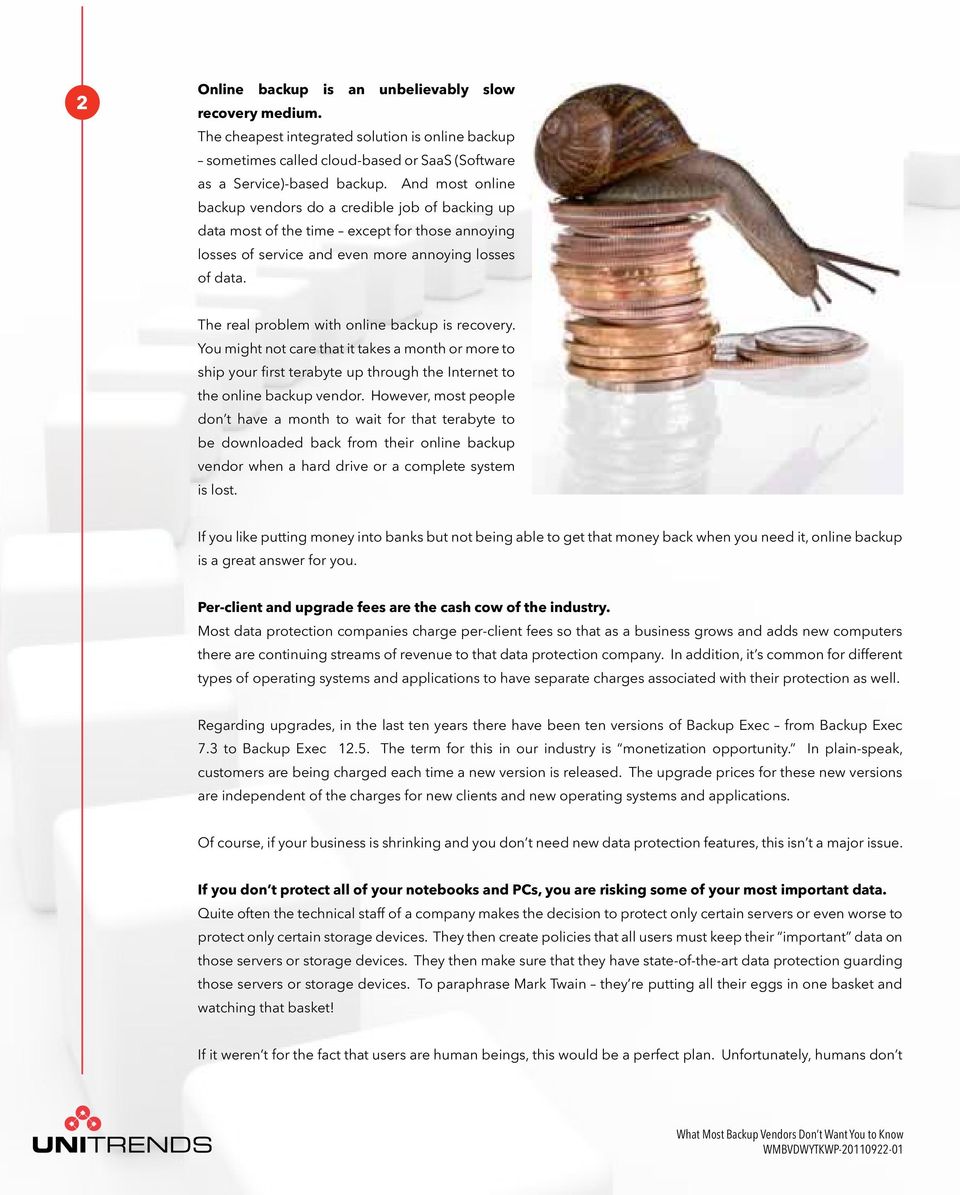
3 2 Online backup is an unbelievably slow recovery medium. The cheapest integrated solution is online backup sometimes called cloud-based or SaaS (Software as a Service)-based backup. And most online backup vendors do a credible job of backing up data most of the time except for those annoying losses of service and even more annoying losses of data. The real problem with online backup is recovery. You might not care that it takes a month or more to ship your first terabyte up through the Internet to the online backup vendor. However, most people don t have a month to wait for that terabyte to be downloaded back from their online backup vendor when a hard drive or a complete system is lost. If you like putting money into banks but not being able to get that money back when you need it, online backup is a great answer for you. Per-client and upgrade fees are the cash cow of the industry. Most data protection companies charge per-client fees so that as a business grows and adds new computers there are continuing streams of revenue to that data protection company. In addition, it s common for different types of operating systems and applications to have separate charges associated with their protection as well. Regarding upgrades, in the last ten years there have been ten versions of Backup Exec from Backup Exec 7.3 to Backup Exec The term for this in our industry is monetization opportunity. In plain-speak, customers are being charged each time a new version is released. The upgrade prices for these new versions are independent of the charges for new clients and new operating systems and applications. Of course, if your business is shrinking and you don t need new data protection features, this isn t a major issue. If you don t protect all of your notebooks and PCs, you are risking some of your most important data. Quite often the technical staff of a company makes the decision to protect only certain servers or even worse to protect only certain storage devices. They then create policies that all users must keep their important data on those servers or storage devices. They then make sure that they have state-of-the-art data protection guarding those servers or storage devices. To paraphrase Mark Twain they re putting all their eggs in one basket and watching that basket! If it weren t for the fact that users are human beings, this would be a perfect plan. Unfortunately, humans don t WMBVDWYTKWP
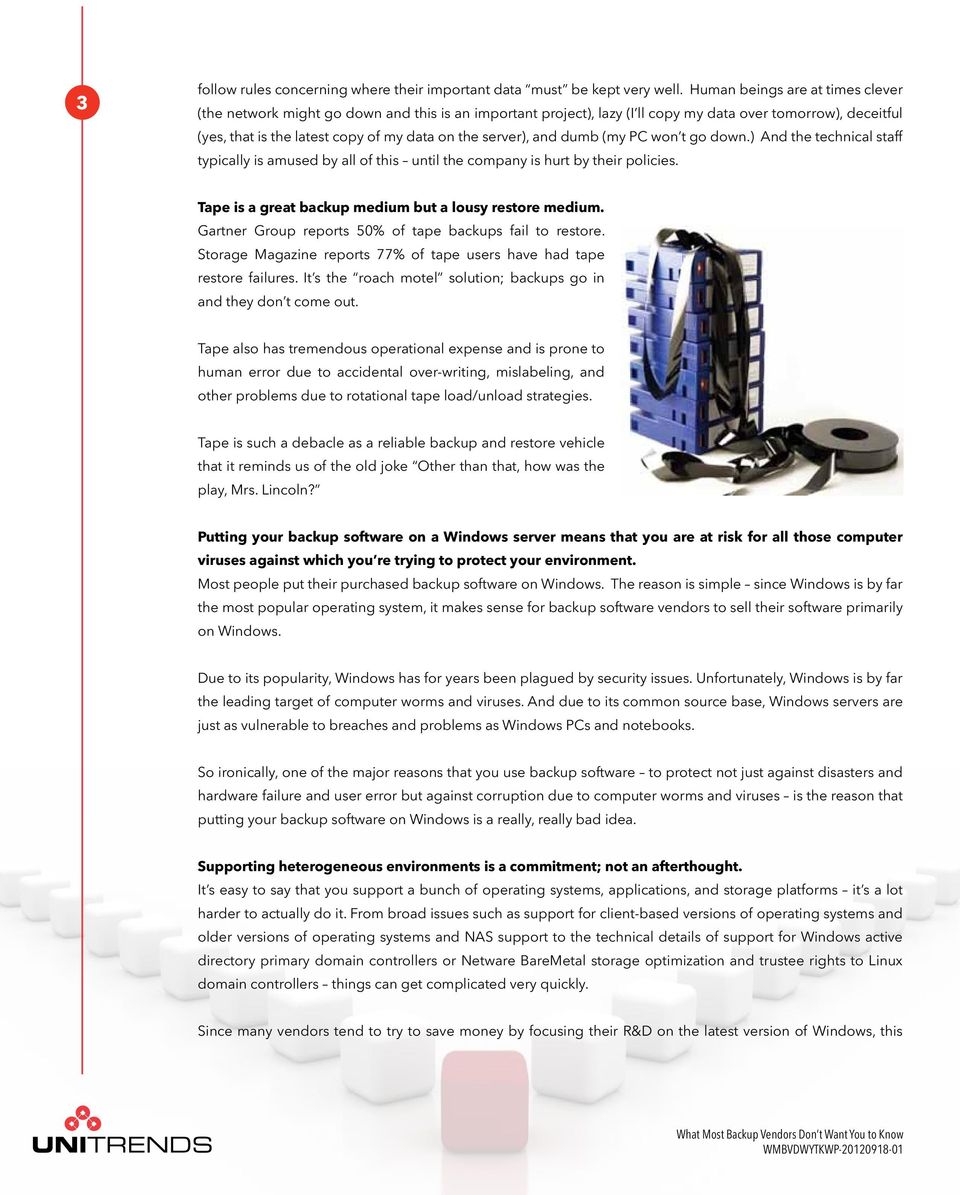
4 3 follow rules concerning where their important data must be kept very well. Human beings are at times clever (the network might go down and this is an important project), lazy (I ll copy my data over tomorrow), deceitful (yes, that is the latest copy of my data on the server), and dumb (my PC won t go down.) And the technical staff typically is amused by all of this until the company is hurt by their policies. Tape is a great backup medium but a lousy restore medium. Gartner Group reports 50% of tape backups fail to restore. Storage Magazine reports 77% of tape users have had tape restore failures. It s the roach motel solution; backups go in and they don t come out. Tape also has tremendous operational expense and is prone to human error due to accidental over-writing, mislabeling, and other problems due to rotational tape load/unload strategies. Tape is such a debacle as a reliable backup and restore vehicle that it reminds us of the old joke Other than that, how was the play, Mrs. Lincoln? Putting your backup software on a Windows server means that you are at risk for all those computer viruses against which you re trying to protect your environment. Most people put their purchased backup software on Windows. The reason is simple since Windows is by far the most popular operating system, it makes sense for backup software vendors to sell their software primarily on Windows. Due to its popularity, Windows has for years been plagued by security issues. Unfortunately, Windows is by far the leading target of computer worms and viruses. And due to its common source base, Windows servers are just as vulnerable to breaches and problems as Windows PCs and notebooks. So ironically, one of the major reasons that you use backup software to protect not just against disasters and hardware failure and user error but against corruption due to computer worms and viruses is the reason that putting your backup software on Windows is a really, really bad idea. Supporting heterogeneous environments is a commitment; not an afterthought. It s easy to say that you support a bunch of operating systems, applications, and storage platforms it s a lot harder to actually do it. From broad issues such as support for client-based versions of operating systems and older versions of operating systems and NAS support to the technical details of support for Windows active directory primary domain controllers or Netware BareMetal storage optimization and trustee rights to Linux domain controllers things can get complicated very quickly. Since many vendors tend to try to save money by focusing their R&D on the latest version of Windows, this WMBVDWYTKWP
5 4 can quickly become a nightmare for customers that use older versions of operating systems or (gasp!) use an operating system other than Windows. It s a good idea to be very, very careful in terms of accepting claims of operating system, application, or storage platform support. Replication requires either expensive dedicated hardware or a lot of resource. There are two primary ways that replication can be used for data protection: array-based replication and hostbased replication. An example of array-based replication is what many SANs support where you can purchase upgrades that enable one SAN to replicate to another one. An example of host-based is software that resides on your computer that allows the replication of the data on that computer to another computer. Pretty technical, huh? Here s the bottom line. With array-based replication you re locked in to your storage provider for data protection and you re going to have an awfully difficult time escaping that lock each time you want to add storage into your environment and protect it you have to pay the storage vendor. With host-based replication you re putting a tremendous load on the computers on which the host-based replication is based. And regardless, you better make sure you have a major pipe for the transmission of data replication is pretty voracious in terms of bandwidth. About Unitrends Unitrends offers a family of affordable, all-in-one on-premise backup appliances that support virtual and physical system backup and disaster recovery via disk-based archiving as well as electronic vaulting to privateand public-clouds. Unitrends is customer-obsessed, not technology-obsessed, and is focused on enabling its customers to focus on their business rather than on backup. For more information, please visit or us at [email protected]. 7 Technology Circle, Suite 100 Columbia, SC Phone: [email protected] URL: Copyright 2012 Unitrends. All Rights Reserved. WMBVDWYTKWP
Data Domain and ExaGrid Are Backup Appliances, the Check Is in the Mail, and Other Lies. 7 Technology Circle Suite 100 Columbia, SC 29203
 7 Technology Circle Suite 100 Columbia, SC 29203 Data Domain and ExaGrid Are Backup Appliances, the Check Is in the Mail, and Other Lies Phone: 866.359.5411 E-Mail: [email protected] URL: www.unitrends.com
VMware Backup, Archive, and Disaster Recovery: Next Generation VMware Data Protection. 7 Technology Circle Suite 100 Columbia, SC 29203
 VMware Backup, Archive, and Disaster Recovery: Next Generation VMware Data Protection 7 Technology Circle Suite 100 Columbia, SC 29203 Phone: 866.359.5411 E-Mail: [email protected] URL: www.unitrends.com
Six Fairy Tales of VMware and Hyper-V Backup. 7 Technology Circle Suite 100 Columbia, SC 29203
 Six Fairy Tales of VMware and Hyper-V Backup 7 Technology Circle Suite 100 Columbia, SC 29203 Phone: 866.359.5411 E-Mail: [email protected] URL: www.unitrends.com 1 Introduction Cinderella. Snow White.
Cloud, Appliance, or Software? How to Decide Which Backup Solution Is Best for Your Small or Midsize Organization.
 WHITE PAPER: CLOUD, APPLIANCE, OR SOFTWARE?........................................ Cloud, Appliance, or Software? How to Decide Which Backup Solution Is Best for Your Small or Midsize Who should read
The Case for Continuous Data Protection
 The Case for Continuous Data Protection This paper will discuss the benefits of using CDP-based solutions, particularly in place of traditional, tape-based backup products that currently dominate the SMB
Virtual Infrastructure Security
 Virtual Infrastructure Security 2 The virtual server is a perfect alternative to using multiple physical servers: several virtual servers are hosted on one physical server and each of them functions both
EMAIL ARCHIVING. What it is, what it isn t, and how it can improve your business operations
 EMAIL ARCHIVING What it is, what it isn t, and how it can improve your business operations OVERVIEW: Why businesses are turning to email archiving As your business grows, communication between you and
Backup & Disaster Recovery Options
 Backup & Disaster Recovery Options Since businesses have become more dependent on their internal computing capability, they are increasingly concerned about recovering from equipment failure, human error,
STORAGE SOURCE DATA DEDUPLICATION PRODUCTS. Buying Guide: inside
 Managing the information that drives the enterprise STORAGE Buying Guide: inside 2 Key features of source data deduplication products 5 Special considerations Source dedupe products can efficiently protect
Total Cost of Ownership Analysis
 Total Cost of Ownership Analysis Abstract A total cost of ownership (TCO) analysis can measure the cost of acquiring and operating a new technology solution against a current installation. In the late
Data Backup Options for SME s
 Data Backup Options for SME s As an IT Solutions company, Alchemy are often asked what is the best backup solution? The answer has changed over the years and depends a lot on your situation. We recognize
This white paper describes the three reasons why backup is a strategic element of your IT plan and why it is critical to your business that you plan
 This white paper describes the three reasons why backup is a strategic element of your IT plan and why it is critical to your business that you plan and execute a strategy to protect 100 percent of your
Active Directory Recovery: What It Is, and What It Isn t
 Active Directory Recovery: What It Is, and What It Isn t Abstract Does your Active Directory recovery plan address all of the most common failure scenarios? This white paper explains how to handle each
Exchange-based email. Types of email. Why use Exchange for email?
 Exchange-based email Types of email POP3 Exchange Lotus Notes Squirrel mail Pine They are all pretty basic and limited except Exchange email. Lotus Notes has lots of functionality, but it s a big pain
Unitrends Backup & Recovery Solutions and Disaster Recovery Best Practices
 Solution Brief Unitrends Backup & Recovery Solutions and Disaster Recovery Best Practices 2 So you re confident knowing that the backup and recovery solution protecting your business-critical operations
Storage Backup and Disaster Recovery: Using New Technology to Develop Best Practices
 Storage Backup and Disaster Recovery: Using New Technology to Develop Best Practices September 2008 Recent advances in data storage and data protection technology are nothing short of phenomenal. Today,
How to Keep Your Computer Network Up, Running, and Problem FREE
 How to Keep Your Computer Network Up, Running, and Problem FREE Are you frustrated with on-going computer problems - slow computer, error messages, viruses, spyware, printers not working, applications
4 Critical Risks Facing Microsoft Office 365 Implementation
 4 Critical Risks Facing Microsoft Office 365 Implementation So, your organization has chosen to move to Office 365. Good choice. But how do you implement it AND deal with the following issues: Keep email
WHITEPAPER. 7 Reasons Why Businesses are Shifting to Cloud Backup
 WHITEPAPER 7 Reasons Why Businesses are Shifting to Cloud Backup Table of Contents Introduction..1 Internal Resource Efficiency..2 Enhance Security.2 Leverage Deduplication Technology..2 Process Validation
Protecting Windows Microsoft Exchange Server Data Protection
 Solution Brief Protecting Microsoft Exchange Server Growth in data for Microsoft Exchange is expanding at a rapid growth rate. Mailbox sizes are increasing due to multimedia file, documentation collaboration
Deduplication and Beyond: Optimizing Performance for Backup and Recovery
 Beyond: Optimizing Gartner clients using deduplication for backups typically report seven times to 25 times the reductions (7:1 to 25:1) in the size of their data, and sometimes higher than 100:1 for file
Read this guide and you ll discover:
 BUSINESS ADVISOR REPORT Provided as an educational service by: Rick Reynolds, General Manager Read this guide and you ll discover: What remote, offsite, or managed backups are, and why EVERY business should
Unitrends Recovery-Series: Addressing Enterprise-Class Data Protection
 Solution Brief Unitrends Recovery-Series: Addressing Enterprise-Class Data Protection 2 Unitrends has leveraged over 20 years of experience in understanding ever-changing data protection challenges in
Business-Centric Storage FUJITSU Storage ETERNUS CS800 Data Protection Appliance
 Intel Xeon processor Business-Centric Storage FUJITSU Storage ETERNUS CS800 Data Protection Appliance The easy solution for backup to disk with deduplication Intel Inside. Powerful Solution Outside. If
Business-centric Storage FUJITSU Storage ETERNUS CS800 Data Protection Appliance
 Business-centric Storage FUJITSU Storage ETERNUS CS800 Data Protection Appliance The easy solution for backup to disk with deduplication If you rethink your backup strategy, then think of ETERNUS CS800
Contents. Introduction. What is the Cloud? How does it work? Types of Cloud Service. Cloud Service Providers. Summary
 Contents Introduction What is the Cloud? How does it work? Types of Cloud Service Cloud Service Providers Summary Introduction The CLOUD! It seems to be everywhere these days; you can t get away from it!
Data De-duplication Methodologies: Comparing ExaGrid s Byte-level Data De-duplication To Block Level Data De-duplication
 Data De-duplication Methodologies: Comparing ExaGrid s Byte-level Data De-duplication To Block Level Data De-duplication Table of Contents Introduction... 3 Shortest Possible Backup Window... 3 Instant
Frequently Asked Questions about Cloud and Online Backup
 Frequently Asked Questions about Cloud and Online Backup With more companies realizing the importance of protecting their mission-critical data, we know that businesses are also evaluating the resiliency
Software-as-a-Service (SaaS) Solutions from CA Technologies Frequently asked questions
 FAQ Edition / April 30, 2014 Software-as-a-Service (SaaS) Solutions from CA Technologies Frequently asked questions FAQ Edition April 2014 Informational Guidelines Table of Contents EXECUTIVE SUMMARY...
The question is what kind of VoIP do you want? What are the tradeoffs today?
 Selecting a Voice Solution Hosted VoIP vs. PBX VoIP Contents Introduction The Traditional Solution Why VoIP? The Primary Tradeoffs Today Hosted VoIP Today s PBX Latest Features of VoIP Managing Costs What
Mapping Your Path to the Cloud. A Guide to Getting your Dental Practice Set to Transition to Cloud-Based Practice Management Software.
 Mapping Your Path to the Cloud A Guide to Getting your Dental Practice Set to Transition to Cloud-Based Practice Management Software. Table of Contents Why the Cloud? Mapping Your Path to the Cloud...4
Backups and Maintenance
 Backups and Maintenance Backups and Maintenance Objectives Learn how to create a backup strategy to suit your needs. Learn how to back up a database. Learn how to restore from a backup. Use the Database
Flagship Managed Solutions (FMS)
 Flagship Managed Solutions (FMS) a Cloud service iseries application hosting provides an alternative to the traditional iseries ownership costs, management and administration. Elimination of high up-front
Affordable Remote Data Replication
 SANmelody Application Affordable Remote Data Replication Your Data is as Valuable as Anyone s You know very well how critical your data is to your organization and how much your business would be impacted
BACKUP ESSENTIALS FOR PROTECTING YOUR DATA AND YOUR BUSINESS. Disasters happen. Don t wait until it s too late.
 BACKUP ESSENTIALS FOR PROTECTING YOUR DATA AND YOUR BUSINESS Disasters happen. Don t wait until it s too late. OVERVIEW It s inevitable. At some point, your business will experience data loss. It could
12 Little-Known Facts and Insider Secrets Every Business Owner Should Know About Backing Up Their Data and Choosing a Remote Backup Service
 12 Little-Known Facts and Insider Secrets Every Business Owner Should Know About Backing Up Their Data and Choosing a Remote Backup Service If your data is important to your business and you cannot afford
FileDrawer An Enterprise File Sharing and Synchronization (EFSS) solution.
 FileDrawer An Enterprise File Sharing and Synchronization (EFSS) solution. In today s world the potential for ready access to data from virtually any device over any type of network connection creates
White. Paper. The SMB Market is Ready for Data Encryption. January, 2011
 White Paper The SMB Market is Ready for Data Encryption By Mark Peters January, 2011 This ESG White Paper was commissioned by Tandberg Data and is distributed under license from ESG. 2011, Enterprise Strategy
Top 10 Reasons for Using Disk-based Online Server Backup and Recovery
 ADVISORY Top 10 Reasons for Using Disk-based Online Server Backup and Recovery INTRODUCTION Backup of vital company information is critical to a company s survival, no matter what size the company. Recent
Bringing the Cloud into Focus. A Whitepaper by CMIT Solutions and Cadence Management Advisors
 Bringing the Cloud into Focus A Whitepaper by CMIT Solutions and Cadence Management Advisors Table Of Contents Introduction: What is The Cloud?.............................. 1 The Cloud Benefits.......................................
Disaster Recovery for Small Businesses
 Technical White Paper Disaster Recovery for Small Businesses A disaster recovery plan helps you understand what data is critical to your business operations and how to best protect it from unexpected failures.
Backup Software? Article on things to consider when looking for a backup solution. 11/09/2015 Backup Appliance or
 11/09/2015 Backup Appliance or Backup Software? Article on things to consider when looking for a backup solution. Ray Quattromini FORTUNA POWER SYSTEMS LTD T: 01256 782030 E: [email protected] W: WWW.FORTUNADATA.COM
Bringing the edge to the data center a data protection strategy for small and midsize companies with remote offices. Business white paper
 Bringing the edge to the data center a data protection strategy for small and midsize companies with remote offices Business white paper Table of contents Data protection synonymous with business success...
Disk-to-Disk-to-Tape (D2D2T)
 Where Disk Fits into Backup Tape originated in the 1950 s as the primary storage device for computers. It was one of the first ways to store data beyond the memory of a computer, which at the time was
Snapshot Point-in-time Copy in a Flash
 Snapshot Point-in-time Copy in a Flash 1. Abstract Snapshots are fast point-in-time copies of volumes. Taking snapshots is so fast that the Backup Window problem bothering most IT people virtually does
For additional information and steps for installing and upgrading software, please see the Upgrade manual.
 UNITRENDS APPLIANCE AND AGENTS RELEASE 5.0.2 The primary focus of Release 5.0.2 is to provide product improvements and key enhancements that will increase the speed, reliability and usability of the Unitrends
VERITAS NetBackup BusinesServer
 VERITAS NetBackup BusinesServer A Scalable Backup Solution for UNIX or Heterogeneous Workgroups V E R I T A S W H I T E P A P E R Table of Contents Overview...................................................................................1
XenData Archive Series Software Technical Overview
 XenData White Paper XenData Archive Series Software Technical Overview Advanced and Video Editions, Version 4.0 December 2006 XenData Archive Series software manages digital assets on data tape and magnetic
Multi-Terabyte Archives for Medical Imaging Applications
 Multi-Terabyte Archives for Medical Imaging Applications This paper describes how Windows servers running XenData Archive Series software provide an attractive solution for storing and retrieving multiple
HYBRID CLOUD BACKUP 101. Top Five Benefits of Cloud-Connected Appliances
 HYBRID CLOUD BACKUP 101 Top Five Benefits of Cloud-Connected Appliances Hybrid cloud backup solutions will grow at a compounded average a growth rate of more than 80%. TANEJA GROUP 02 Introduction Most
Backup Exec Private Cloud Services. Planning and Deployment Guide
 Backup Exec Private Cloud Services Planning and Deployment Guide Chapter 1 Introducing Backup Exec Private Cloud Services This chapter includes the following topics: About Backup Exec Private Cloud Services
The PBX Is Dead. Long Live the Integrated Communications System (ICS)
 The PBX Is Dead. Long Live the Integrated Communications System (ICS) Computing Environment Today The computing industry is currently facing many changing trends. Predicting the future of computers over
Little-Known Facts and Insider Secrets Every Business Owner Should Know About Backing Up Their Data and Choosing a Remote Backup Service
 Little-Known Facts and Insider Secrets Every Business Owner Should Know About Backing Up Their Data and Choosing a Remote Backup Service If your data is important to your business and you cannot afford
Is online backup right for your business? Eight reasons to consider protecting your data with a hybrid backup solution
 PARTNER BRIEF: IS ONLINE BACKUP RIGHT FOR YOUR BUSINESS?........................................ Is online backup right for your business? Eight reasons to consider protecting your data with a hybrid Who
Disaster Recovery Strategies: Business Continuity through Remote Backup Replication
 W H I T E P A P E R S O L U T I O N : D I S A S T E R R E C O V E R Y T E C H N O L O G Y : R E M O T E R E P L I C A T I O N Disaster Recovery Strategies: Business Continuity through Remote Backup Replication
Version: 1.5 2014 Page 1 of 5
 Version: 1.5 2014 Page 1 of 5 1.0 Overview A backup policy is similar to an insurance policy it provides the last line of defense against data loss and is sometimes the only way to recover from a hardware
WHITE PAPER. 5 Ways Your Organization is Missing Out on Massive Opportunities By Not Using Cloud Software
 WHITE PAPER 5 Ways Your Organization is Missing Out on Massive Opportunities By Not Using Cloud Software Cloud software allows your organization to focus on its strengths and outsource tough data storage
Web Hosting Tips & Tricks For Affiliates
 Web Hosting Tips & Tricks For Affiliates References http://hagency.com/top-web-hosts.php http://minisitemanager.com http://hagency.com/enom Introduction Hosting a website can be a very confusing experience
STORAGE. Buying Guide: TARGET DATA DEDUPLICATION BACKUP SYSTEMS. inside
 Managing the information that drives the enterprise STORAGE Buying Guide: DEDUPLICATION inside What you need to know about target data deduplication Special factors to consider One key difference among
A New Era in Data Protection. Enterprise-Class Data Backup for Smaller Businesses
 A New Era in Data Protection Enterprise-Class Data Backup for Smaller Businesses THE NEED: Better Backup Solutions For Small Business INTRADYN provides proven solutions designed to let you concentrate
Protect Microsoft Exchange databases, achieve long-term data retention
 Technical white paper Protect Microsoft Exchange databases, achieve long-term data retention HP StoreOnce Backup systems, HP StoreOnce Catalyst, and Symantec NetBackup OpenStorage Table of contents Introduction...
Using HP StoreOnce Backup Systems for NDMP backups with Symantec NetBackup
 Technical white paper Using HP StoreOnce Backup Systems for NDMP backups with Symantec NetBackup Table of contents Executive summary... 2 Introduction... 2 What is NDMP?... 2 Technology overview... 3 HP
Website Disaster Recovery
 Website Disaster Recovery Contents Overview... 2 Disaster Preparedness for the Internet Age... 2 Some Fundamental Questions... 2 Planning Your Recovery... 3 Start with a Backup Plan... 4 Backup Commandments...
Secure Your Business with EVault Cloud-Connected Solutions
 Secure Your Business with EVault Cloud-Connected Solutions Winfried Posthumus Channel Sales Manager NL [email protected] 11/22/2012 2012 EVault, Inc. All Rights Reserved 1 Agenda Who is EVault
Every organization has critical data that it can t live without. When a disaster strikes, how long can your business survive without access to its
 DISASTER RECOVERY STRATEGIES: BUSINESS CONTINUITY THROUGH REMOTE BACKUP REPLICATION Every organization has critical data that it can t live without. When a disaster strikes, how long can your business
White Paper. 1 800 FASTFILE / www.ironmountain.ca Page 1
 White Paper LIVEVAULT Top 10 Reasons for Using Online Server Backup and Recovery Introduction Backup of vital company information is critical to a company s survival, no matter what size the company. Recent
WDL RemoteBunker Online Backup For Client Name
 WDL RemoteBunker Online Backup For Client Name November, 2011 Contact Phone: +234 802 698 7025 Email: [email protected] [email protected] http://remotebunker.webdatalinks.com INTRODUCTION