
Parallel Computing for Data Science
|
|
|
- Oswald Russell
- 10 years ago
- Views:
Transcription
1 Parallel Computing for Data Science with Examples in R and Beyond Norman Matloff University of California, Davis This is a draft of the first half of a book to be published in 2014 under the Chapman & Hall imprint. Corrections and suggestions are highly encouraged! c 2013 by Taylor & Francis Group, LLC. Except as permitted under U.S. copyright law, no part of this book may be reprinted, reproduced, transmitted, or utilized in any form by an electronic, mechanical, or other means, now known or hereafter invented, including photocopying, microfilming, and recording, or in any information storage or retrieval system, without written permission from the publishers.
2 2
3 Preface Thank you for your interest in this book. I ve very much enjoyed writing it, and I hope it turns out to become very useful to you. To set the stage, there are a few general points of information I wish to present. Goals: This book hopefully will live up to its title Parallel Computing for Data Science. Unlike almost every other book I m aware of on parallel computing, you will not find a single example here dealing with solving partial differential equations and other applications of physics. This book really is devoted to applications in data science whether you define that term to be statistics, data mining, machine learning, pattern recognition, analytics, or whatever. 1 This means more than simply that the book s examples involve applications chosen from the data science field. It also means that the data structures, algorithms and so on reflect this orientation. This will range from the classic n observations, p variables matrix format to time series to network graph models to various other structures common in data science. While the book is chock full of examples, it aims to emphasize general principles. Accordingly, after presenting an introductory code example in Chapter 1 (general principles are meaningless without real examples to tie them to), I devote Chapter 2 not so much as how to write parallel code, as to explaining what the general factors are that can rob a parallel program of speed. This is a crucial chapter, referred to contantly in the succeeding chapters. Indeed, one can regard the entire book as addressing the plight of the poor guy described at the beginning of Chapter 2: 1 Granted, increasingly data science does have some cnnnections to physics, such as in financial modeling and random graphs, but the point is that this book is about data, not physics.) i
4 ii Here is an all-too-common scenario: An analyst acquires a brand new multicore machine, capable of wondrous things. With great excitement, he codes up his favorite large problem on the new machine only to find that the parallel version runs more slowly than the serial one. What a disappointment! Let s see what factors can lead to such a situation... One thing this book is not, is a user manual. Though it uses specific tools throughout, such as R s parallel and Rmpi packages, OpenMP, CUDA and so on, this is for the sake of concreteness. The book will give the reader a solid introduction to these tools, but is not a compendium of all the different function arguments, environment options and so on. The intent is that the reader, upon completing this book, will be well-poised to learn more about these tools, and most importantly, to write effective parallel code in various other languages, be it Python, Julia or whatever. Necessary Background: If you consider yourself reasonably adept in using R, you should find most of this book quite accessible. A few sections do use C/C++, and prior background in those languages is needed if you wish to read those sections in full detail. However, even without knowing C/C++ well. you should still find that material fairly readable, and of considerable value. You should be familiar with basic math operations with matrices, mainly multiplicatin and addition. Occasionally some more advanced operations will be used, such as inversion (and its cousins, such as QR methods) and diagonalization, which are presented in Appendix A. Machines: Except when stated otherwise, all timing examples in this book were run on a 32-core Ubuntu machine. I generally used 2 to 24 cores, a range that should be similar to the platforms most readers will have available. I anticipate that the typical reader will have access to a multicore system with 4 to 16 cores, or a cluster with dozens of nodes. But even if you only have a single dual-core machine, you should still find the material here to be valuable. For those rare and lucky readers who have access to a system consisting of thousands of cores, the material still applies, subject to the book s point that for such systems, the answer to the famous question, Does it scale? is often No. Thanks:
5 iii I wish to thank everyone who provided information useful to this project, either directly or indirectly. An alphabetic list would include Stuart Ambler, Matt Butner, Federico De Giuli, Dirk Eddelbuettel, Stuart Hansen, Bill Hsu, Michael Kane, Sameer Khan, Brian Lewis, Mikel McDaniel, Richard Minner, Lars Seeman, Marc Sosnick, and Johan Wikström. [MORE TO BE ADDED] I m also very grateful to Professor Hsu for his making available to me an advanced GPU-equipped machine, and to Professor Hao Chen for use of his multicore system. Much gratitude goes to the internal reviewers, and to John Kimmel, Executive Editor for Statistics at Chapman and Hall, who has been highly supportive since the beginning. My wife Gamis and my daughter Laura both have a contagious sense of humor and zest for life that greatly improve everthing I do.

6 iv
7 Contents Preface i 1 Introduction to Parallel Processing in R What Language to Use? The Roles of R, C/C++, Etc A Note on Machines Extended Example: Mutual Web Outlinks Serial Code Choice of Parallel Tool Meaning of snow in This Book Introduction to snow Mutual Outlinks Problem, Solution Code Timings Analysis of the Code Why Is My Program So Slow? : Obstacles to Speed Obstacles to Speed Performance and Hardware Structures Memory Basics Caches v

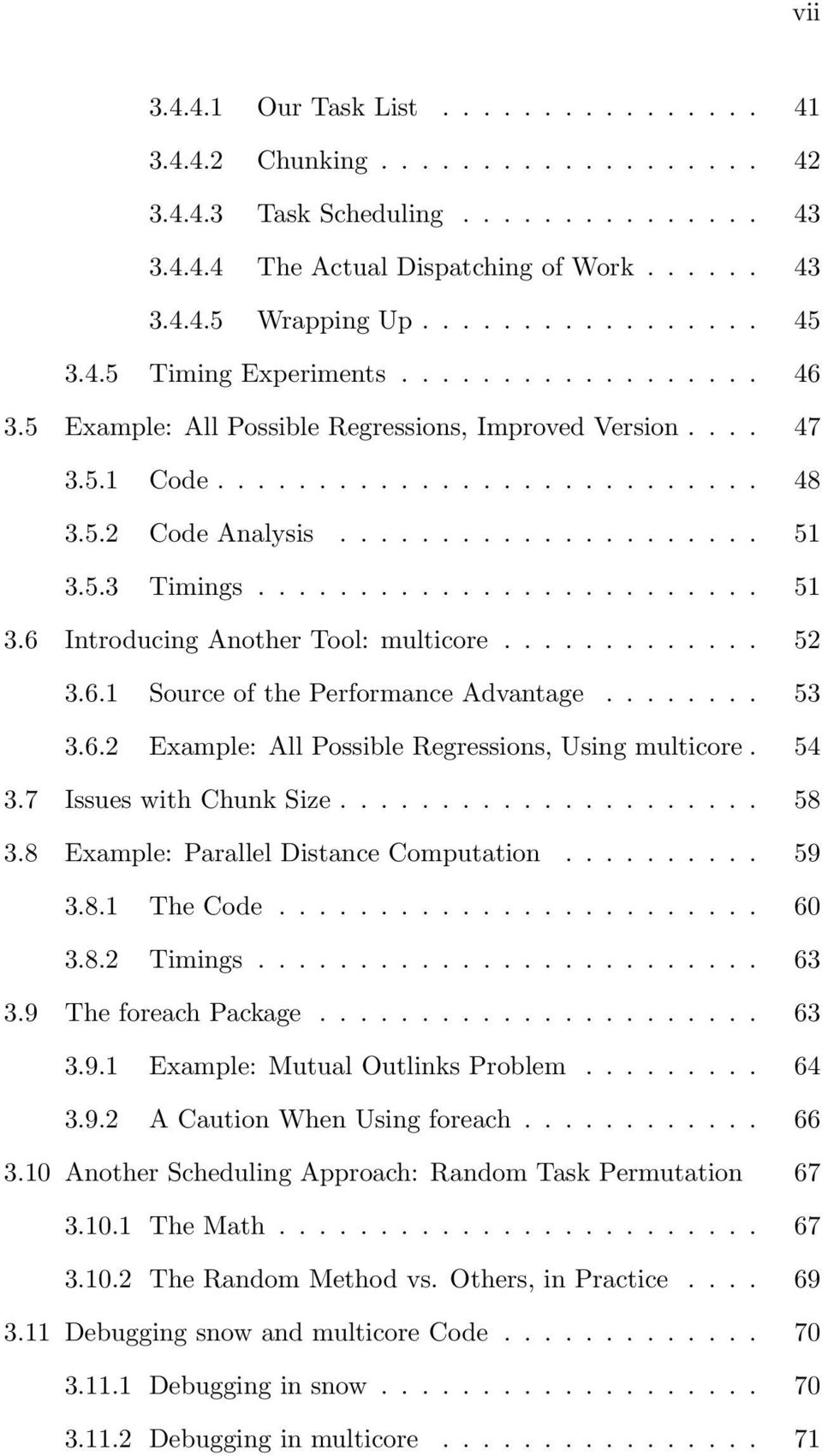
8 vi Virtual Memory Monitoring Cache Misses and Page Faults Locality of Reference Network Basics Latency and Bandwidth Two Representative Hardware Platforms: Multicore Machines and Clusters Multicore Clusters How Many Processes/Threads? Example: Mutual Outlink Problem Big O Notation Data Serialization Embarrassingly Parallel Applications What People Mean by Embarrassingly Parallel Suitable Platforms for Non-Embarrassingly Parallel Applications Principles of Parallel Loop Scheduling General Notions of Loop Scheduling Chunking in Snow Example: Mutual Outlinks Problem A Note on Code Complexity Example: All Possible Regressions Parallelization Strategies The Code Sample Run Code Analysis

9 vii Our Task List Chunking Task Scheduling The Actual Dispatching of Work Wrapping Up Timing Experiments Example: All Possible Regressions, Improved Version Code Code Analysis Timings Introducing Another Tool: multicore Source of the Performance Advantage Example: All Possible Regressions, Using multicore Issues with Chunk Size Example: Parallel Distance Computation The Code Timings The foreach Package Example: Mutual Outlinks Problem A Caution When Using foreach Another Scheduling Approach: Random Task Permutation The Math The Random Method vs. Others, in Practice Debugging snow and multicore Code Debugging in snow Debugging in multicore
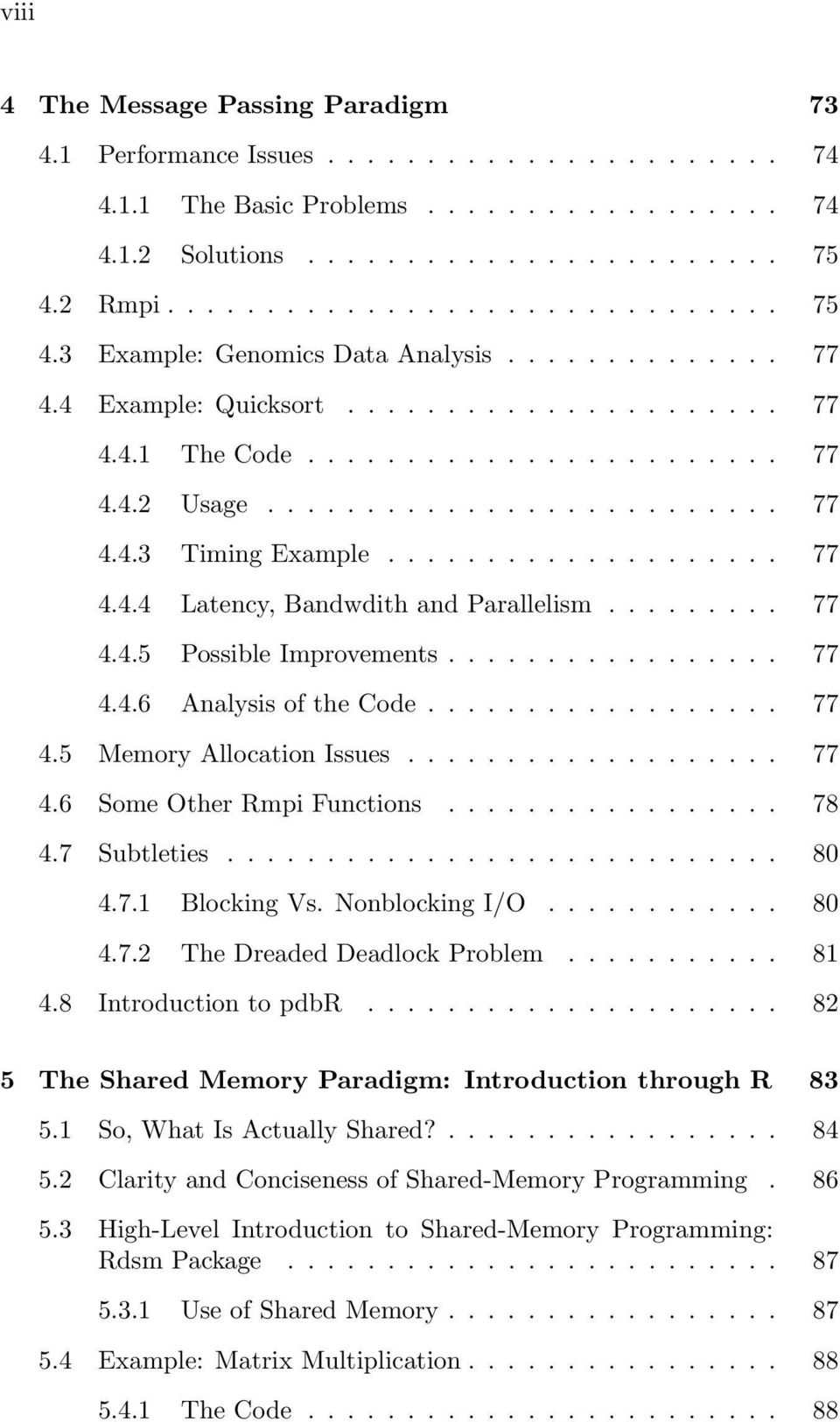
10 viii 4 The Message Passing Paradigm Performance Issues The Basic Problems Solutions Rmpi Example: Genomics Data Analysis Example: Quicksort The Code Usage Timing Example Latency, Bandwdith and Parallelism Possible Improvements Analysis of the Code Memory Allocation Issues Some Other Rmpi Functions Subtleties Blocking Vs. Nonblocking I/O The Dreaded Deadlock Problem Introduction to pdbr The Shared Memory Paradigm: Introduction through R So, What Is Actually Shared? Clarity and Conciseness of Shared-Memory Programming High-Level Introduction to Shared-Memory Programming: Rdsm Package Use of Shared Memory Example: Matrix Multiplication The Code
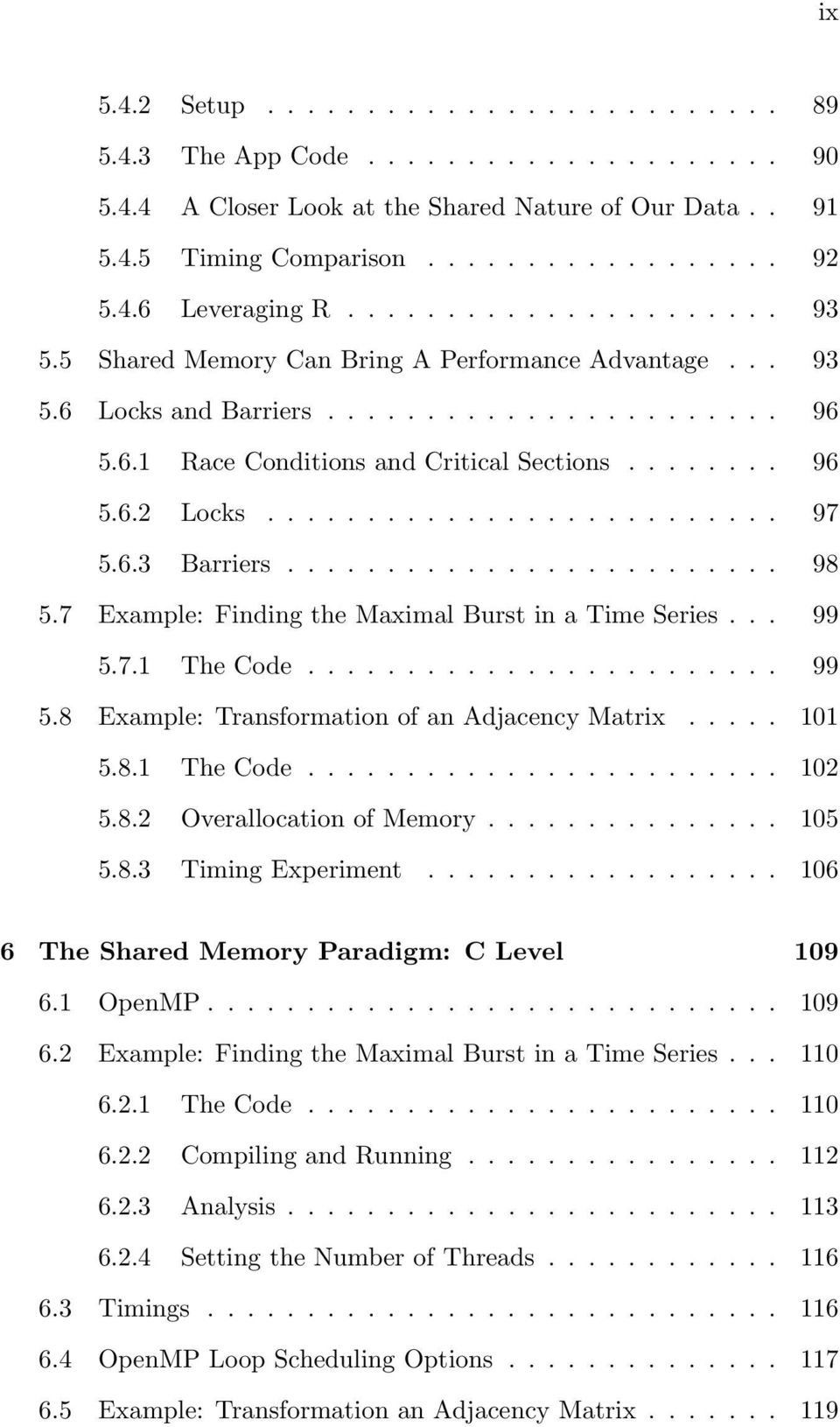
11 ix Setup The App Code A Closer Look at the Shared Nature of Our Data Timing Comparison Leveraging R Shared Memory Can Bring A Performance Advantage Locks and Barriers Race Conditions and Critical Sections Locks Barriers Example: Finding the Maximal Burst in a Time Series The Code Example: Transformation of an Adjacency Matrix The Code Overallocation of Memory Timing Experiment The Shared Memory Paradigm: C Level OpenMP Example: Finding the Maximal Burst in a Time Series The Code Compiling and Running Analysis Setting the Number of Threads Timings OpenMP Loop Scheduling Options Example: Transformation an Adjacency Matrix
12 x The Code Analysis of the Code Example: Transforming an Adjancency Matrix, R-Callable Version The Code Compiling and Running Analysis Speedup in C Further Cache Issues Lockfree Synchronization Rcpp Parallelism through Accelerator Chips Overview Introduction to NVIDIA GPUs and the CUDA Language Example: Calculate Row Sums NVIDIA GPU Hardware Structure Example: Parallel Distance Computation Example: Maximal Burst in a Time Series R and GPUs The gputools Package Thrust and Rth The Intel Xeon Phi Chip Parallel Sorting, Filtering and Prefix Scan Parallel Sorting Example: Quicksort in OpenMP Example: Radix Sort in CUDA/Thrust Libraries.. 137

13 xi 8.2 Parallel Filtering Parallel Prefix Scan Parallizing Prefix Scan Example: Run Length Compression in OpenMP Example: Run Length Uncompression in Thrust Parallel Linear Algebra Matrix Tiling Example: In-Place Matrix Transpose (Rdsm) Example: Matrix Multiplication in CUDA Packages RcppArmadillo and RccpEigen The gputools Package (GPU) OpenBLAS Parallel Linear Algebra Matrix Multiplication Matrix Inversion (and Equivalent) Singular Value Decomposition Fast Fourier Transform Sparse Matrices Applications Linear and Generalized Linear Models Convolution of Two Distributions Edge Detection in Images Determining Whether a Graph Is Connected Analysis of Random Graphs Example: Matrix Power Computation
14 xii Application: Markov Chains Application: Graph Connectedness Iterative Algorithms What Is Different about Iterative Algorithms? Example: k-means Clustering The Code Timing Experiment Example: EM Algorithms Inherently Statistical Approaches to Parallelization: Subset Methods Software Alchemy Mini-Bootstraps Subsetting Variables A Review of Matrix Algebra 153 A.1 Terminology and Notation A.1.1 Matrix Addition and Multiplication A.2 Matrix Transpose A.3 Linear Independence A.4 Determinants A.5 Matrix Inverse A.6 Eigenvalues and Eigenvectors A.7 Matrix Algebra in R
15 Chapter 1 Introduction to Parallel Processing in R Instead of starting with an abstract overview of parallel programming, we ll get right to work with a concrete example in R. The abstract overview can wait. But we should place R in proper context first. 1.1 What Language to Use? The Roles of R, C/C++, Etc. Most of this book s examples involve the R programming language, an interpreted language. R s core operations tend to have very efficient internal implementation, and thus the language generally can offer good performance if used properly. In settings in which you really need to maximize execution speed, you may wish to resort to writing in a compiled language such as C/C++, which we will indeed do occasionally in this book. However, as with the Pretty Good Privacy security system, in many cases just pretty fast is quite good enough. The extra speed that may be attained via the compiled language typically does not justify the possibly much longer time needed to write, debug and maintain code at that level. This of course is the reason for the popularity of the various parallel R packages. They fulfill a desire to code parallel operations yet still stay in R. For 1
16 2 example, the Rmpi package provides an R connection to the Message Passing Interface (MPI), a very widely used parallel processing system in which applications are normally written in C/C++ or FORTRAN. 1 Rmpi gives analysts the opportunity to take advantage of MPI while staying within R. But as an alternative to Rmpi that also uses MPI, R users could write their application code in C/C++, calling MPI functions, and then interface R to the resulting C /C++function. But in doing so, they would be foregoing the coding convenience and rich package available in R. So, most opt for using MPI only via the Rmpi interface, not directly in C/C++. The aim of this book is to provide a general treatment of parallel processing in data science. The fact that R provides a rich set of powerful, high-level data and statistical operations means that examples in R will be shorter and simpler than they would typically be in other languages. This enables the reader to truly focus on the parallel computation methods themselves, rather than be distracted by having to wade through the details of, say, intricate nested loops. Not only is this useful from a learning point of view, but also it will make it easy to adapt the code and techniques presented here to other languages, such as Python or Julia. 1.2 A Note on Machines Three types of machines will be used for illustration in this book: multicore systems, clusters and graphics processing units (GPUs). As noted in the Preface, I am not targeting the book to those fortunate few who have access to supercomputers (though the methods presented here do apply to such machines). Instead, it is assumed that most readers will have access to more modest systems, say multicore with 4-16 cores, or clusters with nodes numbering in the dozens, or a single GPUs that may not be the absolute latest model. Most of the multicore examples in this book were run on a 32-core system on which I seldom used all the cores (as I was a guest user). The timing experiments usually start with a small number of cores, say 2 or 4. As to clusters, my coverage of message-passing software was typically run on the multicore system, though occasionally on a real cluster to demonstrate the effects of overhead. The GPU examples here were typically run on modest hardware. 1 For brevity, I ll usually not mention FORTRAN, as it is not used as much in data science.

17 3 Again, the same methods as used here do apply to the more formidable systems, such as the behemoth supercomputers with multiple GPUs and so on. Tweaking is typically needed for such systems, but this is beyond the scope of this book. 1.3 Extended Example: Mutual Web Outlinks So, let s look at our promised concrete example. Suppose we are analyzing Web traffic, and one of our questions concerns how often two Web sites have links to the same third site. Say we have outlink information for n Web pages. We wish to find the mean number of mutual outlinks per pair of sites, among all pairs. This computation is actually similar in pattern to those of many statistical methods, such as Kendall s τ and the U-statistic family. The pattern takes the following form. For data consisting of n observations, the pattern is to compute some quantity g for each pair of observations, then sum all those values, as in this pseudocode (i.e. outline): sum = 0.0 for i = 1,...,n-1 for j = i+1,,...,n sum = sum + g(obs.i, obs.j) With nested loops like this, you ll find in this book that it is generally easier to parallelize the outer loop rather than the inner one. If we have a dual core machine, for instance, we could assign one core to handle some values of i above and the other core to handle the rest. Ultimately we ll do that here, but let s first take a step back and think about this setting Serial Code Let s first implement this procedure in serial code: 1 mutoutser < function ( l i n k s ) { 2 nr < nrow( l i n k s ) 3 nc < ncol ( l i n k s ) 4 t o t = 0
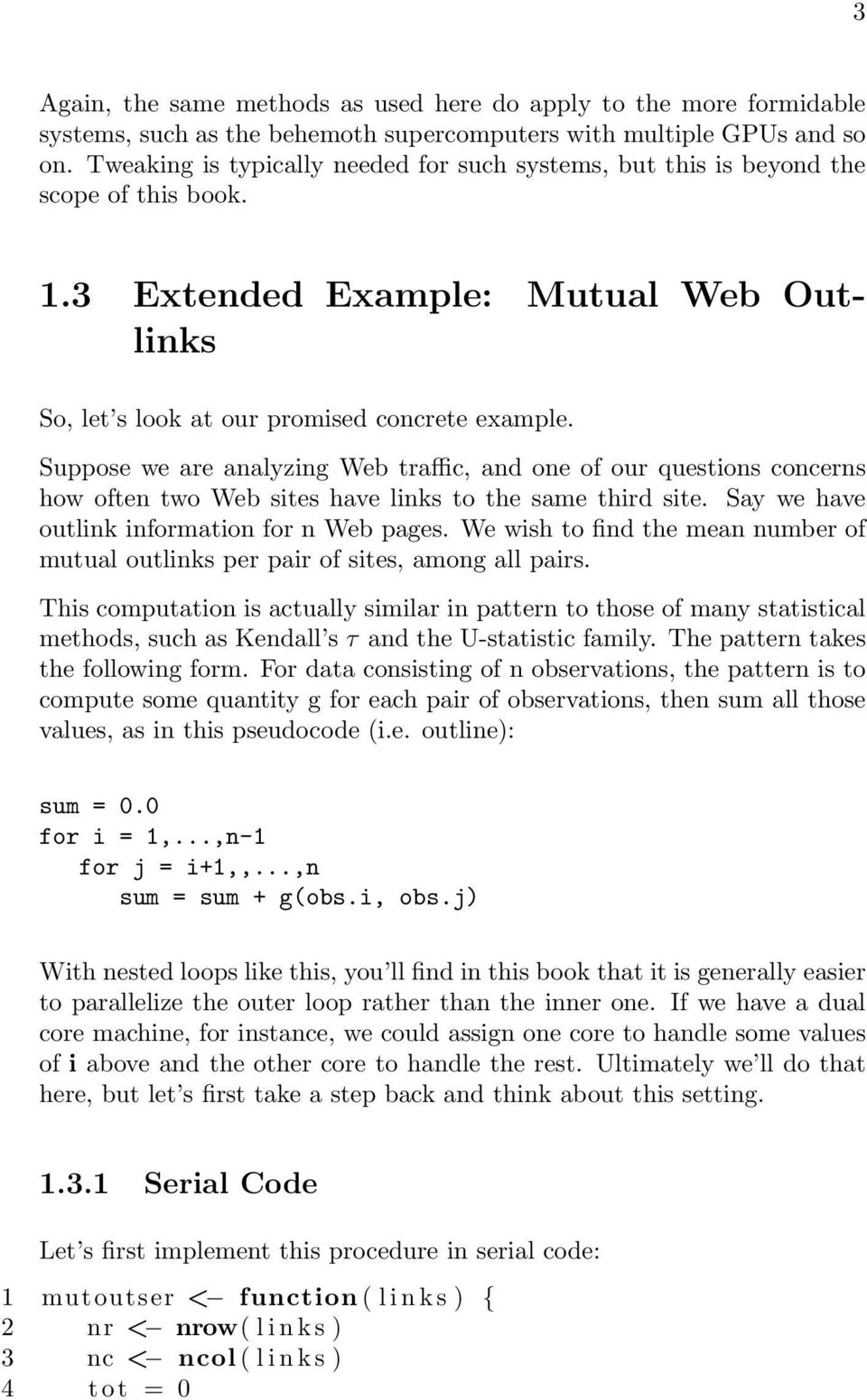
18 4 5 for ( i in 1 : ( nr 1)) { 6 for ( j in ( i +1): nr ) { 7 for ( k in 1 : nc ) 8 t o t < t o t + l i n k s [ i, k ] l i n k s [ j, k ] 9 } 10 } 11 t o t / nr 12 } Here links is a matrix representing outlinks of the various sites, with links[i,j] being 1 or 0, according to whether there is an outlink from site i from site j. The code is a straightforward implementation of the pseudocode in Listing above. How does this code do in terms of performance? Consider this simulation: 1 sim < function ( nr, nc ) { 2 lnk < matrix ( sample ( 0 : 1, ( nr nc ), replace=true),nrow=nr ) 3 print ( system. time ( mutoutser ( lnk ) ) ) 4 } We generate random 1s and 0s, and call the function. Here s a sample run: > sim (500,500) user system e l a p s e d Elapsed time of seconds awful! We re dealing with 500 Web sites, a tiny number in view of the millions that are out there, and yet it took almost 2 minutes to find the mean mutual outlink value for this small group of sites. It is well known, though, that explicit for loops are slow in R, and here we have two of them. The first solution to try for loop avoidance is vectorization, meaning to replace a loop with some vector computation. This gives one the speed of the C code that underlies the vector operation, rather than having to translate the R repeatedly for each line of the loop, at each iteration. In the code for mutoutser() above, the inner loops can be rewritten as a matrix product, as we will see below, and that will turn out to eliminate two of our loops. 2 2 In R, a matrix is a special case of a vector, so we are indeed using vectorization here, as promised.
19 5 To see the matrix formulation, suppose we have this matrix: (1.1) Consider the case in which i is 2 and j is 4 in the above pseudocode, Listing The innermost loop, i.e. the one involving k, computes = 1 (1.2) But that is merely the inner product of rows i and j of the matrix! In other words, it s l i n k s [ i, ] % % l i n k s [ j, ] But there s more. Again consider the case in which i is 2. The same reasoning as above shows that the entire compution for all j and k, i.e. the two innermost loops, can be written as = (1.3) The matrix on the left is the portion of our original matrix below row 2, and the vector on the right is row 2 itself. Those numbers, 1, 1 and 2, are the results we would get from running the code with i equal to 2 and j equal to 3, 4 and 5. (Check this yourself to get a better grasp of how this works..) So, we can eliminate two loops, as follows: 1 mutoutser1< function ( l i n k s ) { 2 nr < nrow( l i n k s ) 3 nc < ncol ( l i n k s ) 4 t o t < 0 5 for ( i in 1 : ( nr 1)) { 6 tmp < l i n k s [ ( i +1): nr, ] % % l i n k s [ i, ]
![In other words, it s l i n k s [ i, ] % % l i n k s [ j, ] But there s more. Again consider the case in which i is 2. The same reasoning as above shows that the entire compution for all j and k, i.e. the two innermost loops, can be written as 0 1 0 1 0 1 1 1 0 0 1 1 1 0 1 1 0 0 1 1 = 1 1 2 (1.](/docs-images/43/6796959/images/page_19.jpg "3) The matrix on the left is the portion of our original matrix below row 2, and the vector on the right is row 2 itself.")
20 6 7 t o t < t o t + sum(tmp) 8 } 9 t o t / nr 10 } This actually brings a dramatic improvement: 1 sim < function ( nr, nc ) { 2 lnk < matrix ( sample ( 0 : 1, ( nr nc ), replace=true),nrow=nr ) 3 print ( system. time ( mutoutser1 ( lnk ) ) ) 4 } > sim (500,500) user system e l a p s e d Wonderful! Nevertheless, that is still only for the very small 500-site case. Let s run it for 2000: > sim (2000,2000) user system e l a p s e d Over 1.5 minutes! And 2000 is still not very large. We could further fine-tune our code, but it does seem that parallelizing may be a better option. Let s go that route Choice of Parallel Tool The most popular tools for parallel R are snow, multicore, foreach and Rmpi. Since the first two of these are now part of the R core in a package named parallel, it is easiest to use one of them for our introductory material in this chapter, rather than having the user install another package at this point. Our set of choices is further narrowed by the fact that multicore runs only on Unix-family (e.g. Linux and Mac) platforms, not Windows. Accordingly, at this early point in the book, we will focus on snow.

21 Meaning of snow in This Book As noted, an old contributed package for R, snow, was later made part of the R base, in the latter s parallel package (with slight modifications). We will make frequent use of this part of that package, so we need a short name for it. The portion of parallel adapted from snow would be anything but short. So, we ll just call it snow Introduction to snow Here is the overview of how snow operates: All four of the popular packages cited above, including snow, typically employ a scatter/gather paradigm: We have multiple instances of R running at the same time, either on several machines in a cluster, or on a multicore machine. We ll refer to one of the instances as the manager, with the rest being workers. The parallel computation then proceeds as follows: scatter: The manager breaks the desired computation into chunks, and sends ( scatters ) the chunks to the workers. chunk computation: The workers then do computation on each chunk, and send the results back to the manager. gather: The manager receives ( gathers ) those results, and combines them to solve the original problem. In our mutual-outlink example here, each chunk would consist of some values of i in the outer for loop in Listing In other words, each worker would determine the total count of mutual outlinks for this worker s assigned values of i, and then return that count to the manager. The latter would collect these counts, sum them to form the grand total, and then obtain the average by dividing by the number of node pairs, n(n-1)/ Mutual Outlinks Problem, Solution 1 Here s our first cut at the mutual outlinks problem: Code
22 8 1 2 doichunk < function ( ichunk ) { 3 t o t < 0 4 nr < nrow( l n k s ) # l n k s g l o b a l at worker 5 for ( i in ichunk ) { 6 tmp < l n k s [ ( i +1): nr, ] % % l n k s [ i, ] 7 t o t < t o t + sum(tmp) 8 } 9 t o t 10 } mutoutpar < function ( c l s ) { 13 require ( p a r a l l e l ) 14 nr < nrow( l n k s ) # l n k s g l o b a l at manager 15 c l u s t e r E x p o r t ( c l s, l n k s ) 16 ichunks < 1 : ( nr 1) # each chunk has only 1 v a l u e o f i, f o r now 17 t o t s < c l u s t e r A p p ly ( c l s, ichunks, doichunk ) 18 Reduce (sum, t o t s ) / nr 19 } sim < function ( nr, nc, c l s ) { 22 l n k s << matrix ( sample ( 0 : 1, ( nr nc ), replace=true),nrow=nr ) 23 print ( system. time ( mutoutpar ( c l s ) ) ) 24 } # s e t up a c l u s t e r o f nworkers workers on a m u l t i c o r e machine 27 initmc < function ( nworkers ) { 28 require ( p a r a l l e l ) 29 makecluster ( nworkers ) 30 } # s e t up a c l u s t e r on machines s p e c i f i e d, one worker per machine 33 i n i t c l s < function ( workers ) { 34 require ( p a r a l l e l ) 35 makecluster ( spec=workers ) 36 } Timings Before explaining how this code works, let s see if it yields a speed improvement. I ran on the same machine used earlier, but in this case with two workers, i.e. on two cores. Here are the results:
23 9 > i n i t ( 2 ) > sim (2000,2000) user system e l a p s e d So we did get a speedup, with run time being diminished by almost 14 seconds. Good, but note that the speedup factor is only / = 1.17, not the 2.00 one might expect from using two workers. This illustrates that communication and other overhead can indeed be a major factor. Note the stark discrepancy between user and elapsed time here. Remember, these are times for the manager! The main computation is done by the workers, and their times don t show up here except in elapsed time. You might wonder whether two cores are enough, since we have a total of three processes two workers and the manager. But since the manager is idle while the two workers are computing, there would be no benefit in having the manager run on a separate core, even if we had one (which we in a sense do, with hyperthreading, to be explained shortly.). This run was performed on a dual core machine, hence our using two workers. However, we may be able to do a bit better, as this machine has a hyperthreaded processor. This means that each core is capable, to some degree, of running two programs at once. Thus I tried running with four workers: > i n i t ( 4 ) > sim (2000,2000) user system e l a p s e d So, hyperthreading did yield further improvement, raising our speedup factor to Note, though, that now there is even further disparity between the 4.00 speedup we might hope to get with four workers. As noted, these issues will arise frequently in this book; the sources of overhead will be discussed, and remedies presented. There is another reason why our speedups above are not so impressive: Our code is fundamentally unfair it makes some workers do more work than others. This is known as a load balancing problem, one of the central issues in the parallel processing field. We ll address this in a refined version in Chapter 3.
24 Analysis of the Code So, how does all this work? Let s dissect the code. Even though snow and multicore are now part of R via the parallel package, the package is not automatically loaded. So we need to take care of this first, placing a line require ( p a r a l l e l ) in the functions that make use of snow. Now, who does what? It s important to understand that most of the lines of code in the serial version are executed by the manager. The only code run by the workers will be doichunk(), though of course that is where the main work is done. As will be seen, the manager sends that function (and data) to the workers, who execute the function according to the manager s directions. The basic idea is to break the values of i in the i loop in our earlier serial code, Listing 1.3.1, into chunks, and then have each worker work on its chunk. Our function doichunk() ( do i chunki ), doichunk < function ( ichunk ) { t o t < 0 nr < nrow( l n k s ) # l n k s g l o b a l at worker for ( i in ichunk ) { tmp < l n k s [ ( i +1): nr, ] % % l n k s [ i, ] t o t < t o t + sum(tmp) } t o t } will be executed for each worker, with ichunk being different for each worker. Our function mutoutpar() wraps the overall process, dividing into the i values into chunks and calling doichunk() on each one. It thus parallelizes the outer loop of the serial code. mutoutpar < function ( c l s ) { require ( p a r a l l e l ) nr < nrow( l n k s ) # l n k s g l o b a l at manager c l u s t e r E x p o r t ( c l s, l n k s ) ichunks < 1 : ( nr 1) t o t s < c l u s t e r A p p ly ( c l s, ichunks, doichunk )
25 11 } Reduce (sum, t o t s ) / nr To get an overview of that function, note that the main actions consist of the follwing calls to snow and R functions: We call snow s clusterexport() to send our data, in this case the lnks matrix, to the workers. We call snow s clusterapply() to direct the workers to perform their assigned chunks of work. We call R s core function Reduce() as a convenient way to combine the results returned by the workers. Here are the details: Even before calling mutoutpar(), we set up our snow cluster: makecluster ( nworkers ) This sets up nworkers workers. Remember, each of these workers will be separate R processes (as will be the manager). In this simple form, they will all be running on the same machine, presumably multicore. Clusters are snow abstractions, not physical entities, though we can set up a snow cluster on a physical cluster of machines. As will be seen in detail later, a cluster is an R object that contains information on the various workers and how to reach them. So, if I run c l s < initmc ( 4 ) I create a 4-node snow cluster (for 4 workers) and save its information in an R object cls (of class cluster ), which will be used in my subsequent calls to snow functions. There is one component in cls for each worker. So after the above call, running length ( c l s ) prints out 4. We can also run snow on a physical cluster of machines, i.e. several machines connected via a network. Calling the above function initcls() arranges this. In my department, for example, we have student lab machines named pc1, pc2 and so on, so
26 12 i n i t c l s ( c ( pc28, pc29 ) ) would set up a two-node snow run. In any case, in the above default call to makecluster(), communication between the manager and the workers is done via network sockets, even if we are on a multicore machine. Now, let s take a closer look at mutoutpar(), first the call c l u s t e r E x p o r t ( c l s, l n k s ) This sends our data matrix lnks to all the workers in cls. An important point to note is that clusterexport() by default requires the transmitted data to be global in the manager s work space. It is then placed in the global work space of each worker (without any alternative option offered). To meet this requirement, I made lnks global back when I created this data in sim(), using the superassignment operator << : l n k s << matrix ( sample ( 0 : 1, ( nr nc ), replace=true),nrow=nr ) The use of global variables is rather controversial in the software development world. In my book The Art of R Programming (NSP, 2011), I address some of the objections some programmers have to global variables, and argue that in many cases (especially in R), globals are the best (or least bad) solution. In any case, here the structure of clusterexport() basically forces us to use globals. For the finicky, there is an option to use an R environment instead of the manager s global workspace. We could change the above call with mutoutpar(), for instance, to c l u s t e r E x p o r t ( c l s, l n k s, e n v i r=environment ( ) ) The R function environment() returns the current environment, meaning the context of code within mutoutpar(), in which lnks is a local variable. But even then the data would still be global at the workers. Here are the details of the clusterapply() call. Let s refer to that second argument of clusterapply(), in this case ichunks, as the work assignment argument, as it parcels out work to workers. To keep things simple in this introductory example, we have just a single i value for each chunk : ichunks < 1 : ( nr 1) t o t s < c l u s t e r A p p l y ( c l s, ichunks, doichunk )
27 13 (We ll extend this to larger chunks in Section ) Here clusterapply() will treat that ichunks vector as an R list of nr - 1 elements. In the call to that function, we have the manager sending ichunks[[1]] to cls[[1]], which is the first worker. Similarly, ichunks[[2]] is sent to cls[[2]], the second worker, and so on. Unless the problem is small (far too small to parallelize!), we will have more chunks than workers here. The clusterapply() function handles this in a Round Robin manner. Say we have 1000 chunks and 4 workers. After clusterapply() sends the fourth chunk to the fourth worker, it starts over again, sending the fifth chunk to the first worker, the sixth chunk to the second worker, and so on, repeatedly cycling through the workers. In fact, the internal code uses R s recycling operation to implement this. Each worker is told to run doichunk() on each chunk sent to that worker by the manager. The second worker, for example, will call doichunk() on ichunks[[2]], ichunks[[6]], etc. So, each worker works on its assigned chunks, and returns the results the number of mutual outlinks discovered in the chunks to the manager. The clusterapply() function collects these results, and places them into an R list. which we ve assigned here to tots. That list will contain nr - 1 elements. One might expect that we could then find the grand sum of all those totals returned by the workers by simply calling R s sum() function: sum( t o t s ) This would have been fine if tots had been a vector, but it s a list, hence our use of R s Reduce() function. Here Reduce() will apply the sum() function to each element of the list tots, yielding the grand sum as desired. You ll find use of Reduce() common with functions in packages like snow, which typically return values in lists. This is a good time to point out that many parallel R packages require the user to be adept at using R lists. Our call to clusterapply(), returned a list type, and in fact its second argument is usually an R list, though not here. This example has illustrated some of the major issues, but it has barely scratched the surface. The next chapter will begin to delve deeper into this many-faceted subject.
28 14
29 Chapter 2 Why Is My Program So Slow? : Obstacles to Speed Here is an all-too-common scenario: An analyst acquires a brand new multicore machine, capable of wondrous things. With great excitement, he codes up his favorite large problem on the new machine only to find that the parallel version runs more slowly than the serial one. What a disappointment! Though you are no doubt eager to get to some more code, a firm grounding in the infrastructural issues will prove to be quite valuable indeed, hence the need for this chapter. These issues will arise repeatedly in the rest of the book. If you wish, you could skip ahead to the other chapters now, and come back to this one as the need arises, but it s better if you go through it now. So, let s see what factors can lead to such a situation in which our hapless analyst above sees his wonderful plans go awry. 2.1 Obstacles to Speed Let s refer to the computational entities as processes, such as the workers in the case of snow. There are two main performance issues in parallel programming: 15
30 16 Communications overhead: Typically data must be transferred back and forth between processes. This takes time, which can take quite a toll on performance. In addition, the processes can get in each other s way if they all try to access the same data at once. They can collide when trying to access the same communications channel, the same memory module, and so on. This is another sap on speed. The term granularity is used to refer, roughly, to the ratio of computation to overhead. Large-grained or coarse-grained algorithms involve large enough chunks of computation that the overhead isn t much of a problem. In fine-grained algorithms, we really need to avoid overhead as much as possible. Load balance: As noted in the last chapter, if we are not careful in the way in which we assign work to processes, we risk assigning much more work to some than to others. This compromises performance, as it leaves some processes unproductive at the end of the run, while there is still work to be done. There are a number of issues of this sort that occur generally enough to be collected into this chapter, as an early warning of issues that can arise. This is just an overview, with details coming in subsequent chapters, but being forewarned of the problems will make it easier to recognize them as they are encountered. 2.2 Performance and Hardware Structures Scorecards, scorecards! You can t tell the players without the scorecards! old chant of scorecard vendors at baseball games The foot bone connected to the ankle bone, The ankle bone connected to the shin bone... from the children s song, Dem Bones The reason our unfortunate analyst in the preceding section was surprised that his code ran more slowly on the parallel machine was almost certainly due to a lack of understanding of the underlying hardware and systems software. While one certainly need not understand the hardware on an electronics level, a basic knowledge of what is connected to what is essential. In this section, we ll present overviews of the major hardware issues, and of the two parallel hardware technologies the reader is mostly likely to
31 17 encounter, multiprocessors and clusters: 1 A multiprocessor system has, as the name implies, two or more processors, i.e. two or more CPUs, so that two or more programs (or parts of the same program) can be doing computation at the same time. A multicore system, common in the home, is essentially a low-end multiprocessor, as we will see later. Multiprocsssors are also known as shared-memory systems, since they indeed share the same physical RAM. These days, almost any home PC or laptop is at least dual core. If you own such a machine, congratulations, you own a multiprocessor system! You are also to be congratulated for owning a multiprocessor system if you have a fairly sophisticated video card in your computer, one that can serve as a graphics processing unit. GPUs are specialized shared-memory systems. A cluster consists of multiple computers, each capable of running independently, that are networked together, enabling their engaging in a concerted effort to solve a big numerical problem. If you have a network at home, say with a wireless or wired router, than congratulations, you own a cluster! I emphasize the household item aspect above, to stress that these are not esoteric architectures, though of course scale can vary widely from what you have at home to far more sophisticated and expensive systems, with quite a bit in between. The terms shared-memory and networked above give clues as to the obstacles to computational speed that arise, which are key. So, we will first discuss the high-level workings of these two hardware structures, in Sections 2.3 and 2.4. We ll then explain how they apply to the overhead issue with our two basic platform types, multicore (Section ) and cluster (Section We ll cover just enough details to illustrate the performance issues discussed later in this chapter, and return for further details in later chapters. 1 What about clouds? A cloud consists of multicore machines and clusters too, but operating behind the scenes.
32 Memory Basics Slowness of memory access is one of the most common issues arising in high-performance computing. Thus a basic understanding of memory is vital. Consider an ordinary assignment statement, copying one variable (a single integer, say) to another: y = x Typically, both x and y will be stored somewhere in memory, i.e. RAM (Random Access Memory). Memory is broken down into bytes, designed to hold one character, and words, usually designed to contain one number. A byte consists of eight bits, i.e. eight 0s and 1s. On typical computers today, the word size is 64 bits, or eight bytes. Each word has an ID number, called an address. (Individual bytes have addresses too, but this will not concern us here.) So the compiler (in the case of C/C++/FORTRAN) or the interpreter in the case of a language like R), will assign specific addresses in memory at which x and y are to be stored. The above assignment will be executed by the machine s copying one word to the other. A vector will typically be stored in a set of consecutive words. This will be the case for matrices too, but there is a question as to whether this storage will be row-by-row or column-by-column. C/C++ uses row-major order: First all of the first row (called row 0) is stored, then all of the second row, and so on. R and FORTRAN use column-major order, storing all of the first column (named column 1) etc. So, for instance, if z is a 5x8 matrix in R, then z[2,3] will be in the 12 th word (5+5+2) in the portion of memory occupied by z. These considerations will affect performance, as we will see later. Memory access time, even though measured in tens of nanoseconds billionths of a second is slow relative to CPU speeds. This is due not only to electronic delays within the memory chips themselves, but also due to the fact that the pathway to memory is often a bottleneck. More on this below Caches A device commonly used to deal with slow memory access is a cache. This is a small but fast chunk of memory that is located on or near the processor
33 19 chip. For this purpose, memory is divided into blocks, say of 512 bytes each. Memory address 1200, for instance, would be in block 2, since 1200/512 is equal to 2 plus a fraction. (The first block is called Block 0.) At any give time, the cache contains local copies of some blocks of memory, with the specific choice of blocks being dynamic at some times the cache will contain copies of some memory blocks, while a bit later it may contain copies of some other blocks. 2 If we are lucky, in most cases, the memory word that the processor wishes to access (i.e. the variable in the programmer s code she wishes to access) already has a copy in its cache a cache hit. If this is a read access (of x in our little example above), then it s great we avoid the slow memory access. On the other hand, in the case of a write access (to y above), if the requested word is currently in the cache, that s nice too, as it saves us the long trip to memory (if we do not write through and update memory right away, as we are assuming here). But it does produce a discrepancy between the given word in memory and its copy in the cache. In the cache architecture we are discussing here, that discrepancy is tolerated, and eventually resolved when the block in questioned is evicted, as we will see below. If in a read or write access the desired memory word is not currently in the cache, this is termed a cache miss. This is fairly expensive. When it occurs, the entire block containing the requested word must be brought into the cache. In other words, we must access many words of memory, not just one. Moreover, usually a block currently in the cache must be evicted to make room for the new one being brought in. If the old block had been written to at all, we must now write that entire block back to memory, to update the latter. 3 So, though we save memory access time when we have a cache hit, we incur a substantial penalty at a miss. Good cache design can make it so that the penalty is incurred only rarely. When a read miss occurs, the hardware makes educated guesses as to which blocks are least likely to be needed again in the near future, and evicts one of these. It usually guesses well, so that cache hit rates are typically well above 90%. Note carefully, though, that this can be affected by the way we code. This will be discussed in future chapters. 2 What follows below is a description of a common cache design. There are many variations, not discussed here. 3 There is a dirty bit that records whether we ve written to the block, but not which particular words were affected. Thus the entire block must be written.
34 Virtual Memory Though it won t arise much in our context, we should at least briefly discuss virtual memory. Consider our example above, in which our program contained variables x and y. Say these are assigned to addresses 200 and 8888, respectively. Fine, but what if another program is also running on the machine? The compiler/interpreter may have assigned one of its variables, say g, to address 200. How do we resolve this? The standard solution is to make the address 200 (and all others) only virtual. It may be, for instance, that x from the first program is actually stored in physical address The program will still say x is at word 200, but the hardware will translate 200 to 7260 as the program executes. If g in the second program is actually in word 6548, the hardware will replace 200 by 6548 every time the program requests access to word 200. The hardware has a table to do these lookups, one table for each program currently running on the machine, with the table being maintained by the operating system. Virtual memory systems break memory into pages, say of 4096 bytes each, analogous to cache blocks. Usually, only some of your program s pages are resident in memory at any given time, with the remainder of the pages out on disk. If your program needs some memory word not currently resident a page fault, analogous to a cache miss the hardware senses this, and transfers control to the operating system. The OS must bring in the requested page from disk, an extremely expensive operation in terms of time, due to the fact that a disk drive is mechanical rather than electronic like RAM. Thus page faults can really slow down program speed, and again as with the cache case, you may be able to reduce page faults through careful design of your code Monitoring Cache Misses and Page Faults Both cache misses and page faults are enemies of good performance, so it would be nice to monitor them. This actually can be done in the case of page faults. As noted, a page fault triggers a jump to the OS, which can thus record it. In Unix-family systems, the time command gives not only run time but also a count of page faults. By contrast, cache misses are handled purely in hardware, thus not recordable by the OS. But one might try to gauge the cache behavior of a program
35 21 by using the number of page faults as a proxy Locality of Reference Clearly, the effectiveness of caches and virtual memory depend on repeatedly using items in the same blocks (spatial locality) within short time periods (temporal locality). As mentioned earlier, this in turn can be affected to some degree by the way the programmer codes things. Say we wish to find the sum of all elements in a matrix. Should our code traverse the matrix row-by-row or column-by-column? In R, for instance, which as mentioned stores matrices in column-major order, we should go column-by-column, to get better locality. A detailed case study will be presented in Section Network Basics A single Ethernet, say within a building, is called a network. The Internet is simply the interconnection of many networks millions of them. Say you direct the browser on your computer to go to the Cable Network News (CNN) home page, and you are located in San Francisco. Since CNN is headquartered in Atlanta, packets of information will go from San Francisco to Atlanta. (Actually, they may not go that far, since Internet service providers (ISPs) often cache Web pages, but let s suppose that doesn t occur.) Actually, a packet s journey will be rather complicated: Your browser program will write your Web request to a socket. The latter is not a physical object, but rather a software interface from your program to the network. The socket software will form a packet from your request, which will then go through several layers of the network protocol stack in your OS. Along the way, the packet will grow, as more information is being added, but also it will split into multiple, smaller packets. Eventually the packets will reach your computer s network interface hardware, from which they go onto the network. A gateway on the network will notice that the ultimate destination is external to this network, so the packets will be transferred to another network that the gateway is also attached to.
36 22 Your packets will wend their way across the country, being sent from one network to the next. 4 When your packets reach a CNN computer, they will now work their way up the levels of the OS, finally reaching the Web server program. 2.5 Latency and Bandwidth The speed of a communications channel whether between processor cores and memory in shared-memory platforms, or between network nodes in a cluster of machines is measured in terms of latency, the end-to-end travel time for a single bit, and bandwidth, the number of bits per second that we can pump onto the channel. To make the notions a little more concrete, consider the San Francisco Bay Bridge, a long, mutlilane structure for which westbound drivers pay a toll. The notion of latency would describe the time it takes for a car to drive from one end of the bridge to the other. (For simplificity, assume they all go the same speed.) By contrast, the bandwidth would be the number of cars exiting from the toll booths per unit time. We can reduce the latency by raising the speed limit on the bridge, while we could increase the bandwidth by adding more lanes and more toll booths. The network time in seconds to send an n-byte message, with a latency of l seconds and a bandwidth of b bytes/second, is clearly l + n/b (2.1) Of course, this assumes that there are no other messages contending for the communication channel. Clearly there are numerous delays in networks, including the less-obvious ones incurred in traversing the layers of the OS. Such traversal involves copying the packet from layer to layer, and in cases of interest in this book, such copying can involve huge matrices and thus take a lot of time. Though parallel computation is typically done within a network rather than across networks as above, many of those delays are still there. So, network speeds are much, much slower than processor speeds, both in terms of latency and bandwidth. 4 Run the traceroute command on your machine to see the exact path, though this can change over time.
37 23 The latency in even a fast network such as Infiniband is on the order of microseconds, i.e. millionths of a second, which is eons compared the nanosecond level of execution time for a machine instruction in a processor. (Beware of a network that is said to be fast but turns out only to have high bandwidth, not also low latency.) Latency and bandwidth issues arise in shared-memory systems too. Consider GPUs, for instance. In most applications, there is a lot of data transfer between the CPU and the GPU, with attendant potential for slowdown. Latency, for example, is the time for a single bit to go from the CPU to the GPU, or vice versa. One way to ameliorate the slowdown from long latency delays is latency hiding. The basic idea is to try to do other useful work while a communication having long latency is pending. This approach is used, for instance, in the use of nonblocking I/O in message-passing systems (Section 4.7.1) to deal with network latency, and in GPUs (Chapter 7) to deal with memory latency Two Representative Hardware Platforms: Multicore Machines and Clusters Multicore machines have become standard on the desktop (even in the cell phone!), and many data scientists have access to computer clusters. What are the performance issues on these platforms? The next two sections provide an overview Multicore A symmetric multiprocessor system looks something like Figure 2.1 in terms of components and, most importantly, their interconnection. What do we see? There are processors, depicted by the Ps, in which your program is physically executed. There are memory banks, the Ms, in which your program and data reside during execution. 5 5 These were called banks in the old days. Later the term modules became more popular, but with the recent popularity of GPUs, the word banks has come back into favor.
38 24 Figure 2.1: Symmetric Multiprocsssor System The processors and memory banks are connected to a bus, a set of parallel wires used for communication between these computer components. Your input/output hardware disk drives, keyboards and so on are also connected to the bus, and there may actually be more than one bus, but our focus will be mainly on the processors and memory. A threaded program will have several instantiations of itself, called threads, that are working in concert to achieve parallelism. They run independently, except that they share the data of the program in common. If your program is threaded, it will be running on several of the processors at once, each thread on a different core. A key point, as we will see, is that the shared memory becomes the vehicle for communication between the various processes. Your program consists of a number of machine language instructions. (If you write in an interpreted language such as R, the interpreter itself consists of such instructions.) As the processors execute your program, they will fetch the instructions from memory. As noted earlier, your data the variables in your program is stored in memory. The machine instructions fetch the data from memory as needed, so that it can be processed, e.g. summed, in the processors. Until recently, ordinary PCs sold at your local electronics store followed the model in Figure 2.1 but with only one P. Multprocessor systems enabled parallel computation, but cost hundreds of thousands of dollars. But then it became standard for systems to have a multicore form. This means that there are multiple Ps, but with the important distinction that they are all one a single chip (each P is one core), making for inexpensive sys-
39 25 tems. 6 Whether on a single chip or not, having multiple Ps sets up parallel computation, and is known as the shared memory paradigm, for obvious reasons. By the way, why are there multiple Ms in Figur 2.1? To improve memory performance, the system is set up so that memory is partitioned into several banks (typically there are the same number of Ms as Ps). This enables us to not only do computation on a parallel basis several Ps working on different pieces of a problem in parallel but also to do memory access in parallel several memory accesses being active in parallel, in different banks. This amortizes the memory access penalty. Of course, if more than one P happens to need to access the same M at about the same time, we lose this parallelism. As you can see, a potential bottleneck is the bus. When more than one P needs to access memory at a time, even if to different banks, attempting to place memory access requests on the bus, all but one of them will need to wait. This bus contention can cause significant slowdown. Much more elaborate systems, featuring multiple communications channels to memory rather than just a bus, have also been developed and serve to aemliorate the bottleneck issue. Most readers of this book, however, are more likely to use a multicore system on a single memory bus. You can see now why efficient memory access is so crucial factor in achieving high performance. There is one more tool to handle this that is vital to discuss here: Use of caches. Note the plural; in Figure 2.1, there is usually a C in between each P and the bus. As with uniprocessor systems, caching can bring a big win in performance. In fact, the potential is even greater with a multiprocessor system, since caching will now bring the additional benefit of reducing bus contention. Unfortunately, it also produces a new problem, cache coherency, as follows. 7 Consider what happens upon a write hit. The problem is that other caches may have a copy of this word, so they are now invalid for that block. (Recall that validity is defined only at the block level; if all words in a block but one are valid, the whole block is considered invalid.) The hardware must now inform them that they are invalid for this block; it does so via the bus, thus incurring an expensive bus operation. Moreover, the next time this word (or for that matter, any word in this block) is requested at one of the other caches, there will be a cache miss, again an expensive event. 6 Terminology is not standardized, unfortunately. It is common to refer to that chip as the processor, even though there actually are multiple processors inside. 7 As noted earlier, there are variations of the structure described here, but this one is typical.
40 26 Once again, proper coding on the programmer s part can sometimes ameliorate the cache coherency problem. A final point on multicore structure: Even on a uniprocessor machine, one generally has multiple programs running concurrently. You might have your browser busy downloading a file, say, while at the same time you are using a photo processing application. With just a single processor, these programs will actually take turns running; each one will run for a short time, say 50 milliseconds, then hand off the processor to the next program, in a cyclic manner. (You as the user probably won t be aware of this directly, but you may notice the system as a whole slowing down.) Note by the way that if a program is doing a lot of input/output (e.g. file access), it is effectively idle during I/O times; as soon as it starts an I/O operation, it will relinquish the processor. By contrast, on a multicore machine, you can have multiple programs running physically simultaneously (though of course they will still take turns if there are more of them than there are cores). Say you have threaded program, for example with four threads and a machine with four cores. Then the four threads will run physically simultaneously (if there are no other programs competing with them). That of course is the entire point, to achieve parallelism Clusters These are much simpler to describe, though with equally thorny performance obstacles. The term cluster simply refers to a set of independent processing elements (PEs) or nodes that are connected by a local area network, such as the common Ethernet or the high-performance Infiniband. Each PE consists of a CPU and some RAM. The PE could be a full desktop computer, including keyboard, disk drive and monitor, but if it is used primarily for parallel computation, then just one monitor, keyboard and so on suffice for the entire system. A cluster may also have a special operating system, to coordinate assigning of user programs to PEs. We will may have one computational process per PE (unless of course each PE is a multicore system, as is common). Communication between the processes occurs via the network. The latter aspect, of course, is where the major problems occur.
41 How Many Processes/Threads? As mentioned earlier, it is customary in the R world to refer to each worker in a snow program as a process. A question that then arises is, how many processes should we run? Say for instance we have a cluster of 16 nodes. Should we set up 16 workers for our snow program? The same issues arise with threaded programs, say with Rdsm or OpenMP (Chapters 5) and 6). On a quadcore machine, should we run 4 threads? The answer is not automatically Yes to these questions. With a fine-grained program, using too many processes/threads may actually degrade performance, as the overhead may overwhelm the presumed advantage of throwing more hardware at the problem. So, one might actually use fewer cluster nodes or fewer cores than one has available. On the other hand, one might try to oversubscribe the resources. As discussed earlier, a cache miss causes a considerably delay, and a page fault even more. This is time during which one of the nodes/cores will not be doing any computation, exacting an opportunity cost from performance. It may pay, then, to have extra threads for the program available to run. 2.7 Example: Mutual Outlink Problem To make this concrete, let s measure times for the mutual outlinks problem (Section 1.3), with larger and larger numbers of processes. Here I ran on a shared memory machine consisting of four processor chips, each of which has eight cores. This gives us a 32-core system, and I ran the mutual outlinks problem with values of nc, the number of cores, equal to 2, 4, 6, 8, 10, 12, 16, 24, 28 and 32. The problem size was 1000 rows by 1000 columns. The times are plotted in Figure 2.2. Here we see a classical U-shaped pattern: As we throw more and more processes on the problem, it helps in the early stages, but performance actually degrades when after a certain point. The latter phenomenon is probably due to the communications overhead we discussed earlier, in this case bus contention and the like. 8 By the way, for each of our nc workers, we had one invocation of R running bus. 8 Though the processes are independent and do not share memory, they do share the
42 time nc Figure 2.2: Run Time Versus Number of Cores on the machine. There was also an additional invocation, for the manager. However, this is not a performance issue in this case, as the manager spends most of its time idle, waiting for the workers. 2.8 Big O Notation With all this talk of physical obstacles to overcome, such as memory access time, it s important also to raise the question as to whether the application itself is very parallelizable in the first place. One measure of that is big O notation. In our mutual outlinks example with an n n adjacency matrix, we need to do on average n/2 sum operations per row, with n rows, thus n n/2 operations in all. In parallel processing circles, the key question asked about hardware, software, algorithms and so on is, Does it scale?, meaning, Does the run time grow manageably as the problem size grows? We see above that the run time of the mutual outlinks problem grows proportionally to the square of the problem size, in this case the number of
43 29 Web sites. (Dividing by 2 doesn t affect this growth rate.) We write this as O(n 2 ), known colloquially as big O notation. When applied to analysis of run time, we say that it measures the time complexity. Ironically, applications that are manageable often are poor candidates for parallel processing, due to overhead playing a greater role in such problems. An application with O(n) time complexity, for instance, may present a challenge. We will return to this notion at various points in this book. 2.9 Data Serialization Some parallel R packages, e.g. snow, that send data through a network serialize the data, meaning to convert it to ASCII form. The data must then be unserialized on the receiving end. This creates a delay, which may or may not be serious but must be taken into consideration Embarrassingly Parallel Applications The term embarrassingly parallel is heard often in talk about parallel programming. It is a central topic, hence deserving of having a separate section devoted to it What People Mean by Embarrassingly Parallel It s no shame to be poor...but it s no great honor either the character Tevye in Fiddler on the Roof Consider a matrix multiplication application, for instance, in which we compute AX for a matrix A and a vector X. One way to parallelize this problem would be to have each processor handle a group of rows of A, multiplying each by X in parallel with the other processors, which are handling other groups of rows. We call the problem embarrassingly parallel, with the word embarrassing meaning that the problem is too easy, i.e. there is no intellectual challenge involved. It is pretty obvious that the computation Y = AX can be parallelized very easily by splitting the rows of A into groups. By contrast, most parallel sorting algorithms require a great deal of inter-
44 30 action. For instance, consider Mergesort. It breaks the vector to be sorted into two (or more) independent parts, say the left half and right half, which are then sorted in parallel by two processes. So far, this is embarrassingly parallel, at least after the vector is broken in half. But then the two sorted halves must be merged to produce the sorted version of the original vector, and that process is not embarrassingly parallel; it can be parallelized, but in a more complex, less obvious manner. Of course, it s no shame to have an embarrassingly parallel problem! On the contrary, except for showoff academics, having an embarrassingly parallel application is a cause for celebration, as it is easy to program. In recent years, the term embarrassingly parallel has drifted to a somewhat different meaning. Algorithms that are embarrassingly parallel in the above sense of simplicity tend to have very low communication between processes, key to good performance. That latter trait is the center of attention nowadays, so the term embarrassingly parallel generally refers to an algorithm with low communication needs Suitable Platforms for Non-Embarrassingly Parallel Applications The only general-purpose parallel computing platform suitable for nonembarrassingly parallel applications is that of the multicore/multiprocessor system. This is due to the fact that processor/memory copies have the least communication overhead. Note carefully that this does not mean there is NO overhead if a cache coherency transaction occurs, we pay a heavy price. But at least the base overhead is small. Still, non-embarrassingly parallel problems are generally tough nuts to crack. A good, commonplace example is linear regression analysis. Here a matrix inversion or equivalent such as QR factorization, is tough to parallelze. We ll return to this issue frequently in this book.
45 Chapter 3 Principles of Parallel Loop Scheduling Many applications of parallel programming, both in R and in general, involve the parallelization of for loops. As will be explained shortly, this at first would seem to be a very easily programmed class of applications, but there can be serious performance issues. First, though, let s define the class under consideration. Throughout this chapter, it will be assumed that the iterations of a loop are independent of each other, meaning that the execution of one iteration is does not use the results of a previous one. Here is an example of code that does not satisfy this condition: t o t a l < 0 for ( i in 1 : n ) t o t a l < t o t a l + x [ i ] Putting aside the fact that this computation can be done with R s sum() function, the point is that for each i, the computation needs the previous value of total. With this restriction of independent iterations, it would seem that we have an embarrassingly parallel class of applications. In terms of programmability, it is true. Using snow, for example in the mutual Web links code in Section 1.3.5, we simply called clusterapply() on the range of i that we had had in our serial loop: ichunks < 1 : ( nr 1) 31
46 32 t o t s < c l u s t e r A p p l y ( c l s, ichunks, doichunk ) This distributed the various iterations for execution by the workers. So, isn t it equally simple for any for loop? The answer is no, because different iterations may have widely different times. If we are not careful, we can end up with a serious load balance issue. In fact, this was even the case in the mutual Web links code above for larger values of i, the function doichunk() has less work to do: In the (serial) code in Listing 1.3.1, page 5, the matrix multiplication involves a matrix with n-i rows at iteration i. This can cause big load balancing problems if we are not careful as to how we assign iterations to workers, i.e. how we do the loop scheduling. Moreover, we typically don t know the loop iteration times in advance, so the problem of efficient loop scheduling is even more difficult. Methods to address these issues will be the thrust of this chapter. 3.1 General Notions of Loop Scheduling Suppose we have k processes and many loop iterations. Suppose too that we do not know beforehand how much time each loop iteration will take. Common types of loop scheduling are the following: Static scheduling: The assignment of loop iterations to processes is arranged before execution starts. Dynamic scheduling: The assignment of loop iterations to processes is arranged during execution. Each time a process finishes a loop iteration, it picks up a new one (or several, with chunking) to work on. Chunking: Assign a group of loop iterations to a process, rather than a single loop iteration. In dynamic scheduling, say, when a process becomes idle, it picks up a group of loop iterations to work on next. Reverse scheduling: In some applications, the execution time for an iteration grows larger as the loop index grows. For reasons that will become clear below, it is more efficient to reverse the order of the iterations. Note that while static and dynamic scheduling are mutually exclusive, one can do chunking and reverse scheduling with either.
47 33 To make this concrete, suppose we have loop iterations A, B and C, and have two processes, P 1 and P 2. Consider two loop schedules: Schedule I: Dole out the loop iterations in Round Robin, i.e. cyclic order assign A to P 1, B to P 2 and C to P 1, statically.. Schedule II: Dole out the loop iterations dynamically, one at a time, as execution progresses. Let us suppose we do this in reverse order, i.e. C, B and A, because we suspect that their loop iteration times decrease in this order. (The relevance of this will be seen below.) Now suppose loop iterations A, B and C have execution times of 10, 20 and 40, respectively. Let s see how early we would finish the full loop iteration set, and how much wasted idleness we would have, under both schedules. In Schedule I, when P 1 finishes loop iteration A at time 10, it starts C, finishing the latter at time 50. P 2 finishes at time 20, and then sits idle during time Under Schedule II, there may be some randomness in terms of which of P 1 and P 2 gets loop iteration C. Say it is P 1. P 1 will execute only loop iteration C, never having a chance to do more. P 2 will do B, then pick up A and perform that loop iteration. The overall loop iteration set will be completed at time 40, with only 10 units of idle time. In other words, Schedule II outperforms Schedule I, both in terms of how soon we complete the project and how much idle time we must tolerate. By the way, note that a static version of Schedule II, still using the (C,B,A) order, would in this case have the same poor performance as Schedule I. There are two aspects, though, which we must consider: As mentioned earlier, typically we do not know the loop iteration times in advance. In the above example, we had loop iterations in Schedule II get their work in reverse order, due to a suspicion that C would take the longest etc. That guess was correct (in this contrived example), and placing our work queue in reverse order like that turned out to be key to the superiority of Schedul II in this case. Schedule II, and any dynamic method, may exact a substantial overhead penalty. In snow, for instance, there would need to be communication between a worker and the manager, in order for the worker to determine which task is next assigned to it. Static scheduling doesn t have this drawback.
48 34 This is the motivation for chunking in the dynamic case (though it can be used in the static case too). By assigning loop iterations to processes in groups instead of singly, processes need to go to the work queue less often, thus accruing less overhead. On the other hand, large chunk sizes potentially bring back the problem of load imbalance. The final chunk handled by each process may begin at substantially different times from one process to another. This results in some processes incurring idle time exactly the problem dynamic scheduling was meant to ameliorate. Thus some scheduling methods have been developed in which the chunk sizes decreases over time, saving overhead early in the computation, but reducing the possibility of substantial load imbalance near the end. (More on this in Section 6.4.) 3.2 Chunking in Snow The snow package itself doesn t provide a chunking capability. This is easily handled on one s own, though, which will be seen in our revised version of our mutual outlinks code Example: Mutual Outlinks Problem Only one line of the code from Section will be changed, but for convenience let s see it all in one piece: 1 doichunk < function ( ichunk ) { 2 t o t < 0 3 nr < nrow( l n k s ) # l n k s g l o b a l at worker 4 for ( i in ichunk ) { 5 tmp < l n k s [ ( i +1): nr, ] % % l n k s [ i, ] 6 t o t < t o t + sum(tmp) 7 } 8 t o t 9 } mutoutpar < function ( c l s ) { 12 require ( p a r a l l e l ) 13 nr < nrow( l n k s ) # l n k s g l o b a l at manager 14 c l u s t e r E x p o r t ( c l s, l n k s ) 15 ichunks < c l u s t e r S p l i t ( c l s, 1 : ( nr 1))
49 35 16 t o t s < c l u s t e r A p p ly ( c l s, ichunks, doichunk ) 17 Reduce (sum, t o t s ) / nr 18 } As before, our function mutoutpar() divides the i values into chunks, but now they are real chunks, not one i value per chunk as before. It does so via the snow function clustersplit(): mutoutpar < function ( c l s ) { require ( p a r a l l e l ) nr < nrow( l n k s ) # l n k s g l o b a l at manager c l u s t e r E x p o r t ( c l s, l n k s ) ichunks < c l u s t e r S p l i t ( c l s, 1 : ( nr 1)) t o t s < c l u s t e r A p p ly ( c l s, ichunks, doichunk ) Reduce (sum, t o t s ) / nr } So, what does clustersplit() do? Say lnks has 500 rows and we have 4 workers. The goal here is to partition the row numbers 1,2,...,500 into 4 equal (or roughly equal) subsets, which will serve as the chunks of indices for each worker to process. Clearly, the result should be 1-125, , and , which will correspond to the values of i in the outer for loop in our serial code, Listing Worker 1 will process the outer loop iterations for i = 1,2,...,125, and so on. Let s check this. To save space below, let s try it on a smaller example, 1,2,...,50: > c l u s t e r S p l i t ( c l s, 1 : 5 0 ) [ [ 1 ] ] [ 1 ] [ [ 2 ] ] [ 1 ] [ [ 3 ] ] [ 1 ] [ [ 4 ] ] [ 1 ] The call to clustersplit() returned a list with 4 elements, each of which is a vector showing the indices to be processed by a given worker. It did work as expected. Since 50 is not divisible by 4, snow gave me subsets of
50 36 sizes 13, 12, 12 and 13. The function tries to make the subsets as evenly divided as possible. So, again thinking of the case of 500 rows and 4 workers, the code ichunks < c l u s t e r S p l i t ( c l s, 1 : ( nr 1)) t o t s < c l u s t e r A p p ly ( c l s, ichunks, doichunk ) will send the chunk 1:125 to the first worker, 126:250 to the second, 251:375 to the third, and 375:499 to the fourth. The return list, assigned to tots will now consist of four elements, rather than 499 as before. Again, the only change from the previous version of this code was to add real chunks. This ought to help, because it allows us to better leverage the fact that R can do matrix multiplication fairly quickly. Let s see if this turns out to be the case. Here are timings using 8 cores on our usual 32-core machine: > c8 < makecluster ( 8 ) > sim (1000,1000, c8 ) # w ithout chunking user system e l a p s e d > sim (1000,1000, c8 ) # with chunking user system e l a p s e d Indeed, we got a speed improvement of about 30%. 3.3 A Note on Code Complexity In general, chunking reduces overhead. This does also mean an increase in code complexity in many cases, but it can be very much worthwhile. For instance, in the example in Section 3.4.5, we find that a nonchunked version runs more slowly than the serial code, while the chunked version has much greater speed than the serial one. Thus the code from here on will sometimes be more complex than what we have seen before. The algorithms themselves are usually simple, but the implementation often involves a lot of detail. Welcome to the world of parallel programming! Working with details is a fact of life for such programming. But as long as you keep your eye on the big picture the main points in the strategy in the design of the code you ll have no trouble following the examples here, and more importantly,
51 37 writing your own code. You need not be a professional programmer to write good parallel code; you simply need patience. On a related note, the reader may be aware of the fact that for loops are generally avoided by experienced R programmers. In some cases this is to achieve better speed, but in others the goal is simply to write compact code, which tends to be easier to read. But the reader should not hesitate to make liberal use of for loops when the main advantage of non-loop code would be code compactness. In particular, use of apply() typically does not bring a speed improvement, and though we use it frequently in this book, the reader may prefer to stick with good old-fashioned loops instead. 3.4 Example: All Possible Regressions Consider linear regression analysis, one of the mainstays of statistical methodology. Here one tries to predict one variable from others. A major issue is the choice of predictor variables: On the one hand, one wants to include all relevant predictors in the regression equation. But on the other hand, we must avoid overfitting, and a nice, compact, parsimonious equation is desirable. Suppose we have n observations and p predictor variables. In the all possible regressions method of variable selection, we fit regression models to each possible subset of the p predictors, and choose the one we like best according to some criterion. The one we ll use in our example here is adjusted R 2, a (nearly) statistically unbiased estimator of the (population value of the) traditional R 2 criterion. In other words, we will choose for our model the predictor set for which adjusted R 2 is largest Parallelization Strategies There are 2 p possible models, so the amount of computation could be quite large a perfect place to use parallel computation. There are two possibilities here: (a) For each set of predictors, we could perform the regression computation for that set in parallel. For instance, all the processes would work in concert in computing the model using predictors 2 and 5. (b) We could assign a different collection of predictor sets to each process, with the process then performing the regression computations
52 38 for those assigned sets. So, for example, one process might do the entire computation for the model involving predictors 2 and 5, another process would handle the model using predictors 8, 9 and 12, and so on. Option (a) has problems. For a given set of m predictors, we must first compute various sums of squares and products. Each sum has n summands, and there are O(m 2 ) sums, making for a computational complexity of O(nm 2 ). (Recall that this notation was introduced in Section 2.8.) Then a matrix inversion (or equivalent operation, such as QR factorization) must be done, with complexity O(m 3 ). 1 Unfortunately, matrix inversion is not an embarrassingly parallel operation, and though many good methods have been developed, it is much easier here to go the route of option (b). The latter is embarrassingly parallel, and in fact involves a loop. Below is a snow implementation of doing this in parallel. It finds the adjusted R 2 value for all models in which the predictor set has size at most k. The user can opt for either static or dynamic scheduling, or reverse the order of iterations, and can specify a (constant) chunk size The Code 1 # r e g r e s s e s response v a r i a b l e Y column a g a i n s t 2 # a l l p o s s i b l e s u b s e t s o f the Xi p r e d i c t o r v a r i a b l e s, 3 # with s u b s e t s i z e up through k ; r e t u r n s the 4 # a d j u s t e d R squared v a l u e f o r each s u b s e t 5 6 # s c h e d u l i n g parameters : 7 # 8 # s t a t i c ( c l u s t e r A p p l y ( ) ) 9 # dynamic ( clusterapplylb ( ) ) 10 # r e v e r s e the order o f the t a s k s 11 # chunk s i z e ( in dynamic case ) # arguments : 14 # c l s : Snow c l u s t e r 15 # x : matrix o f p r e d i c t o r s, one per column 16 # y : v e c t o r o f the response v a r i a b l e 1 In the QR case, the complexity may be O(m 2 ), depending on exactly what is being computed.
53 17 # k : max s i z e o f p r e d i c t o r s e t 18 # r e v e r s e : TRUE means r e v e r s e the order o f the i t e r a t i o n s 19 # dyn : TRUE means dynamic s c h e d u l i n g 20 # c h u n k s i z e : s c h e d u l i n g chunk s i z e 21 # return v a l u e : 22 # R matrix, showing a d j u s t e d R squared values, 23 # indexed by p r e d i c t o r s e t snowapr < function ( c l s, x, y, k, r e v e r s e=f, dyn=f, chunksize =1) { 26 require ( p a r a l l e l ) 27 p < ncol ( x ) 28 # g e n e r a t e matrix o f p r e d i c t o r s u b s e t s, an R l i s t, 1 element f o r each 29 # p r e d i c t o r s u b s e t 30 allcombs < genallcombs (p, k ) 31 ncombs < length ( allcombs ) 32 c l u s t e r E x p o r t ( c l s, do1pset ) 33 # s e t up t a s k i n d i c e s 34 t a s k s < i f (! r e v e r s e ) seq ( 1, ncombs, chunksize ) else 35 seq ( ncombs,1, chunksize ) 36 i f (!dyn) { 37 out < c l u s t e r A p p ly ( c l s, tasks, dochunk, x, y, allcombs, chunksize ) 38 } else { 39 out < clusterapplylb ( c l s, tasks, dochunk, x, y, allcombs, chunksize ) 40 } 41 # each element o f out c o n s i s t s o f rows showing adj. R2 and the i n d i c e s o f 42 # t he p r e d i c t o r s e t t h a t produced i t ; combine a l l t h o s e v e c t o r s i n t o 43 # a matrix 44 Reduce ( rbind, out ) 45 } # g e n e r a t e a l l nonempty s u b s e t s o f 1.. p o f s i z e <= k ; 48 # r e t u r n s an R l i s t, one element per p r e d i c t o r set, in the form o f a 49 # v e c t o r o f i n d i c e s 50 genallcombs < function (p, k ) { 51 allcombs < l i s t ( ) 52 for ( i in 1 : k ) { 53 tmp < combn ( 1 : p, i ) 54 allcombs < c ( allcombs, m a t r i x t o l i s t (tmp, rc =2)) 55 } 56 allcombs 57 } # e x t r a c t s rows ( rc =1) or columns ( rc =2) o f a matrix, producing a l i s t 39
54 40 60 m a t r i x t o l i s t < function ( rc,m) { 61 i f ( rc == 1) { 62 Map( function (rownum) m[ rownum, ], 1 : nrow(m) ) 63 } else Map( function ( colnum ) m[, colnum ], 1 : ncol (m) ) 64 } # p r o c e s s a l l t he p r e d i c t o r s e t s in the allcombs 67 # chunk whose f i r s t index i s p s e t s s t a r t 68 dochunk < function ( p s e t s s t a r t, x, y, allcombs, chunksize ) { 69 ncombs < length ( allcombs ) 70 l a s t t a s k < min( p s e t s s t a r t+chunksize 1,ncombs ) 71 t ( sapply ( allcombs [ p s e t s s t a r t : l a s t t a s k ], do1pset, x, y ) ) 72 } # f i n d the a d j u s t e d R squared v a l u e s f o r the g iven 75 # p r e d i c t o r s e t onepset ; return v a l u e w i l l be the adj. R2 value, 76 # f o l l o w e d by the p r e d i c t o r s e t i n d i c e s, with 0 s as f i l l e r f o r 77 # convenience, a l l v e c t o r s returned by c a l l s to do1pset ( ) have 78 # l e n g t h k+1; e. g. f o r k = 4, ( , 1, 3, 0, 0 ) would mean the p r e d i c t o r 79 # s e t c o n s i s t i n g o f columns 1 and 3 o f x, with an R2 v a l u e o f do1pset < function ( onepset, x, y ) { 81 slm < summary(lm( y x [, onepset ] ) ) 82 n0s < ncol ( x ) length ( onepset ) 83 c ( slm$adj. r. squared, onepset, rep ( 0, n0s ) ) 84 } # p r e d i c t o r s e t seems b e s t 87 t e s t < function ( c l s, n, p, k, chunksize =1,dyn=F, r v r s=f) { 88 gendata (n, p ) 89 snowapr ( c l s, x, y, k, rvrs, dyn, chunksize ) 90 } gendata < function (n, p ) { 93 x << matrix (rnorm( n p ), ncol=p ) 94 y << x% %c ( rep ( 0. 5, p ) ) + rnorm( n ) 95 } Sample Run Here is some sample output: > test(c8,100,4,2) [,1] [,2] [,3] [,4] [,5]
55 41 [1,] [2,] [3,] [4,] [5,] [6,] [7,] [8,] [9,] [10,] Here simulated data of size n = 100 was generated, with p = 4 predictors and a maximum predictor set size of k = 2. The highest adjusted R 2 value was about 0.36, for the model using predictors 1 and 3, i.e. columns 1 and 3 of x Code Analysis As noted in Section 3.3, parallel code does tend to involve a lot of detail, so it is important to keep in mind the overall strategy of the algorithm. In the case at hand here, the strategy is as follows: The manager determines all the predictor sets of size up to k. The manager assigns each worker to handle specified predictor sets. Each worker calculates the adjusted R 2 value for each of its assigned predictor sets. The manager collects the results, and assembles them into a results matrix. The i th row of the matrix shows the adjusted R 2 values and their associated predictor sets. Note that our approach here is consistent with the discussion in Section 1.1, i.e. to have our code leverage the power of R: Each worker calls the R linear model function lm(). To understand the details, in the following continue to consider the case of p = 4, k = 2. Also, suppose our chunk size is 2, and we have two workers. We will use static, nonreverse scheduling Our Task List Our main function snowapr() will first call genallcombs() which, as its name implies, will generate all the combinations of predictor variables, one
56 42 combination per list element: > genallcombs(4,2) [[1]] [1] 1 [[2]] [1] 2 [[3]] [1] 3 [[4]] [1] 4 [[5]] [1] 1 2 [[6]] [1] 1 3 [[7]] [1] 1 4 [[8]] [1] 2 3 [[9]] [1] 2 4 [[10]] [1] 3 4 For example, the last list element says that one of the combinations is (3,4), corresponding to the model with predictors 3 and 4, i.e. columns 3 and 4 of x. Thus, the list allcombs is our task list, one task per element of the list. As mentioned, the basic idea is simple: We distribute these tasks, 10 of them in this case, to the workers. Each worker then runs regressions on each of its assigned combinations, and returns the results to the manager, which coalesces them Chunking Here we set up chunking, with the line t a s k s < seq ( 1, ncombs, chunksize )
57 43 In the above example, tasks will be (1,3,5,7,9). Our code will interpret these numbers as the starting indices of the various chunks, with for example 3 meaning the chunk starting at the third combination, i.e. the third element of allcombs. Since our chunk size is 2 in this example, the chunk will considst of the third and fourth combinations in allcombs: This chunk will consist of two single-predictor models, one using predictor 3 and the other using predictor Task Scheduling Let us name our two workers P 1 and P 2, and suppose we use static scheduling, the default for snow. The package implements scheduling in a Round Robin manner. Recalling that our vector tasks is (1,3,5,7,9), we see that 1 will be assigned to P 1, 3 will be assigned to P 2, 5 will be assigned to P 1, and so on. Again, note that assigning 3 to P 2, for instance, means that combinations 3 and 4 will be handled by that worker, since our chunk size is 2. In our call to snowapr(), we would set chunksize to 2 and set dyn to FALSE, as we are using static scheduling. We are not reversing the order of tasks, so we set rvrs to FALSE. In the dynamic case, at first the assignment will match the static case, with P 1 getting combinations 1 and 2, and P 2 being assigned 3 and 4. After that, though, things are unpredictable. The manager could assign combinations 5 and 6 to either P 1 or P 2, depending on which worker finishes its initial combinations first. It s a first come, first served kind of setup. The snow package includes a variant of clusterapply() that does dynamic scheduling, named clusterapplylb() ( LB for load balance ). As seen in the toy example in Section 3.1, it may be advantageous to schedule iterations in reverse order. This is requested by setting reverse to TRUE. Since iteration times are clearly increasing in this application, we should consider using this option The Actual Dispatching of Work That brings us to the heart of the code, the snow call out < c l u s t e r A p p l y ( c l s, tasks, dochunk, x, y, allcombs, chunksize ) (and the paired call to clusterapplylb(), which works the same way). As mentioned, tasks will be (1,3,5,7,9), each element of which will be fed
58 44 into the function dochunk() by a worker. P 1, as noted, will do this for the elements 1, 5 and 9, resulting in three calls to dochunk() being made by P 1. In those calls, psetsstart will be set to 1, 5 and 9, respectively. Note that we ve written our function dochunk() to have five arguments. The first one will come from a portion of tasks, as explained above. The value of that argument will be different for each worker. But the other four arguments will be taken from the items that follow dochunk in the call out < c l u s t e r A p p l y ( c l s, tasks, dochunk, x, y, allcombs, chunksize ) The values of these arguments will be the same for all workers. The snow function clusterapply() is structured this way, i.e. with all arguments following the worker function (dochunk() in this case) being assigned in common by all workers. For convenience, here is a copy of the code of relevance right now: dochunk < function ( p s e t s s t a r t, x, y, allcombs, chunksize ) { ncombs < nrow( allcombs ) l a s t t a s k < min( p s e t s s t a r t+chunksize 1,ncombs ) t ( sapply ( allcombs [ p s e t s s t a r t : l a s t t a s k ], do1pset, x, y ) ) } do1pset < function ( onepset, x, y ) { slm < summary(lm( y x [, onepset ] ) ) n0s < ncol ( x ) length ( onepset ) c ( slm$adj. r. squared, onepset, rep ( 0, n0s ) ) } And here again is (part of) what we found earlier for allcombs: [ [ 1 ] ] [ 1 ] 1 [ [ 2 ] ] [ 1 ] 2 [ [ 3 ] ] [ 1 ] 3... Let s look at what happens when P 1 calls dochunk() on the 1 element, i.e. with psetsstart set to 1:
59 45 The name psetsstart is meant to evoke predictor sets start, alluding to the fact that our predictor sets here start at element 1 of allcombs, in which the predictor set is just the singleton predictor 1, since allcombs[[1]] is just (1). And since lasttask, computed in the call to min(), will be 2, our second and last predictor set will be the singleton 2. To recap: P 1 s work on the current chunk will consist of first performing a regression analysis using column 1 of x as a predictor, and then running a regression using column 2 instead. Now let s look at the call to sapply() in dochunk(), t ( sapply ( allcombs [ p s e t s s t a r t : l a s t t a s k ], do1pset, x, y ) ) The specifies that do1pset() will first be called on allcombs[psetsstart], then on allcombs[psetsstart+1] etc., up through allcombs[lasttask]. In other words, do1pset() will be called on each predictor set in this worker s chunk of allcombs. In the case at hand, this will be the set {1} and the set {2}. Since the return value from do1pset() has a vector type, the results of sapply() will be arranged in columns. Thus in the end a call to the matrix transpose function t() is needed. The function do1pset() itself is fairly straightforward. Note that one of the components of the object returned by the call to the regression function lm() and then summary() is adj.r.squared, the adjusted R 2 value. The end result will be that the call to dochunk() with psetsstart equal to 1 will return rows 1 and 2 of the final output seen in Section Thus chunking is handled in this manner, in spite of the lack of a chunking capability in snow itself. That s quite a bit to digest! The partitioning of work due to chunking was rather intricate, and a nonchunked version would have been much simpler. But we will find in Section 3.4.5, the chunking is necessary; without it, our parallel code would be slower than the serial version Wrapping Up Back in snowapr(), we use Reduce() to amalgamate the results returned by the workers (which, as before, will be in list form): Reduce ( rbind, out )
60 Timing Experiments No attempt will be made here to do an exhaustive analysis, varying all the factors n, p, the scheduling methods, chunk size, number of processes and so on. But let s explore a little. Here are some timings with n = 10000, p = 20 and k = 3 on our usual 32-core machine, though only eight cores were used here. As a baseline, let s see how long a run takes with just one core (without using snow). A modified version of the code (not shown), yields the following: > system.time(apr(x,y,3)) user system elapsed Now let s try it on an two-process cluster: > system.time(snowapr(c2,x,y,3)) user system elapsed This is awful! Instead of cutting the run time in half, using two processes actually doubled the time. This is a great example of the problems that overhead can bring. Let s see if dynamic scheduling helps: > system.time(snowapr(c2,x,y,3,dyn=t)) user system elapsed A little better, but still slower than the serial version. Maybe chunking will help? > system.time(snowapr(c2,x,y,3,dyn=t,chunk=10)) user system elapsed > system.time(snowapr(c2,x,y,3,dyn=t,chunk=25)) user system elapsed > system.time(snowapr(c2,x,y,3,dyn=t,chunk=50)) user system elapsed
61 47 Ah! That s more like it. It s not quite clear from this limited experiment what chunk size is best, but all of the above sizes worked well. How about an eight-process snow cluster? > system.time(snowapr(c8,x,y,3,dyn=t,chunk=10)) user system elapsed > system.time(snowapr(c8,x,y,3,dyn=t,chunk=15)) user system elapsed > system.time(snowapr(c8,x,y,3,dyn=t,chunk=20)) user system elapsed > system.time(snowapr(c8,x,y,3,dyn=t,chunk=25)) user system elapsed This is approximately a five-fold speedup over the serial version, very nice. Of course, theoretically we might hope for an eight-fold speedup, since we have eight processes, but overhead prevents that. By the way, in thinking about the chunk size, it might be useful to check how many predictor sets we need to do in all: > length(genallcombs(20,3)) [1] Example: All Possible Regressions, Improved Version We did get good speedups above from parallelization, but at the same time we should have some nagging doubts. After all, we are doing an awful lot of duplicate work. If you have background in the mathematics of linear models (don t worry about this if you don t, as the following will still be readable)), you know that the vector of estimated regression coefficients is calculated as β = (X X) 1 X Y (3.1) (again, or with something like a QR decomposition instead of matrix inversion) where X is the matrix of predictor data (one column per predictor), Y
62 48 is the vector of response variable values, and the prime symbol means matrix transpose. If we include a constant term in the model, as is standard, the first column of X consists of all 1s. The problem is that in each of the calls to lm(), we are redoing part of this computation. In particular, look at the quantity X X. For each set of predictors we use, we are forming this product for a different set of columns of X. Why not just do it once for all of X? For example, say we are currently working with the predictor set (2,3,4). Let X denote the analog of X for this set. Then it can be shown that X X is equal to the 3x3 submatrix of X X corresponding to rows 3-5 and columns 3-5 of the latter. So it makes sense to calculate X X once and for all, and then extract submatrices as needed Code 1 # r e g r e s s e s response v a r i a b l e Y column a g a i n s t 2 # a l l p o s s i b l e s u b s e t s o f the Xi p r e d i c t o r v a r i a b l e s, 3 # with s u b s e t s i z e up through k ; r e t u r n s the 4 # a d j u s t e d R squared v a l u e f o r each s u b s e t 5 6 # t h i s v e r s i o n computes X X and X Y f i r s t, and s t o r e s i t at the workers 7 8 # s c h e d u l i n g methods : 9 # 10 # s t a t i c ( c l u s t e r A p p l y ( ) ) 11 # dynamic ( clusterapplylb ( ) ) 12 # r e v e r s e the order o f the t a s k s 13 # varying chunk s i z e ( in dynamic case ) # arguments : 16 # c l s : c l u s t e r 17 # x : matrix o f p r e d i c t o r s, one per column 18 # y : v e c t o r o f the response v a r i a b l e 19 # k : max s i z e o f p r e d i c t o r s e t 20 # r e v e r s e : True means r e v e r s e the order o f the i t e r a t i o n s 21 # dyn : True means dynamic s c h e d u l i n g 22 # c h u n k s i z e : s c h e d u l i n g chunk s i z e 23 # return v a l u e : 24 # R matrix, showing a d j u s t e d R squared values,
63 25 # indexed by p r e d i c t o r s e t mcapr < function ( c l s, x, y, k, r e v e r s e=f, dyn=f, chunksize =1) { 28 # add 1 s column 29 x < cbind ( 1, x ) 30 xpx < crossprod ( x, x ) 31 xpy < crossprod ( x, y ) 32 p < ncol ( x ) 1 33 # g e n e r a t e matrix o f p r e d i c t o r s u b s e t s 34 allcombs < genallcombs (p, k ) 35 ncombs < length ( allcombs ) 36 c l u s t e r E x p o r t ( c l s, do1pset1 ) 37 c l u s t e r E x p o r t ( c l s, l i n r e g a d j r 2 ) 38 # s e t up t a s k i n d i c e s 39 t a s k s < i f (! r e v e r s e ) seq ( 1, ncombs, chunksize ) else 40 seq ( ncombs,1, chunksize ) 41 i f (!dyn) { 42 out < mclapply ( tasks, dochunk2, 43 x, y, xpx, xpy, allcombs, chunksize ) 44 } else { 45 out < clusterapplylb ( c l s, tasks, dochunk2, 46 x, y, xpx, xpy, allcombs, chunksize ) 47 } 48 Reduce ( rbind, out ) 49 } # g e n e r a t e a l l nonempty s u b s e t s o f 1.. p o f s i z e <= k ; 52 # r e t u r n s a l i s t, one element per p r e d i c t o r s e t 53 genallcombs < function (p, k ) { 54 allcombs < l i s t ( ) 55 for ( i in 1 : k ) { 56 tmp < combn ( 1 : p, i ) 57 allcombs < c ( allcombs, m a t r i x t o l i s t (tmp, rc =2)) 58 } 59 allcombs 60 } # e x t r a c t s rows ( rc =1) or columns ( rc =2) o f a matrix, producing a l i s t 63 m a t r i x t o l i s t < function ( rc,m) { 64 i f ( rc == 1) { 65 Map( function (rownum) m[ rownum, ], 1 : nrow(m) ) 66 } else Map( function ( colnum ) m[, colnum ], 1 : ncol (m) ) 67 } 49
64 # p r o c e s s a l l t he p r e d i c t o r s e t s in the chunk 70 # whose f i r s t index i s p s e t s t a r t 71 dochunk2 < function ( p s e t s t a r t, x, y, xpx, xpy, allcombs, chunksize ) { 72 ncombs < length ( allcombs ) 73 l a s t t a s k < min( p s e t s t a r t+chunksize 1,ncombs ) 74 t ( sapply ( allcombs [ p s e t s t a r t : l a s t t a s k ], do1pset1, x, y, xpx, xpy ) ) 75 } # f i n d the a d j u s t e d R squared v a l u e s f o r the g iven 78 # p r e d i c t o r s e t index 79 do1pset1 < function ( onepset, x, y, xpx, xpy ) { 80 ps < c ( 1, onepset +1) # account f o r constant term 81 x1 < x [, ps ] 82 xpx1 < xpx [ ps, ps ] 83 xpy1 < xpy [ ps ] 84 ar2 < l i n r e g a d j r 2 ( x1, y, xpx1, xpy1 ) 85 n0s < ncol ( x ) length ( ps ) 86 # form the r e p o r t f o r t h i s p r e d i c t o r s e t ; need t r a i l n g s 0 s so as to 87 # form matrices o f uniform numbers o f rows, to use rbind ( ) in 88 # mcapr ( ) 89 c ( ar2, onepset, rep ( 0, n0s ) ) 90 } # f i n d s r e g r e s s i o n e s t i m a t e s from s c r a t c h 93 l i n r e g a d j r 2 < function ( x, y, xpx, xpy ) { 94 bhat < solve ( xpx, xpy ) 95 r e s i d s < y x % % bhat 96 r2 < 1 sum( r e s i d s ˆ2)/sum( ( y mean( y ) ) ˆ 2 ) 97 n < nrow( x ) ; p < ncol ( x ) (1 r2 ) (n 1) / (n p 1) # adj R2 99 } # which p r e d i c t o r s e t seems b e s t 102 t e s t < function ( c l s, n, p, k, chunksize =1,dyn=F, r v r s=f) { 103 gendata (n, p ) 104 mcapr ( c l s, x, y, k, rvrs, dyn, chunksize ) 105 } gendata < function (n, p ) { 108 x << matrix (rnorm( n p ), ncol=p ) 109 y << x% %c ( rep ( 0. 5, p ) ) + rnorm( n ) 110 }
65 Code Analysis There are only a few changes from the previous code: As mentioned, typically regression models include a constant term, i.e. the β 0 in the model mean response = β 0 + β 1 predictor1 + β 2 predictor (3.2) To accommodate this, the math underpinnings of regression require that a column of 1s be prepended to the X matrix. This is done via the line x < cbind ( 1, x ) in snowapr1(). Our predictor set indices, e.g. (2,3,4) above, must then be shifted accordingly in do1pset(), now named do1pset1() in this new code. ps < c ( 1, onepset +1) # account f o r constant term Note that R s crossprod() function is used. Called on matrices A and B, it computes A B. The function linregadjr2() computes adjusted R 2 from the mathematical definition. (The R function lm.fit() could not be used here, as it would not take advantage of our having already computed X X and X Y.) Timings Let s run snowapr1() in the same settings we did earlier for snowapr(). Again, this is for n = 10000, p = 20 and k = 3, all with dyn = T, reverse = F on an eight-node snow cluster. chunksize snowapr() snowapr1()
66 52 Aside from an odd increase in the nonchunked case, there was a marked improvement. But there s more: Since the times still seemed to be decreasing at chunksize = 25, I tried some larger sizes: > system.time(snowapr1(c8,x,y,3,dyn=t,chunksize=50)) user system elapsed > system.time(snowapr1(c8,x,y,3,dyn=t,chunksize=75)) user system elapsed > system.time(snowapr1(c8,x,y,3,dyn=t,chunksize=150)) user system elapsed > system.time(snowapr1(c8,x,y,3,dyn=t,chunksize=200)) user system elapsed > system.time(snowapr1(c8,x,y,3,dyn=t,chunksize=350)) user system elapsed > system.time(snowapr1(c8,x,y,3,dyn=t,chunksize=500)) user system elapsed So not only did it help to precompute X X and X Y in terms of improving corresponding earlier times, it also enables much better exploitation of chunking. The reader might wonder whether it would pay to parallelize those computations, i.e. of X X and X Y. The answer is no for the problem sizes seen above; the time for serial computation of those two matrices is already quite small, so overhead would produce a net loss of speed. However, it may be worthwhile on much larger problems. 3.6 Introducing Another Tool: multicore As explained in Section 1.3.2, the parallel package was formed from two contributed R packages, snow and multicore. Now that we ve seen how the former works, let s take a look at the latter. (Note that just as we have been using snow as a shorthand for the portion of the parallel package that was adapted from snow, we ll do the same for multicore.) As the name implies, multicore must be run on a multicore machine. Also, it s restricted to Unix-family operating systems, notably Linux and the Macintosh s OS X. But with such a platform, you may find that multicore outperforms snow. 2 2 One should add, In the form of snow used so far. More on this below.
67 Source of the Performance Advantage Unix-family OSs include a system call, i.e. a function in the OS that application programmers can call as a service, named fork(). This is fork as in fork in the road, rather than in knife and fork. The image the term is meant to evoke is that of a process splitting into two. What multicore does is call the OS fork(). The result is that if you call one of the multicore functions in the parallel package, you will now have two or more instances of R running on your machine! Say you have a quad core machine, and you set mc.cores to 4 in your call to the multicore function mclapply(). You will now have five instances of R running your original plus four copies. (You can check this by running your OS ps command.) This in principle should fully utilize your machine in the current computation four child R processes running on four cores. (The parent R process is dormant, waiting for the four children to finish.) An absolutely key point is that initially the four child R processes will be exact copies of the parent. They will have the same values of your variables, as of the time of the forks. Just as importantly, initially the four children are actually sharing the data, i.e. are accessing the same physical locations in memory. (Note the word initially above; any changes made to the variables by a worker process will NOT be reflected at the manager or at the other workers.) To see why that is so important, think again of the all possible regressions example earlier in this chapter, specifically the improved version discussed in Section 3.5. The idea there was to limit duplicate computation, by determining xpx and xpy just once, and sending them to the workers. But the latter is a possible problem. It may take quite some time to send large objects to the workers. In fact, shipping the two matrices to the workers adds even more overhead, since as noted in Section 2.9, the snow package serializes communication. But with multicore, no such action is necessary. Because fork() creates exact, shared, copies of the original R process, they all already have the variables xpx and xpy! At least for Linux, a copy-on-write policy is used, which is to have the child processes physically share the data until such time as it is written to. But in this application, the variables do not change, so using multicore should be a win. Note that the same gain might be made for the variable allcombs too.
68 54 The snow package also has an option based on fork(), called makefork- Cluster(). Thus, potentially this same performance advantage can be attained in snow, using that function instead of makecluster(). If you are using snow on a multcore platform, you should consider this option Example: All Possible Regressions, Using multicore The workhorse of multicore is mclapply(), a parallel version of lapply(). Let s convert our previous code to use this function. Since it is largely similar to snow s clusterapply(), the changes to our previous code will be pretty minimal. In fact, since there are no (explicit) clusters, our code here will be somewhat simpler than the snow version. Here s the code: 1 # r e g r e s s e s response v a r i a b l e Y column a g a i n s t 2 # a l l p o s s i b l e s u b s e t s o f the Xi p r e d i c t o r v a r i a b l e s, 3 # with s u b s e t s i z e up through k ; r e t u r n s the 4 # a d j u s t e d R squared v a l u e f o r each s u b s e t 5 6 # t h i s v e r s i o n computes X X and X Y f i r s t 7 8 # s c h e d u l i n g methods : 9 # 10 # s t a t i c ( c l u s t e r A p p l y ( ) ) 11 # dynamic ( clusterapplylb ( ) ) 12 # r e v e r s e the order o f the t a s k s 13 # chunk s i z e ( in dynamic case ) # arguments : 16 # x : matrix o f p r e d i c t o r s, one per column 17 # y : v e c t o r o f the response v a r i a b l e 18 # k : max s i z e o f p r e d i c t o r s e t 19 # r e v e r s e : TRUE means r e v e r s e the order o f the i t e r a t i o n s 20 # dyn : TRUE means dynamic s c h e d u l i n g 21 # chunk : chunk s i z e 22 # return v a l u e : 23 # R matrix, showing a d j u s t e d R squared values, 24 # indexed by p r e d i c t o r s e t mcapr < function ( x, y, k, ncores, r e v e r s e=f, dyn=f, chunk=1) { 27 require ( p a r a l l e l )
69 28 # add 1 s column t o X 29 x < cbind ( 1, x ) 30 # f i n d X X, X Y 31 xpx < crossprod ( x, x ) 32 xpy < crossprod ( x, y ) 33 # g e n e r a t e matrix o f p r e d i c t o r s u b s e t s 34 allcombs < genallcombs ( ncol ( x) 1,k ) 35 ncombs < length ( allcombs ) 36 # s e t up t a s k i n d i c e s 37 t a s k s < i f (! r e v e r s e ) seq ( 1, ncombs, chunk ) else 38 seq ( ncombs,1, chunk ) 39 out < mclapply ( tasks, dochunk2, x, y, xpx, xpy, allcombs, chunk, 40 mc. c o r e s=ncores, mc. p r e s c h e d u l e=!dyn) 41 Reduce ( rbind, out ) 42 } # p r o c e s s a l l t he p r e d i c t o r s e t s in the chunk 45 # whose f i r s t allcombs index i s p s e t s s t a r t 46 dochunk2 < function ( p s e t s s t a r t, x, y, xpx, xpy, allcombs, chunk ) { 47 ncombs < length ( allcombs ) 48 l a s t t a s k < min( p s e t s s t a r t+chunk 1,ncombs ) 49 t ( sapply ( allcombs [ p s e t s s t a r t : l a s t t a s k ], do1pset2, x, y, xpx, xpy ) ) 50 } # f i n d the a d j u s t e d R squared v a l u e s f o r the given 53 # p r e d i c t o r set, onepset 54 do1pset2 < function ( onepset, x, y, xpx, xpy ) { 55 ps < c ( 1, onepset +1) # account f o r 1 s column 56 xps < x [, ps ] 57 xpxps < xpx [ ps, ps ] 58 xpyps < xpy [ ps ] 59 ar2 < l i n r e g a d j r 2 ( xps, y, xpxps, xpyps ) 60 n0s < ncol ( x ) length ( ps ) 61 # form the r e p o r t f o r t h i s p r e d i c t o r s e t ; need t r a i l n g s 0 s so as to 62 # form matrices o f uniform numbers o f rows, to use rbind ( ) in 63 # mcapr ( ) 64 c ( ar2, onepset, rep ( 0, n0s ) ) 65 } # do l i n e a r r e g r e s s i o n with g iven xpx, xpy, return adj. R2 68 l i n r e g a d j r 2 < function ( xps, y, xpx, xpy ) { 69 # g e t b e t a c o e f f i c i e n t e s t i m a t e s 70 bhat < solve ( xpx, xpy ) 55
70 56 71 # f i n d R2 and then a d j u s t e d R2 72 r e s i d s < y xps % % bhat 73 r2 < 1 sum( r e s i d s ˆ2)/sum( ( y mean( y ) ) ˆ 2 ) 74 n < nrow( xps ) ; p < ncol ( xps ) (1 r2 ) (n 1) / (n p 1) 76 } # g e n e r a t e a l l nonempty s u b s e t s o f 1.. p o f s i z e <= k ; 79 # r e t u r n s a l i s t, one element per p r e d i c t o r s e t 80 genallcombs < function (p, k ) { 81 allcombs < l i s t ( ) 82 for ( i in 1 : k ) { 83 tmp < combn ( 1 : p, i ) 84 allcombs < c ( allcombs, m a t r i x t o l i s t (tmp, rc =2)) 85 } 86 allcombs 87 } # e x t r a c t s rows ( rc =1) or columns ( rc =2) o f a matrix, producing a l i s t 90 m a t r i x t o l i s t < function ( rc,m) { 91 i f ( rc == 1) { 92 Map( function (rownum) m[ rownum, ], 1 : nrow(m) ) 93 } else Map( function ( colnum ) m[, colnum ], 1 : ncol (m) ) 94 } # t e s t data 97 gendata < function (n, p ) { 98 x << matrix (rnorm( n p ), ncol=p ) 99 y << x% %c ( rep ( 0. 5, p ) ) + rnorm( n ) 100 } As noted, the changes from the snow version are pretty small. References to clusters are gone, and we no longer export functions like do1pset1() to the workers, again because the workers already have them! The calls to clusterapply() have been replaced by mclapply(). 3 Let s look at the calls to mclapply(); out < mclapply ( tasks, dochunk2, x, y, xpx, xpy, allcombs, chunk, mc. c o r e s=ncores, mc. p r e s c h e d u l e=!dyn) 3 Though mclapply() still has xpx etc. as arguments, what will be copied will just be pointers to those variables in shared memory; no actual data will be copied. By contrast, if we run our previous snow code on clusters formed by makecluster(), the data will be copies, via the sockets.
71 57 The call format (at least as used here) is almost identical to that of clusterapply(), with the main difference being that we specify the number of cores rather than specifying a cluster. As with snow, multicore offers both static and dynamic scheduling, by setting the mc.preschedule parameter to either TRUE or FALSE, respectively. (The default is TRUE.) Thus here we simply set mc.preschedule to the opposite of dyn. In that static case, multicore assigns loop iterations to the cores in a Round Robin manner as with clusterapply(). For dynamic scheduling, mclapply() initially creates a number of R child processes equal to the specified number of cores; each one will handle one iteration. Then, whenever a child process returns its result to the original R process, the latter creates a new child, to handle another iteration. Timings: So, does it work well? Let s try it on a slightly larger problem than before using eight cores again, same n and p, but with k = 5 instead of k = 3. Here are the better times found in runs of the improved snow version we developed earlier: > system.time(snowapr1(c8,x,y,5,dyn=t,chunk=300)) user system elapsed > system.time(snowapr1(c8,x,y,5,dyn=t,chunk=450)) user system elapsed > system.time(snowapr1(c8,x,y,5,dyn=t,chunk=600)) user system elapsed > system.time(snowapr1(c8,x,y,5,dyn=t,chunk=800)) user system elapsed > system.time(snowapr1(c8,x,y,5,dyn=t,chunk=1000)) user system elapsed > system.time(snowapr1(c8,x,y,5,dyn=t,chunk=1200)) user system elapsed Compare to these results for the multicore version: > system.time(mcapr(x,y,5,dyn=t,chunk=50,ncores=8)) user system elapsed > system.time(mcapr(x,y,5,dyn=t,chunk=75,ncores=8)) user system elapsed
72 58 > system.time(mcapr(x,y,5,dyn=t,chunk=100,ncores=8)) user system elapsed > system.time(mcapr(x,y,5,dyn=t,chunk=125,ncores=8)) user system elapsed > system.time(mcapr(x,y,5,dyn=t,chunk=150,ncores=8)) user system elapsed > system.time(mcapr(x,y,5,dyn=t,chunk=175,ncores=8)) user system elapsed > system.time(mcapr(x,y,5,dyn=t,chunk=200,ncores=8)) user system elapsed There are two points worth noting here. multicore did better, by about 10%. First, of course, we see that But also note that the snow version required much larger chunk sizes in order to do well. This should make sense, recalling the fact that the whole point of chunking is to amortize the overhead. Since the snow version has more overhead, it needs a larger chunk size to get good performance. 3.7 Issues with Chunk Size We ve seen here that program performance can be quite sensitive to the chunk size. So, how does one choose that value? Data science is full of such vexing questions. Indeed, the example used earlier, in which we computed all possible regressions, was motivated by such a question: How do we choose the predictor set? That question has never been fully settled, despite a plethora of methods that have been developed. The situation for the chunk size is actually worse, since there are not even standard (if suboptimal) methods to deal with the problem. In many applications, one must handle a sequence of problems, not just one. In such cases, one can determine a good chunk size via experimentation on the first one or two problems, and then use that chunk size from that point onward. Note too that we have not tried the approach of using time-varying chunk size, mentioned briefly early in this chapter. Recall that the idea is to start out with large chunks for the early iterations, to reduce overhead, but then use smaller chunks near the end, to achieve better load balance. You may wonder if this is even possible in snow or multicore. In fact, it is. Recall that we could achieve chunking with those two packages, even
73 59 though neither offered chunking as an option; we simply had to code things properly. Consider this simple example: We have 20 iterations and two processes. We could, say, define our chunks to consist of iterations 1-7, iterations 8-14, iterations and iterations In other words, we would have chunks of size 7, 7, 3 and 3. Then we would make adjustments to the code accordingly. So, we could indeed have time-varying chunk size, though at the expense of more complex coding. And there is no guarantee that the time-varying chunk size would give us much improvement, if any. 3.8 Example: Parallel Distance Computation Say we have two data sets, with m and n observations, respectively. There are a number of applications in which we need to compute the mn pairs of distances between observations in one set and observations in the other. (The two data sets will be assumed separate from each other here, but the code could be adjusted if the sets are the same.) Many clustering algorithms make use of distances, for example. These tend to be complex, so in order to have a more direct idea of why distances are important in many statistical applications, consider nonparametric regression. Suppose we are predicting one variable from two others. For simplicity of illustration, let s use an example with concrete variables. Suppose we are predicting human weight from height and age. In essence, this involves expressing mean weight as a function of height and age, and then estimating the relationship from sample data in which all three variables are known, often called the training set. We also have another data set, consisting of people for whom only height and age are known, called the prediction set; this is used for comparing the performance of several models we ran on the training set, without the possible overfitting problem. In nonparametric regression, the relationship beteen response and predictor variables is not assumed to have a linear or other parametric form. To guess the weight of someone in the prediction set, known to be 70 inches tall and 32 years old, we might look at people in our training set who are within, say, 2 inches of that height and 3 years of that age. We would then take the average weight of those people, and use it as our predicted weight for
74 60 the 70-inch tall, age 32 person in our prediction set. As a refinement, we could give the people in our training sest who are very close to 70 inches tall and 32 years old more weight in this average. Either way, we need to know the distances from observations in our training set to points in our prediction set. Suppose we have n people in our sample, and wish to predict p new people. That means we need to calculate np distances, exactly the setting described above. This could involve lots of computation, so let s see how we can parallelize it all, shown in the next section The Code As usual, we hope to write parallel code that leverages existing R serial functions, in this case pdist(). 1 # f i n d s d i s t a n c e s between a l l p o s s i b l e p a i r s o f rows in the matrix 2 # x and rows in the matrix y, as with p d i s t ( ) but in p a r a l l e l 3 4 # arguments : 5 # c l s : c l u s t e r 6 # x : data matrix 7 # y : data matrix 8 # dyn : TRUE means dynamic s c h e d u l i n g 9 # chunk : chunk s i z e 10 # return v a l u e : 11 # f u l l d i s t a n c e matrix, as p d i s t o b j e c t library ( p a r a l l e l ) 14 library ( p d i s t ) snowpdist < function ( c l s, x, y, dyn=f, chunk=1) { 17 nx < nrow( x ) 18 ichunks < npart ( nx, chunk ) 19 d i s t s < 20 i f (!dyn) { c l u s terapply ( c l s, ichunks, dochunk, x, y ) 21 } else clusterapplylb ( c l s, ichunks, dochunk, x, y ) 22 tmp < Reduce ( c, d i s t s ) 23 new( p d i s t, d i s t = tmp, n = nrow( x ), p = nrow( y ) ) 24 } # p r o c e s s a l l rows in ichunk 27 dochunk < function ( ichunk, x, y
75 61 28 ) { require ( p d i s t ) 29 p d i s t ( x [ ichunk, ], y 30 } # p a r t i t i o n 1 :m i n t o chunks o f approx. s i z e chunk 33 npart < function (m, chunk ) { 34 require ( p a r a l l e l ) 35 s p l i t I n d i c e s (m, ceiling (m/chunk ) ) 36 } Let s see how this code works. First, it builds upon the pdist package, available from R s CRAN repository of contributed code. The function pdist() in turn calls Rpdist(), written in C. Once again, we are heeding the advice in Section 1.1: In building our parallel code, we take advantage of powerful and efficiently implemented operations in R. The basic approach is simple: We break the matrix x into chunks, then use pdist() to find the distances from rows in each chunk to y. However, we have some details to attend to in combining the results. The pdist package defines an S4 class of the same name, the core of which is the distance matrix. Here is an example of such a matrix: > x [,1] [,2] [1,] 2 5 [2,] 4 3 > y [,1] [,2] [1,] 1 4 [2,] 3 1 The distance matrix for these two data sets is ( ) (3.3) The distance from row 1 of x to row 1 of y is (1 2) 2 + (4 5) 2 = , while the distance from row 1 of x to row 2 of y is (3 2) 2 + (1 5) 2 = These numbers form row 1 of the distance matrix, and row 2 is formed similarly. The function pdist() computes the distance matrix, returning it as the dist slot in an object of the class pdist:
76 62 > pdist(x,y) An object of class "pdist" Slot "dist": [1] attr(,"csingle") [1] TRUE Slot "n": [1] 2 Slot "p": [1] 2 Slot ".S3Class": [1] "pdist" Note that the distance matrix is given as a one-dimensional vector, stringing all the rows together. You can convert it to a matrix if you wish: > d <- pdist(x,y) > as.matrix(d) [,1] [,2] [1,] [2,] With this in mind, look at the code: } d i s t s < i f (!dyn) { c l u s terapply ( c l s, ichunks, dochunk, x, y ) } else clusterapplylb ( c l s, ichunks, dochunk, x, y ) tmp < Reduce ( c, d i s t s ) new( p d i s t, d i s t = tmp, n = nrow( x ), p = nrow( y ) ) The list dists will contain the results of calling pdist() on the various chunks. Each one will be an object of class pdist. We need to essentially take them apart, combine the distance slots, then form a new object of class pdist. Since the dist slot in a pdist object contains row-by-row distances anyway, we can simply use the standard R concatenate function c() to do the combining. We then use new() to create a grand pdist object for our final result. If we simply wanted the distance matrix itself, we d apply as.matrix() as the last step in dochunk(), and not call new() in snowpdist().
77 Timings As before, no attempt will be made here to do a general study of the efficiency of the code, but below are some sample timings, on 2 and 4 cores. > genxy function (n, k) { x <<- matrix(runif(n * k), ncol = k) y <<- matrix(runif(n * k), ncol = k) } > genxy(15000,20) > system.time(pdist(x,y)) user system elapsed > system.time(snowpdist(c2,x,y,chunk=500)) user system elapsed > system.time(snowpdist(c4,x,y,chunk=500)) user system elapsed The 2-node cluster failed to yield a speedup. The 4-node system was faster, but yielded a speedup of only about 1.36, rather than the theoretical value of 4.0. Overhead seemed to have a major impact here, so a larger problem was investigated, with 50 variables instead of 20, and computing with up to 8 cores: > genxy(15000,50) > system.time(pdist(x,y)) user system elapsed > system.time(snowpdist(c2,x,y,chunk=500)) user system elapsed > system.time(snowpdist(c4,x,y,chunk=500)) user system elapsed > system.time(snowpdist(c8,x,y,chunk=500)) user system elapsed Here even use of only two nodes produced an improvement, and cluster sizes of 4 and 8 showed further speedups. 3.9 The foreach Package Yet another popular R tool for parallelizing loops is the foreach package, available from the CRAN repository of contributed code. Actually foreach
78 64 is more explicitly aimed at the loops case, as seen from its name, evoking for loops. The package has the user set up a for loop, as in serial code, but then use the foreach() function instead of for(). One must also make one more small change, adding an operator, %dopar%, but that s all the user must do to parallelize his/her serial code. Thus foreach has a very appealing simplicity. However, in some cases, this simplicity can mask major opportunities for achieving speedup, as will be seen in the example in the next section Example: Mutual Outlinks Problem Here is foreach code for the mutual outlinks problem. 1 mutoutfe < function ( l i n k s ) { 2 nr < nrow( l i n k s ) 3 nc < ncol ( l i n k s ) 4 t o t = 0 5 f o r e a c h ( i = 1 : ( nr 1)) %dopar% { 6 for ( j in ( i +1): nr ) { 7 for ( k in 1 : nc ) 8 t o t < t o t + l i n k s [ i, k ] l i n k s [ j, k ] 9 } 10 } 11 t o t / nr 12 } simfe < function ( nr, nc, ncores ) { 15 require (domc) 16 c l s < makecluster ( ncores ) 17 registermc ( c o r e s=ncores ) 18 l n k s << matrix ( sample ( 0 : 1, ( nr nc ), replace=true),nrow=nr ) 19 print ( system. time ( mutoutfe ( l n k s ) ) ) 20 } The function mutoutfe() above is an adaptation of the serial algorithm back in Chapter 1: mutoutser < function ( l i n k s ) { nr < nrow( l i n k s ) nc < ncol ( l i n k s ) t o t = 0
79 65 } for ( i in 1 : ( nr 1)) { for ( j in ( i +1): nr ) { for ( k in 1 : nc ) t o t < t o t + l i n k s [ i, k ] l i n k s [ j, k ] } } t o t / nr The original for loop with index i has now been replaced by foreach and %dopar%: f o r e a c h ( i = 1 : ( nr 1)) %dopar% { The user does need to also specify the platform to run on, the backend in foreach parlance. This can be snow, multicore or various other parallel software systems. This is the flexibility alluded to above one can use the same code on different platforms. To see how this works, here is a function that performs a speed test of the above code: simfe < function ( nr, nc, ncores ) { require (domc) registerdomc ( c o r e s=ncores ) l n k s << matrix ( sample ( 0 : 1, ( nr nc ), replace=true),nrow=nr ) print ( system. time ( mutoutfe ( l n k s ) ) ) } Here we ve chosen to use the multicore backend. The package domc is designed for this purpose. We call registerdomc() to set up a call to multicore with the desired number of cores, and then when foreach within mutoutfe() runs, it uses that multicore platform. Let s see how well it works: > simfe ( 5 0 0, 5 0 0, 2 ) user system e l a p s e d > simfe ( 5 0 0, 5 0 0, 4 ) user system e l a p s e d > simfe ( 5 0 0, 5 0 0, 8 ) user system e l a p s e d
80 A Caution When Using foreach As noted, a strong appeal of foreach is that (for embarrassingly parallel problems) we can parallelize our serial code by simply changing just a single line in the latter. We just replace for ( i in i r a n g e ) by f o r e a c h ( i in i r a n g e ) %dopar% However, this simplicity can be quite deceiving in some cases. For instance, the above timings for foreach on the mutual outlinks problem look good at first; the more cores we use, the shorter the run time. But something should trouble us here: We are checking one row at a time, i.e. one value of i at a time, and thus not taking advantage of R s fast matrixmultiplication capability, which gave us a dramatic increase in speed back in Section Indeed, the snow version, that did take advantage of matrix multiplication, is much faster here: > simsnow function ( nr, nc, ncores ) { require ( p a r a l l e l ) l n k s << matrix ( sample ( 0 : 1, ( nr nc ), replace=true),nrow=nr ) c l s < makecluster ( ncores ) print ( system. time ( mutoutpar ( c l s ) ) ) } > simsnow ( 5 0 0, 5 0 0, 2 ) user system e l a p s e d > simsnow ( 5 0 0, 5 0 0, 4 ) user system e l a p s e d > simsnow ( 5 0 0, 5 0 0, 8 ) user system e l a p s e d Another example is our parallel distance computation in Section (3.8). Actually, you can see that this is a common scenario, occuring whenever there is an R function available that works most efficiently on chunks rather than on individual entities such as matrix rows.
81 67 The solution of course is easy: We simply incorporate chunking and matrix multiplication into the foreach version, and then have i range through the chunks accordingly Another Scheduling Approach: Random Task Permutation In situations in which nothing is known in advance about the iteration times, another possibility would be to randomize the order of the iterations before the computation begins. For instance, consider the code in Section 3.4.2: t a s k s < i f (! r e v e r s e ) seq ( 1, ncombs, chunk ) else seq ( ncombs,1, chunk ) nt < length ( t a s k s ) randpermut < sample ( 1 : nt, nt, replace=f) t a s k s < t a s k s [ randpermut ] i f (!dyn) { out < c l u s t e r A p p ly ( c l s, tasks, dochunk, x, y, allcombs, chunk ) } else { out < clusterapplylb ( c l s, tasks, dochunk, x, y, allcombs, chunk ) The Math If you are not interested in the mathematics, this subsection can easily be skipped, but it may provide insight for those who stay. Say we have n iterations, with times t 1,..., t n, handled by p processes in static scheduling. Let π denote a random permutation of (1,...,n), and set T i = t π(i), i = 1,...n (3.4) So the T i are the randomly permuted t i, thus random. Then our i th process handles iterations π s through π e, where s = (i 1)c + 1 (3.5)
82 68 and e = ic (3.6) with c being the chunk size: c = n/p (3.7) (assuming n is divisible by p). Let µ and σ 2 represent the mean and variance of the t i : µ = 1 n σ 2 = 1 n n t i (3.8) i=1 n (t i µ) 2 (3.9) i=1 Note that these are not the mean and variance of some hypothesized parent distribution. No probabilistic model is being assumed for the t i ; indeed, they are not even being assumed random. So, µ and σ 2 are simply the mean and variance of the set of numbers t 1,..., t n. Then T s,..., T e form a simple random sample (i.e. without replacement) from t 1,..., t n. From finite-population sampling theory, the total computation time U i for the i th process has mean and variance cµ (3.10) where f = c/n. (1 f)cσ 2 (3.11) The coefficient of variation of U i, i.e. its standard deviation divided by its mean, is then (1 f)cσ 2 0 as c (3.12) cµ
83 69 Using standard analysis, say Tchebychev s Inequality, we know that a random variable with small coefficient of variation is essentially constant. Since c = n/p, then for large n, the T i are essentially constant. (Here either p is assumed fixed, or p/n 0.) In other words, the Random method asympotically achieves full load balance. Meanwhile, the Random method involves minimum possible scheduling overhead: A worker communicates only twice with the manager, once to receive data and once to return the results. In other words, the Random method is asympotically optimal, in theory The Random Method vs. Others, in Practice The intuition behind the Random method is that in large problems, the variance between processing time from thread to thread should be small. This implies good load balance. Simulation results by the author have shown that the Random method generally performs fairly well. However, there are no silver bullets in the parallel processing world. Note the following: By randomizing the iteration ordering, one might lose some locality of reference, thus causing poor cache and/or virtual memory performance. This might be ameliorated by randomizing chunks instead of individual iterations. In the notation of the previous section, the theoretical justification for the Random method is based on the variance of the random variables T i. Yet load balance involves the maximum of those random variables (say via the quantity maximum minus minimum), rather than their variance. For fixed n/p and increasing p, this could result in poor performance, as the chances of some process taking a long time for its chunk increase. It is quite typical that either (a) the iteration times are known to be monotonic or (b) the overhead for running a task queue is small, relative to task times. In such cases, the Random method may not produce an improvement. However, it s something to keep in your loop scheduling toolkit.
84 Debugging snow and multicore Code Generally debugging any code is hard, but it is extra difficult with parallel code. Just like a juggler, we have to be good at watching many things happening at once! Worse, one cannot use debugging tools directly, such as R s built-in debug() and browser() functions. This is because our worker code is not running within a terminal/window environment. For the same reason, even calls to print() won t work. So, let s see what we can do Debugging in snow Though it is a little clumsy, one can still use browser() in a kind of trickedup way. Here is an outline, say for a cluster of 2 workers: We insert browser() calls in the code to be executed at the workers. When we set up a cluster, we set manual=t in our call to makecluster(). That call will create the cluster, and then print out a message informing us at what IP address the manager is available. In 2 other windows on our screen, we start R, with an option to listen to commands from the manager at the given IP address. In each of the 2 worker windows, we instruct the worker act on the commands sent by the maager. In the manager window, we call the code to be executed by the manager. That code will include a call to clusterapply(), or some othersnow service. This causes the workers to start running our application! The workers will hit the browser() call, and we can then debug as usual in the two windows. MORE TO COME, WITH A SCRIPT THAT SEMI-AUTOMATES THE ABOVE PROCESS.
85 Debugging in multicore Unfortunately, the above scheme doesn t work for multicore. One way around not having print() available is to use cat() and print to a file. Say we are trying to confirm that a certain variable x has the value 8, which we believe it should if our code is working right. (I call this The Principle of Confirmation, a fundamental rule in debugging: Step through the code, checking to see at various points whether the variables have the values we think they ought to have. Eventually we encounter a place that doesn t confirm, giving us a big clue as to the approximate location of the bug.) We could insert code like cat ( x i s, x, \n, f i l e= dbg ) If we next want to check a variable y we insert code like cat ( y i s, y, \n, f i l e= dbg,append=t) Note the append parameter. We can then inspect the file dbg from another window.
86 72
87 Chapter 4 The Message Passing Paradigm The scatter-gather paradigm we ve seen in all our examples so far works well for many problems, but it can be confining. This chapter will present more general approaches to parallel computation. Instead of a situation in which the workers communicate only with the manager, think now of allowing the workers to send messages to each other as well. This general case is known as the message passing paradigm, the subject of this chapter. A message-passing package will have some kind of send() and receive() functions for its basic operations, along with variants such as broadcasting messages to all processes. In addition, there may be functions for other operations, such as: Scatter/gather (Section 1.3.4). Reduction, similar to R s Reduce() function. Remote procedure call, in which one process triggers a function call at another process. The most popular C-level package for message passing is the Message Passing Interface (MPI), a collection of routines callable from C/C++. Professor Hao Yu of the University of Western Ontario wrote an R package, Rmpi, that interfaces R to MPI, as well as adding a number of R-specific 73
88 74 functions. Rmpi will be our main focus in this chapter. (Two other popular message-passing packages, PVM and 0MQ, also have had R interfaces developed for them (Rpvm and Rzmq), as well as a very promising new R interface to MPI, pdbr.) So with Rmpi, we might have, say, eight machines in our cluster. When we run Rmpi from one machine, that will then start up R processes on each of the other machines. This is the same as what happens when we use snow on a physical cluster. 1 The various processes will occasionally exchange data, via calls to Rmpi functions, in order to run the given application in parallel. Again, this is the same as for snow, but here the workers can directly exchange data with each other. We ll cover a specific example shortly. But first, let s follow up on the discussion of Section 2.5, and note the special issues that arise with message passing code. 4.1 Performance Issues Message passing is a software/algorithmic notion, and thus does not imply any special structure of the underlying hardware platform. So, although MPI and Rmpi can be run on a multicore machine, which is quite common, message passing is typically thought of as being run on a cluster, i.e. a network of independent standalone machines, each having its own processor and memory. In a small business or university computing lab, for instance, one may have a number of PCs, connected by a network. Though each PC runs independently of the others, one can use the network to pass messages among the PCs, thus forming a parallel processing system. We ll assume this situation thoughout The Basic Problems Recall the discussion of network infrastructures in Section 2.4. The network is, literally, the weakest link, meaning the major source of slowdown. In data science applications, this delay can be especially acute, as copying large amounts of data incurs a large time penalty. 1 If we use a numeric argument, e.g. makecluster(8), there will be 8 R processes created on the manager s machine.
89 Solutions Though any set of computers that are networked together may be called a cluster, the best usage of the terms is for a network of machines that is dedicated to high-performance parallel computing. Since the machines are not used individually, one dispenses with the keyboards and monitors, and places multiple PCs on the same rack. A more important distinction is that a cluster will typically have a fancier network than the standard Ethernet used in an office or lab. An example is InfiniBand. In this technology, the single communications channel is replaced by multiple point-to-point links, connected by switches. The fact that there are multiple links means that potential bandwidth is greatly increased, and contention for a given link is reduced. InfiniBand also strives for low latency. Note, though, that even with InfiniBand, latency is on the order of a microsecond, i.e. a millionth of a second. Since CPU clock speeds are typically more than a gigaherz, i.e. are capable of billions of operations per second, even InfiniBand network latency presents considerable overhead. One way of reducing the overhead arising from the network system software is to use remote direct memory access (RDMA), which involves both nonstandard hardware and software. The name derives from the Direct Memory Acess devices that are common in even personal computers today. When reading from a fast disk, for instance, DMA bypasses the middleman, the CPU, and writes directly to memory, a significant speedup. (DMA devices in fact are special-purpose CPUs in their own right, designed to copy data directly between an input-output device and memory.) Disk writes are made faster the same way. With RDMA, we bypass a different kind of middleman, in this case the network protocol stack. When reading a message arriving from the network, RDMA deposits the message directly into the memory used by our program. 4.2 Rmpi As noted, Rmpi is an R interface to the famous MPI protocol, the latter normally being accessed via C, C++ or FORTRAN. MPI consists of hundreds of functions callable from user programs. Note that MPI also provides network services beyond simply sending and
90 76 receiving messages. An important point is that it enforces message order. If say, messages A and B are sent from process 8 to process 3 in that order, then the program at process 3 will receive them in that order. A call at process 3 to receive from process 8 will receive A first, with B not being processed until the second such call. 2 This makes the logic in your application code much easier to write. Indeed, if you are a beginner in the parallel processing world, keep this foremost in mind. Code that makes things happen in the wrong order (among the various processes) is one of the most common types of bugs in parallel programming. In addition, MPI allows the programmer to define several different kinds of messages. One might make a call, for instance, that says in essence, read the next message of type 2 from process 8, or even read the next message of type 2 from any process. Rmpi provides the R programmer with access to such operations, and also provides some new R-specific messaging operations. With all that power comes complexity. Rmpi can be tricky to install and even to launch with various platform dependencies to deal with, even in terms of how the manager launches the workers. These issues, as well as the plethora of functions available in Rmpi and the plethora of options in those functions, are beyond the scope of this book. Instead, the hope here is to present a good introduction to the message-passing paradigm, with Rmpi as our vehicle. 2 This assumes that the calls do not specify message type, discussed below.
91 Example: Genomics Data Analysis 4.4 Example: Quicksort The Code Usage Timing Example Latency, Bandwdith and Parallelism Possible Improvements Analysis of the Code 4.5 Memory Allocation Issues Memory allocation is a major issue, both in this application and many others, thus worth spending some extra here. The problem is that when a message arrives at a process, Rmpi needs to have a place to put it. If we call mpi.recv(), we must set up a buffer for it, e.g. b < double (100000) b < mpi. recv (b, 2, type =0) If the receive call is within a loop, the overhead of repeatedly setting up buffer space may be substantial. This of course would be remedied by moving the statement b < double (100000) to a position preceding the loop. With mpi.recv.robj(), this memory allocation overhead occurs invisibly. If the function is called from within a loop, there is potentially a reallocation at every iteration. So, while this type of receive call is more convenient, you should not be lulled into thinking there are no memory issues, exacerbated by the repeated allocation of memory if called within a look..
92 78 Thus we may attain better efficiency from mpi.recv() than from mpi.recv.robj(). (As mentioned earlier, the latter also suffers some slowdown from serialization.) On the other hand, if we use mpi.recv() and set the memory allocation before the loop, we must allocate enough memory for the largest message that might be received. This may be wasteful of memory, and if memory space is an issue, this is a problem that must be considered. 4.6 Some Other Rmpi Functions MPI features many, many functions, and Rmpi features interfaces to most of them. In addition, Rmpi adds some R-specific functions of its own. Here we briefly introduce just a few. Rmpi includes scatter/gather operations, including vector versions. Here s code run on the manager, in interactive mode, illustrating the ordinary gather: First, let s set up some data, and check it using the remote execution function, mpi.remote.exec(): # have each worker sense i t s rank (MPI ID ), and s t o r e i t in i d > mpi. bcast. cmd( id < mpi.comm. rank ( ) ) # have a l l wrkrs e x e c u t e i d ; in Rmpi, r e s u l t s are returned to the mgr, # thus p r i n t e d on the screen ; here we are checking t h a t the workers did # indeed s e t i d c o r r e c t l y > mpi. remote. exec ( id ) > mpi. bcast. cmd( z < id + runif ( 1 ) ) > mpi. remote. exec ( z ) X1 X Now let s do a gather operation on that data: > myrcv < double ( 3 ) > mpi. bcast. cmd( mpi. gather ( x=z, type =2, rdata=double ( 1 ) ) ) > mpi. gather ( x =2.5, type =2, rdata=myrcv ) [ 1 ] > myrcv [ 1 ]
93 79 What just happened here? First, it s important to understand that all the processes, both the workers and the manager, participate in the gather operation. Thus we must pair a remote mpi.gather() call to each worker, via mpi.bcast.cmd(), with a similar mpi.gather() call at the manager, which we did. Second, we are no longer working with objects here; we are working with the vectors themselves. We are calling mpi.gather(), rather than mpi.gather.robj(). The difference is that in the latter, the result comes out as the return value from the call, while in the latter, the result is placed into the rdata argument (and also returned). Here we took myrcv for that argument, making sure to allocate enough memory for myrcv first. (Of course, the fact that the result of the gather was both placed in myrc and returned would be a problem if we had a large amount of data. We can suppress that by making the call within invisible().) Note the different roles of some of the arguments above between the manager and the workers. Since the result of the gather will go to the manager, not to the workers (an optional argument can be used to change this), the rdata argument is meaningless for them; we merely put in a placeholder, a single dummy double. On the other hand, at the manager, we don t put in a dummy for the x argument, because it too will be gathered, as seen in the final output. The fact that myrcv at the manager is being directly written to is quite important. We ll return to this point in Section 5.5. As mentioned, Rmpi also interfaces to MPI s v variants of scatter/gather. Here s an example on the scatter side: > z < runif ( 3 ) > mpi. bcast. cmd( id < mpi.comm. rank ( ) ) > mpi. bcast. cmd(w < double ( id ) ) > mpi. bcast. cmd( mpi. s c a t t e r v ( x=double ( 1 ), scounts =0, type =2, rdata=w) ) > mpi. s c a t t e r v ( x=z, scounts=c ( 0, 1 : 2 ), type =2, rdata=double ( 1 ) ) [ 1 ] 0 > mpi. remote. exec (w) $ s l a v e 1 [ 1 ] $ s l a v e 2 [ 1 ] Here we wished to scatter the 3-element vector z at the manager to the
94 80 workers, with one element going to worker 1 and the other two to worker 2. So we allocated space to vectors w (the plural here alluding to the fact that each worker has its own w), before doing the scatter operation. The difference between mpi.scatter() and mpi.scatterv() is that the latter allows the caller to specify what size chunk we wish to go to each of the recipients. This is defined via the argument scounts (in the case of mpi.gatherv(), it s rcounts). In the call mpi. s c a t t e r v ( x=z, scounts=c ( 0, 1 : 2 ), type =2, rdata=double ( 1 ) ) we are having the manager parcel out 0, 1 and 2 elements of z to the manager itself and the two workers, respectively. Since the manager will receive none of the data, we can allow the rdata argument to be a placeholder. The argument scounts is also a placeholder in the call at the workers. As you can see, Rmpi is more complex than the packages we ve seen so far. But it can be very powerful in some settings. 4.7 Subtleties In message-passing systems, even an innocuous-looking operations can have lots of important subtleties. This section will present an overview Blocking Vs. Nonblocking I/O The call mpi. send ( x, type =2, tag =0, dest =8) send the data in x. But when does the call return? The answer depends on the underlying MPI implementation. In some implementations, probably most, the call returns as soon as the space x is reusable, as follows. Rmpi will call MPI, which in turn will call network-send functions in the operating system. That last step will involve copying the contents of x to space in the OS, after which x is reusable. The point is that this may be long before the receiver has gotten the data. Other implementations of MPI, though, wait until the destination process, number 8 in the example above, has received the transmitted data. The call to mpi.send() at the source process won t return until this happens.
95 81 Due to network delays, there could be a large performance difference between the two MPI implementations. There are also possible implications for deadlock (Section 4.7.2). In fact, even with the first kind of implementation, there may be some delay. For such reasons, MPI offers nonblocking send and receive functions, for which Rmpi provides the interfaces such as mpi.isend() and mpi.irecv(). This way you can have your code get a send or receive started, do some other useful work, and then later check back to see if the action has been completed, using a function such as mpi.test() The Dreaded Deadlock Problem Consider code in which processes 3 and 8 trade data: me < mpi.comm. rank ( ) i f (me == 3) { mpi. send ( x, type =2, tag =0, dest =8) mpi. recv ( y, type =2, tag =0,source=8) } else i f (me == 8){ mpi. send ( x, type =2, tag =0, dest =3) mpi. recv ( y, type =2, tag =0,source=3) } If the MPI implementation has send operations block until the matching receive is posted, then this would create a deadlock problem, meaning that two processes are stuck, waiting for each other. Here process 3 would start the send, but then wait for an acknowledgment from 8, while 8 would do the same and wait for 3. They would wait forever. This arises in various other ways as well. Suppose we have the manager launch the workers via the call mpi. bcast. cmd( dowork, n, d i v i s o r s, msgsize ) This sends the command to the workers, then immediately returns. contrast, r e s < mpi. remote. exec ( dowork, n, d i v i s o r s, msgsize ) By would make the same call at the workers, but would wait until the workers were done with their work before returning (and then assigning the results to res). If we had made the alternative call to launch the workers, and then tried to send some numbers to a process, we would have a deadlock.
96 82 Deadlock can arise in shared-memory programming as well (Chapter 5), but the message-passing paradigm is especially susceptible to it. One must constantly beware of the possibility when writing message-passing code. So, what are the solutions? In the example involving processes 3 and 8 above, one could simply switch the ordering: me < mpi.comm. rank ( ) i f (me == 3) { mpi. send ( x, type =2, tag =0, dest =8) mpi. recv ( y, type =2, tag =0,source=8) } else i f (me == 8){ mpi. recv ( y, type =2, tag =0,source=3) mpi. send ( x, type =2, tag =0, dest =3) } MPI also has a combined send-receive operation, interfaced to from Rmpi via mpi.sendrecv(). Another way out of deadlock is to use the nonblocking sends and/or receives, at the cost of additional code complexity. 4.8 Introduction to pdbr TO BE COMPLETED
97 Chapter 5 The Shared Memory Paradigm: Introduction through R The familiar model for the shared memory paradigm (in the hardware sense) is the multicore machine. The several parallel processes communicate with each other by accessing memory (RAM) cells that they have in common within a machine. This contrasts with message-passing hardware, in which there are a number of separate machines, with processes communicating via a network that connects the machines. Shared-memory programming is considered by many in the parallel processing community as being the clearest of the various paradigms available. Since programming development time is just as important as program run time, the clear, concise form of the shared-memory paradigm can be a major advantage. Another type of shared-memory hardware is accelerator chips, notably graphics processing units (GPUs). Here one can use one s computer s graphics card not for graphics, but for fast parallel computation of general operations, say matrix multiply. Shared memory programming will be presented in three chapters. This chapter will present an overview of the subject, and illustrate it with the R package Rdsm. Though to get the most advantage from shared memory, one should program in C/C++, Rdsm enables one to achieve shared 83
98 84 memory parallelism at the R level, which is much easier to program than C/C++. 1 The situation is analogous to MPI; to really exploit MPI s power, one should write in C/C++, but writing in R in Rmpi is much easier and is often fast enough. In addition, Rdsm shows that shared-memory programming can run significantly faster than other parallel packages for R. The following chapter will discuss shared-memory programming in C/C++, and the third chapter in the set will discuss GPU programming. 5.1 So, What Is Actually Shared? The term shared memory means that the processors all share a common address space. Let s see what that really means. We won t deal with machine language in this book, but a quick example will be helpful. A processor will typically include several registers, which are like memory cells but located inside the processor. In Intel processors, one of the registers is named EAX. 2 Note that on a multicore machine, each core will have its own registers, so that for example each core will have its own independent register named EAX. Recall from Section that the standard method of programming multicore machines is to set up threads. These are several instances of the same program running simultaneously, with the key feature that they share memory. To see what this means, suppose all the cores are running threads from our program, and that the latter includes the Intel machine language instruction movl 200, %eax which copies the contents of memory location 200 to the core s EAX register. Remember, there is only one memory location 200, shared by all cores, but each core has its own separate register set. If core 1 and core 4 happen to execute this same instruction at about the same time, the contents of memory location 200 will be copied to both core 1 s EAX and core 4 s EAX in the above example. 1 One can also use FORTRAN, but is usage is much less common in data science. 2 Some architectures are not register-oriented, but for simplicity we will assume a register orientation here.
99 85 One technical issue that should be mentioned is that most machines today use virtual addressing, as explained in Chapter 2. Location 200 is actually mapped by the hardware to a different address, say 5208, during execution. But since in our example the cores are running threads from the same program, the virtual address 200 will still map to location 5208, for all of the cores. At any rate, the key point is that even though each core has its own separate register set, all the cores share the same memory, i.e. the same RAM. The same physical word of memory will be copied to all of the EAXs. A subtlety here is that in referring to shared variables, we are really talking about global variables, not local variables declared with a function. The locals are stored in shared memory too, but they are typically in stack space, a section of memory referenced via a stack pointer. Since each core has a separate stack pointer (it is one of the registers), the stacks for the various threads will be in different sections of memory. Thus in our threads-for-r package Rdsm to be presented shortly, the local variable y in f < function ( x ) {... y < 2... } will have a separate, independent instantiation at each thread. An Rdsm shared variable, by contrast, will have just one instantiation, readable and writable by all threads, as we ll see. In non-shared-memory systems, say a network of workstations on which we are running Rmpi or snow, 3 each workstation has its own memory, and each one will then have its own location 200, completely independent of the locations 200 at the other workstations memories. Note, though, that each workstation might be running multicore hardware, in which case we have a hybrid system. Note too that we can still run message-passing software such as Rmpi and snow on a multicore machine (and indeed, did so in earlier chapters). But in this case we simply are not taking advantage of the shared memory. 4 If we are using Rmpi, for instance, our several processes will not be threads, 3 Recall that we use snow to refer to the portion of R s parallel package that originated as a package named snow. 4 You may recall that if we create a snow cluster using makeforkcluster(); our globals are initially shared among the workers, but changes made by the workers to the globals won t be shared.
100 86 and virtual location 200 might map to 5208 on one core but on another. 5.2 Clarity and Conciseness of Shared-Memory Programming The shared-memory programming world view s considered by many in the parallel processing community to be one of the clearest forms of parallel programming. 5 Let s see why. Suppose for instance we wish to copy x to y. In a message-passing setting such as Rmpi, x and y may reside in processes 2 and 5, say. The programmer might write code like mpi. send. Robj ( x, tag =0, dest =5) to run on process 2, and write code y < mpi. recv. Robj ( tag =0,source=2) to run on process 5. By contrast, in a shared-memory environment, the variables x and y would be shared, and the programmer would merely write for process 5 y < x What a difference! Now that x and y are shared by the processes, we can access them directly, making our code vastly simpler. Note carefully that we are talking about human efficiency here, not machine efficiency. Use of shared memory can greatly simplify our code, with far less clutter, so that we can write and debug our program much faster than we could in a message-passing environment. That doesn t necessarily mean our program itself has faster execution speed. We may have cache performance issues, for instance; we ll return to this point later. It will turn out, though, that Rdsm can indeed enjoy a speed advantage over other parallel R packages for some applications. We ll return to this issue in Section See Chandra, Rohit (2001), Parallel Programming in OpenMP, Kaufmann, pp.10ff (especially Table 1.1), and Hess, Matthias et al (2003), Experiences Using OpenMP Based on Compiler Directive Software DSM on a PC Cluster, in OpenMP Shared Memory Parallel Programming: International Workshop on OpenMP Applications and Tools, Michael Voss (ed.), Springer, p.216.
101 High-Level Introduction to Shared-Memory Programming: Rdsm Package Though one sometimes needs to write directly in C/C++ in order to truly maximize speed, it is highly desirable to stay within R whenever possible, in order to leverage R s powerful data manipulation and statistical operations. This is the philosophy underlying R packages such as Rmpi and snow. However, those are message-passing approaches, and as mentioned above, the inherent simplicity of the shared-memory programming paradigm makes it highly desirable to get what many consider the best of both worlds working in shared memory but writing in R. At the time of this writing, my package Rdsm is the only such package. You can download it from the R contributed package repository, CRAN. R itself is not threaded (or more accurately, R does not make threading available at the R programming level). But Rdsm brings threads programming to R. In addition to Rdsm s direct value as a parallel package for R, it is also useful for us here in this chapter as a gentle introduction to shared-memory programming. The fact that R does the heavy lifting in terms of data and statistical operations means we can focus on learning shared-memory coding, more clearly than if we began with C/C++. Rdsm version is used here, as it has an easy user interface. Ironically, the shared-memory package Rdsm uses the message-passing software snow for some infrastructure Use of Shared Memory As with snow and Rmpi, in Rdsm each process is a separate, independent instantiation of R. However, the difference is that with Rdsm, the processes share variables. Modern operating systems allow the programmer to request that a chunk of memory be made available on a shared basis by any process that holds a certain code, a key. The bigmemory package in R s CRAN code repository enables this for R programmers. Rdsm builds on this. Specifically, the Rdsm programmer makes a certain call to set up each shared variable, and snow is used to distribute the associated keys to the Rdsm threads, thus enabling the threads to share variables! The shared variables must take the form of matrices, a bigmemory con-
102 88 straint. Of course, one can still have a shared scalar, as a 1 1 matrix. A shared matrix will have the type big.matrix. Note that one must use brackets in referencing the shared matrices. For instance, to print the shared matrix m, write print (m[, ] ) rather than print (m) The latter just prints out the location of the shared memory object. As will be seen below, snow is also used as the mechanism to launch the threads themselves. Though Rdsm is intended to run on shared-memory machines, bigmemory enables shared variables with the storage in disk files. Thus Rdsm can also be used to provide the shard-memory world view on a distributed system, e.g. clusters. 5.4 Example: Matrix Multiplication The standard Hello World example of the parallel processing community is matrix multiplication. Here is the Rdsm code, along with a small test The Code 1 # matrix m u l t i p l i c a t i o n ; the product u % % v i s computed on the 2 # snow c l u s t e r c l s, and w r i t t e n in p l a c e in w; w i s a 3 # b i g. matrix o b j e c t 4 5 mmulthread < function (u, v,w) { 6 require ( p a r a l l e l ) 7 # determine which rows t h i s thread w i l l handle 8 myidxs < s p l i t I n d i c e s (nrow( u ), myinfo$nwrkrs ) [ [ myinfo$ id ] ] 9 w[ myidxs, ] < u [ myidxs, ] % % v [, ] 10 0 # don t do e x p e n s i v e return o f r e s u l t 11 } t e s t < function ( c l s ) {
103 89 14 mgrinit ( c l s ) 15 mgrmakevar ( c l s, a, 6, 2 ) 16 mgrmakevar ( c l s, b, 2, 6 ) 17 mgrmakevar ( c l s, c, 6, 6 ) 18 a [, ] < 1:12 19 b [, ] < rep ( 1, 1 2 ) 20 c l u s t e r E x p o r t ( c l s, mmulthread ) 21 clusterevalq ( c l s, mmulthread ( a, b, c ) ) 22 print ( c [, ] ) # not p r i n t ( c )! 23 } Here is a test run: > library (Rdsm) > c2 < makecluster ( 2 ) > source ( /R/Rdsm/examples/MMul.R ) > t e s t ( c2 ) [, 1 ] [, 2 ] [, 3 ] [, 4 ] [, 5 ] [, 6 ] [ 1, ] [ 2, ] [ 3, ] [ 4, ] [ 5, ] [ 6, ] Here we first set up a two-node snow cluster c2. Remember, with snow this is not necessarily a physical cluster, and in this case, it will be entirely on our multicore machine. The code test() is run as the snow manager. It creates shared variables, then uses snow to launch the Rdsm threads Setup The setup phase in Rdsm here involves the following. First, Rdsm s mgrinit() is called to initialize the Rdsm system, after which we use the Rdsm function mgrmakevar() to create three matrices in shared memory, a, b and c (a and b could have been nonshared). This action will distribute the necessary keys, and the sizes of the shared objects, to the snow worker nodes. Then snow s clusterevalq() is used to launch the threads. 6 On a quad- 6 Another example of remote procedure call, mentioned in Chapter 4.
104 90 core machine running four Rdsm threads, for example, mmulthread() will run on all threads at once (though it probably won t be the case that all threads are running the same line of code simultaneously) The App Code Now, how does mmulthread() work? The basic idea is break the rows of the argument matrix u into chunks, and have each thread work on one chunk. 7 Say there are 1000 rows, and we have a quadcore machine (on which we ve set up a four-node snow cluster). Thread 1 would handle rows 1-250, thread 2 would work on rows and so on. The chunks are assigned in the code myidxs < s p l i t I n d i c e s (nrow( u ), myinfo$nwrkrs ) [ [ myinfo$ id ] ] calling the snow function splitindices(). For example, the value of myidxs at thread 2 will be 251:500. The built-in Rdsm variable myinfo is an R list containing nwrkrs, the total number of threads, and id, the ID number of the thread. On thread 2 in our example here, those numbers will be 4 and 2, respectively. The reader should note the me, my point of view that is key to threads programming. Remember, each of the threads is (more or less) simultaneously executing mmulthread(). So, the code in that function must be written from the point of view of a particular thread. That s why we put the my in the variable name myidxs. We re writing the code from the anthropomorphic view of imagining ourselves as a particular thread executing the code. That thread is me, and so the row indices are my indices, hence the name myidxs. Each thread multiplies v by the thread s own chunk of u, placing the result in the corresponding chunk of w: w[ myidxs, ] < u [ myidxs, ] % % v [, ] As noted in Section 5.2, unlike a message-passing approach, here we have no shipping of objects back and forth among threads; the objects are already there, and we access them simply and directly. Note in particular that the product matrix w is NOT part of the return value of the function. Instead, it is simply there in the matrix that the manager specified for w in the call to mmulthread(), in this case c. Hence in the code 7 Some parallel algorithms partition both u and v. See Chapter 9.
105 91 clusterevalq ( c l s, mmulthread ( a, b, c ) ) print ( c [, ] ) we can simply print c to see the product of a and b A Closer Look at the Shared Nature of Our Data As noted, the matrix w is not returned to the caller. Instead, it is simply available directly as a shared variable to all parties who hold the key for that variable. Let s look at that a little more closely, running our test code through the debugger: > debug( t e s t ) > t e s t ( c2 ) debugging in : t e s t ( c2 )... debug at MM. tex#16: mgrmakevar ( c l s, c, 6, 6) Browse [2] > n debug at MM. tex#17: a [, ] < 1:12 Browse [2] > print ( c ) An o b j e c t o f class big. matrix S l o t address : <p o i n t e r : 0 x105804ce0> As mentioned, Rdsm variables are big.matrix objects, of R s S4 class type. We see above that the big.matrix class consists primarily of a memory address, 0x105804ce0 in this case, which is the location of the actual shared matrix (and its associated information, such as the numbers of rows and columns). 8 Let s see who accesses that memory address: The line clusterevalq ( c l s, mmulthread ( a, b, c ) ) executed by the manager, commands each worker to execute mmulthread ( a, b, c ) 8 Readers who are well-versed in languages such as C may be interested in how the address is actually used. Basically, in R the array-access operations are themselves functions. As such, they can be overridden, as with operator overloading in C++, and bigmemory uses this approach to redirect expressions like w[2,5] to shared memory accesses.
106 92 When they do so, the variable c in the call will be w within mmulthread(), and thus references to w will again be via that same address, 0x105804ce0. As you can see, then, all of the threads are indeed sharing this matrix, as is the manager, since they are all accessing this spot in memory. So for example if any one of these entities writes to that shared object, the others will see the new values. A side note: Traditionally, R is a functional language, (mostly) free of side effects. To explain this concept, consider a function call f(x). Any change that f() makes to x does not change the value of x in the caller. If it could change, this would be a side effect of the call, a commonplace occurrence in languages such as C/C++ but not in R. If we do want x to change in the caller, we must write f() to reurn the changed value of x, and then in the caller, reassign it, e.g. x < f ( x ) As seen above, the bigmemory package, and thus Rdsm, do produce side effects. R has never been 100% free of side effects, e.g. due to use of the << operator, and the number of exceptions has been increasing. The bigmemory and data.table packages are examples, as is R s new reference classes. The motivation of allowing side effects is to avoid expensive copying of a large object when one changes only one small component of it. This is especially true for our parallel processing context; as mentioned earlier, needless copying of large objects can rob a parallel program of its speed. The Rdsm package includes instructions for saving a key to a file and then loading it from another invocation of R on the same machine. The latter will then be able to access the shared variable as well Timing Comparison We won t do extensive timing experiments here, but let s just check that the code is indeed providing a speedup: > n < 5000 > m < matrix ( runif ( n ˆ2), ncol=n ) > system. time (m % % m) user system e l a p s e d > c l s < makecluster ( 4 ) > mgrinit ( c l s )
107 93 > mgrmakevar ( c l s, msh,n, n ) > mgrmakevar ( c l s, msh2,n, n ) > msh [, ] < m > c l u s t e r E x p o r t ( c l s, mmulthread ) > system. time ( clusterevalq ( c l s, mmulthread (msh, msh, msh2 ) ) ) user system e l a p s e d So, a fourfold increase in the number of cores yielded almost a fourfold increase in speed, very good Leveraging R It was pointed out earlier that a good reason for avoiding C/C++ if possible is to be able to leverage R s powerful built-in operations. In this example, we made use of R s built-in matrix-multiply capability, in addition to its ability to extract subsets of matrices. This is a common strategy. To solve a big problem, we break it into smaller ones of the same type, apply R s tools to the small problems, and then somehow combine to obtain the final result. This of course is a general parallel processing design pattern, but with a difference in that we need to find appropriate R tools. R is an interpreted language, thus with a tendency to be slow, but its basic operations typically make use of functions that are written in C, which are fast. Matrix multiplication is such an operation, so our approach here does work well. 5.5 Shared Memory Can Bring A Performance Advantage In addition to the tendency of shared-memory code to be clearer and more concise, in many applications we can reap a significantly performance gain as well. Message-passing systems by definition do a lot of copying of data, sometimes very large amounts of data, that is often unnecessary. With shared memory, we can read and write our needed data directly, as we saw earlier. Note, though, that shared-memory access may involve hidden data copying. Each cache coherency transaction involves copying of data, and if such transactions occur frequently, it can add up to large amounts. Indeed, some
108 94 of that copying may be unnecessary, say when a cache block is brought in but never used much afterward. Thus shared-memory programming is not necessarily a win, but it will become clear below that it can be much faster for some applications, relative to other R parallel packages such as snow, multicore, foreach and even Rmpi. To see why, here is a version of mmulthread() using the snow package: snowmmul < function ( c l s, u, v ) { require ( p a r a l l e l ) i d x s < s p l i t I n d i c e s (nrow( u ), length ( c l s ) ) mmulchunk < function ( idxchunk ) u [ idxchunk, ] % % v r e s < c l u s t e r A p p ly ( c l s, idxs, mmulchunk ) Reduce ( rbind, r e s ) } This test code was used: testcmp < function ( c l s, n ) { require (Rdsm) require ( p a r a l l e l ) mgrinit ( c l s ) mgrmakevar ( c l s, a,n, n ) mgrmakevar ( c l s, c,n, n ) amat < matrix ( runif ( n ˆ2), ncol=n ) a [, ] < amat c l u s t e r E x p o r t ( c l s, mmulthread ) print ( system. time ( clusterevalq ( c l s, mmul( a, a, c ) ) ) ) print ( system. time ( cmat < snowmmul( c l s, amat, amat ) ) ) } It turns out to be considerably slower than the Rdsm implementation, as seen in Table 5.1. The results are for various sizes of nxn matrices, and various numbers of cores. One of the culprits is the line Reduce ( rbind, r e s ) in the snow version. This involves a lot of copying of data, and possibly worse, multiple allocation of large matrices, greatly sapping speed. This is in stark contrast to the Rdsm case, in which the threads directly write their chunked-multiplication results to the desired output matrix. Note that the Reduce() operation itself is done serially, and though we might
109 95 n # cores Rdsm time Snow time Table 5.1: Rdsm vs. snow try to parallelize that too, that itself would require lots of copying, and thus may be difficult to make work well. This of course was not a problem particular to snow. The same Reduce() operation or equivalent would be needed with multicore, foreach (using the.combine option), Rmpi and so on. 9 Rdsm, by writing the results directly to the desired output, avoids that problem. It is clear that there are many applications with similar situations, in which tools like snow etc. do a lot of serial data manipulation following the parallel phase. In addition, iterative algorithms, such as k-means clustering (Section 10.2) involve repeated alternating between a serial and parallel phase. Rdsm should typically give faster speed than do the others in these applications. We should not overlook Rmpi. Its mpi.gather() and mpi.gatherv() functions deposit items directly into their ultimate intended destination, as we saw in Chapter 4. But we would still need to spend time copying the two multiplicands to the workers. The shared-memory vs. message-passing debate is a long-running one in the parallel processing community. It has been traditional to argue that the shared-memory paradigm doesn t scale well (Section 2.8), but the advent of modern multicore systems, especially GPUs, has done much to counter that argument. 9 With multicore, we would have a little less copying, as explained in Section
110 Locks and Barriers These are two central concepts in shared-memory programming. To explain them, we begin with the concept of race conditions Race Conditions and Critical Sections Consider software to manage online airline reservations, and for simplicity, assume there is no overbooking of seats. At some point in the program, there will be a section consisting of one or more lines of code whose purpose is to perform the actual reservation of a seat: The customer s name and other data are entered into the database for the given flight on the given day. That section of code is known as a critical section, for the following reason. Imagine a scenario in which two customers who want the given flight on the given day log in to the reservation system at about the same time. Each of them will be running a separate thread of the program (though of course they won t be aware of this). Suppose only one seat is left on the flight. It could happen that each thread finds that there is a seat remaining on the flight, and thus each thread enters the critical section and thus each thread books its customer for the flight! One of the threads will be slightly ahead of the other, and the later thread will overwrite what the earlier one wrote. In other words, the first customer thinks she has successfully booked the flight, but actually has not. Now you can see why such a section of code is called critical. It is fraught with danger, with the situation being known as a race condition. (Sorry, you will be bombarded with terminology in the next few paragraphs.) Also, we say that the problem with the flight reservations above stemmed from a failure to update the reservation records atomically. The Greek word atom means indivisible, and the allusion here is that trouble may arise if we divide the read (checking for availability of a seat) and write (committing the seat to the customer) phases in the critical section, as opposed to doing both phases in one indivisible action. Doing that atomically would mean that a thread does the read and write as an indivisible pair, without having any other thread being able to act between the two phases.
111 Locks What we need to avoid race conditions is a mechanism that will limit access to the critical section to only one thread at a time, i.e. mutual exclusion. A common mechanism is a lock variable or mutex. Most thread systems include functions lock() and unlock(), applied to a lock variable. Just before a critical section, one inserts a call to lock(), execution of which will work as follows. Supppose the lock variable is already locked, due to some other thread currently being inside the critical section. Then the thread making the call to lock() will block, meaning that it will just freeze up for the time being, not returning yet. When the thread currently in the critical section finally exits, it will call unlock(), and the blocked thread will now unblock: This thread will enter the critical section, and relock the lock, so that any other thread trying to get in will block. To make this concrete, consider this toy example, in Rdsm. We ve initialized Rdsm as a two-thread system, c2, and set up a 1x1 shared variable tot. The code simply repeatedly adds 1 to the total, n times, and thus should have a final value of n. # t h i s f u n c t i o n i s not r e l i a b l e ; i f 2 t h r e a d s both t r y to # increment the t o t a l at about the same time, they could # i n t e r f e r e with each o t h e r s < function ( n ) { for ( i in 1 : n ) { t o t [ 1, 1 ] < t o t [ 1, 1 ] + 1 } } library ( p a r a l l e l ) c l u s t e r E x p o r t ( c2, s ) t o t [ 1, 1 ] < 0 clusterevalq ( c2, s ( ) ) t o t [ 1, 1 ] # should be 2000, but l i k e l y f a r from i t I did two runs of this. On the first one, the final value of tot[1,1] was 1021, while the second time it was Neither time did it come out 2000 as it should. Moreover, the result was random. The problem here is that the action
112 98 t o t [ 1, 1 ] < t o t [ 1, 1 ] + 1 is not atomic. We could have the following sequence of events: thread 1 reads tot[1,1], finds it to be 227 thread 2 reads tot[1,1], finds it to be 227 thread 1 writes 228 to tot[1,1] thread 2 writes 228 to tot[1,1] Here, tot[1,1] should be 229, but is only 228. No wonder in the experiments above, the total turned out to fall far short of the correct number, But with locks, everything works fine: # here i s the r e l i a b l e version, surrounding the # increment by l o c k and unlock, so only 1 thread # can e x e c u t e i t at once s1 < function ( n ) { for ( i in 1 : n ) { r e a l r d s m l o c k ( t o t l o c k ) t o t [ 1, 1 ] < t o t [ 1, 1 ] + 1 realrdsmunlock ( t o t l o c k ) } } mgrmakelock ( c2, t o t l o c k ) t o t [ 1, 1 ] < 0 c l u s t e r E x p o r t ( c2, s1 ) clusterevalq ( c2, s1 ( ) ) t o t [ 1, 1 ] # w i l l p r i n t out 2000, the c o r r e c t number Here we call the Rdsm function mgrmakelock() to create a lock variable (we need to name it, as we may have several lock variables in a program), and then call Rdsm s lock and unlock functions before and after adding 1 to the current total. Those latter two calls render the add-1-to-total operation atomic, and resulting code works properly Barriers Another key structure is that of a barrier, which is used to synchronize all the threads. Suppose for instance that we need one thread to perform
113 99 some special action, but that we need to have the other threads wait for that action to be performed. The threads system will provide a function to call that accomplishes this. In Rdsm, this function is named barr(), and when a thread calls it, the thread will block until all threads have called it. Afterward, they all proceed to the next line of code. Note that internally a barrier needs to be implemented with a lock. You, the application programmer, won t see the lock (unless you re curious), but you do need to be aware that it is there, as locks adversely impact performance. 5.7 Example: Finding the Maximal Burst in a Time Series Consider a time series of length n. We may be interested in bursts, periods in which a high average value is sustained. We might stipulate that we look only at periods of length k consecutive points, for a user-specified k. So, we wish to find the period of length k that has the maximal mean value The Code Once again, let s leverage the power of R. The zoo time series package includes a function rollmean(w,m), which returns all the means of blocks of length k, i.e. what are usually called moving averages just what we need. Here is the code: 1 # Rdsm code to f i n d max b u r s t in a time s e r i e s ; 2 3 # arguments : 4 5 # x : data v e c t o r 6 # k : b l o c k s i z e 7 # mas : s c r a t c h space, shared, 1 x ( l e n g t h ( x) 1) 8 # r s l t s : 2 t u p l e showing the maximum b u r s t value, and 9 # where i t s t a r t s ; shared, 1 x maxburst < function ( x, k, mas, r s l t s ) { 12 require (Rdsm) 13 require ( zoo )
114 # determine t h i s thread s chunk o f x 15 n < length ( x ) 16 myidxs < g e t i d x s (n k+1) 17 m y f i r s t < myidxs [ 1 ] 18 mylast < myidxs [ length ( myidxs ) ] 19 mas [ 1, m y f i r s t : mylast ] < rollmean ( x [ m y f i r s t : ( mylast+k 1)], k ) 20 barr ( ) # make sure a l l t h r e a d s have w r i t t e n to mas 21 # one thread does wrapup, might as w e l l be thread 1 22 i f ( myinfo$ id == 1) { 23 r s l t s [ 1, 1 ] < which.max(mas [, ] ) 24 r s l t s [ 1, 2 ] < mas [ 1, r s l t s [ 1, 1 ] ] 25 } 26 } t e s t < function ( c l s ) { 29 require (Rdsm) 30 mgrinit ( c l s ) 31 mgrmakevar ( c l s, mas, 1, 9 ) 32 mgrmakevar ( c l s, r s l t s, 1, 2 ) 33 x << c ( 5, 7, 6, 2 0, 4, 1 4, 1 1, 1 2, 1 5, 1 7 ) 34 c l u s t e r E x p o r t ( c l s, maxburst ) 35 c l u s t e r E x p o r t ( c l s, x ) 36 clusterevalq ( c l s, maxburst ( x, 2, mas, r s l t s ) ) 37 print ( r s l t s [, ] ) # not p r i n t ( r s l t s )! 38 } The division of labor here involves assigning different chunks of the data to different Rdsm threads. To determine the chunks, we could call snow s splitindices() as before, but actually Rdsm provides a simpler wrapper for that, getidxs(), which we ve call here, to determine where this thread s chunk begins and ends: n < length ( x ) myidxs < g e t i d x s (n k+1) m y f i r s t < myidxs [ 1 ] mylast < myidxs [ length ( myidxs ) ] We then call rollmean() on this thread s chunk, and write the results into this thread s section of mas: mas [ 1, m y f i r s t : mylast ] < rollmean ( x [ m y f i r s t : ( mylast+k 1)], k ) When all the threads are done executing the above line, we will be ready to combine the results. But how will we know when they re done? That s
115 101 where the barrier comes in. We call barr() to make sure everyone is done, and then designate one thread to then combine the results found by the threads: barr ( ) # make sure a l l t h r e a d s have w r i t t e n to mas i f ( myinfo$ id == 1) { r s l t s [ 1, 1 ] < which.max(mas [, ] ) r s l t s [ 1, 2 ] < mas [ 1, r s l t s [ 1, 1 ] ] } 5.8 Example: Transformation of an Adjacency Matrix Here is another example of the use of barriers, this one more involved, both because the computation is a little more complex, and because we need two variables this time. Say we have a graph with an adjacency matrix (5.1) For example, the 1s in row 1, column 2 and row 4, column 1, signify that there is an edge from vertex 1 to vertex 2, and one from vertex 4 to vertex 1. We d like to transform this to a two-column matrix that displays the links, in this case (5.2) For instance, the (4,3) in the last row means there is an edge from vertex 4 to 3, corresponding to the 1 in row 4, column 3 of the adjacency matrix.
116 The Code Here is Rdsm code for this: 1 # i n p u t s a graph adjacency matrix, and o u t p u t s a two column matrix 2 # l i s t i n g the edges emanating from each v ertex, each row o f the form 3 # ( f v e r t, t v e r t ), i. e. from v e r t e x and to v e r t e x 4 5 # arguments : 6 # adj : adjacency matrix 7 # l n k s : edges matrix ; shared, nrow ( adj )ˆ2 rows and 2 columns 8 # counts : numbers o f edges found by each thread ; shared ; 1 row, 9 # l e n g t h ( c l s ) columns ( i. e. 1 element per thread ) # in t h i s version, the matrix l n k s must be c r e a t e d p r i o r to c a l l i n g 12 # f i n d l i n k s ( ) ; s i n c e the number o f rows i s unknown a p r i o r i, one must 13 # a l l o w f o r the worst case, nrow ( adj )ˆ2 rows ; a f t e r the run, the 14 # number o f a c t u a l rows w i l l be in counts [ 1, l e n g t h ( c l s ) ], so t h a t the 15 # e x c e s s remaining rows can be removed f i n d l i n k s < function ( adj, lnks, counts ) { 18 require ( p a r a l l e l ) 19 nr < nrow( adj ) 20 # g e t t h i s thread s a s s i g n e d p o r t i o n o f the rows o f adj 21 myidxs < g e t i d x s ( nr ) # determine where the 1 s are in t h i s thread s p o r t i o n o f adj ; f o r 24 # each row number i in myidxs, an element o f myout w i l l record the 25 # column l o c a t i o n s o f the 1 s in t h a t row, i. e. record the edges out 26 # o f v e r t e x i 27 myout < apply ( adj [ myidxs, ], 1, function ( onerow ) which( onerow==1)) # t h i s thread w i l l now form i t s p o r t i o n o f lnks, s t o r i n g in tmp 30 tmp < matrix (nrow=0, ncol =2) 31 my1strow < myidxs [ 1 ] 32 for ( idx in myidxs ) 33 tmp < rbind (tmp, convert1row ( idx, myout [ [ idx my1strow + 1 ] ] ) ) # we need to know where in l n k s to put tmp ; e. g. i f t h r e a d s 1 and 36 # 2 f i n d 12 and 5 edges, then thread 3 s p o r t i o n o f l n k s w i l l 37 # b e g i n at row = 18 o f l n k s # so, l e t s f i n d cumulative edge sums, and p l a c e them in counts
117 40 nmyedges < Reduce (sum, lapply ( myout, length ) ) # t h i s thread s edge count 41 me < myinfo$ id 42 counts [ 1,me ] < nmyedges 43 barr ( ) # wait f o r a l l t h r e a d s to w r i t e to counts # determine where in l n k s the p o r t i o n o f thread 1 ends ; 46 # thread 2 s p o r t i o n o f l n k s b e g i n s immediately a f t e r thread 1 s, 47 # e t c., so we need cumulative sums, which we l l p l a c e back in counts ; 48 # we l l have thread 1 perform t h i s task, though any thread could do i t 49 i f (me == 1) # any thread could do t h i s, not j u s t thread 1 50 { counts [ 1, ] < cumsum( counts [ 1, ] ) } 51 barr ( ) # o t h e r s wait f o r thread 1 to f i n i s h # t h i s thread now p l a c e s tmp in i t s proper p o s i t i o n w i t h i n l n k s 54 mystart < i f (me == 1) 1 else counts [ 1, me 1] myend < mystart + nmyedges 1 56 l n k s [ mystart : myend, ] < tmp # don t do e x p e n s i v e return o f r e s u l t 59 } # i f, say, row 5 in adj has 1 s in columns 2, 3 and 8, t h i s f u n c t i o n 62 # r e t u r n s the matrix 63 # # # convert1row < function (rownum, c o l s w i t h 1 s ) { 67 i f ( i s. null ( c o l s w i t h 1 s ) ) return (NULL) 68 cbind (rownum, c o l s w i t h 1 s ) # use r e c y c l i n g 69 } t e s t < function ( c l s ) { 72 require (Rdsm) 73 mgrinit ( c l s ) 74 mgrmakevar ( c l s, x, 6, 6 ) 75 mgrmakevar ( c l s, l n k s, 3 6, 2 ) 76 mgrmakevar ( c l s, counts,1, length ( c l s ) ) 77 x [, ] < matrix ( sample ( 0 : 1, 3 6, replace=t), ncol=6) 78 c l u s t e r E x p o r t ( c l s, f i n d l i n k s ) 79 c l u s t e r E x p o r t ( c l s, convert1row ) 80 clusterevalq ( c l s, f i n d l i n k s ( x, lnks, counts ) ) 81 print ( l n k s [ 1 : counts [ 1, length ( c l s ) ], ] ) 82 } 103
118 104 The division of labor here involves assigning different chunks of rows of the adjacency matrix to different Rdsm threads. We first partition the rows, as before, then determine the locations of the 1s in this thread s chunk of rows: myidxs < g e t i d x s ( nr ) myout < apply ( a [ myidxs, ], 1, function ( rw ) which( rw==1)) The R list myout will now give a row-by-row listing of the column numbers of all the 1s in the rows of this thread s chunk. Remember, our ultimate output matrix, lnks, will have one row for each such 1, so the information in myout will be quite useful. Here is how it uses that information, for a given row: convert1row < function (rownum, c o l s w i t h 1 s ) { i f ( i s. null ( c o l s w i t h 1 s ) ) return (NULL) cbind (rownum, c o l s w i t h 1 s ) # use r e c y c l i n g } This function returns a chunk that will eventually go into lnks, specifically the chunk corresponding to row rownum in adj. The code to form all such chunks for our given thread is tmp < matrix (nrow=0, ncol =2) my1strow < myidxs [ 1 ] for ( idx in myidxs ) tmp < rbind (tmp, convert1row ( idx, myout [ [ idx my1strow + 1 ] ] ) ) Note that here the code needed to recognize the fact that the information for row number idx in adj is stored in element idx - my1strow + 1 of myout. Now that this thread has computed its portion of lnks, it must place it there. But in order to do so, this thread must know where in lnks to start writing. And for that, this thread needs to know how many 1s were found by threads prior to it. If for instance thread 1 finds eight 1s and thread 2 finds three, then thread 3 must start writing at row = 12 in lnks. Thus we need to find the overall 1s counts (across all rows of a thread) for each thread, nmyedges < Reduce (sum, lapply ( myout, length ) ) # my t o t a l edges and then need to find cumulative sums, and share them. To do this, we ll have (for instance) thread 1 find those sums, and place them in our shared variable counts:
119 105 me < myinfo$ id counts [ 1,me ] < nmyedges barr ( ) i f (me == 1) { counts [ 1, ] < cumsum( counts [ 1, ] ) } barr ( ) Note the barrier calls just before and just after thread 1 does this work. The first call is needed because thread 1 can t start finding the cumulative sums before all the individual counts are ready. Then we need the second barrier, because all the threads will be making use of the cumulative sums, and we need to be sure those sums ready first. These are typical examples of barrier use. Now that our thread knows where in lnks to write its results, it can go ahead: mystart < i f (me == 1) 1 else counts [ 1, me 1] + 1 myend < mystart + nmyedges 1 l n k s [ mystart : myend, ] < tmp Overallocation of Memory A problem above is having to allocate the lnks matrix to handle the worst case, thus wasting space and execution time. The problem is that we don t know in advance the size of our output, in this case the argument lnks. In our little example above, the adjacency matrix was of size 4x4, while the edges matrix was 7x2. We know the number of columns in the edges matrix will be 2, but the number of rows is unknown a priori. Note that the user can determine the number of real rows in lnks by inspecting counts[1,length(cls)] after the call returns, as seen in the test code. One could copy that real rows to another matrix, then deallocate the big one. One alternate approach would be to postpone allocation until we know how big the lnks matrix needs to be, which we will know after the cumulative sums in counts are calculated. We could have thread 1 then create the shared matrix lnks, by calling bigmemory directly rather than using mgrmakevar(). To distribute the shared-memory key for this matrix, thread 1 would save the bigmemory descriptor to a file, then have the other threads get access to lnks by loading from the file.
120 106 Actually, this problem is common in parallel processing applications. We will return to it in Section Timing Experiment For comparison, here is a serial version of the code: 1 > g e t l i n k s n o n p a r 2 function ( a, l n k s ) { 3 nr < nrow( a ) 4 myout < apply ( a [, ], 1, function ( rw ) which( rw==1)) 5 nmyedges < Reduce (sum, lapply ( myout, length ) ) 6 l n k s i d x < 1 7 for ( idx in 1 : nr ) { 8 jdx < idx 9 myoj < myout [ [ jdx ] ] 10 endwrite < l n k s i d x + length ( myoj ) 1 11 i f (! i s. null ( myoj ) ) { 12 l n k s [ l n k s i d x : endwrite, ] < cbind ( idx, myoj ) 13 } 14 l n k s i d x < endwrite } } > n < > system. time ( f i n d l i n k s ( x, l n k s ) ) user system e l a p s e d (For convenience, we are still using Rdsm to set up the shared variables, though we run in non-rdsm code.) Now try the parallel version: > c l s < makecluster ( 4 ) > mgrinit ( c l s ) > mgrmakevar ( c l s, counts,1, length ( c l s ) ) > mgrmakevar ( c l s, x,n, n ) > mgrmakevar ( c l s, l n k s, n ˆ2,2) > x [, ] < matrix ( sample ( 0 : 1, n ˆ2, replace=t), ncol=n ) > c l u s t e r E x p o r t ( c l s, f i n d l i n k s ) > c l u s t e r E x p o r t ( c l s, convert1row )
121 107 > system. time ( clusterevalq ( c l s, f i n d l i n k s ( x, lnks, counts ) ) ) user system e l a p s e d So, the parallel code did indeed speed things up.
122 108
123 Chapter 6 The Shared Memory Paradigm: C Level The standard method for programming directly on multicore machines, is to use threads libraries, which are available for all modern operating systems. On Unix-family systems (Linux, Mac), for example, the pthreads library is quite popular. The programmer then calls functions in the threads library, such as the pthread mutex lock() function in pthreads to lock a lock variable. However, this can become very tedious, so higher-level libraries were developed specifically with parallel computation in mind, such as OpenMP, Threads Building Blocks and Cilk++. Though the latter two are very powerful, here we introduce OpenMP, the most popular of the three. We will use C as our language OpenMP An OpenMP application still uses threads, but at a higher level of abstraction. One accesses OpenMP through C, C++ or FORTRAN. R users can write an OpenMP application in one of those languages, and then call the application from R, using either the.c() or.call() functions available in R for that purpose; if you do much of this, you can use the Rcpp package as 1 Note to the reader: If you do not have a background in C, you should still be able to follow the code here fairly well. 109
124 110 your interface. To keep things simple, we will stick just to the C language and the.c() interface here. (In order to facilitate interface with R, we use C s double type instead of float.) 6.2 Example: Finding the Maximal Burst in a Time Series Consider a time series of length n, in the context of our example in Section 5.7, but with a modified goal, to find the period of at least k consecutive time points that has the maximal mean value. The time complexity of this application is, for fixed k and varying n, O(n 2 ). This growth rate in n suggests that this is a good candidate for parallelization The Code Here is the code, written without an R interface for the time being. We wll discuss it in detail below, but you should glance through it first. As you do, note the pragma lines, such as #pragma omp s i n g l e These are actually OpenMP directives, which instruct the compiler to insert certain thread operations at that point. For convenience, the code will assume that the time series values of nonnegative. 1 // OpenMP example program, Burst.c; burst() finds period of highest 2 // burst of activity in a time series 3 4 #include <omp.h> 5 #include <stdio.h> 6 #include <stdlib.h> 7 8 // arguments for burst() 9 10 // inputs: 11 // x: the time series, assumed nonnegative 12 // nx: length of x 13 // k: shortest period of interest 14 // outputs:
125 // startmax, endmax: pointers to indices of the maximal-burst period 16 // maxval: pointer to maximal burst value // finds the mean of the block between y[s] and y[e] 19 double mean(double *y, int s, int e) { 20 int i; double tot = 0; 21 for (i = s; i <= e; i++) tot += y[i]; 22 return tot / (e - s + 1); 23 } void burst(double *x, int nx, int k, 26 int *startmax, int *endmax, double *maxval) 27 { 28 int nth; // number of threads 29 #pragma omp parallel 30 { int perstart, // period start 31 perlen, // period length 32 perend, // perlen end 33 pl1; // perlen // best found by this thread so far 35 int mystartmax, myendmax; // locations 36 double mymaxval; // value 37 // scratch variable 38 double xbar; 39 // this thread s ID number 40 int me; 41 #pragma omp single 42 { 43 nth = omp_get_num_threads(); 44 } 45 me = omp_get_thread_num(); 46 mymaxval = -1; 47 #pragma omp for 48 for (perstart = 0; perstart <= nx-k; perstart++) { 49 for (perlen = k; perlen <= nx - perstart; perlen++) { 50 perend = perstart+perlen-1; 51 if (perlen == k) 52 xbar = mean(x,perstart,perend); 53 else { 54 // update the old mean 55 pl1 = perlen - 1; 56 xbar = (pl1 * xbar + x[perend]) / perlen; 57 } 58 if (xbar > mymaxval) { 59 mymaxval = xbar; 60 mystartmax = perstart; 61 myendmax = perend; 62 } 63 } 64 } 65 #pragma omp critical 66 { 67 if (mymaxval > *maxval) { 68 *maxval = mymaxval;
126 *startmax = mystartmax; 70 *endmax = myendmax; 71 } 72 } 73 } 74 } // here s our test code int main(int argc, char **argv) 79 { 80 int startmax, endmax; 81 double maxval; 82 double *x; 83 int k = atoi(argv[1]); 84 int i,nx; 85 nx = atoi(argv[2]); // length of x 86 x = malloc(nx*sizeof(double)); 87 for (i = 0; i < nx; i++) x[i] = rand() / (double) RAND_MAX; 88 double startime,endtime; 89 startime = omp_get_wtime(); 90 // parallel 91 burst(x,nx,k,&startmax,&endmax,&maxval); 92 // back to single thread 93 endtime = omp_get_wtime(); 94 printf("elapsed time: %f\n",endtime-startime); 95 printf("%d %d %f\n",startmax,endmax,maxval); 96 if (nx < 25) { 97 for (i = 0; i < nx; i++) printf("%f ",x[i]); 98 printf("\n"); 99 } 100 } Compiling and Running One does need to specify to the compiler that one is using OpenMP. On Linux, for instance, I compiled the code via the command % gcc g o burst Burst. c fopenmp Note too that there is a corresponding include-file line in the code, to include the OpenMP definitions: #include <omp.h> Here is a sample run k = 10 and n = 2500: % burst
127 Analysis Now, take a look at burst(): void burst(double *x, int nx, int k, int *startmax, int *endmax, double *maxval) { int nth; // number of threads #pragma omp parallel { int perstart, // START OF PARALLEL BLOCK perlen, // period length *startmax = mystartmax; *endmax = myendmax; } } } // END OF PARALLEL BLOCK This is really the crux of OpenMP. Note the pragma: #pragma omp parallel This instruction to the compiler unleashes a team of threads. Each of the threads will execute the block that follows, 2 with certain rules governing the local variables: Consider the variable nth. It is local to burst(), but signficantly it is outside the block executed by the threads. This means, in effect, that nth acts globally from the point of view of the threads, with this variable being shared by all the threads. If one thread changes the value of this variable, the other threads see the new value if they read nth. By contrast, perstart is declared inside the threads block. This means that each thread will have its own perstart, acting completely independently of the others; this variable is not shared. Shared-memory programming, by definition, needs shared variables. In threads programming, all the global variables are shared, but the above scope rules give the programmer the ability to designate some nonglobals as shared as well. (OpenMP also has other options for this, which will not be covered here.) Let s look at the next pragma: 2 A block in C/C++ consists of code contained between left and right braces, { and }. Here, we ve highlighted them siwht START... and END... comments.
128 114 #pragma omp single { nth = omp_get_num_threads(); } The single pragma directs that one thread (whichever reaches this line first) will execute the next block, while the other threads wait. In this case, we are just setting nth, the number of threads, and since the variable is shared, only one thread need set it. As mentioned, the other threads will wait for the one executing that single block. In other words, there is an implied barrier right after the block. In fact, OpenMP inserts invisible barriers after all parallel, for and sections pragma blocks. In some settings, the programmer knows that such a barrier is unnecessary, and can use the nowait clause to instruct OpenMP to not insert a barrier after the block: #pragma omp for nowait Of course, programmers may need to insert their own barriers at very places in their code. The OpenMP barrier pragma is available for this. As usual, we need each thread to know its own ID number: me = omp_get_thread_num(); Note again that me was declared inside the parallel pragma block, so that each thread will have a different, independent version of this variable which of course is exactly what we need. Unlike most of our earlier examples, the code here does not break our data into chunks. Instead, the workload is partitioned in a different way to the threads. Here is how. Look at the nested loop, for (perstart = 0; perstart <= nx-k; perstart++) { for (perlen = k; perlen <= nx - perstart; perlen++) { The outer loop iterates over all possible starting points for a burst period, while the inner loop iterates over all possible lengths for the period. One natural way to divide up the work among the threads is to parallelize the outer loop. The for pragma does exactly that: #pragma omp for for (perstart = 0; perstart <= nx-k; perstart++) {
129 115 This pragma says that the following for loop will have its iterations divided among the threads. Each thread will work on a separate set of iterations, thus accomplishing the work of the loop in parallel. (Clearly, a requirement is that the iterations must be independent of each other.) One thread will work on some values of perstart, a second thread will work on some other values, and so on. Note that we won t know ahead of time which threads will handle which loop iterations. We ll have more on this below, but the point is that there will be some partitioning done by the OpenMP code, thus parallelizing the computation. Of course, a for pragma is meaningless if it is not inside a parallel block, as there would be no threads to assign the iterations to. The way we ve set things up here, inner loop, for (perlen = k; perlen <= nx - perstart; perlen++) { does not have its work partitioned among threads. For any given value of perstart, all values of perlen will be handled by the same thread. So, each thread will keep track of its own record values, i.e. the location and value of the maximal burst it has found so far. In the end, each thread will need to update the overall record values, in this code: if (mymaxval > *maxval) { *maxval = mymaxval; *startmax = mystartmax; *endmax = myendmax; } This is a critical section, and the code must be executed atomically. If we were programming directly with a threads interface library, we would need to declare a lock variable and initialize the lock at the beginning of the function burst(), and then have code locking and unlocking the lock immediately before and after the critical section. By contrast, a programmer s life is much easier with OpenMP: One simply inserts an OpenMP critical pragma: #pragma omp critical { if (mymaxval > *maxval) { *maxval = mymaxval; *startmax = mystartmax; *endmax = myendmax; } }
130 116 # threads time Table 6.1: Timings for the maximal-burst example Setting the Number of Threads One can set the number of threads either before or during execution, For the former, one sets the OMP NUM THREADS environment variable, e.g. export OMP_NUM_THREADS=8 to specify 8 threads in the bash shell on Unix-family systems. To do this programmatically, use omp set num threads(). Technically, these only specify an upper bound on the number of threads used. The OpenMP runtime system may choose to override the specified value with a smaller number. You can disable this by omp_set_dynamic(0) 6.3 Timings Timings on simulated data, with n = and k = 100, on a 32-core machine are shown in Table 6.1. The pattern was fairly linear, with each doubling in the number of threads producing an approximate halving of run time.
131 OpenMP Loop Scheduling Options You may have noticed that we have a potential load balance problem in the above maximal-burst example. Iterations that have a larger value of perstart do less work. In fact, the pattern here is very similar to that of our mutual outlinks example, in which we first mentioned the load balance issue (Section ). Thus the manner in which iterations are assigned to threads may make a big difference in program speed. So far, we haven t discussed the details of how the various iterations in a loop are assigned to the various threads. Back in Section 3.1, we discussed general strategies for doing this, and OpenMP offers the programmer several options along those lines. The type of scheduling is specified via the schedule clause in a for pragma, e.g. #pragma omp for schedule(static) and #pragma omp for schedule(dynamic,50) The keywords static and dynamic correspond to the scheduling strategies presented in Section 3.1, with the optional second argument being chunk size as discussed in that section. The static version assigns chunks before the loop is executed, parceled out in Round Robin manner. The third scheduling option is guided. It uses a large chunk size in early iterations, but tapers down the chunk size as the execution of the loop progresses. This strategy, also discussed in Section 3.1, is designed to minimize overhead in the early rounds, but minimize load imbalance later on. Details are implementation-dependent. Instead of hardcoding the options as above, one can allow the choices to be made a run time, either via the function omp set schedule() or by setting the environment variable OMP SCHEDULE. Continuing the timing experiments from Section 6.3, with k = 10 and n = 75000, produced the results in Table 6.2. Not much pattern emerges. There did seem to be a penalty for using too large a chunk size with 4 threads, probably reflecting load imbalance.
132 118 # theads sched, chunk time 4 default static, static, static, dynamic, dynamic, dynamic, guided default static, static, static, dynamic, dynamic, dynamic, guided Table 6.2: Timings, for various scheduling options
133 119 And most importantly, the default settings seem to work well. Unfortunately, they are implementation-dependent, but things at least worked well on this platform (GCC version on Ubuntu). As a rule of thumb, fine-tuning schedule settings should make a difference only in very special applications. For example, if one has a small number of threads, a small number of iterations and the iteration times are large and widely-varying (in unpredictable ways), one might try a dynamic schedule with a chunk size of 1. Though beyond the scope of this book, we note OpenMP-like systems that do internal work stealing, such as Threading Building Blocks and Cilk++. Their internal algorithms for partitioning work to threads are aimed at providing better load balance. The algorithms do runtime checks to see whether one thread has become idle while another thread has a queue of work to do. In such a case, work is transferred from the overburdened thread to the idle one all without the programmer having to go to any effort. Again, for most looping applications this won t be necessary. But for complication algorithms with dynamic work queues, work stealing may produce a performance boost. 6.5 Example: Transformation an Adjacency Matrix Let s see how the example in Section 5.8 can be implemented in OpenMP. (It is recommended that the reader review the R version of this algorithm before continuing. The pattern used below is similar, but we a bit harder to follow in C, which is a lowel-level language than R.) The Code 1 // takes a graph adjacency matrix for a directed graph, and converts it 2 // to a 2-column matrix of pairs (i,j), meaning an edge from vertex i to 3 // vertex j; the output matrix must be in lexicographical order 4 5 #include <omp.h> 6 #include <stdlib.h> 7 #include <stdio.h> 8 9 // transgraph() does this work
134 // arguments: 11 // adjm: the adjacency matrix (NOT assumed symmetric), 1 for edge, 0 12 // otherwise; note: matrix is overwritten by the function 13 // n: number of rows and columns of adjm 14 // nout: output, number of rows in returned matrix 15 // return value: pointer to the converted matrix // finds chunk among 0,...,n-1 to assign to thread number me among nth 18 // threads 19 void findmyrange(int n,int nth,int me,int *myrange) 20 { int chunksize = n / nth; 21 myrange[0] = me * chunksize; 22 if (me < nth-1) myrange[1] = (me+1) * chunksize - 1; 23 else myrange[1] = n - 1; 24 } int *transgraph(int *adjm, int n, int *nout) 27 { 28 int *outm, // to become the output matrix 29 *num1s, // i-th element will be the number of 1s in row i of adjm 30 *cumul1s; // cumulative sums in num1s 31 #pragma omp parallel 32 { int i,j,m; 33 int me = omp_get_thread_num(), 34 nth = omp_get_num_threads(); 35 int myrows[2]; 36 int tot1s; 37 int outrow,num1si; 38 #pragma omp single 39 { 40 num1s = malloc(n*sizeof(int)); 41 cumul1s = malloc((n+1)*sizeof(int)); 42 } 43 // determine the rows in adjm to be handled by this thread 44 findmyrange(n,nth,me,myrows); 45 // now go through each row of adjm assigned to this thread, 46 // recording the locations (column numbers) of the 1s; to save on 47 // malloc() ops, reuse adjm, writing the locations found in row i 48 // back into that row 49 for (i = myrows[0]; i <= myrows[1]; i++) { 50 tot1s = 0; // number of 1s found in this row 51 for (j = 0; j < n; j++) 52 if (adjm[n*i+j] == 1) { 53 adjm[n*i+(tot1s++)] = j; 54 } 55 num1s[i] = tot1s; 56 } 57 // one thread will use num1s, set by all threads, so make sure 58 // they re all done 59 #pragma omp barrier 60 #pragma omp single 61 { 62 cumul1s[0] = 0; // cumul1s[i] will be tot 1s before row i of adjm 63 // now calculate where the output of each row in adjm
135 // should start in outm 65 for (m = 1; m <= n; m++) { 66 cumul1s[m] = cumul1s[m-1] + num1s[m-1]; 67 } 68 *nout = cumul1s[n]; 69 outm = malloc(2*(*nout) * sizeof(int)); 70 } 71 // implied barrier after "single" pragam 72 // now fill in this thread s portion of the output matrix 73 for (i = myrows[0]; i <= myrows[1]; i++) { 74 outrow = cumul1s[i]; // current row within outm 75 num1si = num1s[i]; 76 for (j = 0; j < num1si; j++) { 77 outm[2*(outrow+j)] = i; 78 outm[2*(outrow+j)+1] = adjm[n*i+j]; 79 } 80 } 81 } 82 // implied barrier after "parallel" pragma 83 return outm; 84 } Analysis of the Code Before we begin, note that parallel C/C++ code involving matrices typically is written in one dimension, as follows: Consider a 3x8 array x. Since row-major order is used in C/C++, the array is stored internally in 24 consecutive words of memory, in row-by-row order. The element in the second row and fifth column, x[1,4] (recall that C/C++ indices start at 0, not 1 as in R), would be in the = 12 th word in internal storage. In general, x[i,j] is stored in word 8 * i + j of the array. In writing generally-applicable code, we typically don t know at compile time how many columns (8 in the little example above) our matrix has. So it is typical to recognize the linear nature of the internal storage, and use it in our C code explicitly, e.g. i f ( adjm [ n i+j ] == 1) { adjm [ n i +( t o t 1 s ++)] = j ; The memory allocation issue has popped up again, as it did in the Rdsm implementation. Recall that in the latter, we allocated memory for an
136 122 output of size equal to that of the worst possible case. In this case, we have chosen to allocate memory during the midst of execution, rather than allocating beforehand. In particular, we first determine how many rows each input row will have in the output, placing this information in the array num1s: for (i = myrows[0]; i <= myrows[1]; i++) { tot1s = 0; // number of 1s found in this row for (j = 0; j < n; j++) if (adjm[n*i+j] == 1) { adjm[n*i+(tot1s++)] = j; } num1s[i] = tot1s; } Once that array is known, we find its cumulative values, which will give us the knowledge of how large the output matrix will be, used in the call to the C library memory allocation function malloc(): #pragma omp barrier #pragma omp single { cumul1s[0] = 0; // cumul1s[i] will be tot 1s before row i of adjm // now calculate where the output of each row in adjm // should start in outm for (m = 1; m <= n; m++) { cumul1s[m] = cumul1s[m-1] + num1s[m-1]; } *nout = cumul1s[n]; outm = malloc(2*(*nout) * sizeof(int)); } Note again that memory allocation can be expensive, so in this particular implementation, we have decided to save allocation time (and space) by reusing adjm for scratch space. Thus the input matrix is written over, and would have to be saved before the call if it were still needed. Those intermediate results stored in the reused parts of adjm, which were the column numbers of the 1s that were found, are then used to fill out the output matrix: // now fill in this thread s portion of the output matrix for (i = myrows[0]; i <= myrows[1]; i++) { outrow = cumul1s[i]; // current row within outm num1si = num1s[i]; for (j = 0; j < num1si; j++) { outm[2*(outrow+j)] = i;
137 123 } } outm[2*(outrow+j)+1] = adjm[n*i+j]; Note that implied and explicit barriers are used in this program. For instance, consider the second single pragma:... } num1s[i] = tot1s; } #pragma omp barrier #pragma omp single { cumul1s[0] = 0; // now calculate where the output of each row in adjm // should start in outm for (m = 1; m <= n; m++) { cumul1s[m] = cumul1s[m-1] + num1s[m-1]; } *nout = cumul1s[n]; outm = malloc(2*(*nout) * sizeof(int)); // cumul1s[i] will be tot 1s before row i of adjm } for (i = myrows[0]; i <= myrows[1]; i++) { outrow = cumul1s[i];... The num1s array is used within the single pragma, but computed just before it. We thus needed to insert a barrier before the pragam, to make sure nums1 is ready. Similarly, the single pragma computes cumul1s, which is used by all threads after the pragma. Thus a barrier is needed right after the pragma, but OpenMP inserts an implicit barrier there for us, so we don t have an explicit one. 6.6 Example: Transforming an Adjancency Matrix, R-Callable Version A typical application might involve an analyst writing most of his code in R, for convenience, but write the parallel part of the code in C, to maximize speed. Here is that version.
138 The Code 1 #include <R.h> 2 #include <omp.h> 3 #include <stdlib.h> 4 #include <stdio.h> 5 6 // transgraph() does this work 7 // arguments: 8 // adjm: the adjacency matrix (NOT assumed symmetric), 1 for edge, 0 9 // otherwise; note: matrix is overwritten by the function 10 // np: pointer to number of rows and columns of adjm 11 // nout: output, number of rows in returned matrix 12 // outm: the converted matrix void findmyrange(int n,int nth,int me,int *myrange) 15 { int chunksize = n / nth; 16 myrange[0] = me * chunksize; 17 if (me < nth-1) myrange[1] = (me+1) * chunksize - 1; 18 else myrange[1] = n - 1; 19 } void transgraph(int *adjm, int *np, int *nout, int *outm) 22 { 23 int *num1s, // i-th element will be the number of 1s in row i of adjm 24 *cumul1s, // cumulative sums in num1s 25 n = *np; 26 #pragma omp parallel 27 { int i,j,m; 28 int me = omp_get_thread_num(), 29 nth = omp_get_num_threads(); 30 int myrows[2]; 31 int tot1s; 32 int outrow,num1si; 33 #pragma omp single 34 { 35 num1s = malloc(n*sizeof(int)); 36 cumul1s = malloc((n+1)*sizeof(int)); 37 } 38 findmyrange(n,nth,me,myrows); 39 for (i = myrows[0]; i <= myrows[1]; i++) { 40 tot1s = 0; // number of 1s found in this row 41 for (j = 0; j < n; j++) 42 if (adjm[n*j+i] == 1) { 43 adjm[n*(tot1s++)+i] = j; 44 } 45 num1s[i] = tot1s; 46 } 47 #pragma omp barrier 48 #pragma omp single 49 { 50 cumul1s[0] = 0; // cumul1s[i] will be tot 1s before row i of adjm 51 // now calculate where the output of each row in adjm
139 // should start in outm 53 for (m = 1; m <= n; m++) { 54 cumul1s[m] = cumul1s[m-1] + num1s[m-1]; 55 } 56 *nout = cumul1s[n]; 57 } 58 int n2 = n * n; 59 for (i = myrows[0]; i <= myrows[1]; i++) { 60 outrow = cumul1s[i]; // current row within outm 61 num1si = num1s[i]; 62 for (j = 0; j < num1si; j++) { 63 outm[outrow+j] = i + 1; 64 outm[outrow+j+n2] = adjm[n*j+i] + 1; 65 } 66 } 67 } 68 } Compiling and Running In writing a C file y.c containing a function f(), one can compile using R from a shell command line: R CMD SHLIB y.c This produces a runtime-loadable library file. On Unix-family systems, for instance, the file y.so would be created. We then load it from R: > dyn. load ( y. so ) after which can call f() from R. The call itself can take on various forms. We use the simplest one here,.c(), which would take the form >.C( f, our arguments here ) A more complex but more powerful call form,.call() is also available, as well as an interface to that form, Rcpp. Note the choice of all affects how one writes the code in y.c. The file y.c must include the R header files: #include<r.h> The good thing about compiling via R CMD SHLIB is that we don t have to worry where those header files are, or worry about the library files. But
140 126 things are a bit more complicated if one s code uses OpenMP, in which case we must so inform the compiler. We can do this by setting the proper environment variable. For C code and the bash shell, for instance, we would issue the shell command % SHLIB OPENMP CFLAGS = fopenmp Here is a sample run, again in the R interactive shell, with the C file being ROMPAdj.c: n < 5 dyn. load ( ROMPAdj. so ) a < matrix ( sample ( 0 : 1, n ˆ2, replace=t), ncol=n ) out <.C( transgraph, as. integer ( a ), as. integer ( n ), integer ( 1 ), integer (2 n ˆ2)) Compare this last line to the signature of transgraph(): void transgraph(int *adjm, int *np, int *nout, int *outm) Note the following: The return value must be of type void, and in fact return values are passed via the arguments, in this case nout (the number of rows in the output matrix) and outm (the output matrix itself). All arguments are pointers. Our R code must allocate space for the output arguments. Concerning that last point, there is no longer reason to have our C code allocate memory for the output matrix, as it did in Section 6.5. Here we set up that matrix to have worst-case size before the call, as we did in the Rdsm version. So, here is a test run: > n <- 5 > dyn.load("rompadj.so") > a <- matrix(sample(0:1,n^2,replace=t),ncol=n) > out <-.C("transgraph",as.integer(a),as.integer(n),integer(1),integer(2*n^2)) > out [[1]] [1]
141 127 [[2]] [1] 5 [[3]] [1] 14 [[4]] [1] [39] As you can see, the return value of.c() is an R list, with one element for each of the arguments to transgraph(), including the output arguments. Note that by default, all input arguments are duplicated, so that any changes to them are visible only in the output list, not the original arguments. Here out[[1]] is different from the input matrix a: > a [, 1 ] [, 2 ] [, 3 ] [, 4 ] [, 5 ] [ 1, ] [ 2, ] [ 3, ] [ 4, ] [ 5, ] Duplication of the data might impose some slowdown, and can be disabled, but this usage is discouraged by the R development team. Our output matrix, out[[4]], is hard to read in its linear form. Let s display it as a matrix, keeping in mind that our other output variable, out[[3]], tells us how many (real) rows there are in our output matrix: > ( nout < out [ [ 3 ] ] ) [ 1 ] 14 > o4 < out [ [ 4 ] ] > om < matrix ( o4, ncol=2) > om [ 1 : nout, ] [, 1 ] [, 2 ] [ 1, ] 1 1 [ 2, ] 1 2 [ 3, ] 1 4 [ 4, ] 1 5 [ 5, ] 2 1
142 128 [ 6, ] 2 4 [ 7, ] 2 5 [ 8, ] 3 1 [ 9, ] 4 2 [ 1 0, ] 4 5 [ 1 1, ] 5 1 [ 1 2, ] 5 2 [ 1 3, ] 5 4 [ 1 4, ] Analysis So, what has changed in this version? Most of the change is due to the differences between R and C. Most importantly, the fact that R uses column-major storage for matrices while C uses row-major order means that much of our new code must reverse the old code. For example, the line outm[2*(outrow+j)+1] = adjm[n*i+j]; in the original code now becomes int n2 = n * n;... outm[outrow+j+n2] = adjm[n*j+i] + 1; 6.7 Speedup in C So, let s check whether running in C can indeed do much better than R in a parallel context, as discussed back in Section 1.1. > n < > a < matrix ( sample ( 0 : 1, n ˆ2, replace=t), ncol=n ) > system. time ( out <.C( transgraph, as. integer ( a ), + as. integer ( n ), integer ( 1 ), integer (2 n ˆ 2 ) ) ) user system e l a p s e d Gathering our old timings, the various methods are compared in Table 6.3.
143 129 cores language time 1 R R (Rdsm) C (OpenMP) Table 6.3: Timing comparisons Going from serial R to parallel R cut down run time by about 72%, while OpenMP gave us a time savings of 88%. Running in C can indeed pay off, if we are willing to spend the development time. 6.8 Further Cache Issues It has been mentioned several times in this chapter that cache coherency transactions can really compromise performance. Coupling that with the point, made in Section 2.3.4, that different designs of the same code can have quite different memory access patterns and thus quite different cache performance, we see that we must be mindful of cache issues when we write shared-memory code. To make this idea concrete, we ll look at two OpenMP programs to do in-place matrix transpose. Here s the first: 1 #include <omp.h> 2 #include <stdlib.h> 3 #include <stdio.h> 4 5 // translate from 2-D to 1-D indices 6 int onedim(int n,int i,int j) { return n * i + j; } 7 8 void transp(int *m, int n) 9 { 10 #pragma omp parallel 11 { int i,j,tmp; 12 // walk through all the above-diagonal elements, swapping them 13 // with their below-diagonal counterparts 14 #pragma omp for 15 for (i = 0; i < n; i++) { 16 for (j = i+1; j < n; j++) { 17 tmp = m[onedim(n,i,j)]; 18 m[onedim(n,i,j)] = m[onedim(n,j,i)];
144 m[onedim(n,j,i)] = tmp; 20 } 21 } 22 } 23 } int *m; int main(int argc, char **argv) 28 { int i,j; 29 int n = atoi(argv[1]); 30 m = malloc(n*n*sizeof(int)); 31 for (i = 0; i < n; i++) 32 for (j = 0; j < n; j++) 33 m[n*i+j] = rand() % 24; 34 if (n <= 10) { 35 for (i = 0; i < n; i++) { 36 for (j = 0; j < n; j++) printf("%d ",m[n*i+j]); 37 printf("\n"); 38 } 39 } 40 double startime,endtime; 41 startime = omp_get_wtime(); 42 transp(m,n); 43 endtime = omp_get_wtime(); 44 printf("elapsed time: %f\n",endtime-startime); 45 if (n <= 10) { 46 for (i = 0; i < n; i++) { 47 for (j = 0; j < n; j++) printf("%d ",m[n*i+j]); 48 printf("\n"); 49 } 50 } 51 } The code is fairly straightforward. It goes through the matrix row-by-row, exchanging the above-diagonal elements of each row with their corresponding below-diagonal elements. Recall once again that C stores matrices in row-major order. So, as the above code traverses the matrix, it is staying in the same cache block for a sustained amount of time, i.e. the cache performance is fairly good. We say only fairly here, as the below-diagonal elements are being traversed column-by-column, thus not auguring well for cache performance. Nevertheless, it would seem that this code will do better than the second version: 1 #include <omp.h> 2 #include <stdlib.h> 3 #include <stdio.h> 4 5 // translate from 2-D to 1-D indices 6 int onedim(int n,int i,int j) { return n * i + j; } 7
145 131 8 void trade(int *m,int n,int i,int j) { 9 int tmp; 10 tmp = m[onedim(n,i,j)]; 11 m[onedim(n,i,j)] = m[onedim(n,j,i)]; 12 m[onedim(n,j,i)] = tmp; 13 } void transp(int *m, int n) 16 { int n1 = n - 1; 17 int n2 = 2 * n - 3; 18 #pragma omp parallel 19 { int w,j; 20 int row, col; 21 #pragma omp for 22 // w is wavefront number, indexed across top row, bottom row 23 // we move from northeast to southwest within diagonals 24 for (w = 1; w <= n2; w++) { 25 if (w < n) { 26 row = 0; 27 col = w; 28 } else { 29 row = w - n1; 30 col = n1; 31 } 32 for (j = 0; ; j++) { 33 if (row > n1 col < 0) break; 34 if (row >= col) break; 35 trade(m,n,row++,col--); 36 } 37 } 38 } 39 } int *m; int main(int argc, char **argv) 44 { int i,j; 45 int n = atoi(argv[1]); 46 m = malloc(n*n*sizeof(int)); 47 for (i = 0; i < n; i++) 48 for (j = 0; j < n; j++) 49 m[n*i+j] = rand() % 24; 50 if (n <= 10) { 51 for (i = 0; i < n; i++) { 52 for (j = 0; j < n; j++) printf("%d ",m[n*i+j]); 53 printf("\n"); 54 } 55 } 56 double startime,endtime; 57 startime = omp_get_wtime(); 58 transp(m,n); 59 endtime = omp_get_wtime(); 60 printf("elapsed time: %f\n",endtime-startime); 61 if (n <= 10) { 62 for (i = 0; i < n; i++) { 63 for (j = 0; j < n; j++) printf("%d ",m[n*i+j]); 64 printf("\n"); 65 } 66 } 67 } This version uses a wavefront approach. very common in matrix algo-
146 132 # cores rowwise wavefront ratio Table 6.4: Timings: same application, different memory patterns rithms. Here, instead of each iteration of the for loop processing a different row, each iteration now involves a different northeast to southwest anti-diagonal. For instance, consider the iteration w = 3 in the outer for loop in transp(). It will process m[0,3], m[1,2], m[2,1] and m[3,0]. Wavefront methods are widely used in matrix algorithms and can be very advantageous. Yet in this particular application, the memory usage pattern is more random from a caching point of view, and one suspects that the resulting poorer hit rate will adversely impact performance. In plain English: The second version should be slower. Moreover, we would guess that, the more cores we use, the worse the speed discrepancy between the two versions of the porgram. Any cache miss may cause cache operations at any of the other caches, and since we have a cache for each core, our troubles should intensify as system size grows. This is confirmed in the timing experiments shown in Table 6.4. The matrix sizes were 25000x We see right away that it does pay to be mindful of cache implications when one writes one s code. And sure enough, the more cores we use, the worse the ratio in run times between the two versions of code. Programmers who spend time truly optimizing their code may go further, for instance worrying about false sharing. Suppose our code writes to a variable x, thus invalidating that particular cache block which, recall, means the entire block. There may be a perfectly good copy of another variable y in the same block. Yet now an access to y will trigger an unnecessary and expensive cache coherency operation, since y is in a bad block. One could avoid such a calamity by placing padding in between our declarations of x and y, say int x,w[63],y; // all assumed global
147 133 If our cache block size is 512 bytes, i.e byte integers, then y should be 512 bytes past x in memory, hence not in the same block. 6.9 Lockfree Synchronization Bear in mind that locks and barriers are necessary evils. We do need them (or something equivalent) to ensure correct execution of our program, but they slow things down. For instance, we say that lock variables, or the critical sections they guard, serialize a program in the section they are used, i.e. they change its parallel character to serial; only one thread is allowed into the critical section at a time, so that execution is temporarily serial. And contention for locks can cause lots of cache coherency transactions, definitely putting a damper on performance. Thus one should always try to find clever ways to avoid locks and barriers if possible. One way to do this is to take advantage of the hardware. Modern processors typically include a variety of hardware assists to make synchronization more efficient. For example, Intel machines allow a machine instruction to be prefixed by a special byte called a lock prefix. It orders the hardware to lock up the system bus while the given instruction is executing so that the execution is atomic. (The fact that this prefix, a hardware operation, is named lock should not be confused with lock variables in software.) Under the critical section approach, code to atomically add 1 to y would look something like this: lock the lock add $1, y unlock the lock By contrast, we could do all this with a single machine instruction: lock add $1, y OpenMP includes an atomic pragma, which we d use in the above example via this code: #pragma omp atomic y++;
148 134 This instructs the compiler to try to find a hardware construct like the lock prefix above to implement mutual exclusion, rather than taking the less efficient critical section route. Also, the C++ Standard Template Library contains related constructs, such as the function fetch add(), which again instructs the compiler to attempt to find an atomic hardware solution to the update-total example above. This idea has been advanced even further in C Rcpp The.C() interface that we have used here is considered by many to be obsolescent. As we ve seen, it has the drawbacks that it (a) requires one to set up space for function outputs ahead of time, and (b) it copies its function inputs (from R to the function). Drawback (a) causes the programmer some inconvenience, while (b) may slow down execution speed. Problem (b) may not be too bad. Suppose that in a given application, the total work to be done is has time complexity O(n 2 ) but the size of the data is only O(n). Then the time spent on the data copying may be insignificant. Nevertheless, it will be a concern in some applications. And problem (a) is at least a nuisance, if not a robber of performance. The.Call() interface is considered much more effective, but involves a steep learning curve. The Rcpp package aims to alleviate the programmer of much of the latter burden, and adds some powerful features in the process. The details are beyond the scope of this book, but the reader is encouraged to pursue the topic in the numerous resources available on the Web, as well as a book by one of the authors of the package, Seamless R and C++ Integration with Rcpp, by Dirk Eddelbuettel, Springer, 2013.
149 135
150 136 Chapter 7 Parallelism through Accelerator Chips 7.1 Overview 7.2 Introduction to NVIDIA GPUs and the CUDA Language Example: Calculate Row Sums NVIDIA GPU Hardware Structure Example: Parallel Distance Computation Example: Maximal Burst in a Time Series 7.3 R and GPUs The gputools Package 7.4 Thrust and Rth 7.5 The Intel Xeon Phi Chip
151 Chapter 8 Parallel Sorting, Filtering and Prefix Scan 8.1 Parallel Sorting Example: Quicksort in OpenMP Example: Radix Sort in CUDA/Thrust Libraries 8.2 Parallel Filtering 8.3 Parallel Prefix Scan Parallizing Prefix Scan Example: Run Length Compression in OpenMP Example: Run Length Uncompression in Thrust 137
152 138
153 139
154 140 Chapter 9 Parallel Linear Algebra 9.1 Matrix Tiling Example: In-Place Matrix Transpose (Rdsm) Example: Matrix Multiplication in CUDA 9.2 Packages RcppArmadillo and RccpEigen The gputools Package (GPU) OpenBLAS 9.3 Parallel Linear Algebra Matrix Multiplication Matrix Inversion (and Equivalent) Singular Value Decomposition Fast Fourier Transform Sparse Matrices 9.4 Applications
155 Chapter 10 Iterative Algorithms 10.1 What Is Different about Iterative Algorithms? 10.2 Example: k-means Clustering In discussion of parallel computation for data science, an example application almost as common as matrix multiplication is k-means clustering. The goal is to form k groups from our data matrix, hopefully in a way that makes visual (or other) sense. Let s see how that can be implemented in Rdsm. The general k-means method itself is quite simple, using an iterative algorithm. At any step during the iteration process, the k groups are summarized by their centroids. 1 We iterate the following: 1. For each data point, i.e. each row of our data matrix, determine which centroid this point is closest to. 2. Add this data point to the group corresponding to that centroid. 3. After all data points are processed in this manner, update the centroids to reflect the current group memberships. 1 If we have m variables, then the centroid of a group is the m-element vector of means of those variables within this group. 141
156 Next iteration. This example will bring in a concept in shared-memory work that didn t arise in our matrix multiplication example, related to the phrase, After all data points are processed... in step 3. Some other new concepts will come up as well, all to be explained below The Code So, here is the code, again with a small test function: 1 # k means c l u s t e r i n g on the data matrix x, with k c l u s t e r s and ni 2 # i t e r a t i o n s ; f i n a l c l u s t e r c e n t r o i d s p l a c e d in c n t r d s 3 4 # i n i t i a l c e n t r o i d s taken to be k randomly chosen rows o f x ; i f a 5 # c l u s t e r becomes empty, i t s new c e n t r o i d w i l l be a random row o f 6 # x 7 8 library (Rdsm) 9 10 # arguments : 11 # x : data matrix x ; shared 12 # k : number o f c l u s t e r s 13 # ni : number o f i t e r a t i o n s 14 # c n t r d s : c e n t r o i d s matrix ; row i i s c e n t r o i d i ; shared, k by ncol ( x ) 15 # c i n i t : o p t i o n a l i n i t i a l v a l u e s f o r the c e n t r o i d s ; k by ncol ( x ) 16 # sums : s c r a t c h matrix ; sums [ j, ] c o n t a i n s the count 17 # and sum f o r c l u s t e r j ; shared, k by 1+ncol ( x ) 18 # l c k : l o c k v a r i a b l e ; shared kmeans < function ( x, k, ni, cntrds, sums, lck, c i n i t=null) { 21 require ( p a r a l l e l ) 22 require ( p d i s t ) 23 nx < nrow( x ) 24 # g e t my a s s i g n e d p o r t i o n o f x 25 # myidxs < s p l i t I n d i c e s ( nx, myinfo$nwrkrs ) [ [ myinfo$ i d ] ] 26 myidxs < g e t i d x s ( nx ) 27 myx < x [ myidxs, ] 28 # random i n i t i a l c e n t r o i d s i f none s p e c i f i e d 29 i f ( i s. null ( c i n i t ) ) { 30 i f ( myinfo$ id == 1) 31 c ntrds [, ] < x [ sample ( 1 : nx, k, replace=f ), ]
157 32 barr ( ) 33 } else cntrds [, ] < c i n i t # mysum() sums the rows in myx corresponding to the i n d i c e s i d x s ; we 36 # a l s o produce a count o f t h o s e rows 37 mysum < function ( idxs, myx) { 38 c ( length ( i d x s ), colsums (myx [ idxs,, drop=f ] ) ) 39 } 40 for ( i in 1 : ni ) { # ni i t e r a t i o n s 41 # c l u s t e r node 1 i s sometimes asked to do some housekeeping 42 i f ( myinfo$ id == 1) { 43 sums [ ] < 0 44 } 45 barr ( ) # o t h e r nodes wait f o r node 1 to do i t s work 46 # f i n d d i s t a n c e s from my rows o f x to the c e n t r o i d s, then 47 # f i n d which c e n t r o i d i s c l o s e s t to each such row 48 d s t s < matrix ( p d i s t (myx, cntrds [, ] ncol=nrow(myx) ) 49 n r s t < apply ( dsts, 2, which. min) 50 # n r s t [ i ] c o n t a i n s the index o f the n e a r e s t c e n t r o i d to row i in 51 # myx 52 tmp < tapply ( 1 : nrow(myx), nrst, mysum, myx) 53 # in t he above, we g a t h e r the o b s e r v a t i o n s in myx whose c l o s e s t 54 # c e n t r o i d i s c e n t r o i d j, and f i n d t h e i r sum, p l a c i n g i t in 55 # tmp [ j ] ; t he l a t t e r w i l l a l s o have the count o f such o b s e r v a t i o n s 56 # in i t s l e a d i n g component 57 # next, we need to add t h a t to sums [ j, ], as an atomic o p e r a t i o n 58 r e a l r d s m l o c k ( l c k ) 59 # the j v a l u e s in tmp w i l l be s t r i n g s, so convert 60 for ( j in as. integer (names(tmp ) ) ) { 61 sums [ j, ] < sums [ j, ] + tmp [ [ j ] ] 62 } 63 realrdsmunlock ( l c k ) 64 barr ( ) # wait from sums [, ] to be ready 65 i f ( myinfo$ id == 1) { 66 # update c e n t r o i d s, using a random data p o i n t i f a c l u s t e r 67 # becomes empty 68 for ( j in 1 : k ) { 69 # update c e n t r o i d f o r c l u s t e r j 70 i f ( sums [ j, 1 ] > 0) { 71 c ntrds [ j, ] < sums [ j, 1] / sums [ j, 1 ] 72 } else cntrds [ j ] << x [ sample ( 1 : nx, 1 ), ] 73 } 74 } 143
158 } 76 0 # don t do e x p e n s i v e return o f r e s u l t 77 } t e s t < function ( c l s ) { 80 library ( p a r a l l e l ) 81 mgrinit ( c l s ) 82 mgrmakevar ( c l s, x, 6, 2 ) 83 mgrmakevar ( c l s, cntrds, 2, 2 ) 84 mgrmakevar ( c l s, sms, 2, 3 ) 85 mgrmakelock ( c l s, l c k ) 86 x [, ] < matrix ( sample ( 1 : 2 0, 1 2 ), ncol=2) 87 c l u s t e r E x p o r t ( c l s, kmeans ) 88 clusterevalq ( c l s, kmeans ( x, 2, 1, cntrds, sms, l c k, 89 c i n i t=rbind ( c ( 5, 5 ), c ( 1 5, 1 5 ) ) ) ) 90 } t e s t 1 < function ( c l s ) { 93 mgrinit ( c l s ) 94 mgrmakevar ( c l s, x,10000,3) 95 mgrmakevar ( c l s, cntrds, 3, 3 ) 96 mgrmakevar ( c l s, sms, 3, 4 ) 97 mgrmakelock ( c l s, l c k ) 98 x [, ] < matrix (rnorm(30000), ncol=3) 99 r i < sample ( 1 : , ) 100 x [ r i, 1 ] < x [ r i, 1 ] r i < sample ( 1 : , ) 102 x [ r i, 2 ] < x [ r i, 2 ] c l u s t e r E x p o r t ( c l s, kmeans ) 104 clusterevalq ( c l s, kmeans ( x, 3, 5 0, cntrds, sms, l c k ) ) 105 } Let s first discuss the arguments of kmeans(). Our data matrix is x, which is described in the comments as a shared variable (on the assumption that it will often be such) but actually need not be. By contrast, cntrds needs to be shared, as the threads repeatedly use it as the iterations progress. We have thread 1 writing to this variable, i f ( myinfo$ id == 1) { for ( j in 1 : k ) { i f ( sums [ j, 1 ] > 0) { cntrds [ j, ] << sums [ j, 1] / sums [ j, 1 ] } else cntrds [ j ] << x [ sample ( 1 : nx, 1 ), ]
159 145 } } at the end of each iteration, and all threads reading it: d s t s < matrix ( p d i s t (myx, cntrds [, ] ncol=nrow(myx) ) If cntrds were not shared, the whole thing would fall apart. When thread 1 would write to it, it would become a local variable for that thread, and the new value would not become visible to the other threads. Note that as in our previous examples, we store our function s final result, in this case cntrds, in a shared variable, rather than as a return value. The argument sums is also shared by necessity. It is only used to store intermediate results, but again this variable is written to by some threads and subsequently read by others, hence must be shared. Another argument to kmeans() that is shared is lck, a lock variable, to be discussed below. So, let s look at the actual code, starting with # g e t my a s s i g n e d p o r t i o n o f x # myidxs < s p l i t I n d i c e s ( nx, myinfo$nwrkrs ) [ [ myinfo$ i d ] ] myidxs < g e t i d x s ( nx ) myx < x [ myidxs, ] Once again our approach will be to break the data matrix into chunks of rows. Each thread will handle one chunk, finding distances from rows in its chunk to the current centroids. How is the above code preparing for this? Note again the me, my point of view here, pointed out in Section 5.4 and present in almost any threads function. The code here is written from the point of view of a particular thread. So, the code first needs to determine this thread s rows chunk. Why have this separate variable, myx? Why not just use x[myidxs,]? First, having the separate variable results in less cluttered code. But secondly, repeated access to x could cause a lot of costly cache misses and cache coherency actions. Next we see another use of barriers: i f ( i s. null ( c i n i t ) ) { i f ( myinfo$ id == 1) cntrds [, ] < x [ sample ( 1 : nx, k, replace=f ), ] barr ( )
160 146 } else cntrds [, ] < c i n i t We ve set things up so that if the user does not specify the initial values of the centroids, they will be set to k random rows of x. We ve written the code so that thread 1 performs this task, but we need the other threads to wait until the task is done. If we didn t do that, one thread might race ahead and start accessing cntrds before it is ready. Our call to barr() ensures that this won t happen. We have a similar use of a barrier at the beginning of the main loop: i f ( myinfo$ id == 1) { sums [ ] < 0 } barr ( ) # o t h e r nodes wait f o r node 1 to do i t s work We need to compute the distances to the various centroids from all the rows in this thread s portion of our data: d s t s < matrix ( p d i s t (myx, cntrds [, ] ncol=nrow(myx) ) R s pdist package comes to the rescue! This package, which we saw in Section 3.8, finds all distances from the rows of one matrix to the rows of another, exactly what we need. So, here again, we are leveraging R! (Indeed, an alternate way to parallelize the computation from what we are doing here would be to parallelize pdist(), say using Rdsm instead of snow as before.) Next, we leverage R s which.min() function, which finds indices of minima (not the minima themselves). We use this to determine the new group memberships for the data points in myx: n r s t < apply ( dsts, 2, which. min) # n r s t [ i ] c o n t a i n s the index o f the n e a r e s t c e n t r o i d to row i in # myx Next, we need to collect the information in nrst into a more usable form, in which we have, for each centroid, a vector stating the indices of all rows in myx that now will belong to that centroid s group. For each centroid, we ll also need to sum all such rows, in preparation for later averaging them to find the new centroids. Again, we can leverage R to do this quite compactly (albeit needing a bit of thought): mysum < function ( idxs, myx) {
161 147 c ( length ( i d x s ), colsums (myx [ idxs,, drop=f ] ) ) }... tmp < tapply ( 1 : nrow(myx), nrst, mysum, myx) But remember, all the threads are doing this! For instance, thread 1 is finding the sum of its rows that are now closest to centroid 6, but thread 4 is doing the same. For centroid 6, we will need the sum of all such rows, across all such threads. In other words, multiple threads may be writing to the same row of sums at about the same time. Race condition ahead! So, we need a lock: l o c k ( l c k ) for ( j in names(tmp ) ) { j < as. integer ( j ) sums [ j, ] < sums [ j, ] + tmp [ [ j ] ] } unlock ( l c k ) The for loop here is a critical section. Without the restriction, chaos could result. Say for example two threads want to add 3 and 8 to a certain total, respectively, and that the current total is 29. What could happen is that they both see the 29, and compute 32 and 37, respectively, and then write those numbers back to the shared total. The result might be that the new total is either 32 or 37, when it actually should be 40. The locks prevent such a calamity. A refinement would be to set up k locks, one for each row of sums. As noted earlier, locks sap performance, by temporarily serializing the execution of the threads. Having k locks instead of one might ameliorate the problem here. After all the threads are done with this work, we can have thread 1 compute the new averages, i.e. the new centroids. But the key word in the last sentence is after. We can t let thread 1 do that computation until we are sure that all the threads are done. This calls for using a barrier: barr ( ) i f ( myinfo$ id == 1) { for ( j in 1 : k ) { i f ( sums [ j, 1 ] > 0) { cntrds [ j, ] << sums [ j, 1] / sums [ j, 1 ] } else cntrds [ j ] << x [ sample ( 1 : nx, 1 ), ] }
162 148 } As noted earlier, the shared variable sums serves as storage for intermediate results, not only sums of the data points in a group, but also their counts. We can now use that information to compute the new centroids: i f ( myinfo$ id == 1) { for ( j in 1 : k ) { # update c e n t r o i d f o r c l u s t e r j i f ( sums [ j, 1 ] > 0) { cntrds [ j, ] < sums [ j, 1] / sums [ j, 1 ] } else cntrds [ j ] << x [ sample ( 1 : nx, 1 ), ] } } Timing Experiment Let n denote the number of rows in our data matrix. With k clusters, we have to compute nk distances per iteration, and then take n minima. So the time complexity is O(nk). This is not very promising for parallelization. In many cases O(n) (fixing k here) does not provide enough computation to overcome overhead issues. However, with our code here, there really isn t much overhead. We copy the data matrix just once, myx < x [ myidxs, ] and thus avoid problems of contention for shared memory and so on. It appears that we can indeed get a speedup from our parallel version some cases: > x < matrix ( runif ( ), ncol=25) > system. time ( kmeans ( x, 1 0 ) ) # kmeans ( ) f u n c t i o n in base R, k = 10 user system e l a p s e d > c l s < makecluster ( 4 ) > mgrinit ( c l s ) > mgrmakevar ( c l s, cntrds, 1 0,25) > mgrmakevar ( c l s, sms,10, 26) > c l u s t e r E x p o r t ( c l s, kmeans ) > mgrmakevar ( c l s, x,100000,25) > x [, ] < x
163 149 > system. time ( clusterevalq ( c l s, kmeans ( x, 1 0, 1 0, cntrds, sms, l c k ) ) ) user system e l a p s e d A bit more than 2X speedup for four cores, fairly good in view of the above considerations Example: EM Algorithms
164 150
165 Chapter 11 Inherently Statistical Approaches to Parallelization: Subset Methods 11.1 Software Alchemy 11.2 Mini-Bootstraps 11.3 Subsetting Variables 151
166 152
167 Appendix A Review of Matrix Algebra This book assumes the reader has had a course in linear algebra (or has self-studied it, always the better approach). This appendix is intended as a review of basic matrix algebra, or a quick treatment for those lacking this background. A.1 Terminology and Notation A matrix is a rectangular array of numbers. A vector is a matrix with only one row (a row vector or only one column (a column vector). The expression, the (i,j) element of a matrix, will mean its element in row i, column j. Please note the following conventions: Capital letters, e.g. A and X, will be used to denote matrices and vectors. Lower-case letters with subscripts, e.g. a 2,15 and x 8, will be used to denote their elements. Capital letters with subscripts, e.g. A 13, will be used to denote submatrices and subvectors. If A is a square matrix, i.e. one with equal numbers n of rows and columns, then its diagonal elements are a ii, i = 1,...,n. 153
168 154 A square matrix is called upper-triangular if a ij = 0 whenever i > j, with a corresponding definition for lower-triangular matrices. The norm (or length) of an n-element vector X is X = n i=1 x 2 i (A.1) A.1.1 Matrix Addition and Multiplication For two matrices have the same numbers of rows and same numbers of columns, addition is defined elementwise, e.g = (A.2) Multiplication of a matrix by a scalar, i.e. a number, is also defined elementwise, e.g = (A.3) The inner product or dot product of equal-length vectors X and Y is defined to be n x k y k k=1 (A.4) The product of matrices A and B is defined if the number of rows of B equals the number of columns of A (A and B are said to be conformable). In that case, the (i,j) element of the product C is defined to be n c ij = a ik b kj k=1 (A.5)
169 155 For instance, ( ) = (A.6) It is helpful to visualize c ij as the inner product of row i of A and column j of B, e.g. as shown in bold face here: ( ) = (A.7) Matrix multiplicatin is associative and distributive, but in general not commutative: A(BC) = (AB)C (A.8) A(B + C) = AB + AC (A.9) AB BA (A.10) A.2 Matrix Transpose The transpose of a matrix A, denoted A or A T, is obtained by exchanging the rows and columns of A, e.g = ( ) (A.11) If A + B is defined, then If A and B are conformable, then (A + B) = A + B (A.12) (AB) = B A (A.13)
170 156 A.3 Linear Independence Equal-length vectors X 1,...,X k are said to be linearly independent if it is impossible for a 1 X a k X k = 0 (A.14) unless all the a i are 0. A.4 Determinants Let A be an nxn matrix. The definition of the determinant of A, det(a), involves an abstract formula featuring permutations. It will be omitted here, in favor of the following computational method. Let A (i,j) denote the submatrix of A obtained by deleting its i th row and j th column. Then the determinant can be computed recursively across the k th row of A as n det(a) = ( 1) k+m det(a (k,m) ) m=1 (A.15) where ( s t det u v ) = sv tu (A.16) Generally, determinants are mainly of theoretical importance, but they often can clarify one s understanding of concepts. A.5 Matrix Inverse The identity matrix I of size n has 1s in all of its diagonal elements but 0s in all off-diagonal elements. It has the property that AI = A and IA = A whenever those products are defined. The A is a square matrix and AB = I, then B is said to be the inverse of A, denoted A 1. Then BA = I will hold as well.
171 157 A 1 exists if and only if its rows (or columns) are linearly independent. A 1 exists if and only if det(a) 0. If A and B are square, conformable and invertible, then AB is also invertible, and (AB) 1 = B 1 A 1 (A.17) A matrix U is said to be orthogonal if its rows each have norm 1 and are orthogonal to each other, i.e. their inner product is 0. U thus has the property that UU = I i.e. U 1 = U. The inverse of a triangular matrix is easily obtain by something called back substitution. Typically one does not compute matrix inverses directly. A common alternative is the QR decomposition: For a matrix A, matrices Q and R are calculated so that A = QR, where Q is an orthogonal matrix and R is upper-triangular. If A is square and inveritble, A 1 is easily found: A 1 = (QR) 1 = R 1 Q (A.18) Again, though, in some cases A is part of a more complex system, and the inverse is not explicitly computed. A.6 Eigenvalues and Eigenvectors Let A be a square matrix. 1 A scalar λ and a nonzero vector X that satisfy AX = λx (A.19) are called an eigenvalue and eigenvector of A, respectively. 1 For nonsquare matrices, the discussion here would generalize to the topic of singular value decomposition.
172 158 If A is symmetric and real, then it is diagonalizable, i.e there exists an orthogonal matrix U such that U AU = D (A.20) for a diagonal matrix D. The elements of D are the eigenvalues of A, and the columns of U are the eigenvectors of A. A.7 Matrix Algebra in R The R programming language has extensive facilities for matrix algebra, introduced here. Note first that R matrix subscripts, like those of vectors, begin at 1, rather than 0 as in C/C++. For instance: > m < rbind ( 3 : 4, c ( 1, 8 ) ) > m [, 1 ] [, 2 ] [ 1, ] 3 4 [ 2, ] 1 8 > m[ 2, 2 ] [ 1 ] 8 Next, it is important to know that R uses column-major order, i.e. its elements are stored in memory column-by-column. In the case of the matrix m above, for instance, the element 1 will be the second one in the internal memory storage of m, while the 8 will be the fourth. This is also reflected in how R inputs data when a matrix is constructed, e.g. > d < matrix ( c (1, 1,0,0,3,8),nrow=2) > d [, 1 ] [, 2 ] [, 3 ] [ 1, ] [ 2, ] The R matrix type is a special case of vectors: > d [ 5 ] # 5 th element, i. e. row 1, column 3 [ 1 ] 3
173 159 A linear algebra vector can be formed as an R vector, or as a one-row or one-column matrix. If you use it in a matrix product, R will usually be able to figure out whether you mean it to be a row or a column. > # c o n s t r u c t i n g matrices > a < rbind ( 1 : 3, 1 0 : 1 2 ) > a [, 1 ] [, 2 ] [, 3 ] [ 1, ] [ 2, ] > b < matrix ( 1 : 9, ncol=3) > b [, 1 ] [, 2 ] [, 3 ] [ 1, ] [ 2, ] [ 3, ] # m u l t i p l i c a t i o n, a d d i t i o n e t c. > c < a % % b > c [, 1 ] [, 2 ] [, 3 ] [ 1, ] [ 2, ] > c + matrix ( c (1, 1,0,0,3,8),nrow=2) # 2 d i f f e r e n t c s! [, 1 ] [, 2 ] [, 3 ] [ 1, ] [ 2, ] > c % % c ( 1, 5, 6 ) [, 1 ] [ 1, ] 474 [ 2, ] 2499 > t ( a ) # matrix t r a n s p o s e [, 1 ] [, 2 ] [ 1, ] 1 10 [ 2, ] 2 11 [ 3, ] 3 12 > # matrix i n v e r s e > u < matrix ( runif ( 9 ),nrow=3) > u [, 1 ] [, 2 ] [, 3 ] [ 1, ] [ 2, ] [ 3, ] > uinv < solve ( u )
174 160 > uinv [, 1 ] [, 2 ] [, 3 ] [ 1, ] [ 2, ] [ 3, ] > u % % uinv # check, but note r o undoff e r r o r [, 1 ] [, 2 ] [, 3 ] [ 1, ] e e e 16 [ 2, ] e e e 17 [ 3, ] e e e+00 > # e i g e n v a l u e s and e i g e n v e c t o r s > eigen ( u ) $ v a l u e s [ 1 ] i i i $ v e c t o r s [, 1 ] [, 2 ] [, 3 ] [ 1, ] i i i [ 2, ] i i i [ 3, ] i i i > # d i a g o n a l matrices ( o f f d i a g o n a l s 0) > diag ( 3 ) [, 1 ] [, 2 ] [, 3 ] [ 1, ] [ 2, ] [ 3, ] > diag ( ( c ( 5, 1 2, 1 3 ) ) ) [, 1 ] [, 2 ] [, 3 ] [ 1, ] [ 2, ] [ 3, ] > m [, 1 ] [, 2 ] [, 3 ] [ 1, ] [ 2, ] > diag (m) < c ( 8, 8 8 ) > m [, 1 ] [, 2 ] [, 3 ] [ 1, ] [ 2, ]
Parallel Computing for Data Science
 Parallel Computing for Data Science With Examples in R, C++ and CUDA Norman Matloff University of California, Davis USA (g) CRC Press Taylor & Francis Group Boca Raton London New York CRC Press is an imprint
GPU File System Encryption Kartik Kulkarni and Eugene Linkov
 GPU File System Encryption Kartik Kulkarni and Eugene Linkov 5/10/2012 SUMMARY. We implemented a file system that encrypts and decrypts files. The implementation uses the AES algorithm computed through
Achieving Nanosecond Latency Between Applications with IPC Shared Memory Messaging
 Achieving Nanosecond Latency Between Applications with IPC Shared Memory Messaging In some markets and scenarios where competitive advantage is all about speed, speed is measured in micro- and even nano-seconds.
RevoScaleR Speed and Scalability
 EXECUTIVE WHITE PAPER RevoScaleR Speed and Scalability By Lee Edlefsen Ph.D., Chief Scientist, Revolution Analytics Abstract RevoScaleR, the Big Data predictive analytics library included with Revolution
22S:295 Seminar in Applied Statistics High Performance Computing in Statistics
 22S:295 Seminar in Applied Statistics High Performance Computing in Statistics Luke Tierney Department of Statistics & Actuarial Science University of Iowa August 30, 2007 Luke Tierney (U. of Iowa) HPC
HPC Wales Skills Academy Course Catalogue 2015
 HPC Wales Skills Academy Course Catalogue 2015 Overview The HPC Wales Skills Academy provides a variety of courses and workshops aimed at building skills in High Performance Computing (HPC). Our courses
BridgeWays Management Pack for VMware ESX
 Bridgeways White Paper: Management Pack for VMware ESX BridgeWays Management Pack for VMware ESX Ensuring smooth virtual operations while maximizing your ROI. Published: July 2009 For the latest information,
An Introduction to Parallel Computing/ Programming
 An Introduction to Parallel Computing/ Programming Vicky Papadopoulou Lesta Astrophysics and High Performance Computing Research Group (http://ahpc.euc.ac.cy) Dep. of Computer Science and Engineering European
- An Essential Building Block for Stable and Reliable Compute Clusters
 Ferdinand Geier ParTec Cluster Competence Center GmbH, V. 1.4, March 2005 Cluster Middleware - An Essential Building Block for Stable and Reliable Compute Clusters Contents: Compute Clusters a Real Alternative
MPI and Hybrid Programming Models. William Gropp www.cs.illinois.edu/~wgropp
 MPI and Hybrid Programming Models William Gropp www.cs.illinois.edu/~wgropp 2 What is a Hybrid Model? Combination of several parallel programming models in the same program May be mixed in the same source
The Bus (PCI and PCI-Express)
 4 Jan, 2008 The Bus (PCI and PCI-Express) The CPU, memory, disks, and all the other devices in a computer have to be able to communicate and exchange data. The technology that connects them is called the
Matrix Multiplication
 Matrix Multiplication CPS343 Parallel and High Performance Computing Spring 2016 CPS343 (Parallel and HPC) Matrix Multiplication Spring 2016 1 / 32 Outline 1 Matrix operations Importance Dense and sparse
Performance Evaluation of NAS Parallel Benchmarks on Intel Xeon Phi
 Performance Evaluation of NAS Parallel Benchmarks on Intel Xeon Phi ICPP 6 th International Workshop on Parallel Programming Models and Systems Software for High-End Computing October 1, 2013 Lyon, France
Windows Server Performance Monitoring
 Spot server problems before they are noticed The system s really slow today! How often have you heard that? Finding the solution isn t so easy. The obvious questions to ask are why is it running slowly
How To Build A Cloud Computer
 Introducing the Singlechip Cloud Computer Exploring the Future of Many-core Processors White Paper Intel Labs Jim Held Intel Fellow, Intel Labs Director, Tera-scale Computing Research Sean Koehl Technology
SIDN Server Measurements
 SIDN Server Measurements Yuri Schaeffer 1, NLnet Labs NLnet Labs document 2010-003 July 19, 2010 1 Introduction For future capacity planning SIDN would like to have an insight on the required resources
Benchmarking Hadoop & HBase on Violin
 Technical White Paper Report Technical Report Benchmarking Hadoop & HBase on Violin Harnessing Big Data Analytics at the Speed of Memory Version 1.0 Abstract The purpose of benchmarking is to show advantages
APPM4720/5720: Fast algorithms for big data. Gunnar Martinsson The University of Colorado at Boulder
 APPM4720/5720: Fast algorithms for big data Gunnar Martinsson The University of Colorado at Boulder Course objectives: The purpose of this course is to teach efficient algorithms for processing very large
Enhancing SQL Server Performance
 Enhancing SQL Server Performance Bradley Ball, Jason Strate and Roger Wolter In the ever-evolving data world, improving database performance is a constant challenge for administrators. End user satisfaction
1. Comments on reviews a. Need to avoid just summarizing web page asks you for:
 1. Comments on reviews a. Need to avoid just summarizing web page asks you for: i. A one or two sentence summary of the paper ii. A description of the problem they were trying to solve iii. A summary of
Benchmark Hadoop and Mars: MapReduce on cluster versus on GPU
 Benchmark Hadoop and Mars: MapReduce on cluster versus on GPU Heshan Li, Shaopeng Wang The Johns Hopkins University 3400 N. Charles Street Baltimore, Maryland 21218 {heshanli, shaopeng}@cs.jhu.edu 1 Overview
MAGENTO HOSTING Progressive Server Performance Improvements
 MAGENTO HOSTING Progressive Server Performance Improvements Simple Helix, LLC 4092 Memorial Parkway Ste 202 Huntsville, AL 35802 [email protected] 1.866.963.0424 www.simplehelix.com 2 Table of Contents
The Fastest Way to Parallel Programming for Multicore, Clusters, Supercomputers and the Cloud.
 White Paper 021313-3 Page 1 : A Software Framework for Parallel Programming* The Fastest Way to Parallel Programming for Multicore, Clusters, Supercomputers and the Cloud. ABSTRACT Programming for Multicore,
Whitepaper: performance of SqlBulkCopy
 We SOLVE COMPLEX PROBLEMS of DATA MODELING and DEVELOP TOOLS and solutions to let business perform best through data analysis Whitepaper: performance of SqlBulkCopy This whitepaper provides an analysis
In-Memory Databases Algorithms and Data Structures on Modern Hardware. Martin Faust David Schwalb Jens Krüger Jürgen Müller
 In-Memory Databases Algorithms and Data Structures on Modern Hardware Martin Faust David Schwalb Jens Krüger Jürgen Müller The Free Lunch Is Over 2 Number of transistors per CPU increases Clock frequency
Cloud Computing. Chapter 8. 8.1 Hadoop
 Chapter 8 Cloud Computing In cloud computing, the idea is that a large corporation that has many computers could sell time on them, for example to make profitable use of excess capacity. The typical customer
Binary search tree with SIMD bandwidth optimization using SSE
 Binary search tree with SIMD bandwidth optimization using SSE Bowen Zhang, Xinwei Li 1.ABSTRACT In-memory tree structured index search is a fundamental database operation. Modern processors provide tremendous
Network Management and Monitoring Software
 Page 1 of 7 Network Management and Monitoring Software Many products on the market today provide analytical information to those who are responsible for the management of networked systems or what the
Case Study: Load Testing and Tuning to Improve SharePoint Website Performance
 Case Study: Load Testing and Tuning to Improve SharePoint Website Performance Abstract: Initial load tests revealed that the capacity of a customized Microsoft Office SharePoint Server (MOSS) website cluster
OpenACC 2.0 and the PGI Accelerator Compilers
 OpenACC 2.0 and the PGI Accelerator Compilers Michael Wolfe The Portland Group [email protected] This presentation discusses the additions made to the OpenACC API in Version 2.0. I will also present
Overview of HPC Resources at Vanderbilt
 Overview of HPC Resources at Vanderbilt Will French Senior Application Developer and Research Computing Liaison Advanced Computing Center for Research and Education June 10, 2015 2 Computing Resources
LCMON Network Traffic Analysis
 LCMON Network Traffic Analysis Adam Black Centre for Advanced Internet Architectures, Technical Report 79A Swinburne University of Technology Melbourne, Australia [email protected] Abstract The Swinburne
The Sierra Clustered Database Engine, the technology at the heart of
 A New Approach: Clustrix Sierra Database Engine The Sierra Clustered Database Engine, the technology at the heart of the Clustrix solution, is a shared-nothing environment that includes the Sierra Parallel
High Performance Computing in CST STUDIO SUITE
 High Performance Computing in CST STUDIO SUITE Felix Wolfheimer GPU Computing Performance Speedup 18 16 14 12 10 8 6 4 2 0 Promo offer for EUC participants: 25% discount for K40 cards Speedup of Solver
Informatica Ultra Messaging SMX Shared-Memory Transport
 White Paper Informatica Ultra Messaging SMX Shared-Memory Transport Breaking the 100-Nanosecond Latency Barrier with Benchmark-Proven Performance This document contains Confidential, Proprietary and Trade
Copyright www.agileload.com 1
 Copyright www.agileload.com 1 INTRODUCTION Performance testing is a complex activity where dozens of factors contribute to its success and effective usage of all those factors is necessary to get the accurate
Web Analytics Understand your web visitors without web logs or page tags and keep all your data inside your firewall.
 Web Analytics Understand your web visitors without web logs or page tags and keep all your data inside your firewall. 5401 Butler Street, Suite 200 Pittsburgh, PA 15201 +1 (412) 408 3167 www.metronomelabs.com
Scalability and Classifications
 Scalability and Classifications 1 Types of Parallel Computers MIMD and SIMD classifications shared and distributed memory multicomputers distributed shared memory computers 2 Network Topologies static
SAN Conceptual and Design Basics
 TECHNICAL NOTE VMware Infrastructure 3 SAN Conceptual and Design Basics VMware ESX Server can be used in conjunction with a SAN (storage area network), a specialized high speed network that connects computer
Real-Time Scheduling 1 / 39
 Real-Time Scheduling 1 / 39 Multiple Real-Time Processes A runs every 30 msec; each time it needs 10 msec of CPU time B runs 25 times/sec for 15 msec C runs 20 times/sec for 5 msec For our equation, A
Introducing PgOpenCL A New PostgreSQL Procedural Language Unlocking the Power of the GPU! By Tim Child
 Introducing A New PostgreSQL Procedural Language Unlocking the Power of the GPU! By Tim Child Bio Tim Child 35 years experience of software development Formerly VP Oracle Corporation VP BEA Systems Inc.
GPU System Architecture. Alan Gray EPCC The University of Edinburgh
 GPU System Architecture EPCC The University of Edinburgh Outline Why do we want/need accelerators such as GPUs? GPU-CPU comparison Architectural reasons for GPU performance advantages GPU accelerated systems
Understanding the Performance of an X550 11-User Environment
 Understanding the Performance of an X550 11-User Environment Overview NComputing's desktop virtualization technology enables significantly lower computing costs by letting multiple users share a single
VoIP 101: An introduction to the basics of Voice over Internet Protocol. How to guide
 VoIP 101: An introduction to the basics of Voice over Internet Protocol How to guide Introduction You may have heard of VoIP that it s the future of telephone service, and that you can save a lot of money
Maximize Performance and Scalability of RADIOSS* Structural Analysis Software on Intel Xeon Processor E7 v2 Family-Based Platforms
 Maximize Performance and Scalability of RADIOSS* Structural Analysis Software on Family-Based Platforms Executive Summary Complex simulations of structural and systems performance, such as car crash simulations,
Windows Server 2008 R2 Hyper-V Live Migration
 Windows Server 2008 R2 Hyper-V Live Migration White Paper Published: August 09 This is a preliminary document and may be changed substantially prior to final commercial release of the software described
STORAGE. Buying Guide: TARGET DATA DEDUPLICATION BACKUP SYSTEMS. inside
 Managing the information that drives the enterprise STORAGE Buying Guide: DEDUPLICATION inside What you need to know about target data deduplication Special factors to consider One key difference among
Tableau Server Scalability Explained
 Tableau Server Scalability Explained Author: Neelesh Kamkolkar Tableau Software July 2013 p2 Executive Summary In March 2013, we ran scalability tests to understand the scalability of Tableau 8.0. We wanted
Parallel Algorithm Engineering
 Parallel Algorithm Engineering Kenneth S. Bøgh PhD Fellow Based on slides by Darius Sidlauskas Outline Background Current multicore architectures UMA vs NUMA The openmp framework Examples Software crisis
Big Graph Processing: Some Background
 Big Graph Processing: Some Background Bo Wu Colorado School of Mines Part of slides from: Paul Burkhardt (National Security Agency) and Carlos Guestrin (Washington University) Mines CSCI-580, Bo Wu Graphs
VirtualCenter Database Performance for Microsoft SQL Server 2005 VirtualCenter 2.5
 Performance Study VirtualCenter Database Performance for Microsoft SQL Server 2005 VirtualCenter 2.5 VMware VirtualCenter uses a database to store metadata on the state of a VMware Infrastructure environment.
Introduction to Cloud Computing
 Introduction to Cloud Computing Parallel Processing I 15 319, spring 2010 7 th Lecture, Feb 2 nd Majd F. Sakr Lecture Motivation Concurrency and why? Different flavors of parallel computing Get the basic
Grid Computing for Artificial Intelligence
 Grid Computing for Artificial Intelligence J.M.P. van Waveren May 25th 2007 2007, Id Software, Inc. Abstract To show intelligent behavior in a First Person Shooter (FPS) game an Artificial Intelligence
Architectures for Big Data Analytics A database perspective
 Architectures for Big Data Analytics A database perspective Fernando Velez Director of Product Management Enterprise Information Management, SAP June 2013 Outline Big Data Analytics Requirements Spectrum
Deploying in a Distributed Environment
 Deploying in a Distributed Environment Distributed enterprise networks have many remote locations, ranging from dozens to thousands of small offices. Typically, between 5 and 50 employees work at each
Parallel Computing. Benson Muite. [email protected] http://math.ut.ee/ benson. https://courses.cs.ut.ee/2014/paralleel/fall/main/homepage
 Parallel Computing Benson Muite [email protected] http://math.ut.ee/ benson https://courses.cs.ut.ee/2014/paralleel/fall/main/homepage 3 November 2014 Hadoop, Review Hadoop Hadoop History Hadoop Framework
Making Multicore Work and Measuring its Benefits. Markus Levy, president EEMBC and Multicore Association
 Making Multicore Work and Measuring its Benefits Markus Levy, president EEMBC and Multicore Association Agenda Why Multicore? Standards and issues in the multicore community What is Multicore Association?
A Comparison Of Shared Memory Parallel Programming Models. Jace A Mogill David Haglin
 A Comparison Of Shared Memory Parallel Programming Models Jace A Mogill David Haglin 1 Parallel Programming Gap Not many innovations... Memory semantics unchanged for over 50 years 2010 Multi-Core x86
Parallelism and Cloud Computing
 Parallelism and Cloud Computing Kai Shen Parallel Computing Parallel computing: Process sub tasks simultaneously so that work can be completed faster. For instances: divide the work of matrix multiplication
Intel Data Direct I/O Technology (Intel DDIO): A Primer >
 Intel Data Direct I/O Technology (Intel DDIO): A Primer > Technical Brief February 2012 Revision 1.0 Legal Statements INFORMATION IN THIS DOCUMENT IS PROVIDED IN CONNECTION WITH INTEL PRODUCTS. NO LICENSE,
HIGH PERFORMANCE BIG DATA ANALYTICS
 HIGH PERFORMANCE BIG DATA ANALYTICS Kunle Olukotun Electrical Engineering and Computer Science Stanford University June 2, 2014 Explosion of Data Sources Sensors DoD is swimming in sensors and drowning
Optimizing Shared Resource Contention in HPC Clusters
 Optimizing Shared Resource Contention in HPC Clusters Sergey Blagodurov Simon Fraser University Alexandra Fedorova Simon Fraser University Abstract Contention for shared resources in HPC clusters occurs
Spring 2011 Prof. Hyesoon Kim
 Spring 2011 Prof. Hyesoon Kim Today, we will study typical patterns of parallel programming This is just one of the ways. Materials are based on a book by Timothy. Decompose Into tasks Original Problem
(Refer Slide Time: 02:17)
 Internet Technology Prof. Indranil Sengupta Department of Computer Science and Engineering Indian Institute of Technology, Kharagpur Lecture No #06 IP Subnetting and Addressing (Not audible: (00:46)) Now,
CHAPTER 1 INTRODUCTION
 1 CHAPTER 1 INTRODUCTION 1.1 MOTIVATION OF RESEARCH Multicore processors have two or more execution cores (processors) implemented on a single chip having their own set of execution and architectural recourses.
Choosing a Computer for Running SLX, P3D, and P5
 Choosing a Computer for Running SLX, P3D, and P5 This paper is based on my experience purchasing a new laptop in January, 2010. I ll lead you through my selection criteria and point you to some on-line
CS 377: Operating Systems. Outline. A review of what you ve learned, and how it applies to a real operating system. Lecture 25 - Linux Case Study
 CS 377: Operating Systems Lecture 25 - Linux Case Study Guest Lecturer: Tim Wood Outline Linux History Design Principles System Overview Process Scheduling Memory Management File Systems A review of what
Parallels Virtuozzo Containers
 Parallels Virtuozzo Containers White Paper Virtual Desktop Infrastructure www.parallels.com Version 1.0 Table of Contents Table of Contents... 2 Enterprise Desktop Computing Challenges... 3 What is Virtual
What Is Specific in Load Testing?
 What Is Specific in Load Testing? Testing of multi-user applications under realistic and stress loads is really the only way to ensure appropriate performance and reliability in production. Load testing
Communicating with devices
 Introduction to I/O Where does the data for our CPU and memory come from or go to? Computers communicate with the outside world via I/O devices. Input devices supply computers with data to operate on.
WHITE PAPER. Data Center Fabrics. Why the Right Choice is so Important to Your Business
 WHITE PAPER Data Center Fabrics Why the Right Choice is so Important to Your Business Introduction Data center fabrics are emerging as the preferred architecture for next-generation virtualized data centers,
Understanding the Benefits of IBM SPSS Statistics Server
 IBM SPSS Statistics Server Understanding the Benefits of IBM SPSS Statistics Server Contents: 1 Introduction 2 Performance 101: Understanding the drivers of better performance 3 Why performance is faster
Multi-core Programming System Overview
 Multi-core Programming System Overview Based on slides from Intel Software College and Multi-Core Programming increasing performance through software multi-threading by Shameem Akhter and Jason Roberts,
Operation Count; Numerical Linear Algebra
 10 Operation Count; Numerical Linear Algebra 10.1 Introduction Many computations are limited simply by the sheer number of required additions, multiplications, or function evaluations. If floating-point
evm Virtualization Platform for Windows
 B A C K G R O U N D E R evm Virtualization Platform for Windows Host your Embedded OS and Windows on a Single Hardware Platform using Intel Virtualization Technology April, 2008 TenAsys Corporation 1400
Navigating the Enterprise Database Selection Process: A Comparison of RDMS Acquisition Costs Abstract
 Navigating the Enterprise Database Selection Process: A Comparison of RDMS Acquisition Costs Abstract Companies considering a new enterprise-level database system must navigate a number of variables which
Amadeus SAS Specialists Prove Fusion iomemory a Superior Analysis Accelerator
 WHITE PAPER Amadeus SAS Specialists Prove Fusion iomemory a Superior Analysis Accelerator 951 SanDisk Drive, Milpitas, CA 95035 www.sandisk.com SAS 9 Preferred Implementation Partner tests a single Fusion
Scalable Data Analysis in R. Lee E. Edlefsen Chief Scientist UserR! 2011
 Scalable Data Analysis in R Lee E. Edlefsen Chief Scientist UserR! 2011 1 Introduction Our ability to collect and store data has rapidly been outpacing our ability to analyze it We need scalable data analysis
The Shortcut Guide to Balancing Storage Costs and Performance with Hybrid Storage
 The Shortcut Guide to Balancing Storage Costs and Performance with Hybrid Storage sponsored by Dan Sullivan Chapter 1: Advantages of Hybrid Storage... 1 Overview of Flash Deployment in Hybrid Storage Systems...
Stream Processing on GPUs Using Distributed Multimedia Middleware
 Stream Processing on GPUs Using Distributed Multimedia Middleware Michael Repplinger 1,2, and Philipp Slusallek 1,2 1 Computer Graphics Lab, Saarland University, Saarbrücken, Germany 2 German Research
Cloud Storage. Parallels. Performance Benchmark Results. White Paper. www.parallels.com
 Parallels Cloud Storage White Paper Performance Benchmark Results www.parallels.com Table of Contents Executive Summary... 3 Architecture Overview... 3 Key Features... 4 No Special Hardware Requirements...
Cloud Computing at Google. Architecture
 Cloud Computing at Google Google File System Web Systems and Algorithms Google Chris Brooks Department of Computer Science University of San Francisco Google has developed a layered system to handle webscale
Agenda. Distributed System Structures. Why Distributed Systems? Motivation
 Agenda Distributed System Structures CSCI 444/544 Operating Systems Fall 2008 Motivation Network structure Fundamental network services Sockets and ports Client/server model Remote Procedure Call (RPC)
Magento & Zend Benchmarks Version 1.2, 1.3 (with & without Flat Catalogs)
 Magento & Zend Benchmarks Version 1.2, 1.3 (with & without Flat Catalogs) 1. Foreword Magento is a PHP/Zend application which intensively uses the CPU. Since version 1.1.6, each new version includes some
Highly Available Service Environments Introduction
 Highly Available Service Environments Introduction This paper gives a very brief overview of the common issues that occur at the network, hardware, and application layers, as well as possible solutions,
Windows Server 2008 R2 Hyper-V Live Migration
 Windows Server 2008 R2 Hyper-V Live Migration Table of Contents Overview of Windows Server 2008 R2 Hyper-V Features... 3 Dynamic VM storage... 3 Enhanced Processor Support... 3 Enhanced Networking Support...
APPENDIX 1 USER LEVEL IMPLEMENTATION OF PPATPAN IN LINUX SYSTEM
 152 APPENDIX 1 USER LEVEL IMPLEMENTATION OF PPATPAN IN LINUX SYSTEM A1.1 INTRODUCTION PPATPAN is implemented in a test bed with five Linux system arranged in a multihop topology. The system is implemented
16.1 MAPREDUCE. For personal use only, not for distribution. 333
 For personal use only, not for distribution. 333 16.1 MAPREDUCE Initially designed by the Google labs and used internally by Google, the MAPREDUCE distributed programming model is now promoted by several
So today we shall continue our discussion on the search engines and web crawlers. (Refer Slide Time: 01:02)
 Internet Technology Prof. Indranil Sengupta Department of Computer Science and Engineering Indian Institute of Technology, Kharagpur Lecture No #39 Search Engines and Web Crawler :: Part 2 So today we
If you re the unofficial administrator of your home or small
 C H A P T E R Monitoring Your Network If you re the unofficial administrator of your home or small office network, I imagine you re already saddled with a fairly long to-do list of network chores: adding
HY345 Operating Systems
 HY345 Operating Systems Recitation 2 - Memory Management Solutions Panagiotis Papadopoulos [email protected] Problem 7 Consider the following C program: int X[N]; int step = M; //M is some predefined constant
Q & A From Hitachi Data Systems WebTech Presentation:
 Q & A From Hitachi Data Systems WebTech Presentation: RAID Concepts 1. Is the chunk size the same for all Hitachi Data Systems storage systems, i.e., Adaptable Modular Systems, Network Storage Controller,
Understanding Linux on z/vm Steal Time
 Understanding Linux on z/vm Steal Time June 2014 Rob van der Heij [email protected] Summary Ever since Linux distributions started to report steal time in various tools, it has been causing
Application Performance Testing Basics
 Application Performance Testing Basics ABSTRACT Todays the web is playing a critical role in all the business domains such as entertainment, finance, healthcare etc. It is much important to ensure hassle-free
One of the most important topics in any discussion of TCP/IP is IP. IP Addressing
 IP Addressing 125 machine, called a RARP server, responds with the answer, and the identity crisis is over. RARP uses the information it does know about the machine s MAC address to learn its IP address
Lecture 3: Scaling by Load Balancing 1. Comments on reviews i. 2. Topic 1: Scalability a. QUESTION: What are problems? i. These papers look at
 Lecture 3: Scaling by Load Balancing 1. Comments on reviews i. 2. Topic 1: Scalability a. QUESTION: What are problems? i. These papers look at distributing load b. QUESTION: What is the context? i. How
Data Storage - II: Efficient Usage & Errors
 Data Storage - II: Efficient Usage & Errors Week 10, Spring 2005 Updated by M. Naci Akkøk, 27.02.2004, 03.03.2005 based upon slides by Pål Halvorsen, 12.3.2002. Contains slides from: Hector Garcia-Molina
Hypercosm. Studio. www.hypercosm.com
 Hypercosm Studio www.hypercosm.com Hypercosm Studio Guide 3 Revision: November 2005 Copyright 2005 Hypercosm LLC All rights reserved. Hypercosm, OMAR, Hypercosm 3D Player, and Hypercosm Studio are trademarks