
vshield API Programming Guide vshield Manager 4.1 vshield App 1.0 vshield Edge 1.0 vshield Endpoint 1.0
|
|
|
- Nelson Bennett
- 10 years ago
- Views:
Transcription
1 vshield API Programming Guide vshield Manager 4.1 vshield App 1.0 vshield Edge 1.0 vshield Endpoint 1.0 This document supports the version of each product listed and supports all subsequent versions until the document is replaced by a new edition. To check for more recent editions of this document, see EN

2 vshield API Programming Guide You can find the most up-to-date technical documentation on the VMware Web site at: The VMware Web site also provides the latest product updates. If you have comments about this documentation, submit your feedback to: Copyright 2010 VMware, Inc. All rights reserved. This product is protected by U.S. and international copyright and intellectual property laws. VMware products are covered by one or more patents listed at VMware is a registered trademark or trademark of VMware, Inc. in the United States and/or other jurisdictions. All other marks and names mentioned herein may be trademarks of their respective companies. VMware, Inc Hillview Ave. Palo Alto, CA VMware, Inc.

3 Contents About This Book 7 1 Overview of VMware vshield 9 vshield Components 9 vshield Manager 9 vshield App 9 vshield Edge 10 vshield Endpoint 10 Ports Required for vshield 10 An Introduction to REST API for vshield Users 10 How REST Works 10 Using REST 10 vshield API Conventions 11 RESTful Workflow Patterns 12 For More Information About REST 13 2 vshield Manager Management 15 Synchronize the vshield Manager with vcenter Server and DNS 15 Retrieving Tech Support Logs 16 Get the vshield Manager Technical Support Log File Path 16 Get the vshield Edge Technical Support Log File Path 16 3 ESX Host Preparation for vshield App, Endpoint, and Isolation 17 Install the Licenses for vshield Edge, vshield App, and vshield Endpoint 17 Install vshield App, vshield Endpoint, and Port Group Isolation Services on an ESX Host 17 Get the Installation Status of vshield Services on an ESX Host 19 Uninstalling vshield Services from an ESX Host 20 4 vnetwork Preparation and vshield Edge Installation 21 Enabling Port Group Isolation 21 Enable Port Group Isolation on a vds 22 Get the Port Group Isolation Debug Statistics from an ESX Host 22 Disable Port Group Isolation on a vds 22 Installing a vshield Edge 23 Get the Install Parameters of a vshield Edge 24 Uninstall a vshield Edge 24 5 vshield Edge Management 25 Force a vshield Edge to Synchronize with the vshield Manager 26 Manage CLI Credentials on a vshield Edge 26 Managing DHCP 26 Get the DHCP Server Status 27 Start, Stop, or Restart the DHCP Service 27 Post a DHCP Configuration 27 Get the Configuration for All DHCP Hosts and Pools 28 Get Timestamps of Last 10 DHCP Configurations 28 Get a DHCP Configuration by Timestamp 28 VMware, Inc. 3

4 vshield API Programming Guide Revert to a DHCP Configuration by Timestamp 29 Delete the DHCP Configuration on a vshield Edge 29 Managing NAT 29 Managing SNAT Rules 29 Get the SNAT Rule Set 29 Post an SNAT Rule Set 30 Get Timestamps of Last 10 SNAT Rule Configurations for a vshield Edge 31 Get SNAT Configuration by Snapshot Timestamp 31 Revert to an SNAT Configuration by Snapshot Timestamp 31 Delete All SNAT Rules on a vshield Edge 32 Managing DNAT Rules 32 Get the DNAT Rule Set 32 Post a DNAT Rule Set 32 Get Timestamps of Last 10 DNAT Rule Configurations for a vshield Edge 34 Get DNAT Configuration by Snapshot Timestamp 34 Revert to an DNAT Configuration by Snapshot Timestamp 34 Delete All DNAT Rules 35 Configuring the vshield Edge Firewall 35 Get the Firewall Rule Set for a vshield Edge 35 Post a Firewall Rule Set 35 Get the Status of the Default Policy for a vshield Edge 37 Change the Default Firewall Policy Action 37 Get Details of a Specific Firewall Rule 37 Get Timestamps of Last 10 Firewall Rule Sets for a vshield Edge 38 Get Firewall Rule Set by Timestamp 38 Revert to a Firewall Rule Set by Timestamp 38 Delete All Firewall Rules on a vshield Edge 38 Configuring VPNs 39 Get the Status of VPN Service 39 Start or Stop the VPN Service on a vshield Edge 40 Configure VPN Parameters on a vshield Edge 40 Add a Remote Site 41 Add Tunnels for a VPN Site 42 Get the Detailed IPSec Configurations for a Network 42 Get the Detailed Configuration for a VPN Site 42 Get the Detailed Tunnel Configuration 43 Delete a Tunnel for a VPN Site 43 Delete a Remote Site 43 Get the Current VPN Configuration on a vshield Edge 43 Get Timestamps of Last 10 VPN Configurations 44 Get a VPN Configuration by Timestamp 44 Revert to a VPN Configuration by Timestamp 44 Delete the VPN Configuration on a vshield Edge 44 Load Balancer 45 Get the Status of Load Balancer Service on a vshield Edge 45 Start or Stop the Load Balancer Service on a vshield Edge 46 Add a Listener for Load Balancing Service 46 Get the Current Load Balancer Configuration on a vshield Edge 47 Get the Configuration of a Specific Load Balancing Server 47 Get Timestamps of Last 10 Load Balancer Configurations 47 Get a Load Balancer Configuration by Timestamp 48 Revert to a Load Balancer Configuration by Timestamp 48 Delete the Load Balancer Configuration on a vshield Edge 48 Managing the MTU Threshold for a vshield Edge 48 View Traffic Statistics 49 4 VMware, Inc.

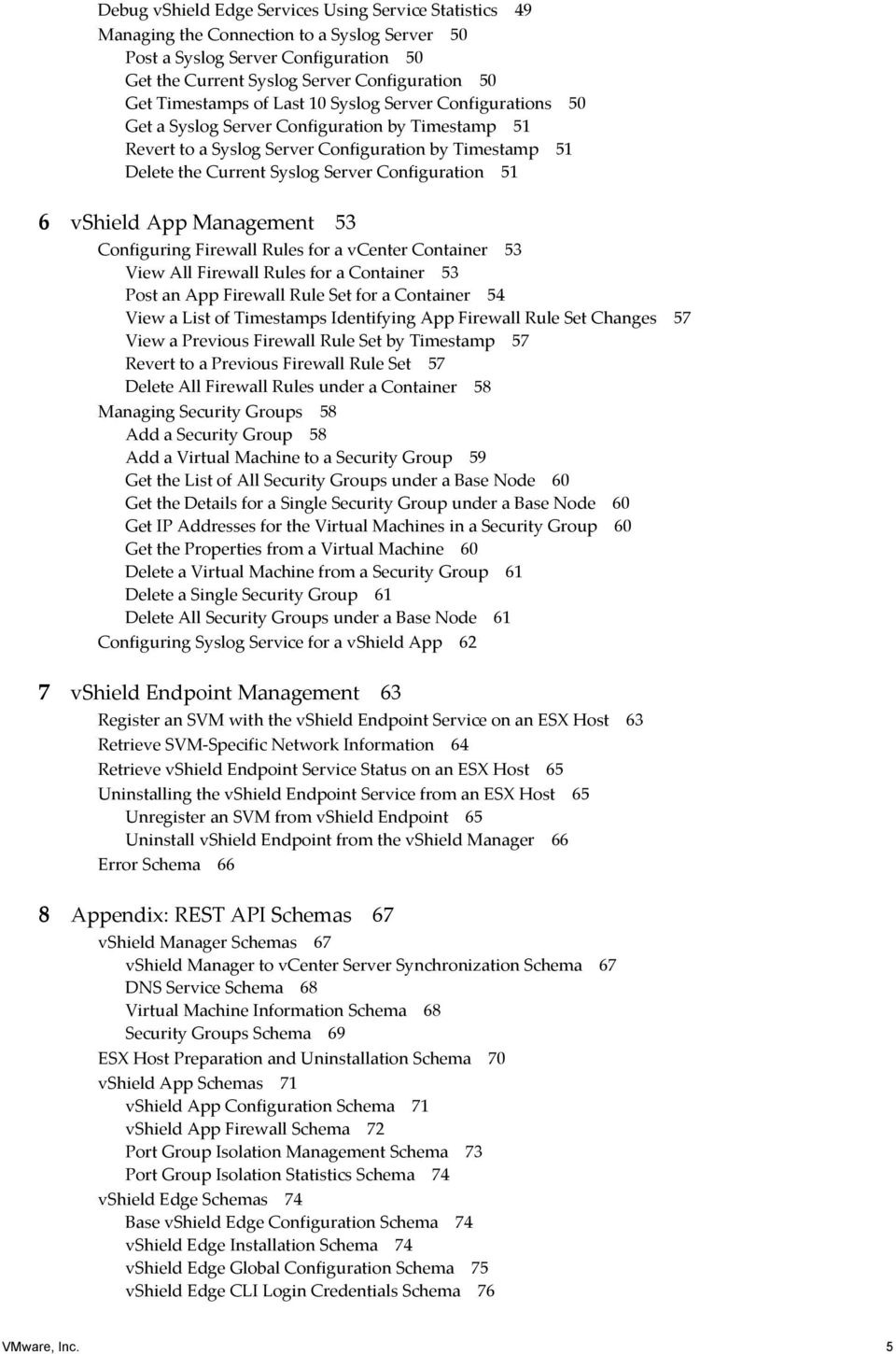
5 Debug vshield Edge Services Using Service Statistics 49 Managing the Connection to a Syslog Server 50 Post a Syslog Server Configuration 50 Get the Current Syslog Server Configuration 50 Get Timestamps of Last 10 Syslog Server Configurations 50 Get a Syslog Server Configuration by Timestamp 51 Revert to a Syslog Server Configuration by Timestamp 51 Delete the Current Syslog Server Configuration 51 6 vshield App Management 53 Configuring Firewall Rules for a vcenter Container 53 View All Firewall Rules for a Container 53 Post an App Firewall Rule Set for a Container 54 View a List of Timestamps Identifying App Firewall Rule Set Changes 57 View a Previous Firewall Rule Set by Timestamp 57 Revert to a Previous Firewall Rule Set 57 Delete All Firewall Rules under a Container 58 Managing Security Groups 58 Add a Security Group 58 Add a Virtual Machine to a Security Group 59 Get the List of All Security Groups under a Base Node 60 Get the Details for a Single Security Group under a Base Node 60 Get IP Addresses for the Virtual Machines in a Security Group 60 Get the Properties from a Virtual Machine 60 Delete a Virtual Machine from a Security Group 61 Delete a Single Security Group 61 Delete All Security Groups under a Base Node 61 Configuring Syslog Service for a vshield App 62 7 vshield Endpoint Management 63 Register an SVM with the vshield Endpoint Service on an ESX Host 63 Retrieve SVM Specific Network Information 64 Retrieve vshield Endpoint Service Status on an ESX Host 65 Uninstalling the vshield Endpoint Service from an ESX Host 65 Unregister an SVM from vshield Endpoint 65 Uninstall vshield Endpoint from the vshield Manager 66 Error Schema 66 8 Appendix: REST API Schemas 67 vshield Manager Schemas 67 vshield Manager to vcenter Server Synchronization Schema 67 DNS Service Schema 68 Virtual Machine Information Schema 68 Security Groups Schema 69 ESX Host Preparation and Uninstallation Schema 70 vshield App Schemas 71 vshield App Configuration Schema 71 vshield App Firewall Schema 72 Port Group Isolation Management Schema 73 Port Group Isolation Statistics Schema 74 vshield Edge Schemas 74 Base vshield Edge Configuration Schema 74 vshield Edge Installation Schema 74 vshield Edge Global Configuration Schema 75 vshield Edge CLI Login Credentials Schema 76 VMware, Inc. 5
6 vshield Edge Firewall Schema 77 NAT Schema 79 DHCP Schema 81 VPN Schema 83 Load Balancer Schema 86 MTU Threshold Schema 87 Traffic Stats Schema 87 Syslog Schema 88 Error Message Schema 89 Index 91 VMware, Inc. 6

7 About This Book This manual, the vshield API Programming Guide, describes how to install, configure, monitor, and maintain the VMware vshield system by using REST API requests. The information includes step by step configuration instructions and examples. Intended Audience This manual is intended for anyone who wants to use REST API to install or use vshield in a VMware vcenter environment. The information in this manual is written for experienced system administrators who are familiar with virtual machine technology and virtual datacenter operations. This manual assumes familiarity with vshield. VMware Technical Publications Glossary VMware Technical Publications provides a glossary of terms that might be unfamiliar to you. For definitions of terms as they are used in VMware technical documentation go to Document Feedback VMware welcomes your suggestions for improving our documentation. If you have comments, send your feedback to [email protected]. vshield Documentation The following documents comprise the vshield documentation set: vshield Administration Guide vshield Quick Start Guide vshield API Programming Guide, this guide Technical Support and Education Resources The following sections describe the technical support resources available to you. To access the current version of this book and other books, go to Online and Telephone Support To use online support to submit technical support requests, view your product and contract information, and register your products, go to Customers with appropriate support contracts should use telephone support for the fastest response on priority 1 issues. Go to VMware, Inc. 7

8 vshield API Programming Guide Support Offerings To find out how VMware support offerings can help meet your business needs, go to VMware Professional Services VMware Education Services courses offer extensive hands on labs, case study examples, and course materials designed to be used as on the job reference tools. Courses are available onsite, in the classroom, and live online. For onsite pilot programs and implementation best practices, VMware Consulting Services provides offerings to help you assess, plan, build, and manage your virtual environment. To access information about education classes, certification programs, and consulting services, go to 8 VMware, Inc.

9 1 Overview of VMware vshield 1 VMware vshield is a suite of network edge and application aware firewalls built for VMware vcenter Server integration. vshield inspects client server communications and inter virtual machine communication to provide detailed traffic analytics and application aware firewall protection. vshield is a critical security component for protecting virtualized datacenters from attacks and misuse helping you achieve your compliance mandated goals. This guide assumes you have administrator access to the entire vshield system. If you are unable to access a screen or perform a particular task, consult your vshield administrator. This chapter includes the following topics: vshield Components on page 9 Ports Required for vshield on page 10 An Introduction to REST API for vshield Users on page 10 vshield Components vshield includes components and services essential for protecting virtual machines. vshield can be configured through a web based user interface, a command line interface (CLI), and REST API. To run vshield, you need one vshield Manager virtual machine and at least one vshield Zones, vshield App, or vshield Edge virtual machine. vshield Manager The vshield Manager is the centralized management component of vshield and is installed from OVA as a virtual machine by using the vsphere Client. Using the vshield Manager user interface or vsphere Client plug in, administrators can install, configure, and maintain vshield components. The vshield Manager virtual machine can run on a different ESX host from your vshield App and vshield Edge virtual machines. The vshield Manager user interface leverages the VMware Infrastructure SDK to display a copy of the vsphere Client inventory panel. For more on the using the vshield Manager user interface, see the vshield Administration Guide. vshield App A vshield App monitors all traffic into and out of an ESX host, and between virtual machines on the host. vshield App provides application aware traffic analysis and stateful firewall protection. vshield App regulates traffic based on a set of rules, similar to an access control list (ACL). VMware, Inc. 9
10 vshield API Programming Guide As traffic passes through a vshield App, each session header is inspected to catalog the data. The vshield App creates a profile for each virtual machine detailing the operating system, applications, and ports used in network communication. Based on this information, the vshield App allows ephemeral port usage by permitting dynamic protocols such as FTP and RPC to pass through, while maintaining lockdown on ports 1024 and higher. You cannot protect the Service Console or VMkernel with a vshield App because these components are not virtual machines. vshield Edge A vshield Edge provides network edge security to protect the virtual machines in a vcloud tenant s network from attacks originating from the public network. The vshield Edge connects the isolated, private networks of cloud tenants to the public side of the service provider network through common edge services such as DHCP, VPN, NAT, and load balancing. You install a vshield Edge from the vshield Manager. You can install one vshield Edge instance per tenant port group on a vnetwork Distributed Switch (vds). You configure a vshield Edge by using REST API. vshield Endpoint vshield Endpoint delivers an introspection based antivirus solution. vshield Endpoint uses the hypervisor to scan guest virtual machines from the outside without a bulky agent. vshield Endpoint is efficient in avoiding resource bottlenecks while optimizing memory use. Ports Required for vshield The vshield Manager requires ports 80/TCP and 443/TCP for REST API requests. An Introduction to REST API for vshield Users REST, an acronym for Representational State Transfer, is a term that has been widely employed to describe an architectural style characteristic of programs that rely on the inherent properties of hypermedia to create and modify the state of an object that is accessible at a URL. How REST Works Once a URL of such an object is known to a client, the client can use an HTTP GET request to discover the properties of the object. These properties are typically communicated in a structured document with an HTTP Content Type of XML or JSON, that provides a representation of the state of the object. In a RESTful workflow, documents (representations of object state) are passed back and forth (transferred) between a client and a service with the explicit assumption that neither party need know anything about an entity other than what is presented in a single request or response. The URLs at which these documents are available are often sticky, in that they persist beyond the lifetime of the request or response that includes them. The other content of the documents is nominally valid until the expiration date noted in the HTTP Expires header. Using REST REST API uses HTTP requests (which are often executed by a script or other higher level language) as a way of making what are essentially idempotent remote procedure calls that create, modify, or delete the objects defined by the API. This REST API (and others) is defined by a collection of XML documents that represent the objects on which the API operates. The operations themselves (HTTP requests) are generic to all HTTP clients. 10 VMware, Inc.

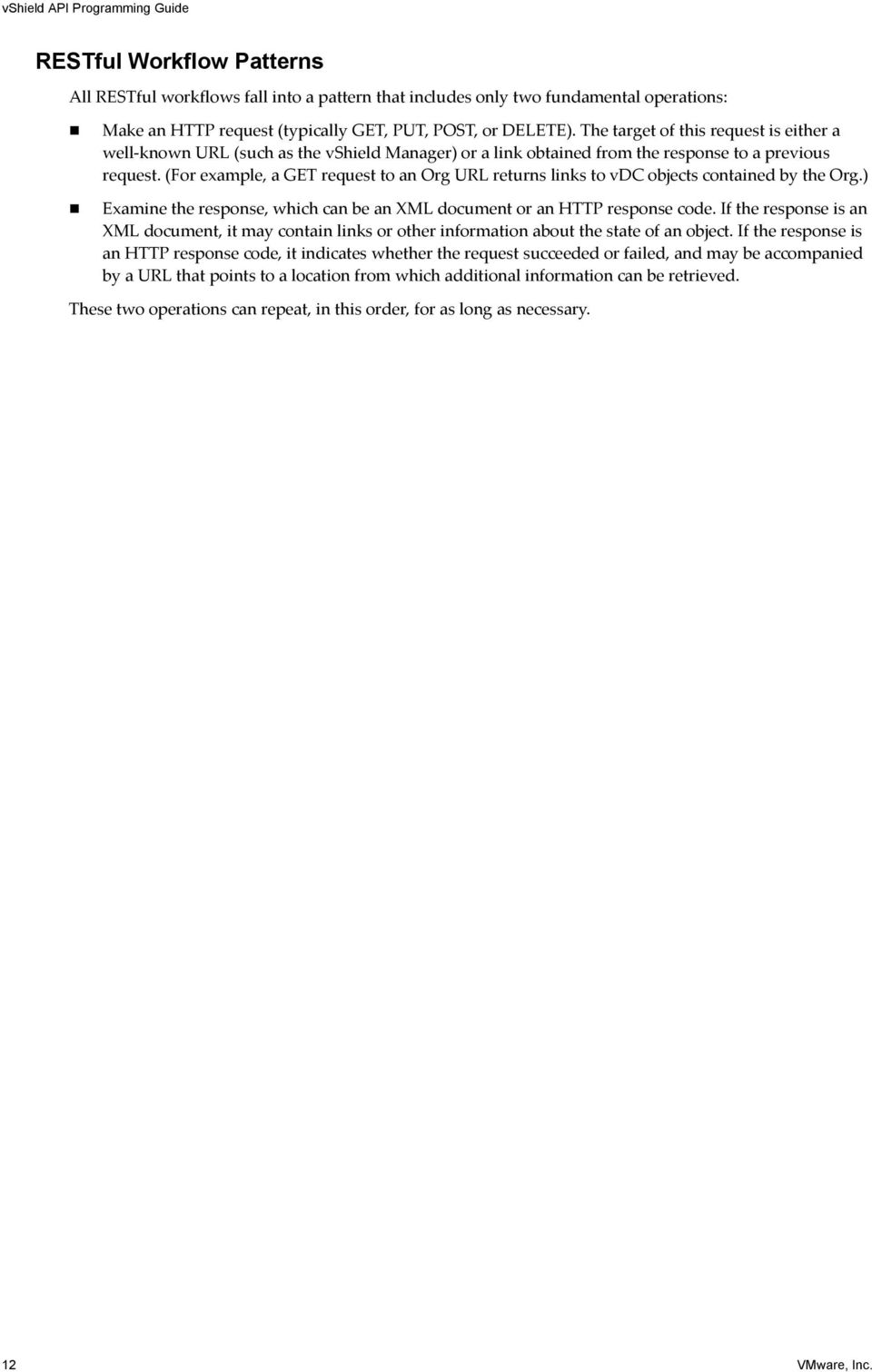
11 Chapter 1 Overview of VMware vshield To write a RESTful client, you need to understand only the HTTP protocol and the semantics of standard HTML markup. To use the vshield API effectively in such a client, you need to know three things: the set of objects that the API supports, and what they represent (What is a vdc? How does it relate to an Org?) how the API represents these objects (What does the XML schema for the vshield Edge firewall rule set look like? What do the individual elements and attributes represent?) how the client refers to an object on which it wants to operate To answer these questions, you need to understand the vshield API resource schemas. These schemas define a number of XML types, many of which are extended by other types. The XML elements defined in these schemas, along with their attributes and composition rules (minimum and maximum number of elements or attributes, for example, or the prescribed hierarchy with which elements can be nested) represent the data structures of vshield objects. A client can read an object by making an HTTP GET request to the object s resource URL. A client can write (create or modify) an object with an HTTP PUT or POST request that includes a new or changed XML body document for the object. And a client can usually delete an object with an HTTP DELETE request. In this document, we present example requests and responses, and also provide reference information on the XML schemas that define the request and response bodies. vshield API Conventions The vshield API adheres to the following conventions: All vshield API requests must be sent through the vshield Manager. You must encrypt each HTTP request into HTTPS before sending the request to the vshield Manager. All vshield REST requests require authorization. You can use the following basic authorization: YWRtaW46ZGVmYXVsdA== represents the Base 64 encoding of the vshield Manager default login credentials (admin:default). For most requests, you must know the managed object ID (MOID) of a vcenter object. Each sample in this document shows the the required MOID as a variable. You can get an MOID by using your vcenter s Managed Object Browser ( ipaddress/mob). You must have vcenter permissions to access the MOB. Table 1-1. Description of Managed Object IDs Required for vshield REST API Requests Variable base-node-moid container-moid dvs-moid host-moid portgroup-moid vm-moid Description The base node container, such as a datacenter, on which you want to create or manage a Security Group. For example, datacenter-7. The datacenter, cluster, or port group on which you want to configure vshield App settings. For example, datacenter-7 or domain-c14 (cluster). The vds on which you want to enable or disable Port Group Isolation. For example, dvs The ESX host on which you want to install vshield services. For example, host The network port group or vds port group on which you want to install or configure a vshield Edge. For example, network-25 is a port group MOID, and dvportgroup-25 is a vds port group MOID. The MOID of a virtual machine. VMware, Inc. 11
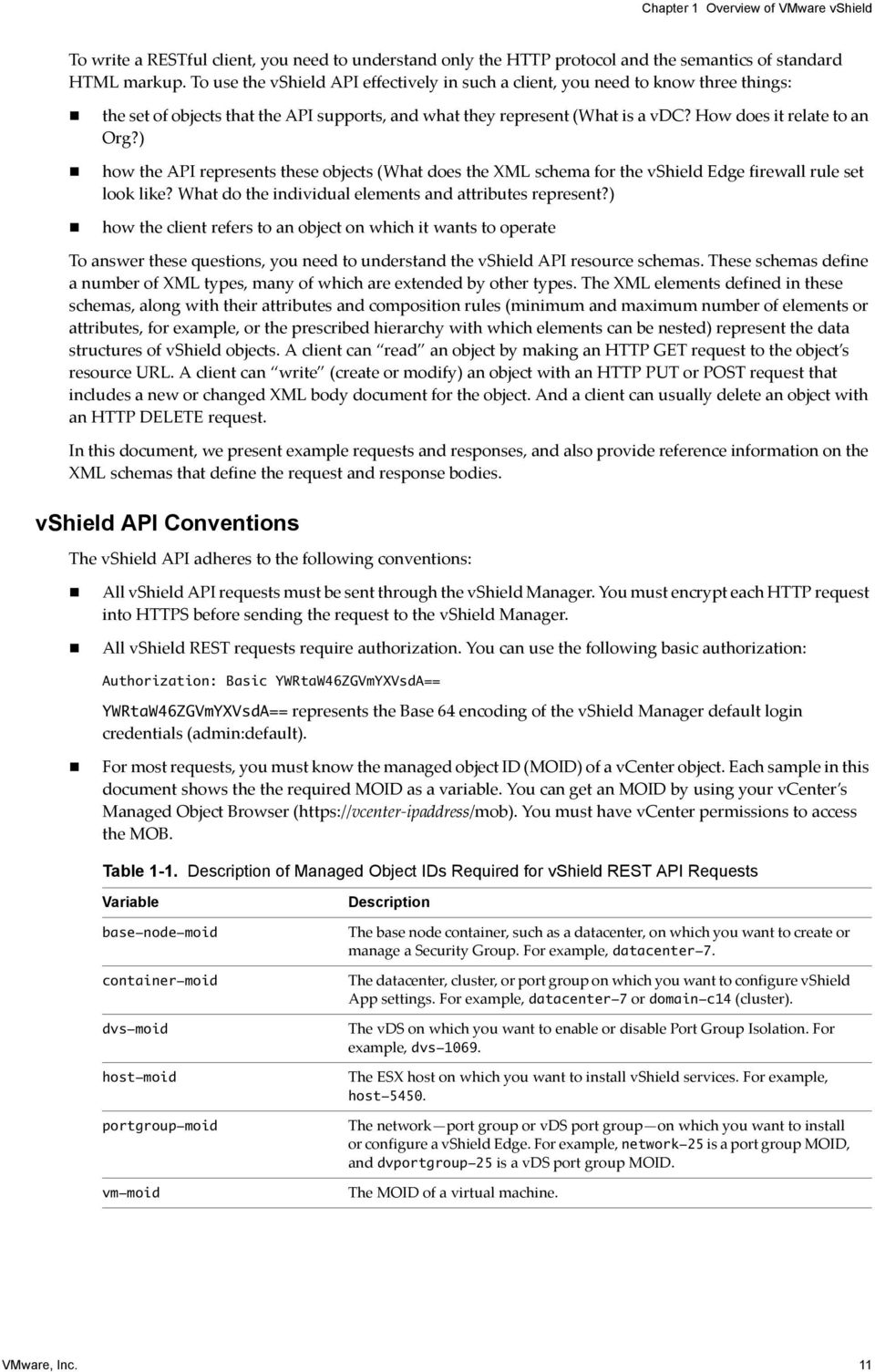
12 vshield API Programming Guide RESTful Workflow Patterns All RESTful workflows fall into a pattern that includes only two fundamental operations: Make an HTTP request (typically GET, PUT, POST, or DELETE). The target of this request is either a well known URL (such as the vshield Manager) or a link obtained from the response to a previous request. (For example, a GET request to an Org URL returns links to vdc objects contained by the Org.) Examine the response, which can be an XML document or an HTTP response code. If the response is an XML document, it may contain links or other information about the state of an object. If the response is an HTTP response code, it indicates whether the request succeeded or failed, and may be accompanied by a URL that points to a location from which additional information can be retrieved. These two operations can repeat, in this order, for as long as necessary. 12 VMware, Inc.
13 Chapter 1 Overview of VMware vshield For More Information About REST For a comprehensive discussion of REST from both the client and server perspectives, see: Richardson, Leonard, and Sam Ruby. RESTful Web Services. North Mankato: OʹReilly Media, Inc., There are also many sources of information about REST on the Web, including: introduction allamaraju rest VMware, Inc. 13

14 vshield API Programming Guide 14 VMware, Inc.
15 2 vshield Manager Management 2 The vshield Manager requires communication with your vcenter Server and services such as DNS and NTP to provide details on your VMware Infrastructure inventory. IMPORTANT All vshield REST requests require authorization. You can use the following basic authorization: YWRtaW46ZGVmYXVsdA== represents the Base 64 encoding of the vshield Manager default login credentials (admin:default). The chapter includes the following topics: Synchronize the vshield Manager with vcenter Server and DNS on page 15 Retrieving Tech Support Logs on page 16 Synchronize the vshield Manager with vcenter Server and DNS You can use a single request to synchronize the vshield Manager with the vcenter Server and add DNS servers to the vshield Manager for IP address and hostname resolution. Synchronizing with vcenter Server enables the vshield Manager user interface to display your VMware Infrastructure inventory. Synchronization with vcenter requires the vcenter URL and login credentials. For the schema, see vshield Manager to vcenter Server Synchronization Schema on page 67. For the DNS schema, see DNS Service Schema on page 68. Example 2-1. Synchronizing the vshield Manager with vcenter Server and Identify DNS Services POST <vshield_manager-uri>/api/1.0/global/config You can also synchronize the vshield Manager with the vcenter Server without specifying DNS. Example 2-2. Synchronizing the vshield Manager with vcenter Server without DNS POST <vshield_manager-uri>/api/1.0/global/vcinfo VMware, Inc. 15

16 vshield API Programming Guide Retrieving Tech Support Logs You can retrieve Technical Support logs from the vshield Manager and vshield Edge. Get the vshield Manager Technical Support Log File Path You can get the path to the diagnostic log file for the vshield Manager. You can then send the diagnostic log to technical support for assistance in troubleshooting an issue. Example 2-3. Getting the Tech Support Log File Path for a vshield Manager GET <vshield_manager-uri>/api/1.0/global/techsupportlogs Get the vshield Edge Technical Support Log File Path You can download the diagnostic log from a vshield Edge. You can then send the diagnostic log to technical support for assistance in troubleshooting an issue. Example 2-4. Getting the Tech Support Log File Path for a vshield Edge GET <vshield_manager-uri>/api/1.0/network/<portgroup-moid>/techsupportlogs 16 VMware, Inc.

17 3 ESX Host Preparation for vshield 3 App, Endpoint, and Isolation You can extend the capabilities of vshield by adding the following services: vshield App, vshield Endpoint, and vshield Edge. You must prepare each ESX host in your environment for these services. The vshield Manager OVA file contains the drivers and files necessary to install all additional services. IMPORTANT All vshield REST requests require authorization. You can use the following basic authorization: YWRtaW46ZGVmYXVsdA== represents the Base 64 encoding of the vshield Manager default login credentials (admin:default). This chapter includes the following topics: Install vshield App, vshield Endpoint, and Port Group Isolation Services on an ESX Host on page 17 Get the Installation Status of vshield Services on an ESX Host on page 19 Uninstalling vshield Services from an ESX Host on page 20 Install the Licenses for vshield Edge, vshield App, and vshield Endpoint You must install licenses for vshield Edge, vshield App, and vshield Endpoint before installing these components. You can install these licenses by using the vsphere Client. 1 From a vsphere Client host that is connected to a vcenter Server system, select Home > Licensing. 2 For the report view, select Asset. 3 Right click a vshield asset and select Change license key. 4 Select Assign a new license key and click Enter Key. 5 Enter the license key, enter an optional label for the key, and click OK. 6 Click OK. 7 Repeat these steps for each vshield component for which you have a license. Install vshield App, vshield Endpoint, and Port Group Isolation Services on an ESX Host To shorten the time to deployment, you can install vshield App, vshield Endpoint, and Port Group Isolation services on an ESX host by using a single REST call. You can do this by including VszInstallParams, PortgroupIsolationInstallParams, and EpsecInstallParams in the POST body. VMware, Inc. 17

18 vshield API Programming Guide Port Group Isolation is a service used by a vshield Edge to isolate the virtual machines in a vds port group from the external network. When Port Group Isolation is enabled, traffic is not allowed access to the virtual machines in the protected port group unless NAT rules or VLAN tags are configured. NOTE Port Group Isolation is an optional feature that is not required for vshield Edge operation. Port Group Isolation is available for vds based vshield Edge installations only. You must specify the host ID of the target ESX host to install all services. See ESX Host Preparation and Uninstallation Schema on page 70. Example 3-1. Installing a vshield App, vshield Endpoint, and Port Group Isolation on an ESX Host POST <vshield_manager-uri>/api/1.0/vshield/<host-moid> POST /api/1.0/vshield/host-5450 HTTP/1.1 Content-type: application/xml; charset=utf-8 Cache-Control: no-cache Pragma: no-cache Host: Accept: text/html, image/gif, image/jpeg, *; q=.2, */*; q=.2 Connection: keep-alive Content-Length: 489 <VshieldConfiguration><VszInstallParams><DatastoreId>datastore-5035</DatastoreId><ManagementPortS witchid>network-4485</managementportswitchid><mgmtinterface><ipaddress> </IpAddress><NetworkMask> </NetworkMask><DefaultGw> </ DefaultGw></MgmtInterface></VszInstallParams><PortgroupIsolationInstallParams><Dat astoreid>datastore-5035</datastoreid></portgroupisolationinstallparams><epsecinsta llparams>true</epsecinstallparams><installaction>install</installaction></vshieldc onfiguration> ESX host preparation requires the following elements: DatastoreId: vcenter MOID of the datastore on which the vshield App and Port Group Isolation service virtual machine files will be stored. ManagementPortSwitchId: vcenter MOID of the port group that will host the management port of the vshield App. MgmtInterface IpAddress: IP address to be assigned to the management port of the vshield App. This IP address must be able to communicate with the vshield Manager. NetworkMask: Subnet mask associated with the IP address assigned to the management interface of the vshield App. DefaultGw: IP address of the default gateway. 18 VMware, Inc.

19 Chapter 3 ESX Host Preparation for vshield App, Endpoint, and Isolation After installation of all components is complete, do the following: vshield App: At this point, vshield App installation is complete. Each vshield App inherits global firewall rules set in the vshield Manager. The default firewall rule set allows all traffic to pass. You must configure blocking rules to explicitly block traffic. To configure App Firewall rules, see Configuring Firewall Rules for a vcenter Container on page 53. Port Group Isolation: You must enable the Port Group Isolation feature on each vds. After enablement is complete, install a vshield Edge on each port group. See vnetwork Preparation and vshield Edge Installation on page 21. vshield Endpoint: To complete installation, see vshield Endpoint Management on page 63. You can install a single service by identifying only that service in the POST body. In Example 3 2, only vshield App is installed, as identified by inclusion of the VszInstallParams element only. Example 3-2. Installing a vshield App Only POST <vshield_manager-uri>/api/1.0/vshield/<host-moid>/vsz POST /api/1.0/vshield/host-5126 HTTP/1.1 Content-type: application/xml; charset=utf-8 Cache-Control: no-cache Pragma: no-cache Host: Accept: text/html, image/gif, image/jpeg, *; q=.2, */*; q=.2 Connection: keep-alive Content-Length: 368 <VshieldConfiguration><VszInstallParams><DatastoreId>datastore-5131</DatastoreId><ManagementPortS witchid>network-5134</managementportswitchid><mgmtinterface><ipaddress> </IpAddress><NetworkMask> </NetworkMask><DefaultGw> </ DefaultGw></MgmtInterface></VszInstallParams><InstallAction>install</InstallAction ></VshieldConfiguration> Get the Installation Status of vshield Services on an ESX Host You can retrieve the installation or uninstallation status of vshield services on an ESX host to track progress as complete or not initiated. If neither of these operations is in progress, the response includes the list of installed services on the ESX host. Example 3-3. Getting vshield Service Installation Status on an ESX Host GET <vshield_manager-uri>/api/1.0/vshield/<host-moid> VMware, Inc. 19

20 vshield API Programming Guide Uninstalling vshield Services from an ESX Host You can uninstall vshield App, vshield Endpoint, and Port Group Isolation from an ESX host by using a single request. Before uninstalling these services, complete the following tasks: vshield Endpoint: You must unregister SVMs before uninstalling vshield Endpoint from the ESX host. See Unregister an SVM from vshield Endpoint on page 65. Port Group Isolation: You must disable Port Group Isolation before uninstalling the service. See Disable Port Group Isolation on a vds on page 22. CAUTION Uninstalling any of these vshield services places the ESX host in maintenance mode. After uninstallation is complete, the ESX host reboots. If any of the virtual machines that are running on the target ESX host cannot be migrated to another ESX host, these virtual machines must be powered off or migrated manually before the uninstallation can continue. If the vshield Manager is on the same ESX host, the vshield Manager must be migrated prior to uninstalling the vshield App. Before uninstalling Port Group Isolation, disable the service on the host vds. See Disable Port Group Isolation on a vds on page 22. Example 3-4. Uninstalling All Three vshield Services from an ESX Host DELETE <vshield_manager-uri>/api/1.0/vshield/<host-moid> To uninstall two services at the same time, separate the services to be uninstalled with hyphens. Example 3-5. Uninstalling More than One Service DELETE <vshield_manager-uri>/api/1.0/vshield/<host-moid>/<hyphen-separated-service-names> This request uninstalls a vshield App (zones) and Port Group Isolation (pgi). The vshield Endpoint service is shortened to epsec. DELETE /api/1.0/zones/vshield/<host-moid>/vsz-pgi You can uninstall a single service by specifying the service name. Example 3-6. Uninstall a vshield App Only DELETE <vshield_manager-uri>/api/1.0/vshield/<host-moid>/vsz 20 VMware, Inc.

21 4 vnetwork Preparation and vshield 4 Edge Installation After ESX host preparation is complete, you can secure internal networks by installing a vshield Edge. If you are installing vshield Edge instances on vds port groups, you can isolate those port groups by enabling Port Group Isolation on each vds. IMPORTANT If you intend to use the Port Group Isolation feature, you should install Port Group Isolation on all ESX hosts in your vcenter environment before you install any vshield Edge virtual machines. If you do not install Port Group Isolation and attempt to enable the feature during vshield Edge installation, Port Group Isolation does not work. See Install vshield App, vshield Endpoint, and Port Group Isolation Services on an ESX Host on page 17. IMPORTANT All vshield REST requests require authorization. You can use the following basic authorization: YWRtaW46ZGVmYXVsdA== represents the Base 64 encoding of the vshield Manager default login credentials (admin:default). This chapter includes the following topics: Enabling Port Group Isolation on page 21 Installing a vshield Edge on page 23 Enabling Port Group Isolation Port Group Isolation creates a barrier between the virtual machines protected by a vshield Edge and the external network. When you enable Port Group Isolation and install a vshield Edge on a vds port group, you isolate each secured vds port group from the external network. When Port Group Isolation is enabled, traffic is not allowed access to the virtual machines in the secured port group unless NAT rules or VLAN tags are configured NOTE Port Group Isolation is an optional feature that is not required for vshield Edge operation. Port Group Isolation is available for vds based vshield Edge installations only. To enable Port Group Isolation on a vds 1 Enable Port Group Isolation on each vds. 2 Install a vshield Edge on each vds port group you plan to secure. 3 Move the virtual machines to secured vds port groups. VMware, Inc. 21
22 vshield API Programming Guide Enable Port Group Isolation on a vds After Port Group Isolation is installed on each ESX host, you must enable Port Group Isolation on each vds where you will install a vshield Edge. Example 4-1. Enabling Port Group Isolation on a vds PUT <vshield_manager-uri>/api/1.0/network/portgroupisolation/dvs/<dvs-moid> PUT /api/1.0/portgroupisolation/dvs/dvs-1069 HTTP/1.1 Content-type: application/xml; charset=utf-8 Cache-Control: no-cache Pragma: no-cache Host: Accept: text/html, image/gif, image/jpeg, *; q=.2, */*; q=.2 Connection: keep-alive Get the Port Group Isolation Debug Statistics from an ESX Host You can retrieve the statistics on Port Group Isolation activity from an ESX host for debug purposes. This query returns XML with the path of the location of the statistics file on the vshield Manager. This path can be used to download the file over HTTP. See Port Group Isolation Statistics Schema on page 74. Example 4-2. Getting the Port Group Isolation Debug Statistics from an ESX Host GET <vshield_manager-uri>/api/1.0/network/portgroupisolation/<host-moid>/statslocation Disable Port Group Isolation on a vds Before uninstalling Port Group Isolation, disable the service on the host vds. Example 4-3. Disabling Port Group Isolation on a vds DELETE <vshield_manager-uri>/api/1.0/network/portgroupisolation/dvs/<dvs-moid> DELETE /api/1.0/portgroupisolation/dvs/dvs-1069 HTTP/1.1 Content-type: application/xml; charset=utf-8 Cache-Control: no-cache Pragma: no-cache Host: Accept: text/html, image/gif, image/jpeg, *; q=.2, */*; q=.2 Connection: keep-alive 22 VMware, Inc.
23 Chapter 4 vnetwork Preparation and vshield Edge Installation Installing a vshield Edge You can install one vshield Edge per port group, vds port group, or Cisco Nexus 1000V. A vshield Edge requires an external port group with a physical NIC and an internal port group that contains the virtual machines to be secured. The vshield Edge sits inline between these port groups. If an internal port group does not exist, you must create this port group before installing a vshield Edge. The vshield Edge installation API copies the vshield Edge OVF from the vshield Manager to the specified datastore and deploys a vshield Edge on the given port group. After the vshield Edge is installed, the virtual machine powers on and initializes according to the given network configuration. Installing a vshield Edge instance adds a virtual machine to the vcenter Server inventory, which is mirrored in the vshield Manager user interface. You must name the vshield Edge instance and specify an IP address for the management interface. For the schema, see vshield Edge Installation Schema on page 74. Example 4-4. Installing a vshield Edge POST <vshield_manager-uri>/api/1.0/network/<portgroup-moid>/vshieldedge <VShieldEdgeConfig> <InstallParams> <operationmode>routing</operationmode> <resourcepoolid>resource_pool_moid</resourcepoolid> <hostid>host_id_from_mob</hostid> <datastoreid>datastore_moid</datastoreid> <InternalInterface> <networkid>moid_of_internal_interface</networkid> <networkaddress>ip_address_of_internal_interface</networkaddress> <subnetmask>subnetmask_for_internal_interface</subnetmask> </InternalInterface> <ExternalInterface> <networkid>moid_of_external_interface</networkid> <networkaddress>ip_address_of_external_interface</networkaddress> <subnetmask>subnetmask_for_external_interface</subnetmask> <defaultgw>default_gateway_for_external_interface</defaultgw> </ExternalInterface> </InstallParams> </VShieldEdgeConfig> Rules: The installation schema requires the following values: operationmode: Enter routing as the value. resourcepoolid: Enter the MOID of the resource pool. hostid: Enter the MOID of the ESX host to which the vshield Edge is to be cloned. datastoreid: Enter the MOID of the datastore to which the vshield Edge is to be cloned. InternalInterface: Enter the MOID for the internal port group. ExternalInterface: Enter the MOID for the external port group. POST /api/1.0/network/network-244/vshieldedge HTTP/1.1 Content-Type: application/xml Host: localhost:9998 Accept: text/html, image/gif, image/jpeg, *; q=.2, */*; q=.2 Content-Length: 620 VMware, Inc. 23
24 vshield API Programming Guide <?xml version="1.0" encoding="utf-8" standalone="yes"?><vshieldedgeconfig><installparams><operationmode>routing</operat ionmode><resourcepoolid>network-244</resourcepoolid><hostid>host-28</hostid><datas toreid>datastore-29</datastoreid><internalinterface><networkid>network-43</network Id><networkAddress> </networkAddress><subnetMask> </subnetMas k></internalinterface><externalinterface><networkid>network-39</networkid><network Address> </networkAddress><subnetMask> </subnetMask><defa ultgw> </defaultgw></externalinterface></installparams></vshieldedgec onfig> Get the Install Parameters of a vshield Edge Example 4-5. Getting the Install Parameters of a vshield Edge GET <vshield_manager-uri>/api/1.0/network/<portgroup-moid>/vshieldedge GET /api/1.0/network/network-244/vshieldedge HTTP/1.1 Host: :9998 Uninstall a vshield Edge CAUTION If you have enabled Port Group Isolation, you must migrate or power off the virtual machines on the ESX host from which you want to uninstall a vshield Edge. Uninstalling Port Group Isolation places the ESX host in maintenance mode. After uninstallation is complete, the ESX host reboots. If any of the virtual machines that are running on the target ESX host cannot be migrated to another ESX host, these virtual machines must be powered off or migrated manually before the uninstallation can continue. If the vshield Manager is on the same ESX host, the vshield Manager must be migrated prior to uninstalling Port Group Isolation. If you did not install and enable Port Group Isolation on an ESX host, you do not have to migrate virtual machines to uninstall a vshield Edge. Example 4-6. Uninstalling a vshield Edge DELETE <vshield_manager-uri>/api/1.0/network/<portgroup-moid>/vshieldedge DELETE /api/1.0/network/network-244/vshieldedge HTTP/1.1 Host: localhost: VMware, Inc.
25 5 vshield Edge Management 5 You can manage vshield Edge services and firewall policies by using REST API. By using REST call, you can start or stop services, post and delete configurations, and get service status. For each service, you can enable logging to view debug and audit messages. You must identify a syslog server to receive the logs. IMPORTANT All vshield REST requests require authorization. You can use the following basic authorization: YWRtaW46ZGVmYXVsdA== represents the Base 64 encoding of the vshield Manager default login credentials (admin:default). This chapter includes the following topics: Force a vshield Edge to Synchronize with the vshield Manager on page 26 Manage CLI Credentials on a vshield Edge on page 26 Managing DHCP on page 26 Managing NAT on page 29 Configuring the vshield Edge Firewall on page 35 Configuring VPNs on page 39 Load Balancer on page 45 Managing the MTU Threshold for a vshield Edge on page 48 View Traffic Statistics on page 49 Debug vshield Edge Services Using Service Statistics on page 49 Managing the Connection to a Syslog Server on page 50 VMware, Inc. 25
26 vshield API Programming Guide Force a vshield Edge to Synchronize with the vshield Manager If the configuration of a vshield Edge is out of sync with what shows in the vshield Manager user interface, you can force the vshield Manager to push the latest configuration to a vshield Edge. Example 5-1. Forcing a vshield Edge to Sync with the vshield Manager PUT <vshield_manager-uri>/api/1.0/network/<portgroup-moid>/action/forcesync PUT /api/1.0/network/network-244/action/forcesync HTTP/1.1 Host: localhost Manage CLI Credentials on a vshield Edge You can set and change login credentials for the CLI on a vshield Edge virtual appliance via REST. You can change the default CLI login credentials (username admin and password default) on a vshield Edge via REST. You can use lower case letters, numbers, and underscores in the CLI username. The username must start with a letter and be between 1 and 33 characters in length. The password cannot have spaces and must be at least 1 character in length. For the schema, see vshield Edge CLI Login Credentials Schema on page 76. Example 5-2. Managing CLI Credentials on a vshield Edge PUT <vshield_manager-uri>/api/1.0/network/<portgroup-moid>/cli/credentials PUT /api/1.0/network/network-244/cli/credentials HTTP/1.1 Host: <?xml version="1.0" encoding="utf-8" standalone="yes"?><vshieldedgeconfig><clilogincredentials><username>newuser</usern ame><password>newpasswd</password></clilogincredentials></vshieldedgeconfig> Managing DHCP vshield Edge provides DHCP service to bind assigned IP addresses to MAC addresses. All virtual machines protected by a vshield Edge can obtain IP addresses dynamically from the vshield Edge DHCP service. vshield Edge supports IP address pooling and one to one static IP address allocation based on the vcenter managed object ID (vmid) and interface ID (interfaceid) of the requesting client. vshield Edge DHCP service adheres to the following rules: Listens on the vshield Edge internal interface (InternalInterface) for DHCP discovery. Uses the IP address of the internal interface on the vshield Edge as the default gateway address for all clients, and the broadcast and subnetmask values of the internal interface for the container network. All DHCP settings configured by using REST requests appear under the vshield Edge > DHCP tab for the appropriate vshield Edge in the vshield Manager user interface and vsphere Client plug in. For the DHCP schema, see DHCP Schema on page VMware, Inc.
27 Chapter 5 vshield Edge Management Get the DHCP Server Status Example 5-3. Getting the Status of the DHCP Service on a vshield Edge GET <vshield_manager-uri>/api/1.0/network/<portgroup-moid>/dhcp/service GET /api/1.0/network/network-244/dhcp/service HTTP/1.1 Host: Start, Stop, or Restart the DHCP Service Example 5-4. Starting or Stopping the DHCP Service on a vshield Edge PUT <vshield_manager-uri>/api/1.0/network/<portgroup-moid>/dhcp/action/ {start stop restart} PUT /api/1.0/network/network-244/dhcp/action/start HTTP/1.1 Host: Post a DHCP Configuration You can add hosts and IP pools for DHCP service on a vshield Edge, The vshield Edge can allocate IP addresses to protected virtual machines from configured IP pools. The vshield Manager processes the posted XML file as a complete configuration for the specific vshield Edge. The current configuration is replaced with this new configuration. If you do not specify a value for the <leasetime/> parameter, the default value of one day is used. A value of infinite is supported. Example 5-5. Adding IP Pool Ranges to a vshield Edge POST <vshield_manager-uri>/api/1.0/network/<portgroup-moid>/dhcp/config Rules: DHCPConfigParams and its elements are optional leasetime can be infinite or number of seconds. If not specified, the default lease time is 1 day. Logging is disabled by default. To enable logging, add a <log /> element within <DHCPConfig />. VMware, Inc. 27
28 vshield API Programming Guide POST /api/1.0/network/network-244/dhcp/config HTTP/1.1 content-type: application/xml; charset=utf-8 Host: accept: text/html, image/gif, image/jpeg, *; q=.2, */*; q=.2 content-length: 655 <?xml version="1.0" encoding="utf-8" standalone="yes"?><vshieldedgeconfig><dhcpconfig><dhcpbinding><vmid>vm-70</vmi d> <interfaceid>1</interfaceid><hostname>vmware</hostname><internalipaddress> </internalIPAddress><DHCPConfigParams><domainName>vmware.com</domainN ame><primarynameserver> </primarynameserver><secondarynameserver> </secondaryNameServer><leaseTime>3000</leaseTime></DHCPConfigParams> </DHCPBinding><DHCPPool><PoolRange><rangeStart> </rangeStart> <rangeend> </rangeend></poolrange><dhcpconfigparams><leasetime>infinite </leasetime></dhcpconfigparams></dhcppool></dhcpconfig></vshieldedgeconfig> Get the Configuration for All DHCP Hosts and Pools You can retrieve the current DHCP configuration for a vshield Edge, including all configured hosts and IP pools. Example 5-6. Getting the Configuration of All DHCP Hosts and Pools GET <vshield_manager-uri>/api/1.0/network/<portgroup-moid>/dhcp/config GET /api/1.0/network/network-244/dhcp/config HTTP/1.1 Host: Get Timestamps of Last 10 DHCP Configurations You can get a list of the last 10 DHCP configurations by timestamp. Example 5-7. Getting Last 10 DHCP Configurations GET <vshield_manager-uri>/api/1.0/network/<portgroup-moid>/dhcp/snapshots Get a DHCP Configuration by Timestamp You can view the details of a past DHCP configuration by specifying the timestamp of the snapshot. Example 5-8. Getting a DHCP Configuration by Snapshot Timestamp GET <vshield_manager-uri>/api/1.0/network/<portgroup-moid>/ dhcp/snapshot/<snapshot-timestamp> 28 VMware, Inc.
29 Chapter 5 vshield Edge Management Revert to a DHCP Configuration by Timestamp You can revert to a previous DHCP configuration by specifying the timestamp of the snapshot. The current configuration is saved for future reference. Example 5-9. Revert to an DHCP Configuration by Timestamp PUT <vshield_manager-uri>/api/1.0/network/<portgroup-moid>/ dhcp/snapshot/<snapshot-timestamp> Delete the DHCP Configuration on a vshield Edge You can delete the current DHCP configuration a vshield Edge. Example Delete the DHCP Configuration on a vshield Edge DELETE <vshield_manager-uri>/api/1.0/network/<portgroup-moid>/dhcp/config DELETE /api/1.0/network/network-244/dhcp/config HTTP/1.1 Host: Managing NAT The vshield Edge provides network address translation (NAT) service to protect the IP addresses of internal, private networks from the public network. You can configure NAT rules to provide access to services running on privately addressed virtual machines. The NAT service configuration is separated into SNAT (Secure Network Address Translation) and DNAT (Destination Network Address Translation) rules. All SNAT and DNAT rules configured by using REST requests appear under the vshield Edge > NAT tab for the appropriate vshield Edge in the vshield Manager user interface and vsphere Client plug in. For the NAT schema, see NAT Schema on page 79. Managing SNAT Rules The vshield Edge uses SNAT to map internal addresses to allocated public addresses. If you use Port Group Isolation, you must configure SNAT rules to allow traffic from the internal network to the external network. Get the SNAT Rule Set Example Get the SNAT rule set on a vshield Edge GET <vshield_manager-uri>/api/1.0/network/<portgroup-moid>/snat/rules GET /api/1.0/network/network-244/snat/rules HTTP/1.1 Host: localhost VMware, Inc. 29
30 vshield API Programming Guide Post an SNAT Rule Set You can post an SNAT rule set for a vshield Edge via REST. The vshield Manager processes the posted XML file as a complete rule set for the specific vshield Edge. The current rule set is replaced with this new set of rules. Example Post an SNAT Rule Set on a vshield Edge POST <vshield_manager-uri>/api/1.0/network/<portgroup-moid>/snat/rules <VShieldEdgeConfig> <NATConfig> <NATRule> <externalipaddress> <ipaddress>iporany</ipaddress> or or <IpRange> <rangestart>ip_address</rangestart> <rangeend>ip_address</rangeend> </IpRange> </externalipaddress> <internalipaddress> <ipaddress>iporany</ipaddress> <IpRange> <rangestart>ip_address</rangestart> <rangeend>ip_address</rangeend> </IpRange> </internalipaddress> </NATRule> </NATConfig> </VShieldEdgeConfig> Rules: You can add multiple SNAT rules by entering multiple <NATRule></NATRule> sections in the body. <VShieldEdgeConfig> <NATConfig> <NATRule> <internalipaddress><ipaddress> </ipaddress></internalipaddress> <externalipaddress><ipaddress> </ipaddress></externalipaddress> </NATRule> <NATRule> <internalipaddress><ipaddress> </ipaddress></internalipaddress> <externalipaddress><ipaddress> </ipaddress></externalipaddress> </NATRule> </NATConfig> </VShieldEdgeConfig> Logging is disabled by default. To enable logging, add a <log /> element within <NATRule />. The externalipaddress and internalipaddress parameters can be entered in either of these methods. <ipaddress>iporany</ipaddress> or <IpRange> <rangestart>low_ip_address</rangestart> <rangeend>high_ip_address</rangeend> </IpRange> 30 VMware, Inc.
31 Chapter 5 vshield Edge Management SNAT does not support port and protocol parameters. Multiple SNAT Rules POST /api/1.0/network/network-244/snat/rules HTTP/1.1 content-type: application/xml; charset=utf-8 Host: accept: text/html, image/gif, image/jpeg, *; q=.2, */*; q=.2 content-length: 310 <?xml version="1.0" encoding="utf-8" standalone="yes"?> <VShieldEdgeConfig><NATConfig><NATRule><internalIpAddress><ipAddress> </ipAddress></internalIpAddress><externalIpAddress><ipAddress> </ipaddress></externalipaddress></natrule></natconfig></vshieldedgeconfig> SNAT Rule with IP Range content-length: 563 <?xml version="1.0" encoding="utf-8" standalone="yes"?><vshieldedgeconfig><natconfig><natrule><internalipaddress><i prange><rangestart> </rangestart><rangeend> </rangeend></i prange></internalipaddress><externalipaddress><iprange><rangestart> </rangeStart><rangeEnd> </rangeEnd></IpRange></externalIpAddre ss></natrule><natrule><internalipaddress><ipaddress> </ipaddress></i nternalipaddress><externalipaddress><ipaddress> </ipaddress></ext ernalipaddress></natrule></natconfig></vshieldedgeconfig> Get Timestamps of Last 10 SNAT Rule Configurations for a vshield Edge Example Get Last 10 SNAT Rule Set Snapshots GET <vshield_manager-uri>/api/1.0/network/<portgroup-moid>/snat/snapshots Get SNAT Configuration by Snapshot Timestamp Example Get SNAT Configuration by Snapshot Timestamp Request GET <vshield_manager-uri>/api/1.0/network/<portgroup-moid>/ snat/snapshot/<snapshot-timestamp> Revert to an SNAT Configuration by Snapshot Timestamp Example Revert to an SNAT Configuration by Snapshot Timestamp PUT <vshield_manager-uri>/api/1.0/network/<portgroup-moid>/ snat/snapshot/<snapshot-timestamp> VMware, Inc. 31
32 vshield API Programming Guide Delete All SNAT Rules on a vshield Edge Example Delete All SNAT Rules on a vshield Edge DELETE <vshield_manager-uri>/api/1.0/network/<portgroup-moid>/snat/rules DELETE /api/1.0/network/network-244/snat/rules HTTP/1.1 Host:sdfsdf Managing DNAT Rules DNAT maps public addresses to internal addresses. If you use Port Group Isolation, you must configure DNAT rules to allow traffic from the external network to the internal network. The vshield Edge supports two forms of DNAT: Traffic targeting a public address is forwarded to an internal host with the given internal IP address. Traffic targeting a specific port of a public address is forwarded to an internal host with the given internal IP address on the specified port. Get the DNAT Rule Set Example Get the DNAT Rule Set on a vshield Edge GET <vshield_manager-uri>/api/1.0/network/<portgroup-moid>/dnat/rules GET /api/1.0/network/network-244/dnat/rules HTTP/1.1 Host: localhost Post a DNAT Rule Set You can post a DNAT rule set for a vshield Edge. The vshield Manager processes the posted XML file as a complete rule set for the specific vshield Edge. The current rule set is replaced with this new set of rules. Example Post a DNAT Rule Set on a vshield Edge POST <vshield_manager-uri>/api/1.0/network/<portgroup-moid>/dnat/rules <VShieldEdgeConfig> <NATConfig> <NATRule> <protocol>tcp udp icmp any</protocol> <internalipaddress>see_below</internalipaddress> <internalport>see_below</internalport> <externalipaddress>see_below</externalipaddress> <externalport>see_below</externalport> </NATRule> </NATConfig> </VShieldEdgeConfig> 32 VMware, Inc.
33 Chapter 5 vshield Edge Management Rules: You can add multiple DNAT rules by entering multiple <NATRule></NATRule> sections in the body. For <protocol /> options tcp and udp, you must specify internalport and externalport elements. For options icmp and any, the internalport and externalport elements are not expected. You must add <icmptype /> if you configure icmp as the protocol. Logging is disabled by default. To enable logging, add a <log /> element within <NATRule />. The externalipaddress and internalipaddress parameters can be entered in either of these formats. <ipaddress>iporany</ipaddress> or <IpRange> <rangestart>low_ip_address</rangestart> <rangeend>high_ip_address</rangeend> </IpRange> The externalport and internalport parameters can be entered in either of these formats. <port>portorany</port> or <PortRange> <rangestart>low_port</rangestart> <rangeend>high_port</rangeend> </PortRange> Multiple DNAT Rules POST /api/1.0/network/network-244/dnat/rules HTTP/1.1 content-type: application/xml; charset=utf-8 Host: accept: text/html, image/gif, image/jpeg, *; q=.2, */*; q=.2 content-length: 617 <?xml version="1.0" encoding="utf-8" standalone="yes"?><vshieldedgeconfig><natconfig><natrule><protocol>tcp</protoc ol><internalipaddress><ipaddress> </ipaddress></internalipaddress><i nternalport><port>any</port></internalport><externalipaddress><ipaddress> </ipAddress></externalIpAddress><externalPort><port>any</port></exter nalport></natrule><natrule><protocol>icmp</protocol><icmptype>any</icmptype><i nternalipaddress><ipaddress> </ipaddress></internalipaddress><extern alipaddress><ipaddress> </ipaddress></externalipaddress></natrule ></NATConfig></VShieldEdgeConfig> DNAT Rule with IP Range content-length: 453 <?xml version="1.0" encoding="utf-8" standalone="yes"?><vshieldedgeconfig><natconfig><natrule><protocol>tcp</protoc ol><internalipaddress><iprange><rangestart> </rangestart><rangeend> </rangeEnd></IpRange></internalIpAddress><internalPort><port>any</po rt></internalport><externalipaddress><ipaddress> </ipaddress></ex ternalipaddress><externalport><port>any</port></externalport></natrule></natco nfig></vshieldedgeconfig> VMware, Inc. 33
34 vshield API Programming Guide DNAT Rule with Port Range content-length: 518 <?xml version="1.0" encoding="utf-8" standalone="yes"?><vshieldedgeconfig><natconfig><natrule><protocol>tcp</protoc ol><internalipaddress><ipaddress> </ipaddress></internalipaddress><i nternalport><portrange><rangestart>15</rangestart><rangeend>19</rangeend></por trange></internalport><externalipaddress><ipaddress> </ipaddress> </externalipaddress><externalport><portrange><rangestart>9915</rangestart><ran geend>9919</rangeend></portrange></externalport></natrule></natconfig></vshiel dedgeconfig> DNAT Rule with IP and Port Range content-length: 627 <?xml version="1.0" encoding="utf-8" standalone="yes"?><vshieldedgeconfig><natconfig><natrule><protocol>tcp</protoc ol><internalipaddress><iprange><rangestart> </rangestart><rangeend> </rangeEnd></IpRange></internalIpAddress><internalPort><PortRange><r angestart>15</rangestart><rangeend>19</rangeend></portrange></internalport><ex ternalipaddress><iprange><rangestart> </rangestart><rangeend> </rangeEnd></IpRange></externalIpAddress><externalPort><PortRange><r angestart>9915</rangestart><rangeend>9919</rangeend></portrange></externalport ></NATRule></NATConfig></VShieldEdgeConfig> Get Timestamps of Last 10 DNAT Rule Configurations for a vshield Edge Example Get Last 10 DNAT Rule Set Snapshots GET <vshield_manager-uri>/api/1.0/network/<portgroup-moid>/dnat/snapshots Get DNAT Configuration by Snapshot Timestamp Example Get DNAT Configuration by Snapshot Timestamp GET <vshield_manager-uri>/api/1.0/network/<portgroup-moid>/ dnat/snapshot/<snapshot-timestamp> Revert to an DNAT Configuration by Snapshot Timestamp Example Revert to an DNAT Configuration by Snapshot Timestamp PUT <vshield_manager-uri>/api/1.0/network/<portgroup-moid>/ dnat/snapshot/<snapshot-timestamp> 34 VMware, Inc.
35 Chapter 5 vshield Edge Management Delete All DNAT Rules Example Delete All DNAT Rules on a vshield Edge DELETE <vshield_manager-uri>/api/1.0/network/<portgroup-moid>/dnat/rules DELETE /api/1.0/network/network-244/dnat/rules HTTP/1.1 Host:localhost Configuring the vshield Edge Firewall The vshield Edge provides firewall protection for incoming and outgoing sessions. The default firewall policy allows all traffic to pass. In addition to the default firewall policy, you can configure a set of rules to allow or deny traffic sessions to and from specific sources and destinations. You manage the default firewall policy and firewall rule set separately for each vshield Edge agent. All firewall rules for a vshield Edge configured by using REST requests appear under the vshield Edge > Firewall tab for the appropriate vshield Edge in the vshield Manager user interface and vsphere Client plug in. For the vshield Edge firewall schema, see vshield Edge Firewall Schema on page 77. Get the Firewall Rule Set for a vshield Edge Example Get the Entire Firewall Rule Set on a vshield Edge GET <vshield_manager-uri>/api/1.0/network/<portgroup-moid>/firewall/rules GET /api/1.0/network/network-244/firewall/rules HTTP/1.1 Host: Post a Firewall Rule Set You add all firewall rules as a set for each vshield Edge. The vshield Manager processes the posted XML file as a complete rule set for the specified vshield Edge. The new rule set replaces the entire previous rule set. IMPORTANT You must include rules from the current rule set in the new rule set to maintain those rules. Any rules not included in the new rule set are deleted. Since you cannot delete the default rules, you must include the default rules in every rule set. You can change the action of any of the default rules. Example Post the Firewall Rule Set on a vshield Edge POST <vshield_manager-uri>/api/1.0/network/<portgroup-moid>/firewall/rules <VShieldEdgeConfig> <FirewallConfig> <FirewallRule> <protocol>tcp udp icmp any</protocol> <sourceipaddress>see_below</sourceipaddress> <sourceport>see_below</sourceport> <destinationipaddress>see_below</destinationipaddress> VMware, Inc. 35
36 vshield API Programming Guide <destinationport>see_below</destinationport> <direction>in out both</direction> <action>allow deny</action> </FirewallRule> </FirewallConfig> </VShieldEdgeConfig> Rules: You can add multiple firewall rules by entering multiple <FirewallRule></FirewallRule> sections in the body. For <protocol /> options tcp and udp, you must specify sourceport and destinationport elements. For options icmp and any, the sourceport and destinationport elements are not expected. You must add <icmptype /> if you configure icmp as the protocol. Logging is disabled by default. To enable logging, add a <log /> element within <FirewallRule />. The sourceipaddress and destinationipaddress parameters can be entered in either of these formats. <ipaddress>iporany</ipaddress> or <IpRange> <rangestart>low_ip_address</rangestart> <rangeend>high_ip_address</rangeend> </IpRange> The sourceport and destinationport parameters can be entered in either of the following formats. <port>portorany</port> or <PortRange> <rangestart>low_port</rangestart> <rangeend>high_port</rangeend> </PortRange> Allow any firewall rule set POST /api/1.0/network/network-244/firewall/rules HTTP/1.1 content-type: application/xml; charset=utf-8 Host: accept: text/html, image/gif, image/jpeg, *; q=.2, */*; q=.2 content-length: 711 <?xml version="1.0" encoding="utf-8" standalone="yes"?><vshieldedgeconfig><firewallconfig><firewallrule><protocol>a ny</protocol><sourceipaddress><ipaddress>any</ipaddress></sourceipaddress><sou rceport><port>any</port></sourceport><destinationipaddress><ipaddress>any</ipa ddress></destinationipaddress><destinationport><port>any</port></destinationpo rt><direction>out</direction><action>allow</action></firewallrule><firewallrul e><protocol>icmp</protocol><icmptype>any</icmptype><sourceipaddress><ipaddress >any</ipaddress></sourceipaddress><destinationipaddress><ipaddress>any</ipaddr ess></destinationipaddress><direction>out</direction><action>allow</action></f irewallrule></firewallconfig></vshieldedgeconfig> 36 VMware, Inc.
37 Chapter 5 vshield Edge Management Firewall rule set with deny action based on IP and port range content-length: 695 <?xml version="1.0" encoding="utf-8" standalone="yes"?><vshieldedgeconfig><firewallconfig><firewallrule><protocol>t cp</protocol><sourceipaddress><iprange><rangestart> </rangestart><ra ngeend> </rangeend></iprange></sourceipaddress><sourceport><portrang e><rangestart>9922</rangestart><rangeend>9925</rangeend></portrange></sourcepo rt><destinationipaddress><iprange><rangestart> </rangestart><range End> </rangeEnd></IpRange></destinationIpAddress><destinationPort> <PortRange><rangeStart>22</rangeStart><rangeEnd>25</rangeEnd></PortRange></des tinationport><direction>in</direction><action>deny</action></firewallrule></fi rewallconfig></vshieldedgeconfig> Get the Status of the Default Policy for a vshield Edge You can check the action allow or deny currently enforced for the default firewall policy. Example Get the Status of the Default Policy for a Specific Network GET <vshield_manager-uri>/api/1.0/network/<portgroup-moid>/firewall/default GET /api/1.0/network/network-244/firewall/default HTTP/1.1 Host: Change the Default Firewall Policy Action You can change the default firewall policy action to either allow all traffic or deny all traffic. Example Change the Action of the Default Firewall Policy on a vshield Edge PUT <vshield_manager-uri>/api/1.0/network/<portgroup-moid>/ firewall/default/{allow deny} PUT /api/1.0/network/network-244/firewall/default/allow HTTP/1.1 Host: Get Details of a Specific Firewall Rule You can view the details of a specific firewall rule applied on a vshield Edge. Example Get a Firewall Rule GET <vshield_manager-uri>/api/1.0/network/<portgroup-moid>/ firewall/rules/<rule-id> VMware, Inc. 37
38 vshield API Programming Guide Get Timestamps of Last 10 Firewall Rule Sets for a vshield Edge Example Get Last 10 Firewall Rule Set by Timestamp GET <vshield_manager-uri>/api/1.0/network/<portgroup-moid>/firewall/snapshots Get Firewall Rule Set by Timestamp Example Get Firewall Rule Set by Timestamp GET <vshield_manager-uri>/api/1.0/network/<portgroup-moid>/ firewall/snapshot/<snapshot-timestamp> Revert to a Firewall Rule Set by Timestamp Example Revert to an DNAT Configuration by Snapshot Timestamp PUT <vshield_manager-uri>/api/1.0/network/<portgroup-moid>/ firewall/snapshot/<snapshot-timestamp> Delete All Firewall Rules on a vshield Edge If you delete all firewall rules on a vshield Edge agent, the agent enforces the default policy on all incoming and outgoing traffic sessions. Example Delete All Firewall Rules on a vshield Edge DELETE <vshield_manager-uri>/api/1.0/network/<portgroup-moid>/firewall/rules DELETE /api/1.0/network/network-244/firewall/rules HTTP/1.1 Host: VMware, Inc.
39 Chapter 5 vshield Edge Management Configuring VPNs vshield Edge agents support site to site IPSec VPN between a vshield Edge appliance and remote sites. On both ends, static one to one NAT is required for the VPN address. Figure 5-1. vshield Edge Providing VPN Access from a Remote Site to a Secured Port Group At this time, vshield Edge agents support pre shared key mode, IP unicast traffic, and no dynamic routing protocol between the vshield Edge and remote VPN routers. Behind each remote VPN router, you can configure multiple subnets to connect to the internal network behind a vshield Edge through IPSec tunnels. These subnets and the internal network behind a vshield Edge must have non overlapping address ranges. You can deploy a vshield Edge agent behind a NAT device. In this deployment, the NAT device translates the vshield Edge agent s VPN address into a public accessible address facing the Internet; remote VPN routers use this public address to access the vshield Edge. Remote VPN routers can be located behind a NAT device as well. You must provide both the VPN native address and the NAT public address to set up the tunnel. All VPN settings configured by using REST requests appear under the vshield Edge > VPN tab for the appropriate vshield Edge in the vshield Manager user interface and vsphere Client plug in. For the VPN schema, see VPN Schema on page 83. Get the Status of VPN Service You can determine if the VPN service on a vshield Edge is running or stopped by requesting the service status. Example Getting the Status of VPN Service GET <vshield_manager-uri>/api/1.0/network/<portgroup-moid>/vpn/ipsec/service GET /api/1.0/network/network-244/vpn/ipsec/service HTTP/1.1 Host: localhost:9998 VMware, Inc. 39
40 vshield API Programming Guide Start or Stop the VPN Service on a vshield Edge You enable or disable VPN service on a vshield Edge by updating the status to start or stop. Example Starting or Stopping VPN Service on a vshield Edge PUT <vshield_manager-uri>/api/1.0/network/<portgroup-moid>/ vpn/ipsec/action/{start stop} PUT /api/1.0/network/network-244/vpn/ipsec/action/start HTTP/1.1 Host: localhost:9998 PUT /api/1.0/network/network-244/vpn/ipsec/action/stop HTTP/1.1 Host: locahost Configure VPN Parameters on a vshield Edge You can provide configuration parameters on a vshield Edge agent to set a VPN tunnel to a remote VPN router. The first time you configure VPN service for a vshield Edge, the configuration must contain the server configuration and a minimum of one remote site with a tunnel. If these elements are not sent, the configuration is rejected. The IPSec parameters must be compatible on all IPSec end points. Example Configuring VPN Parameters POST <vshield_manager-uri>/api/1.0/network/<portgroup-moid>/vpn/ipsec/config Rules: Logging is disabled by default. To enable logging, add a <log /> element within <VPNServerConfig />. VPN service requires encryption. You must specify the <encryptionalgorithm /> element as either 3des or aes. The natedpublicipaddress element under VPNServerConfig is optional. The sitename and tunnelname can contain only alphanumeric characters. POST /api/1.0/network/network-244/vpn/ipsec/config HTTP/1.1 Content-Type: application/xml Host: localhost:9998 Accept: text/html, image/gif, image/jpeg, *; q=.2, */*; q=.2 Content-Length: 662 <?xml version="1.0" encoding="utf-8" standalone="yes"?><vshieldedgeconfig><vpnconfig><ipsecvpnconfig><sitetositeipsec>< VPNServerConfig><externalIpAddress> </externalIpAddress></VPNServerCo nfig><vpnsite><configuration><sitename>vse1</sitename><remoteendpointexternalipadd ress> </remoteendpointexternalipaddress><sharedsecret>psk1</sharedsecr et><mtu>1500</mtu></configuration><vpntunnel><configuration><tunnelname>tunnelvse< /tunnelname><remotesitesubnet> /24</remotesitesubnet><encryptionalgorithm >3des</encryptionAlgorithm></Configuration></VPNTunnel></VPNSite></SiteToSiteIpsec ></IpsecVPNConfig></VPNConfig></VShieldEdgeConfig> 40 VMware, Inc.
41 Chapter 5 vshield Edge Management Multiple tunnels and sites for an IPSEC server POST /api/1.0/network/network-244/vpn/ipsec/config HTTP/1.1 Content-Type: application/xml Host: localhost:9998 Accept: text/html, image/gif, image/jpeg, *; q=.2, */*; q=.2 Content-Length: 1295 <?xml version="1.0" encoding="utf-8" standalone="yes"?><vshieldedgeconfig><vpnconfig><ipsecvpnconfig><sitetositeipsec>< VPNServerConfig><externalIpAddress> </externalIpAddress><natedPublicIp Address> </natedPublicIpAddress></VPNServerConfig><VPNSite><Configura tion><sitename>vse2</sitename><remoteendpointexternalipaddress> </rem oteendpointexternalipaddress><sharedsecret>psk2</sharedsecret><mtu>1500</mtu></con figuration><vpntunnel><configuration><tunnelname>tunnelvse1</tunnelname><remotesit esubnet> /24</remotesitesubnet><encryptionalgorithm>3des</encryptionalgor ithm></configuration></vpntunnel><vpntunnel><configuration><tunnelname>tunnelvse2< /tunnelname><remotesitesubnet> /24</remotesitesubnet><encryptionalgorithm >aes</encryptionalgorithm></configuration></vpntunnel></vpnsite><vpnsite><configur ation><sitename>vse1</sitename><remoteendpointexternalipaddress> </re moteendpointexternalipaddress><sharedsecret>psk1</sharedsecret><mtu>1500</mtu></co nfiguration><vpntunnel><configuration><tunnelname>tunnelvse</tunnelname><remotesit esubnet> /24</remotesitesubnet><encryptionalgorithm>aes</encryptionalgori thm></configuration></vpntunnel></vpnsite></sitetositeipsec></ipsecvpnconfig></vpn Config></VShieldEdgeConfig> Add a Remote Site You can add a remote VPN site to connect remote users to the virtual machines protected by a vshield Edge. Example Adding a Remote VPN Site POST <vshield_manager-uri>/api/1.0/network/<portgroup-moid>/vpn/ipsec/sites Example POST /api/1.0/network/network-244/vpn/ipsec/sites Content-Type: application/xml Host: localhost:9998 Accept: text/html, image/gif, image/jpeg, *; q=.2, */*; q=.2 Content-Length: 576 <?xml version="1.0" encoding="utf-8" standalone="yes"?><vshieldedgeconfig><vpnconfig><ipsecvpnconfig><sitetositeipsec>< VPNSite><Configuration><siteName>VSE2</siteName><remoteEndPointexternalIpAddress> </remoteEndPointexternalIpAddress><sharedSecret>psk2</sharedSecret><m tu>1500</mtu></configuration><vpntunnel><configuration><tunnelname>tunnelvse1</tun nelname><remotesitesubnet> /24</remotesitesubnet><encryptionalgorithm>3de s</encryptionalgorithm></configuration></vpntunnel></vpnsite></sitetositeipsec></i psecvpnconfig></vpnconfig></vshieldedgeconfig> VMware, Inc. 41
42 vshield API Programming Guide Add Tunnels for a VPN Site This call adds tunnels to the specified VPN site. Example Adding Tunnels for a VPN Site POST <vshield_manager-uri>/api/1.0/network/<portgroup-moid>/vpn/ipsec/<site-name>/connections Example Where the remote site name is vsesite1. POST /api/1.0/network/network-244/vpn/ipsec/vsesite1/connections Content-Type: application/xml Host: localhost:9998 Accept: text/html, image/gif, image/jpeg, *; q=.2, */*; q=.2 Content-Length: 391 <?xml version="1.0" encoding="utf-8" standalone="yes"?> <VShieldEdgeConfig><VPNConfig><IpsecVPNConfig><SiteToSiteIpsec><VPNSite><VPNTunnel ><Configuration><tunnelName>tunnelVSE1</tunnelName><remoteSiteSubnet> /24 </remotesitesubnet><encryptionalgorithm>3des</encryptionalgorithm></configuration> </VPNTunnel></VPNSite></SiteToSiteIpsec></IpsecVPNConfig></VPNConfig></VShieldEdge Config> Get the Detailed IPSec Configurations for a Network You can retrieve a detailed VPN configuration for a network that contains the VPN server configurations, site configurations, tunnel configurations, and the detailed configuration of all tunnels in all sites. Example Getting the Detailed VPN Configuration for a Network GET <vshield_manager-uri>/api/1.0/network/<portgroup-moid>/vpn/ipsec/detailedconfig GET /api/1.0/network/dvportgroup-1004/vpn/ipsec/detailedconfig HTTP/1.1 Host: localhost:9998 authorization: Basic YWRtaW46ZGVmYXVsdA== Get the Detailed Configuration for a VPN Site You can retrieve a detailed VPN configuration for a site that contains the VPN server configuration, site configuration, tunnel configuration, and the detailed configuration of all tunnels for the site. Example Getting the Detailed Configuration for a VPN Site GET <vshield_manager-uri>/api/1.0/network/<portgroup-moid>/vpn/ipsec/<site-name>/detailedconfig GET /api/1.0/network/resgroup-v107/vpn/ipsec/site01/detailedconfig HTTP/1.1 Host: localhost:9998 authorization: Basic YWRtaW46ZGVmYXVsdA== 42 VMware, Inc.
43 Chapter 5 vshield Edge Management Get the Detailed Tunnel Configuration You can request the list of tunnels configured for a VPN site. Example Getting the Detailed Tunnel Configuration for a Site GET <vshield_manager-uri>/api/1.0/network/<portgroup-moid>/ vpn/ipsec/<site-name>/<connection-name>/detailedconfig Delete a Tunnel for a VPN Site This call deletes a tunnel from the specified site. Example Deleting a Tunnel from a VPN Site DELETE <vshield_manager-uri>/api/1.0/network/<portgroup-moid>/ vpn/ipsec/<site-name>/<connection-name> Delete a Remote Site You must specify the site name to delete a remote VPN site. The site and all associated tunnels are deleted. Example Deleting a Remote VPN Site DELETE <vshield_manager-uri>/api/1.0/network/<portgroup-moid>/ vpn/ipsec/site/<site-name> Get the Current VPN Configuration on a vshield Edge You can retrieve the current VPN configuration on a vshield Edge to view settings such as tunnels and sites, as well as entity naming and addressing. Example Getting the Current VPN Configuration GET <vshield_manager-uri>/api/1.0/network/<portgroup-moid>/vpn/ipsec/config GET /api/1.0/network/network-244/vpn/ipsec/config HTTP/1.1 Host: localhost:9998 VMware, Inc. 43
44 vshield API Programming Guide Get Timestamps of Last 10 VPN Configurations You can retrieve a list of the last 10 VPN configuration changes. You can use the returned timestamps to review the details of past configurations in a separate request. Example Getting Last 10 VPN Configurations by Timestamp GET <vshield_manager-uri>/api/1.0/network/<portgroup-moid>/vpn/snapshots Get a VPN Configuration by Timestamp You can retrieve and view a specific historical VPN configuration by specifying the timestamp when the configuration was overwritten. Example Getting a VPN Configuration by Timestamp Request GET <vshield_manager-uri>/api/1.0/network/<portgroup-moid>/ vpn/snapshot/<snapshot-timestamp> Revert to a VPN Configuration by Timestamp You can revert to a previous VPN configuration by specifying the timestamp of the previous configuration. Example Reverting to a VPN configuration by timestamp PUT <vshield_manager-uri>/api/1.0/network/<portgroup-moid>/ vpn/snapshot/<snapshot-timestamp> Delete the VPN Configuration on a vshield Edge You can delete the current VPN configuration to clear VPN settings from the vshield Edge running configuration. The vshield Edge saves the deleted configuration by marking it with a timestamp. Example Deleting the VPN Configuration on a vshield Edge DELETE <vshield_manager-uri>/api/1.0/network/<portgroup-moid>/ vpn/ipsec/config DELETE /api/1.0/network/network-244/vpn/ipsec/config HTTP/1.1 Host: localhost: VMware, Inc.
45 Chapter 5 vshield Edge Management Load Balancer The vshield Edge provides load balancing for HTTP traffic. Load balancing (up to Layer 7) enables Web application auto scaling. Figure 5-2. vshield Edge Providing Load Balancing Service for Protected Virtual Machines You map an external (or public) IP address to a set of internal servers for load balancing. The load balancer accepts HTTP requests on the external IP address and decides which internal server to use. Port 80 is the default listening port for load balancer service. All Load Balancer settings configured by using REST requests appear under the vshield Edge > Load Balancer tab for the appropriate vshield Edge in the vshield Manager user interface and vsphere Client plug in. For the load balancer schema, see Load Balancer Schema on page 86. Get the Status of Load Balancer Service on a vshield Edge Example Getting the Status of Load Balancer Service on a vshield Edge GET <vshield_manager-uri>/api/1.0/network/<portgroup-moid>/ loadbalancer/service GET /api/1.0/network/network-244/loadbalancer/service HTTP/1.1 Host: localhost:9998 VMware, Inc. 45
46 vshield API Programming Guide Start or Stop the Load Balancer Service on a vshield Edge Example Starting or Stopping the Load Balancer Service on a vshield Edge PUT <vshield_manager-uri>/api/1.0/network/<portgroup-moid>/ loadbalancer/action/{start stop} PUT /api/1.0/network/network-244/loadbalancer/action/start HTTP/1.1 Host: localhost:9998 Add a Listener for Load Balancing Service You can map a global or public IP address with a set of internal servers for load balancing. The load balancer accepts HTTP requests on this IP address. The internaliplist is a comma separated list of one or more IP:Port instances that represents servers that can be used for load balancing. If a port is not specified, port 80 is the default port. The vshield Manager processes the posted XML file as a complete set of load balancing servers for the specific network. The current set of load balancing servers for a network is replaced with this new set of servers. You can add multiple servers as listeners by entering multiple <Listener /> sections in the body. You can configure the algorithm that is used to determine load balancing. The optional <algorithm /> element can be set to round-robin or ip-hash. By default, the load balancer algorithm is set to round robin. Example Adding a Load Balancer Listener on a vshield Edge POST <vshield_manager-uri>/api/1.0/network/<portgroup-moid>/loadbalancer/ Rules: Logging is disabled by default. To enable logging, add a <log /> element within <Listener />. The backendservers internaliplist element is a comma separated IP list. Port 80 is used by default. You can specify custom IP:Port values in the internaliplist. Basic load balancer configuration POST /api/1.0/network/network-244/loadbalancer HTTP/1.1 Content-Type: application/xml Host: localhost:9998 Accept: text/html, image/gif, image/jpeg, *; q=.2, */*; q=.2 Content-Length: 490 <?xml version="1.0" encoding="utf-8" standalone="yes"?><vshieldedgeconfig><loadbalancerconfig><listener><externalip Address> </externalIPAddress><BackEndServers><internalIPList> , </internalIPList></BackEndServers><algorithm>ip-hash</algori thm></listener><listener><externalipaddress> </externalipaddress>< BackEndServers><internalIPList> , </internalIPList></BackE ndservers></listener></loadbalancerconfig></vshieldedgeconfig> 46 VMware, Inc.
47 Chapter 5 vshield Edge Management Add a load balancer in IP:Port format Content-Length: 539 <?xml version="1.0" encoding="utf-8" standalone="yes"?><vshieldedgeconfig><loadbalancerconfig><listener><externalip Address> </externalIPAddress><BackEndServers><internalIPList> :8080, :8081</internalIPList></BackEndServers><algorithm>ip-h ash</algorithm></listener><listener><externalipaddress> </externa lipaddress><backendservers><internaliplist> :80, </interna liplist></backendservers><algorithm>round-robin</algorithm></listener></loadba lancerconfig></vshieldedgeconfig> Get the Current Load Balancer Configuration on a vshield Edge You can retrieve the current Load Balancer configuration on a vshield Edge to view settings such as configured listeners. Example Getting All Load Balancer Servers on a vshield Edge GET <vshield_manager-uri>/api/1.0/network/<portgroup-moid>/loadbalancer GET /api/1.0/network/network-244/loadbalancer HTTP/1.1 Host: localhost:80 Get the Configuration of a Specific Load Balancing Server You can retrieve the current configuration of a single Load Balancer listener on a vshield Edge. Example Getting the Configuration of a Specific Load Balancing Server GET <vshield_manager-uri>/api/1.0/network/<portgroup-moid>/ loadbalancer/<loadbalancer-id> GET /api/1.0/network/network-244/loadbalancer/3 HTTP/1.1 Host: localhost:80 Get Timestamps of Last 10 Load Balancer Configurations You can retrieve a list of the last 10 Load Balancer configuration changes. You can use the returned timestamps to review the details of past configurations in a separate request. Example Getting the Last 10 Load Balancer Configurations by Timestamp GET <vshield_manager-uri>/api/1.0/network/<portgroup-moid>/ loadbalancer/snapshots VMware, Inc. 47
48 vshield API Programming Guide Get a Load Balancer Configuration by Timestamp You can retrieve and view a specific historical Load Balancer configuration by specifying the timestamp when the configuration was overwritten. Example Getting Load Balancer Configuration by Timestamp GET <vshield_manager-uri>/api/1.0/network/<portgroup-moid>/ loadbalancer/snapshot/<snapshot-timestamp> Revert to a Load Balancer Configuration by Timestamp You can revert to a previous Load Balancer configuration by specifying the timestamp of the previous configuration. Example Reverting to a Previous Load Balancer Configuration by Timestamp PUT <vshield_manager-uri>/api/1.0/network/<portgroup-moid>/ loadbalancer/snapshot/<snapshot-timestamp> Delete the Load Balancer Configuration on a vshield Edge Example Deleting the Load Balancer Configuration on a vshield Edge DELETE <vshield_manager-uri>/api/1.0/network/<portgroup-moid>/loadbalancer DELETE /api/1.0/network/network-244/loadbalancer HTTP/1.1 Host: localhost:9998 Managing the MTU Threshold for a vshield Edge You can set a maximum transmission unit (MTU) threshold for traffic on the Internal and External interfaces of a vshield Edge. For the MTU threshold schema, see MTU Threshold Schema on page 87. Example Configuring the MTU Threshold for a vshield Edge PUT <vshield_manager-uri>/api/1.0/network/<portgroup-moid>/mtu 48 VMware, Inc.
49 Chapter 5 vshield Edge Management You can retrieve the current MTU threshold from a vshield Edge for reference. Example Retrieving the MTU Threshold for a vshield Edge GET <vshield_manager-uri>/api/1.0/network/<portgroup-moid>/mtu GET /api/1.0/network/network-244/mtu HTTP/1.1 Host: localhost:9998 <?xml version="1.0" encoding="utf-8" standalone="yes"?><vshieldedgeconfig><mtu><internalinterfacemtu>2000</internalinte rfacemtu><externalinterfacemtu>2000</externalinterfacemtu></mtu></vshieldedgeconfi g> View Traffic Statistics Each vshield Edge agent offers a collection service for traffic statistics. Traffic statistics provide information on the sessions in and out of your network. For the traffic statistics schema, see Traffic Stats Schema on page 87. Example Getting Traffic Statistics for a vshield Edge GET <vshield_manager-uri>/api/1.0/network/<portgroup-moid>/trafficstats/all GET /api/1.0/network/network-244/trafficstats/all HTTP/1.1 Host: localhost Debug vshield Edge Services Using Service Statistics You can retrieve the path to the service statistics file of a vshield Edge and use the statistics to debug service issues. Example Debugging a vshield Edge by Using Service Statistics GET <vshield_manager-uri>/api/1.0/network/<portgroup-moid>/servicestats Response: XML with path of vshield Edge service statistics file which can be downloaded over http VMware, Inc. 49
50 vshield API Programming Guide Managing the Connection to a Syslog Server You can connect a vshield Edge to a syslog server for vshield Edge log management. For the traffic statistics schema, see Syslog Schema on page 88. Post a Syslog Server Configuration Example Posting a Syslog Server Configuration POST <vshield_manager-uri>/api/1.0/network/<portgroup-moid>/syslog/config <VShieldEdgeConfig> <SyslogServerConfig> <ipaddress>a.b.c.d</ipaddress> </SyslogServerConfig> </VShieldEdgeConfig> Rules: You can add up to two syslog servers. POST /api/1.0/network/network-244/syslog/config Content-Type: application/xml Host: localhost:9998 Accept: text/html, image/gif, image/jpeg, *; q=.2, */*; q=.2 Content-Length: 173 <?xml version="1.0" encoding="utf-8" standalone="yes"?><vshieldedgeconfig><syslogserverconfig><ipaddress> </ipaddress></syslogserverconfig></vshieldedgeconfig> Get the Current Syslog Server Configuration Example Getting the Running Syslog Server Configuration GET <vshield_manager-uri>/api/1.0/network/<portgroup-moid>/syslog/config Get Timestamps of Last 10 Syslog Server Configurations Example Getting Last 10 Syslog Server Configurations by Timestamp GET <vshield_manager-uri>/api/1.0/network/<portgroup-moid>/syslog/snapshots 50 VMware, Inc.
51 Chapter 5 vshield Edge Management Get a Syslog Server Configuration by Timestamp Example Getting a Syslog Server Configuration by Timestamp GET <vshield_manager-uri>/api/1.0/network/<portgroup-moid>/ syslog/snapshot/<snapshot-timestamp> Revert to a Syslog Server Configuration by Timestamp Example Reverting to a Syslog Server Configuration by Timestamp PUT <vshield_manager-uri>/api/1.0/network/<portgroup-moid>/ syslog/snapshot/<snapshot-timestamp> Delete the Current Syslog Server Configuration Example Deleting a Syslog Server Configuration DELETE <vshield_manager-uri>/api/1.0/network/<portgroup-moid>/syslog/config VMware, Inc. 51
52 vshield API Programming Guide 52 VMware, Inc.
53 6 vshield App Management 6 You can configure vshield App firewall rules and syslog service by using REST API calls. IMPORTANT All vshield REST requests require authorization. You can use the following basic authorization: YWRtaW46ZGVmYXVsdA== represents the Base 64 encoding of the vshield Manager default login credentials (admin:default). This chapter includes the following topics: Configuring Firewall Rules for a vcenter Container on page 53 Managing Security Groups on page 58 Configuring Syslog Service for a vshield App on page 62 Configuring Firewall Rules for a vcenter Container The primary function of a vshield App is to provide firewall protection on an ESX host by inspecting each session and returning details to the vshield Manager. Traffic details include sources, destinations, direction of sessions, applications, and ports being used. Traffic details can be used to create firewall allow or deny rules. In the vshield Manager user interface or vsphere Client plug in, the App Firewall tab contains the firewall rules enforced by vshield App instances. You can manage App Firewall rules at the datacenter, cluster, and port group levels to provide a consistent set of rules across multiple vshield App instances under these containers. As membership in these containers can change dynamically, App Firewall maintains the state of existing sessions without requiring reconfiguration of firewall rules. In this way, App Firewall effectively has a continuous footprint on each ESX host under the managed containers. When creating App Firewall rules, you can create general rules based on incoming or outgoing traffic at the container level. For example, you can create a rule to deny any traffic from outside of a datacenter that targets a destination within the datacenter. You can create a rule to deny any incoming traffic that is not tagged with a VLAN ID. All firewall rules configured by using REST requests appear under the App Firewall tab for the appropriate container in the vshield Manager user interface and vsphere Client plug in. For the complete firewall XML schema, see vshield App Firewall Schema on page 72. View All Firewall Rules for a Container You can view all of the firewall rules for a specific container datacenter, cluster, or port group and any child containers by identifying the managed object ID (container-moid) of the container. For example, if you request the rule set at the datacenter level, the response includes the rules for the clusters and port groups within that datacenter. It is good practice to view the current firewall rule set before posting new or updated rules. VMware, Inc. 53
54 vshield API Programming Guide Example 6-1. Viewing the Firewall Rule Set for a Container GET <vshield_manager-uri>/api/1.0/zones/<container-moid>/firewall/rules GET /api/1.0/zones/datacenter-4361/firewall/rules HTTP/1.1 Host: localhost Post an App Firewall Rule Set for a Container You can add an App Firewall rule set via REST for a datacenter, cluster, or port group container. The vshield Manager processes the posted XML file as a complete rule set for the specified container. The current container rule set is replaced with this new set of rules. If you add a new rule to an existing rule set, the new rule must be identified as Rule ID 0: <RuleSet><Rule><ID>0</ID>...</Rule></RuleSet>. If you are updating an existing rule set, you must use the same Rule IDs as the current rule set to maintain current rules after the new rule set is posted. IMPORTANT You must include rules from the current rule set in the new rule set to maintain those rules. Any rules not included in the new rule set are deleted. Since you cannot delete the default rules, you must include the default rules in every rule set. You can change the action of any of the default rules. Example 6-2. Post a Firewall Rule Set at the Datacenter Level POST <vshield_manager-uri>/api/1.0/zones/<container-moid>/firewall/rules POST /api/1.0/zones/datacenter-7/firewall/rules content-type: application/xml; charset=utf-8 Host: content-length: 655 <?xml version="1.0" encoding="utf-8" standalone="yes"?> <vshieldzonesfirewallconfiguration><containerassociation><container id="vshield"><instanceid>datacenter-7</instanceid></container><container id="any"><name>any</name></container></containerassociation><ruleset><rule><id>0</ ID><Precedence>High</Precedence><Position>1</Position><Source ref="vshield" exclude="false"/><destination ref="vshield" exclude="true"/><sourceports>any</sourceports><application type="unicast">ftp</application><destinationports>21</destinationports><protocol>t CP</Protocol><Action>ALLOW</Action><Log>false</Log><Notes></Notes></Rule><Rule><ID >58024</ID><Precedence>High</Precedence><Position>1</Position><Source ref="vshield" exclude="true"/><destination ref="vshield" exclude="false"/><sourceports>any</sourceports><application type="unicast">ms-ds</application><destinationports>445</destinationports><protoco l>tcp</protocol><action>deny</action><log>false</log><notes></notes></rule><rule>< ID>1001</ID><Precedence>Default</Precedence><Position>1</Position><Source ref="any" exclude="false"/><destination ref="any" exclude="false"/><sourceports>68</sourceports><application type="unicast">dhcp-server</application><destinationports>67</destinationports><pr otocol>udp</protocol><action>allow</action><log>false</log><notes></notes></rule>< Rule><ID>1002</ID><Precedence>Default</Precedence><Position>2</Position><Source ref="any" exclude="false"/><destination ref="any" exclude="false"/><sourceports>67</sourceports><application type="unicast">dhcp-client</application><destinationports>68</destinationports><pr otocol>udp</protocol><action>allow</action><log>false</log><notes></notes></rule>< Rule><ID>1003</ID><Precedence>Default</Precedence><Position>3</Position><Source 54 VMware, Inc.
55 Chapter 6 vshield App Management ref="any" exclude="false"/><destination ref="any" exclude="false"/><sourceports>any</sourceports><application type="unicast">any</application><destinationports>any</destinationports><protocol> TCP</Protocol><Action>ALLOW</Action><Log>false</Log><Notes></Notes></Rule><Rule><I D>1004</ID><Precedence>Default</Precedence><Position>4</Position><Source ref="any" exclude="false"/><destination ref="any" exclude="false"/><sourceports>any</sourceports><application type="unicast">any</application><destinationports>any</destinationports><protocol> UDP</Protocol><Action>ALLOW</Action><Log>false</Log><Notes></Notes></Rule><Rule><I D>1005</ID><Precedence>Default</Precedence><Position>1</Position><Source ref="any" exclude="false"/><destination ref="any" exclude="false"/><sourceports>any</sourceports><application type="unicast">any</application><destinationports>any</destinationports><protocol> ARP</Protocol><Action>ALLOW</Action><Log>false</Log><Notes></Notes></Rule><Rule><I D>1006</ID><Precedence>Default</Precedence><Position>2</Position><Source ref="any" exclude="false"/><destination ref="any" exclude="false"/><sourceports>any</sourceports><application type="unicast">any</application><destinationports>any</destinationports><protocol> OTHER IPv4</Protocol><Action>ALLOW</Action><Log>false</Log><Notes></Notes></Rule>< Rule><ID>1007</ID><Precedence>Default</Precedence><Position>3</Position><Source ref="any" exclude="false"/><destination ref="any" exclude="false"/><sourceports>any</sourceports><application type="unicast">any</application><destinationports>any</destinationports><protocol> OTHER LAYER 3</Protocol><Action>ALLOW</Action><Log>false</Log><Notes></Notes></Rul e></ruleset></vshieldzonesfirewallconfiguration> Example 6-3. Posting a Firewall Rule Set at the Datacenter Level with Destination IP as a VLAN Container POST /api/1.0/zones/datacenter-7/firewall/rules content-type: application/xml; charset=utf-8 Host: content-length: 655 <?xml version="1.0" encoding="utf-8" standalone="yes"?> <vshieldzonesfirewallconfiguration><containerassociation><container id="no Vlan (0)"><Name>No Vlan (0)</Name></Container><Container id="vshield"><instanceid>datacenter-7</instanceid></container><container id="any"><name>any</name></container></containerassociation><ruleset><rule><id>0</ ID><Precedence>High</Precedence><Position>1</Position><Source ref="vshield" exclude="true"/><destination ref="no Vlan (0)" exclude="false"/><sourceports>any</sourceports><application type="unicast">ms-rpc</application><destinationports>135</destinationports><protoc ol>tcp</protocol><action>deny</action><log>false</log><notes></notes></rule><rule> <ID>1001</ID><Precedence>Default</Precedence><Position>1</Position><Source ref="any" exclude="false"/><destination ref="any" exclude="false"/><sourceports>68</sourceports><application type="unicast">dhcp-server</application><destinationports>67</destinationports><pr otocol>udp</protocol><action>allow</action><log>false</log><notes></notes></rule>< Rule><ID>1002</ID><Precedence>Default</Precedence><Position>2</Position><Source ref="any" exclude="false"/><destination ref="any" exclude="false"/><sourceports>67</sourceports><application type="unicast">dhcp-client</application><destinationports>68</destinationports><pr otocol>udp</protocol><action>allow</action><log>false</log><notes></notes></rule>< Rule><ID>1003</ID><Precedence>Default</Precedence><Position>3</Position><Source ref="any" exclude="false"/><destination ref="any" exclude="false"/><sourceports>any</sourceports><application type="unicast">any</application><destinationports>any</destinationports><protocol> TCP</Protocol><Action>ALLOW</Action><Log>false</Log><Notes></Notes></Rule><Rule><I D>1004</ID><Precedence>Default</Precedence><Position>4</Position><Source ref="any" exclude="false"/><destination ref="any" exclude="false"/><sourceports>any</sourceports><application type="unicast">any</application><destinationports>any</destinationports><protocol> UDP</Protocol><Action>ALLOW</Action><Log>false</Log><Notes></Notes></Rule><Rule><I D>1005</ID><Precedence>Default</Precedence><Position>1</Position><Source ref="any" VMware, Inc. 55
56 vshield API Programming Guide exclude="false"/><destination ref="any" exclude="false"/><sourceports>any</sourceports><application type="unicast">any</application><destinationports>any</destinationports><protocol> ARP</Protocol><Action>ALLOW</Action><Log>false</Log><Notes></Notes></Rule><Rule><I D>1006</ID><Precedence>Default</Precedence><Position>2</Position><Source ref="any" exclude="false"/><destination ref="any" exclude="false"/><sourceports>any</sourceports><application type="unicast">any</application><destinationports>any</destinationports><protocol> OTHER IPv4</Protocol><Action>ALLOW</Action><Log>false</Log><Notes></Notes></Rule>< Rule><ID>1007</ID><Precedence>Default</Precedence><Position>3</Position><Source ref="any" exclude="false"/><destination ref="any" exclude="false"/><sourceports>any</sourceports><application type="unicast">any</application><destinationports>any</destinationports><protocol> OTHER LAYER 3</Protocol><Action>ALLOW</Action><Log>false</Log><Notes></Notes></Rul e></ruleset></vshieldzonesfirewallconfiguration>' Example 6-4. Posting a Firewall Rule Set at the Cluster Level POST /api/1.0/zones/domain-c14/firewall/rules content-type: application/xml; charset=utf-8 Host: content-length: 655 <?xml version="1.0" encoding="utf-8" standalone="yes"?> <vshieldzonesfirewallconfiguration><containerassociation><container id="cl2"><instanceid>domain-c14</instanceid></container></containerassociation><ru leset><rule><id>0</id><precedence>high</precedence><position>1</position><source ref="cl2" exclude="false"/><destination ref="cl2" exclude="true"/><sourceports>any</sourceports><application type="unicast">ftp</application><destinationports>21</destinationports><protocol>t CP</Protocol><Action>ALLOW</Action><Log>false</Log><Notes></Notes></Rule><Rule><ID >58012</ID><Precedence>High</Precedence><Position>2</Position><Source ref="cl2" exclude="true"/><destination ref="cl2" exclude="false"/><sourceports>any</sourceports><application type="unicast">oracle-http</application><destinationports>7777</destinationports>< Protocol>TCP</Protocol><Action>DENY</Action><Log>false</Log><Notes></Notes></Rule> </RuleSet></vshieldZonesFirewallConfiguration> Example 6-5. Posting a Firewall Rule Set at the Port Group Level POST /api/1.0/zones/portgroup-512/firewall/rules content-type: application/xml; charset=utf-8 Host: content-length: 655 <?xml version="1.0" encoding="utf-8" standalone="yes"?> <vshieldzonesfirewallconfiguration><containerassociation><container id="zone-1"><instanceid>udz-6</instanceid></container></containerassociation><rule Set><Rule><ID>0</ID><Precedence>High</Precedence><Position>2</Position><Source ref="zone-1" exclude="true"/><destination ref="zone-1" exclude="false"/><sourceports>any</sourceports><application type="unicast">ftp</application><destinationports>21</destinationports><protocol>t CP</Protocol><Action>ALLOW</Action><Log>false</Log><Notes></Notes></Rule><Rule><ID >58013</ID><Precedence>High</Precedence><Position>1</Position><Source ref="zone-1" exclude="true"/><destination ref="zone-1" 56 VMware, Inc.
57 Chapter 6 vshield App Management exclude="false"/><sourceports>any</sourceports><application type="unicast">ssh</application><destinationports>22</destinationports><protocol>t CP</Protocol><Action>DENY</Action><Log>false</Log><Notes></Notes></Rule></RuleSet> </vshieldzonesfirewallconfiguration> View a List of Timestamps Identifying App Firewall Rule Set Changes You can view a list of timestamps marking firewall rule set changes for a specific container. To view the rule set according to a specific timestamp, see View a Previous Firewall Rule Set by Timestamp on page 57. Example 6-6. View a List of Firewall Rule Sets by Timestamps GET <vshield_manager-uri>/api/1.0/zones/<container-moid>/firewall/snapshots GET /api/1.0/zones/datacenter-4361/firewall/snapshots HTTP/1.1 Host: localhost View a Previous Firewall Rule Set by Timestamp You can view a historical rule set by its timestamp. To view the list of timestamps, see View a List of Timestamps Identifying App Firewall Rule Set Changes on page 57. Example 6-7. View a Firewall Rule Set by Timestamp GET <vshield_manager-uri>/api/1.0/zones/<container-moid>/firewall/ snapshot/<snapshot-timestamp> GET /api/1.0/zones/datacenter-4361/firewall/snapshot/ HTTP/1.1 Host: localhost Revert to a Previous Firewall Rule Set You can revert to a previous firewall rule set by specifying the appropriate container and timestamp. Example 6-8. Revert to a Previous Firewall Rule Set PUT <vshield_manager-uri>/api/1.0/zones/<container-moid>/firewall/snapshot/<timestamp> PUT /api/1.0/zones/datacenter-4361/firewall/snapshot/ HTTP/1.1 Host: localhost VMware, Inc. 57
58 vshield API Programming Guide Delete All Firewall Rules under a Container You can delete the entire rule set for a datacenter, cluster, or port group container. When you delete the firewall rule set at the datacenter or cluster level, the system reverts to the default rules for that container and all child containers. If you delete rules at the cluster or port group level, any rules set at the datacenter remain enforced. Example 6-9. Delete a Firewall Rule Set for a Container DELETE <vshield_manager-uri>/api/1.0/zones/<container-moid>/firewall/rules DELETE /api/1.0/zones/datacenter-4361/firewall/rules HTTP/1.1 Host: localhost Managing Security Groups A security group is a trust zone that you create and assign resources to for vshield App firewall protection. Security groups are containers, like a vapp or a cluster. Typically, containers are created in the vcenter and viewed in the vshield Manager user interface. Security groups enables you to create custom containers from within vshield. You arbitrarily assign resources, such as virtual machines and network adapters, to a security group. After the group is defined, you add the group to an vshield App firewall rule for protection. See Configuring Firewall Rules for a vcenter Container on page 53. All security groups configured by using REST requests appear under the Security Groups tab for the appropriate node in the vshield Manager user interface and vsphere Client plug in. For the security groups schema, see Security Groups Schema on page 69. Add a Security Group Example Adding a Security Group POST <vshield_manager-uri>/api/1.0/global/securitygroups/<base-node-moid>/groups Adding a single security group POST /api/1.0/global/securitygroups/datacenter-7/groups/ HTTP/1.1 authorization: Basic YWRtaW46ZGVmYXVsdA== host: Content-Type: application/xml Content-Length: 474 <?xml version="1.0" encoding="utf-8" standalone="yes"?> <VsmGlobalConfig><SecurityGroups><SecurityGroup><SecurityGroupBaseNode>datacen ter-7</securitygroupbasenode><securitygroupname>zone-3</securitygroupname><sec uritygroupnodelist><node><id>502888cf-e08c-61dc-4523-a87e234d821a.000</id></no de><node><id>502a183c-715e-5e37-f413-aea57de1e </id></node></securitygro upnodelist></securitygroup></securitygroups></vsmglobalconfig> 58 VMware, Inc.
59 Chapter 6 vshield App Management Adding a single security group with no network adapters POST /api/1.0/global/securitygroups/datacenter-7/groups/ HTTP/1.1 authorization: Basic YWRtaW46ZGVmYXVsdA== host: Content-Type: application/xml Content-Length: 299 <?xml version="1.0" encoding="utf-8" standalone="yes"?> <VsmGlobalConfig><SecurityGroups><SecurityGroup><SecurityGroupBaseNode>datacen ter-7</securitygroupbasenode><securitygroupname>zone-5</securitygroupname></se curitygroup></securitygroups></vsmglobalconfig> You can add multiple security groups in one request. Example Adding Multiple Security Groups POST /api/1.0/global/securitygroups/datacenter-7/groups/ HTTP/1.1 authorization: Basic YWRtaW46ZGVmYXVsdA== host: Content-Type: application/xml Content-Length: 815 <?xml version="1.0" encoding="utf-8" standalone="yes"?> <VsmGlobalConfig><SecurityGroups><SecurityGroup><SecurityGroupBaseNode>datacenter- 7</SecurityGroupBaseNode><SecurityGroupName>secgroup-1</SecurityGroupName><Securit ygroupnodelist><node><id>502888cf-e08c-61dc-4523-a87e234d821a.000</id></node><node ><Id>502a183c-715e-5e37-f413-aea57de1e </Id></Node></SecurityGroupNodeList>< /SecurityGroup><SecurityGroup><SecurityGroupBaseNode>datacenter-7</SecurityGroupBa senode><securitygroupname>zone-2</securitygroupname><securitygroupnodelist><node>< Id>502a183c-715e-5e37-f413-aea57de1e </Id></Node><Node><Id> b-598f-1b5 0-f714-9f054027ff5a.000</Id></Node></SecurityGroupNodeList></SecurityGroup></Secur itygroups></vsmglobalconfig> Add a Virtual Machine to a Security Group You can add a virtual machine to a Security Group by specifying the node in which the Security Group resides. You use the vnic identifier to identify the virtual machine. To get the <NIC-ID> parameter, see Get the Properties from a Virtual Machine on page 60. Example Adding a Virtual Machine to a Security Group POST <vshield_manager-uri>/api/1.0/global/securitygroups/<base-node-moid>/nodes/<nic-id> POST /api/1.0/global/securitygroups/dvportgroup-343/nodes/ 502a be93-ec75-1f0d00abefdb.000 HTTP/1.1 authorization: Basic YWRtaW46ZGVmYXVsdA== host: Content-Type: application/xml Content-Length: 207 <?xml version="1.0" encoding="utf-8" standalone="yes"?><vsmglobalconfig><securitygroups><securitygroupidlist><securityg roupid>udz-1</securitygroupid></securitygroupidlist></securitygroups></vsmglobalco nfig> VMware, Inc. 59
60 vshield API Programming Guide Get the List of All Security Groups under a Base Node Example Getting the List of All Security Groups under a Base Node GET <vshield_manager-uri>/api/1.0/global/securitygroups/<base-node-moid>/groups GET /api/1.0/global/securitygroups/datacenter-7/groups HTTP/1.1 authorization: Basic YWRtaW46ZGVmYXVsdA== host: Get the Details for a Single Security Group under a Base Node Example Getting the Details of a Single Security Group GET <vshield_manager-uri>/api/1.0/global/securitygroups/<base-node-moid>/ groups/<securitygroupid> GET /api/1.0/global/securitygroups/datacenter-2/groups/secgroup-6 HTTP/1.1 authorization: Basic YWRtaW46ZGVmYXVsdA== host: Get IP Addresses for the Virtual Machines in a Security Group You can get the IP addresses for the virtual machines within a Security Group. Example Getting the IP Addresses of Virtual Machines in a Security Group GET <vshield_manager-uri>/api/1.0/global/securitygroups/<base-node-moid>/ groups/<securitygroupid>/iplist Get the Properties from a Virtual Machine You can get the properties of a virtual machine so that you can use the NIC-ID to add the virtual machine to a Security Group. See Add a Virtual Machine to a Security Group on page 59. See Virtual Machine Information Schema on page 68. Example Getting the Properties of a Virtual Machine GET <vshield_manager-uri>/api/1.0/global/vminfo/<vm-moid> GET /api/1.0/global/vminfo/vm-570 HTTP/1.1 authorization: Basic YWRtaW46ZGVmYXVsdA== host: VMware, Inc.
61 Chapter 6 vshield App Management Delete a Virtual Machine from a Security Group You can delete a virtual machine from a Security Group by specifying the node in which it resides. Example Deleting a Virtual Machine from a Security Group DELETE <vshield_manager-uri>/api/1.0/global/securitygroups/<base-node-moid>/nodes/<nic-id> DELETE /api/1.0/global//securitygroups/datacenter-2/groups/secgroup-6/nodes/ 500e17ca-58bc-25d3-f001-9cf6515d HTTP/1.1 authorization: Basic YWRtaW46ZGVmYXVsdA== host: Delete a Single Security Group You can delete a single Security Group under a base node by specifying the Security Group ID. Example Deleting a Single Security Group DELETE <vshield_manager-uri>/api/1.0/global/securitygroups/<base-node-moid>/ groups/<securitygroupid> DELETE /api/1.0/global/securitygroups/datacenter-2/groups/secgroup-1 HTTP/1.1 authorization: Basic YWRtaW46ZGVmYXVsdA== host: Delete All Security Groups under a Base Node You can delete all security groups under a base node. Firewall rules related to deleted security groups are also deleted. Example Deleting All Security Groups under a Base Node DELETE <vshield_manager-uri>/api/1.0/global/securitygroups/<base-node-moid>/groups DELETE /api/1.0/global/securitygroups/datacenter-2/groups/ HTTP/1.1 authorization: Basic YWRtaW46ZGVmYXVsdA== host: VMware, Inc. 61
62 vshield API Programming Guide Configuring Syslog Service for a vshield App You can configure all vshield App instances to send system events to up to two syslog servers. All vshield App instances share the same syslog server configuration. This request returns the list of syslog servers configured on the first vshield App instance that responds. Example Get the Syslog Server Configuration for All vshield App Instances GET <vshield_manager-uri>/api/1.0/zones/syslogservers This request configures all vshield App instances connected to the vshield Manager to send events to the specified syslog servers. Example Post the Syslog Server Configuration across All vshield App Instances POST <vshield_manager-uri>/api/1.0/zones/syslogservers This request deletes the syslog server configuration across all vshield App instances connected to the vshield Manager. Example Delete the Syslog Server Configuration across all vshield App Instances DELETE <vshield_manager-uri>/api/1.0/zones/syslogservers This request deletes a single syslog server by IP address across all vshield App instances connected to the vshield Manager. Example Delete a Single Syslog Server by IP Address from All vshield App Instances DELETE <vshield_manager-uri>/api/1.0/zones/syslogservers/<ip_of_syslogserver> 62 VMware, Inc.
63 7 vshield Endpoint Management 7 The VMware Endpoint system delivers an introspection based antivirus solution that uses the hypervisor to scan guest virtual machines from the outside with only a thin agent on each guest virtual machine. You installed the vshield Endpoint service as part of ESX host preparation. You must perform the following tasks in sequence to complete EPSec installation. IMPORTANT All vshield REST requests require authorization. You can use the following basic authorization: YWRtaW46ZGVmYXVsdA== represents the Base 64 encoding of the vshield Manager default login credentials (admin:default). Register an SVM with the vshield Endpoint Service on an ESX Host You can register and unregister a third party antivirus security virtual machine (SVM) with vshield Endpoint. In the POST request, vmid is the 0 based index of the vnic that the SVM uses to communicate with the vshield Endpoint service. The vshield Manager connects the vnic to the correct port group to enable communication between the SVM and the vshield Endpoint service. To register SVMs on multiple ESX hosts in a single REST call, include multiple <SvmRegister /> sections in the request body. Example 7-1. Registering an SVM with vshield Endpoint Service POST <vshieldmanager-uri>/api/1.0/endpointsecurity/svm <VShieldEndpointSecurity> <SvmRegister> <vmid>vmid_of_svm_vm</vmid> <ipaddress>ipaddress_of_svm_vnic</ipaddress> <port>port_for_communication</port> <vendorid>partner_identification_string</vendorid> </SvmRegister> </VShieldEndpointSecurity> Where: vmid is the SVM managed object ID in vcenter. ipaddress is the IP address of the SVM s vnic that is connected to the vmkernel port group. port is the port on which the SVM listens to connection from the EPSec vmkernel module. vendorid is the string that is used as an identifier of the partner who owns the SVM. VMware, Inc. 63
64 vshield API Programming Guide POST /api/1.0/endpointsecurity/svm HTTP/1.1 accept: application/xml content-type: application/xml host: :80 content-length: 204 <VShieldEndpointSecurity><SvmRegister><vmId>vm-3983</vmId><ipAddress> </ipAddress> <port>6666</port><vendorid>somevendor</vendorid></svmregister></vshieldendpointsec urity> Response: HTTP 204 No Content: The Endpoint Security VM is successfully registered. HTTP 401 Unauthorized: The username or password sent in Authorization header is wrong. HTTP 400 Bad Request 40002=Acquiring data from VC failed for <> 40005=SVM with moid: <> failed to register 40006=SVM with moid: <> already registered 40009=Invalid SVM details 40010=Endpoint LKM not installed 40012=Endpoint LKM not installed due to bad ESX version 40015=vmId is malformatted or of incorrect length : <> 40020=Invalid vendorid for {0} 40022=Host: <> has a registered SVM with moid: <> Retrieve SVM-Specific Network Information You must specify the virtual machine ID of the SVM to view network information. Example 7-2. Retrieve SVM-Specific vshield Endpoint Network Information GET <vshieldmanager-uri>/api/1.0/endpointsecurity/svm/<vmid>/<vendorid>/conninfo GET /api/1.0/endpointsecurity/svm/vm-1234/johndoe/conninfo HTTP/1.1 host: :80 Response: HTTP 200 OK <?xml version= 1.0 encoding= UTF-8 standalone= yes?> <VShieldEndpointSecurity> <HostToSvmConnectionInfo> <ipaddress>ip_address</ipaddress> <port>port</port> </HostToSvmConnectionInfo> </VShieldEndpointSecurity> HTTP 401 Unauthorized : The username or password sent in Authorization header is wrong. HTTP 405 Method Not Allowed : If the vmid is missed in the URI. HTTP 400 Bad Request : Internal error codes. Please refer the Error Schema for more details =Acquiring 1. data from VC failed for <> 40007=SVM with moid: <> not registered 40015=vmId is malformatted or of incorrect length : <> 64 VMware, Inc.
65 Chapter 7 vshield Endpoint Management Retrieve vshield Endpoint Service Status on an ESX Host You must specify the host ID of the ESX host. Example 7-3. Retrieving vshield Endpoint Service Status from an ESX Host GET <vshieldmanager-uri>/api/1.0/endpointsecurity/host/<hostid> GET /api/1.0/endpointsecurity/host/host-1234 HTTP/1.1 host: :80 Response: HTTP 200 OK <?xml version= 1.0 encoding= UTF-8 standalone= yes?> <VShieldEndpointSecurity> <lkmstatus>installed notinstalled badesxversion</lkmstatus> </VShieldEndpointSecurity> HTTP 401 Unauthorized : The username or password sent in Authorization header is wrong. HTTP 404 Not Found : If the hostid is missing in the URI. HTTP 400 Bad Request : Internal error codes. Please refer the Error Schema for more details =Acquiring 1. data from VC failed for <> 40017=hostId is malformatted or of incorrect length : <> Uninstalling the vshield Endpoint Service from an ESX Host Before you uninstall the vshield Endpoint from the vshield Manager and ESX host, you must unregister the SVM from the vshield Endpoint service. CAUTION If any of the virtual machines that are running on the target ESX host cannot be migrated to another ESX host, these virtual machines must be powered off or migrated manually before the uninstallation can continue. Unregister an SVM from vshield Endpoint You must specify the virtual machine ID of the SVM to unregister the SVM from the vshield Endpoint service. Example 7-4. Unregistering an SVM from vshield Endpoint DELETE <vshieldmanager-uri>/endpointsecurity/svm/<vmid> DELETE /api/1.0/endpointsecurity/svm/vm-1234 HTTP/1.1 host: :80 Response: HTTP 204 No Content: The Endpoint Security VM is successfully unregistered. HTTP 401 Unauthorized: The username or password sent in Authorized header is wrong. HTTP 405 Method Not Allowed: If the vmid is missed in the URI. HTTP 400 Bad Internal error codes. Please refer the Error Schema for more details =Acquiring data from VC failed for <> 40007=SVM with moid: <> not registered 40015=vmId is malformatted or of incorrect length : <> VMware, Inc. 65
66 vshield API Programming Guide Uninstall vshield Endpoint from the vshield Manager After the SVM is unregistered, you can uninstall the vshield Endpoint from the vshield Manager. See Uninstalling vshield Services from an ESX Host on page 20. Error Schema <?xml version="1.0" encoding="utf-8"?><xs:schema xmlns:xs=" elementformdefault="qualified"> <xs:element name="errors"> <xs:complextype> <xs:element maxoccurs="unbounded" name="error" type="errortype"/> </xs:element> <xs:complextype name="errortype"> <xs:element name="code" type="xs:unsignedint"/> <xs:element name="description" type="xs:string"/> <xs:element minoccurs="0" name="index" type="xs:int"/> </xs:schema> 66 VMware, Inc.
67 8 Appendix: REST API Schemas The REST API configuration of the vshield Edge and vshield App virtual machines supports schemas for installation and service management. This appendix covers the following topics: vshield Manager Schemas on page 67 ESX Host Preparation and Uninstallation Schema on page 70 vshield App Schemas on page 71 vshield Edge Schemas on page 74 Error Message Schema on page 89 vshield Manager Schemas The following schemas detail vshield Manager configuration via REST API. vshield Manager to vcenter Server Synchronization Schema This schema synchronizes the vshield Manager with the vcenter Server inventory by leveraging the vcenter Server SDK. <?xml version="1.0" encoding="utf-8"?> <xs:schema xmlns:xs=" elementformdefault="qualified"> <xs:element name="vsmglobalconfig"> <xs:complextype> <xs:all> <xs:element minoccurs="0" name="vcinfo" type="vcinfotype" /> </xs:all> </xs:element> <xs:complextype name="vcinfotype"> <xs:element name="ipaddress"> <xs:simpletype> <xs:restriction base="xs:string"> <xs:minlength value="1"/> </xs:restriction> </xs:simpletype> </xs:element> VMware, Inc. 67
68 vshield API Programming Guide <xs:element name="username"> <xs:simpletype> <xs:restriction base="xs:string"> <xs:minlength value="1"/> </xs:restriction> </xs:simpletype> </xs:element> <xs:element name="password"> <xs:simpletype> <xs:restriction base="xs:string"> <xs:minlength value="1"/> </xs:restriction> </xs:simpletype> </xs:element> </xs:schema> DNS Service Schema This schema can be used to identify DNS services for the vshield Manager. <?xml version="1.0" encoding="utf-8"?> <xs:schema xmlns:xs=" elementformdefault="qualified"> <xs:element name="vsmglobalconfig"> <xs:complextype> <xs:all> <xs:element minoccurs="0" name="vcinfo" type="vcinfotype" /> <xs:element minoccurs="0" name="dnsinfo" type="dnsinfotype" /> </xs:all> </xs:element> <xs:complextype name="dnsinfotype"> <xs:element name="primarydns" type="xs:string"/> <xs:element minoccurs="0" name="secondarydns" type="xs:string"/> <xs:element minoccurs="0" name="tertiarydns" type="xs:string"/> </xs:schema> Virtual Machine Information Schema <?xml version="1.0" encoding="utf-8"?> <xs:schema xmlns:xs=" elementformdefault="qualified"> <xs:element name="vsmglobalconfig"> <xs:complextype> <xs:all> <xs:element minoccurs="0" name="vminfo" type="vminfotype" /> </xs:all> </xs:element> <xs:complextype name="vminfotype"> <xs:element name="vnics" type="vnicstype" /> 68 VMware, Inc.
69 Appendix 8 Appendix: REST API Schemas <xs:complextype name="vnicstype"> <xs:element name="vnic" type="vnictype" maxoccurs="unbounded"/> <xs:complextype name="vnictype"> <xs:element name="id" type="xs:string" /> <xs:element name="name" type="xs:string" /> <xs:element name="iplist" type="iplist" minoccurs="0" maxoccurs="1"/> </xs:schema> Security Groups Schema This schema details Security Group configuration and management via REST API. <?xml version="1.0" encoding="utf-8"?> <xs:schema xmlns:xs=" elementformdefault="qualified"> <xs:element name="vsmglobalconfig"> <xs:complextype> <xs:all> <xs:element minoccurs="0" name="securitygroups" type="securitygroups" /> </xs:all> </xs:element> <xs:complextype name="securitygroups"> <xs:choice> <xs:element name="securitygroup" type="securitygroup" maxoccurs="unbounded" /> <xs:element name="securitygroupidlist" type="securitygroupidlist" /> </xs:choice> <xs:complextype name="securitygroup"> <xs:element name="securitygroupbasenode" type="xs:string"/> <xs:element name="securitygroupname" type="xs:string"/> <xs:element name="securitygroupid" type="xs:string" minoccurs="0" /> <xs:element name="securitygroupnodelist" type="nodelist"/> <xs:element name="securitygroupiplist" type="iplist"/> </xs:complextype > <xs:complextype name="securitygroupidlist"> <xs:element name="securitygroupid" type="xs:string" maxoccurs="unbounded" /> <xs:complextype name="iplist"> <xs:element name="ip" type="xs:string" maxoccurs="unbounded" /> <xs:complextype name="nodelist"> <xs:element name="node" type="securitygroupnode" maxoccurs="unbounded" /> VMware, Inc. 69
70 vshield API Programming Guide <xs:complextype name="securitygroupnode"> <xs:element name="id" type="xs:string" /> <xs:element name="name" type="xs:string" minoccurs="0" /> <xs:element name="iplist" type="iplist" minoccurs="0" /> </xs:schema> ESX Host Preparation and Uninstallation Schema This schema can be used to install or uninstall vshield App, Port Group Isolation, and vshield Endpoint services on an ESX host. <?xml version="1.0" encoding="utf-8"?> <xs:schema xmlns:xs=" elementformdefault="qualified"> <xs:element name="vshieldconfiguration"> <xs:complextype> <xs:all> <xs:element minoccurs="0" name="vszinstallparams" type="vszinstallparams"/> <xs:element minoccurs="0" name="portgroupisolationinstallparams" type="portgroupisolationinstallparams"/> <xs:element minoccurs="0" name="epsecinstallparams" type="xs:boolean"/> <xs:element name="installaction" type="installaction"/> <!-- InstallAction to be taken on appliance - install/upgrade --> <xs:element name="installstatus" type="installstatus"/> <!-- only in response --> </xs:all> </xs:element> <xs:complextype name="installstatus"> <xs:element minoccurs="0" name="progressstate" type="xs:string"/> <xs:element minoccurs="0" name="progresssubstate" type="xs:string"/> <xs:element minoccurs="0" name="installedservices" type="installedservices"/> <xs:complextype name="installedservices"> <xs:element name="vszinstalled" type="xs:boolean"/> <xs:element name="portgroupisolationinstalled" type="xs:boolean"/> <xs:element name="epsecinstalled" type="xs:boolean"/> <!-- Install parameters --> <xs:complextype name="vszinstallparams"> <xs:element name="datastoreid" type="moid"/> <xs:element name="managementportswitchid" type="xs:string"/> networkid of the mgmt portgroup --> <xs:element name="mgmtinterface" type="mgmtinterfacetype"/> <!-- contains the <xs:complextype name="mgmtinterfacetype"> <xs:element name="ipaddress" type="ip"/> <xs:element name="networkmask" type="ip"/> <xs:element name="defaultgw" type="ip"/> 70 VMware, Inc.
71 Appendix 8 Appendix: REST API Schemas <xs:complextype name="portgroupisolationinstallparams"> <xs:element minoccurs="0" name="resourcepoolid" type="moid"/> <xs:element name="datastoreid" type="moid"/> <xs:simpletype name="installaction"> <xs:restriction base="xs:string"> <xs:enumeration value="install"/> <xs:enumeration value="upgrade"/> </xs:restriction> </xs:simpletype> <xs:simpletype name="ip"> <xs:restriction base="xs:string"> <xs:pattern value= "((25[0-5] 2[0-4][0-9] 1[0-9][0-9] [1-9]?[0-9])\.){3}(25[0-5] 2[0-4][ 0-9] 1[0-9][0-9] [1-9]?[0-9])"/> </xs:restriction> </xs:simpletype> <xs:simpletype name="moid"> <xs:restriction base="xs:string"> <xs:pattern value="[a-za-z0-9\-]+"/> </xs:restriction> </xs:simpletype> </xs:schema> vshield App Schemas The following schemas detail vshield App configuration via REST API. vshield App Configuration Schema This schema configures a vshield App after installation. <?xml version="1.0" encoding="utf-8"?> <xs:schema xmlns:xs=" elementformdefault="qualified"> <xs:element name="zonesconfiguration"> <xs:complextype> <xs:all> <xs:element name="vszinstallparams" type="vszinstallparams" minoccurs="0"/> </xs:all> </xs:element> <!-- Install parameters --> <xs:complextype name="vszinstallparamstype"> <xs:element name="nodeid" type="xs:string"/> <xs:element name="datacenterid" type="xs:string"/> <xs:element name="datastoreid" type="xs:string"/> <xs:element name="nameforzones" type="xs:string"/> <xs:element name="vswitchformgmt" type="xs:string"/> <xs:element name="mgmtinterface" type="interfacetype"/> VMware, Inc. 71
72 vshield API Programming Guide <xs:complextype name="interfacetype"> <xs:element name="ipaddress" type="xs:nmtoken"/> <xs:element name="networkmask" type="xs:nmtoken"/> <xs:element name="defaultgw" type="xs:nmtoken"/> <xs:element minoccurs="0" name="vlantag" type="xs:string"/> </xs:schema> vshield App Firewall Schema This schema configures the firewall rules enforced by a vshield App. <?xml version="1.0" encoding="utf-8"?> <xs:schema xmlns:xs=" elementformdefault="qualified" targetnamespace=" xmlns:vmw=" <xs:element name="vshieldzonesfirewallconfiguration"> <xs:complextype> <xs:choice> <xs:element name="containerassociation" type="vmw:containerassociation"/> <xs:element name="ruleset" type="vmw:ruleset"/> <xs:element name ="SnapshotTimeStamps" type="timestamps"/> <xs:element name ="StatusMessage" type="xs:string" minoccurs="1"/> </xs:choice> </xs:element> <xs:complextype name="containerassociation"> <xs:element maxoccurs="unbounded" name ="Container" type="vmw:container"/> <xs:complextype name="container"> <xs:element name="instanceid" type="xs:string"/> <xs:element name="name" type="xs:string"/> <xs:element name="ipaddress" type="xs:string"/> <xs:attribute name="id" use="required" type="xs:string"/> <xs:complextype name="ruleset"> <xs:element maxoccurs="unbounded" ref="vmw:rule"/> <xs:element name="rule"> <xs:complextype> <xs:element name="id" type="xs:integer"/> <xs:element name="precedence" type="xs:string"/> <xs:element name="position" type="xs:integer"/> <xs:element ref="source"/> <xs:element ref="destination"/> <xs:element name="sourceports" type="xs:nmtoken"/> <xs:element ref="application"/> <xs:element name="destinationports" type="xs:nmtoken"/> 72 VMware, Inc.
73 Appendix 8 Appendix: REST API Schemas <xs:element name="protocol" type="xs:string"/> <xs:element name="action" type="xs:string"/> <xs:element name="log" type="xs:boolean"/> <xs:element name="notes" type="xs:string"/> </xs:element> <xs:element name="source"> <xs:complextype> <xs:attribute name="exclude" use="required" type="xs:boolean"/> <xs:attribute name="ref" use="required" type="xs:string"/> </xs:element> <xs:element name="destination"> <xs:complextype> <xs:attribute name="exclude" use="required" type="xs:boolean"/> <xs:attribute name="ref" use="required" type="xs:string"/> </xs:element> <xs:element name="application"> <xs:complextype> <xs:simplecontent> <xs:extension base="xs:string"> <xs:attribute name="type" use="required" type="xs:string"/> </xs:extension> </xs:simplecontent> </xs:element> <xs:complextype name="timestamps"> <xs:element name="timestamp" type="xs:unsignedint" maxoccurs="unbounded"/> </xs:schema> Port Group Isolation Management Schema The following schema details Port Group Isolation management via REST API. <?xml version="1.0" encoding="utf-8"?> <xs:schema xmlns:xs=" elementformdefault="qualified"> <xs:element name="vshieldportgroupisolationconfig"> <xs:complextype> <xs:choice> <xs:element name="portgroupisolation" type="portgroupisolationtype" /> </xs:choice> </xs:element> <xs:complextype name="portgroupisolationtype"> <!-- PortGroup Isolation --> <xs:element name="resourcepoolid" type="xs:string" /> <xs:element name="datastoreid" type="xs:string" /> </xs:schema> VMware, Inc. 73
74 vshield API Programming Guide Port Group Isolation Statistics Schema This schema can be used to retrieve the Port Group Isolation statistics from an ESX host. <?xml version="1.0" encoding="utf-8"?> <xs:schema xmlns:xs=" elementformdefault="qualified"> <xs:element name="vshieldportgroupisolationconfig"> <xs:complextype> <xs:choice> <xs:element name="statslocation" type="xs:string" /> </xs:choice> </xs:element> </xs:schema> vshield Edge Schemas The following schemas detail vshield Edge installation and configuration. Base vshield Edge Configuration Schema This schema represents the base of the entire vshield Edge schema. The sections that follow detail each element from this schema. <?xml version="1.0" encoding="utf-8"?> <xs:schema xmlns:xs=" elementformdefault="qualified"> <xs:element name="vshieldedgeconfig"> <xs:complextype> <xs:all> <xs:element minoccurs="0" name="globalconfig" type="globalconfig"/> <xs:element minoccurs="0" name="dhcpconfig" type="dhcpconfig"/> <xs:element minoccurs="0" name="natconfig" type="natconfig"/> <xs:element minoccurs="0" name="loadbalancerconfig" type="loadbalancerconfig"/> <xs:element minoccurs="0" name="firewallconfig" type="firewallconfig"/> <xs:element minoccurs="0" name="installparams" type="installparams"/> <xs:element minoccurs="0" name="vpnconfig" type="vpnconfig"/> <xs:element minoccurs="0" name="trafficstats" type="trafficstats"/> <xs:element minoccurs="0" name="techsupportlogslocation" type="techsupportlogslocation"/> <xs:element minoccurs="0" name="syslogserverconfig" type="syslogserverconfig"/> </xs:all> </xs:element> </xs:schema> vshield Edge Installation Schema This schema installs a vshield Edge in a port group on an ESX host. You can install one vshield Edge per port group with an attached NIC. <?xml version="1.0" encoding="utf-8"?> <xs:schema xmlns:xs=" elementformdefault="qualified"> <xs:element name="vshieldedgeconfig"> <xs:complextype> <xs:all minoccurs="0"> <xs:element name="installparams" type="installparams"/> </xs:all> </xs:element> <xs:complextype name="installparams"> 74 VMware, Inc.
75 Appendix 8 Appendix: REST API Schemas <xs:element name="operationmode"> <xs:simpletype> <xs:restriction base="xs:string"> <xs:pattern value="routing"/> </xs:restriction> </xs:simpletype> </xs:element> <xs:element name="resourcepoolid" type="moid" /> <xs:element name="hostid" type="moid" /> <xs:element name="datastoreid" type="moid" /> <xs:element name="internalinterface" type="interface"/> <xs:element name="externalinterface" type="interface"/> </xs:complextype > <xs:complextype name="interface"> <xs:element name="networkid" type="moid"/> <xs:element name="networkaddress" type="ip" /> <xs:element name="subnetmask" type="ip" /> <xs:element minoccurs="0" name="defaultgw" type="ip"/> <!--Used only for the External Interface --> <xs:simpletype name="ip"> <xs:restriction base="xs:string"> <xs:pattern value= "((25[0-5] 2[0-4][0-9] 1[0-9][0-9] [1-9]?[0-9])\.){3}(25[0-5] 2[0-4][ 0-9] 1[0-9][0-9] [1-9]?[0-9])"/> </xs:restriction> </xs:simpletype> <xs:simpletype name="moid"> <xs:restriction base="xs:string"> <xs:pattern value="[a-za-z0-9\-]+"/> </xs:restriction> </xs:simpletype> <xs:simpletype name="opmode"> <xs:restriction base="xs:string"> <xs:pattern value="routing bridging"/> </xs:restriction> </xs:simpletype> </xs:schema> vshield Edge Global Configuration Schema This schema represents the global configuration of a vshield Edge instance. <?xml version="1.0" encoding="utf-8"?> <xs:schema xmlns:xs=" elementformdefault="qualified"> <xs:element name="vshieldedgeconfig"> <xs:complextype> <xs:choice> <xs:element ref="globalconfig" /> </xs:choice> </xs:element> VMware, Inc. 75
76 vshield API Programming Guide <!-- In Response from server for querying config on Edge --> <xs:complextype name="globalconfig"> <xs:element name="operationmode" type="opmode" /> <xs:element name="internalinterface" type="interface" /> <xs:element name="externalinterface" type="interface" /> <xs:complextype name="interface"> <xs:element name="networkid" type="xs:moid" /> <xs:element name="networkaddress" type="ip" /> <xs:element name="subnetmask" type="ip" /> <xs:element minoccurs="0" name="defaultgw" type="xs:nmtoken" /> for External Interface --> <!--Used only <xs:simpletype name="opmode"> <xs:restriction base="xs:string"> <xs:pattern value="routing bridging"/> </xs:restriction> </xs:simpletype> <xs:simpletype name="ip"> <xs:restriction base="xs:string"> <xs:pattern value= "((25[0-5] 2[0-4][0-9] 1[0-9][0-9] [1-9]?[0-9])\.){3}(25[0-5] 2[0-4][ 0-9] 1[0-9][0-9] [1-9]?[0-9])"/> </xs:restriction> </xs:simpletype> <xs:simpletype name="moid"> <xs:restriction base="xs:string"> <xs:pattern value="[a-za-z0-9\-]+"/> </xs:restriction> </xs:simpletype> </xs:schema> vshield Edge CLI Login Credentials Schema This schema manages the login credentials for the CLI on a vshield Edge. <?xml version="1.0" encoding="utf-8"?> <xs:schema xmlns:xs=" elementformdefault="qualified"> <xs:element name="vshieldedgeconfig"> <xs:complextype> <xs:all minoccurs="0"> <xs:element name="clilogincredentials" type="clilogincredentials"/> </xs:all> </xs:element> <xs:complextype name="clilogincredentials"> <xs:element name="username"> <xs:simpletype> <xs:restriction base="xs:string"> <xs:minlength value="1"/> <xs:maxlength value="33" /> <xs:pattern value="[a-z][a-z0-9_]*"/> </xs:restriction> </xs:simpletype> </xs:element> 76 VMware, Inc.
77 Appendix 8 Appendix: REST API Schemas <xs:element name="password"> <xs:simpletype> <xs:restriction base="xs:string"> <xs:minlength value="1"/> <xs:pattern value="[^\s]+"/> </xs:restriction> </xs:simpletype> </xs:element> </xs:schema> vshield Edge Firewall Schema This schema configures the firewall rules for a node. <?xml version="1.0" encoding="utf-8"?> <xs:schema xmlns:xs=" elementformdefault="qualified" targetnamespace=" xmlns:vmw=" <xs:element name="vshieldedgeconfig"> <xs:complextype> <xs:element name="firewallconfig" type="firewallconfig"/> </xs:element> <xs:complextype name="firewallconfig"> <xs:choice> <xs:element name="defaultpolicy"> <xs:simpletype> <xs:restriction base="xs:string"> <xs:pattern value="allow deny"/> </xs:restriction> </xs:simpletype> </xs:element> <!-- Request/Response for --> <xs:element maxoccurs="unbounded" name="firewallrule" type="firewallrule" /> <!-- Request/Response from Client --> <xs:element maxoccurs="unbounded" name="firewallrulestats" type="firewallrulestats" /> <!-- Response from Client --> <xs:element name="snapshots" type="snapshots"/> <!-- Only in Response from Server --> </xs:choice> <xs:complextype name="firewallrule"> <xs:element name="protocol" type="protocol" /> <xs:element minoccurs="0" name="icmptype" type="icmptype" /> <!-- Mandatory only when protocol=icmp --> <xs:element name="sourceipaddress" type="ipinfo" /> <xs:element minoccurs="0" name="sourceport" type="portinfo" /> <xs:element name="destinationipaddress" type="ipinfo" /> <xs:element minoccurs="0" name="destinationport" type="portinfo" /> <xs:element name="direction"> <xs:simpletype> <xs:restriction base="xs:string"> <xs:pattern value="in out both"/> </xs:restriction> </xs:simpletype> </xs:element> <xs:element name="action"> <xs:simpletype> <xs:restriction base="xs:string"> <xs:pattern value="allow deny"/> </xs:restriction> </xs:simpletype> </xs:element> VMware, Inc. 77
78 vshield API Programming Guide <xs:element minoccurs="0" name="log" type="xs:boolean" /> <xs:element minoccurs="0" name="ruleid" type="xs:unsignedint" /> <!-- only in Response from REST server --> <xs:complextype name="firewallrulestats"> <xs:element name="firewallrule" type="firewallrule" /> <xs:element name="packetcount" type="xs:unsignedint" /> <xs:element name="bytecount" type="xs:unsignedint" /> <xs:complextype name="ipinfo"> <xs:choice> <xs:element name="ipaddress" type="iporany" /> <xs:element name="iprange" type="iprange" /> </xs:choice> <xs:complextype name="iprange"> <xs:element name="rangestart" type="ip" /> <xs:element name="rangeend" type="ip" /> <xs:complextype name="portinfo"> <xs:choice> <xs:element name="port" type="portorany" /> <xs:element name="portrange" type="portrange" /> </xs:choice> <xs:complextype name="portrange"> <xs:element name="rangestart" type="port" /> <xs:element name="rangeend" type="port" /> <xs:complextype name="snapshots"> <xs:element maxoccurs="unbounded" name="timestamp" type="xs:unsignedint" /> <xs:simpletype name="ip"> <xs:restriction base="xs:string"> <xs:pattern value= "((25[0-5] 2[0-4][0-9] 1[0-9][0-9] [1-9]?[0-9])\.){3}(25[0-5] 2[0-4][ 0-9] 1[0-9][0-9] [1-9]?[0-9])"/> </xs:restriction> </xs:simpletype> <xs:simpletype name="iporany"> <xs:restriction base="xs:string"> <xs:pattern value= "(((25[0-5] 2[0-4][0-9] 1[0-9][0-9] [1-9]?[0-9])\.){3}(25[0-5] 2[0-4] [0-9] 1[0-9][0-9] [1-9]?[0-9])) (any)"/> </xs:restriction> </xs:simpletype> 78 VMware, Inc.
79 Appendix 8 Appendix: REST API Schemas <xs:simpletype name="port"> <xs:restriction base="xs:string"> <xs:pattern value="((6[0-5][0-5][0-3][0-5] [0-5][0-9]{1,4} [0-9]{2,4}) [0-9])"/> </xs:restriction> </xs:simpletype> <xs:simpletype name="portorany"> <xs:restriction base="xs:string"> <xs:pattern value= "((6[0-5][0-5][0-3][0-5] [0-5][0-9]{1,4} [0-9]{2,4}) [0-9] (any))"/> </xs:restriction> </xs:simpletype> <xs:simpletype name="protocol"> <xs:restriction base="xs:string"> <xs:pattern value="tcp udp icmp any"/> </xs:restriction> </xs:simpletype> <xs:simpletype name="icmptype"> <xs:restriction base="xs:string"> <xs:enumeration value="echo-reply"/> <xs:enumeration value="destination-unreachable"/> <xs:enumeration value="source-quench"/> <xs:enumeration value="redirect"/> <xs:enumeration value="echo-request"/> <xs:enumeration value="router-advertisement"/> <xs:enumeration value="router-solicitation"/> <xs:enumeration value="time-exceeded"/> <xs:enumeration value="parameter-problem"/> <xs:enumeration value="timestamp-request"/> <xs:enumeration value="timestamp-reply"/> <xs:enumeration value="address-mask-request"/> <xs:enumeration value="address-mask-reply"/> <xs:enumeration value="any"/> </xs:restriction> </xs:simpletype> </xs:schema> NAT Schema This schema configures SNAT and DNAT rules for a node. <?xml version="1.0" encoding="utf-8"?> <xs:schema xmlns:xs=" elementformdefault="qualified"> <xs:element name="vshieldedgeconfig"> <xs:complextype> <xs:all minoccurs="0"> <xs:element name="natconfig" type="natconfig"/> </xs:all> </xs:element> <xs:complextype name="natconfig"> <xs:choice> <xs:element maxoccurs="unbounded" name="natrule" type="natrule" /> <!-- Request/Response from Client --> <xs:element maxoccurs="unbounded" name="natrulestats" type="natrulestats" /> <!-- Response from REST server --> <xs:element name="snapshots" type="snapshots"/> <!-- Only in Response from Server --> </xs:choice> <xs:complextype name="natrule"> <xs:element minoccurs="0" name="protocol" type="protocol"/> VMware, Inc. 79
80 vshield API Programming Guide <xs:element minoccurs="0" name="icmptype" type="icmptype" /> <!-- Mandatory only when protocol=icmp --> <xs:element name="internalipaddress" type="ipinfo" /> <xs:element minoccurs="0" name="internalport" type="portinfo" /> <xs:element name="externalipaddress" type="ipinfo"/> <xs:element minoccurs="0" name="externalport" type="portinfo" /> <xs:element minoccurs="0" name="log" type="xs:boolean" /> <xs:complextype name="natrulestats"> <xs:element name="natrule" type="natrule"/> <xs:element name="packetcount" type="xs:unsignedint" /> <xs:element name="bytecount" type="xs:unsignedint" /> <xs:element name="ingressinterface" type="xs:string" /> <xs:element name="egressinterface" type="xs:string" /> <xs:element minoccurs="0" name="srcipforrule" type="xs:string"/> <xs:complextype name="ipinfo"> <xs:choice> <xs:element name="ipaddress" type="iporany"/> <xs:element name="iprange" type="iprange"/> </xs:choice> <xs:complextype name="iprange"> <xs:element name="rangestart" type="ip" /> <xs:element name="rangeend" type="ip" /> <xs:complextype name="portinfo"> <xs:choice> <xs:element name="port" type="portorany"/> <xs:element name="portrange" type="portrange"/> </xs:choice> <xs:complextype name="portrange"> <xs:element name="rangestart" type="port" /> <xs:element name="rangeend" type="port" /> <xs:complextype name="snapshots"> <xs:element maxoccurs="unbounded" name="timestamp" type="xs:unsignedint" /> <xs:simpletype name="ip"> <xs:restriction base="xs:string"> <xs:pattern value= "((25[0-5] 2[0-4][0-9] 1[0-9][0-9] [1-9]?[0-9])\.){3}(25[0-5] 2[0-4][ 0-9] 1[0-9][0-9] [1-9]?[0-9])"/> </xs:restriction> </xs:simpletype> 80 VMware, Inc.
81 Appendix 8 Appendix: REST API Schemas <xs:simpletype name="iporany"> <xs:restriction base="xs:string"> <xs:pattern value= "(((25[0-5] 2[0-4][0-9] 1[0-9][0-9] [1-9]?[0-9])\.){3}(25[0-5] 2[0-4] [0-9] 1[0-9][0-9] [1-9]?[0-9])) (any)"/> </xs:restriction> </xs:simpletype> <xs:simpletype name="port"> <xs:restriction base="xs:string"> <xs:pattern value="((6[0-5][0-5][0-3][0-5] [0-5][0-9]{1,4} [0-9]{2,4}) [0-9])"/> </xs:restriction> </xs:simpletype> <xs:simpletype name="portorany"> <xs:restriction base="xs:string"> <xs:pattern value= "((6[0-5][0-5][0-3][0-5] [0-5][0-9]{1,4} [0-9]{2,4}) [0-9] (any))"/> </xs:restriction> </xs:simpletype> <xs:simpletype name="protocol"> <xs:restriction base="xs:string"> <xs:pattern value="tcp udp icmp any"/> </xs:restriction> </xs:simpletype> <xs:simpletype name="icmptype"> <xs:restriction base="xs:string"> <xs:enumeration value="echo-reply"/> <xs:enumeration value="destination-unreachable"/> <xs:enumeration value="source-quench"/> <xs:enumeration value="redirect"/> <xs:enumeration value="echo-request"/> <xs:enumeration value="router-advertisement"/> <xs:enumeration value="router-solicitation"/> <xs:enumeration value="time-exceeded"/> <xs:enumeration value="parameter-problem"/> <xs:enumeration value="timestamp-request"/> <xs:enumeration value="timestamp-reply"/> <xs:enumeration value="address-mask-request"/> <xs:enumeration value="address-mask-reply"/> <xs:enumeration value="any"/> </xs:restriction> </xs:simpletype> </xs:schema> DHCP Schema This schema defines the structure of DHCP. <?xml version="1.0" encoding="utf-8"?> <xs:schema xmlns:xs=" elementformdefault="qualified"> <xs:element name="vshieldedgeconfig"> <xs:complextype> <xs:element name="dhcpconfig" type="dhcpconfig"/> </xs:element> <xs:complextype name="dhcpconfig"> <xs:element minoccurs="0" maxoccurs="unbounded" name="dhcpbinding" type="dhcpbinding" /> <!-- Request/Response from Client --> <xs:element minoccurs="0" maxoccurs="unbounded" name="dhcppool" type="dhcppool" /> <!-- Request/Response from Client --> <xs:element minoccurs="0" name="log" type="xs:boolean" /> VMware, Inc. 81
82 vshield API Programming Guide <xs:element minoccurs="0" name="dhcpservice" type="xs:string" /> <!-- Only in Response from Server --> <xs:element minoccurs="0" name="snapshots" type="snapshots"/> <!-- Only in Response from Server --> <xs:complextype name="dhcpbinding"> <xs:element name="vmid" type="moid" /> <xs:element name="interfaceid"> <xs:simpletype> <xs:restriction base="xs:unsignedint"> <xs:mininclusive value="1"/> </xs:restriction> </xs:simpletype> </xs:element> <xs:element name="hostname"> <xs:simpletype> <xs:restriction base="xs:string"> <xs:pattern value= "(([A-Za-z0-9][A-Za-z0-9\-_]*(\.){0,1})*[A-Za-z0-9]+)"/> </xs:restriction> </xs:simpletype> </xs:element> <xs:element name="internalipaddress" type="ip" /> <xs:element minoccurs="0" name="dhcpconfigparams" type="dhcpconfigparams" /> <xs:complextype name="dhcppool"> <xs:element name="poolrange" type="iprange" /> <xs:element minoccurs="0" name="dhcpconfigparams" type="dhcpconfigparams" /> <xs:complextype name="dhcpconfigparams"> <xs:element minoccurs="0" name="domainname"> <xs:simpletype> <xs:restriction base="xs:string"> <xs:pattern value= "(([A-Za-z0-9][A-Za-z0-9\-_]*(\.){0,1})*[A-Za-z0-9]+)"/> </xs:restriction> </xs:simpletype> </xs:element> <xs:element minoccurs="0" name="primarynameserver" type="ip" /> <xs:element minoccurs="0" name="secondarynameserver" type="ip" /> <xs:element minoccurs="0" name="leasetime"> <xs:simpletype> <xs:restriction base="xs:string"> <xs:pattern value="(infinite [0-9]{2,} [1-9])"/> </xs:restriction> </xs:simpletype> </xs:element> <xs:complextype name="iprange"> <xs:element name="rangestart" type="ip" /> <xs:element name="rangeend" type="ip" /> 82 VMware, Inc.
83 Appendix 8 Appendix: REST API Schemas <xs:complextype name="snapshots"> <xs:element maxoccurs="unbounded" name="timestamp" type="xs:unsignedint" /> <xs:simpletype name="ip"> <xs:restriction base="xs:string"> <xs:pattern value= "((25[0-5] 2[0-4][0-9] 1[0-9][0-9] [1-9]?[0-9])\.){3}(25[0-5] 2[0-4][ 0-9] 1[0-9][0-9] [1-9]?[0-9])"/> </xs:restriction> </xs:simpletype> <xs:simpletype name="moid"> <xs:restriction base="xs:string"> <xs:pattern value="[a-za-z0-9\-]+"/> </xs:restriction> </xs:simpletype> </xs:schema> VPN Schema This schema configures VPN parameters for a node. <?xml version="1.0" encoding="utf-8"?> <xs:schema xmlns:xs=" elementformdefault="qualified"> <xs:element name="vshieldedgeconfig"> <xs:complextype> <xs:all minoccurs="0"> <xs:element name="vpnconfig" type="vpnconfig"/> </xs:all> </xs:element> <xs:complextype name="vpnconfig"> <xs:choice> <xs:element name="ipsecvpnconfig" type="ipsecvpnconfig"/> <xs:element minoccurs="0" name="snapshots" type="snapshots"/> <!-- Only in Response from Server --> </xs:choice> <xs:complextype name="ipsecvpnconfig"> <xs:choice> <xs:element minoccurs="0" name="sitetositeipsec" type="sitetositeipsec"/> <xs:element minoccurs="0" name="ipsecservice" type="xs:string" /> <!-- Only in Response from Server --> </xs:choice> <xs:complextype name="sitetositeipsec"> <xs:choice> <xs:element name="vpnserverconfig" type="vpnserverconfig"/> <!-- This might be absent when addsite api is called --> <xs:element maxoccurs="unbounded" name="vpnsite" type="vpnsite"/> </xs:choice> <xs:complextype name="vpnserverconfig"> <xs:element name="externalipaddress" type="ip" /> <xs:element minoccurs="0" name="natedpublicipaddress" type="ip" /> <xs:element minoccurs="0" name="log" type="xs:boolean" /> VMware, Inc. 83
84 vshield API Programming Guide <xs:complextype name="vpnsite"> <xs:element minoccurs="0" name="configuration" type="vpnsiteconfig"/> <!-- This might be absent when addtunnel api is called --> <xs:element minoccurs="0" maxoccurs="unbounded" name="vpntunnel" type="vpntunnel"/> <xs:complextype name="vpnsiteconfig"> <xs:element name="sitename"> <xs:simpletype> <xs:restriction base="xs:string"> <xs:pattern value="[a-za-z0-9]+"/> <!-- sitename should contain only alphanumeric characters --> </xs:restriction> </xs:simpletype> </xs:element> <xs:element name="remoteendpointexternalipaddress" type="ip" /> <xs:element name="sharedsecret"> <xs:simpletype> <xs:restriction base="xs:string"> <xs:minlength value="1"/> </xs:restriction> </xs:simpletype> </xs:element> <xs:element name="mtu"> <xs:simpletype> <xs:restriction base="xs:unsignedint"> <xs:mininclusive value="1"/> </xs:restriction> </xs:simpletype> </xs:element> <xs:complextype name="vpntunnel"> <xs:element minoccurs="0" name="configuration" type="vpntunnelconfig"/> <xs:element minoccurs="0" name="detailedconfiguration" type="vpntunneldetailedconfig"/> <!-- Response from REST server for Query Connection Parameters --> <xs:element minoccurs="0" name="status" type="vpntunnelstatus"/> <!-- Response from REST server for Query Connection Status --> <xs:complextype name="vpntunnelconfig"> <xs:element name="tunnelname"> <xs:simpletype> <xs:restriction base="xs:string"> <xs:pattern value="[a-za-z0-9]+"> <!-- tunnelname should contain only alphanumeric characters --> </xs:restriction> </xs:simpletype> </xs:element> <xs:element name="remotesitesubnet" type="cidr" /> <xs:element name="encryptionalgorithm"> <xs:simpletype> <xs:restriction base="xs:string"> <xs:pattern value="aes 3des"/> </xs:restriction> </xs:simpletype> </xs:element> 84 VMware, Inc.
85 Appendix 8 Appendix: REST API Schemas <xs:complextype name="vpntunneldetailedconfig"> <xs:element name="mode" type="xs:string" /> <xs:element name="auto" type="xs:string" /> <xs:element name="authby" type="xs:string" /> <xs:element name="aggremode" type="xs:string" /> <xs:element name="ikelifetime" type="xs:unsignedint" /> <xs:element name="ike" type="xs:string" /> <xs:element name="keyexchange" type="xs:string" /> <xs:element name="pfs" type="xs:string" /> <xs:element name="esp" type="xs:string" /> <xs:element name="salifetime" type="xs:unsignedint" /> <xs:element name="dpddelay" type="xs:unsignedint" /> <xs:element name="dpdtimeout" type="xs:unsignedint" /> <xs:element name="dpdaction" type="xs:string" /> <xs:element name="networkendpointsconfig" type="networkendpointsconfig" /> <xs:complextype name="vpntunnelstatus"> <xs:element name="policy" type="xs:string" /> <xs:element name="mode" type="xs:string" /> <xs:element name="ikelife" type="xs:unsignedint" /> <xs:element name="ipseclife" type="xs:unsignedint" /> <xs:element name="networkendpointsconfig" type="networkendpointsconfig"/> <xs:element name="vsetoremotesitestats" type="vpnstats" /> <xs:element name="remotesitetovsestats" type="vpnstats" /> <xs:complextype name="vpnstats"> <xs:element name="fromport" type="xs:unsignedint" /> <xs:element name="toport" type="xs:unsignedint" /> <xs:element name="protocol" type="xs:string" /> <xs:element name="spi" type="xs:string" /> <xs:element name="reqid" type="xs:string" /> <xs:element name="encryption" type="xs:string" /> <xs:element name="authentication" type="xs:string" /> <xs:element name="packets" type="xs:unsignedint" /> <xs:element name="bytes" type="xs:unsignedint" /> <xs:complextype name="networkendpointsconfig"> <xs:element name="remoteendpointaddress" type="xs:nmtoken" /> <!--right--> <xs:element name="remotesitesubnet" type="xs:string" /> <!--rightsubnet--> <xs:element minoccurs="0" name="vsevpnpublicaddress" type="xs:nmtoken" /> <!--leftid--> <xs:element name="vsevpninternaladdress" type="xs:nmtoken" /> <!--left--> <xs:element name="vsevpninternalsubnet" type="xs:string" /> <!--leftsubnet--> <xs:complextype name="snapshots"> <xs:element maxoccurs="unbounded" name="timestamp" type="xs:unsignedint" /> VMware, Inc. 85
86 vshield API Programming Guide <xs:simpletype name="cidr"> <xs:restriction base="xs:string"> <xs:pattern value= "((25[0-5] 2[0-4][0-9] 1[0-9][0-9] [1-9]?[0-9])\.){3}(25[0-5] 2[0-4][ 0-9] 1[0-9][0-9] [1-9]?[0-9])(\/)(3[0-2] [1-2][0-9] [1-9])"/> </xs:restriction> </xs:simpletype> <xs:simpletype name="ip"> <xs:restriction base="xs:string"> <xs:pattern value= "((25[0-5] 2[0-4][0-9] 1[0-9][0-9] [1-9]?[0-9])\.){3}(25[0-5] 2[0-4][ 0-9] 1[0-9][0-9] [1-9]?[0-9])"/> </xs:restriction> </xs:simpletype> </xs:schema> Load Balancer Schema This schema configures load balancer parameters for a node. You can configure load balancer listeners and the load balancing algorithm. <?xml version="1.0" encoding="utf-8"?> <xs:schema xmlns:xs=" elementformdefault="qualified"> <xs:element name="vshieldedgeconfig"> <xs:complextype> <xs:element ref="loadbalancerconfig" /> </xs:element> <xs:complextype name="loadbalancerconfig"> <xs:choice> <xs:element name="loadbalancerservice" type="xs:string" /> <xs:element maxoccurs="unbounded" name="listener" type="listener" /> <!-- Request/Response from Client --> <xs:element name="snapshots" type="snapshots"/> <!-- Only in Response from Server --> </xs:choice> <xs:complextype name="listener"> <xs:element name="externalipaddress" type="ip" /> <!-- Request/Response --> <xs:element name="backendservers" type="backendservers" /> <!-- Request/Response --> <xs:element minoccurs="0" name="algorithm"> <xs:simpletype> <xs:restriction base="xs:string"> <xs:pattern value="((round-robin) (ip-hash))"/> </xs:restriction> </xs:simpletype> </xs:element> <xs:element minoccurs="0" name="log" type="xs:boolean" /> <xs:element minoccurs="0" name="id" type="xs:unsignedint" /> <!-- only in Response from REST server --> <xs:complextype name="backendservers"> <xs:element ref="internaliplist" type="ipandport" /> <!-- comma separated list of backend server IPs --> 86 VMware, Inc.
87 Appendix 8 Appendix: REST API Schemas <xs:complextype name="snapshots"> <xs:element maxoccurs="unbounded" name="timestamp" type="xs:unsignedint" /> <xs:simpletype name="ip"> <xs:restriction base="xs:string"> <xs:pattern value= "((25[0-5] 2[0-4][0-9] 1[0-9][0-9] [1-9]?[0-9])\.){3}(25[0-5] 2[0-4][ 0-9] 1[0-9][0-9] [1-9]?[0-9])"/> </xs:restriction> </xs:simpletype> <xs:simpletype name="ipandport"> <xs:restriction base="xs:string"> <xs:pattern value= "(((((25[0-5] 2[0-4][0-9] 1[0-9][0-9] [1-9]?[0-9])\.){3}(25[0-5] 2[0-4][0-9] 1[0-9][0-9] [1-9]?[0-9]))((:)((6[0-5][0-5][0-3][0-5] [0-5][0-9]{1,4} [0-9]{2,4}) [1-9]))?)(,)?\s*)+"/> </xs:restriction> </xs:simpletype> </xs:schema> MTU Threshold Schema This schema configures the MTU threshold for the External and Internal interfaces of a vshield Edge. <?xml version="1.0" encoding="utf-8"?> <xs:schema xmlns:xs=" elementformdefault="qualified"> <xs:element name="vshieldedgeconfig"> <xs:complextype> <xs:all minoccurs="0"> <xs:element name="mtu" type="mtu"/> </xs:all> </xs:element> <xs:complextype name="mtu"> <xs:element minoccurs="0" maxoccurs="1" name="internalinterfacemtu" type="xs:unsignedint"/> <!-- Request/Response --> <xs:element minoccurs="0" maxoccurs="1" name="externalinterfacemtu" type="xs:unsignedint"/> <!-- Request/Response --> </xs:schema> Traffic Stats Schema This schema configures the Traffic Stats collection service for a node. <?xml version="1.0" encoding="utf-8"?> <xs:schema xmlns:xs=" elementformdefault="qualified"> <xs:element name="vshieldedgeconfig"> <xs:complextype> <xs:all minoccurs="0"> <xs:element name="trafficstats" type="trafficstats"/> </xs:all> </xs:element> VMware, Inc. 87
88 vshield API Programming Guide <xs:complextype name="trafficstats"> <xs:element maxoccurs="unbounded" name="statsrecord" type="statsrecord" /> <xs:complextype name="statsrecord"> <xs:element name="ipaddress" type="xs:nmtoken" /> <xs:element minoccurs="0" name="timestamp" type="xs:unsignedint" /> <xs:element minoccurs="0" name="txpacketcount" type="xs:unsignedint" /> <xs:element minoccurs="0" name="rxpacketcount" type="xs:unsignedint" /> <xs:element minoccurs="0" name="txbytecount" type="xs:unsignedint" /> <xs:element minoccurs="0" name="rxbytecount" type="xs:unsignedint" /> </xs:schema> Syslog Schema This schema enables connection from a vshield Edge to a syslog server. <?xml version="1.0" encoding="utf-8"?> <xs:schema xmlns:xs=" elementformdefault="qualified"> <xs:element name="vshieldedgeconfig"> <xs:complextype> <xs:all minoccurs="0"> <xs:element name="syslogserverconfig" type="syslogserverconfig"/> </xs:all> </xs:element> <xs:complextype name="syslogserverconfig"> <xs:choice> <xs:element minoccurs="1" maxoccurs="2" name="ipaddress" type="ip" /> <xs:element name="snapshots" type="snapshots"/> <!-- Only in Response from Server --> </xs:choice> <xs:simpletype name="ip"> <xs:restriction base="xs:string"> <xs:pattern value= "((25[0-5] 2[0-4][0-9] 1[0-9][0-9] [1-9]?[0-9])\.){3}(25[0-5] 2[0-4][ 0-9] 1[0-9][0-9] [1-9]?[0-9])"/> </xs:restriction> </xs:simpletype> <xs:complextype name="snapshots"> <xs:element maxoccurs="unbounded" name="timestamp" type="xs:unsignedint" /> </xs:schema> 88 VMware, Inc.
89 Appendix 8 Appendix: REST API Schemas Error Message Schema This schema details error messages. <?xml version="1.0" encoding="utf-8"?> <xs:schema xmlns:xs=" elementformdefault="qualified"> <xs:element name="errors"> <xs:complextype> <xs:element maxoccurs="unbounded" name="error" type="errortype"/> </xs:element> <xs:complextype name="errortype"> <xs:element name="code" type="xs:unsignedint"/> <xs:element name="description" type="xs:string"/> <xs:element minoccurs="0" name="detaileddescription" type="xs:string"/> <xs:element minoccurs="0" name="index" type="xs:int"/> <xs:element minoccurs="0" name="resource" type="xs:nmtoken"/> <xs:element minoccurs="0" name="requestid" type="xs:nmtoken"/> </xs:schema> If a REST API call results in an error, the HTTP reply contains the following information. An XML error document as the response body Content Type: application/xml An appropriate 2xx, 4xx, or 5xx HTTP status code Table 8-1. Error Message Status Codes Code Description 200 OK The request was valid and has been completed. Generally, this response is accompanied by a body document (XML). 204 No Content Same as 200 OK, but the response body is empty (No XML). 400 Bad Request The request body contains an invalid representation or the representation of the entity is missing information. The response is accompanied by Error Object (XML). 401 Unauthorized An authorization header was expected. Request with invalid or no vshield Manager Token. 403 Forbidden The user does not have enough privileges to access the resource. 404 Not Found The resource was not found. The response is accompanied by Error Object (XML). 500 Internal Server Error Unexpected error with the server. The response is accompanied by Error Object (XML). 503 Service Unavailable Cannot proceed with the request, because some of the services are unavailable. vshield Edge is Unreachable. The response is accompanied by Error Object (XML). VMware, Inc. 89
90 vshield API Programming Guide 90 VMware, Inc.
91 Index B base-node-moid 11 C CLI, manage vshield Edge credentials 26 container-moid 11 D debug, Port Group Isolation 22 debugging a vshield Edge 49 DHCP about 26 configuring 27 delete configuration 29 get configuration by timestamp 28 hosts and pools 28 last 10 configurations 28 revert to configuration by timestamp 29 server status 27 start, stop, or restart service 27 disabling Port Group Isolation 22 DNAT about 32 delete configuration 35 get configuration by timestamp 34 get rule set 32 last 10 configurations 34 post rule set 32 revert to configuration by timestamp 34 dvs-moid 11 E enabling Port Group Isolation 21 ESX host preparation 17 F firewall vshield App about 53 delete configuration 58 get configuration by timestamp 57 last 10 configurations 57 post rule set 54 revert to configuration by timestamp 57 view rule set 53 vshield Edge about 35 change the default policy action 37 default policy status 37 delete configuration 38 get configuration by timestamp 38 get rule set 35 last 10 configurations 38 post rule set 35 revert to configuration by timestamp 38 view a specific rule 37 forced synchronization 26 H host-moid 11 I installation Port Group Isolation 17 status 19 vshield App 17 vshield Edge 23 vshield Endpoint 17 installation parameters of vshield Edge 24 L Load Balancer about 45 add a listener 46 delete configuration 48 get configuration by timestamp 48 get current configuration 47 get current configuration of single server 47 last 10 configurations 47 revert to configuration by timestamp 48 server status 45 start or stop service 46 logs, tech support 16 M MTU threshold 48 N NAT DNAT about 32 delete configuration 35 get configuration by timestamp 34 get rule set 32 VMware, Inc. 91
92 vshield API Programming Guide last 10 configurations 34 post rule set 32 revert to configuration by timestamp 34 SNAT about 29 delete configuration 32 get configuration by timestamp 31 get rule set 29 last 10 configurations 31 post rule set 30 revert to configuration by timestamp 31 NAT, about 29 P Port Group Isolation debug statistics 22 disable 22 enable 21 install 17 uninstall 20 portgroup-moid 11 preparing the ESX host 17 S Security Groups about 58 adding 58 adding a virtual machine 59 deleting a security group 61 deleting a VM from a group 61 deleting all security group 61 get details 60 get IP address details 60 get list of 60 get properties of a VM 60 snapshots DHCP 28 DNAT 34 get DHCP snapshot by timestamp 28 get DNAT snapshot by timestamp 34 get Load Balancer snapshot by timestamp 48 get SNAT snapshot by timestamp 31 get Syslog snapshot by timestamp 51 get VPN snapshot by timestamp 44 get vshield App firewall snapshot by timestamp 57 get vshield Edge firewall snapshot by timestamp 38 Load Balancer 47 revert to DHCP snapshot by timestamp 29 revert to DNAT snapshot by timestamp 34 revert to Load Balancer snapshot by timestamp 48 revert to SNAT snapshot by timestamp 31 revert to Syslog snapshot by timestamp 51 revert to VPN snapshot by timestamp 44 revert to vshield App firewall snapshot by timestamp 57 revert to vshield Edge firewall snapshot by timestamp 38 SNAT 31 Syslog 50 VPN 44 vshield App firewall 57 vshield Edge firewall 38 SNAT about 29 delete configuration 32 get configuration by timestamp 31 get rule set 29 last 10 configurations 31 post rule set 30 revert to configuration by timestamp 31 status Port Group Isolation installation 19 vshield App installation 19 vshield Endpoint installation 19 SVM get network info 64 registering with vshield Endpoint 63 retrieve status 65 unregistering 65 Syslog about 50 vshield App 62 vshield Edge delete configuration 51 get configuration by timestamp 51 get current configuration 50 last 10 configurations 50 post a configuration 50 revert to configuration by timestamp 51 T tech support logs 16 traffic statistics for a vshield Edge 49 U Uninstall vshield 19 uninstallation Port Group Isolation 20 vshield App 20 vshield Edge 24 vshield Endpoint 20, 65 uninstalling a vshield 19 unregistering a vshield Endpoint SVM VMware, Inc.
93 Index V vm-moid 11 VPN about 39 add a site 41 add tunnels for a site 42 delete a site 43 delete a tunnel for a site 43 delete configuration 44 get configuration by timestamp 44 get current configuration 43 get the detailed configuration 42 get the detailed configuration for a site 42 get the detailed configuration for a tunnel 43 last 10 configurations 44 post configuration 40 revert to configuration by timestamp 44 server status 39 start or stop service 40 vshield about 9 uninstalling 19 vshield App about 9 firewall about 53 delete configuration 58 get configuration by timestamp 57 last 10 configurations 57 post rule set 54 revert to configuration by timestamp 57 view rule set 53 install 17 Security Groups about 58 adding 58 adding a virtual machine 59 deleting a security group 61 deleting a VM from a group 61 deleting all security group 61 get details 60 get IP address details 60 get list of 60 get properties of a VM 60 Syslog 62 uninstall 20 vshield Edge about 10 CLI credentials 26 debugging 49 DHCP about 26 configuring 27 delete configuration 29 get all hosts and pools 28 get configuration by timestamp 28 last 10 configurations 28 revert to configuration by timestamp 29 start, stop, or restart 27 status 27 DNAT about 32 delete configuration 35 get configuration by timestamp 34 get rule set 32 last 10 configurations 34 post rule set 32 revert to configuration by timestamp 34 firewall about 35 change the default policy action 37 default policy status 37 delete configuration 38 get configuration by timestamp 38 get rule set 35 last 10 configurations 38 post rule set 35 revert to configuration by timestamp 38 view a specific rule 37 force sync with vshield Manager 26 get traffic statistics 49 installation 23 installation parameters 24 Load Balancer about 45 add a listener 46 delete configuration 48 get configuration by timestamp 48 get current configuration 47 get current configuration of single server 47 last 10 configurations 47 revert to configuration by timestamp 48 start or stop service 46 status 45 MTU threshold 48 NAT about 29 SNAT about 29 delete configuration 32 get configuration by timestamp 31 get rule set 29 last 10 configurations 31 post rule set 30 revert to configuration by timestamp 31 Syslog about 50 delete configuration 51 get configuration by timestamp 51 get current configuration 50 last 10 configurations 50 post a configuration 50 revert to configuration by timestamp 51 VMware, Inc. 93
94 vshield API Programming Guide tech support log 16 uninstallation 24 VPN about 39 add a site 41 add tunnels for a site 42 delete a site 43 delete a tunnel for a site 43 delete configuration 44 get configuration by timestamp 44 get current configuration 43 get the detailed configuration 42 get the detailed configuration for a site 42 get the detailed configuration for a tunnel 43 last 10 configurations 44 post configuration 40 revert to configuration by timestamp 44 start or stop service 40 status 39 vshield Endpoint about 10 error schema 66 get SVM network info 64 install 17 managing 63 registering an SVM 63 retrieve SVM status 65 uninstall 20 uninstalling 65 unregistering an SVM 65 vshield Manager about 9 configure DNS 15 force sync with vshield Edge 26 sync with vcenter 15 tech support log 16 vshield Zones vshield 9 vshield Manager 9 94 VMware, Inc.
vshield Quick Start Guide vshield Manager 4.1 vshield Edge 1.0 vshield App 1.0 vshield Endpoint 1.0
 vshield Manager 4.1 vshield Edge 1.0 vshield App 1.0 vshield Endpoint 1.0 This document supports the version of each product listed and supports all subsequent versions until the document is replaced by
Installing and Configuring vcloud Connector
 Installing and Configuring vcloud Connector vcloud Connector 2.7.0 This document supports the version of each product listed and supports all subsequent versions until the document is replaced by a new
vshield Quick Start Guide
 vshield Manager 5.0 vshield App 5.0 vshield Edge 5.0 vshield Endpoint 5.0 This document supports the version of each product listed and supports all subsequent versions until the document is replaced by
vshield Quick Start Guide
 vshield Manager 5.0.1 vshield App 5.0.1 vshield Edge 5.0.1 vshield Endpoint 5.0.1 This document supports the version of each product listed and supports all subsequent versions until the document is replaced
vshield Administration Guide
 vshield Manager 5.1 vshield App 5.1 vshield Edge 5.1 vshield Endpoint 5.1 This document supports the version of each product listed and supports all subsequent versions until the document is replaced by
VMware vcloud Air Networking Guide
 vcloud Air This document supports the version of each product listed and supports all subsequent versions until the document is replaced by a new edition. To check for more recent editions of this document,
Installing and Configuring vcloud Connector
 Installing and Configuring vcloud Connector vcloud Connector 2.0.0 This document supports the version of each product listed and supports all subsequent versions until the document is replaced by a new
vcloud Air - Virtual Private Cloud OnDemand Networking Guide
 vcloud Air - Virtual Private Cloud OnDemand Networking Guide vcloud Air This document supports the version of each product listed and supports all subsequent versions until the document is replaced by
vshield Administration Guide vshield Manager 4.1 vshield Edge 1.0 vshield App 1.0 vshield Endpoint Security 1.0
 vshield Administration Guide vshield Manager 4.1 vshield Edge 1.0 vshield App 1.0 vshield Endpoint Security 1.0 This document supports the version of each product listed and supports all subsequent versions
vcloud Director User's Guide
 vcloud Director 5.5 This document supports the version of each product listed and supports all subsequent versions until the document is replaced by a new edition. To check for more recent editions of
vshield API Programming Guide
 vshield API Programming Guide vshield 5.1.3 vshield App 5.1.3 vshield Edge 5.1.3 vshield Endpoint 5.1.3 This document supports the version of each product listed and supports all subsequent versions until
Installing and Configuring vcenter Support Assistant
 Installing and Configuring vcenter Support Assistant vcenter Support Assistant 5.5 This document supports the version of each product listed and supports all subsequent versions until the document is replaced
VMware Identity Manager Connector Installation and Configuration
 VMware Identity Manager Connector Installation and Configuration VMware Identity Manager This document supports the version of each product listed and supports all subsequent versions until the document
vshield Installation and Upgrade Guide
 vshield Manager 5.5 vshield Edge 5.5 vshield Endpoint 5.5 This document supports the version of each product listed and supports all subsequent versions until the document is replaced by a new edition.
VMware vcenter Log Insight Getting Started Guide
 VMware vcenter Log Insight Getting Started Guide vcenter Log Insight 1.5 This document supports the version of each product listed and supports all subsequent versions until the document is replaced by
Installing and Configuring vcenter Multi-Hypervisor Manager
 Installing and Configuring vcenter Multi-Hypervisor Manager vcenter Server 5.1 vcenter Multi-Hypervisor Manager 1.1 This document supports the version of each product listed and supports all subsequent
VMware vcloud Director for Service Providers
 Architecture Overview TECHNICAL WHITE PAPER Table of Contents Scope of Document....3 About VMware vcloud Director....3 Platform for Infrastructure Cloud...3 Architecture Overview....3 Constructs of vcloud
Offline Data Transfer to VMWare vcloud Hybrid Service
 Offline Data Transfer to VMWare vcloud Hybrid Service vcloud Connector 2.5.0 This document supports the version of each product listed and supports all subsequent versions until the document is replaced
Monitoring Hybrid Cloud Applications in VMware vcloud Air
 Monitoring Hybrid Cloud Applications in ware vcloud Air ware vcenter Hyperic and ware vcenter Operations Manager Installation and Administration Guide for Hybrid Cloud Monitoring TECHNICAL WHITE PAPER
VMware vcenter Log Insight Security Guide
 VMware vcenter Log Insight Security Guide vcenter Log Insight 2.0 This document supports the version of each product listed and supports all subsequent versions until the document is replaced by a new
vsphere Replication for Disaster Recovery to Cloud
 vsphere Replication for Disaster Recovery to Cloud vsphere Replication 6.0 This document supports the version of each product listed and supports all subsequent versions until the document is replaced
vsphere Replication for Disaster Recovery to Cloud
 vsphere Replication for Disaster Recovery to Cloud vsphere Replication 5.8 This document supports the version of each product listed and supports all subsequent versions until the document is replaced
vcenter Chargeback User s Guide
 vcenter Chargeback 1.6 This document supports the version of each product listed and supports all subsequent versions until the document is replaced by a new edition. To check for more recent editions
vrealize Air Compliance OVA Installation and Deployment Guide
 vrealize Air Compliance OVA Installation and Deployment Guide 14 July 2015 vrealize Air Compliance This document supports the version of each product listed and supports all subsequent versions until the
VMware Data Recovery. Administrator's Guide EN-000193-00
 Administrator's Guide EN-000193-00 You can find the most up-to-date technical documentation on the VMware Web site at: http://www.vmware.com/support/ The VMware Web site also provides the latest product
Application Discovery Manager User s Guide vcenter Application Discovery Manager 6.2.1
 Application Discovery Manager User s Guide vcenter Application Discovery Manager 6.2.1 This document supports the version of each product listed and supports all subsequent versions until the document
About the VM-Series Firewall
 About the VM-Series Firewall Palo Alto Networks VM-Series Deployment Guide PAN-OS 6.0 Contact Information Corporate Headquarters: Palo Alto Networks 4401 Great America Parkway Santa Clara, CA 95054 http://www.paloaltonetworks.com/contact/contact/
Using the vcenter Orchestrator Plug-In for vsphere Auto Deploy 1.0
 Using the vcenter Orchestrator Plug-In for vsphere Auto Deploy 1.0 vcenter Orchestrator 4.2 This document supports the version of each product listed and supports all subsequent versions until the document
VMware vcenter Configuration Manager and VMware vcenter Application Discovery Manager Integration Guide
 VMware vcenter Configuration Manager and VMware vcenter Application Discovery Manager Integration Guide vcenter Configuration Manager 5.6 vcenter Application Discovery Manager 6.2 This document supports
Migrating to vcloud Automation Center 6.1
 Migrating to vcloud Automation Center 6.1 vcloud Automation Center 6.1 This document supports the version of each product listed and supports all subsequent versions until the document is replaced by a
Deployment and Configuration Guide
 vcenter Operations Manager 5 This document supports the version of each product listed and supports all subsequent versions until the document is replaced by a new edition. To check for more recent editions
vsphere Networking ESXi 5.0 vcenter Server 5.0 EN-000599-01
 ESXi 5.0 vcenter Server 5.0 This document supports the version of each product listed and supports all subsequent versions until the document is replaced by a new edition. To check for more recent editions
Virtual Data Centre. User Guide
 Virtual Data Centre User Guide 2 P age Table of Contents Getting Started with vcloud Director... 8 1. Understanding vcloud Director... 8 2. Log In to the Web Console... 9 3. Using vcloud Director... 10
Installing and Using the vnios Trial
 Installing and Using the vnios Trial The vnios Trial is a software package designed for efficient evaluation of the Infoblox vnios appliance platform. Providing the complete suite of DNS, DHCP and IPAM
Getting Started with ESXi Embedded
 ESXi 4.1 Embedded vcenter Server 4.1 This document supports the version of each product listed and supports all subsequent versions until the document is replaced by a new edition. To check for more recent
Web Application Firewall
 Web Application Firewall Getting Started Guide August 3, 2015 Copyright 2014-2015 by Qualys, Inc. All Rights Reserved. Qualys and the Qualys logo are registered trademarks of Qualys, Inc. All other trademarks
VMware Software Manager - Download Service User's Guide
 VMware Software Manager - Download Service User's Guide VMware Software Manager 1.1 This document supports the version of each product listed and supports all subsequent versions until the document is
Managing Multi-Hypervisor Environments with vcenter Server
 Managing Multi-Hypervisor Environments with vcenter Server vcenter Server 5.1 vcenter Multi-Hypervisor Manager 1.0 This document supports the version of each product listed and supports all subsequent
VMware vcenter Log Insight Getting Started Guide
 VMware vcenter Log Insight Getting Started Guide vcenter Log Insight 2.0 This document supports the version of each product listed and supports all subsequent versions until the document is replaced by
VMware vcenter Discovered Machines Import Tool User's Guide Version 5.3.0.25 for vcenter Configuration Manager 5.3
 VMware vcenter Discovered Machines Import Tool User's Guide Version 5.3.0.25 for vcenter Configuration Manager 5.3 This document supports the version of each product listed and supports all subsequent
vsphere Upgrade vsphere 6.0 EN-001721-03
 vsphere 6.0 This document supports the version of each product listed and supports all subsequent versions until the document is replaced by a new edition. To check for more recent editions of this document,
VMware vcenter Support Assistant 5.1.1
 VMware vcenter.ga September 25, 2013 GA Last updated: September 24, 2013 Check for additions and updates to these release notes. RELEASE NOTES What s in the Release Notes The release notes cover the following
vcenter Chargeback User s Guide vcenter Chargeback 1.0 EN-000186-00
 vcenter Chargeback 1.0 EN-000186-00 You can find the most up-to-date technical documentation on the VMware Web site at: http://www.vmware.com/support/ The VMware Web site also provides the latest product
Deployment Guide. Deploying F5 BIG-IP Global Traffic Manager on VMware vcloud Hybrid Service
 Deployment Guide Deploying F5 BIG-IP Global Traffic Manager on VMware vcloud Hybrid Service A. Introduction VMware vcloud Hybrid Service is an effective, flexible and reliable platform for enterprise customers
ESX 4 Patch Management Guide ESX 4.0
 ESX 4 Patch Management Guide ESX 4.0 This document supports the version of each product listed and supports all subsequent versions until the document is replaced by a new edition. To check for more recent
RealPresence Platform Director
 RealPresence CloudAXIS Suite Administrators Guide Software 1.3.1 GETTING STARTED GUIDE Software 2.0 June 2015 3725-66012-001B RealPresence Platform Director Polycom, Inc. 1 RealPresence Platform Director
vsphere Host Profiles
 ESXi 5.1 vcenter Server 5.1 This document supports the version of each product listed and supports all subsequent versions until the document is replaced by a new edition. To check for more recent editions
Upgrading Horizon Workspace
 Horizon Workspace 1.5 This document supports the version of each product listed and supports all subsequent versions until the document is replaced by a new edition. To check for more recent editions of
vshield Administration Guide
 vshield Manager 5.5 vshield App 5.5 vshield Edge 5.5 vshield Endpoint 5.5 This document supports the version of each product listed and supports all subsequent versions until the document is replaced by
vrealize Operations Manager Customization and Administration Guide
 vrealize Operations Manager Customization and Administration Guide vrealize Operations Manager 6.0.1 This document supports the version of each product listed and supports all subsequent versions until
VMware vsphere Replication Security Guide
 VMware Security Guide 6.1 This document supports the version of each product listed and supports all subsequent versions until the document is replaced by a new edition. To check for more recent editions
VMware vsphere: Fast Track [V5.0]
![VMware vsphere: Fast Track [V5.0]](/thumbs/27/9809814.jpg "VMware vsphere: Fast Track [V5.0]") VMware vsphere: Fast Track [V5.0] Experience the ultimate in vsphere 5 skills-building and VCP exam-preparation training. In this intensive, extended-hours course, you will focus on installing, configuring,
VMware vsphere: Fast Track [V5.0] Experience the ultimate in vsphere 5 skills-building and VCP exam-preparation training. In this intensive, extended-hours course, you will focus on installing, configuring,
Request Manager Installation and Configuration Guide
 Request Manager Installation and Configuration Guide vcloud Request Manager 1.0.0 This document supports the version of each product listed and supports all subsequent versions until the document is replaced
ESXi Configuration Guide
 ESXi 4.1 vcenter Server 4.1 This document supports the version of each product listed and supports all subsequent versions until the document is replaced by a new edition. To check for more recent editions
Apache CloudStack 4.x (incubating) Network Setup: excerpt from Installation Guide. Revised February 28, 2013 2:32 pm Pacific
 Apache CloudStack 4.x (incubating) Network Setup: excerpt from Installation Guide Revised February 28, 2013 2:32 pm Pacific Apache CloudStack 4.x (incubating) Network Setup: excerpt from Installation Guide
VMware vcenter Operations Standard Installation and Administration Guide
 VMware vcenter Operations Standard Installation and Administration Guide vcenter Operations Standard 1.0 This document supports the version of each product listed and supports all subsequent versions until
IaaS Configuration for Cloud Platforms
 vrealize Automation 6.2.3 This document supports the version of each product listed and supports all subsequent versions until the document is replaced by a new edition. To check for more recent editions
VMware vcenter Update Manager Administration Guide
 VMware vcenter Update Manager Administration Guide Update 1 vcenter Update Manager 4.0 This document supports the version of each product listed and supports all subsequent versions until the document
Cloud Director User's Guide
 Cloud Director 1.0 This document supports the version of each product listed and supports all subsequent versions until the document is replaced by a new edition. To check for more recent editions of this
Installing Intercloud Fabric Firewall
 This chapter contains the following sections: Information About the Intercloud Fabric Firewall, page 1 Prerequisites, page 1 Guidelines and Limitations, page 2 Basic Topology, page 2 Intercloud Fabric
Installing and Administering VMware vsphere Update Manager
 Installing and Administering VMware vsphere Update Manager Update 1 vsphere Update Manager 5.1 This document supports the version of each product listed and supports all subsequent versions until the document
VMware vsphere Data Protection Evaluation Guide REVISED APRIL 2015
 VMware vsphere Data Protection REVISED APRIL 2015 Table of Contents Introduction.... 3 Features and Benefits of vsphere Data Protection... 3 Requirements.... 4 Evaluation Workflow... 5 Overview.... 5 Evaluation
SevOne NMS Download Installation and Implementation Guide
 SevOne NMS Download Installation and Implementation Guide 5.3.X 530 V0002 Contents 1. Get Started... 3 2. SevOne Download Installation... 6 3. Appliance Network Configuration... 9 4. Install License and
VMware vcloud Air. Enterprise IT Hybrid Data Center TECHNICAL MARKETING DOCUMENTATION
 TECHNICAL MARKETING DOCUMENTATION October 2014 Table of Contents Purpose and Overview.... 3 1.1 Background............................................................... 3 1.2 Target Audience...........................................................
ESX Configuration Guide
 ESX 4.0 vcenter Server 4.0 This document supports the version of each product listed and supports all subsequent versions until the document is replaced by a new edition. To check for more recent editions
vcloud Air Platform Programmer's Guide
 vcloud Air Platform Programmer's Guide vcloud Air OnDemand 5.7 This document supports the version of each product listed and supports all subsequent versions until the document is replaced by a new edition.
DMZ Virtualization Using VMware vsphere 4 and the Cisco Nexus 1000V Virtual Switch
 DMZ Virtualization Using VMware vsphere 4 and the Cisco Nexus 1000V Virtual Switch What You Will Learn A demilitarized zone (DMZ) is a separate network located in the neutral zone between a private (inside)
VMware vsphere 5.0 Evaluation Guide
 VMware vsphere 5.0 Evaluation Guide Auto Deploy TECHNICAL WHITE PAPER Table of Contents About This Guide.... 4 System Requirements... 4 Hardware Requirements.... 4 Servers.... 4 Storage.... 4 Networking....
VMware vcenter Operations Manager Administration Guide
 VMware vcenter Operations Manager Administration Guide Custom User Interface vcenter Operations Manager 5.6 This document supports the version of each product listed and supports all subsequent versions
How to Configure an Initial Installation of the VMware ESXi Hypervisor
 How to Configure an Initial Installation of the VMware ESXi Hypervisor I am not responsible for your actions or their outcomes, in any way, while reading and/or implementing this tutorial. I will not provide
Advanced Service Design
 vcloud Automation Center 6.0 This document supports the version of each product listed and supports all subsequent versions until the document is replaced by a new edition. To check for more recent editions
Data Center Automation with the VM-Series
 Data Center Automation with the VM-Series Tech Note PAN-OS 5.0 Revision A 2012, Palo Alto Networks, Inc. www.paloaltonetworks.com Contents Overview... 3 Process... 3 Creating the Gold Standard... 3 Initial
Virtual Appliance Setup Guide
 Virtual Appliance Setup Guide 2015 Bomgar Corporation. All rights reserved worldwide. BOMGAR and the BOMGAR logo are trademarks of Bomgar Corporation; other trademarks shown are the property of their respective
Management Pack for vrealize Infrastructure Navigator
 Management Pack for vrealize Infrastructure Navigator This document supports the version of each product listed and supports all subsequent versions until the document is replaced by a new edition. To
Expert Reference Series of White Papers. vcloud Director 5.1 Networking Concepts
 Expert Reference Series of White Papers vcloud Director 5.1 Networking Concepts 1-800-COURSES www.globalknowledge.com vcloud Director 5.1 Networking Concepts Rebecca Fitzhugh, VMware Certified Instructor
GRAVITYZONE HERE. Deployment Guide VLE Environment
 GRAVITYZONE HERE Deployment Guide VLE Environment LEGAL NOTICE All rights reserved. No part of this document may be reproduced or transmitted in any form or by any means, electronic or mechanical, including
Syncplicity On-Premise Storage Connector
 Syncplicity On-Premise Storage Connector Implementation Guide Abstract This document explains how to install and configure the Syncplicity On-Premise Storage Connector. In addition, it also describes how
VMware vcloud Air - Disaster Recovery User's Guide
 VMware vcloud Air - Disaster Recovery User's Guide vcloud Air This document supports the version of each product listed and supports all subsequent versions until the document is replaced by a new edition.
VMware vsphere-6.0 Administration Training
 VMware vsphere-6.0 Administration Training Course Course Duration : 20 Days Class Duration : 3 hours per day (Including LAB Practical) Classroom Fee = 20,000 INR Online / Fast-Track Fee = 25,000 INR Fast
PHD Virtual Backup for Hyper-V
 PHD Virtual Backup for Hyper-V version 7.0 Installation & Getting Started Guide Document Release Date: December 18, 2013 www.phdvirtual.com PHDVB v7 for Hyper-V Legal Notices PHD Virtual Backup for Hyper-V
vsphere Networking vsphere 5.5 ESXi 5.5 vcenter Server 5.5 EN-001074-02
 vsphere 5.5 ESXi 5.5 vcenter Server 5.5 This document supports the version of each product listed and supports all subsequent versions until the document is replaced by a new edition. To check for more
Basic System Administration ESX Server 3.0.1 and Virtual Center 2.0.1
 Basic System Administration ESX Server 3.0.1 and Virtual Center 2.0.1 This document supports the version of each product listed and supports all subsequent versions until the document is replaced by a
Setup for Failover Clustering and Microsoft Cluster Service
 Setup for Failover Clustering and Microsoft Cluster Service ESX 4.0 ESXi 4.0 vcenter Server 4.0 This document supports the version of each product listed and supports all subsequent versions until the
F-Secure Messaging Security Gateway. Deployment Guide
 F-Secure Messaging Security Gateway Deployment Guide TOC F-Secure Messaging Security Gateway Contents Chapter 1: Deploying F-Secure Messaging Security Gateway...3 1.1 The typical product deployment model...4
Upgrading VMware Identity Manager Connector
 Upgrading VMware Identity Manager Connector VMware Identity Manager This document supports the version of each product listed and supports all subsequent versions until the document is replaced by a new
OnCommand Performance Manager 1.1
 OnCommand Performance Manager 1.1 Installation and Administration Guide For VMware Virtual Appliances NetApp, Inc. 495 East Java Drive Sunnyvale, CA 94089 U.S. Telephone: +1 (408) 822-6000 Fax: +1 (408)
VM-Series Firewall Deployment Tech Note PAN-OS 5.0
 VM-Series Firewall Deployment Tech Note PAN-OS 5.0 Revision A 2012, Palo Alto Networks, Inc. www.paloaltonetworks.com Contents Overview... 3 Supported Topologies... 3 Prerequisites... 4 Licensing... 5
vsphere App HA Installation and Configuration Guide
 vsphere App HA Installation and Configuration Guide VMware vsphere App HA 1.0 This document supports the version of each product listed and supports all subsequent versions until the document is replaced
What s New with VMware vcloud Director 5.1
 What s New with VMware vcloud Director 5.1 Feature Overview TECHNICAL WHITE PAPER JULY 2012 Table of Contents What s New with VMware vcloud Director 5.1.... 3 Software-Defined IaaS.... 3 Hardware and OS
Quick Start Guide. for Installing vnios Software on. VMware Platforms
 Quick Start Guide for Installing vnios Software on VMware Platforms Copyright Statements 2010, Infoblox Inc. All rights reserved. The contents of this document may not be copied or duplicated in any form,
VMware Workspace Portal Reference Architecture
 VMware Workspace Portal 2.1 TECHNICAL WHITE PAPER Table of Contents Executive Summary.... 3 Overview.... 4 Hardware Components.... 5 VMware vsphere.... 5 VMware Workspace Portal 2.1.... 5 VMware Horizon
Barracuda Link Balancer
 Barracuda Networks Technical Documentation Barracuda Link Balancer Administrator s Guide Version 2.2 RECLAIM YOUR NETWORK Copyright Notice Copyright 2004-2011, Barracuda Networks www.barracuda.com v2.2-110503-01-0503
VMware vcloud Networking and Security Overview
 VMware vcloud Networking and Security Overview Networks and Security for Virtualized Compute Environments WHITE PAPER Overview Organizations worldwide have gained significant efficiency and flexibility
Set Up a VM-Series NSX Edition Firewall
 Set Up a VM-Series NSX Edition Firewall Palo Alto Networks VM-Series Deployment Guide PAN-OS 6.0 Contact Information Corporate Headquarters: Palo Alto Networks 4401 Great America Parkway Santa Clara, CA
vcenter Support Assistant User's Guide
 vcenter Support Assistant 5.5 This document supports the version of each product listed and supports all subsequent versions until the document is replaced by a new edition. To check for more recent editions
Integrating VMware Horizon Workspace and VMware Horizon View TECHNICAL WHITE PAPER
 Integrating VMware Horizon Workspace and VMware Horizon View TECHNICAL WHITE PAPER Table of Contents Introduction.... 3 Requirements.... 3 Horizon Workspace Components.... 3 SAML 2.0 Standard.... 3 Authentication
vcenter CapacityIQ Installation Guide
 vcenter CapacityIQ 1.5.1 This document supports the version of each product listed and supports all subsequent versions until the document is replaced by a new edition. To check for more recent editions