
Queen Anne Elementary. Student Internet Handbook & Family Resource Guide
|
|
|
- Lesley Silvester Park
- 10 years ago
- Views:
Transcription
1 Queen Anne Elementary Student Internet Handbook & Family Resource Guide February 4, 2015

2 TABLE OF CONTENTS A Letter from Principal Elliott Technology in the QAE Learning Environment Digital Stewardship Digital Citizenship Managing Your Student s Digital Accounts & Subscriptions Technology Fee Seattle Public Schools FERPA Opt In (NOT INCLUDED YET) Internet Safety Checklist/Contract Cyberbullying Information (NOT YET INCLUDED) Digital Citizenship Posters (SAMPLES) Seattle Public Schools Network Use Agreement Seattle Public Schools Network Use Agreement (To be returned to school)

3 Dear QAE Families, I would like to share some thoughts on technology and our One to World program at QAE with you. We talk about our Five Pillars often because they guide the 21st Century Skills that we are teaching and that students are developing across all areas of our program. When I look at these Pillars through a One to World lens, I see how much further they reach: We are self- directed learners in where we learn, when we learn, and how students drive the pace of their learning and depth of their inquiry We encourage each other to think critically and learn more when our world is expanded, we have more information to consider and can see how others are thinking, feeling, and learning We are concerned, confident and compassionate citizens of the world we connect to the world, create with the world and gain perspectives outside our community We learn everywhere, we learn together and we extend our learning communities We are creative in how we learn, how we access information, how we present it, and how we share it We have a unique opportunity because we have a unique community. We have a staff that is innovative, creative, collaborative, are risk takers, and are brave. We have a community that has made a choice to be here and are willing to give time, energy, and money to help make this vision a reality. Together we are delivering this vision of true integration of technology into the learning environment for every student at any time. Thank you so much for choosing to be on this journey with us. Sincerely, David Elliott- Principal Queen Anne Elementary

4 Technology in the QAE Learning Environment

5 Digital Citizenship Digital Citizenship is Citizenship and Global Citizenship, and helps remind us of the difference between the physical world and online world and that we should hold our online self to the same standards as our physical world self. Citizenship The qualities that a person is expected to have as a responsible member of a community. Source: webster.com/dictionary/citizenship Digital Citizenship The self- monitored habits that sustain and improve the digital communities you enjoy or depend on. Source: teachthought.com In one of our school pillars, we define QAE Explorers as Citizens of the World. As technology drives and influences our society, digital citizenship is evolving into being a member of a global community with responsibilities that extend from keeping information safe, proper use of ecommerce, copyright protections and working toward digital equity for all. We will adapt our definitions and scope of Digital Citizenship as needed. Digital Stewardship As a digitally literate school community, students, staff, and parents have the responsibility to contribute, improve, and maintain the highest standards as Global Citizens.

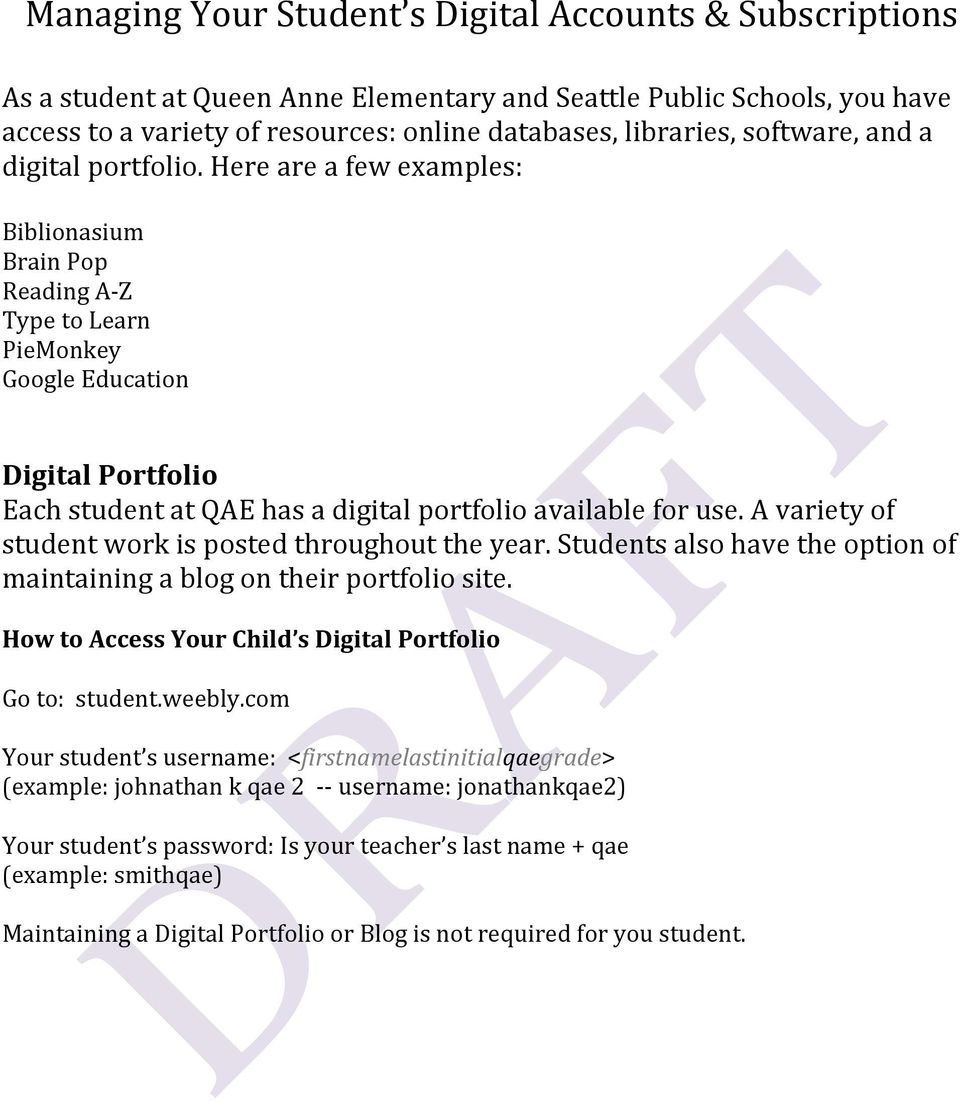
6 Managing Your Student s Digital Accounts & Subscriptions As a student at Queen Anne Elementary and Seattle Public Schools, you have access to a variety of resources: online databases, libraries, software, and a digital portfolio. Here are a few examples: Biblionasium Brain Pop Reading A- Z Type to Learn PieMonkey Google Education Digital Portfolio Each student at QAE has a digital portfolio available for use. A variety of student work is posted throughout the year. Students also have the option of maintaining a blog on their portfolio site. How to Access Your Child s Digital Portfolio Go to: student.weebly.com Your student s username: <firstnamelastinitialqaegrade> (example: johnathan k qae username: jonathankqae2) Your student s password: Is your teacher s last name + qae (example: smithqae) Maintaining a Digital Portfolio or Blog is not required for you student.
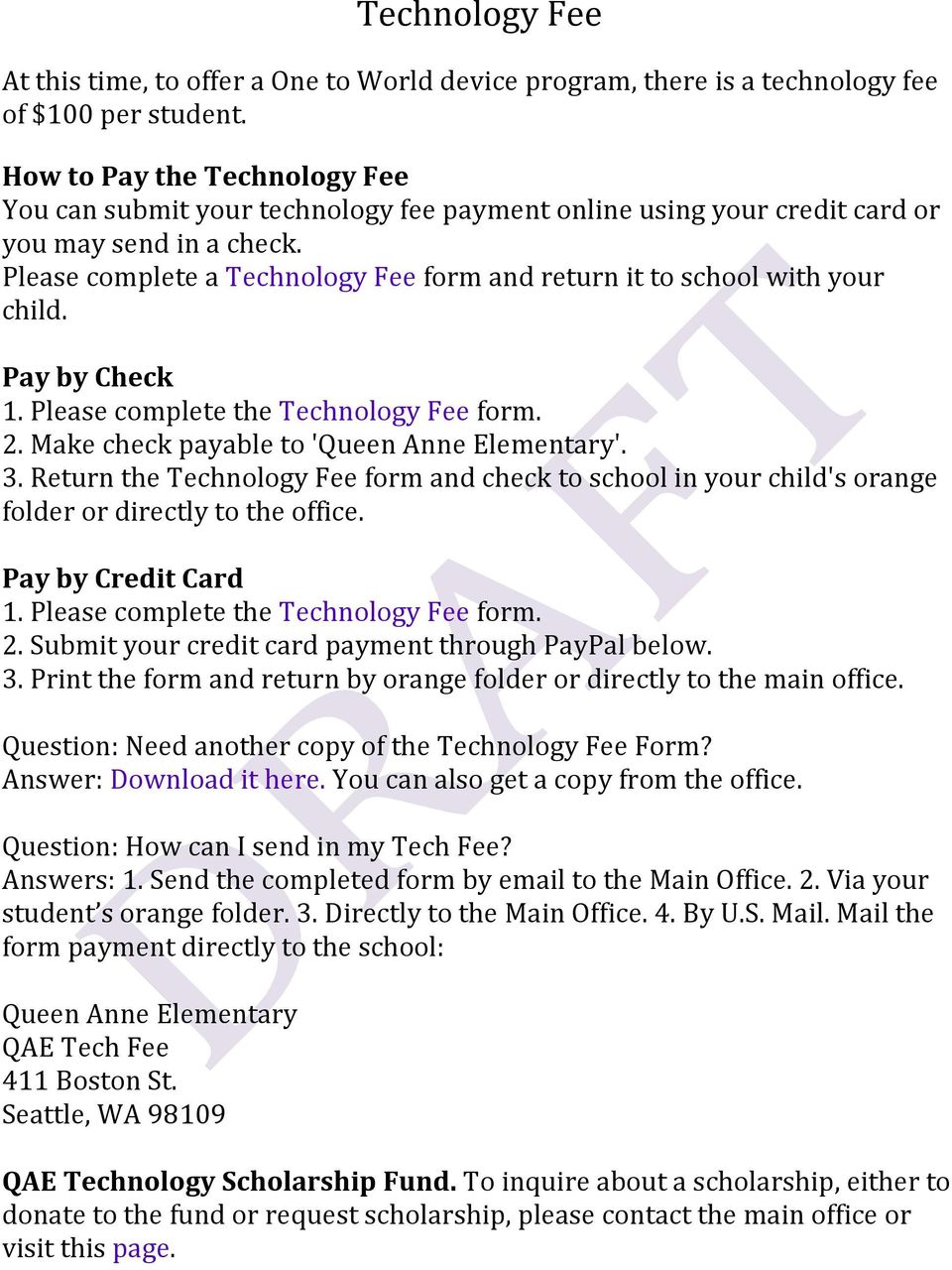
7 Technology Fee At this time, to offer a One to World device program, there is a technology fee of $100 per student. How to Pay the Technology Fee You can submit your technology fee payment online using your credit card or you may send in a check. Please complete a Technology Fee form and return it to school with your child. Pay by Check 1. Please complete the Technology Fee form. 2. Make check payable to 'Queen Anne Elementary'. 3. Return the Technology Fee form and check to school in your child's orange folder or directly to the office. Pay by Credit Card 1. Please complete the Technology Fee form. 2. Submit your credit card payment through PayPal below. 3. Print the form and return by orange folder or directly to the main office. Question: Need another copy of the Technology Fee Form? Answer: Download it here. You can also get a copy from the office. Question: How can I send in my Tech Fee? Answers: 1. Send the completed form by to the Main Office. 2. Via your student s orange folder. 3. Directly to the Main Office. 4. By U.S. Mail. Mail the form payment directly to the school: Queen Anne Elementary QAE Tech Fee 411 Boston St. Seattle, WA QAE Technology Scholarship Fund. To inquire about a scholarship, either to donate to the fund or request scholarship, please contact the main office or visit this page.
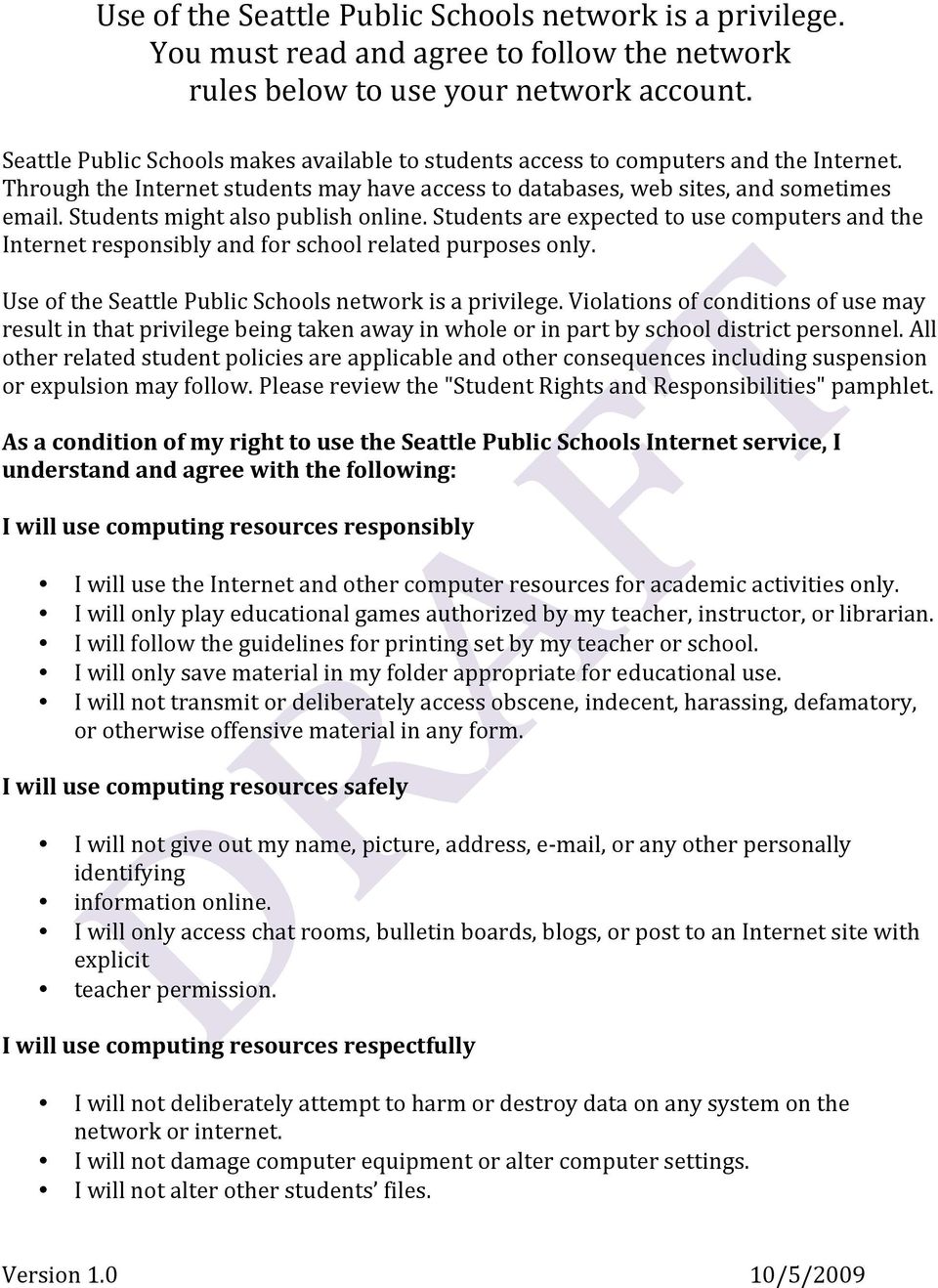
8 Use of the Seattle Public Schools network is a privilege. You must read and agree to follow the network rules below to use your network account. Seattle Public Schools makes available to students access to computers and the Internet. Through the Internet students may have access to databases, web sites, and sometimes . Students might also publish online. Students are expected to use computers and the Internet responsibly and for school related purposes only. Use of the Seattle Public Schools network is a privilege. Violations of conditions of use may result in that privilege being taken away in whole or in part by school district personnel. All other related student policies are applicable and other consequences including suspension or expulsion may follow. Please review the "Student Rights and Responsibilities" pamphlet. As a condition of my right to use the Seattle Public Schools Internet service, I understand and agree with the following: I will use computing resources responsibly I will use the Internet and other computer resources for academic activities only. I will only play educational games authorized by my teacher, instructor, or librarian. I will follow the guidelines for printing set by my teacher or school. I will only save material in my folder appropriate for educational use. I will not transmit or deliberately access obscene, indecent, harassing, defamatory, or otherwise offensive material in any form. I will use computing resources safely I will not give out my name, picture, address, e- mail, or any other personally identifying information online. I will only access chat rooms, bulletin boards, blogs, or post to an Internet site with explicit teacher permission. I will use computing resources respectfully I will not deliberately attempt to harm or destroy data on any system on the network or internet. I will not damage computer equipment or alter computer settings. I will not alter other students files. Version /5/2009
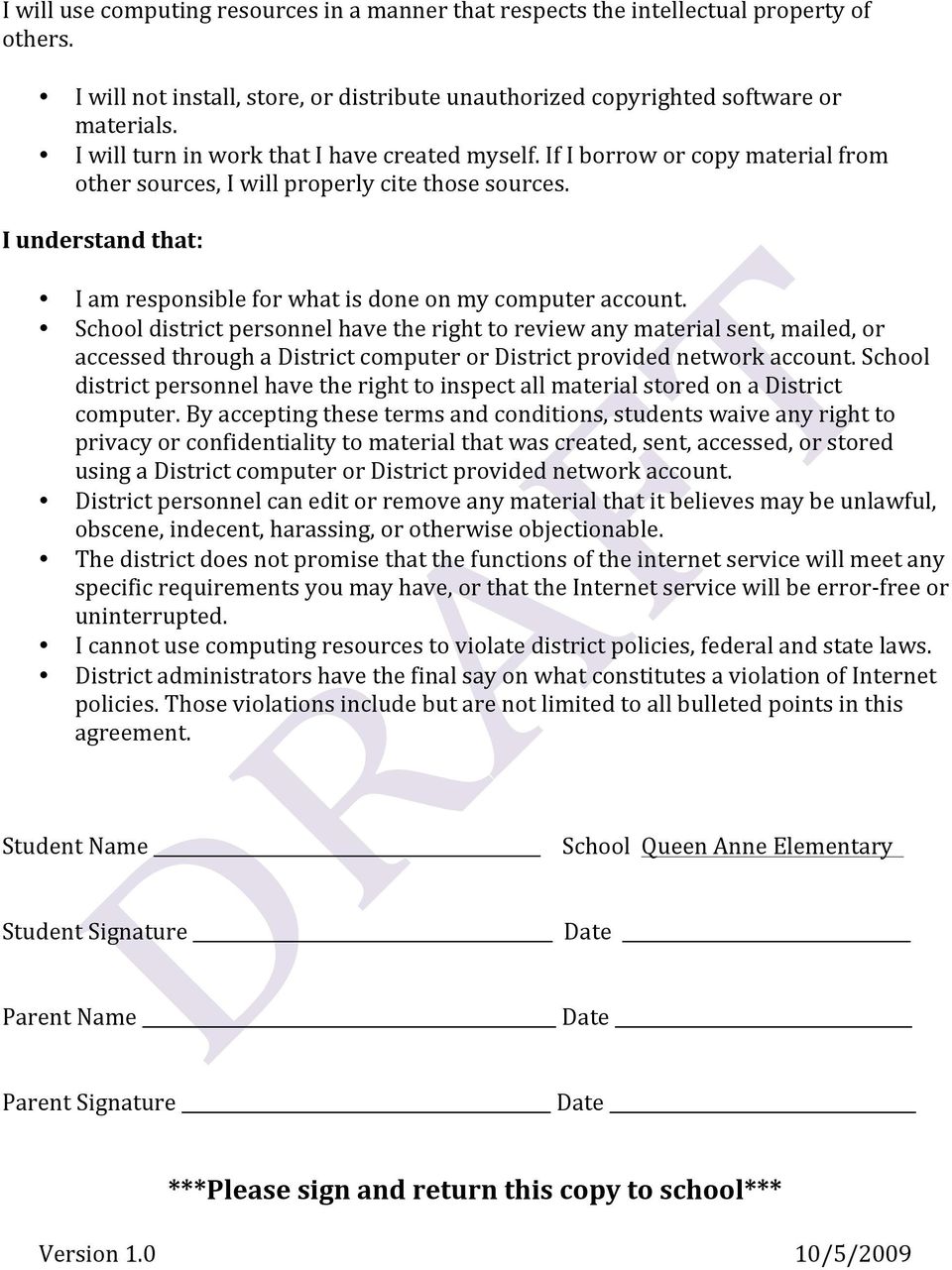
9 I will use computing resources in a manner that respects the intellectual property of others. I will not install, store, or distribute unauthorized copyrighted software or materials. I will turn in work that I have created myself. If I borrow or copy material from other sources, I will properly cite those sources. I understand that: I am responsible for what is done on my computer account. School district personnel have the right to review any material sent, mailed, or accessed through a District computer or District provided network account. School district personnel have the right to inspect all material stored on a District computer. By accepting these terms and conditions, students waive any right to privacy or confidentiality to material that was created, sent, accessed, or stored using a District computer or District provided network account. District personnel can edit or remove any material that it believes may be unlawful, obscene, indecent, harassing, or otherwise objectionable. The district does not promise that the functions of the internet service will meet any specific requirements you may have, or that the Internet service will be error- free or uninterrupted. I cannot use computing resources to violate district policies, federal and state laws. District administrators have the final say on what constitutes a violation of Internet policies. Those violations include but are not limited to all bulleted points in this agreement. Student Name School Queen Anne Elementary Student Signature Date Parent Name Date Parent Signature Date ***Please keep this copy at home *** Version /5/2009

10 Use of the Seattle Public Schools network is a privilege. You must read and agree to follow the network rules below to use your network account. Seattle Public Schools makes available to students access to computers and the Internet. Through the Internet students may have access to databases, web sites, and sometimes . Students might also publish online. Students are expected to use computers and the Internet responsibly and for school related purposes only. Use of the Seattle Public Schools network is a privilege. Violations of conditions of use may result in that privilege being taken away in whole or in part by school district personnel. All other related student policies are applicable and other consequences including suspension or expulsion may follow. Please review the "Student Rights and Responsibilities" pamphlet. As a condition of my right to use the Seattle Public Schools Internet service, I understand and agree with the following: I will use computing resources responsibly I will use the Internet and other computer resources for academic activities only. I will only play educational games authorized by my teacher, instructor, or librarian. I will follow the guidelines for printing set by my teacher or school. I will only save material in my folder appropriate for educational use. I will not transmit or deliberately access obscene, indecent, harassing, defamatory, or otherwise offensive material in any form. I will use computing resources safely I will not give out my name, picture, address, e- mail, or any other personally identifying information online. I will only access chat rooms, bulletin boards, blogs, or post to an Internet site with explicit teacher permission. I will use computing resources respectfully I will not deliberately attempt to harm or destroy data on any system on the network or internet. I will not damage computer equipment or alter computer settings. I will not alter other students files. Version /5/2009

11 I will use computing resources in a manner that respects the intellectual property of others. I will not install, store, or distribute unauthorized copyrighted software or materials. I will turn in work that I have created myself. If I borrow or copy material from other sources, I will properly cite those sources. I understand that: I am responsible for what is done on my computer account. School district personnel have the right to review any material sent, mailed, or accessed through a District computer or District provided network account. School district personnel have the right to inspect all material stored on a District computer. By accepting these terms and conditions, students waive any right to privacy or confidentiality to material that was created, sent, accessed, or stored using a District computer or District provided network account. District personnel can edit or remove any material that it believes may be unlawful, obscene, indecent, harassing, or otherwise objectionable. The district does not promise that the functions of the internet service will meet any specific requirements you may have, or that the Internet service will be error- free or uninterrupted. I cannot use computing resources to violate district policies, federal and state laws. District administrators have the final say on what constitutes a violation of Internet policies. Those violations include but are not limited to all bulleted points in this agreement. Student Name School Queen Anne Elementary Student Signature Date Parent Name Date Parent Signature Date ***Please sign and return this copy to school*** Version /5/2009
12 SAMPLE - Common Sense Media Digital Citizenship for the Elementary Student
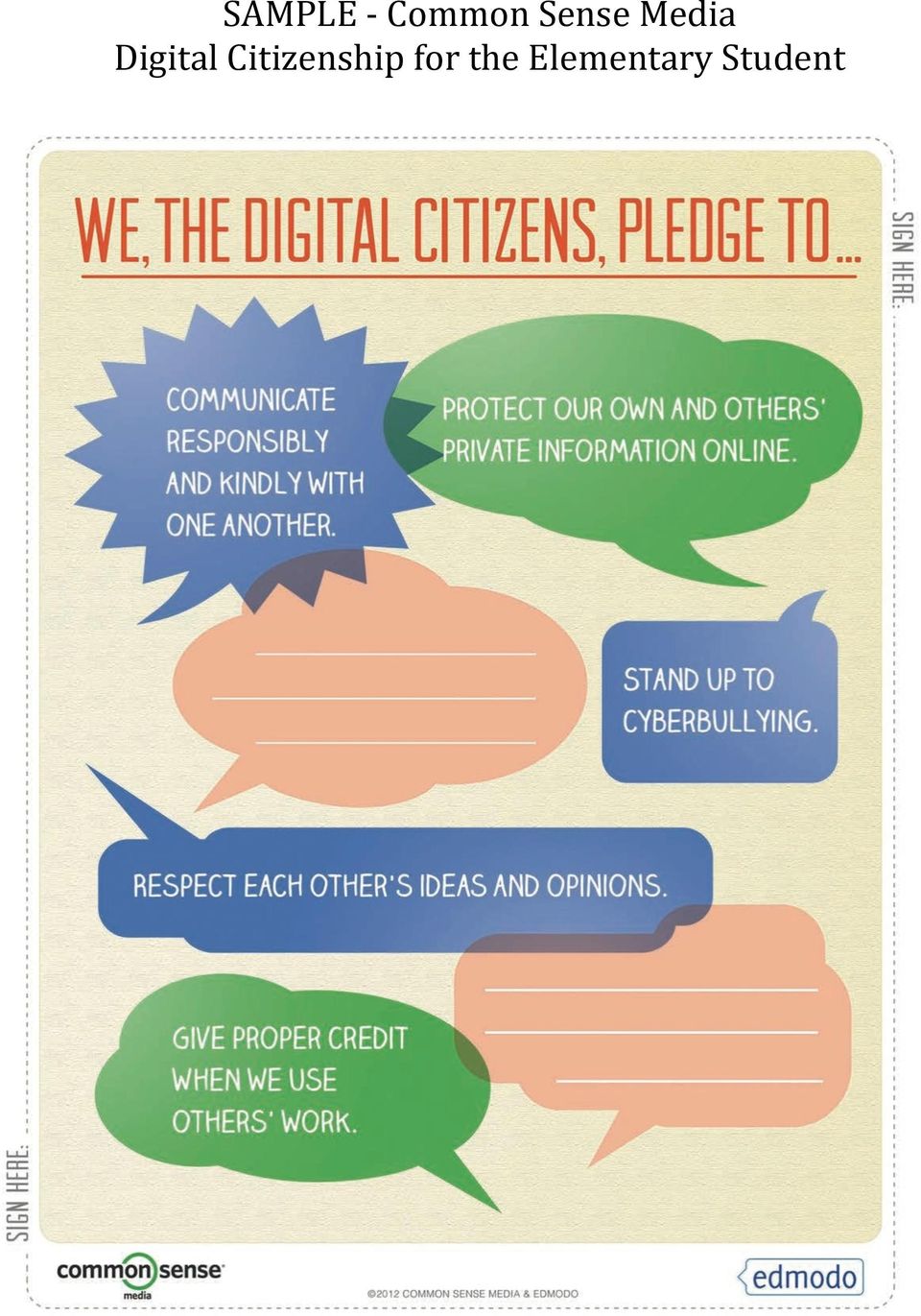
13 SAMPLE - Common Sense Media Digital Citizenship for the Elementary Student All Digital citizens Protect private information for themselves and others. Respect themselves and others in online communities. Stay safe online by listening to their gut feelings. Stand up to cyberbullying when they see it happening. Balance the time they spend using media and doing other activities. For information and resources about digital citizenship, visit

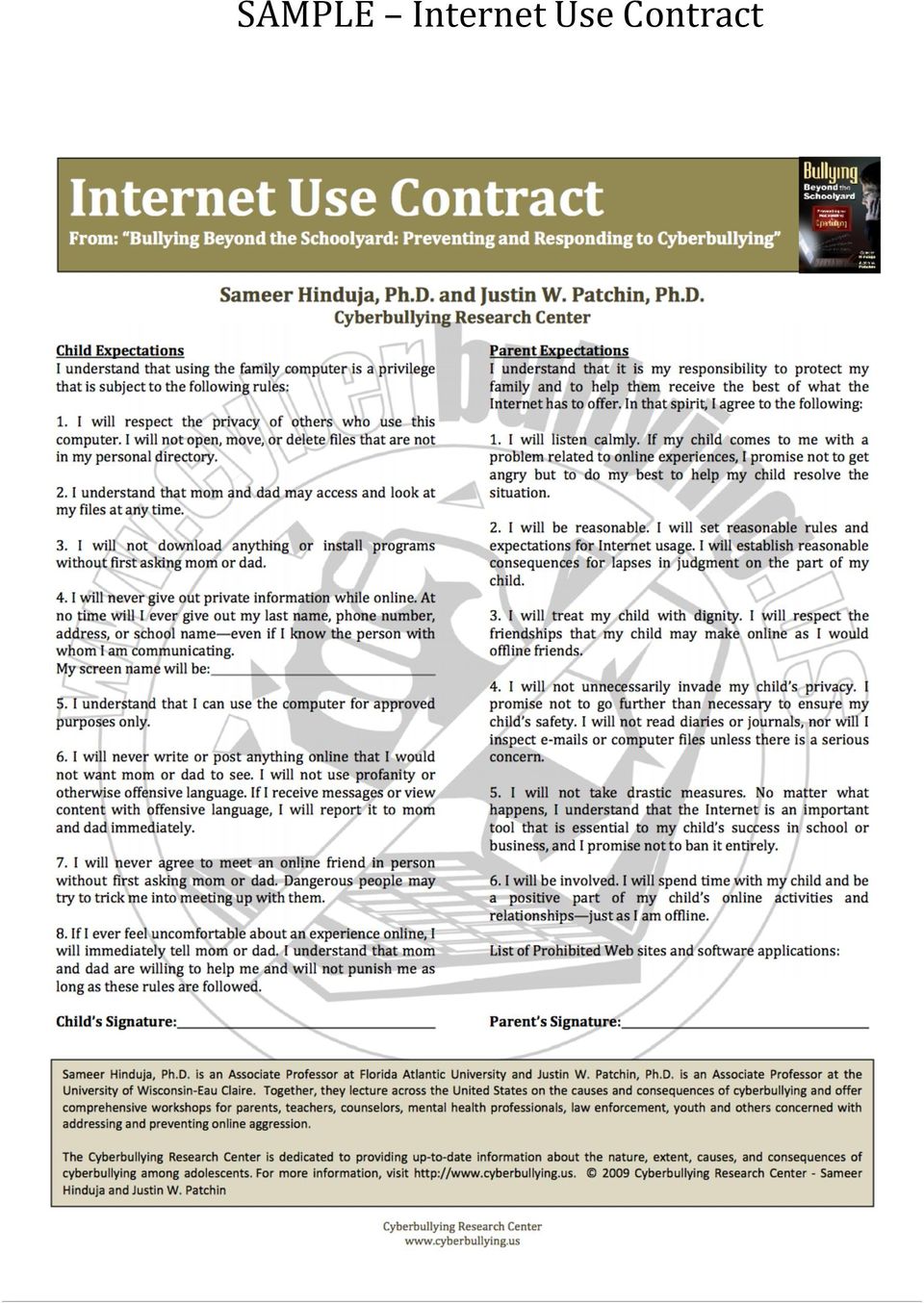
14 SAMPLE Internet Use Contract
Ventura Charter School of Arts & Global Education Board Policy for Acceptable Use and Internet Safety
 Ventura Charter School of Arts & Global Education Board Policy for Acceptable Use and Internet Safety Student Policy--SP004 Ventura Charter School of Arts and Global Education ("School") recognizes the
INTERNET USE PROCEDURES Almira/Coulee Hartline Cooperative Network Acceptable Use Procedures
 INTERNET USE PROCEDURES Almira/Coulee Hartline Cooperative Network Acceptable Use Procedures Purpose The purpose of the ACH Network Acceptable Use Procedures is to provide the procedures, rules, guidelines,
STUDENTS 5118.5. Children s Internet Protection Act, Pub. Law 106-554, codified at 47 USC 254(h) Conn. Gen. Stat. 53a-182b; 53a-183; 53a-250
 STUDENTS 5118.5 Student Use of Computer Systems and Internet Safety Computers, computer networks, Internet Access, and e-mail are effective and important technological resources in today s educational
SONOMA CHARTER SCHOOL STUDENT USE OF TECHNOLOGY POLICY
 SONOMA CHARTER SCHOOL STUDENT USE OF TECHNOLOGY POLICY Date Approved: 4/16/2015 New technologies are modifying the way in which information may be accessed, communicated and transferred. Those changes
PROGRAM R 2361/Page 1 of 12 ACCEPTABLE USE OF COMPUTERS NETWORKS/COMPUTERS AND RESOURCES
 R 2361/Page 1 of 12 R 2361 ACCEPTABLE USE OF COMPUTER NETWORKS/COMPUTERS AND RESOURCES The school district provides computer equipment, computer services, and Internet access to its pupils and staff for
TECHNOLOGY ACCEPTABLE USE POLICY FOR STUDENTS
 TECHNOLOGY ACCEPTABLE USE POLICY FOR STUDENTS PURPOSE This policy provides the procedures, rules, guidelines and codes of conduct for the use of the technology and information networks at Socorro Consolidated
POLICY TITLE: Computer and Network Service POLICY NO: 698 PAGE 1 of 6
 POLICY TITLE: Computer and Network Service POLICY NO: 698 PAGE 1 of 6 GENERAL Computer network service through the Internet provides an electronic highway connecting millions of computers around the world.
POLICIES AND REGULATIONS Policy #78
 Peel District School Board POLICIES AND REGULATIONS Policy #78 DIGITAL CITIZENSHIP Digital Citizenship Digital citizenship is defined as the norms of responsible behaviour related to the appropriate use
BYOD and Digital Citizenship at Trumbull High School
 BYOD and Digital Citizenship at Trumbull High School Providing students and staff with a 21st century digital learning environment is part of the Trumbull High School core values. THS now allows high school
POLICY 4526. Adopted by Board of Education: 4/20/05
 POLICY 4526 COMPUTER NETWORK FOR EDUCATION The Board of Education is committed to optimizing student learning and teaching. The Board considers student access to a computer network, including the Internet,
SOUTH COLONIE 4526.1 INSTRUCTIONAL TECHNOLOGY
 4526.1 INSTRUCTIONAL TECHNOLOGY The Board of Education is committed to the optimization of student learning and teaching. The Board considers a computer network to be a valuable tool for education, and
RIVERVIEW SCHOOL DISTRICT
 No. 815 SECTION: OPERATIONS RIVERVIEW SCHOOL DISTRICT TITLE: ADOPTED: June 18, 2012 ACCEPTABLE USE OF INTERNET, COMPUTERS AND NETWORK RESOURCES REVISED: 815. ACCEPTABLE USE OF INTERNET, COMPUTERS AND NETWORK
LOUISA MUSCATINE COMMUNITY SCHOOLS POLICY REGARDING APPROPRIATE USE OF COMPUTERS, COMPUTER NETWORK SYSTEMS, AND THE INTERNET
 LOUISA MUSCATINE COMMUNITY SCHOOLS POLICY REGARDING APPROPRIATE USE OF COMPUTERS, COMPUTER NETWORK SYSTEMS, AND THE INTERNET The Board of Directors of the Louisa Muscatine Community School District is
~Osgood Public Library ~ Milan Branch Library Computer and Internet Acceptable Use Policy
 ~Osgood Public Library ~ Milan Branch Library Computer and Internet Acceptable Use Policy The Library is committed to providing technology tools and information in a variety of formats to meet the needs
Revised: 6-04, 8-09, 1-12 REGULATION #5420
 Adopted: 9-03 PORTAGE PUBLIC SCHOOLS Revised: 6-04, 8-09, 1-12 REGULATION #5420 SUBJECT: Electronic Communications, Internet Safety & Acceptable Use Agreement All PPS electronic information resources are
Eastwood Local Schools Laptop Policies and Handbook
 Eastwood Local Schools Laptop Policies and Handbook Table of Contents Program Overview - 3 Acceptable Use Policy - 4 Information Technology Resources Responsibilities & Agreement - 7 District Laptop Service
- Do not leave open email/network applications unattended. Log off of a computer when it is in an unsecured area and out of your sight.
 STAFF PROCEDURES FOR ACCEPTABLE USE OF EMAIL/NETWORK AND INTERNET The primary purpose of Sycamore Community Schools email/network system is to provide resources to enhance and support educational instruction
------------------- COMPUTER NETWORK AGREEMENT FORM
 COMPUTER NETWORK AGREEMENT FORM I (we) have read the guidelines for participating in the Wickliffe District Network and Internet Access program and agree to adhere to all ofthe provisions contained therein.
Dauphin County Technical School
 Dauphin County Technical School Acceptable Use Agreement 2015-2016 General Information The Dauphin County Technical School, more commonly known as DCTS, provides computer equipment, computer services,
Eanes Independent School District Responsible Use Guidelines for Technology
 Eanes Independent School District Responsible Use Guidelines for Technology My student and I are committed to the Responsible Use Guidelines. By signing this, we commit to discussing and reviewing the
Bring Your Own Device (BYOD) to Collegium Charter School Acceptable Use Statement and Parameters of a Pilot Program for Grades 9-12
 Bring Your Own Device (BYOD) to Collegium Charter School Acceptable Use Statement and Parameters of a Pilot Program for Grades 9-12 Collegium Charter School (CCS) is dedicated to providing our students
Computer, Network, Internet and Web Page Acceptable Use Policy for the Students of the Springfield Public Schools
 Computer, Network, Internet and Web Page Acceptable Use Policy for the Students of the The computer and information technology resources, which includes World Wide Web access and electronic mail capability,
How To Use The Internet Safely
 Administrative Procedure 140 DISTRICT-WIDE NETWORK AND INTERNET APPROPRIATE USE Background School District No.43 (Coquitlam)'s District-wide network provides data communication links among all District
Policy and Procedure for Internet Use Summer Youth Program Johnson County Community College
 Policy and Procedure for Internet Use Summer Youth Program Johnson County Community College This Policy and Procedures for Internet Use booklet has been prepared for Summer Program students with access
ACCEPTABLE/ RESPONSIBLE USE POLICY IIBE
 ACCEPTABLE/ RESPONSIBLE USE POLICY IIBE The School Board provides technologies, including the internet, to promote educational excellence by facilitating resource sharing, innovation and communication.
REGULATION ALLENDALE BOARD OF EDUCATION. PROGRAM R 2361/Page 1 of 7 USE OF COMPUTER NETWORK/COMPUTERS R 2361 USE OF COMPUTER NETWORK/COMPUTERS
 R 2361/Page 1 of 7 R 2361 The school district provides computer equipment, computer services, and Internet access to its pupils and staff for educational purposes only. The purpose of providing technology
DCPS STUDENT SAFETY AND USE POLICY FOR INTERNET AND TECHNOLOGY
 DCPS STUDENT SAFETY AND USE POLICY FOR INTERNET AND TECHNOLOGY Purpose: 1) To establish standards for the acceptable uses of internet and electronic mail (email) services within the computer network maintained
Students are expected to have regard to this policy at all times to protect the ipads from unauthorised access and damage.
 Penrice Academy Acceptable Use Policy for Mobile Digital Devices including ipads September 2014 Date of Review: May 2015 Introduction Penrice Academy ( The Academy ) may grant a licence to use ipads or
Laptops for Students Program
 Laptops for Students Program Technology Use Agreement Handbook Expanding Learning to the 21st Century and Beyond PAGE 1 OF 13 Table of Contents Laptop Policy & Procedures Handbook 3 Objectives 3 Laptop
Revelstoke Board of Education Policy Manual
 Revelstoke Board of Education Policy Manual 3.8 Computer, Internet and BCeSIS Usage and Access This policy shall govern the use of computer equipment, software, the network, e-mail, Internet and BCeSIS
R 2361 ACCEPTABLE USE OF COMPUTER NETWORK/COMPUTERS AND RESOURCES
 R 2361/page 1 of 8 R 2361 ACCEPTABLE USE OF COMPUTER NETWORK/COMPUTERS AND RESOURCES The school district provides computer equipment, computer services, and Internet access to its pupils and staff for
RESPONSIBLE USE PROCEDURE for INFORMATION, COMMUNICATION AND COLLABORATION TECHNOLOGIES
 Administrative RESPONSIBLE USE PROCEDURE for INFORMATION, COMMUNICATION AND COLLABORATION TECHNOLOGIES For any individual or group utilizing WRDSB technology Responsibility: Legal References: Related References:
Authorization for Electronic Network Access AUP and BYOD Policies DEFINITIONS. BYOD Bring Your Own Device. AUP Authorized Use Policy
 Authorization for Electronic Network Access AUP and BYOD Policies DEFINITIONS BYOD Bring Your Own Device AUP Authorized Use Policy User includes anyone, including employees, students, and guests, using
COMPUTER, NETWORK AND INTERNET USE POLICY
 4526 COMPUTER, NETWORK AND INTERNET USE POLICY The Westhampton Beach Board of Education affirms the district's commitment to preparing students for the future. Students need to be technologically literate
Children s Internet Protection Plan. IIBGA Children s Internet Protection Plan (CIPA) Plan. Children s Internet Protection Act (CIPA) Safety Plan
 IIBGA Children s Internet Protection Plan (CIPA) Plan IIBGA Children s Internet Protection Act (CIPA) Safety Plan [Revise and edit as necessary to fit USD goals and include in Handbook] Goals: It is the
ipad Acceptable Use Regulation
 ipad Acceptable Use Regulation The Mamaroneck School District has purchased Apple ipads for selected students of the Mamaroneck School District. These students will be issued ipads with predetermined applications
Acceptable Use Policy for Technology Catholic Schools of the Diocese of Brooklyn
 Acceptable Use Policy for Technology Catholic Schools of the Diocese of Brooklyn 1. Purpose: Throughout the years, the Catholic Schools within the Diocese of Brooklyn have maintained a steadfast dedication
BOARD OF EDUCATION POLICY
 BOARD OF EDUCATION POLICY IFBGE Internet Safety 7/1/13 It is the policy of the Cobb County School District (District) to: (a) prevent user access over its computer network to, or transmission of inappropriate
ILLINOIS LUTHERAN S CHROMEBOOK AGREEMENT
 ILLINOIS LUTHERAN S CHROMEBOOK AGREEMENT Students across the junior high/high school will be issued Google Chromebooks for use in school and at home. This document provides students and their parents/guardians
Tomball Independent School District. Technology Resources Acceptable Use and Internet Safety Policy
 Tomball Independent School District Technology Resources Acceptable Use and Internet Safety Policy 2015-2016 TISD Technology Resources Acceptable Use and Internet Safety Policy Tomball ISD provides users
Iowa-Grant School District Acceptable Use and Internet Safety Policy For Students, Staff and Guests
 Iowa-Grant School District Acceptable Use and Internet Safety Policy For Students, Staff and Guests The Iowa-Grant School District has invested significantly in technology that offers vast, diverse, and
Forrestville Valley School District #221
 Forrestville Valley School District #221 Student Acknowledgment of Receipt of Administrative Procedures for Acceptable Use of the Electronic Network 2015-2016 All use of electronic networks shall be consistent
(Internet) for students, staff and, if requested, members of the Board of Education. All computer
 4510 Computer Network (Cf. 4520) 4510 The Board authorizes the Superintendent to develop services linking computers within and between buildings in the District, and to provide access to the international
R3321 ACCEPTABLE USE OF COMPUTER NETWORK(S)/COMPUTERS AND RESOURCES BY TEACHING STAFF MEMBERS
 R 3321/Page 1 of 7 R3321 AND RESOURCES BY TEACHING STAFF MEMBERS The school district provides computer equipment, computer services, and Internet access to its pupils and staff for educational purposes
Ceres Unified School District
 Ceres Unified School District TECHNOLOGY USE POLICY Grades K-12 Please read this policy below carefully to be instructed in proper behavior and use regarding the Internet. This policy covers technology
RICH TOWNSHIP HIGH SCHOOL Adopted: 7/10/00 DISTRICT 227 Olympia Fields, Illinois
 6.55 Page 1 of 1 INSTRUCTION Acceptable Use Policy Computer equipment, including access to the Internet, is to be used in a responsible, efficient, ethical and legal manner in accordance with the mission
Student use of the Internet Systems is governed by this Policy, OCS regulations, policies and guidelines, and applicable law.
 OCS Internet Acceptable Use and Safety Policy for Students The Opportunity Charter School ( OCS or the School ) provides access to OCS s Internet Systems for its students for educational purposes, in conformance
North Clackamas School District 12
 North Clackamas School District 12 Code: IIBGA-AR Revised/Reviewed: 3/06/08; 6/21/12 Orig. Code(s): SP IIBGA Guidelines for the Use of the District s Electronic Communication System Definitions 1. Technology
Code of Virginia, 1950, as amended, Sections 18.2 372, 18.2 374.1:1, 18.2 390, 22.1 70.2, and 22.1 78
 Book Section Title Number Status SCS Policy Manual I INSTRUCTION Acceptable Use of Electronic Network Resources and Internet Safety IIBEA * R Active Legal 18 U.S.C. Sections 1460 and 2256 47 U.S.C. Section
Pasadena Unified School District (PUSD) Acceptable Use Policy (AUP) for Students
 Pasadena Unified School District (PUSD) Acceptable Use Policy (AUP) for Students The Board of Education recognizes that the Technology, Assessment and Accountability (TAA) Department's resources (computers,
OXFORD COMMUNITY SCHOOLS 10 North Washington Street, Oxford, Michigan 48371 ACCEPTABLE USE POLICY
 OXFORD COMMUNITY SCHOOLS 10 North Washington Street, Oxford, Michigan 48371 ACCEPTABLE USE POLICY 1. Purpose Oxford Community Schools (the District ) recognizes that advancements in technology affect the
I. PERSONAL RESPONSIBILITY
 ACCEPTABLE USE AND INTERNET SAFETY POLICY FOR STUDENTS USING THE COMPUTER SYSTEMS OF THE BUTLER TECHNOLOGY AND CAREER DEVELOPMENT SCHOOLS The Butler Technology and Career Development Schools is pleased
Newark City Schools Computer Network and Internet Acceptable Use Policy and Agreement
 Newark City Schools Computer Network and Internet Acceptable Use Policy and Agreement The Newark City Schools is pleased to make available access to interconnected computer systems within the district
Reynoldsburg City Schools Computer and Technology Acceptable Use Policy Staff, Volunteers and Students
 Reynoldsburg City Schools Computer and Technology Acceptable Use Policy Staff, Volunteers and Students AUP Sections 1. Acceptable Use 2. Privileges 3. Internet Access 4. Procedures & Caveats 5. Netiquette
School Policy Regarding Computer Use, Technology and Internet Access
 School Policy Regarding Computer Use, Technology and Internet Access Please read the following carefully, as it provides information about the responsibilities and expectations regarding use of school
2011-2012. Frisco ISD
 2011-2012 Frisco ISD Table of Contents Table of Contents Table of Contents... 2 Purpose... 3 Google Apps for Students... 3 Responsible Use Policy... 4 Wireless Information... 5 Frequently Asked Questions...
Atlantis Charter School
 Atlantis Charter School Technology Plan 2013-2017 Background Atlantis Charter School, one of the longest-standing charter schools in Massachusetts, is currently in its 18 th year of operation. The school
Wakefield Public Schools Technology Acceptable Use Policy
 Wakefield Public Schools Technology Acceptable Use Policy Vision (per Technology Strategic Plan 2013-2016) Wakefield Public Schools considers classroom technology to be an essential, imperative part of
COMPUTER USE IN INSTRUCTION
 COMPUTER USE IN INSTRUCTION 4526 The Board of Education is committed to optimizing student learning and teaching. The Board considers student access to a computer network, including the Internet, to be
How To Use Your Cell Phone At Renaissance Academy Charter School
 Renaissance Academy Charter School Bring Your Own Device (BYOD) Board Policy PURPOSE The Renaissance Academy School Board values technology and seeks to increase student access and use when it will enhance
City of Grand Rapids ADMINISTRATIVE POLICY
 City of Grand Rapids ADMINISTRATIVE POLICY NUMBER: 84-02 DATE: 7/23/84 REVISIONS: 6/17/88; 11/7/00 (replaces old #84-02, #95-07, & #95-08); 6/13/08; 11/26/13 ISSUED BY: City Manager SIGNED: SUBJECT: ELECTRONIC
Crestwood School. Acceptable Use of Electronic Network
 Crestwood School Acceptable Use of Electronic Network Crestwood School recognizes that an effective public education system develops students who are globally aware, civically engaged, and capable of managing
ACCEPTABLE USE OF TECHNOLOGY
 IIBE Page 1 ACCEPTABLE USE OF TECHNOLOGY Internet and computer network and non-network access is available to authorized students, teachers, and other staff in the. Albemarle County Public Schools primary
COMPUTER NETWORK FOR EDUCATION
 4526 COMPUTER NETWORK FOR EDUCATION The Southern Westchester Board of Cooperative Educational Services (BOCES) considers student access to a computer network, including the Internet, to be a powerful and
BOARD OF EDUCATION Cherry Hill, New Jersey
 BOARD OF EDUCATION Cherry Hill, New Jersey POLICY 6142.12 ACCEPTABLE USE OF TECHNOLOGY Introduction The Board of Education encourages the use of technology in the classroom as an educational tool and to
Geyserville New Tech Academy Student Technology Acceptable Use Policy
 Geyserville New Tech Academy Student Technology Acceptable Use Policy Overview. The (GUSD) makes a variety of communications and information technologies available to students through computer/network/internet
EMS BYOD Pilot--Frequently Asked Questions
 EMS BYOD Pilot--Frequently Asked Questions How will EMS handle inappropriate use of, damaged, or lost devices by students? Device security is a common concern of parents nation-wide as schools embark on
GREENWICH PUBLIC SCHOOLS Greenwich, Connecticut Policy E-045 Technology Procedure E-045.01 - Acceptable Use and Internet Safety Agreement
 GREENWICH PUBLIC SCHOOLS Greenwich, Connecticut Policy E-045 Technology Procedure E-045.01 - Acceptable Use and Internet Safety Agreement Acceptable Technology Use Regulations/Internet Safety Terms of
Technology Acceptable Use Policy
 Technology Acceptable Use Policy Introduction San Gabriel Christian School recognizes that access to technology in school gives students greater opportunities to learn, engage, communicate, and develop