
INFORMATION TECHNOLOGY SERVICES POLICIES AND PROCEDURES
|
|
|
- Louise Armstrong
- 10 years ago
- Views:
Transcription
1 INFORMATION TECHNOLOGY SERVICES POLICIES AND PROCEDURES Revised: 4/30/2012

2 Table of Contents Overview... 3 Responsible Use of Information Technology and Resources Policy... 4 Printer Policy Cellular Phone Policy Acquisition of Hardware & Software Policy Peer to Peer File Sharing Policy ITS Ticket Management Policy and Procedures Non-College Owned Computer Equipment Policy Personal Computer Repair Liability Waiver Working from home Compensatory Time Appropriate Dress Code Revised: 4/30/2012

3 Overview This document contains two types of policies and procedures regarding Information Technologies Services (ITS) at Cincinnati State Technical and Community College: Campus-wide: These policies, unless otherwise specified, have been approved by the Executive Team. They may be revised as needed by ITS as technologies change. If these policies are revised, they will be reviewed and approved by the Executive Team. ITS: These policies and procedures are intended to explain, at a high level, topics surrounding ITS in general at Cincinnati State. This document is in addition to: The current SEIU Contract The current AAUP Contract The current Cincinnati State Administrators Manual This document supersedes all other ITS policies and procedures documents. ITS Policies and Procedures Cincinnati State Page 3 of 36

4 Responsible Use of Information Technology and Resources Policy ITS Policy Owner Audience Approved Date Last Revision Manager, Networking and Infrastructure Campus-wide 1/1/2003 1/5/ Introduction This policy contains the College s philosophy, policy, rules and standards regulating the use of technology resources. It is the responsibility of all students and all who are employed by the College, whether they are employed as students, temporary personnel, contractors, consultants, staff, or faculty to implement and comply with this policy and all other applicable regulations and to maintain the highest standard of ethics when dealing with information technology resources. The previous version of this document can be found at the following link: Previous Responsible Use of Information Technology and Resources Policy. Note: This policy conforms to Ohio IT Policy ITP-E.8 Use of , Internet and Other IT Resources. 2.0 General Statement In support of its mission of teaching and community service, Cincinnati State Technical and Community College acquires, develops, maintains and provides access to information technology and resources for students, temporary personnel, contractors, consultants, faculty and staff. These resources include but are not limited to telecommunications systems, computers, laptops, PDA s, computer terminals, peripheral computer hardware, software, networks, and the information that can be accessed using these tools. These computing resources are intended for College-related use, including direct and indirect support of the College's instruction, research, and service missions; College administrative functions; student and campus life activities; and the free exchange of ideas. The rights of free expression and academic freedom apply to the use of College computing resources. So, too, however, do the responsibilities and limits associated with those rights. All who use the College's computing resources must act responsibly, in accordance with the highest standard of ethical and legal behavior. Thus, legitimate use of computing resources does not extend to whatever is technically possible. Users must abide by all applicable restrictions, whether or not they are built into the client device, operating system, application software or network and whether or not they can be circumvented by technical means. This policy applies to all users of College computing resources, whether affiliated with the College or not, and whether the users access resources from on campus or remote locations. This policy applies equally to College-owned or College-leased technology resources. Additional policies may apply to specific computers, computer systems or networks provided or operated by specific units of the College or to uses within specific units. ITS Policies and Procedures Cincinnati State Page 4 of 36
5 3.0 Policy All College computing resource users must: 1. Comply with all federal, Ohio and other applicable law; all generally applicable College rules and policies; and all applicable contracts and licenses. Examples of such laws, rules, polices, contracts, and licenses include: the laws of libel, privacy, copyright, trademark, obscenity, and child pornography; the Family Educational Rights and Privacy Act (FERPA); the Health Insurance Portability and Accountability Act (HIPAA); the Electronic Communications Privacy Act and the Computer Fraud and Abuse Act, which prohibit "hacking", "cracking", and similar activities; the College's code of student conduct; the Cincinnati State Technical and Community College Administrators' Manual, Faculty Handbook, the College's sexual harassment policy; and all applicable software licenses. Users must respect copyrights, intellectual-property rights, ownership of files and passwords. Unauthorized copying of files or passwords belonging to others or to the College may constitute plagiarism or theft. Accessing or modifying files without authorization (including altering information, introducing viruses or Trojan horses, or damaging files) is unethical, may be illegal, and may lead to sanctions. Users who engage in electronic communications with persons in other states or countries or on other systems or networks should be aware that they may also be subject to the laws of those other states and countries and the rules and policies of those other systems and networks. Users are responsible for ascertaining, understanding, and complying with the laws, rules, policies, contracts, and licenses applicable to their particular uses. Cincinnati State extends these policies and guidelines to systems outside the College that are accessed via the College's facilities (e.g., electronic mail or remote logins using the College's Internet connections). 2. Use only those computing resources that they are authorized to use and use them only in the manner and to the extent authorized. Ability to access computing resources does not, by itself, imply authorization to do so. Users are responsible for ascertaining what authorizations are necessary and for obtaining them before proceeding. Accounts, passwords, and other authentication mechanisms, may not, under any circumstances, be shared with, or used by, persons other than those to whom they have been assigned by the College. 3. Respect the finite capacity of those resources and limit use so as not to consume an unreasonable amount of those resources or to interfere unreasonably with the activity of other users. Although there is no set bandwidth, disk space, CPU time, or other limit applicable to all uses of College computing resources, the College may require users of those resources to limit or refrain from specific uses in accordance with this principle. The reasonableness of any particular use will be judged in the context of all of the relevant circumstances. ITS Policies and Procedures Cincinnati State Page 5 of 36
6 4. Limit the personal use of College computing resources and refrain from using those resources for personal commercial purposes or for personal financial or other gain. Personal use of College computing resources is permitted on a limited basis when it does not interfere with the performance of the user's job or other College responsibilities, and is otherwise in compliance with this and other College policy. College computing resources are not to be used for commercial purposes without written authorization from the College. In such cases, the College may require payment of appropriate fees. This usage does not include links to personal web pages. This usage is subject to monitoring by the ITS staff. Further limits may be imposed upon personal use in accordance with normal supervisory procedures. Any personal use of computing resources that disrupts or interferes with College business, incurs an undue cost to the College, could potentially embarrass or harm the College, or has the appearance of impropriety is strictly prohibited. Personal use that is strictly prohibited includes, but is not limited to, the following: Violation of Law. Violating or supporting and encouraging the violation of local, state or federal law is strictly prohibited. Illegal Copying. Downloading, duplicating, disseminating, printing or otherwise using copyrighted materials, such as software, texts, music and graphics, in violation of copyright laws is strictly prohibited. Operating a Business. Operating a business, directly or indirectly, for personal gain is strictly prohibited. Accessing Personals Services. Accessing or participating in any type of personals ads or services, such as or similar to dating services, matchmaking services, companion finding services, pen pal services, escort services, or personals ads is strictly prohibited. Accessing Sexually Explicit Material. Downloading, displaying, transmitting, duplicating, storing or printing sexually explicit material is strictly prohibited. Harassment. Downloading, displaying, transmitting, duplicating, storing or printing material that is offensive, obscene, threatening or harassing is strictly prohibited. Gambling or Wagering. Organizing, wagering on, participating in or observing any type of gambling event or activity is strictly prohibited. Mass ing. Sending unsolicited s or facsimiles in bulk or forwarding electronic chain letters in bulk to recipients inside or outside the state environment is strictly prohibited. Solicitation. Except for agency-approved efforts, soliciting for money or support on behalf of charities, religious entities or political causes is strictly prohibited. ITS Policies and Procedures Cincinnati State Page 6 of 36

7 Damage or Theft. Any attempt by users to damage or disrupt the operation of computing equipment, communications equipment, or communications lines; or attempting to remove College owned or leased equipment without written approval of Chief Information Officer (CIO) is strictly prohibited and will be subject to disciplinary action. Participation in Online Communities. Any use of state-provided IT resources to operate, participate in, or contribute to an online community including, but not limited to, online forums, chat rooms, listservs, blogs, wikis, peer-to-peer file sharing, and social networks, is strictly prohibited unless organized or approved by the agency. Internet Security. A public servant participating in an online community organized or approved by the agency shall adhere to the security requirements and policies by the College. Unauthorized Installation or Use of Software. Installing, copying or using software including, but not limited to, instant messaging clients and peer-to-peer file sharing software, or personally-owned software, without the approval of the CIO is strictly prohibited. Installation and use of unlicensed software is strictly prohibited. Copying College-owned or licensed software or data for personal or external use without prior written approval; or attempting to modify or copy College-owned or another users licensed software or data without prior approval is strictly prohibited. Unauthorized Installation or Use of Hardware. Installing, attaching, or physically or wirelessly connecting any kind of hardware device to any state-provided IT resource, including computers and network services, without prior authorization is strictly prohibited. 5. Refrain from stating or implying that they speak on behalf of the College and from using College trademarks and logos without authorization to do so. Affiliation with the College does not, by itself, imply authorization to speak on behalf of the College. Authorization to use College trademarks and logos may be granted only by Cincinnati State. The use of appropriate disclaimers is encouraged. Personal web pages linked to the College Web should disclaim association with Cincinnati State. 6. Respect That There is No Expectation of Privacy. This policy serves as notice to users that they shall have no reasonable expectation of privacy in conjunction with their use of collegeprovided IT resources. Contents of College computers may be subject to review, investigation and public disclosure. Access and use of the Internet, including communication by and instant messaging and the content thereof, are not confidential, except in certain limited cases recognized by state or federal law. The College reserves the right to view any files and electronic communications on state college computers, monitor and log all electronic activities, and report findings to appropriate supervisors and authorities. ITS Policies and Procedures Cincinnati State Page 7 of 36

8 While the College does not routinely monitor individual usage of its computing resources, the normal operation and maintenance of College computing resources requires the backup and caching of data and communications, the logging of activity, the monitoring of general usage patterns, and other such activities that are necessary for the rendition of service. The College may also monitor the activity and accounts of individual users of College computing resources, including individual sessions and communications, without notice. This may occur: a) when the user has voluntarily made them accessible to the public, as by posting to Usenet or a web site; b) when it reasonably appears necessary to do so to protect the integrity, security, or functionality of College or other computing resources or to protect the College from liability; c) when there is reasonable cause to believe that the user has violated, or is violating, this policy; d) when an account or device appears to be engaged in unusual or unusually excessive activity, as indicated by the monitoring of general activity and usage patterns; or e) when it is otherwise required or permitted by law Any such individual monitoring, other than that specified in "(a)", or required by law, or necessary to respond to perceived emergency situations, must be authorized in advance by the Chief Information Officer (CIO) or a designee of same. The College, at its discretion, may disclose the results of any such general or individual monitoring, including the contents and records of individual communications, to appropriate College personnel or law enforcement agencies and may use those results in appropriate College disciplinary proceedings Impeding Access: Impeding the College s ability to access, inspect and monitor IT resources is strictly prohibited. A user shall not encrypt or conceal the contents of any file or electronic communications on state computers without proper authorization. A user shall not set or manipulate a password on any college computer, program, file or electronic communication without proper authorization Misrepresentation: Concealing or misrepresenting one s name or affiliation to mask unauthorized, fraudulent, irresponsible or offensive behavior in electronic communications is strictly prohibited. 4.0 Protection of College Data Users of College information resources especially faculty and staff have a responsibility to protect sensitive information. This includes but is not limited to student and employee personal ITS Policies and Procedures Cincinnati State Page 8 of 36
9 information and College financial data. All users are expected to report suspected or discovered security incidents, such as social engineering and virus attacks. 5.0 Privacy and Security Information technology provides important means of communication, both public and private. Users and system administrators must respect the privacy of person-to-person communication in all forms, including voice (telephone), text (electronic mail and file transfer), and image (graphics and television). The principle of freedom of speech will apply to public communications in all these forms. The College employs various measures to protect the security of its computing resources and users accounts. However, users should be aware that the College does not and cannot guarantee such security. Any use of college-provided IT resources that interferes with or compromises the security or operations of any computer system, or compromises public trust, is strictly prohibited. Privacy and security violations can be, but are not limited to the following: Confidentiality Procedures. Using IT resources to violate or attempt to circumvent confidentiality procedures is strictly prohibited. Accessing or Disseminating Confidential Information. Accessing or disseminating confidential information or information about another person without authorization is strictly prohibited. Accessing Systems without Authorization. Accessing networks, files or systems or an account of another person without proper authorization is strictly prohibited. Users are individually responsible for safeguarding their passwords which means they are not to disclose them to another user. Distributing Malicious Code. Distributing malicious code or circumventing malicious code security is strictly prohibited. 6.0 Enforcement of this Policy The College demands a high standard of conduct for all students, faculty and staff in the use of, and access to the College s information technology and resources. Anyone whose conduct misuses the College s information technology and resources is subject to College disciplinary action. This conduct includes, but is not limited to the aforementioned following policies and security and privacy issues. Alleged violations of this policy shall be dealt with in accordance with the procedures in the Cincinnati State Technical and Community College personnel policies described in the Employee Handbook, Administrator s Manual, College collective bargaining agreements, and the Student Code of Conduct. The College treats violations of this policy seriously and will pursue criminal and civil prosecution where appropriate. ITS Policies and Procedures Cincinnati State Page 9 of 36

10 Whenever it becomes necessary to enforce College rules or policies, an authorized administrator may: disallow network connections by certain computers (even departmental and personal ones); require adequate identification of computers and users on the network; undertake audits of software or information on shared systems where policy violations are possible; take steps to secure compromised computers that are connected to the network; or deny access to computers, the network, and institutional software and databases. 7.0 Sanctions Regarding Misuse of Computing Resources Users who violate this policy may be denied access to College computing resources and may be subject to other penalties and disciplinary action, both within and outside of the College. Violations will normally be handled through the College disciplinary procedures applicable to the relevant user. Alleged violations by students will normally be investigated, and the Student Services Office will normally impose any penalties or other discipline. However, the College, through its information managers, may suspend or block access to an account prior to the initiation or completion of such procedures; when it reasonably appears necessary to do so, and in order to protect the integrity, security, or functionality of College or other computing resources; or to protect the College from liability. ITS Policies and Procedures Cincinnati State Page 10 of 36

11 Printer Policy ITS Policy Owner Audience Approved Date Last Revision Manager, User Support Services Campus-wide 1/16/2007 1/16/ Purpose In an effort to provide consistency in support and to maximize savings in purchasing the printers and printer supplies, all printers should be purchased by or with the signed approval of ITS. The previous version of this document can be found at the following link: Previous Printer Policy. 2.0 Scope Laser Printers We encourage all faculty and staff to use the existing shared networked laser printer in the department whenever possible to reduce the number of printers on campus. Additional printers may be requested from ITS equipment funds or purchased with departmental funds as needed to provide adequate coverage for the departmental printing needs. Replacement of departmental printers will take place when the printer is no longer meeting the functional needs of the department or the cumulative repair costs of the printer are going to exceed its current value. The department assumes all cost for the ongoing provisioning of toner and paper needed to operate their laser printers. ITS will seek to find the best pricing available for toner cartridges and make these prices available to the departments. Ink Jet Printers Individual ink jet printers by their nature are much more costly to operate than laser printers and have a much shorter lifespan. They do not provide laser quality print and should not be used for mass replication of documents. ITS strongly discourages purchasing ink jet printers. Personal Printers The College Policy is to eliminate personal printers. The goal is to focus on high powered multifunction printers that also fax, copy, and scan. There are some exceptions, they are: Confidential printing (i.e. Deans, Directors, Managers, and Cabinet Members.) Poor location of an office in relation to an existing shared networked laser printer. Unique/Specialized Department operations. 3.0 Policy The College standard brand for printers is Hewlett Packard (HP). If HP does not have a printer that satisfies a particular need or tool/service, ITS will consider and make a recommendation of another manufacturer. ITS Policies and Procedures Cincinnati State Page 11 of 36
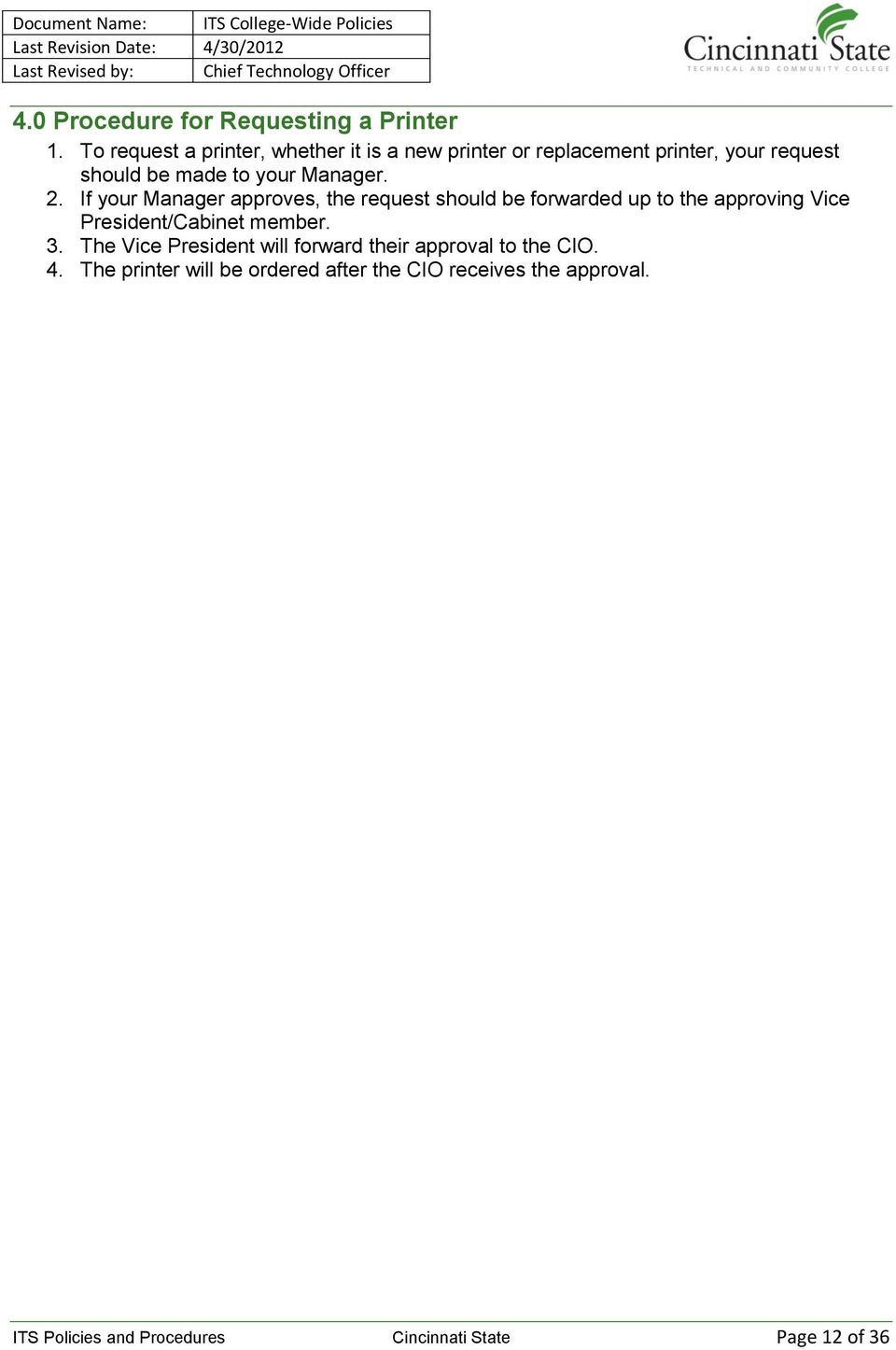
12 4.0 Procedure for Requesting a Printer 1. To request a printer, whether it is a new printer or replacement printer, your request should be made to your Manager. 2. If your Manager approves, the request should be forwarded up to the approving Vice President/Cabinet member. 3. The Vice President will forward their approval to the CIO. 4. The printer will be ordered after the CIO receives the approval. ITS Policies and Procedures Cincinnati State Page 12 of 36
13 Cellular Phone Policy ITS Policy Owner Audience Approved Date Last Revision Manager, Networking and Infrastructure Campus-wide 10/18/ /9/ Introduction Cellular telephones can be an effective communication resource for Cincinnati State College employees when conventional telephone service is not available. However, the cost of cellular service is high compared to regular communication devices such as campus telephone service, calling cards, pagers and two-way radios. The College must ensure that proper management controls are in place relative to the use of cellular telephones and the costs associated with their installation and operation at CSTCC. The previous version of this document can be found at the following link: Previous Cellular Phone Policy. 2.0 Scope This policy affects all college owned telecommunication devices and equipment. 3.0 Policy 1. Justification for the purchase or lease of a cellular telephone or for the payment of a contract for ongoing air time charges must have the appropriate approvals. The attached form should be used for requesting the purchase or lease of cellular telephone service and forwarded to the Telecommunications Department, Executive Vice President and President. Approval may only be granted when the use of a cellular telephone best meets a particular institutional communication need and not for user convenience. To this end, other options such as two-way radios and pagers should be considered. 2. Upon notification of requesting cellular telephone service, the Telecommunications Department will assist in determining the most effective service plan to meet the user's need. Telecommunications will contact the cellular telephone provider and arrange for the service and installation date. 3. All costs associated with cellular telephone service will be charged to the department ordering the equipment. Such costs include but are not limited to the following: equipment acquisition; service initiation; monthly fees; per-minute cost of calls in excess of calling plan allocated; maintenance and repair of equipment, programming and replacement of lost, stolen or damage equipment. 4. Monthly billing for cellular services shall be reviewed by the Telecommunication Department to assure contract compliance. All billing statements require detail call information. The Telecommunication Department will review individual usage and assure that the most appropriate rate plan is used. Payments for services will be issued by Telecommunications. The user's department will be charged the appropriate amount on their Telecommunications Monthly Statement along with detail information on the charges. 5. It is the responsibility of the department head to provide for a routine examination of the cellular phone billing to ensure proper use of such equipment. ITS Policies and Procedures Cincinnati State Page 13 of 36

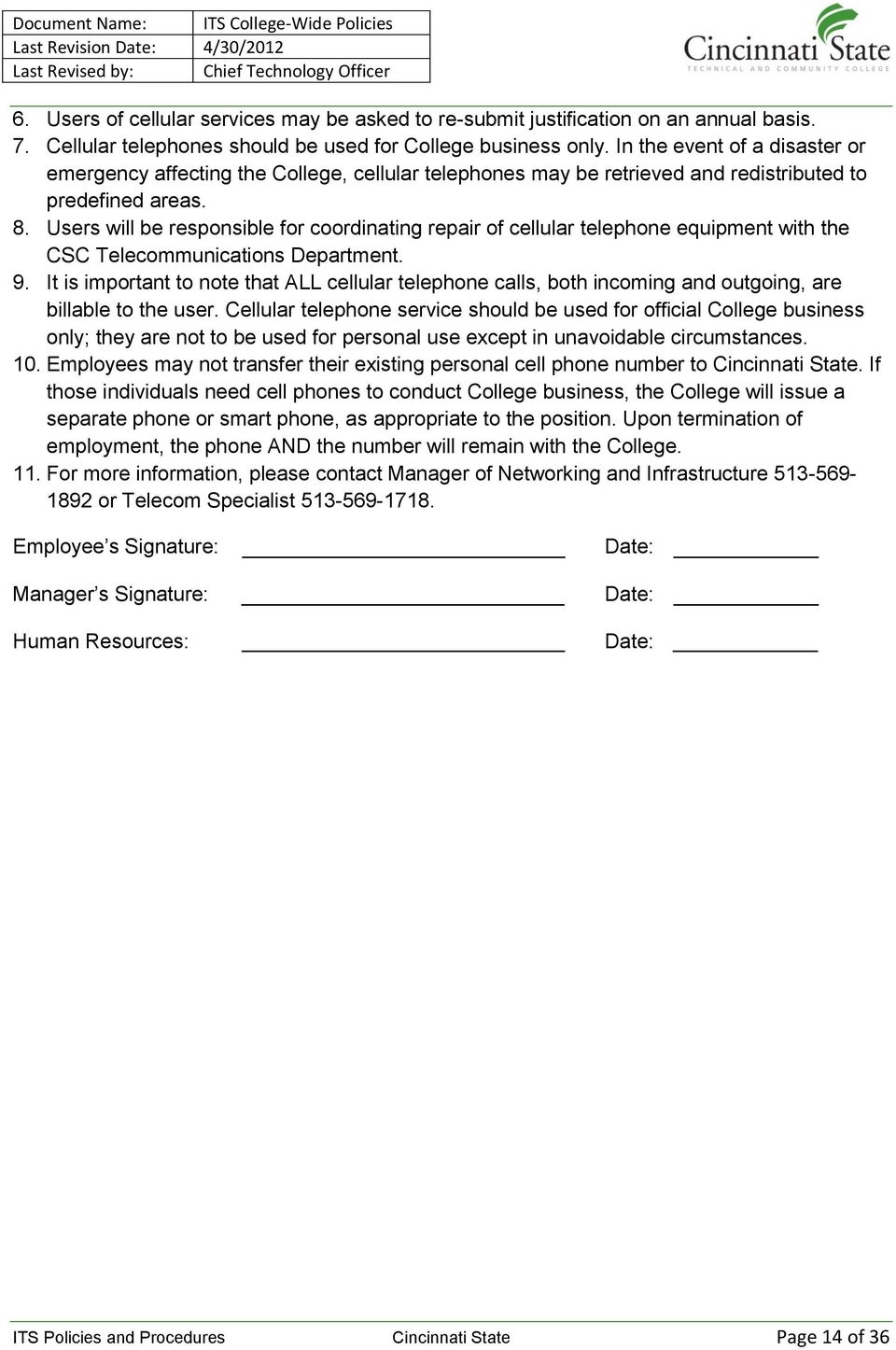
14 6. Users of cellular services may be asked to re-submit justification on an annual basis. 7. Cellular telephones should be used for College business only. In the event of a disaster or emergency affecting the College, cellular telephones may be retrieved and redistributed to predefined areas. 8. Users will be responsible for coordinating repair of cellular telephone equipment with the CSC Telecommunications Department. 9. It is important to note that ALL cellular telephone calls, both incoming and outgoing, are billable to the user. Cellular telephone service should be used for official College business only; they are not to be used for personal use except in unavoidable circumstances. 10. Employees may not transfer their existing personal cell phone number to Cincinnati State. If those individuals need cell phones to conduct College business, the College will issue a separate phone or smart phone, as appropriate to the position. Upon termination of employment, the phone AND the number will remain with the College. 11. For more information, please contact Manager of Networking and Infrastructure or Telecom Specialist Employee s Signature: Manager s Signature: Human Resources: Date: Date: Date: ITS Policies and Procedures Cincinnati State Page 14 of 36
15 Acquisition of Hardware & Software Policy ITS Policy Owner Audience Approved Date Last Revision Chief Information Officer Campus-wide 1/27/2010 1/20/ Overview ITS strives to provide excellent customer service to the College and recognizes the need to work collaboratively with College customers to accomplish this goal. This policy has been implemented in order to ensure that equipment and software ( technology related products ) purchased, leased, or rented will be compatible with existing systems on campus, adheres to technical standards specified for current college systems, and meets the needs of the users. 2.0 Scope This policy covers the purchase, lease, or rent of all college-owned computer software, hardware, printers, network equipment, multimedia and classroom equipment ( technology related products ), including equipment funded by internal and external agencies and research grants. 3.0 Policy In order to ensure that technology related products purchased will be compatible with existing systems on campus, adhere to technical standards specified for current college systems, properly aligned with appropriate budget lines, and meet the needs of the users, ITS will: write the technical specifications, in partnership with the requesting department process the purchase requisition and fund transfer forms manage receipt, inventory (see below) preparation and distribution manage maintenance, repair and upgrade manage disposal, in accordance with College policy The above steps apply to all technology related products. Whenever feasible, ITS will include maintenance, support and/or upgrade contracts in its purchases. ITS also will work with the college s purchasing department, if appropriate, to coordinate purchasing, bidding and leasing. There will be a one-time transfer of funds for all initial costs for the hardware or software from the requesting department to ITS. If ongoing costs are approved by the Executive Team, these costs will be added to the ITS budget and no further costs will be incurred by the requesting department. If ongoing costs are not approved by the Executive Team, an ongoing transfer of funds will occur (monthly, annually, etc.). ITS will maintain an inventory of all technology related products, including license, seat, version and upgrade information. ITS will also maintain an inventory of all desktop computers, ITS Policies and Procedures Cincinnati State Page 15 of 36

16 laptop computers, printers, servers, network hardware and multimedia equipment, both circulating units and those installed in classrooms, meeting rooms and other campus locations. ITS will provide support services for software and equipment listed in this inventory. Should individual departments prefer to purchase technology related products manufactured by unknown vendors or vendors not on the State contracts, ITS will evaluate the items on a case-by-case basis and may reject the requests. If so, an alternative solution will be provided to meet State, campus, and user requirements. 3.1 Standard Support ITS offers support for most of the products and services it provides to the campus through the Helpdesk. Support is defined as Product installation Answers to user questions Diagnosis of problems Incidental software and hardware repair (some of these costs may be charged back to the user s department) Installation of upgrades, patches, etc. ITS supports most of the commonly used computing products and services on campus. Examples include: Diagnosis of hardware problems Operating Systems Internet applications, like MYCSTATE, OWA (Outlook Web Access) , and web browsers Administrative and business applications, like Datatel, ImageNow/WebNow, MS Office, and many other desktop applications 3.2 Procedures A request for additional technology related products is initiated via a College eform, available by selecting the ITS or Finance category from the main eforms page. Initiator should select, complete and submit the appropriate form The eform is routed for approval through the appropriate department, division and administrative managers. At any point in the approval chain, a manager may deny the request or request revisions; once the revisions are completed, the approval process is re-initiated. Once all approvals have been completed, the eform is routed to the Chief Information Officer. (CIO) ITS Policies and Procedures Cincinnati State Page 16 of 36

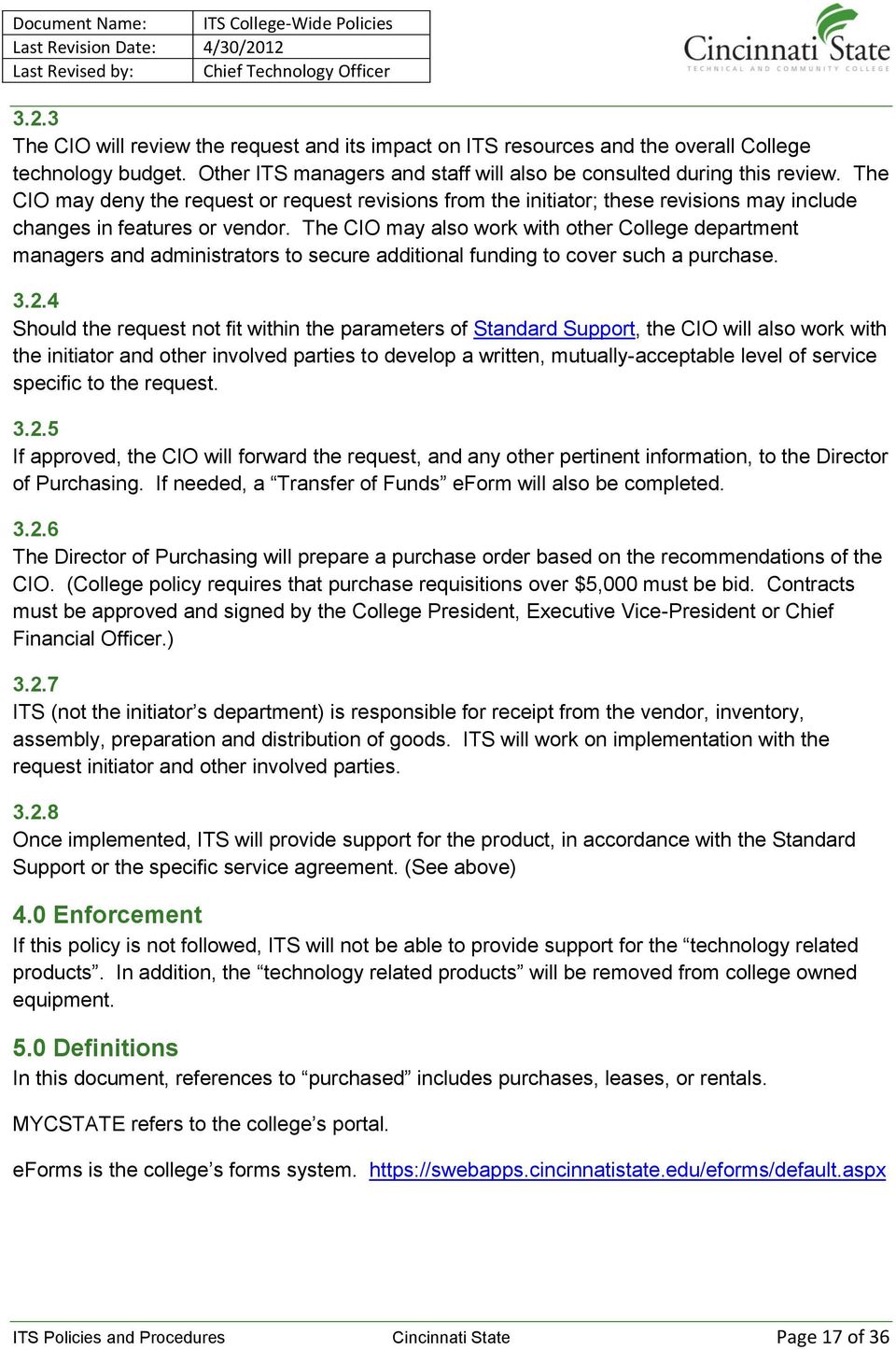
17 3.2.3 The CIO will review the request and its impact on ITS resources and the overall College technology budget. Other ITS managers and staff will also be consulted during this review. The CIO may deny the request or request revisions from the initiator; these revisions may include changes in features or vendor. The CIO may also work with other College department managers and administrators to secure additional funding to cover such a purchase Should the request not fit within the parameters of Standard Support, the CIO will also work with the initiator and other involved parties to develop a written, mutually-acceptable level of service specific to the request If approved, the CIO will forward the request, and any other pertinent information, to the Director of Purchasing. If needed, a Transfer of Funds eform will also be completed The Director of Purchasing will prepare a purchase order based on the recommendations of the CIO. (College policy requires that purchase requisitions over $5,000 must be bid. Contracts must be approved and signed by the College President, Executive Vice-President or Chief Financial Officer.) ITS (not the initiator s department) is responsible for receipt from the vendor, inventory, assembly, preparation and distribution of goods. ITS will work on implementation with the request initiator and other involved parties Once implemented, ITS will provide support for the product, in accordance with the Standard Support or the specific service agreement. (See above) 4.0 Enforcement If this policy is not followed, ITS will not be able to provide support for the technology related products. In addition, the technology related products will be removed from college owned equipment. 5.0 Definitions In this document, references to purchased includes purchases, leases, or rentals. MYCSTATE refers to the college s portal. eforms is the college s forms system. ITS Policies and Procedures Cincinnati State Page 17 of 36
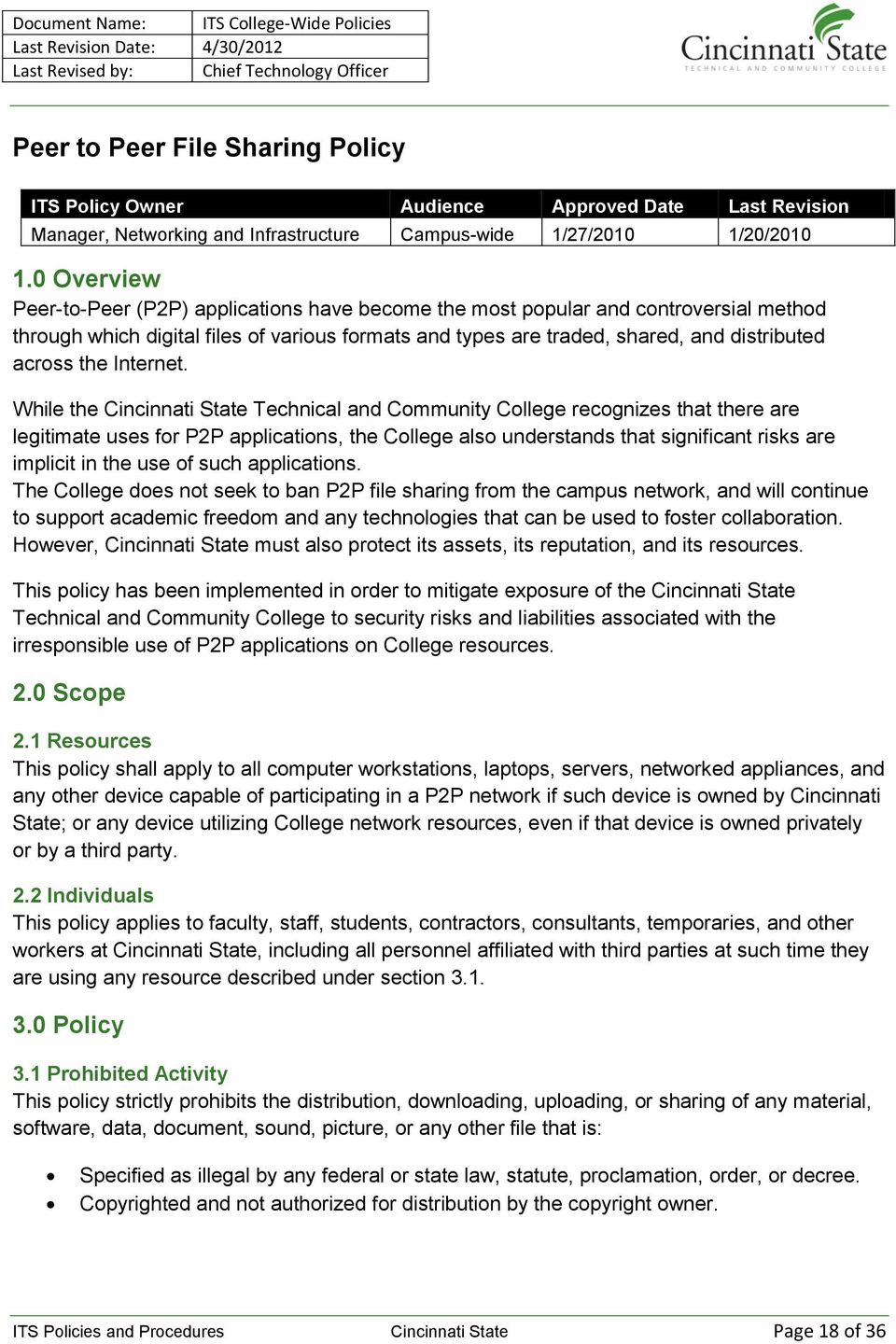
18 Peer to Peer File Sharing Policy ITS Policy Owner Audience Approved Date Last Revision Manager, Networking and Infrastructure Campus-wide 1/27/2010 1/20/ Overview Peer-to-Peer (P2P) applications have become the most popular and controversial method through which digital files of various formats and types are traded, shared, and distributed across the Internet. While the Cincinnati State Technical and Community College recognizes that there are legitimate uses for P2P applications, the College also understands that significant risks are implicit in the use of such applications. The College does not seek to ban P2P file sharing from the campus network, and will continue to support academic freedom and any technologies that can be used to foster collaboration. However, Cincinnati State must also protect its assets, its reputation, and its resources. This policy has been implemented in order to mitigate exposure of the Cincinnati State Technical and Community College to security risks and liabilities associated with the irresponsible use of P2P applications on College resources. 2.0 Scope 2.1 Resources This policy shall apply to all computer workstations, laptops, servers, networked appliances, and any other device capable of participating in a P2P network if such device is owned by Cincinnati State; or any device utilizing College network resources, even if that device is owned privately or by a third party. 2.2 Individuals This policy applies to faculty, staff, students, contractors, consultants, temporaries, and other workers at Cincinnati State, including all personnel affiliated with third parties at such time they are using any resource described under section Policy 3.1 Prohibited Activity This policy strictly prohibits the distribution, downloading, uploading, or sharing of any material, software, data, document, sound, picture, or any other file that is: Specified as illegal by any federal or state law, statute, proclamation, order, or decree. Copyrighted and not authorized for distribution by the copyright owner. ITS Policies and Procedures Cincinnati State Page 18 of 36
19 Considered to be proprietary, privileged, private, or otherwise vital to the operation of the College; including, but not limited to, personnel, student, financial, or strategic records and documents, or any material governed by federal and state regulations. Any virus or malware for the purpose of deployment or implementation with ill-intent. Any P2P activity is strictly forbidden in the cases of: Computer labs Computer workstations and other network devices readily accessible to multiple users. Computer workstations and other network devices used in daily operation by areas and departments heavily affected by federally mandated regulatory compliance. Laptops, computer workstations, and any other network capable device provided by Information Technology through equipment services. Users of Cincinnati State resources may not attempt to circumvent, bypass, defeat, or disrupt any device, method, or technology implemented by the College for the purpose of P2P mitigation. 3.2 Rights and Responsibilities Students, faculty, staff, contractors, consultants, temporaries, and other workers at Cincinnati State shall bear legal/financial responsibility for events resulting from their own use of P2P applications. Individual departments, colleges, administrative areas, and other entities must respond in a timely and efficient manner to all inquiries and complaints that arise in regard to this policy. Information Technology and Cincinnati State are required by federal law to report certain illegal activities to specified law enforcement agencies without notice to the user or the appropriate department. As a college student, you are particularly vulnerable to the watchful eyes of the RIAA (Recording Industry Association of America) and the MPAA (Motion Picture Association of America). Copyright holders contact Cincinnati State on a regular basis demanding that the illegal distribution of their material be stopped Technology Mitigation Information Technology will implement and maintain a network appliance specifically designed to control and track P2P usage. This technology called CopySense, by Audible Magic Corp can identify and block illegal sharing of copyrighted files while allowing other legitimate peer-topeer uses to continue. P2P traffic will be limited in bandwidth, to ensure that network resources are available for all business- and education-related needs and processes. P2P traffic may be blocked for specific areas described under section 4.2 of this policy. ITS Policies and Procedures Cincinnati State Page 19 of 36

20 Outbound P2P traffic positively identified as copyrighted material will be blocked. CopySense filters copyrighted peer-to-peer content by sensing an electronic fingerprint unique to the content itself. When a computer is found using software to obtain copyrighted material in violation of the DMCA, the computer network access will be suspended without notice. P2P traffic and usage information will be collected, and the collected information will be governed by the policies set forth in section 5 of this document. 4.0 Privacy 4.1 Information and Collection Logs detailing P2P traffic and usage on the Cincinnati State network will be collected. Logs will contain IP addresses involved in data transfer, direction of transfer (if retrievable), metadata of file (if retrievable), time, protocol used, and amount of data transferred. Logs will not contain any personal identifying information. Logs will be kept for 6 weeks (42 days). 4.2 Information Use Logs will be subject to periodic review for enforcement of this policy. Information collected may be used in aggregate format for reporting purposes. Individual usage will not be actively or routinely monitored. Logs maybe used to investigate complaints or suspicious traffic patterns. Individual colleges, departments, functional or administrative areas, and entities of Cincinnati State may request information about P2P usage pertinent to that area. This request may only be made by the dean, chair, department head, manager, or other leadership of the area requesting information. Information Technology will not release any information collected by the appliance to any entity external to Cincinnati State unless compelled or obligated by law or court order, subpoena, warrant, or writ; with the exception of Audible Magic Corporation, which will receive data exclusively in aggregate format, with no personal identifying information, for purposes of internal statistical analysis. 5.0 Enforcement 5.1 Faculty, Staff, and Students Any faculty, staff, or student found to have violated this policy may be subject to disciplinary action, up to and including suspension, expulsion, and/or termination of employment in accordance with procedures defined by Cincinnati State administrative policies stated in the handbook governing that individual, criminal and/or civil prosecution. ITS Policies and Procedures Cincinnati State Page 20 of 36
21 5.2 External Entities Any external entity, contractor, consultant, or temporary worker found to have violated this policy may be held in breach of contract, and as such, may be subject to grievances or penalties allowed by such contract, criminal and/or civil prosecution. 6.0 Definitions P2P (peer-to-peer), in the context of this policy, is defined as direct data communication between two or more network capable devices over the Internet or other network, usually for the purpose of sharing any data file (including, but not limited to: music, pictures, video, software, and documents). P2P network, in the context of this policy, is defined as a collection of distributed networkcapable devices participating in P2P activity. Peer-to-Peer (P2P) application is defined as any application that allows a network-capable device to participate in one or more P2P networks. Sharing, in the context of this policy, describes the action and activity of making any data file available to one or more P2P networks. Logs are defined as collections of information, typically used to document activity and events. Uploading describes network trafficking of data files originating from the Cincinnati State network and destined for an external network. Downloading describes network trafficking of data files originating form an external network and destined for the Cincinnati State network. The Cincinnati State network and networking resources describe all materials and devices owned by the Cincinnati State Technical and Community College and used to provide network connectivity to any network capable device. This includes all jacks, cable, hubs, wireless access points, switches, and routers. The Digital Millennium Copyright Act (1998), DMCA, seeks to protect copyright holders from the technological circumvention of previous copyright statues. In 1976 the concept of "Fair Use" was added to the existing copyright clause of the US Constitution. Fair use is not defined in the constitution; it was decided in the courts. There are, however, Supreme Court decisions that have defined fair use based on other cases that can reasonably be interpreted to mean the following: You can rip music that you have legally purchased to MP3s so that you have them in a digital format. You can store the songs in your computer or MP3 player, for you own personal use. You can burn your own "mix" CDs using your own CD collection, as long as you keep that mix CD in your possession. ITS Policies and Procedures Cincinnati State Page 21 of 36
22 These same principles apply to movies, books, or any other copyrighted material that you may own. ITS Policies and Procedures Cincinnati State Page 22 of 36
23 ITS Ticket Management Policy and Procedures ITS Policy Owner Audience Approved Date Last Revision Chief Information Officer, Manager of User Support Services ITS 10/1/ /1/ Overview The IT Help Desk receives, troubleshoots, and responds to end-user problems or requests, logs and tracks the problems or requests and determines how best to address the problems or requests. One of the top priorities of the IT Help Desk is to ensure a consistent response to problem resolution, service requests, status reporting and notification of changes related to the information technology environment at Cincinnati State. The college s case management system is Remedy. 2.0 Purpose This document establishes the procedures for the proper handling of help desk tickets. A ticket is properly handled when the steps below are followed: Entered immediately into Remedy Assigned appropriately in an efficient manner Updated the work log as work is performed; this could include results of research and other pertinent information Resolved or completed in accordance with the service commitments defined in the Help Desk Service Level Agreement (SLA) The customer is kept informed on the progress of the ticket Both the customer and service provider agree that a problem has been resolved or a service provided 3.0 Roles and Responsibilities Every department within the ITS division has some responsibility for request/problem management. The Help Desk provides level 1 and level 2 support responsibilities. While the Help Desk strives to resolve as many problems as possible, it will be necessary for departments within the division to assist the Help Desk staff in resolving problems concerning specific areas of technology. Current information technology service providers that utilize Remedy to retrieve user requests are considered internal IT Support Groups: Administrative Computing Services (Programmers) Center for Innovative Technologies (ETD Lab Center) Instructional Support Technologies (Instructional Tech) Network and Infrastructure (Networking & Telecom, Colleague) User Support Services (IT Services, Coop) ITS Policies and Procedures Cincinnati State Page 23 of 36
24 3.1 Help Desk (HD) Receive, troubleshoot, and respond to end-user problems or requests, logs and tracks the problems or requests and determines how best to address the problems or requests; send system outage notifications when appropriate. 3.2 Support Groups (SG) Resolve problems and complete service requests. They perform timely and complete status updates, including annotating help desk tickets and communicating with customers. 3.3 ITS Management The ITS Management monitors the performance of their staff in resolving help desk tickets in accordance with the procedures defined in this document. Ensures all tickets within their group are assigned to individuals and updated appropriately. 3.4 Cincinnati State Customers and Methods of Contact Contact the HD for all technical support, including hardware and software questions and consulting, installations, networking, network connection request, and troubleshooting. Provide all information required for the timely resolution of problem and service requests. Customers may submit requests by sending to or by calling (513) , option Processing Tickets ITS is committed to resolve problem tickets within one or two days of receipt during the support group s specified business hours. 4.1 Receipt of Problem/Service Request Upon receipt of a call or , the HD will perform a quick analysis to determine if the ticket meets the criteria of being a service request, problem, or an emergency problem. An urgent (emergency) problem is any unplanned outage or loss of major functionality to a production system affecting multiple customers. In addition, the HD will correct any field values as required (e.g., customer phone number, customer location, etc.) within the ticket Help Desk Responsibilities The Help Desk (HD) will: 1. Log request into Remedy The HD will record all requests received via phone (or voice mail), , or in-person. The HD will open a ticket in Remedy that consists of the customer s name, location, number to be contacted, case type (Table 1), description of problem, and priority level. ITS Policies and Procedures Cincinnati State Page 24 of 36

25 Case Type Incident Problem Question Request Table 1 Definition One instance where something breaks and needs fixing. The underlying root cause of multiple occurrences of an incident (for example, if a server crashes every Friday at noon, each of these is a separate Incident. The problem is what is ultimately causing all of those crashes. You might fix each Incident (restart the server) but you have not fixed the Problem until you fix the underlying root cause and stop the Incidents from happening. How to questions for supported technology-related products and services. A service is or needs to be provided and not something is broke and needs fixing. Priority Criteria Affected Initial Response Time* Urgent Total loss of a critical resource with no All campus 15 minutes (Emergency) circumvention or workaround in place. Examples: Loss of network, services, Blackboard, Colleague, or server functionality. All ITS managers will receive notifications from Remedy every hour. High High impact degradation of critical Many (4+) 2 business hours resources or total loss of a non-critical resource. Examples: Loss of print capability or loss of network connectivity for an entire department or classroom. Medium Low impact degradation of critical resource or high impact degradation of a non-critical resource. Examples: Affects fewer than four people, isolated hardware Few (2-3) 1 business day Low Table 2 problem (keyboard, mouse, display, etc.) No effect on productivity; Examples: Monitor showing b/w instead of color. Individual user (1) 3 business days NOTE: *Initial Response Time is defined as the time between receipt of the call and the time that HD or SG begins working on the problem. Due to the wide diversity of problems that can occur, and the methods needed to resolve them, response time IS NOT defined as the time between the receipt of a call and problem resolution. As other work allows, the HD or SG should make their best effort to begin working a ticket as soon as possible. Note: If the problem is determined to be an emergency/critical problem, follow the steps defined in the 4.7 College-wide System Outage Communication Procedure. 2. Attempt to Resolve the ticket HD answers the phone and will make every attempt to solve the ticket at the first point of contact. If resolved, the ticket s work log is updated with the complete resolution this ITS Policies and Procedures Cincinnati State Page 25 of 36
26 provides a knowledge base of information that can be utilized by HD and all support groups. 3. Escalate if Necessary If HD is unable to satisfactorily resolve the ticket, it will be escalated to the appropriate technician within HD. If the request is escalated to a support group outside HD, the ticket will be assigned to the appropriate support group. **NOTE: The ticket must not be assigned to a specific individual, but to a support group. This is necessary to ensure the Remedy notification is sent to everyone in that support group. All information, including steps taken to research/resolve the ticket by HD, will be entered as a work log entry and the ticket will be assigned accordingly Related Problem Tickets If additional customers call to report the same problem, HD will do the following: Create a new problem, not critical problem, ticket. Add in the description field the words Related to Critical Problem Ticket ###### substituting the ticket number of the related critical problem. Assign the ticket status as Known Issue. This will generate an to the customer letting them know that we are working diligently to resolve the problem. Once a critical problem is resolved, HD will contact some of the customers for whom related problem tickets were logged to confirm that they are no longer experiencing a problem. If more than one customer states that the problem still exists, HD should notify the HD manager. HD will reopen the critical problem ticket and handle the critical problem as if it were a newly opened incident and document in the work log that the ticket was reopened. If only one customer is still experiencing a problem, the HD will make an initial determination whether the reported problem is related to the original critical problem, or if the problem is unique to that specific customer. If the problem is unique to that specific customer, the help desk analyst will create a new ticket. 4.2 Support Group Responsibilities Support Groups (SG) are expected to utilize Remedy appropriately and to ensure all requests are handled in a consistent, repeatable, and predictable manner. The SG will work to resolve the problem ticket in the timeliest manner. This includes the following: Either the manager or the individual who is responsible for the work defined in the ticket will assign the ticket to an individual. This must be done in the timeframe based on the priority level of the ticket (see Table 2). Acknowledge the ticket for non-critical problem within 2 to 4 hours from the time of assignment. Make every attempt to fulfill the service request or resolve the problem within the timeframe as specified in Table 2. If this is not possible, the SG must communicate this to the HD manager as well as their own manager. State reason for delay. If there is a delay in resolving the problem, clearly state the reason for the delay as a work log entry along with an expected resolution date and time. Provide the customer with timely and complete updates on the status of the problem or service request. ITS Policies and Procedures Cincinnati State Page 26 of 36
27 Update the help desk ticket with a work log entry documenting the steps taken to troubleshoot or resolve the problem. Doing this provides a knowledge base of information that can be utilized by the HD and all service providers. Provide HD with technical information and problem solving techniques, when requested. When the HD continuously receives requests on certain issues, they may request that additional training, FAQs, and or documentation be developed or updated to reflect the solutions to the types of calls being received. Forming emergency response teams to correct large/wide scale IT problems Determination of Problem Determines whether or not the reported problem is actually a critical problem Criticality of a problem is based on the original impact when the ticket was opened and not what the impact is currently. It should not be downgraded because part, or all, of the problem has been resolved. If determined not to be a critical problem, the technician will: Document the reason for downgrading the ticket in the work log (e.g., only affects one customer, related to an existing critical problem). Contact the HD either by or phone to see if they concur. Escalation of Decision: If the HD disagrees with the technician s interpretation of the criticality of the problem, the HD will escalate the decision to HD Manager for final determination. In the meantime, the technician will continue to resolve the problem following the critical problem procedures defined in the 4.7 College-wide System Outage Communication Procedure. 4.3 ITS Managers Responsibilities The managers are responsible for conducting oversight of the tickets assigned to their staff members to ensure that they comply in a timely manner with the responsibilities. The tracking efforts taken by the HD should be considered in addition to not a replacement of those performed by the manager. The managers must review all open tickets for their area every day. 4.4 Problem Responsibilities The milestone times listed begin with the create time of the problem ticket within the constraints of the Help Desk s service hours and the technician s onsite hours of support. The responsibilities listed are the minimum actions that should be performed. The technician and HD are encouraged to be as proactive as time and workload allow. ITS Policies and Procedures Cincinnati State Page 27 of 36
28 Problem Tickets Milestone Help Desk Support Group Follow the steps defined in Follow the steps defined in the the College-wide System College-wide System Outage Outage Communication Communication Procedure Procedure Within first 30 minutes (applies to Urgent tickets only) Within 2 hours (applies to High tickets only) Check the Help Desk support documents to determine what information is required in the ticket. Assign the ticket to the appropriate technician or Accept and begin resolving the ticket. support group. Within 4 hours If not resolved, contact the enduser and provide an estimated resolution date/time. Within 1 to 3 days If not resolved at the end of each day, contact the customer and provide an estimated resolution date/time. For all open tickets, create a work log entry describing: o The status to date o The estimated resolution date and time. o Problems preventing the resolution, as appropriate. o Define next steps to resolve the issue Document all contact attempts as individual work log entries noting the time and method of contact. ITS Policies and Procedures Cincinnati State Page 28 of 36
29 Problem Tickets Milestone Help Desk Support Group Review all open problem If the estimated resolution tickets with expected date/time has been reached or resolution dates/times that surpassed: have passed or not yet been o Provide the customer with an specified. If the ticket does not updated estimated resolution contain a legitimate reason for date/time. not being resolved: o Estimated Resolution Date/Time has been reached or surpassed o o Contact SG via to request that they update the ticket. If the ticket is not updated by the end of the next business day, escalate the ticket to the HD Manager. Resolution If resolved, the ticket s work log is updated with the complete resolution Change the status to Resolved. An will automatically be sent to the employee stating that the ticket has been resolved and to contact the Help Desk if the ticket needs to be reopened. If the ticket is being closed because it was invalid or cancelled by the customer, indicate the correct reason for closure in the work log. Table 3 NOTE: HD must call the user if the user has asked to be contacted by phone. Document the revised estimated resolution date/time as a work log entry. o Define next steps to resolve the issue Document all contact attempts as individual work log entries noting the time and method of contact. For all Medium and Low tickets, if no response from the user is received after the second attempt, the ticket will be resolved. There must be 24 hours between the two communication attempts. If resolved, the ticket s work log is updated with the complete resolution. Change the status to Resolved. An will automatically be sent to employees stating that the ticket has been resolved and to contact the Help Desk if the ticket needs to be reopened. If the ticket is being closed because it was invalid or cancelled by the customer, indicate the correct reason for closure in the work log. NOTE: SG must call the user if the user has asked to be contacted by phone. 4.5 Customer Status Inquiries If a customer contacts the HD to request a status update on a ticket, the HD will obtain a status update on behalf of the customer. The HD will send an to the assigned SG and Cc: the manager of the support group. If the ticket has not been assigned to an individual, then the will be sent to the manager of the support group. The Status Update will contain the following information: ITS Policies and Procedures Cincinnati State Page 29 of 36
30 Name of the person who is calling in for status Telephone extension Remedy ticket number 4.6 Management Report By 10 AM each Monday morning (or Tuesday if Monday is a holiday), the HD Manager will run a report of all non-closed problem tickets and will distribute the report to the ITS Managers via e- mail for further review and action by close of business that day. 4.7 College-wide System Outage Communication Procedure This procedure establishes the overall outage communications approach for ITS to our supported community regarding both planned and unplanned outage. This plan is intended to supplement any formal outage communication plans by other service providers to ITS supported areas. Reliability of Information Systems is very important to ITS. When it comes to outages, some things are beyond our control. During a sizable outage, it is necessary to get as much information to the right people as soon as possible. For that reason, we have developed this outage communication plan. This outage communication plan outlines procedures for communicating information about both planned and unplanned infrastructure outages to the campus community. In the event of a major or lengthy outage, ITS will notify the appropriate person(s) via telephone voic , , or our system status dashboard in a timely manner Planned Outage Planned Outage must be coordinated and carried out under the following conditions: 1. Work has been summarized and submitted via to CIO and ITS managers a. Start date and time b. End date and time c. Length of outage (service interruption) d. Description of work and what is expected e. Scope of work i. What services are affected ii. What users are affected f. Primary contact (who is doing the work) 2. Work is discussed at the weekly ITS managers meeting a. Confirm outage stays away from peak hours b. Confirm that the affected group(s) have been previously notified and approved of outage 3. Primary contact to send notice to Daily News at least 5 business days in advance. 4. Work is completed. 5. If work is not completed as expected, primary contact updates ITS accordingly. ITS Policies and Procedures Cincinnati State Page 30 of 36
31 4.7.2 Unplanned Outage Unplanned Outage deemed an emergency (students impacted; impact to finances; more than one department impacted). During Helpdesk hours of operation: 1. Helpdesk is contacted and a ticket is created putting the Priority field as Urgent and documenting a clear description of the problem in the Description field. 2. Helpdesk contacts the support group s emergency contact line to speak to someone in person. 3. Helpdesk assigns ticket to the support group. a. Ticket is saved b. Emergency notification ( , text, etc.) is sent to ITS distribution list. 4. If appropriate, CIO sends out Broadcast message. 5. Owner updates ticket in 30 minutes a. Owner sends an notification to the ITS distribution list. 6. Steps 5 through 6 are repeated every 30 minutes until problem is resolved. 7. Owner resolves problem. a. Ticket is resolved b. Owner sends a Resolved notification to the ITS distribution list with the following information. Description of the issue: Date/Time the issue began: Primary ITS owner name: Services affected: Groups/users affected: Root cause of the issue: Description of resolution: Date/Time services restored: Unplanned outage summary 8. If a previous Broadcast notification message was sent, CIO sends out Broadcast resolution message. ITS Policies and Procedures Cincinnati State Page 31 of 36
32 Non-College Owned Computer Equipment Policy ITS Policy Owner Audience Approved Date Last Revision Chief Information Officer Campus-wide 4/30/2012 4/30/ Purpose The Helpdesk is a limited resource that should stay focused on the assets of the College. Faculty, staff and students may give the Helpdesk permission to work on their personal equipment by submitting a form stating their support for this work. 2.0 Scope Personal computers, laptops, and peripherals belonging to Cincinnati State faculty, staff and students. 3.0 Policy Any computer equipment that is worked on by Cincinnati State Helpdesk must be accompanied by the submission of the Personal Computer Repair Liability Waiver form. 4.0 Enforcement If this policy is not followed then non-college owned equipment will not be worked on by the Helpdesk staff. ITS Policies and Procedures Cincinnati State Page 32 of 36
33 Personal Computer Repair Liability Waiver I, (print name), agree to allow the Helpdesk to examine my personally-owned laptop or desktop computer. It is not the responsibility of the Helpdesk to repair or maintain student, faculty, or staff personally-owned computer equipment or peripherals. Personally-owned computer equipment should be taken to an authorized repair center or returned to the place of purchase for services. As a courtesy to students, faculty, and staff, (and as time permits) the Helpdesk may attempt to repair personally-owned equipment to support user access to College network resources only under the following conditions. 1. This waiver must be signed. 2. For security reasons, equipment will be accepted only at the Help Desk between the weekday hours of 8:00 AM and 5:00 PM. Equipment can be retrieved only from the Help Desk between these same weekday hours. 3. Personal equipment will not receive priority over equipment owned by Cincinnati State Technical & Community College, and will be worked on when a technician is available. 4. The person who owns the equipment must sign this liability waiver. While we will make a reasonable effort to repair the equipment, this waiver releases the College from the responsibility of performing the repair if such a repair requires new components, or is deemed to be beyond the scope of our repair capabilities. 5. Cincinnati State Technical & Community College cannot supply any operating system or application software to restore the equipment back to working condition unless licensing agreements for the software will allow us to do so. It is the responsibility of the person submitting the equipment to provide all needed software and software product keys. 6. Cincinnati State Technical & Community College will not purchase or provide any parts or components needed to repair the equipment. Purchase of replacement parts is the sole responsibility of the computer owner. 7. The Helpdesk reserves the right to determine if the installation of the replacement part falls within the scope of basic repair that can be performed, and will notify the owner accordingly. 8. Cincinnati State Technical & Community College will not provide any loaner equipment for personal equipment while it is being repaired. I understand that as a result of submitting my personal equipment for repair, diagnosis may reveal the need to purchase new components that I am responsible to buy, or that I can decline continued attempts to repair the computer. By granting this permission to work on my equipment, I understand that it may void any existing warranties. My signature below is acceptance of the above referenced conditions. I release Cincinnati State Technical & Community College from any and all liability incurred, including (but not limited to) liability for damaged or hardware, software, or data files, during the attempted repair of my personal property. (Signature of Student, Faculty, or Staff) (Date) ITS Policies and Procedures Cincinnati State Page 33 of 36
34 Working from home ITS Policy Owner Audience Approved Date Last Revision Chief Information Officer ITS 2/17/ /1/ Policy As a general rule, ITS does not allow telecommuting as part of the regular 40 hour workweek. (Exempt employees who wish to work additional hours from home may of course do so.) ITS, at times, however, has the need for specific work to be performed outside of the normal work schedule. There are two types of situations that might result in working from home: 1. There is scheduled maintenance that has to be done to servers or websites and that work needs to happen during off hours. This includes, but is not limited to, Colleague patches, refreshing Colleague live to Colleague test/dev; Windows patches; hardware changes such as a firewall; Single Sign-On code enhancements, eforms upgrades, myservices (WebAdvisor) enhancements. Work at home for scheduled maintenance can only be performed when you have received approval from your manager ahead of time. 2. Emergency breakage of hardware/software during off hours/days. This includes, but is not limited to, virus attacks, hardware/software failures, changes to software configuration or code based on business needs (such as extending grading due to snow days), school closing announcements and college lockdown of door access. In the case of an emergency breakage, you must call your manager (or another ITS manager) for verbal approval. These are the only two situations that can result in working from home as part of the 40-hour workweek During weather related situations, if the College is open and you cannot come to work, you must use personal or vacation time. Weather, child care, family or transportation issues are not valid reasons to work from home. See Article 28 (Severe Weather and Emergency Closing), Section G, of the current SEIU contract ( ) for more details. ITS Policies and Procedures Cincinnati State Page 34 of 36
35 Compensatory Time ITS Policy Owner Audience Approved Date Last Revision Chief Information Officer ITS 2/17/ /1/ Policy Compensatory Time must be approved by your ITS manager before the work is performed that will result in Compensatory Time. For the exact wording of Compensatory Time of the current AAUP and SEIU contracts. ITS Policies and Procedures Cincinnati State Page 35 of 36
36 Appropriate Dress Code ITS Policy Owner Audience Approved Date Last Revision Chief Information Officer ITS 6/30/ /1/ Policy Since there is no college-wide dress code, it is up to management to establish one based on work and customers. We work with a variety of customers (students, faculty, staff, vendors, etc). It is very important that we show professionalism in our work. We must also show it in our appearance. Wearing shorts is not appropriate. Jeans and t-shirts are appropriate as long as they are professional. ITS Policies and Procedures Cincinnati State Page 36 of 36
Peer to Peer File Sharing and Copyright Infringement Policy
 Peer to Peer File Sharing and Copyright Infringement Policy Overview The abuse of network resources to illegally obtain and distribute media or software, through peer to peer (P2P) networks, or direct
Acceptable Use of Computing and Information Technology Resources
 Acceptable Use of Computing and Information Technology Resources Version 1.0, February2, 2010 General Statement As part of its educational mission, Hocking College acquires, develops, and maintains computers,
UNIVERSITY GUIDEBOOK. Title of Policy: Acceptable Use of University Technology Resources
 PAGE 1 of 6 UNIVERSITY GUIDEBOOK Title of Policy: Acceptable Use of University Technology Resources Responsible Division/Office: Information Technology Approving Officer: Vice President for Finance and
2.5.1 Policy on Responsible Use of University Computing Resources Introduction This policy governs the proper use and management of all University of
 2.5.1 Policy on Responsible Use of University Computing Resources Introduction This policy governs the proper use and management of all University of San Diego computing and network resources. This policy
Information Technology Acceptable Use Policy
 Information Technology Acceptable Use Policy Overview The information technology resources of Providence College are owned and maintained by Providence College. Use of this technology is a privilege, not
COMPUTER USE POLICY. 1.0 Purpose and Summary
 COMPUTER USE POLICY 1.0 Purpose and Summary 1. This document provides guidelines for appropriate use of the wide variety of computing and network resources at Methodist University. It is not an all-inclusive
Odessa College Use of Computer Resources Policy Policy Date: November 2010
 Odessa College Use of Computer Resources Policy Policy Date: November 2010 1.0 Overview Odessa College acquires, develops, and utilizes computer resources as an important part of its physical and educational
Technology Department 1350 Main Street Cambria, CA 93428
 Technology Department 1350 Main Street Cambria, CA 93428 Technology Acceptable Use and Security Policy The Technology Acceptable Use and Security Policy ( policy ) applies to all CUSD employees and any
Bates Technical College. Information Technology Acceptable Use Policy
 Bates Technical College Information Technology Acceptable Use Policy Consistent with policy adopted by the Board of Trustees, Bates Technical College, hereinafter referred to as the College, has a commitment
SUBJECT: INFORMATION TECHNOLOGY RESOURCES I. PURPOSE
 Page 1 of 8 I. PURPOSE To outline the University's policies for students, faculty, staff and others, concerning the use of the University's computing and communication resources, including those dealing
THE CITY UNIVERSITY OF NEW YORK POLICY ON ACCEPTABLE USE OF COMPUTER RESOURCES
 THE CITY UNIVERSITY OF NEW YORK POLICY ON ACCEPTABLE USE OF COMPUTER RESOURCES I. INTRODUCTION CUNY s computer resources are dedicated to the support of the University s mission of education, research
Responsible Administrative Unit: Computing, Communications & Information Technologies. Information Technology Appropriate Use Policy
 1.0 BACKGROUND AND PURPOSE Information Technology ( IT ) includes a vast and growing array of computing, electronic and voice communications facilities and services. At the Colorado School of Mines ( Mines
Information Security Policy
 Information Security Policy Touro College/University ( Touro ) is committed to information security. Information security is defined as protection of data, applications, networks, and computer systems
Responsible Access and Use of Information Technology Resources and Services Policy
 Responsible Access and Use of Information Technology Resources and Services Policy Functional Area: Information Technology Services (IT Services) Applies To: All users and service providers of Armstrong
Acceptable Use Policy
 Acceptable Use Policy TABLE OF CONTENTS PURPOSE... 4 SCOPE... 4 AUDIENCE... 4 COMPLIANCE & ENFORCEMENT... 4 POLICY STATEMENTS... 5 1. General... 5 2. Authorized Users... 5 3. Loss and Theft... 5 4. Illegal
APPROVED BY: DATE: NUMBER: PAGE: 1 of 9
 1 of 9 PURPOSE: To define standards for appropriate and secure use of MCG Health electronic systems, specifically e-mail systems, Internet access, phones (static or mobile; including voice mail) wireless
Computer Use Policy Approved by the Ohio Wesleyan University Faculty: March 24, 2014
 I. Introduction Computer Use Policy Approved by the Ohio Wesleyan University Faculty: March 24, 2014 Ohio Wesleyan University (OWU) provides computing resources to support the educational mission and administration
MISSISSIPPI DEPARTMENT OF HEALTH COMPUTER NETWORK AND INTERNET ACCESS POLICY
 MEMORANDUM TO: FROM: RE: Employee Human Resources MISSISSIPPI DEPARTMENT OF HEALTH COMPUTER NETWORK AND INTERNET ACCESS POLICY Please find attached the above referenced policy that is being issued to each
Cablelynx Acceptable Use Policy
 Cablelynx provides a variety of Internet Services (the Services) to both residential and business customers (the Customer). Below, you will find the terms and conditions that you agree to by subscribing
B. Privacy. Users have no expectation of privacy in their use of the CPS Network and Computer Resources.
 Chicago Public Schools Policy Manual Title: ACCEPTABLE USE OF THE CPS NETWORK AND COMPUTER RESOURCES Section: 604.1 Board Report: 09-0722-PO3 Date Adopted: July 22, 2009 Policy: THE CHIEF EXECUTIVE OFFICER
VICTOR VALLEY COMMUNITY COLLEGE DISTRICT ADMINISTRATIVE PROCEDURE. Computer Use - Computer and Electronic Communication Systems.
 VICTOR VALLEY COMMUNITY COLLEGE DISTRICT ADMINISTRATIVE PROCEDURE GENERAL INSTITUTION Chapter 3 Computer Use - Computer and Electronic Communication Systems AP 3720(a) Contents 1.0 Introduction...1 2.0
Information Resources Security Guidelines
 Information Resources Security Guidelines 1. General These guidelines, under the authority of South Texas College Policy #4712- Information Resources Security, set forth the framework for a comprehensive
Niagara County Community College
 Niagara County Community College NCCCnet Computer Usage Policy Document: NCCCnet Computer Usage Policy Owner: Chief Information Officer Version: 2.0 NCCCnet Policy Page 1 of 7 NCCCnet Use Policy Introduction:
Delaware State University Policy
 Delaware State University Policy Title: Delaware State University Acceptable Use Policy Board approval date: TBD Related Policies and Procedures: Delaware State University Acceptable Use Policy A Message
'Namgis First Nation. 1.0 Overview. 2.0 Purpose. 3.0 Scope. 4.0 Policy
 Created: 2/18/2011 Page 1 of 8 'Namgis First Nation is hereinafter referred to as "the government." 1.0 Overview Though there are a number of reasons to provide a user network access, by far the most common
Information Security and Electronic Communications Acceptable Use Policy (AUP)
 Policy No.: AUP v2.0 Effective Date: August 16, 2004 Revision Date: January 17, 2013 Revision No.: 1 Approval jwv / mkb Information Security and Electronic Communications (AUP) 1. INTRODUCTION Southwestern
Acceptable Use Policy
 Acceptable Use Policy Department of Information Technology Olivet Nazarene University (815) 939-5302 Published August 2013 Ver. 4.0 Policy Overview 1. Executive Summary This summary is intended to present
United Tribes Technical College Acceptable Use Policies for United Tribes Computer System
 United Tribes Technical College Acceptable Use Policies for United Tribes Computer System 1.0 Policy The purpose of this policy is to outline the acceptable use of computer equipment at United Tribes Technical
Network Security Policy
 Network Security Policy I. PURPOSE Attacks and security incidents constitute a risk to the University's academic mission. The loss or corruption of data or unauthorized disclosure of information on campus
BLOOMFIELD COLLEGE ACCEPTABLE USE POLICY
 - 1 BLOOMFIELD COLLEGE ACCEPTABLE USE POLICY Summary of Acceptable Use Policy Bloomfield College provides technology resources to the College Community, including students, faculty, administration, alumni,
BUCKEYE EXPRESS HIGH SPEED INTERNET SERVICE ACCEPTABLE USE POLICY
 BUCKEYE EXPRESS HIGH SPEED INTERNET SERVICE ACCEPTABLE USE POLICY The Acceptable Use Policy ("the Policy") governs use of the Buckeye Express High Speed Internet Service ("the Service"). All subscribers
13. Acceptable Use Policy
 To view the complete Information and Security Policies and Procedures, log into the Intranet through the IRSC.edu website. Click on the Institutional Technology (IT) Department link, then the Information
Acceptable Use Policy - NBN Services
 OASIS TELECOM ABN: 31 155 359 541 P: 1300 734 399 F: 03 9011 9644 [email protected] www.oasistelecom.com.au PO Box 6153, Point Cook, VIC - 3030 Acceptable Use Policy - NBN Services Important Note:
Medford Public Schools Medford, Massachusetts. Software Policy Approved by School Committee
 Software Policy Approved by School Committee General Statement of Policy The Medford Public Schools licenses the use of computer software from a variety of third parties. Such software is normally copyrighted
IT1. Acceptable Use of Information Technology Resources. Policies and Procedures
 IT1 Policies and Procedures Acceptable Use of Information Technology Resources Originator: Information Technology Governance Committee Approver: President s Council Effective: October 16, 2007 Replaces:
ELECTRONIC COMMUNICATION & INFORMATION SYSTEMS POLICY
 ELECTRONIC COMMUNICATION & INFORMATION SYSTEMS POLICY I. ELECTRONIC COMMUNICATION A. PURPOSE To better serve our citizens and give our workforce the best tools to do their jobs, the Common Council of the
BUCKEYE EXPRESS HIGH SPEED INTERNET SERVICE ACCEPTABLE USE POLICY
 BUCKEYE EXPRESS HIGH SPEED INTERNET SERVICE ACCEPTABLE USE POLICY The Acceptable Use Policy ("the Policy") governs use of the Buckeye Express High Speed Internet Service ("the Service"). All subscribers
LAMAR STATE COLLEGE - ORANGE INFORMATION RESOURCES SECURITY MANUAL. for INFORMATION RESOURCES
 LAMAR STATE COLLEGE - ORANGE INFORMATION RESOURCES SECURITY MANUAL for INFORMATION RESOURCES Updated: June 2007 Information Resources Security Manual 1. Purpose of Security Manual 2. Audience 3. Acceptable
SOUTH DAKOTA BOARD OF REGENTS. Policy Manual
 SOUTH DAKOTA BOARD OF REGENTS Policy Manual SUBJECT: Acceptable Use of Information Technology Systems NUMBER: 7:1 1. Purpose The Board acquires, maintains and operates information technology systems to
State of Michigan Department of Technology, Management & Budget. Acceptable Use of Information Technology (former Ad Guide 1460.
 Subject: Authoritative Policy: Procedure Number: Distribution: Purpose: Acceptable Use of Information Technology (former Ad Guide 1460.00) Standard Number 1340.00 Information Technology Information Security
Information Technology Cyber Security Policy
 Information Technology Cyber Security Policy (Insert Name of Organization) SAMPLE TEMPLATE Organizations are encouraged to develop their own policy and procedures from the information enclosed. Please
LOUISA MUSCATINE COMMUNITY SCHOOLS POLICY REGARDING APPROPRIATE USE OF COMPUTERS, COMPUTER NETWORK SYSTEMS, AND THE INTERNET
 LOUISA MUSCATINE COMMUNITY SCHOOLS POLICY REGARDING APPROPRIATE USE OF COMPUTERS, COMPUTER NETWORK SYSTEMS, AND THE INTERNET The Board of Directors of the Louisa Muscatine Community School District is
Guidelines Applicability... 2. Guidelines Statements... 2. Guidelines Administration... 4. Management Responsibility... 4
 Guidelines Applicability... 2 Guidelines Statements... 2 Guidelines Administration... 4 Management Responsibility... 4 Administrative Data Ownership... 4 Data Custodian Responsibilities... 4 Data User
New Mexico Highlands University (NMHU) Information Technology Services (ITS) Information Technology Resources Policy: Internet, Intranet, Email,
 New Mexico Highlands University (NMHU) Information Technology Services (ITS) Information Technology Resources Policy: Internet, Intranet, Email, Computer, And Networking Technologies Usage 1.0 Purpose
MEMORANDUM INFORMATION TECHNOLOGY SERVICES DEPARTMENT
 MEMORANDUM INFORMATION TECHNOLOGY SERVICES DEPARTMENT TO: John Phillips, City Manager Number: 04-020 SUBJECT: Computer Network, Internet and E-Mail Access Policy Date: 9/903 Attached is copy of the Information
LINCOLN UNIVERSITY. Approved by President and Active. 1. Purpose of Policy
 LINCOLN UNIVERSITY Policy: Computer and Network Usage by Employees Policy Number: HRM-110 Effective Date: July 1, 2009 Revisions: Replaces, as they relate specifically to employees, IT Policies 517 Internet
Caldwell Community College and Technical Institute
 Caldwell Community College and Technical Institute Employee Computer Usage Policies and Procedures I. PURPOSE: The purpose of this section is to define the policies and procedures for using the administrative
Department of Finance and Administration Telephone and Information Technology Resources Policy and Procedures March 2007
 Department of Finance and Administration Telephone and Information Technology Resources Policy and Procedures March 2007 I. Statement of Policy The Department of Finance and Administration (DFA) makes
COMPUTER AND NETWORK USAGE POLICY
 COMPUTER AND NETWORK USAGE POLICY Respect for intellectual labor and creativity is vital to academic discourse and enterprise. This principle applies to works of all authors and publishers in all media.
region16.net Acceptable Use Policy ( AUP )
 region16.net Acceptable Use Policy ( AUP ) Introduction By using service(s) provided by region16.net (including, but not necessarily limited to, Internet Services and videoconferencing), you agree to comply
Information Technology Security Policies
 Information Technology Security Policies Randolph College 2500 Rivermont Ave. Lynchburg, VA 24503 434-947- 8700 Revised 01/10 Page 1 Introduction Computer information systems and networks are an integral
DIOCESE OF DALLAS. Computer Internet Policy
 DIOCESE OF DALLAS Computer Internet Policy October 2012 Page 1 ROMAN CATHOLIC DIOCESE OF DALLAS COMPUTER SYSTEMS AND INTERNET USE POLICY Summary Definitions: 1. The term Communication(s) Assets as used
Policy for the Acceptable Use of Information Technology Resources
 Policy for the Acceptable Use of Information Technology Resources Purpose... 1 Scope... 1 Definitions... 1 Compliance... 2 Limitations... 2 User Accounts... 3 Ownership... 3 Privacy... 3 Data Security...
Standard: Information Security Incident Management
 Standard: Information Security Incident Management Page 1 Executive Summary California State University Information Security Policy 8075.00 states security incidents involving loss, damage or misuse of
OLYMPIC COLLEGE POLICY
 TITLE: Acceptable Use Policy POLICY NUMBER: OCP 200-17 REFERENCE: RCW 42.52.160, RCW 42.52.180, RCW 42.17, WAC 292-110-010, http://isb.wa.gov/policies/security.aspx, http://www.governor.wa.gov/execorders/archive.asp,
Computer, Communication, and Network Technology Acceptable Use
 Policy V. 2.10.2 Responsible Official: Dean of University Libraries and Chief Information Officer Effective Date: April 12, 2010 Computer, Communication, and Network Technology Acceptable Use Policy Statement
Policy Description: Use of Internet, Email, and Other IT Resources Policy Policy No: ODT IT 001. Pages: 9 Pages
 Policy Description: Use of Internet, Email, and Other IT Resources Policy Policy No: ODT IT 001 Authorities: Ohio IT Policy ITP E.8 ODT HR - 011 ODT HR 015 IRS Publication 1075 Divisions With Primary Responsibility:
Boston Public Schools. Guidelines for Implementation of Acceptable Use Policy for Digital Information, Communication, and. Technology Resources
 Boston Public Schools Guidelines for Implementation of Acceptable Use Policy for Digital Information, Communication, and Scope of Policy Technology Resources ACCEPTABLE USE POLICY AND GUIDELINES Boston
INTERNET USE PROCEDURES Almira/Coulee Hartline Cooperative Network Acceptable Use Procedures
 INTERNET USE PROCEDURES Almira/Coulee Hartline Cooperative Network Acceptable Use Procedures Purpose The purpose of the ACH Network Acceptable Use Procedures is to provide the procedures, rules, guidelines,
Riverside Community College District Policy No. 3720 General Institution
 Riverside Community College District Policy No. 3720 General Institution BP 3720 COMPUTER AND NETWORK USE References: Education Code Section 72400 Penal Code 502 17 U.S. Code Sections 101, et seq. It shall
How To Use A College Computer System Safely
 1.0 Overview Keuka College provides access to modern information technology in support of its mission to promote excellence and achievement across its mission areas of instruction, research, and service.
INFORMATION TECHNOLOGY Policy 8400 (Regulation 8400) Data Security
 INFORMATION TECHNOLOGY Policy 8400 (Regulation 8400) Data Security State Fair Community College shall provide a central administrative system for use in data collection and extraction. Any system user
PRAIRIE SPIRIT SCHOOL DIVISION NO. 206, BOX 809, 121 KLASSEN STREET EAST, WARMAN, SK S0K 4S0 -- PHONE: (306) 683-2800
 PRAIRIE SPIRIT SCHOOL DIVISION NO. 206, BOX 809, 121 KLASSEN STREET EAST, WARMAN, SK S0K 4S0 -- PHONE: (306) 683-2800 ADMINISTRATIVE POLICY NO. 511 IMPLEMENTATION JANUARY 2014 EMPLOYEE ACCEPTABLE USE POLICY
STAR TELEPHONE MEMBERSHIP CORPORATION ACCEPTABLE USE POLICY FOR BROADBAND INTERNET SERVICES
 STAR TELEPHONE MEMBERSHIP CORPORATION ACCEPTABLE USE POLICY FOR BROADBAND INTERNET SERVICES Star has adopted this Acceptable Use Policy ( AUP ) to outline the acceptable use of Star s Broadband Internet
The Internet and e-mail 2 Acceptable use 2 Unacceptable use 2 Downloads 3 Copyrights 3 Monitoring 3. Computer Viruses 3
 Table of Contents 1 Acceptable use 1 Violations 1 Administration 1 Director and Supervisor Responsibilities 1 MIS Director Responsibilities 1 The Internet and e-mail 2 Acceptable use 2 Unacceptable use
SUPREME COURT OF COLORADO OFFICE OF THE CHIEF JUSTICE
 SUPREME COURT OF COLORADO OFFICE OF THE CHIEF JUSTICE Directive Concerning the Colorado Judicial Department Electronic Communications Usage Policy: Technical, Security, And System Management Concerns This
Acceptable Use Policy ("AUP")
 Acceptable Use Policy ("AUP") Pacificnet Hosting (PacHosting)'s Acceptable Use Policy ("AUP") is provided to give our customers and users a clear understanding of what PacHosting expects of them while
13.19 ETHICS REPORTING POLICY AND PROCEDURE
 13.13 SOFTWARE AND COMPUTER USAGE Temple University has adopted an extensive software policy and an extensive computer usage policy that govern the usage of software, hardware, computer related equipment
City of Grand Rapids ADMINISTRATIVE POLICY
 City of Grand Rapids ADMINISTRATIVE POLICY NUMBER: 84-02 DATE: 7/23/84 REVISIONS: 6/17/88; 11/7/00 (replaces old #84-02, #95-07, & #95-08); 6/13/08; 11/26/13 ISSUED BY: City Manager SIGNED: SUBJECT: ELECTRONIC
Network Usage Guidelines Contents
 Network Usage Guidelines Contents Network Usage...2 Peer to Peer and File Sharing...2 Servers or Server Technologies...2 Routers...2 Wireless...2 Network Storage...2 Security and Privacy...3 Security...3
Marion County School District Computer Acceptable Use Policy
 Marion County School District Computer Acceptable Use Policy The Marion County School District (MCSD) offers currently enrolled students, faculty and staff access to the school computer network through
DUVAL COUNTY PUBLIC SCHOOLS (DCPS) INFORMATION SECURITY PROGRAM SUBJECT: ACCEPTABLE USE POLICY (AUP) POLICY NUMBER: 8.71
 ACCEPTABLE USE POLICY (AUP) POLICY NUMBER: 8.71 PURPOSE/SCOPE: This establishes the School Board Policy for Acceptable Use of Information Resources and applies to all users of DCPS information resources.
North Clackamas School District 12
 North Clackamas School District 12 Code: IIBGA-AR Revised/Reviewed: 3/06/08; 6/21/12 Orig. Code(s): SP IIBGA Guidelines for the Use of the District s Electronic Communication System Definitions 1. Technology
Policy and Procedure for Internet Use Summer Youth Program Johnson County Community College
 Policy and Procedure for Internet Use Summer Youth Program Johnson County Community College This Policy and Procedures for Internet Use booklet has been prepared for Summer Program students with access